Skip to content
50% off this one-time $1.99 pack with HALFOFF — or unlimited with Pro.HALFOFF
Premium

Free Attendance Tracker Templates (Word, Excel, PDF)

Data
nikolinaandelic by nikolinaandelic
Updated 0 downloads 2 community comments

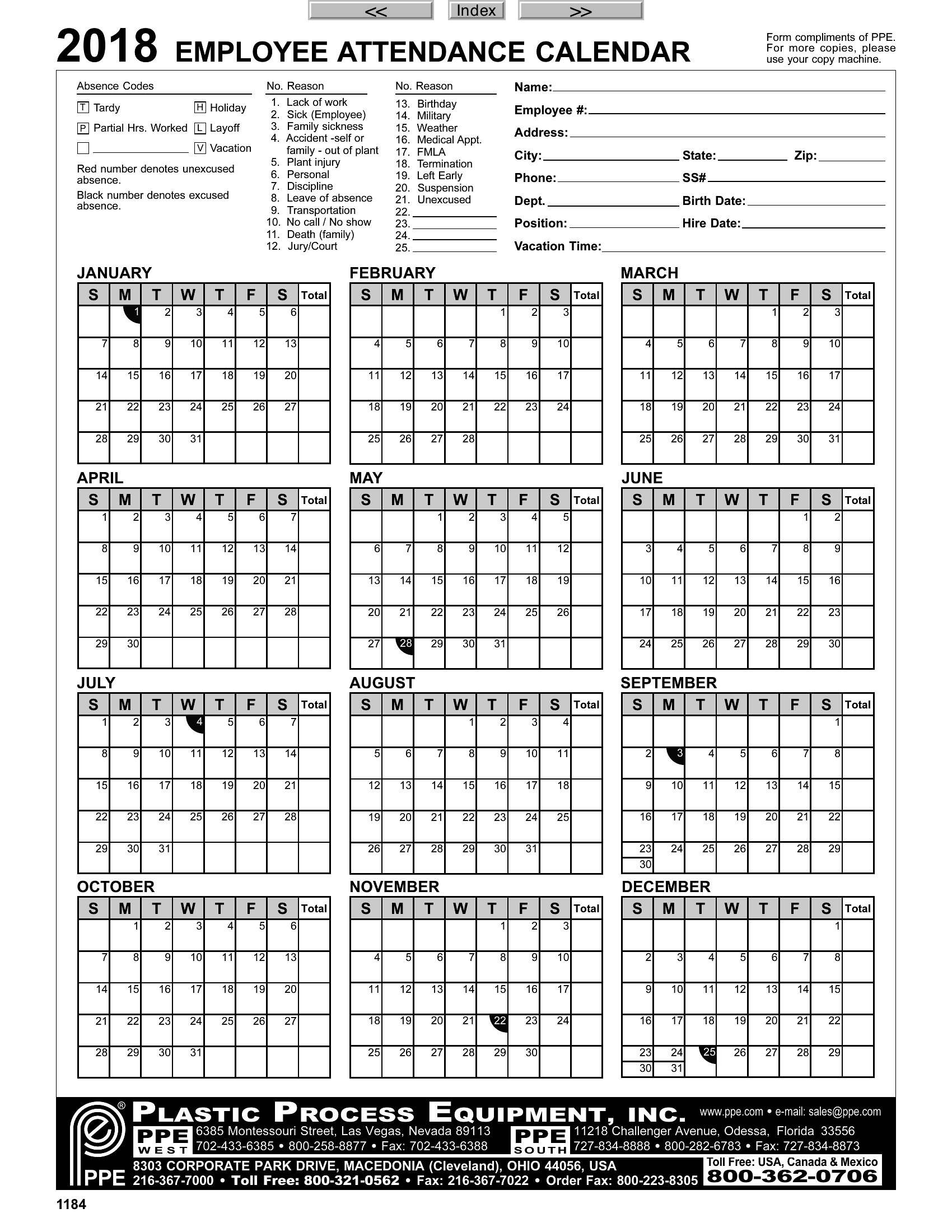
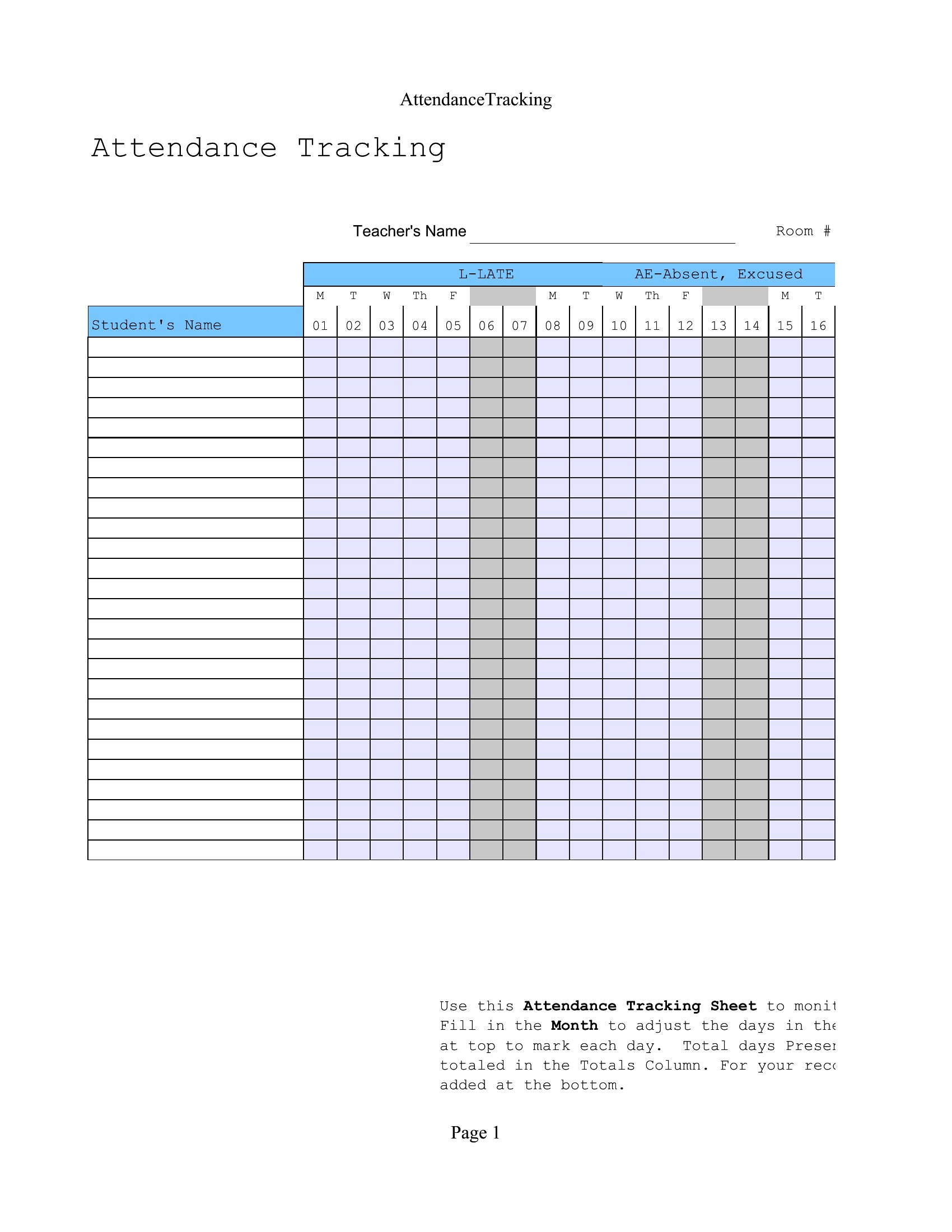
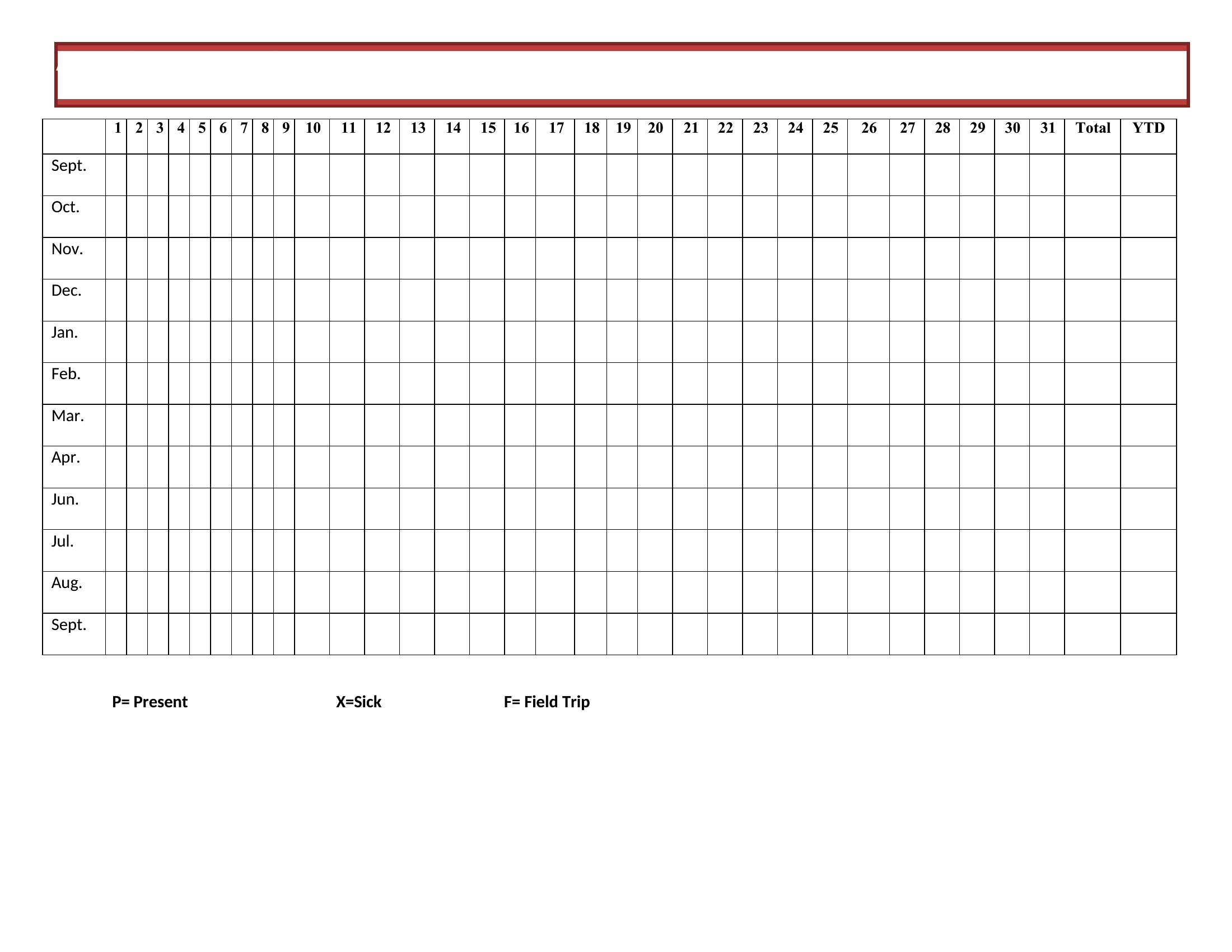
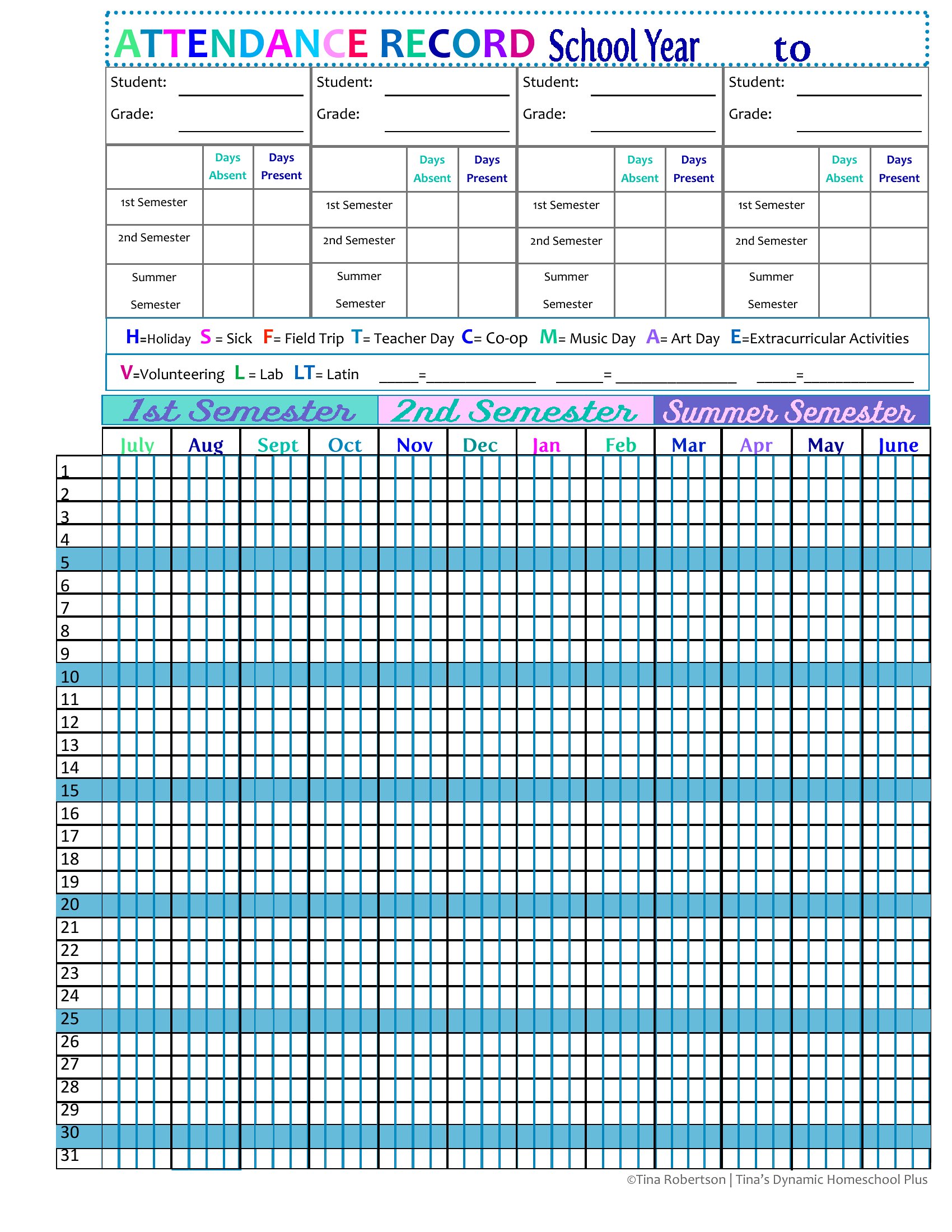
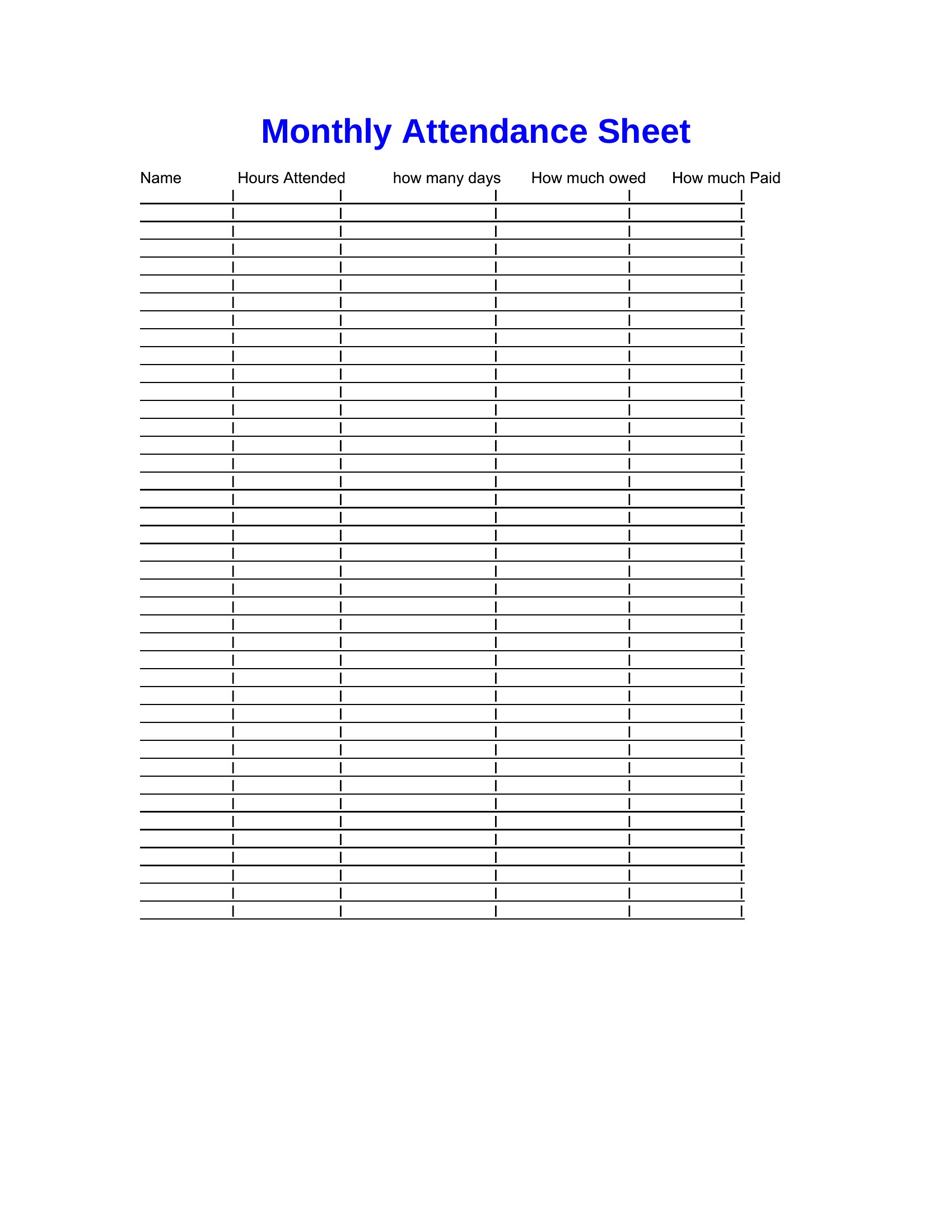
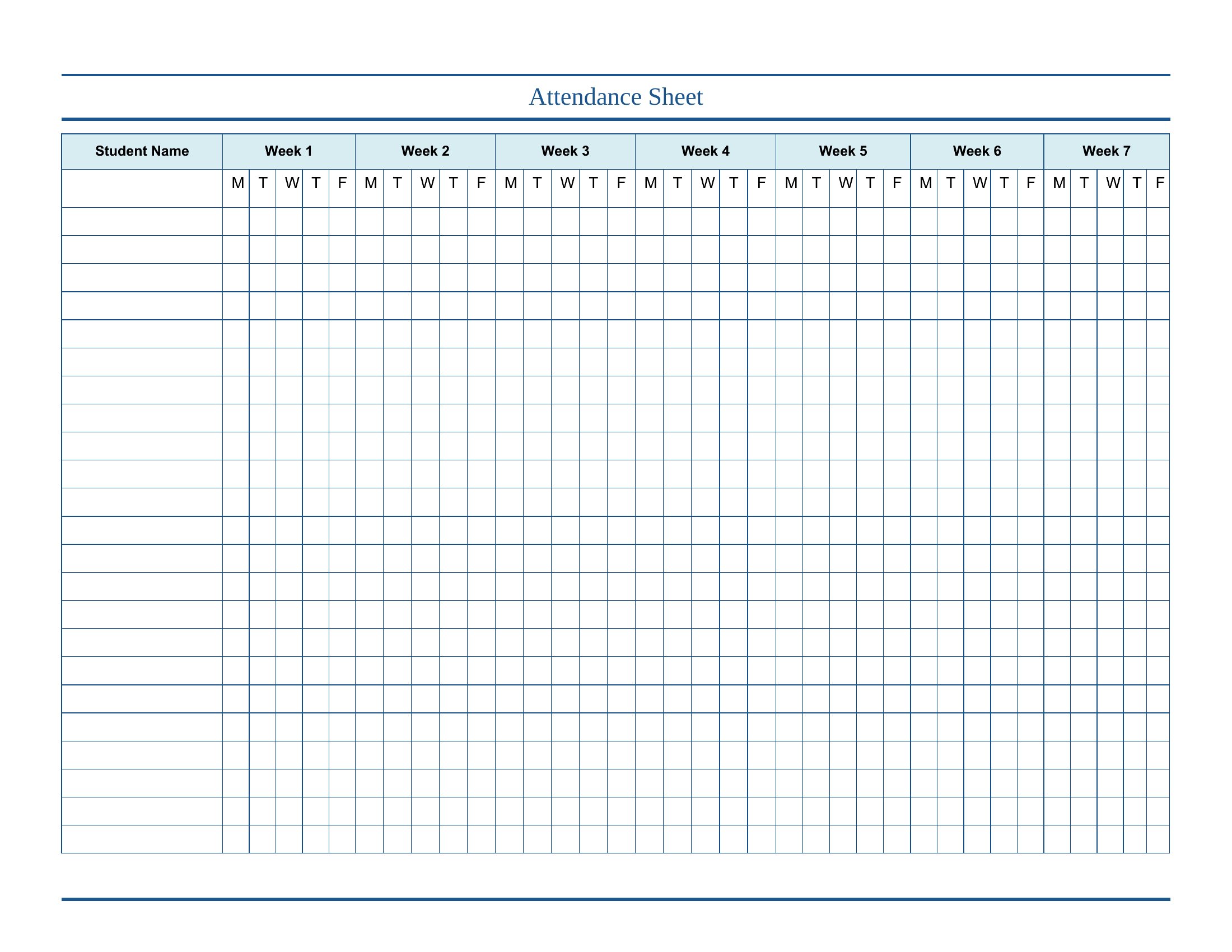
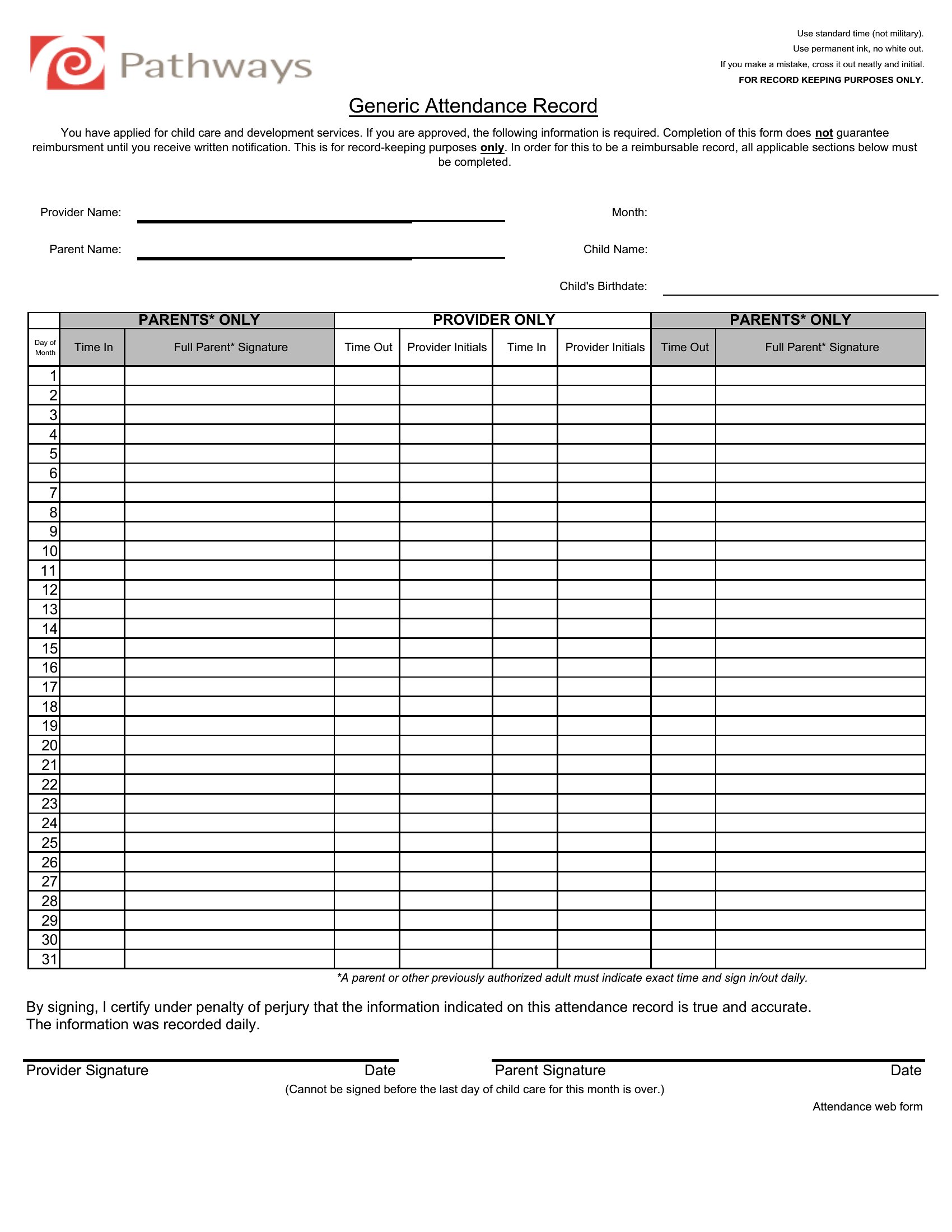
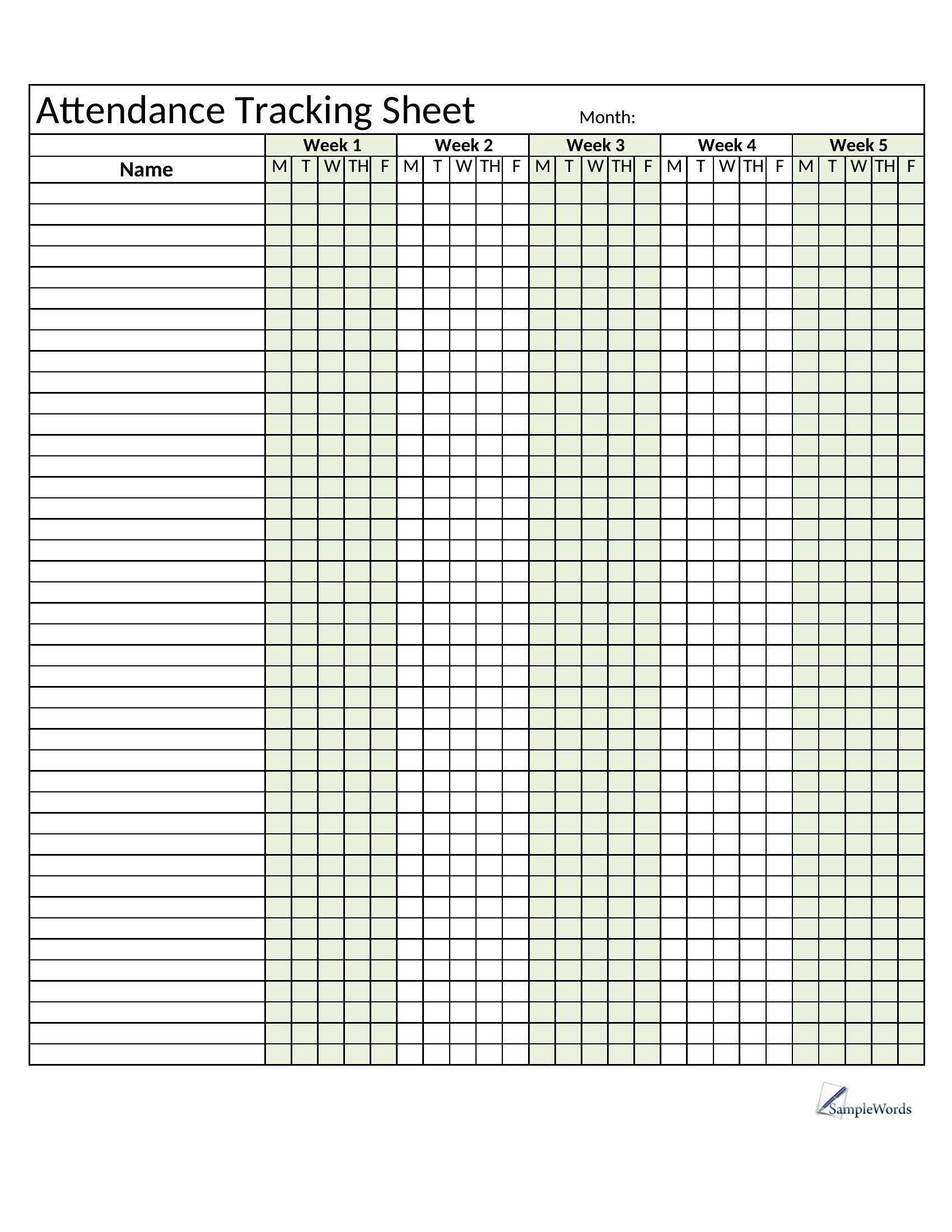
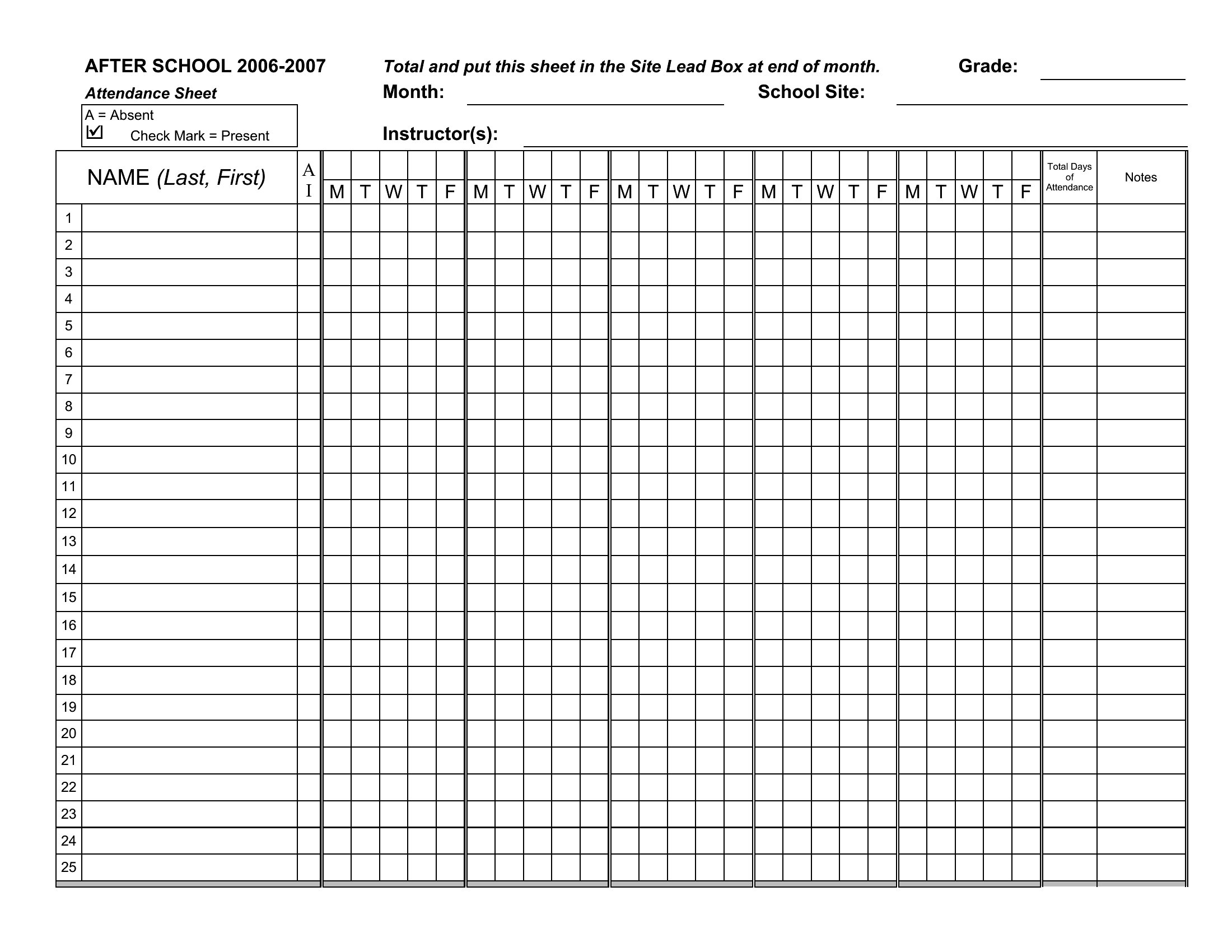
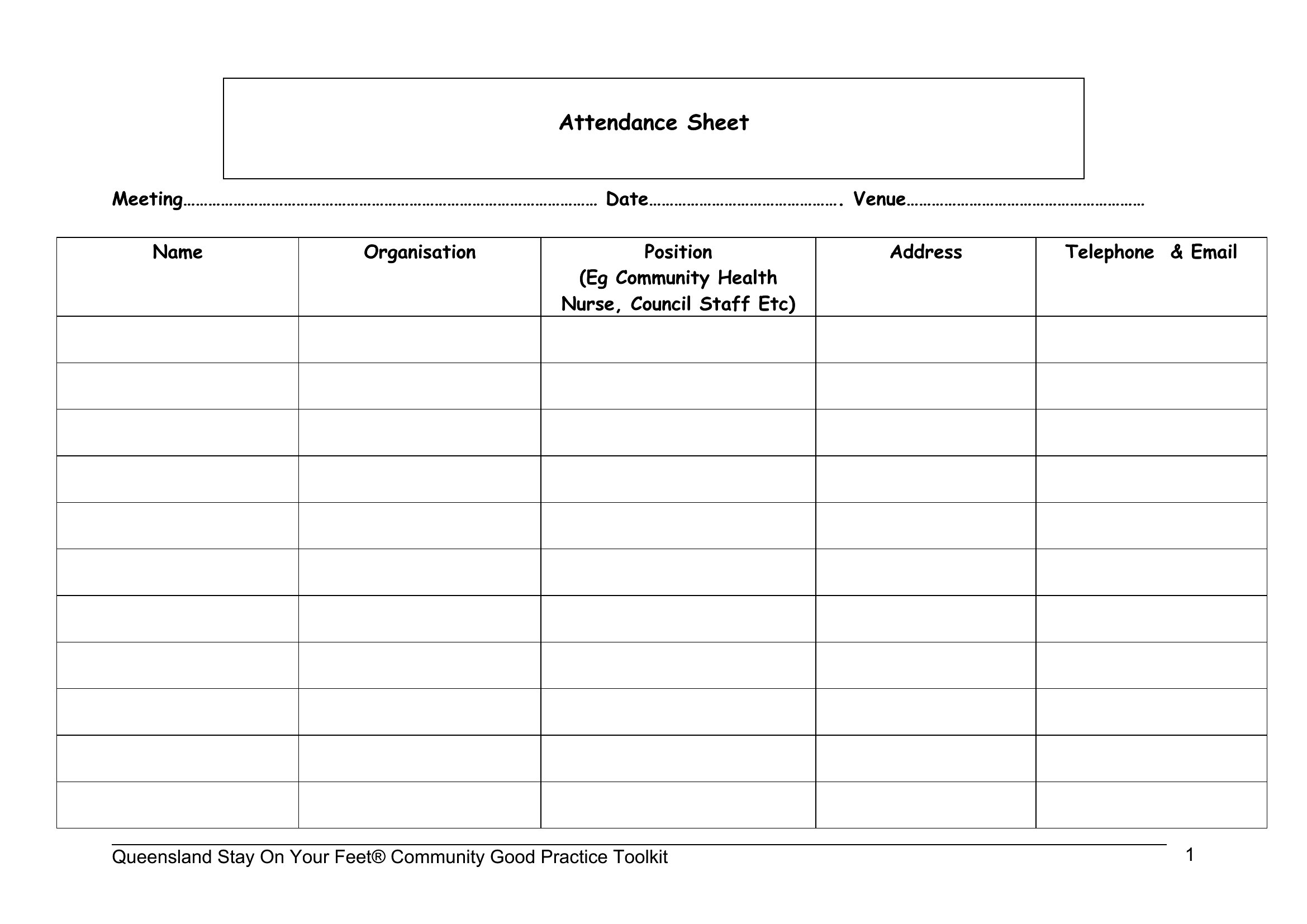
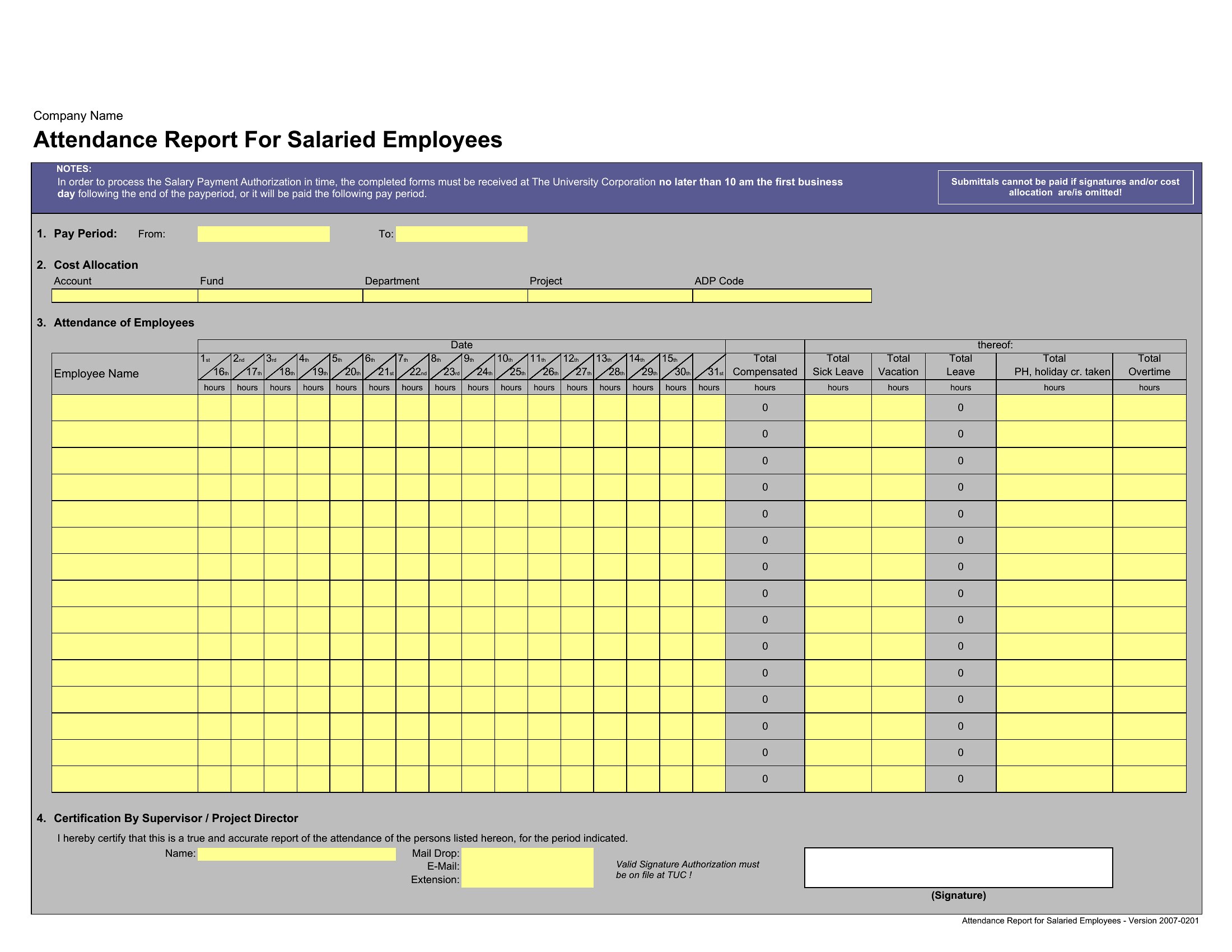
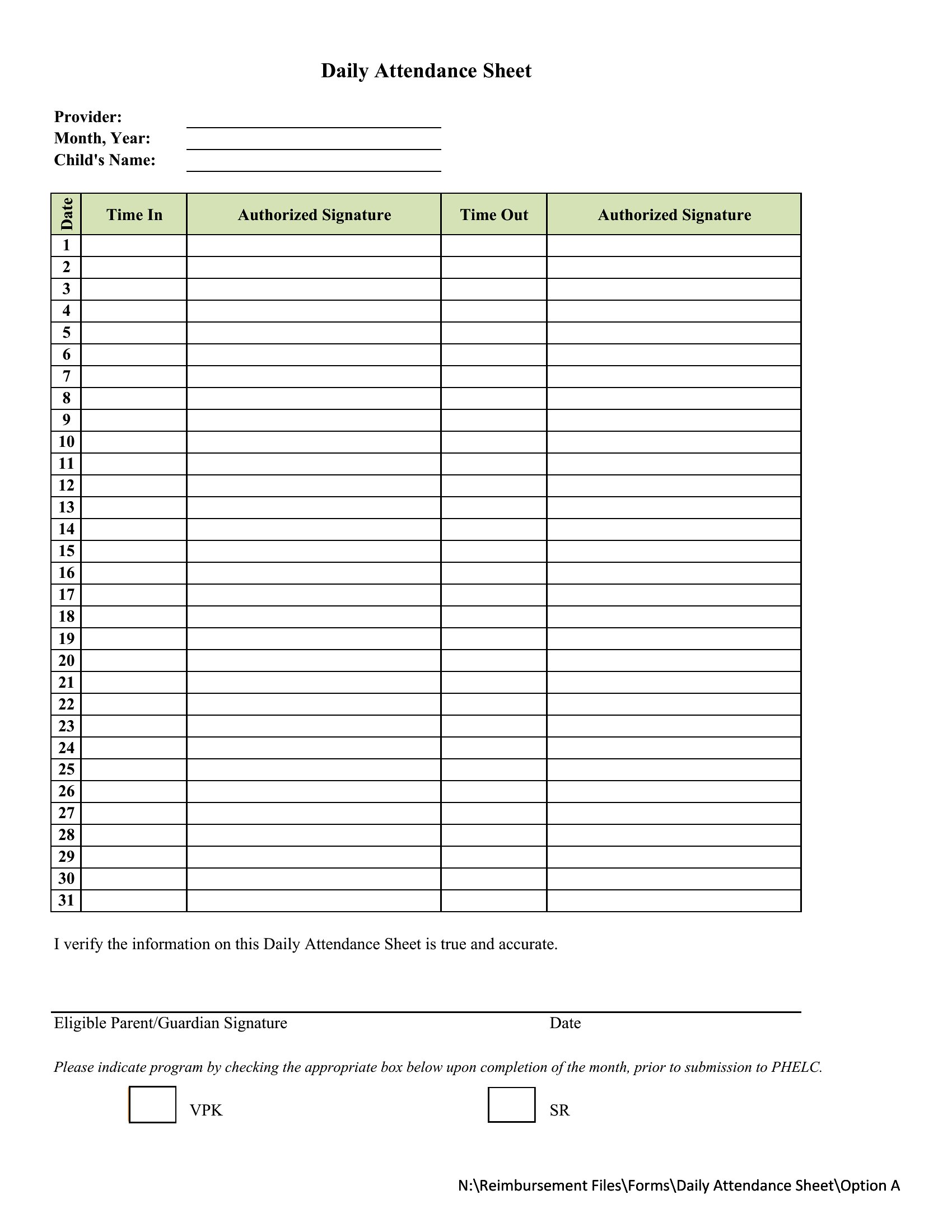
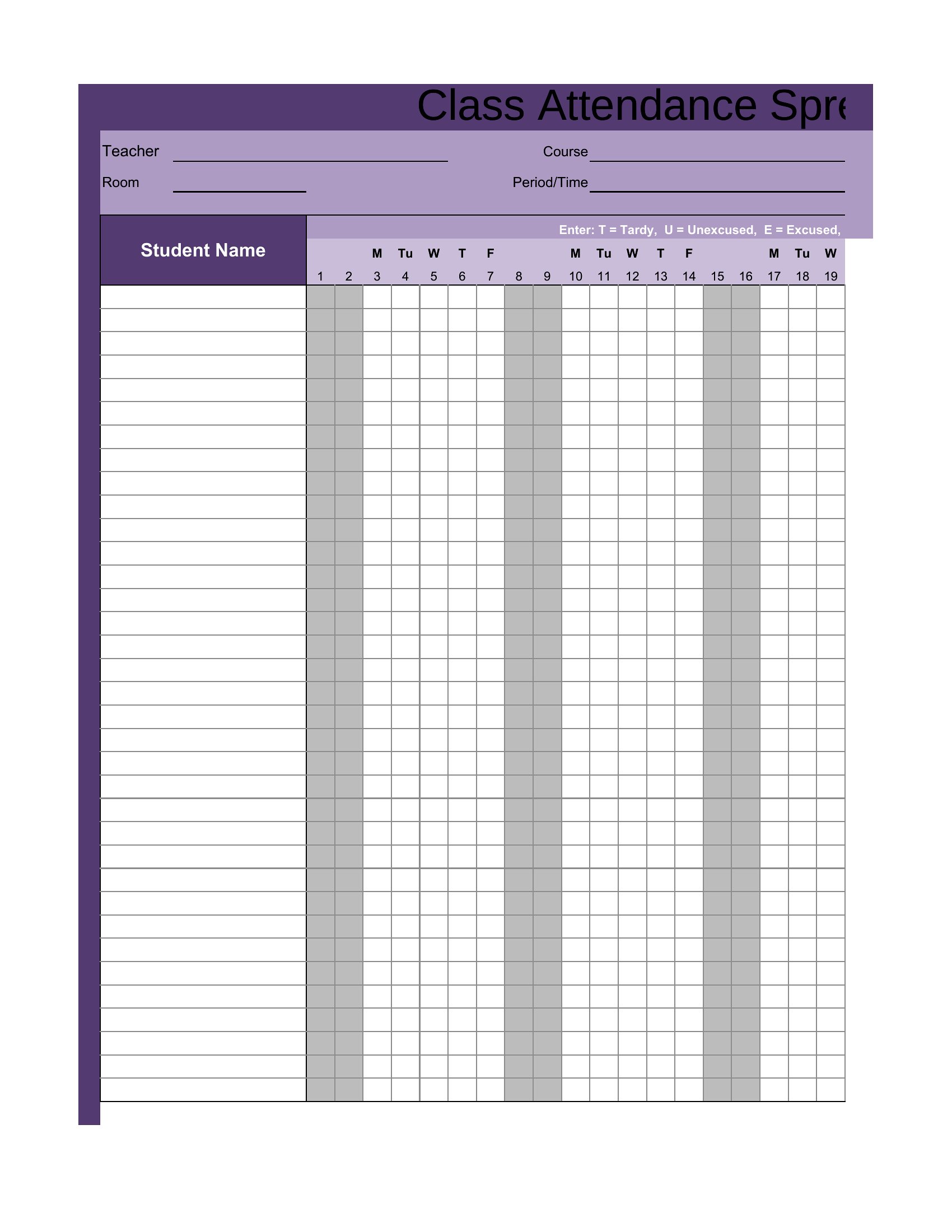
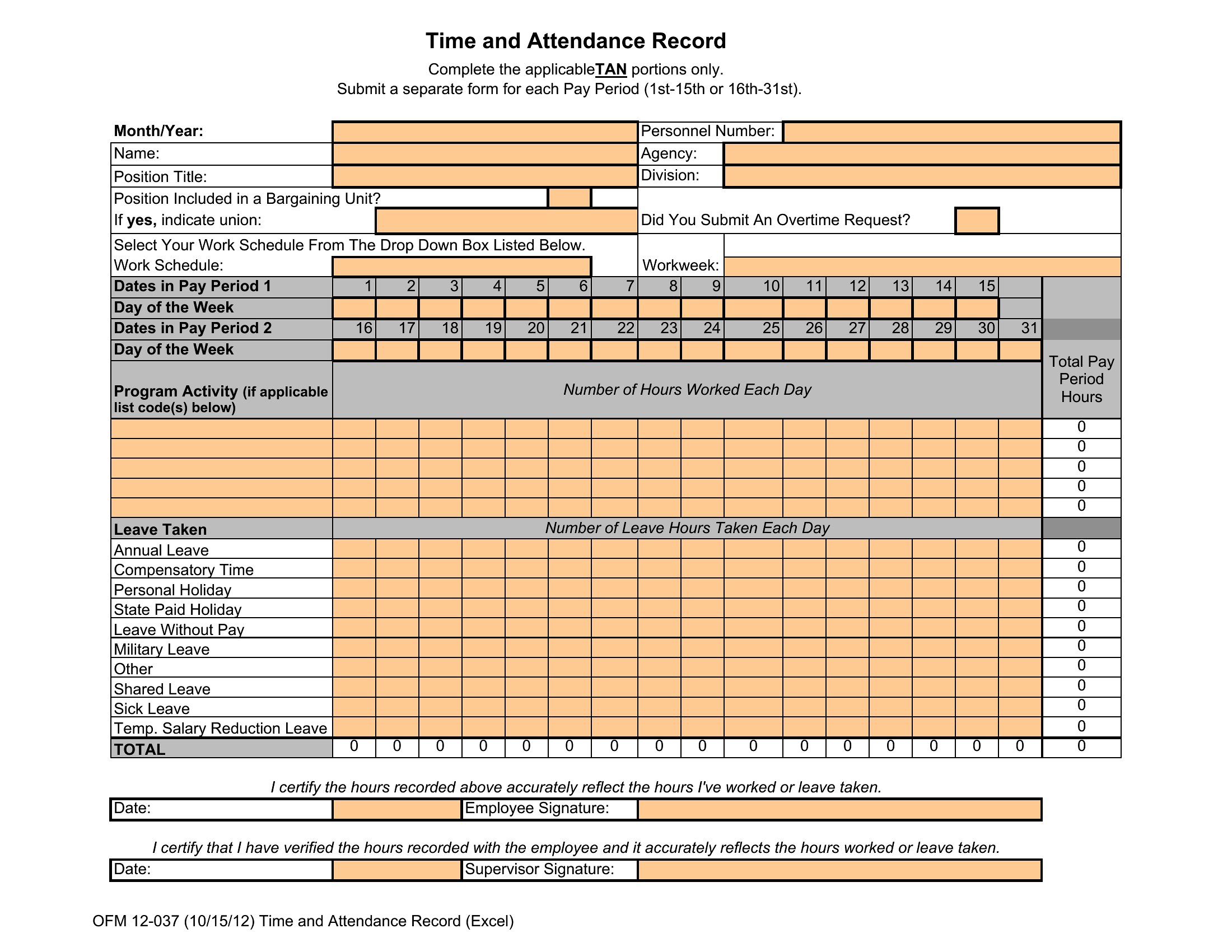
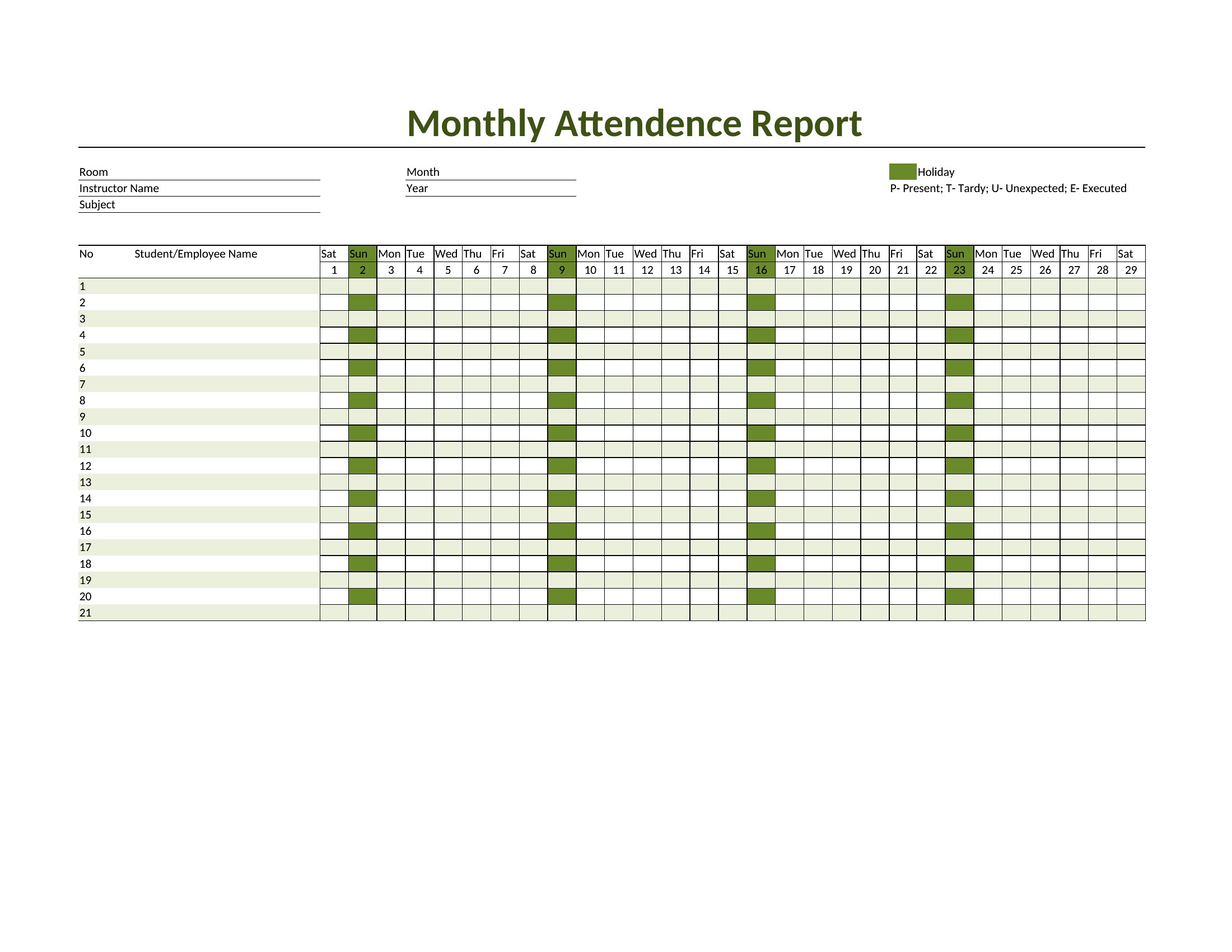
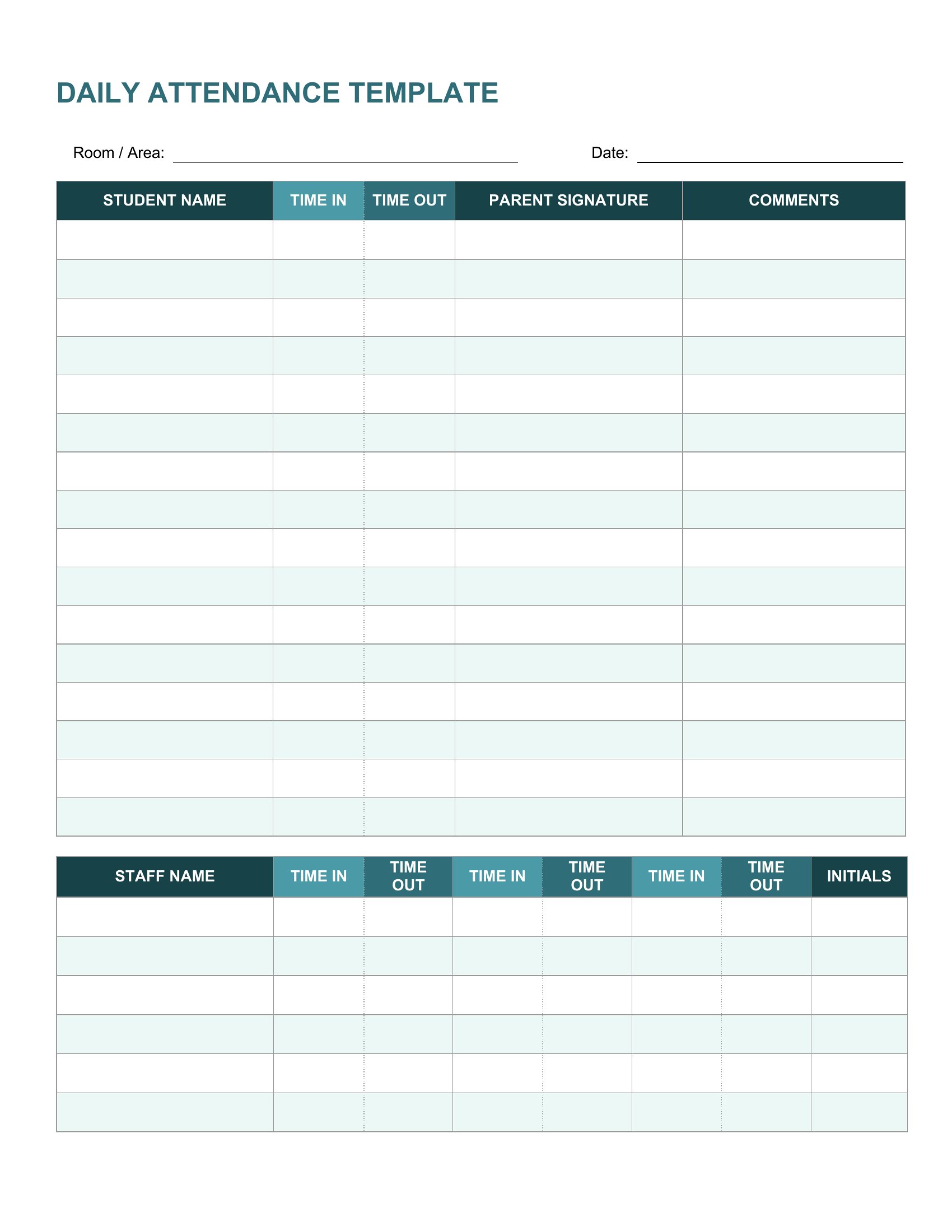
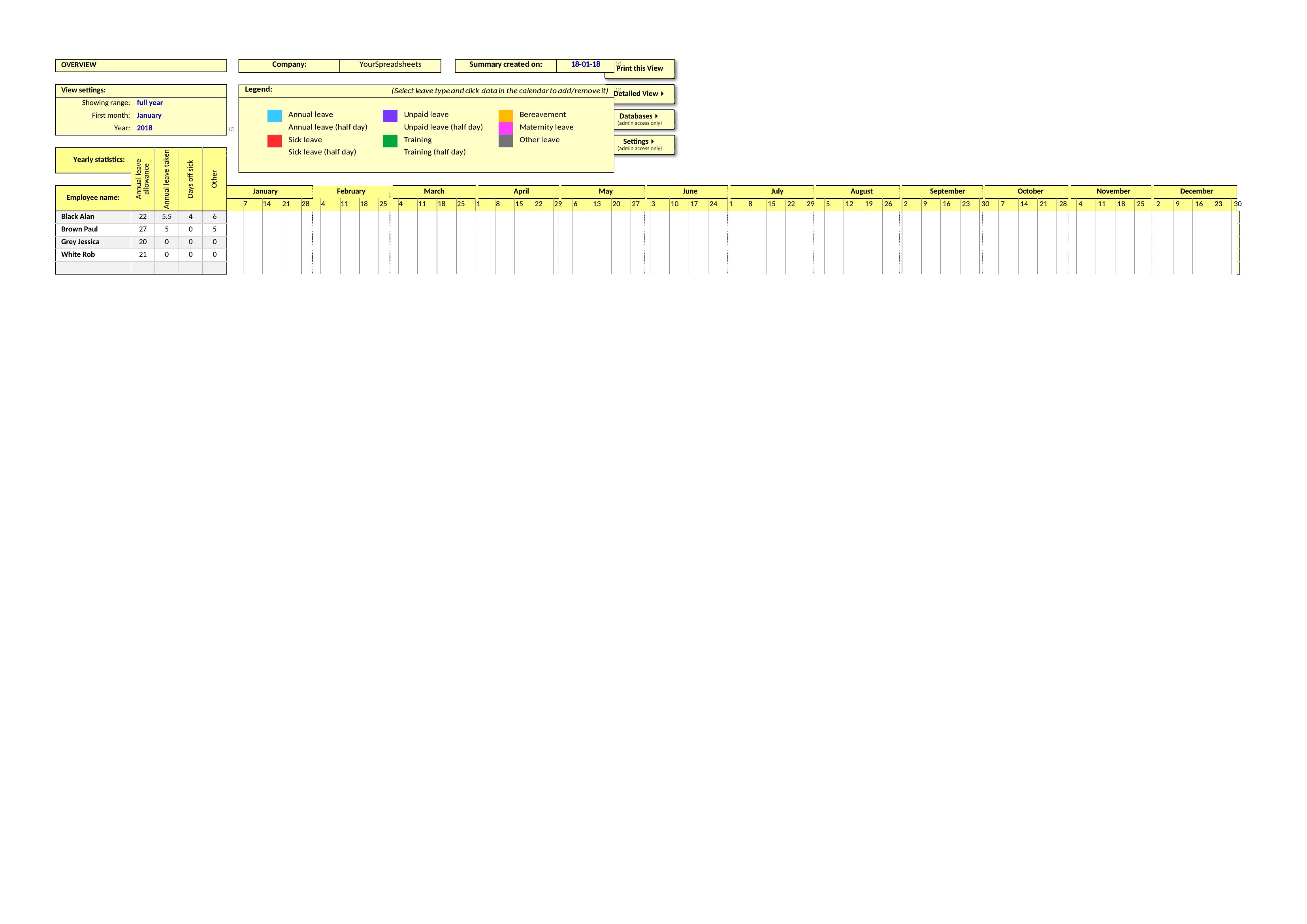
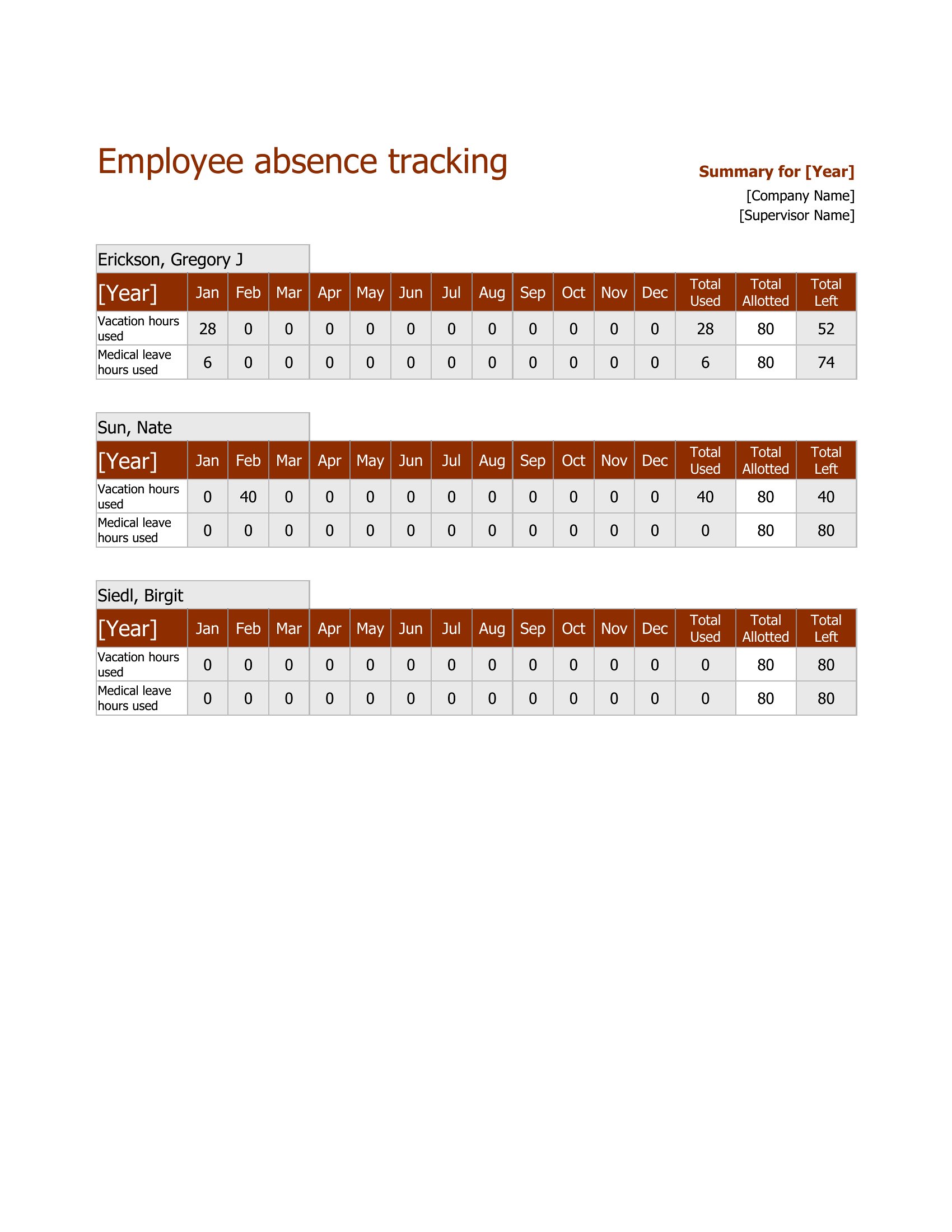
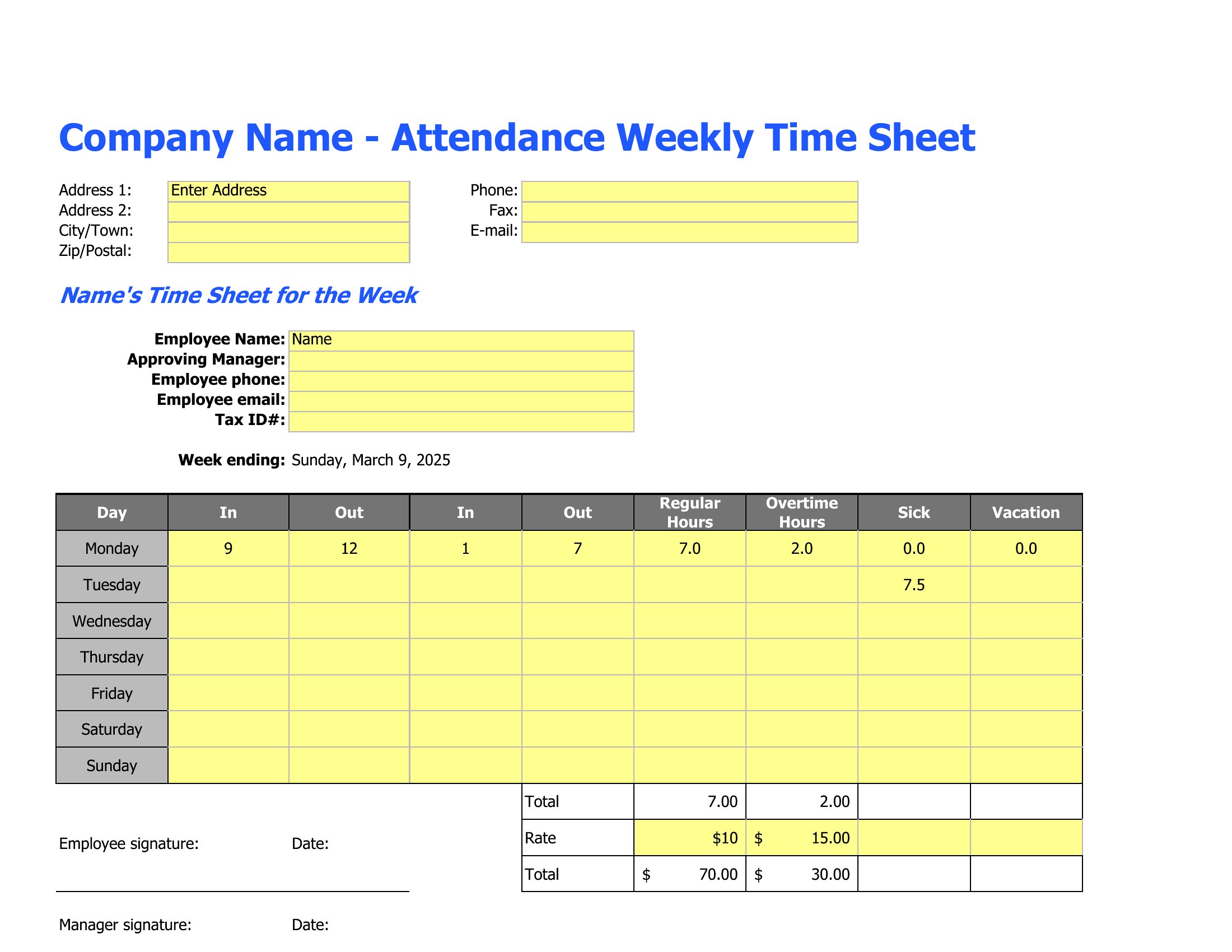
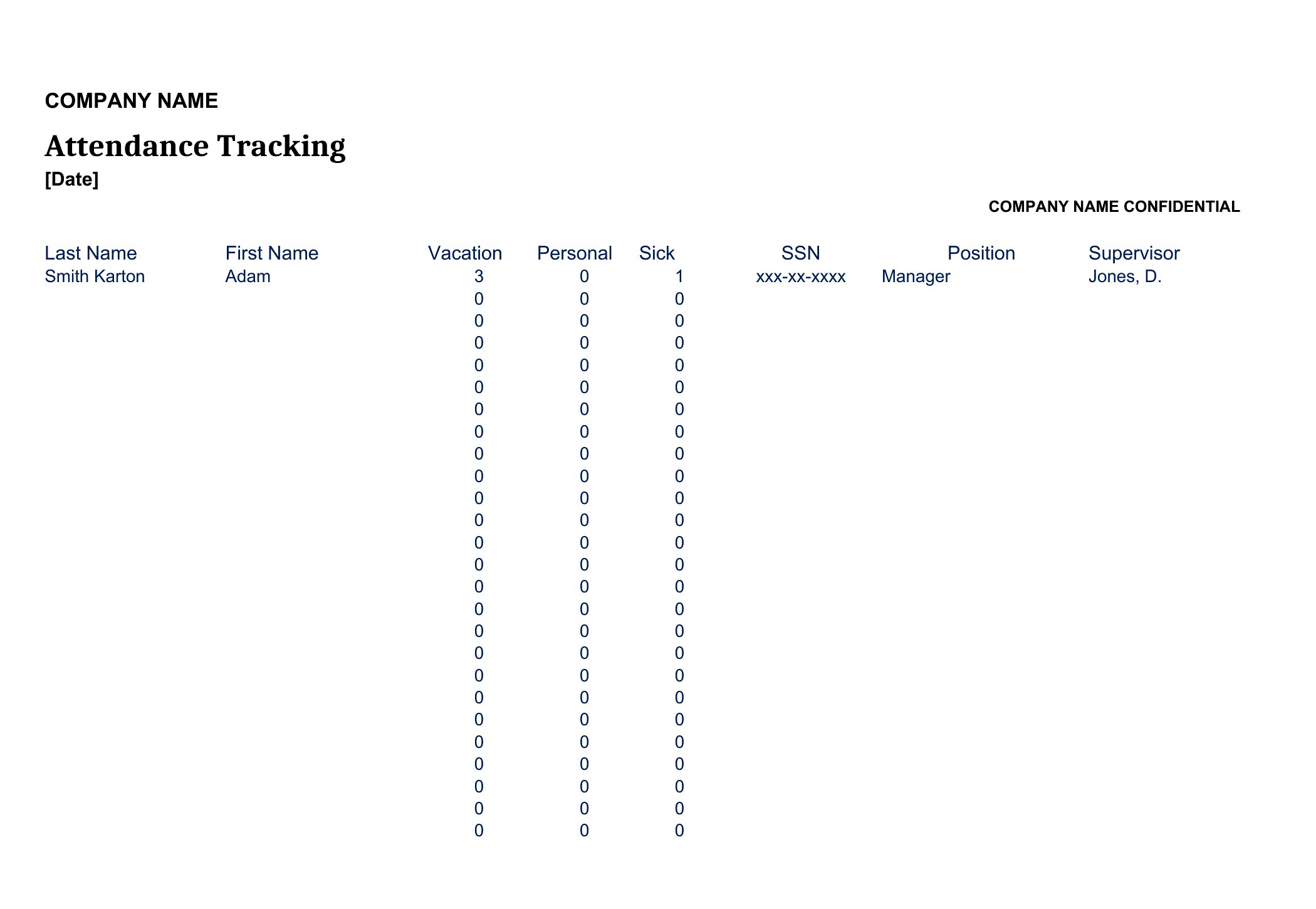
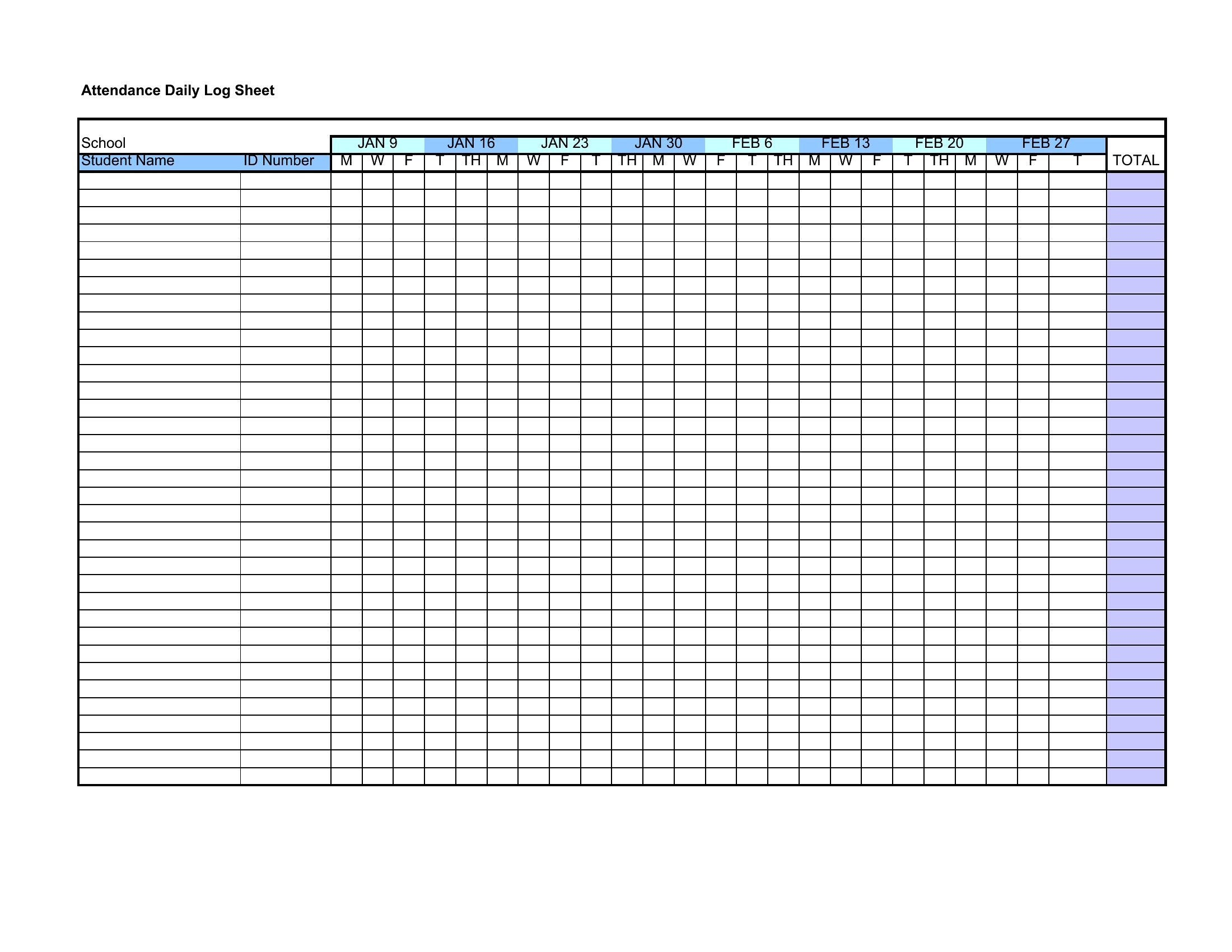
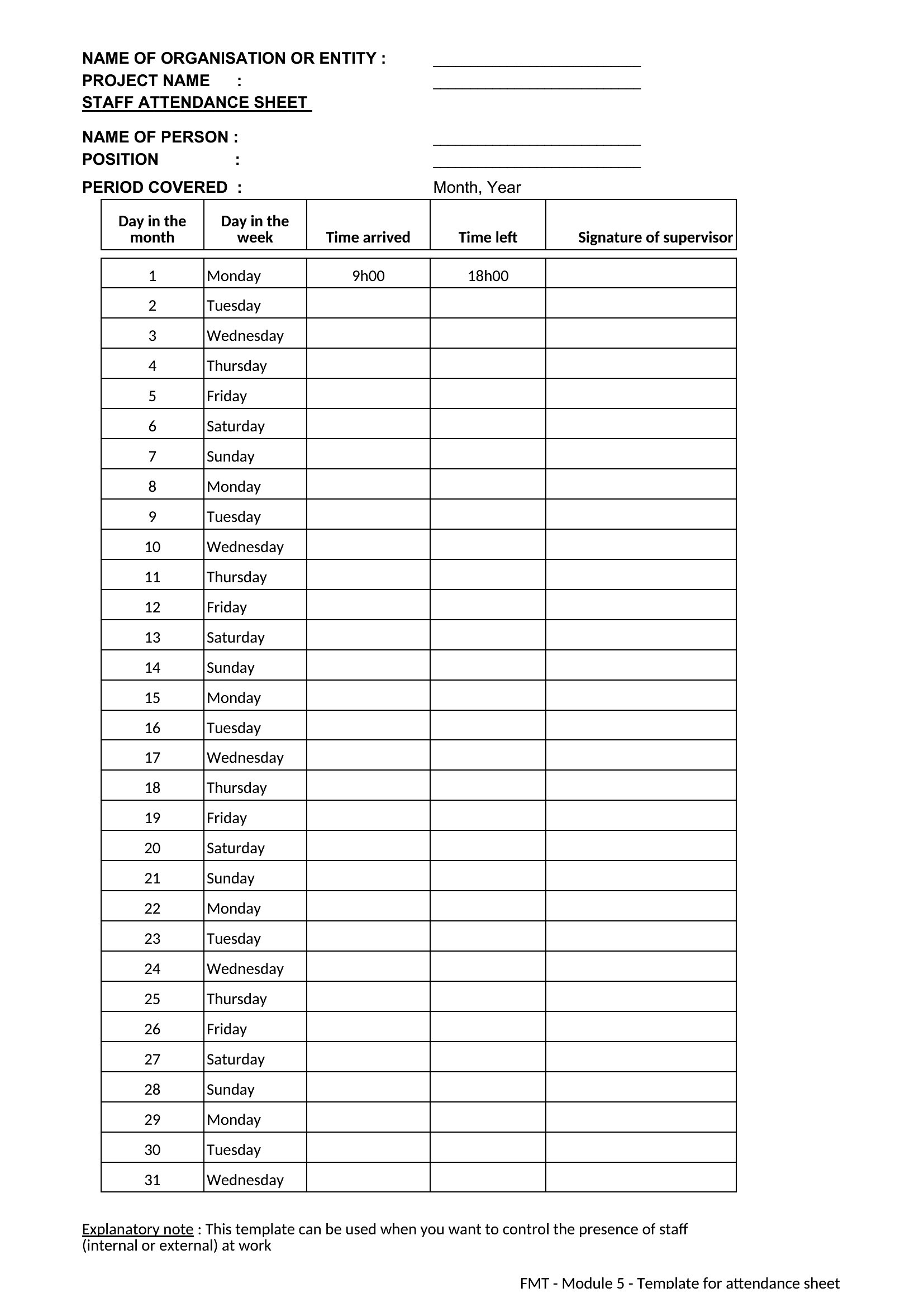
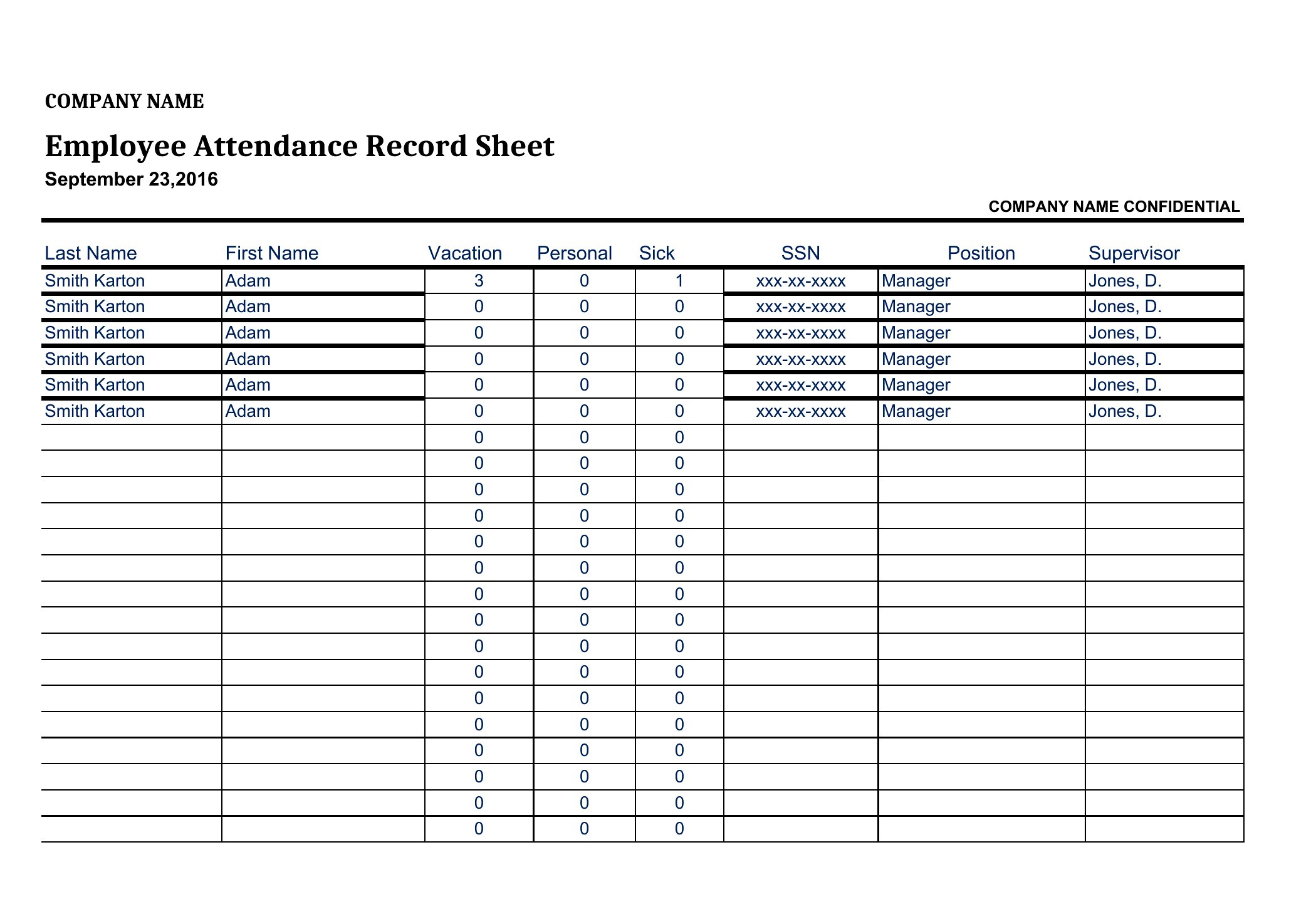
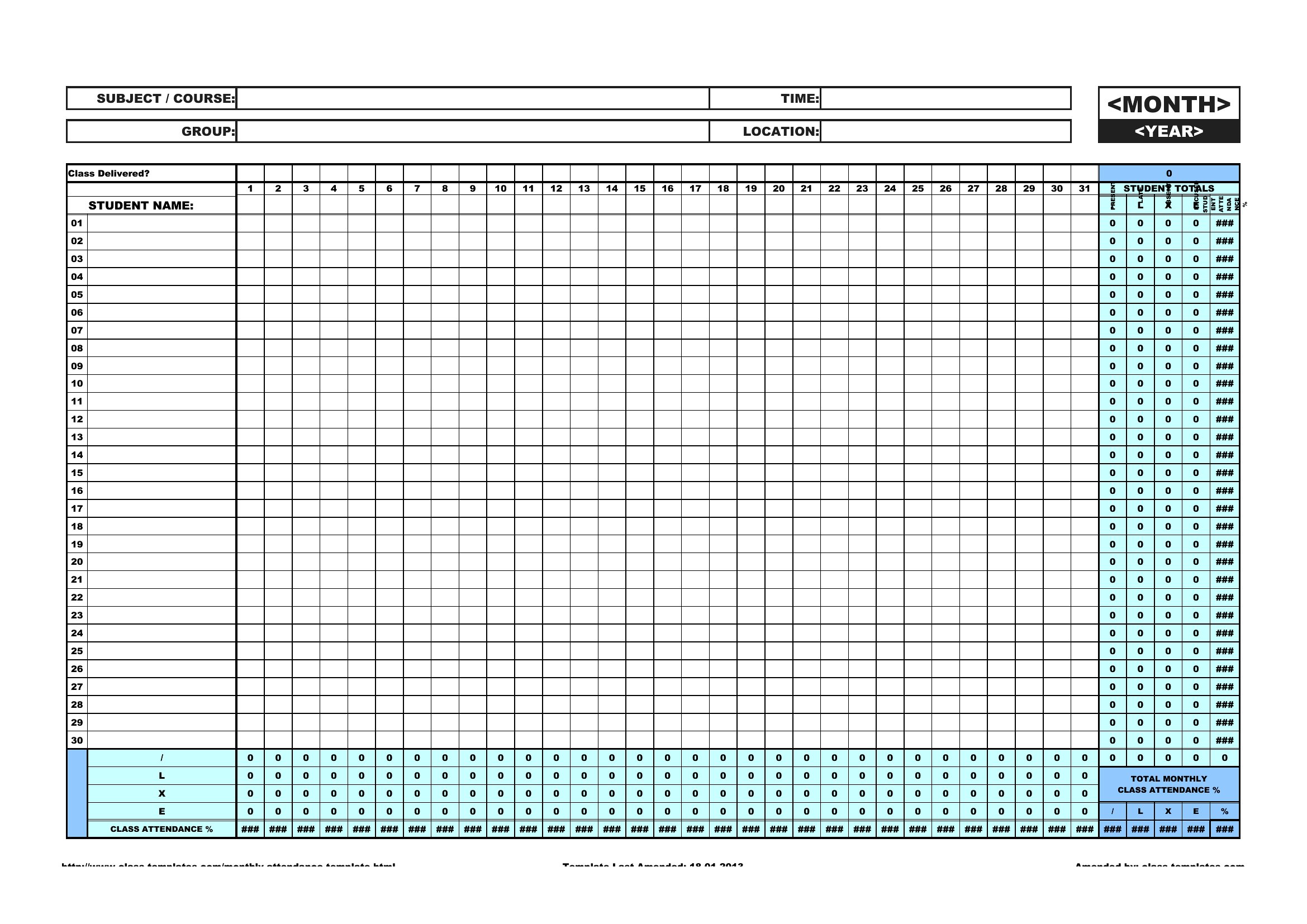
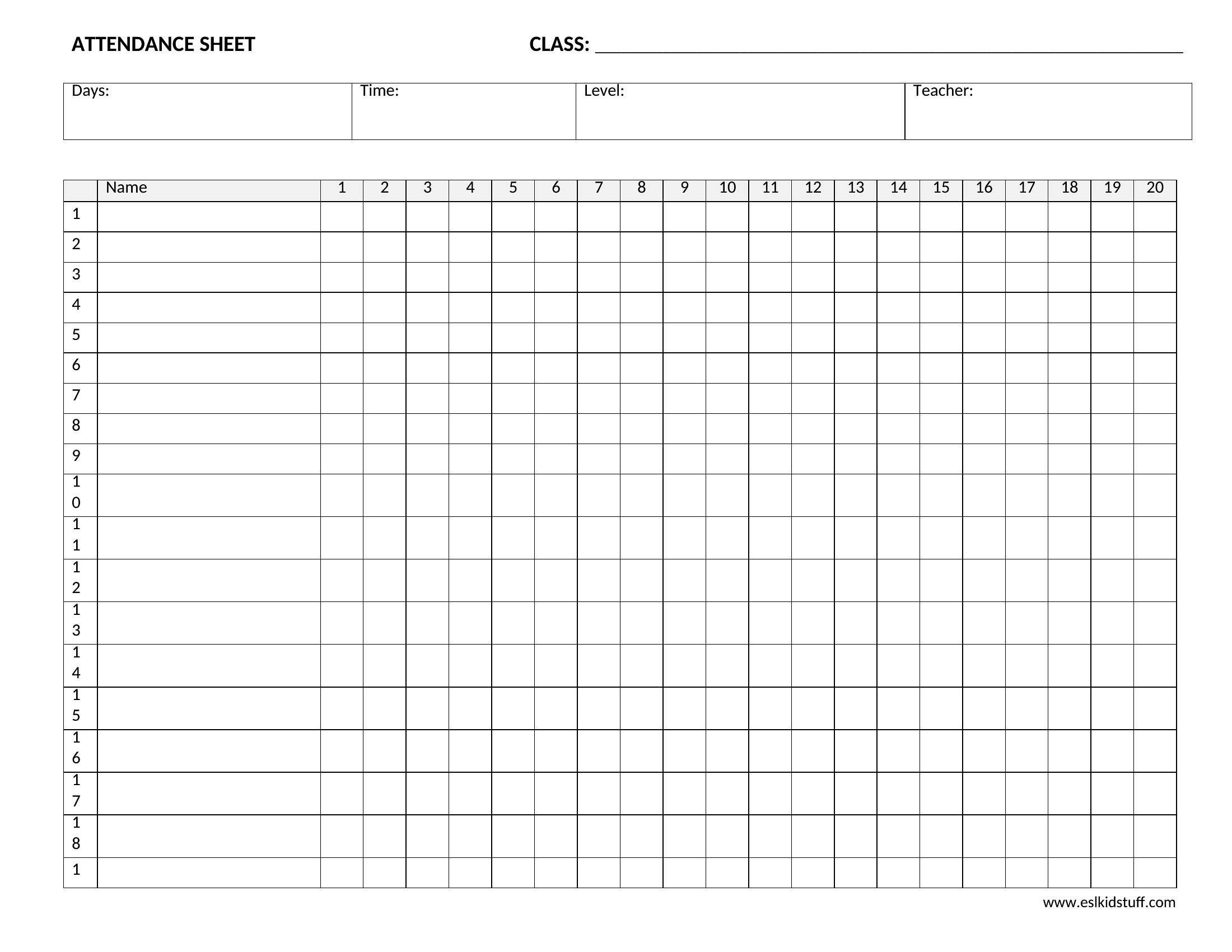
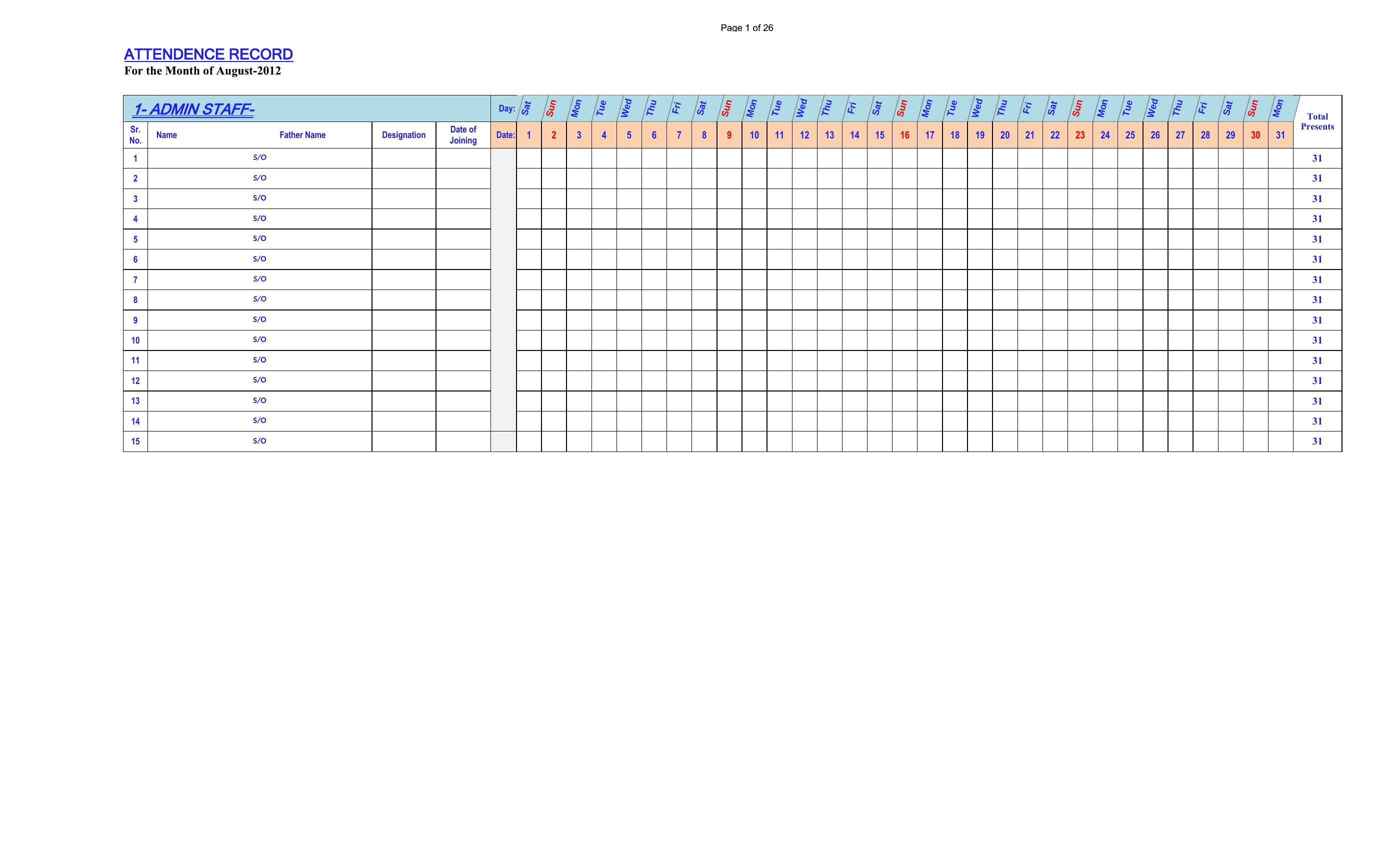
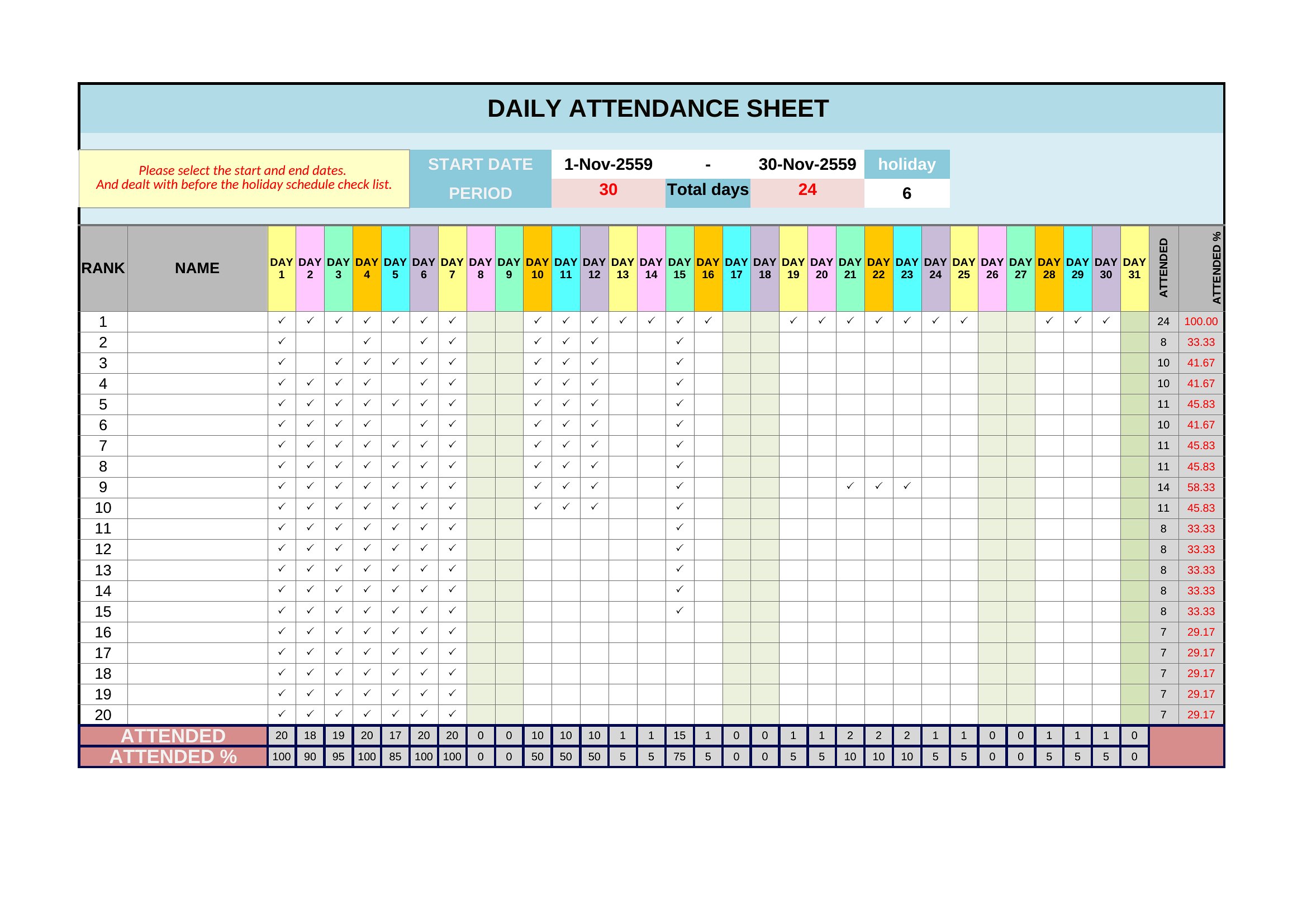
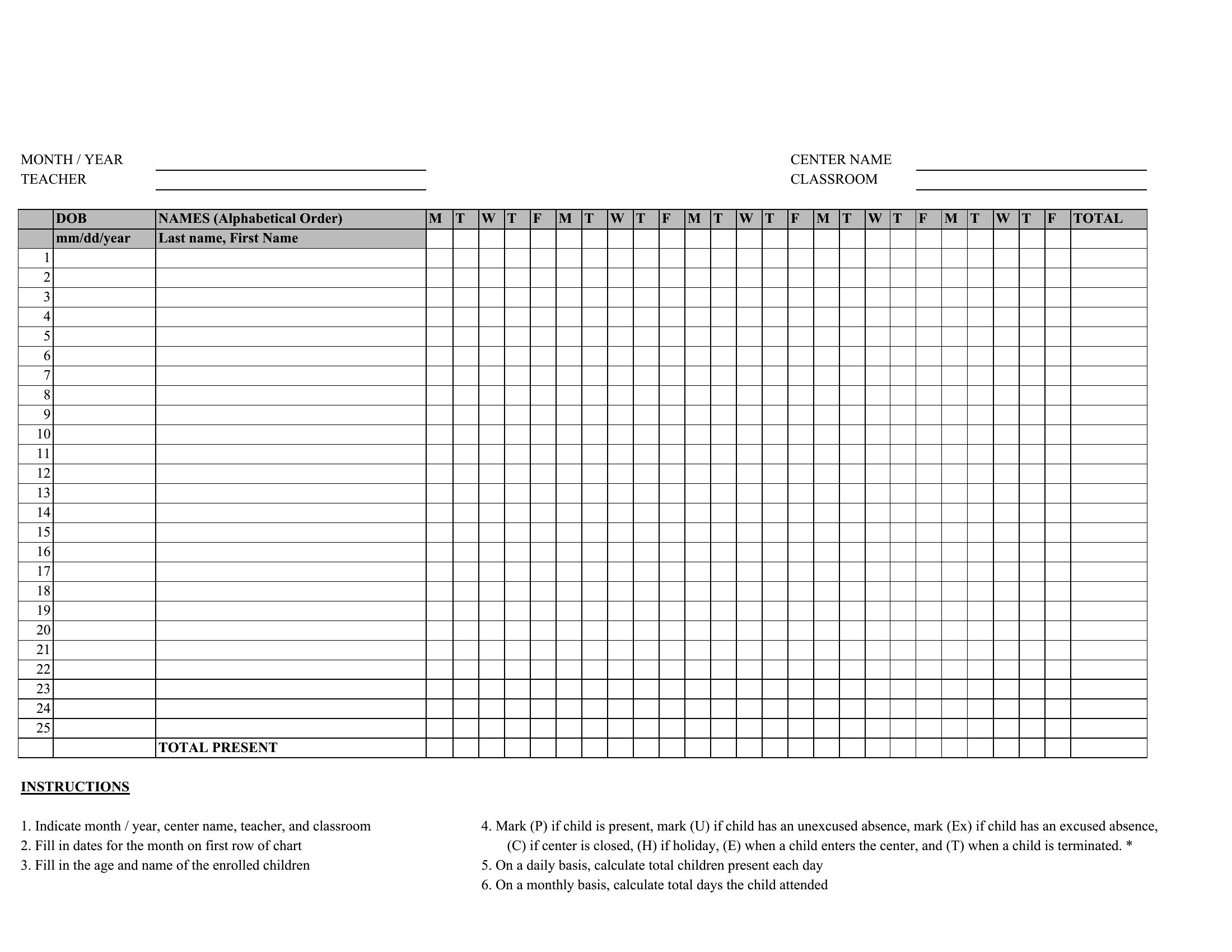
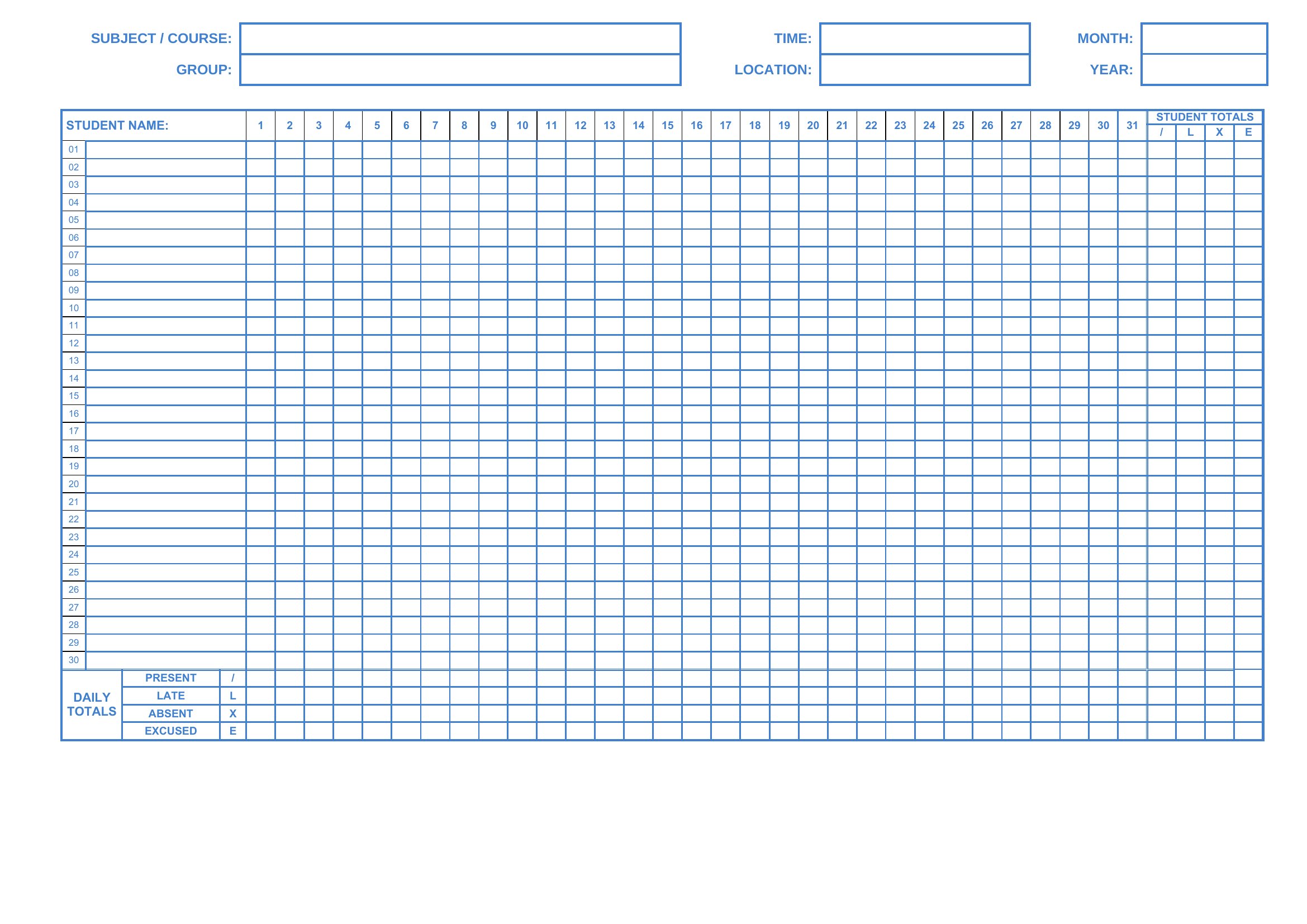
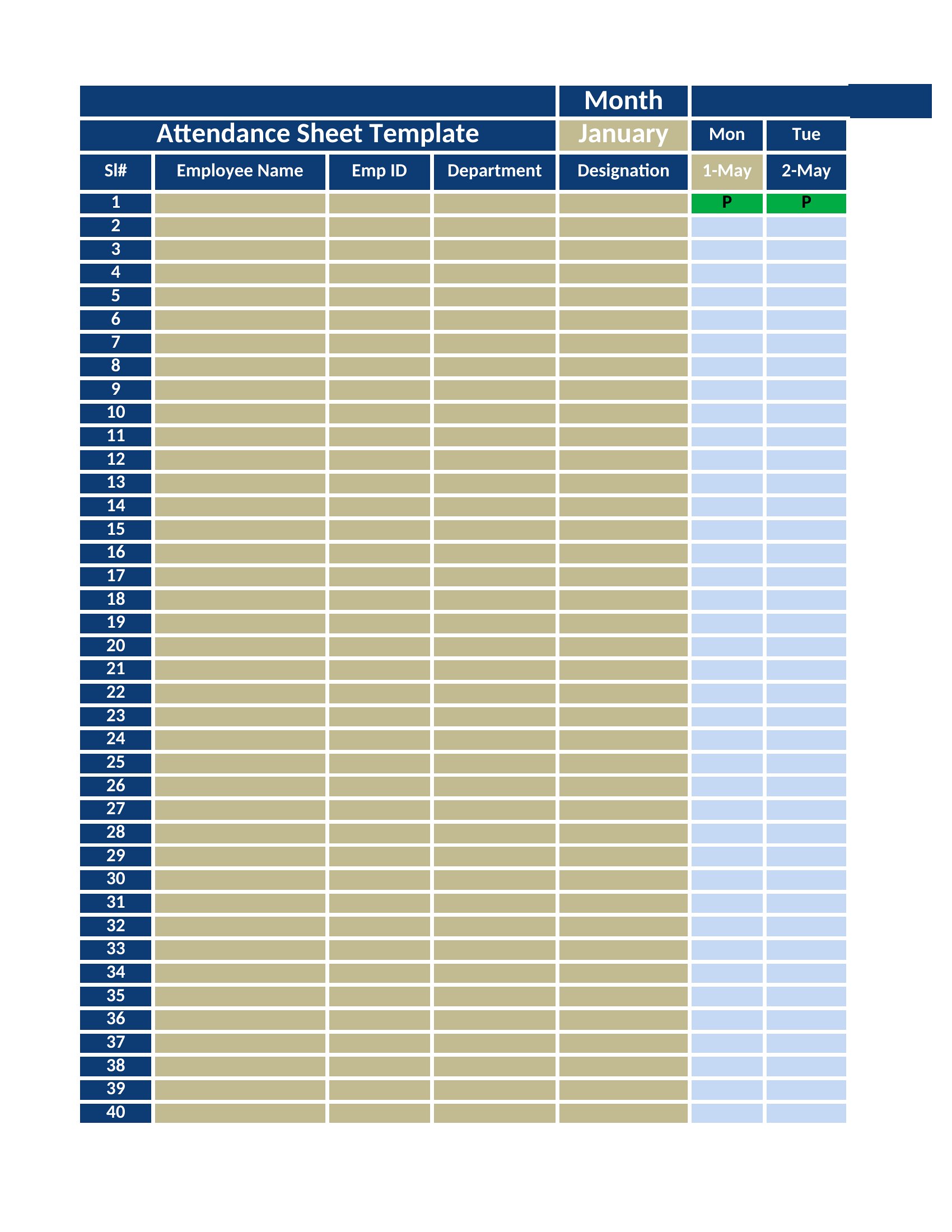
Keeping tabs on who showed up shouldn't mean flipping through scraps of paper. These 37 attendance tracker templates give teachers, team leads, and club organizers a clean grid for marking present, absent, late, or excused across days, weeks, or a whole term. The layouts cover classrooms, employee shifts, meetings, and volunteer rosters.

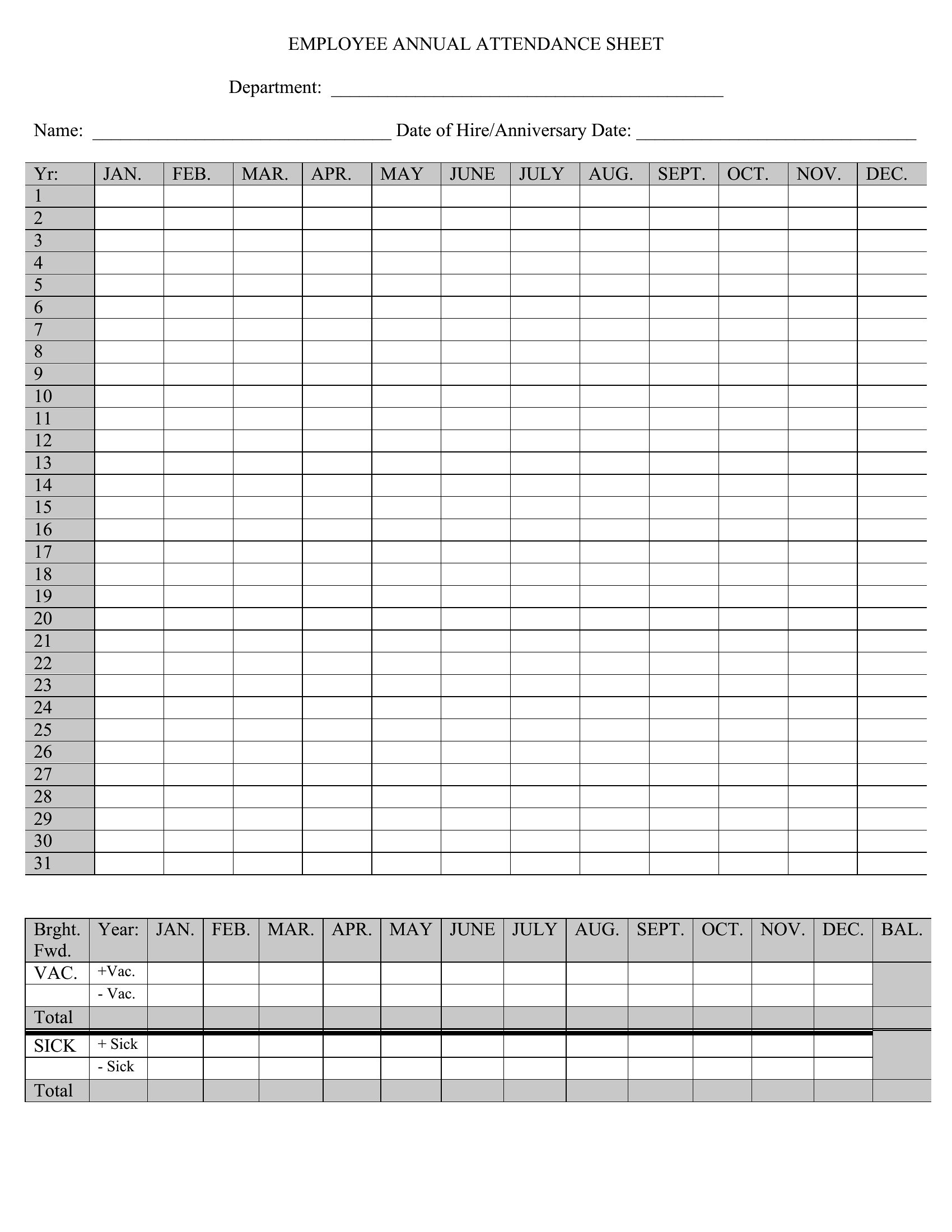
Use the Excel versions to total absences automatically as you fill in each cell, the Word files when you'd rather type or print a simple sheet, and the PDFs for a quick clipboard copy. Add your names down the side, set your date range across the top, and you're tracking in minutes. Download whichever format fits how you work and stop guessing at attendance.

When to use this Attendance Tracker template

  • Elementary school teachers tracking daily attendance for 25 students during a 9-week field trip program, needing color-coded sections for excused vs. unexcused absences to spot participation trends quickly.
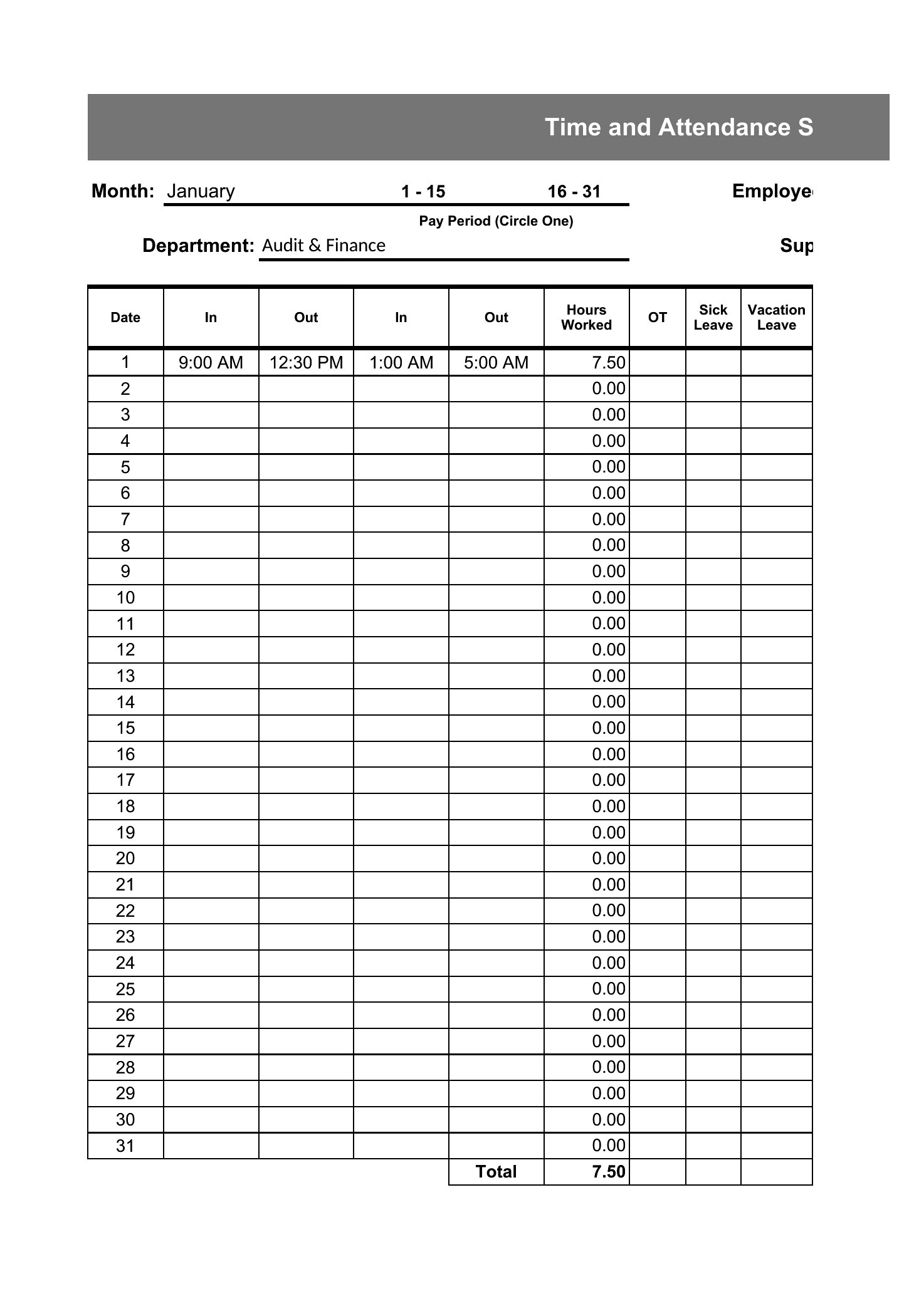
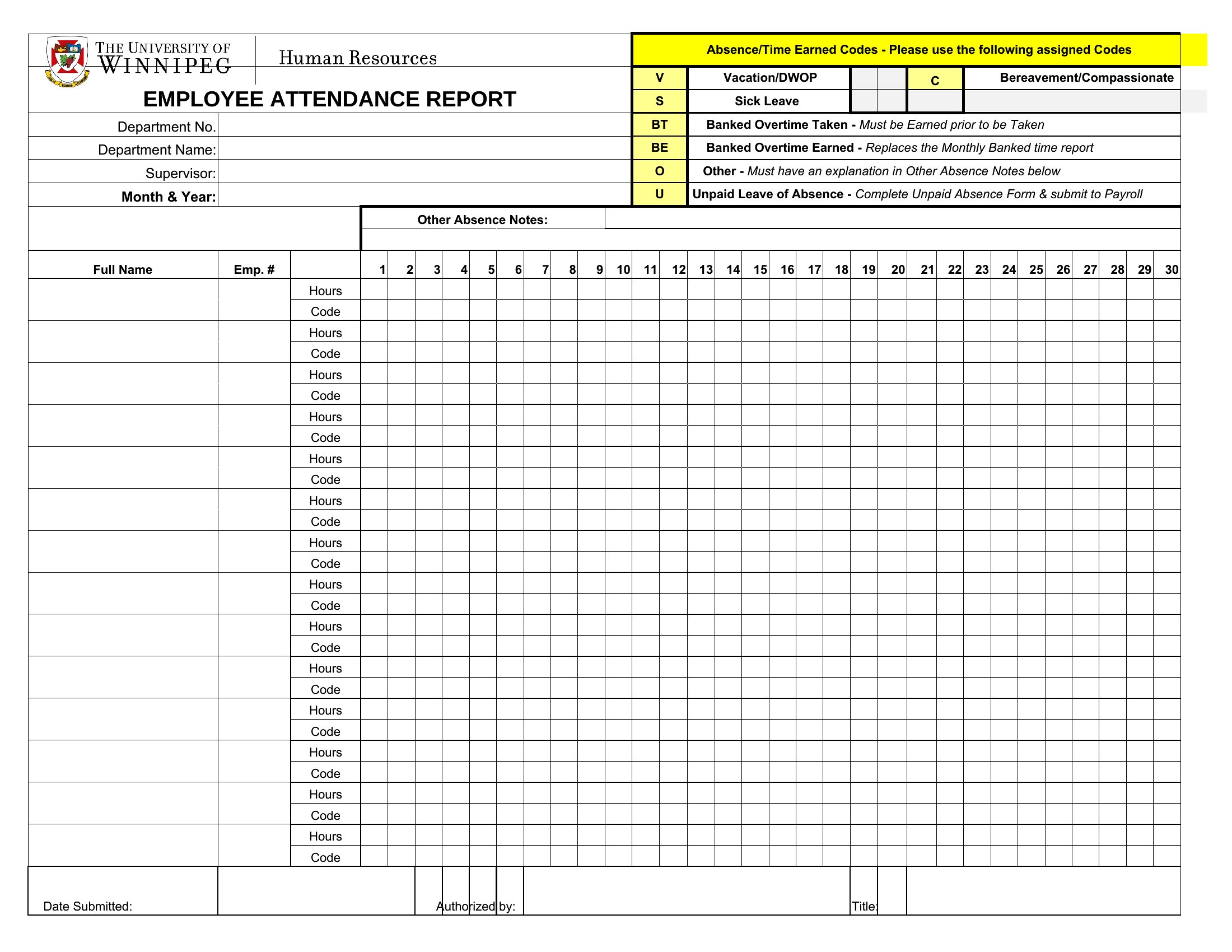
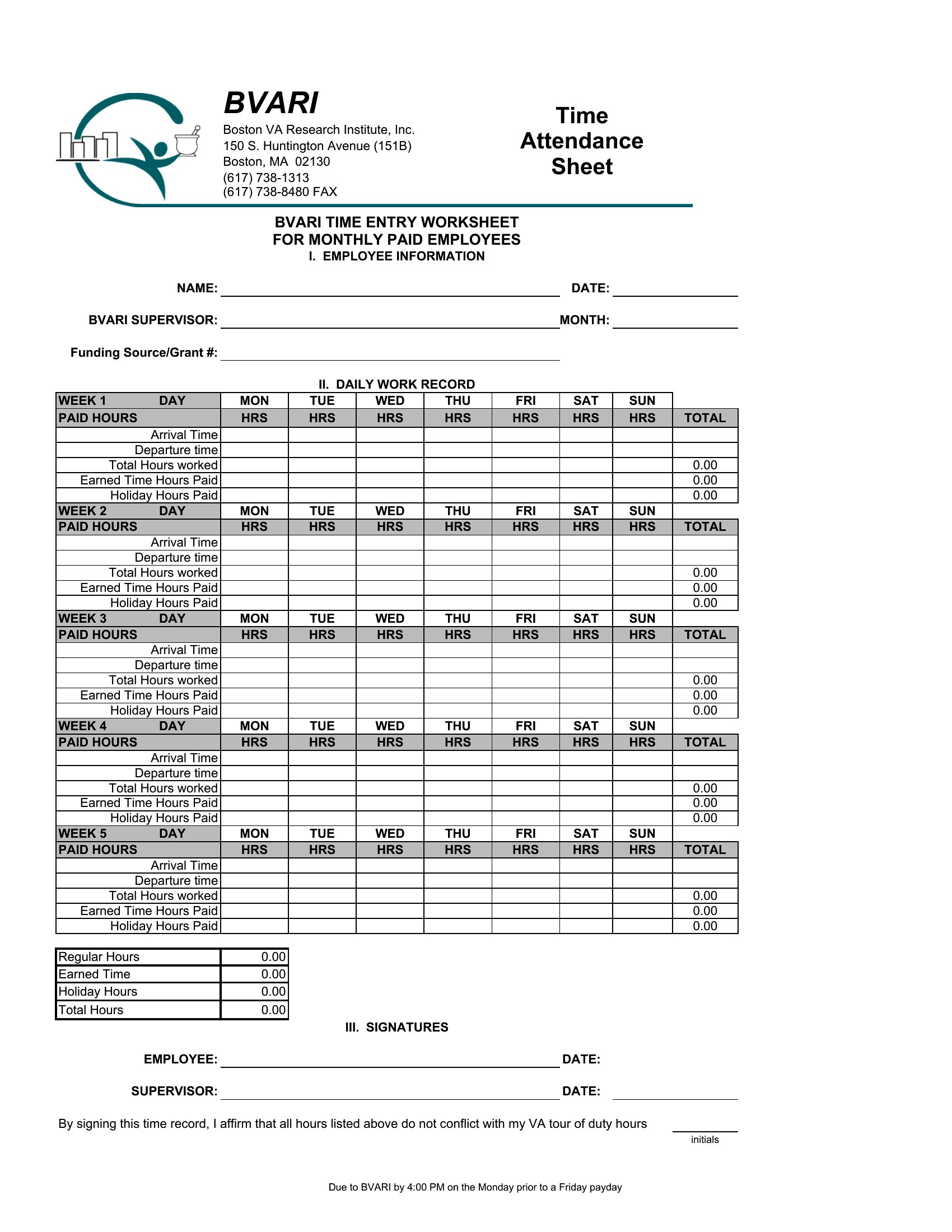
  • A small business manager overseeing three night-shift employees, requiring a weekly Excel tracker that auto-calculates overtime-eligible late arrivals while integrating with payroll data for HR compliance checks.
  • Youth sports coaches organizing a 12-player rec league, where a fillable PDF attendance sheet helps parents sign waivers electronically while marking practice attendance to justify league subsidies for low-turnout sessions.
  • Community center coordinators managing 40 volunteers across weekly blood drives, using a printable PDF tracker with checkboxes for shift-specific roles to ensure proper staffing ratios during high-demand periods.

Which format should I download?

WordExcelPDF

Use Excel when you need automated calculations—like tallying total absences, calculating average attendance rates, or pulling data into reports for administrators reviewing compliance. The Excel templates are ideal for large groups or recurring schedules where manual entry would be error-prone. Choose Word for simple, one-time tracking (like a parent-teacher meeting sign-in sheet) where you prefer typing names directly and sharing editable copies. PDF works best when you’re distributing the tracker to others who shouldn’t alter the layout—for example, sending a fillable form to parents to mark their child’s daily attendance or emailing a read-only version to team members who only need to submit their own records. For most school or volunteer scenarios, PDF ensures consistency in formatting across multiple submissions.

Choose from 37 Attendance Tracker Templates

How to use this Attendance Tracker template

Can these templates help distinguish between different types of absences beyond just 'present' or 'absent'?

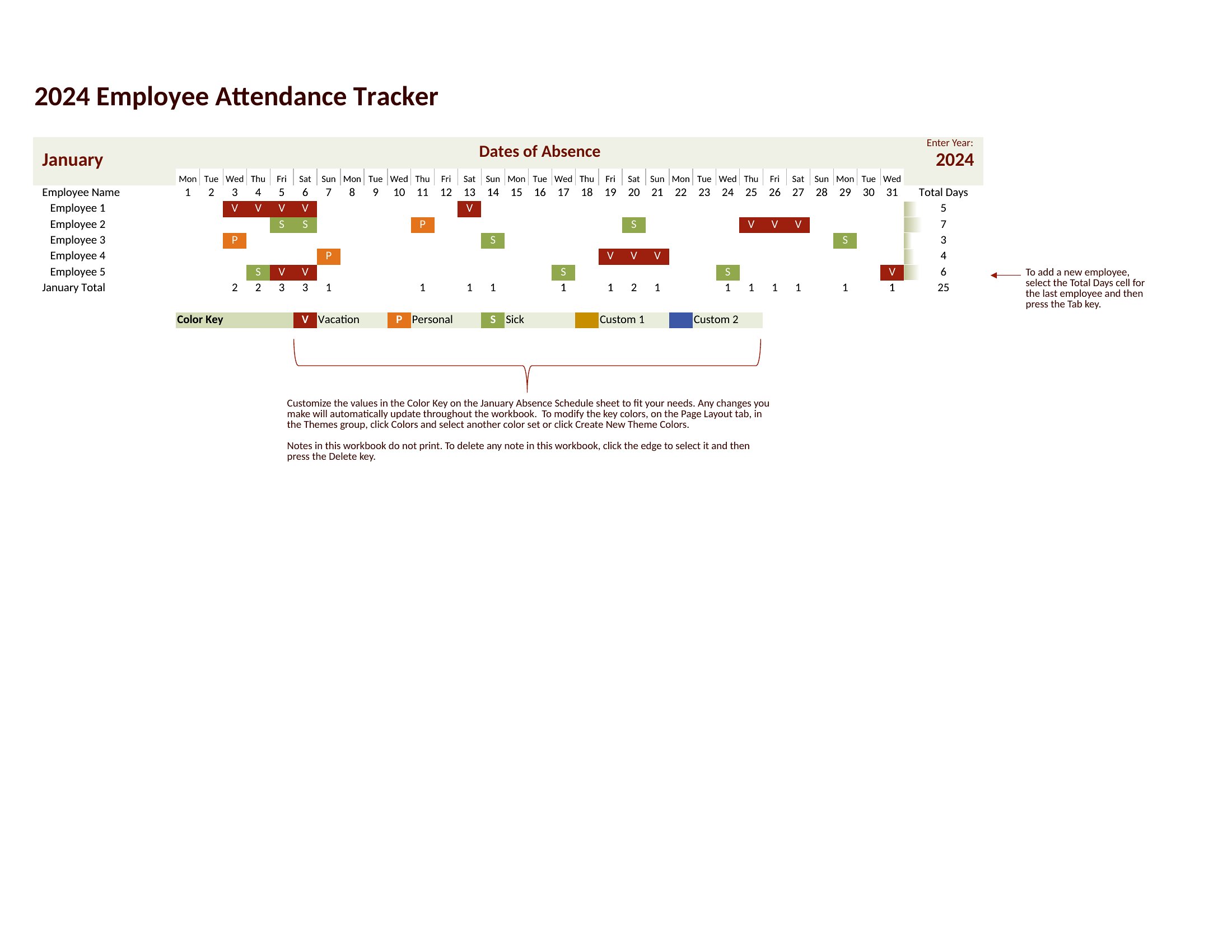
Yes, several templates include columns for marking excused (with notes), late arrivals, or medical absences with separate icons or color codes. The Excel versions often have dropdown menus to standardize entries, while PDFs may use checkboxes for common categories. For legal or HR purposes, these are starting points—consult your organization’s specific policies to customize labels.

How do I adapt an attendance tracker for a hybrid work schedule where some employees work in-office on certain days?

Use the Excel or Word templates to add a weekly column header for each day (e.g., ‘Remote,’ ‘In-Office,’ ‘Flex’). Insert a note section or conditional formatting to highlight mixed-status days. For example, color-code cells red if an employee was marked ‘In-Office’ on a remote-only day, then review discrepancies with the team lead. Save as PDF if you need to share the finalized schedule with employees.

Are there templates designed to track attendance for multiple groups or locations at once, like a company with offices in different cities?

The Excel templates can be expanded to include tabs for each location, with a master sheet summarizing totals. For example, name each sheet ‘NY Office,’ ‘Chicago Team,’ etc., then use Excel formulas to pull combined attendance metrics. PDFs can be merged into a single document with separate sections for each group, though you’ll need to manually update each part. Word allows you to insert section breaks for parallel tracking, but Excel is more scalable for data-heavy scenarios.

Comments

Join the conversation

Sign in to share your thoughts and leave a comment on this resource.

Newsletter

Get Weekly Design Updates

Join our community to receive curated resources and inspiration.

Weekly Tips Resources Early Access

We respect your privacy. Confirmation email required. Privacy Policy