Printable Attendance Sheet Templates (Word, Excel, PDF)
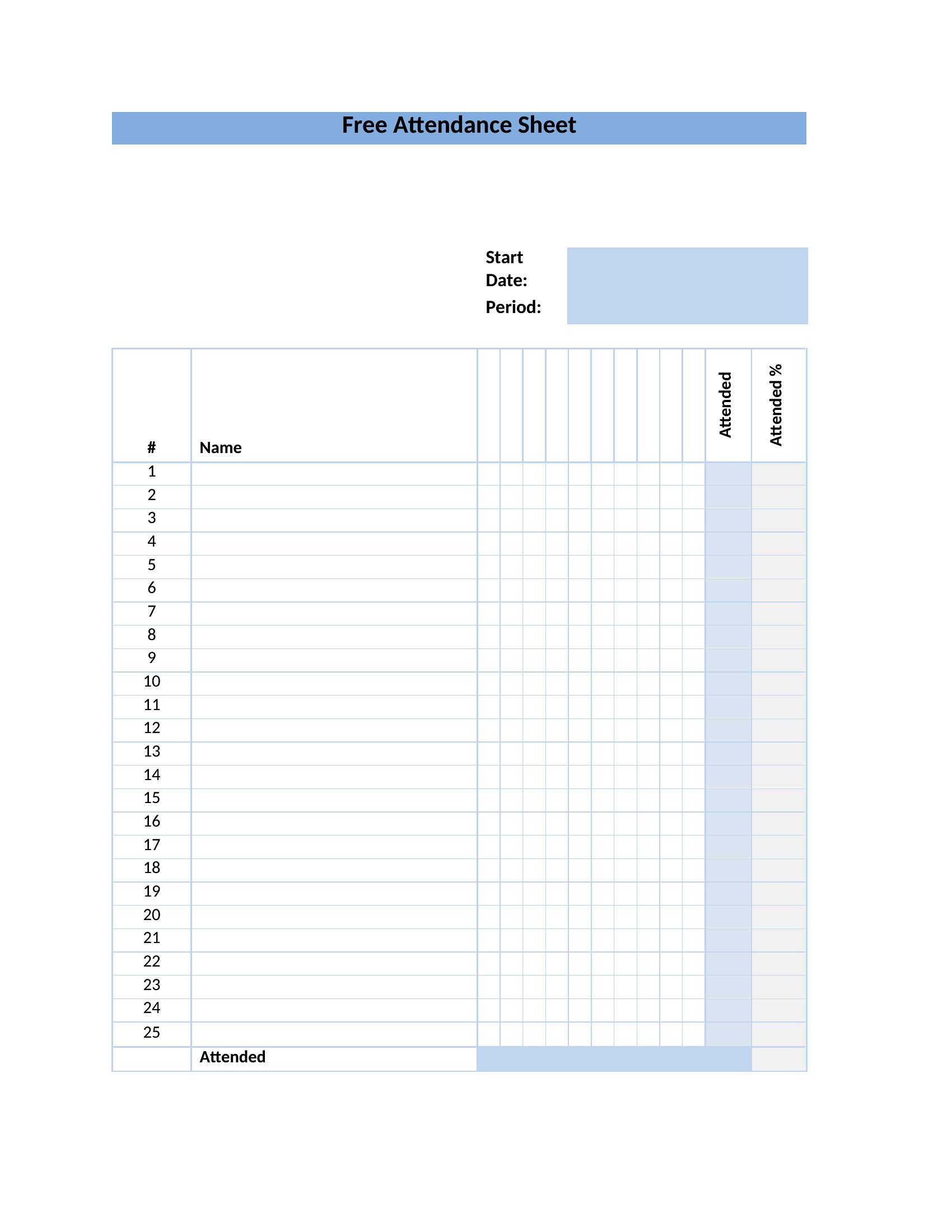
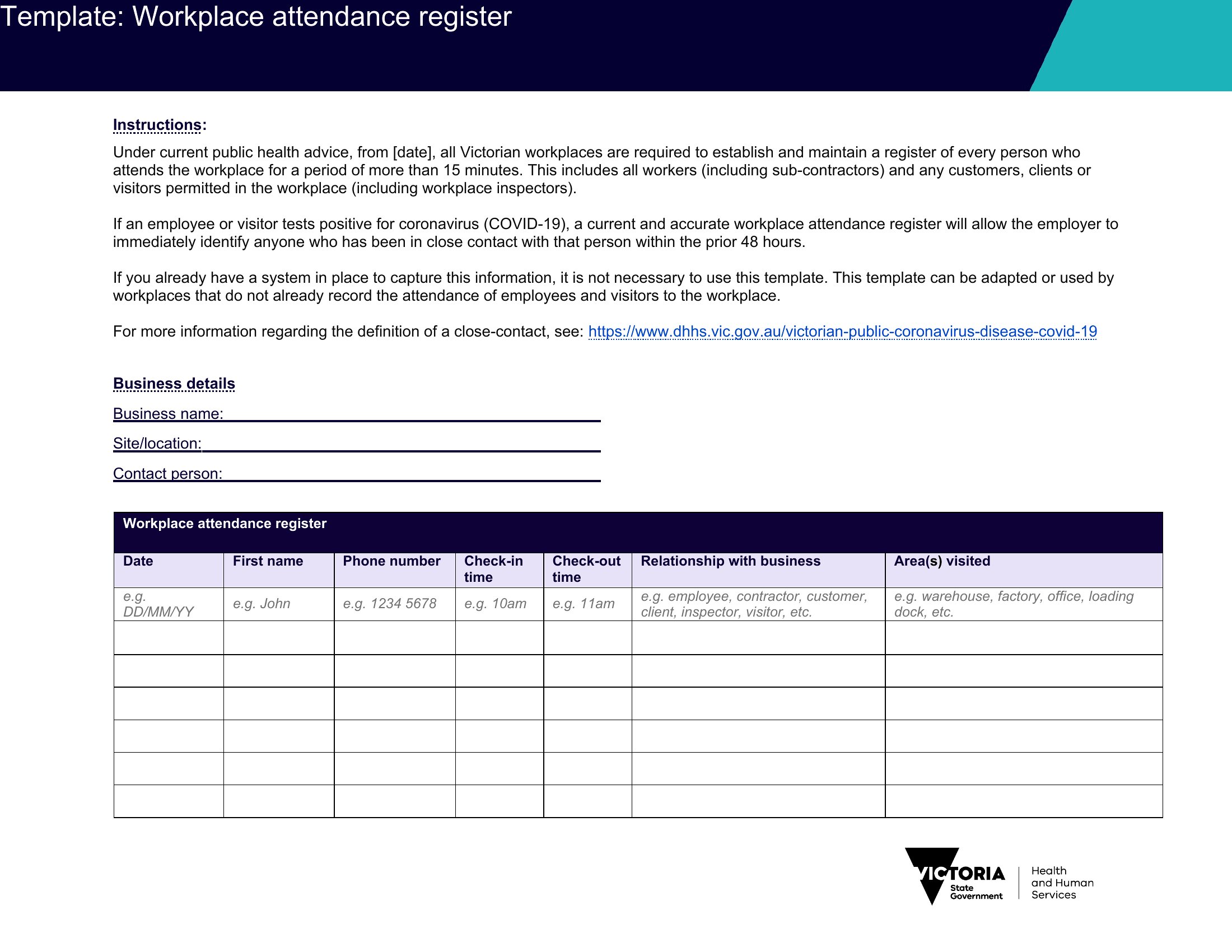
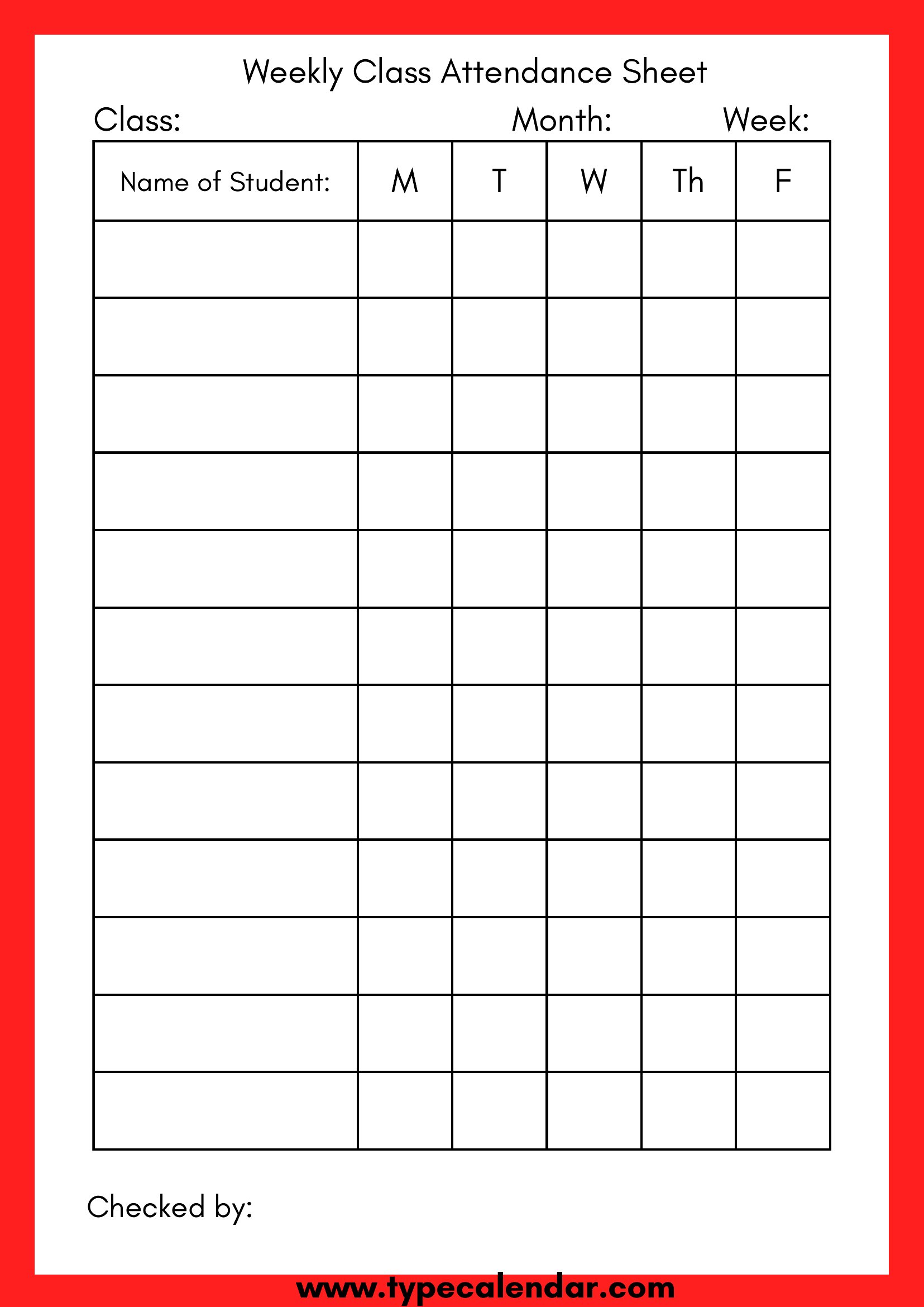
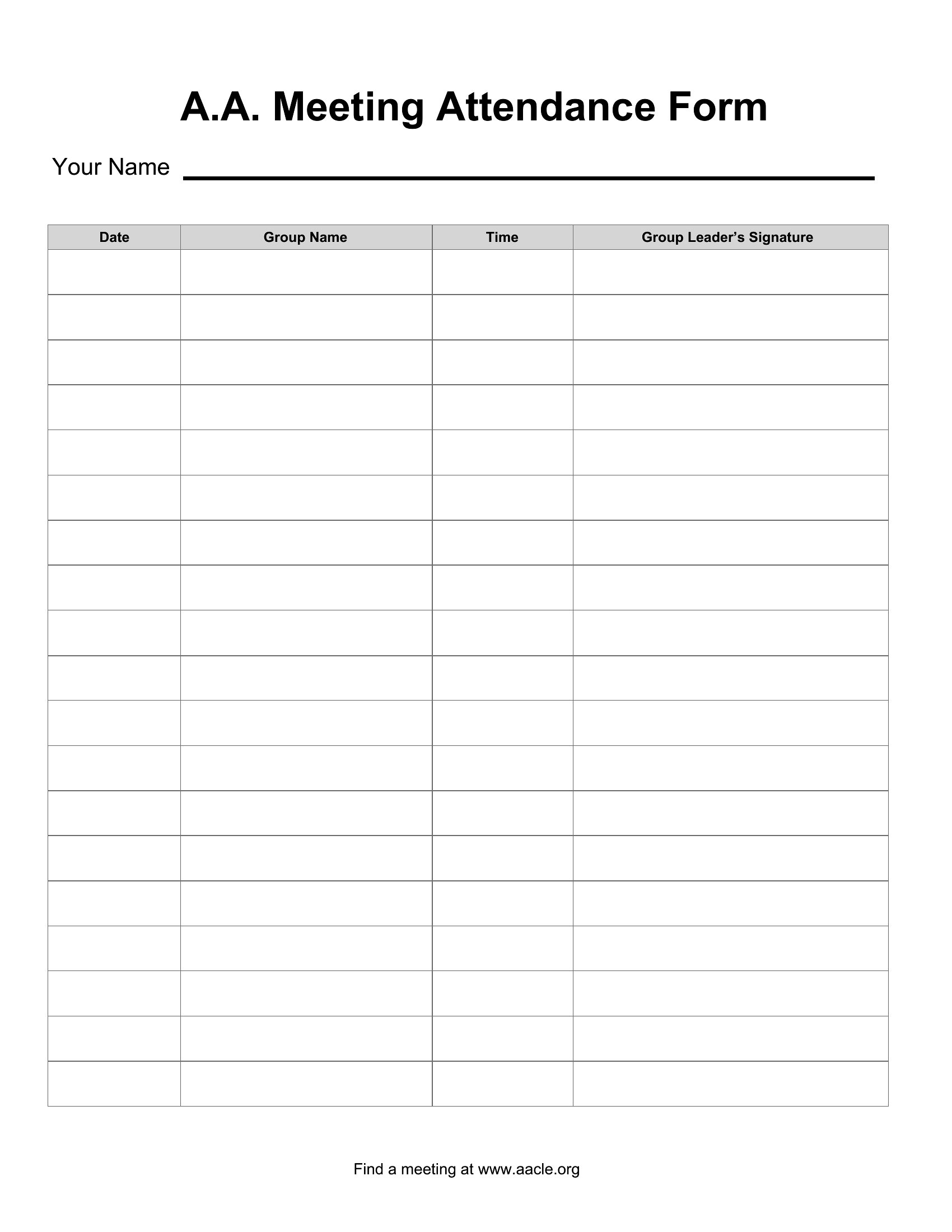
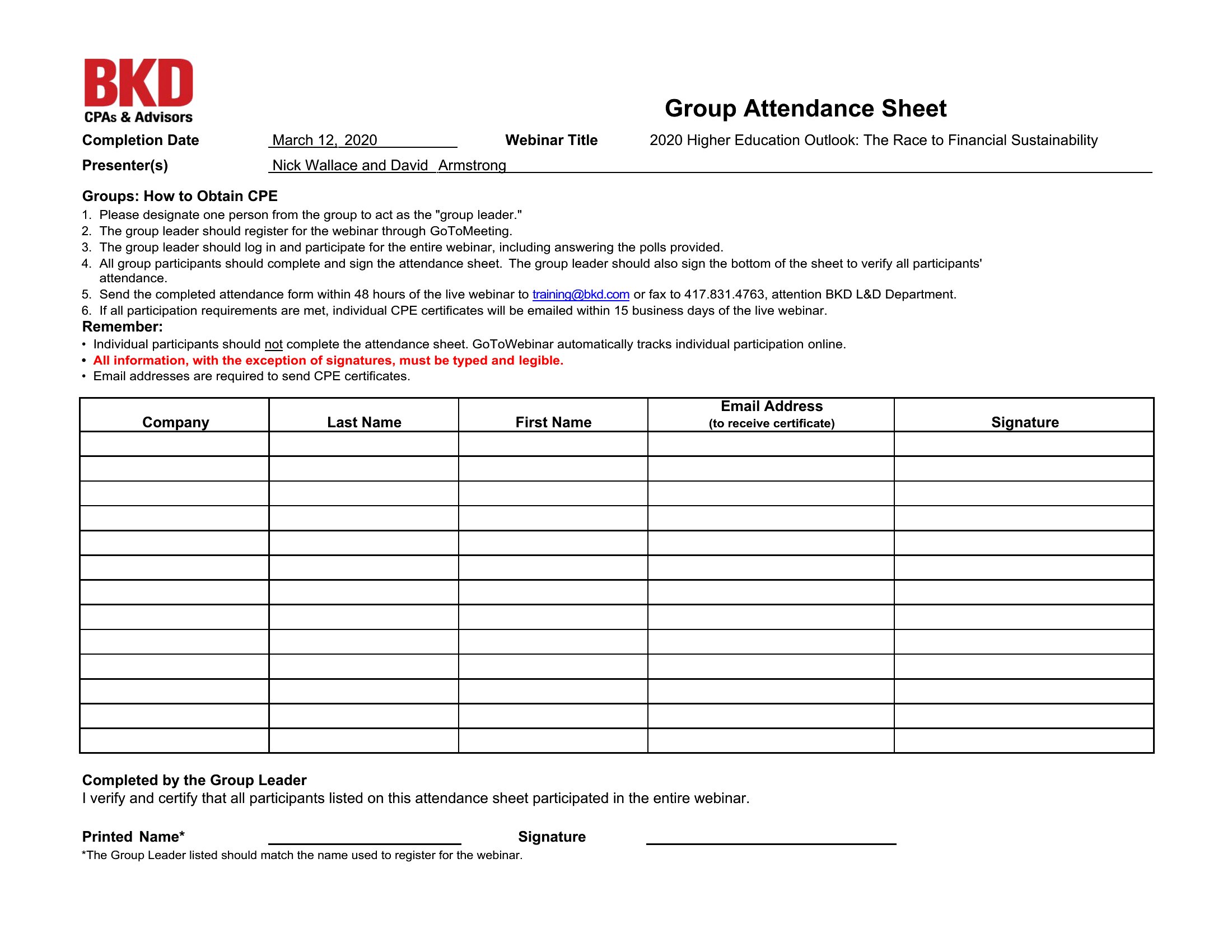
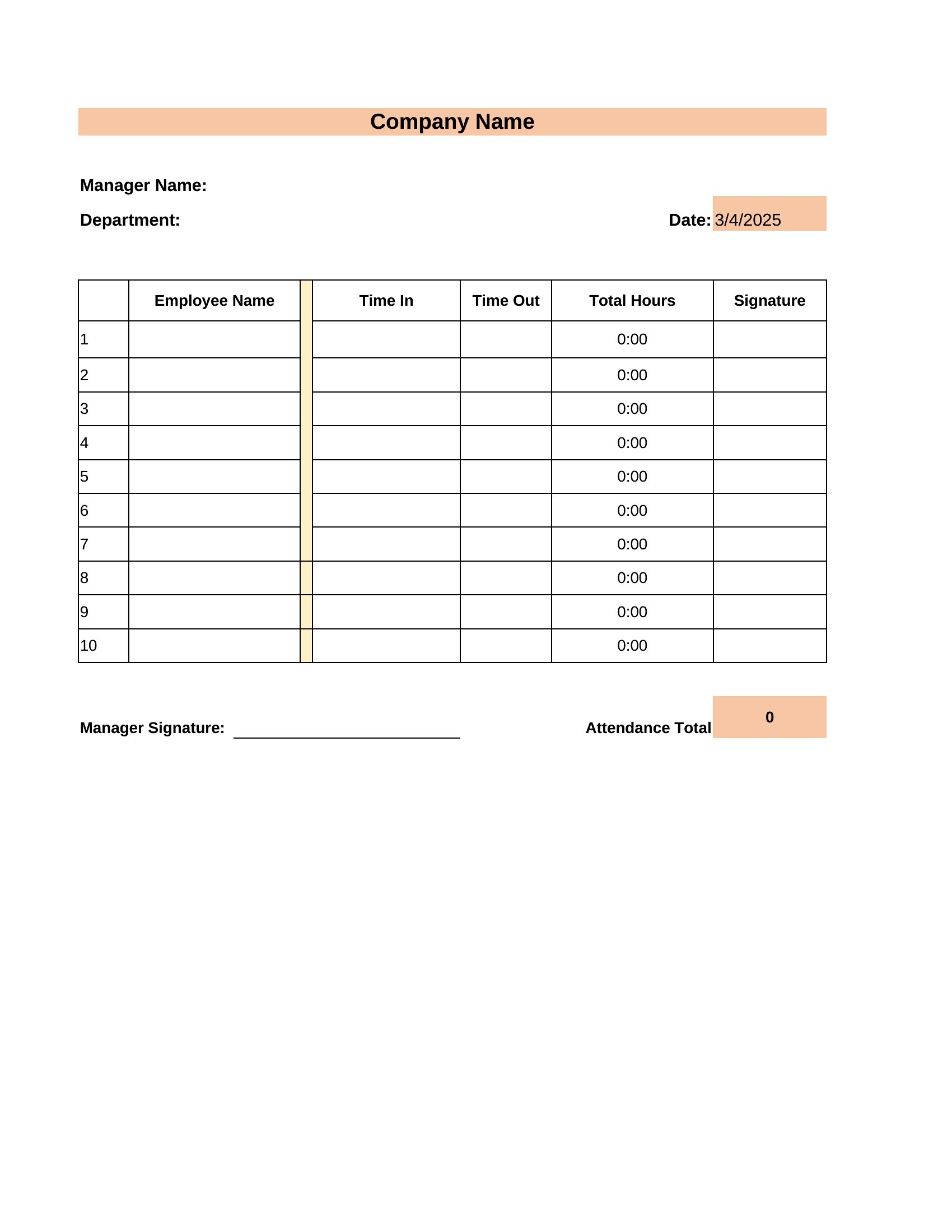
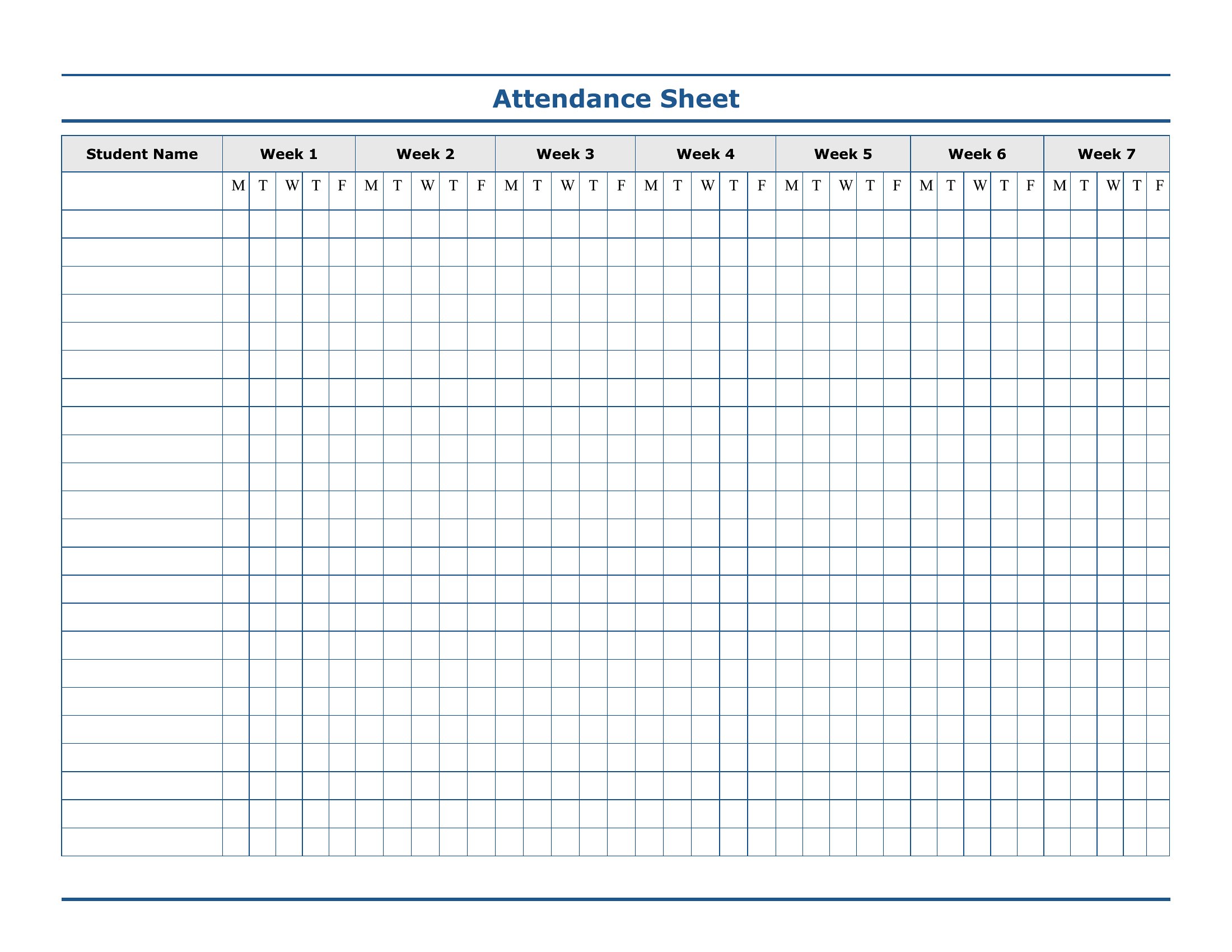
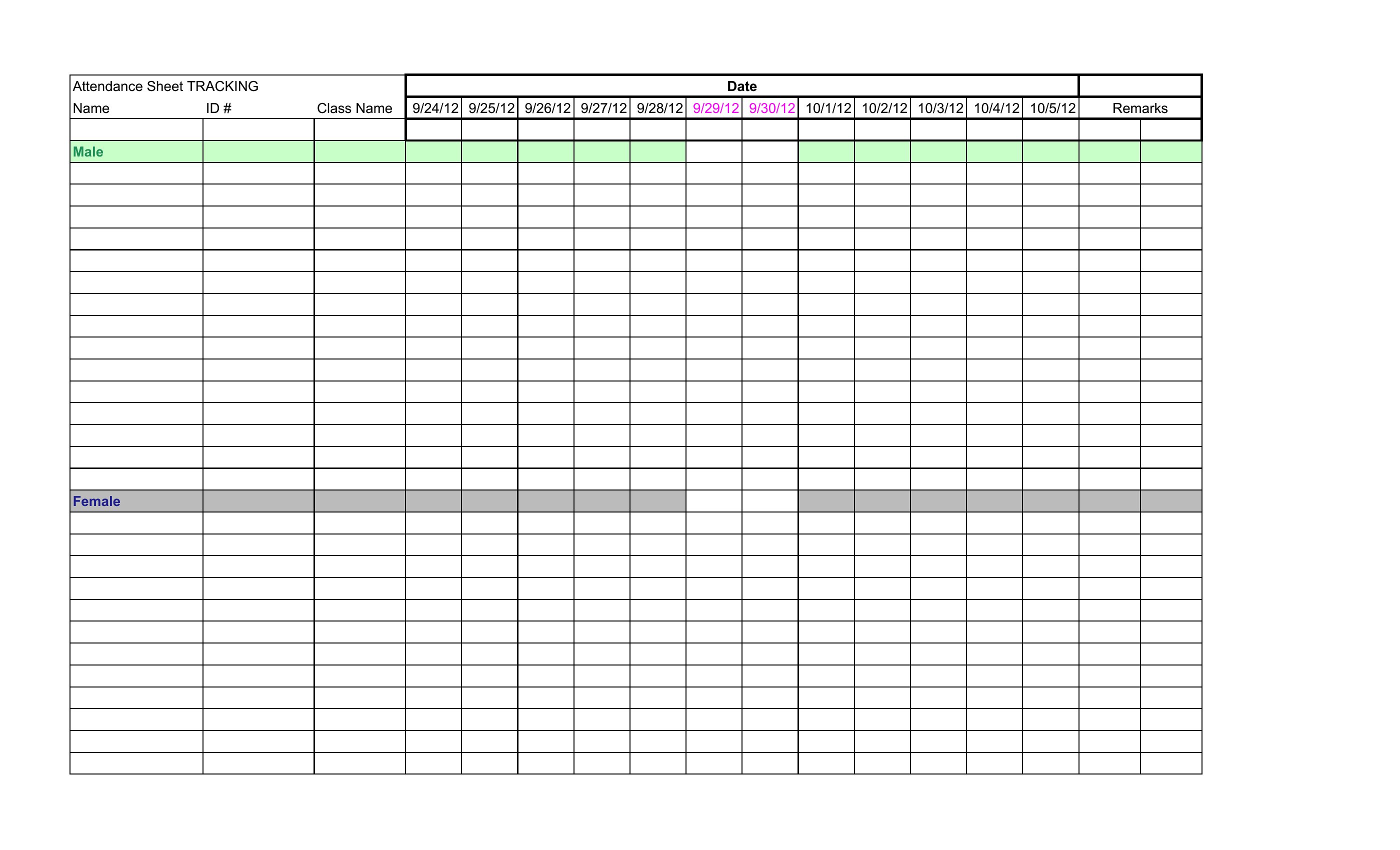
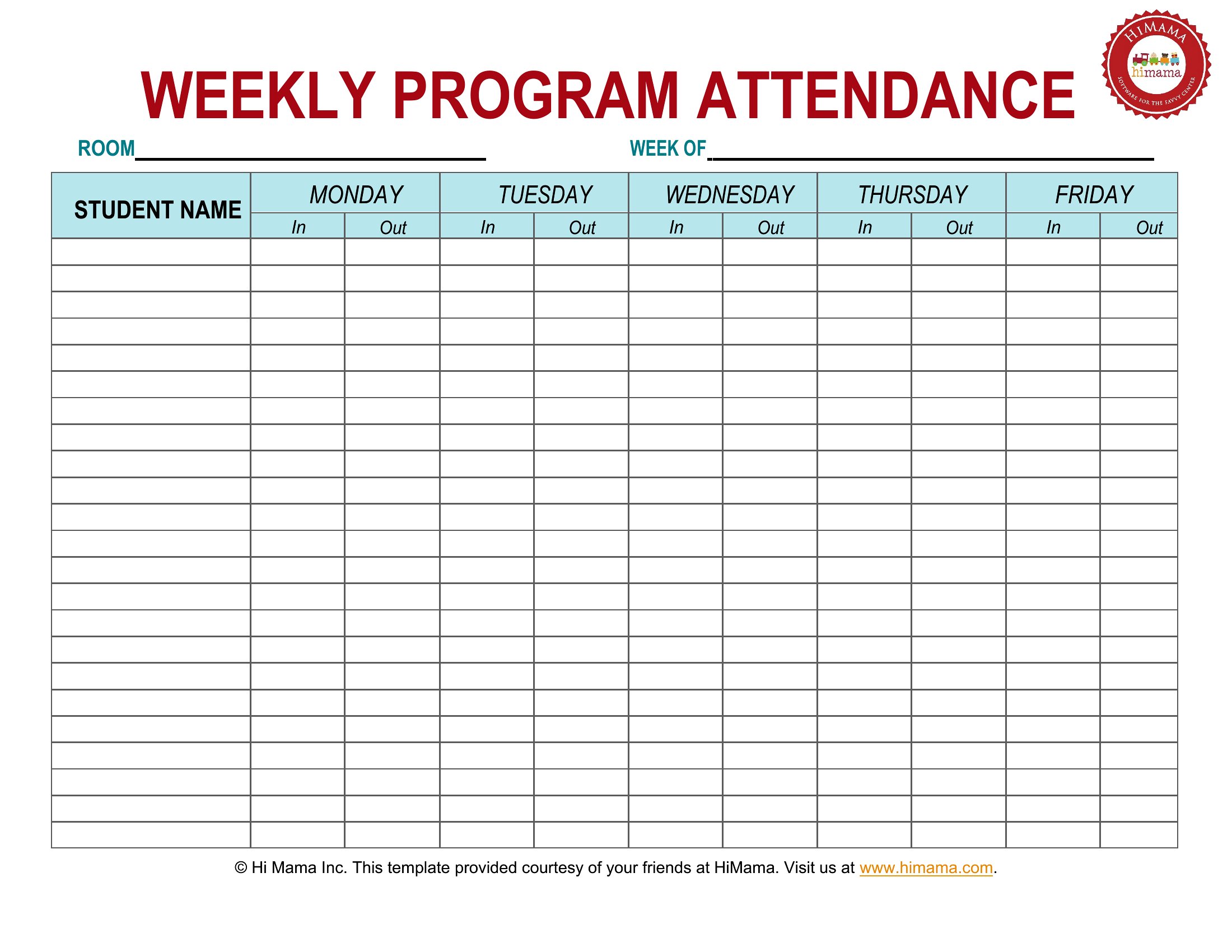
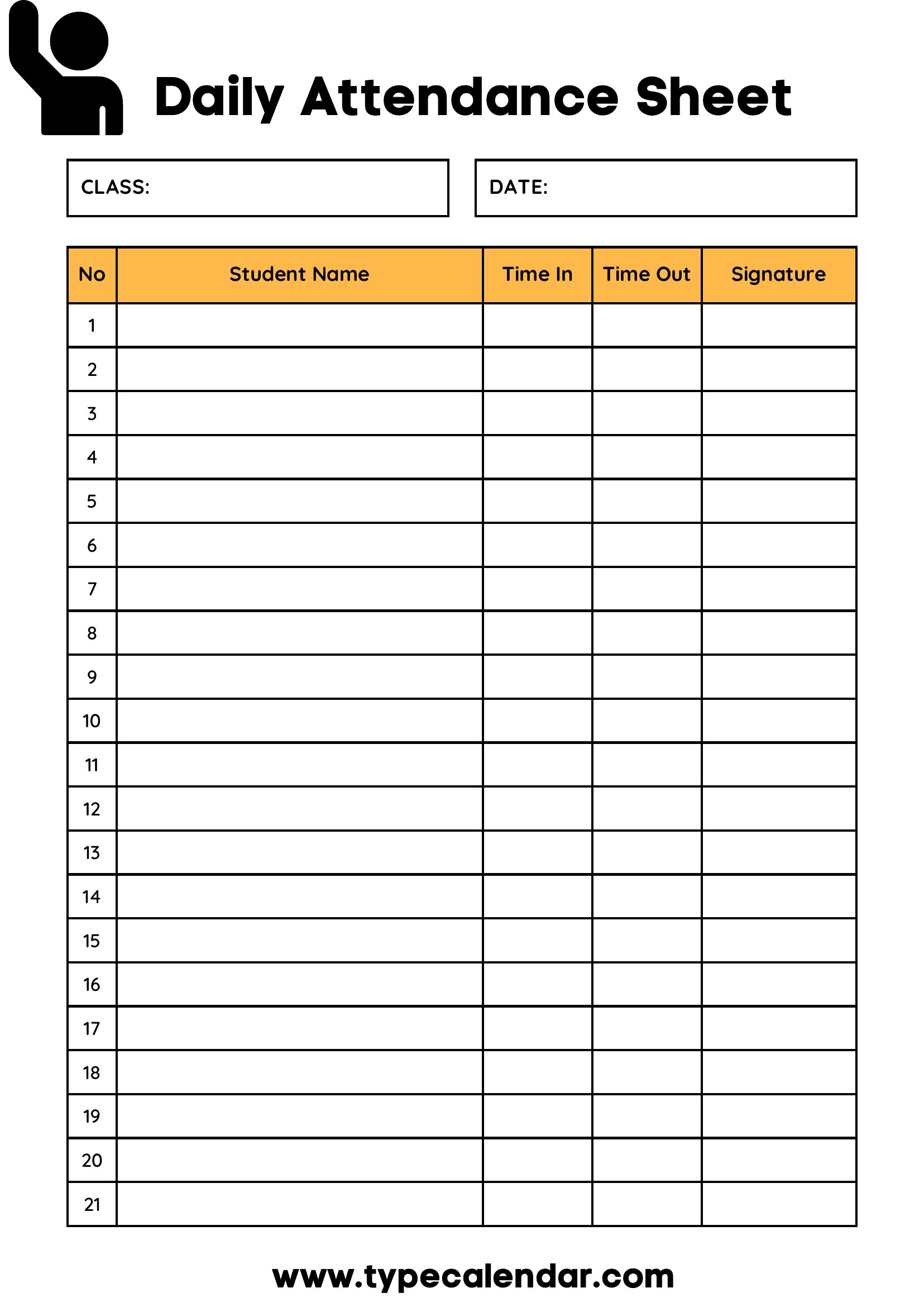
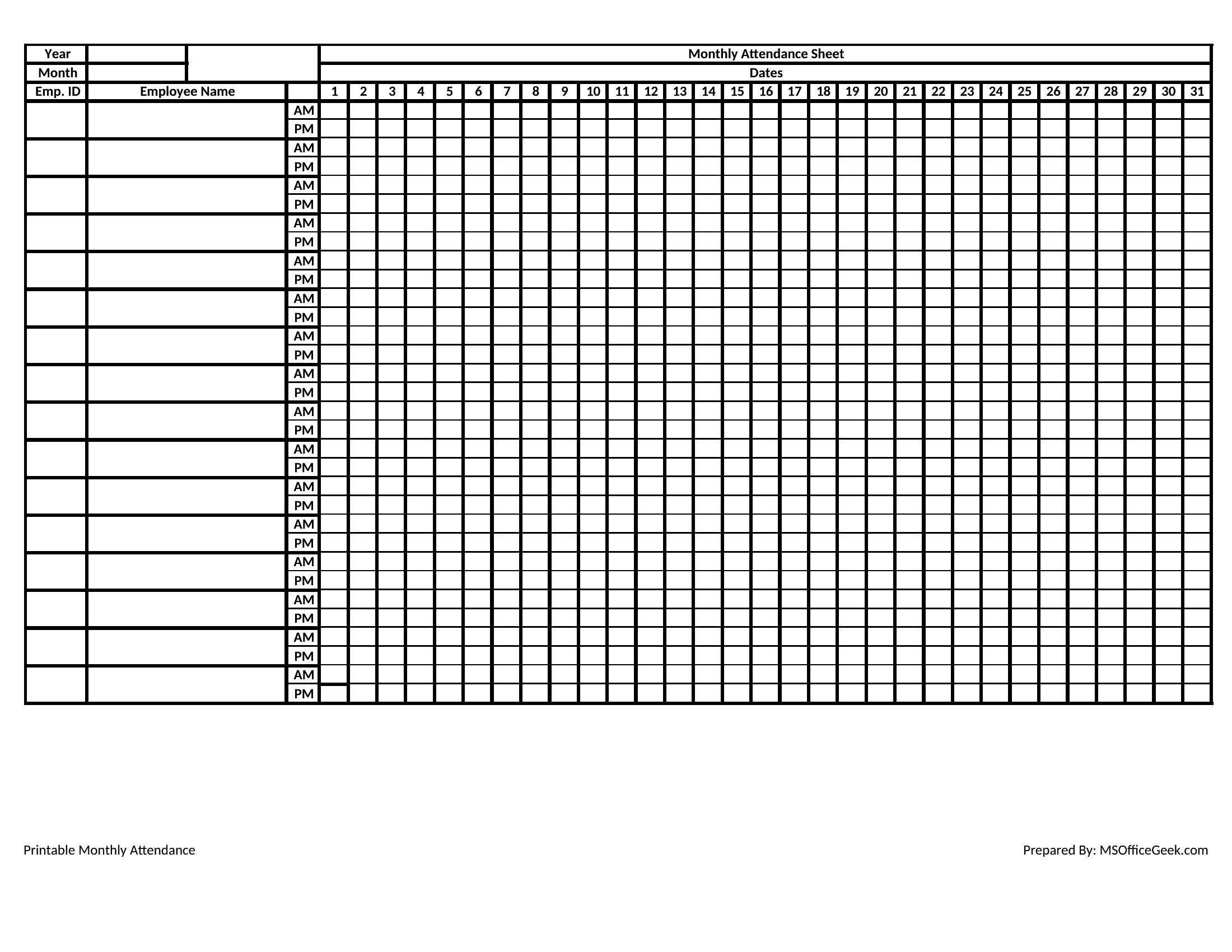
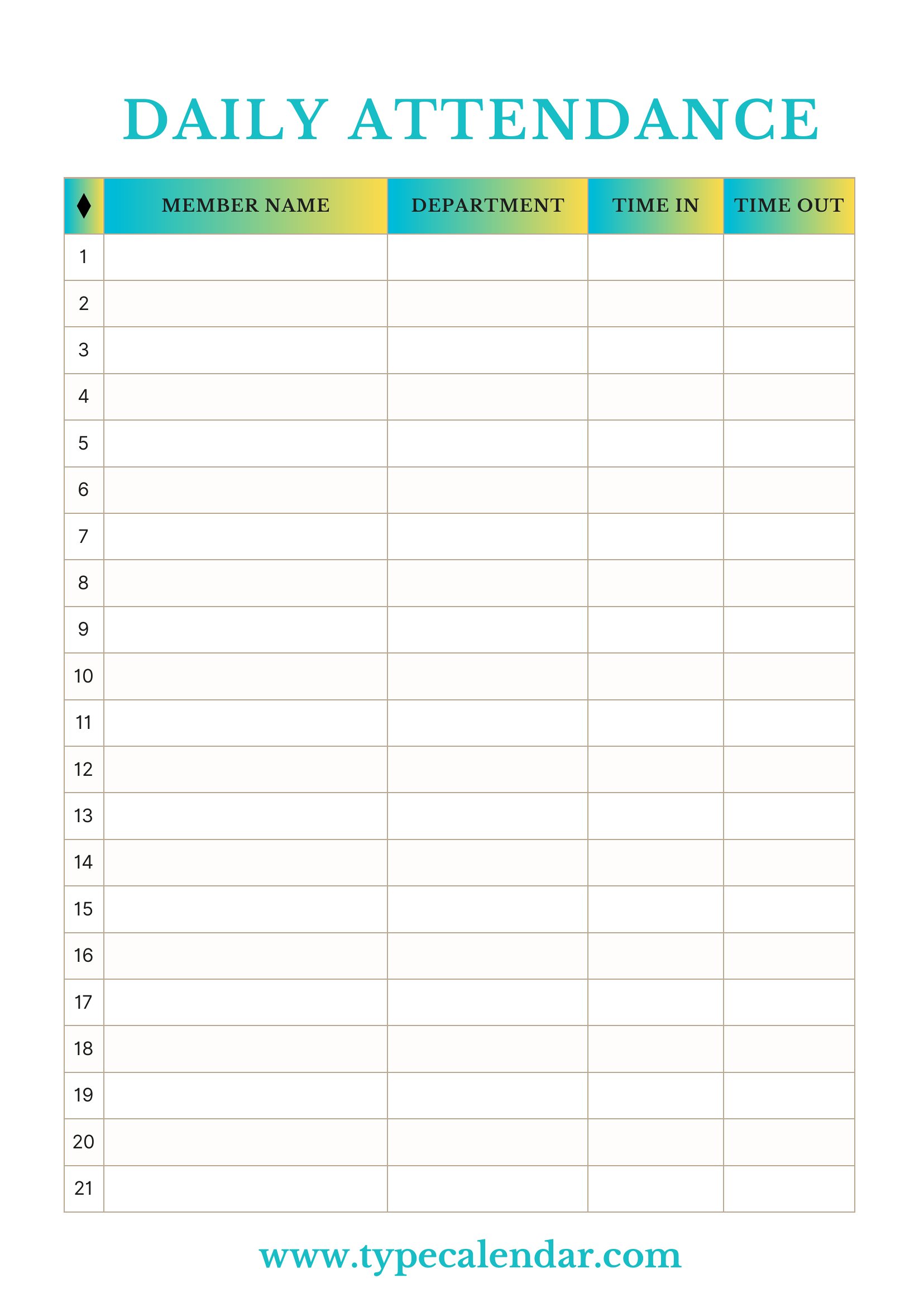
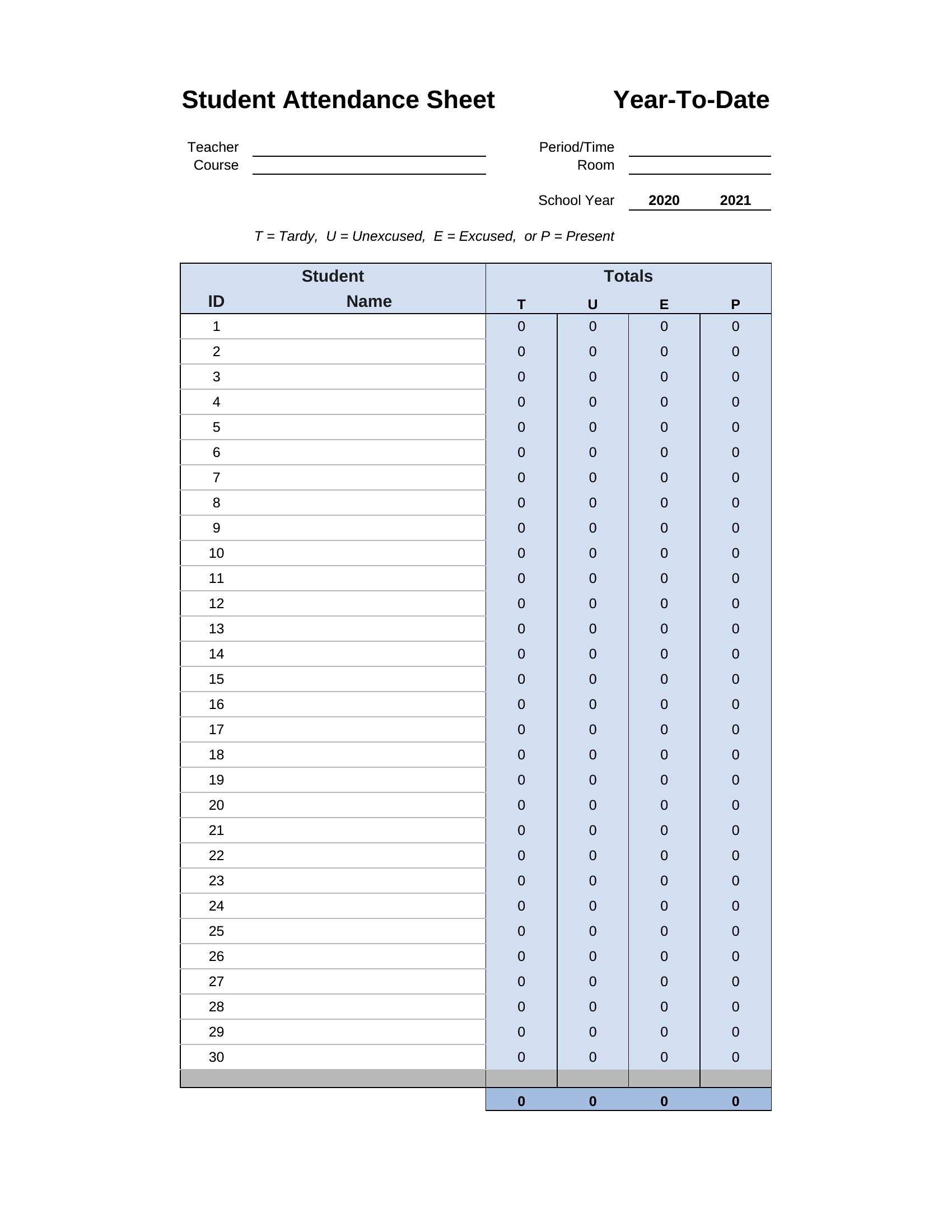
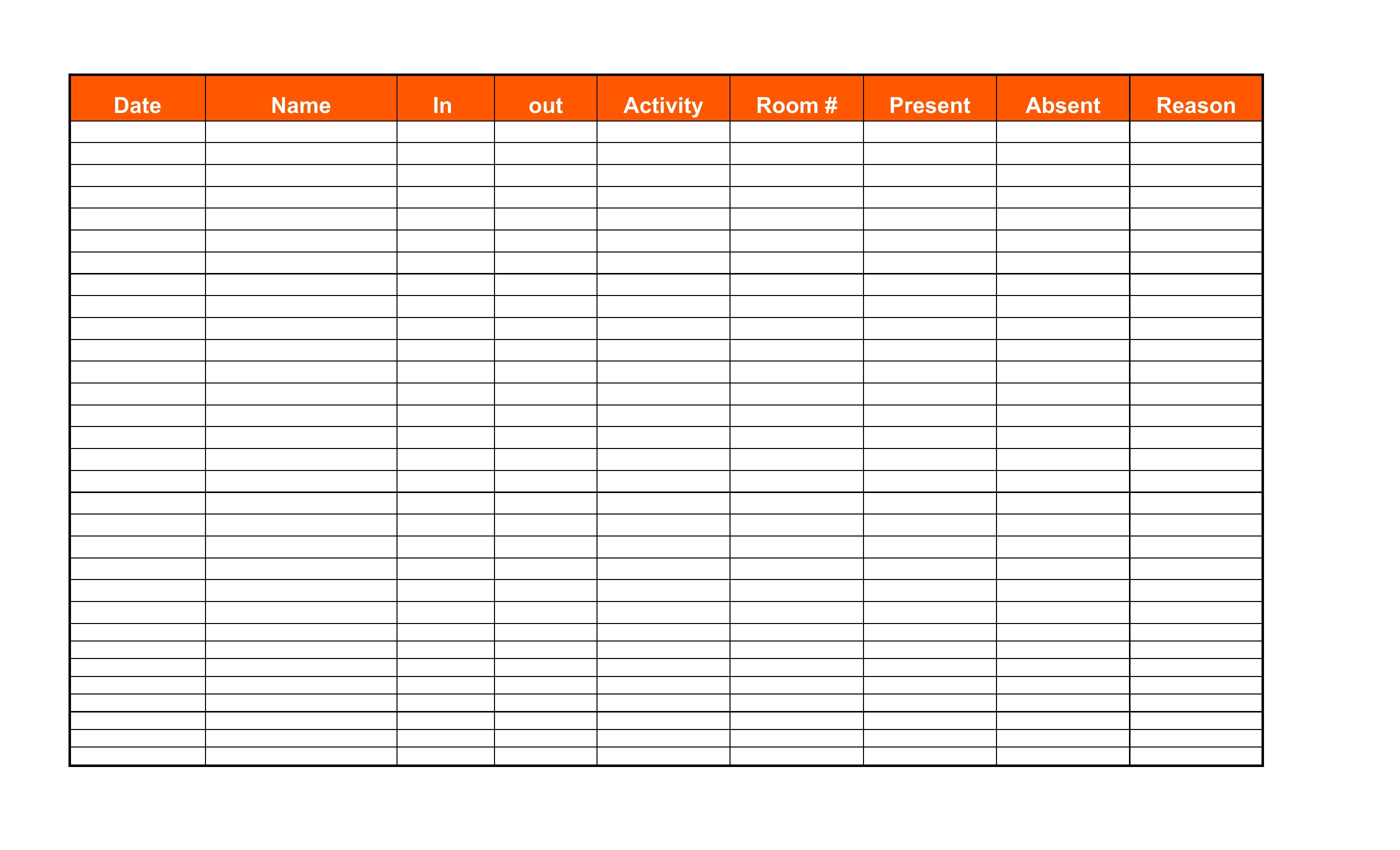
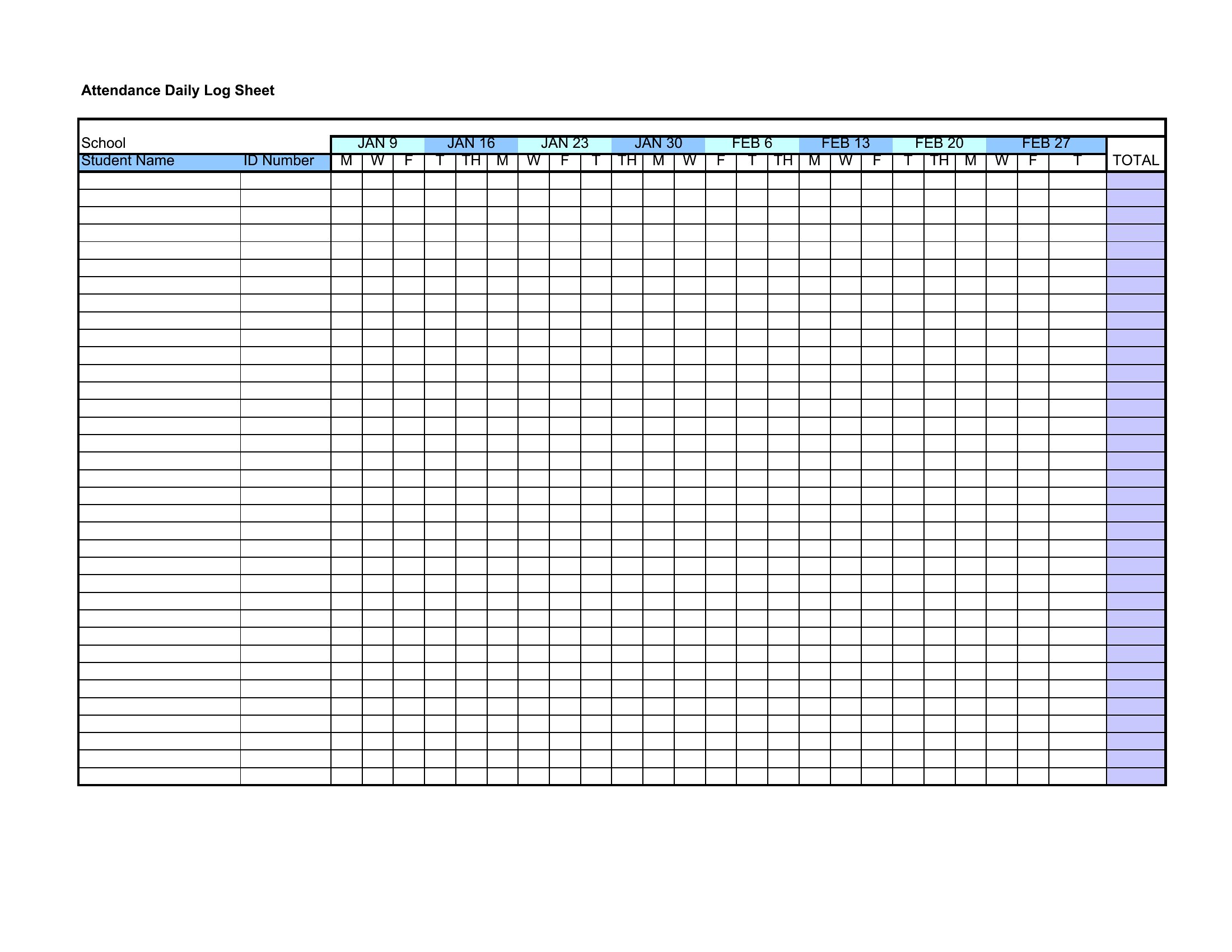
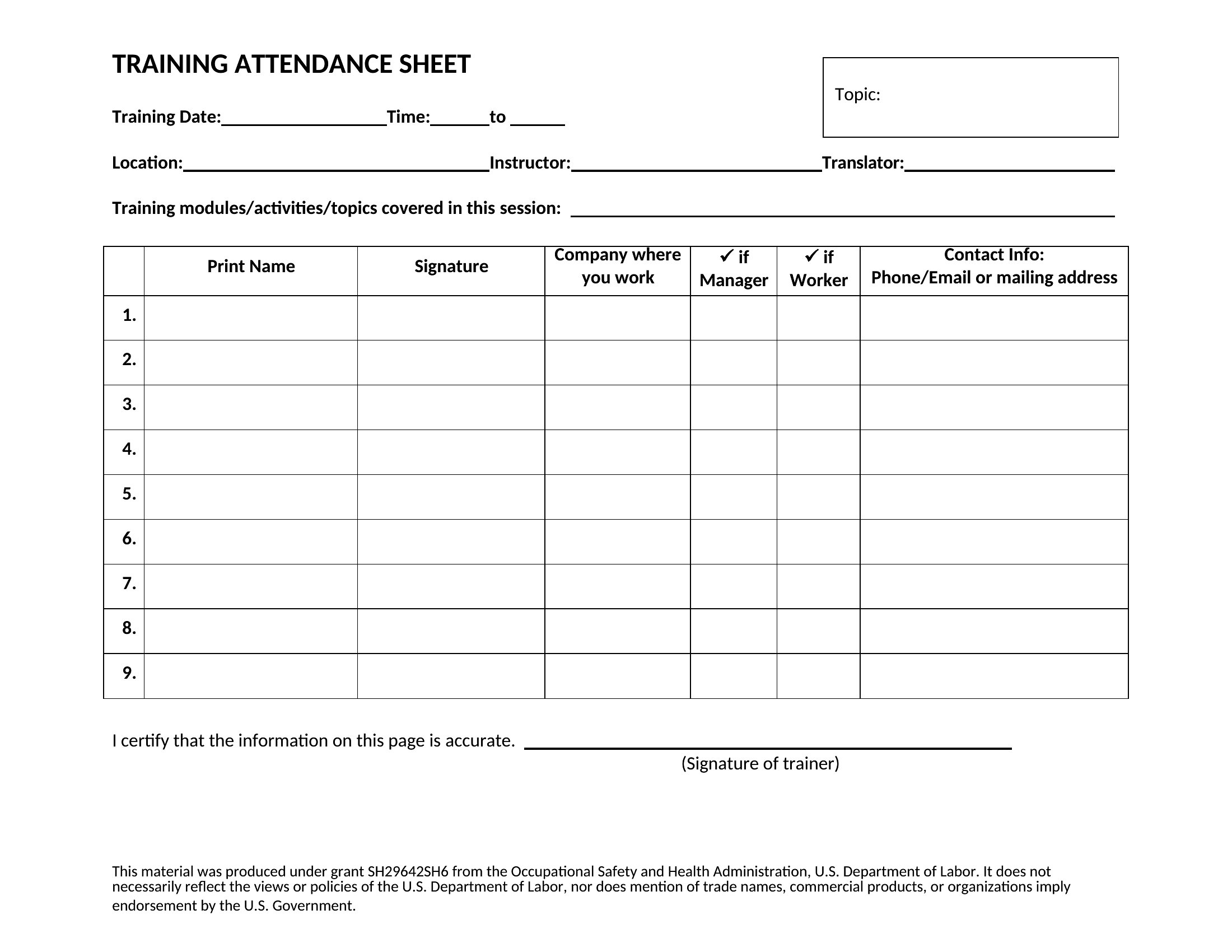
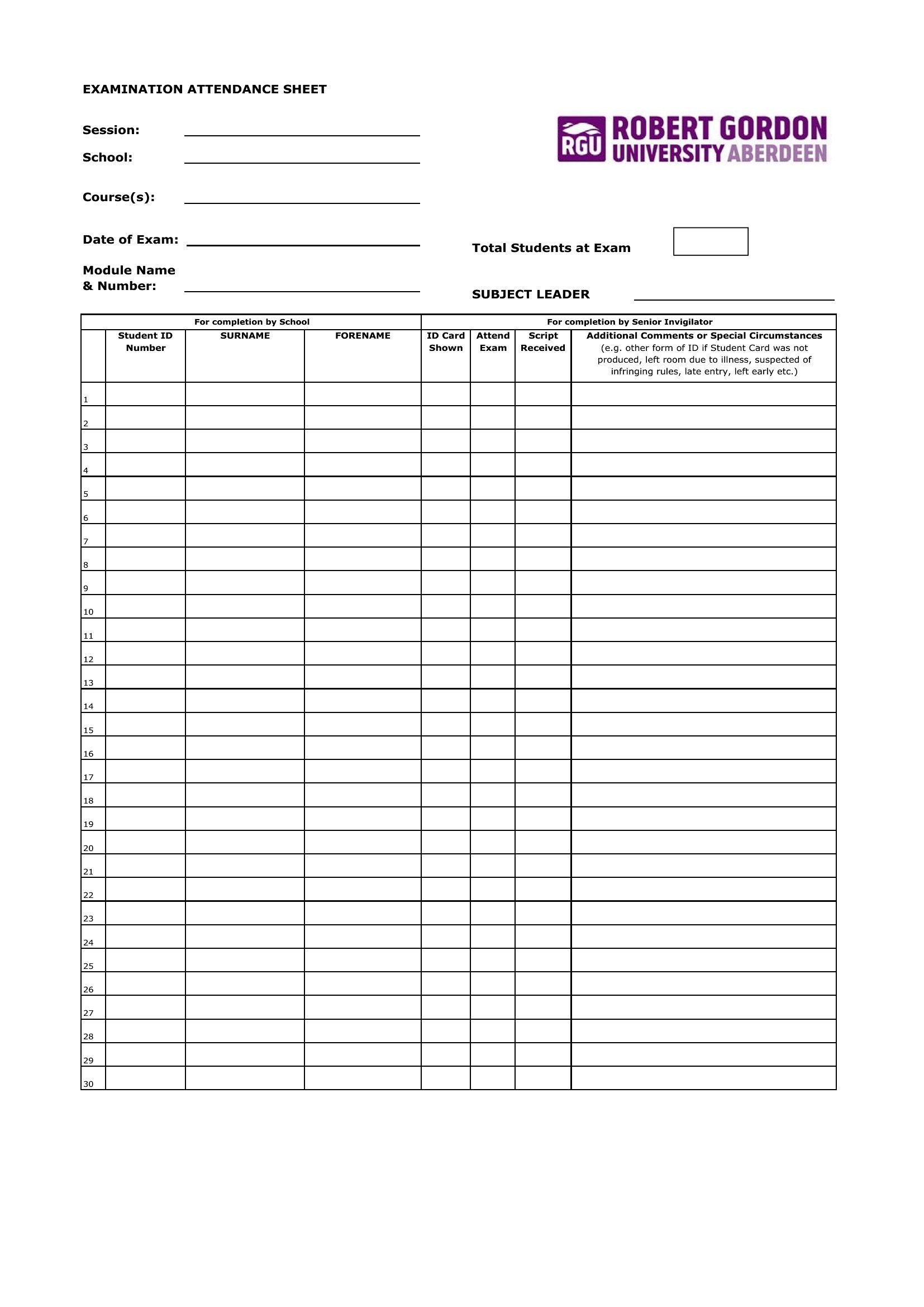
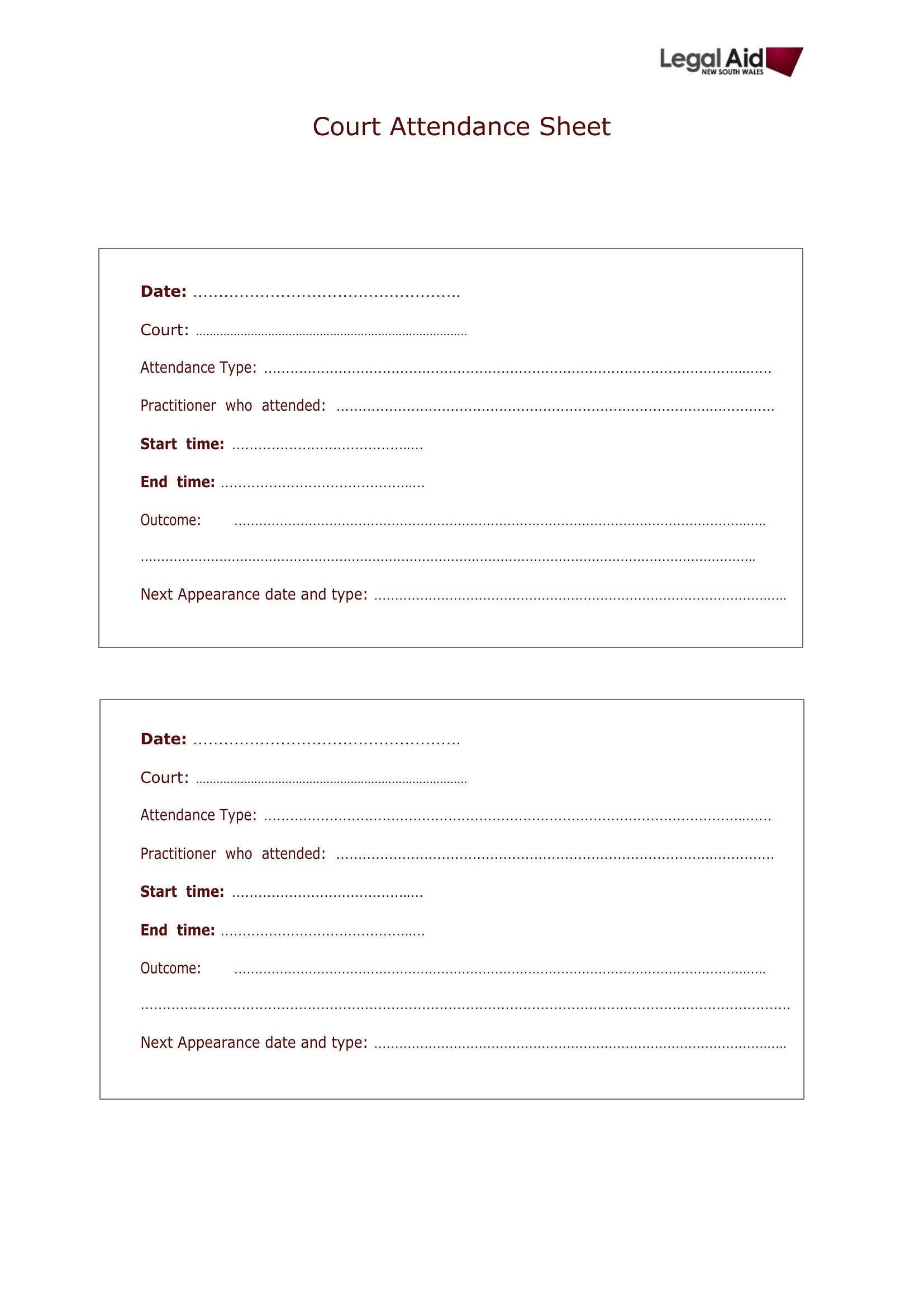
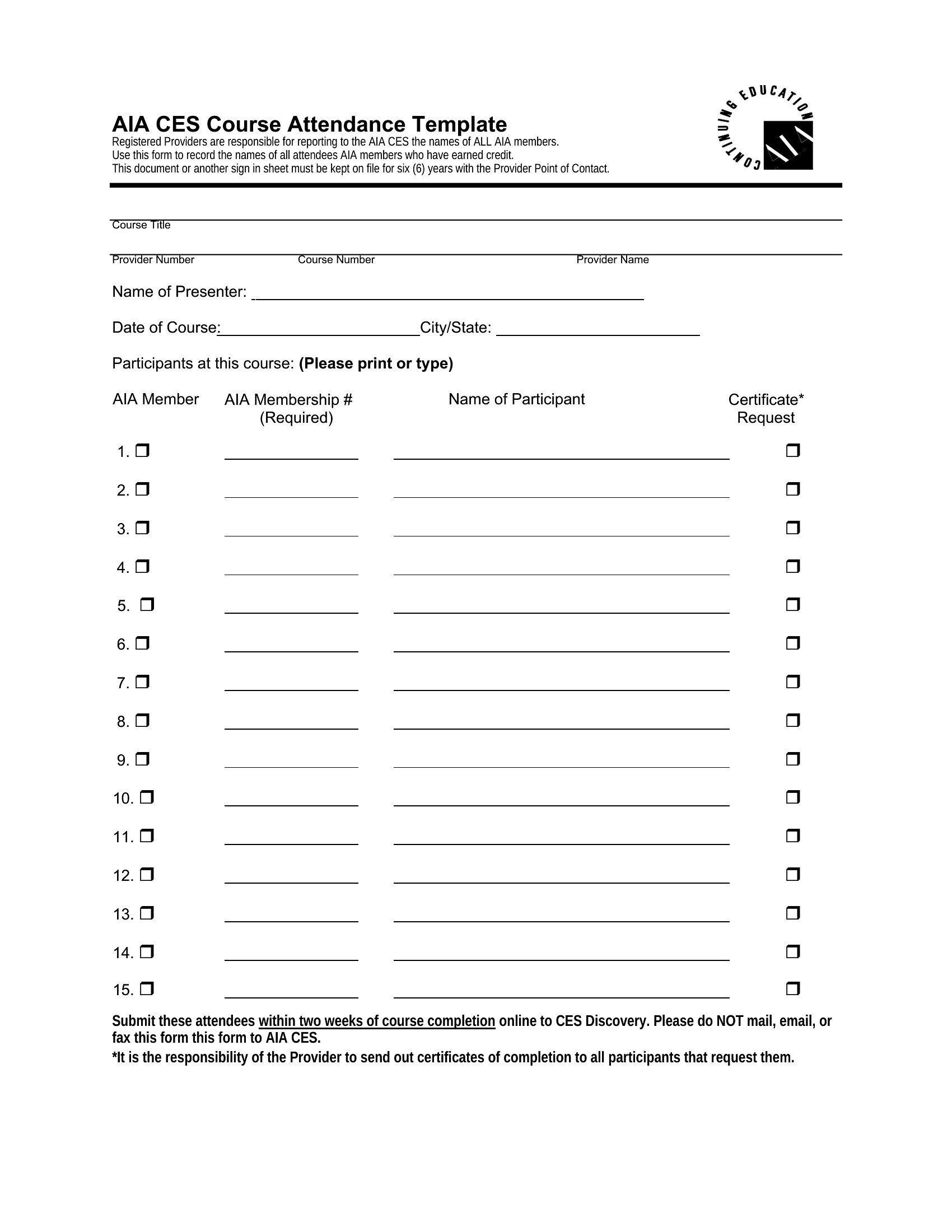
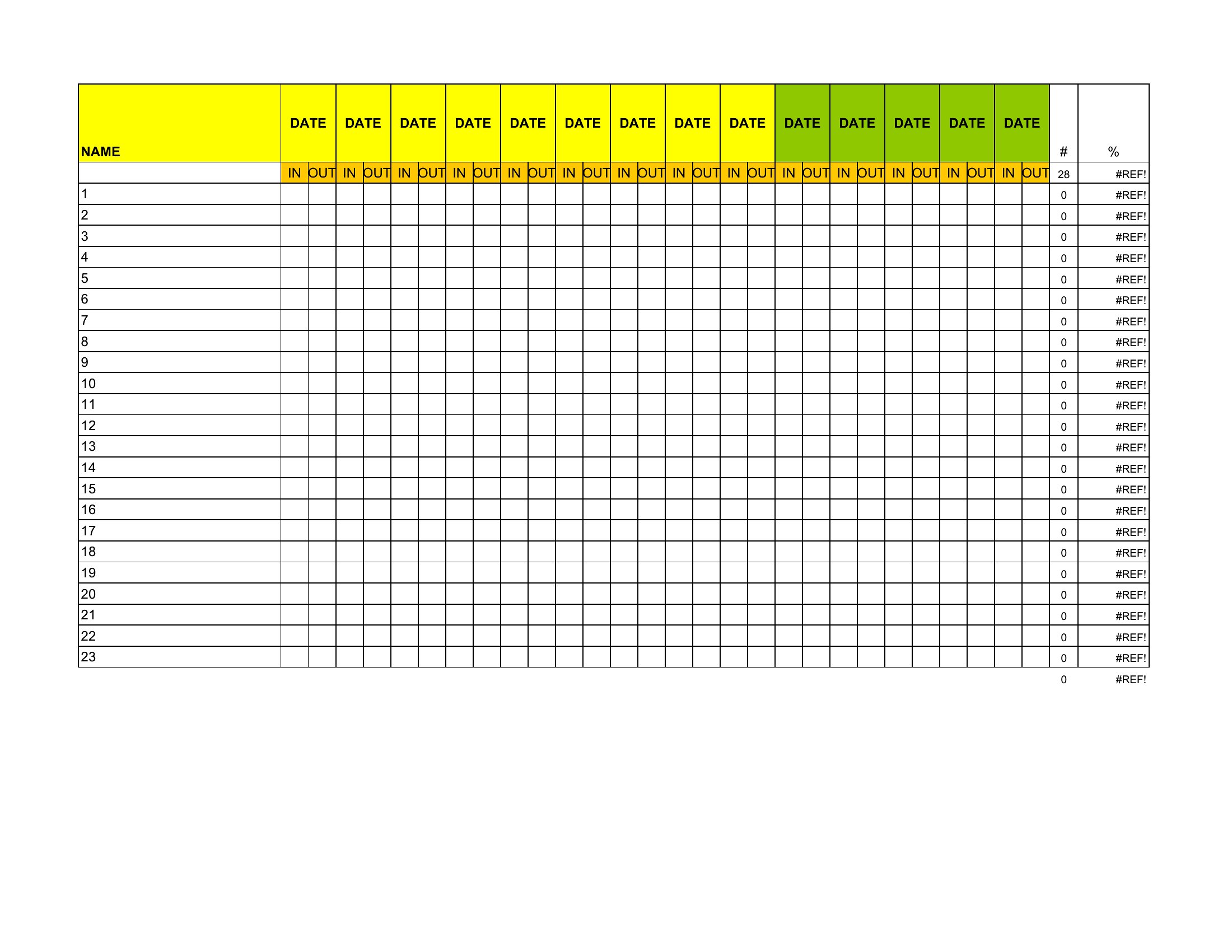
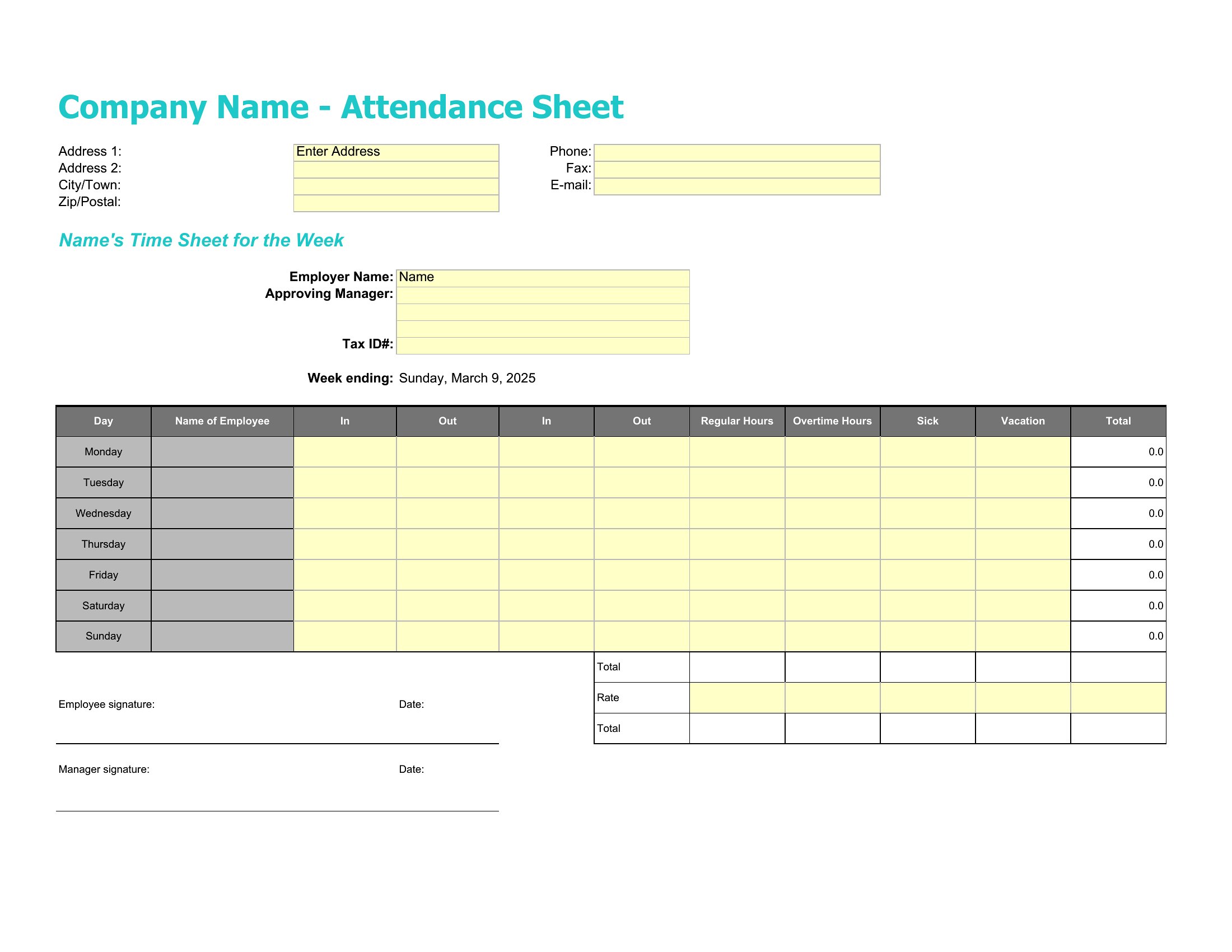
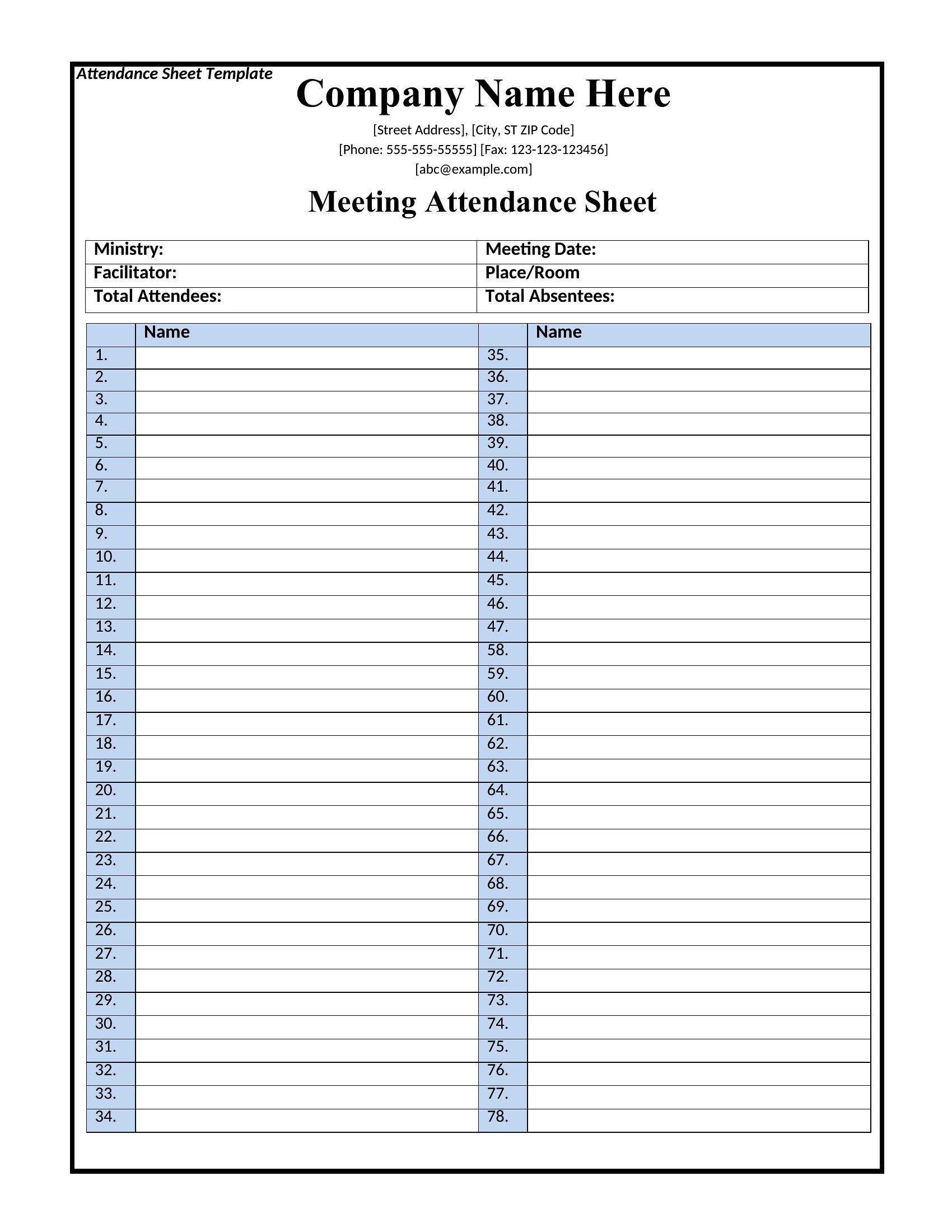
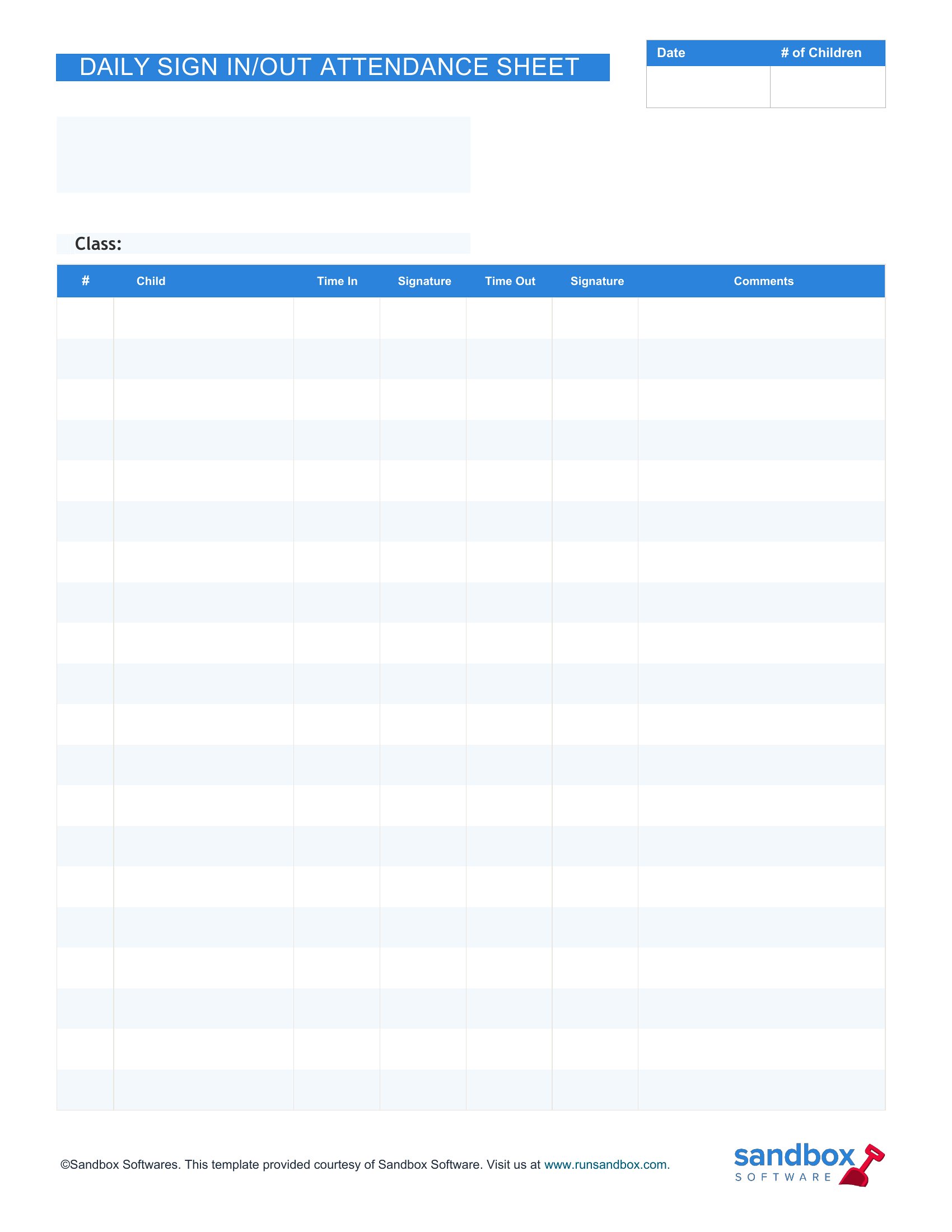
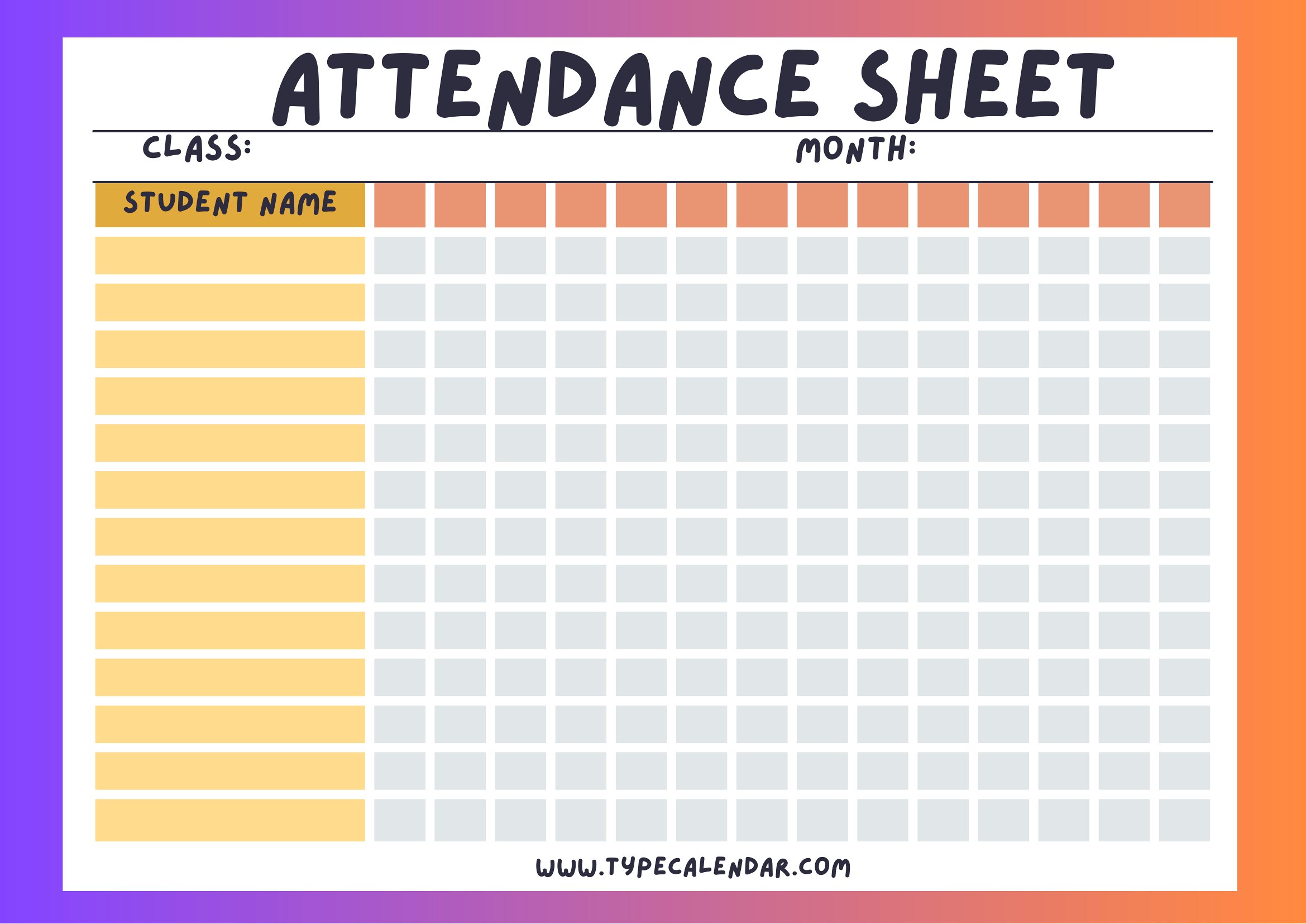
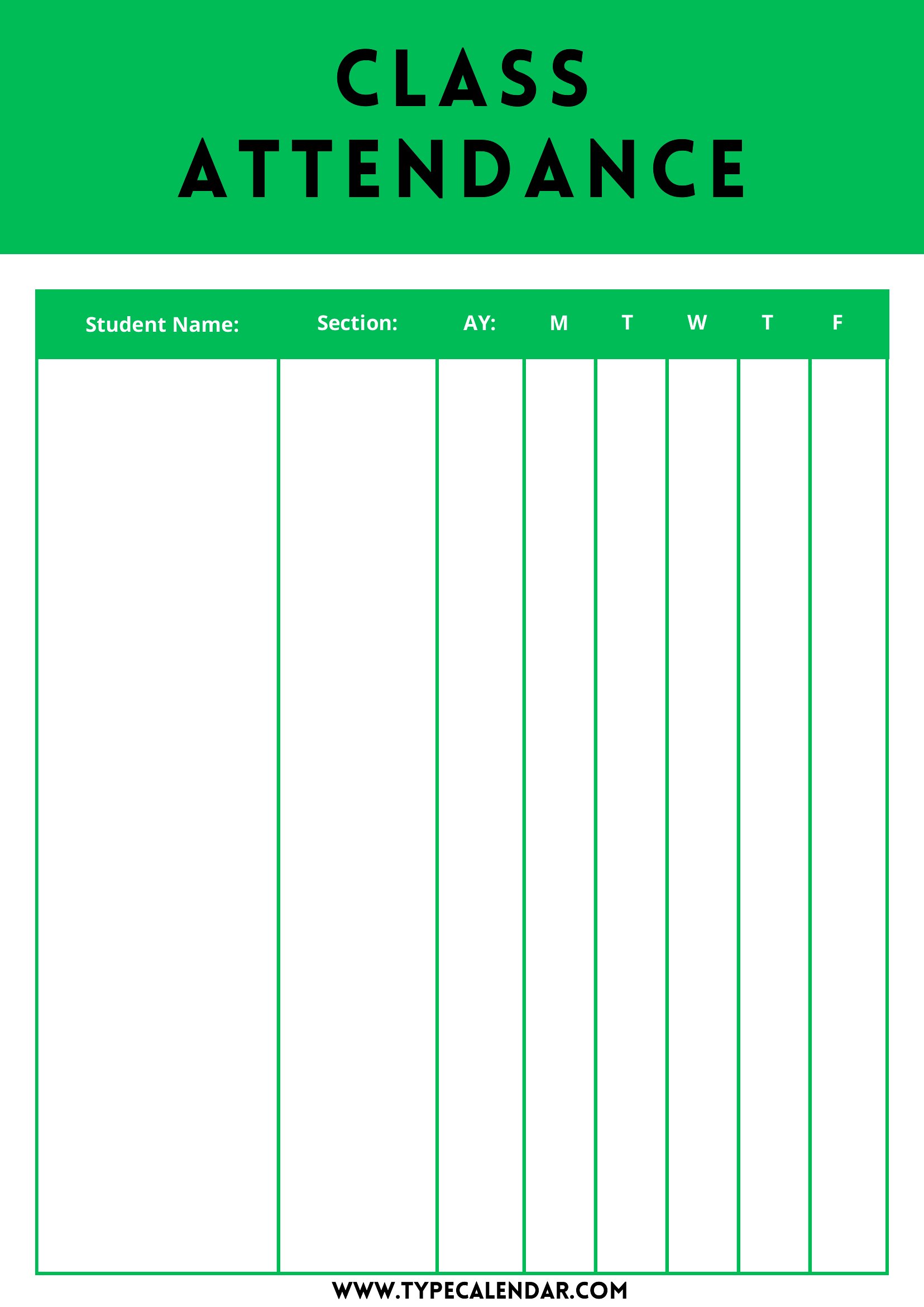
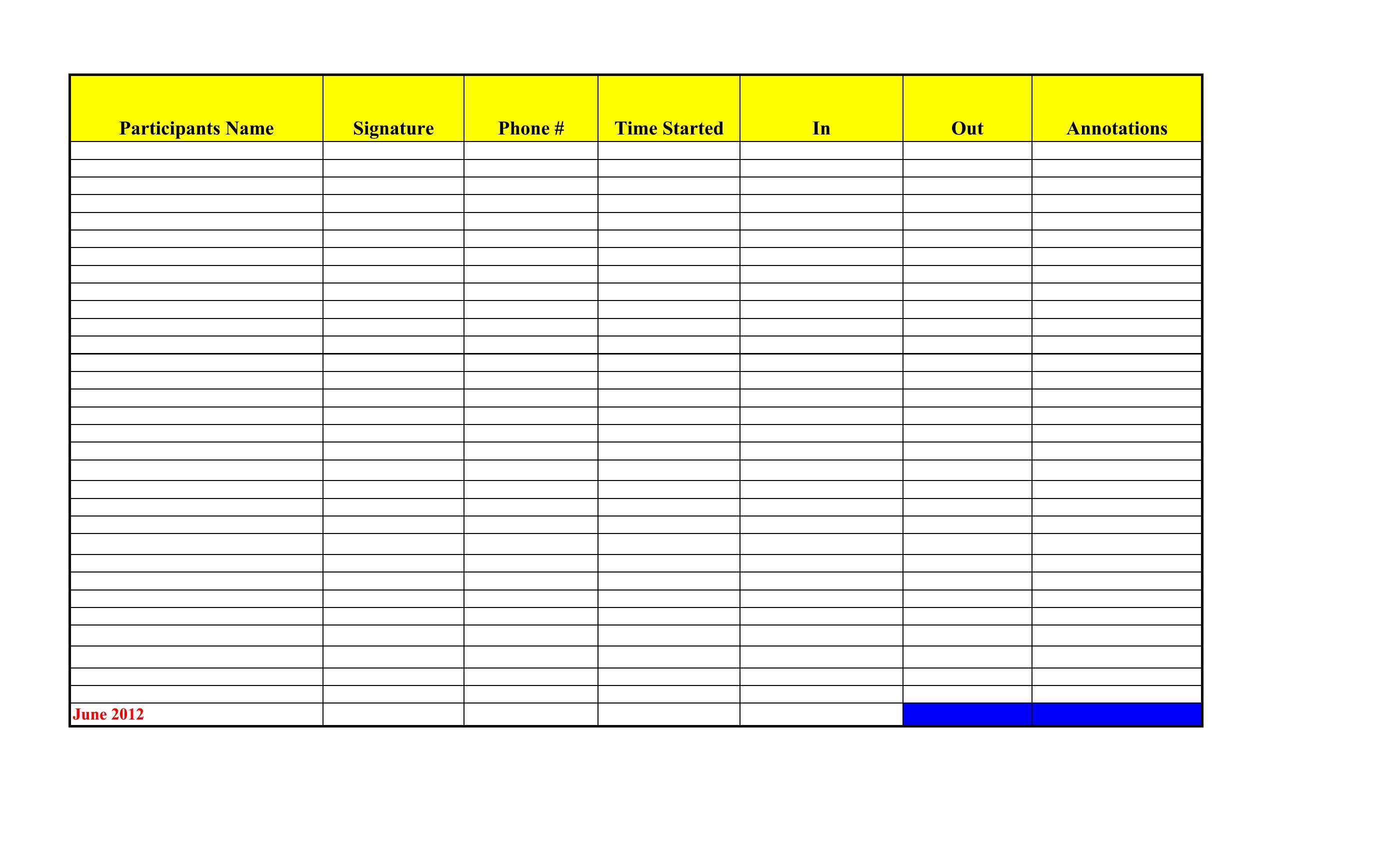
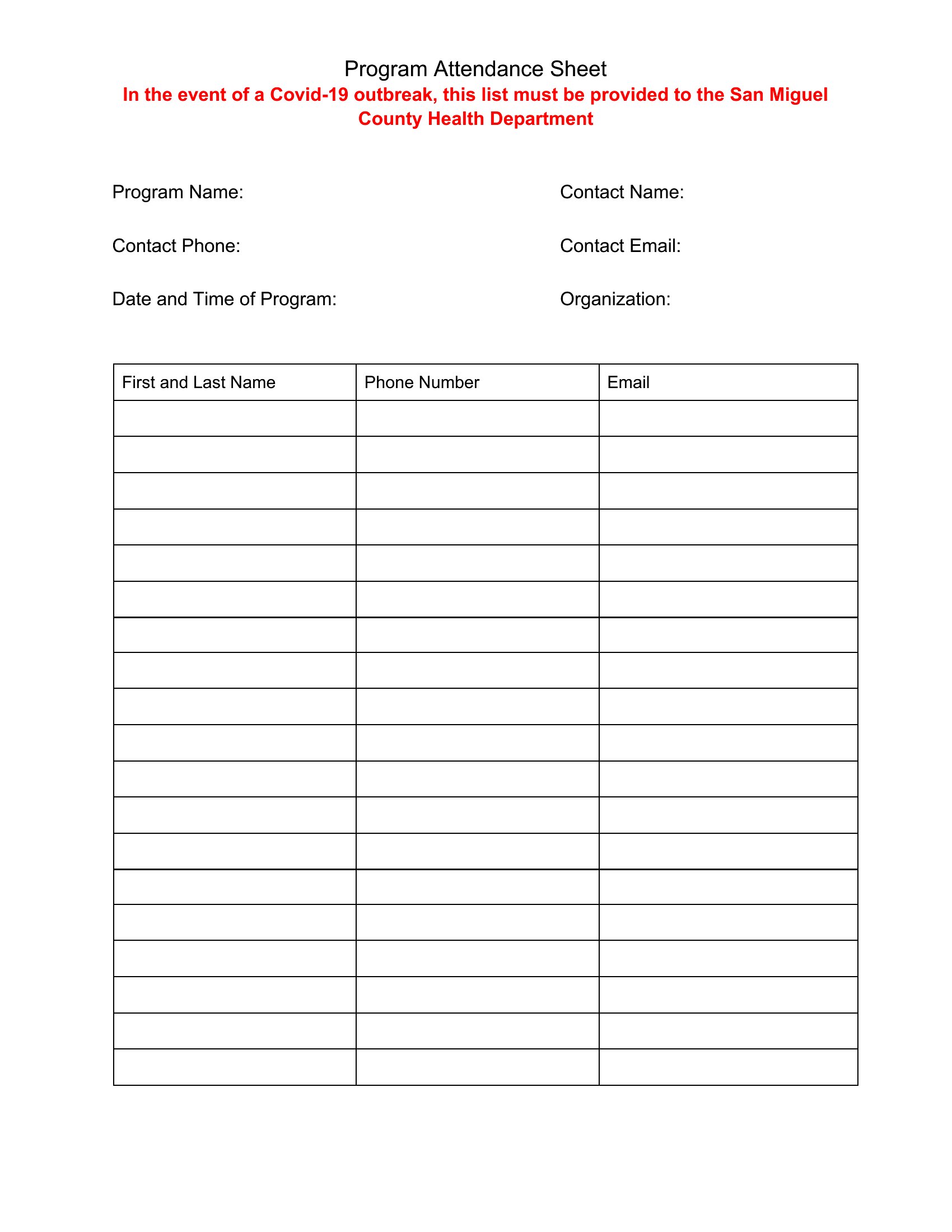
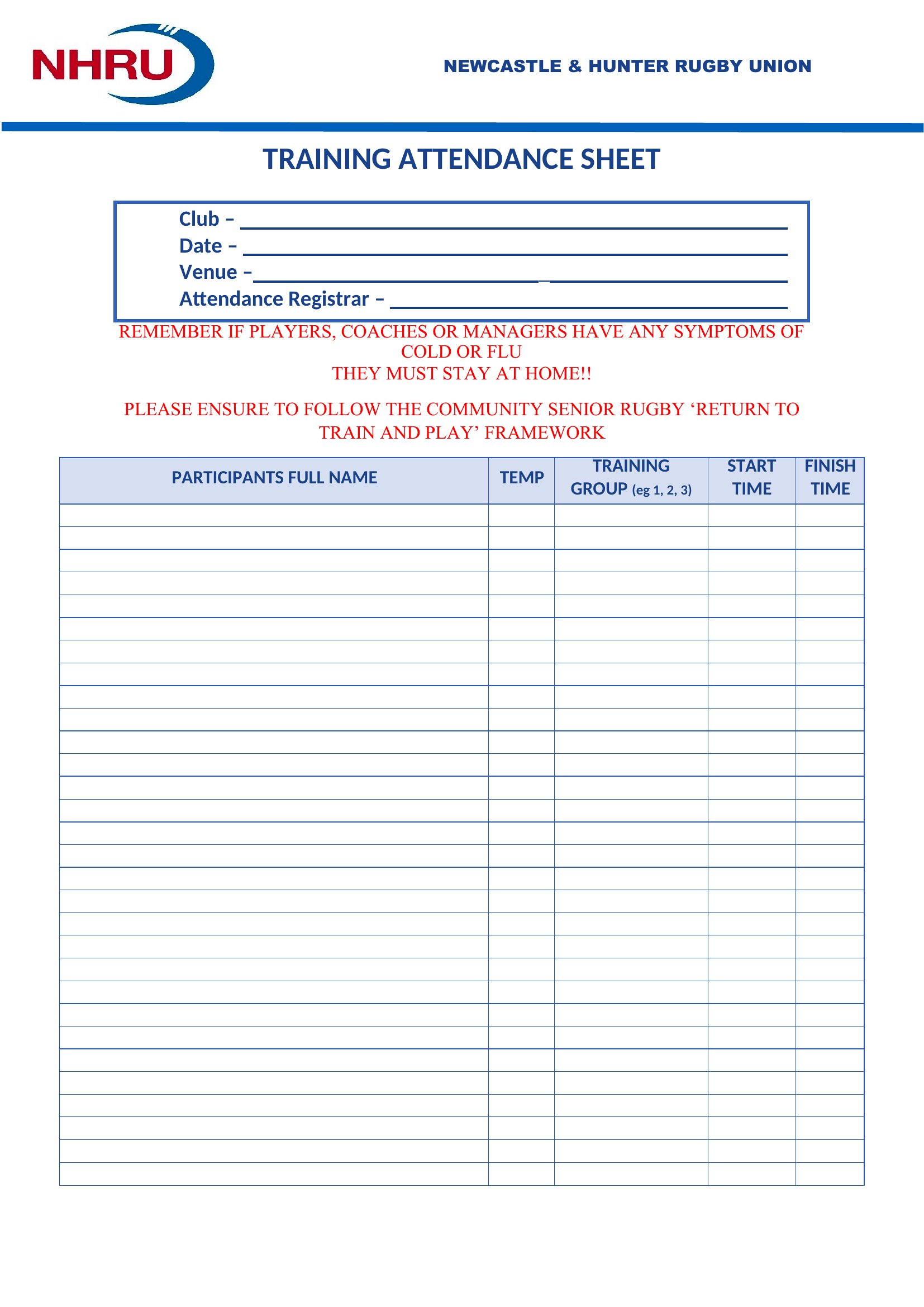
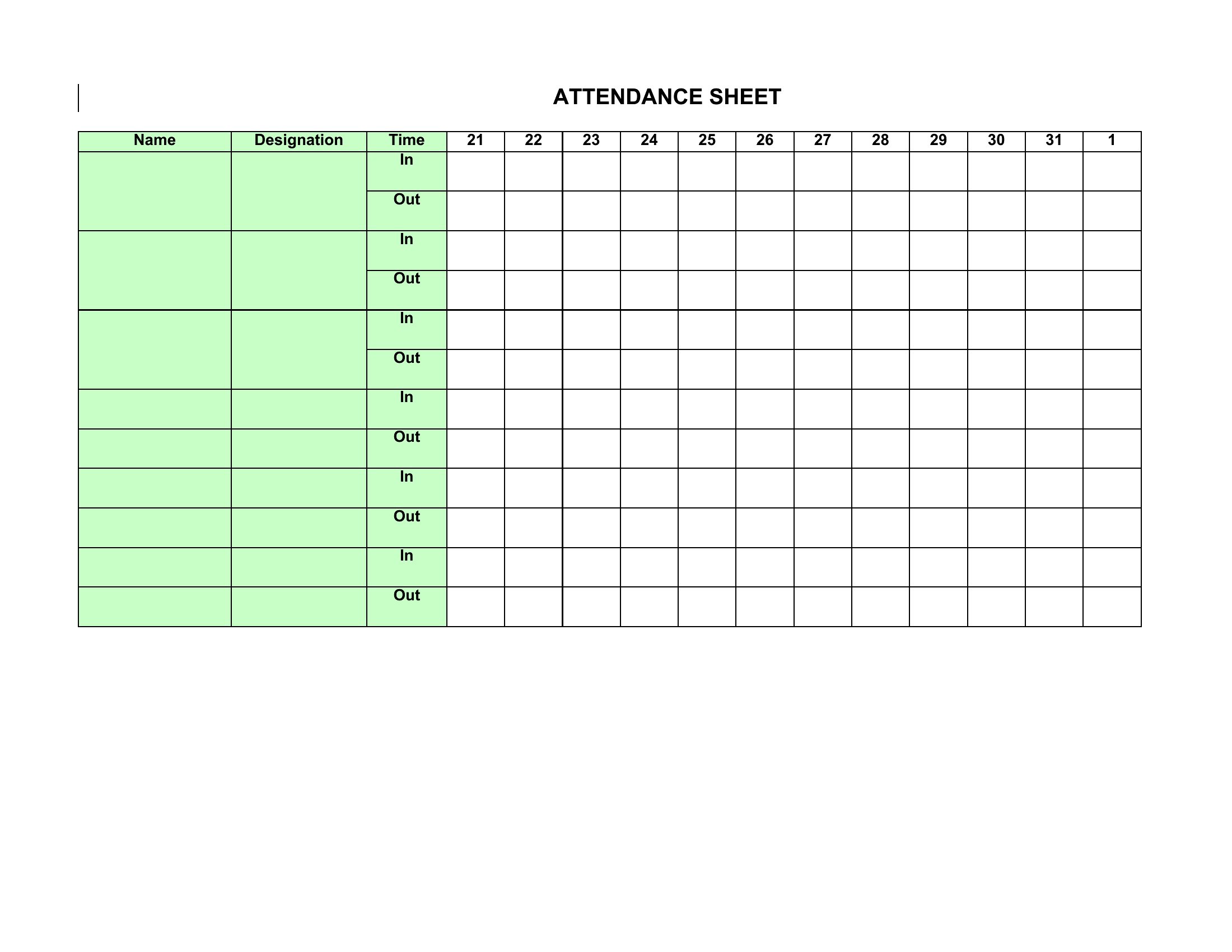
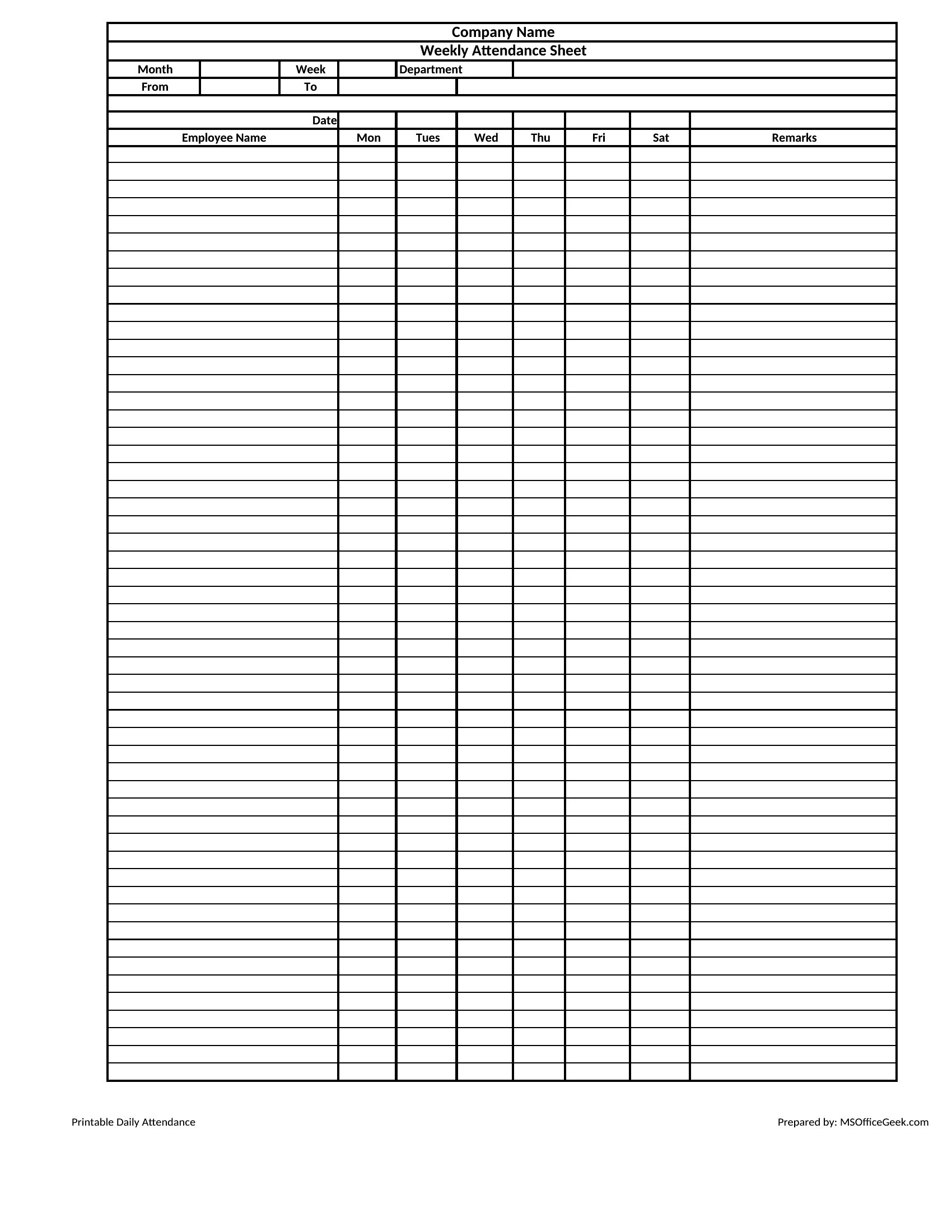
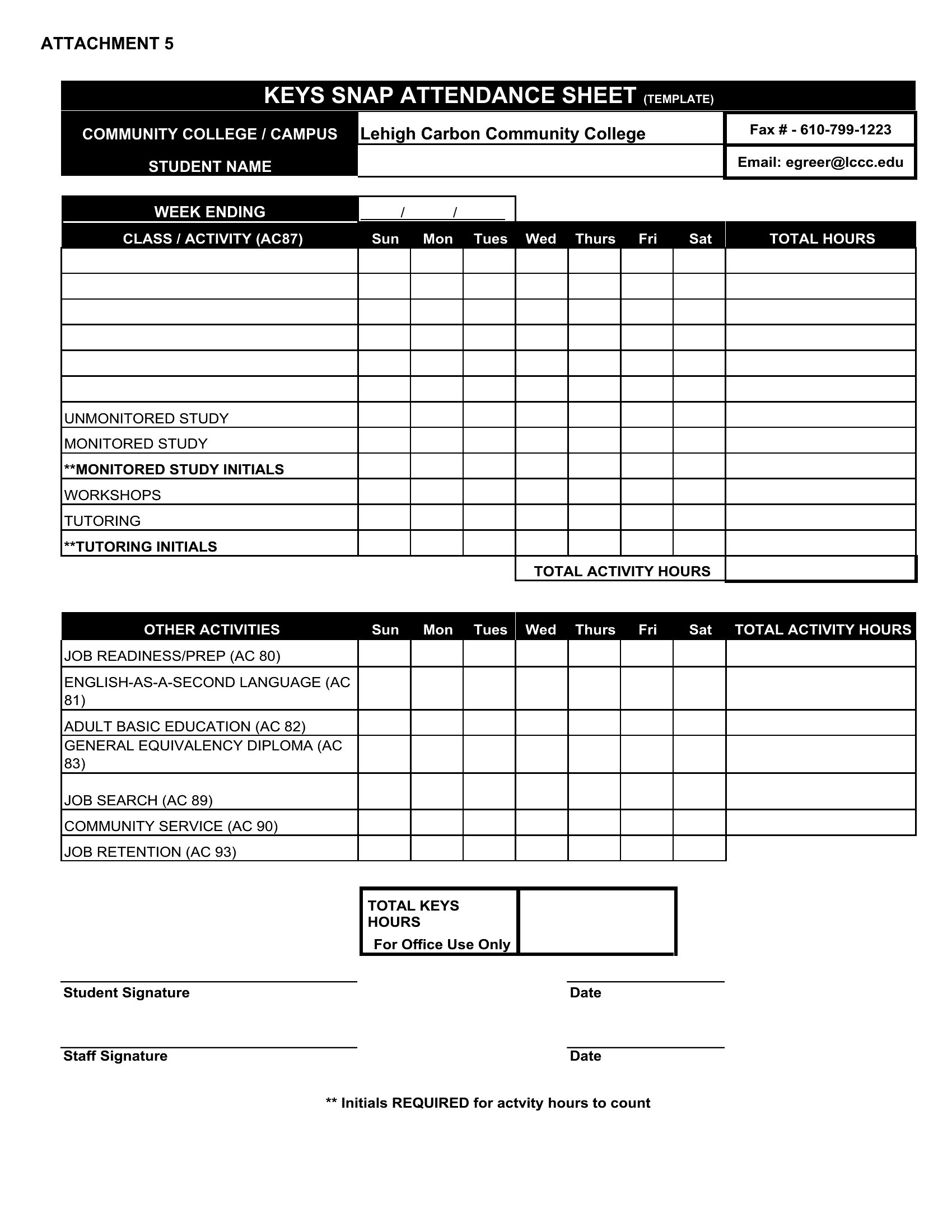
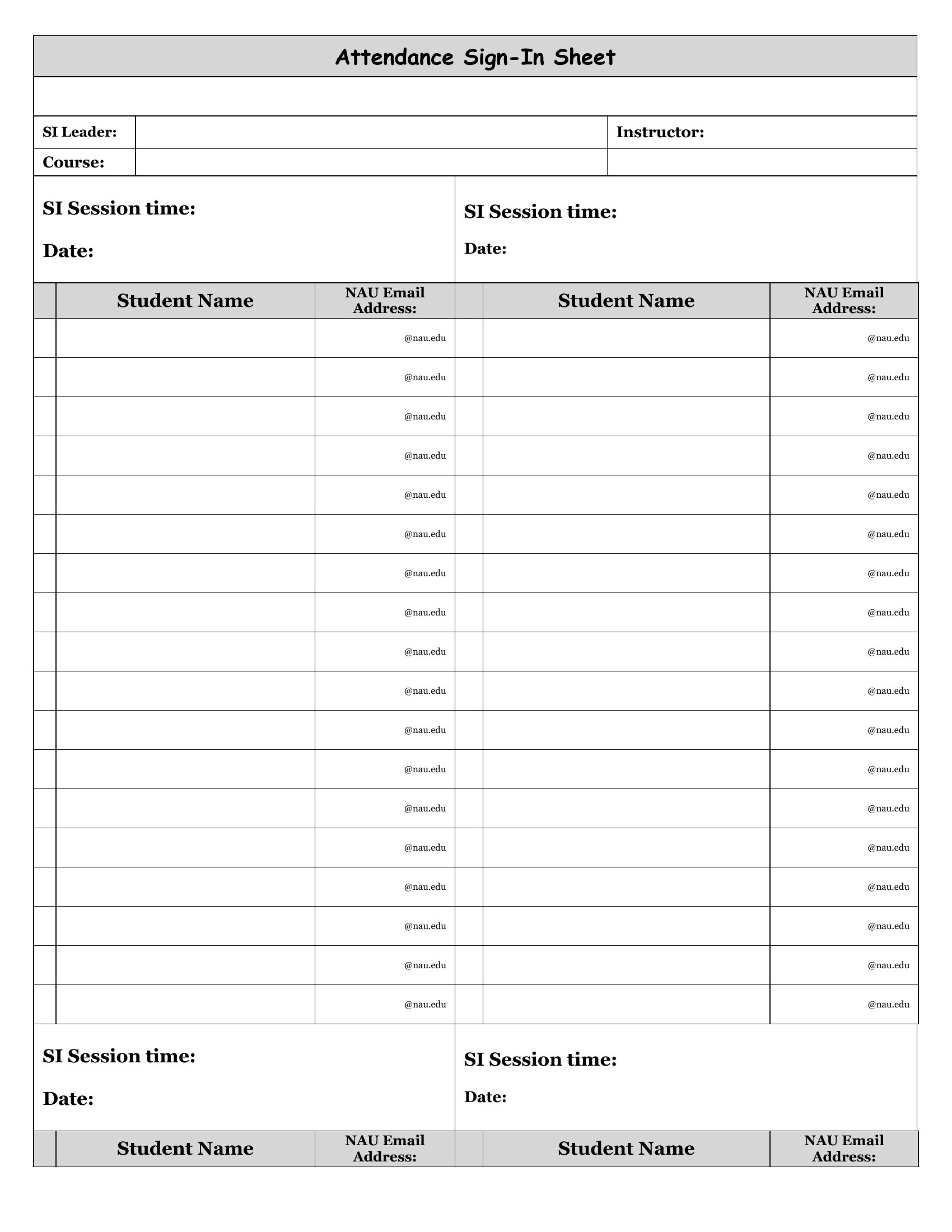
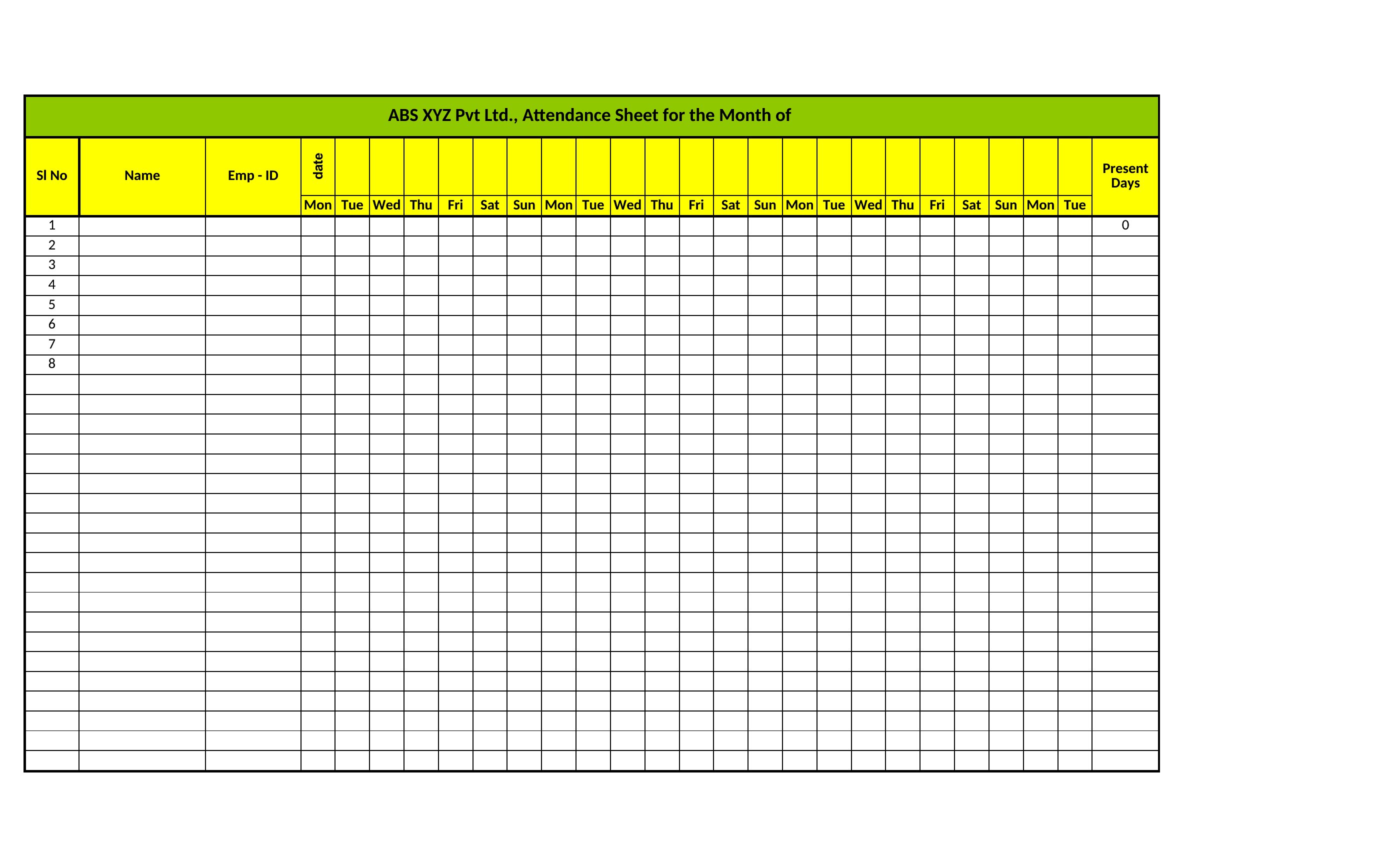
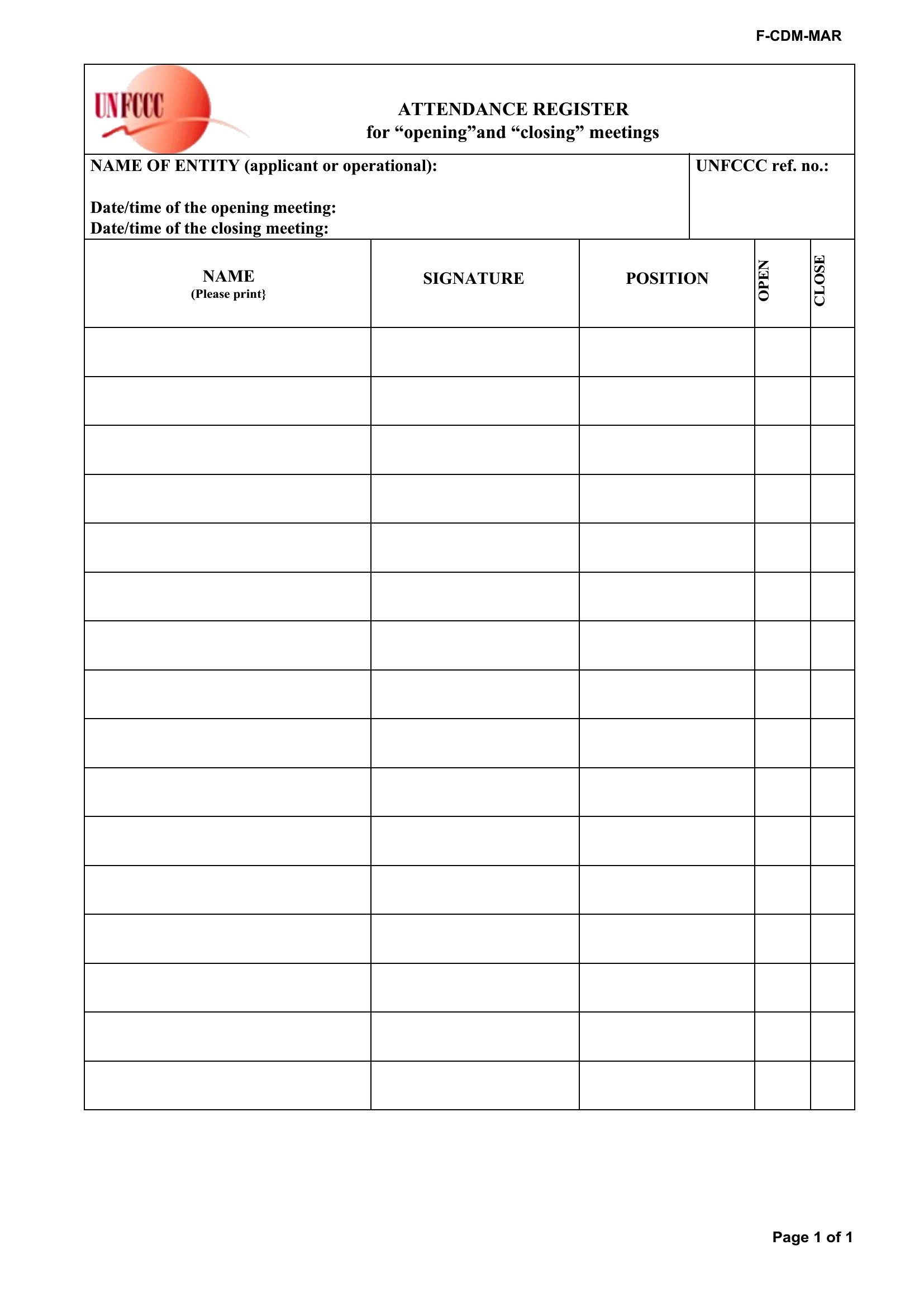
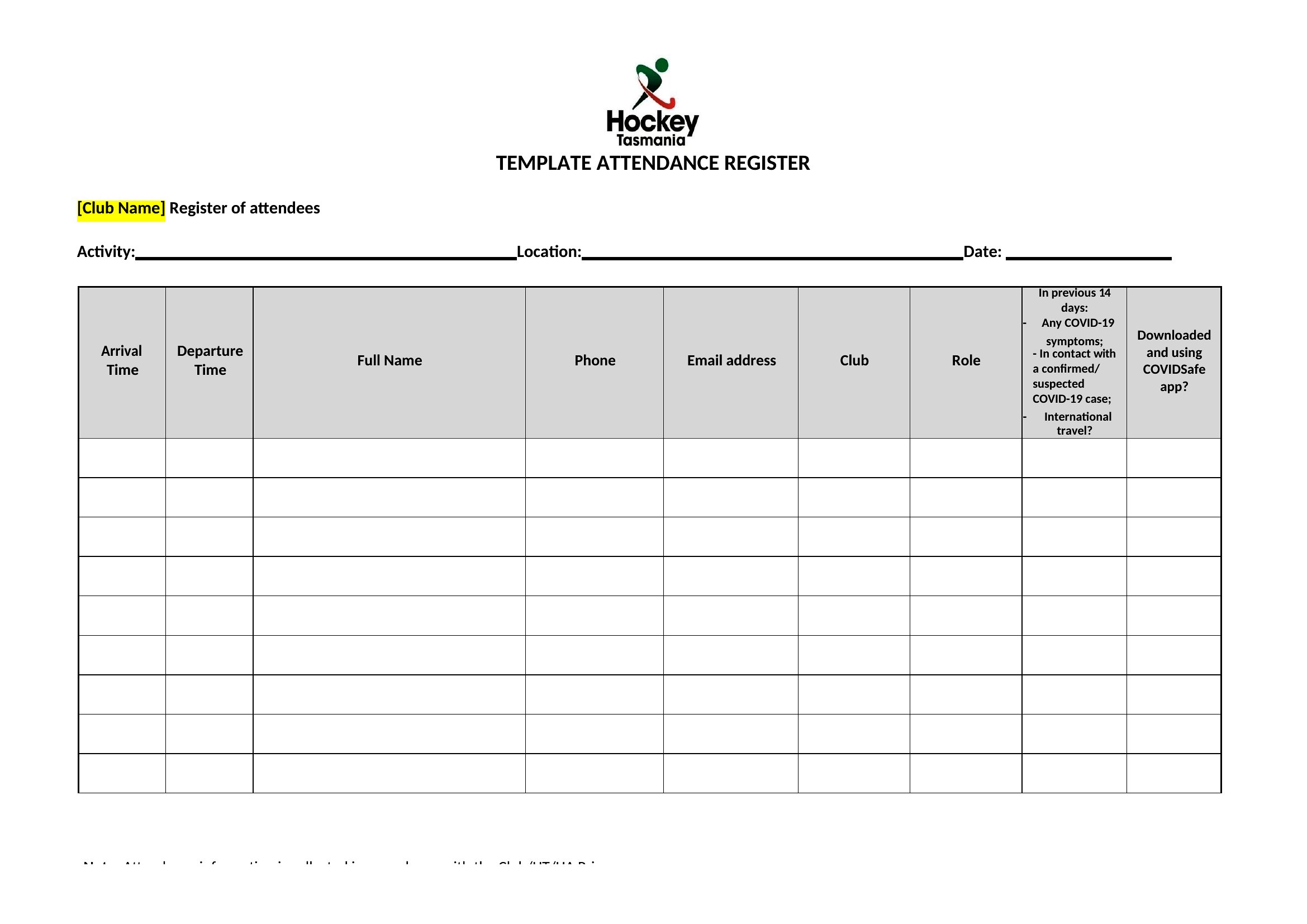
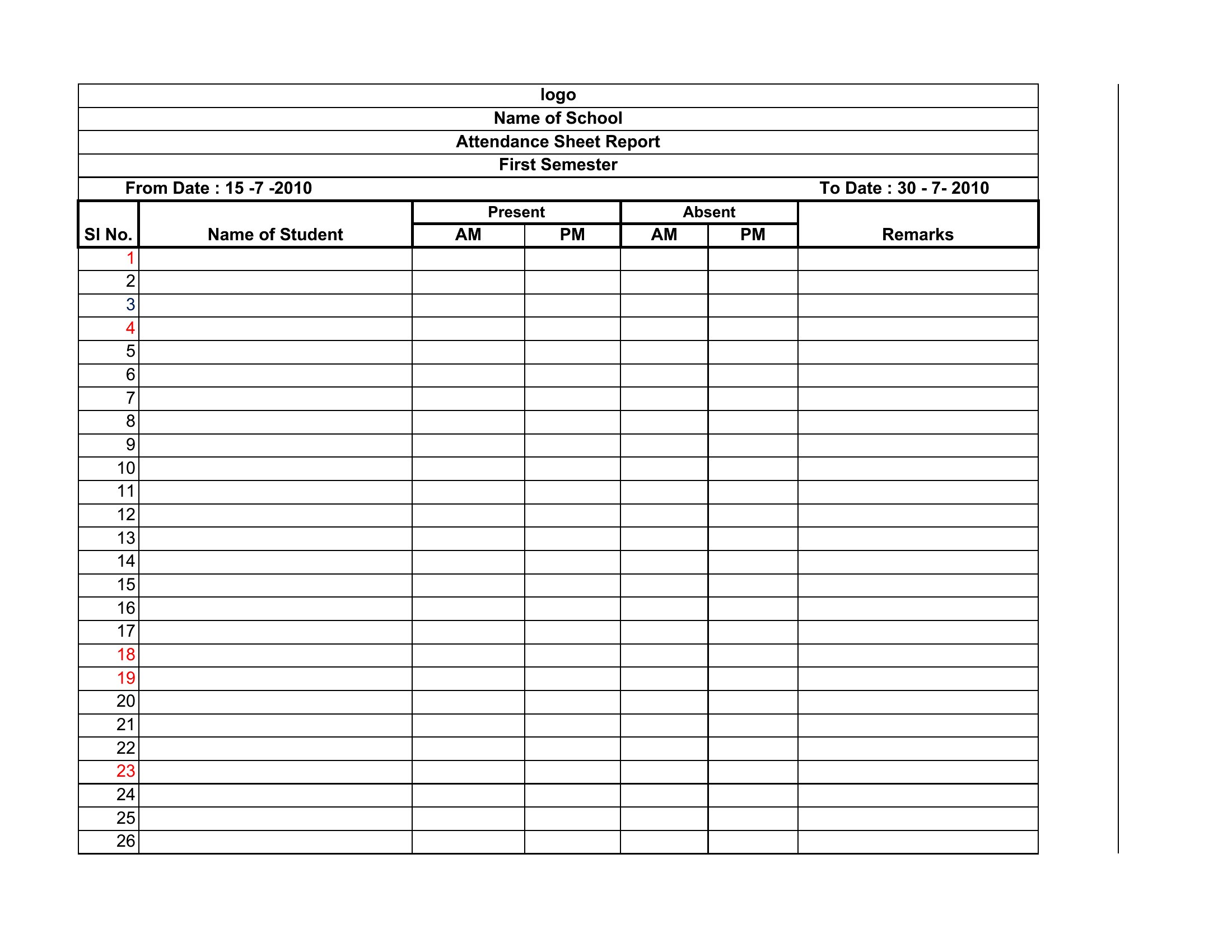
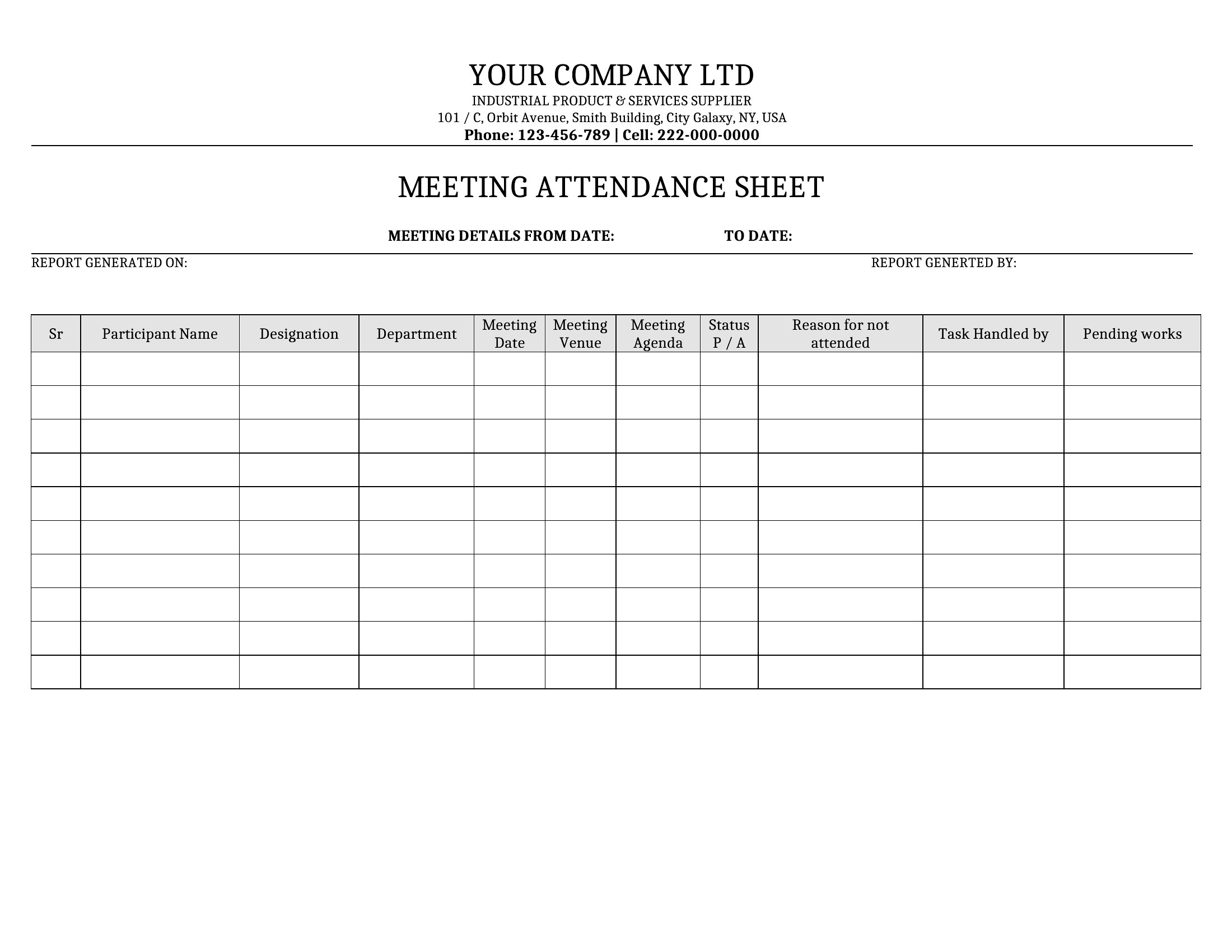
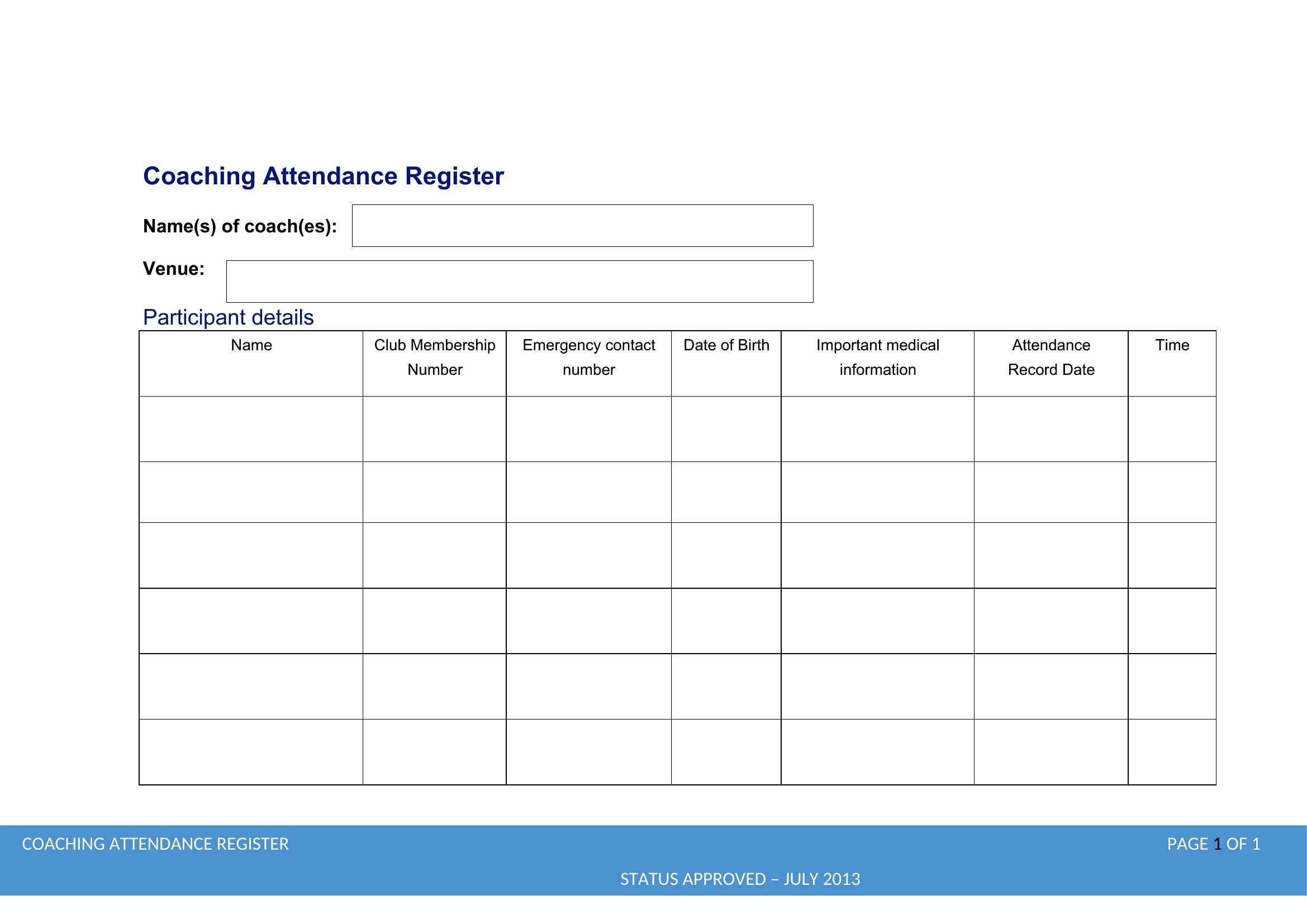
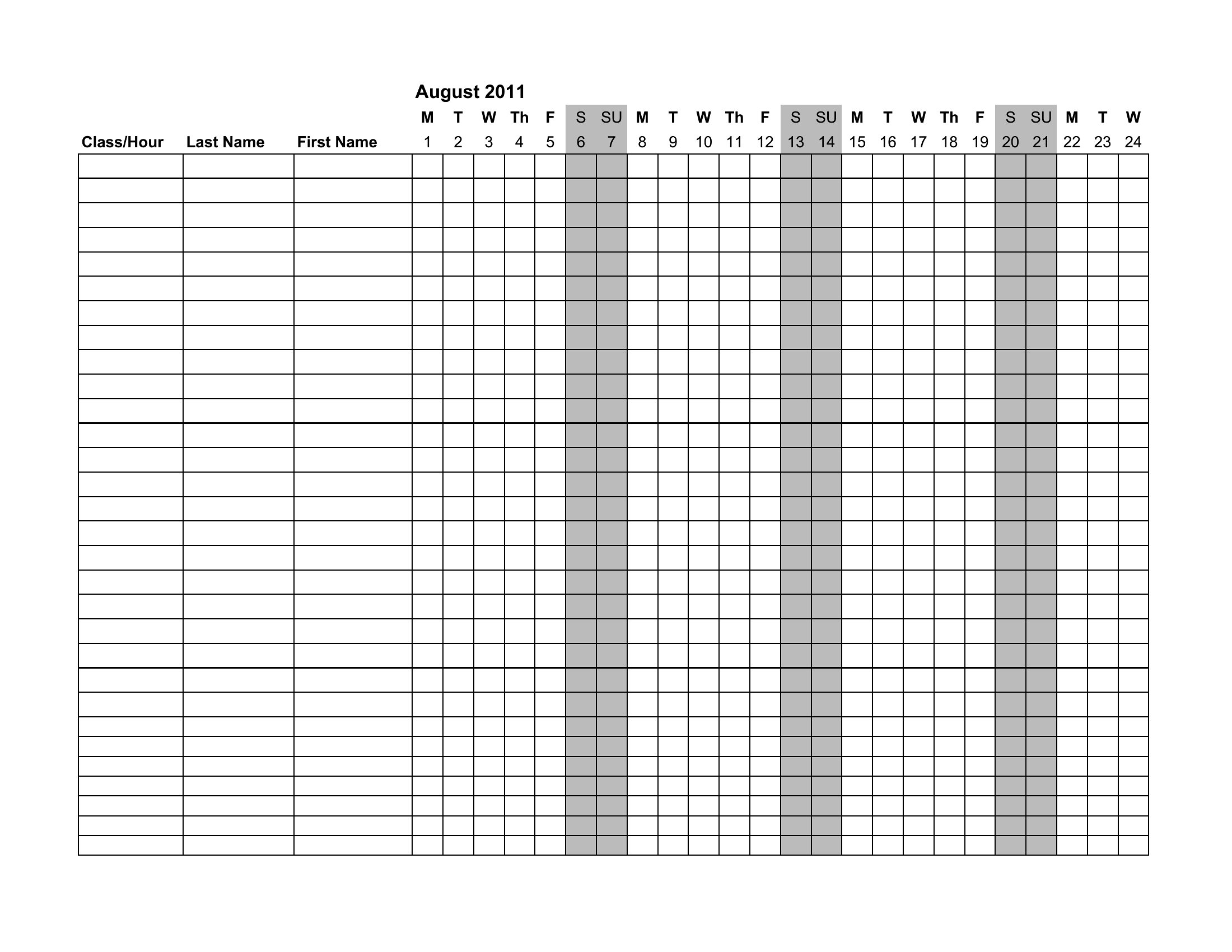
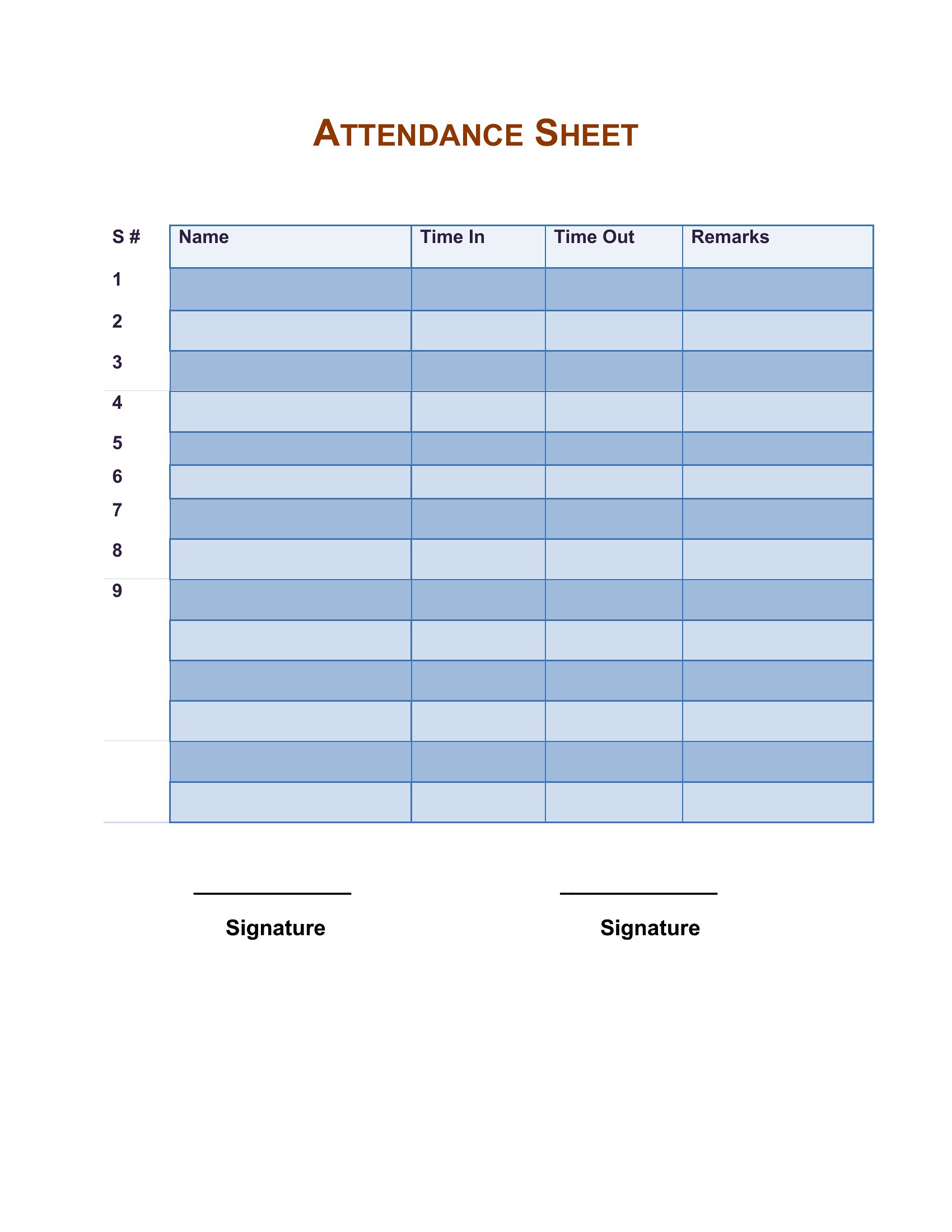
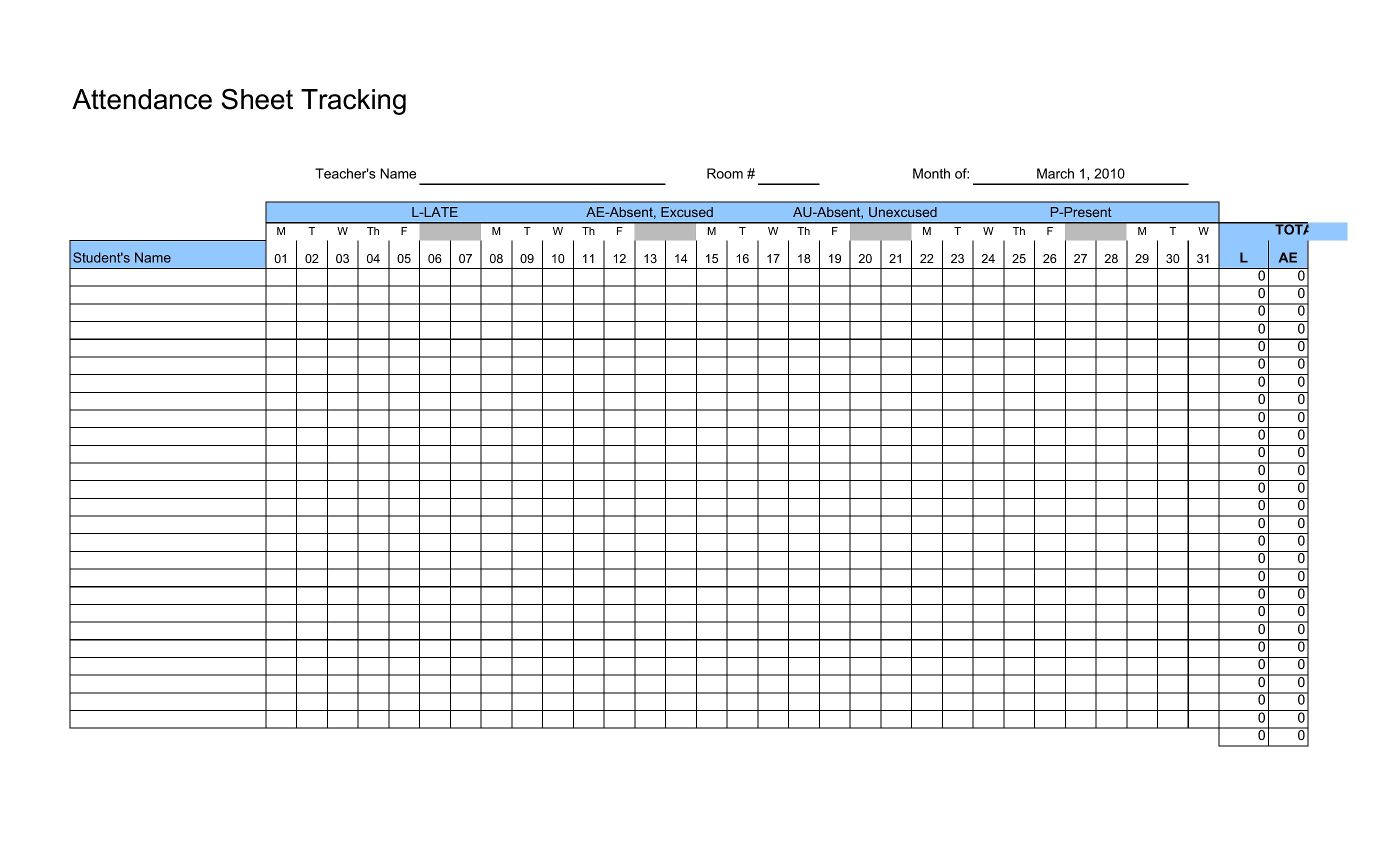
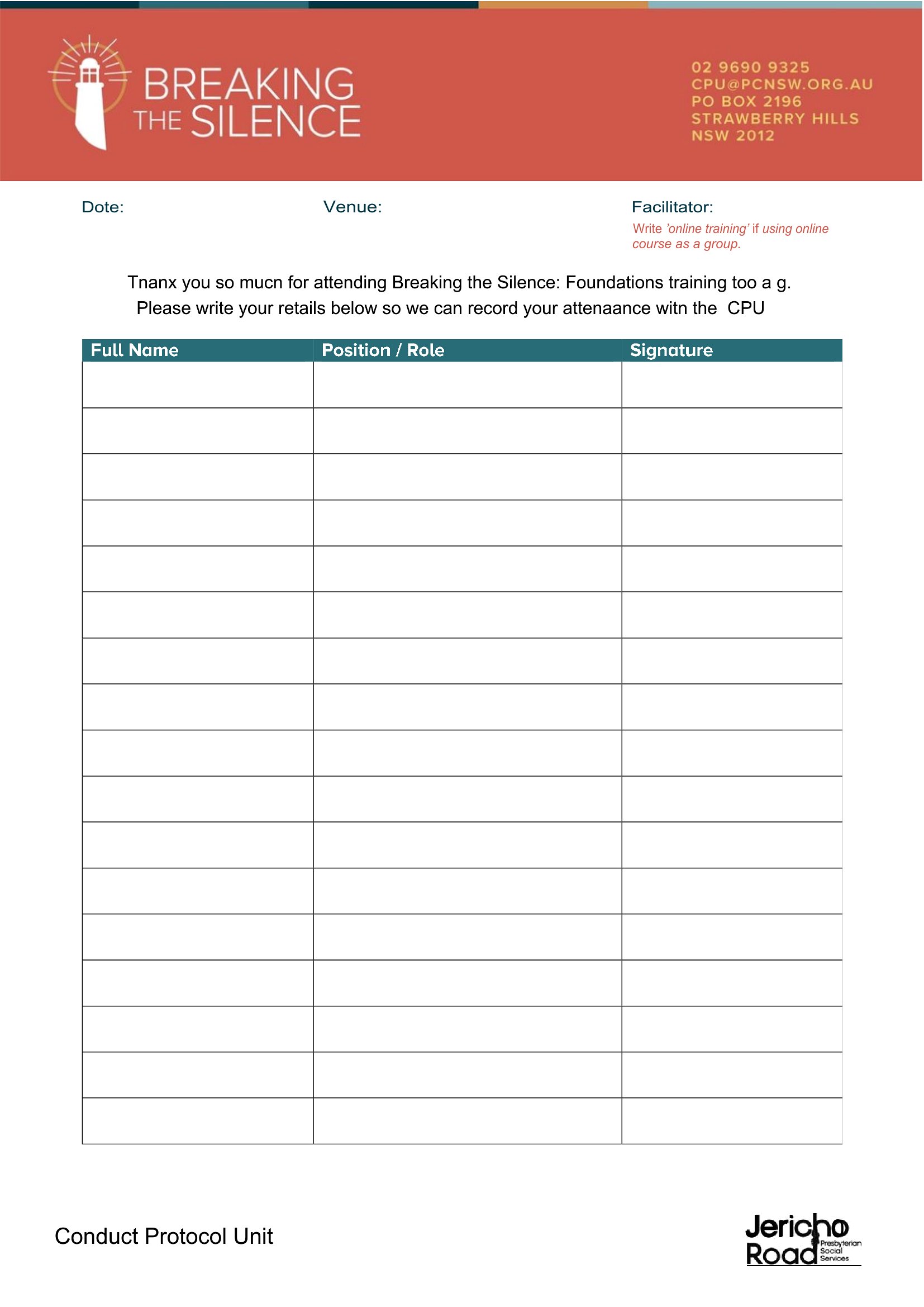
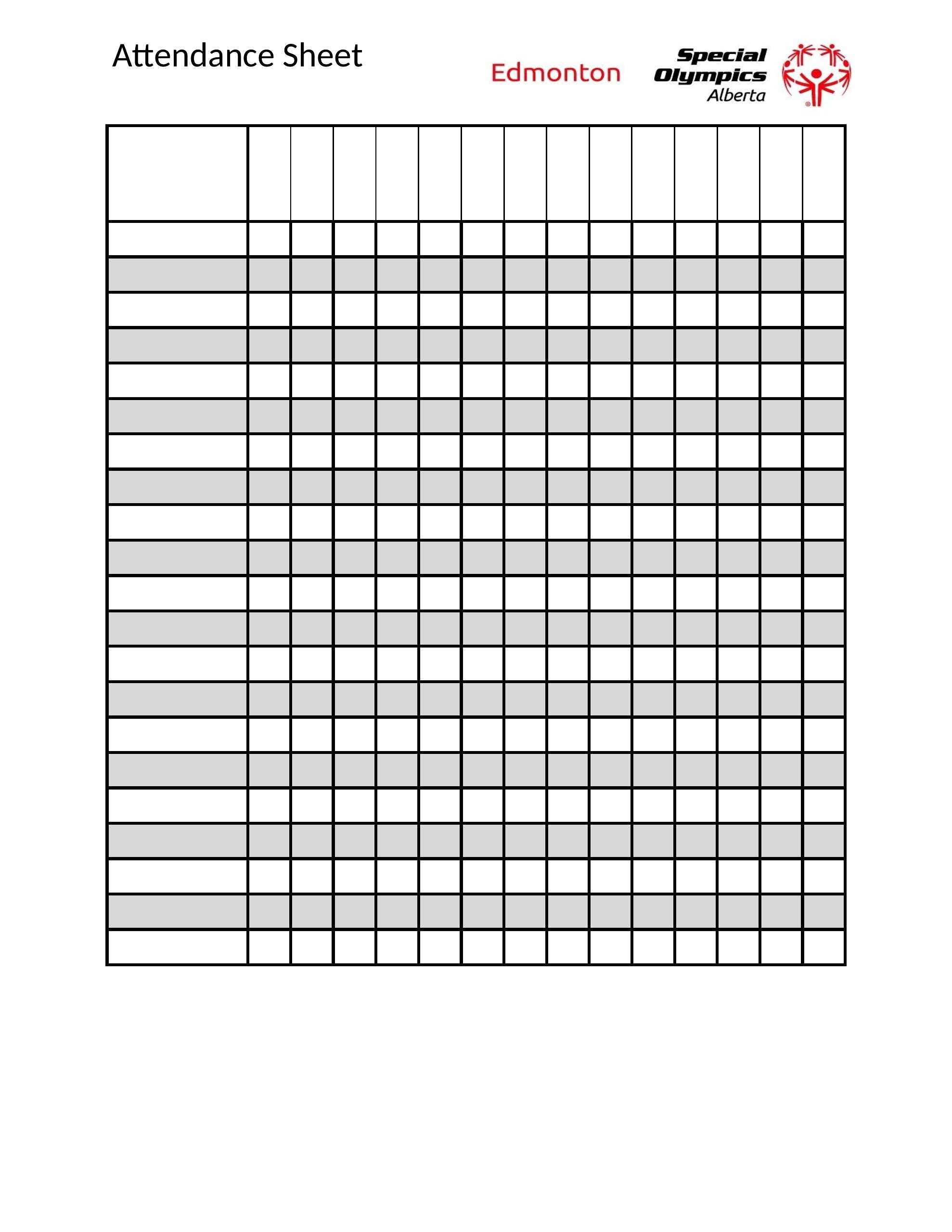
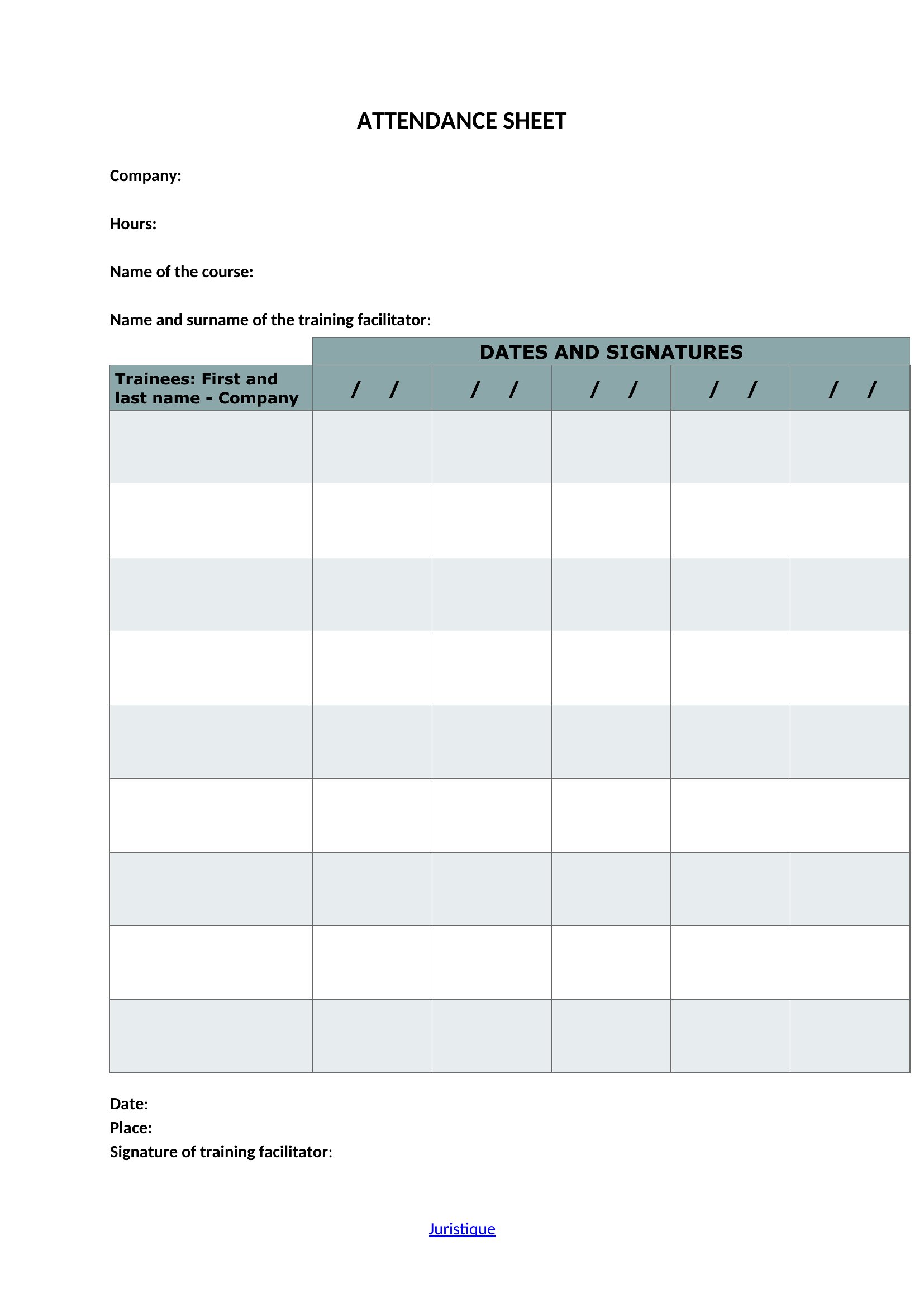
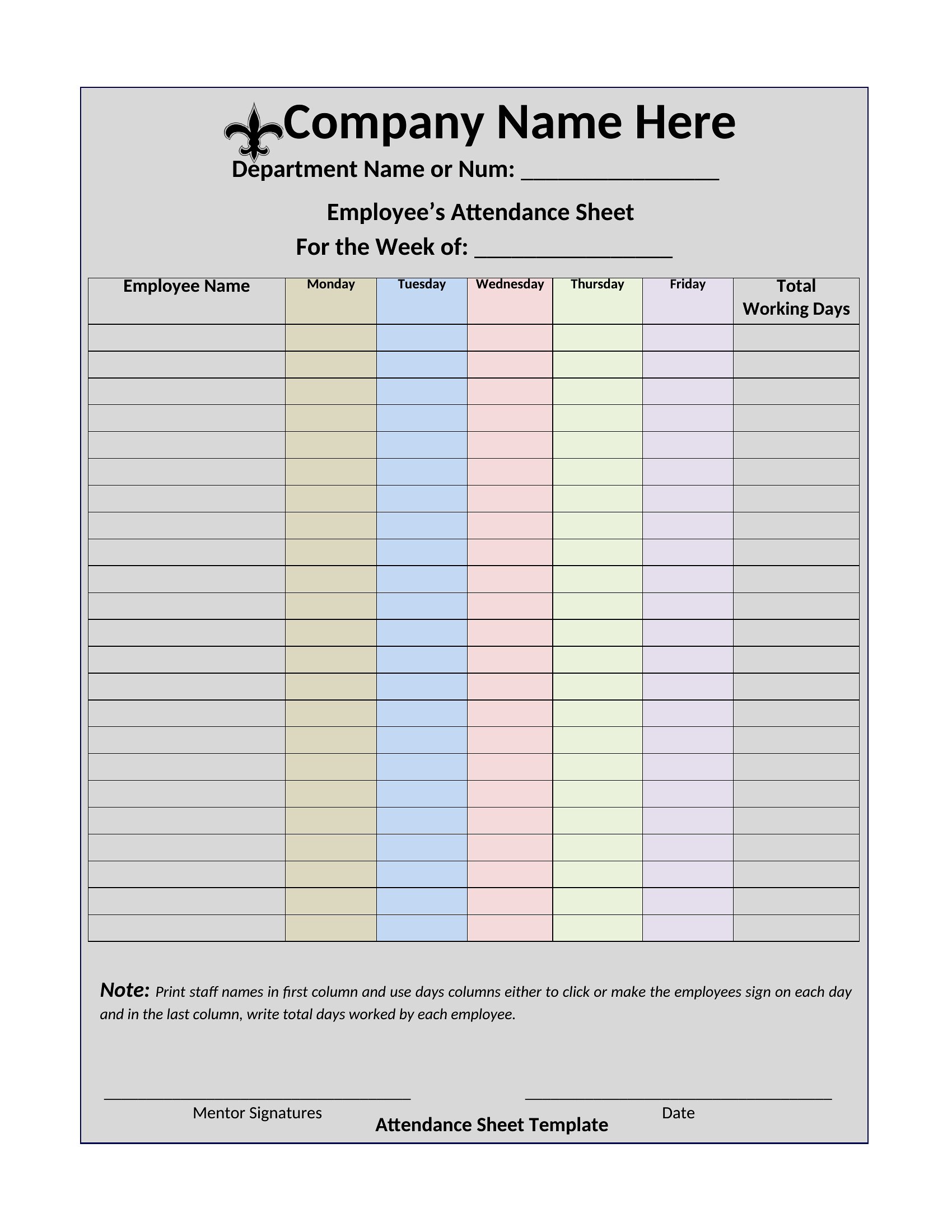
DataWhether you're calling roll in a classroom, tracking shifts at work, or checking who showed up to weekly practice, a simple attendance sheet keeps the record straight. This group of 48 templates covers daily, weekly, and monthly layouts so teachers, club leaders, and team supervisors can mark names and dates without building a grid by hand. Some versions leave room for notes like tardies or excused absences, which helps when you need to look back later.
Formats include Word and PDF for printing a clean sheet to clip on a board, along with Excel files that count totals automatically as you check people off. Add your group's names, set the dates, and you're ready to go. Grab the layout that fits your week and print as many copies as you need.
When to use this Attendance Sheet template
- High school teachers tracking daily attendance in a large class of 120+ students to ensure accurate roll calls and PTA compliance without manual errors.
- Youth sports coaches monitoring practice attendance for 30+ players weekly to log participation, tardies, and absences in one shared document during tournaments.
- Small business managers recording employee shift attendance for 15 staff members daily to streamline payroll and schedule adjustments across multiple locations.
- Nonprofit event organizers tracking volunteer sign-ins at monthly community cleanups, where 50+ participants arrive at staggered times and require quick, durable records.
Which format should I download?
For quick digital sharing and real-time updates among team members, use the Excel format—it’s editable, supports formulas for automatic counts, and syncs easily with scheduling tools. If you need a permanent, print-ready record for meetings or in-person settings, the PDF format works best, especially the fillable versions that can be distributed electronically before printing. Word is ideal only if you require extensive customization or notes (like tardy reasons) alongside attendance, as its text-based layout handles longer comments better than grid-heavy Excel sheets.
Choose from 48 Attendance Sheet Templates
How to use this Attendance Sheet template
Can I use these templates to track attendance for remote teams or hybrid workforces?
Yes, but you’ll want the Excel format for its flexibility—add columns for virtual check-ins (like Zoom times) or hybrid statuses (e.g., ‘office’/‘remote’). PDFs work if you’re emailing a static version, but edits will require printing or re-entering data. Pair with a shared digital tool like Google Sheets for live collaboration.
What’s the best way to handle missing signatures or incomplete entries in a printed attendance sheet?
Use the PDF fillable templates—they often include fields that won’t let users skip critical sections, like dates or names, reducing omissions. If printing, add a note at the bottom like ‘Incomplete sheets require supervisor review’ to prompt accuracy. For digital use, Excel’s conditional formatting can highlight blank cells in red until filled.
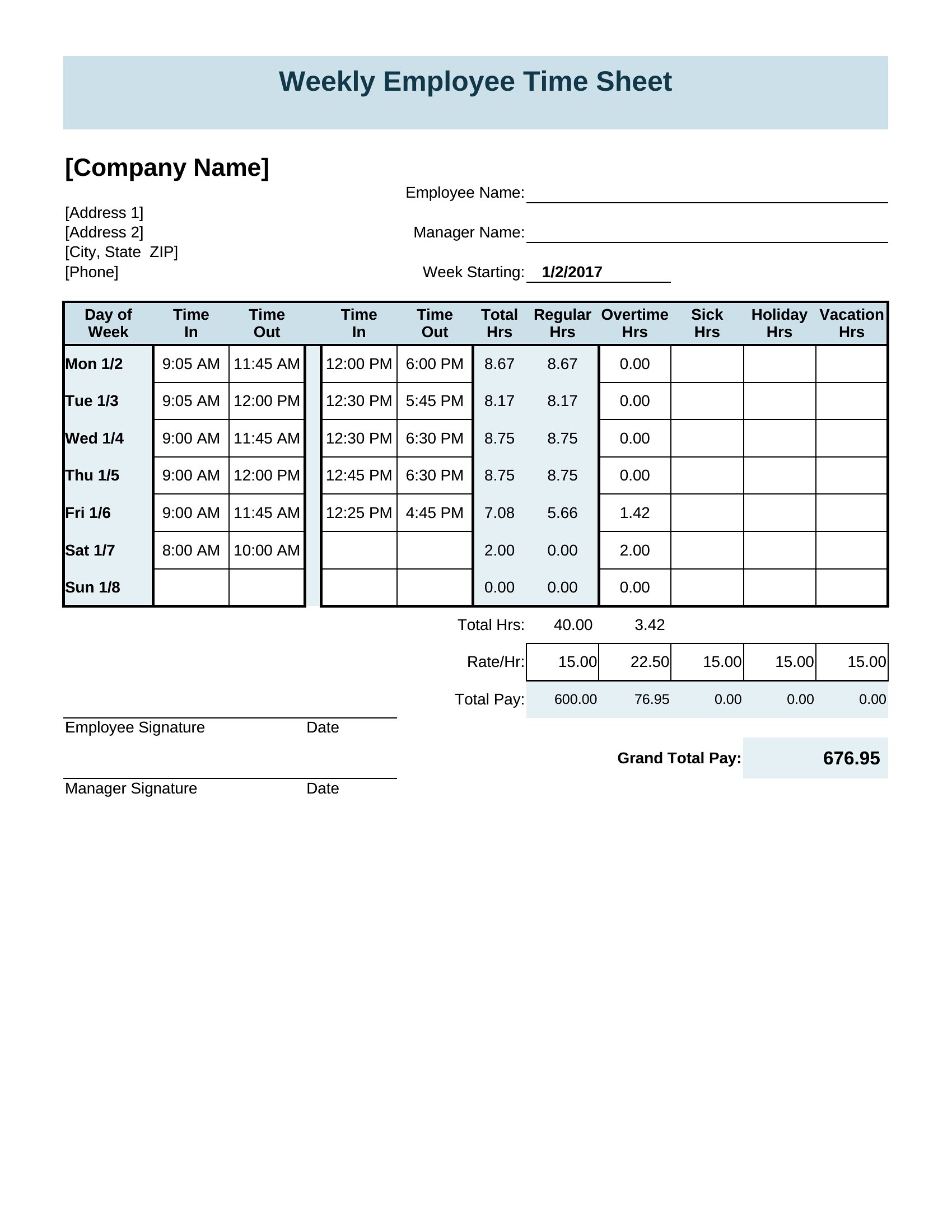
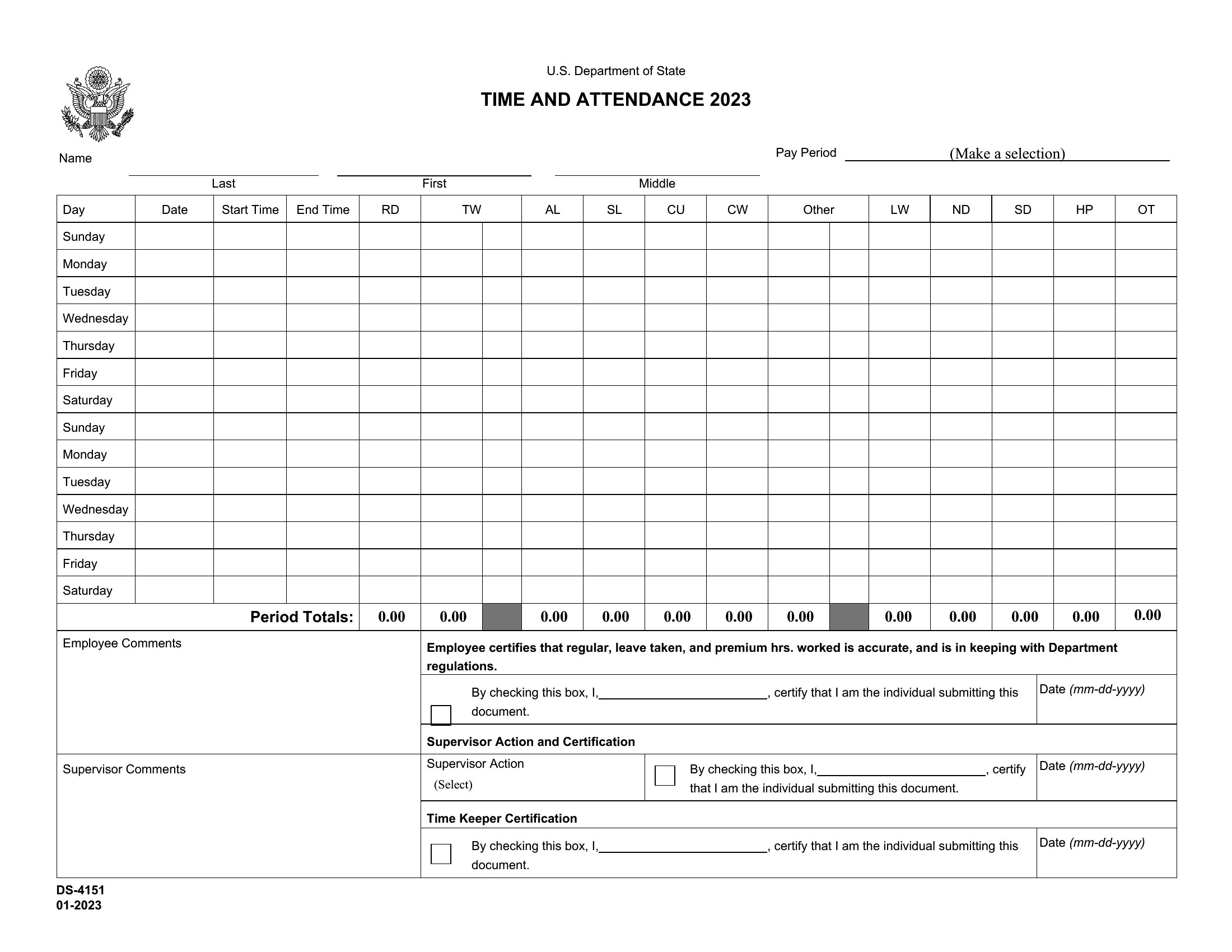
Are these templates suitable for tracking attendance with time punches, like clocking in/out for hourly workers?
Not directly—these sheets focus on presence/absence with dates, not precise timestamps. For time tracking, pair an Excel template with a column for ‘start/end times’ or use a dedicated timeclock app. The PDFs can’t log time data, so Excel is the only viable format if you need to approximate shifts (e.g., ‘8AM–4PM’).
Comments
Join the conversation
Sign in to share your thoughts and leave a comment on this resource.