
Free Printable Class Rosters (Word, Excel, PDF)
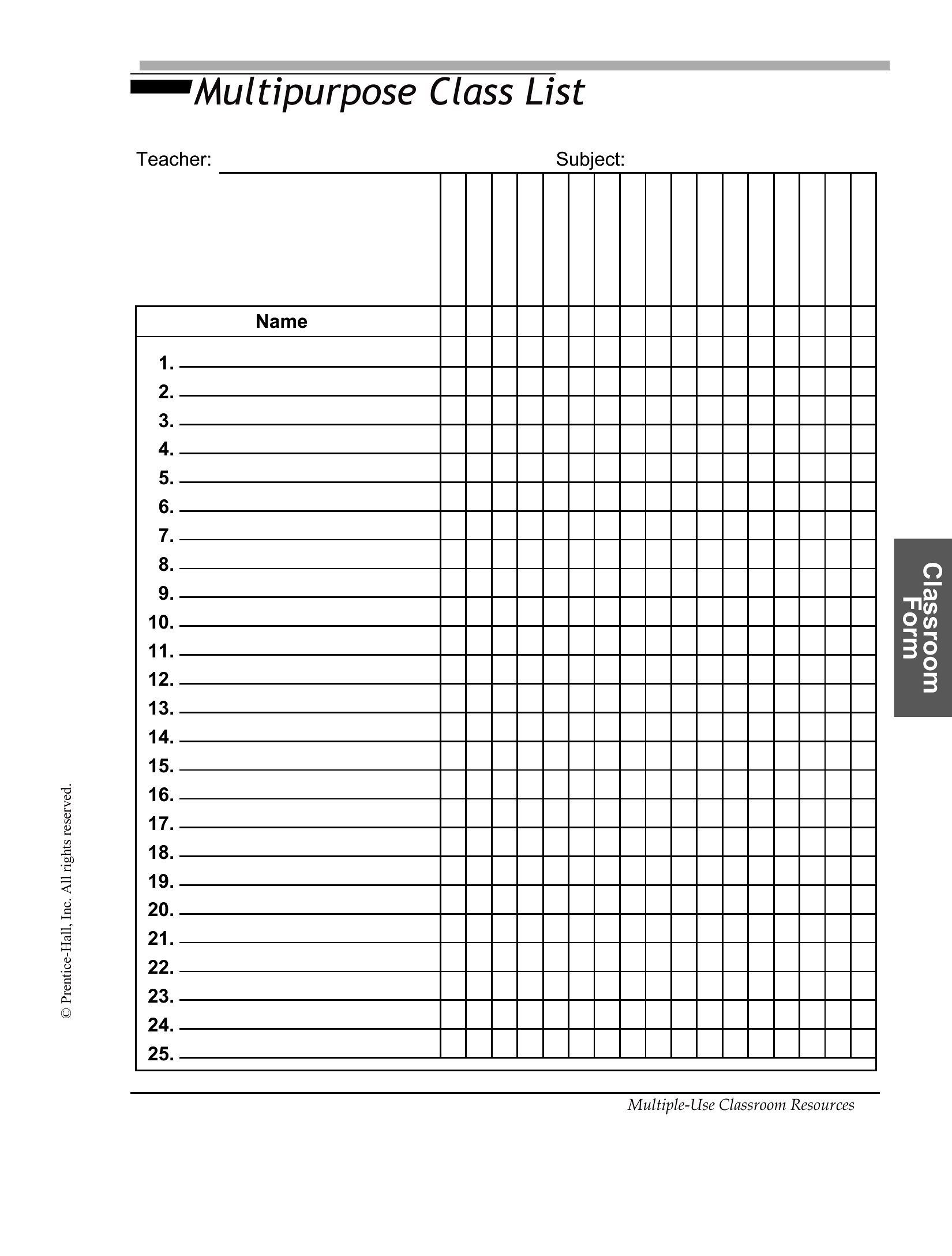
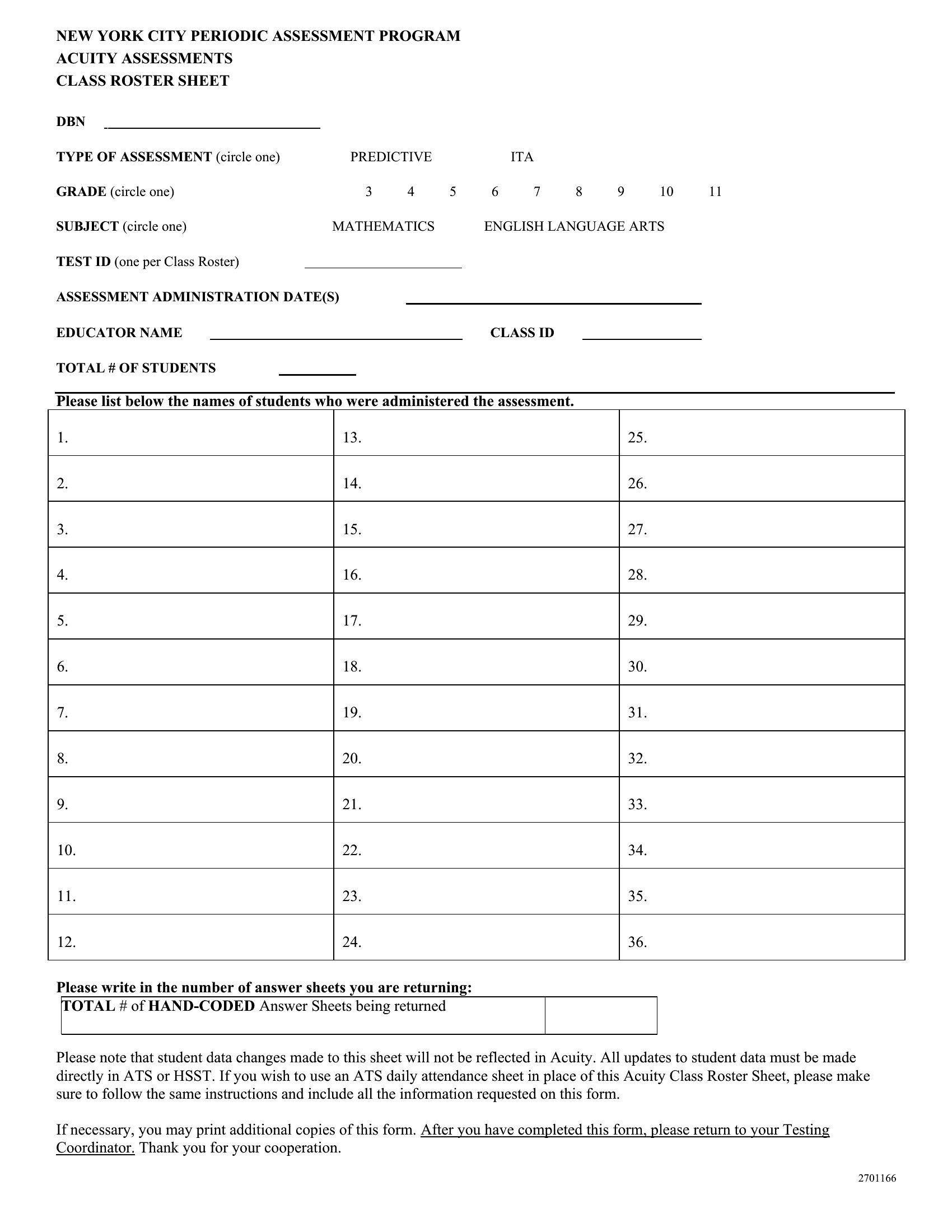
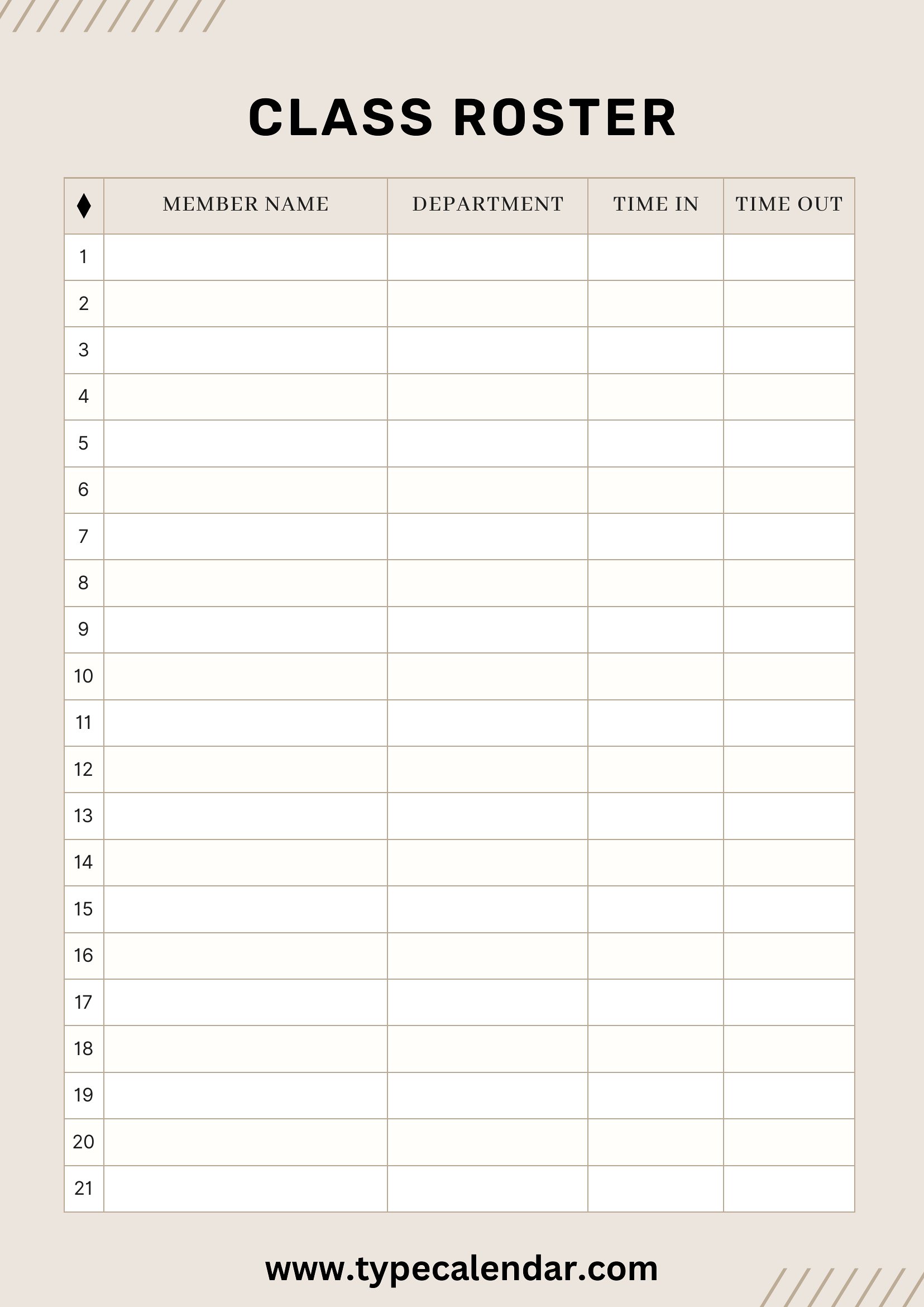
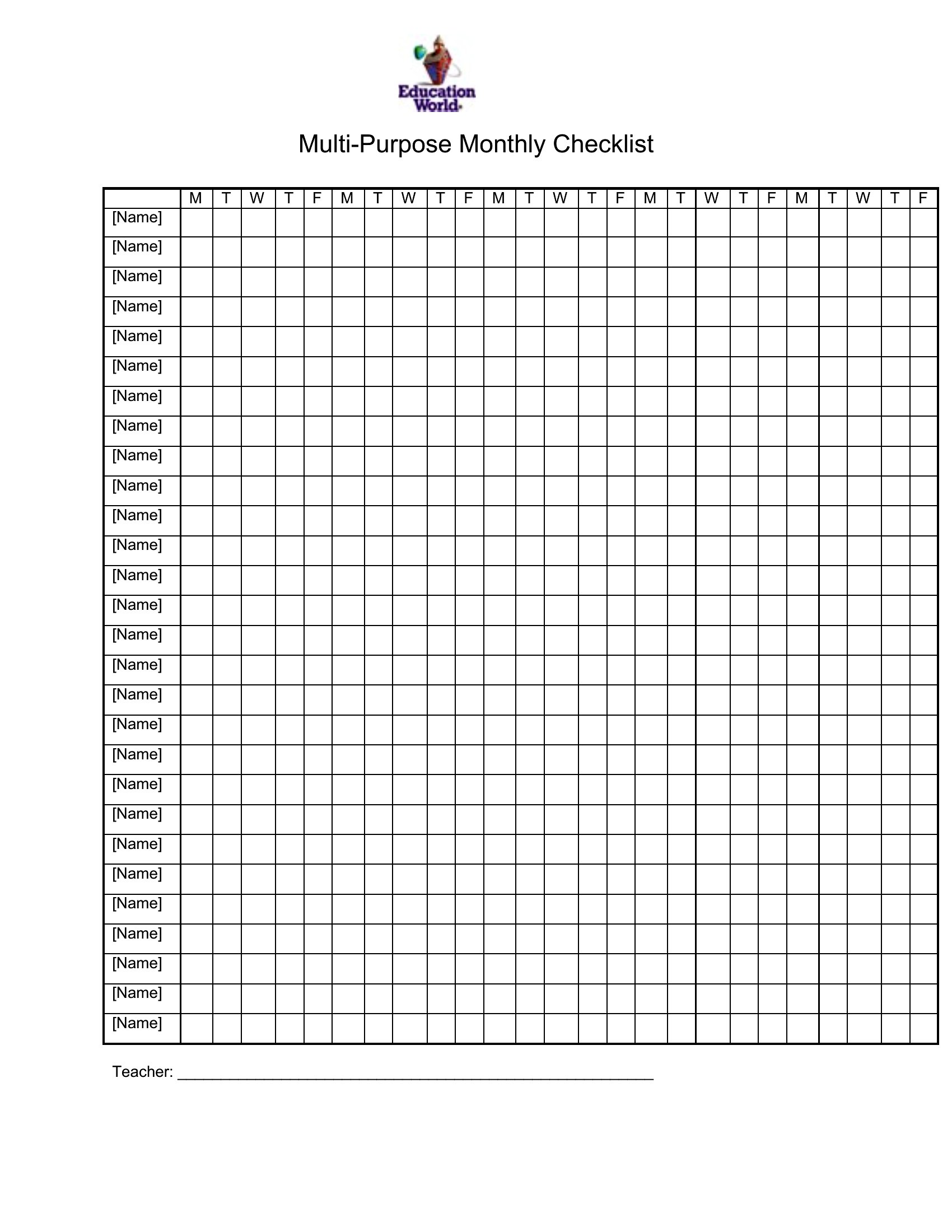
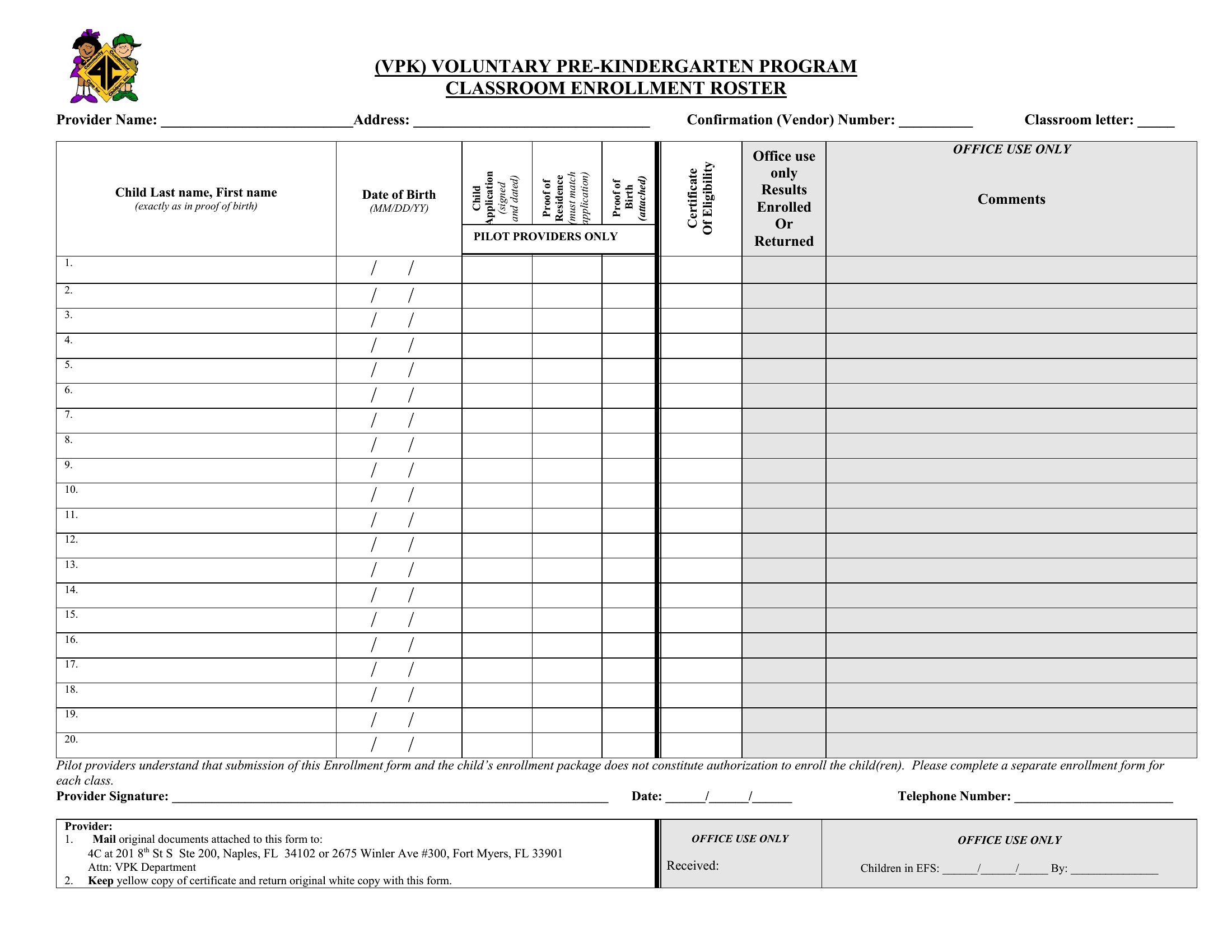
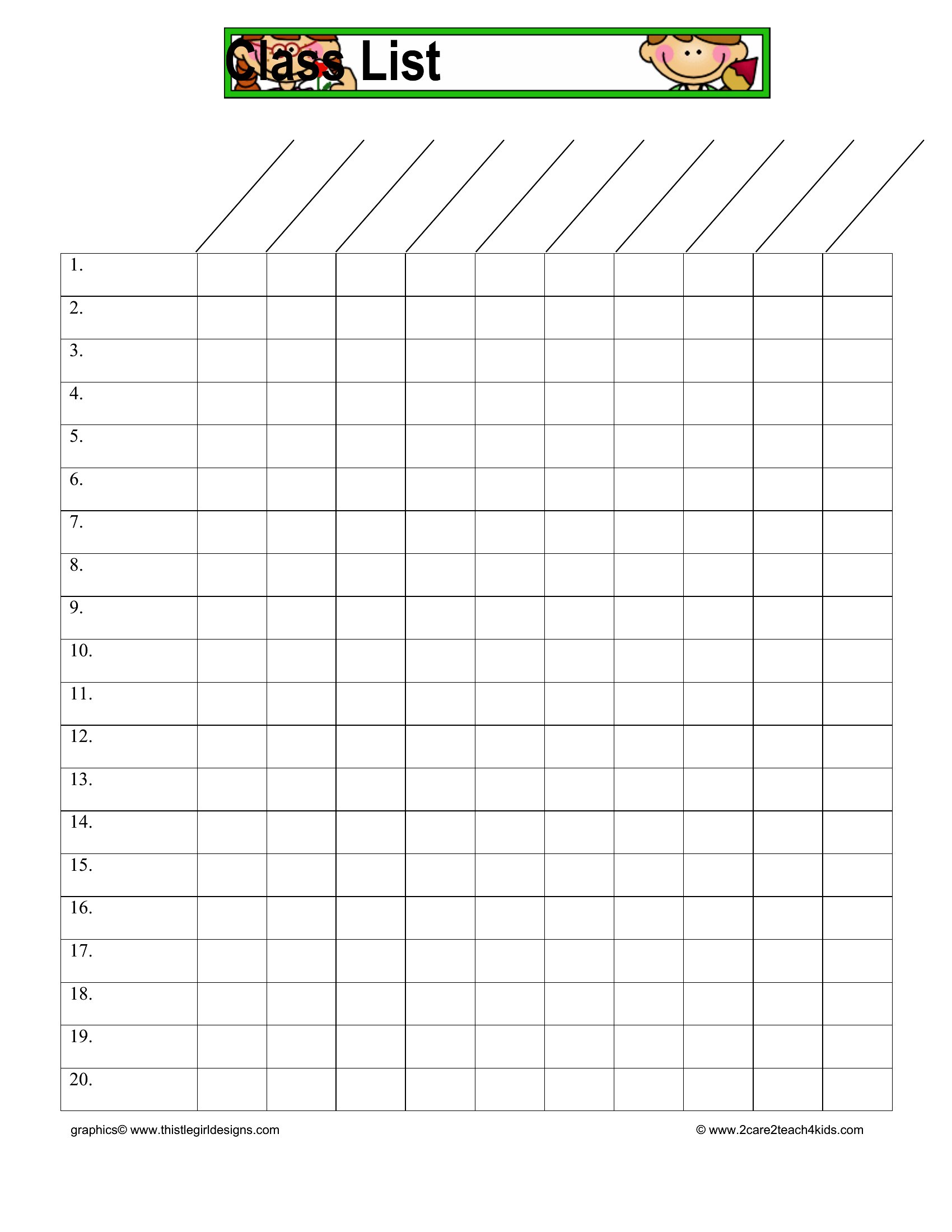
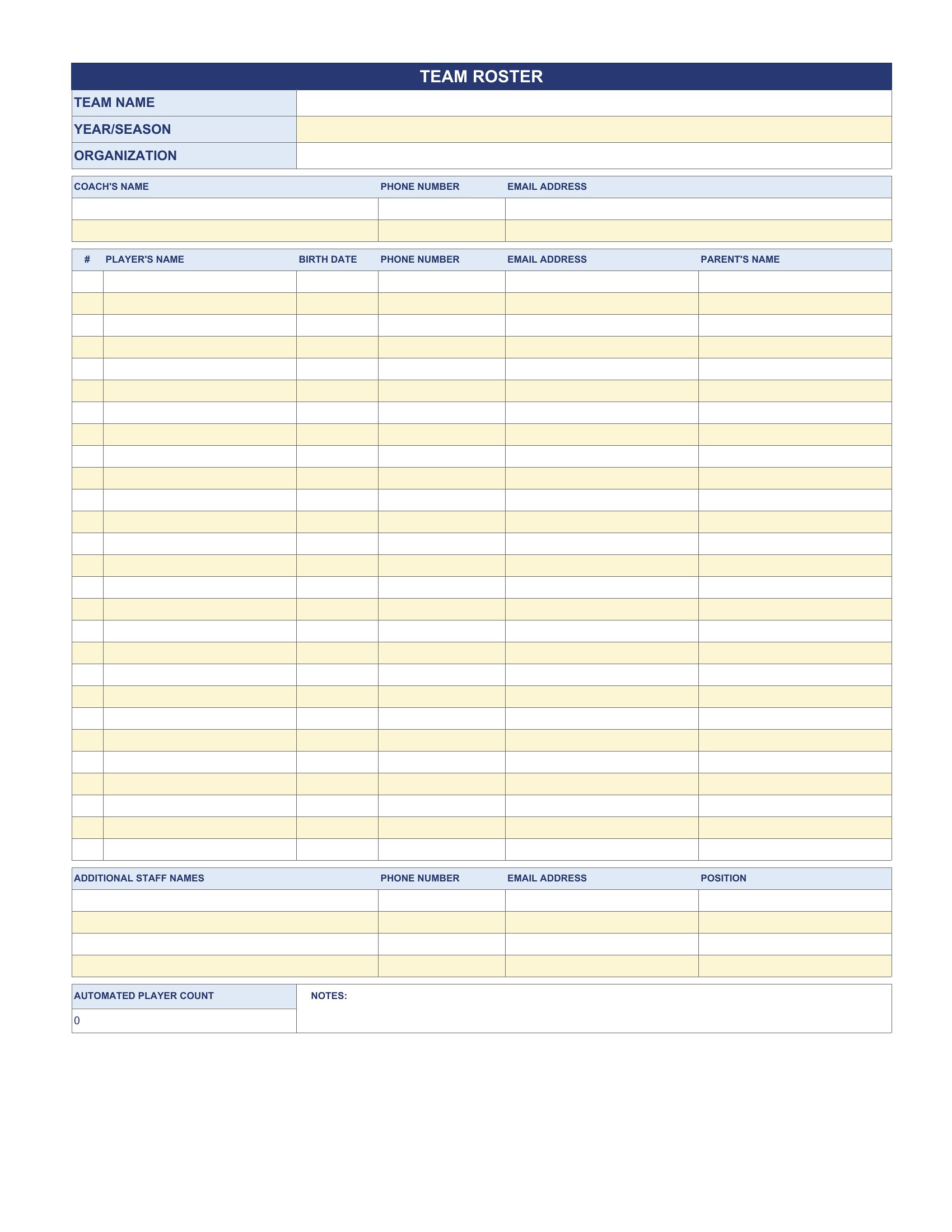
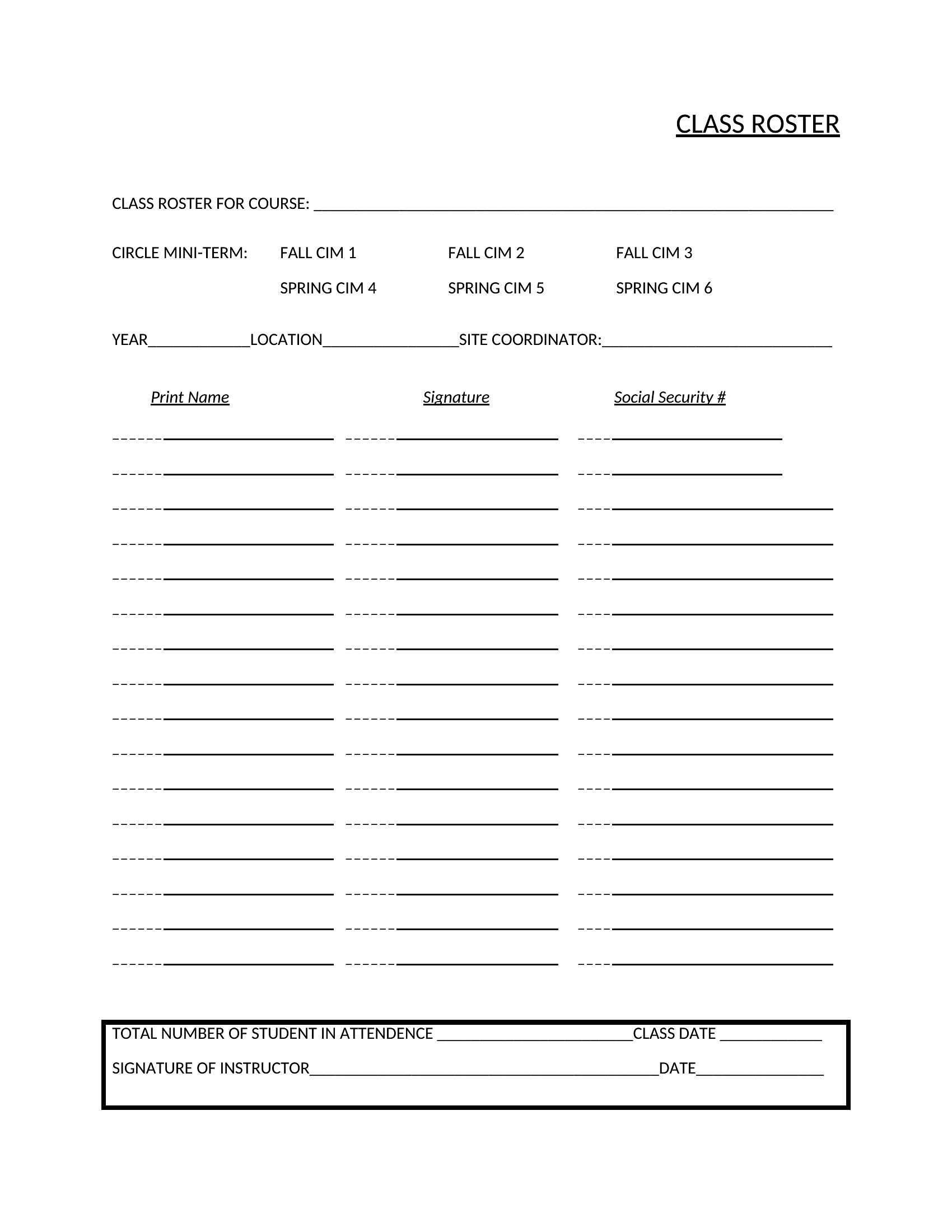
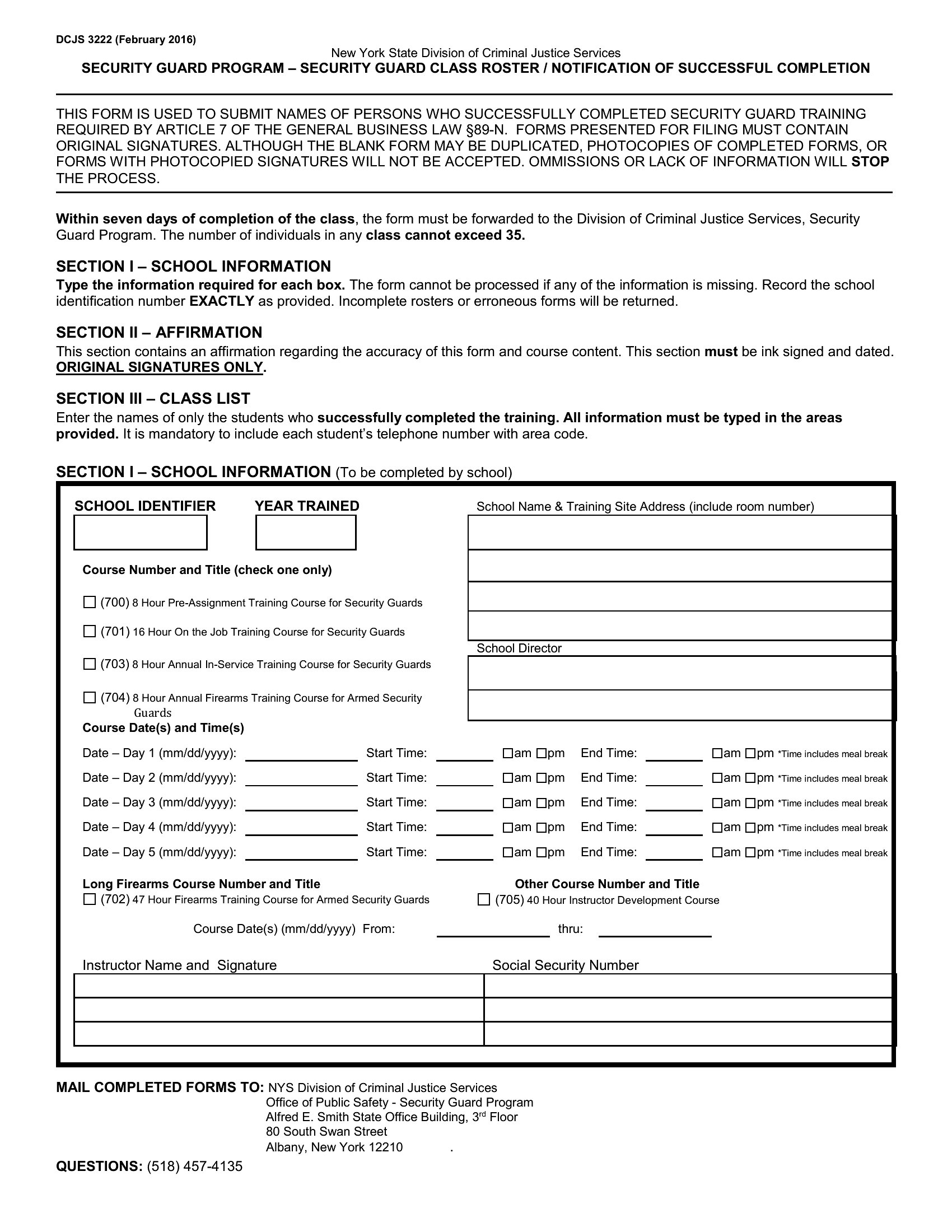
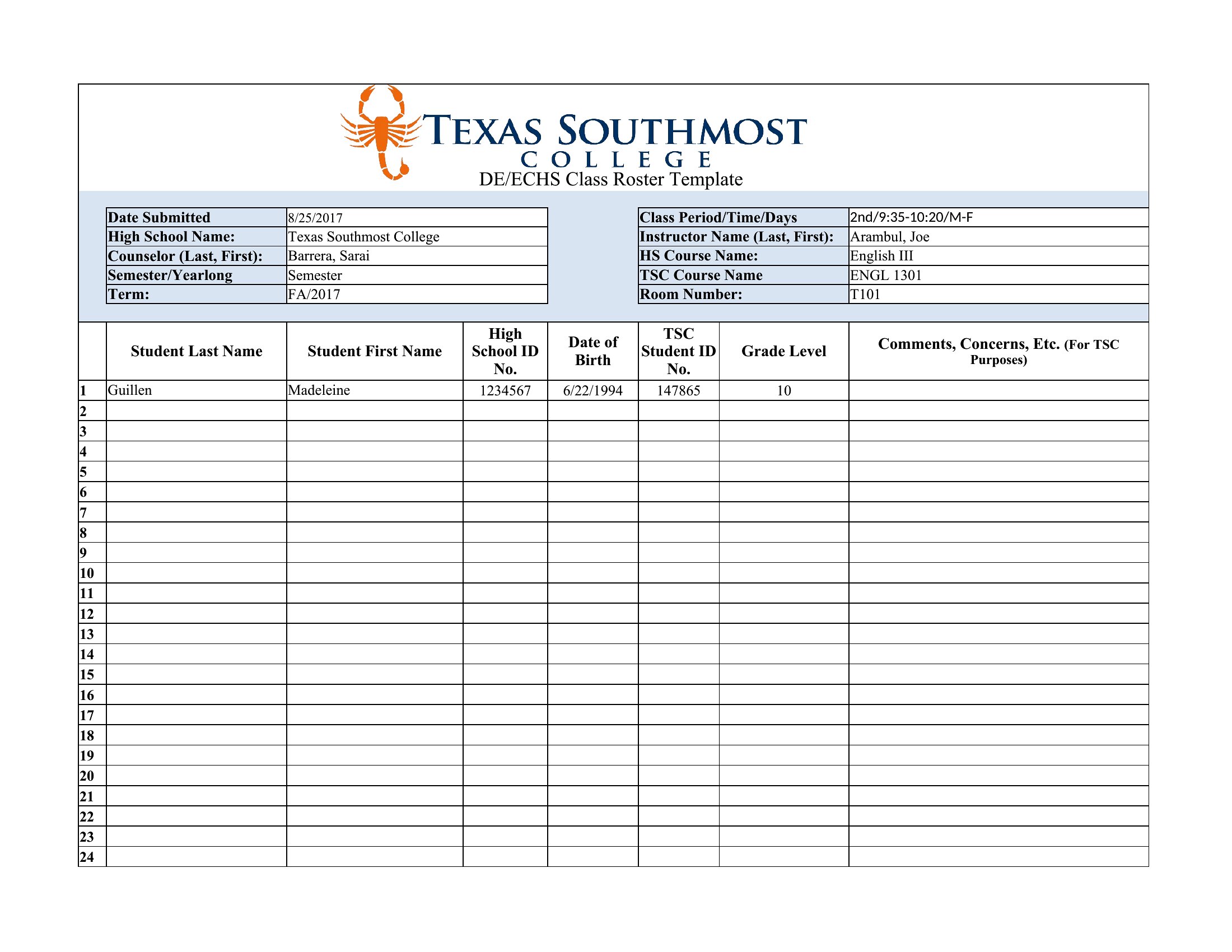
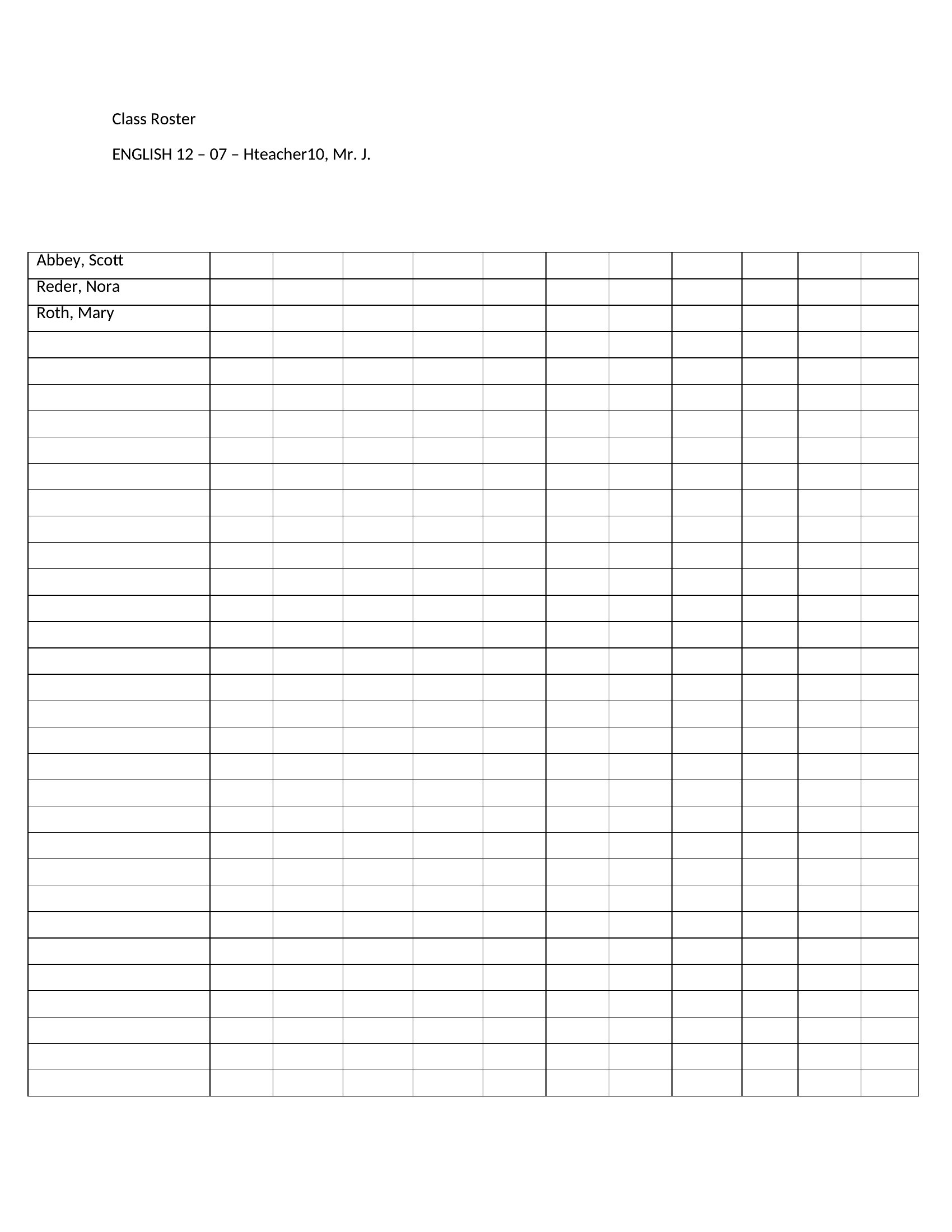
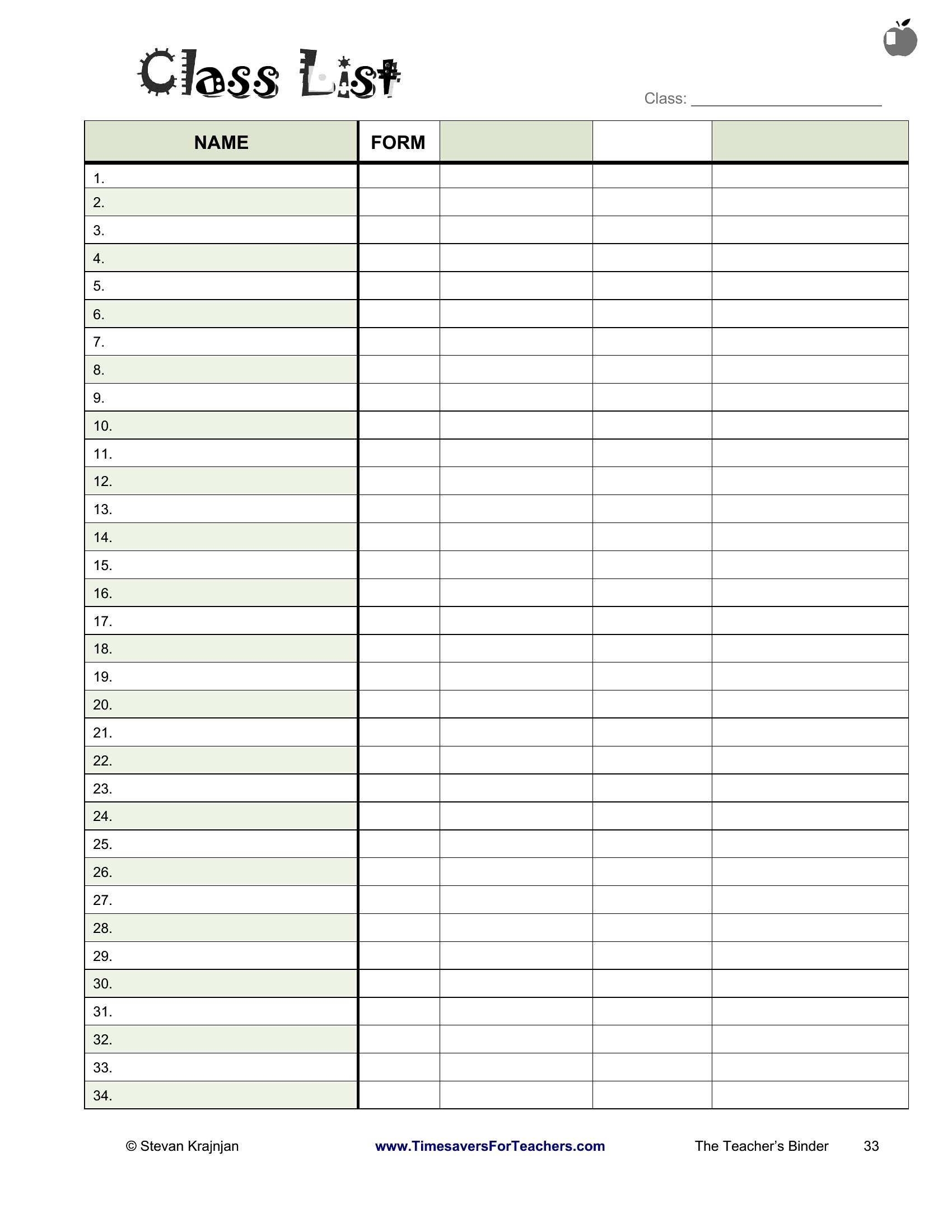
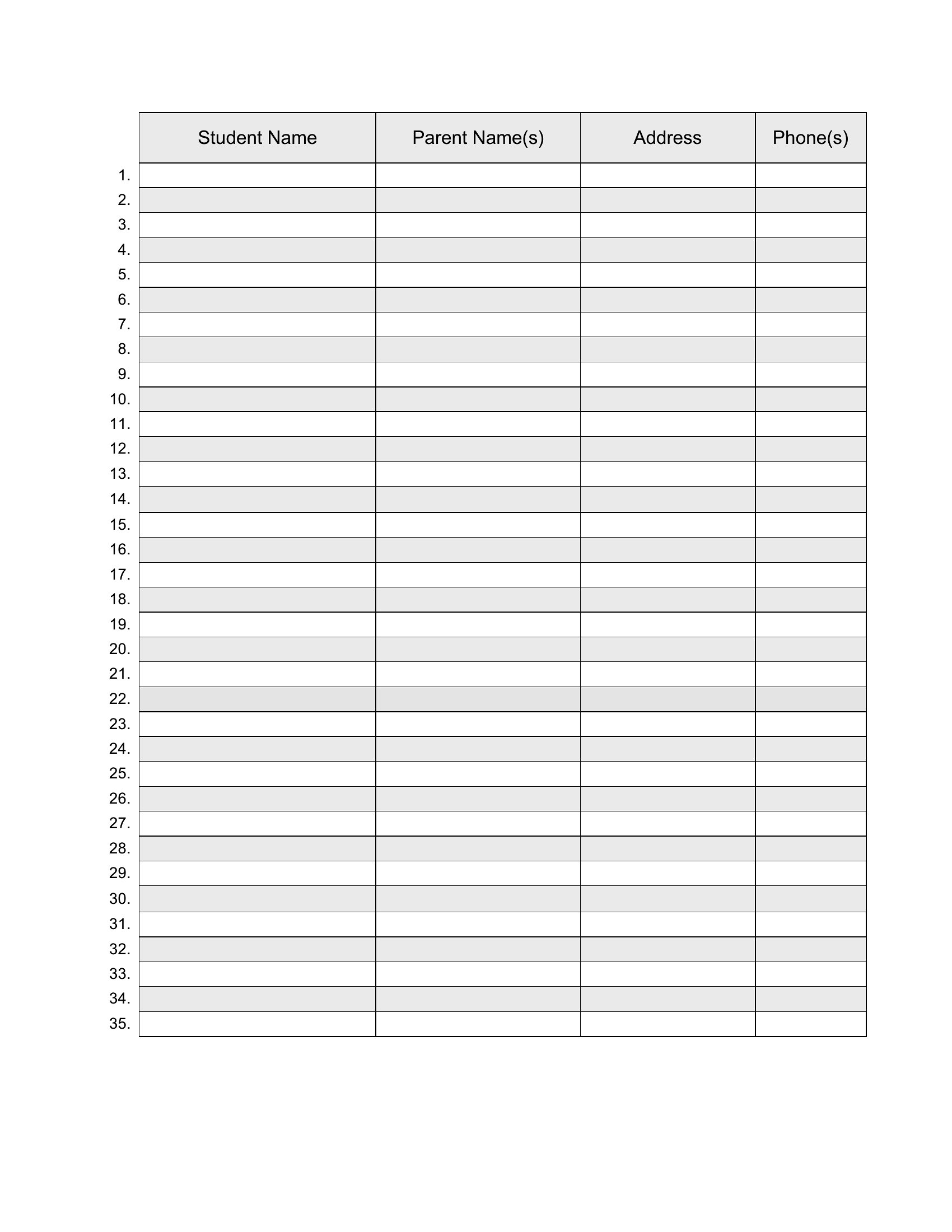
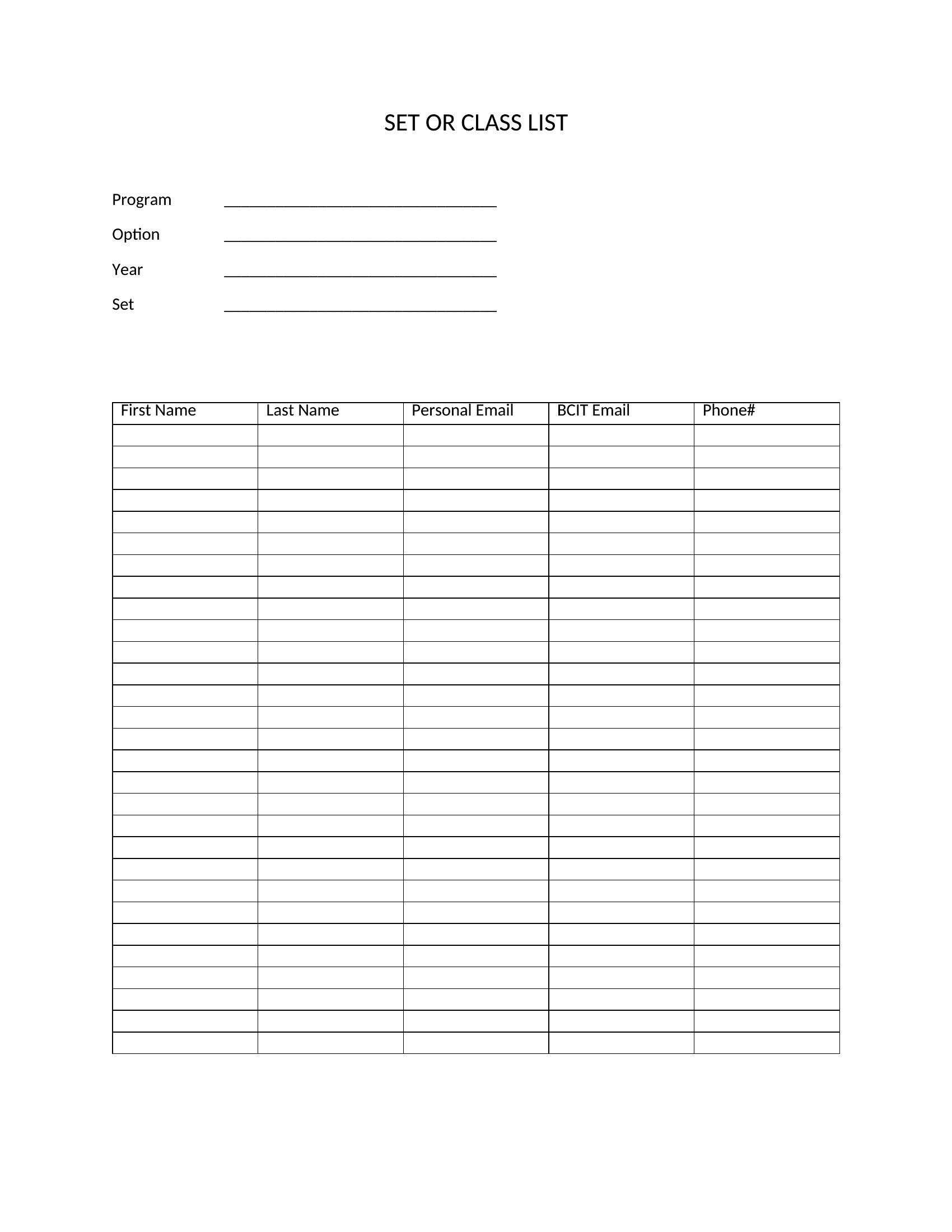
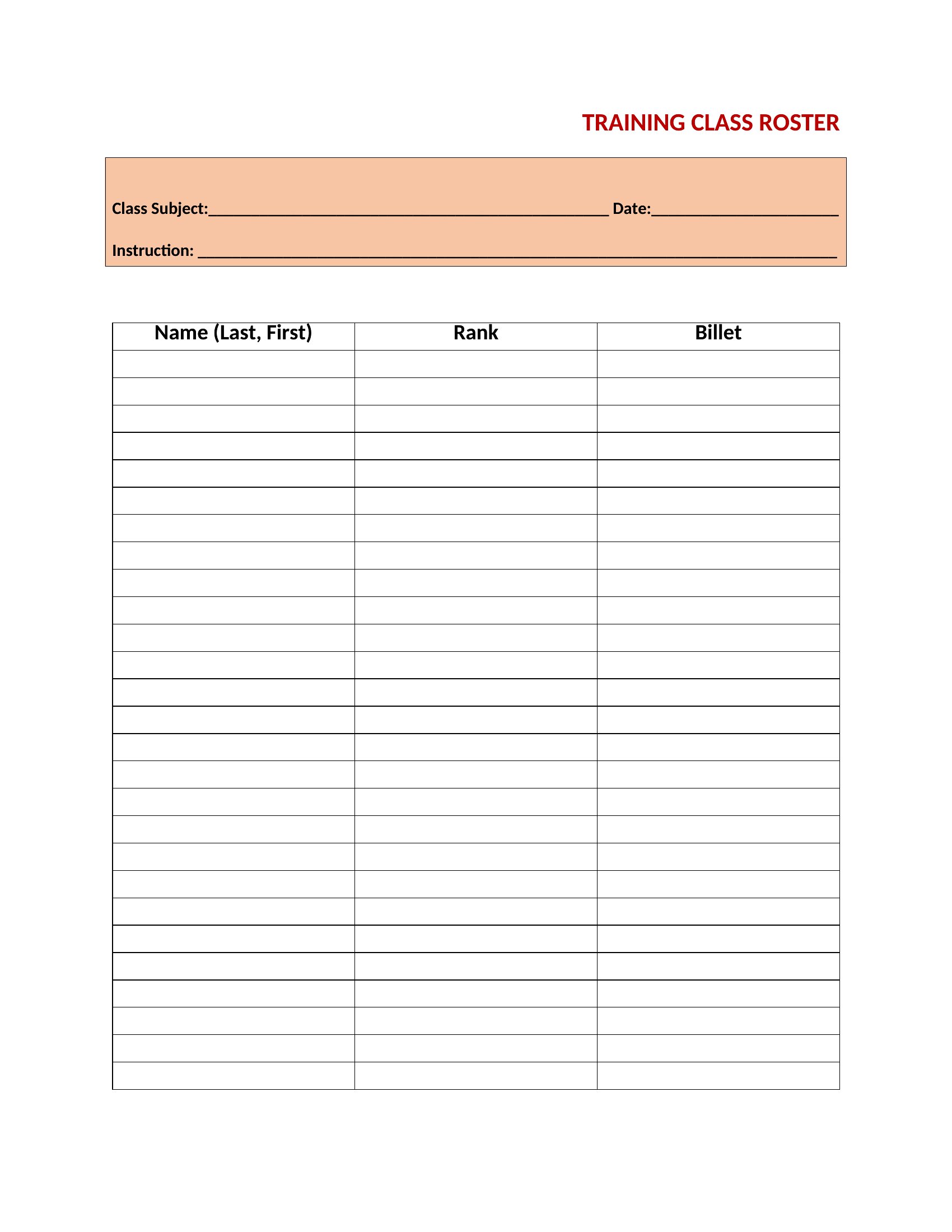
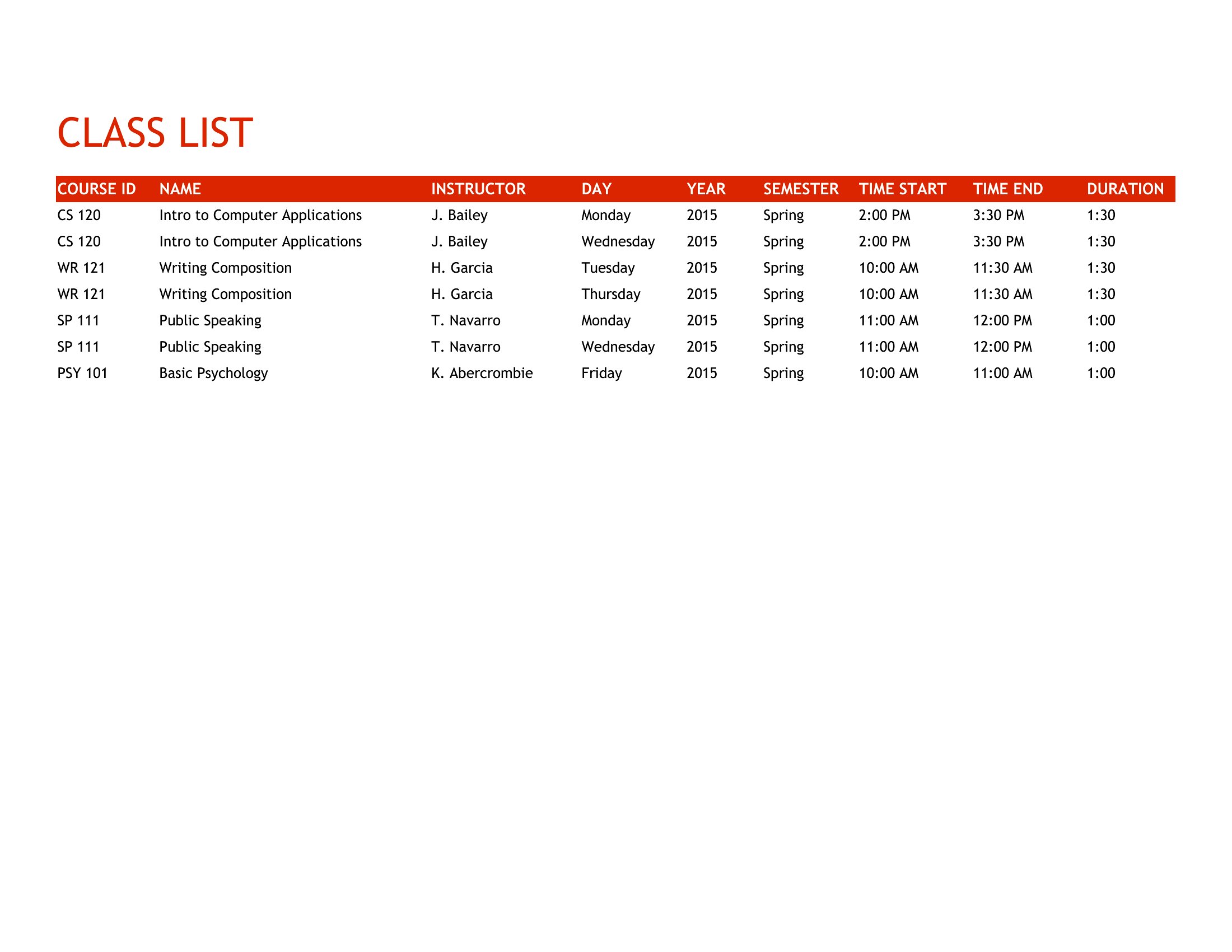
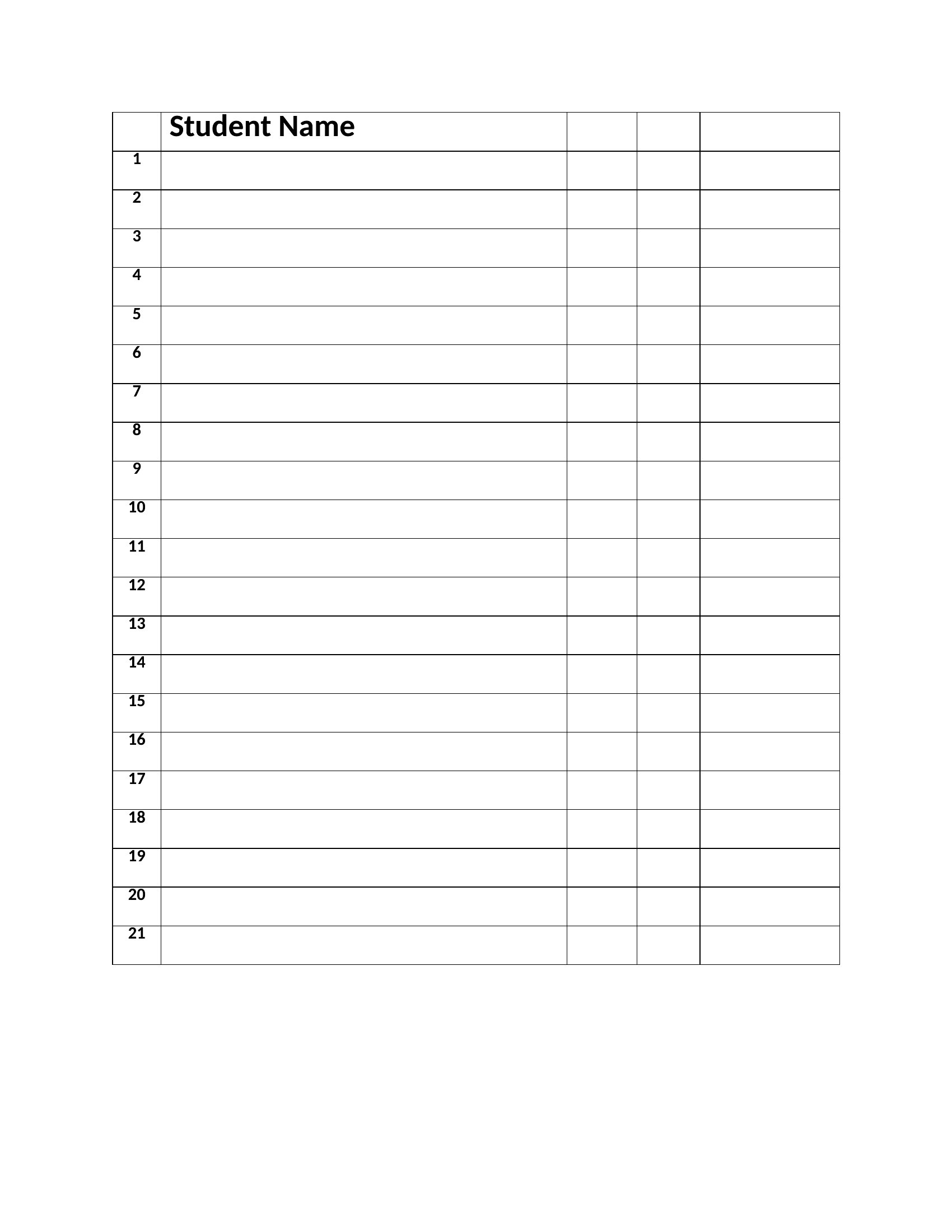
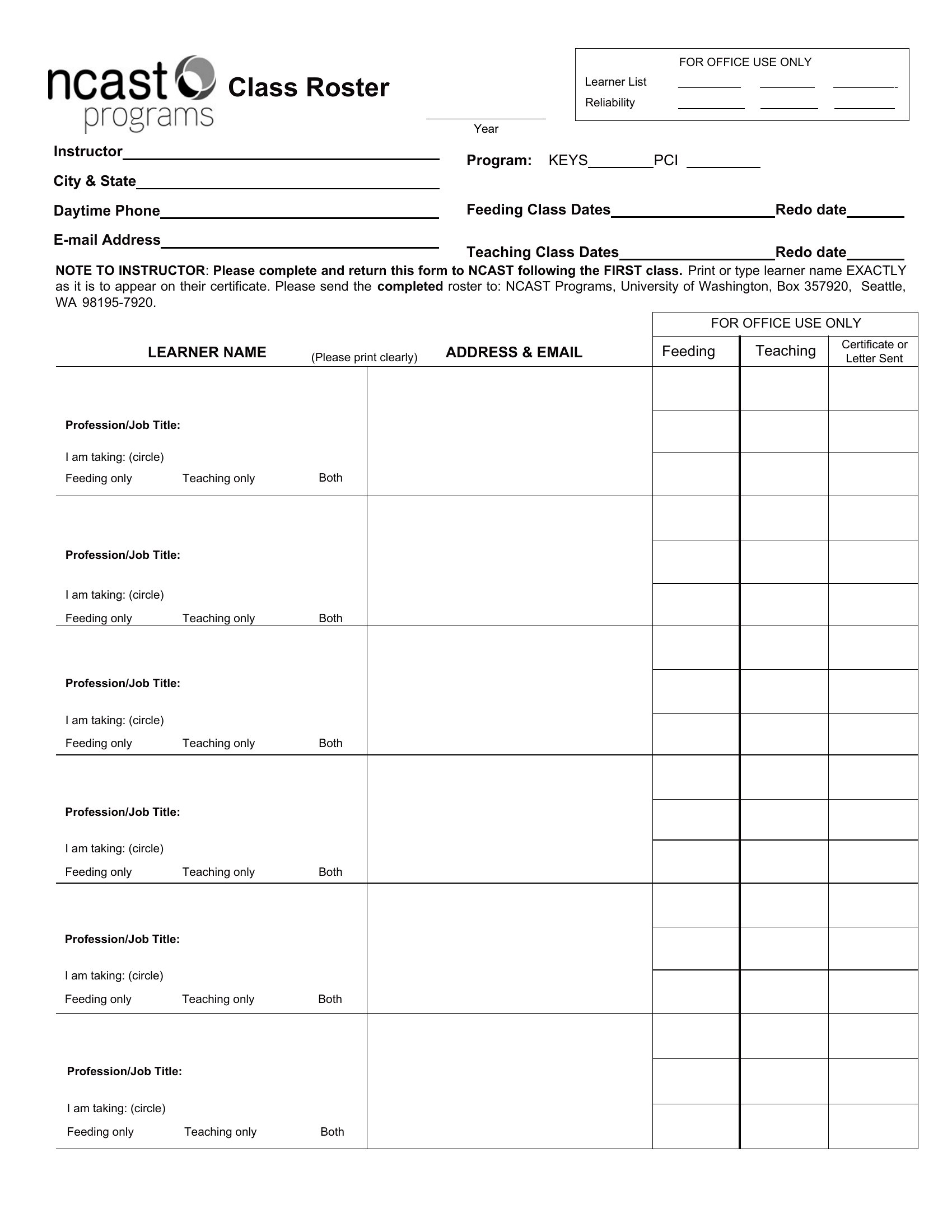
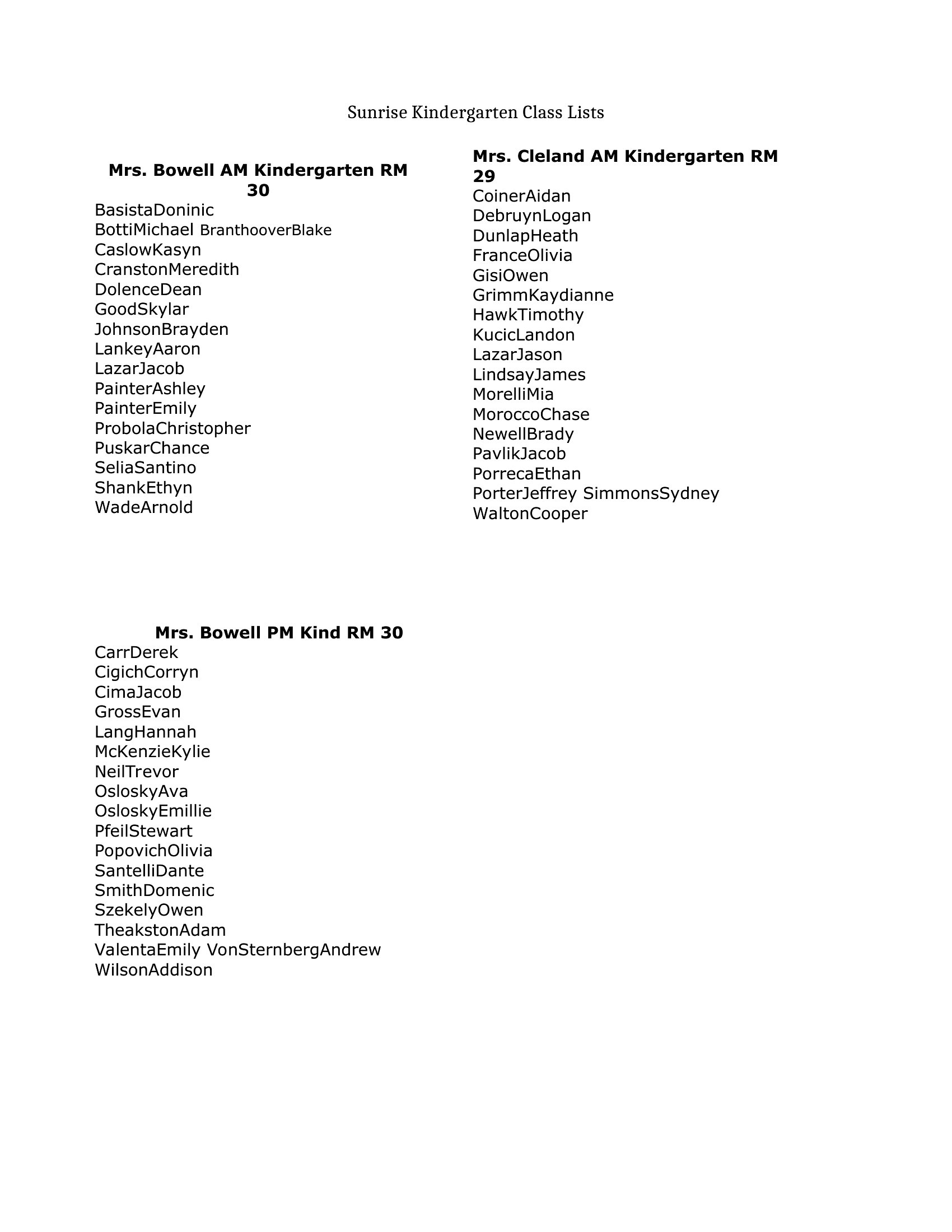
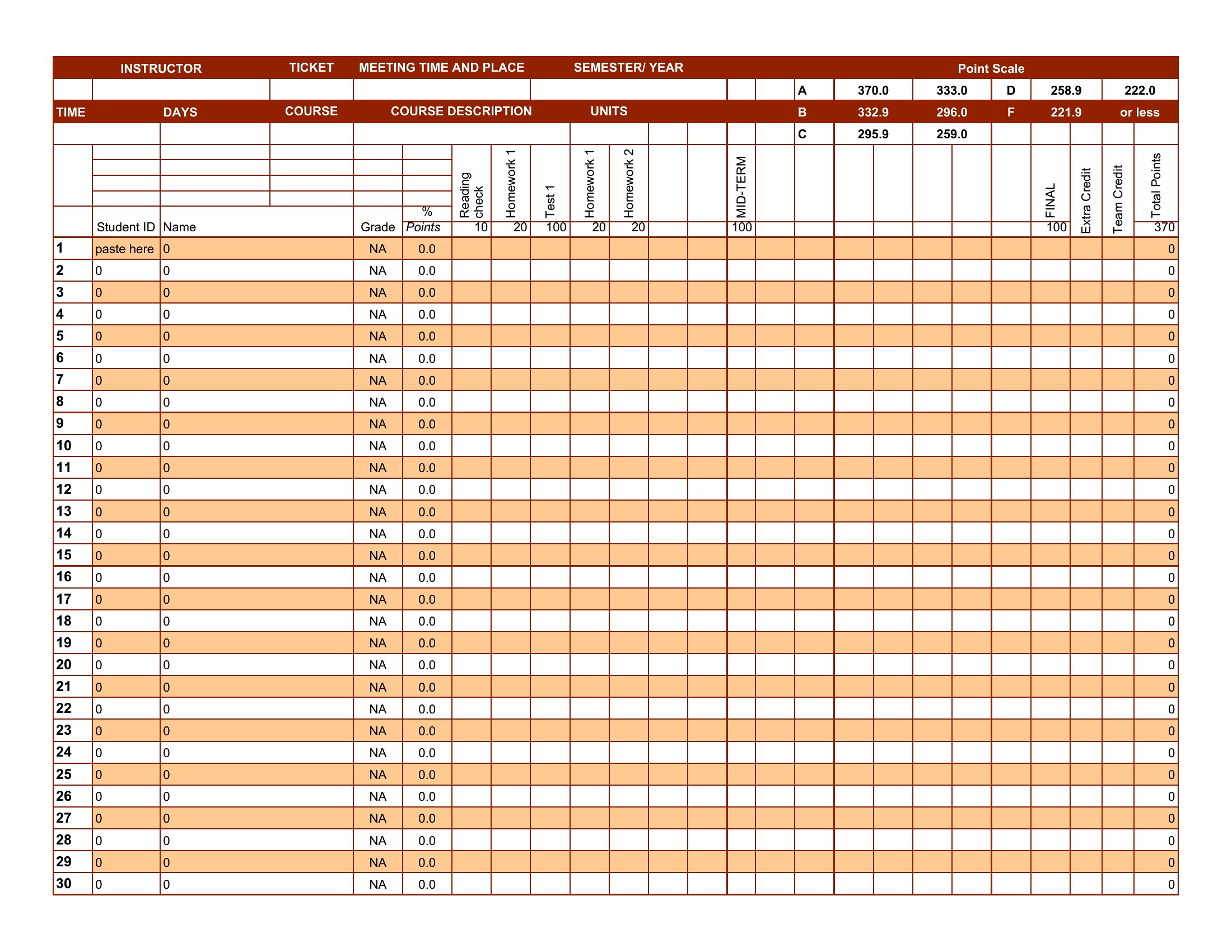
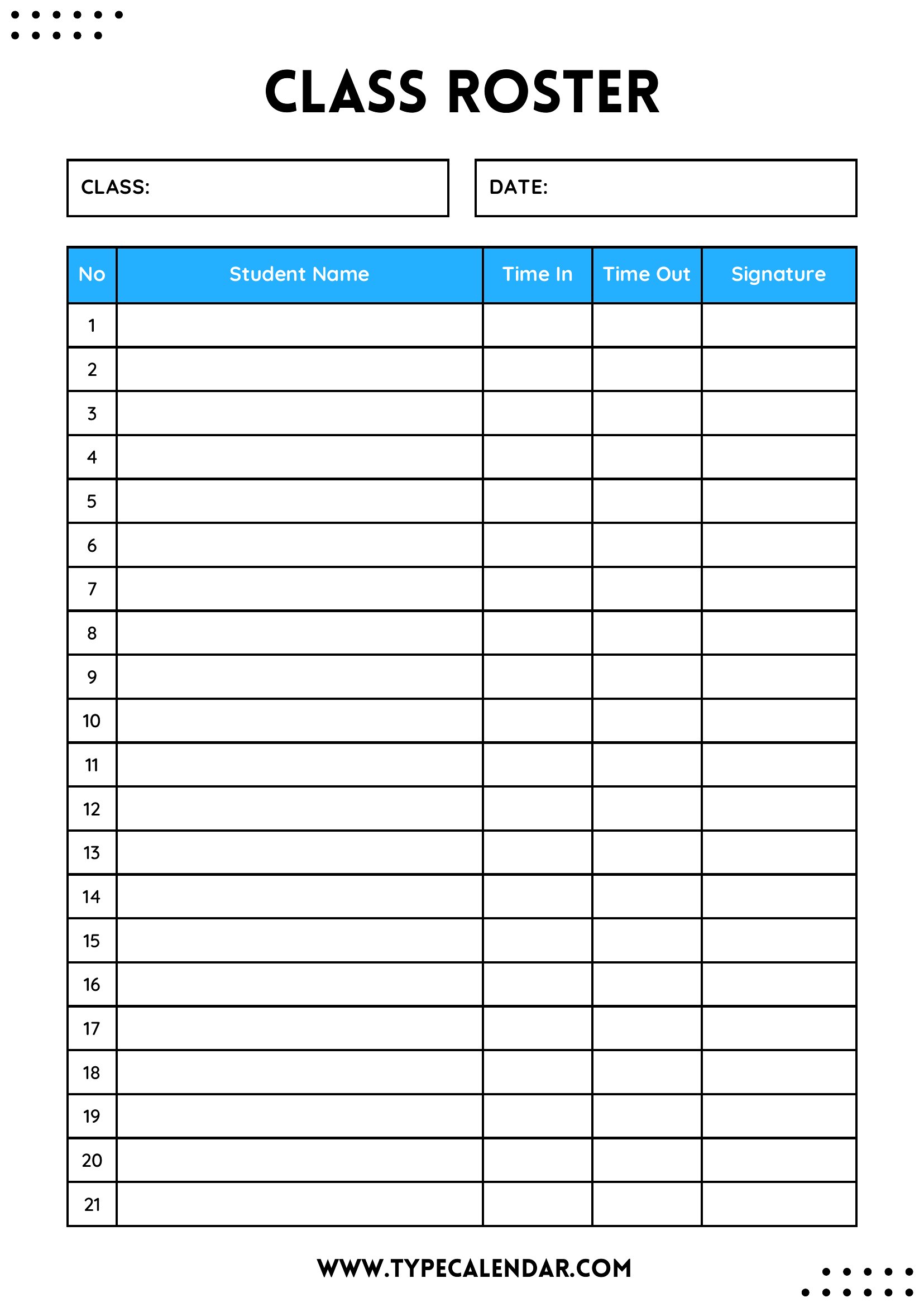
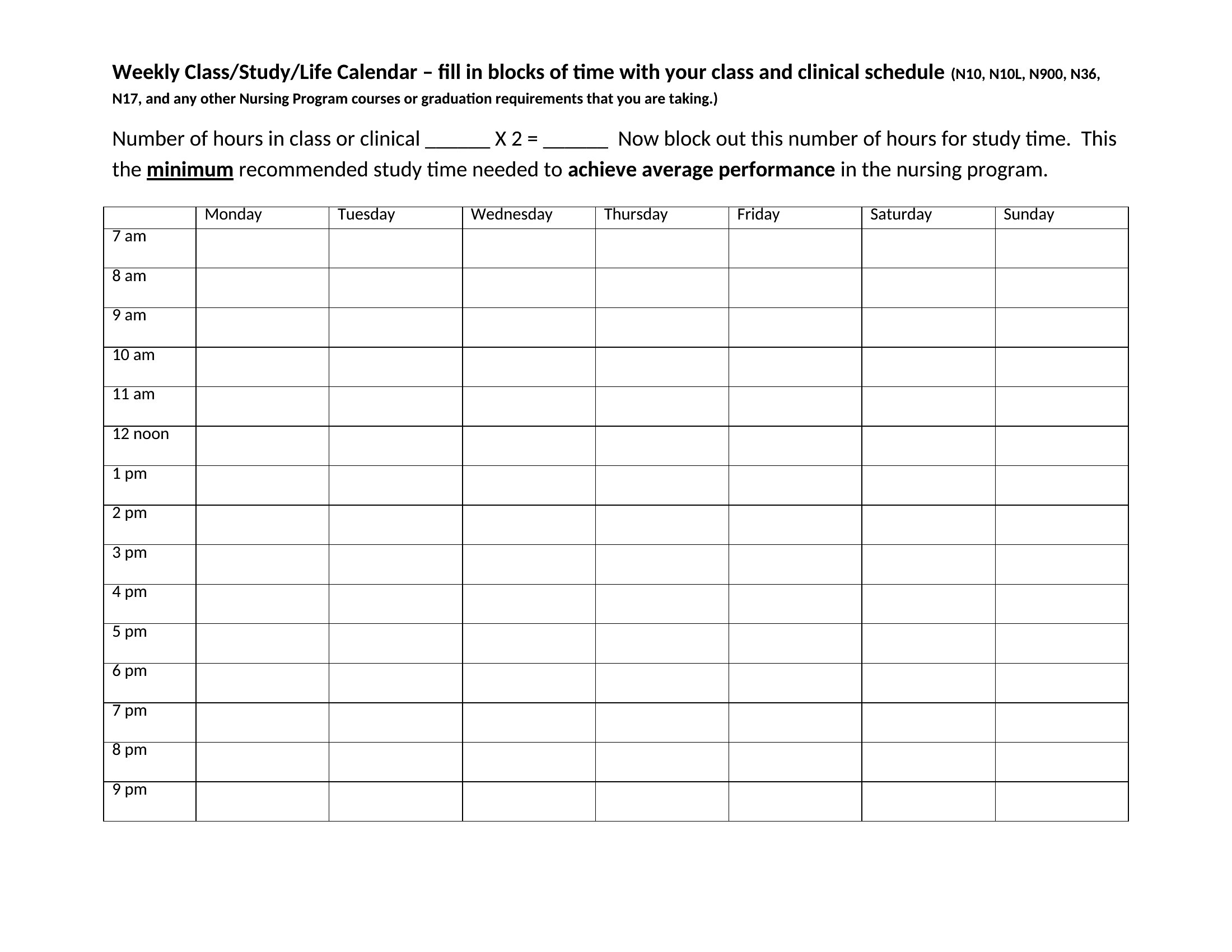
DataA class roster keeps every student's name, contact info, and attendance in one organized place, the backbone of a smooth-running classroom. This set of 38 templates helps teachers, tutors, and coaches track who's enrolled, mark attendance, and record grades or notes at a glance. Start the term organized and you'll spend less time shuffling papers and more time teaching.
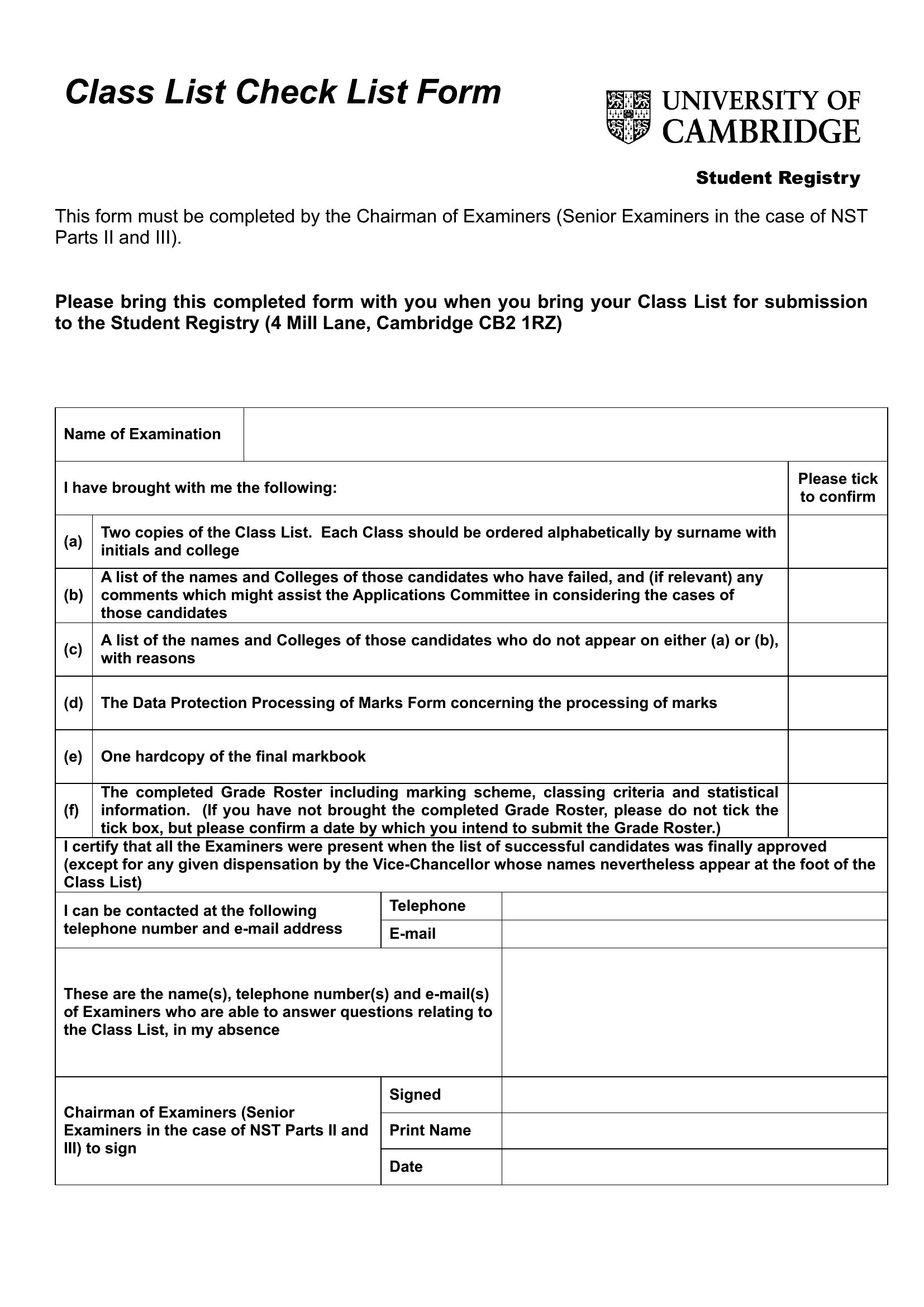
You'll find Word and PDF versions for clean printable lists, plus Excel sheets that make sorting and totaling effortless. Type in your students, customize the columns, and print copies for a clipboard or binder. Pick the roster that fits your class and download it free.
When to use this Class Roster template
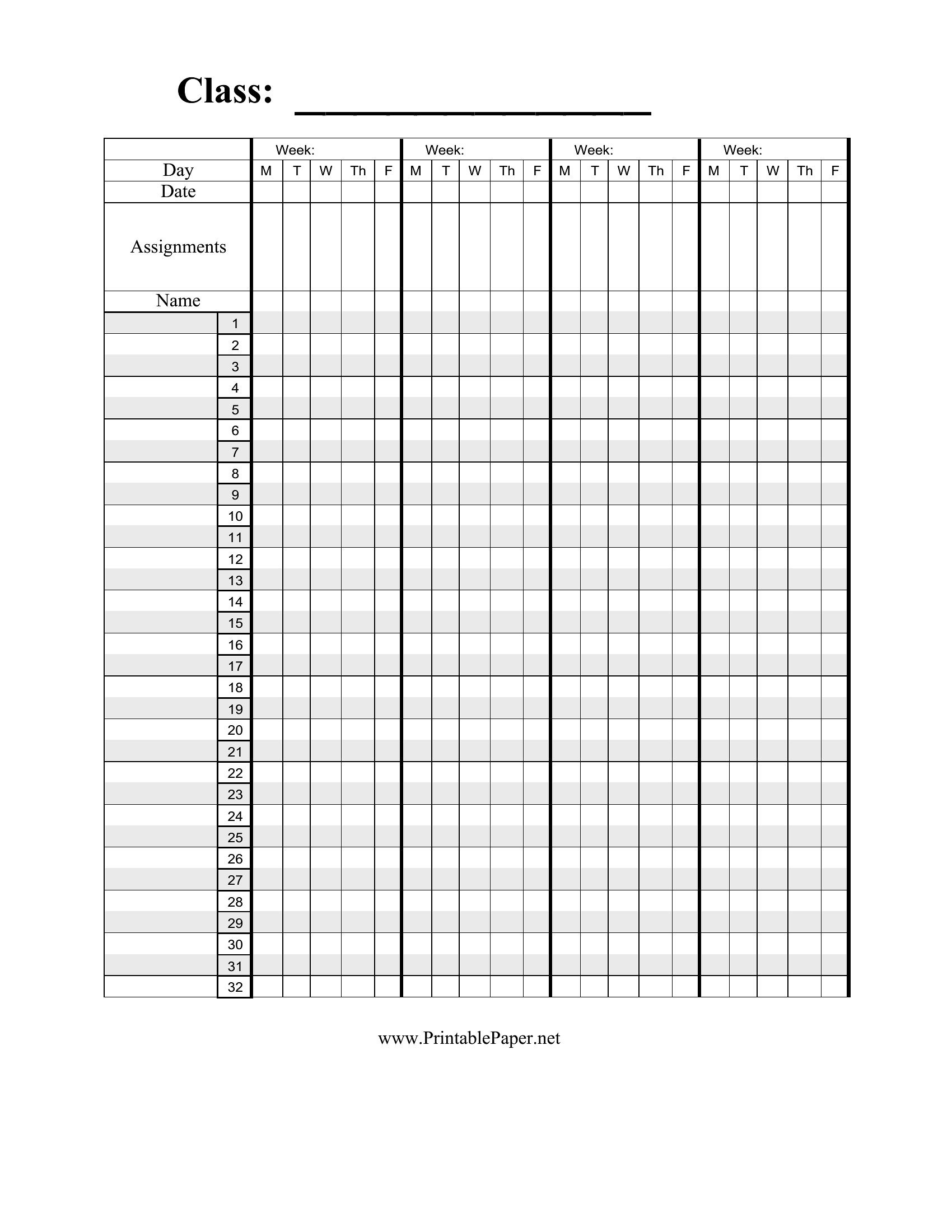
- High school teachers managing AP classes with frequent substitute teachers—quickly share an updated Excel roster to help substitutes prepare lesson plans while tracking student absences in real time.
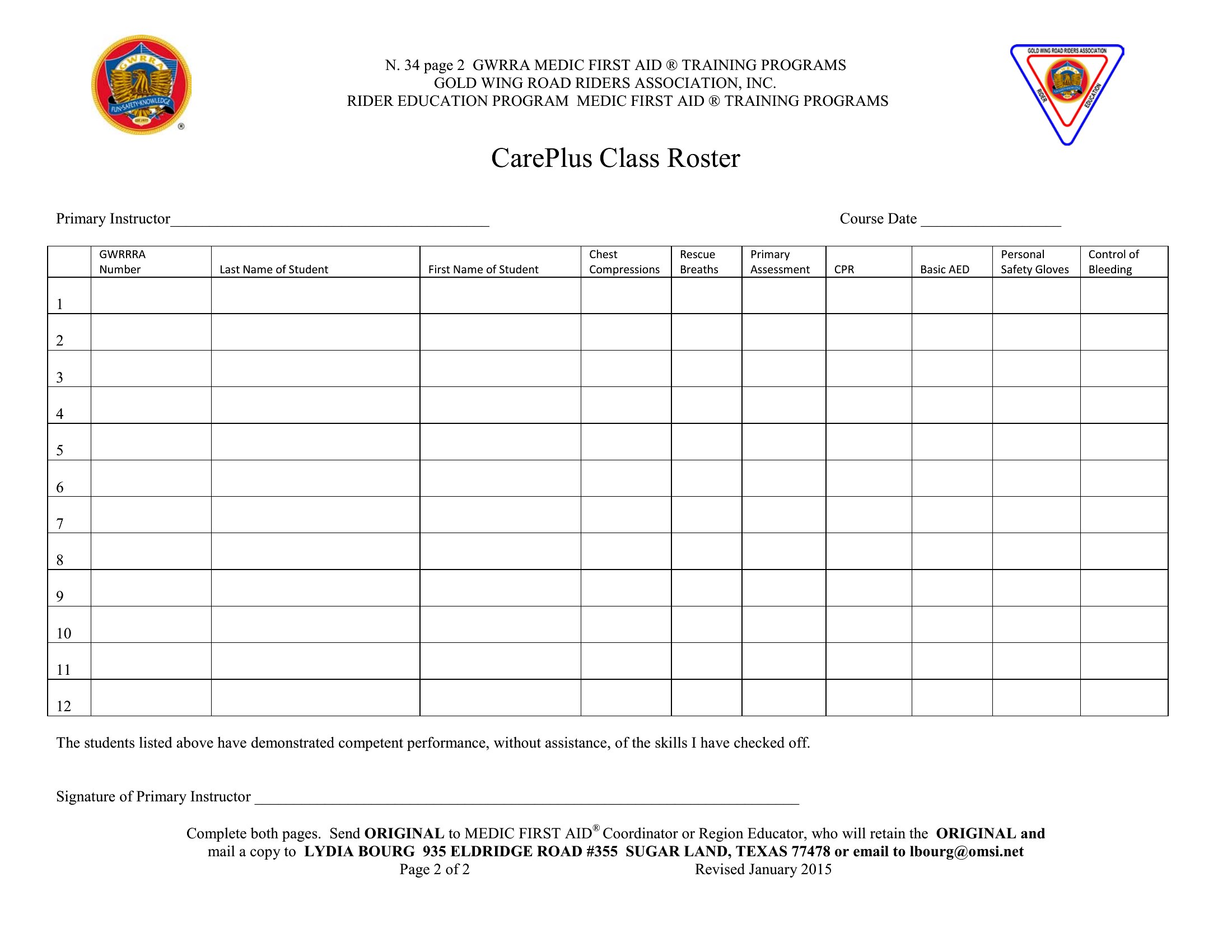
- Private tutors juggling multiple students across locations—use a PDF class roster to email parents emergency contact details and schedule adjustments without fumbling through handwritten notes.
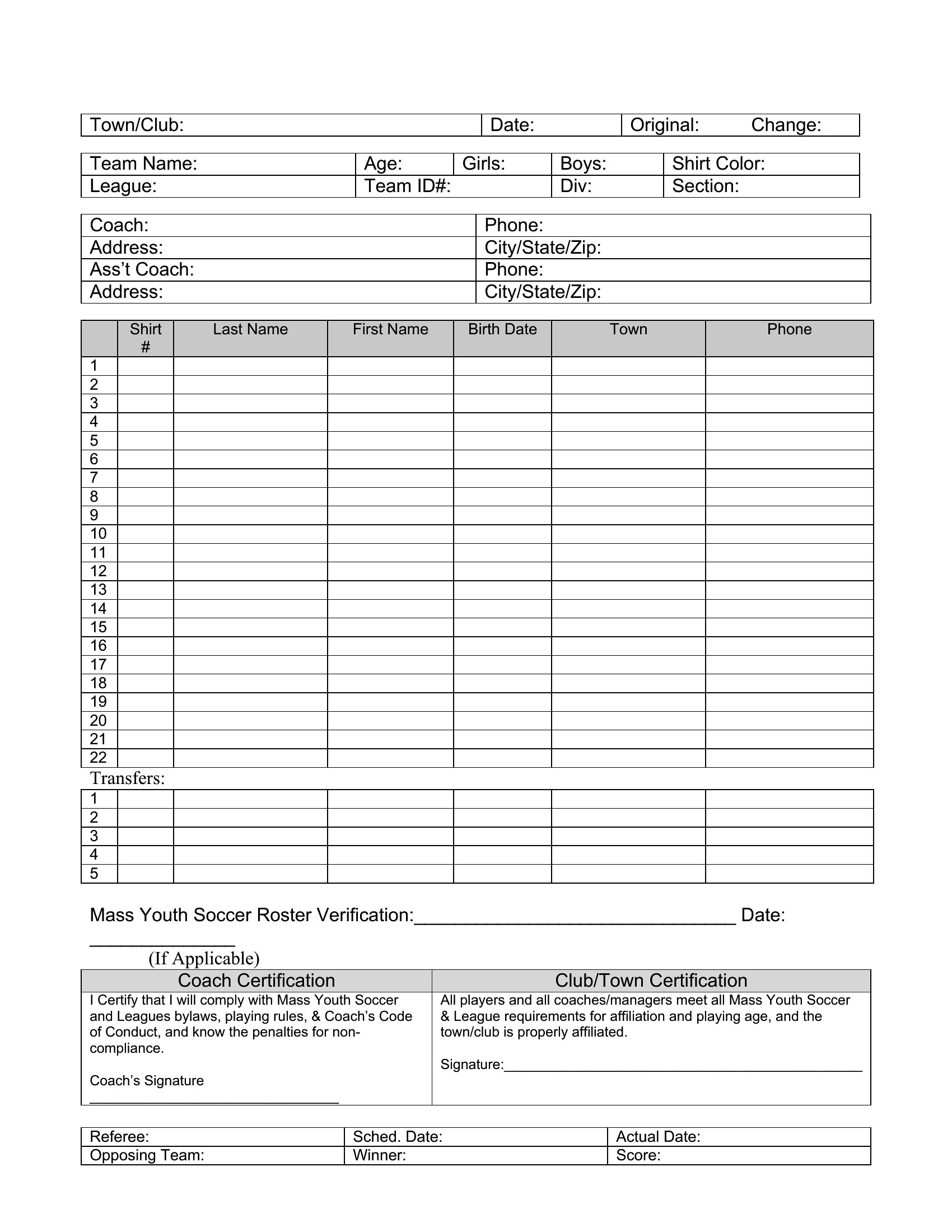
- Youth sports coaches tracking a team of 20+ players—mark attendance and practice participation in a Word template during weekly games to spot patterns in focus or fatigue.
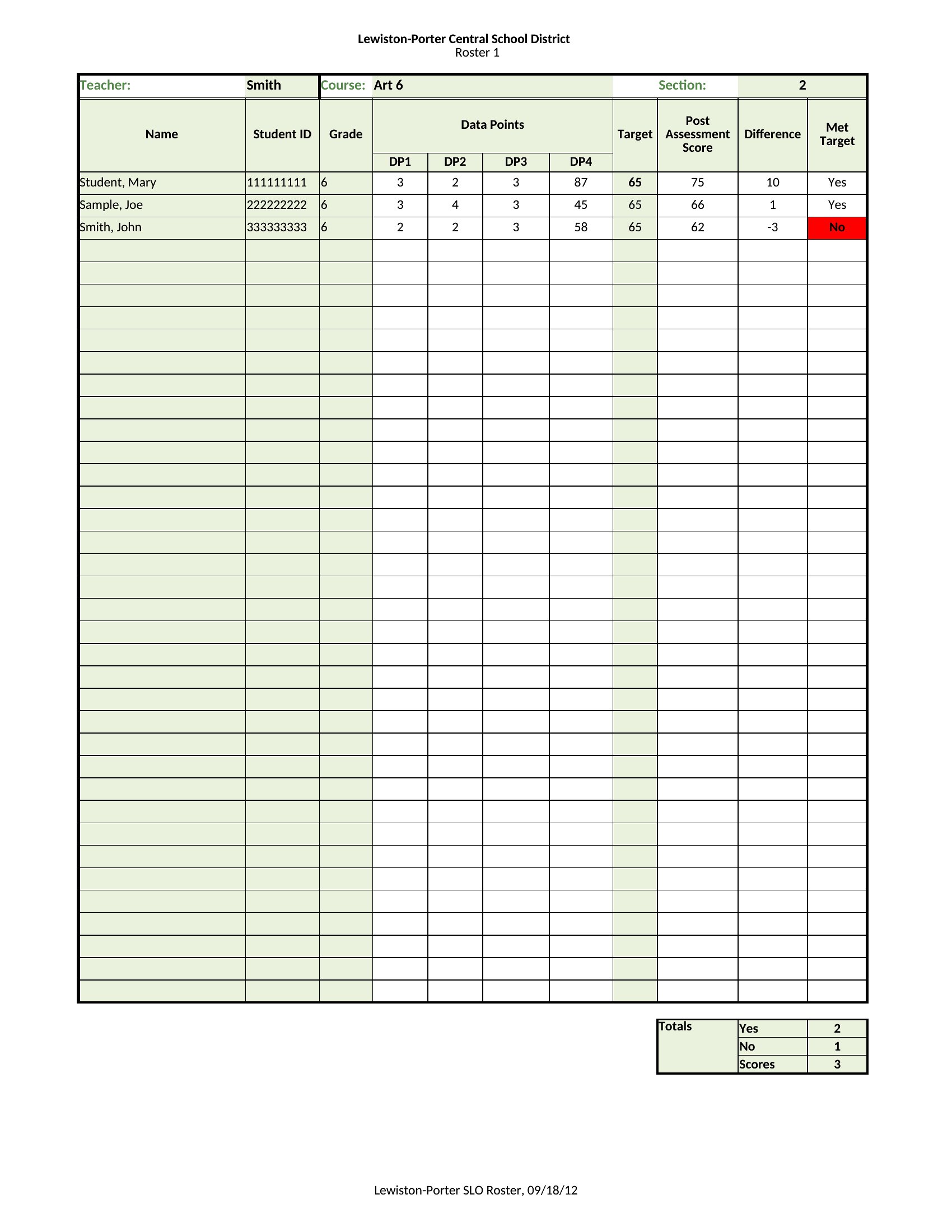
- College professors leading hybrid courses—maintain a digital Excel roster to cross-check attendance records with online submission timestamps, ensuring fairness for both in-person and remote students.
Which format should I download?
Choose Excel for dynamic tracking when you need to sort, filter, or calculate grades/attendance trends—its formulas save hours of manual updates. Opt for Word if you’re drafting a formal printed roster for parent-teacher conferences or district submissions, where formatting matters more than calculations. Use PDF for secure, shareable versions when emailing rosters to staff or parents without risk of edits, and to preserve layout consistency across devices. Avoid Word for heavy data analysis, and skip PDF if you need to update figures frequently.
Choose from 38 Class Roster Templates
How to use this Class Roster template
Can these templates help me track student behavior notes alongside attendance?
Yes, many templates include sections for brief behavior observations, but they’re not a substitute for formal IEPs or behavior plans. Use them to log patterns like tardies or participation levels, then flag recurring issues for deeper review. Pair with a separate notes system if tracking complex interventions.
How do I adjust a template for a class with mixed-age learners or blended grading levels?
Add columns for grade levels or age groups in Excel/Word, then use conditional formatting (Excel) or table styles (Word) to color-code rows. For PDFs, create a separate section labeled ‘Grade Breakdown’ and manually update as needed. Avoid merging cells if you’ll ever need to sort data later.
I need to share rosters with staff who don’t use the same software—what’s the safest format?
PDF is the most universal choice for sharing read-only rosters, as it displays consistently across devices and can’t be accidentally altered. For editable versions, export from Excel to Word (.docx) first—this retains formatting better than .xlsx when opened in older software—and include clear instructions to ‘Save As’ rather than edit in place.
Comments
Join the conversation
Sign in to share your thoughts and leave a comment on this resource.