
FAQ
Can I use these templates to plan seating for a classroom with uneven desk shapes or built-in benches?
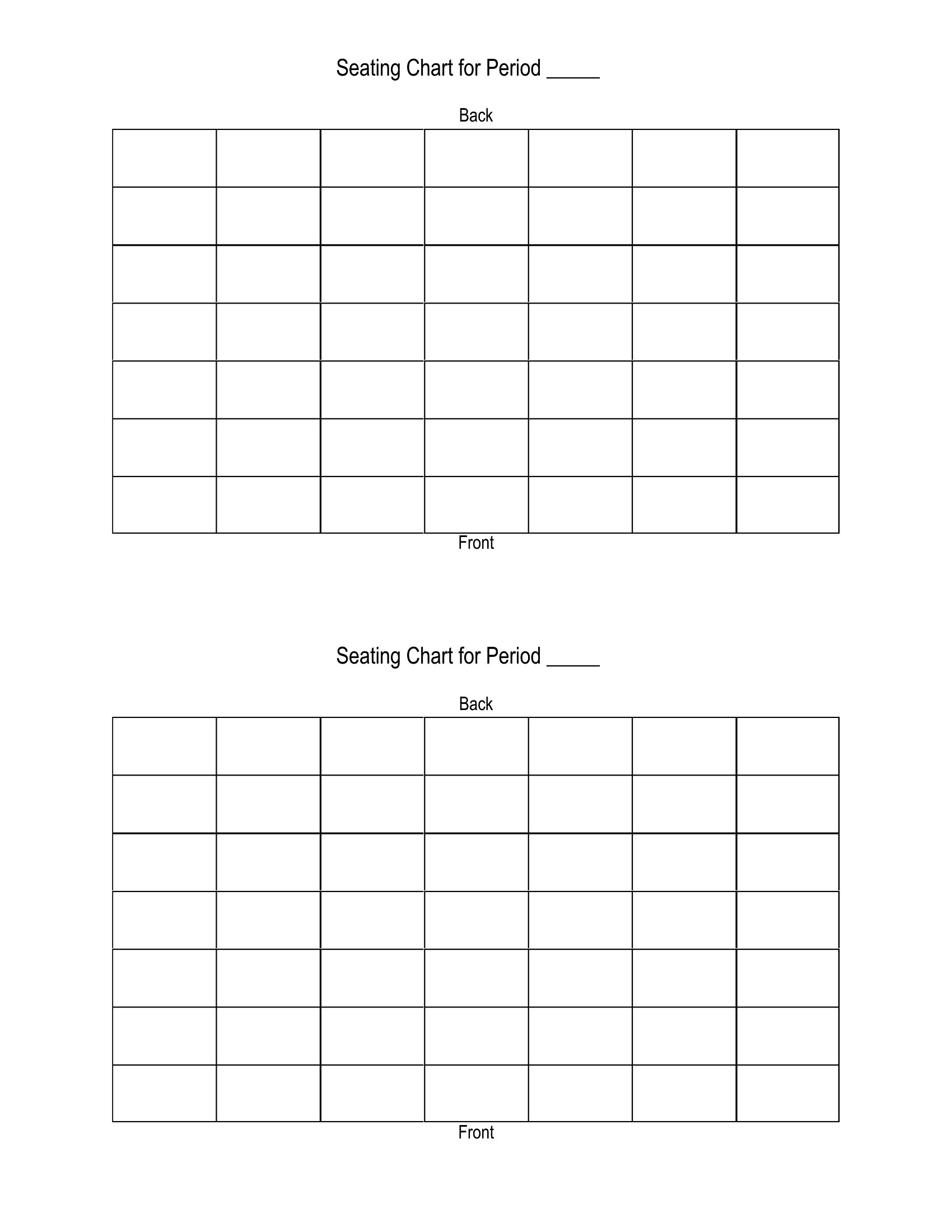
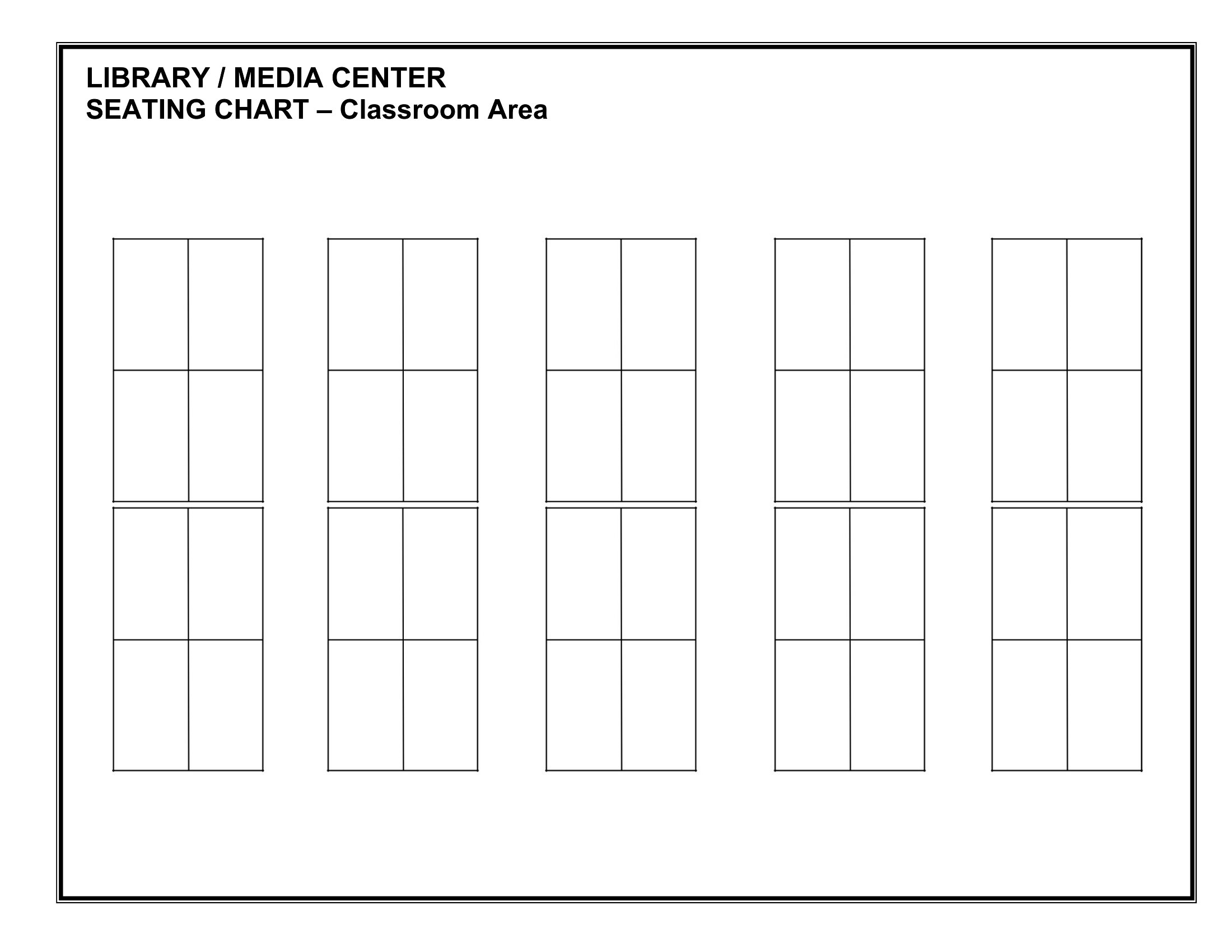
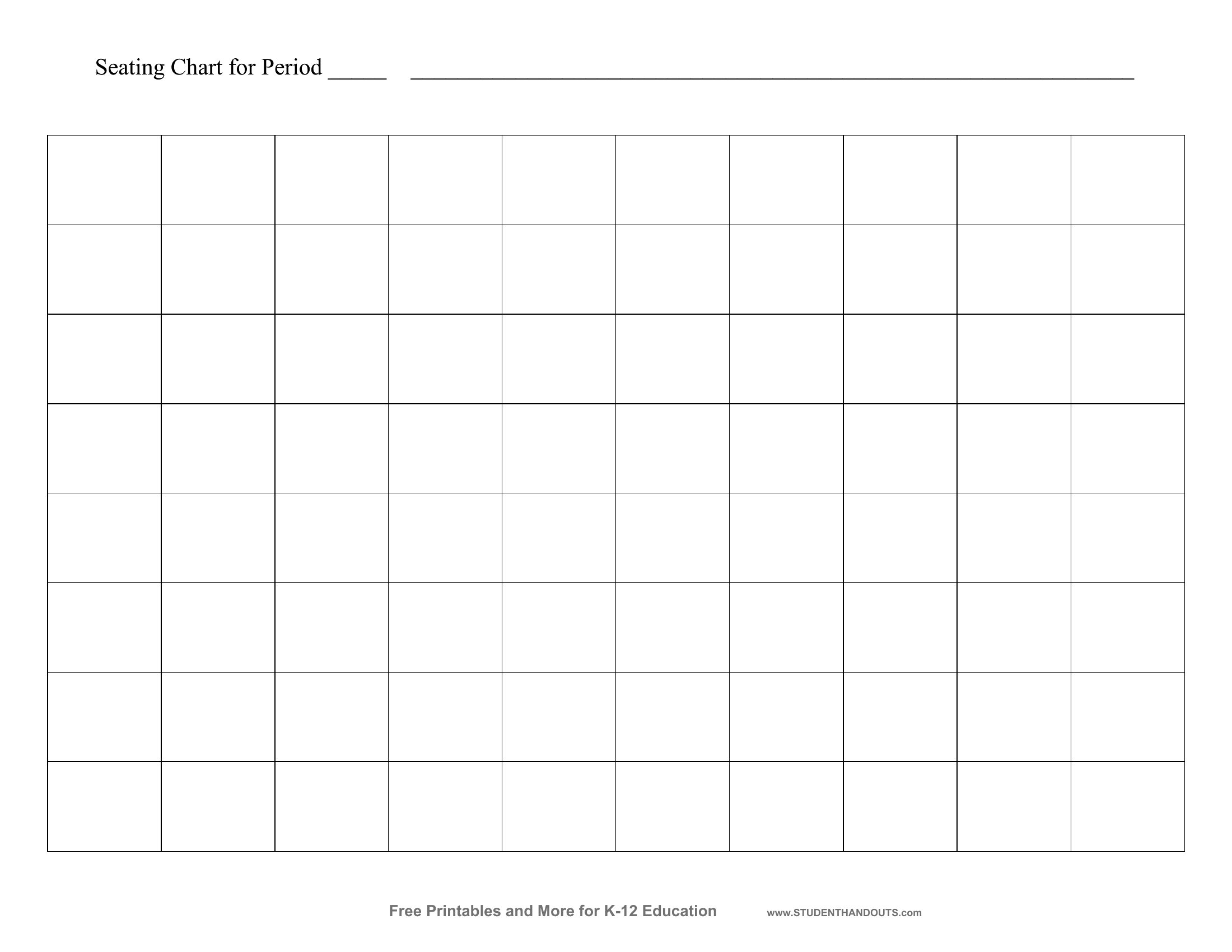
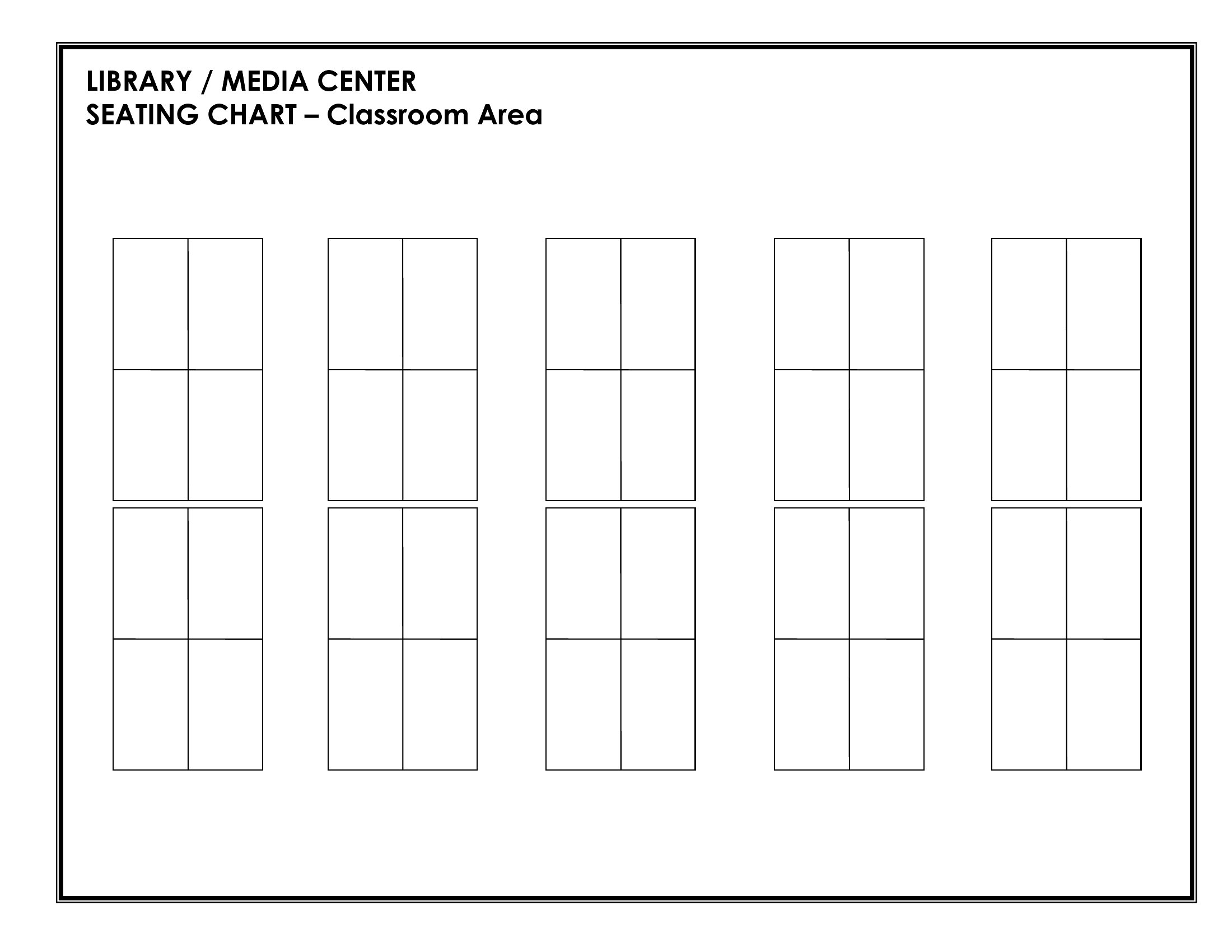
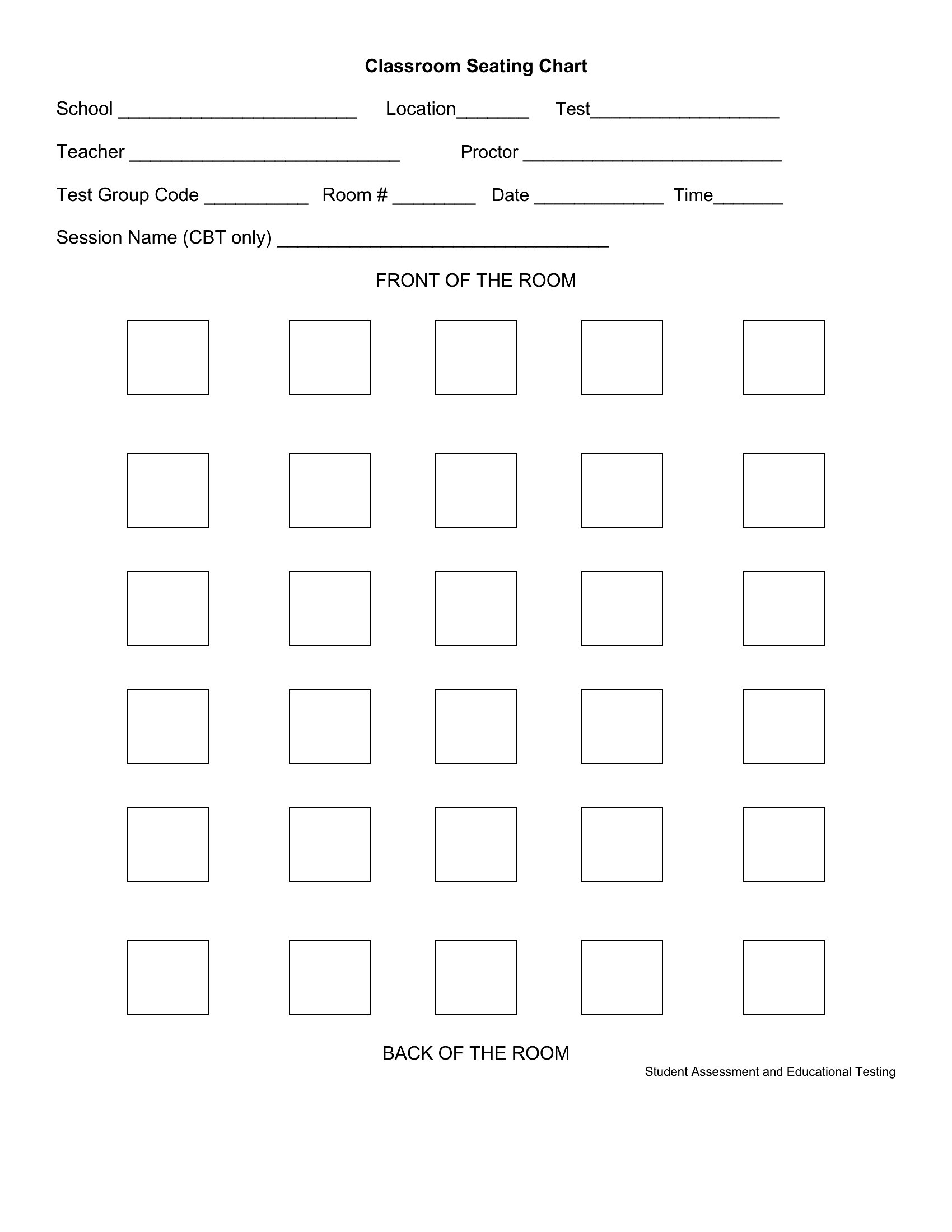
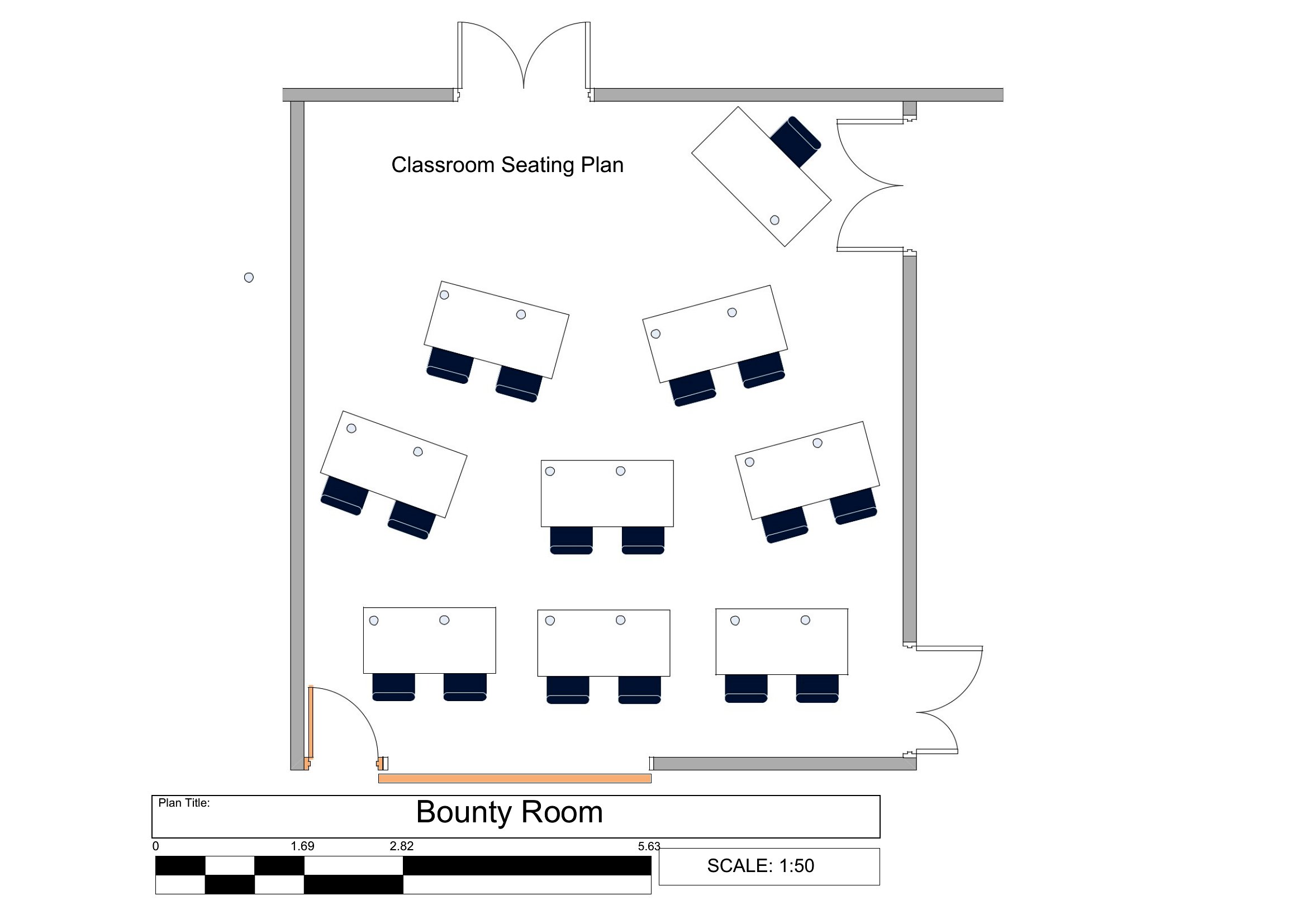
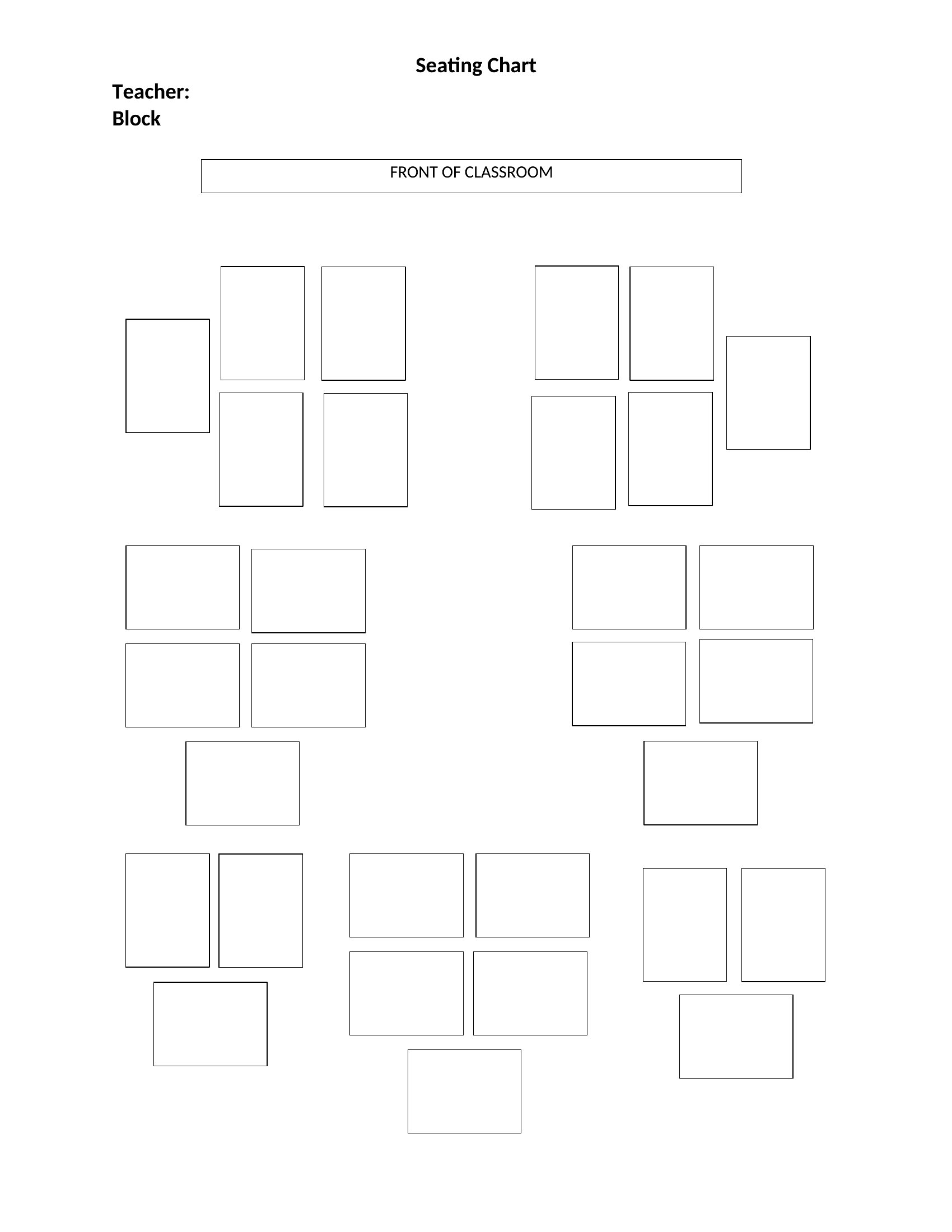
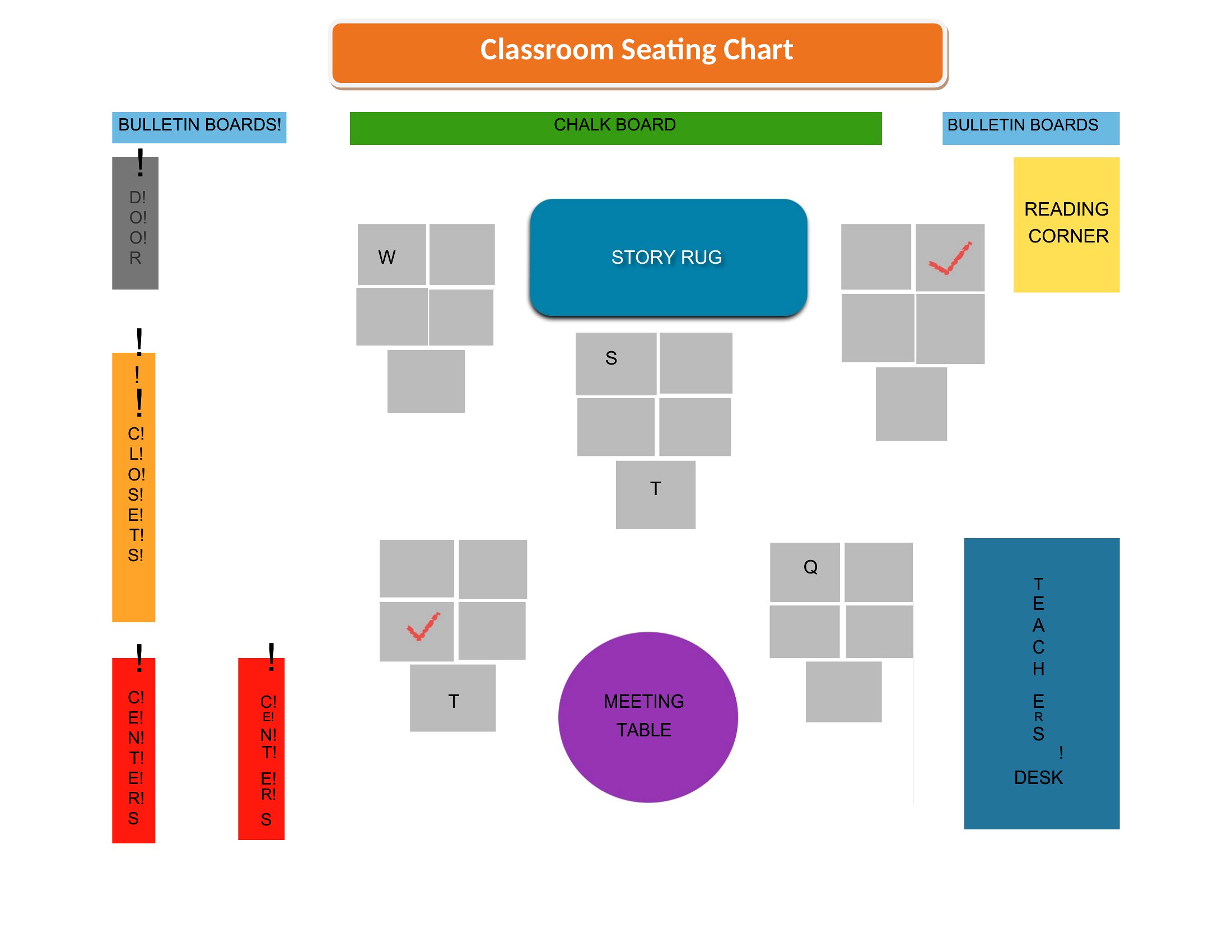
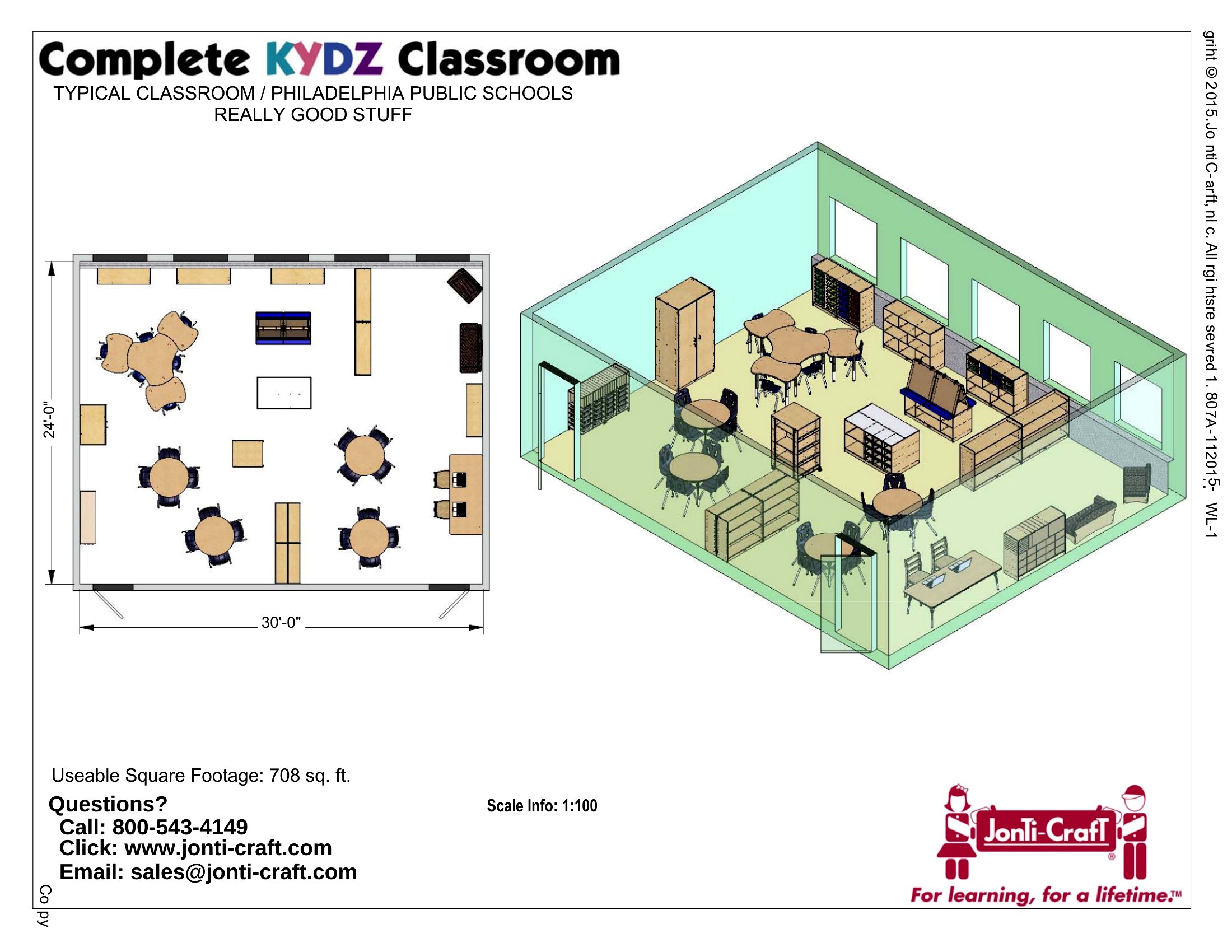
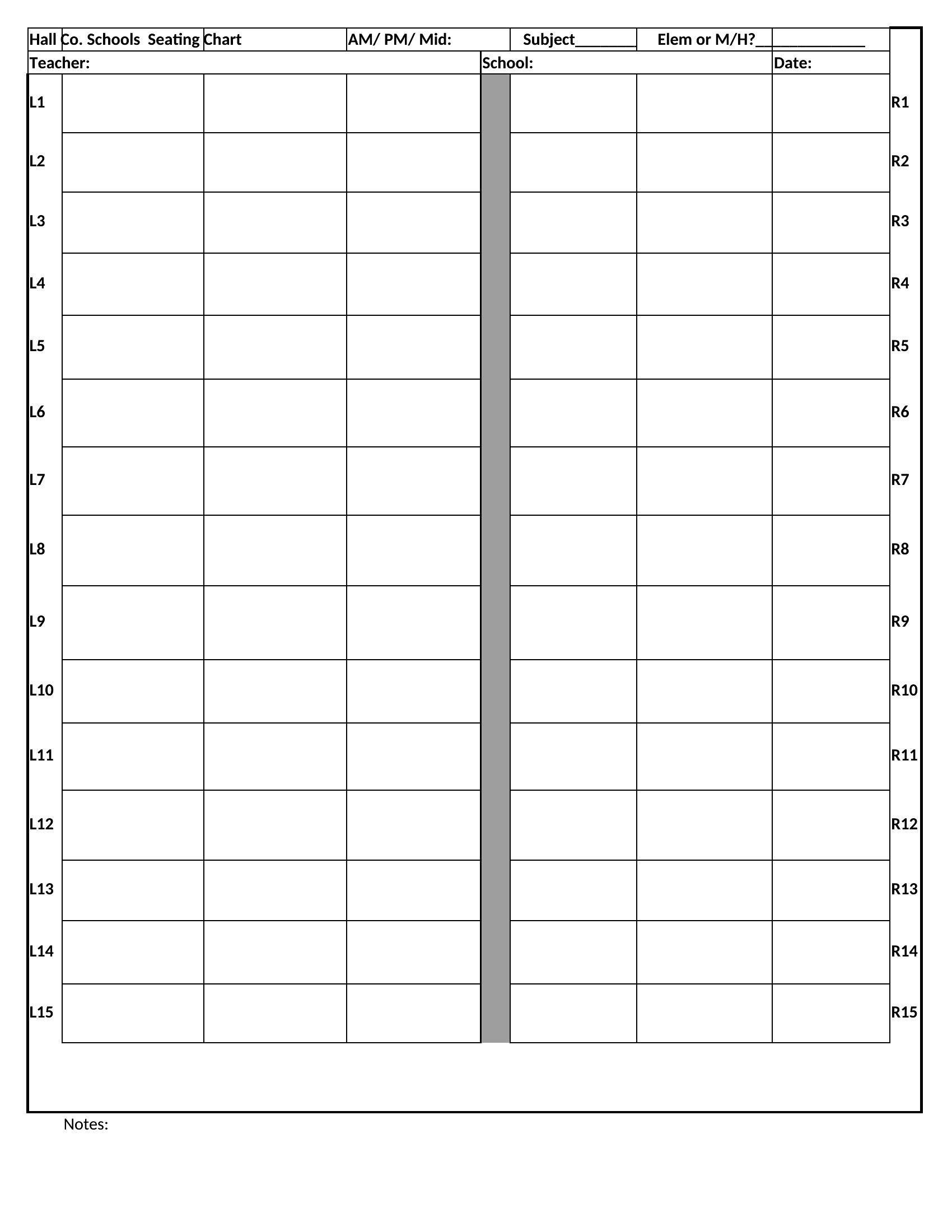
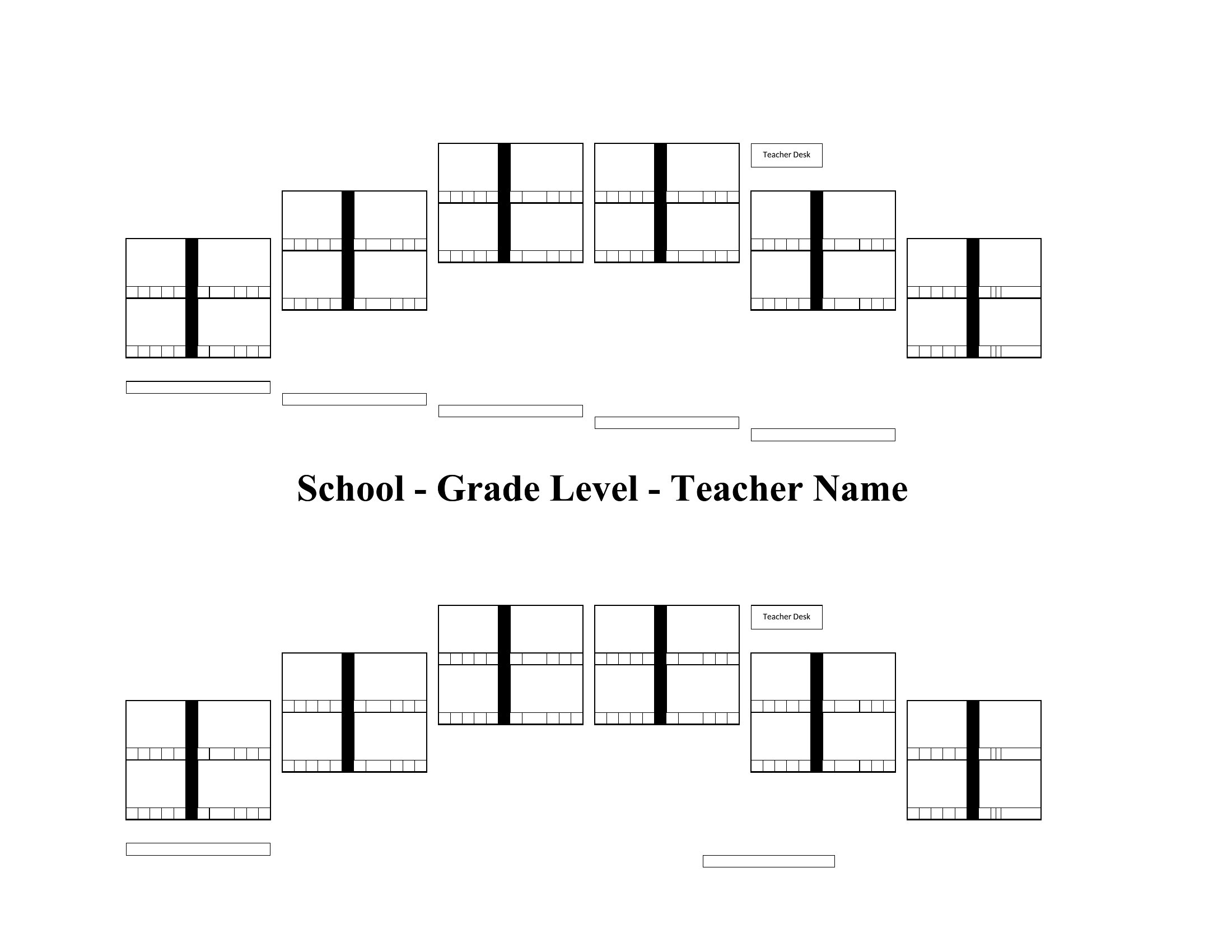
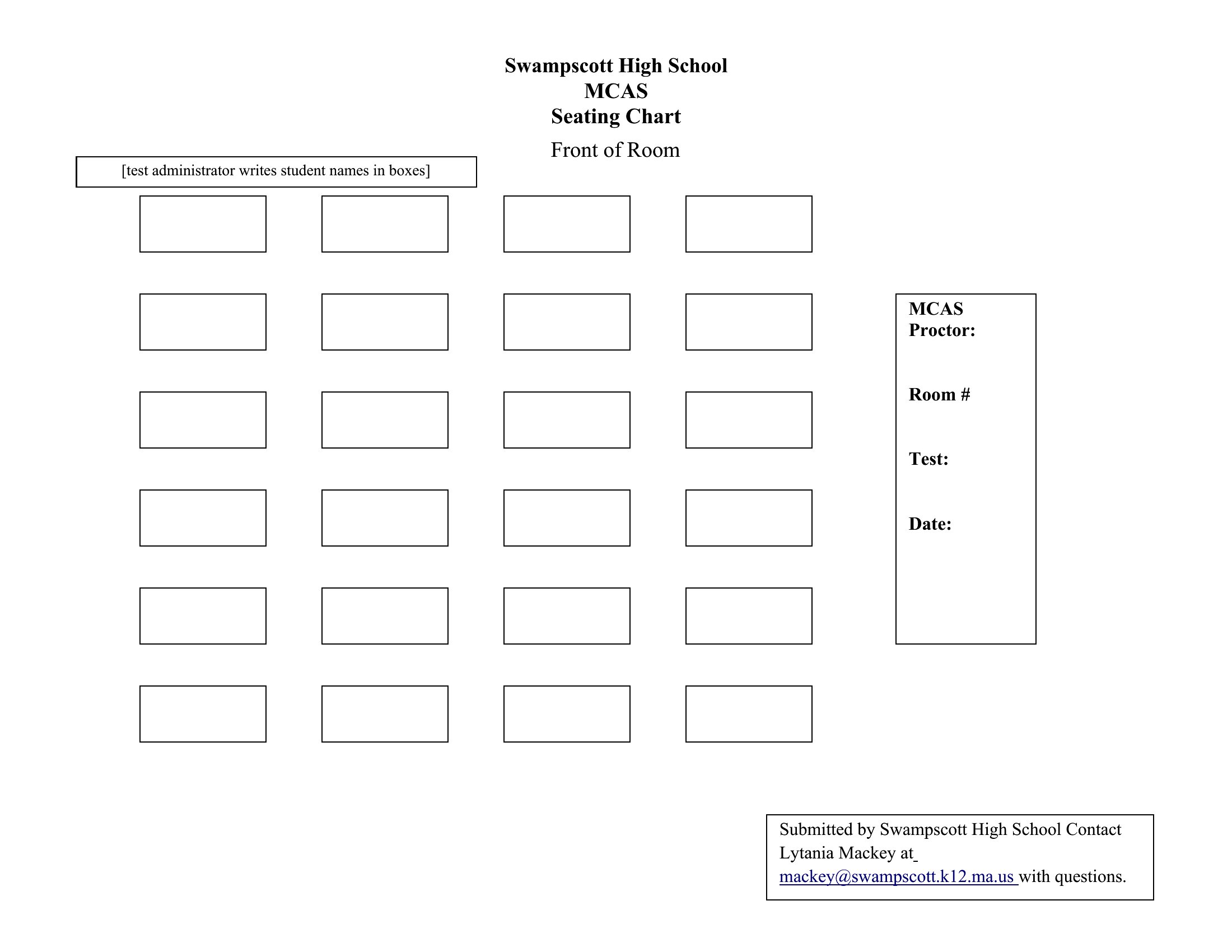
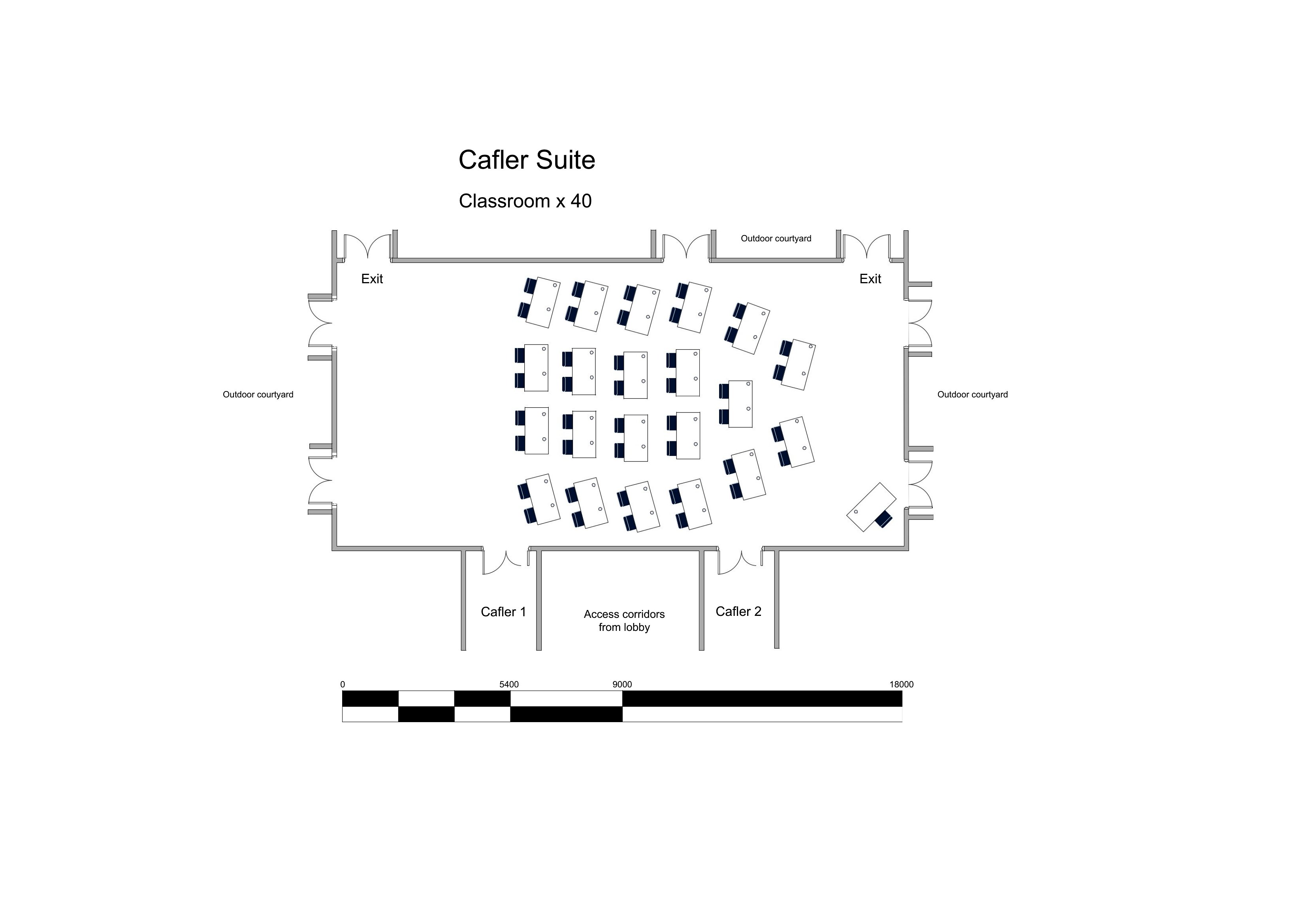
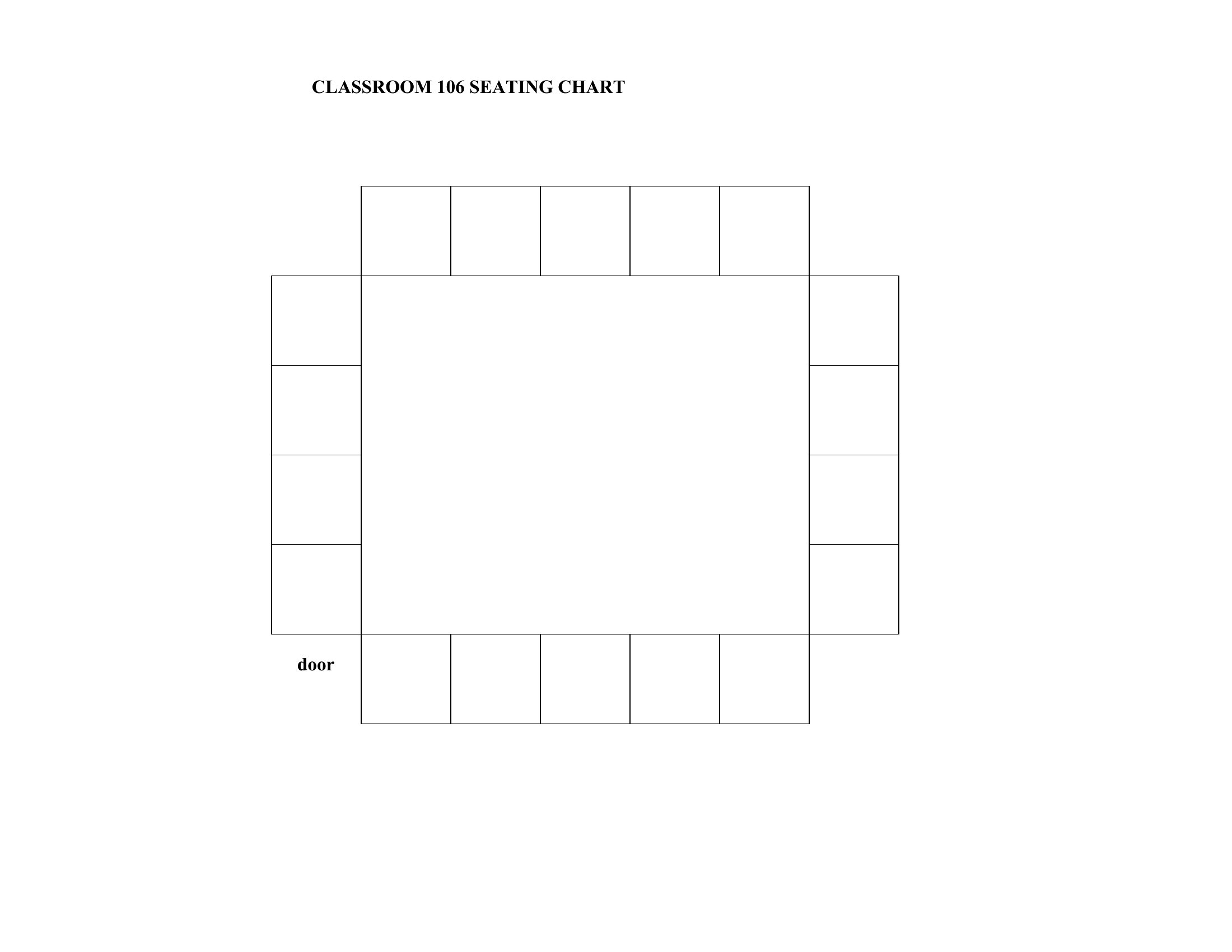
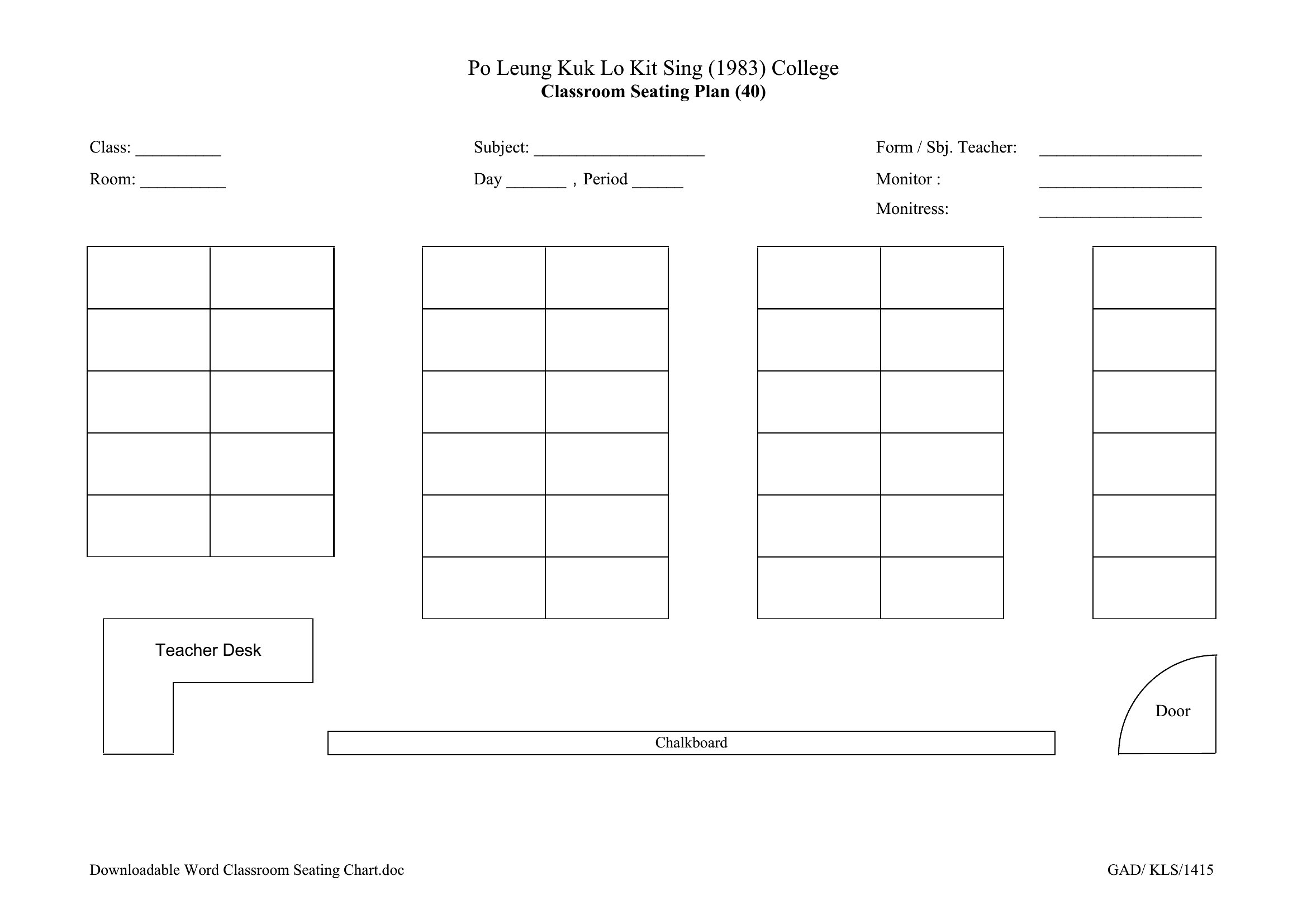
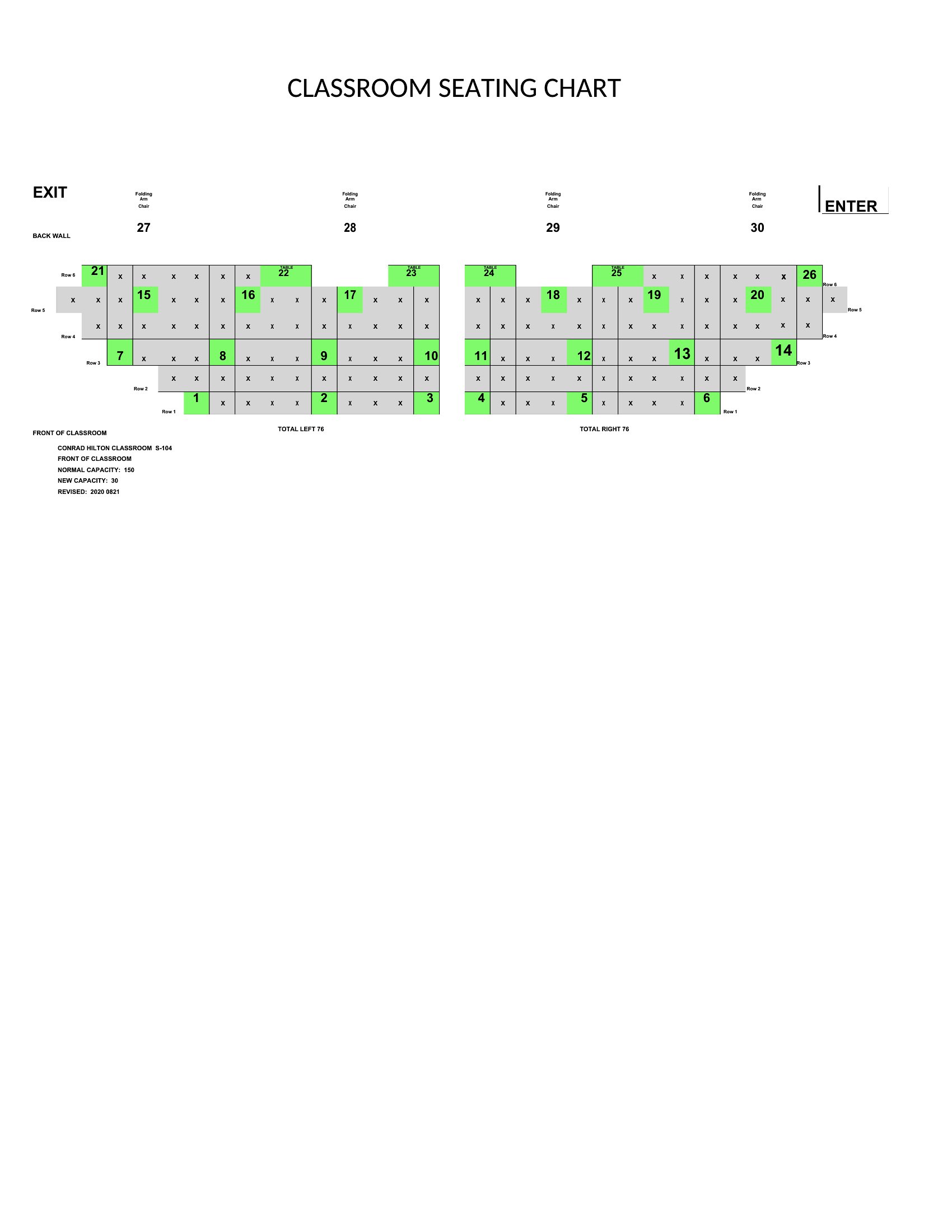
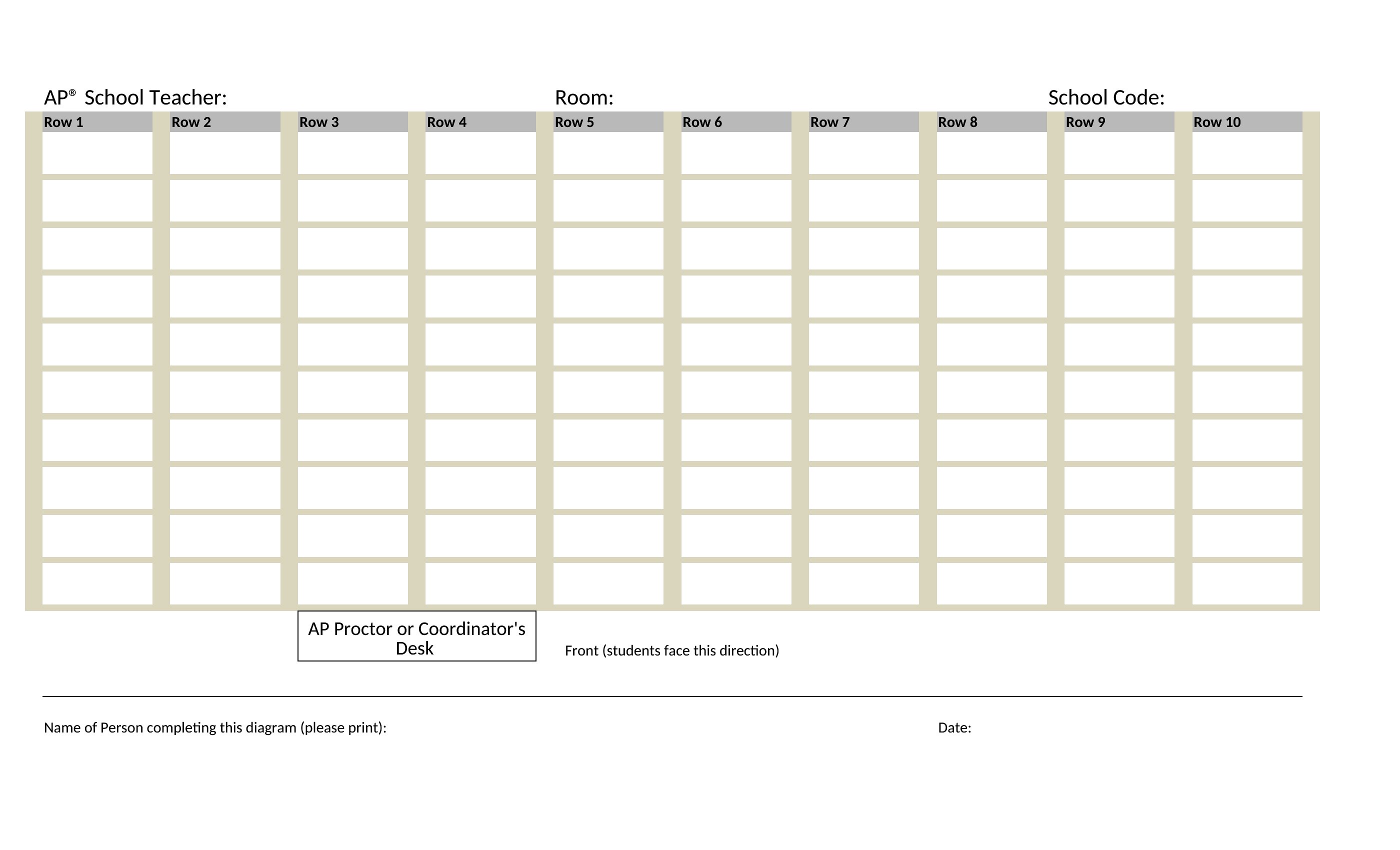
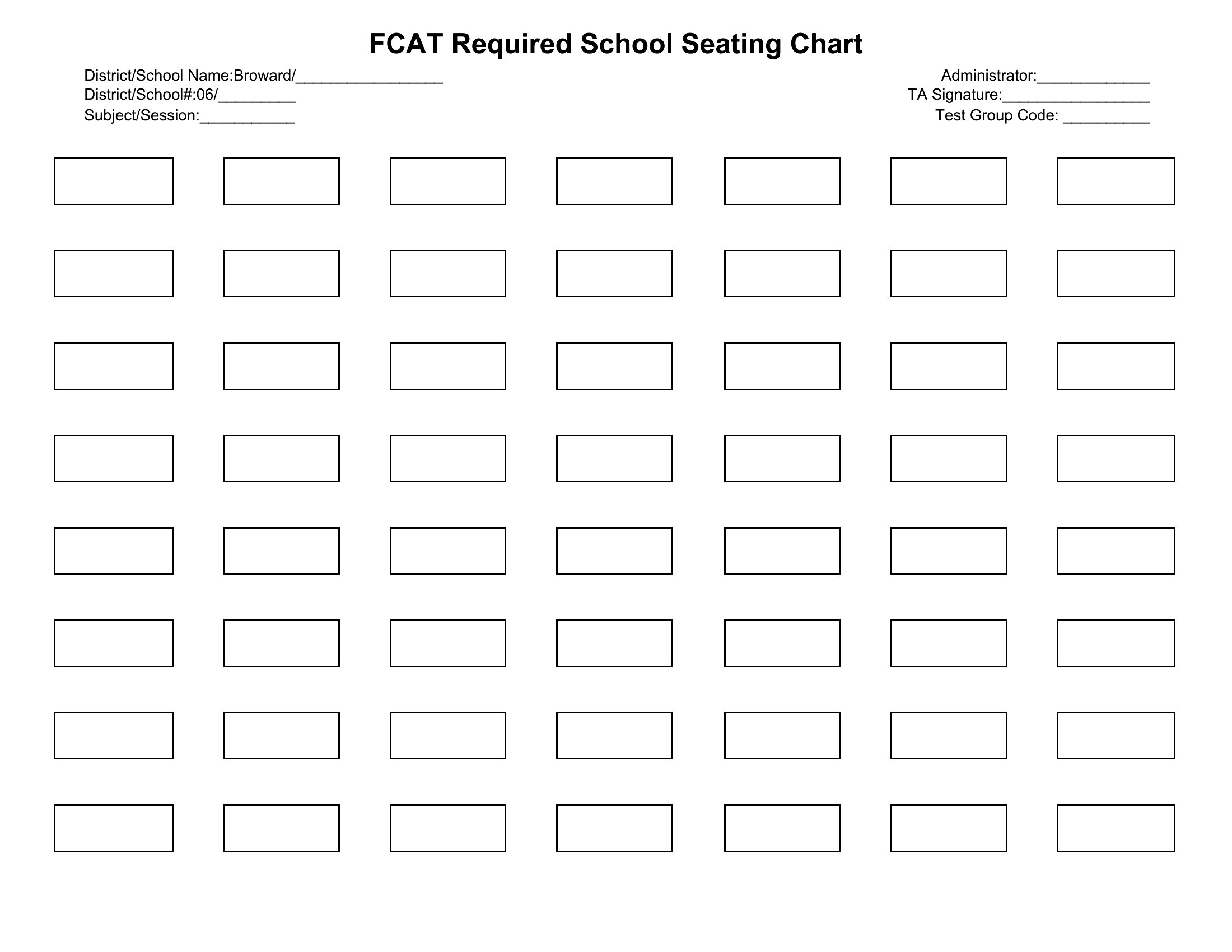
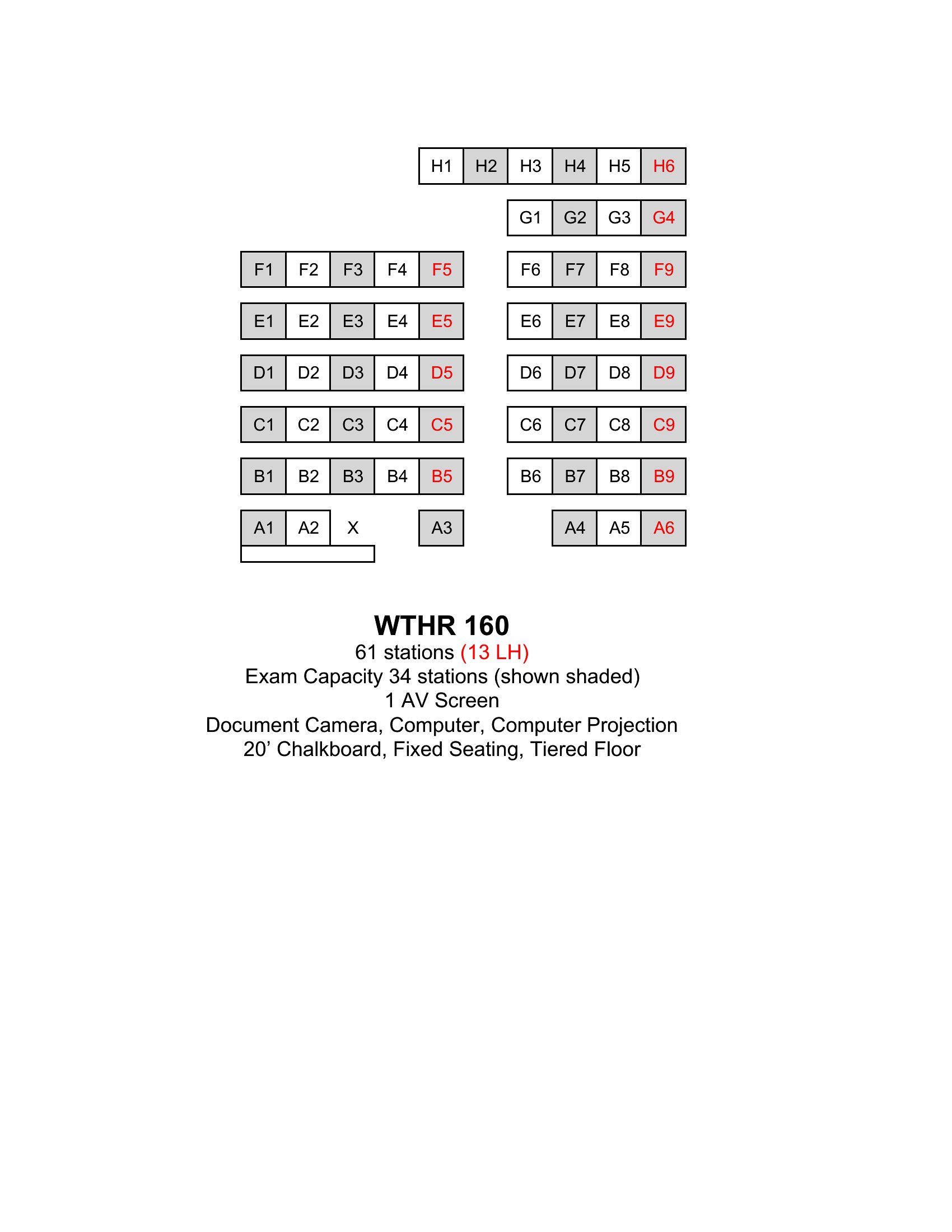
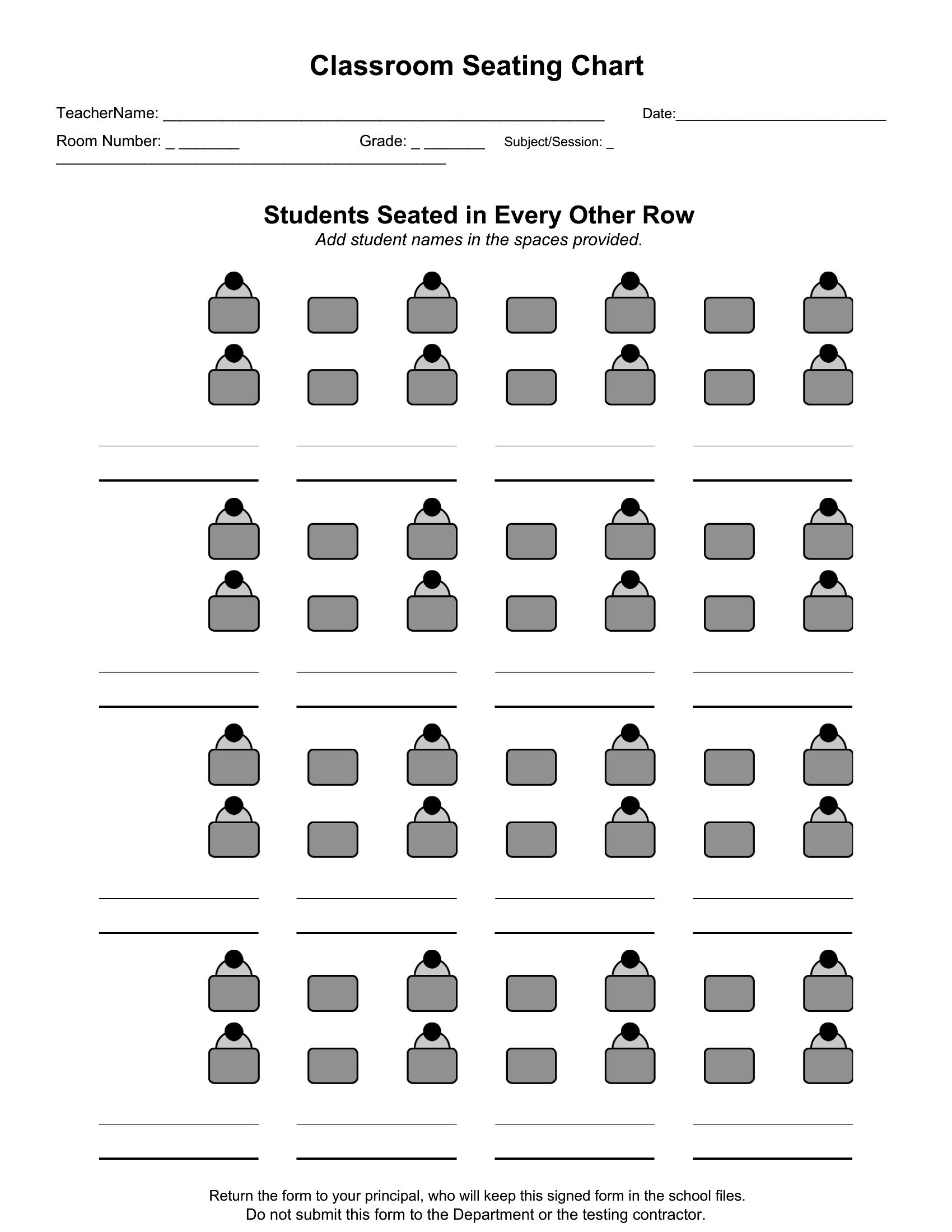
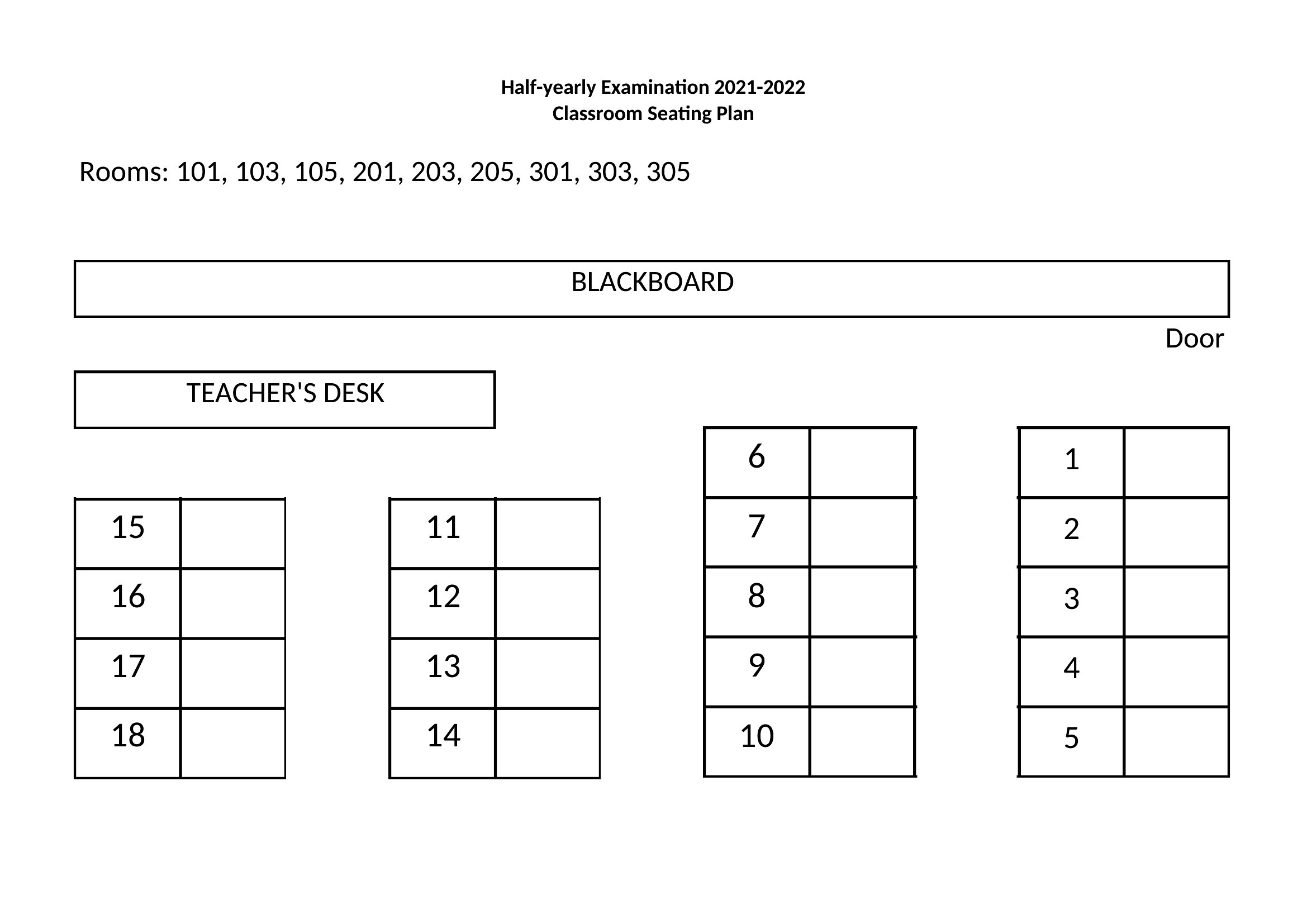
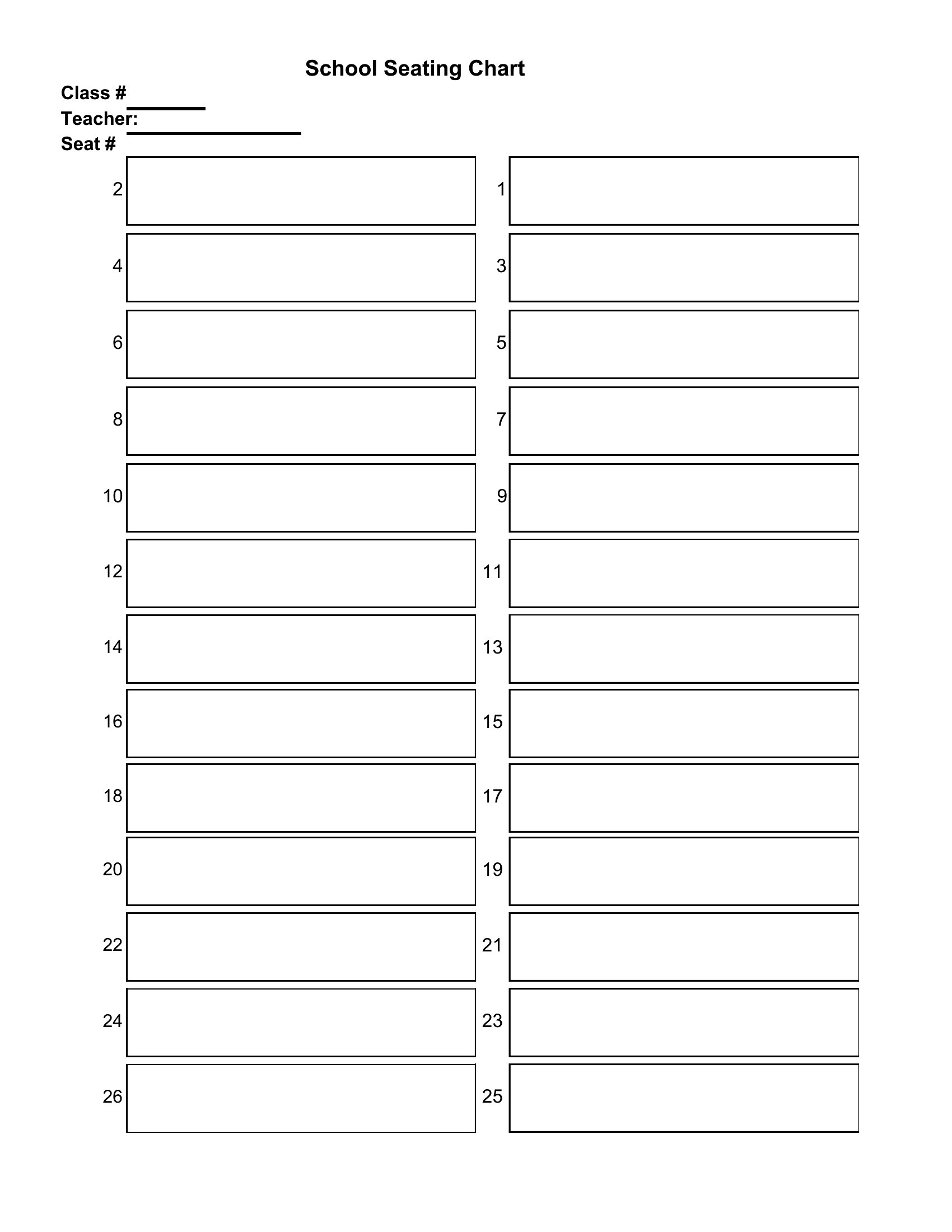
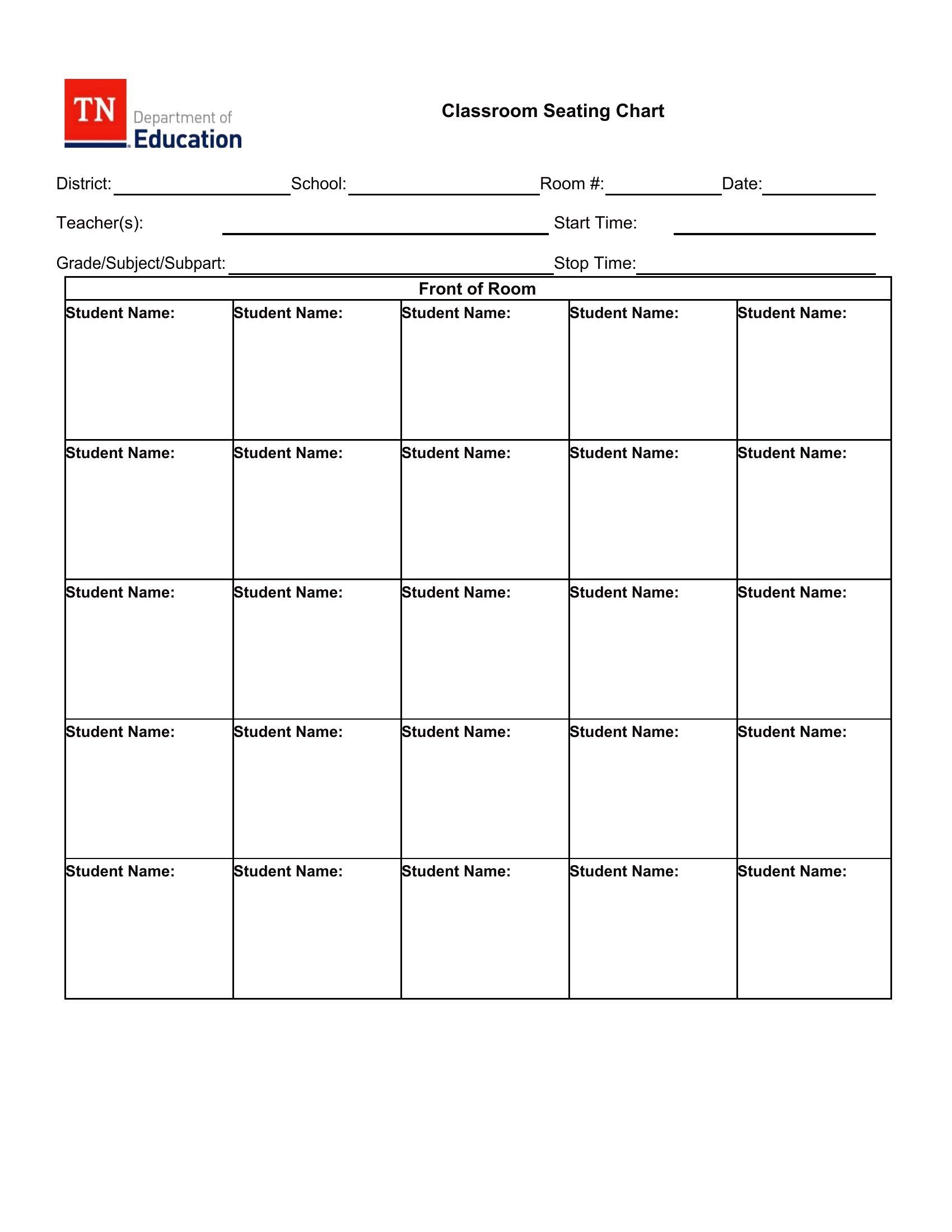
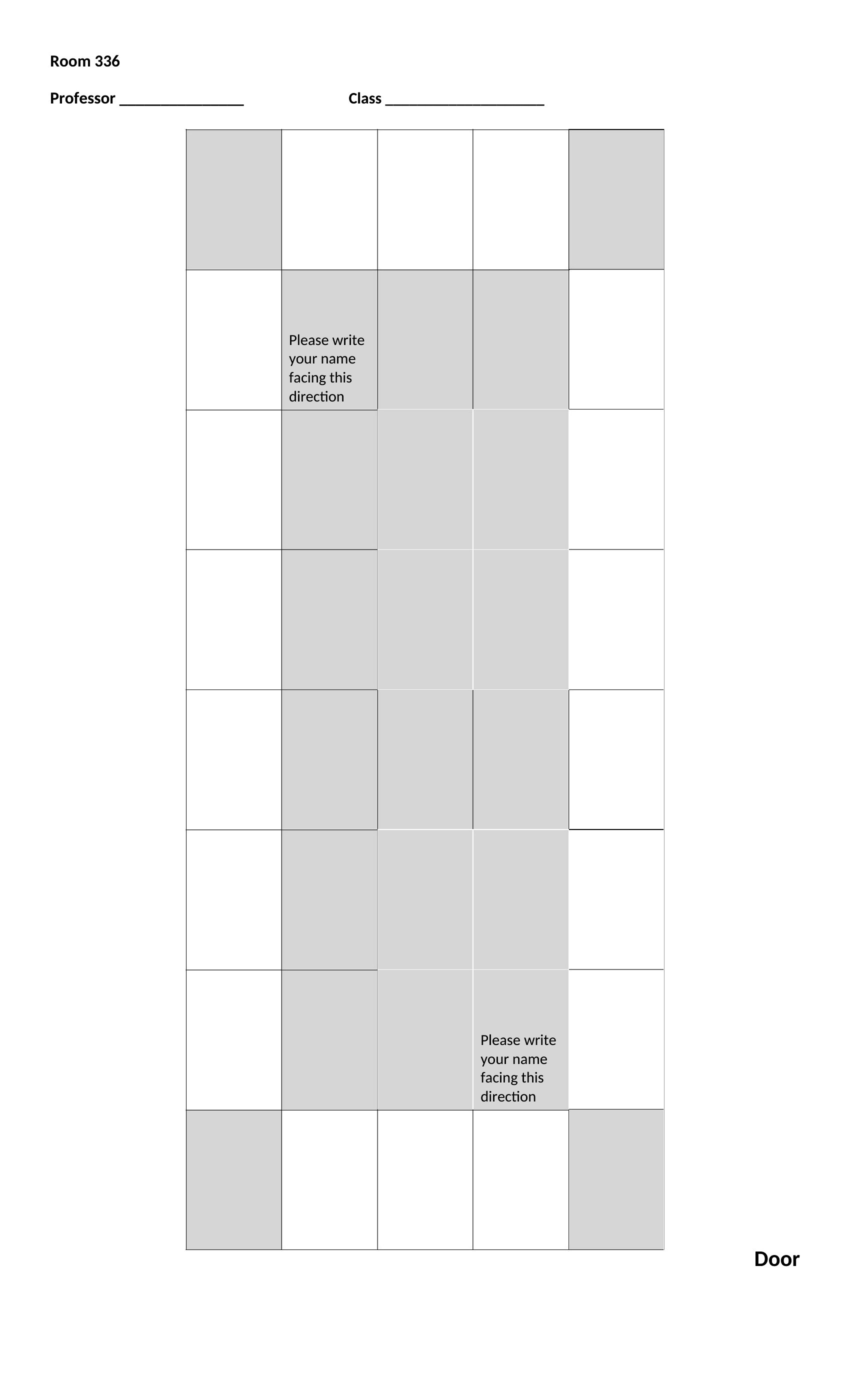
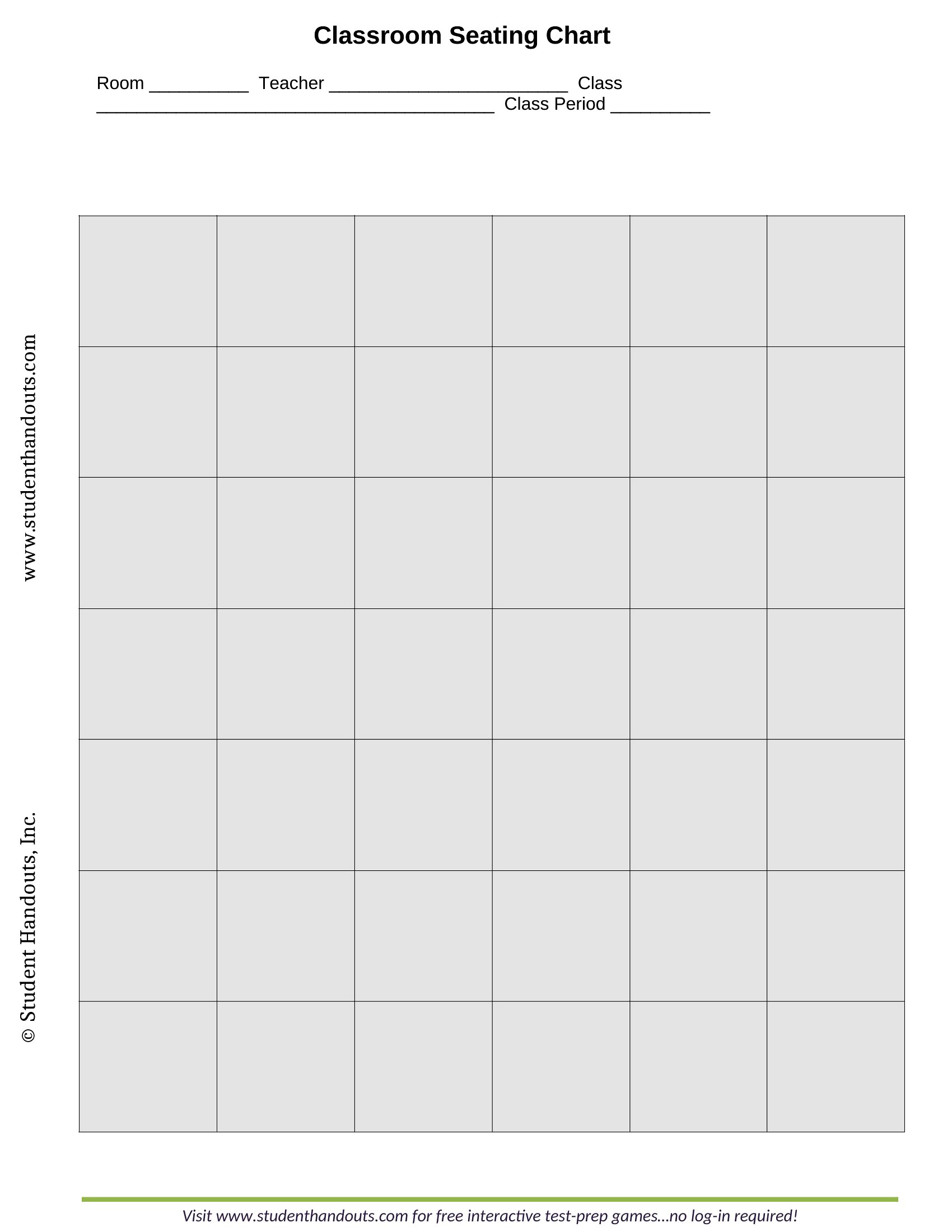
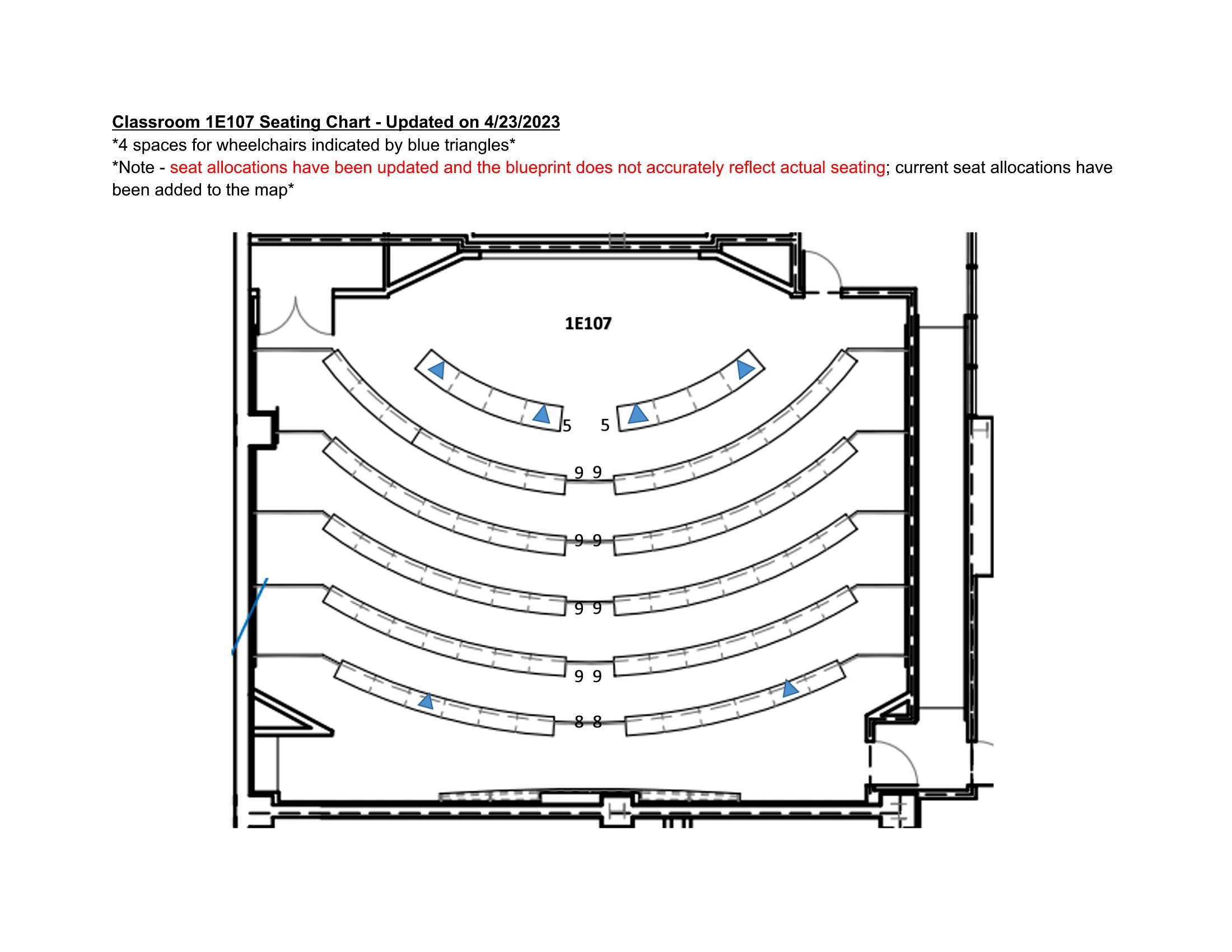
Yes, these templates include grids and freeform layouts to accommodate irregular desk shapes or built-in seating. Start with the blank grid options in Word or Excel to draw your space to scale, then adjust rows or groups as needed. For a quick solution, use the PDF templates with labeled sections to manually sketch in your unique setup.
How do I adjust a seating chart when a student with behavioral needs requires a specific location?
Use the Word or Excel formats to highlight or color-code the preferred seat, then add notes in a side column for reminders. For example, mark ‘front-row, near teacher’ and include triggers or strategies. Avoid overcrowding that seat by leaving adjacent spots open. If using PDF, print and annotate manually, then re-save as a new file for future use.
Are there templates that help with seating students who need to avoid each other due to conflicts?
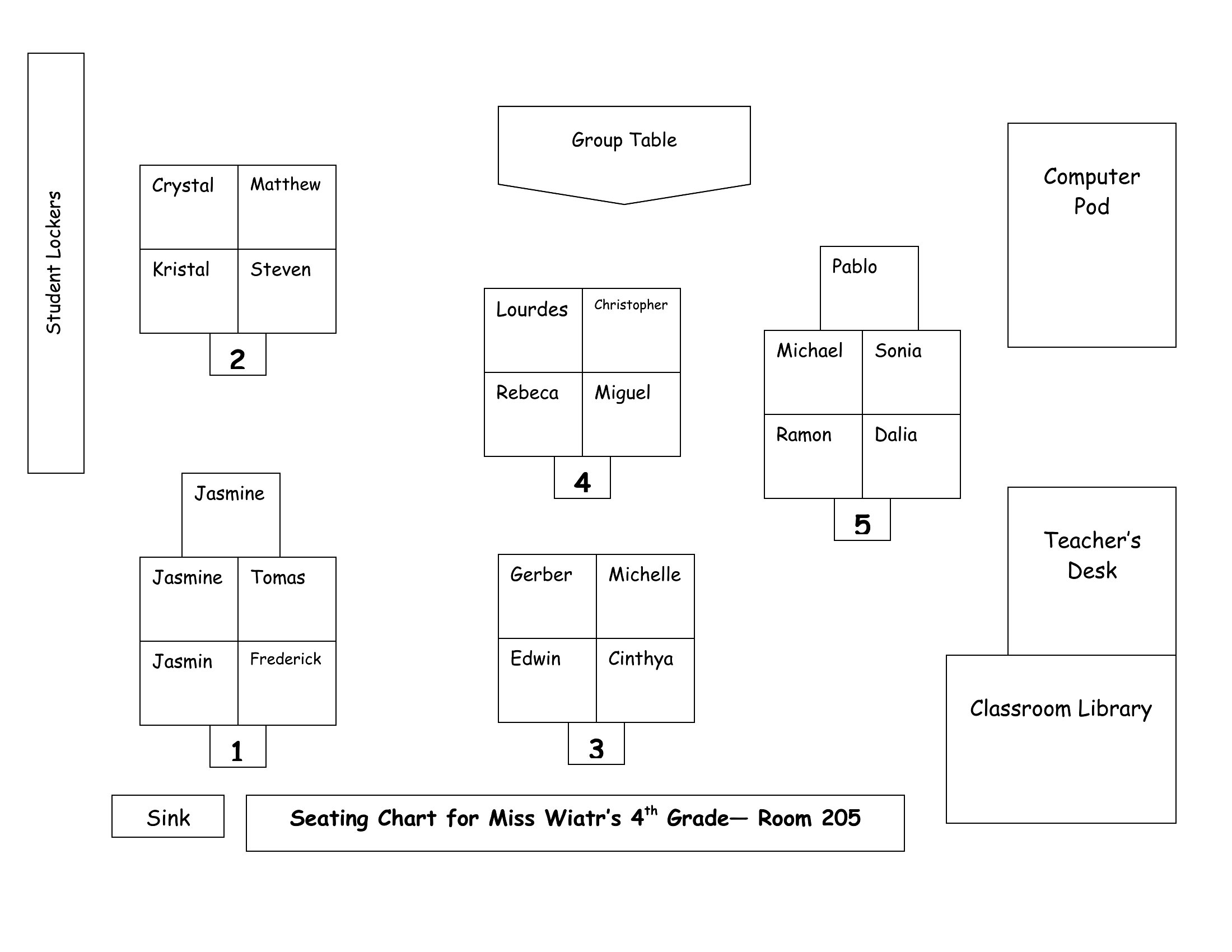
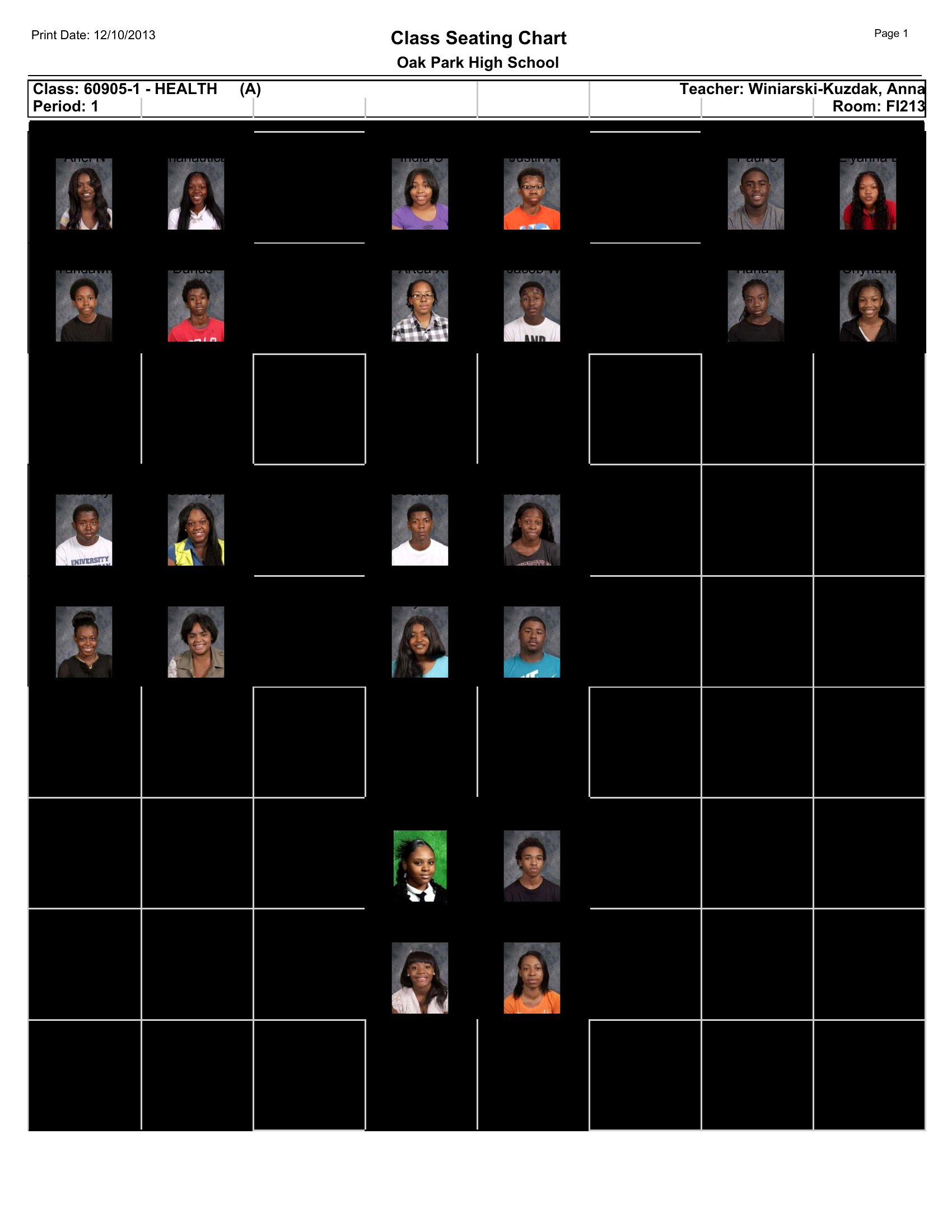
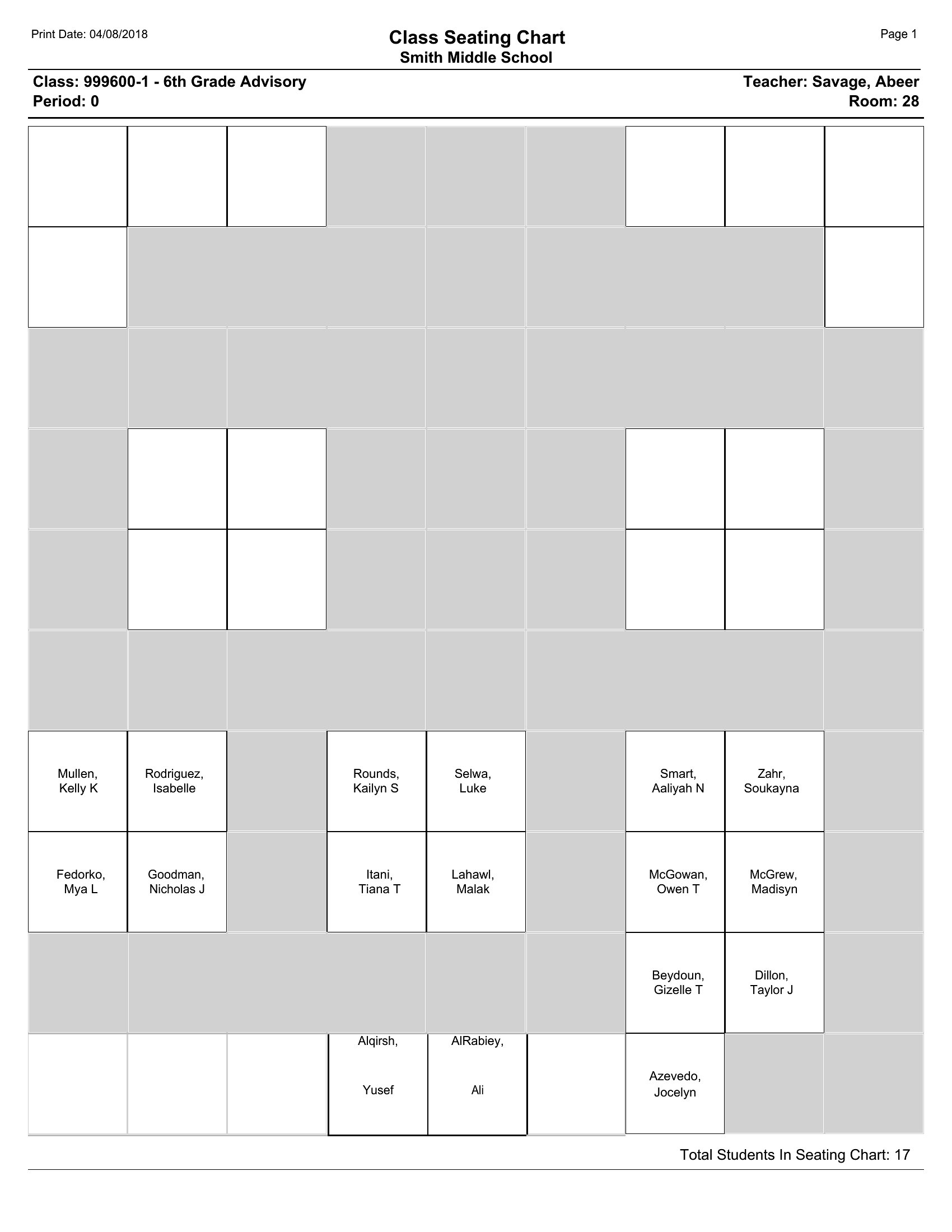
Yes, the ‘grouped seating’ and ‘alphabetical by last name’ templates in Word and Excel help minimize proximity conflicts. Assign conflicting students to opposite sides of the room or separate clusters, then use the comment feature in Word to flag these pairs. For a visual cue, shade different groups in contrasting colors on the PDF versions to make it easier to spot during transitions.
Comments
Join the conversation
Sign in to share your thoughts and leave a comment on this resource.