Skip to content
50% off this one-time $1.99 pack with HALFOFF — or unlimited with Pro.HALFOFF
Premium

Free Seating Chart Templates (Word, PDF)
Diagrams
elisabethcosta by elisabethcosta
Updated 0 downloads 2 community comments

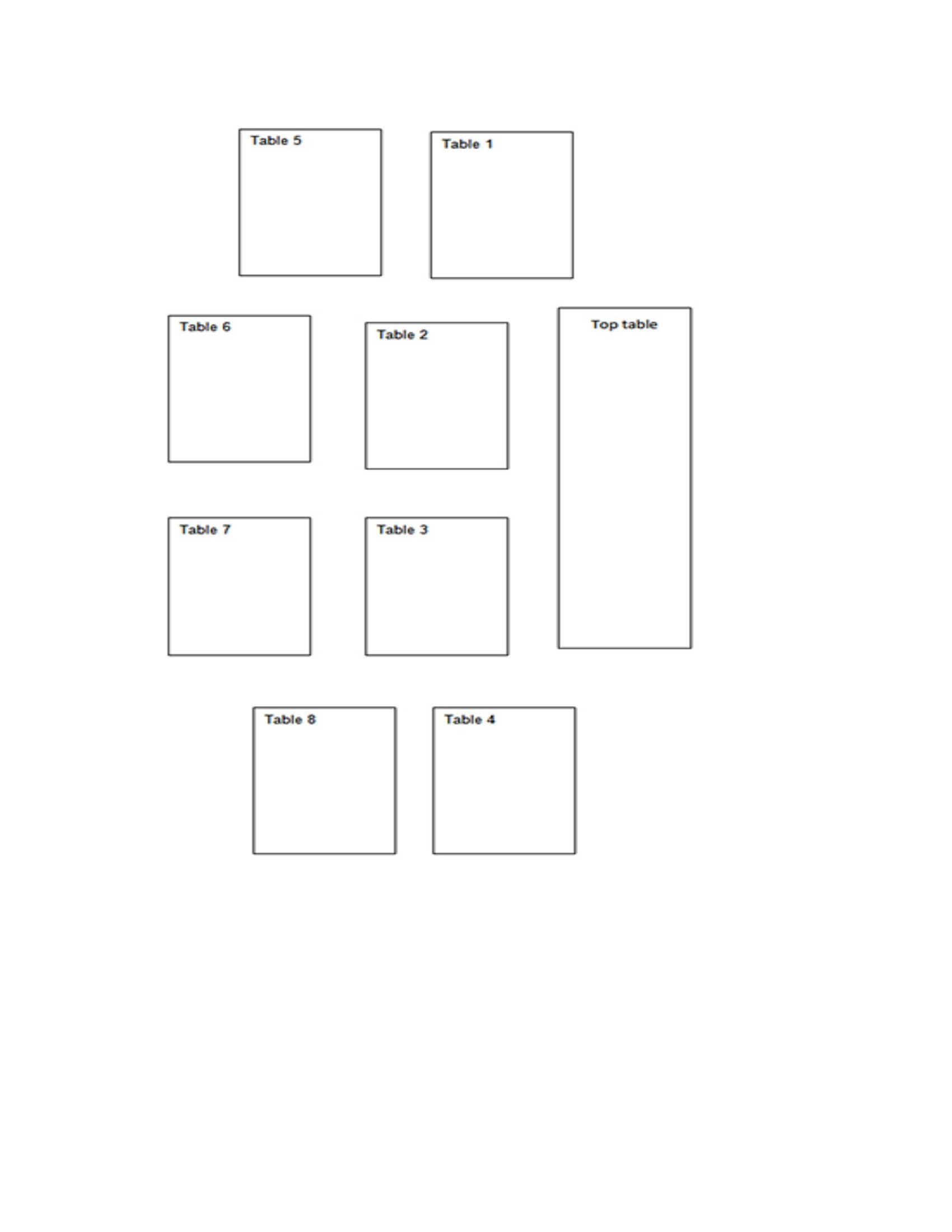
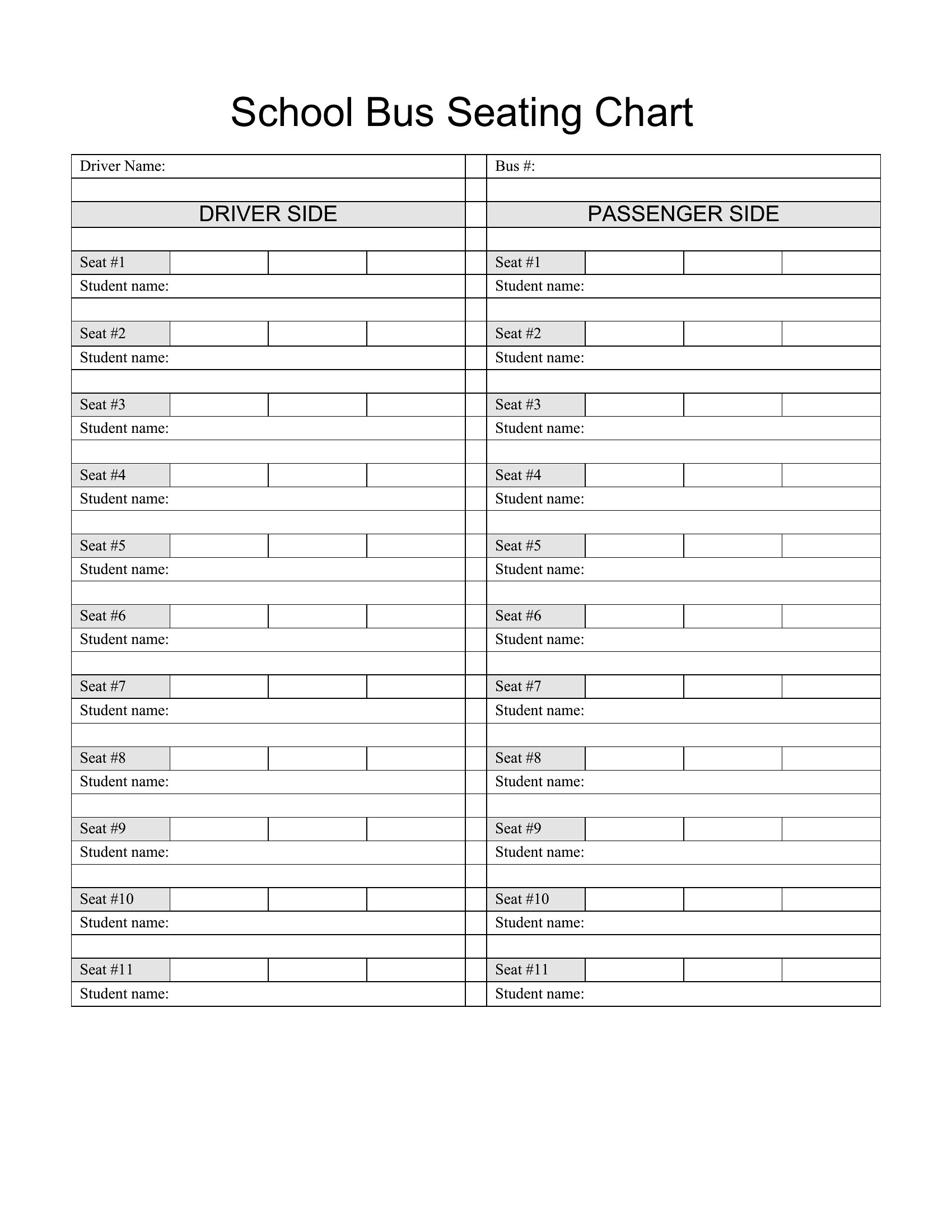
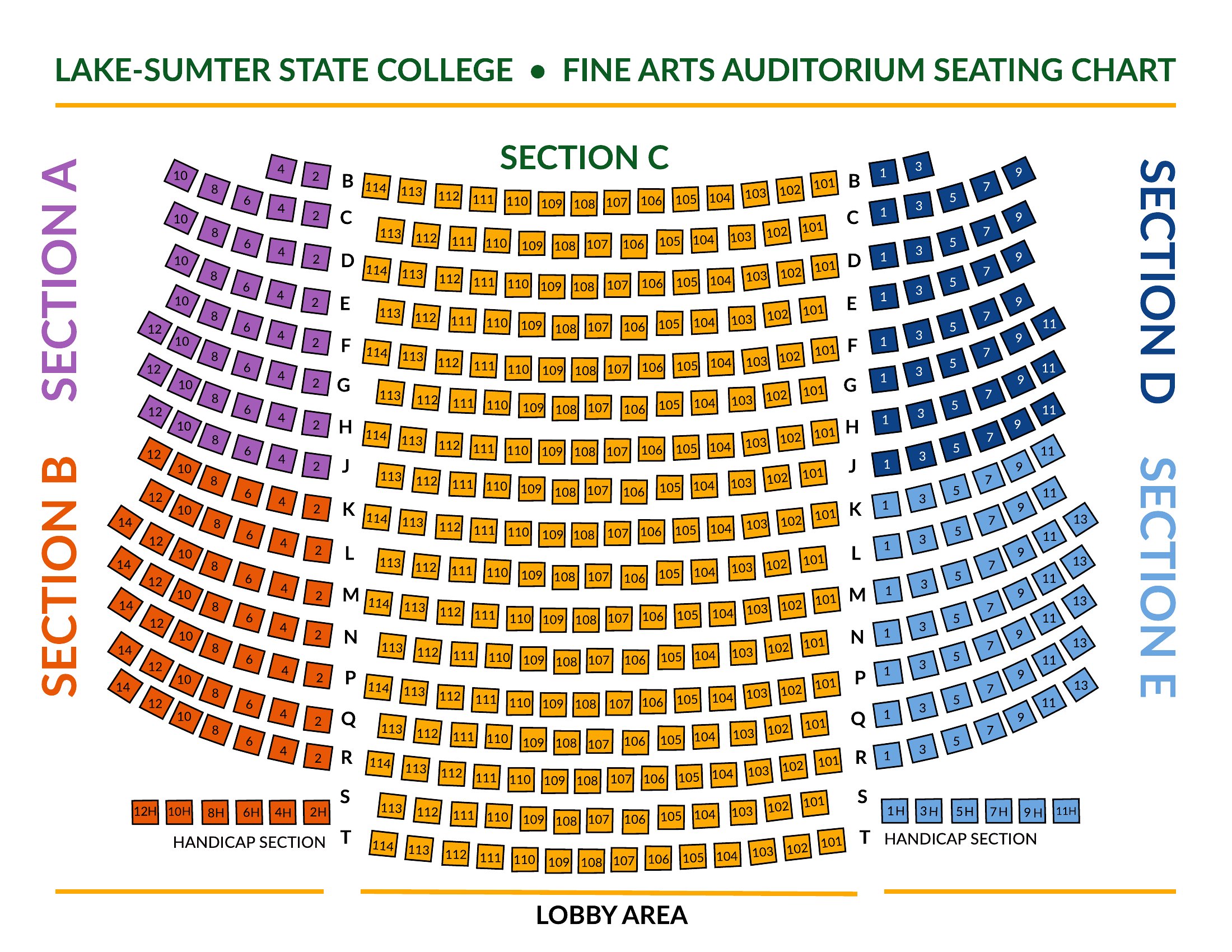
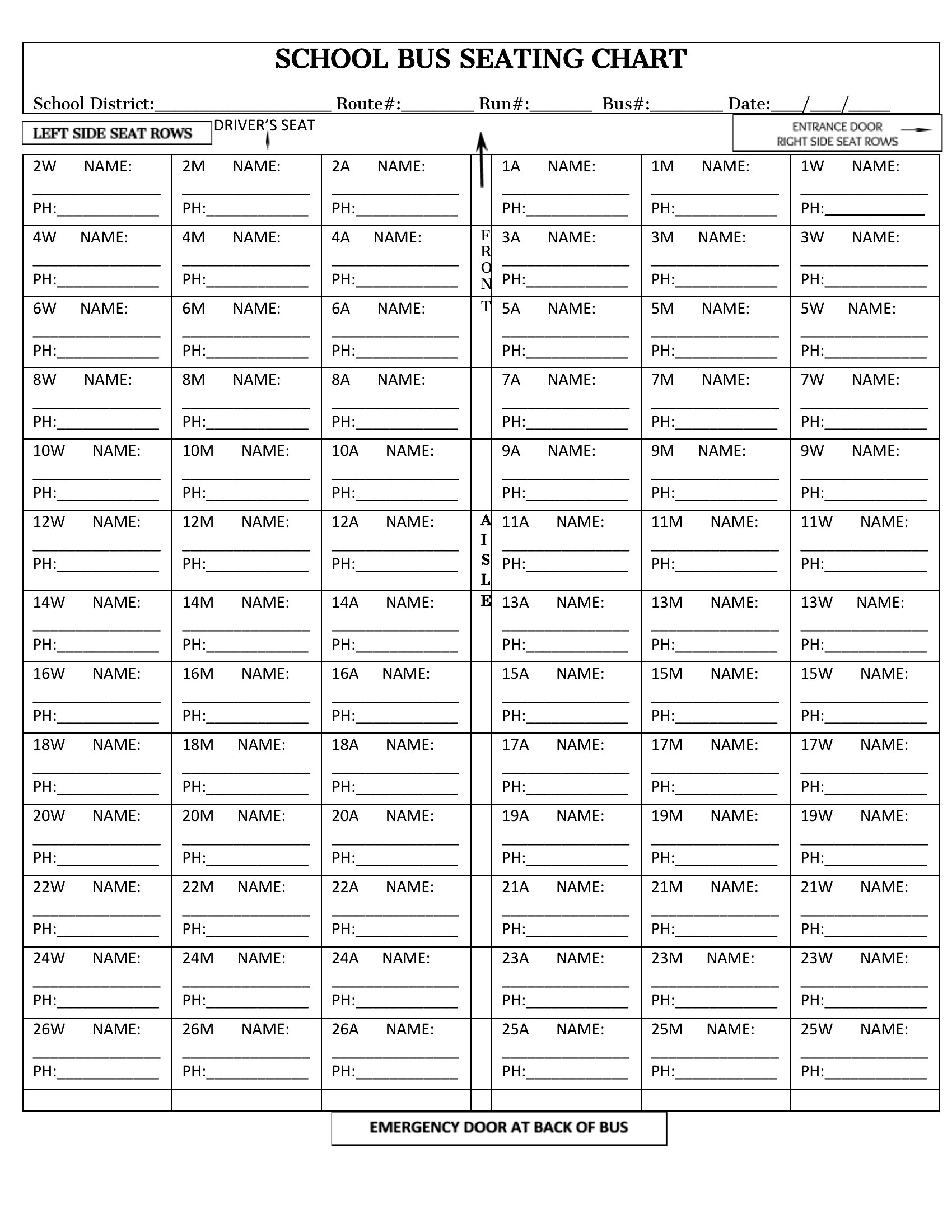
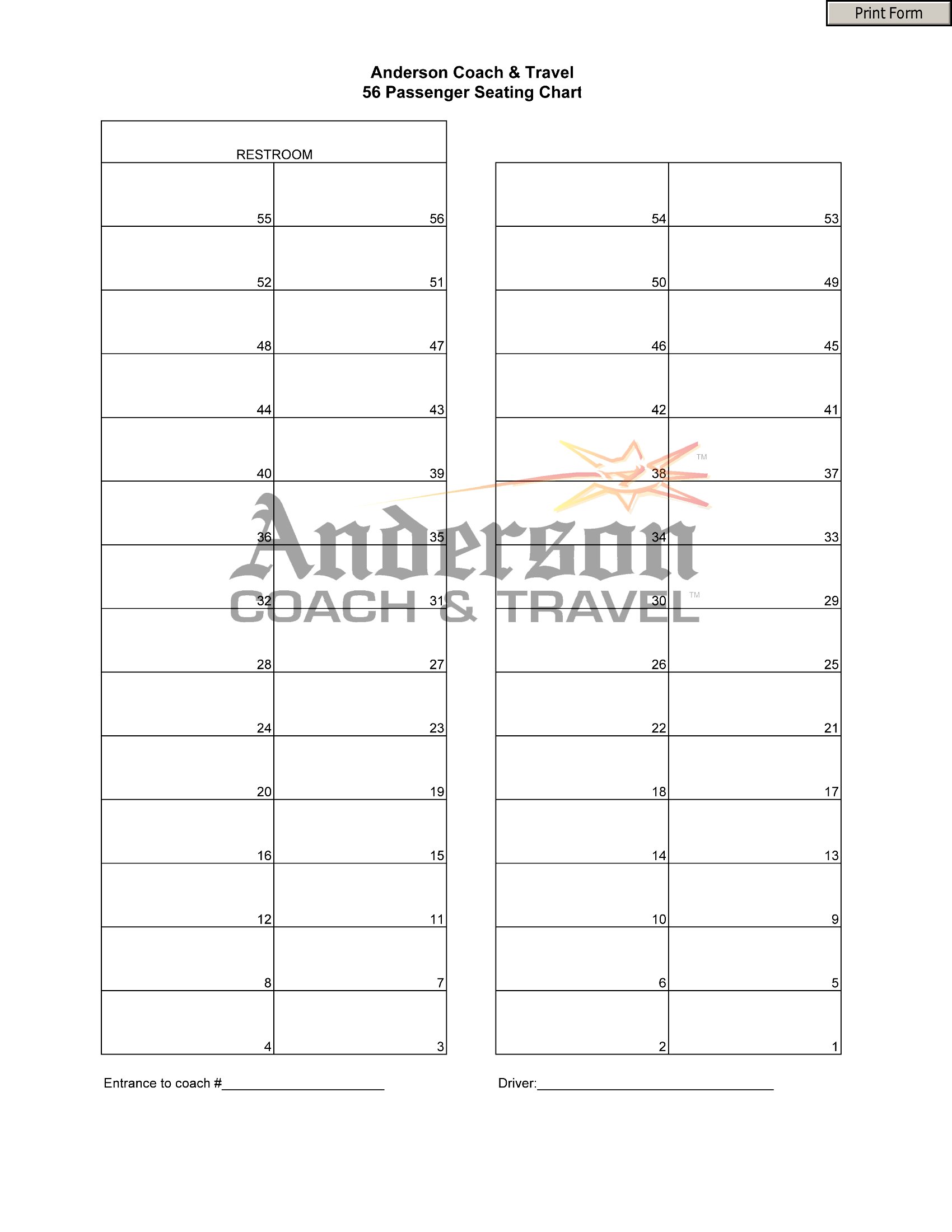
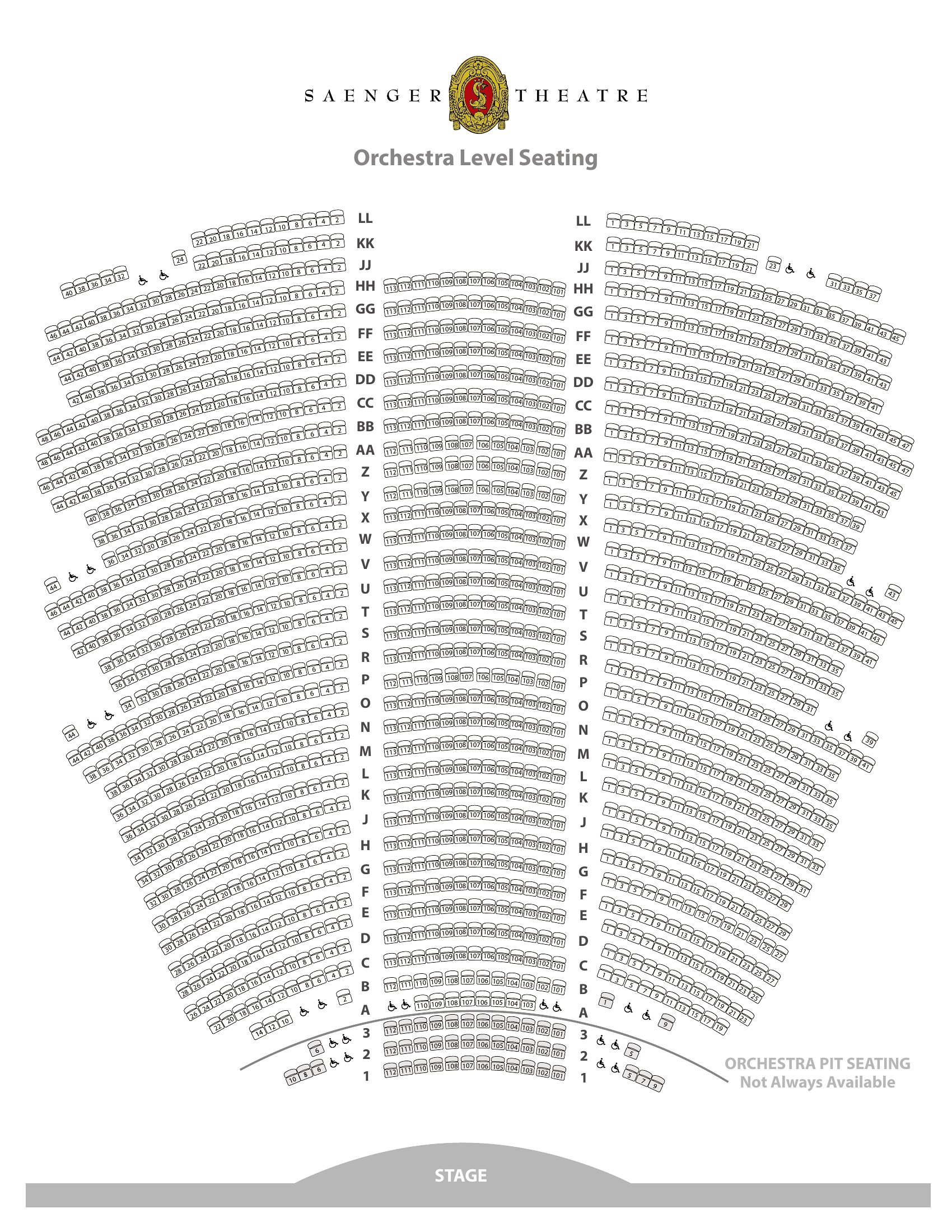
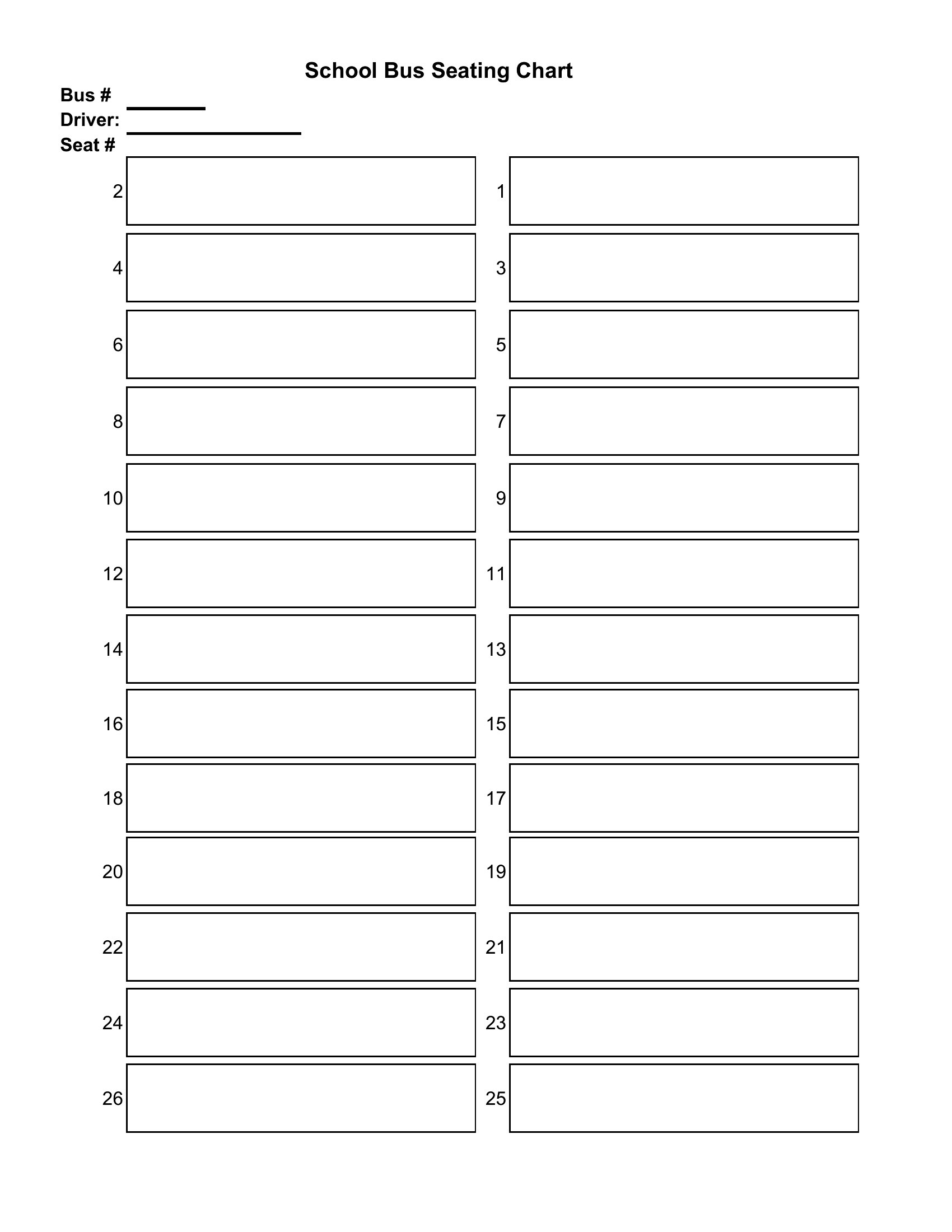
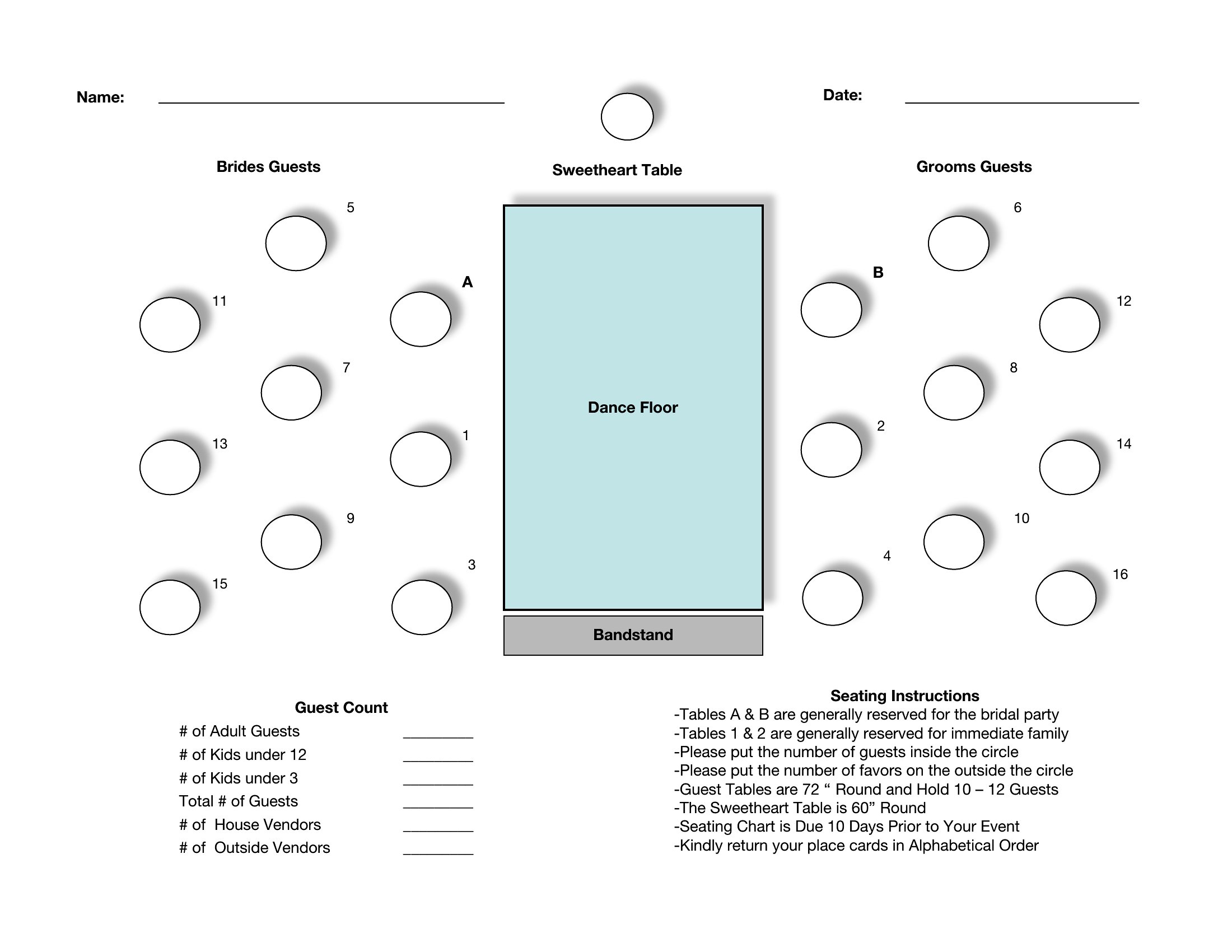
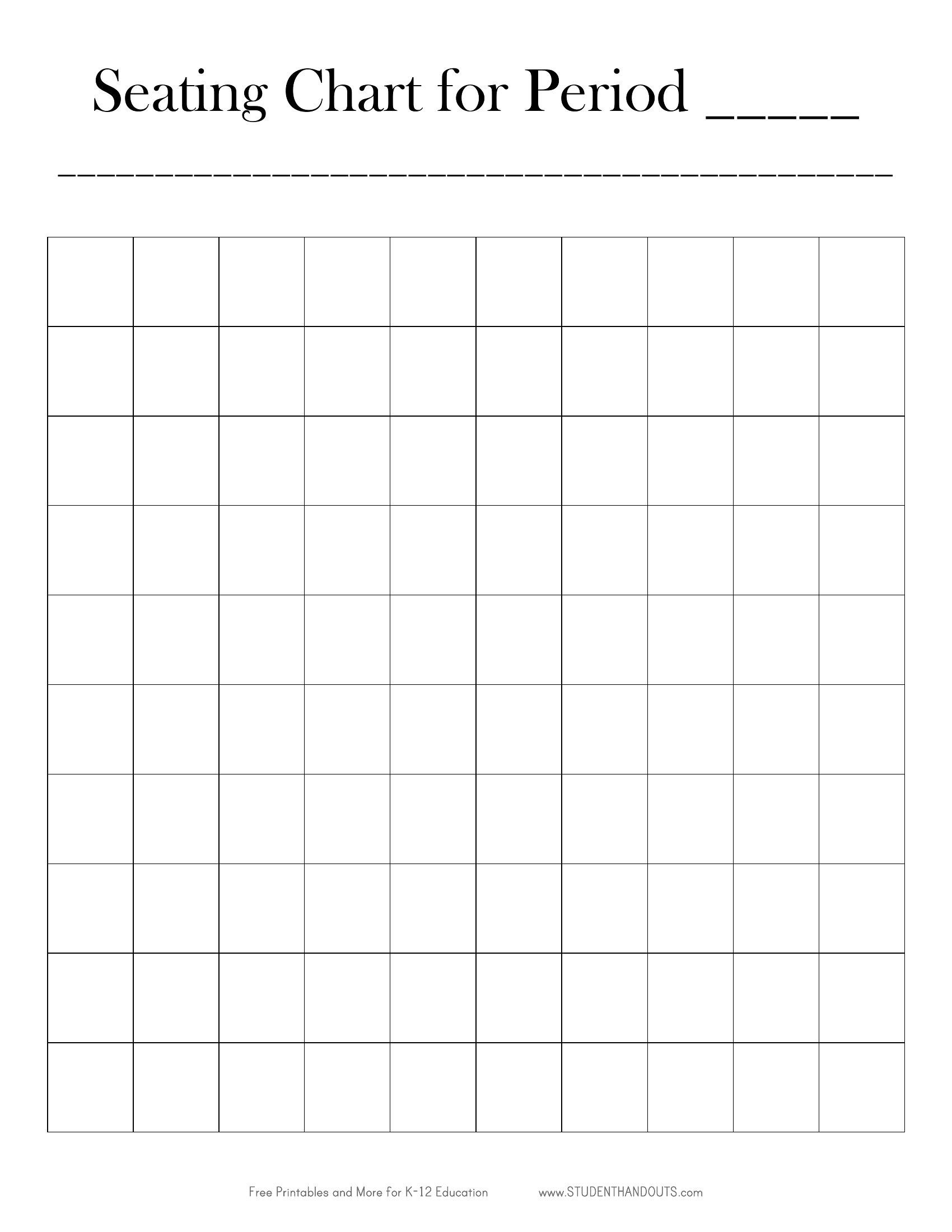
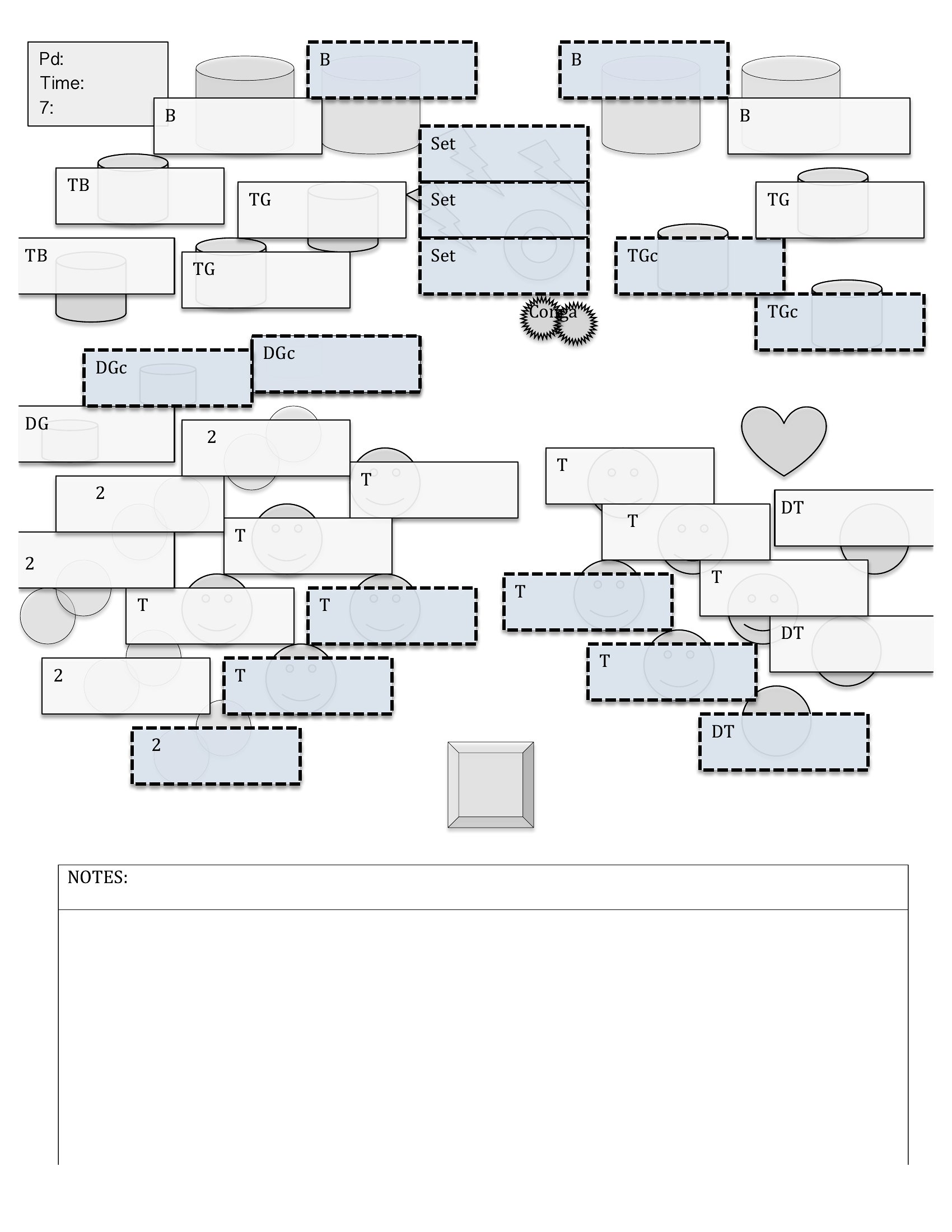
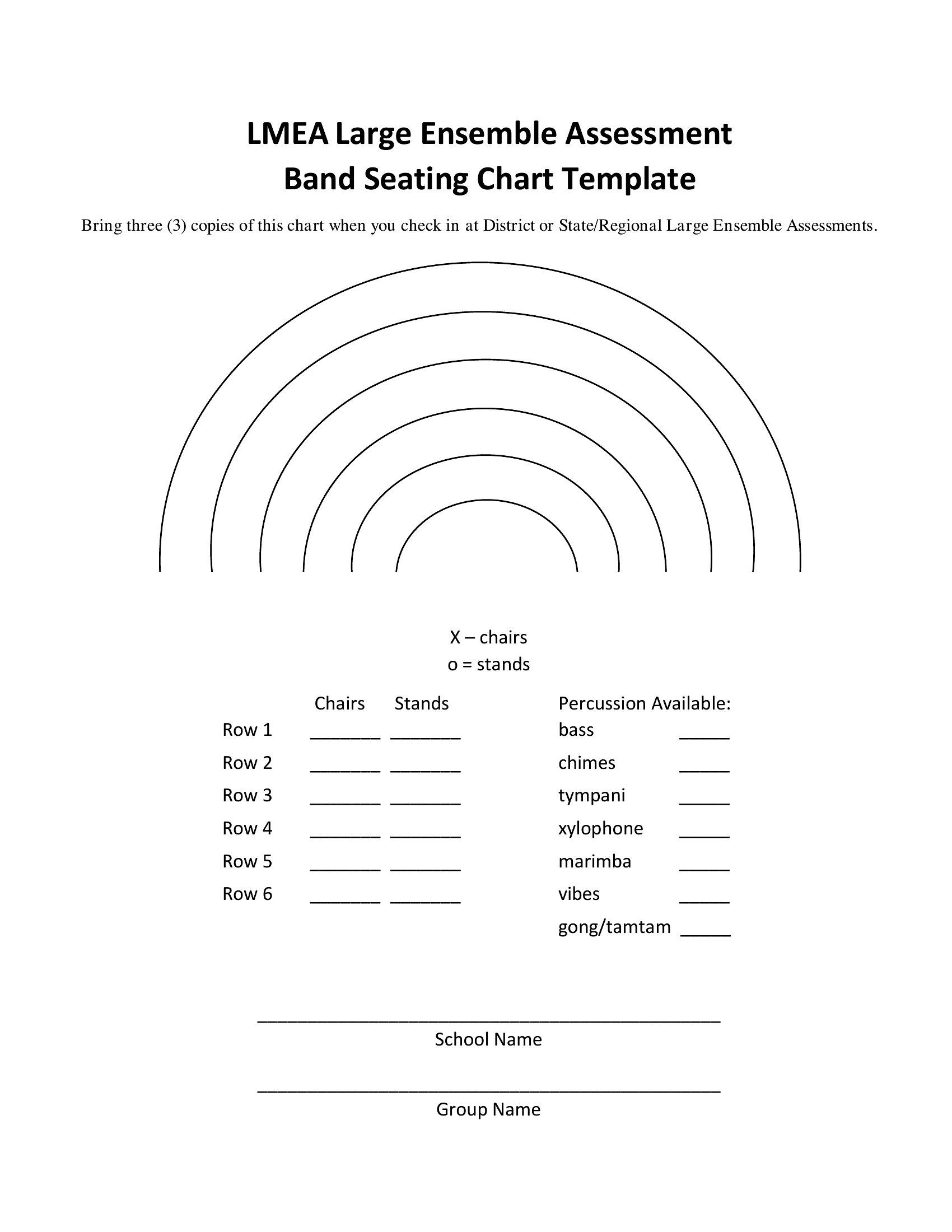
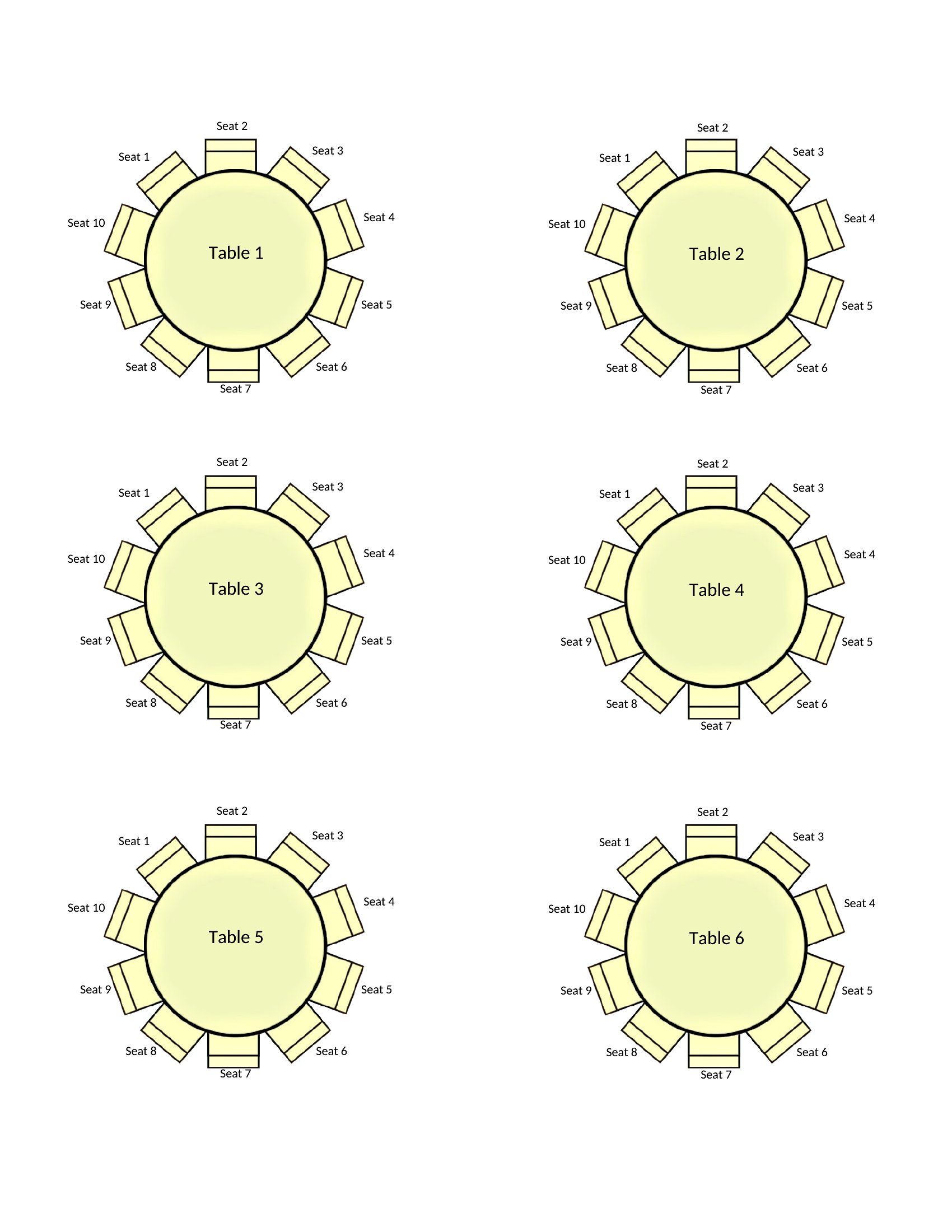
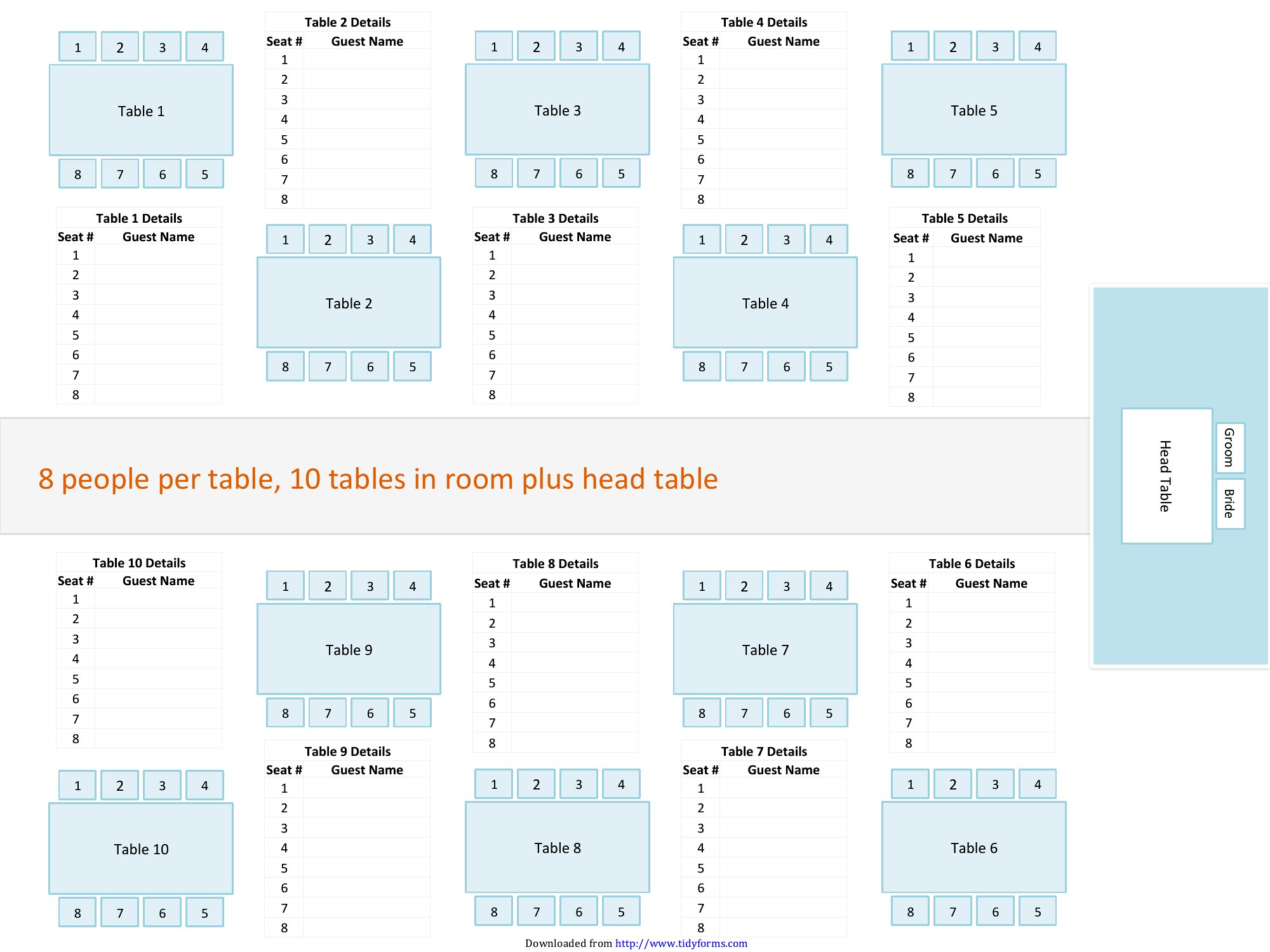
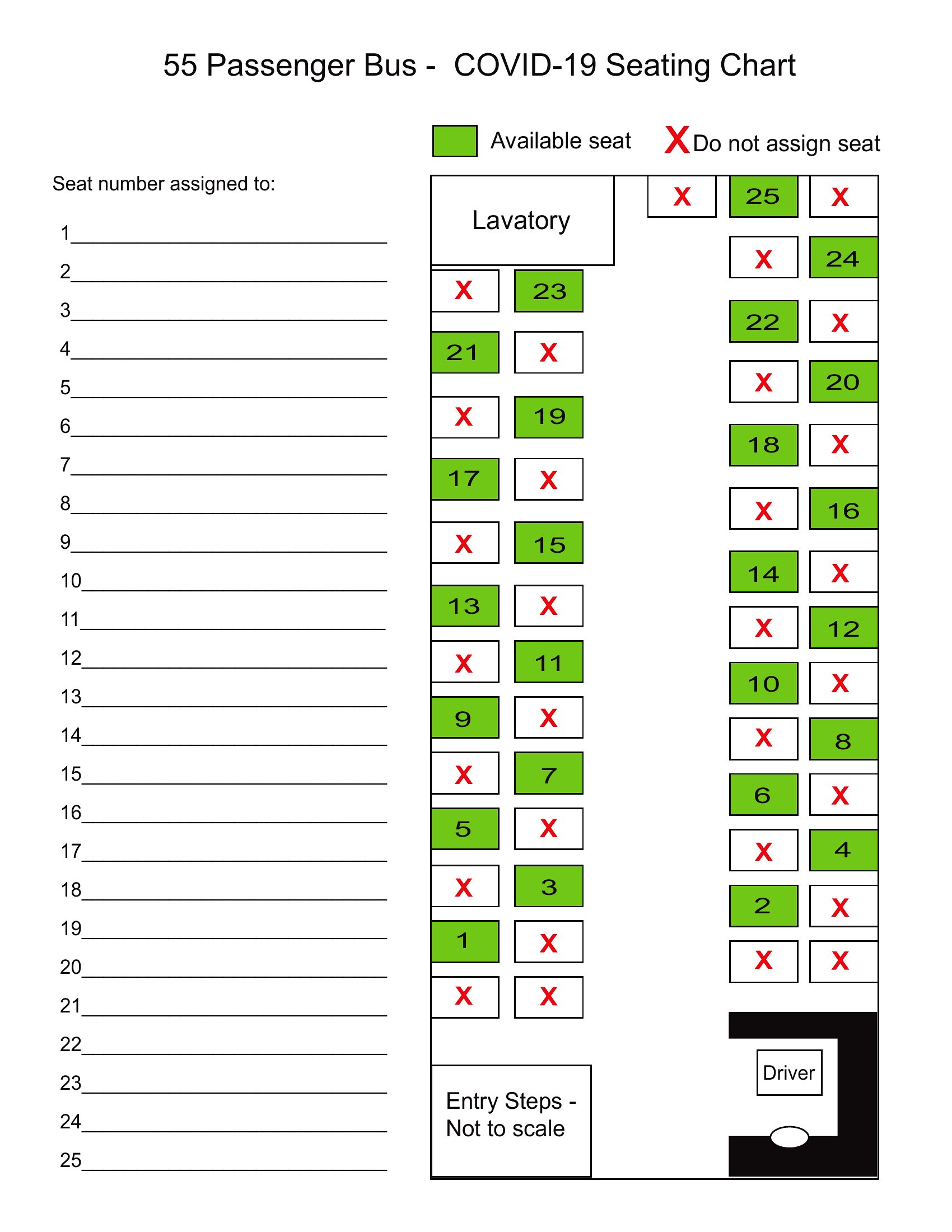
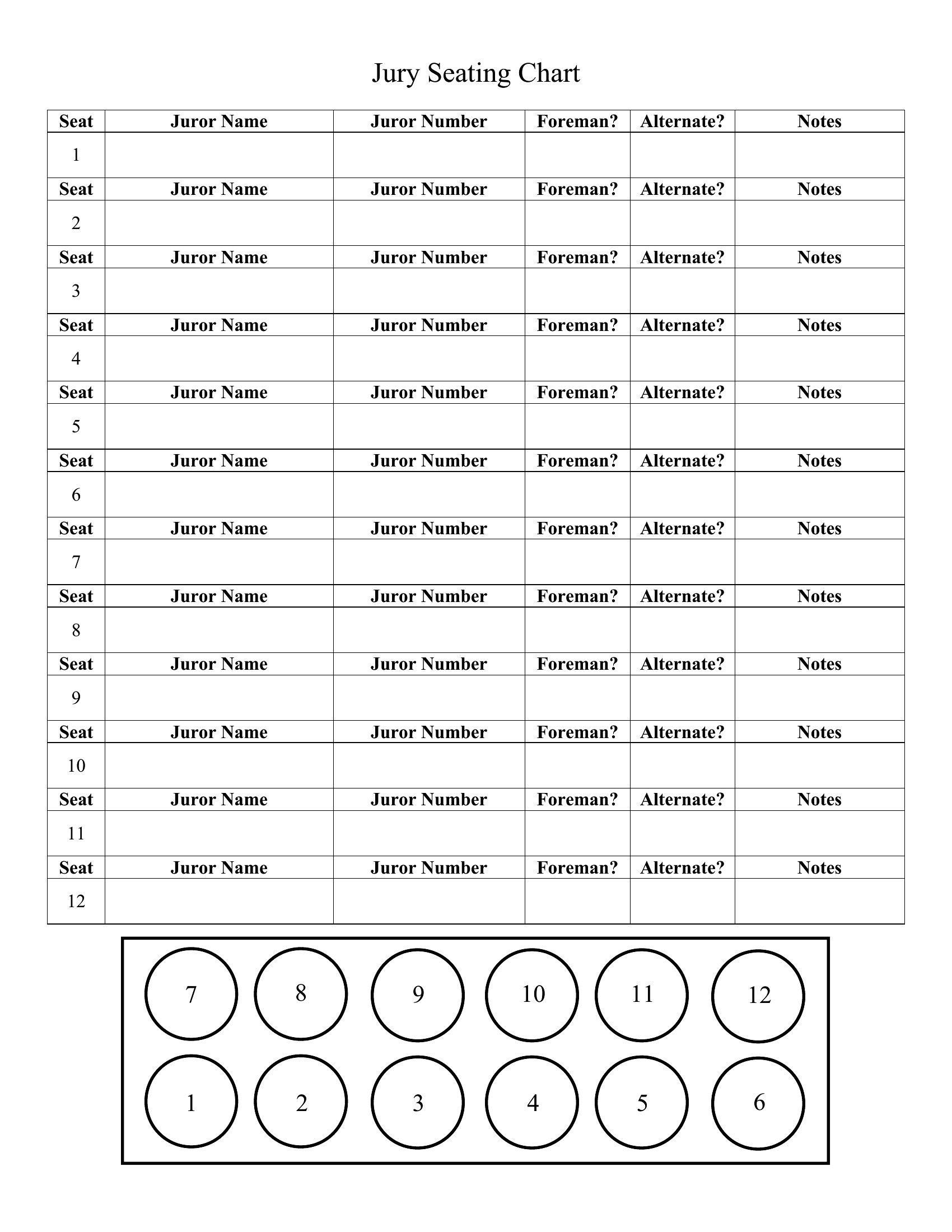
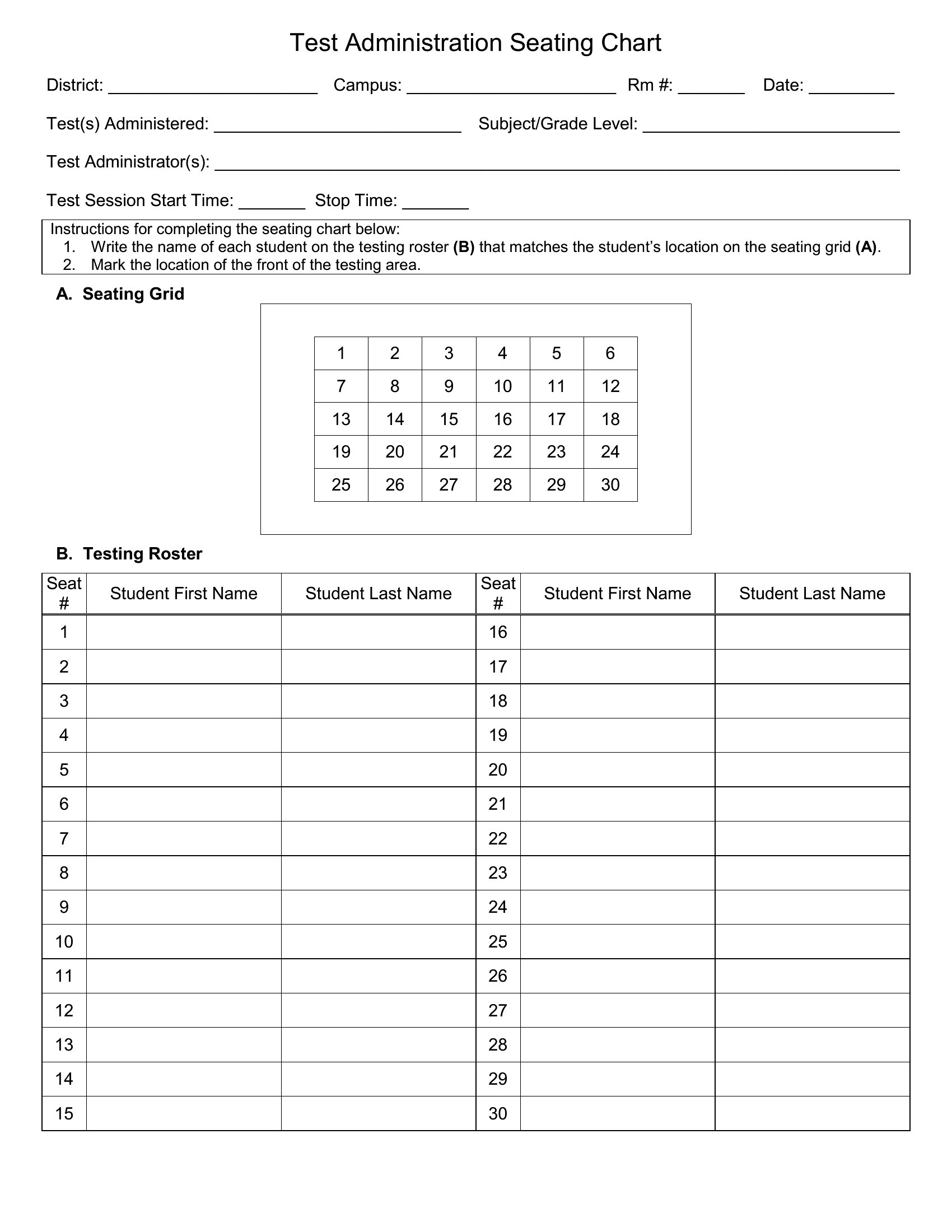
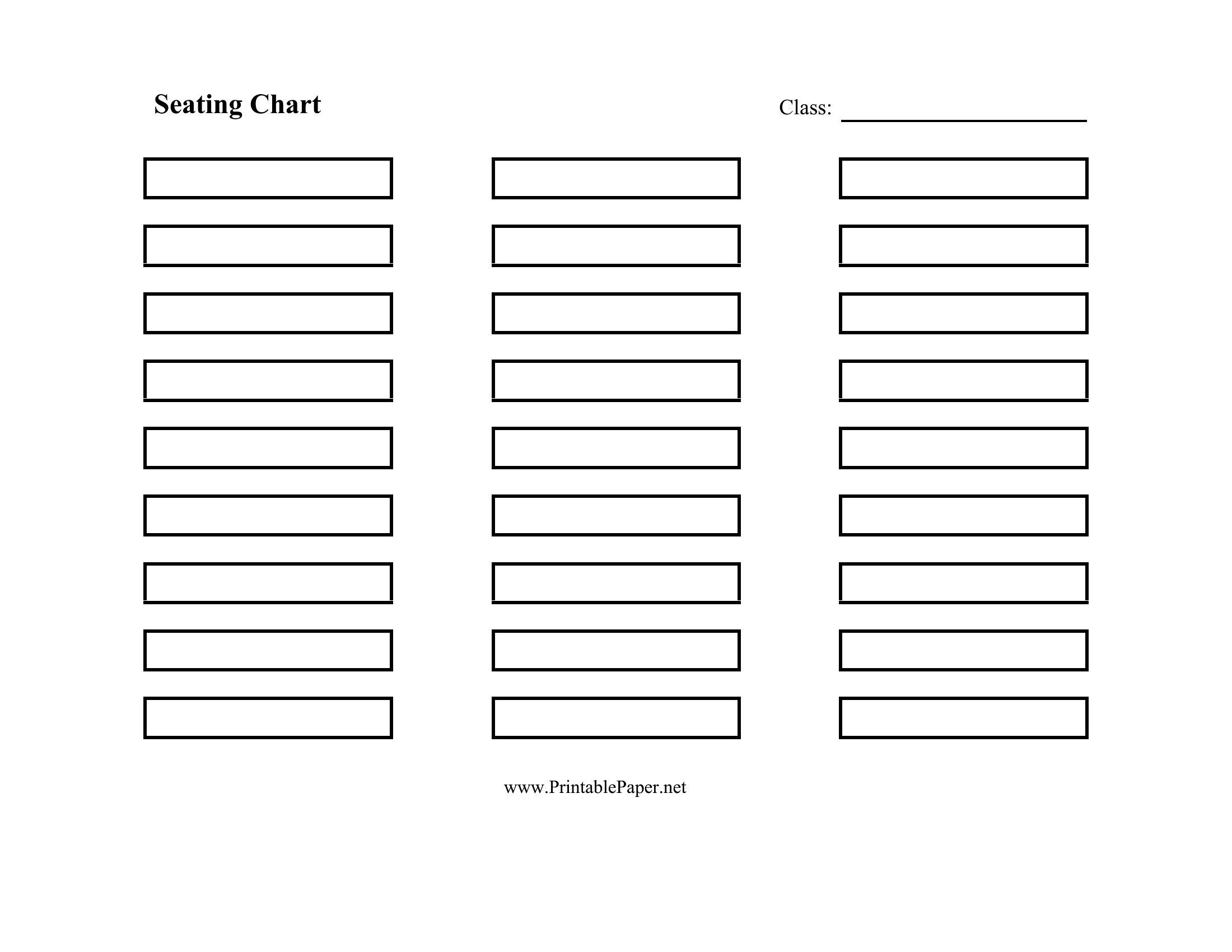
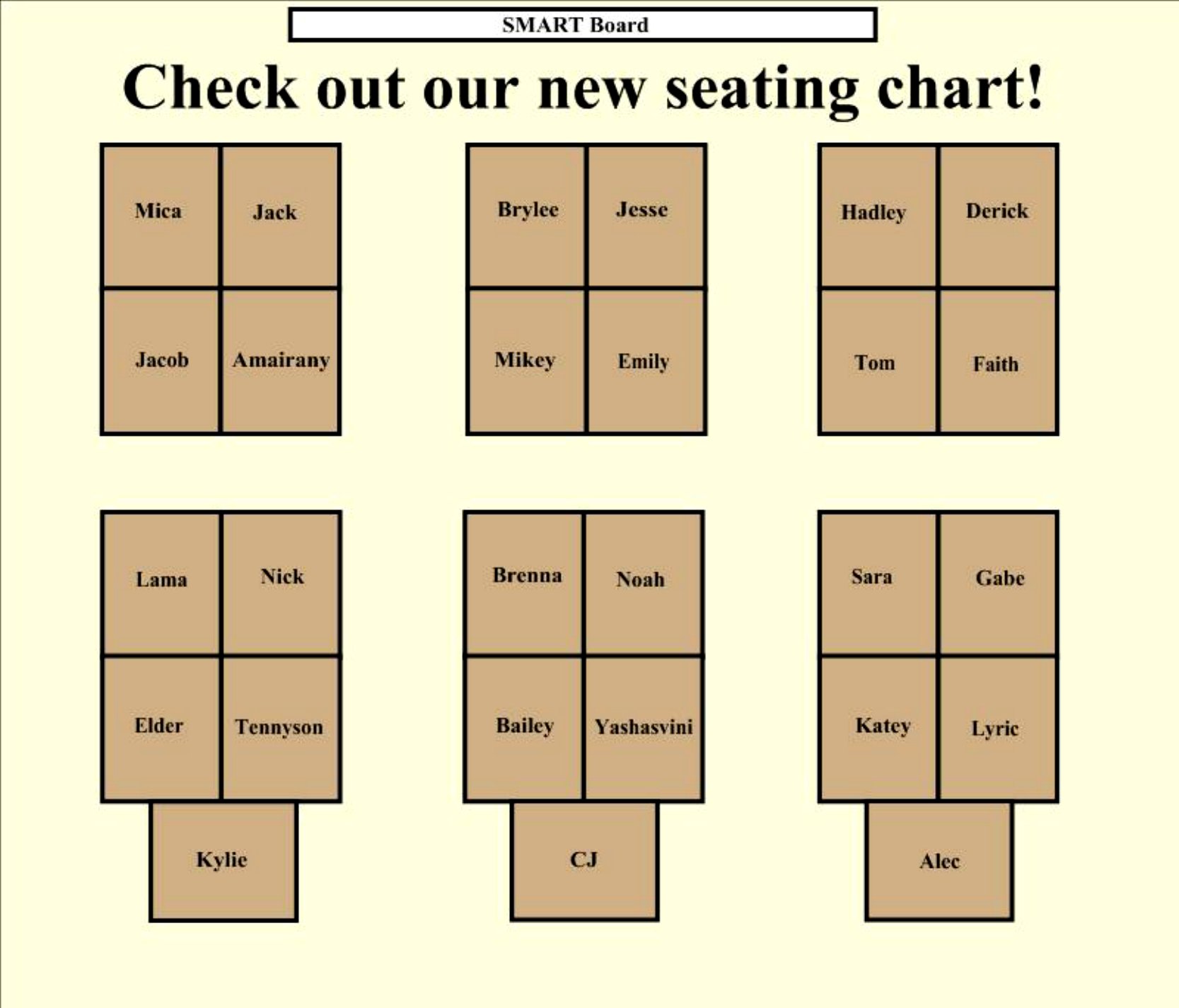
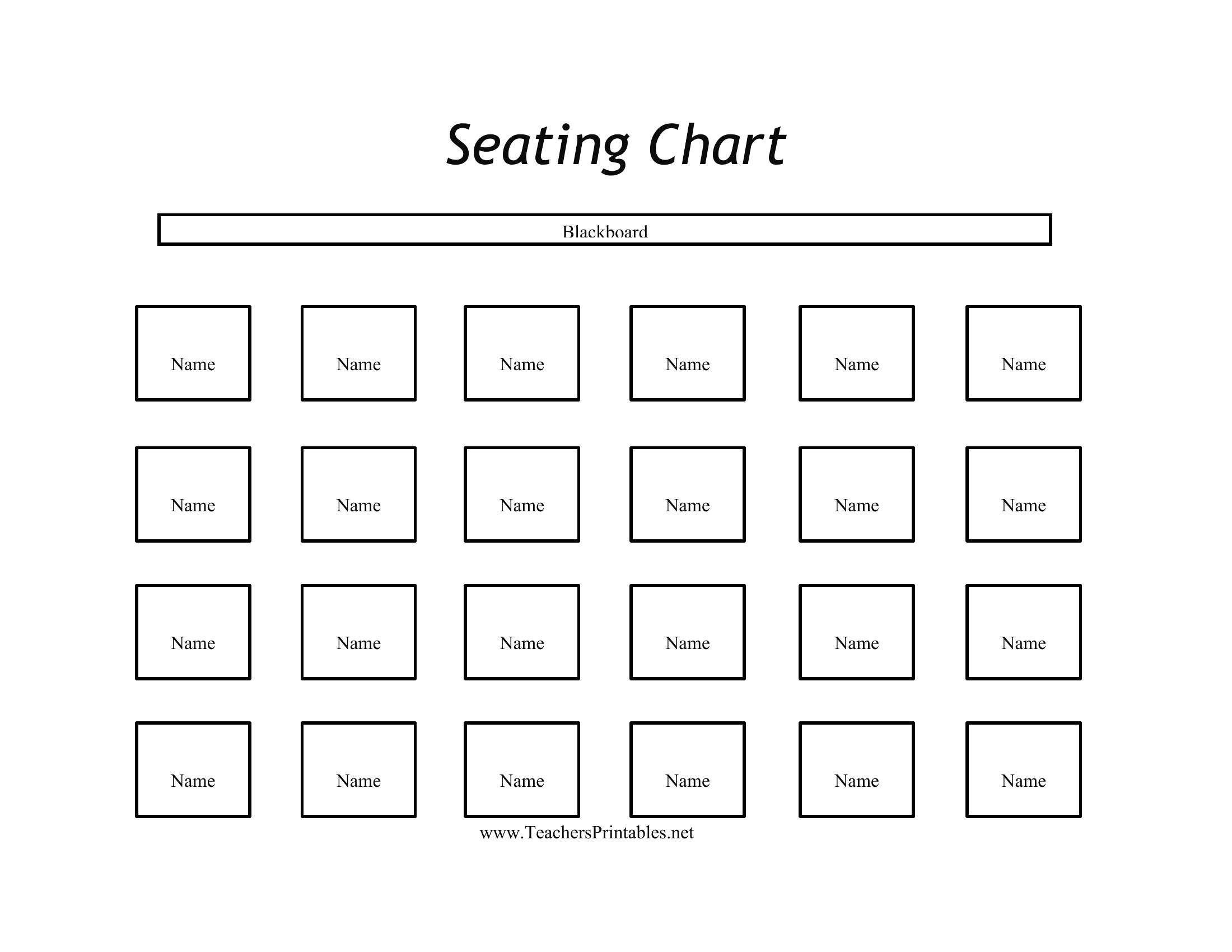
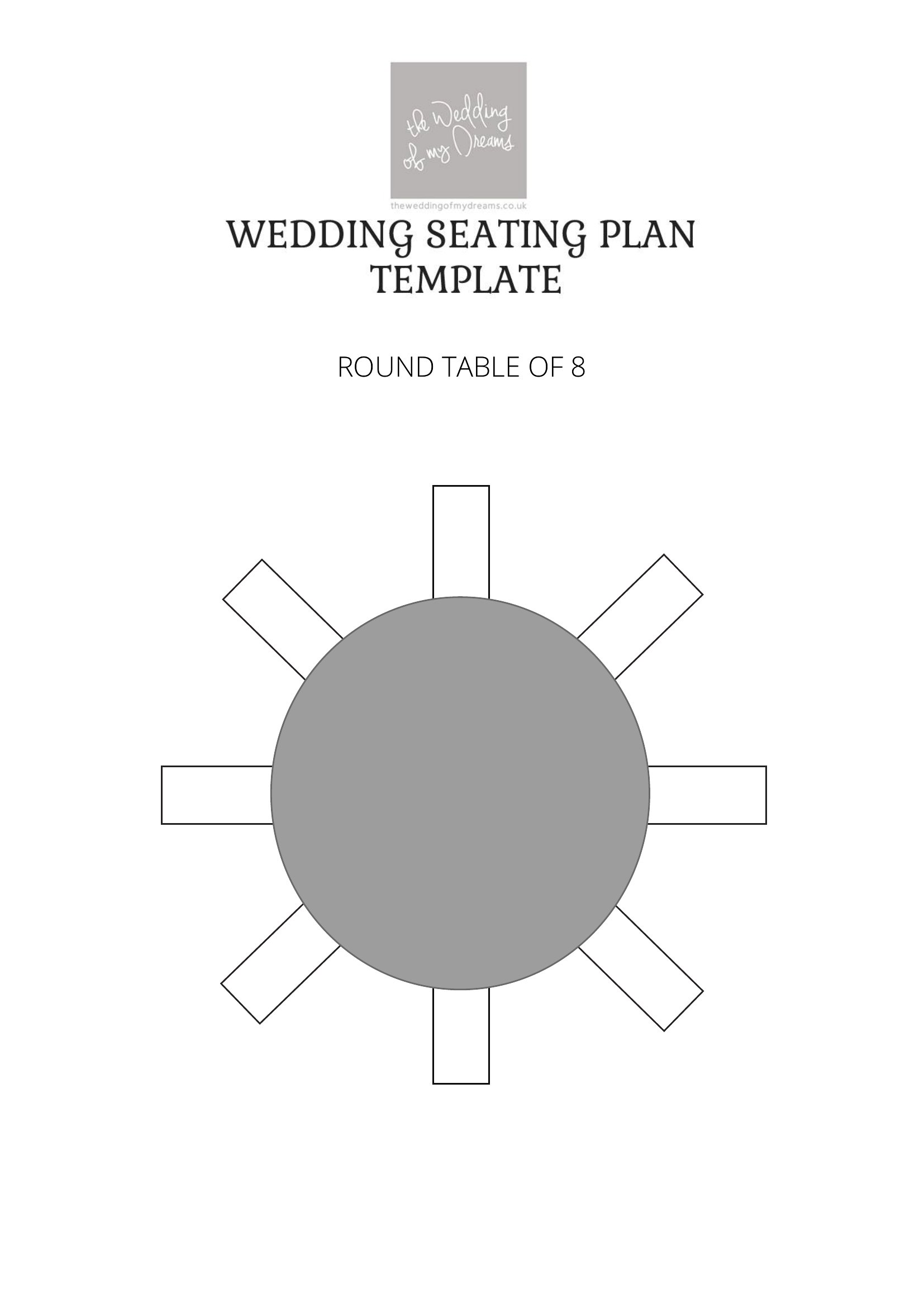
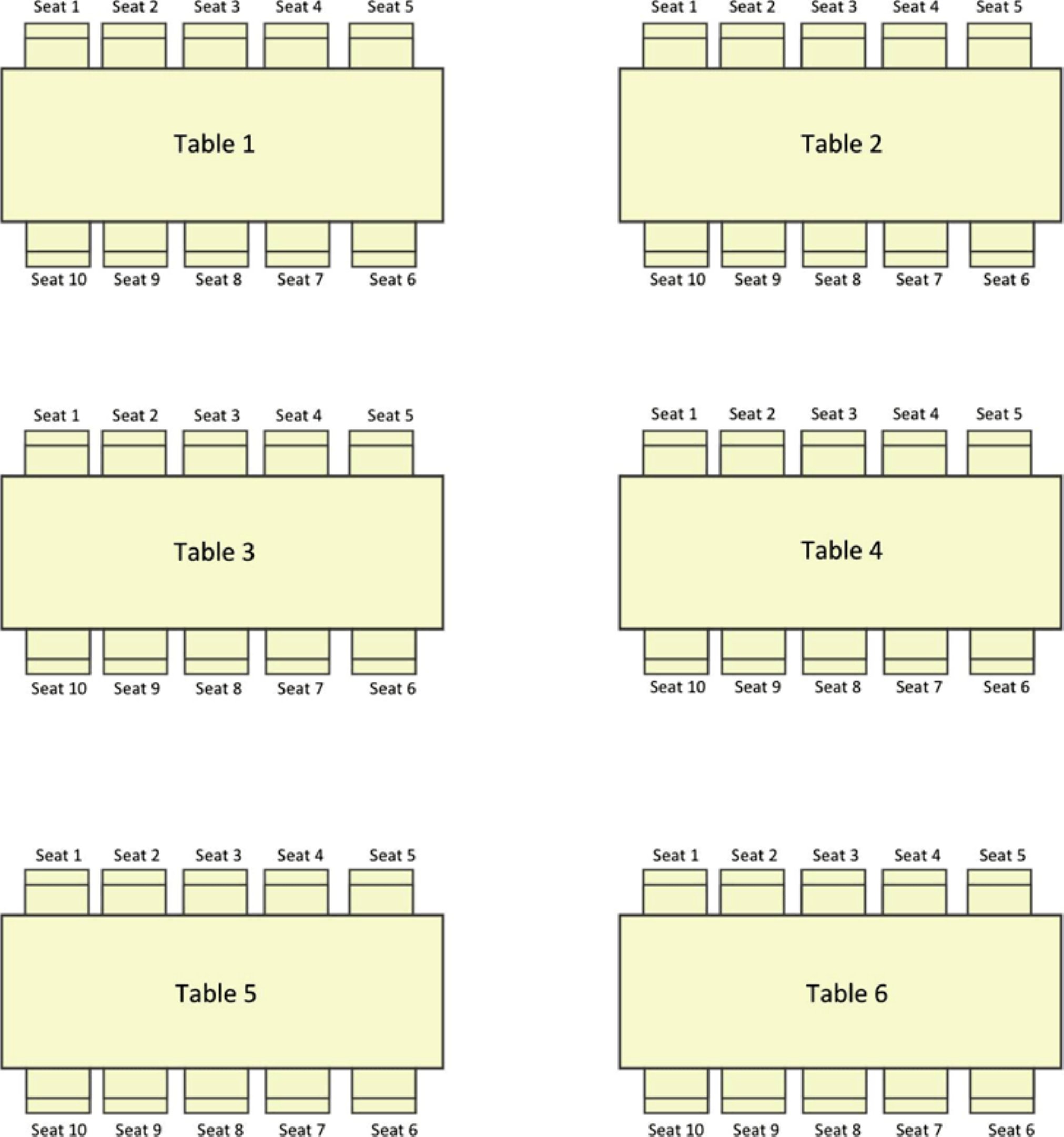
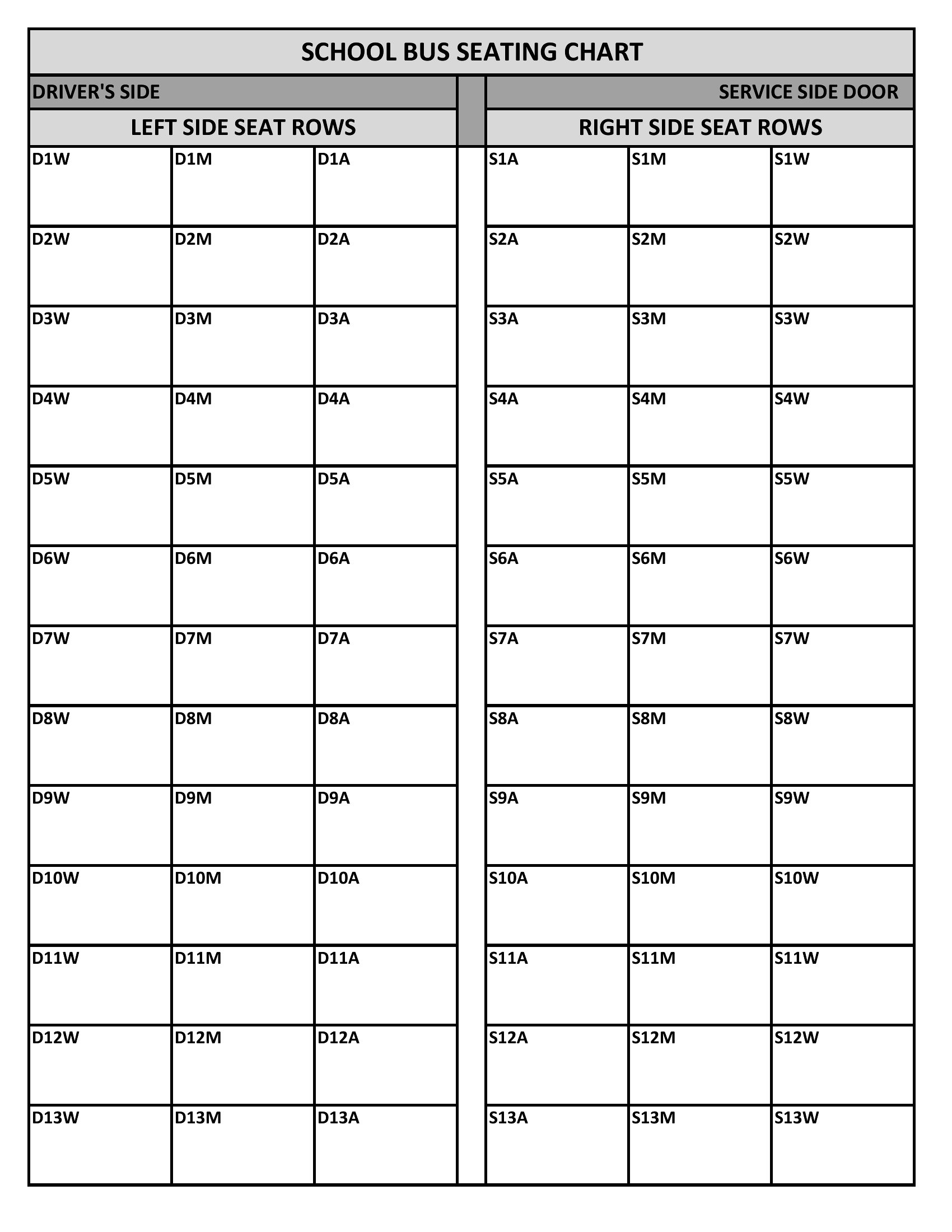
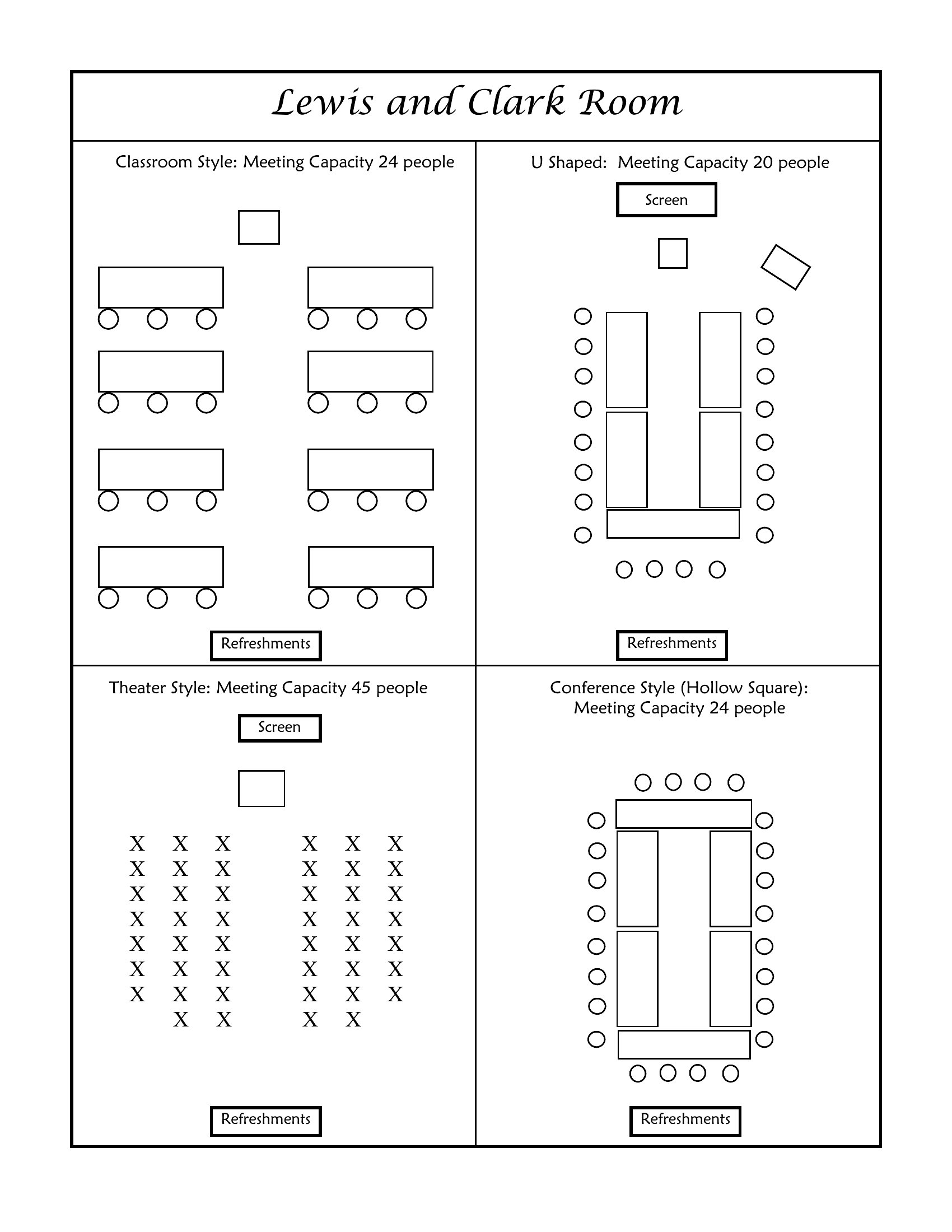
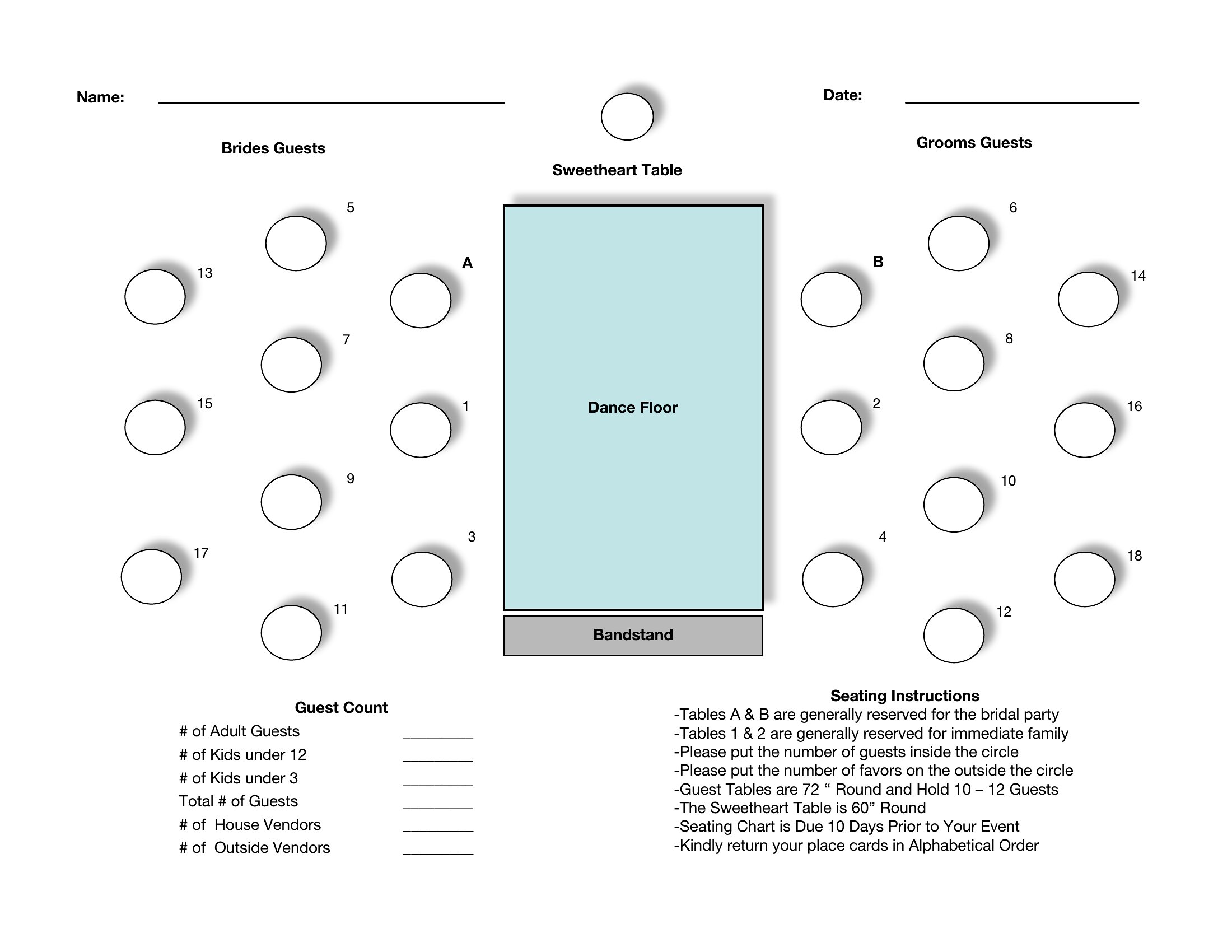
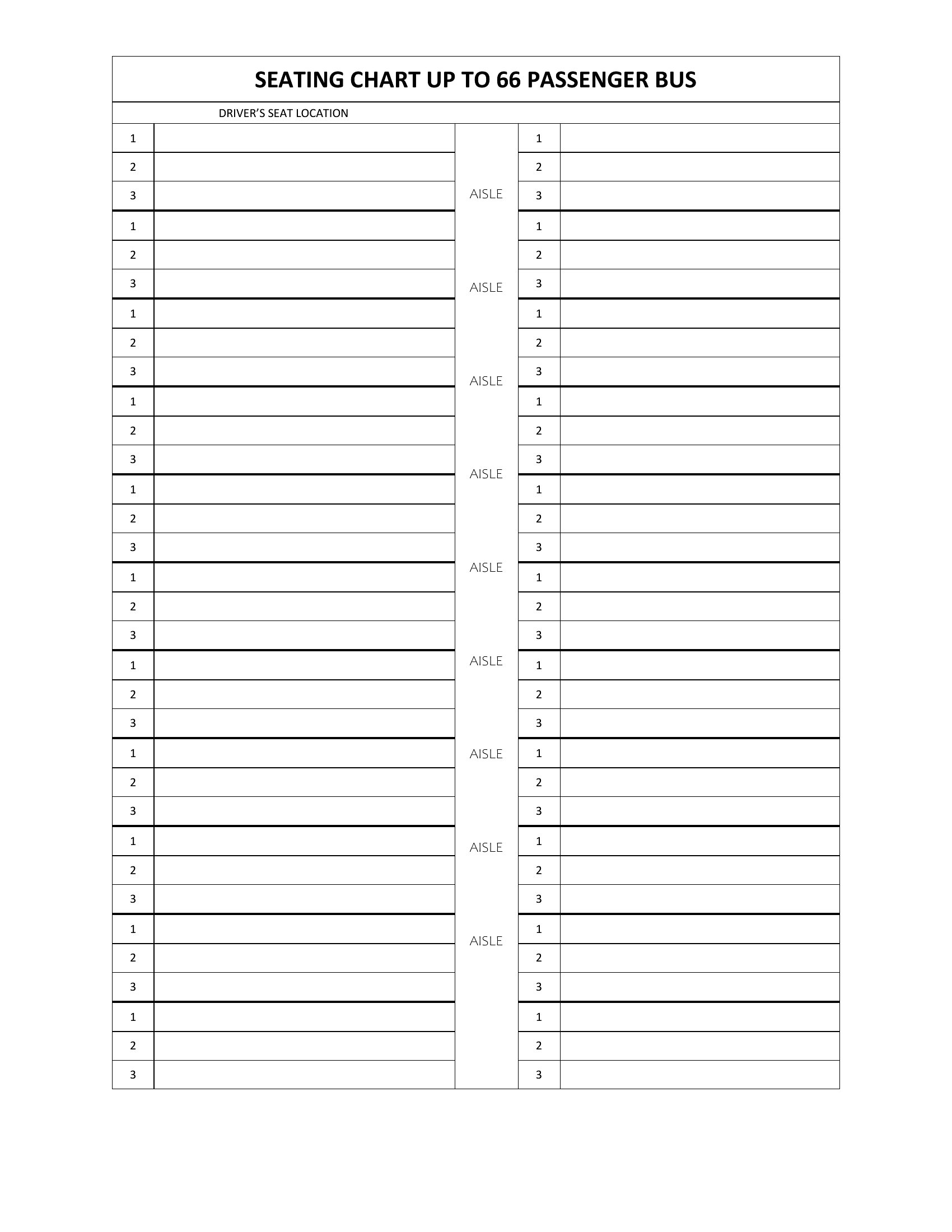
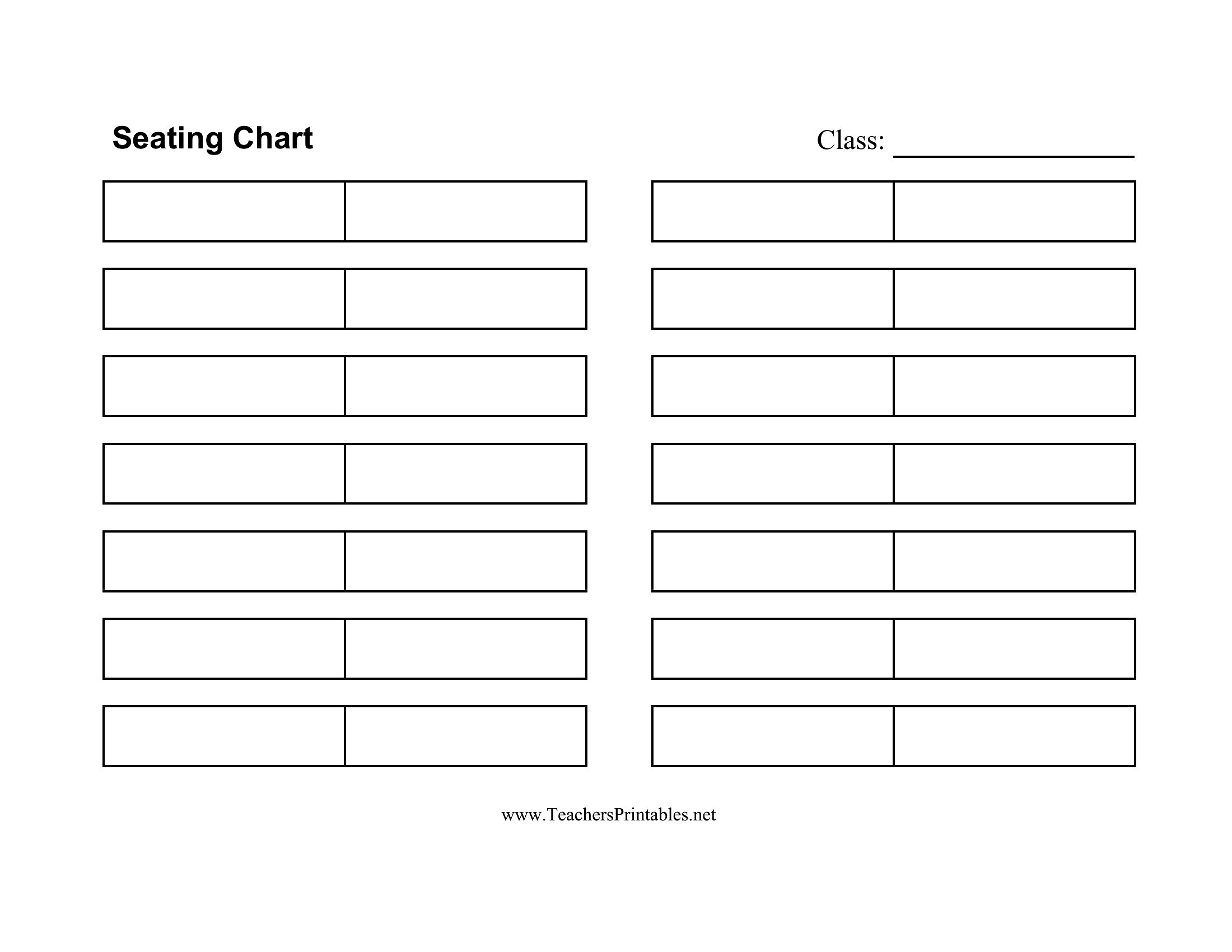
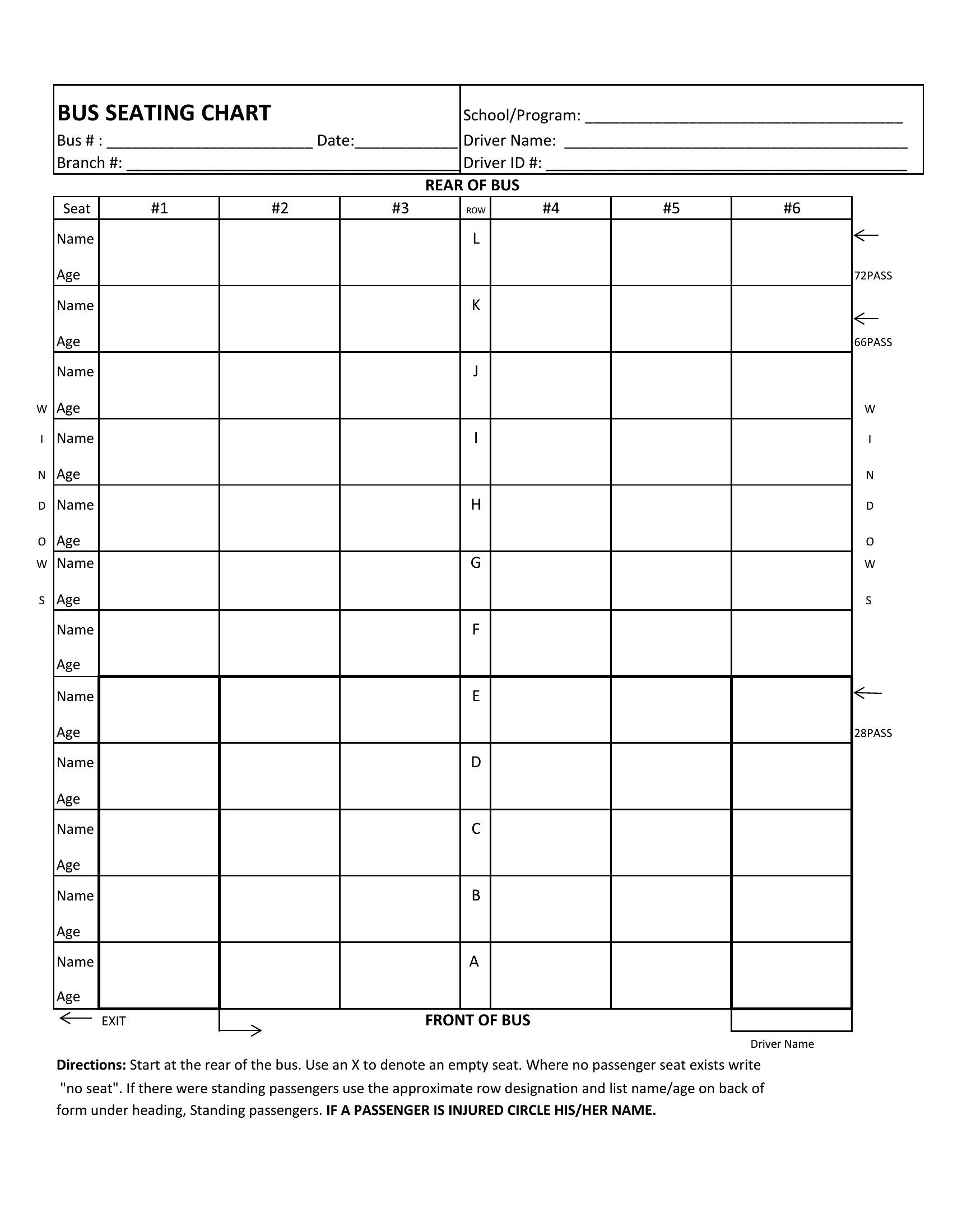
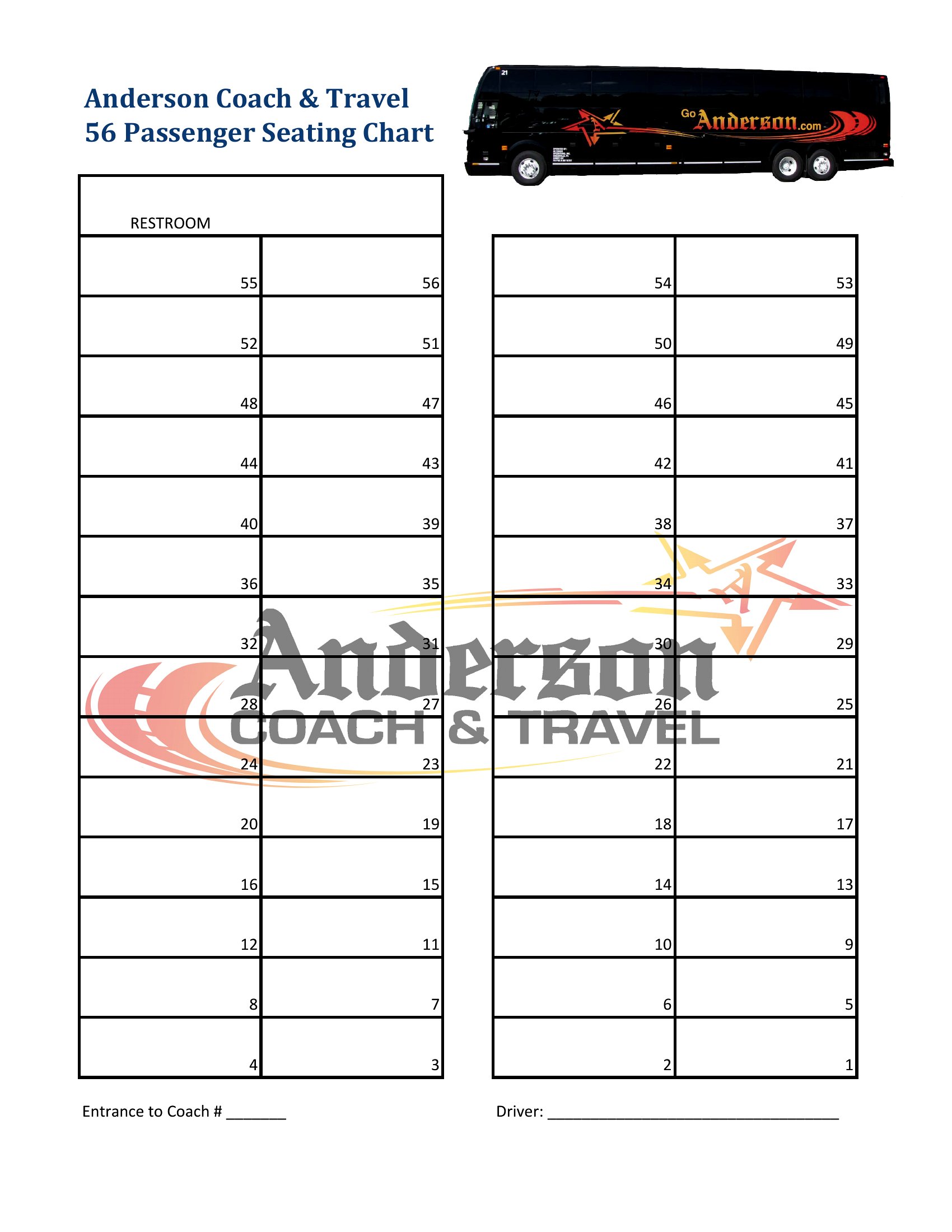
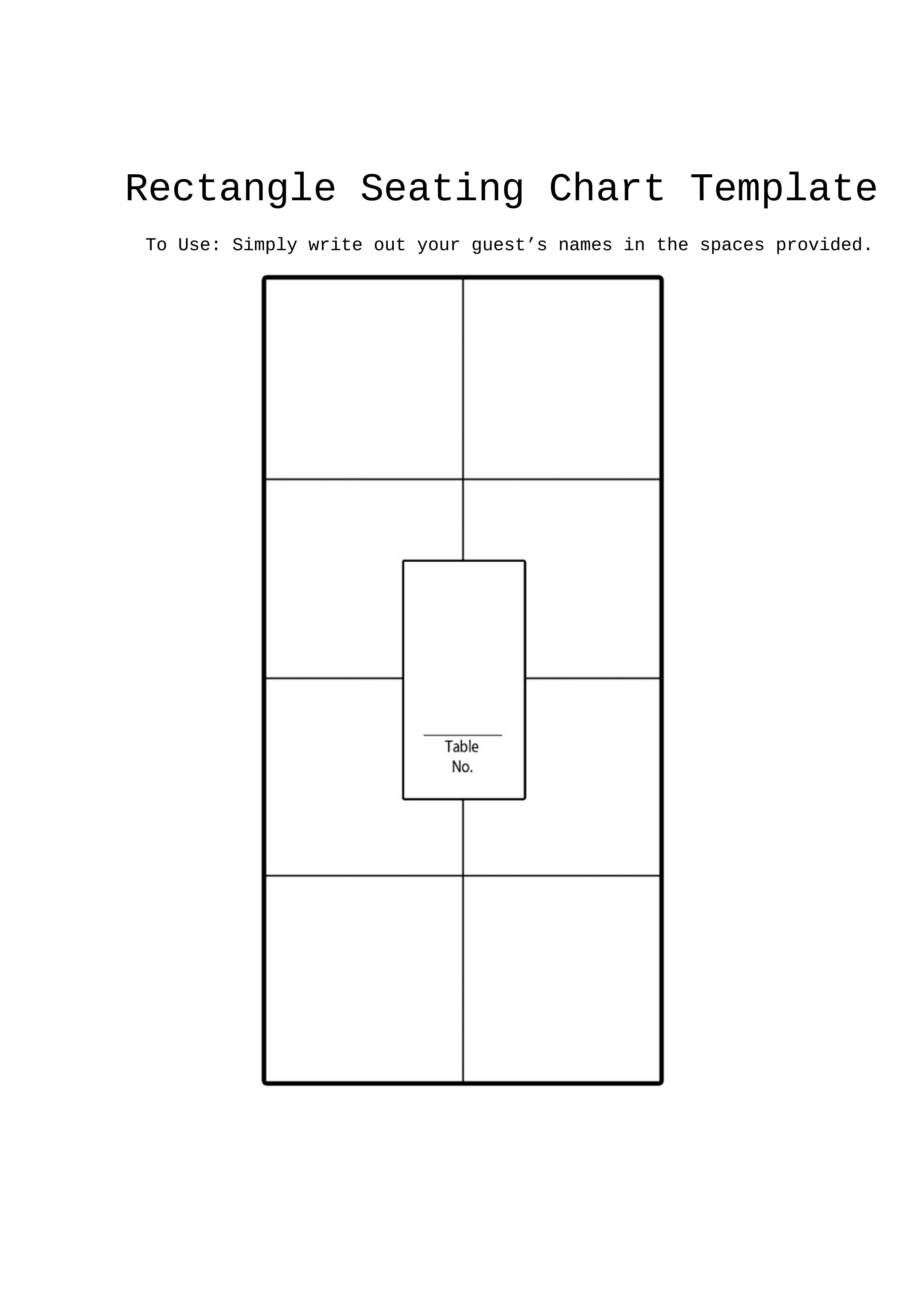
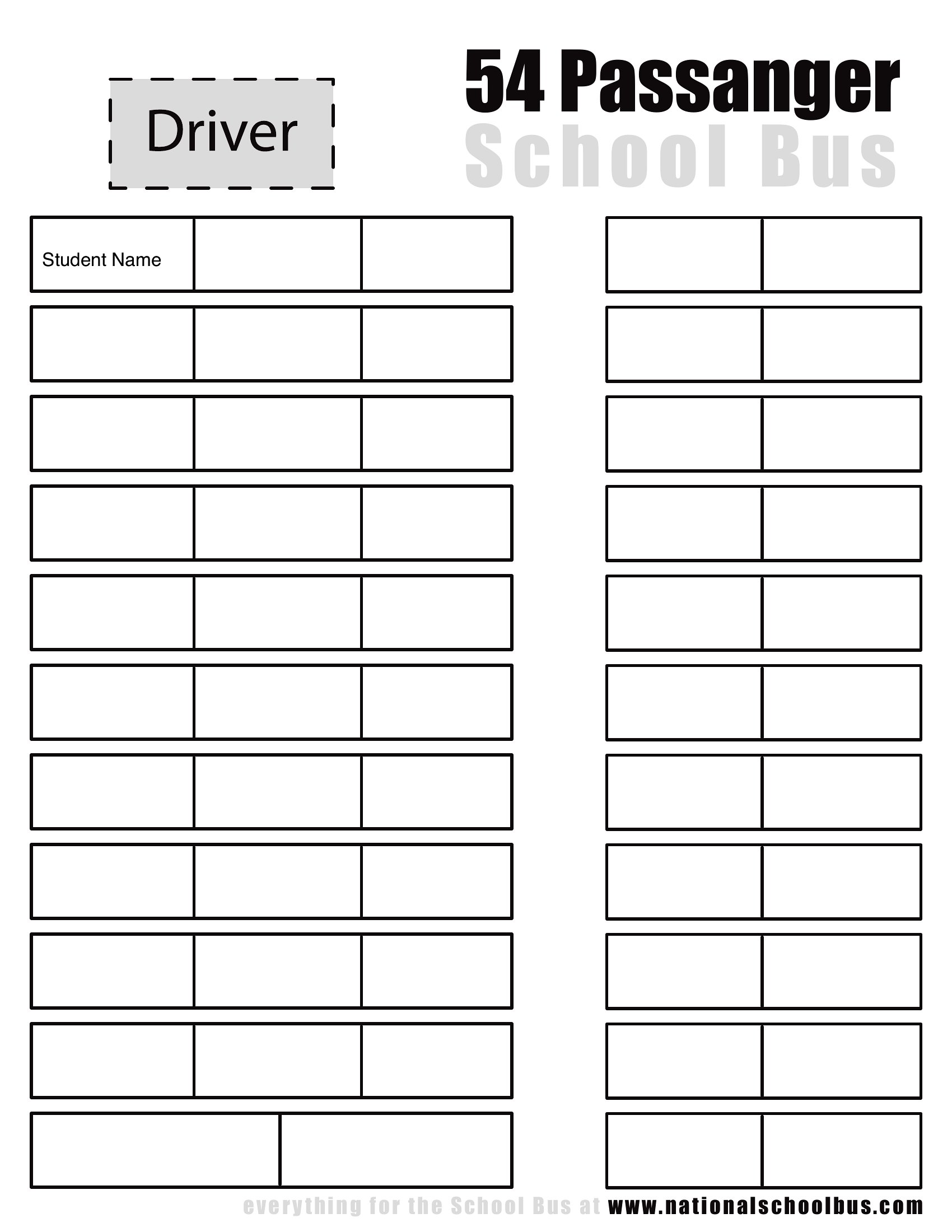
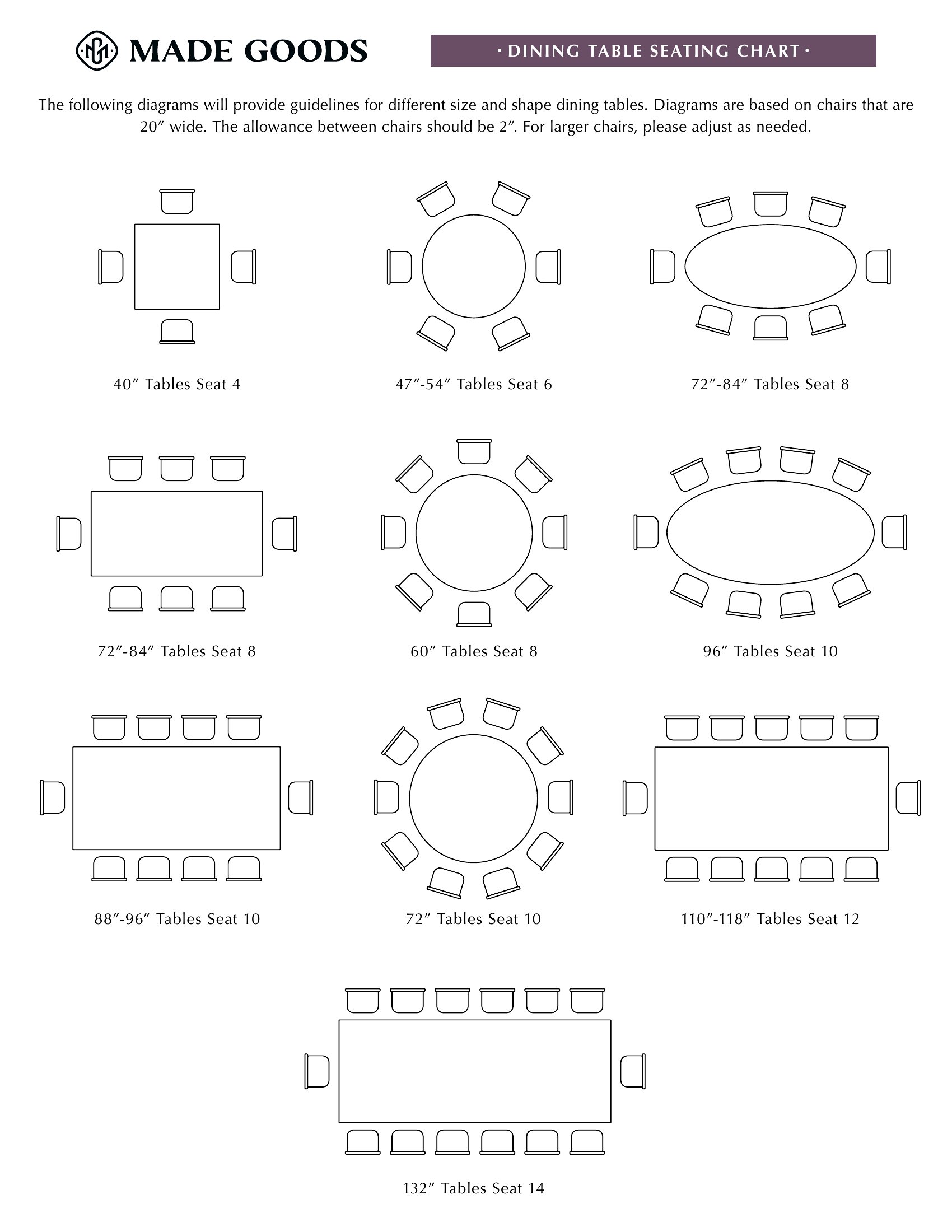
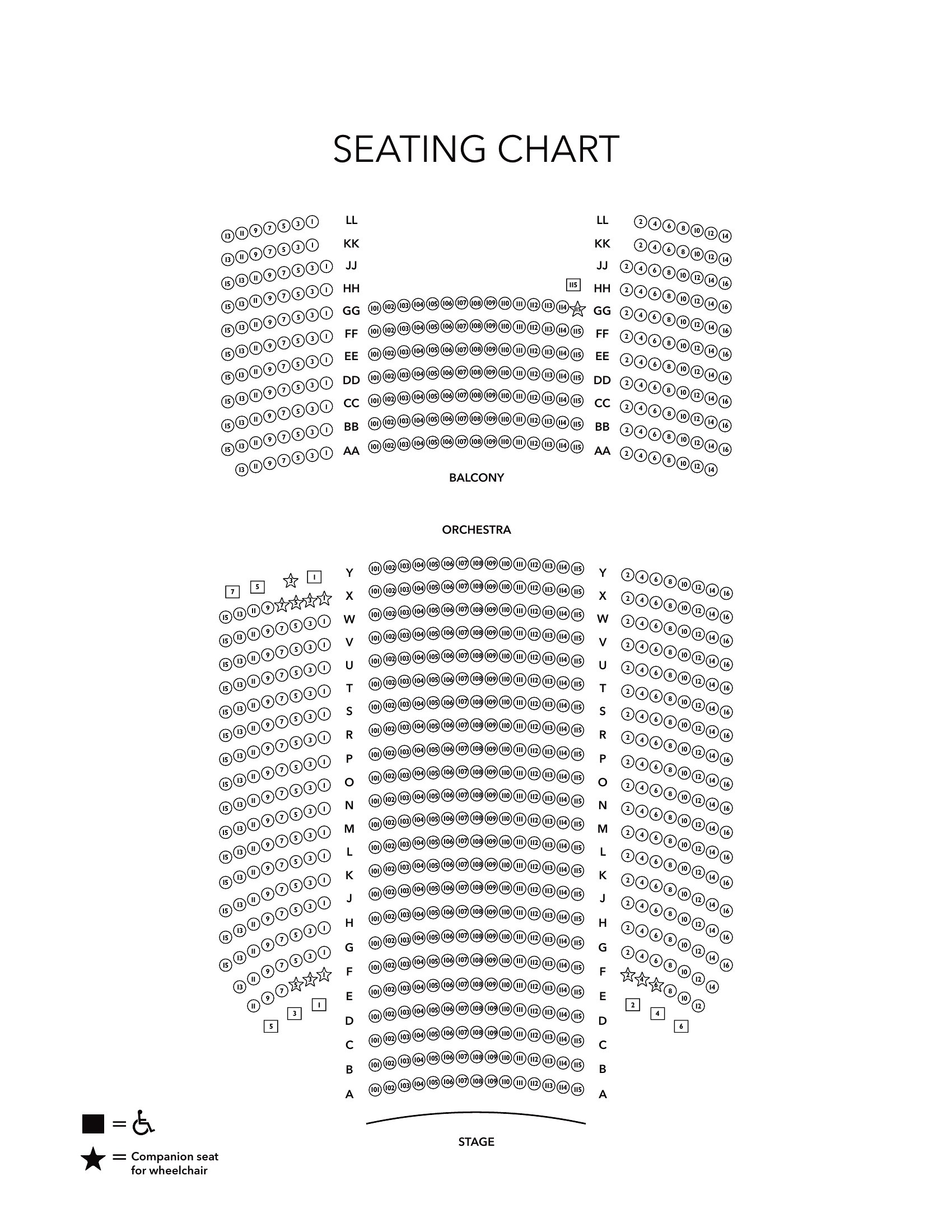
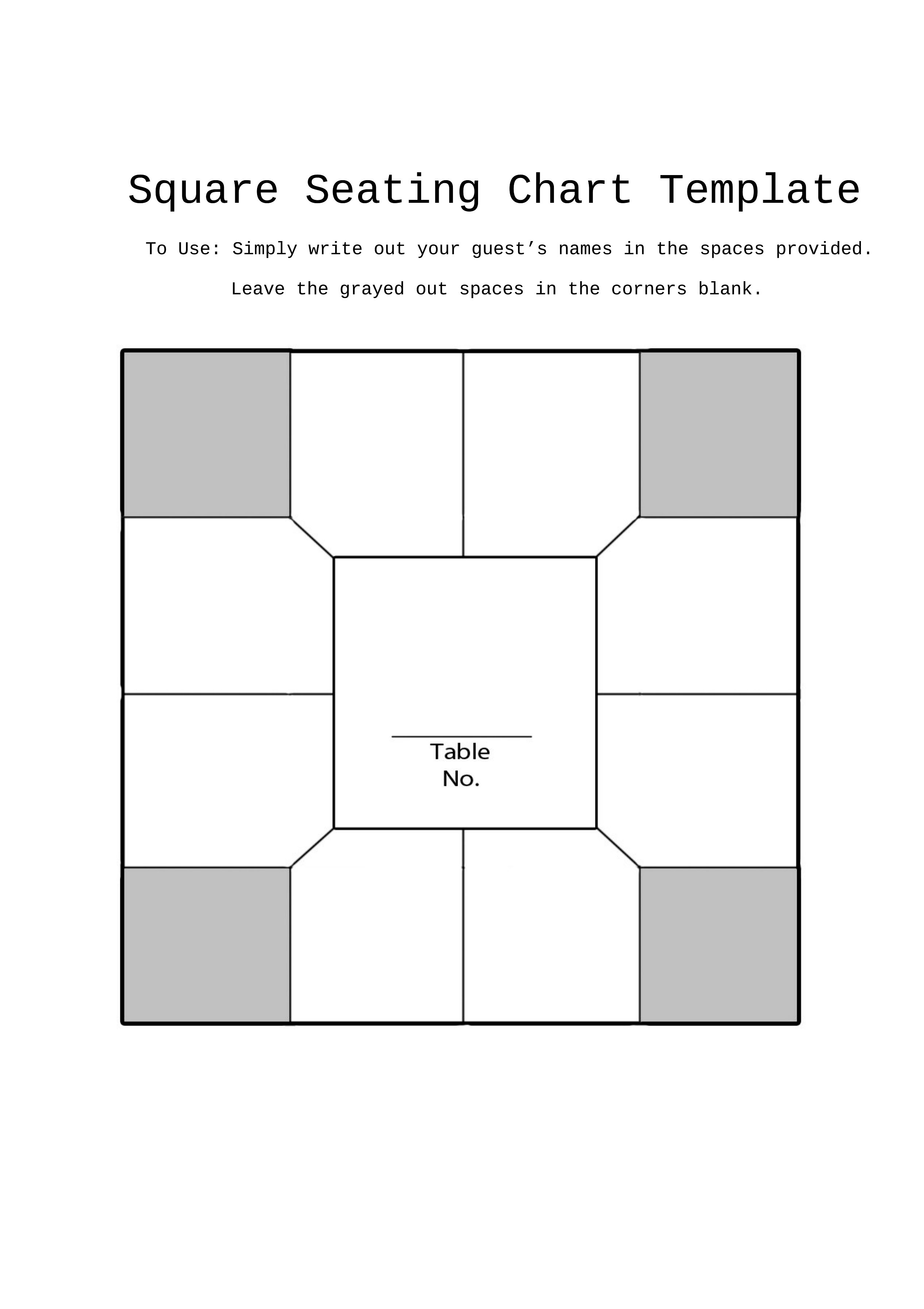
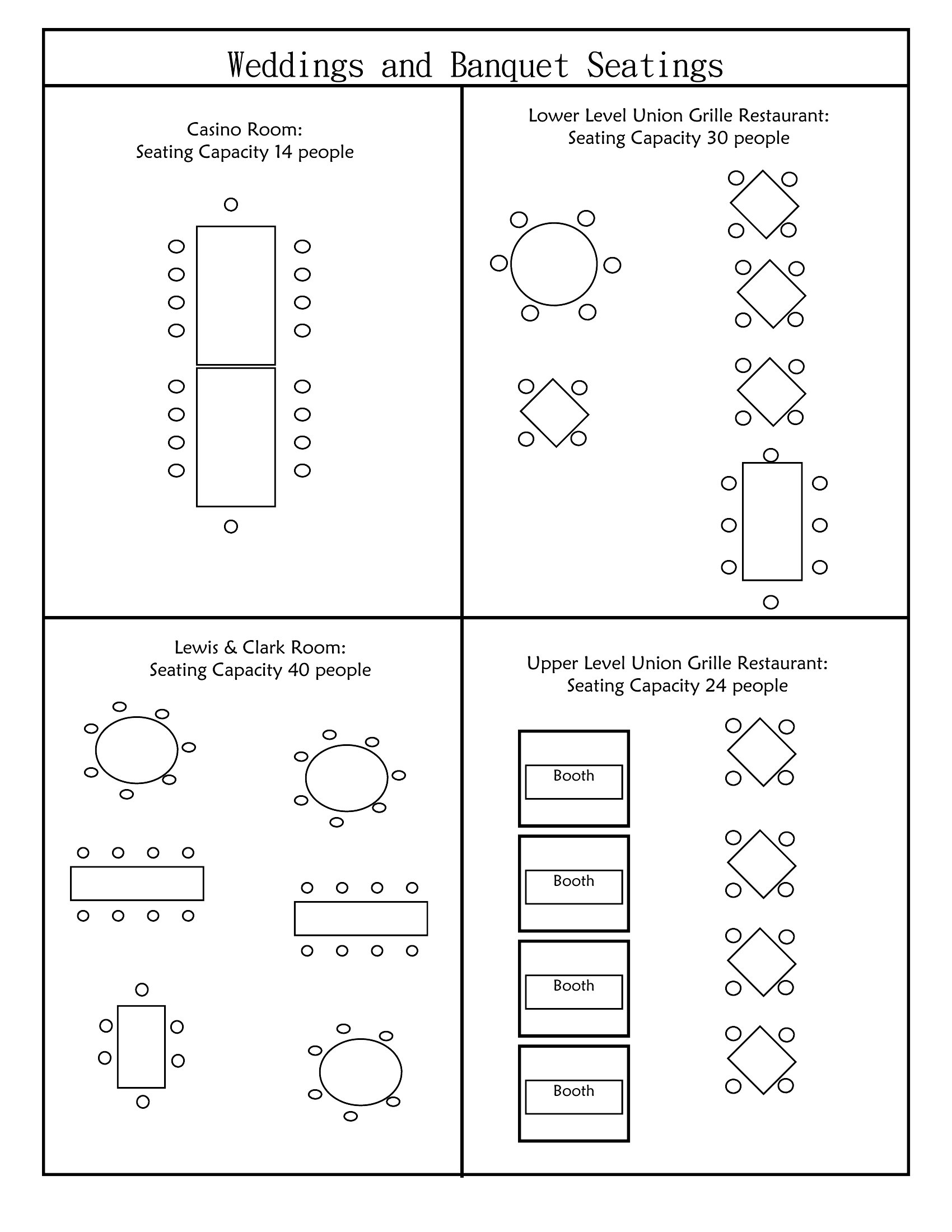
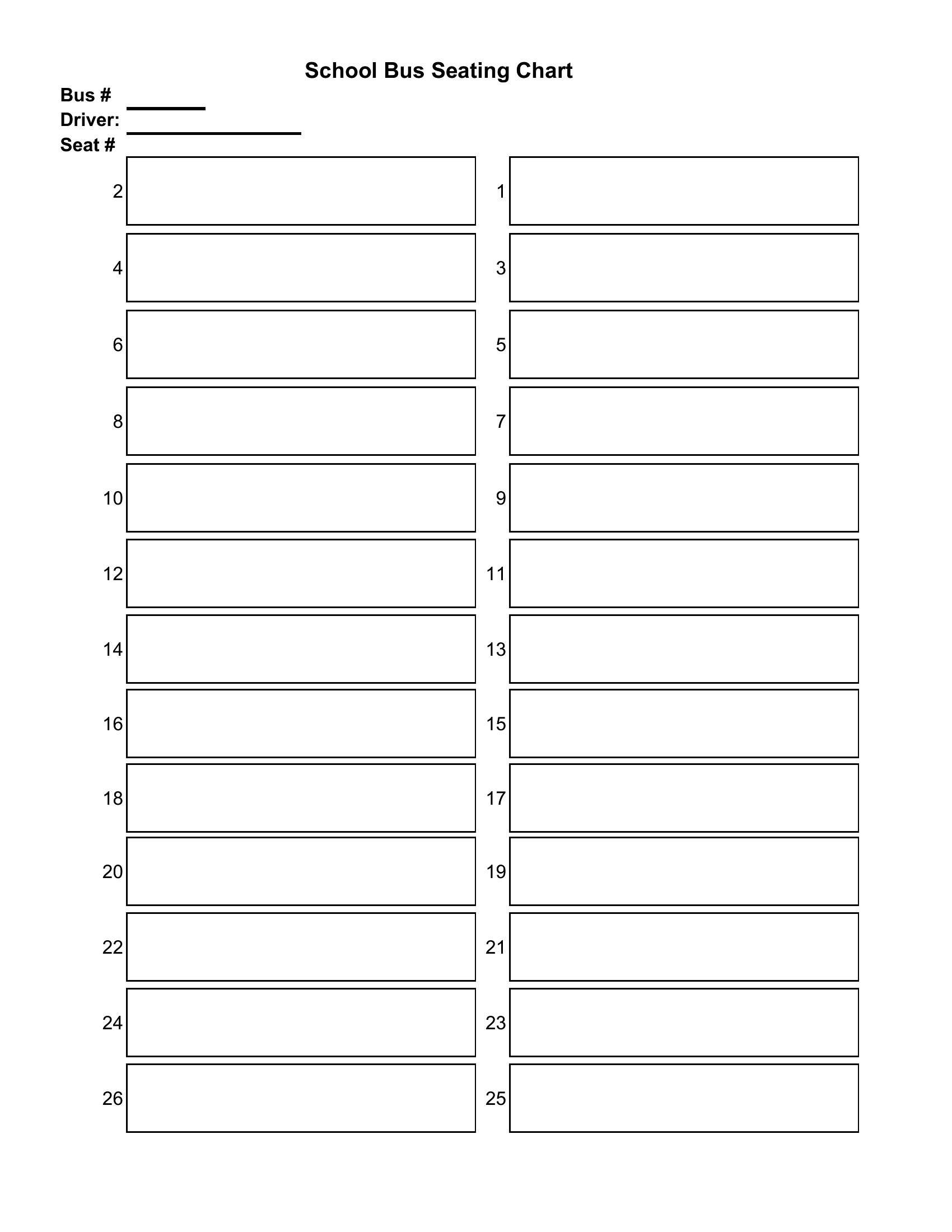
A clear seating chart keeps an event running smoothly, from placing wedding guests to organizing a classroom or assigning tables at a banquet. This collection of 65 templates covers round-table layouts, classroom grids, and ceremony rows, with blank versions you can fill to match any room. Wedding planners, teachers, and event hosts can arrange names ahead of time instead of sorting out seating at the door.
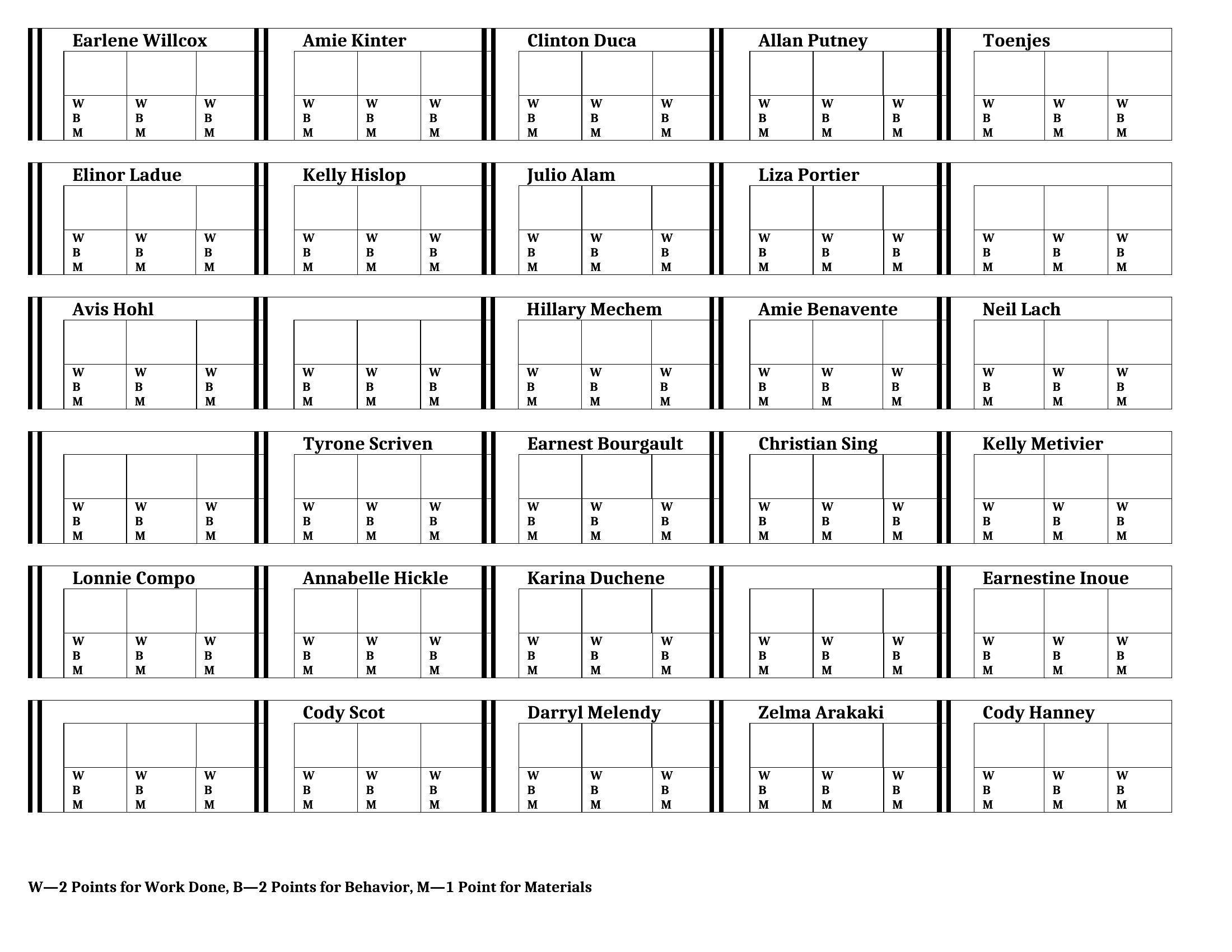
The templates come in editable Word files and print-ready PDFs, so you can drag in names on the computer or print a blank and pencil them in. Adjust the tables, print a clean copy for the venue, and everyone knows where to sit. Download the layout that fits your space and skip the day-of seating scramble.
When to use this Seating Chart template

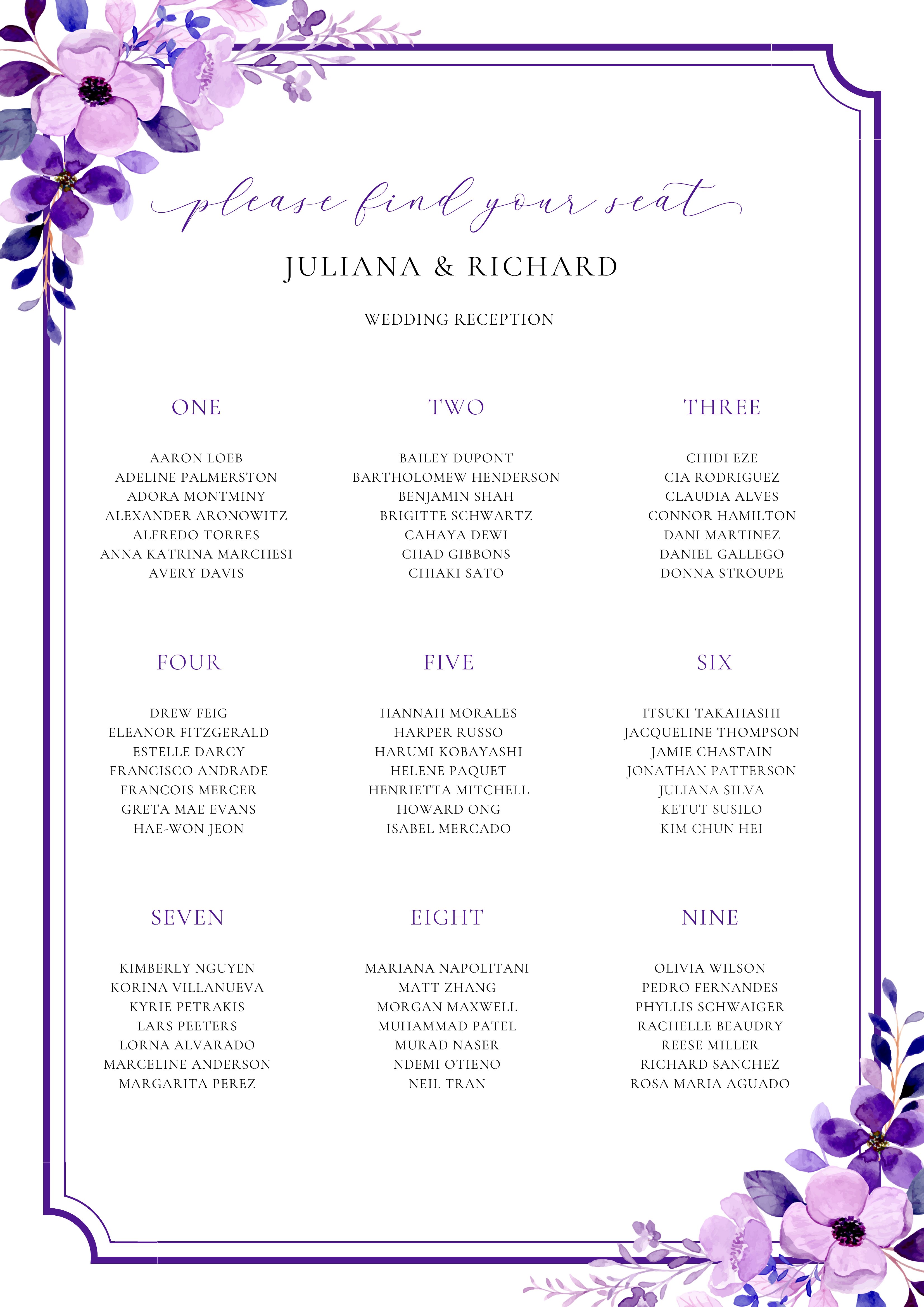
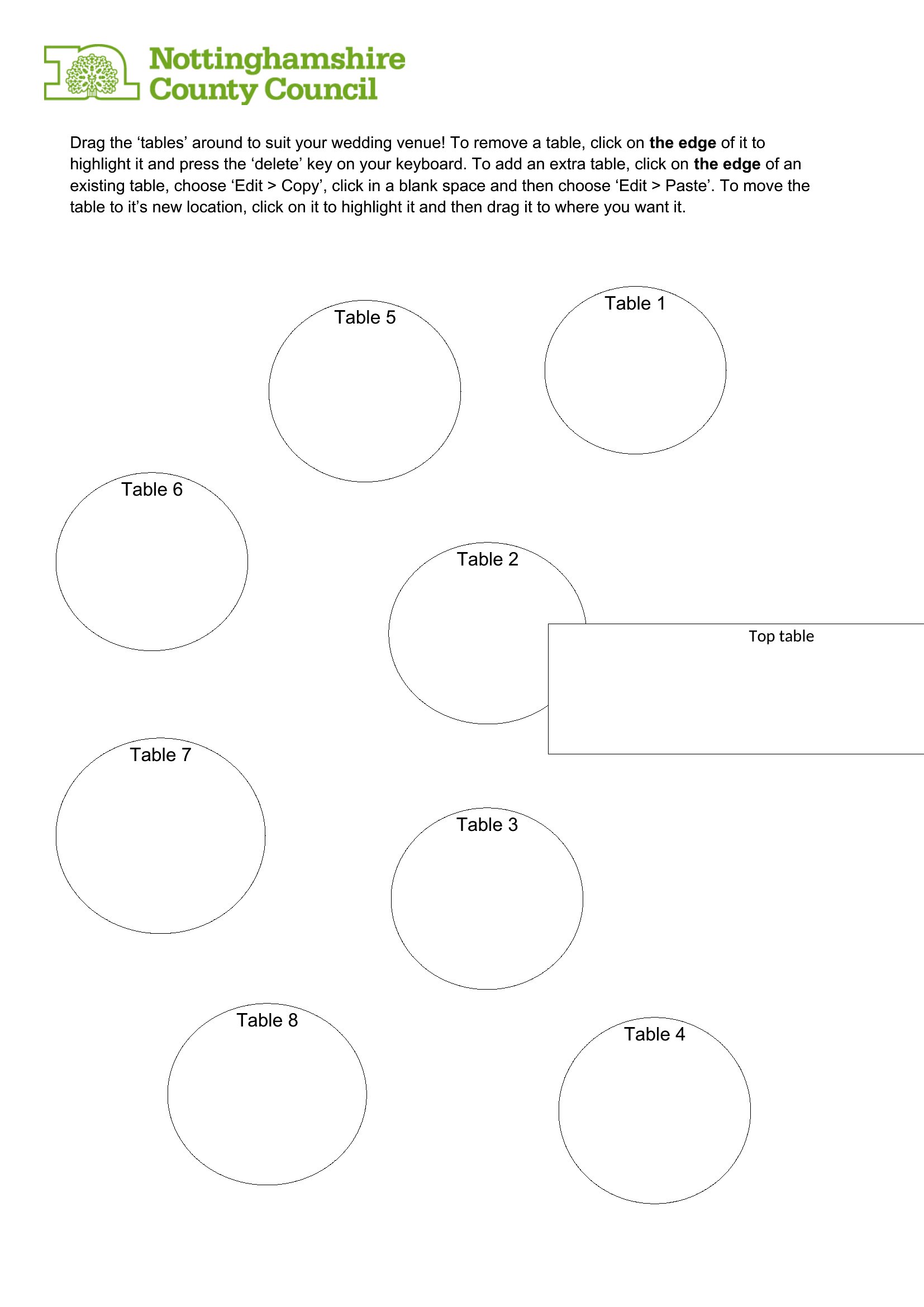
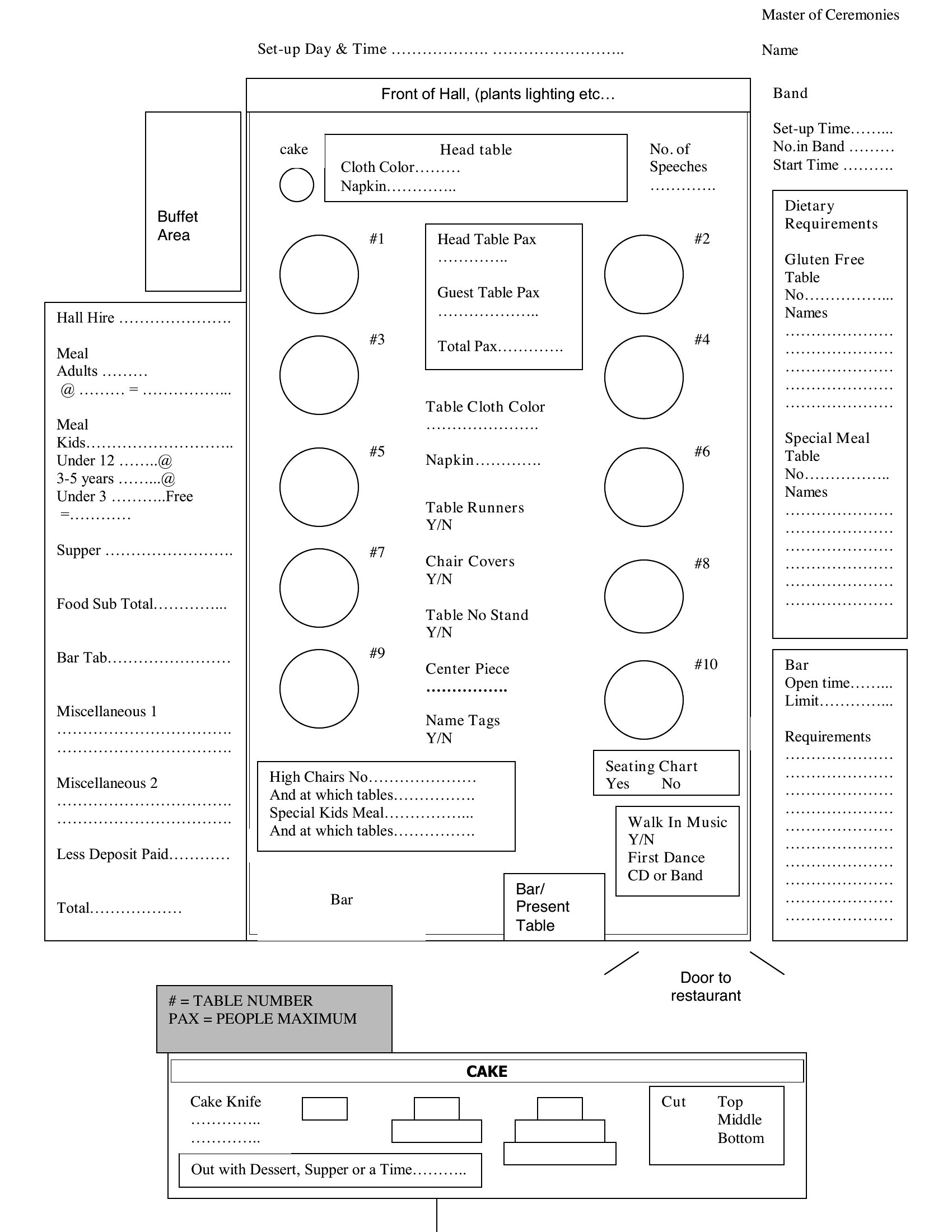
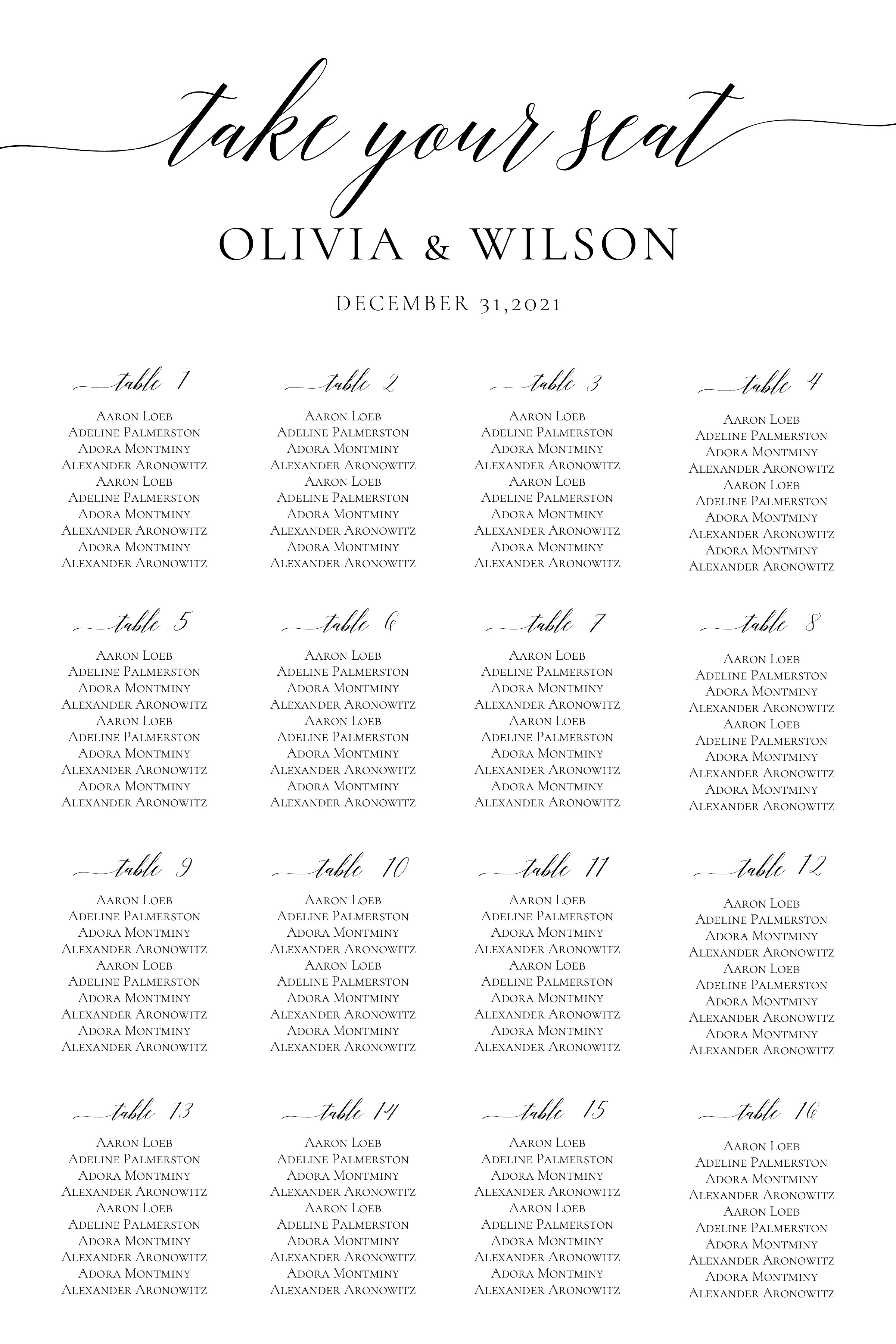
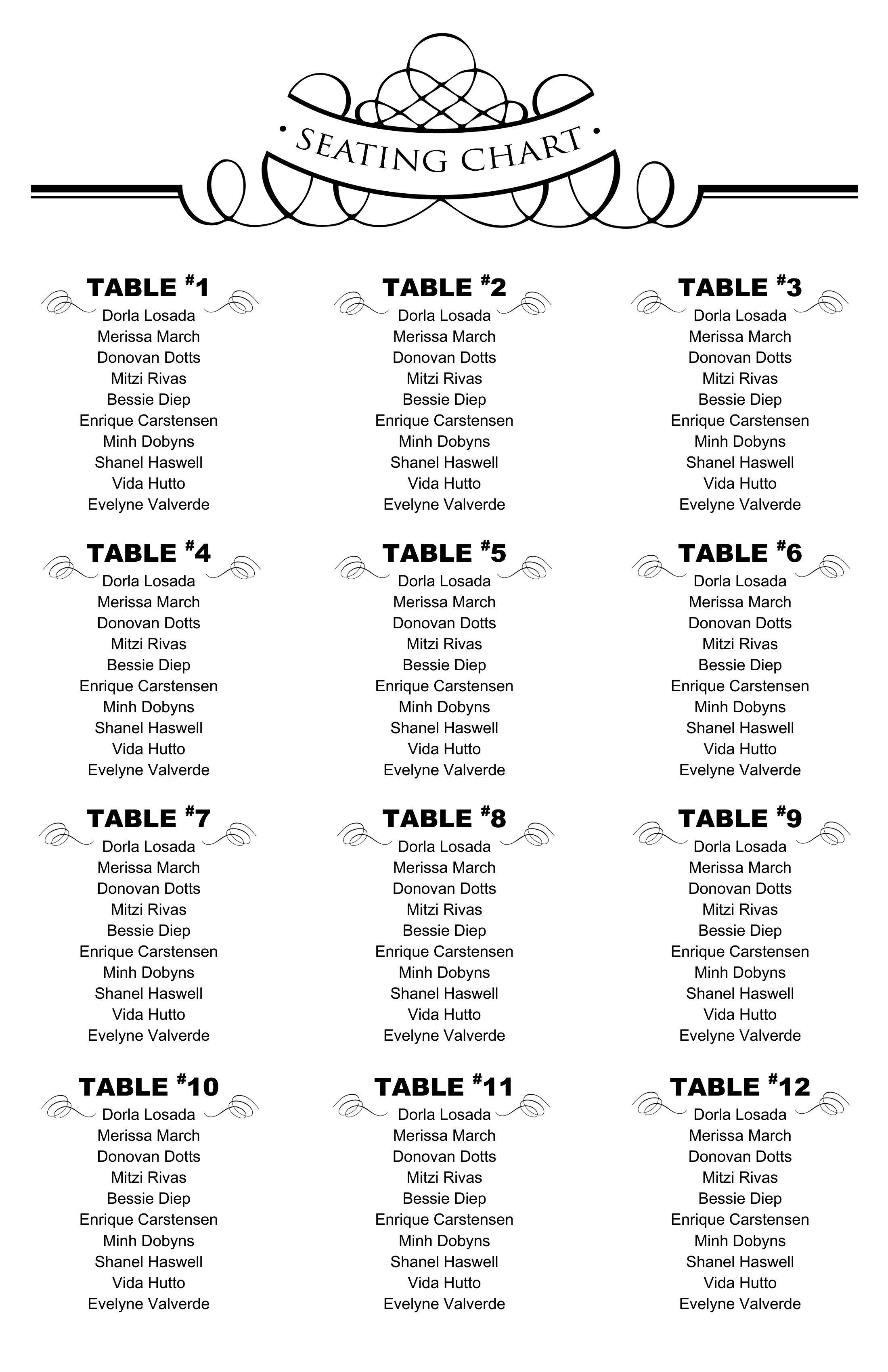
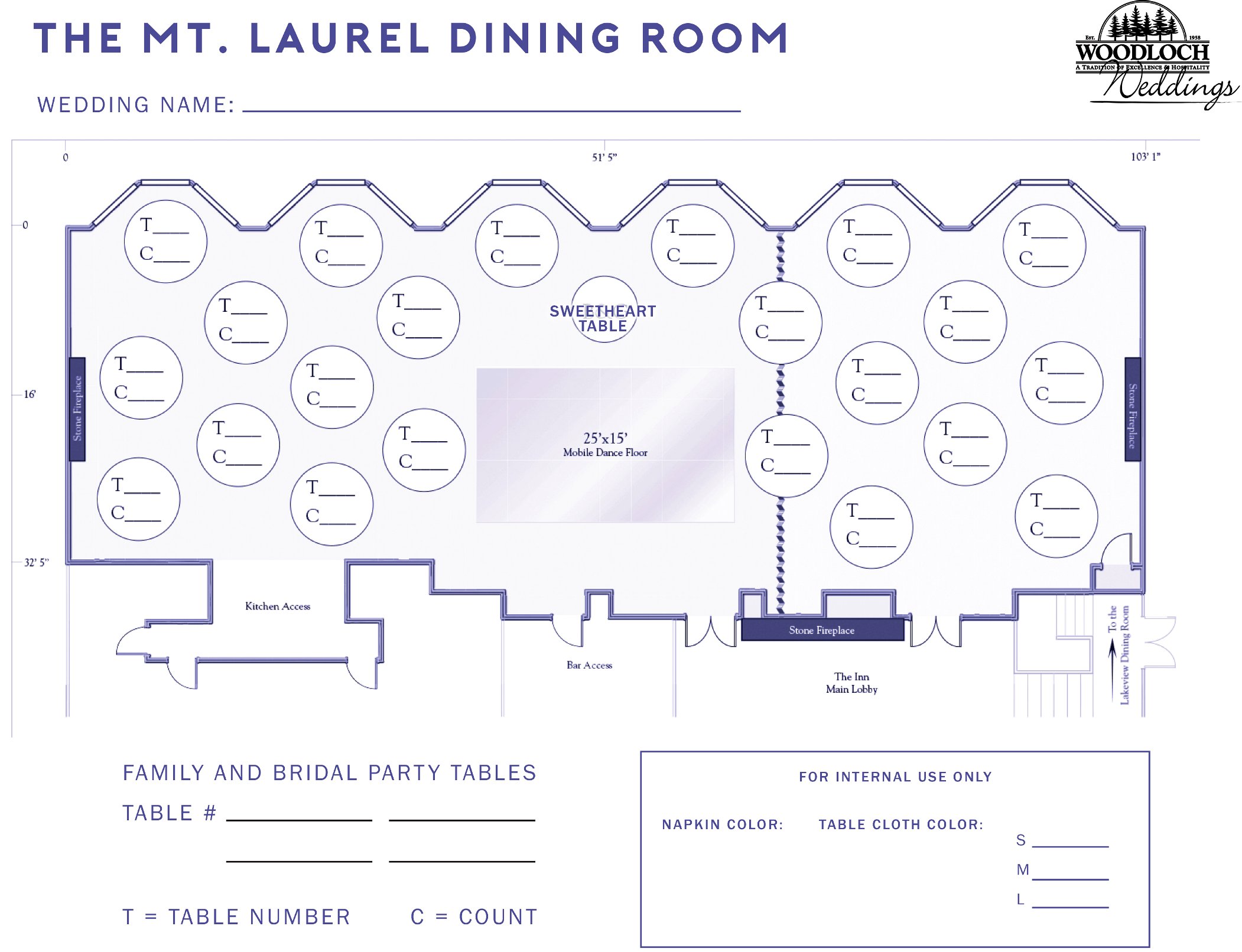
  • Wedding planners arranging guest tables by family groups to minimize seating conflicts and ensure special guests are placed near their tables at high-top events.
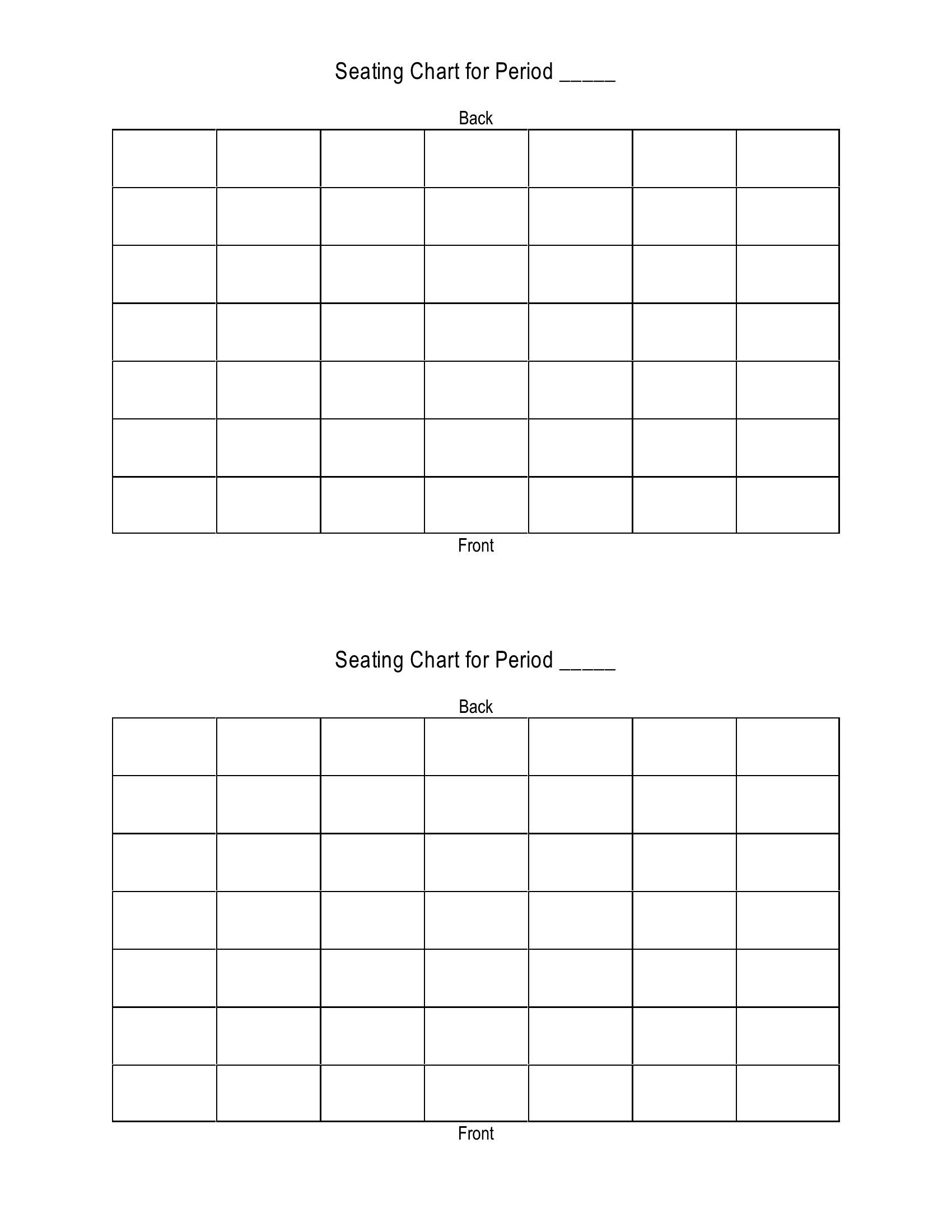
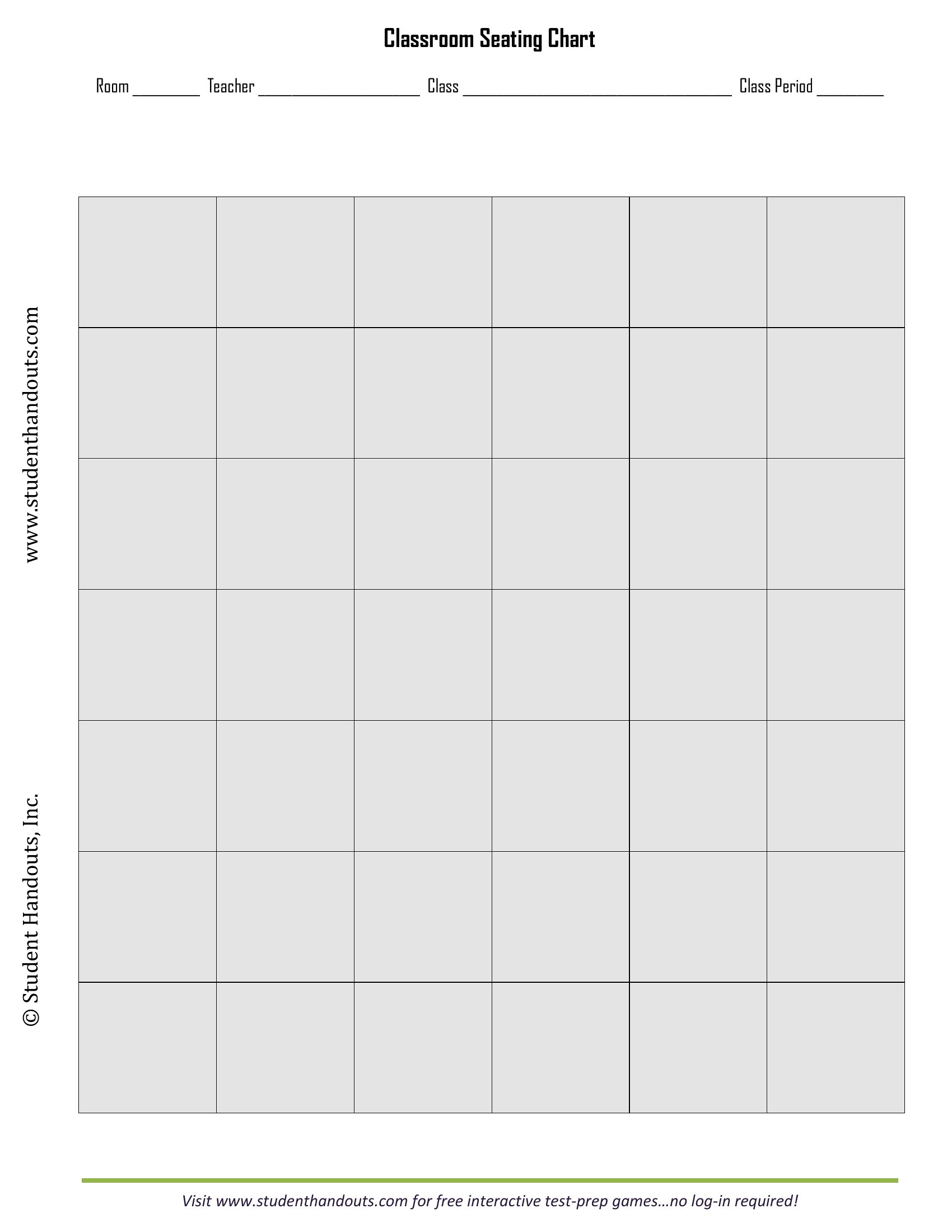
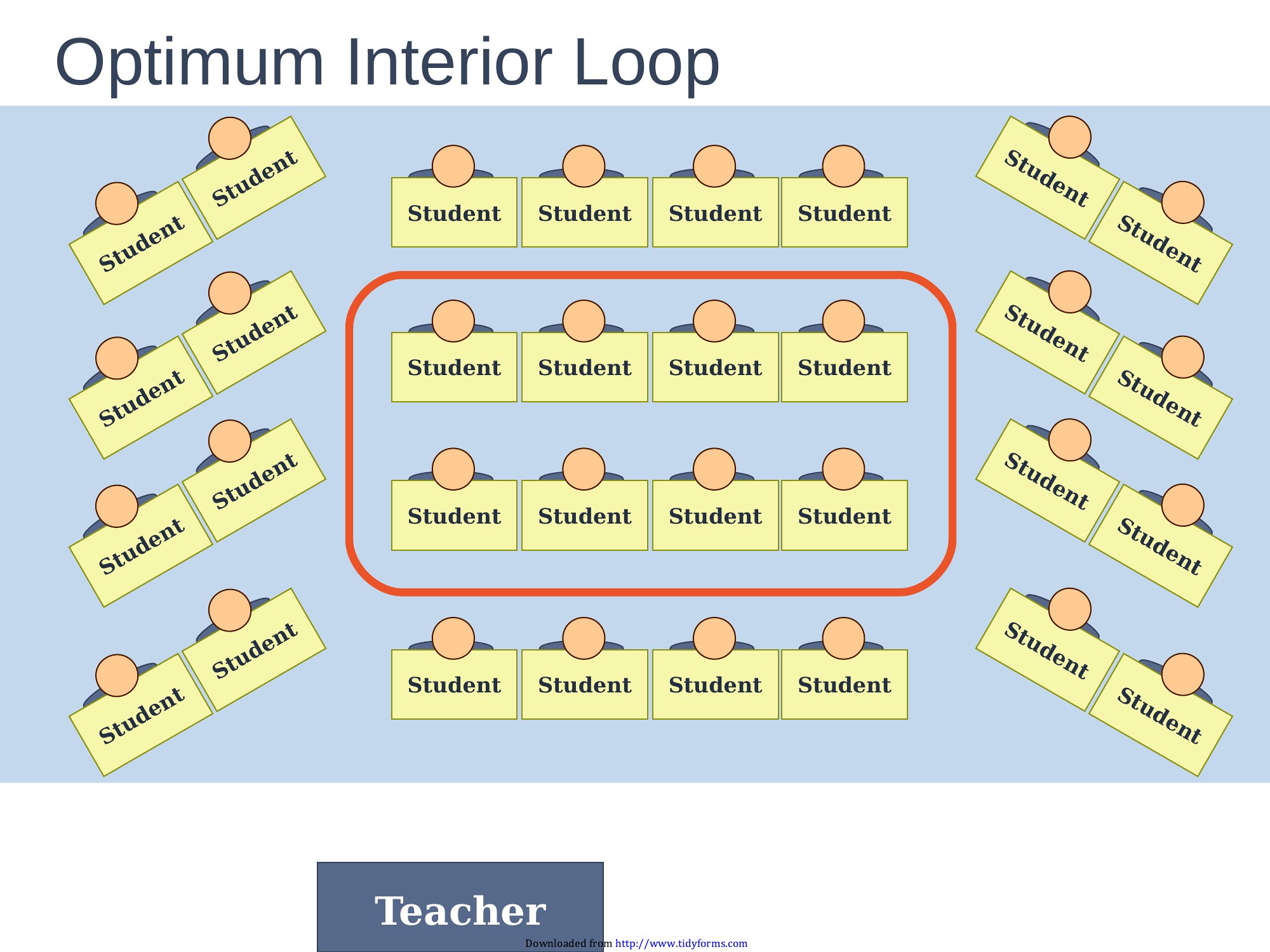
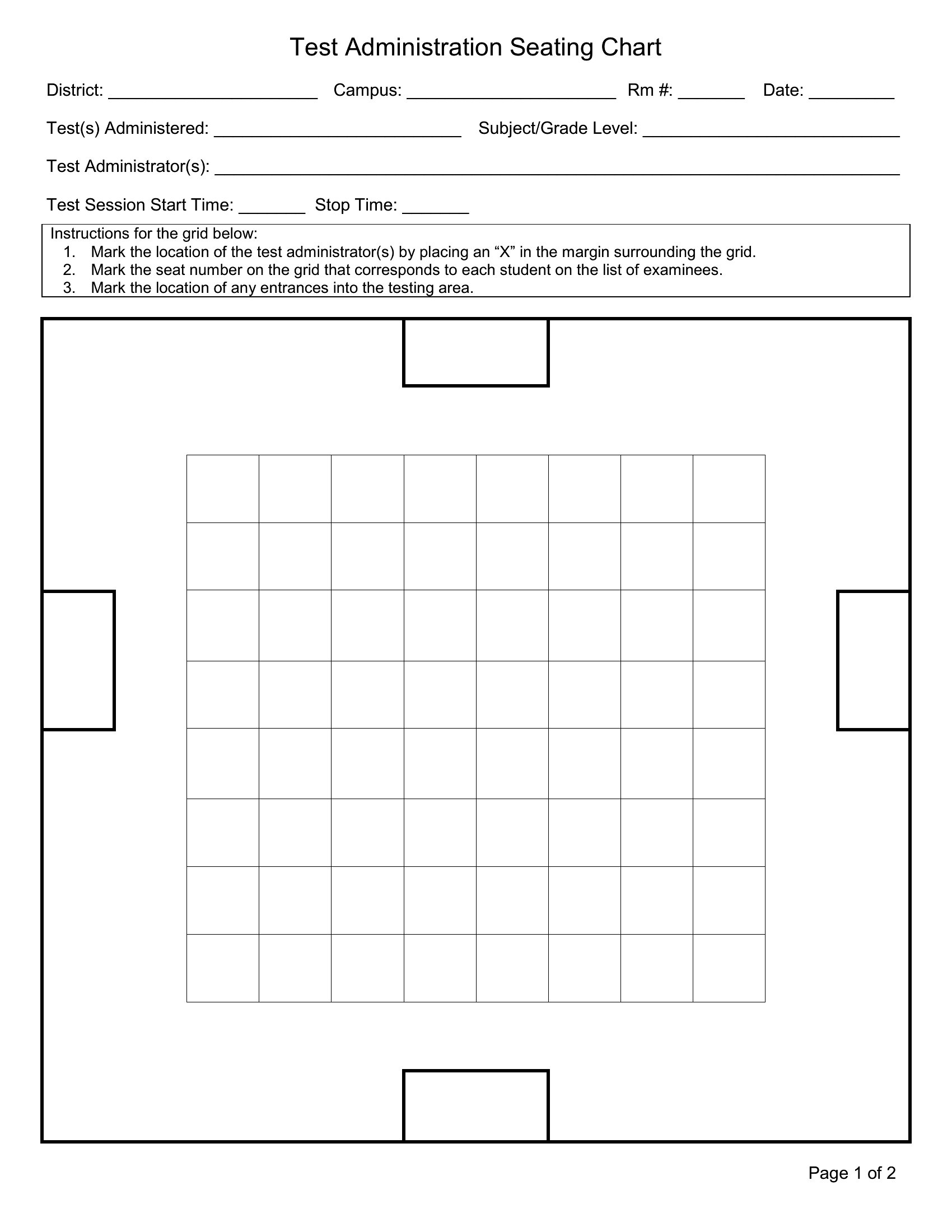
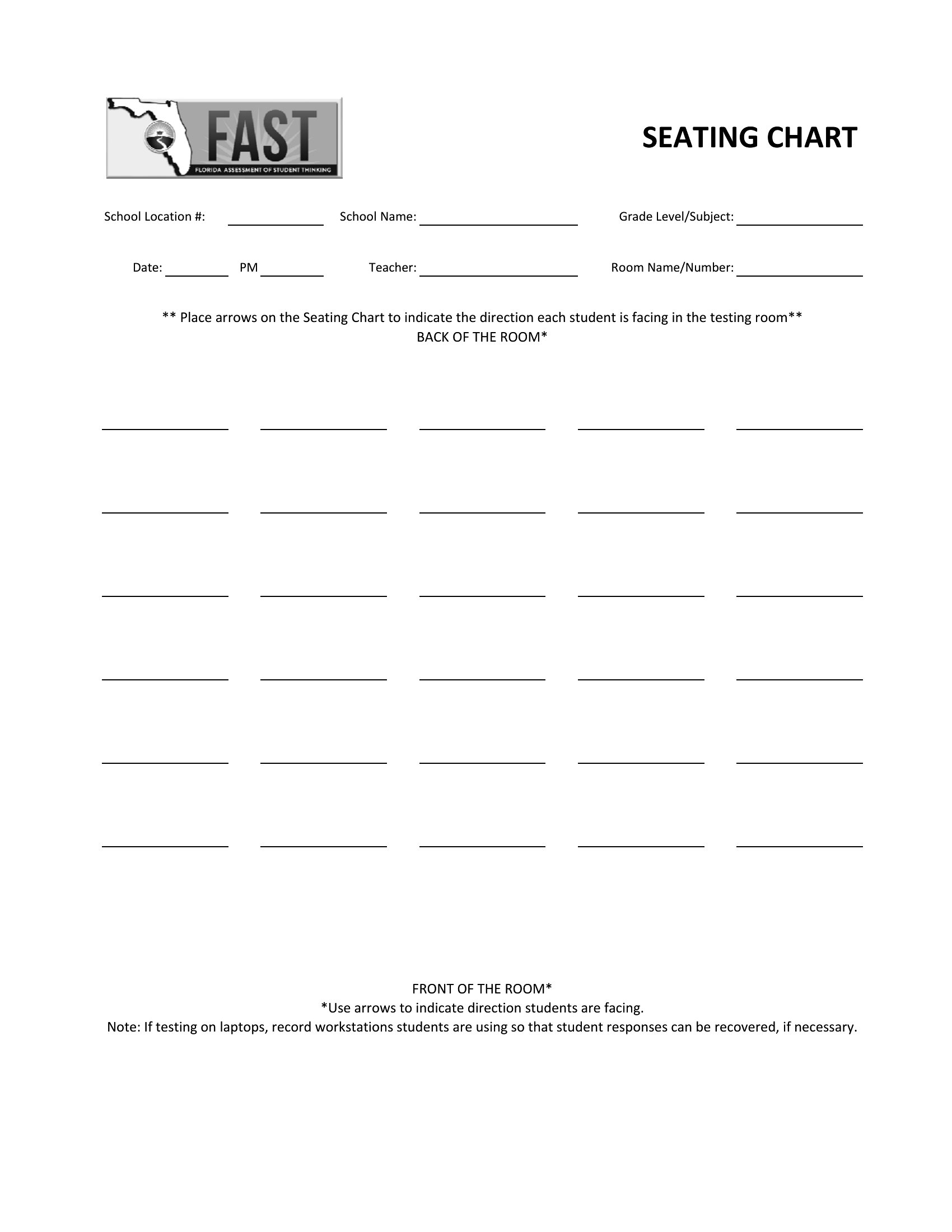
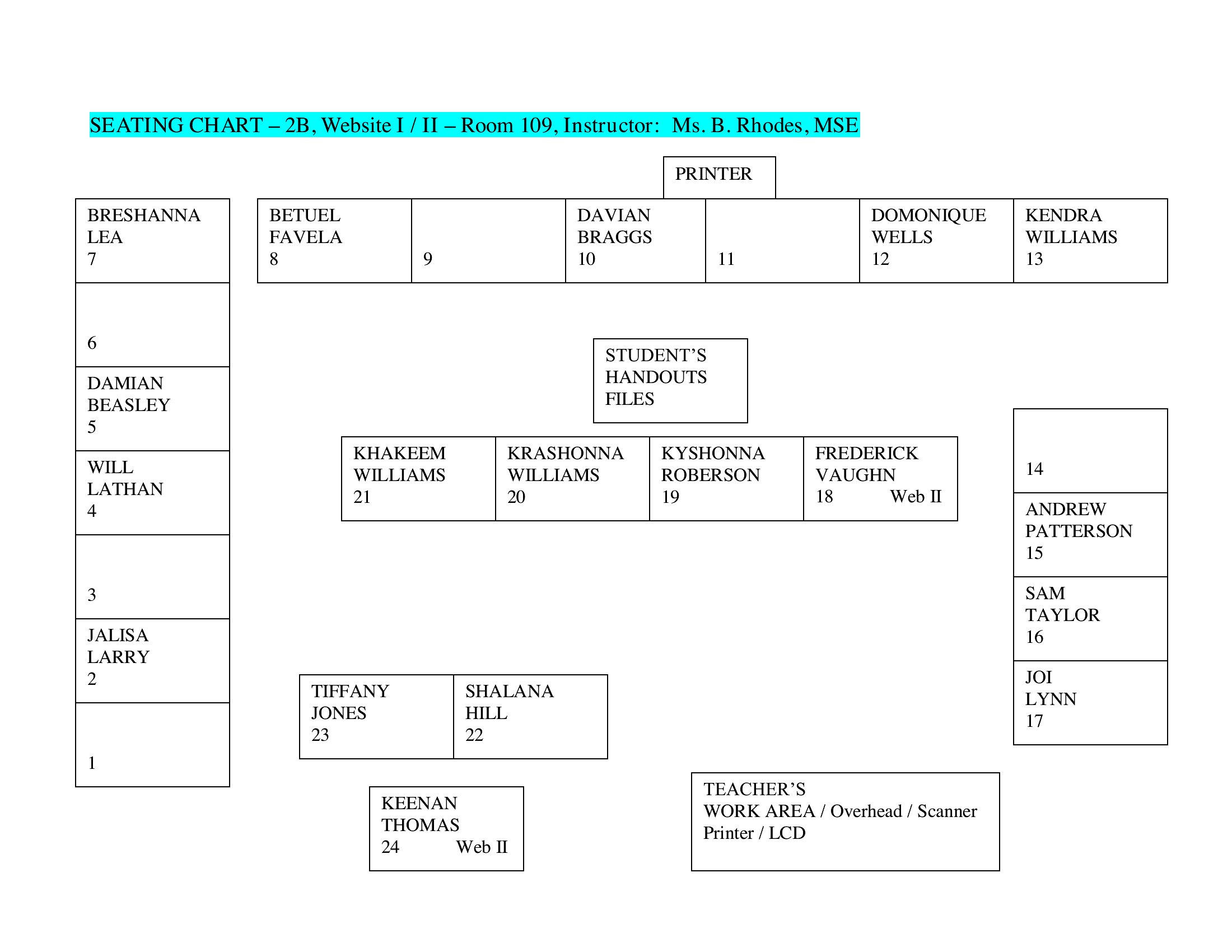
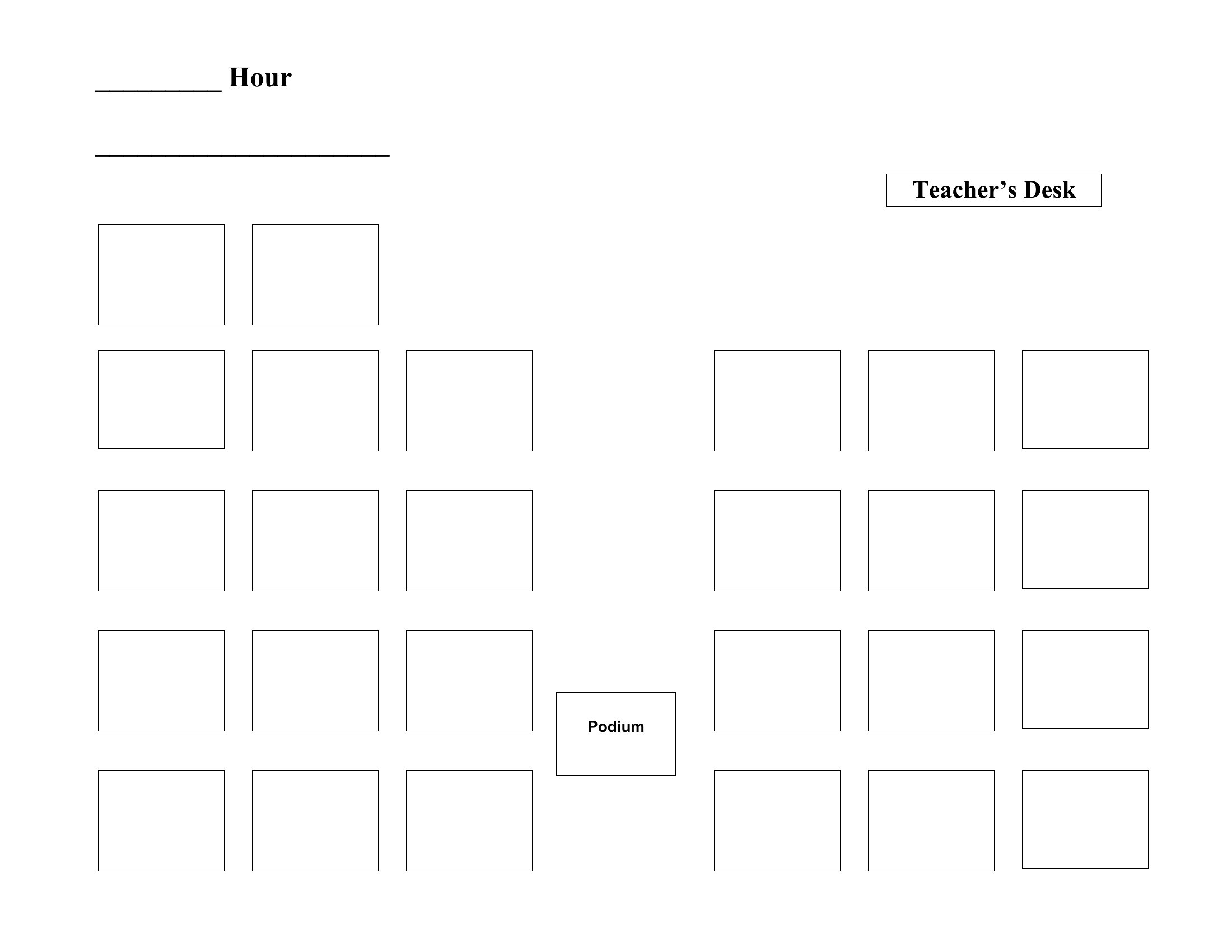
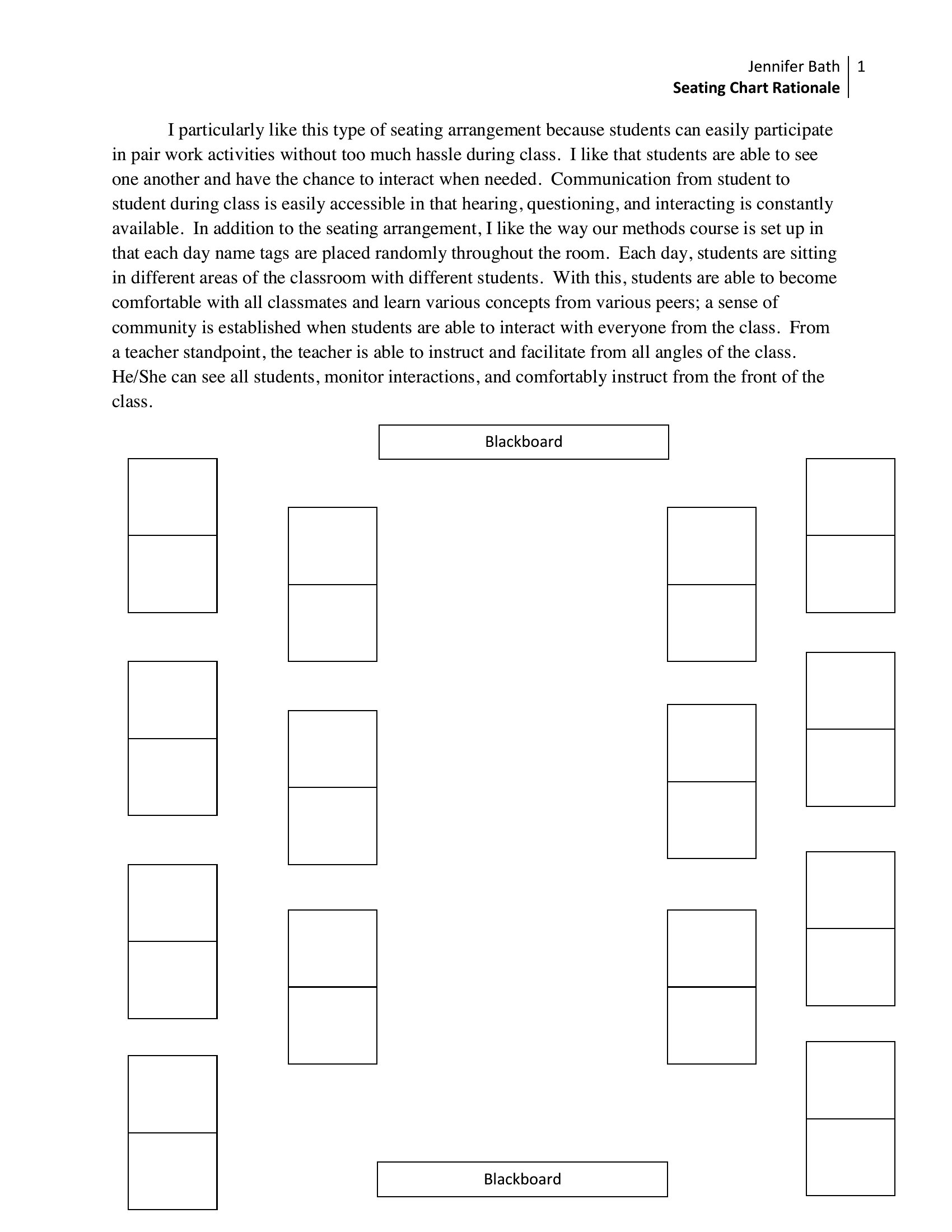
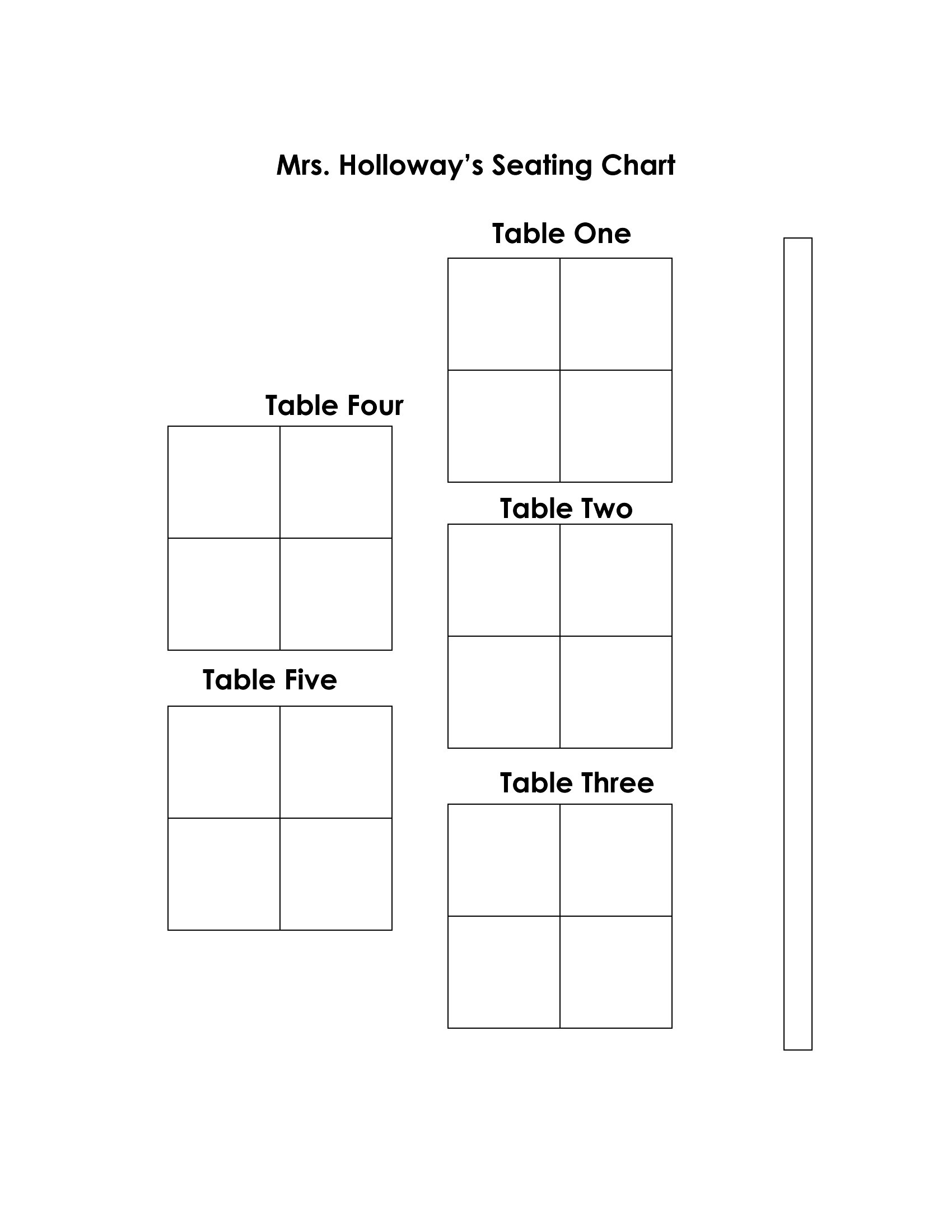
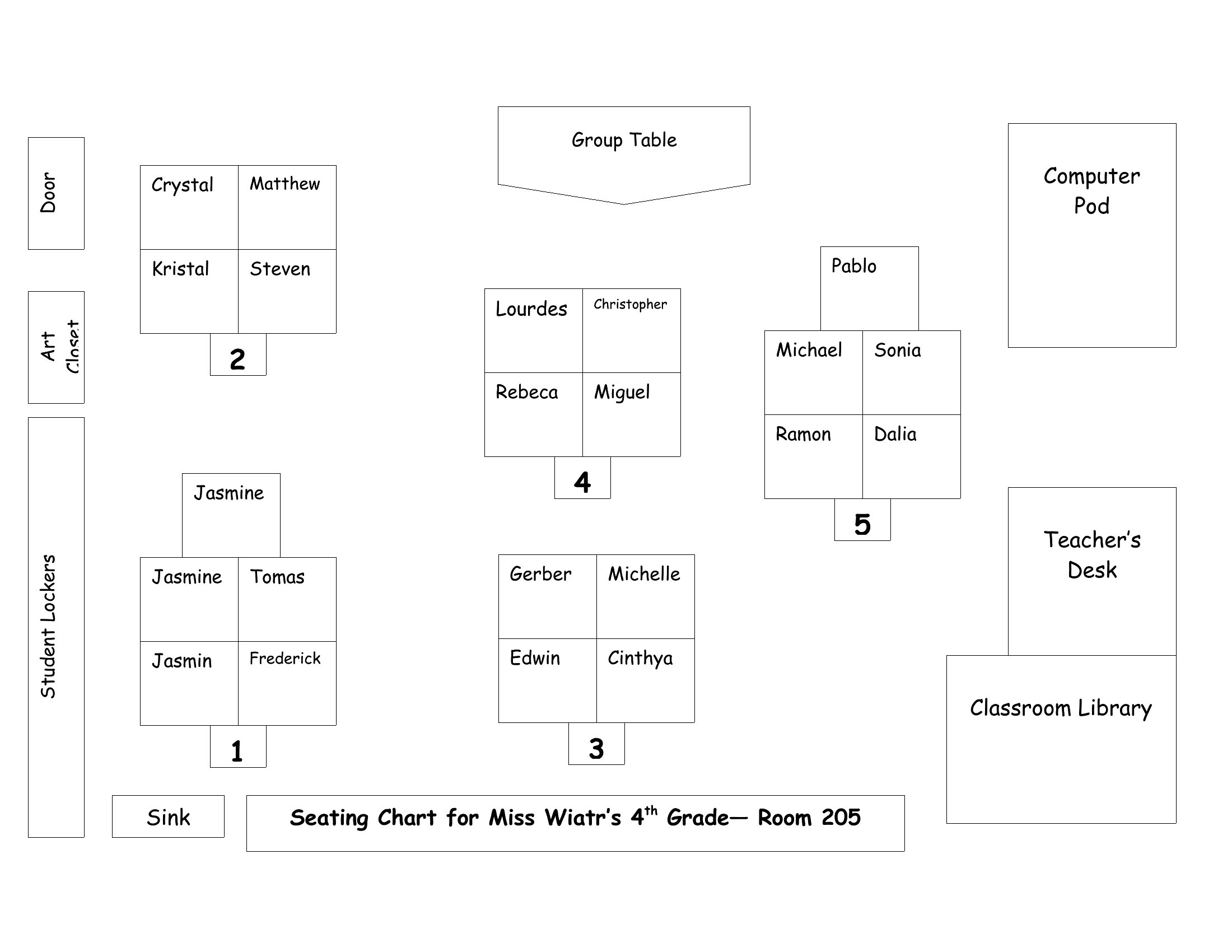
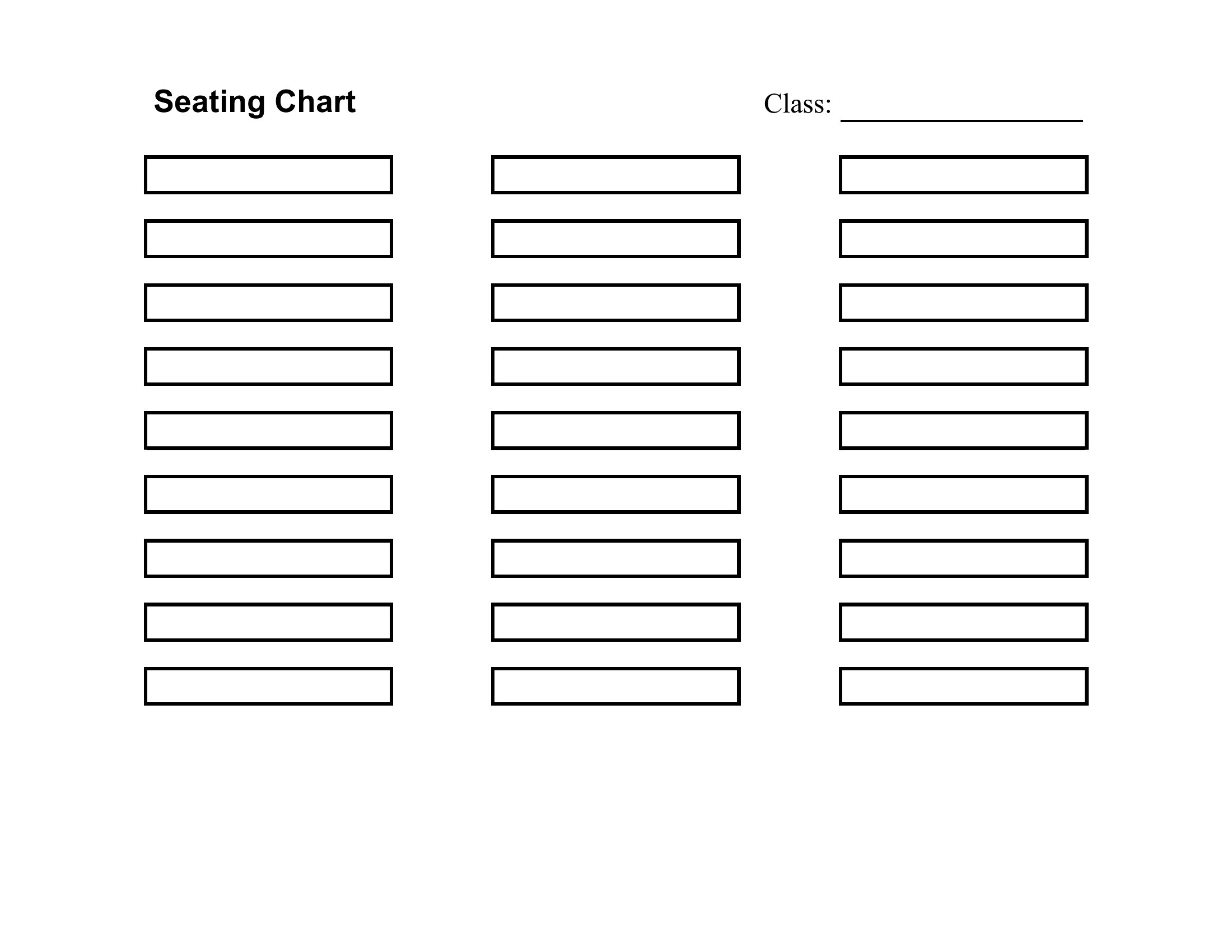
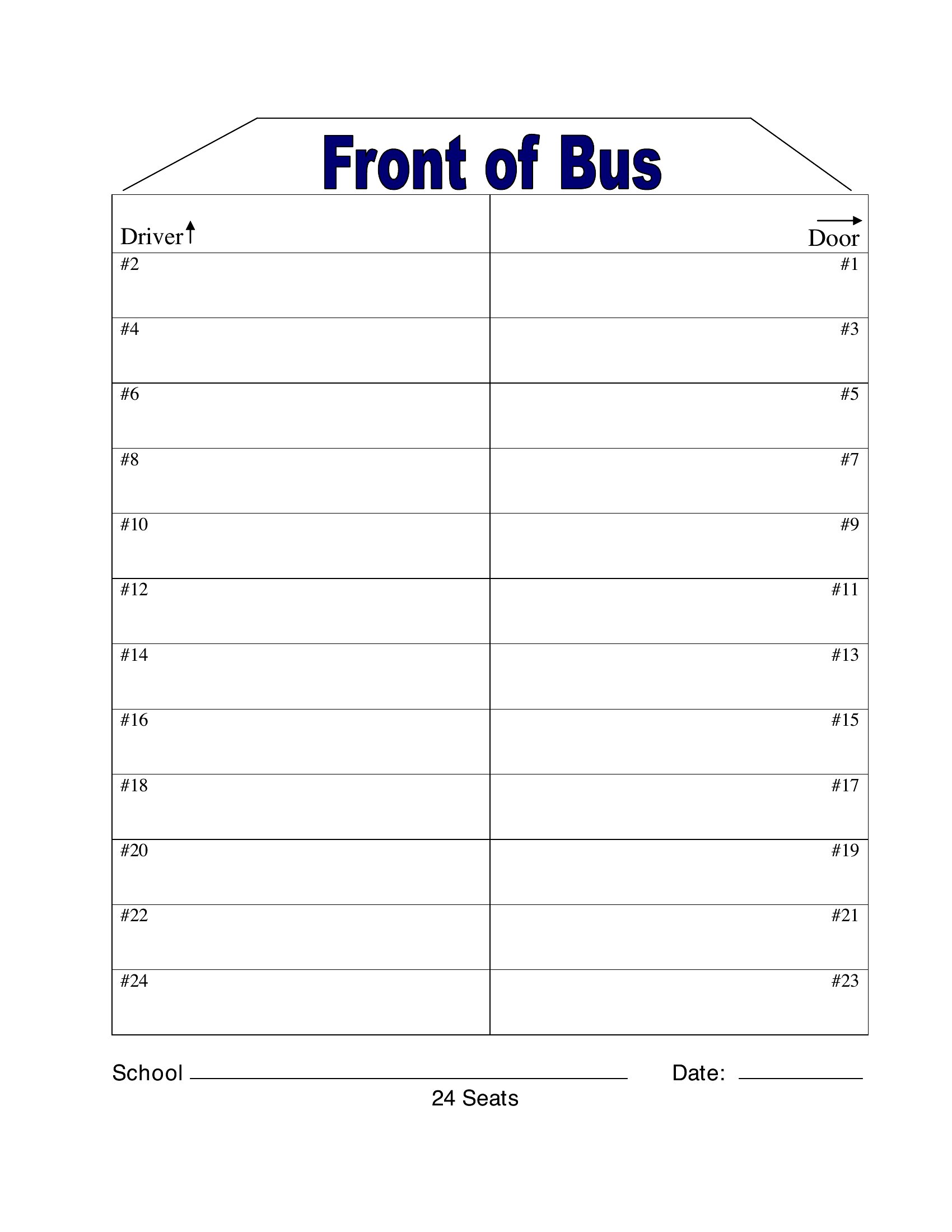
  • Classroom teachers designing flexible desk layouts for group workdays, labeling seating areas for collaborative projects and student presentations.
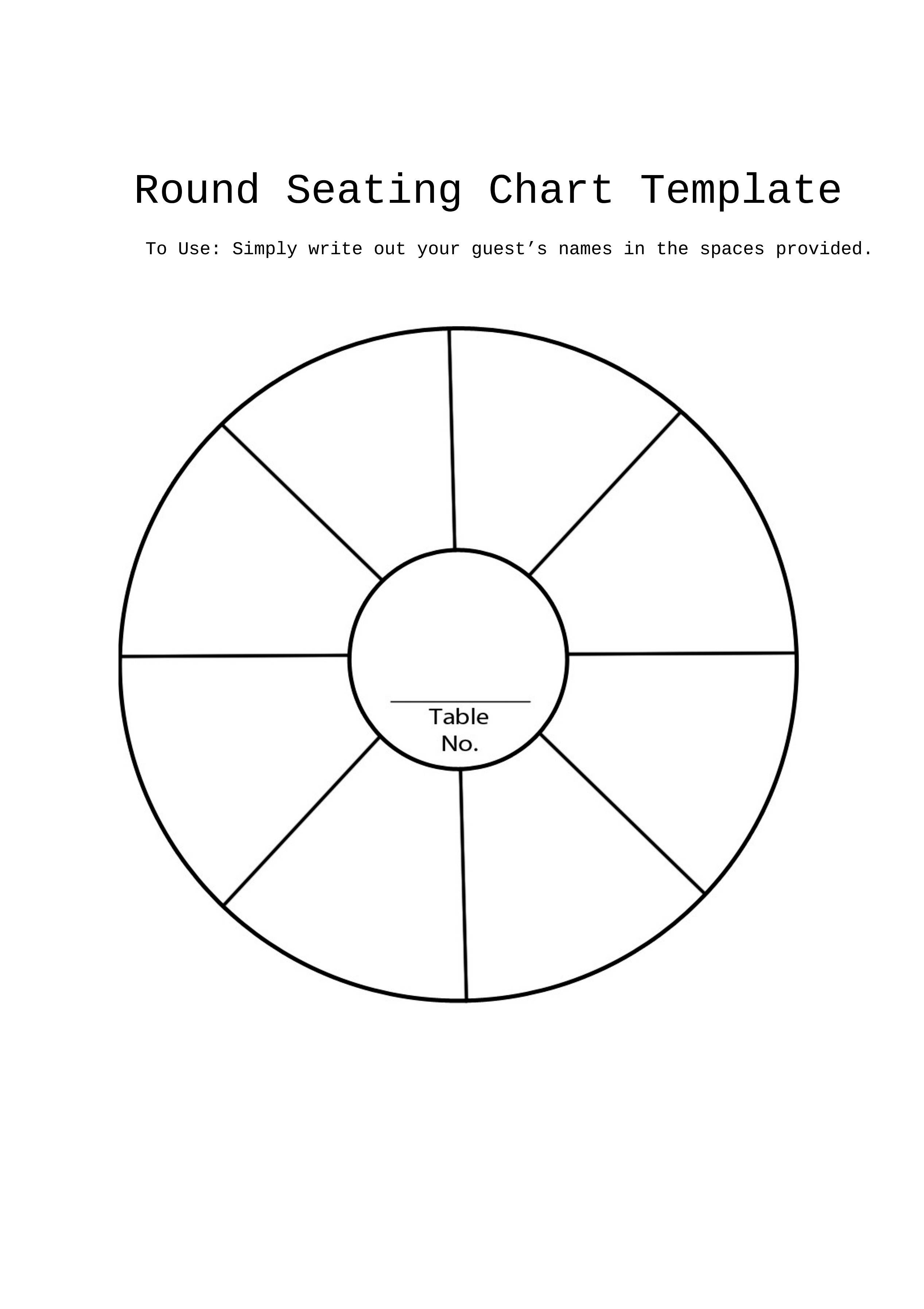
  • Banquet coordinators assigning large round tables for corporate events, ensuring clients with specific dietary needs sit together while balancing workgroups.
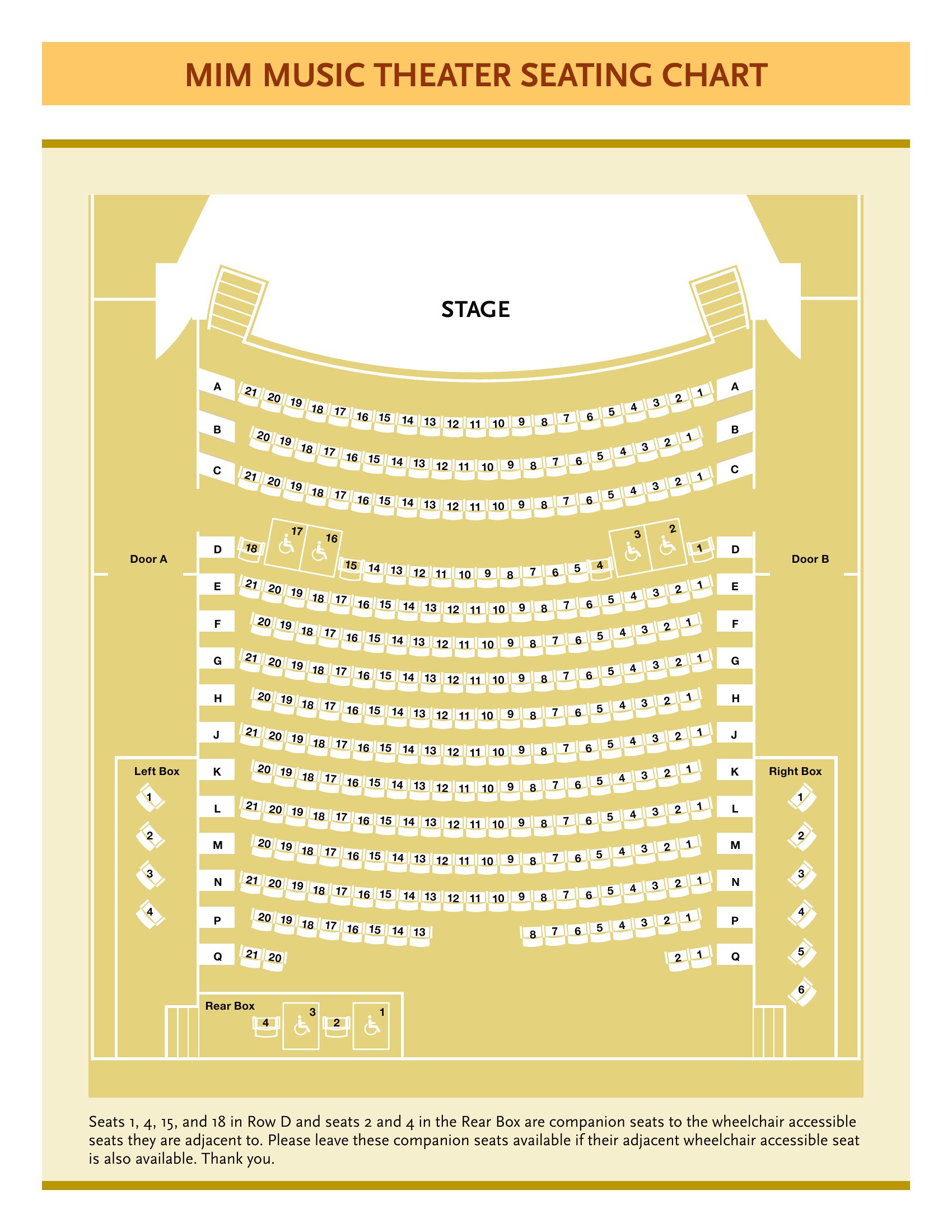
  • Nonprofit organizers creating seating charts for volunteer training sessions, labeling rows by skill level to facilitate peer learning during workshops.

Which format should I download?

WordPDF

Use the Word format if you need to edit seating arrangements frequently—drag-and-drop names, adjust table shapes, or merge sections after receiving last-minute RSVPs. Choose PDF for finalized layouts that must be printed and shared without further changes, like wedding seating guides or classroom plans. Both formats support filling in names, but PDFs lock the design for consistency, while Word lets you tweak the template itself before printing.

Choose from 65 Seating Chart Templates
How to use this Seating Chart template

Can these templates include labels for dietary restrictions or special seating requests?
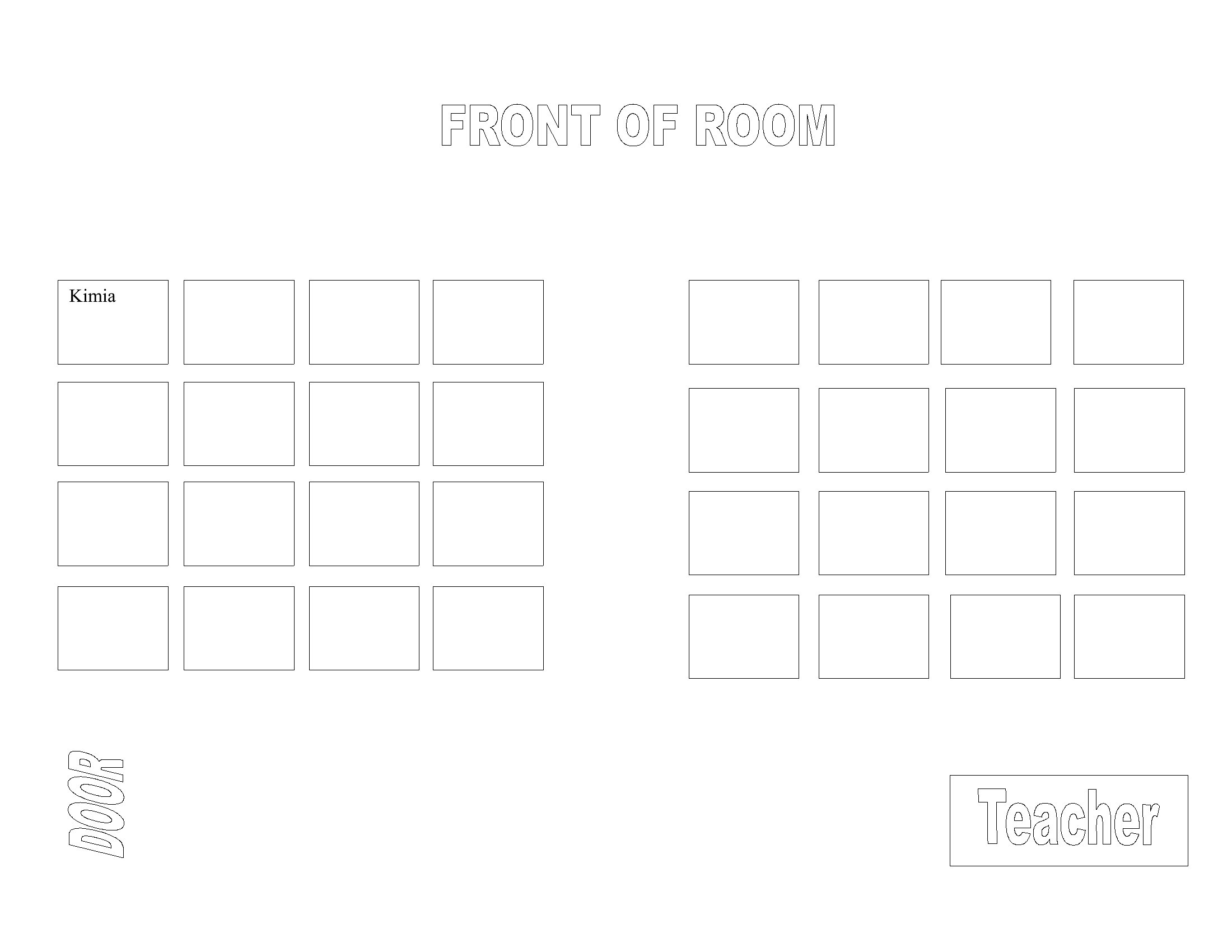
Yes, most templates in this collection have customizable text fields where you can add notes like ‘vegetarian,’ ‘wheelchair accessible,’ or ‘prefers aisle seat.’ For weddings or events, use the fillable PDFs to embed these labels directly on the printed chart. Teachers can label classroom sections as ‘quiet work zone’ or ‘group discussion area’ in Word before printing.
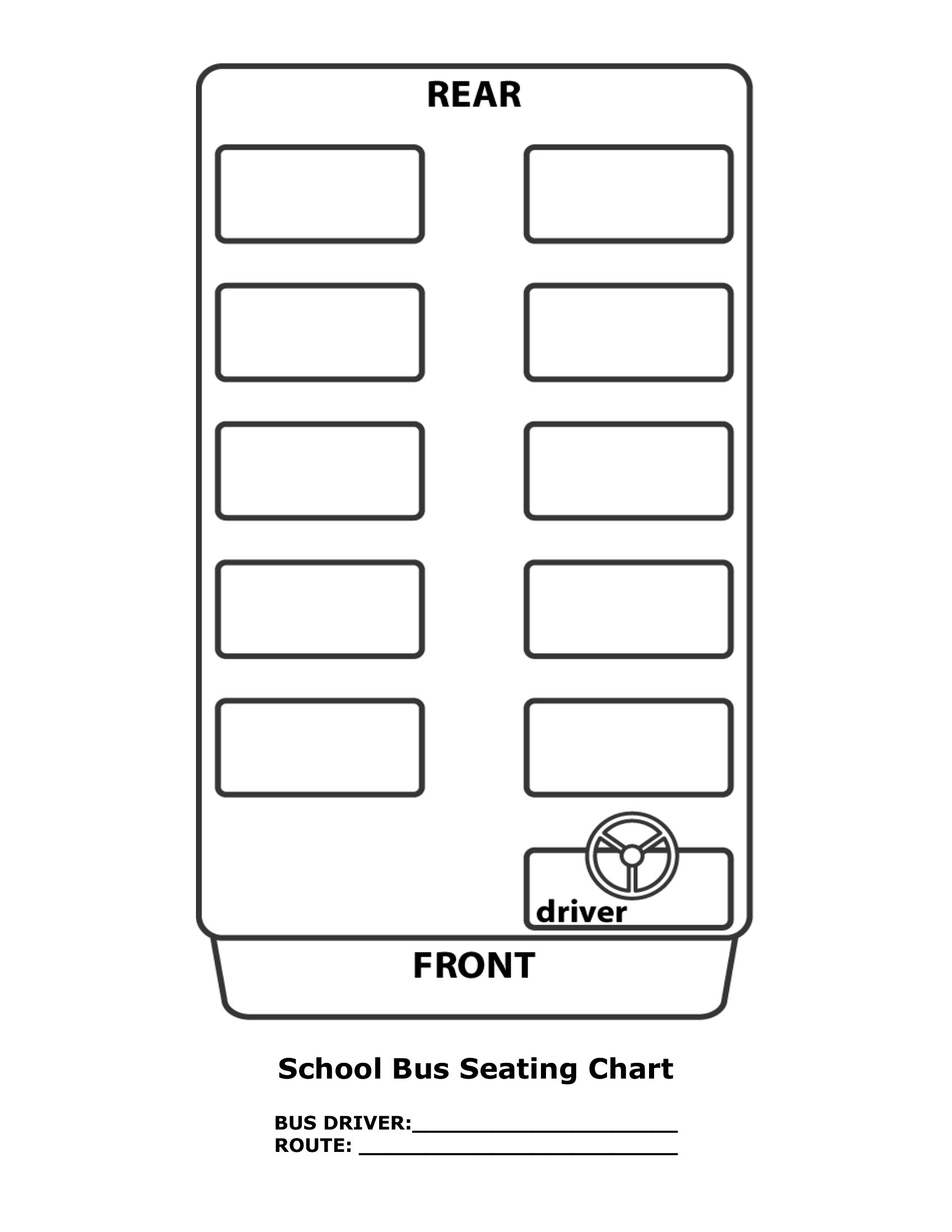
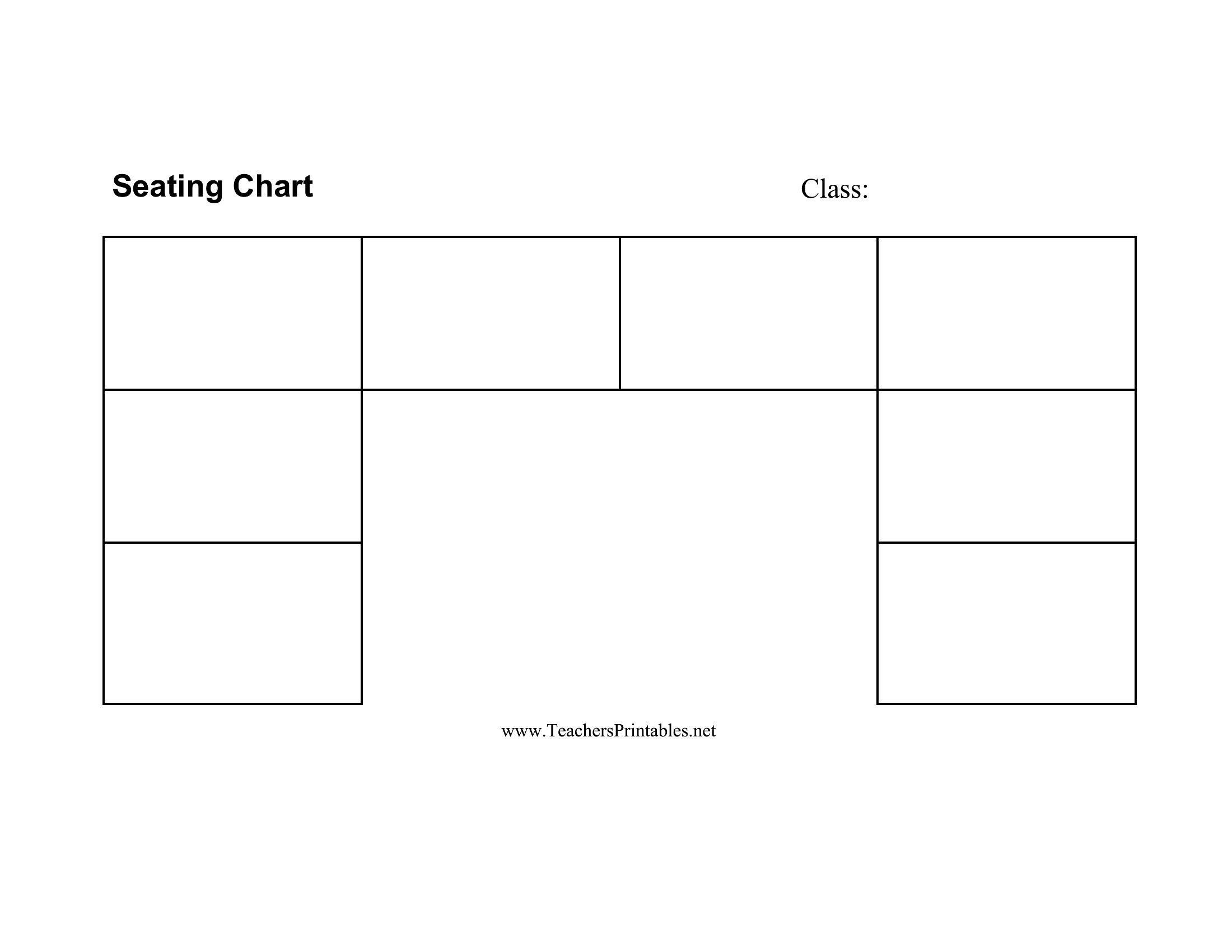
How do I adjust the seating chart if the event space has irregular shapes, like a U-shaped theater or a horseshoe bar?

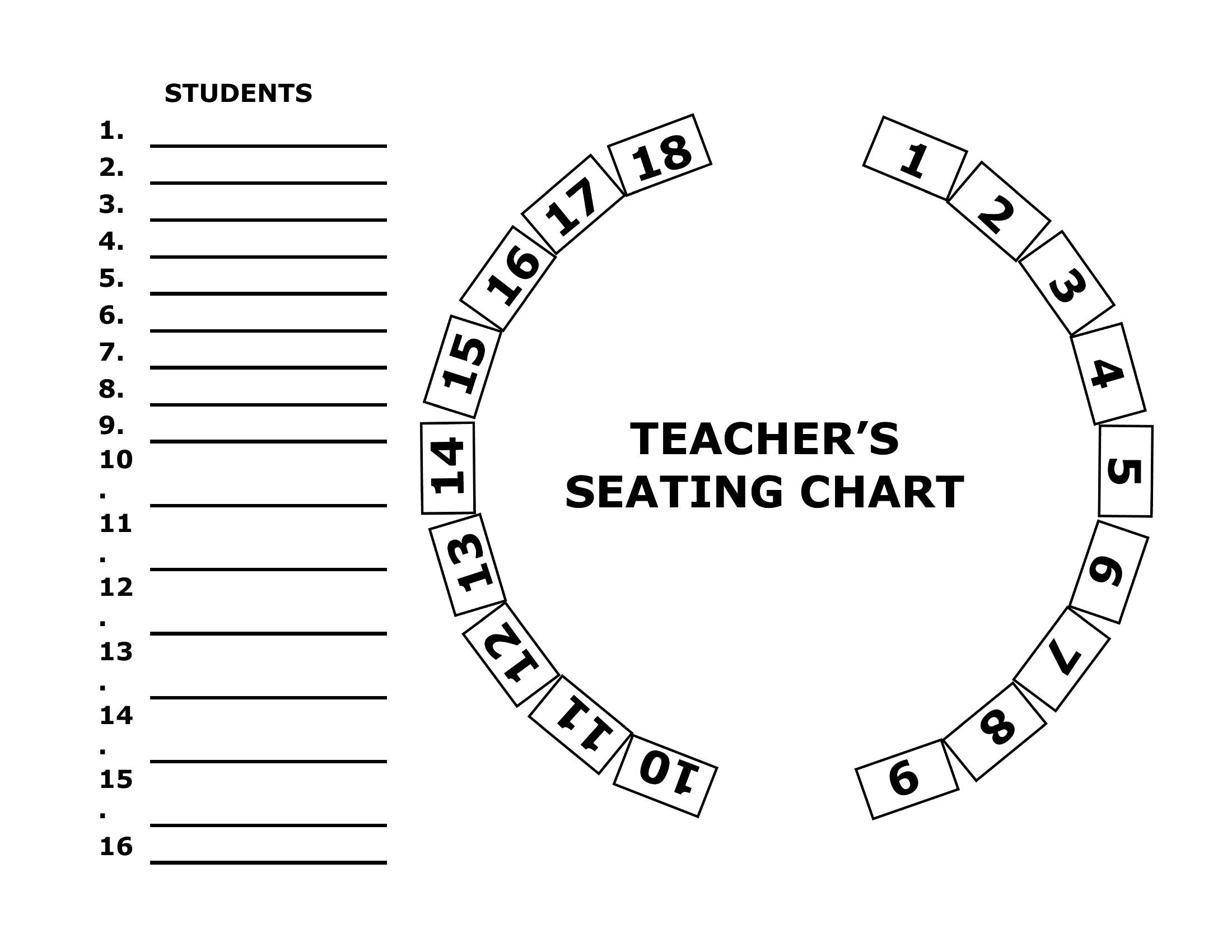
Start with a blank seating chart template in Word—these let you draw freehand or use the table tools to resize and merge cells to fit odd layouts. For example, stretch rows to create a U-shape or split tables diagonally in Word. If you’re working with PDFs, save the Word version first, modify it, and then re-export as PDF to preserve your changes.
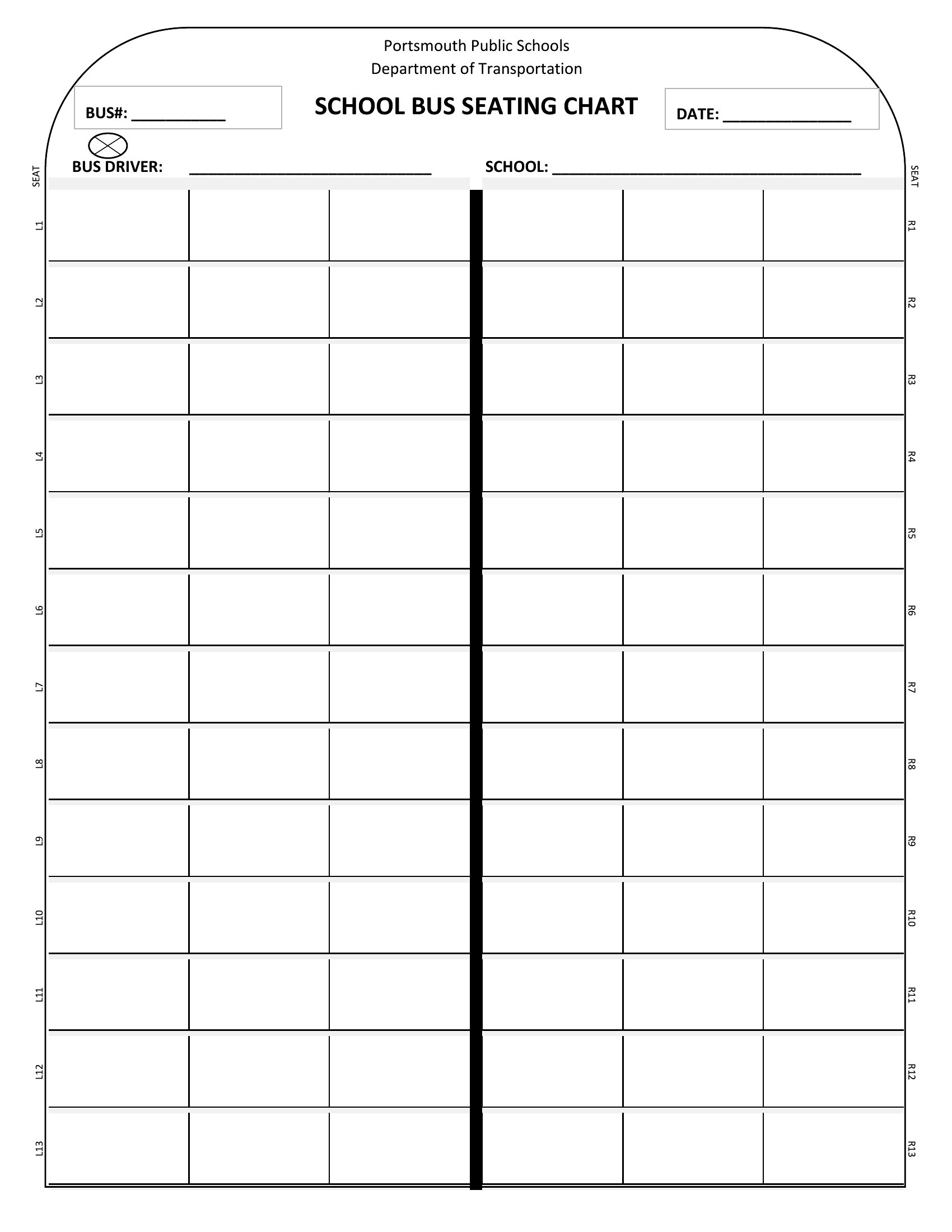
Are there templates that help assign seating based on conversation needs, like pairing introverts with small groups?

While no template automates personality-based seating, the classroom and round-table layouts in this collection include grid options to manually cluster seats by affinity groups. Wedding planners can use the fillable PDFs to manually note ‘prefers quiet conversations’ next to names, then rearrange tables in Word to balance those needs. For events, add a ‘conversation buddy’ column in Word to pair attendees intentionally before printing.

Comments

Join the conversation

Sign in to share your thoughts and leave a comment on this resource.

Newsletter

Get Weekly Design Updates

Join our community to receive curated resources and inspiration.

Weekly Tips Resources Early Access

We respect your privacy. Confirmation email required. Privacy Policy