Free Gradebook Templates (Excel)
DataTemplates
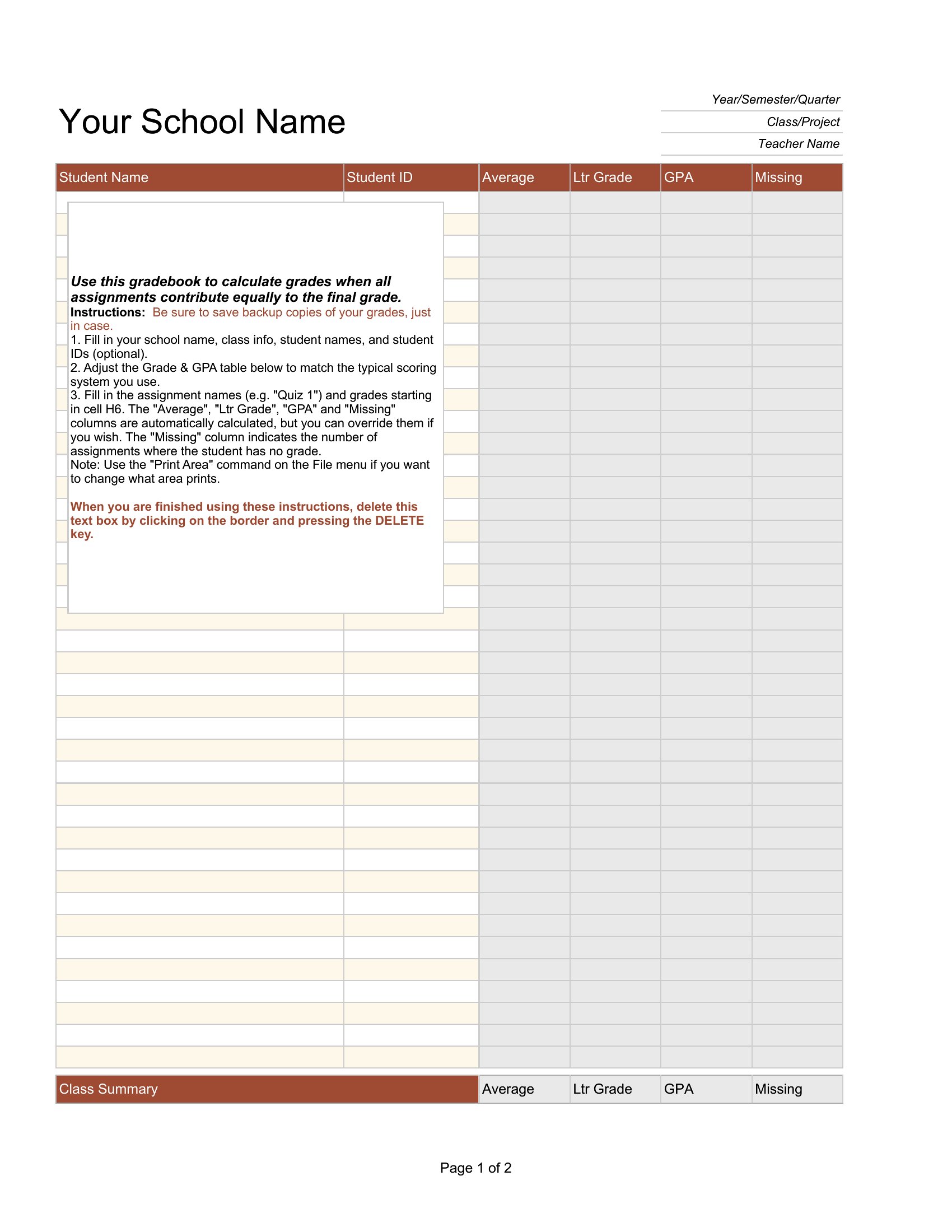

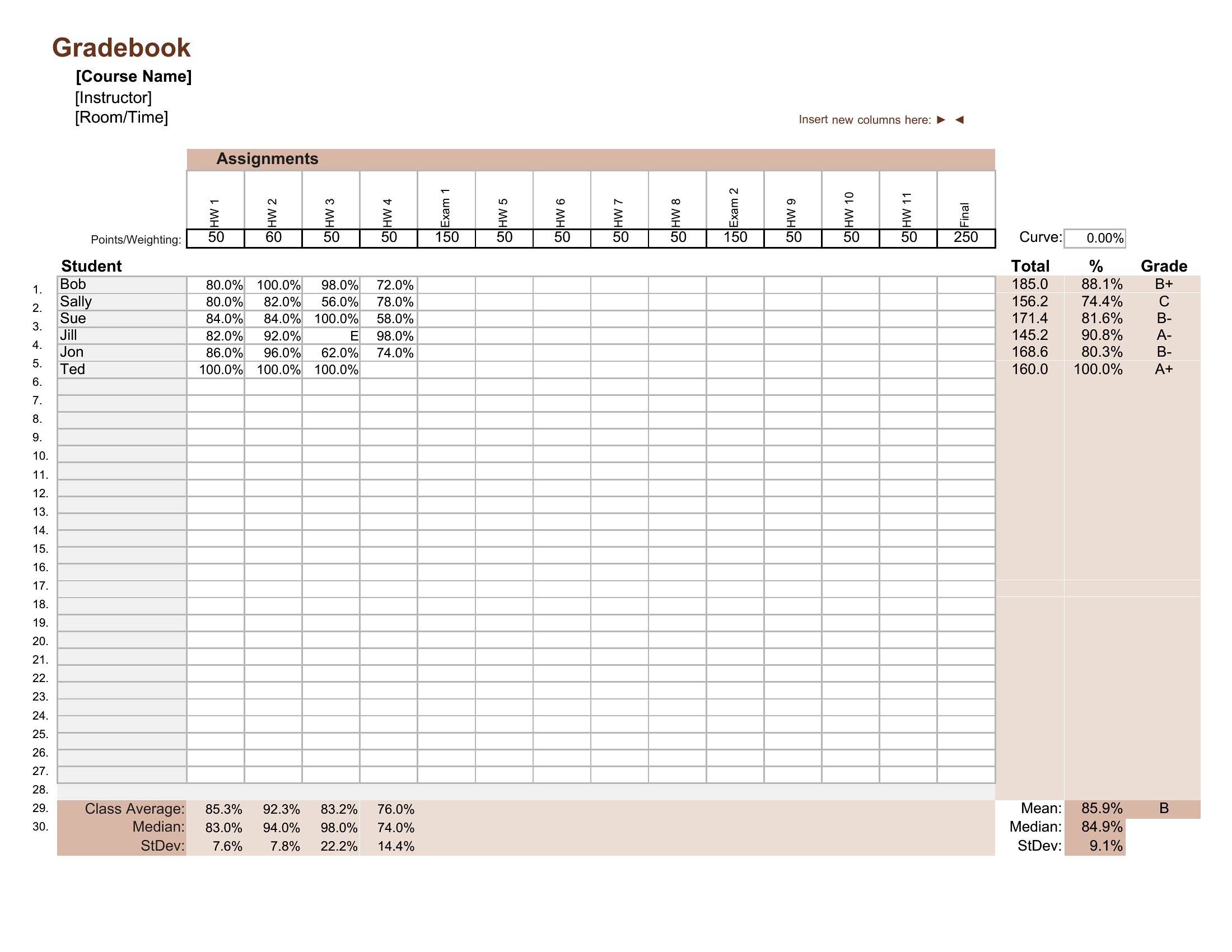
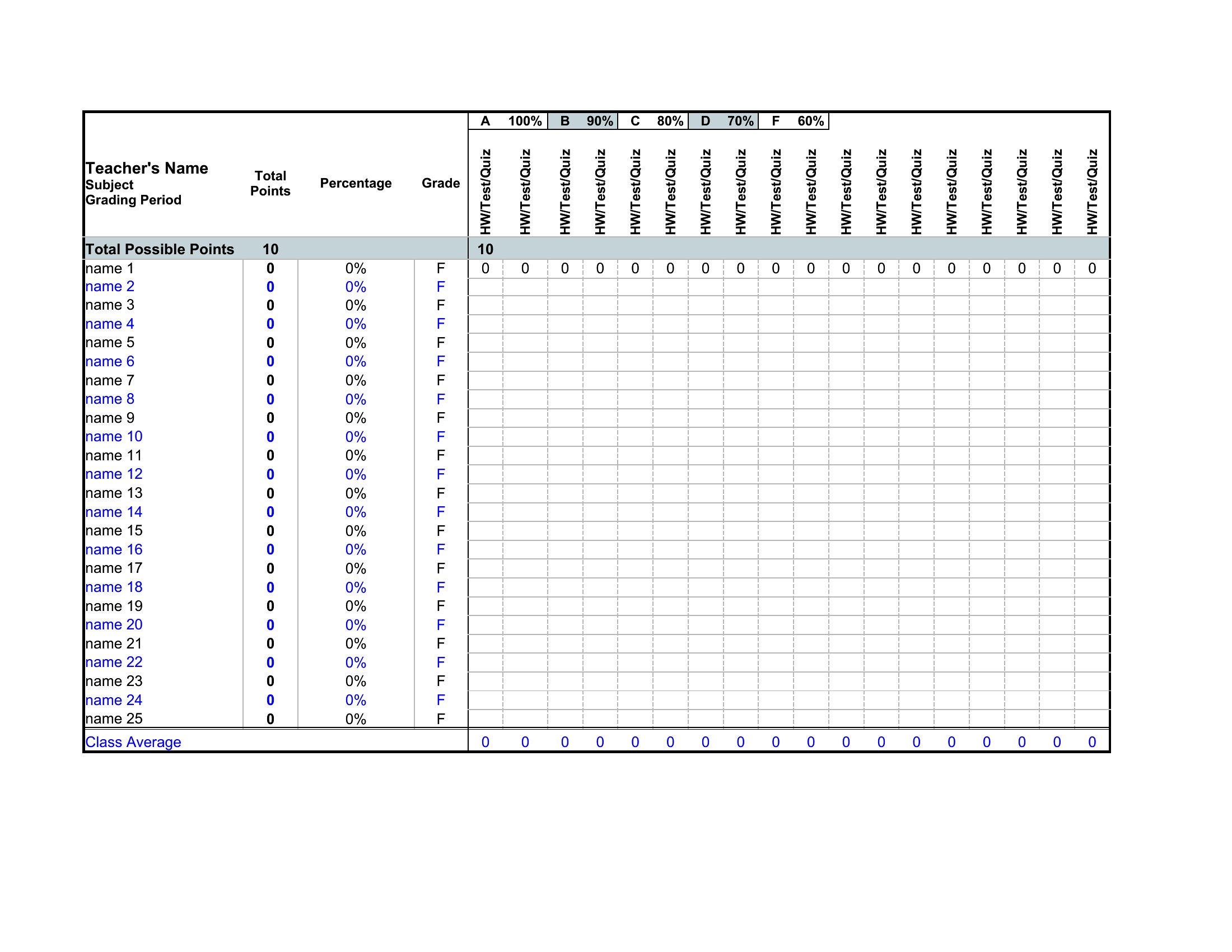
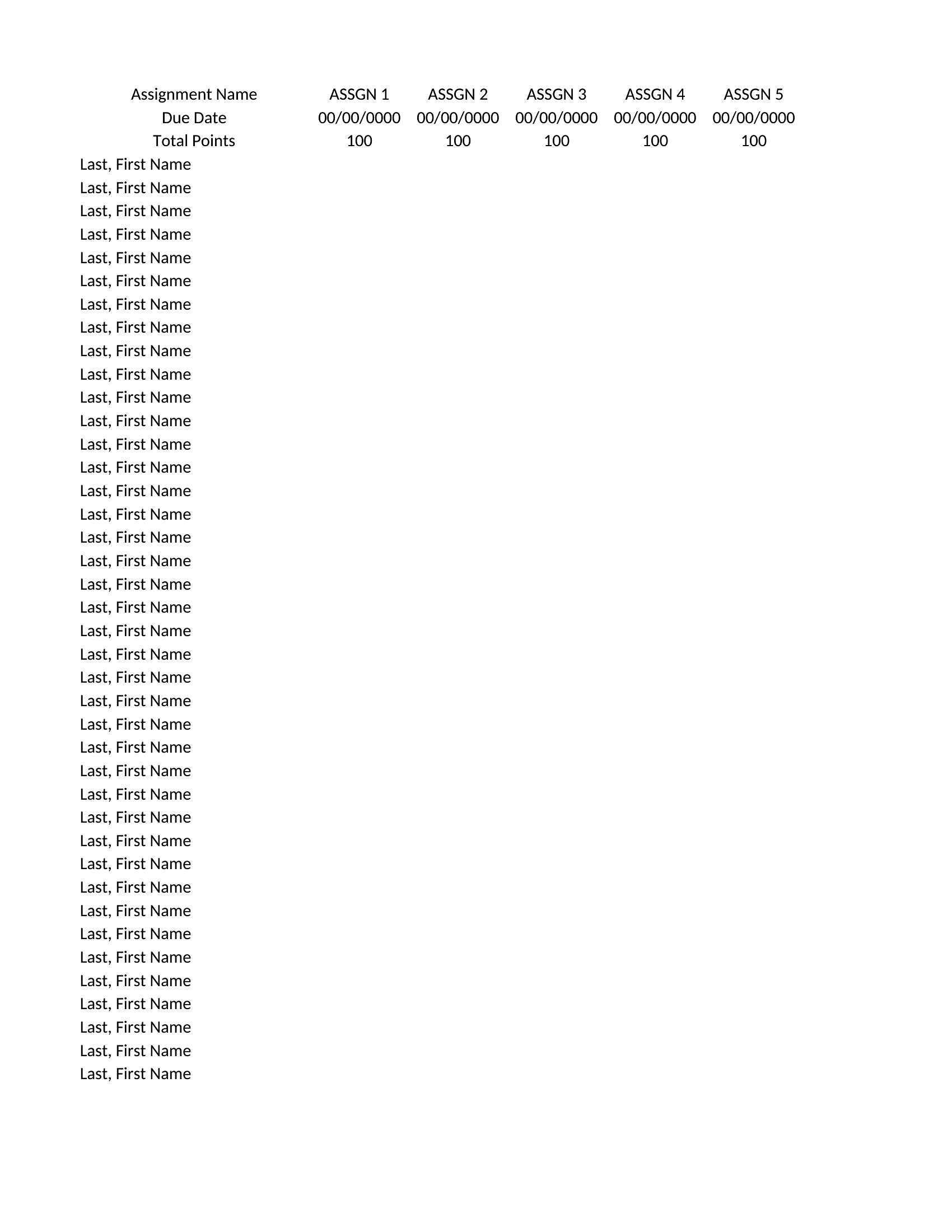
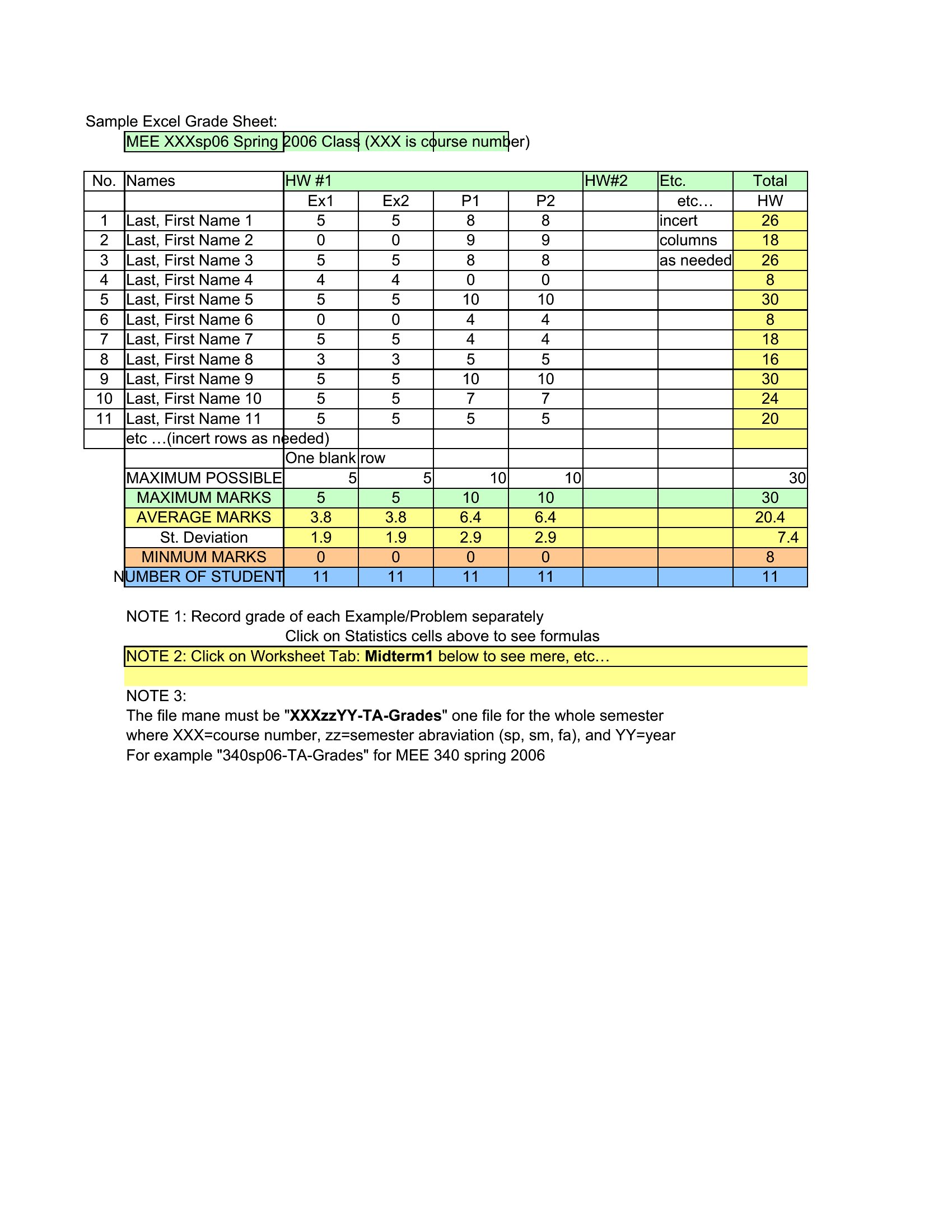
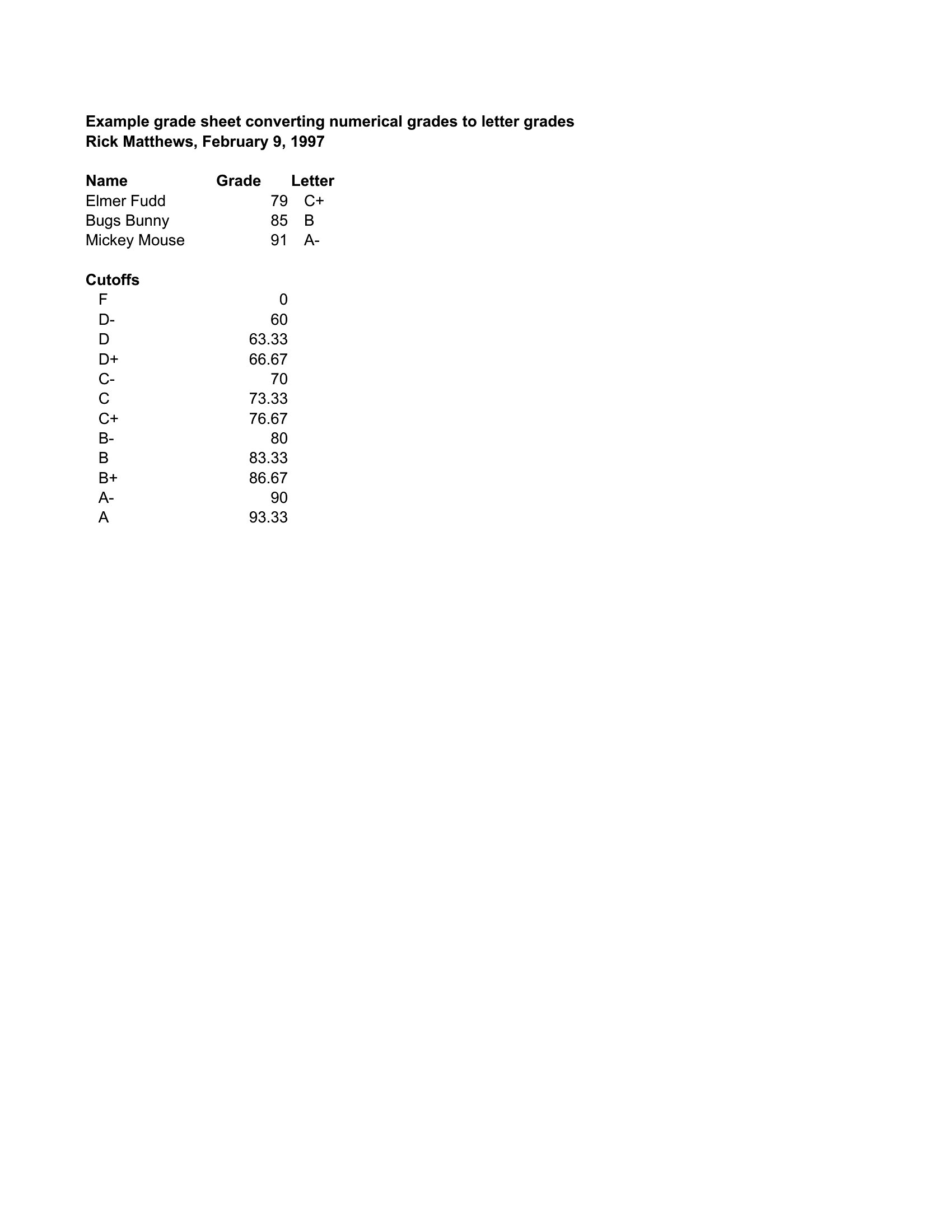
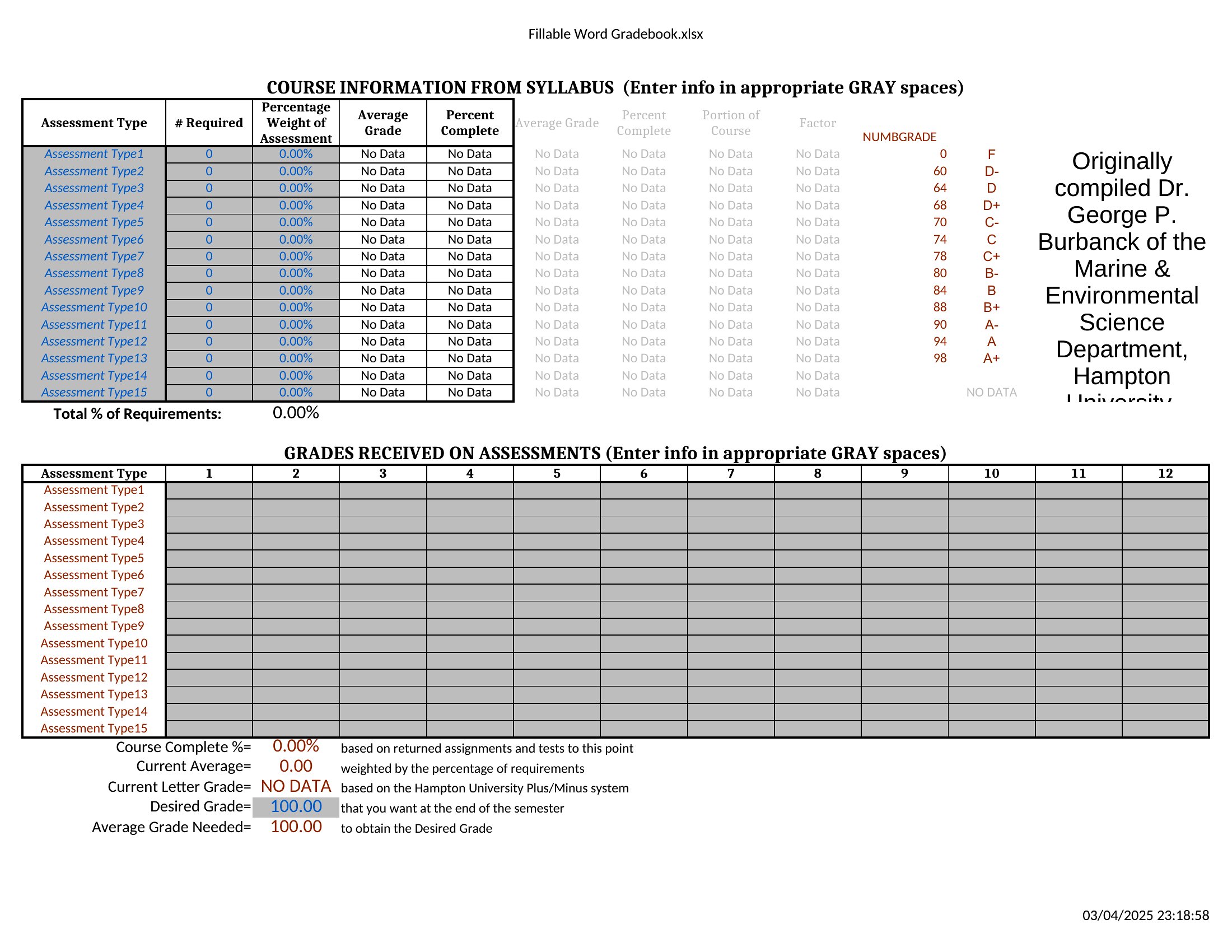
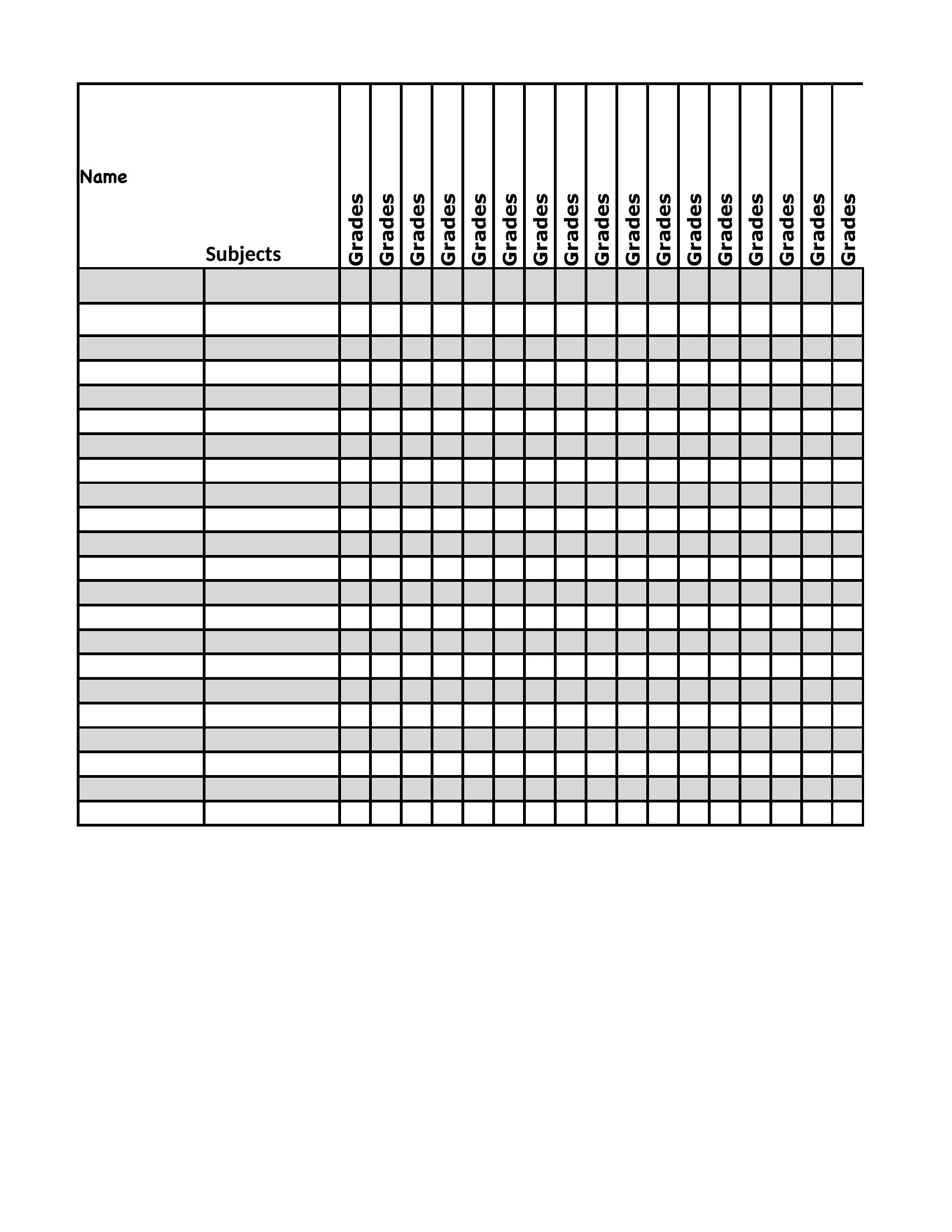
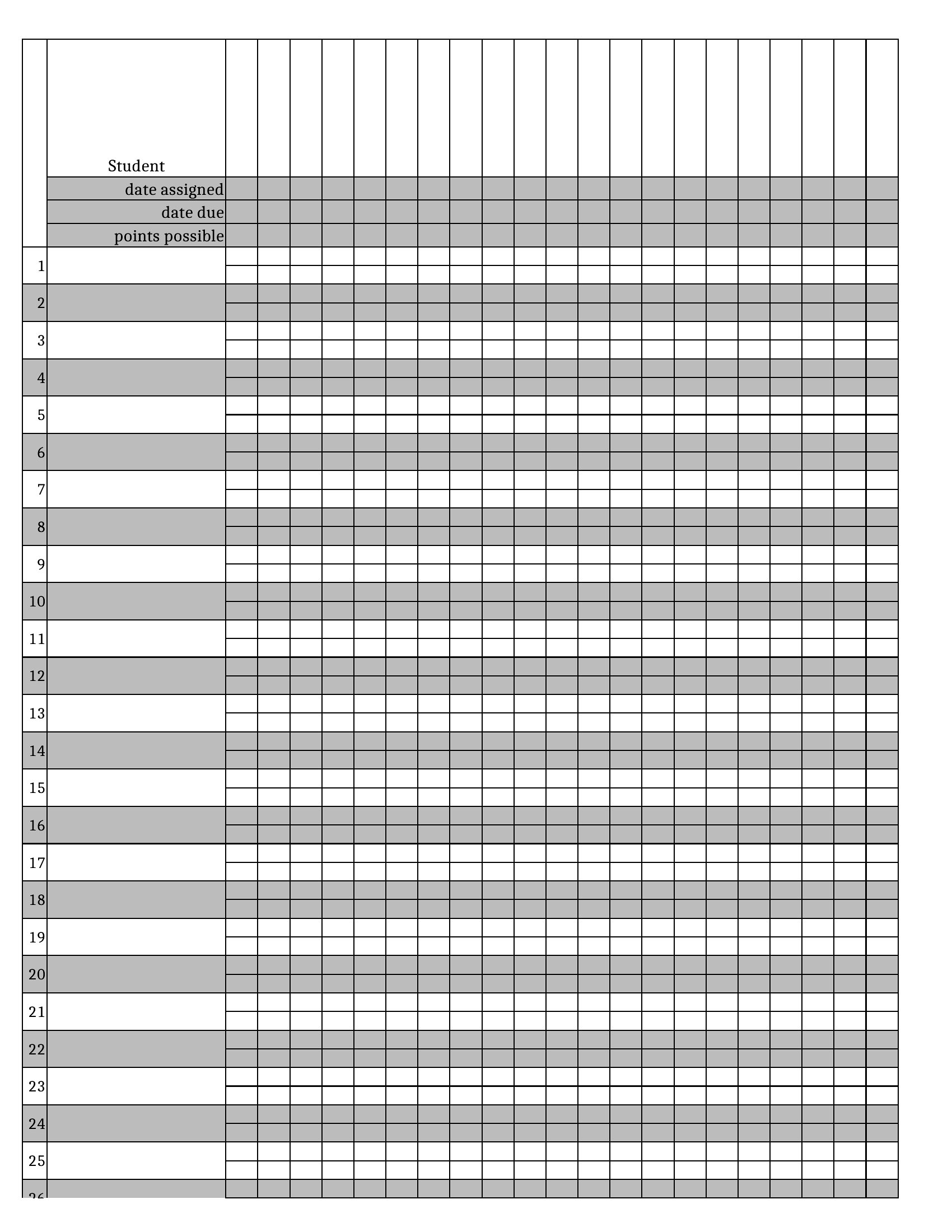
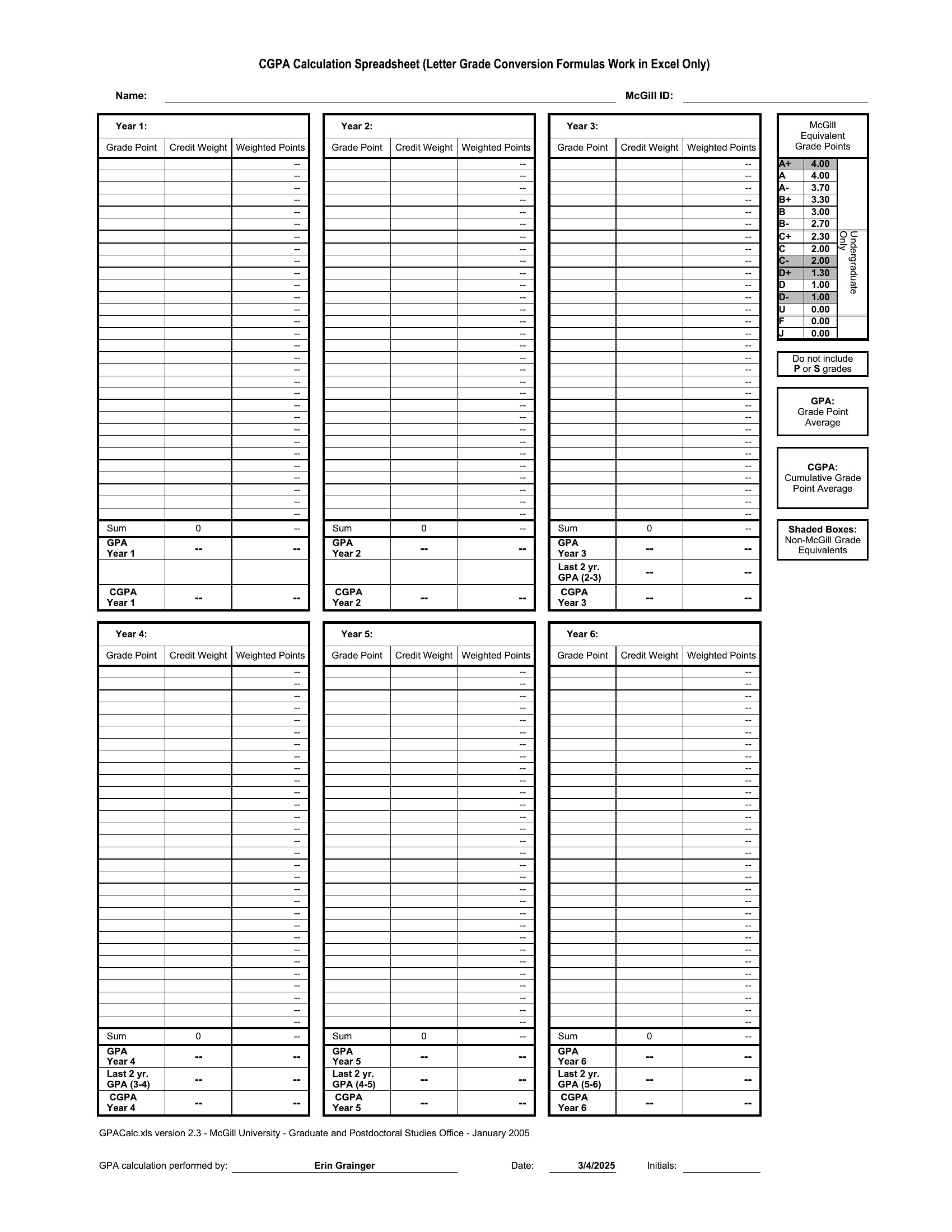
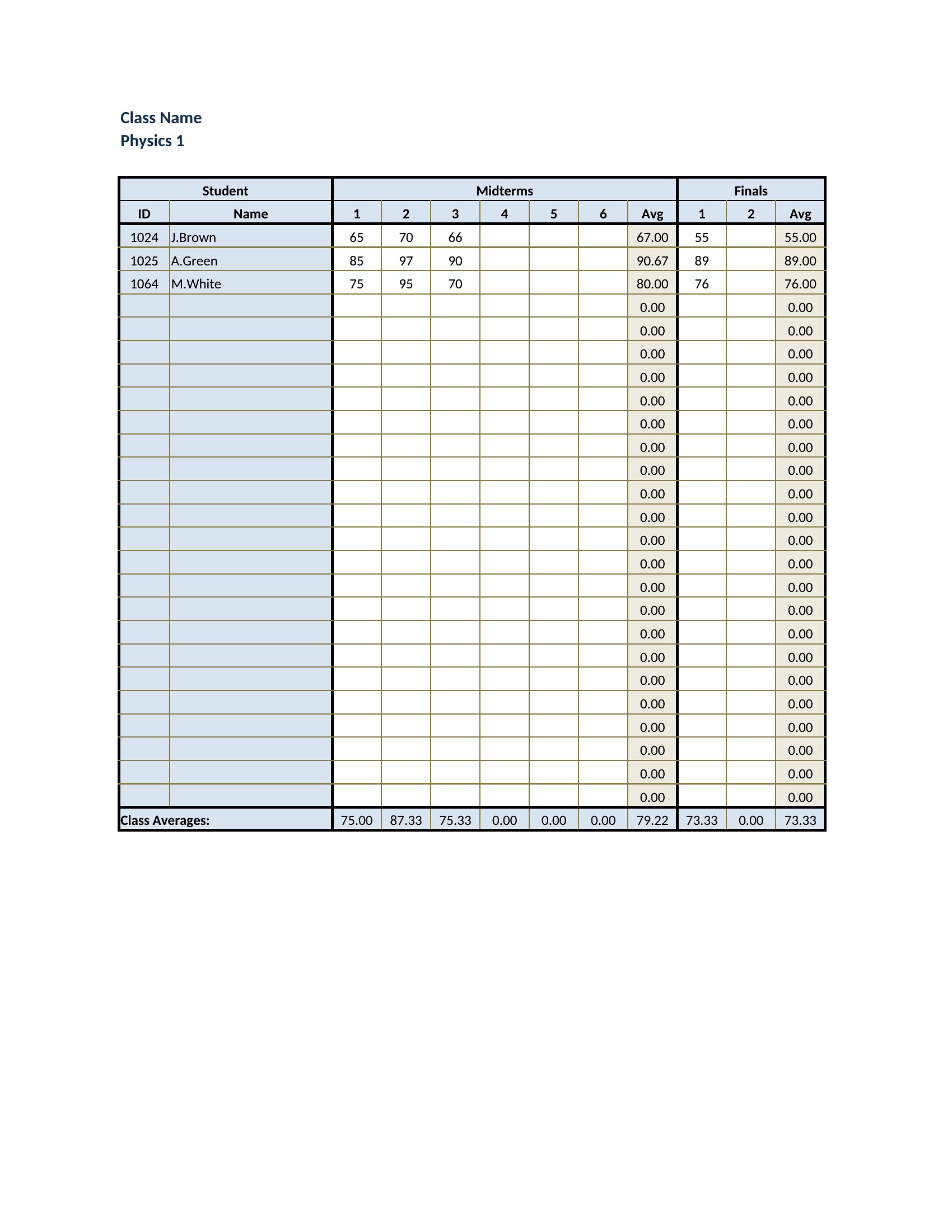
Excel Gradebook

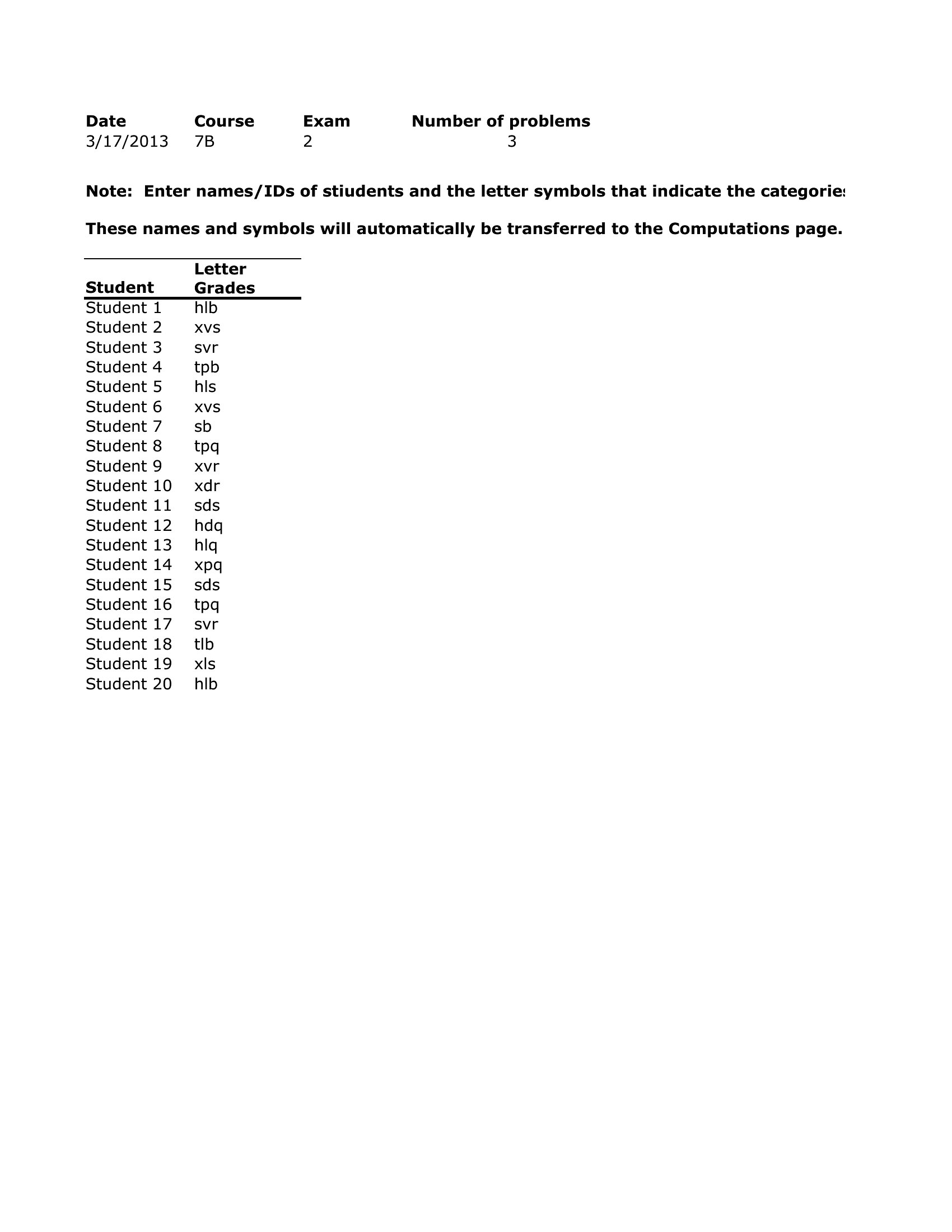
Pdf Gradebook
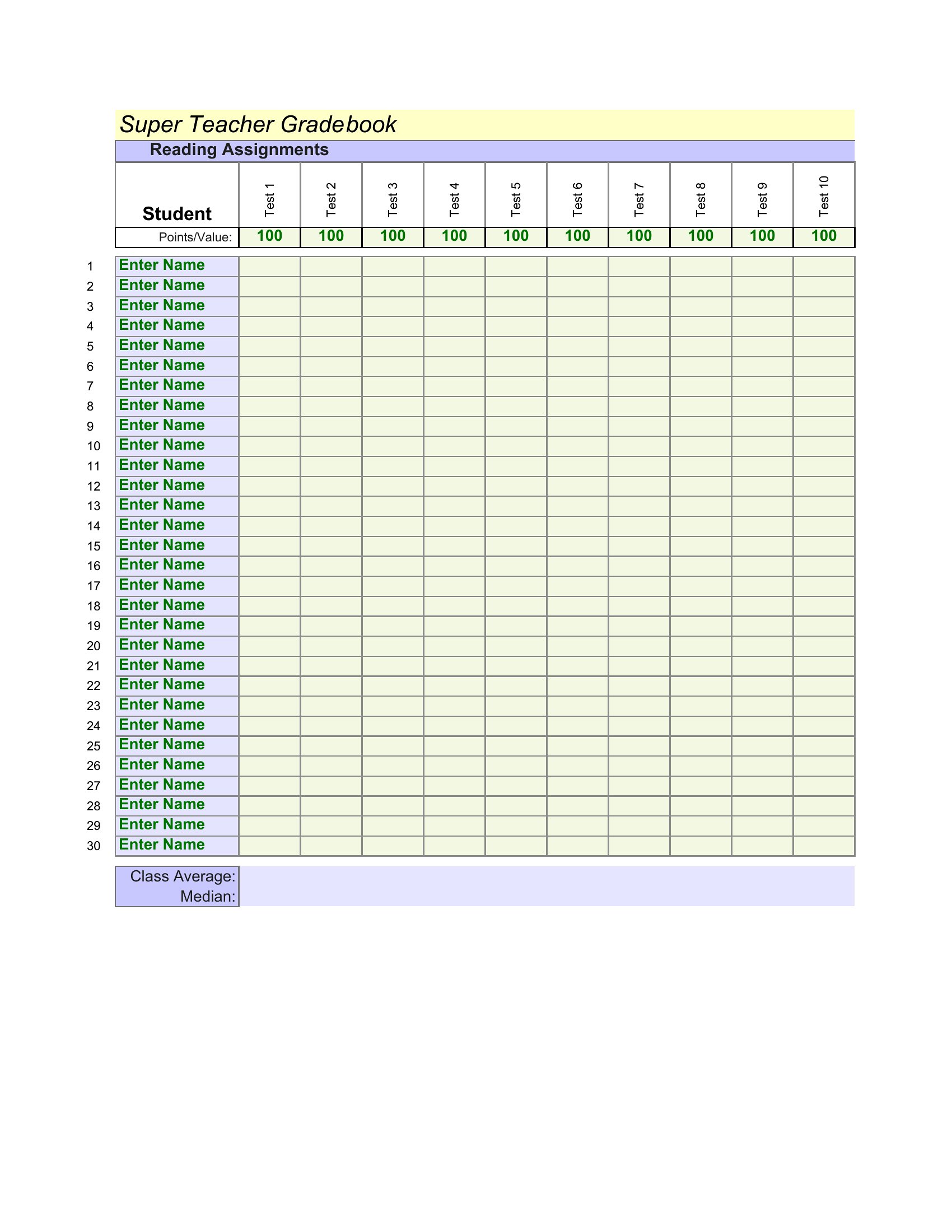
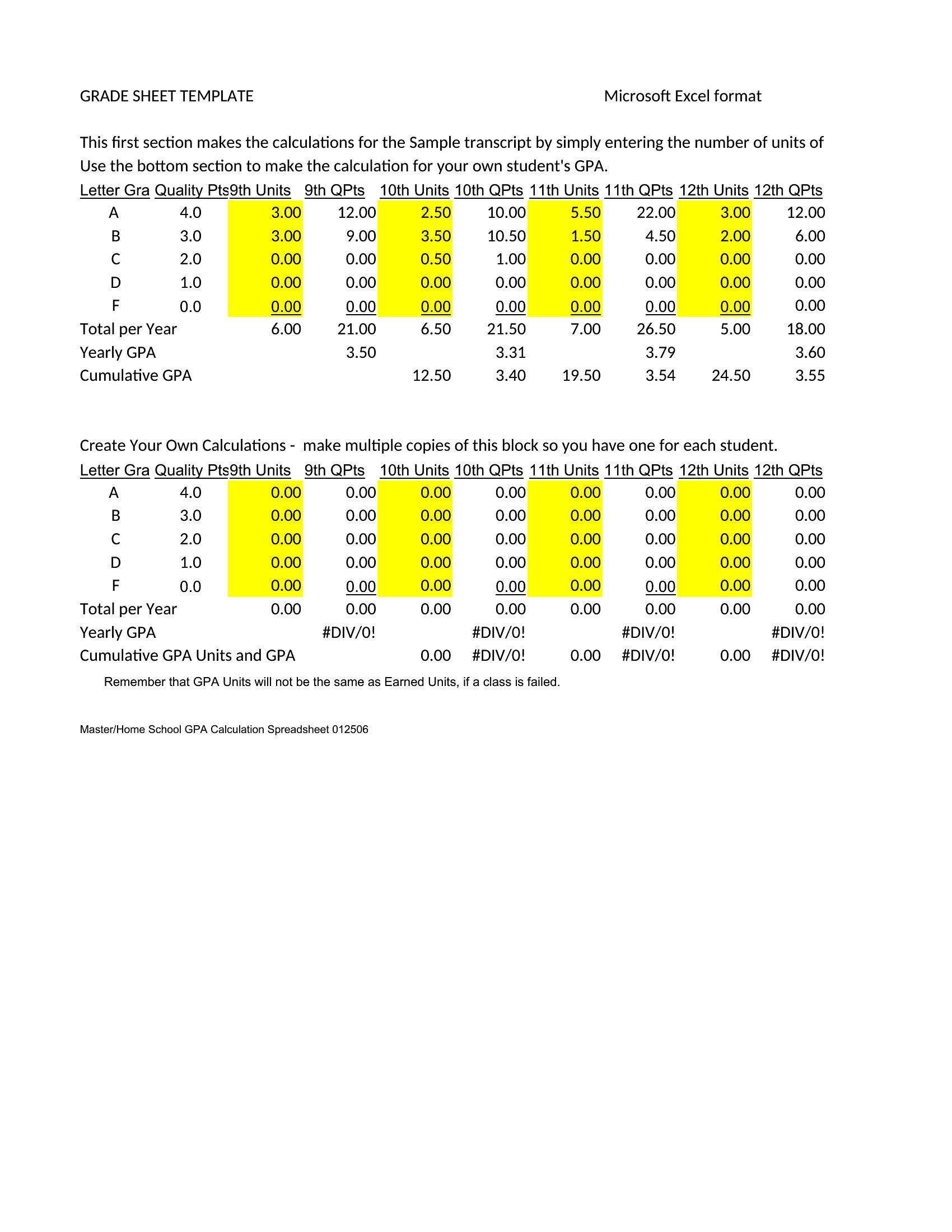
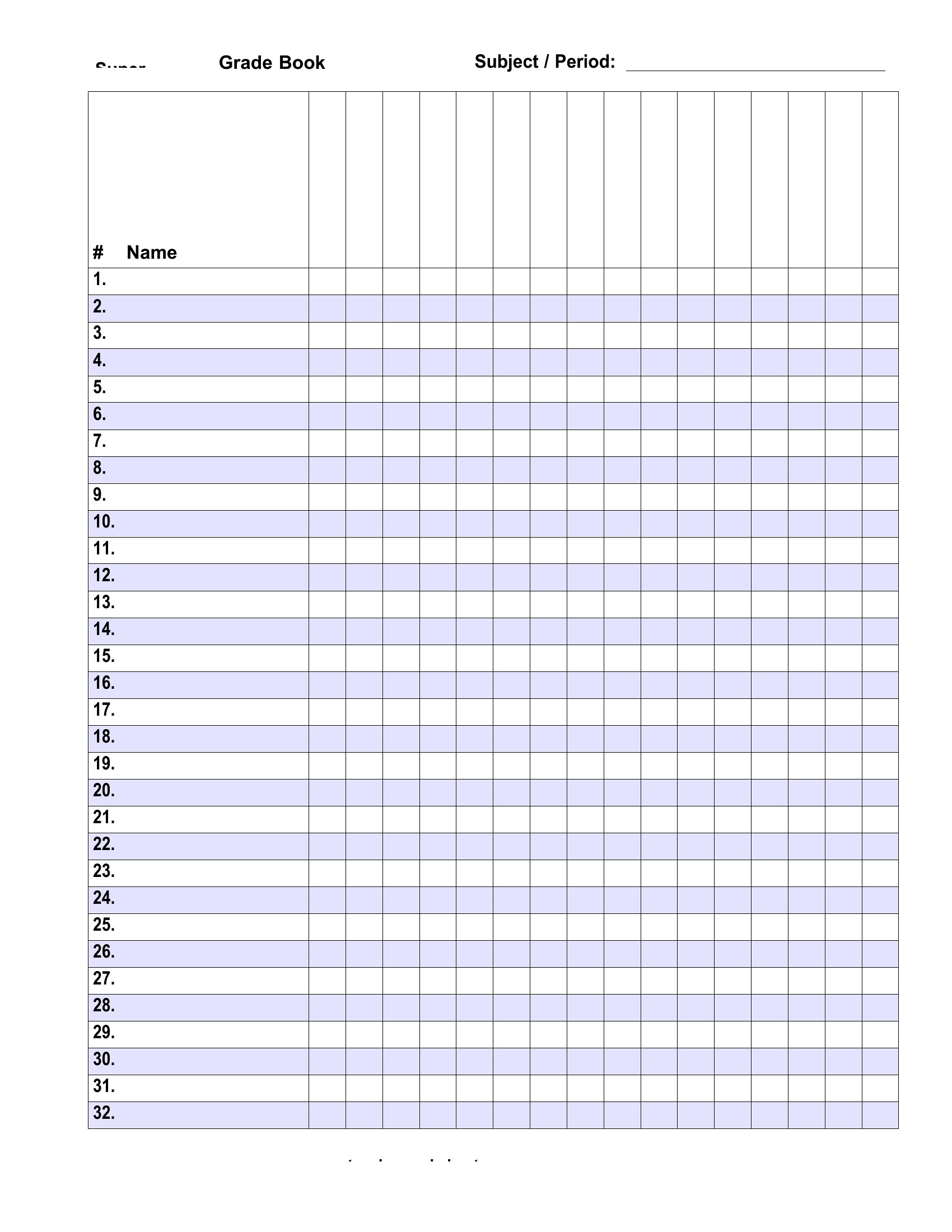
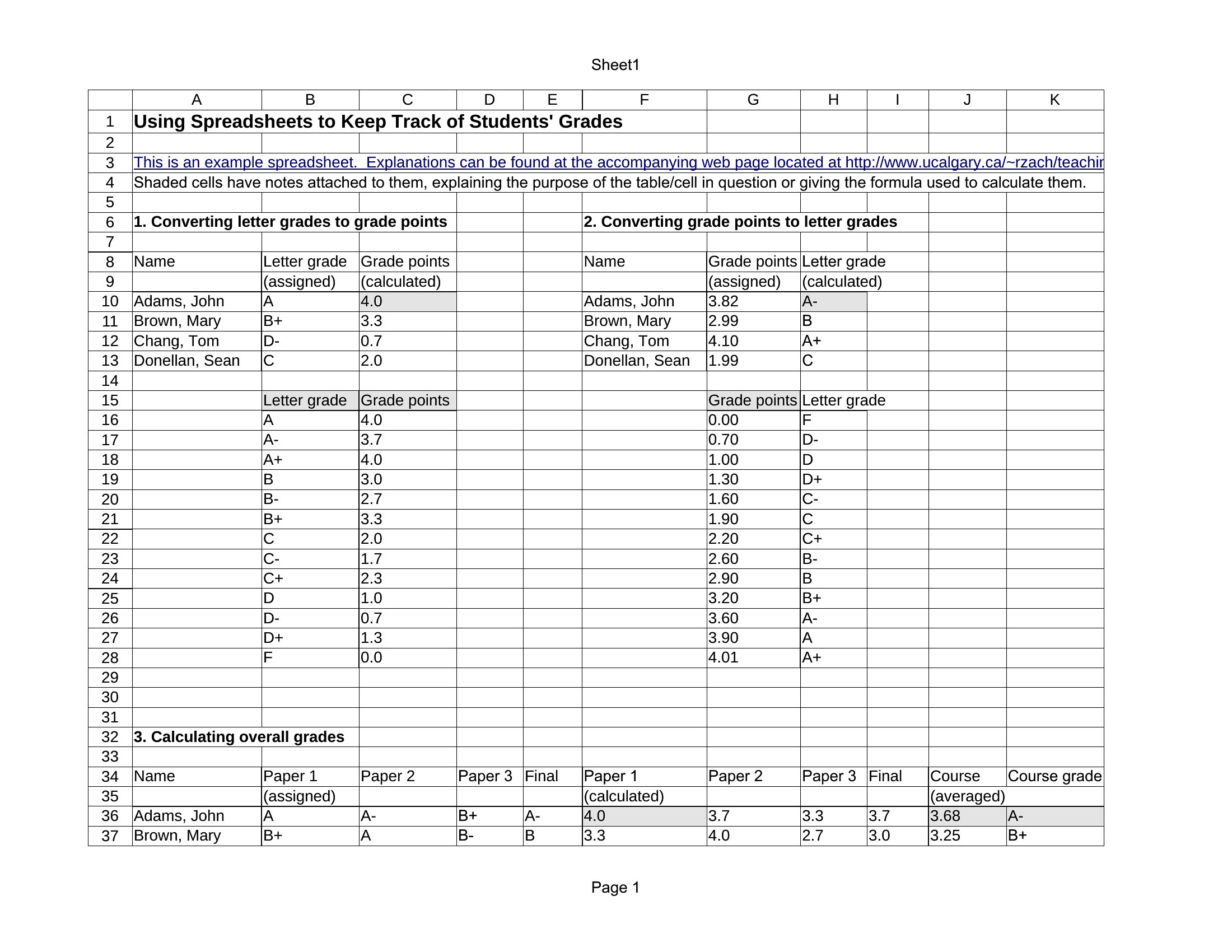
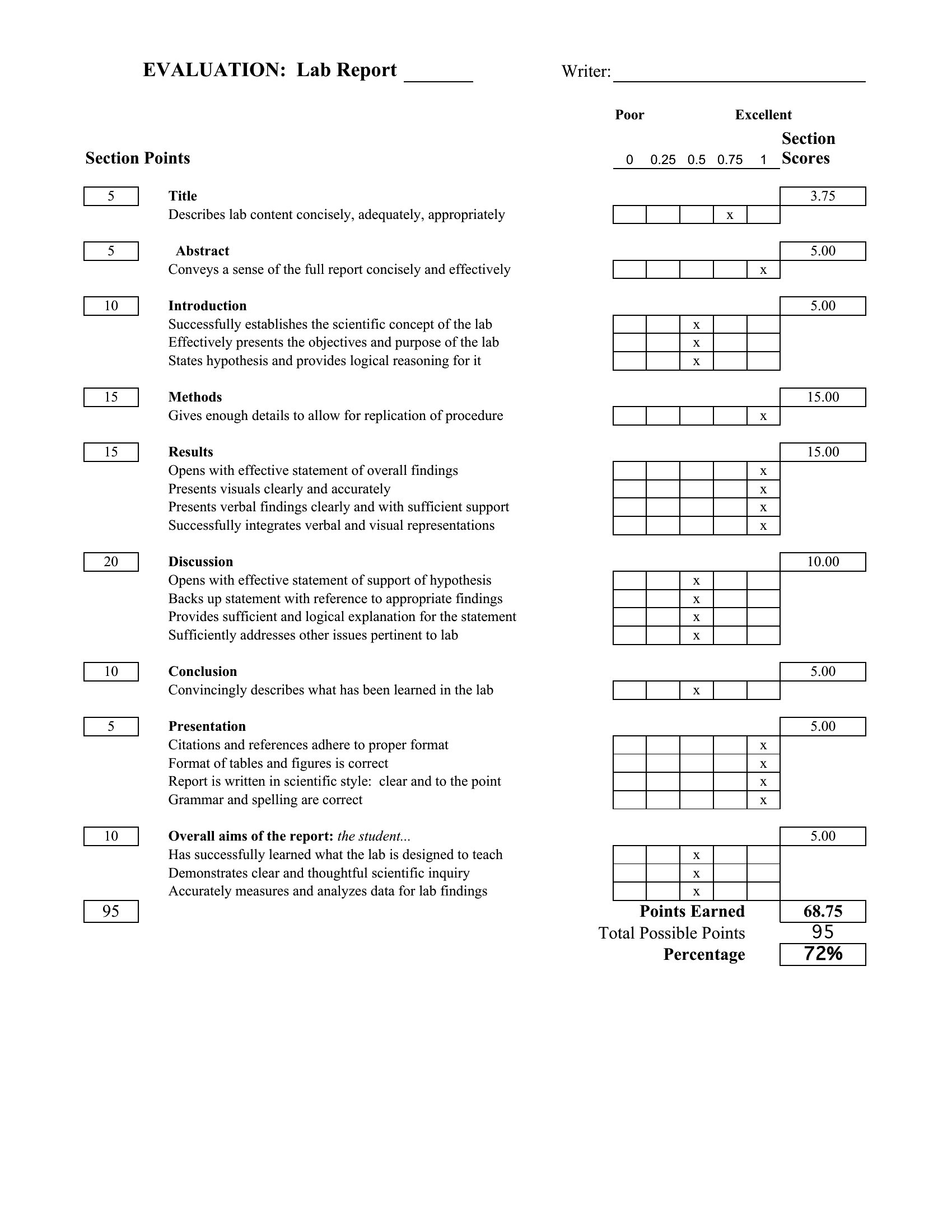
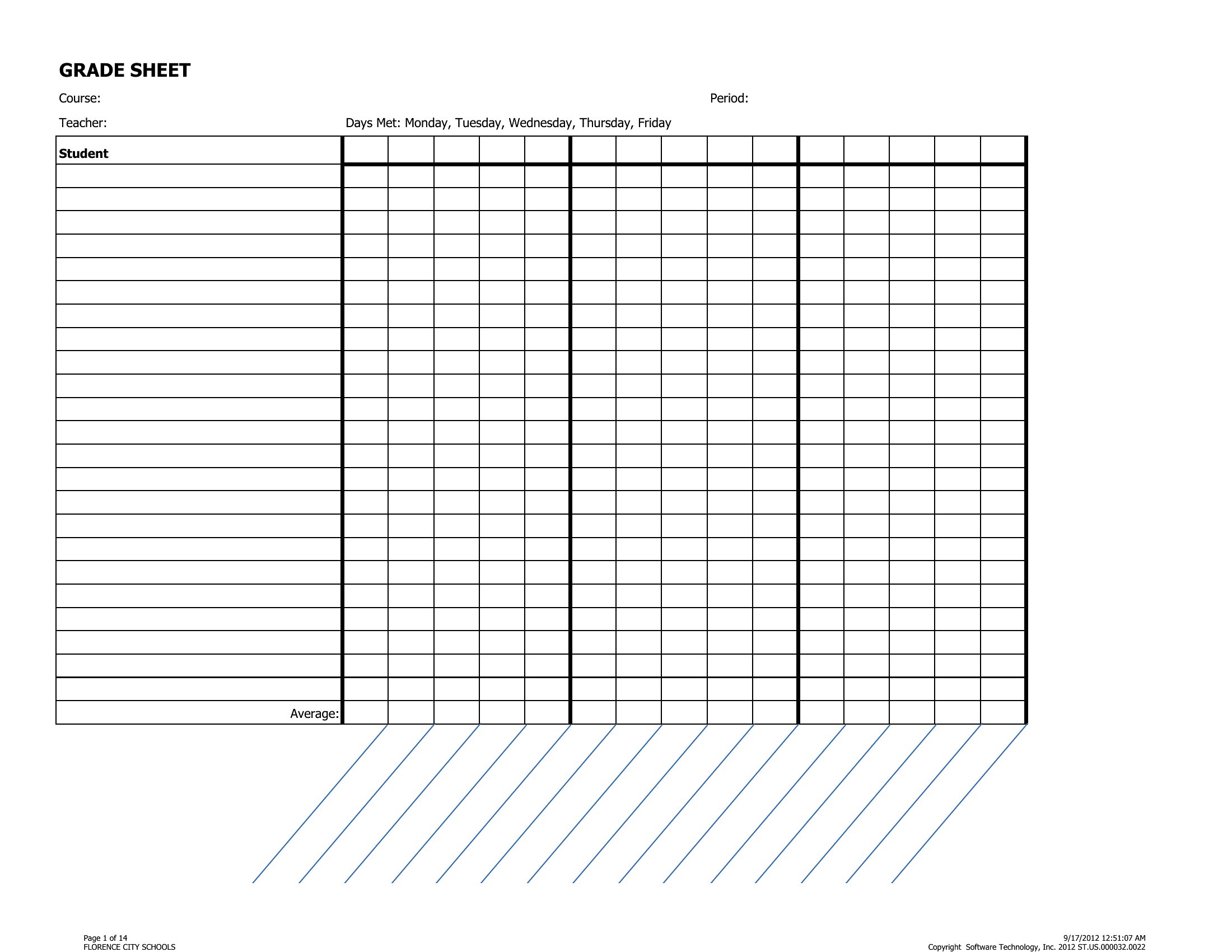
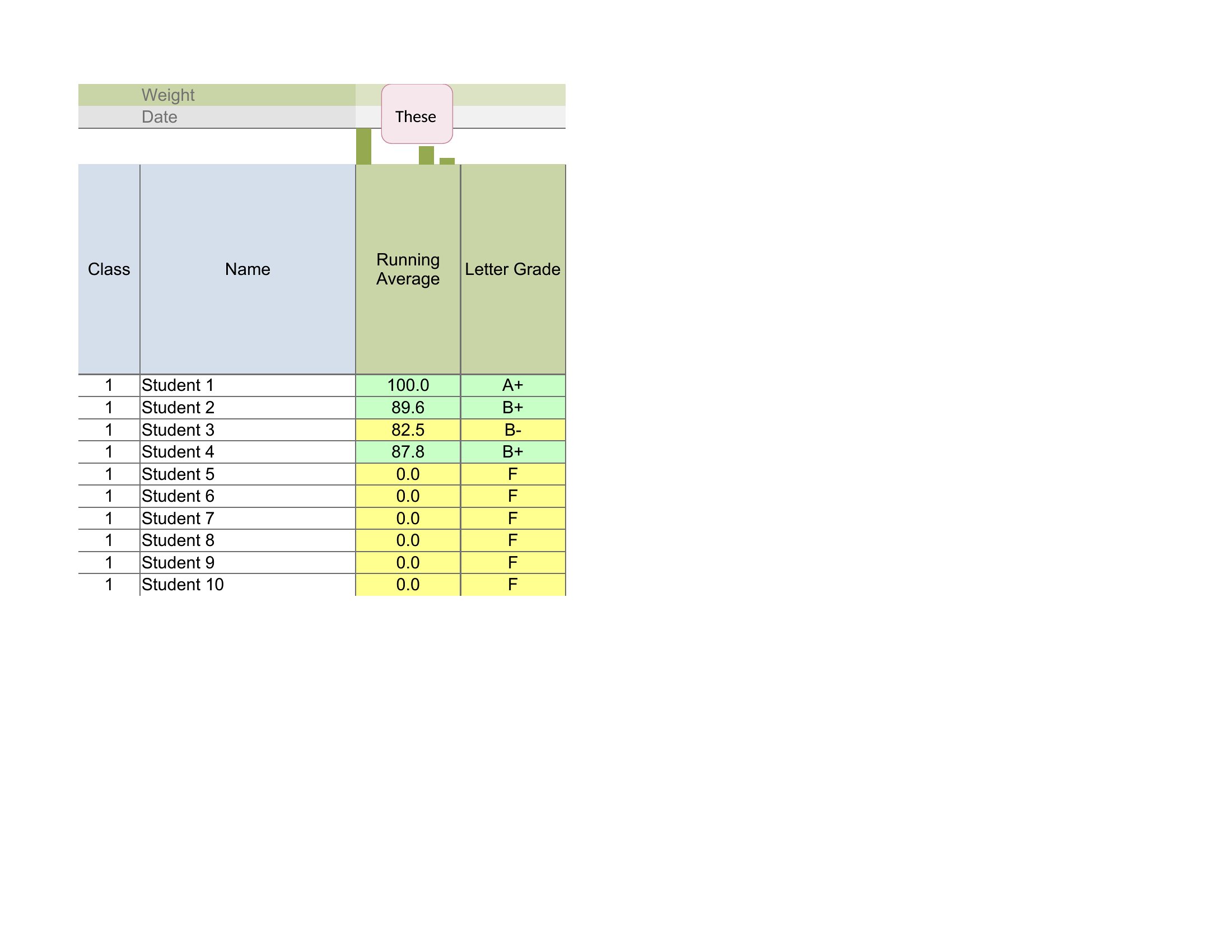
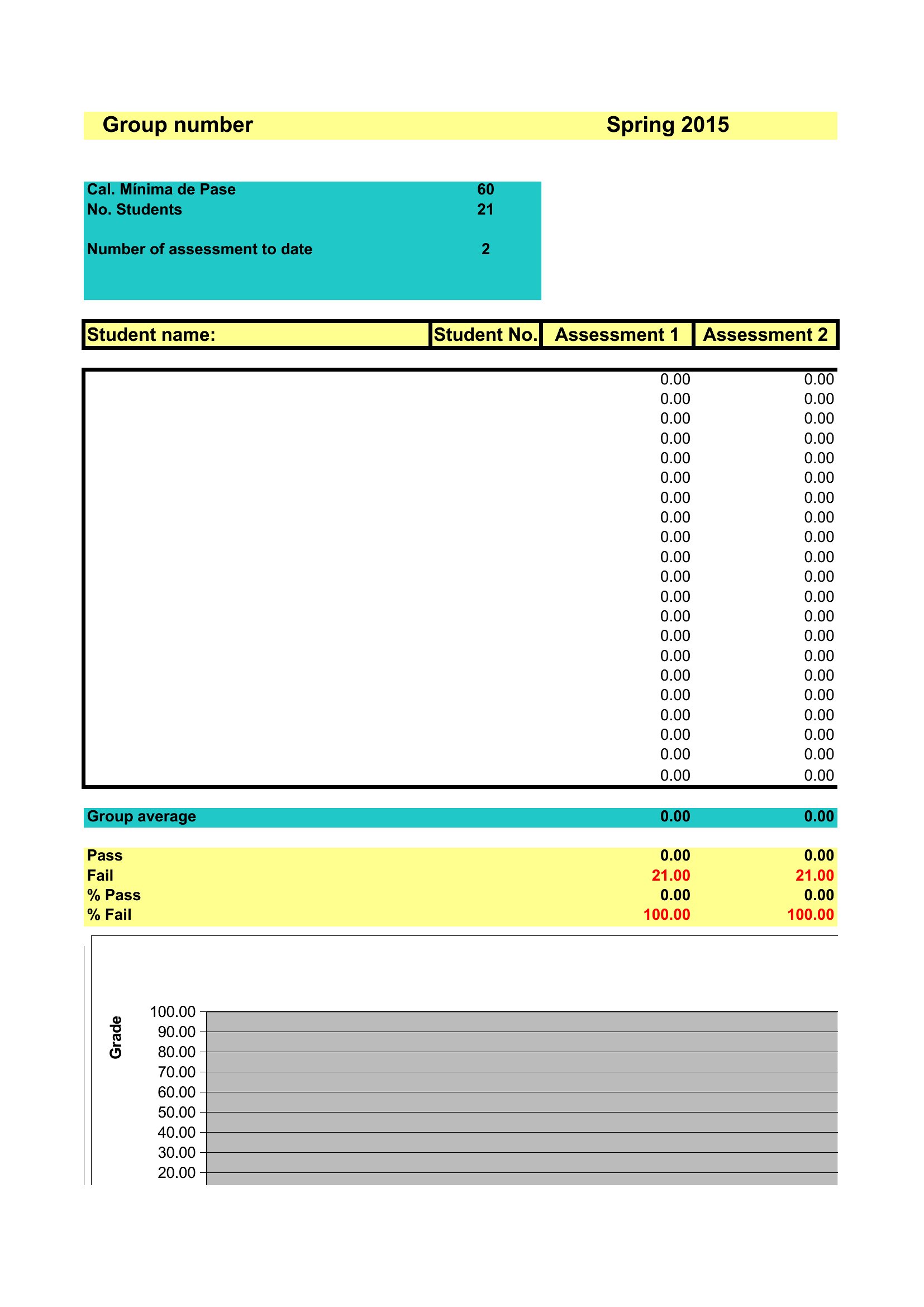
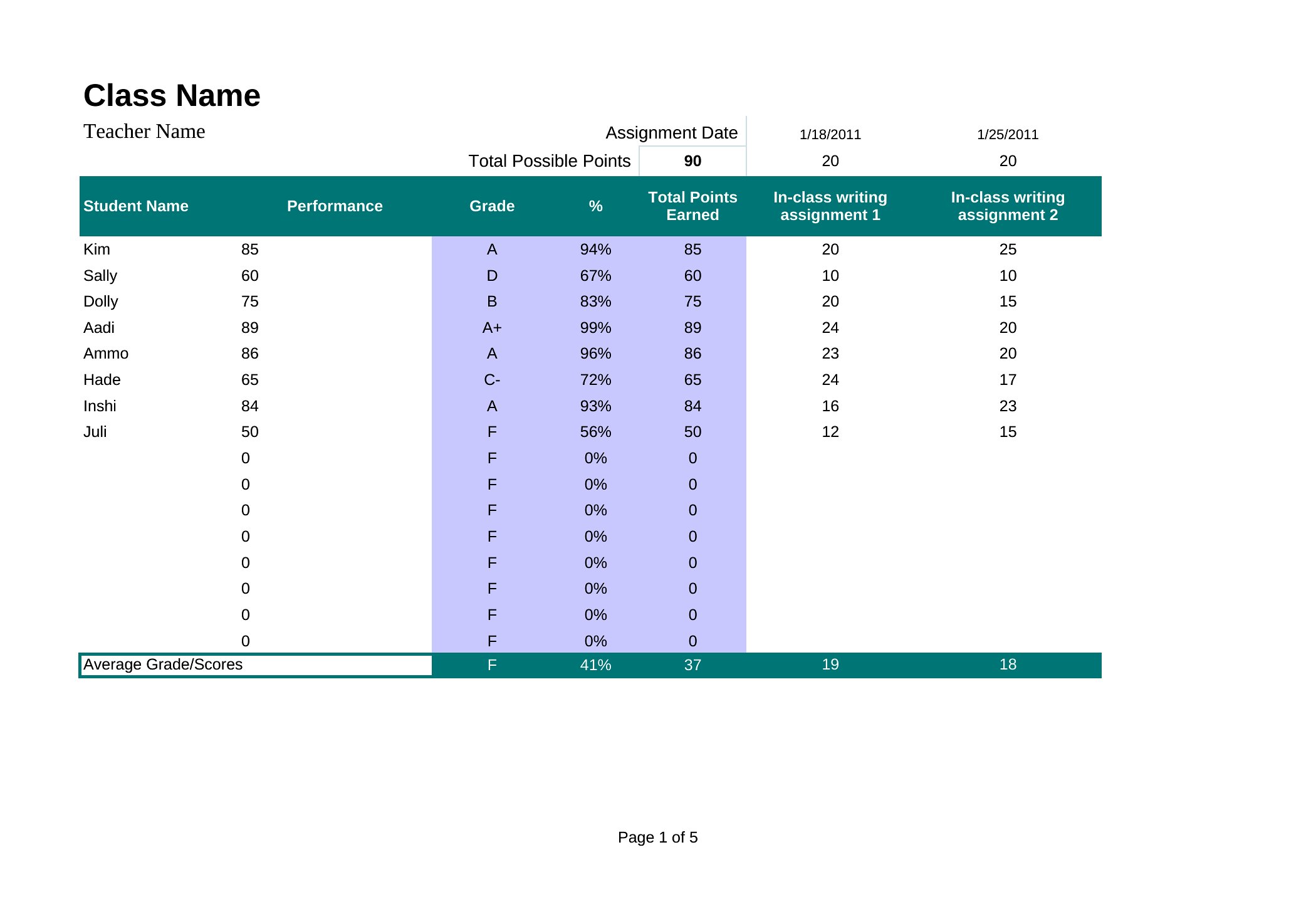
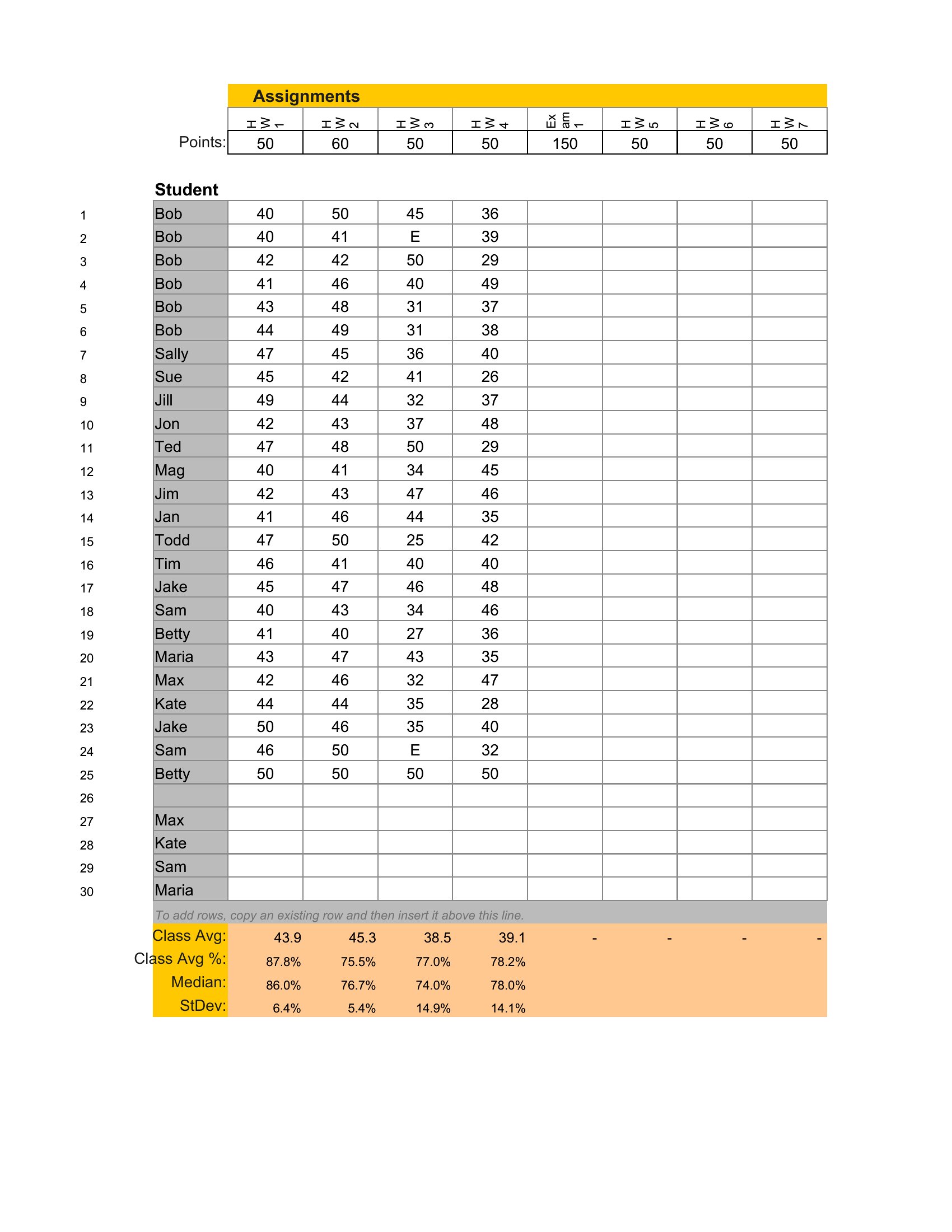
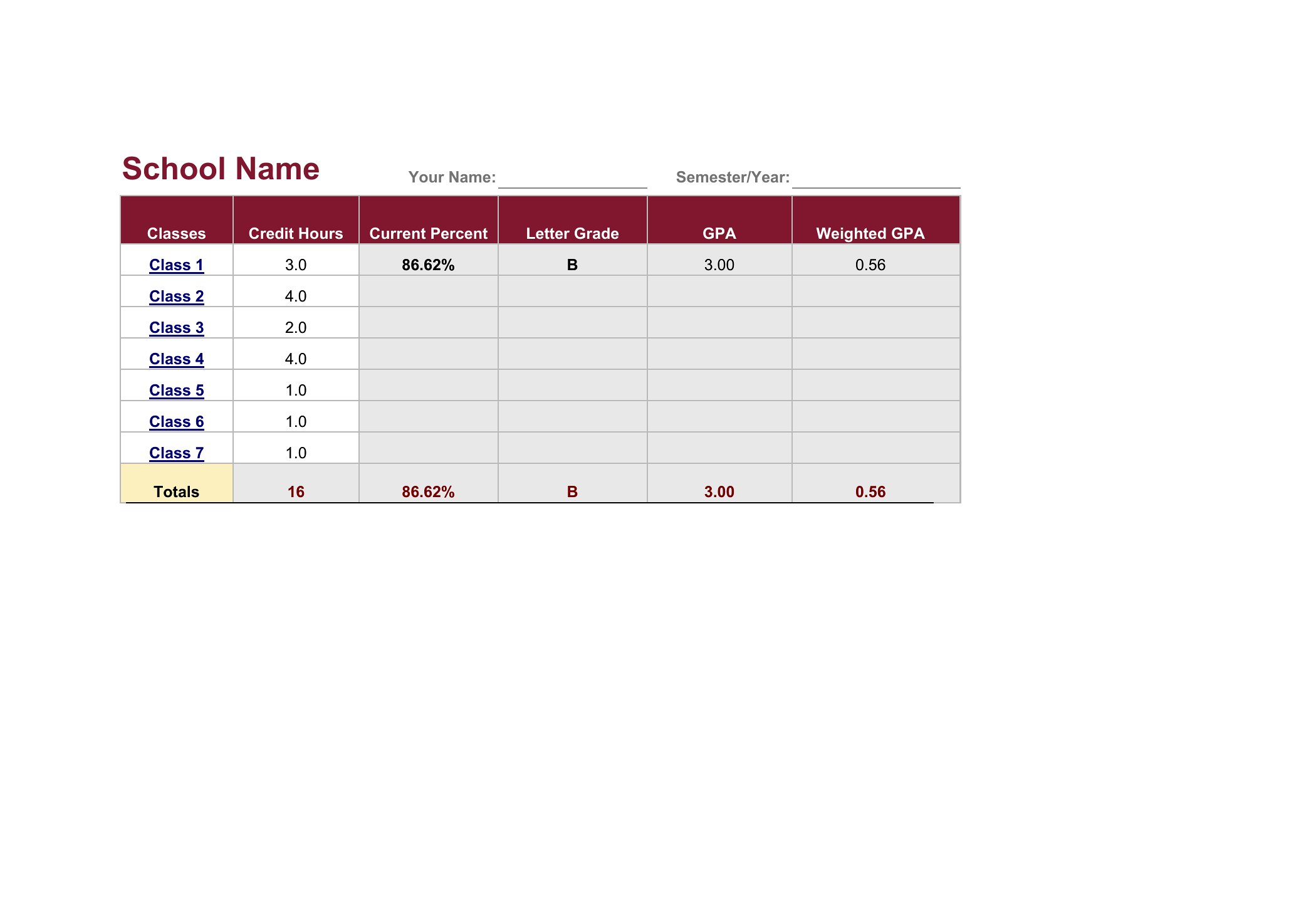
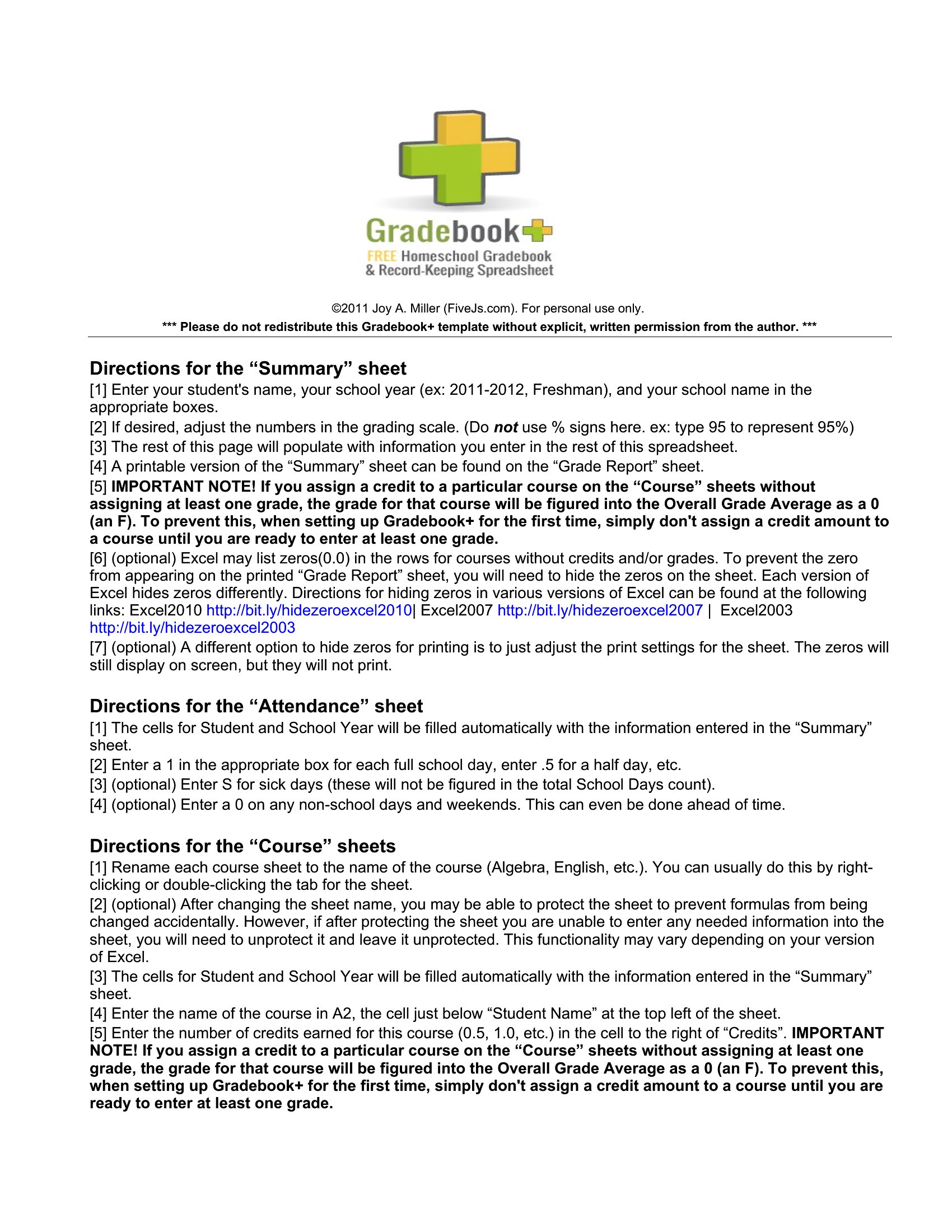
Word Gradebook
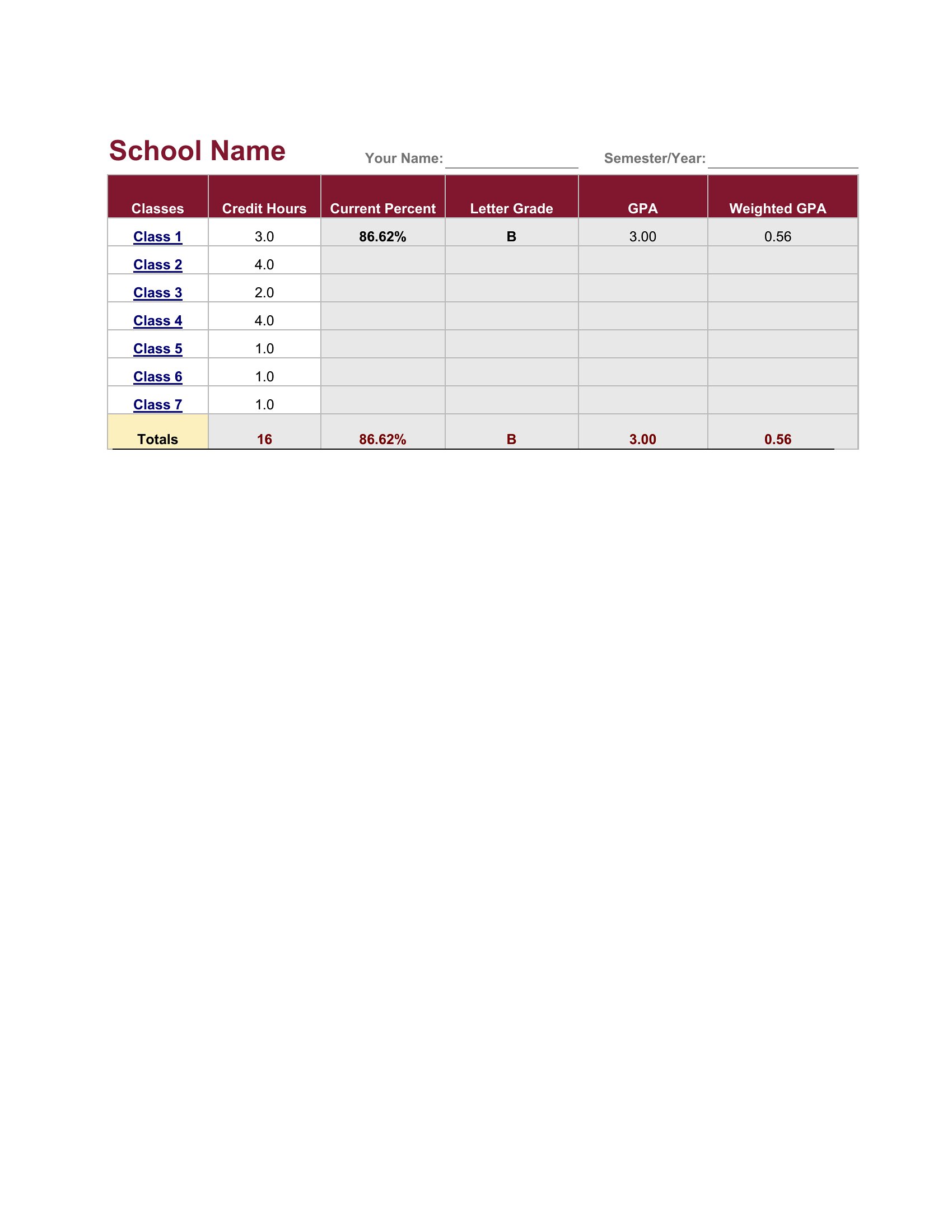
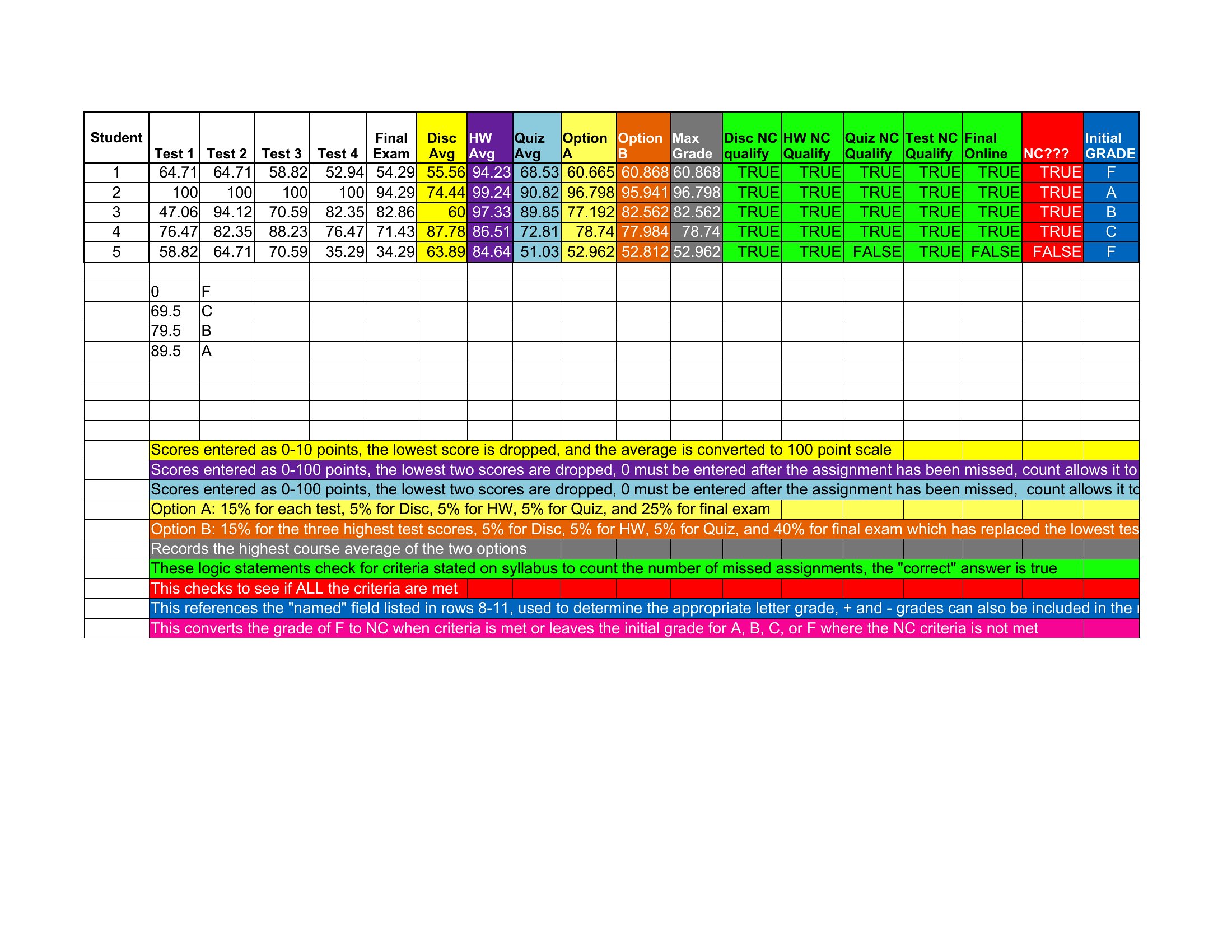
Blank Gradebook
FAQ
Can these templates handle different grading scales, like letter grades alongside percentages?
Some templates include customizable fields for grading scales, but you’ll need to adjust the Excel formulas or Word table settings manually if you’re mixing percentages, letter grades (A-F), or numerical scores. Start with a template labeled ‘fillable’ or ‘example’ to see how scales are formatted before personalizing it.
How do I add extra columns for comments or notes without breaking the gradebook’s structure?
In Excel, insert new columns to the right of the grading data and label them clearly (e.g., ‘Notes’ or ‘Parent Feedback’). For Word or PDF templates, use the ‘Table’ tool to add cells alongside existing data, then merge cells vertically if you want longer comment boxes. Avoid adding rows above headers to preserve the template’s alignment.
Are there templates that separate homework, quiz, and exam scores with different weightings?
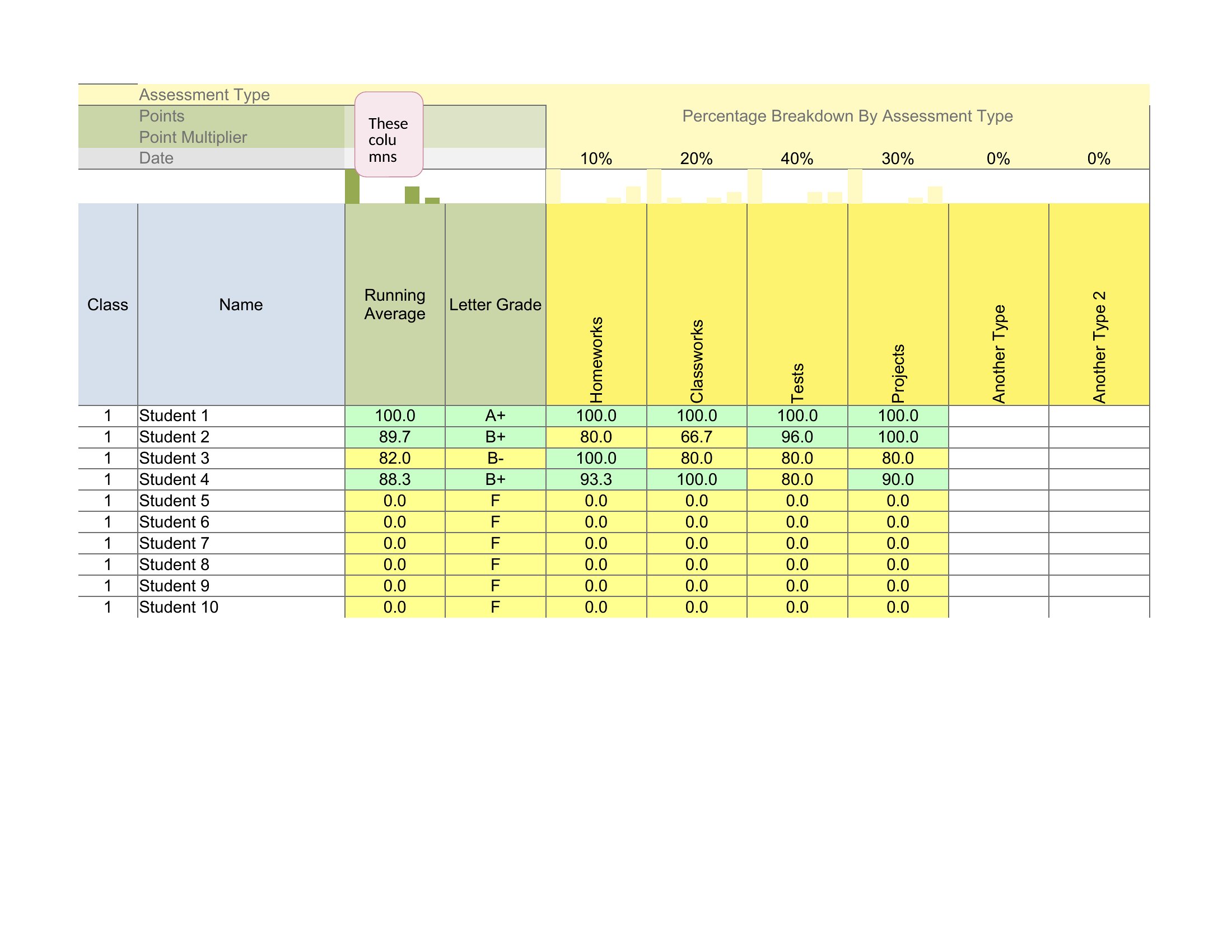
Yes, several Excel templates in this collection include multiple columns for weighted categories (e.g., ‘Homework 30%’, ‘Quizzes 20%’, ‘Exams 50%’) with formulas pre-set to calculate totals. Look for templates with ‘weighted average’ or ‘scoring breakdown’ in the title. Word versions may require manual setup of these categories.
Comments
Join the conversation
Sign in to share your thoughts and leave a comment on this resource.