Free Progress Report Templates (Word, PDF)
StatusTemplates
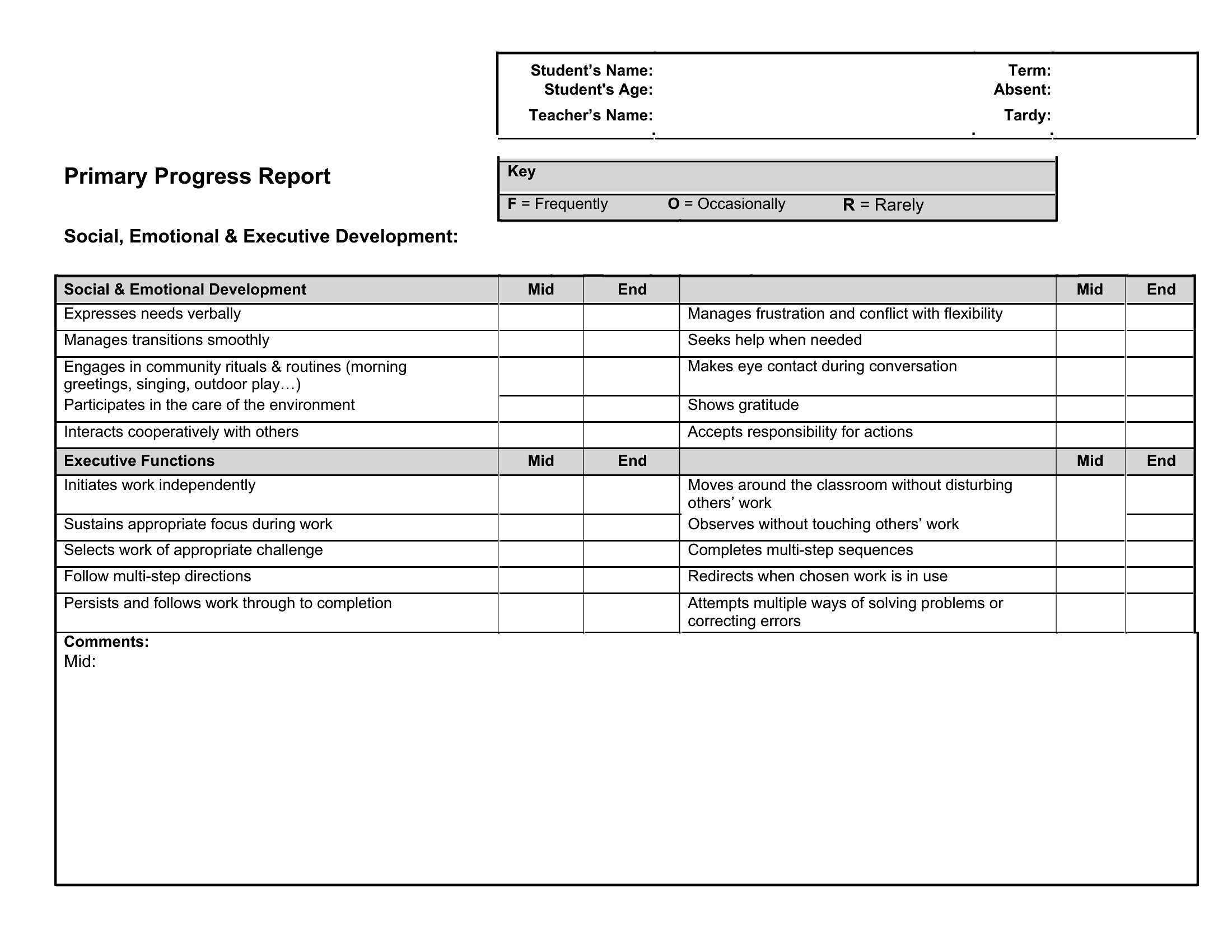
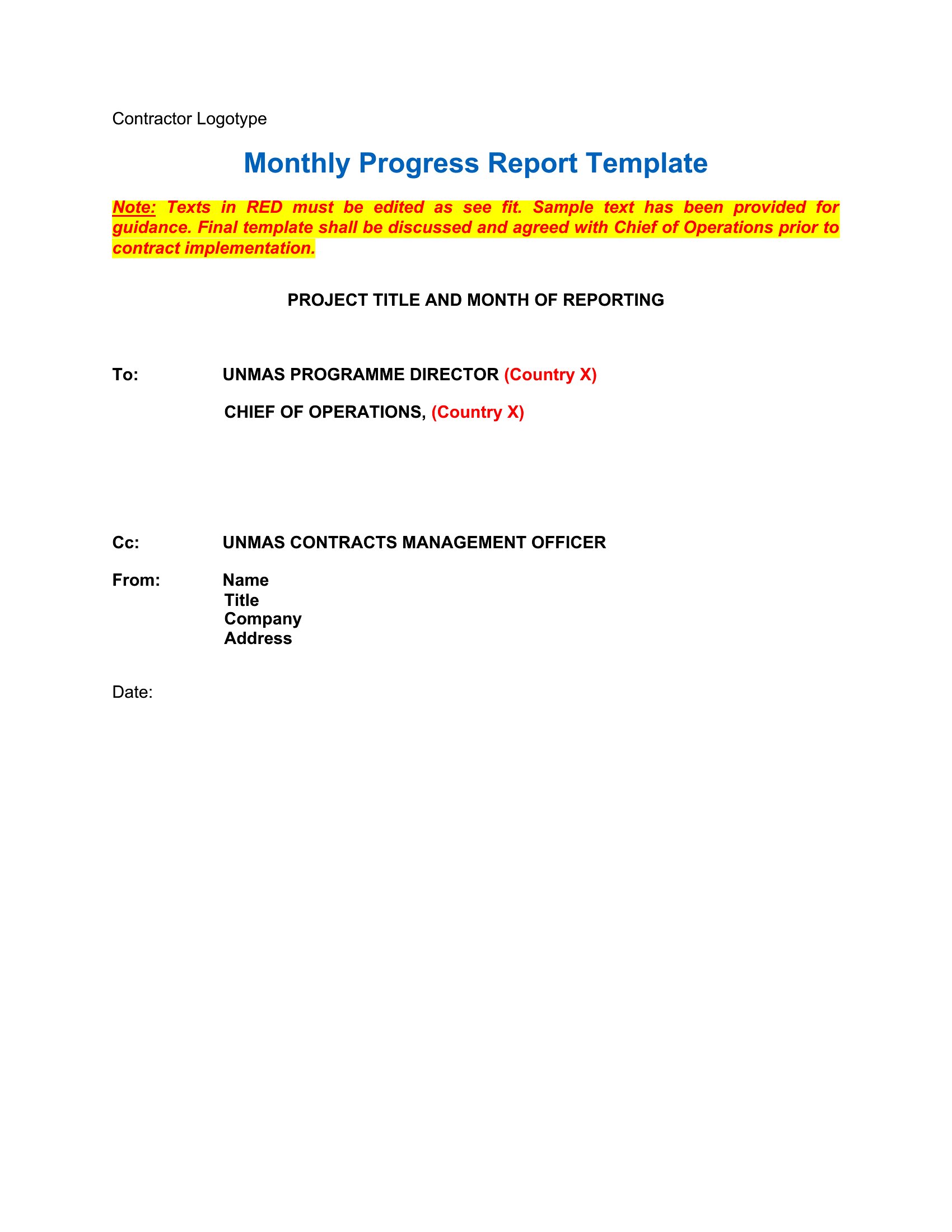
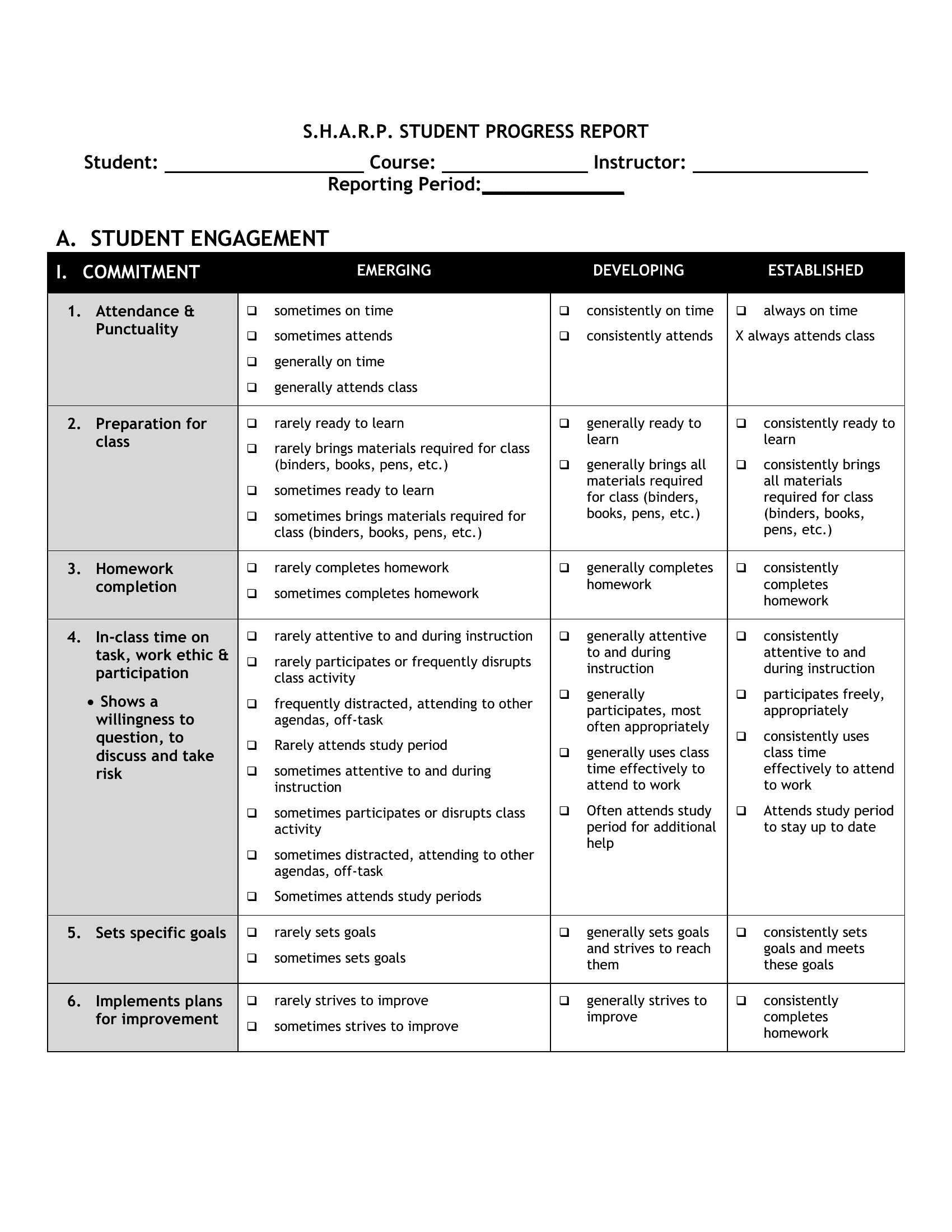
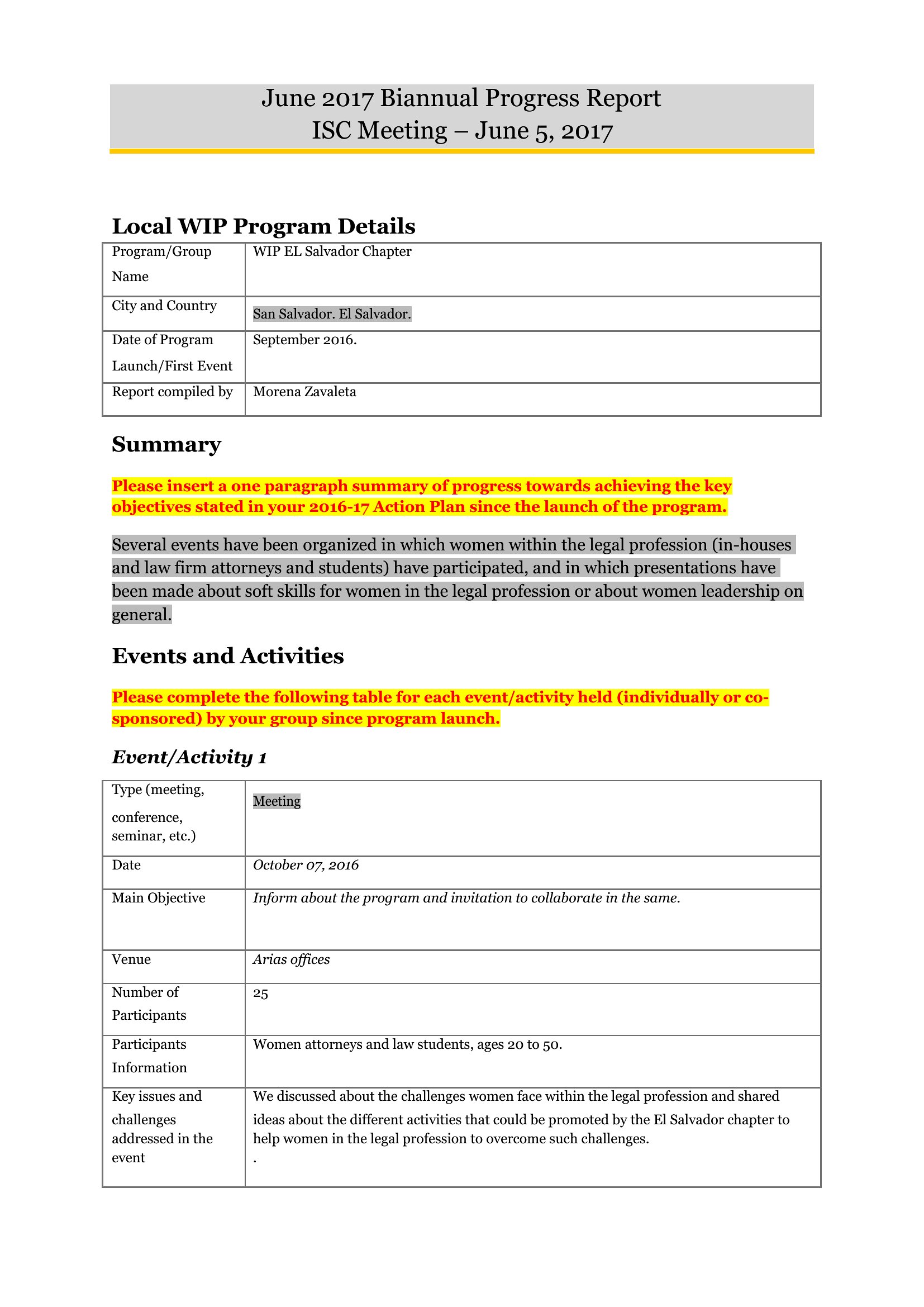
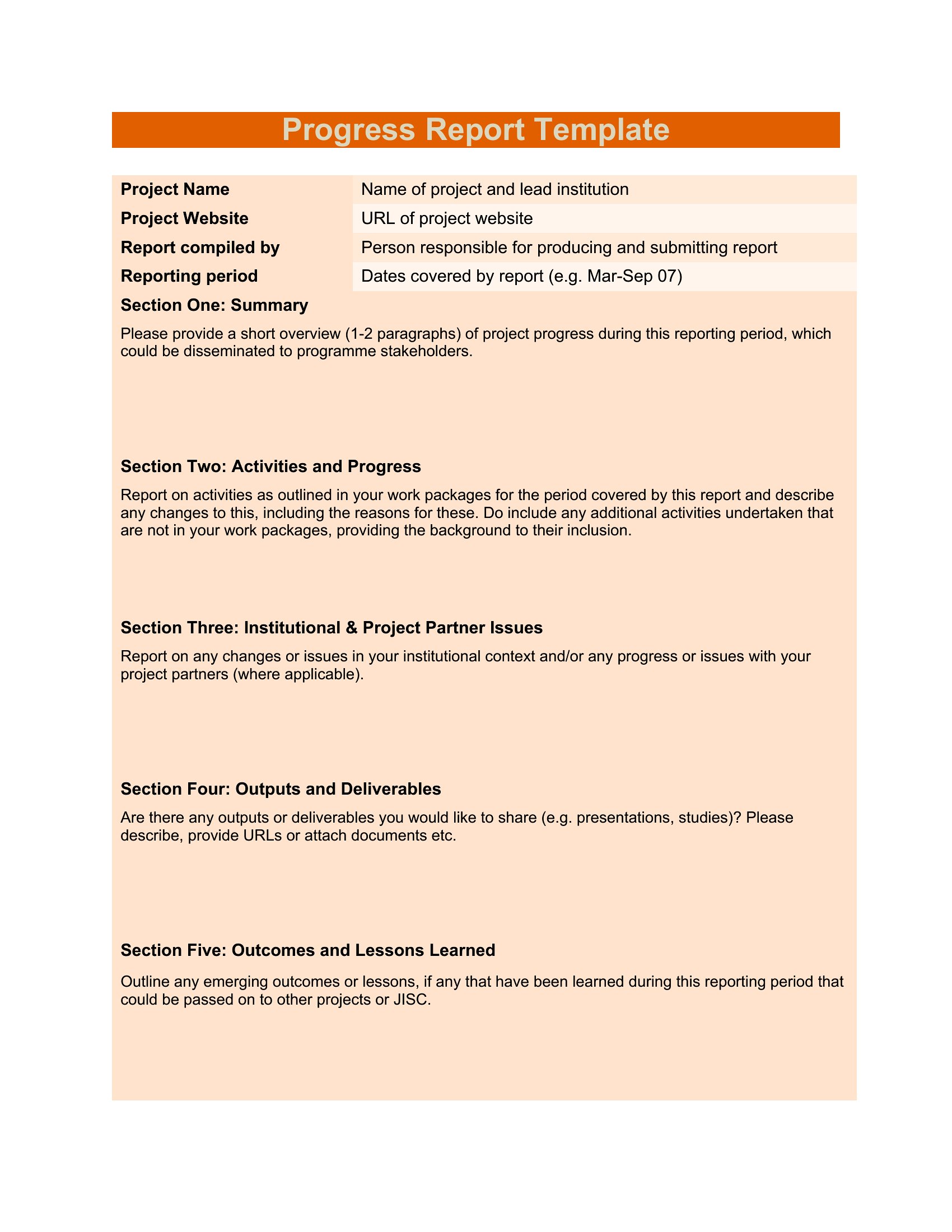
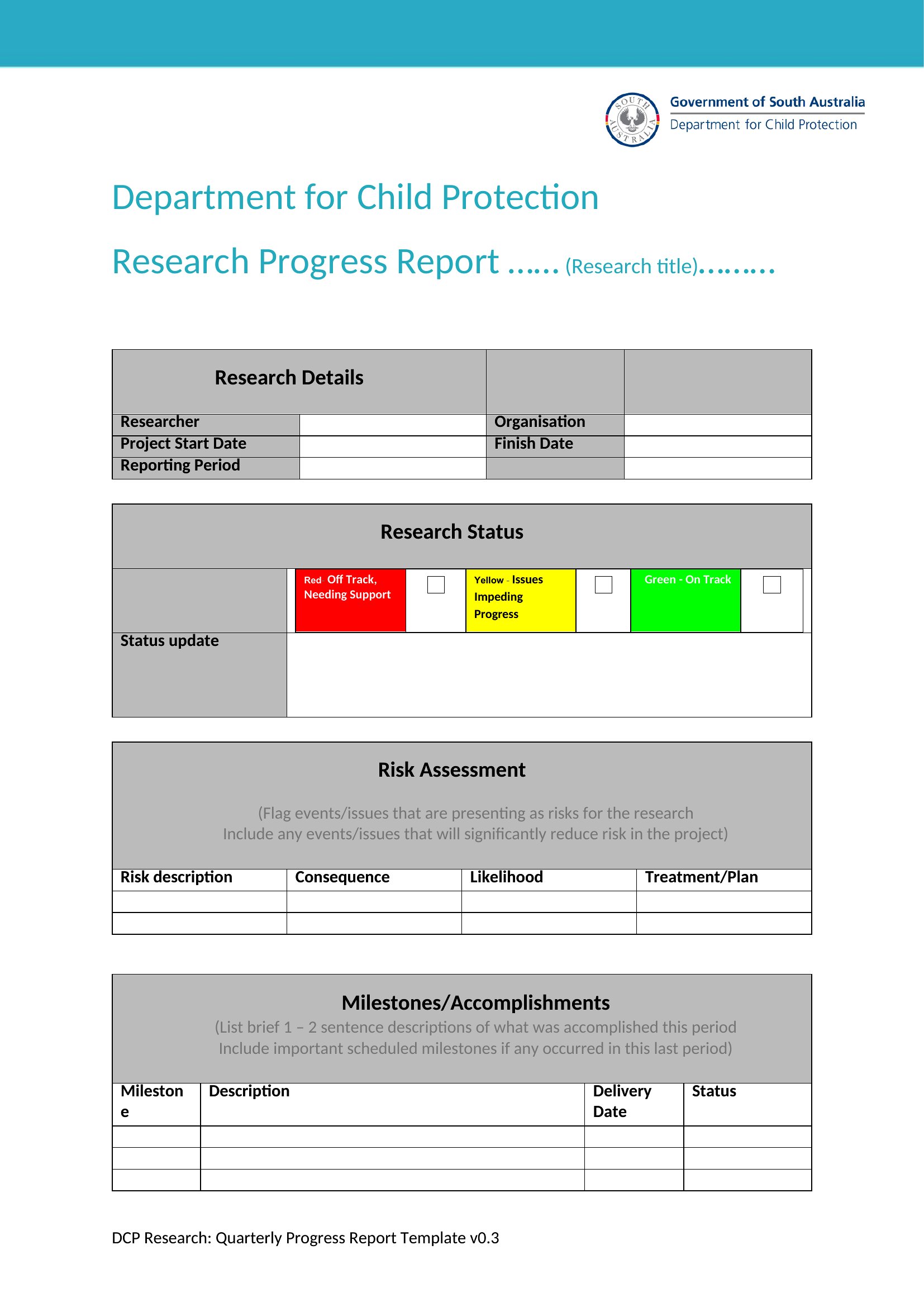
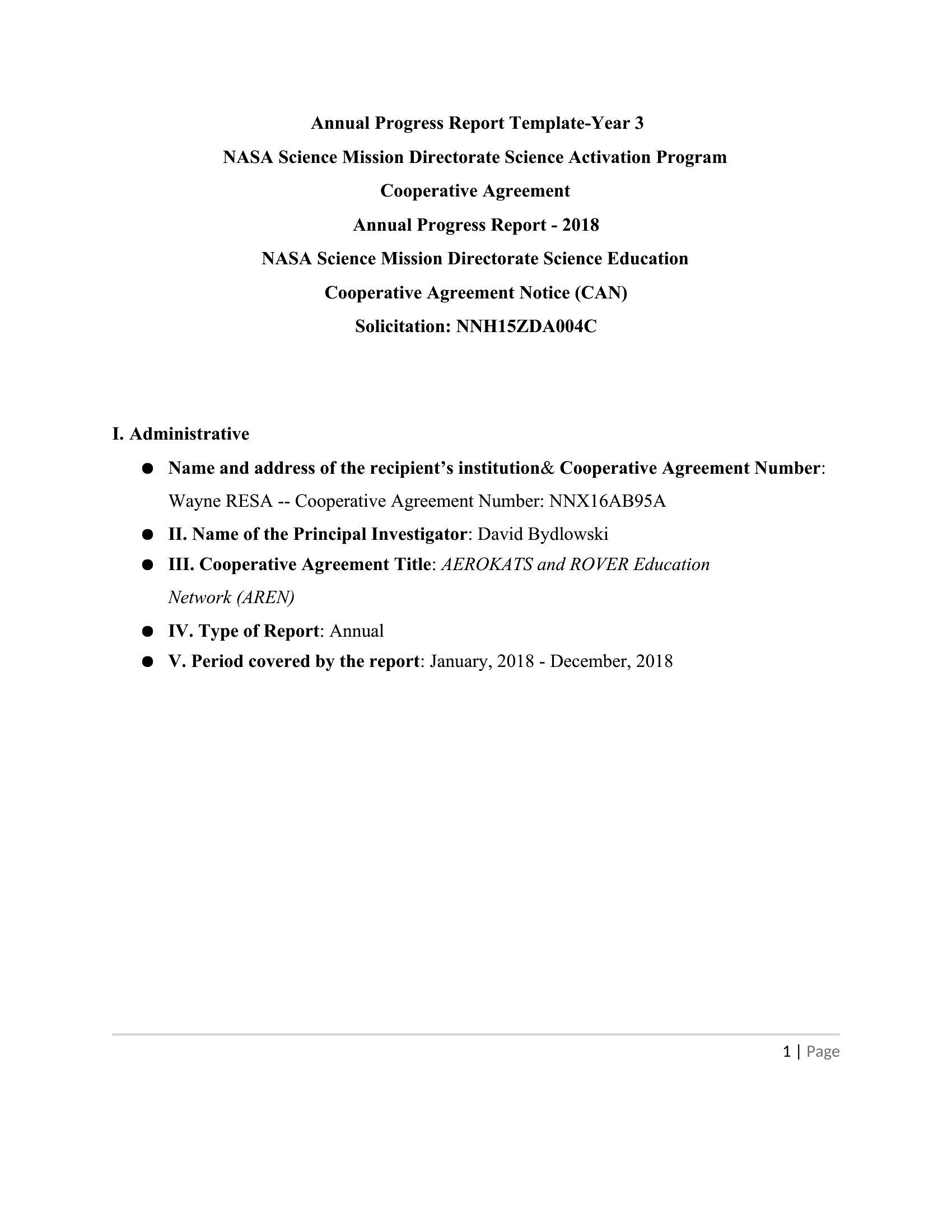
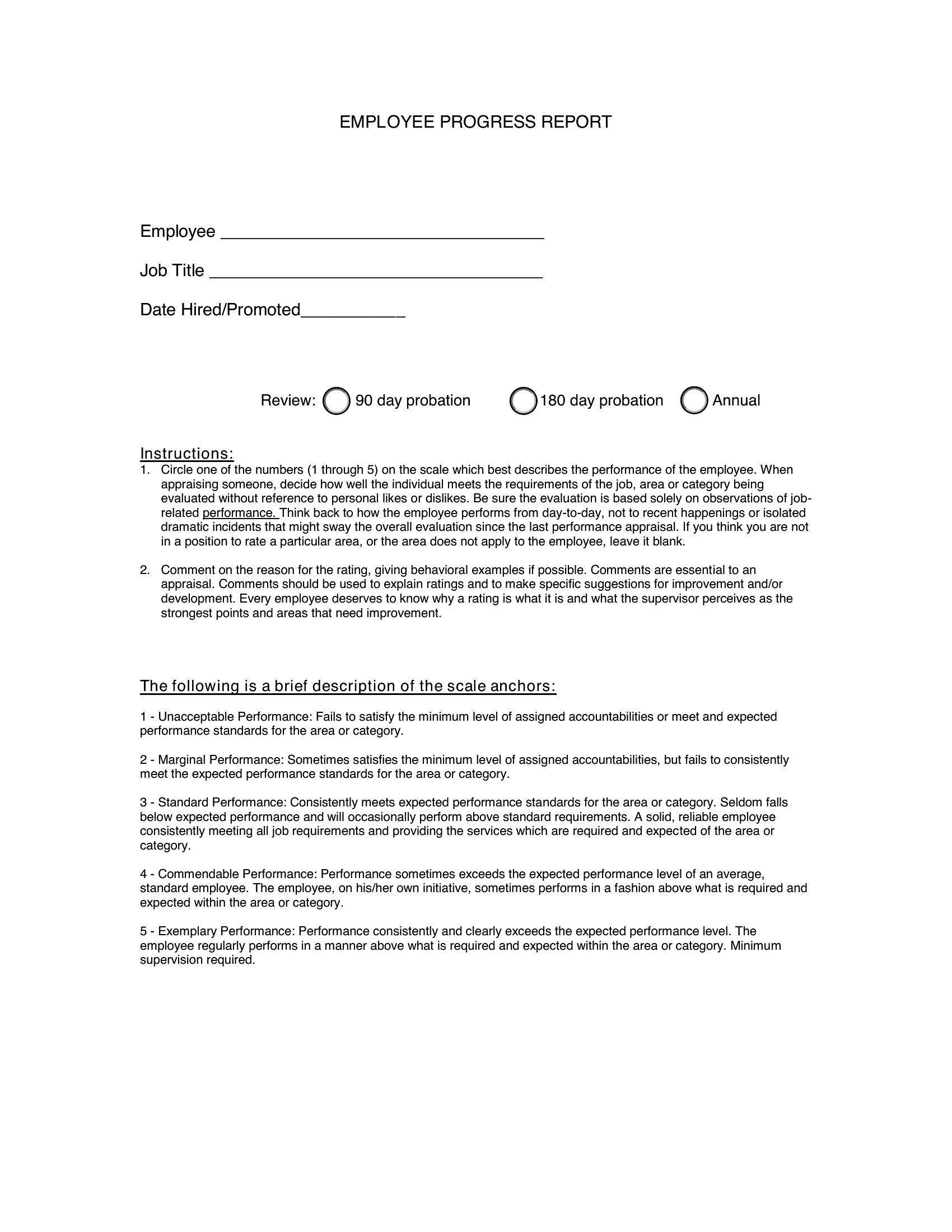
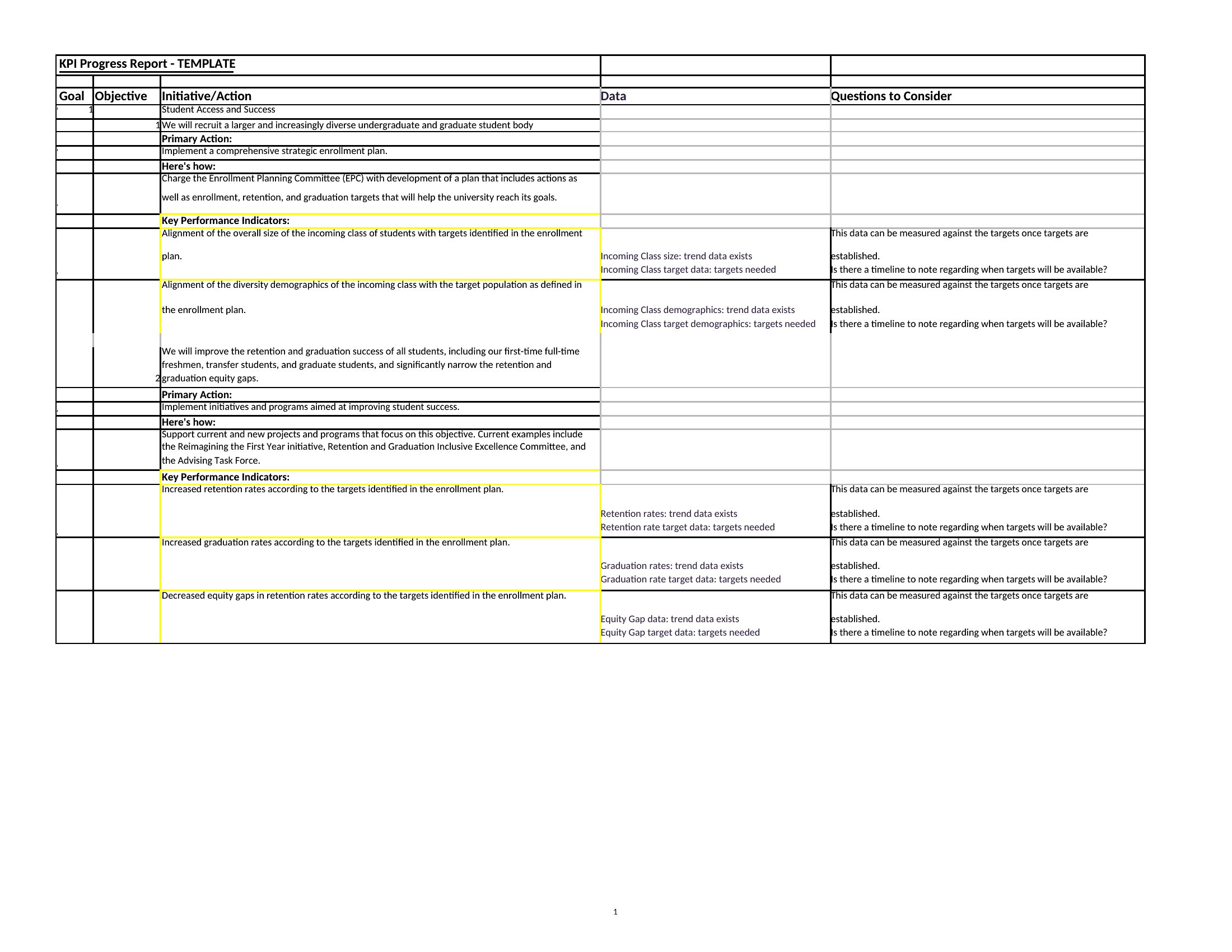
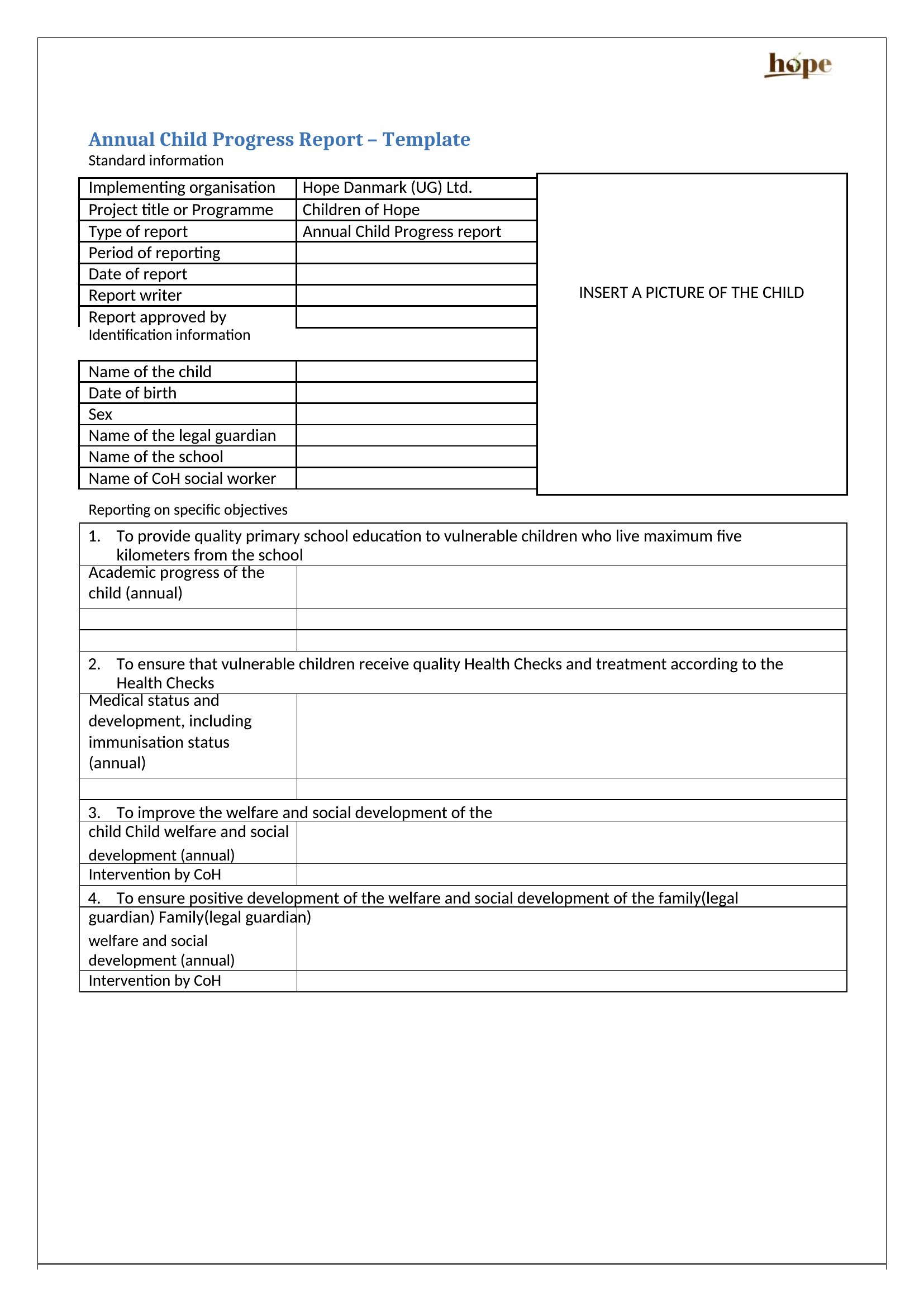
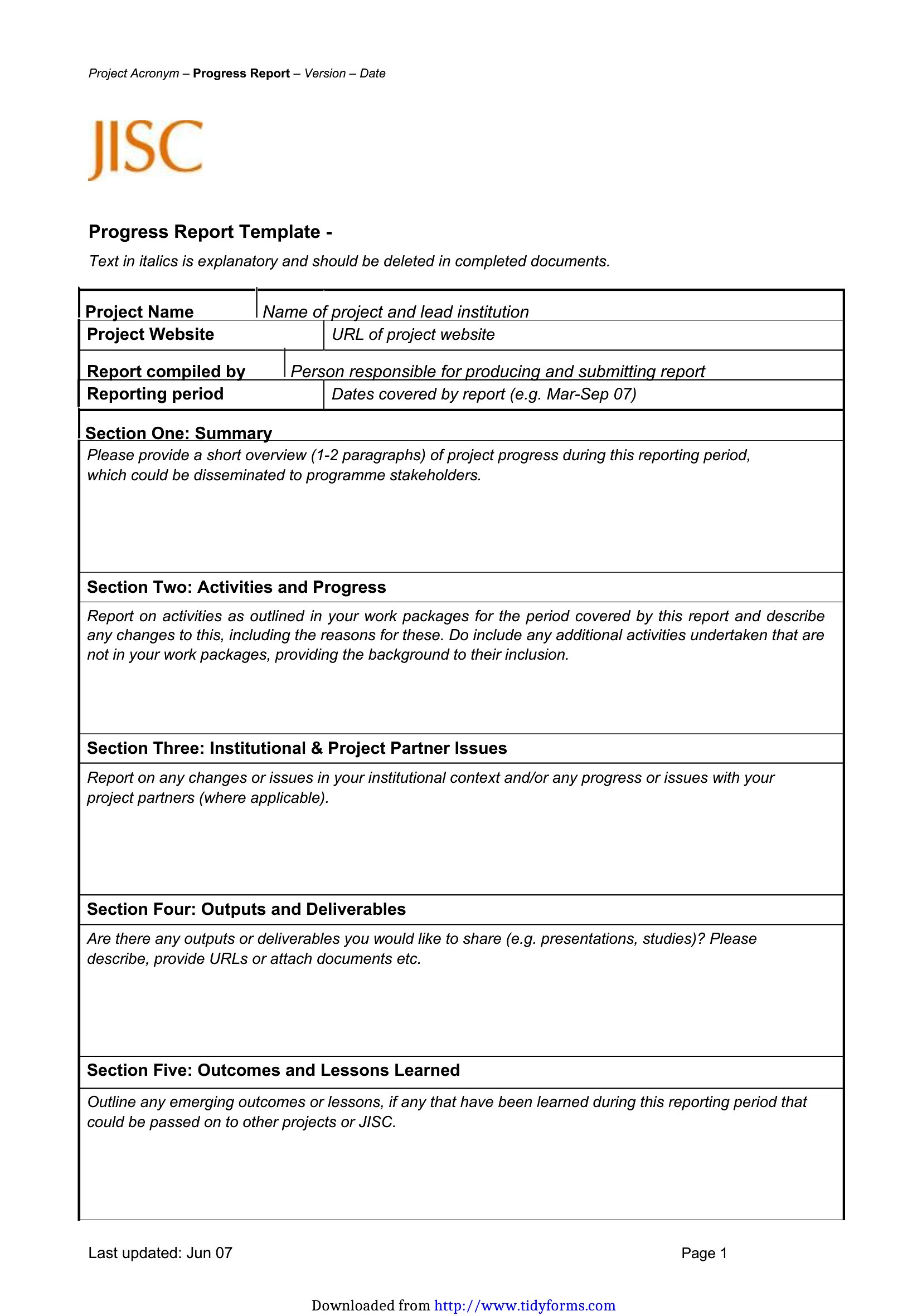
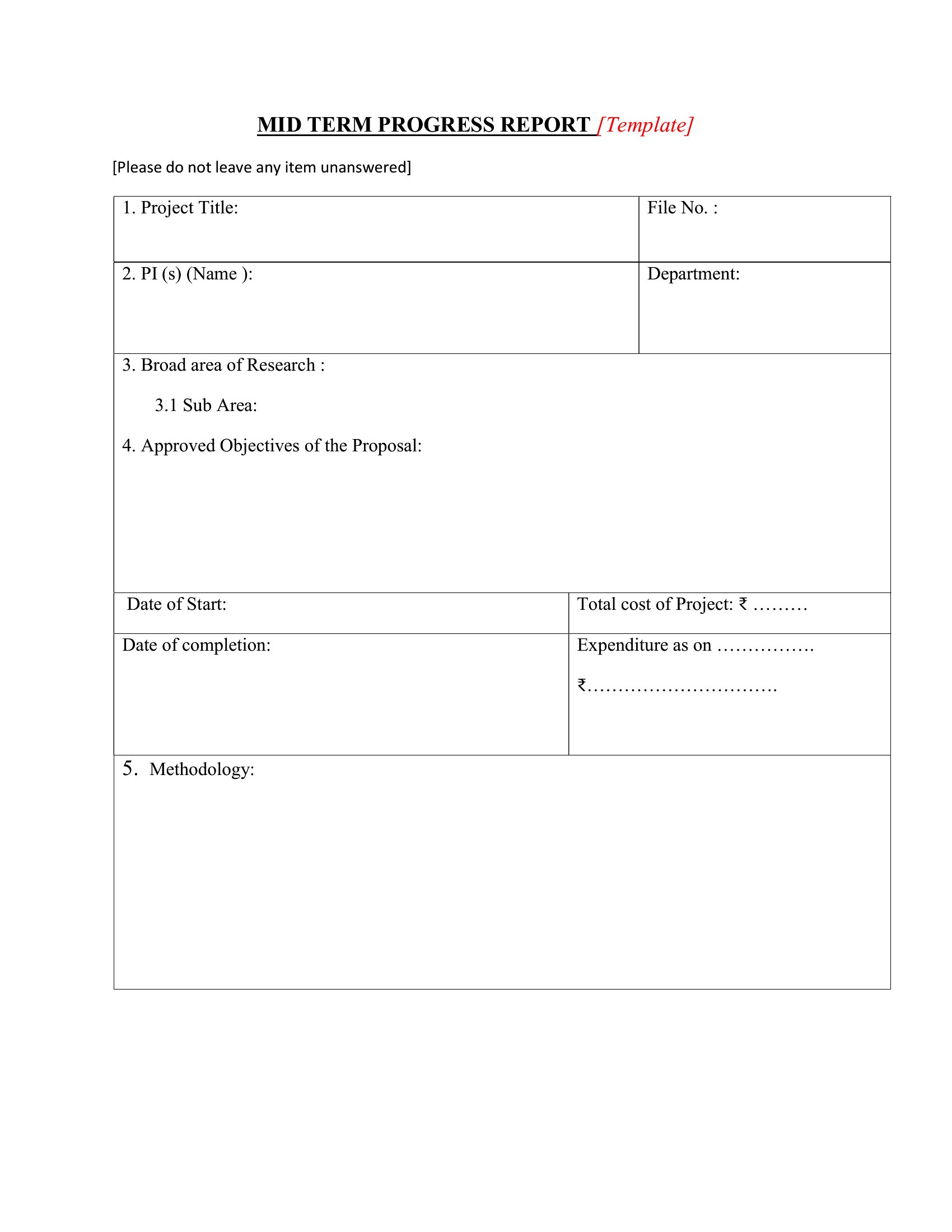
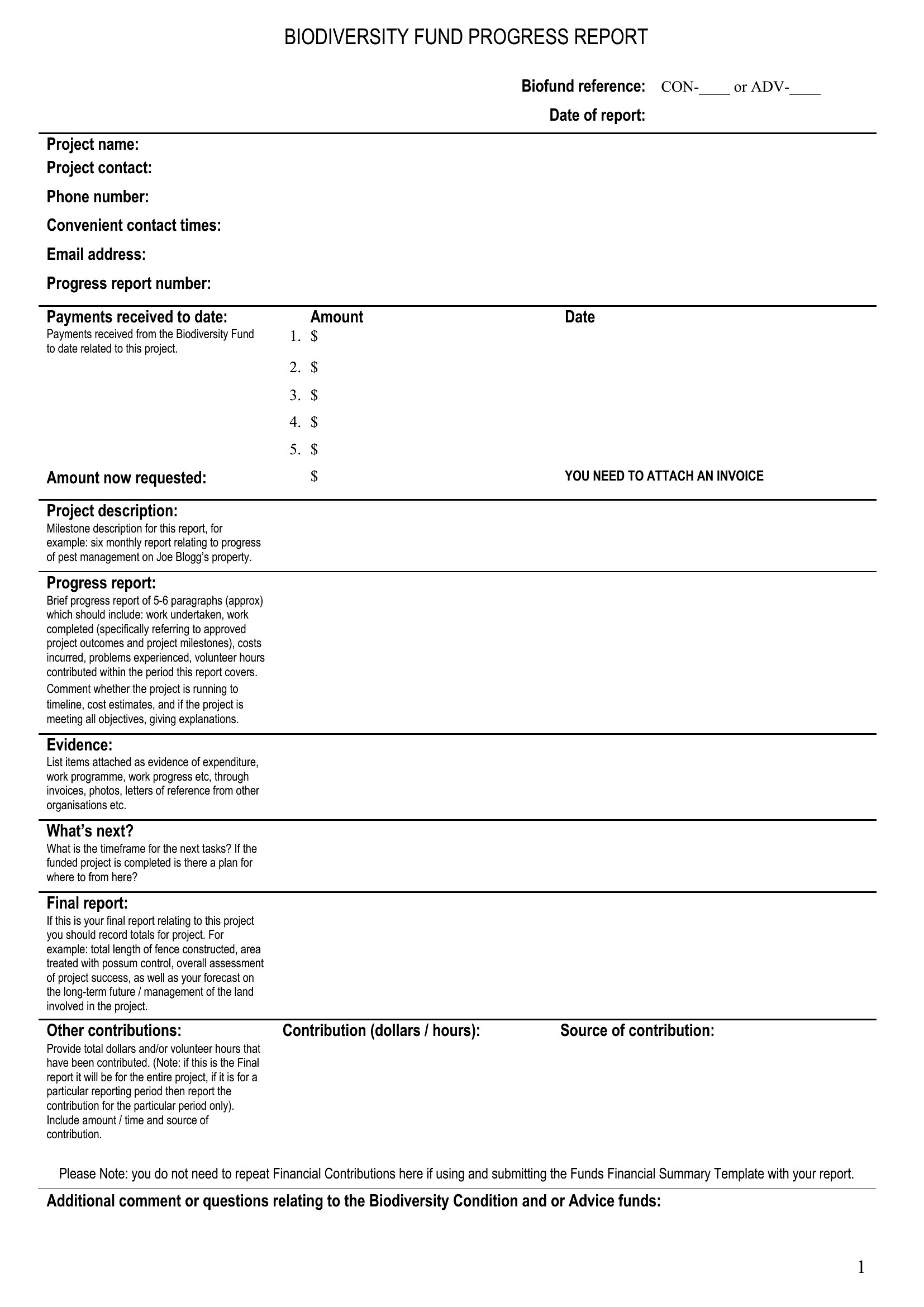
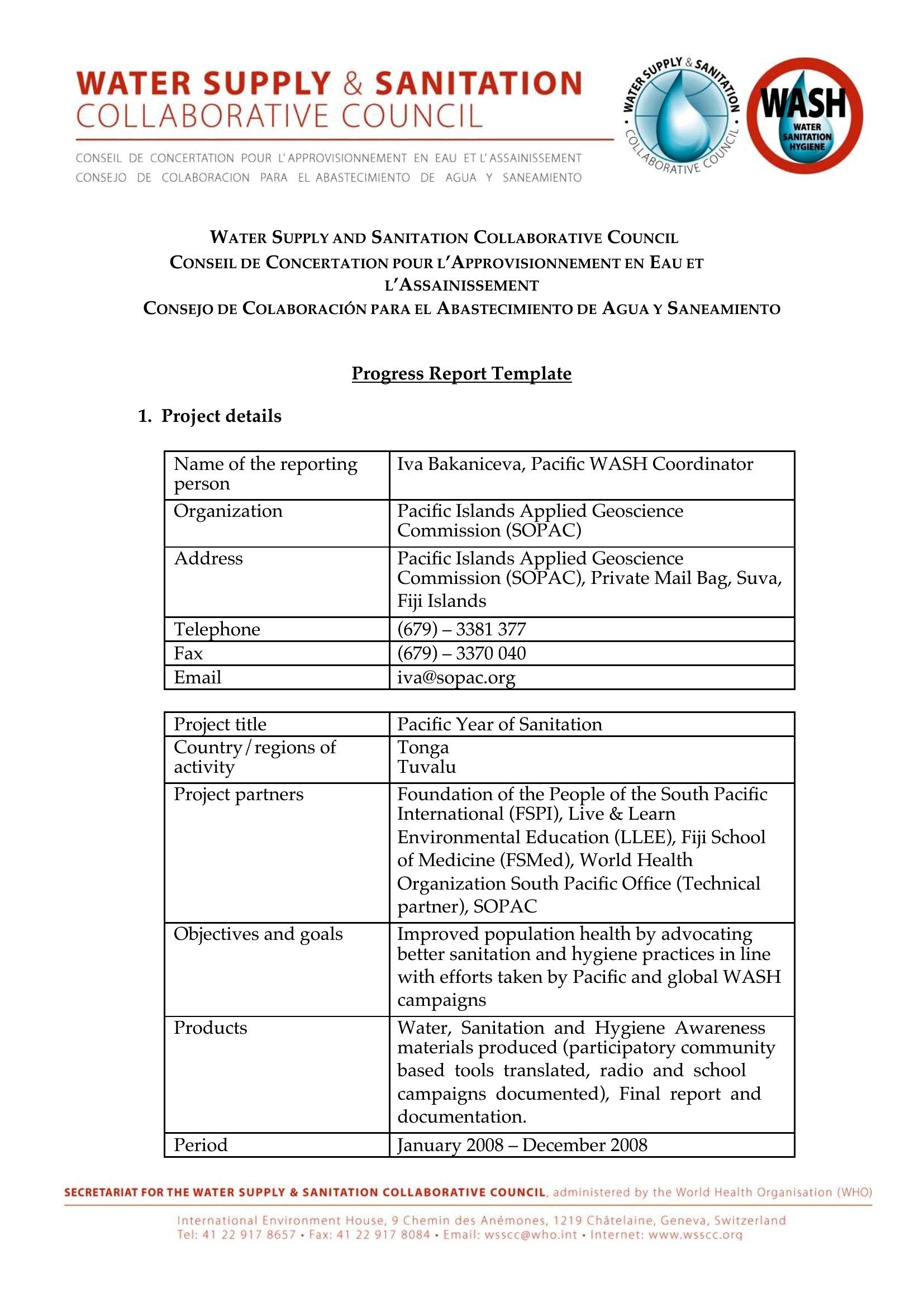
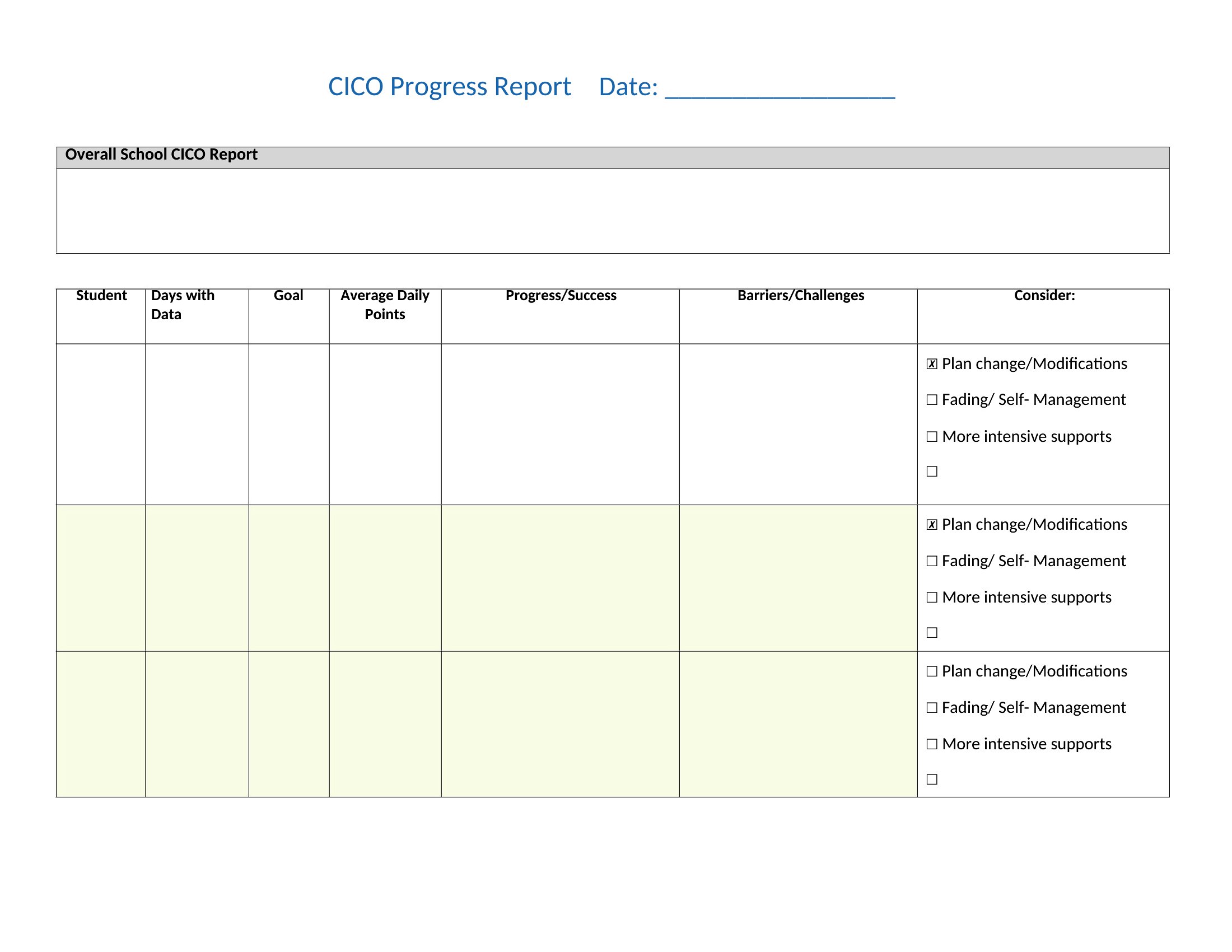
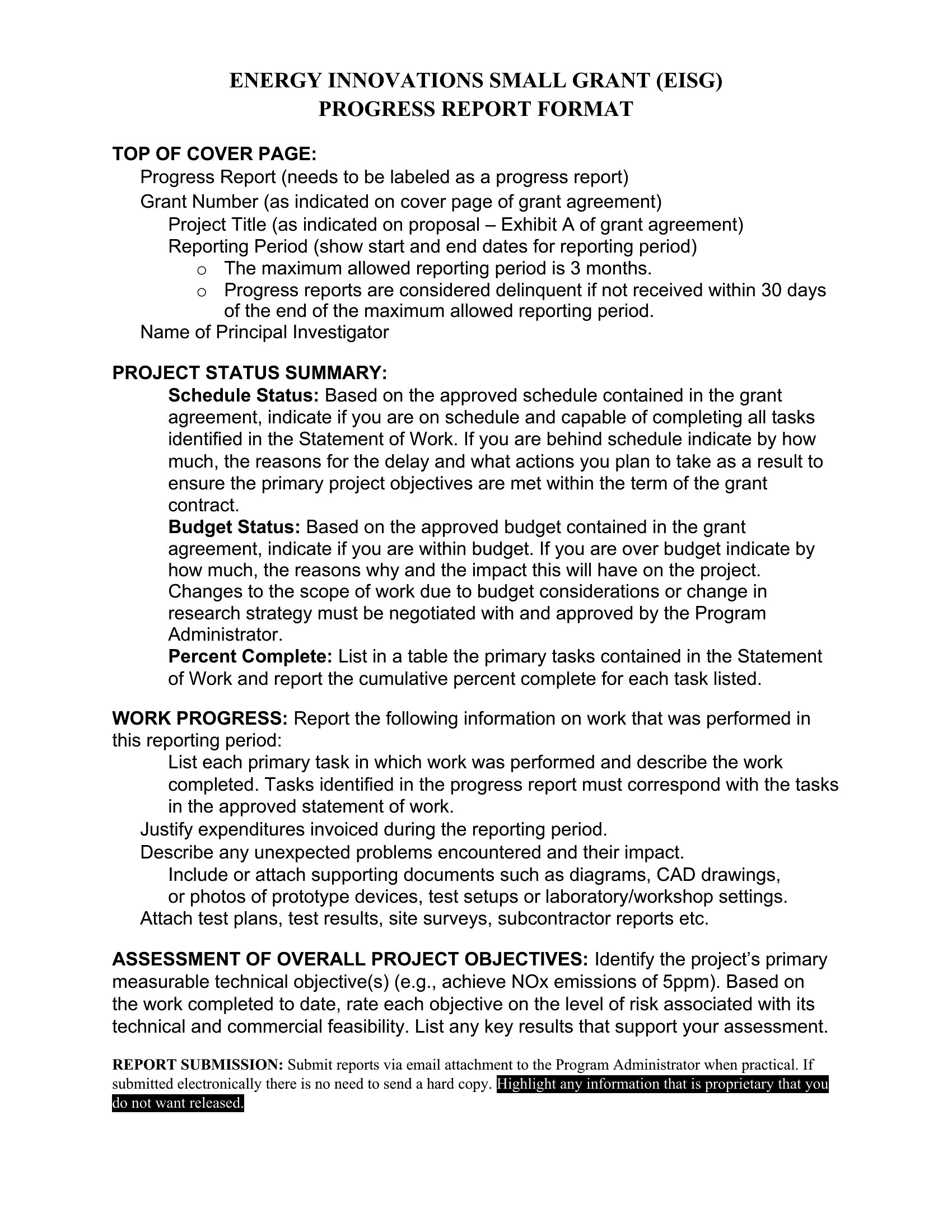
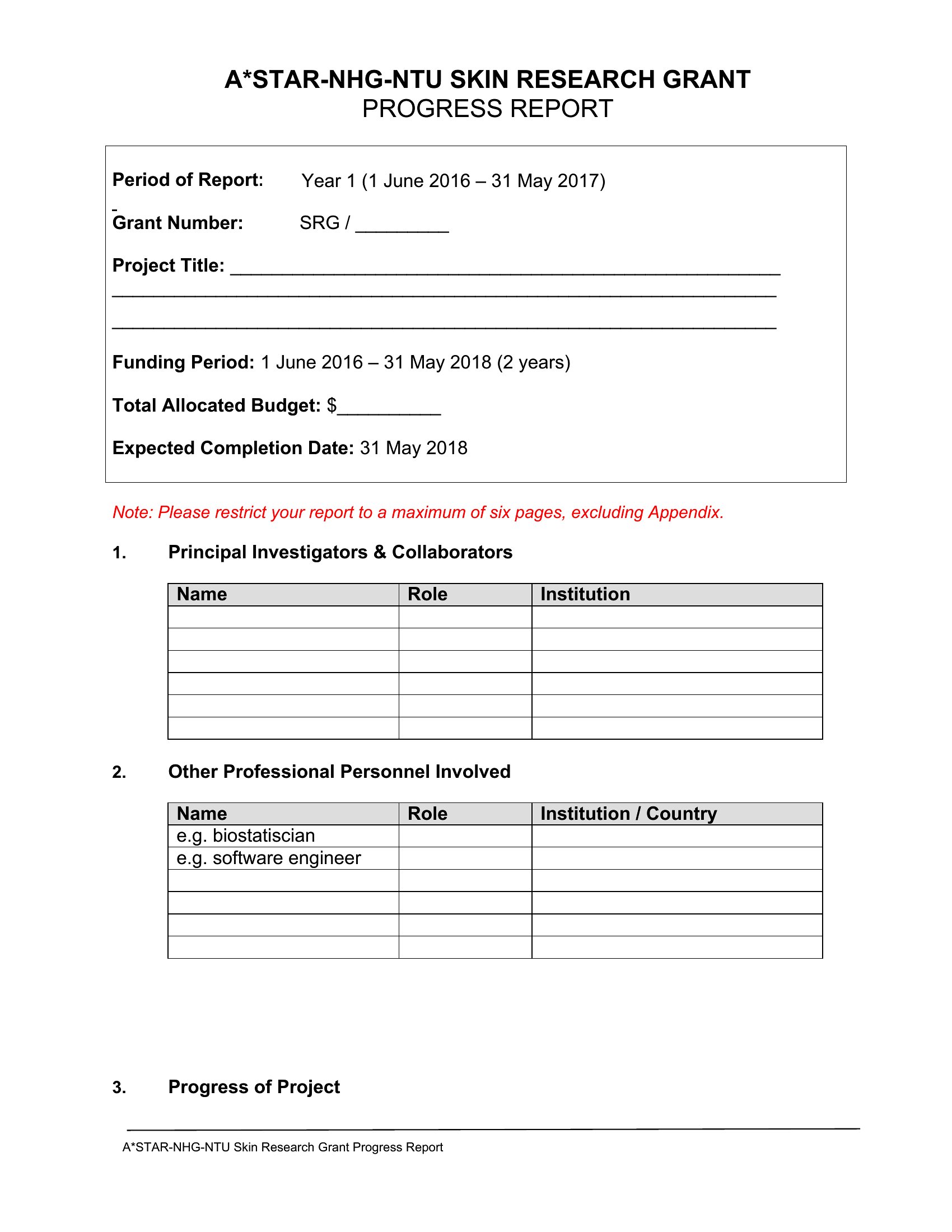
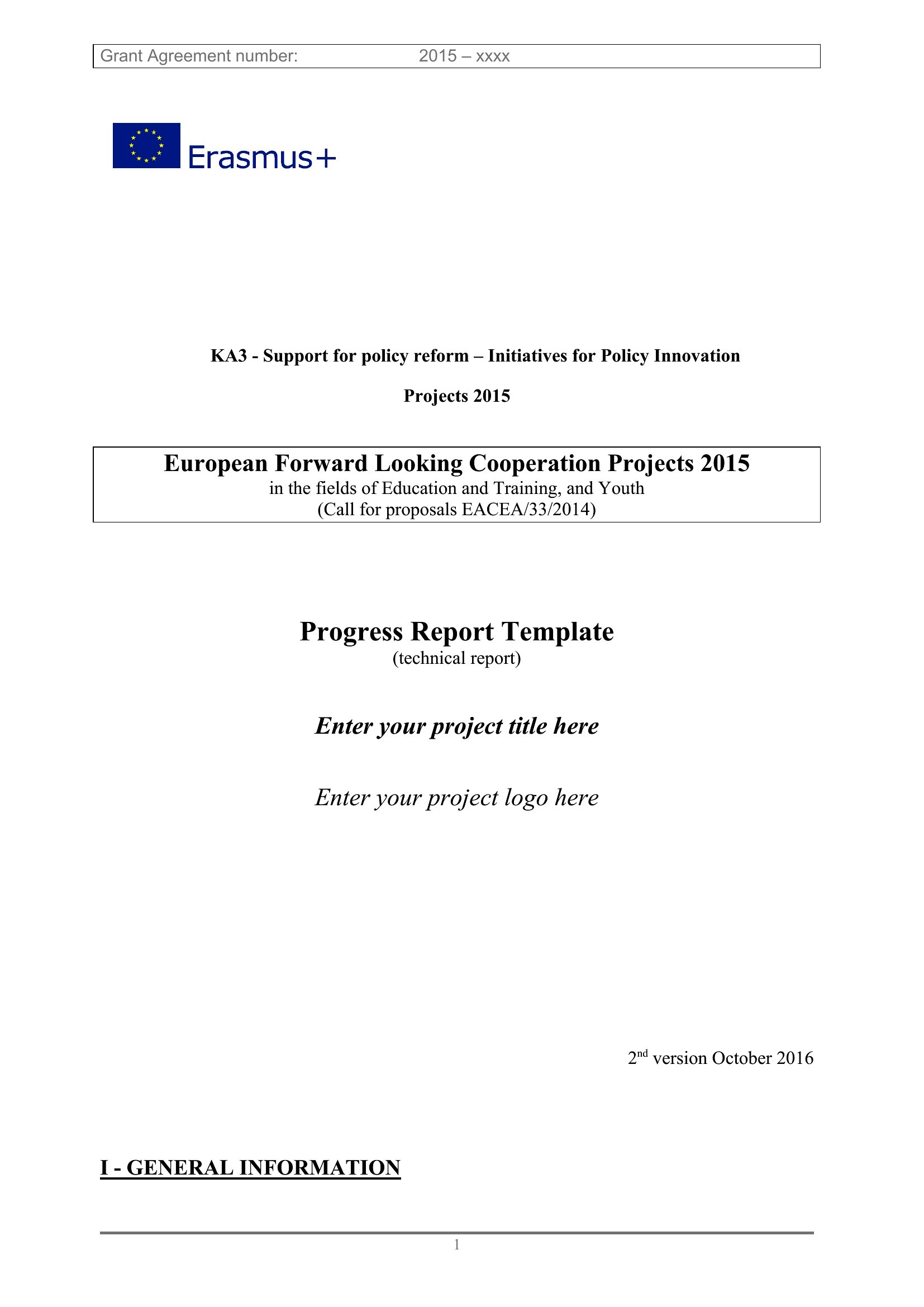
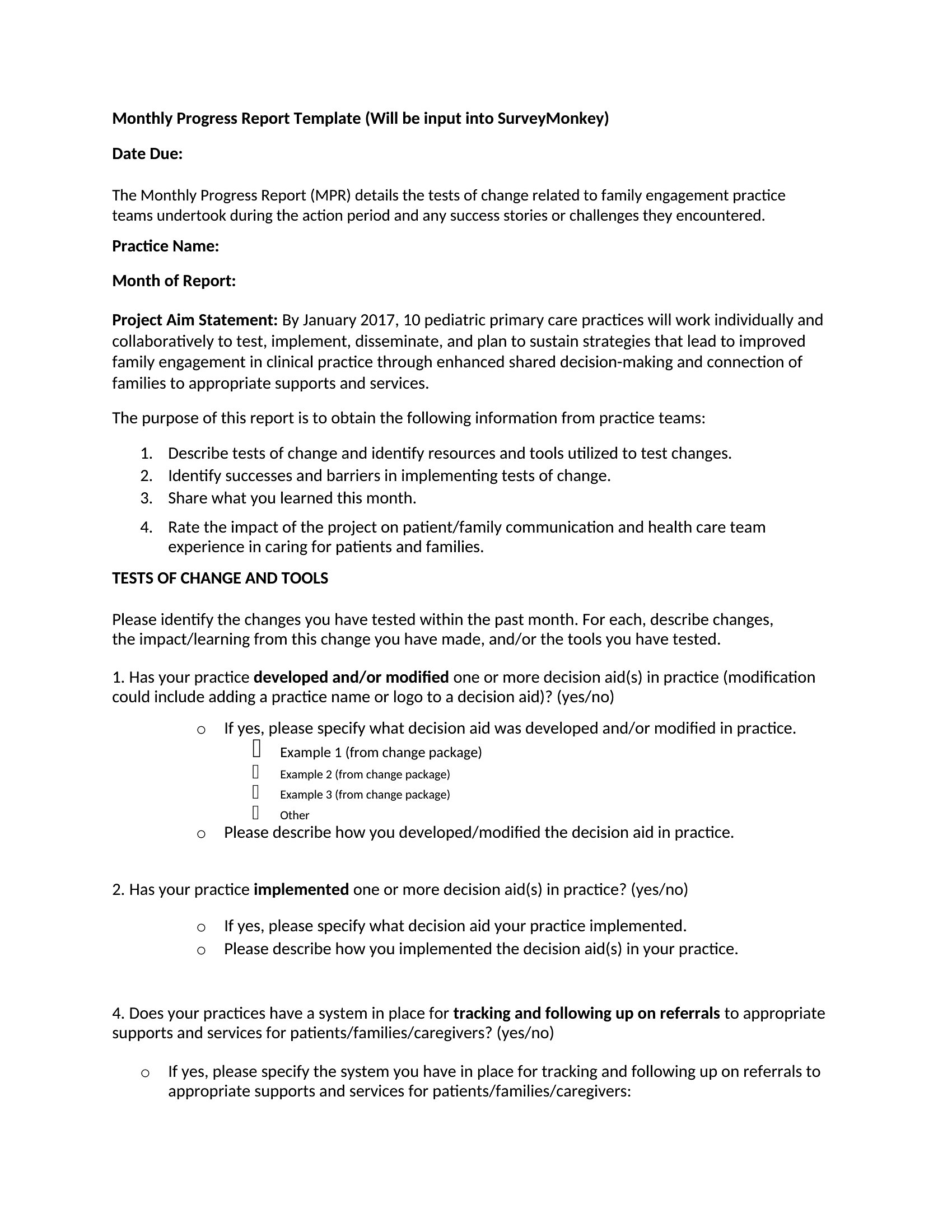
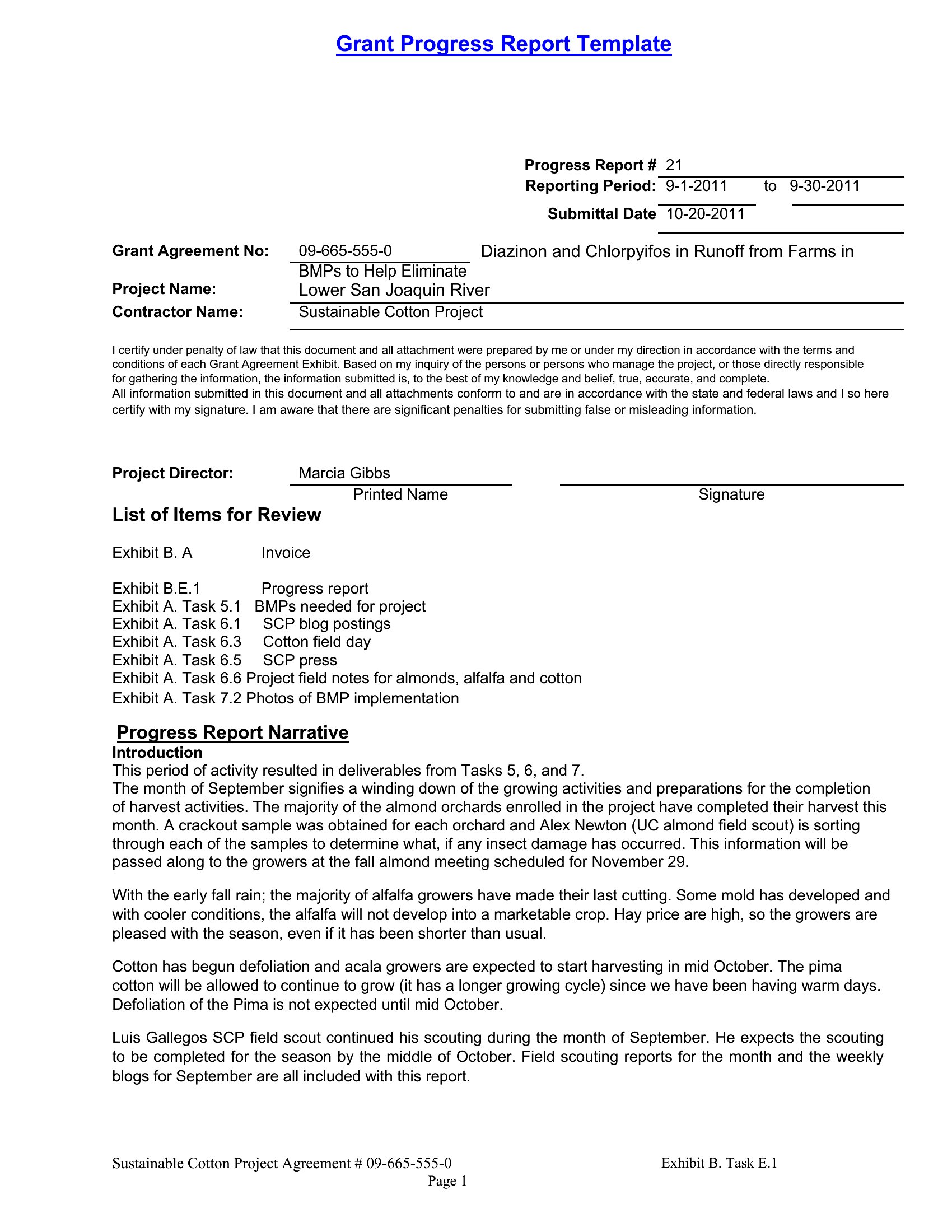
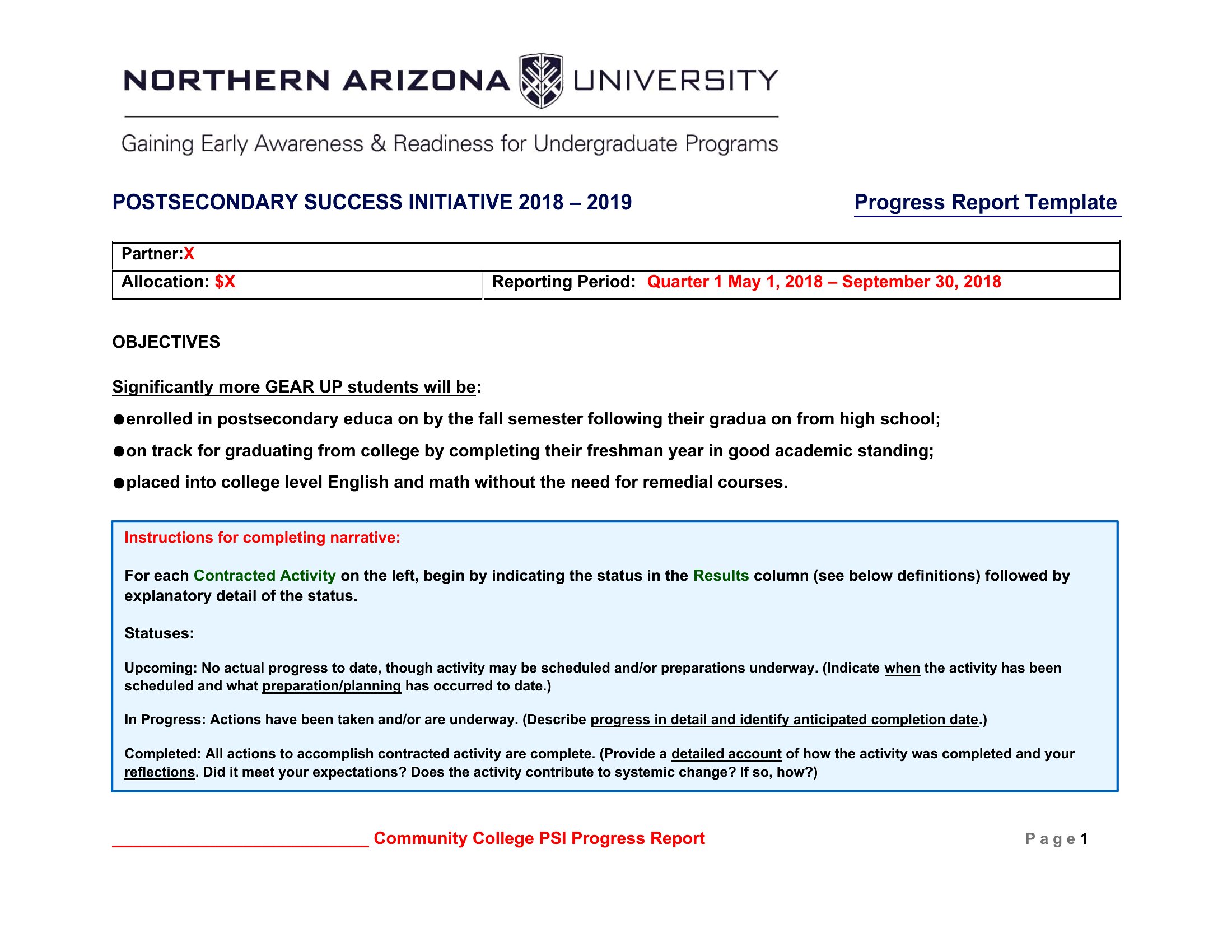
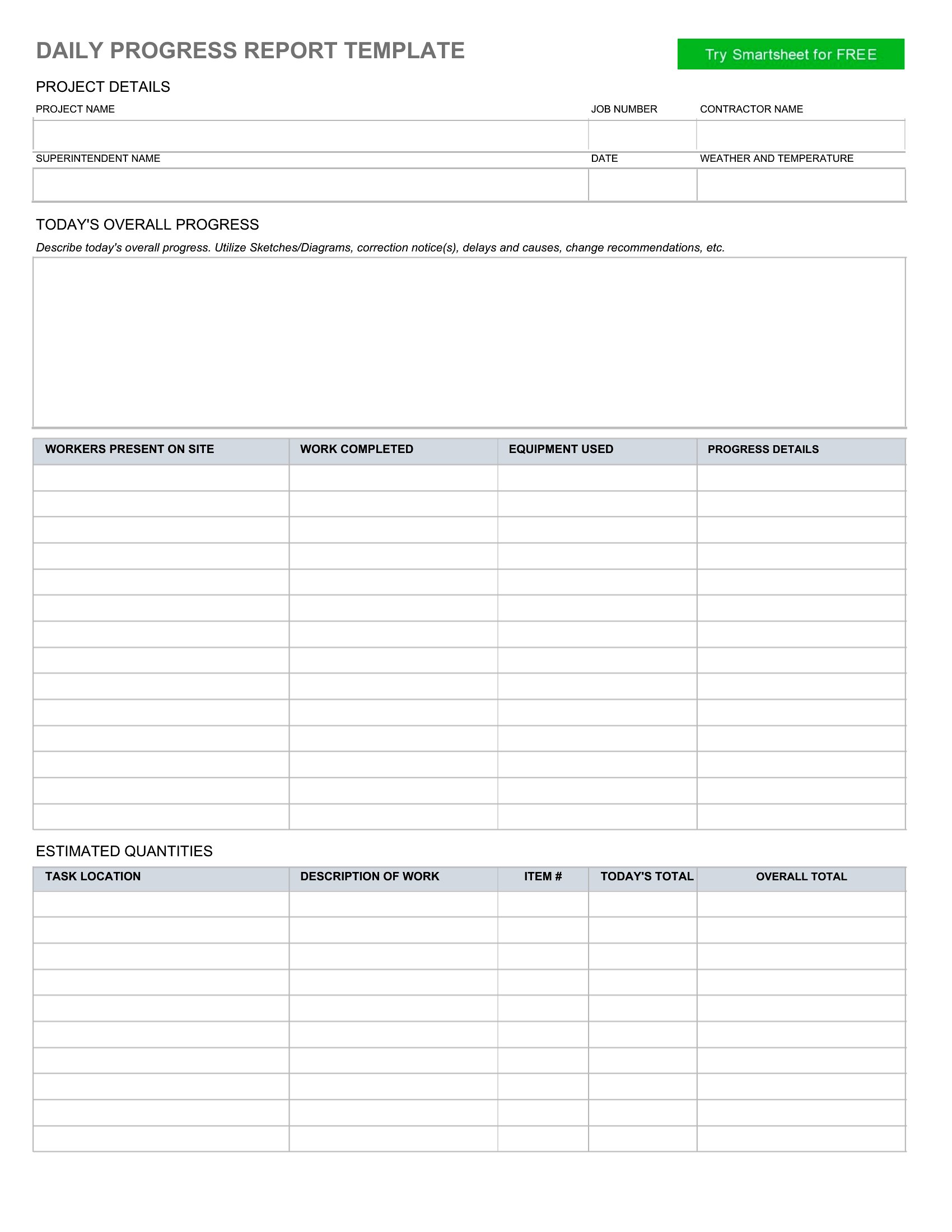
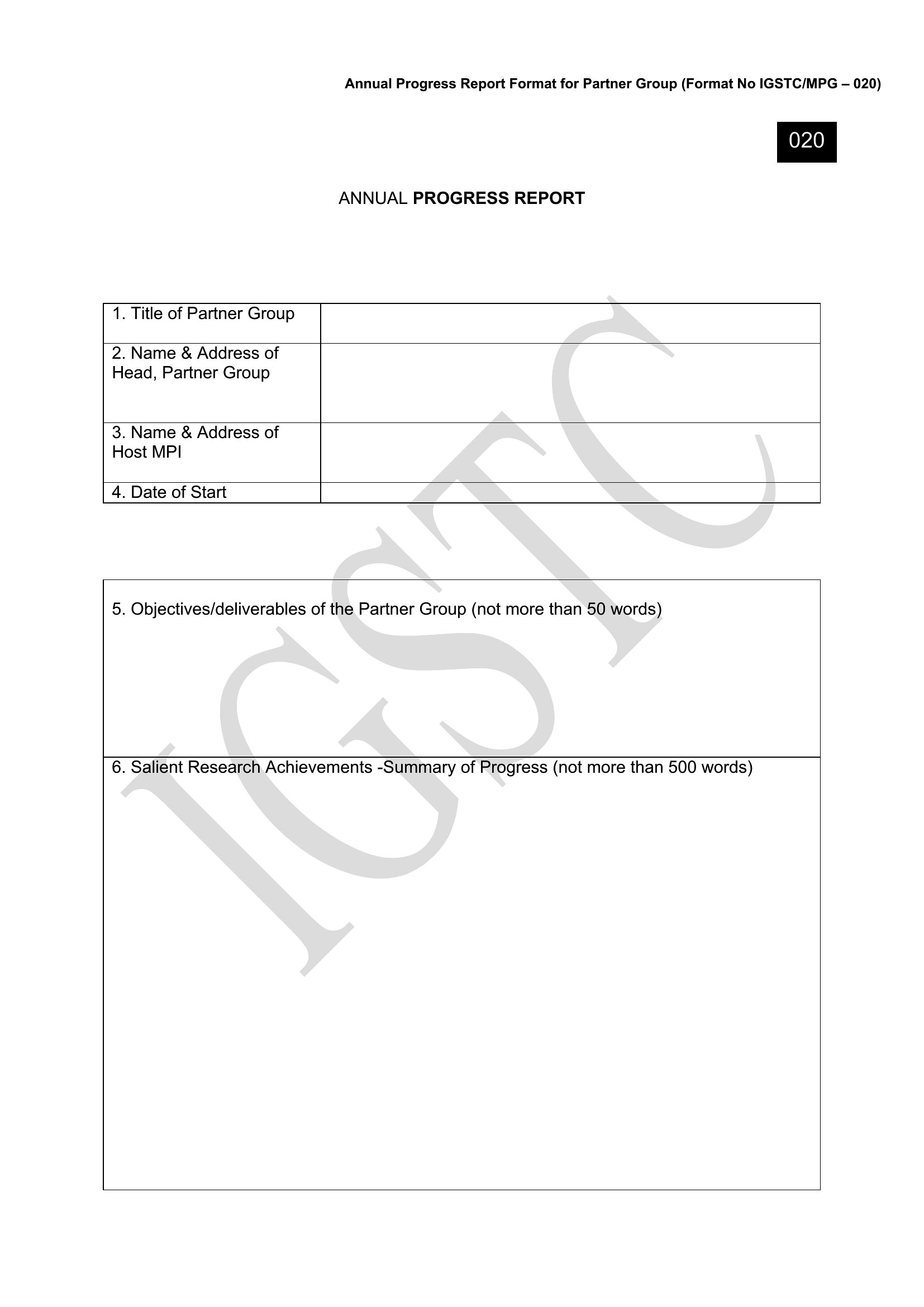
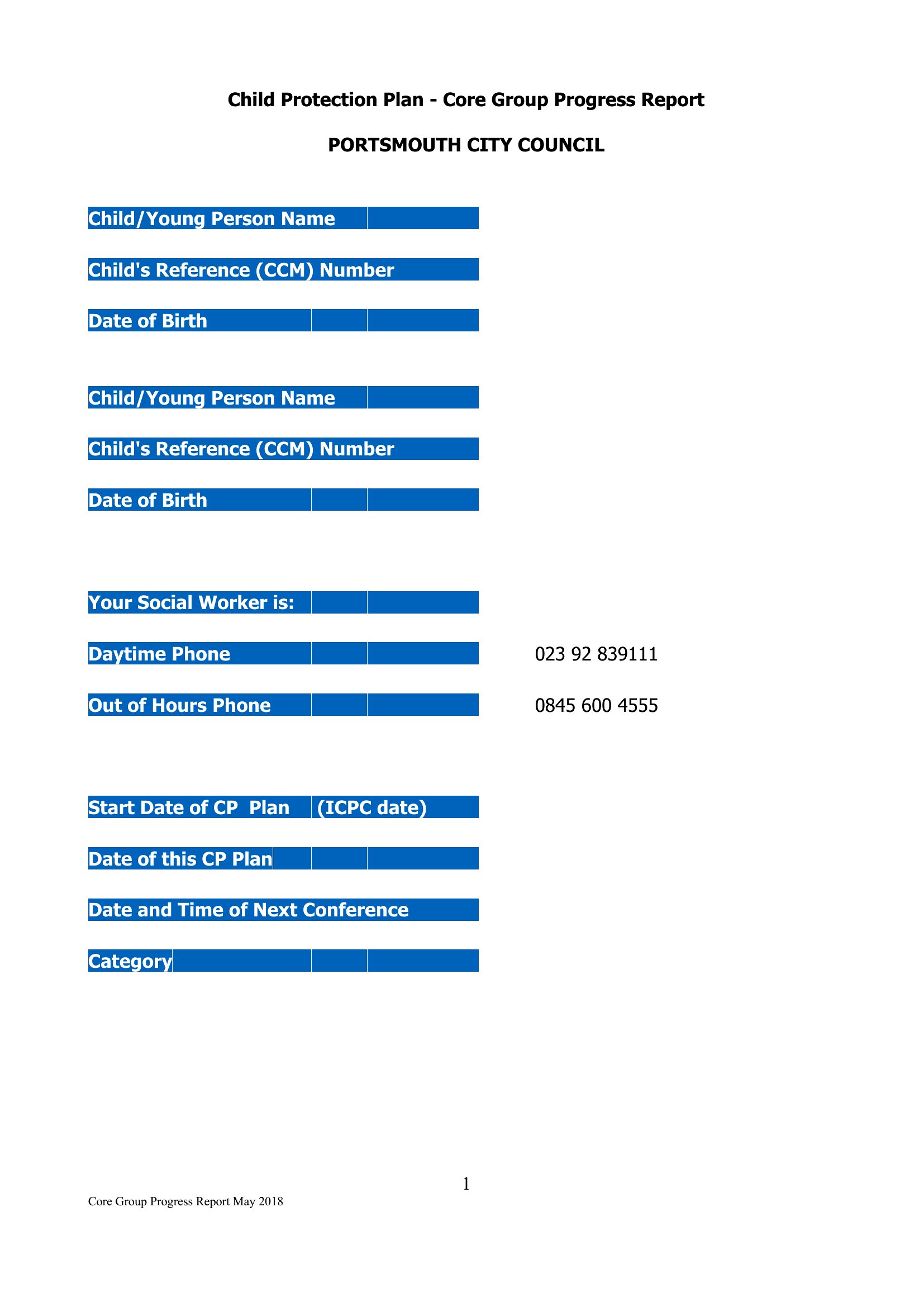
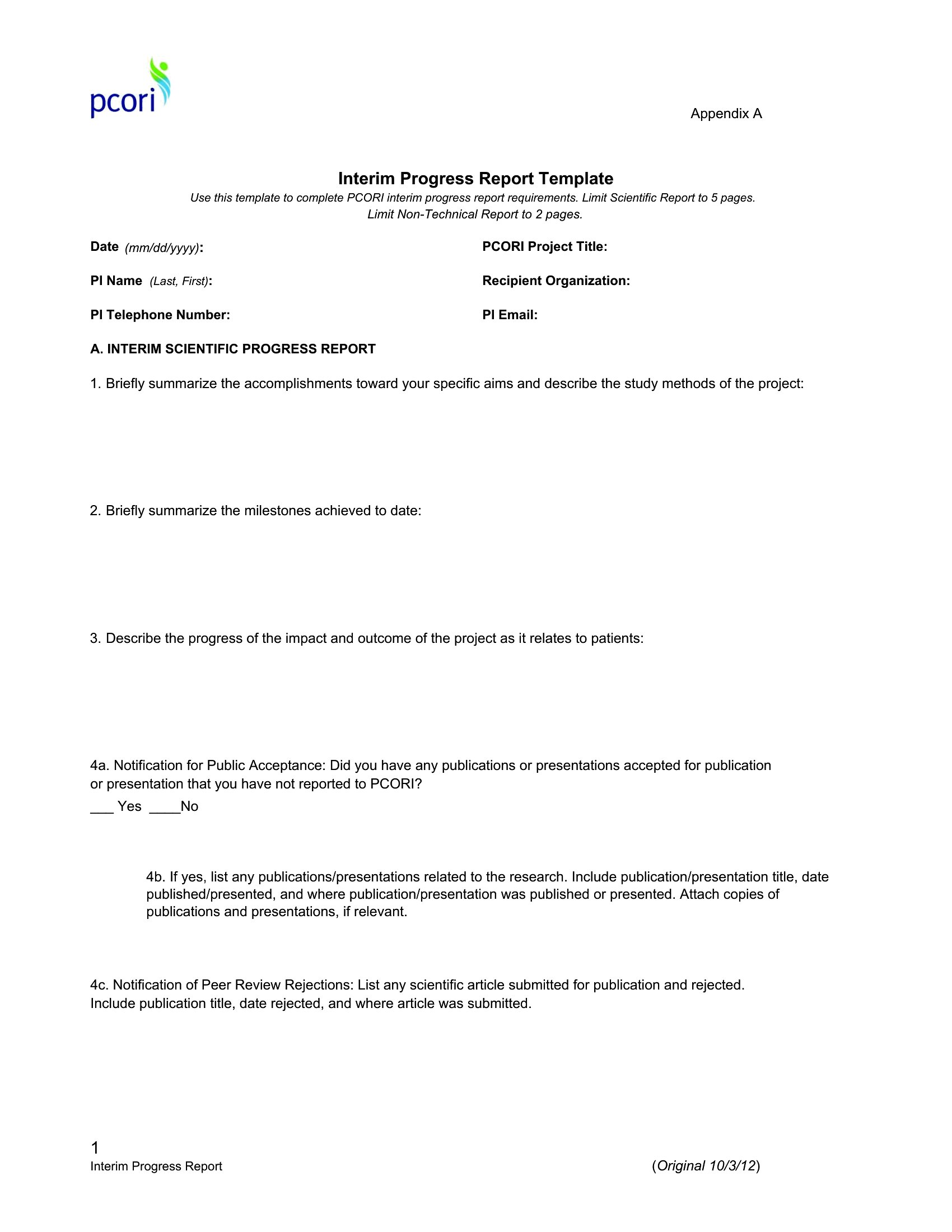
FAQ
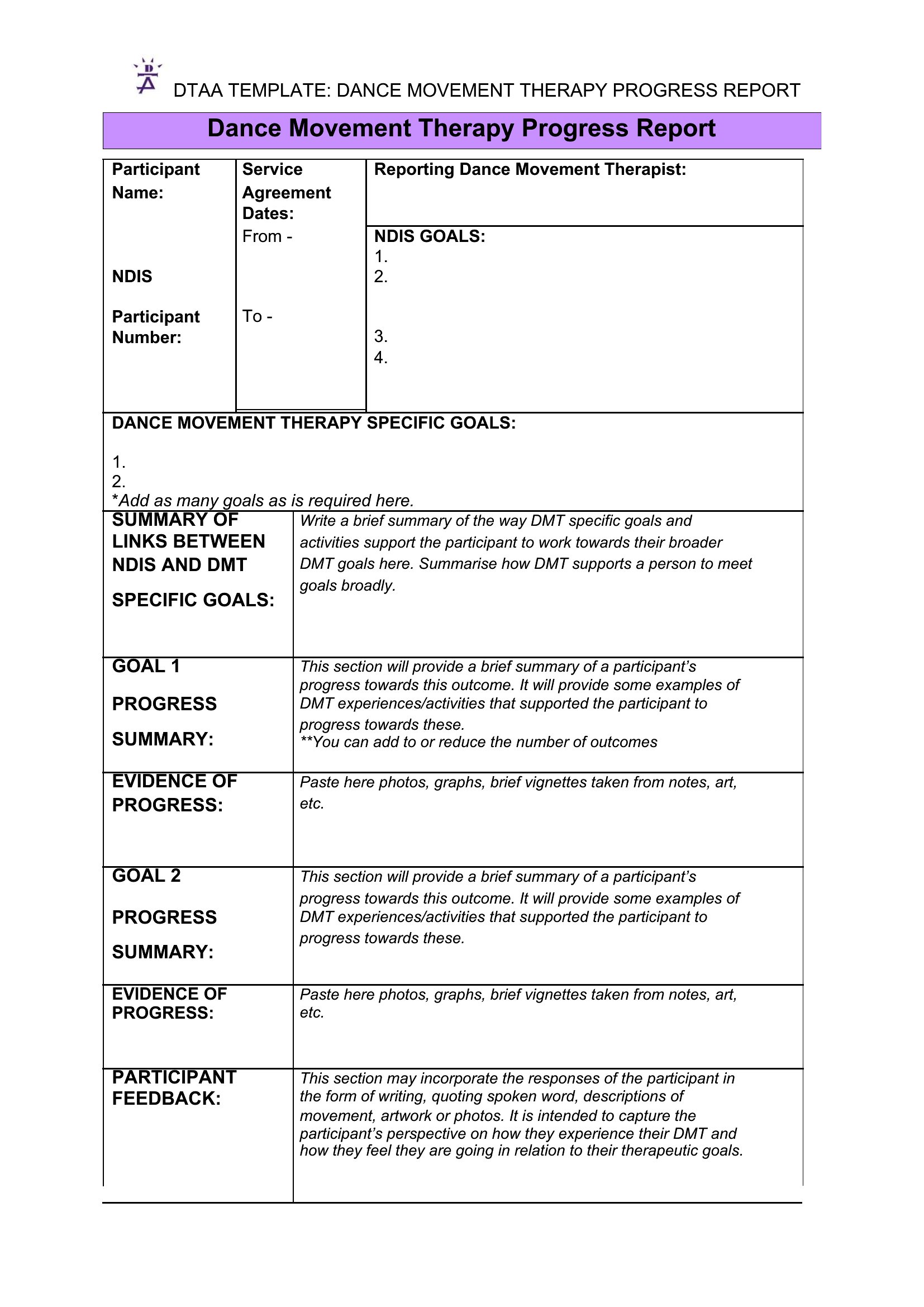
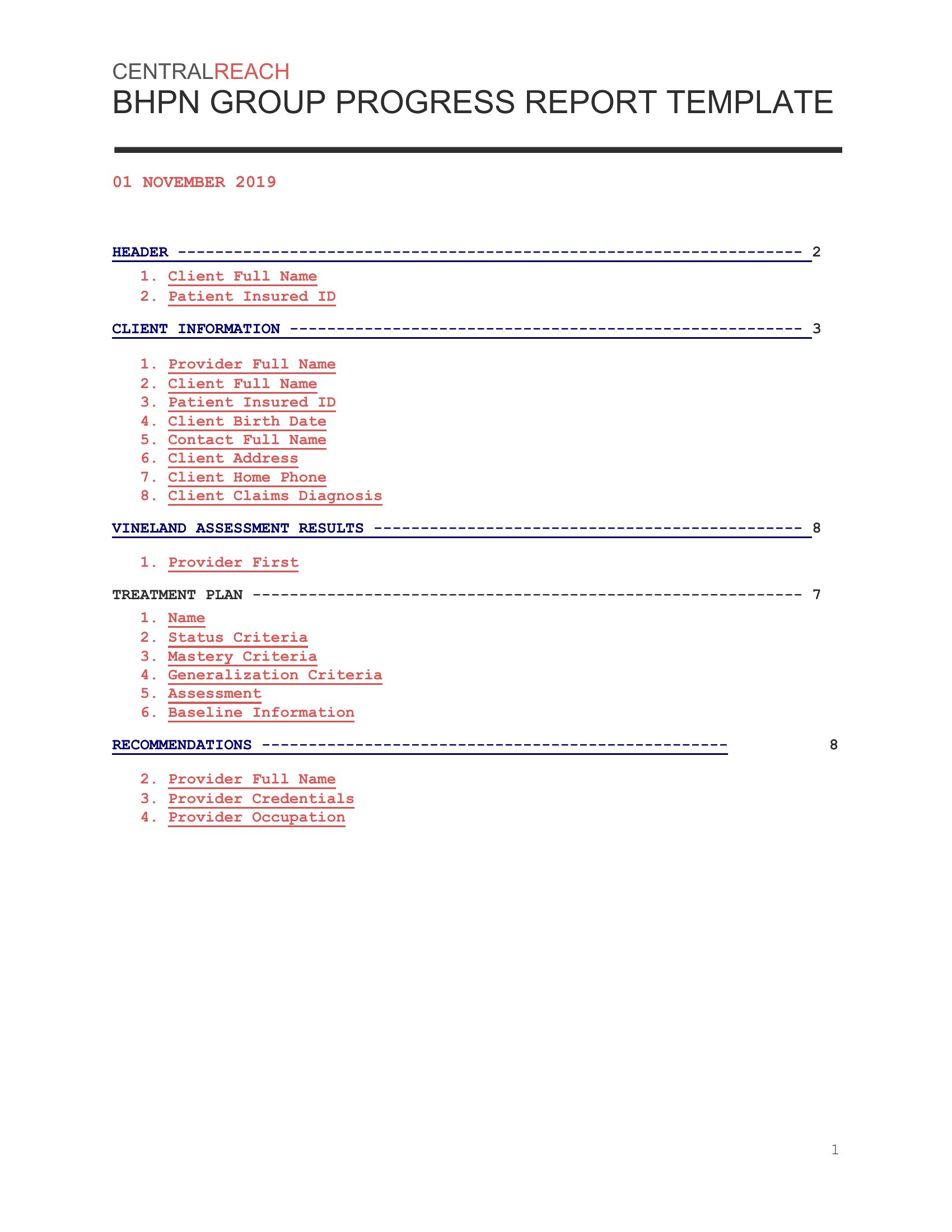
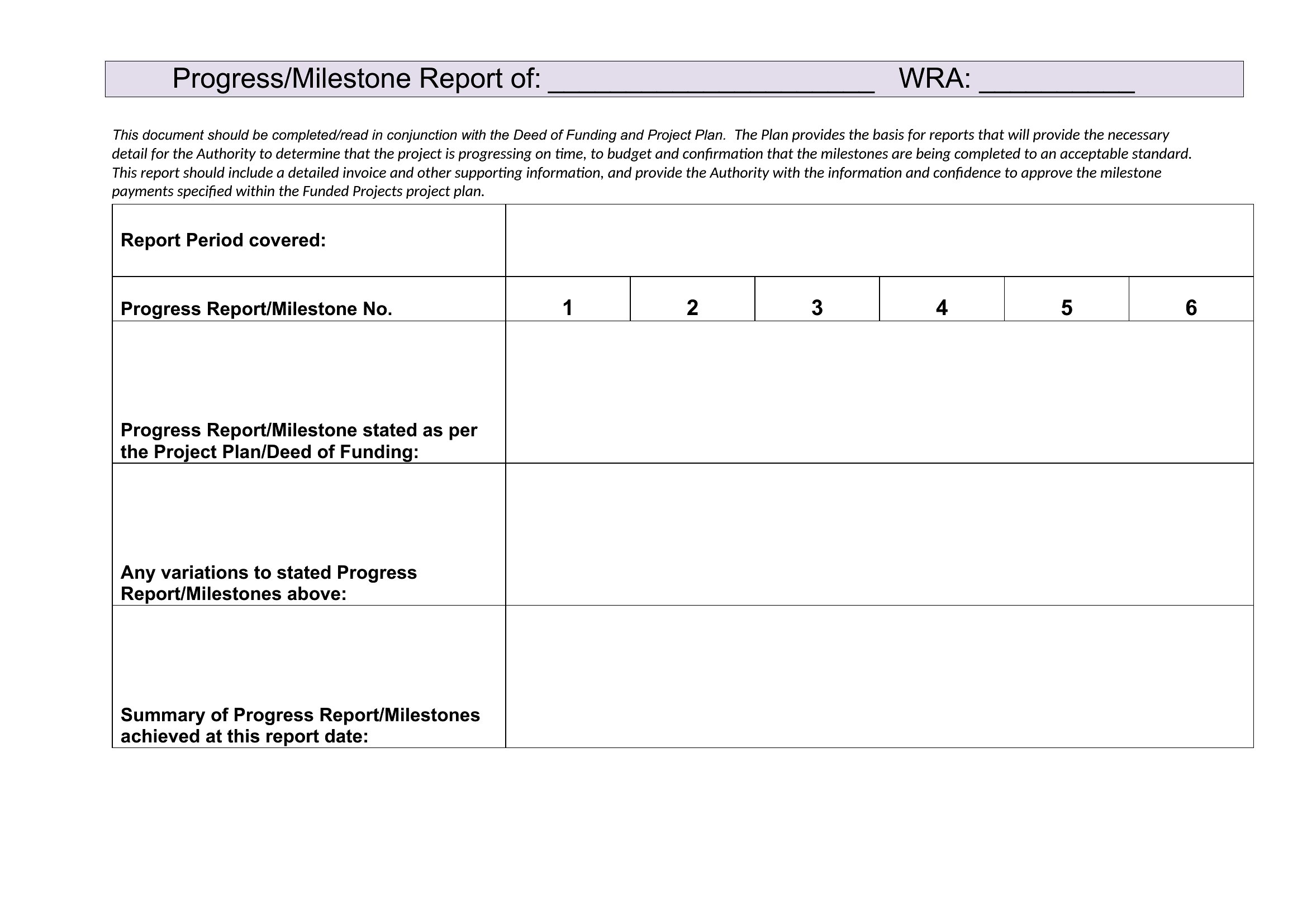
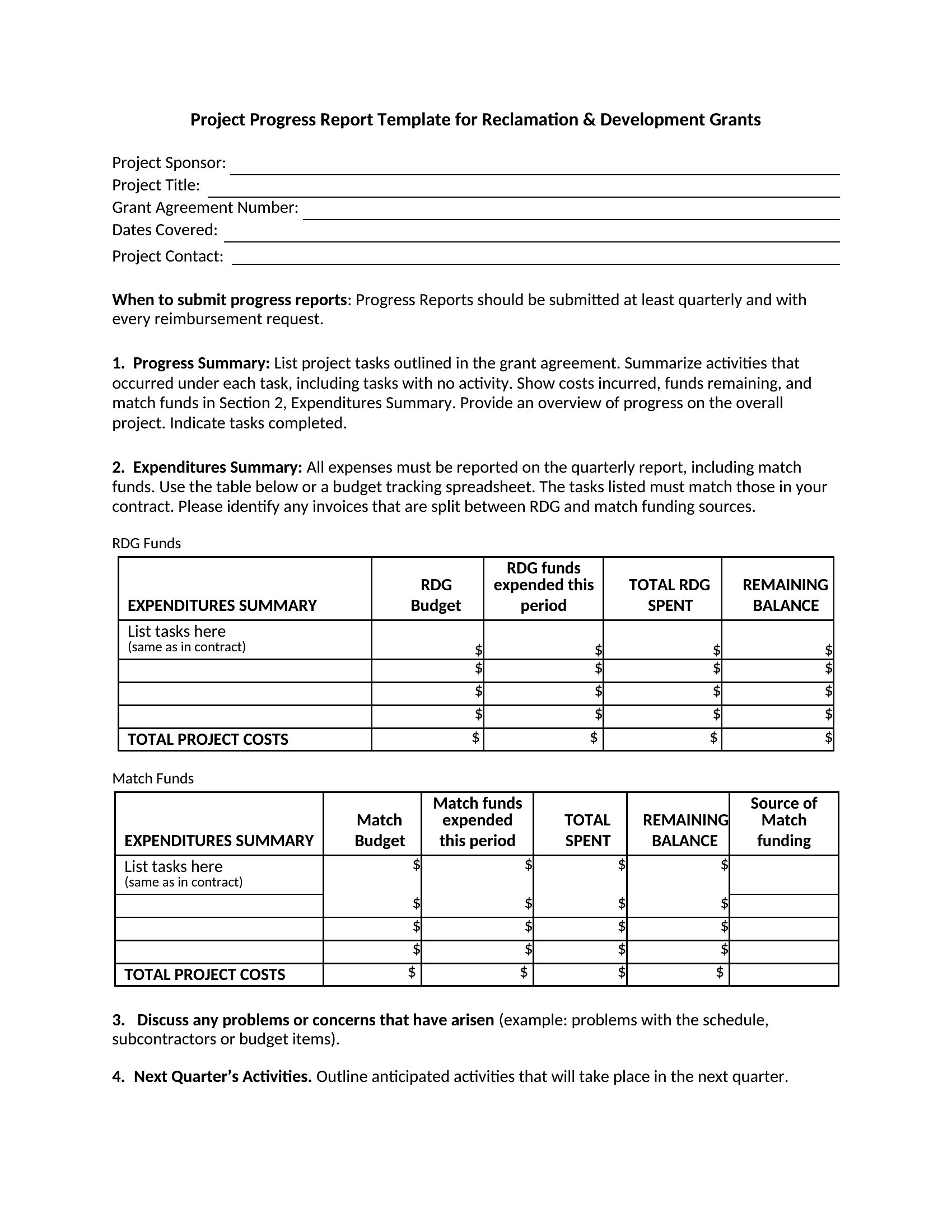
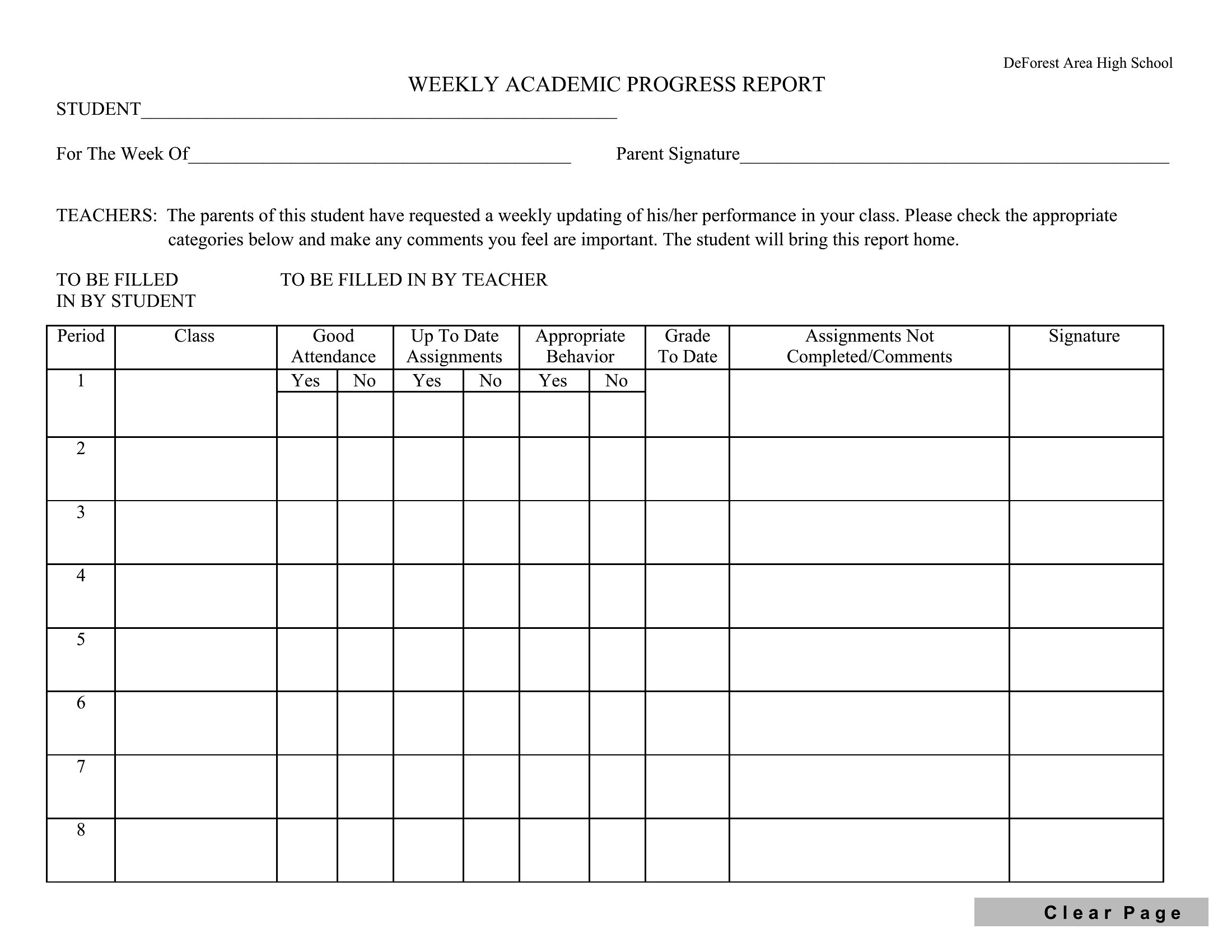
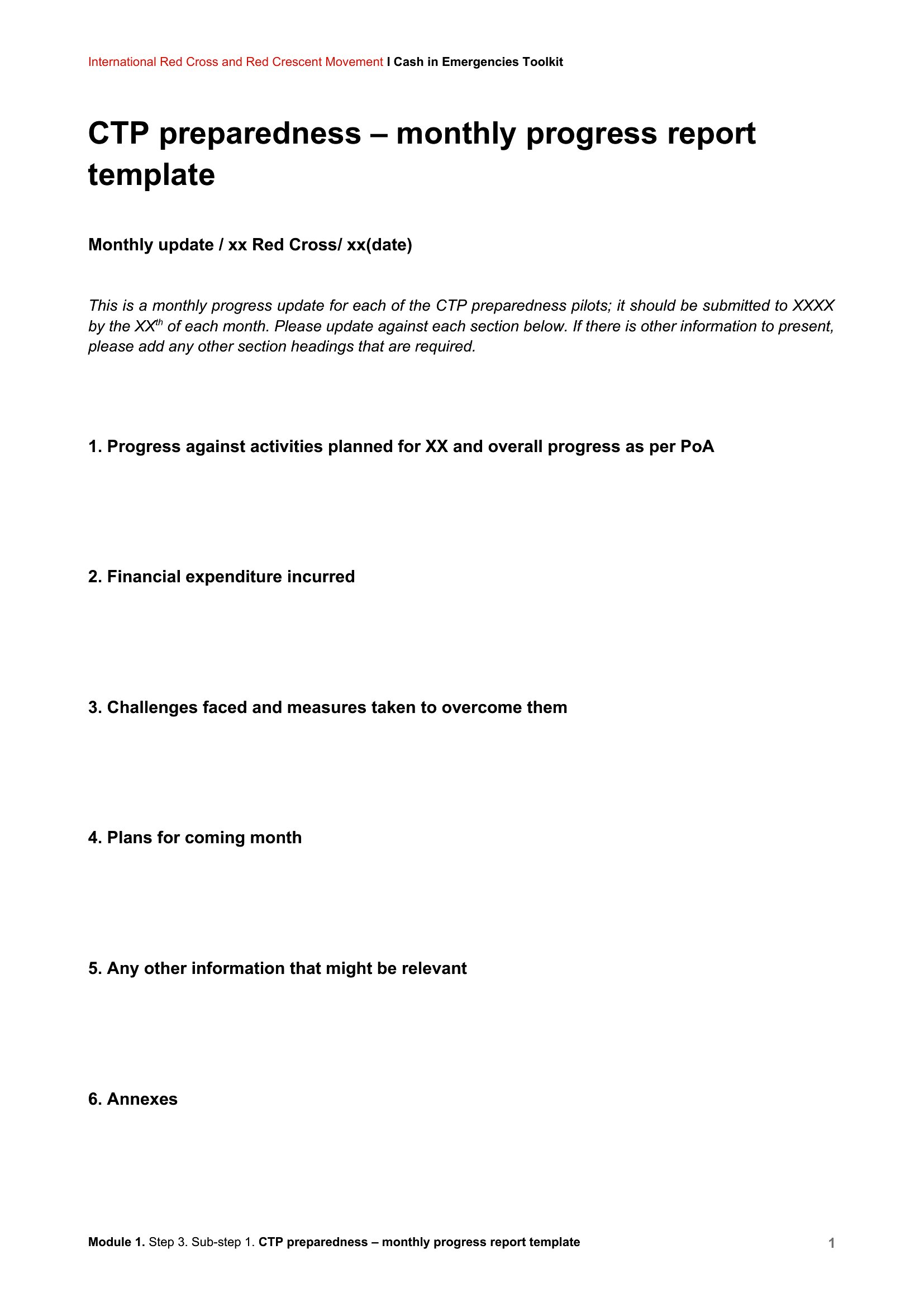
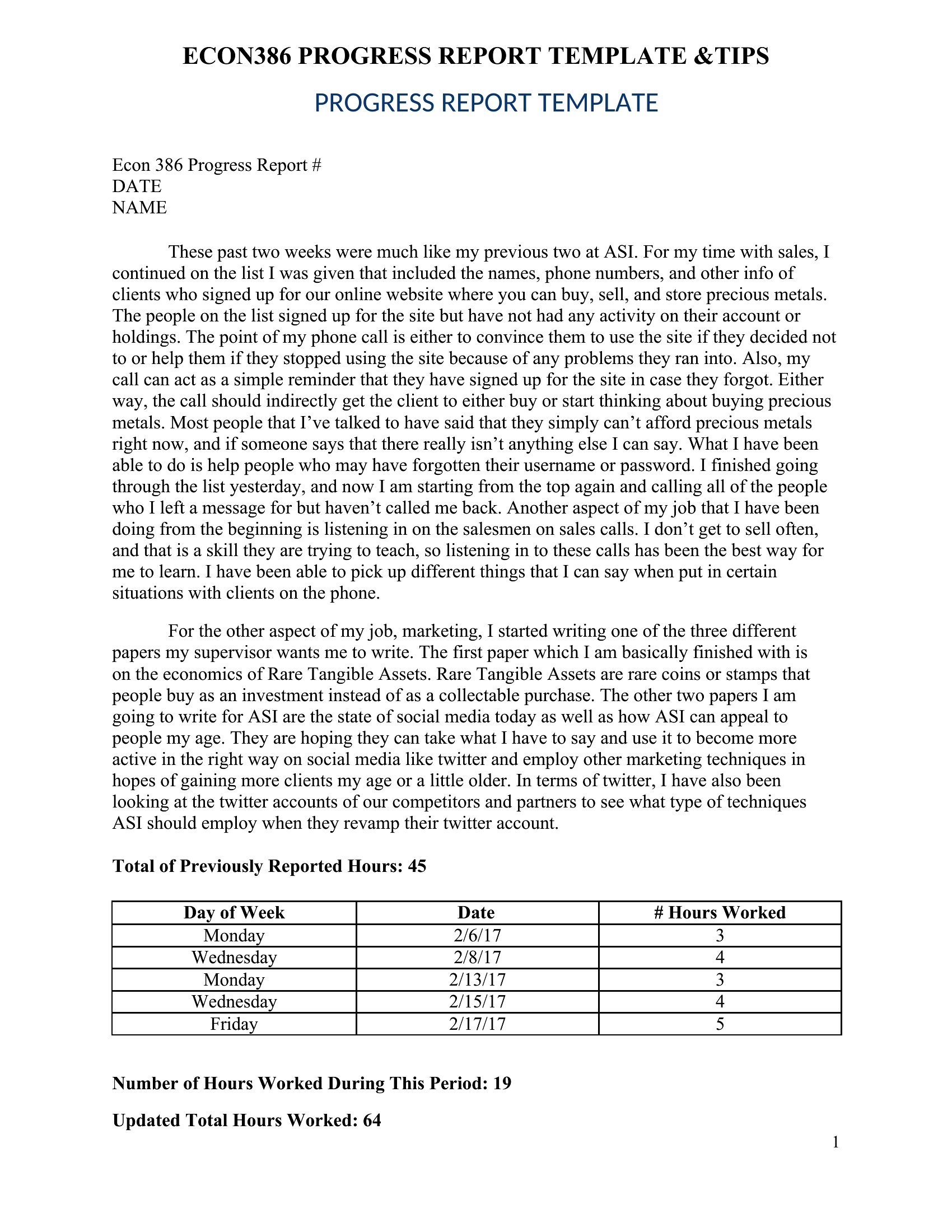
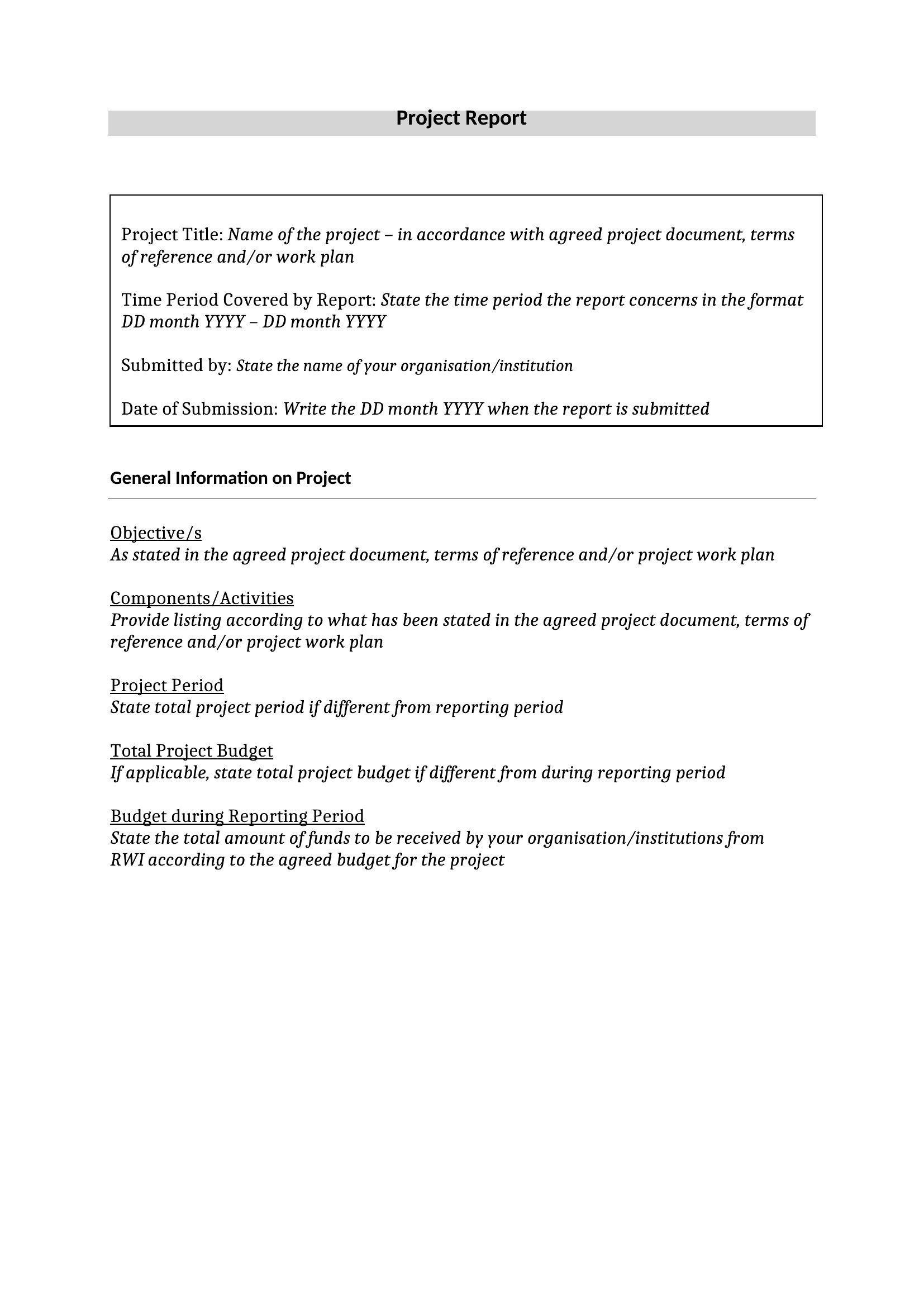
What’s the best way to tailor this template for a highly technical project where team members use specialized jargon?
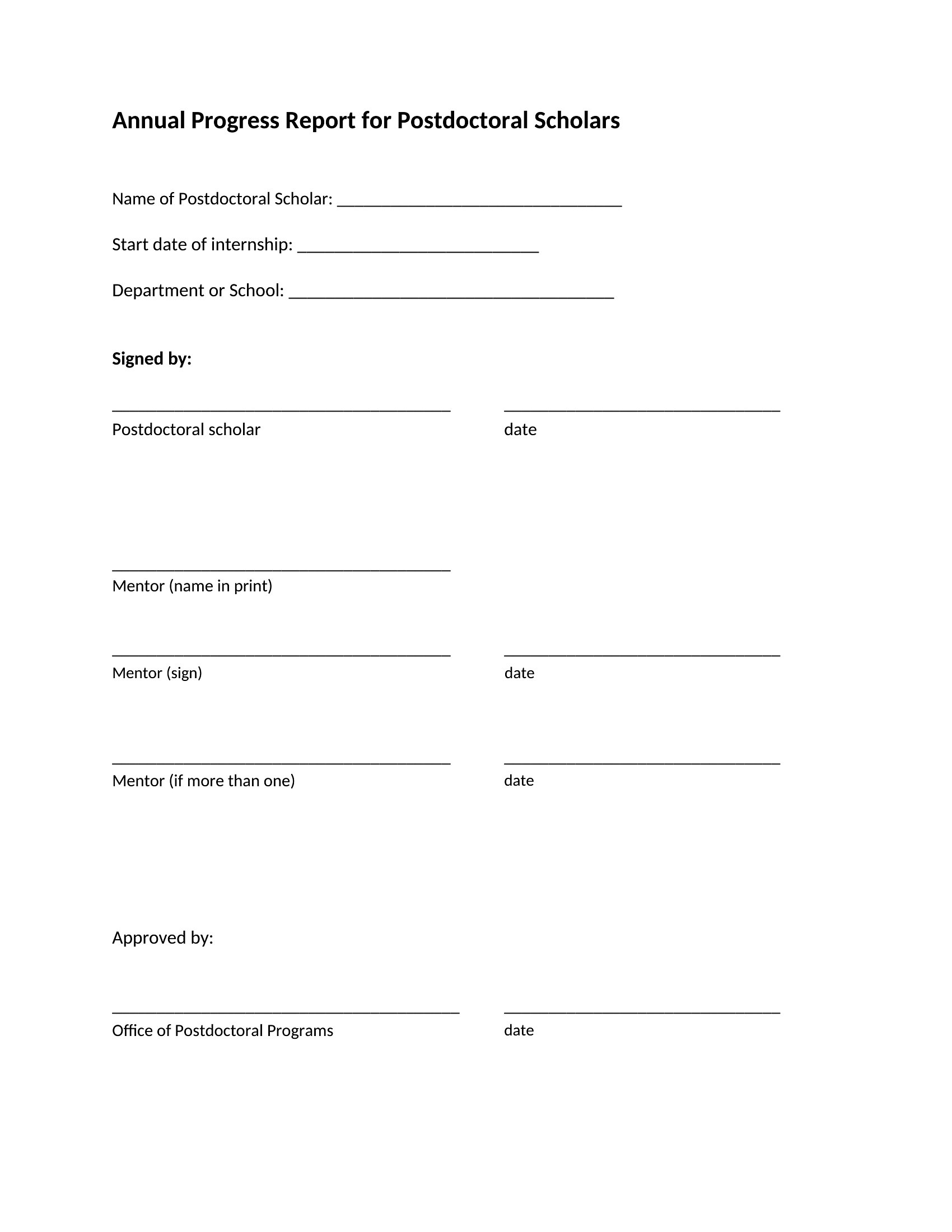
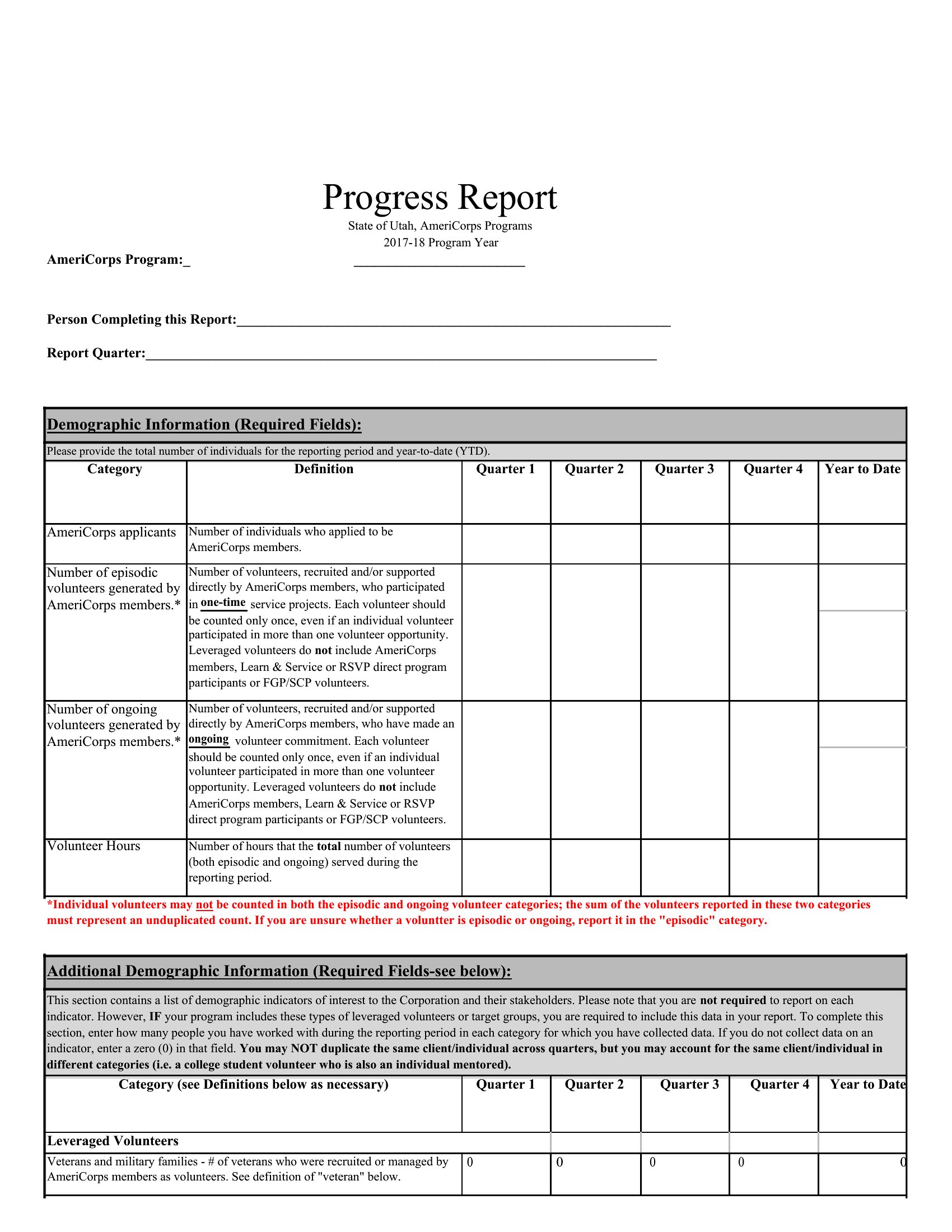
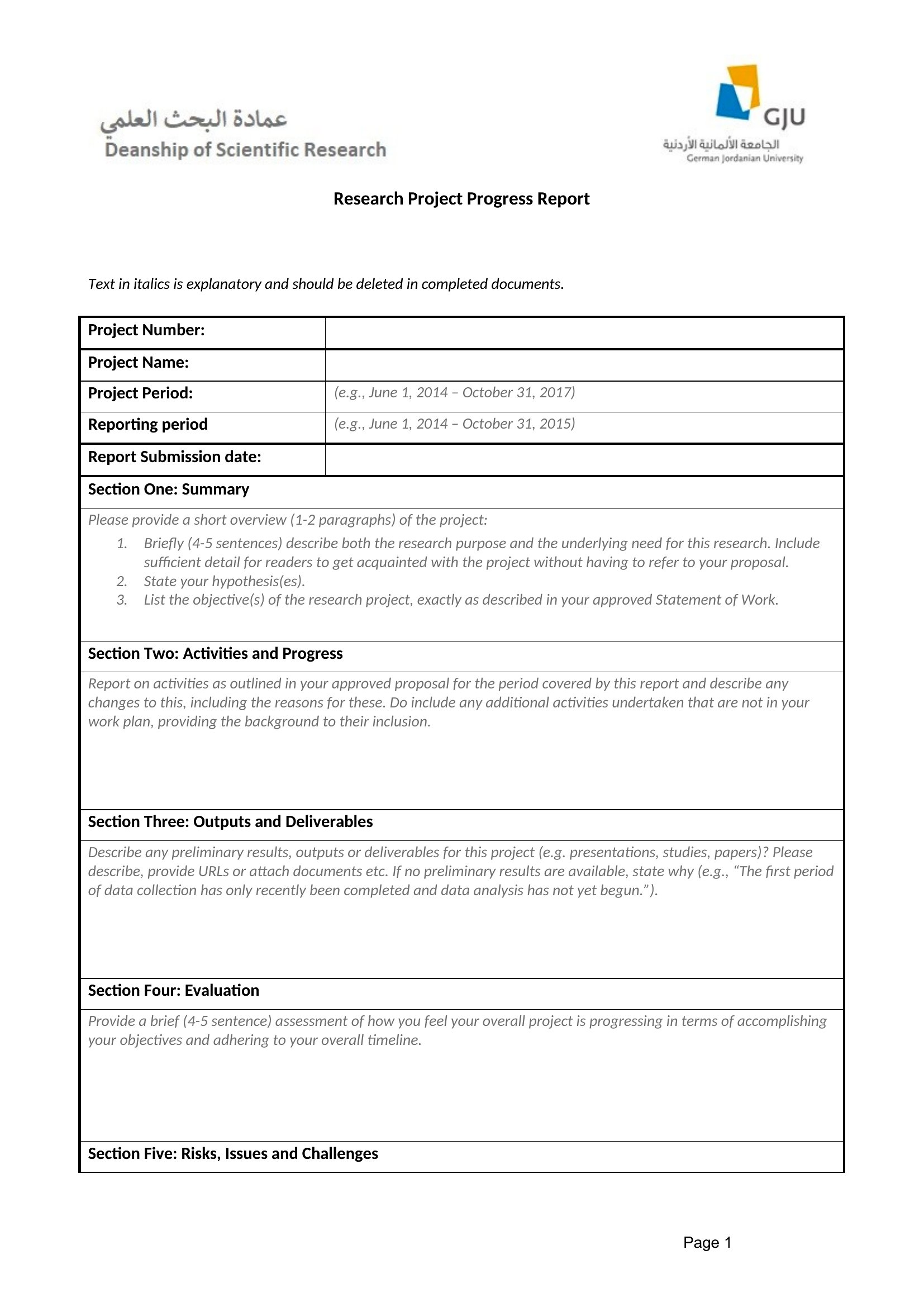
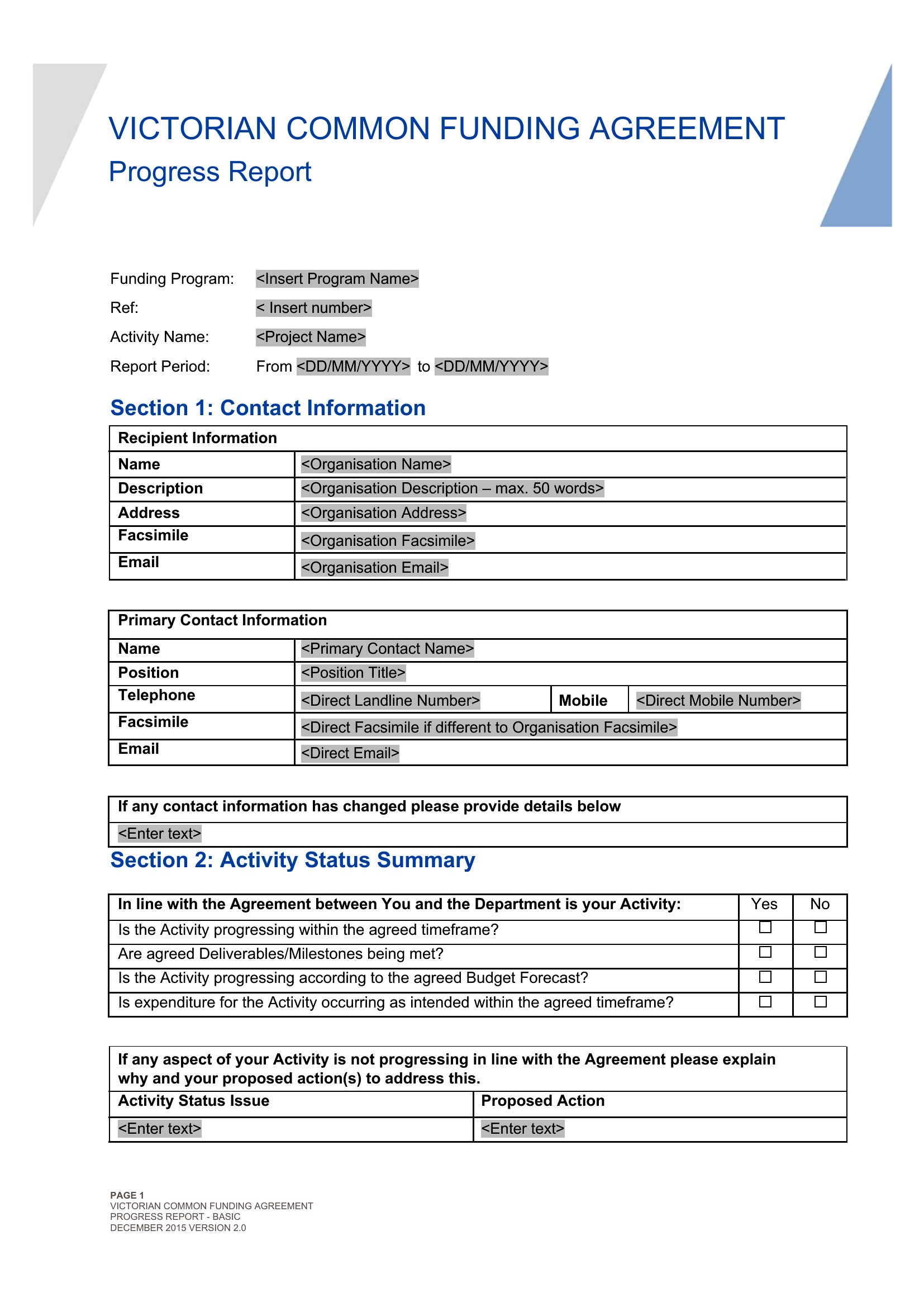
Start with the Word format to add a ‘Definitions’ section upfront or a ‘Glossary’ sidebar. Include a brief line under each milestone to flag technical terms for non-experts, ensuring clarity without overwhelming the main progress narrative.
How can I make this report more engaging for stakeholders who skim emails quickly?
Use the PDF format and add a visual roadmap at the top—like a progress bar or simple Gantt-style chart—highlighting completed vs. upcoming tasks. Bold key metrics (e.g., ‘Budget on track: 92%’) and use bullet points instead of paragraphs for dense sections.
I need to include sensitive information about delays. How can I protect confidentiality in a shared report?
In Word, use the ‘Comments’ feature to annotate confidential details internally before sharing the PDF version, which can be password-protected or restricted to ‘View Only.’ Never include raw data—summarize trends (e.g., ‘Vendor X delayed due to supply chain issues’) without exposing specifics.
Comments
Join the conversation
Sign in to share your thoughts and leave a comment on this resource.