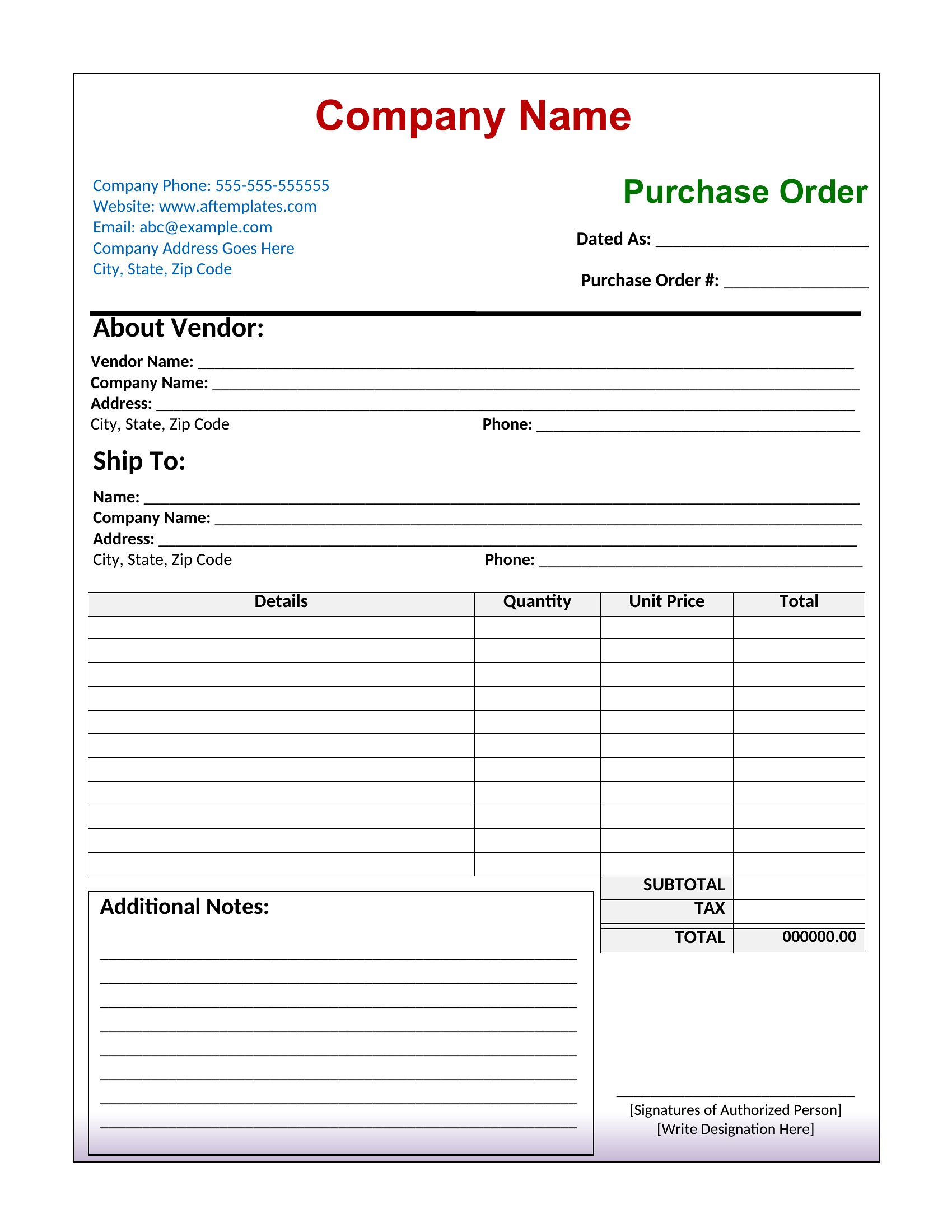
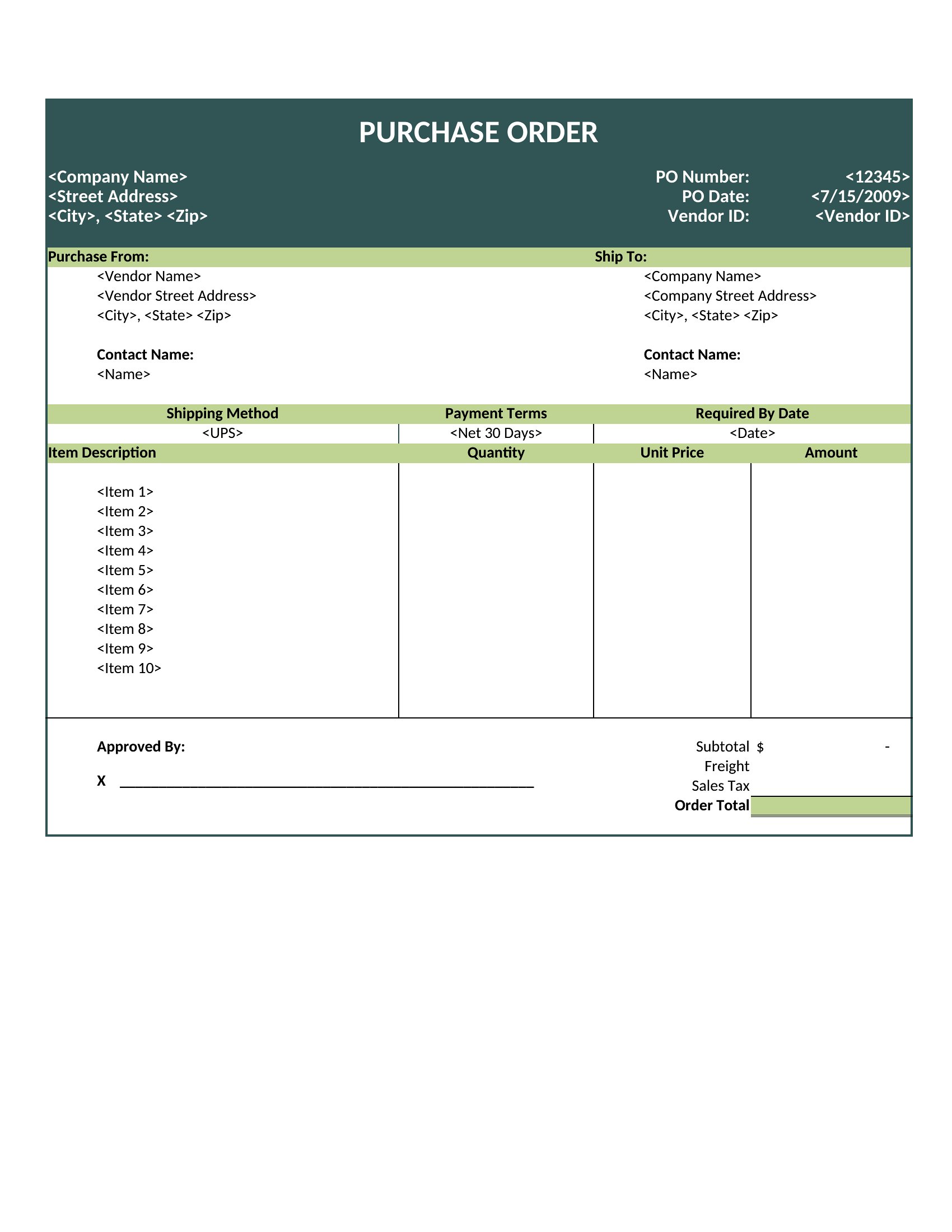
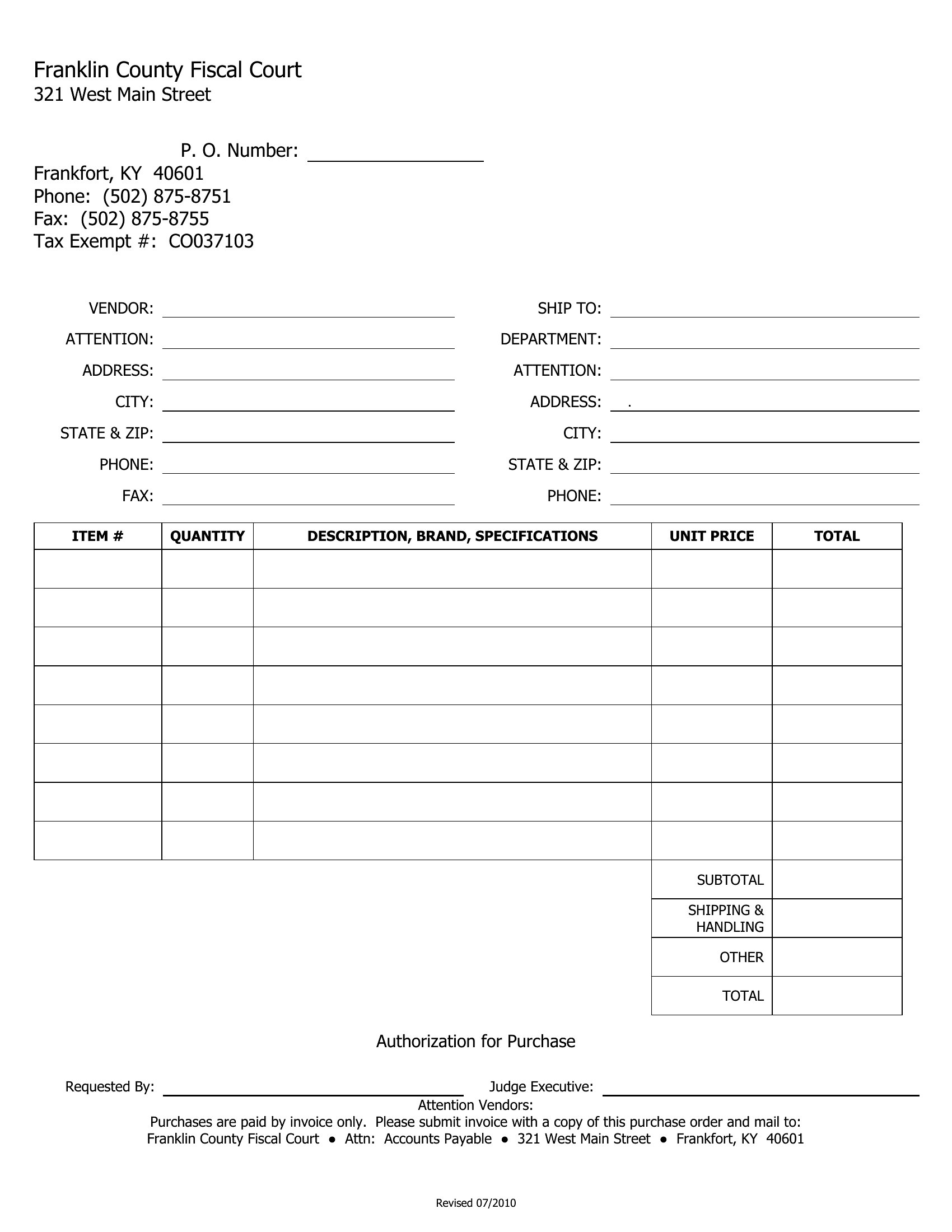
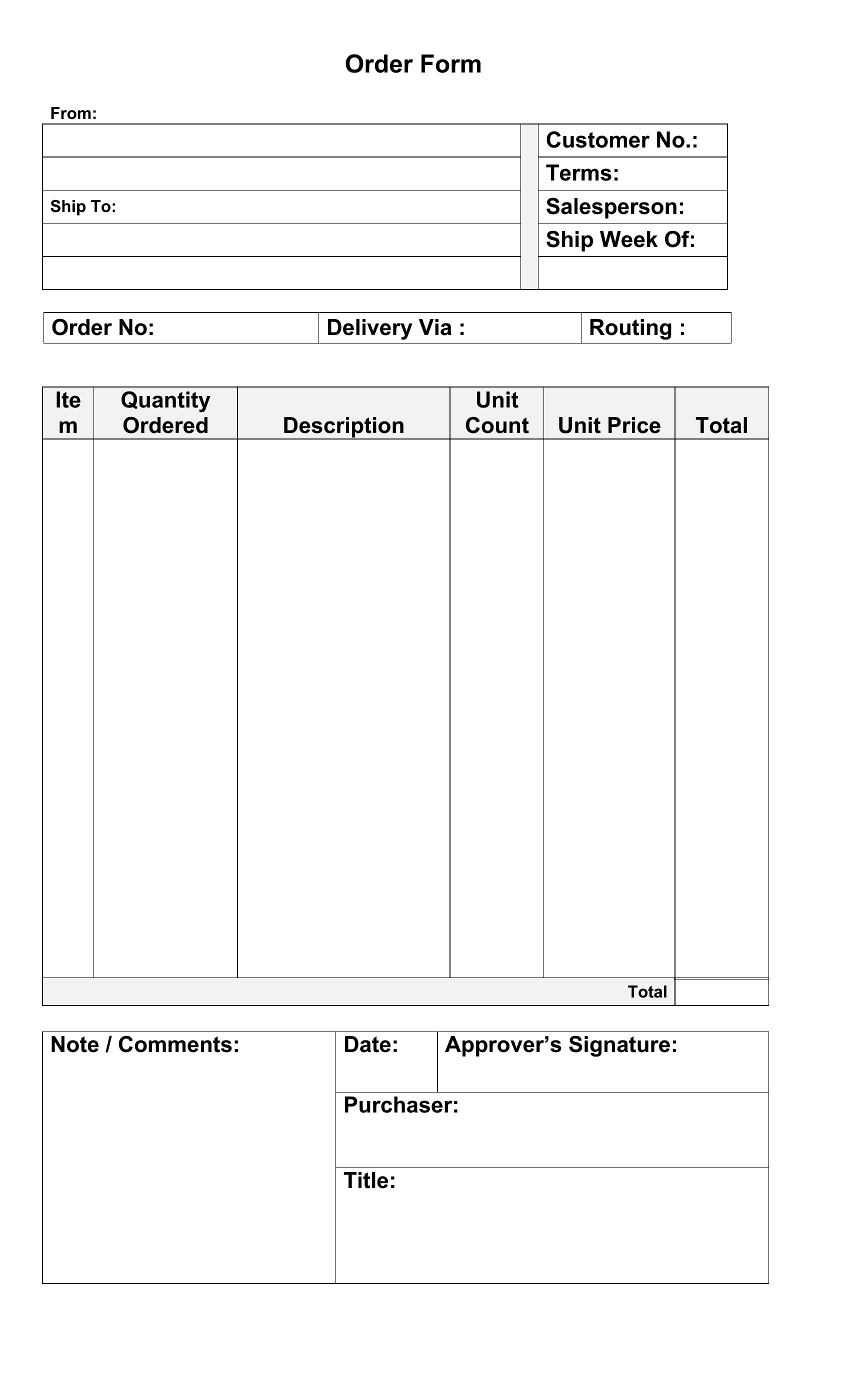
Free Purchase Order Templates (Word, Excel)
ProjectTemplates
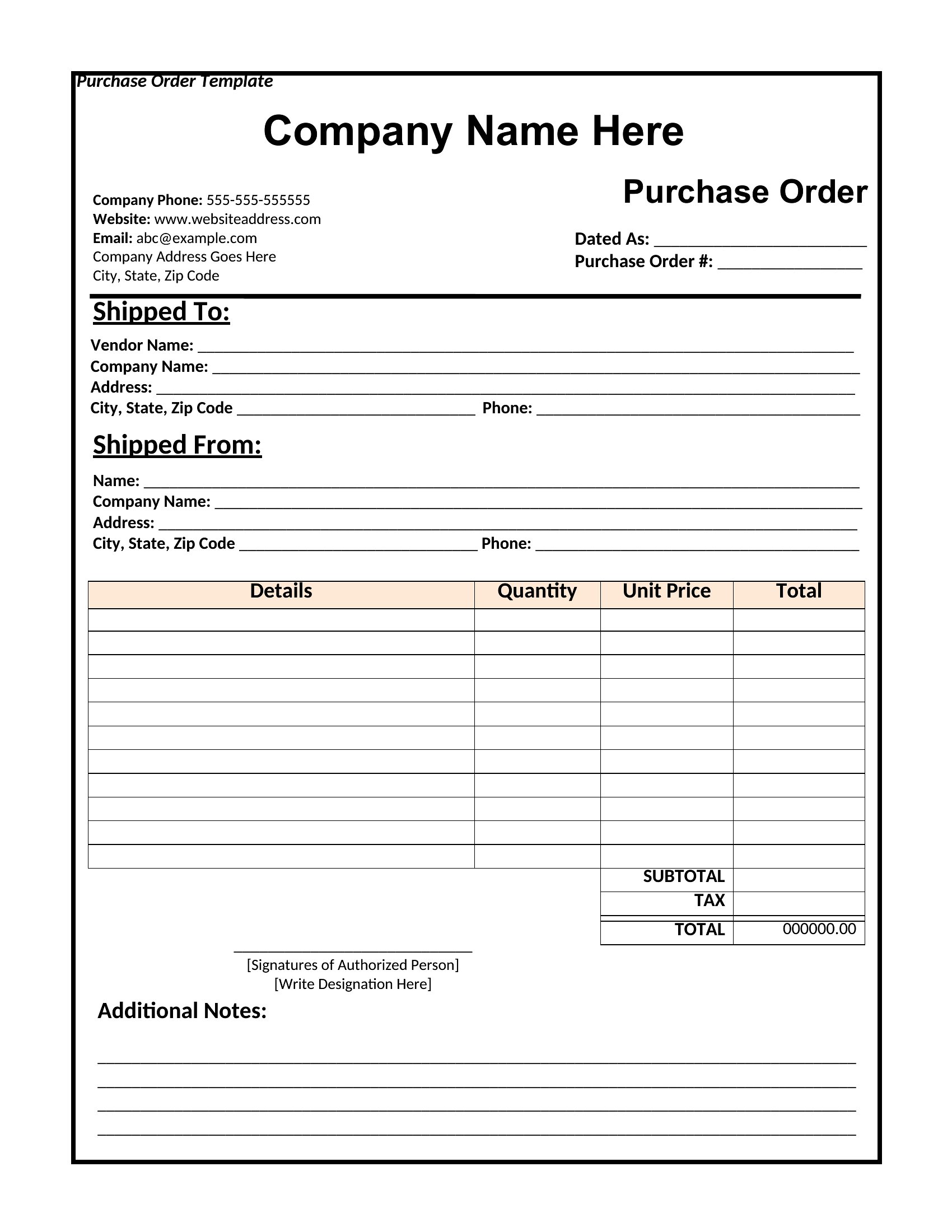
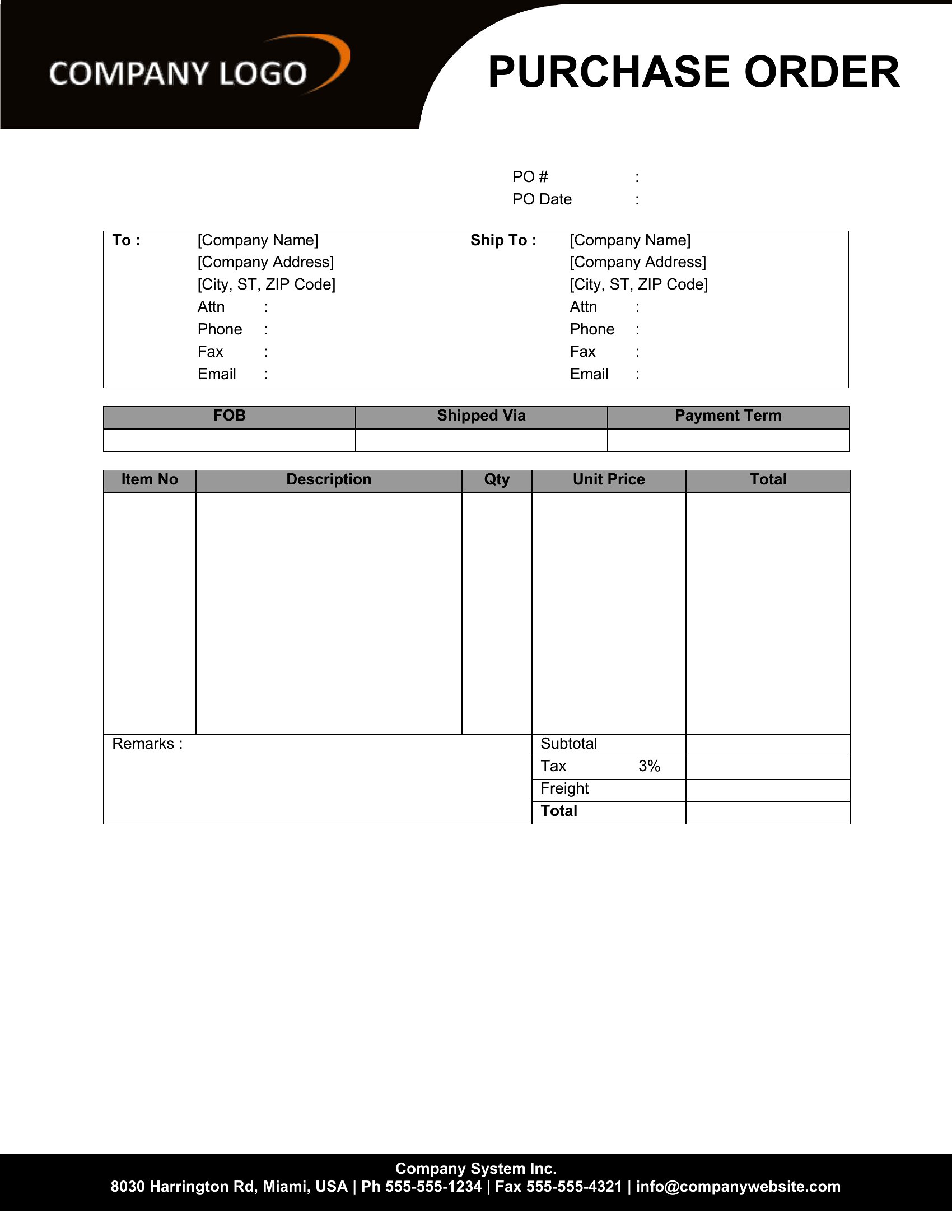
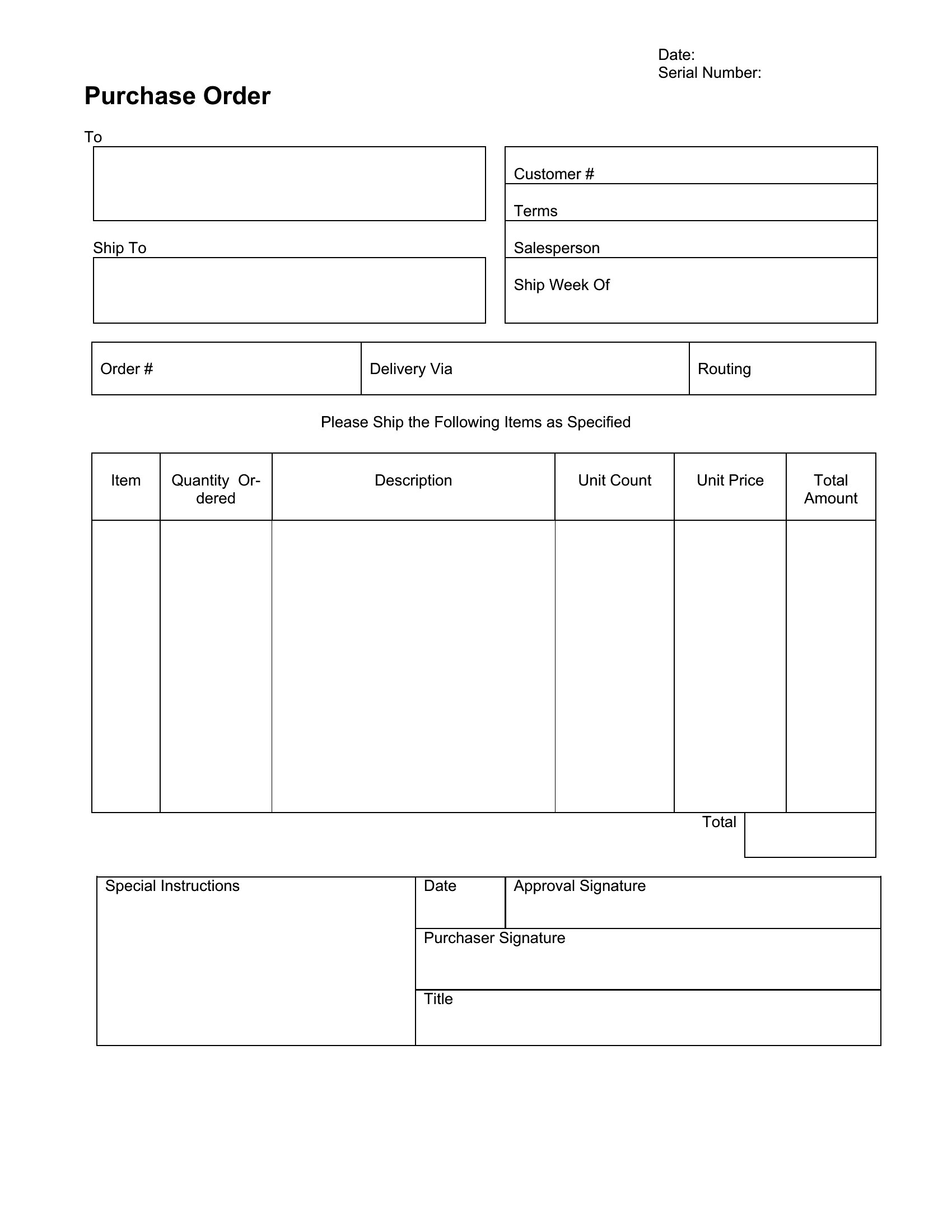
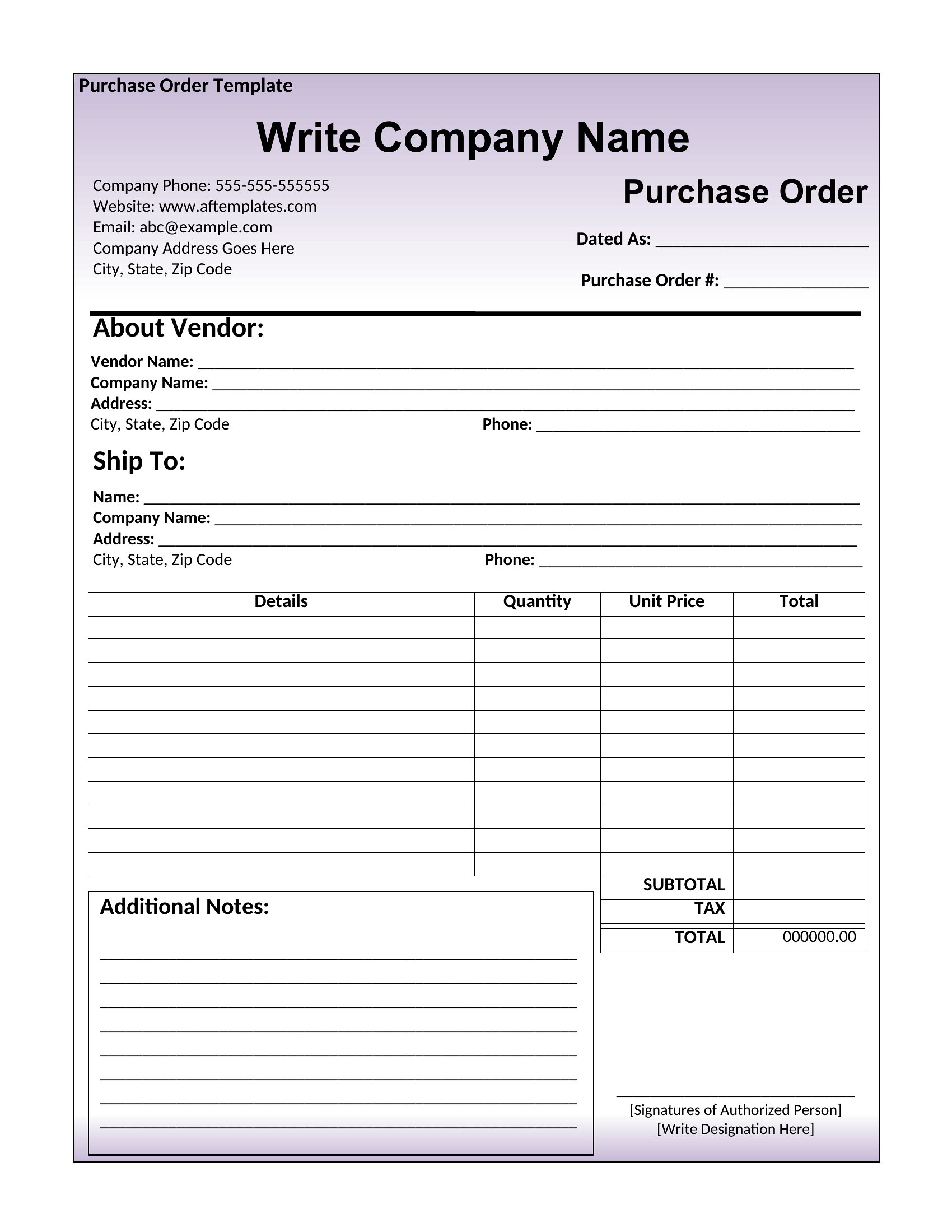
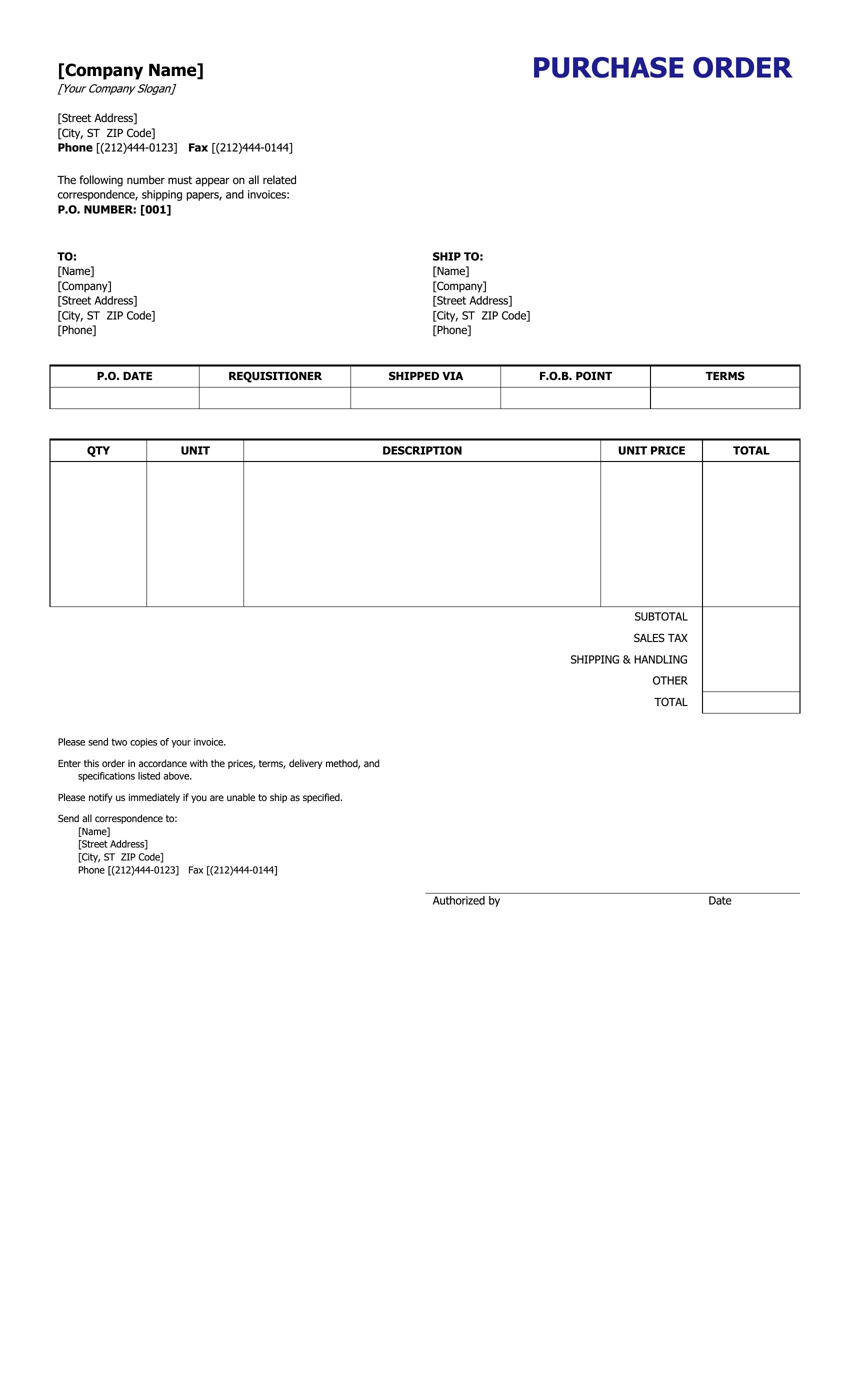
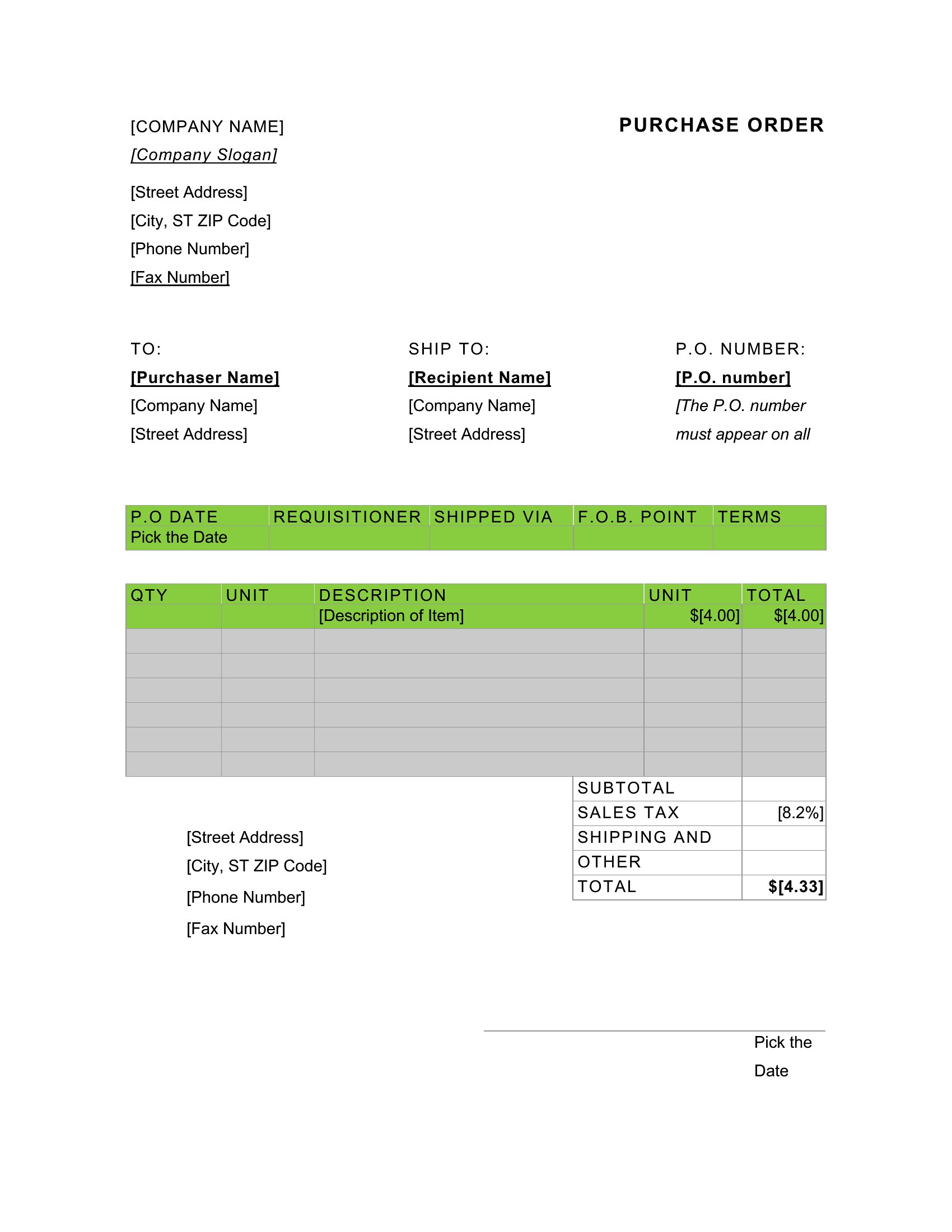
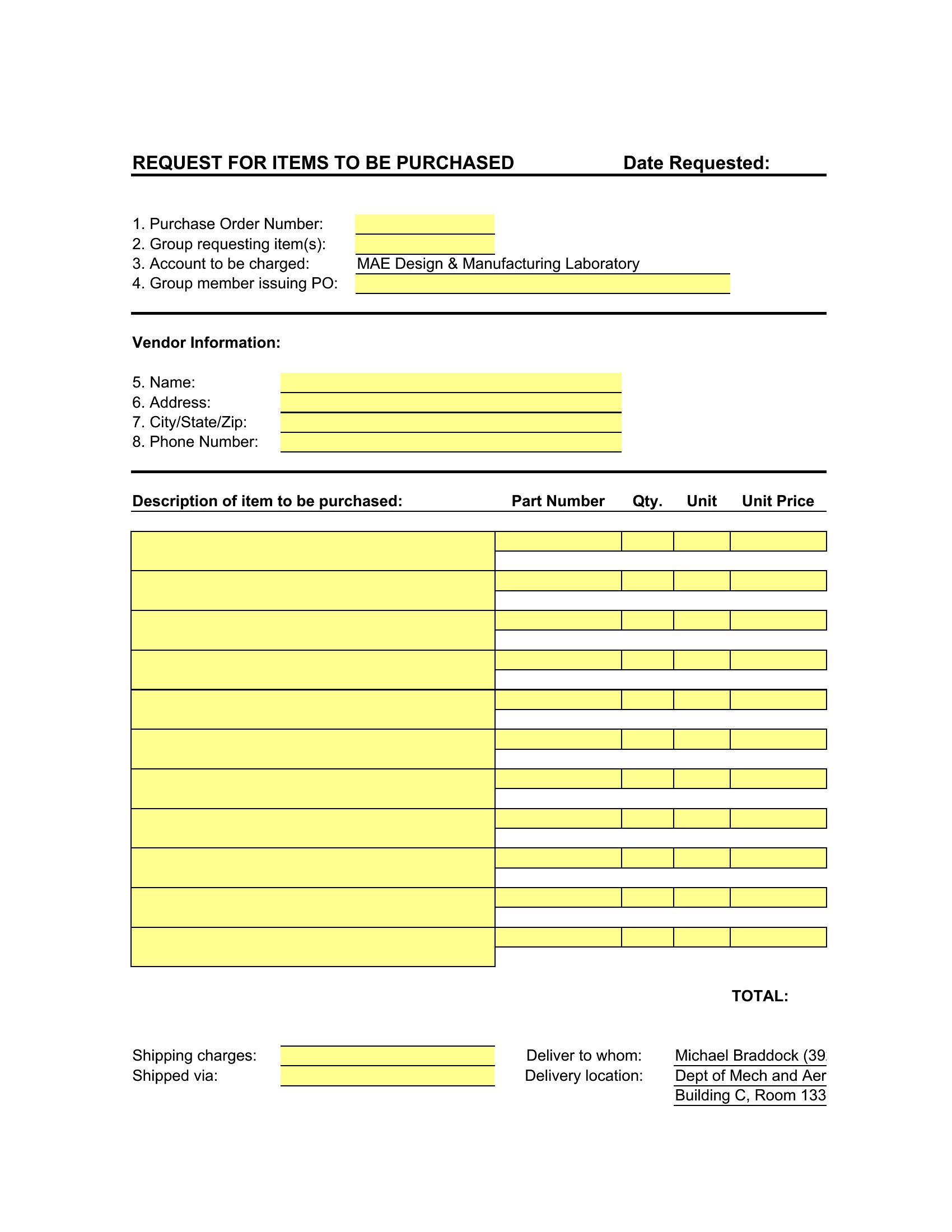
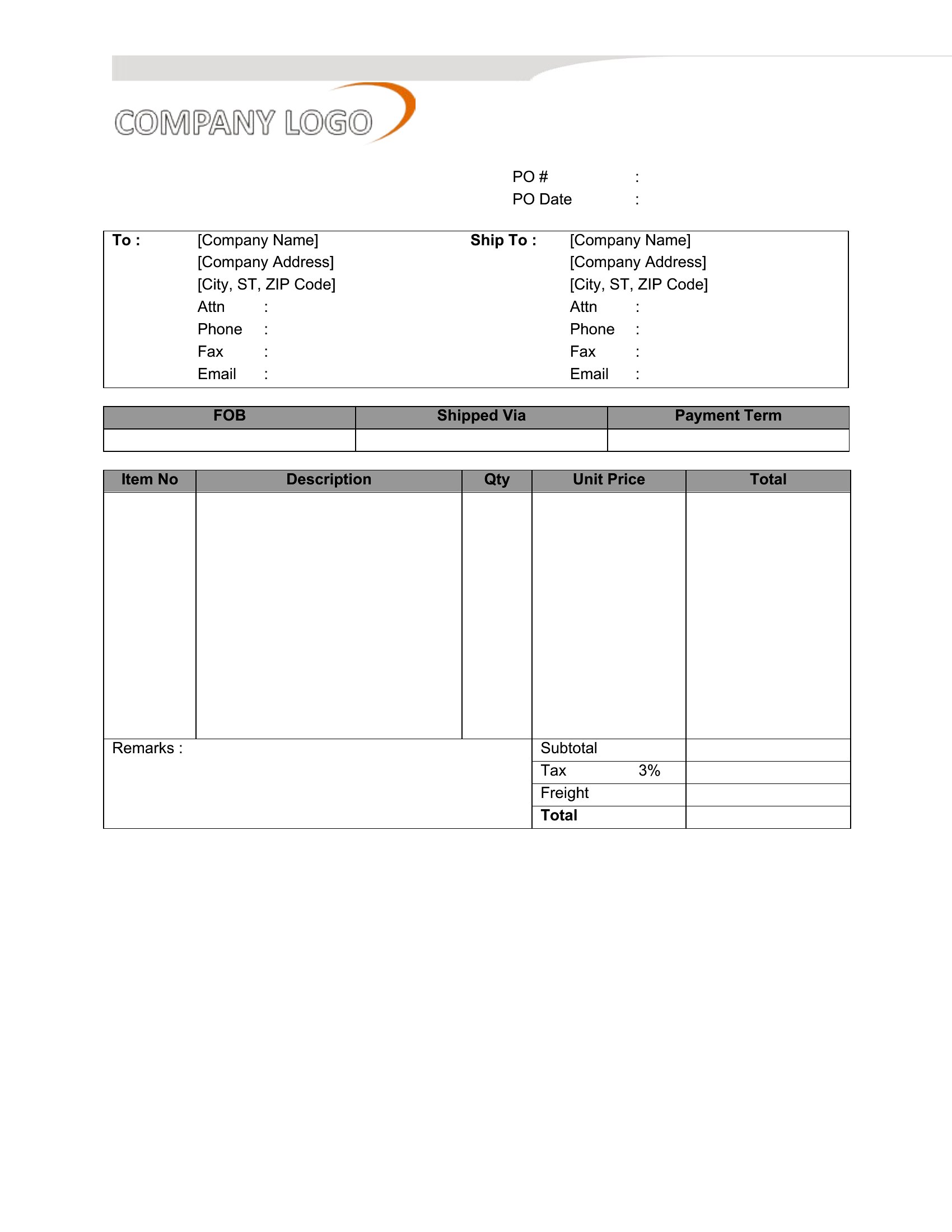
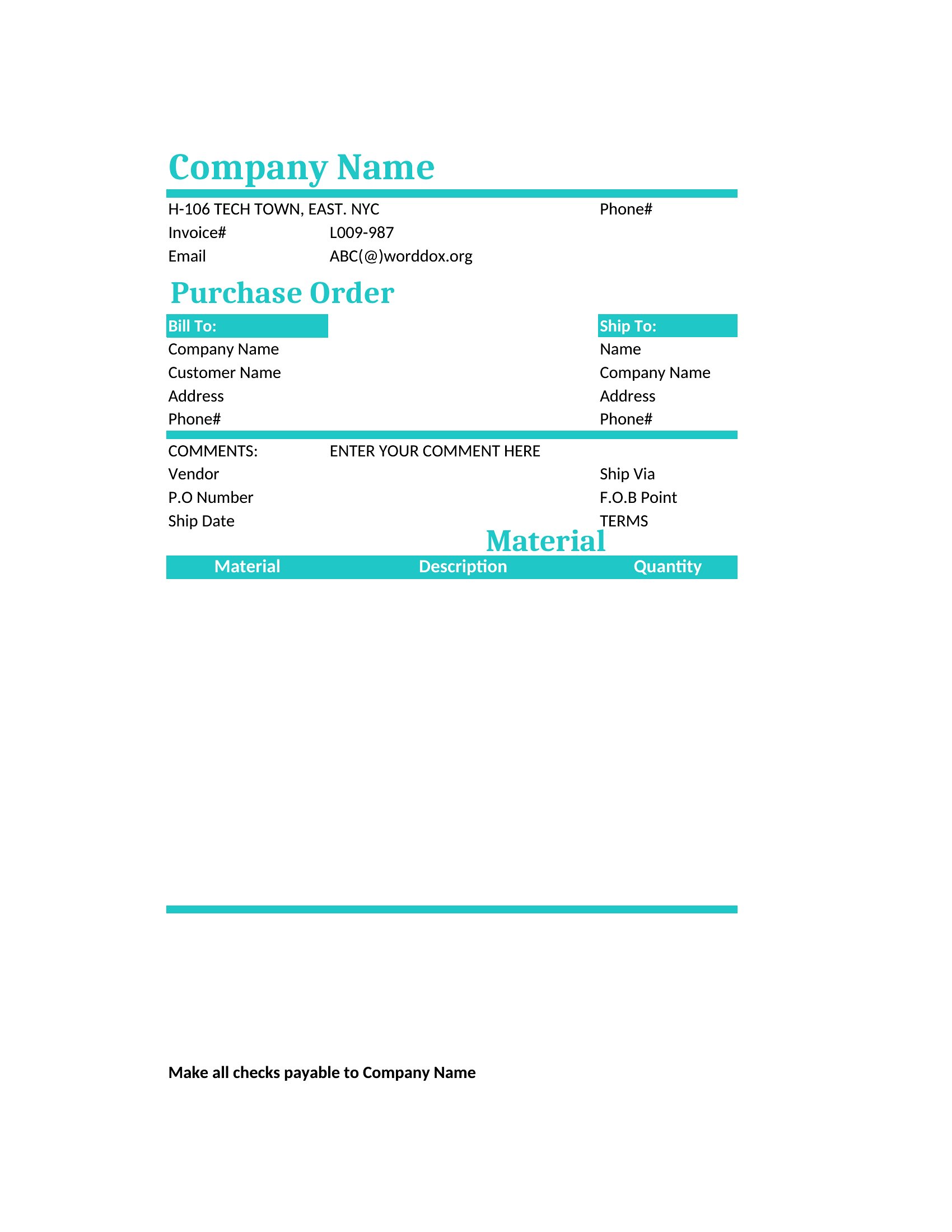
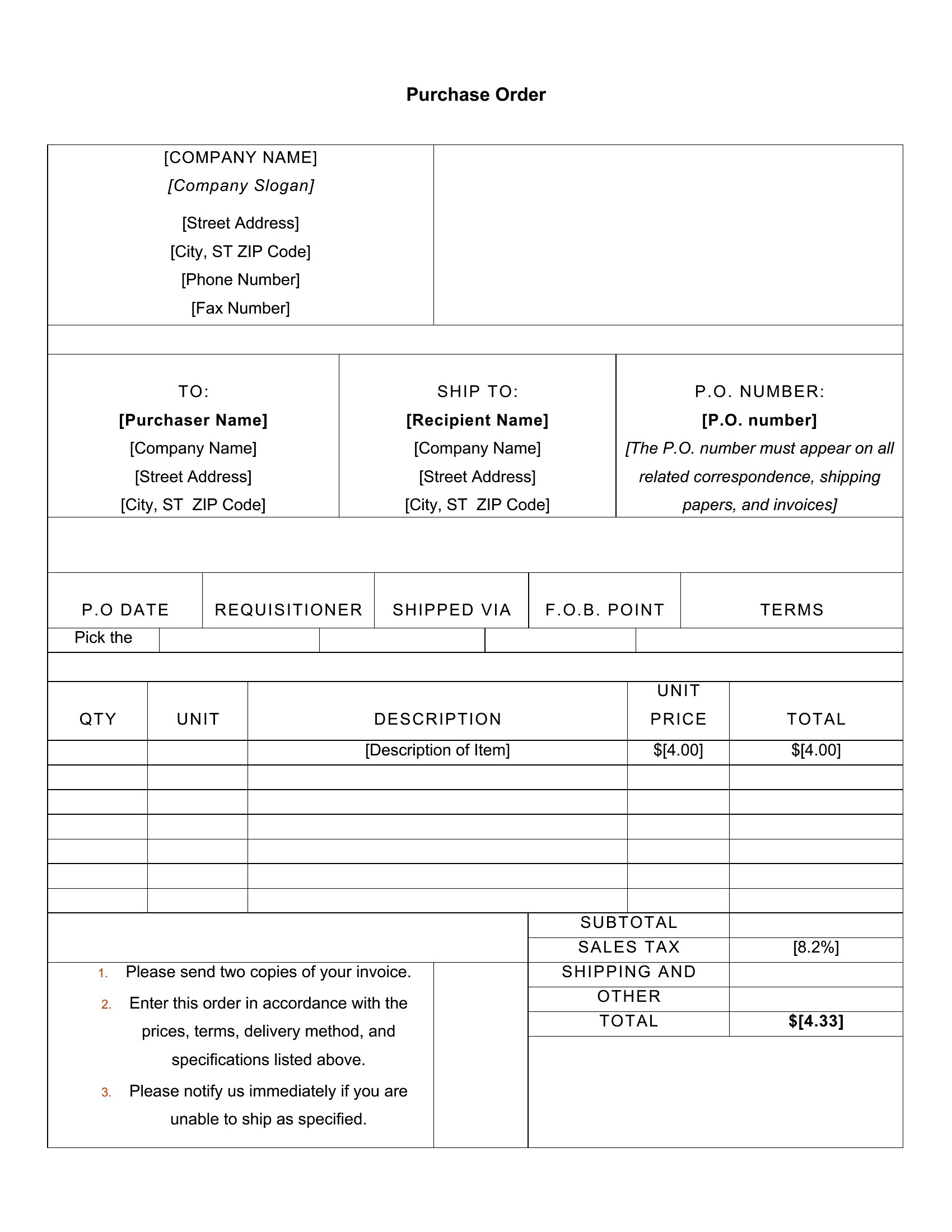
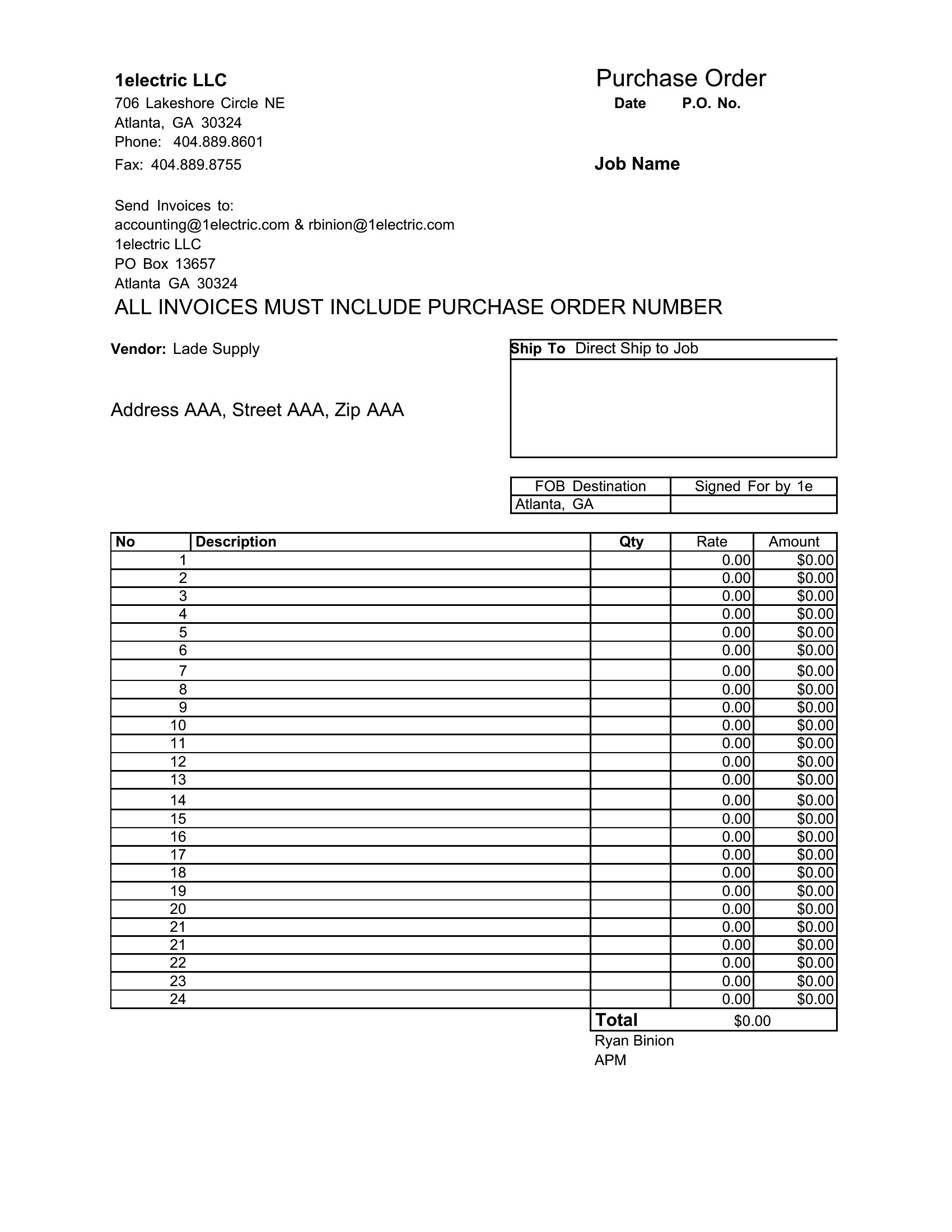
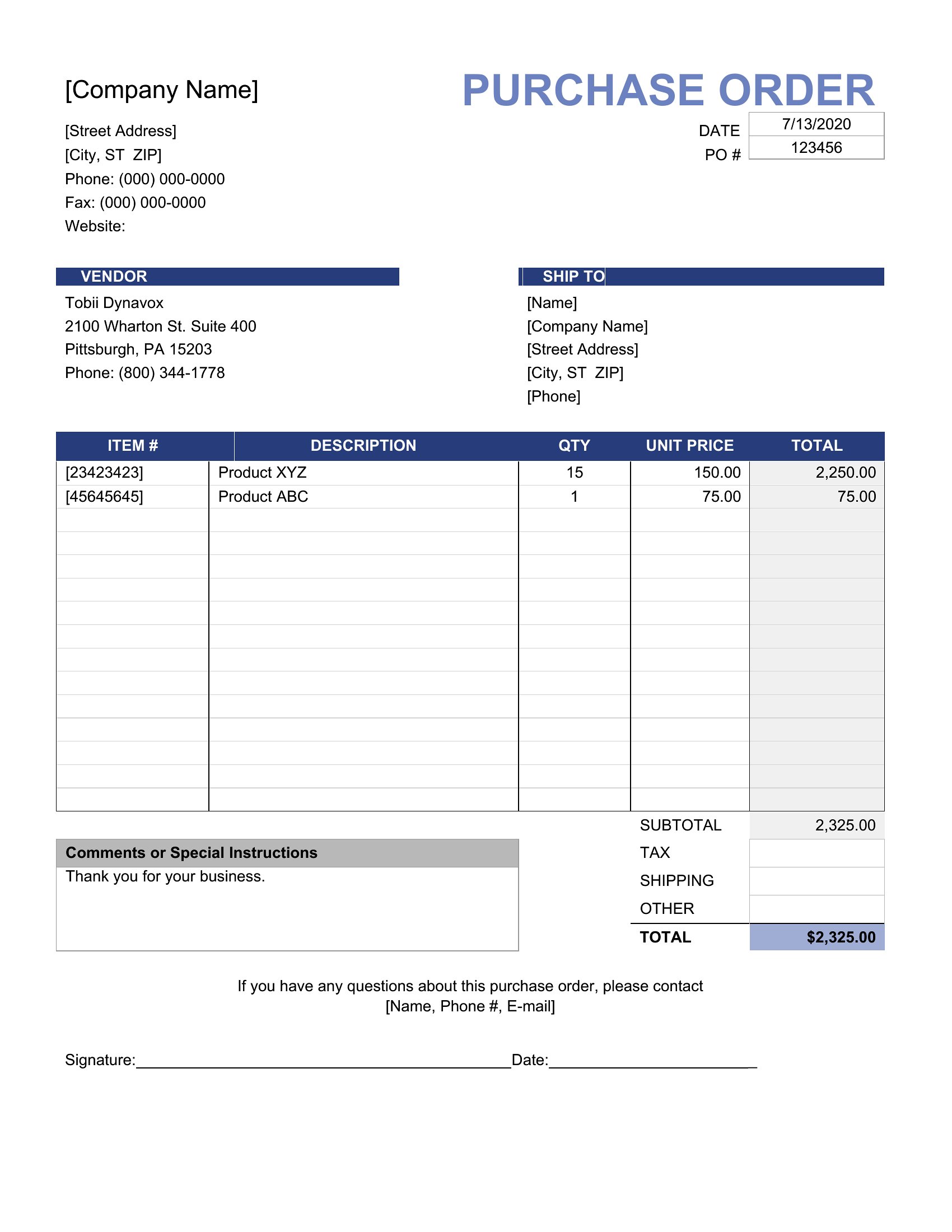
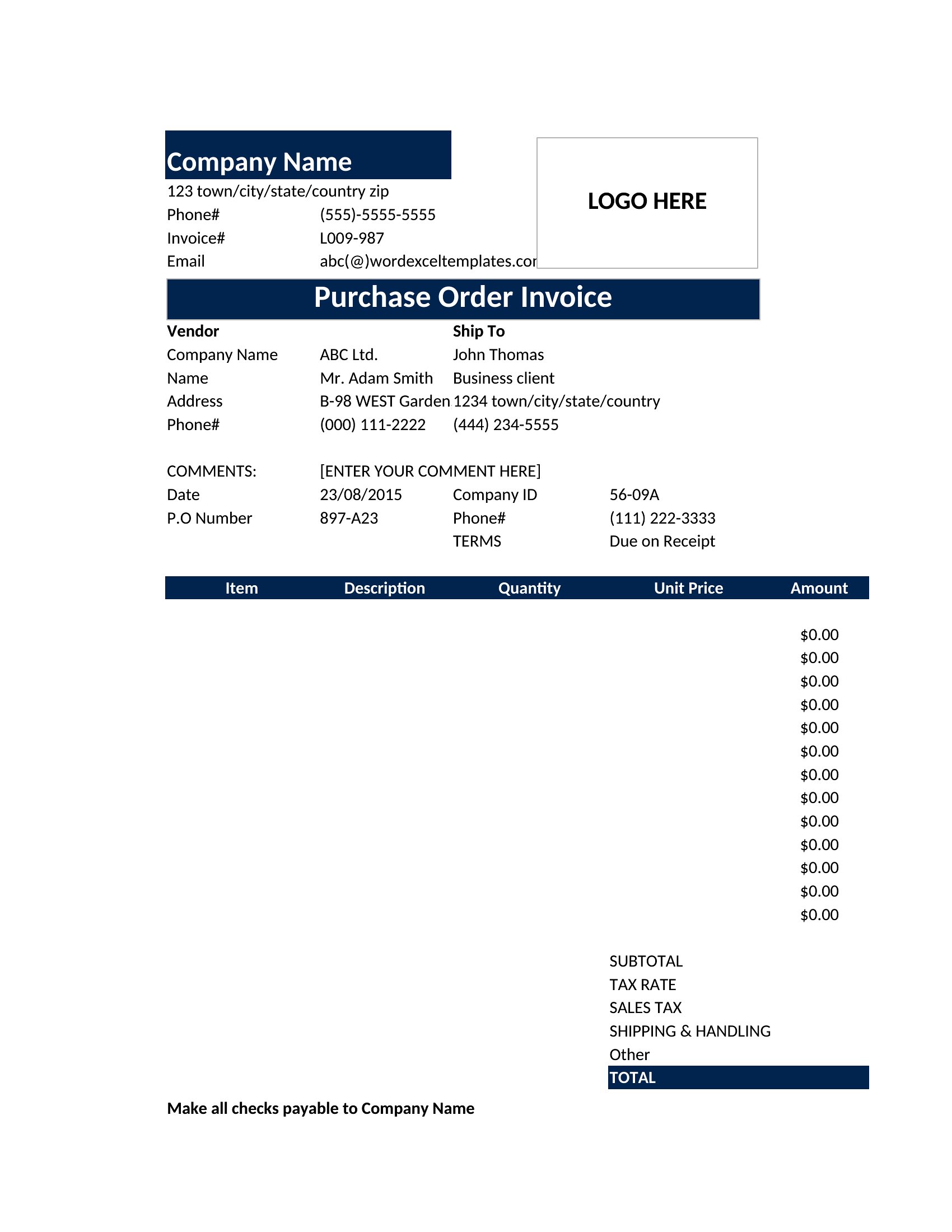
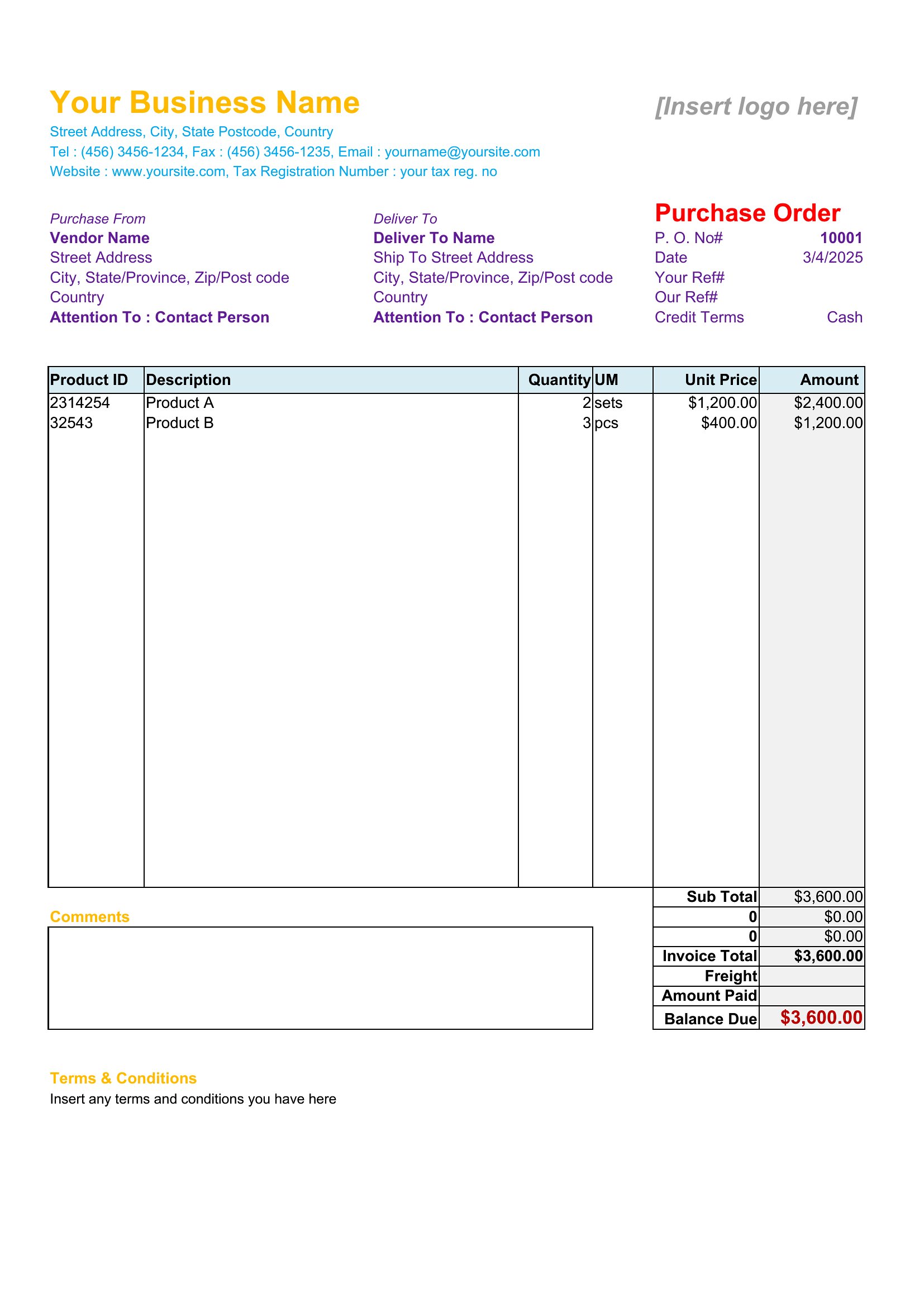
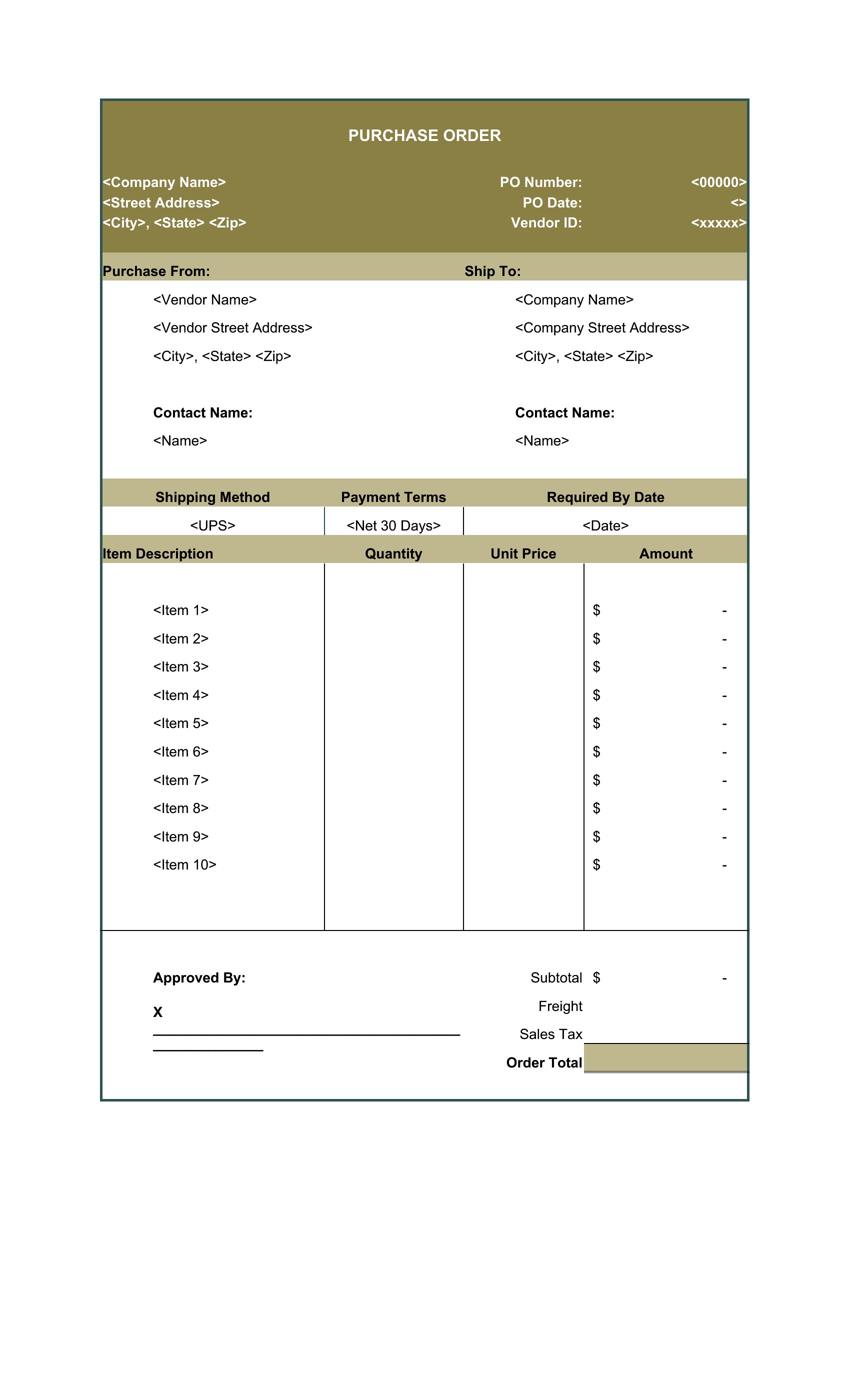
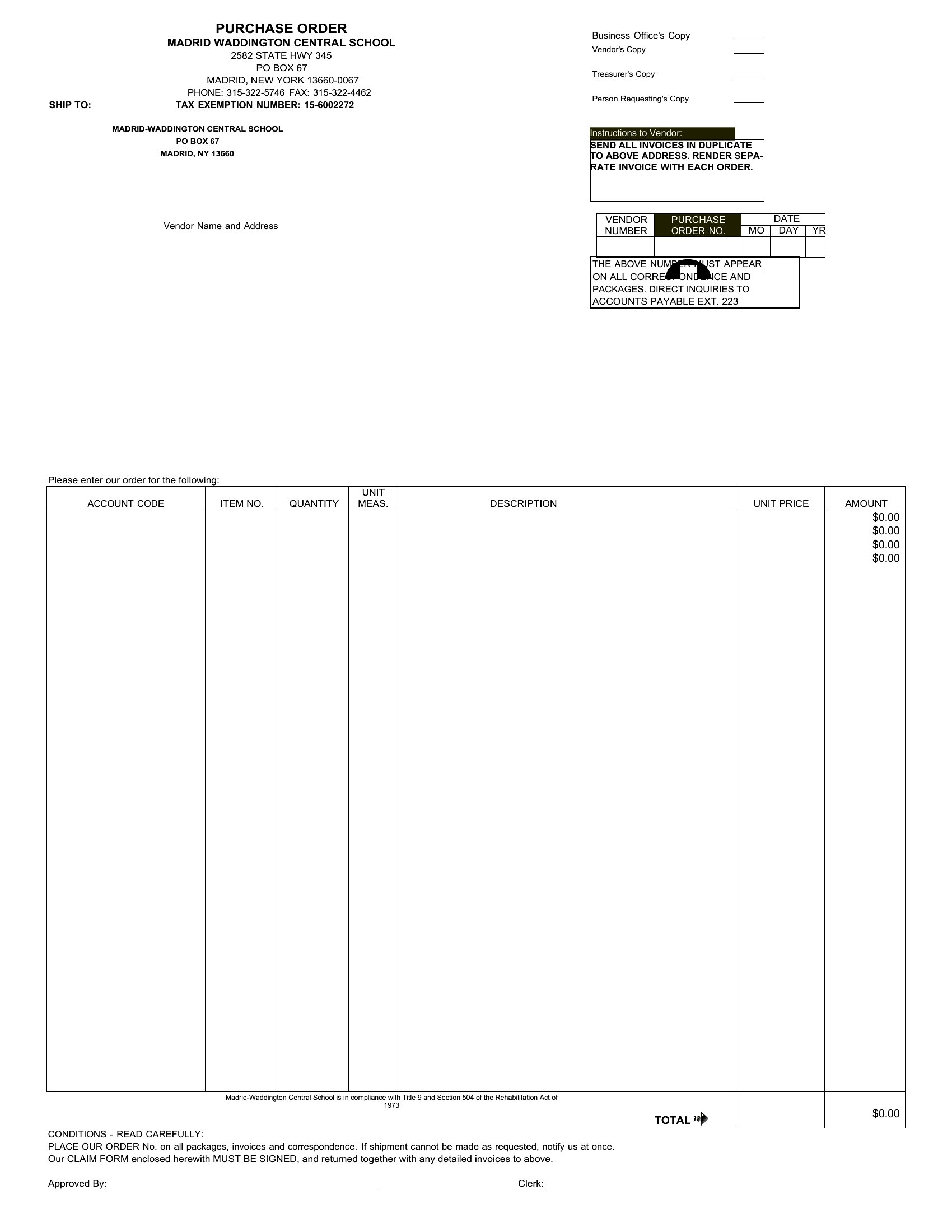
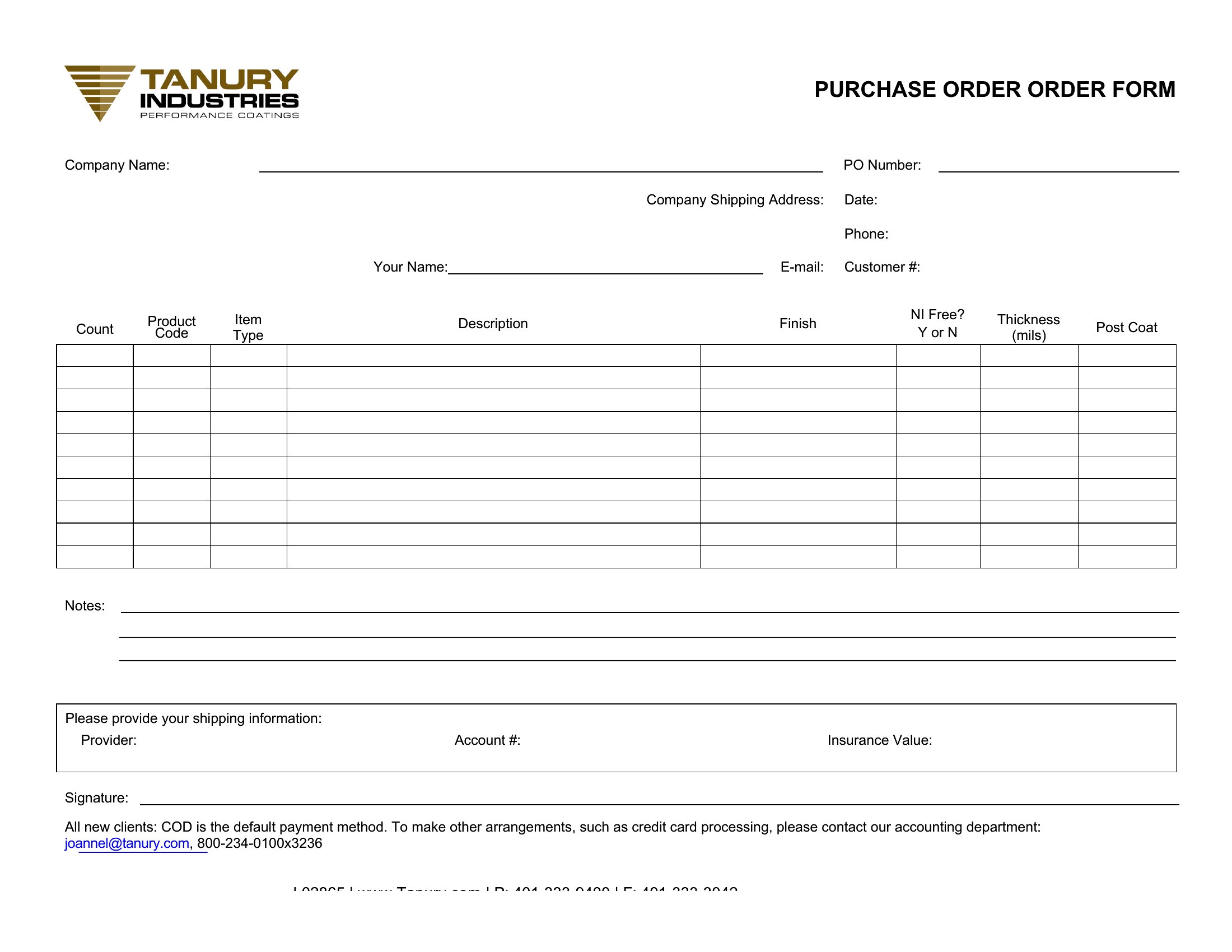
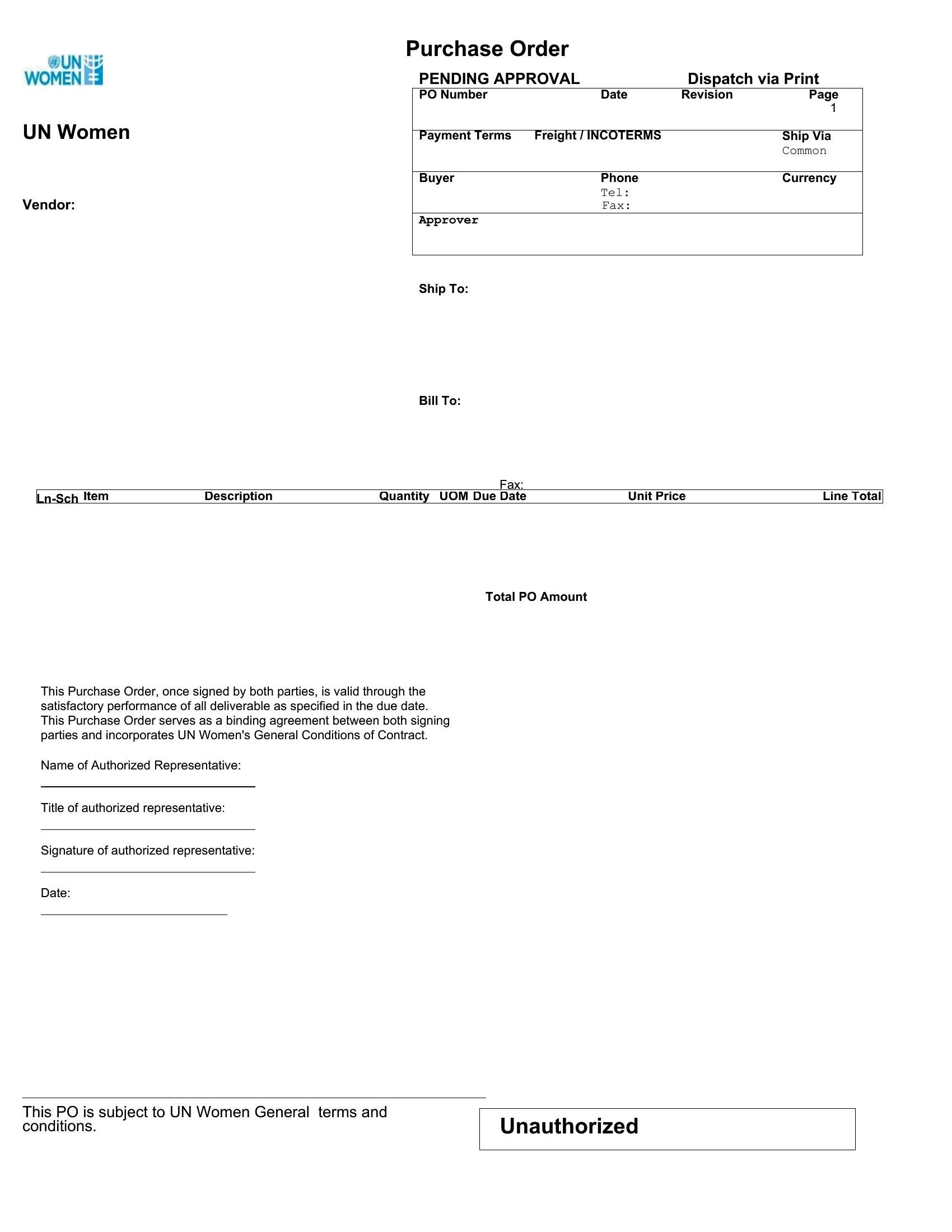
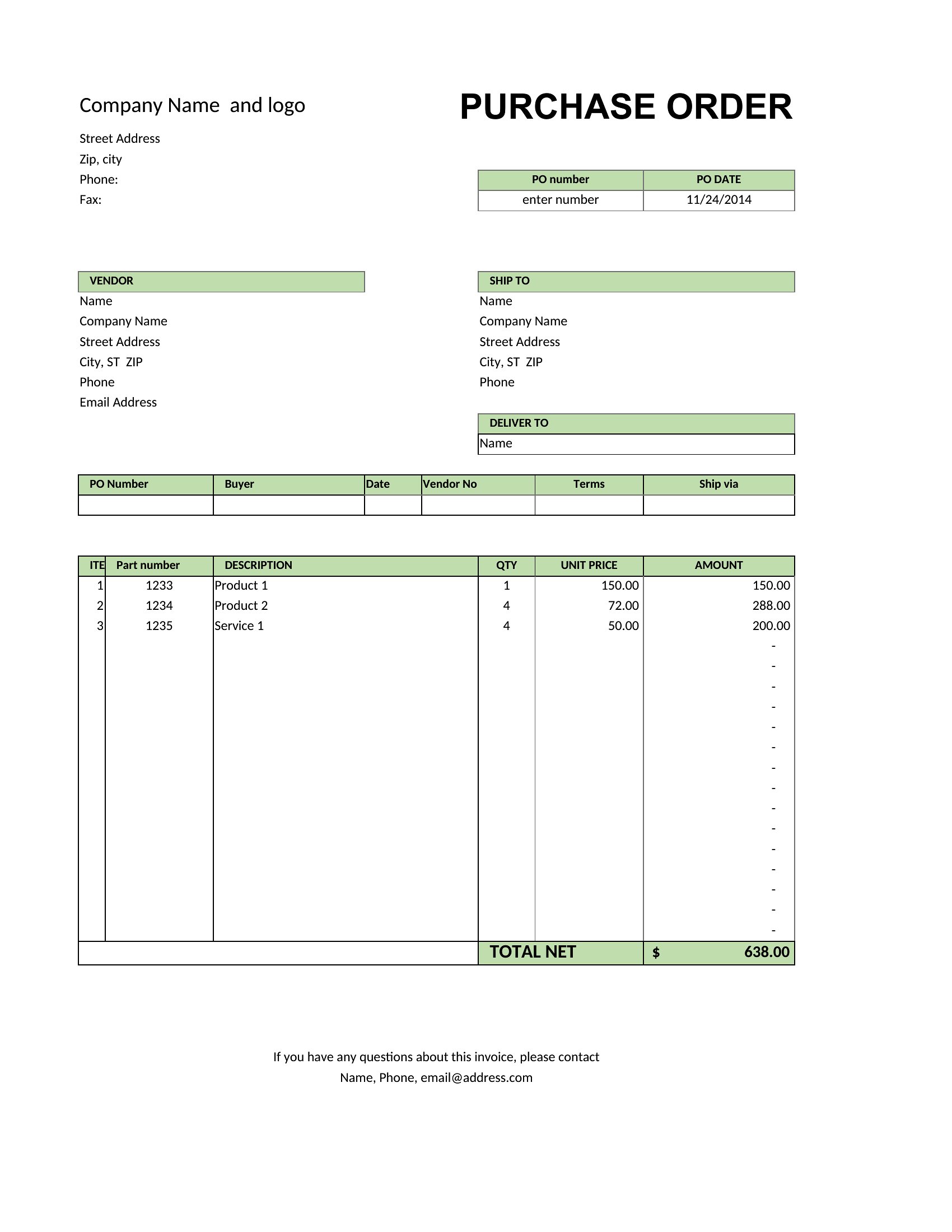
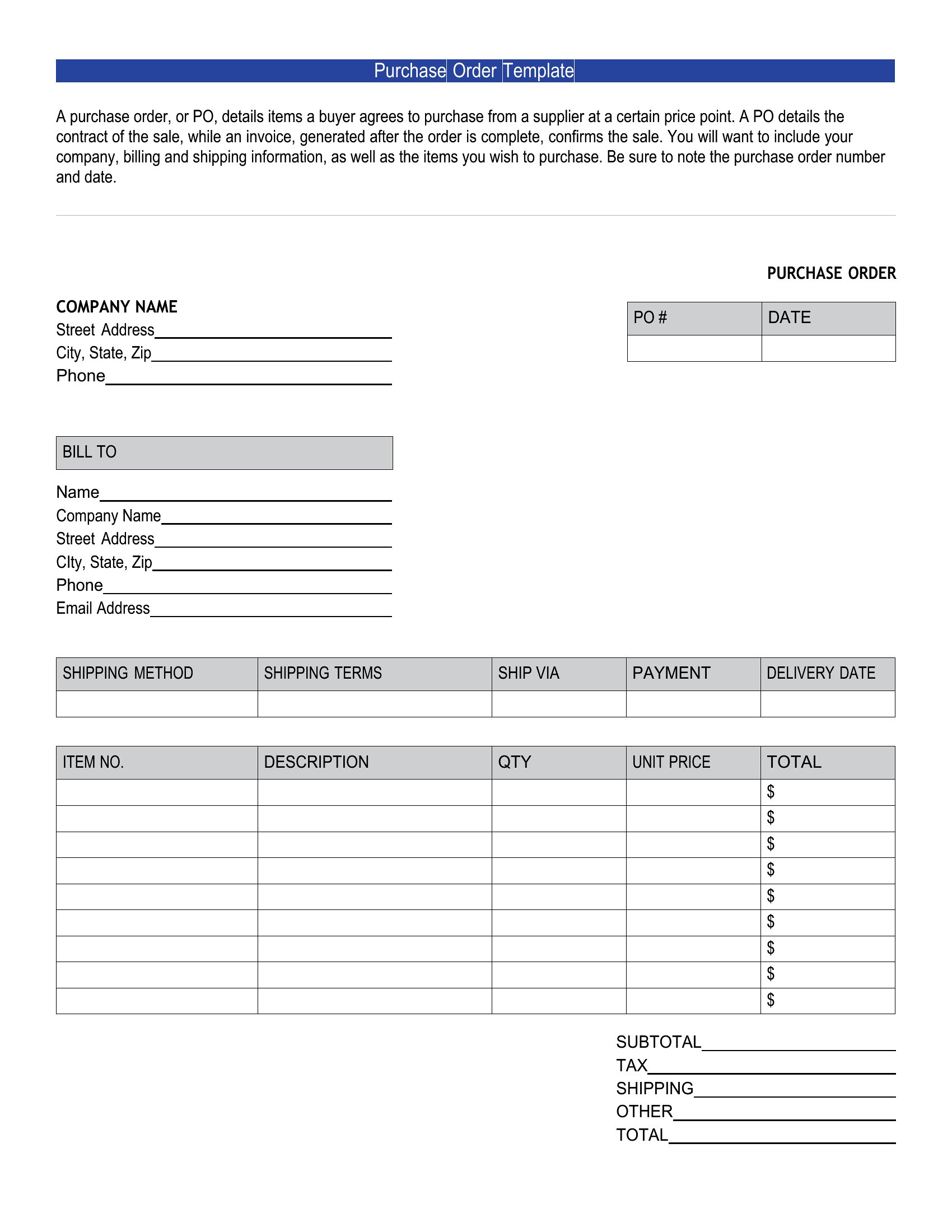
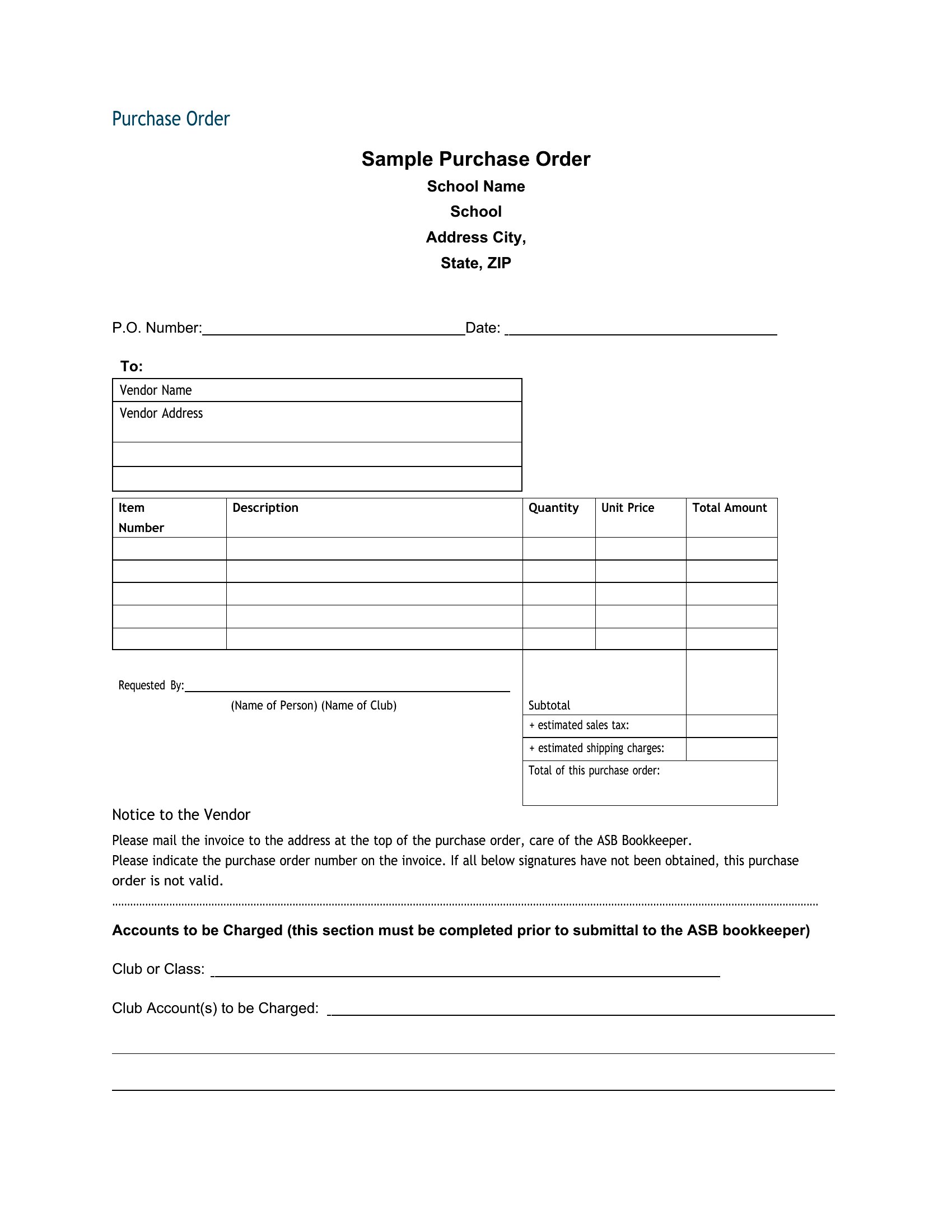
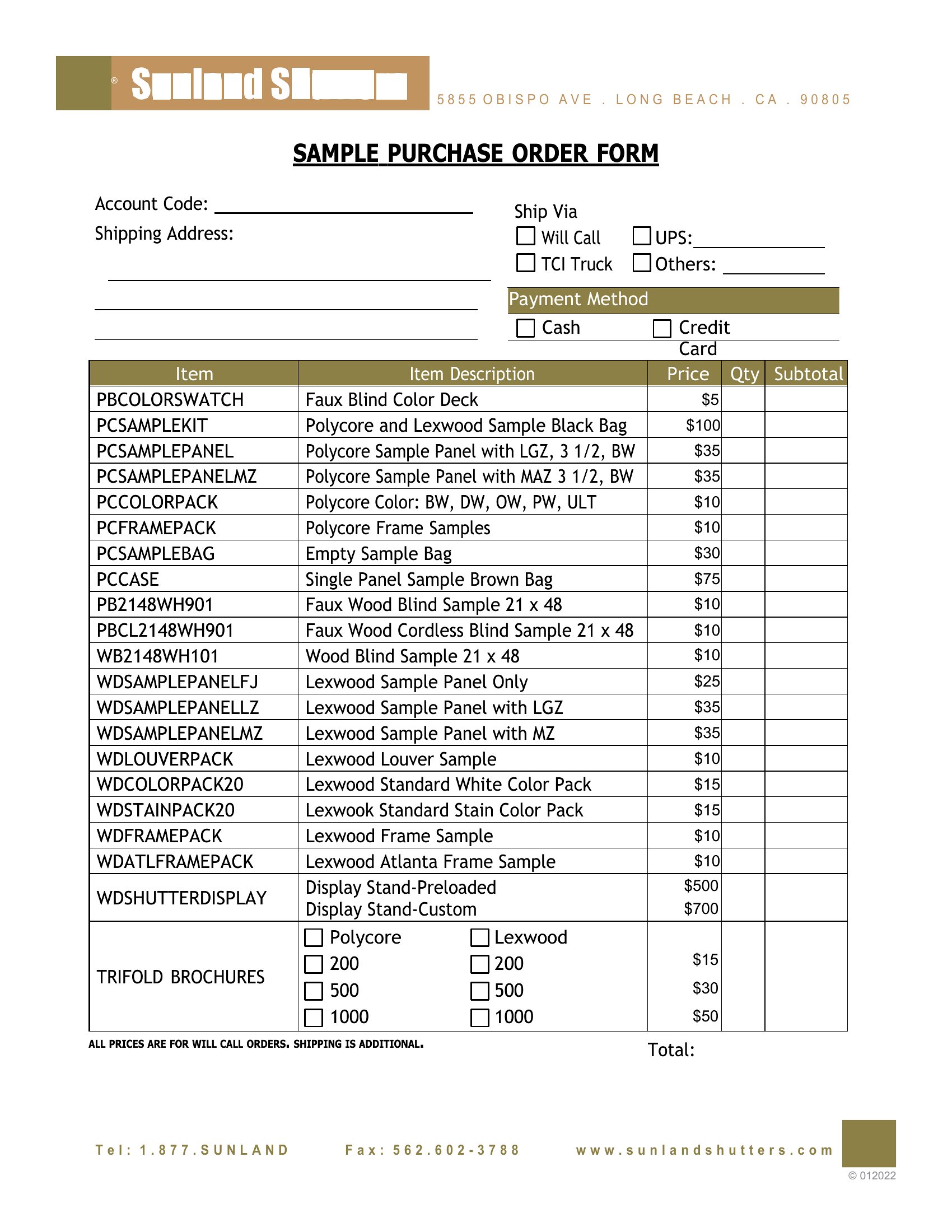
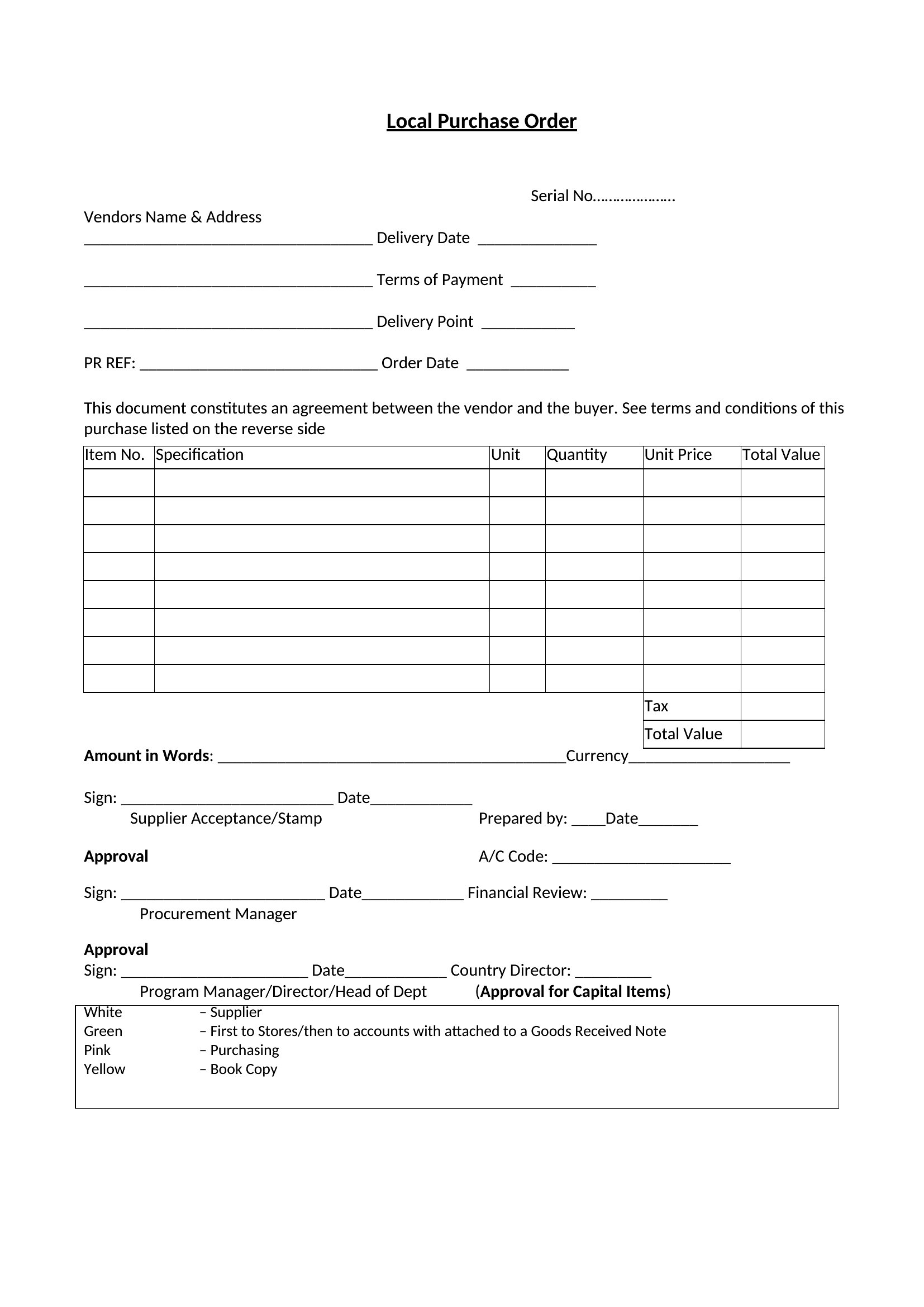
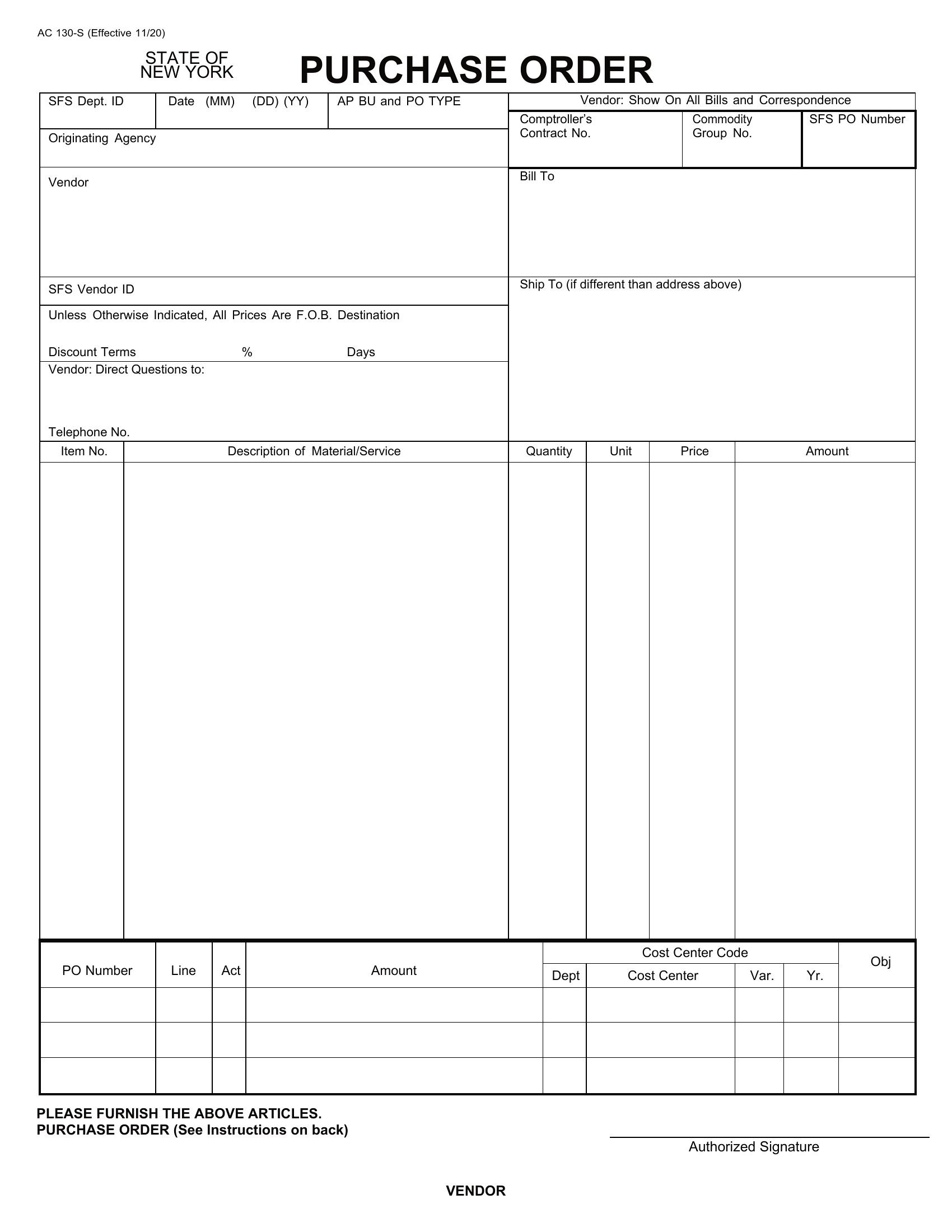
FAQ
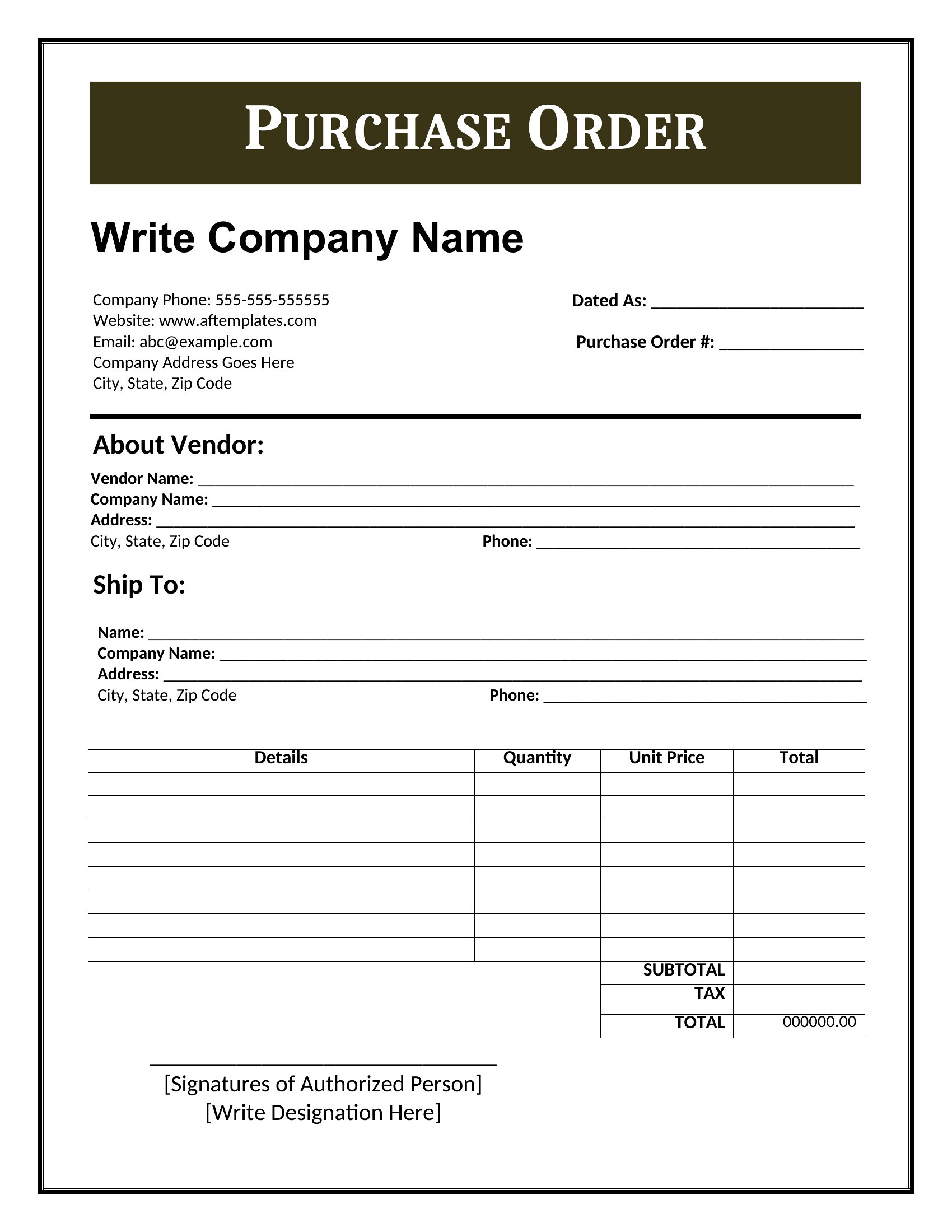
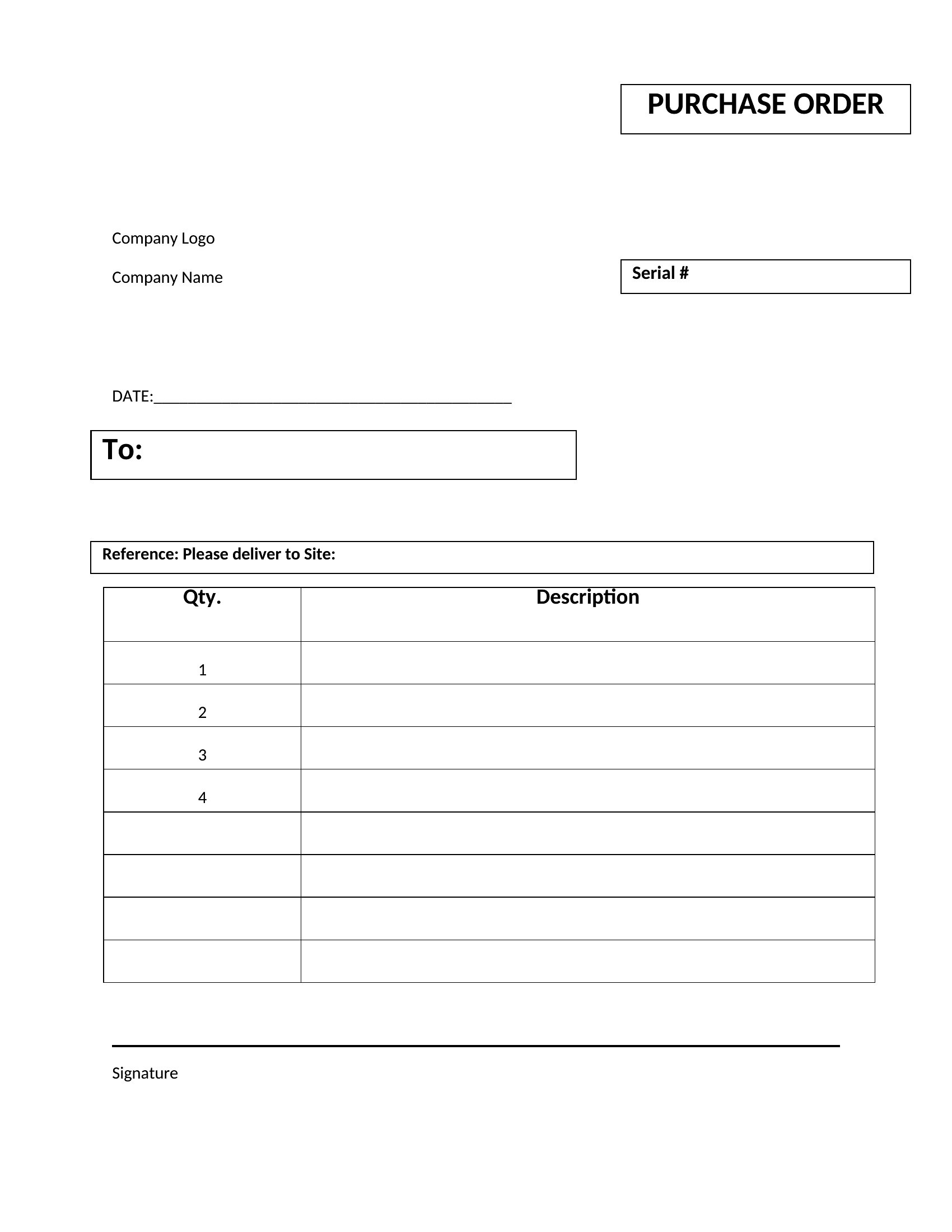
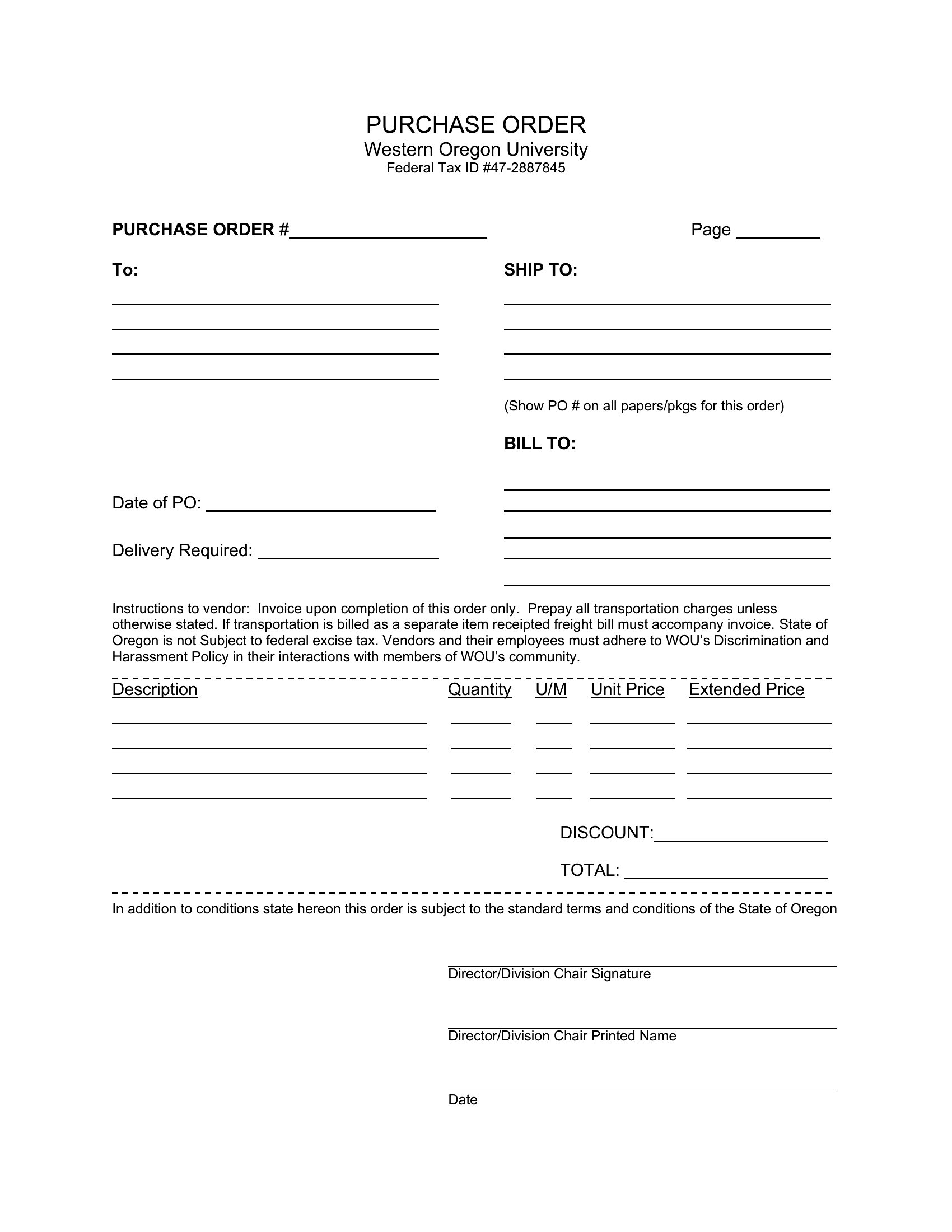
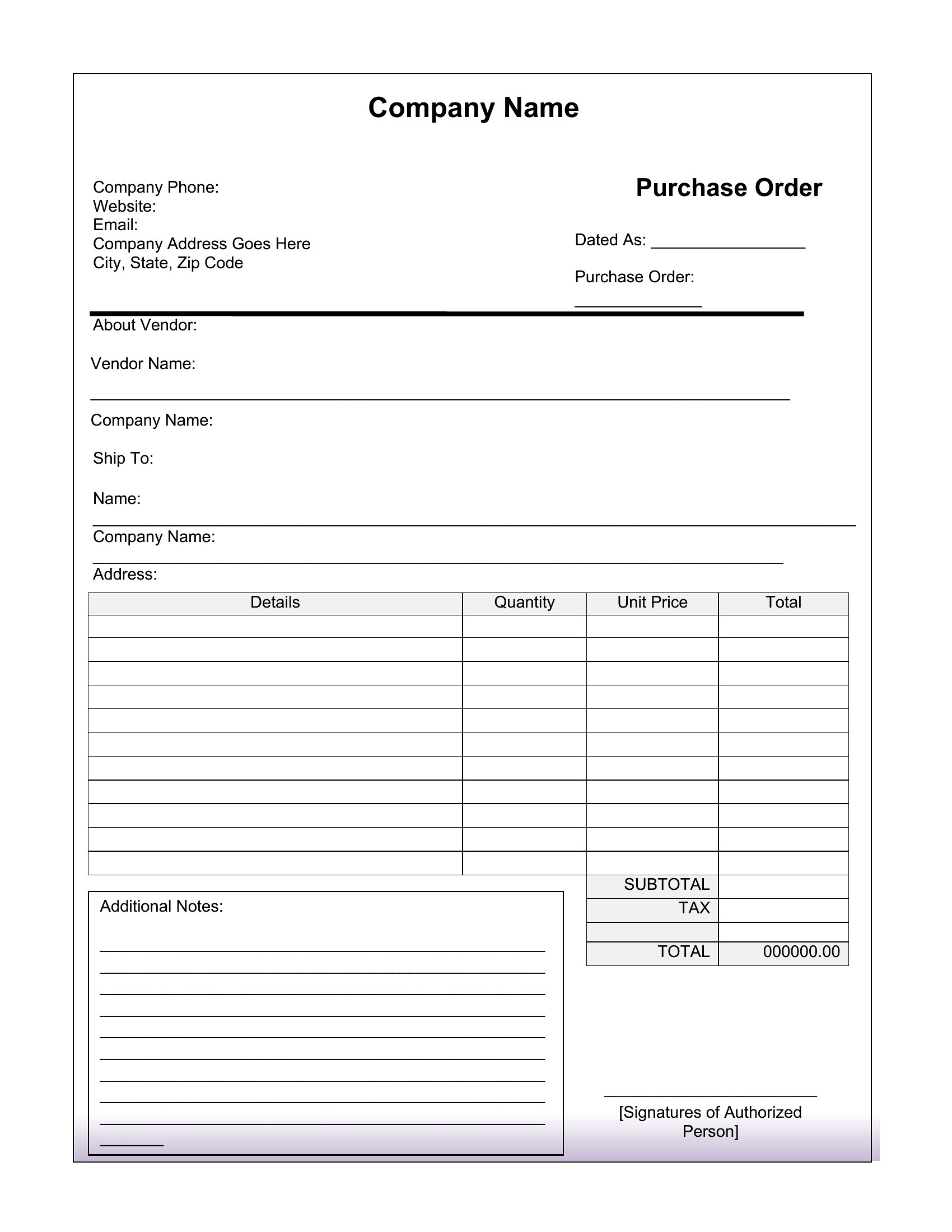
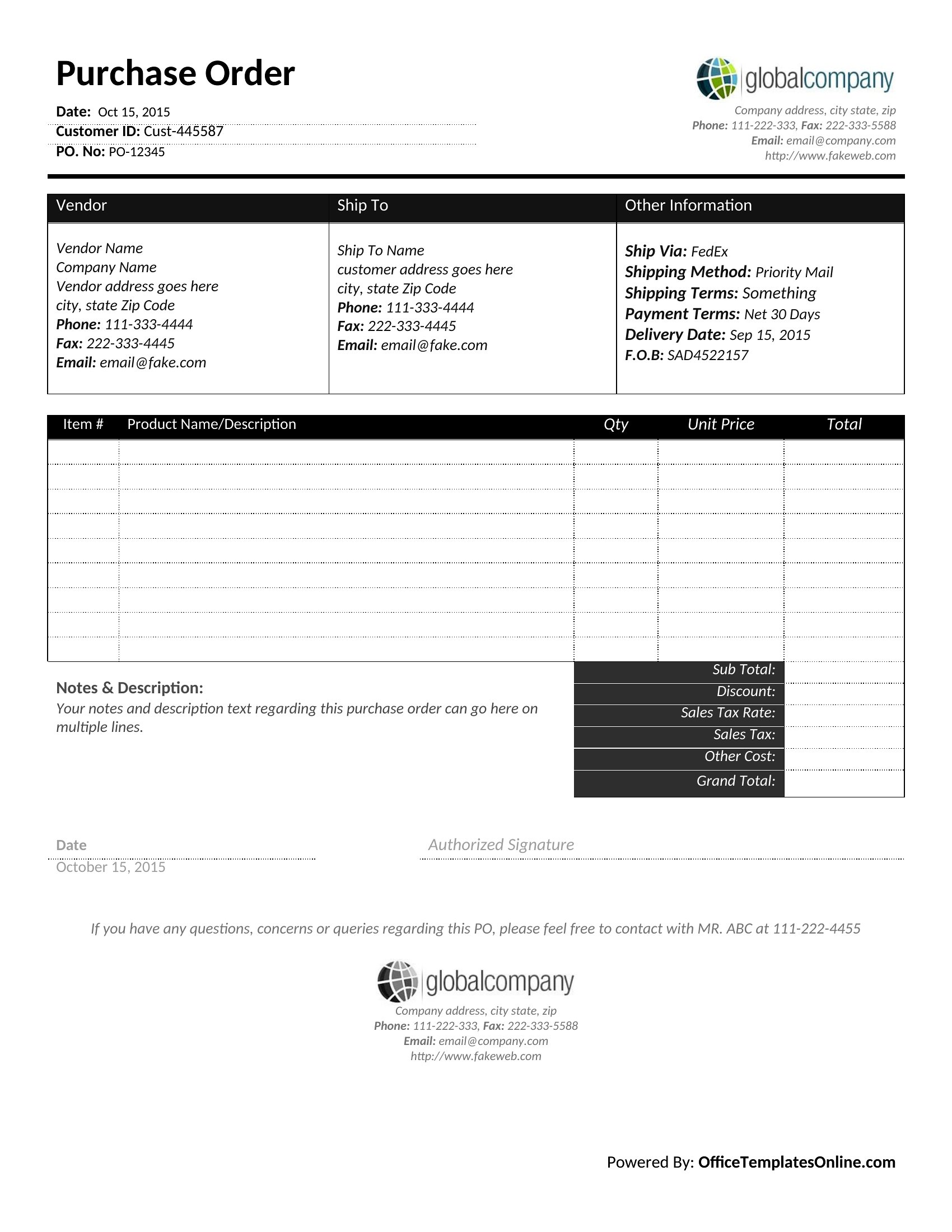
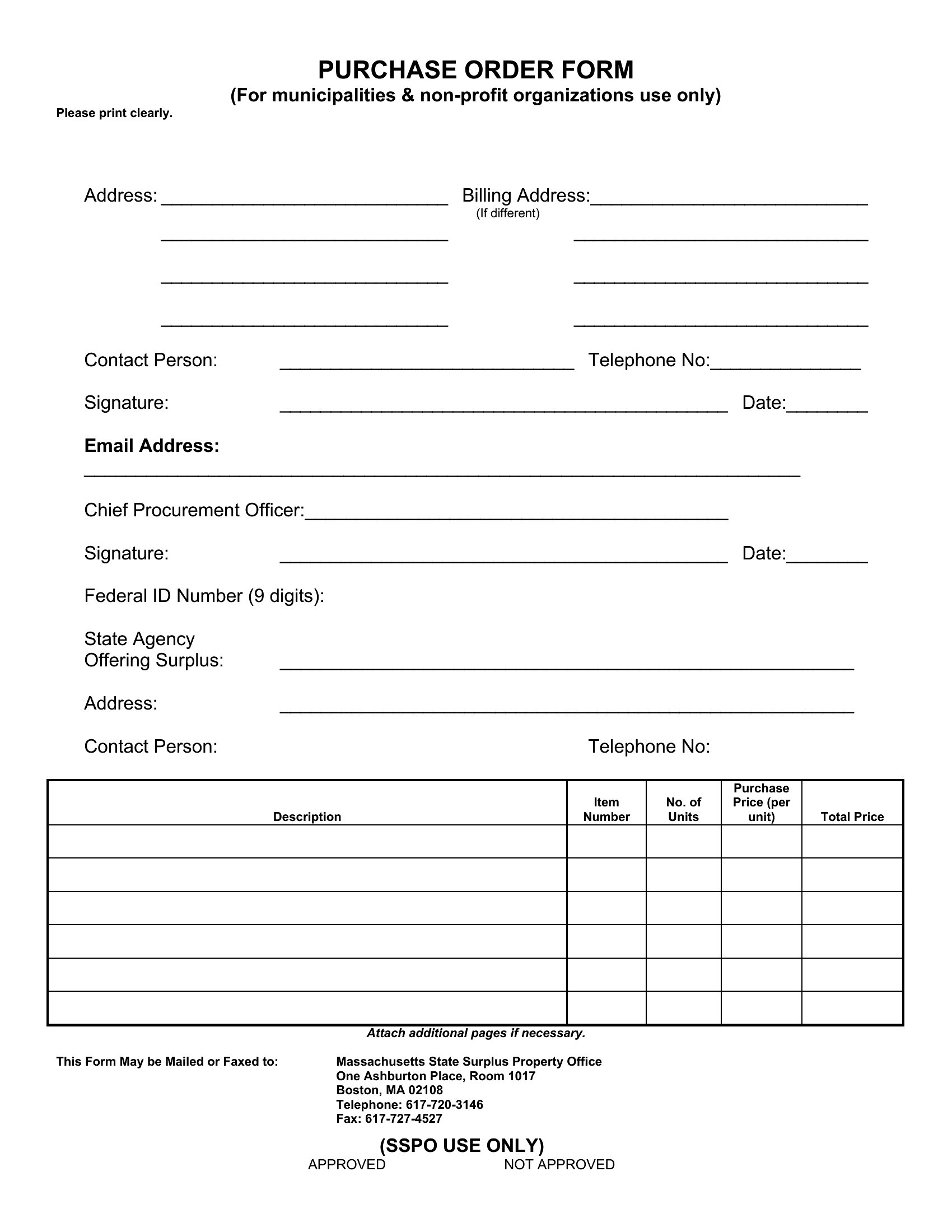
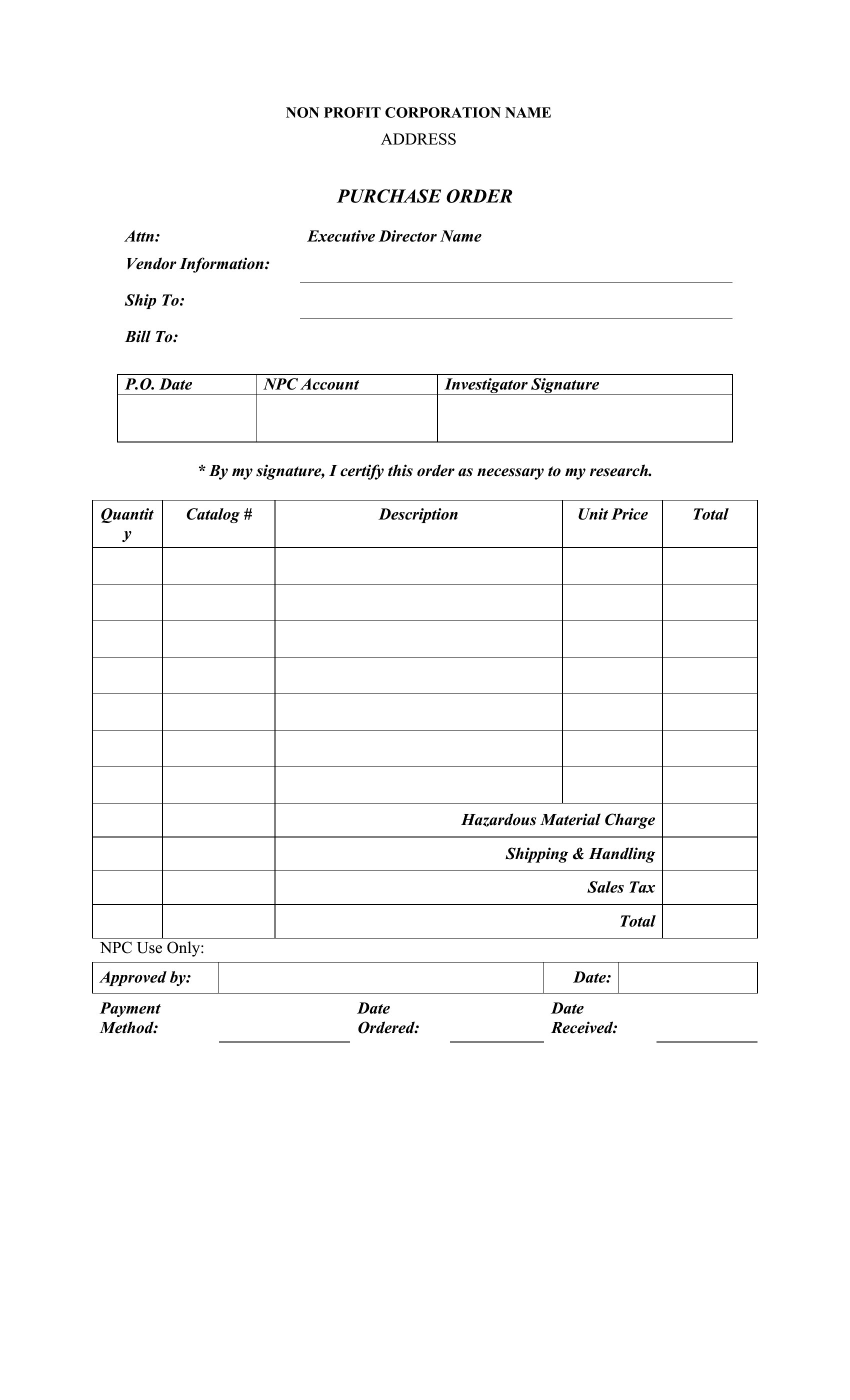
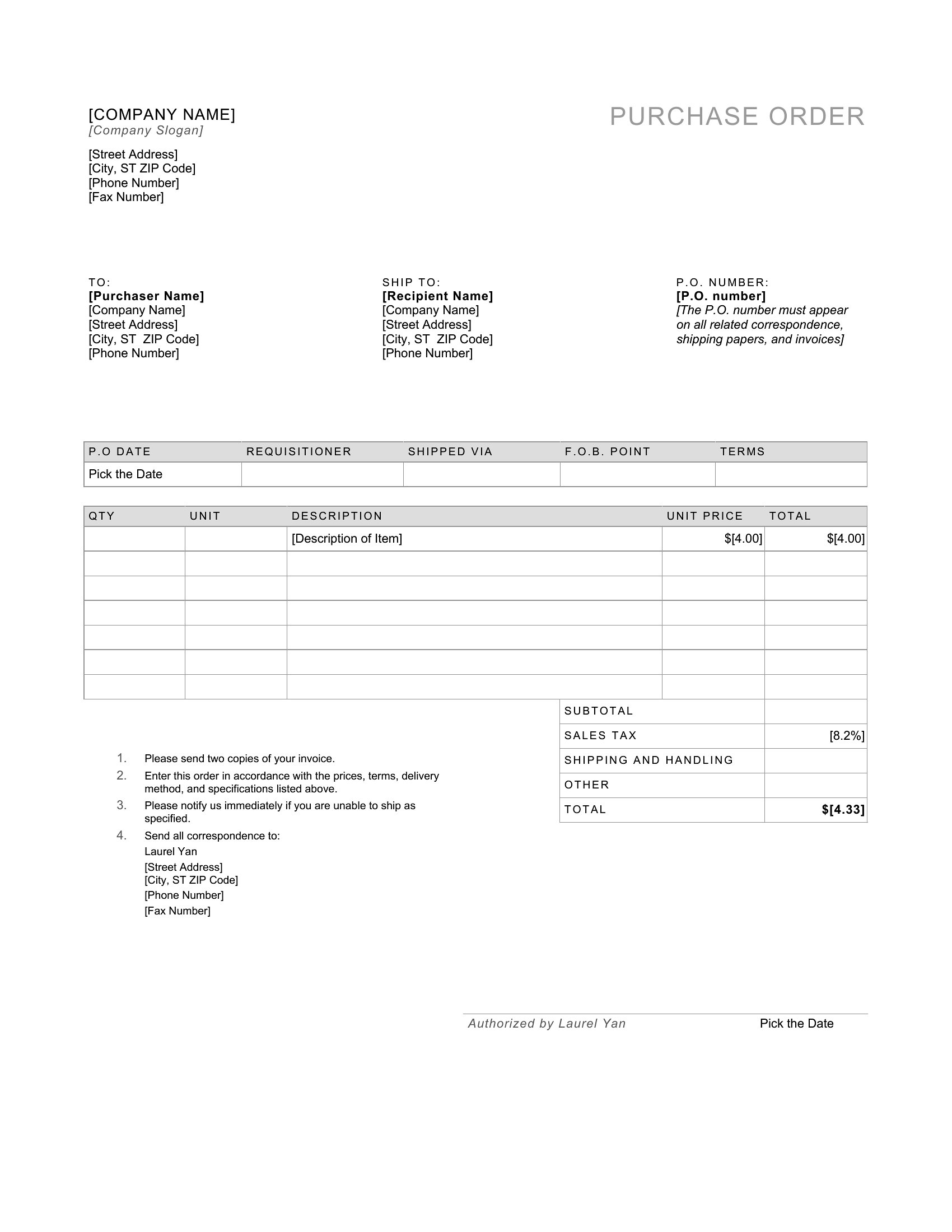
Can I add conditions like ‘payment due in 30 days’ to a purchase order template?
Yes, most Word templates include editable text fields where you can insert payment terms. For Excel, you can manually type conditions into a designated ‘notes’ section, though Word is more flexible for legal wording. Always review terms with a legal advisor before finalizing.
How do I ensure a purchase order number stays consistent across multiple orders?
Use Excel’s auto-increment function in a cells series (e.g., PO-2024-001, PO-2024-002) for sequential numbering. In Word, manually enter the next number in a header/footer or use a merge field if combining with a database. Keep a log of issued numbers to avoid duplicates.
What’s the best way to track delivery dates and vendor responses in a purchase order?
Excel templates often include columns for ‘expected delivery,’ ‘actual delivery,’ and ‘vendor notes,’ making it easy to flag delays. Word templates may require a separate tracking sheet or comments section. Pair either with email reminders to vendors for accountability.
Comments
Join the conversation
Sign in to share your thoughts and leave a comment on this resource.