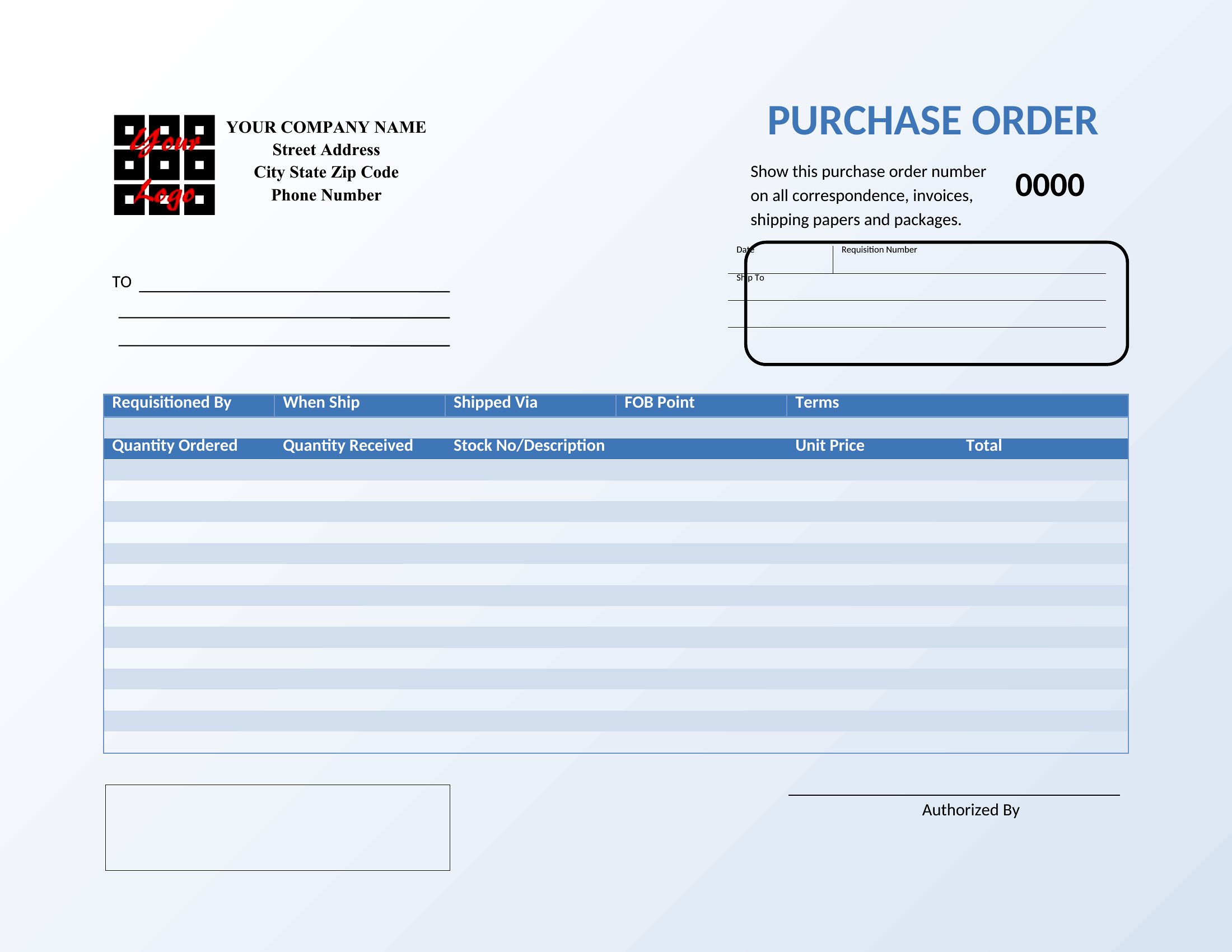
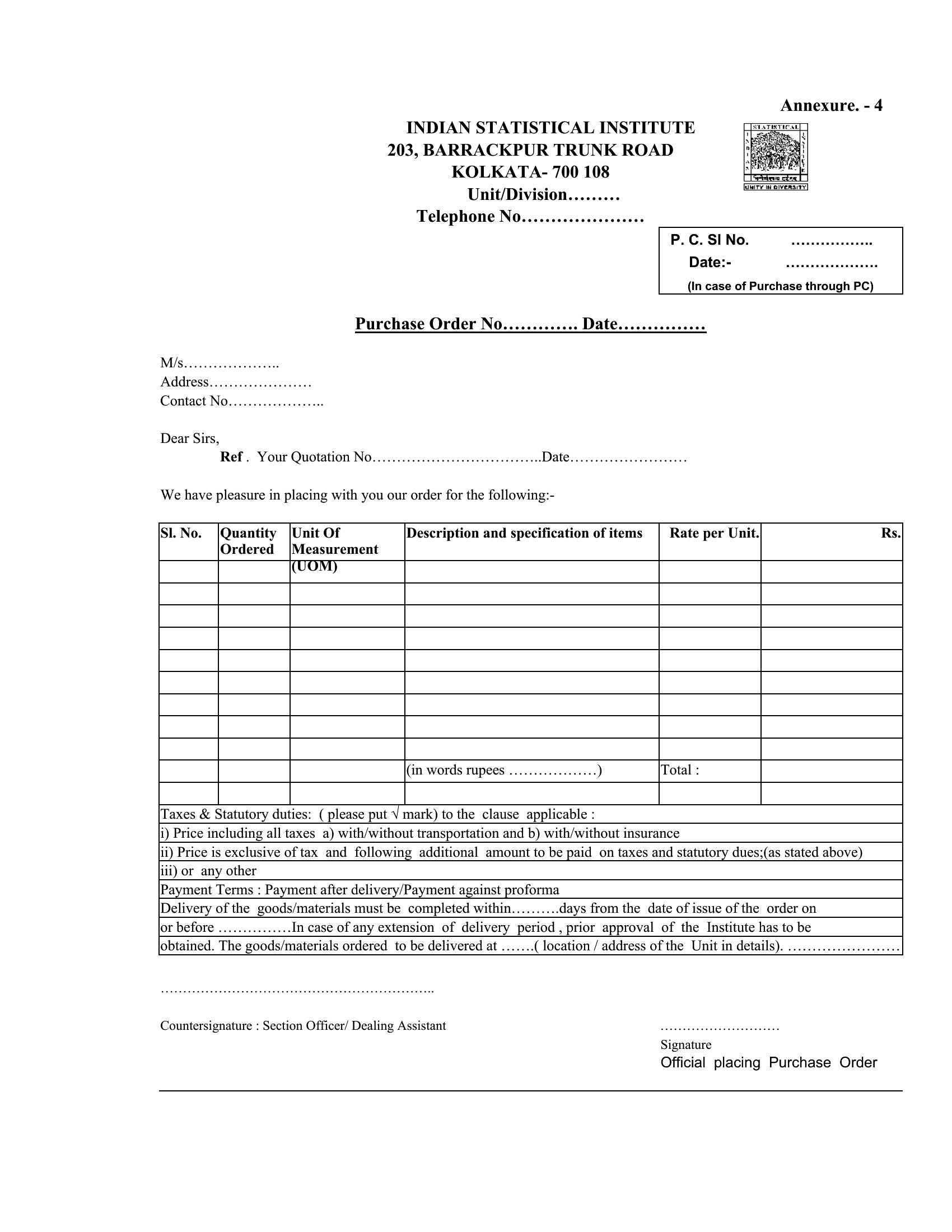
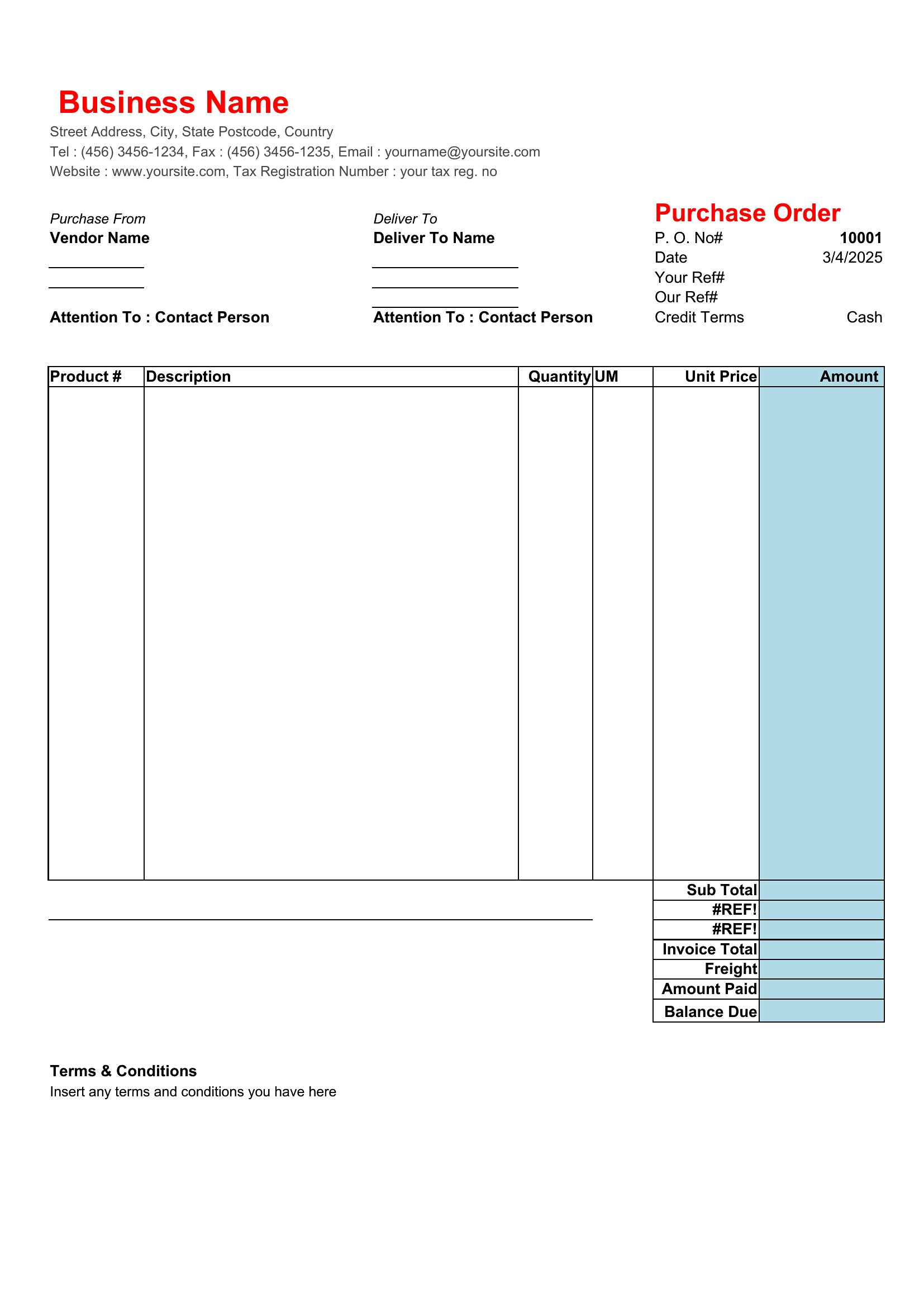
Free Purchase Order Templates (Word, Excel)
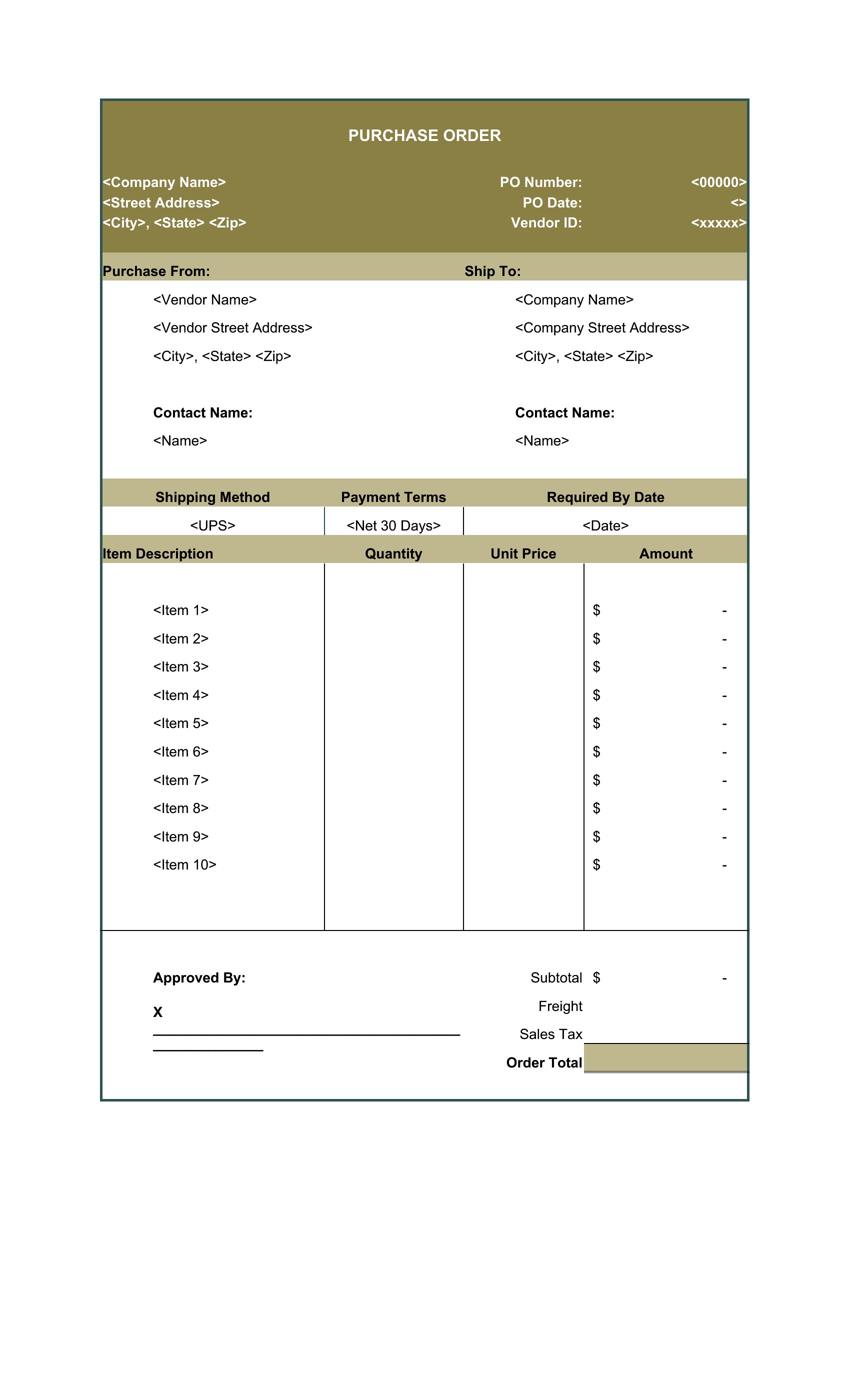
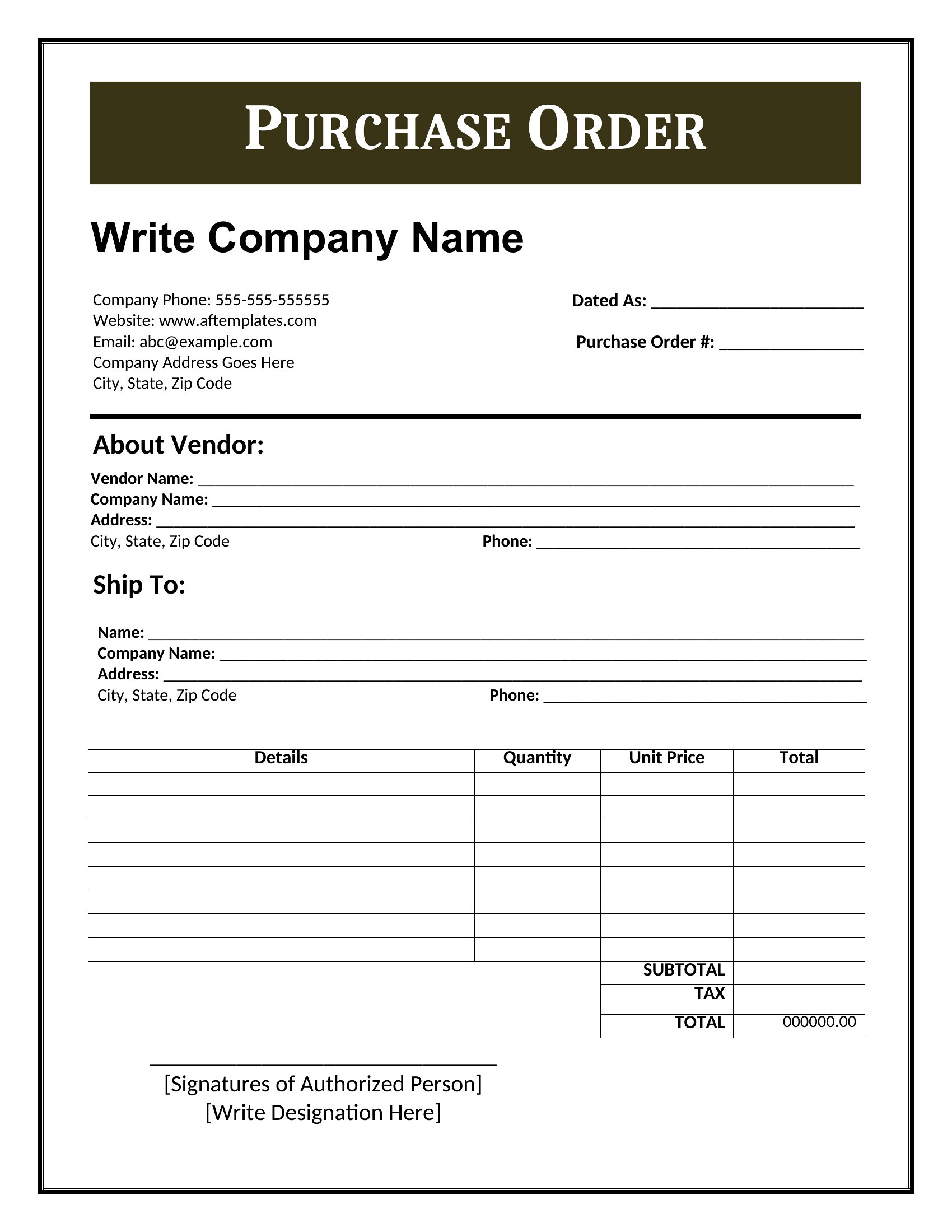
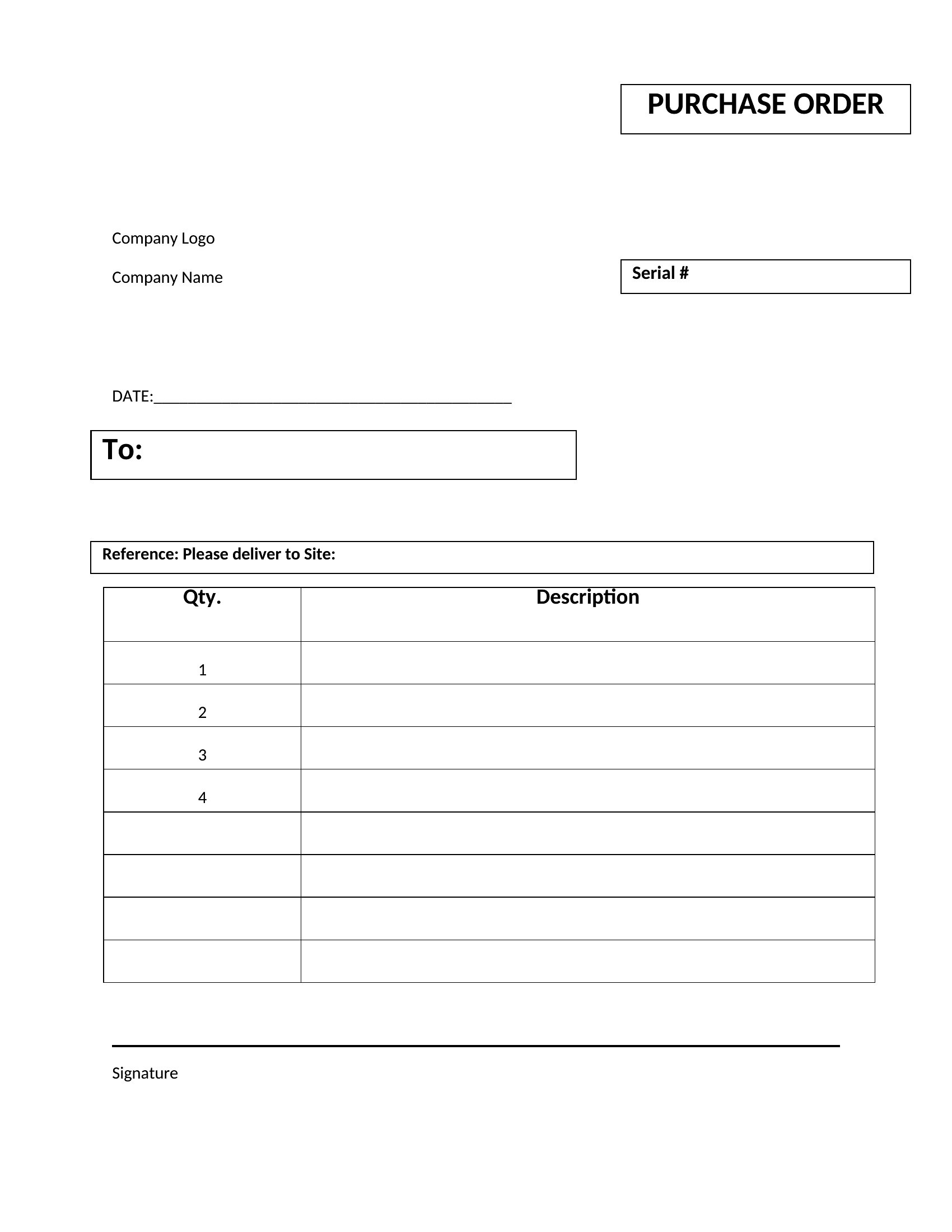
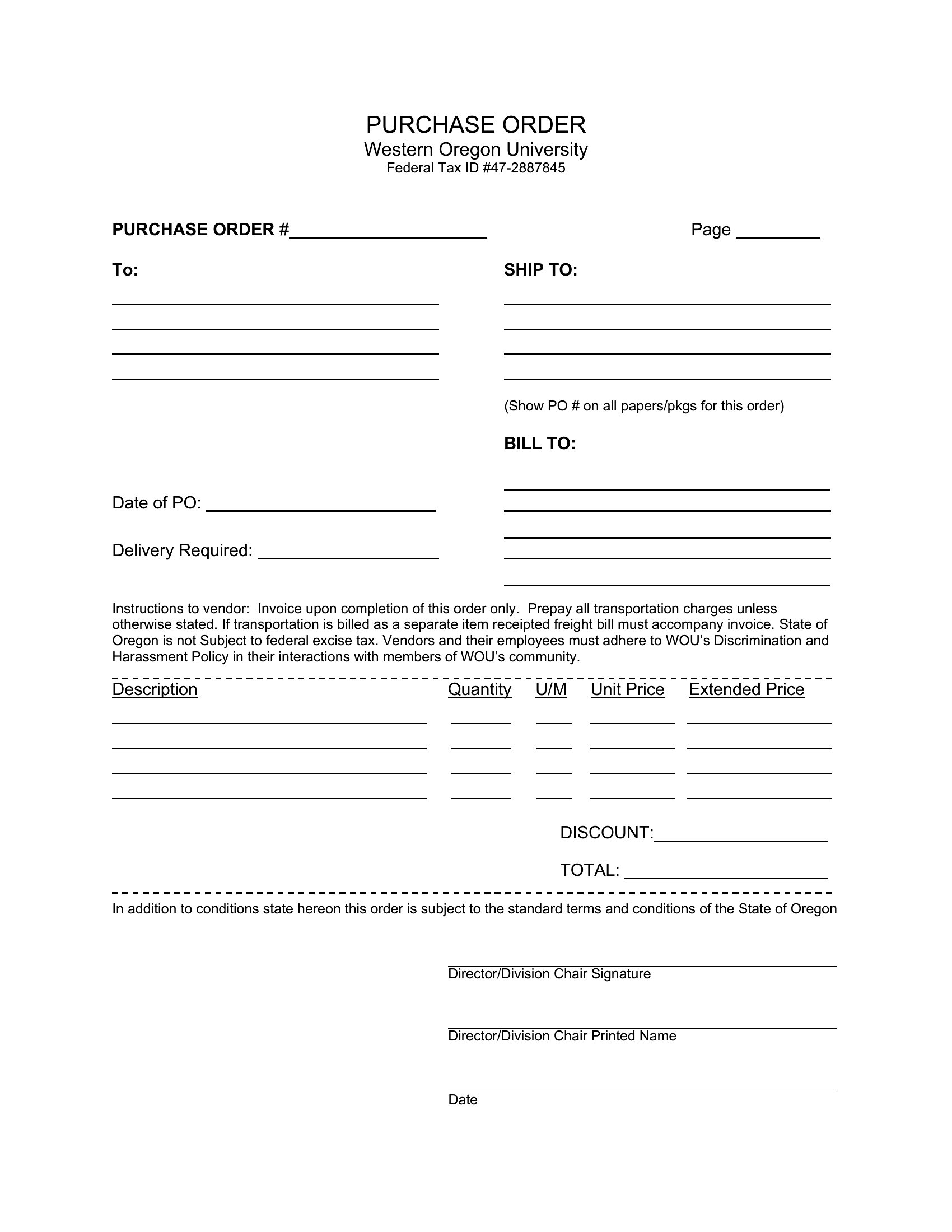
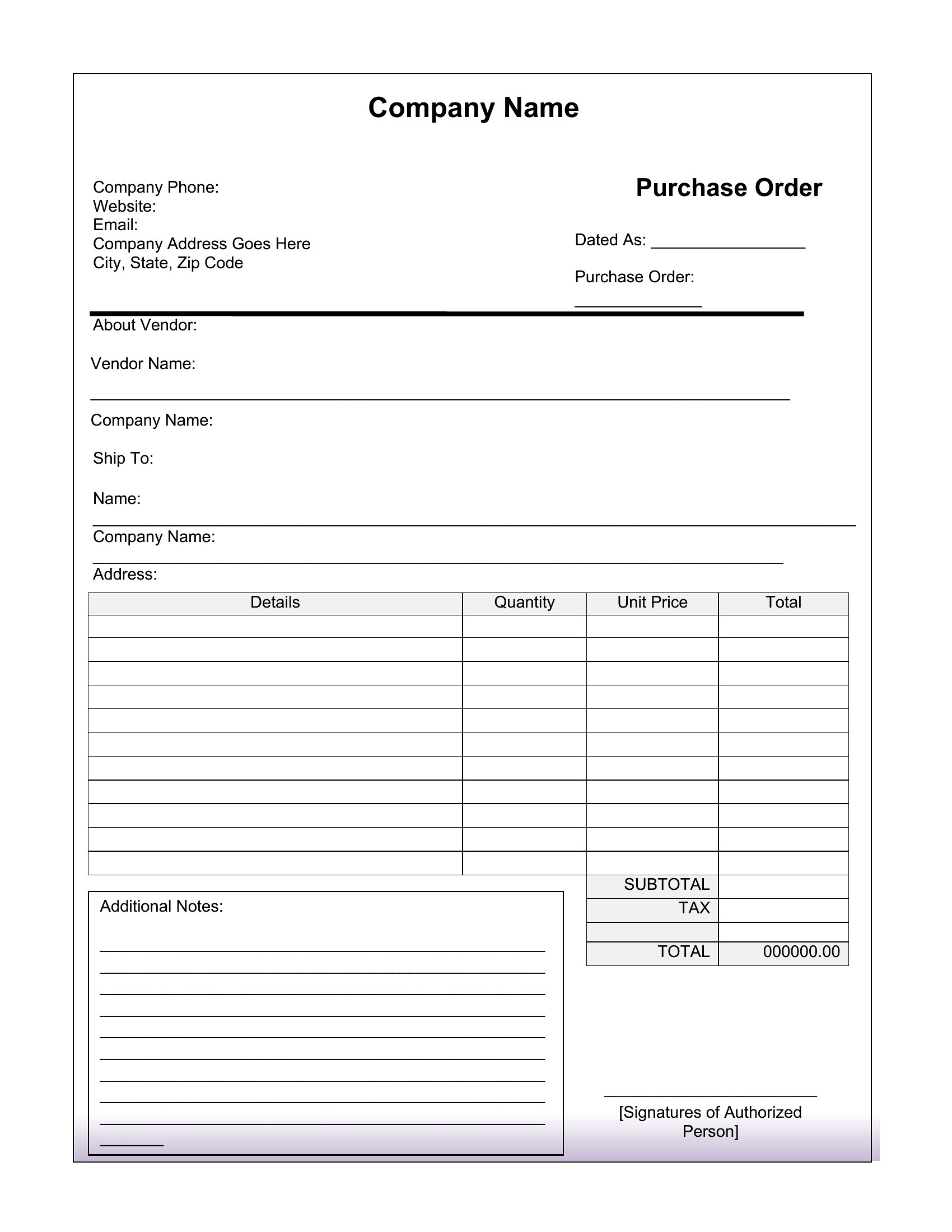
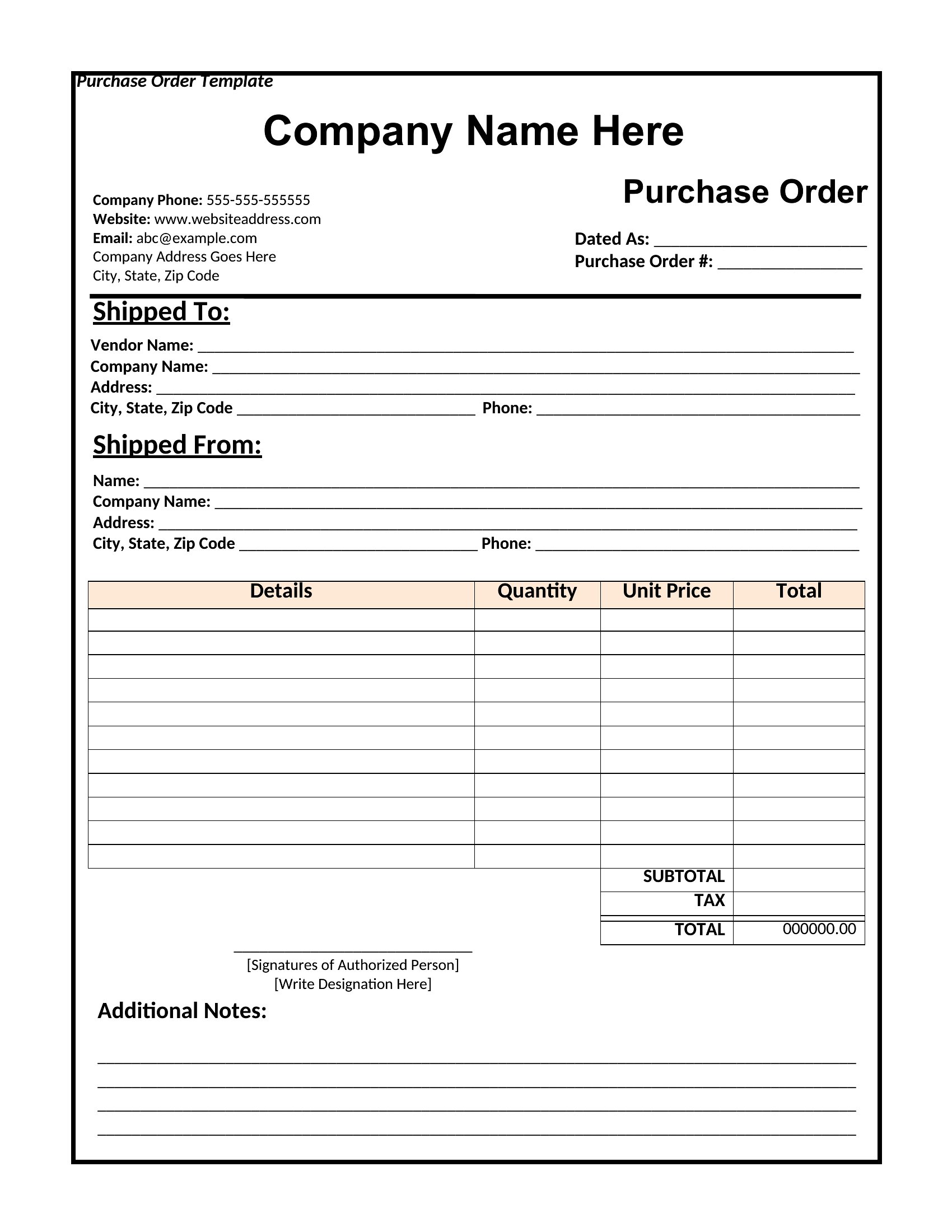
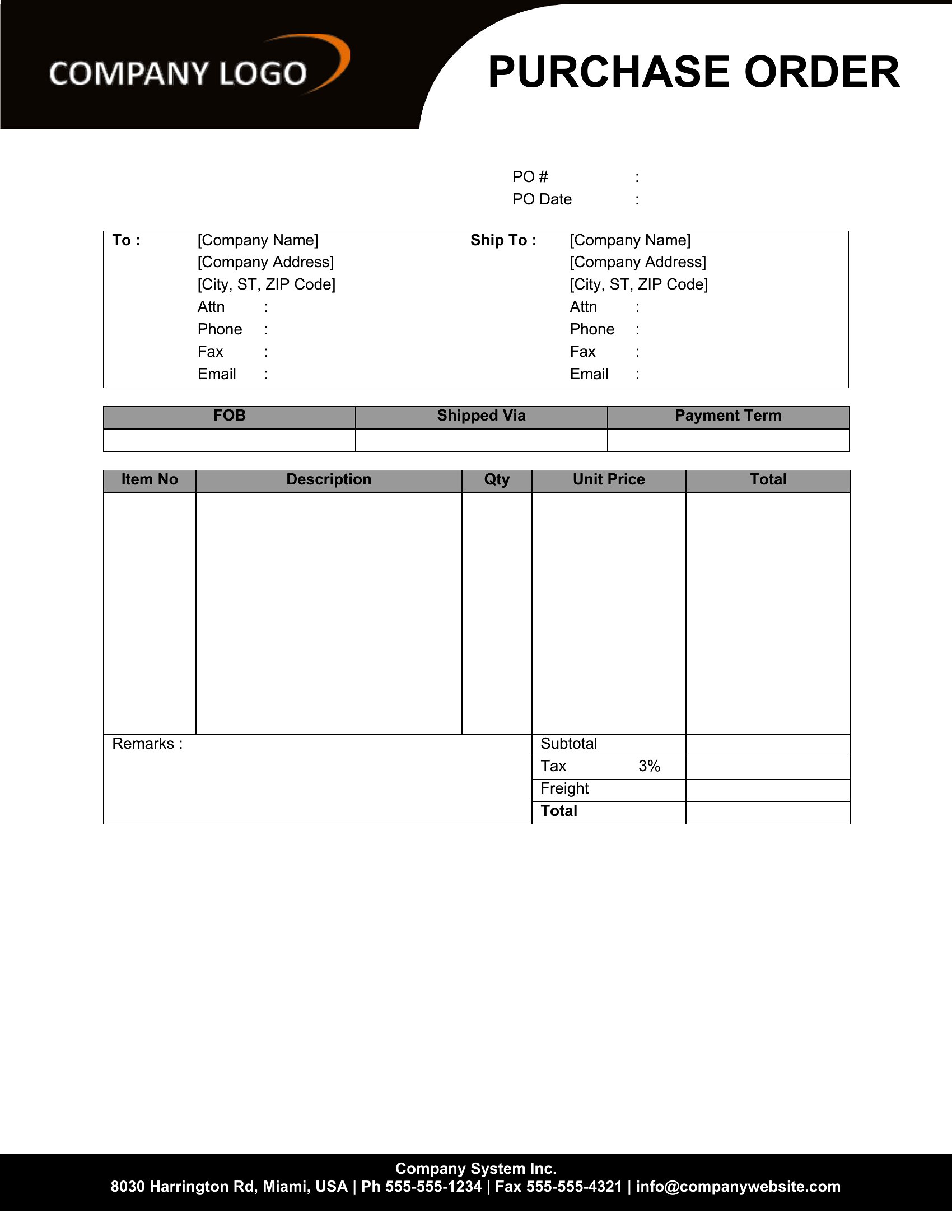
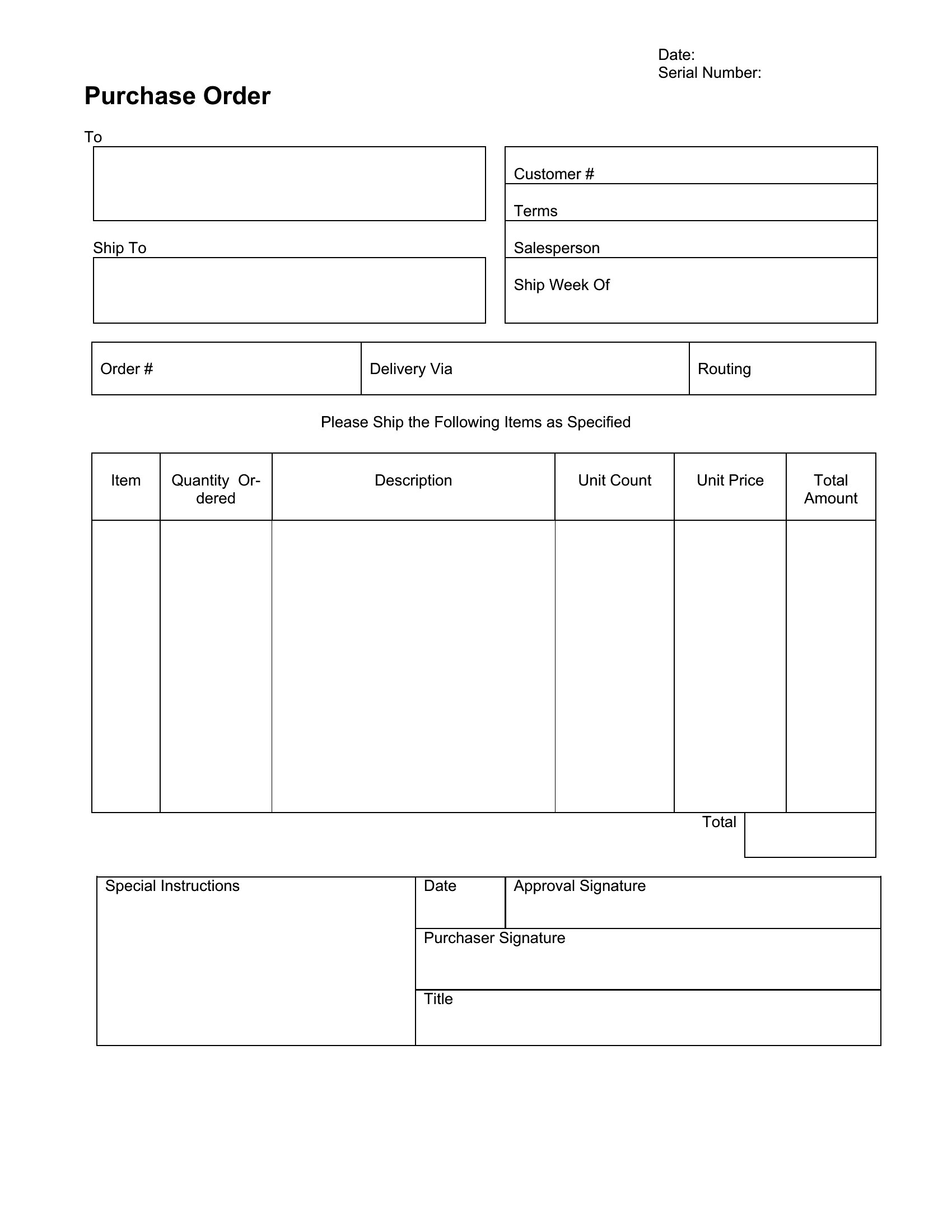
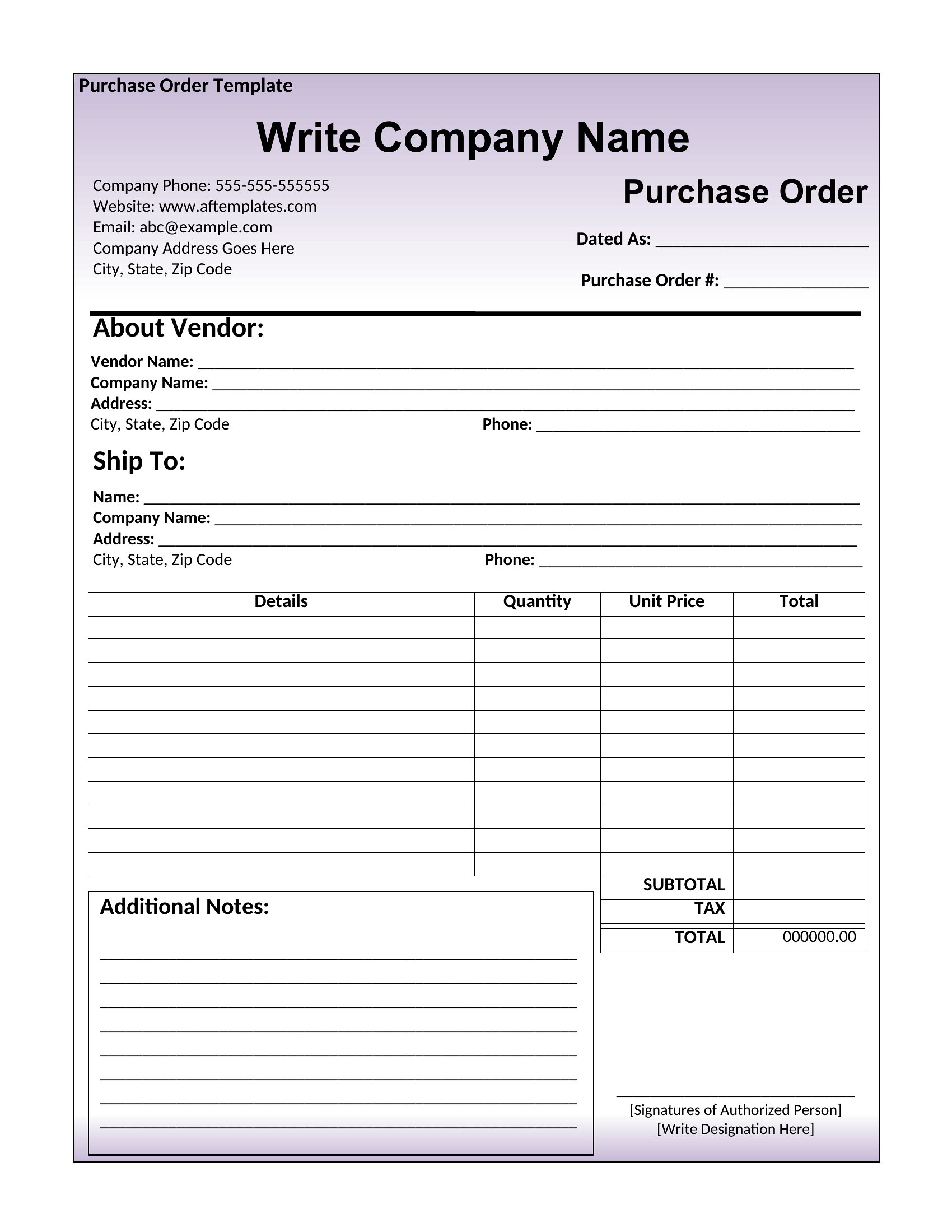
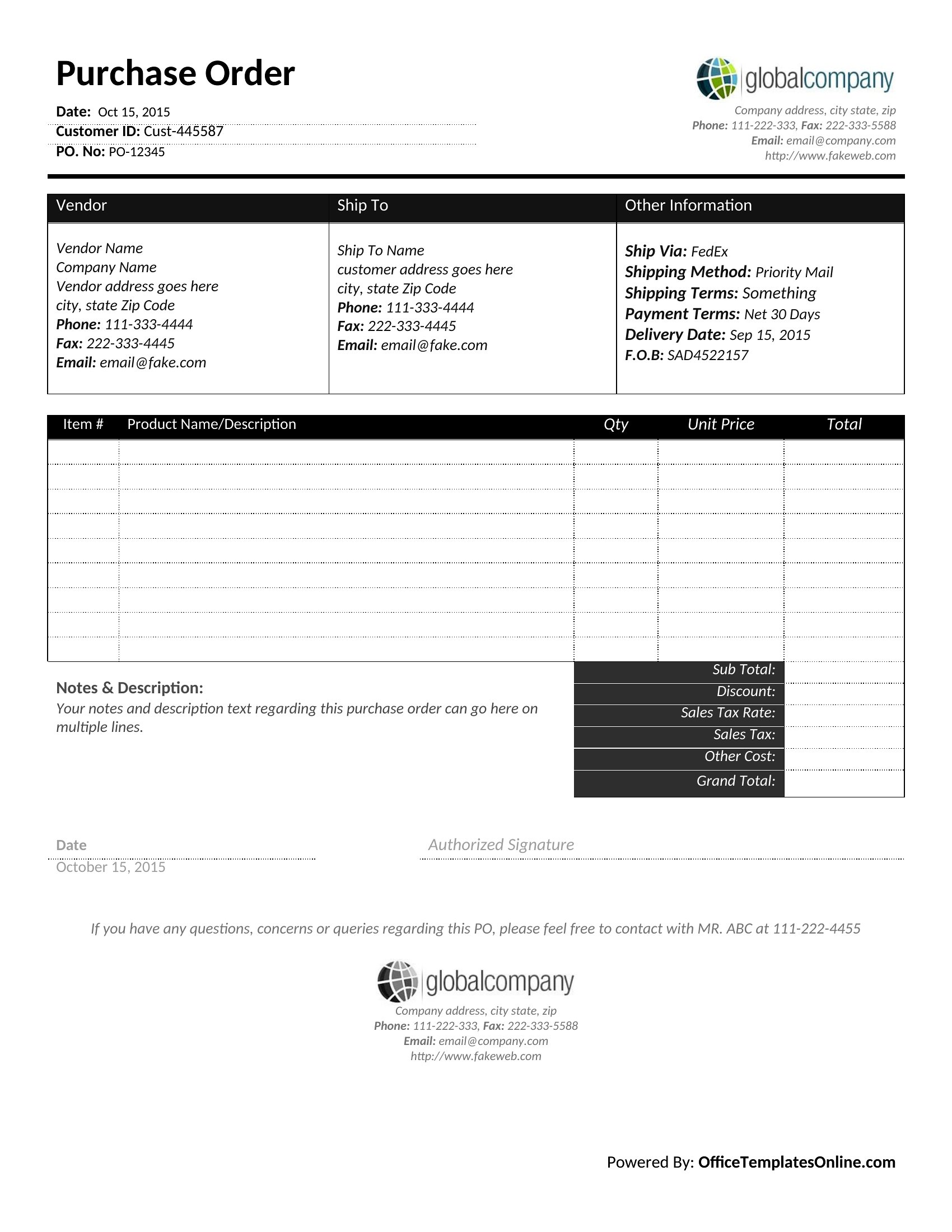
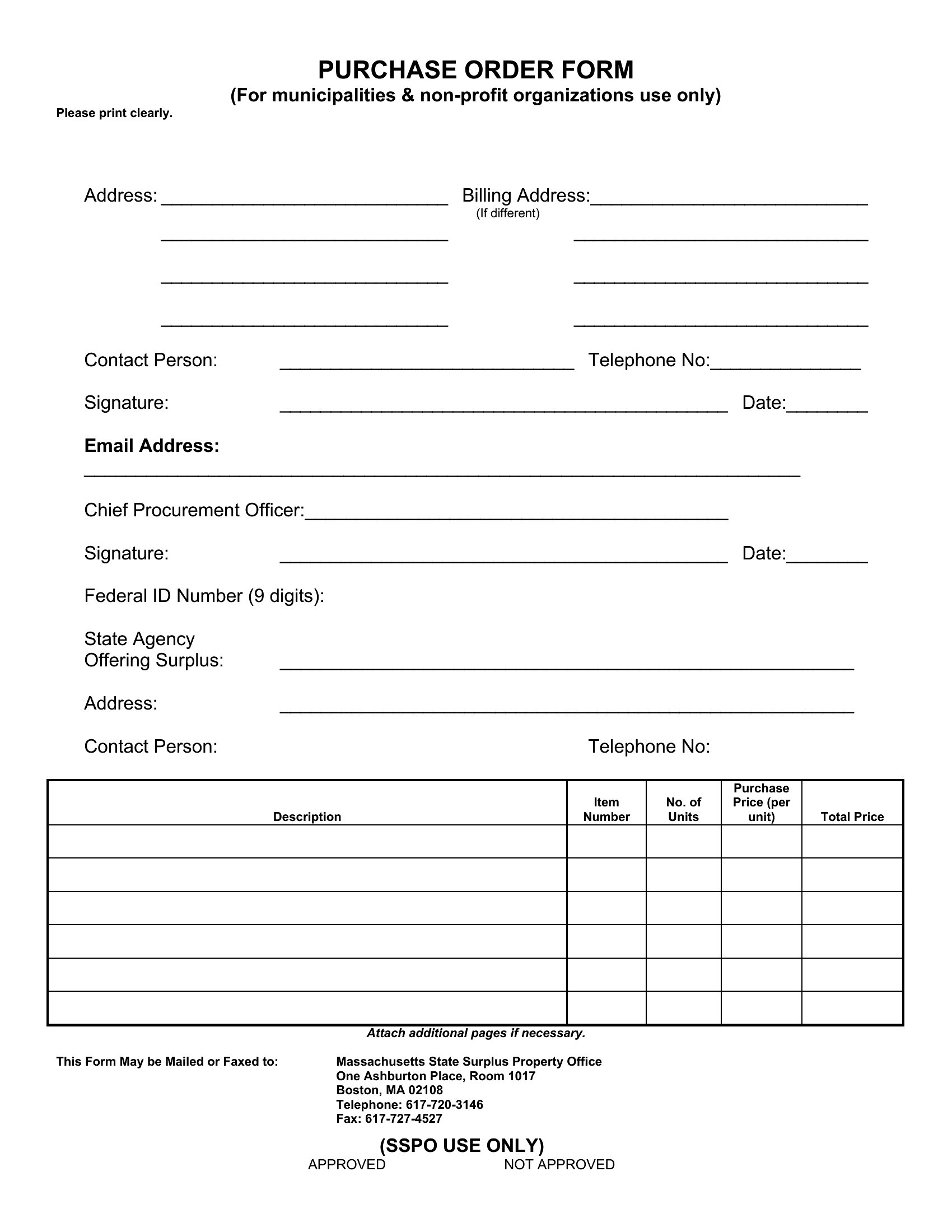
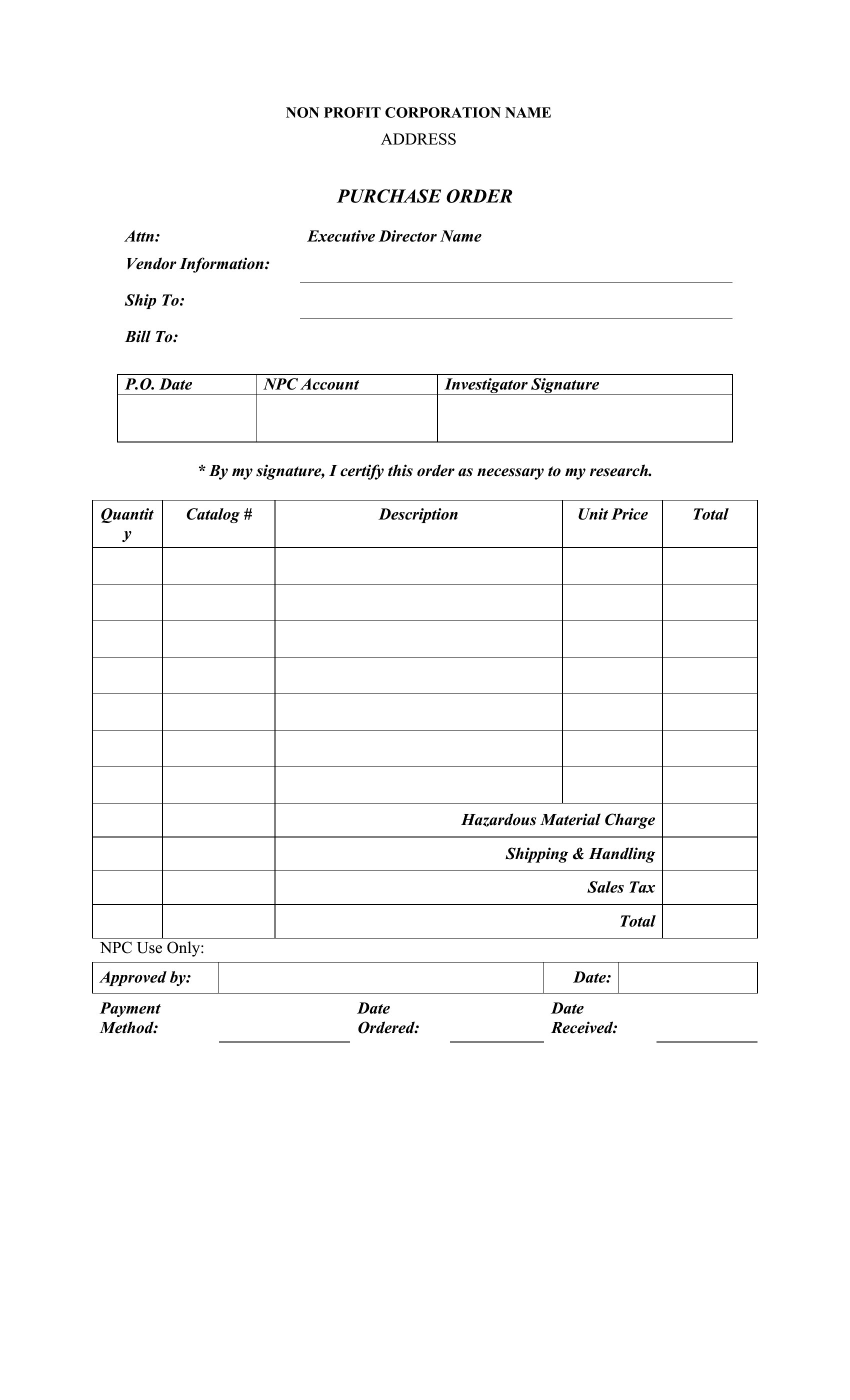
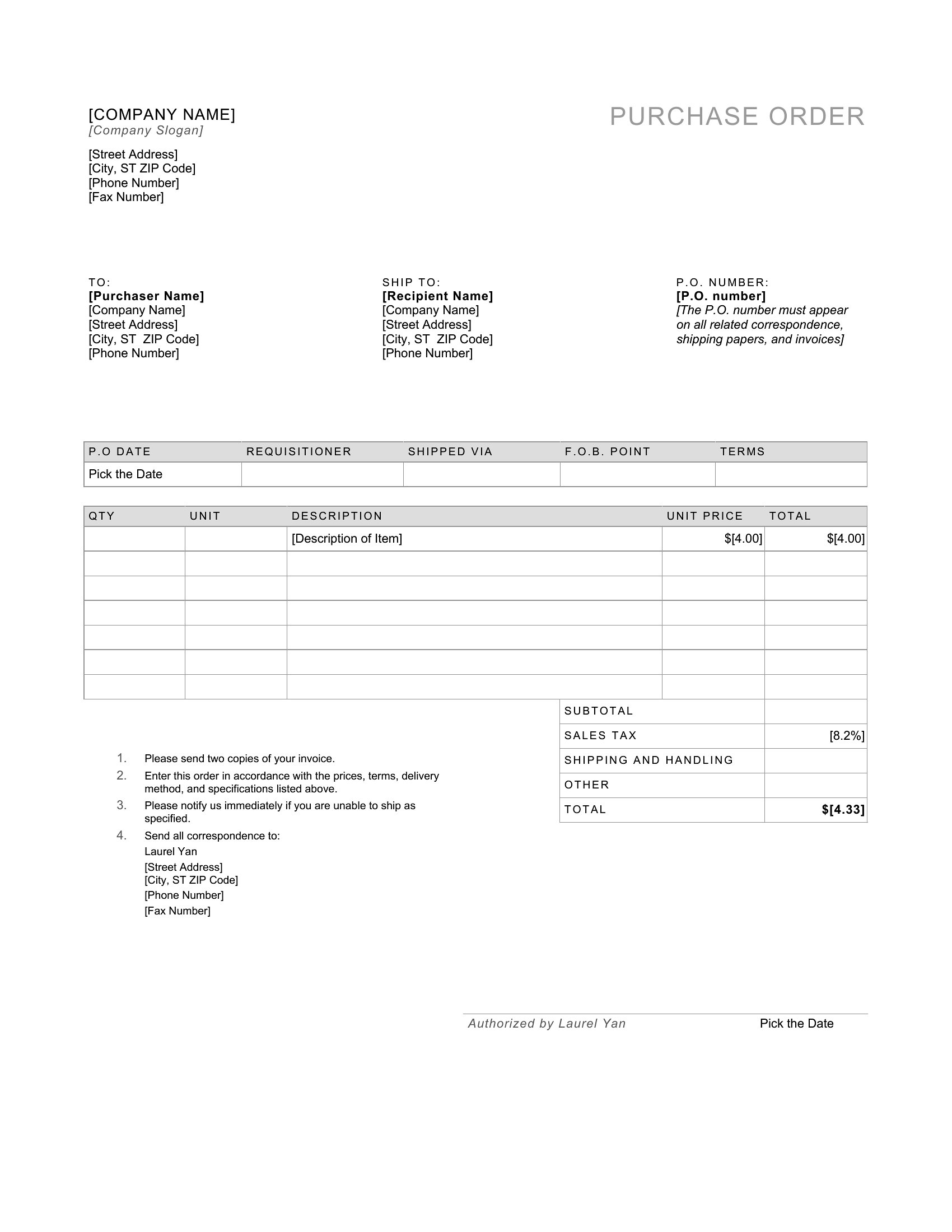
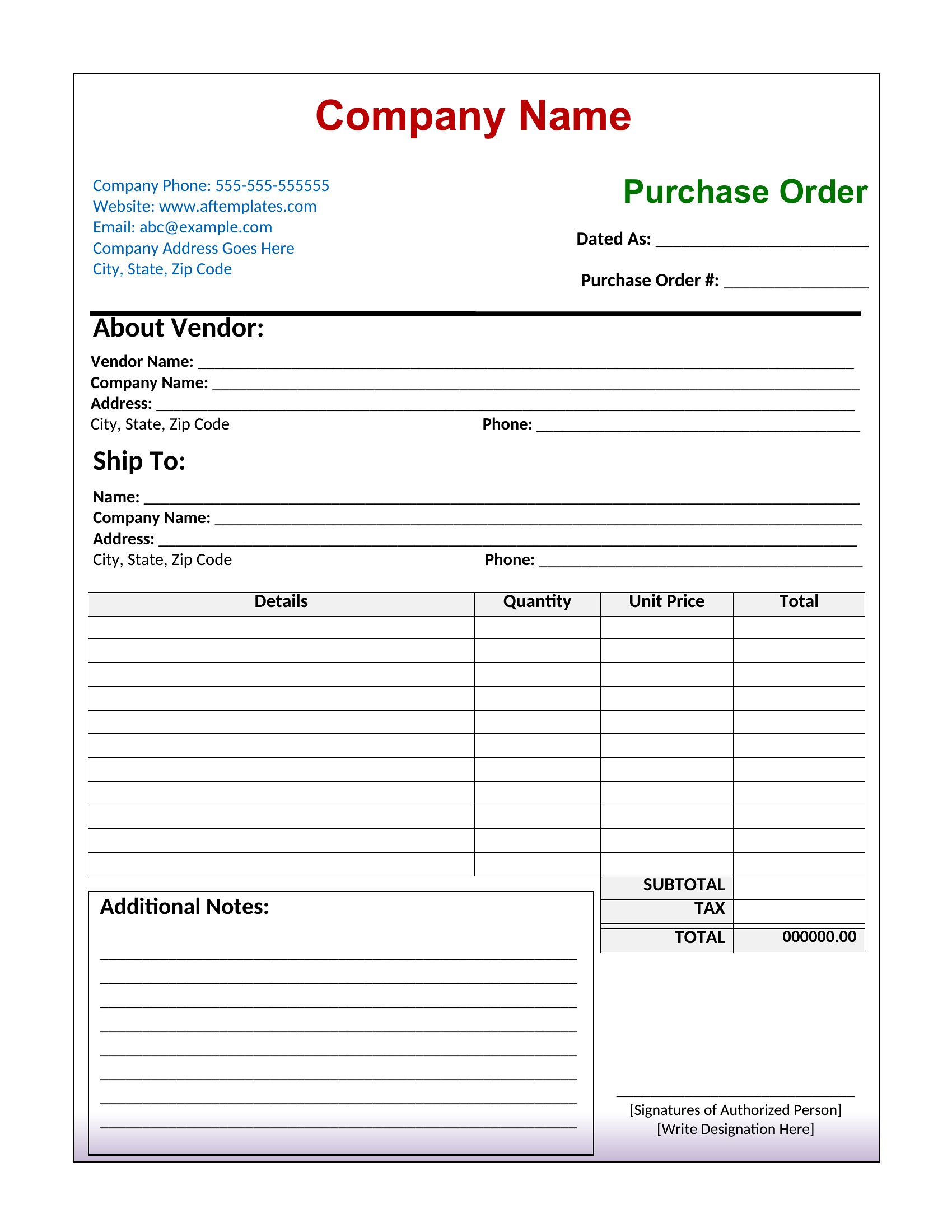
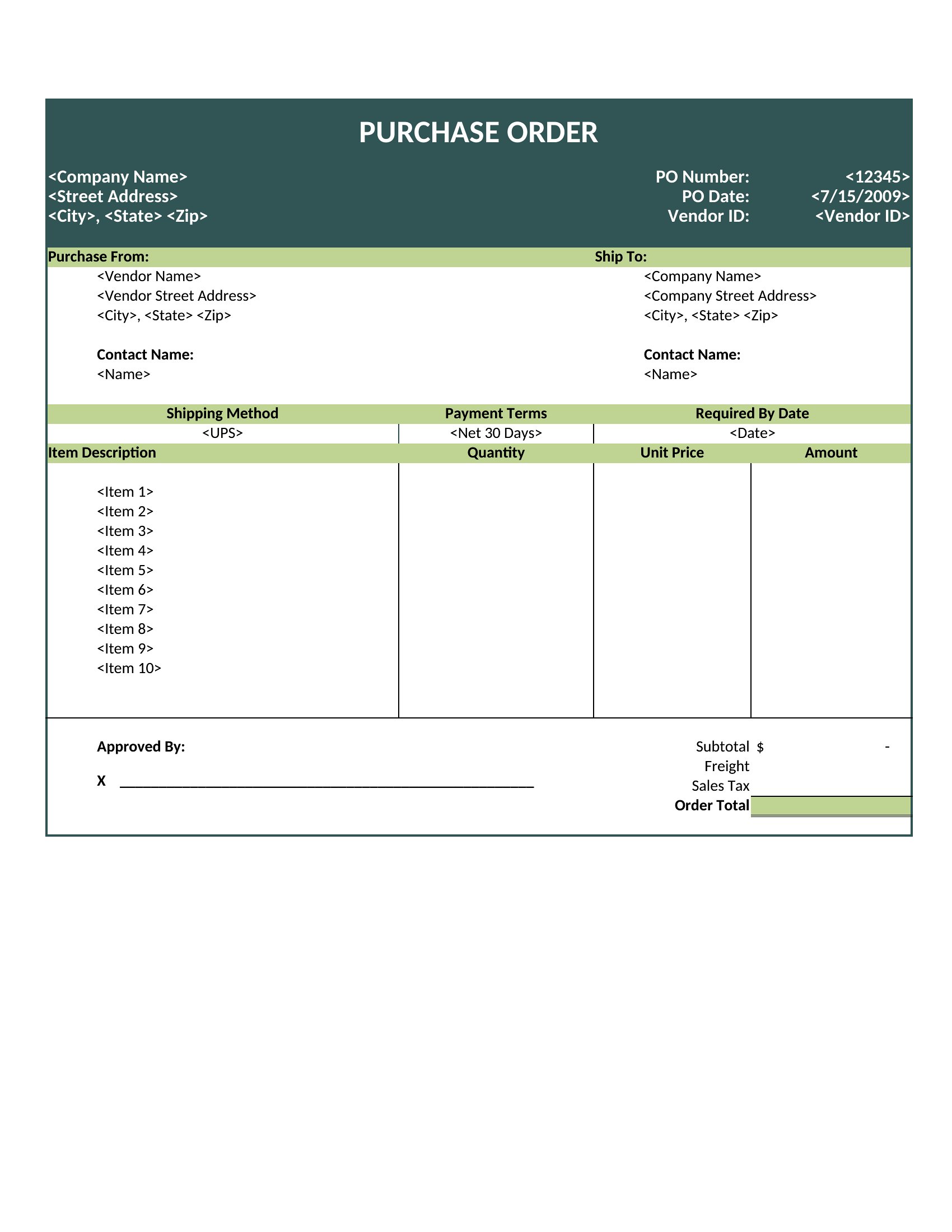
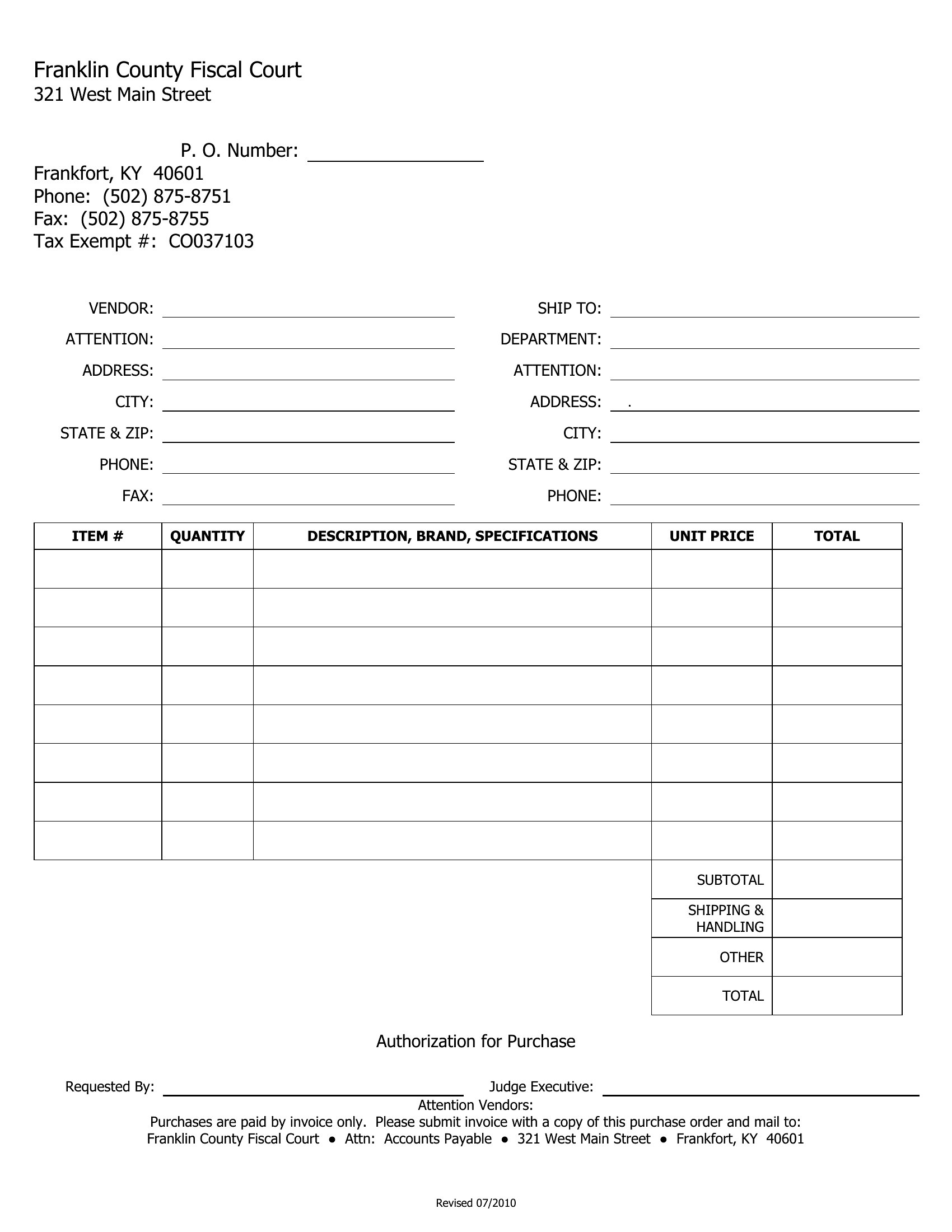
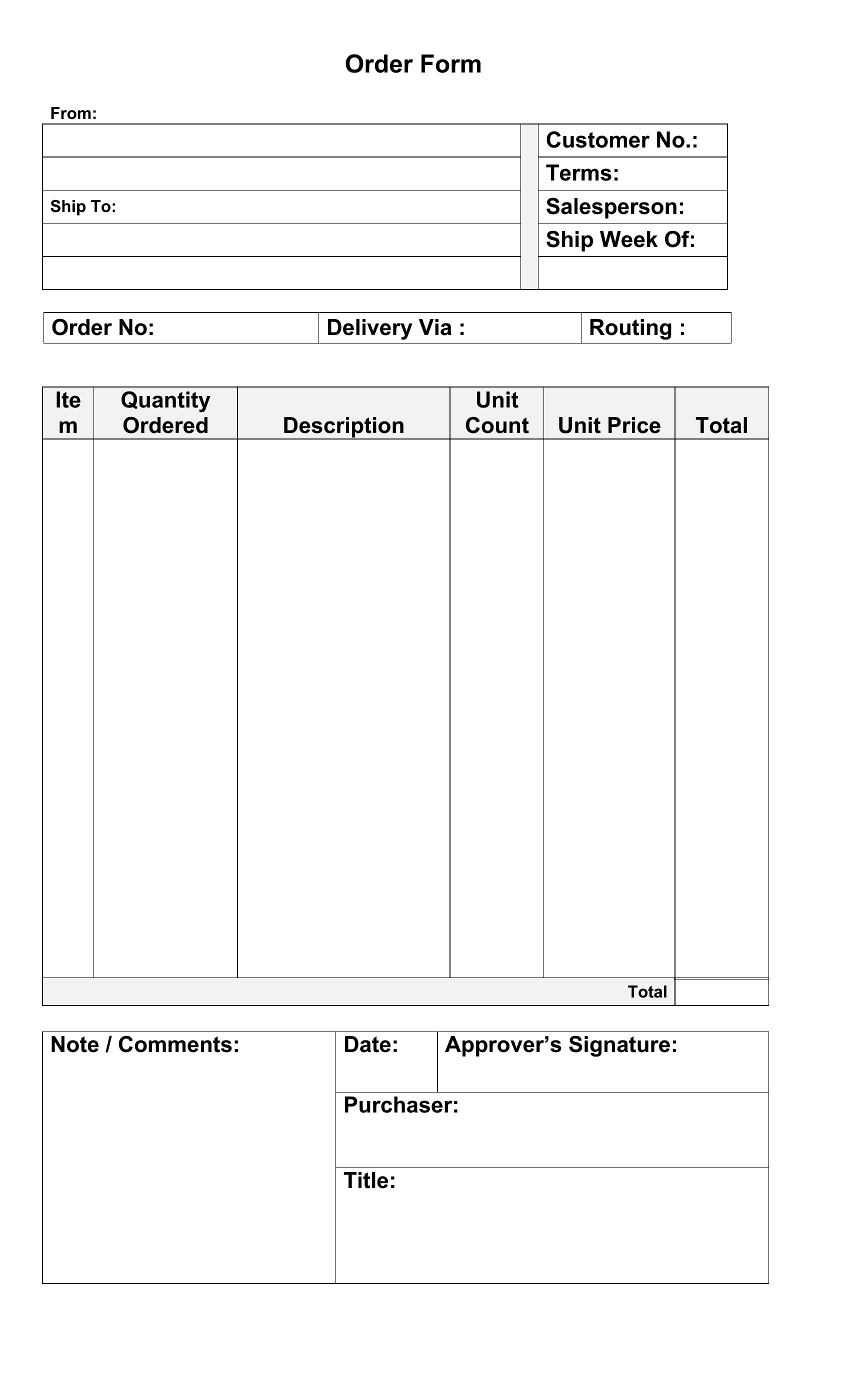
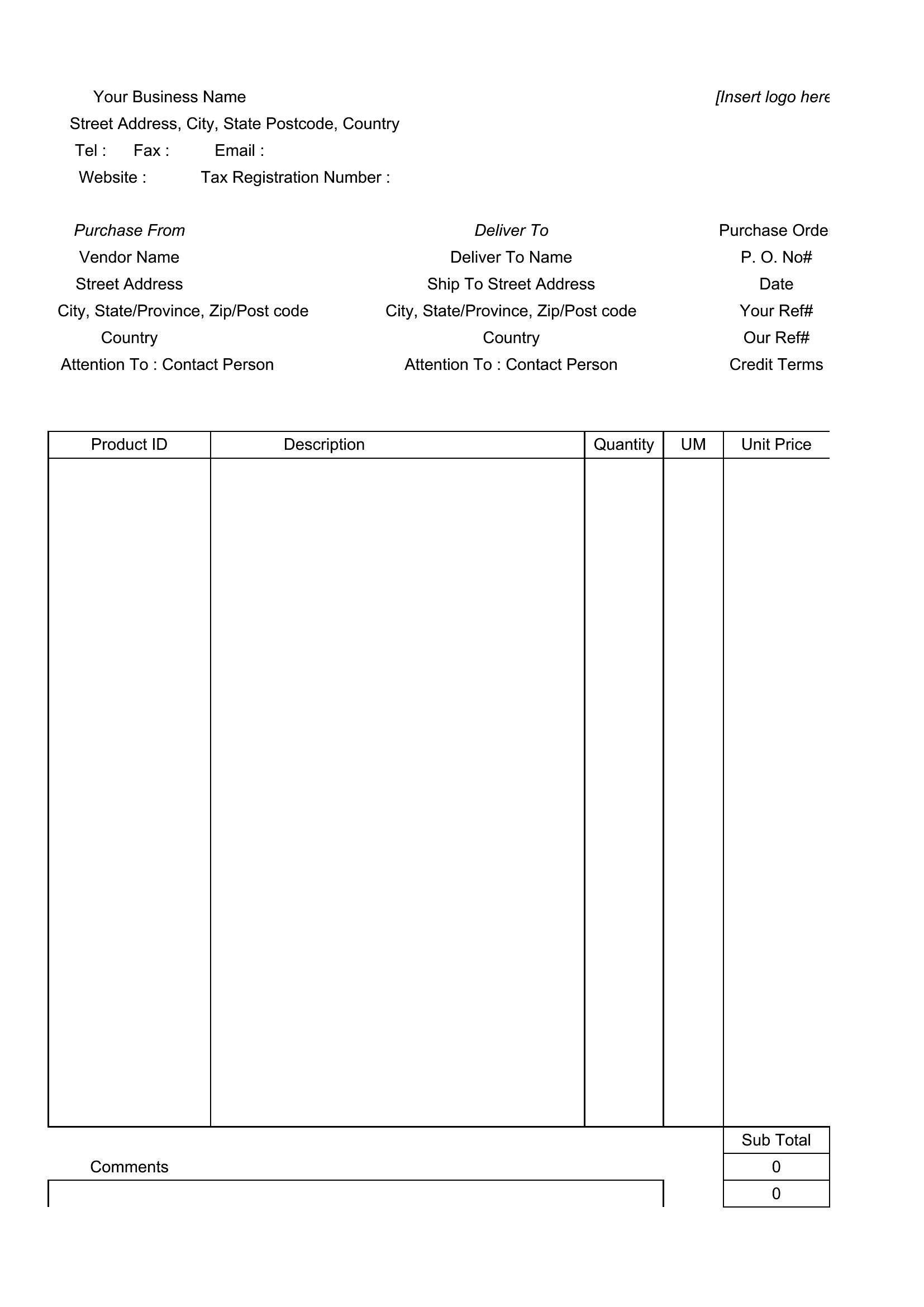
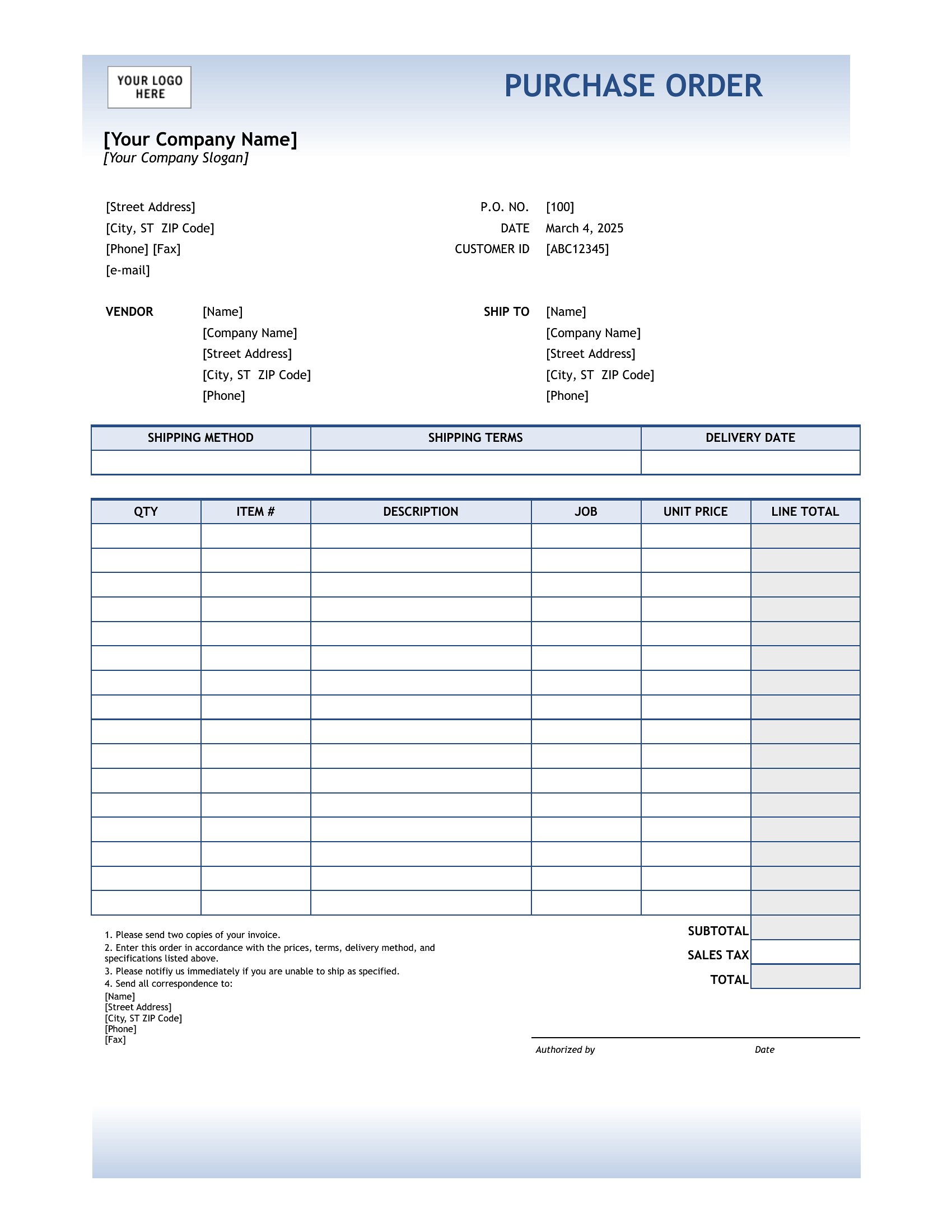
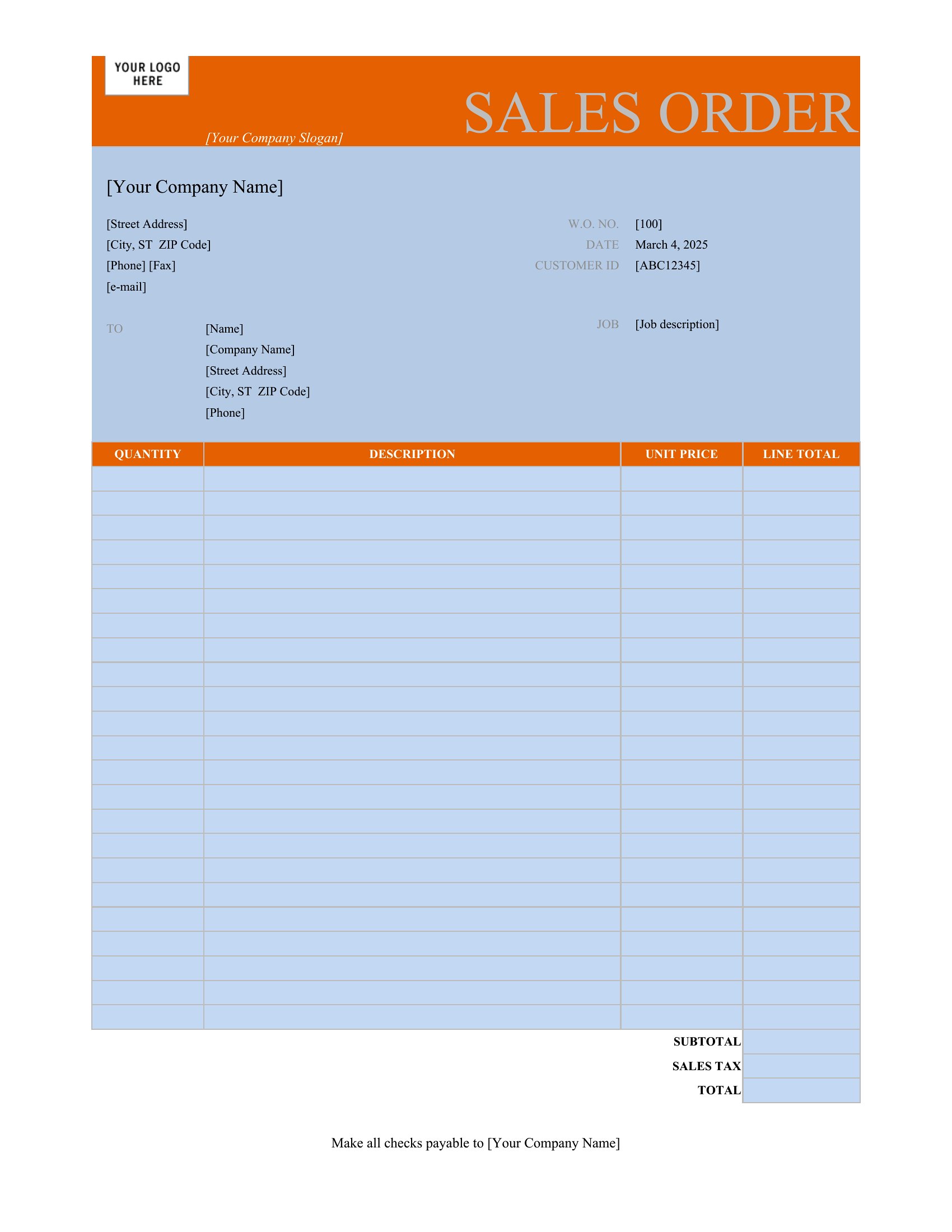
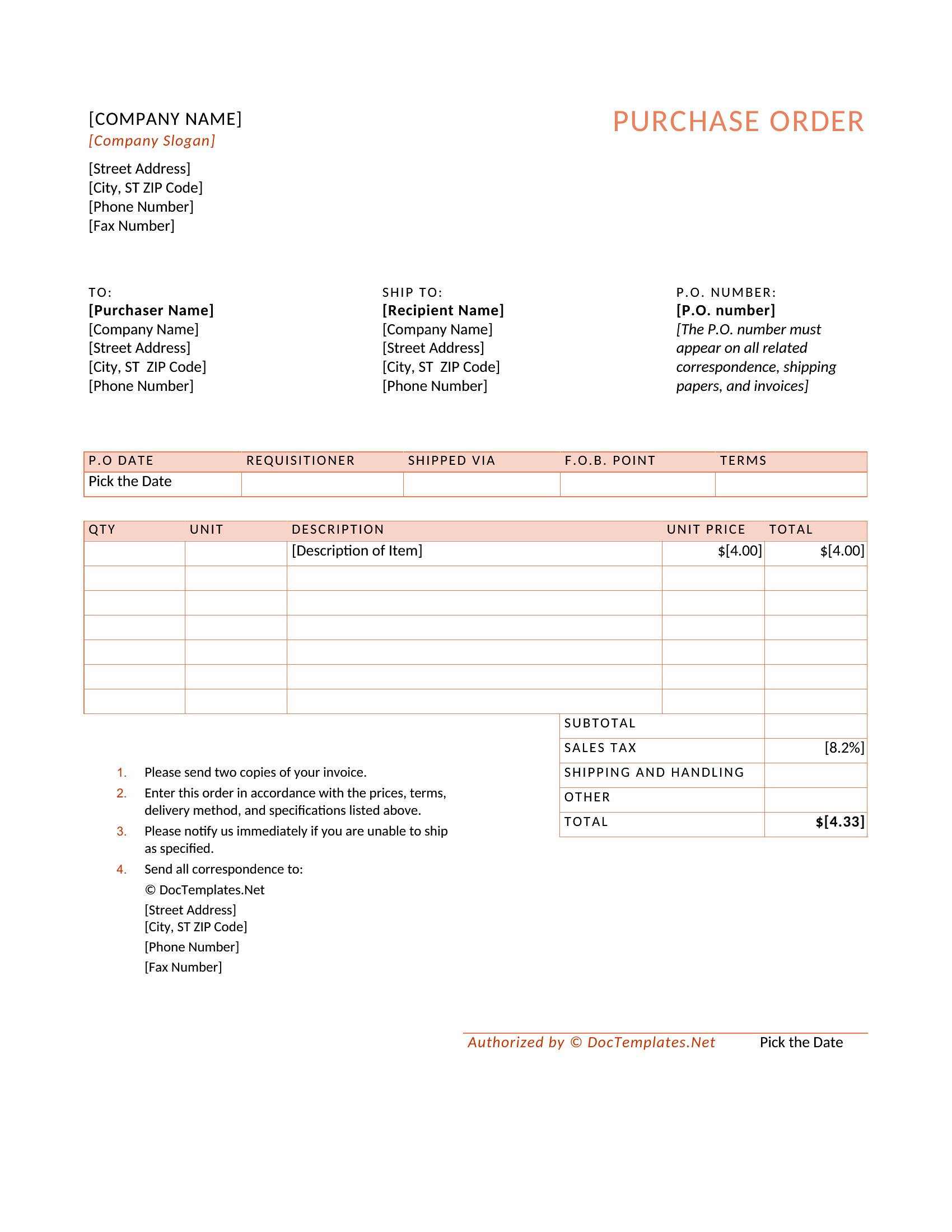
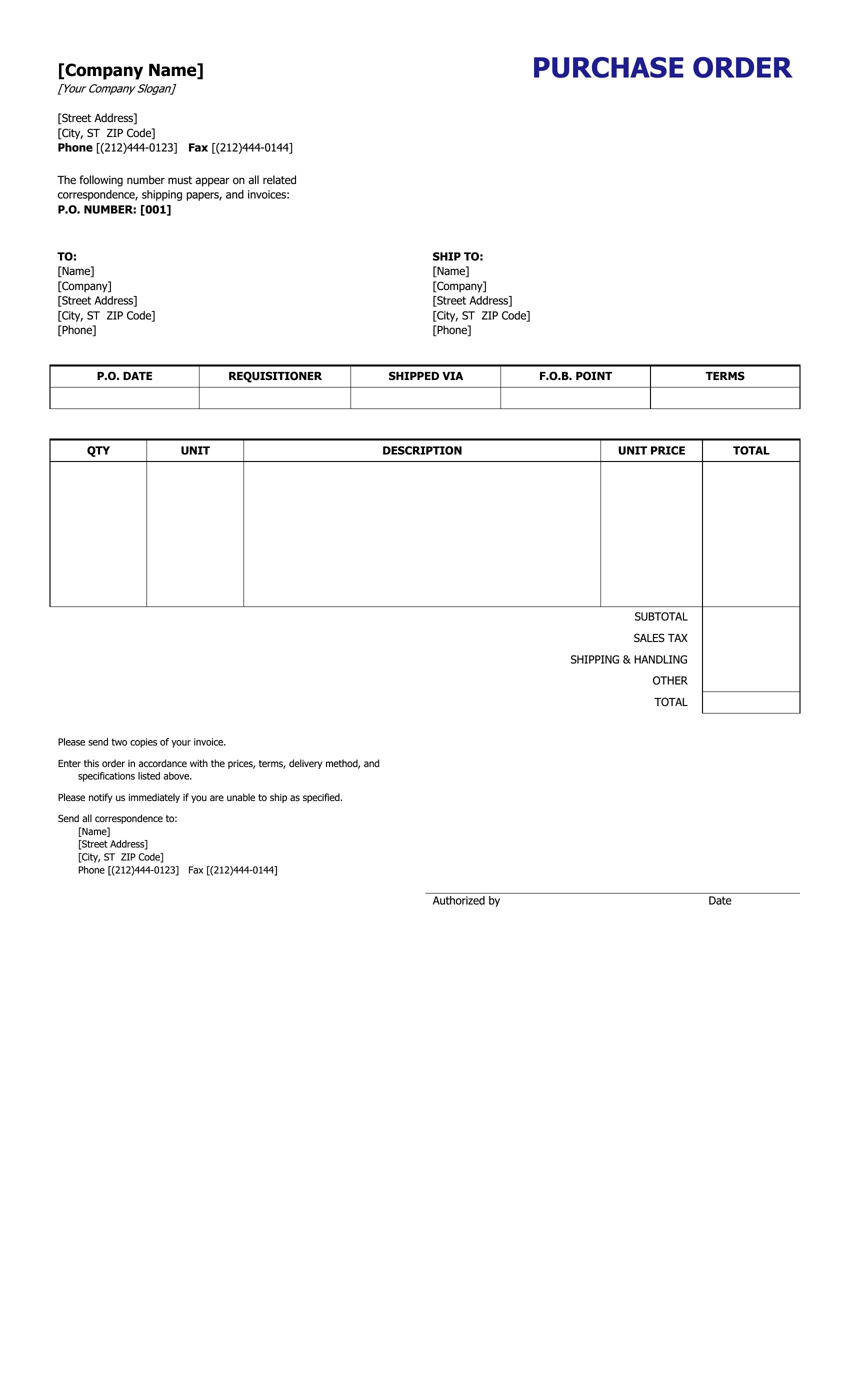
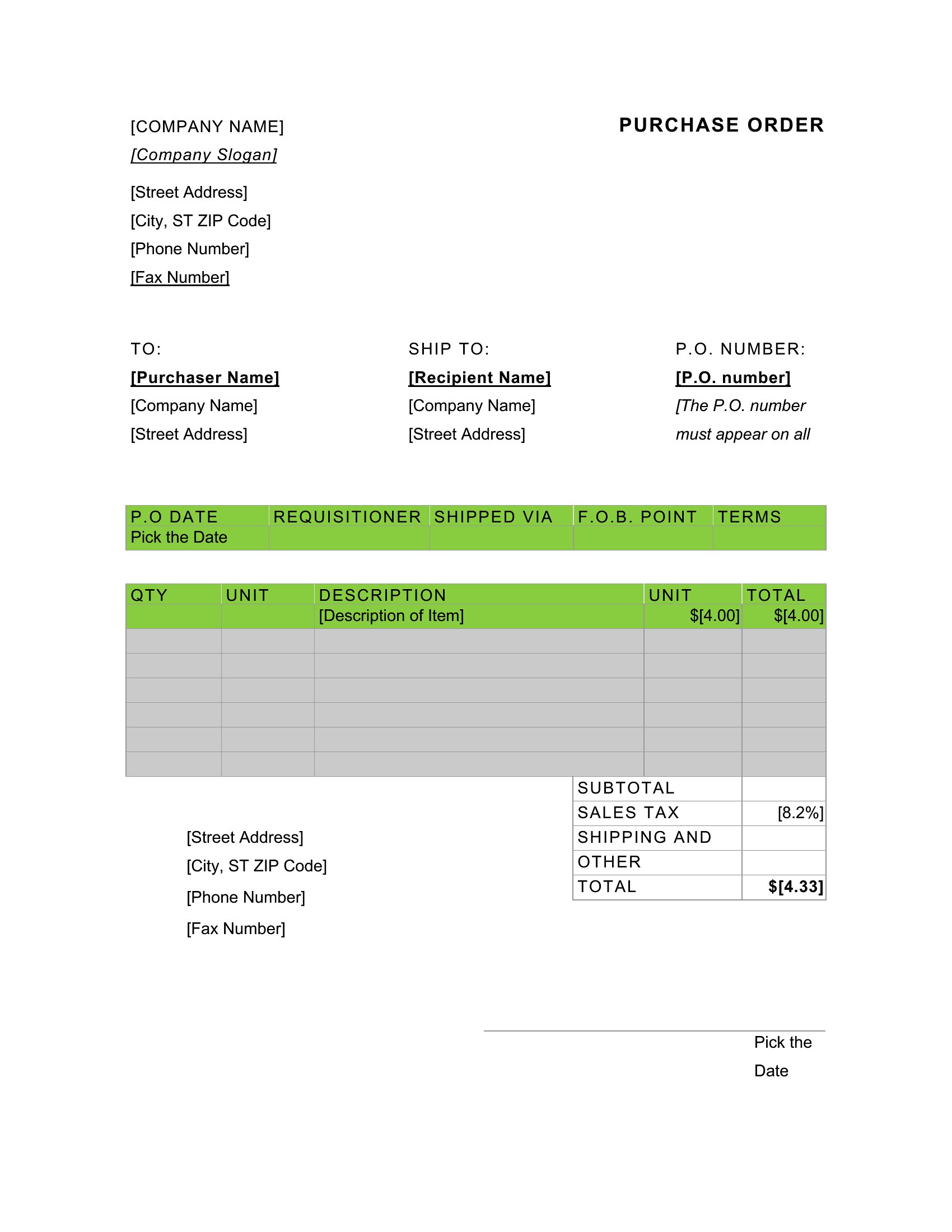
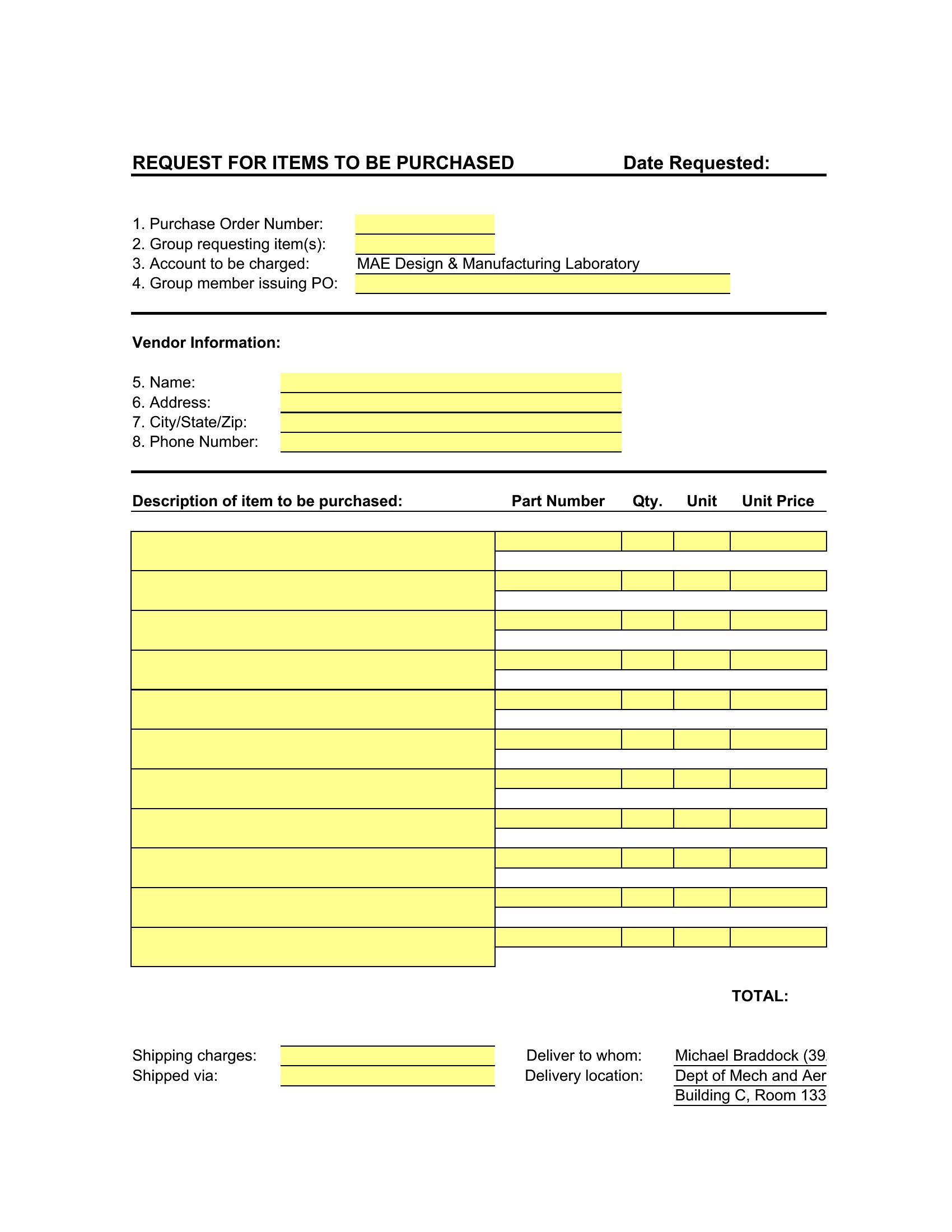
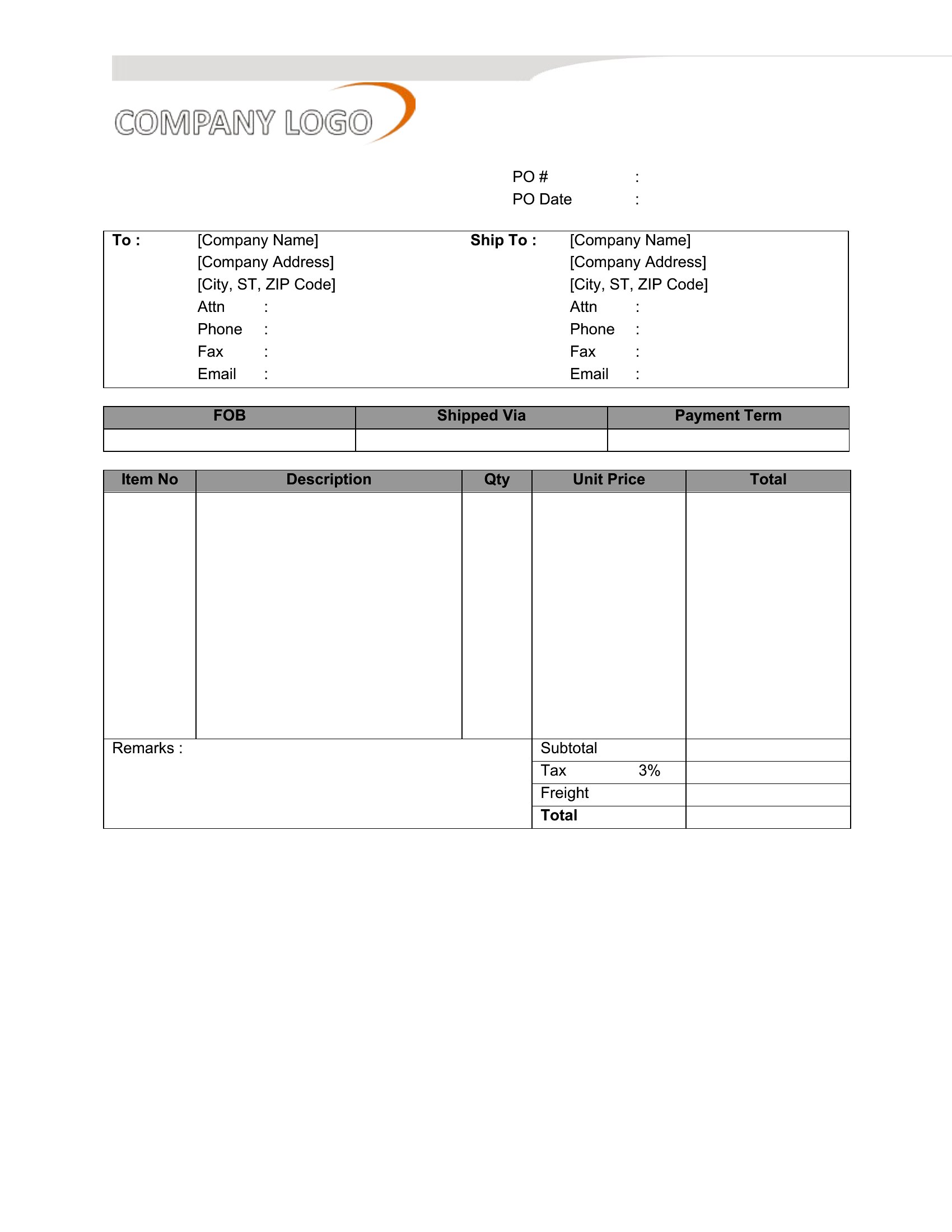
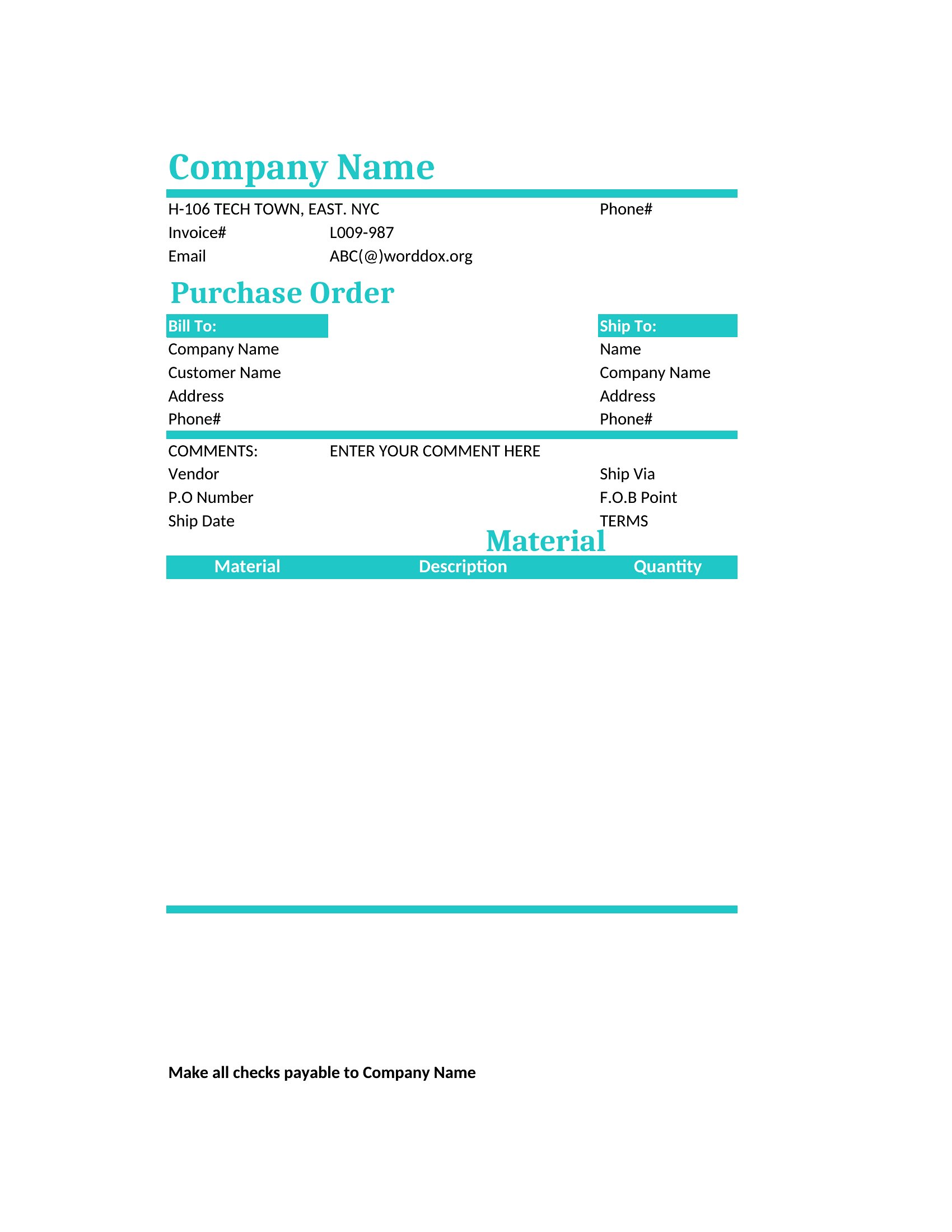
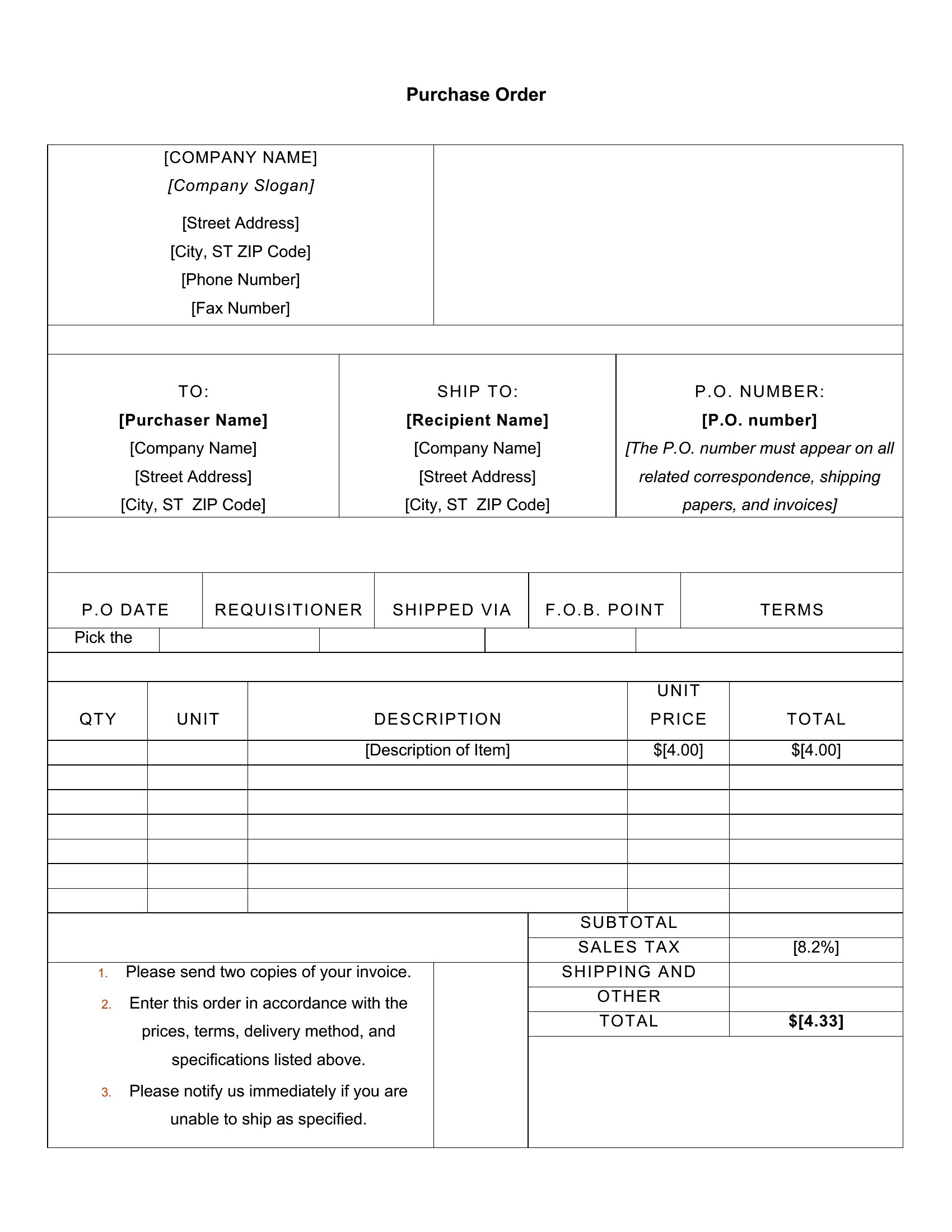
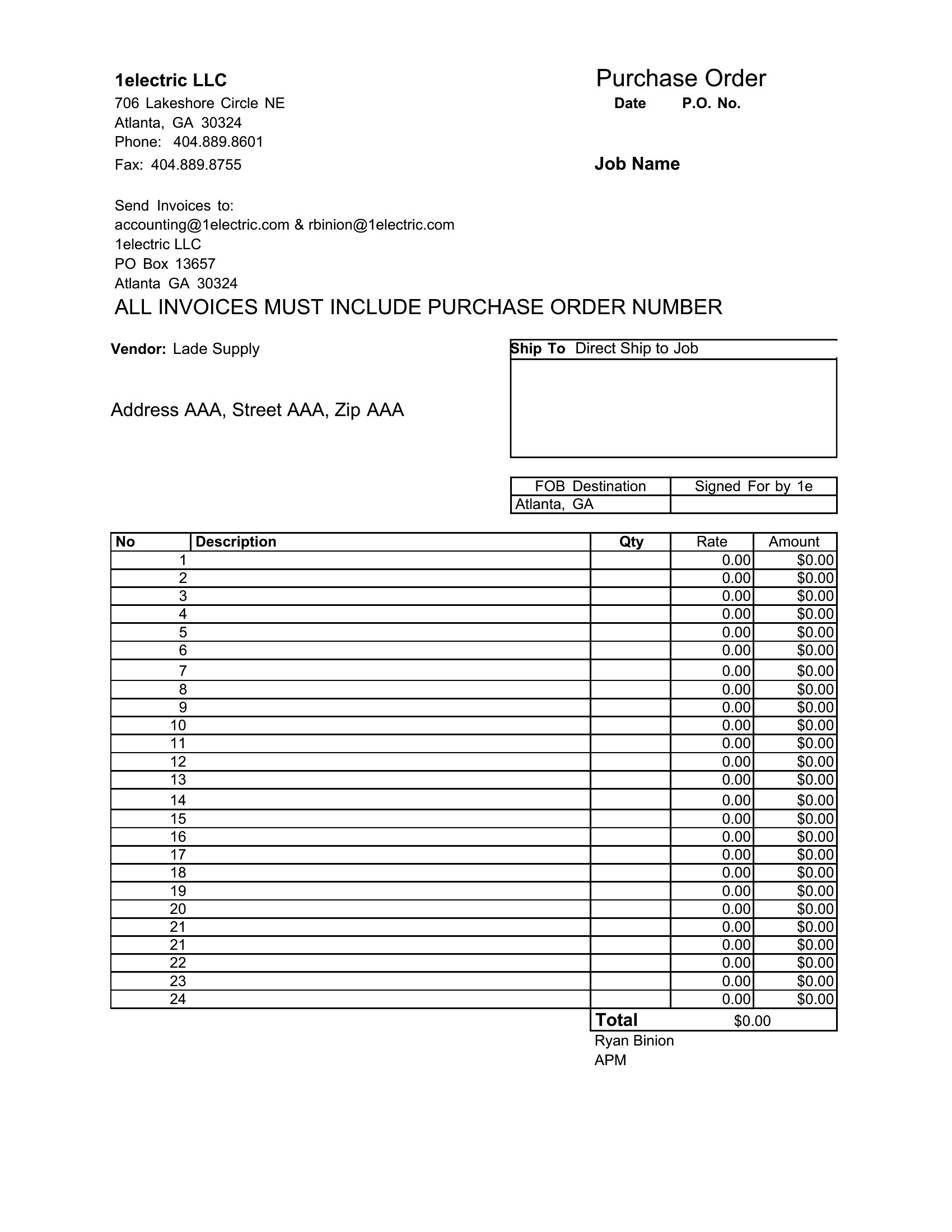
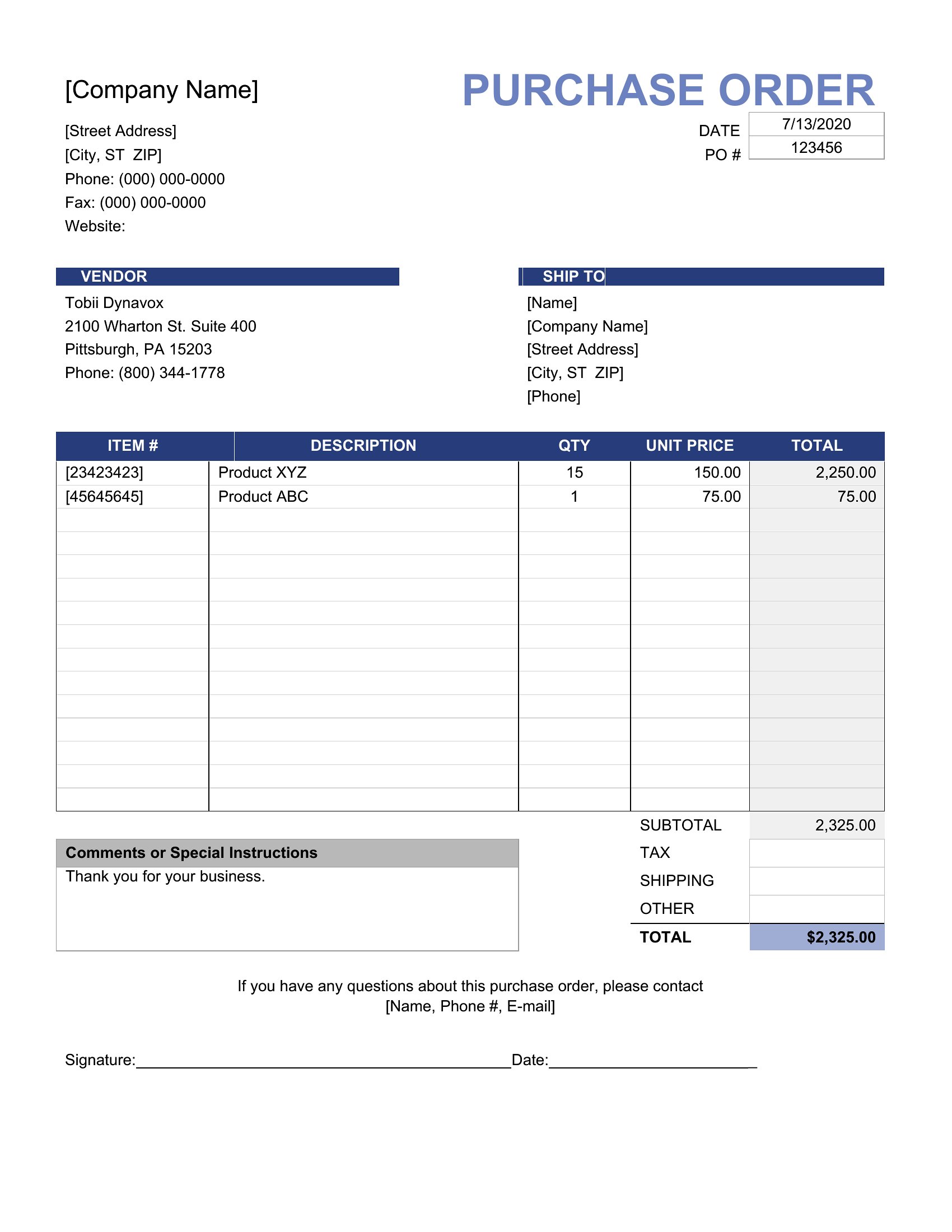
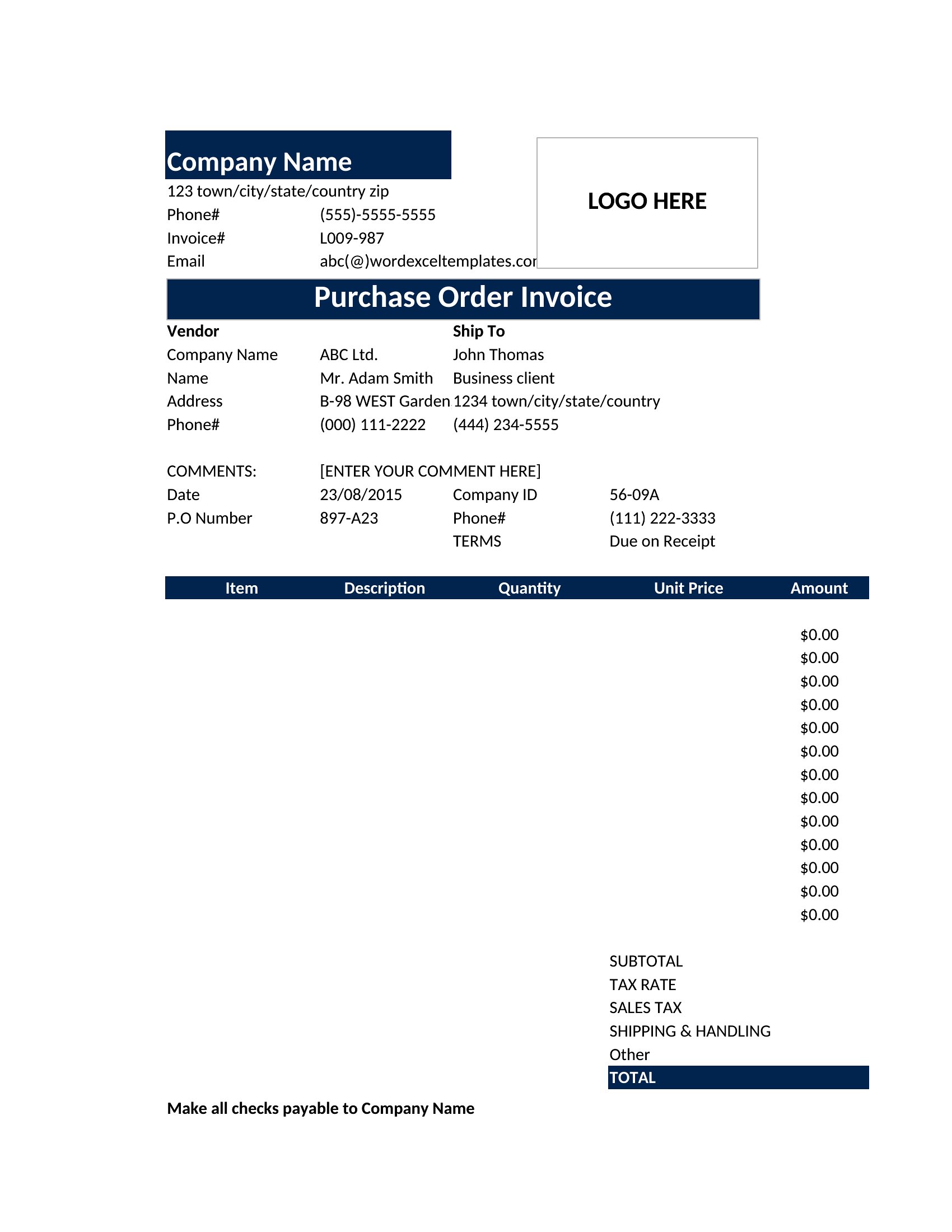
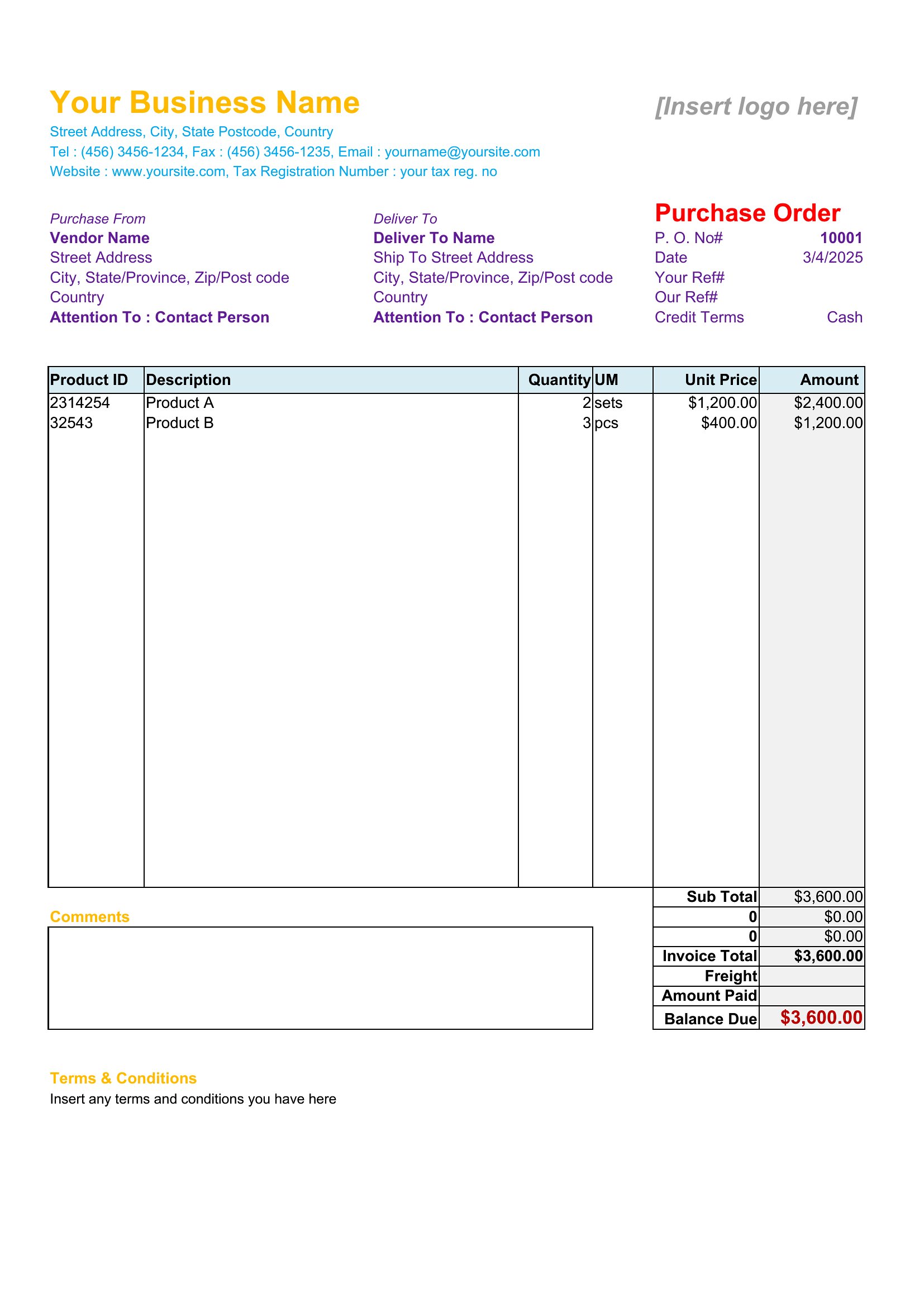
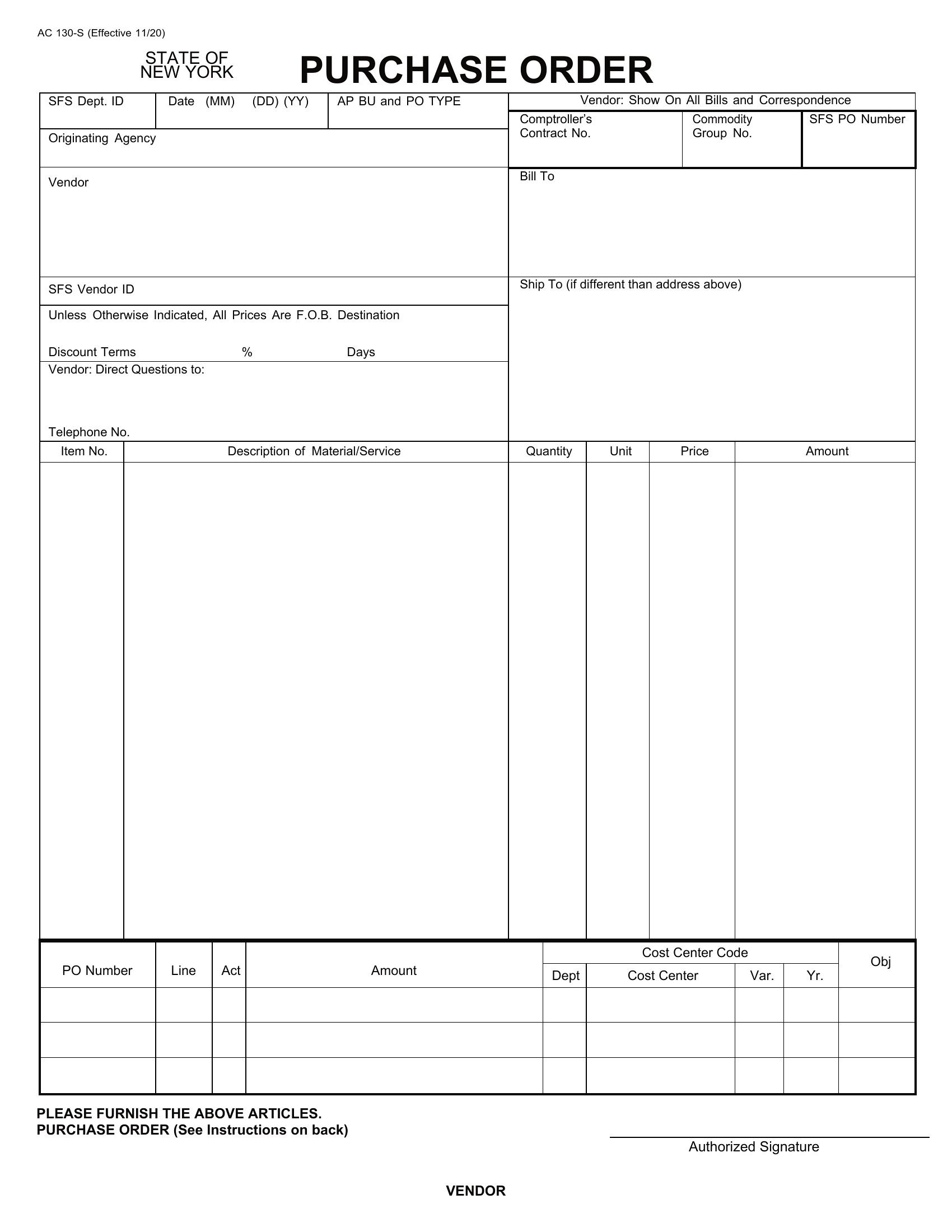
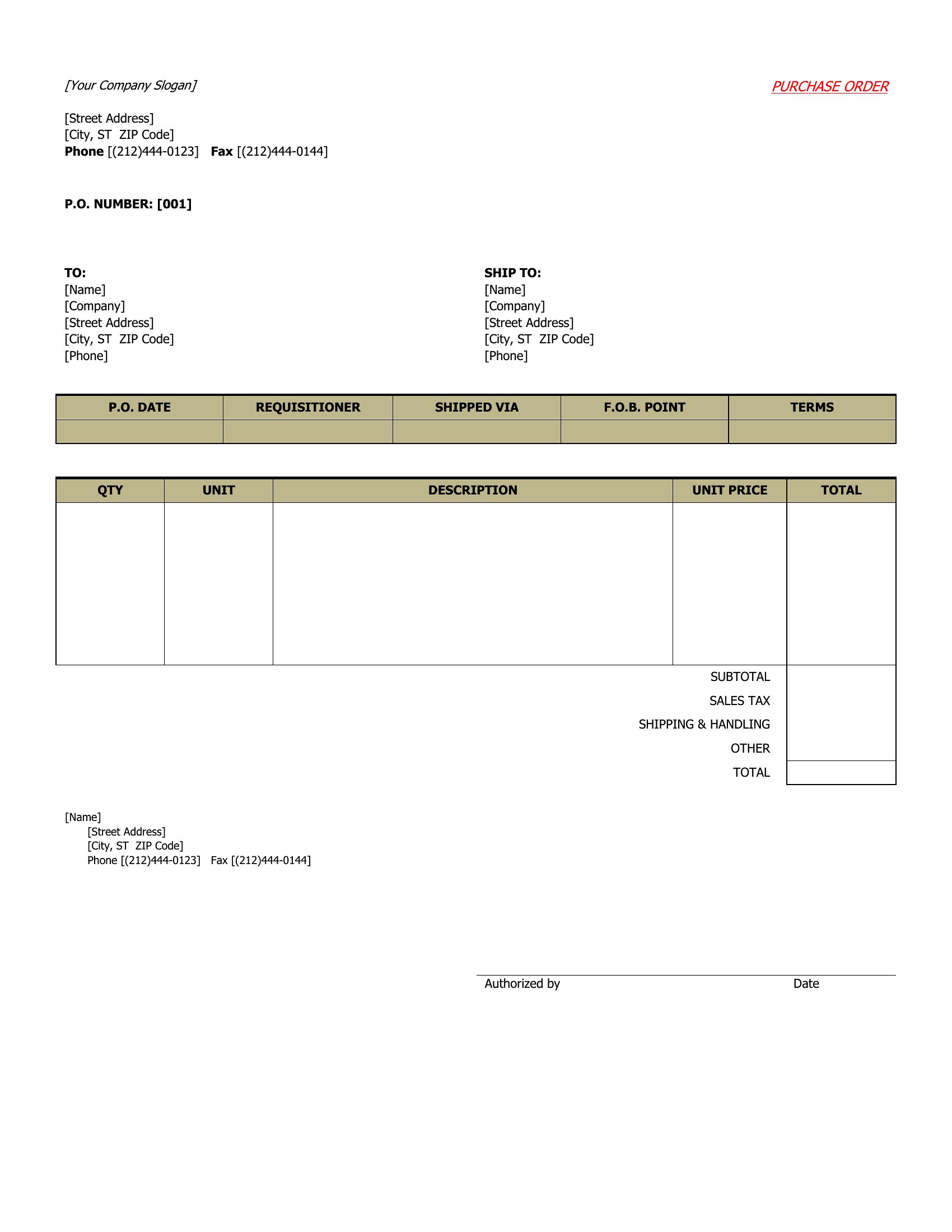
ProjectA purchase order turns a verbal request into a clear, trackable document that tells a vendor exactly what you want and at what price. This collection of 44 purchase order templates helps small businesses, buyers, and office managers itemize products, quantities, and totals so orders go out clean and nothing gets lost in email threads. Numbered POs also make it easy to match deliveries and invoices later.
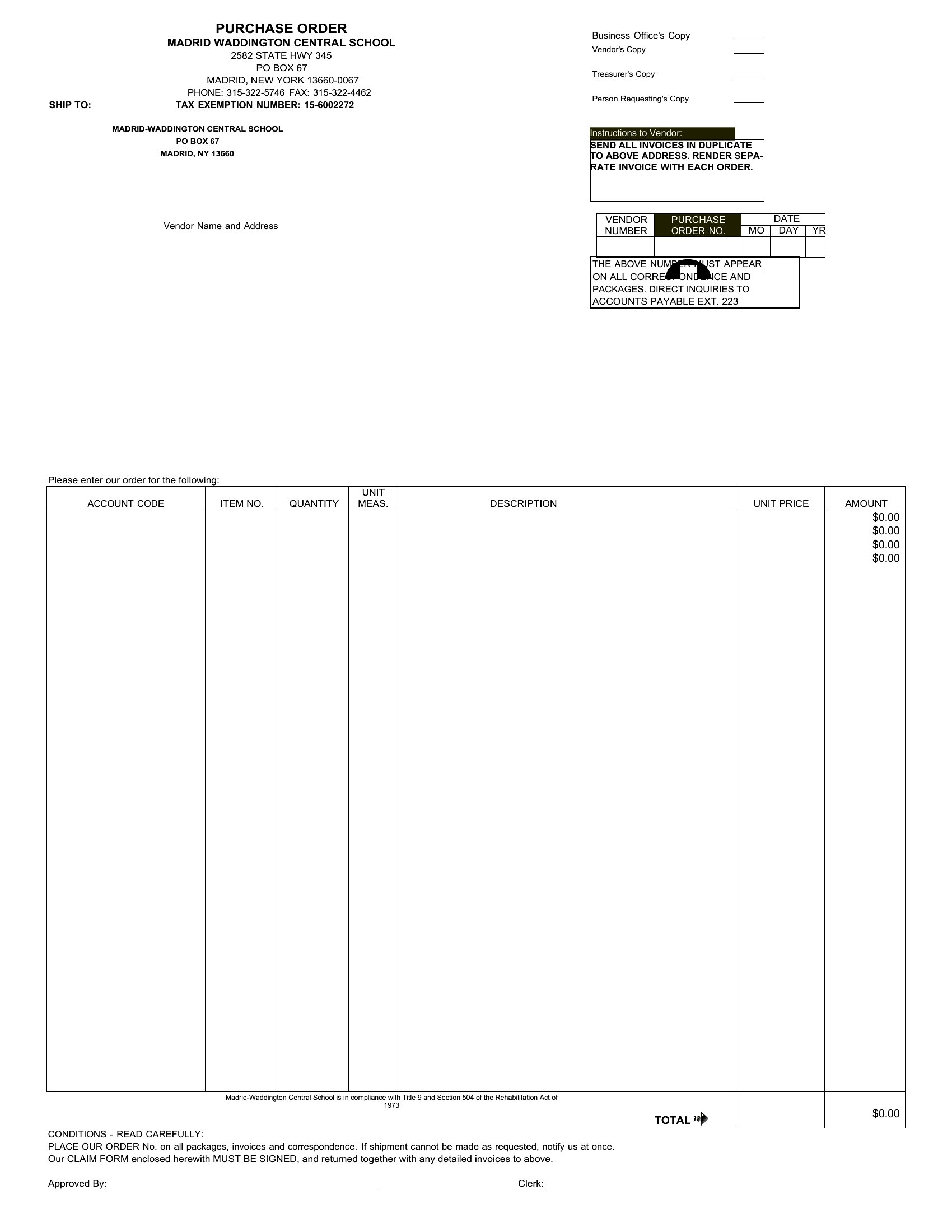
The templates are editable in Word for a quick fill-in, plus Excel sheets that total line items and tax automatically as you type. Add your company details, list what you're ordering, and send the finished PO to your supplier. Keep a copy on file to check against the shipment when it arrives. Pick the layout that fits your workflow and start placing orders with less back-and-forth.
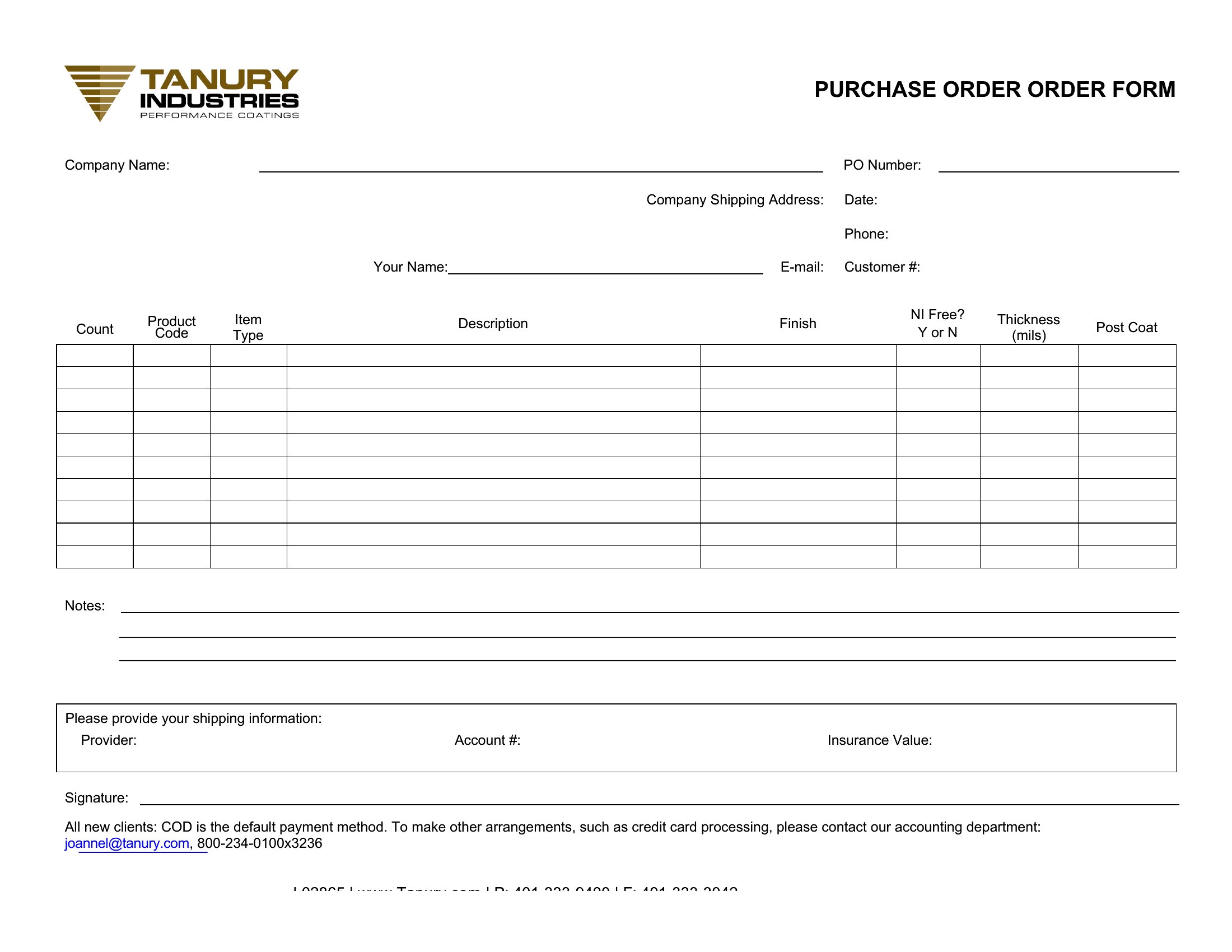
When to use this Purchase Order template
- Small business owners need a purchase order template to quickly convert supplier calls into formal agreements, ensuring no miscommunication about specifications or pricing before bulk orders are placed.
- Office managers use purchase order templates to standardize requests for office supplies, reducing approval delays and keeping track of company spending across multiple departments.
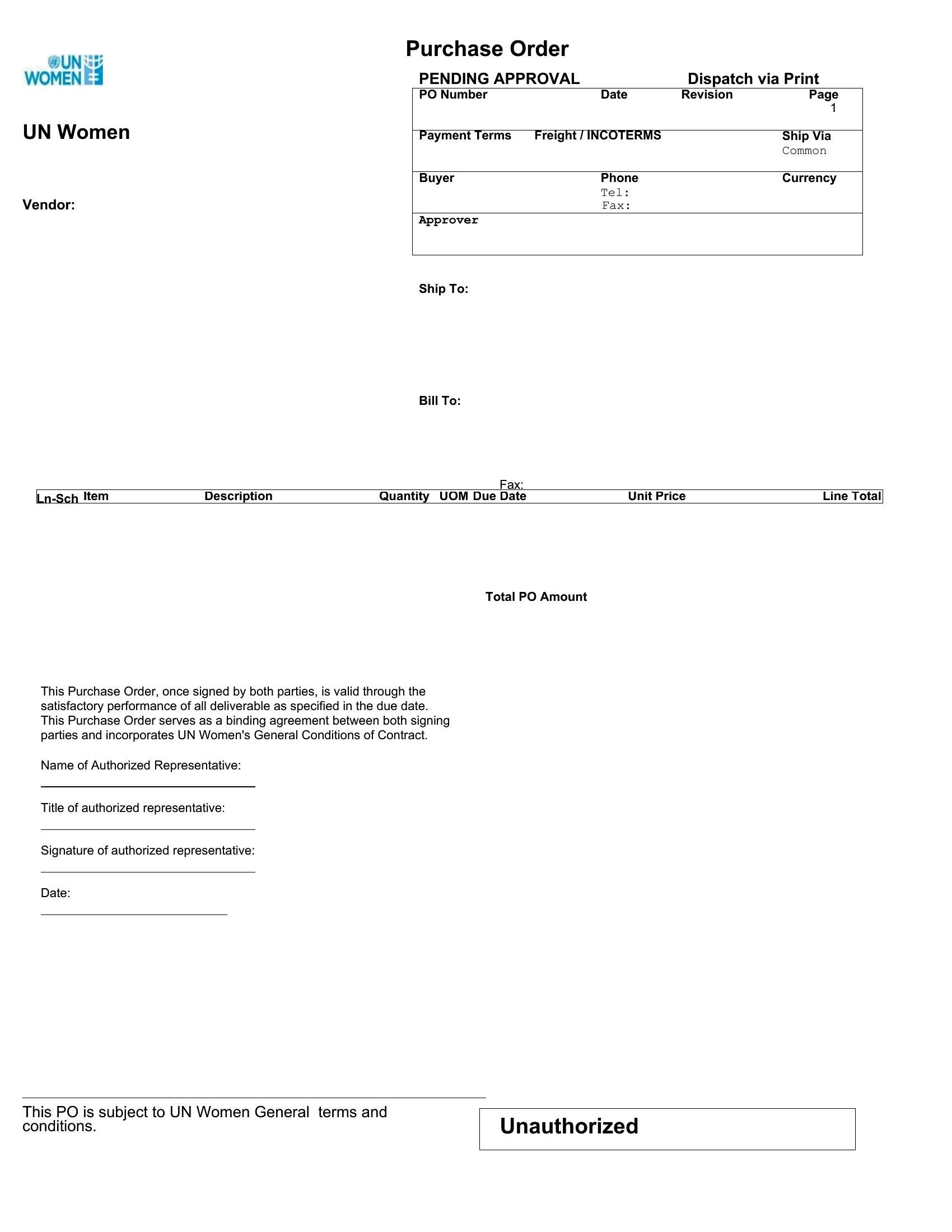
- Procurement specialists in retail stores draft purchase orders with itemized costs and delivery terms to streamline inventory restocking and avoid overpaying for seasonal merchandise.
- Manufacturers rely on numbered purchase orders to coordinate with vendors, track multiple shipments at once, and match deliveries to invoices for accurate payable records.
Which format should I download?
Choose Word for purchase orders requiring branded letterheads, detailed terms, or signatures—ideal when collaboration with legal teams or vendors is needed. Opt for Excel when you need to integrate order data with inventory spreadsheets or perform cost comparisons across vendors. Word’s fillable fields work best for one-off orders with specific clauses, while Excel’s formulas are better for recurring orders with calculated totals.
Choose from 44 Purchase Order Templates
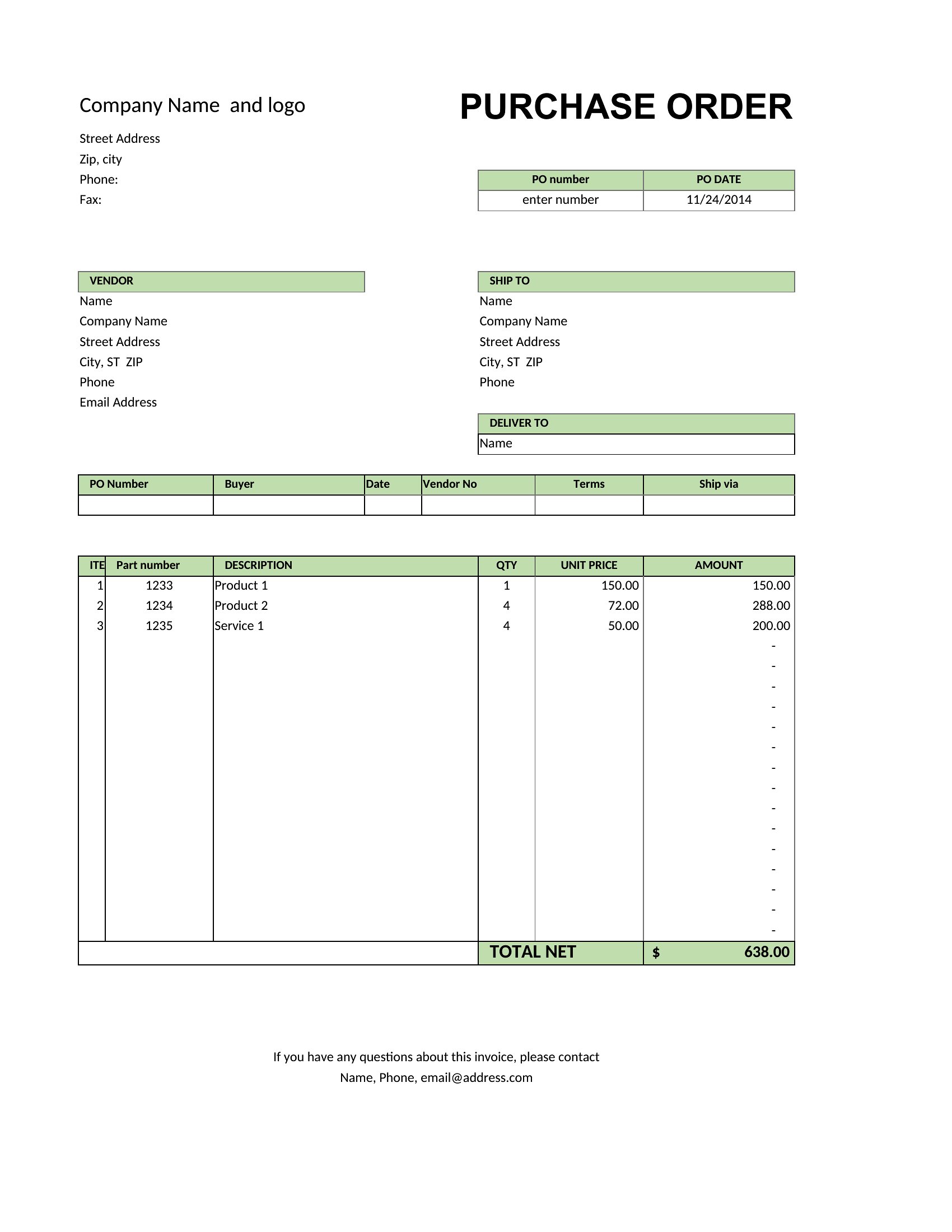
How to use this Purchase Order template
Can I add conditions like ‘payment due in 30 days’ to a purchase order template?
Yes, most Word templates include editable text fields where you can insert payment terms. For Excel, you can manually type conditions into a designated ‘notes’ section, though Word is more flexible for legal wording. Always review terms with a legal advisor before finalizing.
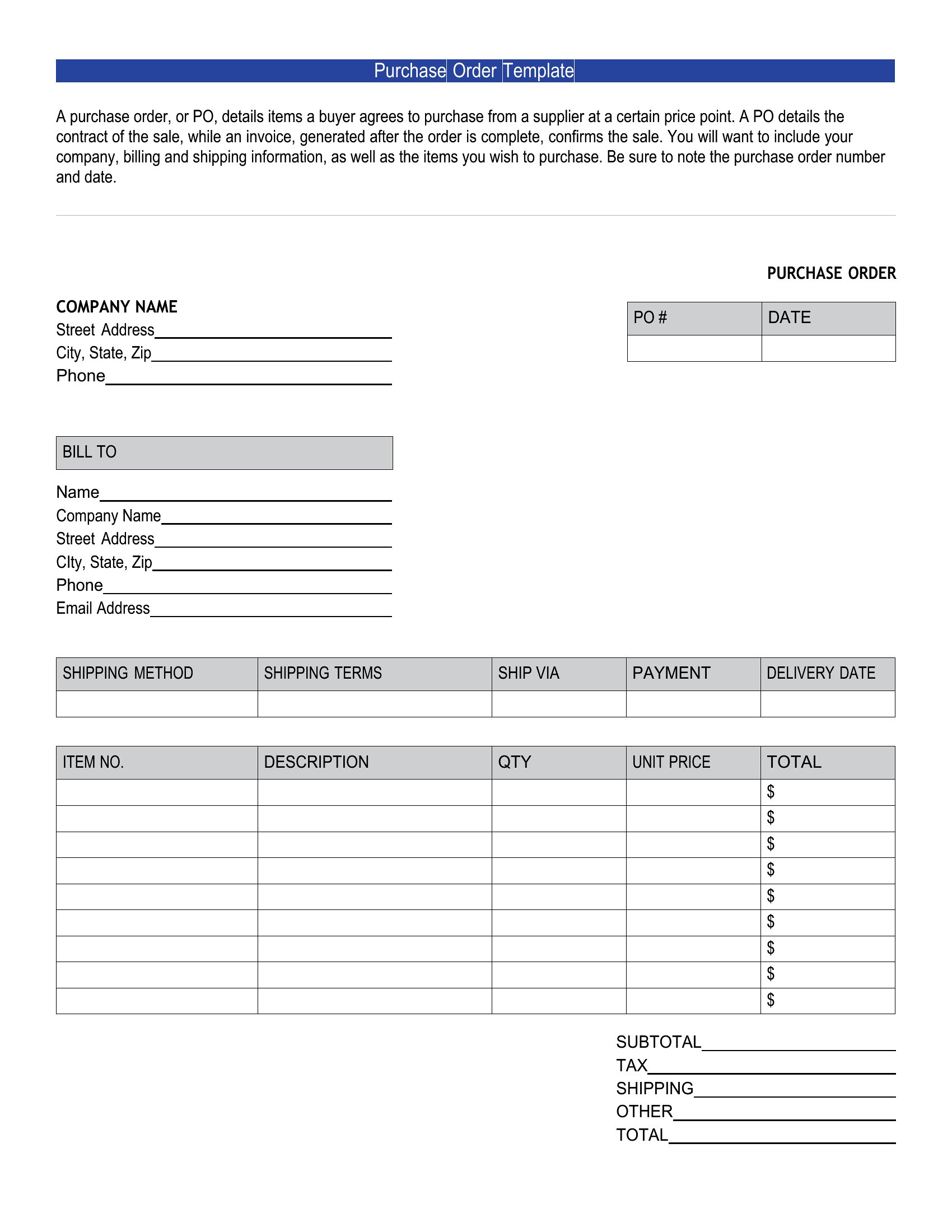
How do I ensure a purchase order number stays consistent across multiple orders?
Use Excel’s auto-increment function in a cells series (e.g., PO-2024-001, PO-2024-002) for sequential numbering. In Word, manually enter the next number in a header/footer or use a merge field if combining with a database. Keep a log of issued numbers to avoid duplicates.
What’s the best way to track delivery dates and vendor responses in a purchase order?
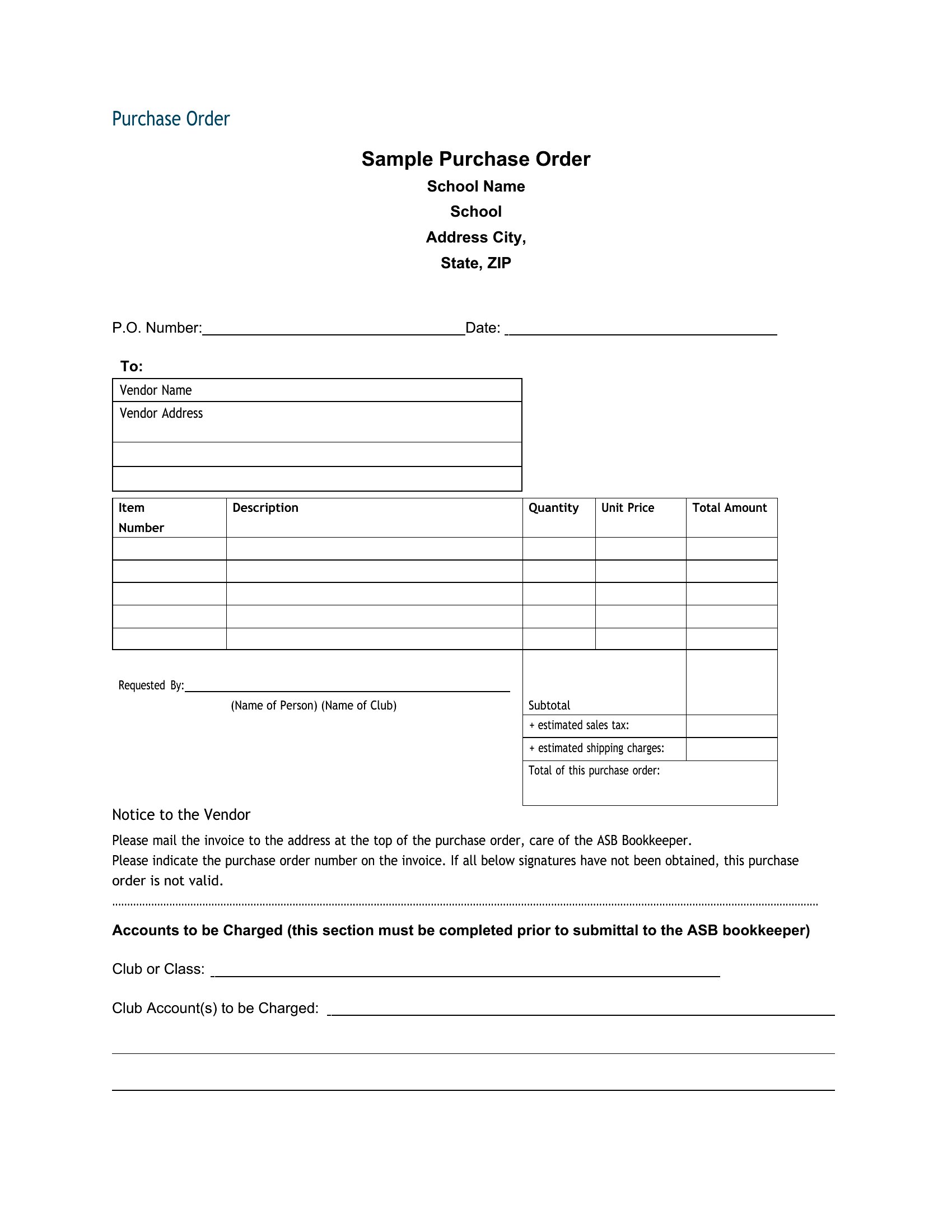
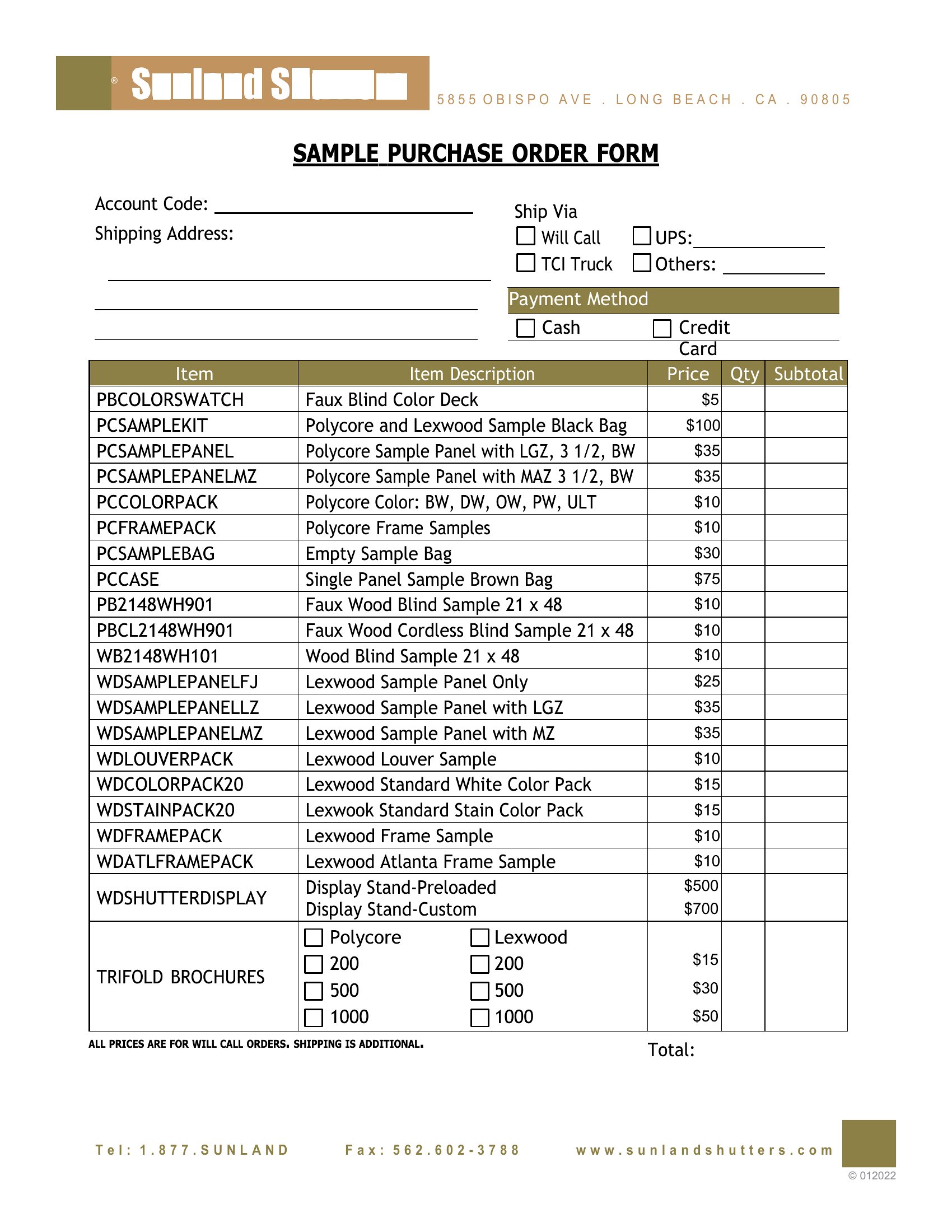
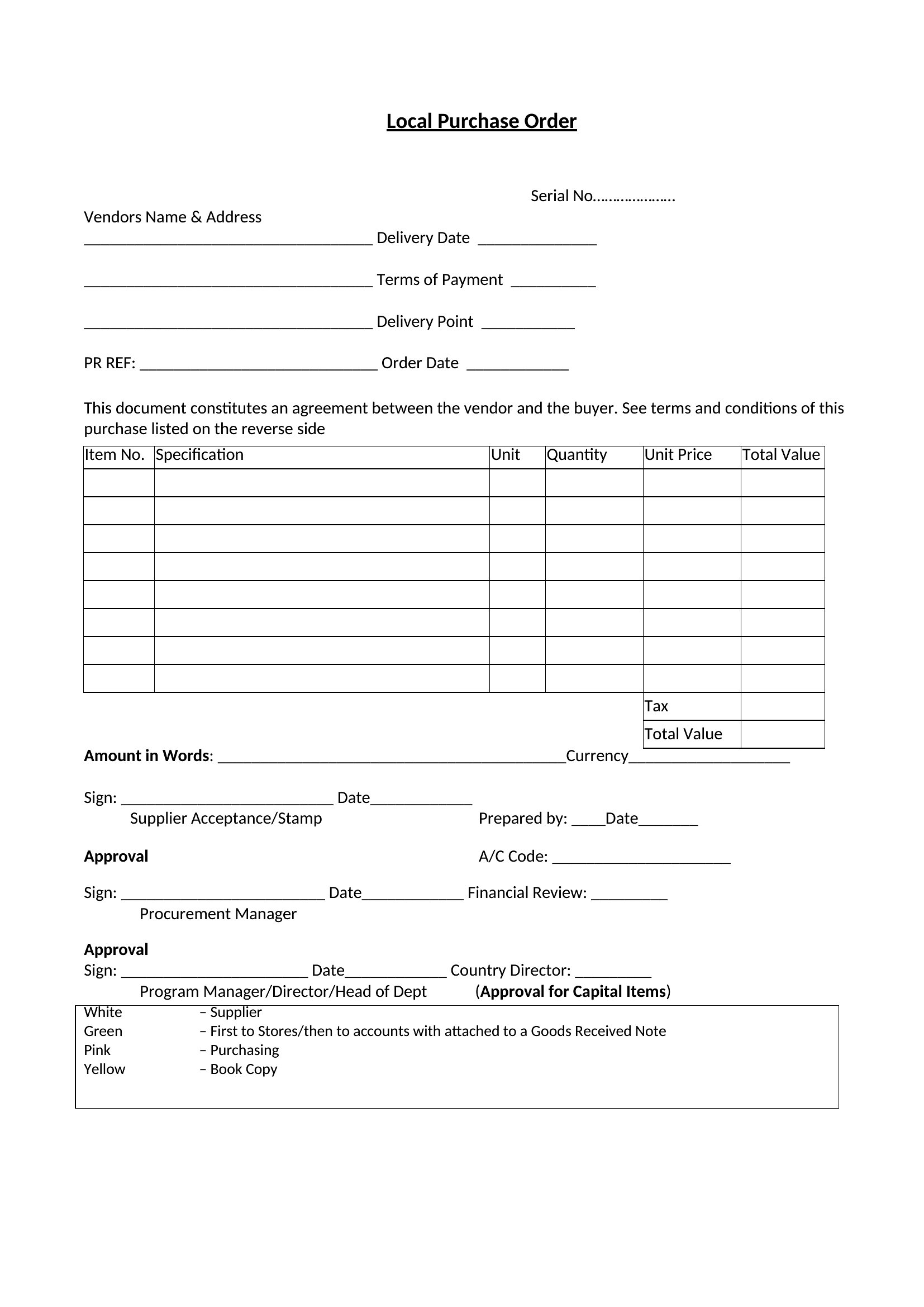
Excel templates often include columns for ‘expected delivery,’ ‘actual delivery,’ and ‘vendor notes,’ making it easy to flag delays. Word templates may require a separate tracking sheet or comments section. Pair either with email reminders to vendors for accountability.
Comments
Join the conversation
Sign in to share your thoughts and leave a comment on this resource.