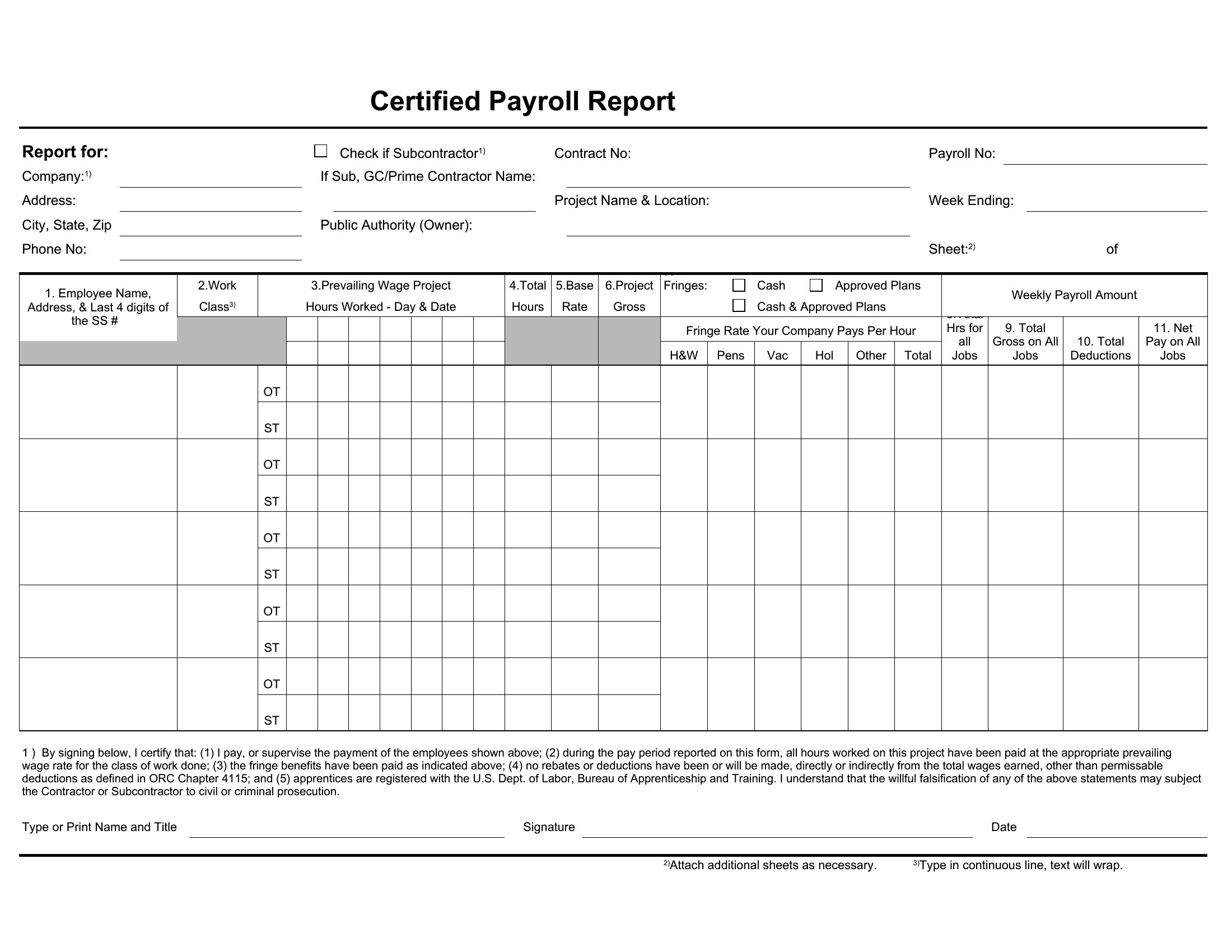
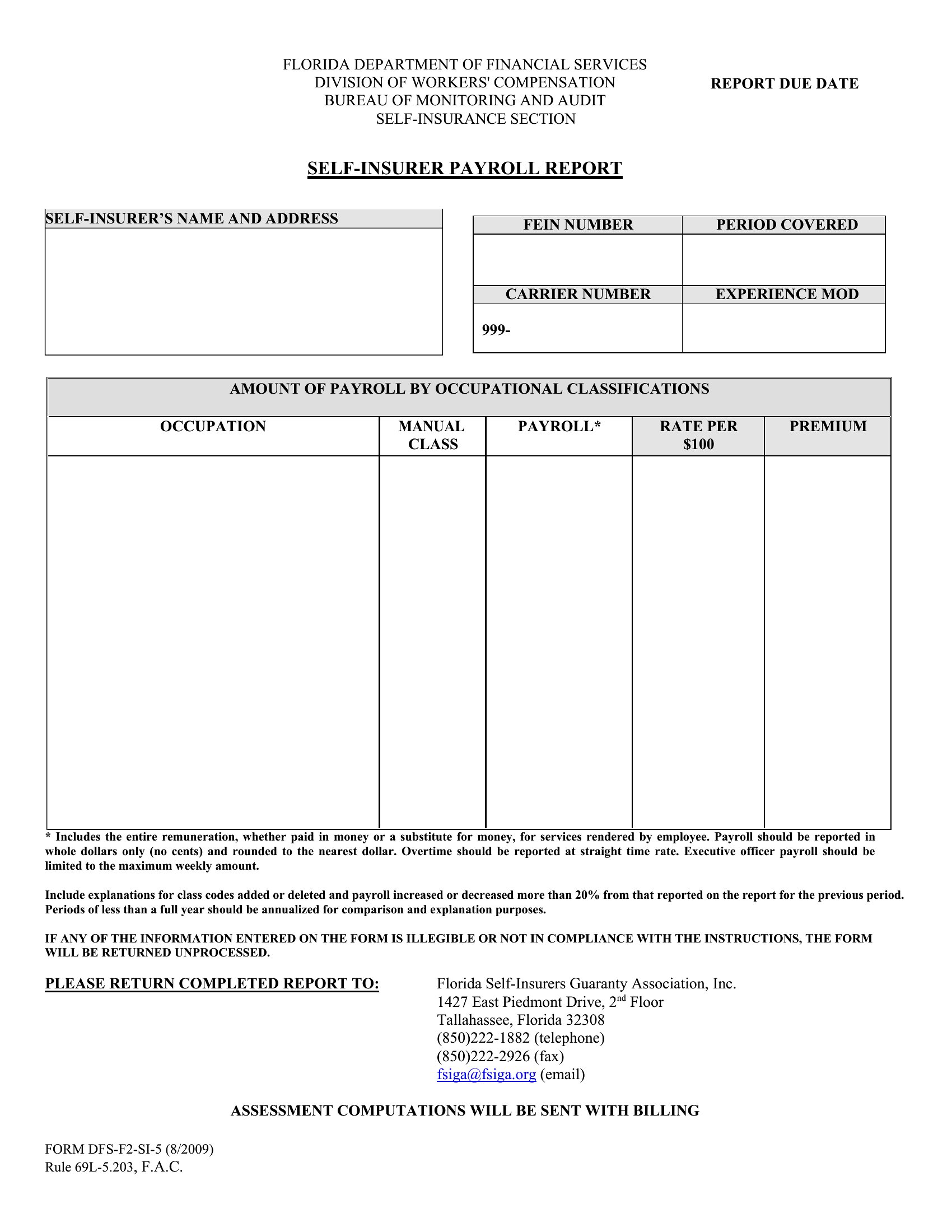
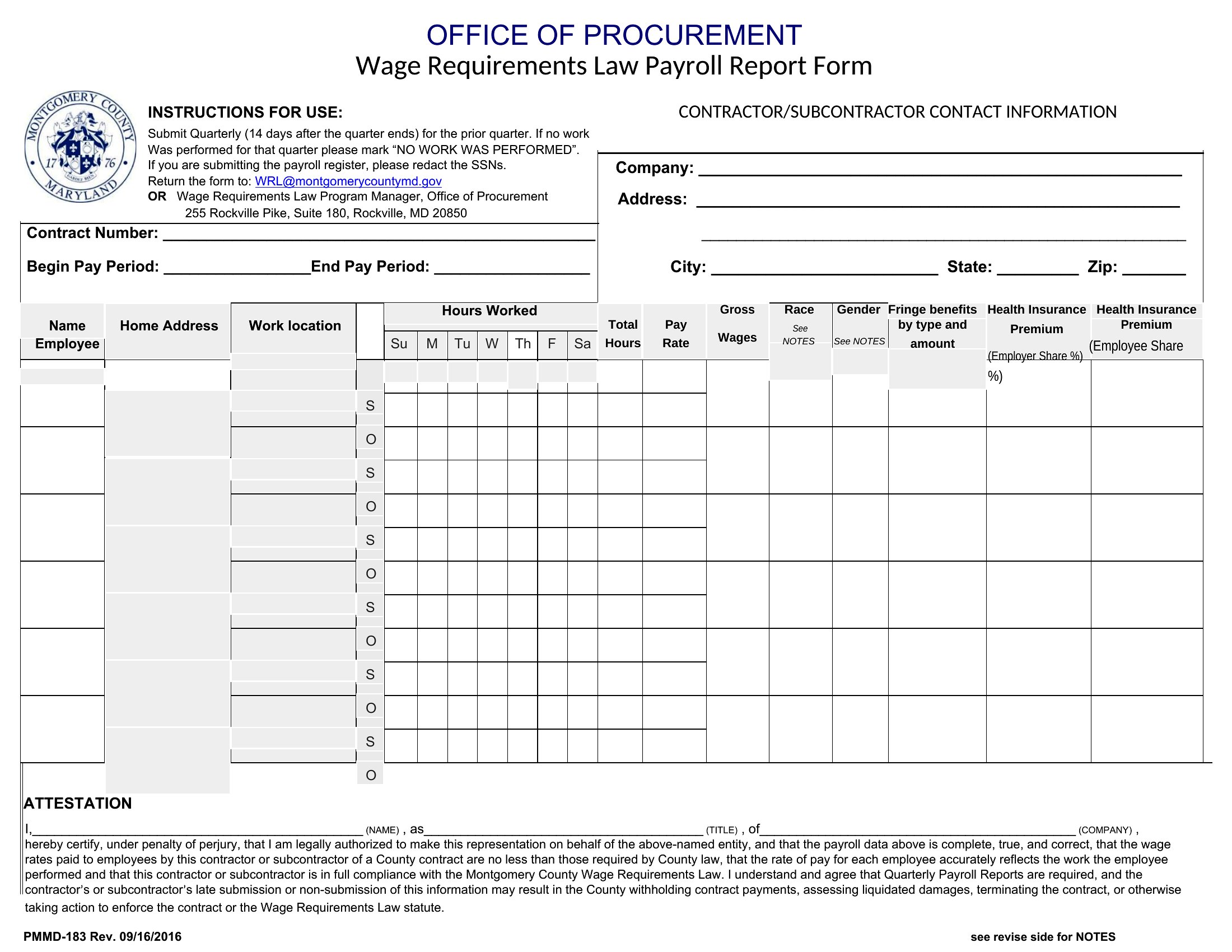
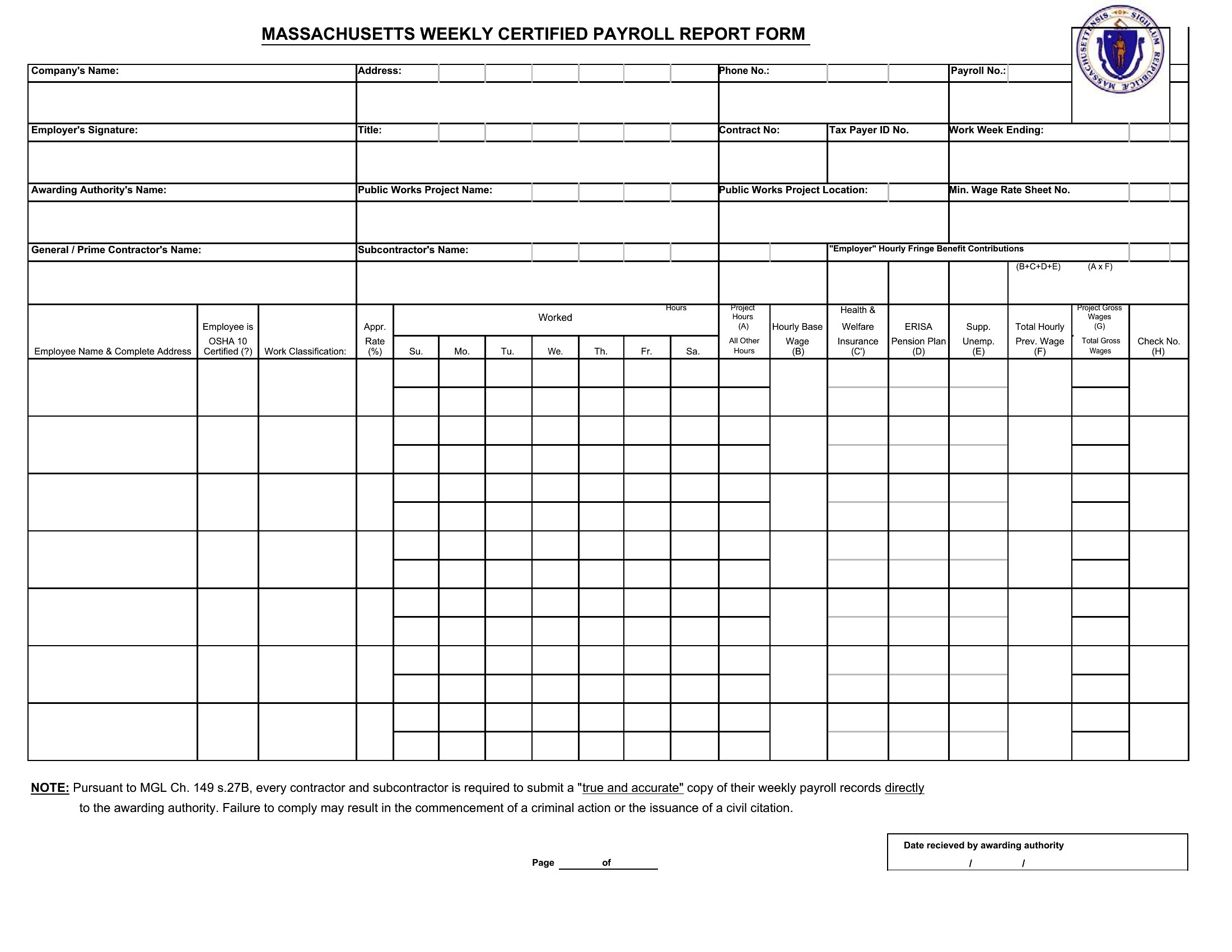
Free Payroll Report Templates (Word, Excel)
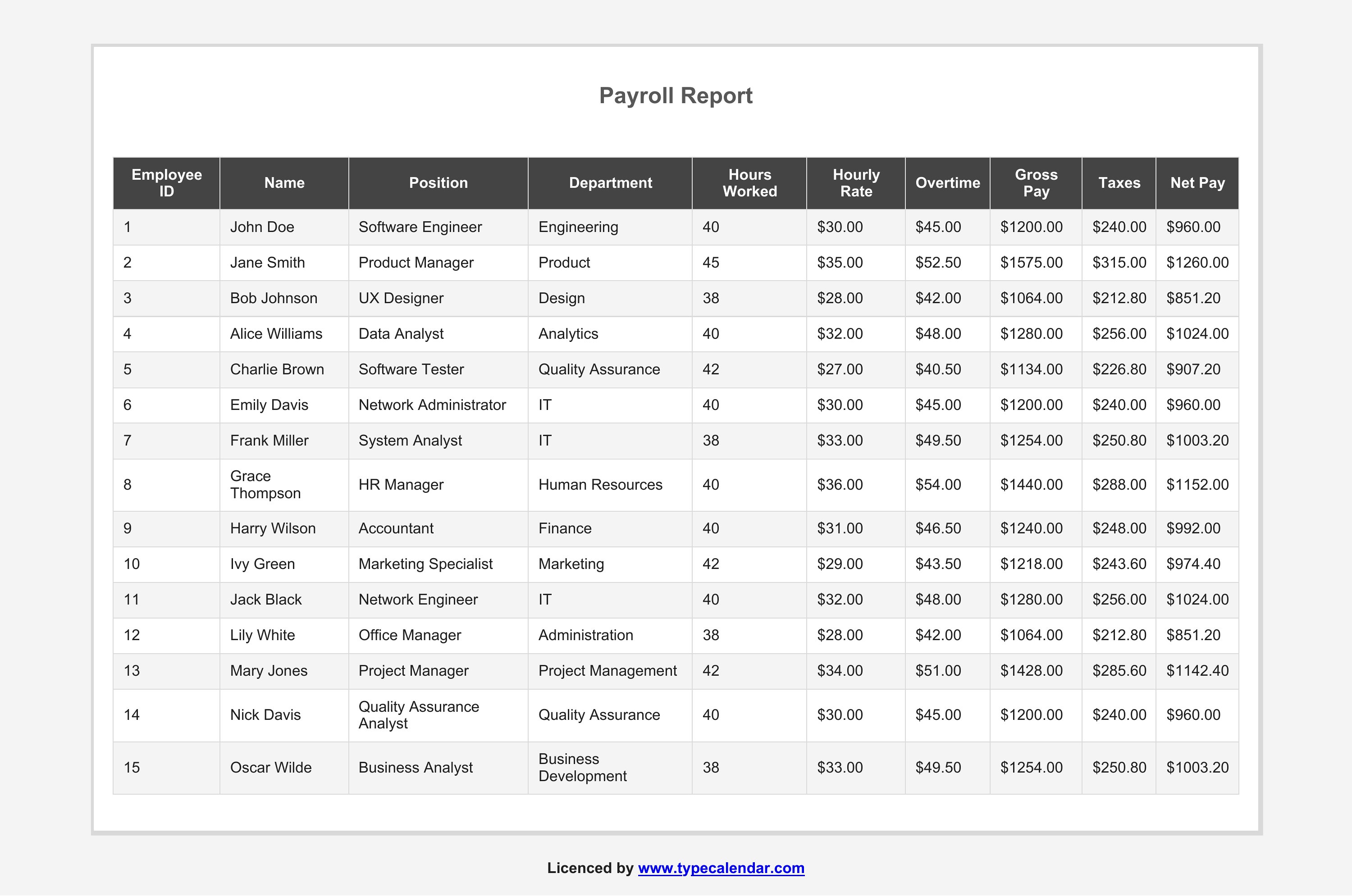
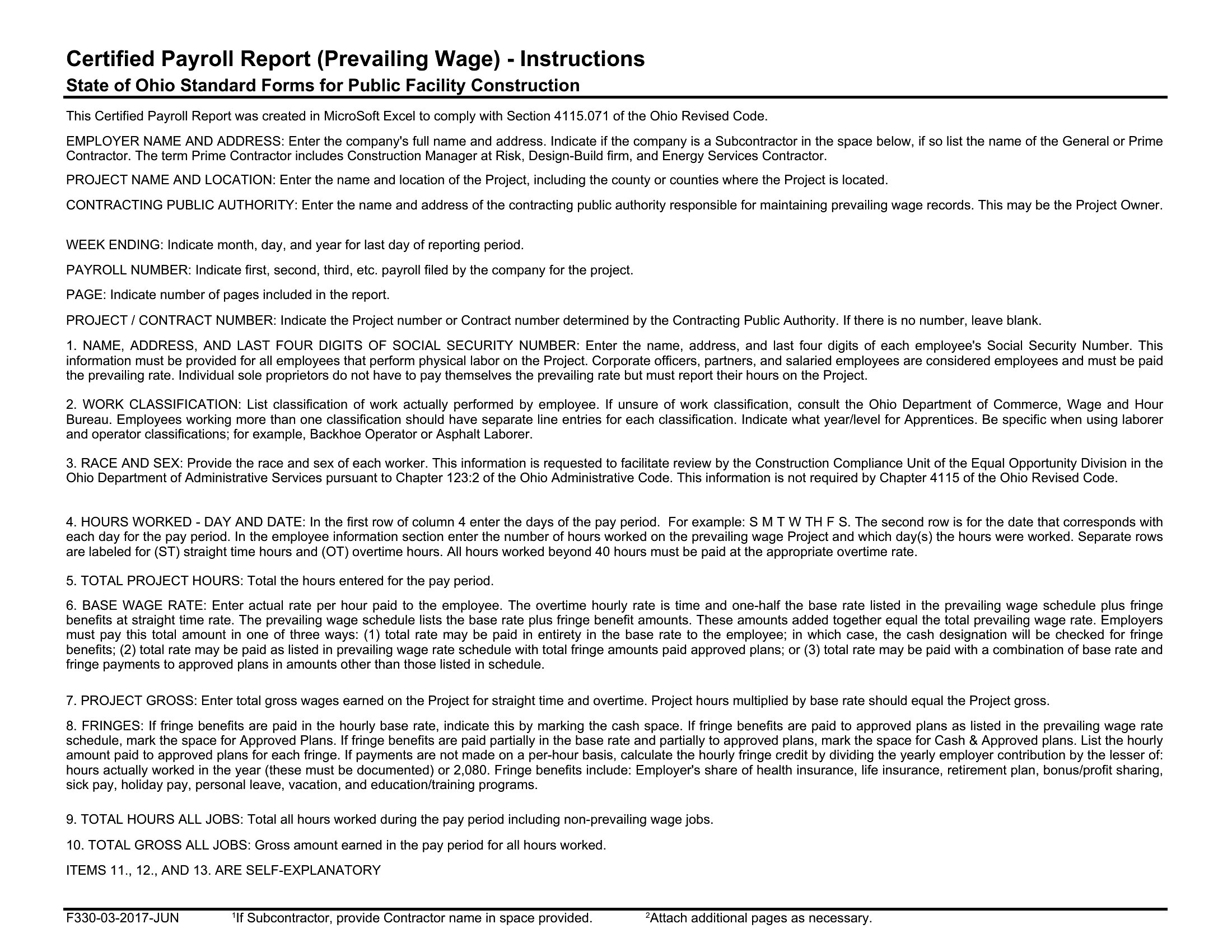
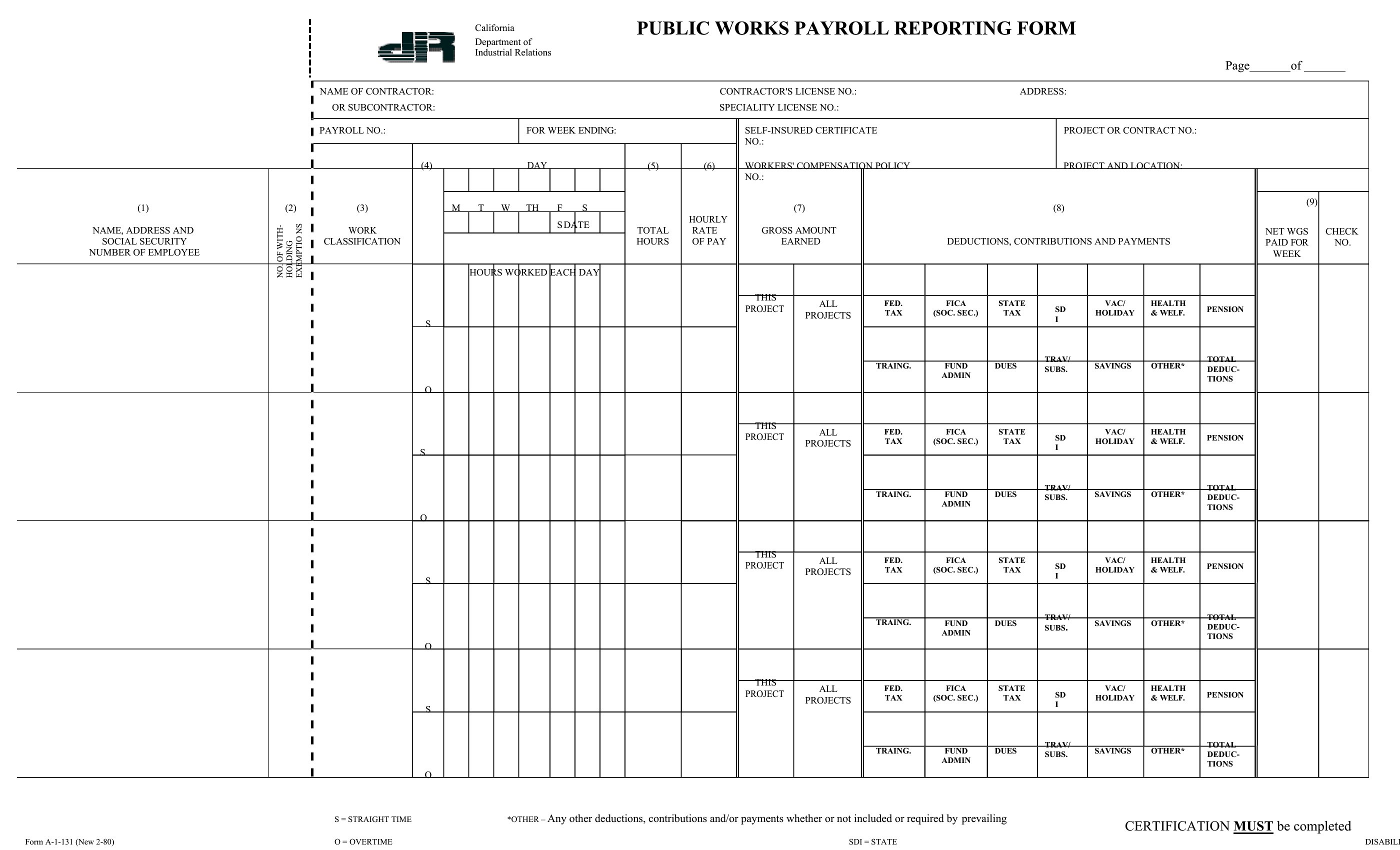
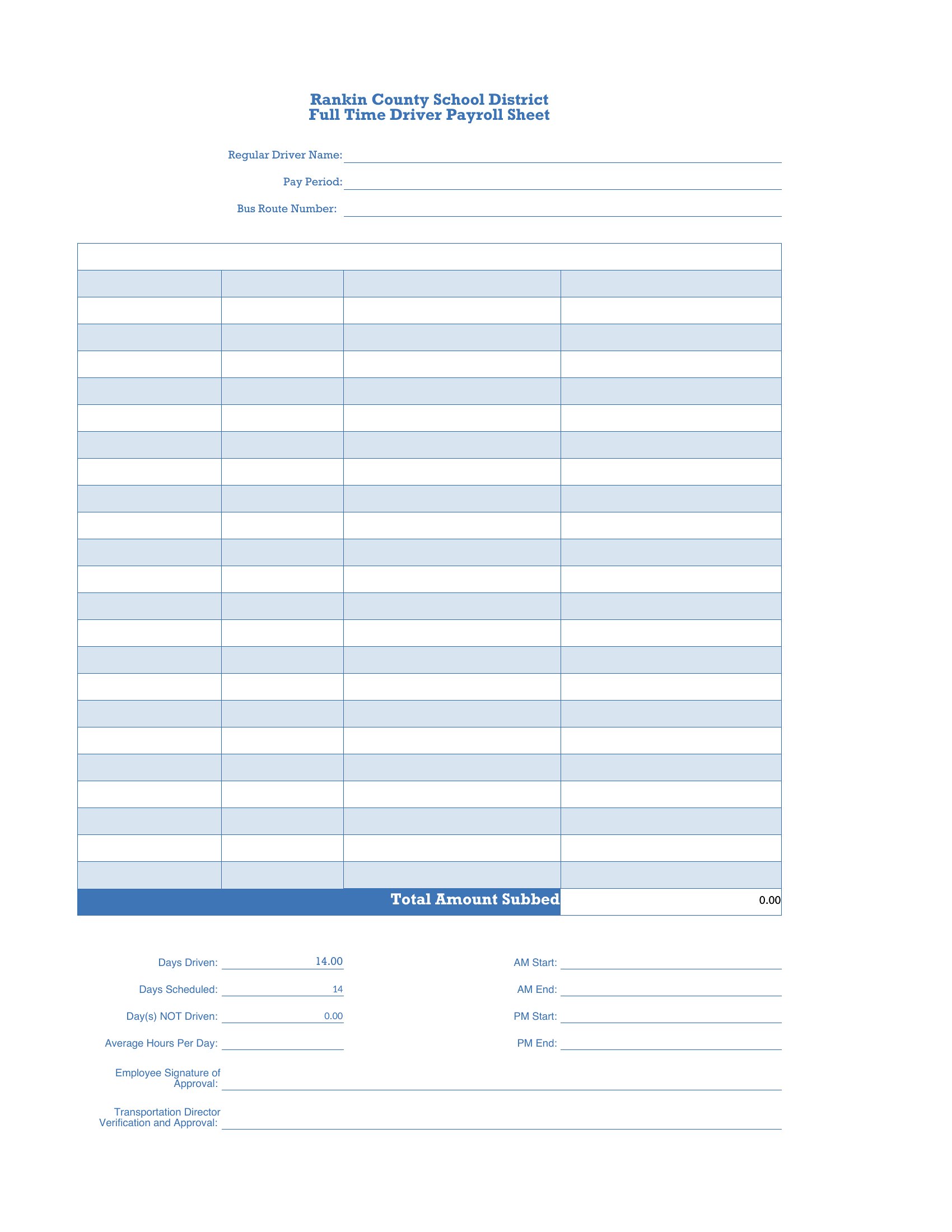
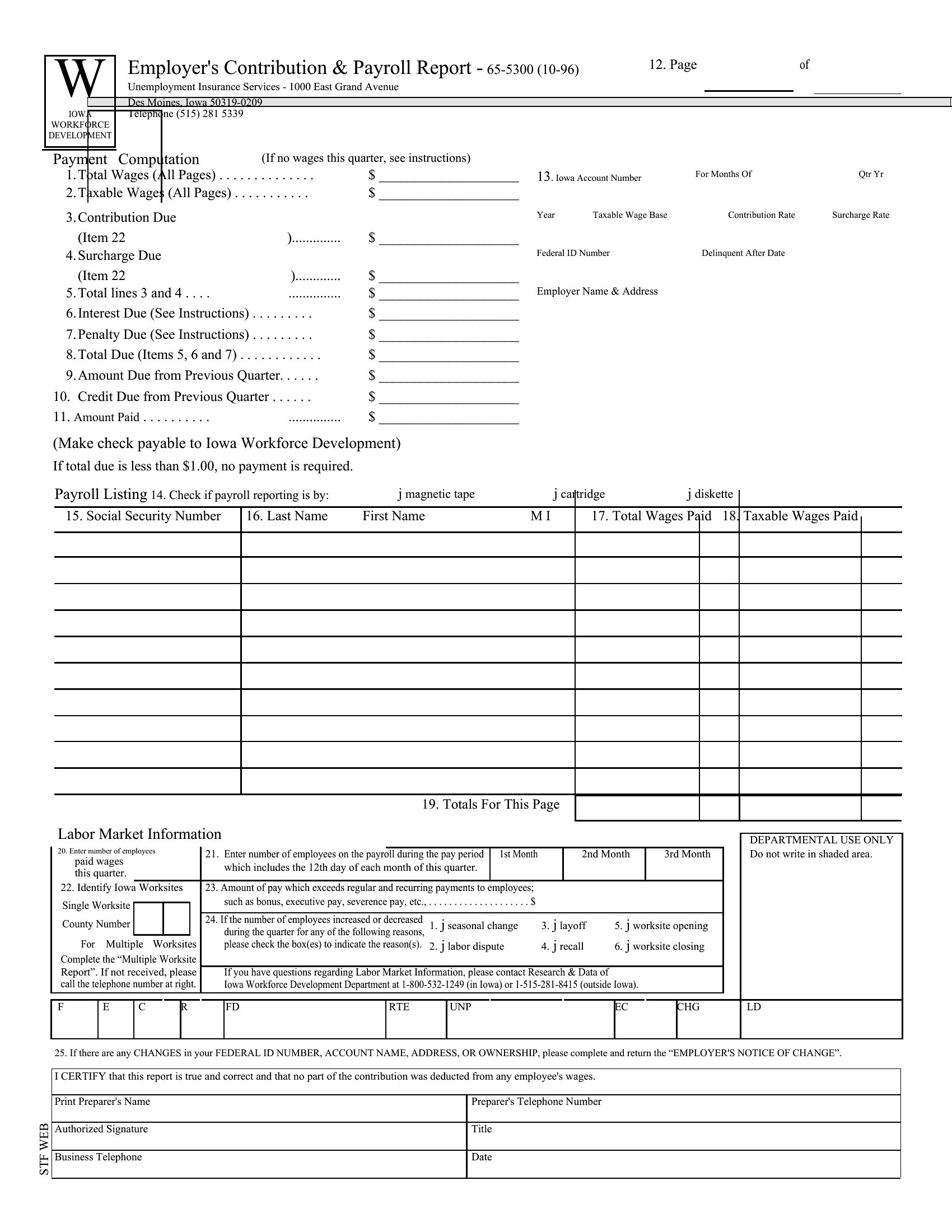
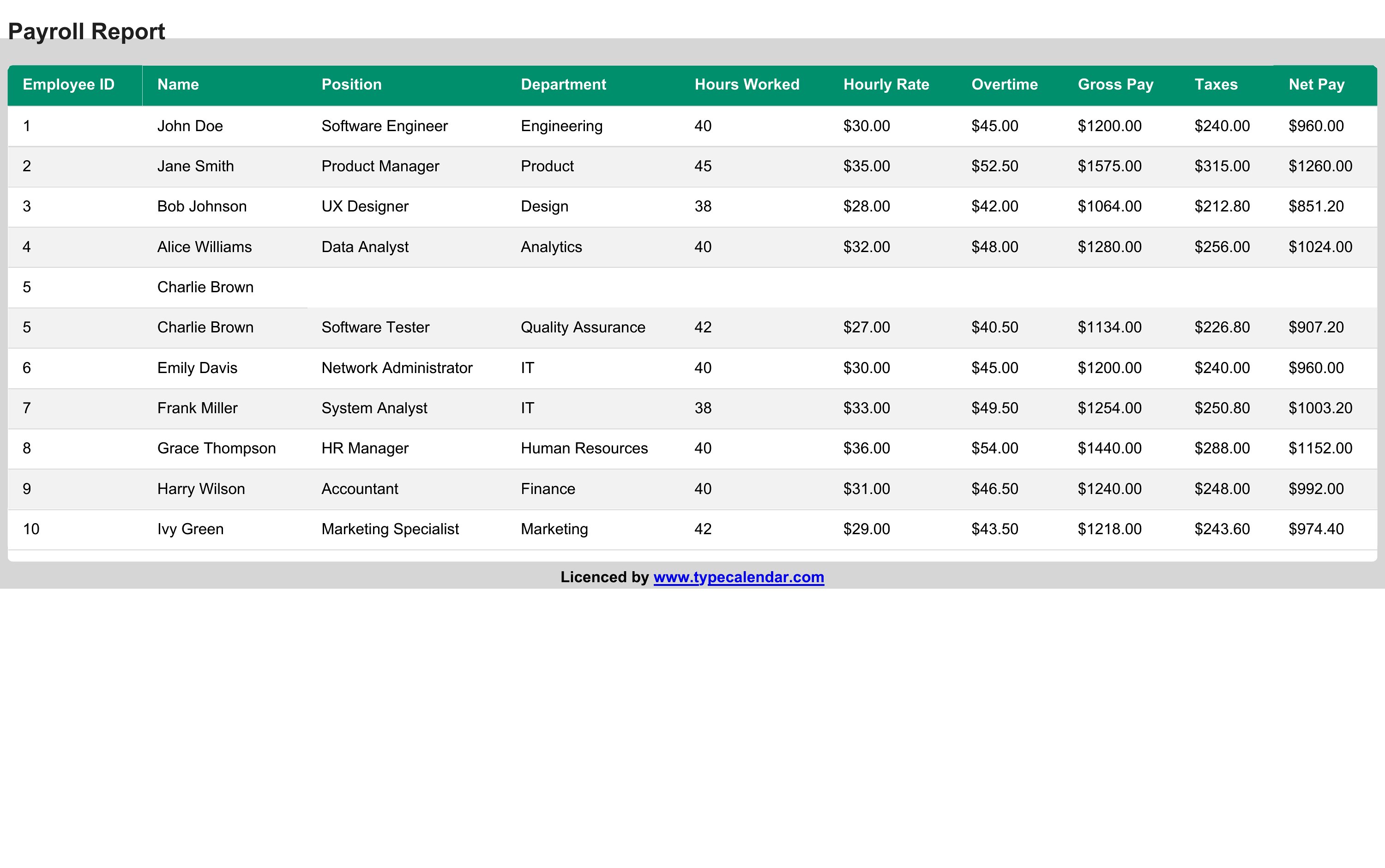
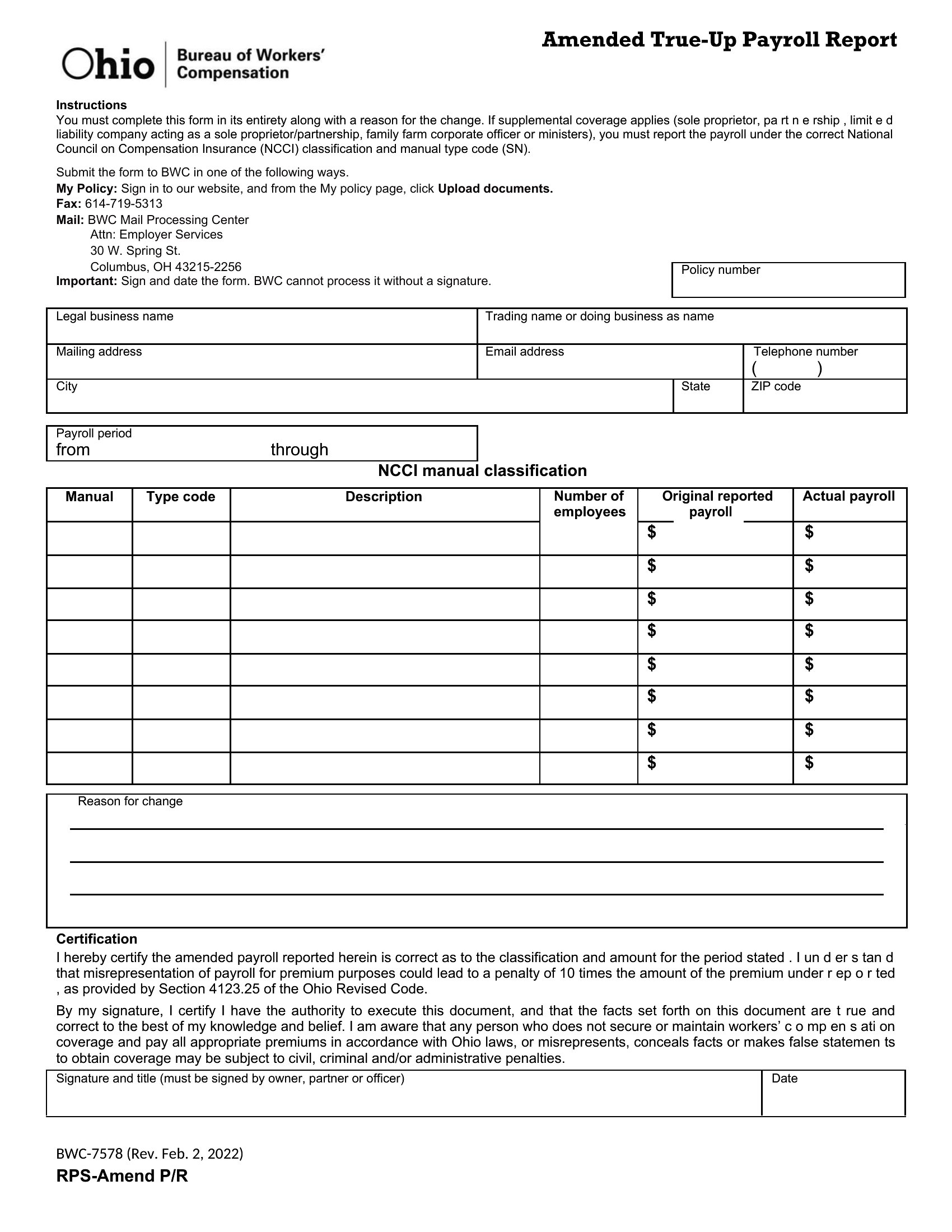
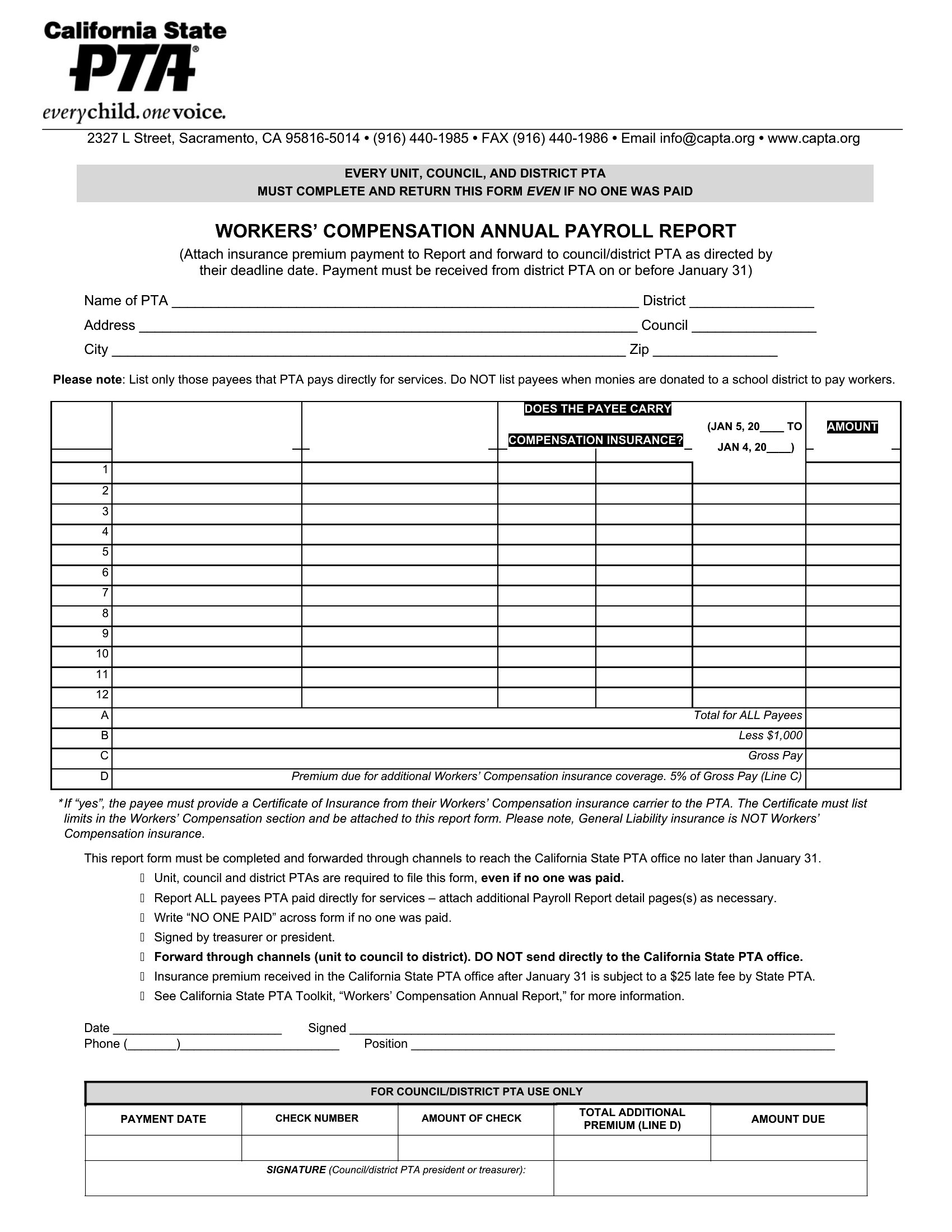
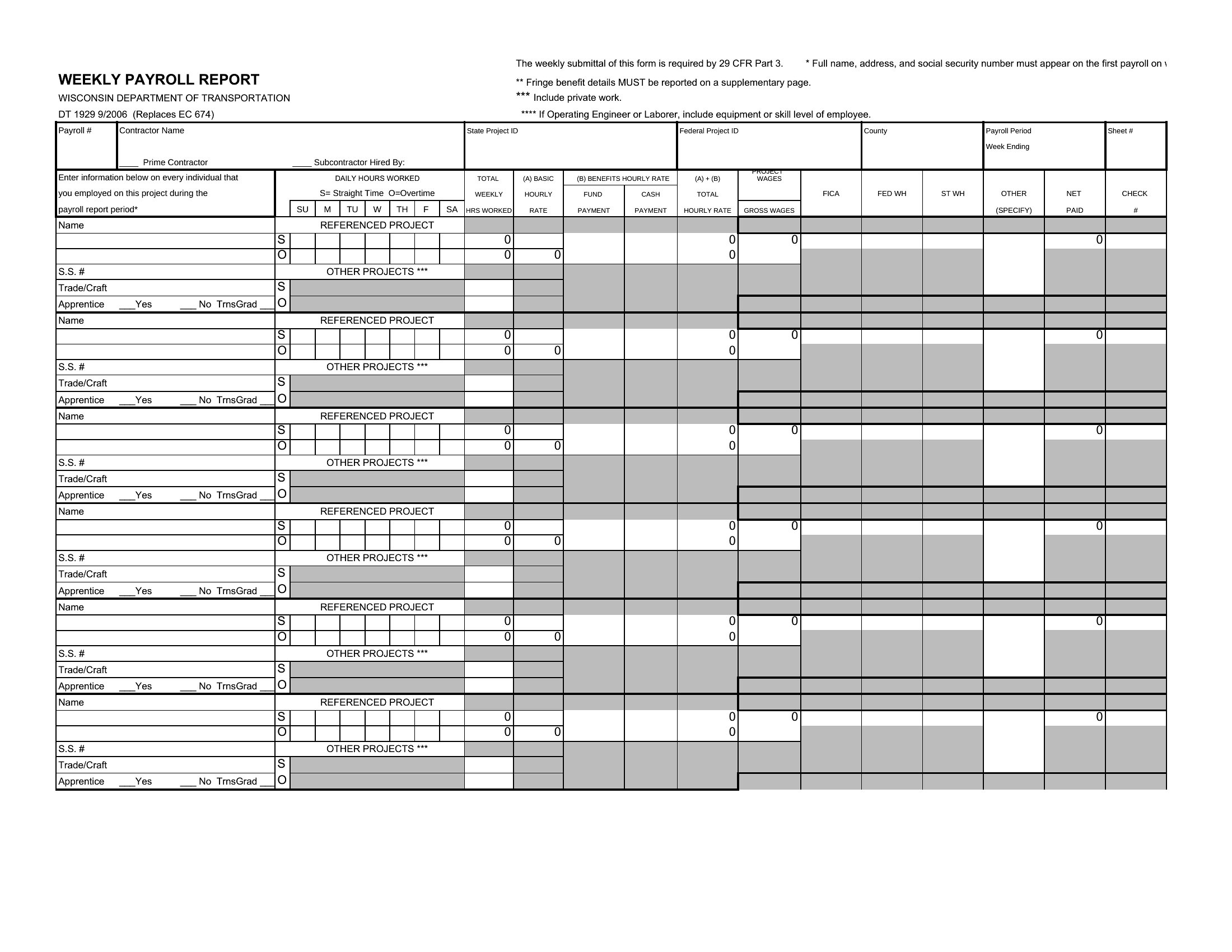
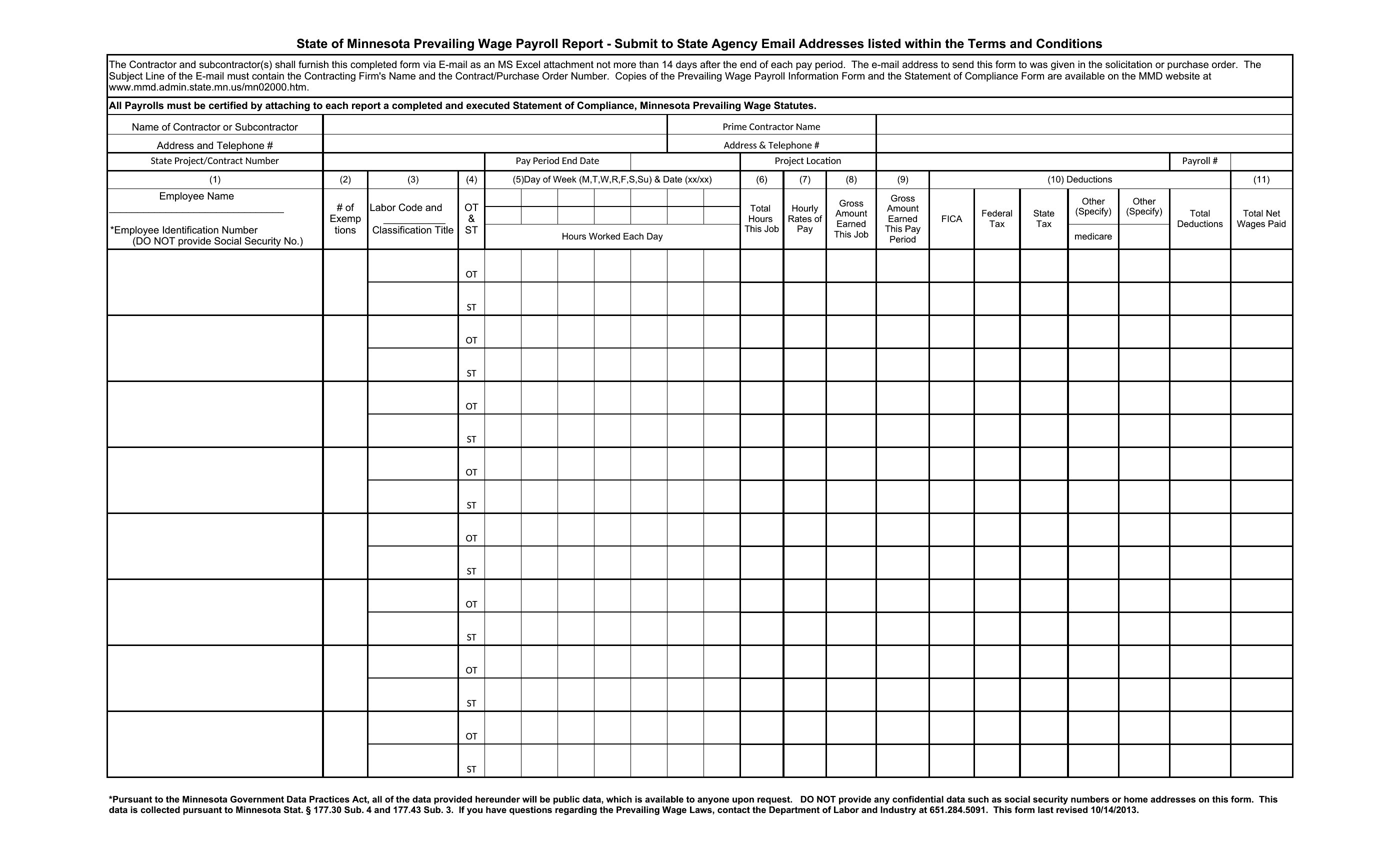
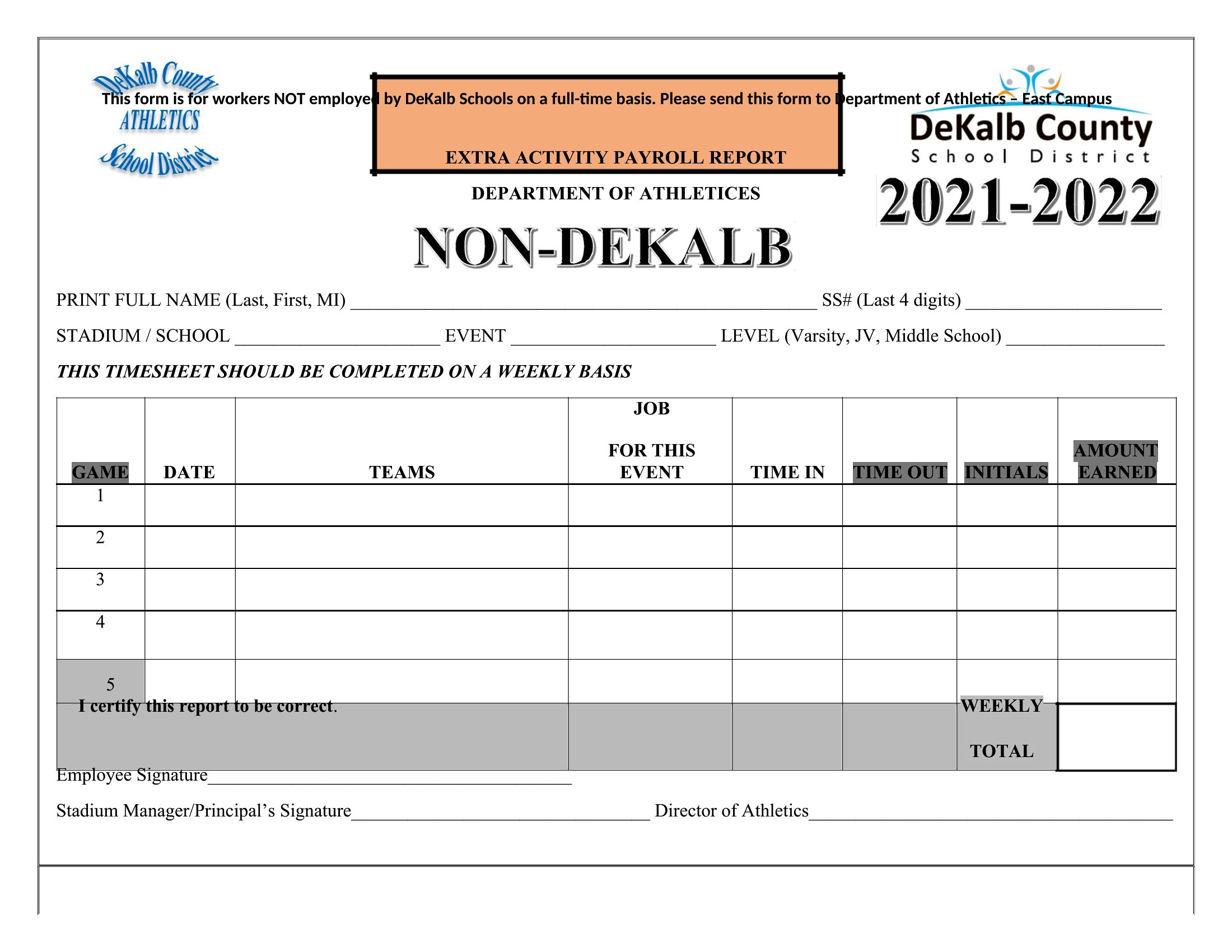
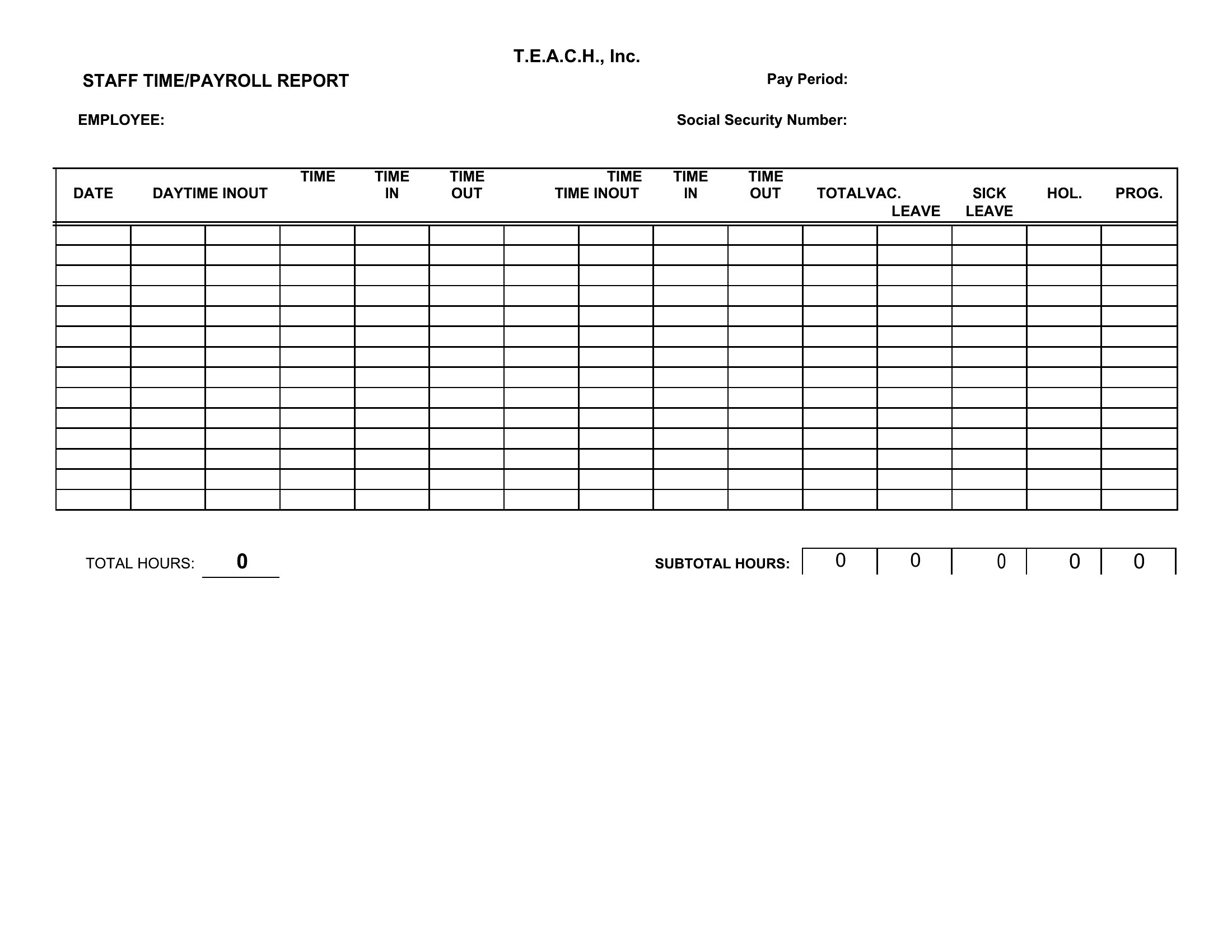
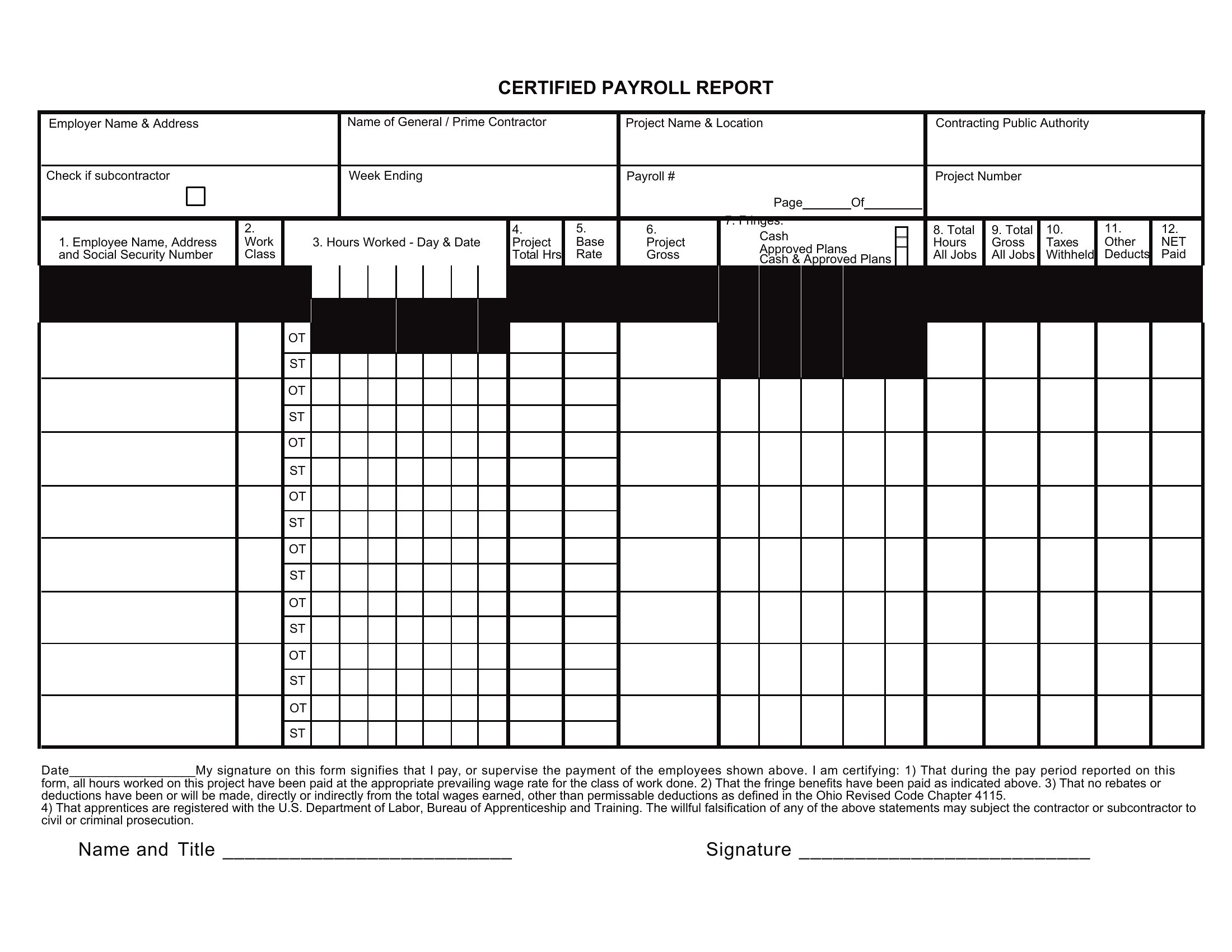
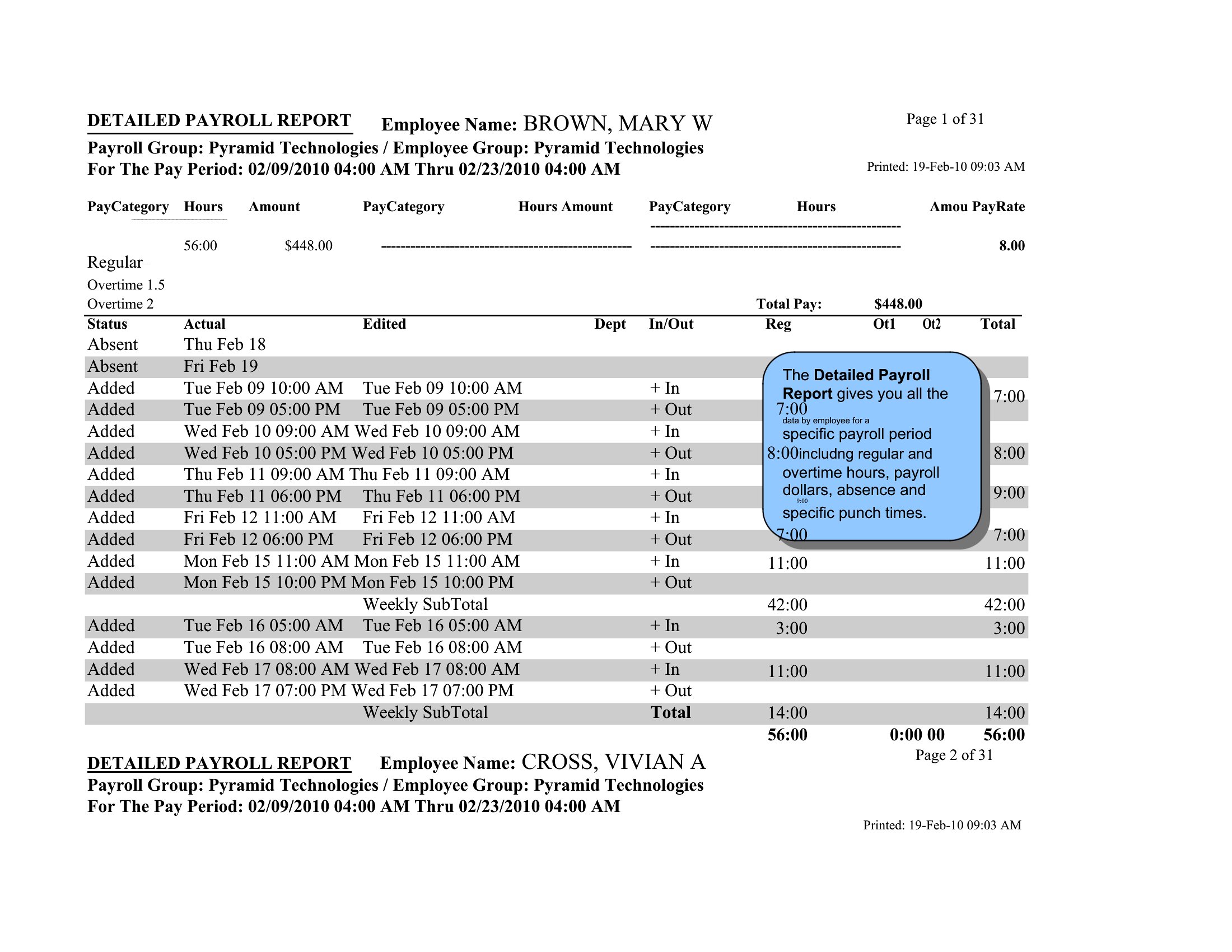
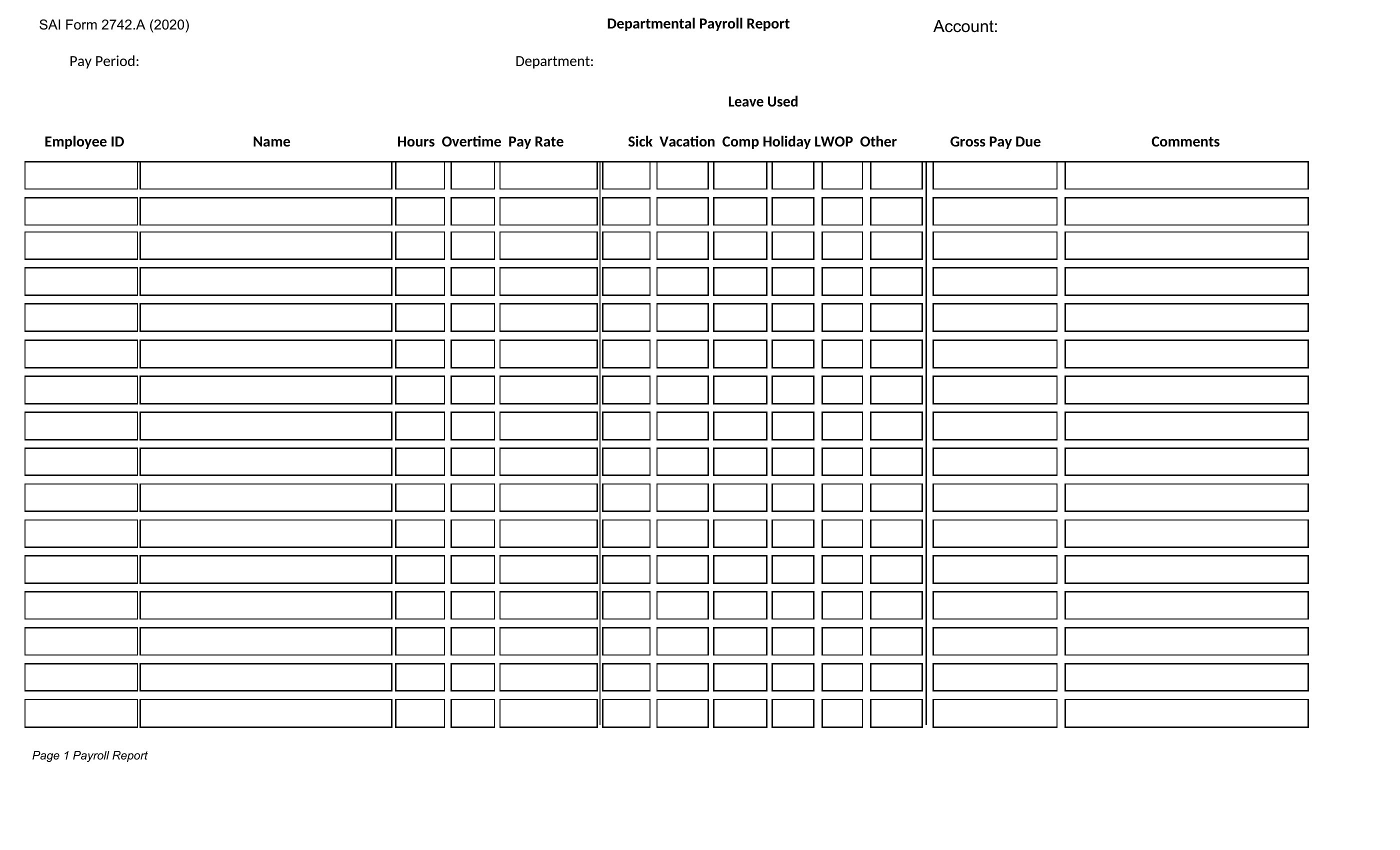
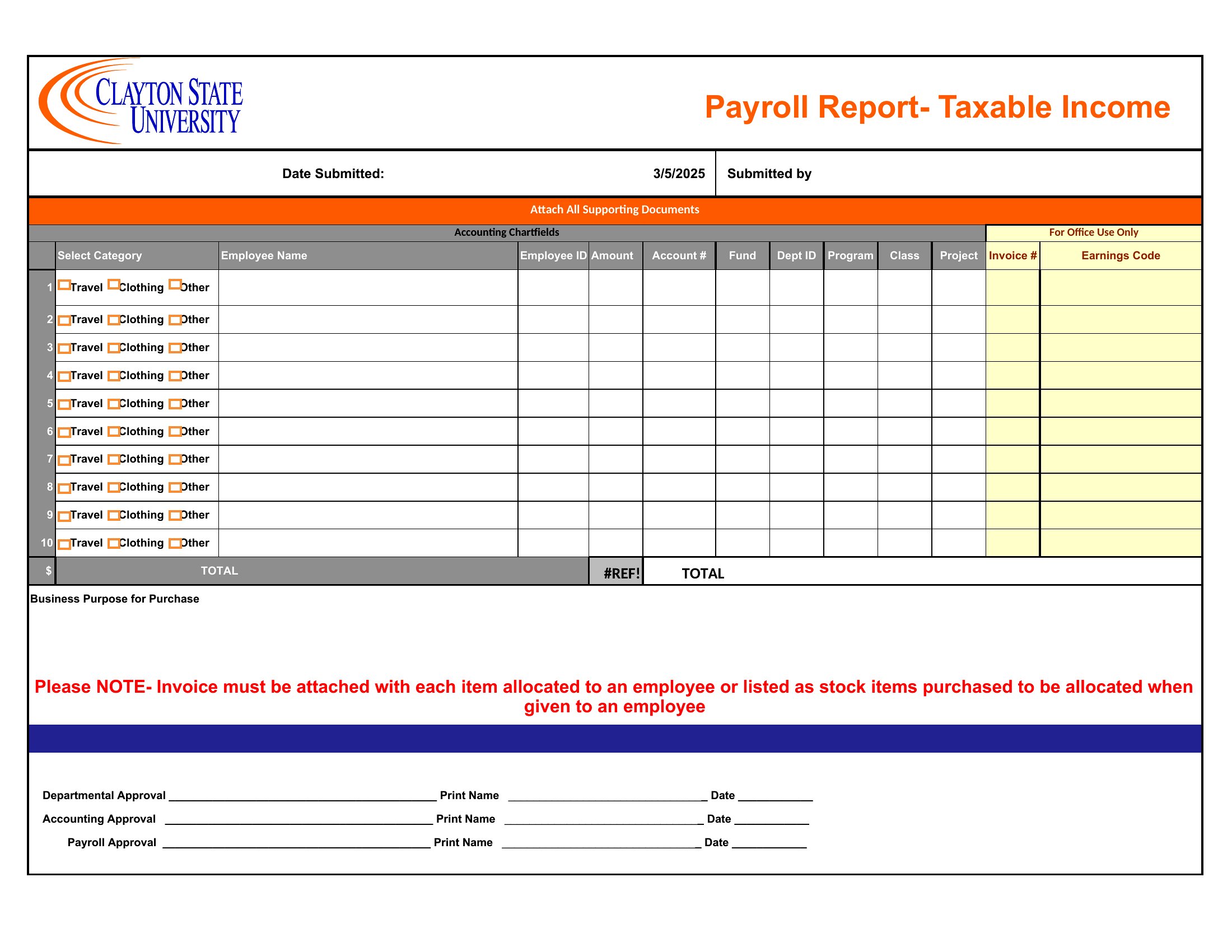
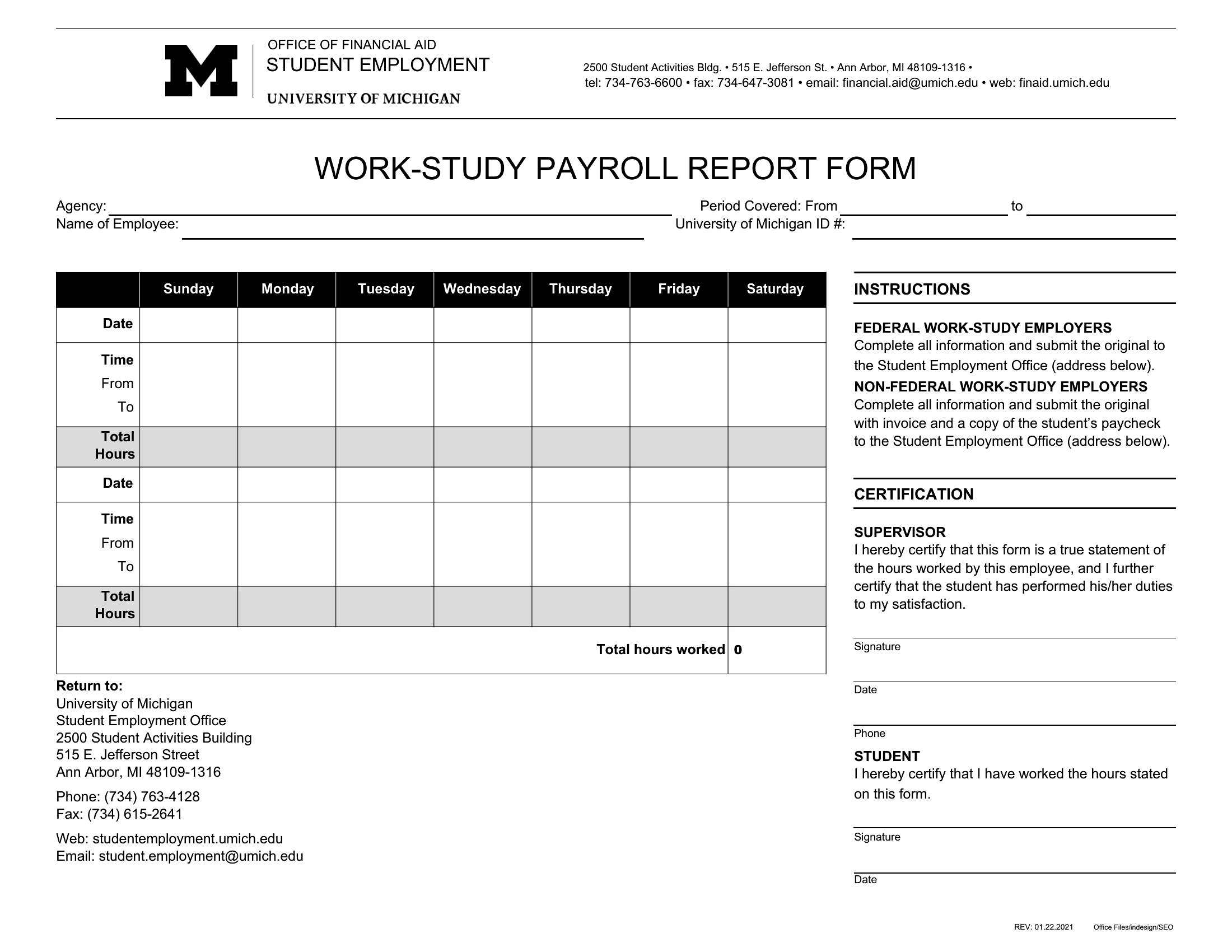
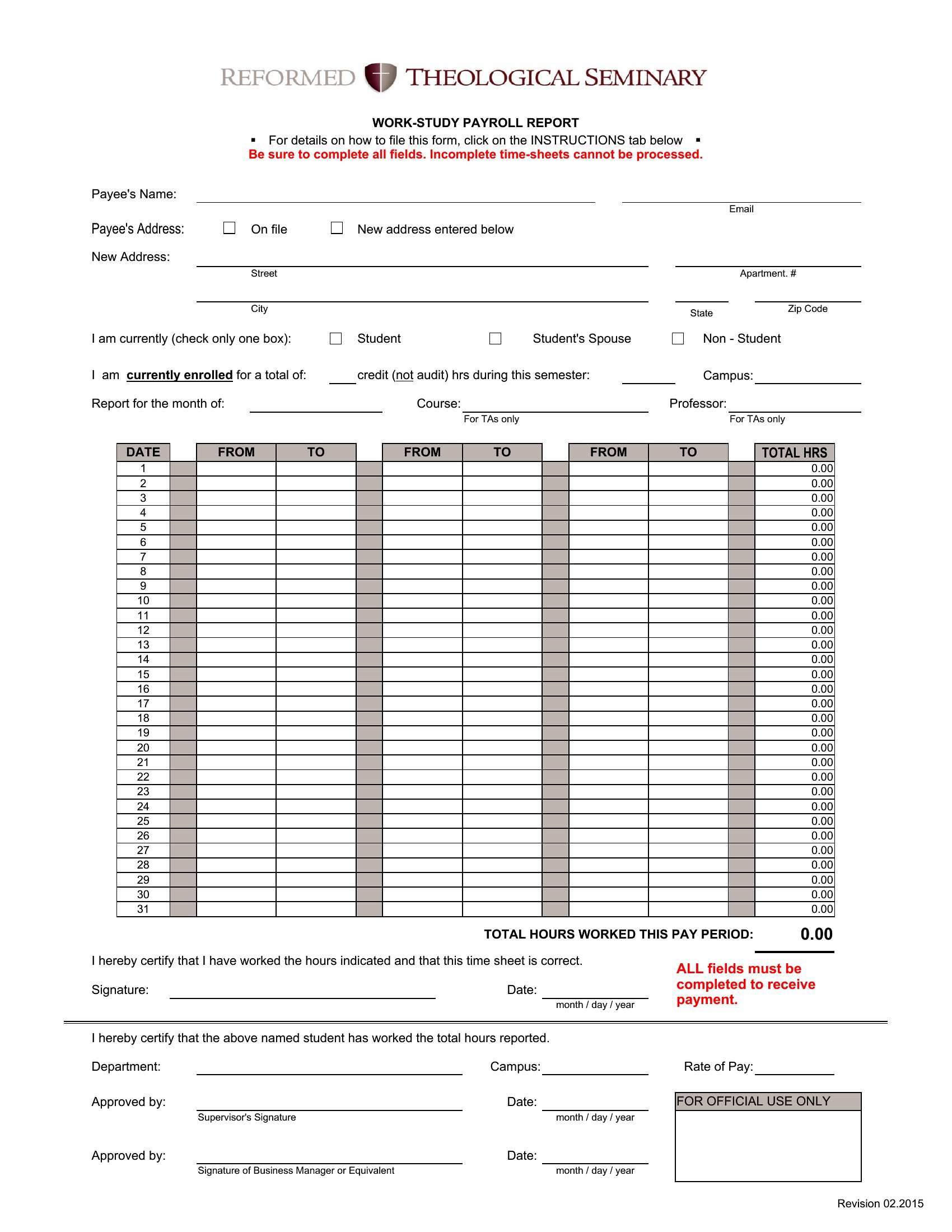
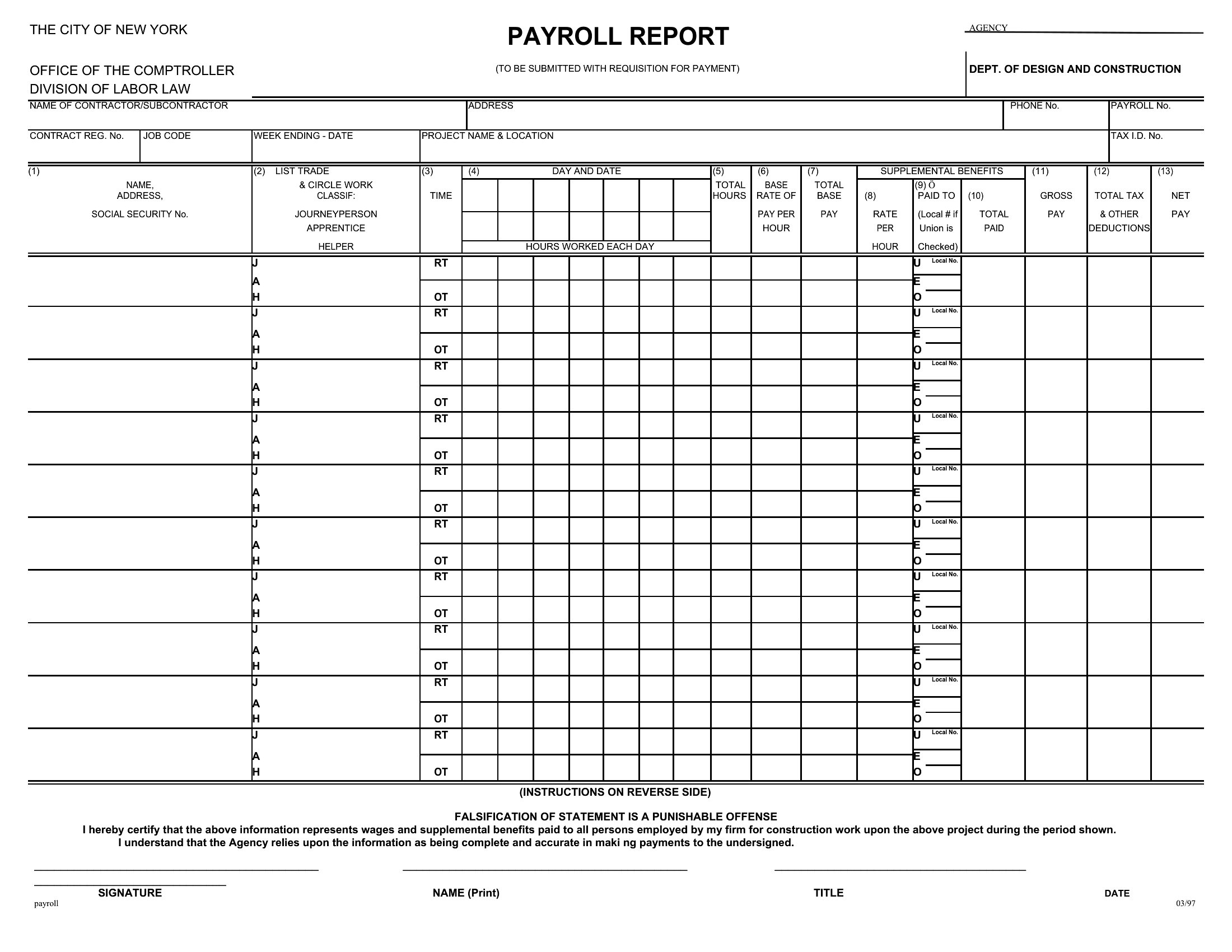
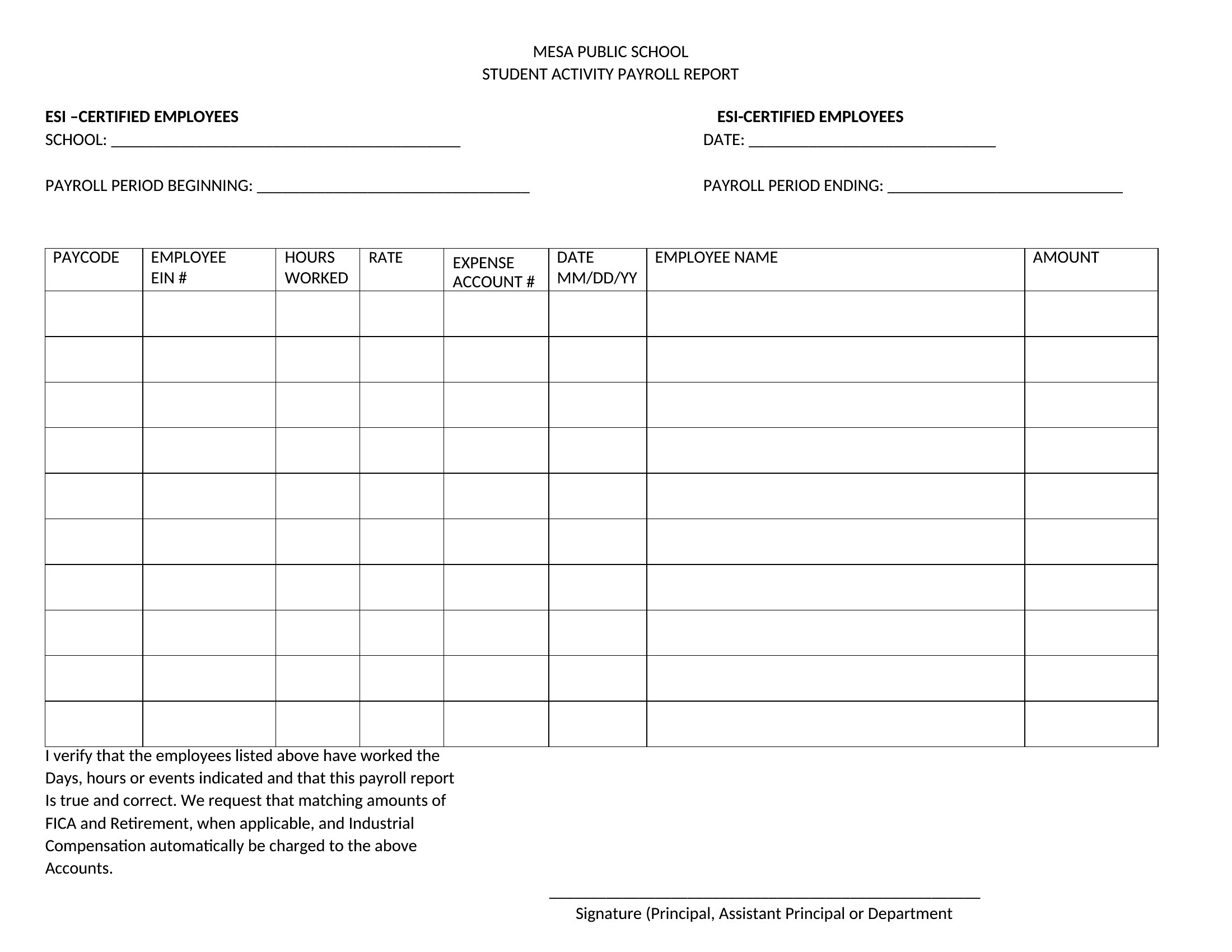
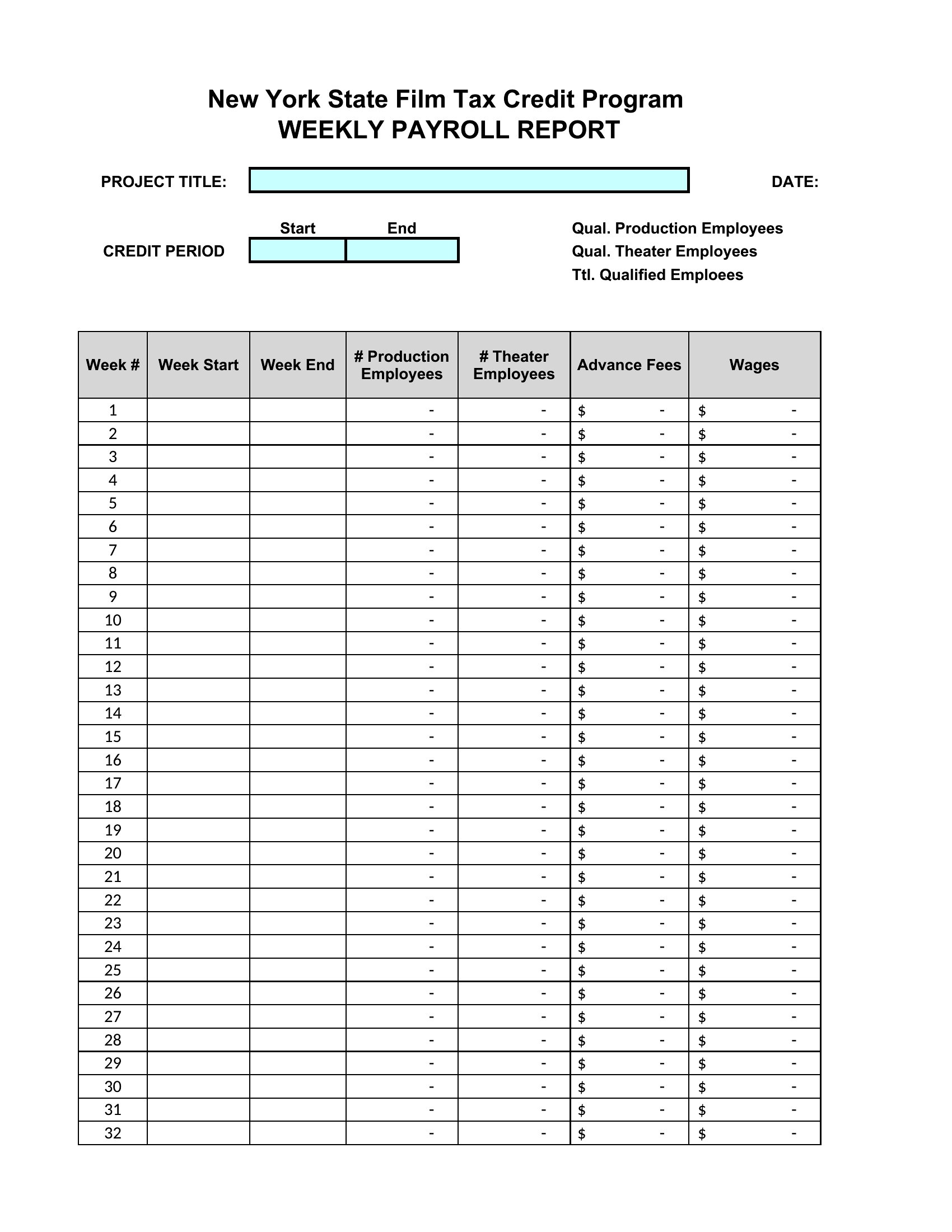
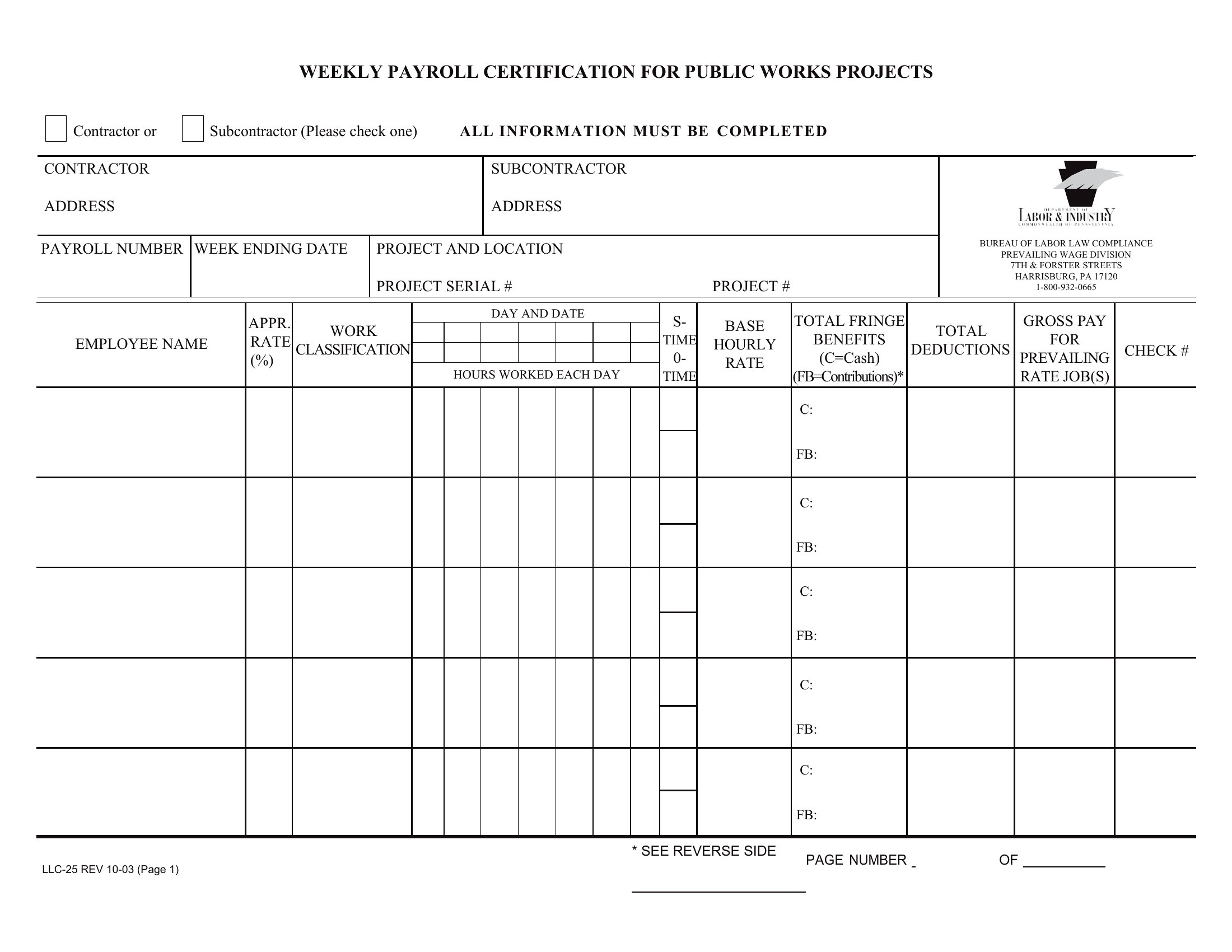
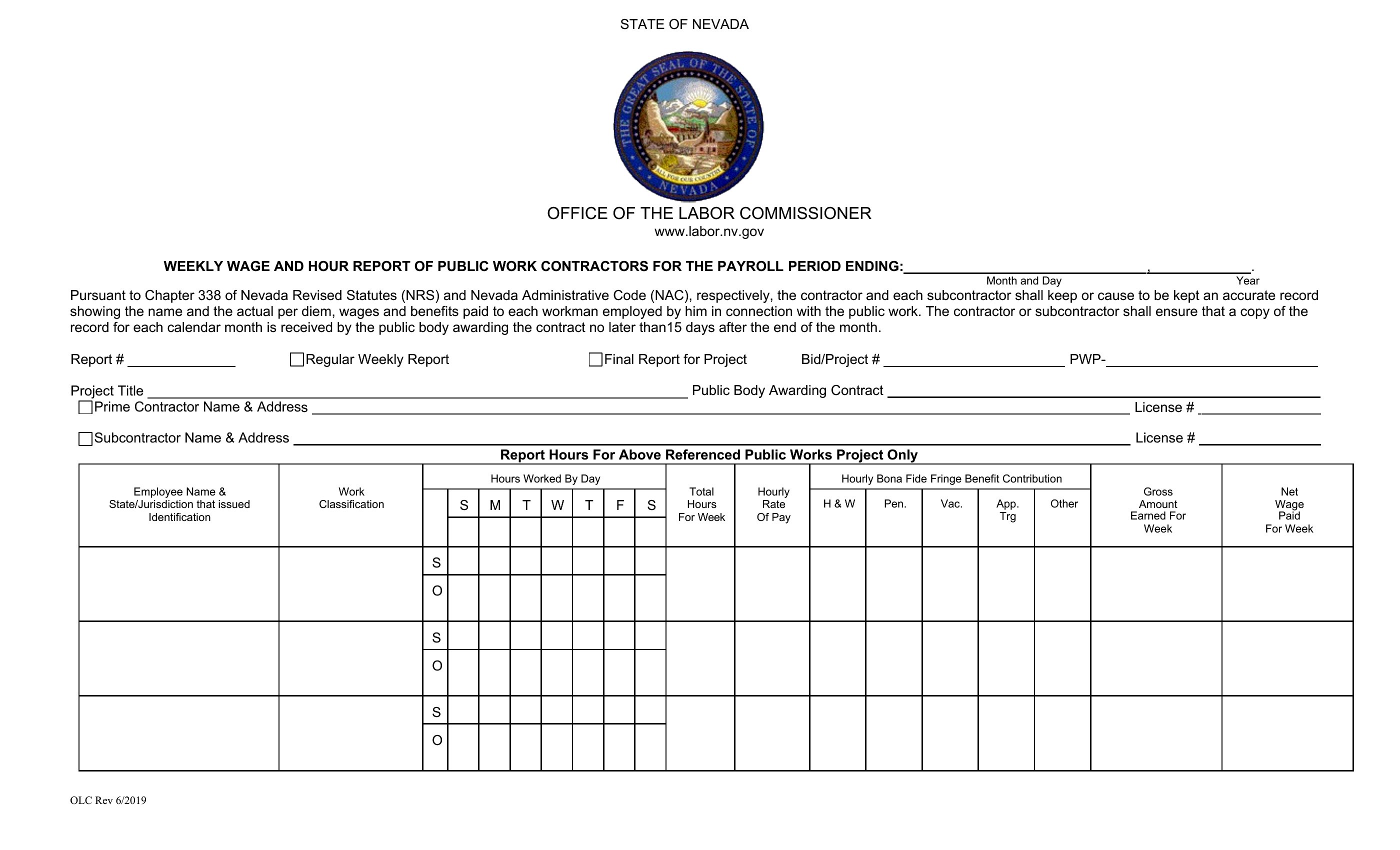
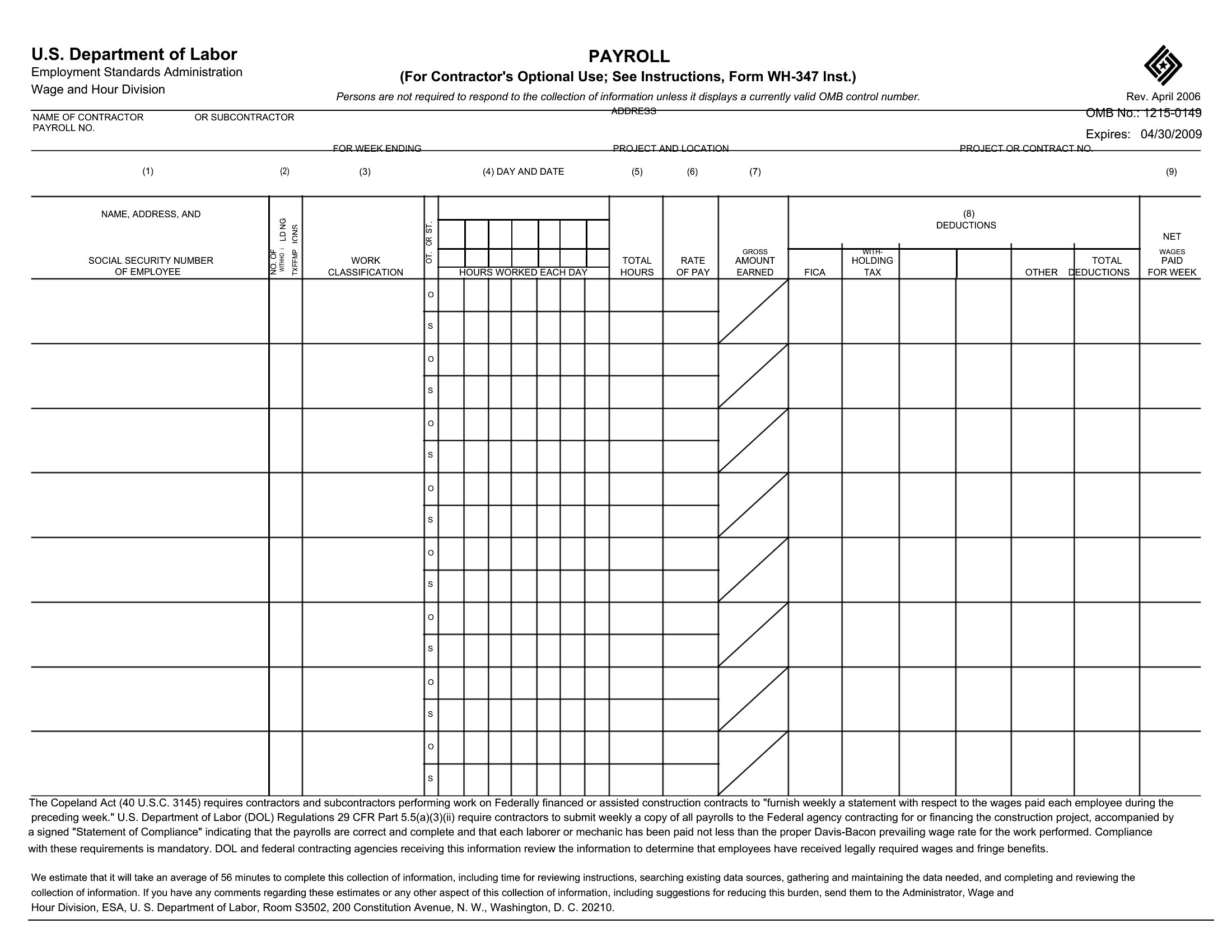
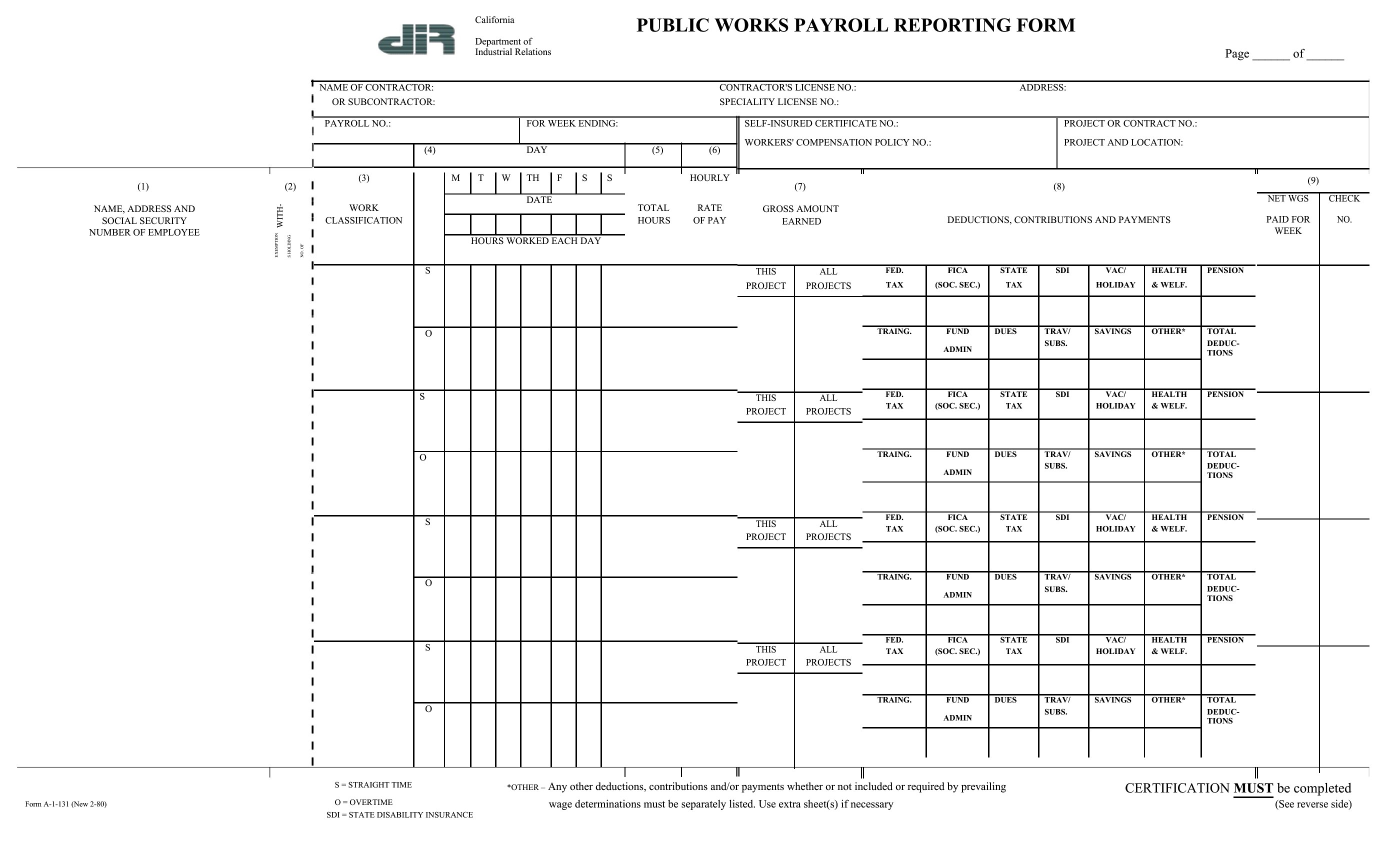
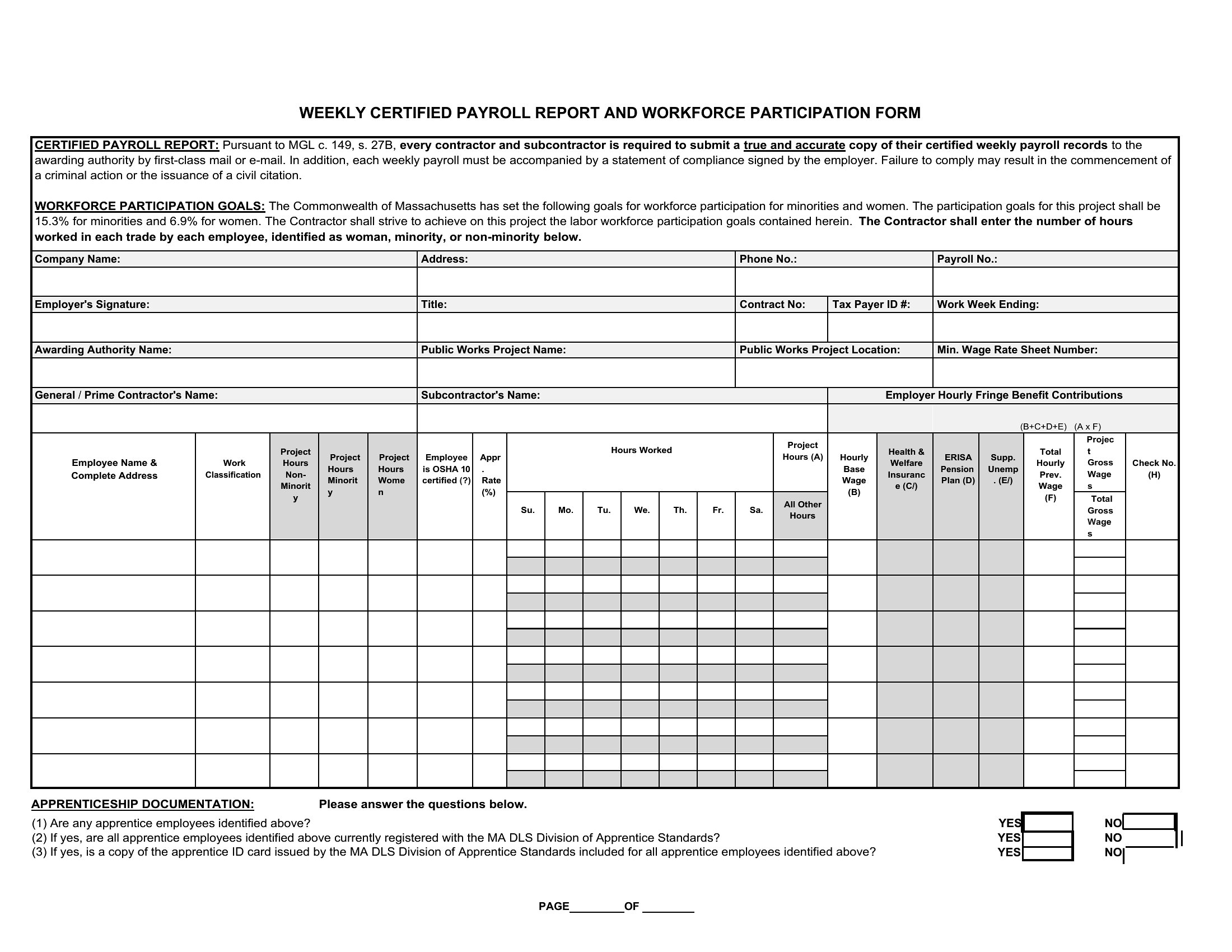
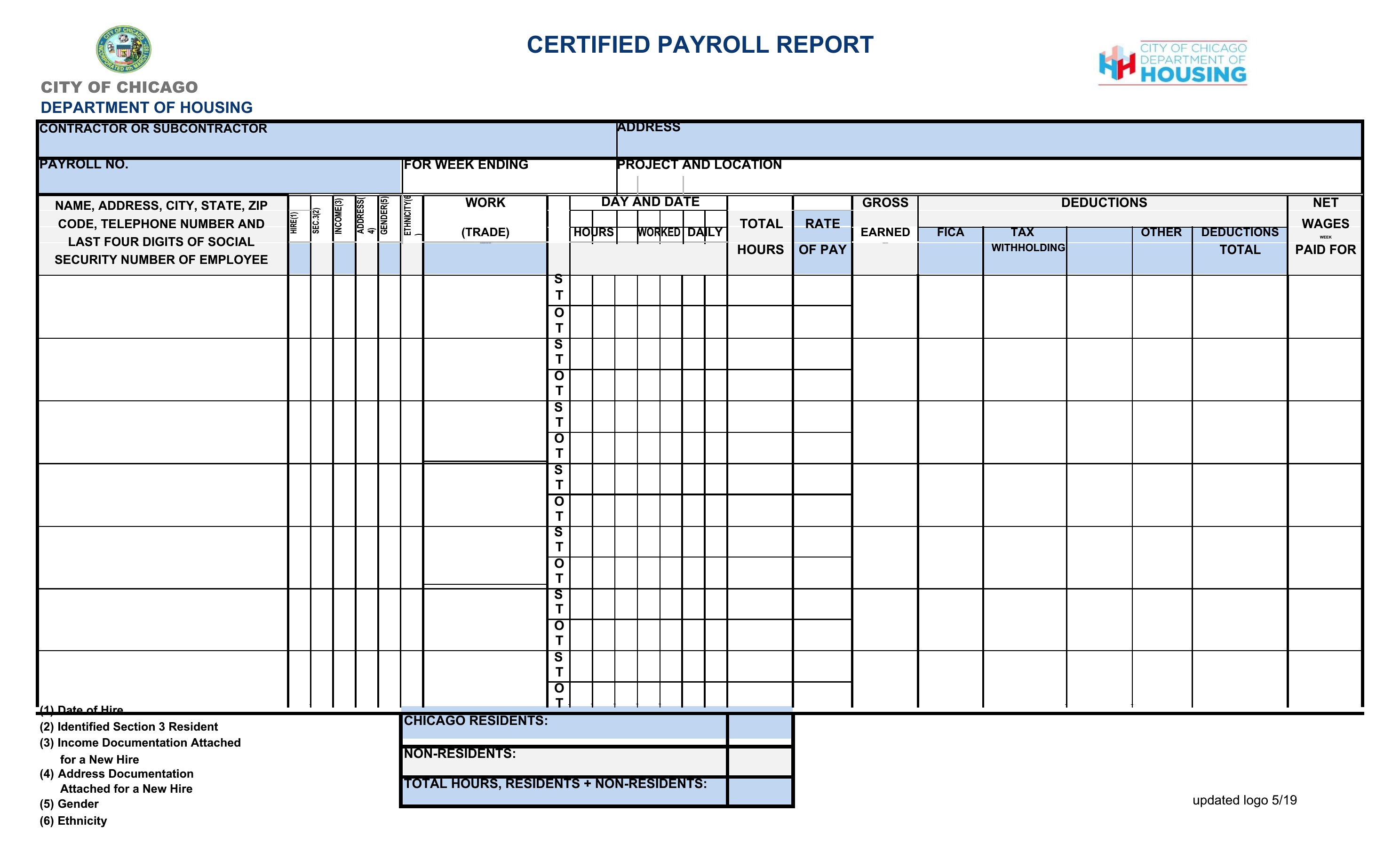
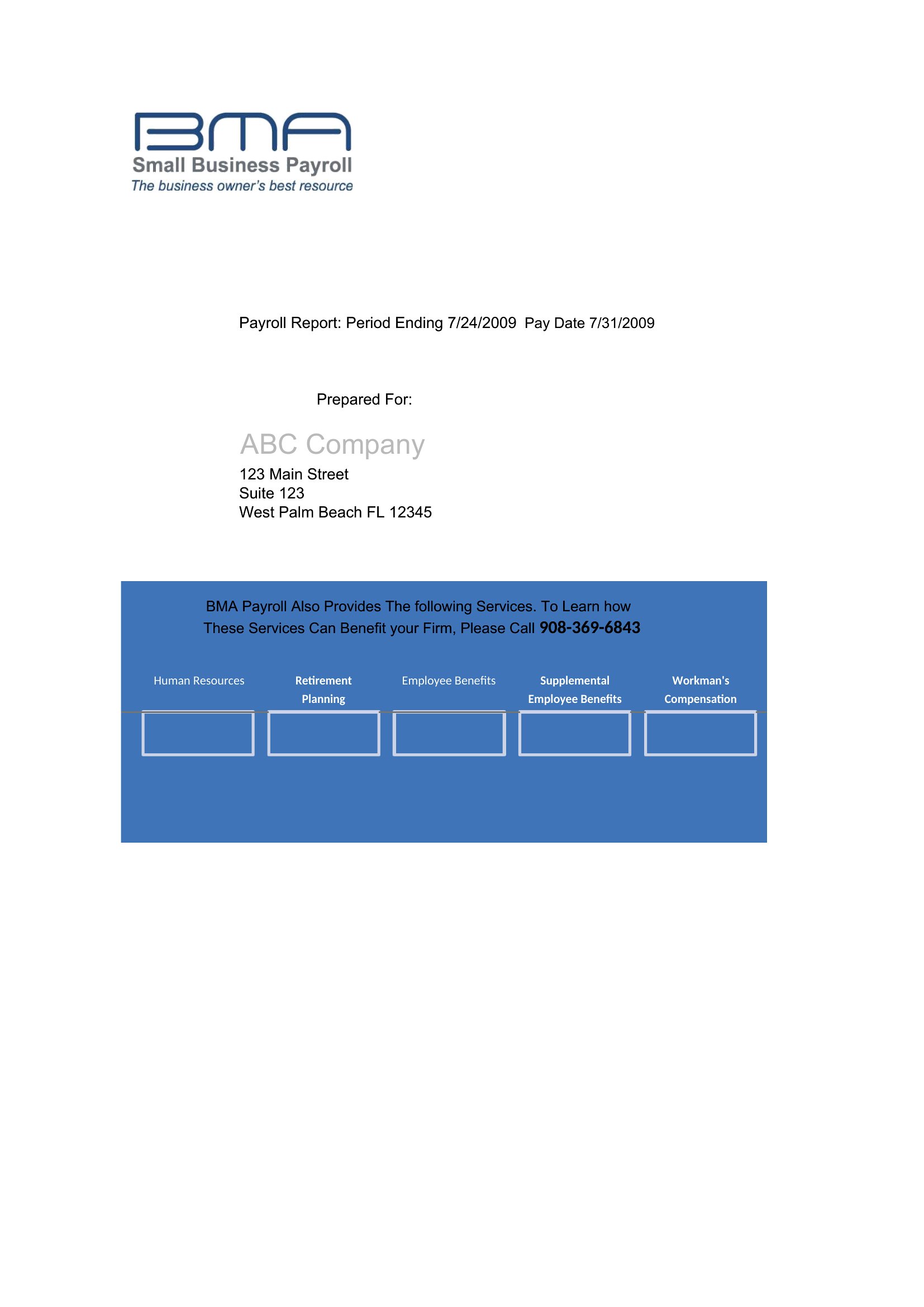
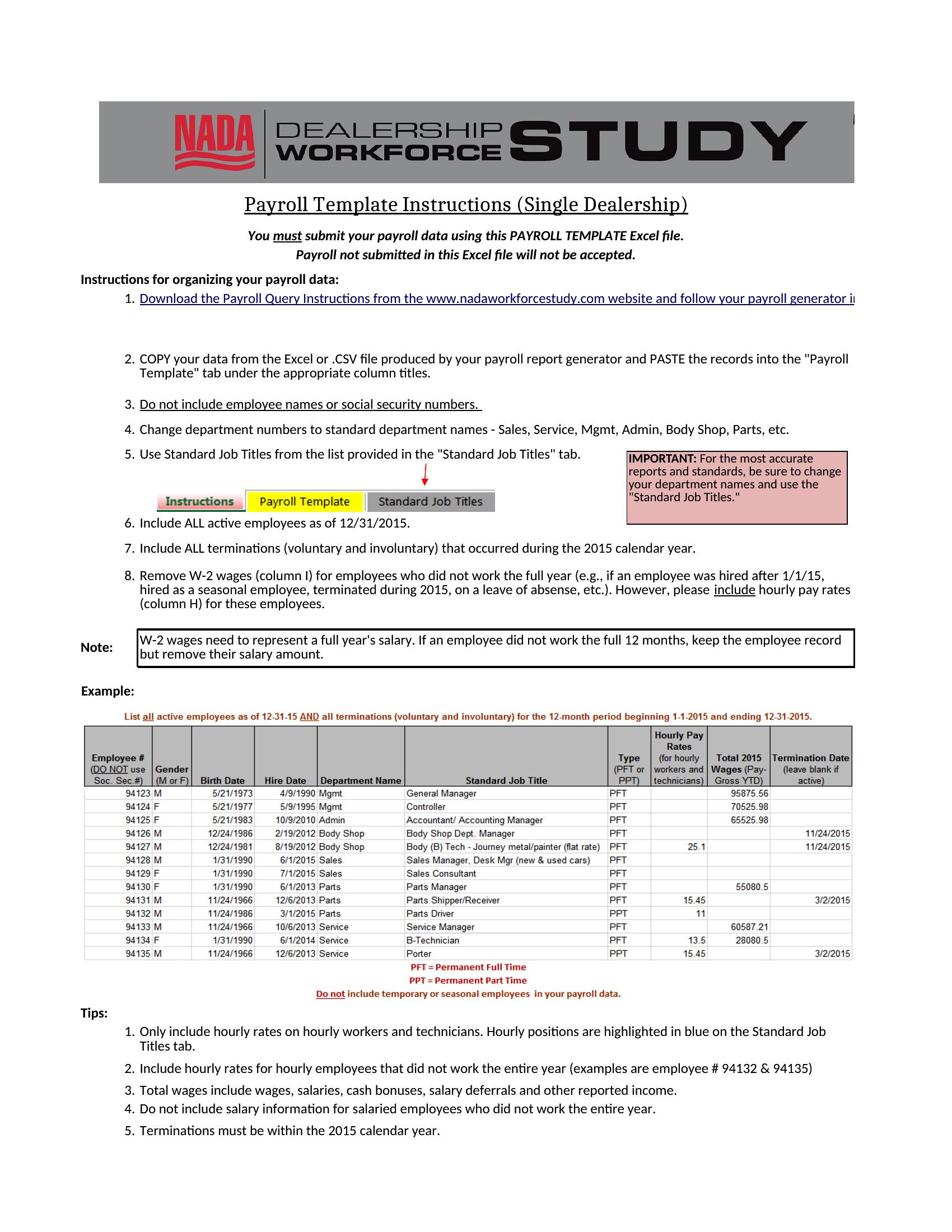
StatementsRunning payroll means keeping a clear record of who earned what, and a tidy report makes that simple for both you and your employees. This set of 49 payroll report templates helps small-business owners, office managers, and bookkeepers lay out hours, gross pay, deductions, and net pay in one organized place. A consistent summary also makes tax time and recordkeeping far less stressful.
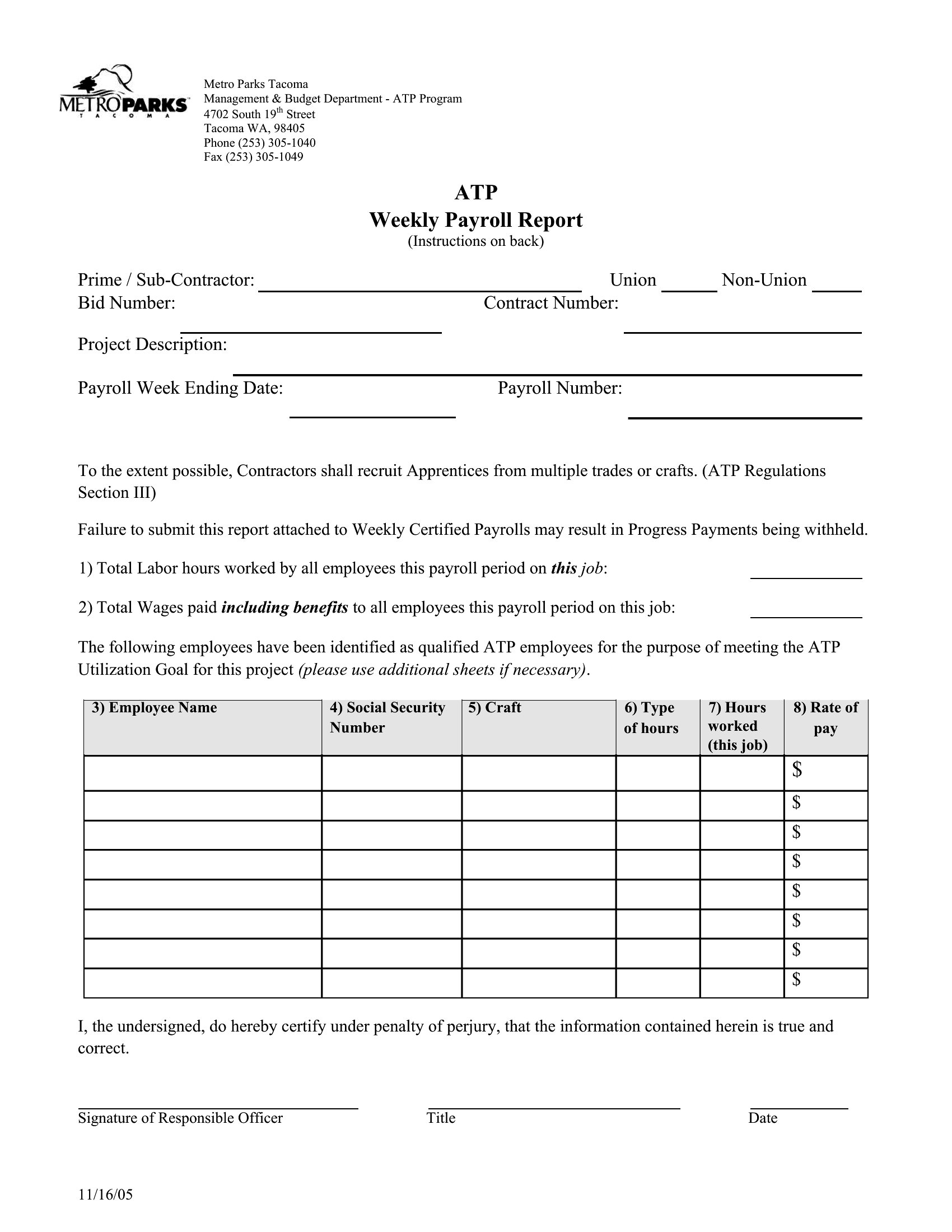
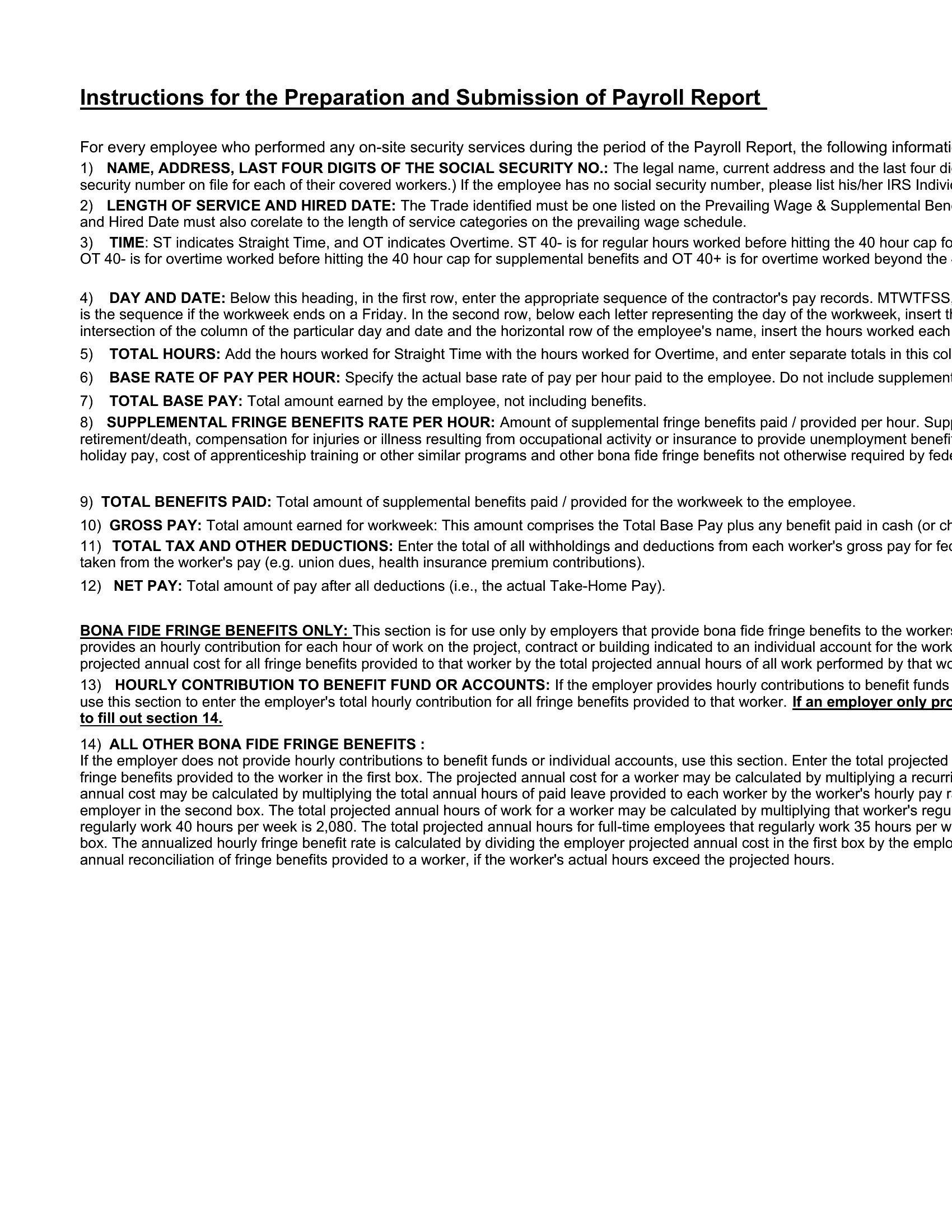
The templates come in Word for printable reports and Excel sheets that calculate totals and withholdings as you enter the numbers. Add your employees, set the pay period, and adjust the columns to match how your business handles overtime and benefits. Save a copy each cycle for your files and hand summaries to staff as needed. Choose the format that fits your team and keep your payroll records clean and current.
When to use this Payroll Report template
- Small business owners with 5–50 employees need a payroll report to reconcile weekly timesheets against paychecks before distributing them, ensuring accuracy for both hourly and salaried staff.
- Office managers at nonprofits or startups use payroll reports to document stipends, volunteer hours, or contractor payments—helping justify budget allocations during grant or investor reviews.
- Bookkeepers handling multiple clients require a payroll report template to cross-check payroll service outputs (like Gusto or ADP) against client-provided data, catching discrepancies before tax filings.
- HR coordinators at retail or hospitality businesses need a payroll report to track tipped employee distributions, separating cash tips from credit card tips for IRS Form 4120 compliance.
Which format should I download?
Word is ideal for teams that need to add detailed notes or explanations to payroll entries, such as clarifying unusual deductions or one-time bonuses—best for small groups sharing editable documents. Excel is the right choice for businesses running complex calculations (like union dues, commissions, or multi-state payrolls) or generating automated summaries for accountants.
Choose from 49 Payroll Report Templates
How to use this Payroll Report template
How should I structure a payroll report for employees who work across different pay periods?
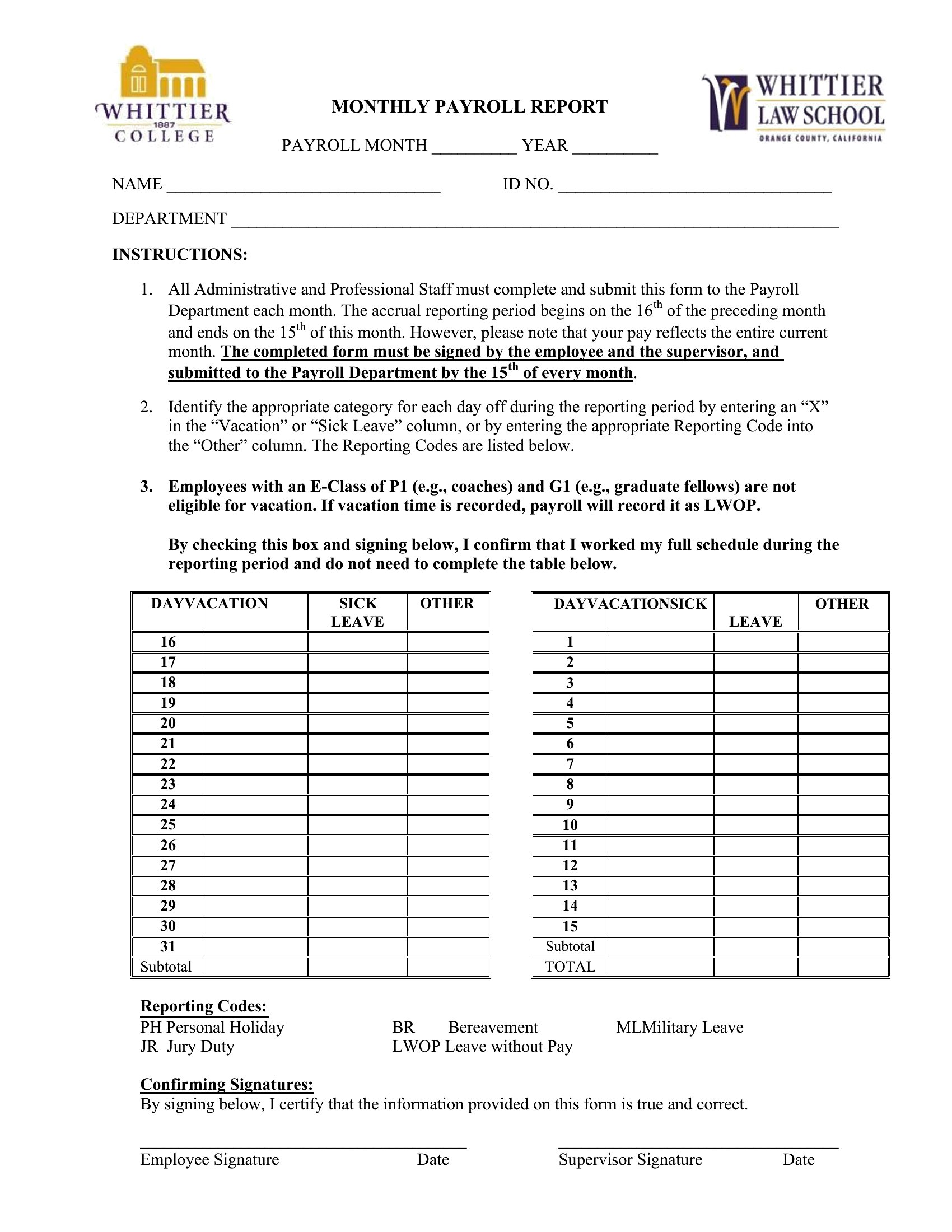
Include a separate column for pay period dates alongside regular pay details, then use shading or borders to visually group entries by period. For example, label columns as ‘Pay Period 1/1–1/15’ and ‘Pay Period 1/16–1/31’ to keep tracking clear. This helps employees spot their earnings at a glance, even if paychecks span multiple biweekly cycles.
Do these templates account for different tax jurisdictions, like local or state-specific deductions?

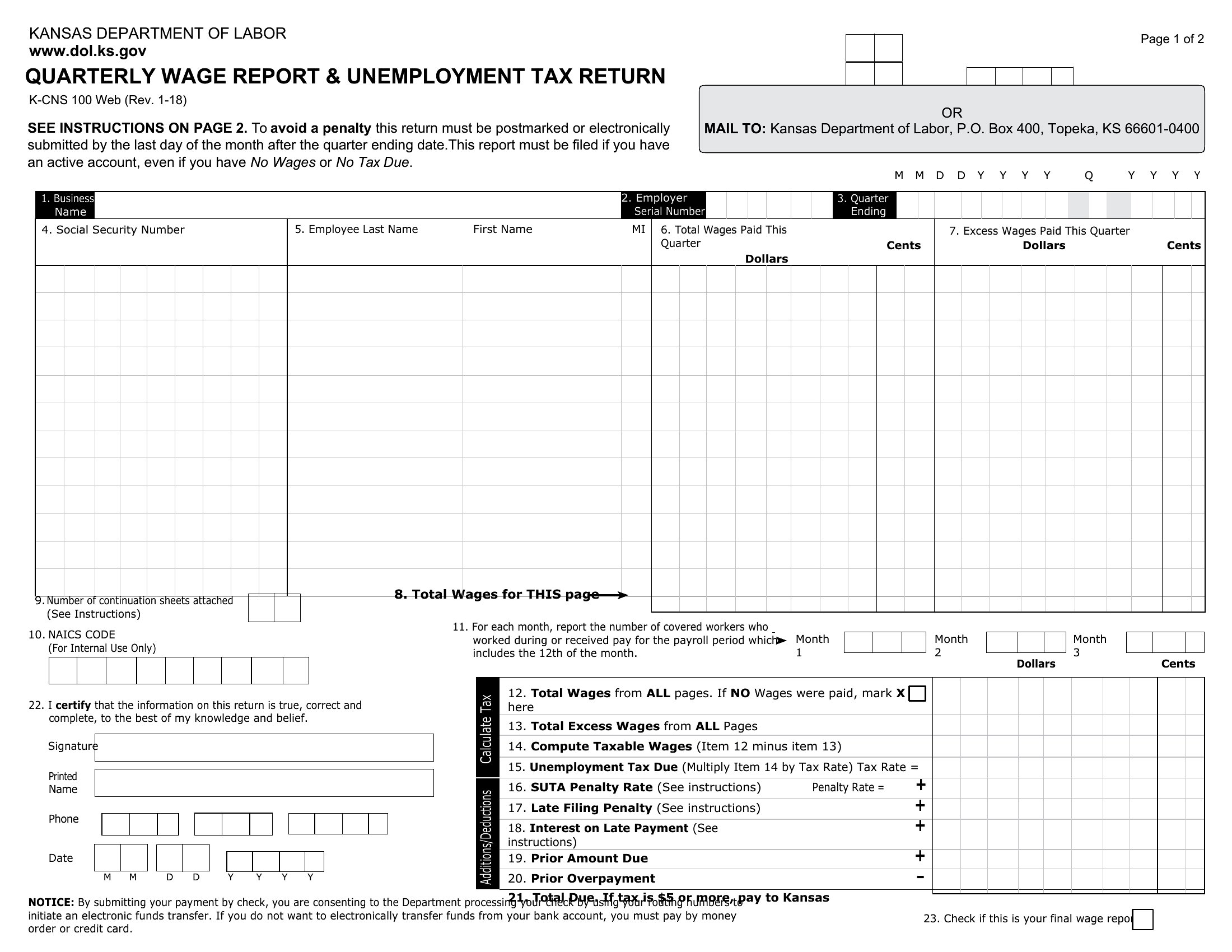
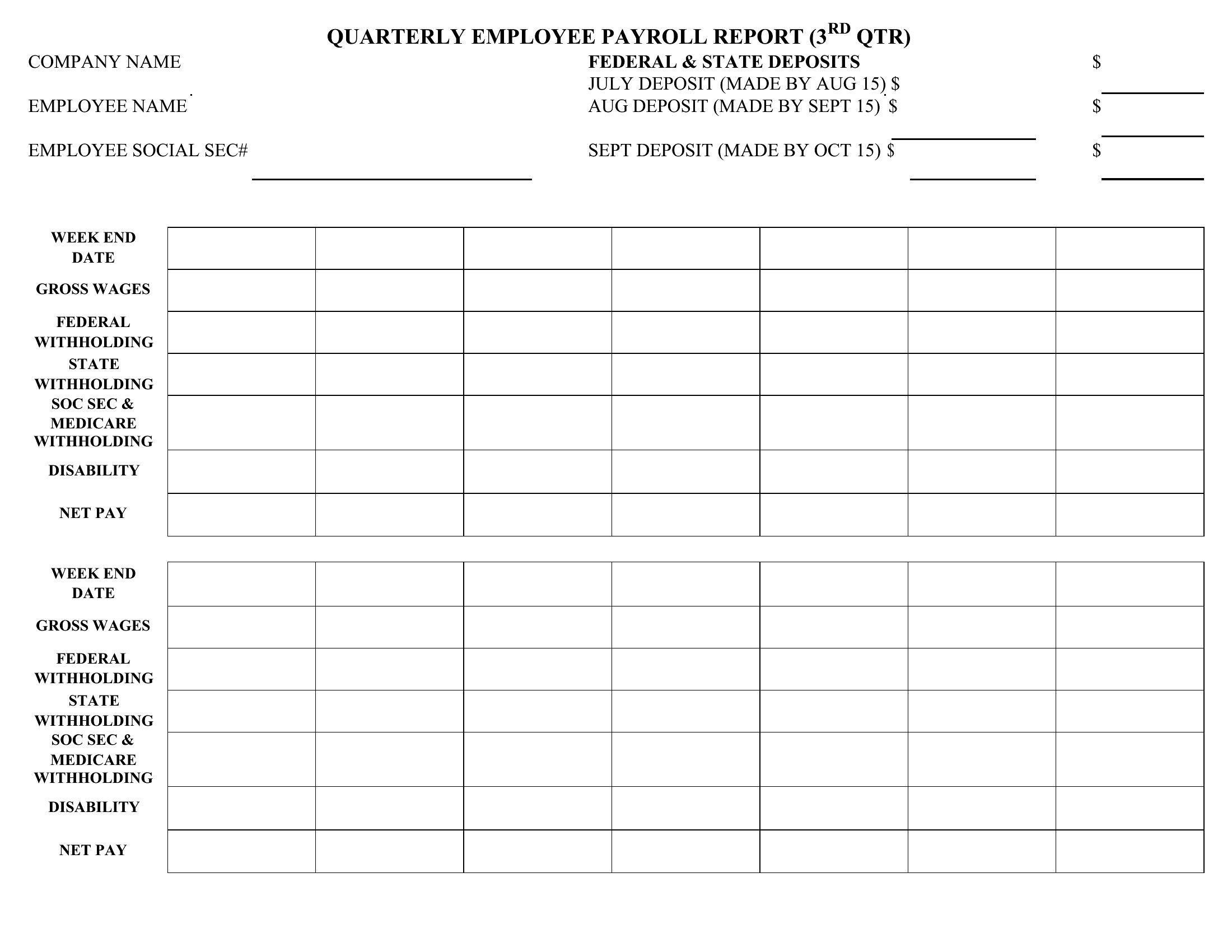
Templates provide placeholders for standard deductions (federal, FICA, Medicare), but you’ll need to manually add local or state-specific fields (e.g., California’s SDI or New York’s Yonkers tax) based on your business location. Consult your payroll provider or a tax professional to ensure all required lines are included—these templates are starting points, not legal compliance tools.
Can I use a payroll report template to document year-end bonuses or retroactive pay adjustments?
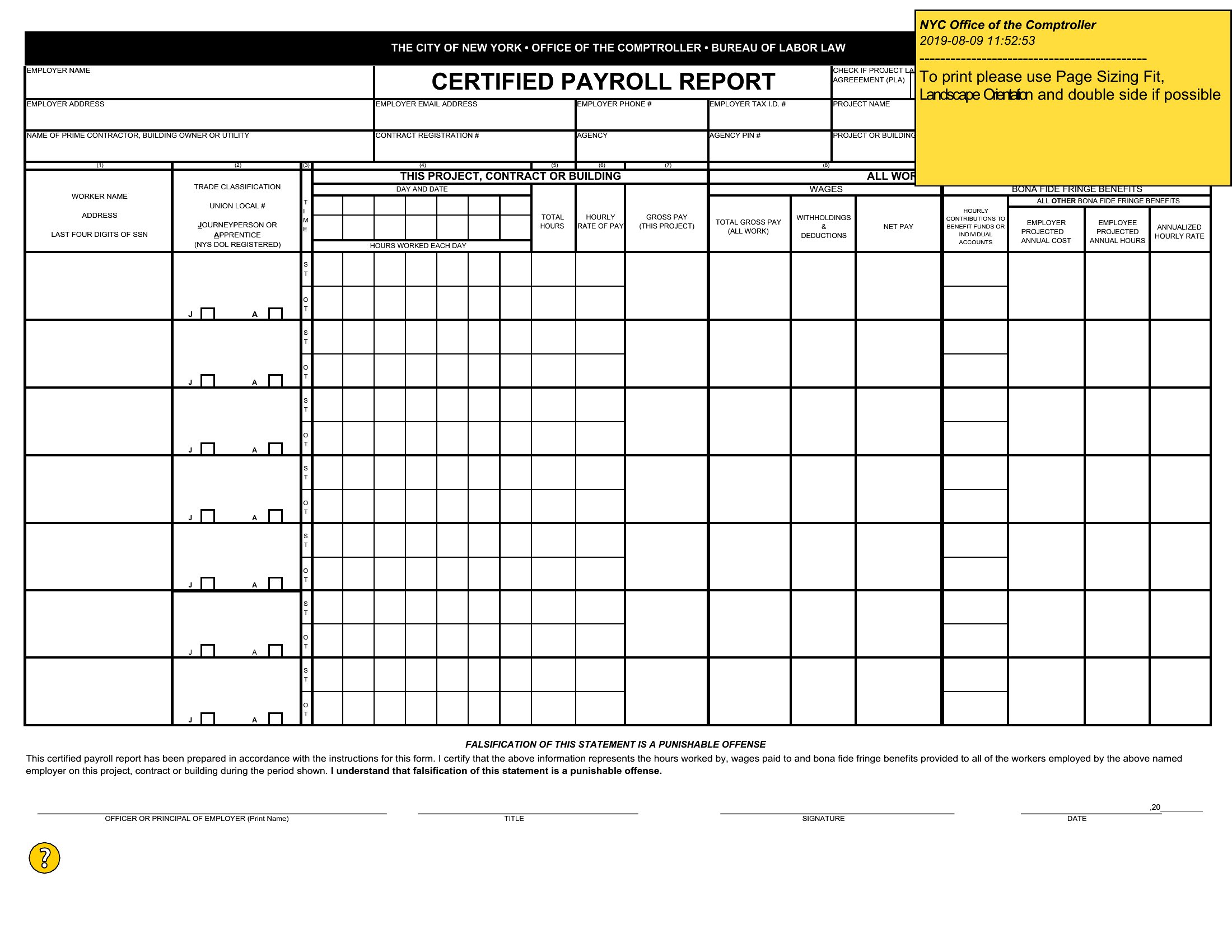
Yes, but allocate a dedicated section labeled ‘Non-Recurring Pay’ or ‘Adjustments’ with columns for date, reason, and amount. Note whether the adjustment affects taxable income (e.g., a retroactive raise) or is a nontaxable benefit (e.g., a holiday gift card). Always cross-reference with your payroll system to ensure the report matches actual disbursements.
Comments
Join the conversation
Sign in to share your thoughts and leave a comment on this resource.