Free Payroll Report Templates (Word, Excel)
StatementsTemplates
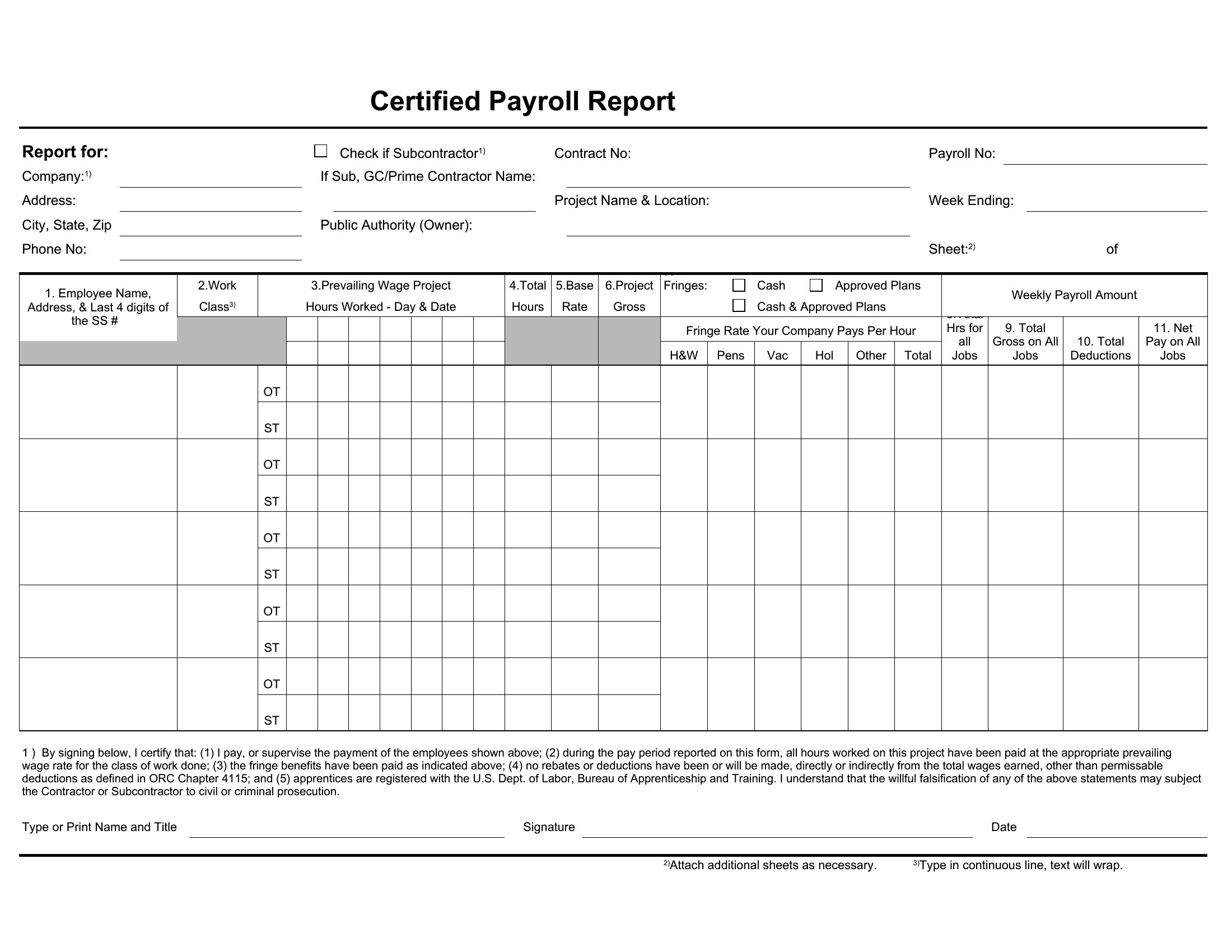
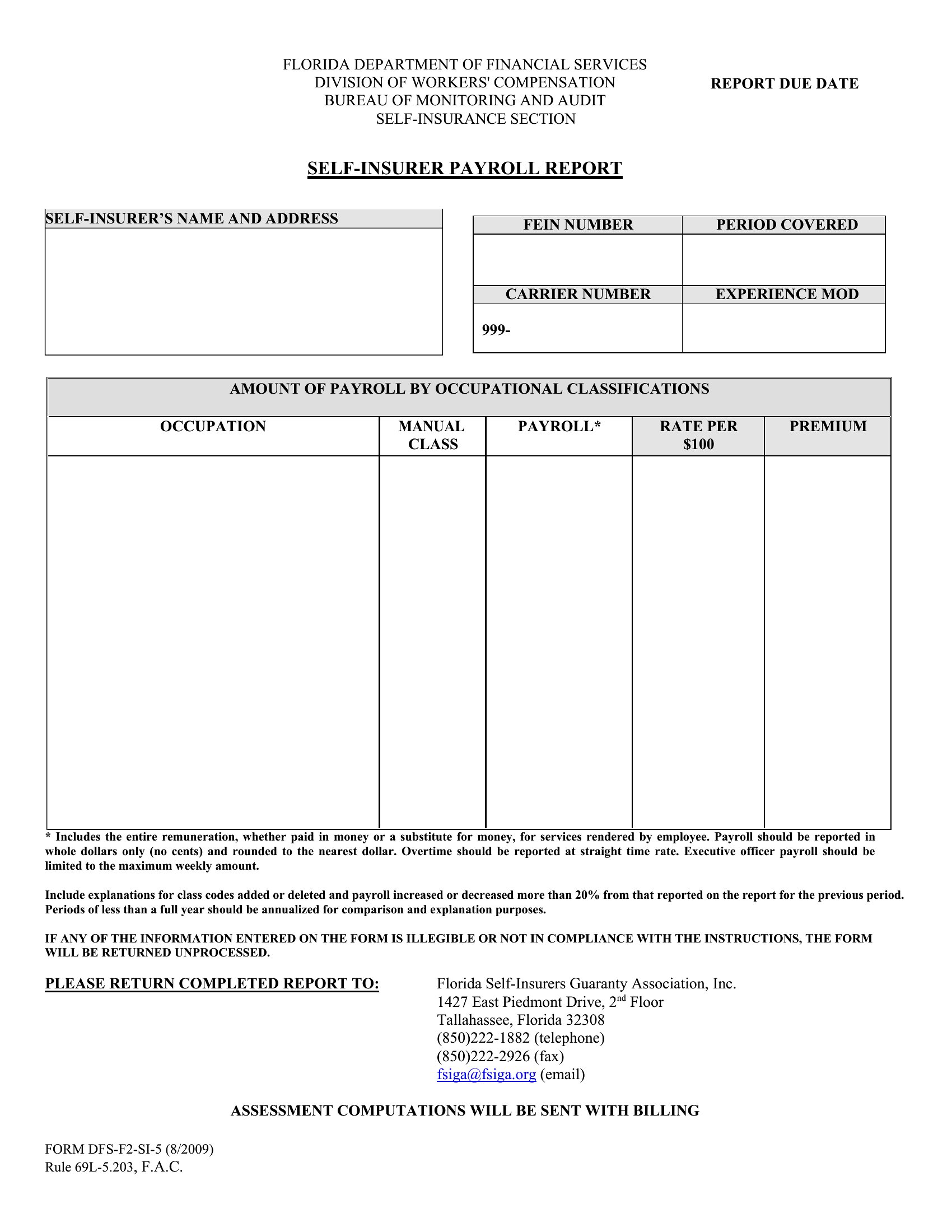
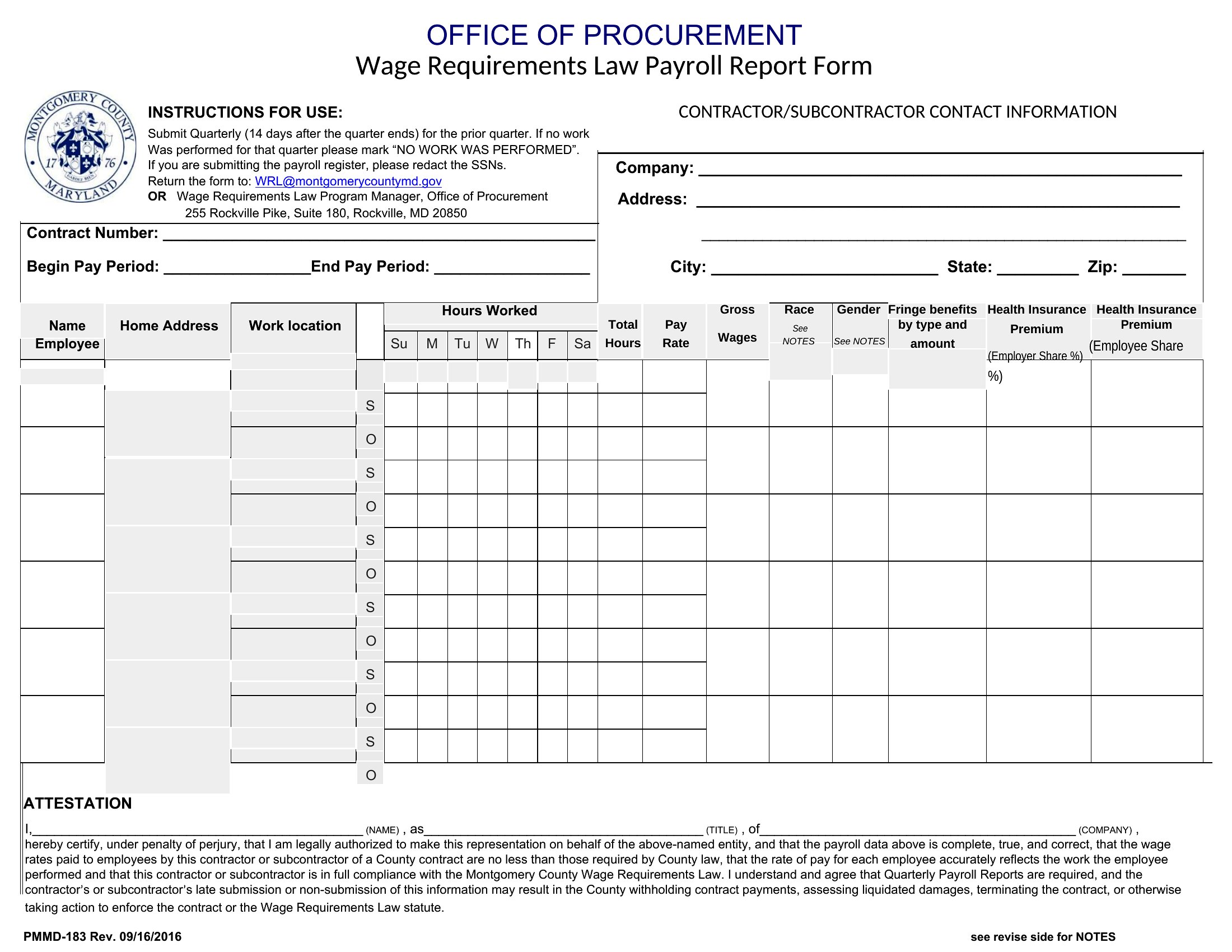
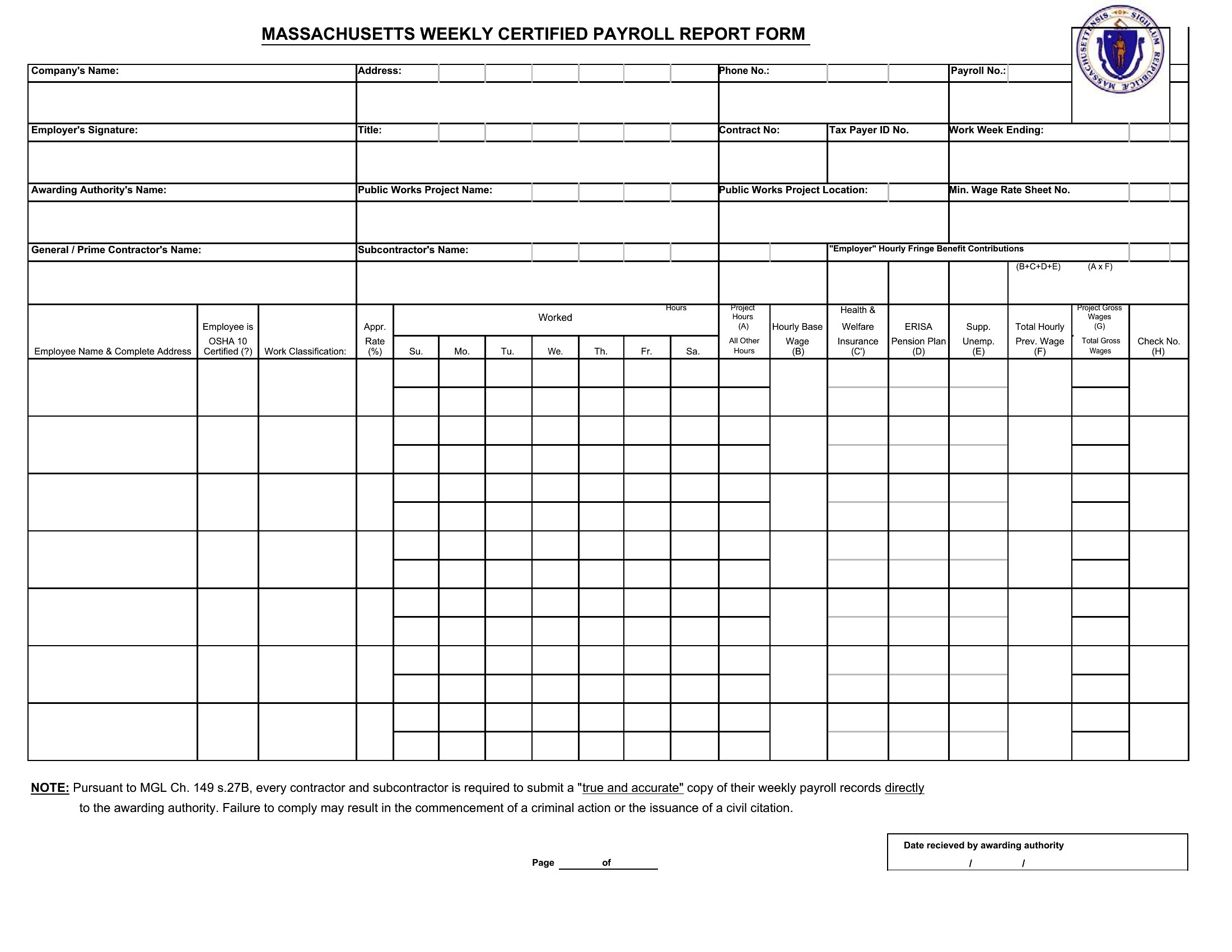




FAQ
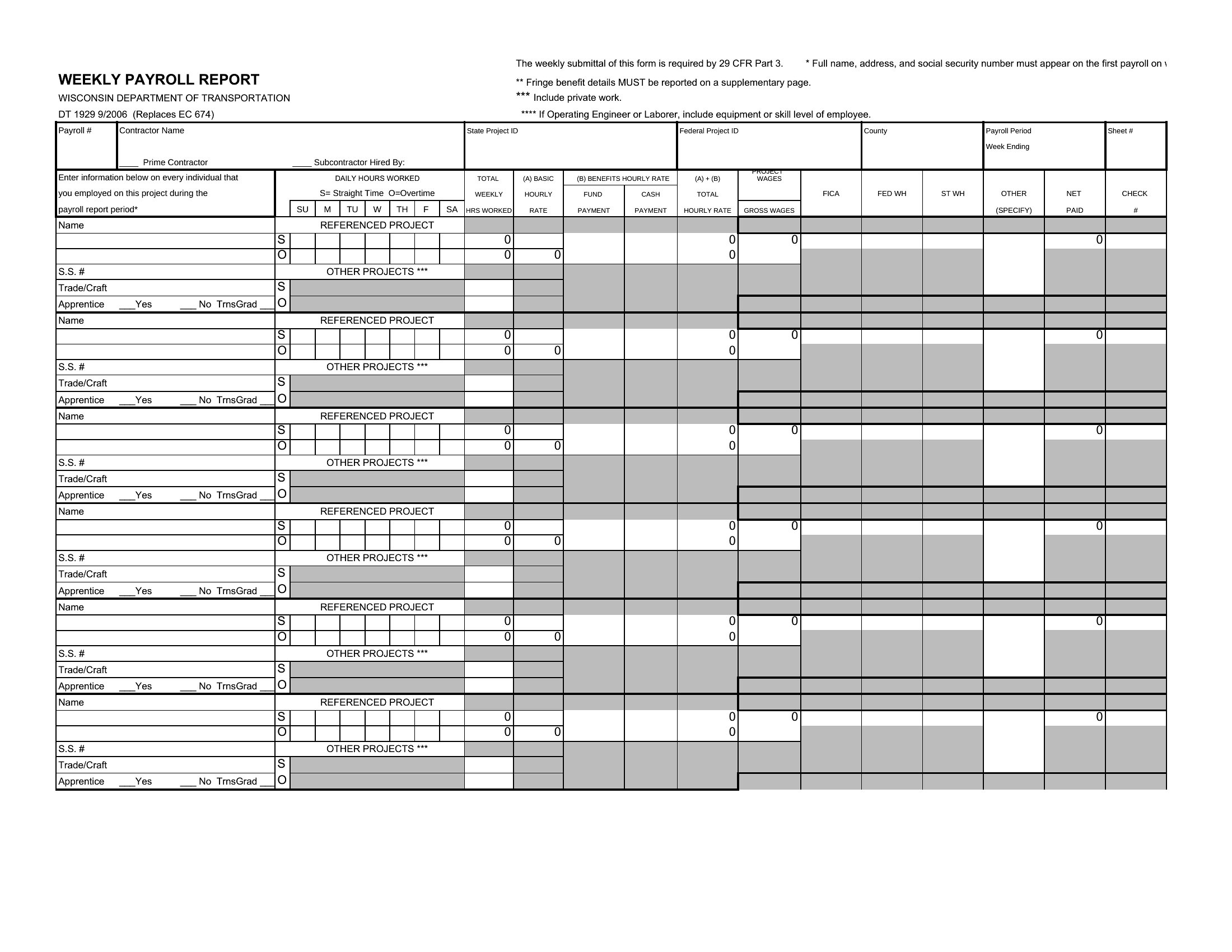
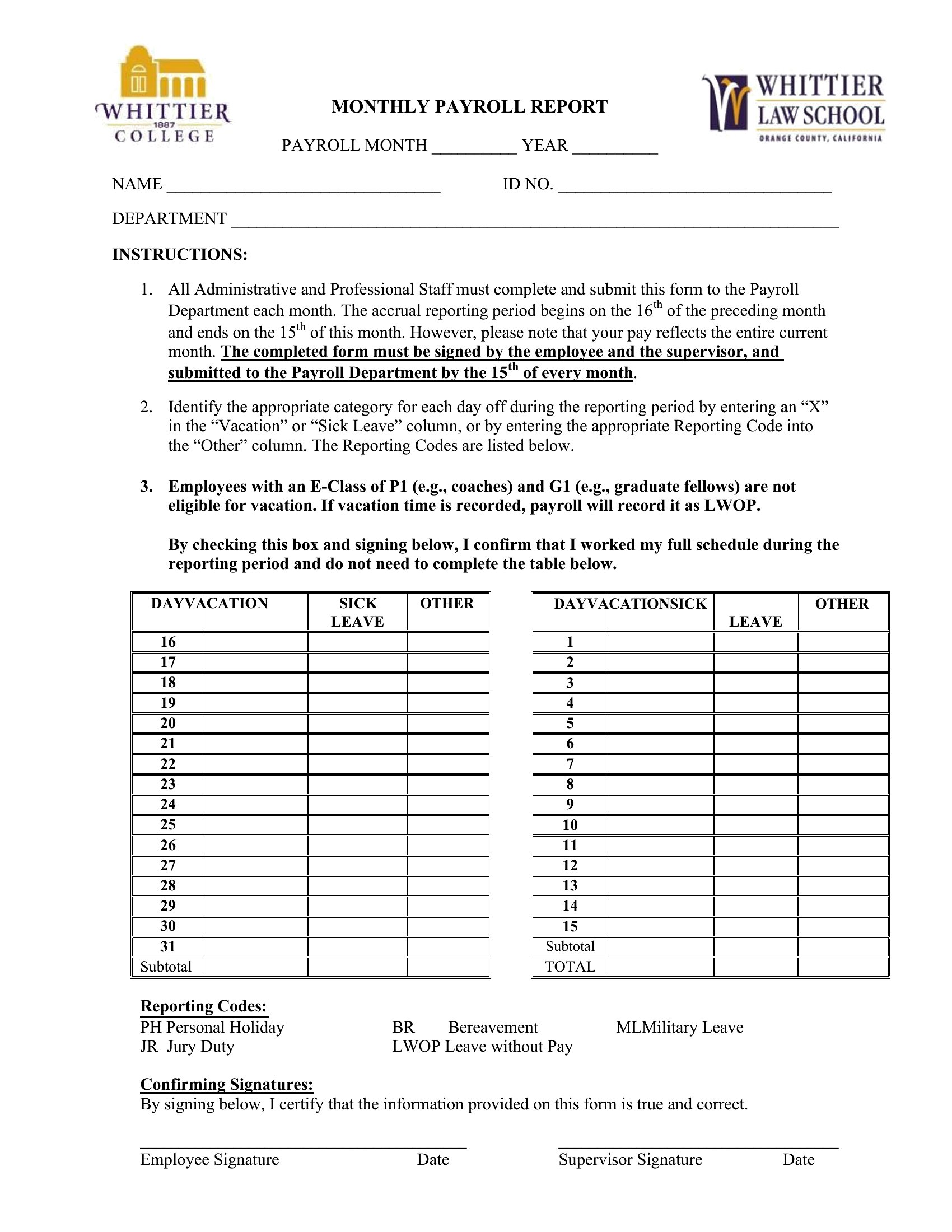
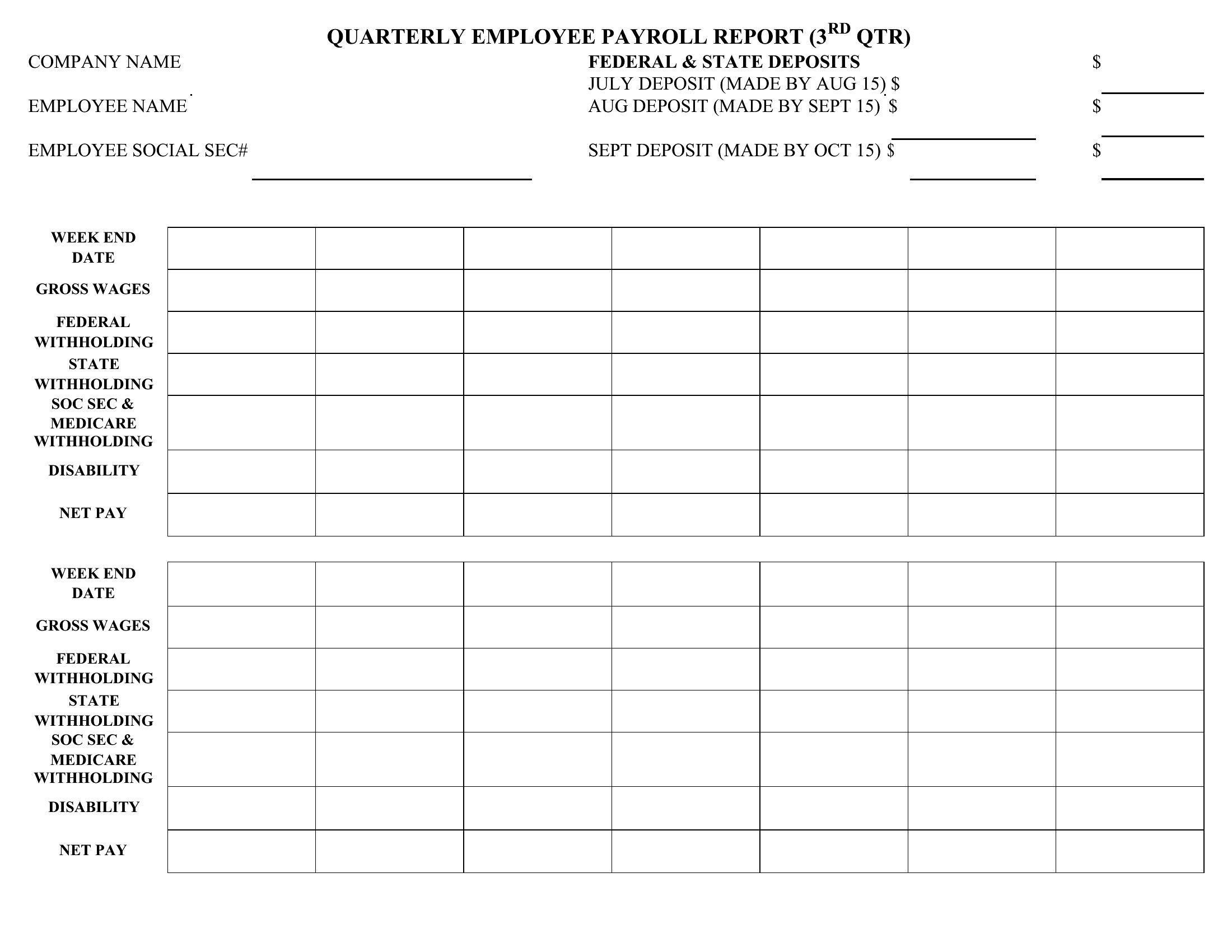
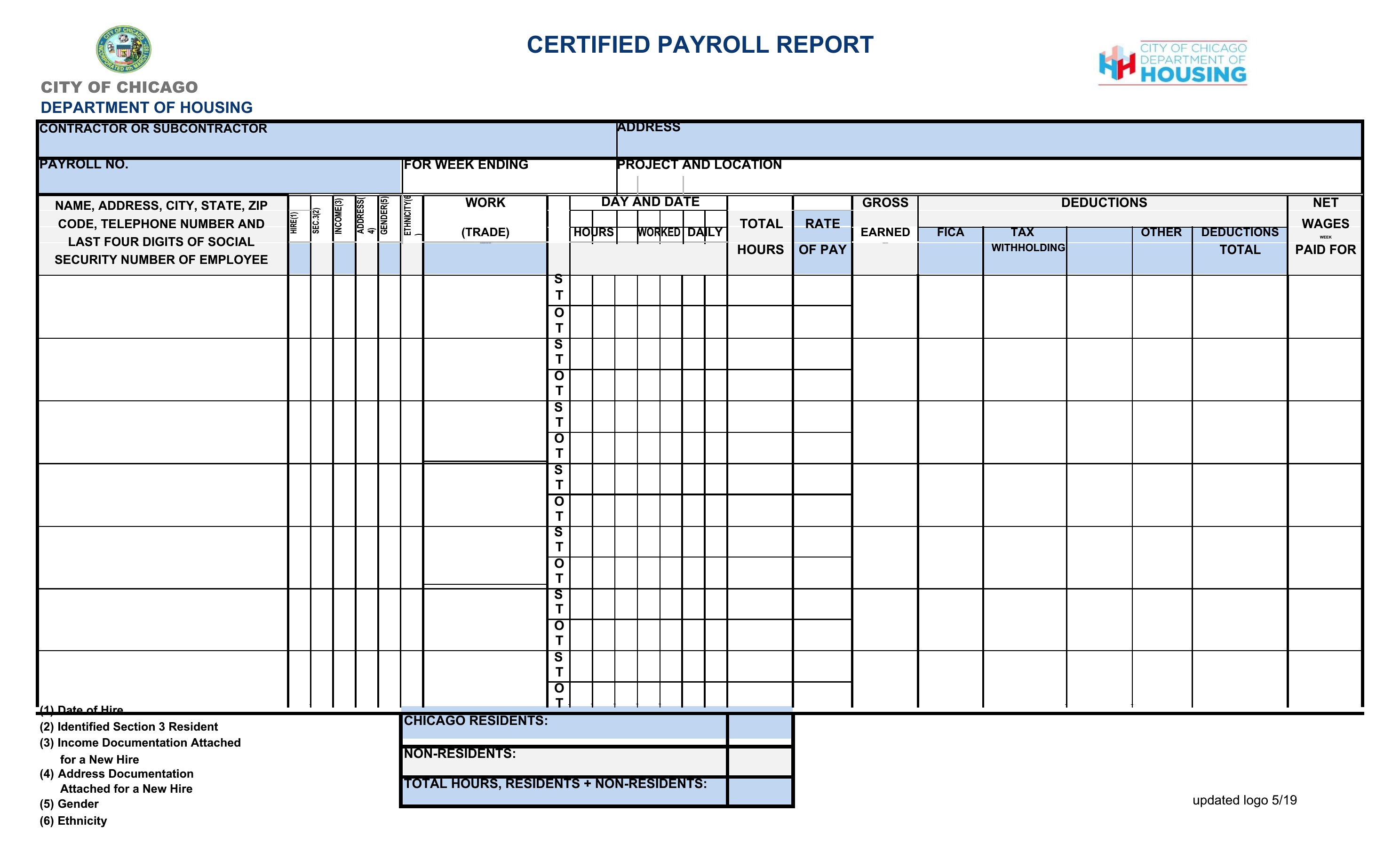
How should I structure a payroll report for employees who work across different pay periods?
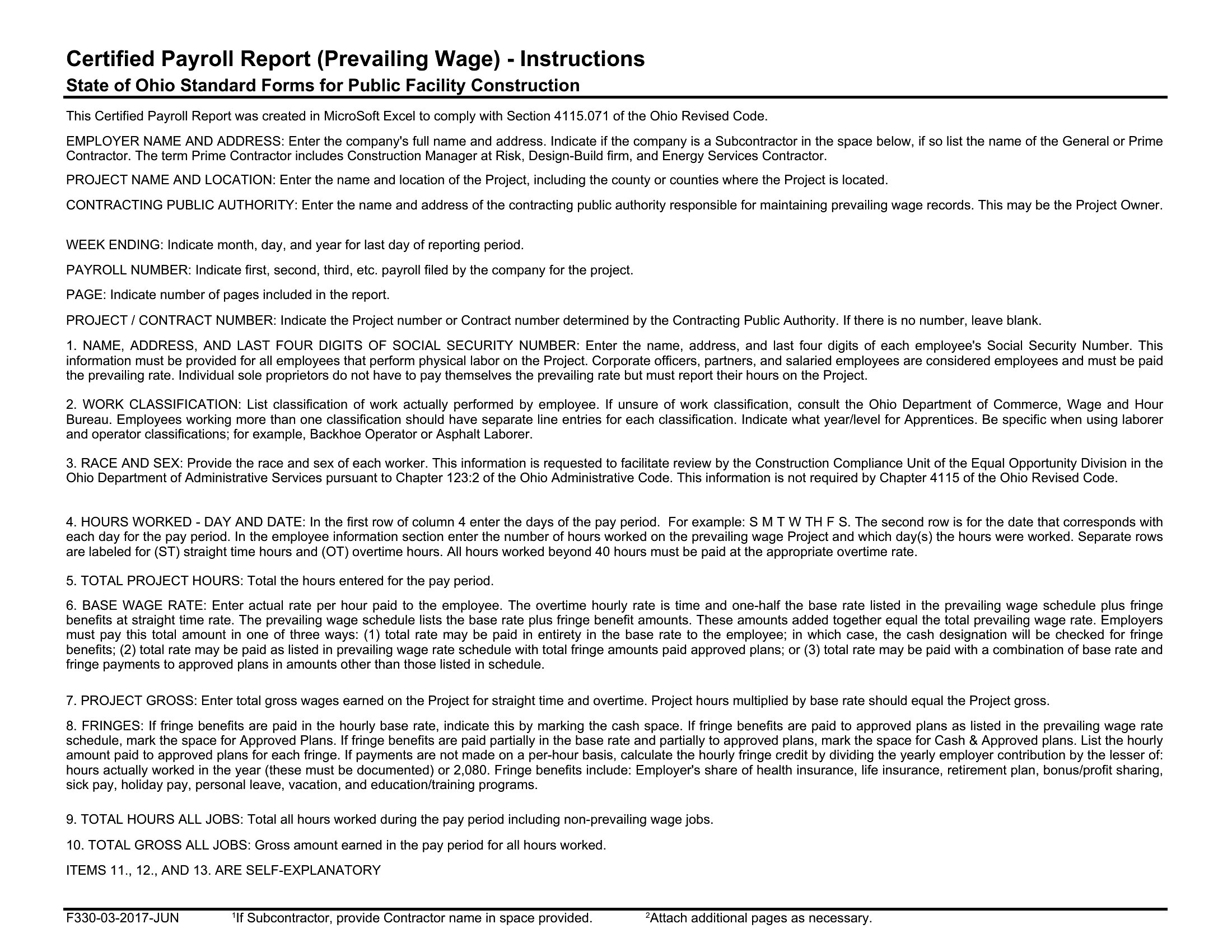
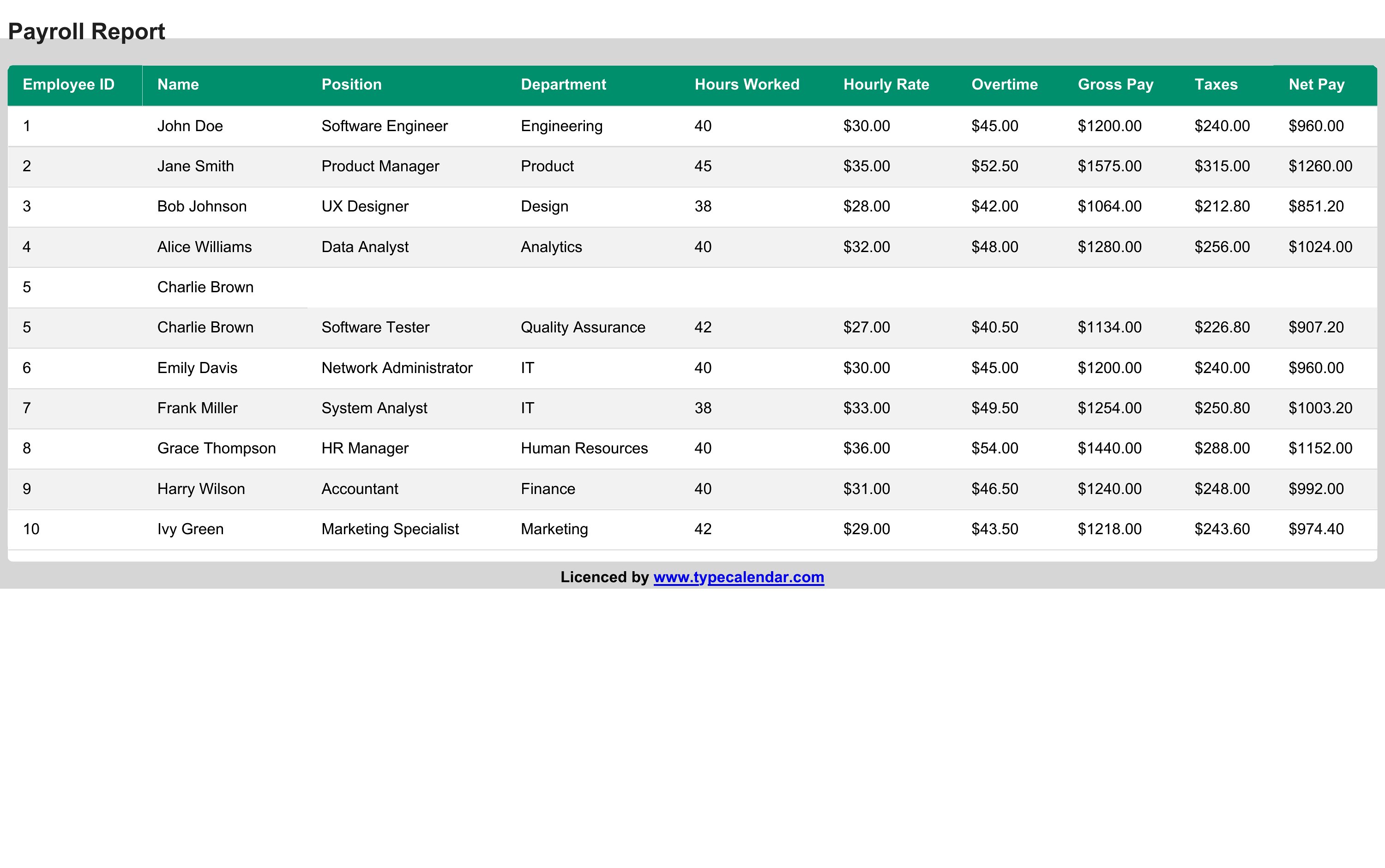
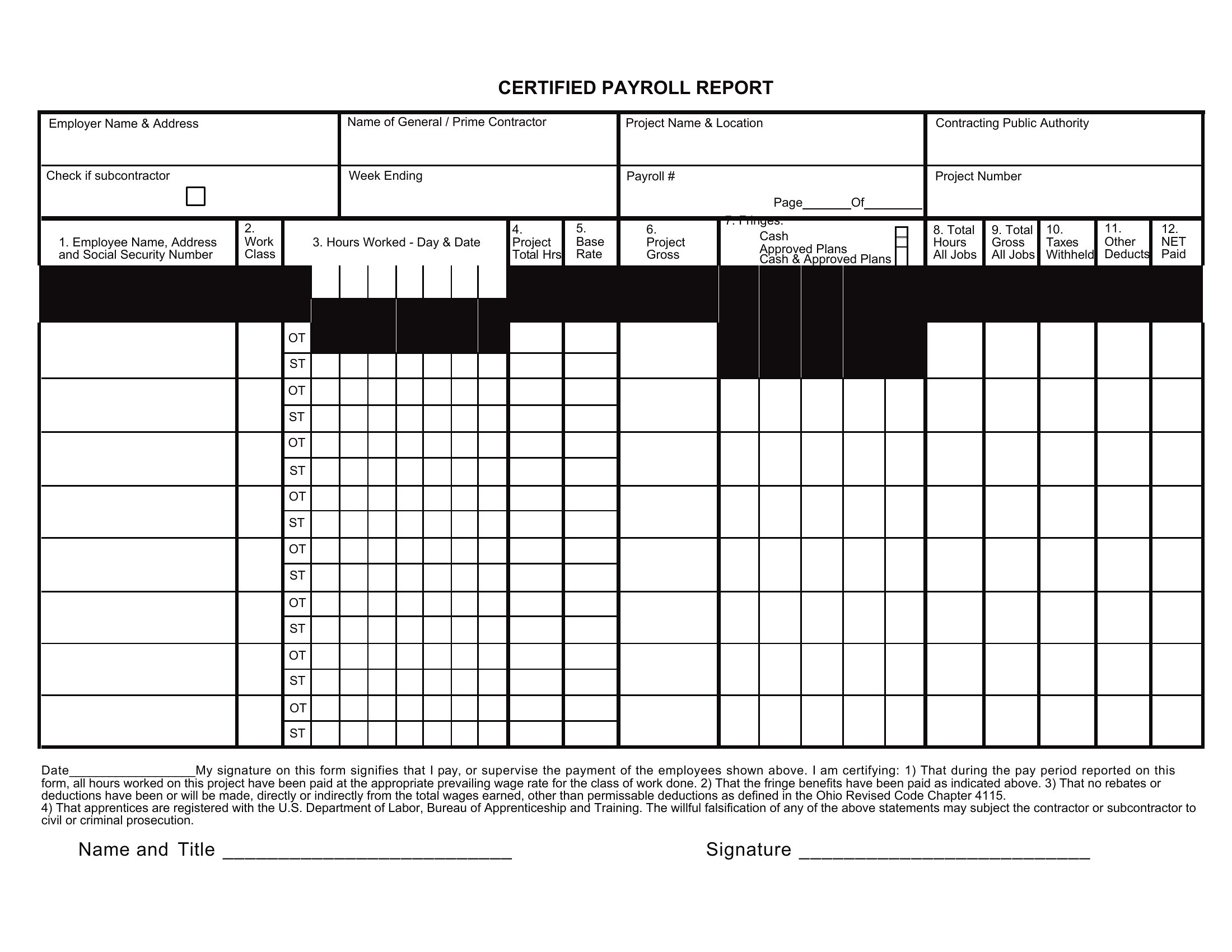
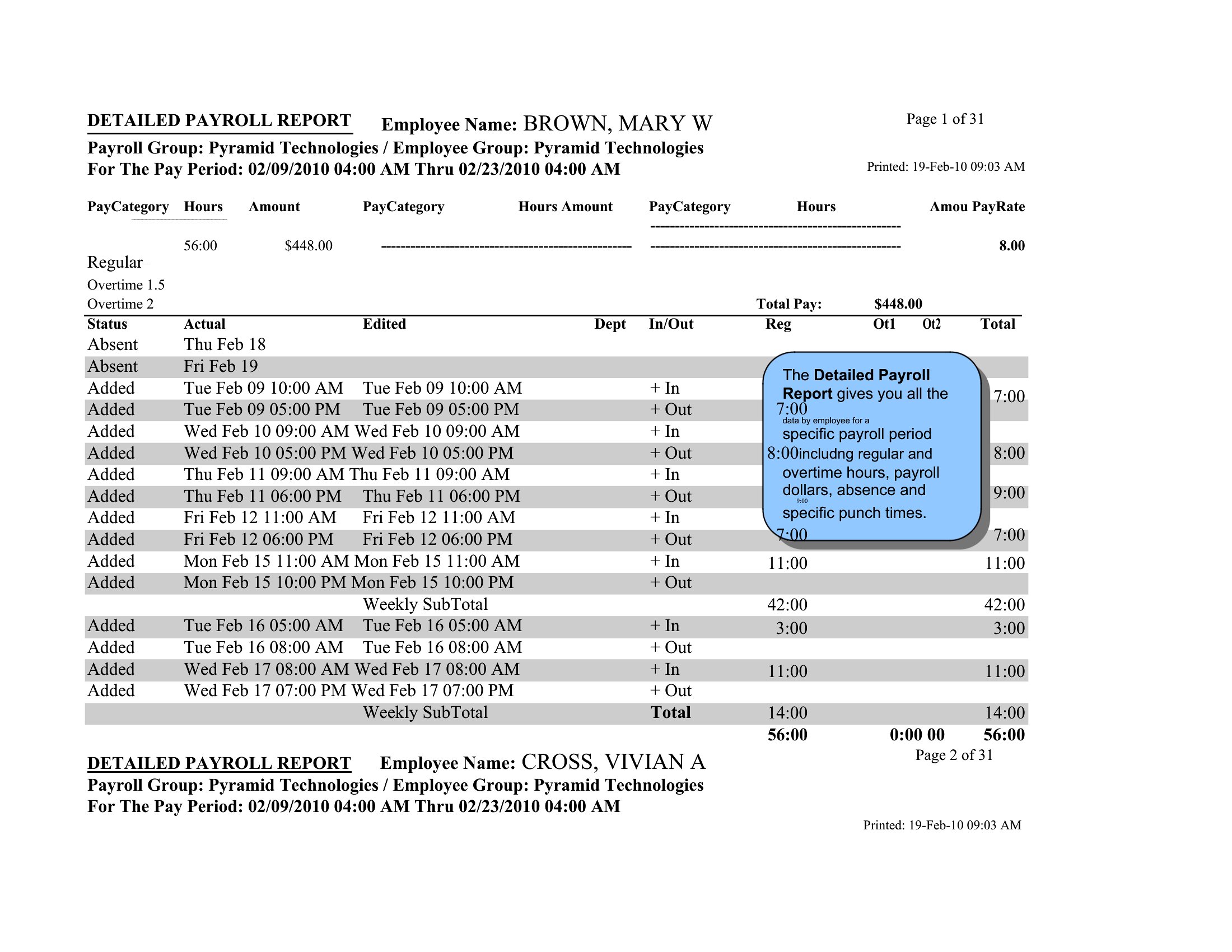
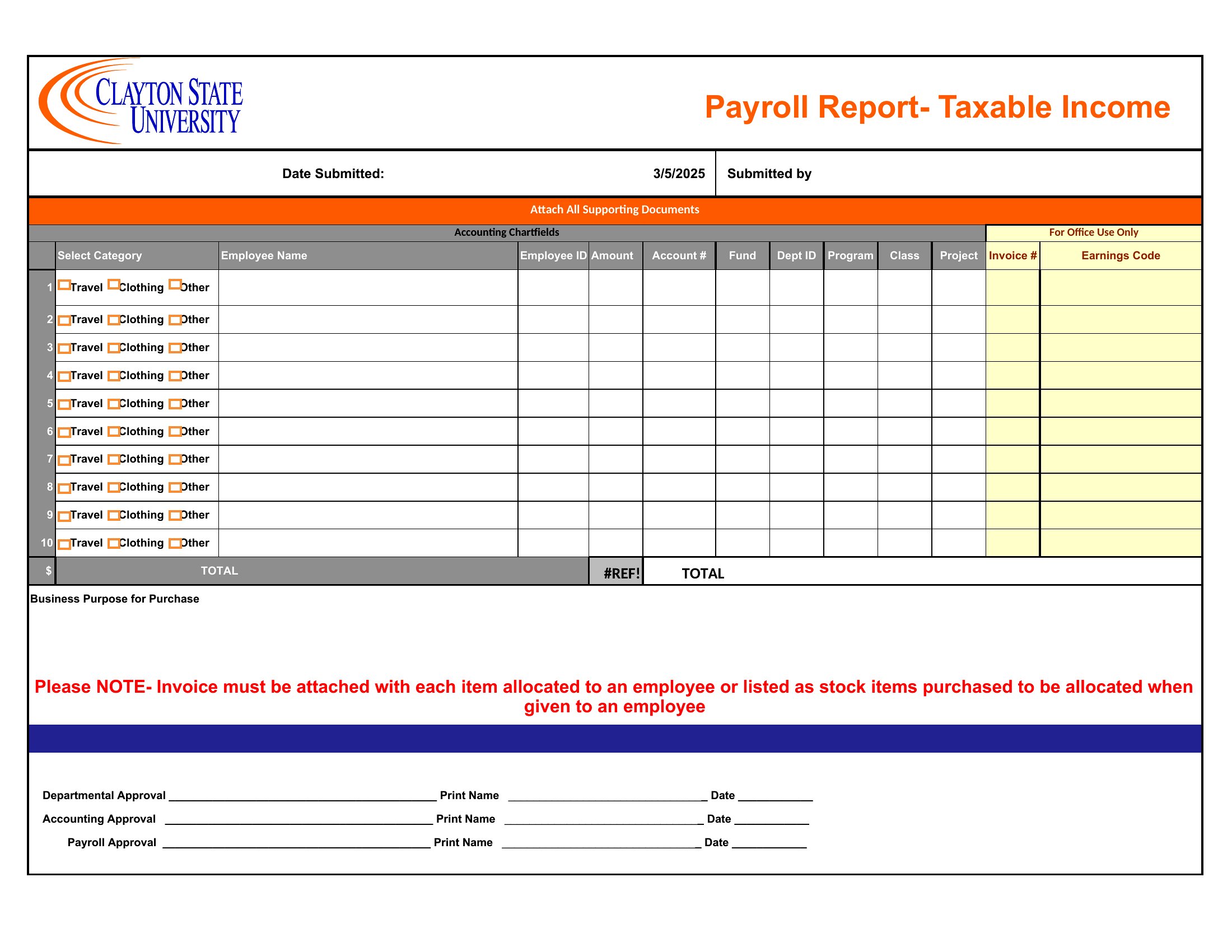
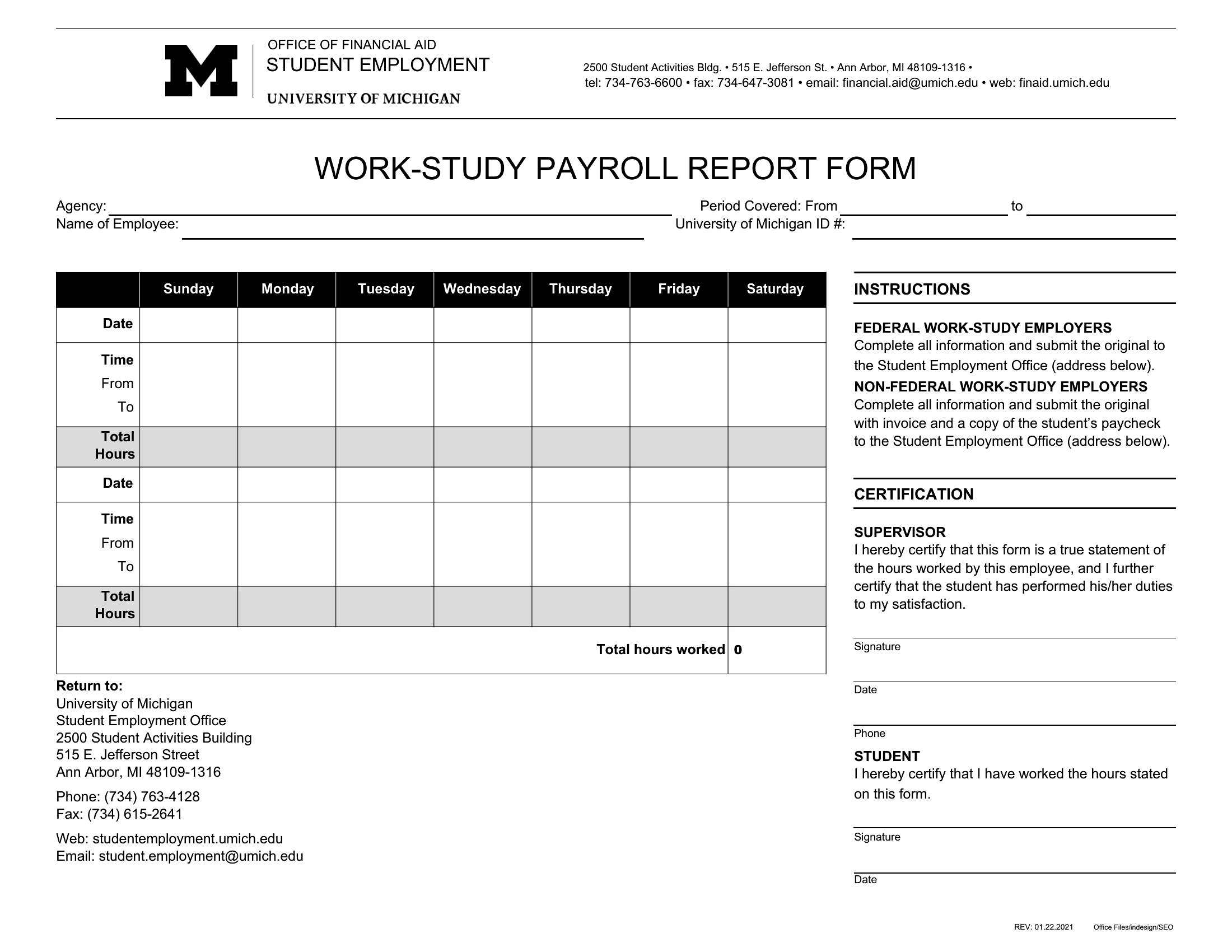
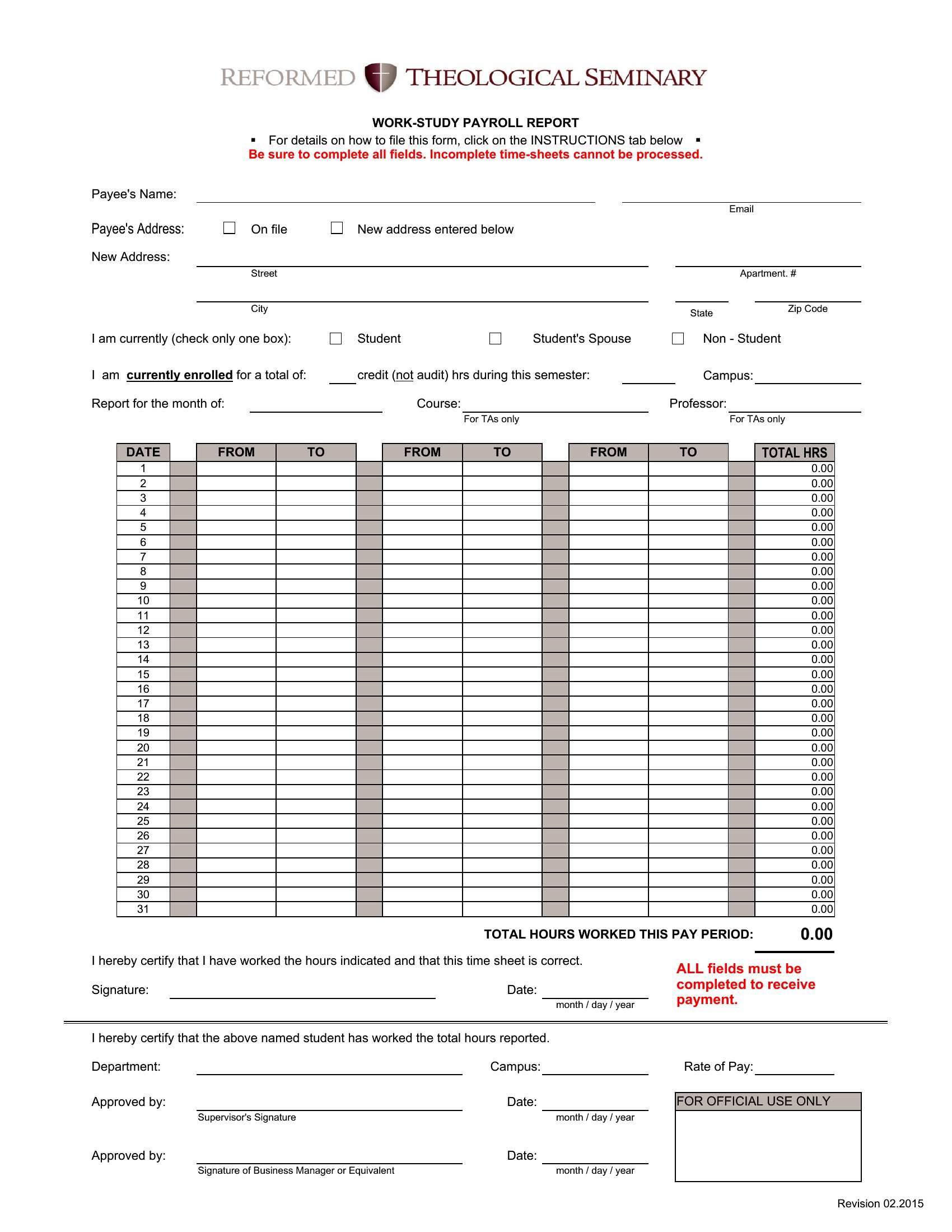
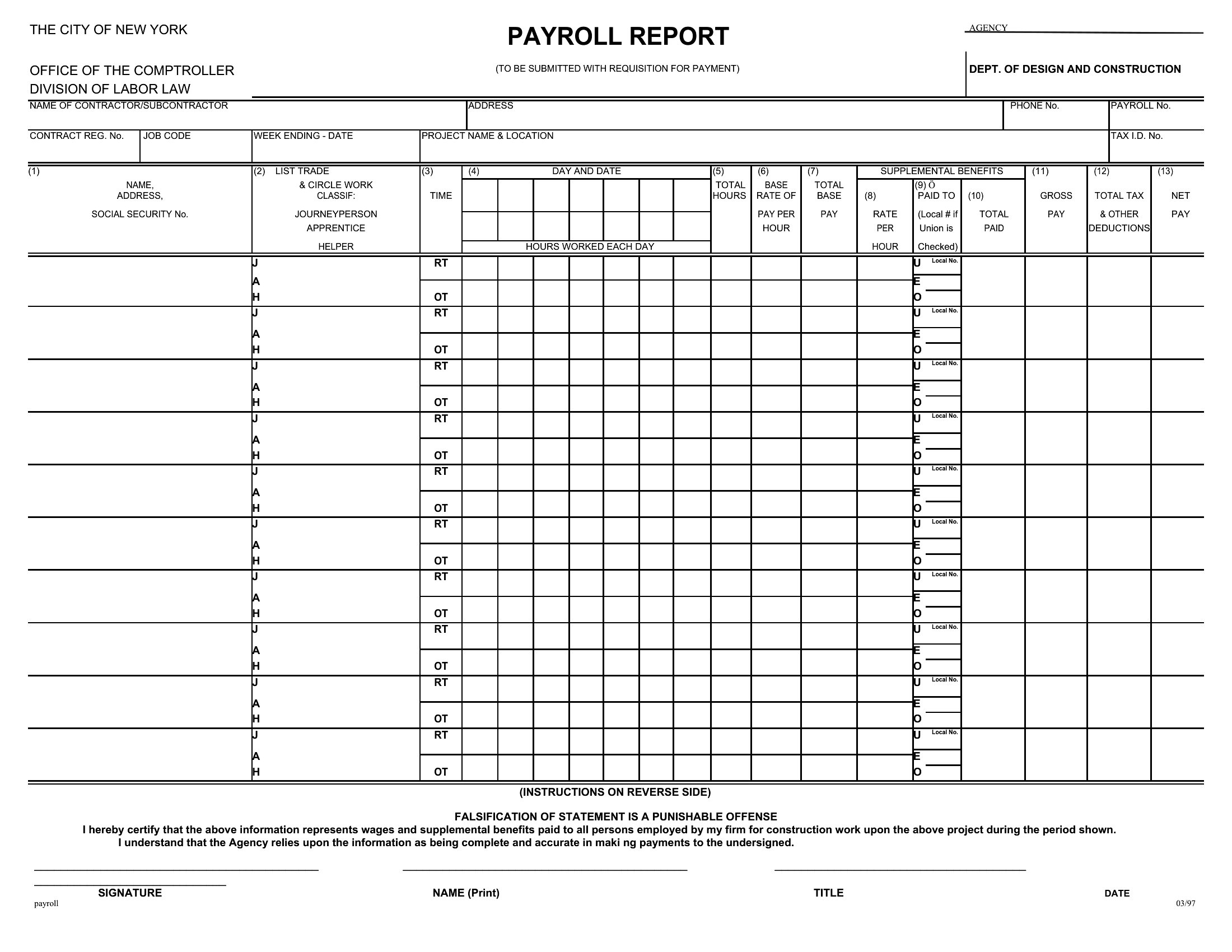
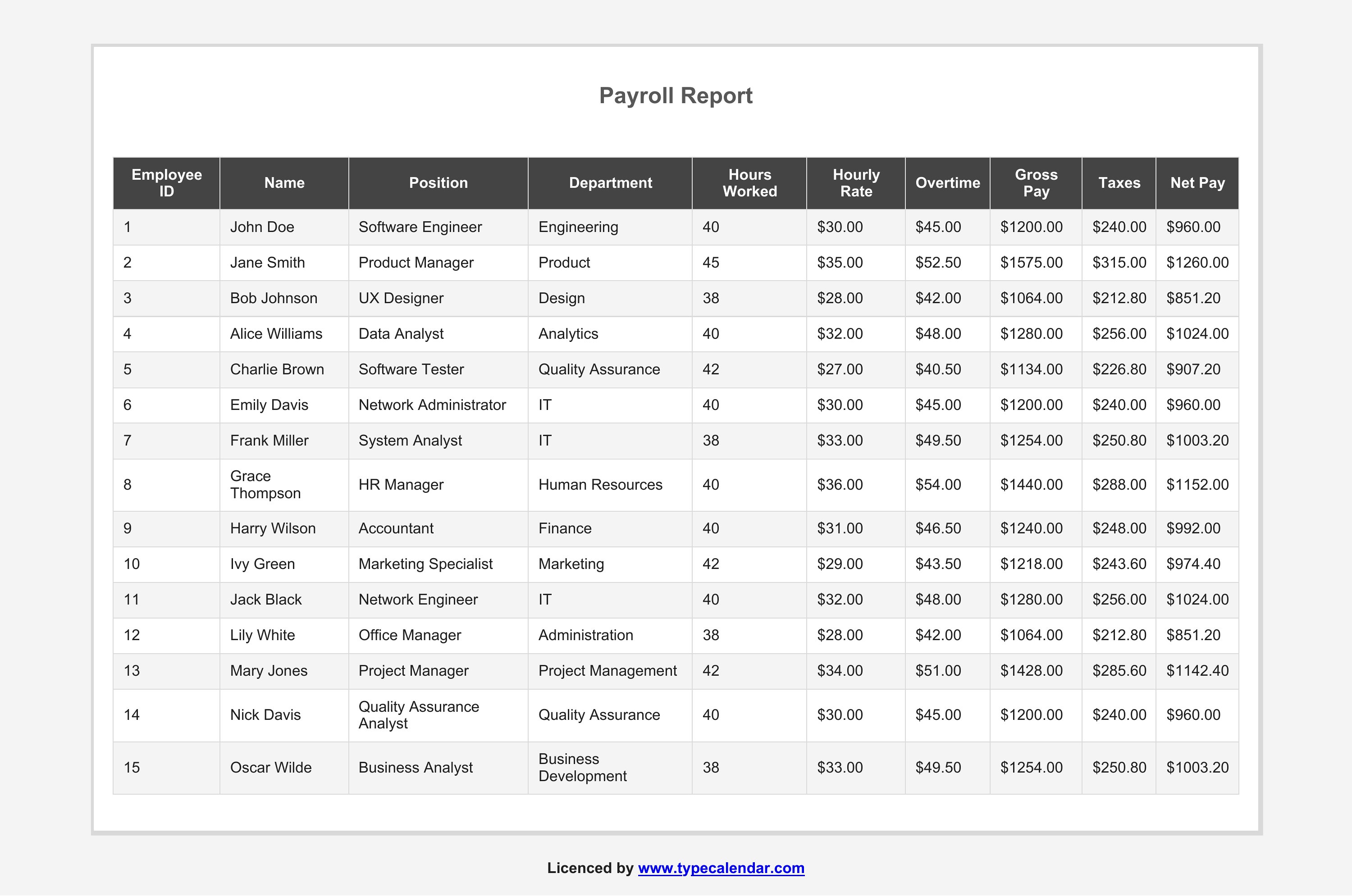
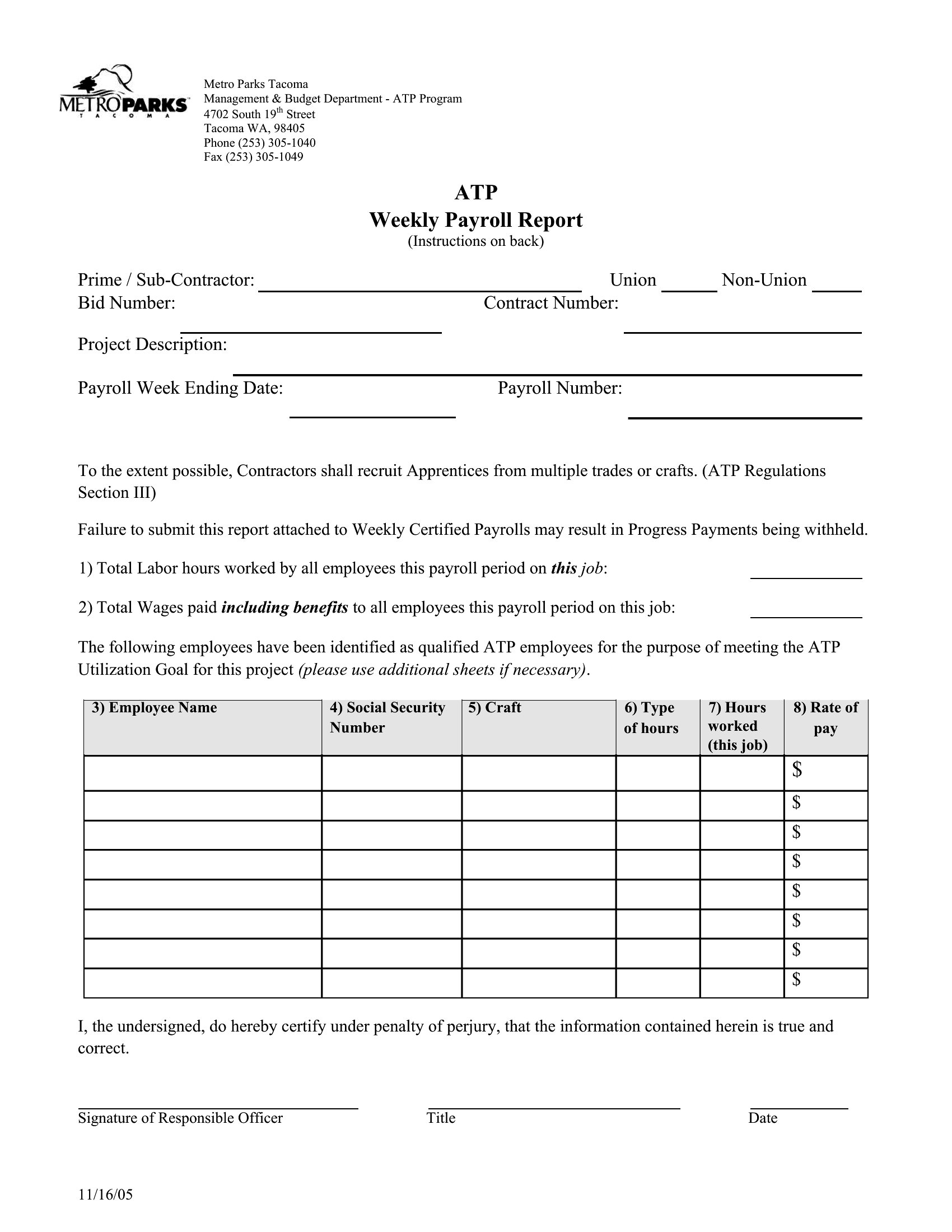
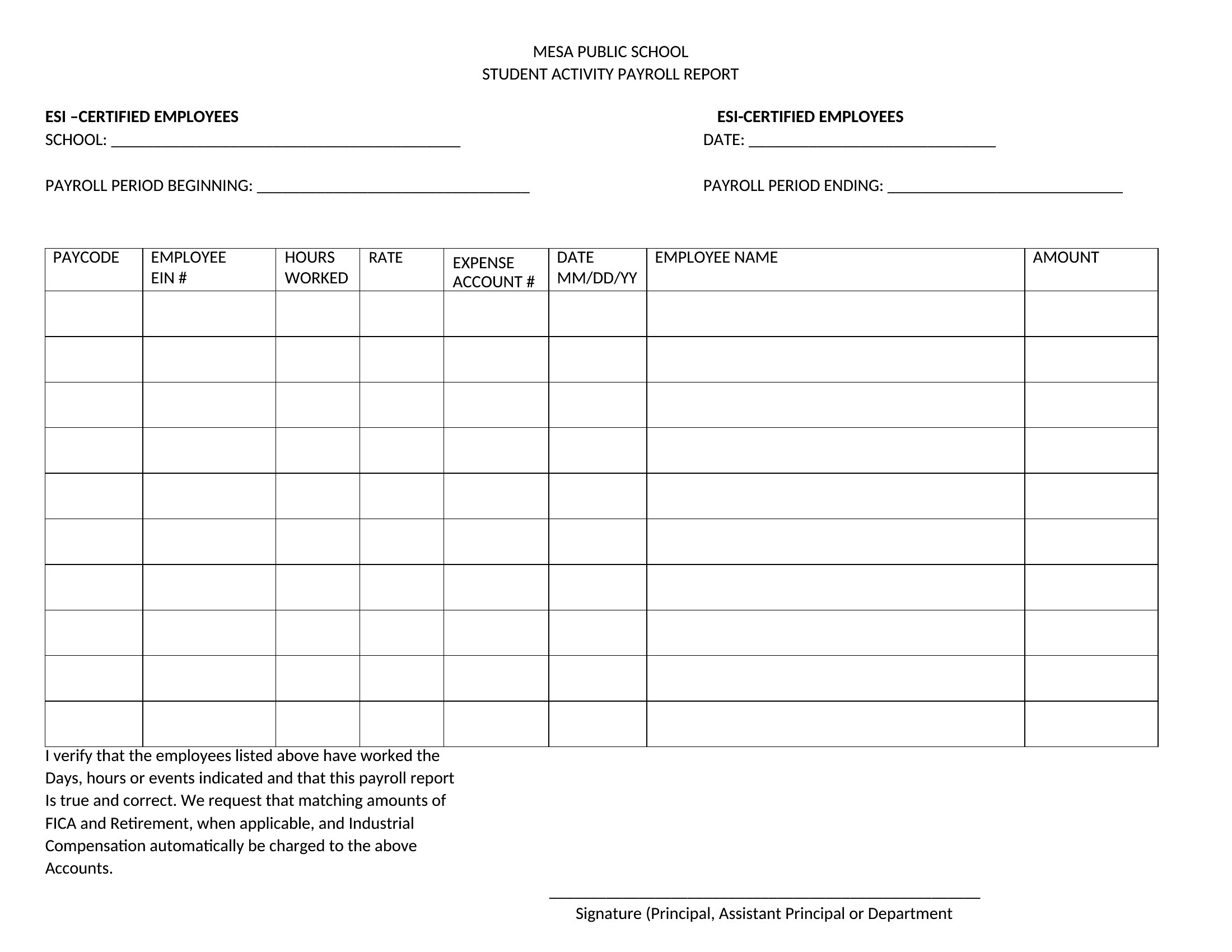
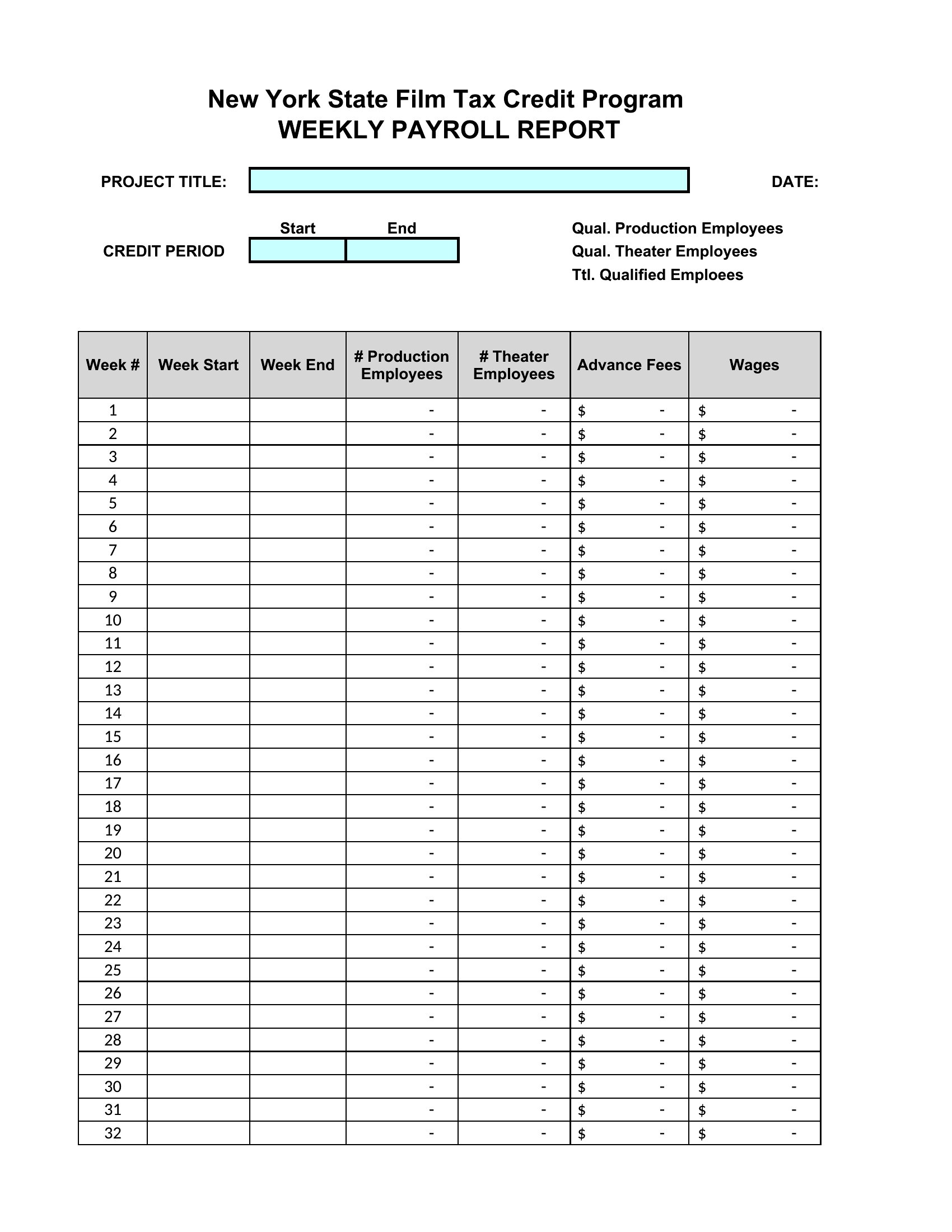
Include a separate column for pay period dates alongside regular pay details, then use shading or borders to visually group entries by period. For example, label columns as ‘Pay Period 1/1–1/15’ and ‘Pay Period 1/16–1/31’ to keep tracking clear. This helps employees spot their earnings at a glance, even if paychecks span multiple biweekly cycles.
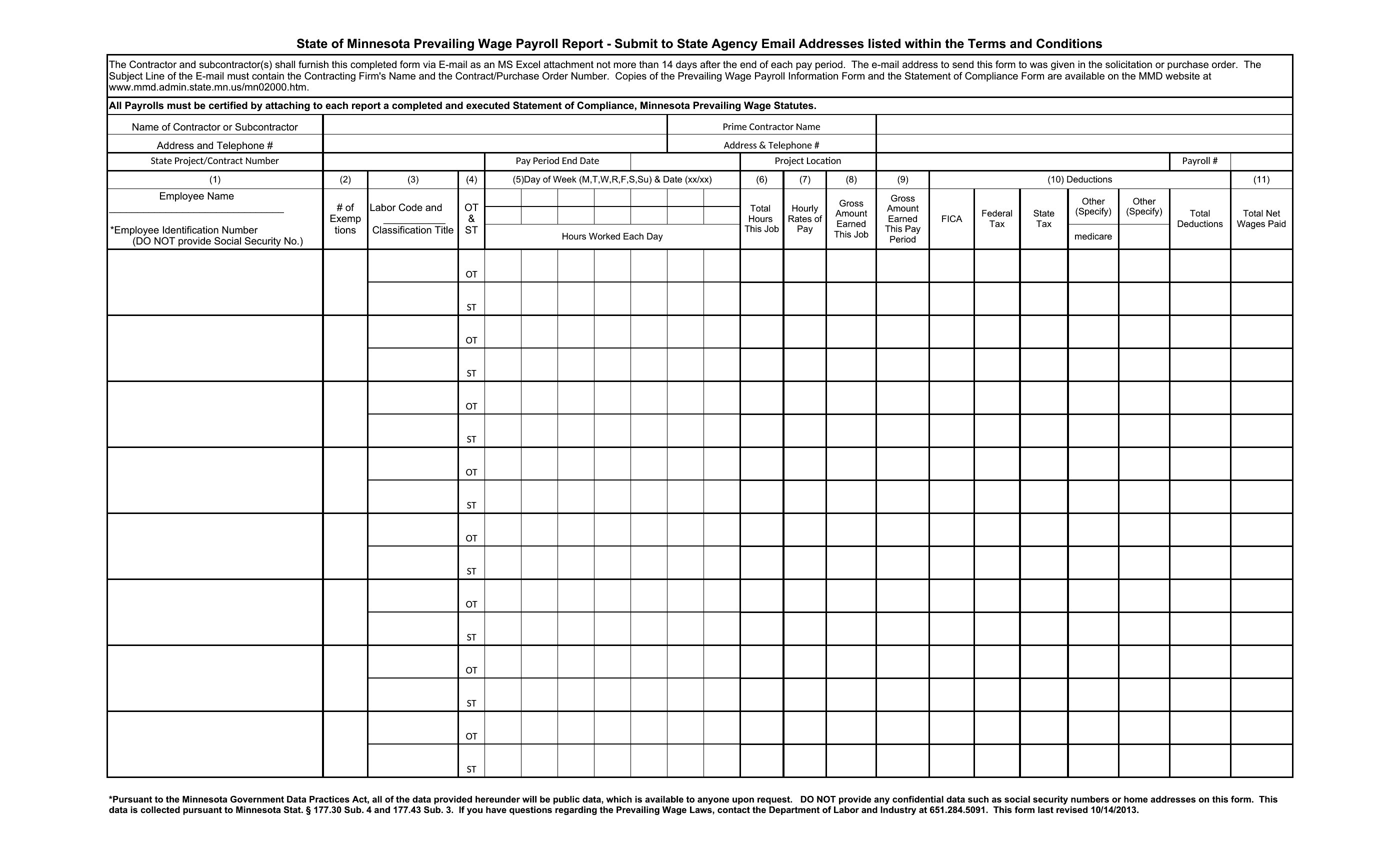
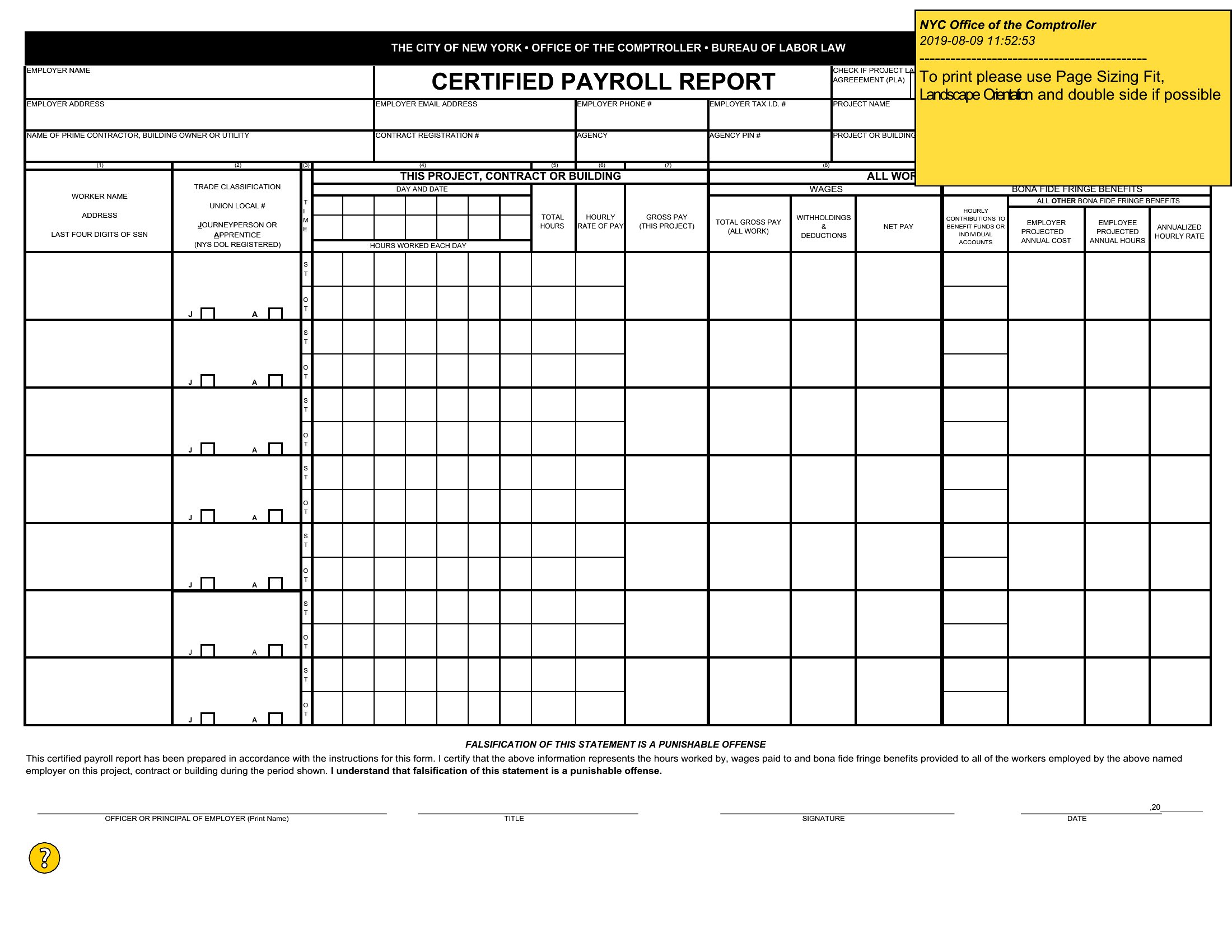
Do these templates account for different tax jurisdictions, like local or state-specific deductions?
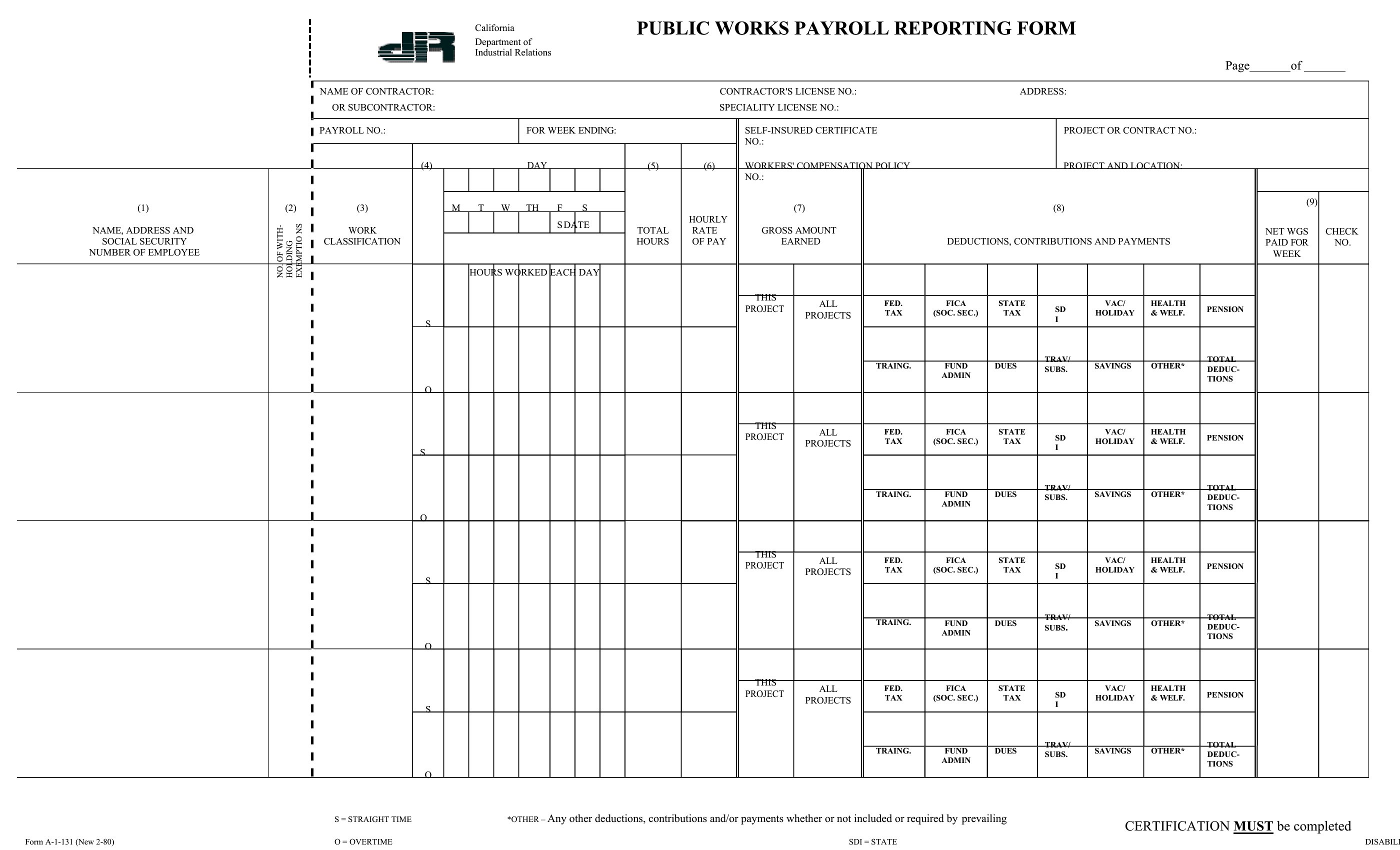
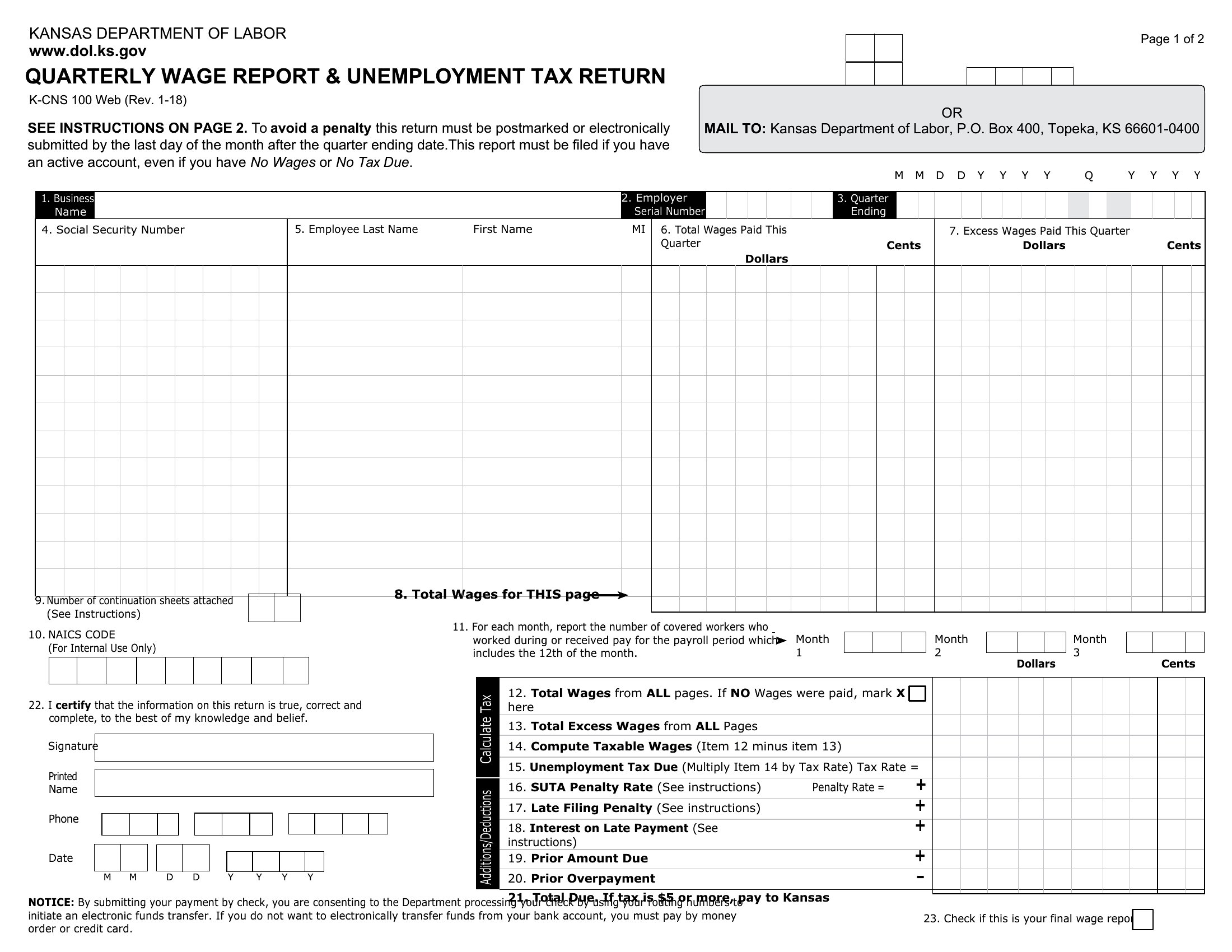
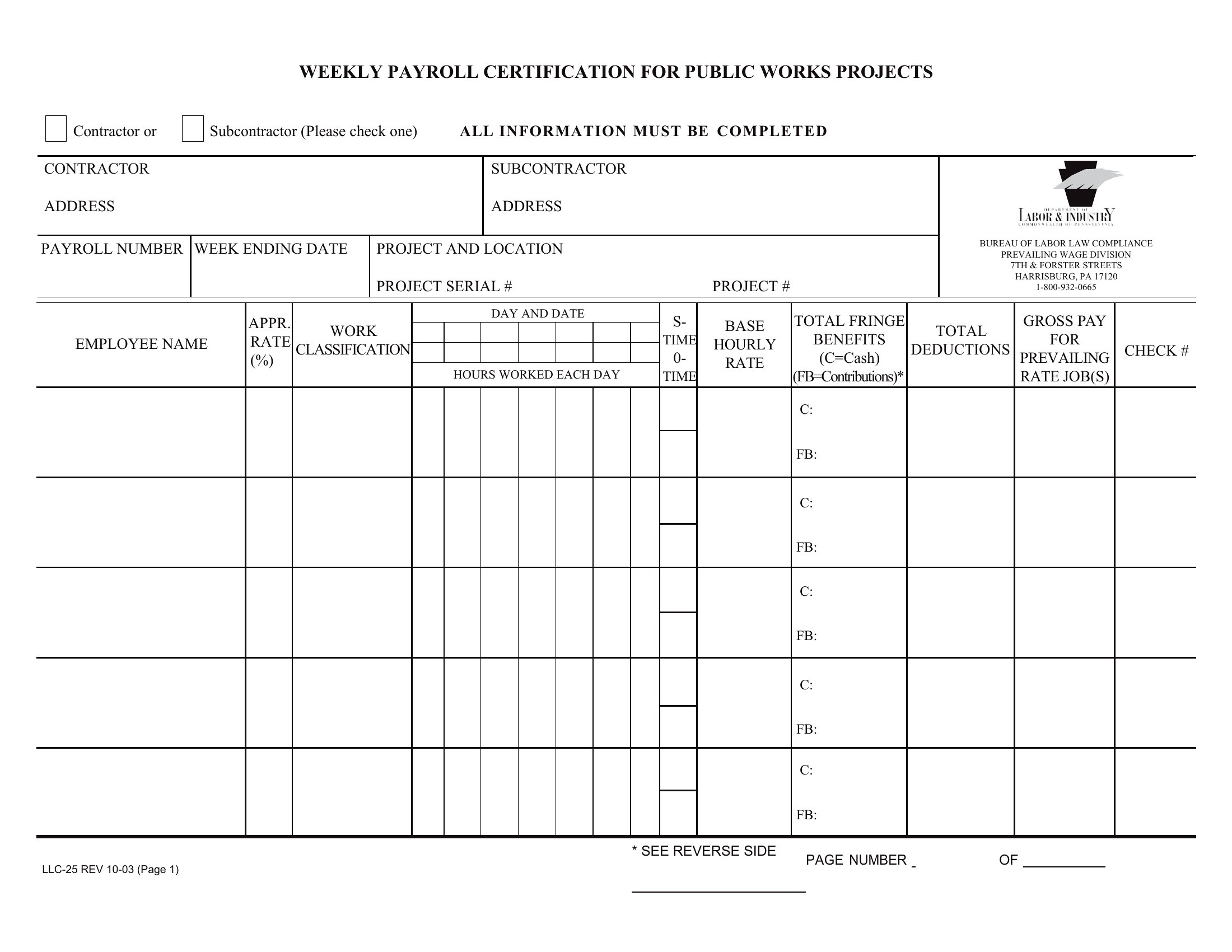
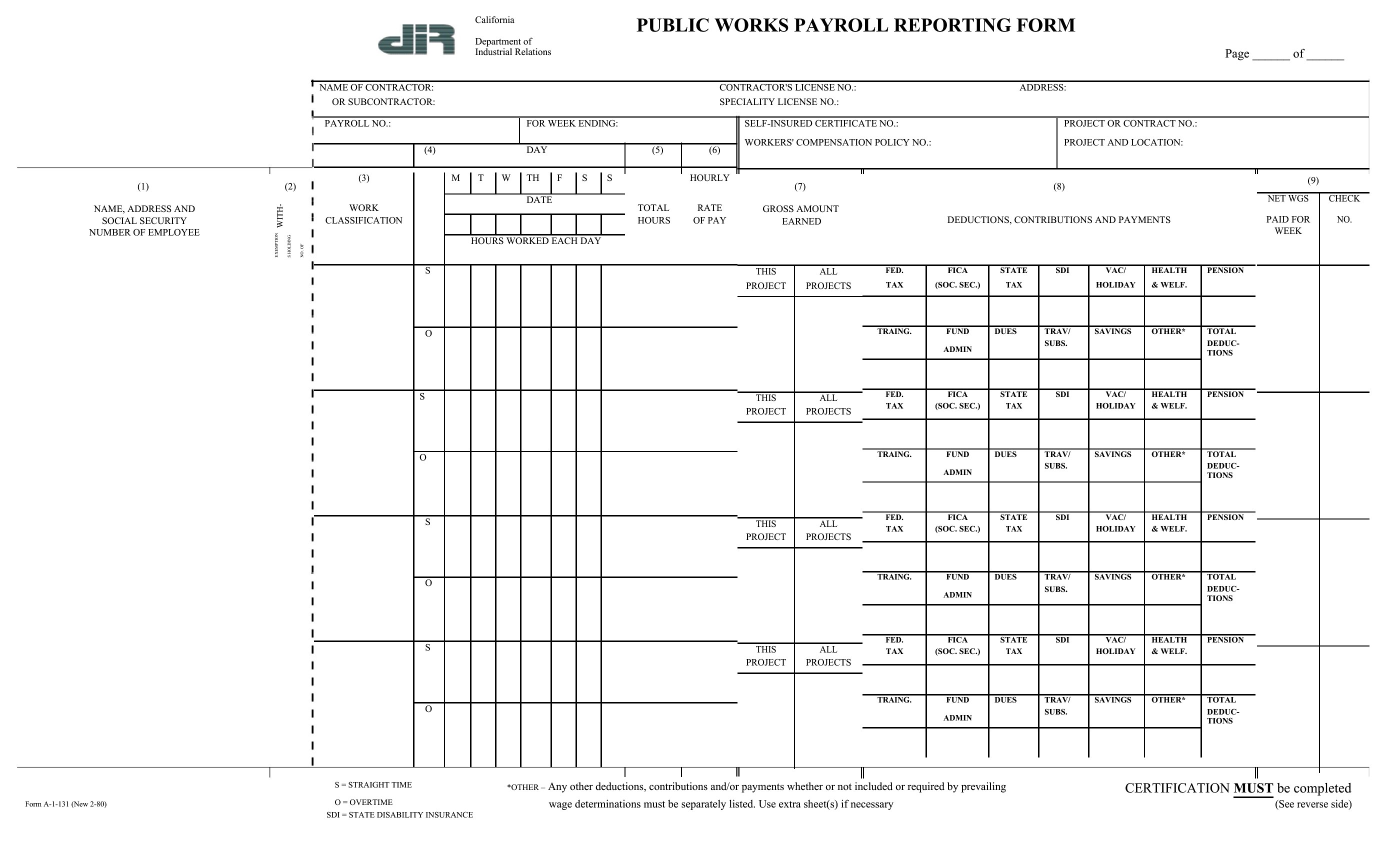
Templates provide placeholders for standard deductions (federal, FICA, Medicare), but you’ll need to manually add local or state-specific fields (e.g., California’s SDI or New York’s Yonkers tax) based on your business location. Consult your payroll provider or a tax professional to ensure all required lines are included—these templates are starting points, not legal compliance tools.
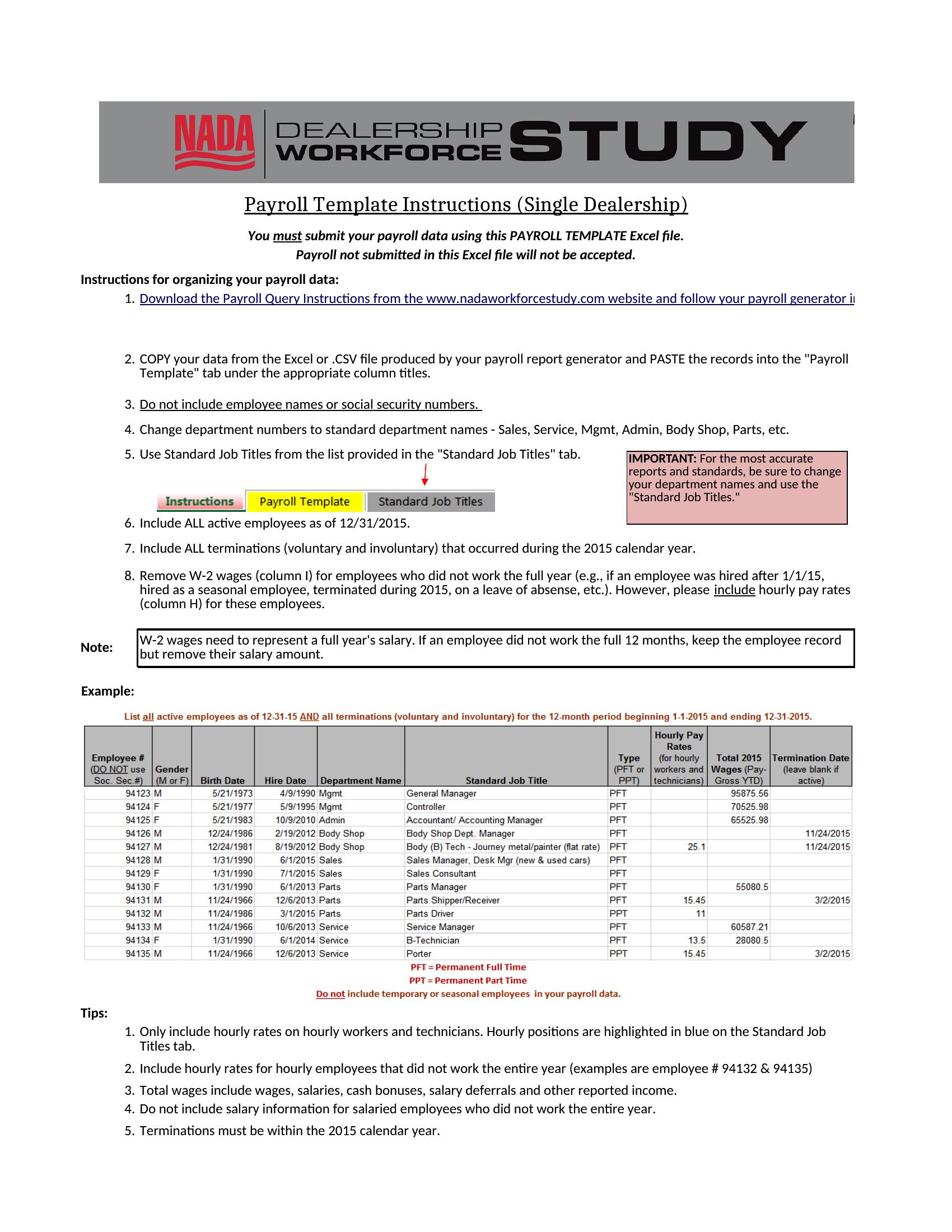
Can I use a payroll report template to document year-end bonuses or retroactive pay adjustments?
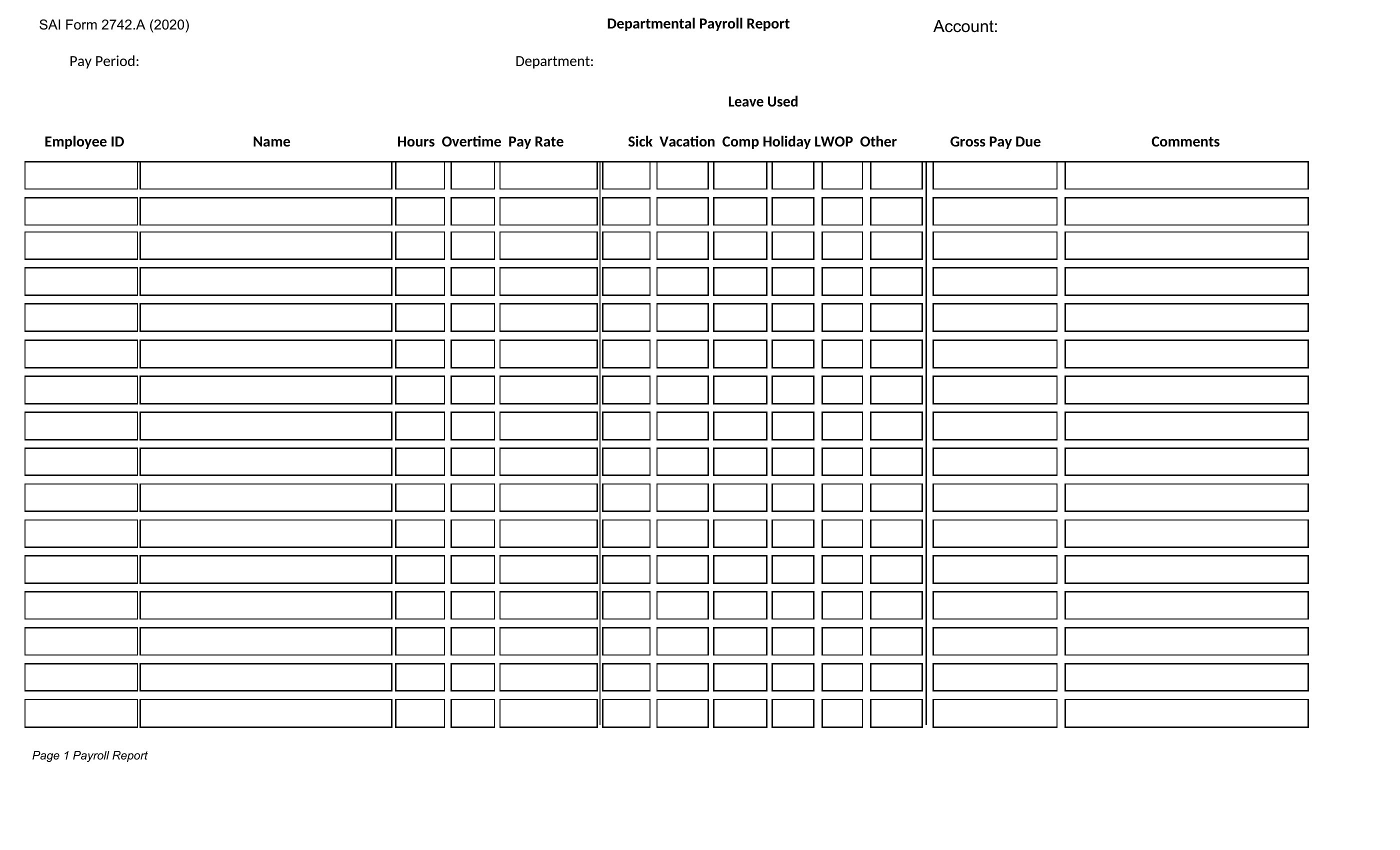
Yes, but allocate a dedicated section labeled ‘Non-Recurring Pay’ or ‘Adjustments’ with columns for date, reason, and amount. Note whether the adjustment affects taxable income (e.g., a retroactive raise) or is a nontaxable benefit (e.g., a holiday gift card). Always cross-reference with your payroll system to ensure the report matches actual disbursements.
Comments
Join the conversation
Sign in to share your thoughts and leave a comment on this resource.