Free Time Blocking Templates (Word, Excel, PDF)
DailyTemplates
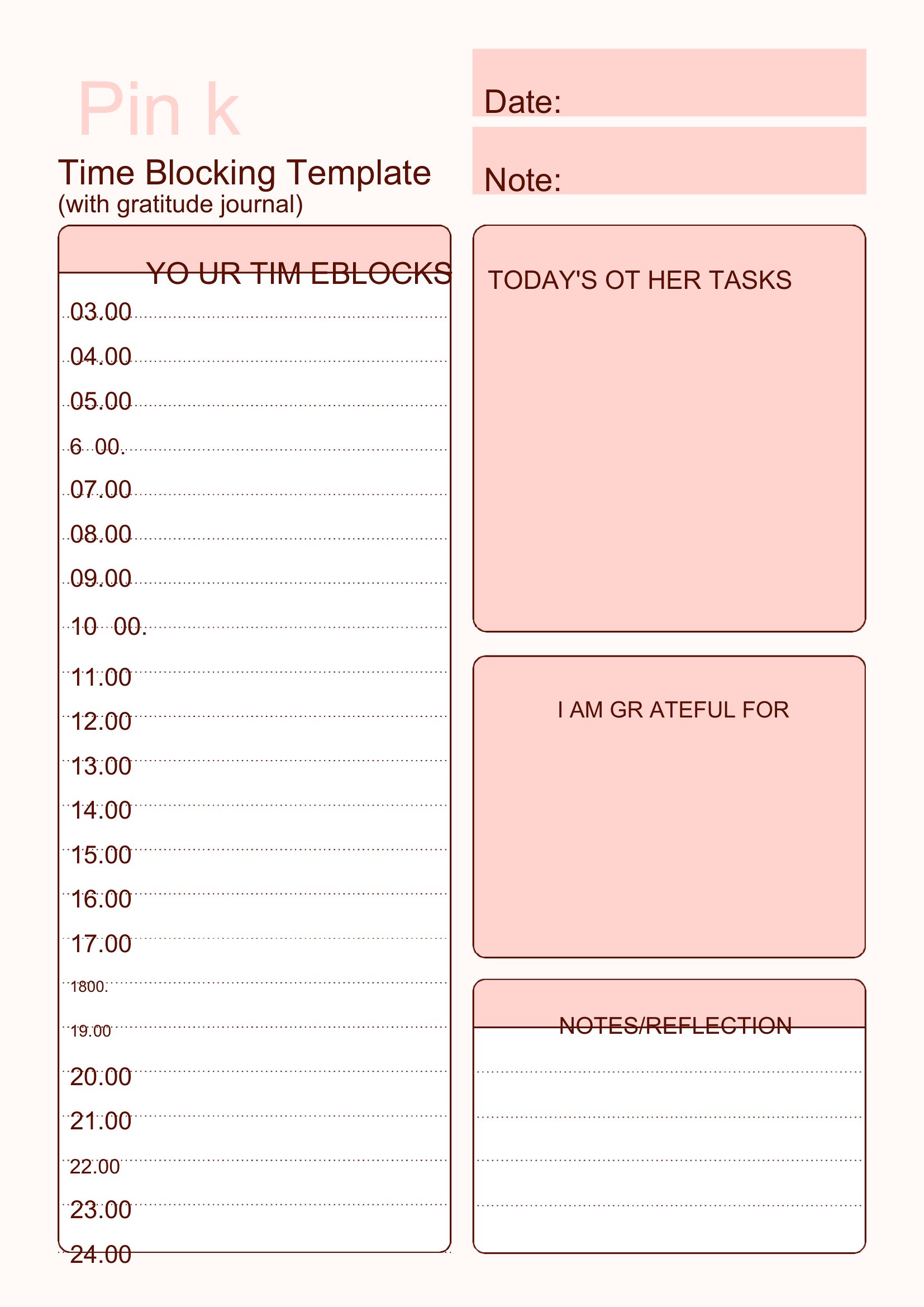
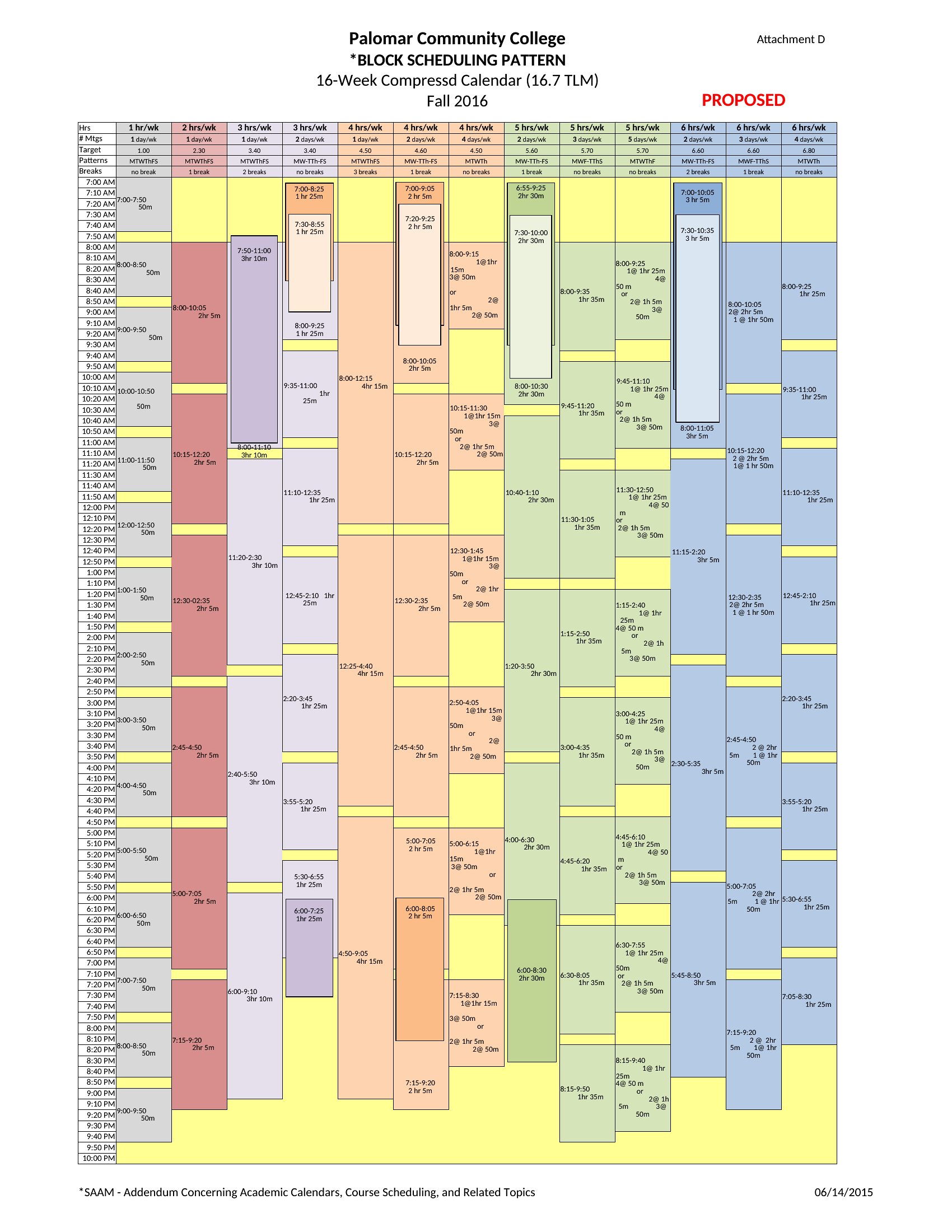
Time Block Sheet
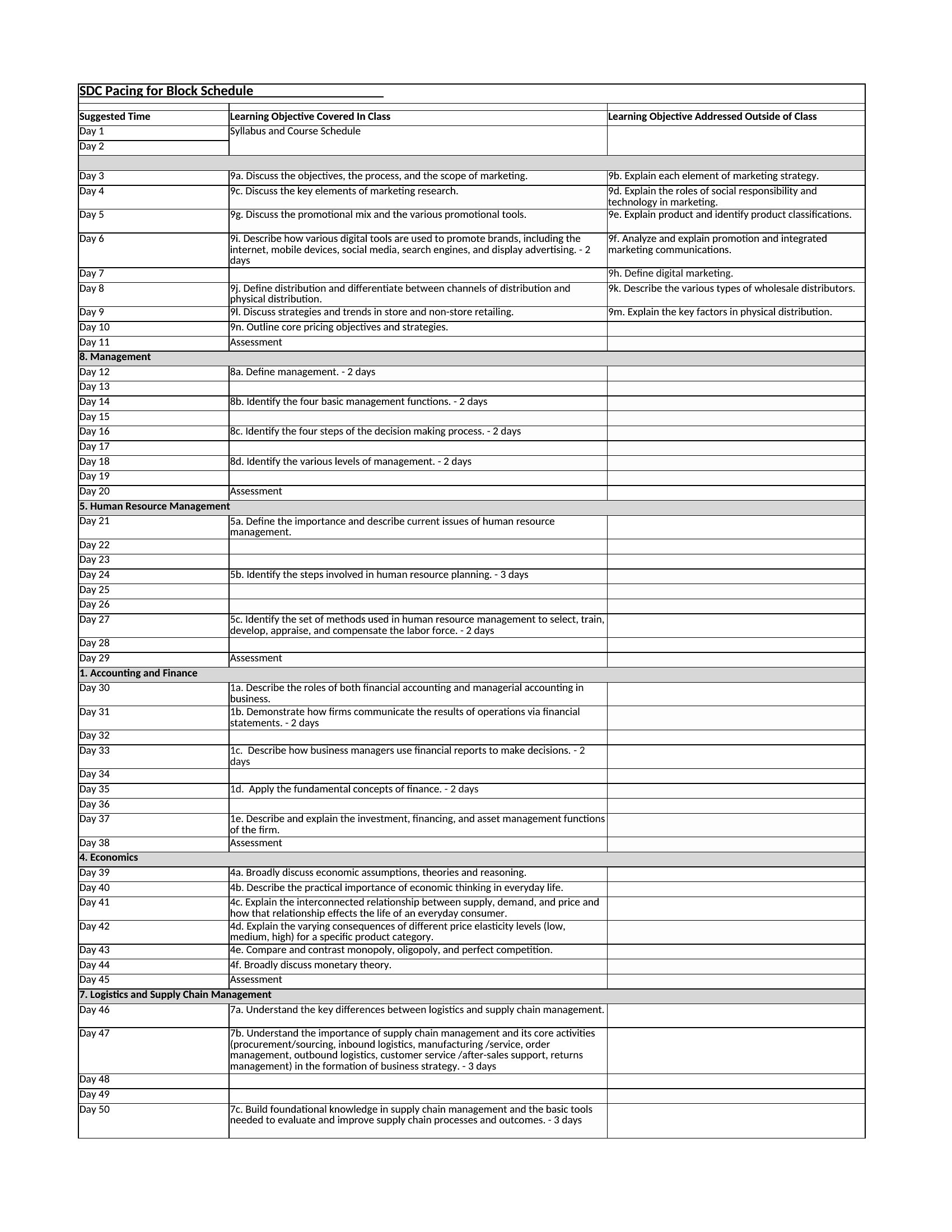
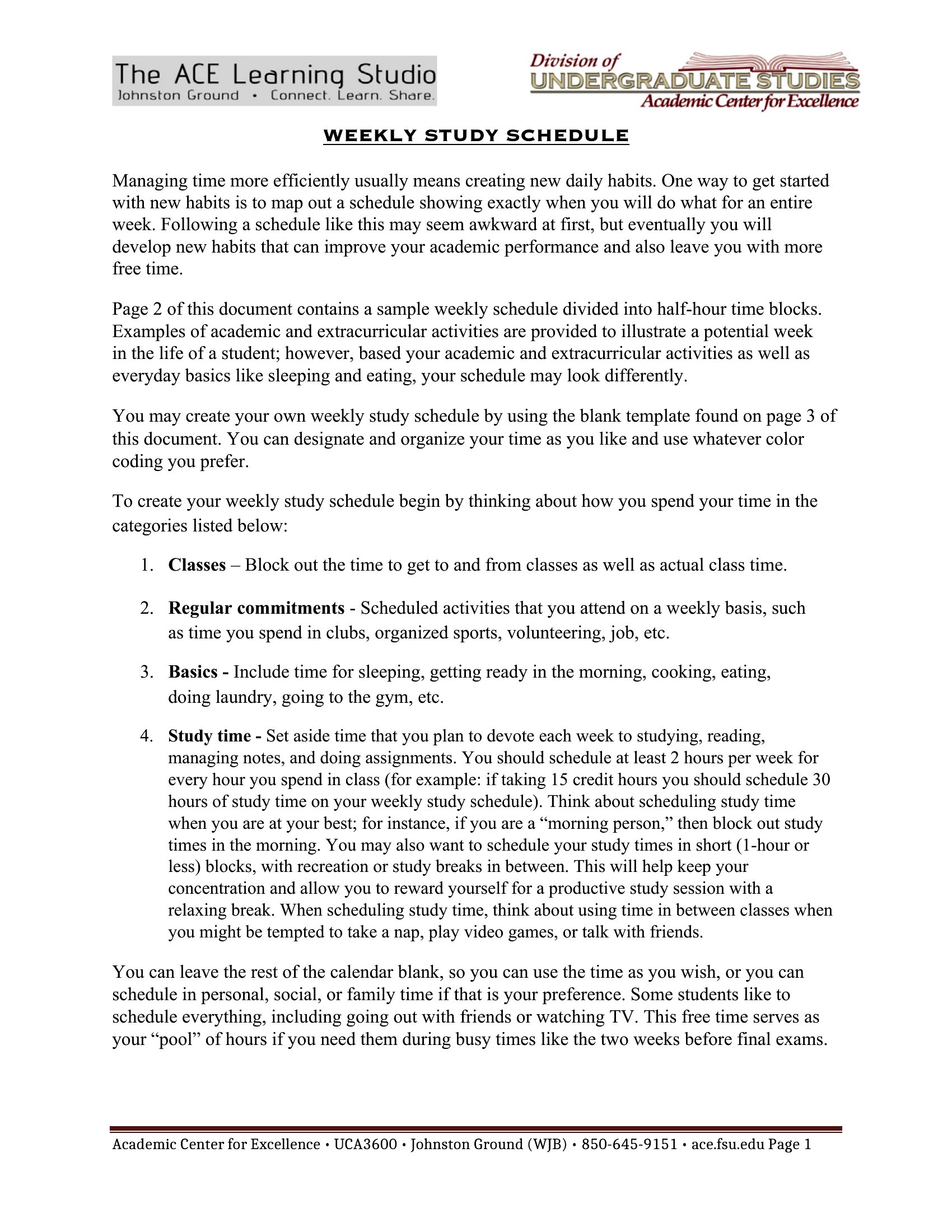
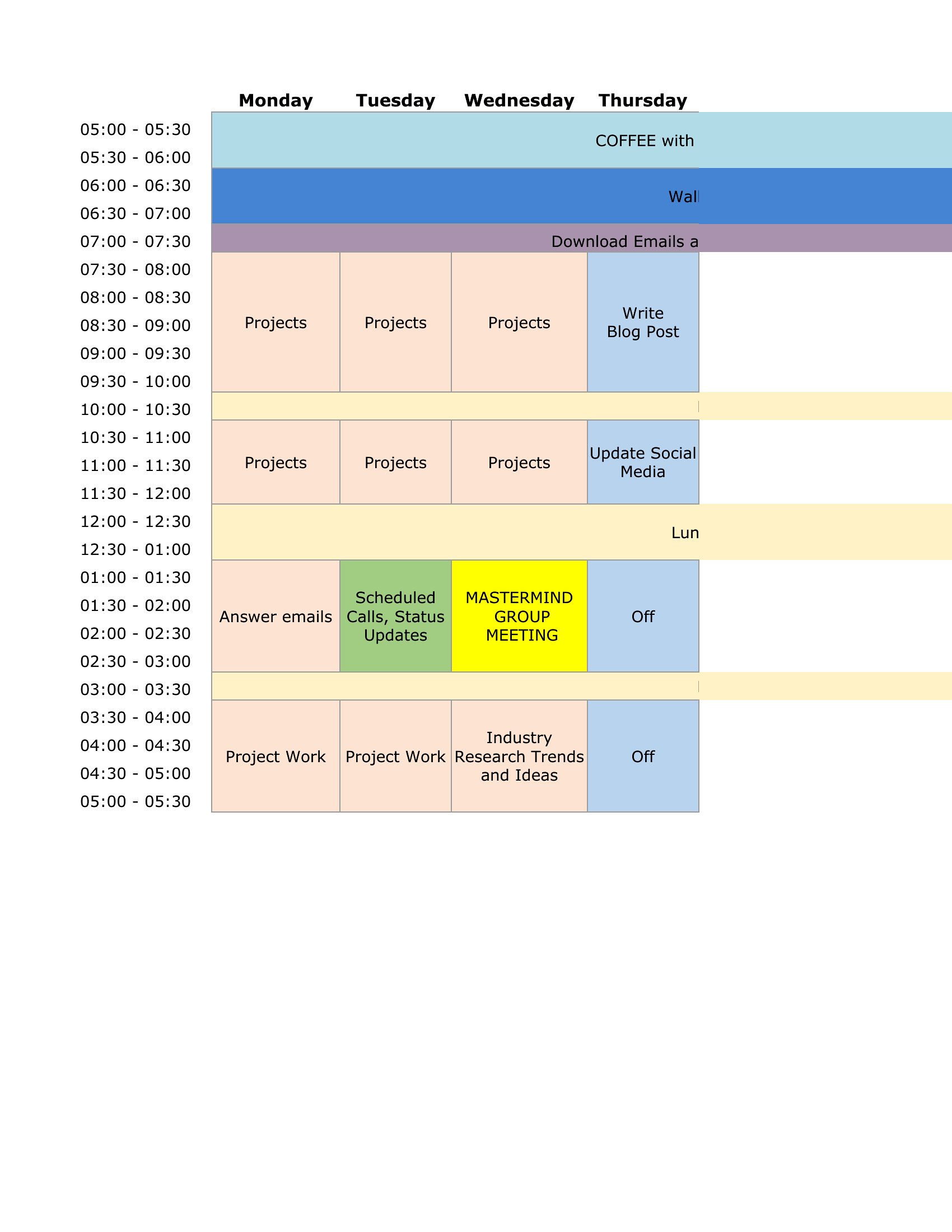
Block Time
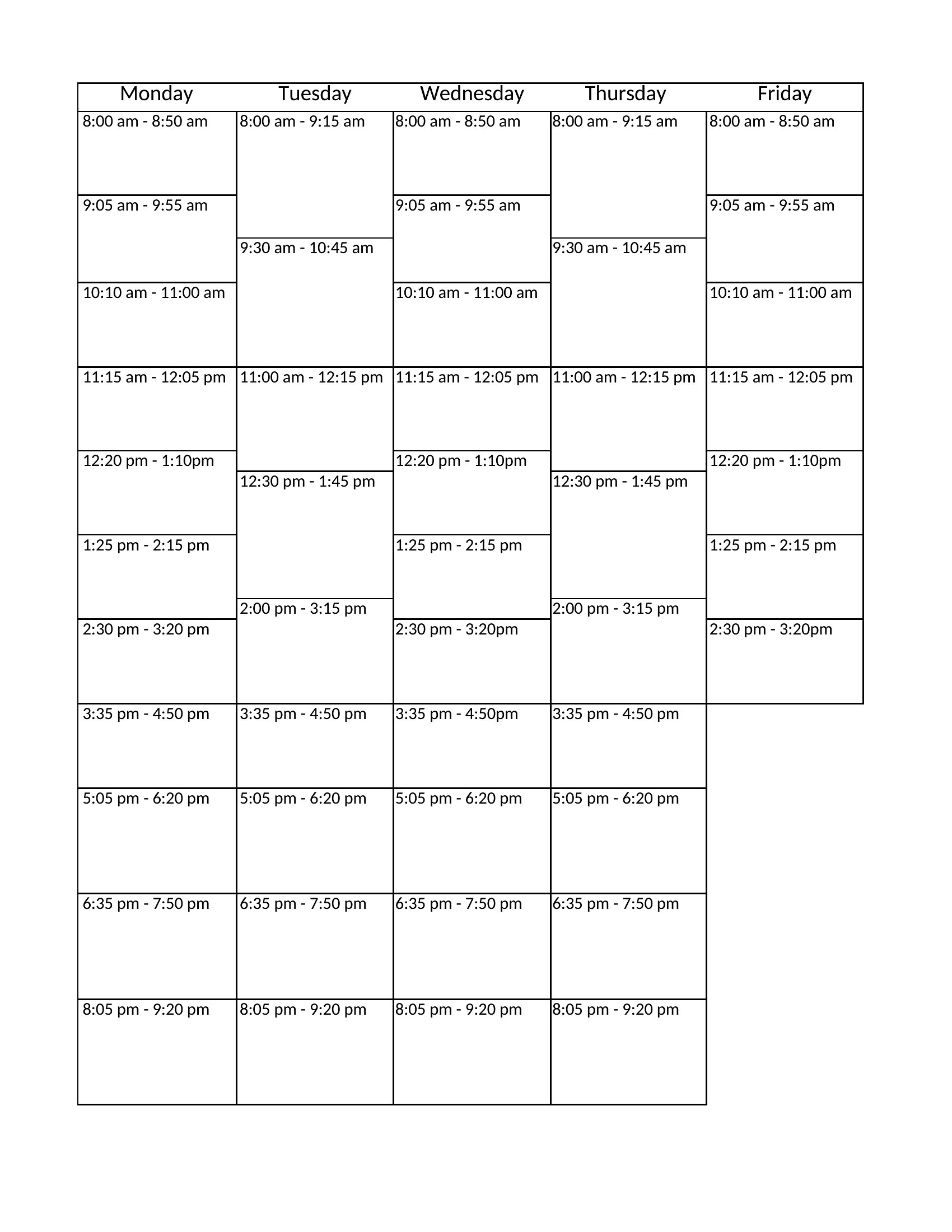
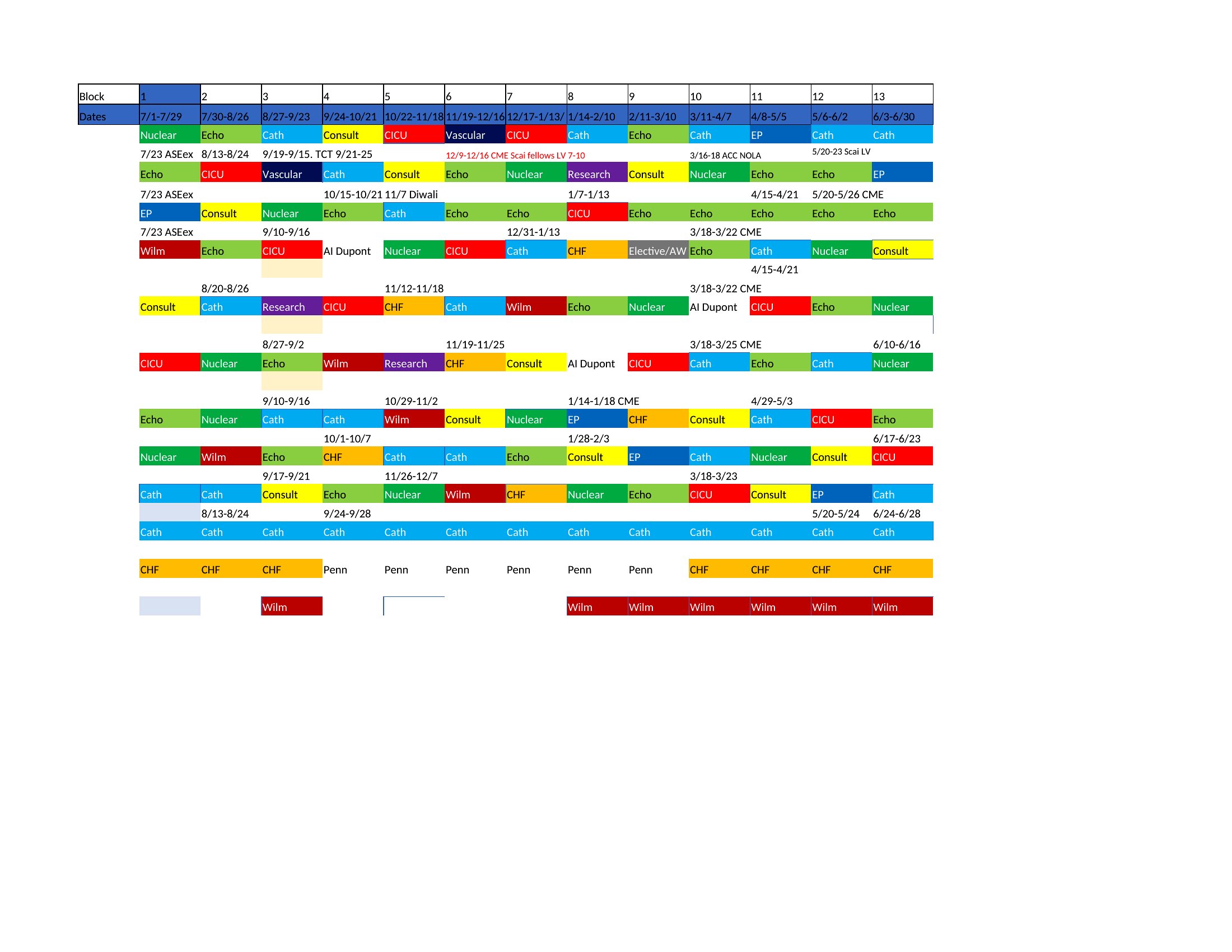
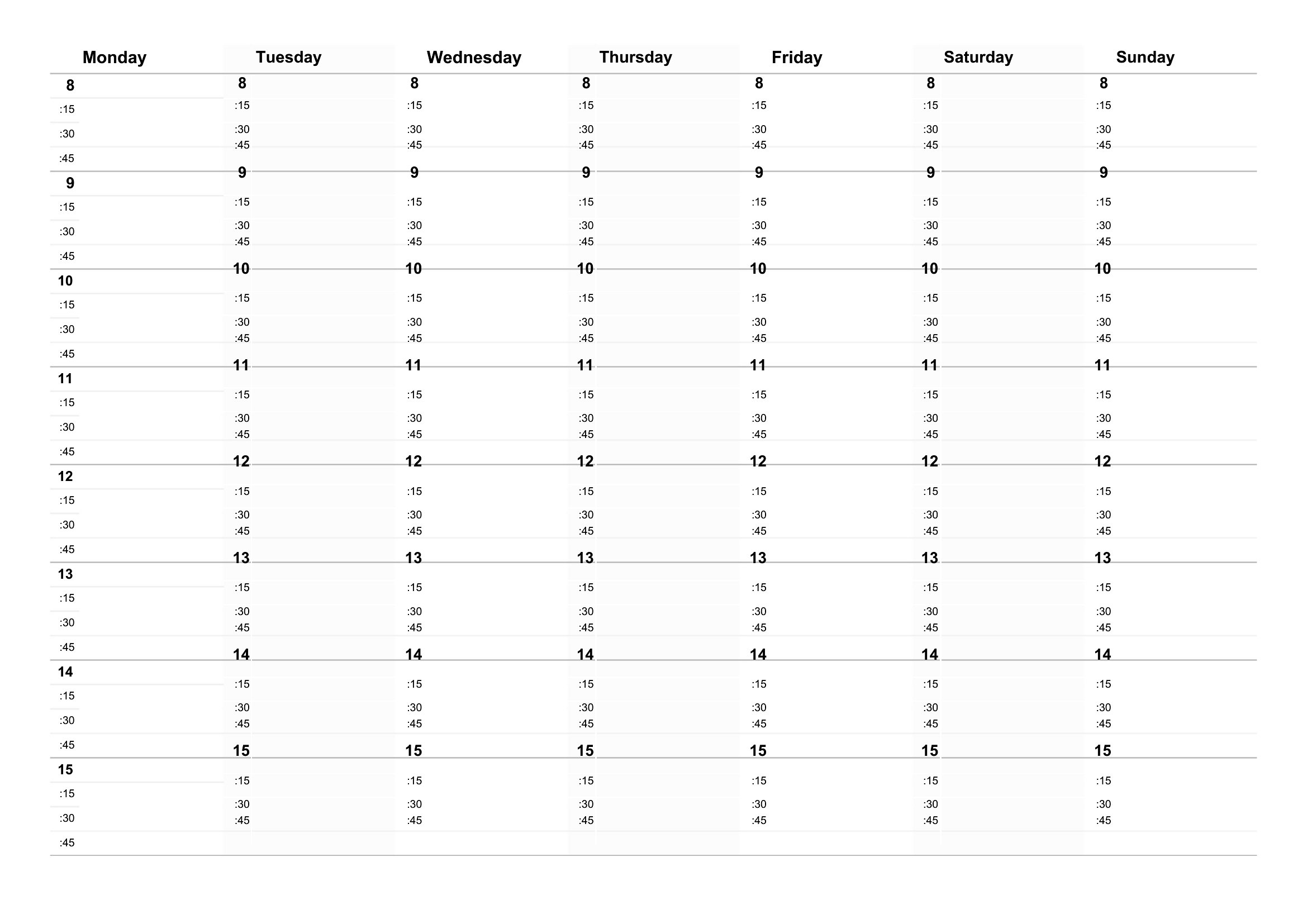
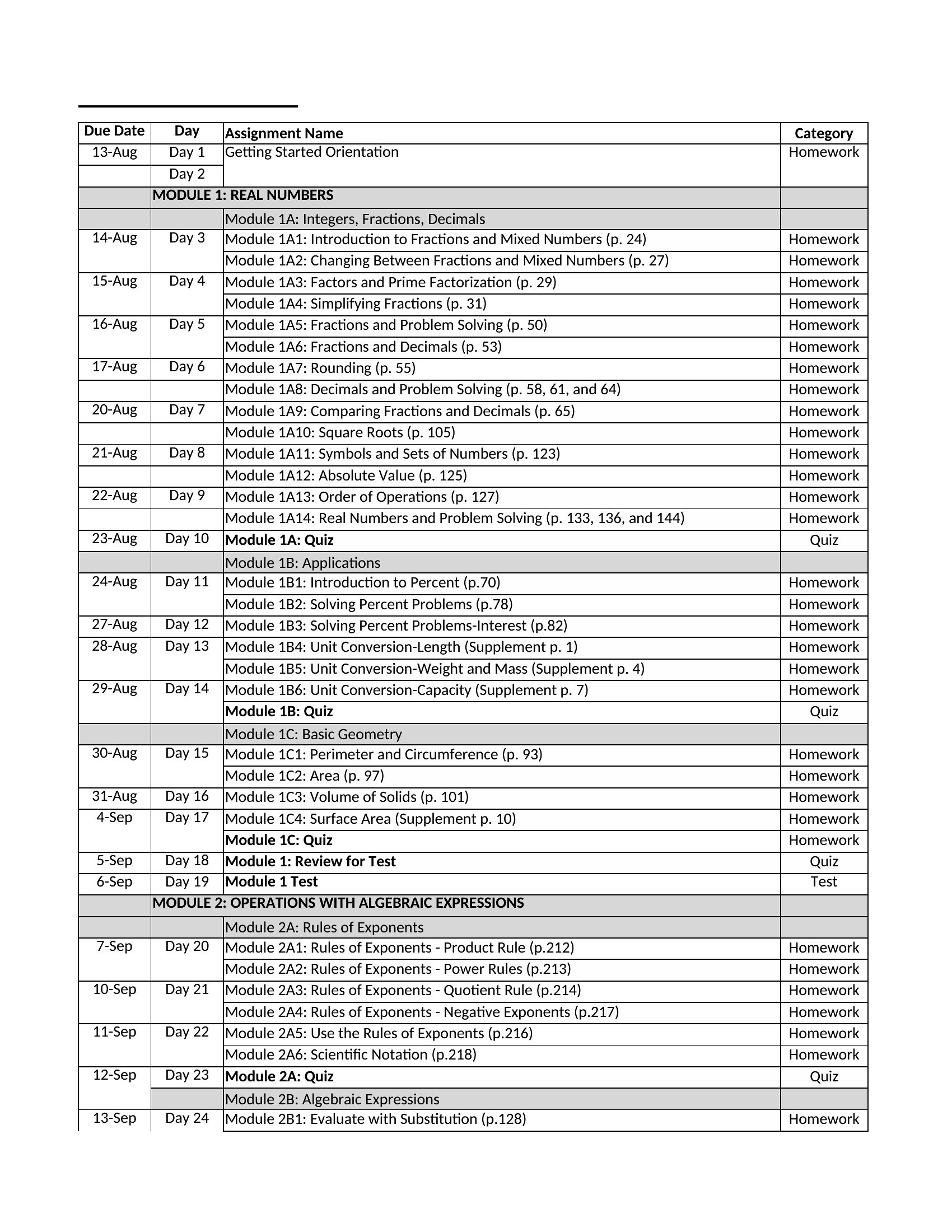
Time Blocker
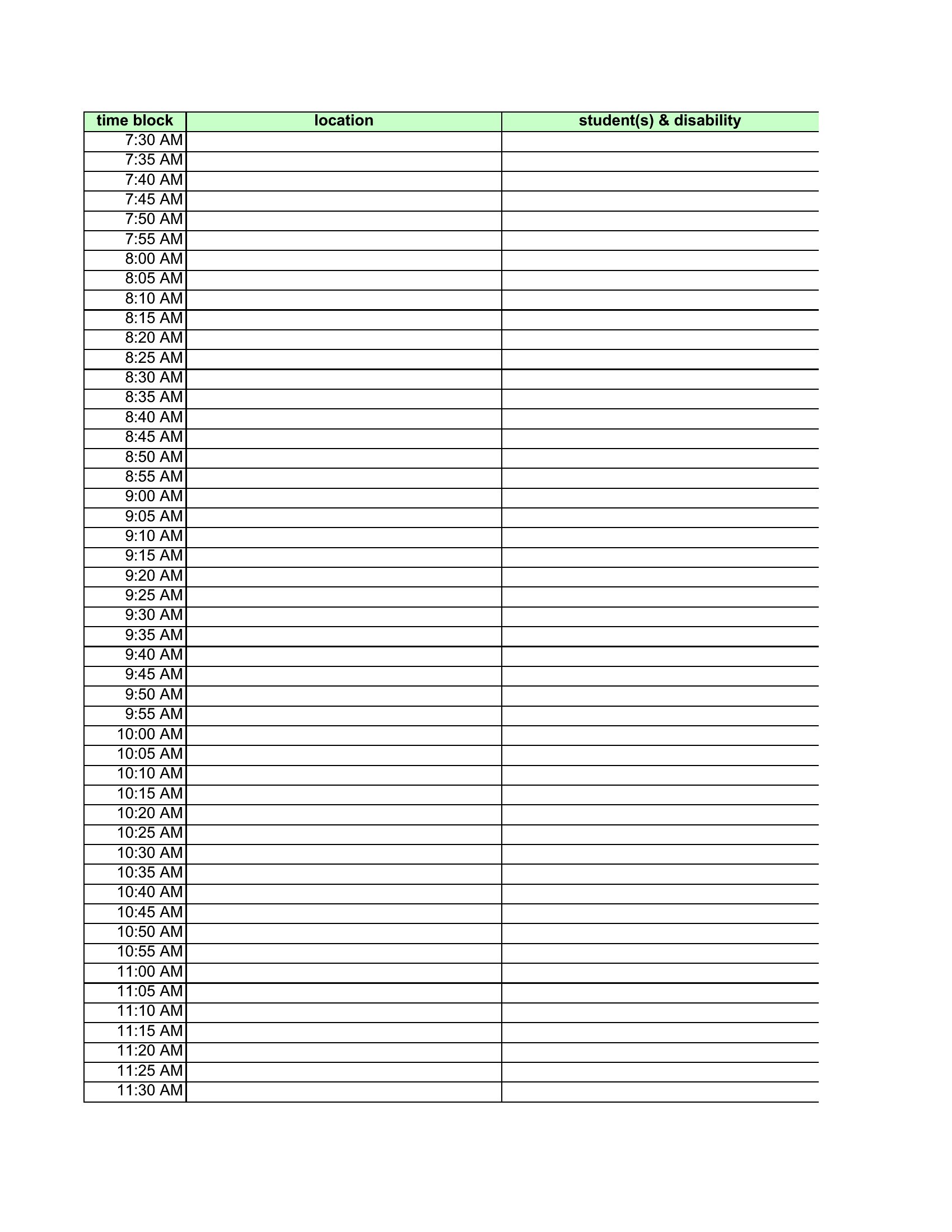
Time Blocks
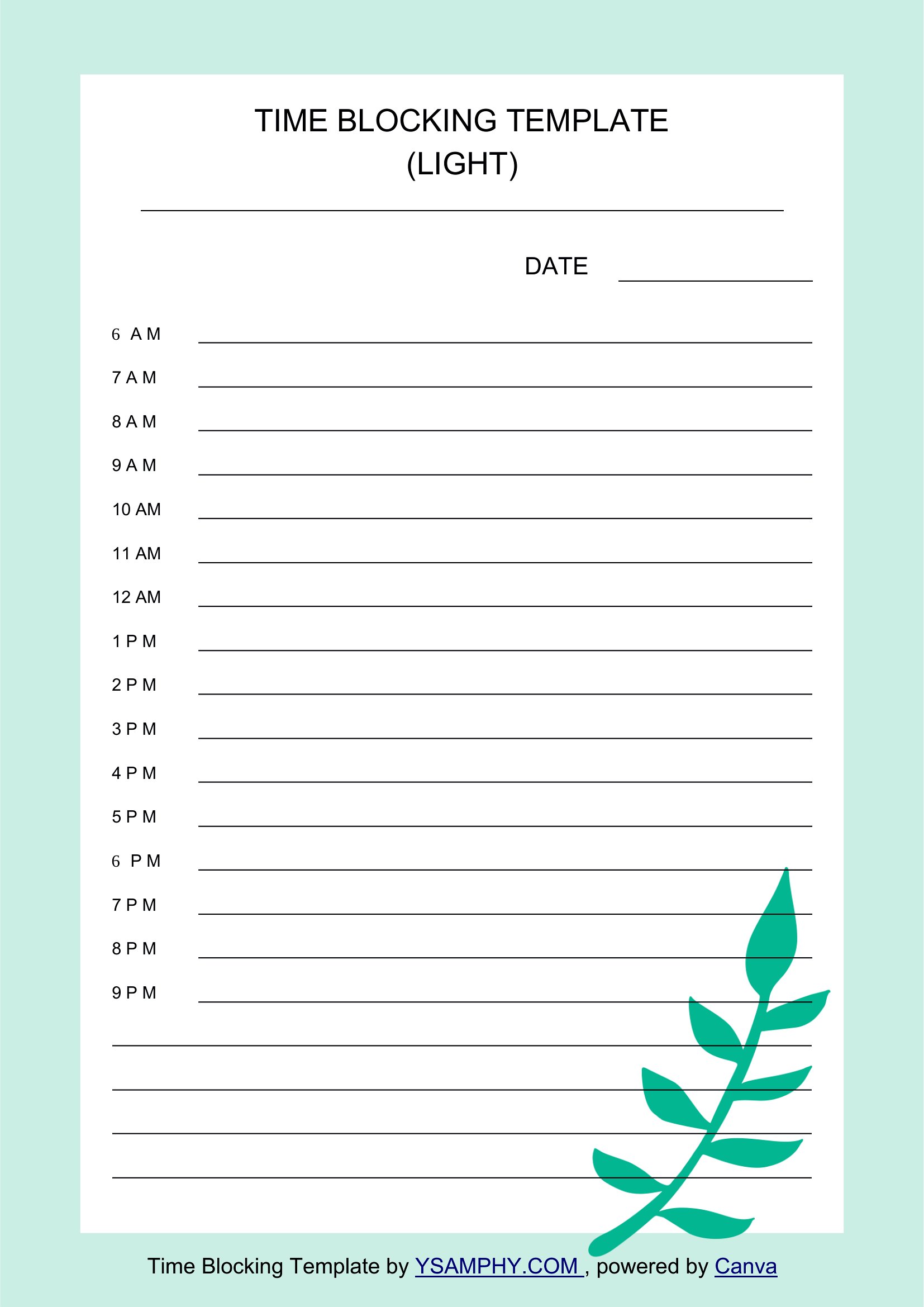
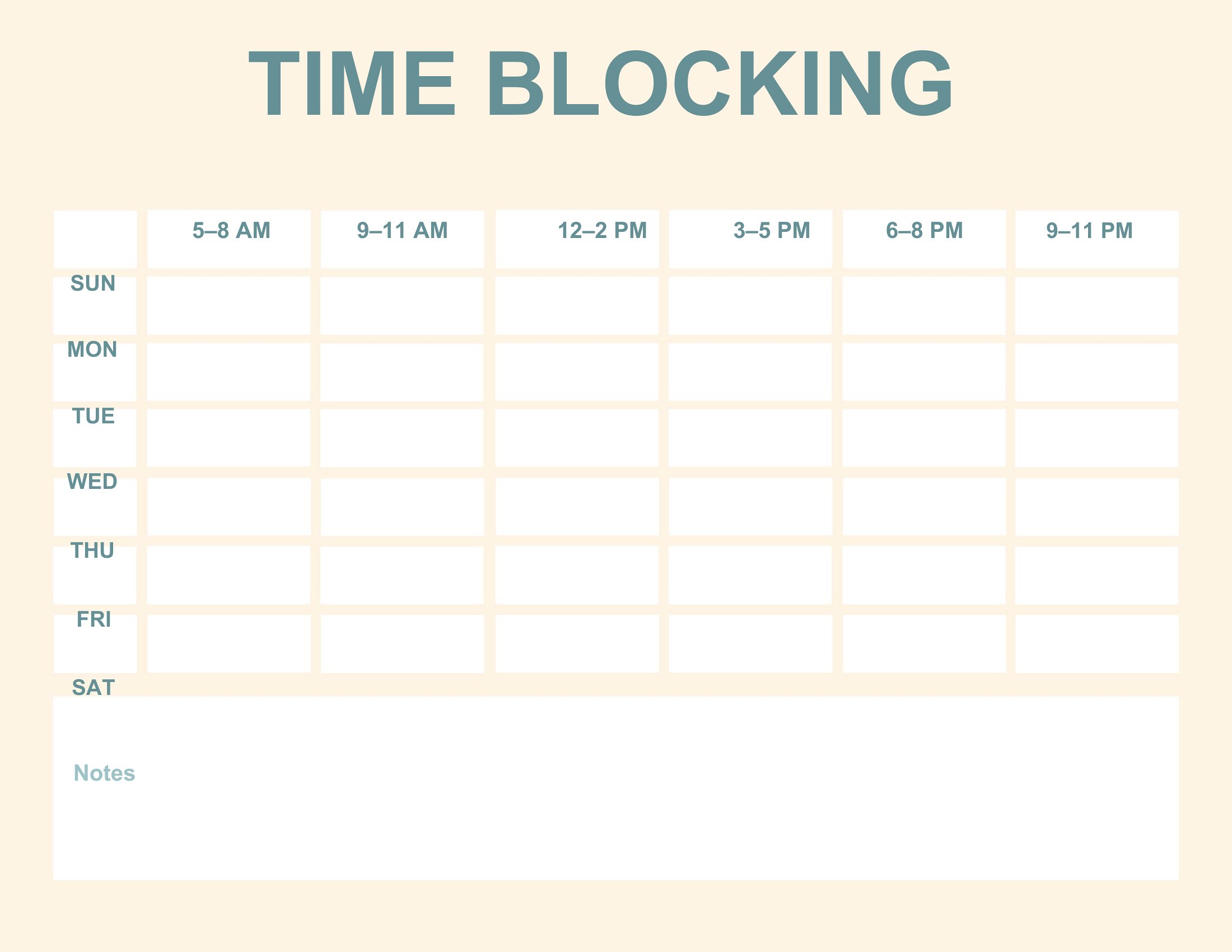
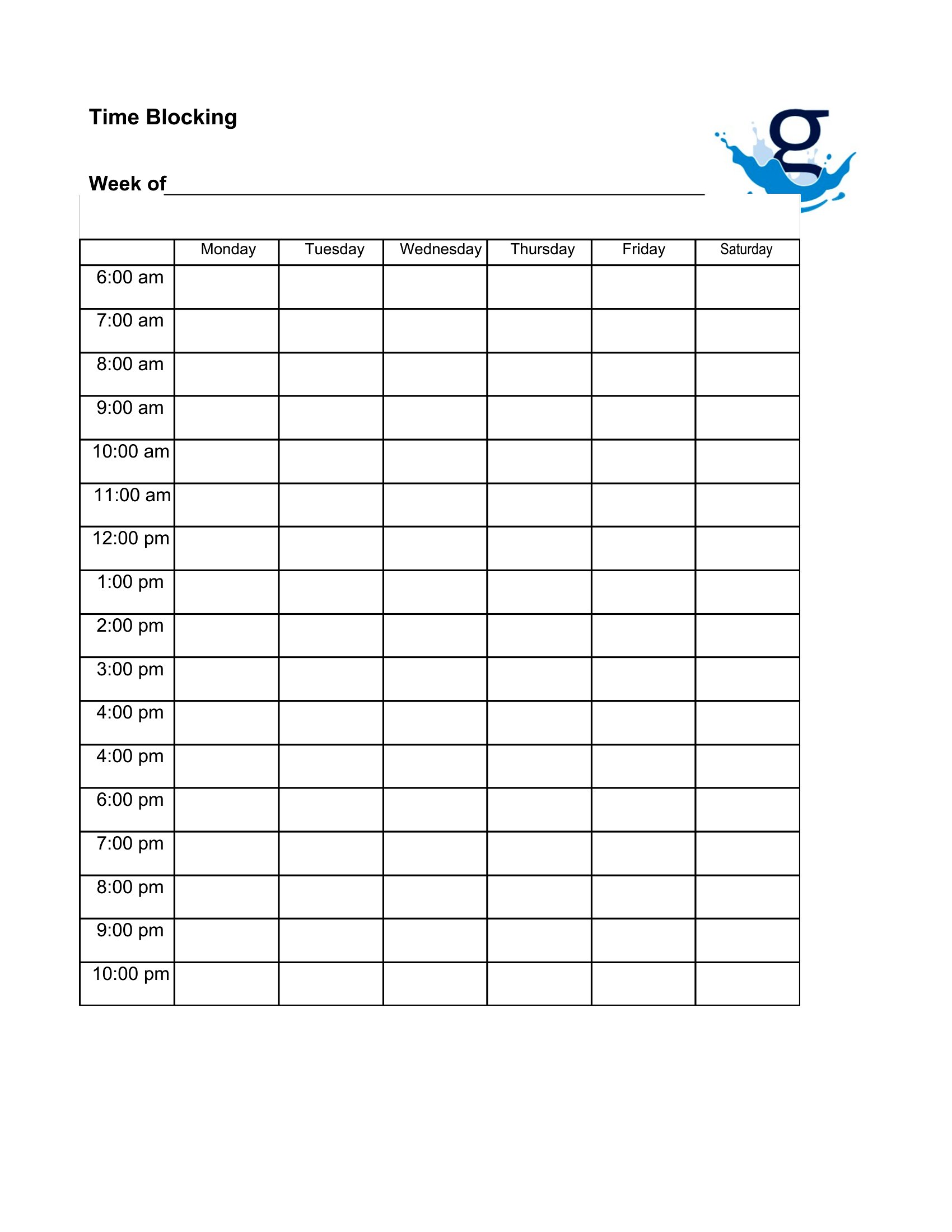
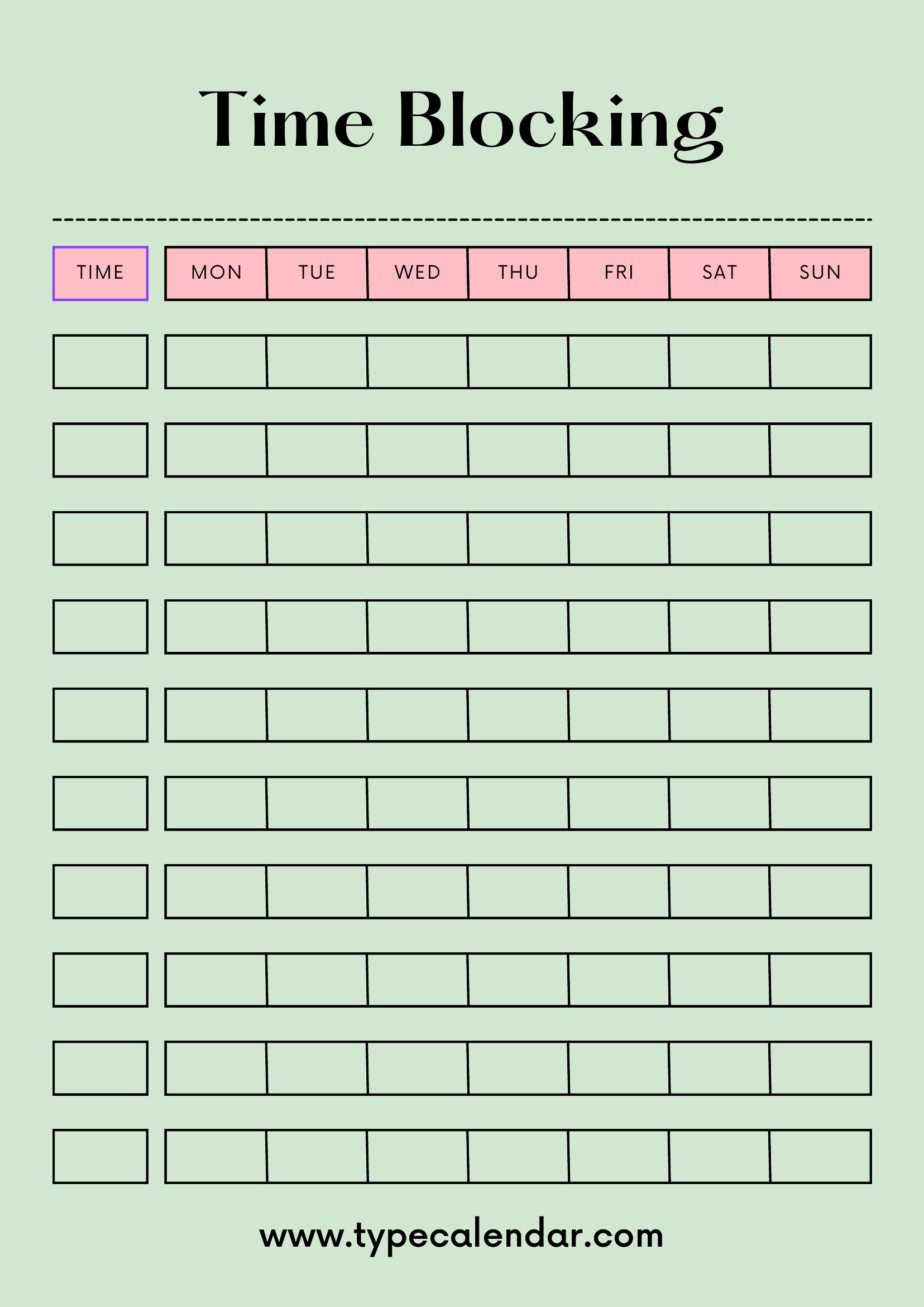
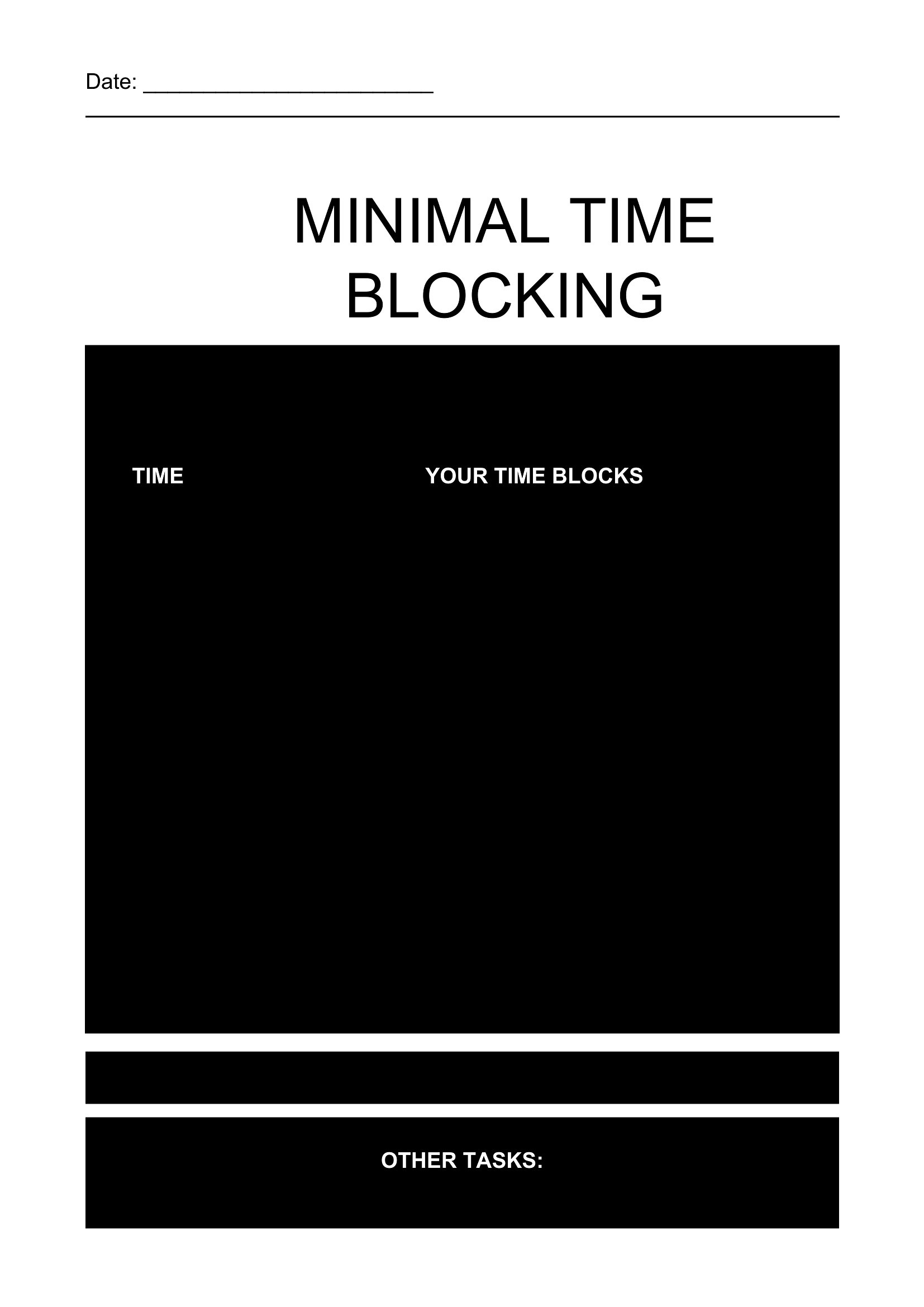
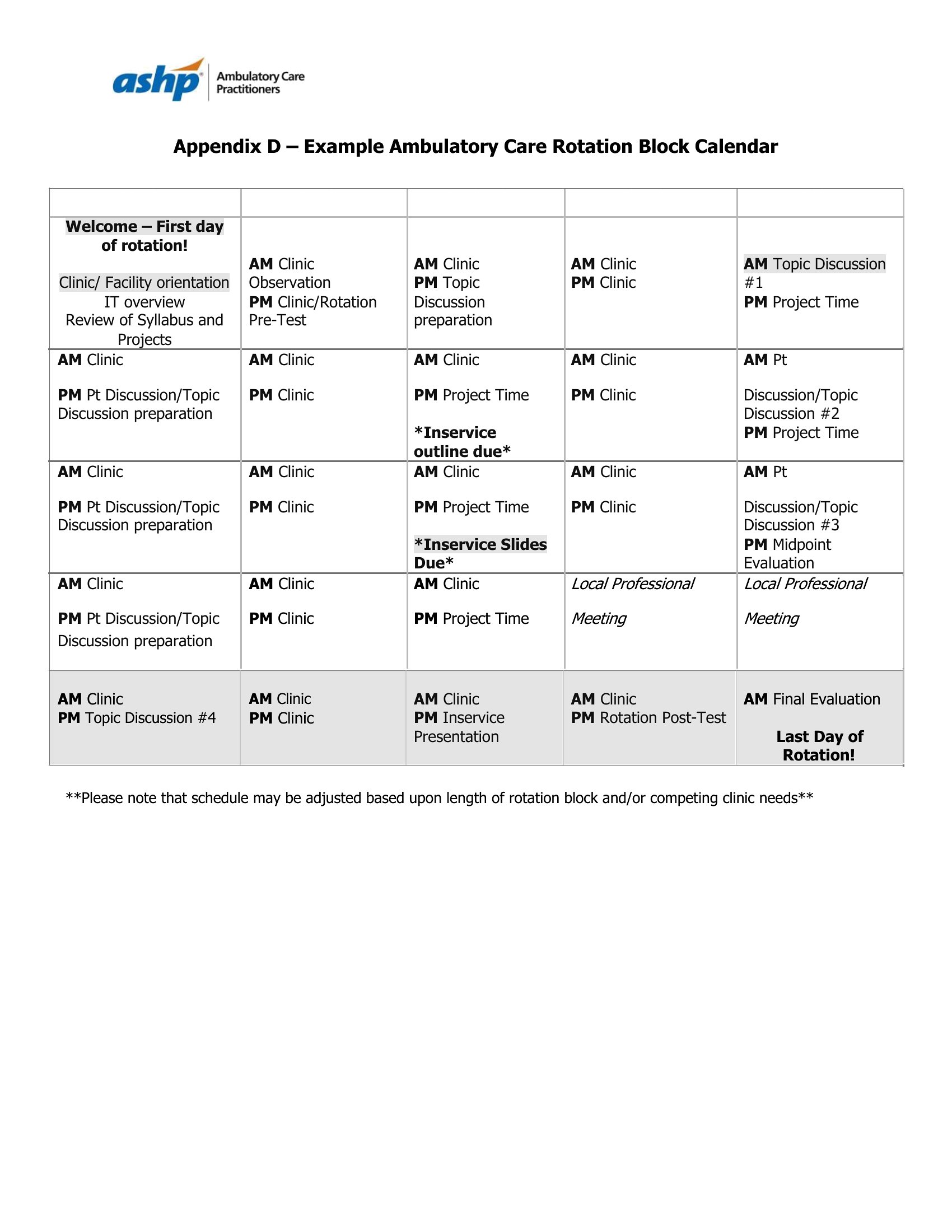
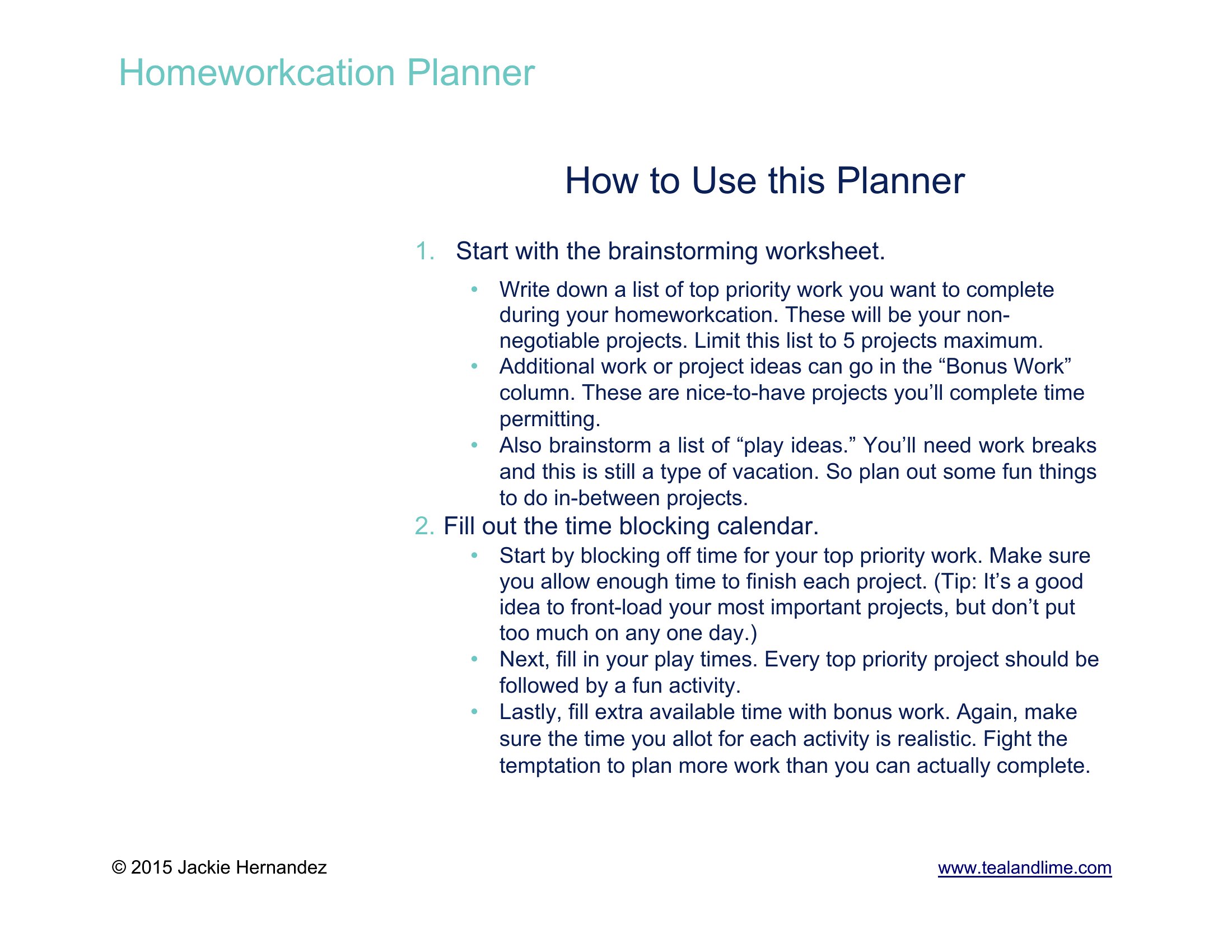
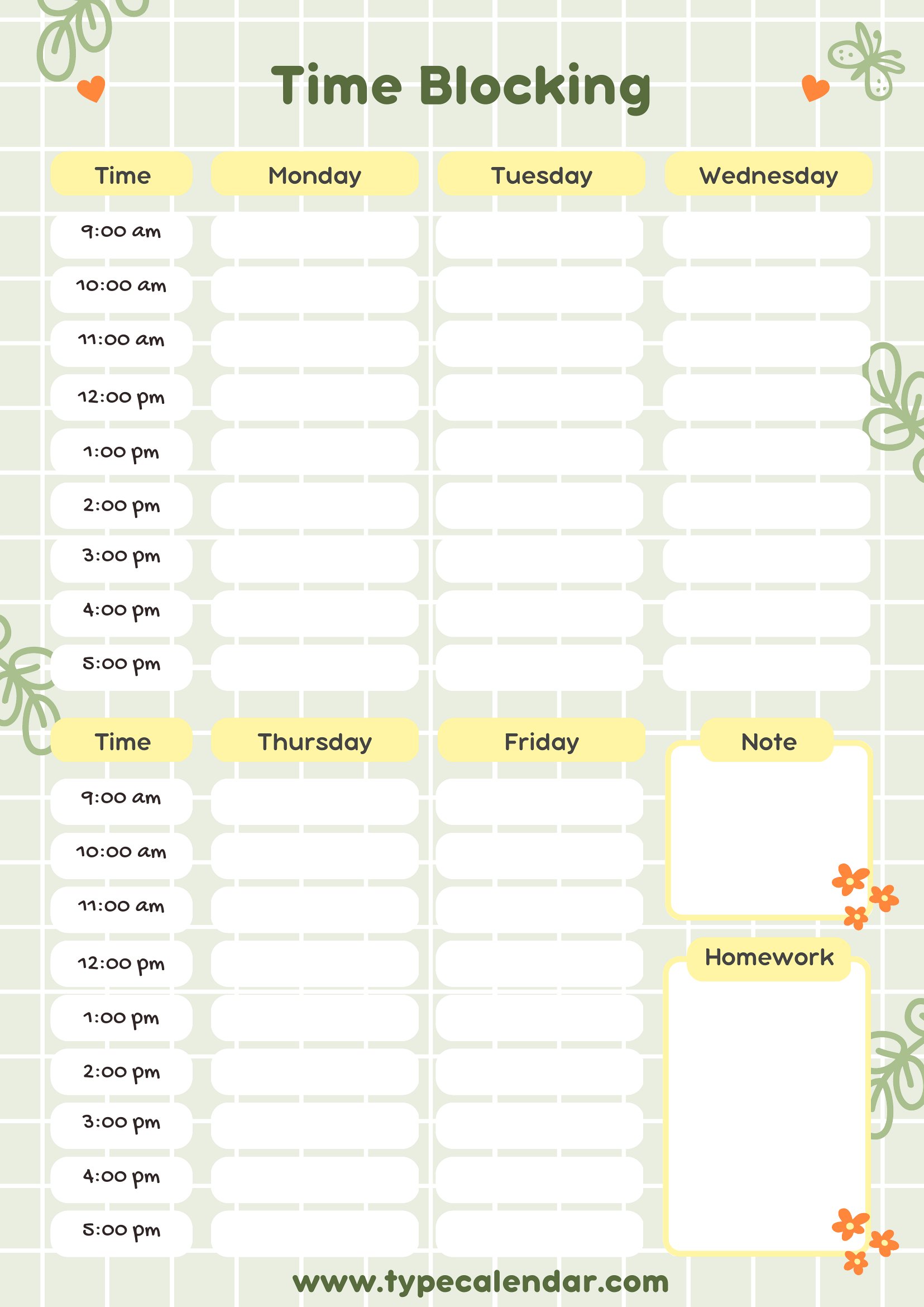
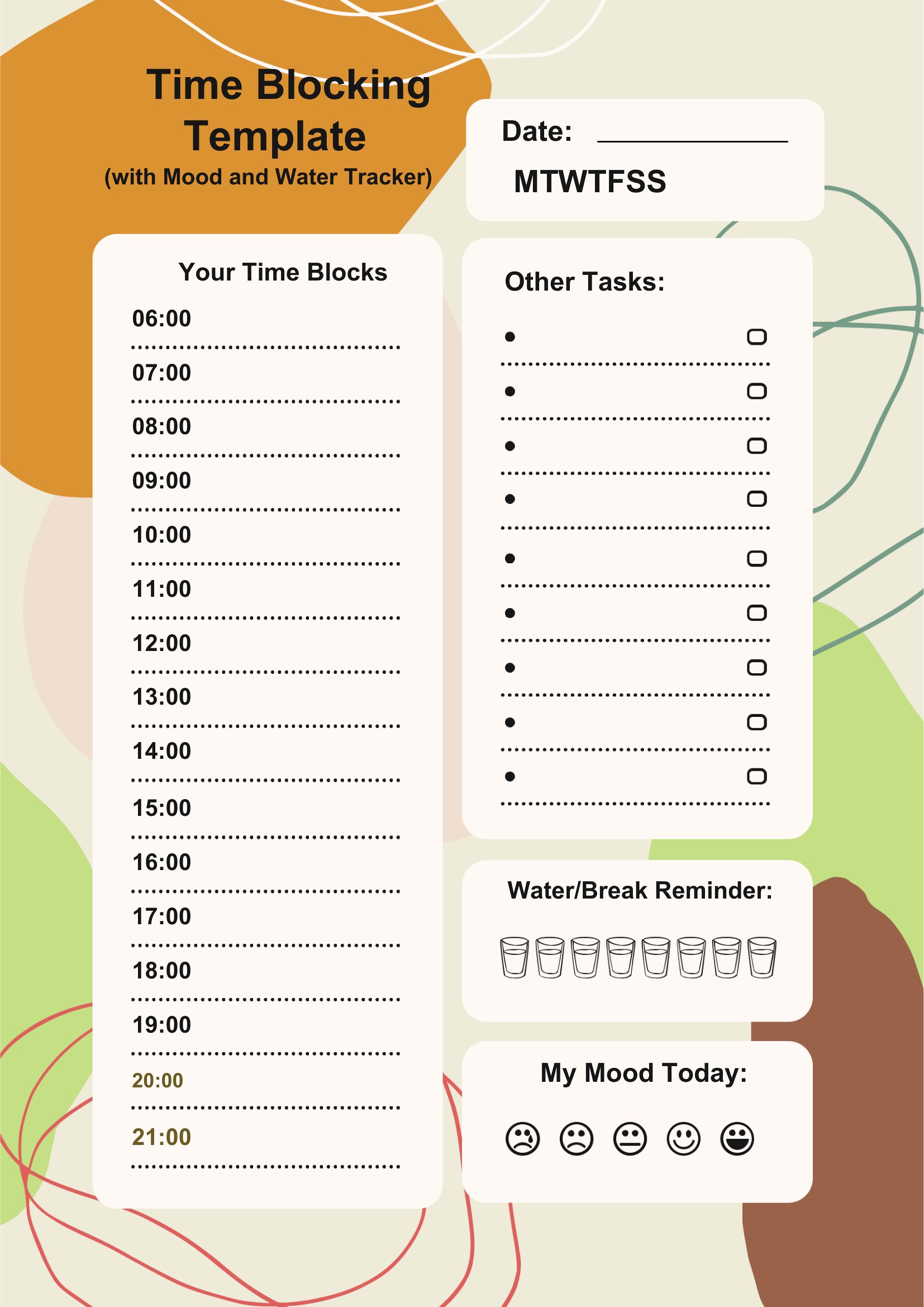
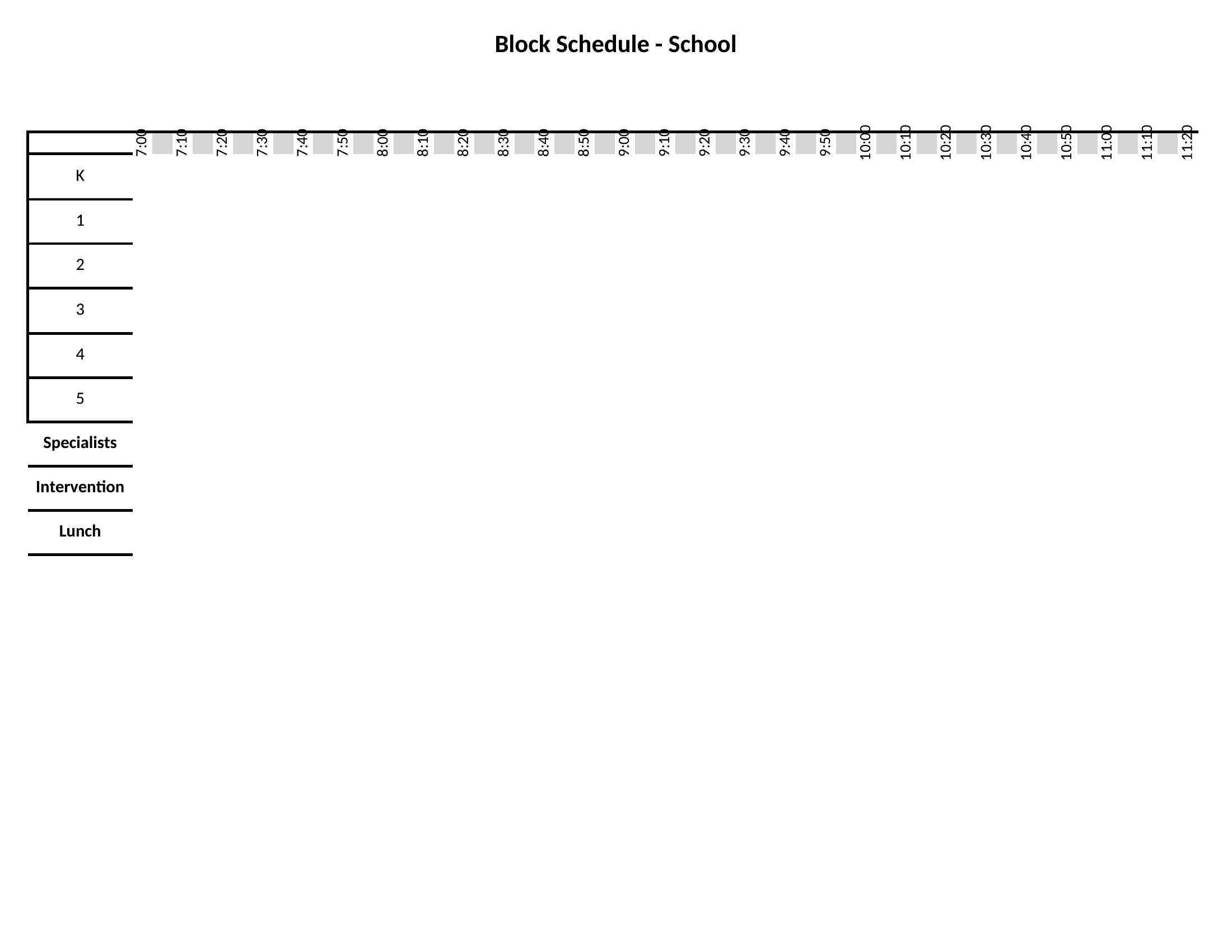
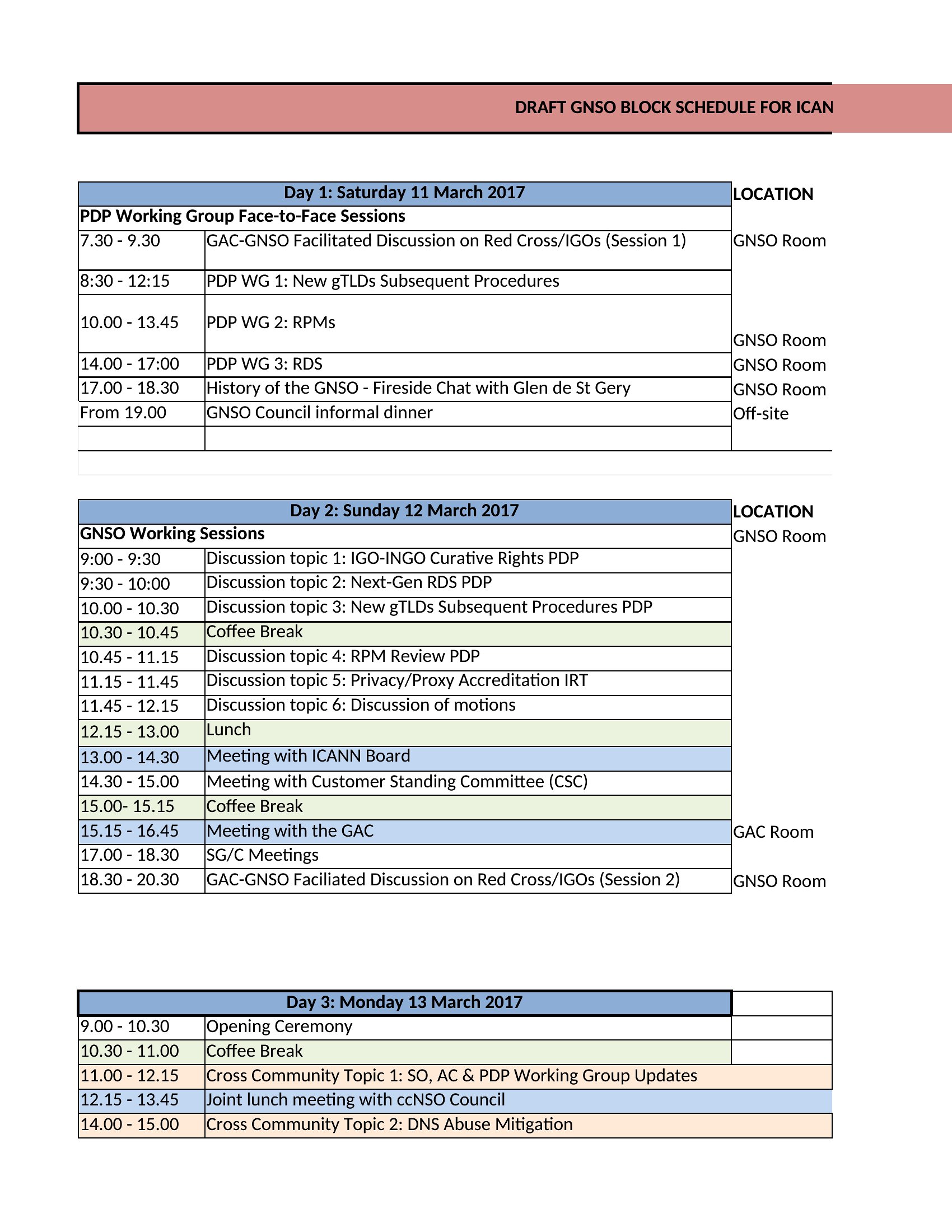
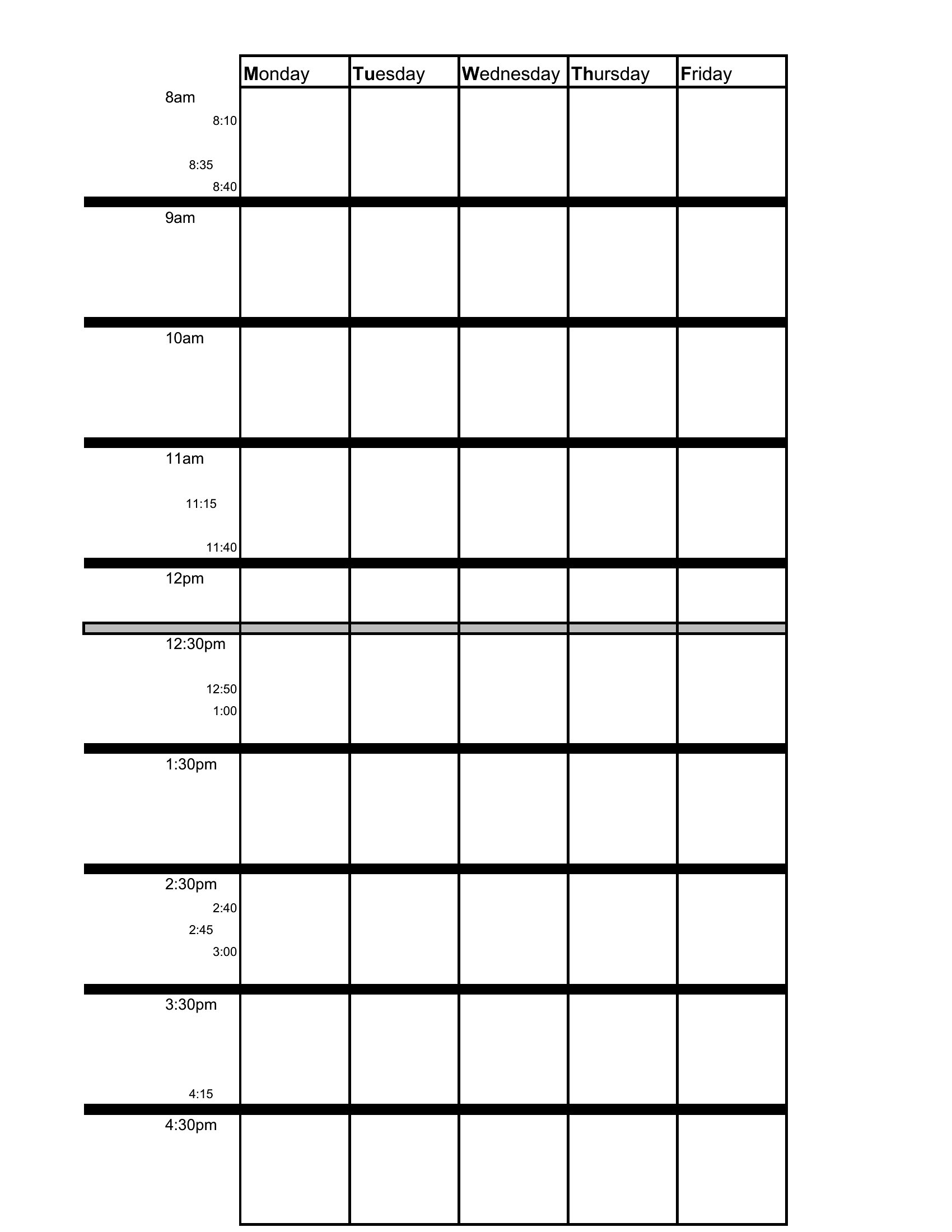
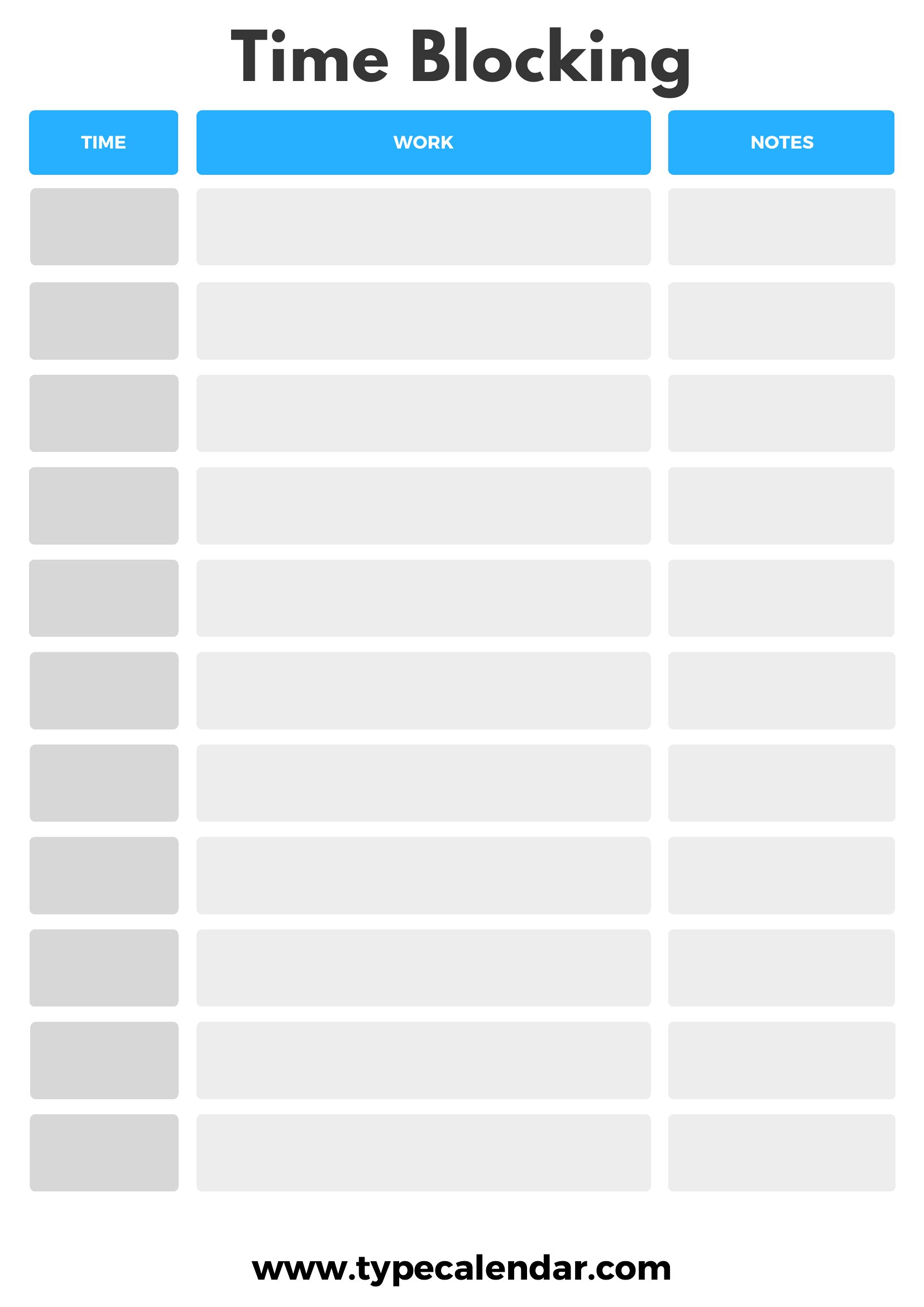
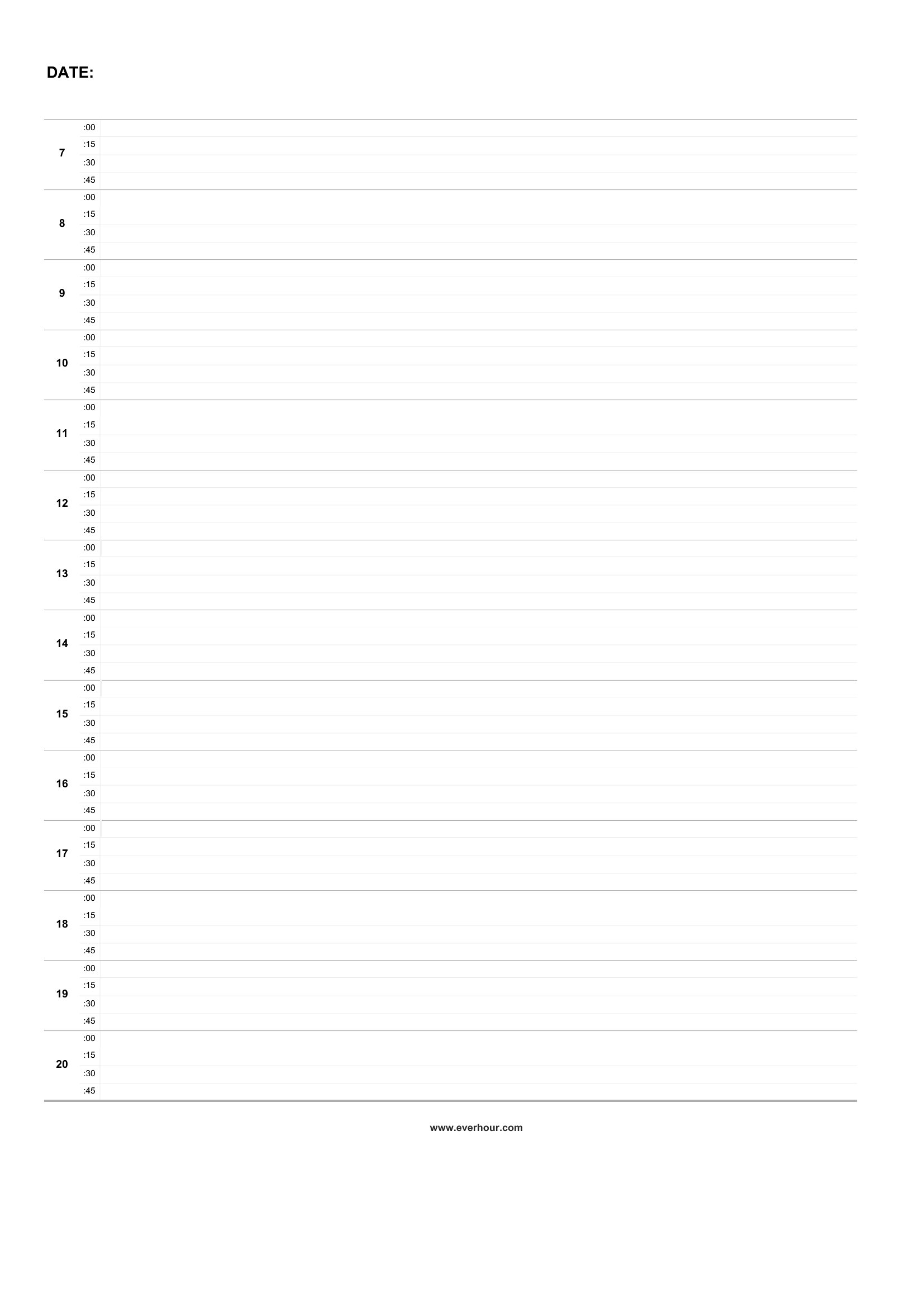
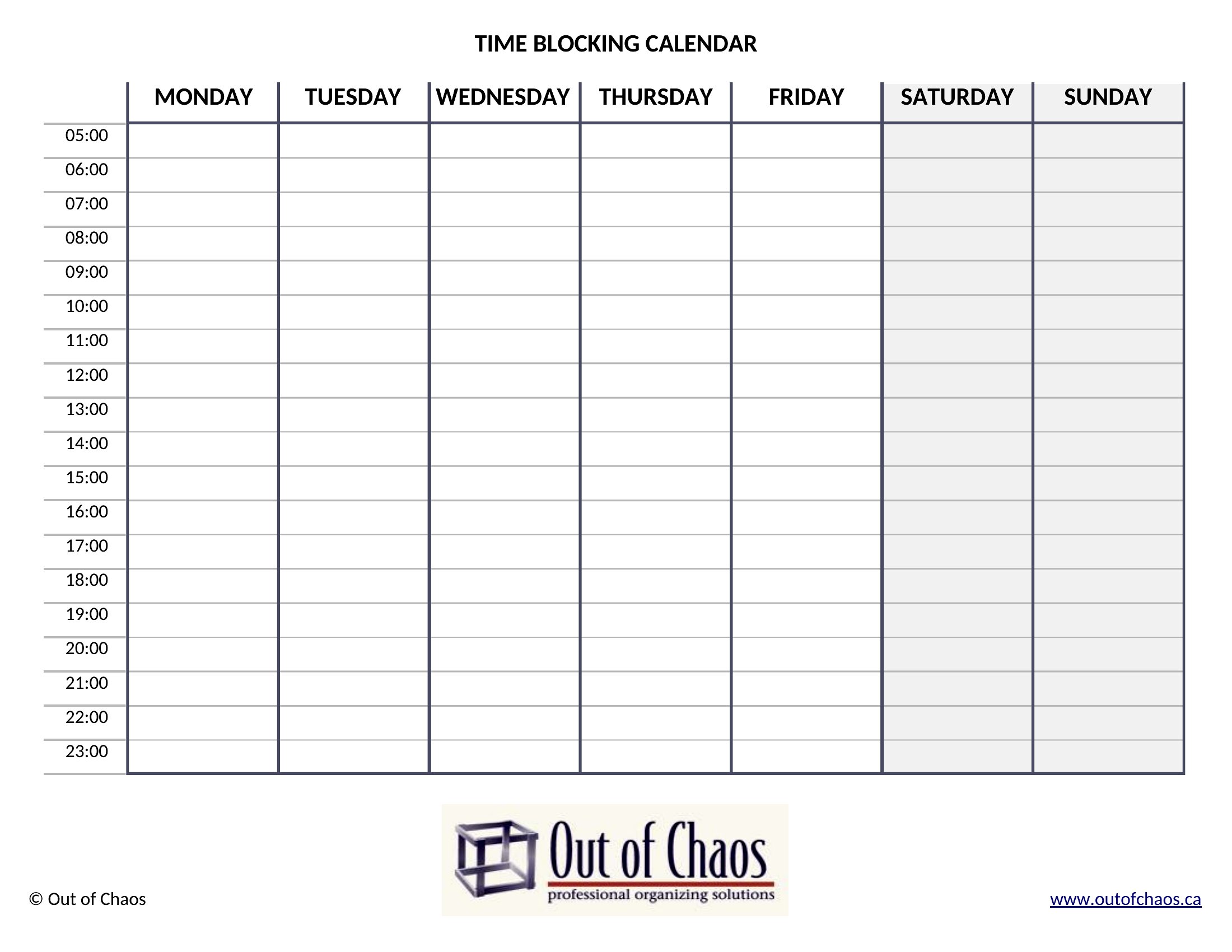
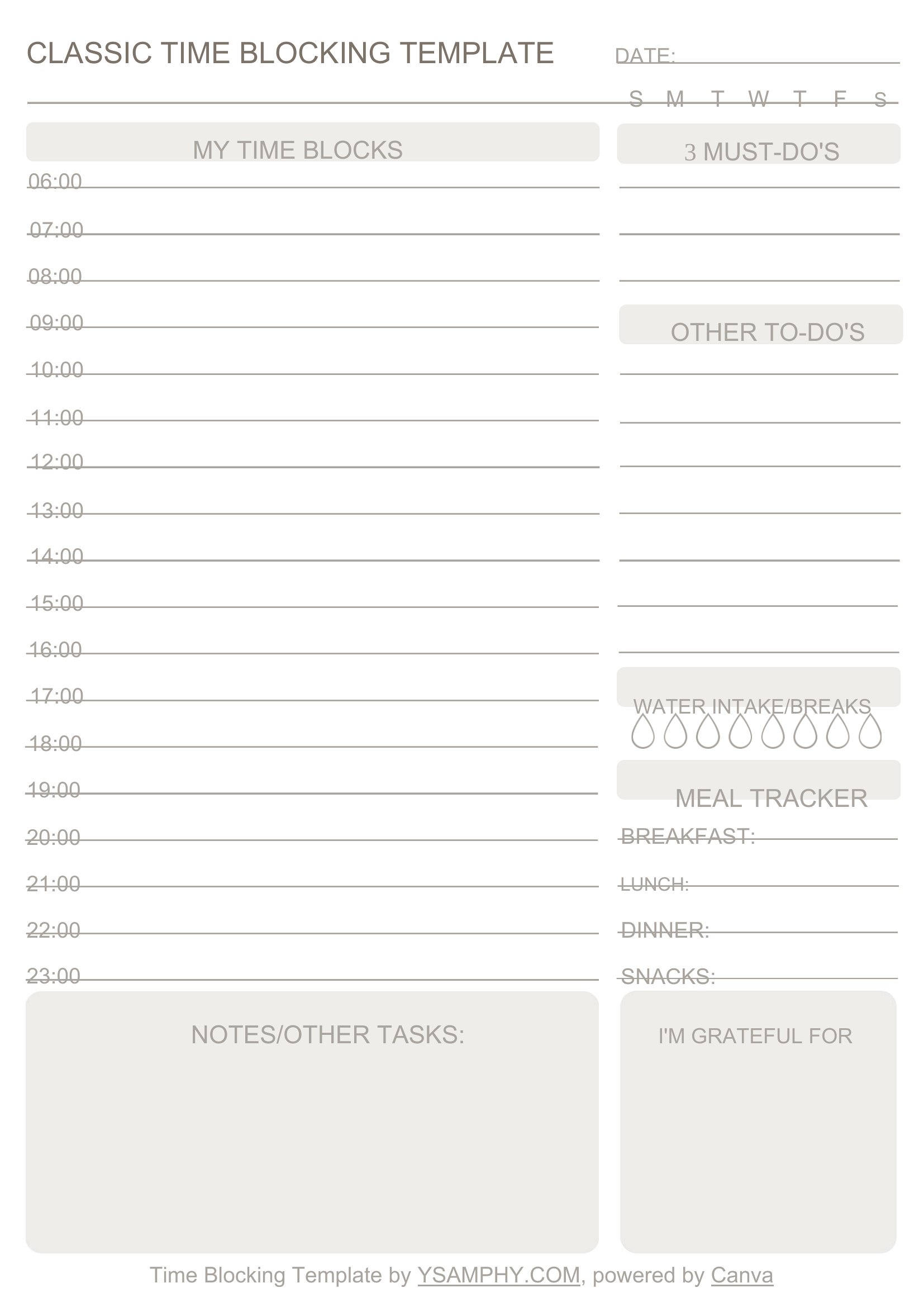
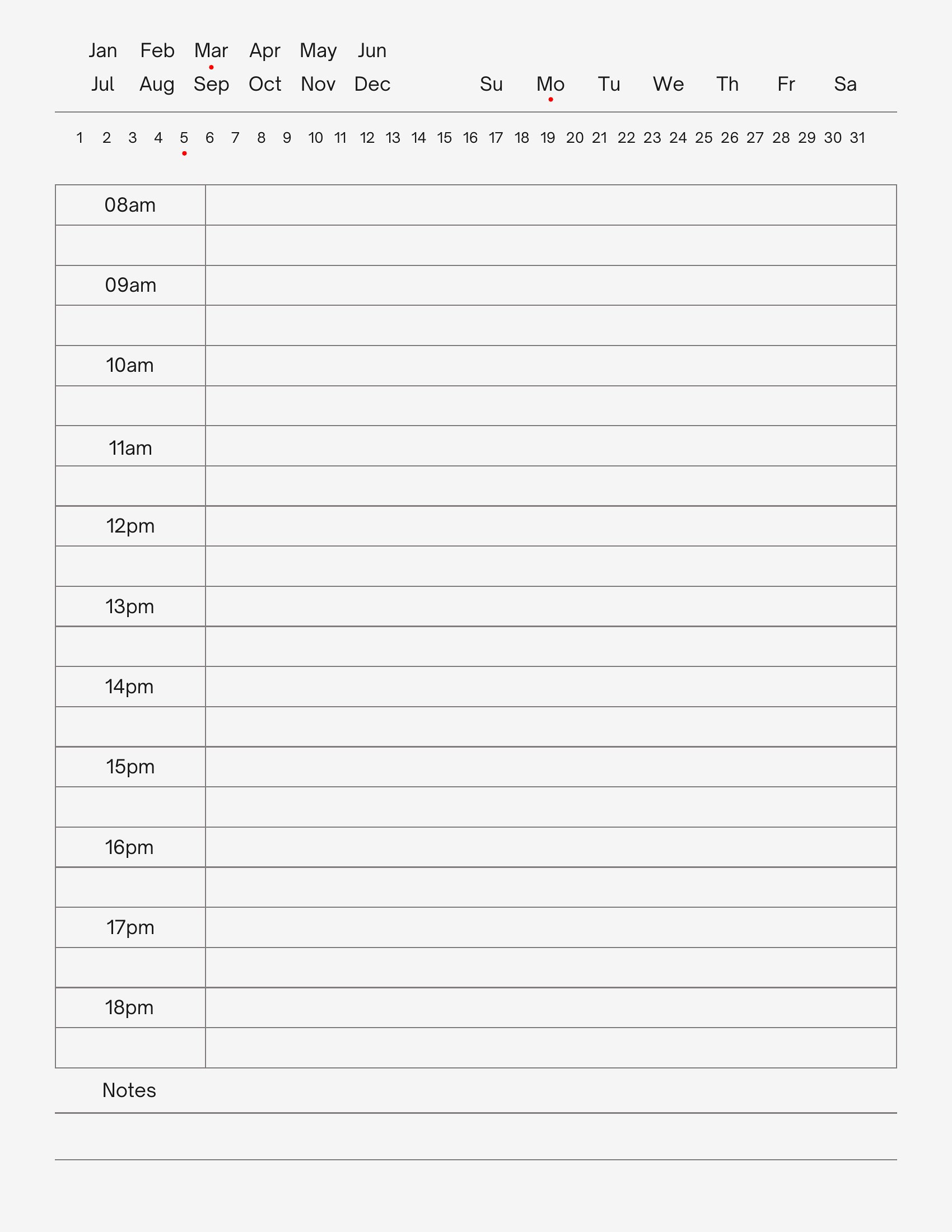
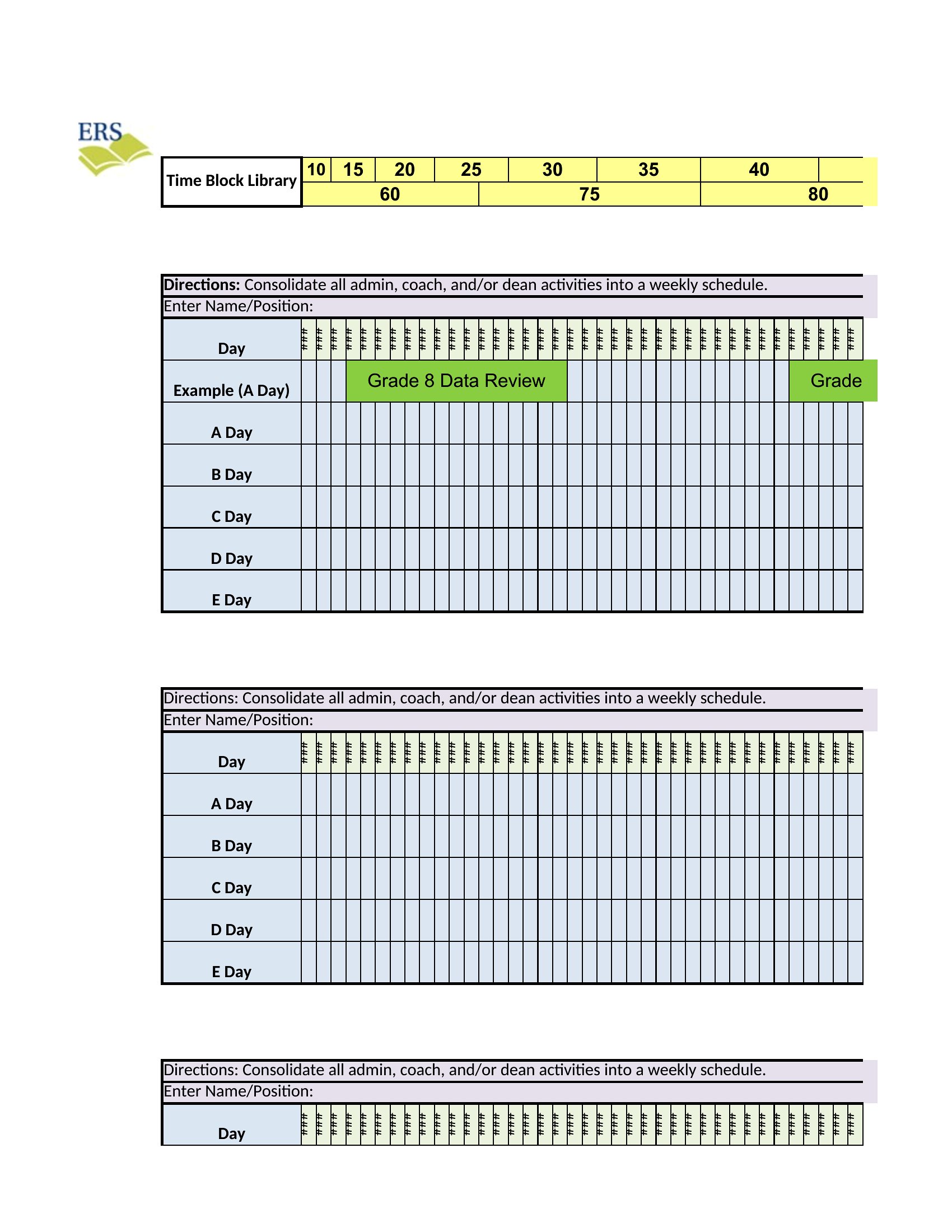
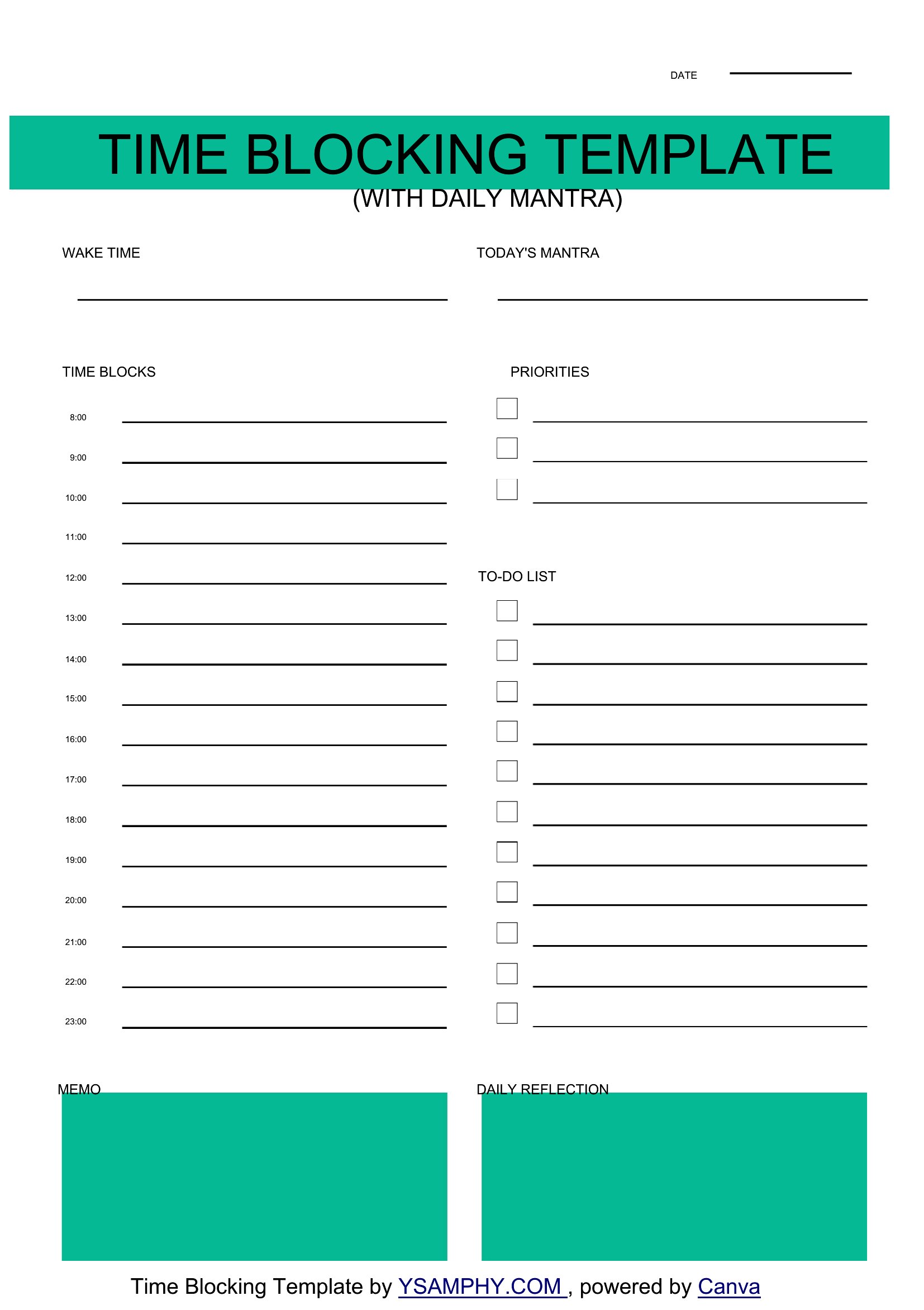
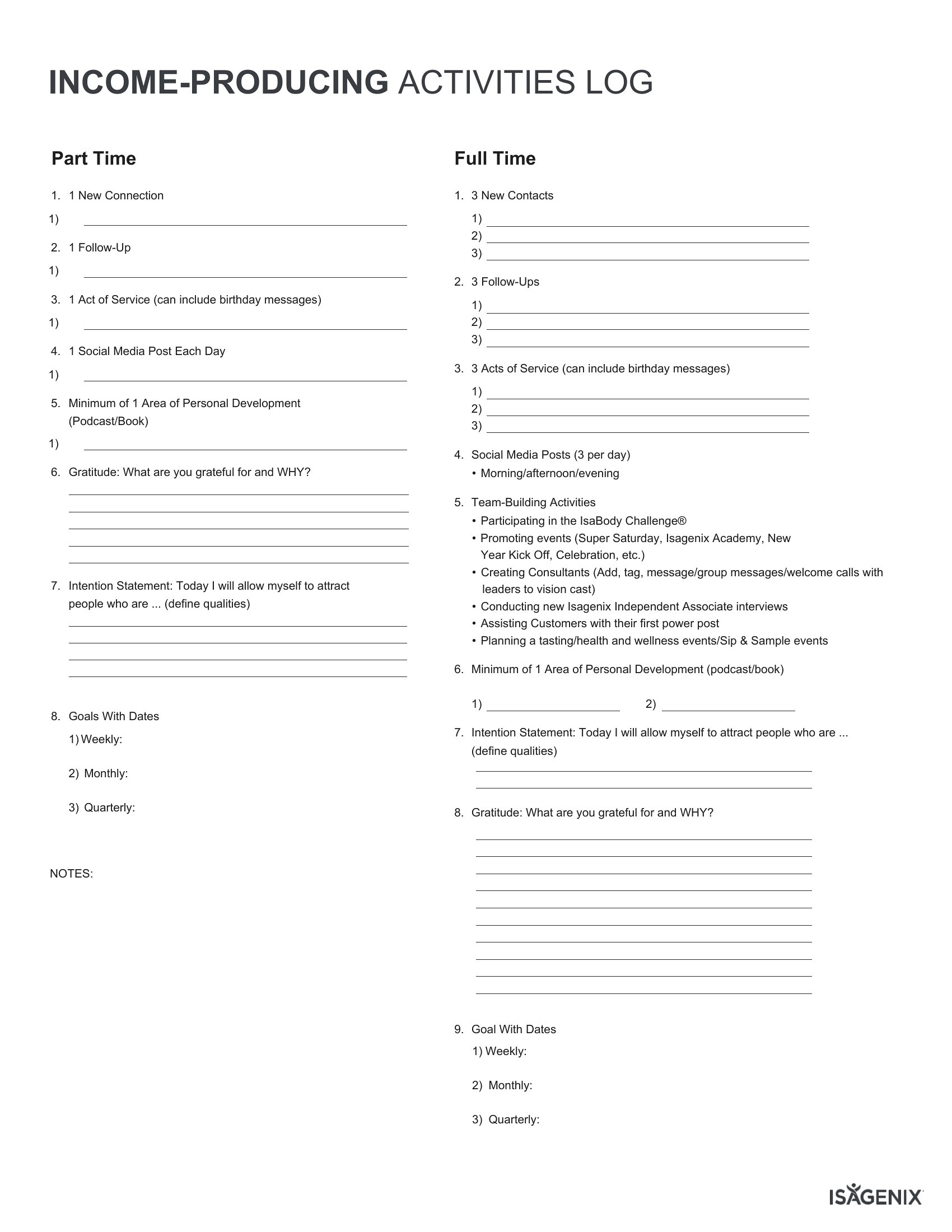
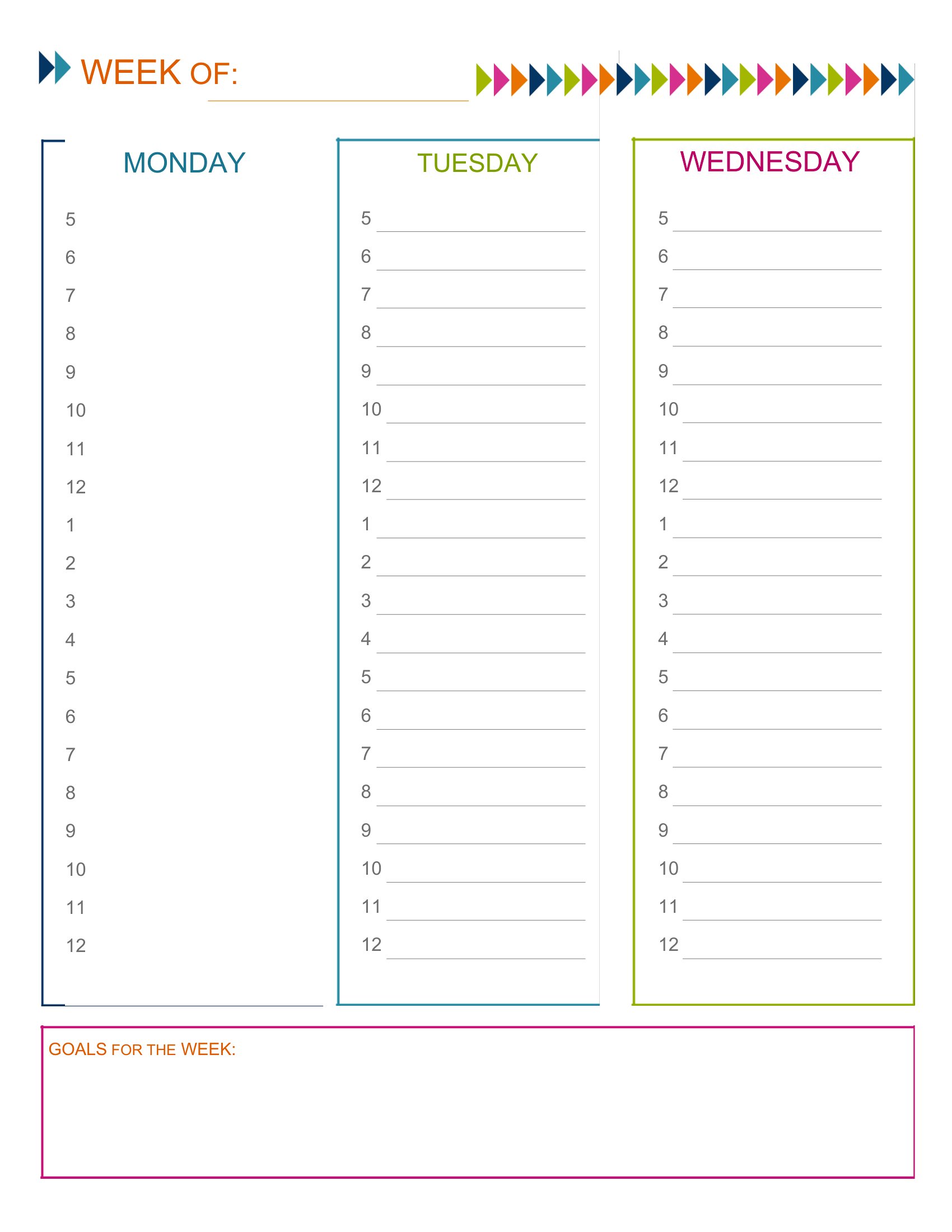
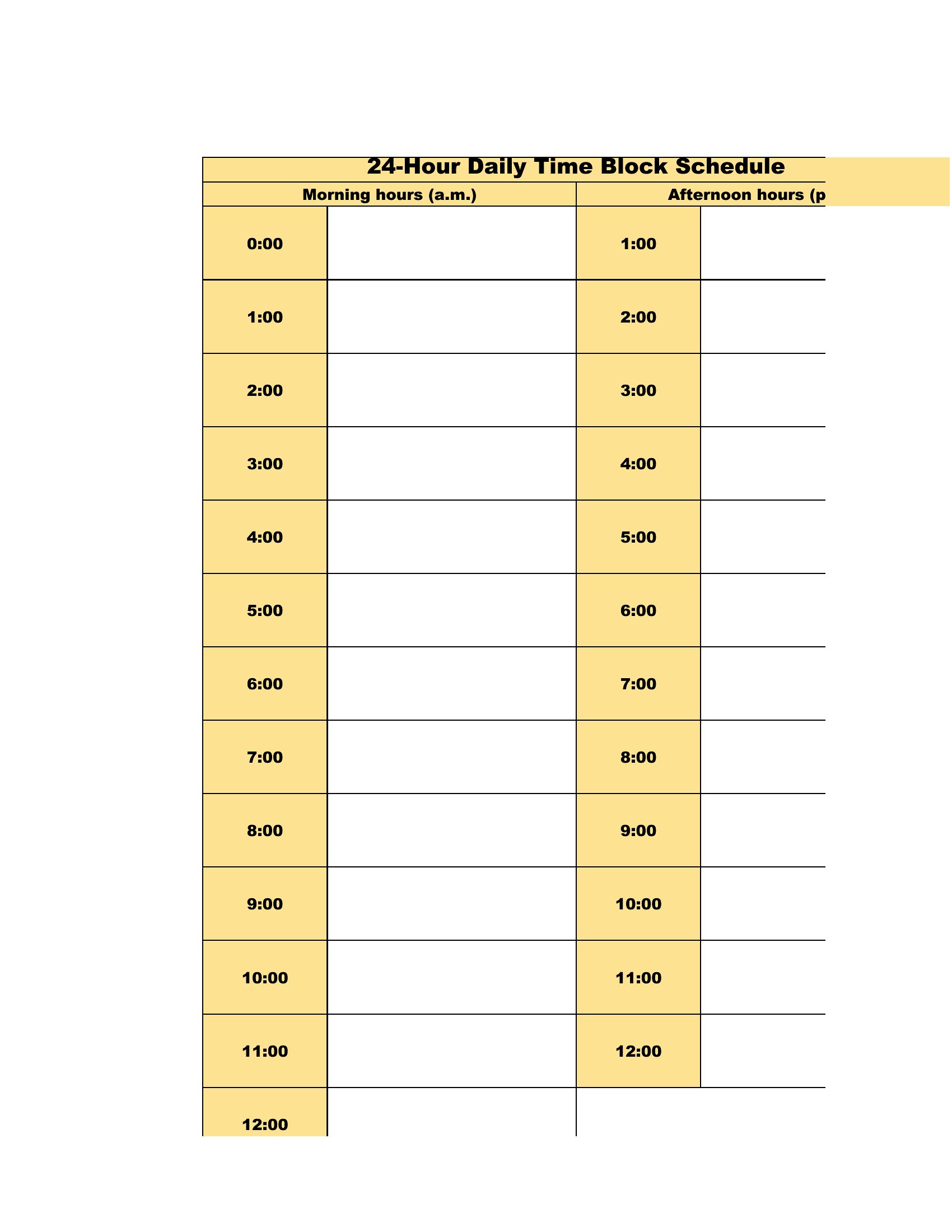
Time Block
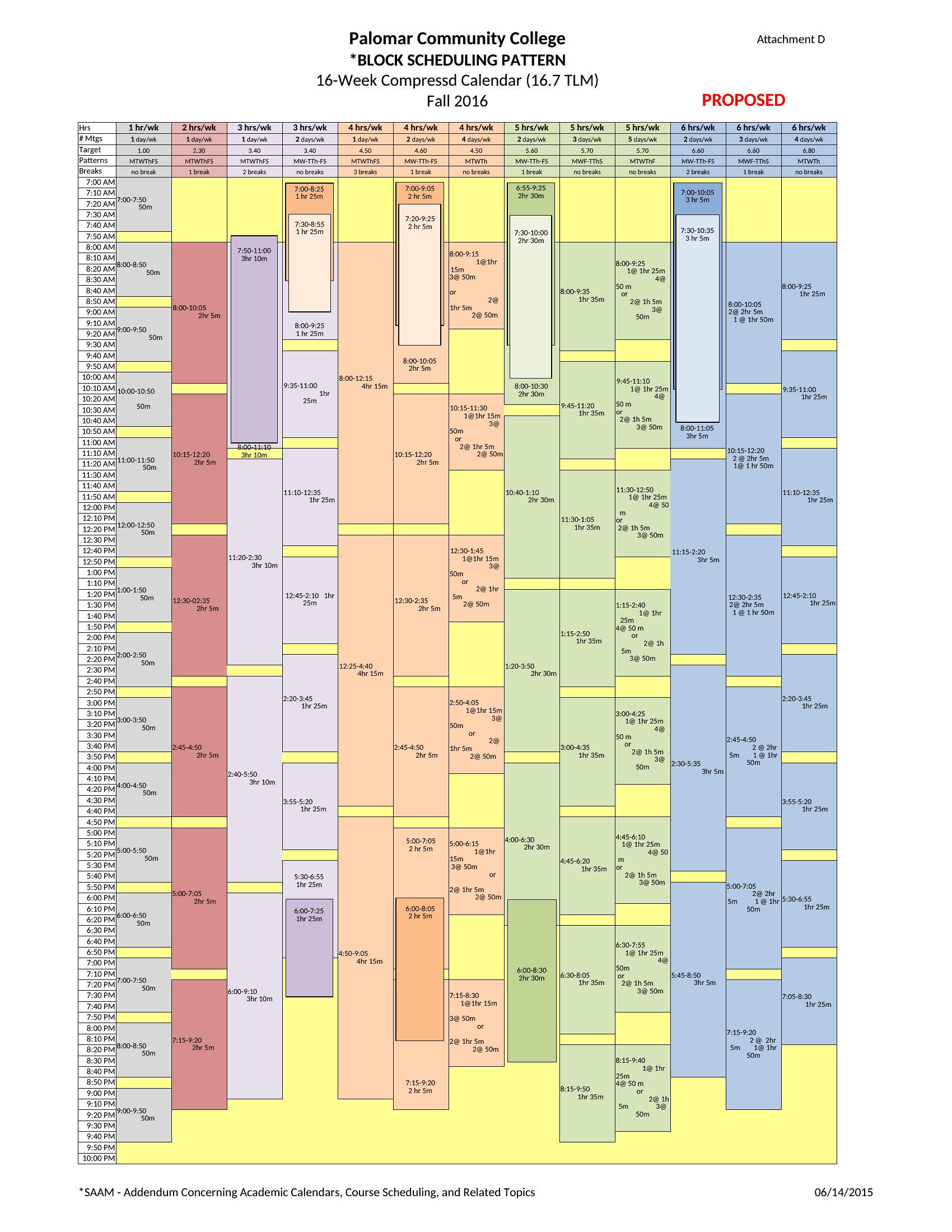
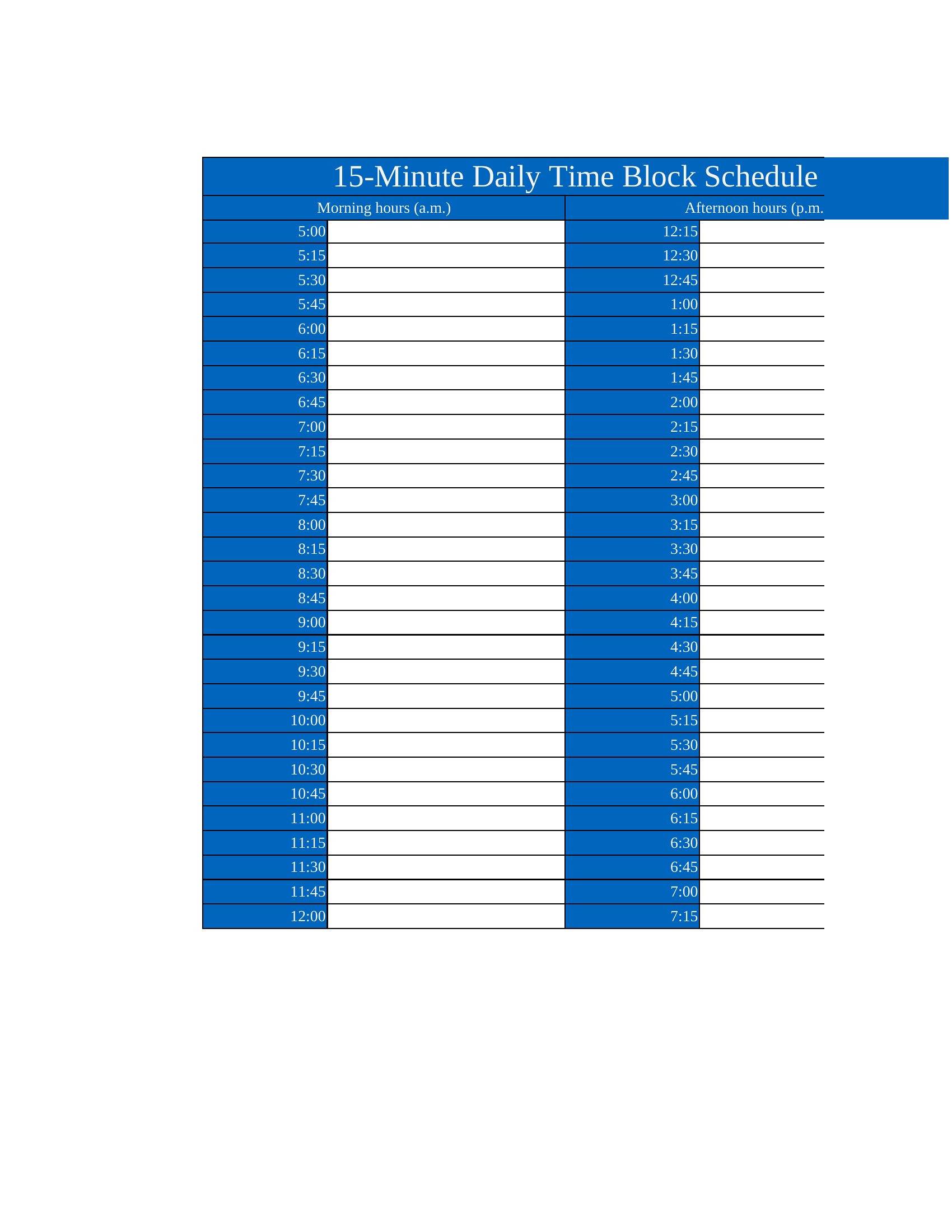
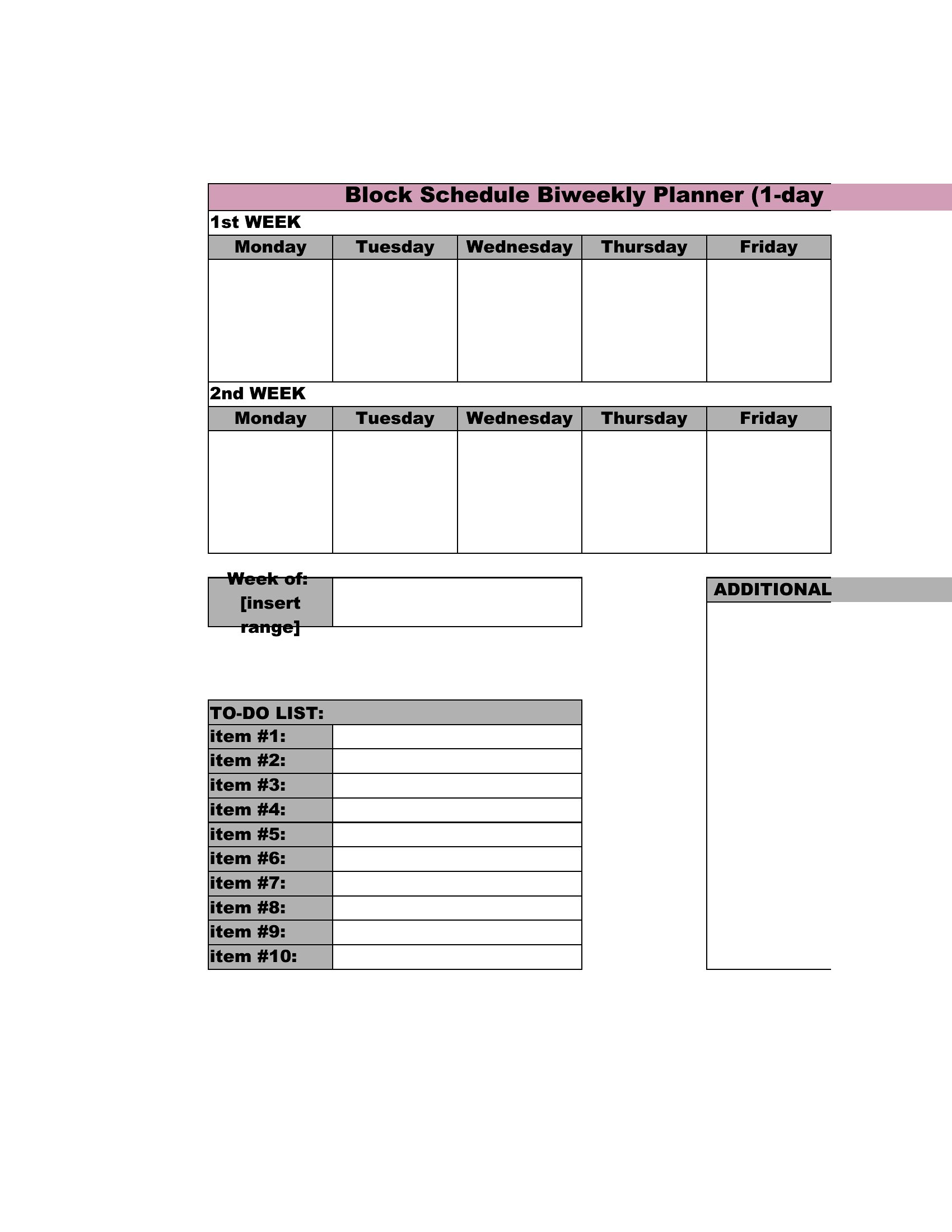

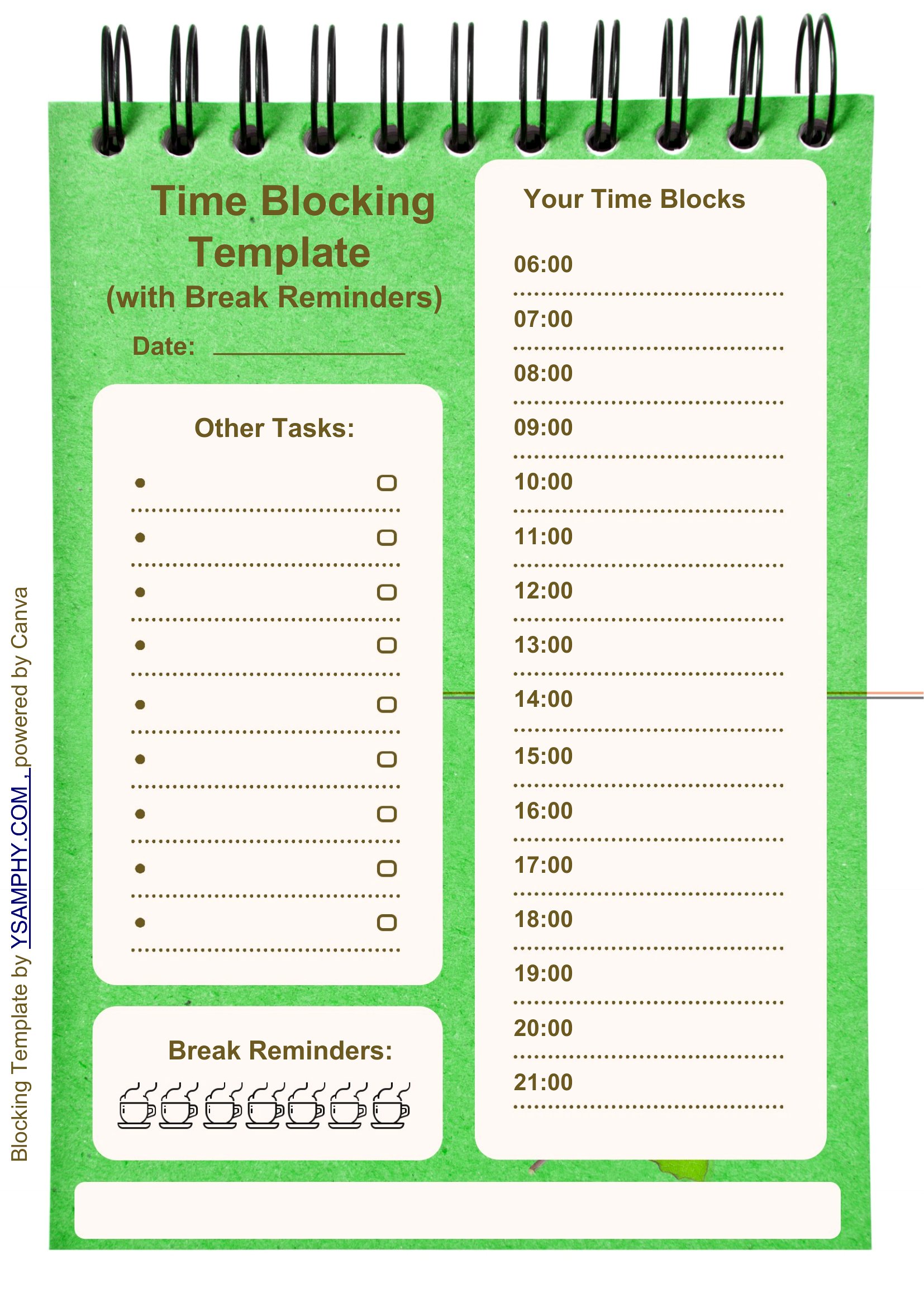
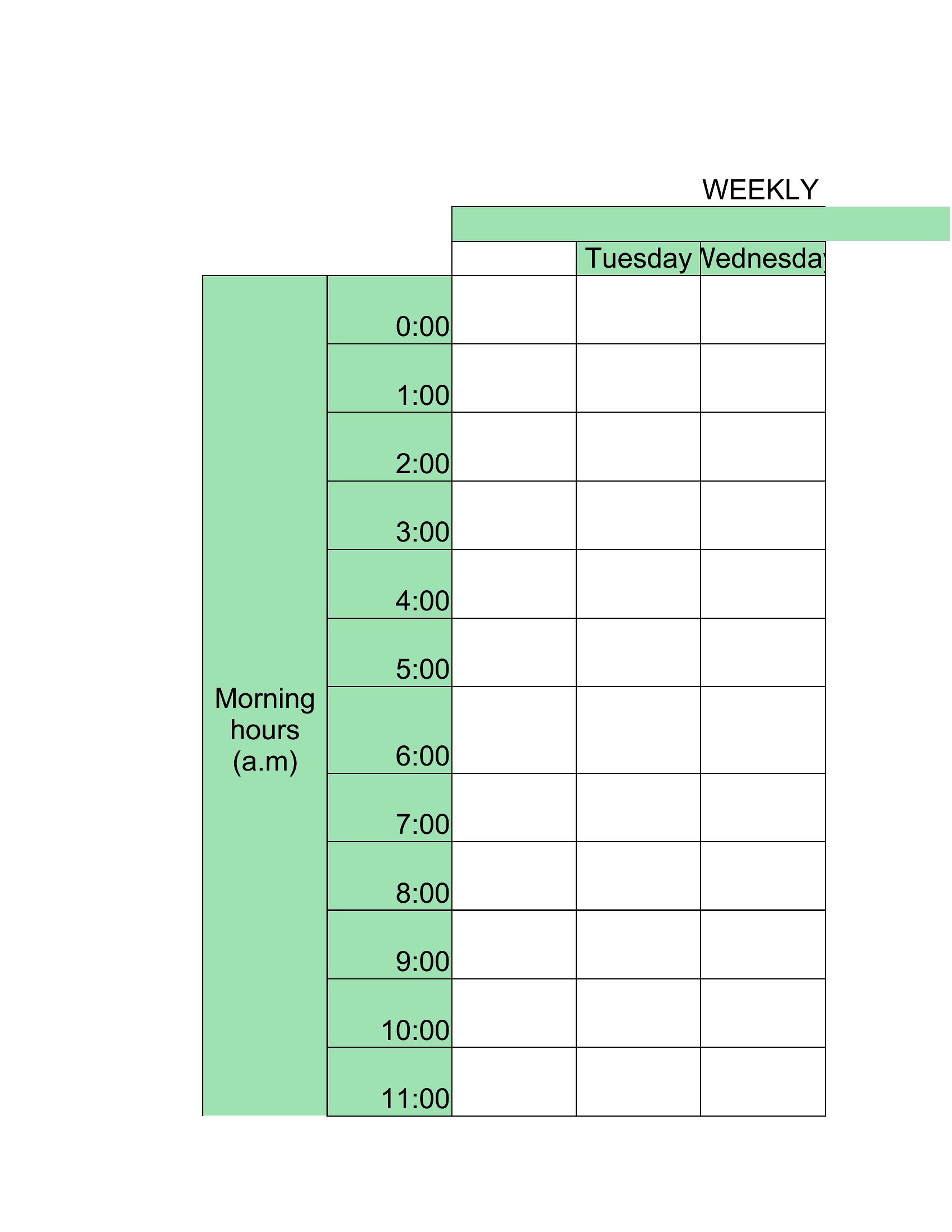
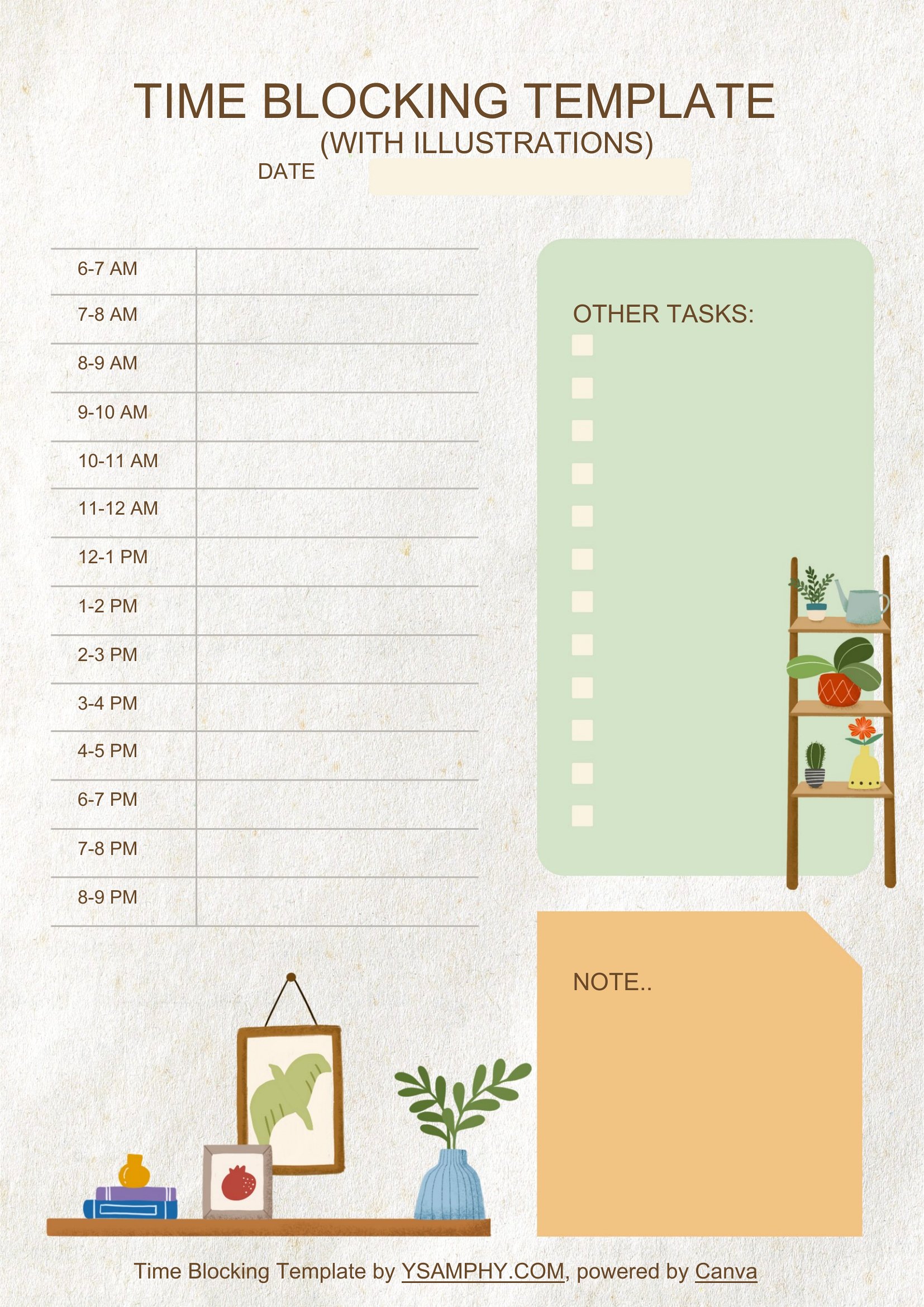
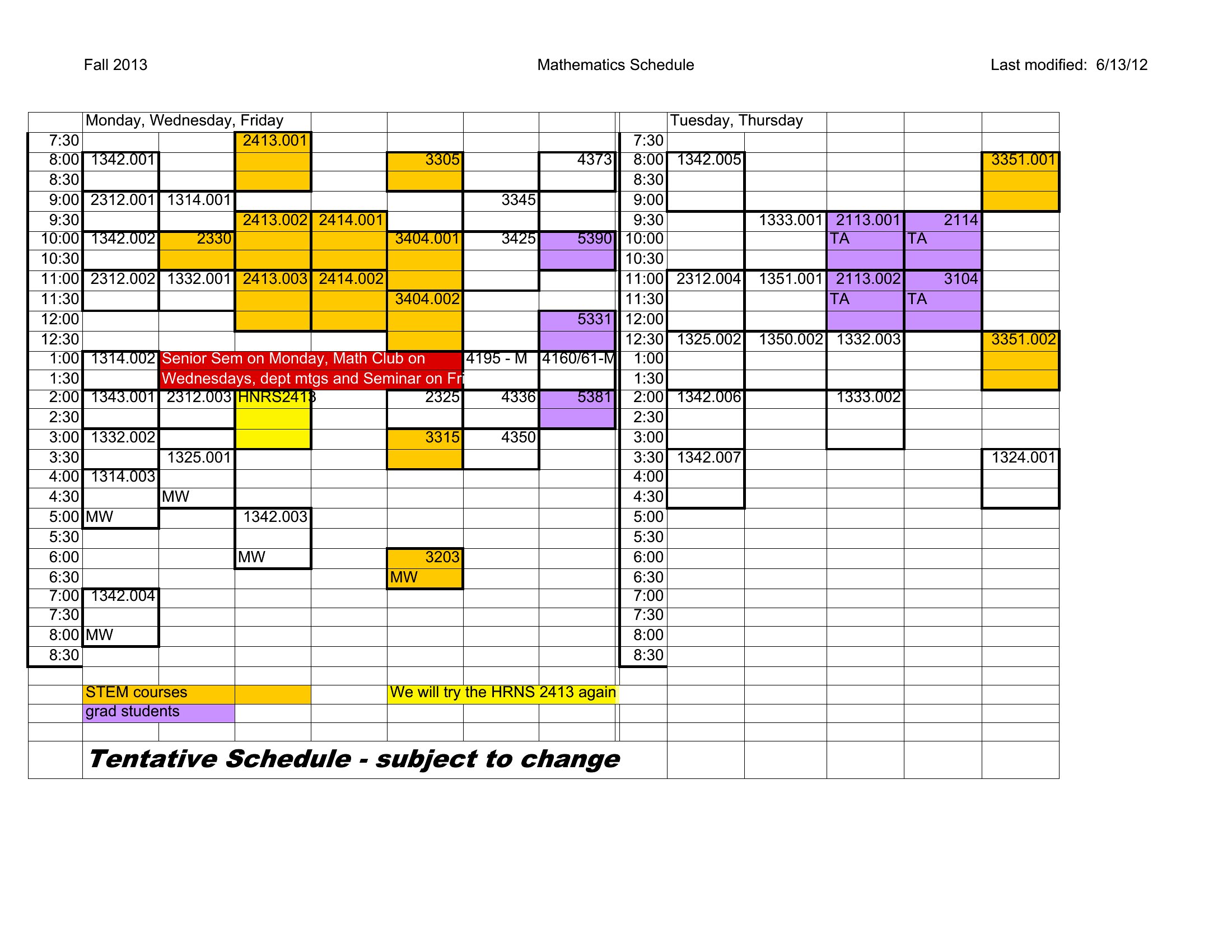
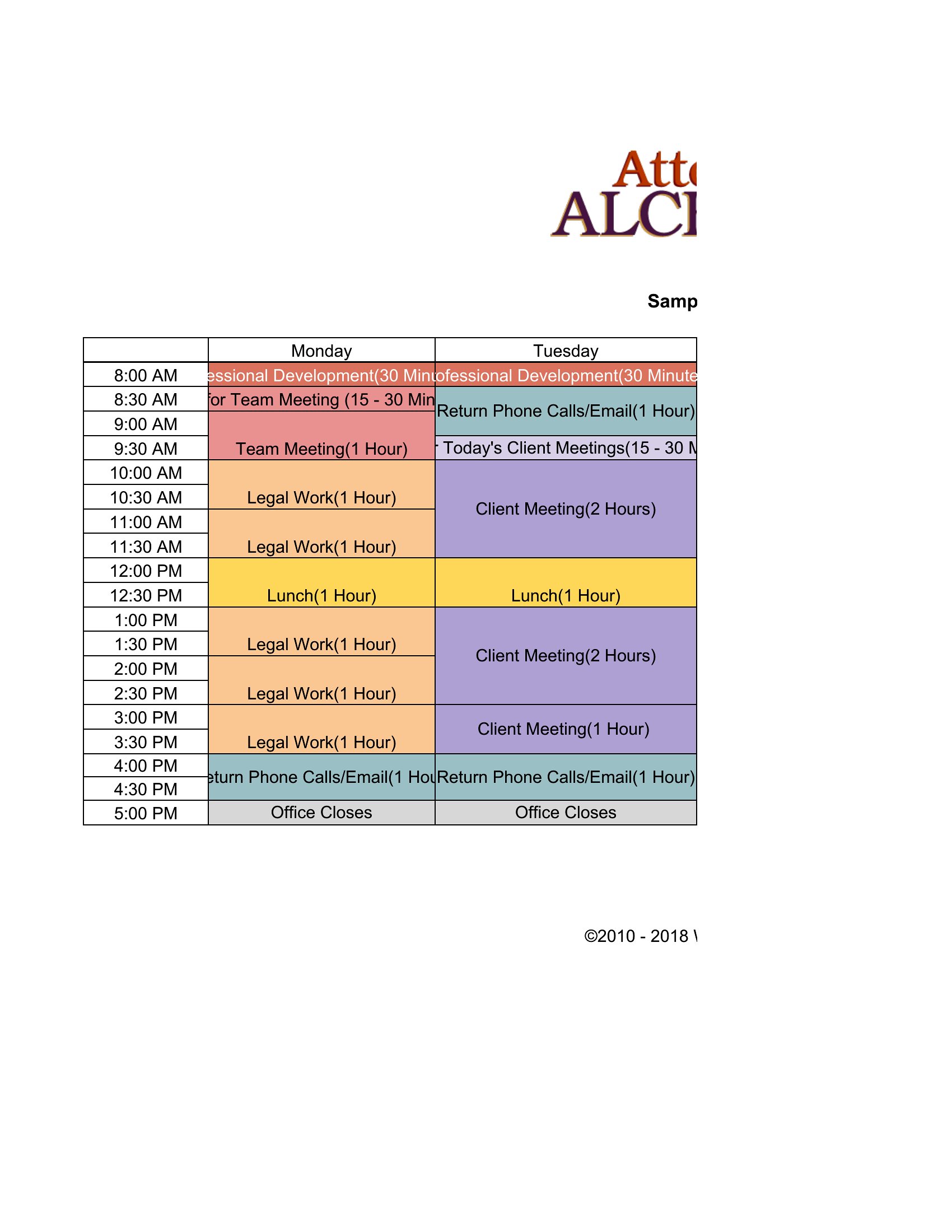
Block Of Time
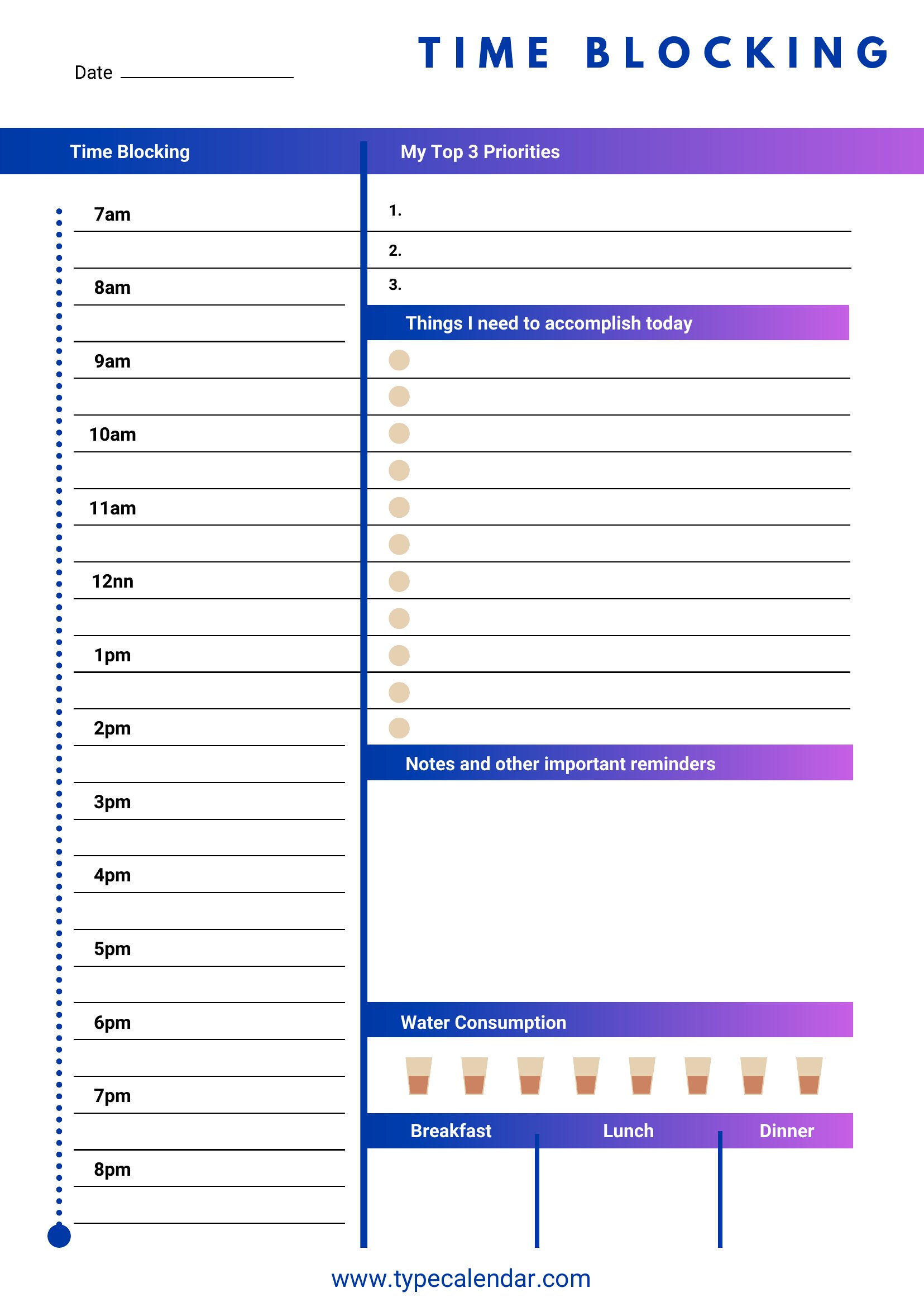
FAQ
Can I use these templates to align my team’s schedules when we have overlapping meetings?
Yes, the Word and Excel formats let you duplicate and merge blocks across multiple calendars, but they’re starting points—not conflict-resolution tools. For teams, combine with a shared project management system to flag overlaps and adjust. Always confirm scheduling conflicts directly with colleagues.
What’s the best way to handle unexpected tasks or emergencies in a time-blocked day?
Build a 30–60 minute ‘buffer block’ daily in your template—this absorbs interruptions without derailing priorities. For recurring emergencies (e.g., client crises), allocate a weekly overflow block. Use the notes section in Word/Excel to log how often buffers are used, then refine your blocks monthly.
How do I decide whether to use daily or weekly time blocks for my workload?
Daily blocks work best for roles with frequent shifts in priority (e.g., consulting, healthcare) or creative work needing deep focus. Weekly blocks suit tasks with fixed deadlines (e.g., project milestones, content calendars) or routines with predictable rhythms (e.g., teaching schedules). Start with daily templates, then aggregate into weekly overviews after 2–3 weeks to spot patterns.
Comments
Join the conversation
Sign in to share your thoughts and leave a comment on this resource.