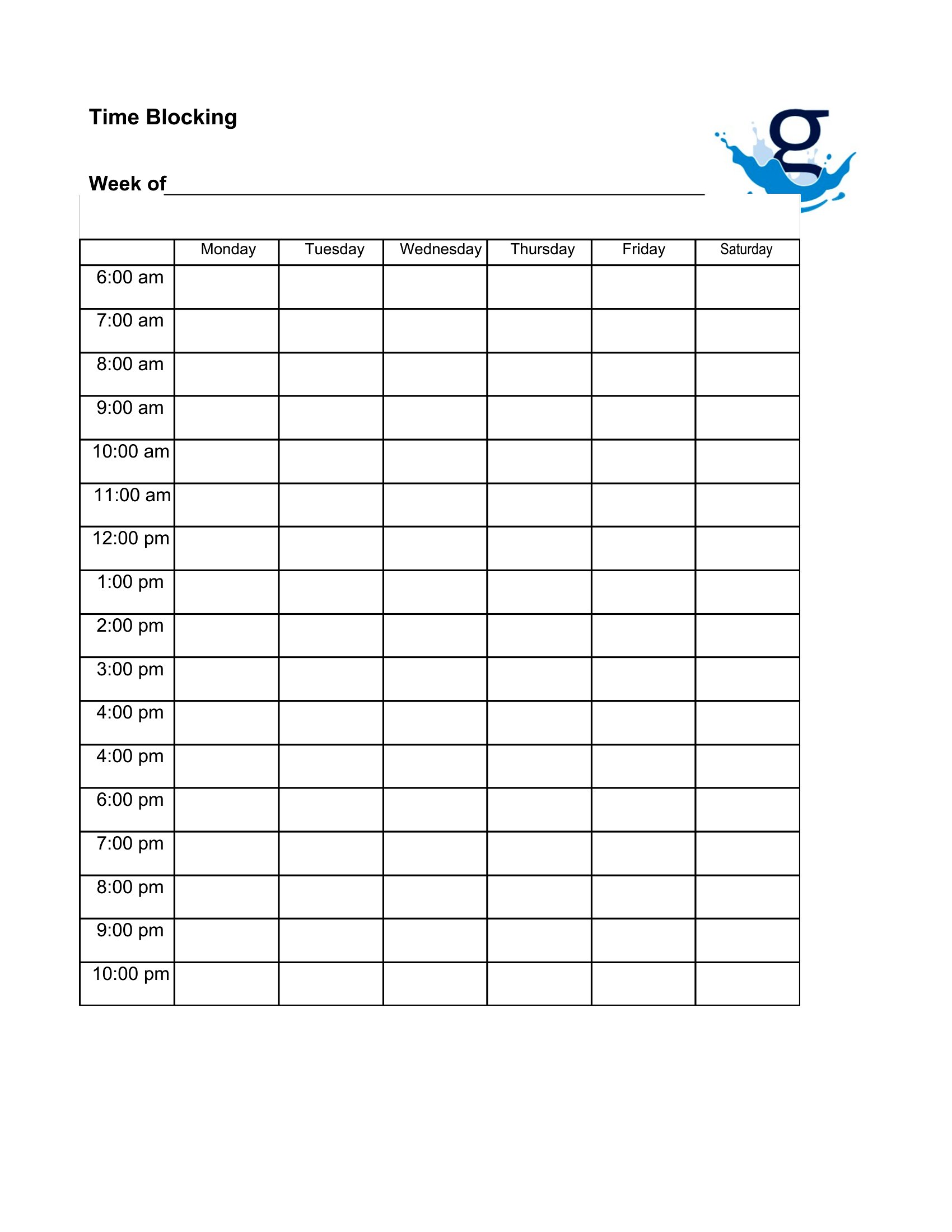
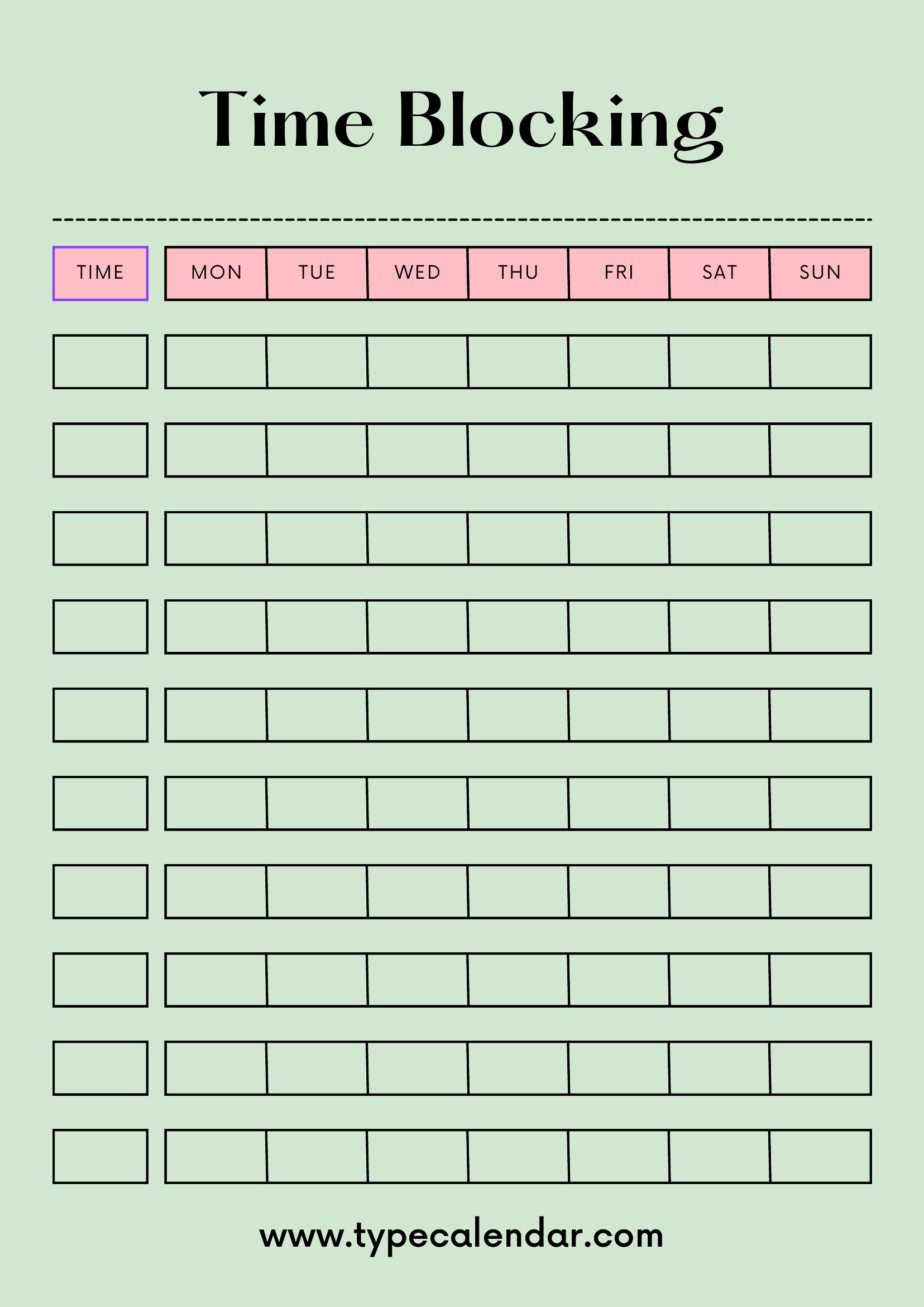
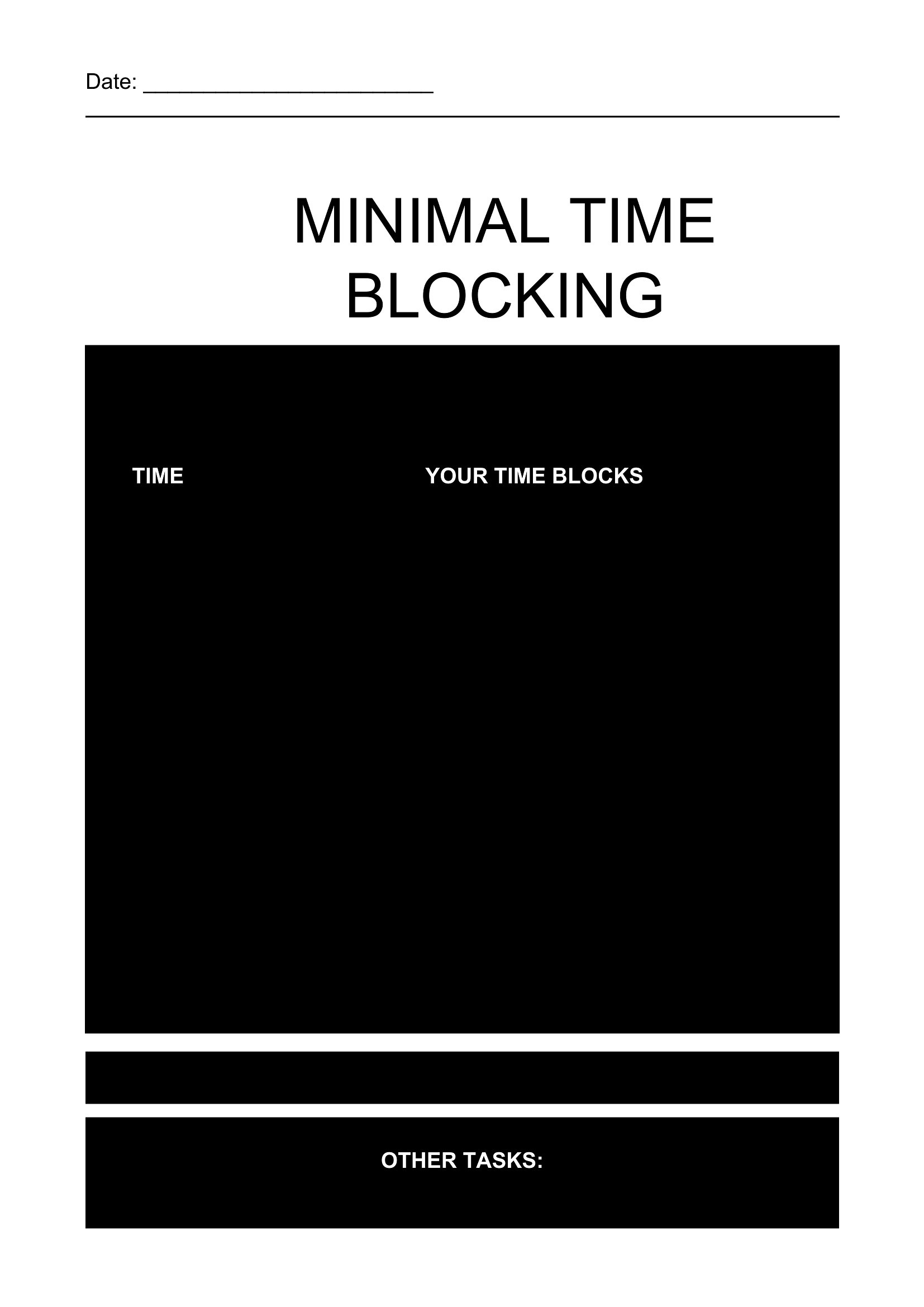
Free Time Blocking Templates (Word, Excel, PDF)
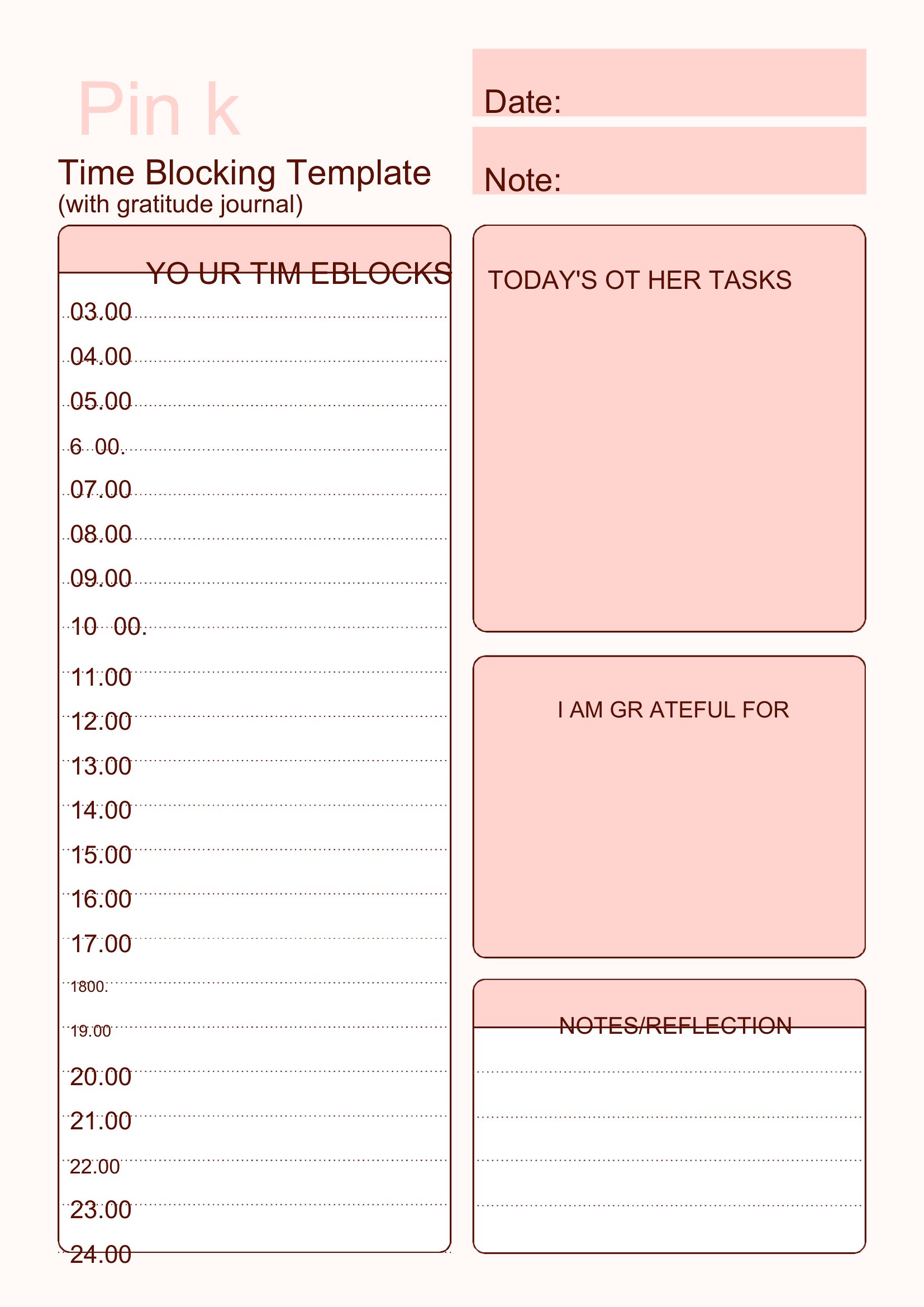
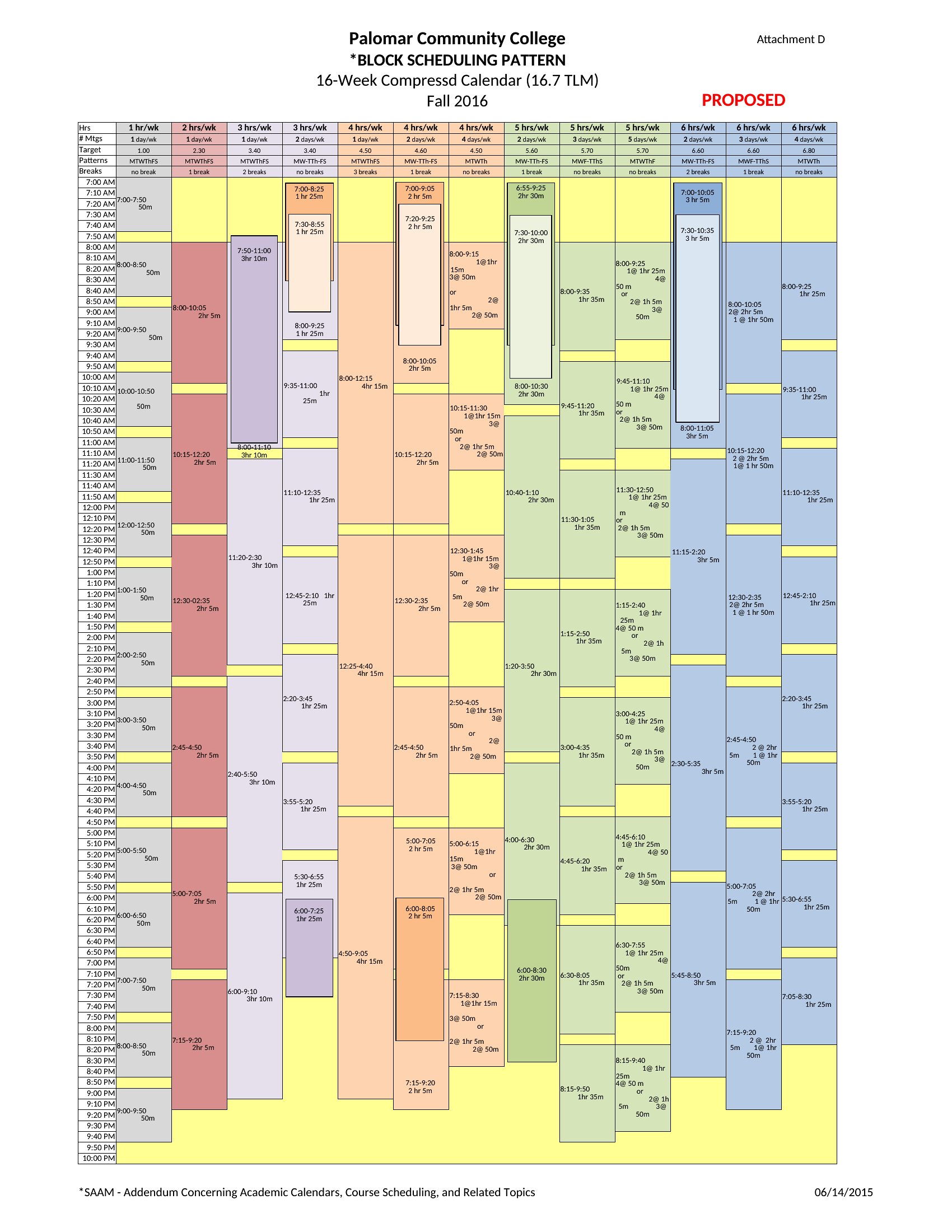
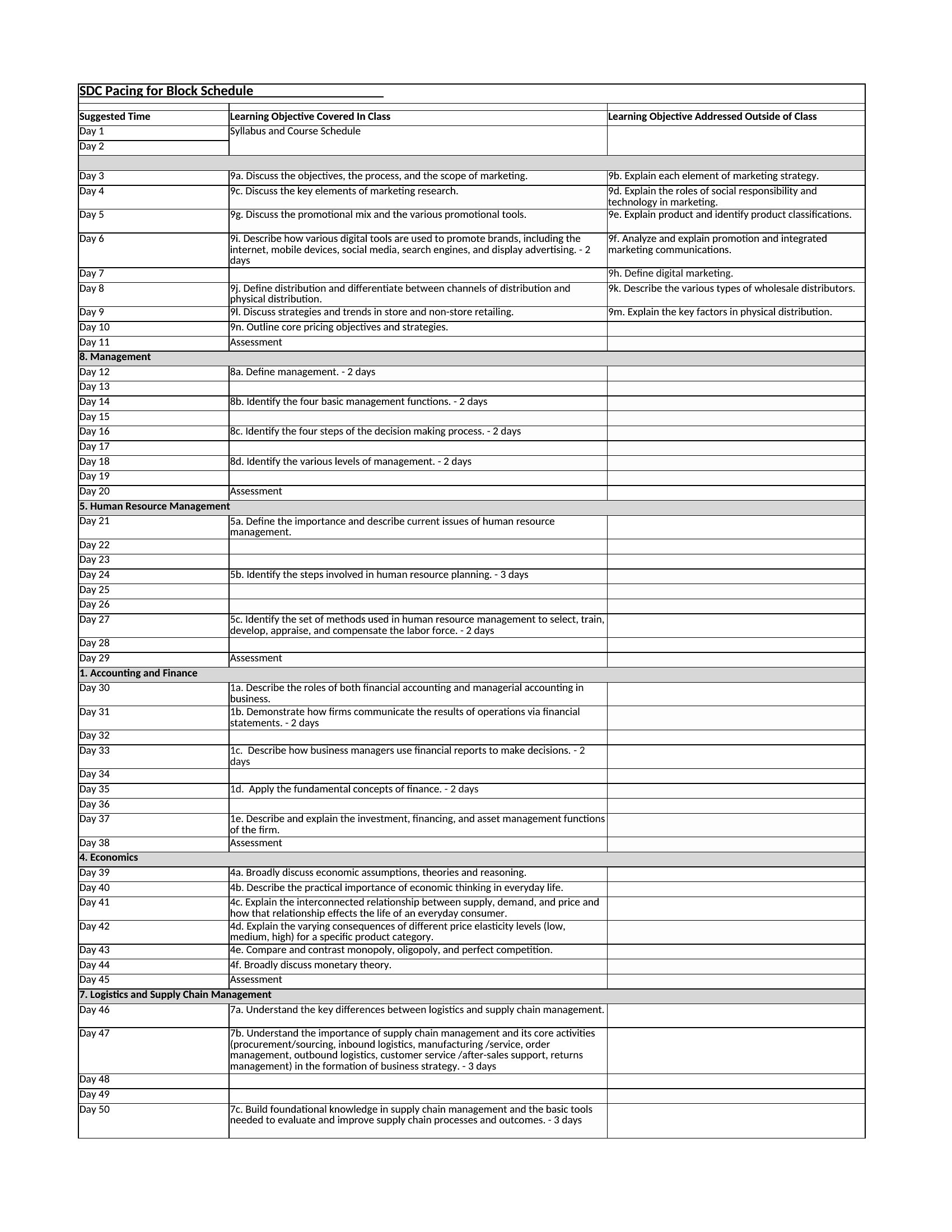
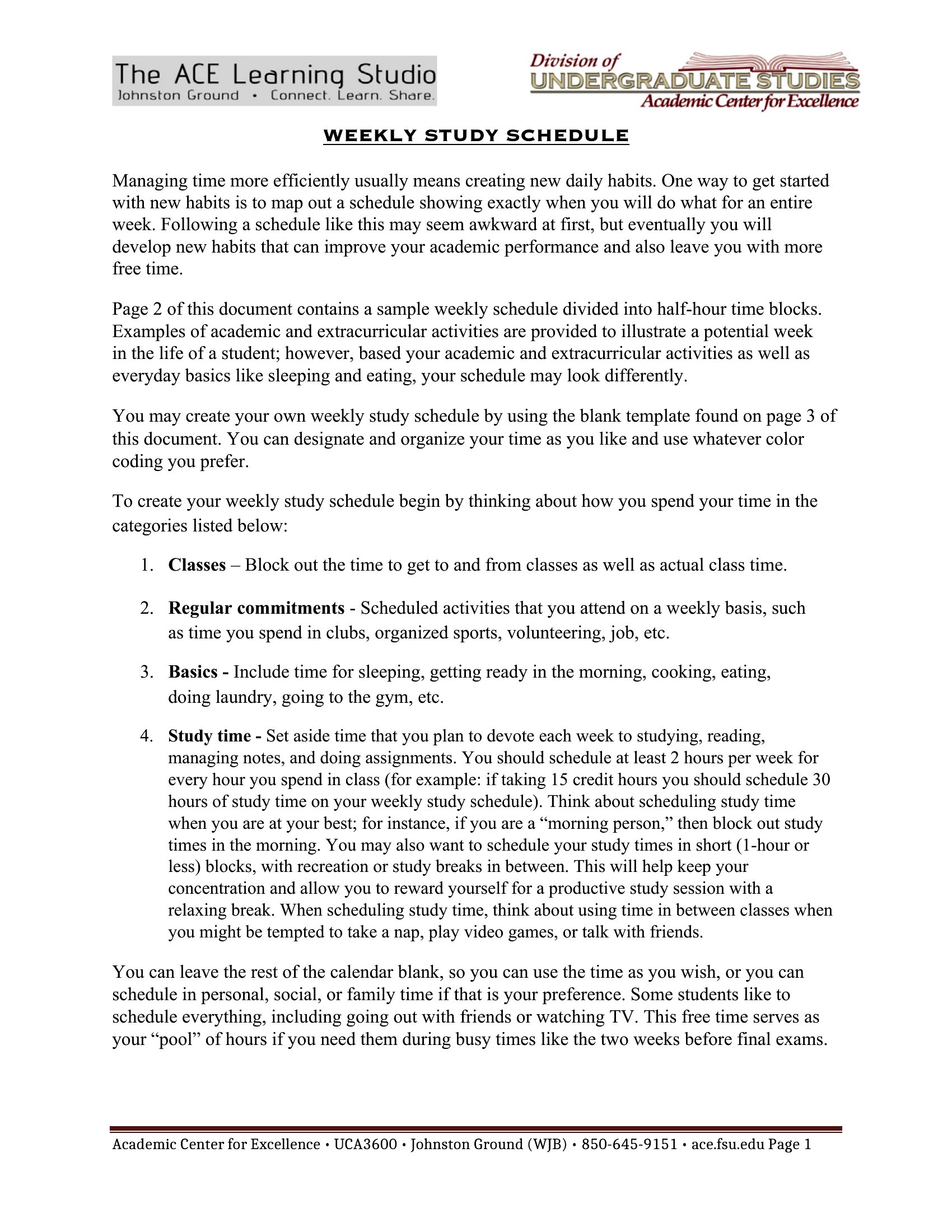
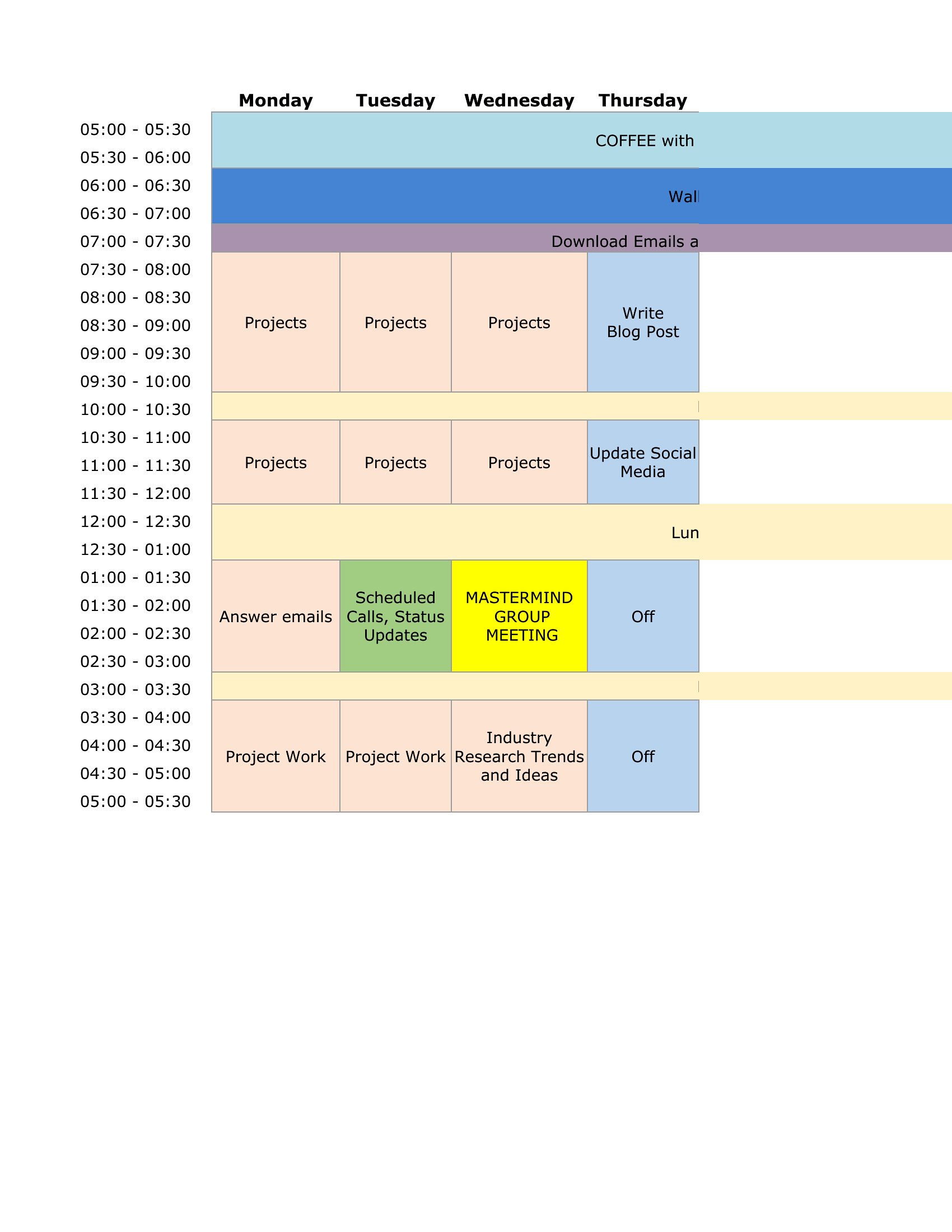
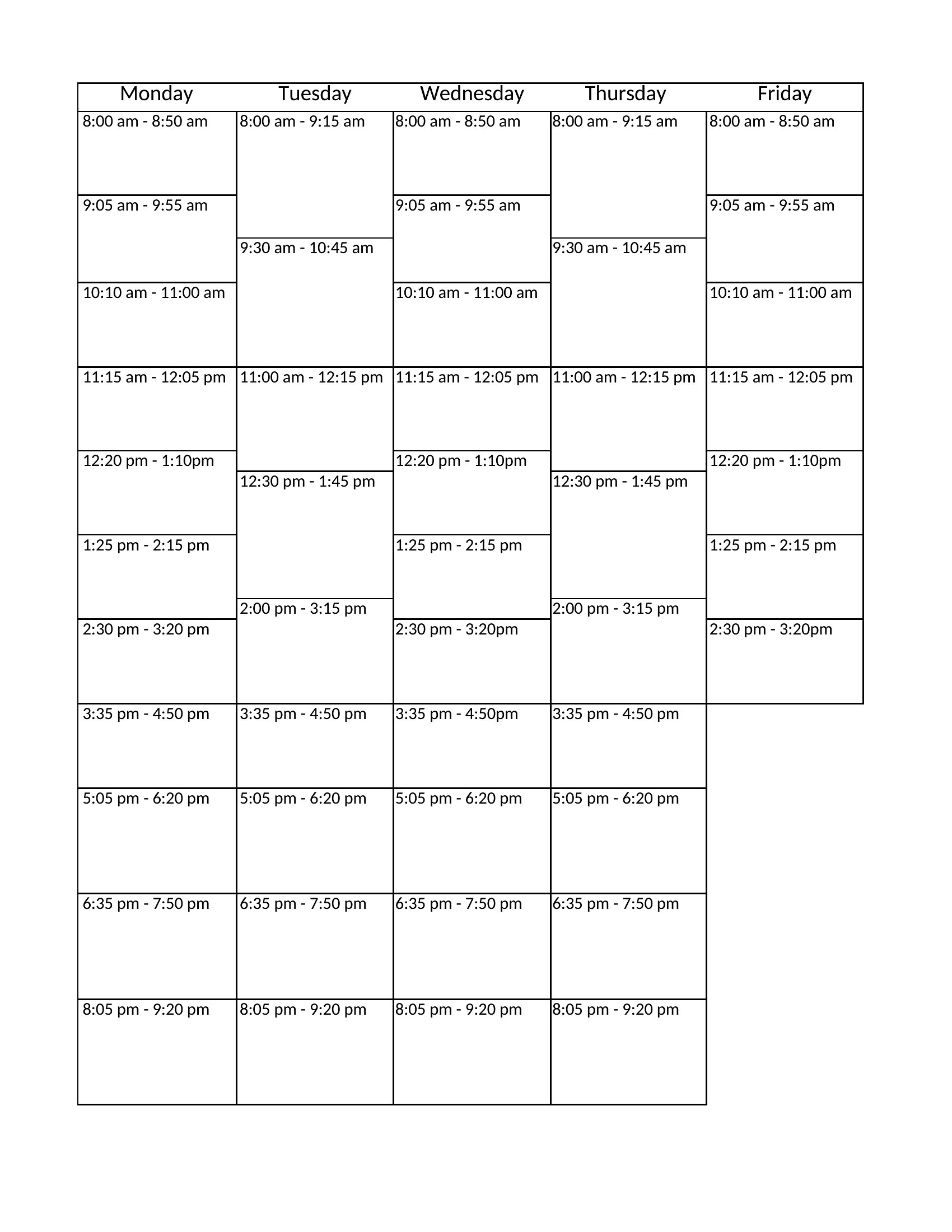
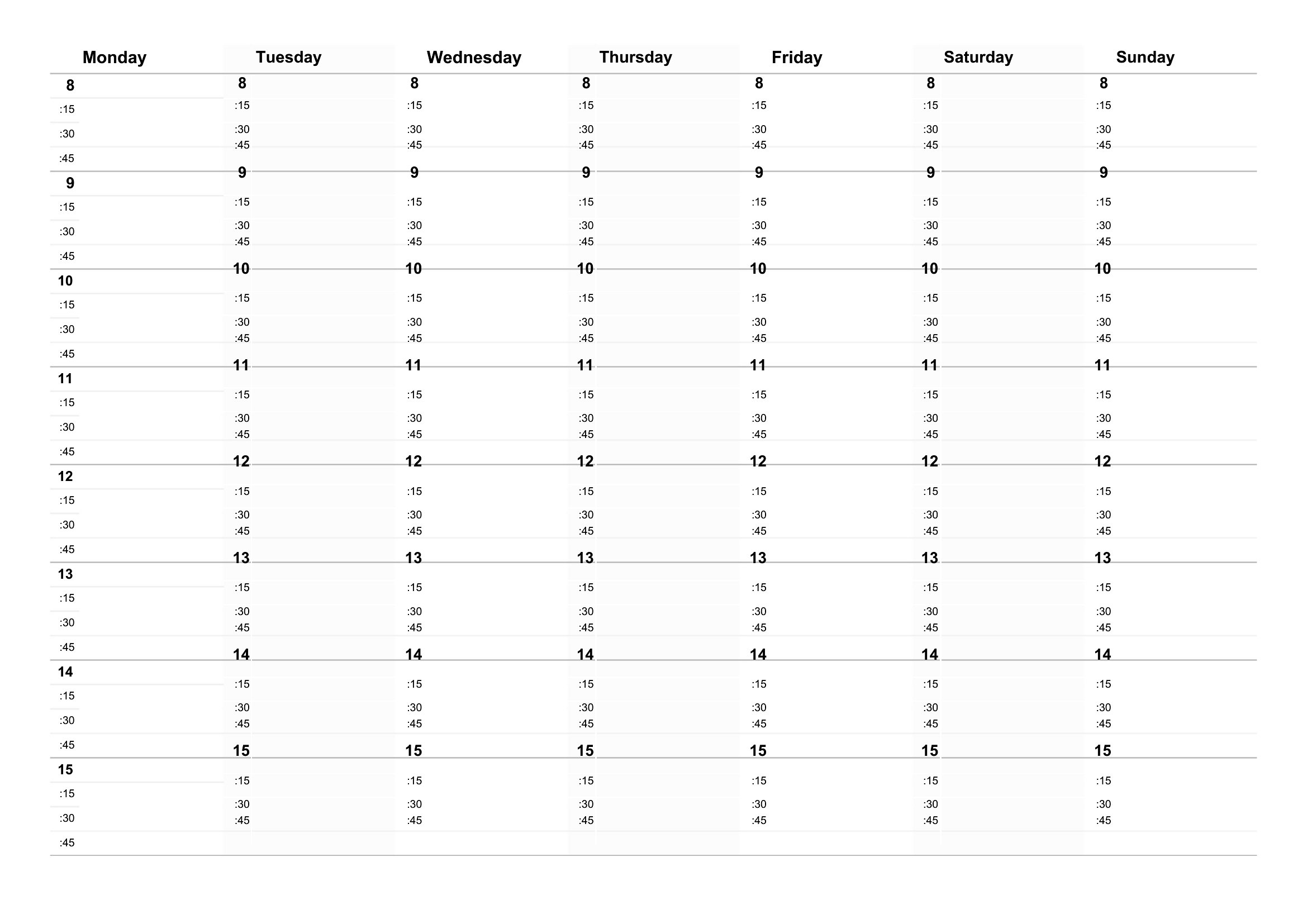
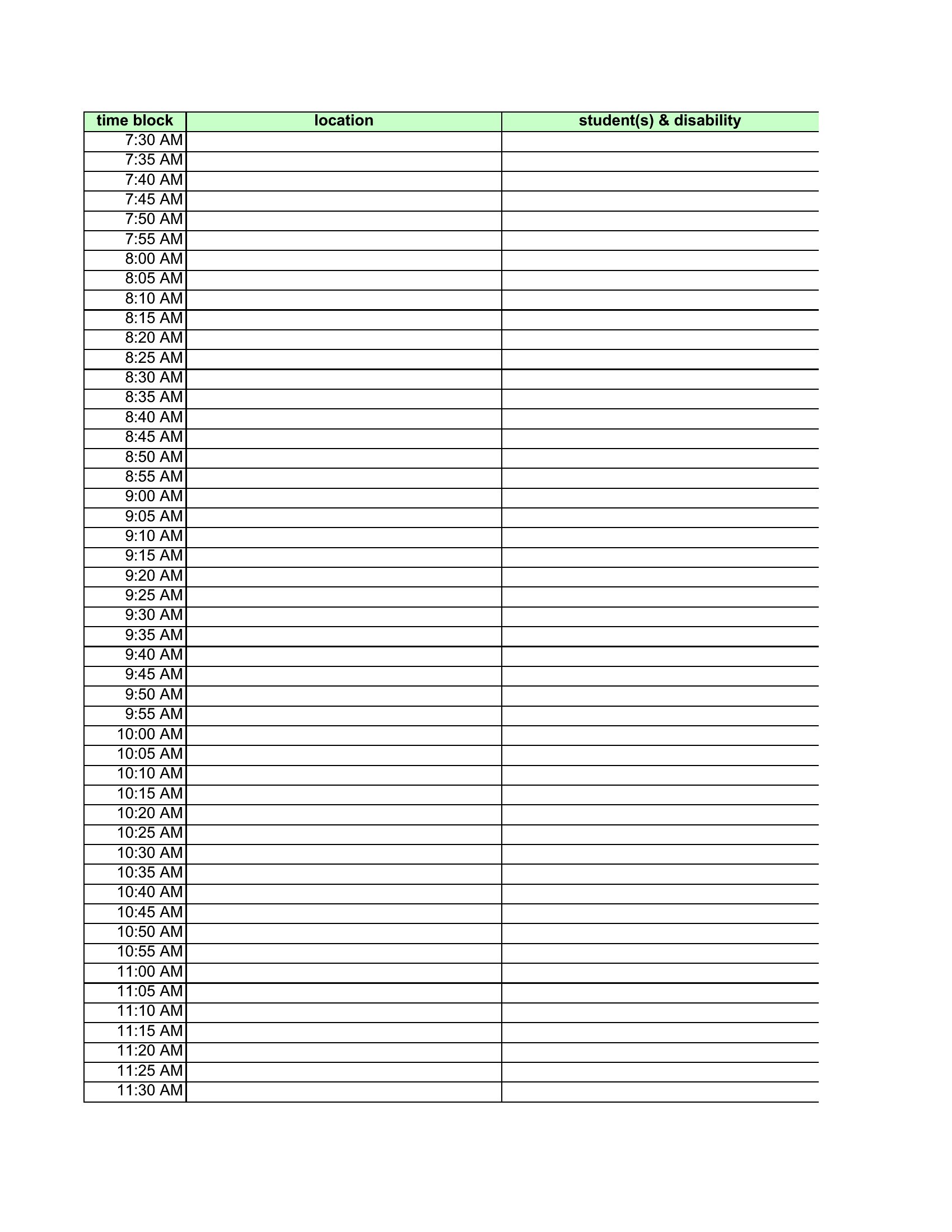
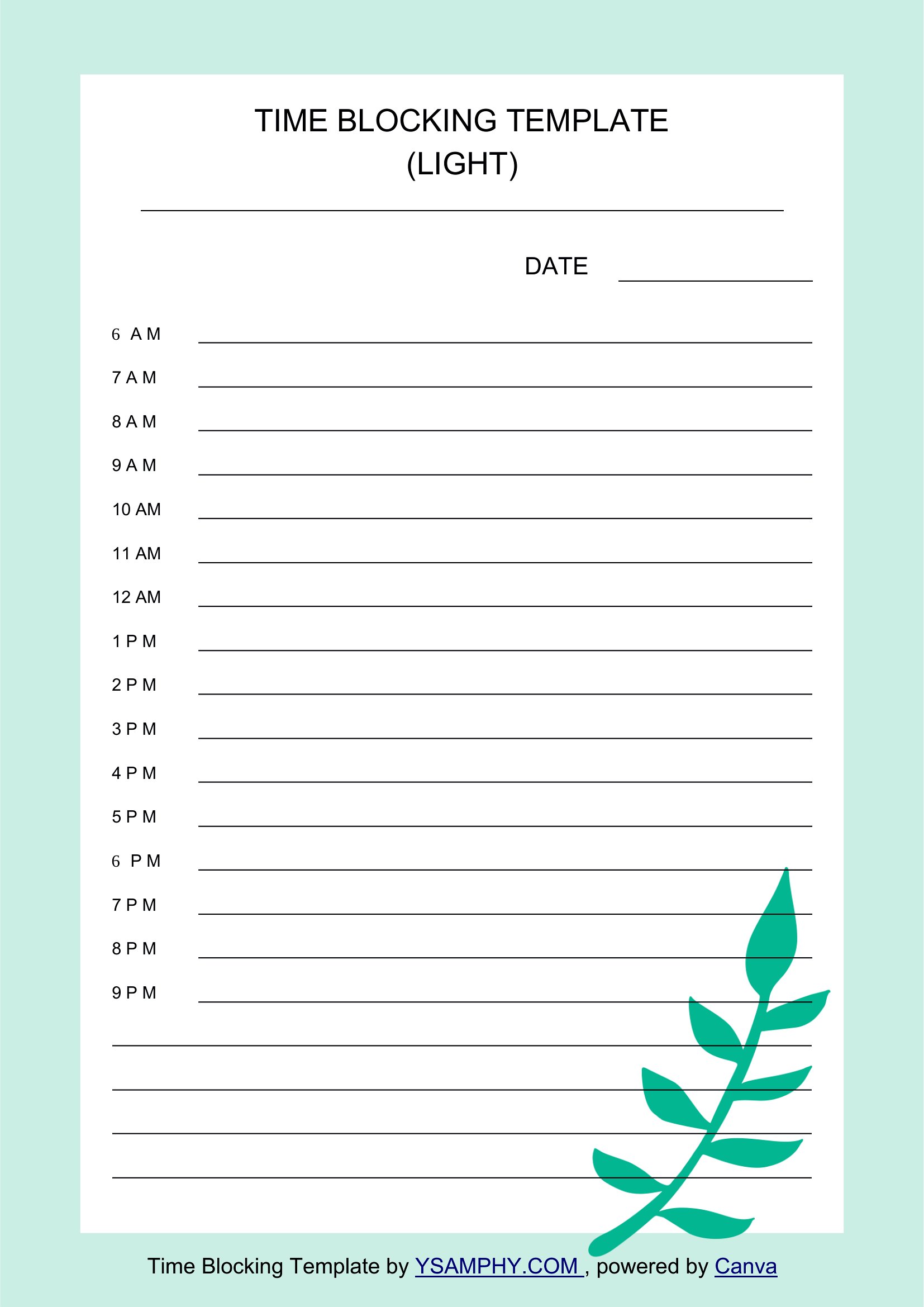
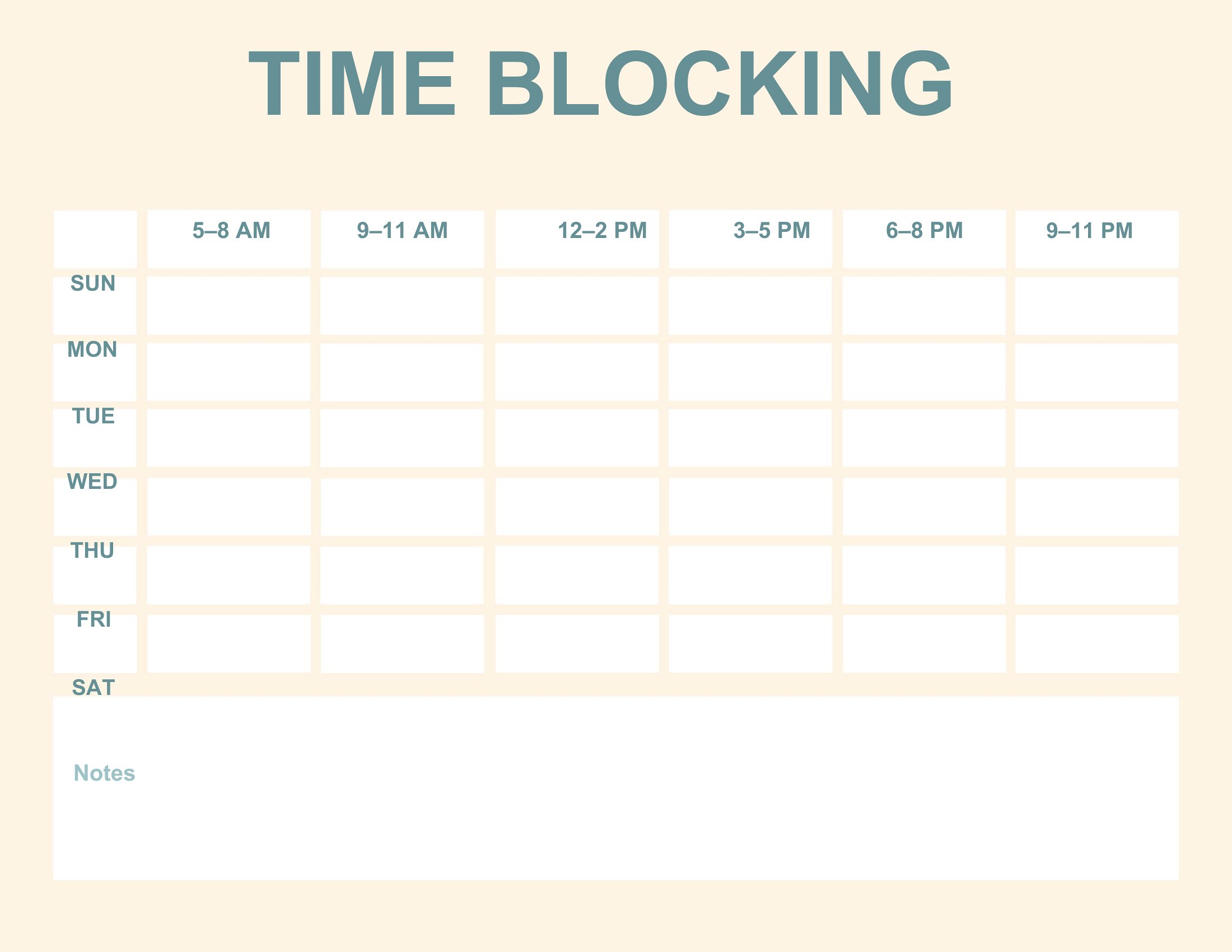
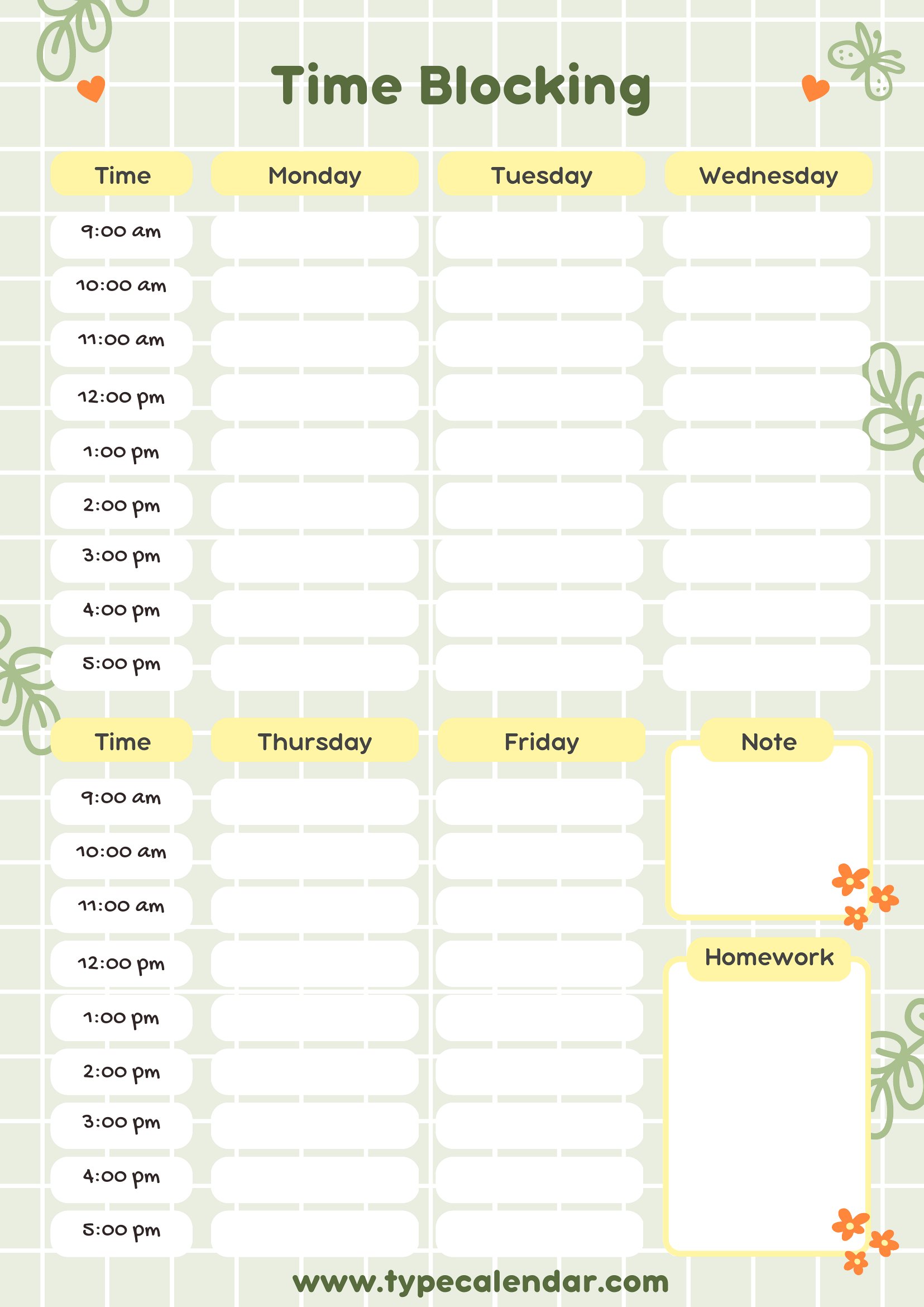
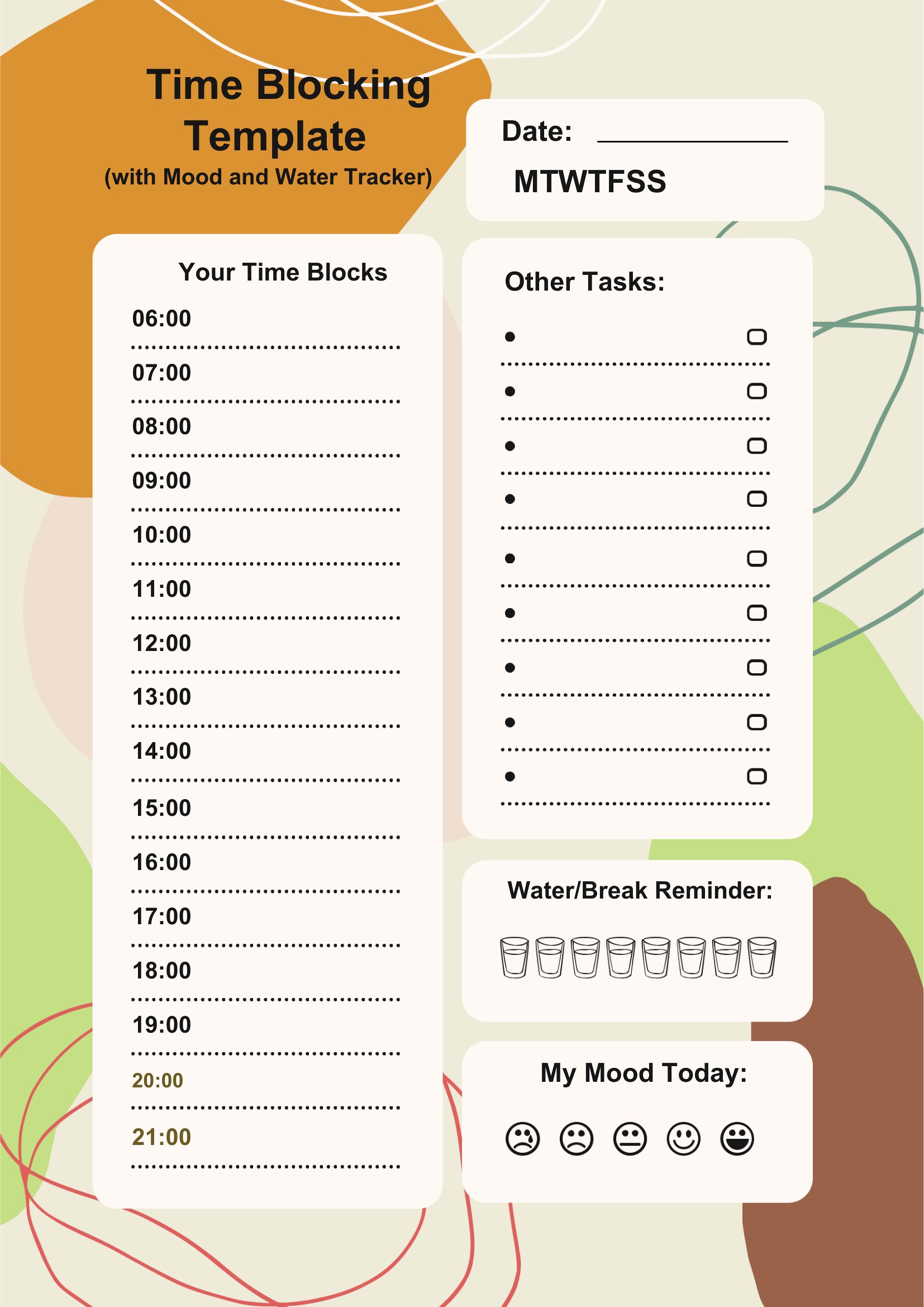
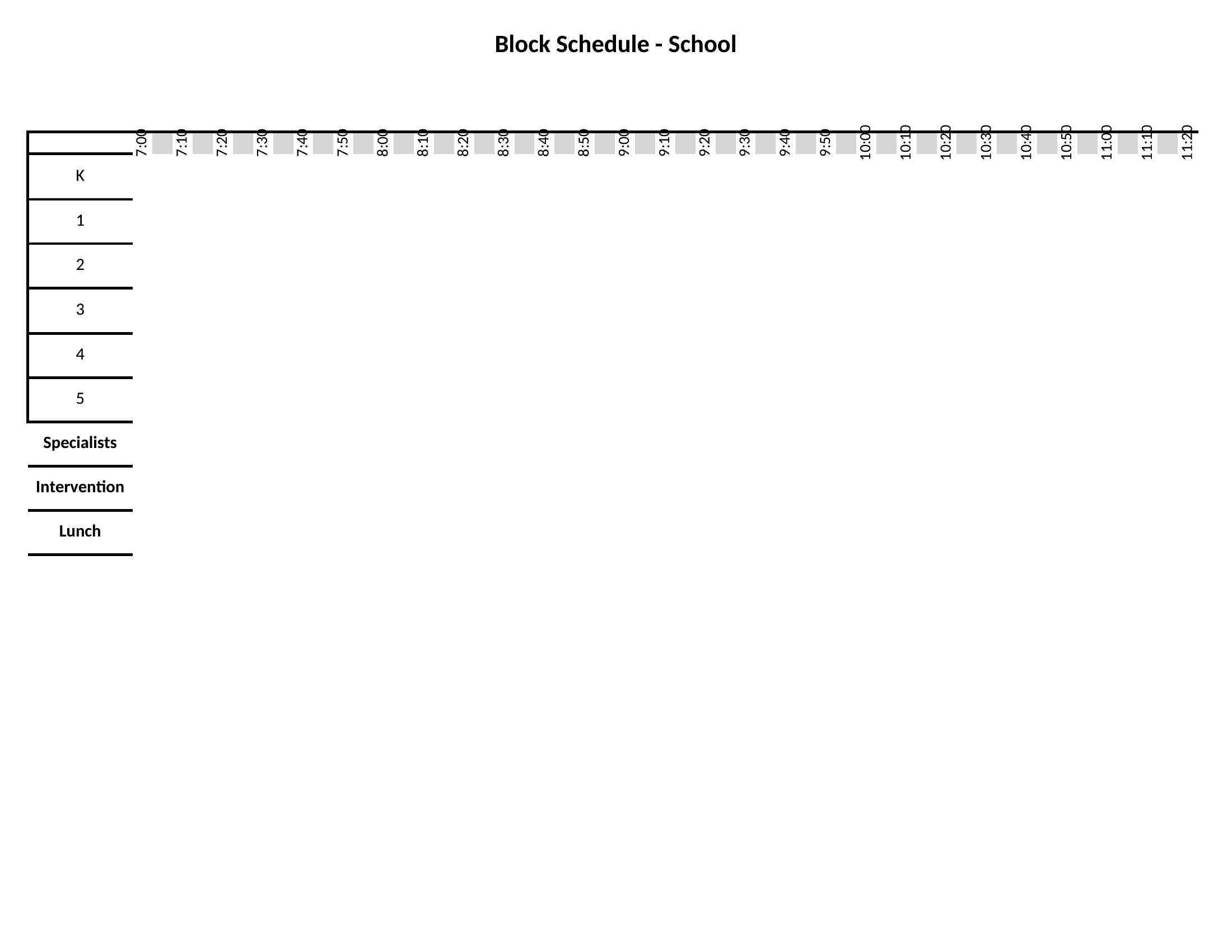
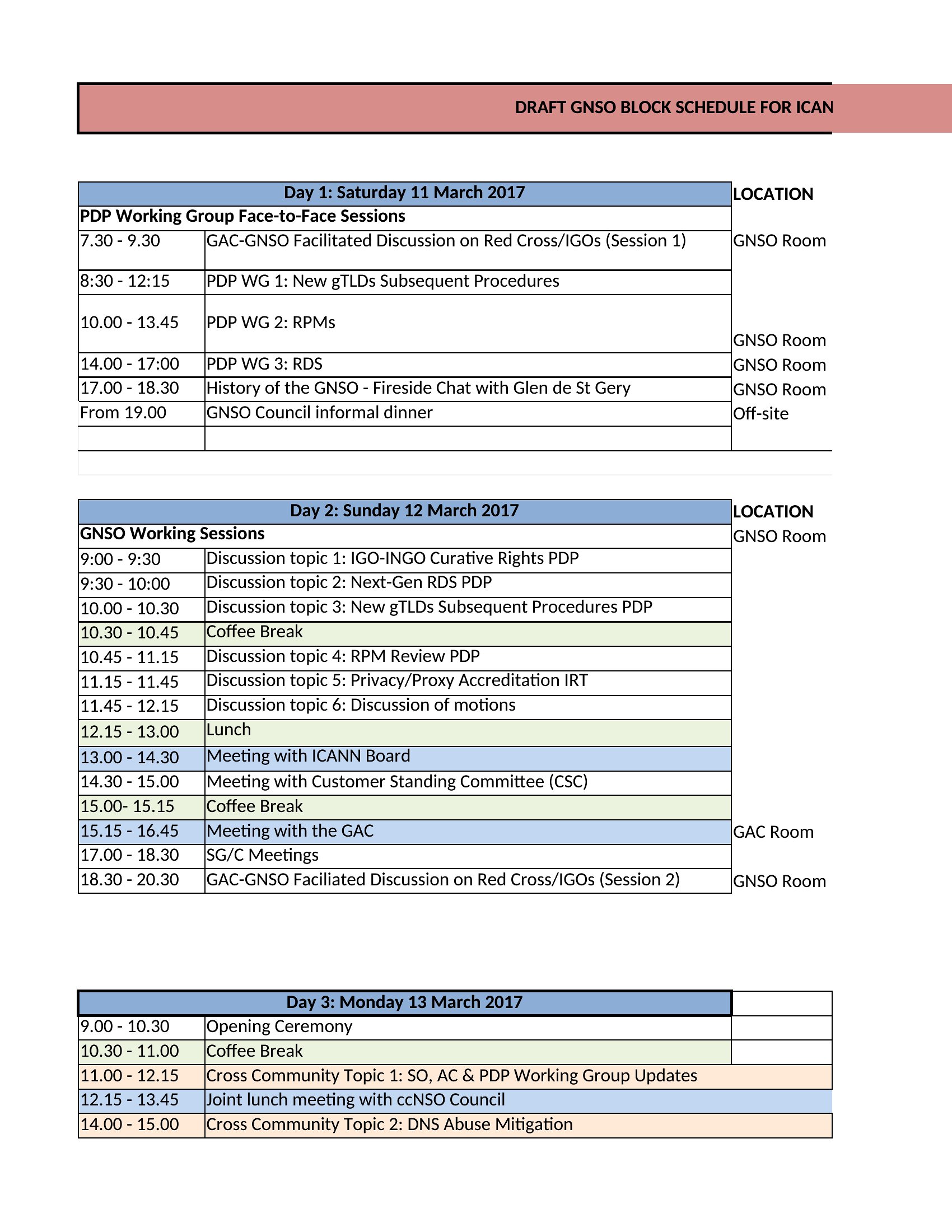
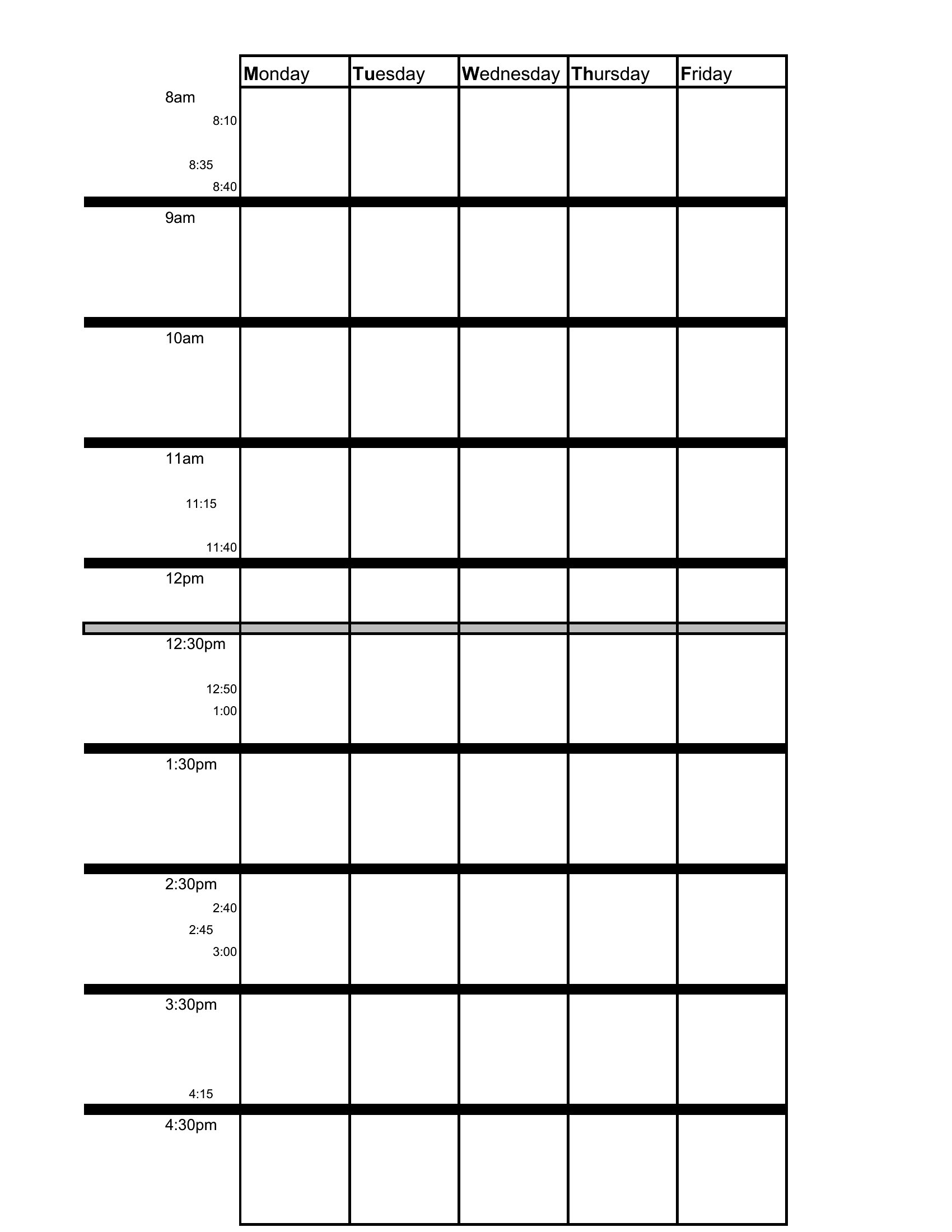
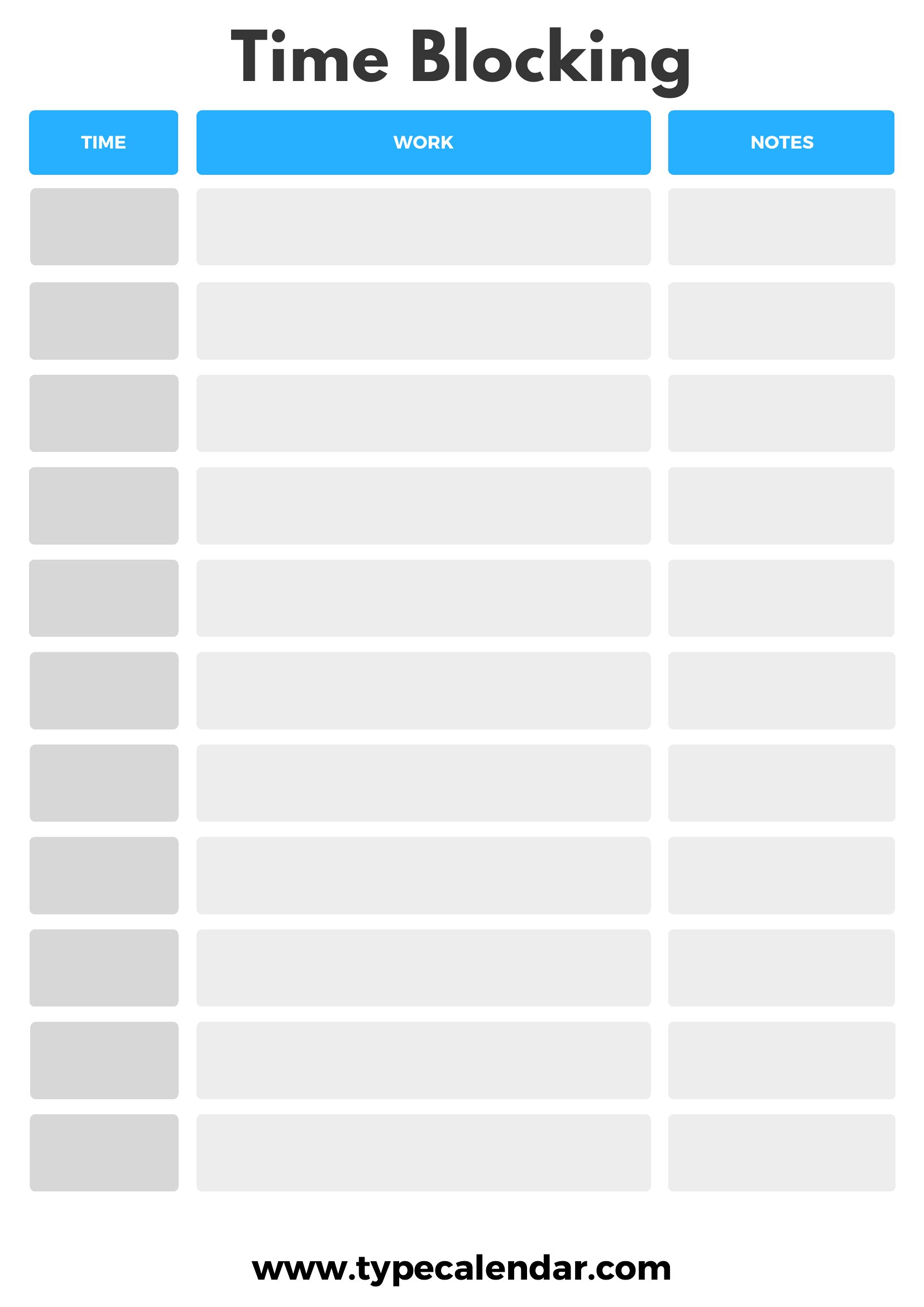
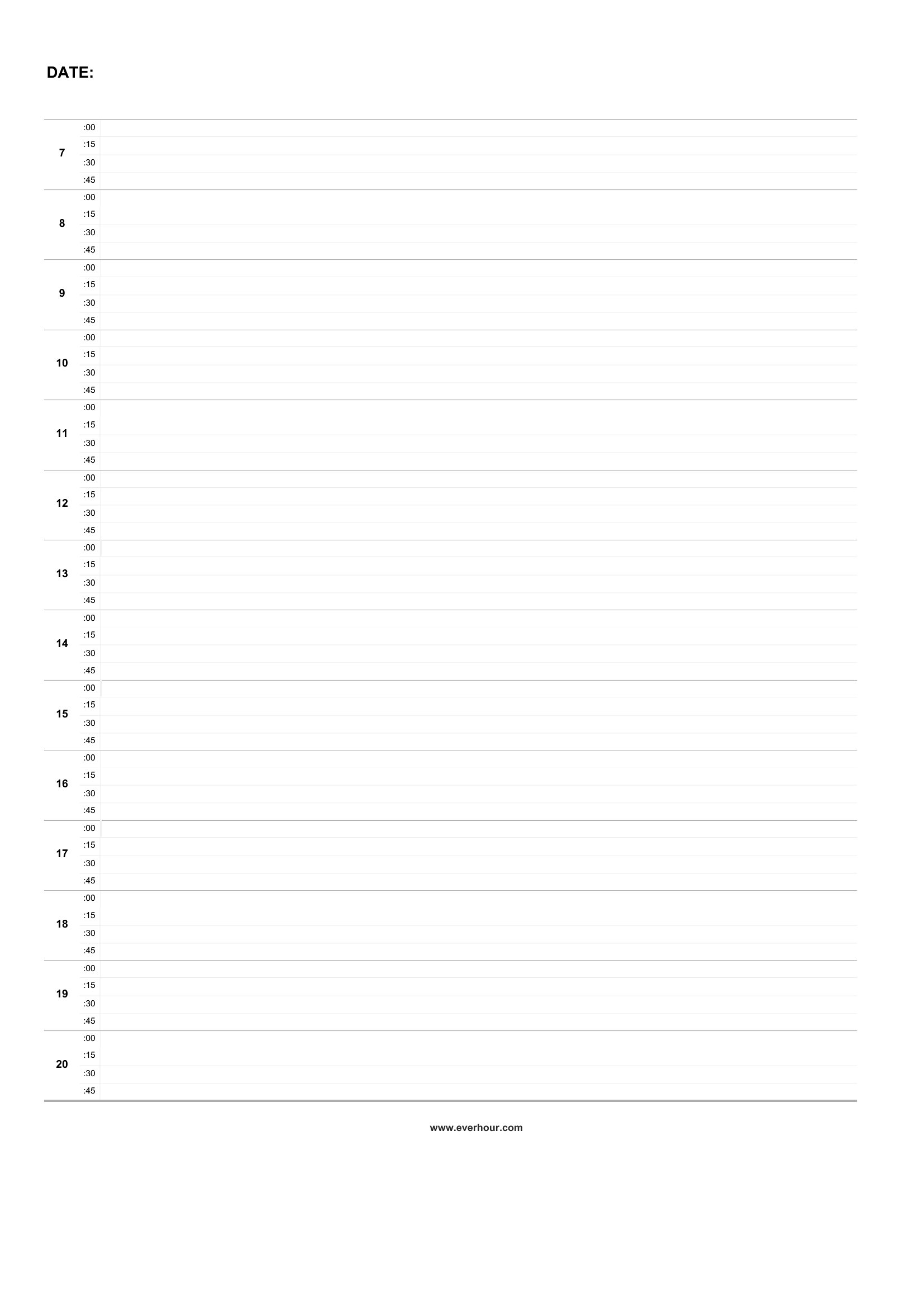
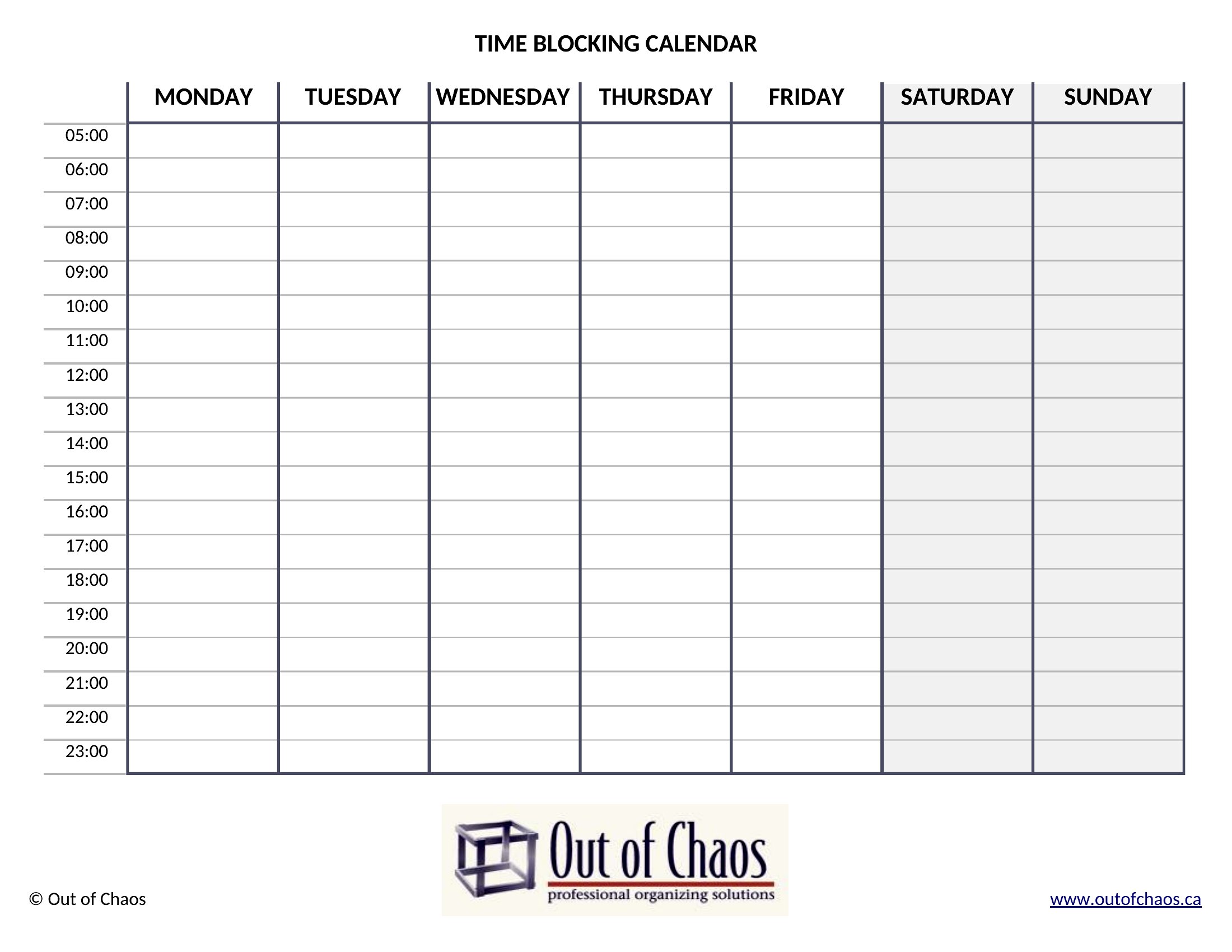
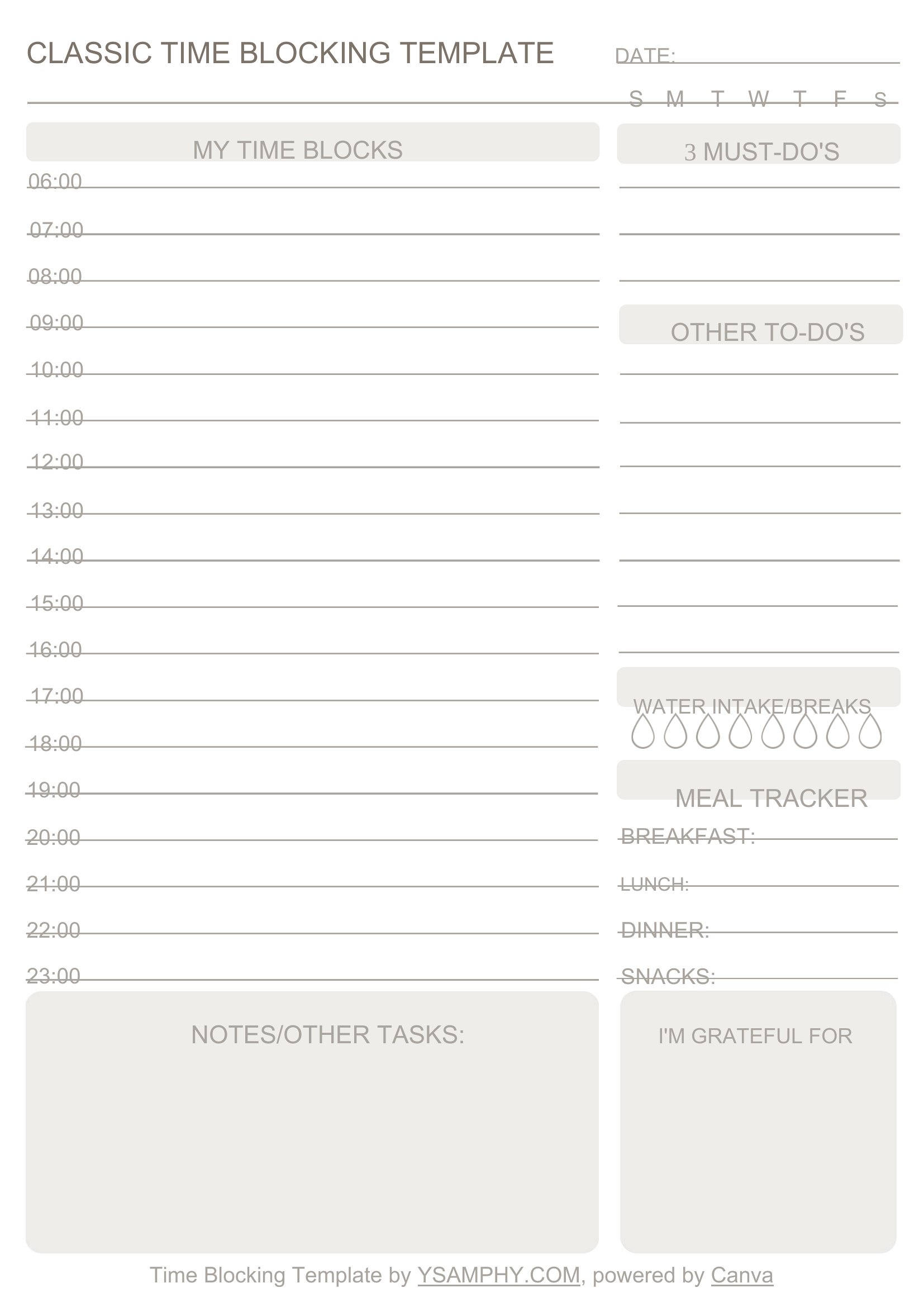
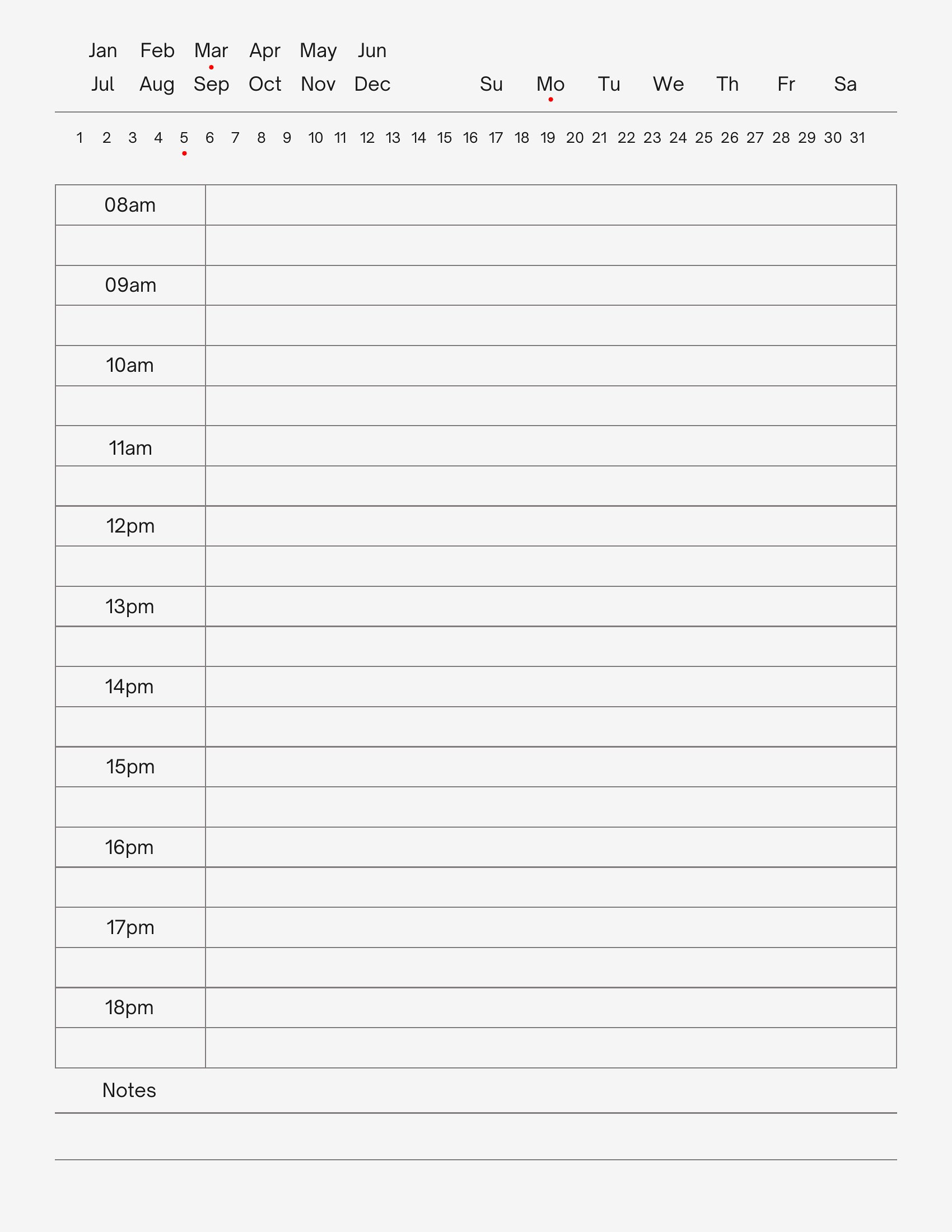
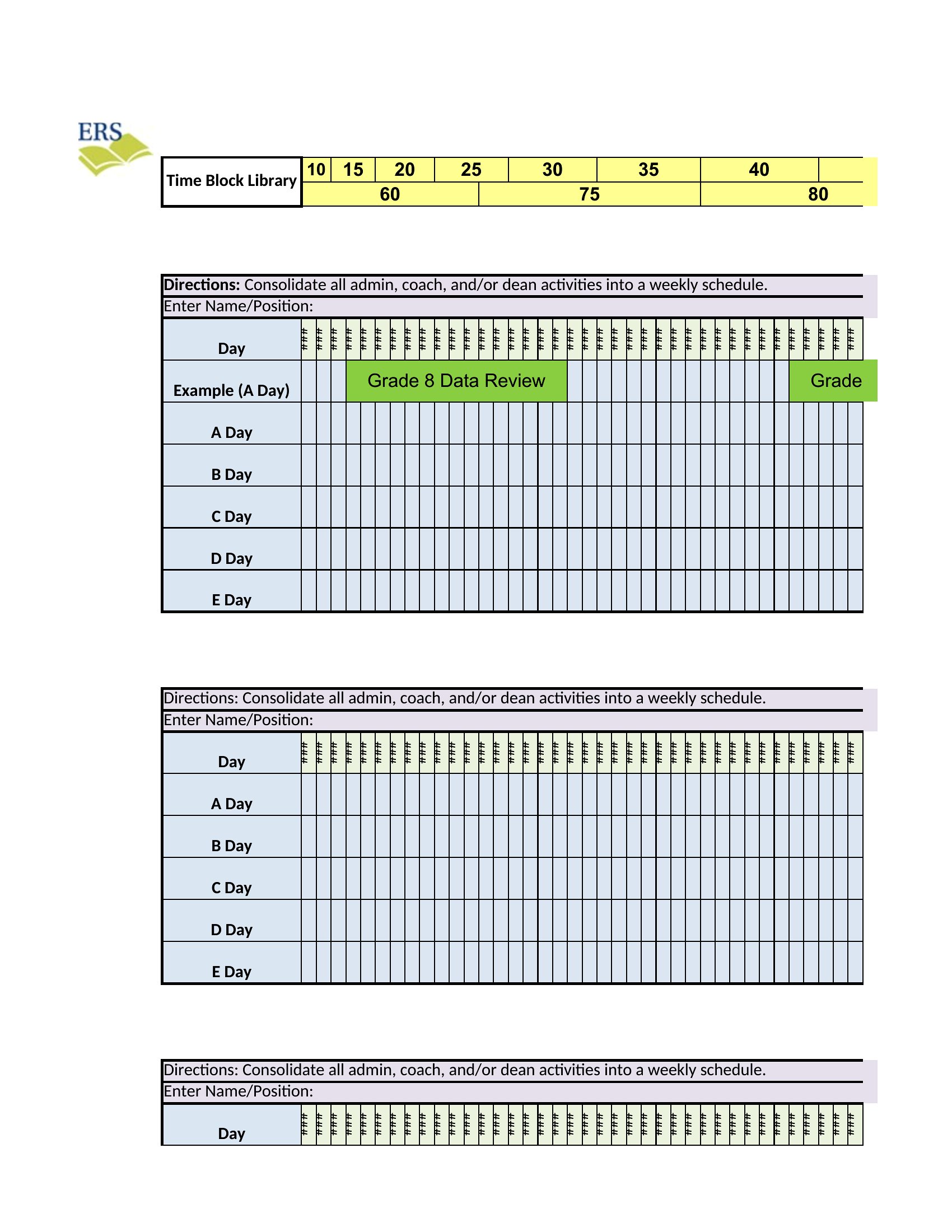
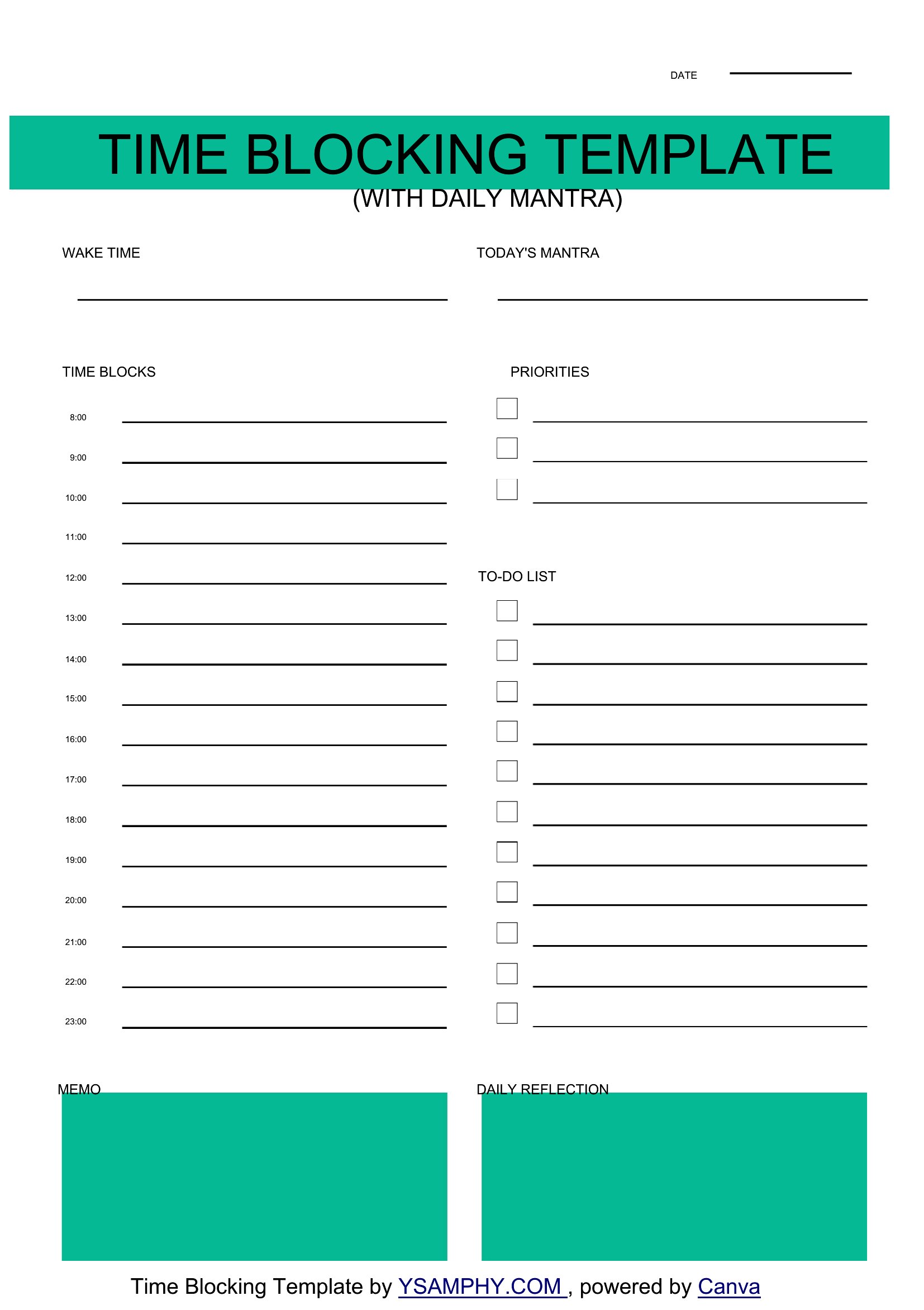
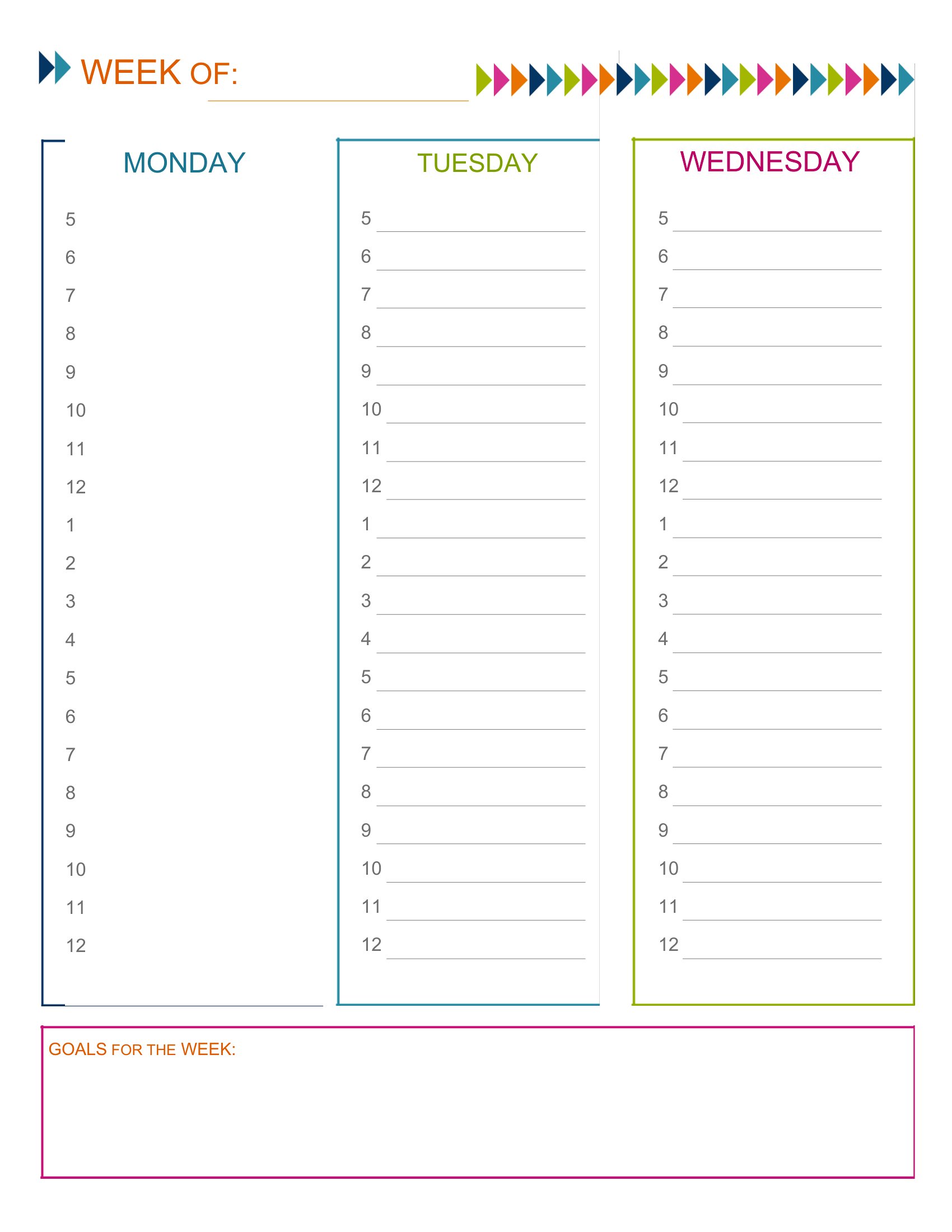
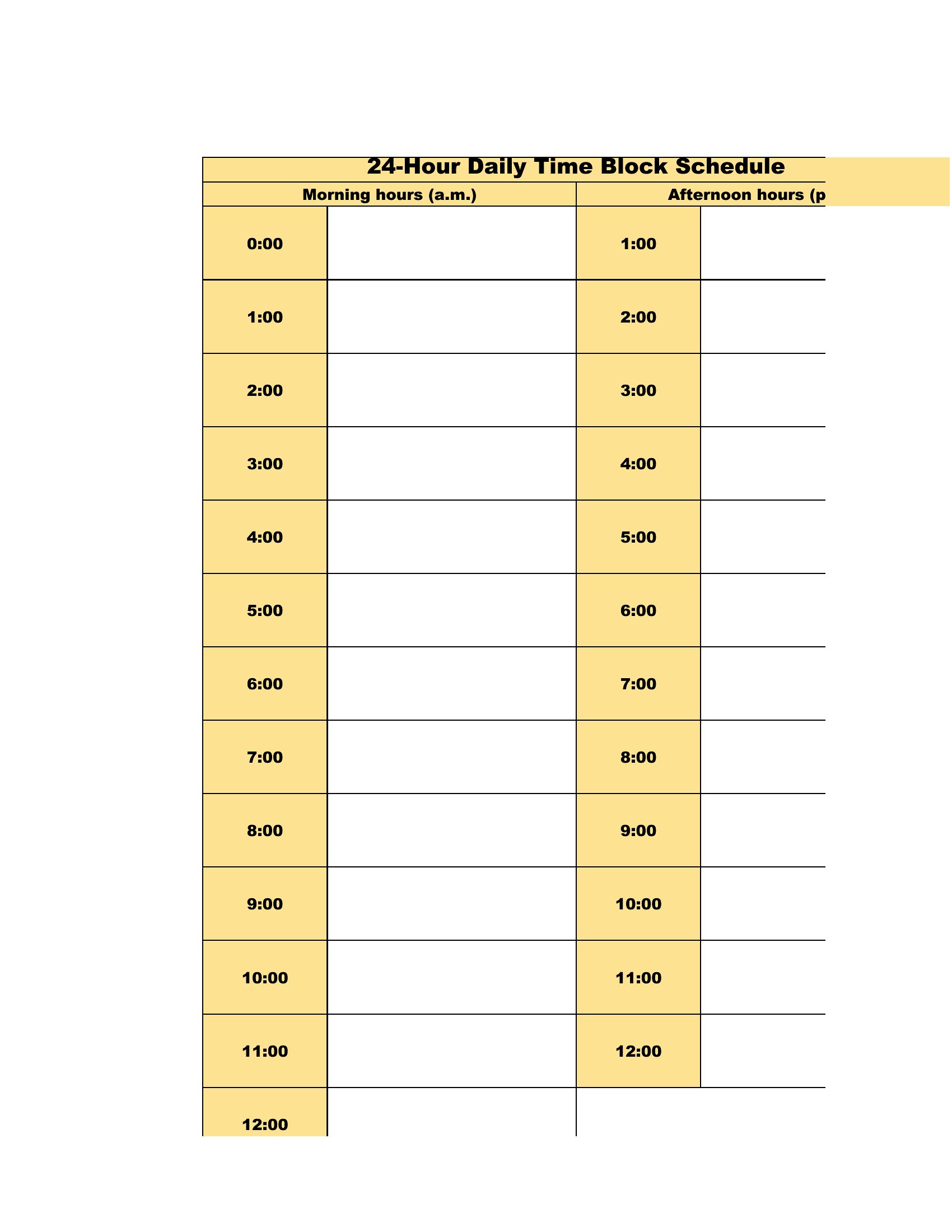
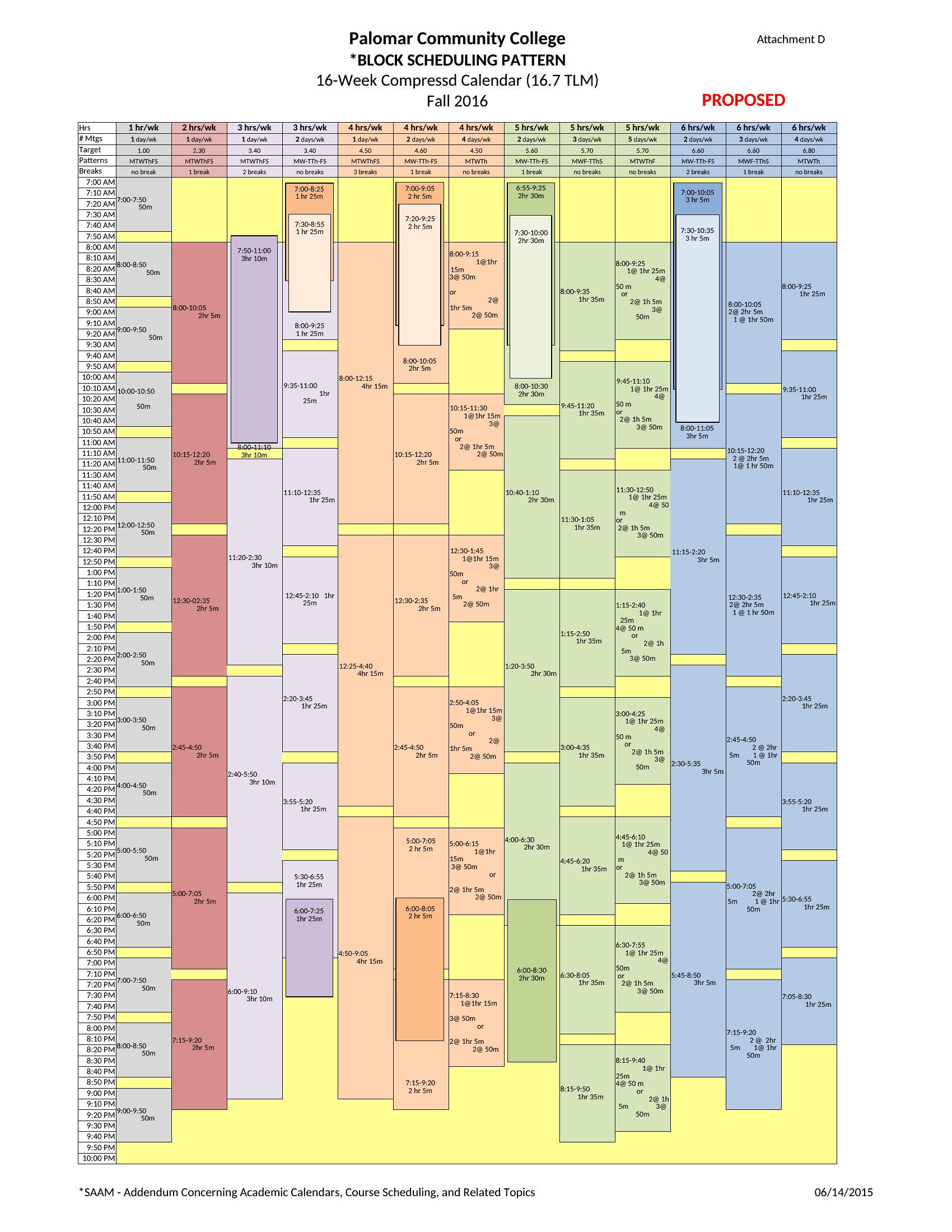
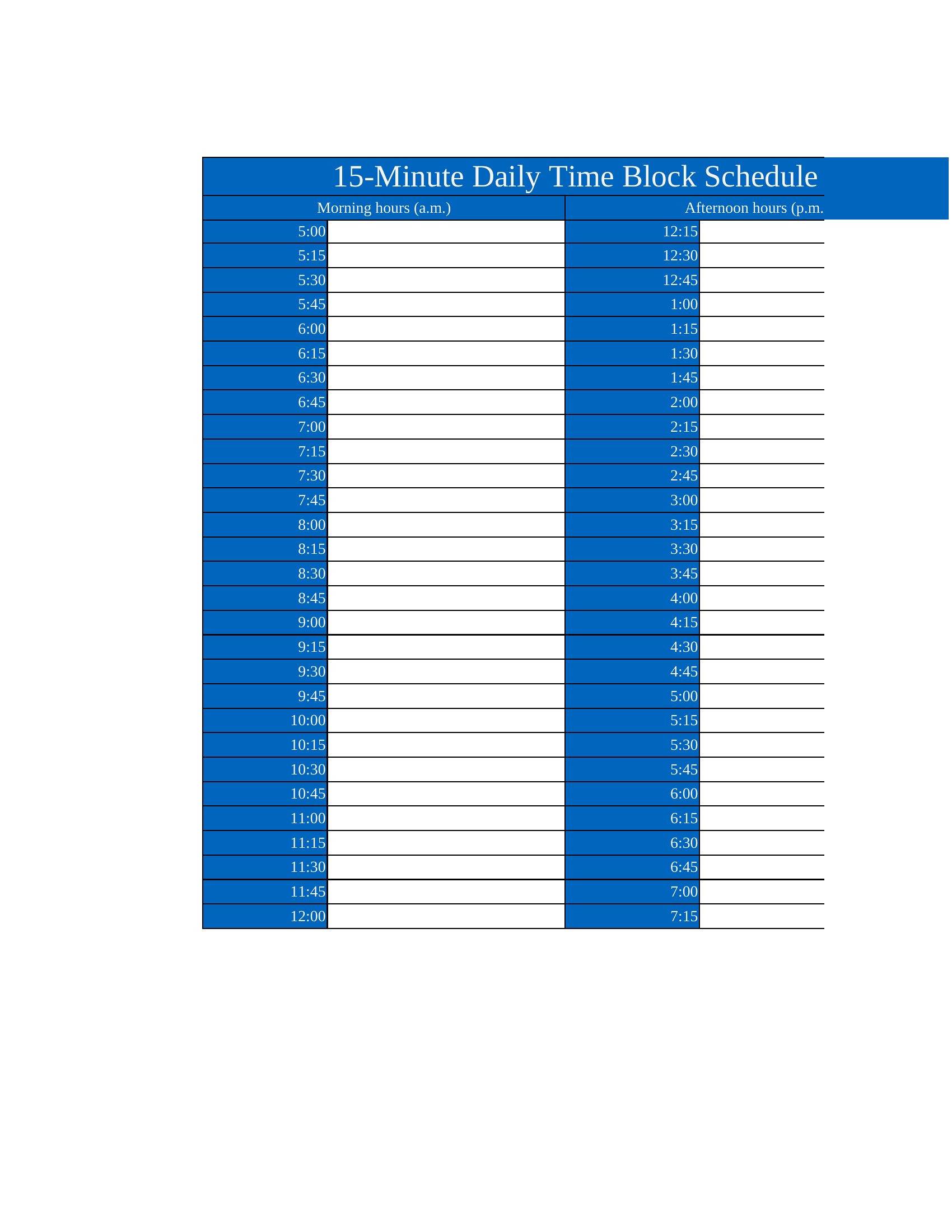
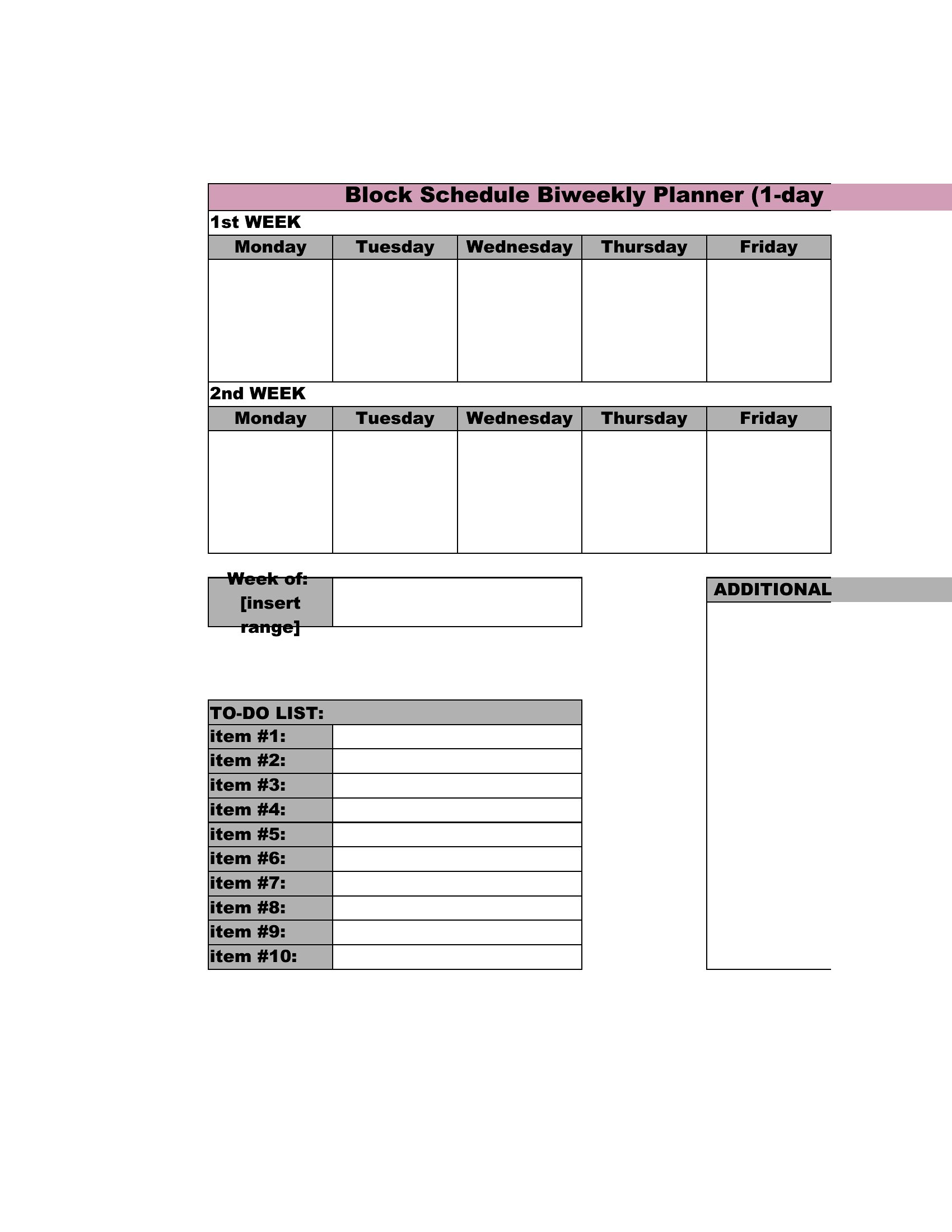
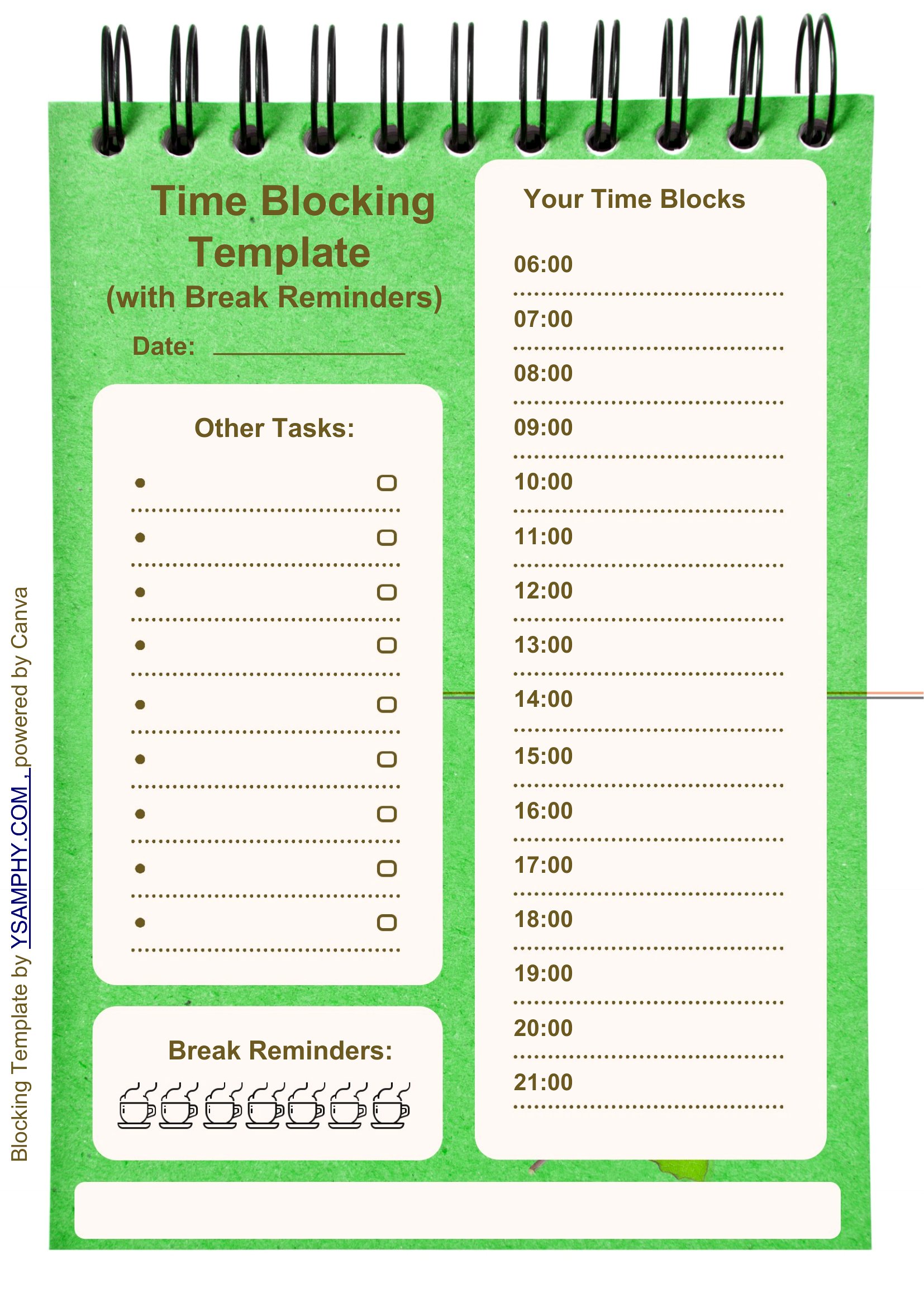
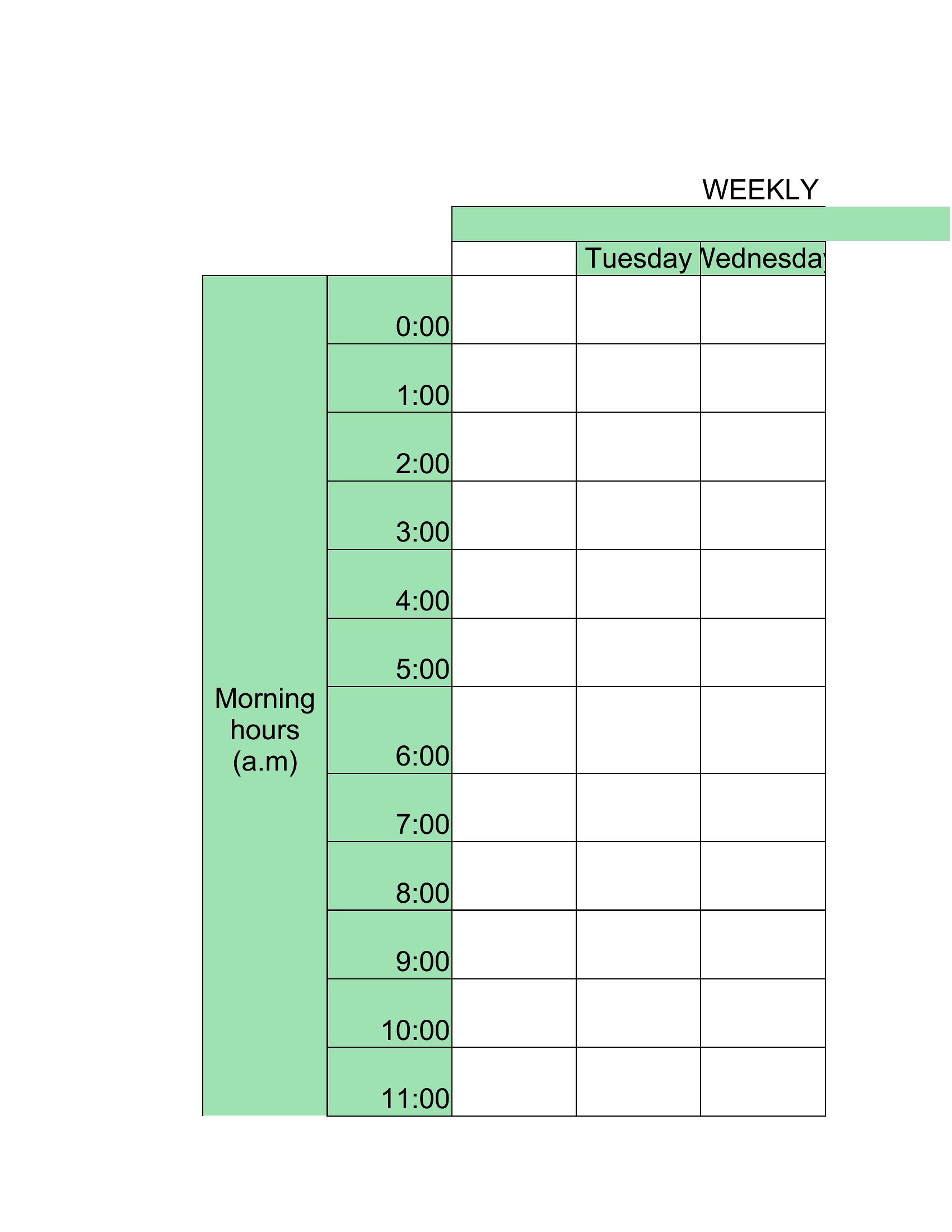
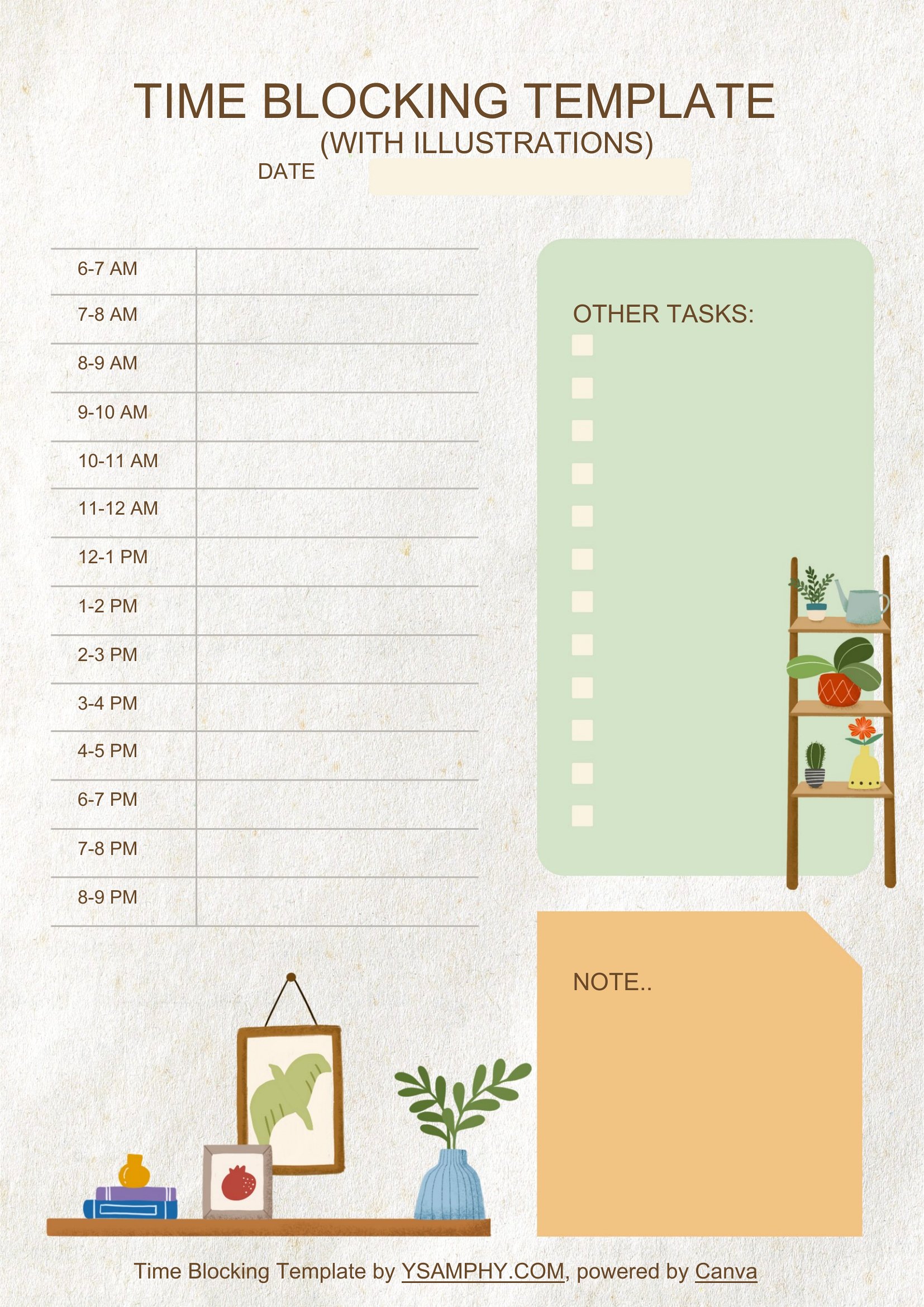
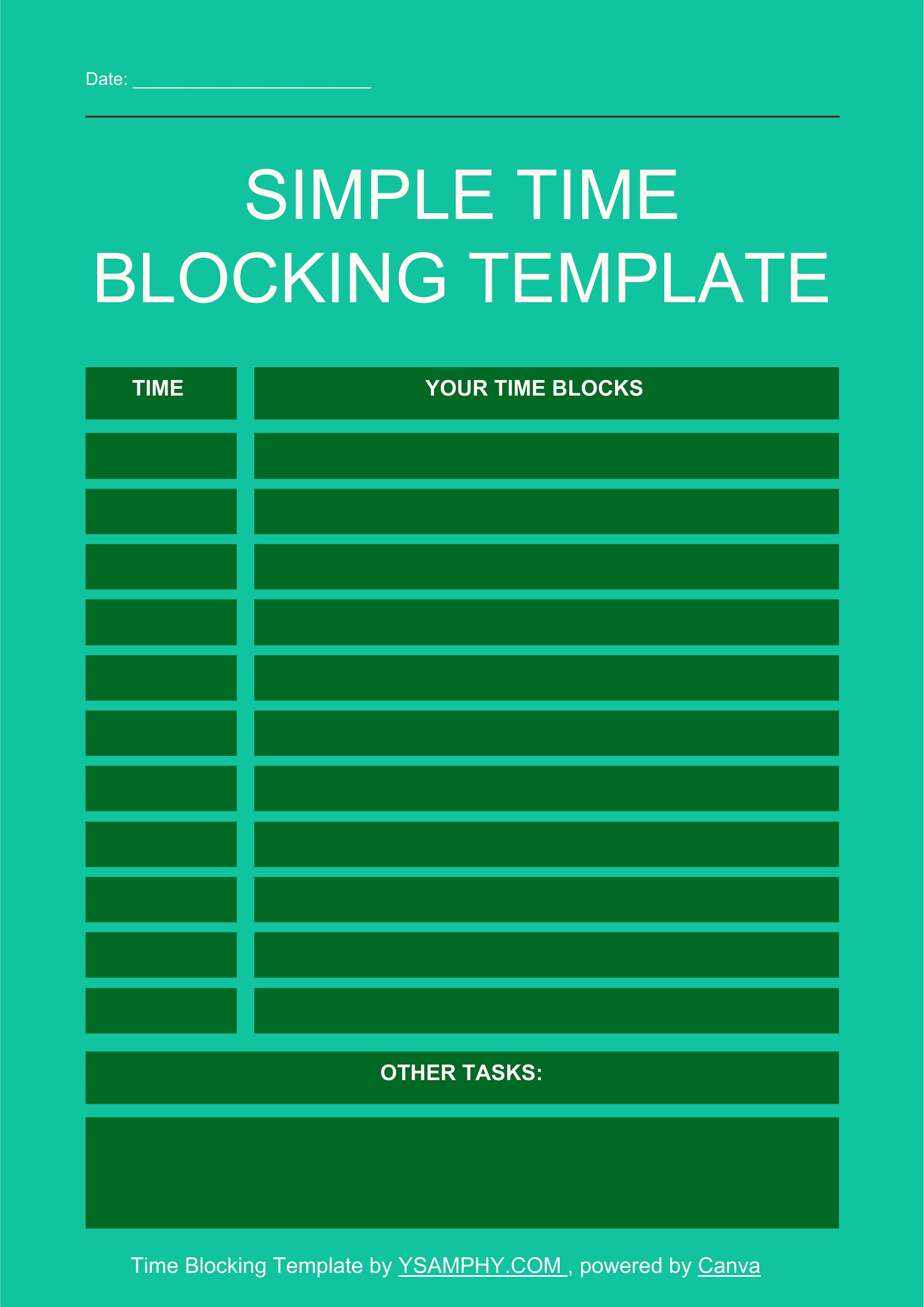
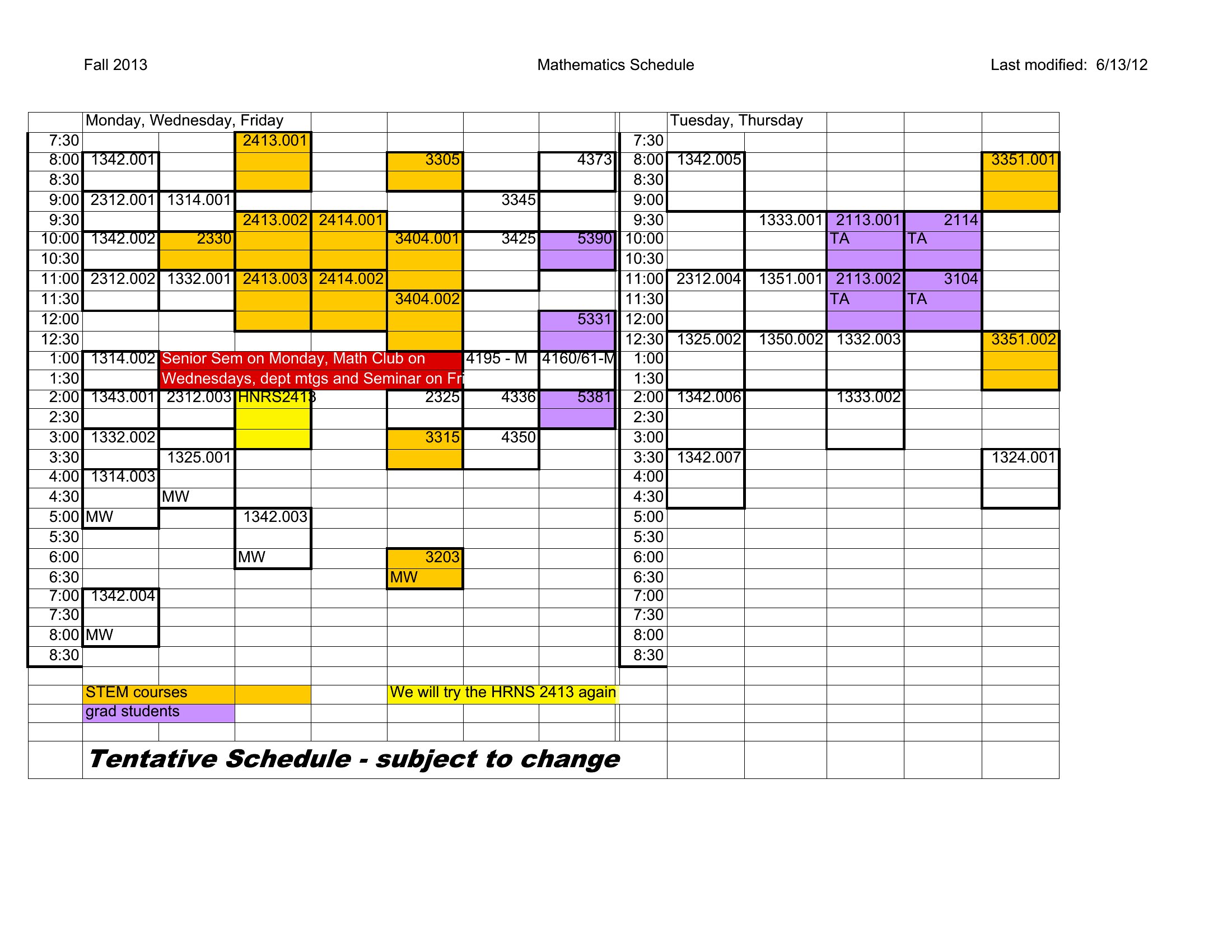
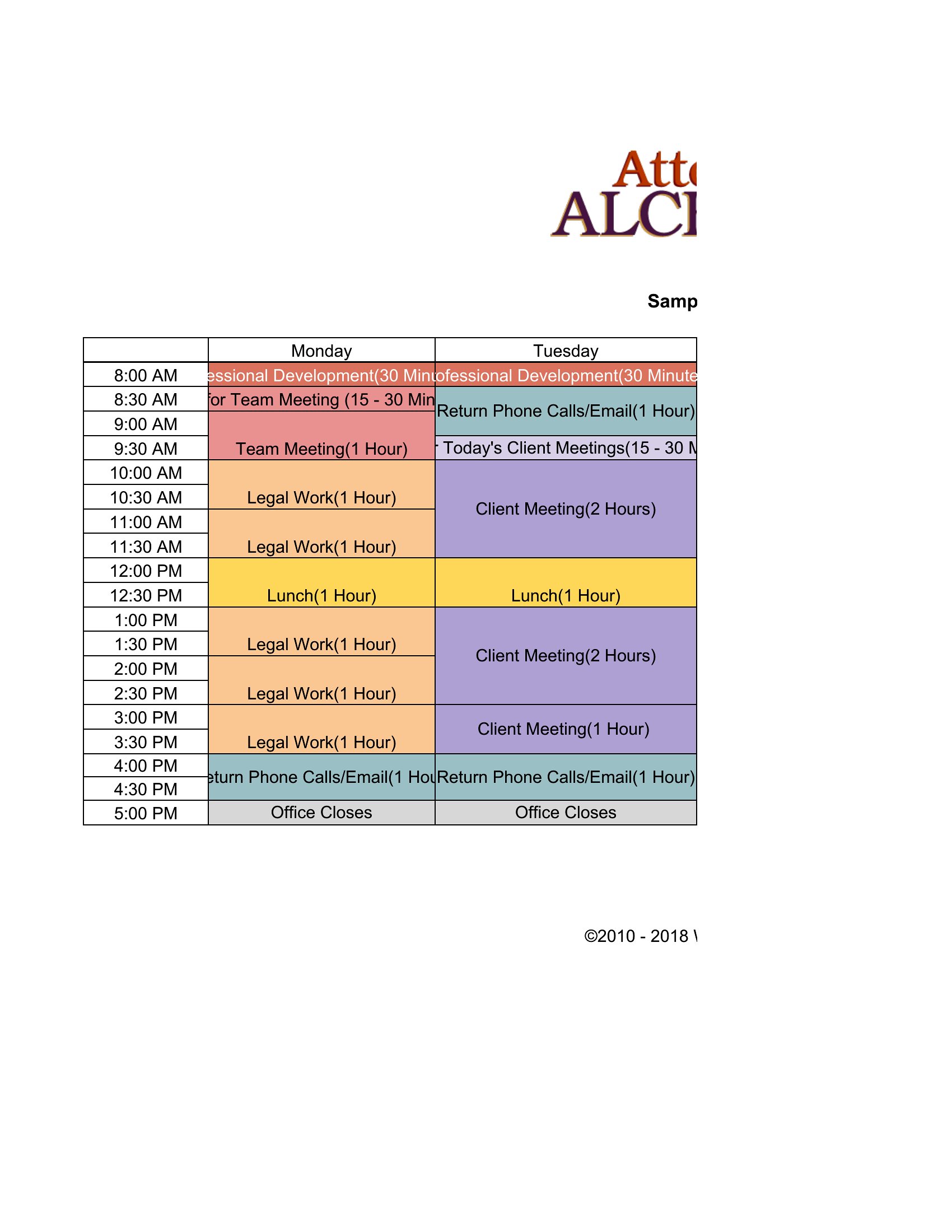
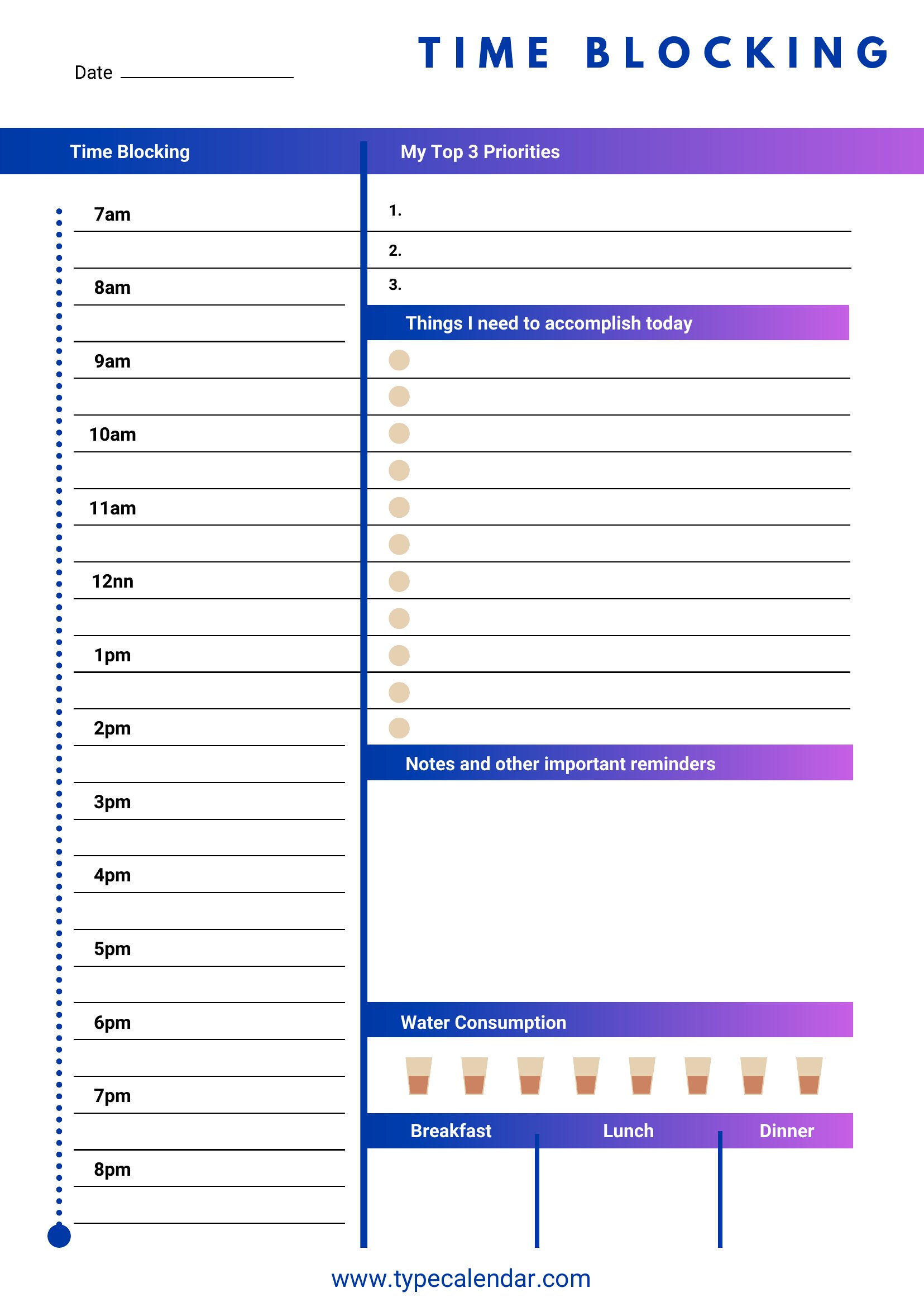
DailyTime blocking trades a vague to-do list for a schedule where every task gets its own slot, and it's a surprisingly effective way to protect your focus. This set of 45 templates breaks the day into blocks for deep work, meetings, breaks, and errands, with both daily and weekly layouts. Busy professionals, students, and anyone juggling too many tabs can plan their hours on purpose instead of reacting all day.
You'll find Word and PDF versions for printing a desk copy, plus Excel sheets that let you adjust time slots and color-code categories. Block out your priorities, leave room for the unexpected, and watch the day feel less scattered. Pick the layout that matches your rhythm and start planning tomorrow tonight.
When to use this Time Blocking template
- A senior executive managing back-to-back client calls, board prep, and unexpected crises needs to reclaim focus by allocating fixed slots for strategic thinking and emails—this template forces prioritization before the day starts.
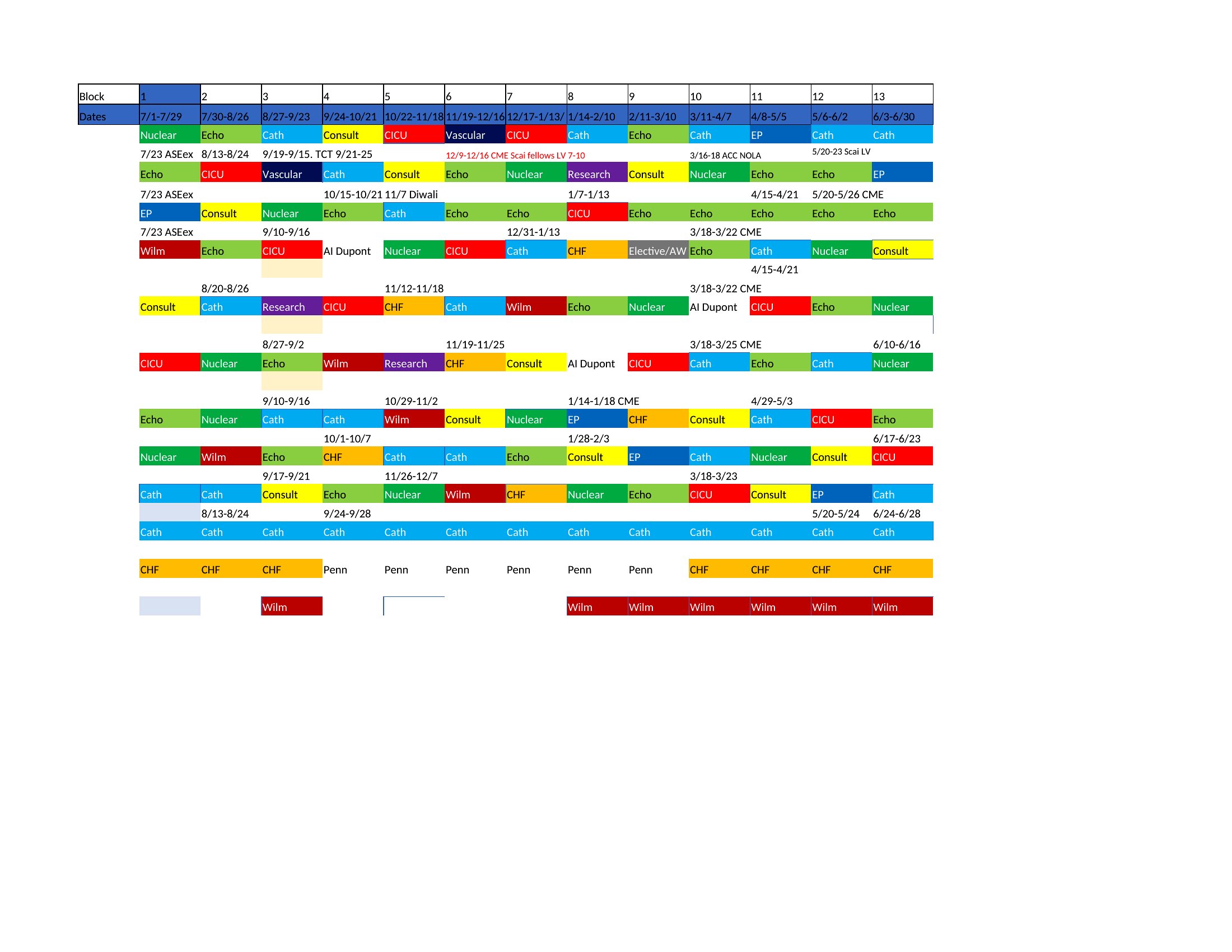
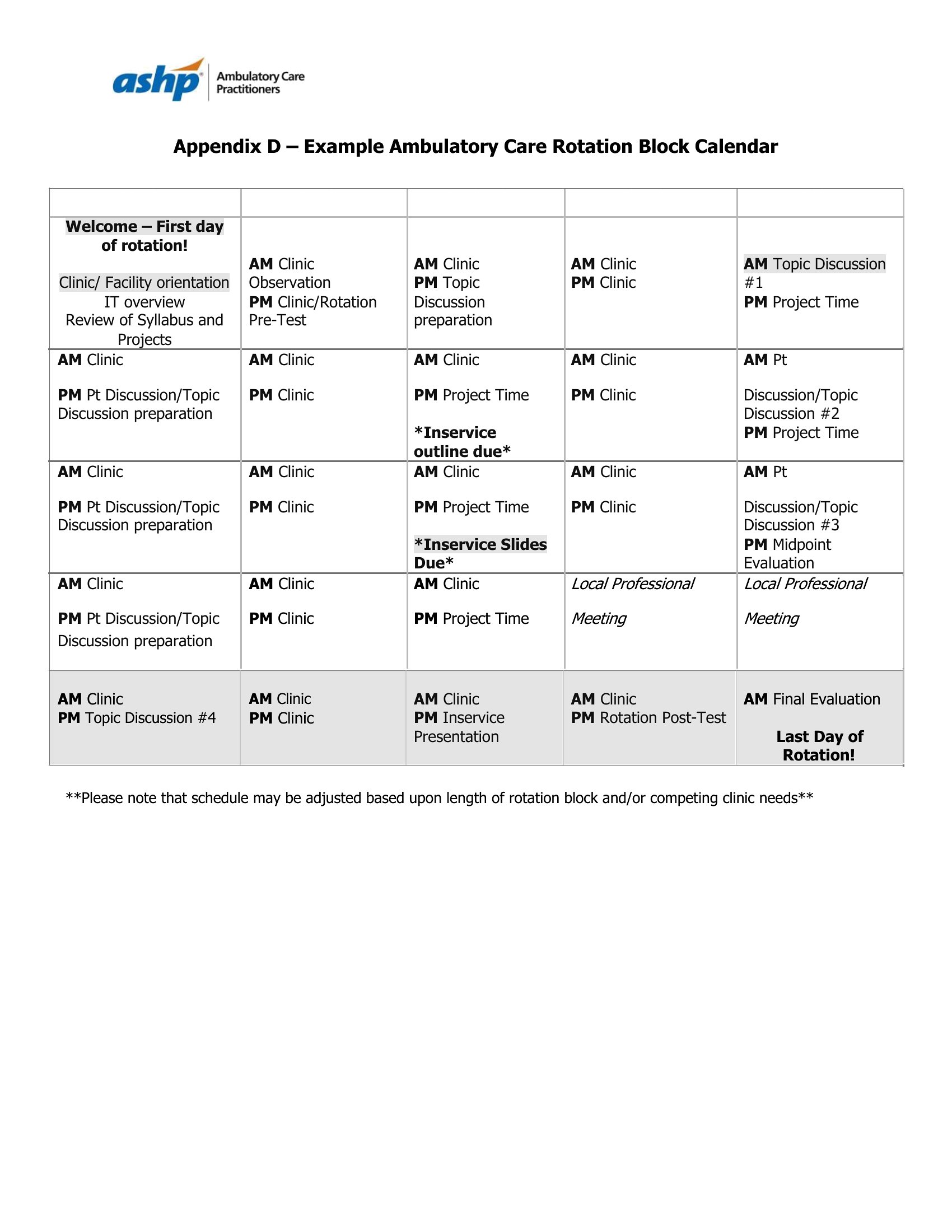
- A medical resident balancing rotations, study sessions, and patient rounds uses daily blocks to guarantee 2-3 hours of uninterrupted review time, preventing burnout by structuring chaos into predictable pockets.
- A freelance designer juggling client deadlines, invoicing, and creative work assigns time blocks to creative sprints, admin tasks, and client calls—preventing context-switching from derailing high-value work.
- A graduate student writing a thesis needs to reserve 90-minute blocks for research, writing, and professor meetings while protecting weekend blocks for deep literature reviews and avoiding last-minute cramming.
Which format should I download?
Choose Word for editable, customizable layouts if you need to tweak blocks or add notes frequently (ideal for professionals adjusting priorities daily). Pick Excel for data-driven planners who track time spent per task and analyze productivity metrics across weeks. Opt for PDF if you want a static, printable reference to pin up—best for visual learners or shared team schedules where edits are rare. The weekly templates in PDF work well for overview planning, while daily Word/Excel formats suit granular task management.
Choose from 45 Time Blocking Templates
Block Time
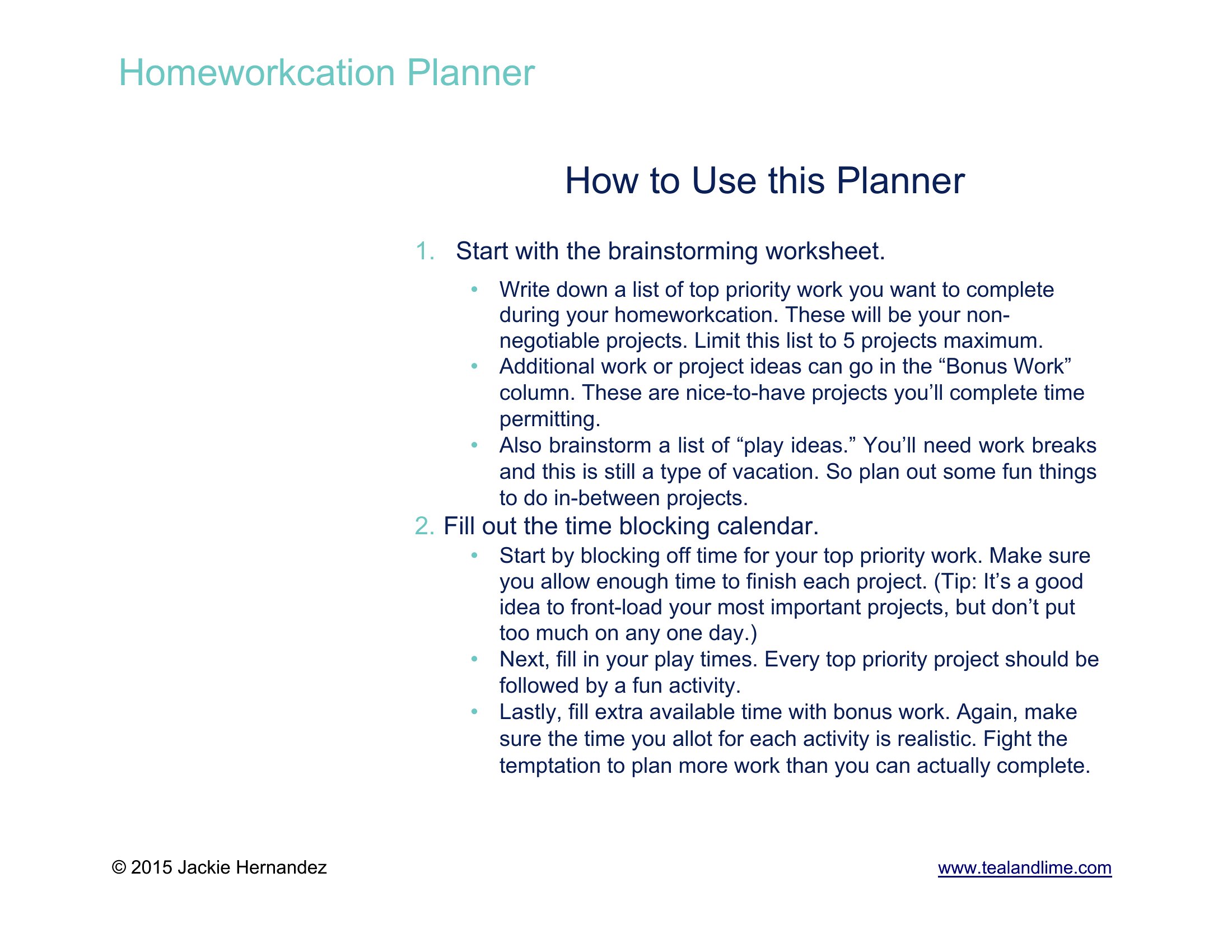
How to use this Time Blocking template
Can I use these templates to align my team’s schedules when we have overlapping meetings?
Yes, the Word and Excel formats let you duplicate and merge blocks across multiple calendars, but they’re starting points—not conflict-resolution tools. For teams, combine with a shared project management system to flag overlaps and adjust. Always confirm scheduling conflicts directly with colleagues.
What’s the best way to handle unexpected tasks or emergencies in a time-blocked day?
Build a 30–60 minute ‘buffer block’ daily in your template—this absorbs interruptions without derailing priorities. For recurring emergencies (e.g., client crises), allocate a weekly overflow block. Use the notes section in Word/Excel to log how often buffers are used, then refine your blocks monthly.
How do I decide whether to use daily or weekly time blocks for my workload?
Daily blocks work best for roles with frequent shifts in priority (e.g., consulting, healthcare) or creative work needing deep focus. Weekly blocks suit tasks with fixed deadlines (e.g., project milestones, content calendars) or routines with predictable rhythms (e.g., teaching schedules). Start with daily templates, then aggregate into weekly overviews after 2–3 weeks to spot patterns.
Comments
Join the conversation
Sign in to share your thoughts and leave a comment on this resource.