Free Project Summary Templates (Word, Excel)
StatusTemplates
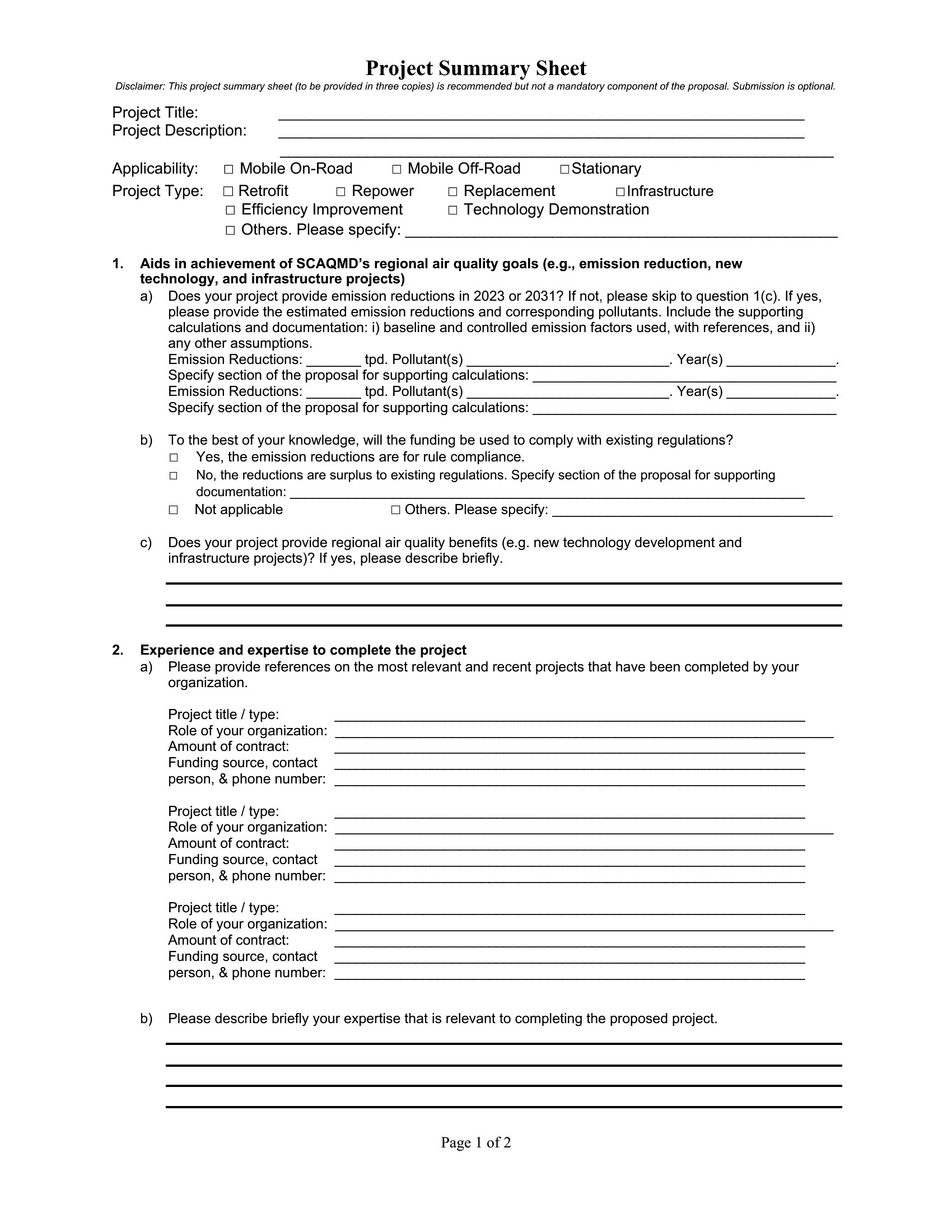
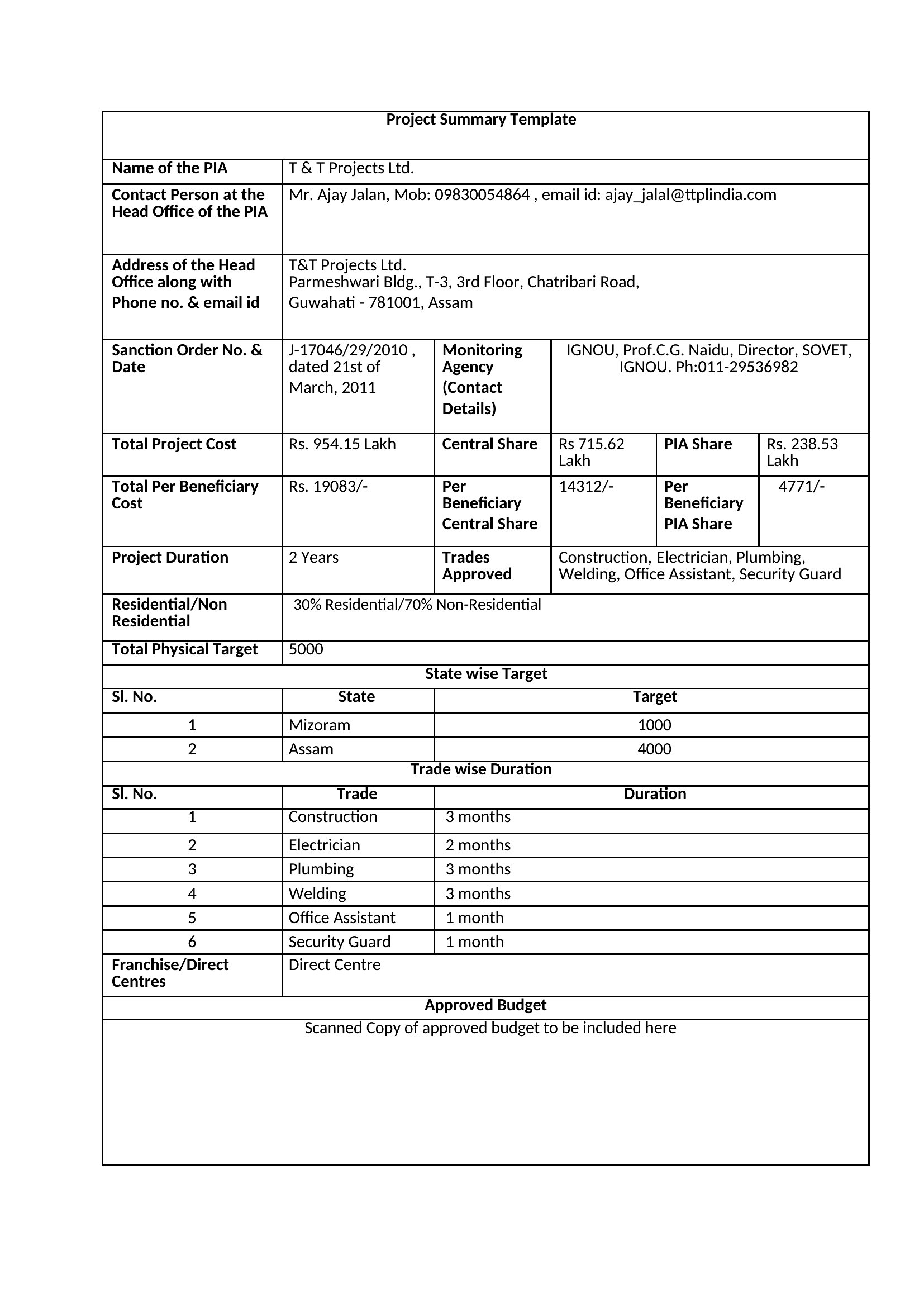
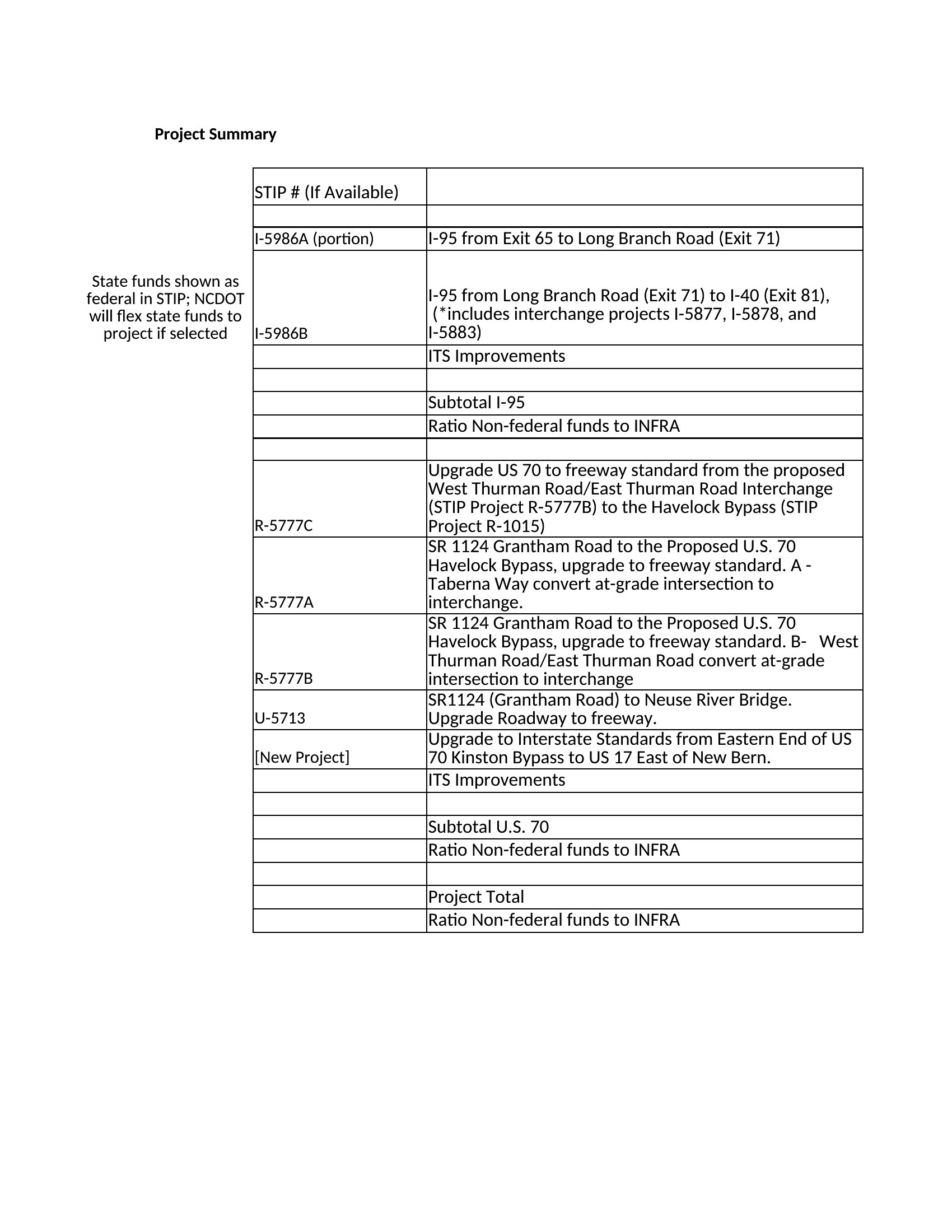
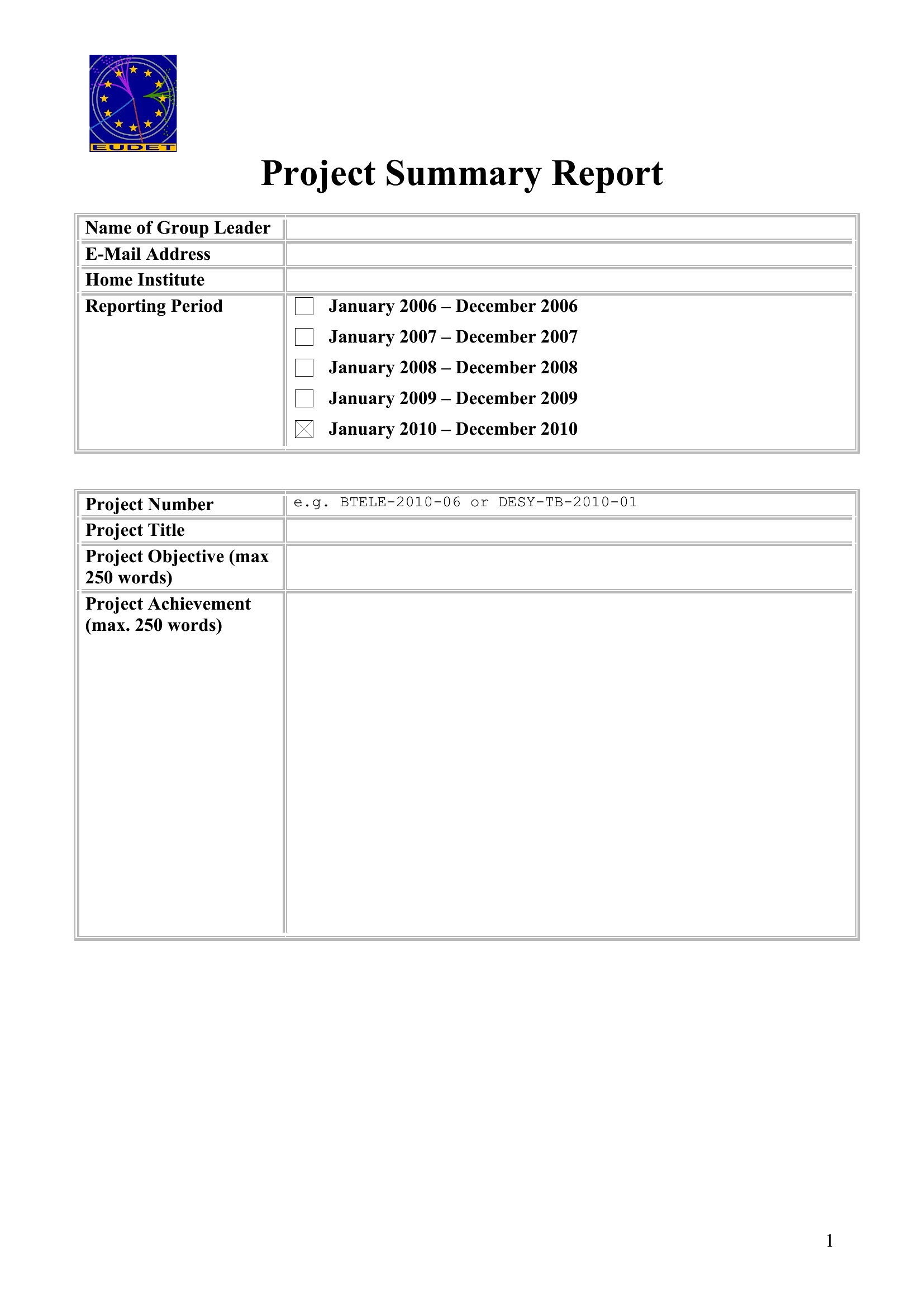
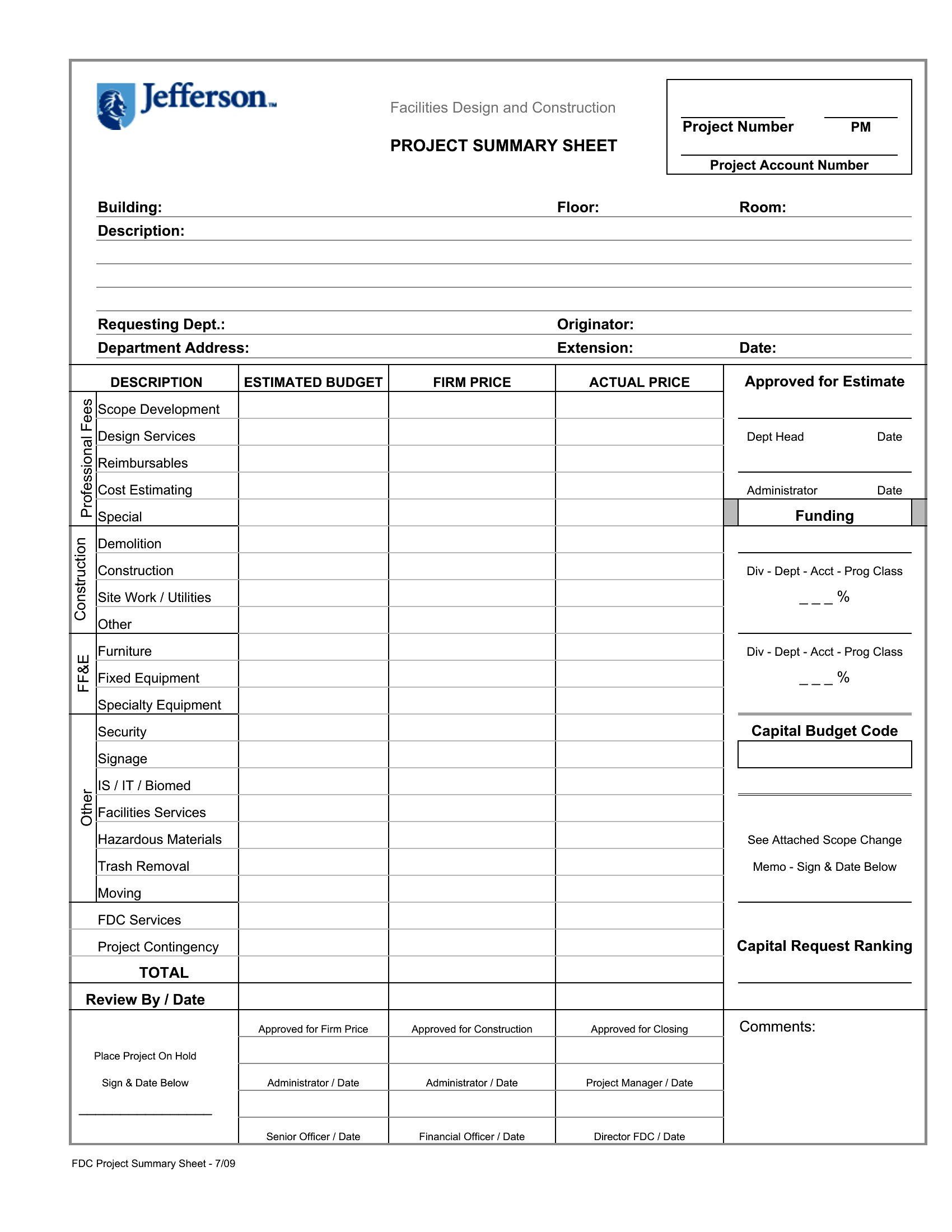
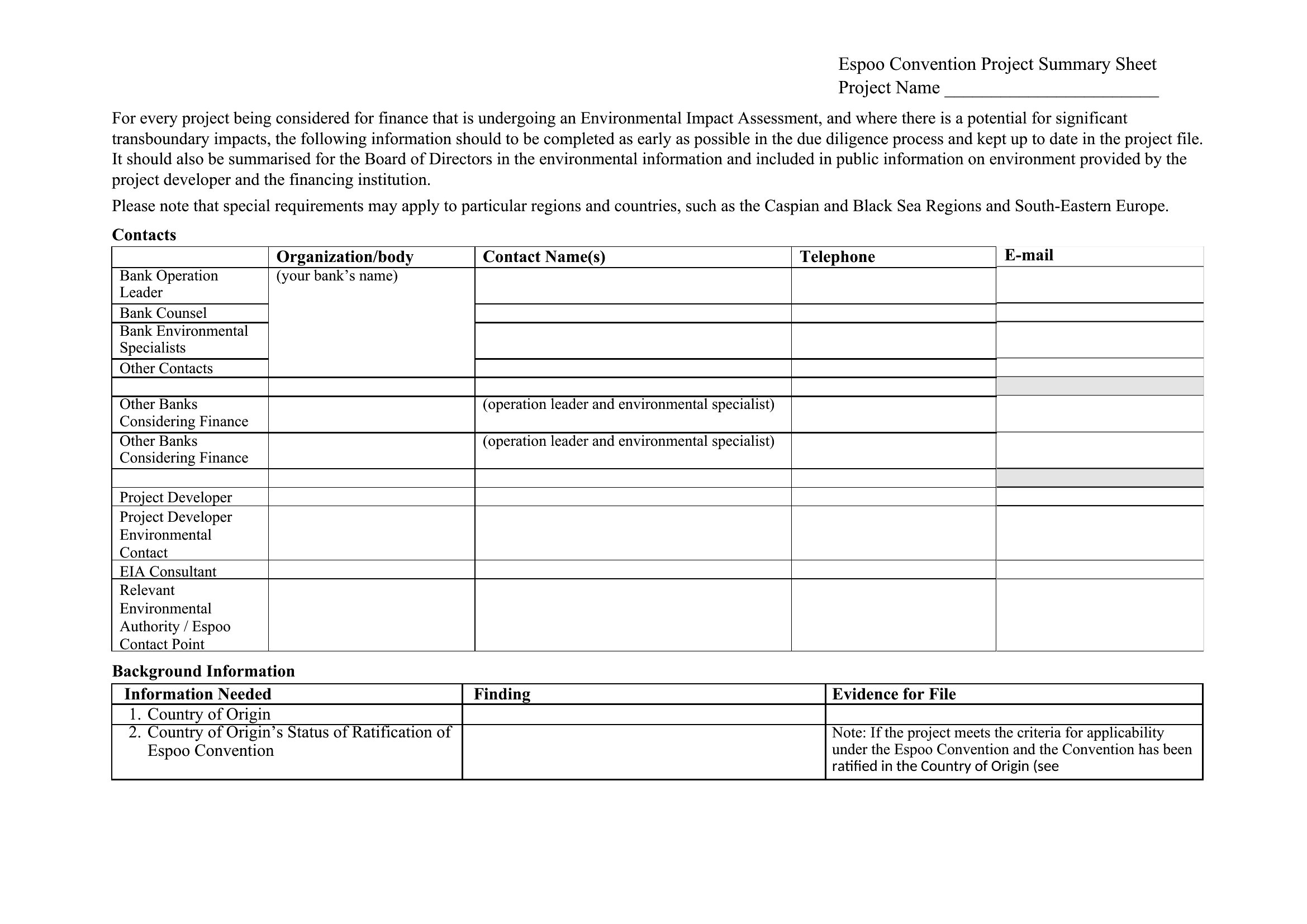
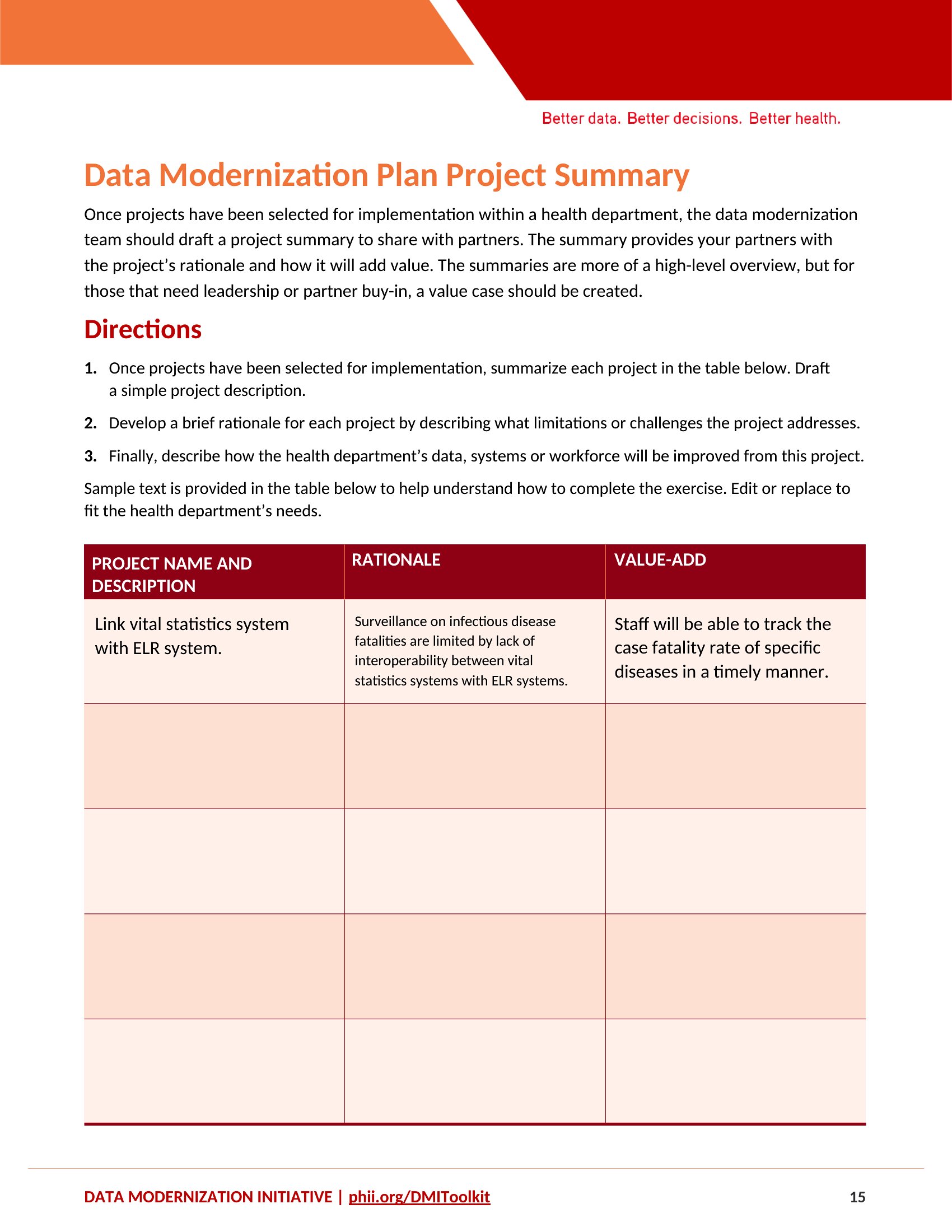
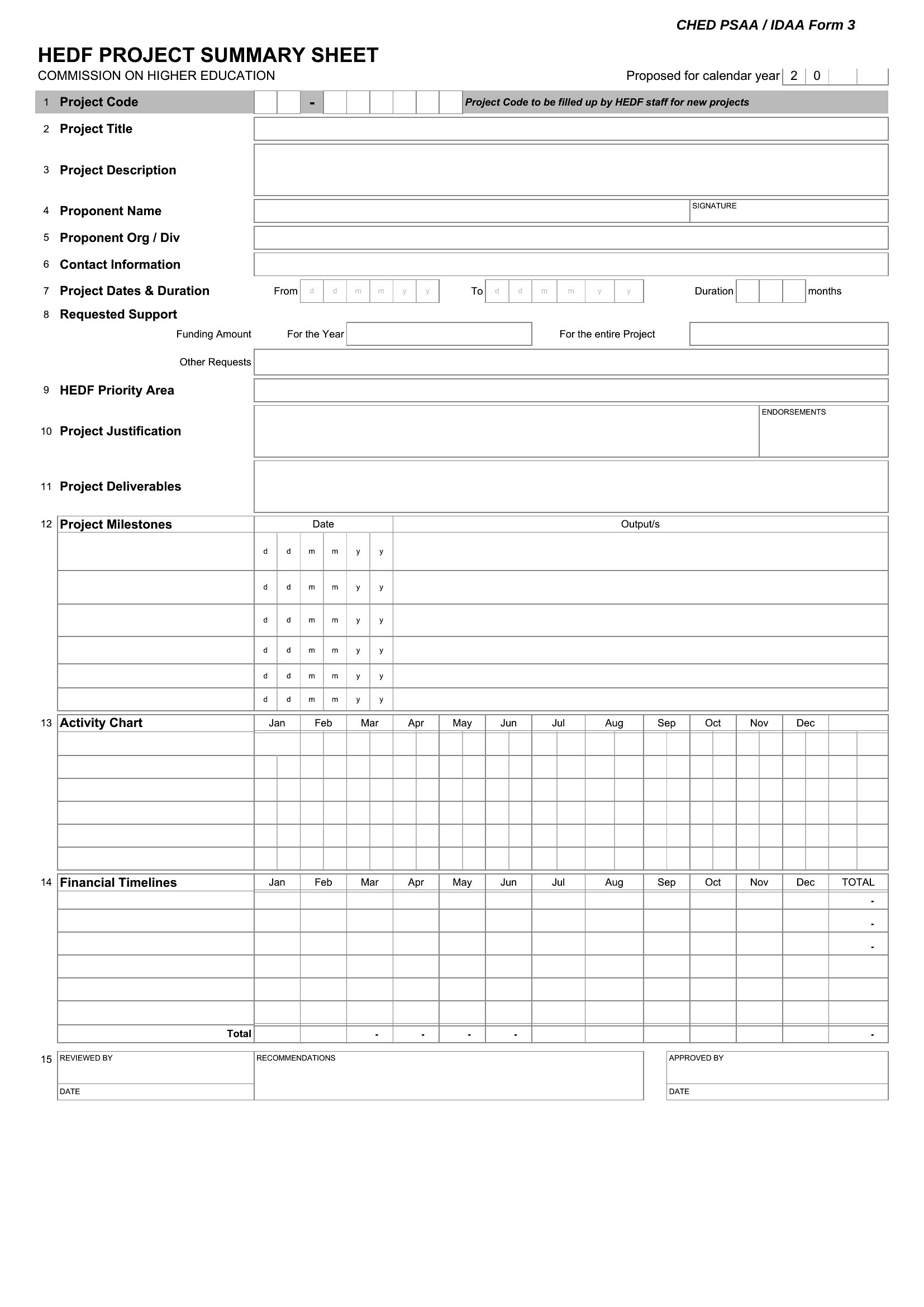
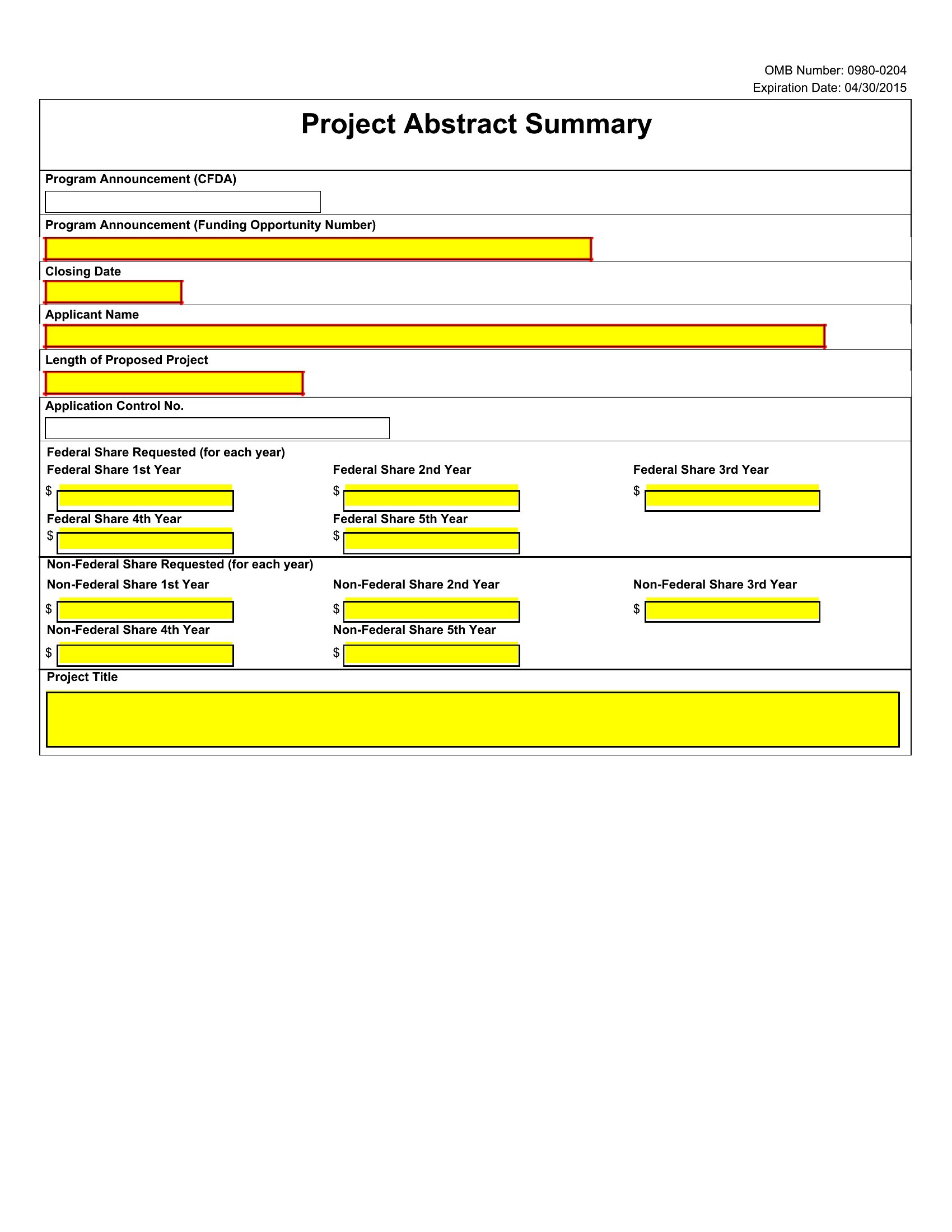
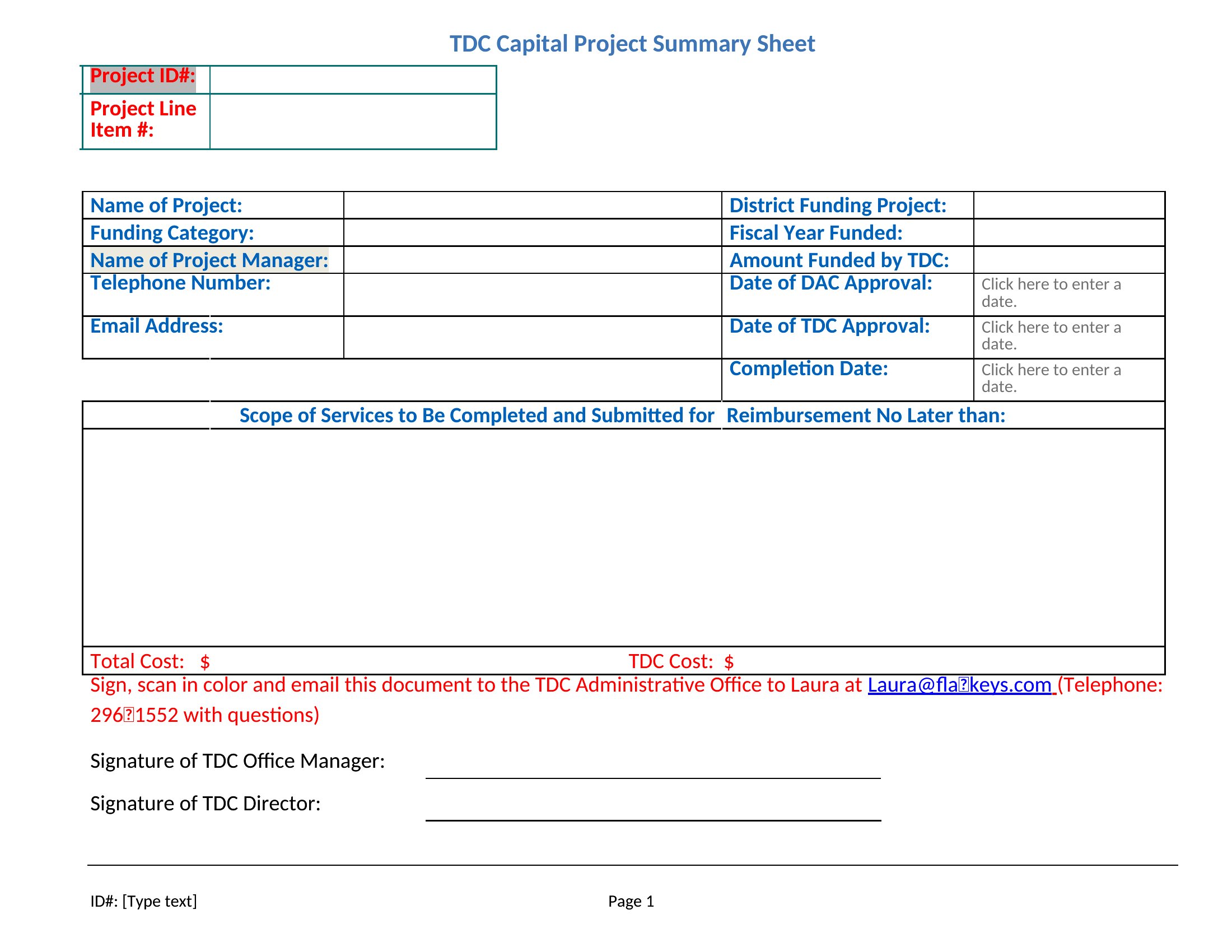
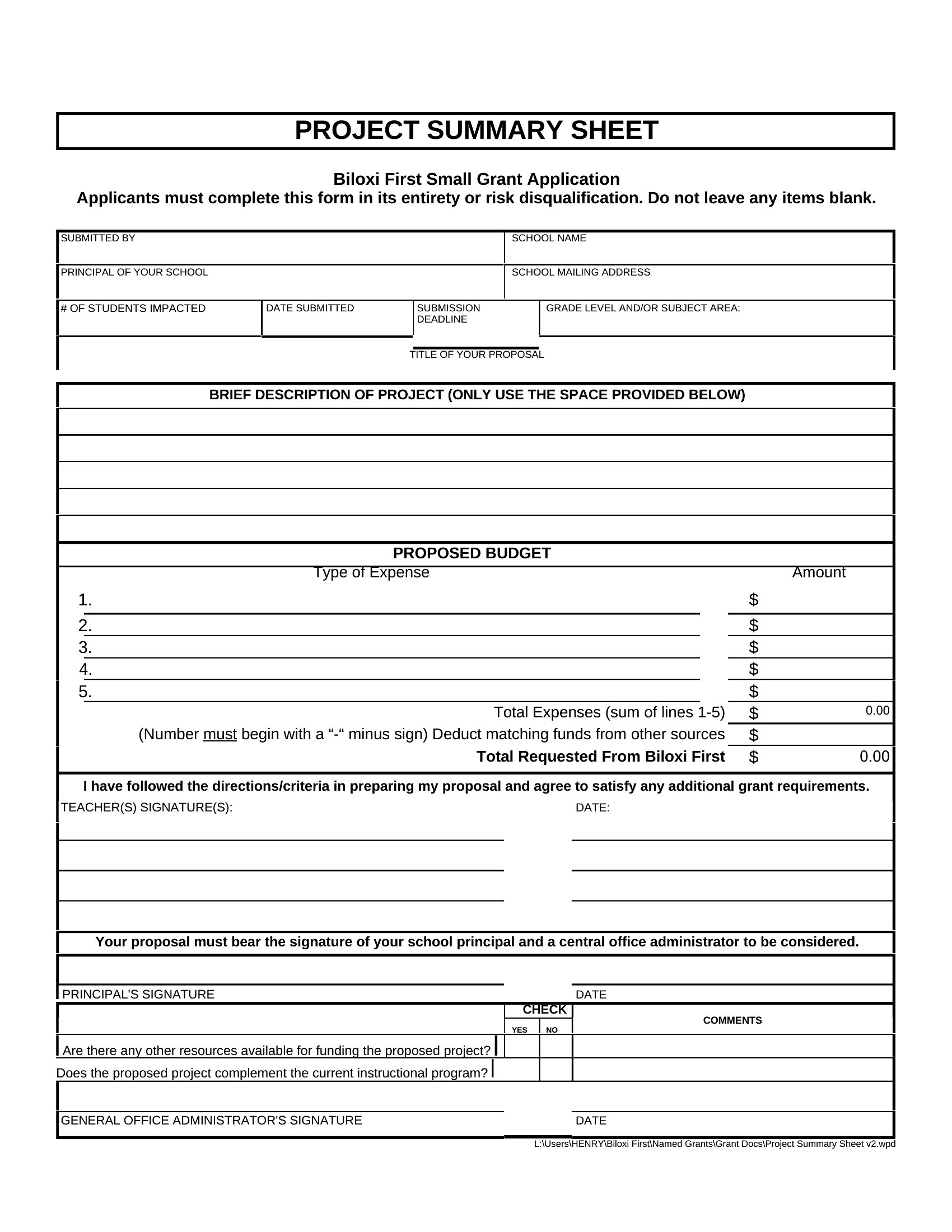
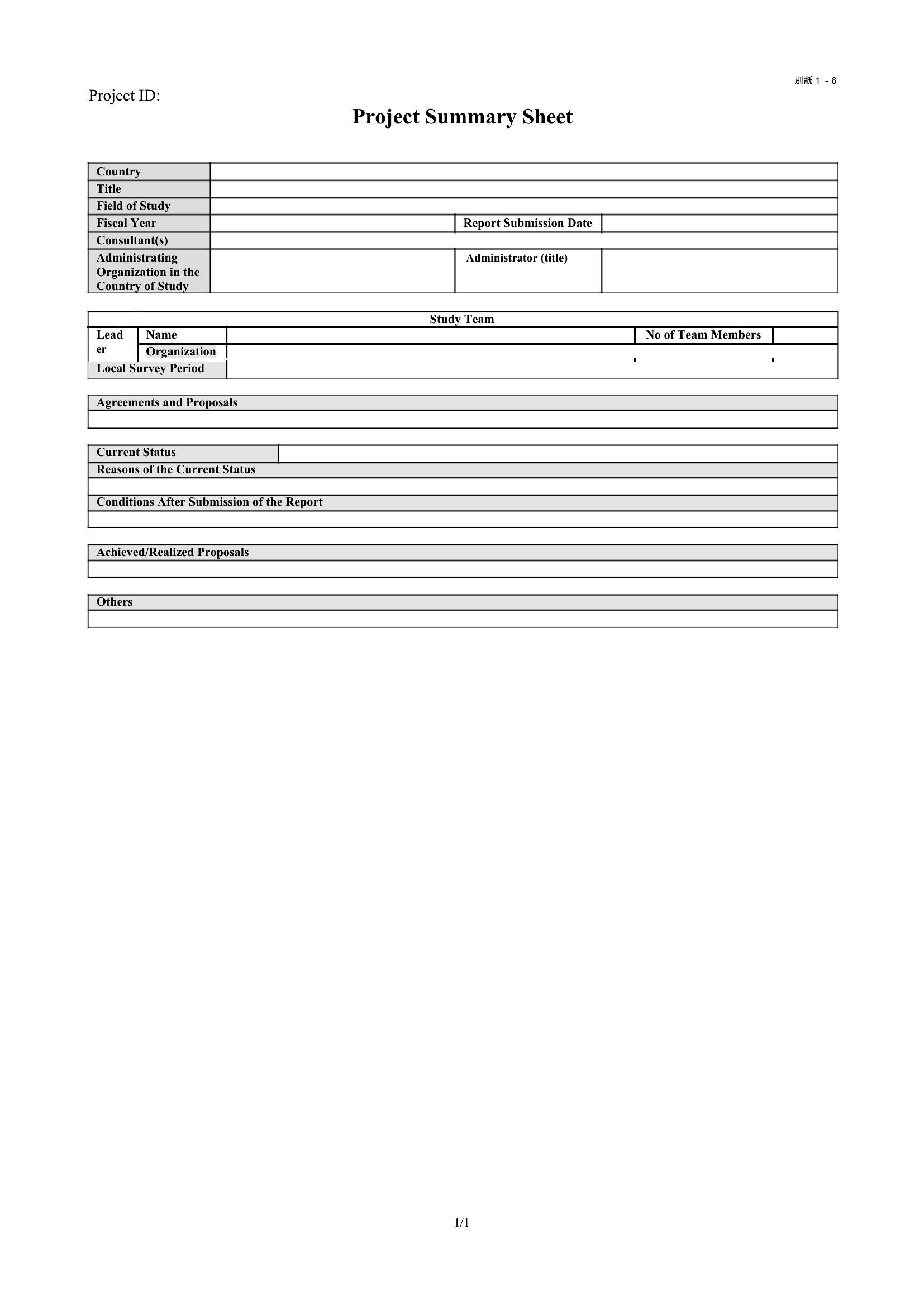
FAQ
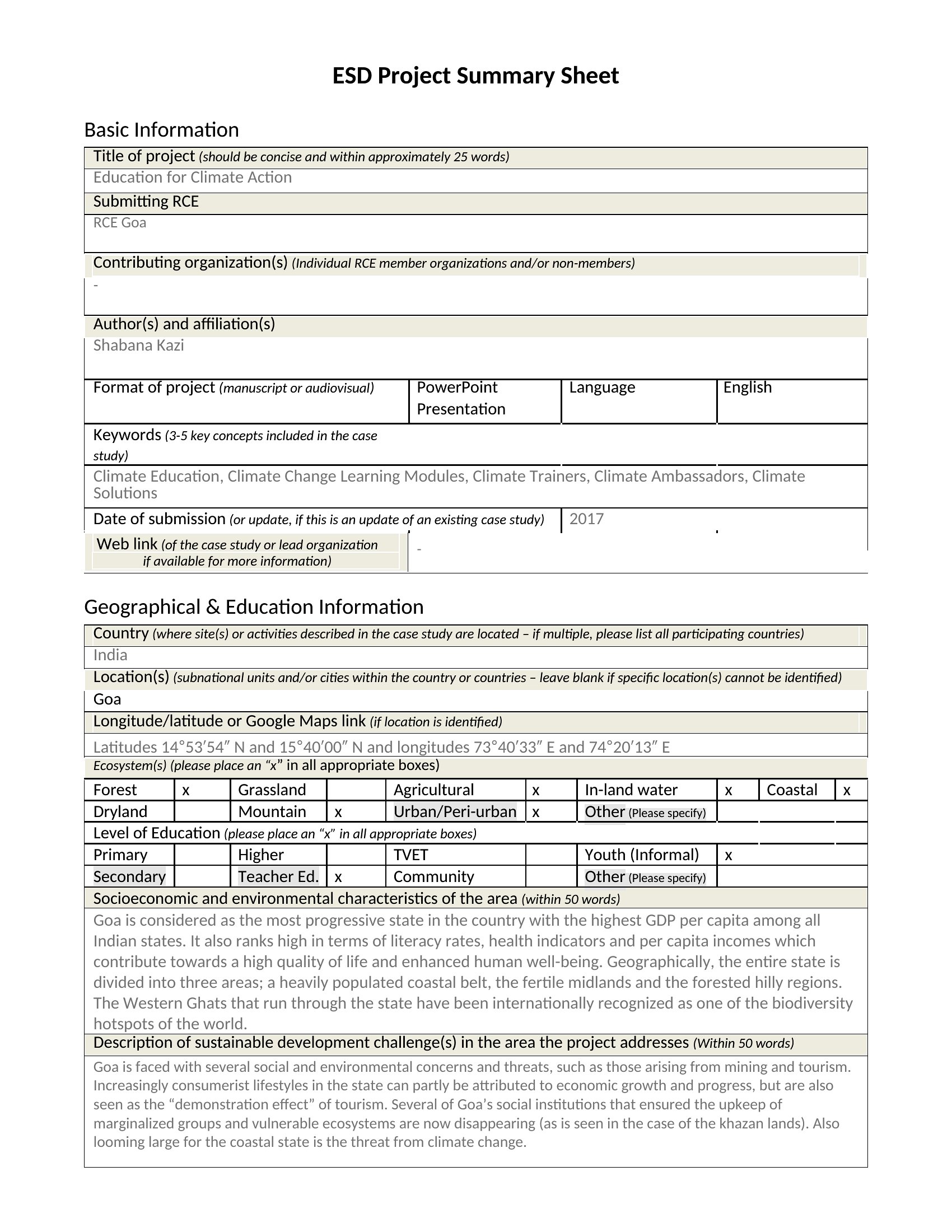
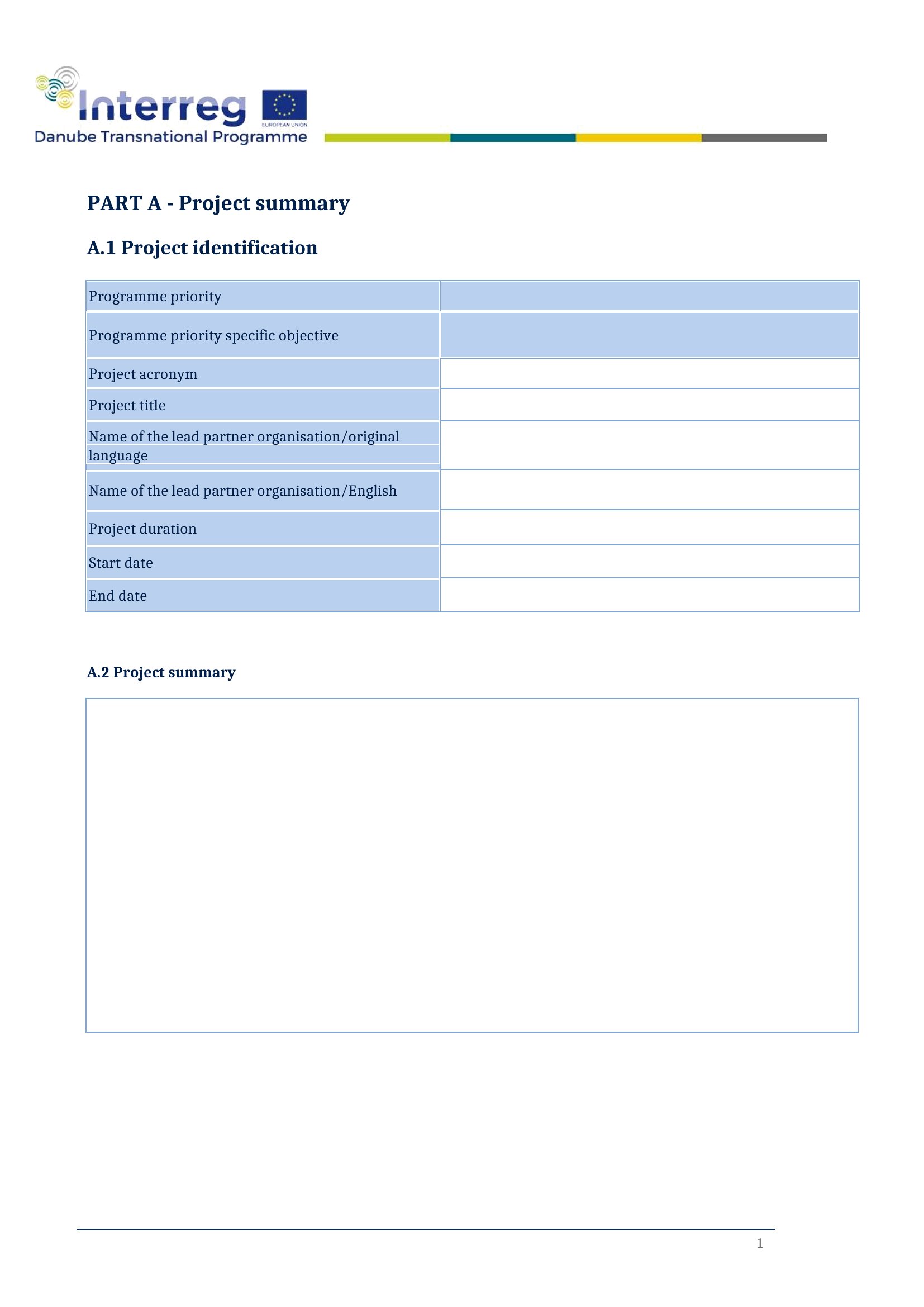
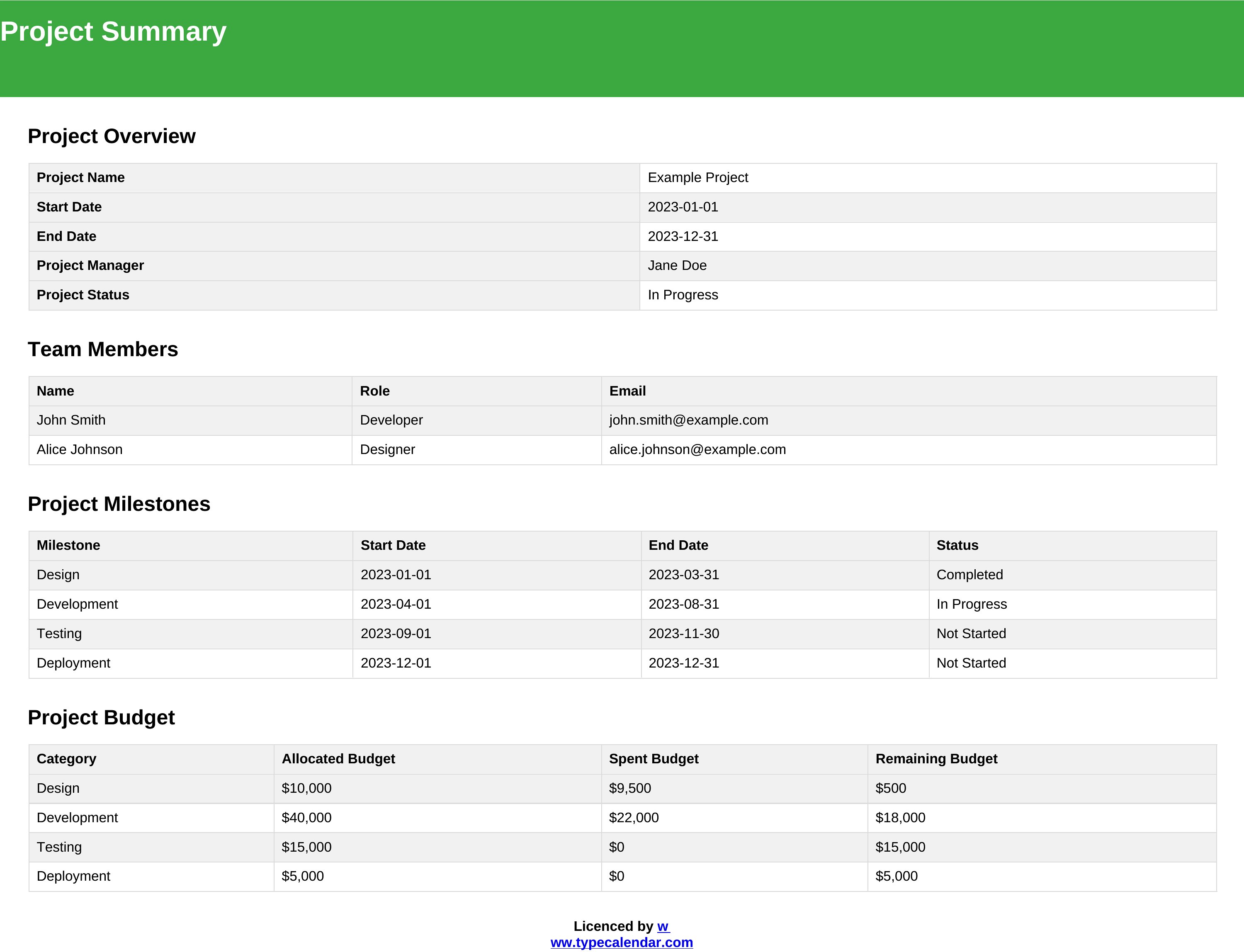
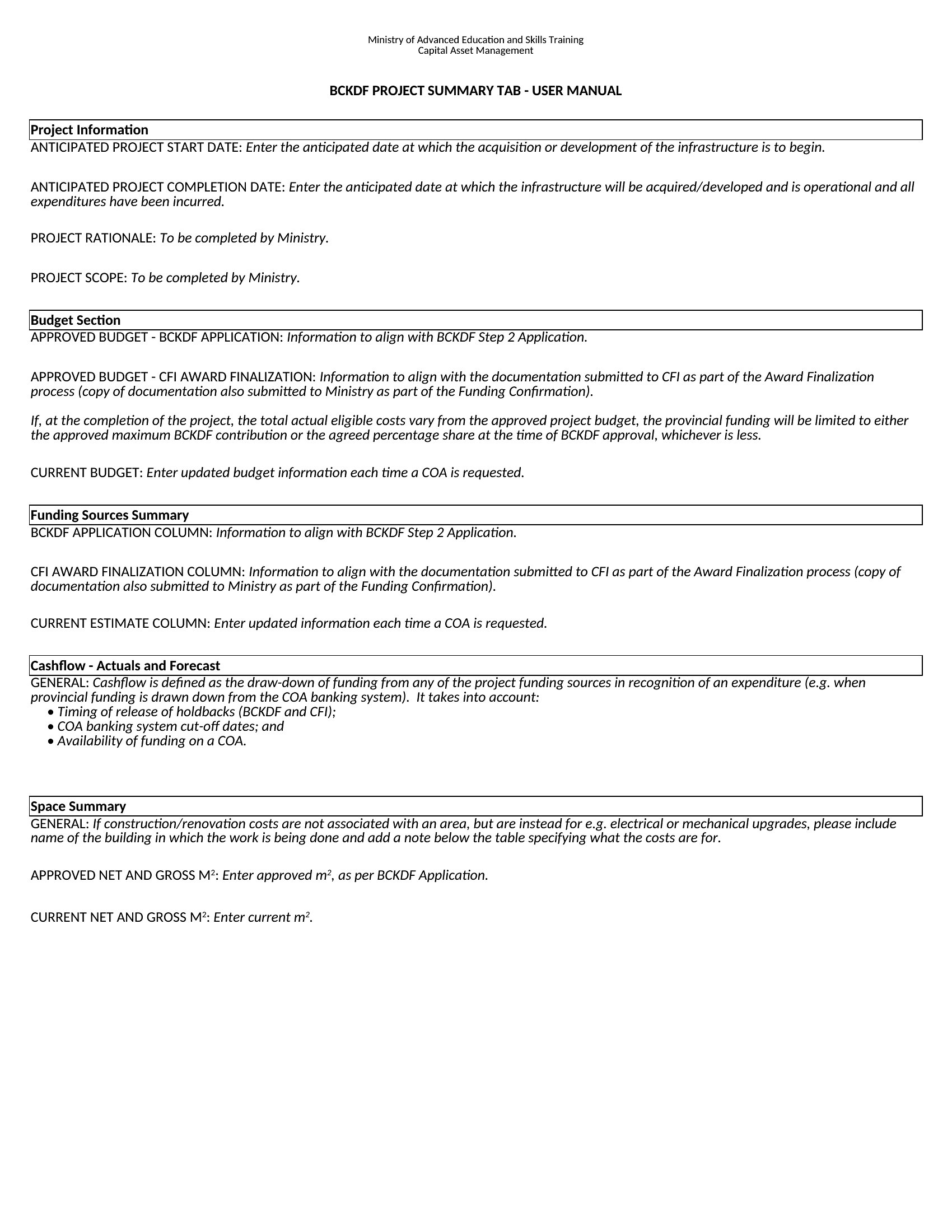
How do I tailor these summaries to showcase risks without sounding alarmist?
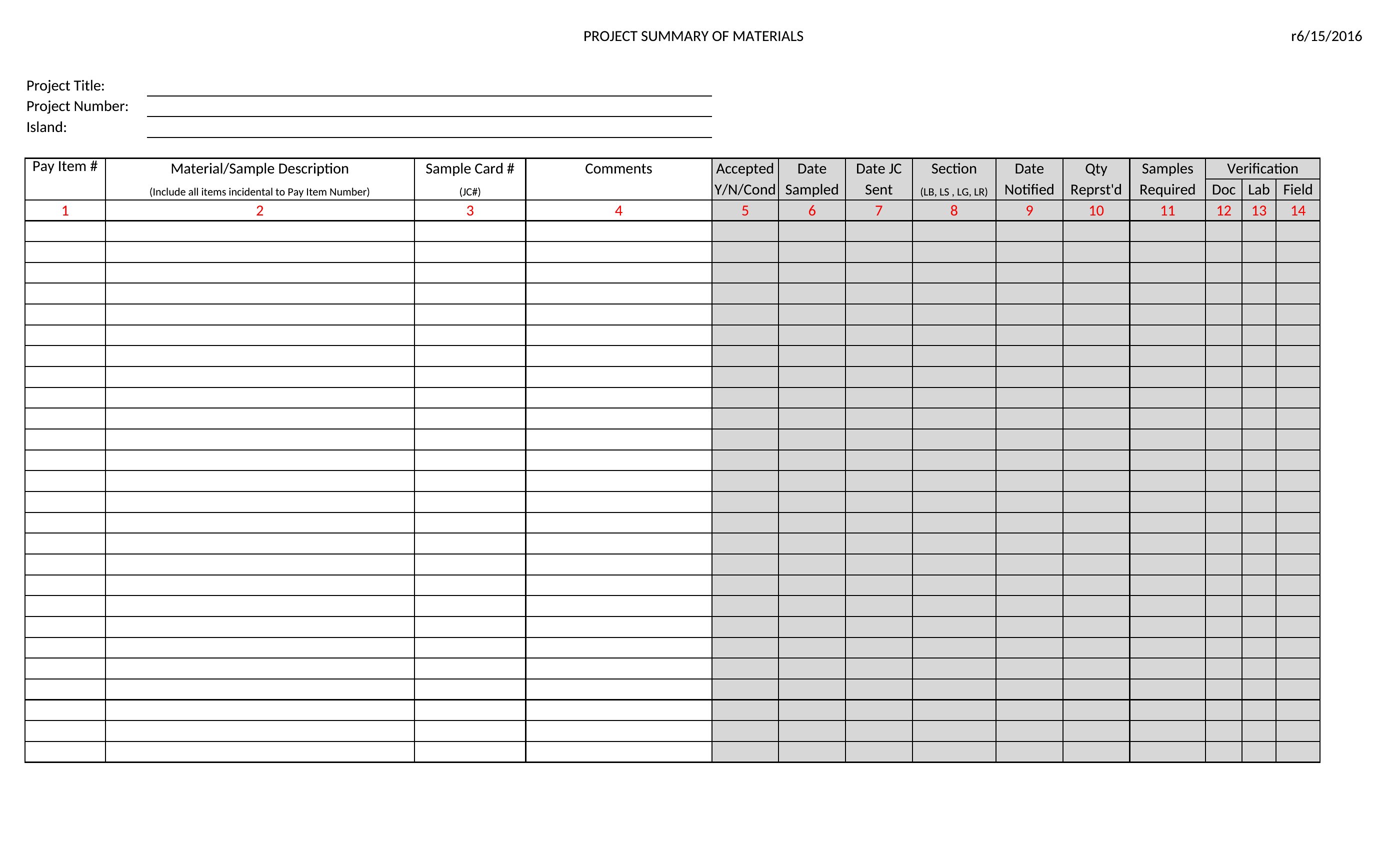
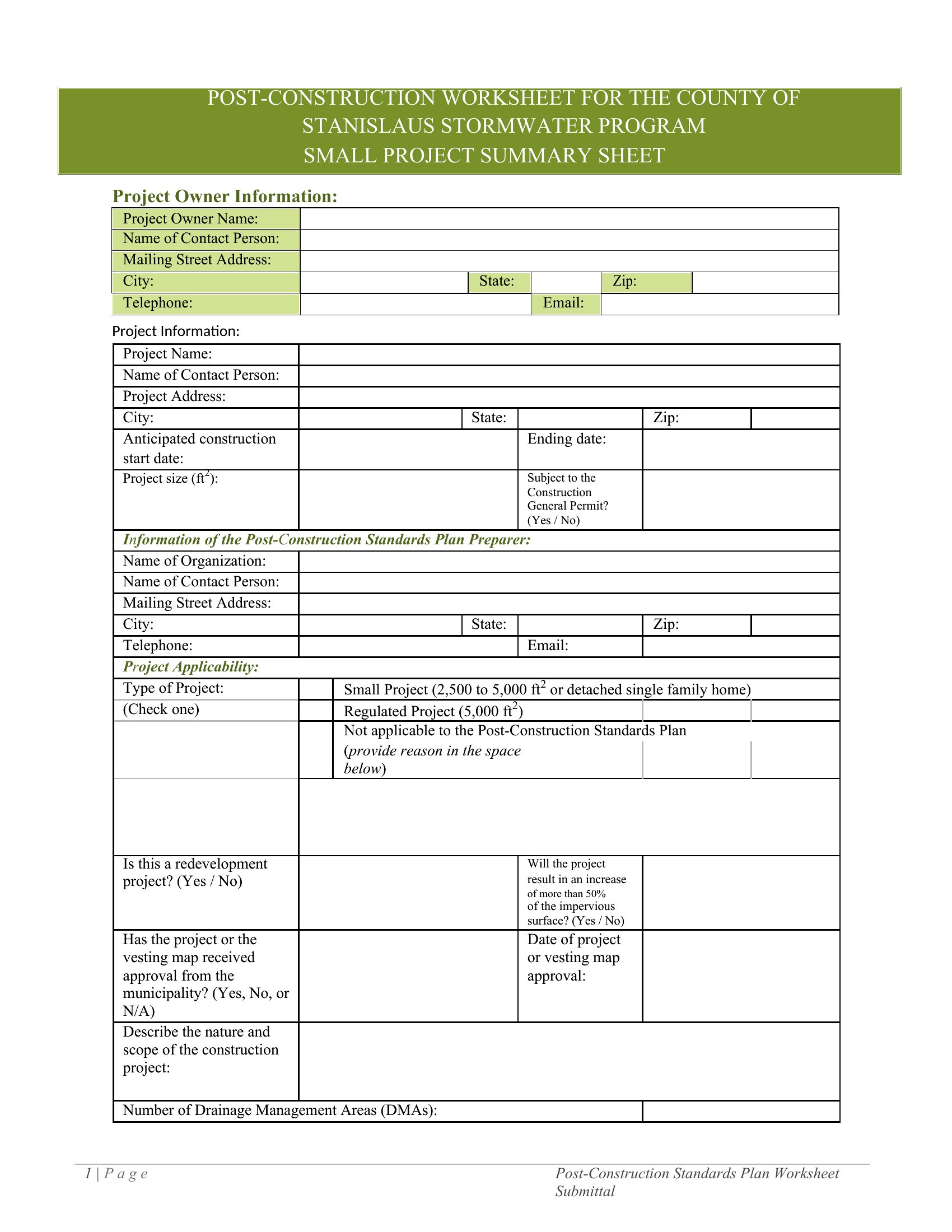
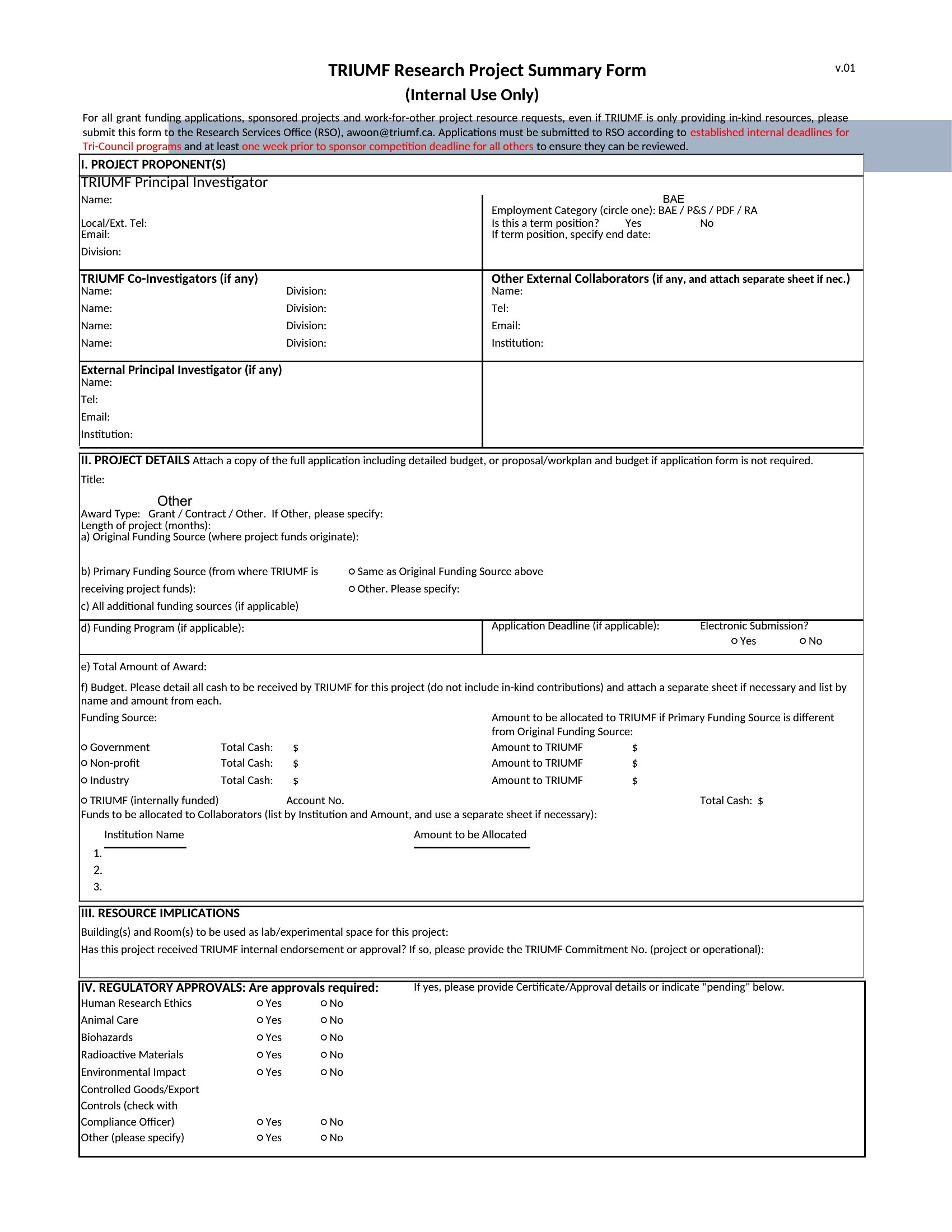
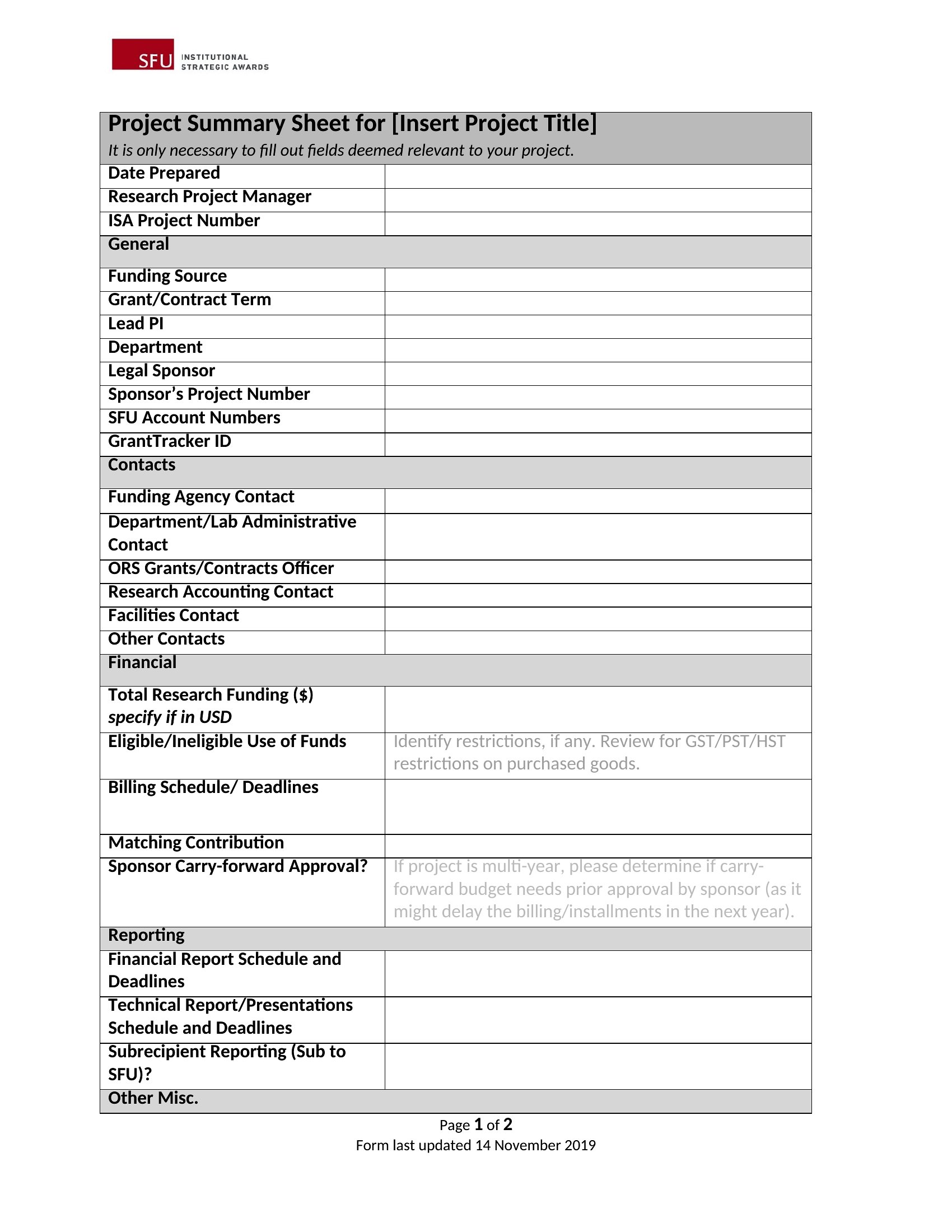
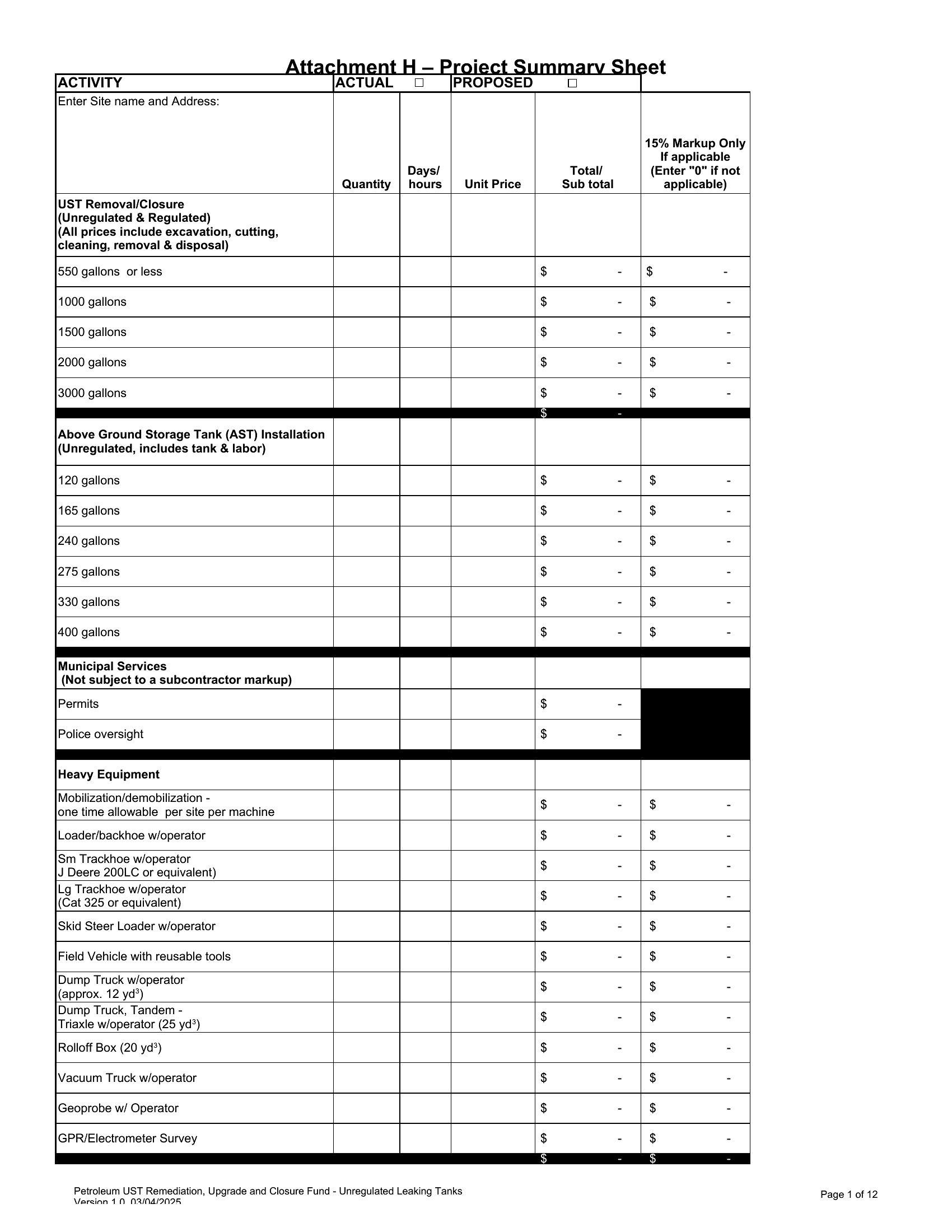
Start with neutral framing (e.g., *'Key challenges include X and Y'*) and focus on mitigation steps. Use a dedicated 'Risks' section in Word or a color-coded column in Excel to highlight severity objectively. Avoid jargon—align risk language with your audience’s priorities, like 'schedule delays' for managers or 'budget overruns' for CFOs.
Can I use these for internal audits if my company has strict compliance wording requirements?
Treat these as starting points, not compliance documents. Replace placeholder text with your internal audit templates’ standard language, but retain the summary’s structure to maintain consistency. For highly regulated fields, consult legal or compliance teams to ensure terminology matches policies—these templates focus on clarity, not legal enforceability.
What’s the best way to update a project summary mid-project without losing historical context?
In Word, use track changes for minor edits or create a 'Version History' section at the end to note major updates. In Excel, add a timestamped 'Revisions' tab. For both, keep a master copy of the original summary linked to your project management tool, so stakeholders can compare progress over time while referencing the latest version.
Comments
Join the conversation
Sign in to share your thoughts and leave a comment on this resource.