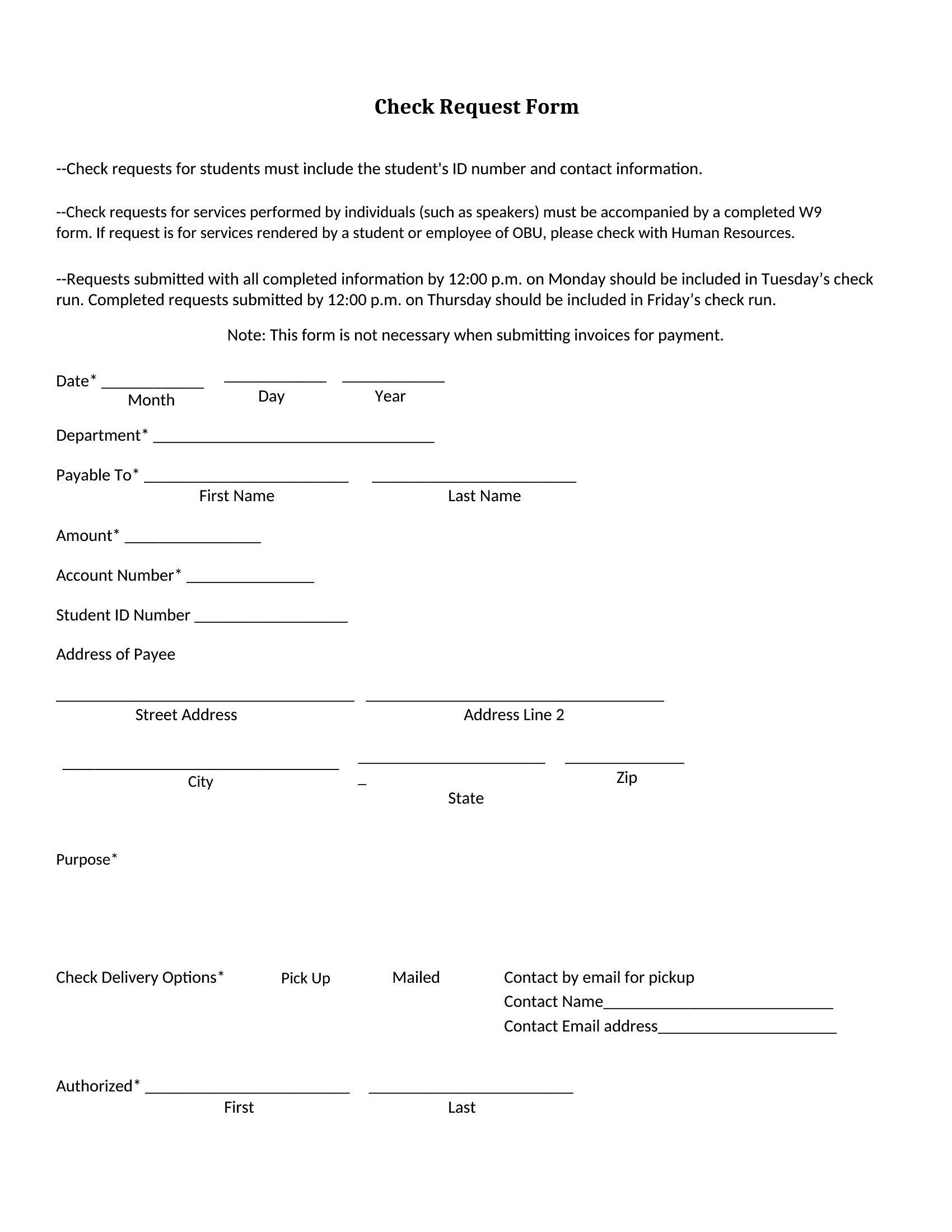
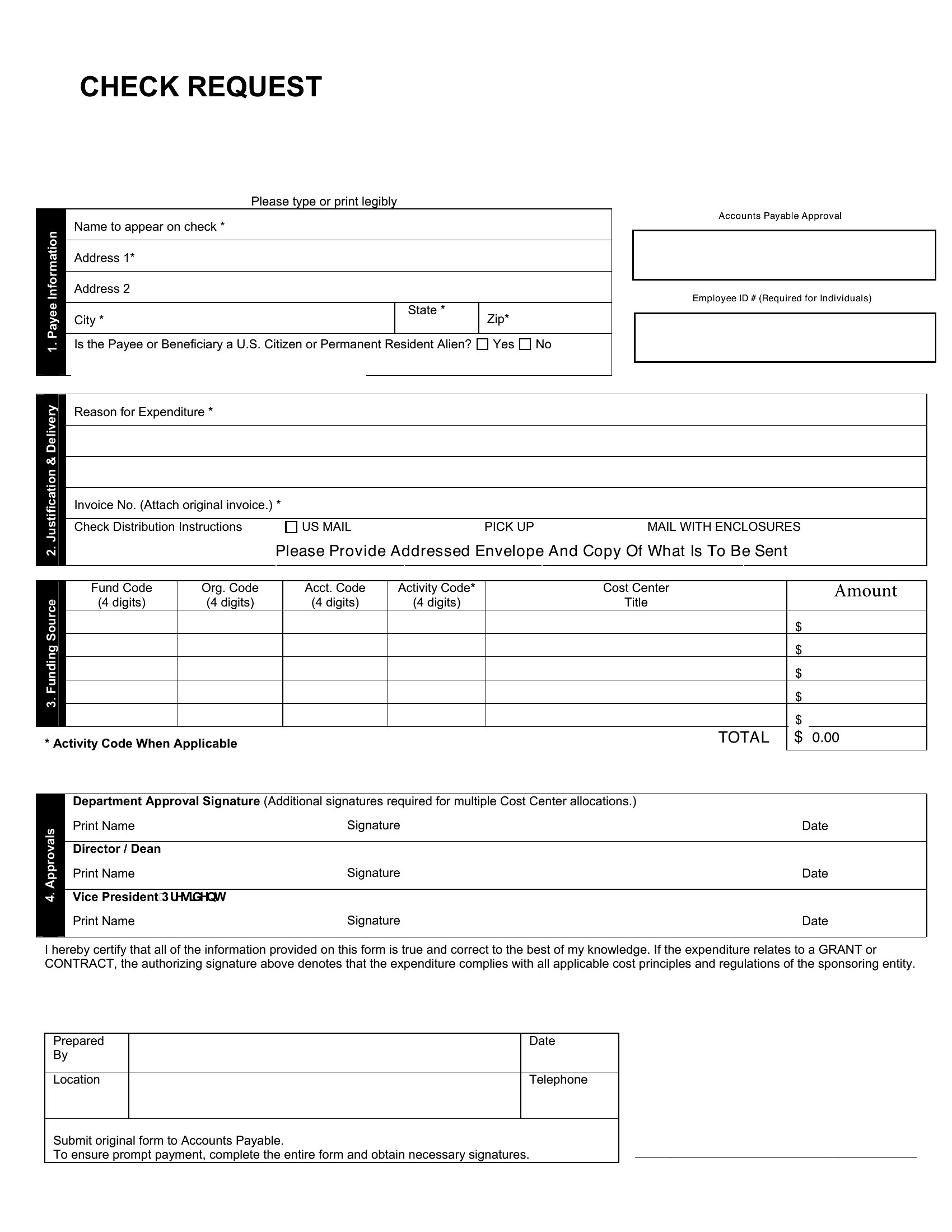
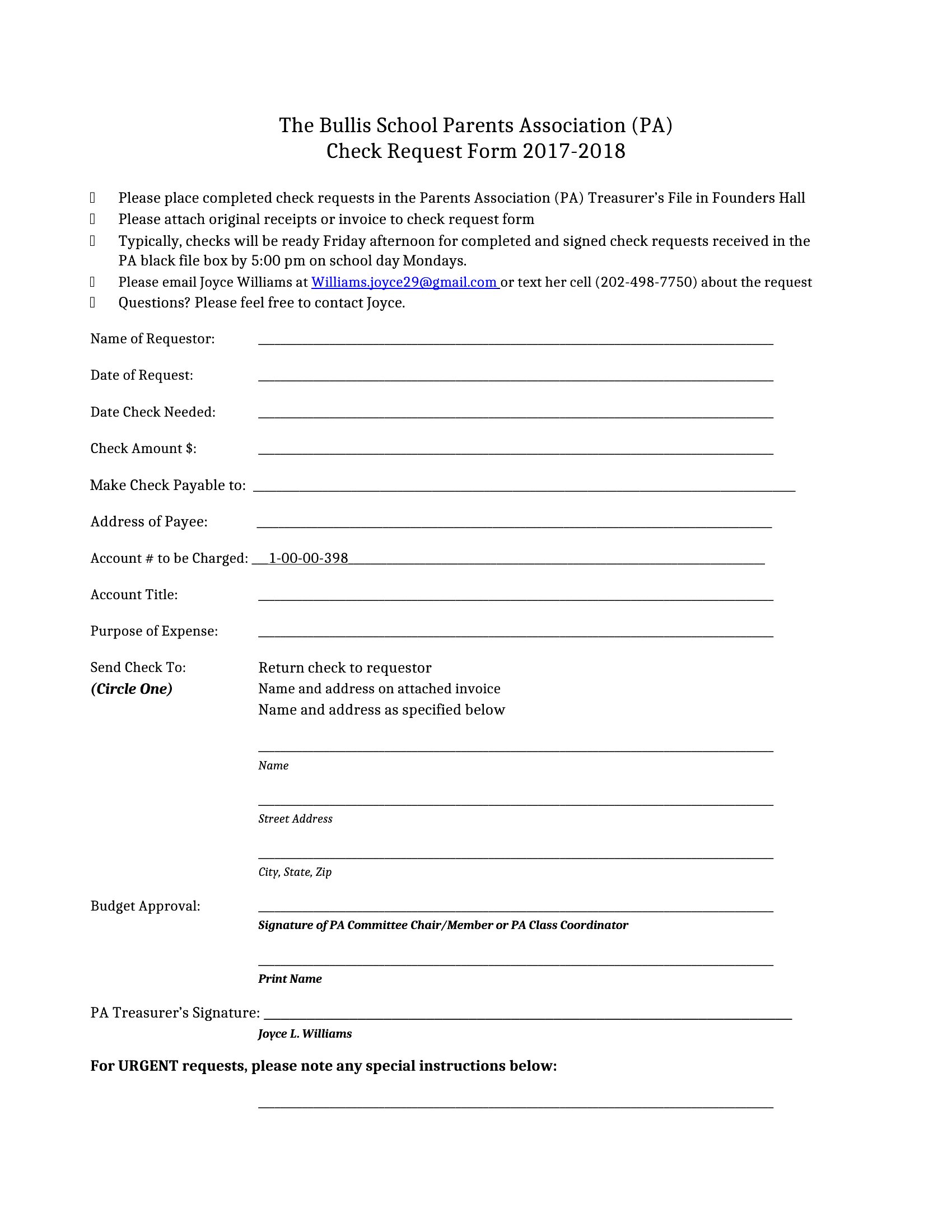
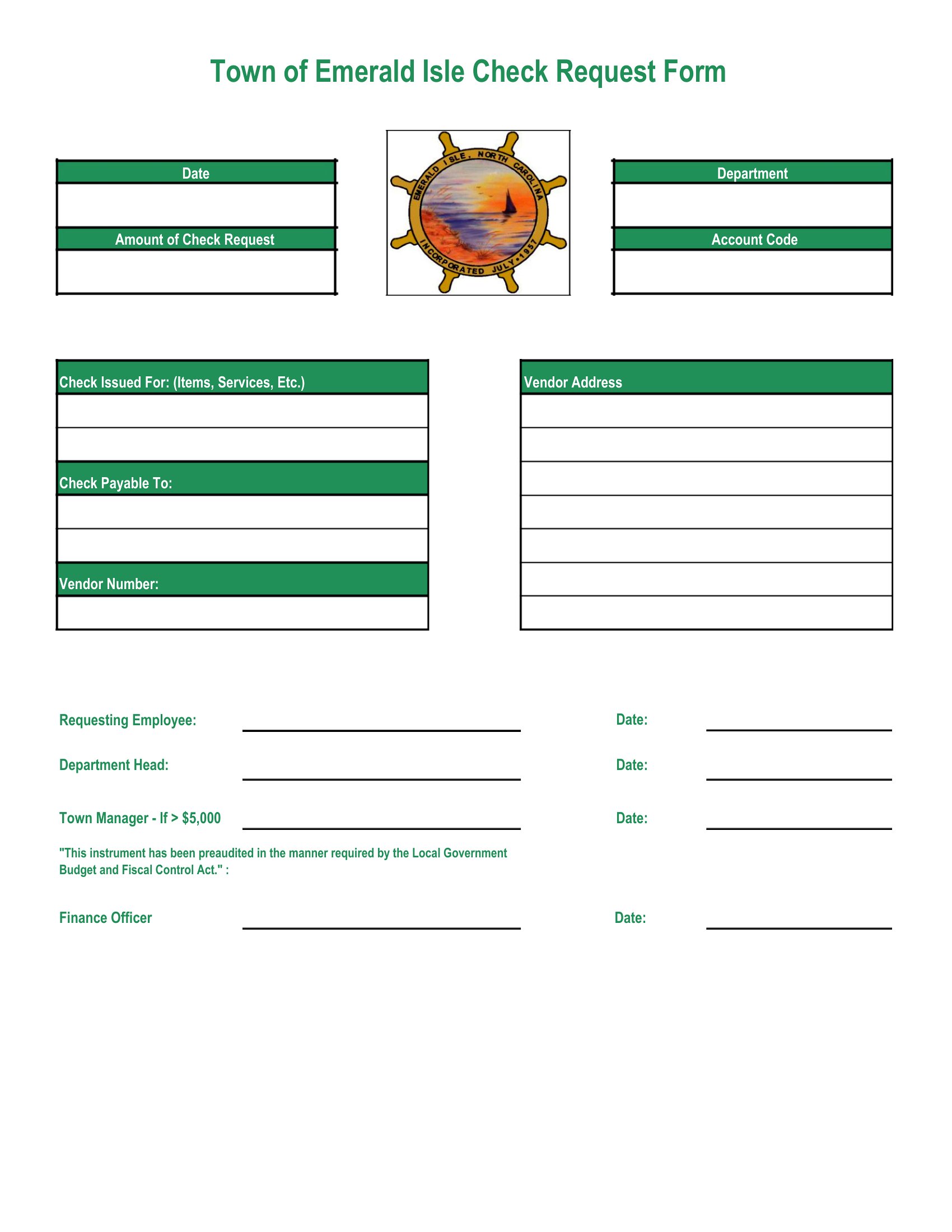
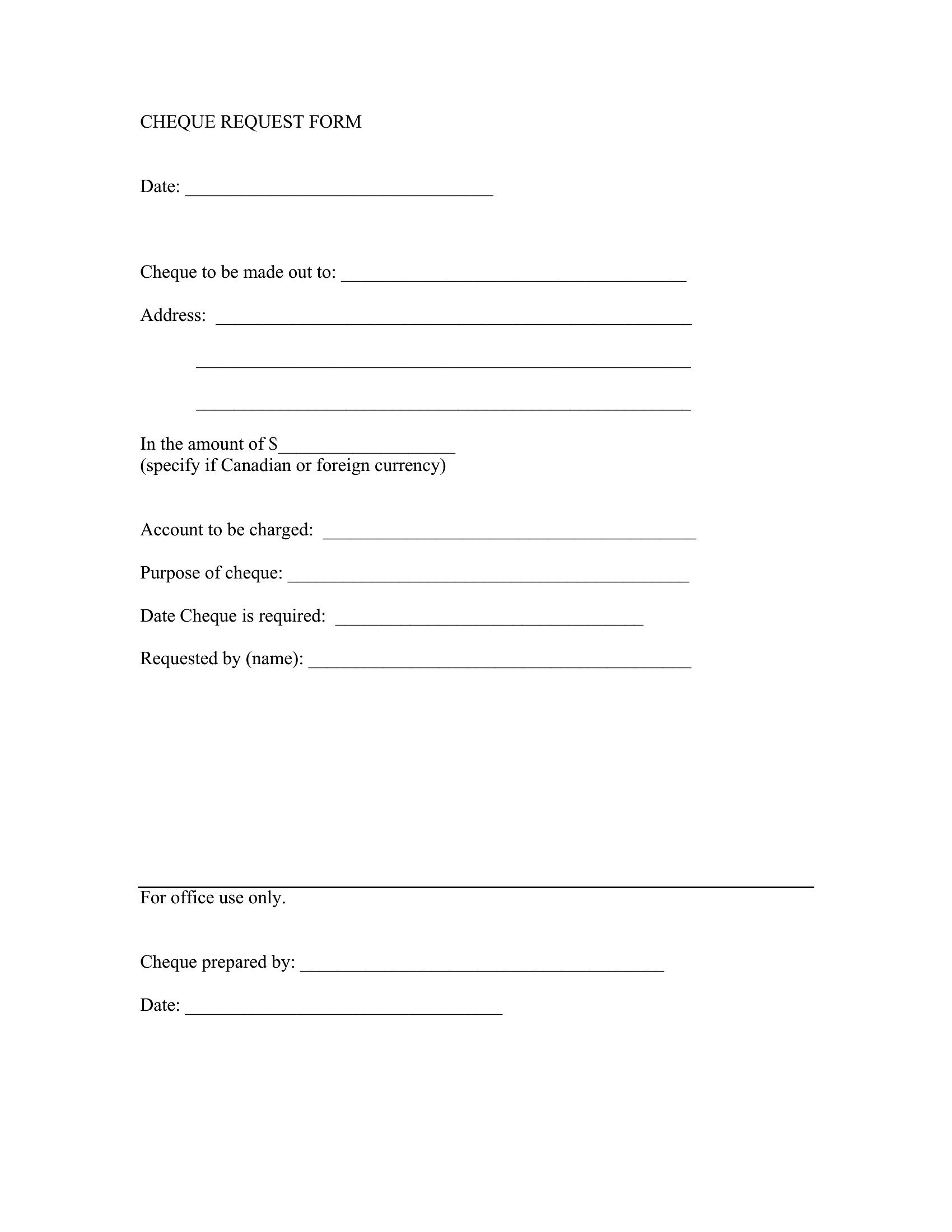
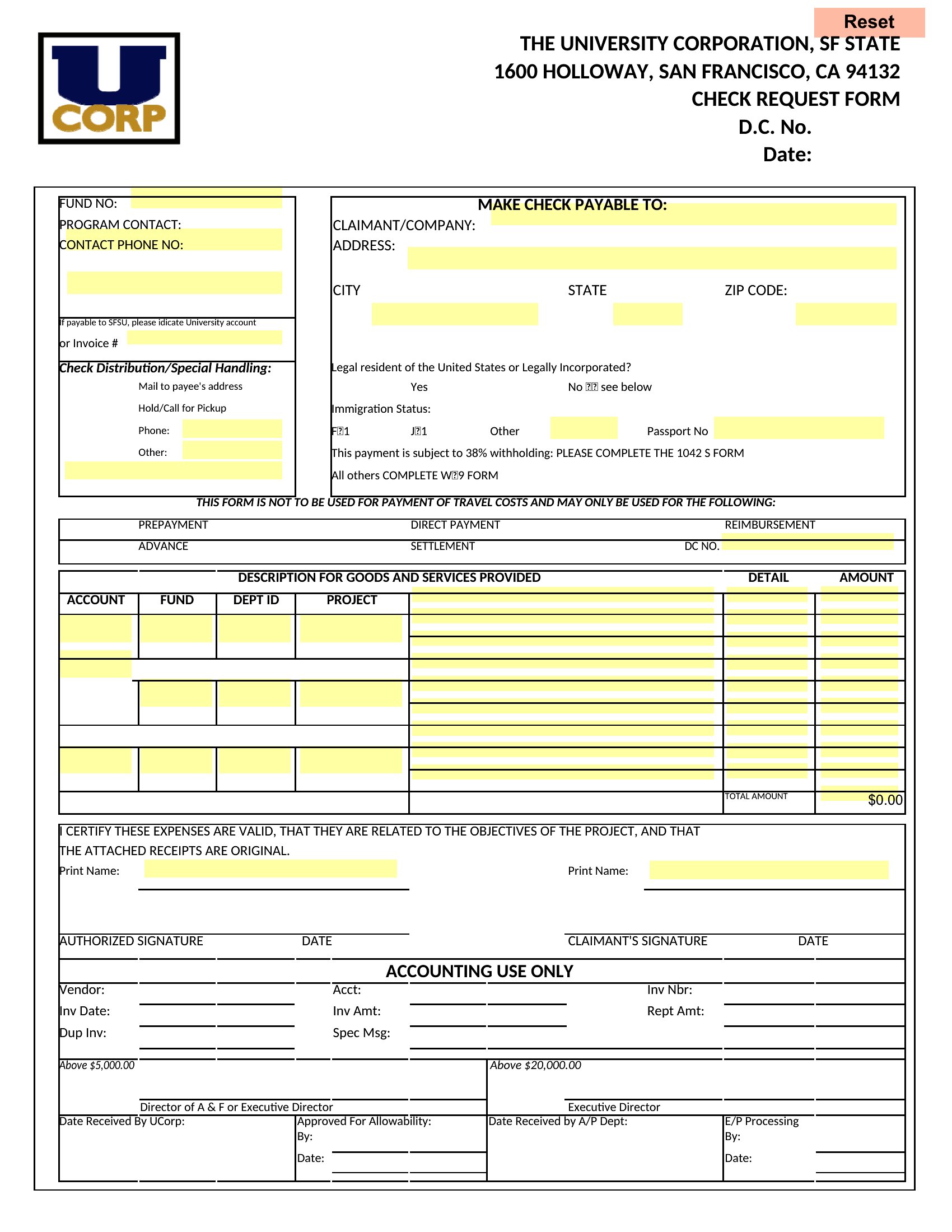
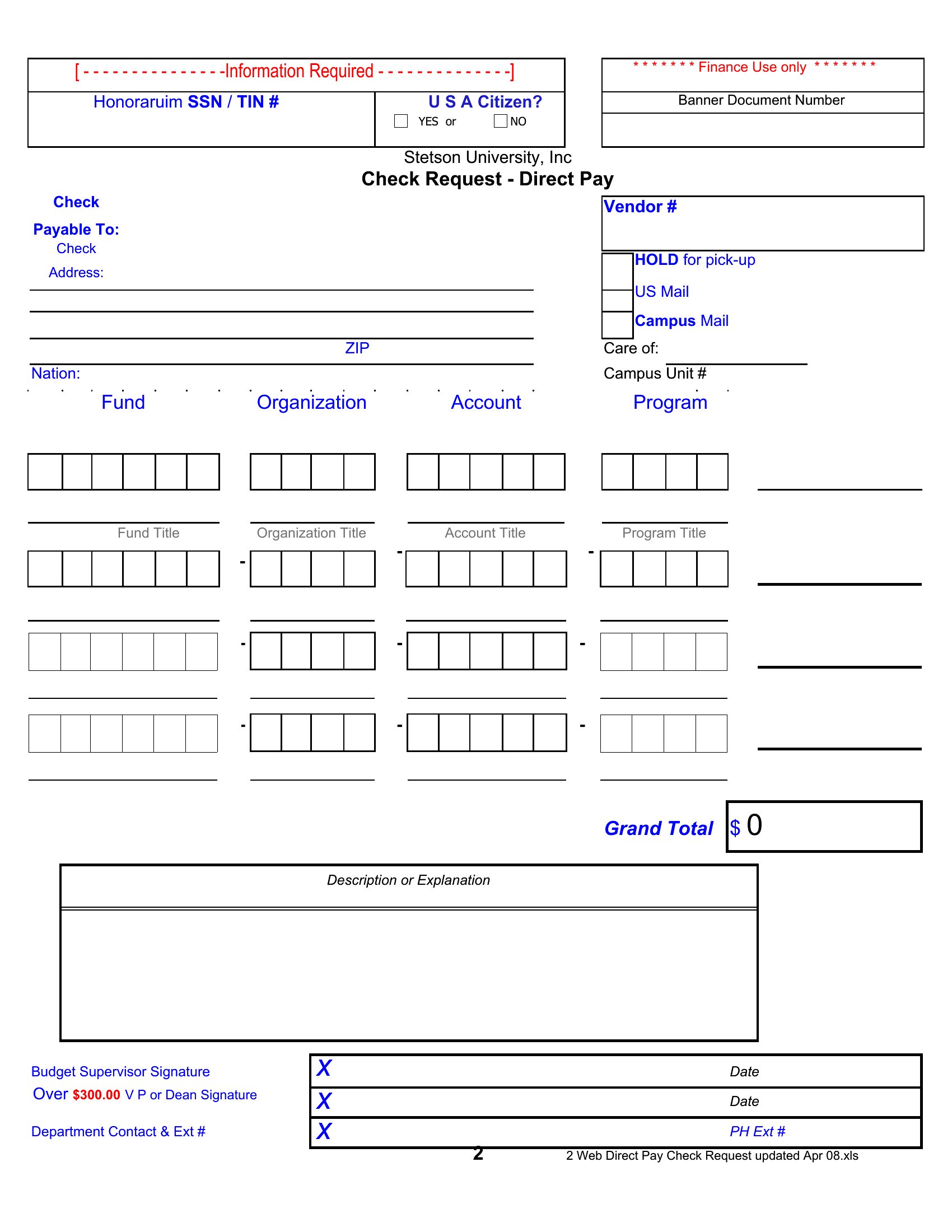
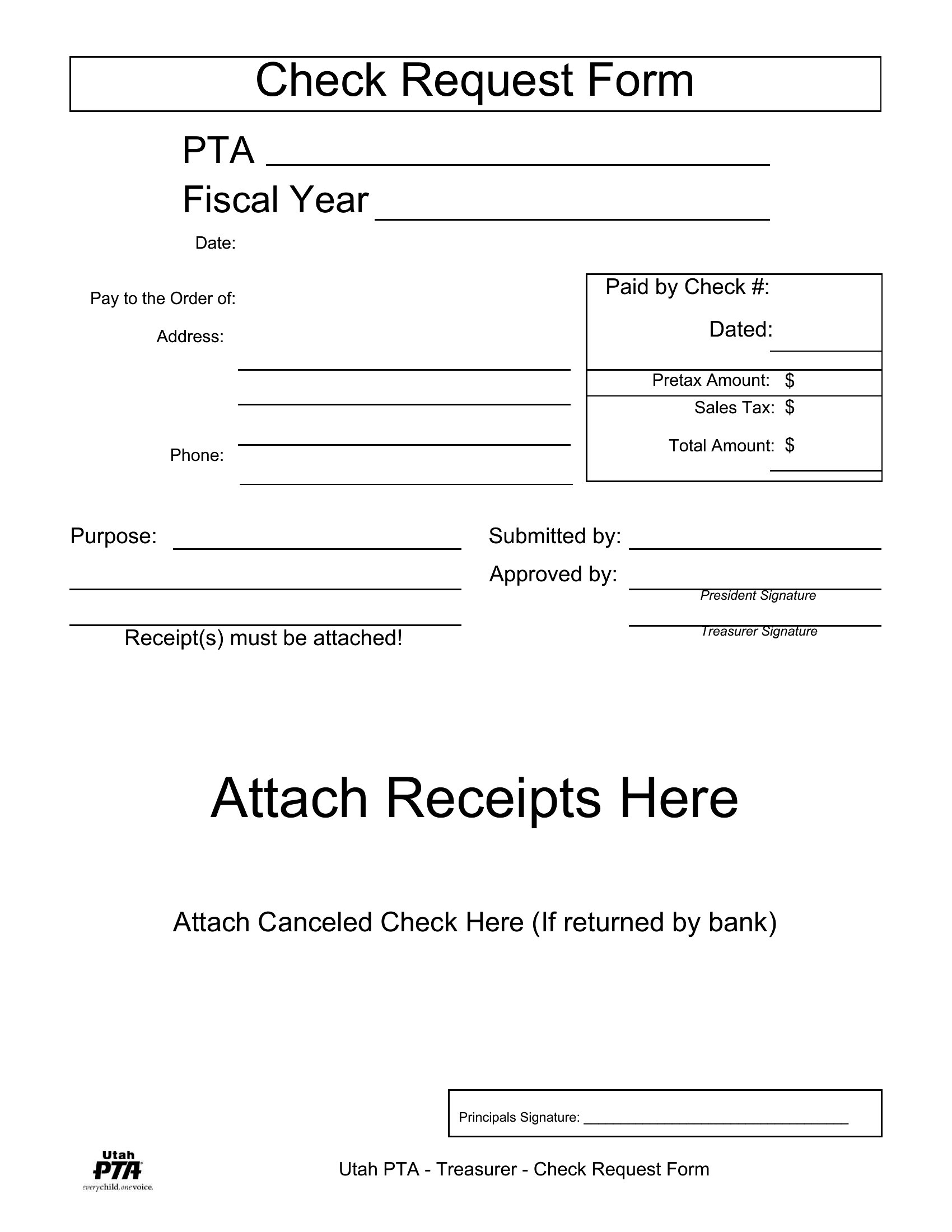
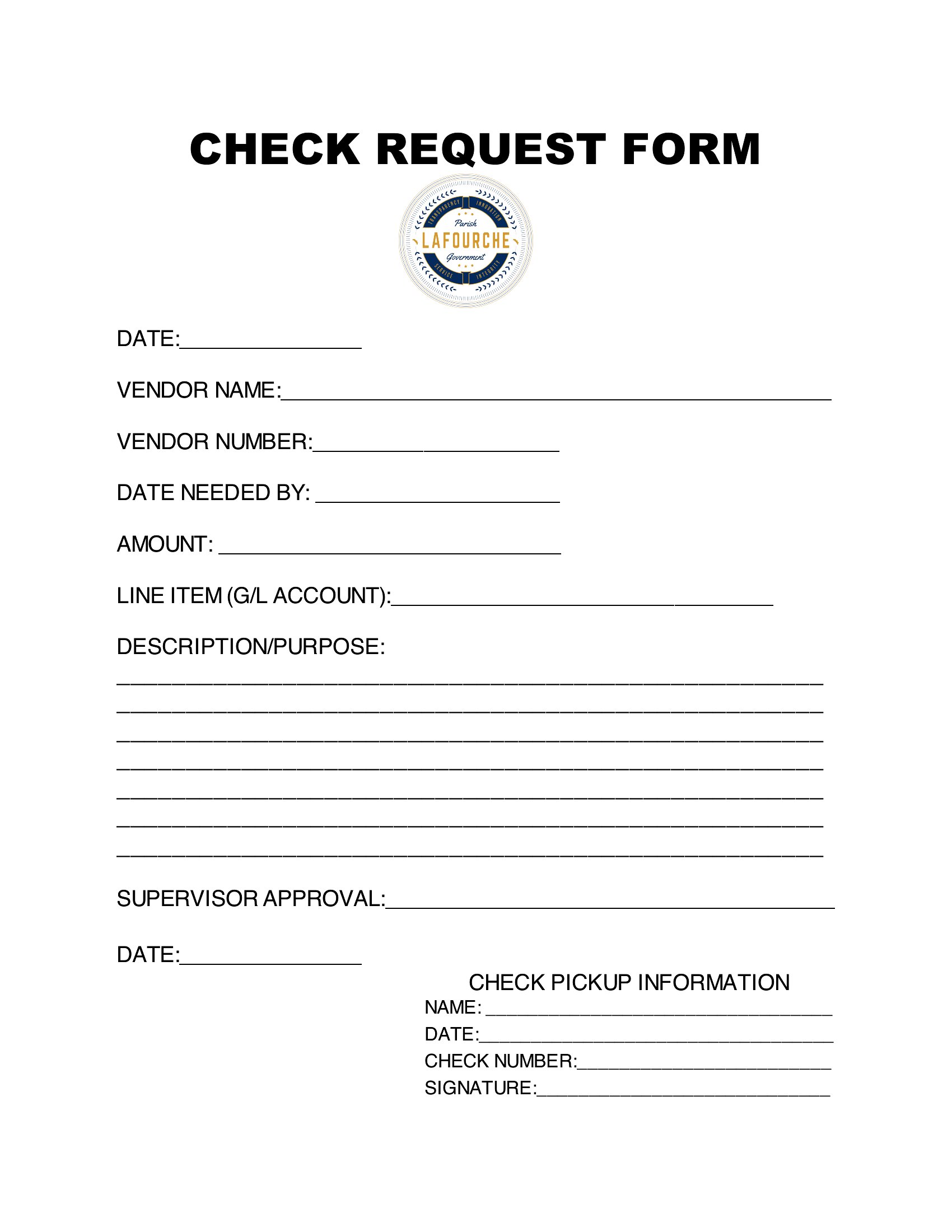
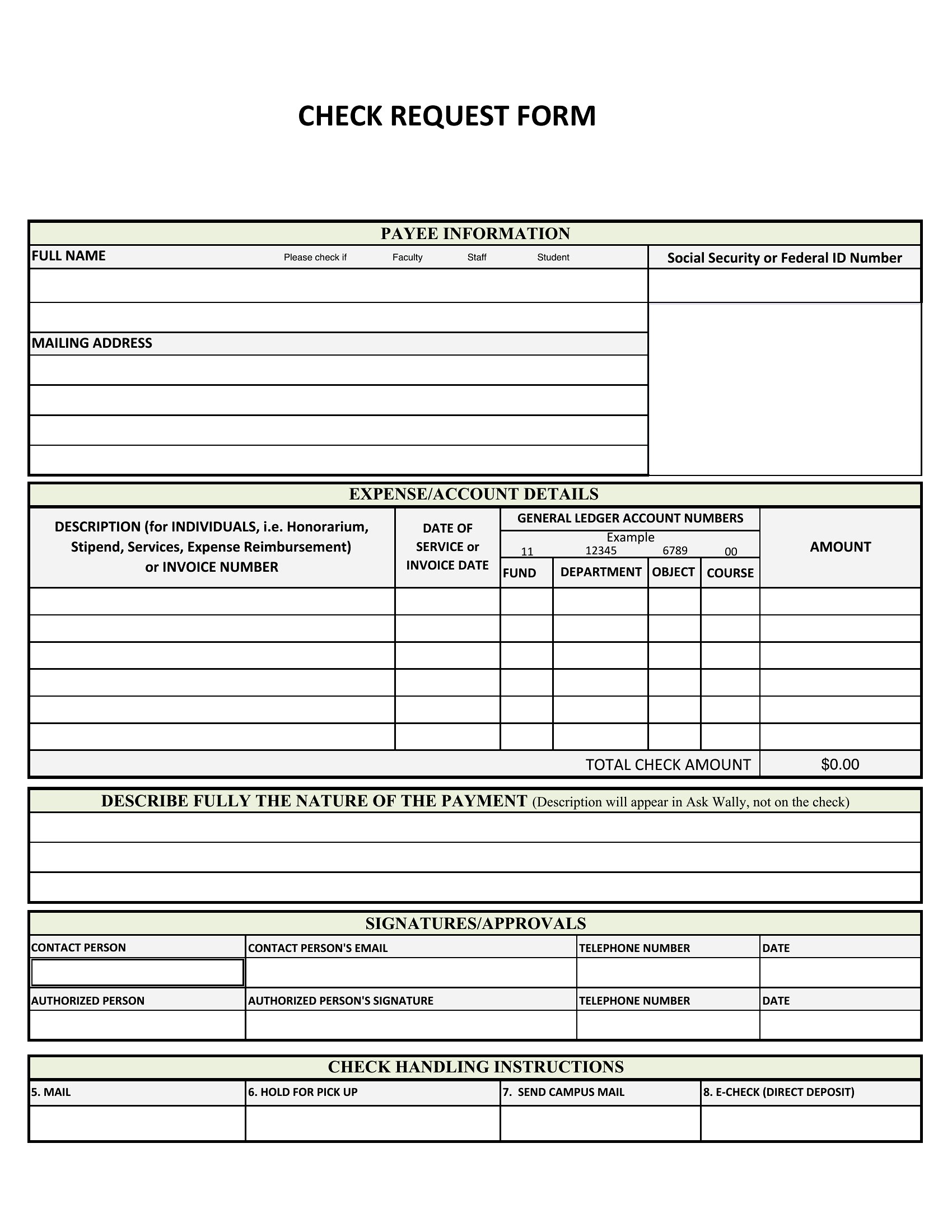
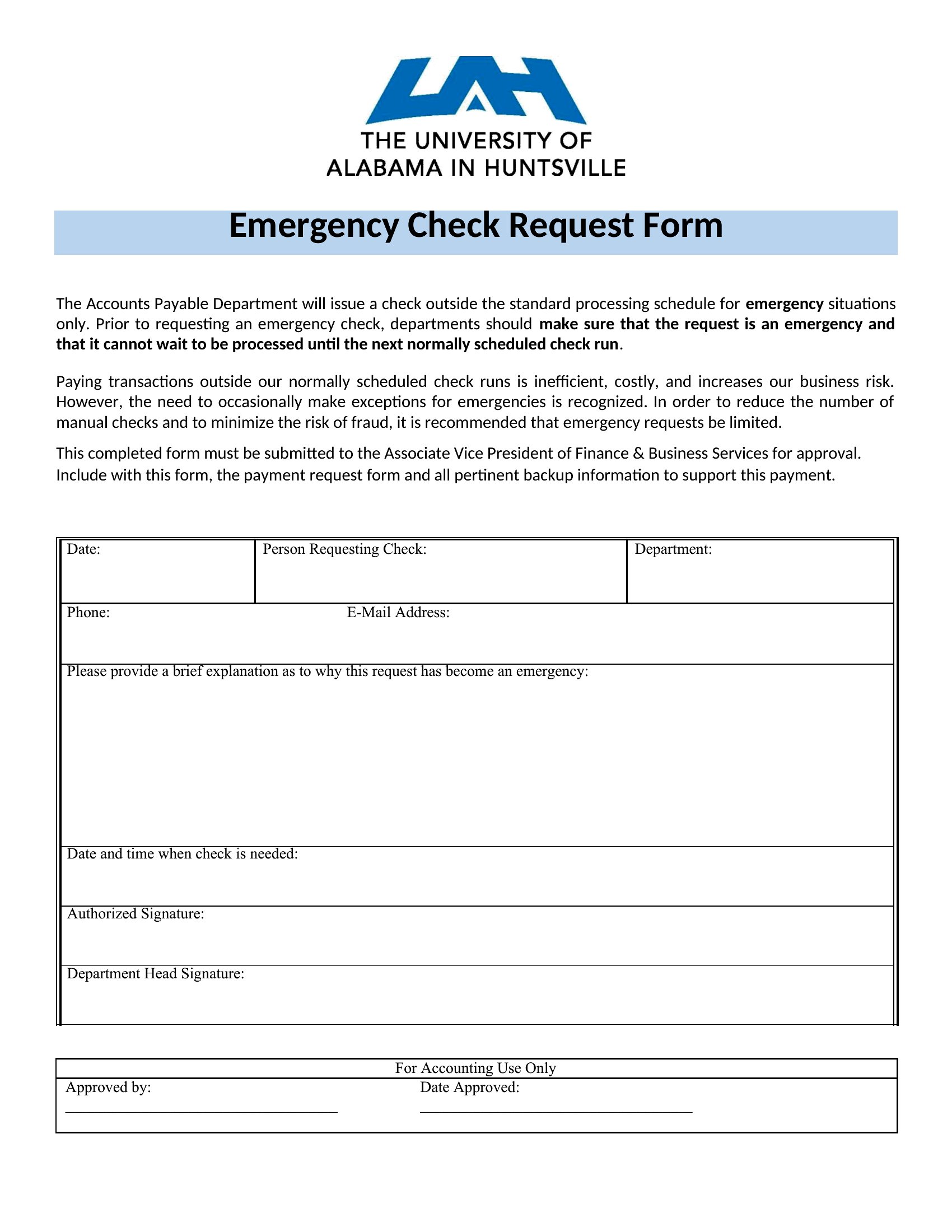
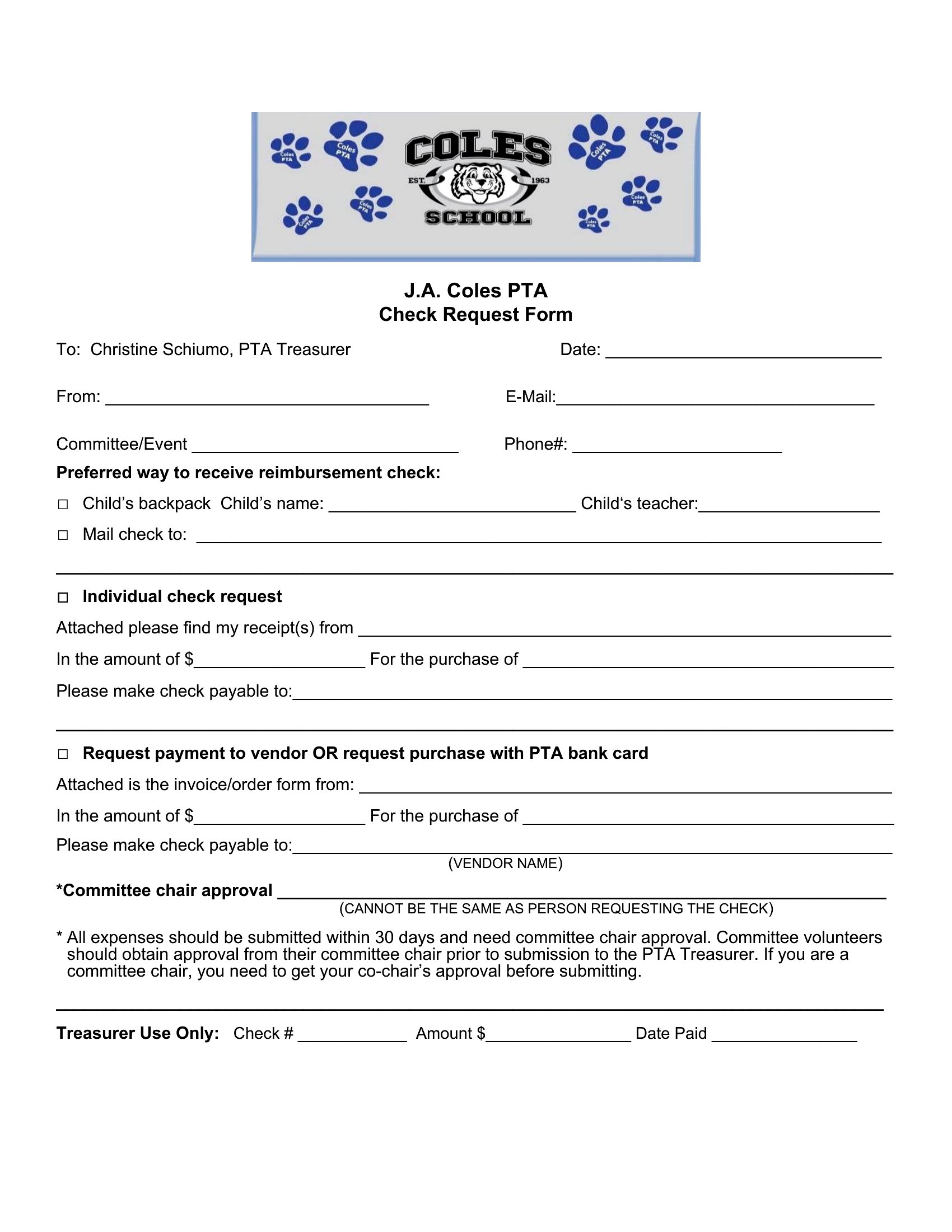
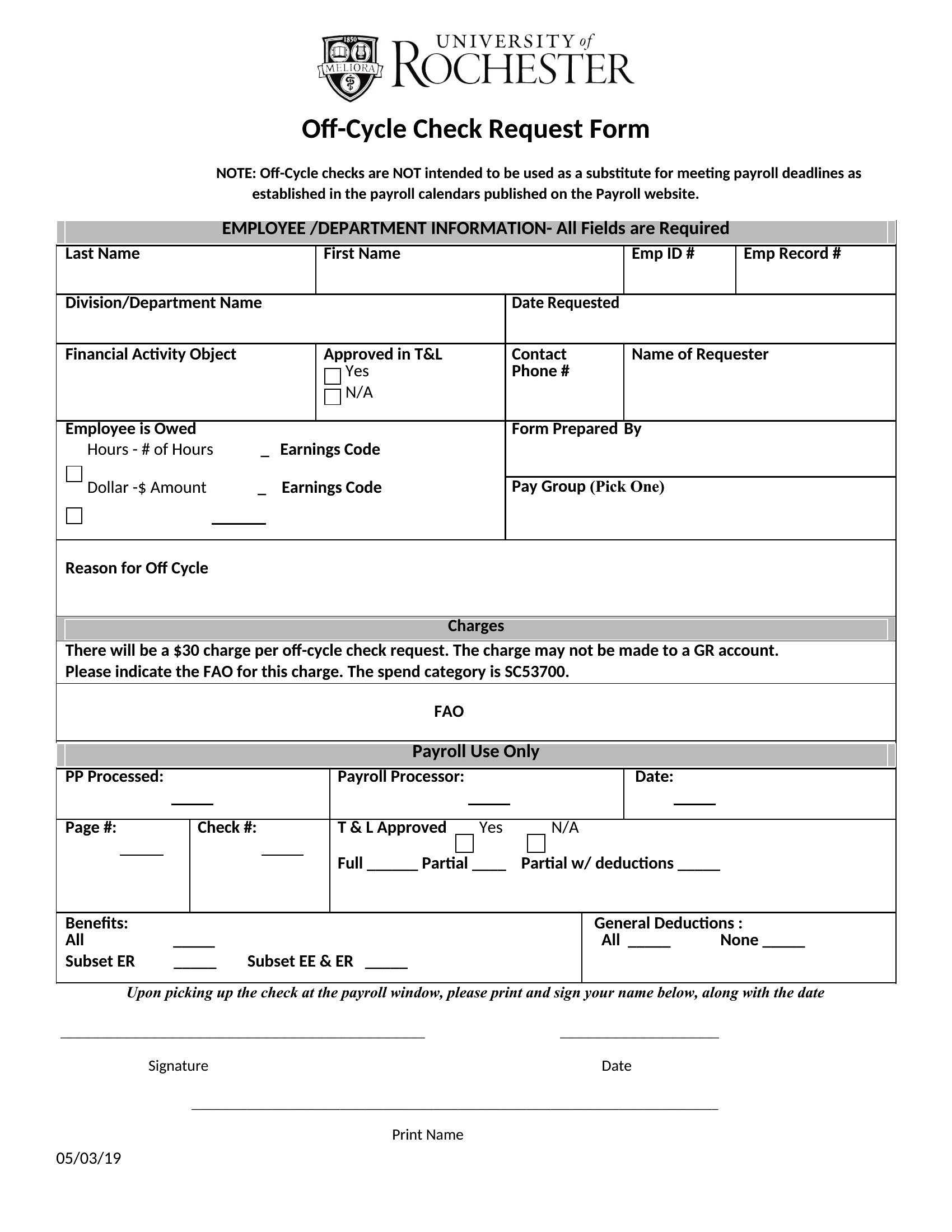
Free Check Request Forms (Word, PDF)
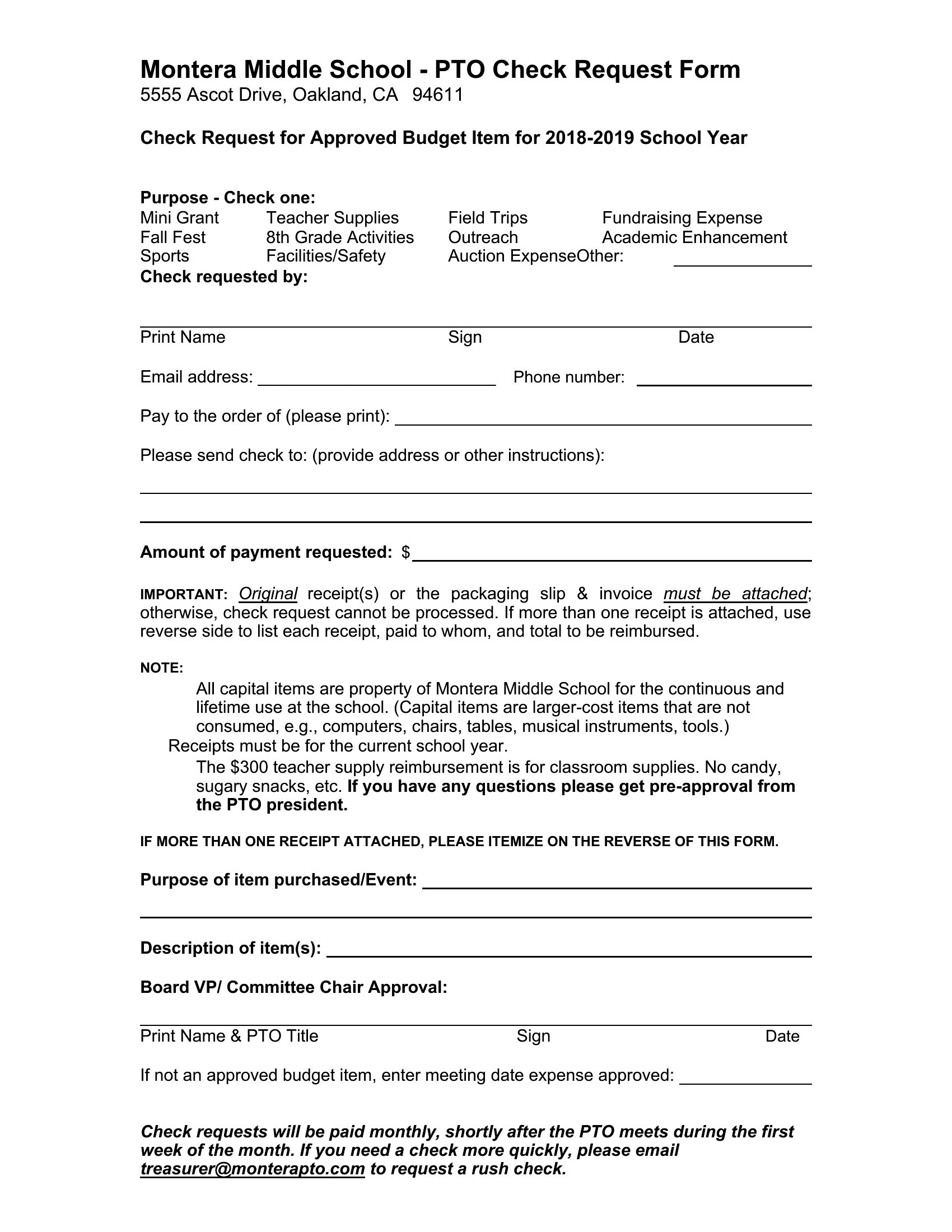
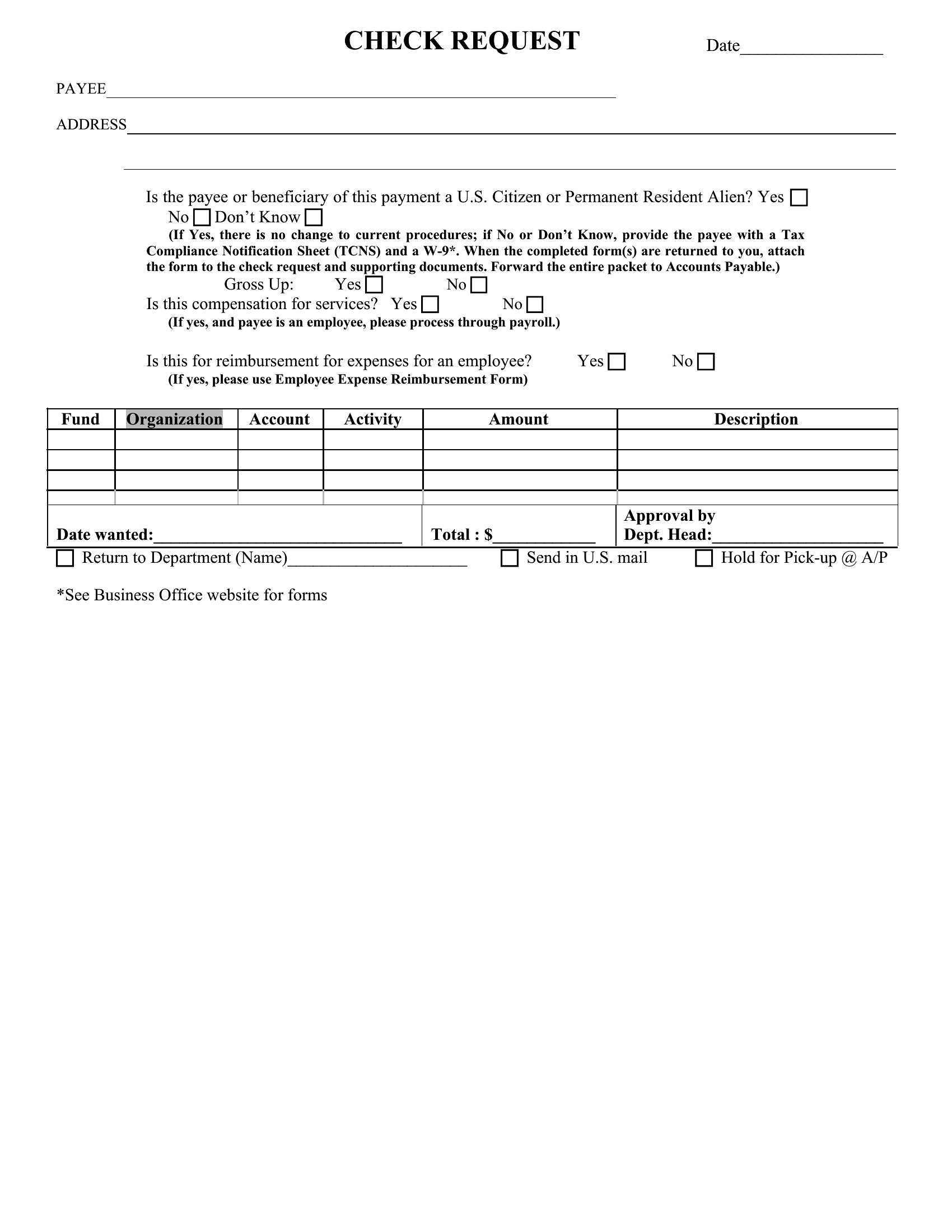
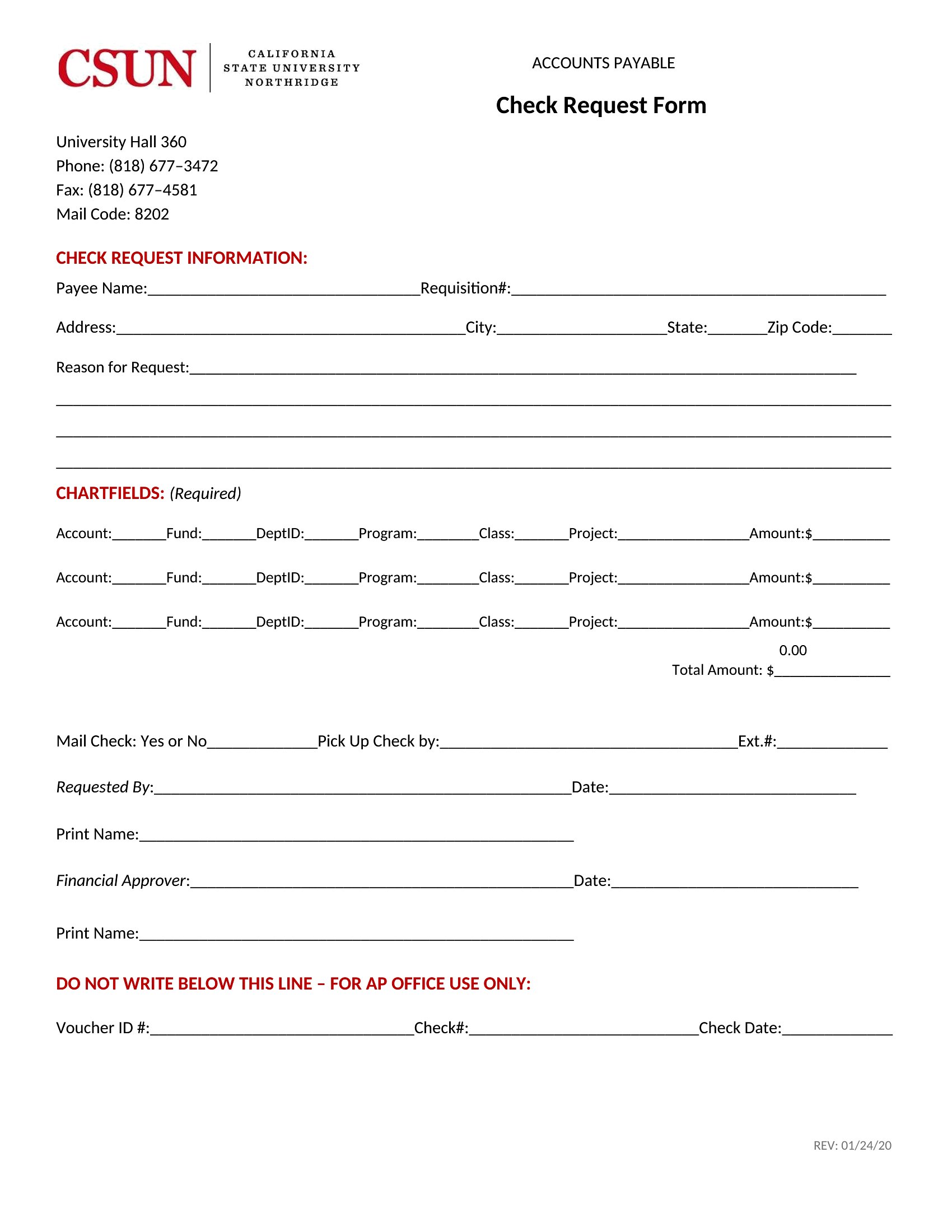
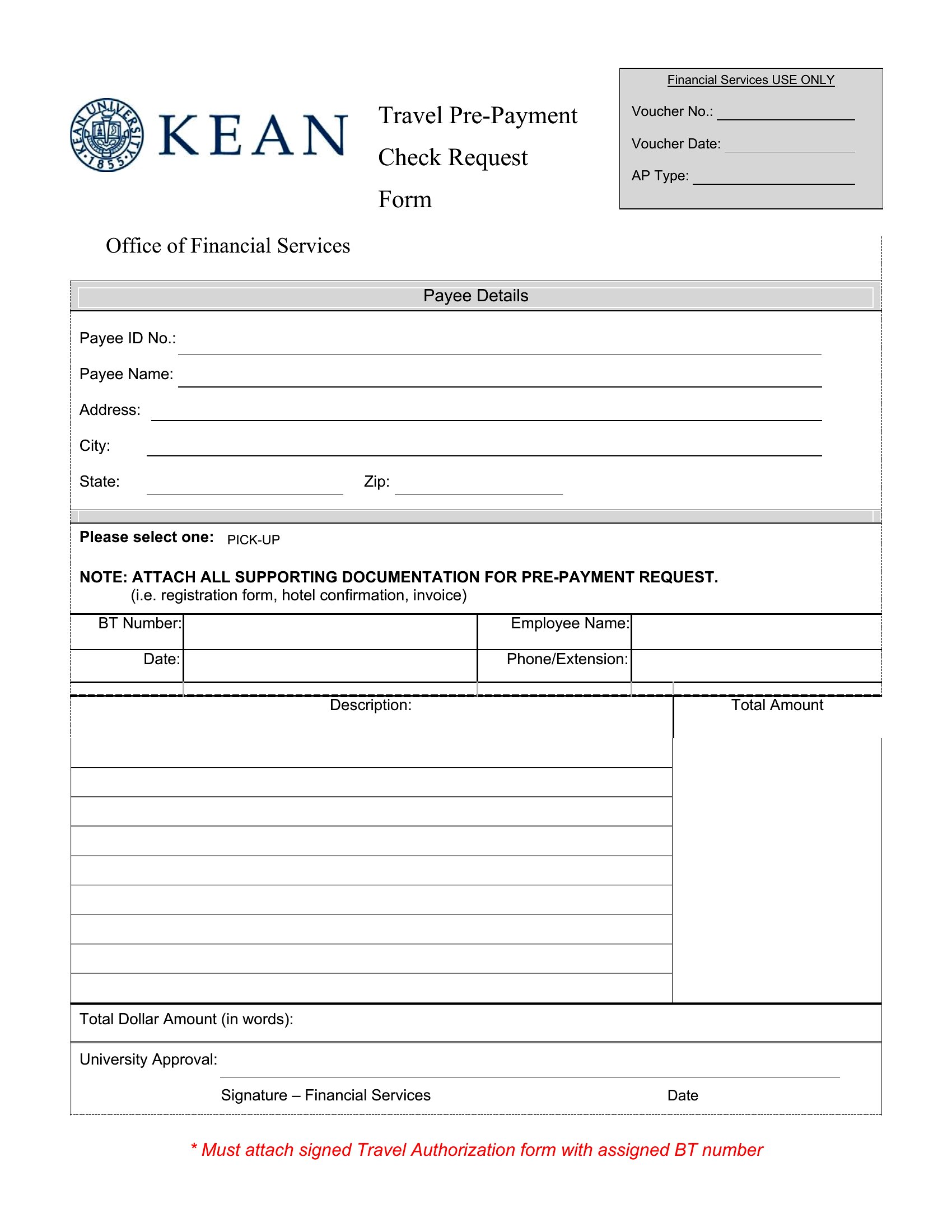
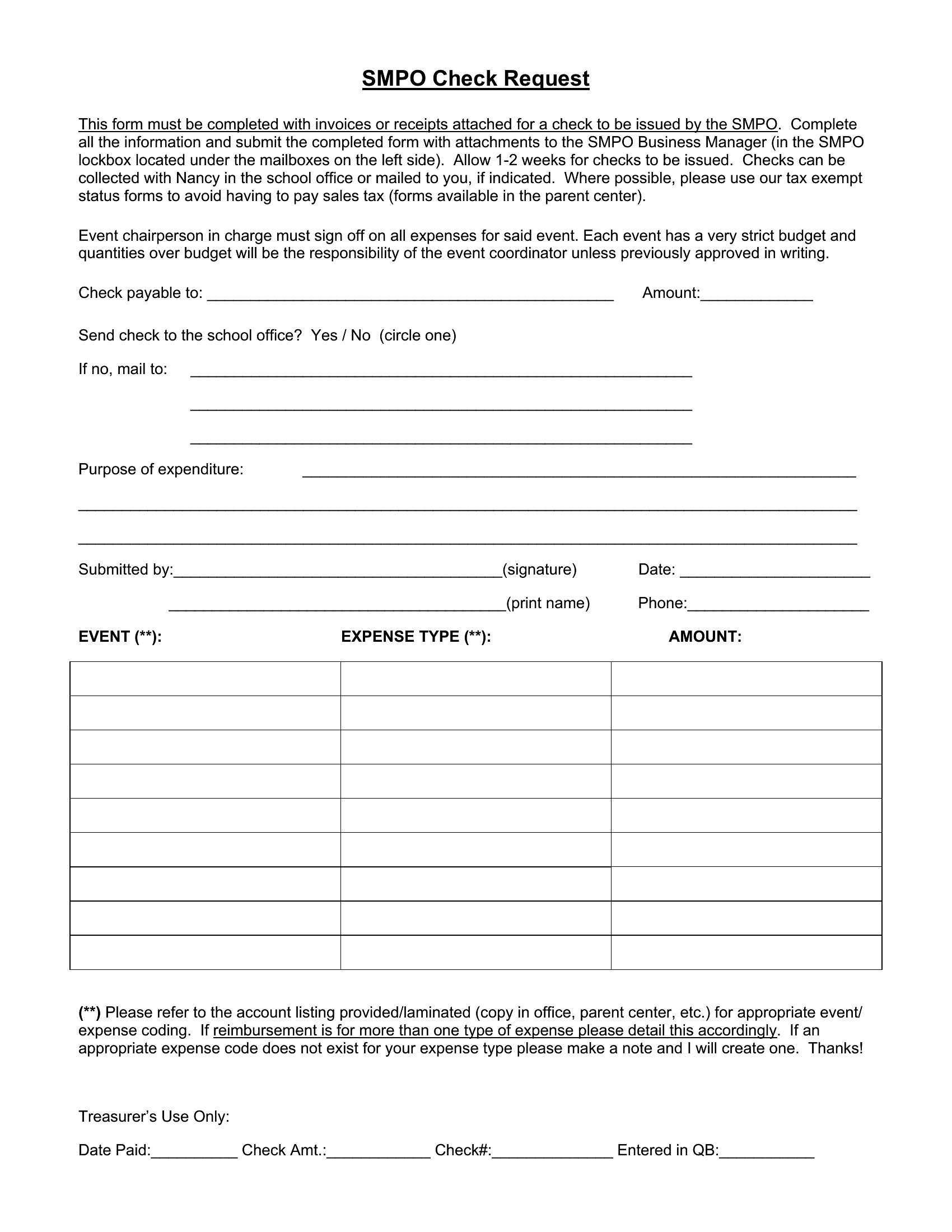
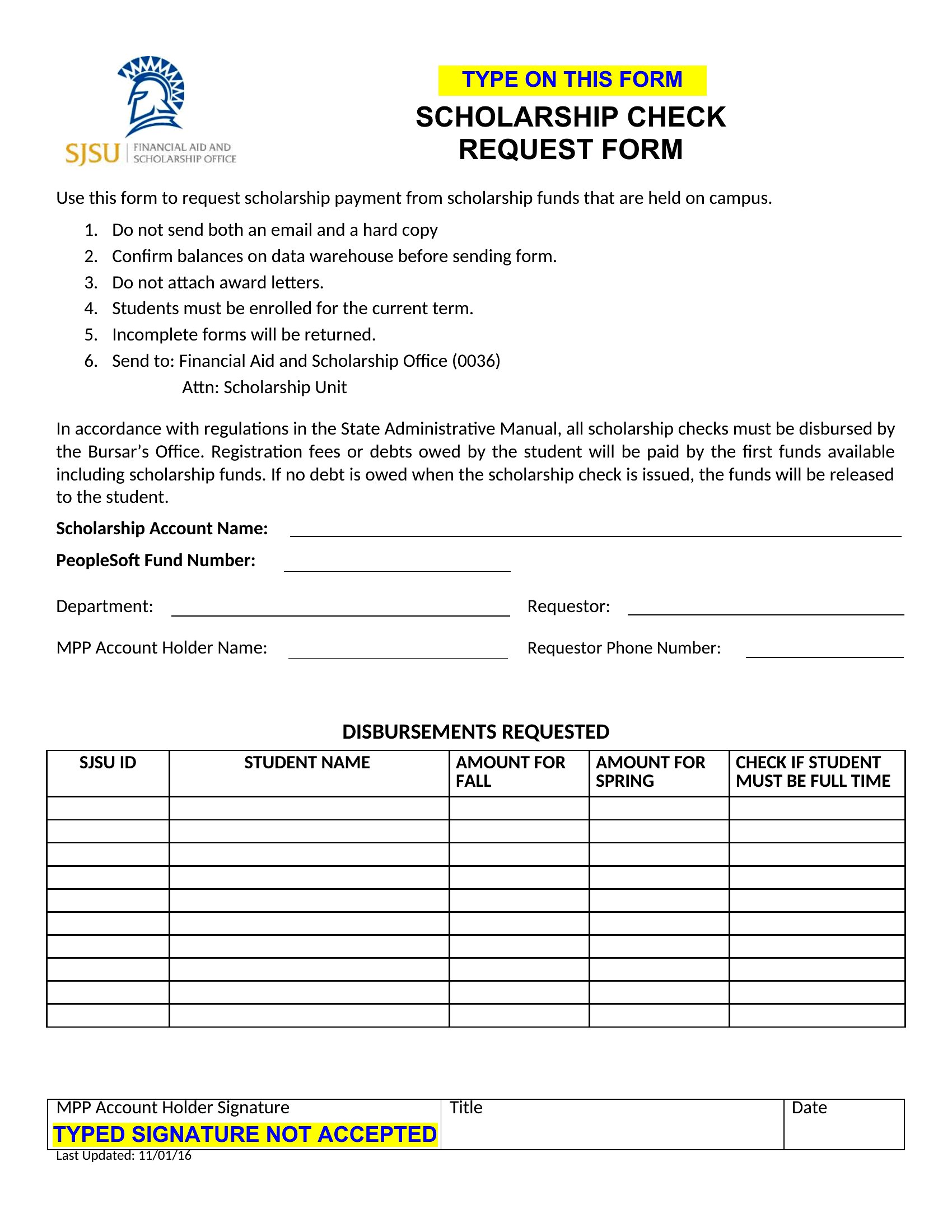
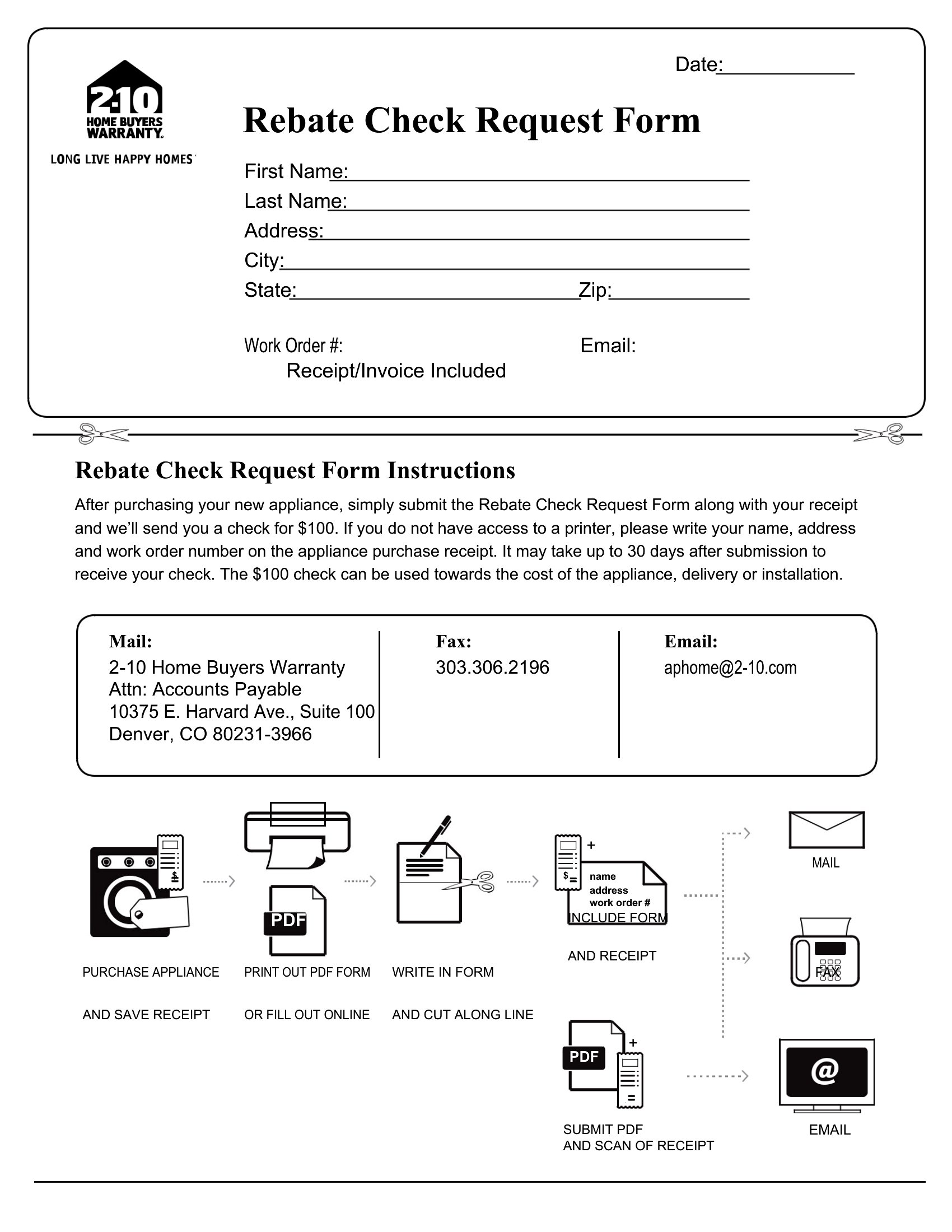
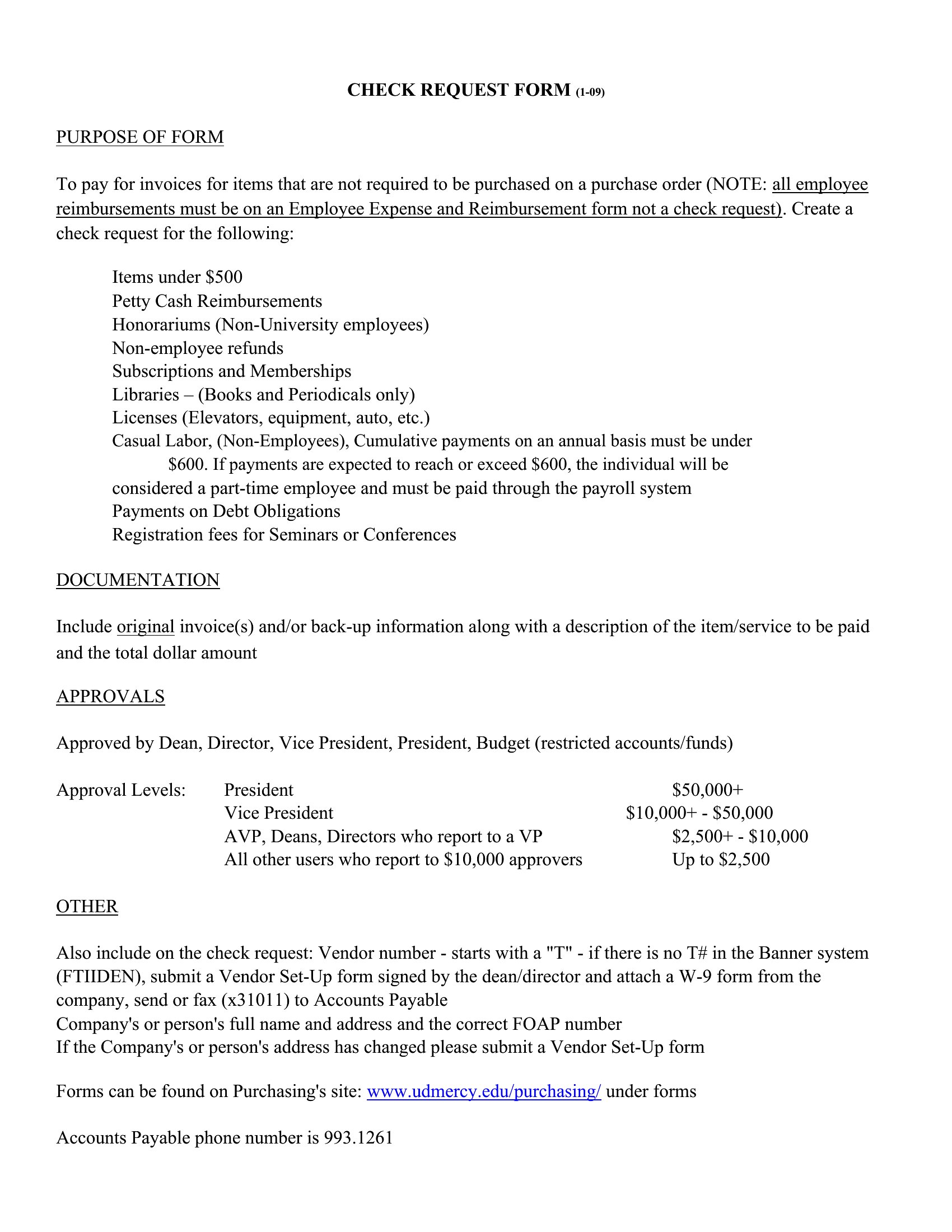
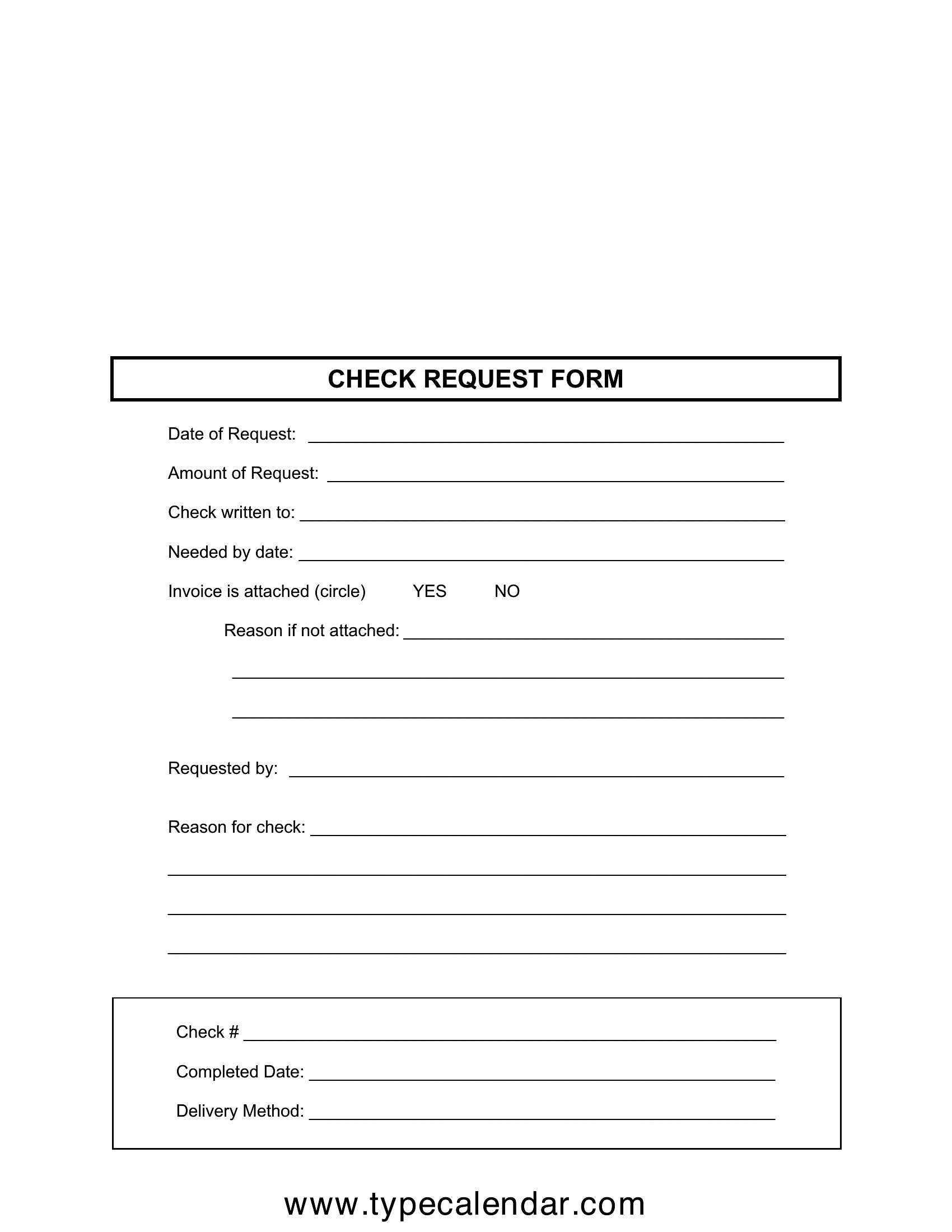
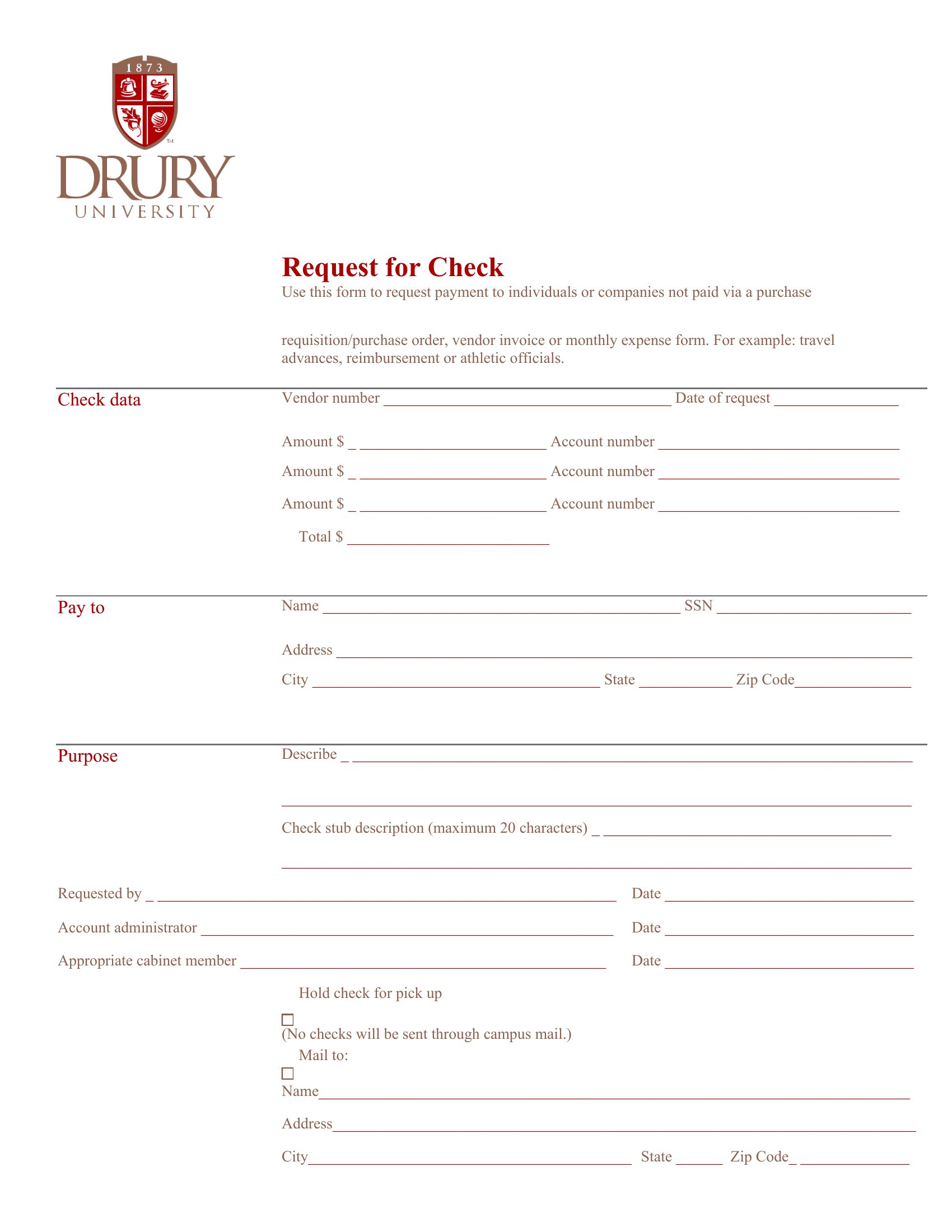
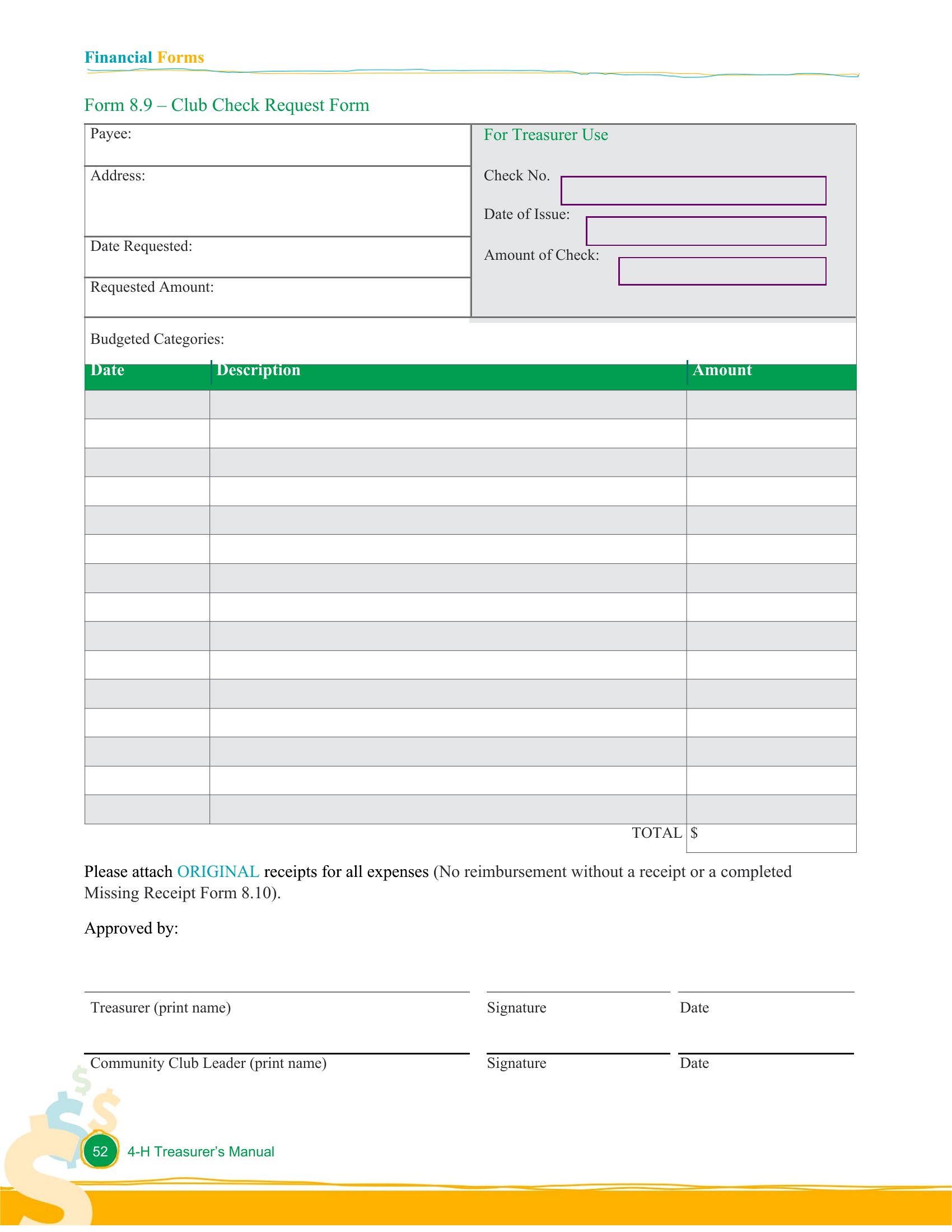
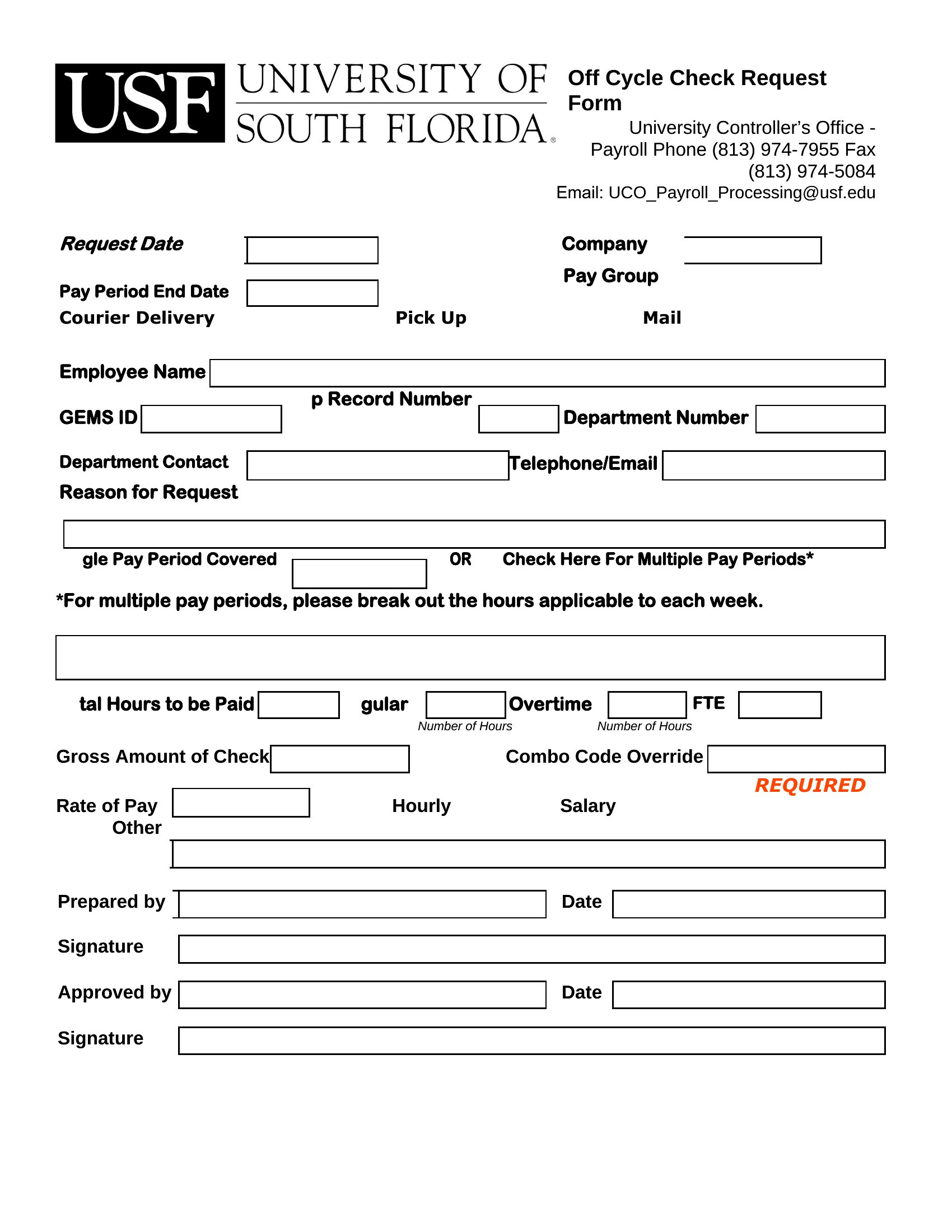
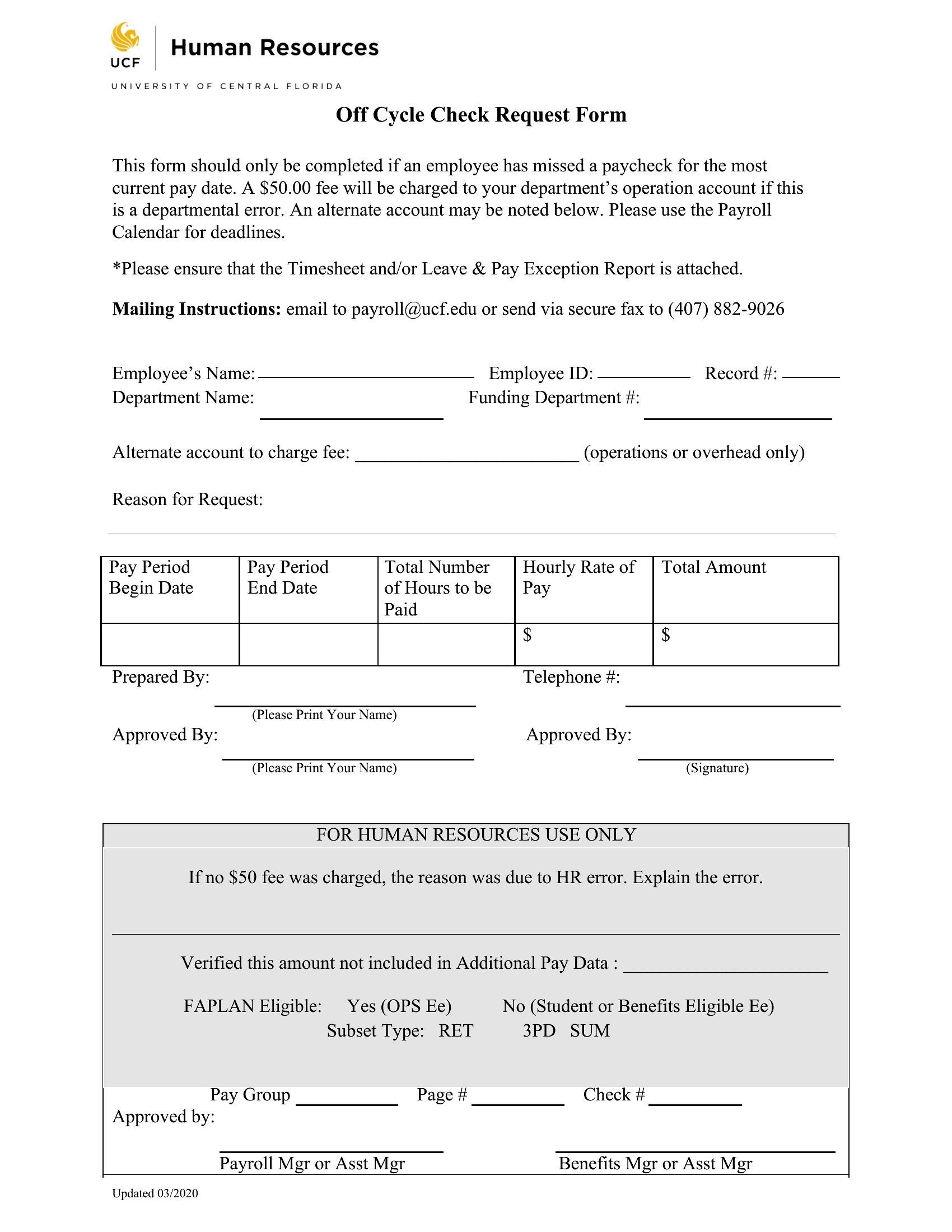
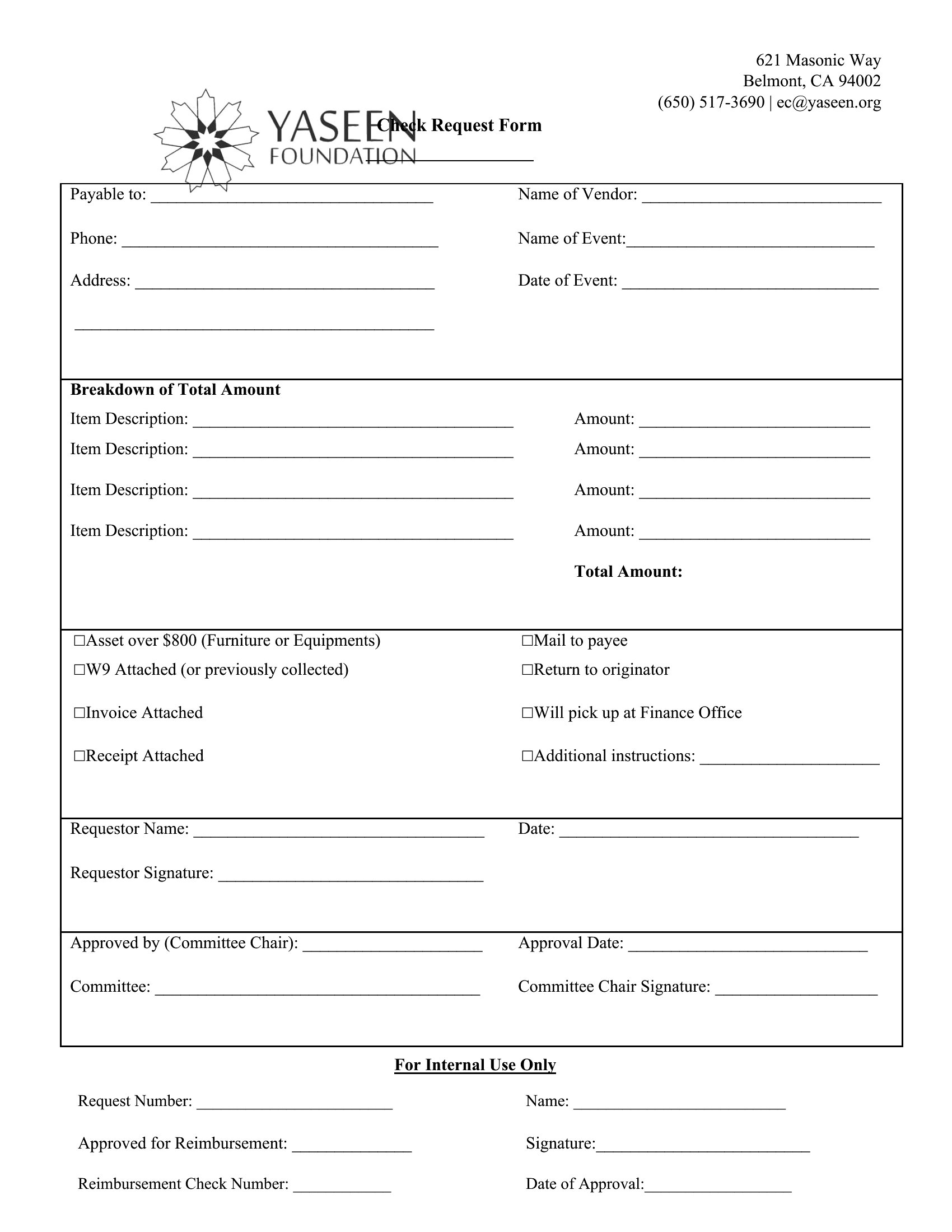
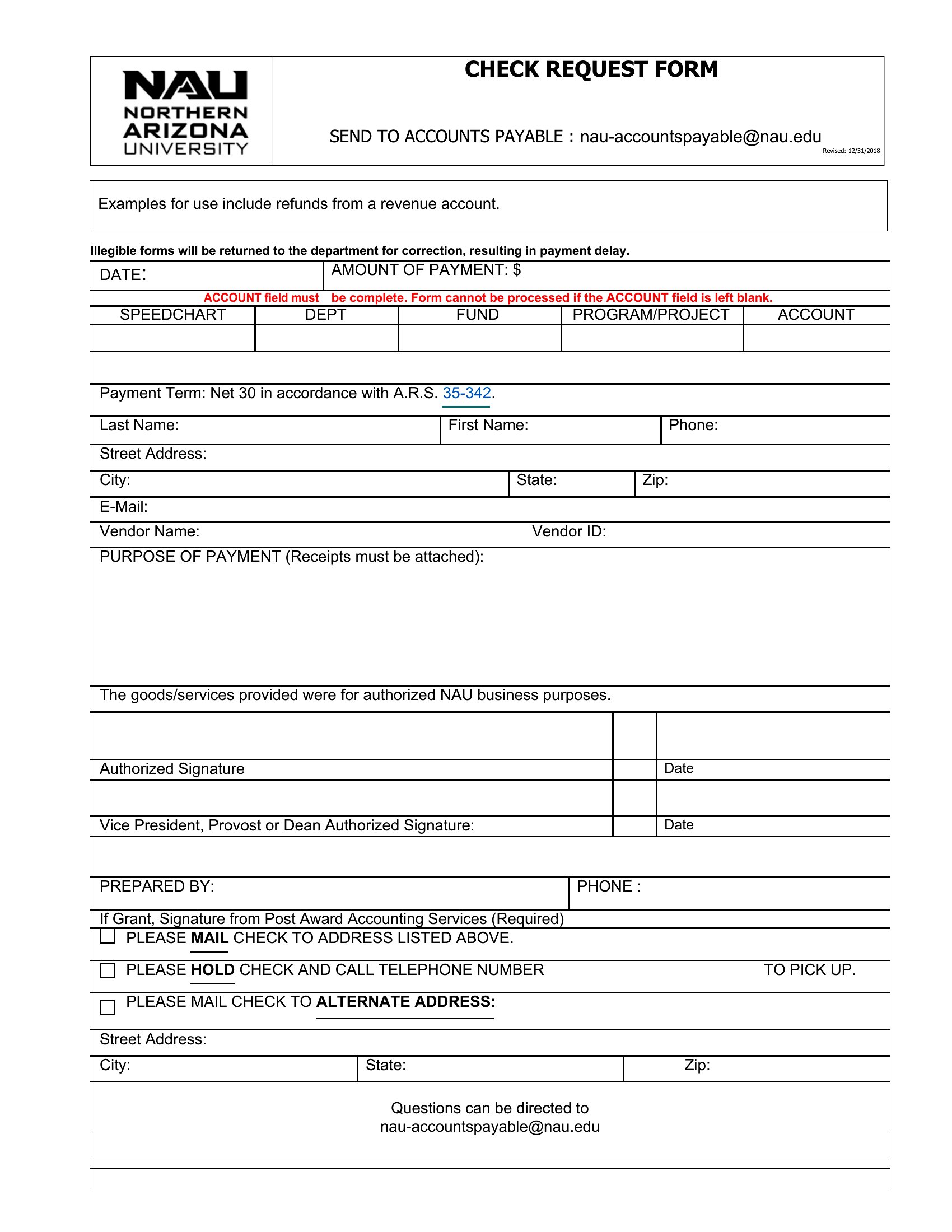
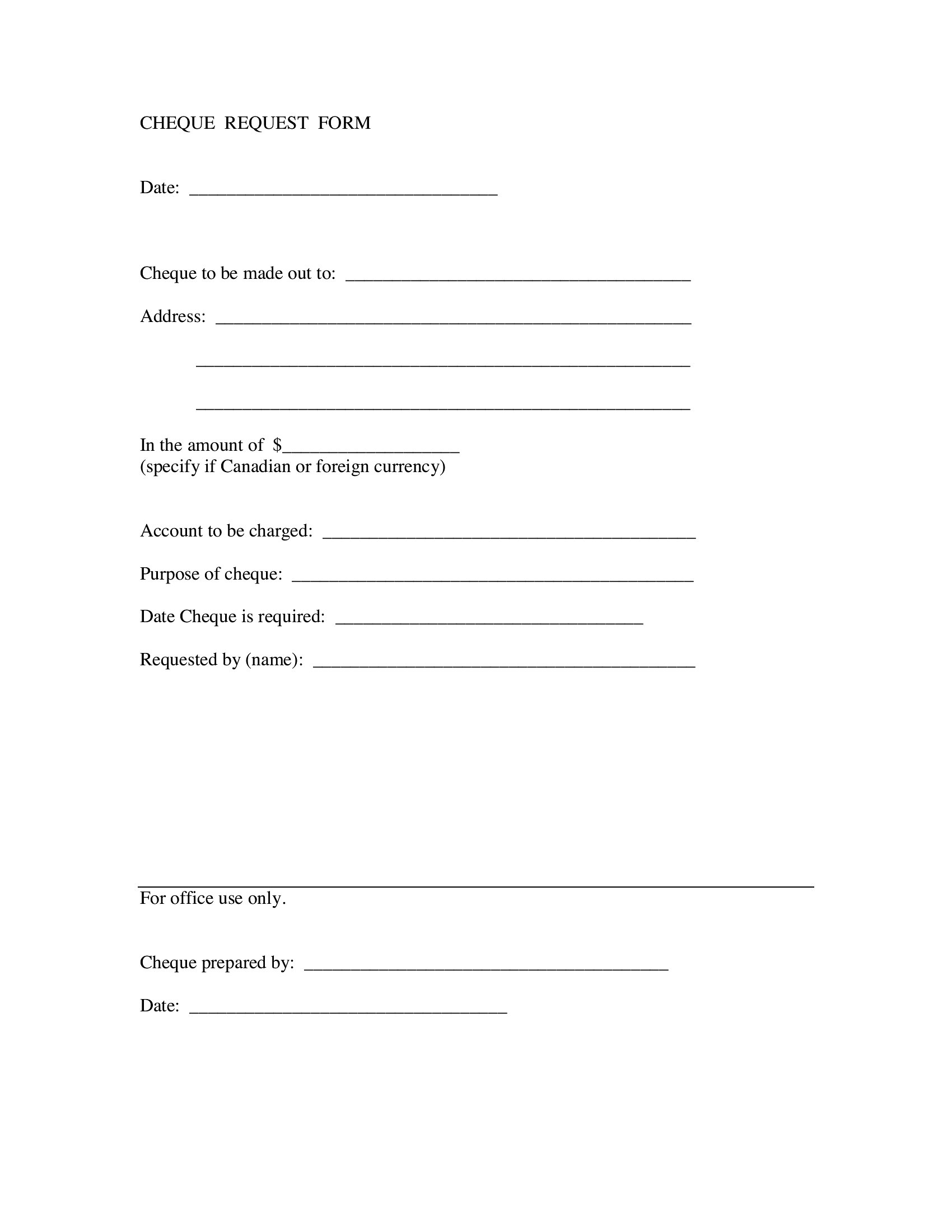
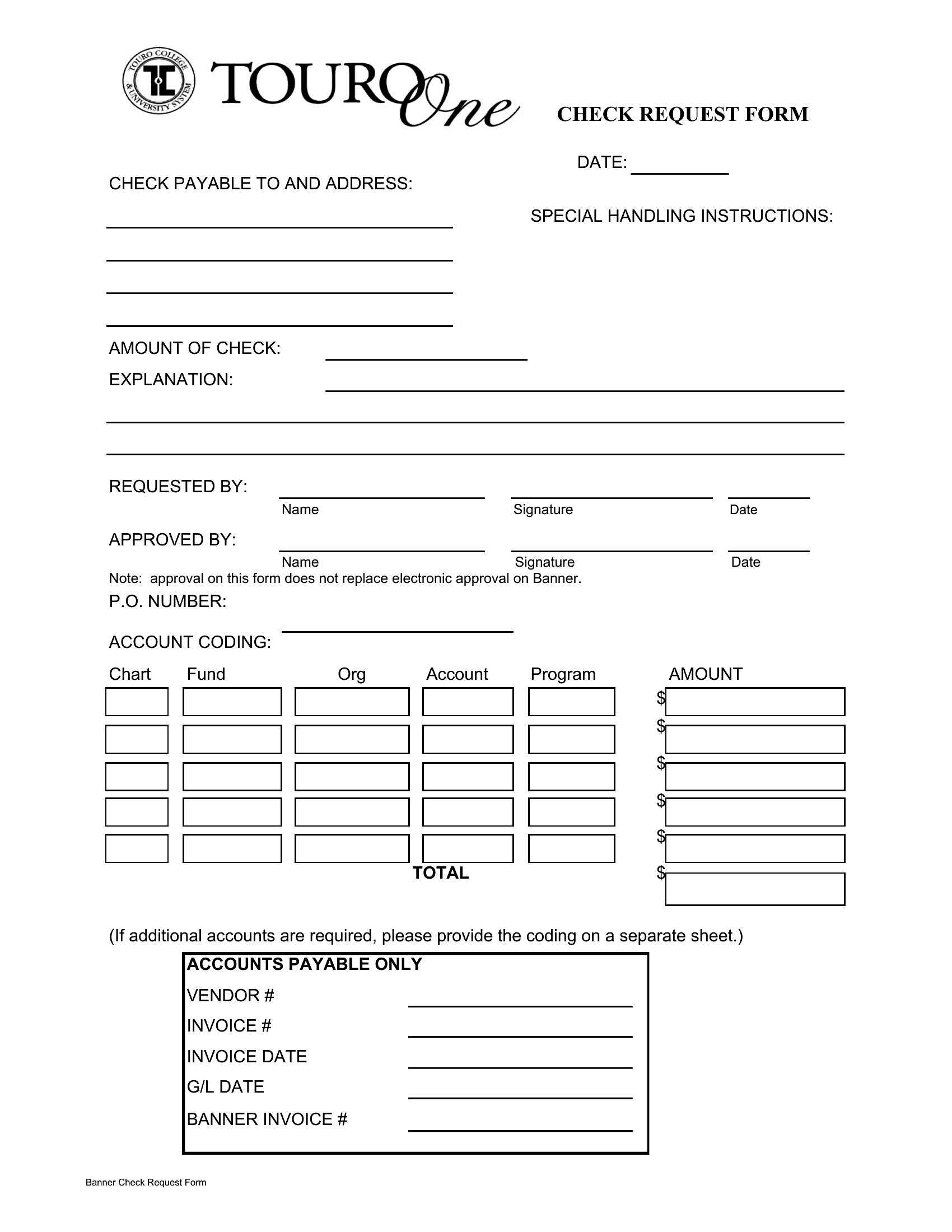
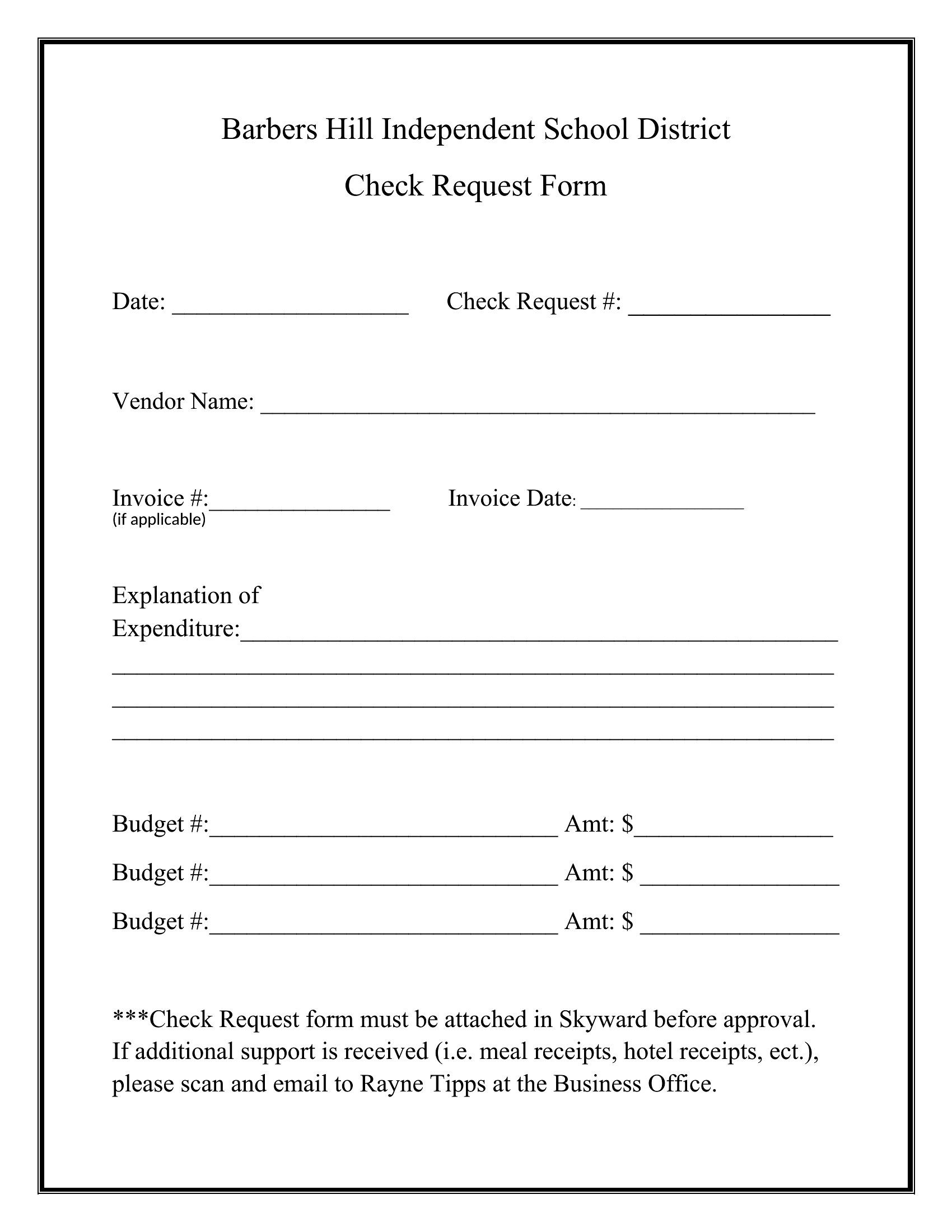
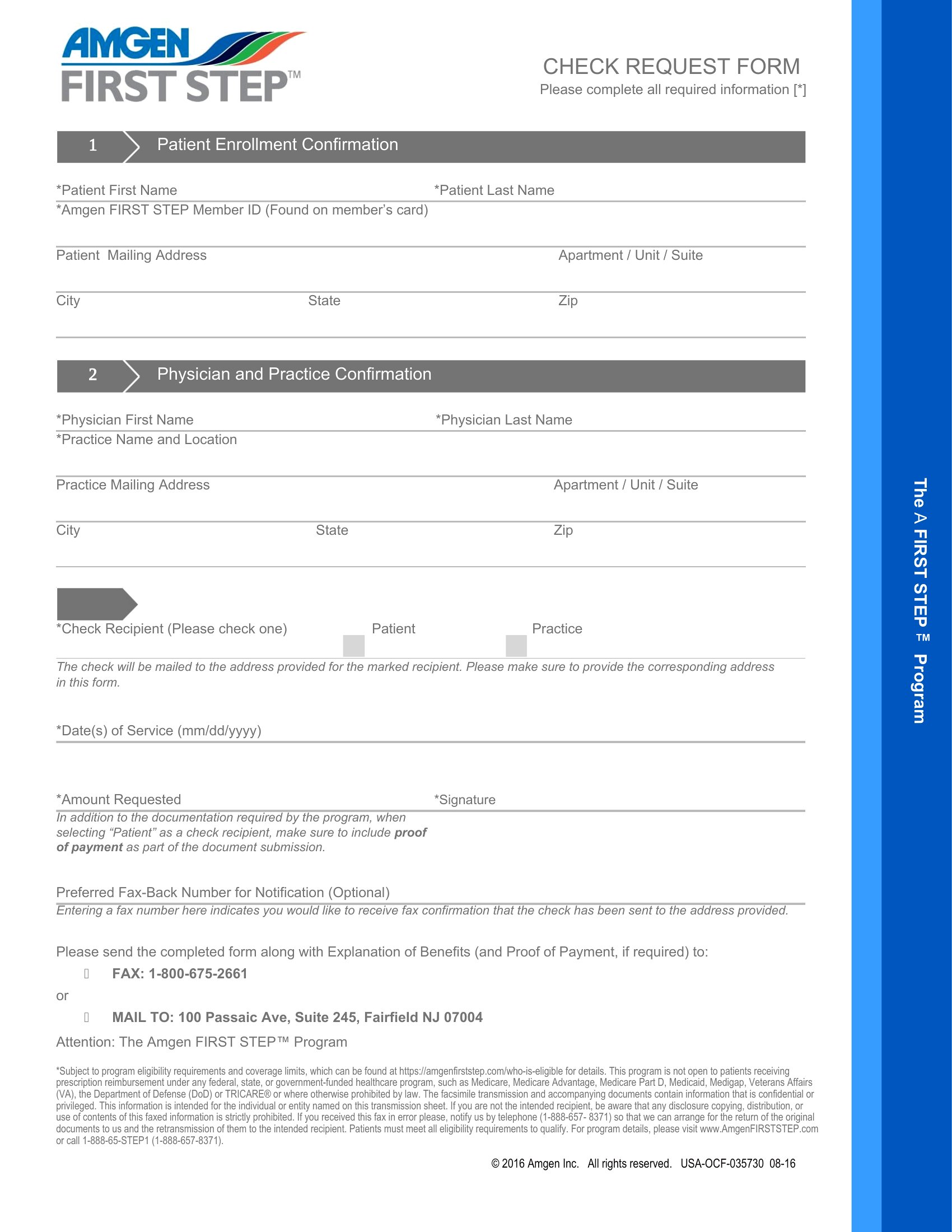
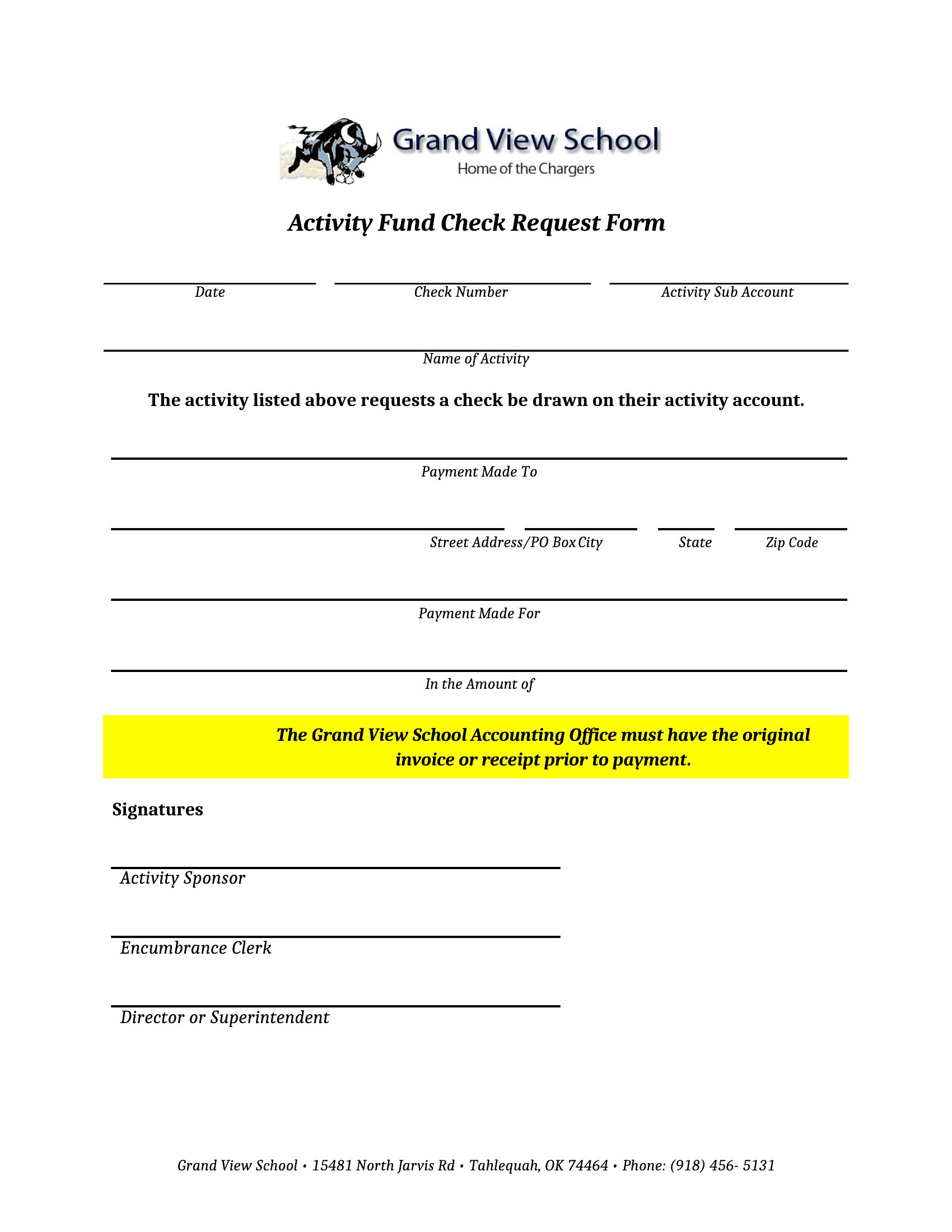
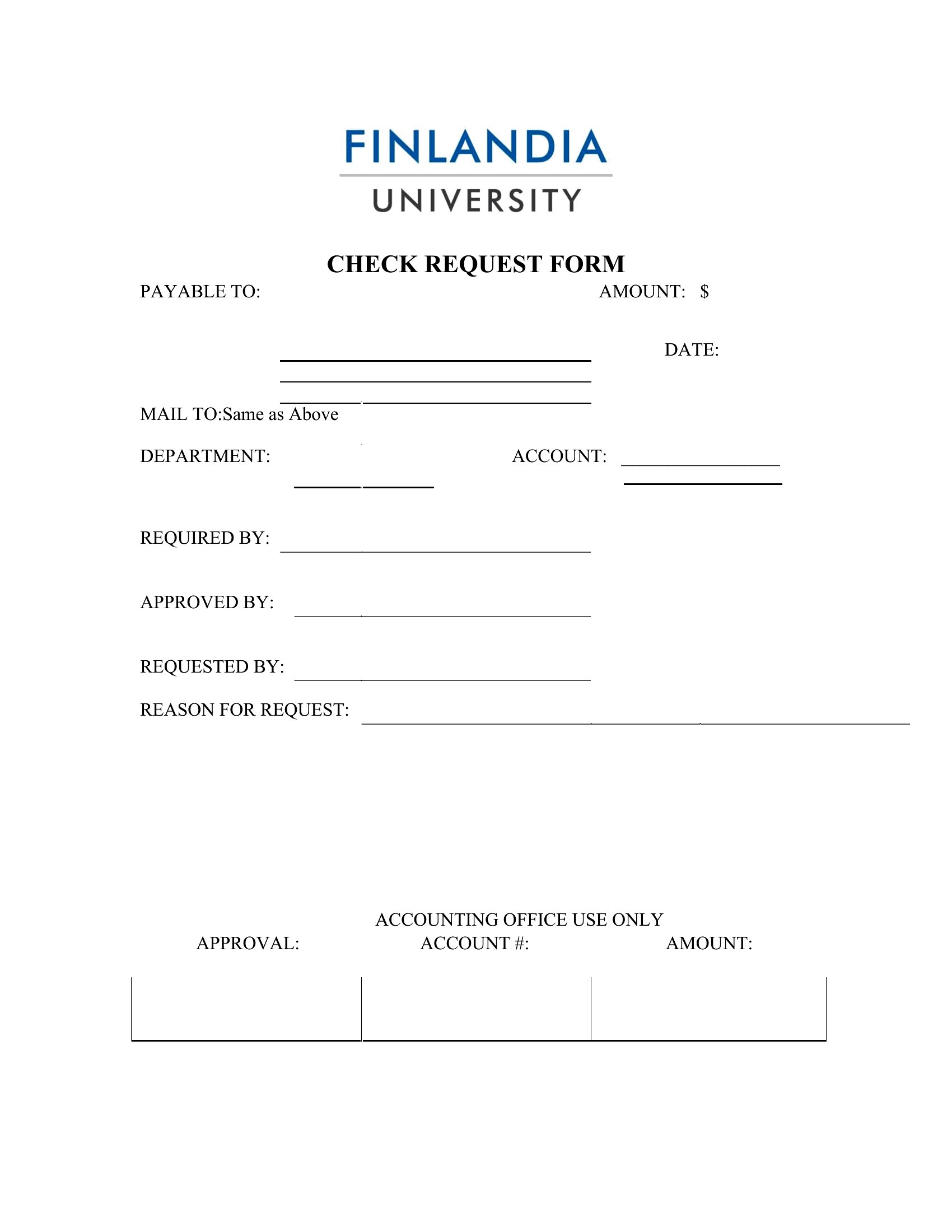
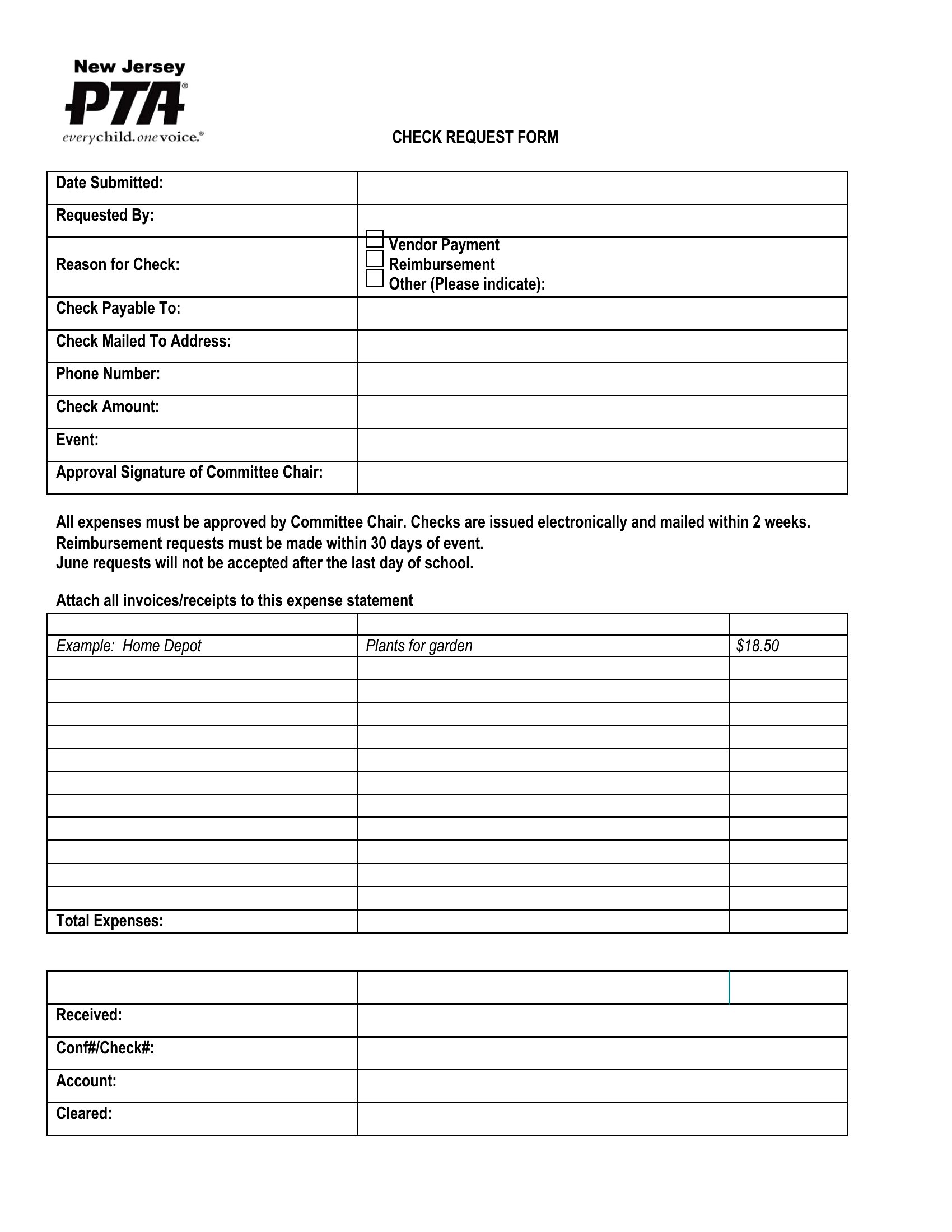
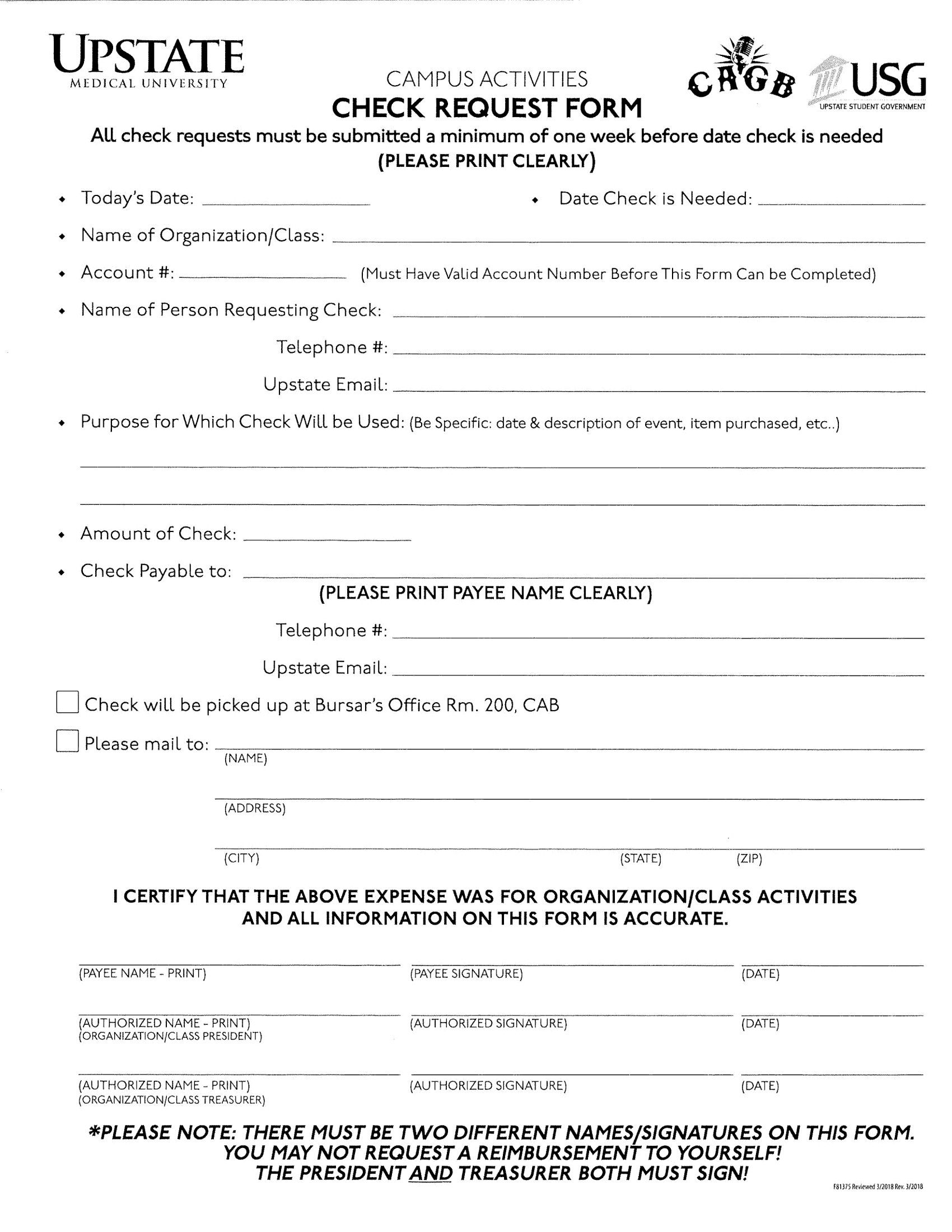
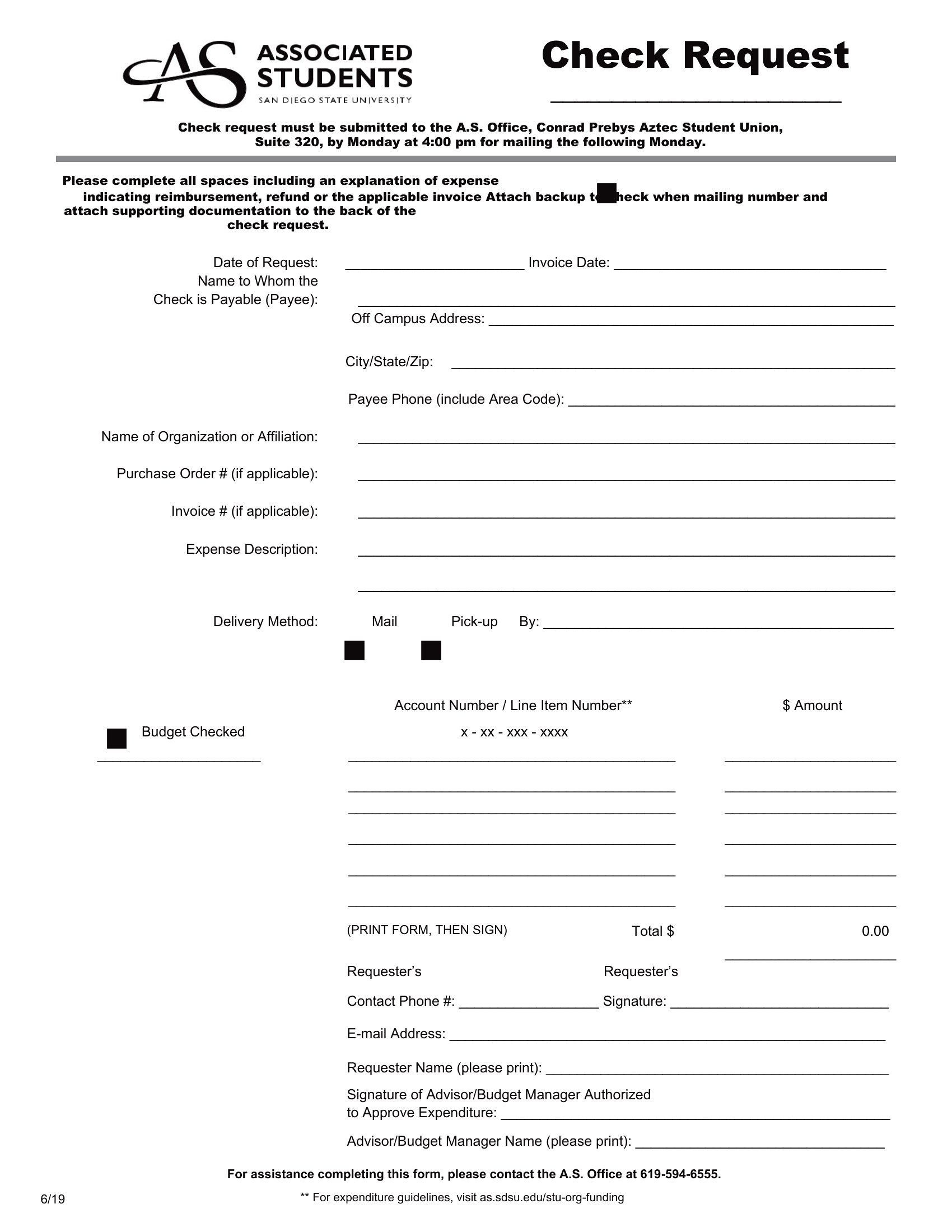
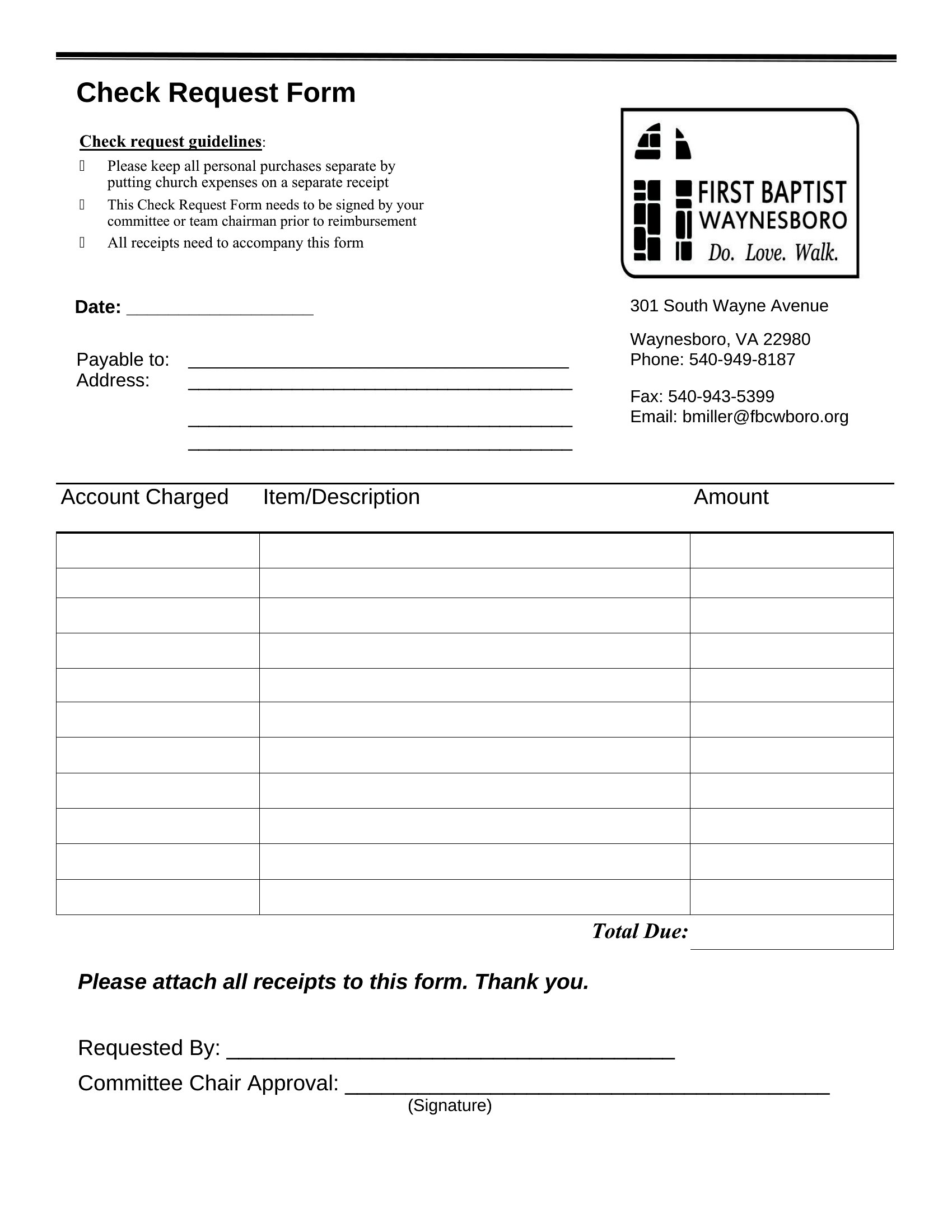
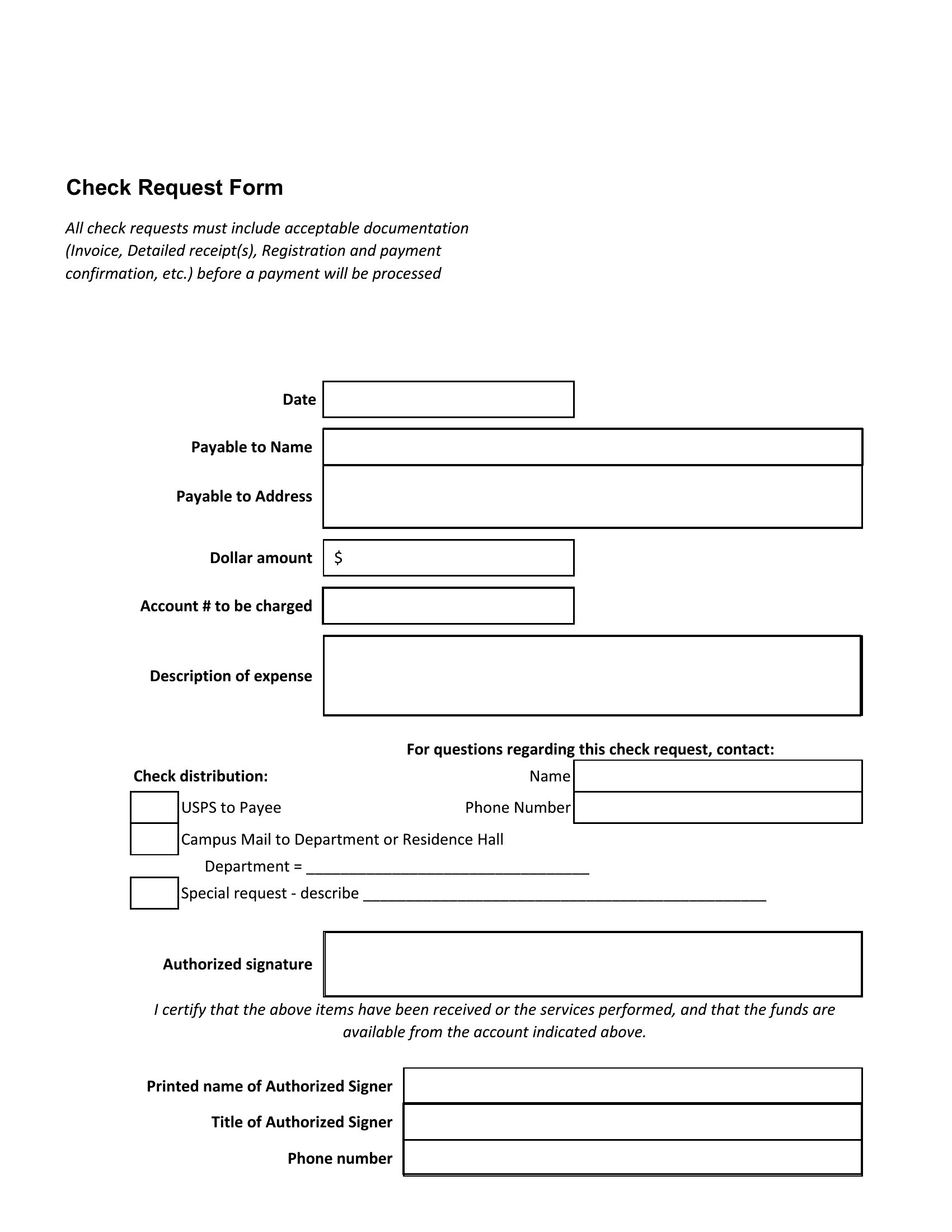
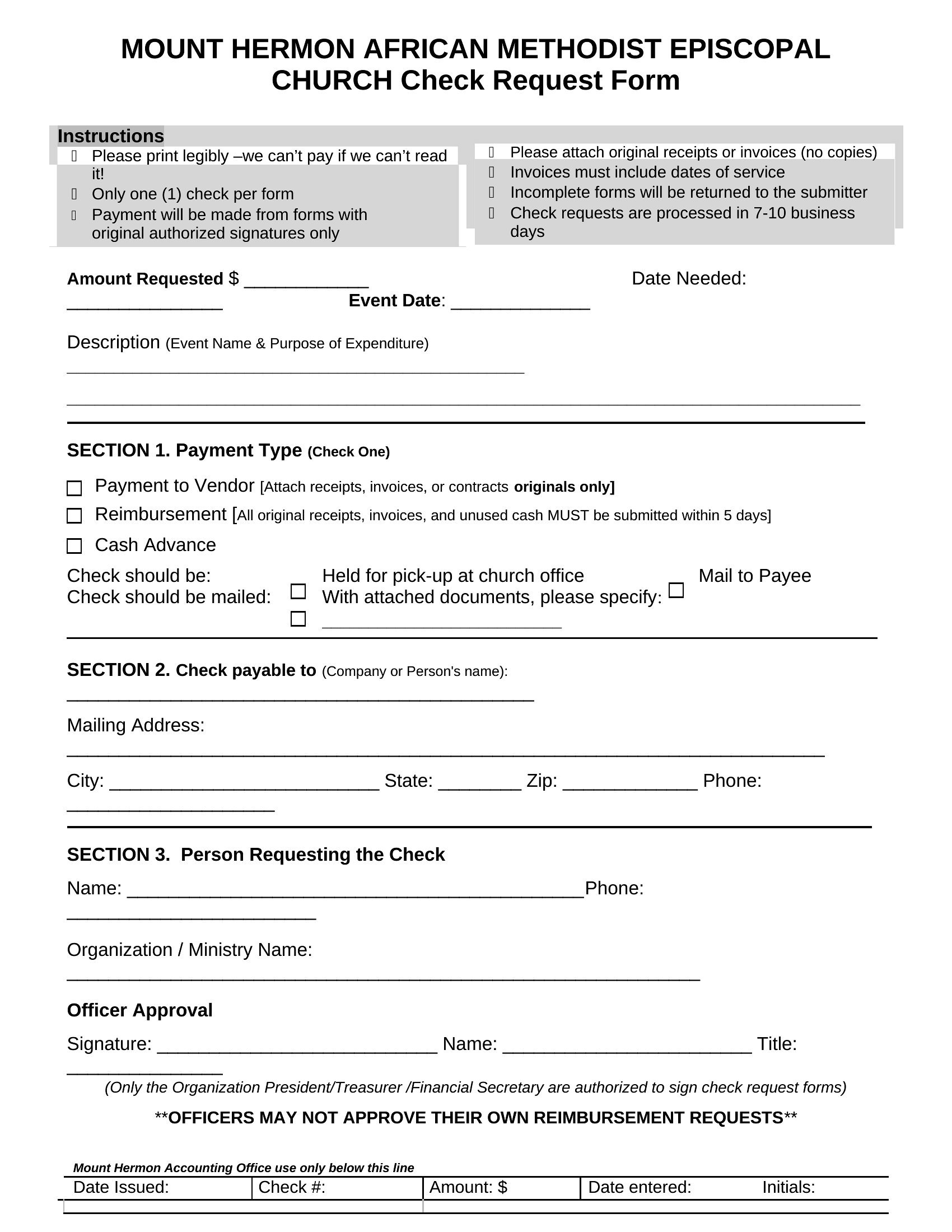
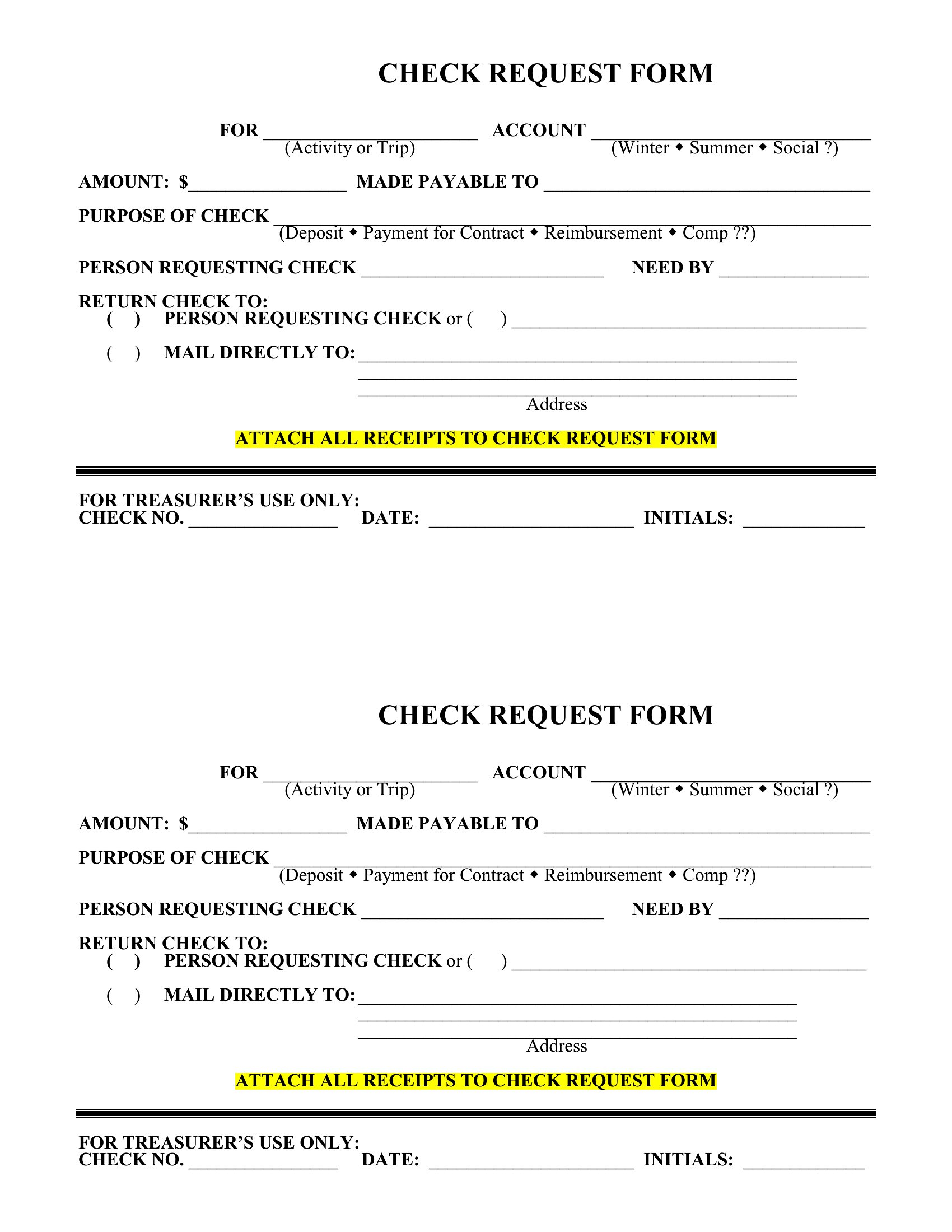
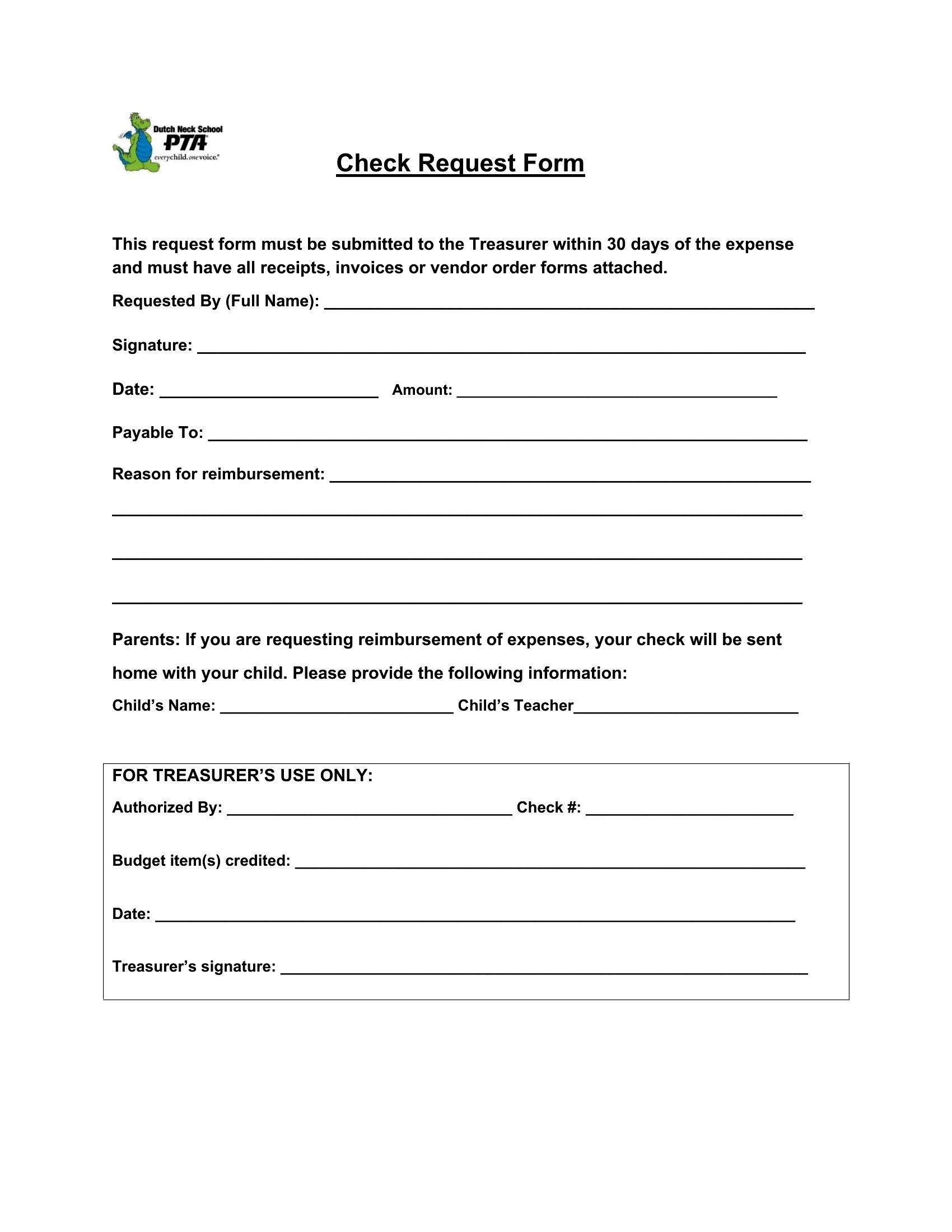
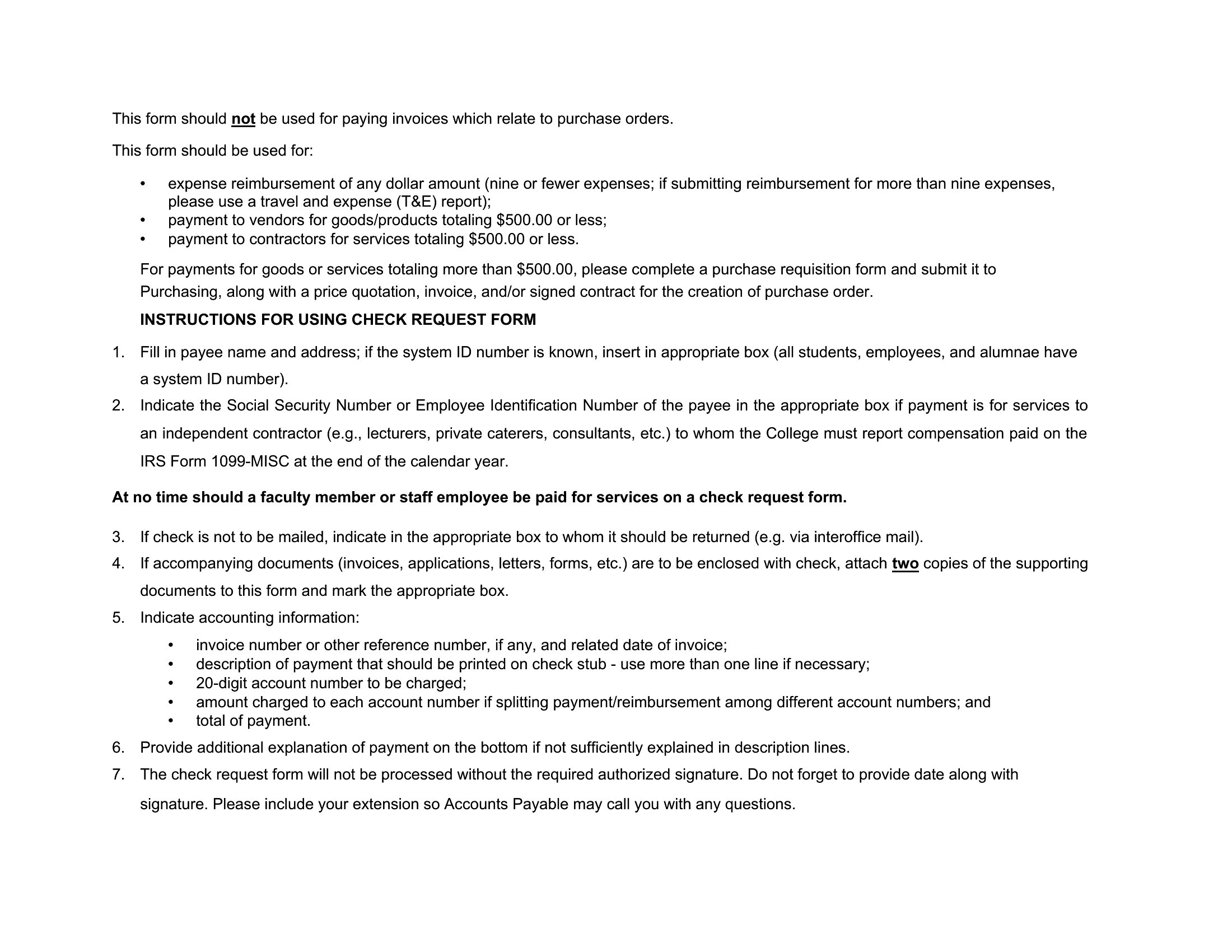
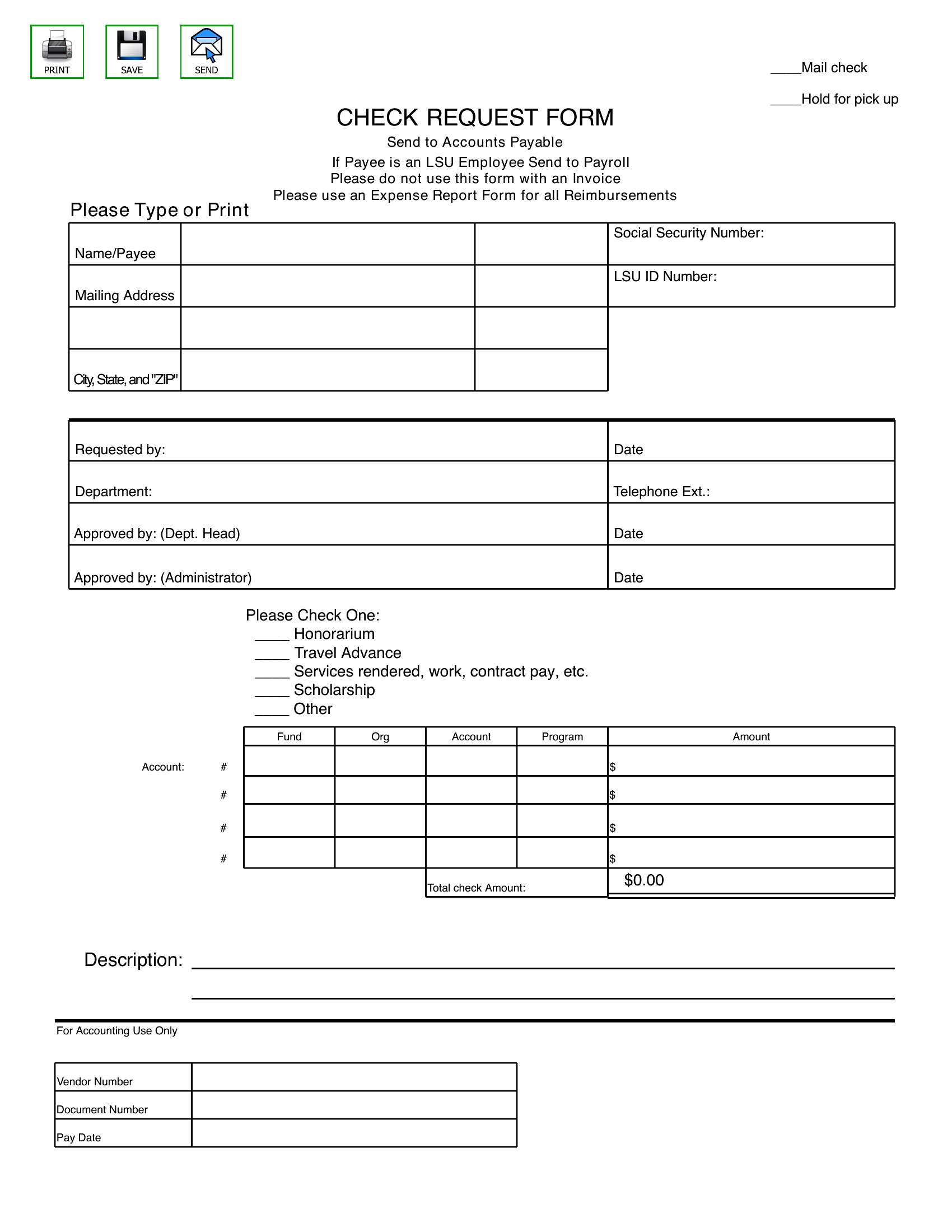
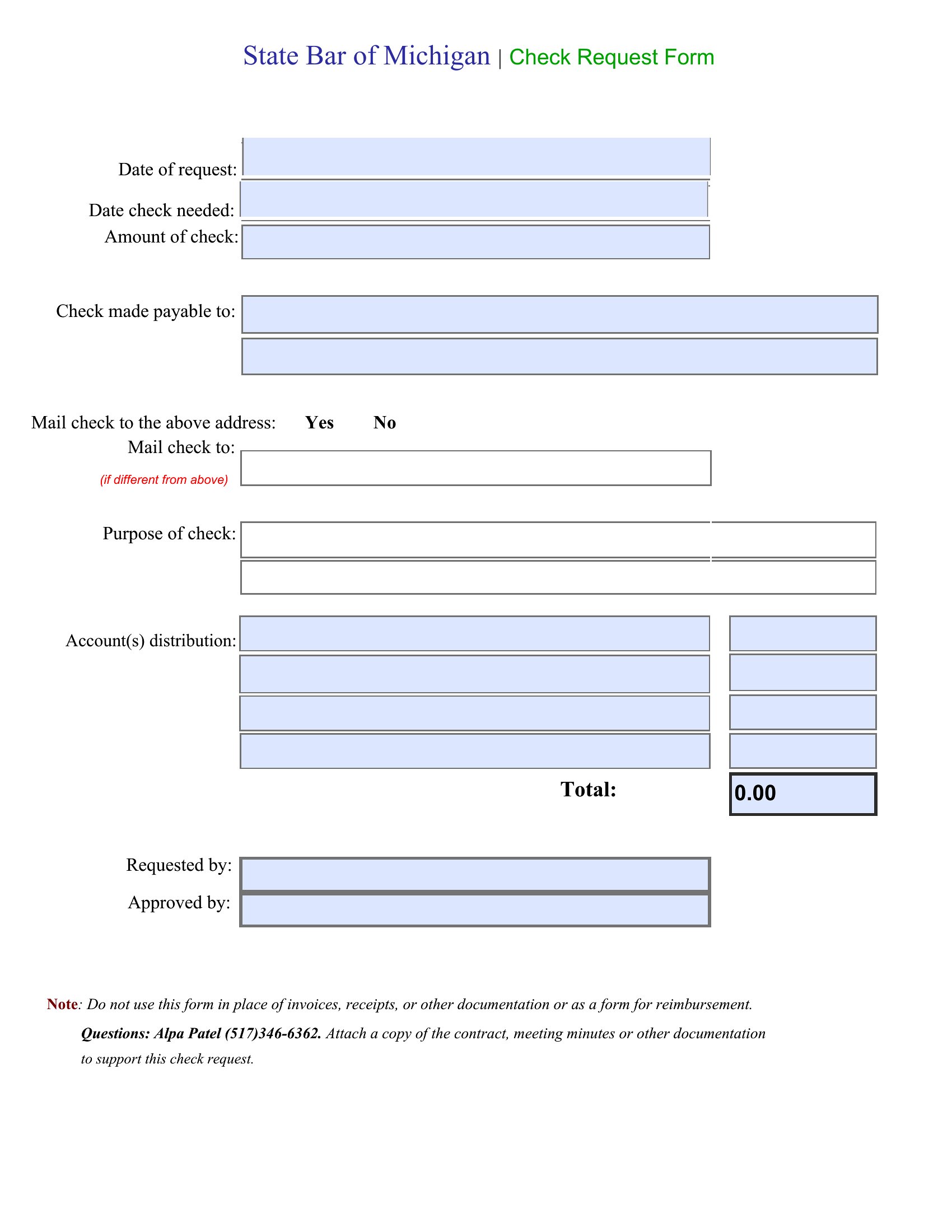
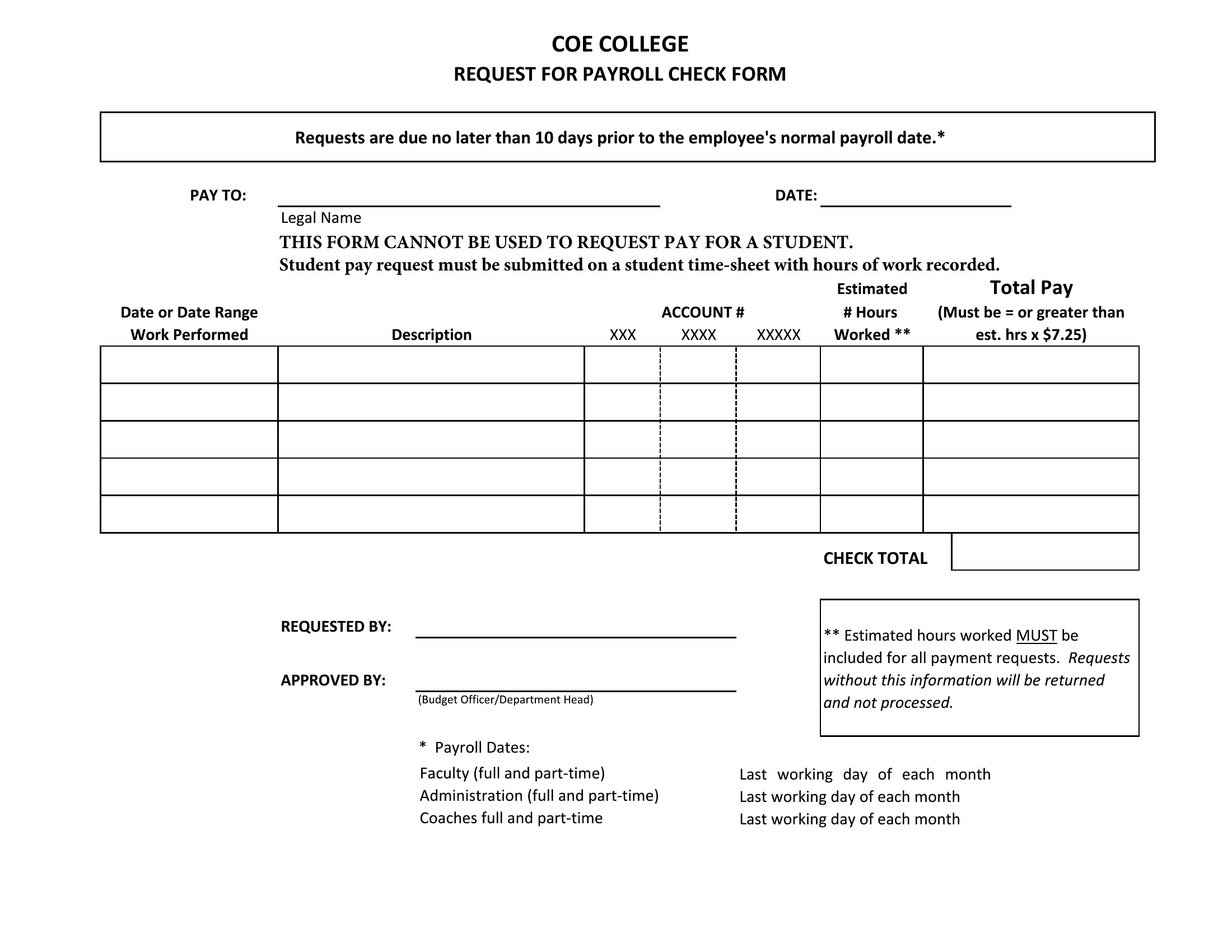
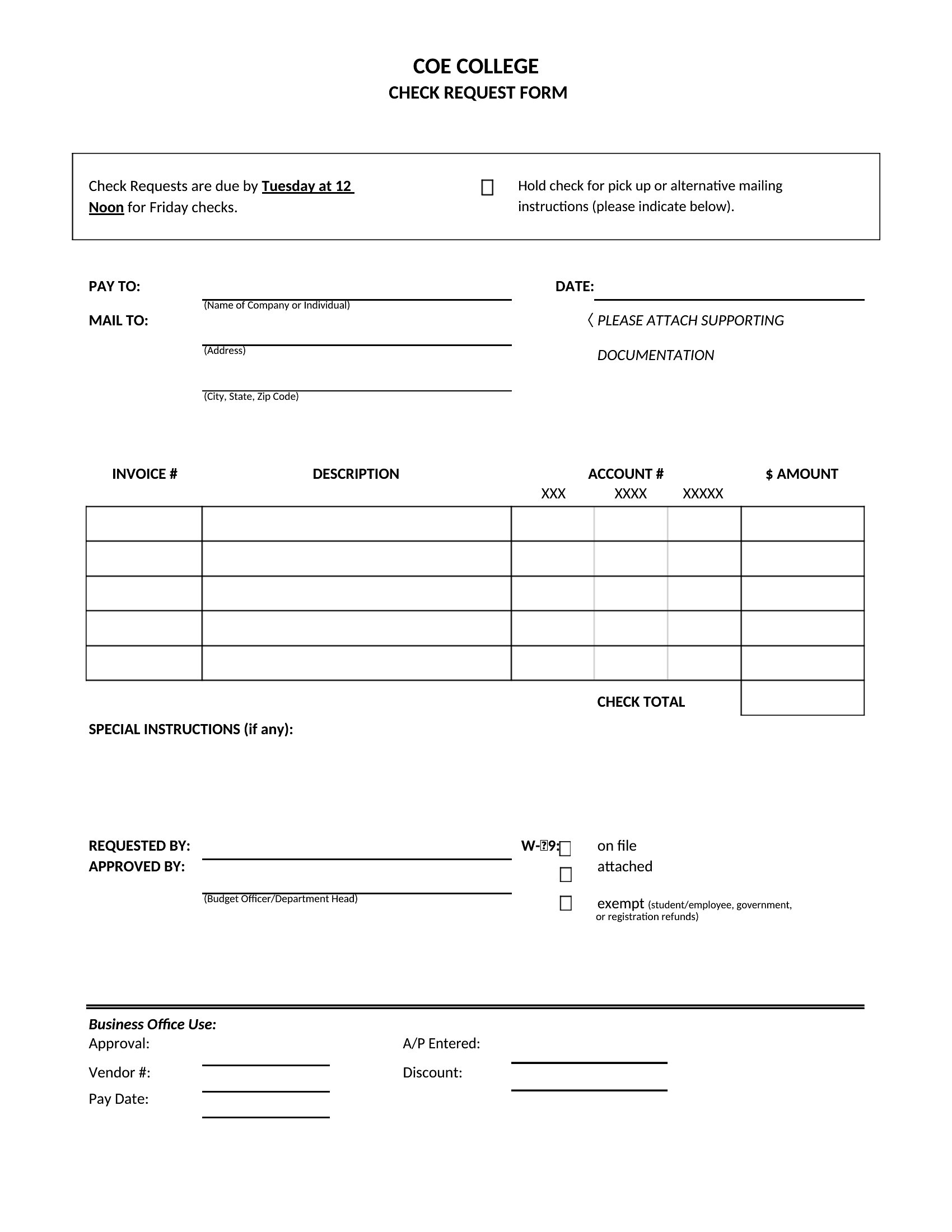
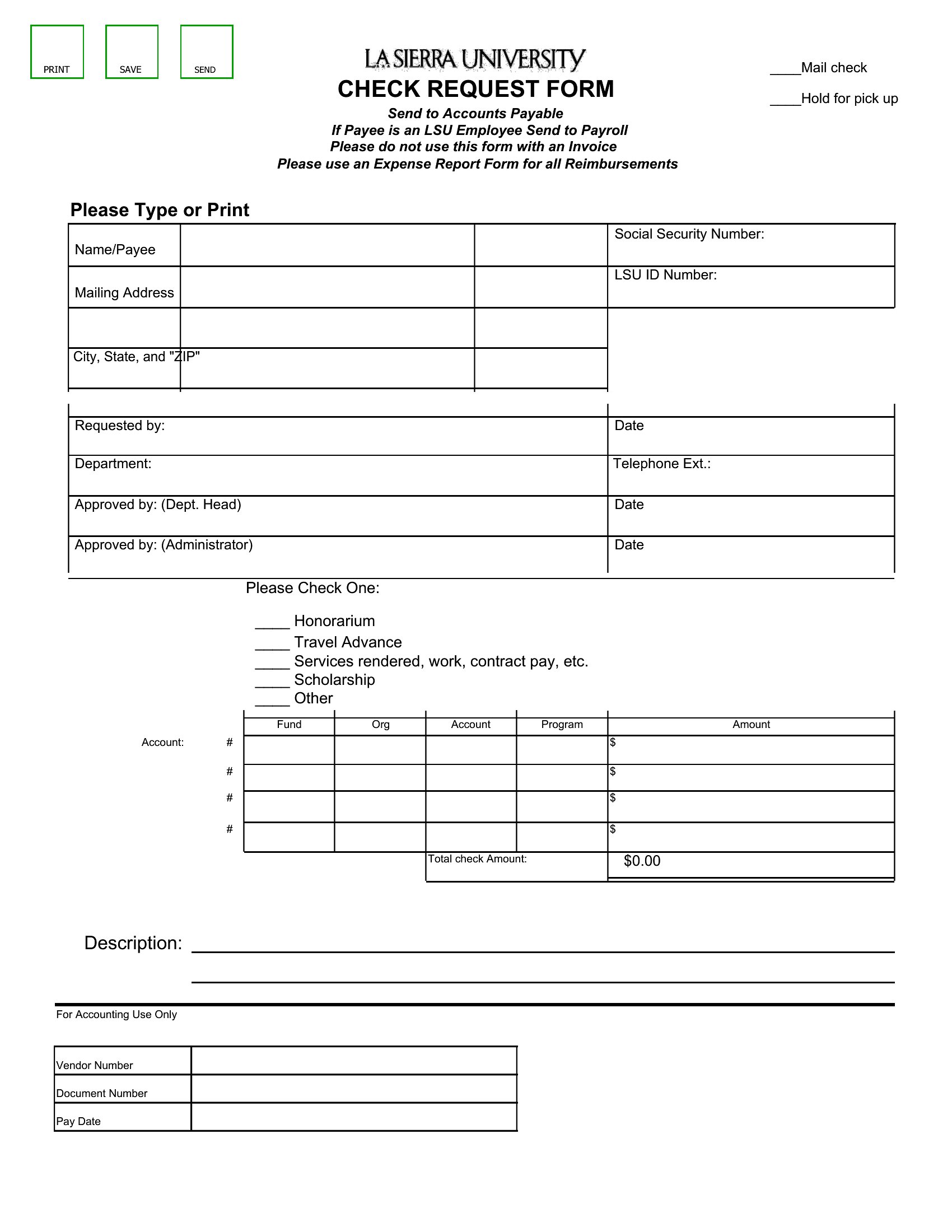
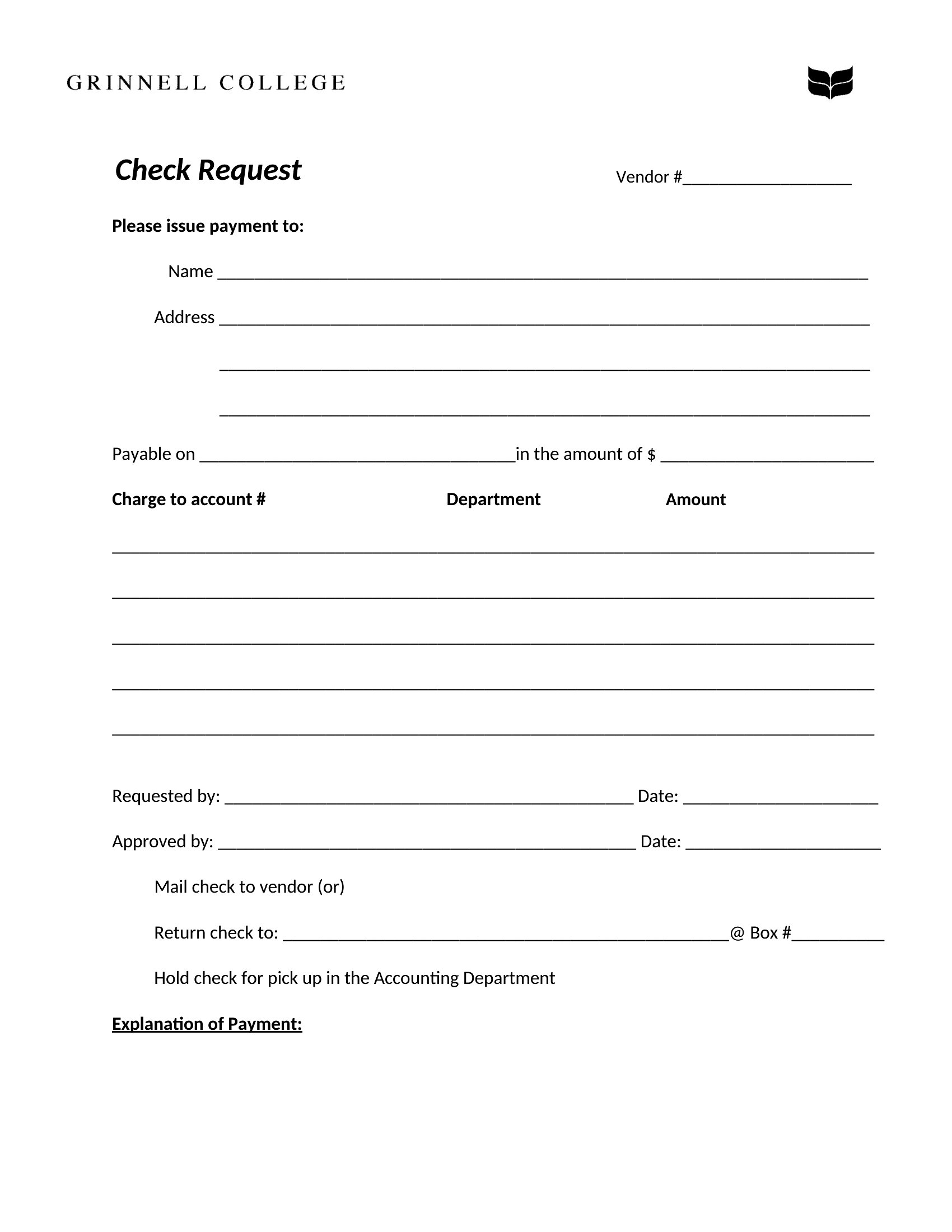
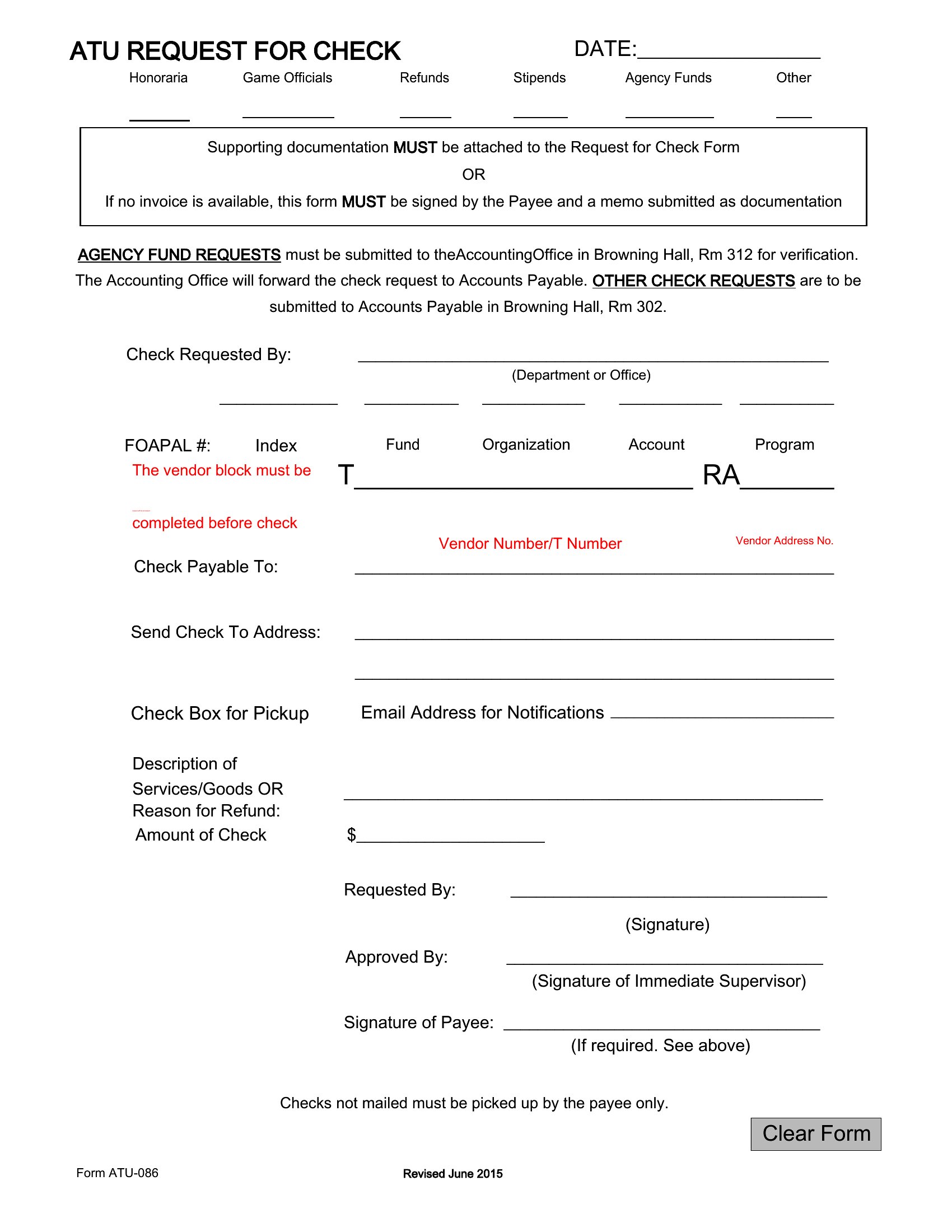
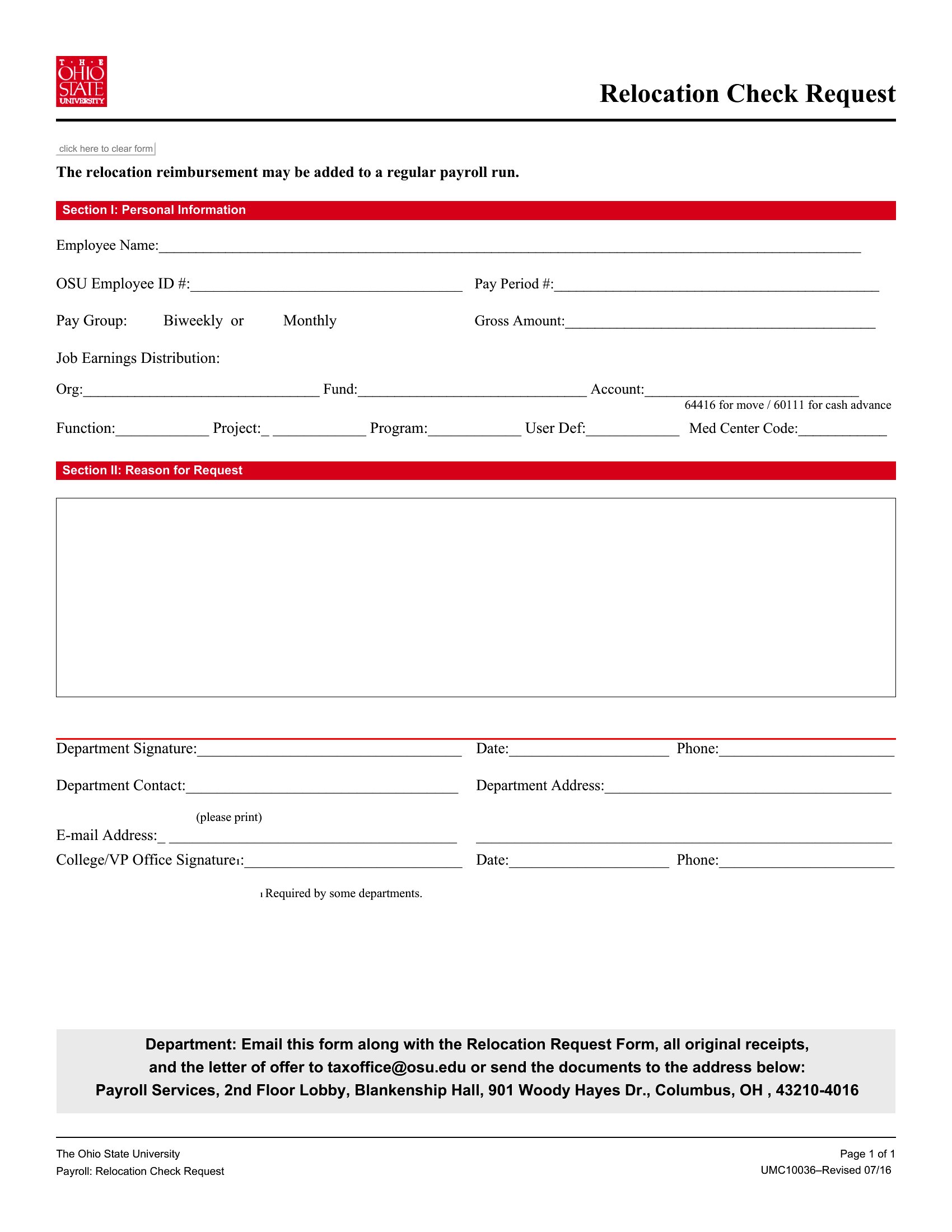
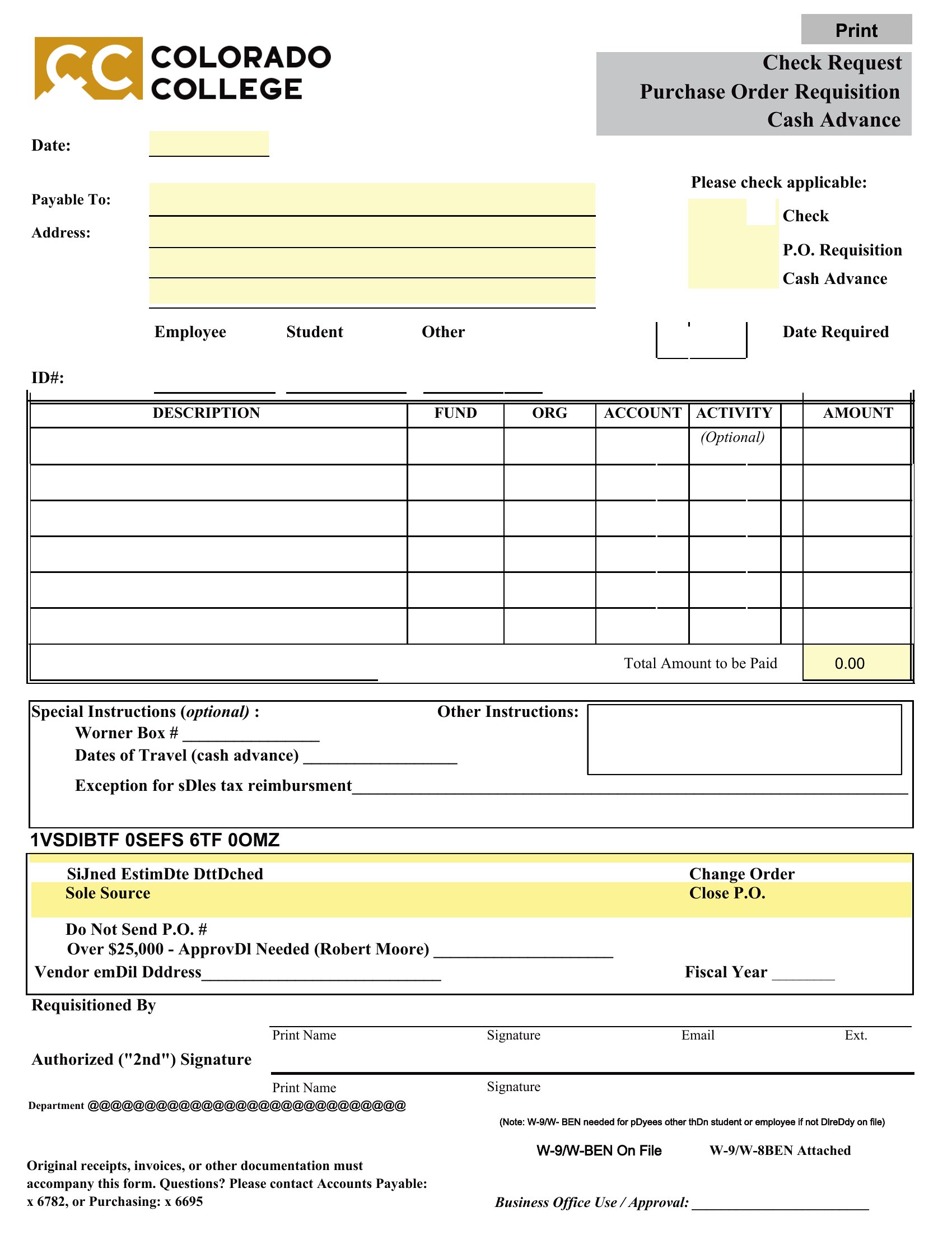
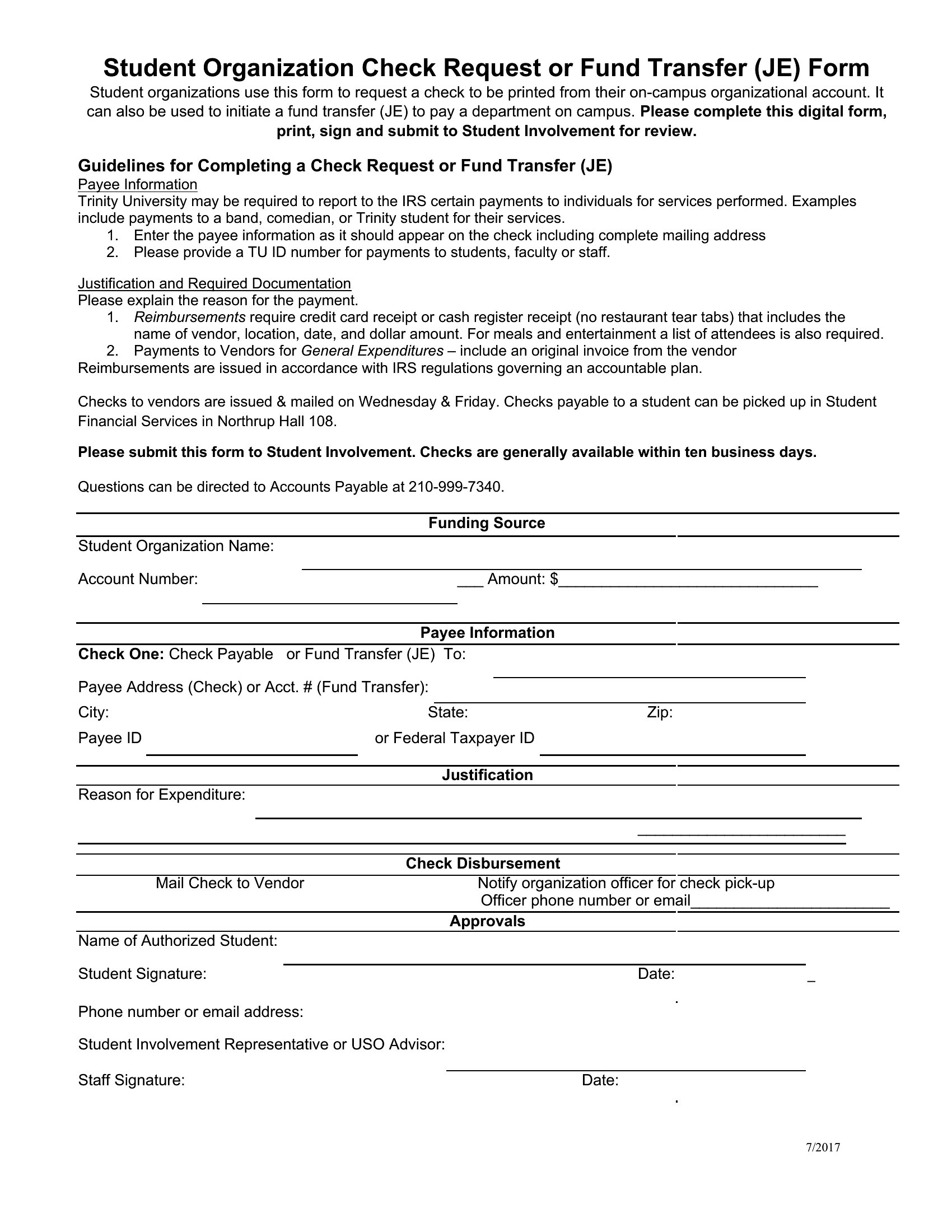
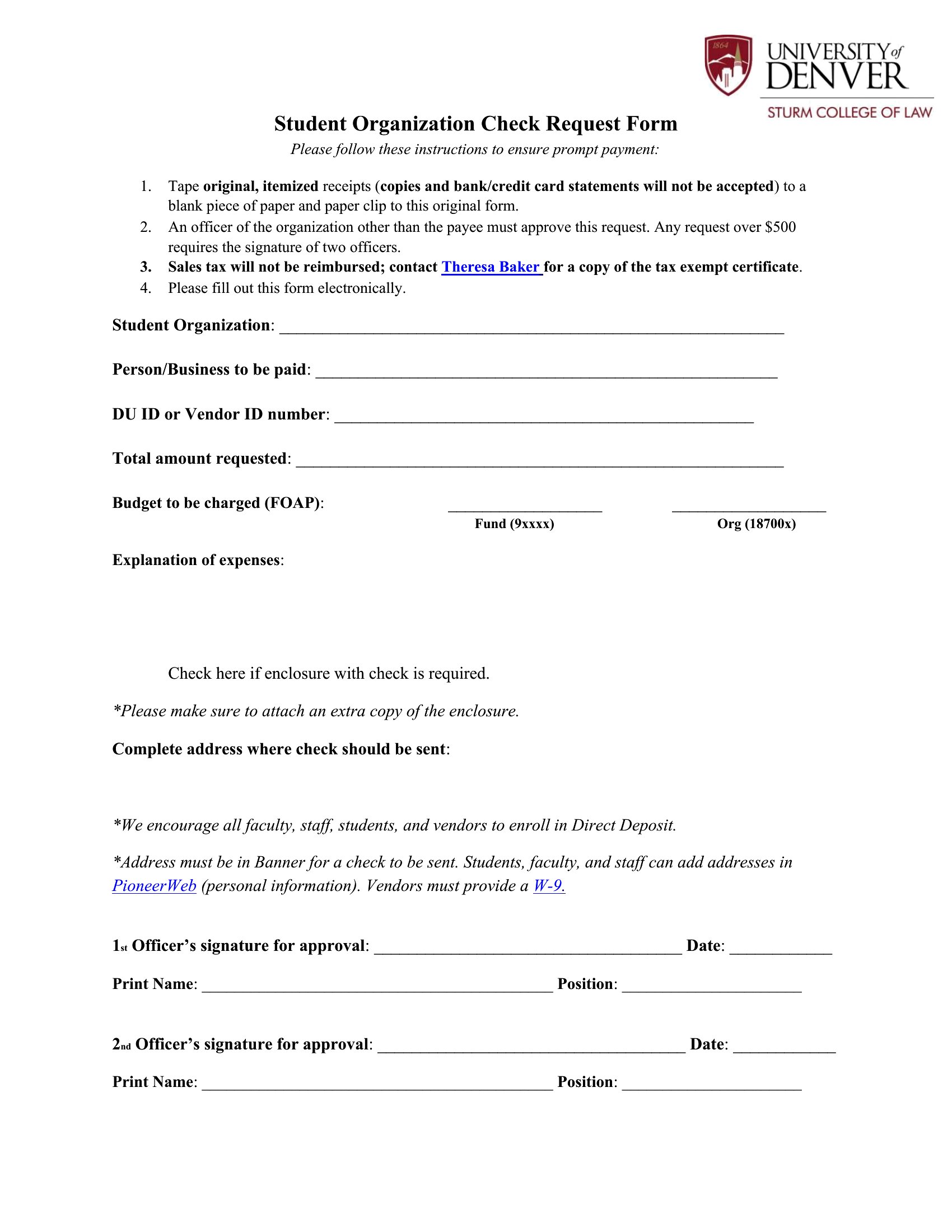
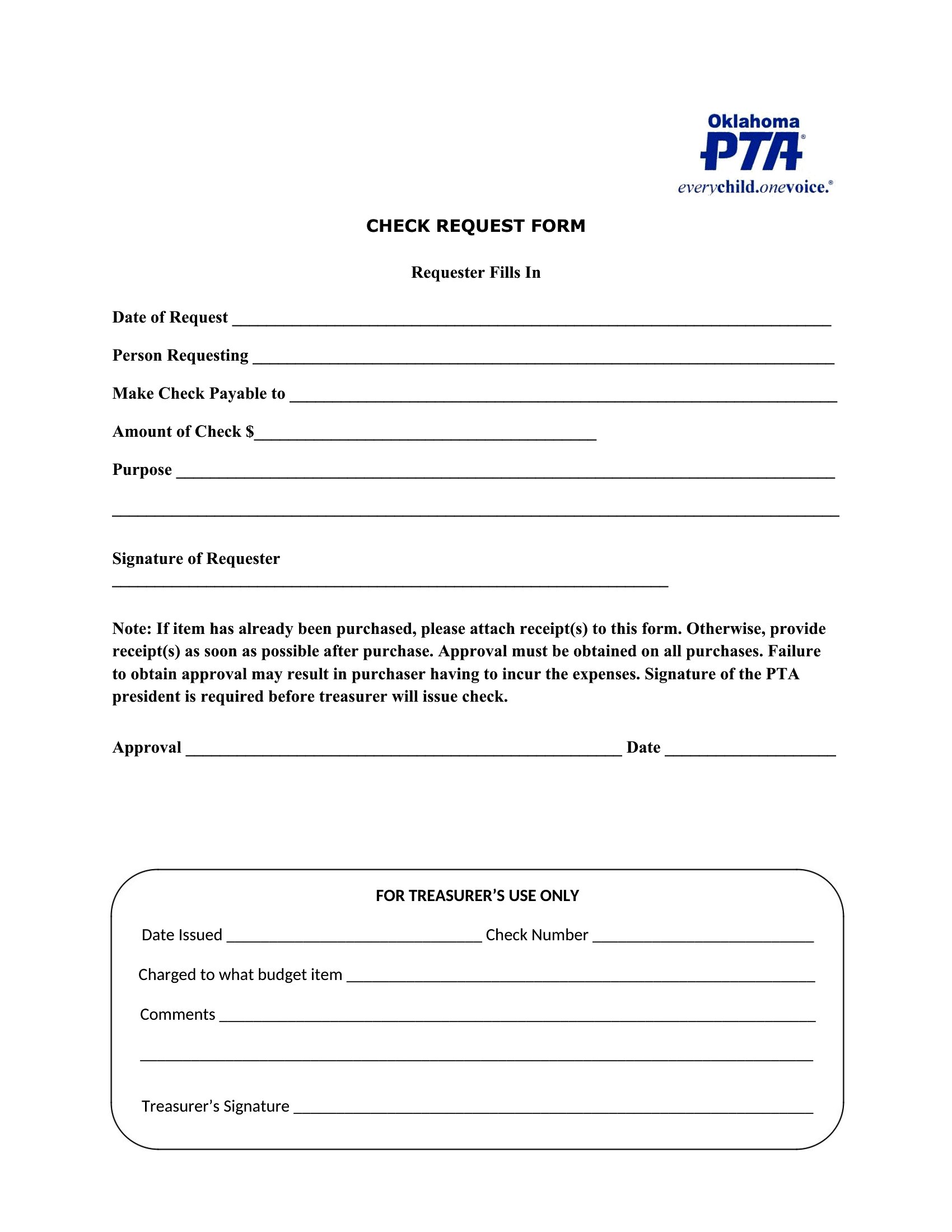
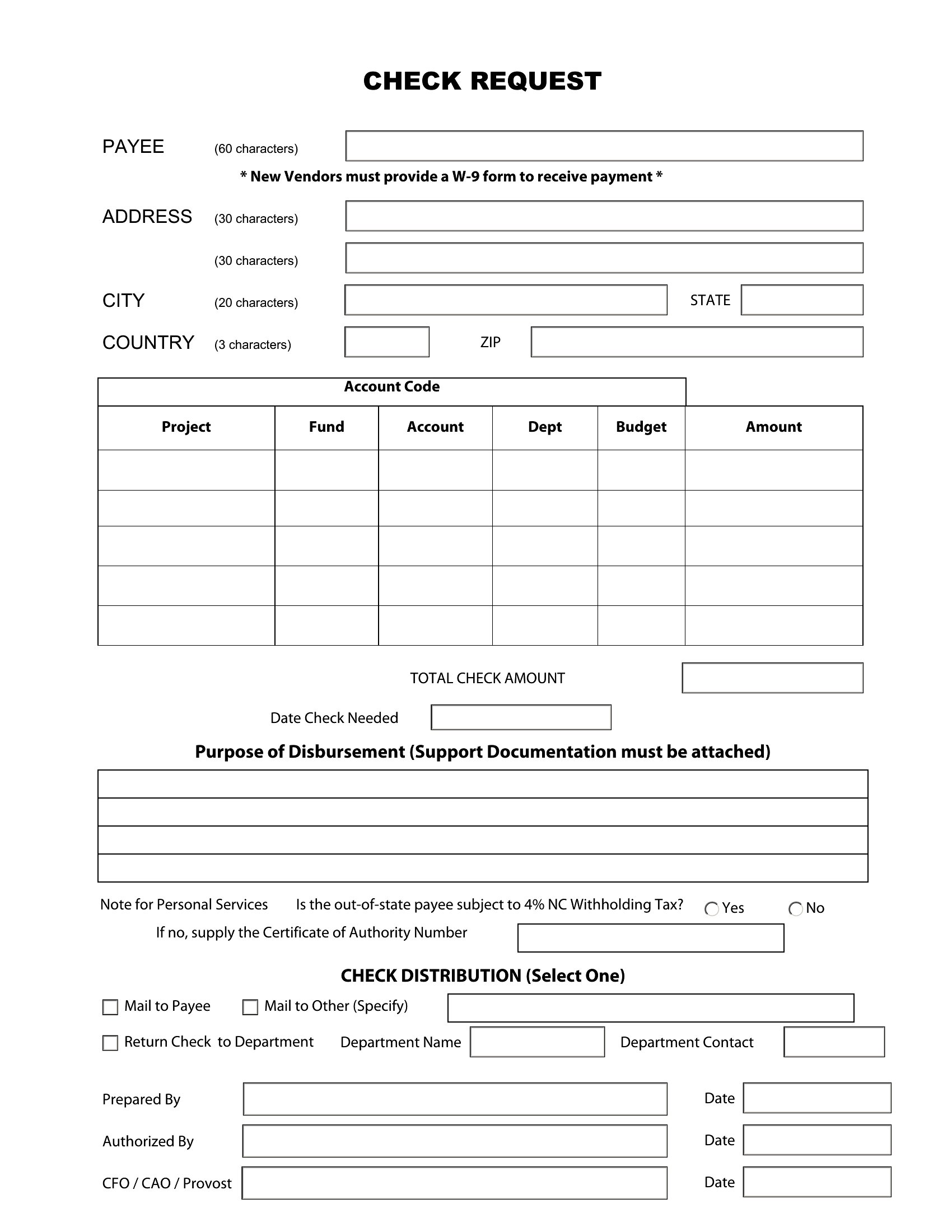
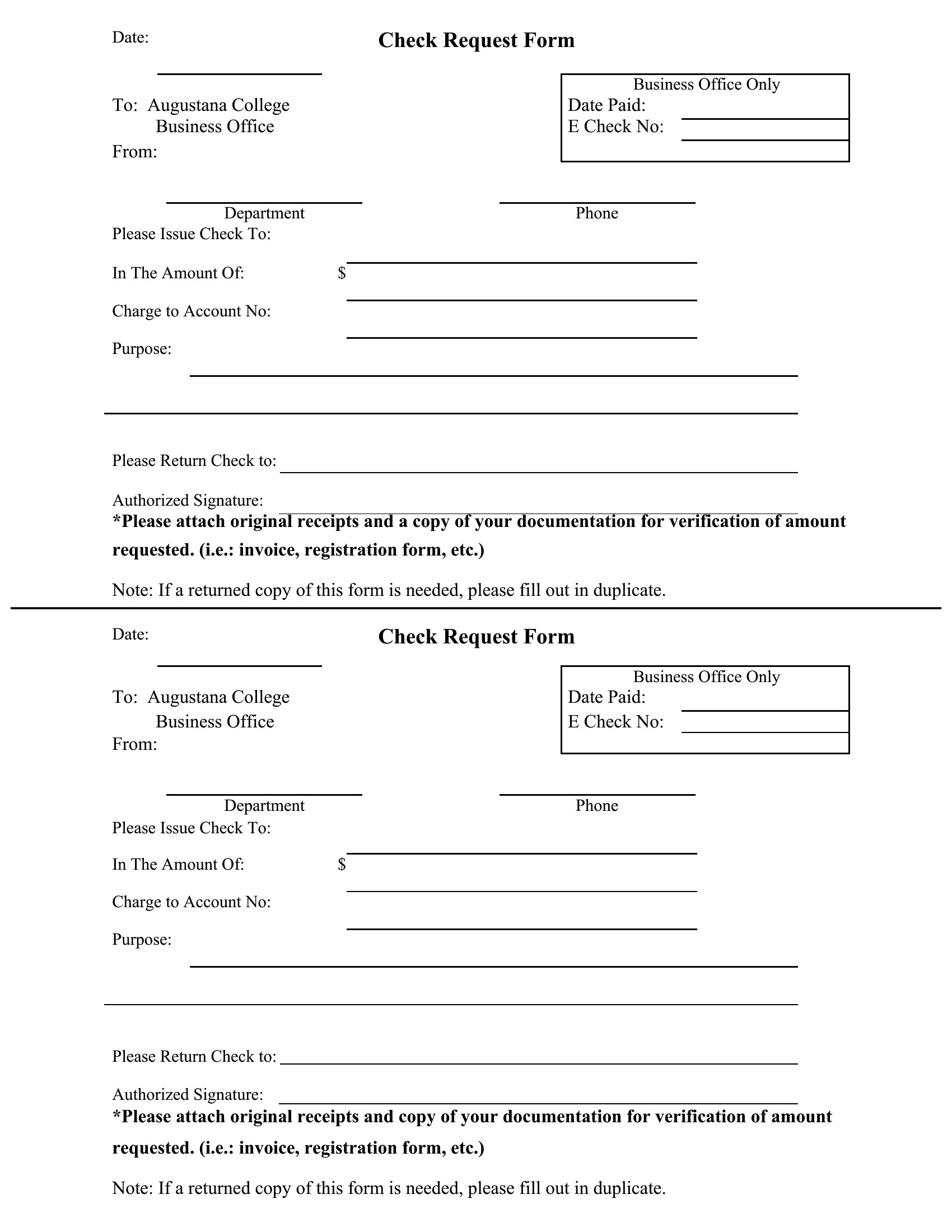
ApplicationsA check request form is how staff ask the accounting department to cut a payment, with all the details needed to approve and process it in one place. This set of 61 templates helps nonprofits, schools, and small businesses standardize reimbursements, vendor payments, and petty cash requests. Capture the amount, the payee, the reason, and the approvals up front and the finance team can move quickly.
You'll find versions in Word for easy editing and print-ready PDFs for signatures and the file. Add your organization's coding and approval lines, then reuse the same form across every department. Download the template that fits your process and keep payment requests organized and traceable.
When to use this Check Request Form template
- Small business owners in retail or hospitality use these forms when employees report lost or damaged cash, ensuring accurate reimbursements without manual tracking.
- Nonprofit program coordinators standardize volunteer travel reimbursements by attaching expense details to requests, reducing back-and-forth with finance teams.
- School district administrative assistants streamline technology purchases by vendors—like lab equipment suppliers—with pre-approved check request forms attached to purchase orders.
- Healthcare clinic managers process bulk refunds for misbilled patients by batching requests in one form, speeding up reconciliations with insurance providers.
Which format should I download?
The Word format is best for teams that need to customize fields or add company logos before printing, as it allows in-document edits without losing formatting. Choose PDF when distributing to external vendors or payees who must fill out and return the form digitally—this format locks in structure but requires recipients to use fillable fields. For internal use where forms are tracked electronically, PDF is ideal for maintaining consistency across departments without editing risks.
Choose from 61 Check Request Form Templates
How to use this Check Request Form template
Why include a ‘justification’ field in a check request form?
This field helps finance teams quickly verify if the request aligns with company policies or budget allocations. For example, a nonprofit might reject a $500 tech request if the justification doesn’t mention a broken grant-required software license. It also flags potential errors, like a $200 ‘office supplies’ request with no details—often a sign of missing receipts.
How can we ensure check requests are processed in the right order?
Add a priority tier dropdown (e.g., ‘Urgent: vendor payment due in 48 hours,’ ‘Standard: payroll reimbursement,’ ‘Review: non-urgent petty cash’) to the form. Pair this with an approval workflow in your accounting software, so high-priority requests auto-route to finance leads. For schools, mark forms with ‘Payroll Deadline’ labels to bypass routine checks if submitted before the cutoff.
Should we include tax IDs on vendor check requests?
Yes, especially for businesses or nonprofits processing 1099 payments. Adding fields for the vendor’s tax ID (EIN or SSN) and a checkbox for ‘W-9 on file’ helps avoid IRS penalties. For international vendors, include a separate field for their local tax identification number. This reduces delays when finance cross-checks documentation later.
Comments
Join the conversation
Sign in to share your thoughts and leave a comment on this resource.