Free Business Report Templates (Word, PDF)
AnalysisTemplates
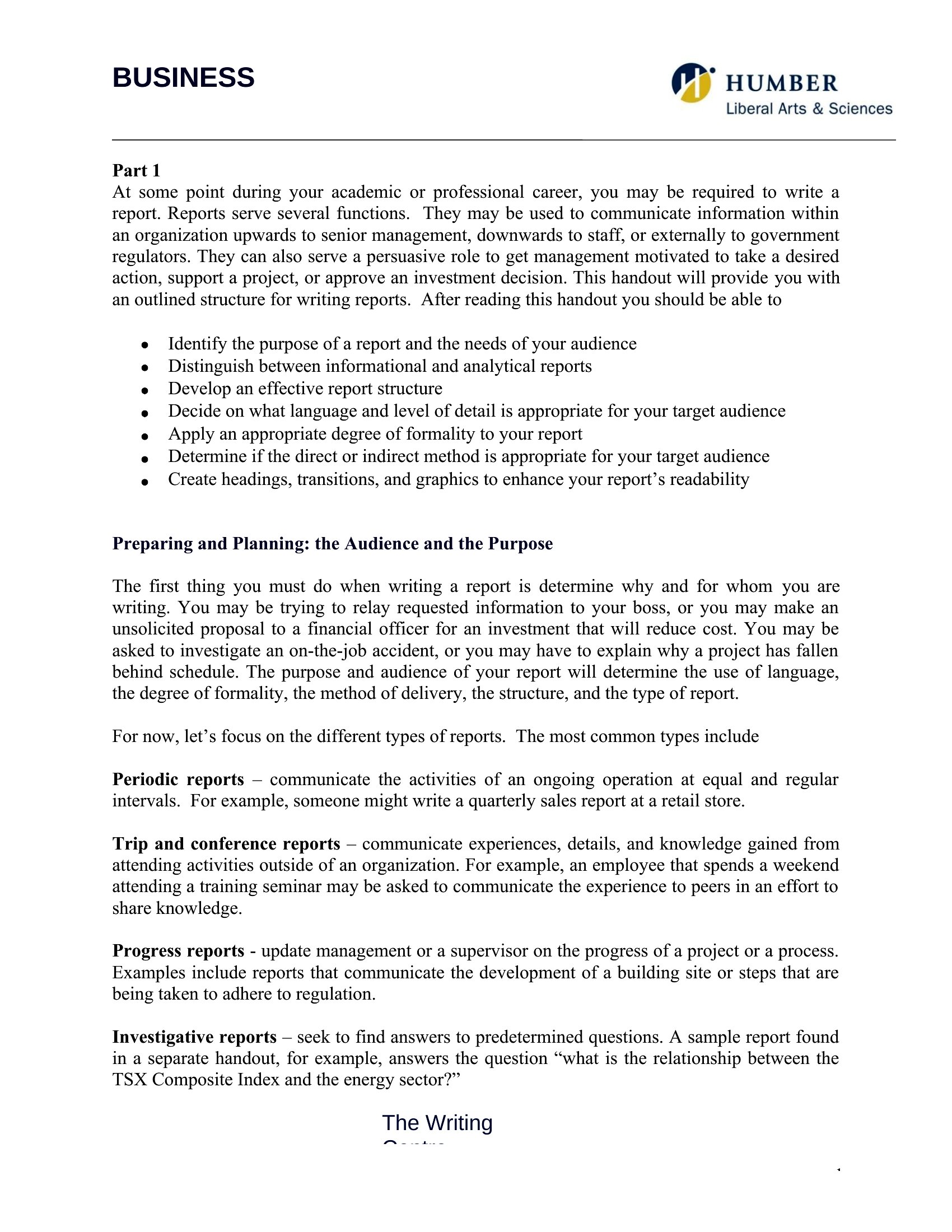
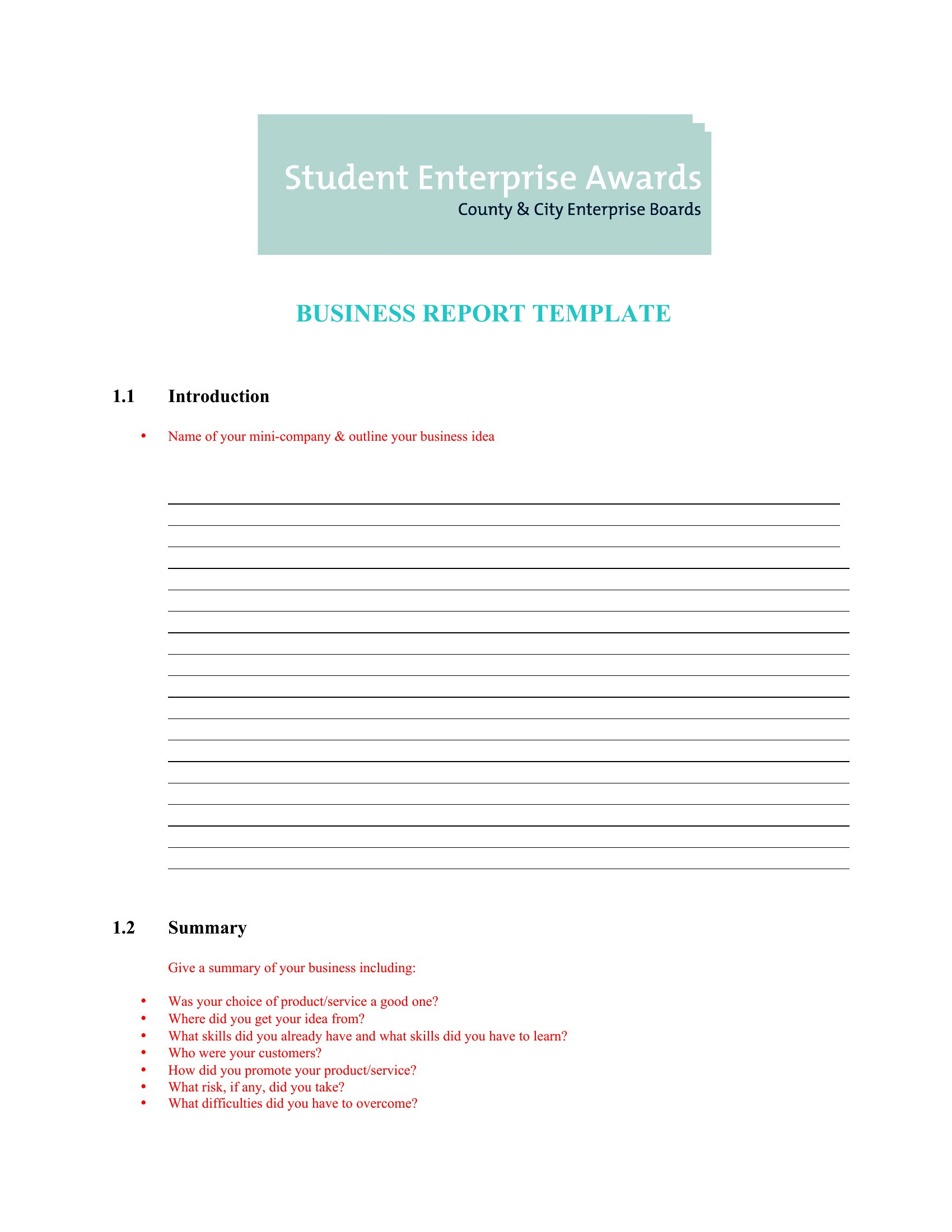


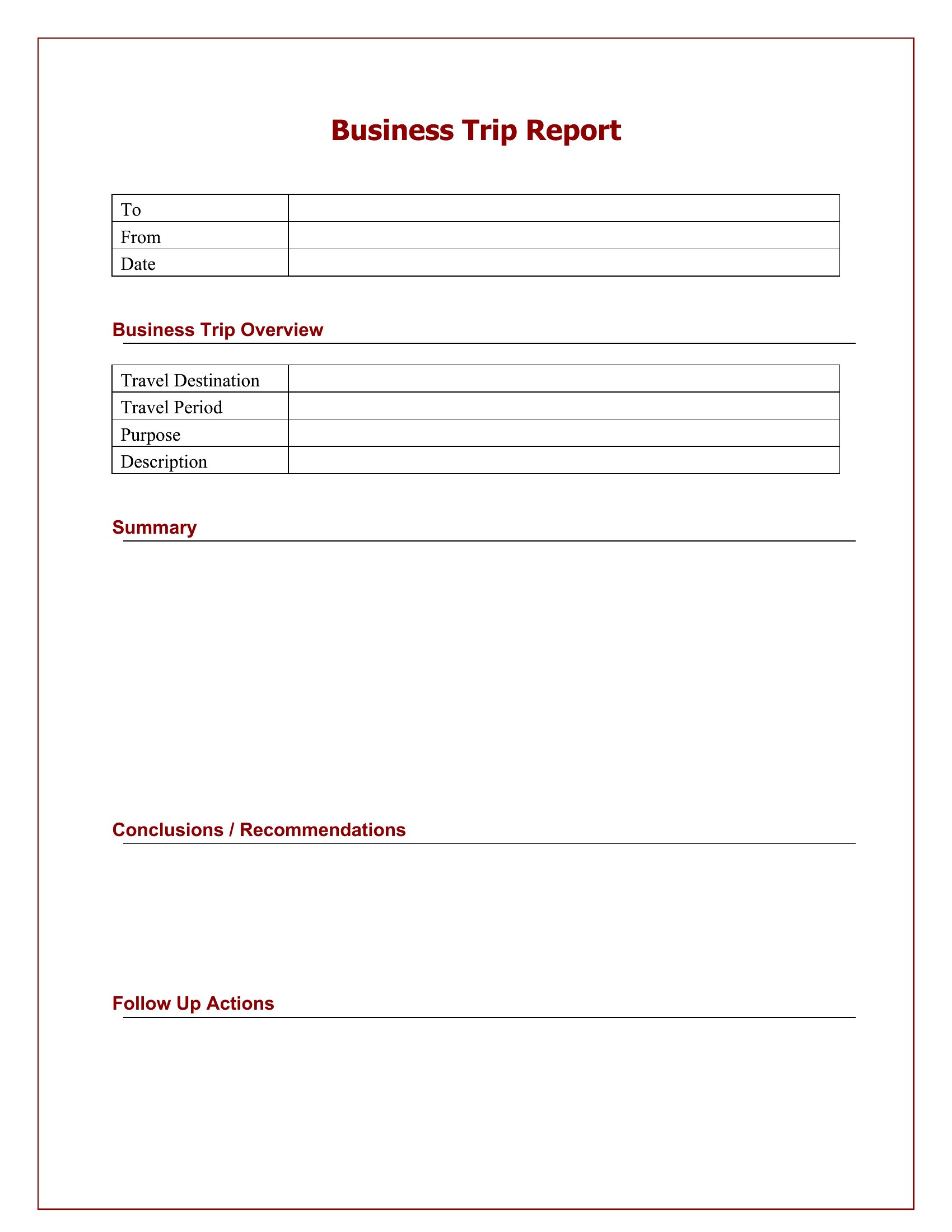
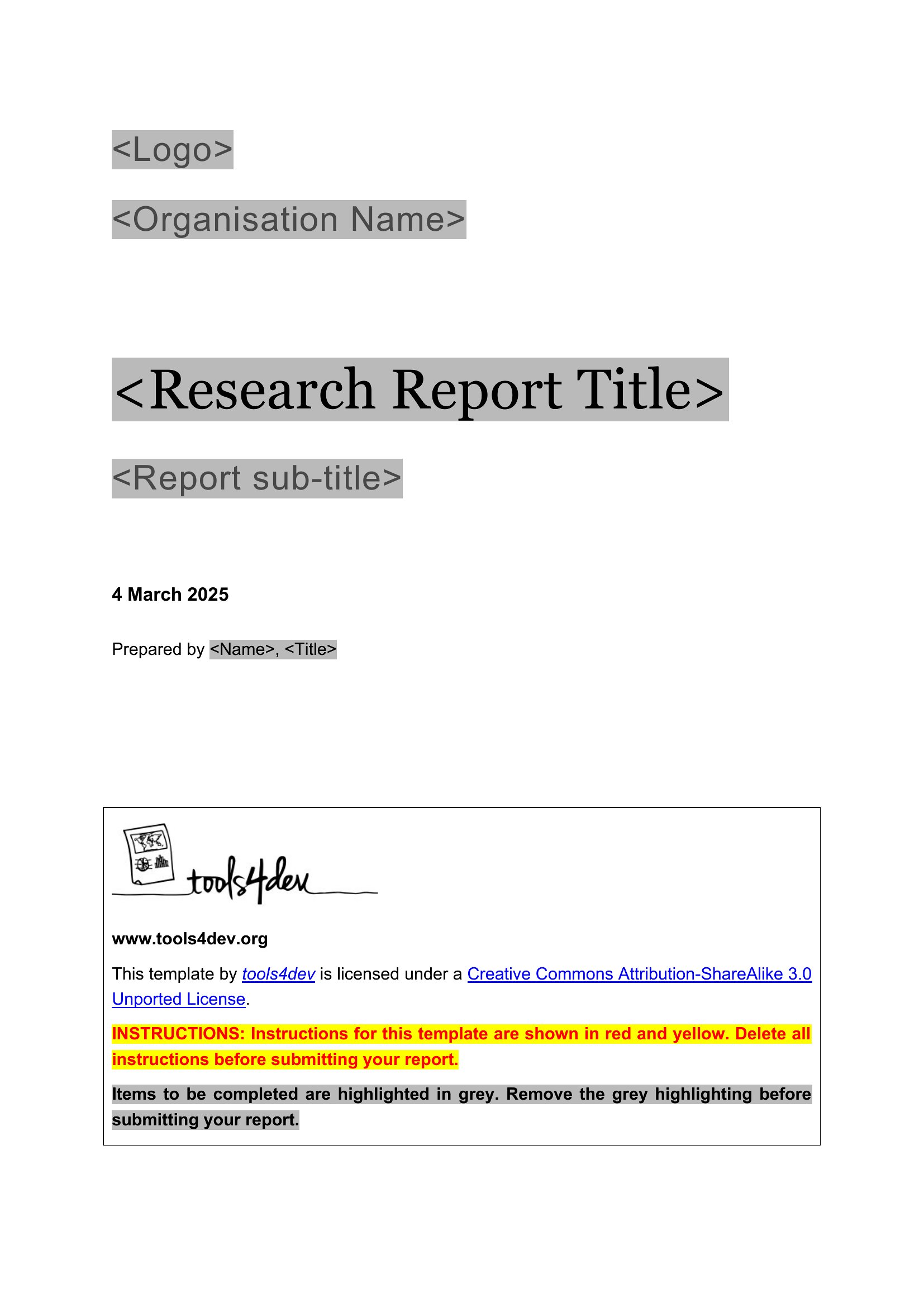
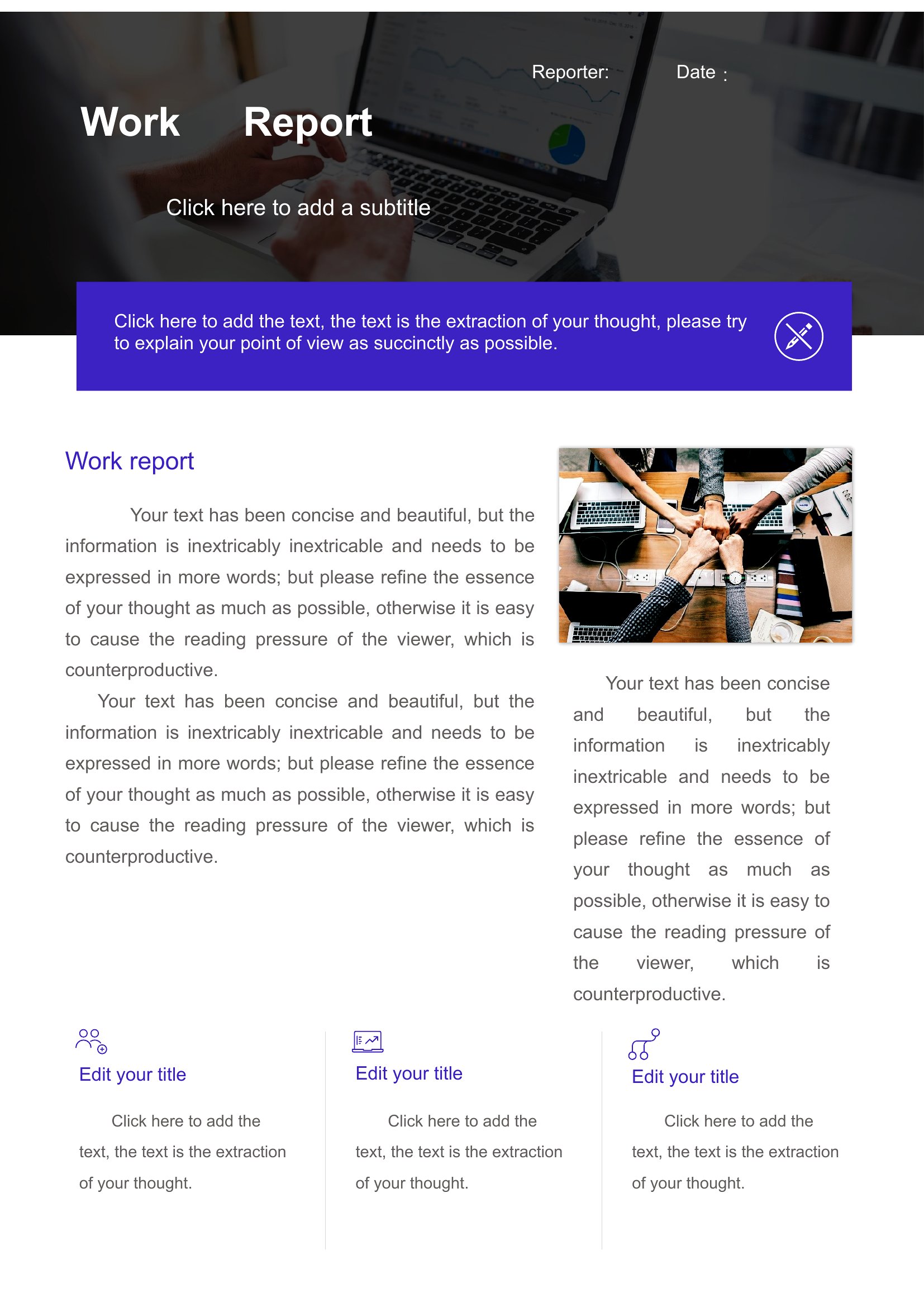
Business Reports



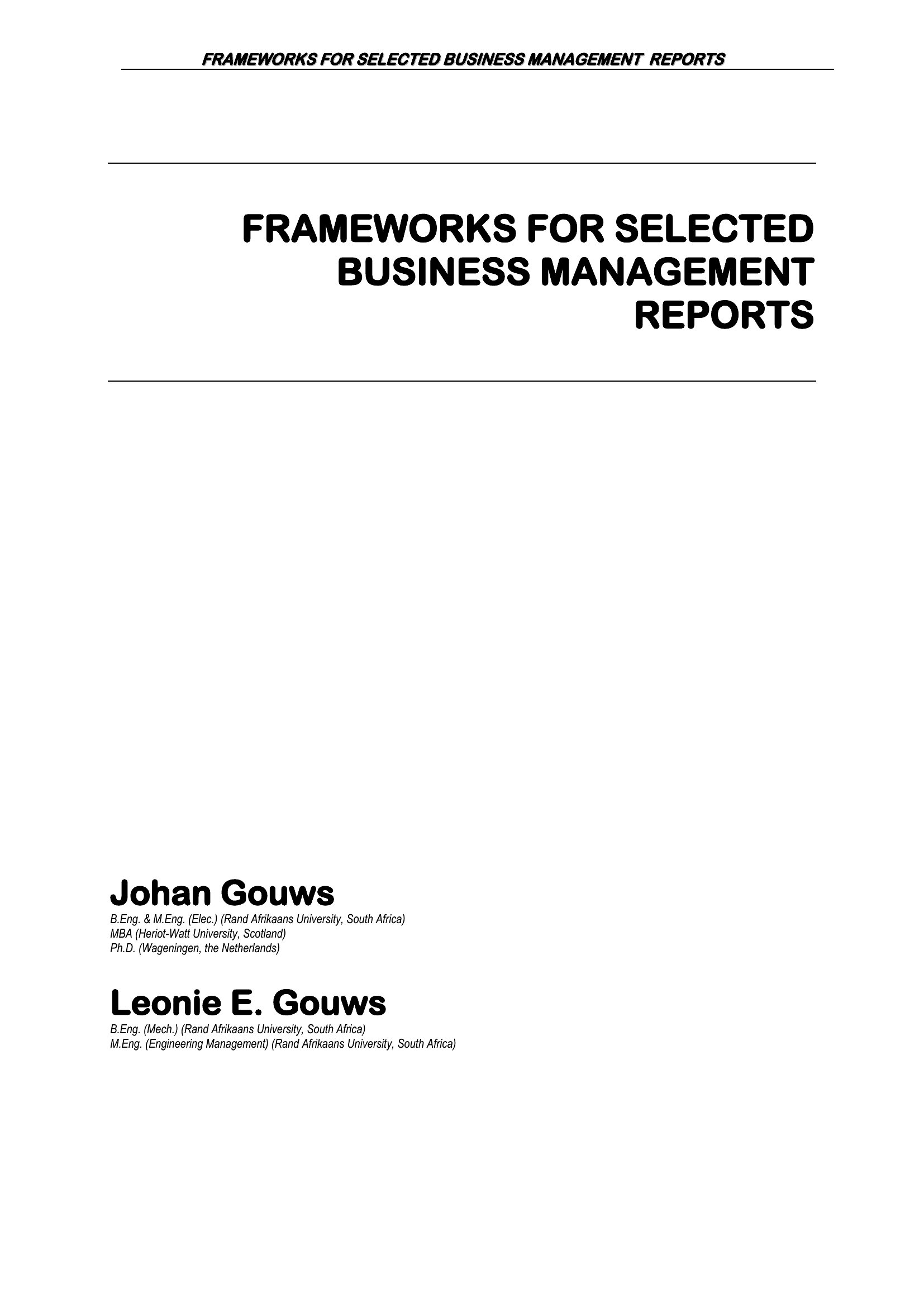
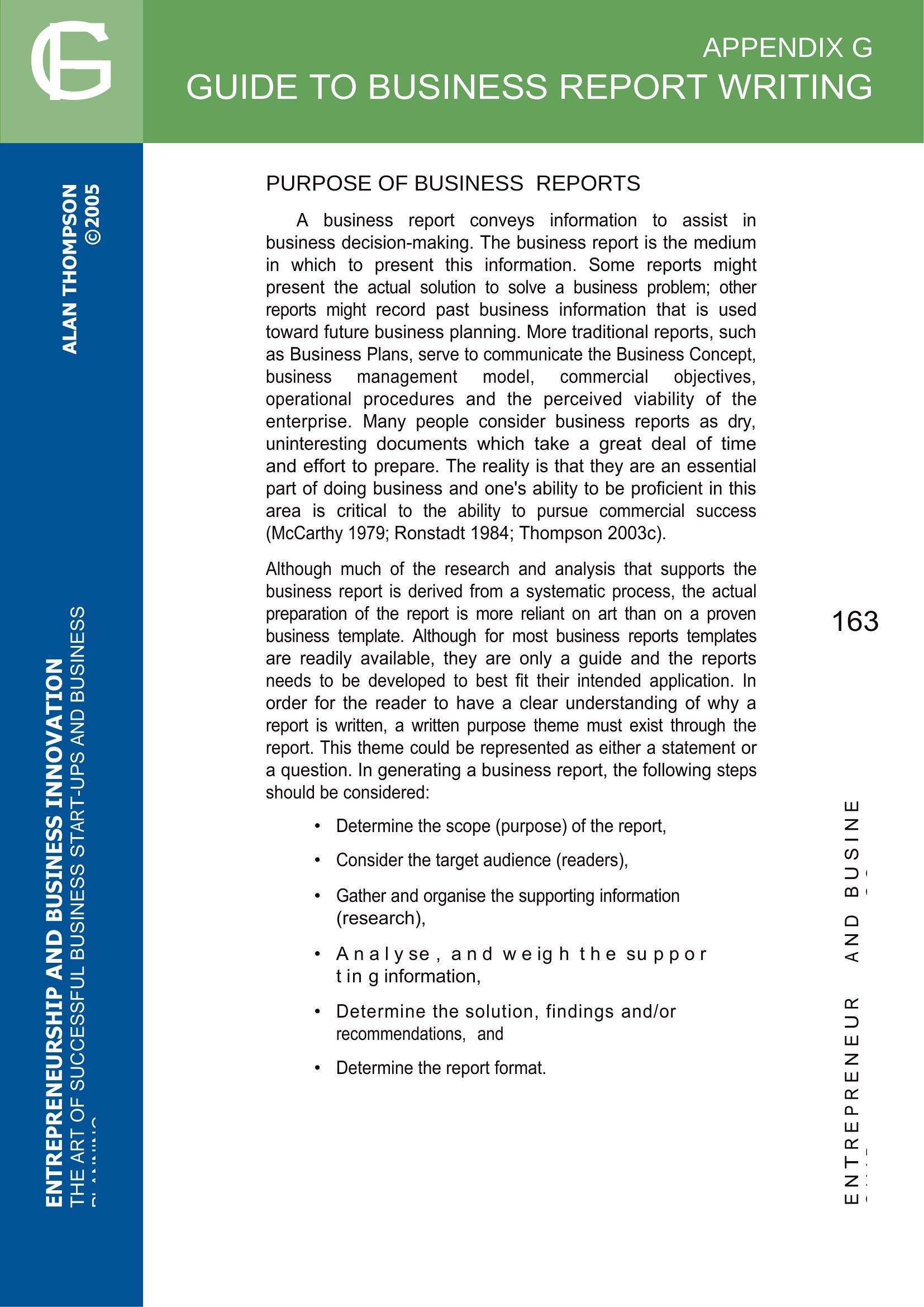
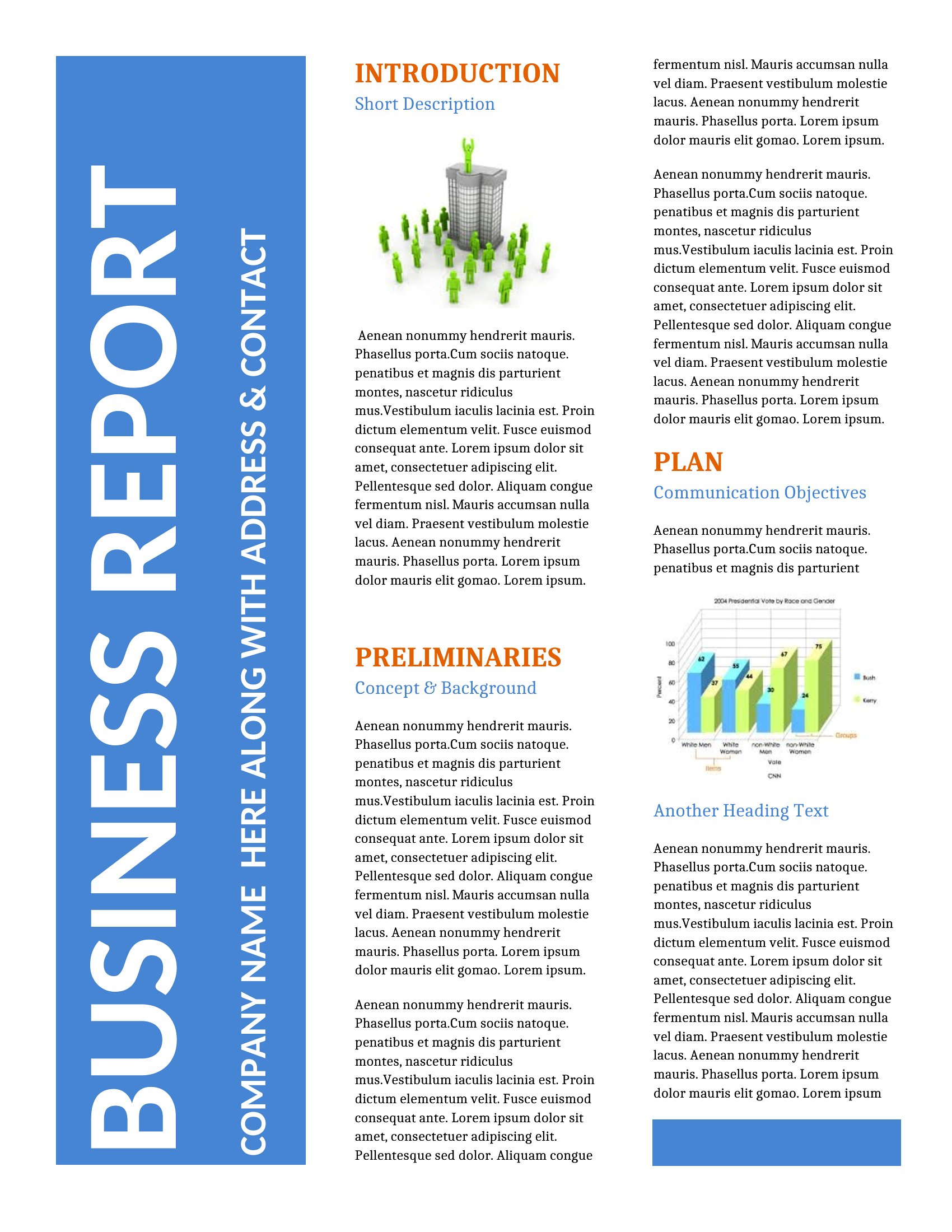
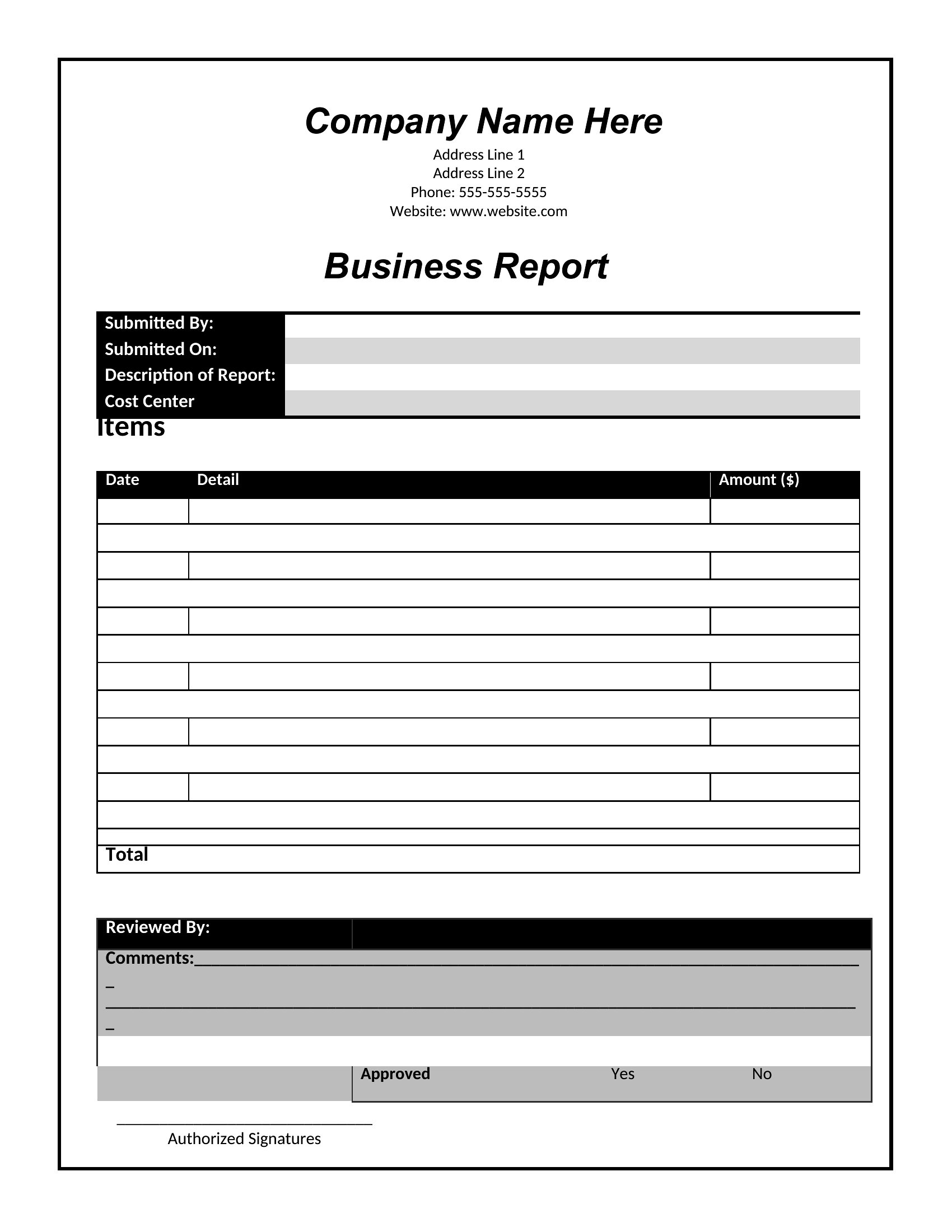
Business Report



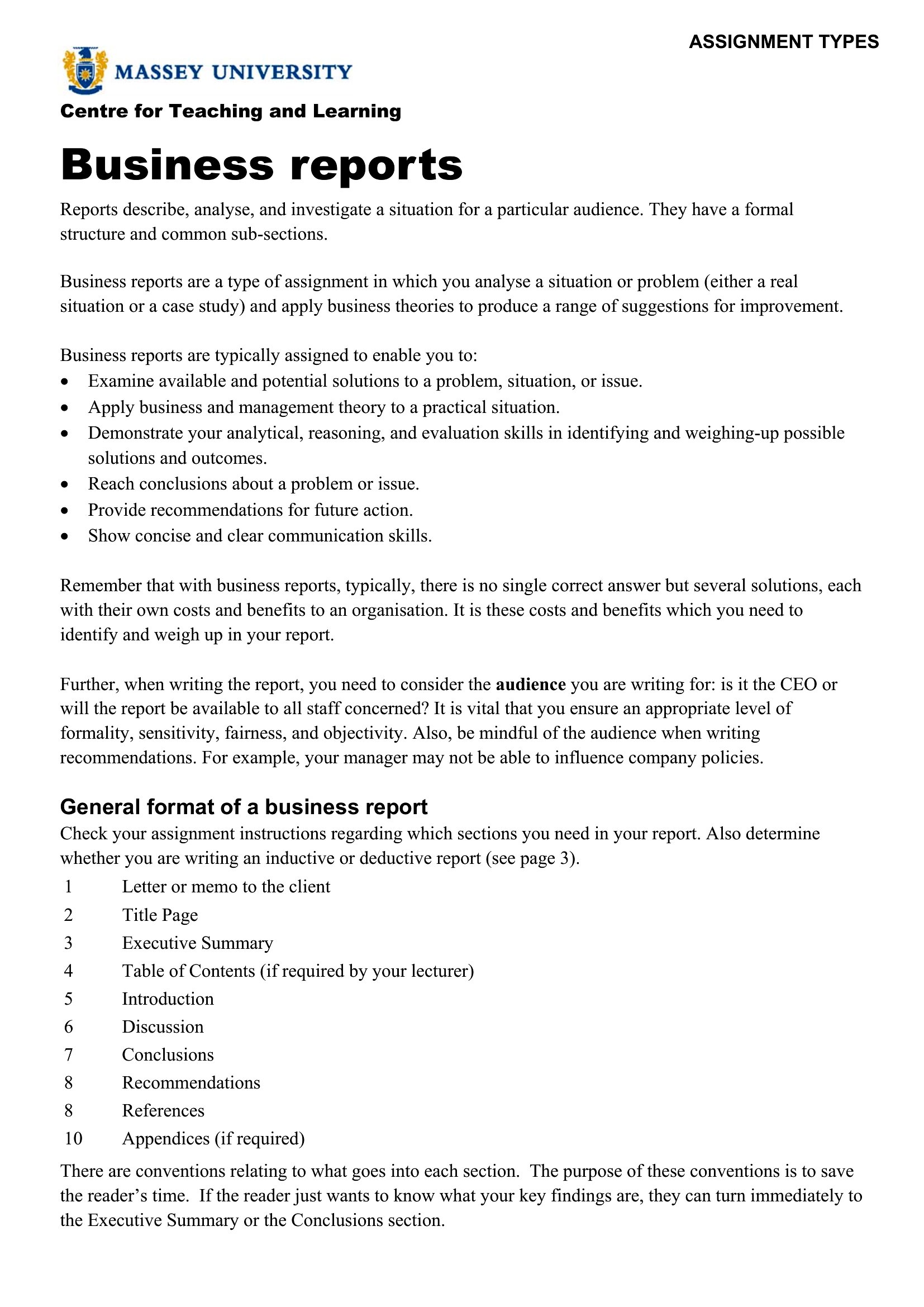

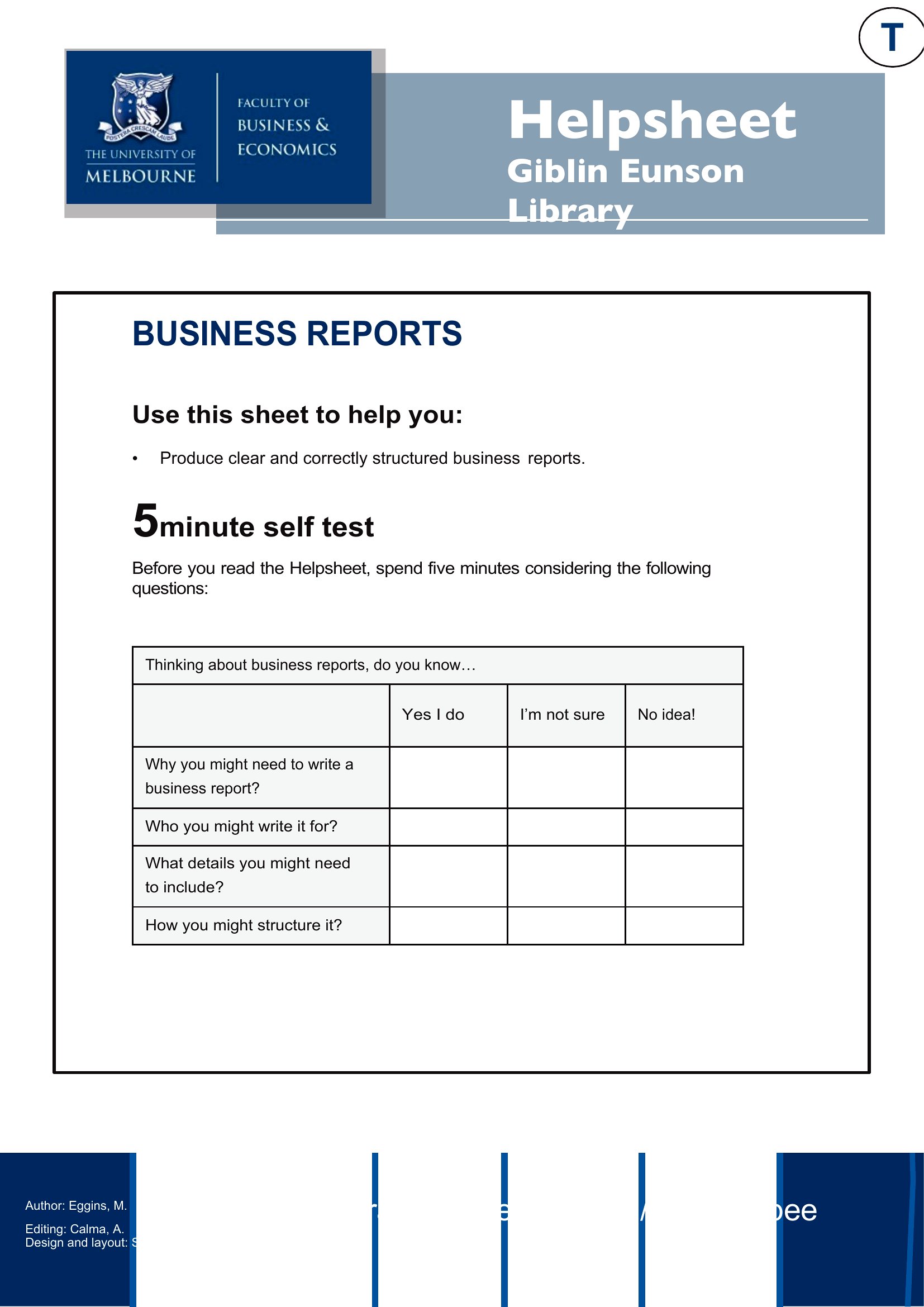
Report Business


FAQ
How should I structure the executive summary if my report includes sensitive internal data?
Keep the executive summary focused on high-level outcomes, trends, and recommendations—avoid including raw data or confidential details. Reference the appendix for specifics, and mark it as ‘Internal Use Only’ if shared externally. For highly sensitive reports, consider a separate confidential addendum distributed only to authorized parties.
Can I use these templates to compare performance across multiple business units or departments?
Yes, these templates support comparative analysis with dedicated sections for metrics, benchmarks, and visual aids like tables or charts. Use the Word format to merge data from different units into a single report, or create separate PDFs for each department’s findings if confidentiality is a concern.
What’s the best way to incorporate visuals—like graphs or charts—into a business report?
For Word templates, use the built-in chart tools to embed data visuals directly into the report, ensuring they update automatically if the underlying data changes. In PDFs, export high-resolution images from tools like Excel or PowerPoint, and place them near the relevant analysis. Always include a caption explaining what the visual represents and its key takeaway.
Comments
Join the conversation
Sign in to share your thoughts and leave a comment on this resource.