Skip to content
50% off this one-time $1.99 pack with HALFOFF — or unlimited with Pro.HALFOFF
Premium

Free Business Report Templates (Word, PDF)

Analysis
marlodoornbosch by marlodoornbosch
Updated 0 downloads Quality-checked template

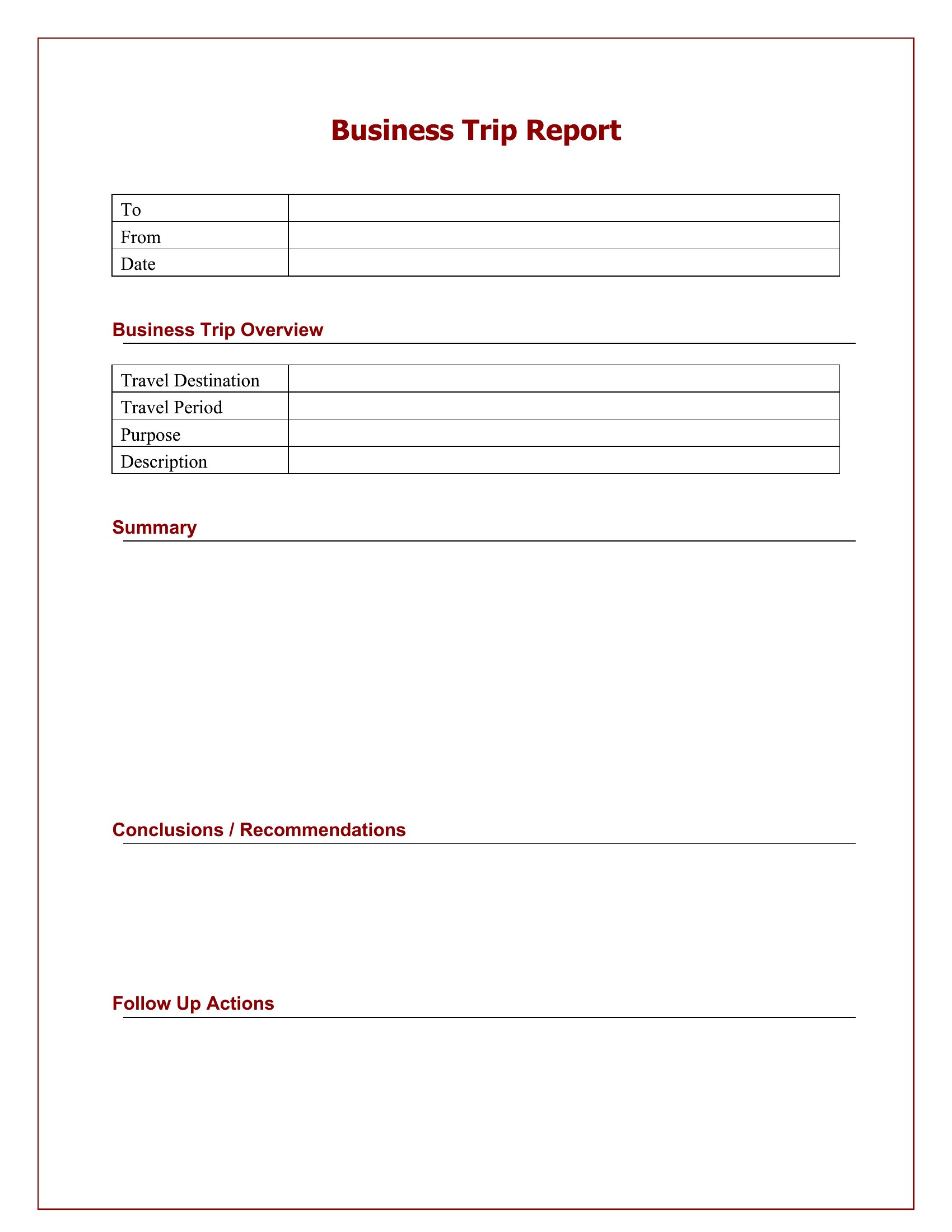
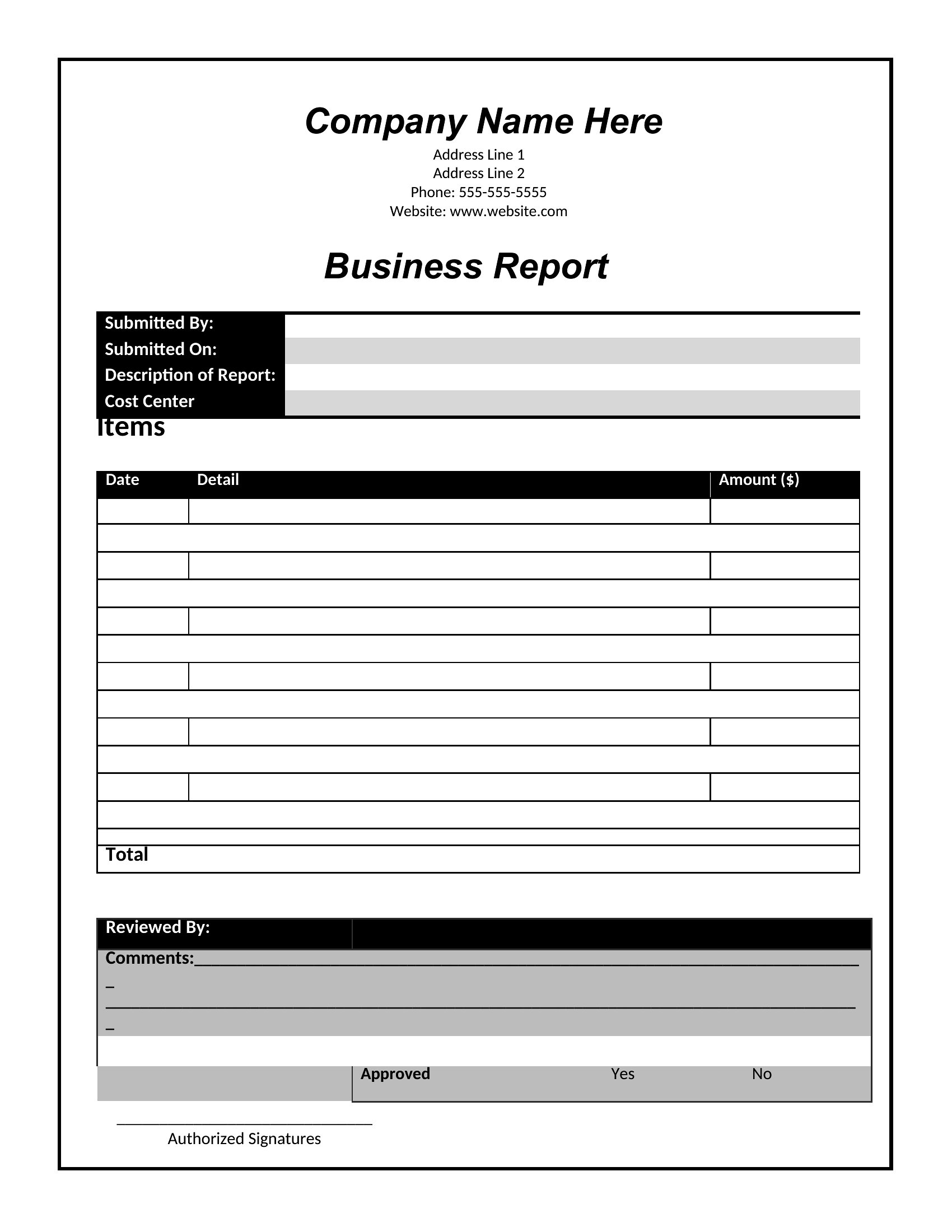
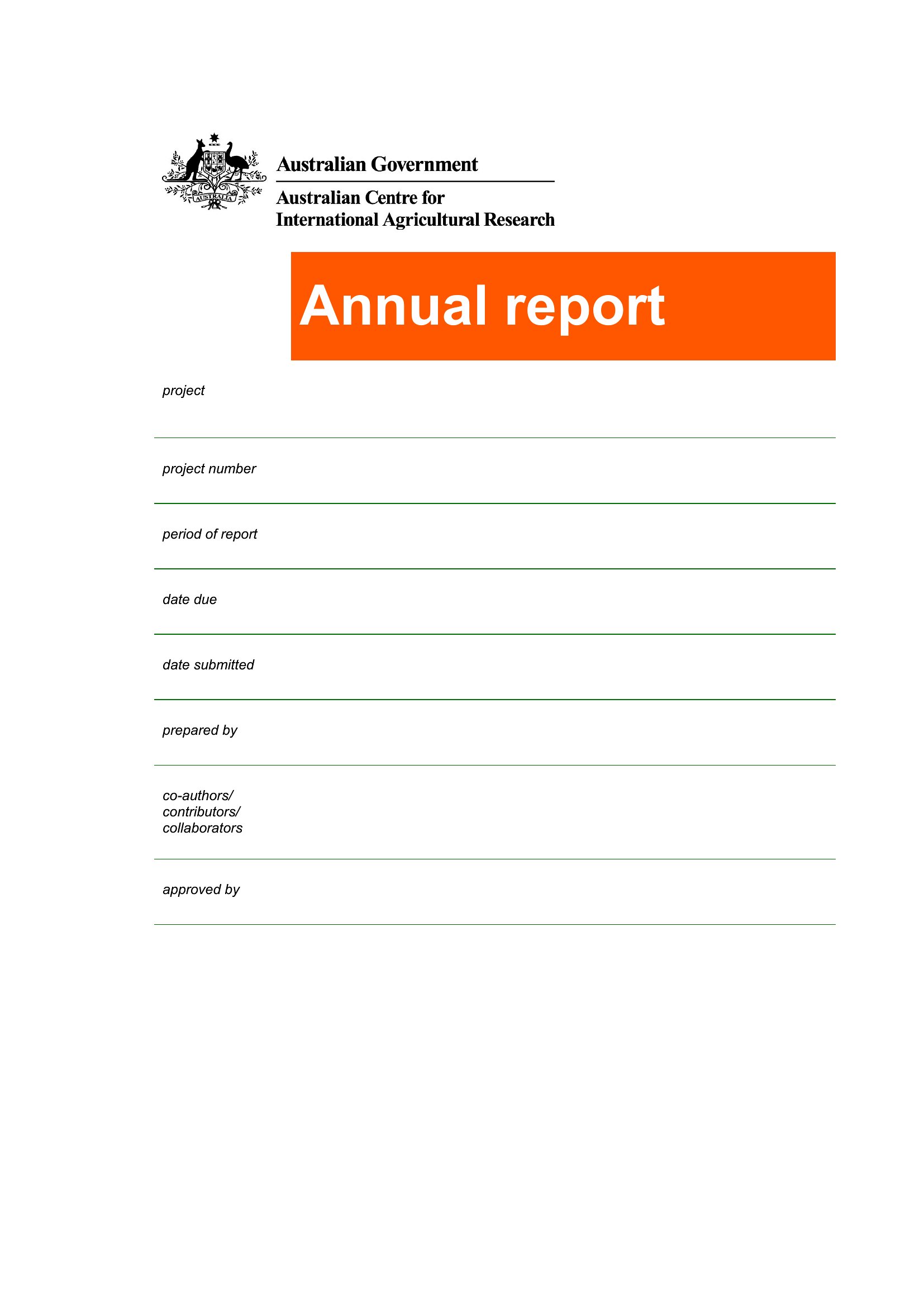
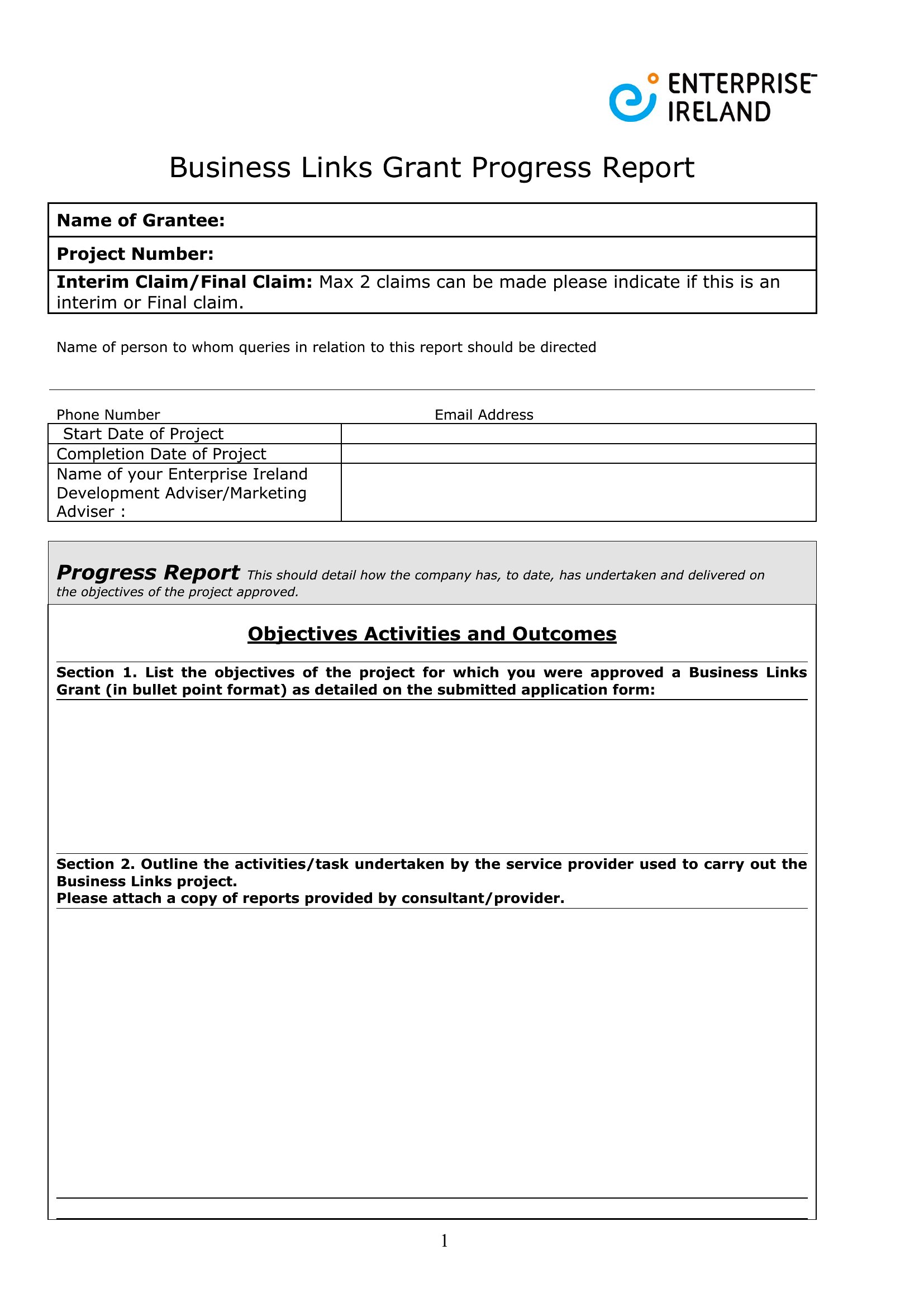
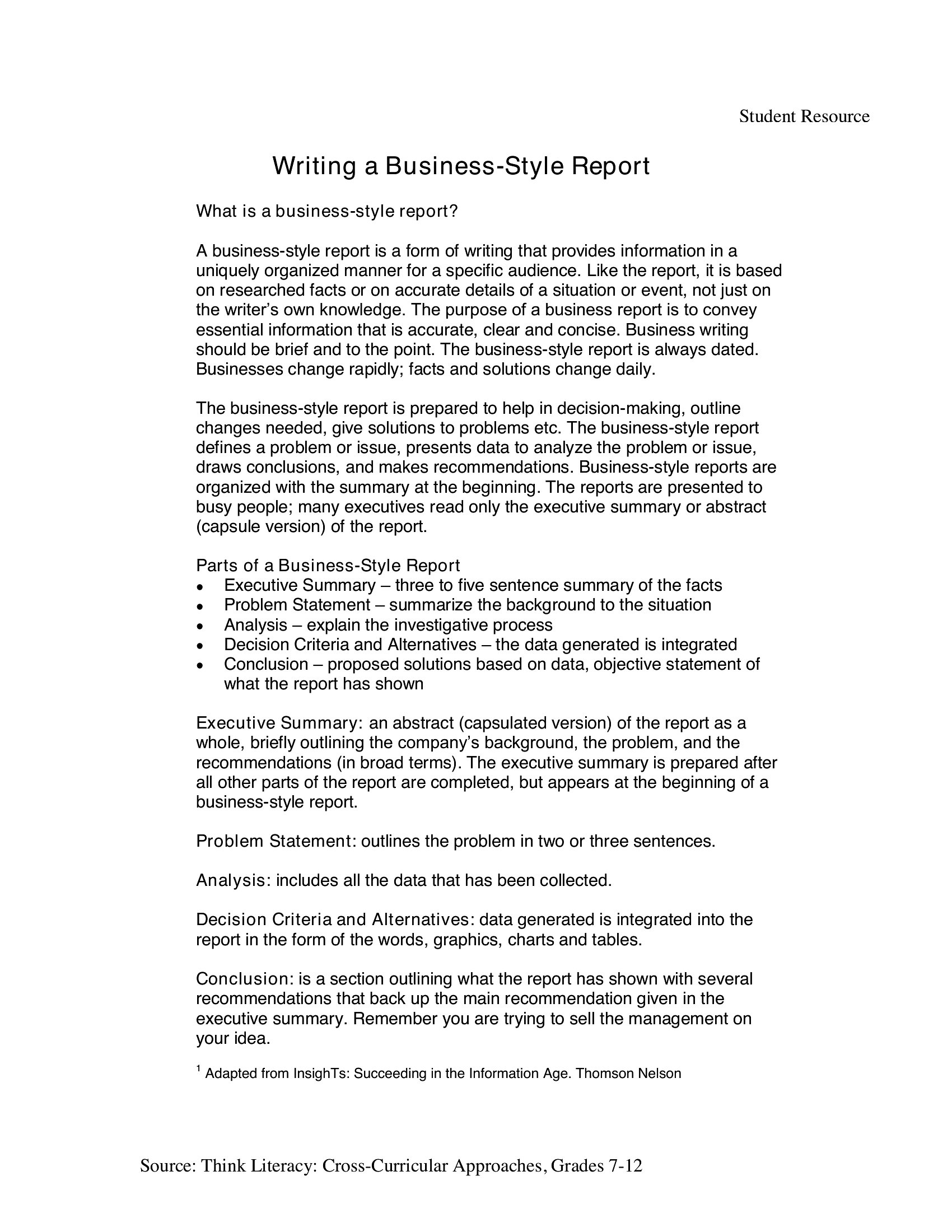
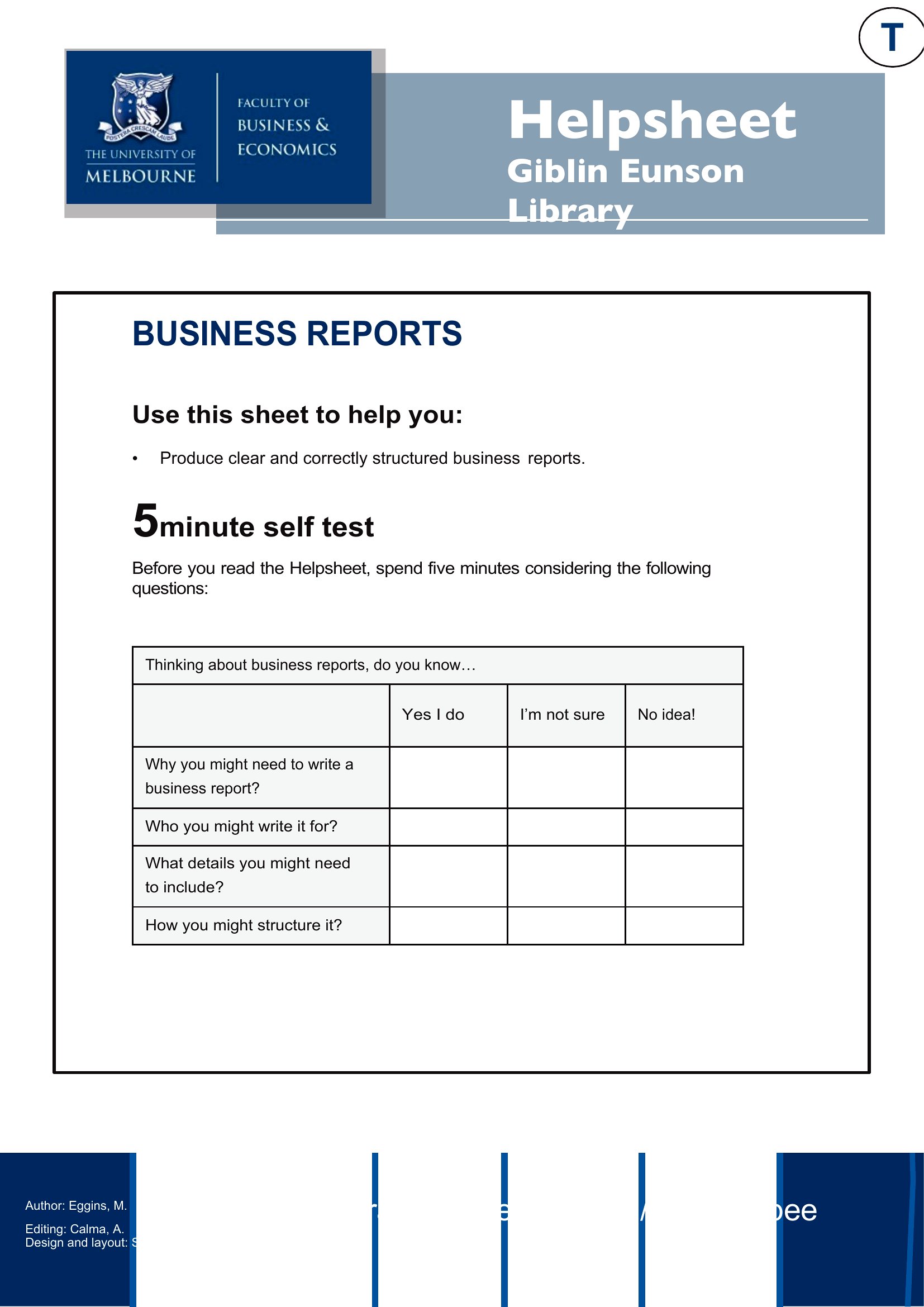
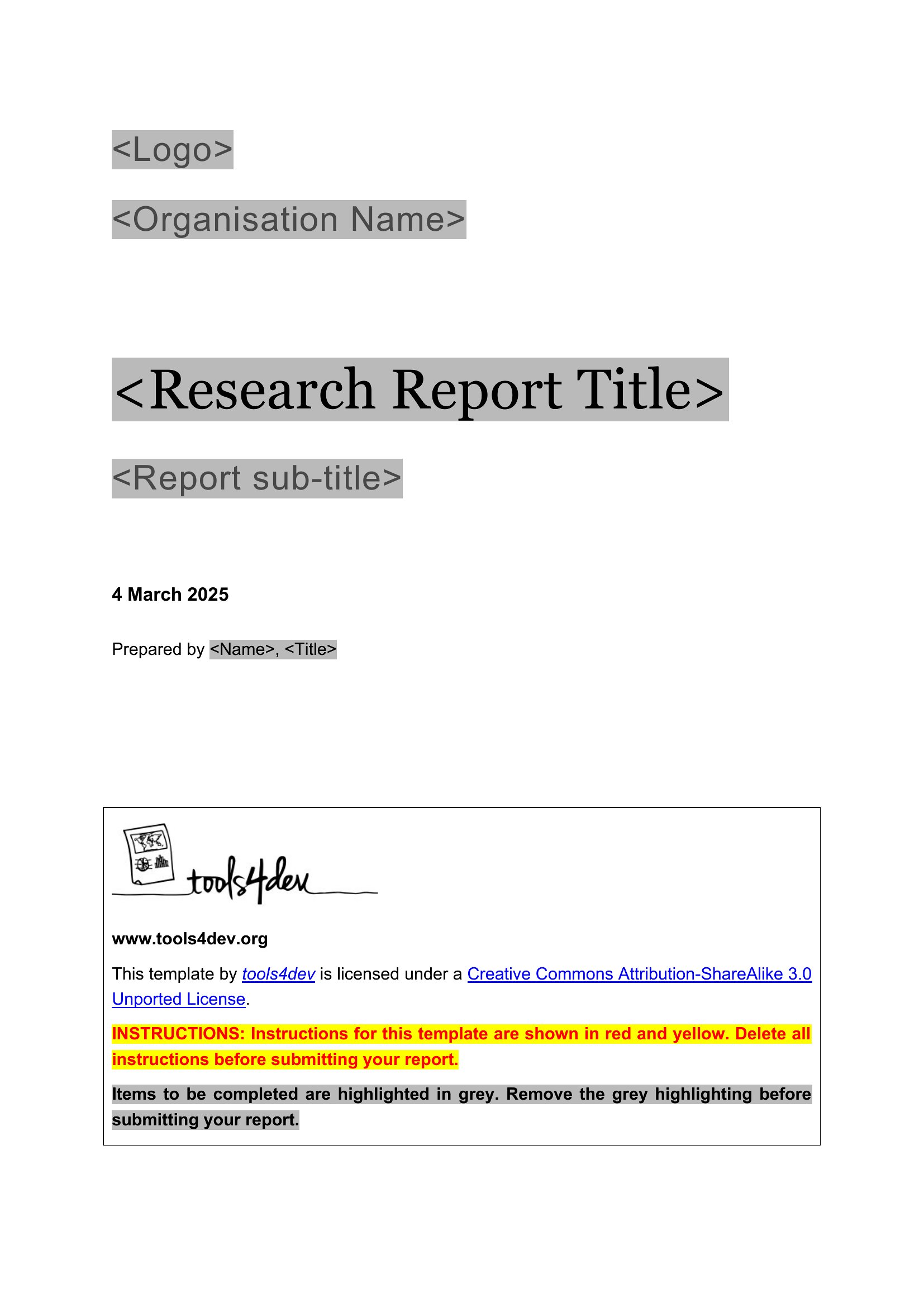
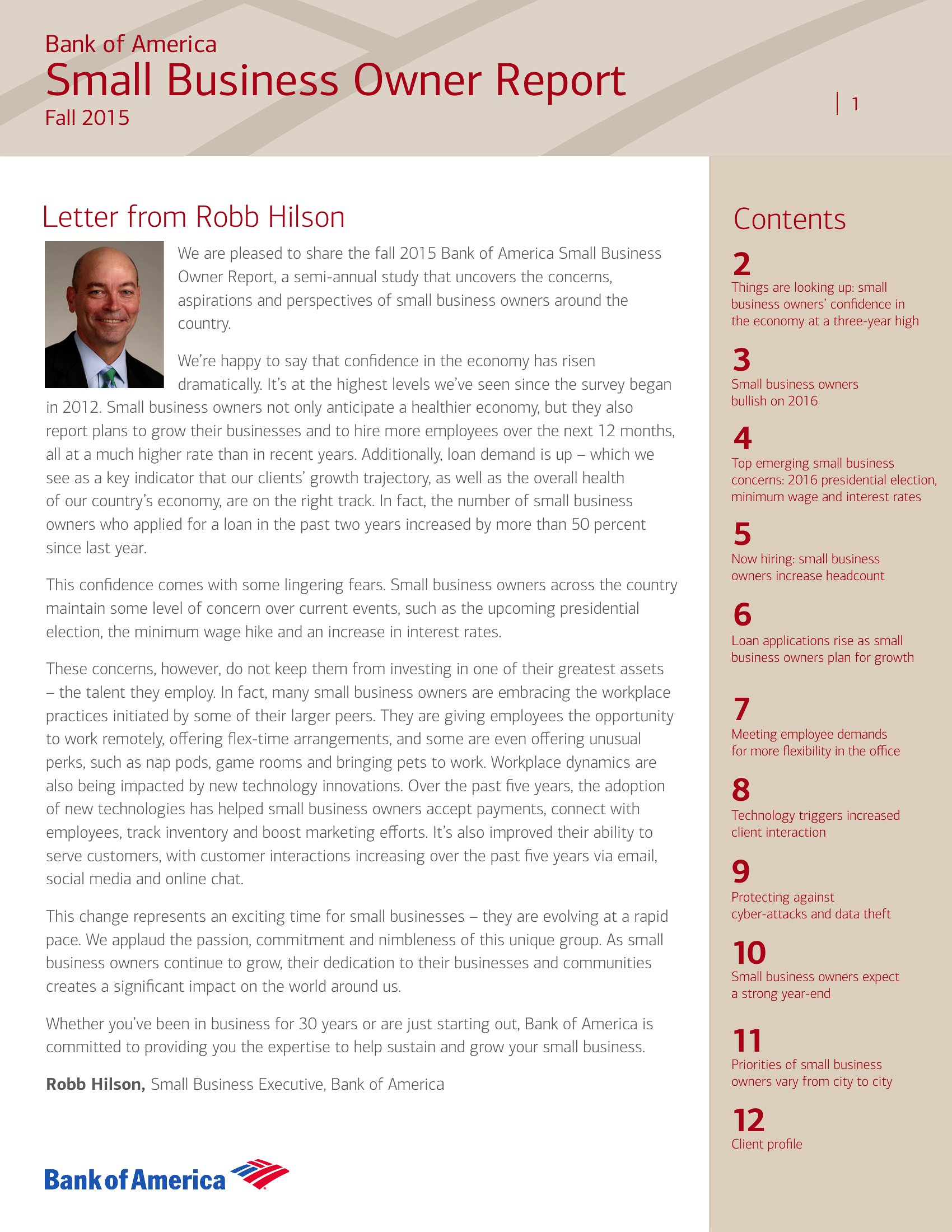
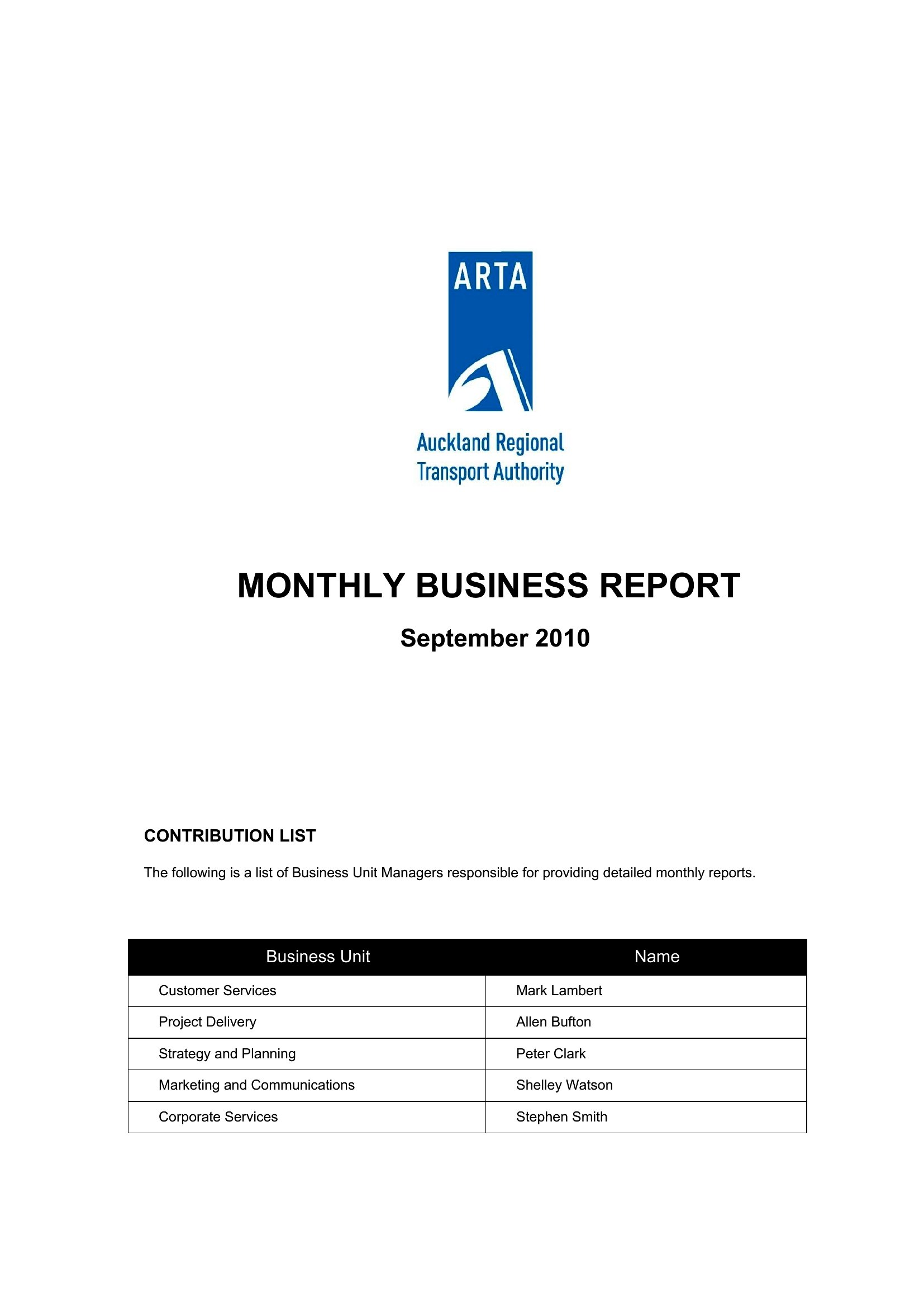
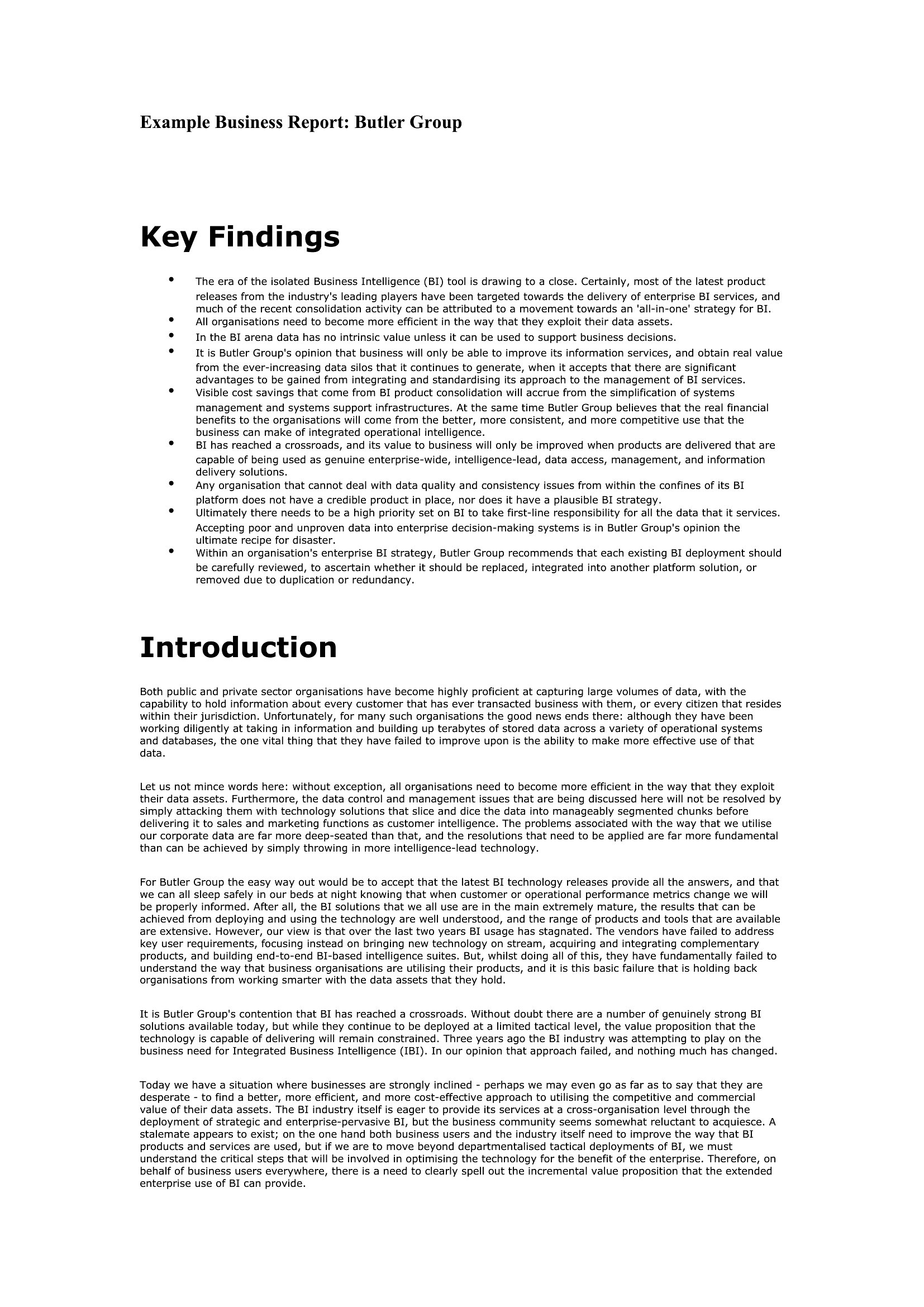
A business report packages information, analysis, and recommendations into a format that leadership can act on. This set of 41 templates covers annual summaries, formal reports, sales updates, and research write-ups, giving managers, analysts, and students a professional structure to work from. Present the findings clearly, back them with data, and make the next steps obvious.

The reports are editable in Word and ready as PDFs for clean distribution. Add your sections, charts, and conclusions, and keep a consistent look across every report you produce. Choose the format that matches your purpose and download it to turn raw information into a polished document.

When to use this Business Report template

  • Junior financial analysts at startups compiling quarterly expense reviews for board members who need concise cost breakdowns and ROI justification before funding decisions.
  • Marketing team leads summarizing A/B testing results for client stakeholders, blending performance metrics with visual comparisons to guide campaign adjustments.
  • Small business owners drafting year-end operational reviews for lenders or investors, merging sales data, operational challenges, and growth projections into a cohesive narrative.
  • University researchers organizing grant proposal follow-ups for faculty, structured with methodology recaps, early findings, and budget adjustments for donors or grant committees.

Which format should I download?

WordPDF

Choose Word for reports requiring iterative collaboration—like internal team analyses or drafts needing stakeholder feedback—since its track-changes and comments features streamline revisions. Opt for PDF if your report is finalized and meant for distribution to external parties (e.g., clients, investors, or regulatory bodies) who shouldn’t edit the content. The PDFs also ensure consistent formatting when printed or shared digitally. For presentations of data-heavy reports, pair the PDF with a slideshow (not included) to emphasize key takeaways visually.

Choose from 41 Business Report Templates
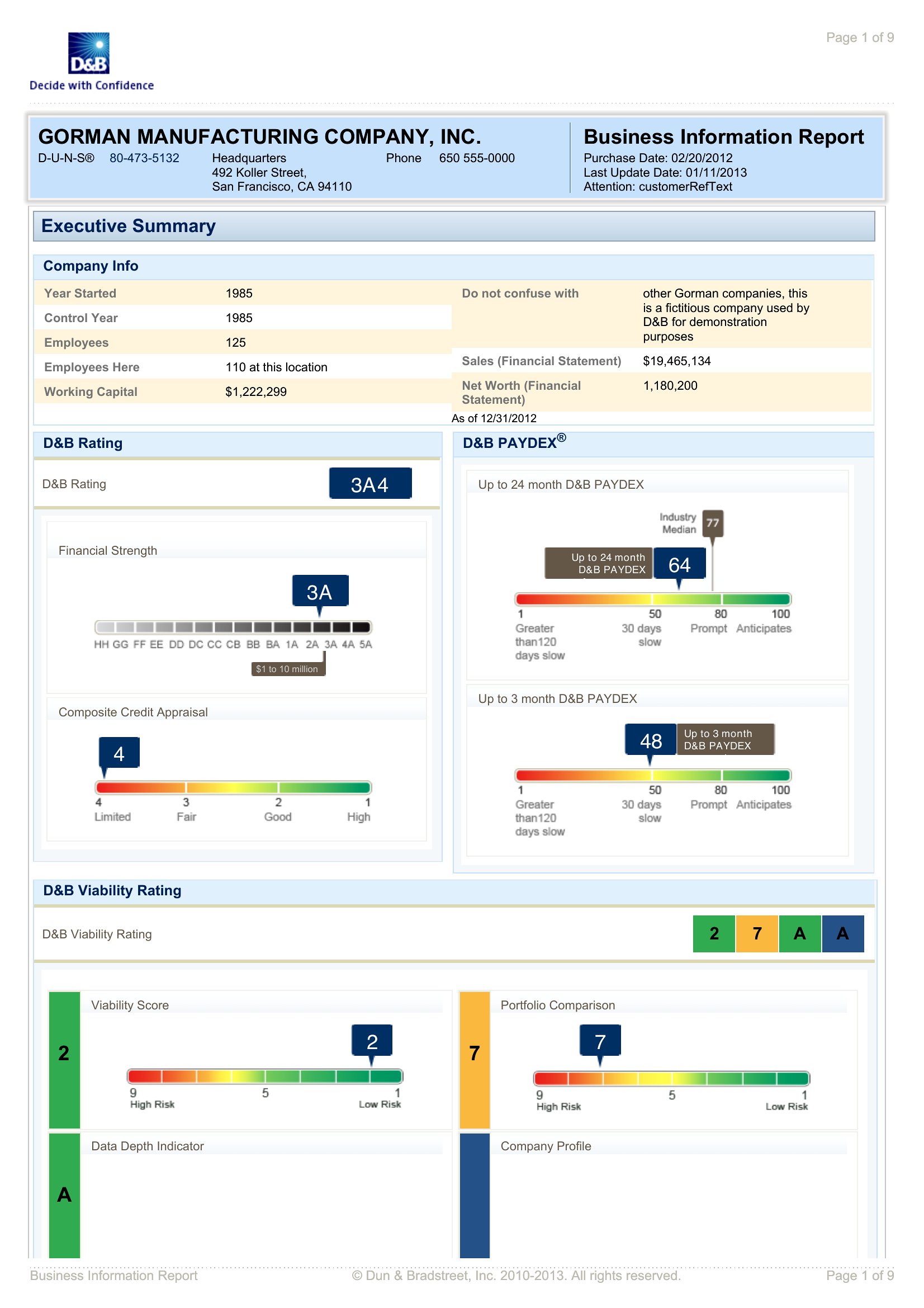
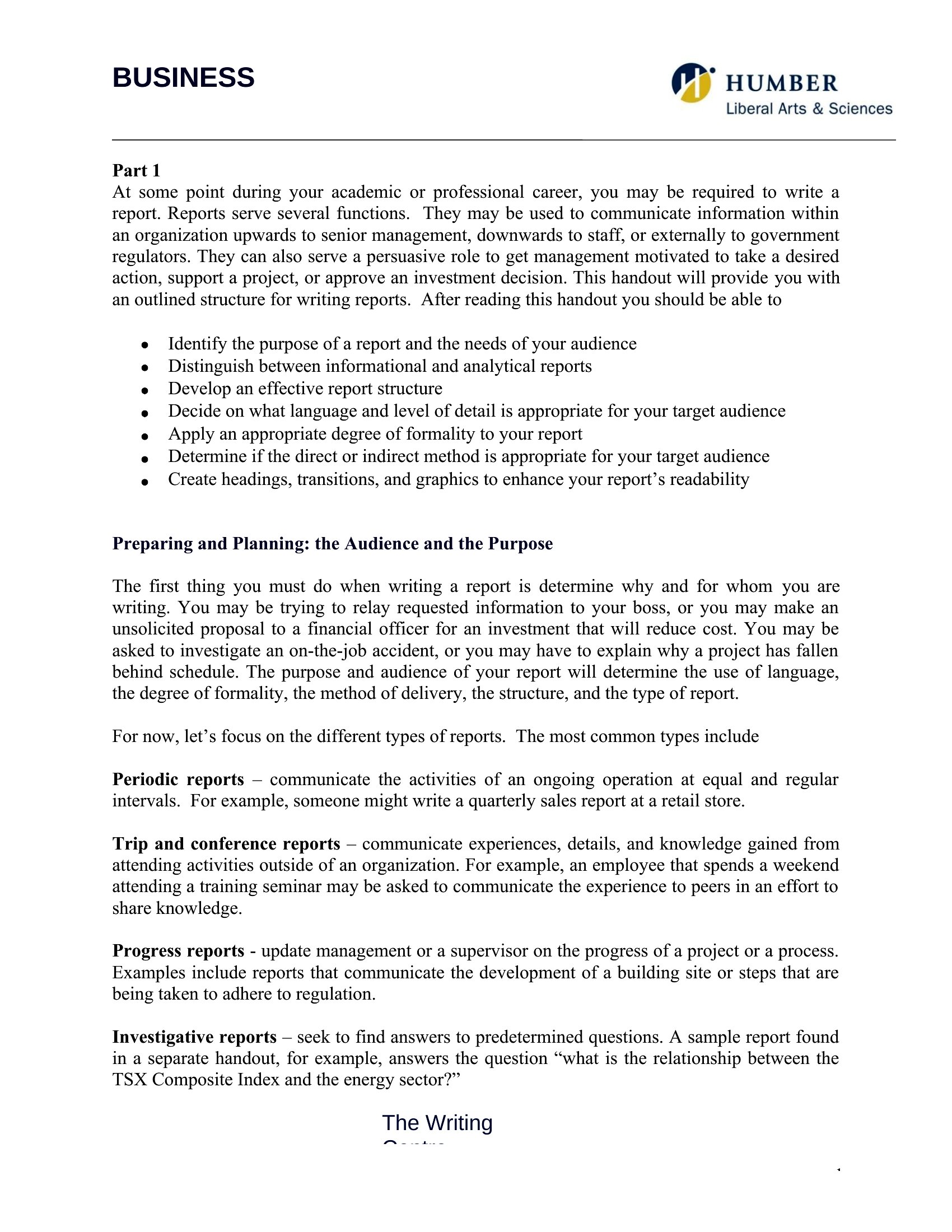
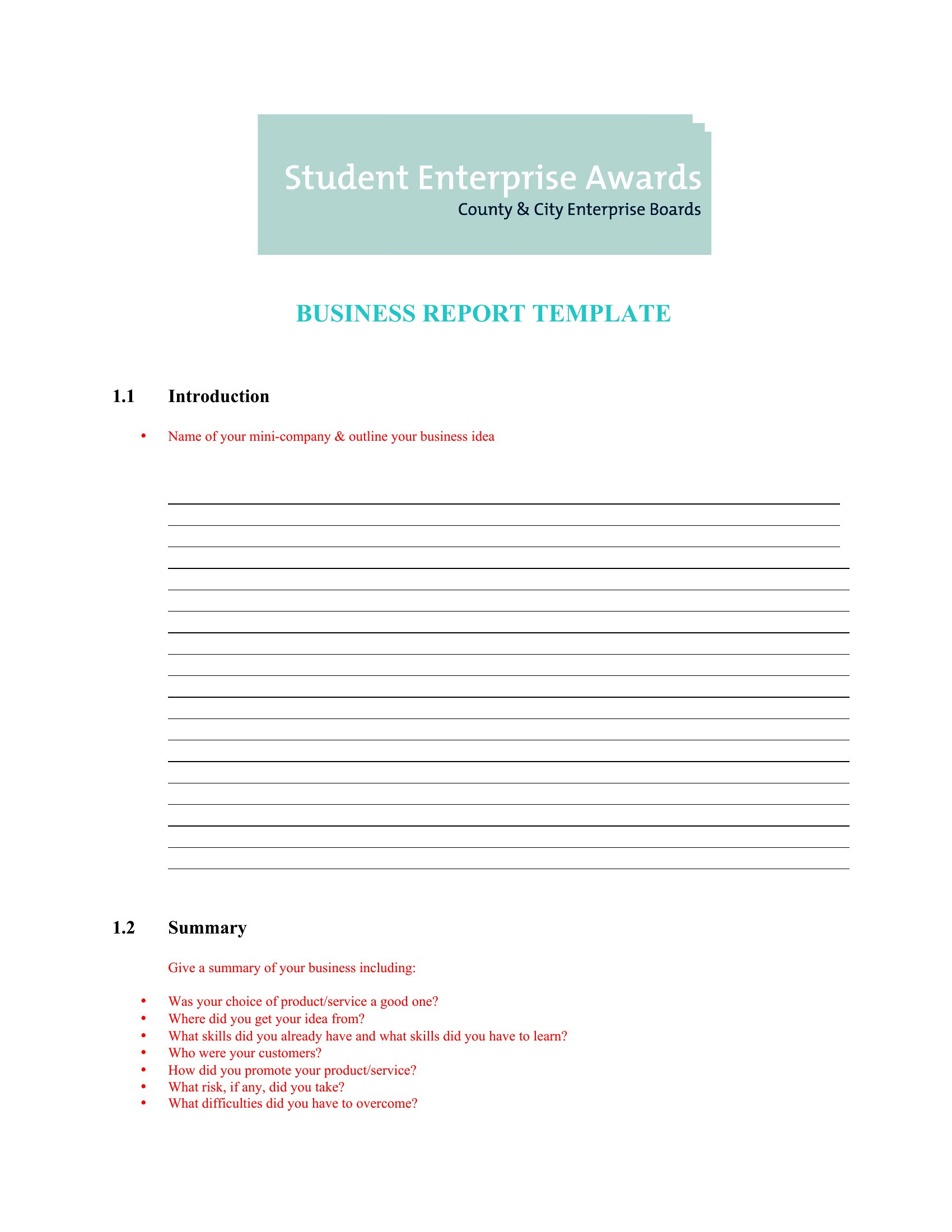
Business Report template thumbnail
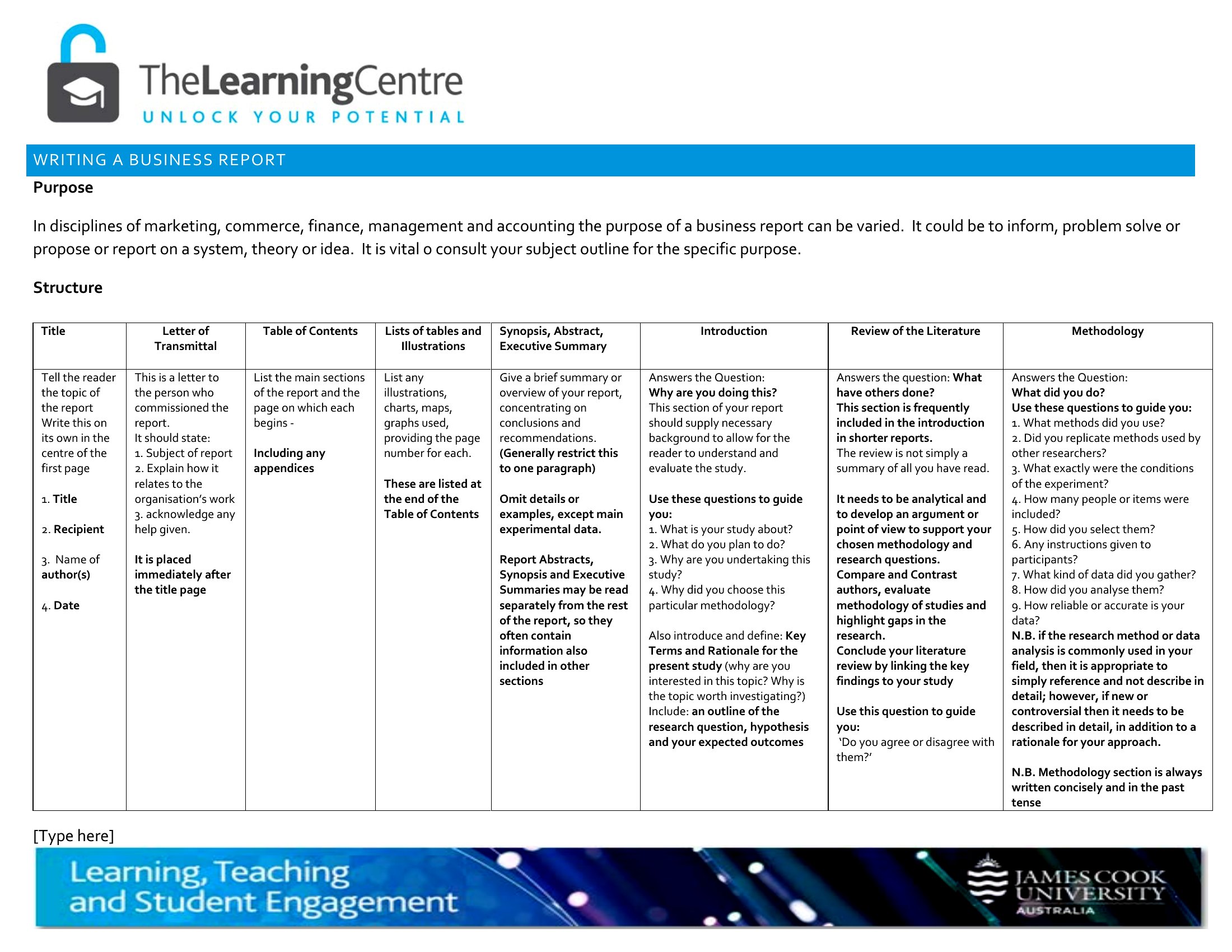
0 downloads
Download
Business Reports template thumbnail
0 downloads
Download

How to use this Business Report template
How should I structure the executive summary if my report includes sensitive internal data?

Keep the executive summary focused on high-level outcomes, trends, and recommendations—avoid including raw data or confidential details. Reference the appendix for specifics, and mark it as ‘Internal Use Only’ if shared externally. For highly sensitive reports, consider a separate confidential addendum distributed only to authorized parties.

Can I use these templates to compare performance across multiple business units or departments?

Yes, these templates support comparative analysis with dedicated sections for metrics, benchmarks, and visual aids like tables or charts. Use the Word format to merge data from different units into a single report, or create separate PDFs for each department’s findings if confidentiality is a concern.

What’s the best way to incorporate visuals—like graphs or charts—into a business report?

For Word templates, use the built-in chart tools to embed data visuals directly into the report, ensuring they update automatically if the underlying data changes. In PDFs, export high-resolution images from tools like Excel or PowerPoint, and place them near the relevant analysis. Always include a caption explaining what the visual represents and its key takeaway.

Comments

Join the conversation

Sign in to share your thoughts and leave a comment on this resource.

Newsletter

Get Weekly Design Updates

Join our community to receive curated resources and inspiration.

Weekly Tips Resources Early Access

We respect your privacy. Confirmation email required. Privacy Policy