Free Photography Invoice Templates (Word, Excel, PDF)
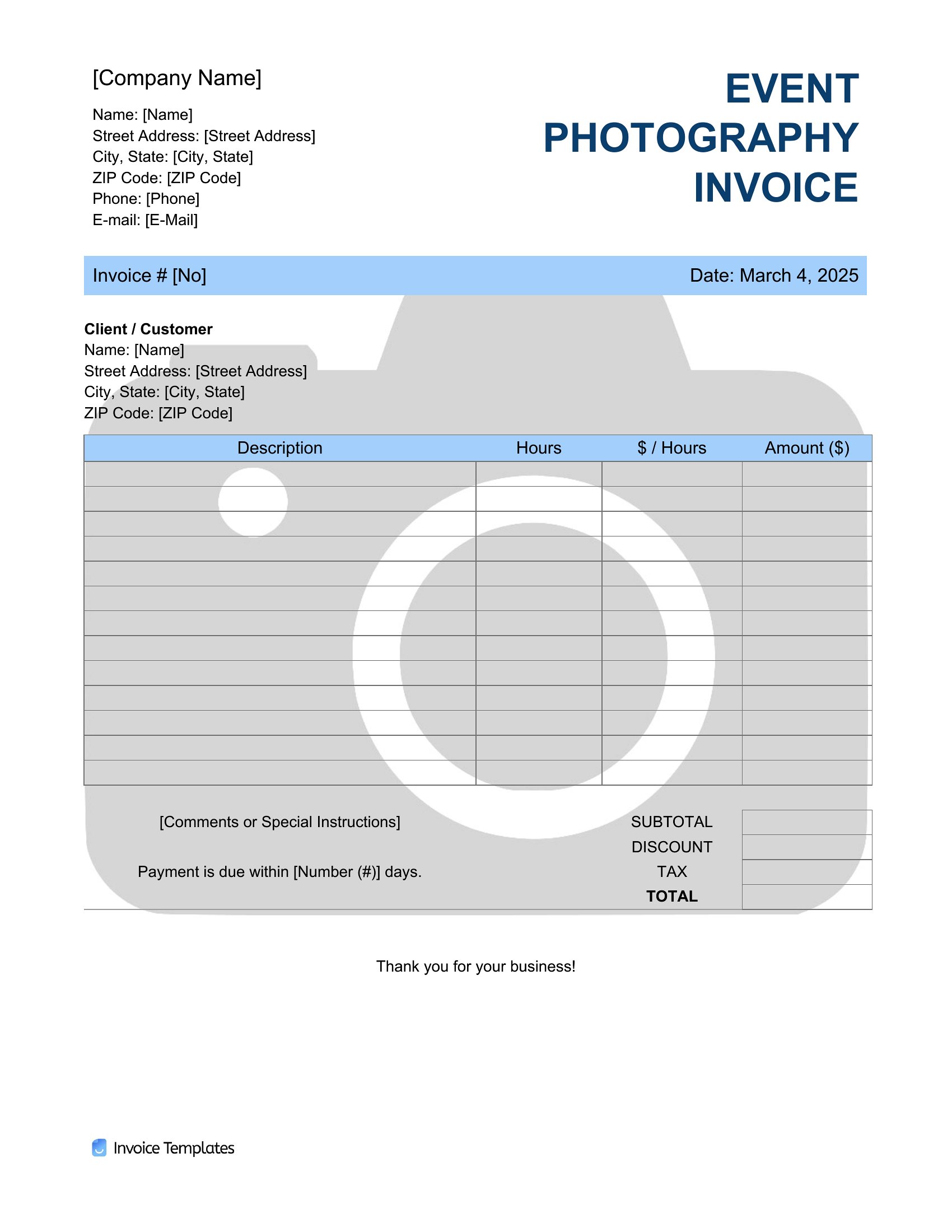
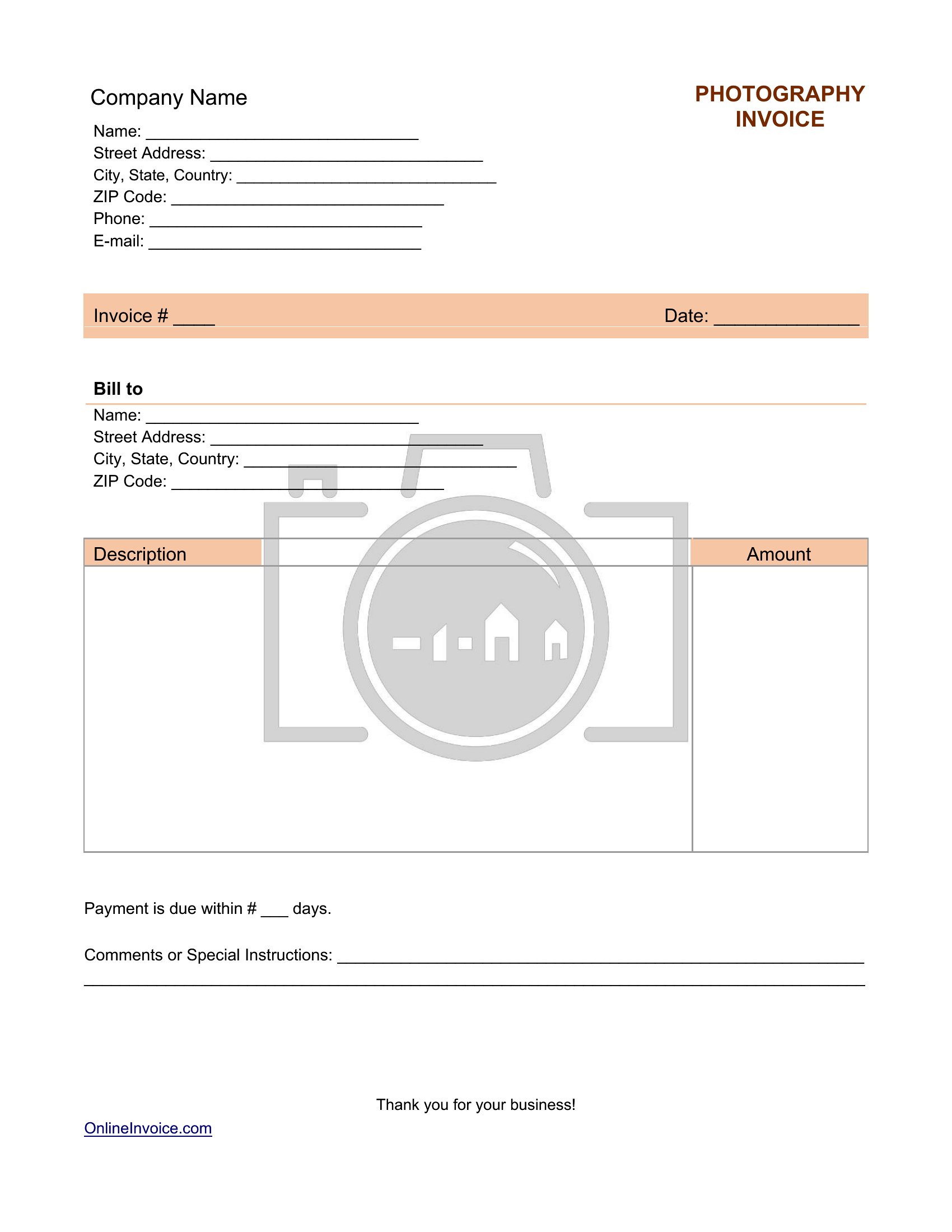
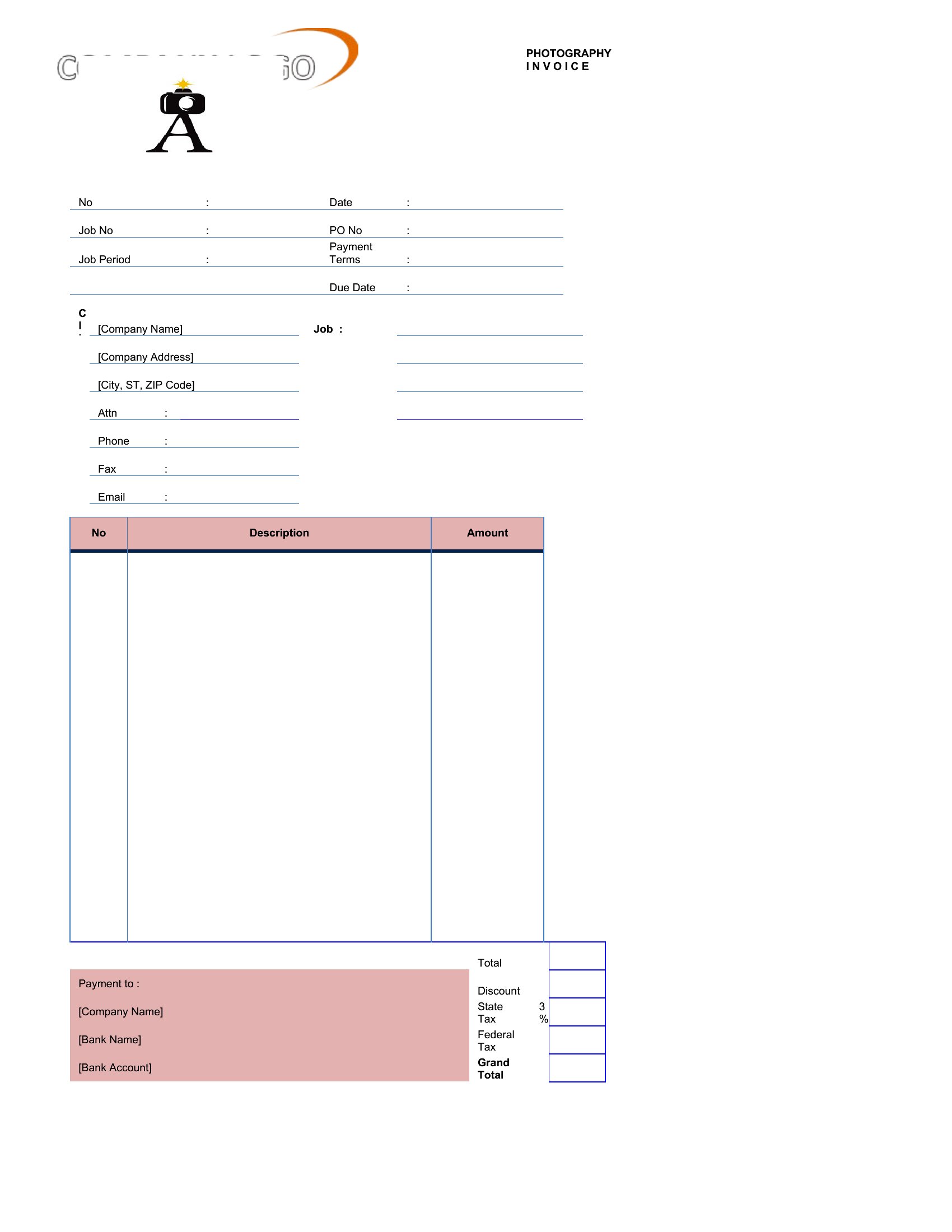
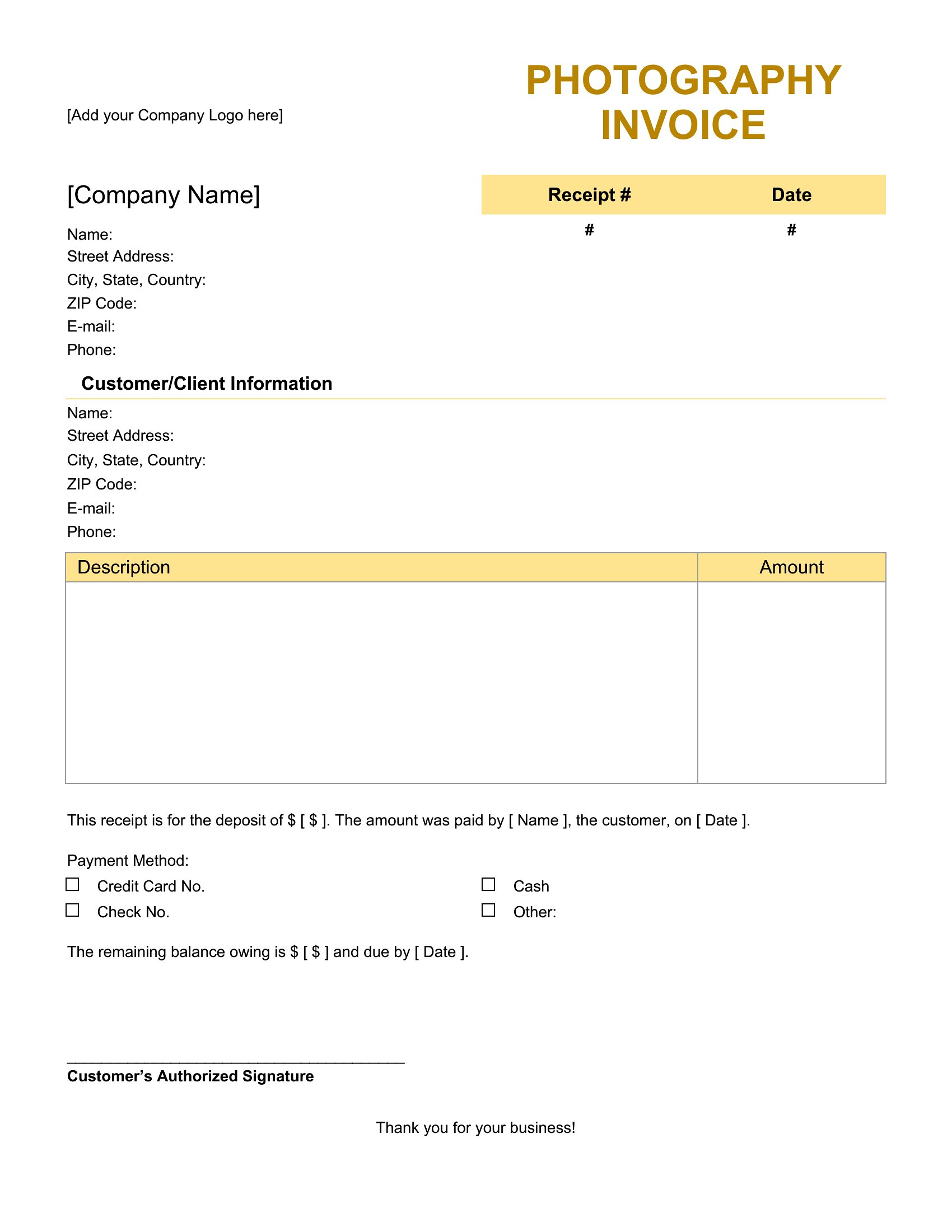
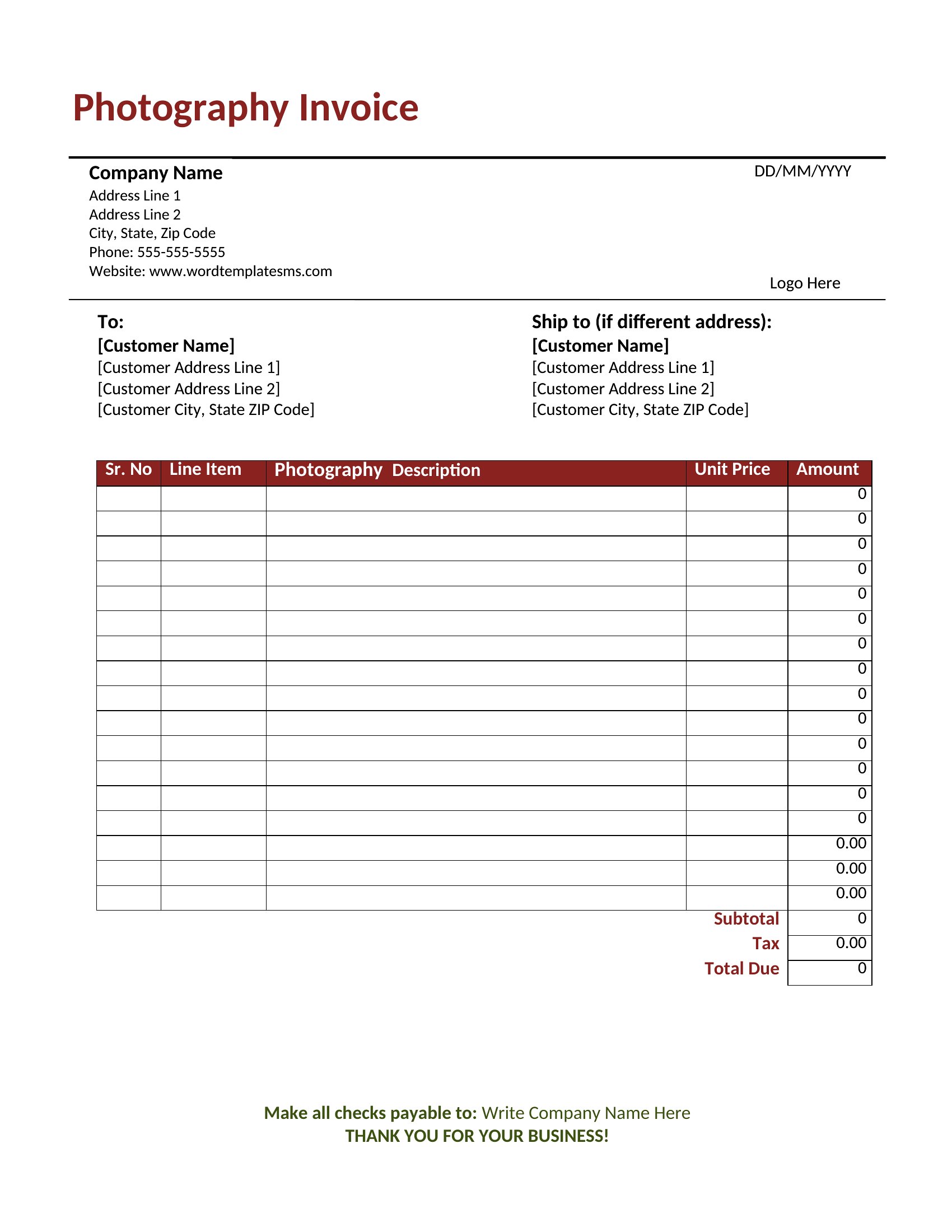
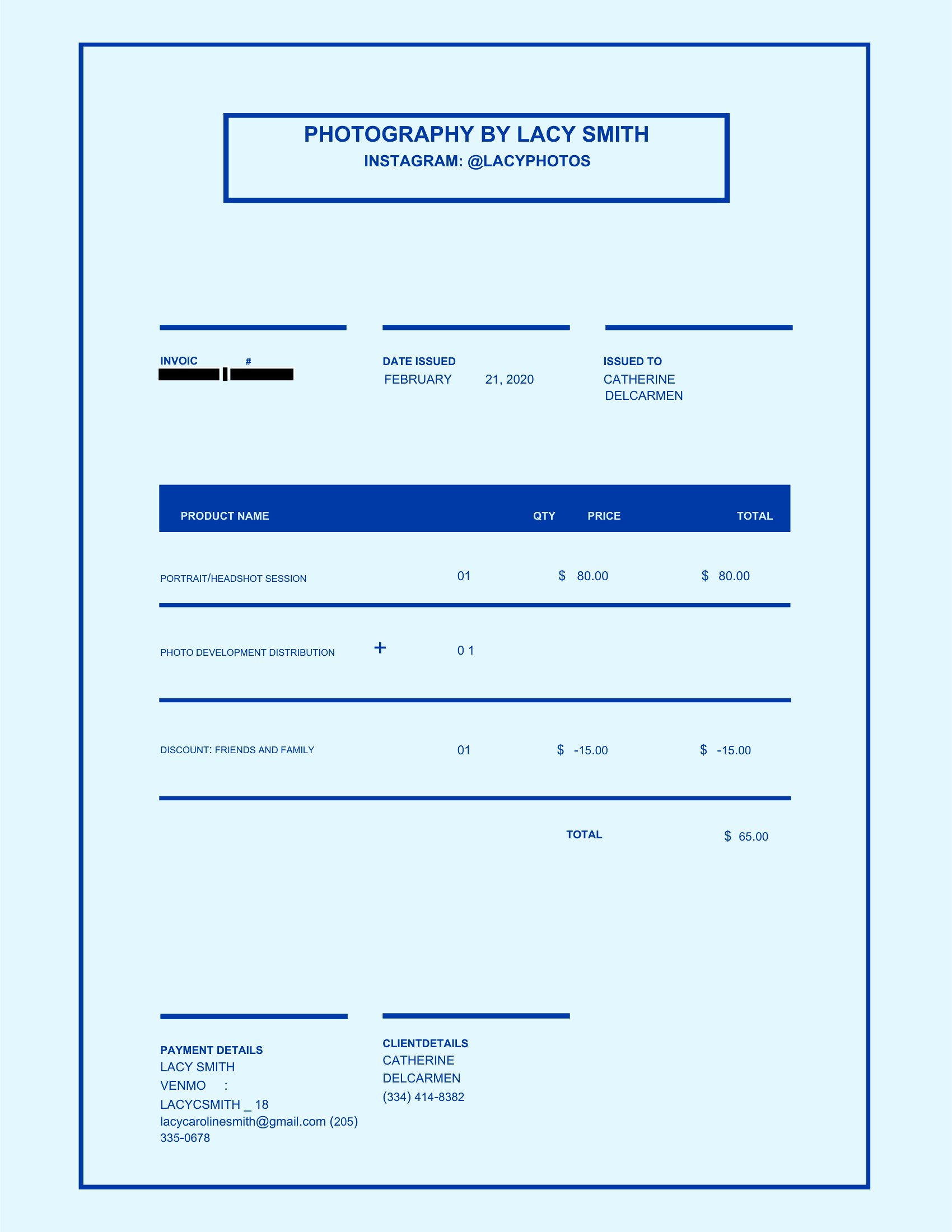
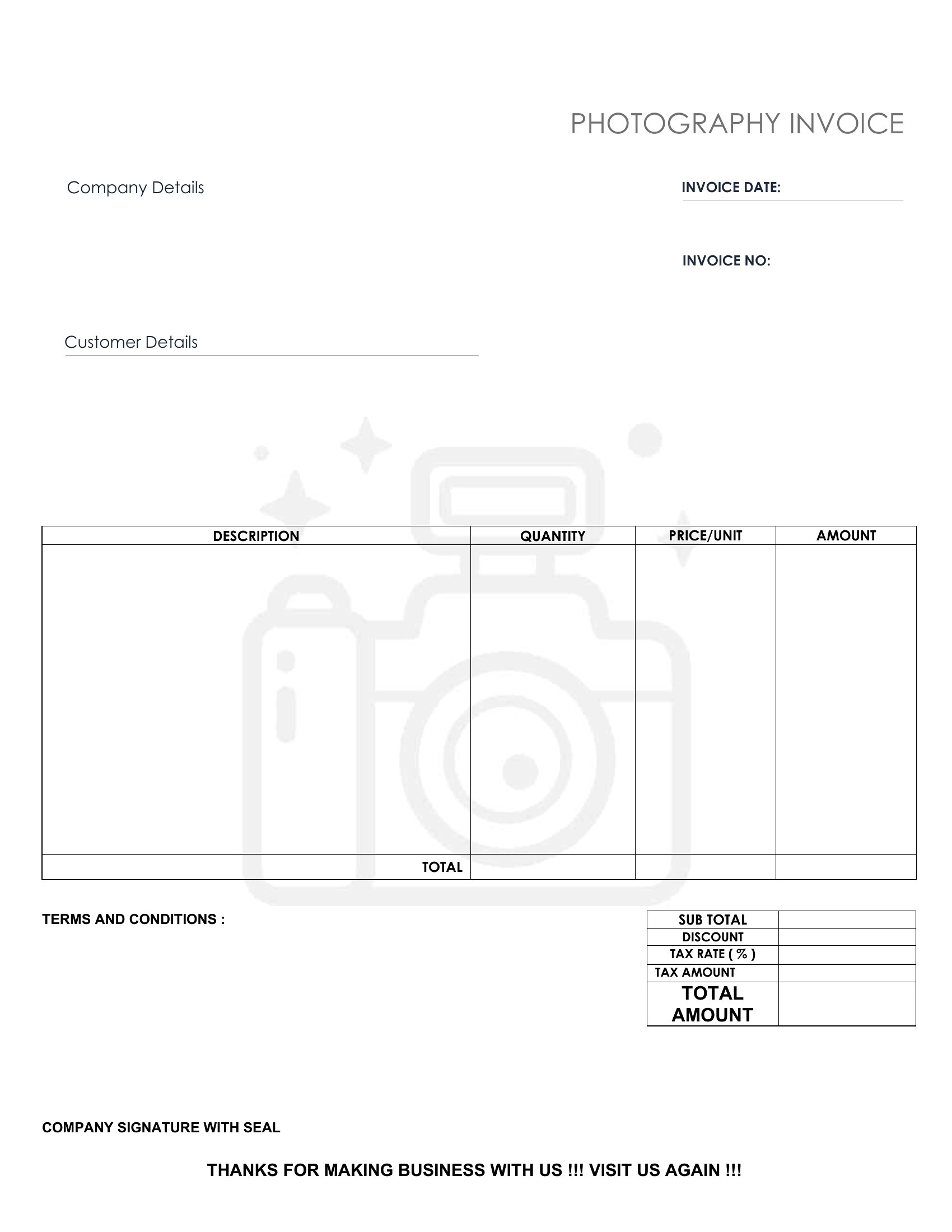
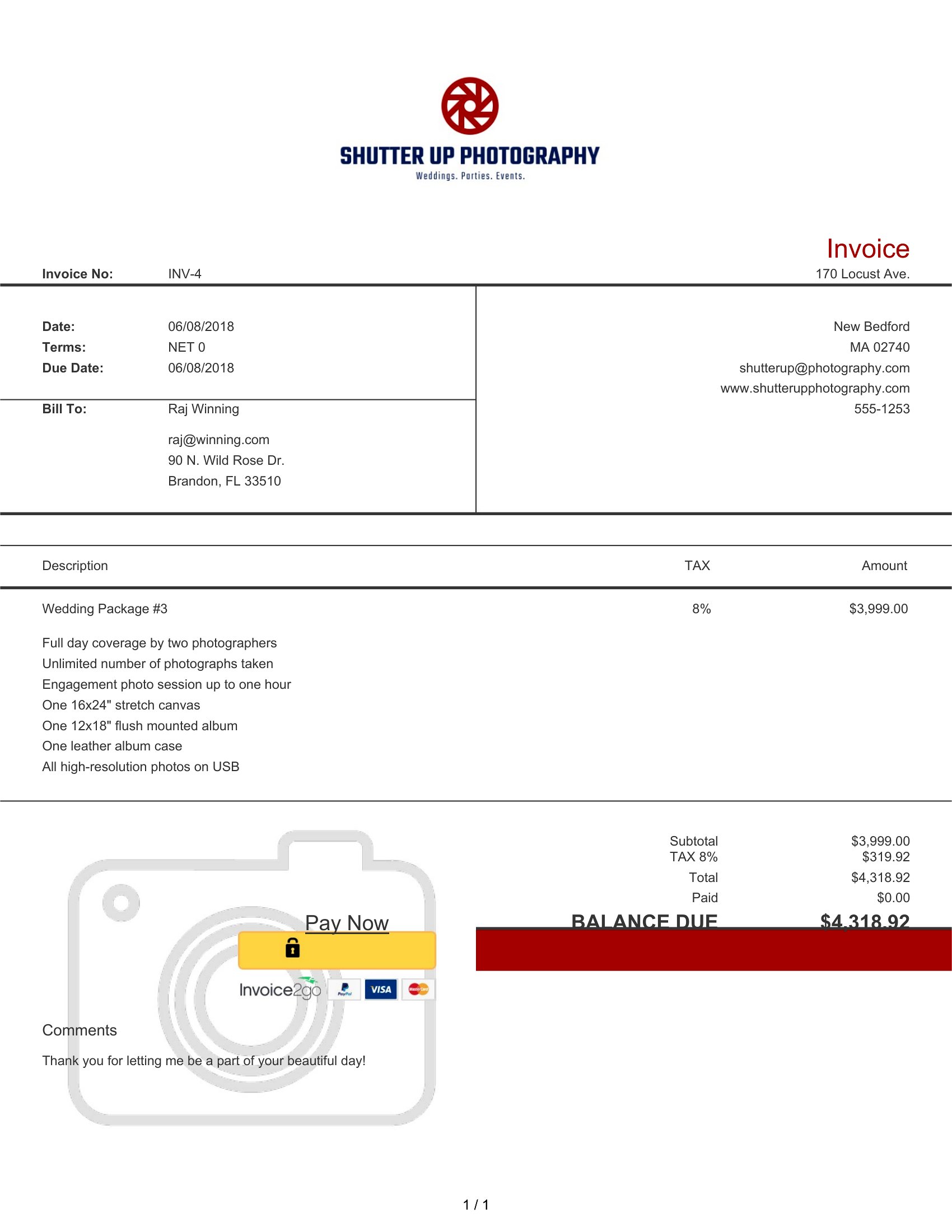
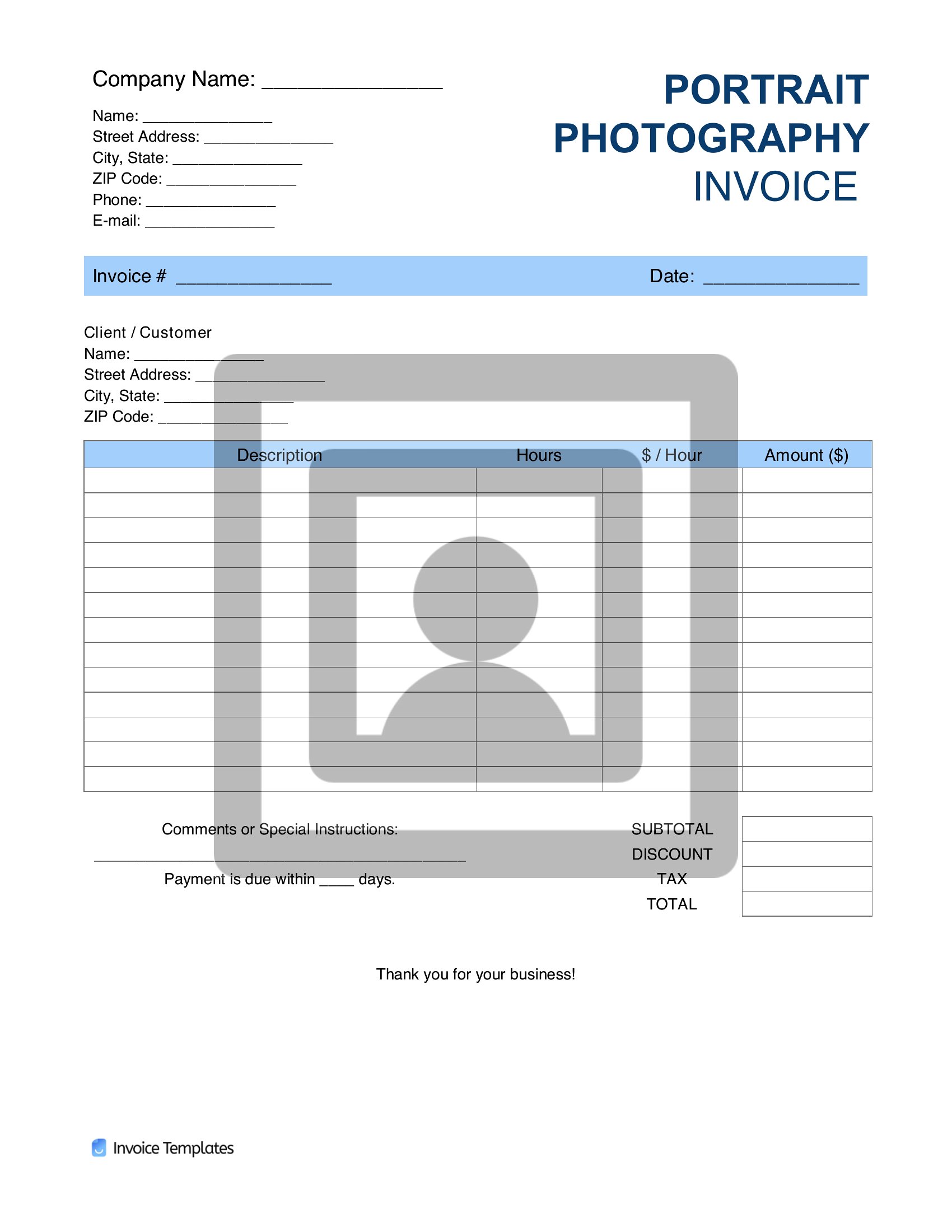
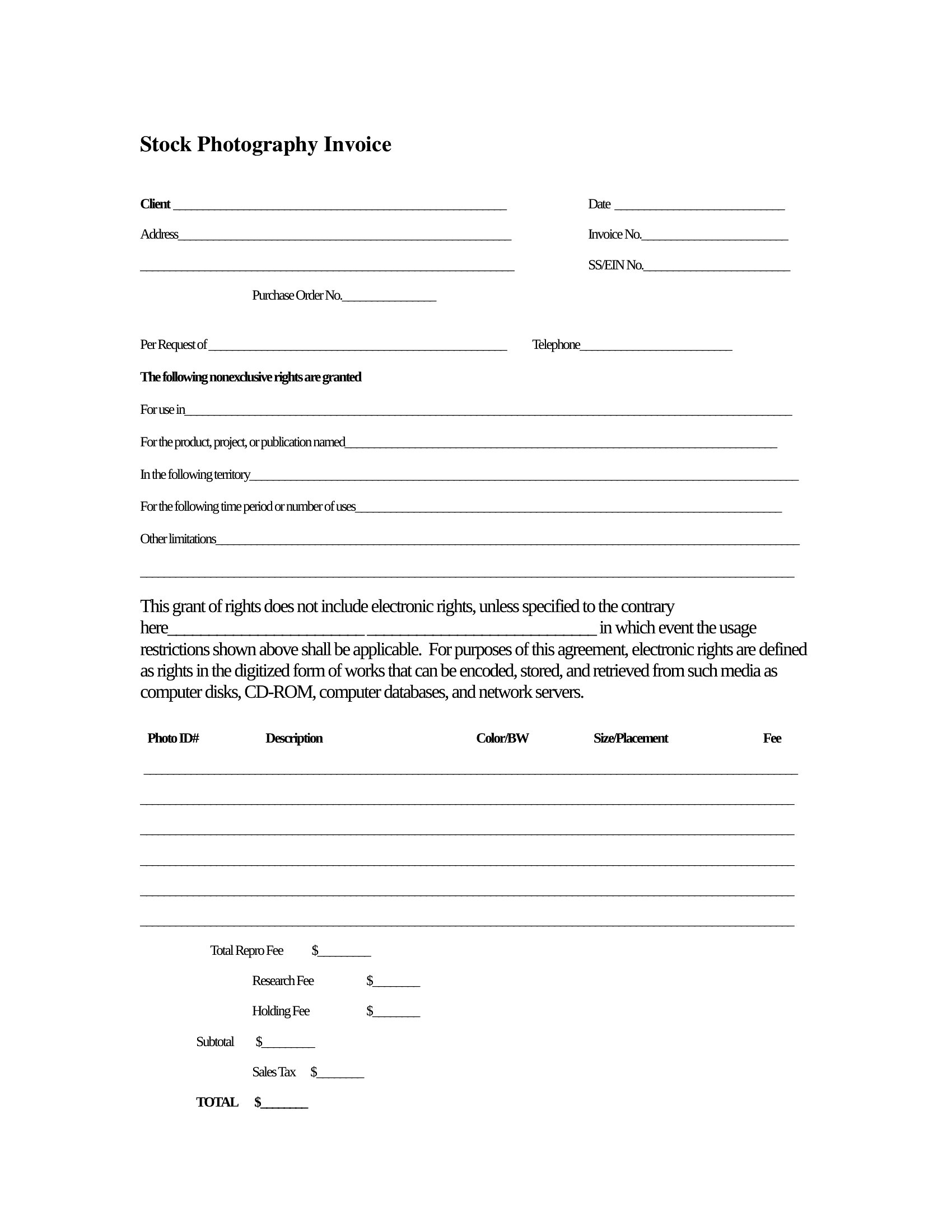
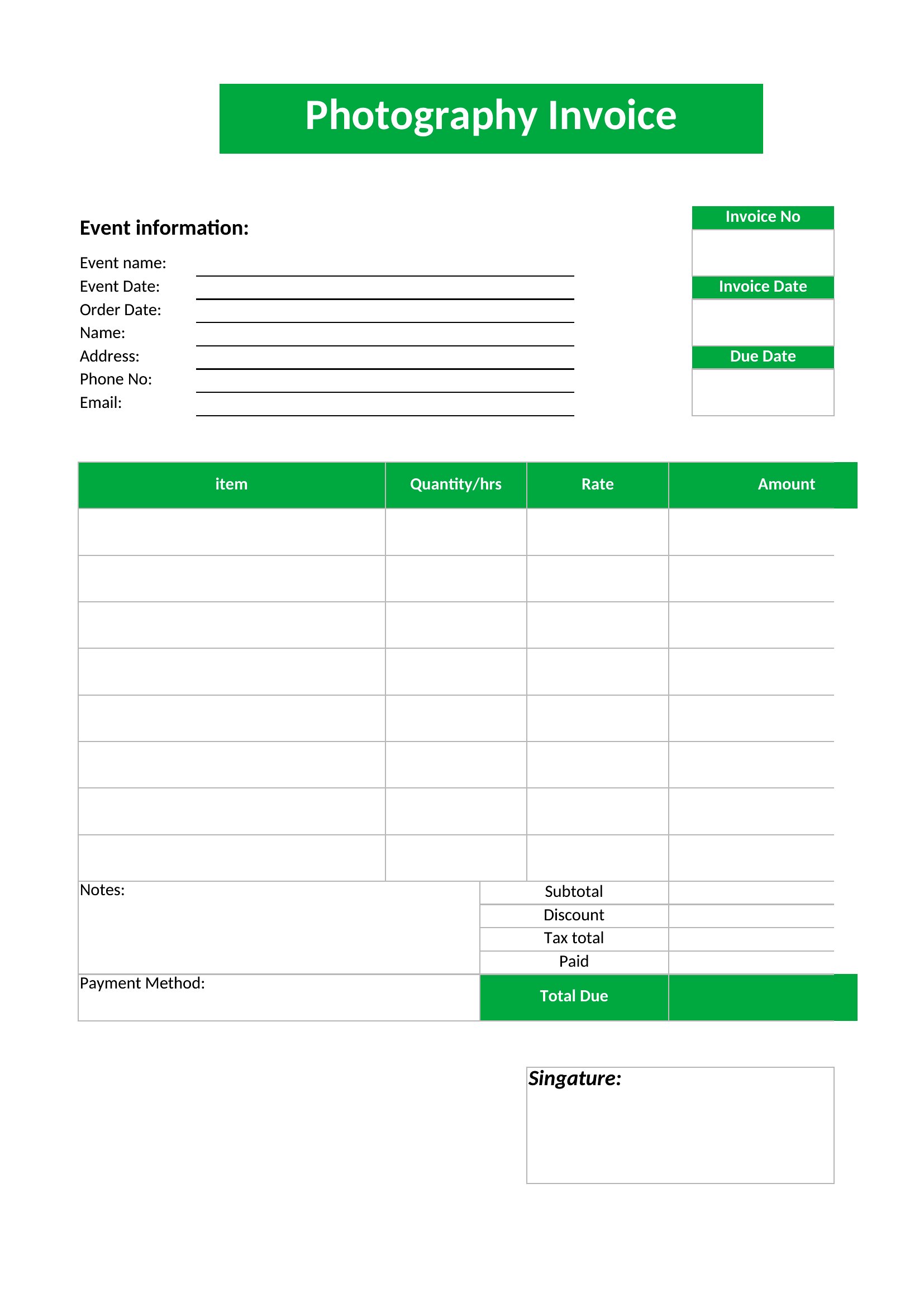
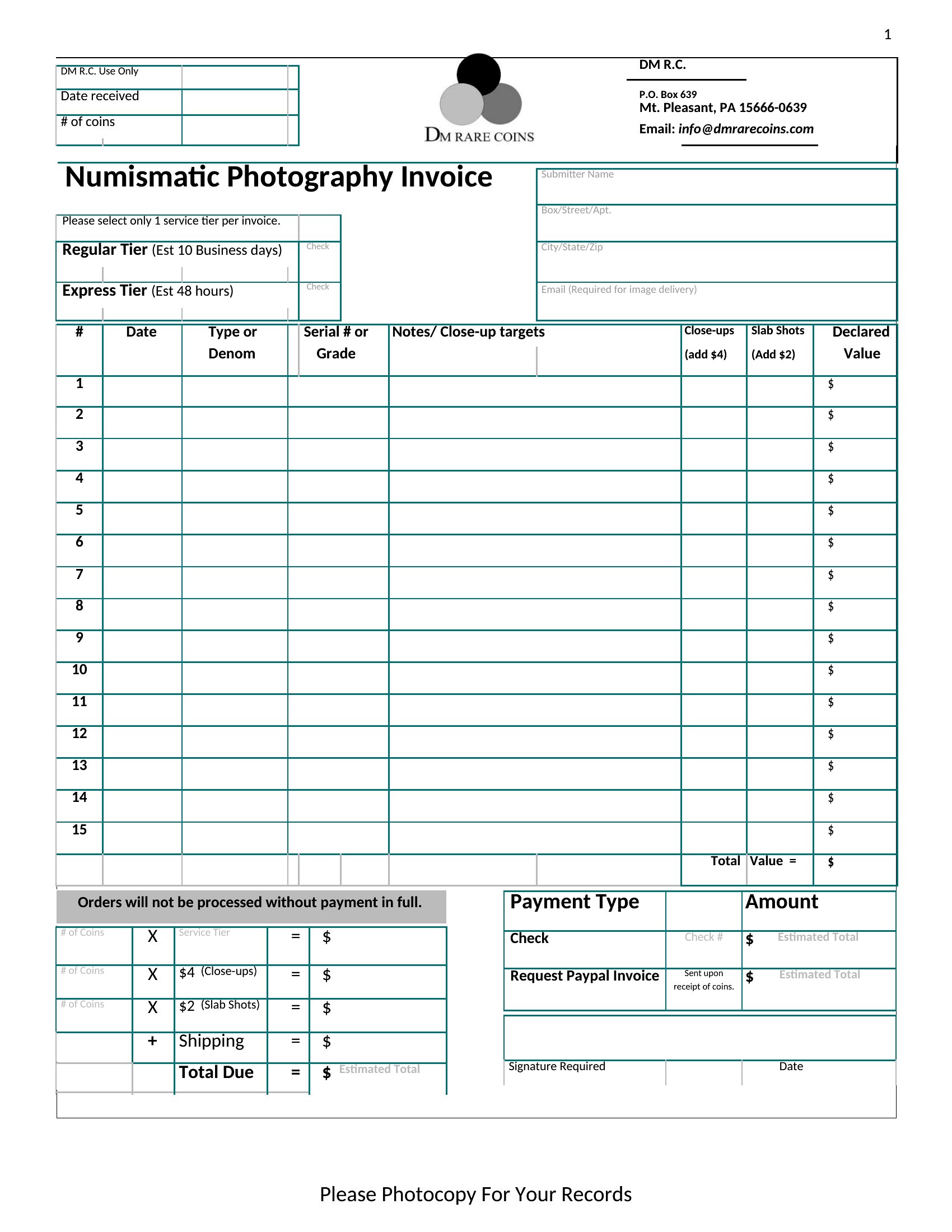
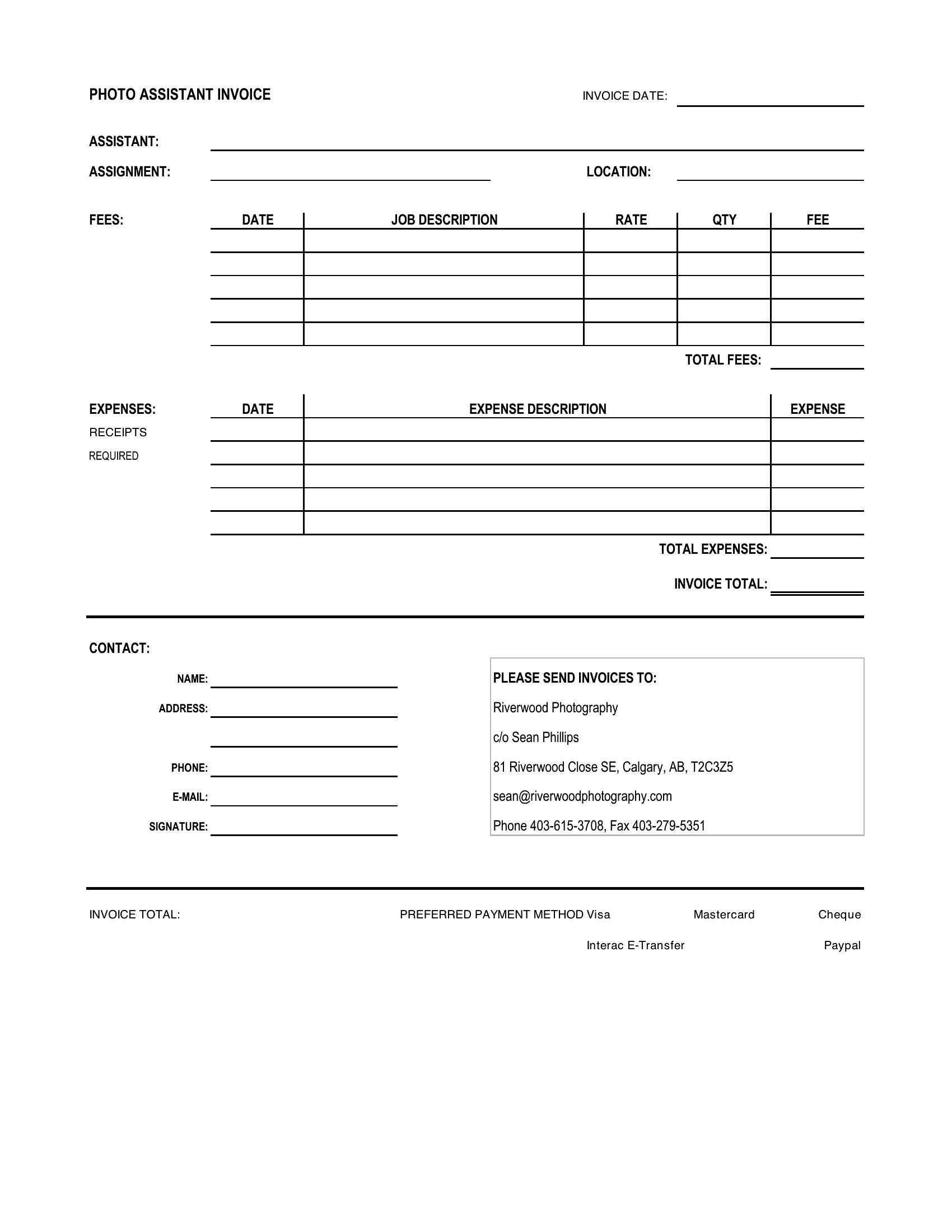
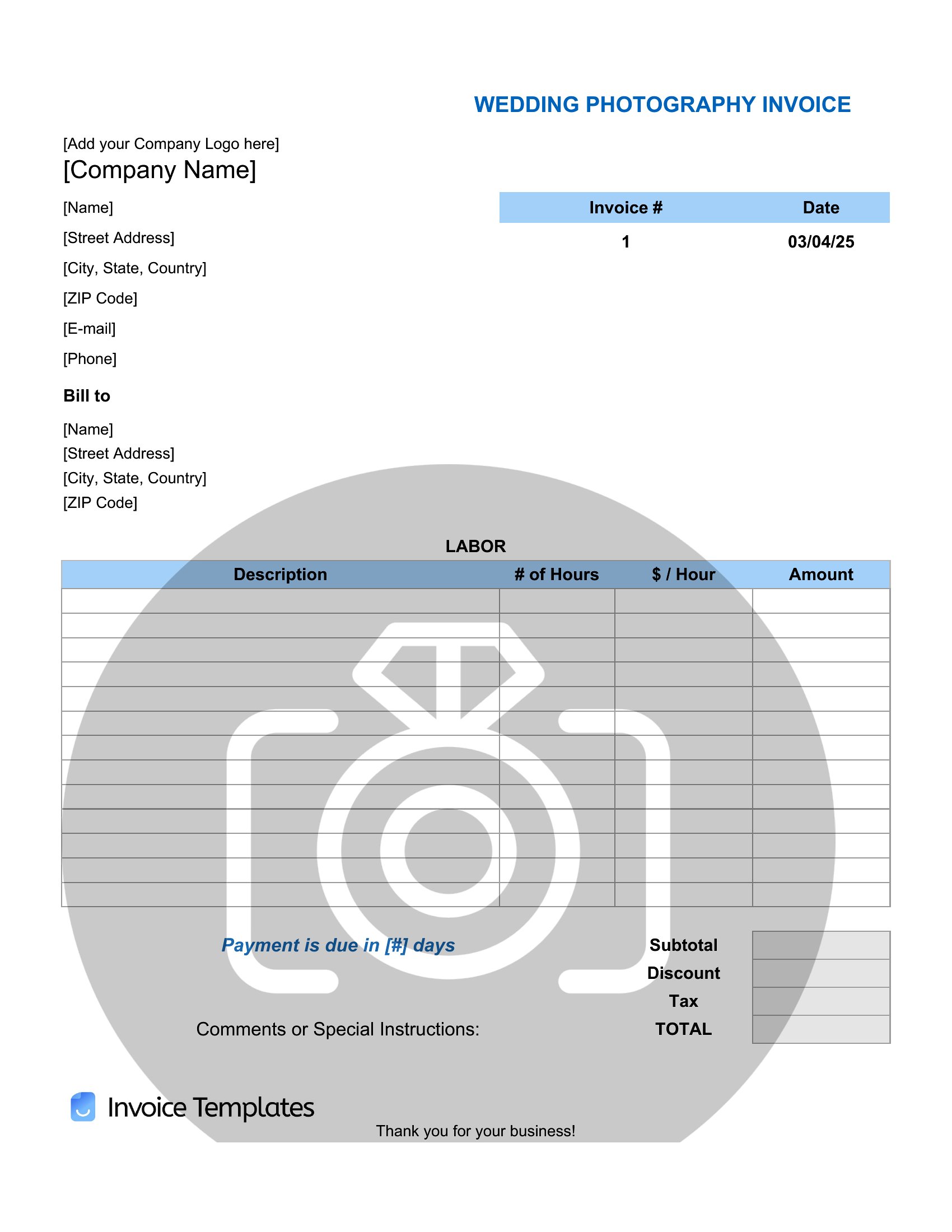
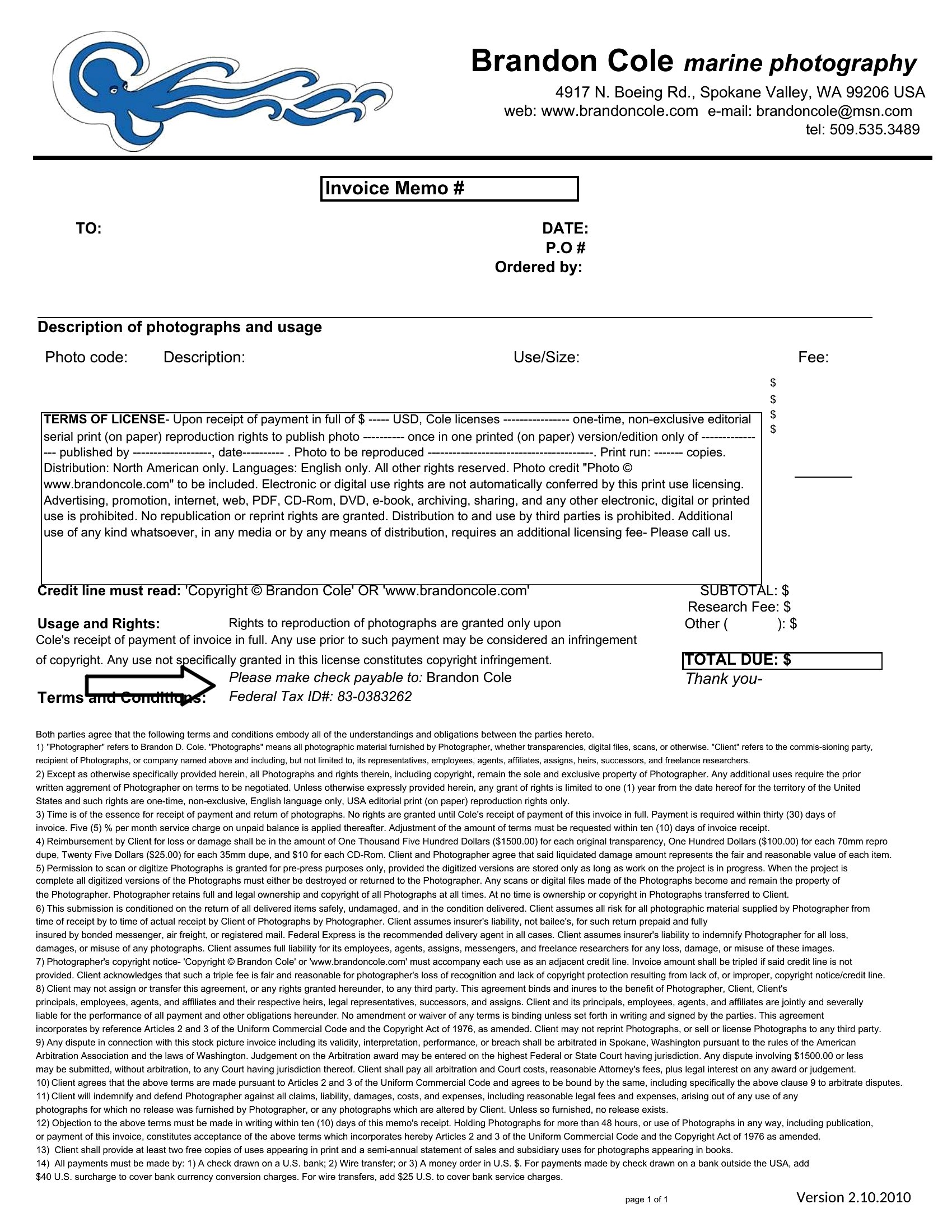
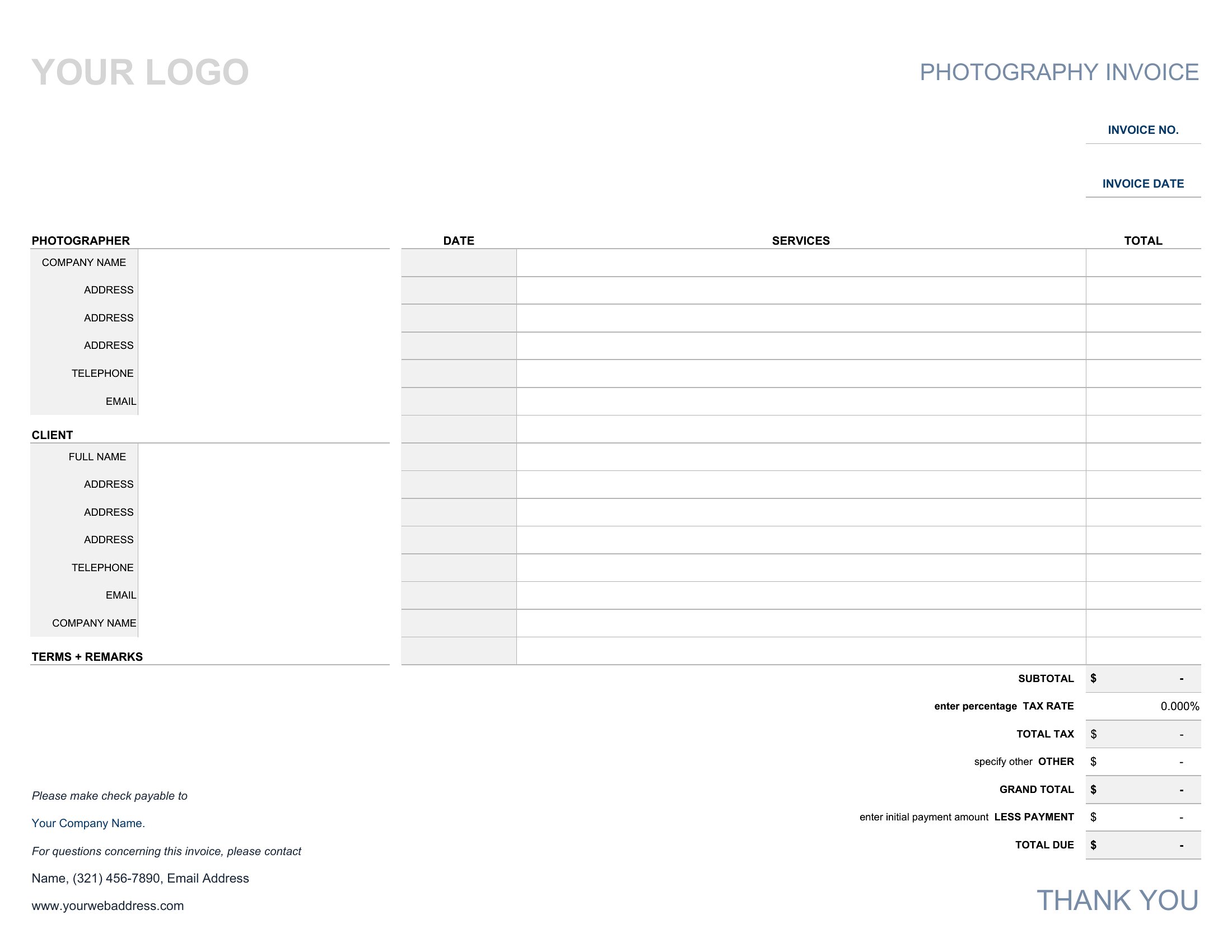
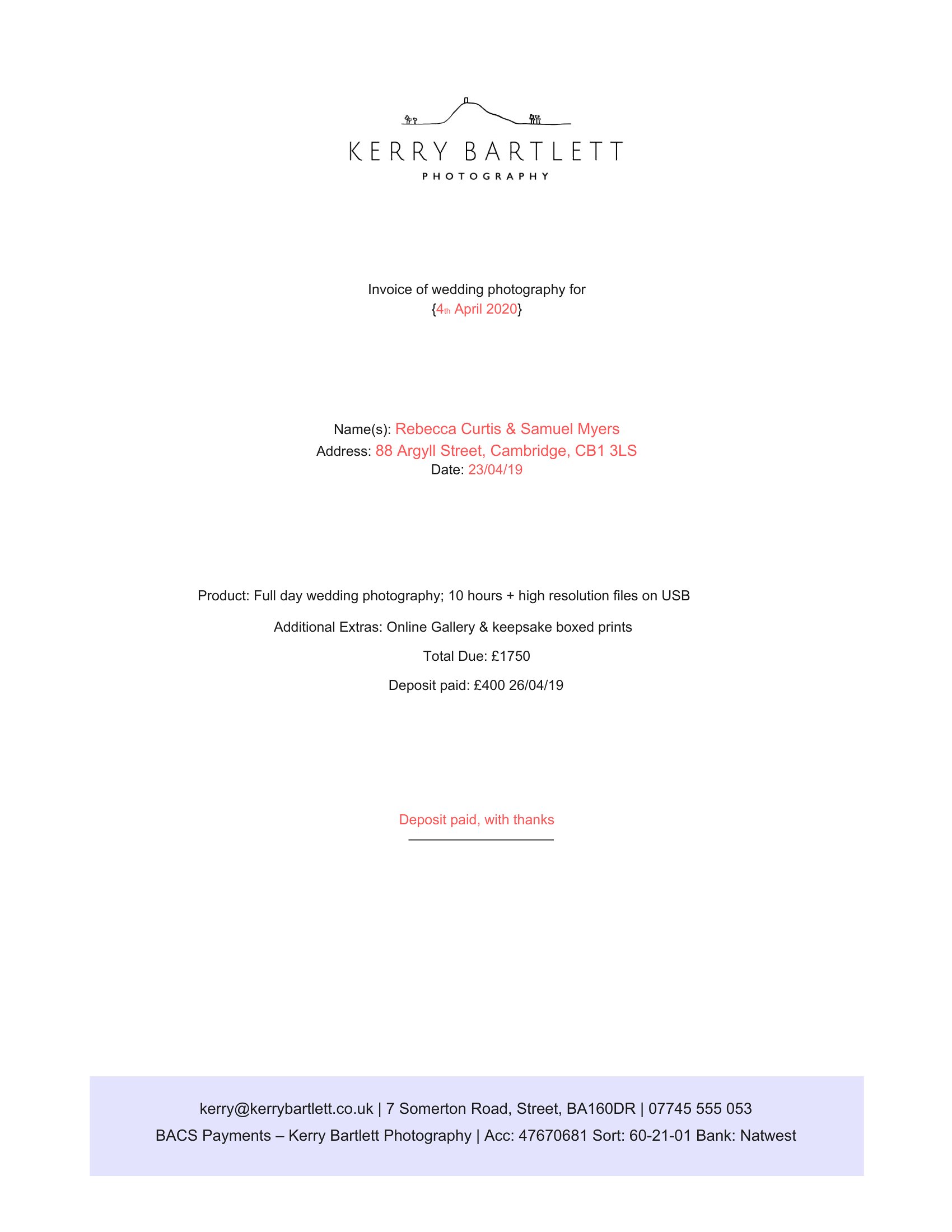
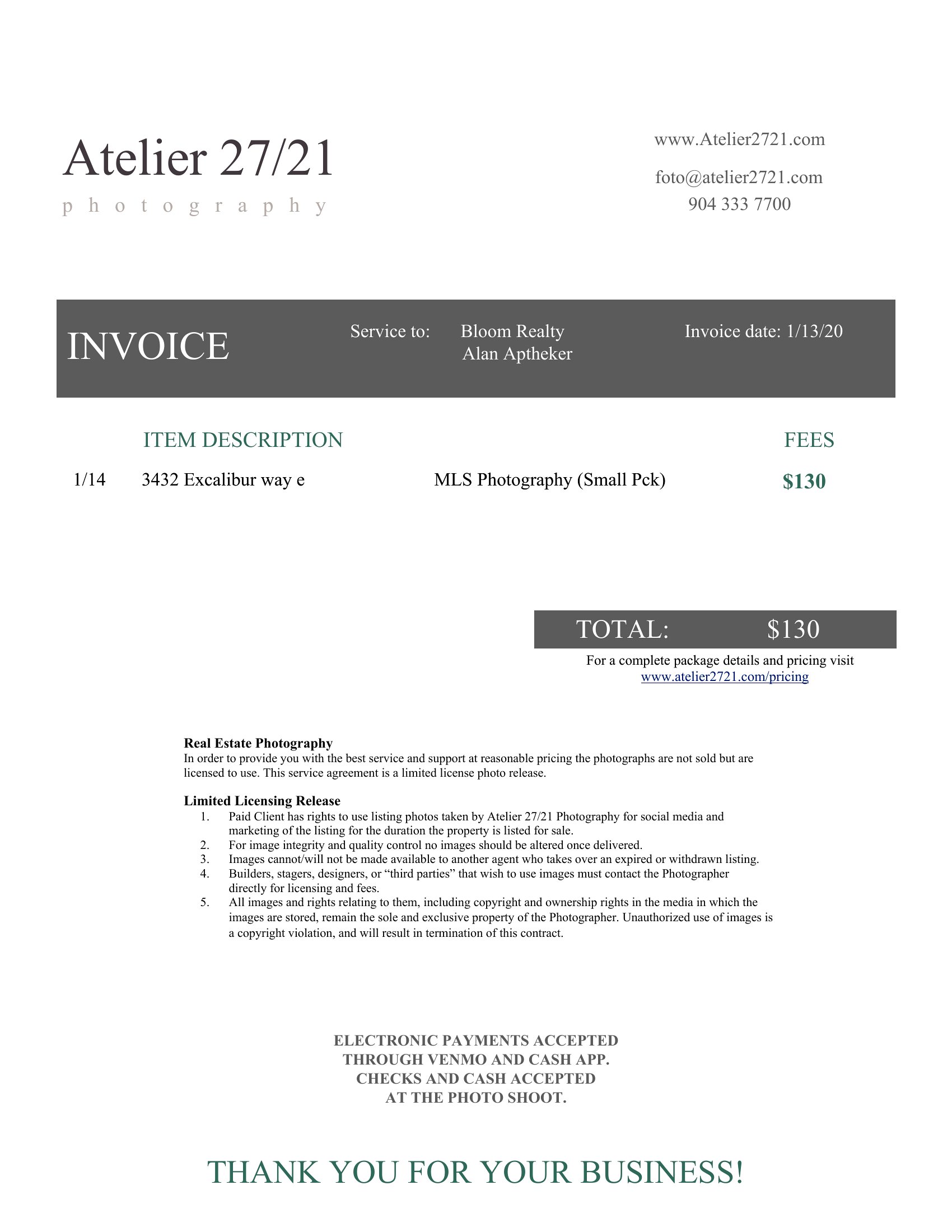
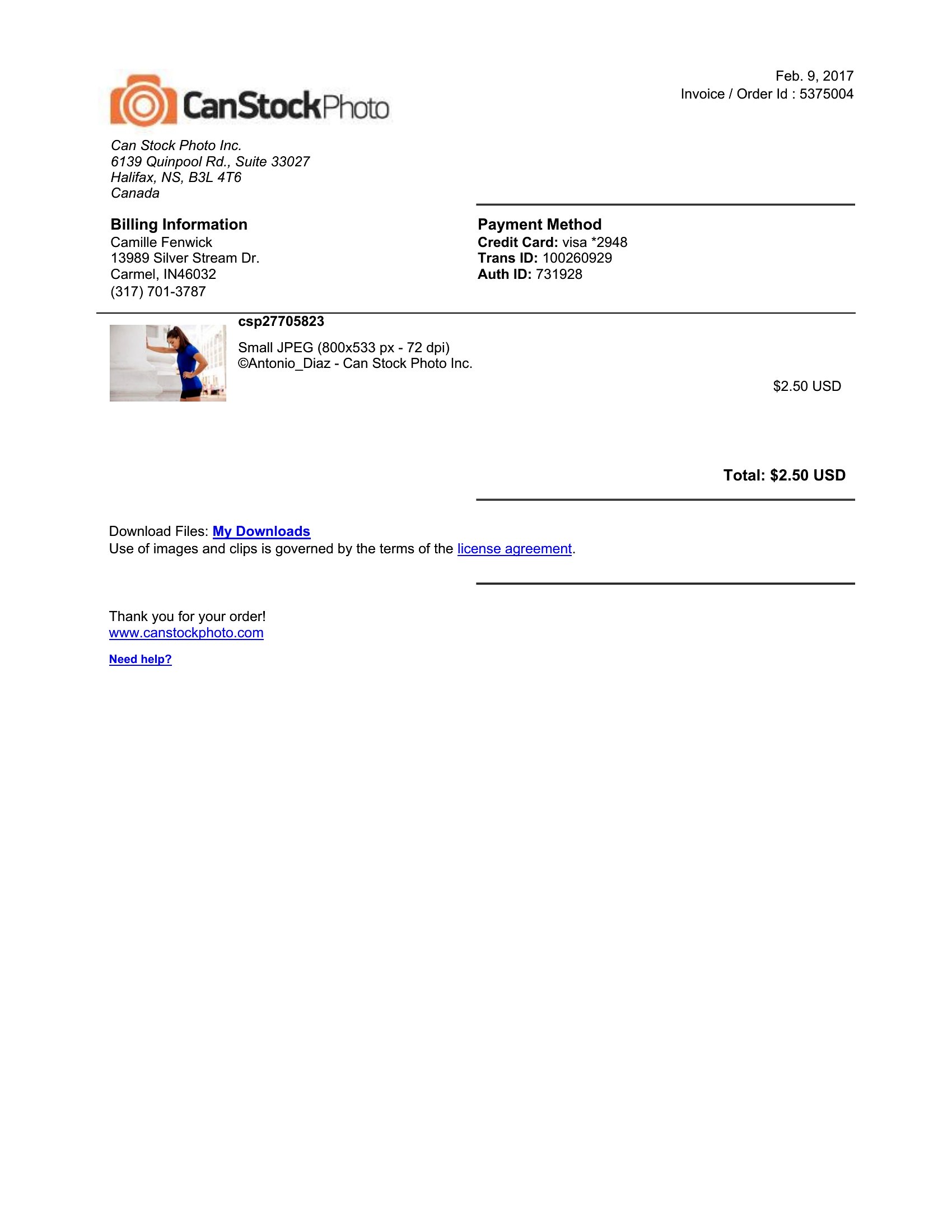
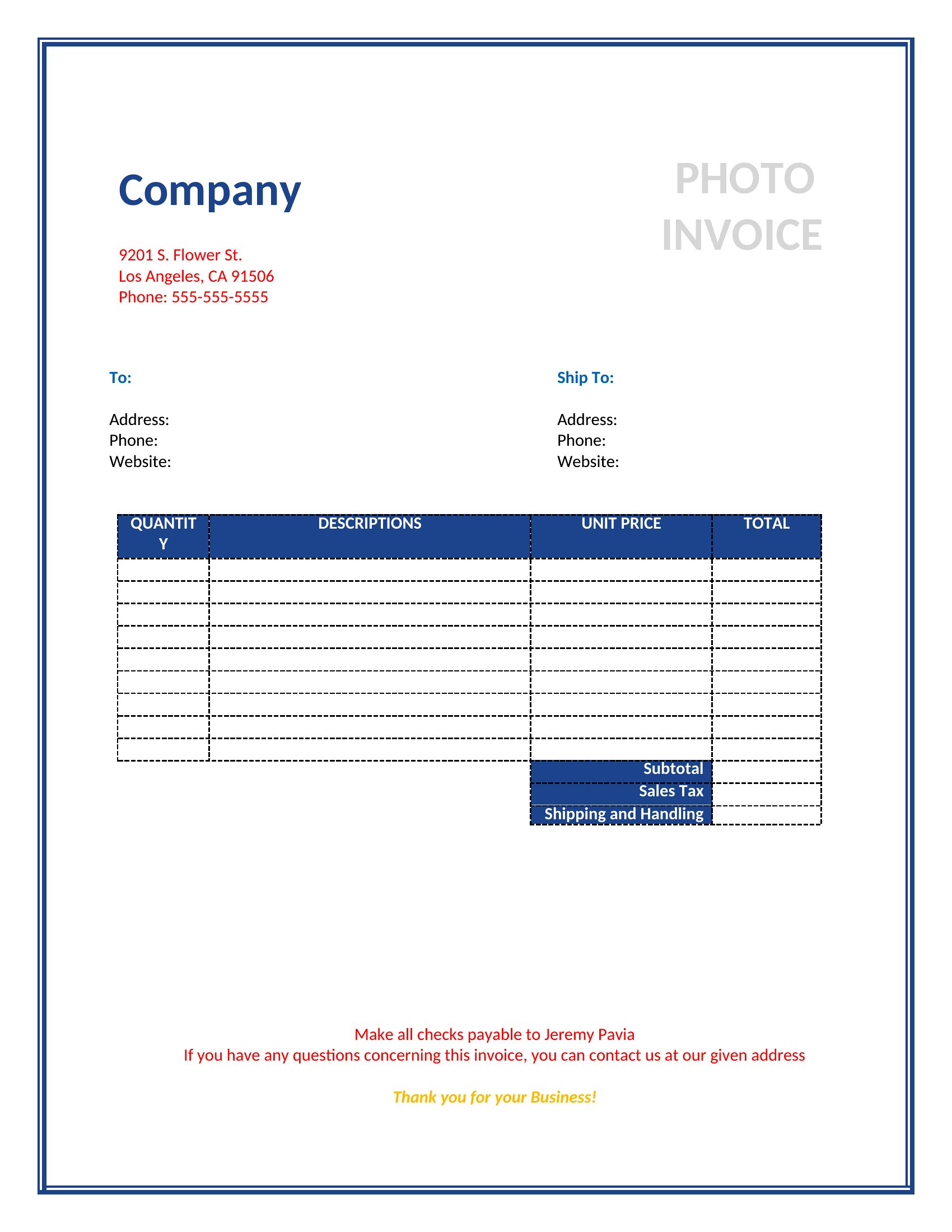
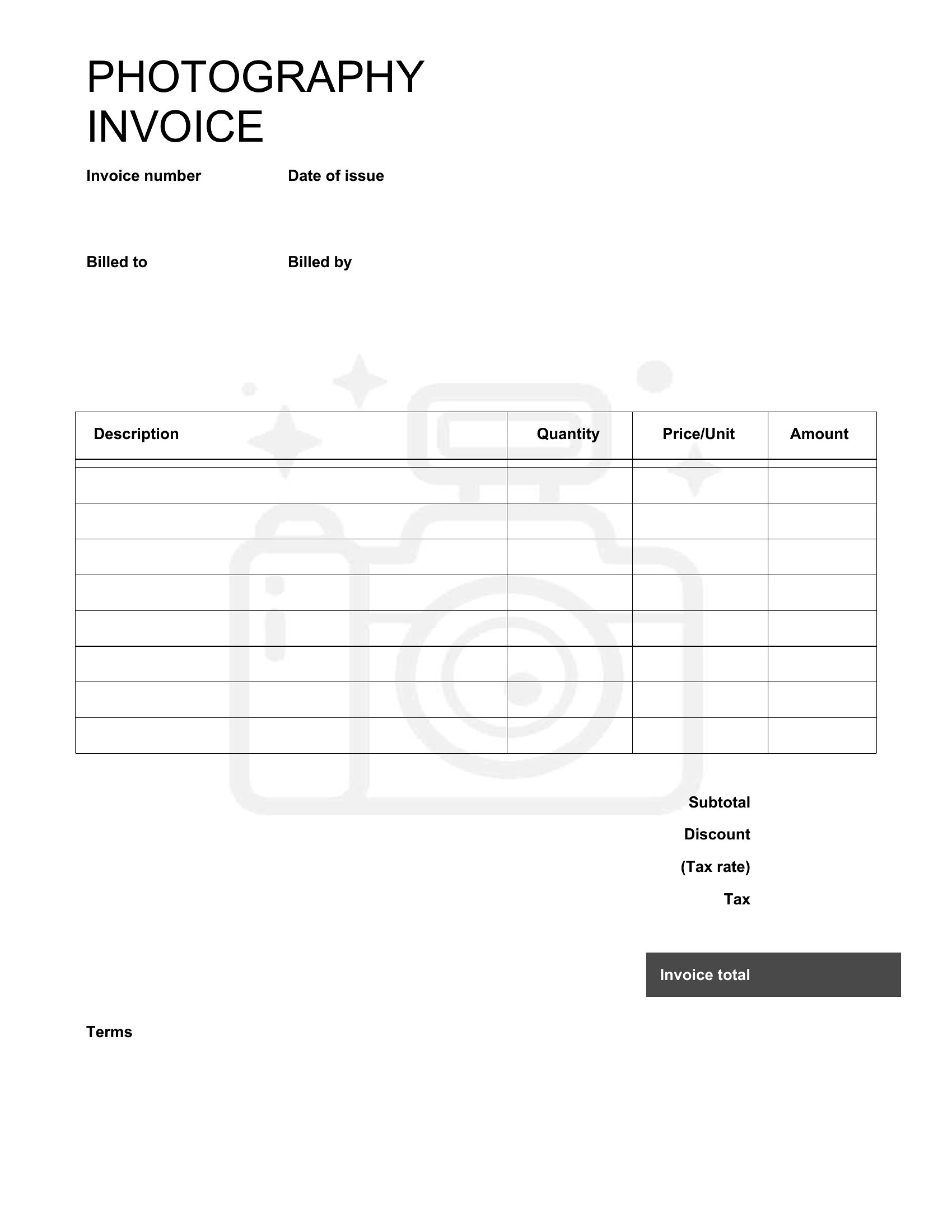
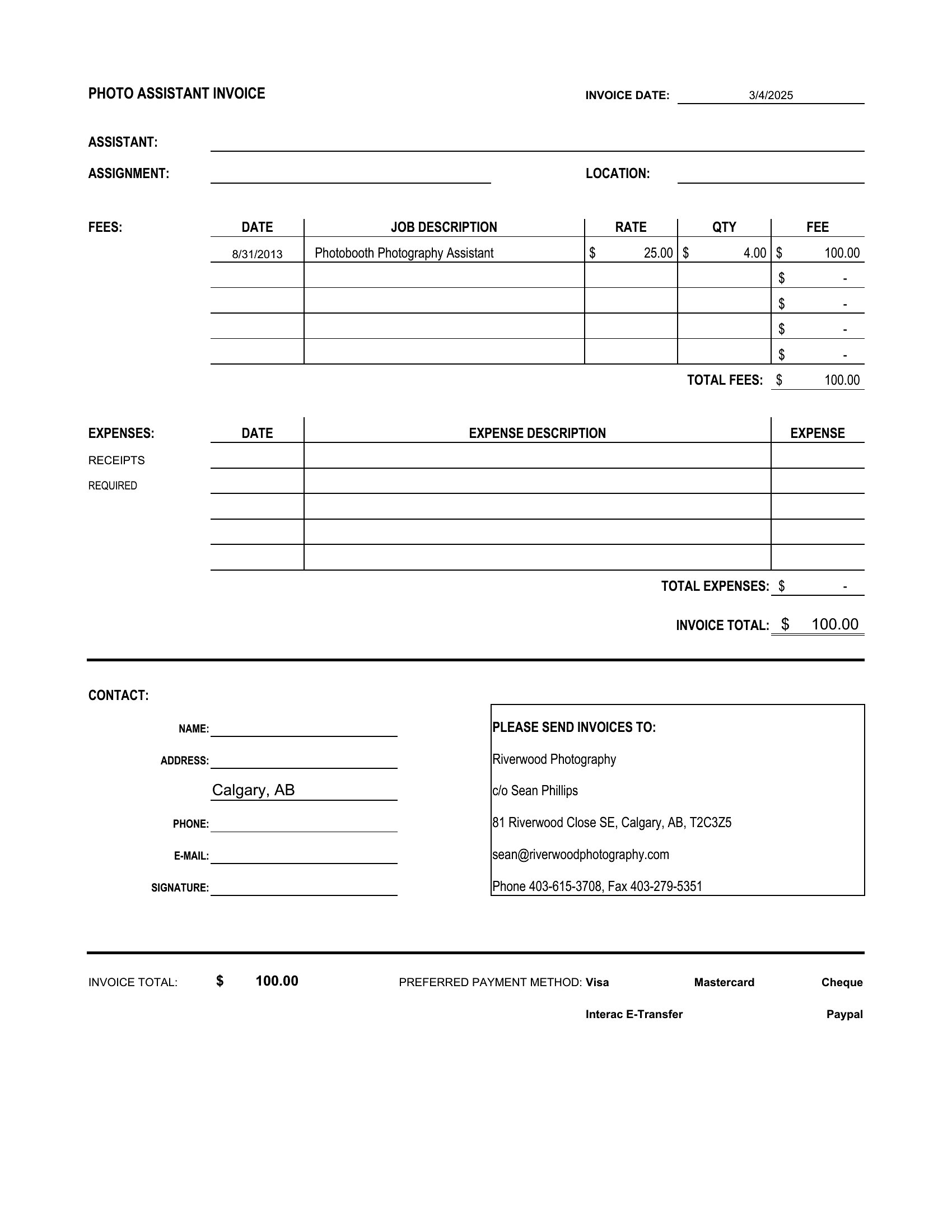
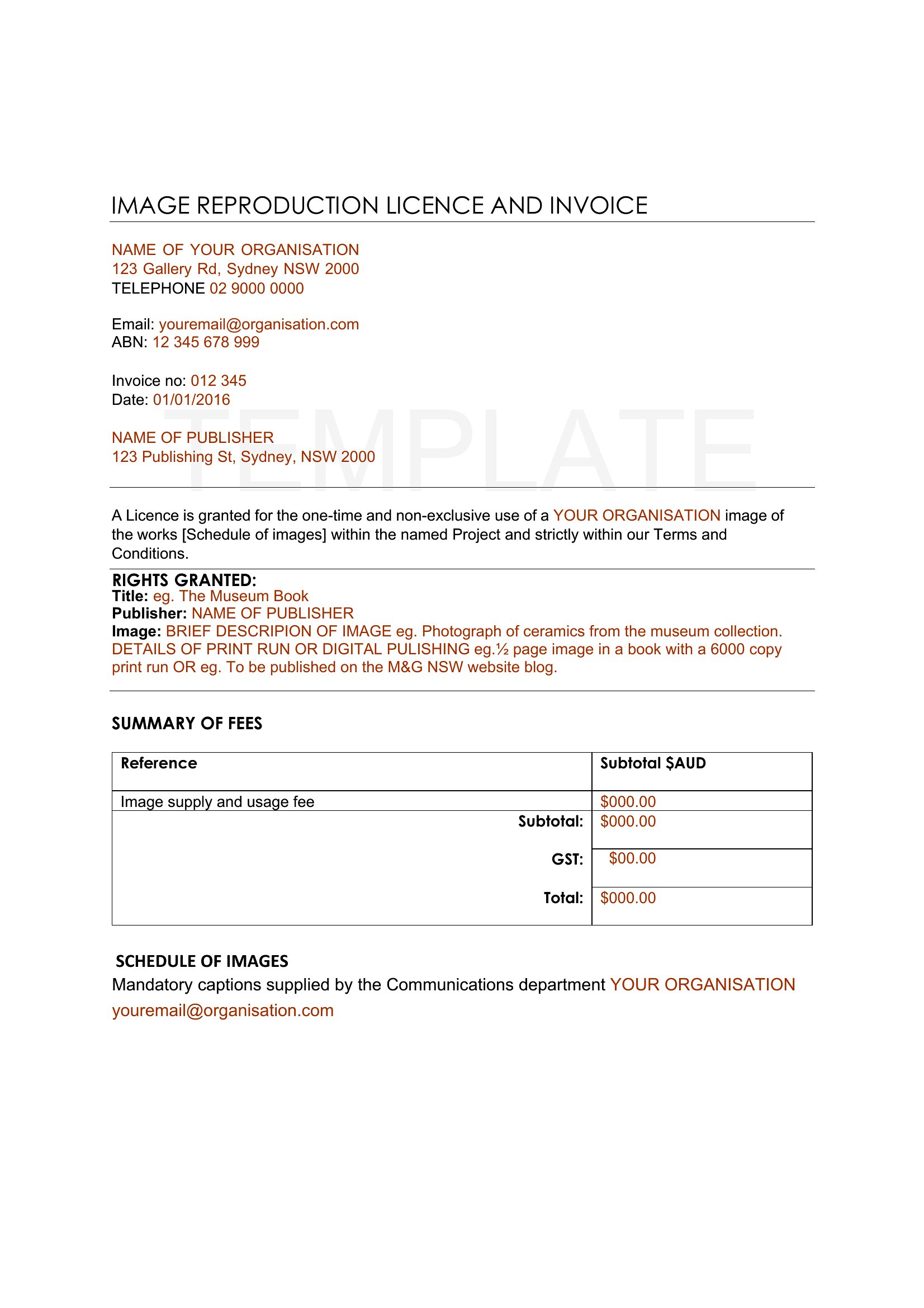
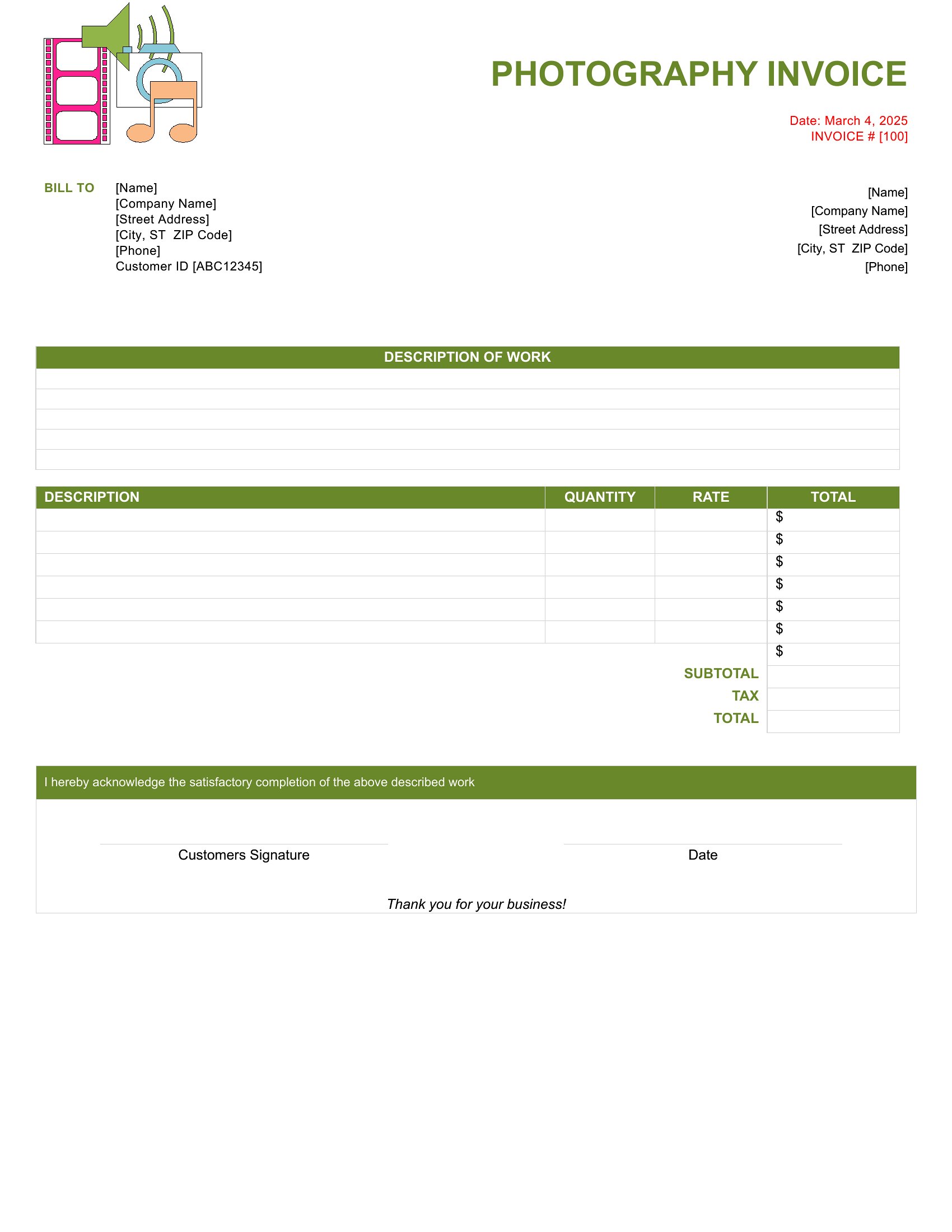
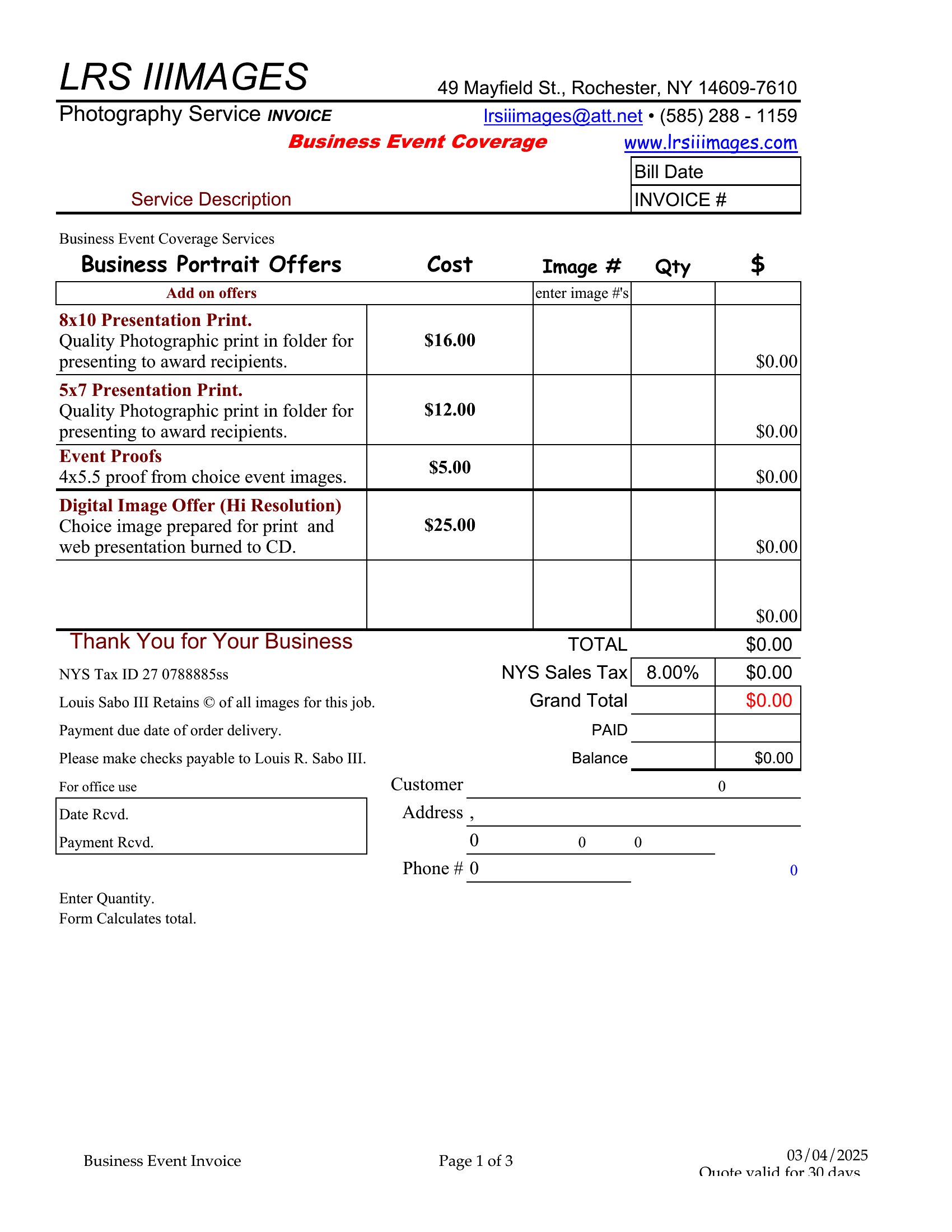
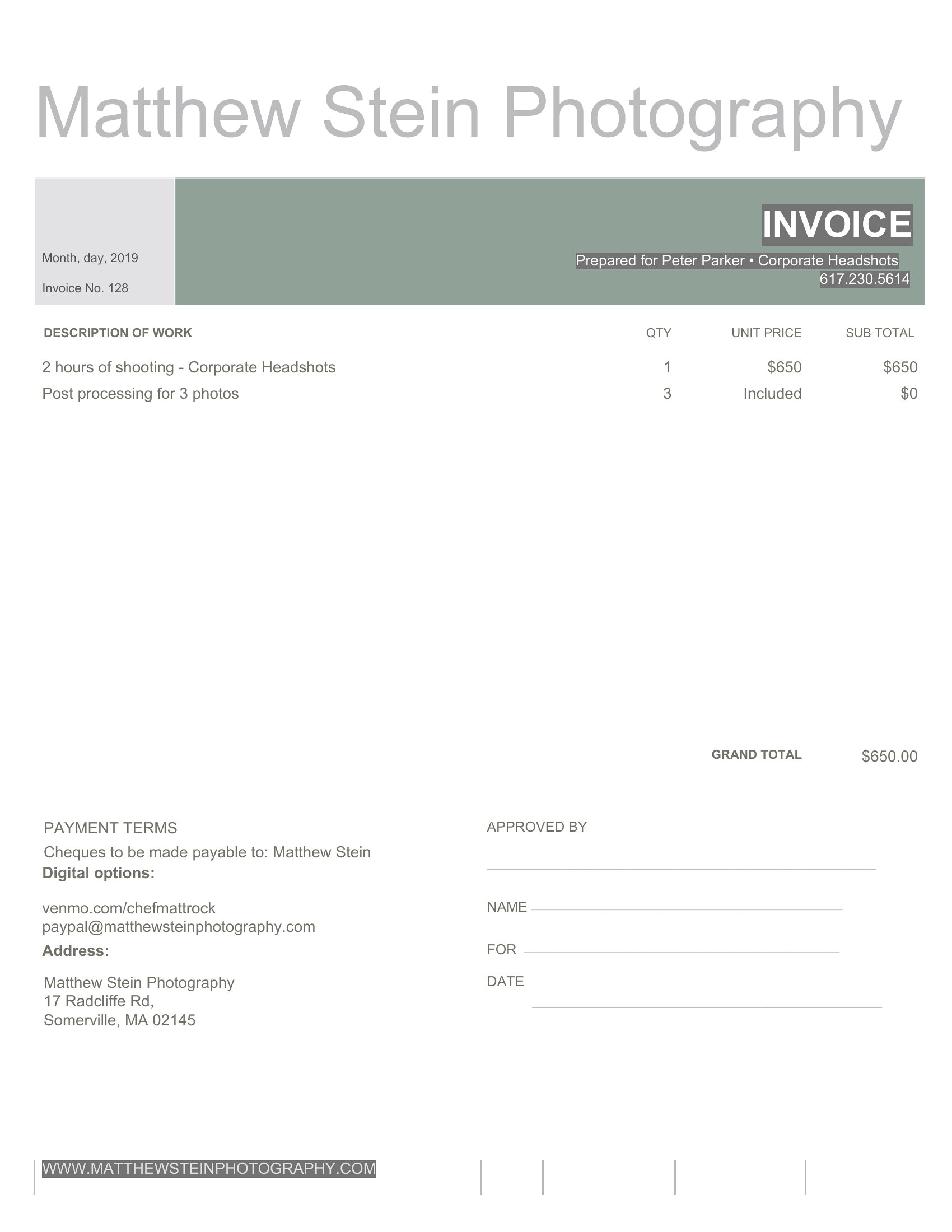
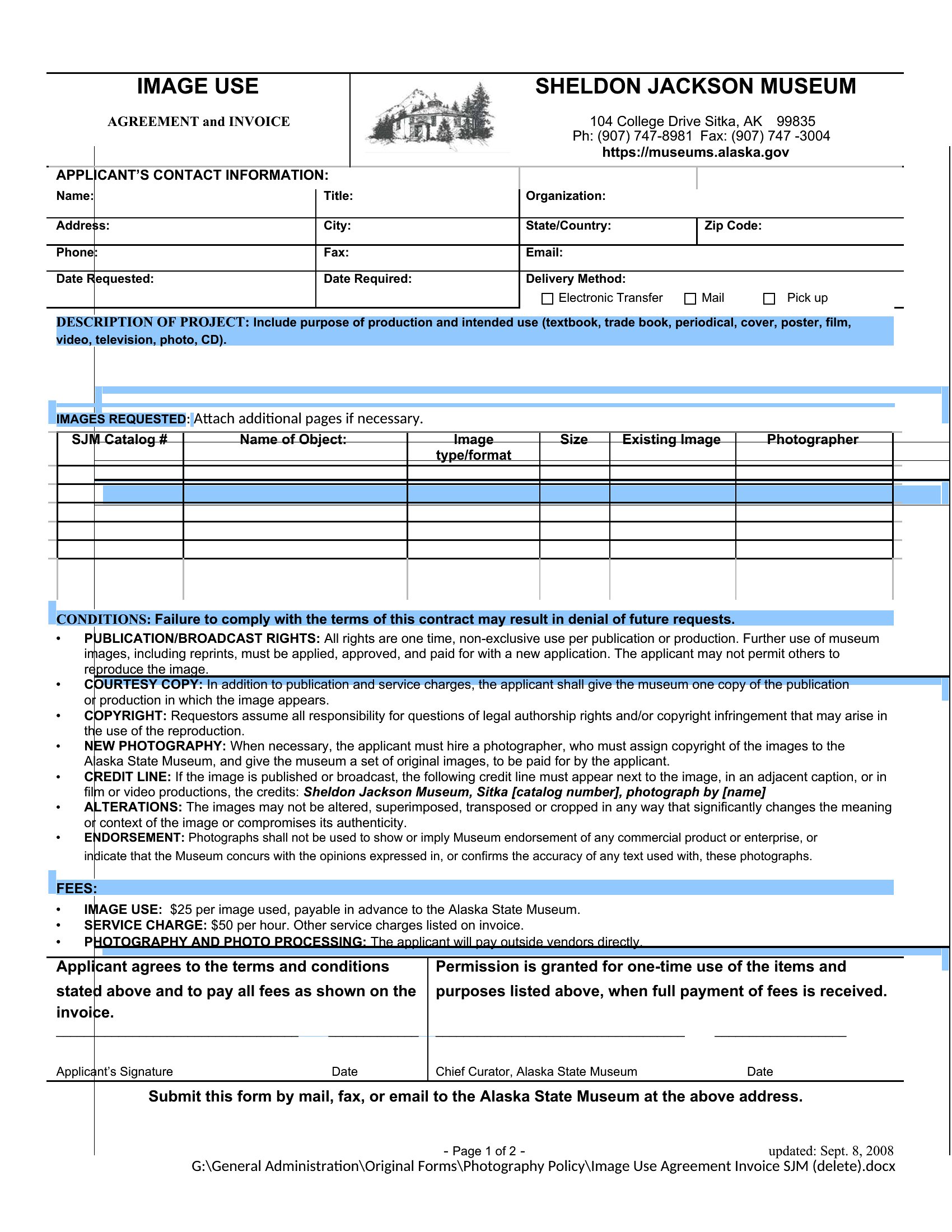
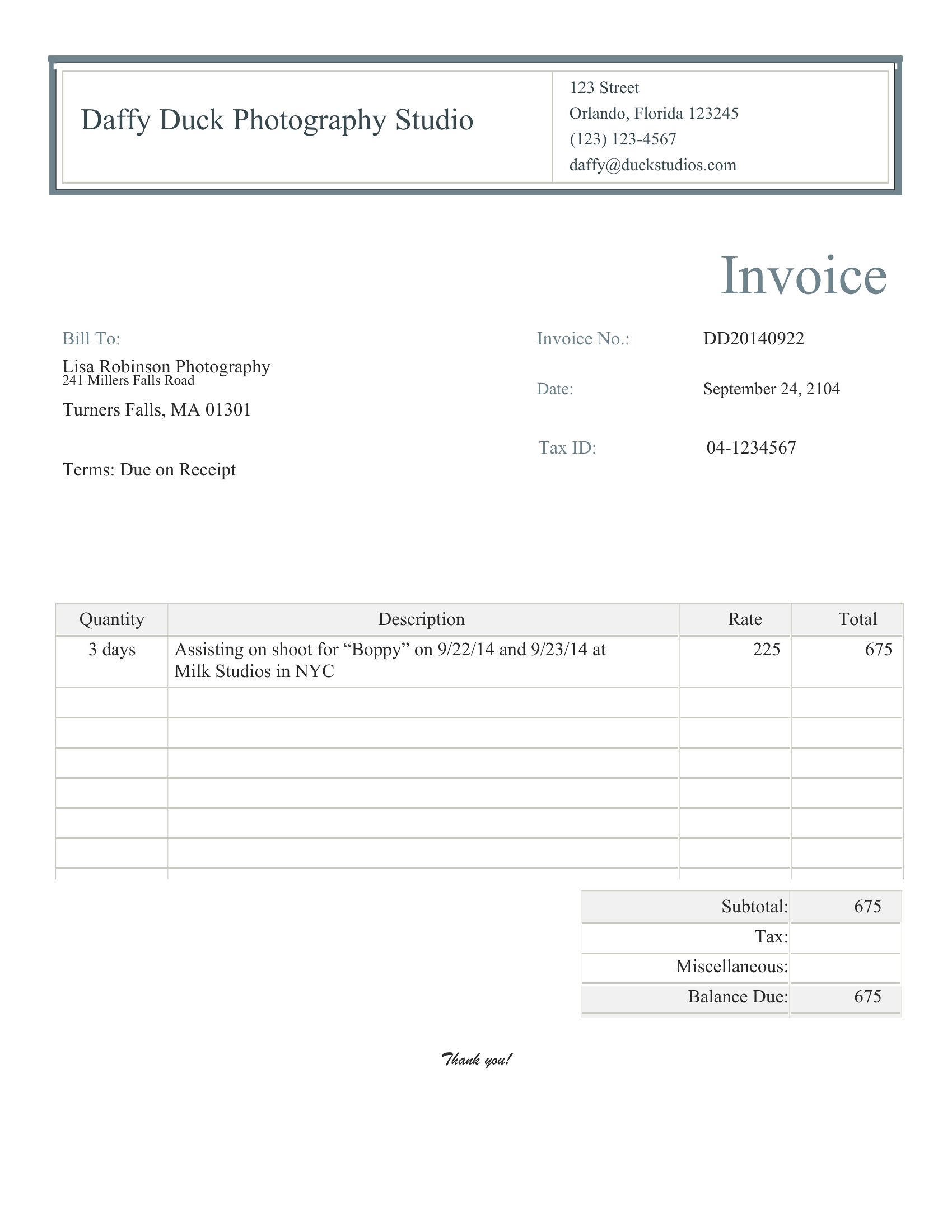
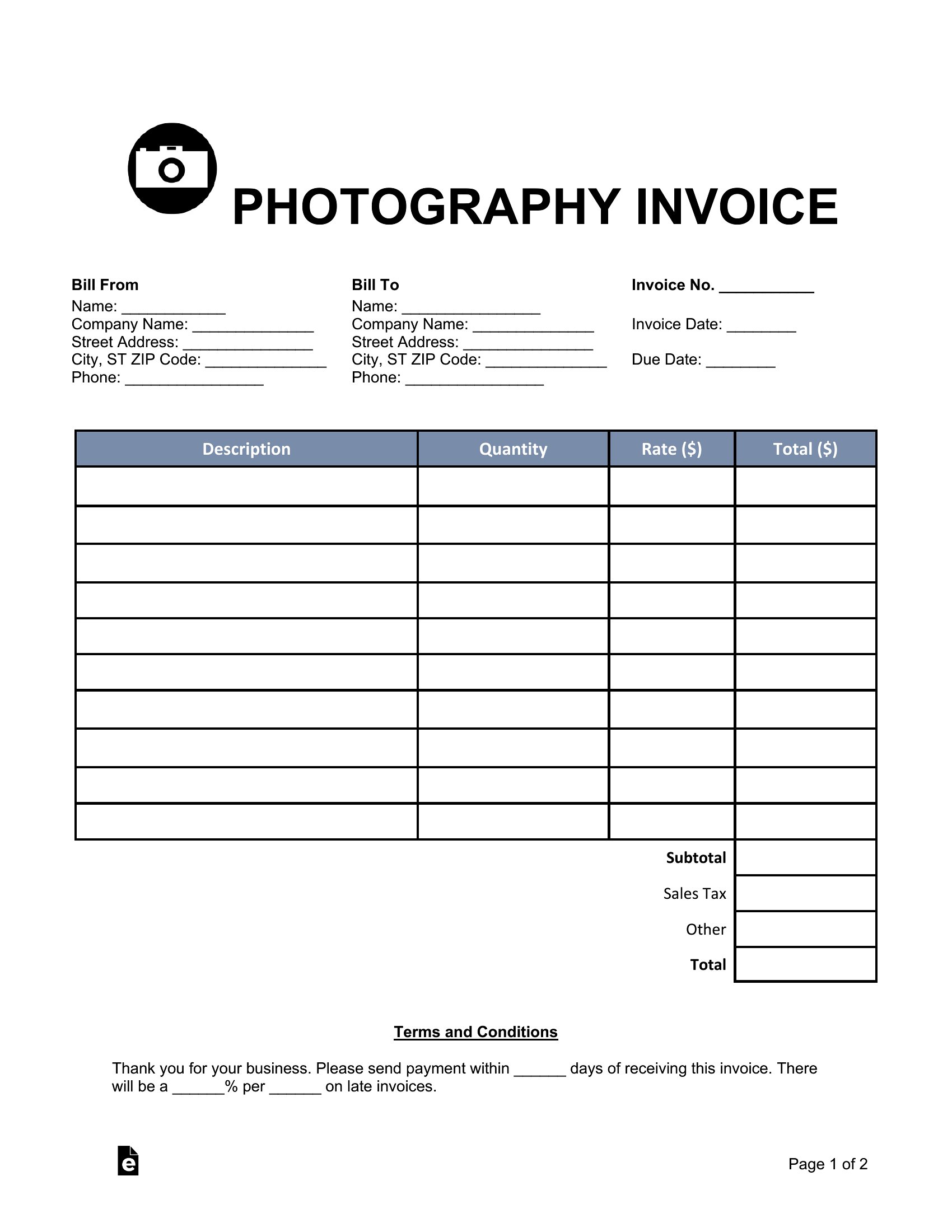
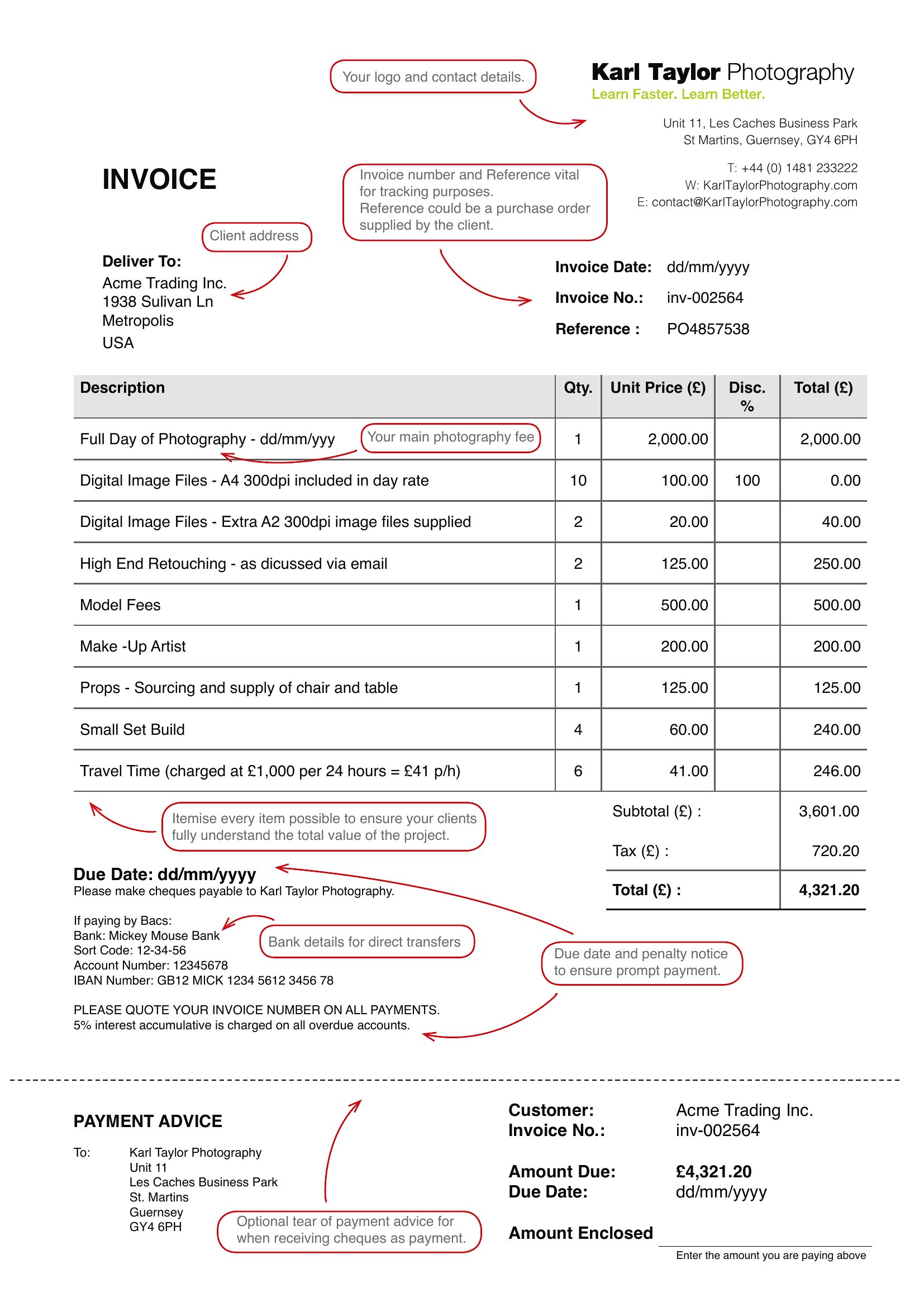
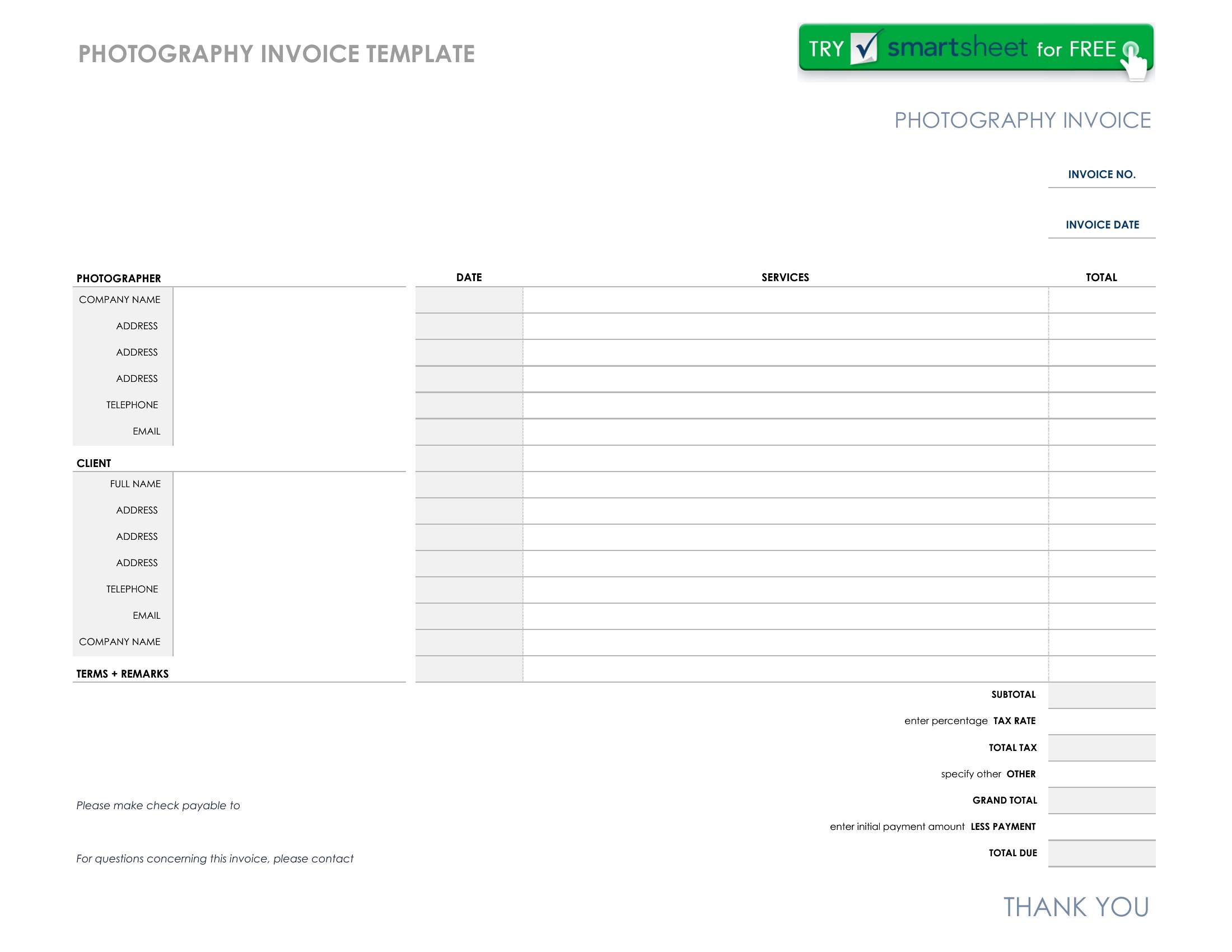
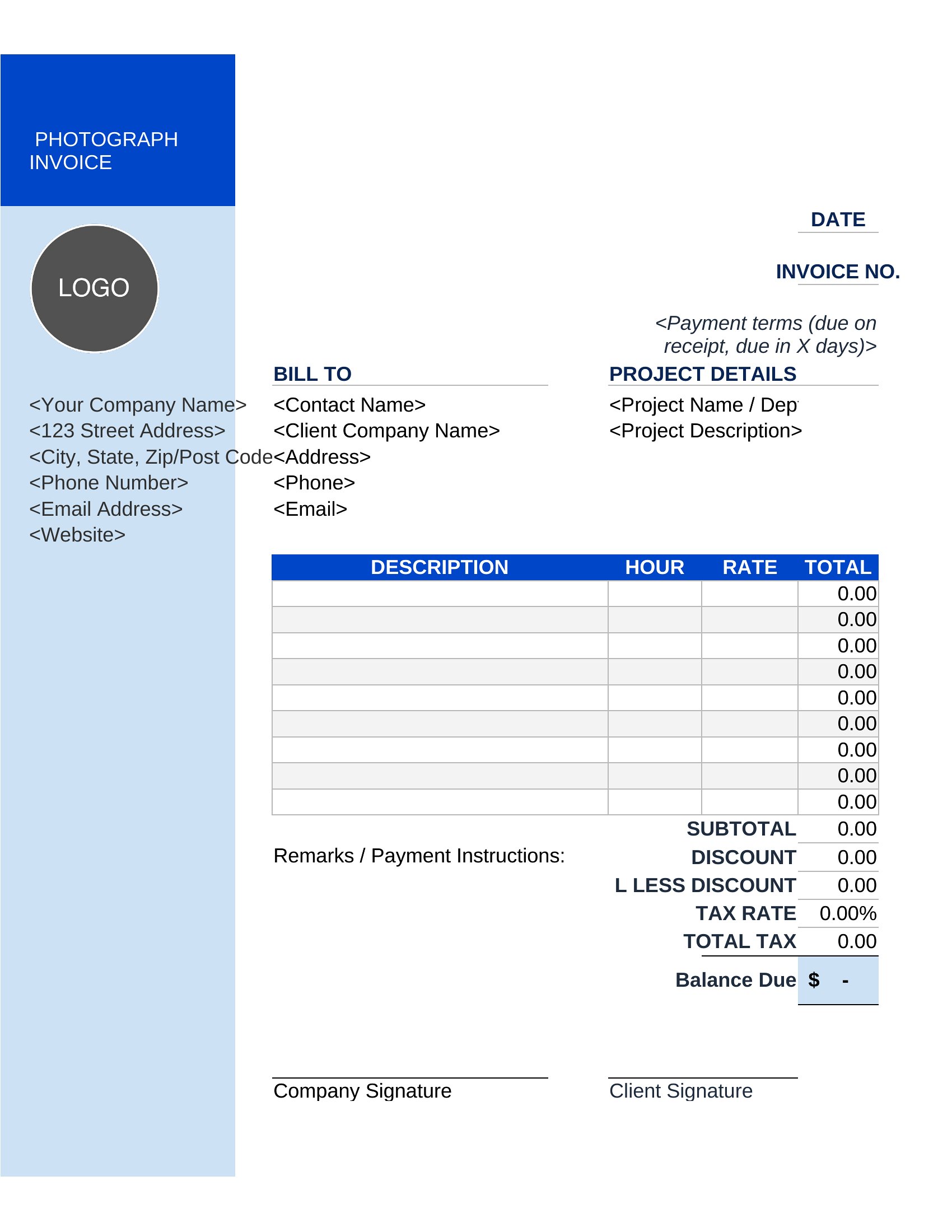
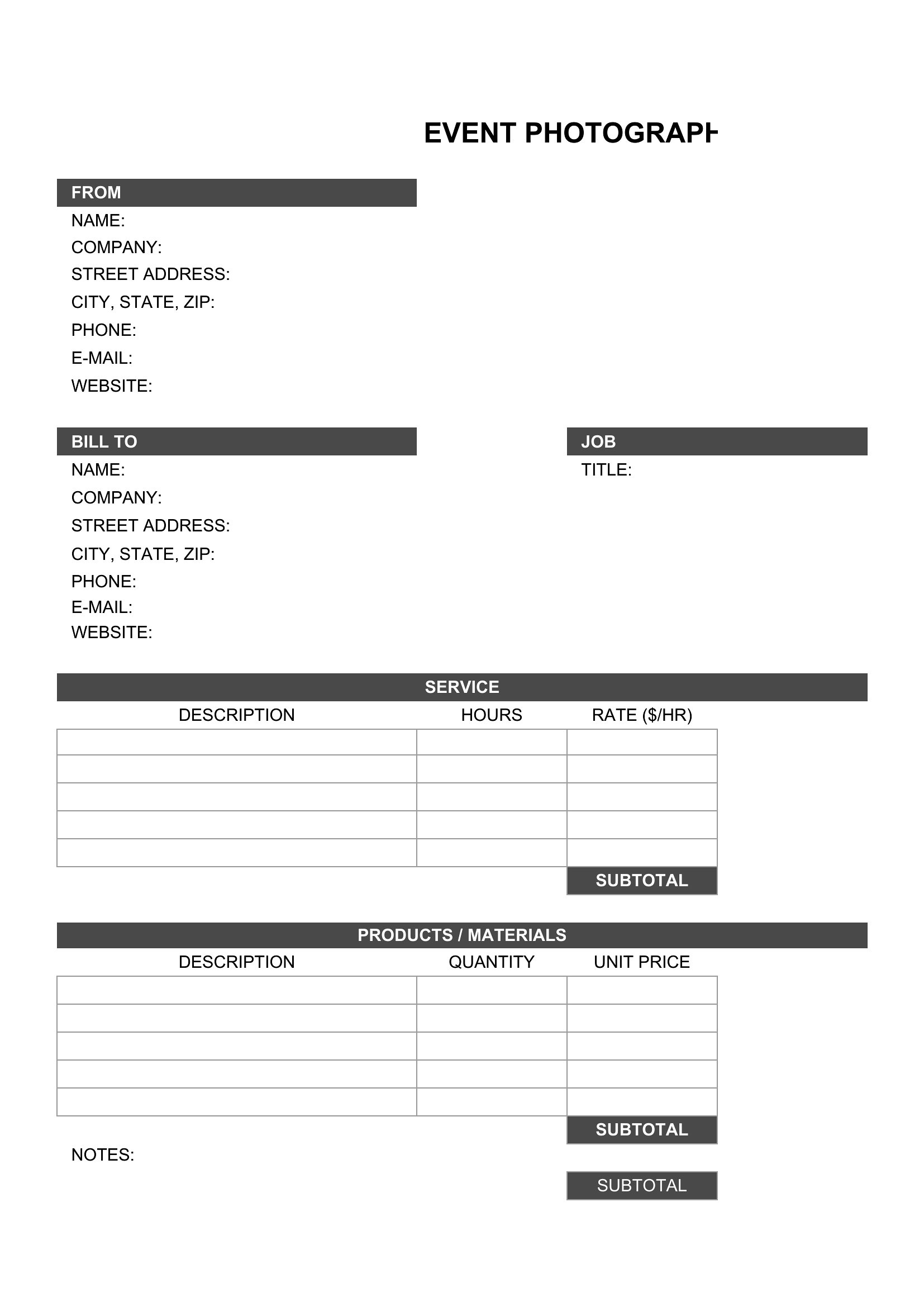
InvoicesGetting paid for a shoot goes faster with an invoice that lists every service clearly, from session time to prints and editing. This set of 38 photography invoices gives you a professional way to bill clients for weddings, portraits, and commercial work. Freelance photographers and studios use them to itemize charges and look organized.
Excel versions total line items and taxes automatically, while Word and PDF options work for a polished, send-ready bill. Add your logo, list the packages, set payment terms, and note a due date. Pick the format that matches your workflow, fill in the job details, and send a clean invoice that gets you paid on time.
When to use this Photography Invoice template
- Freelance wedding photographers use these invoices after a shoot to break down costs for albums, digital files, and rush fees, ensuring brides pay promptly without confusion.
- Portrait studios charge parents for mini-sessions by listing time slots, retouching hours, and print packages, making the invoice clear for busy families.
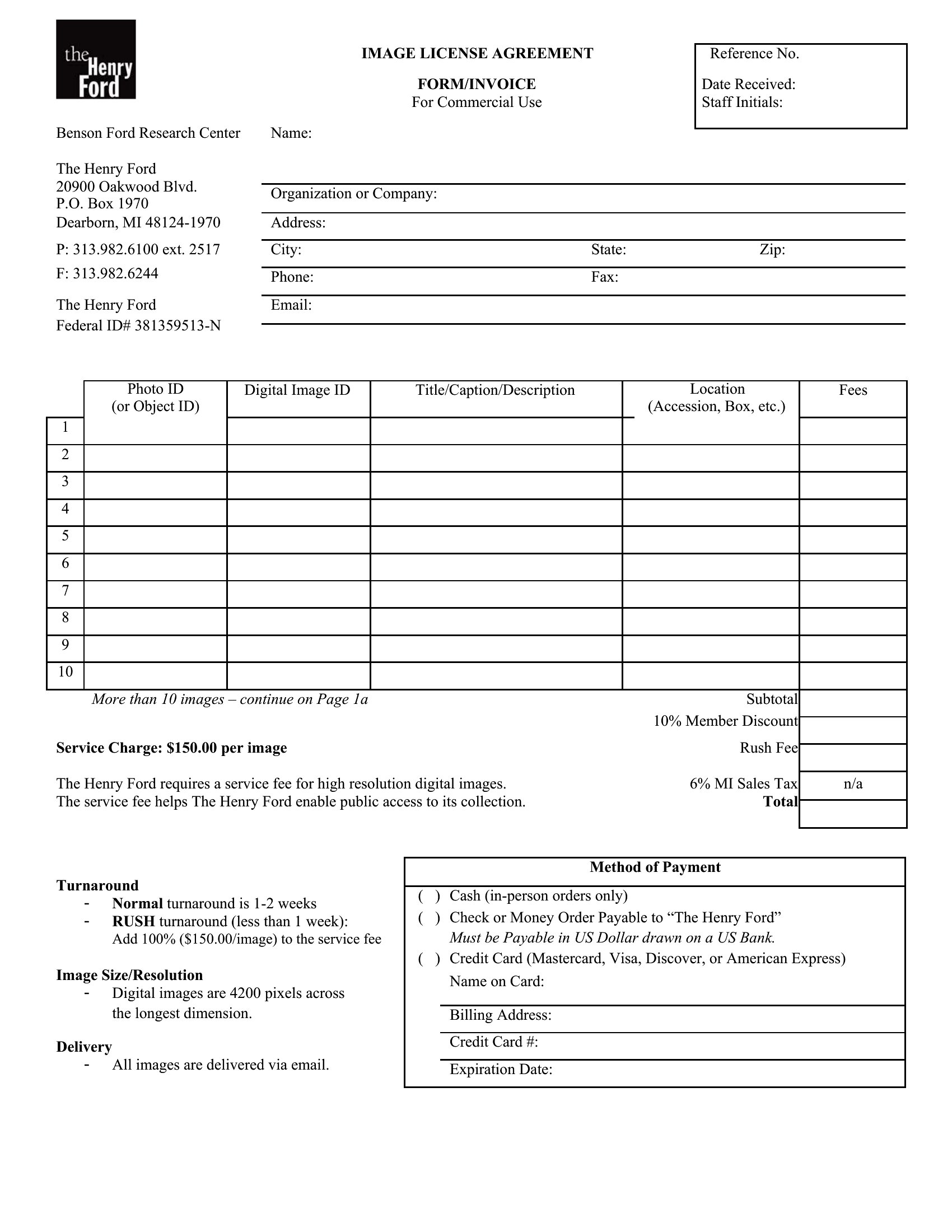
- Commercial photographers working with brands bill clients for location fees, model releases, and high-resolution file licensing, requiring detailed line items to avoid disputes.
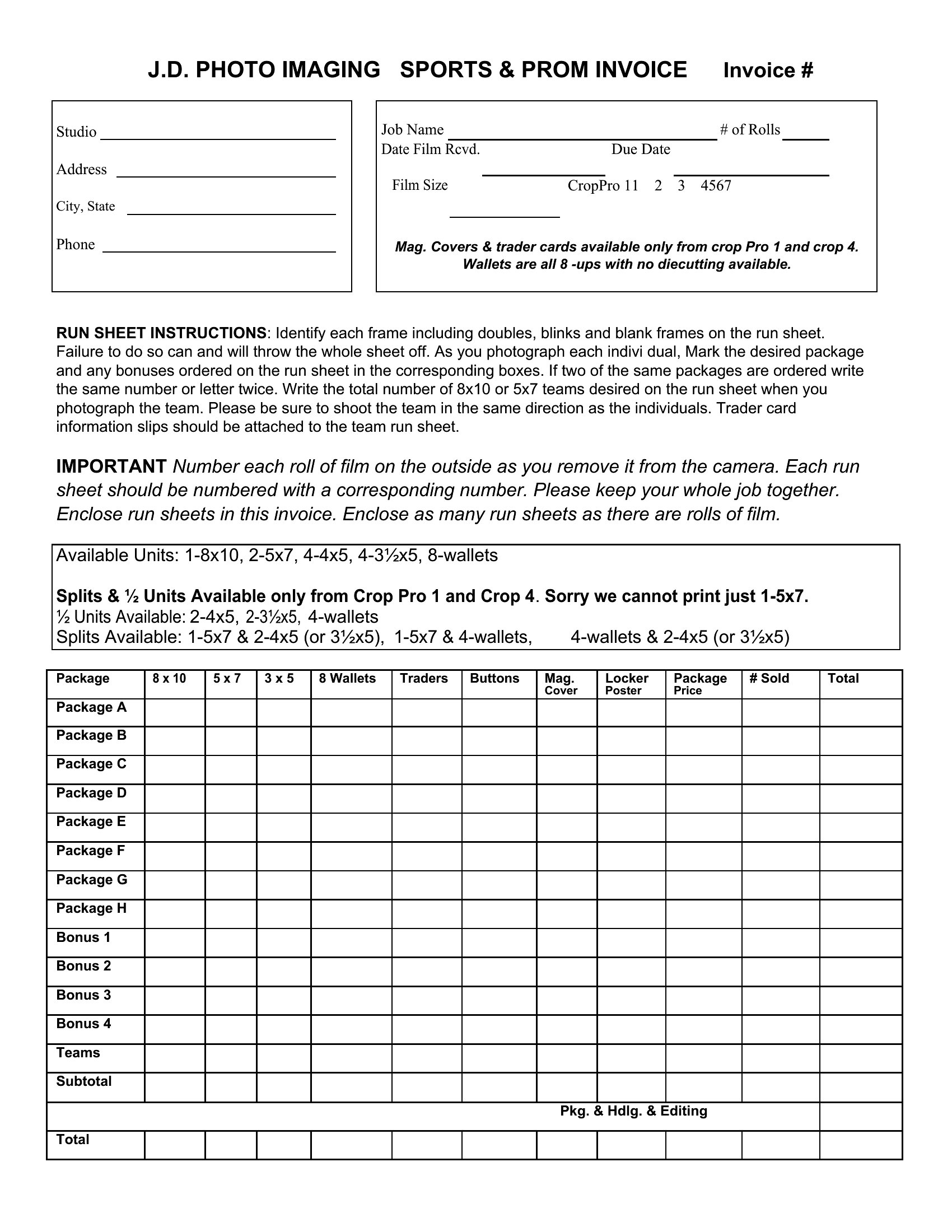
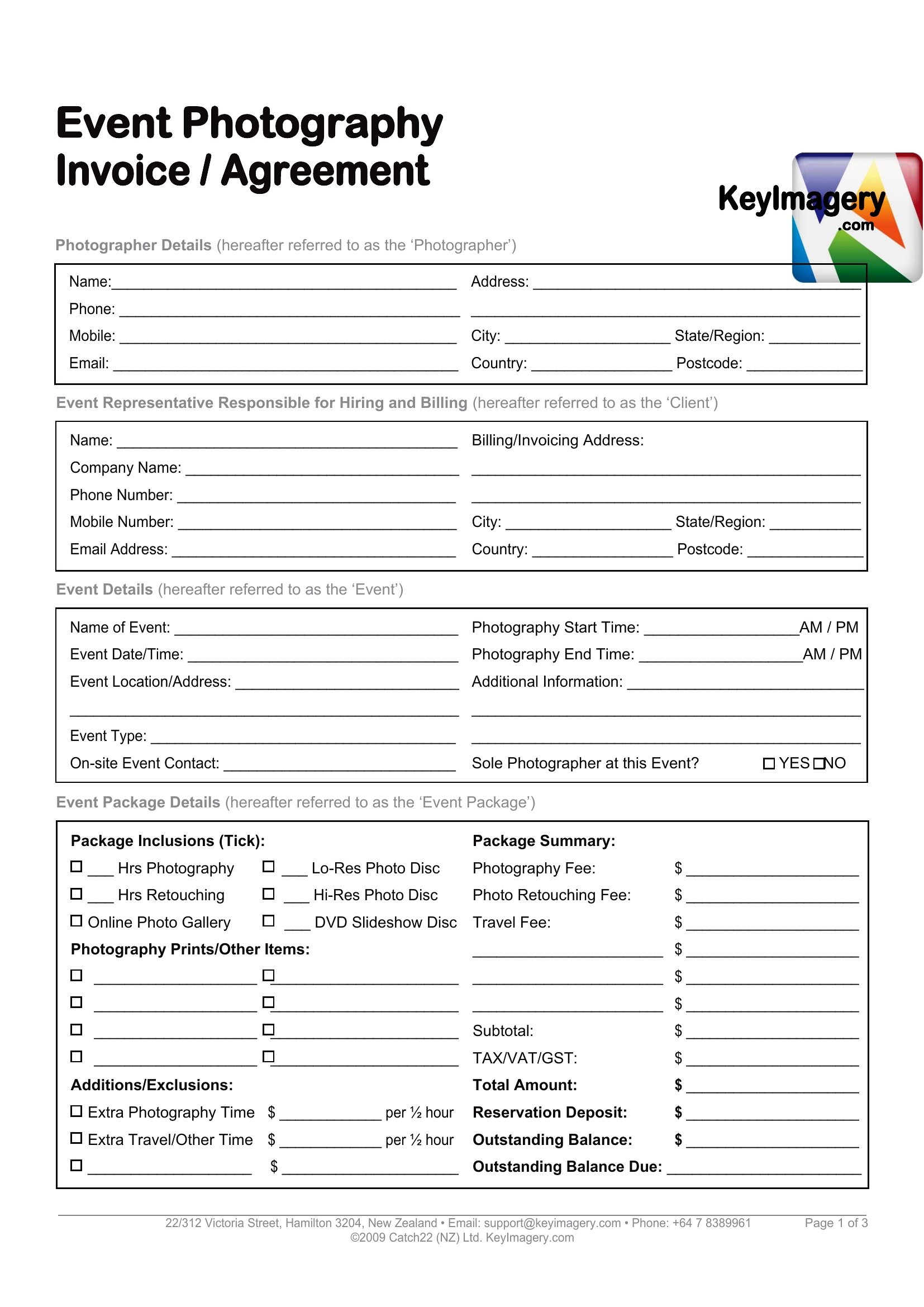
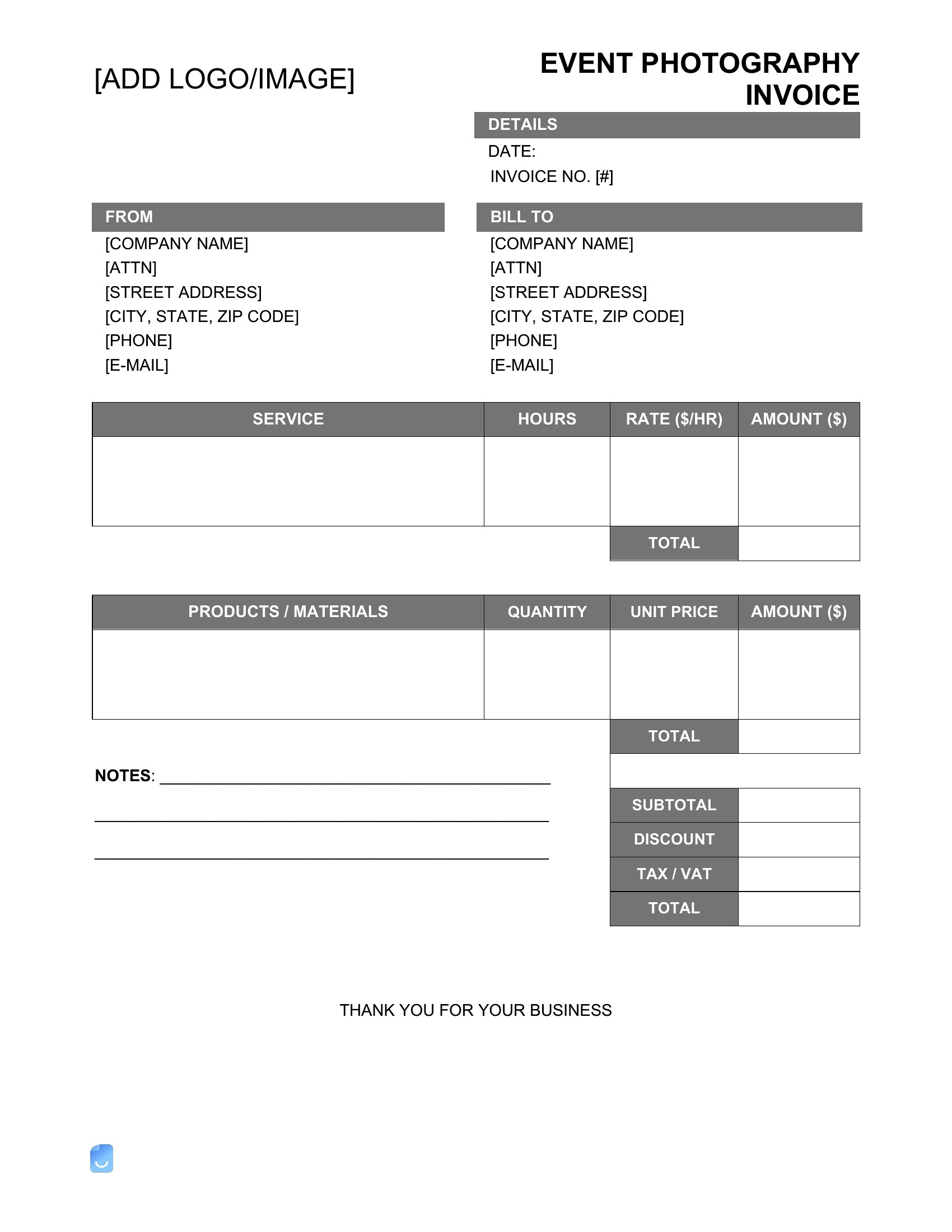
- Event photographers at corporate galas or concerts need to invoice quickly after the event, so editable templates let them adjust prices for last-minute add-ons like drone footage.
Which format should I download?
Choose Word if you need to customize invoice details frequently—like adding specific client notes or adjusting service descriptions for each job. Excel is ideal for photographers who track multiple shoots monthly, as it calculates subtotals, taxes, and discounts automatically. Opt for PDF if you want a polished, fillable invoice to send clients immediately after a shoot, ensuring clarity and professionalism without further editing.
Choose from 38 Photography Invoice Templates
How to use this Photography Invoice template
How do I handle varying pricing for different photo packages in the same invoice?
Use the Excel or Word formats to create tiered line items for each package (e.g., 'Basic: 20 prints,' 'Premium: 50 prints + 1 album'). Highlight the selected package in bold to avoid client confusion. For PDFs, pre-populate the most common options or leave space for manual adjustments.
Can I include a deposit request in the invoice without making it look unprofessional?
Yes, add a section labeled ‘Deposits’ under ‘Payment Terms’ in any format. For example: ‘50% deposit due upon booking, balance due 7 days after shoot.’ Keep the tone neutral—photographers often include this as standard practice, not a demand.
What’s the best way to document extra services like travel or equipment fees?
List extras as separate line items with brief descriptions (e.g., ‘Travel: $150 [round-trip to client location]’ or ‘Lighting Rental: $75’). The Excel format auto-calculates these, while Word or PDF lets you add notes like ‘Prices exclude taxes’ to clarify upfront.
Comments
Join the conversation
Sign in to share your thoughts and leave a comment on this resource.