FAQ
How do I handle varying pricing for different photo packages in the same invoice?
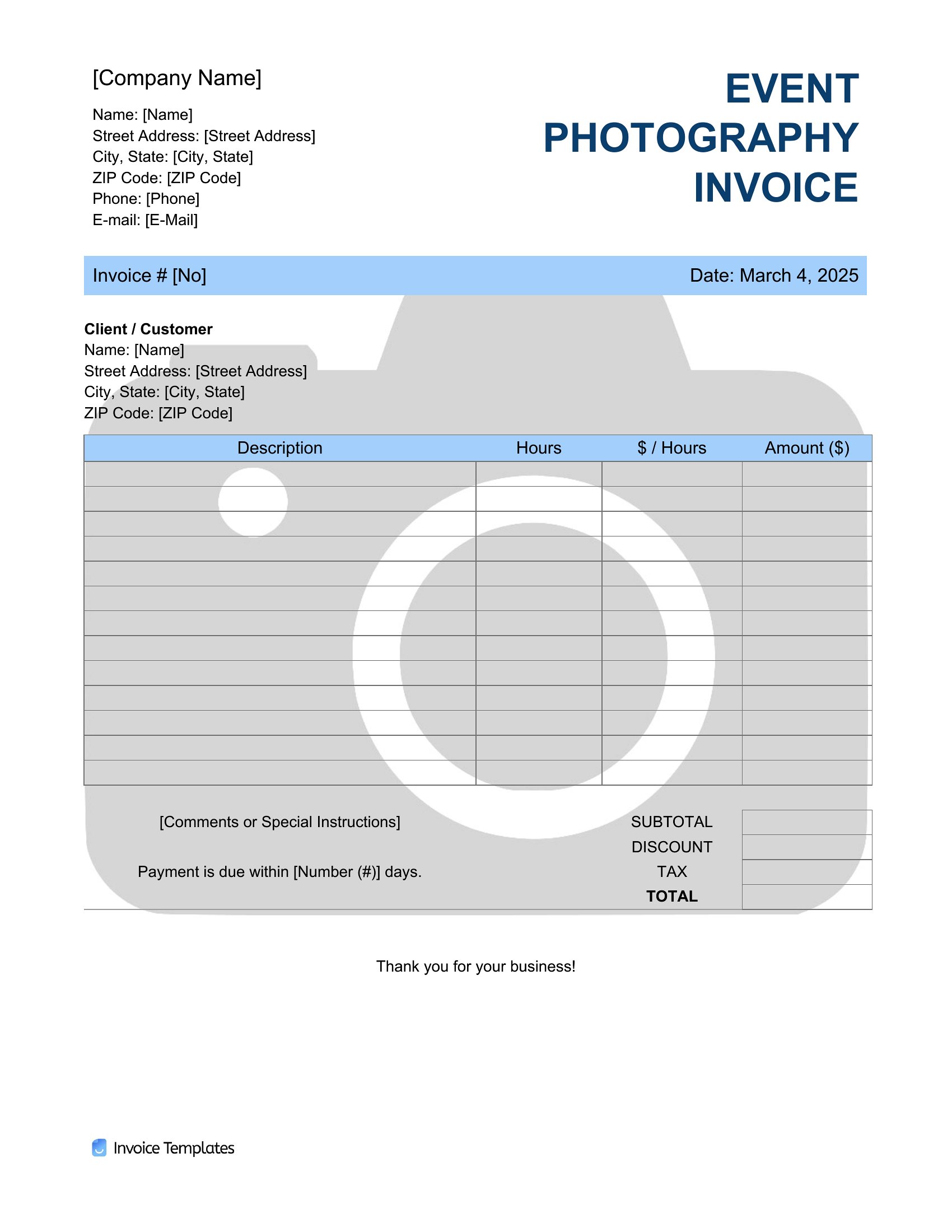
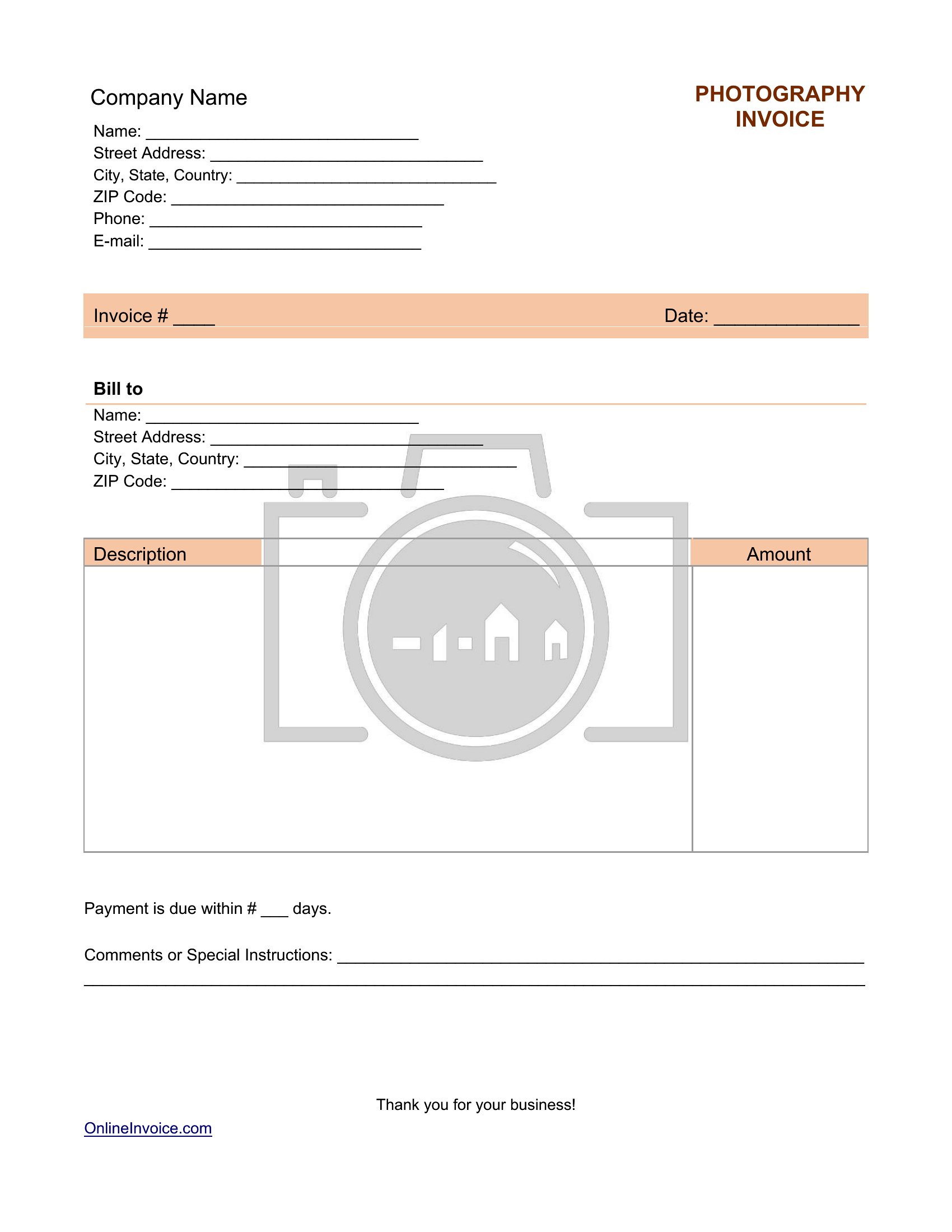
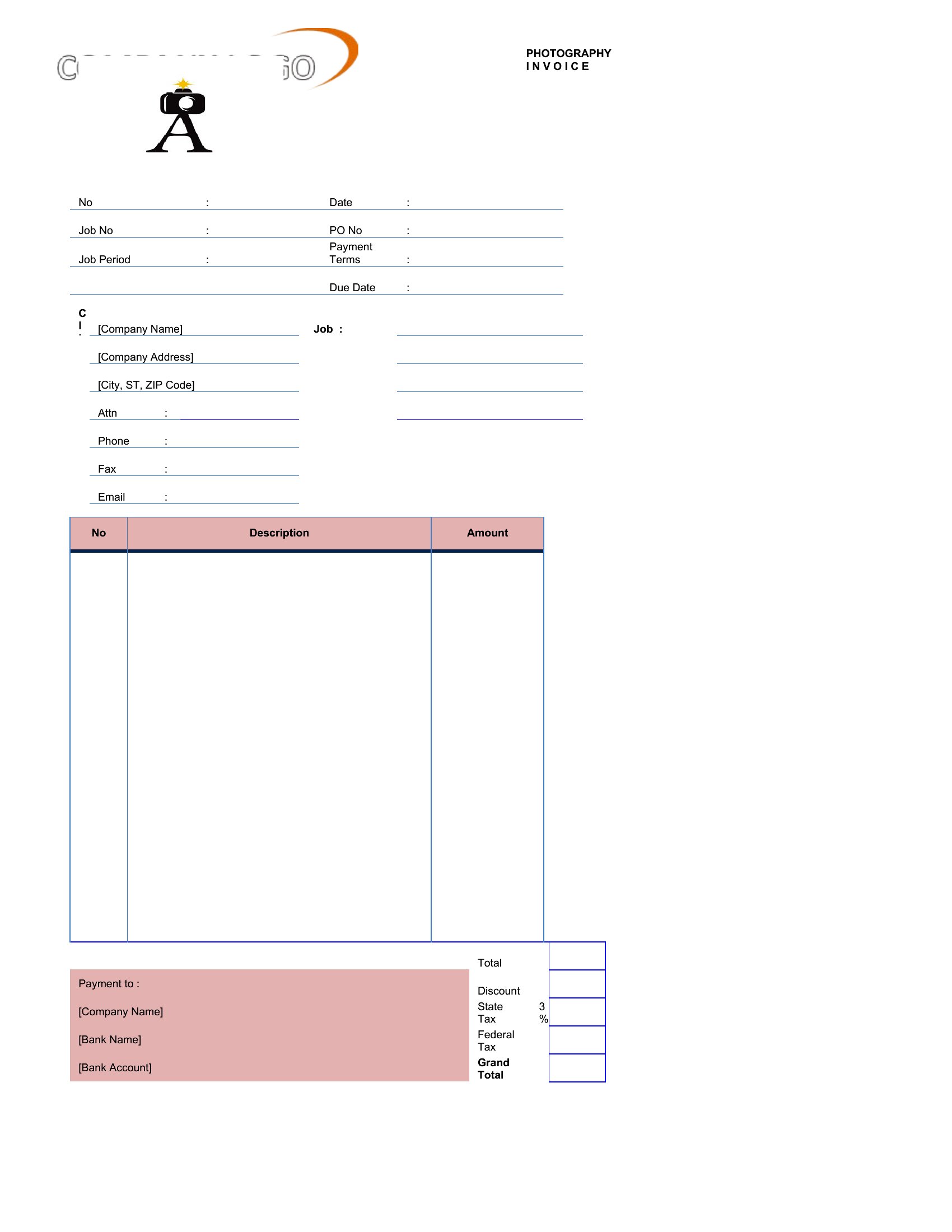
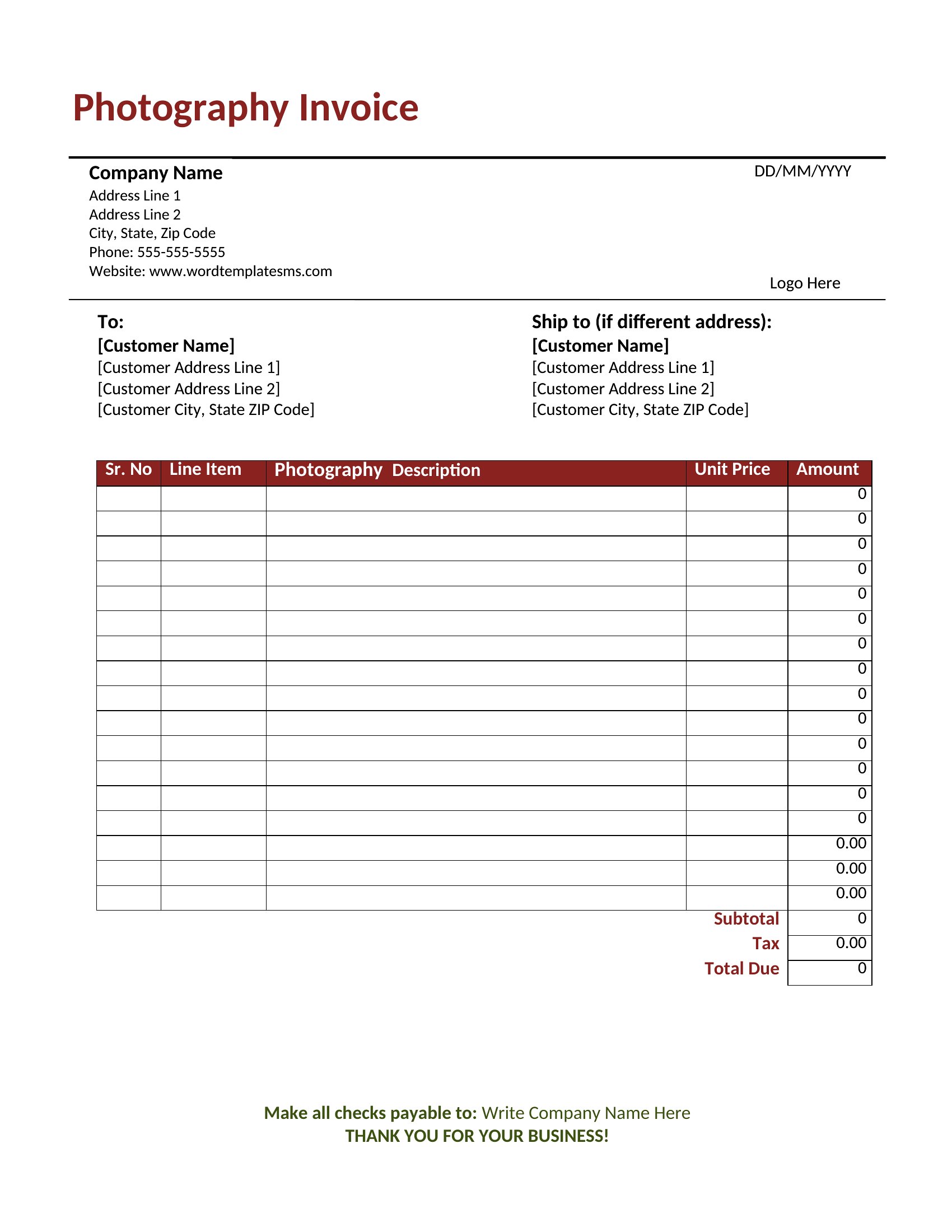
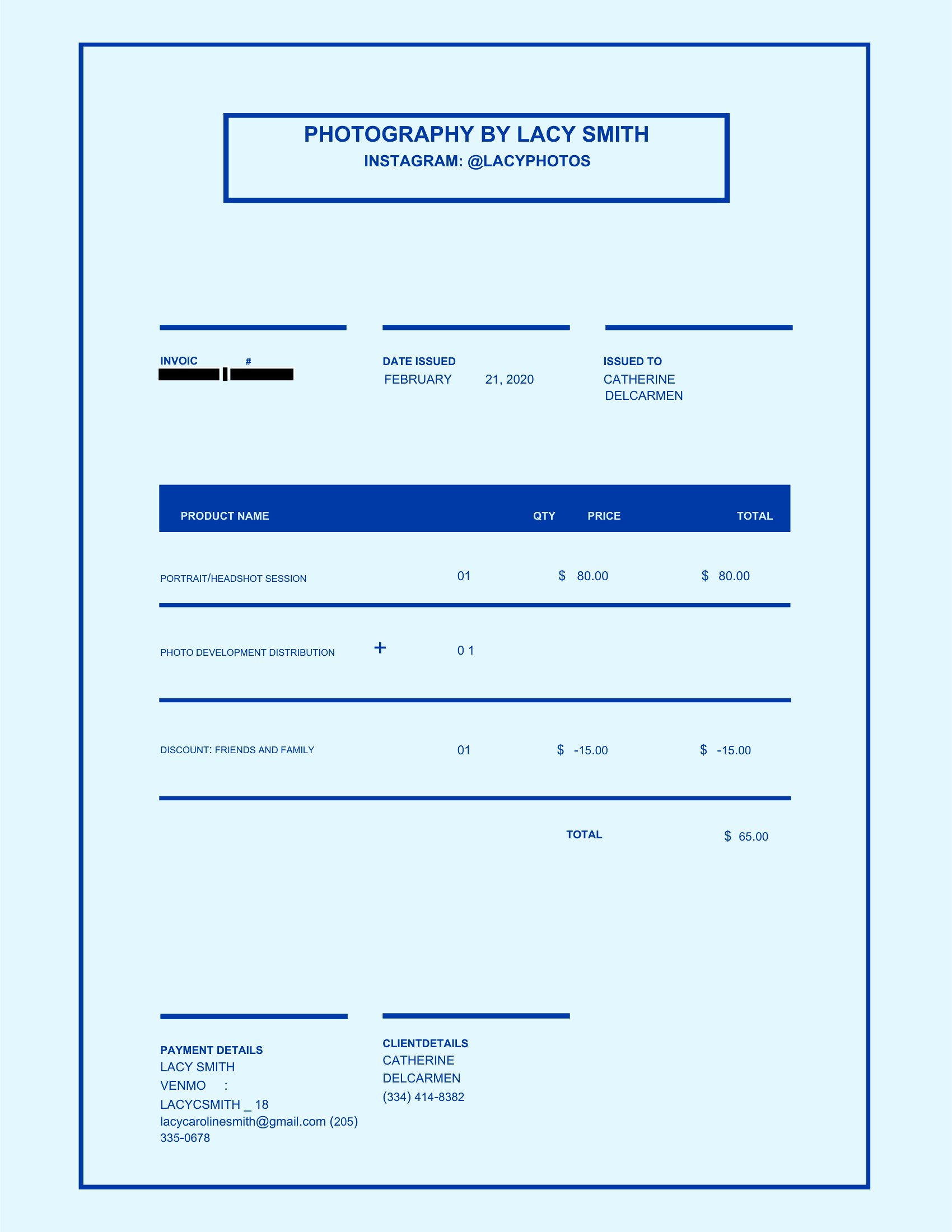
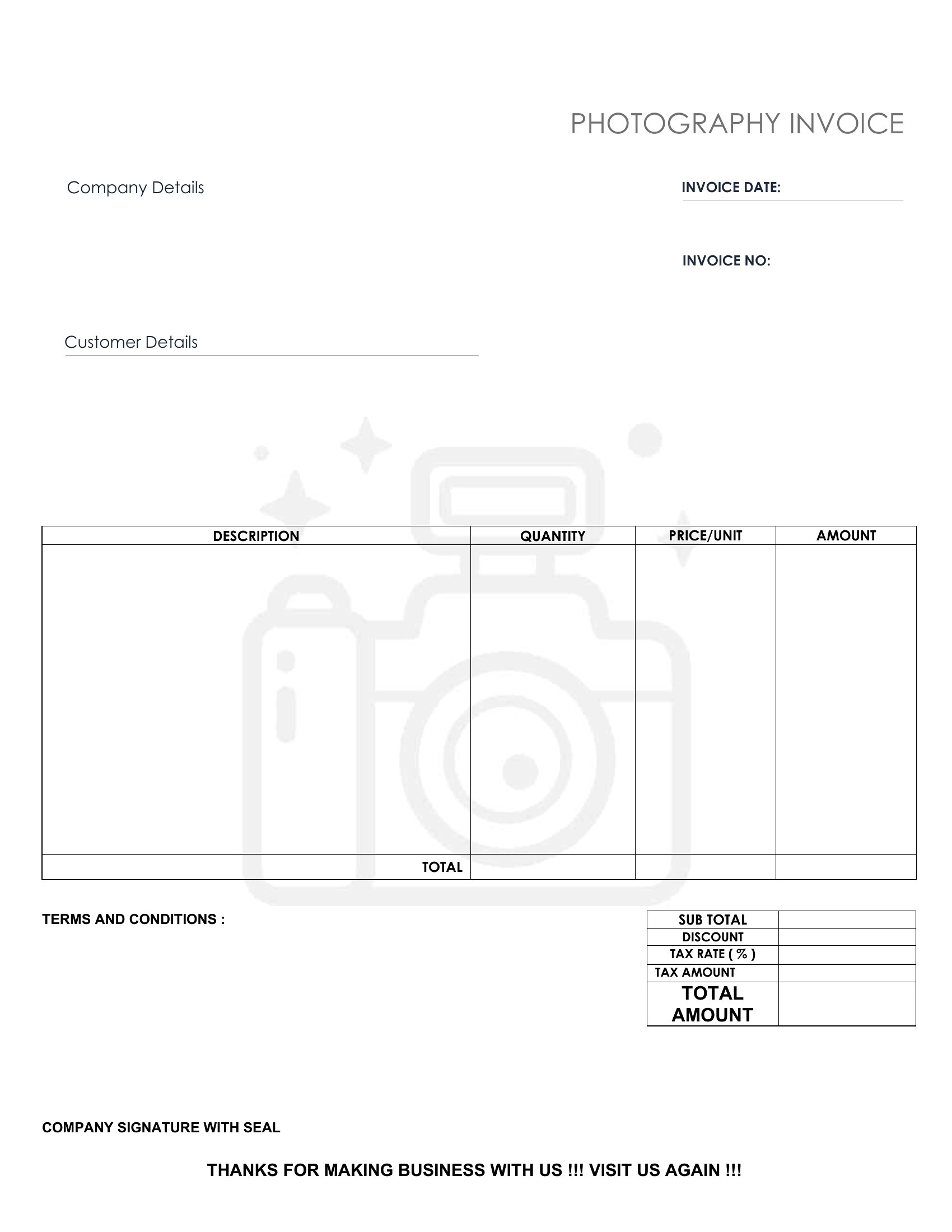
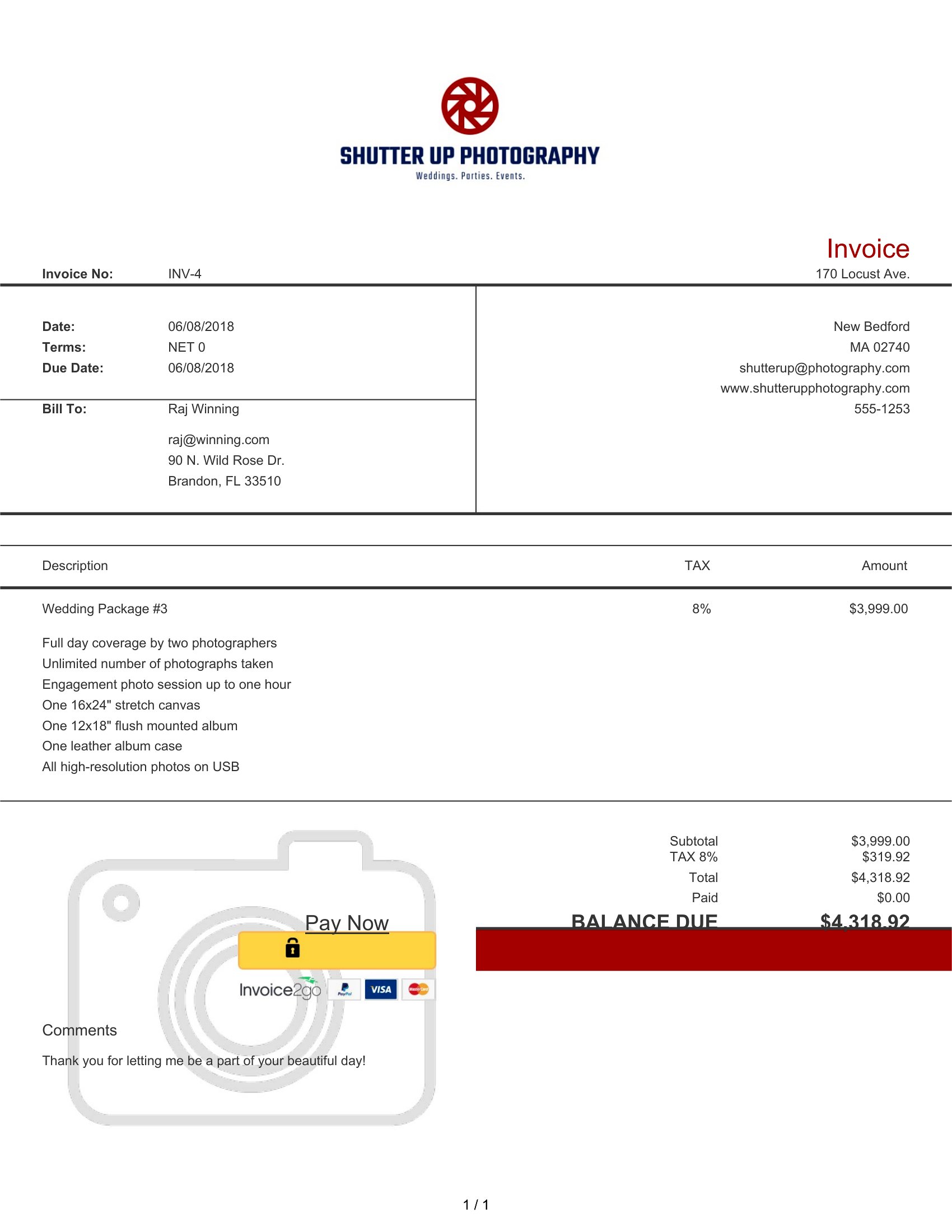
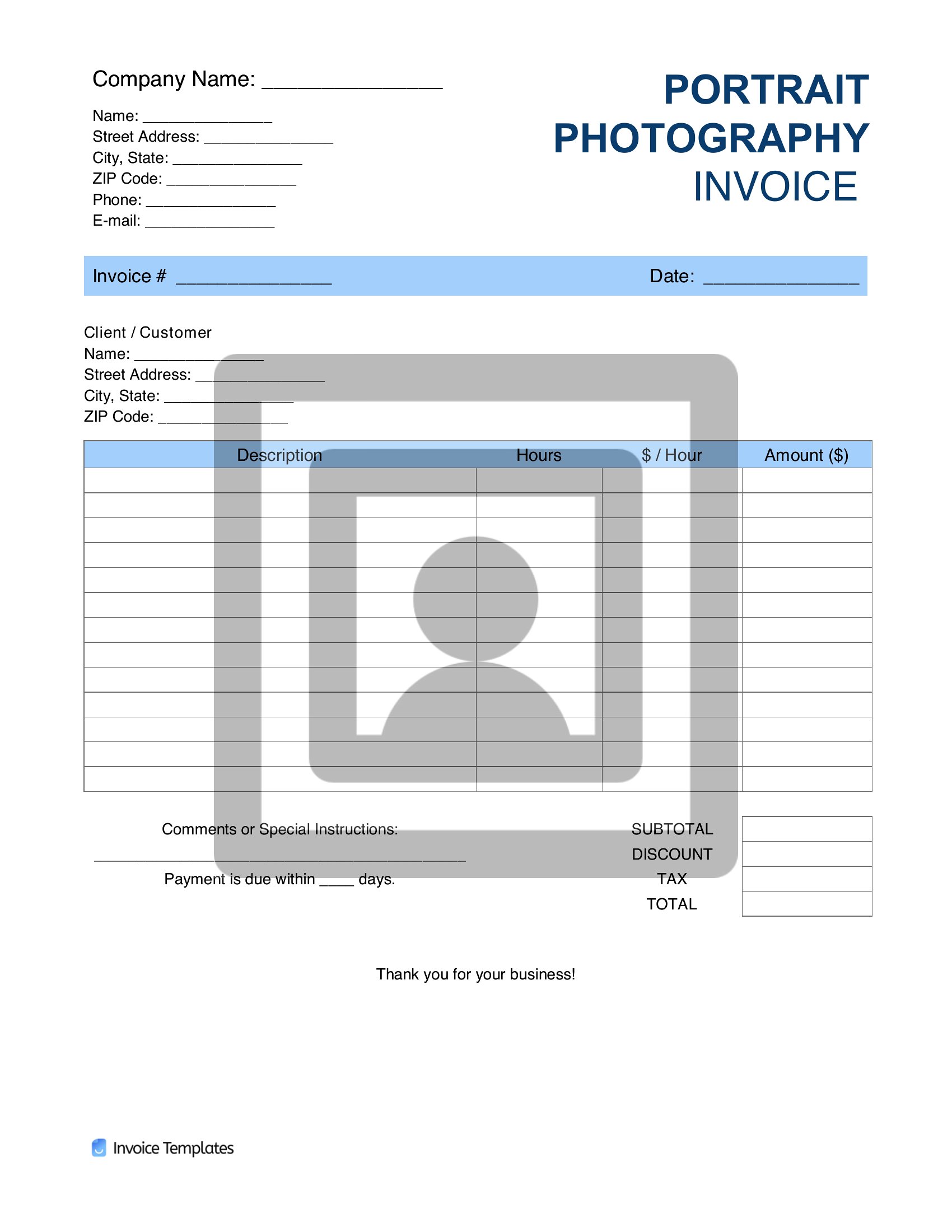
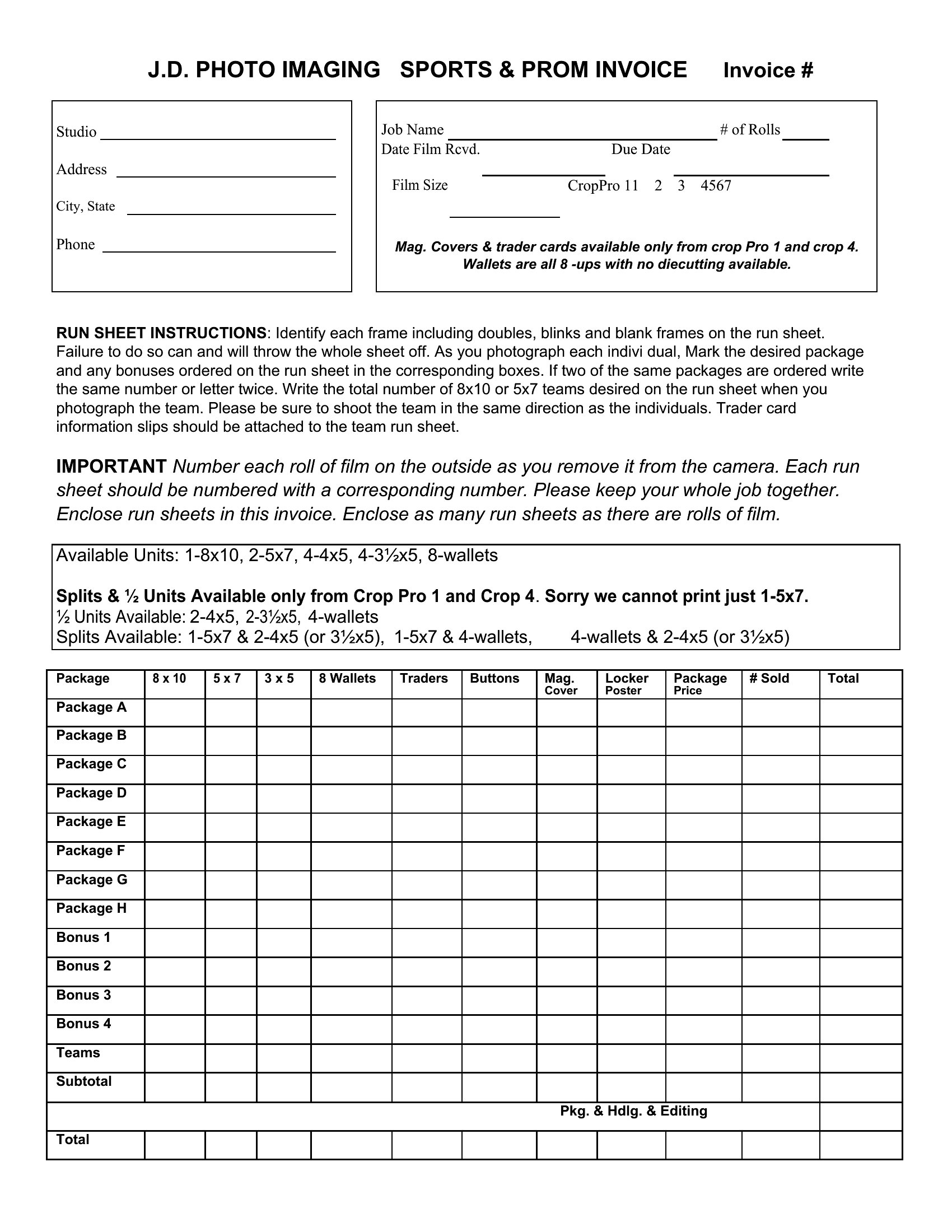
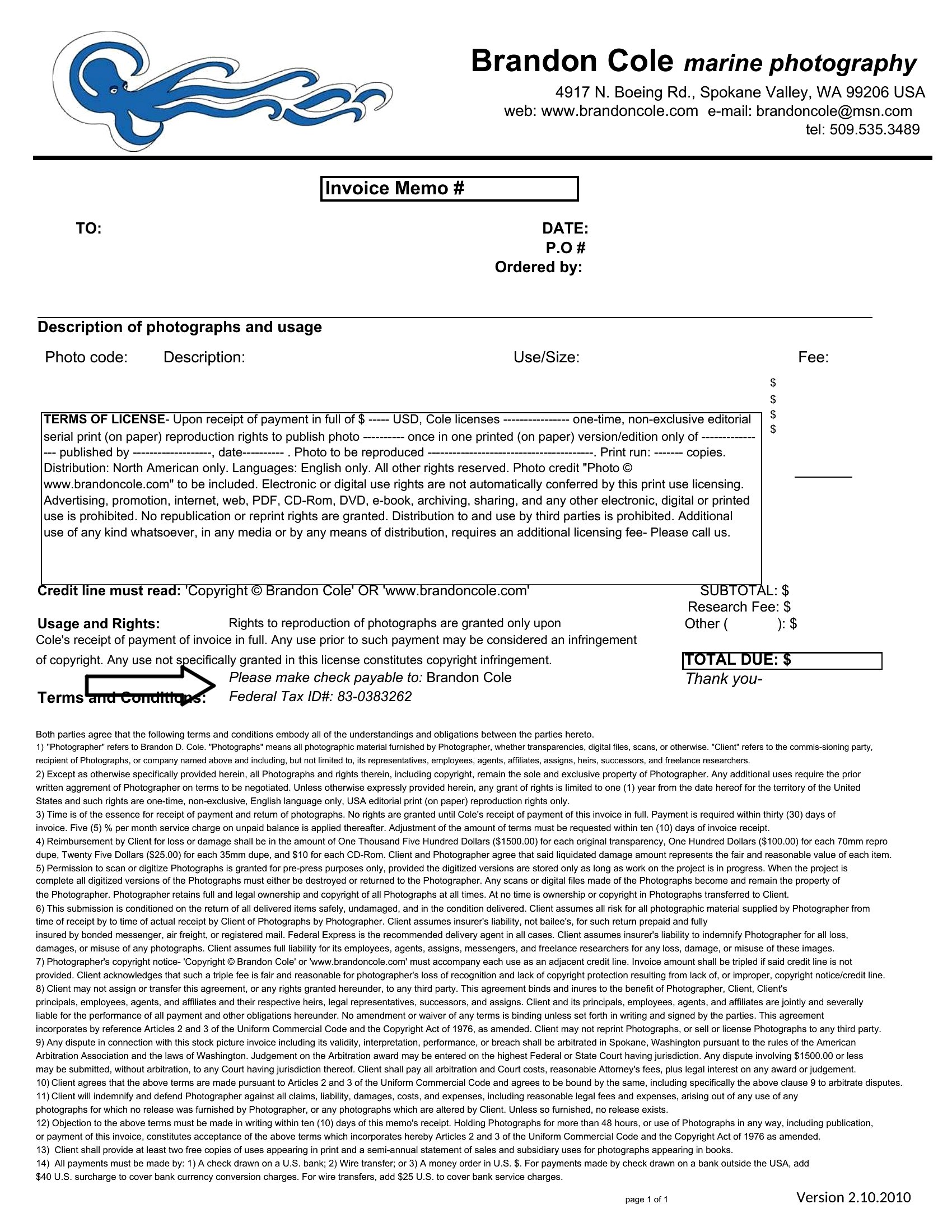
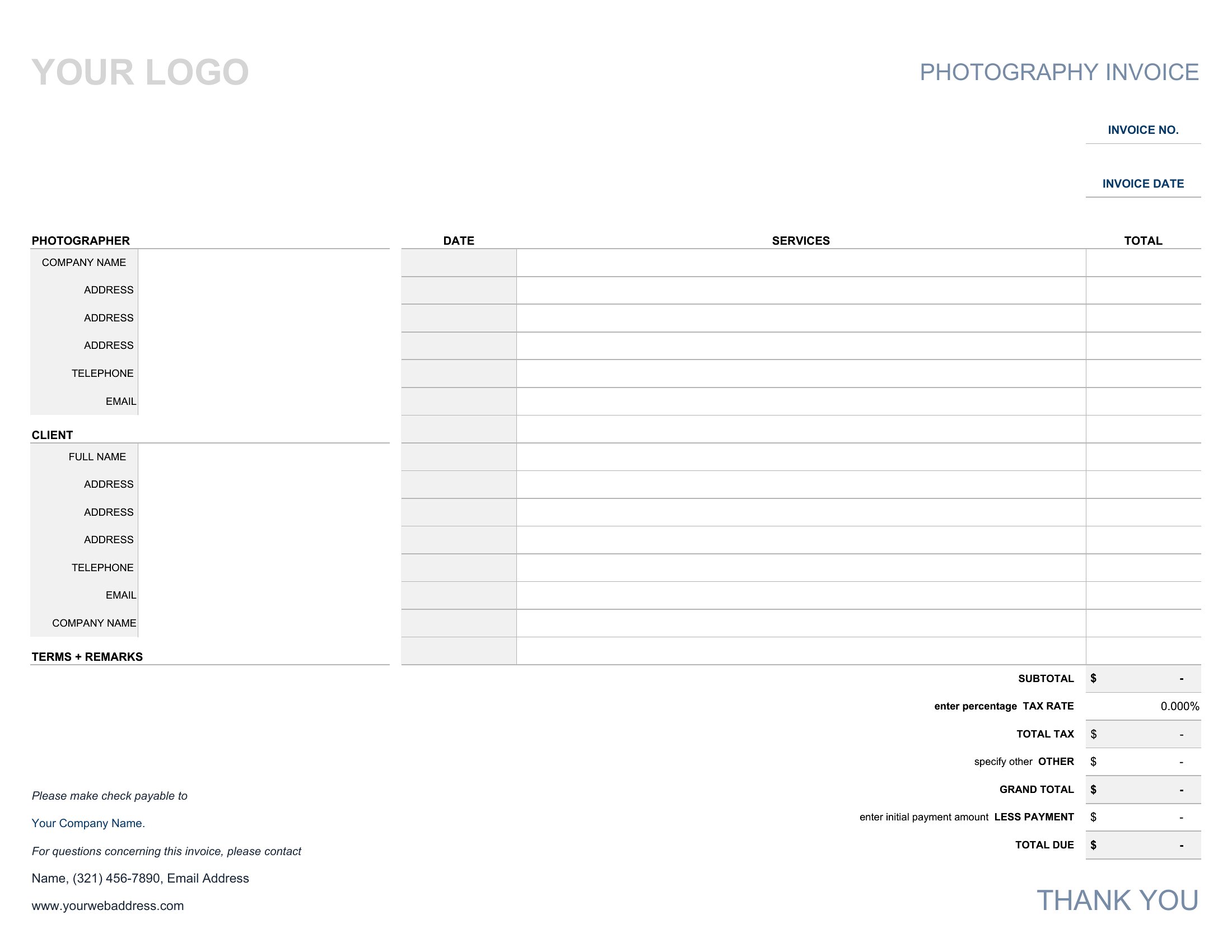
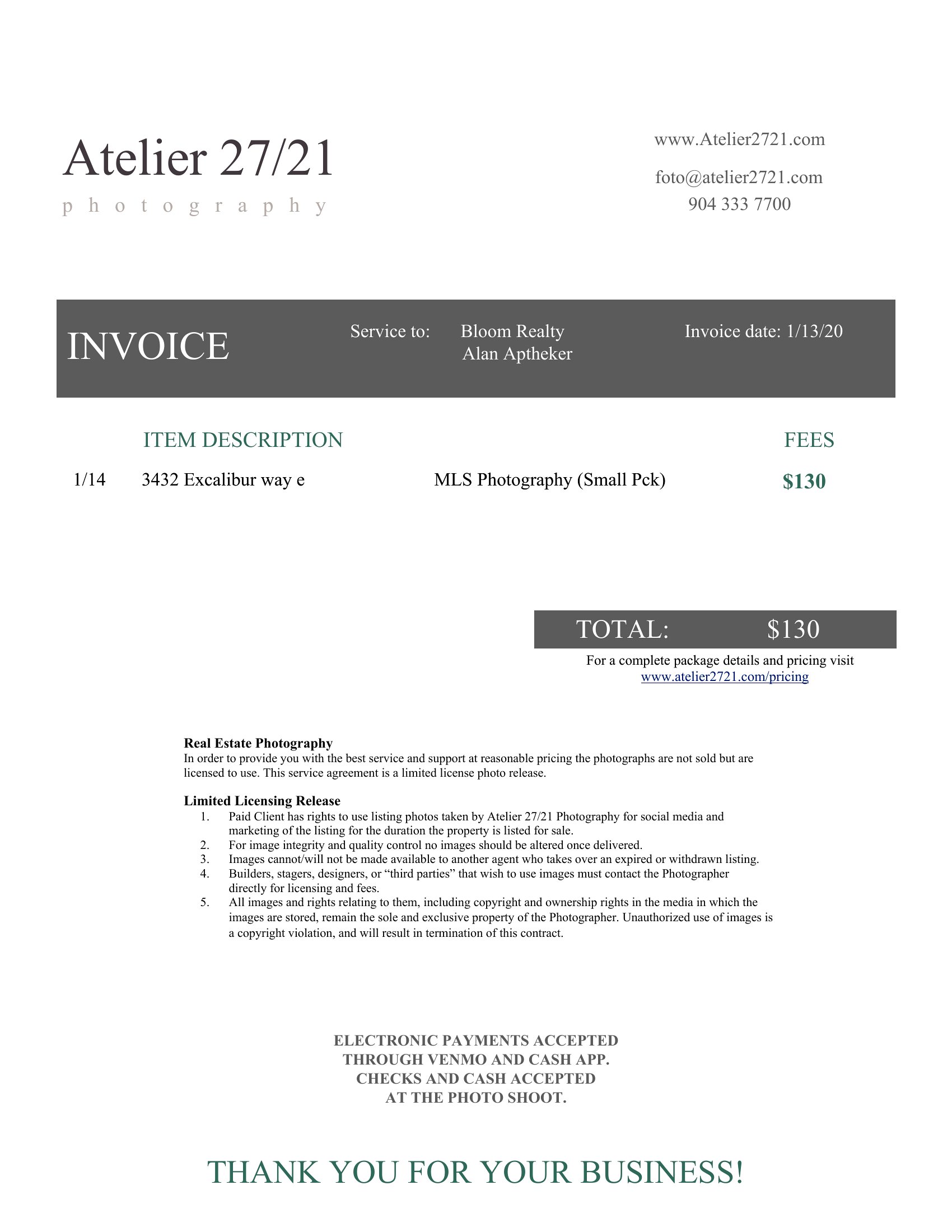
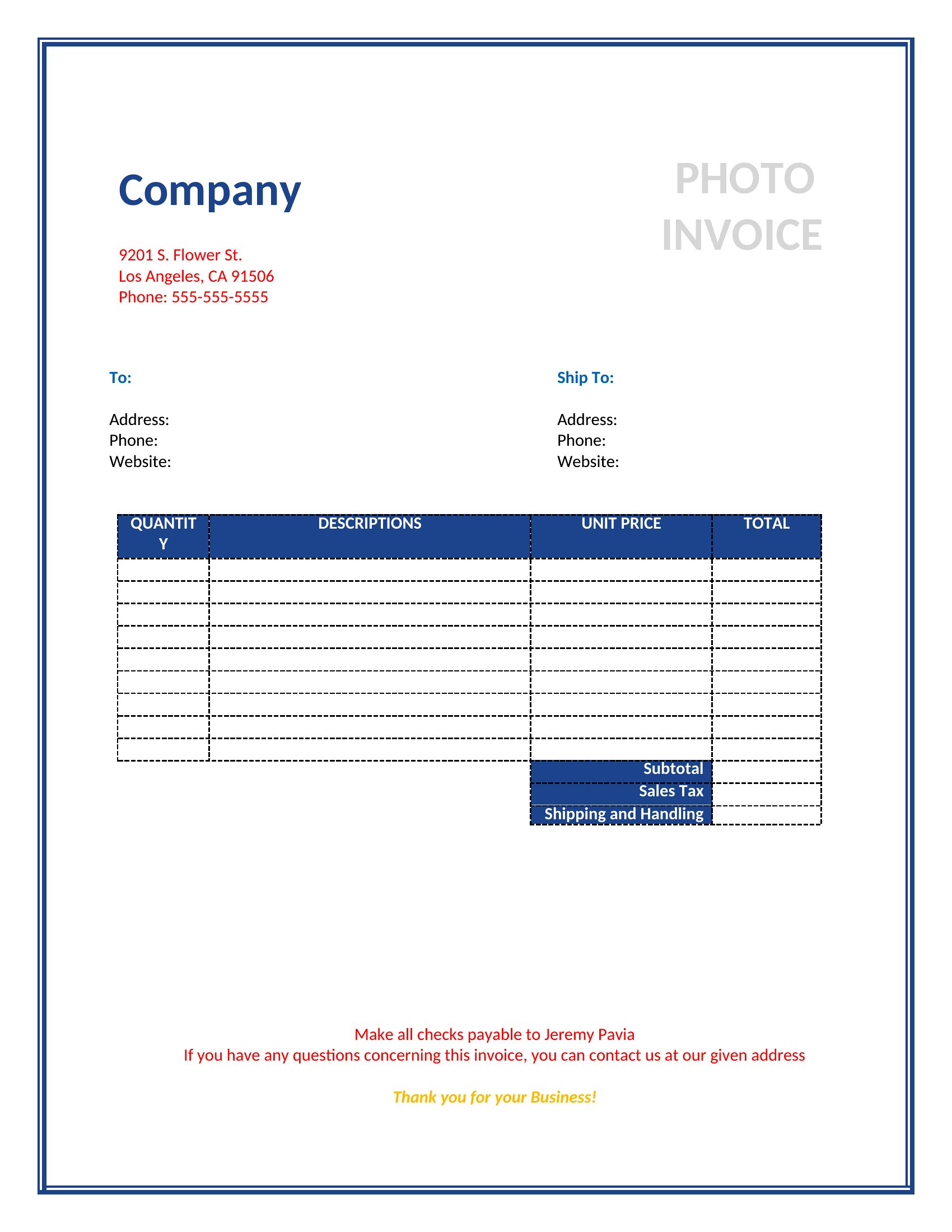
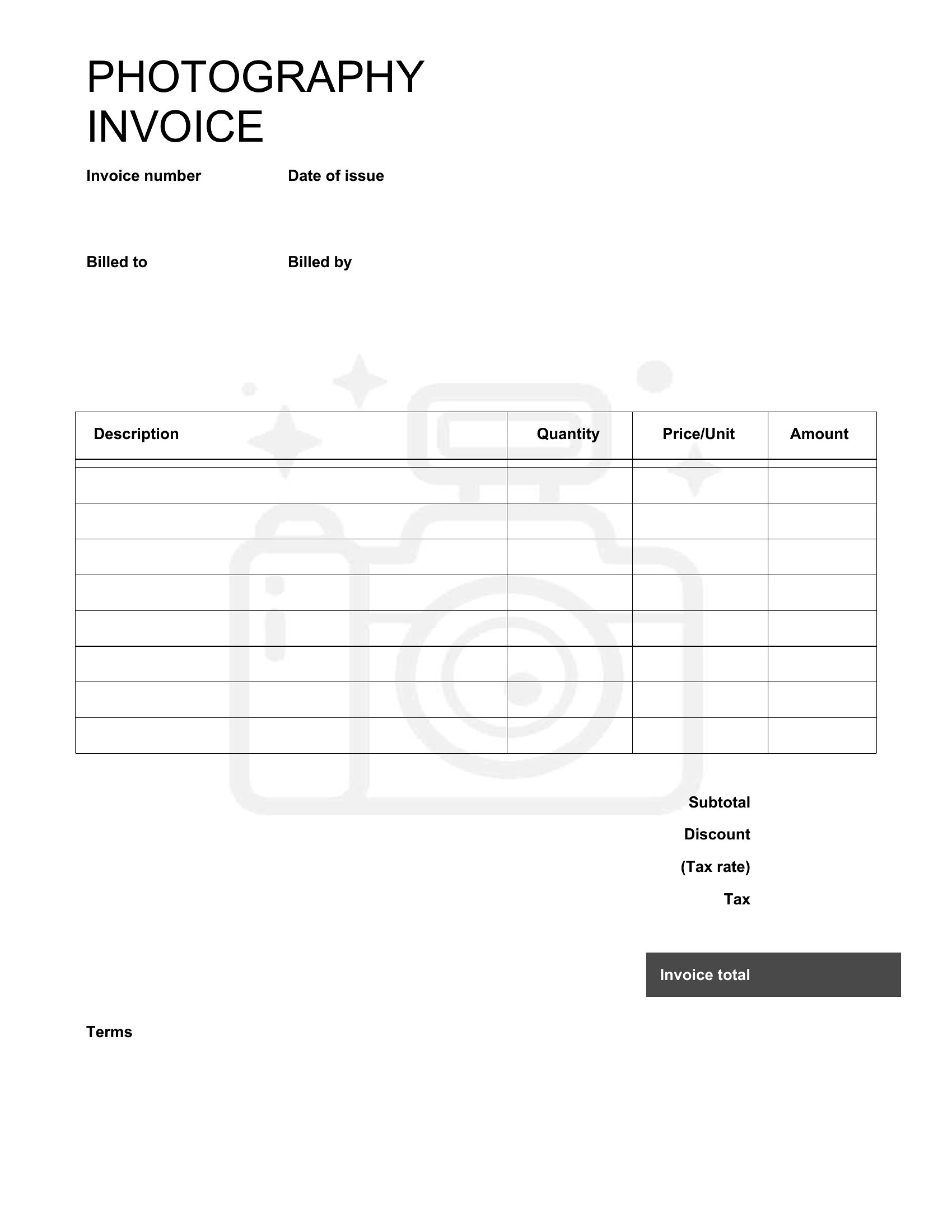
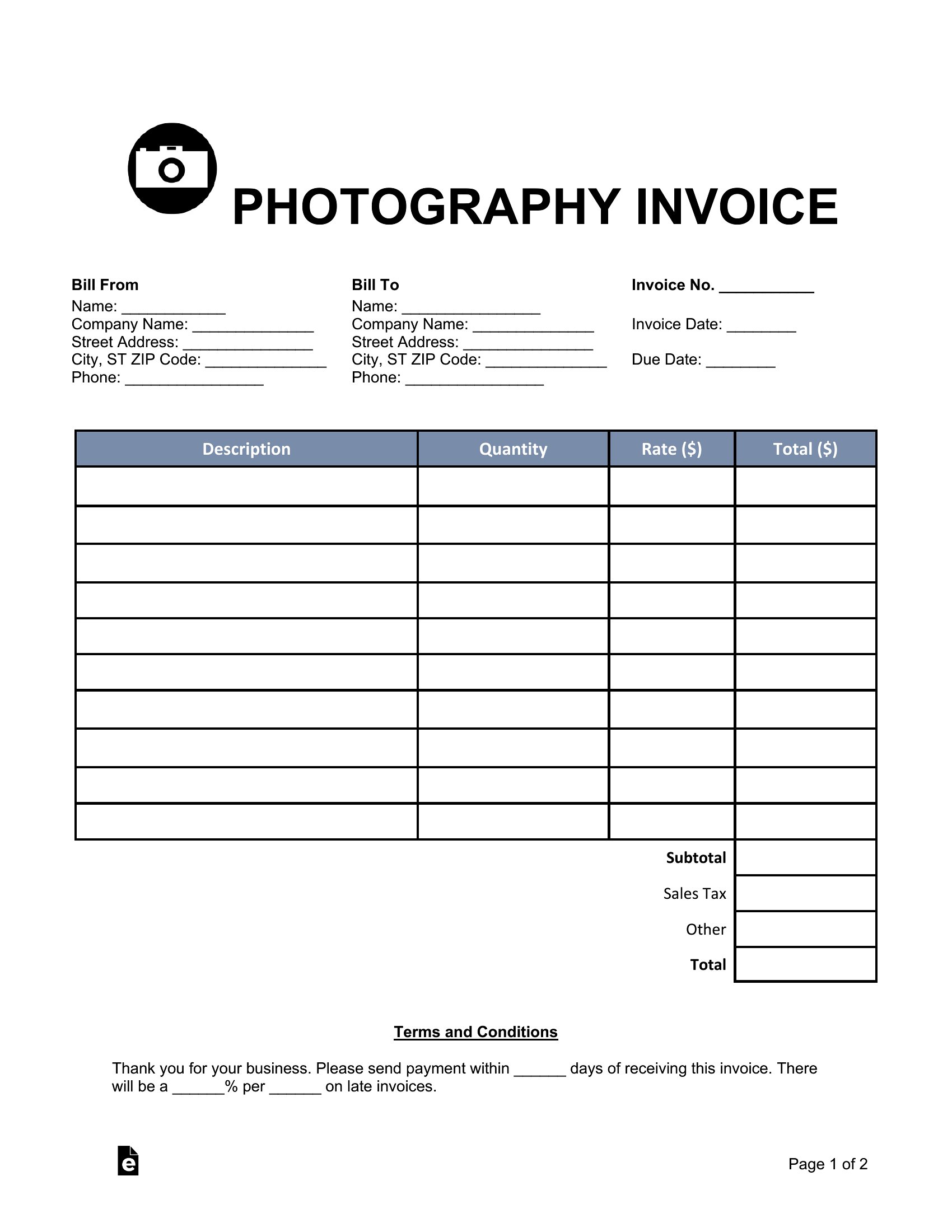
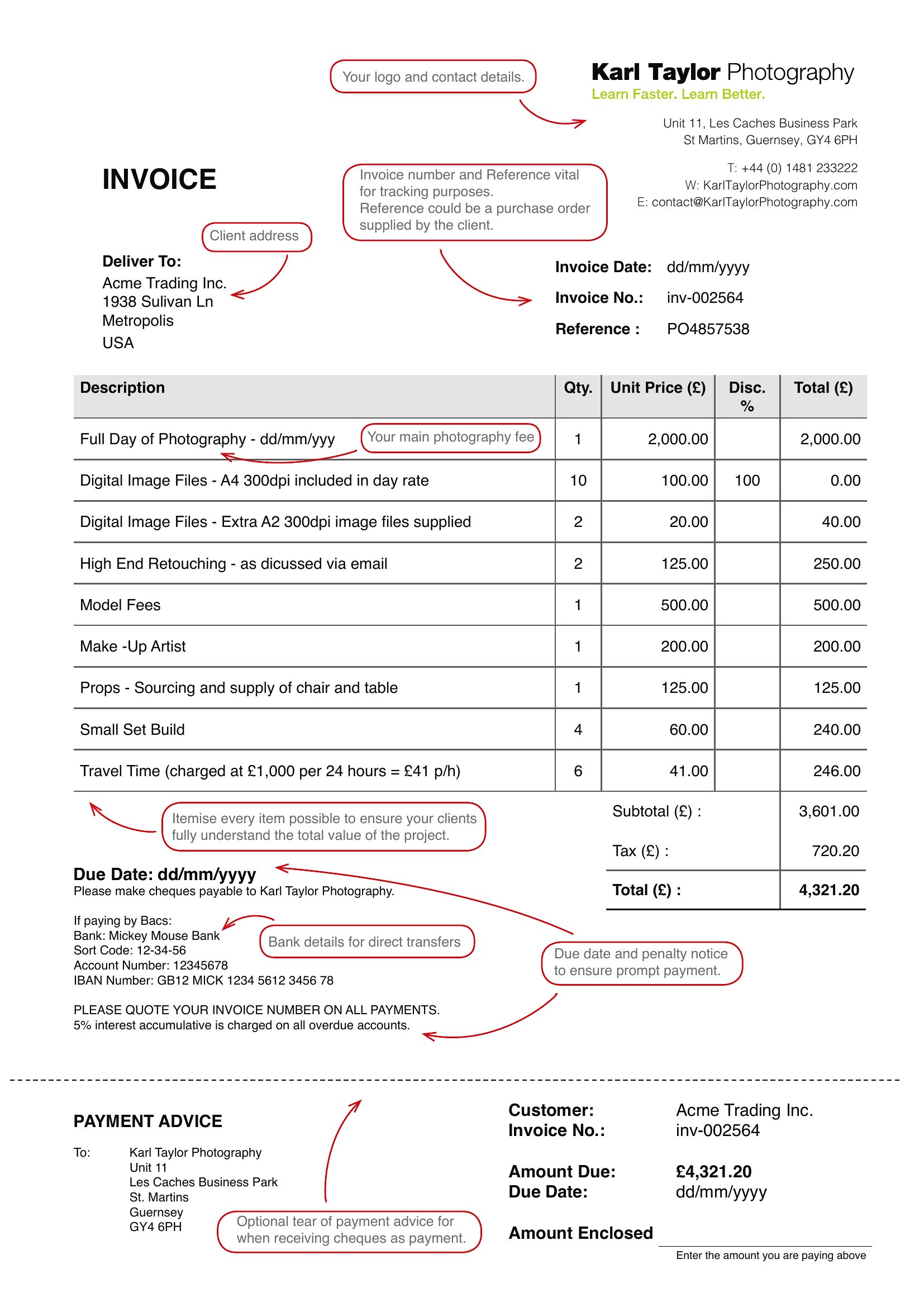
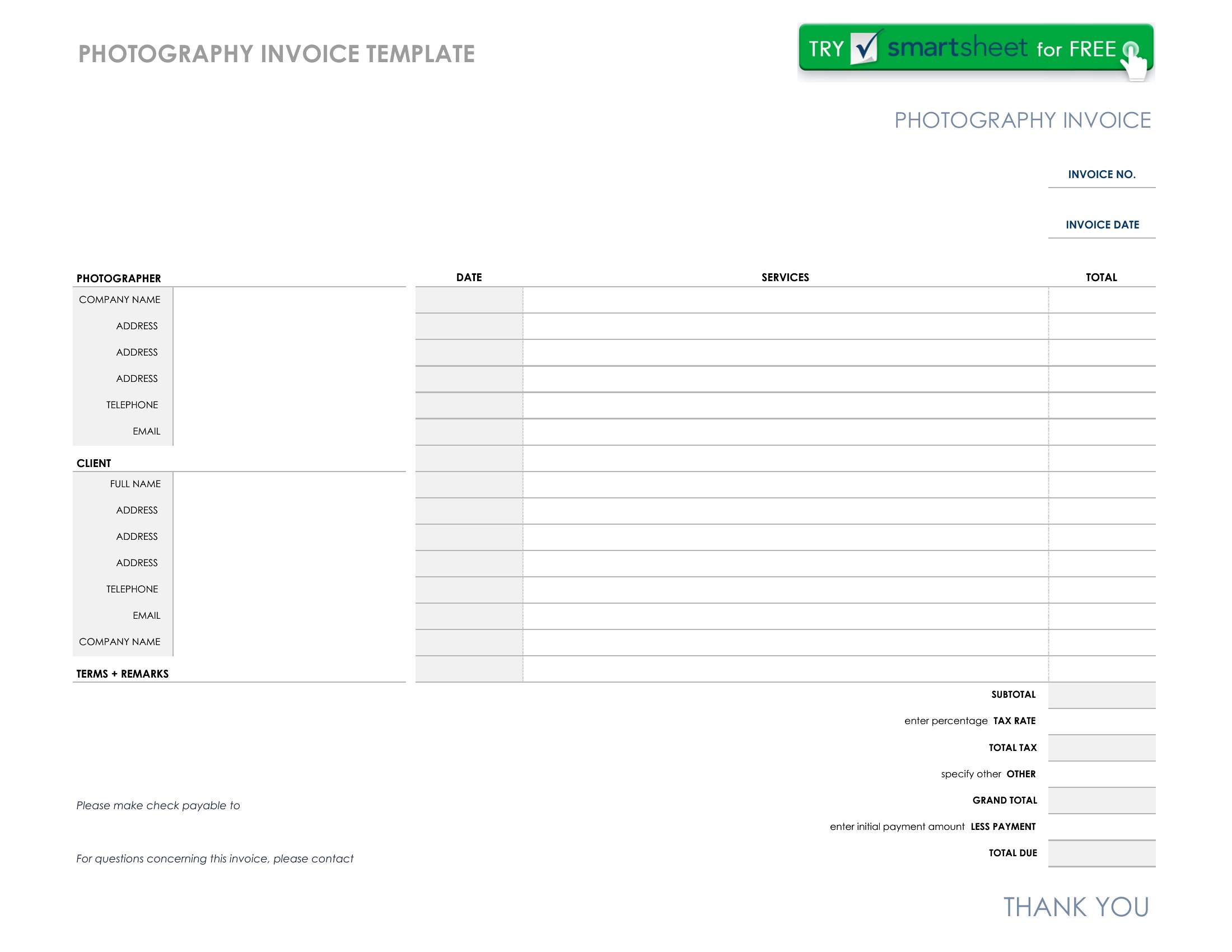
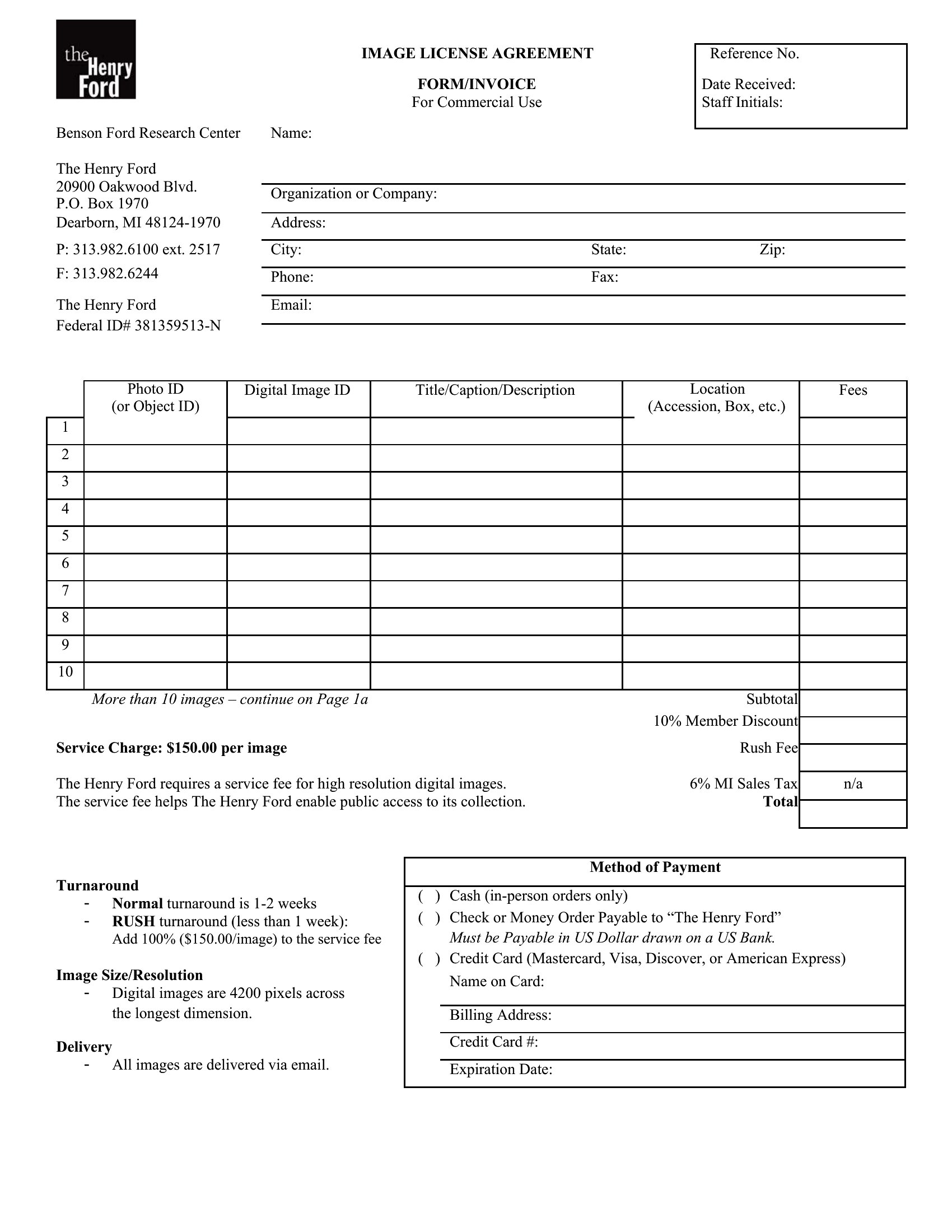
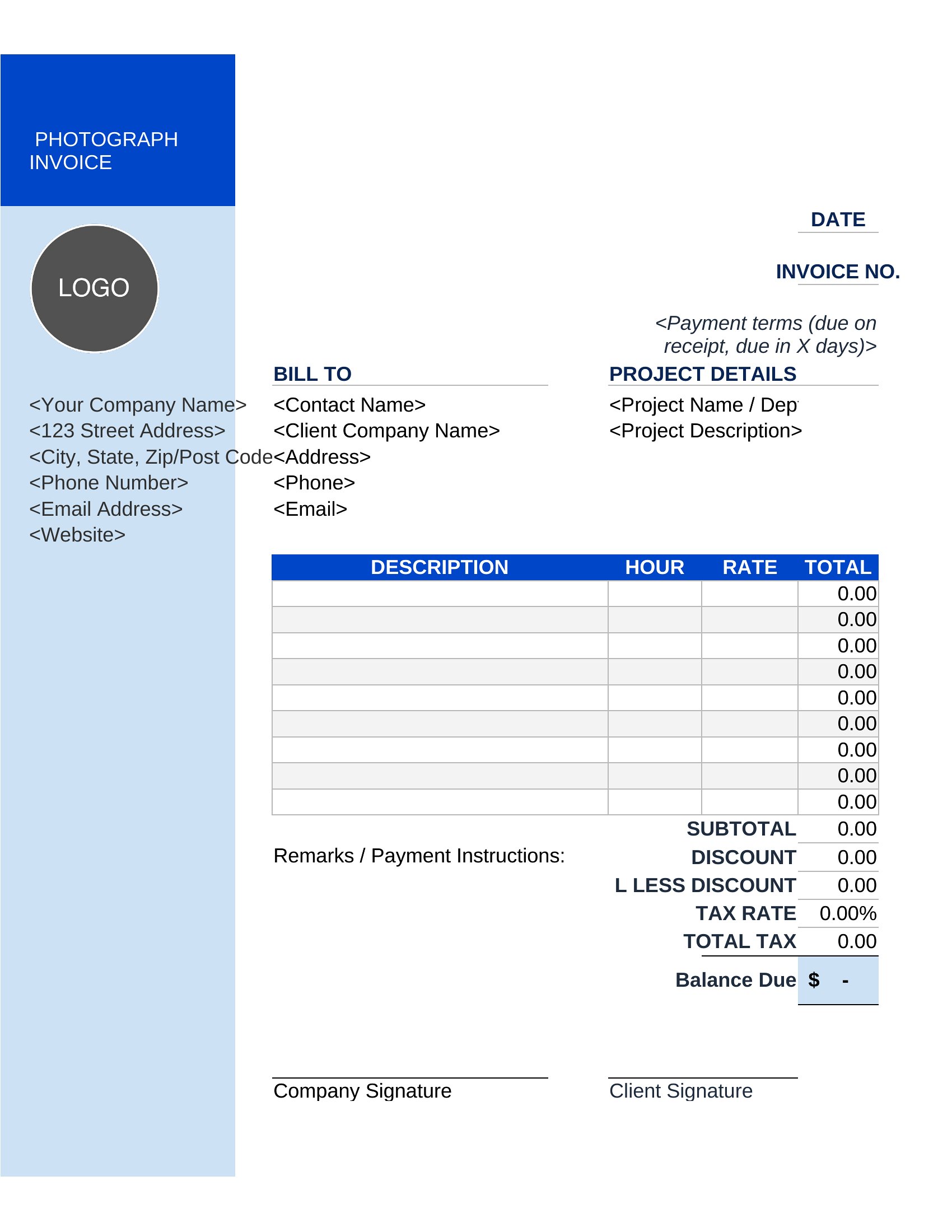
Use the Excel or Word formats to create tiered line items for each package (e.g., 'Basic: 20 prints,' 'Premium: 50 prints + 1 album'). Highlight the selected package in bold to avoid client confusion. For PDFs, pre-populate the most common options or leave space for manual adjustments.
Can I include a deposit request in the invoice without making it look unprofessional?
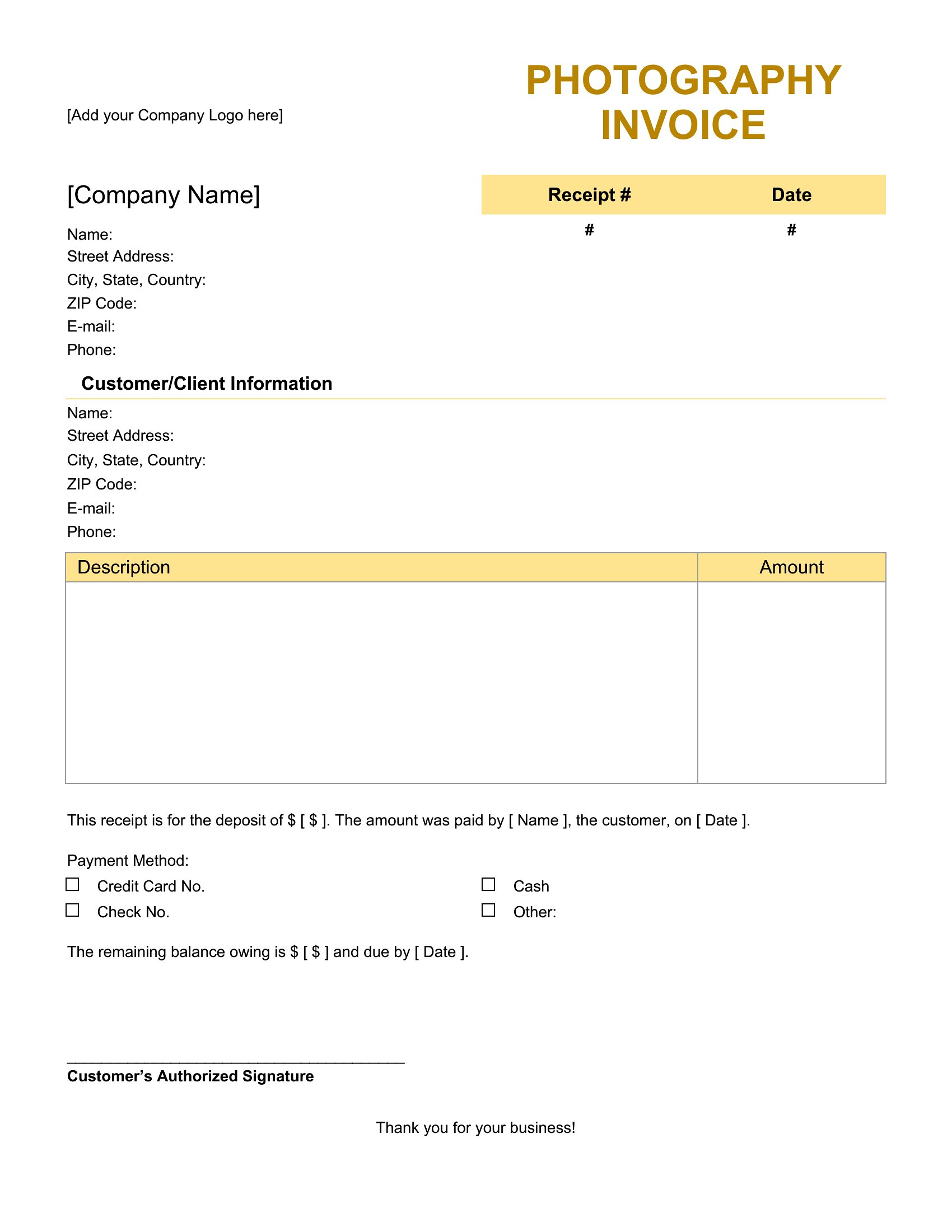
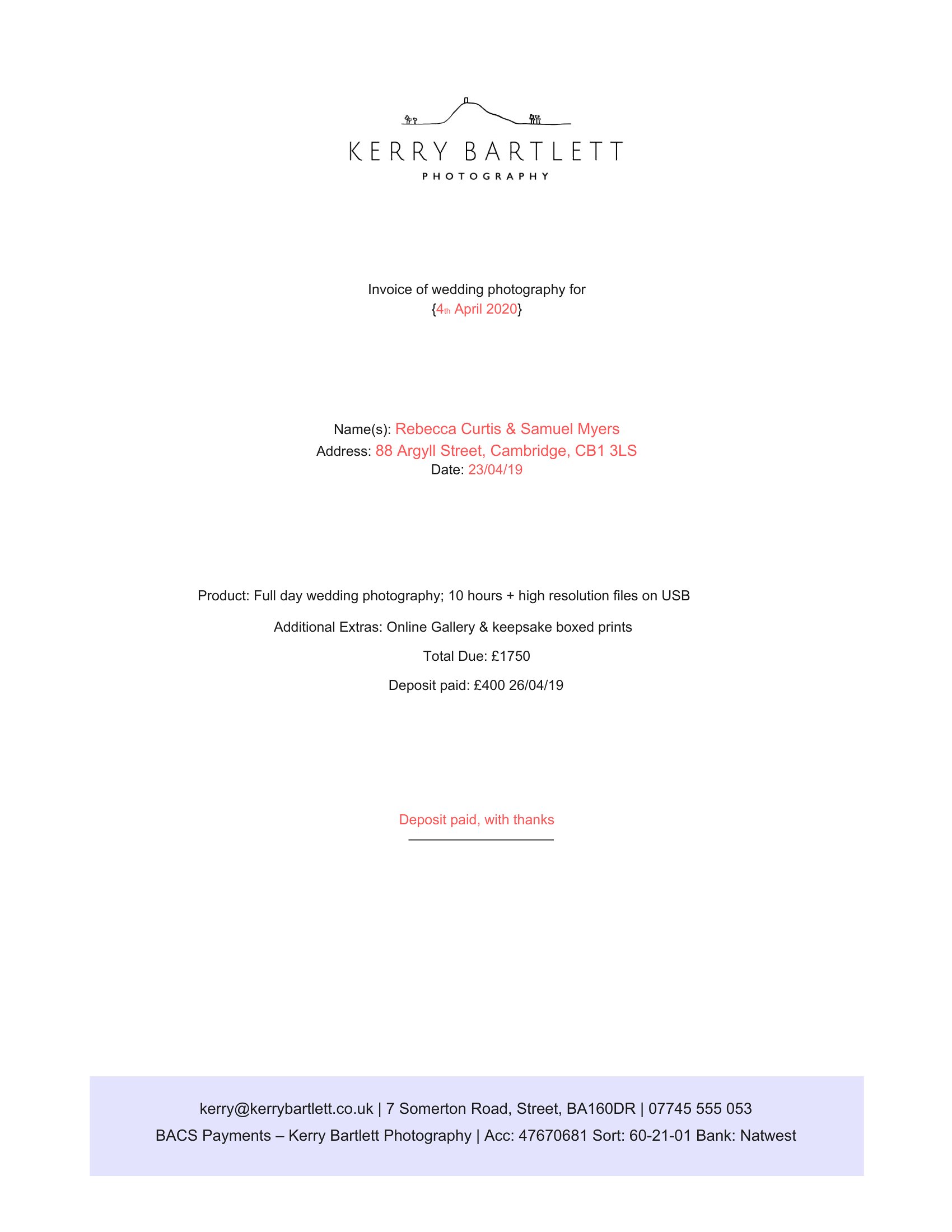
Yes, add a section labeled ‘Deposits’ under ‘Payment Terms’ in any format. For example: ‘50% deposit due upon booking, balance due 7 days after shoot.’ Keep the tone neutral—photographers often include this as standard practice, not a demand.
What’s the best way to document extra services like travel or equipment fees?
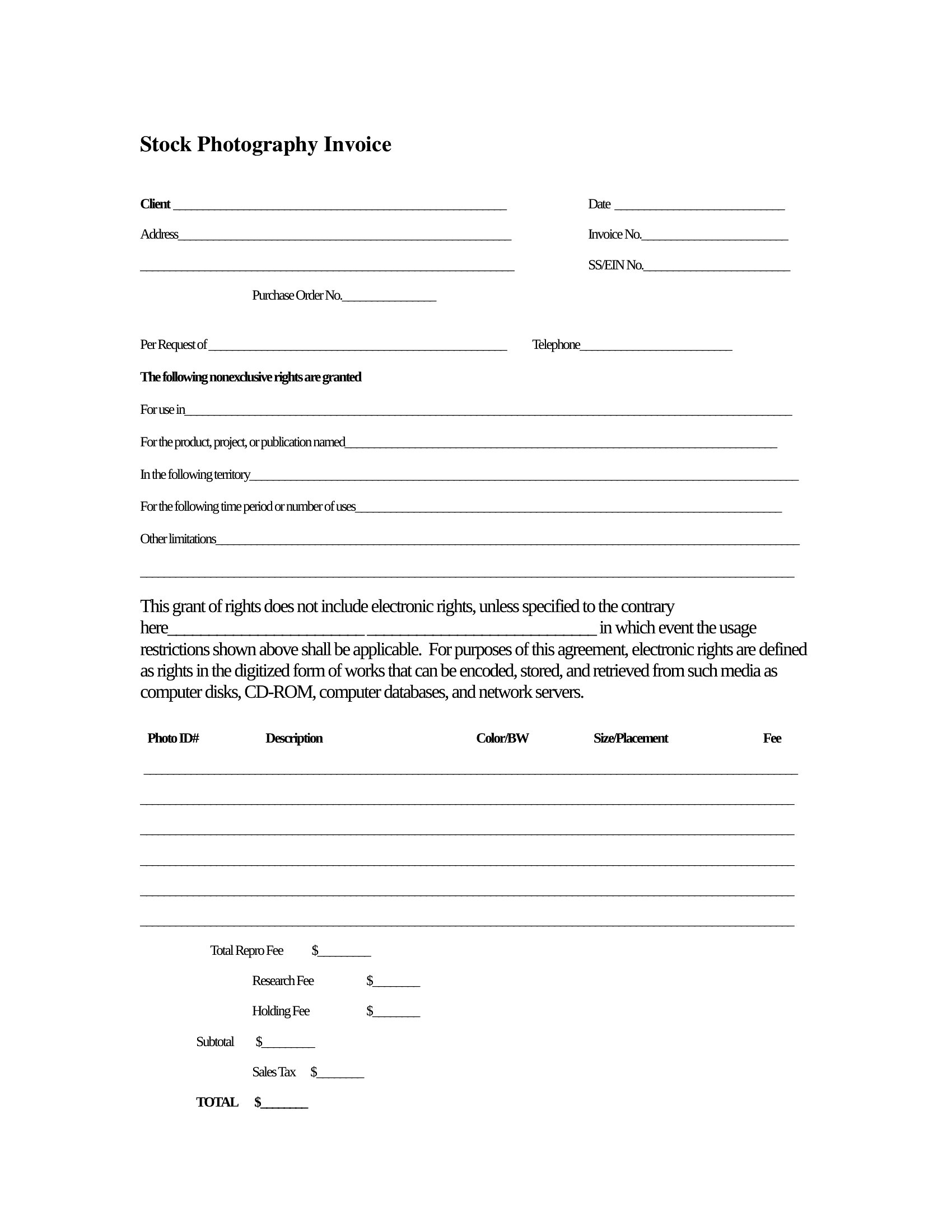
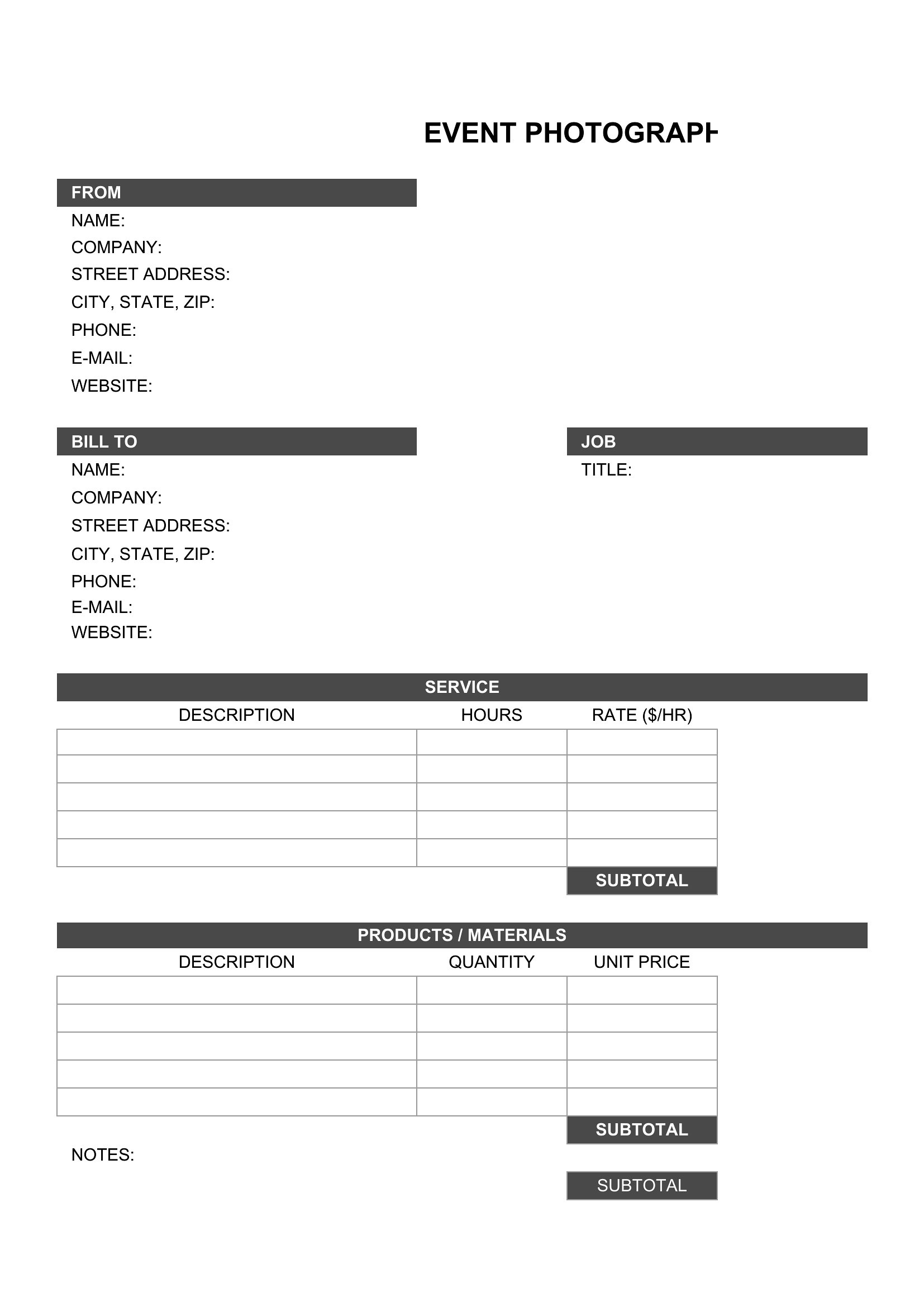
List extras as separate line items with brief descriptions (e.g., ‘Travel: $150 [round-trip to client location]’ or ‘Lighting Rental: $75’). The Excel format auto-calculates these, while Word or PDF lets you add notes like ‘Prices exclude taxes’ to clarify upfront.
Comments
Join the conversation
Sign in to share your thoughts and leave a comment on this resource.