Free Auto Repair Invoice Templates (Word, Excel)
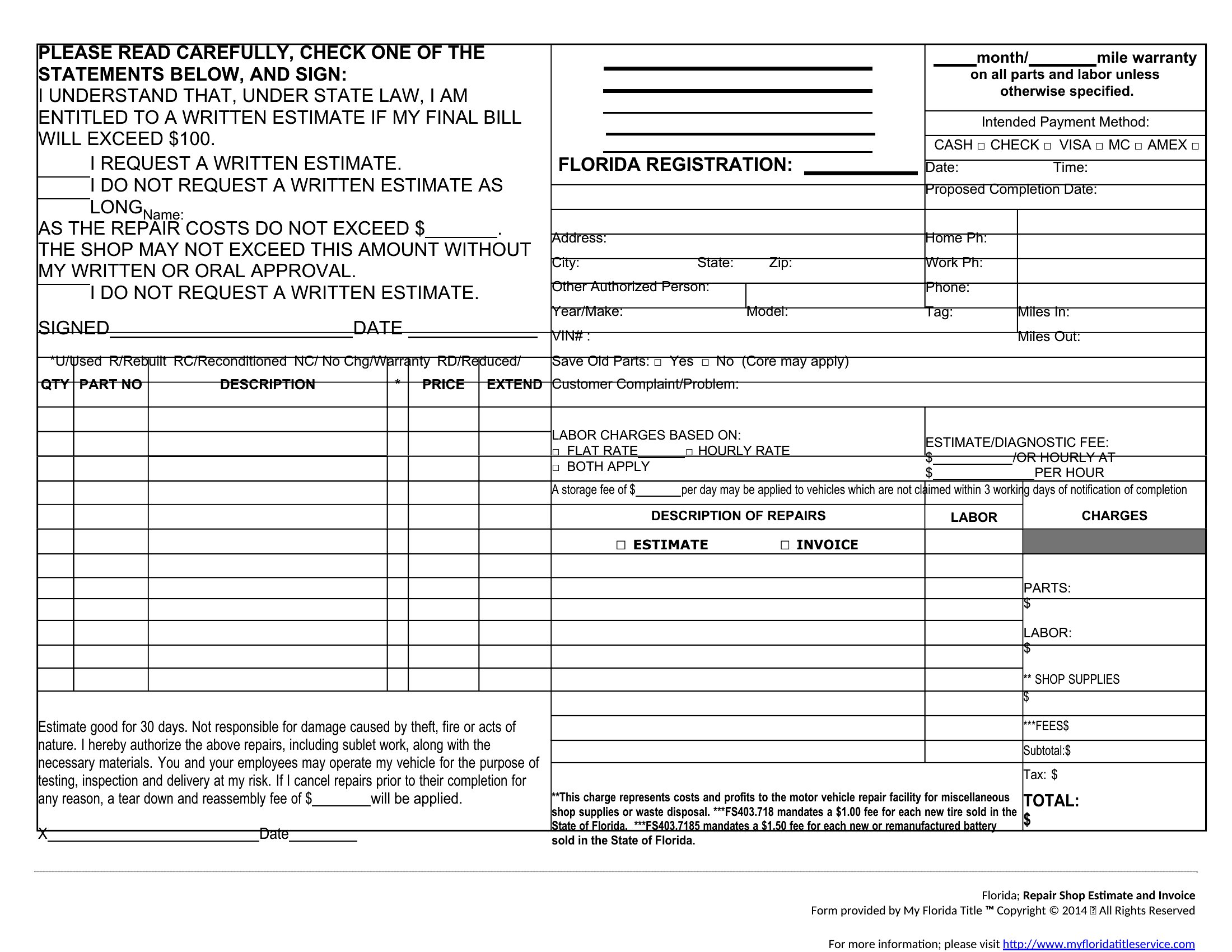
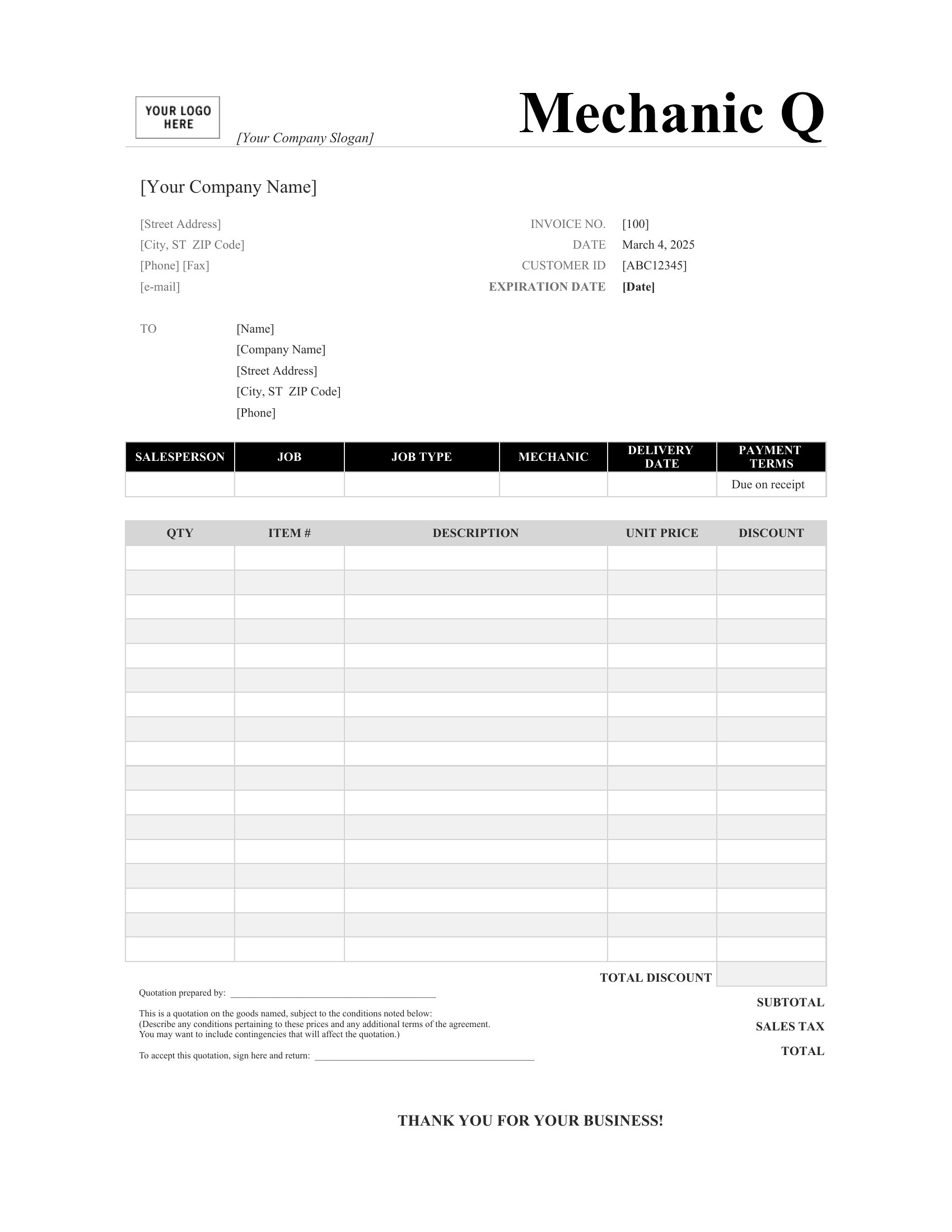
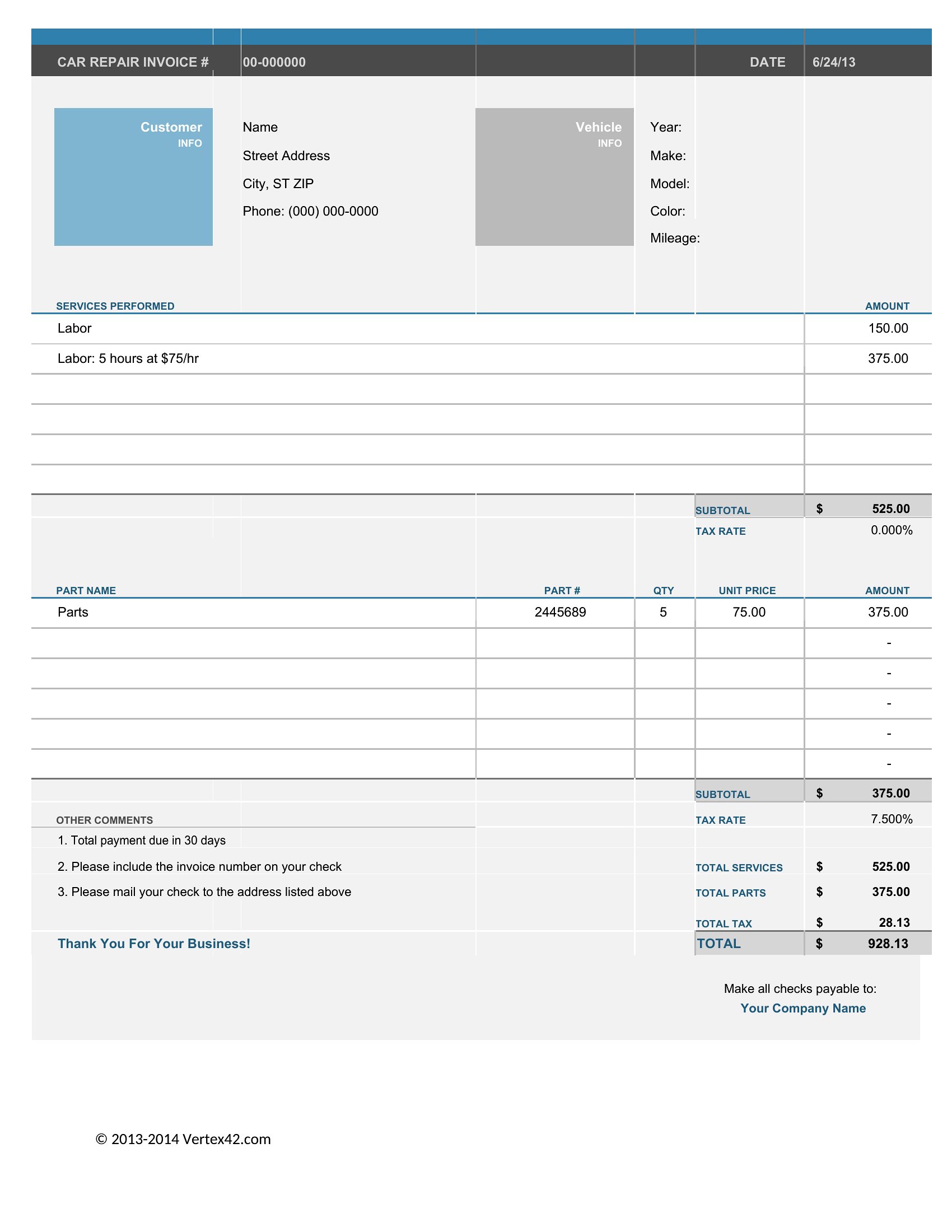
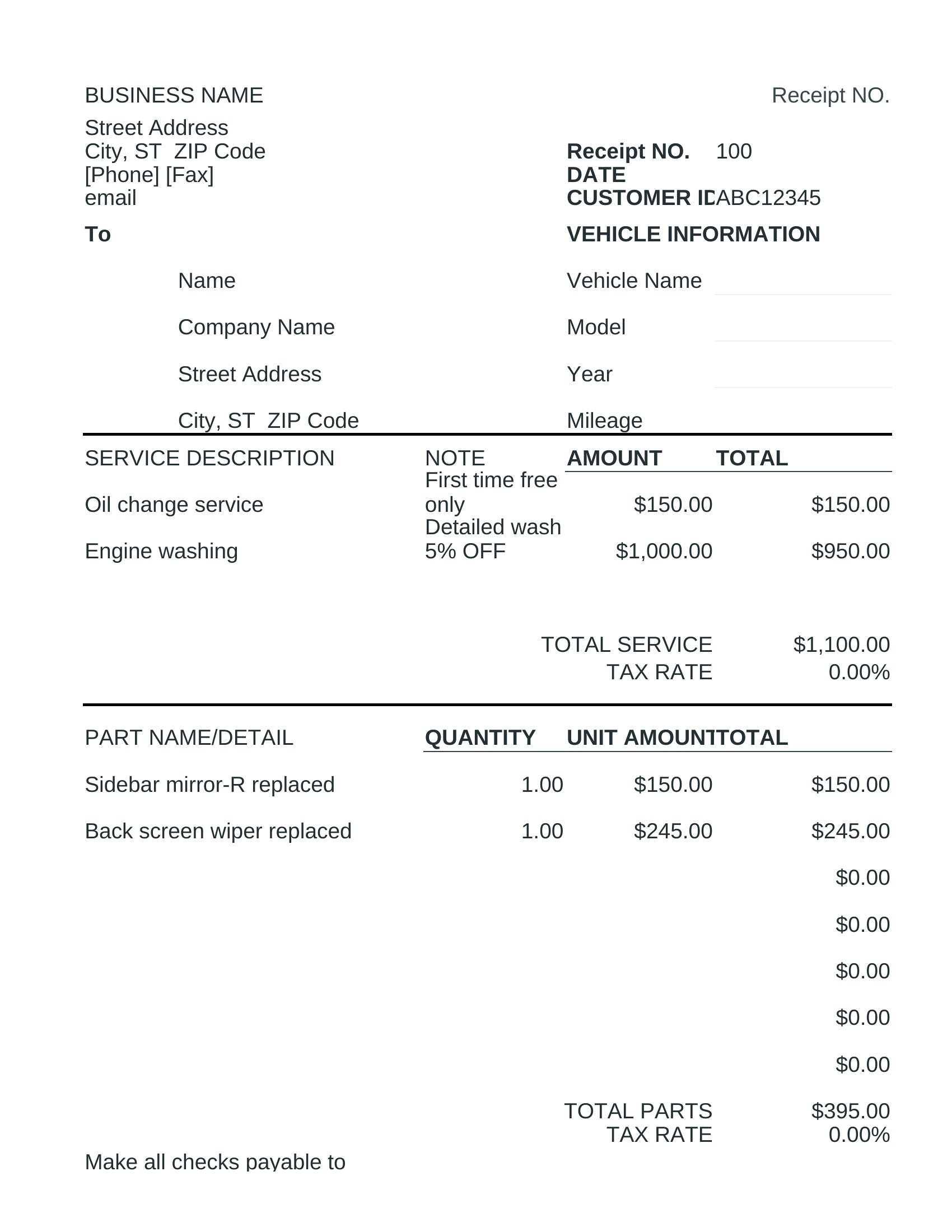
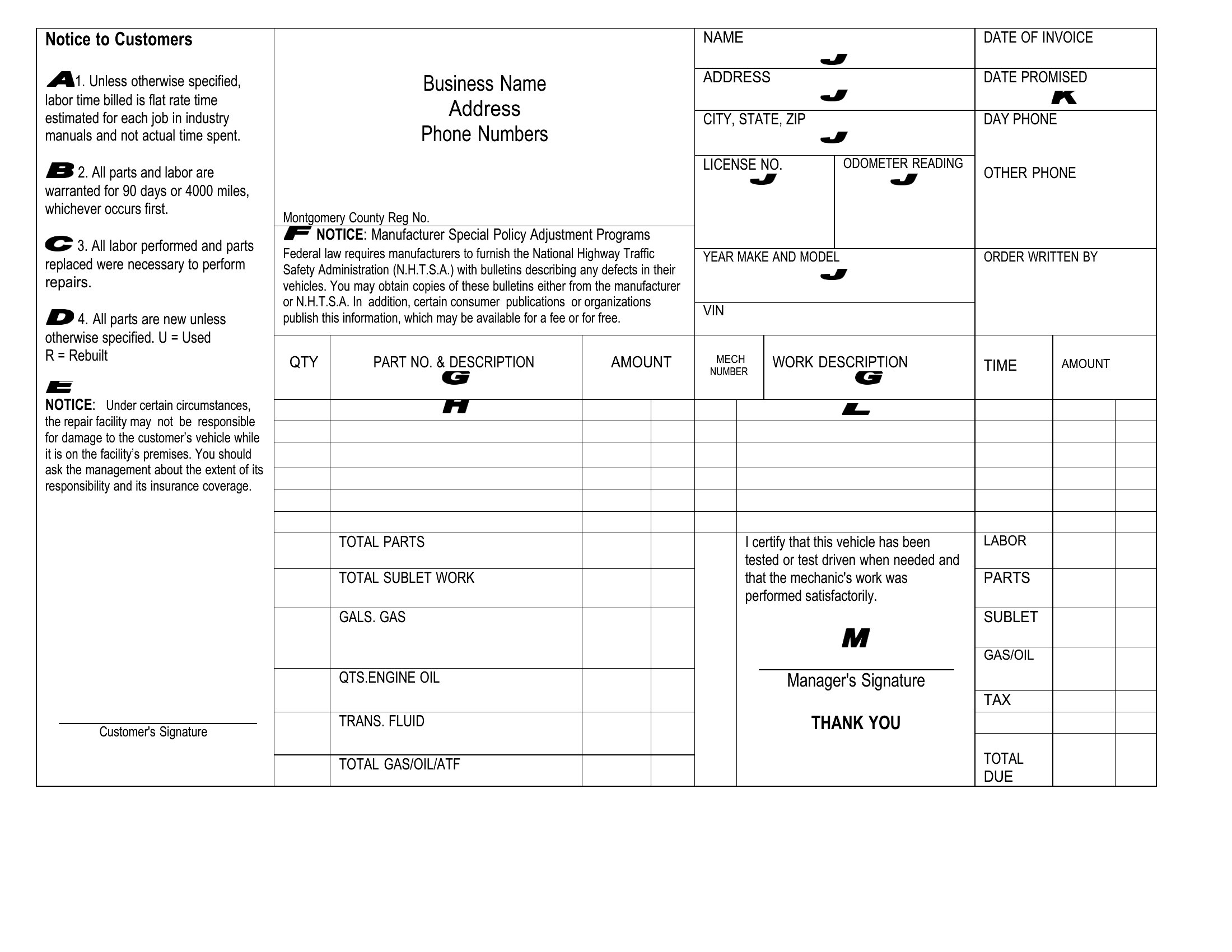
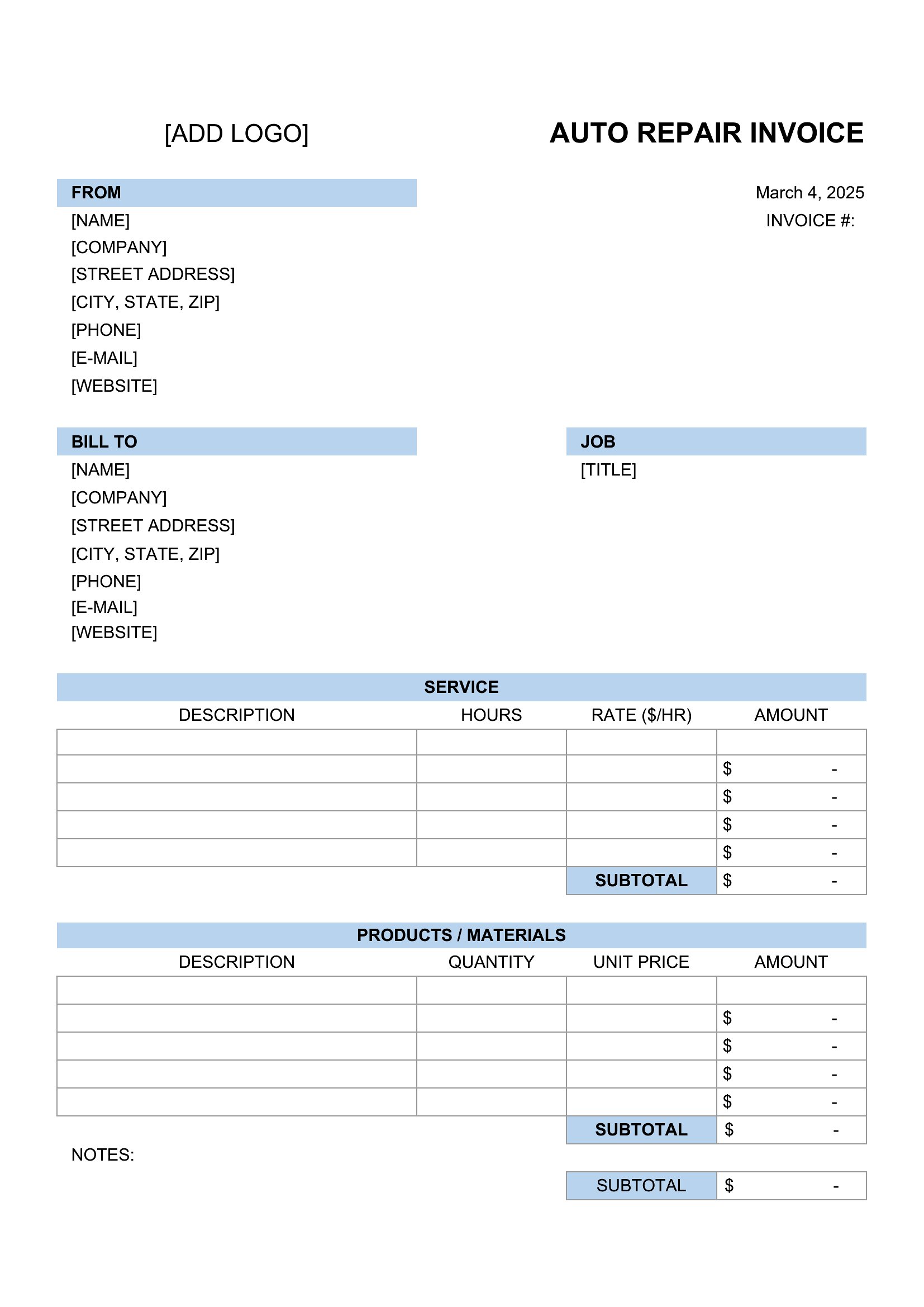
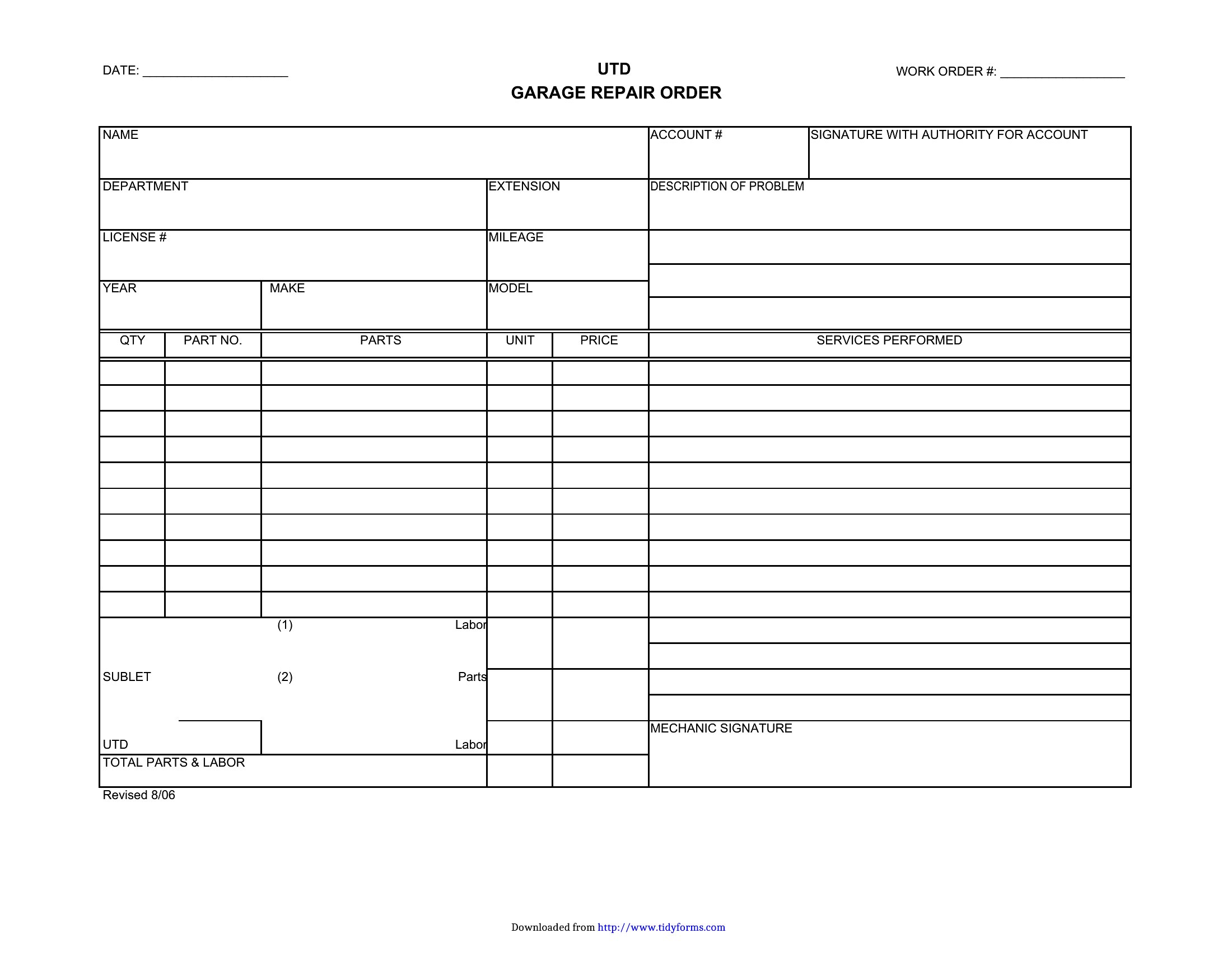
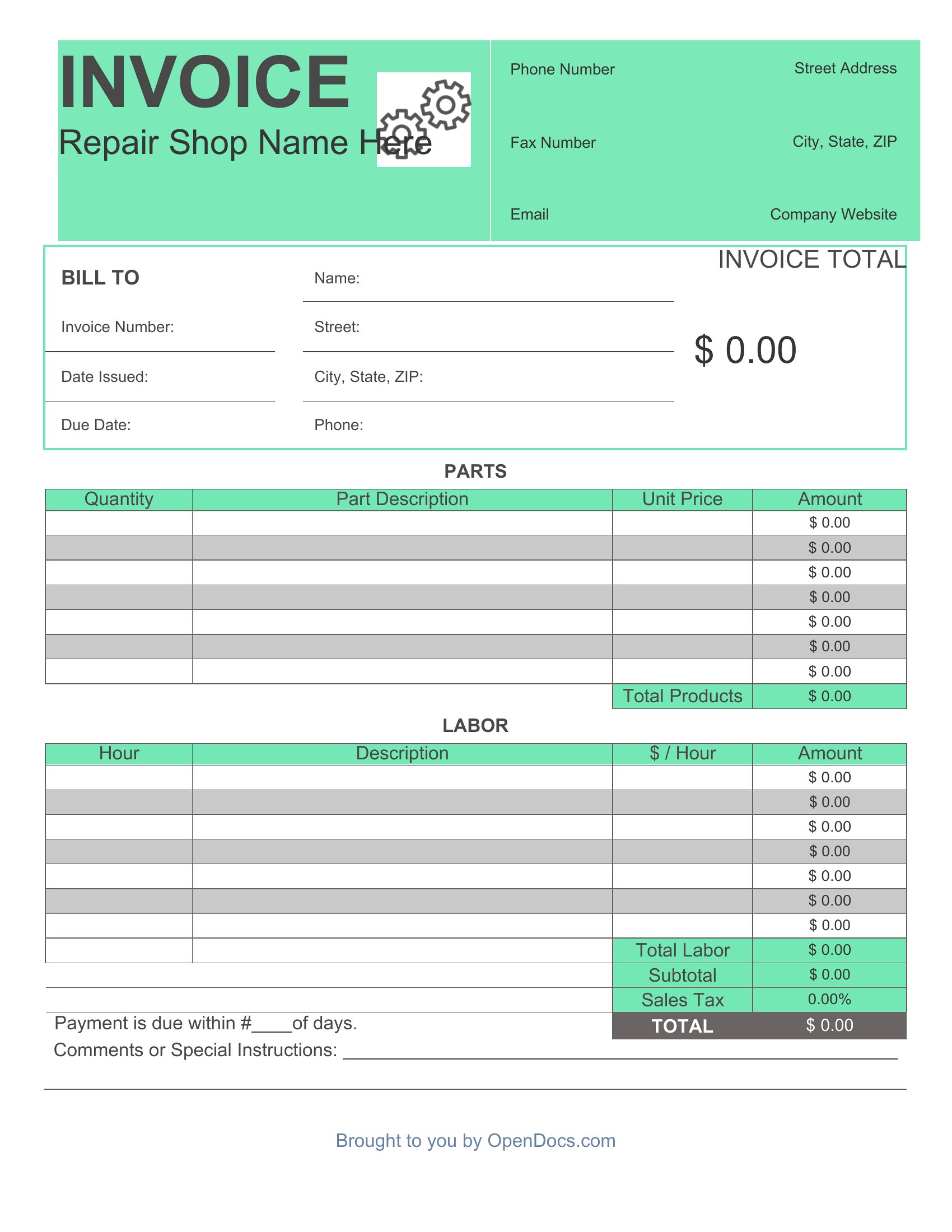
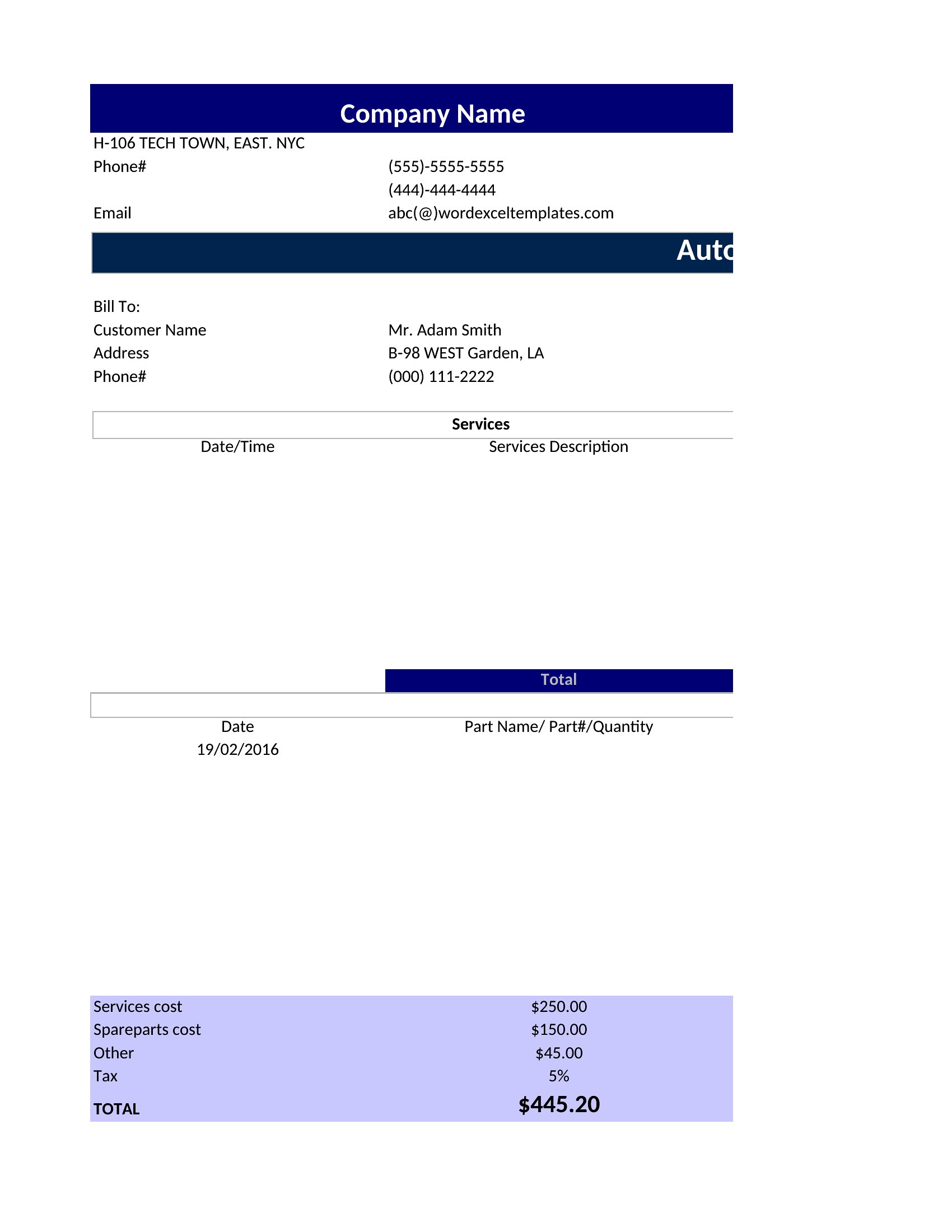
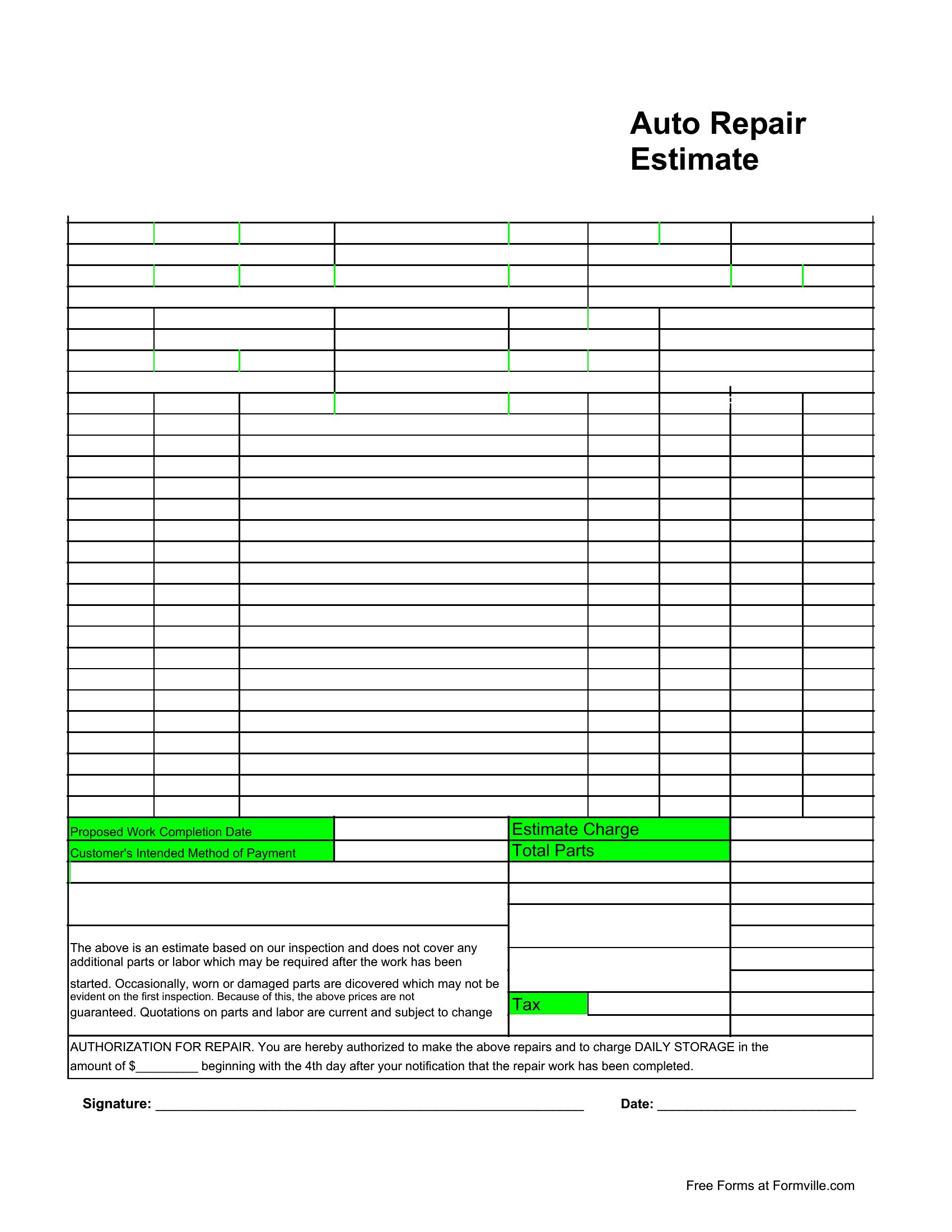
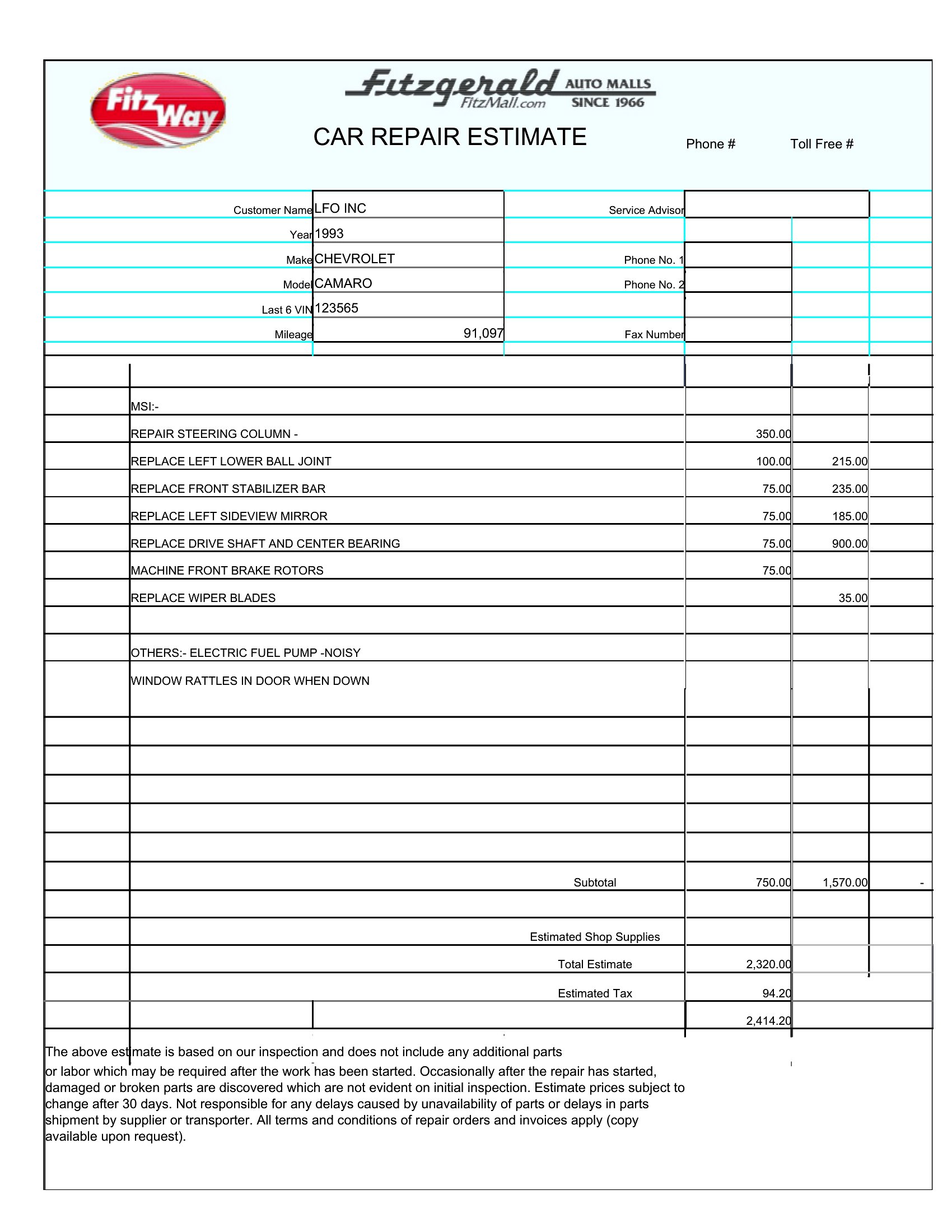
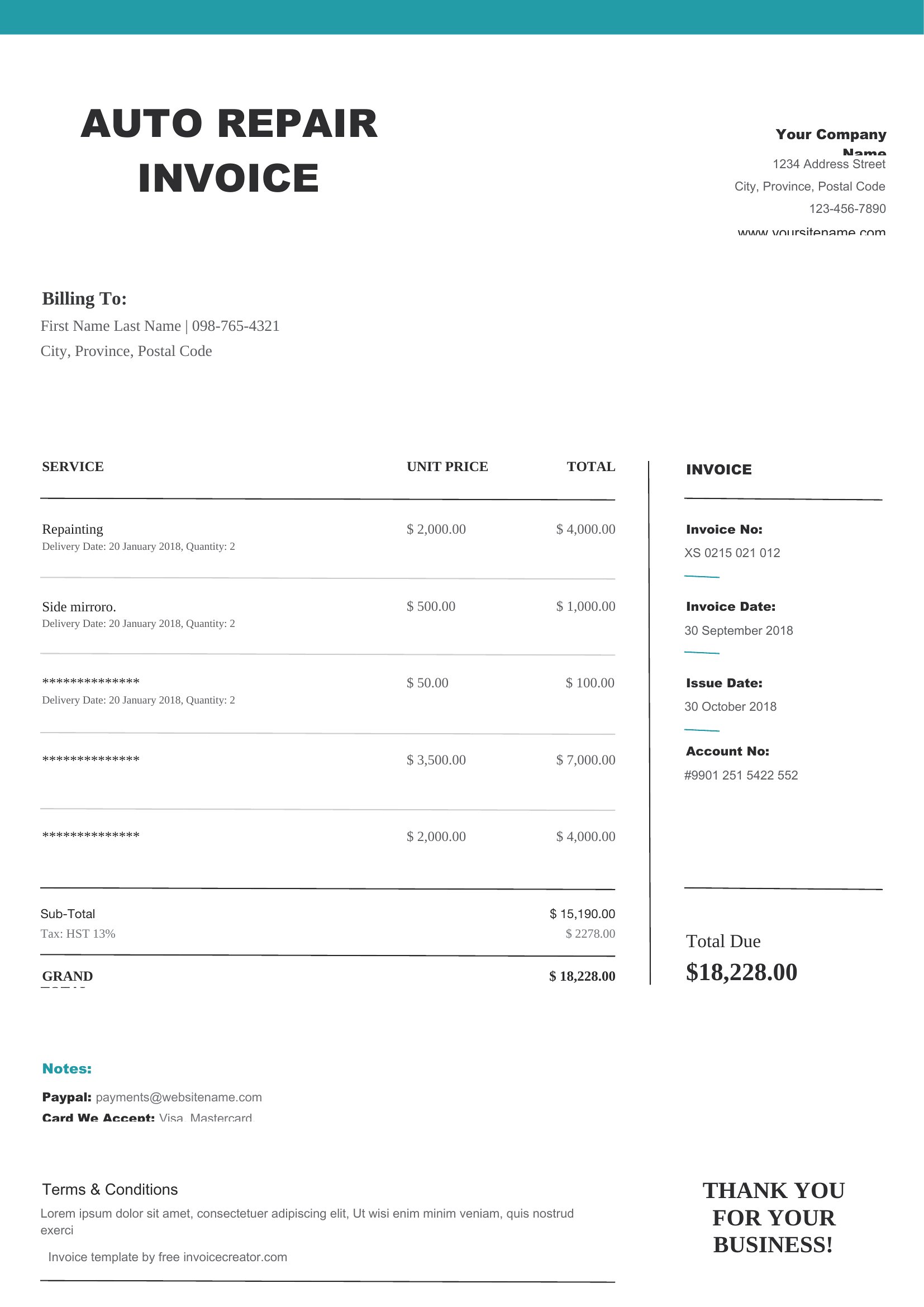
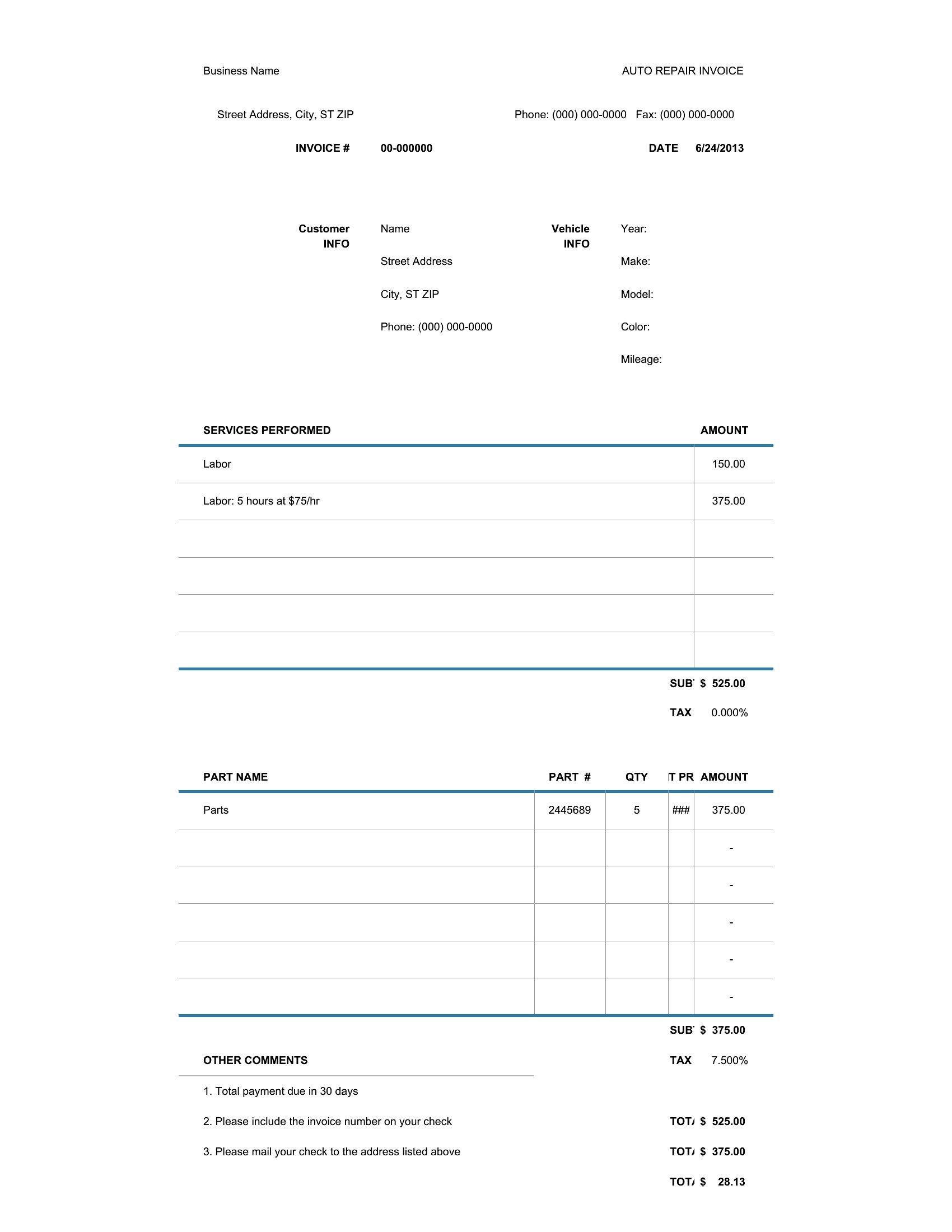
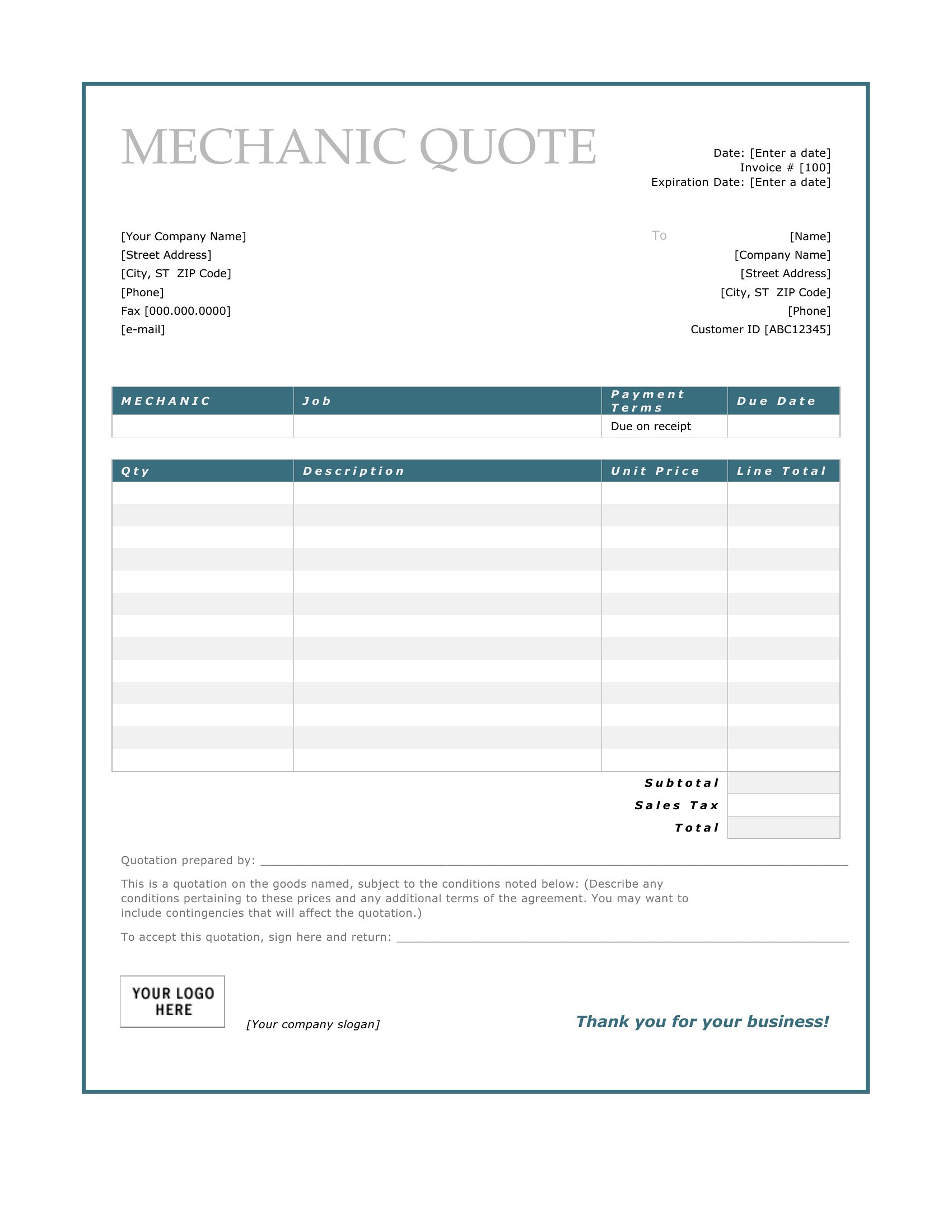
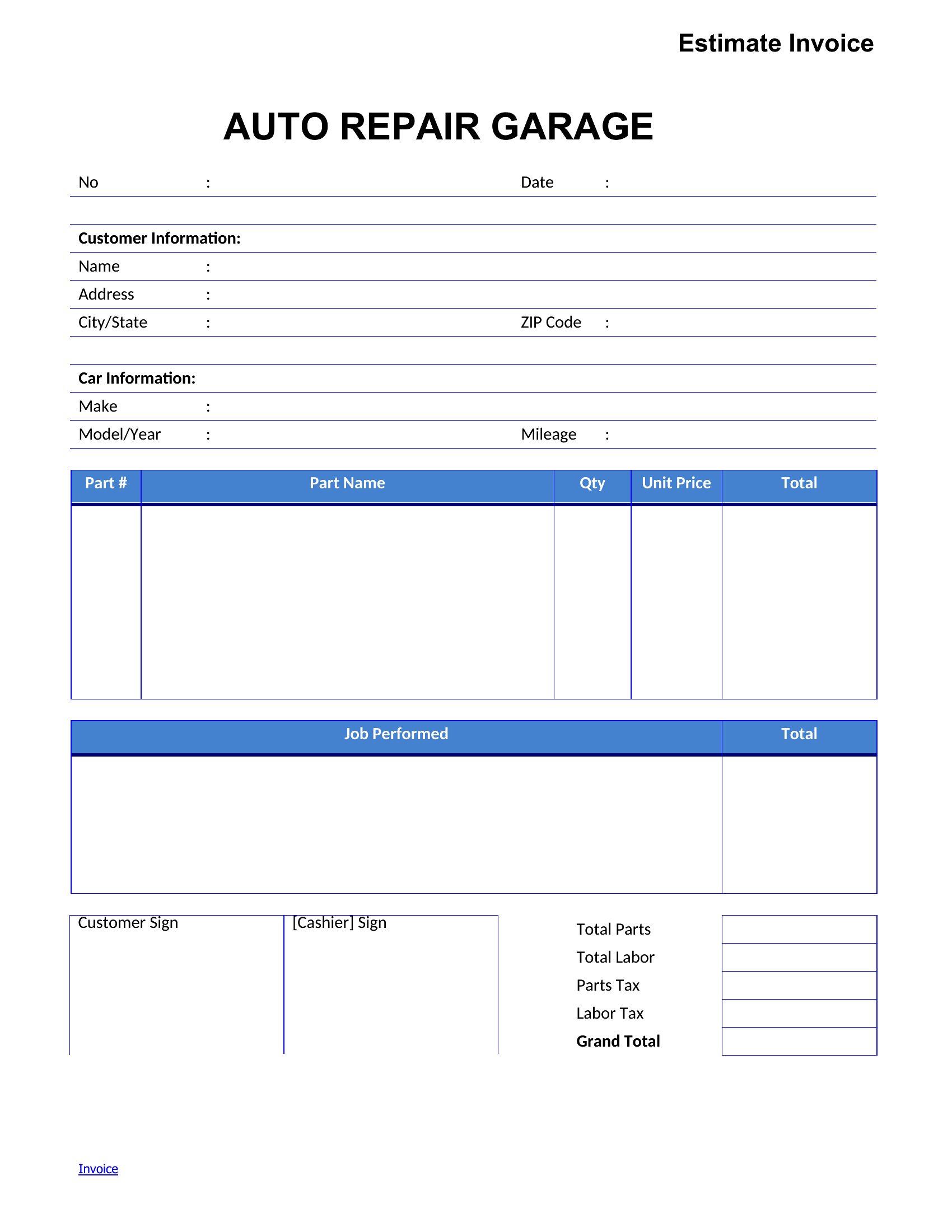
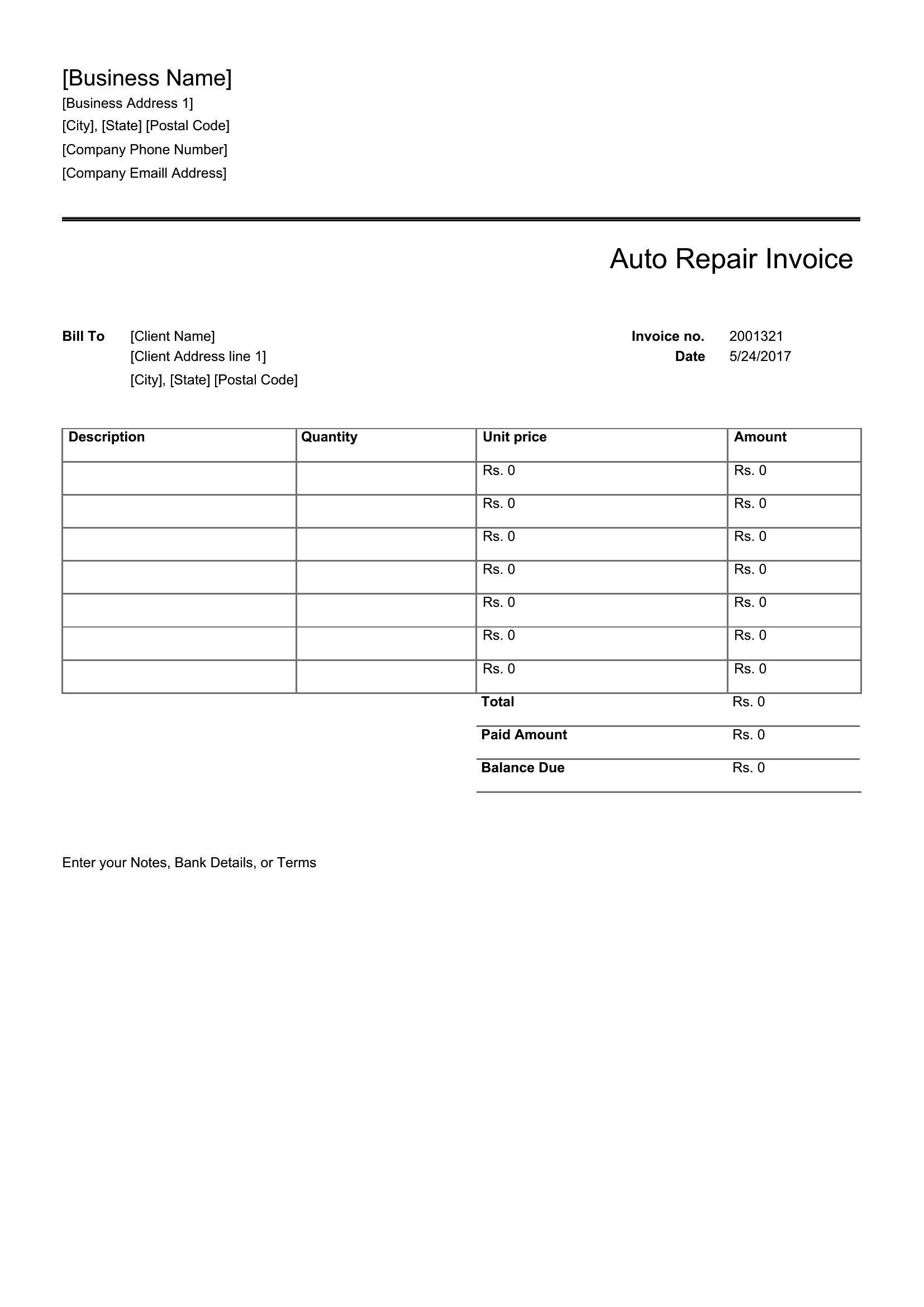
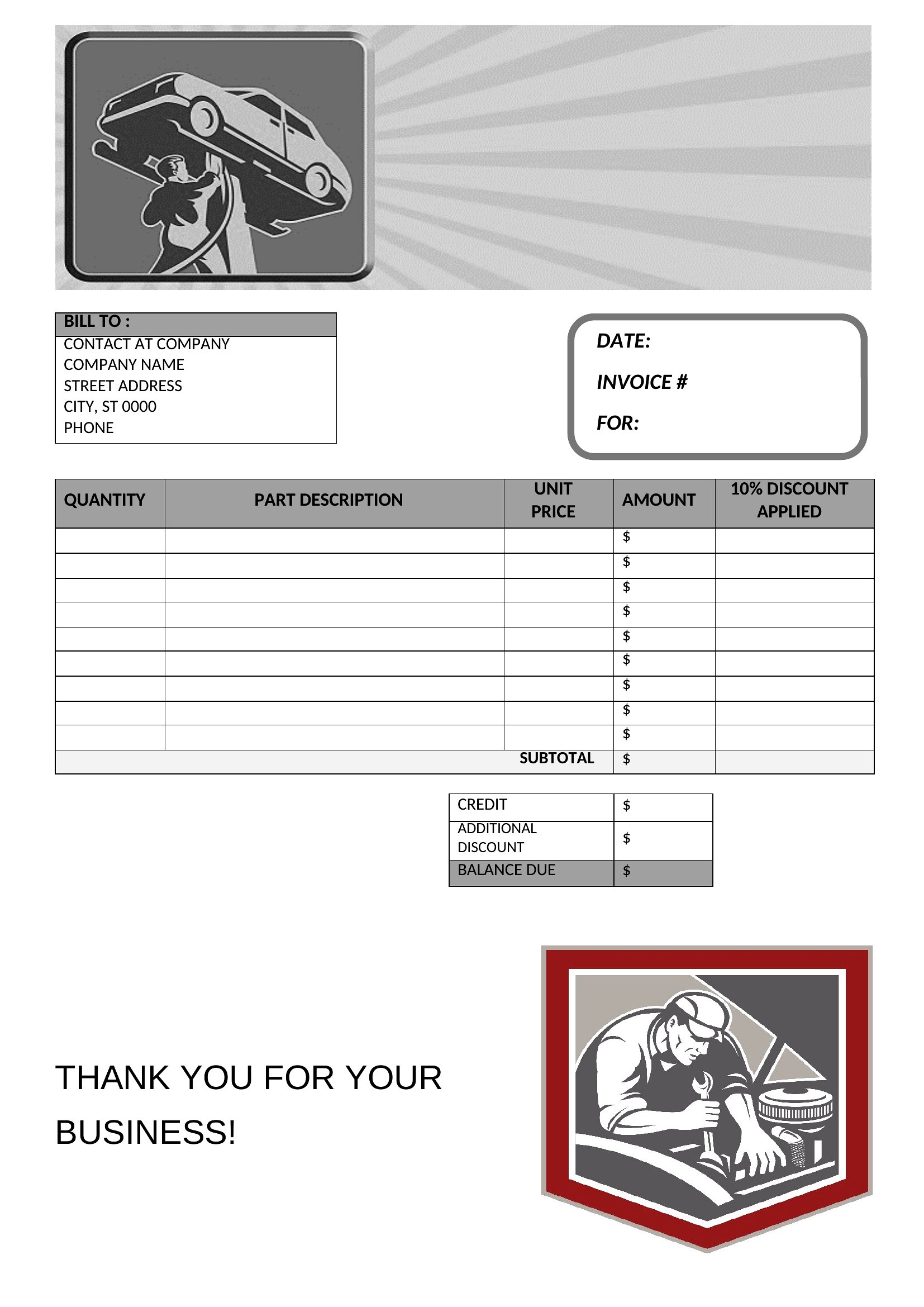
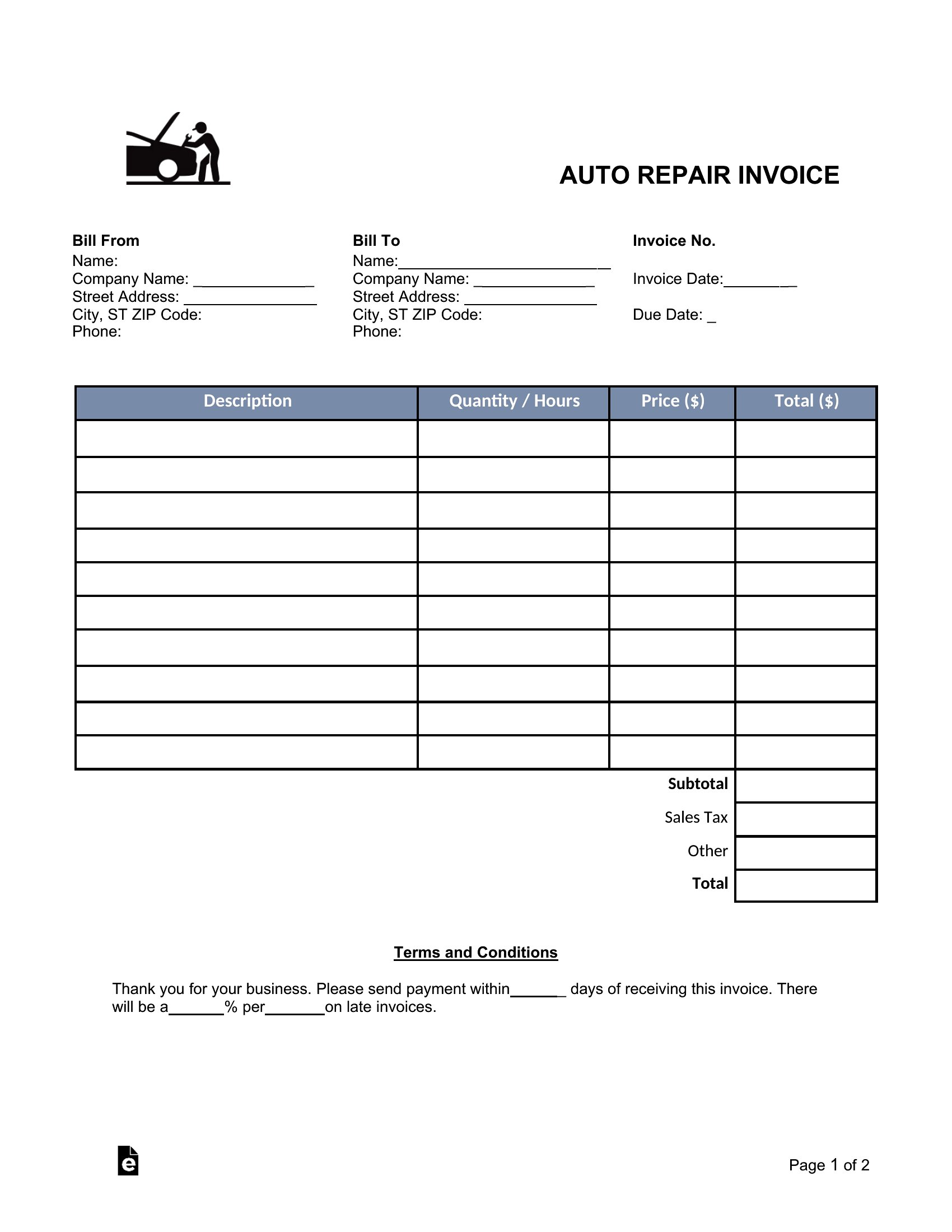
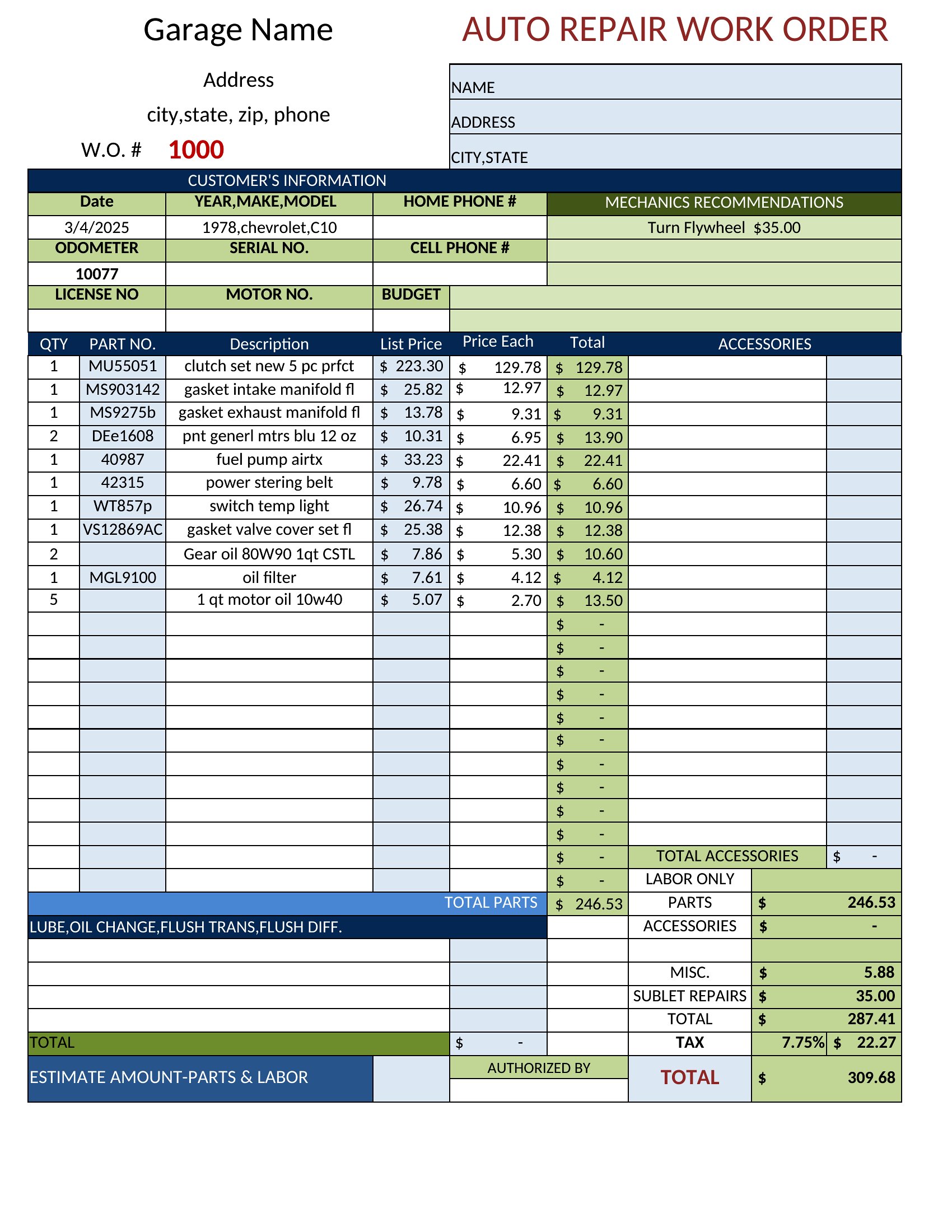
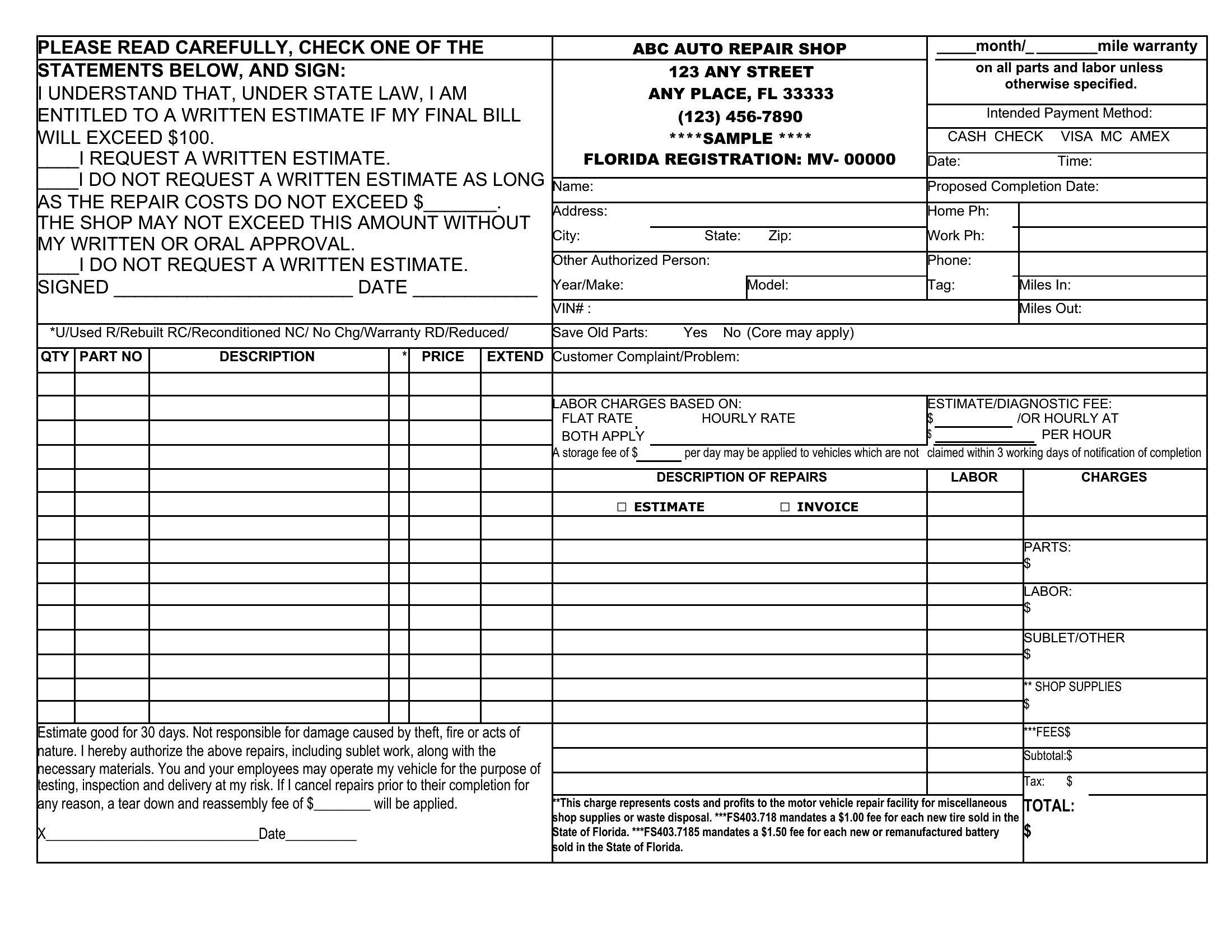
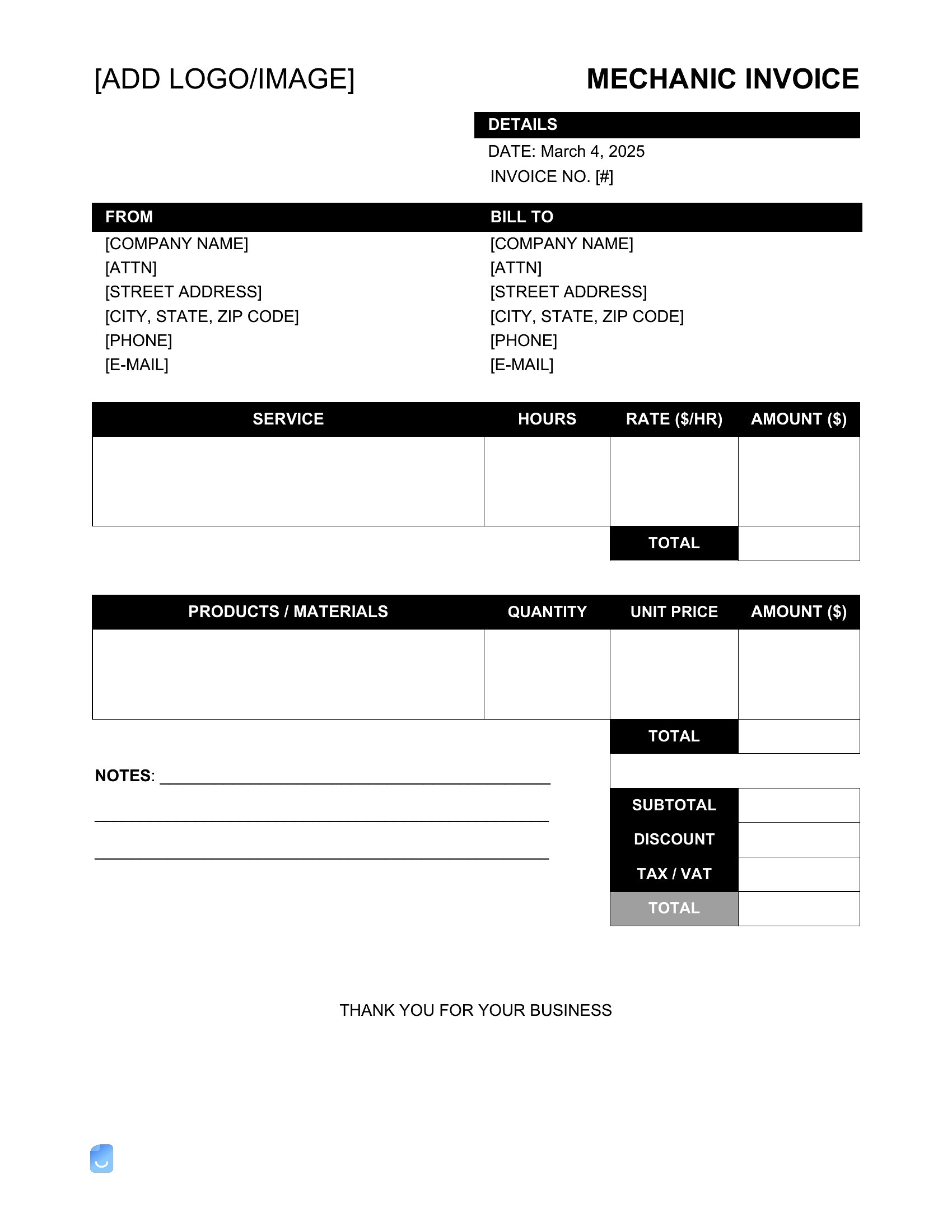
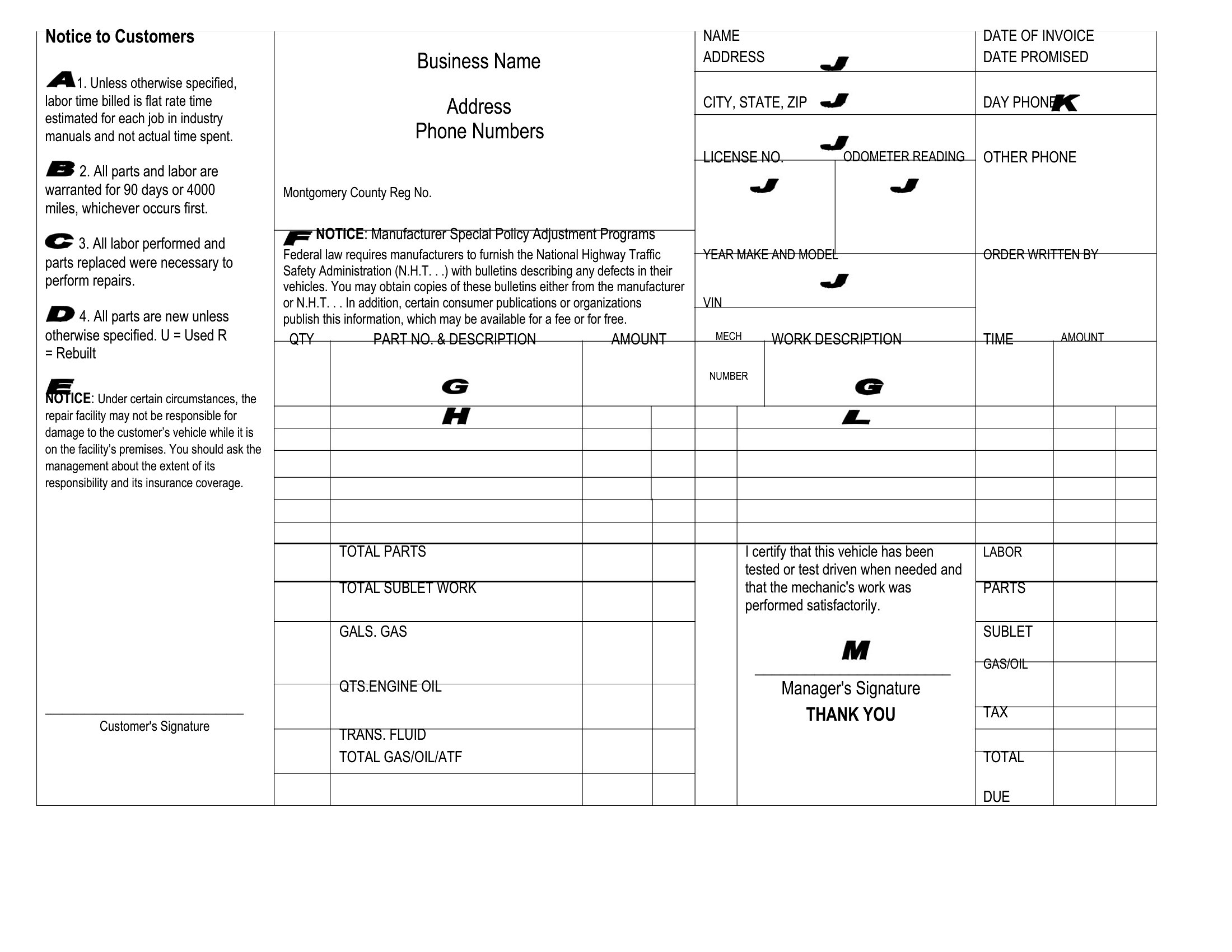
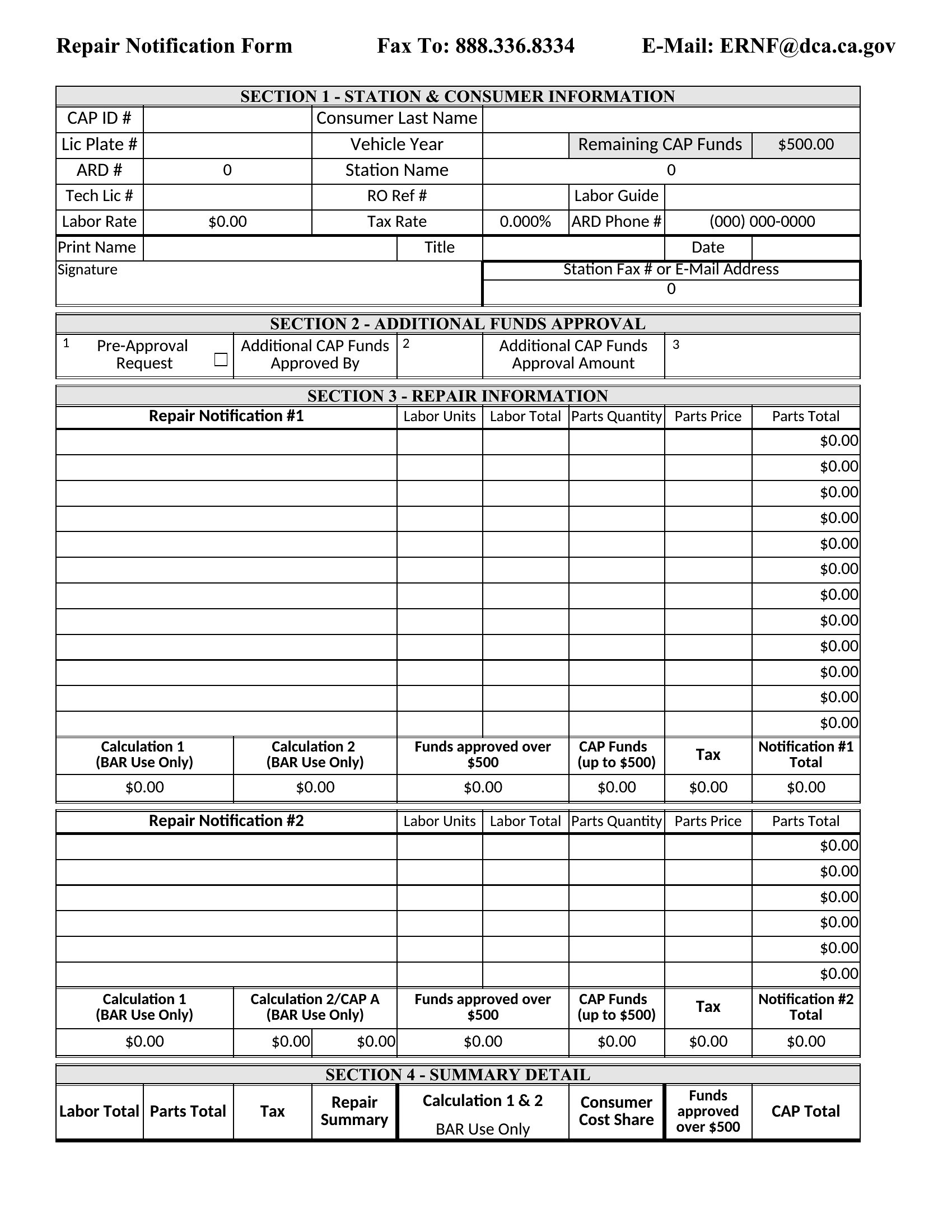
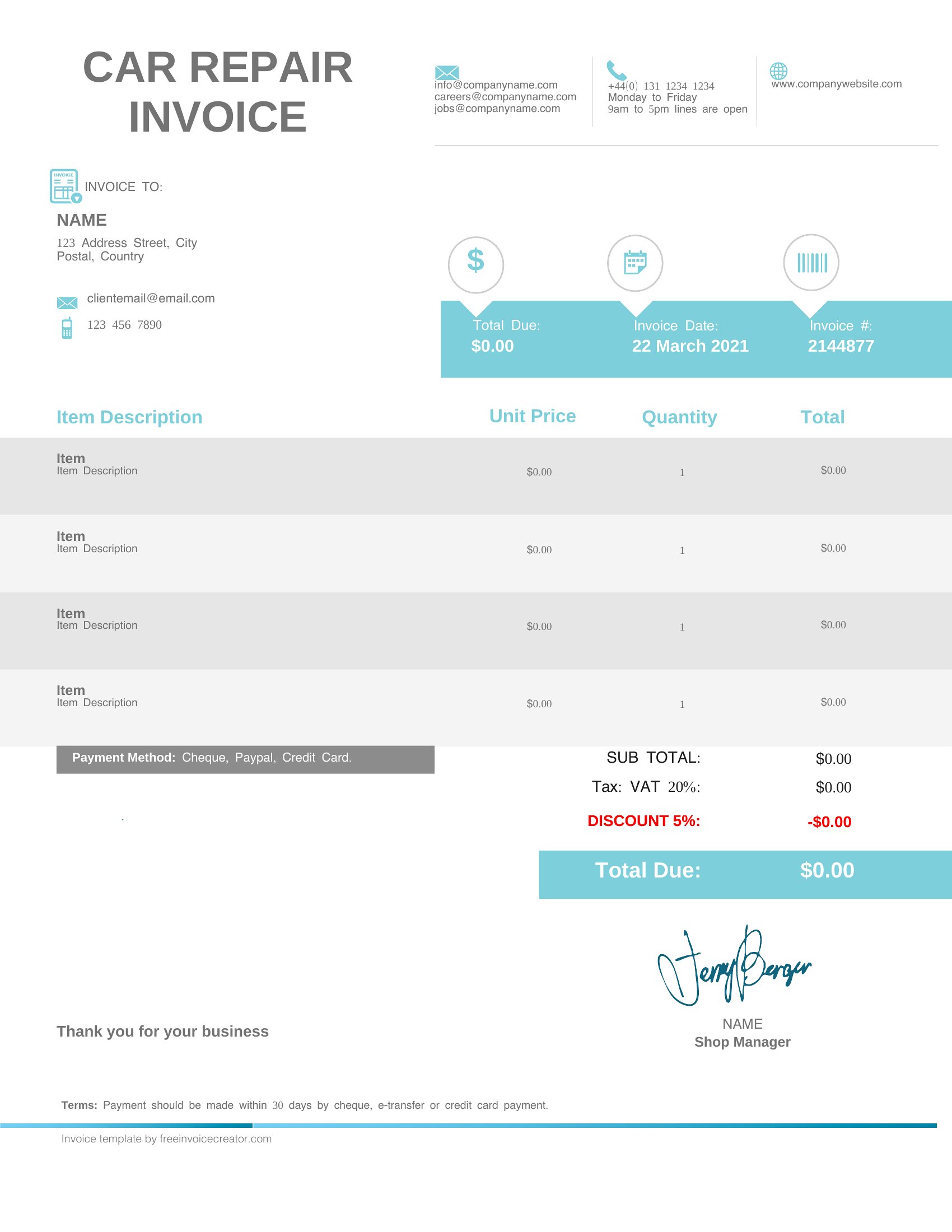
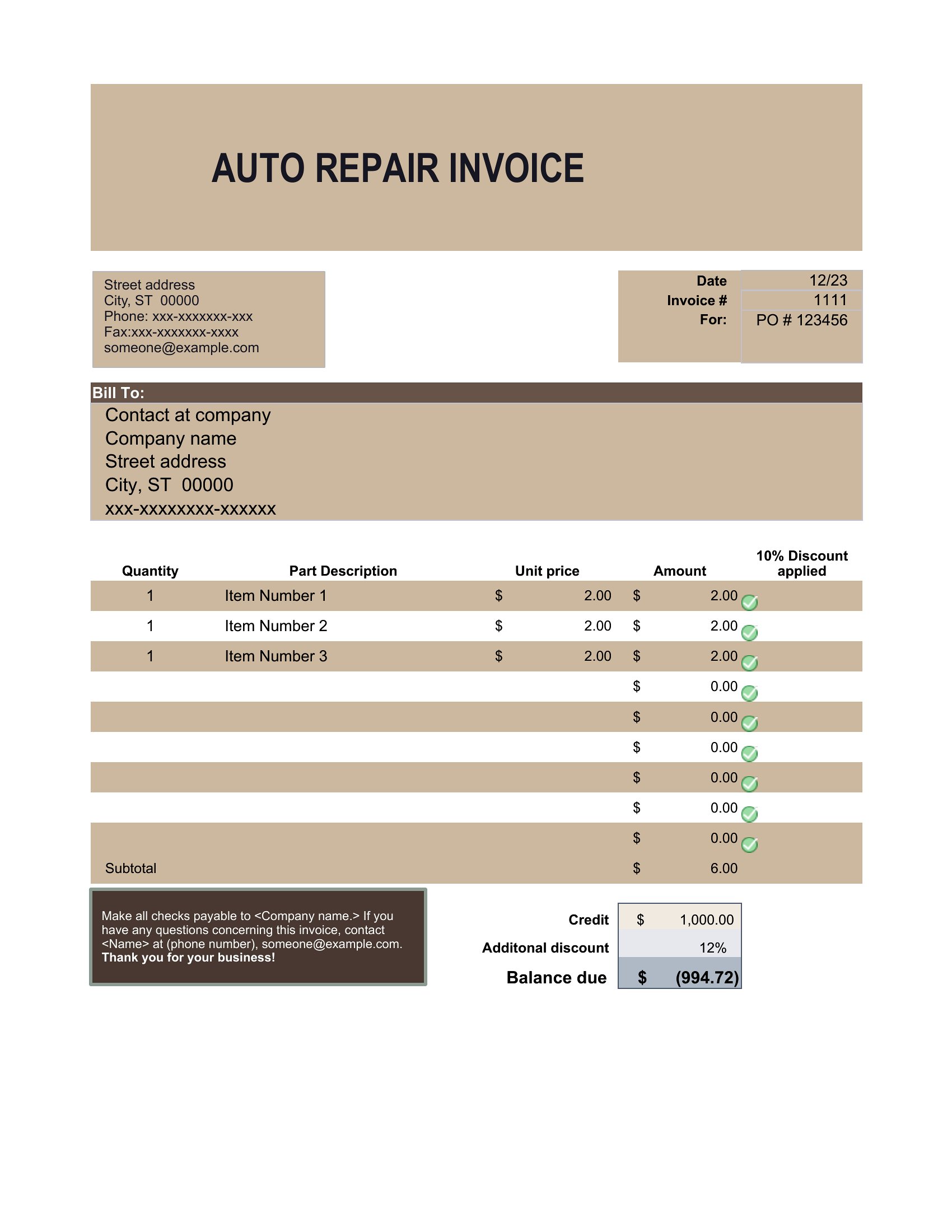
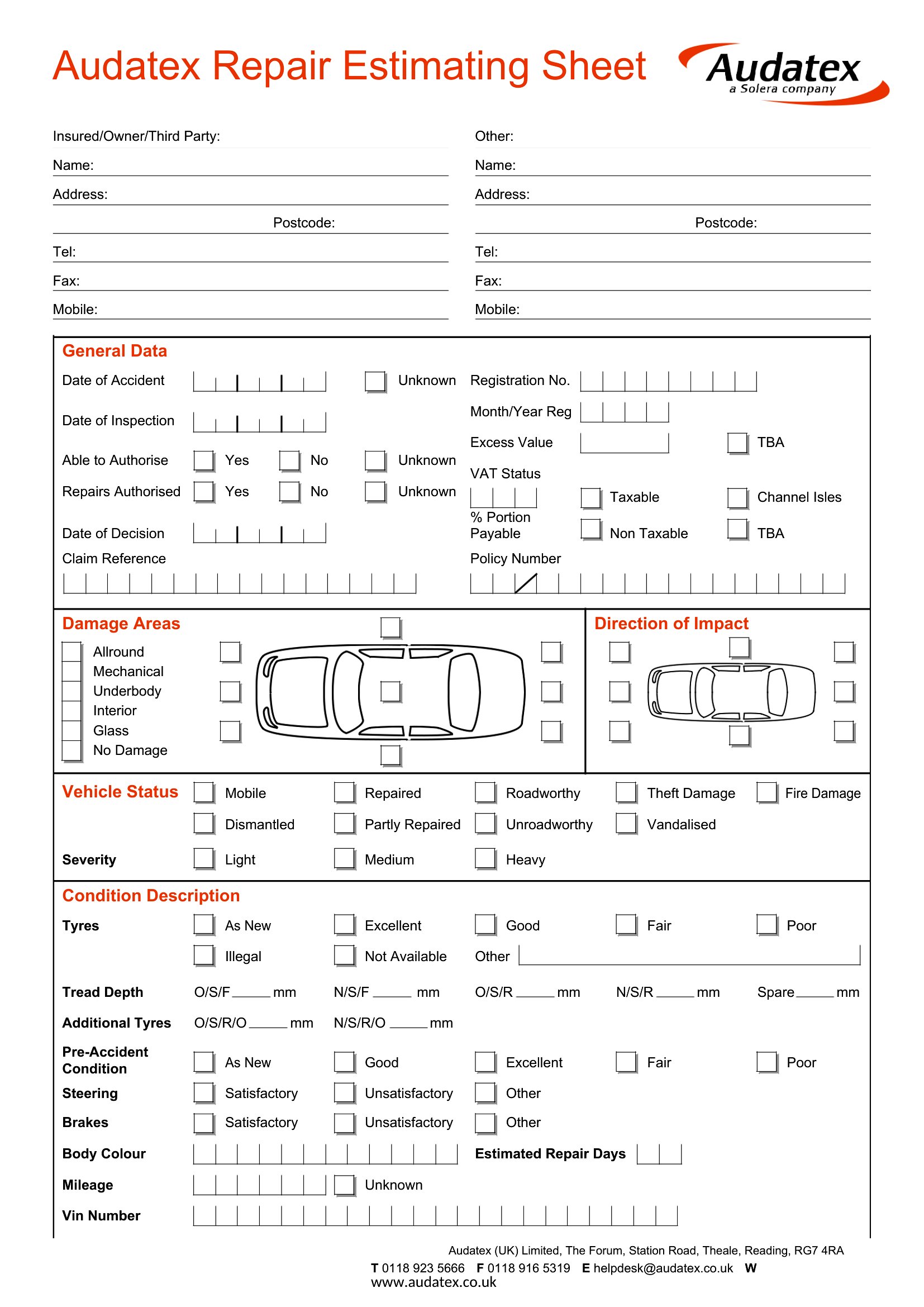
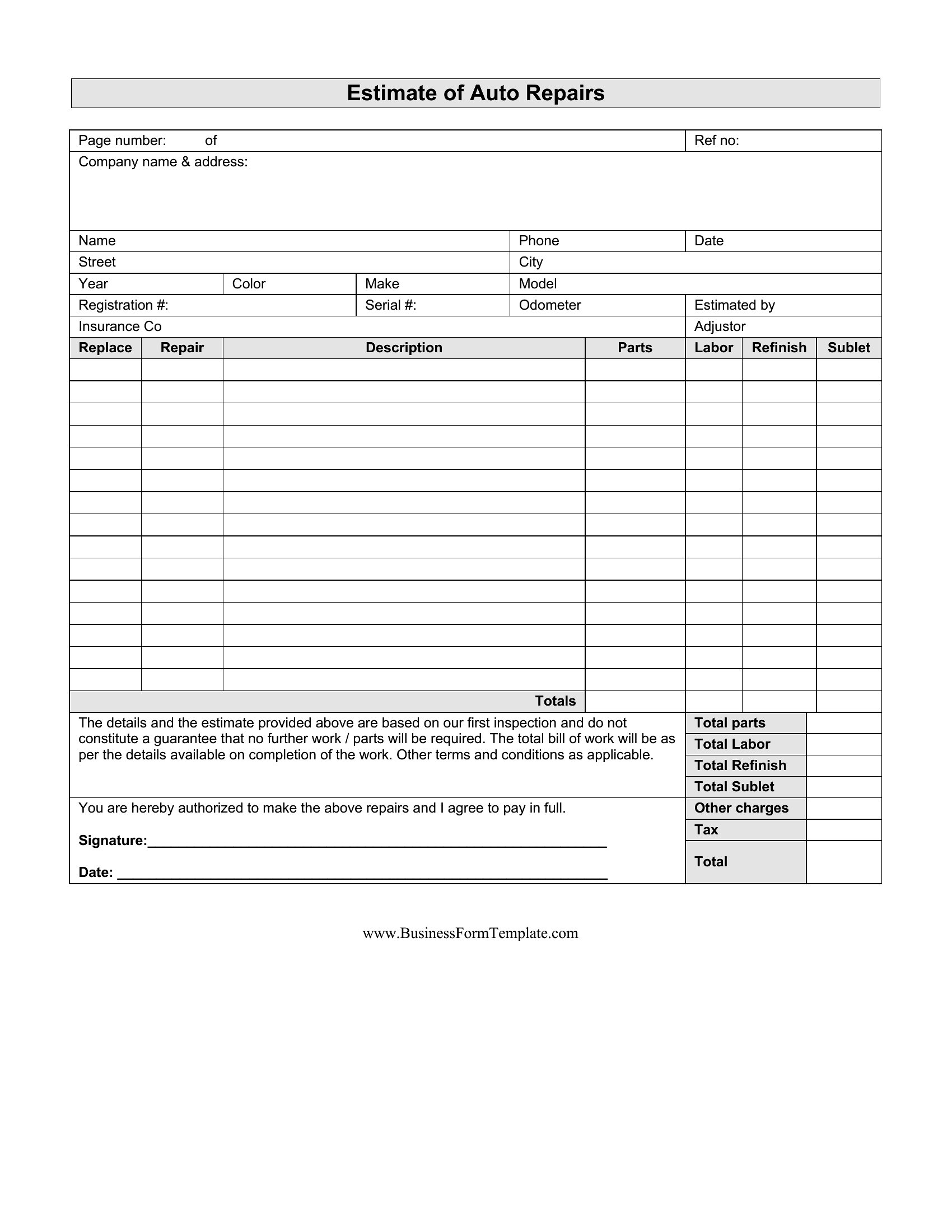
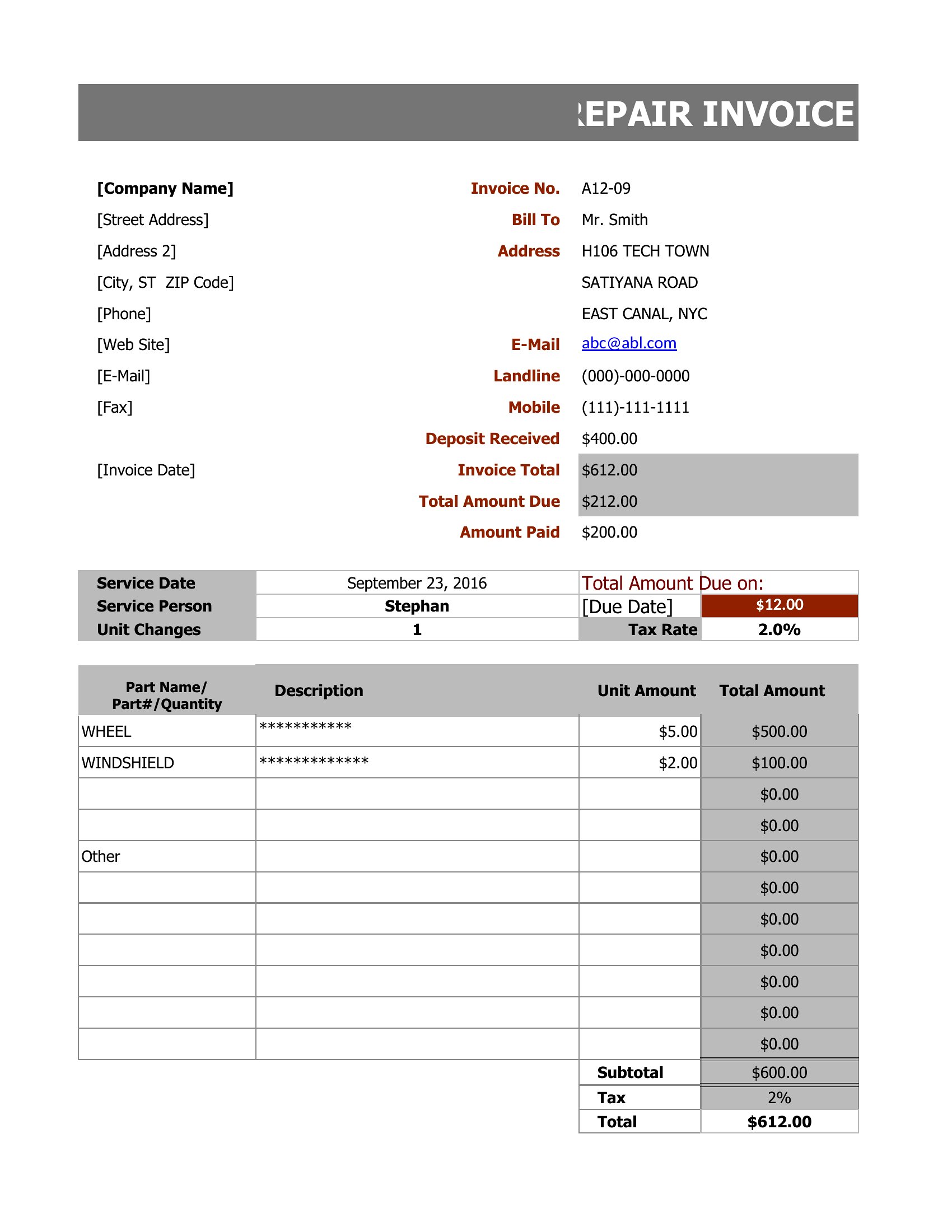
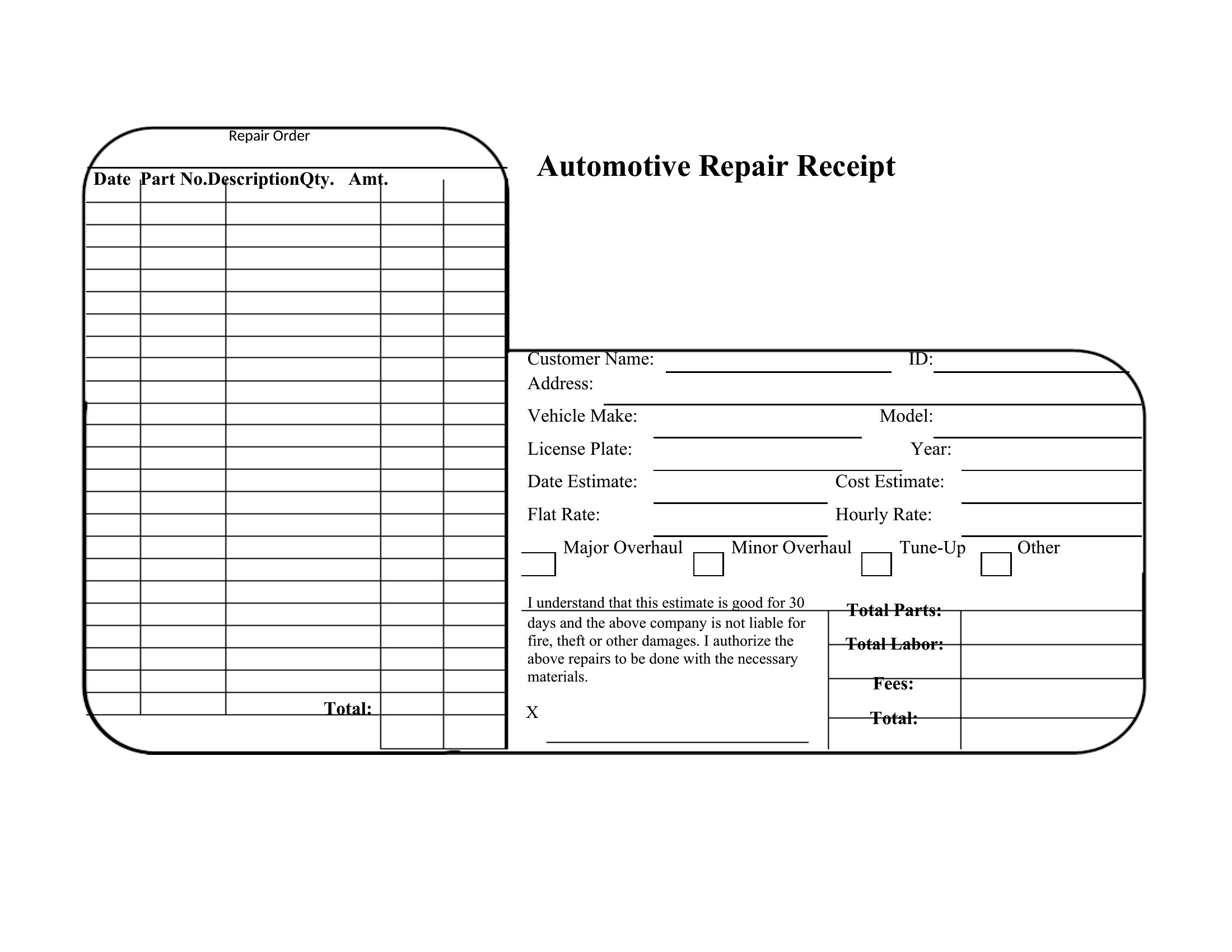
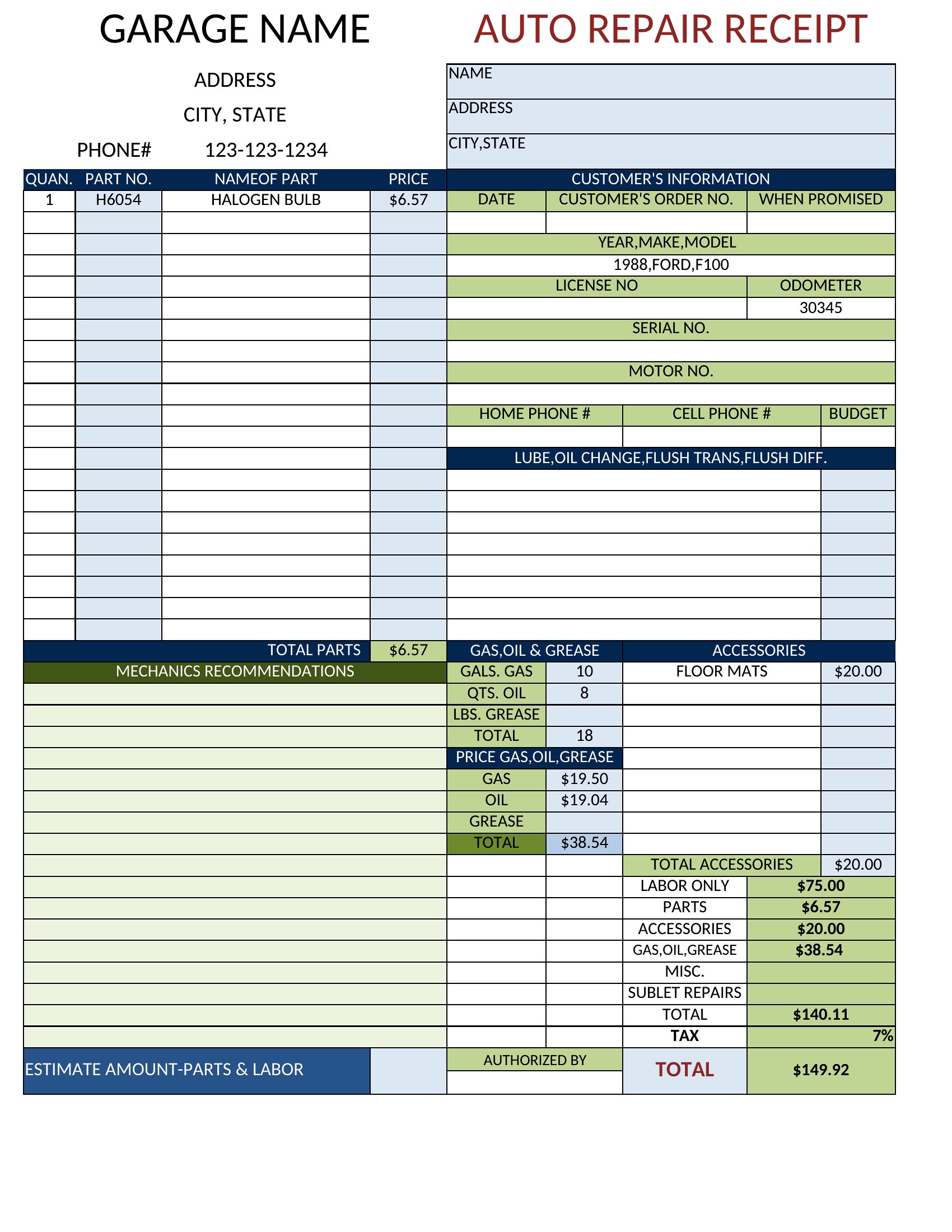
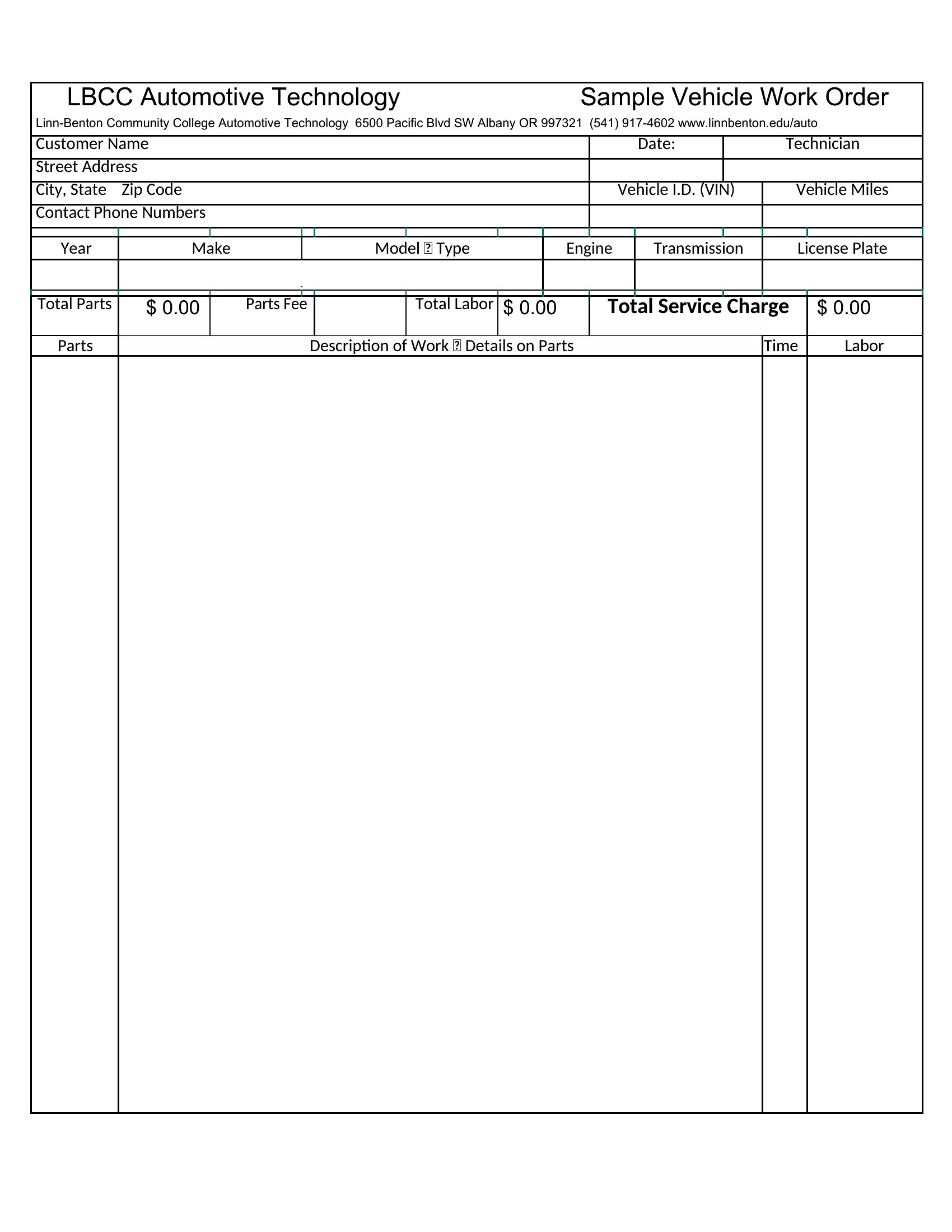
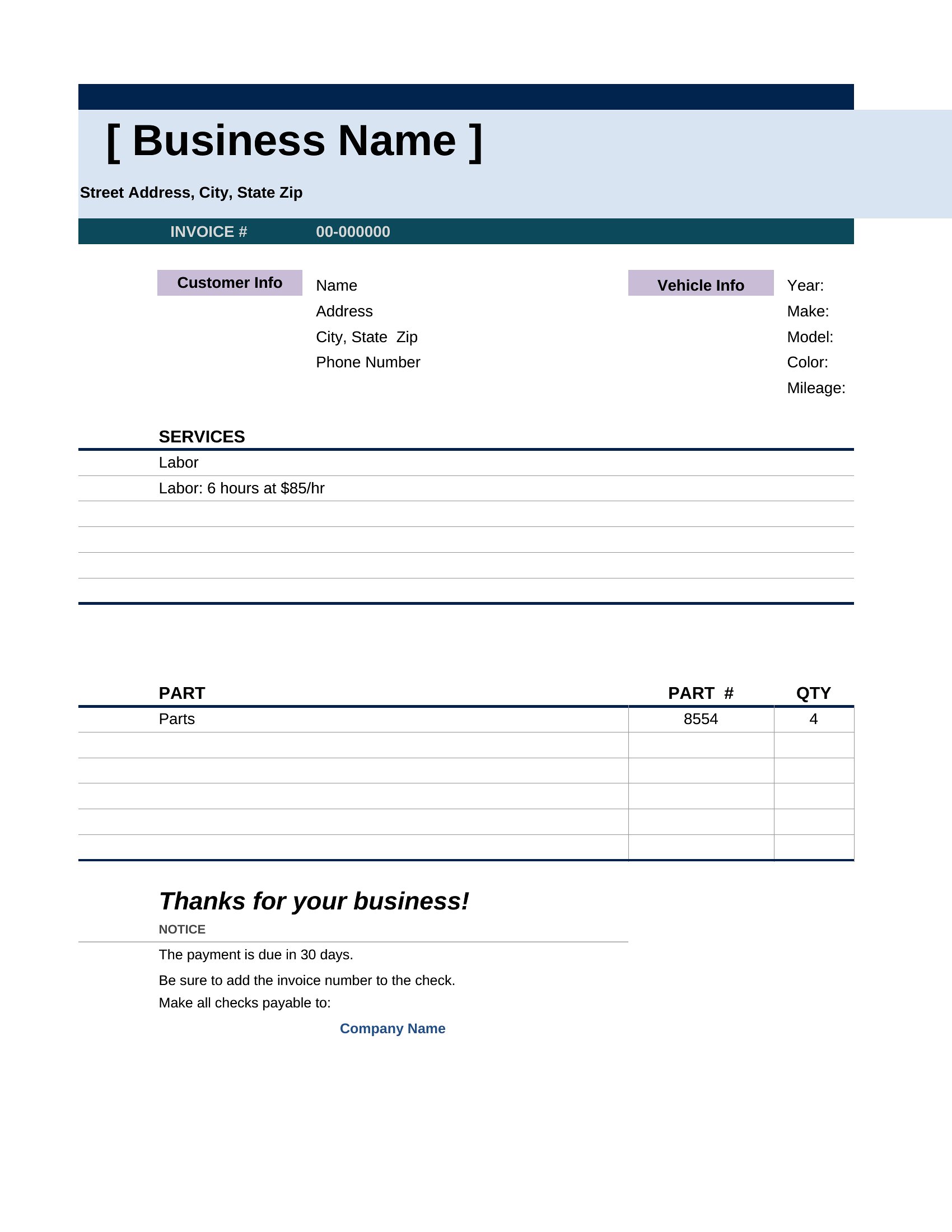
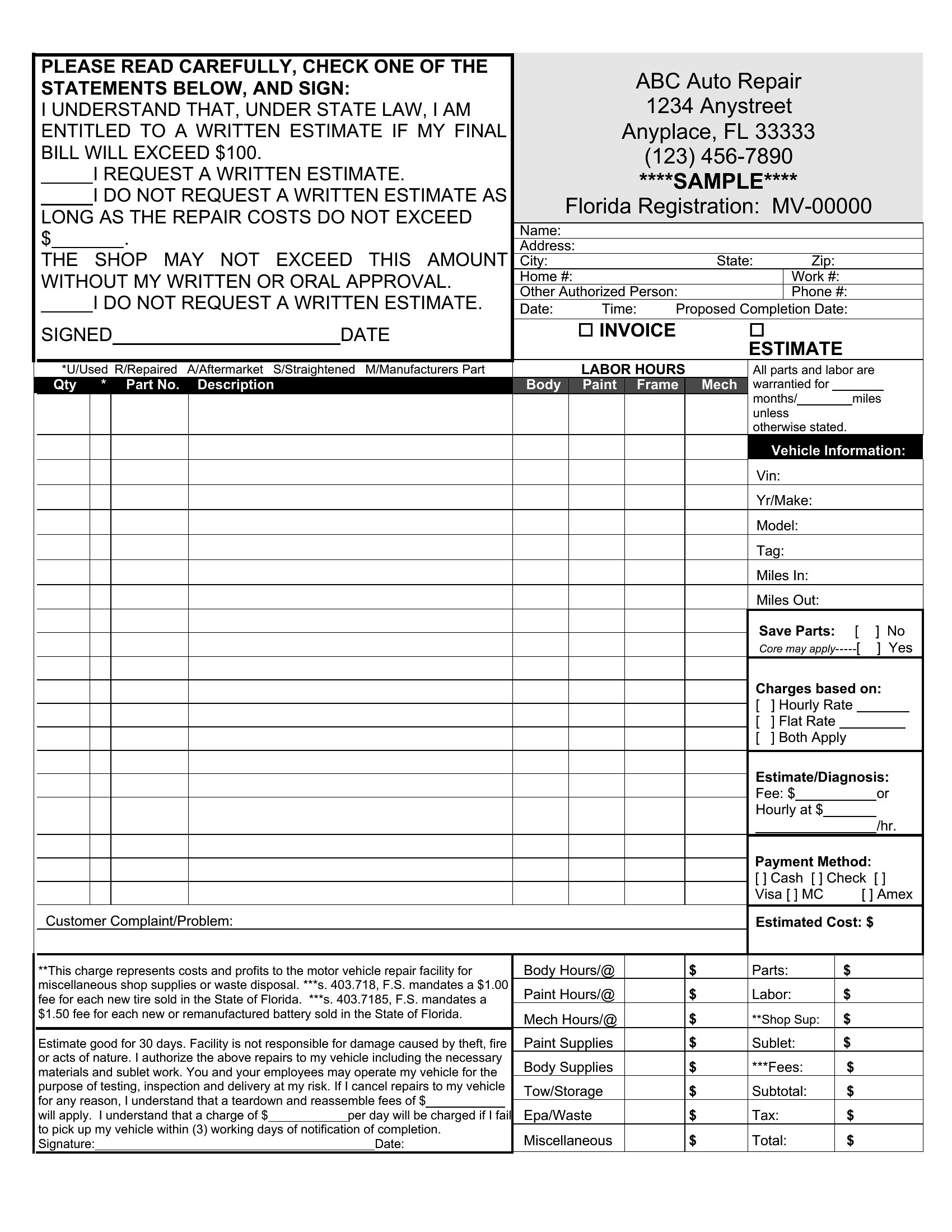
InvoicesA clear invoice is how a repair shop gets paid without back-and-forth over what each charge covers. This set of 36 auto repair invoice templates helps mechanics, garages, and mobile technicians list parts, labor, and taxes in one professional document. The layouts leave room for vehicle details, the work performed, and your shop's contact information.
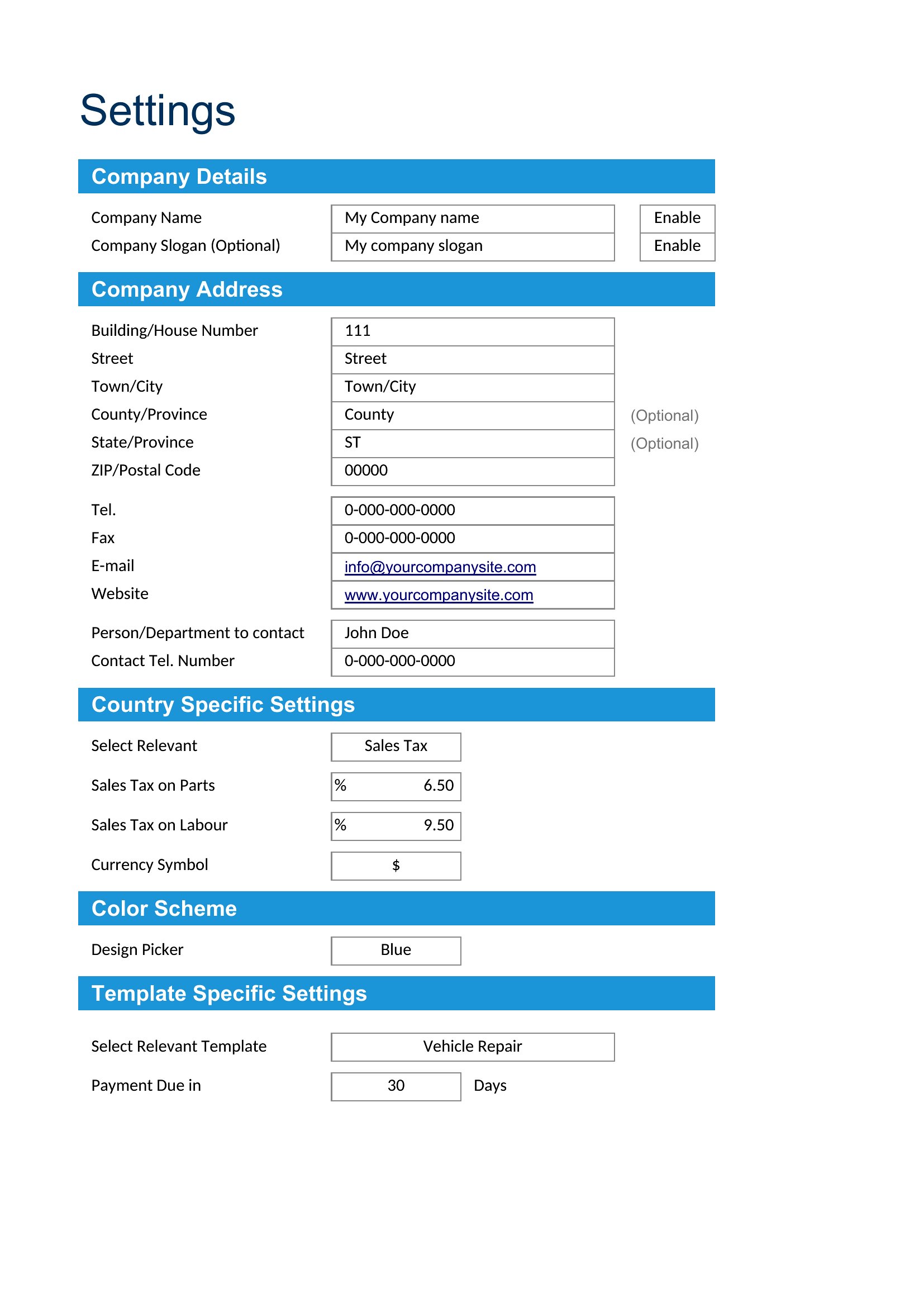
Excel versions total the line items and tax automatically, while the Word files are easy to edit for one-off jobs. Enter the parts and hours, add your rates, and print or email the finished invoice. Pick the format that fits your shop and send a clean bill after every repair.
When to use this Auto Repair Invoice template
- A single-mechanic shop owner needs to invoice a customer for a last-minute tire rotation and oil change, detailing labor hours and part costs to avoid payment disputes.
- Mobile auto technicians servicing homeowners after accidents must quickly generate itemized invoices with mileage, parts used, and labor rates for insurance claims or cash payments.
- A dealership service department requires a professional invoice for a warranty repair, listing OEM parts, diagnostic fees, and tax breakdowns to comply with manufacturer policies.
- A fleet manager at a delivery company needs to track maintenance costs per vehicle, using an invoice template that separates parts, labor, and travel fees for expense reports.
Which format should I download?
Choose the Word format if you need to customize the invoice text, add your shop’s logo, or include detailed service descriptions in paragraphs. The Word templates are best for shops that bill clients infrequently or require a polished, print-ready document. For Excel, pick the version if you bill multiple clients daily and need automatic calculations for subtotals, tax, and grand totals. Excel also sorts and filters line items faster for busy shops tracking dozens of invoices. Both formats include tax fields, but Excel templates simplify adjusting tax rates by vehicle type or location.
How to use this Auto Repair Invoice template
How can these templates help clarify labor charges to customers?
These templates include a dedicated labor section with hourly rates and time spent on each service, so customers see exactly how costs are broken down. For example, you can list 2 hours of diagnostic time at $95/hour before parts. This transparency reduces questions about pricing and speeds up approvals. Some versions also allow you to add notes explaining why certain labor was needed, like alignment adjustments after a pothole repair.
Do the Excel templates calculate tax automatically based on my location?
The Excel templates include tax fields that you can pre-set with your local sales tax rate, so they’ll calculate tax totals for you. However, tax rules vary by state, county, and even city, so you’ll need to confirm the correct rate for your area. For example, a shop in a city with a 9% sales tax and an additional 2% county tax should enter 11% in the tax field. The templates don’t pull real-time tax data, so double-check before sending invoices.
Can I use these templates if I charge by flat rate instead of hourly labor?
Yes, these templates include a labor section where you can replace hourly rates with flat-rate charges for specific services. For example, you’d list “Brake Pad Replacement” at $150 (parts) + $85 (labor) instead of hourly time. Many of the samples include a “miscellaneous” line for unexpected fees, which you can use for flat-rate upsells like fluid top-offs or minor adjustments. Just be clear with your customers about what’s included in each flat rate to avoid confusion.
Comments
Join the conversation
Sign in to share your thoughts and leave a comment on this resource.