



FAQ
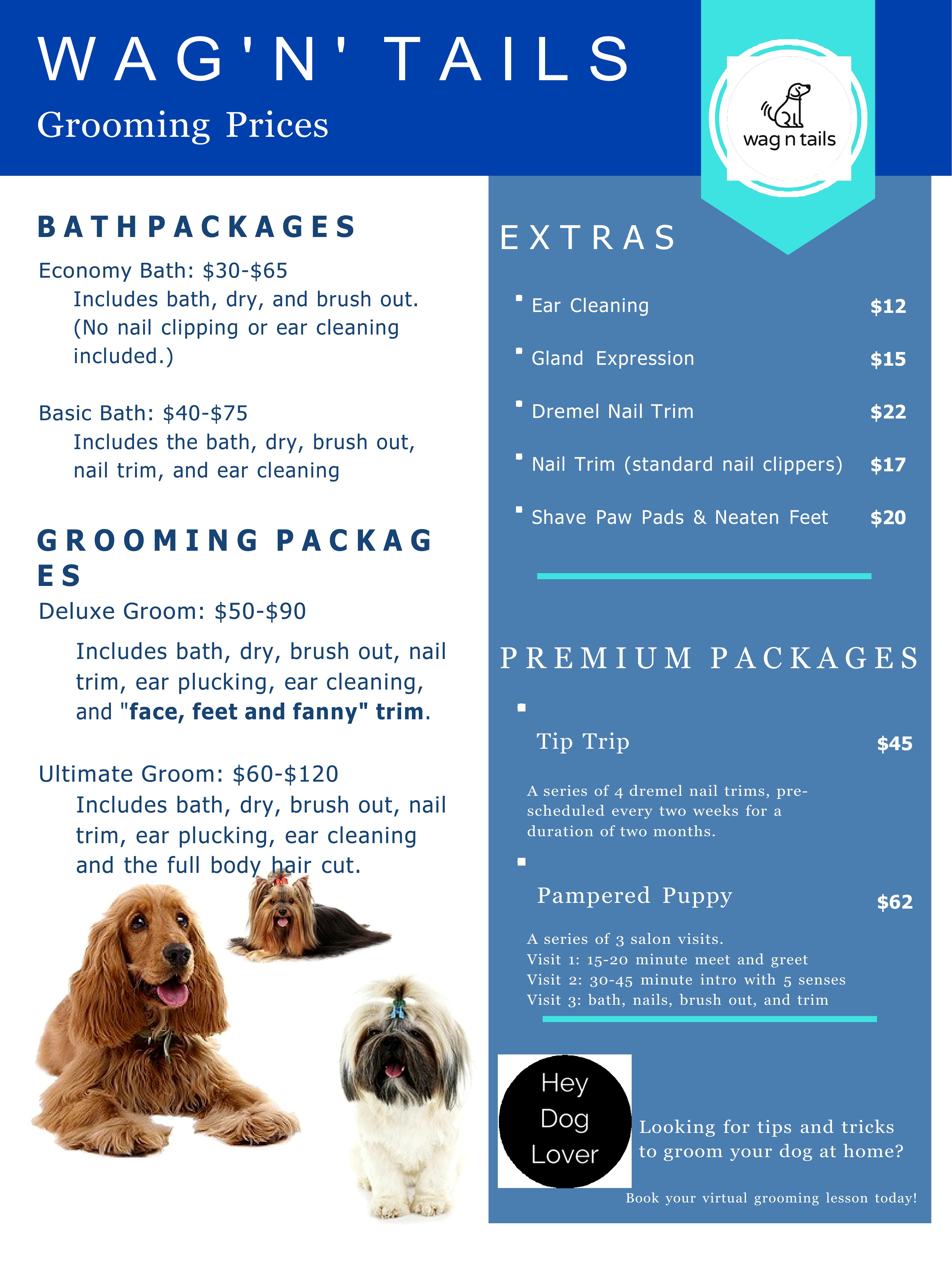
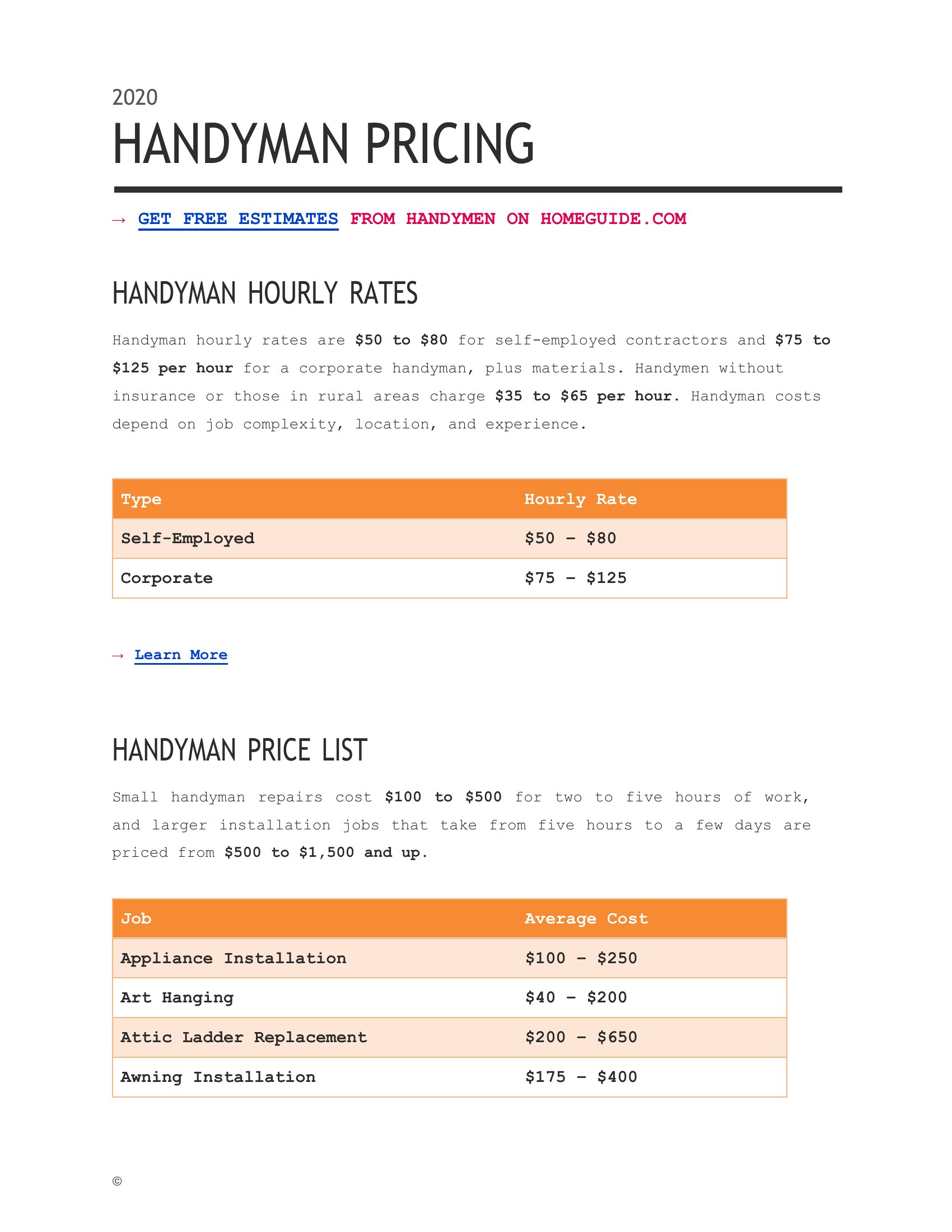
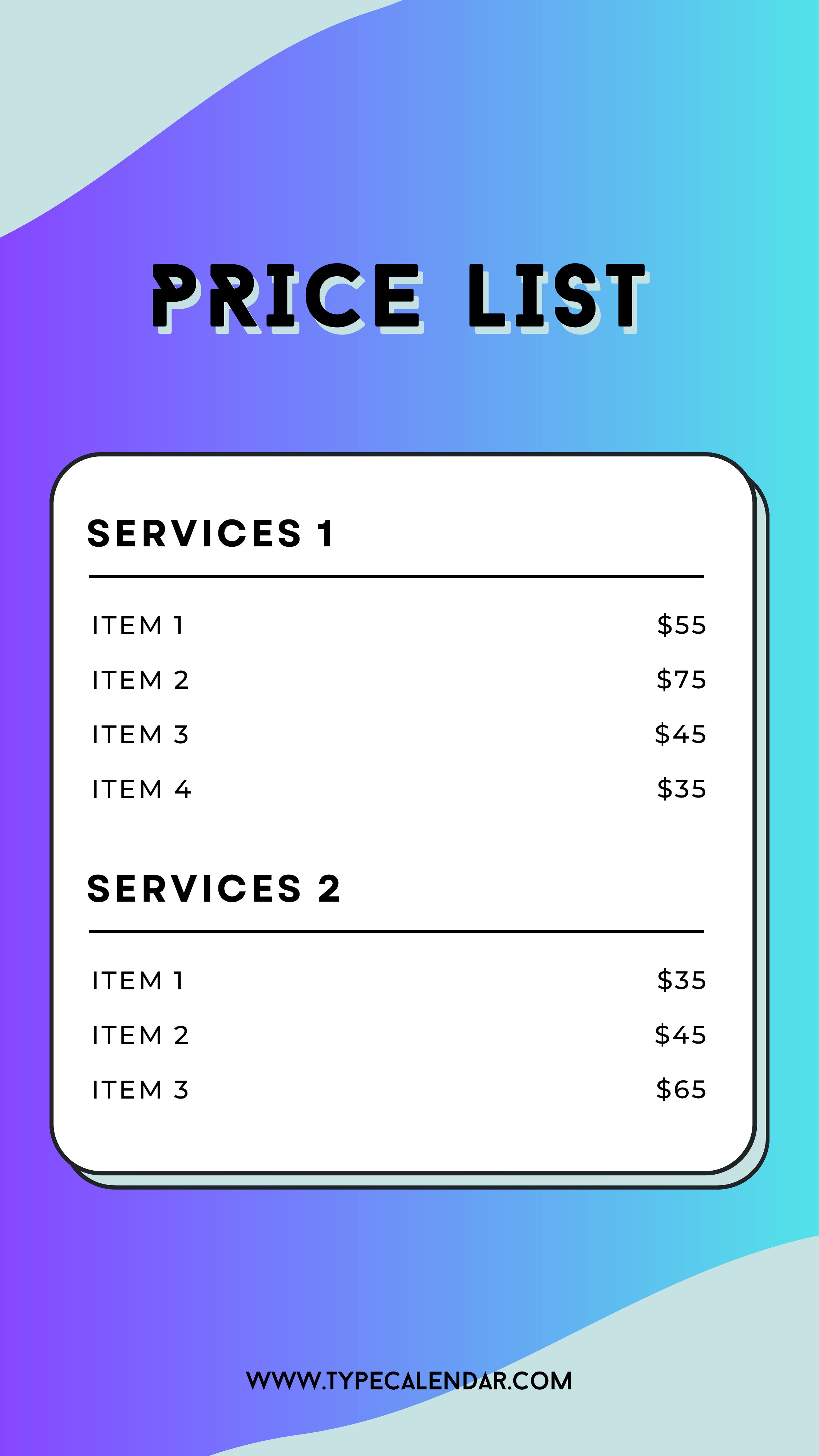
How do I adjust the pricing structure if my services have tiers or add-ons?
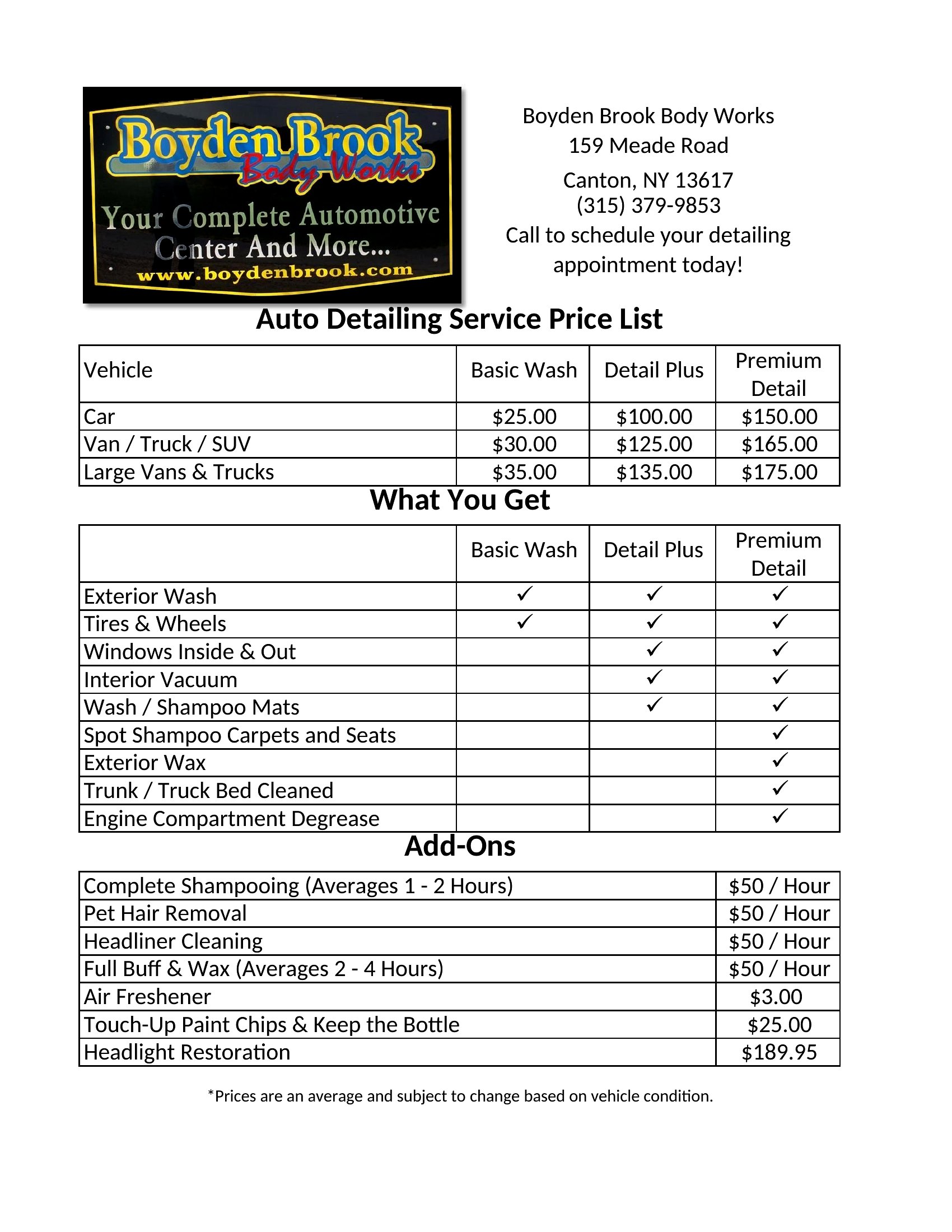
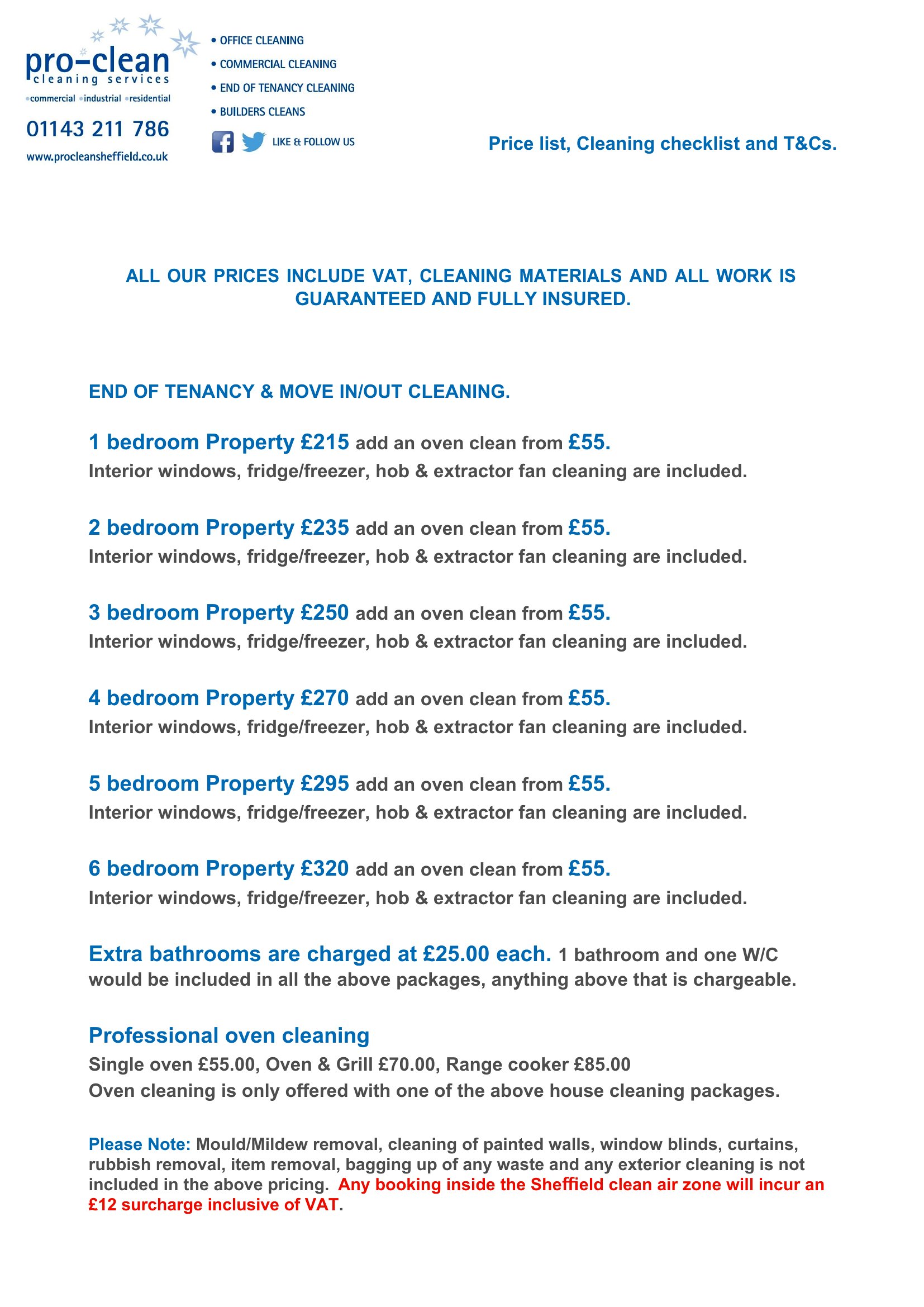
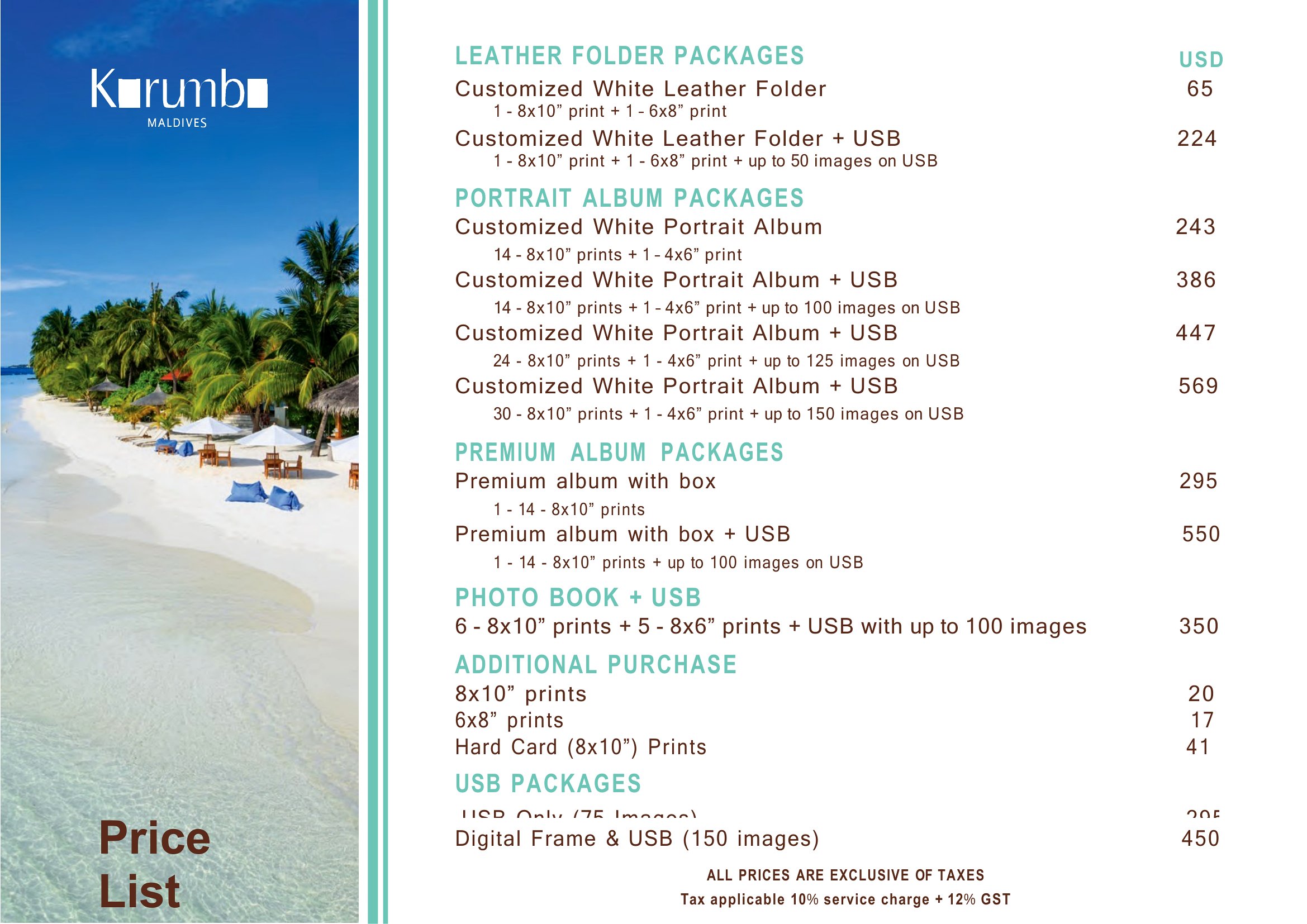
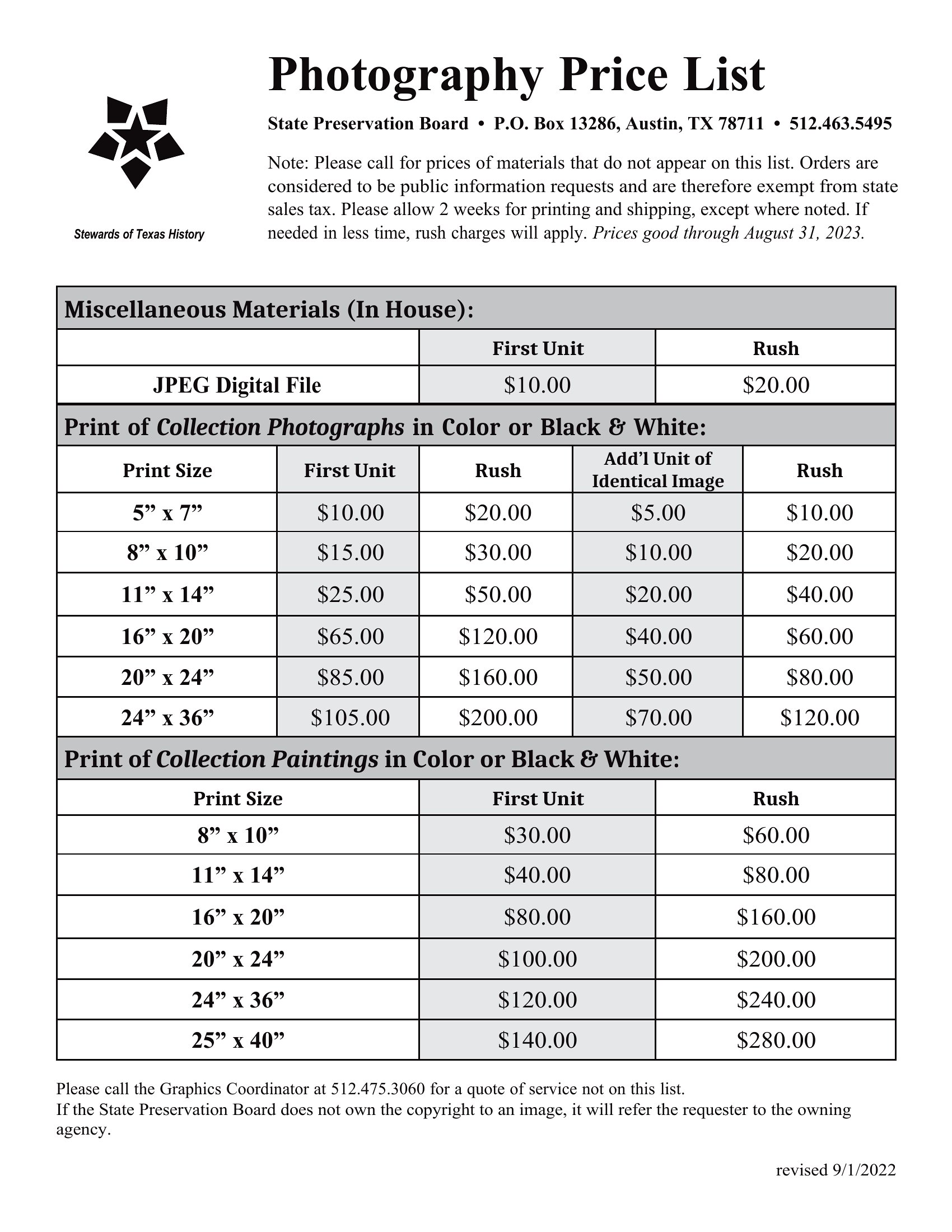
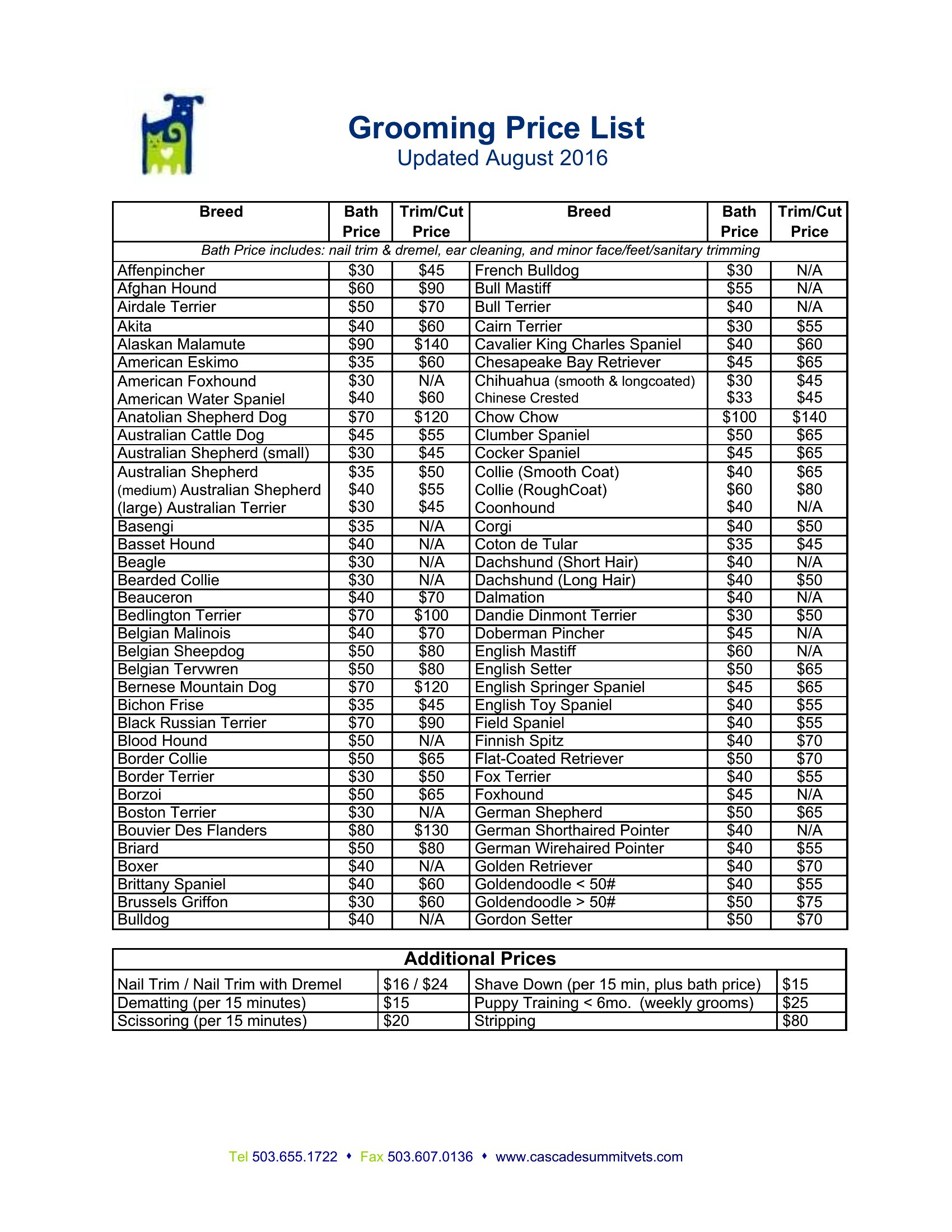
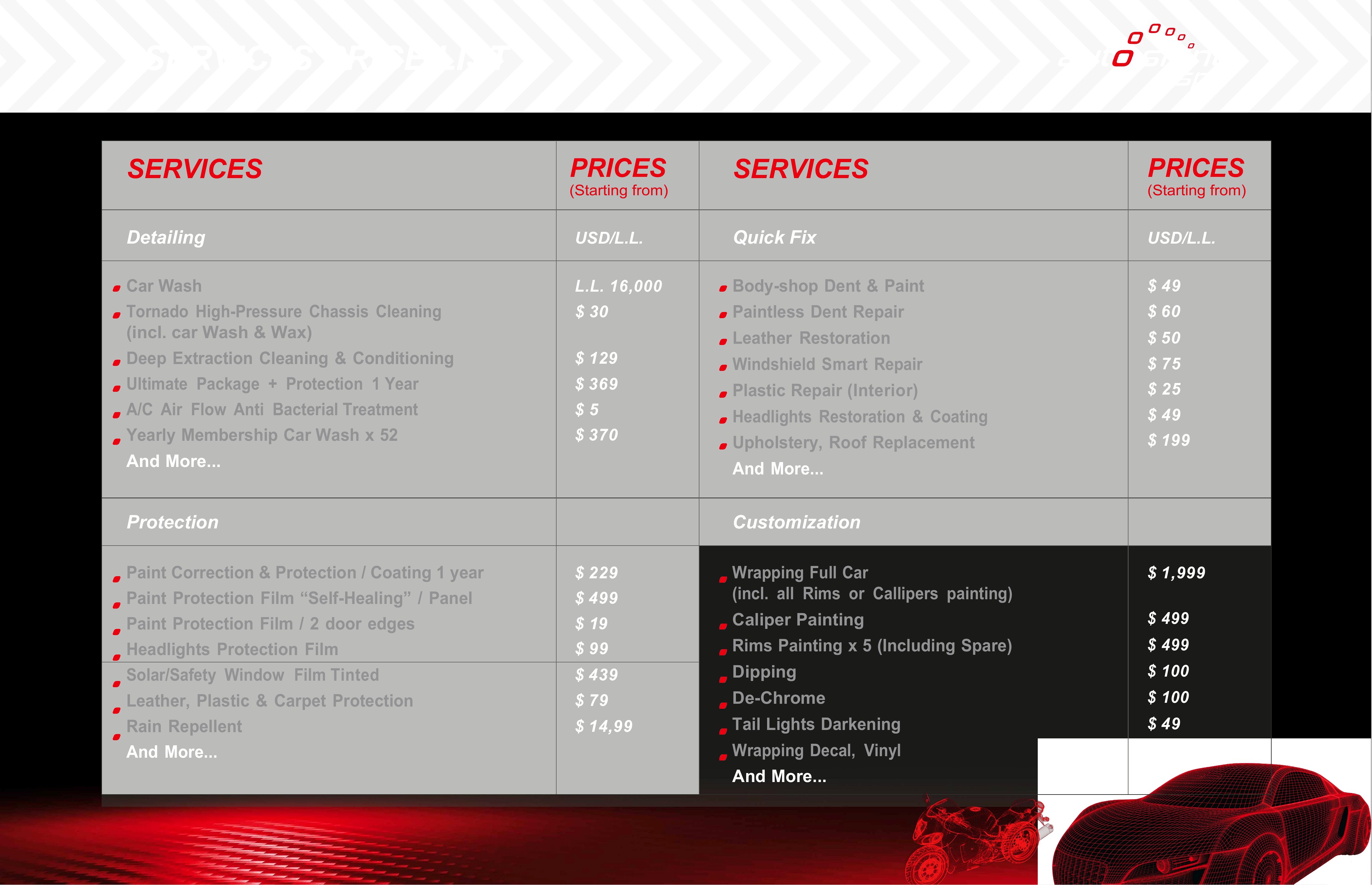
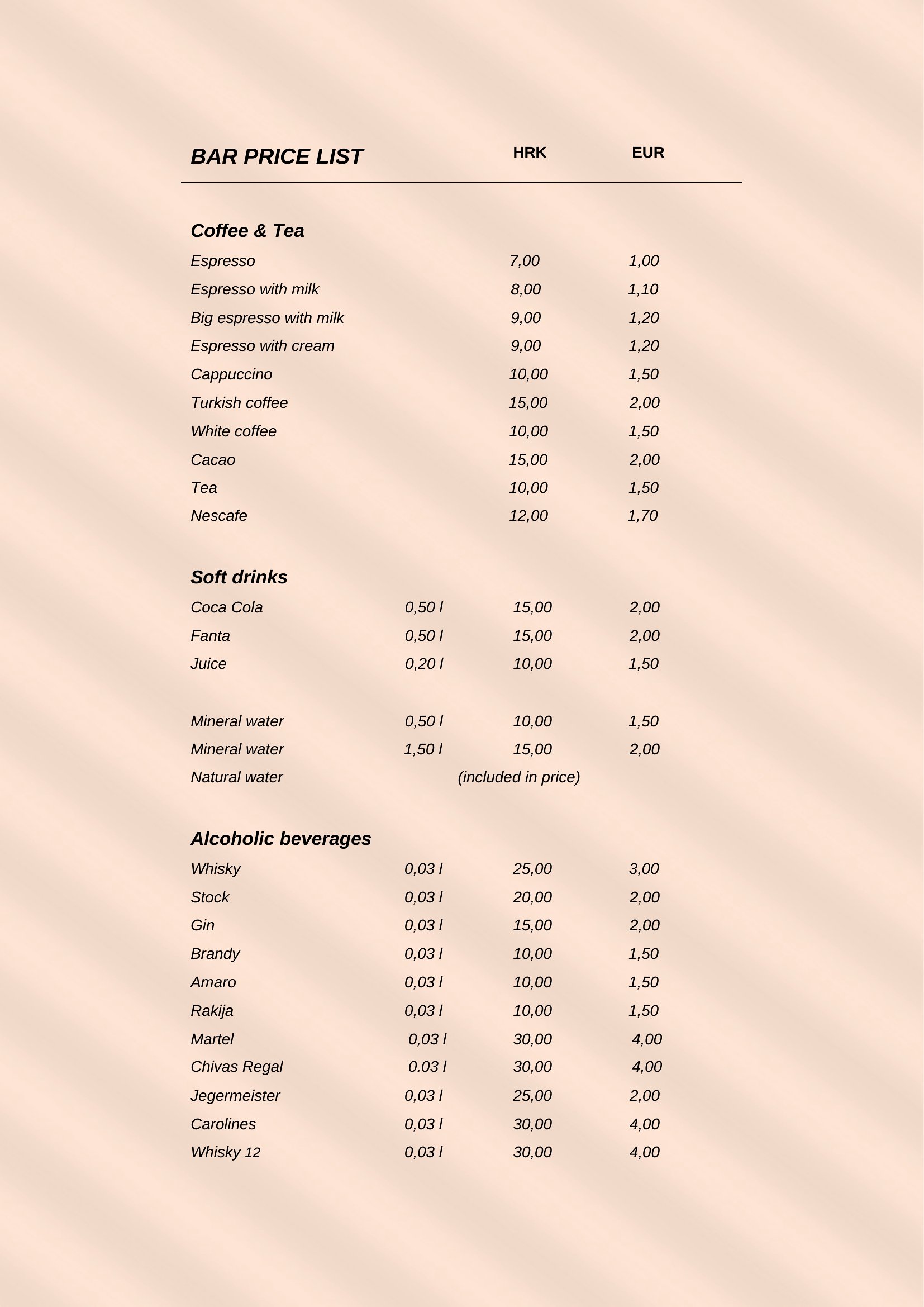
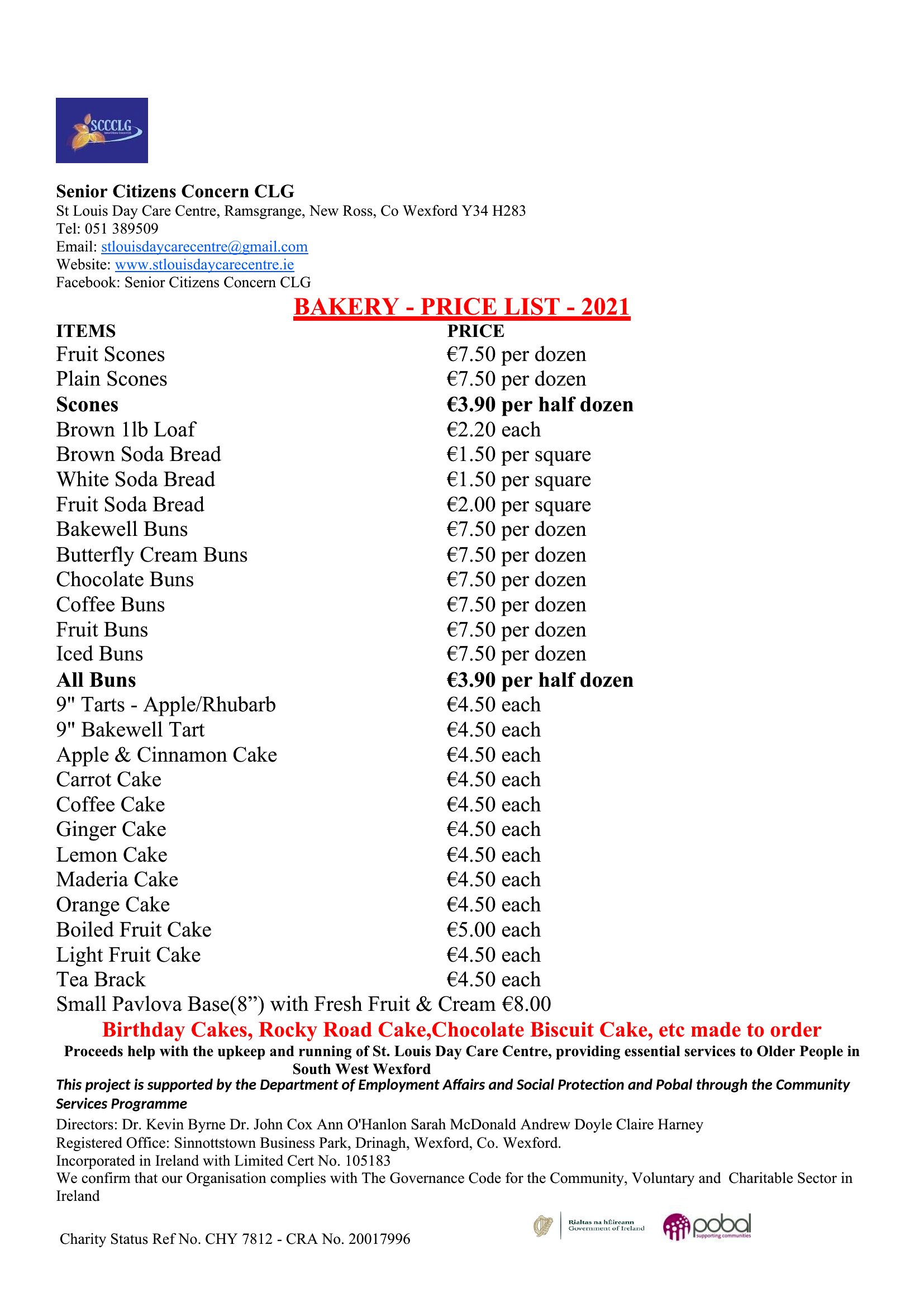
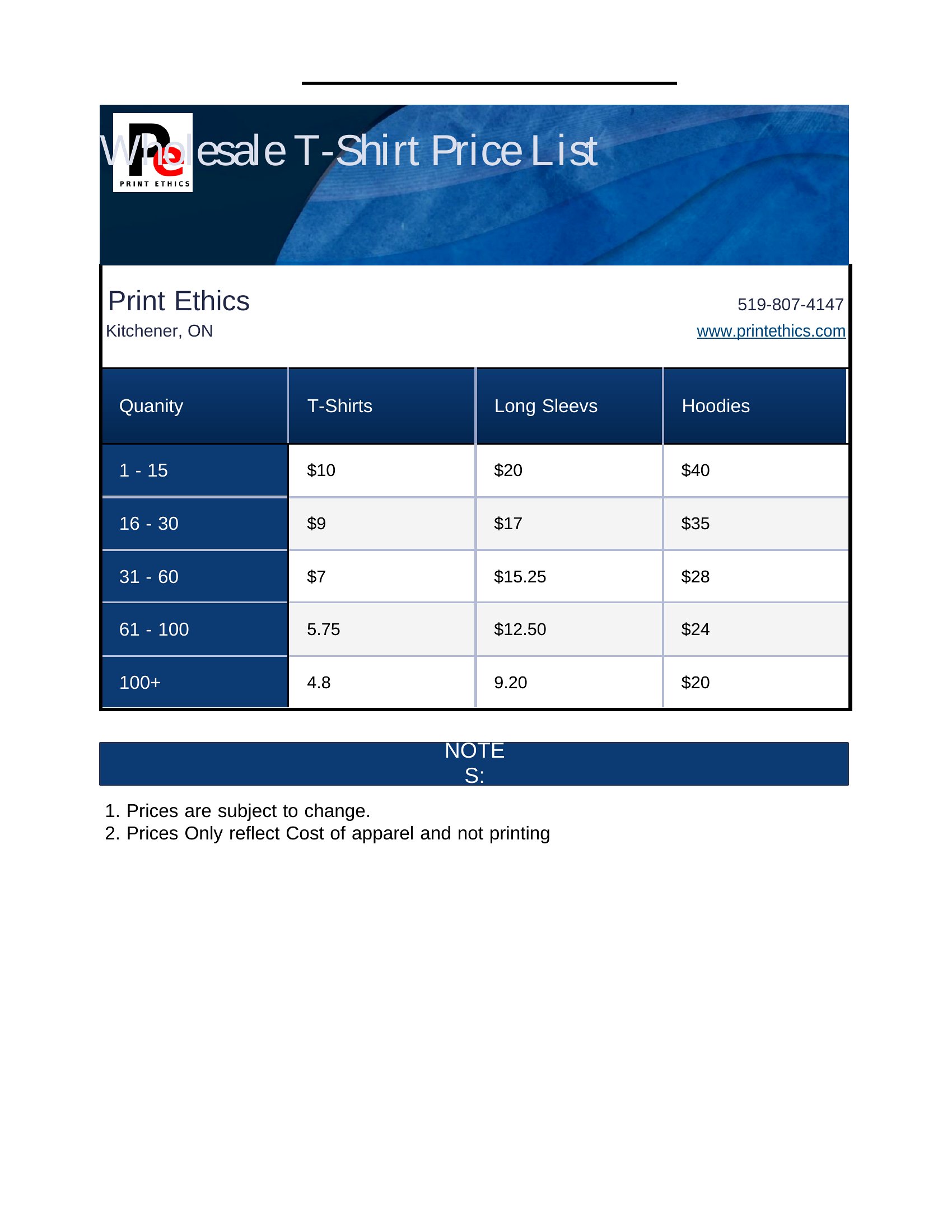
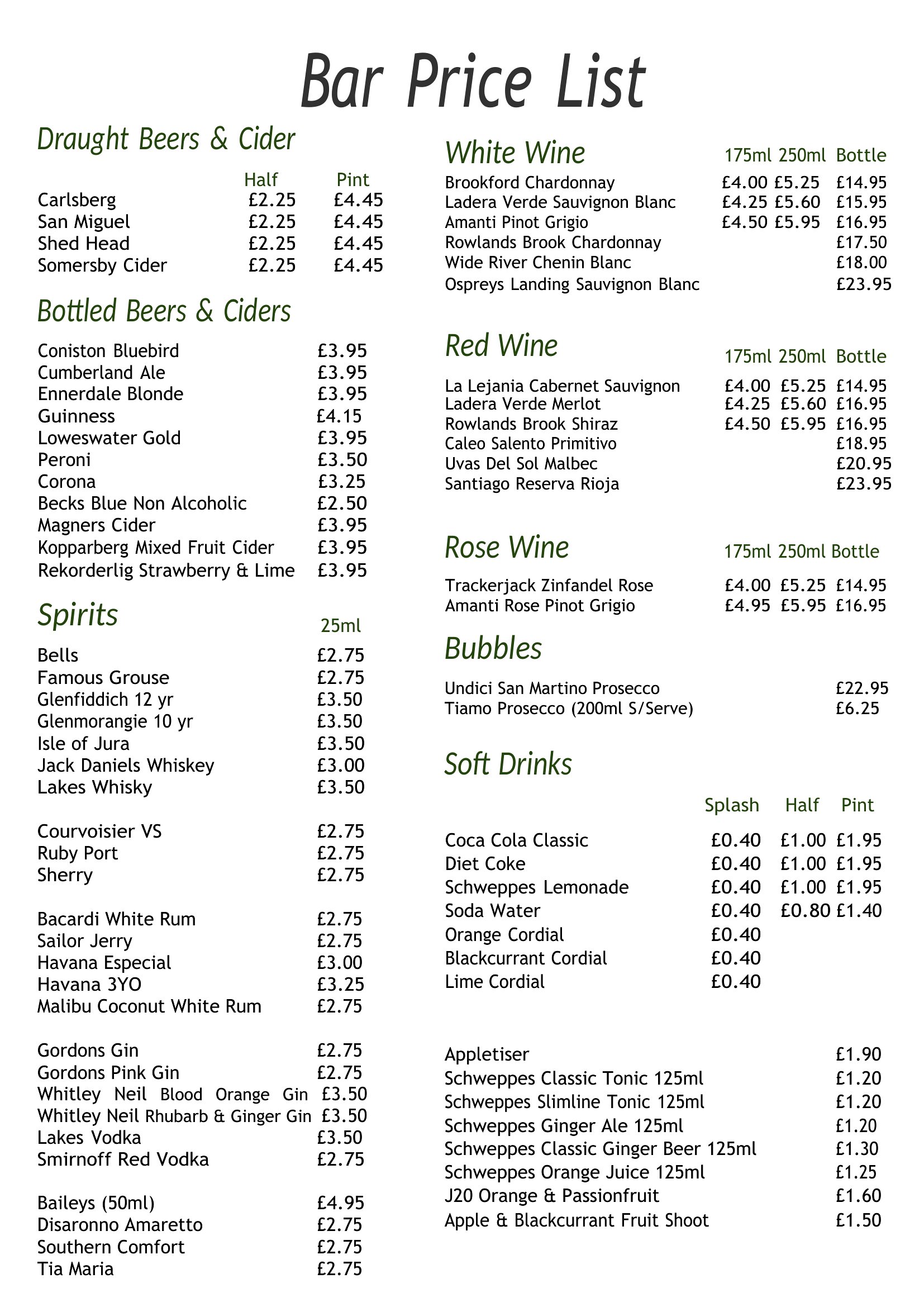
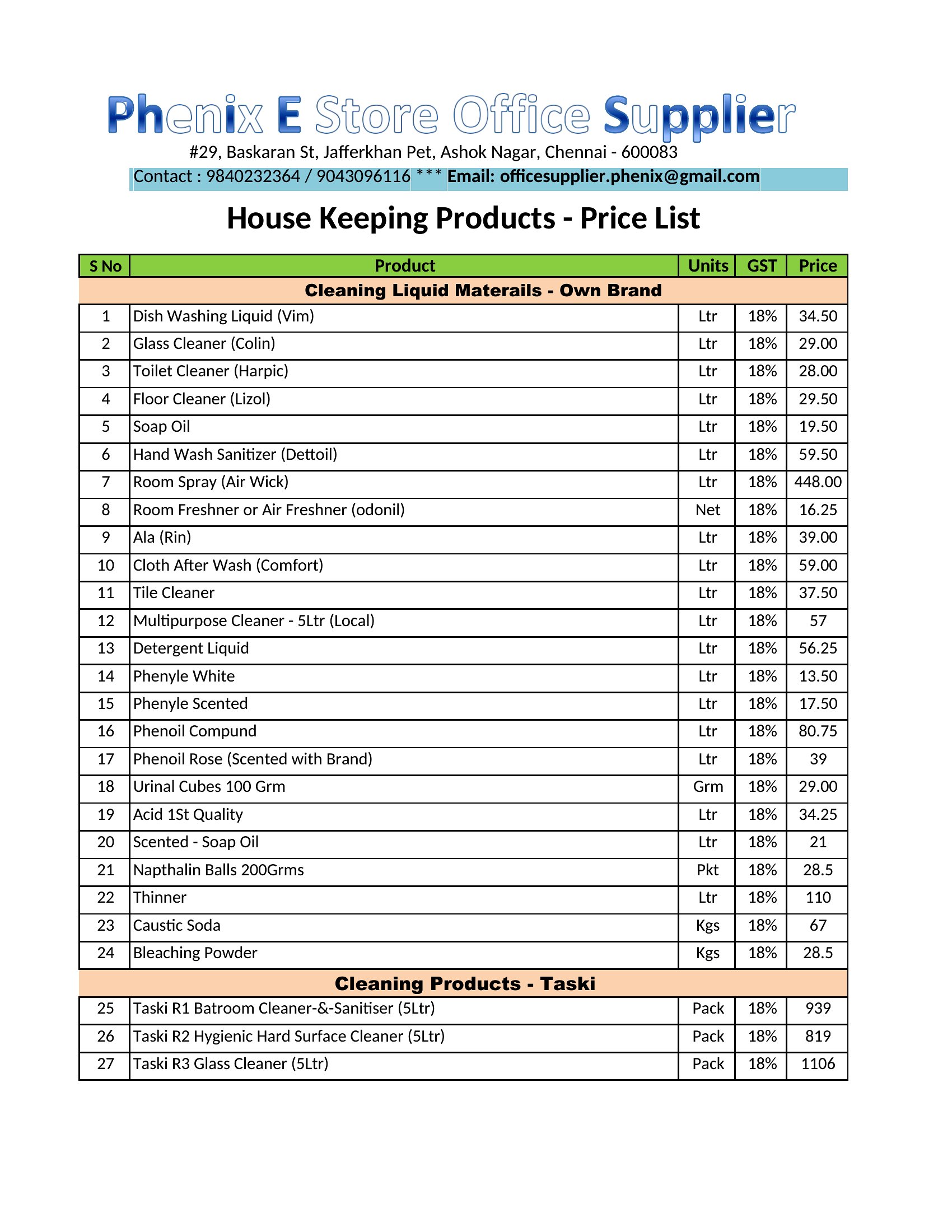
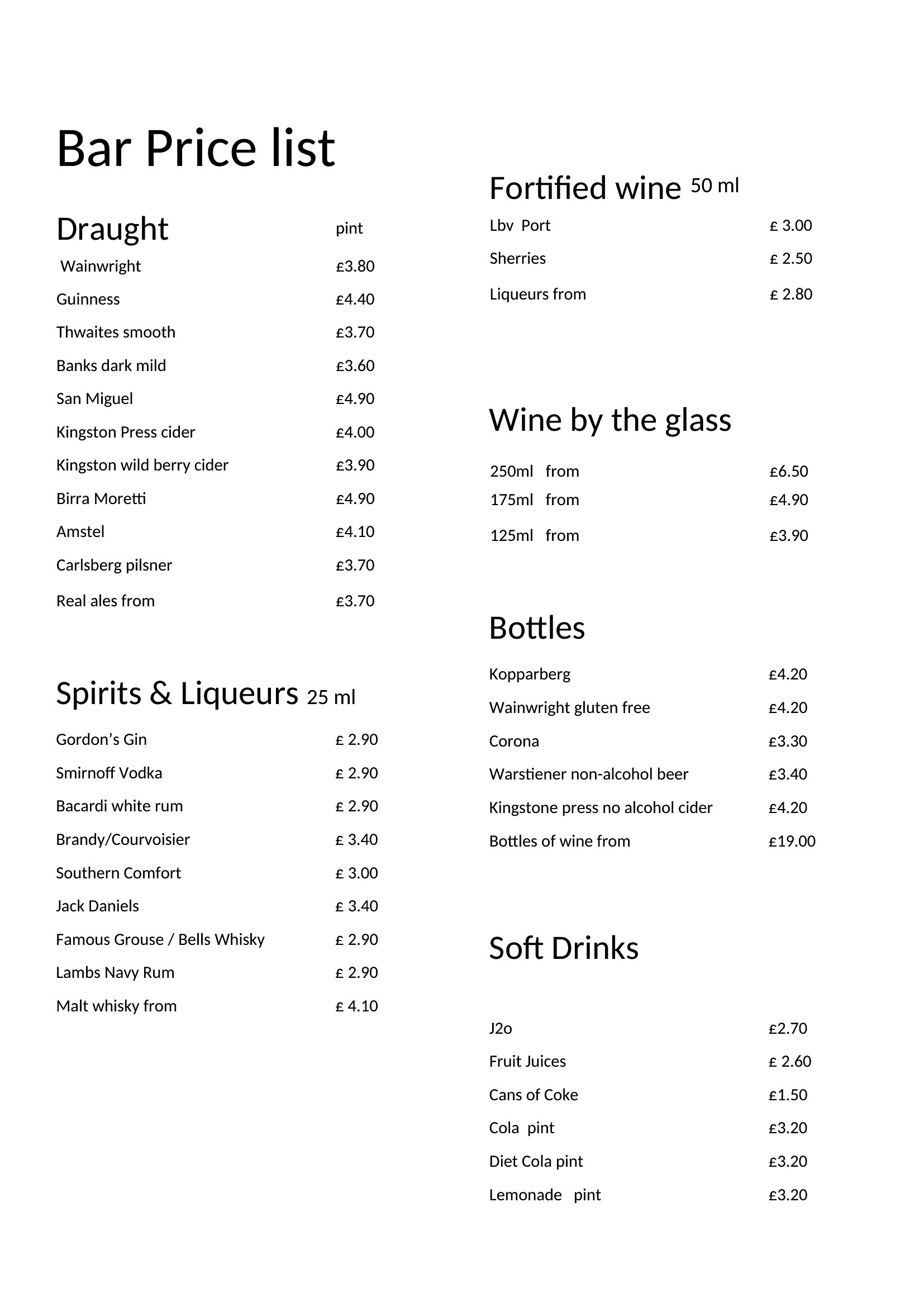
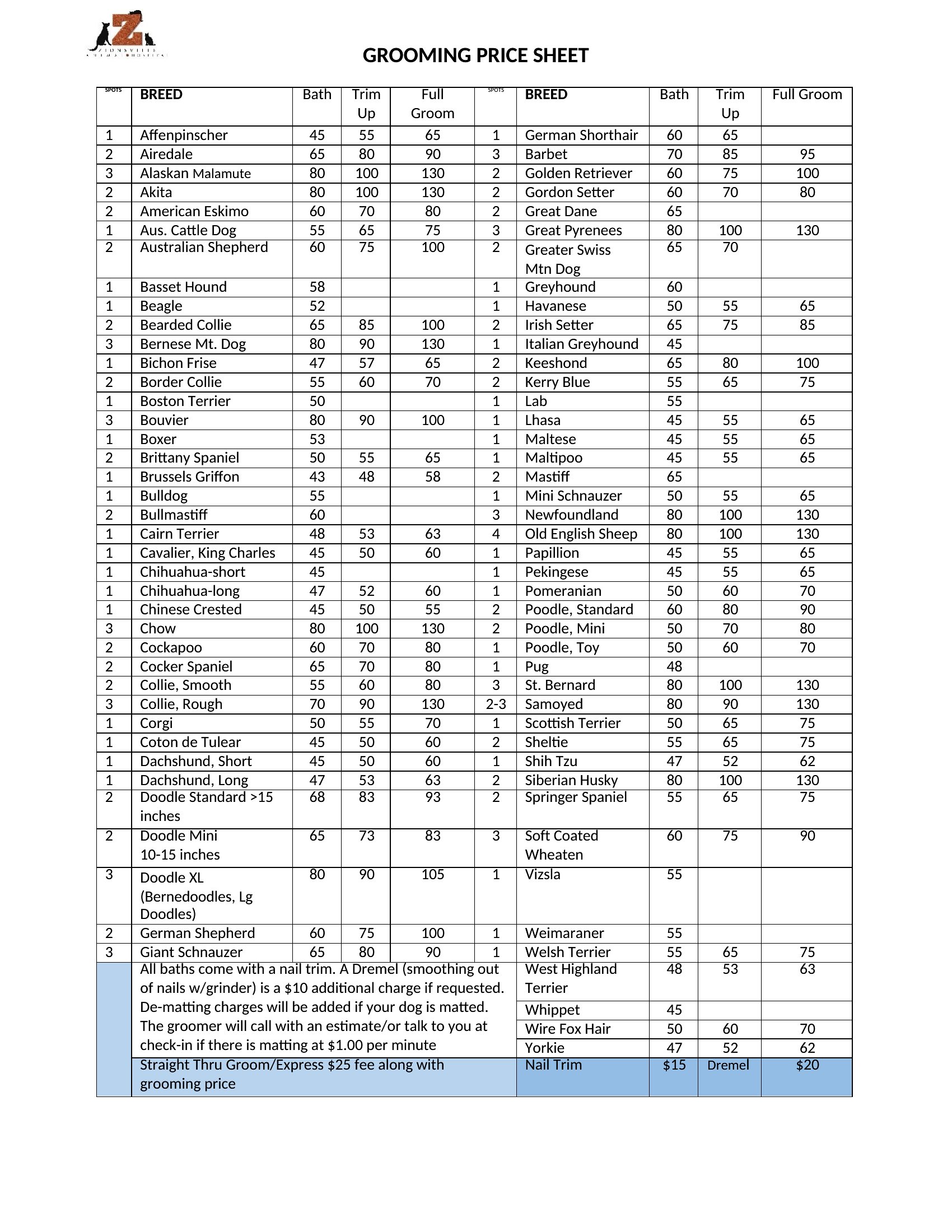
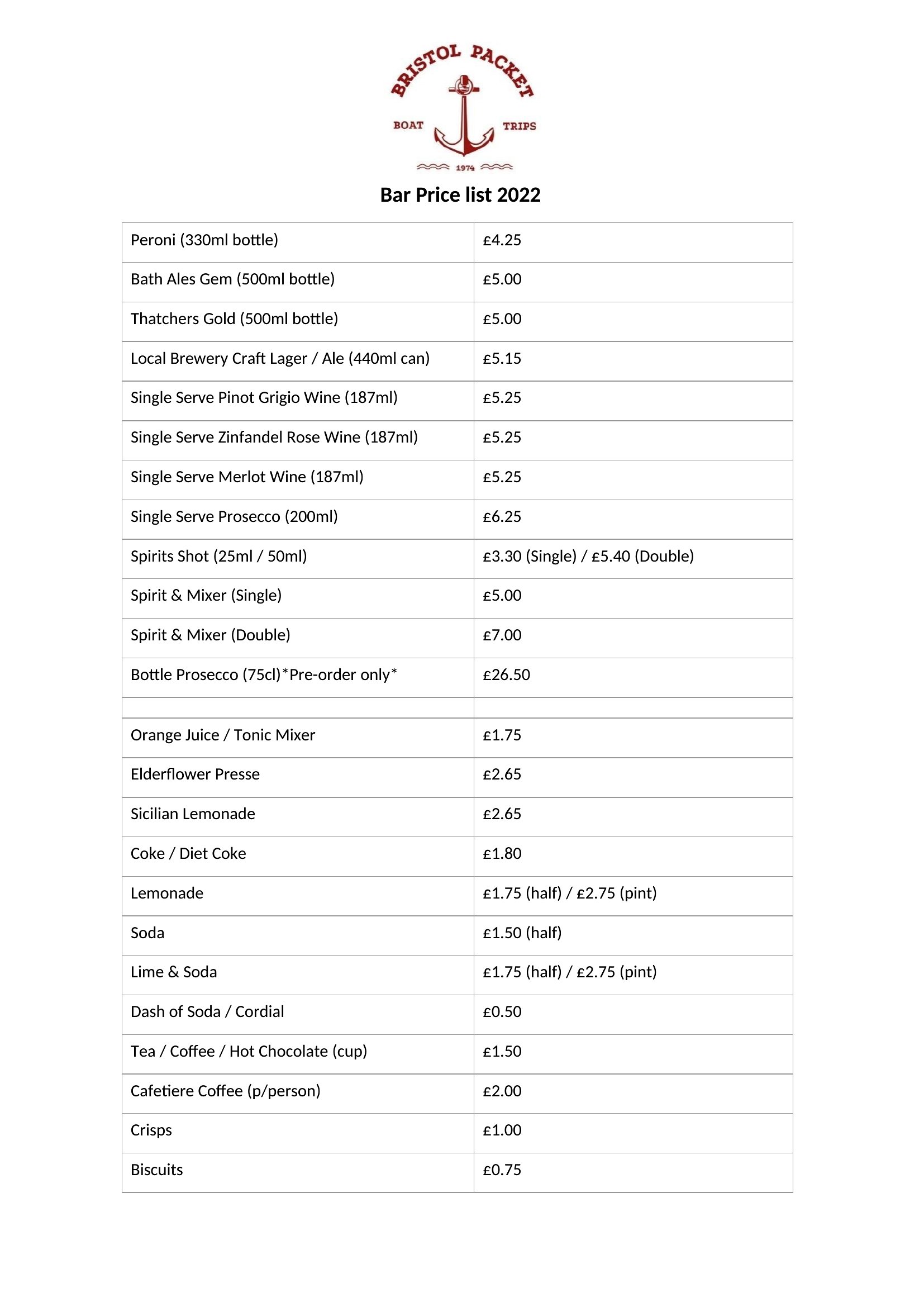
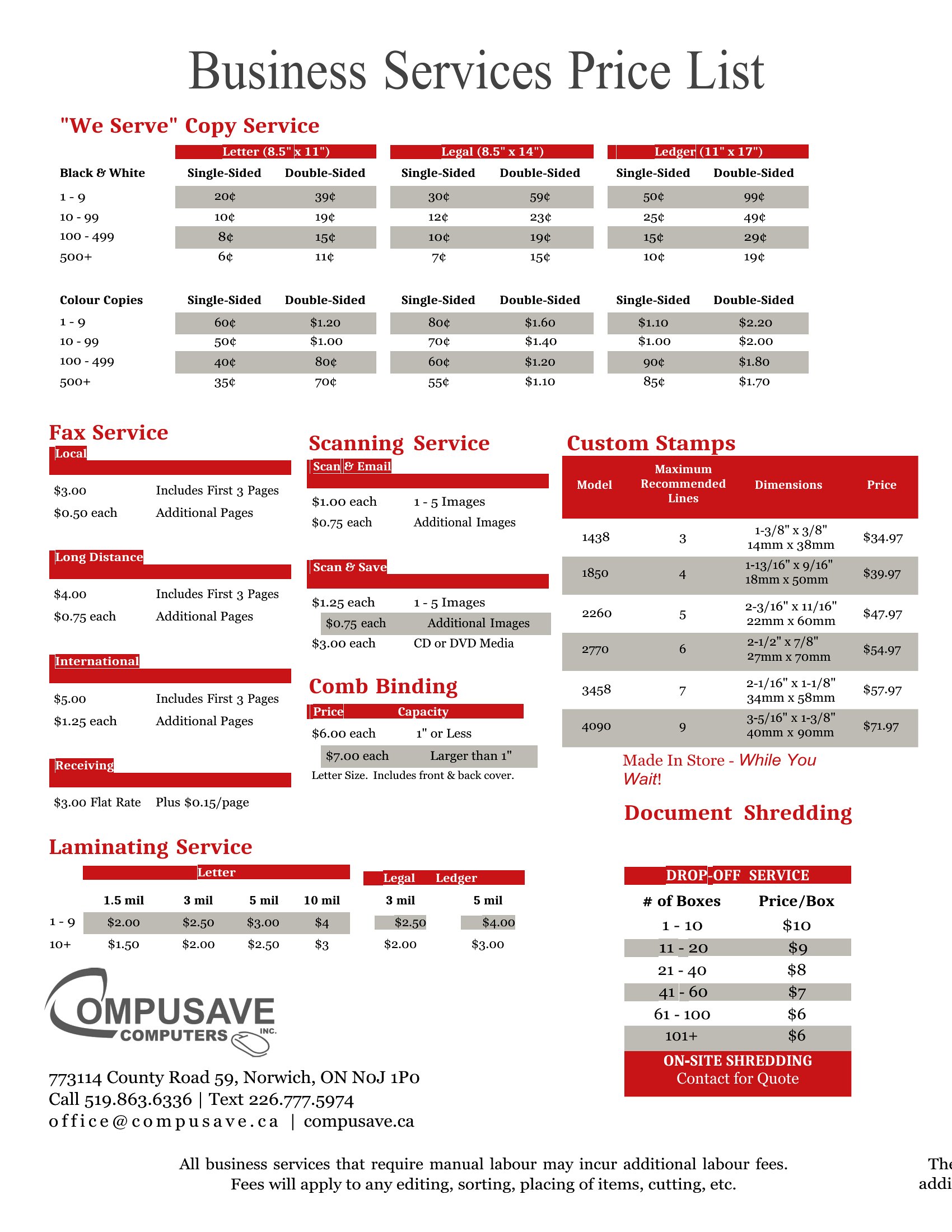
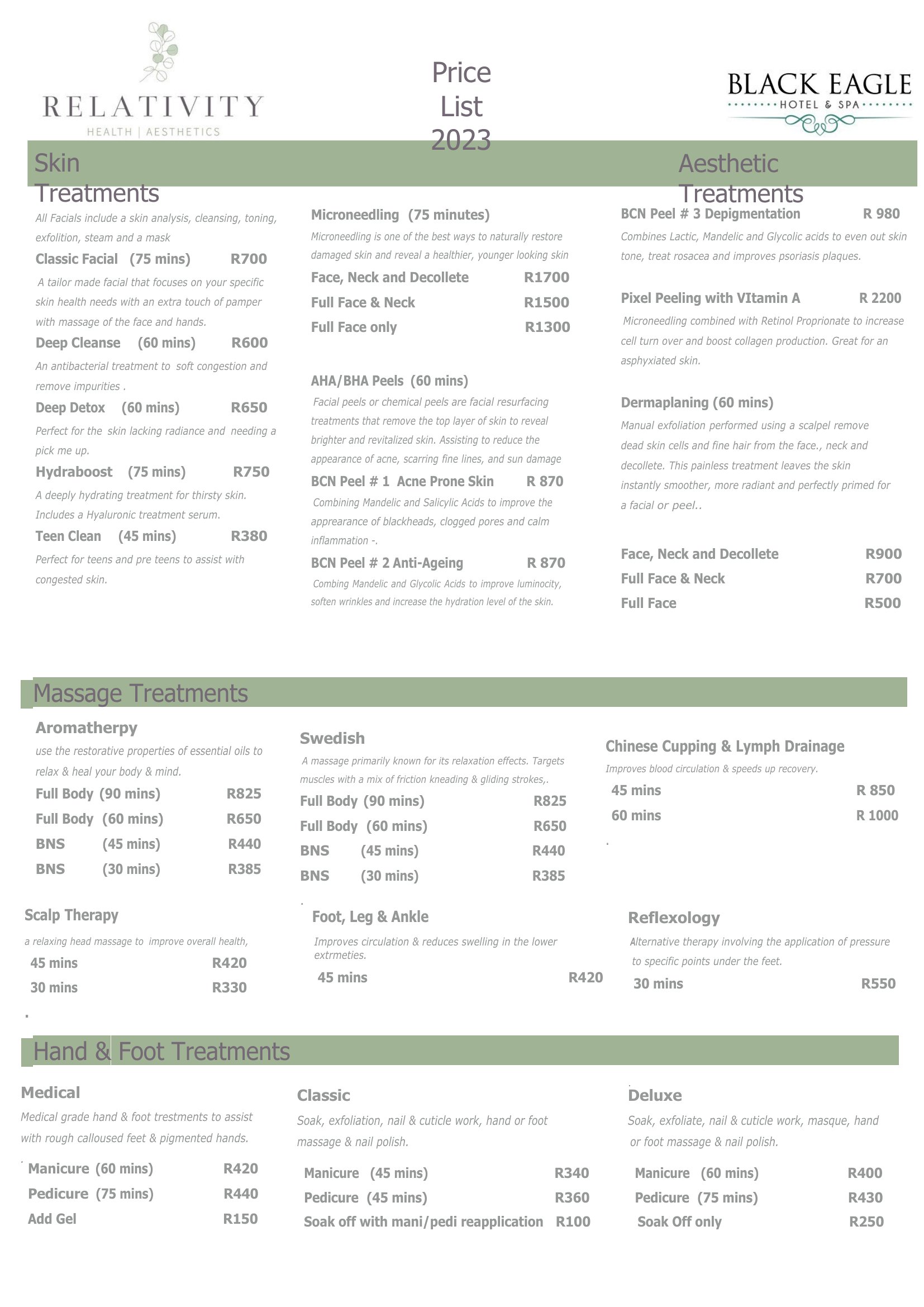
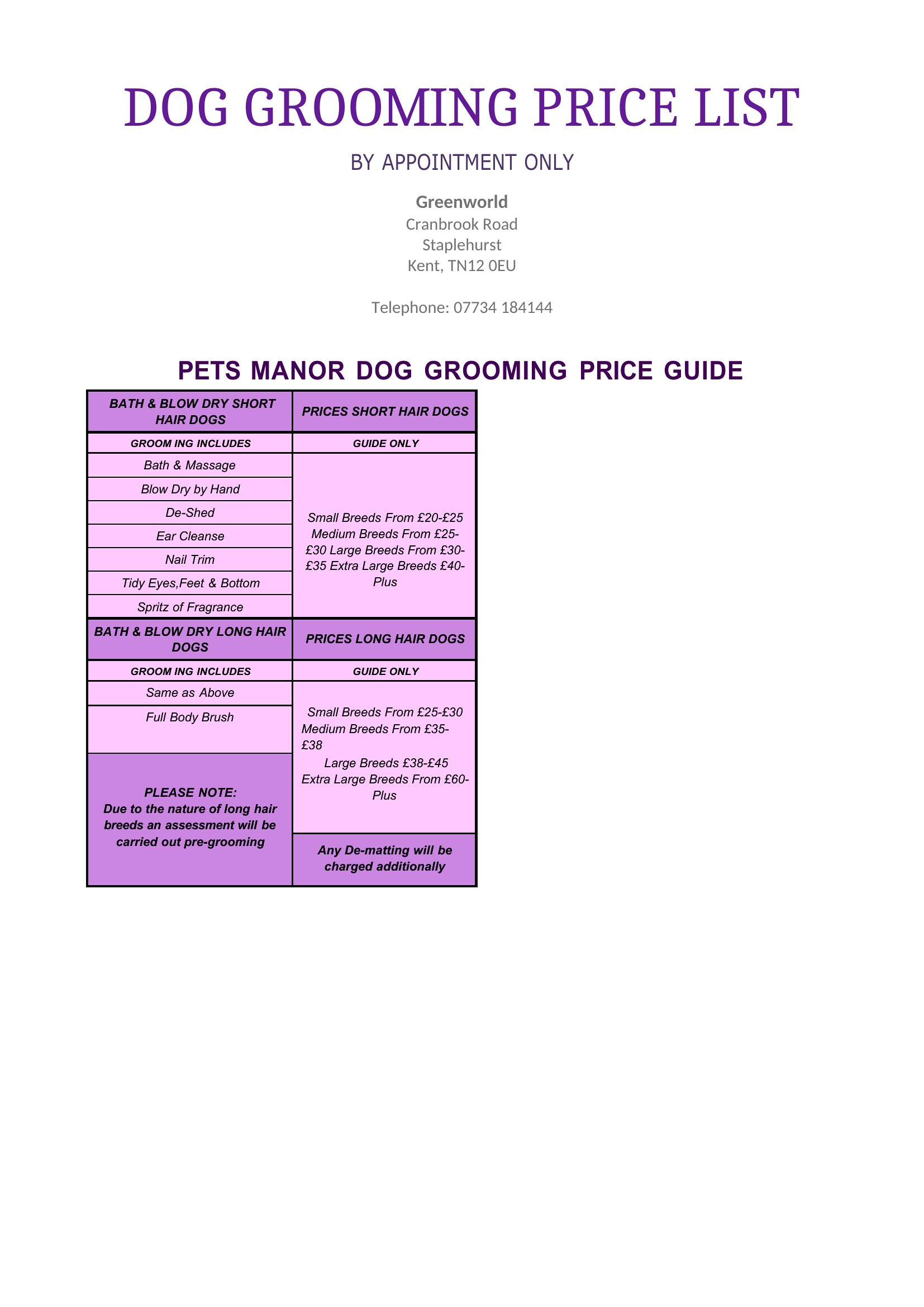
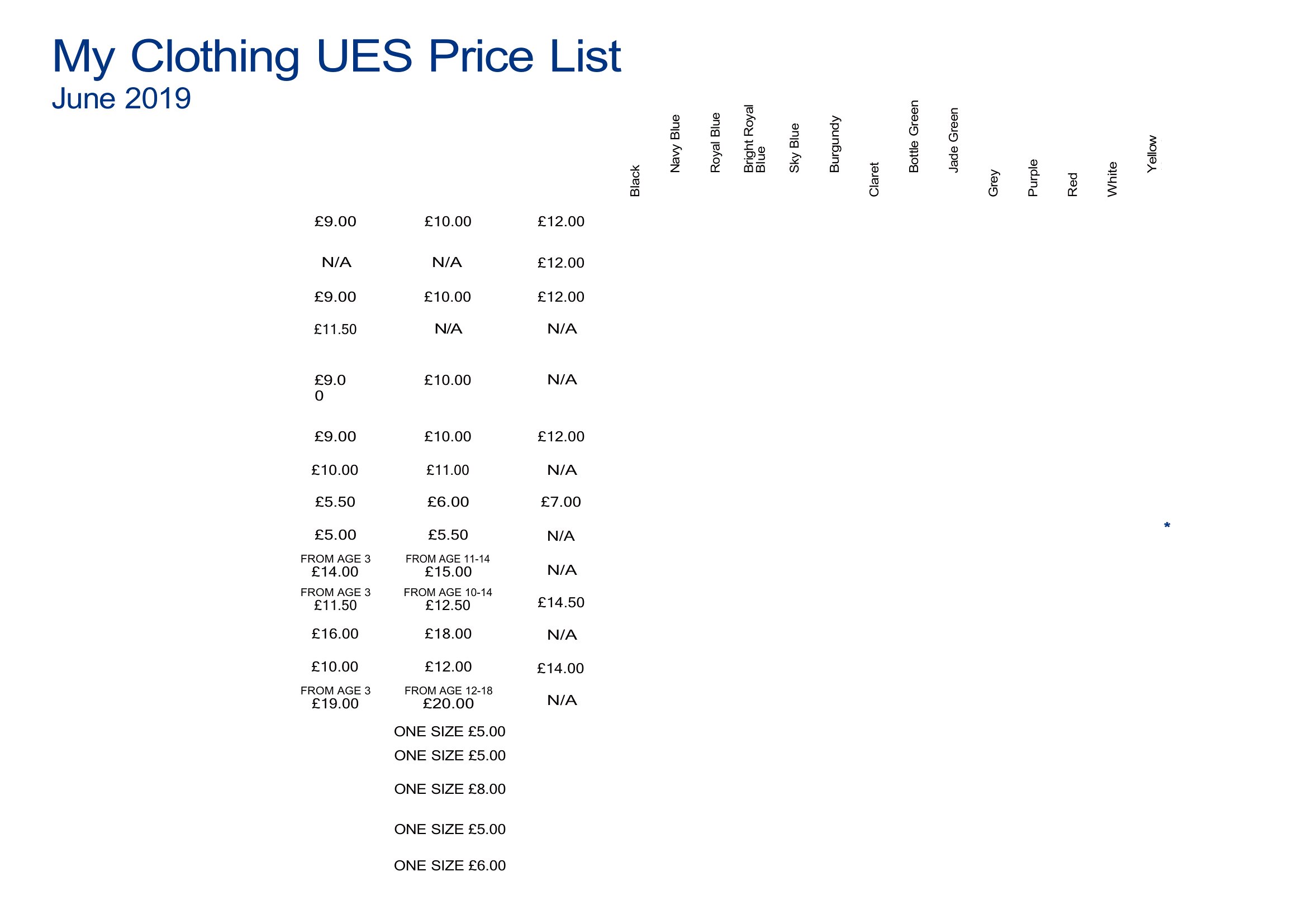
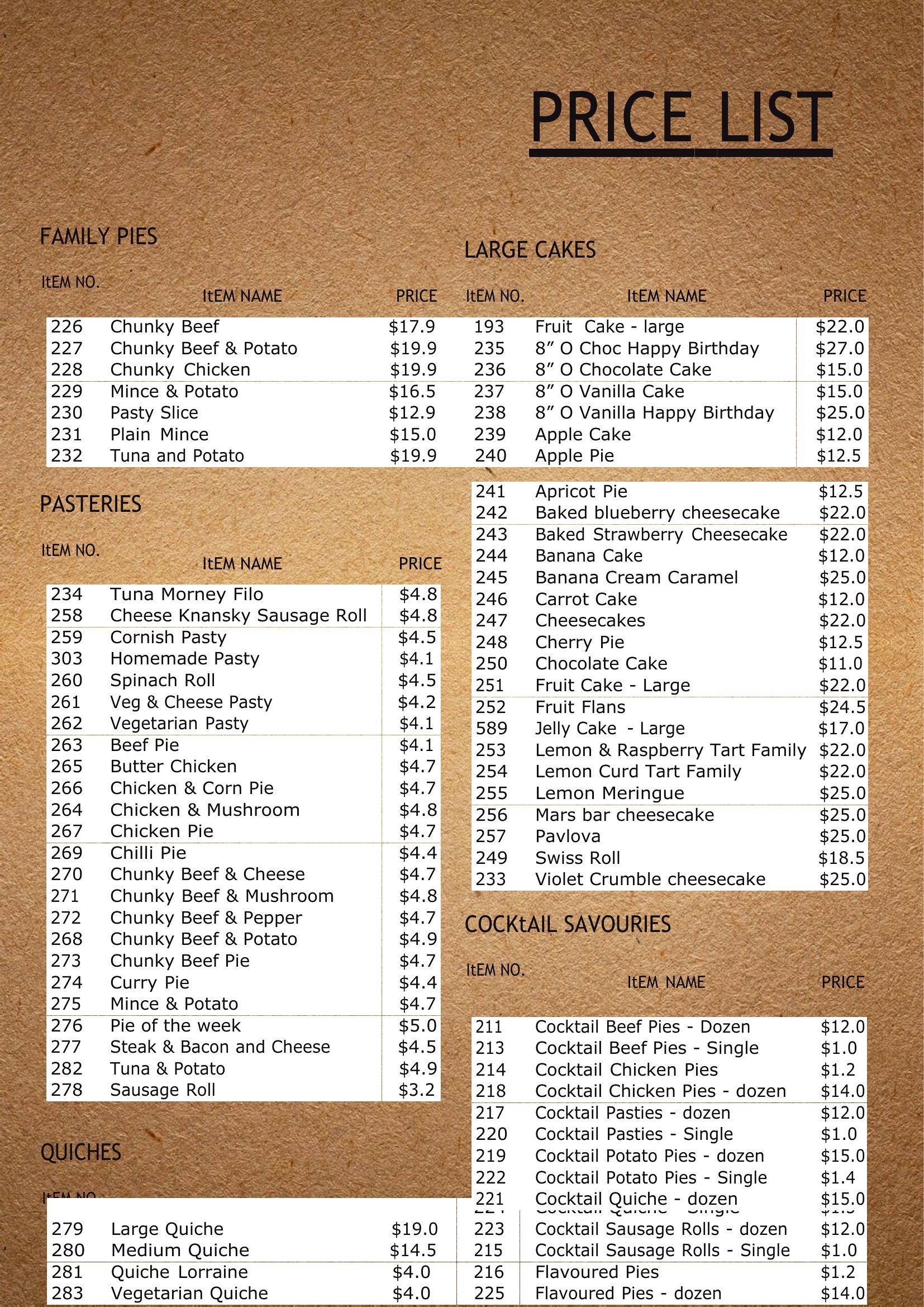
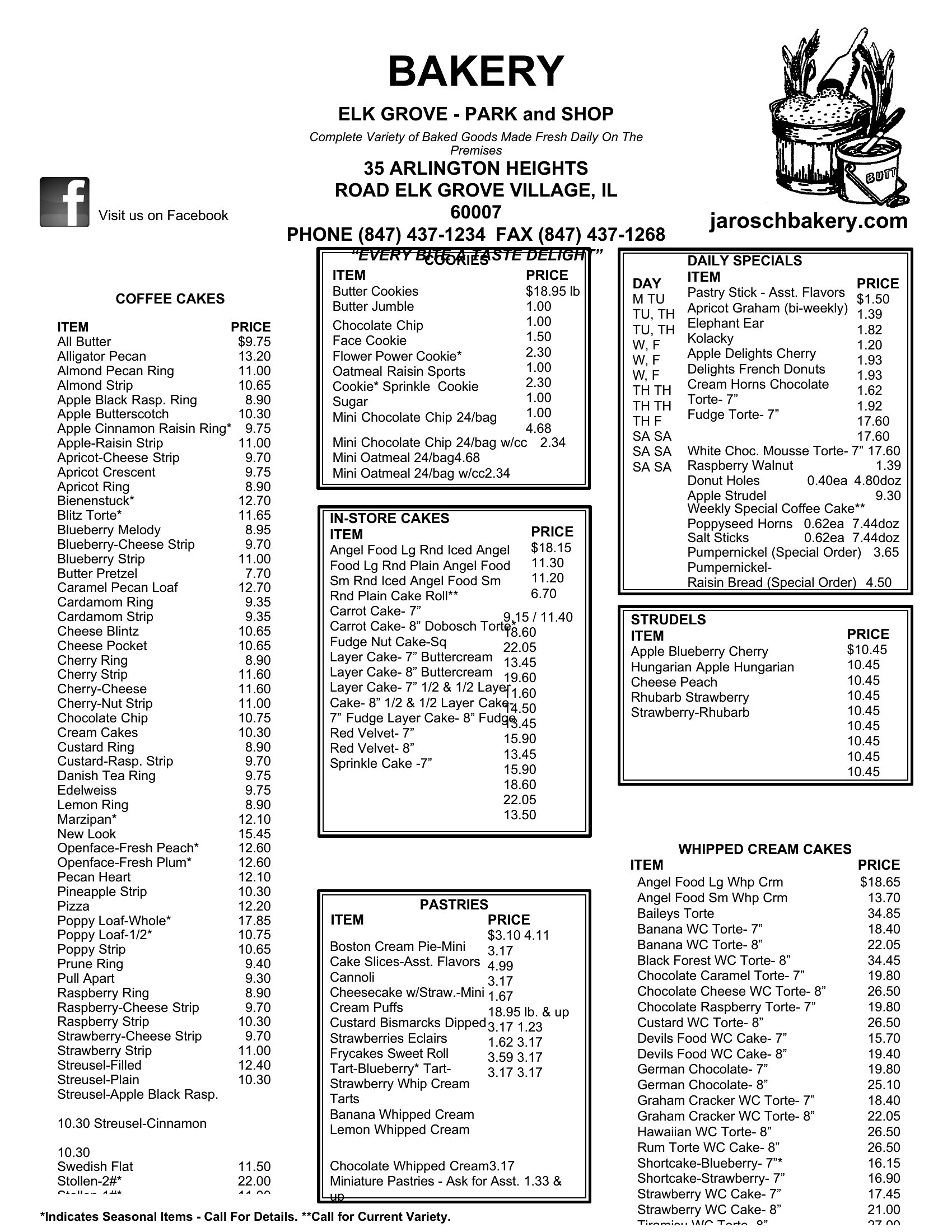
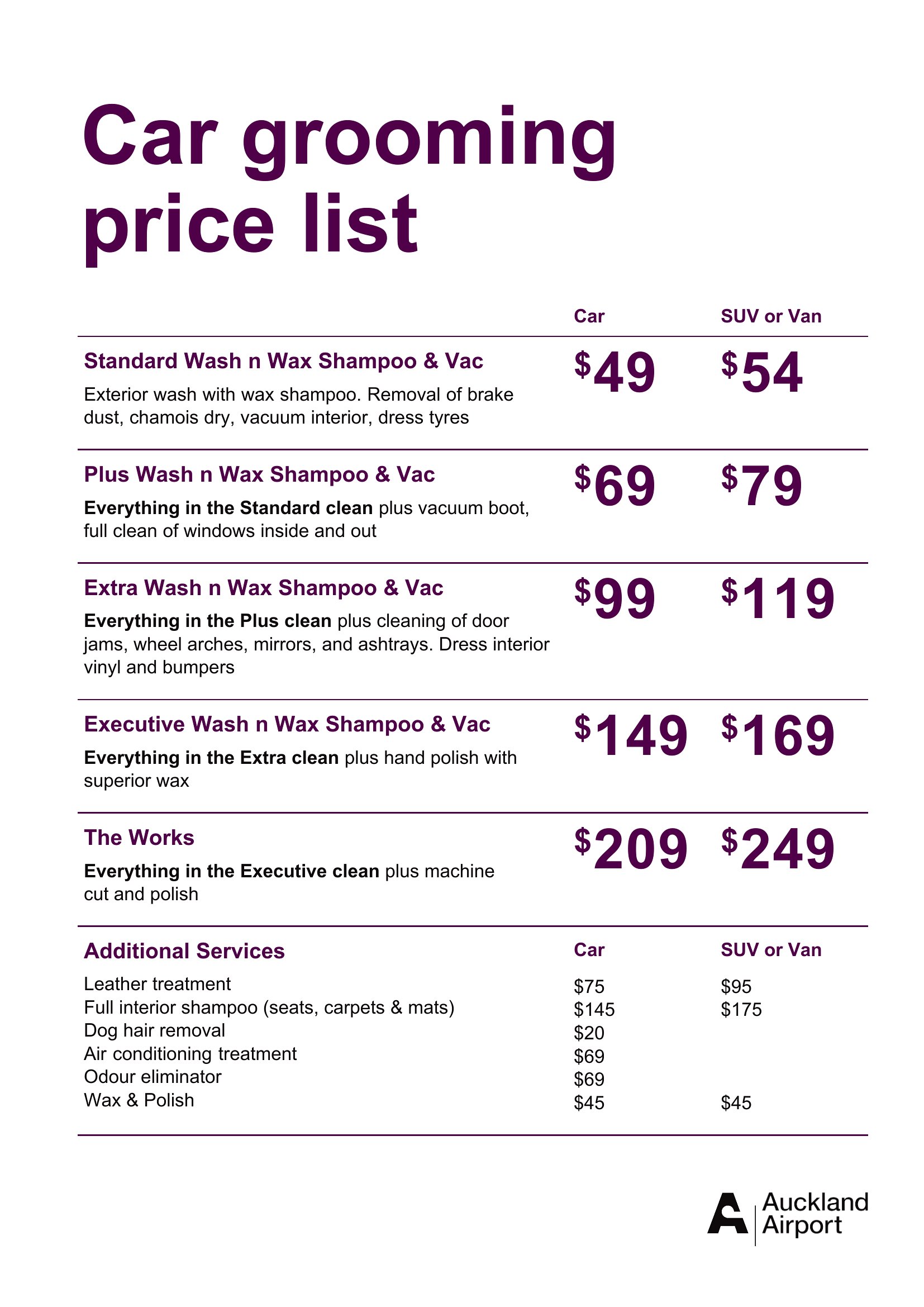
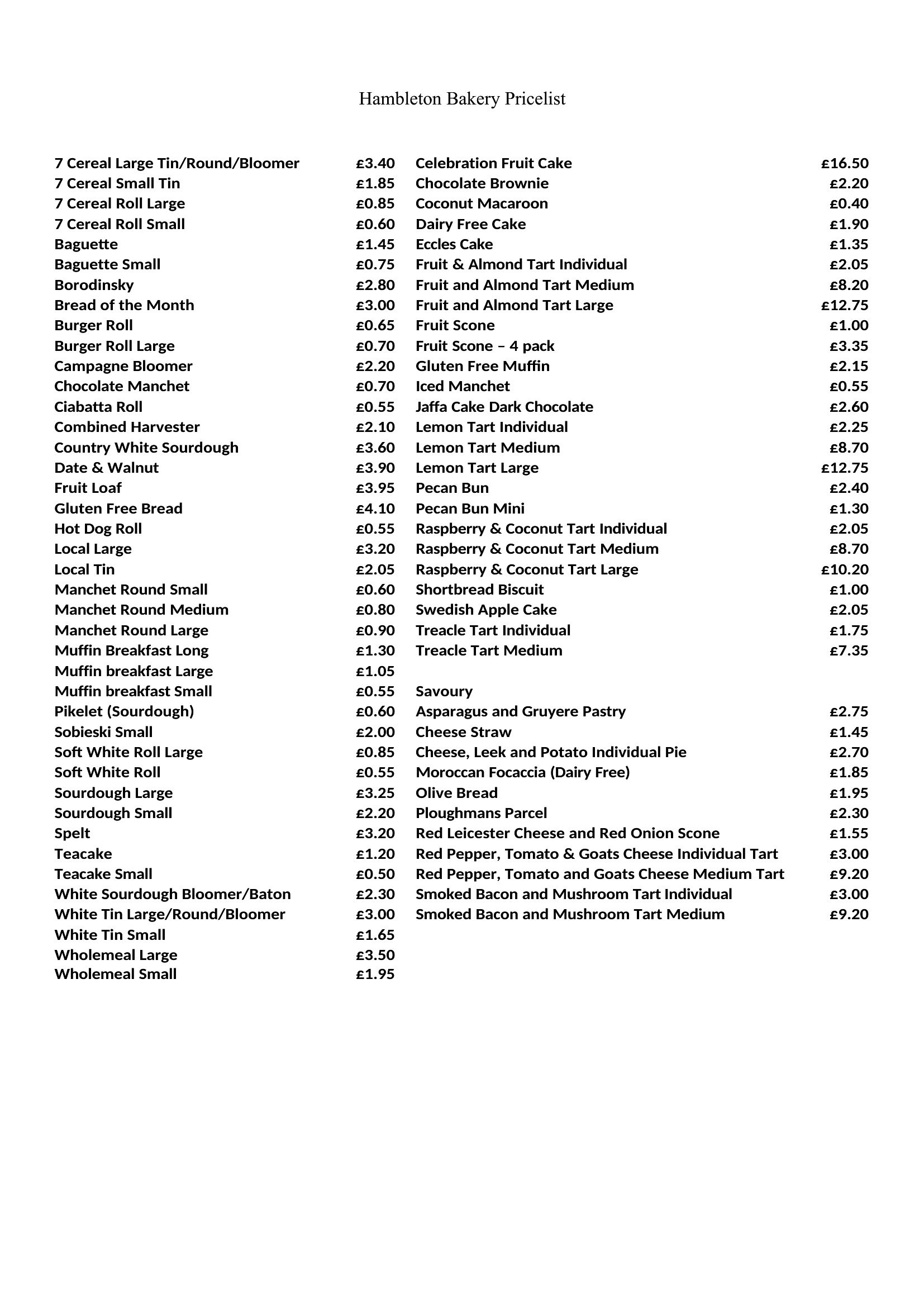
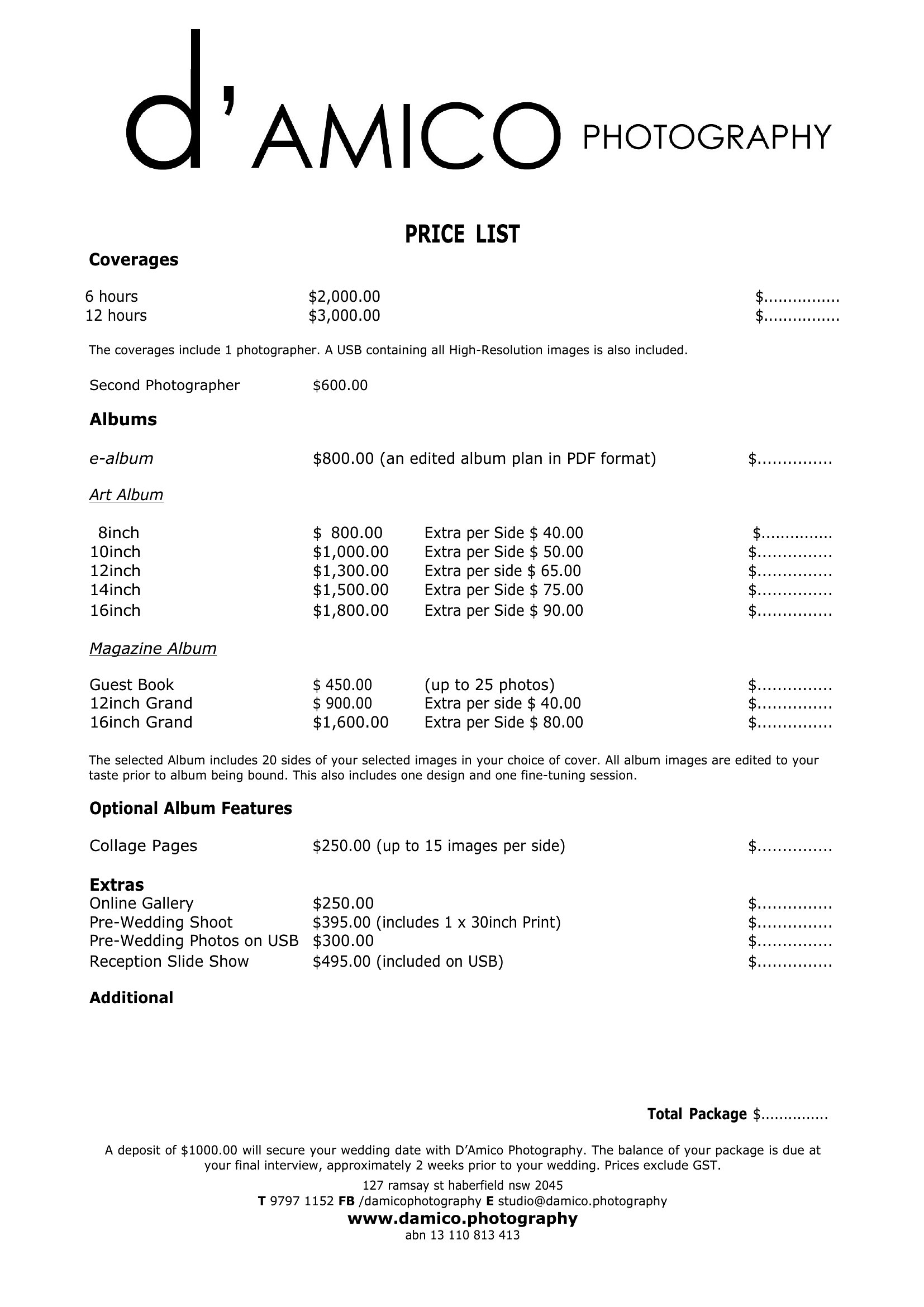
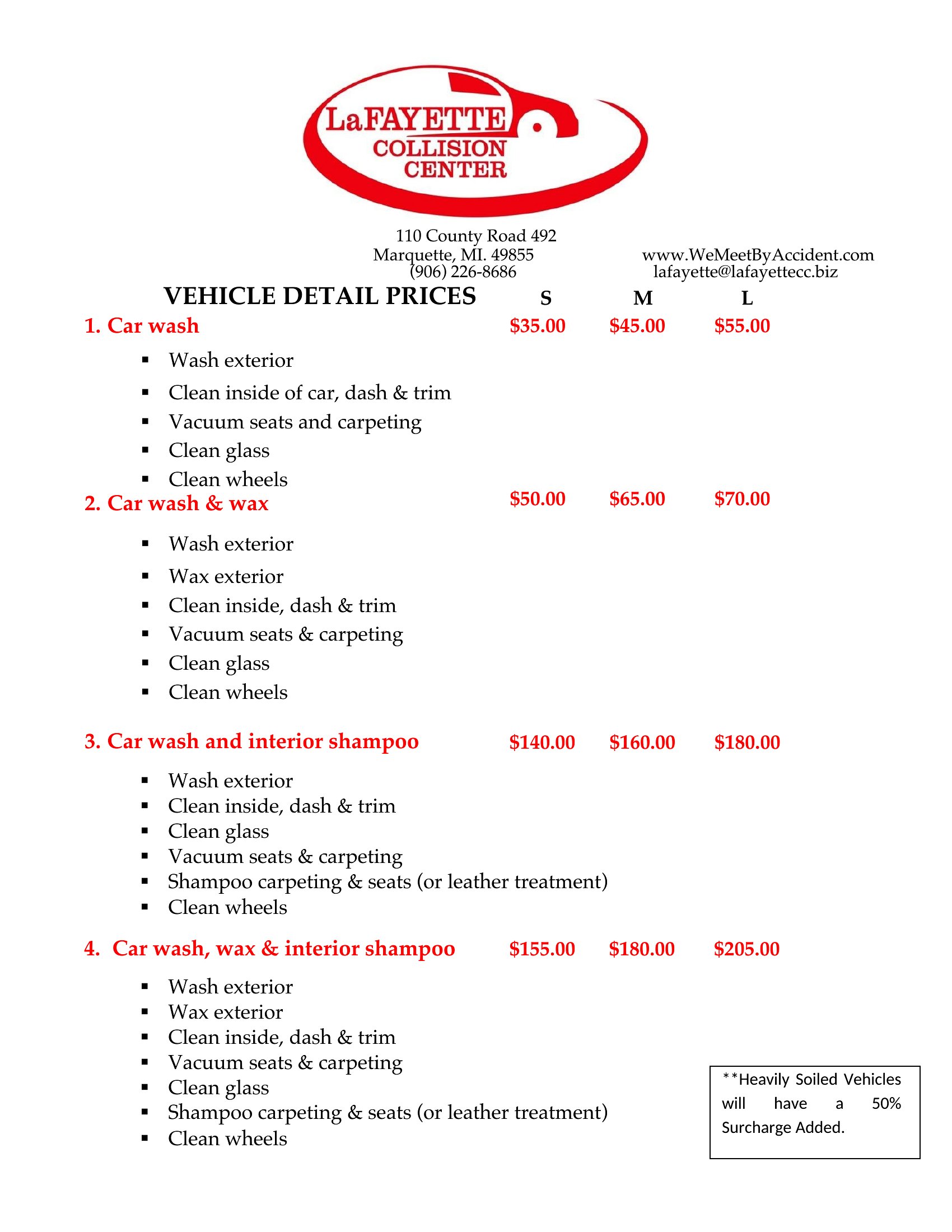
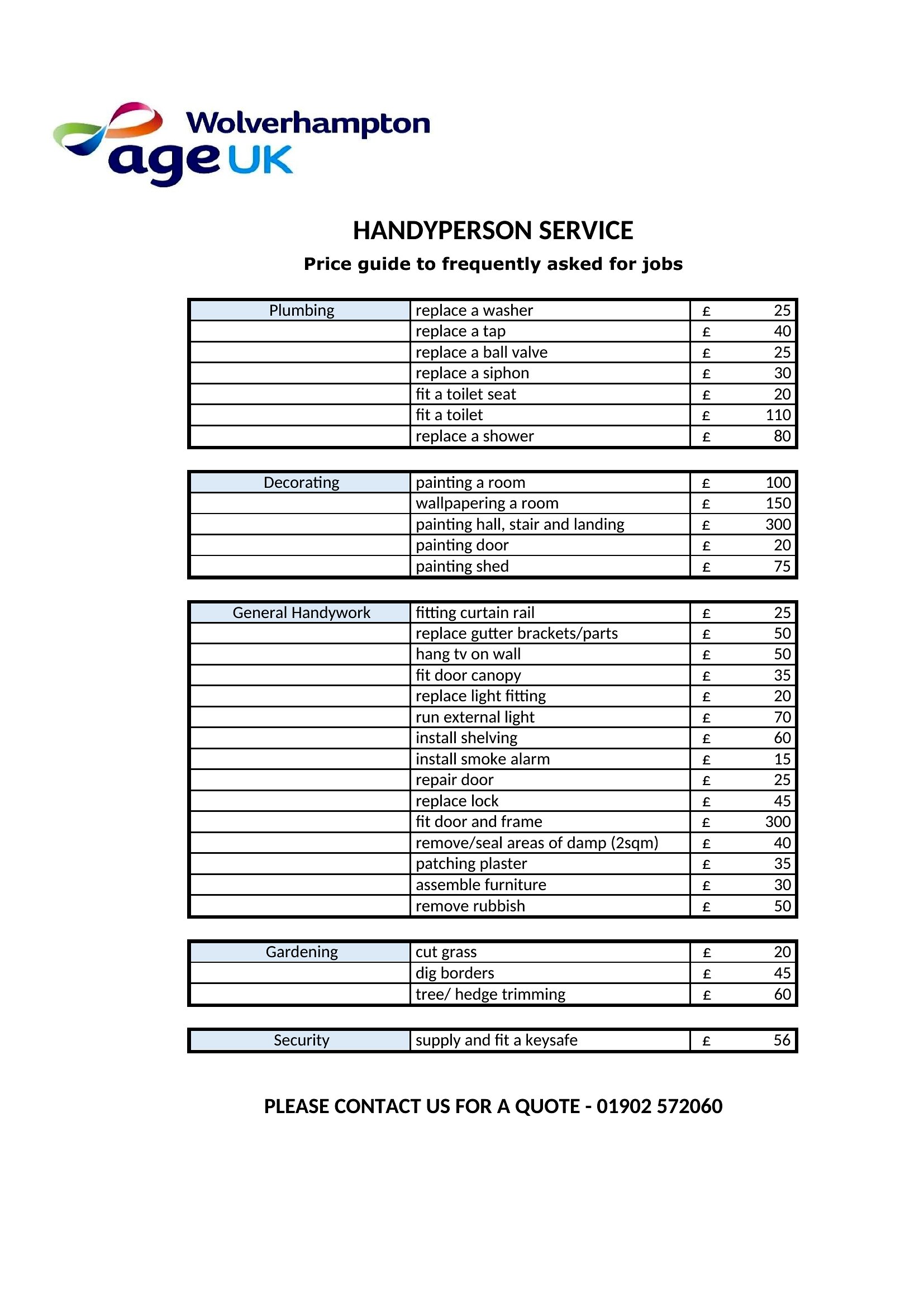
Most templates in this collection include sections for tiered pricing or additional fees. In Word files, simply add new rows or columns to list options, then input the cost. PDFs require printing a new version if changes are needed, so use the editable Word template first to draft updates.
Can I include images or logos in my price list?
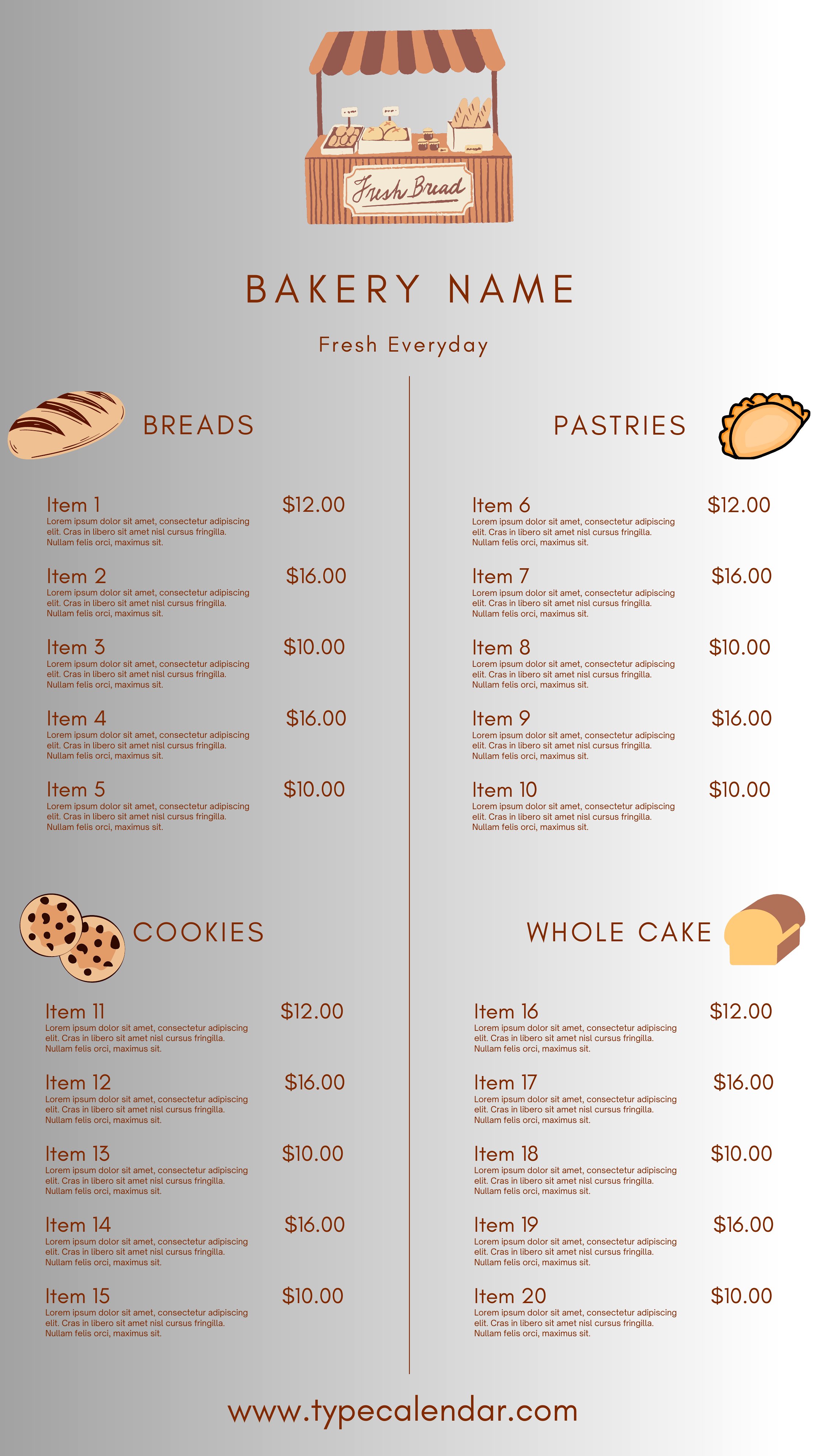
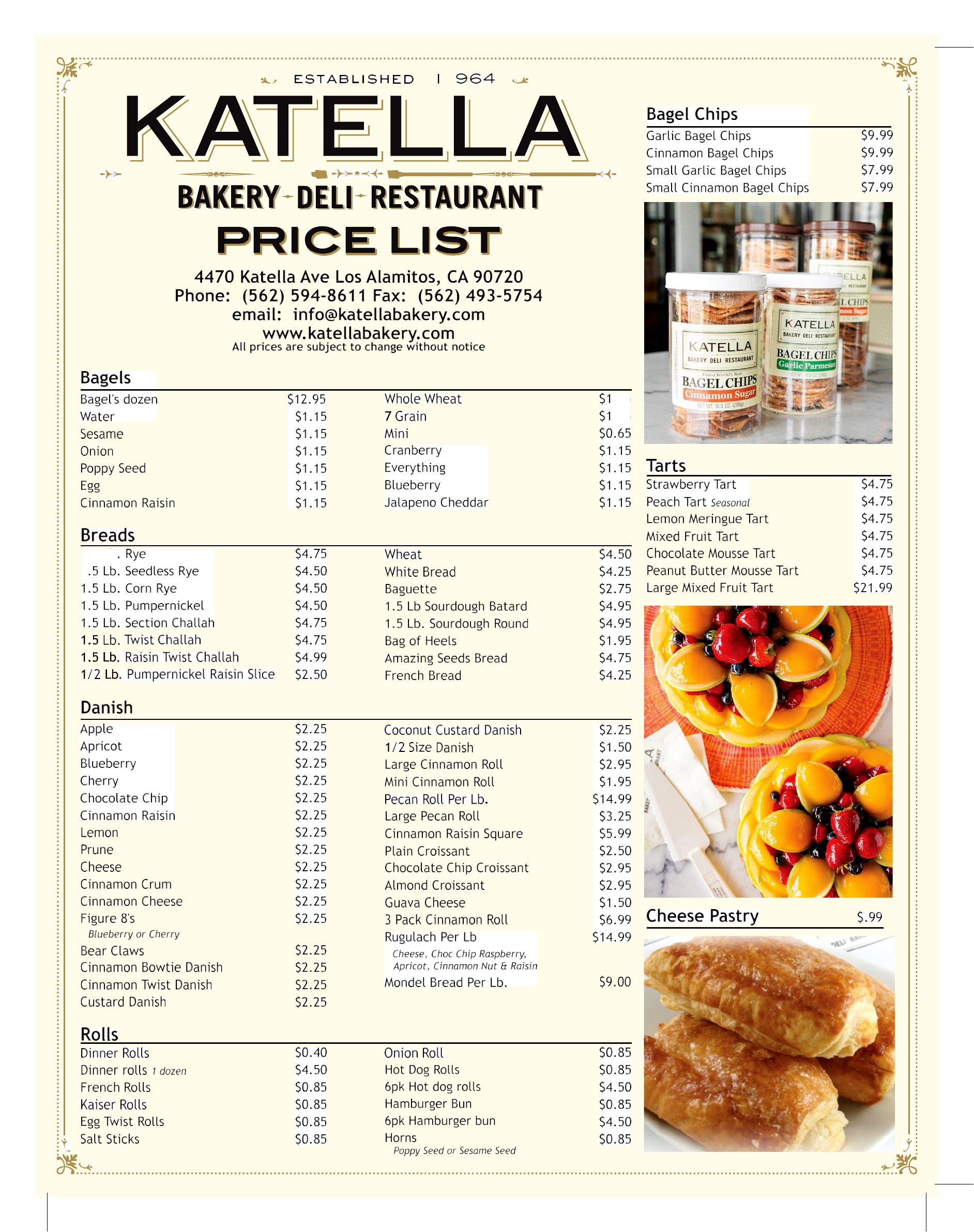
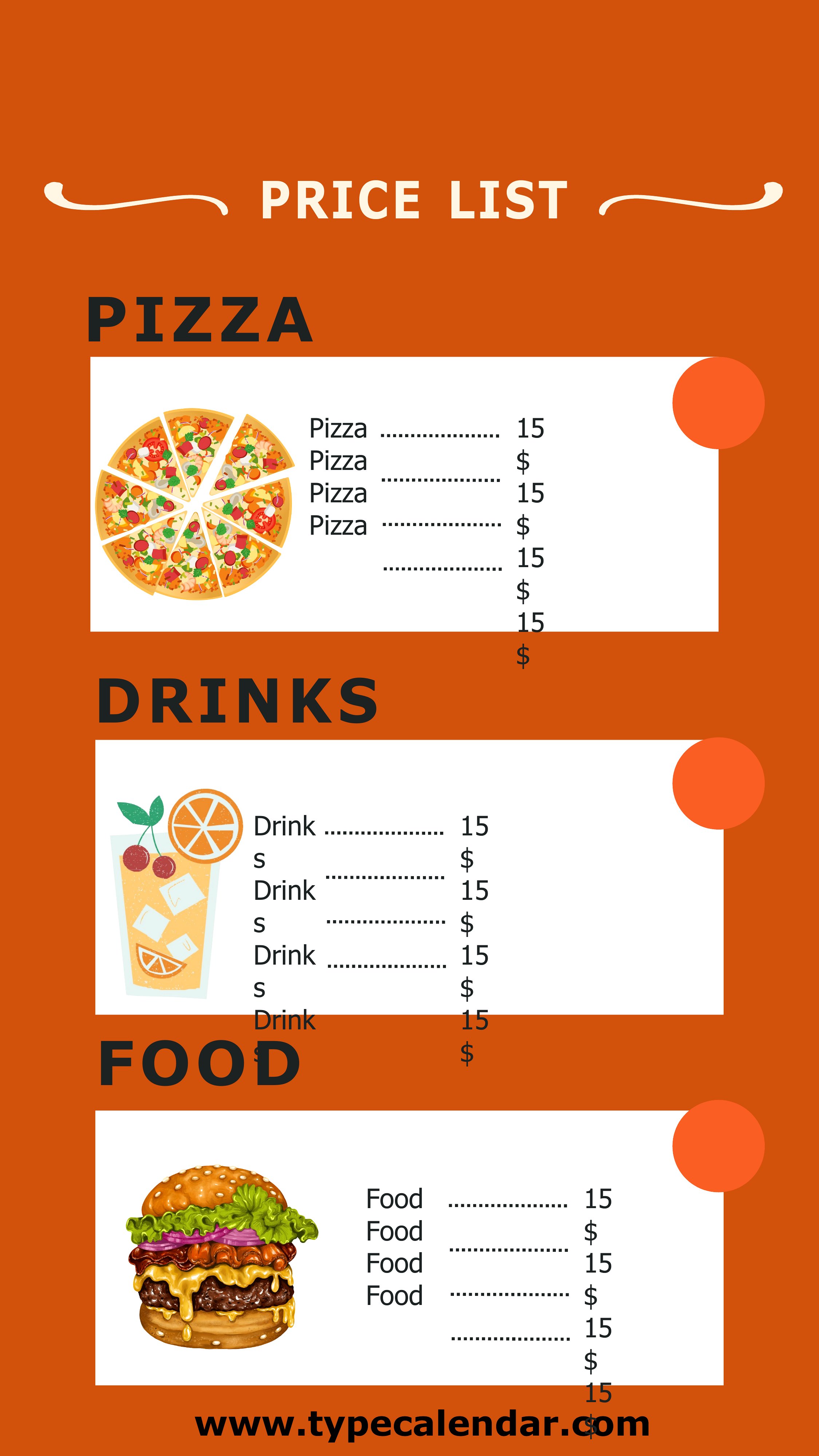
Yes, all templates support adding images—like your logo, product photos, or service icons—especially in Word. For PDFs, ensure visuals are included before finalizing the file. Keep image sizes small to avoid clutter; use the template’s headers or sidebars for branding elements.
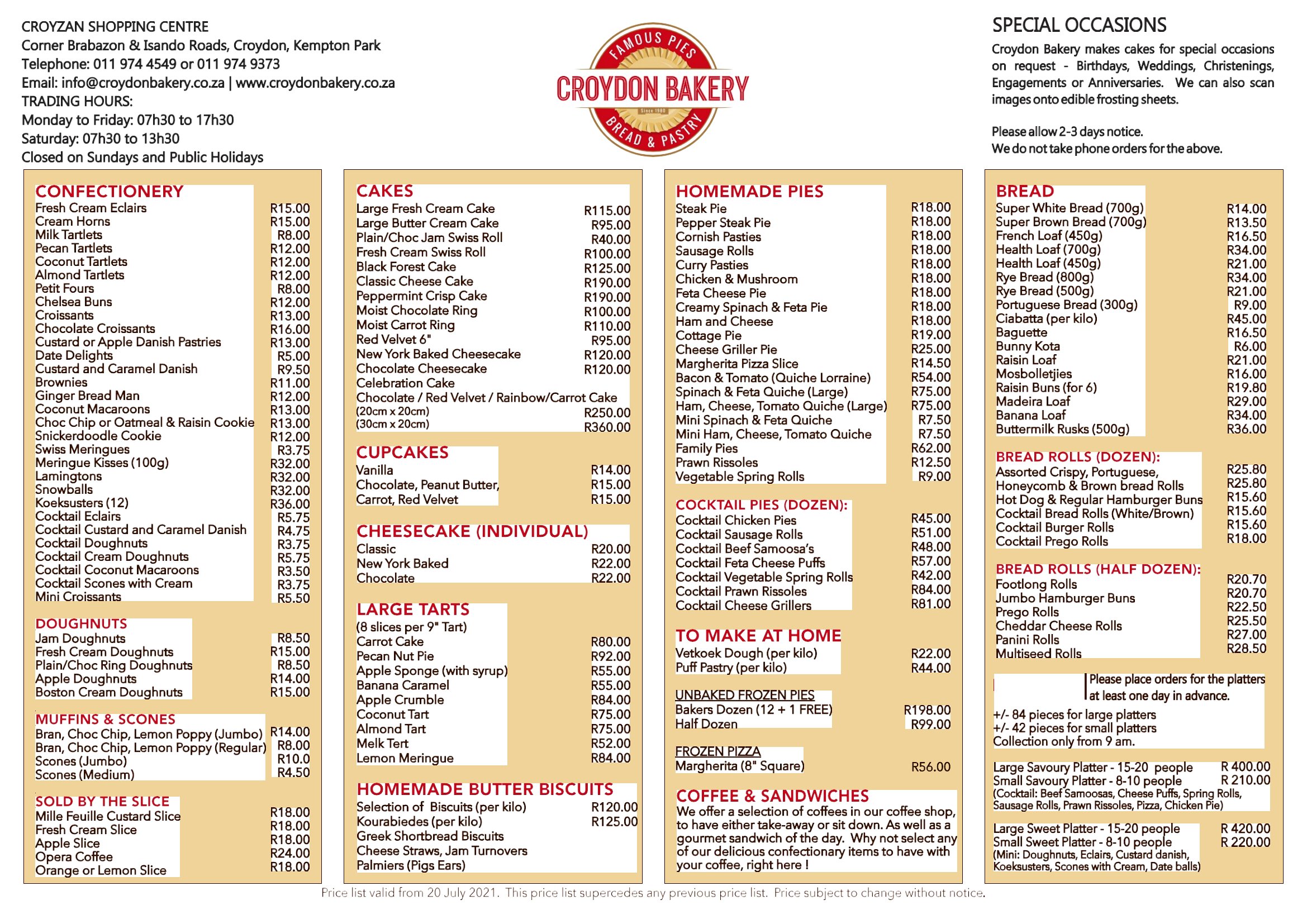
What’s the best way to organize a price list for a service with many variables, like custom orders?
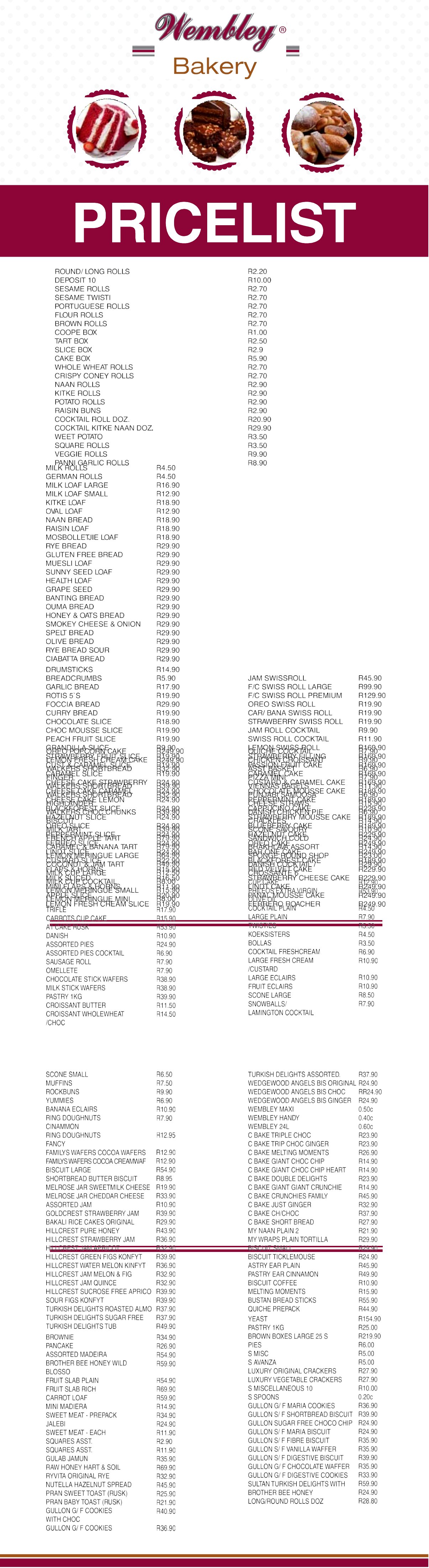
Use the ‘detailed product catalog’ templates to break down variables (e.g., material options, delivery fees) into separate columns or tables. Label each section clearly—like ‘Base Price,’ ‘Add-Ons,’ or ‘Shipping Costs’—so customers can see the full picture at a glance.
Comments
Join the conversation
Sign in to share your thoughts and leave a comment on this resource.