Free Printable Workout Logs (Word, Excel, PDF)
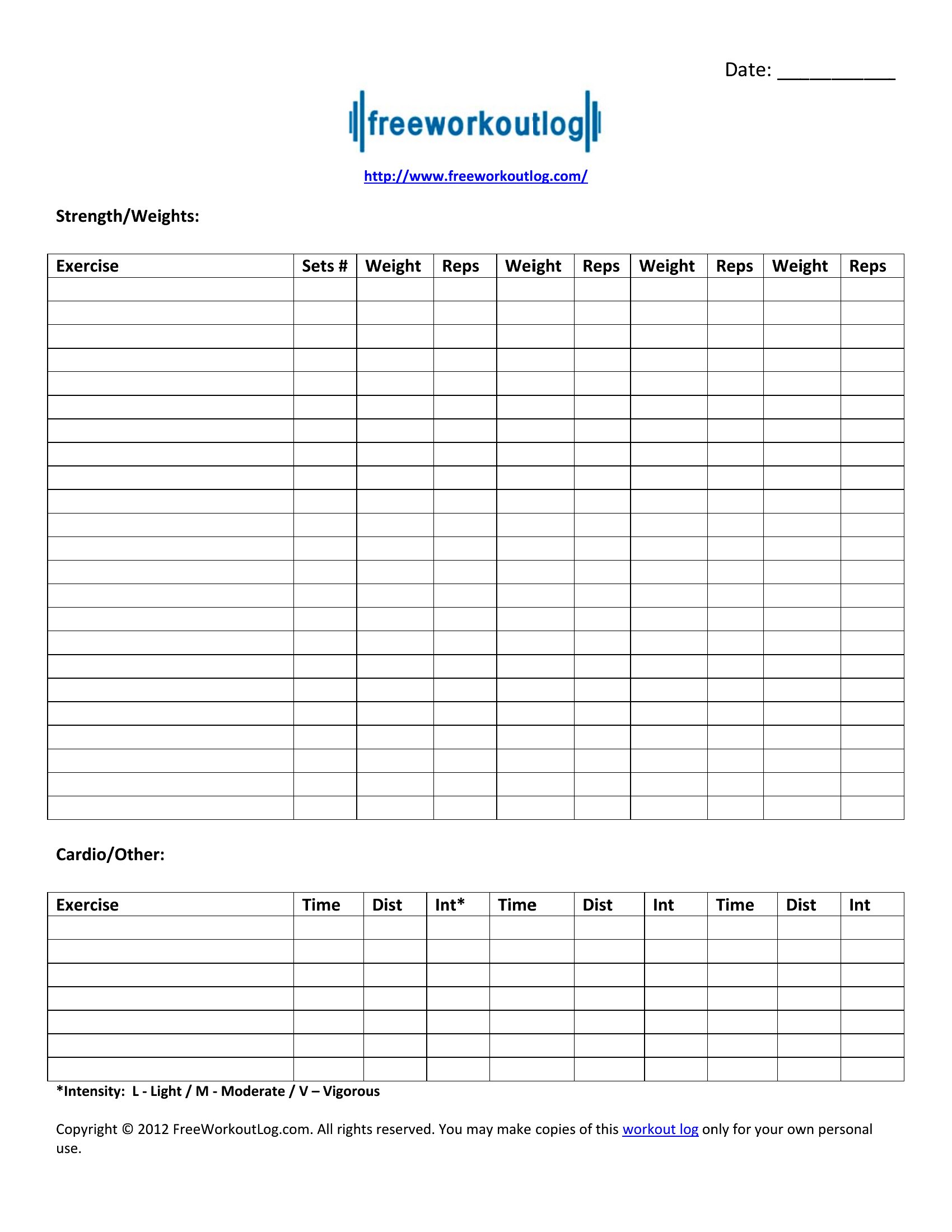
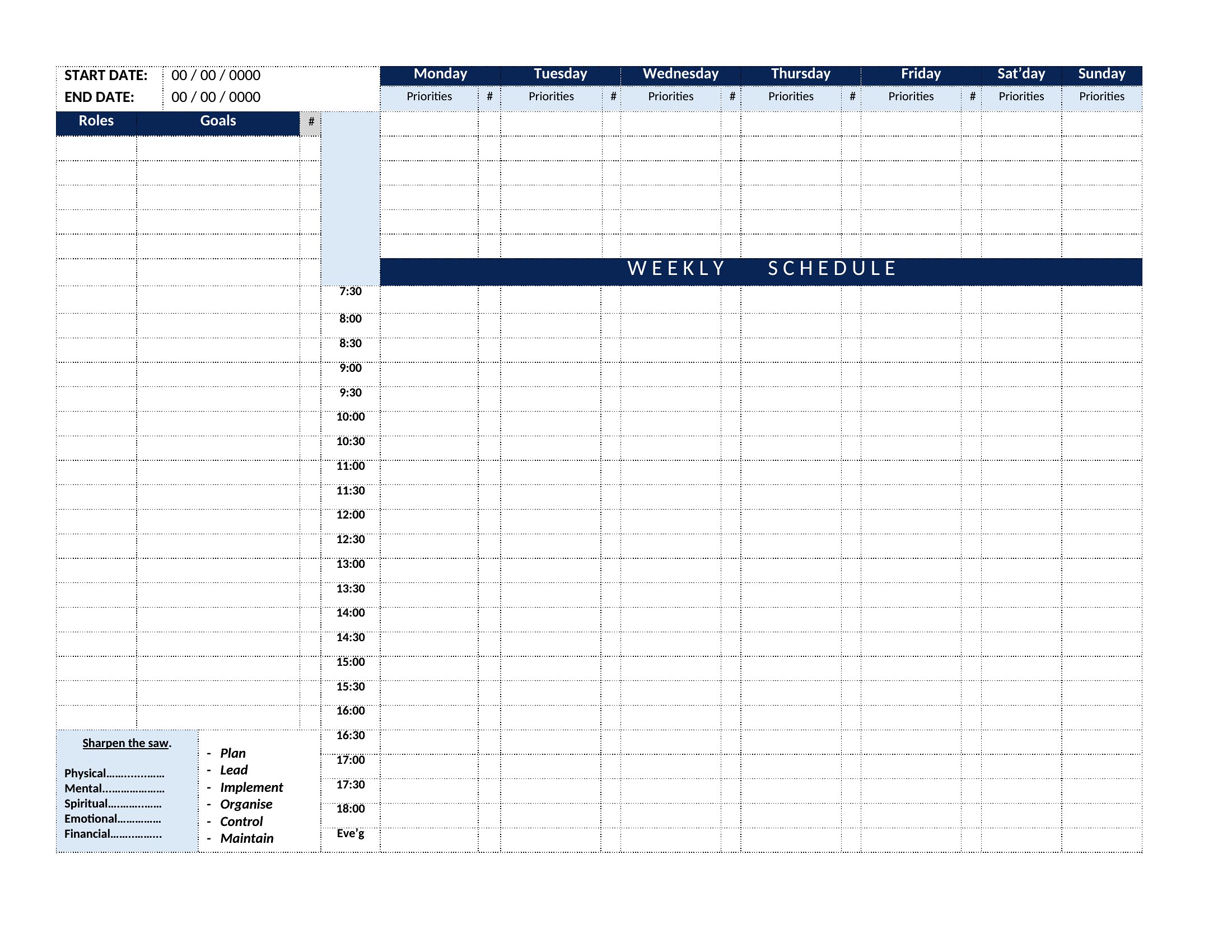
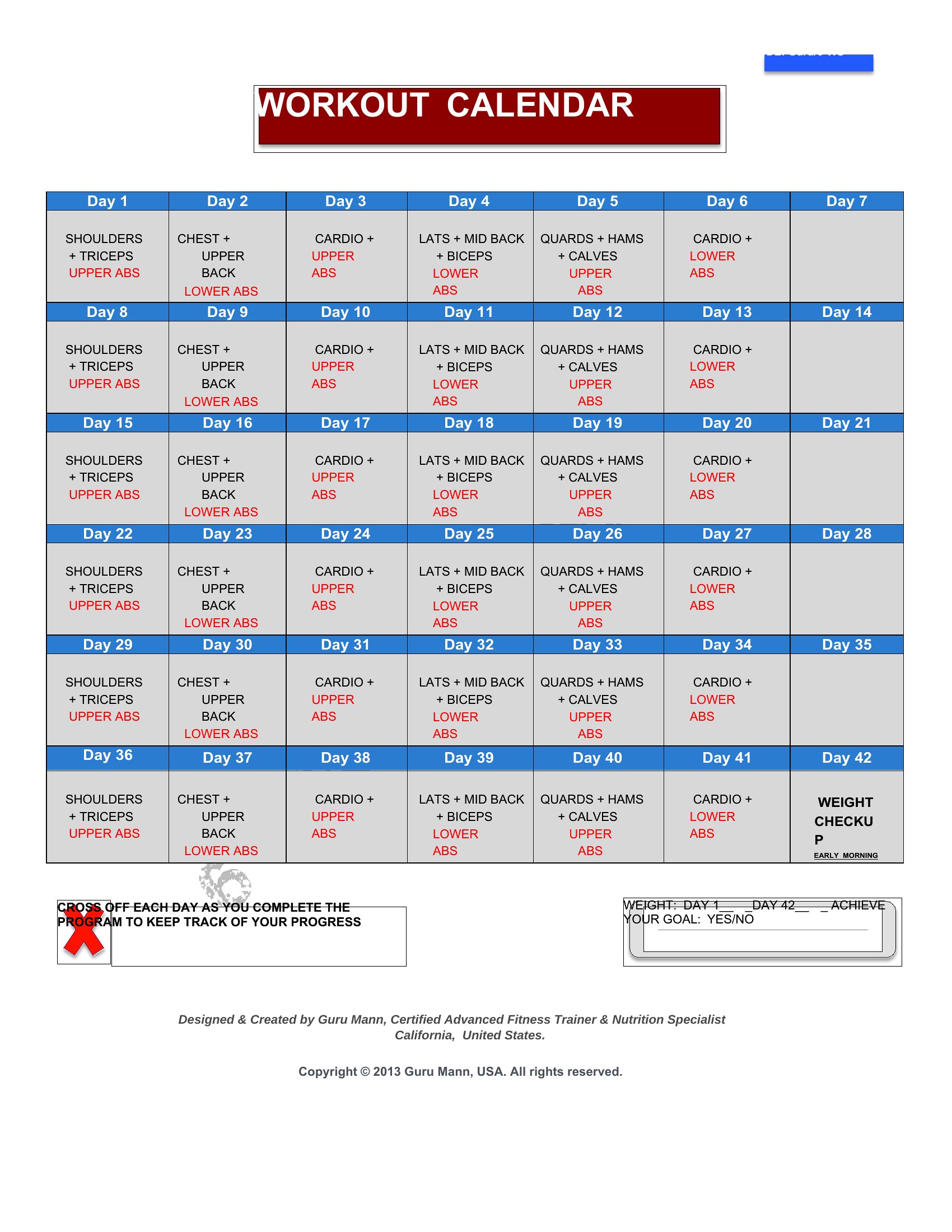
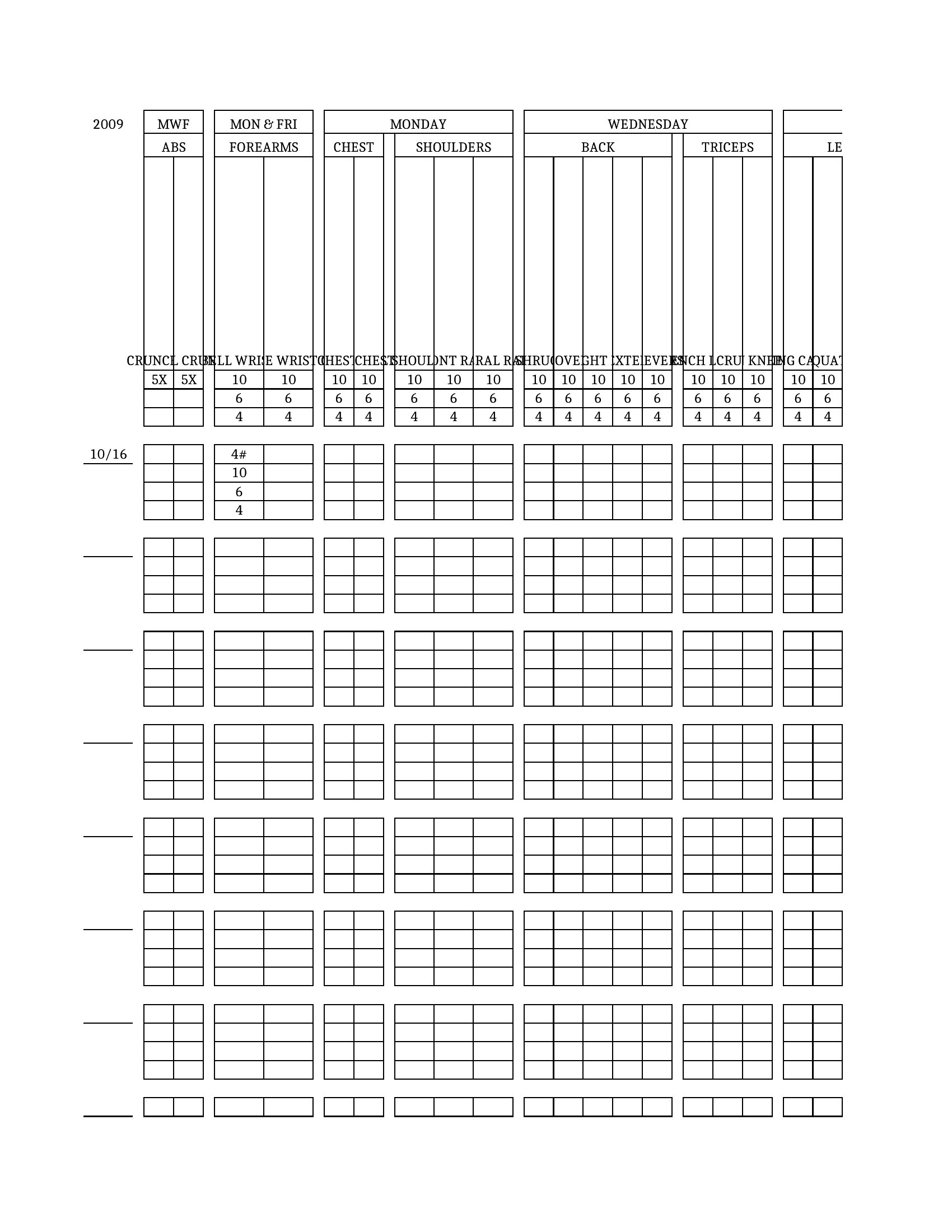
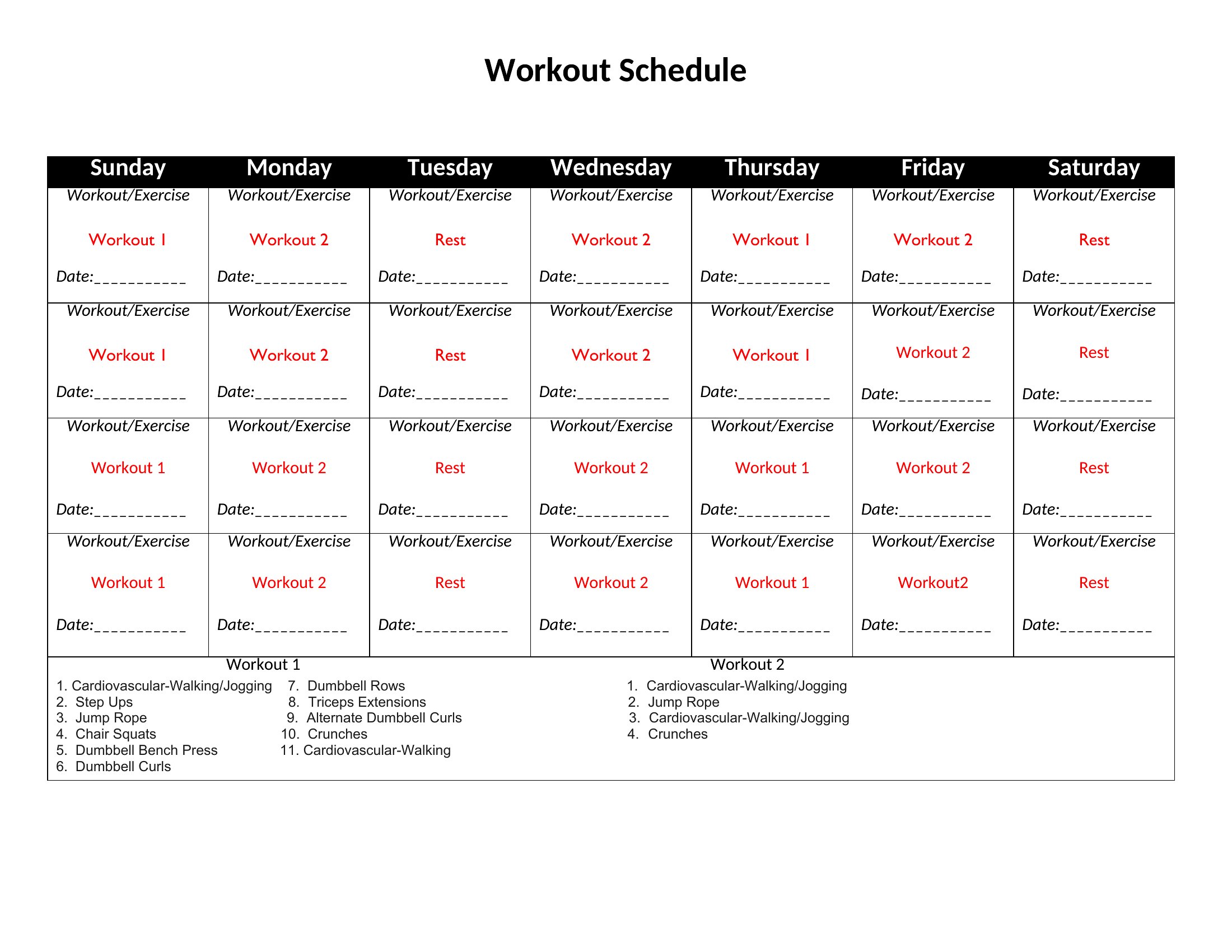
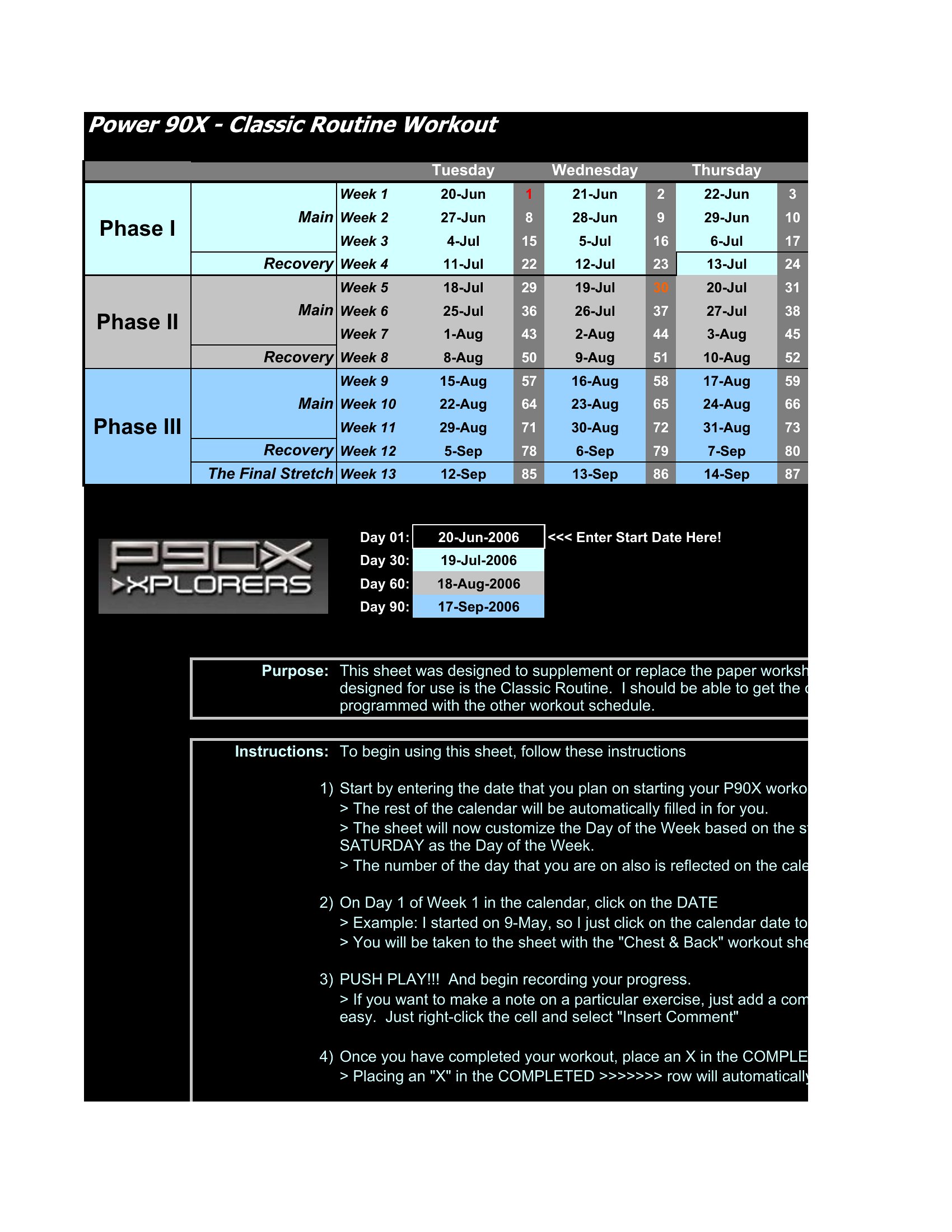
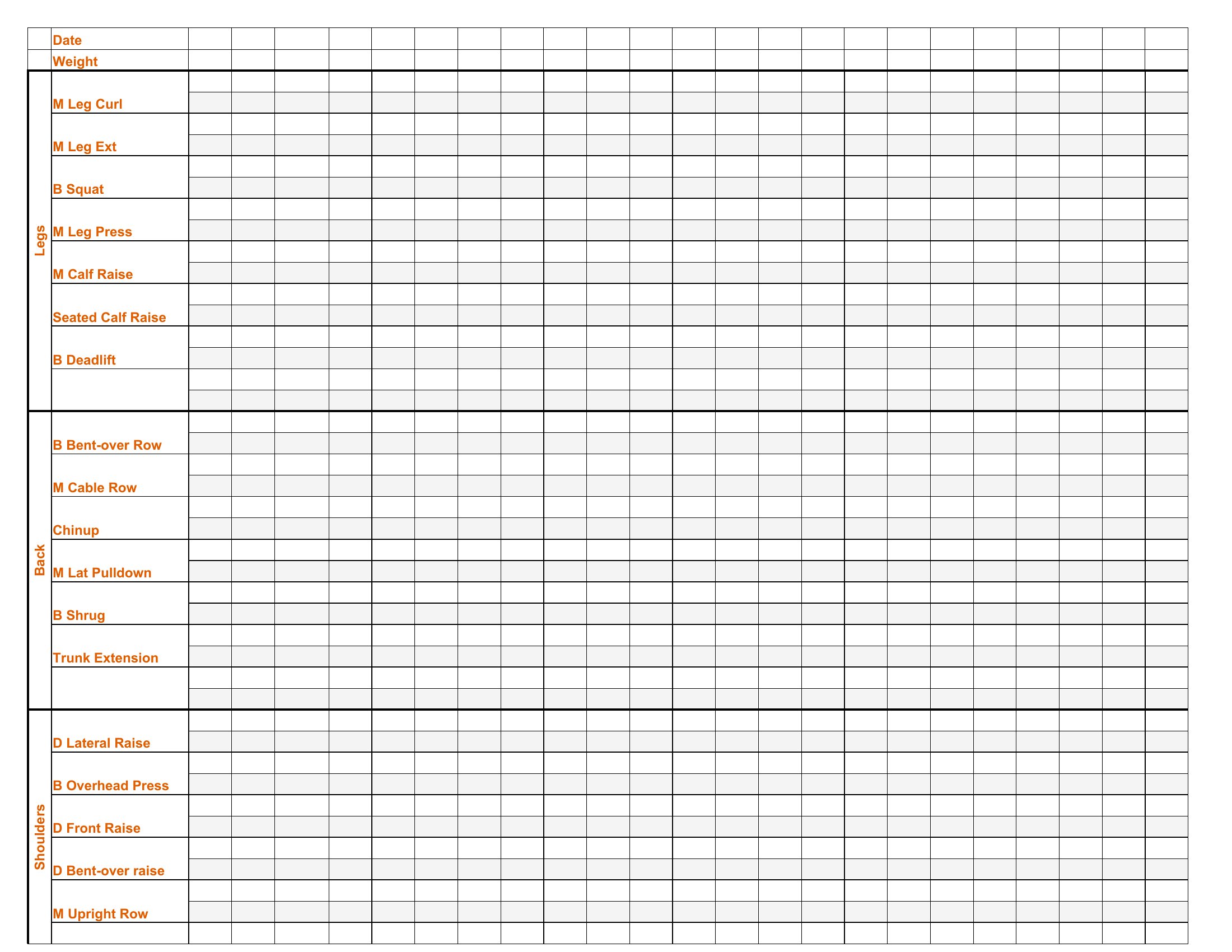
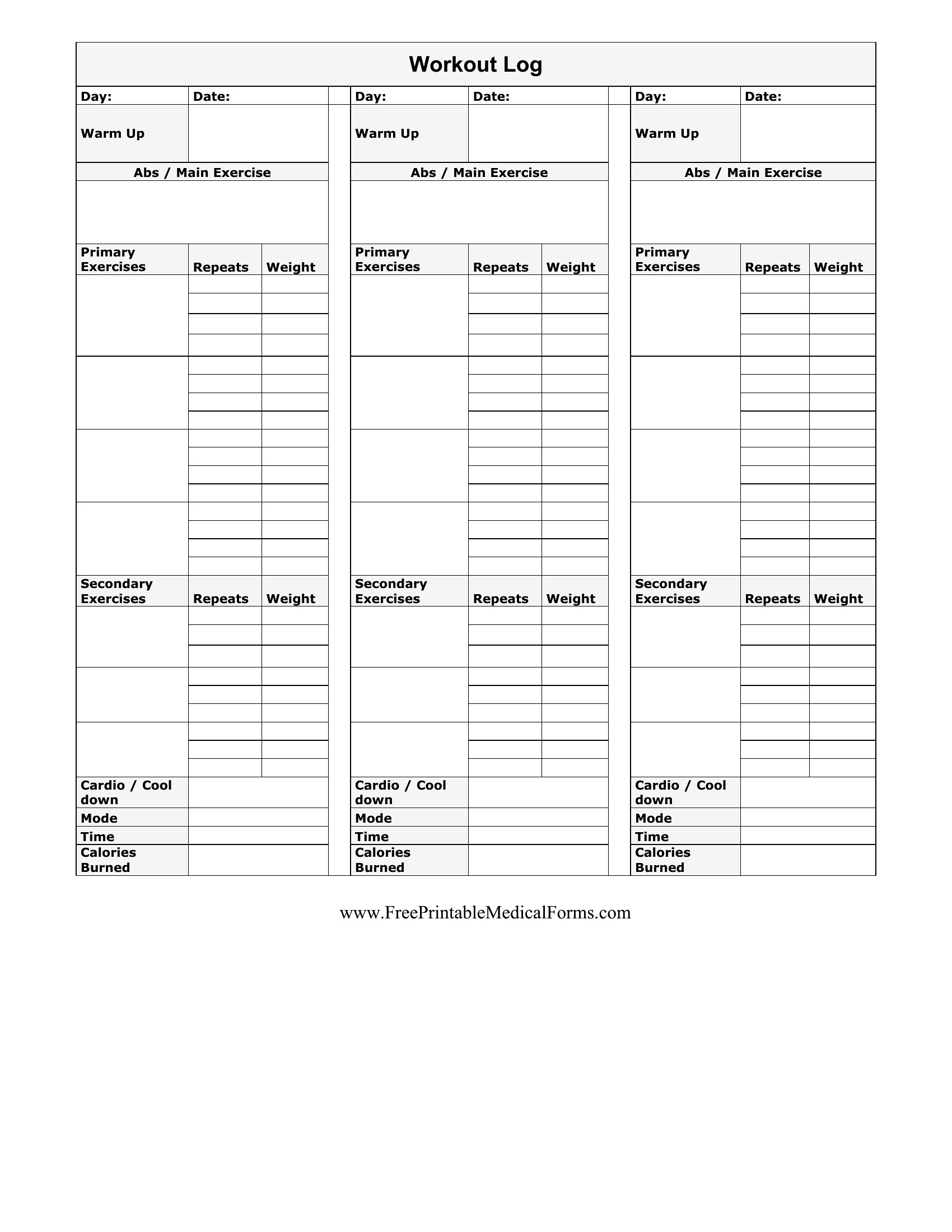
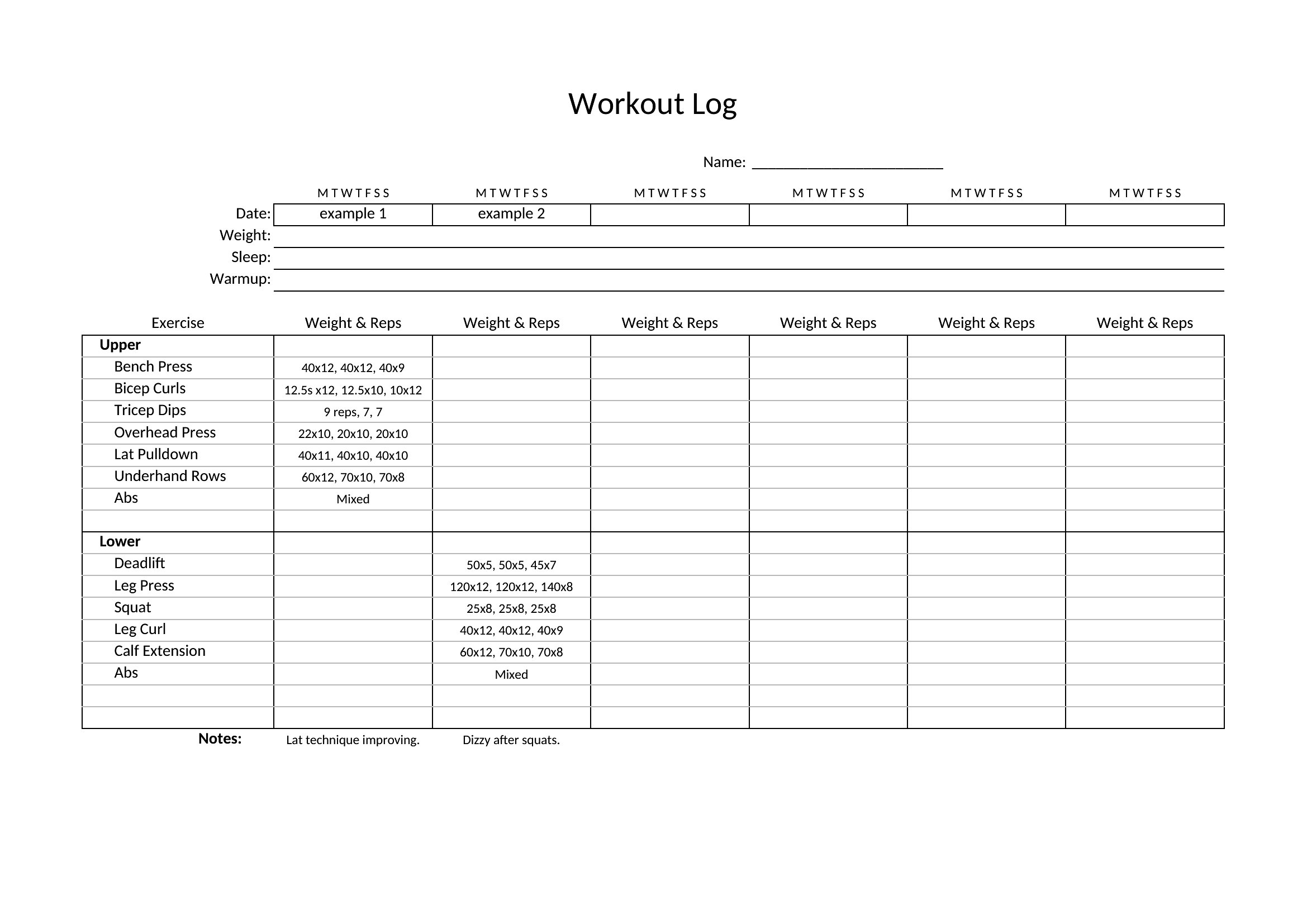
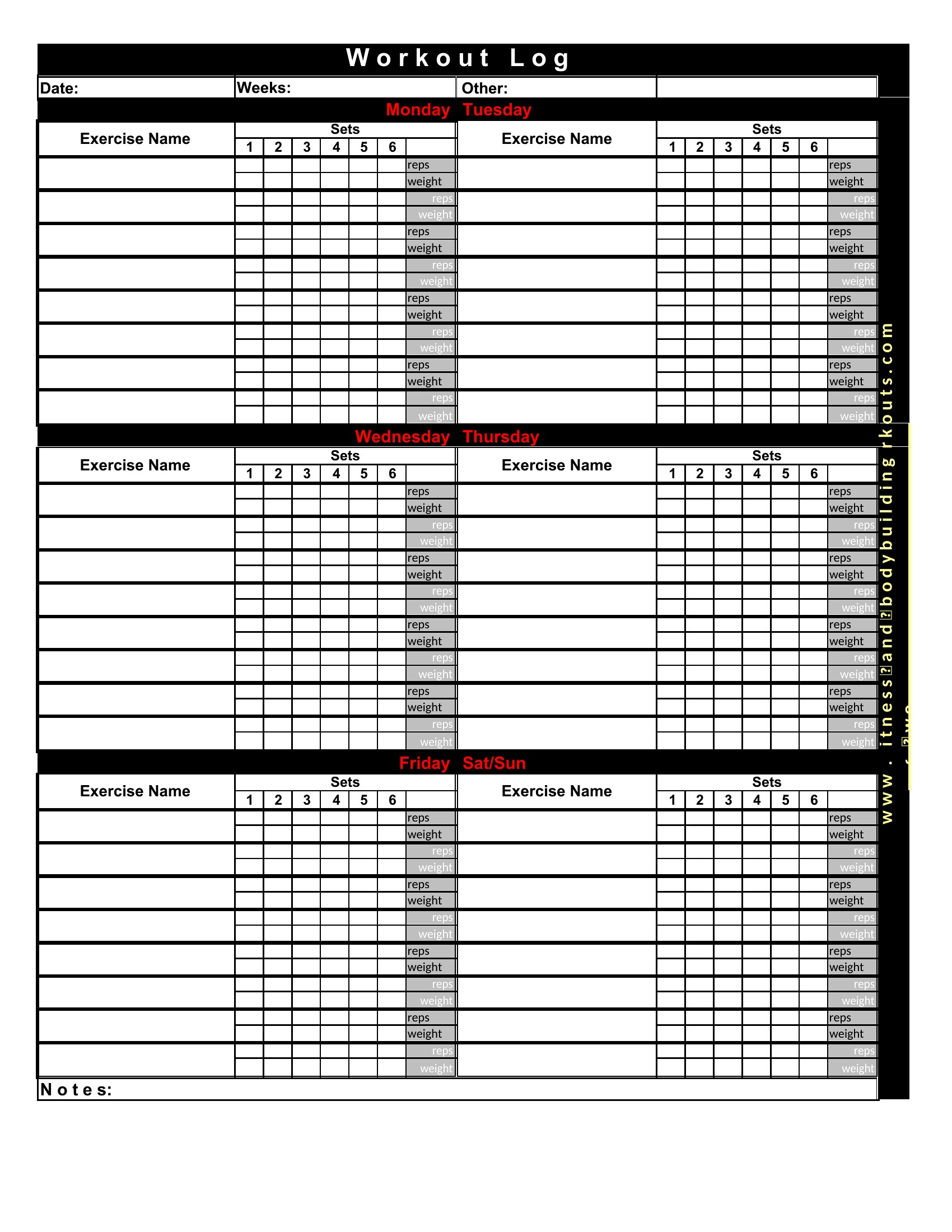
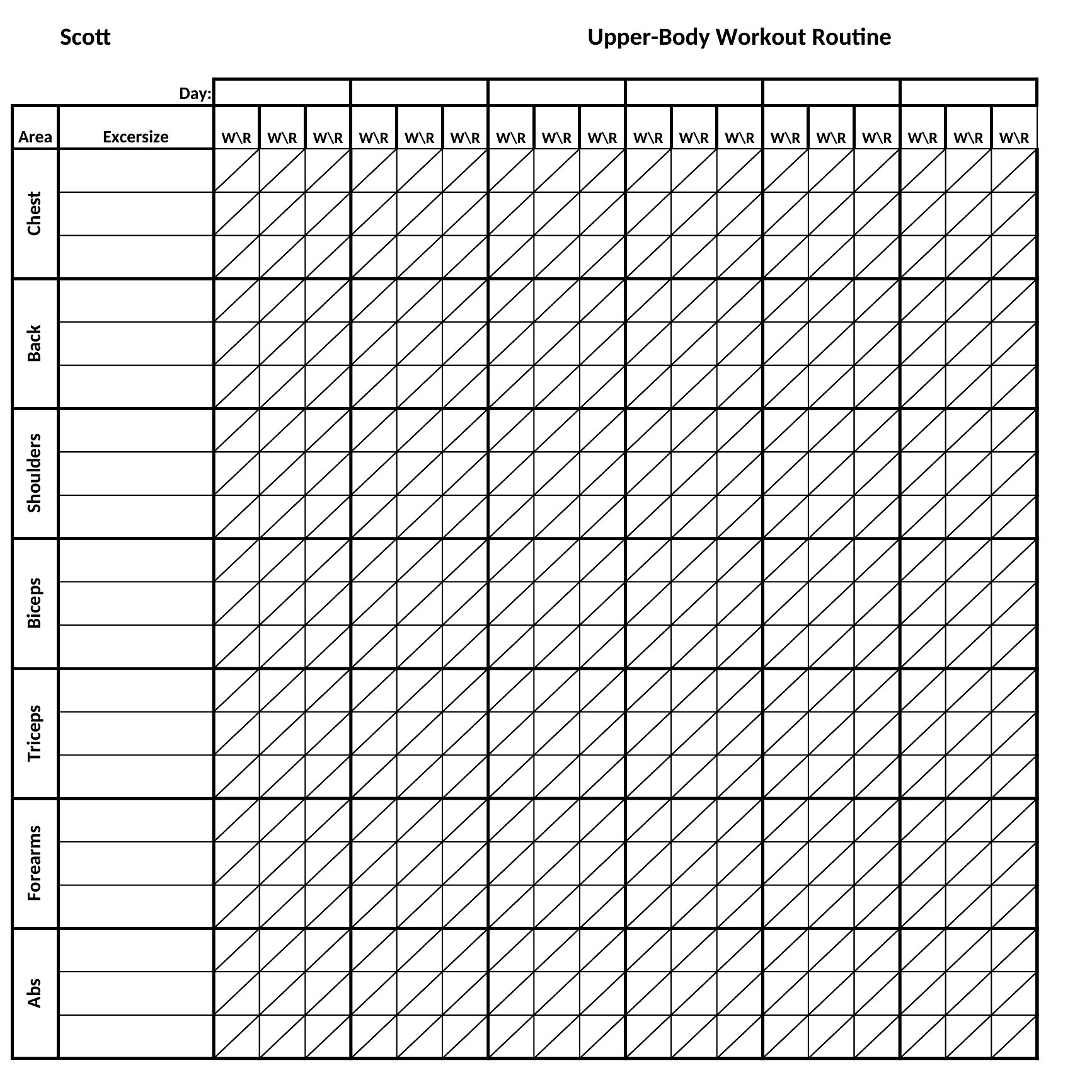
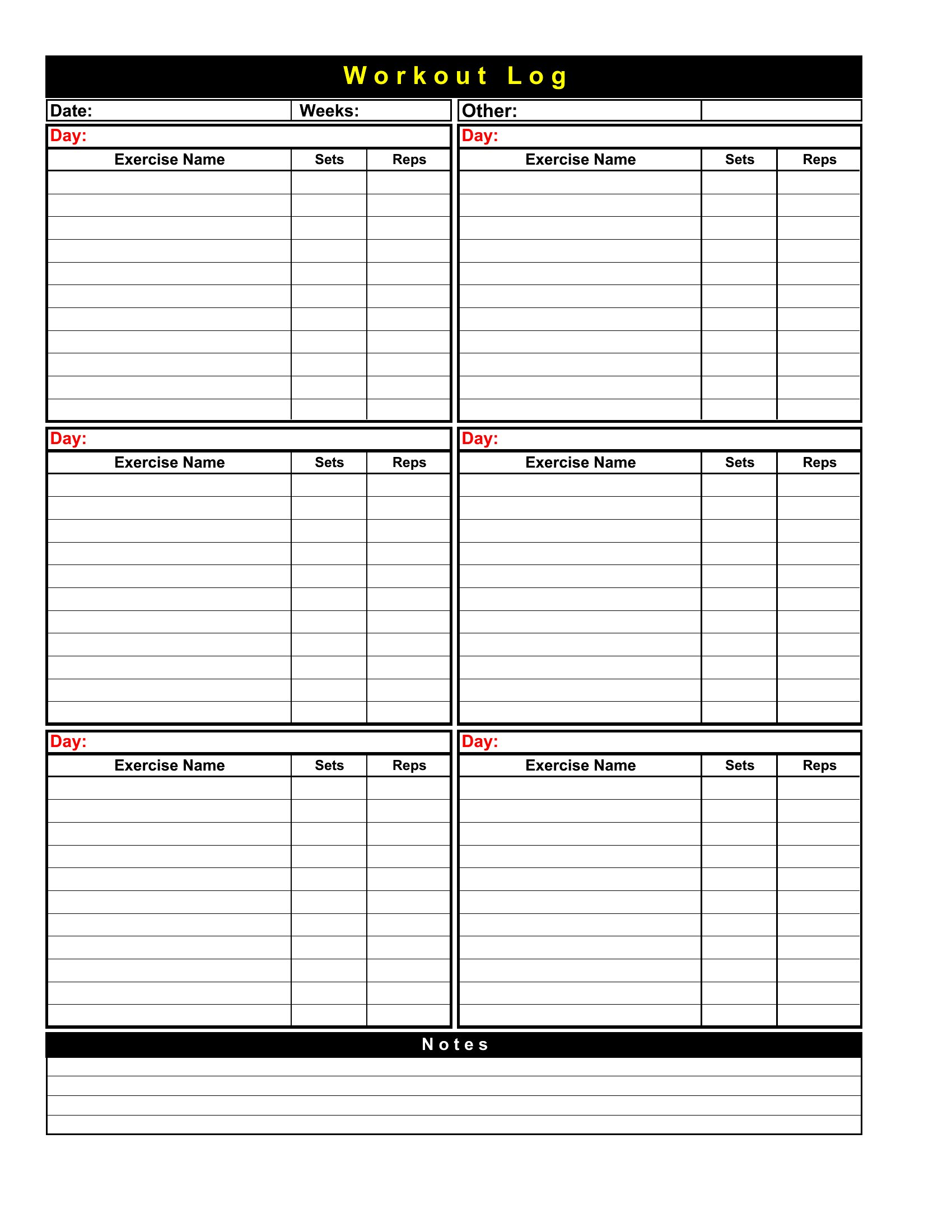
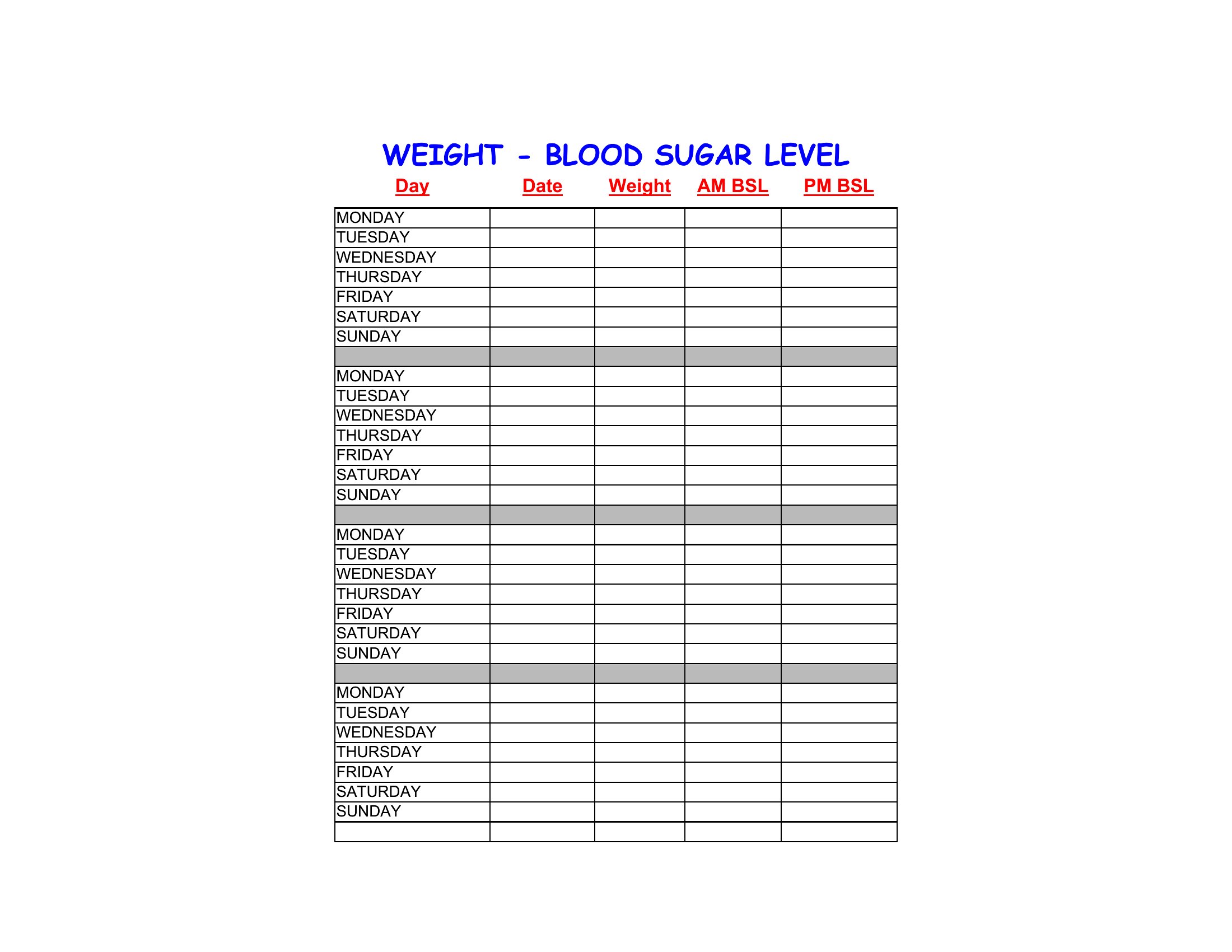
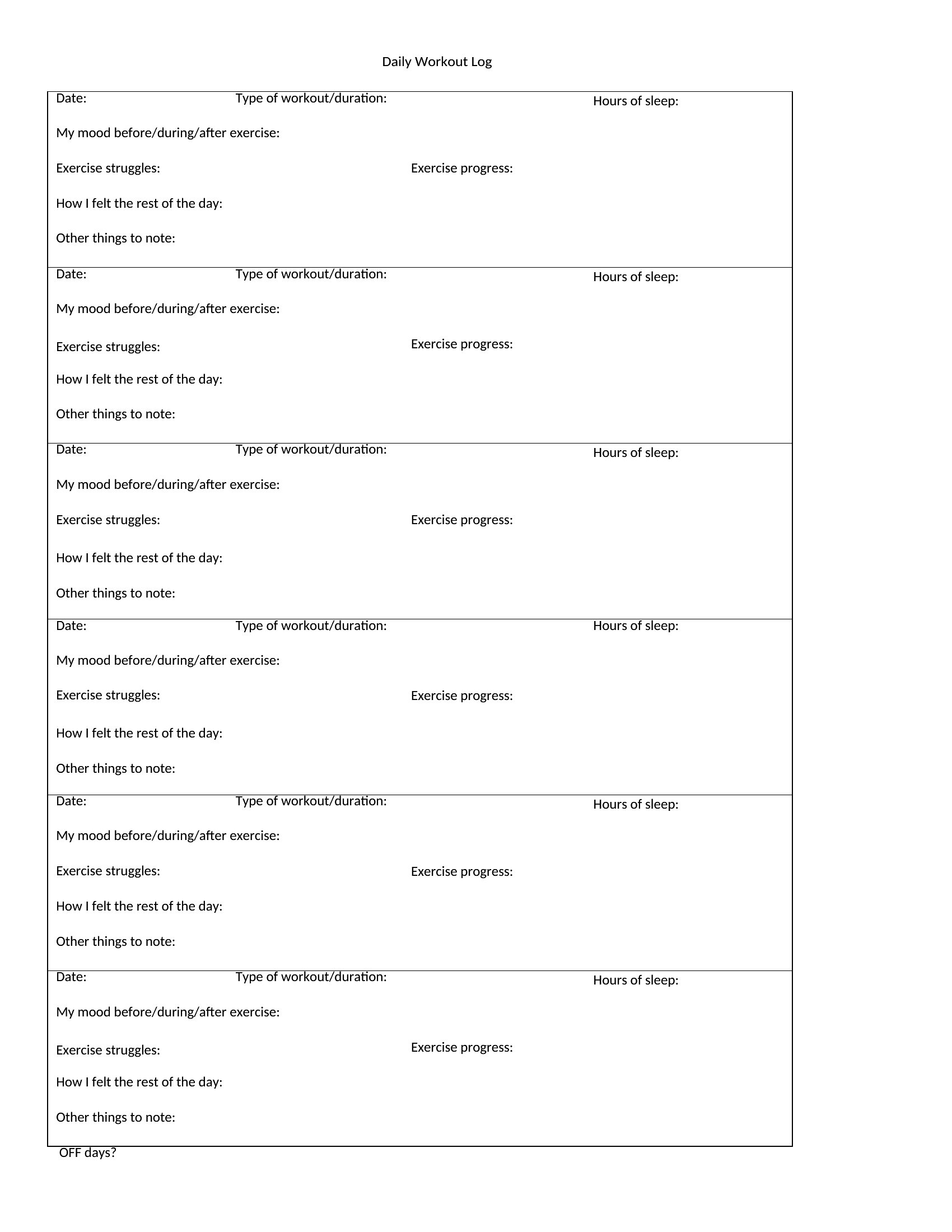
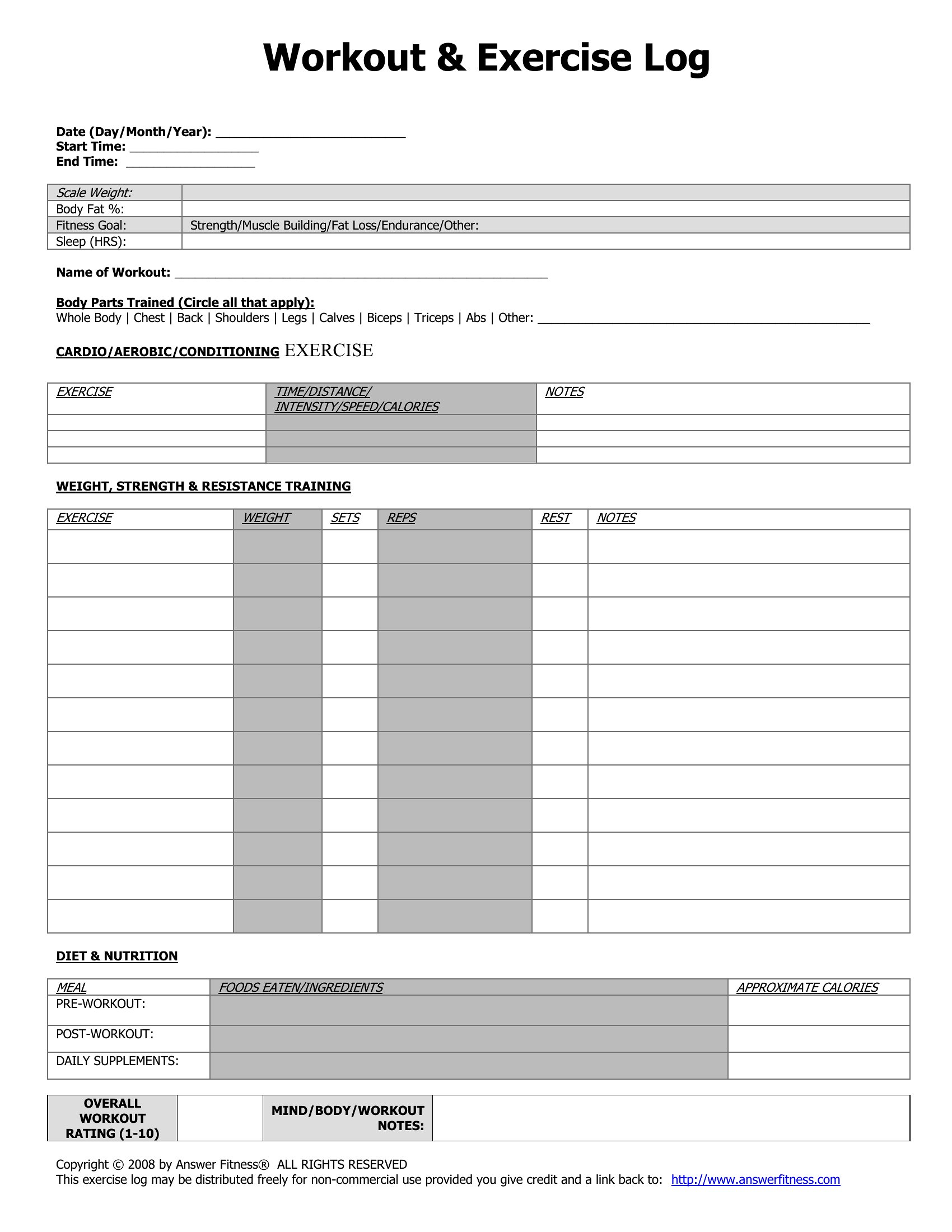
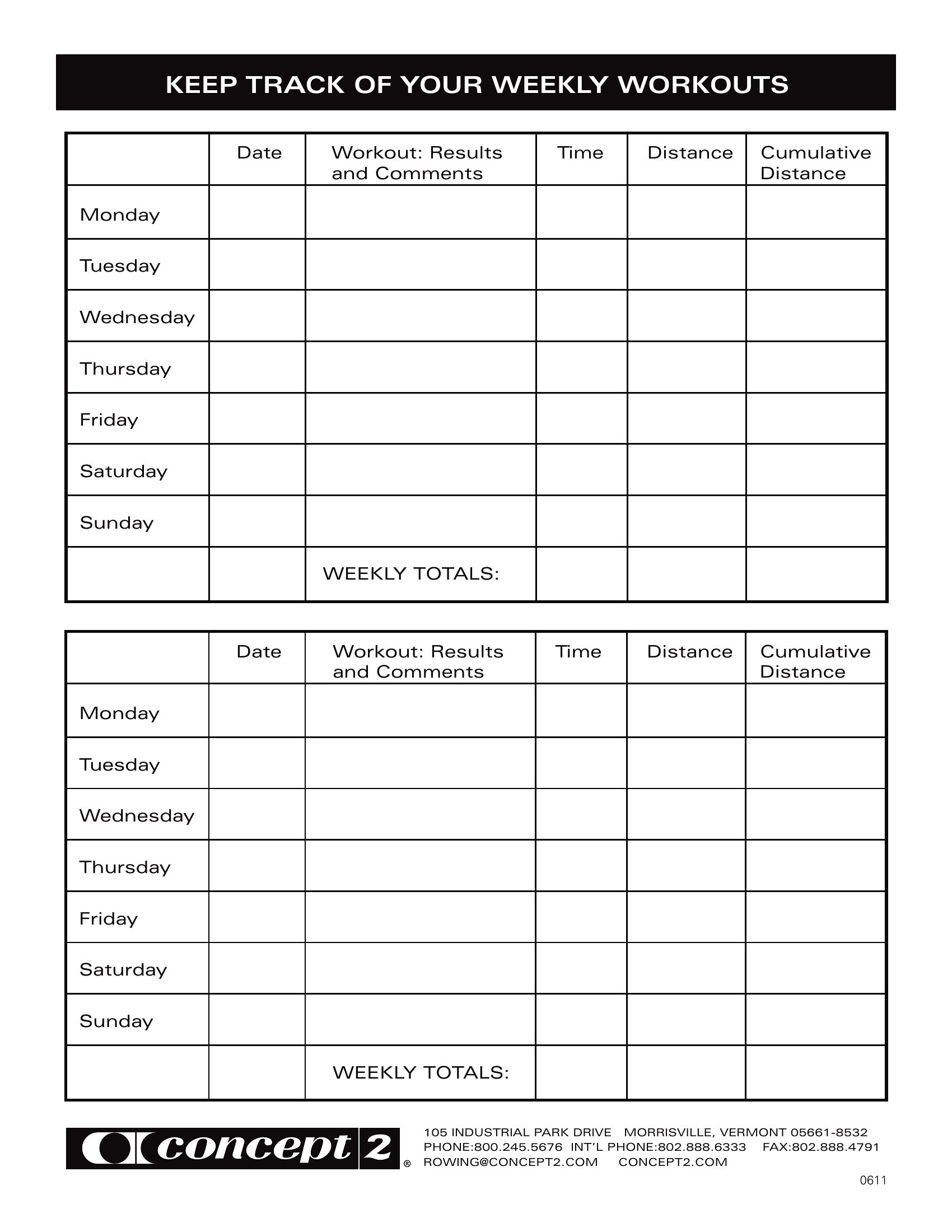
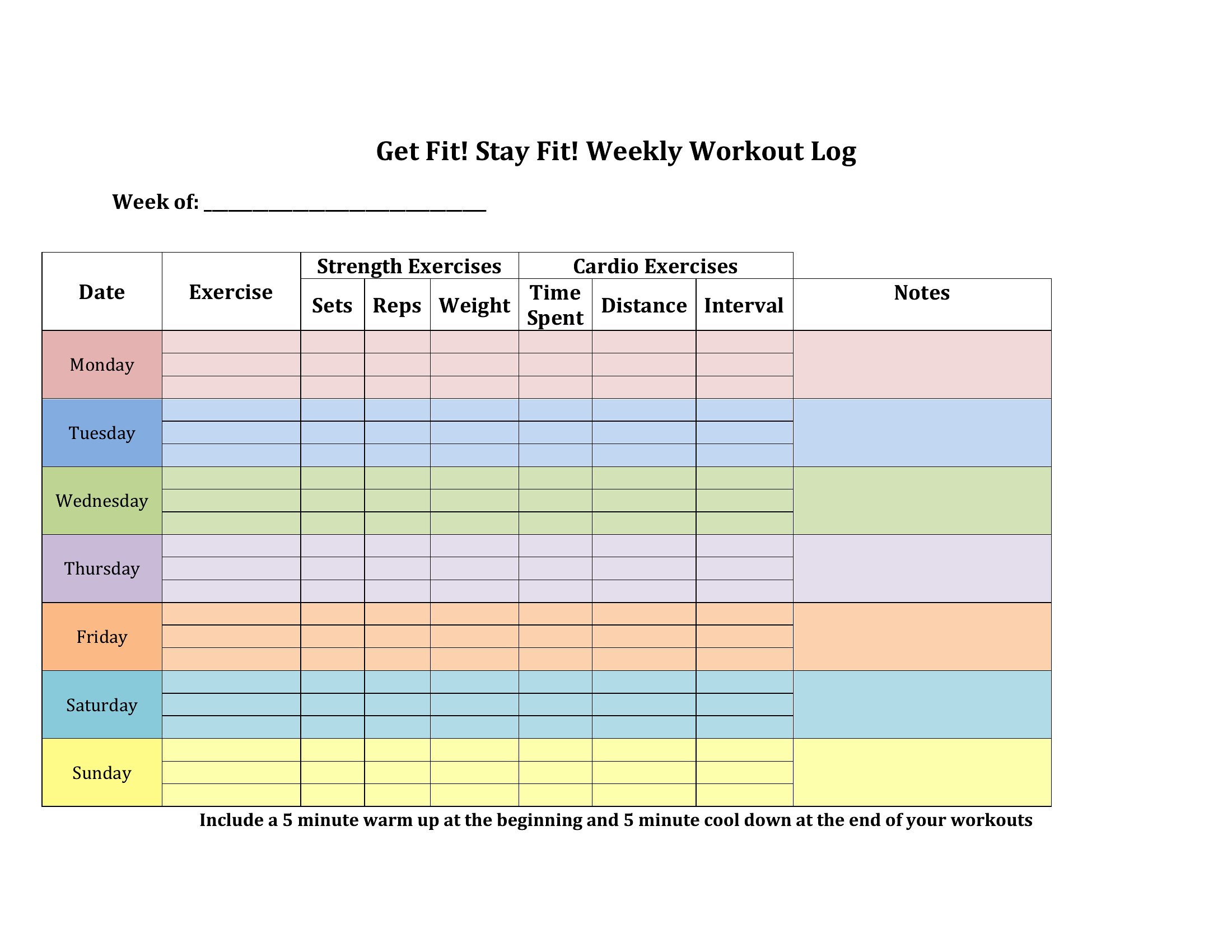
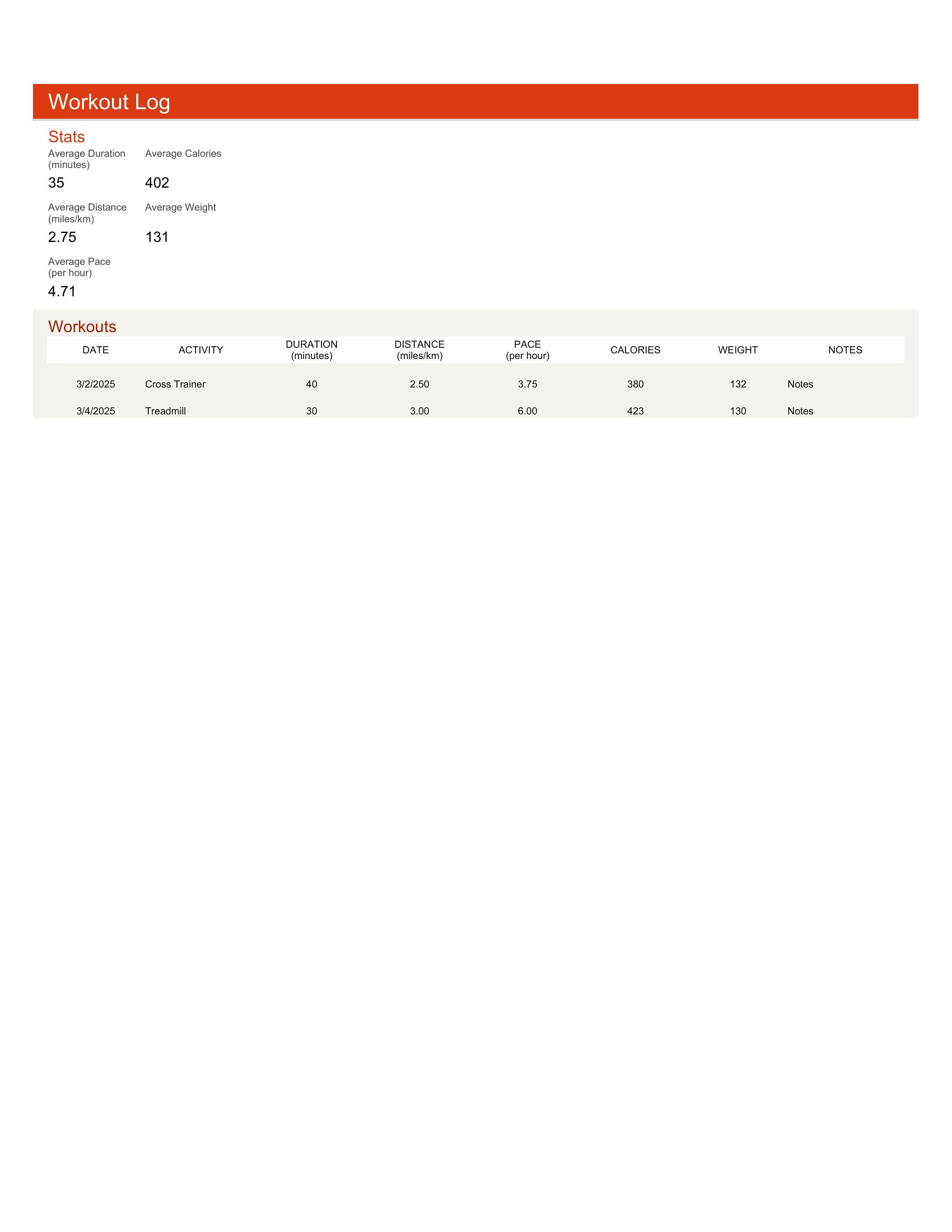
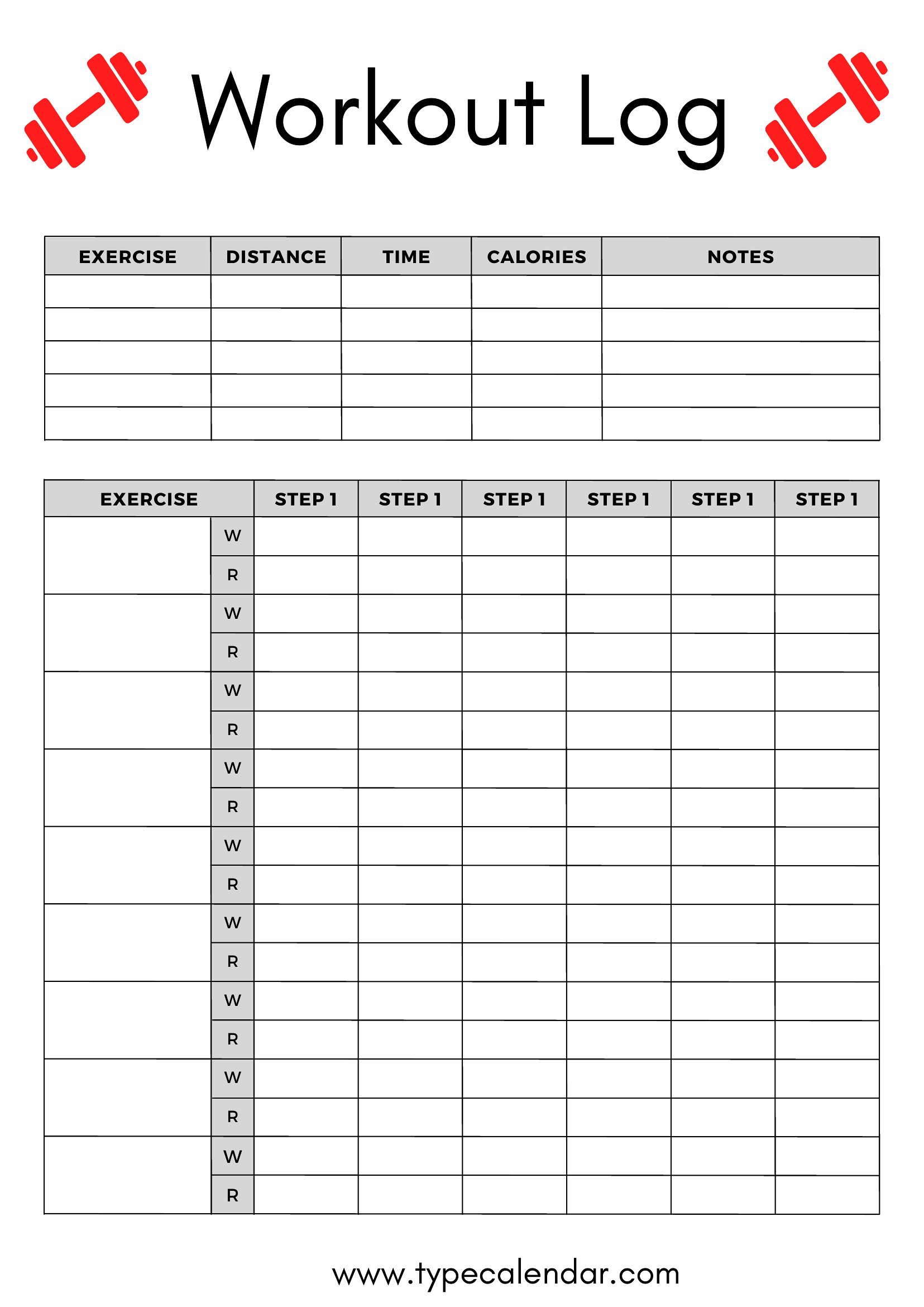
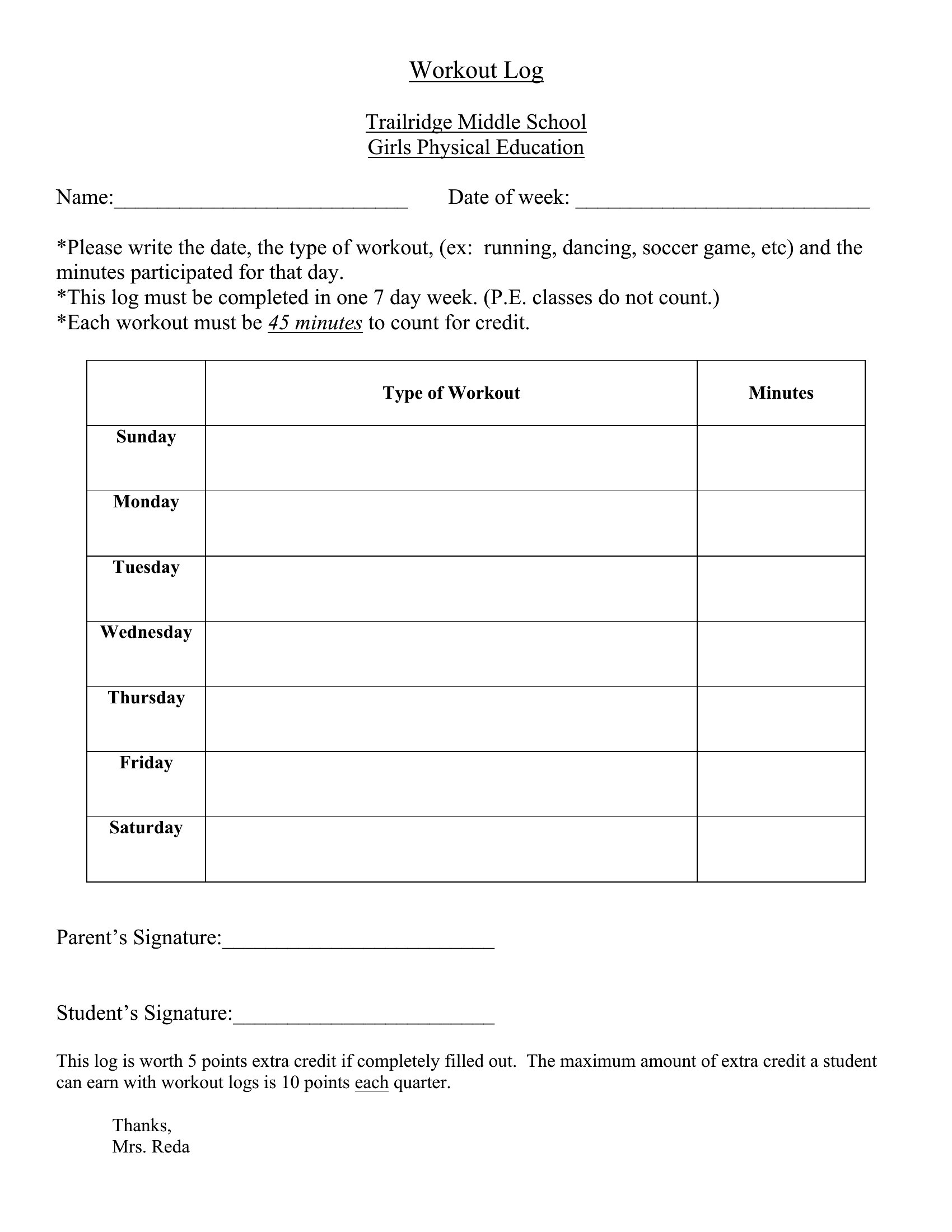
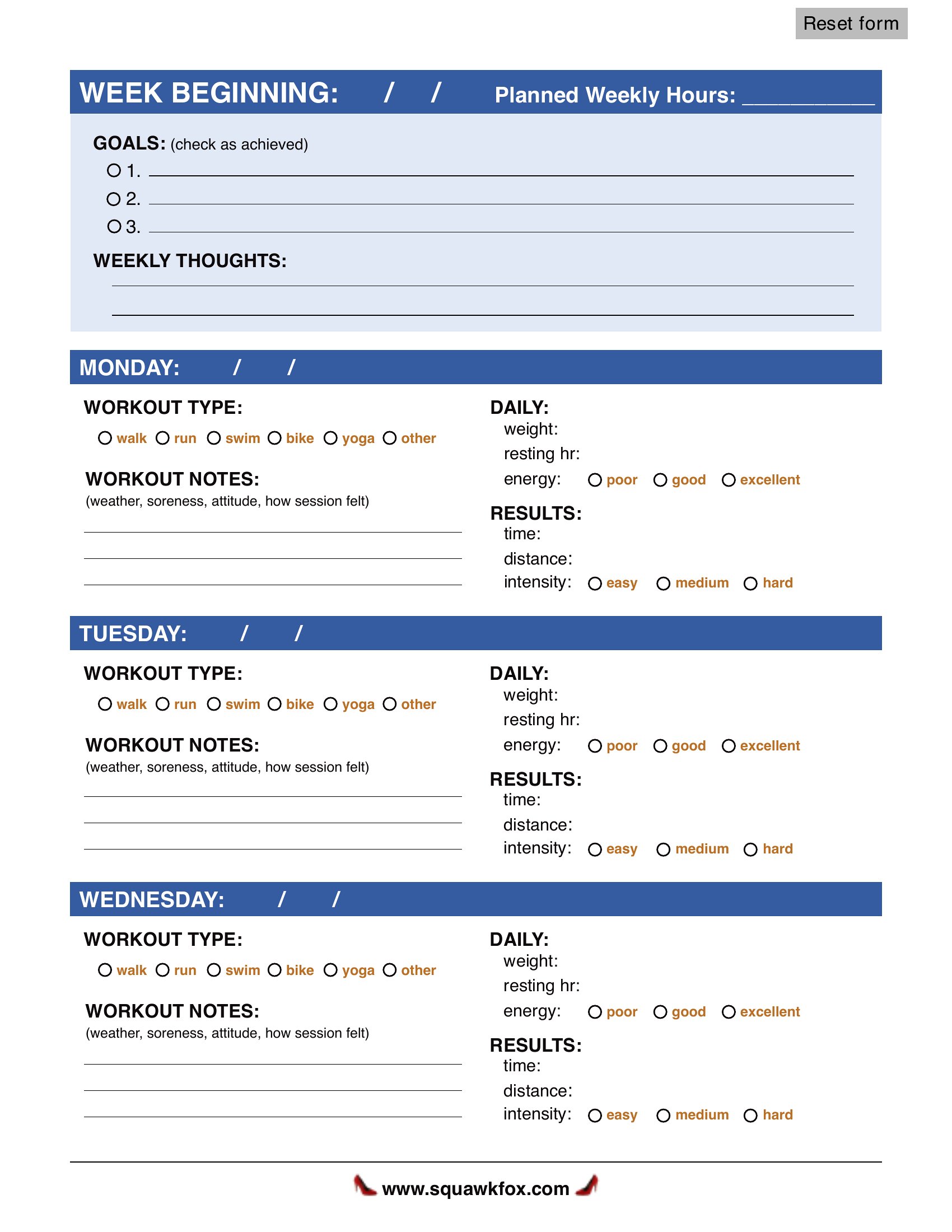
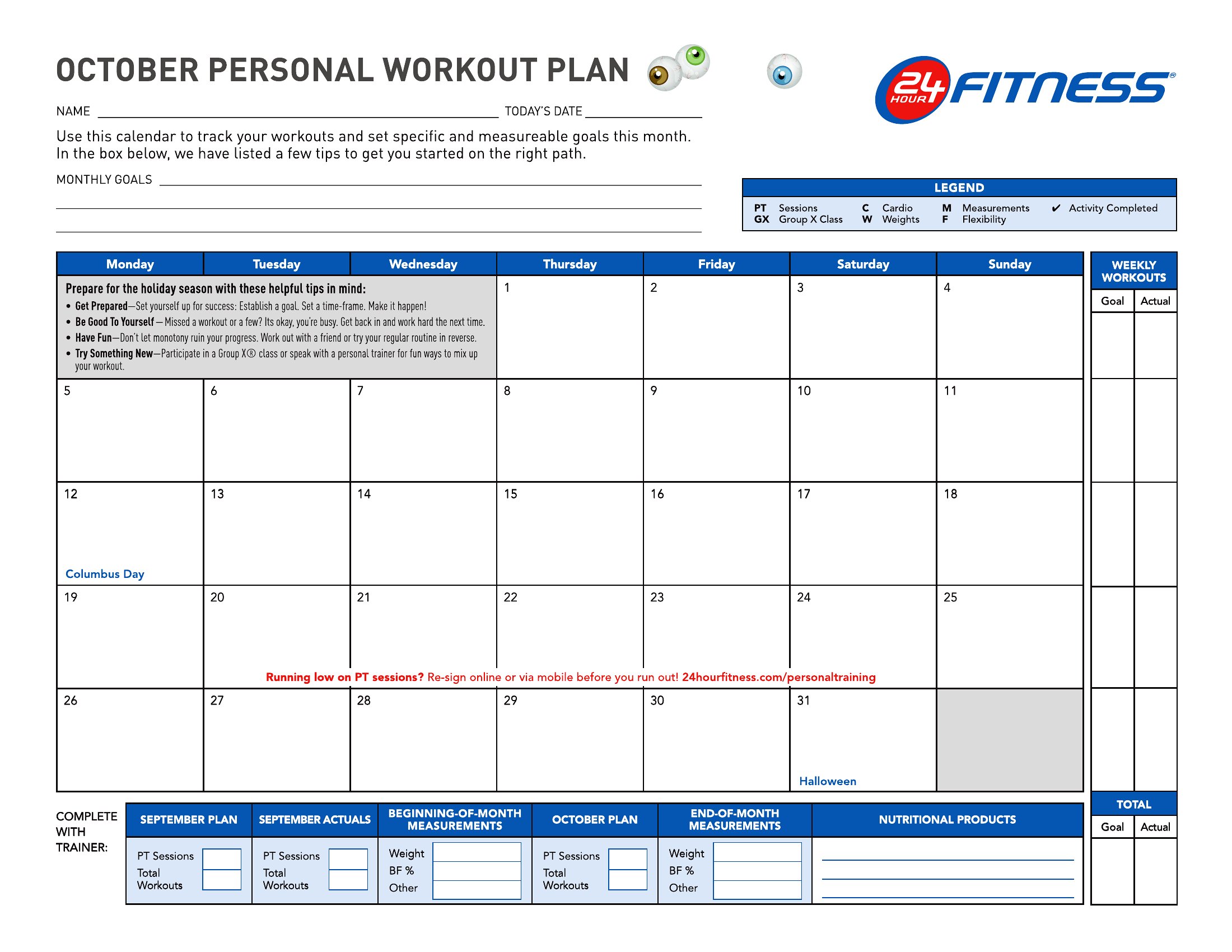
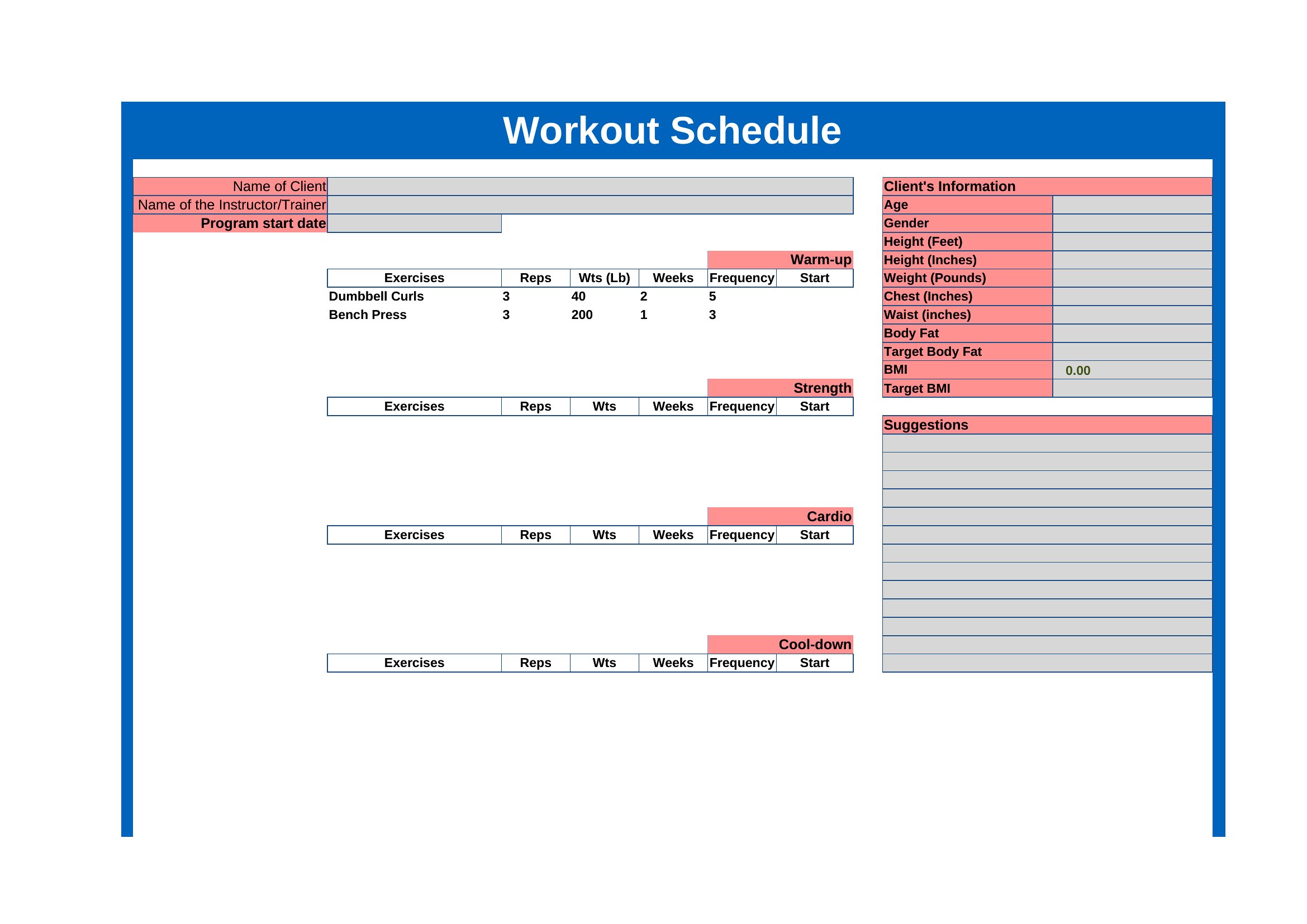
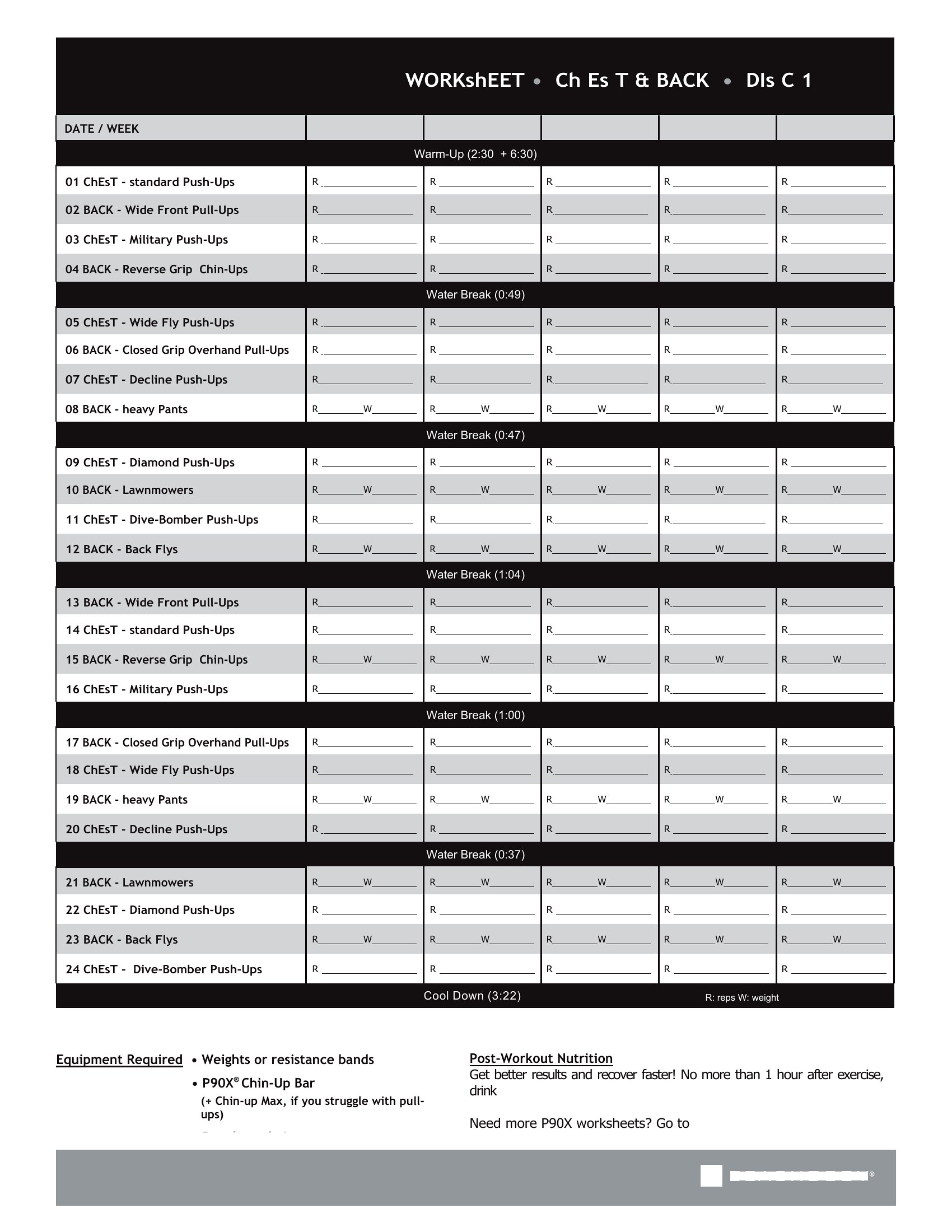
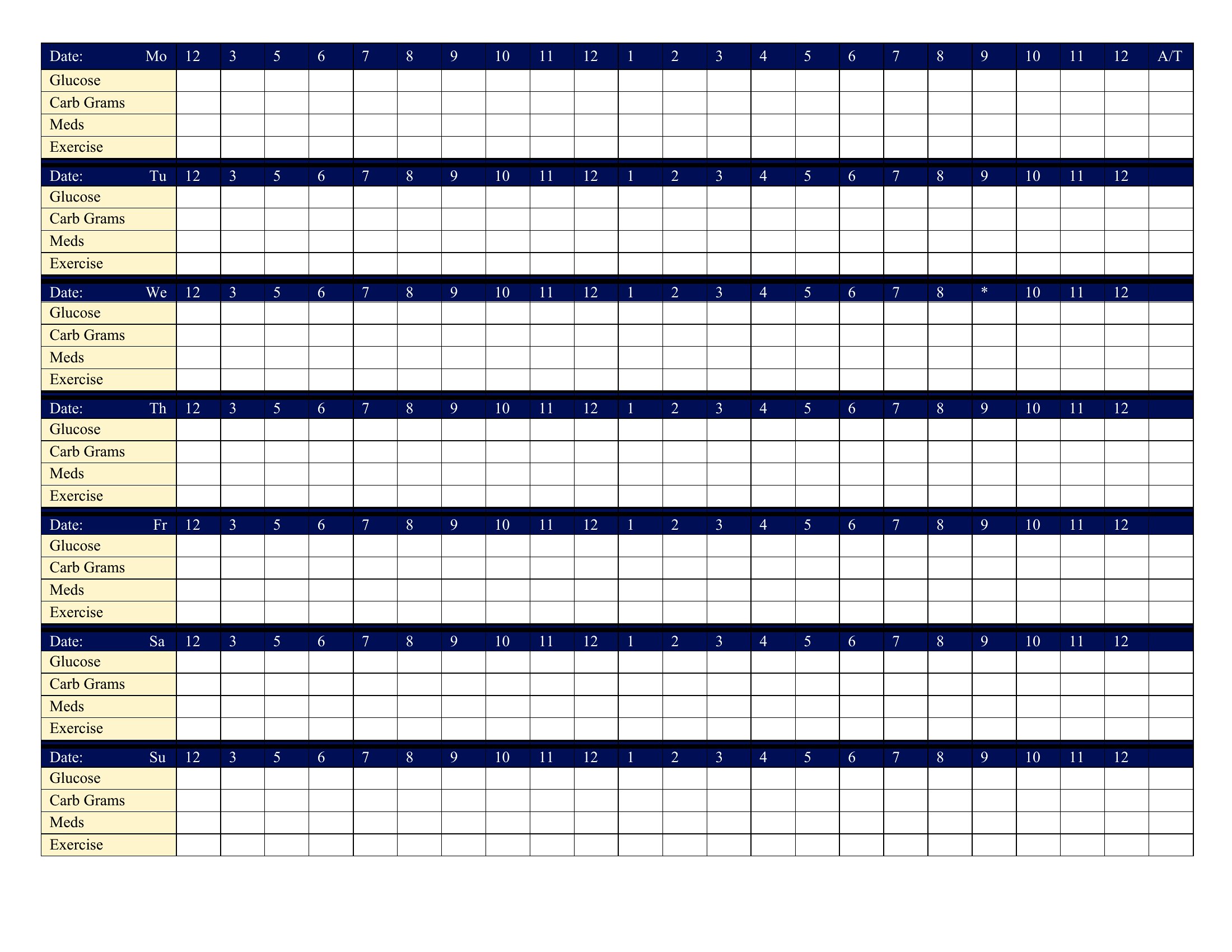
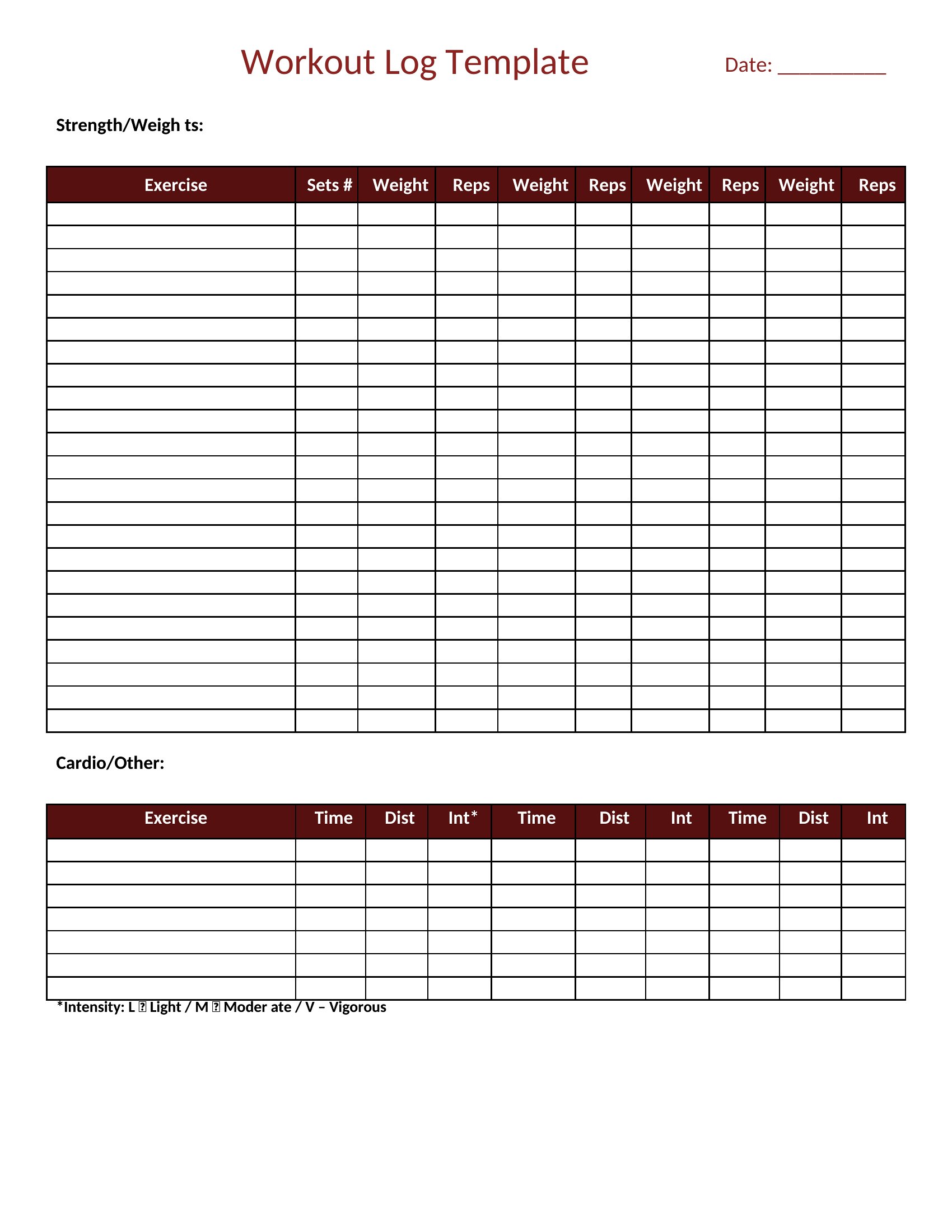
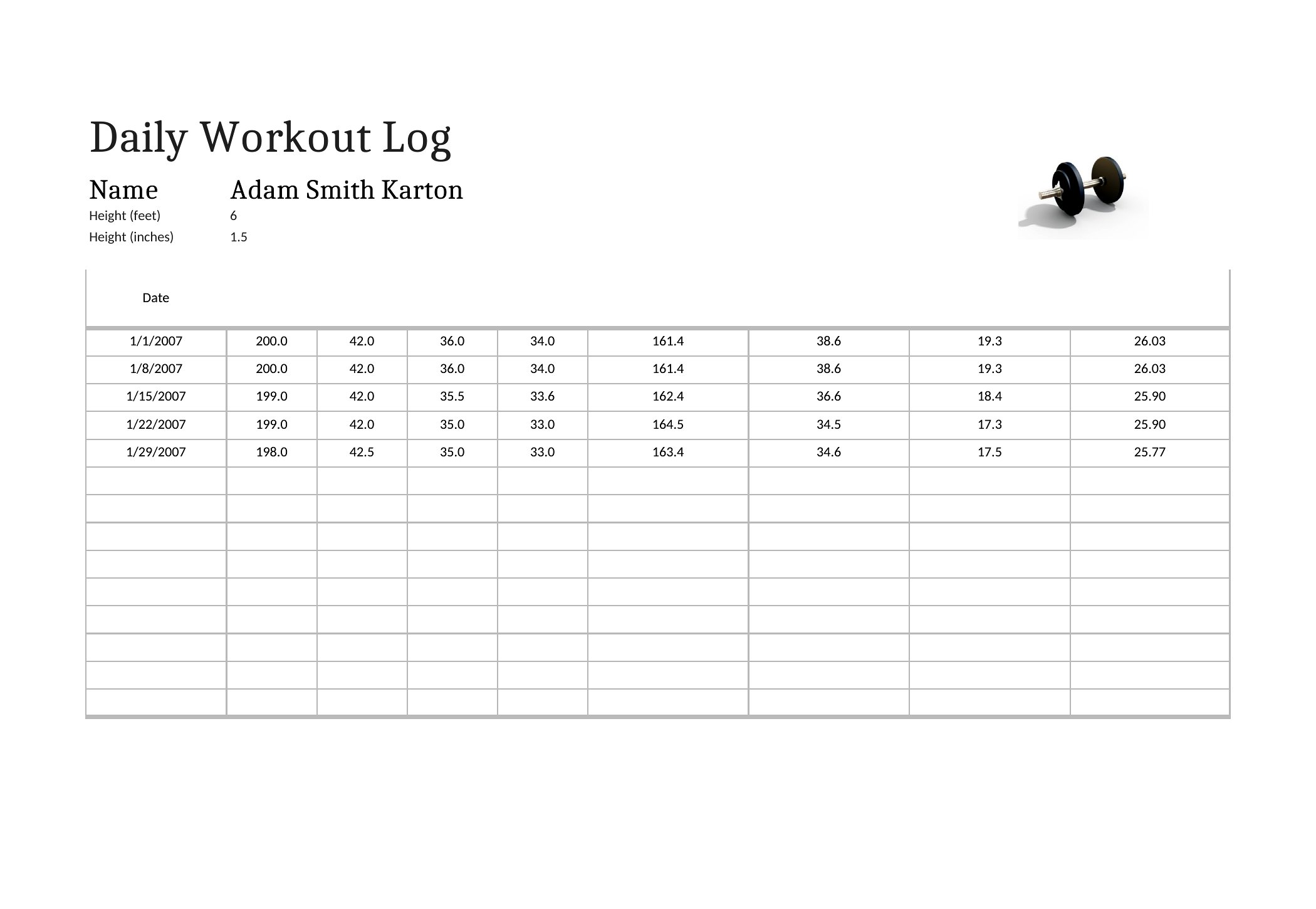
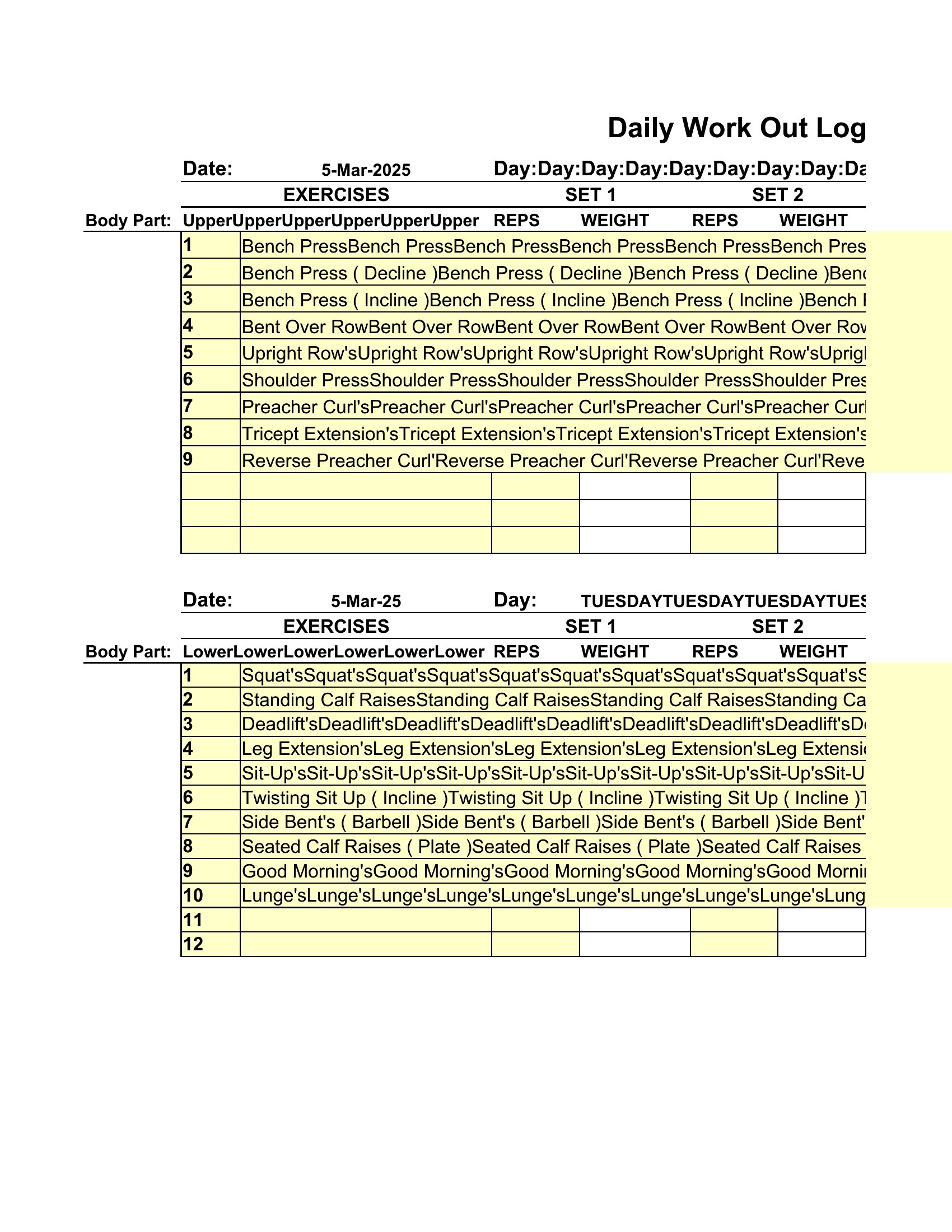
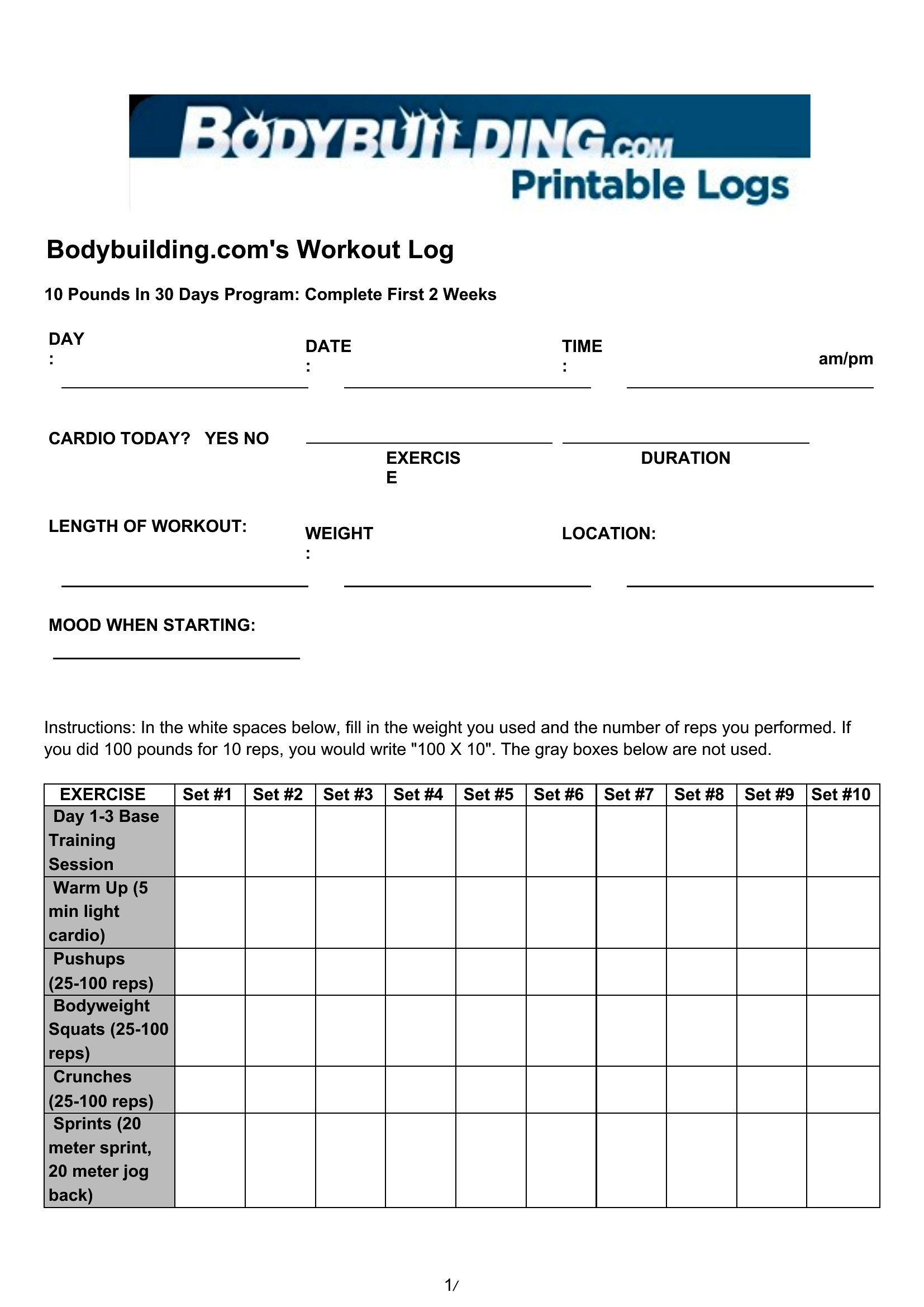
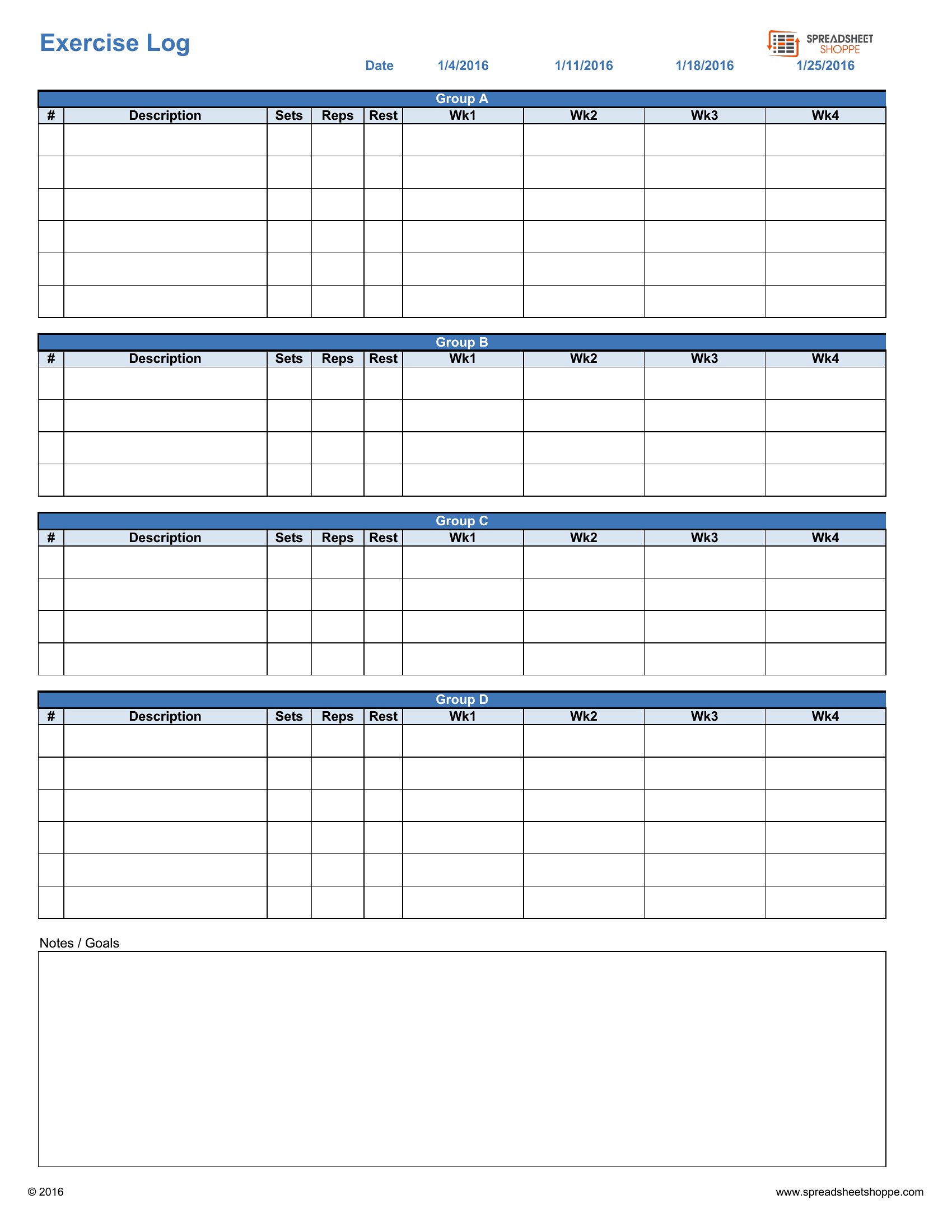
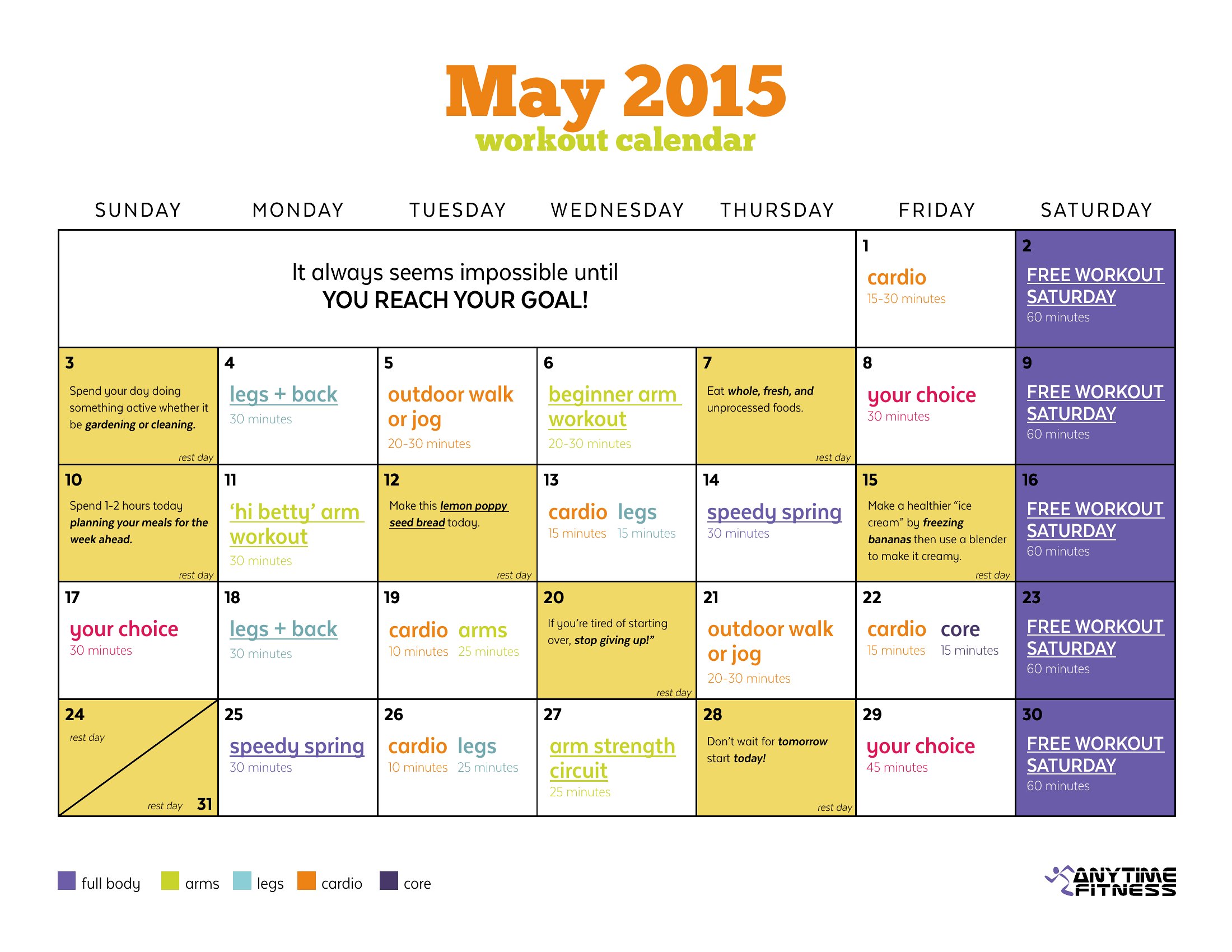
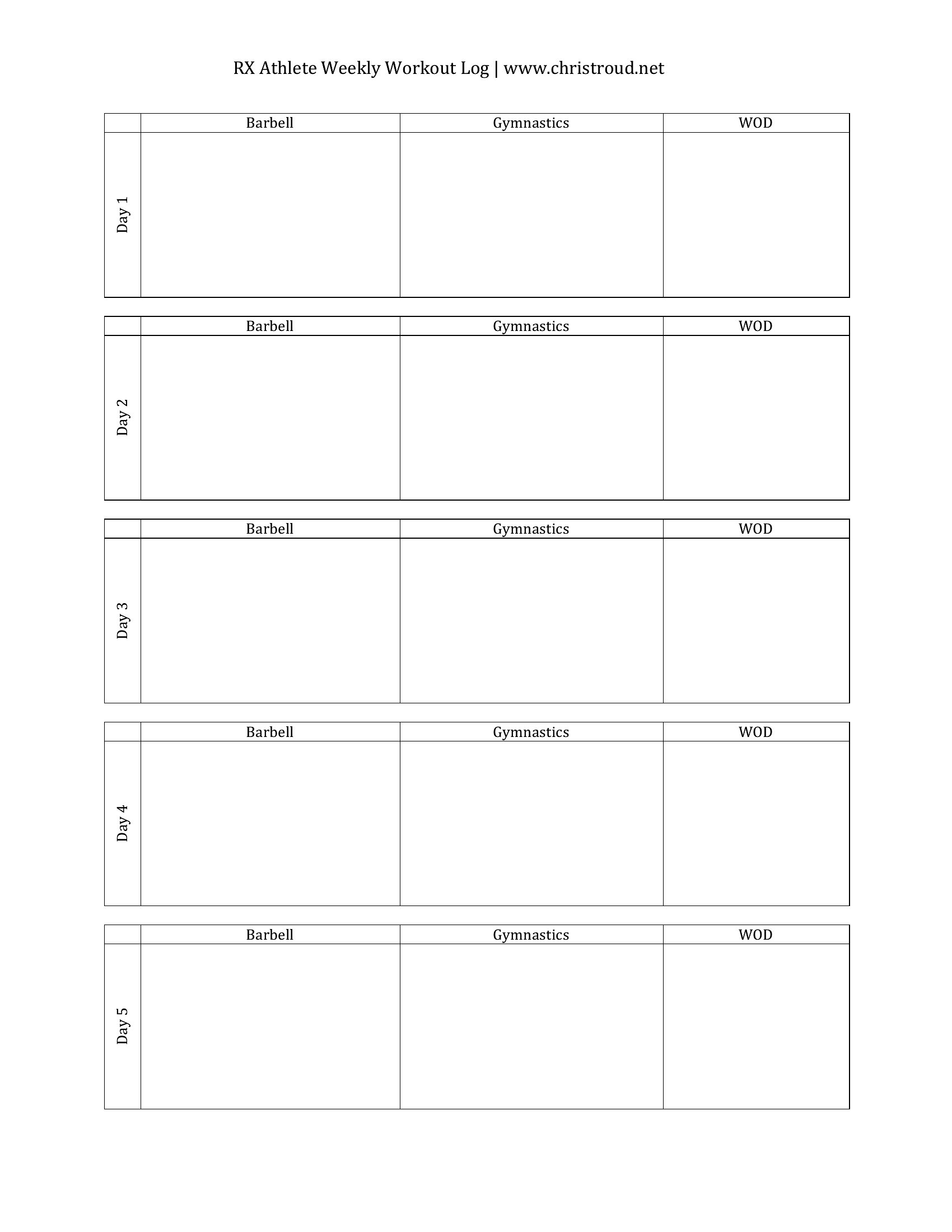
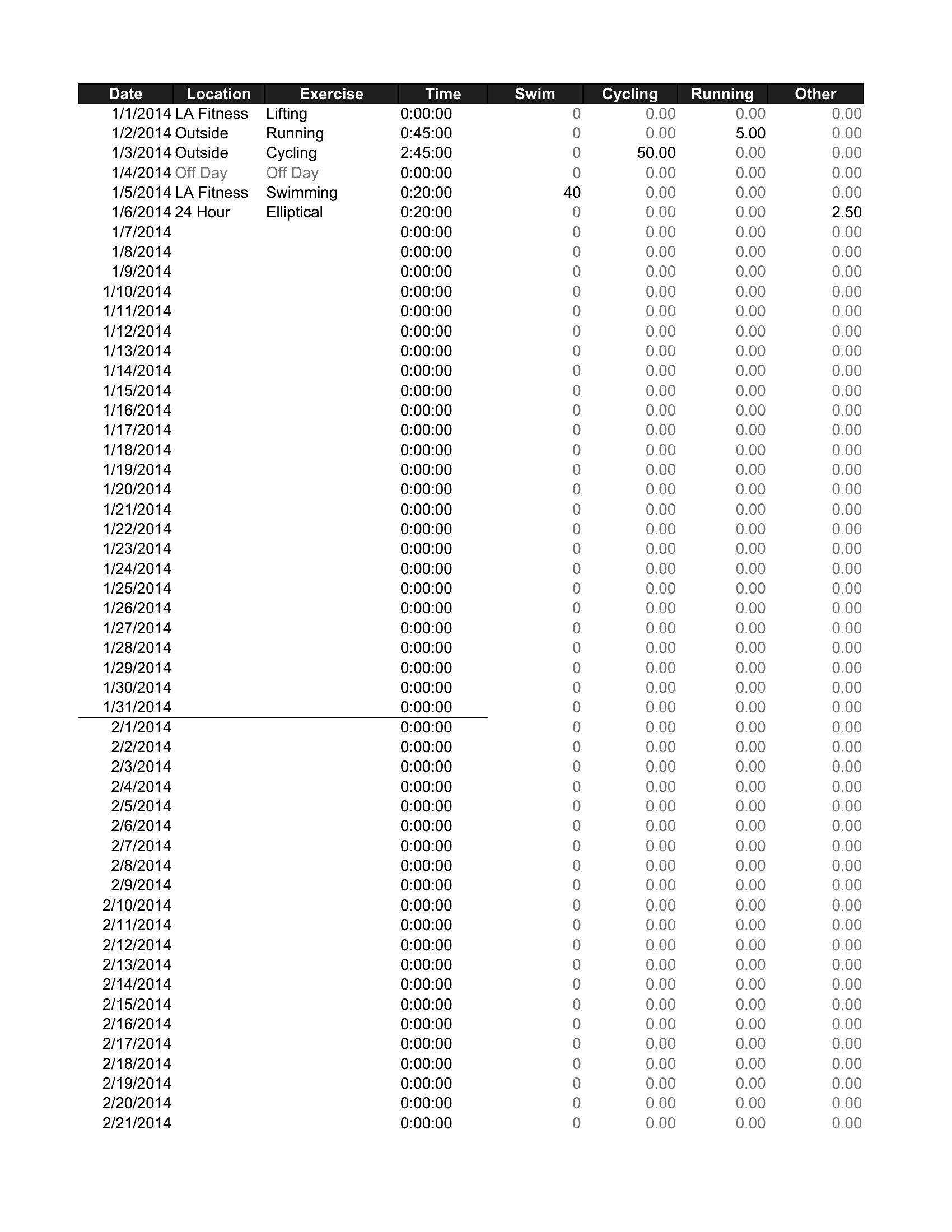
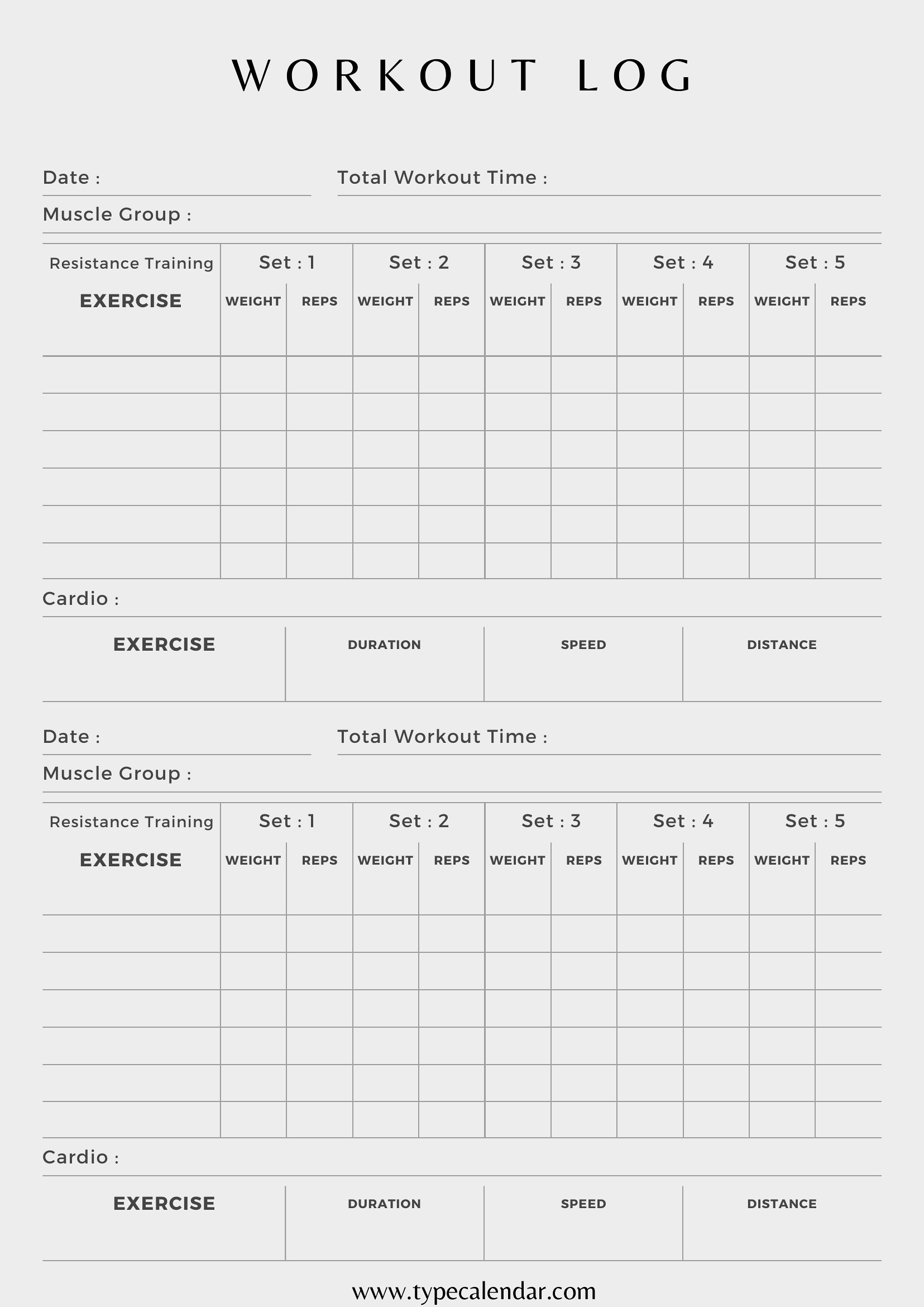
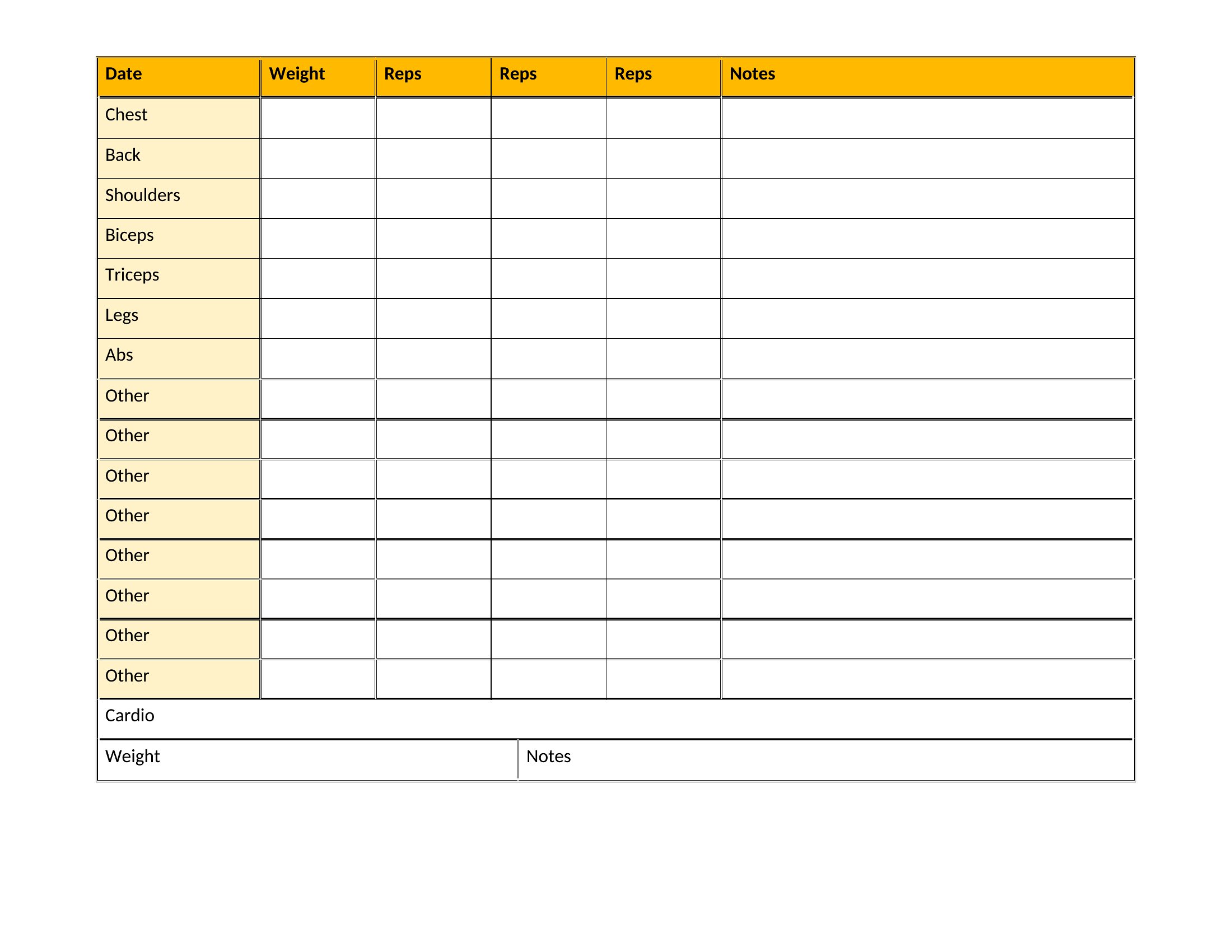
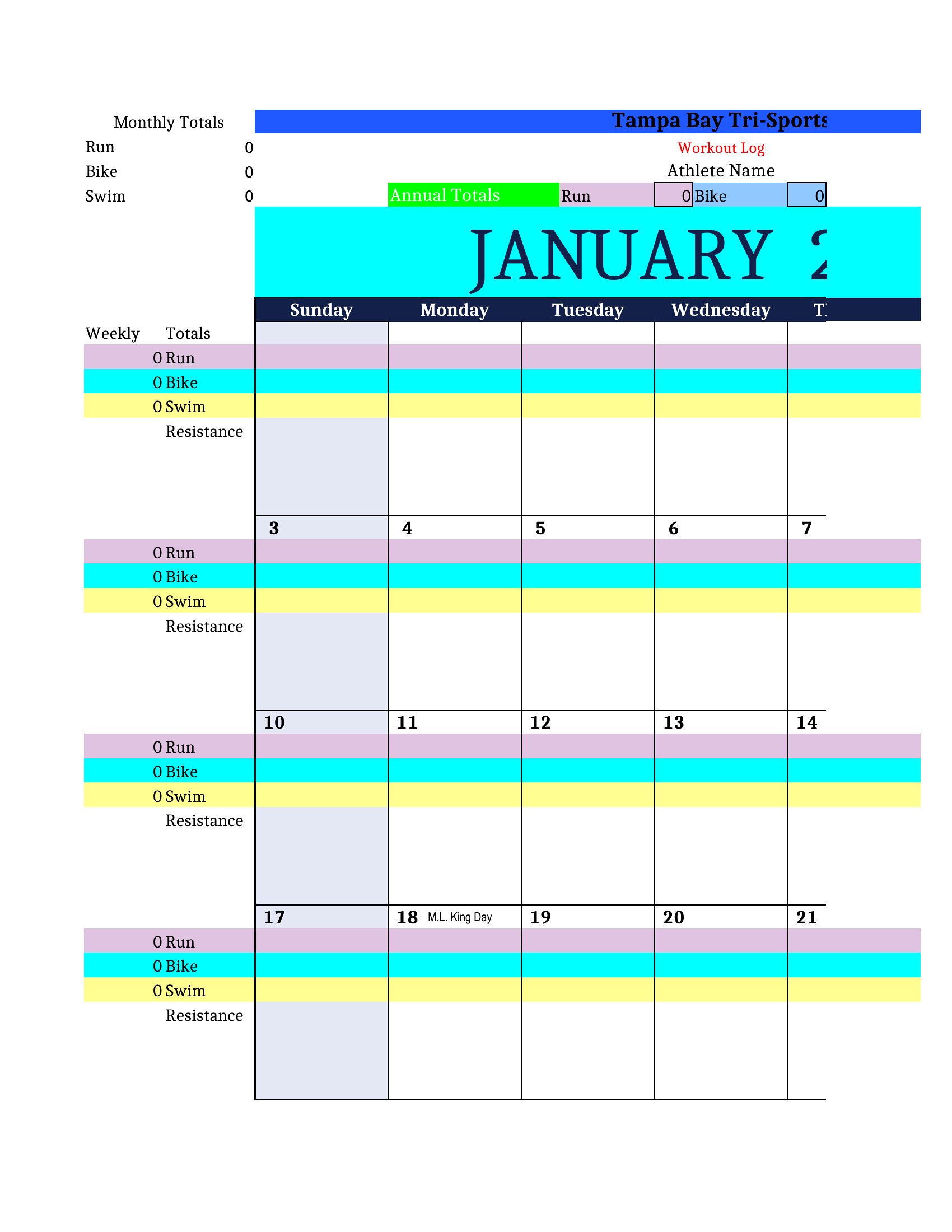
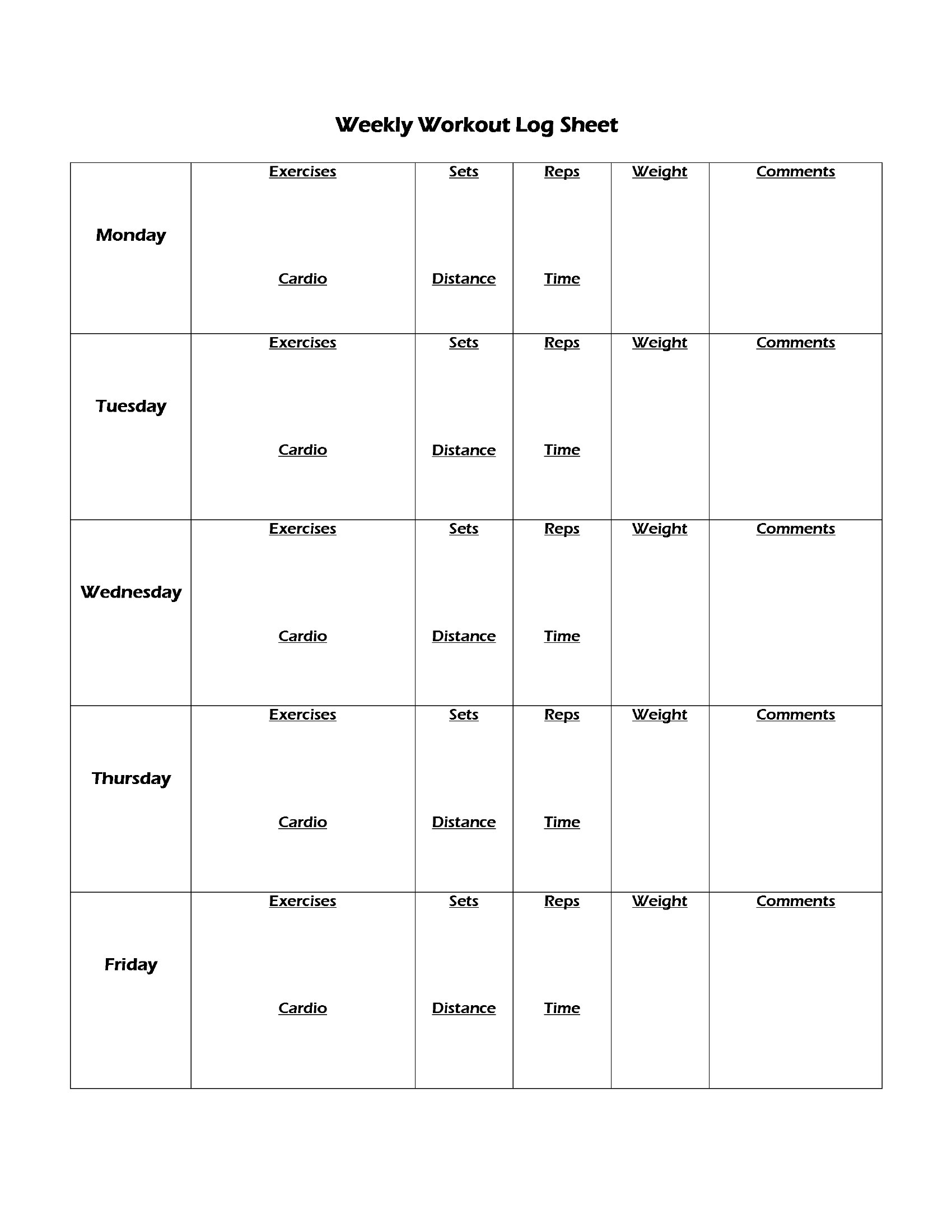
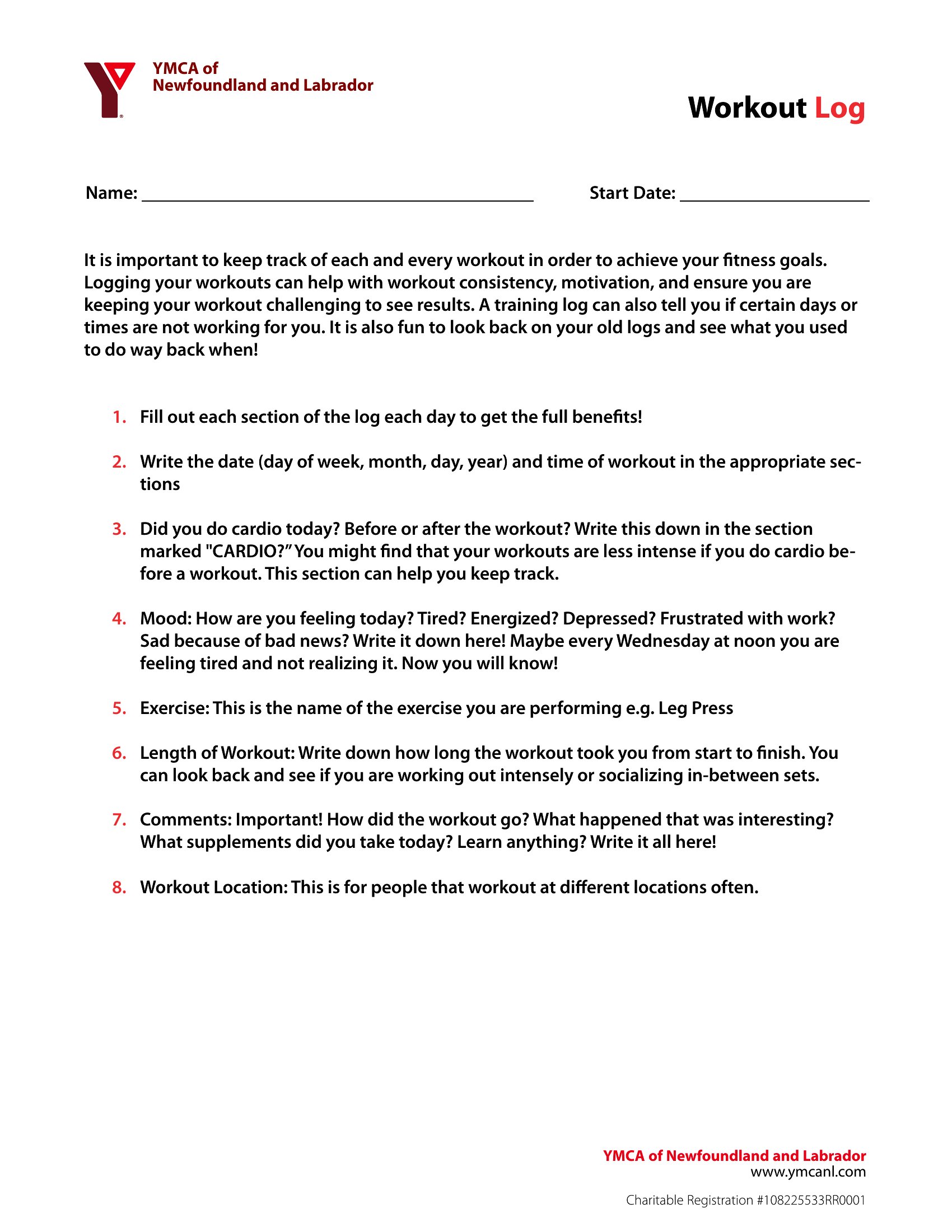
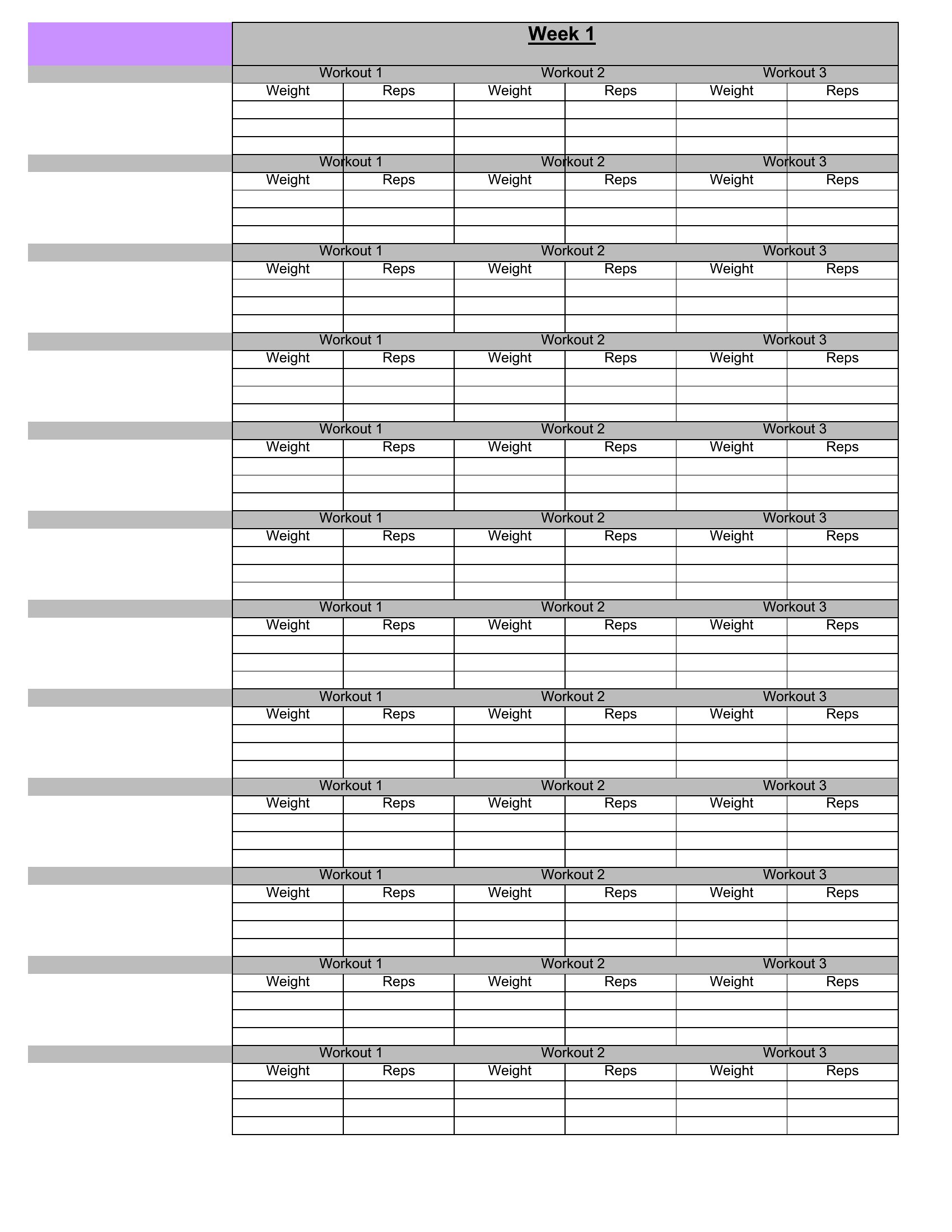
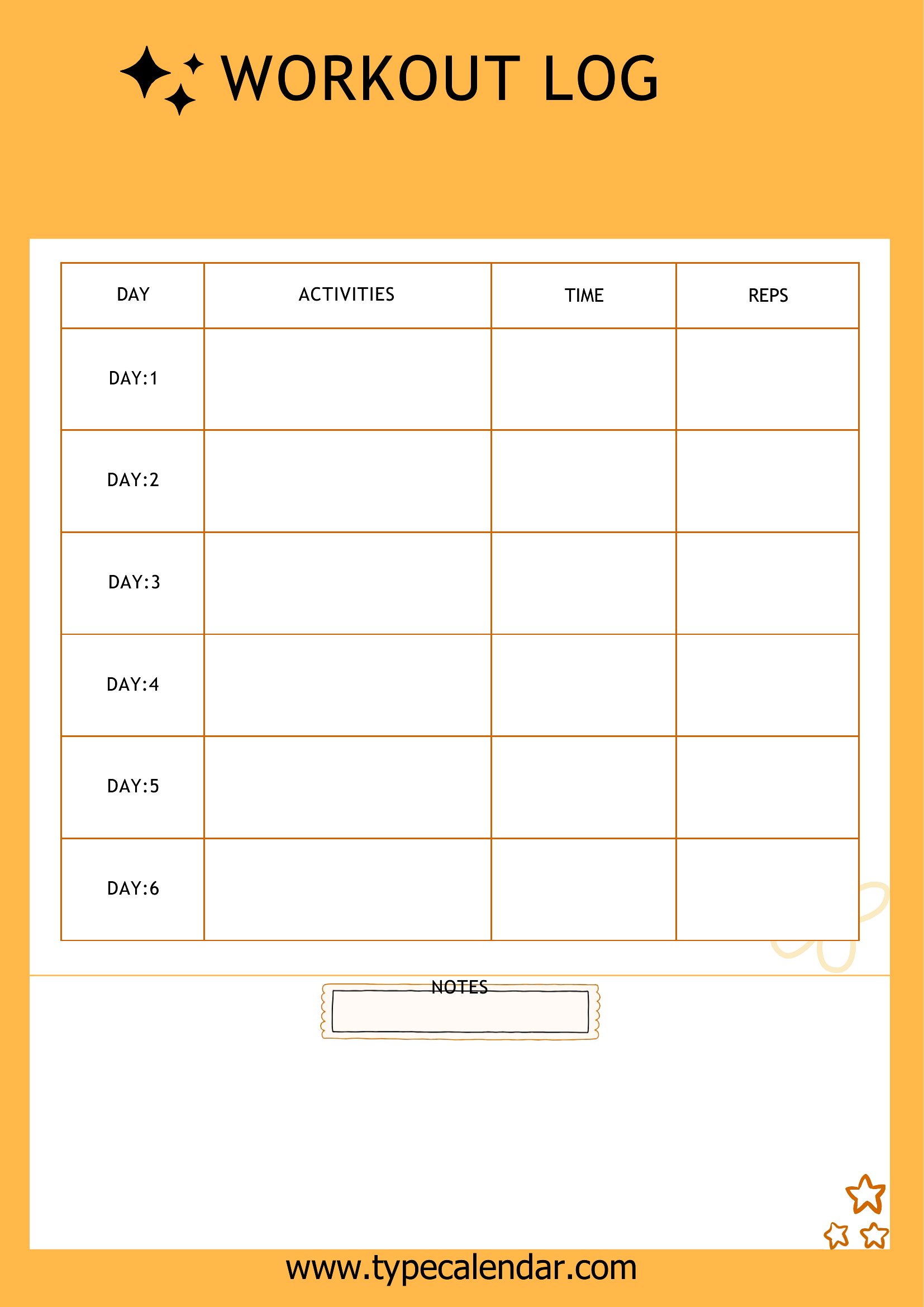
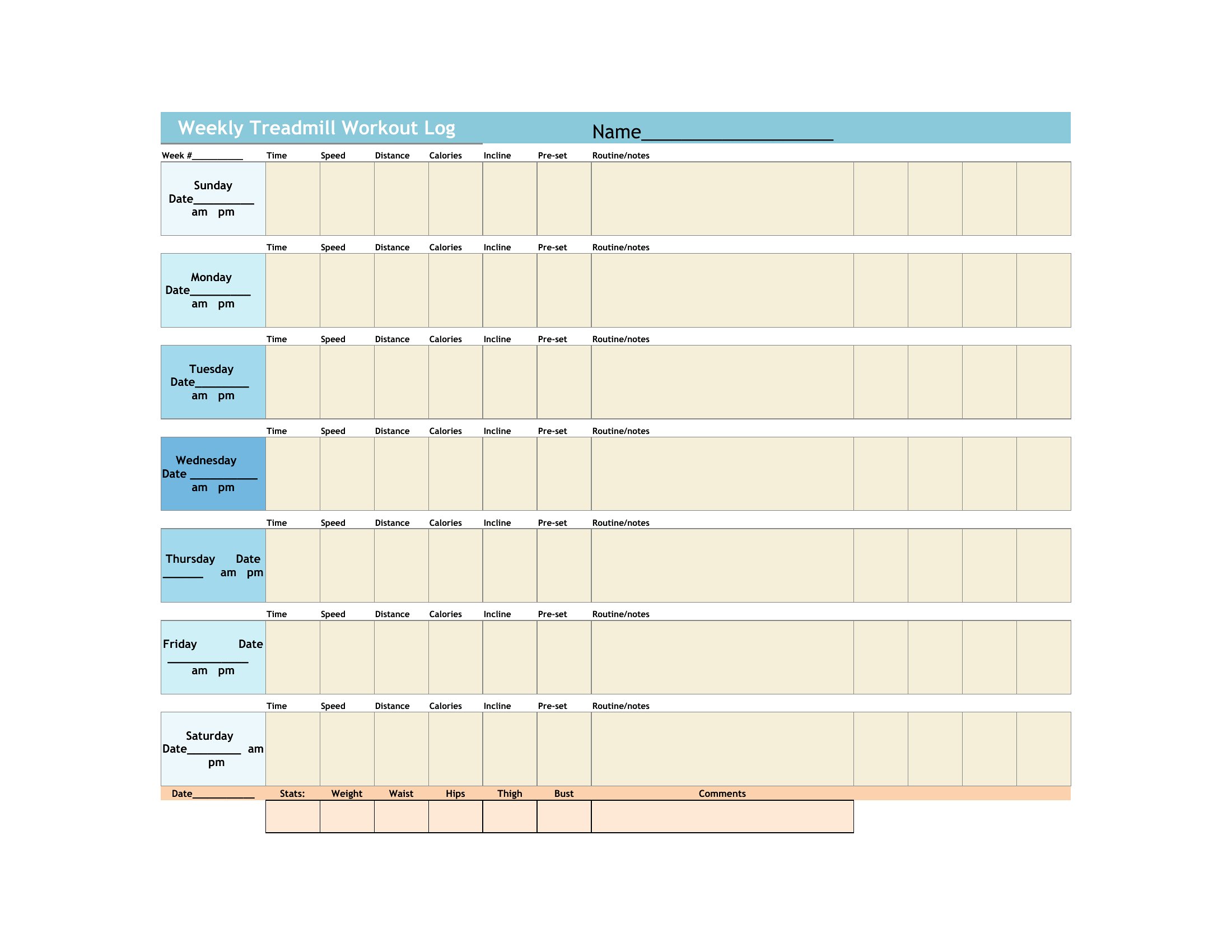
LifeTrying to make real progress in the gym without tracking it? These 43 workout logs give you a place to record sets, reps, weight, and rest so you can actually see what's working week to week. The collection suits beginners following a first program, lifters chasing a new max, and trainers who want a tidy sheet to hand clients. Layouts cover daily splits, weekly overviews, and simple blank grids you fill however you train.
Choose an Excel sheet if you like totals and trends to calculate themselves, a Word file you can tweak and print, or a ready-to-go PDF for clipping to a binder at the rack. Customize the exercises, print a stack for the month, and start logging your next session.
When to use this Workout Log template
- A first-time gym-goer following a 3-day beginner program who needs a simple way to track progress and stay consistent without overwhelming details.
- A lifter preparing for a powerlifting meet who wants to log every session’s max attempts, accessory work, and fatigue scores to spot trends over 12 weeks.
- A personal trainer designing custom programs for clients and needs a clean, printable log to hand out at each session with space for notes and adjustments.
- A fitness coach working with athletes balancing strength training and sport-specific drills who wants a split-screen layout to compare performance metrics across disciplines.
Which format should I download?
Choose Excel for dynamic tracking—ideal if you’ll input data frequently and want formulas to calculate averages, weekly progress, or PRs. The grid-based layouts in Excel also let you expand sections easily. Go with Word if you prefer a polished, printable document for handwritten notes or client handouts, especially when sharing via email or in-person. Pick PDF for a finalized, uneditable version to distribute to clients or teammates who shouldn’t modify the template. Avoid PDF for personal use unless you plan to fill it out digitally with annotations.
Choose from 43 Workout Log Templates
How to use this Workout Log template
Can these logs help me adjust my training based on fatigue or soreness levels?
Yes, several templates include sections for noting perceived exertion, recovery ratings, or subjective fatigue (e.g., 1–10 scale). Use these to identify patterns—like when overtraining creeps in—and tweak volume or intensity accordingly. Pair this with a weekly overview template to spot trends over 4–8 weeks. Treat these as starting points; consult a coach or sports scientist for program adjustments.
What’s the best way to track supplements or mobility work alongside workouts?
Look for templates with a notes column or a secondary sheet in Excel/Word. Some include dedicated rows for pre/post-workout supplements, mobility drills, or sleep tracking. If none fit, add a “supplements” tab in Excel or a separate page in Word. Keep it concise—focus on what directly impacts performance, like creatine timing or dynamic warm-up routines.
How do I use these logs if I train with a partner but want to compare our progress separately?
Duplicate the template for each person in Excel (File > Save As) or create a folder with two Word/PDF files. Use identical layouts so you can side-by-side compare metrics like max lifts or reps at a given weight. For shared goals (e.g., both chasing a 5K deadlift), add a “notes” section to track combined strategies or competition prep timelines.
Comments
Join the conversation
Sign in to share your thoughts and leave a comment on this resource.