Free Exercise Chart Templates (Word, Excel)
WorksheetsTemplates
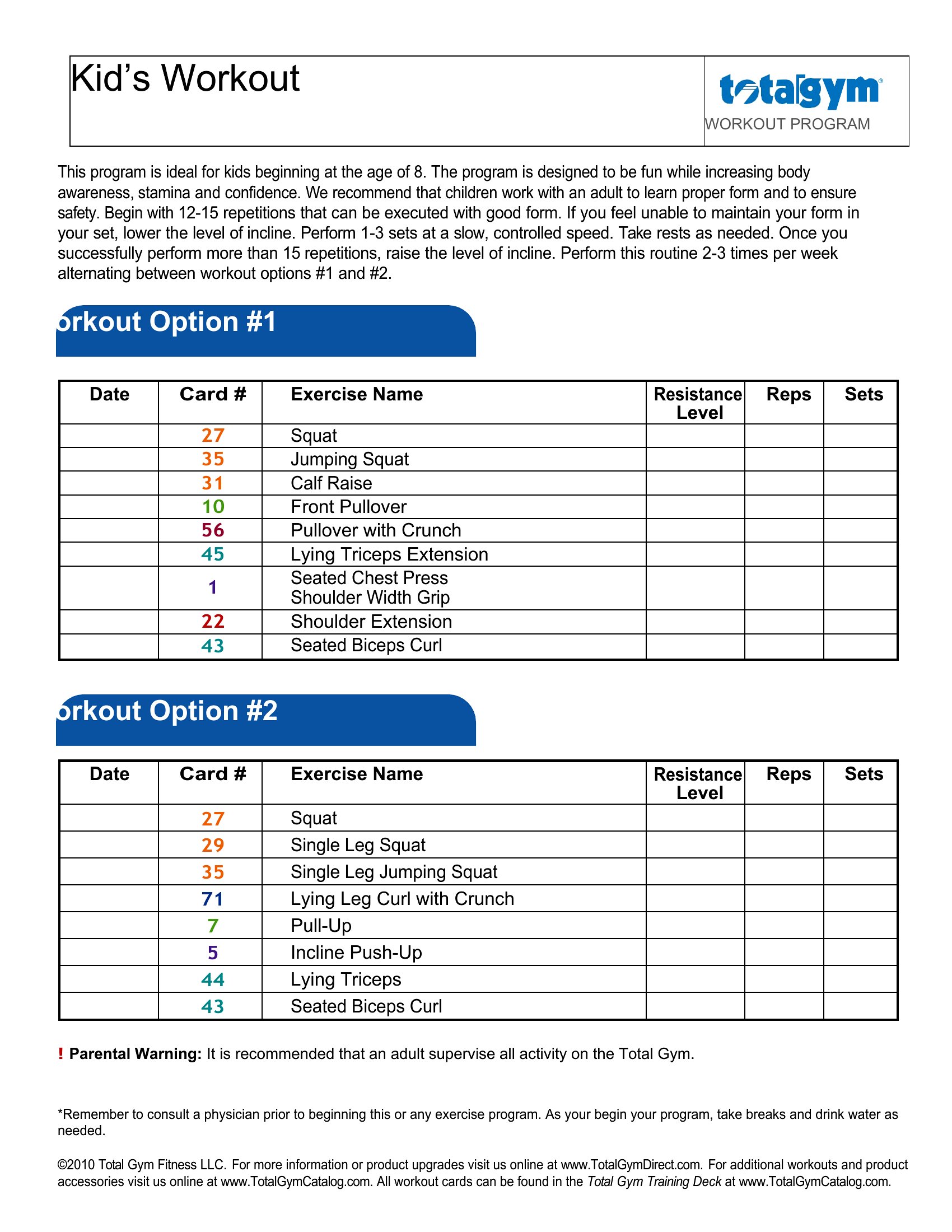
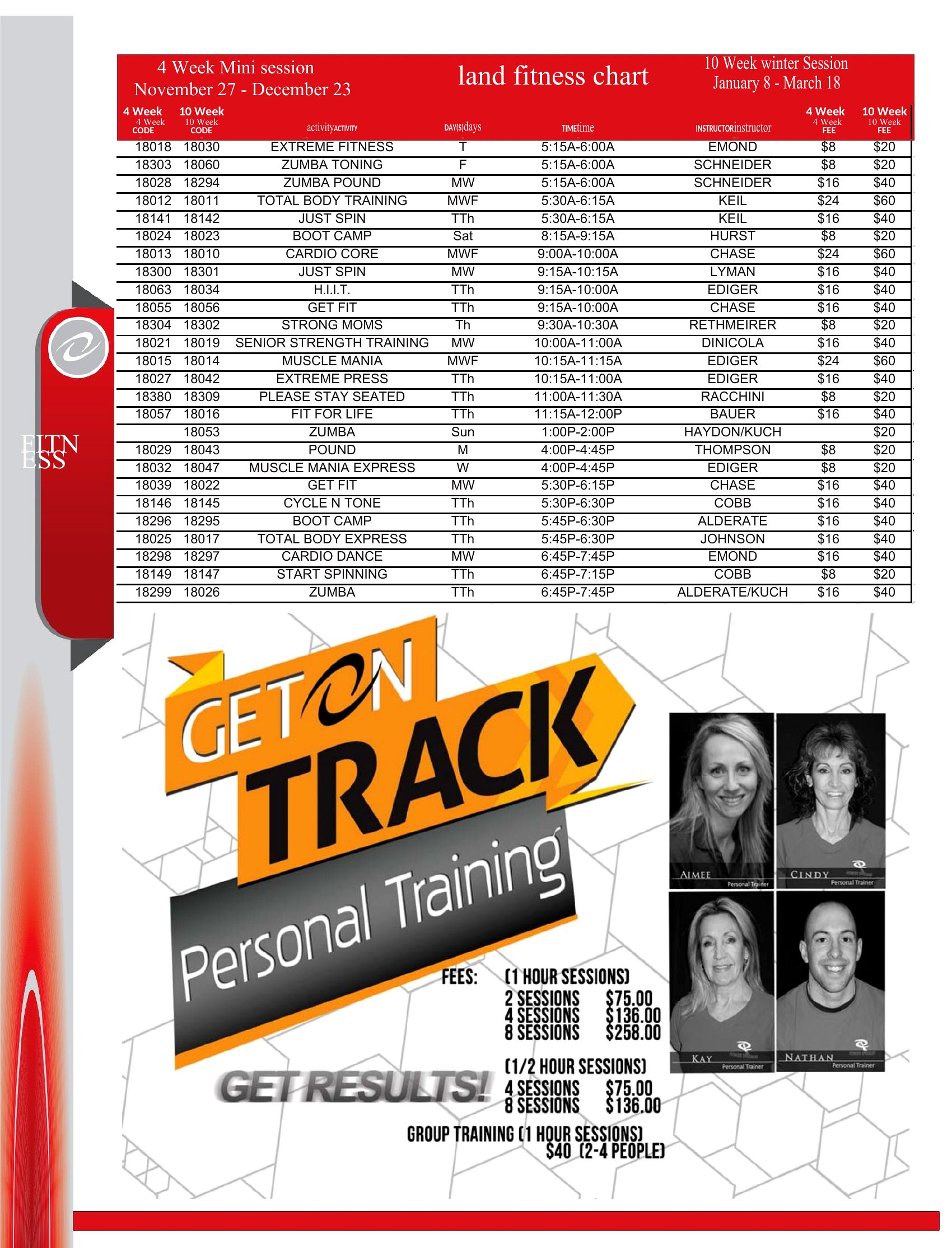
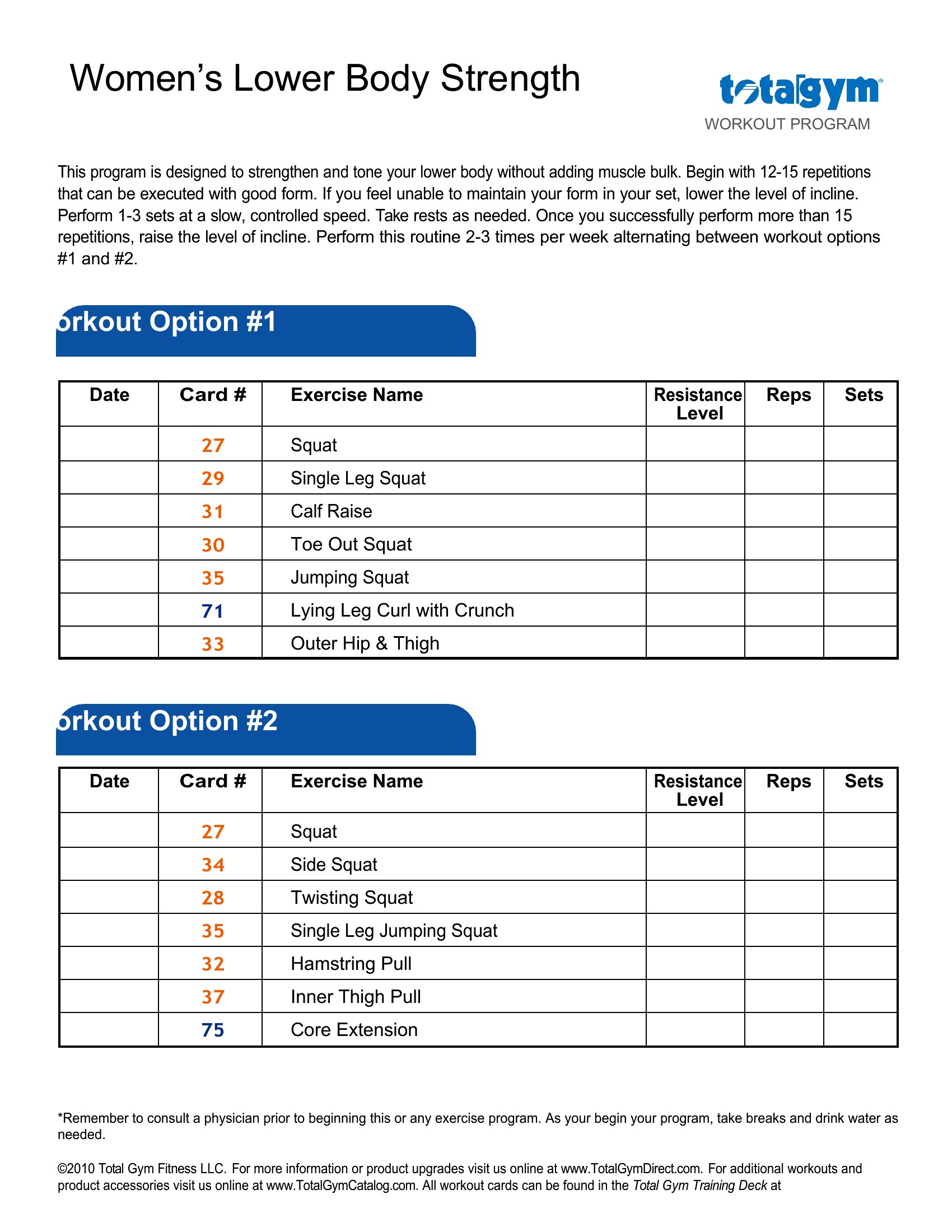
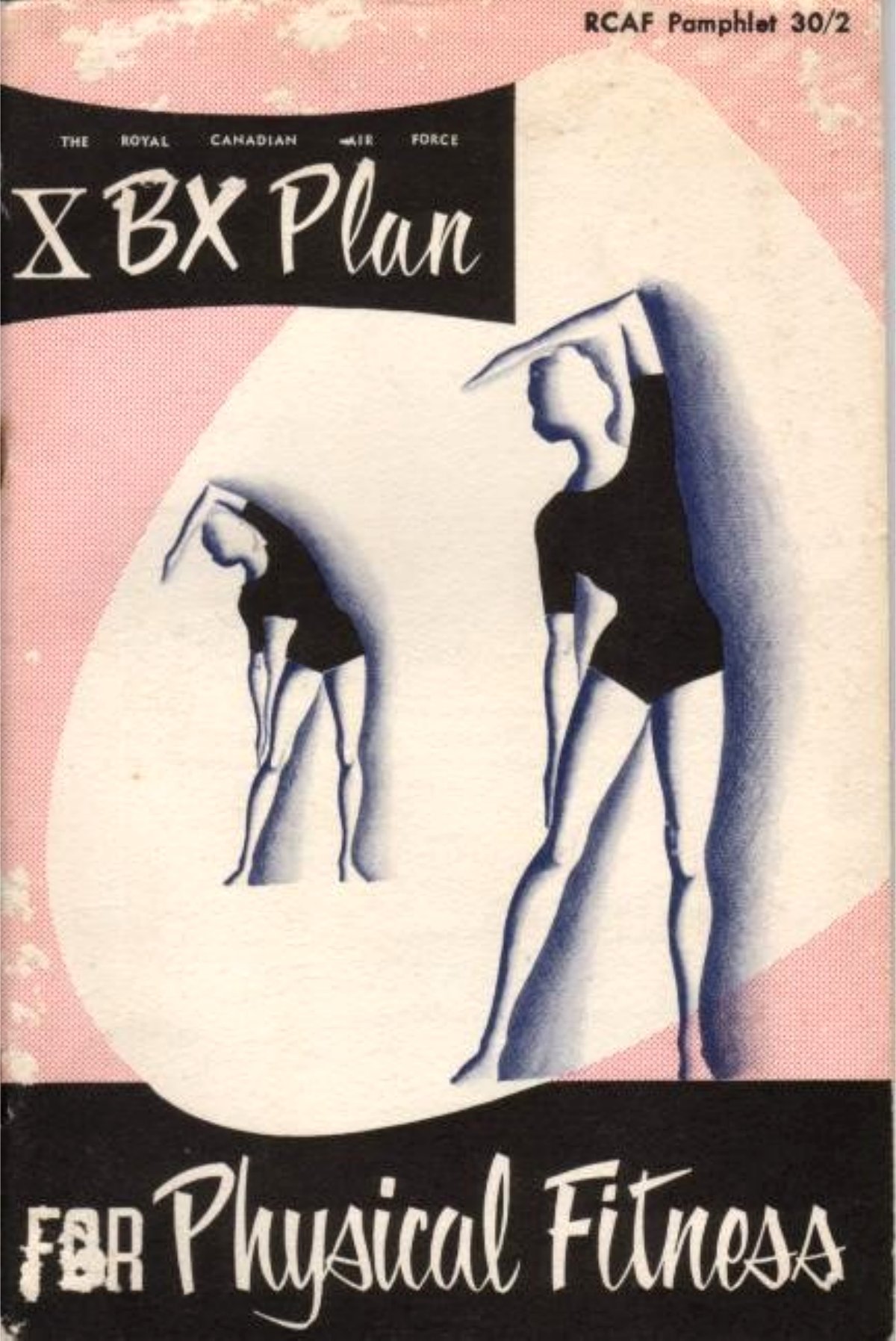
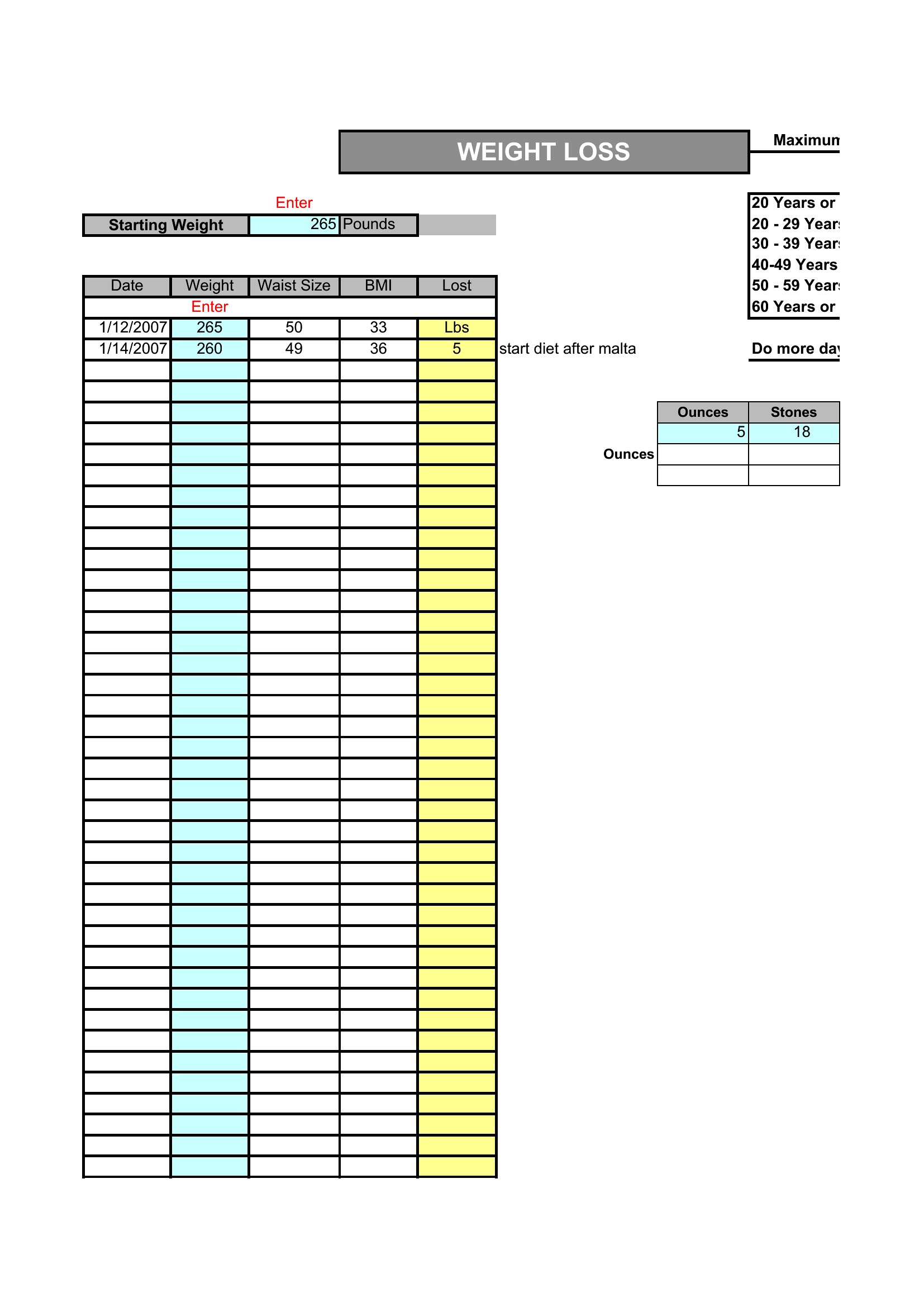
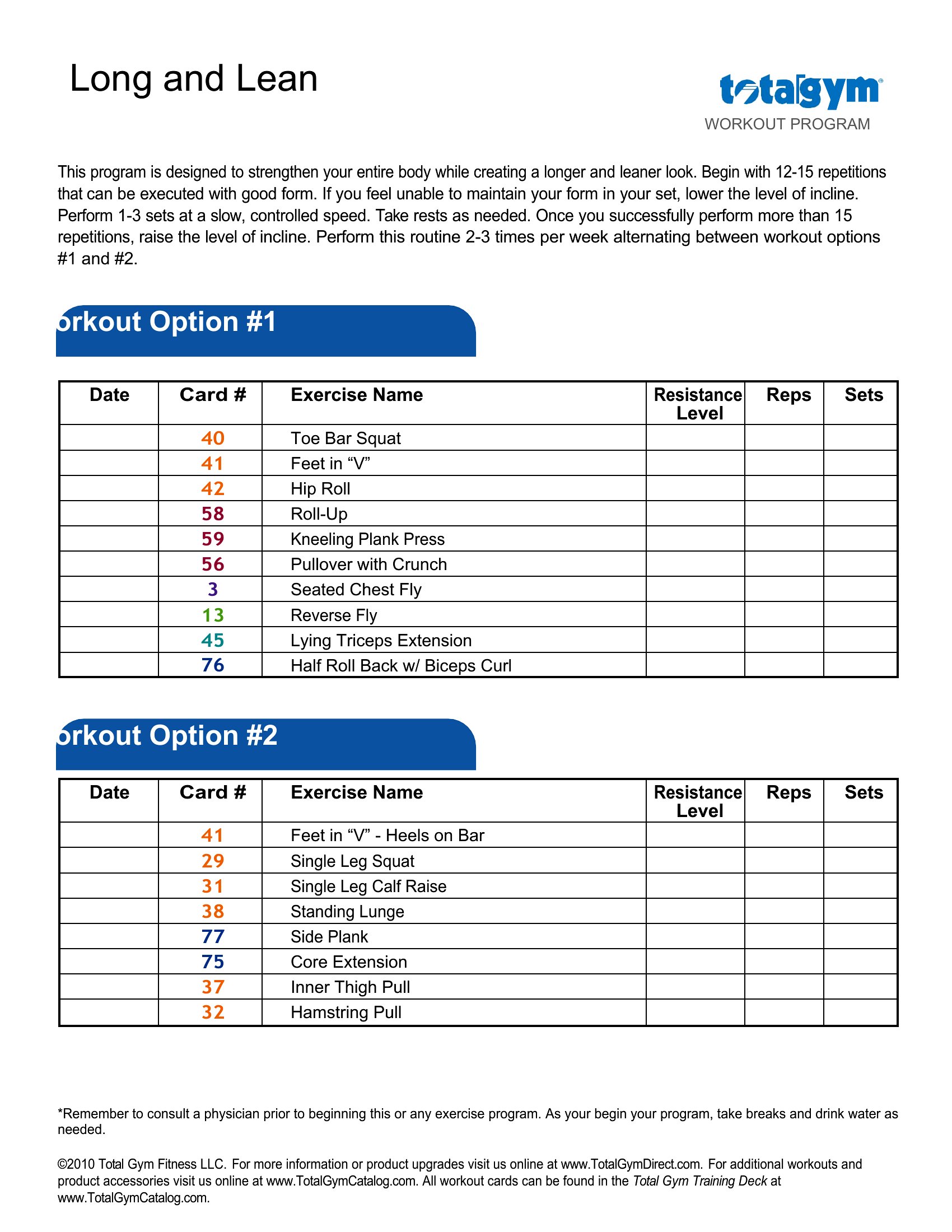
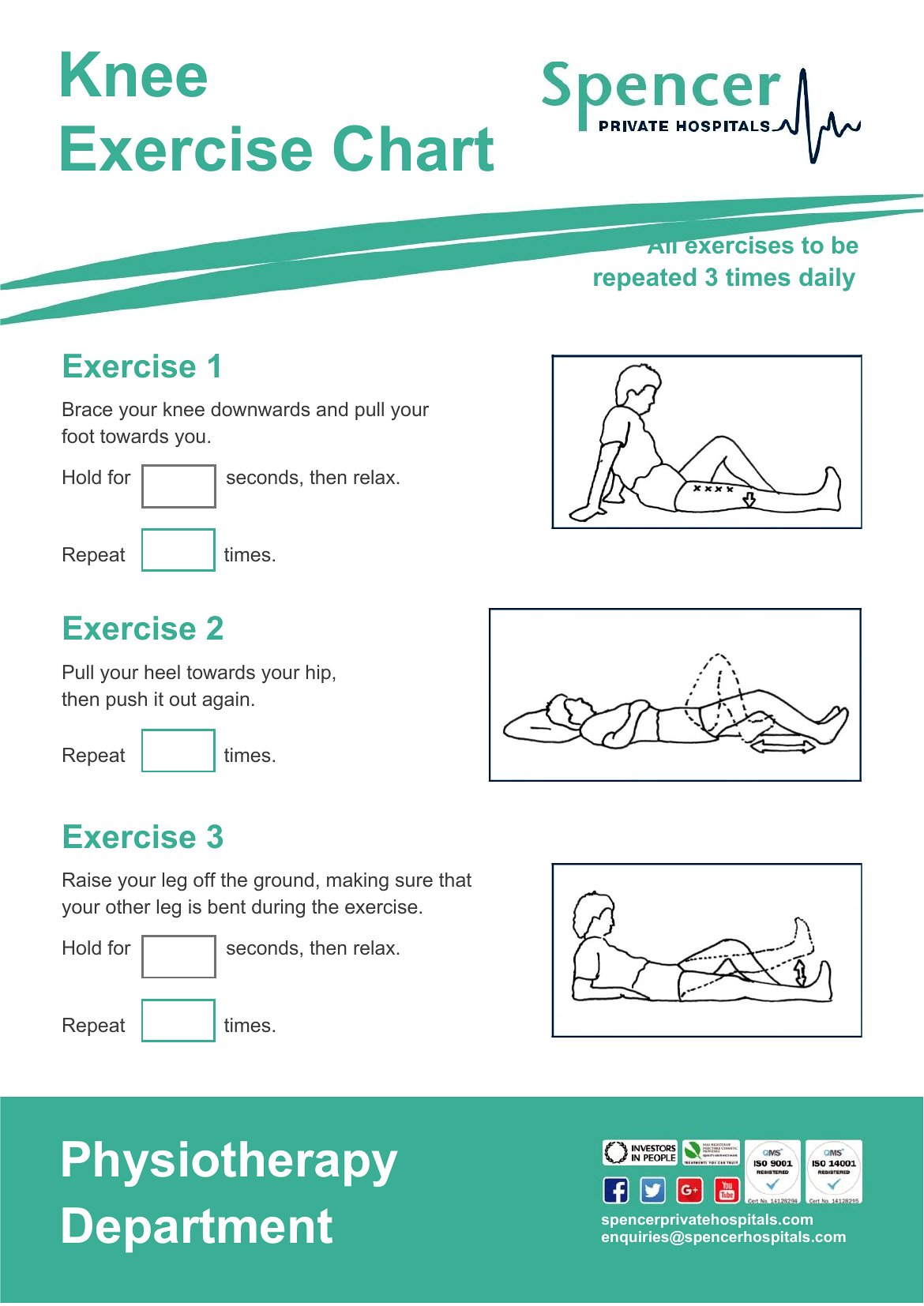
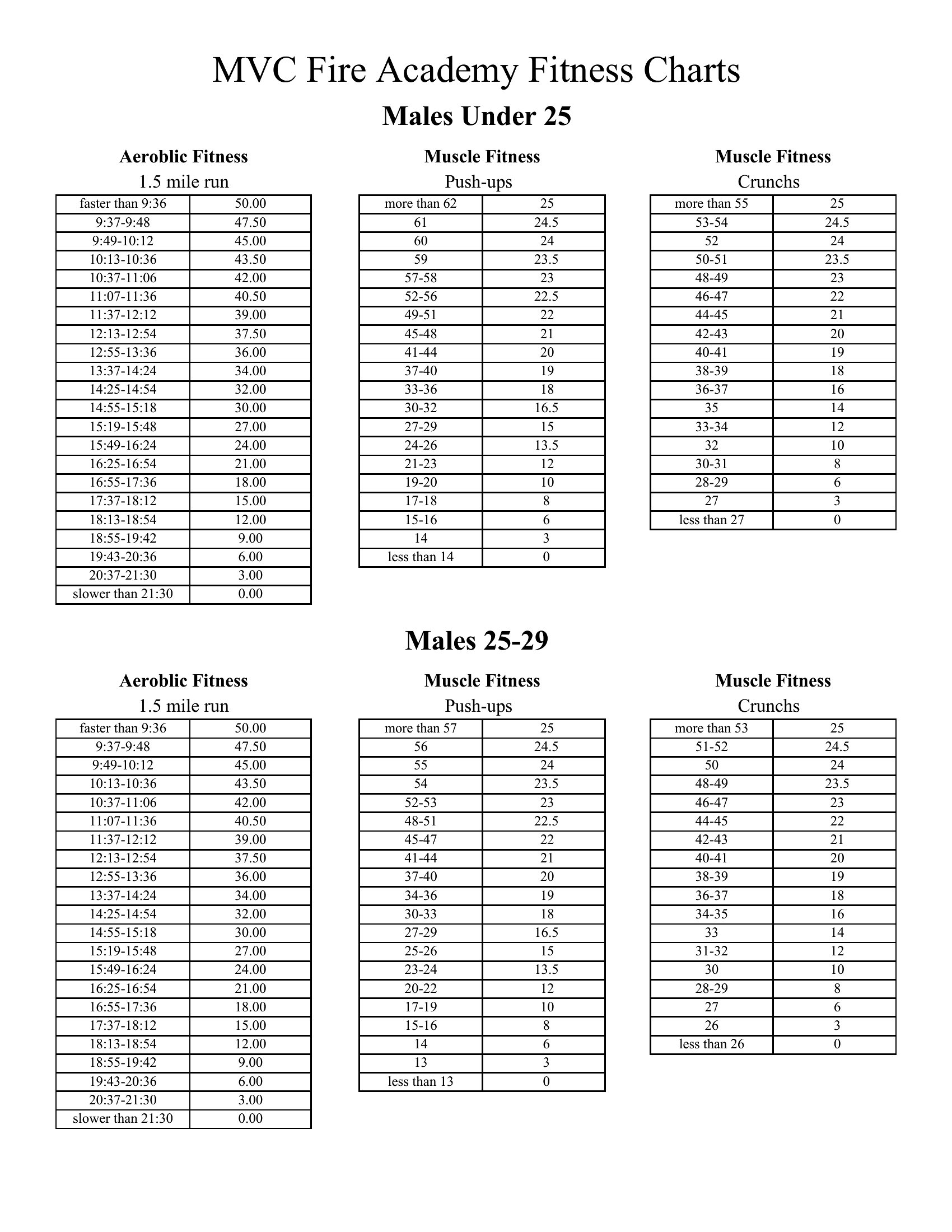
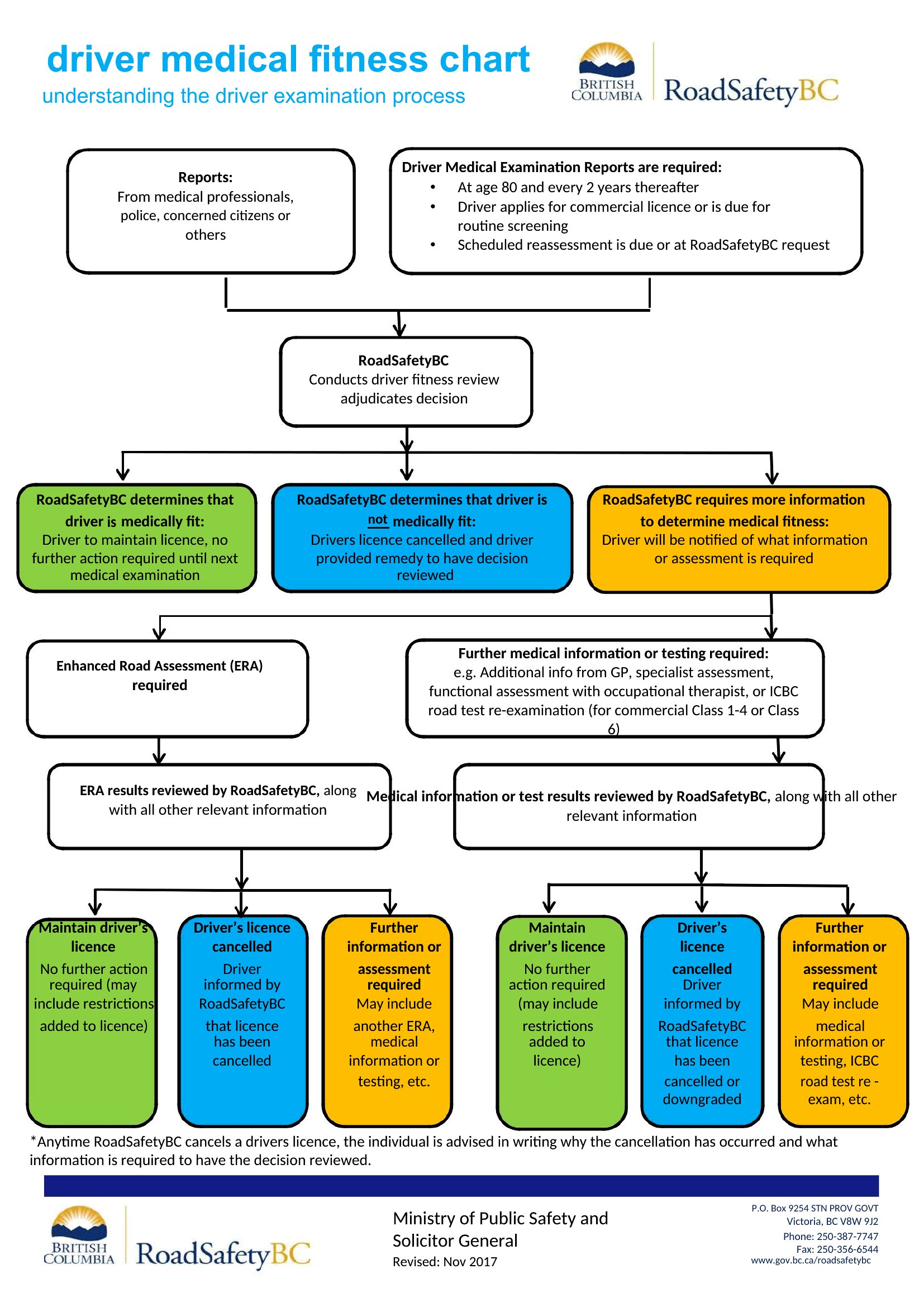
FAQ
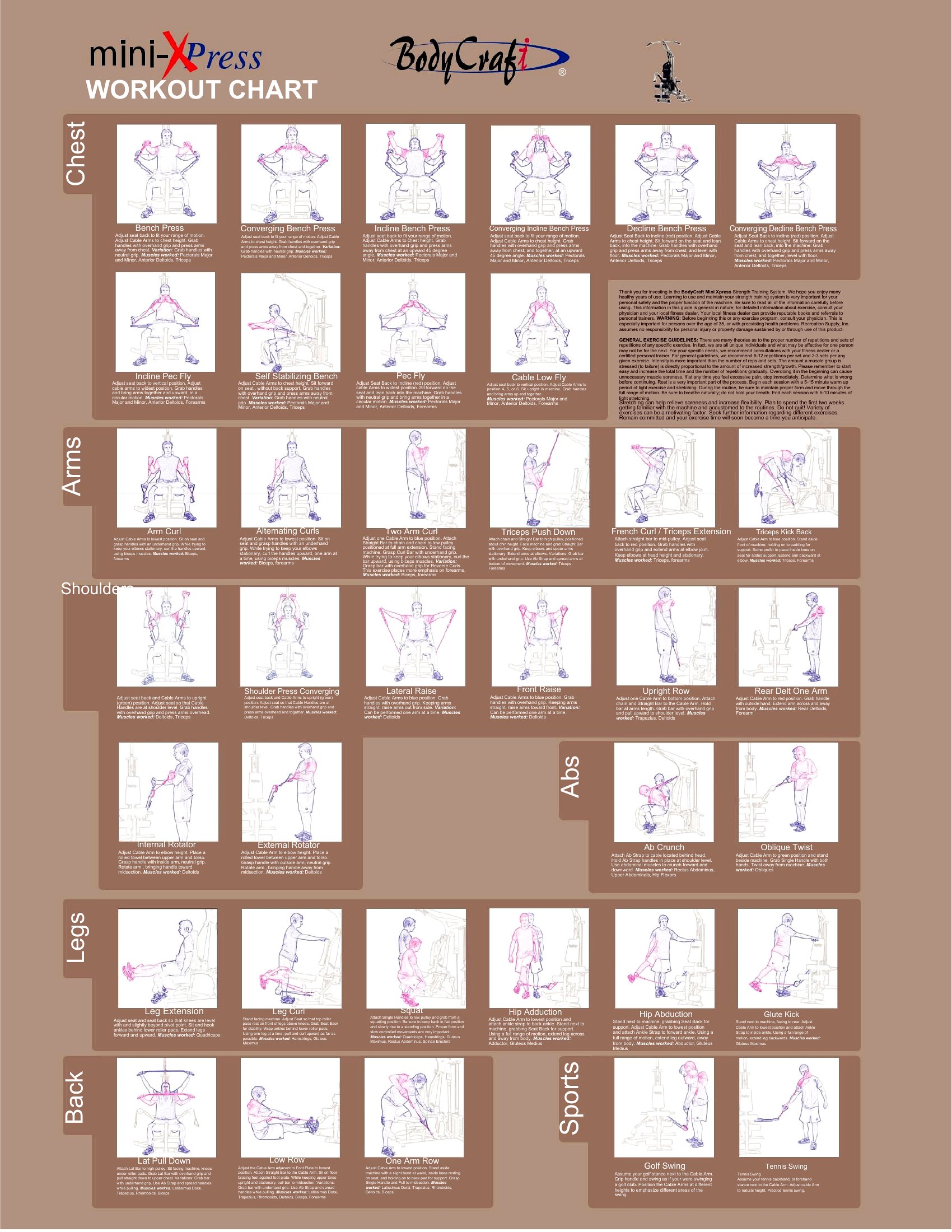
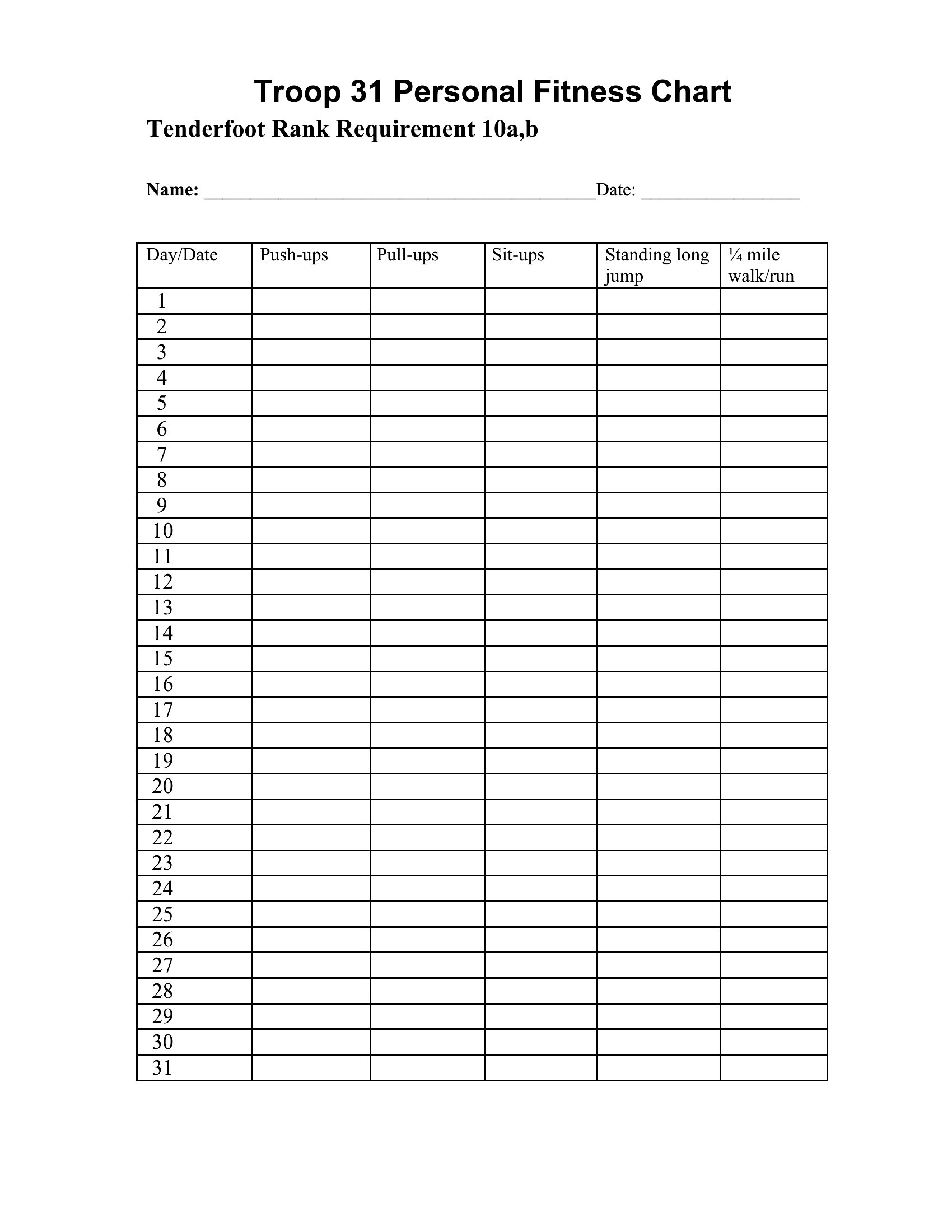
Can I use these charts to log nutrition alongside workouts?
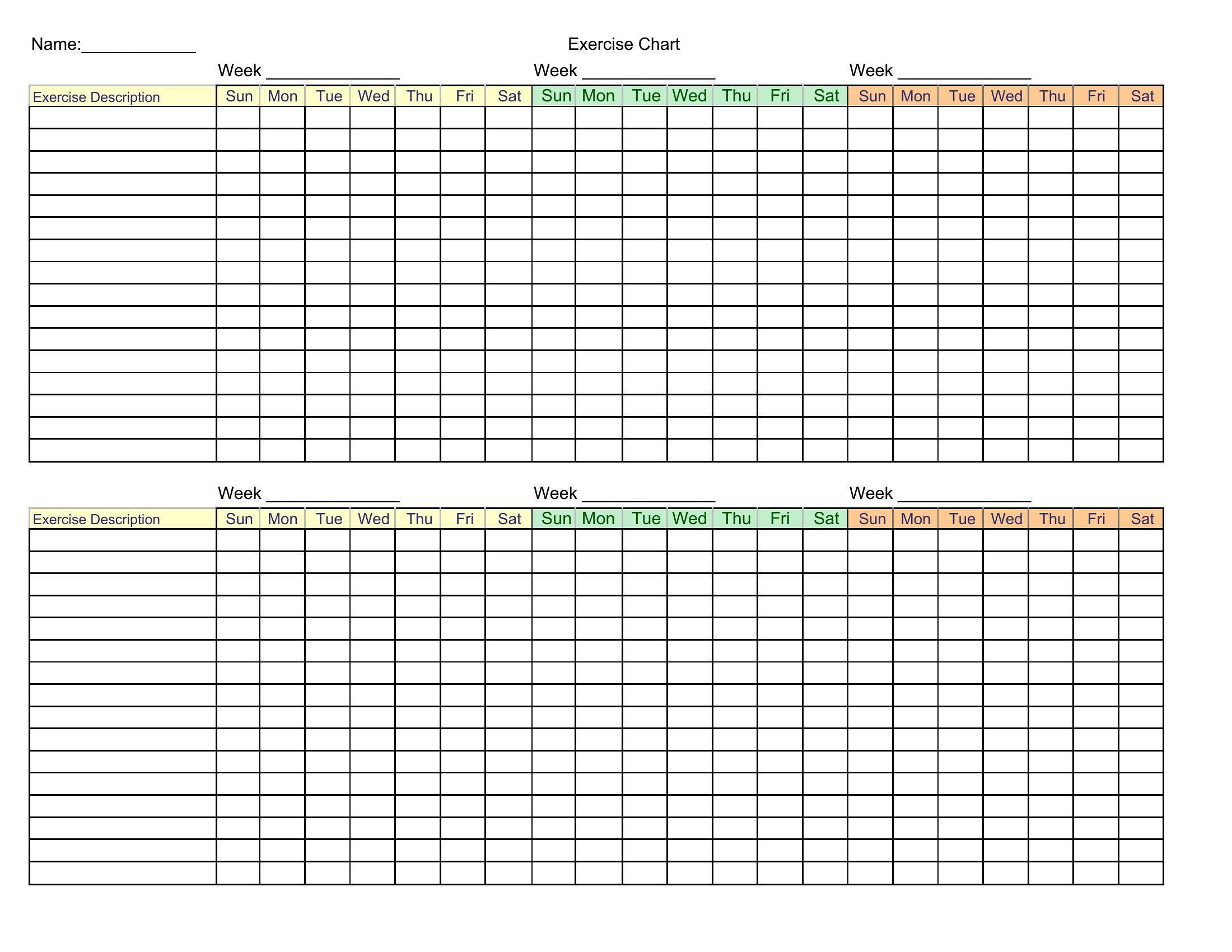
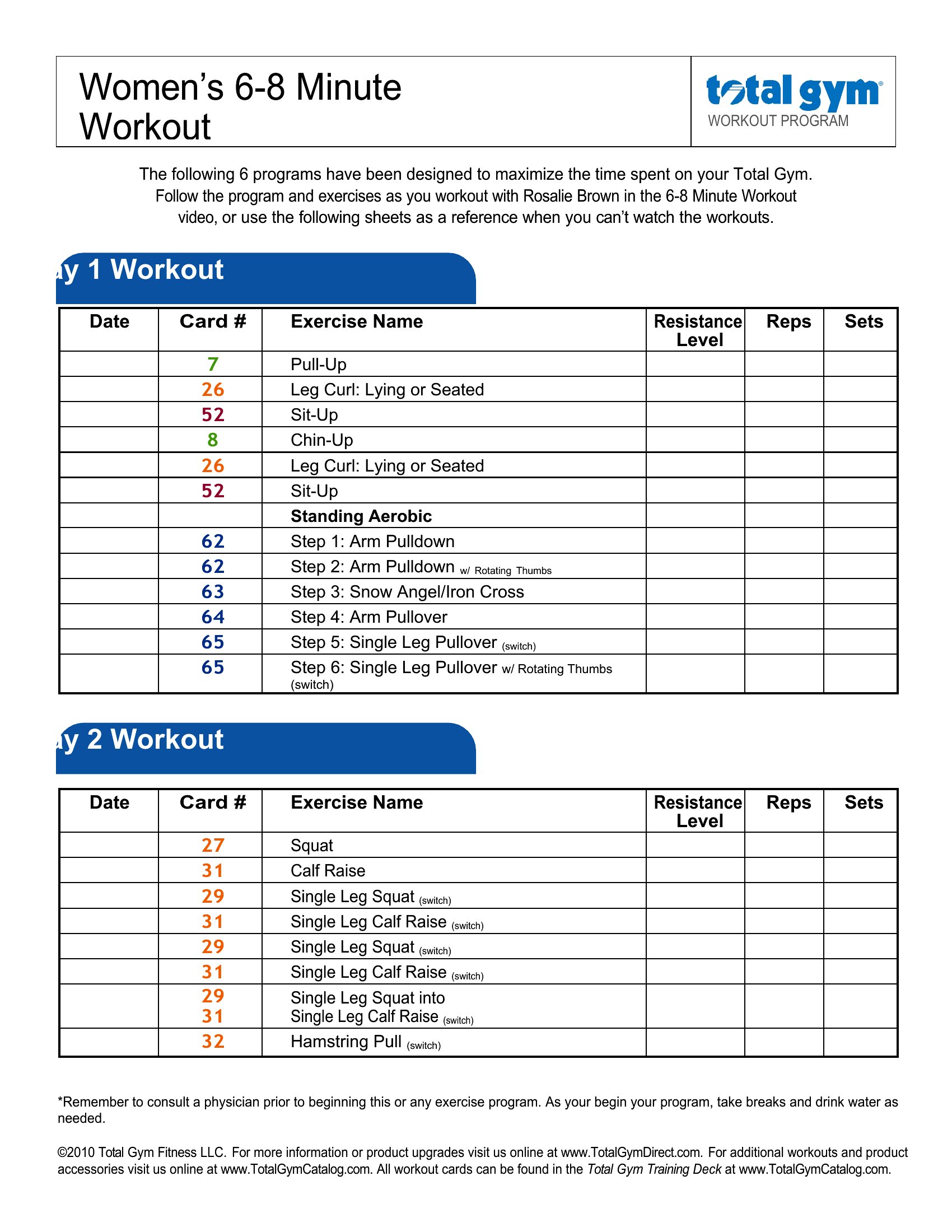
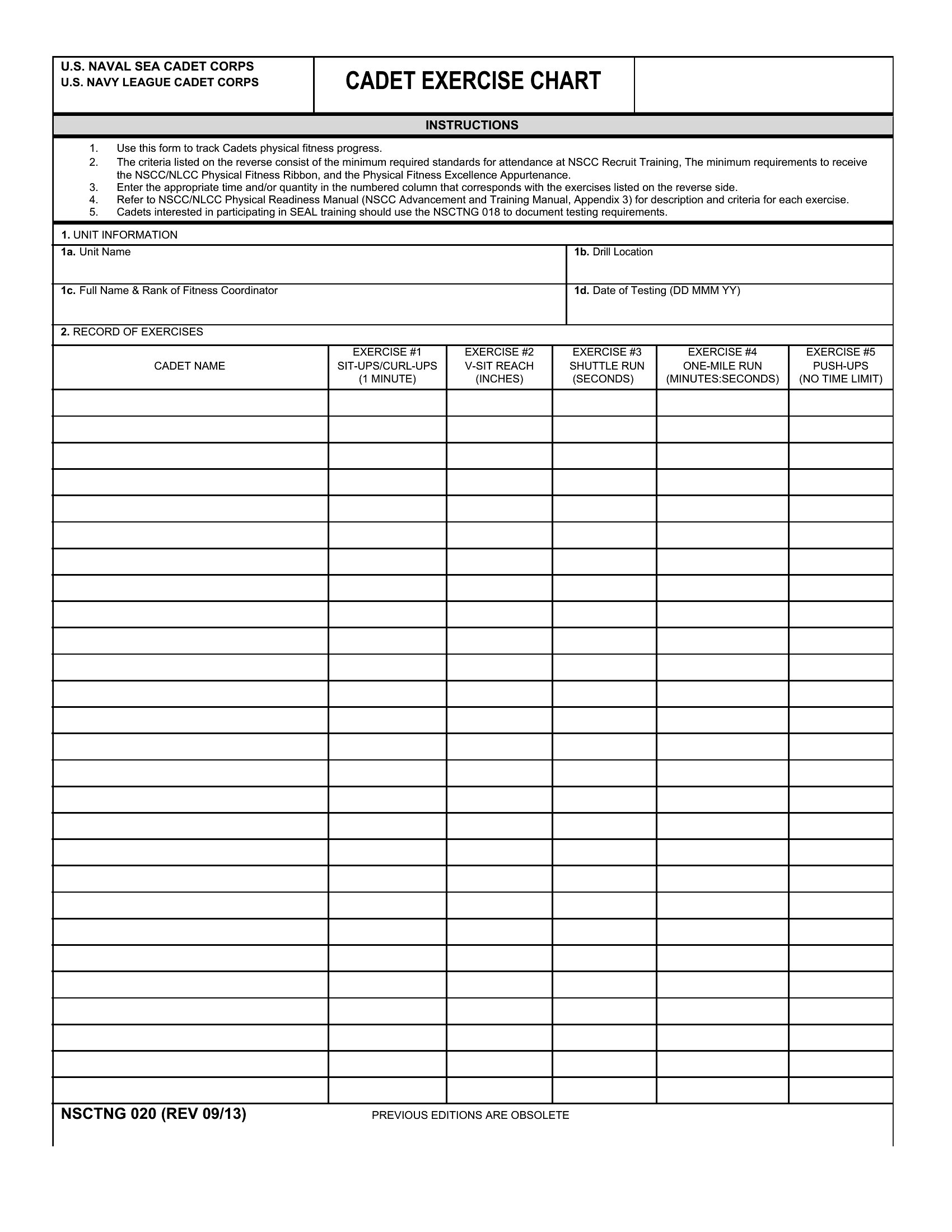
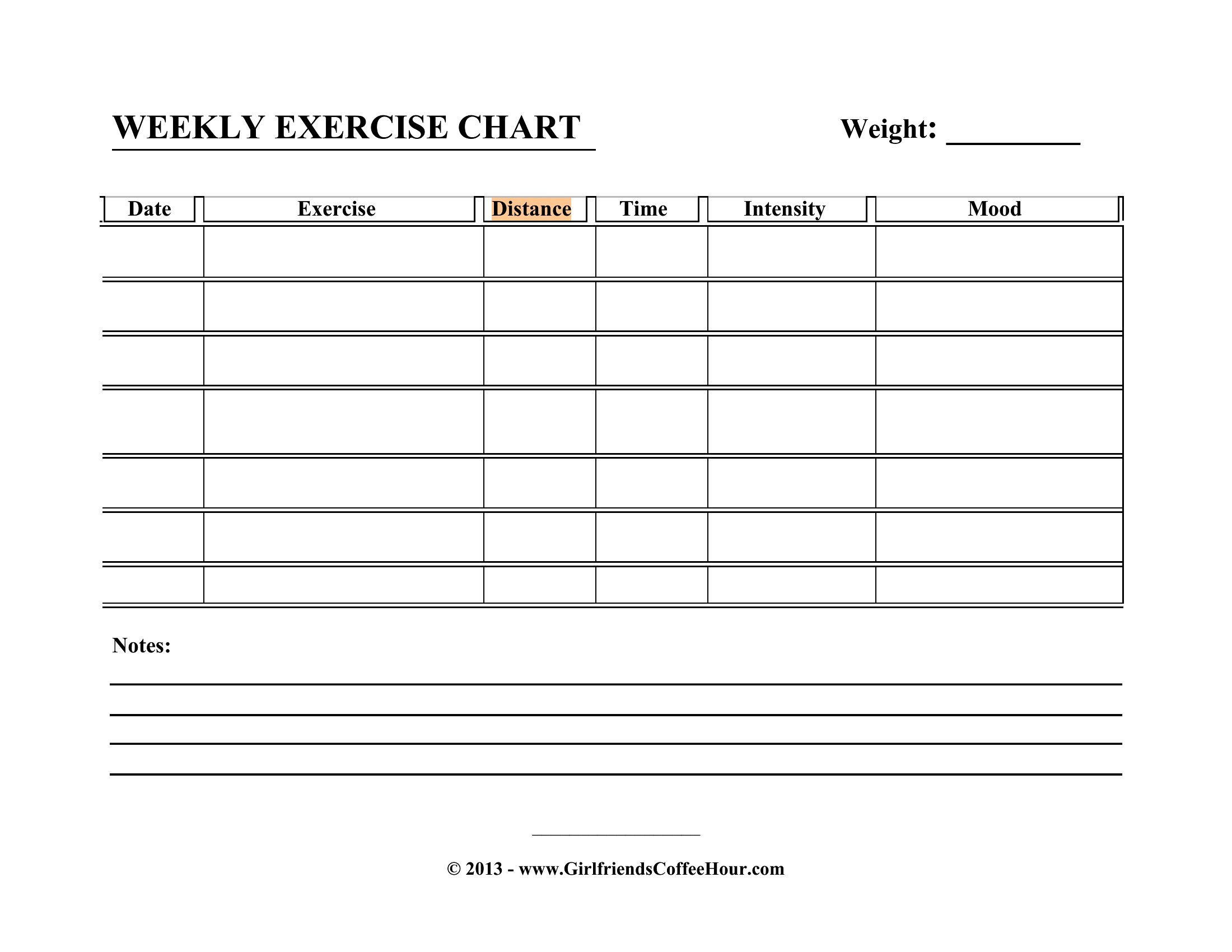
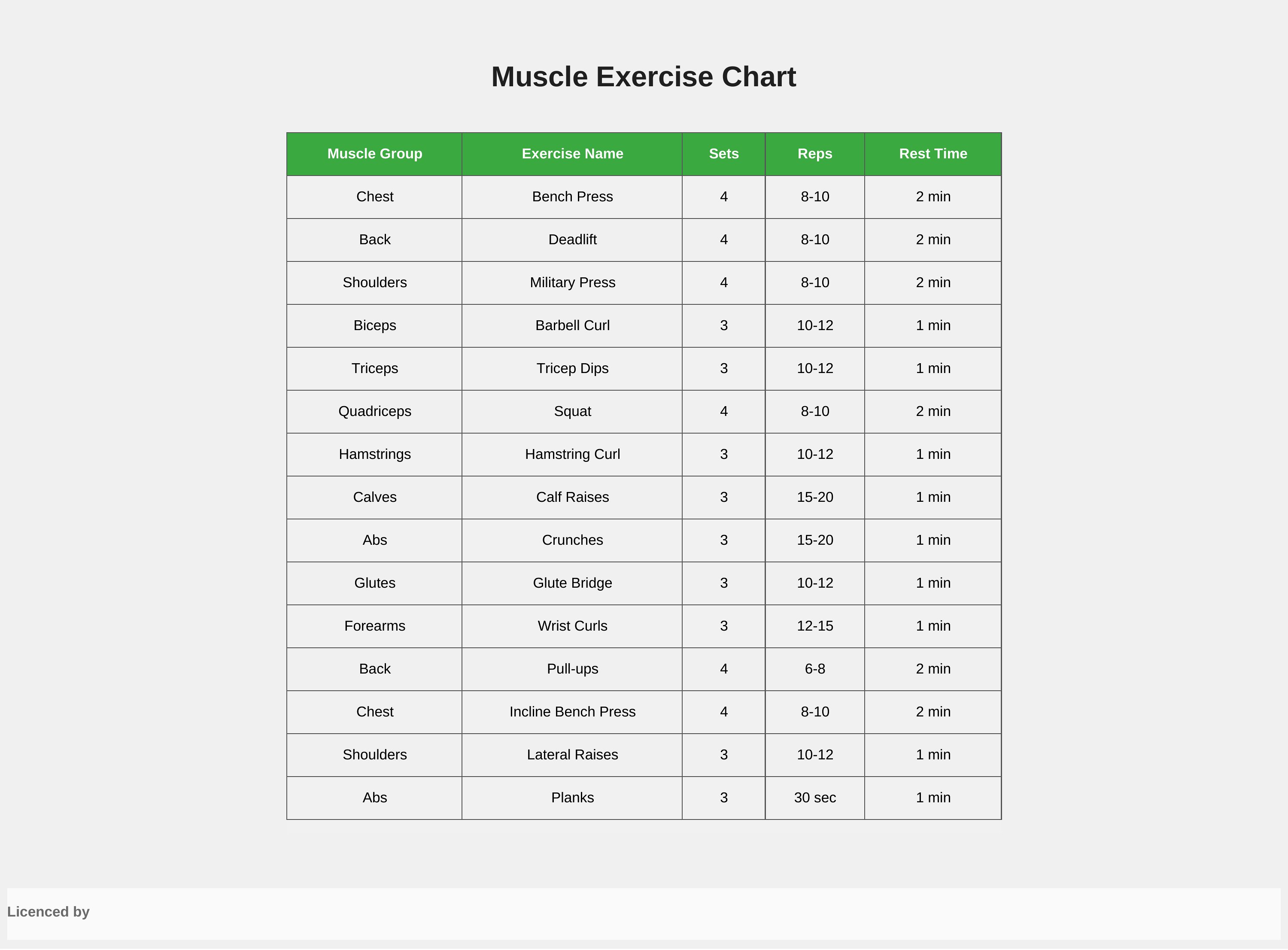
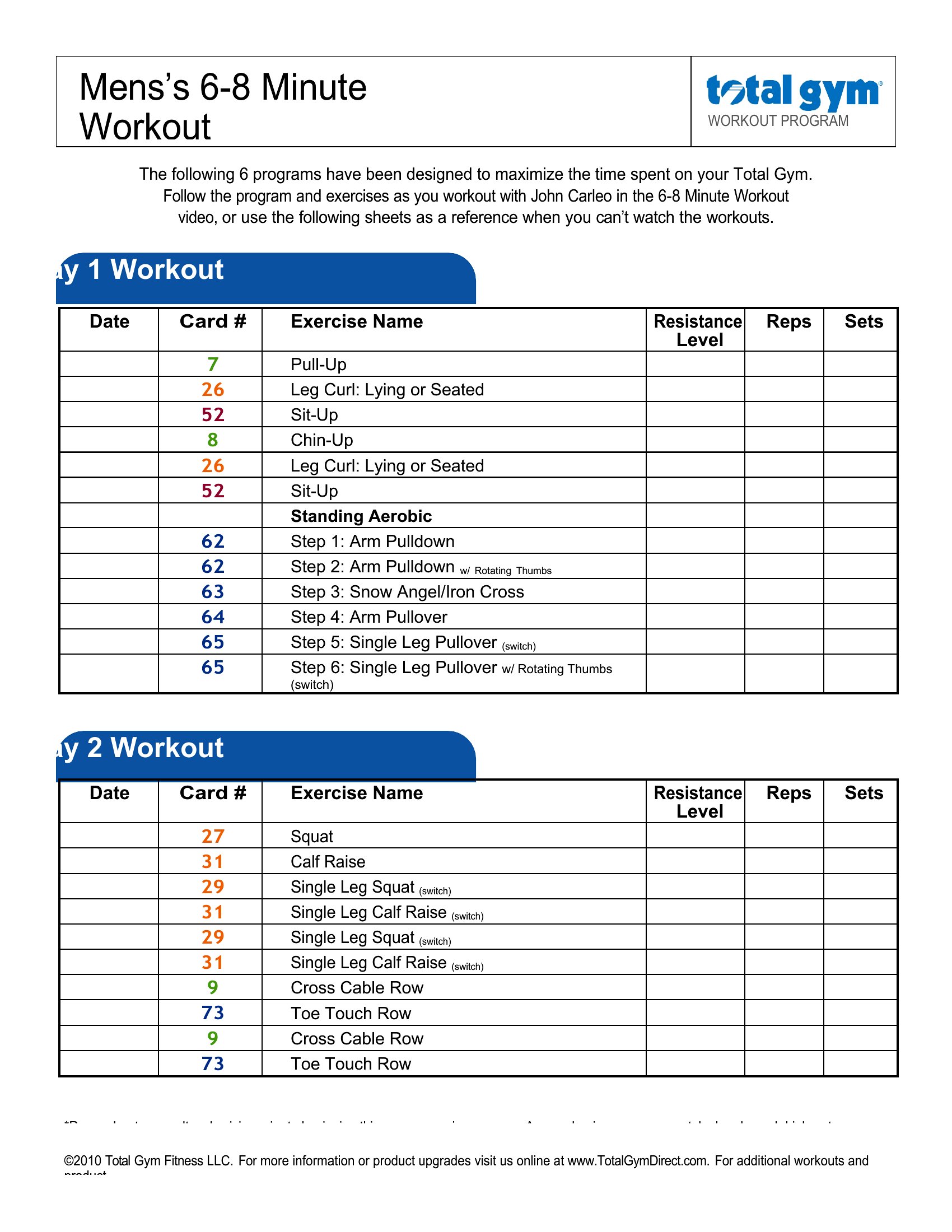
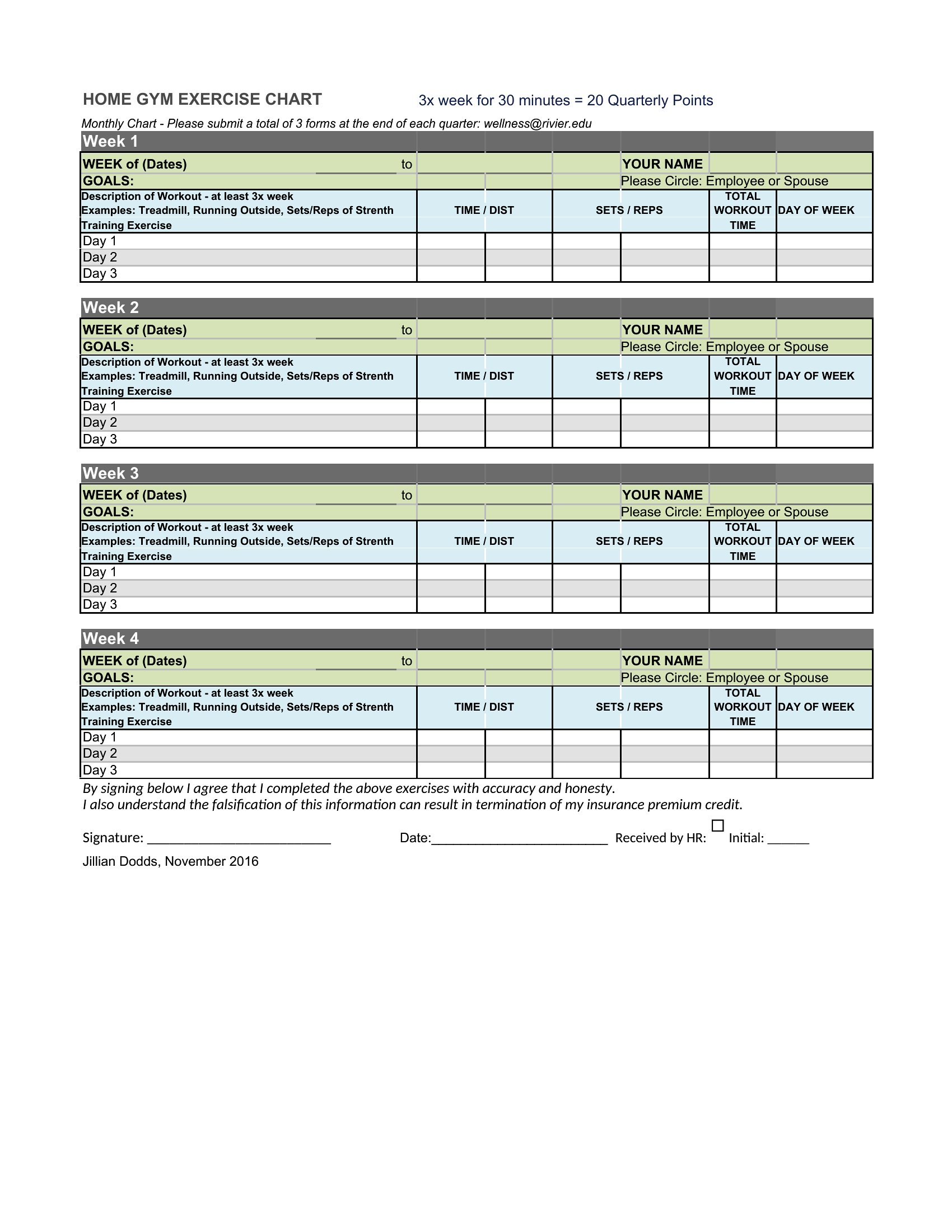
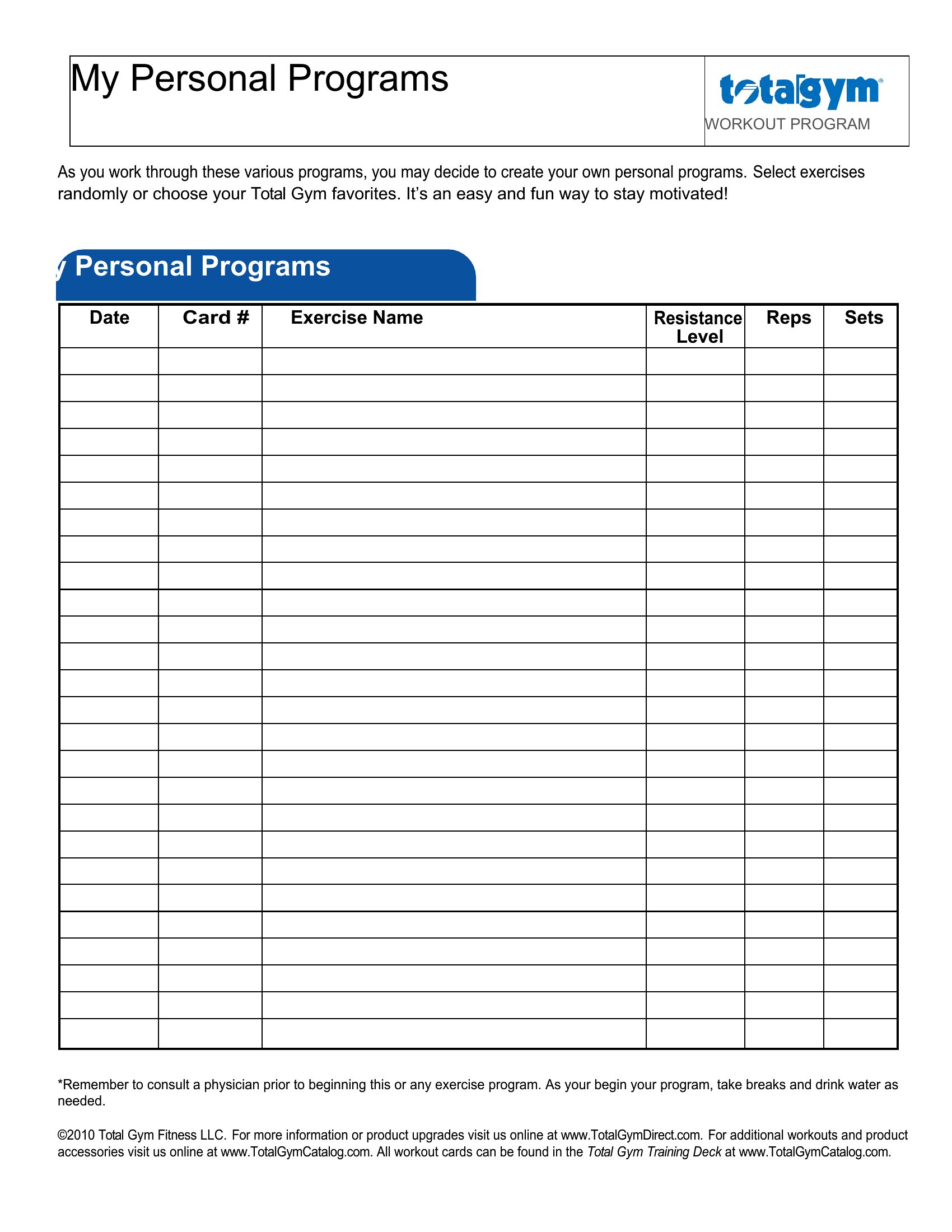
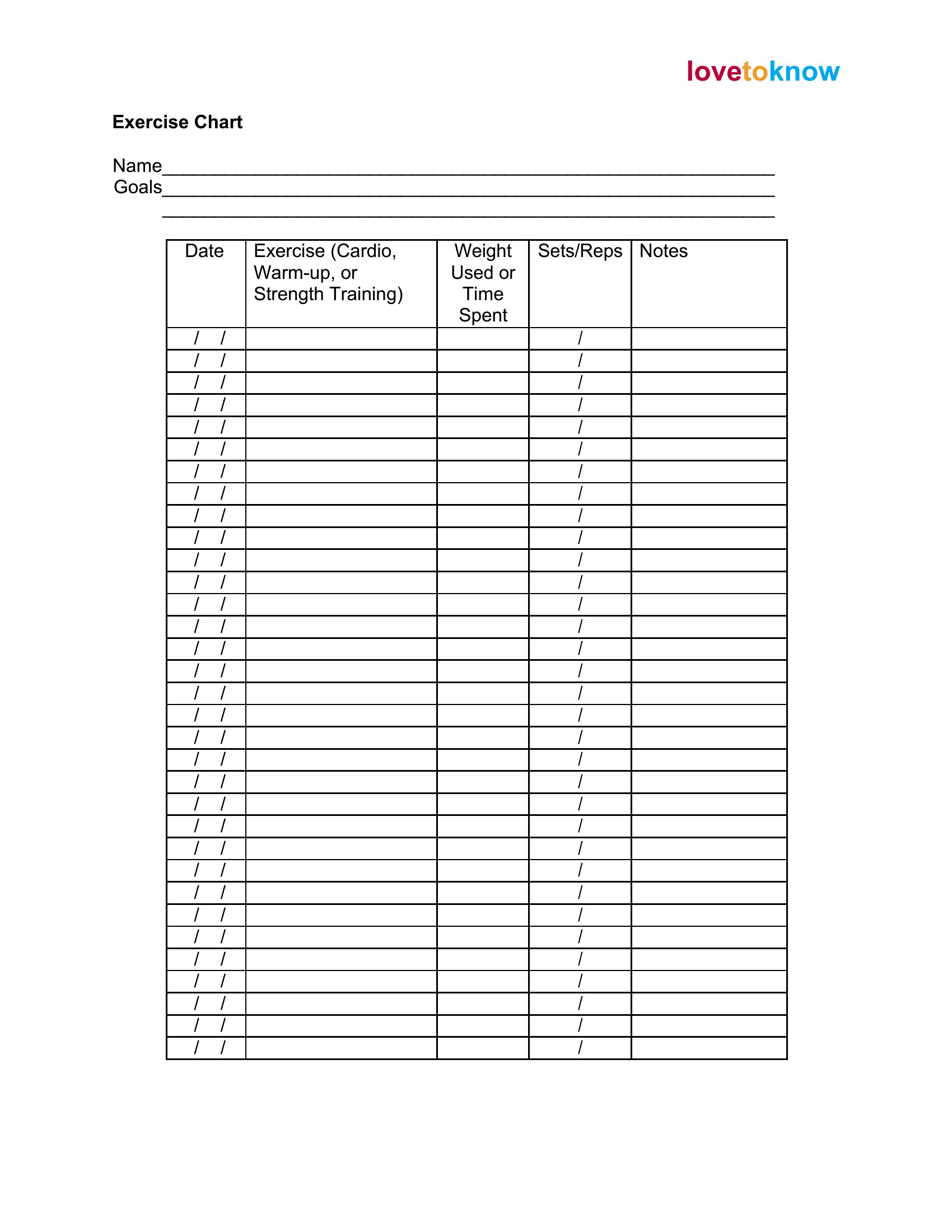
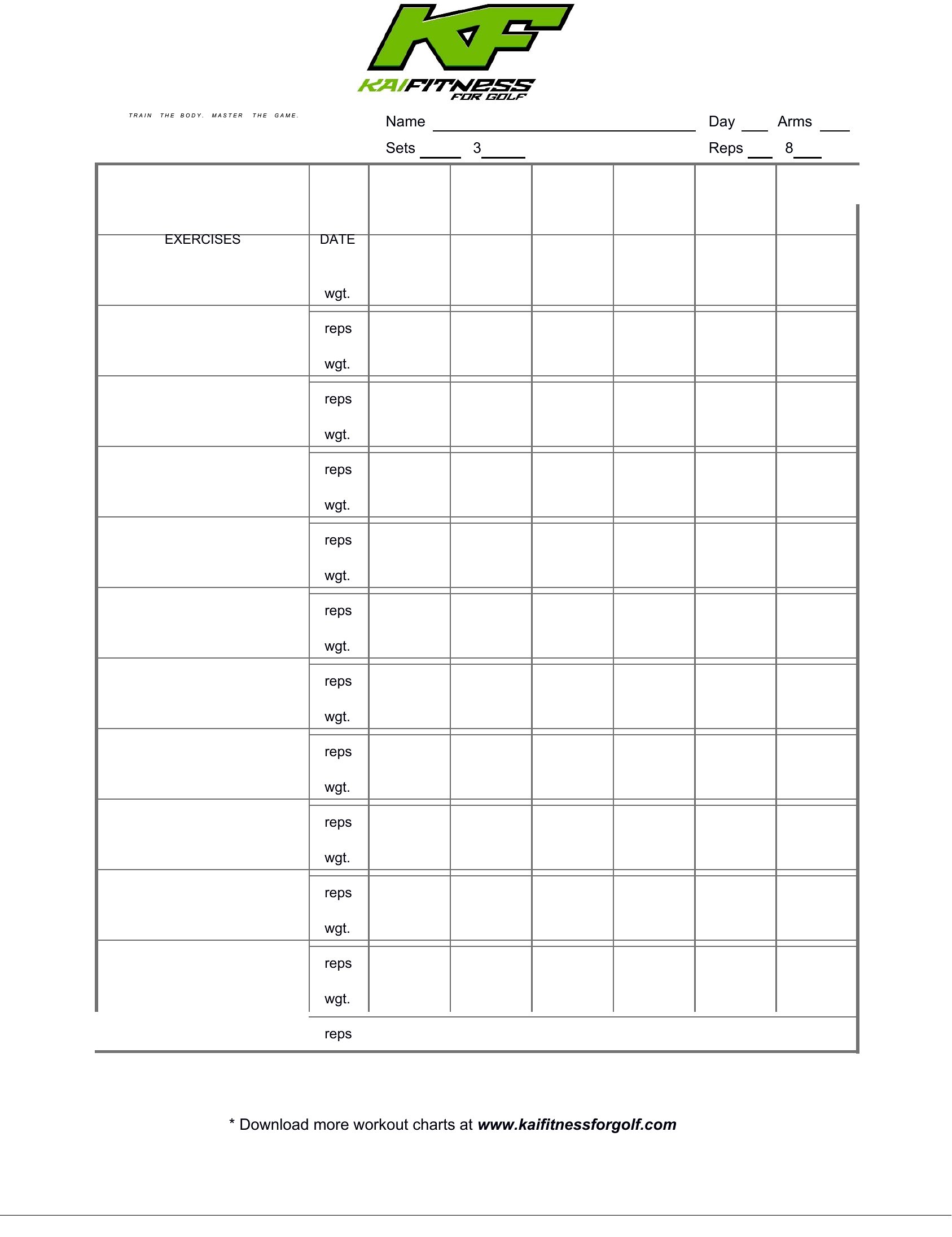
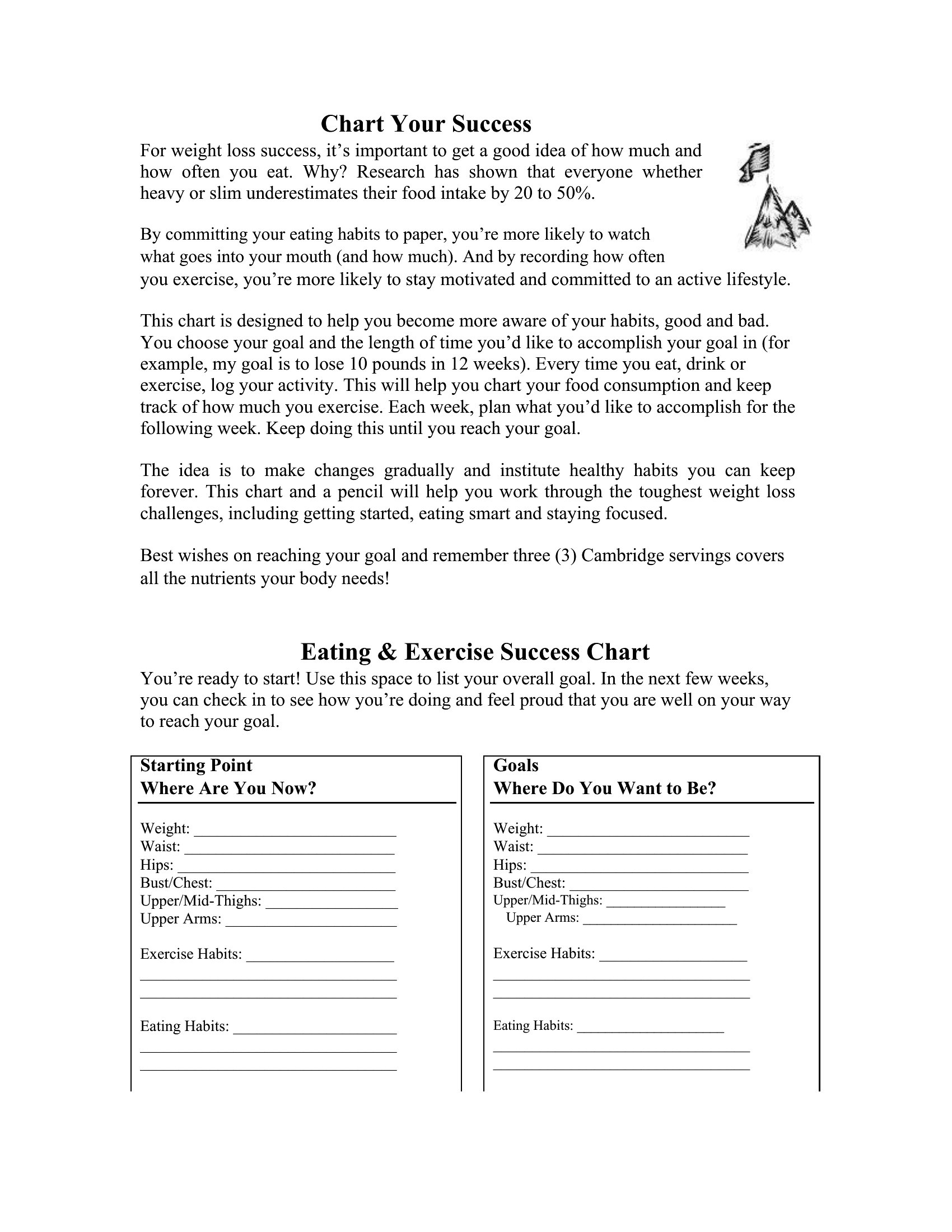
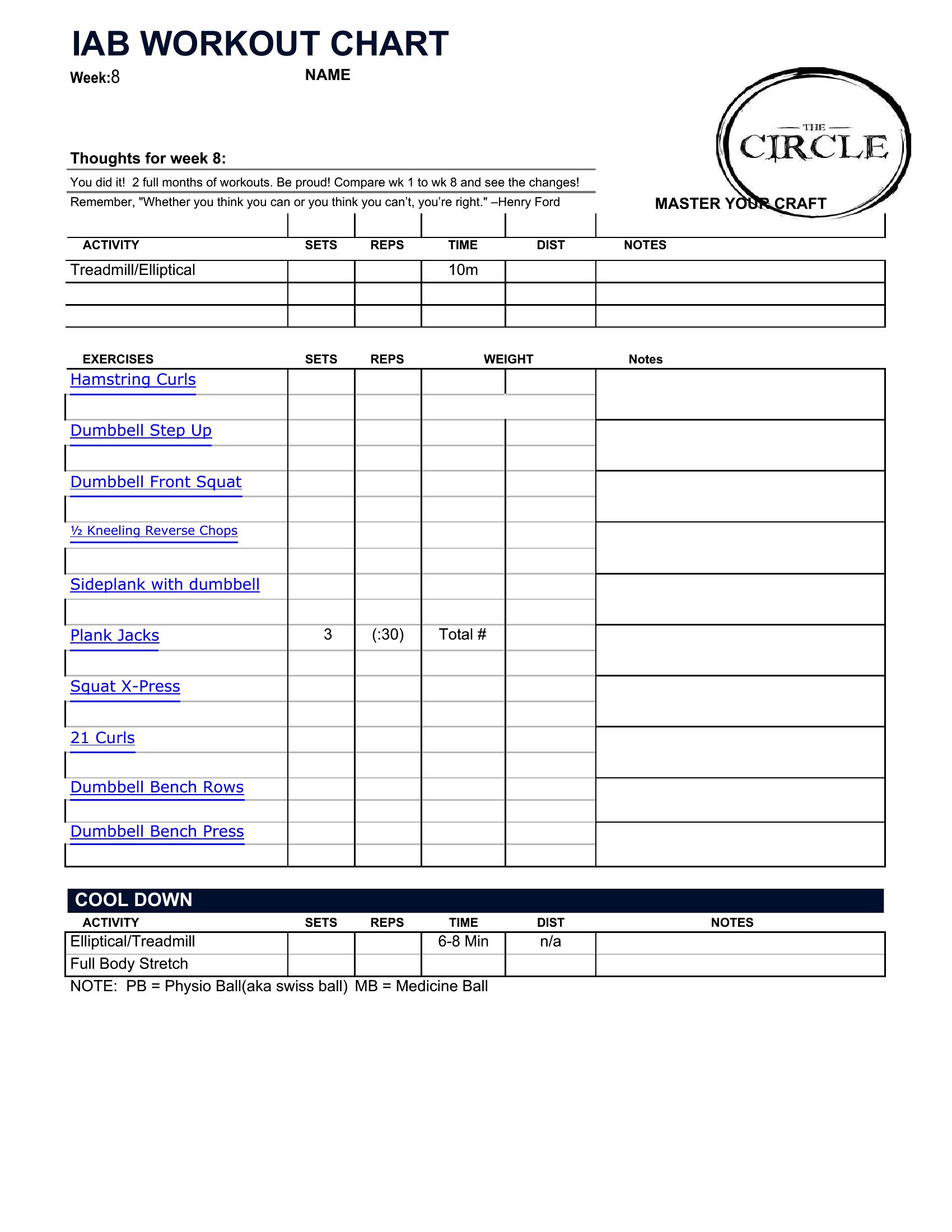
These templates focus strictly on exercise tracking—sets, reps, weights, and cardio. Pair them with a dedicated meal log if you need both in one place. The Excel versions won’t conflict with nutrition data if you add a separate sheet, but no built-in nutrition fields exist.
How detailed should I get with my workout notes in the chart?
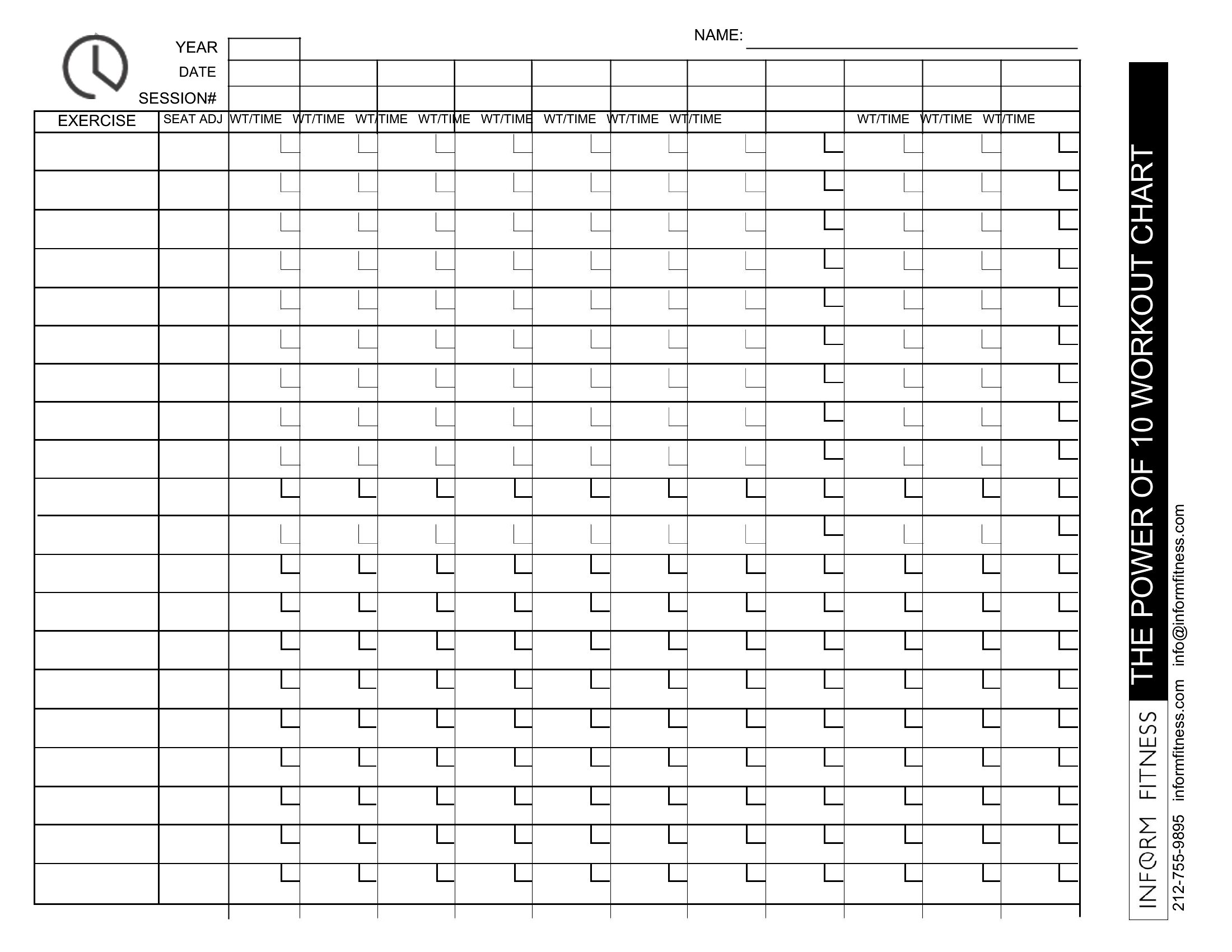
Start with the basics: date, exercise name, sets/reps, and weight used. The Excel versions have space for extra notes, while Word charts prioritize simplicity. Add details like rest times or fatigue ratings only if they help you stay consistent—don’t let note-taking slow down your workout.
What’s the best way to track progress over a year with these charts?
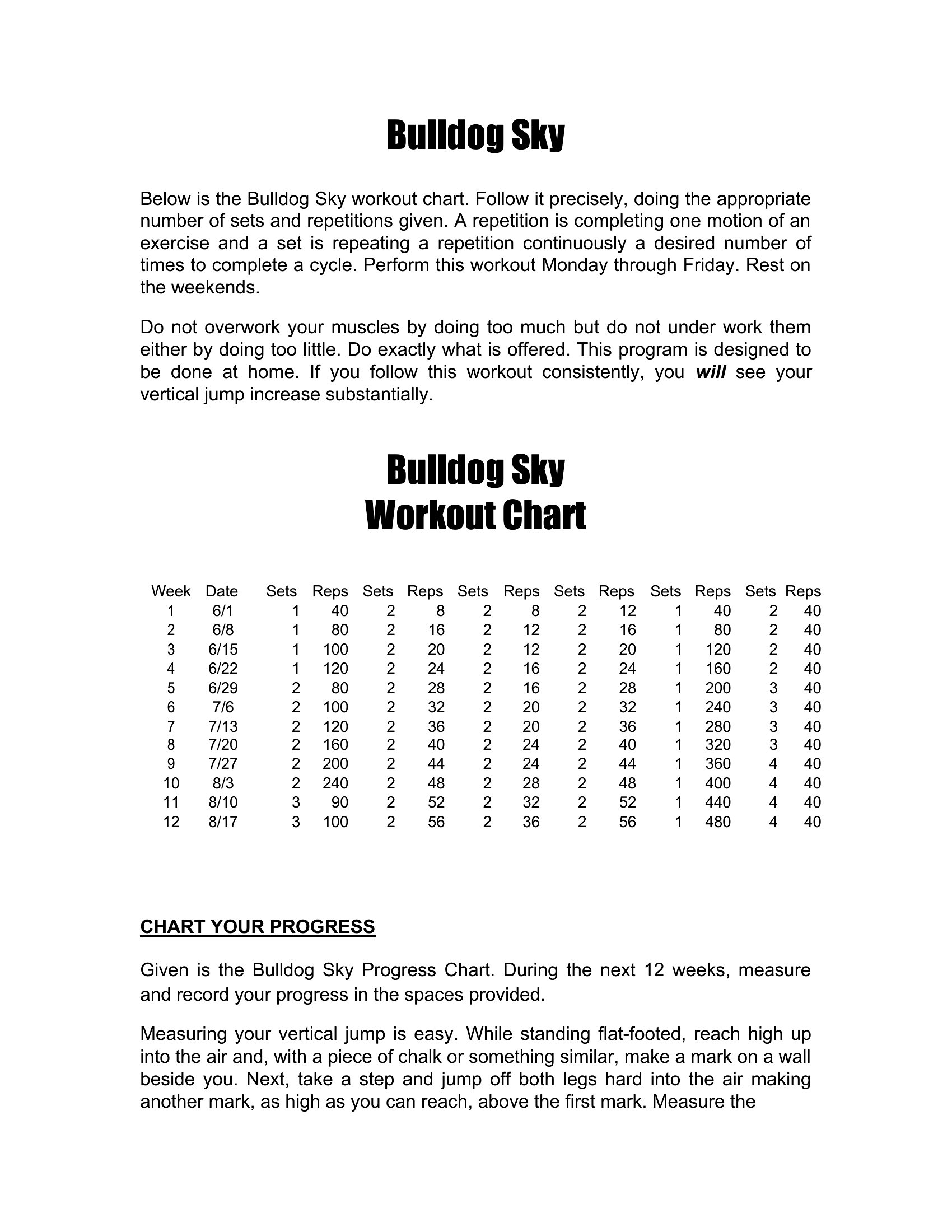
Use the Excel templates to input data weekly, then copy-paste key metrics (like max lifts or cardio time) into a separate spreadsheet for monthly summaries. For Word versions, print a new chart every 4–6 weeks and compare it to your first. Neither format replaces a full progress journal, but both work well for short-term trends.
Comments
Join the conversation
Sign in to share your thoughts and leave a comment on this resource.