Skip to content
50% off this one-time $1.99 pack with HALFOFF — or unlimited with Pro.HALFOFF
Premium

Free Exercise Chart Templates (Word, Excel)
Worksheets
madelenhanssen by madelenhanssen
Updated 0 downloads Quality-checked template

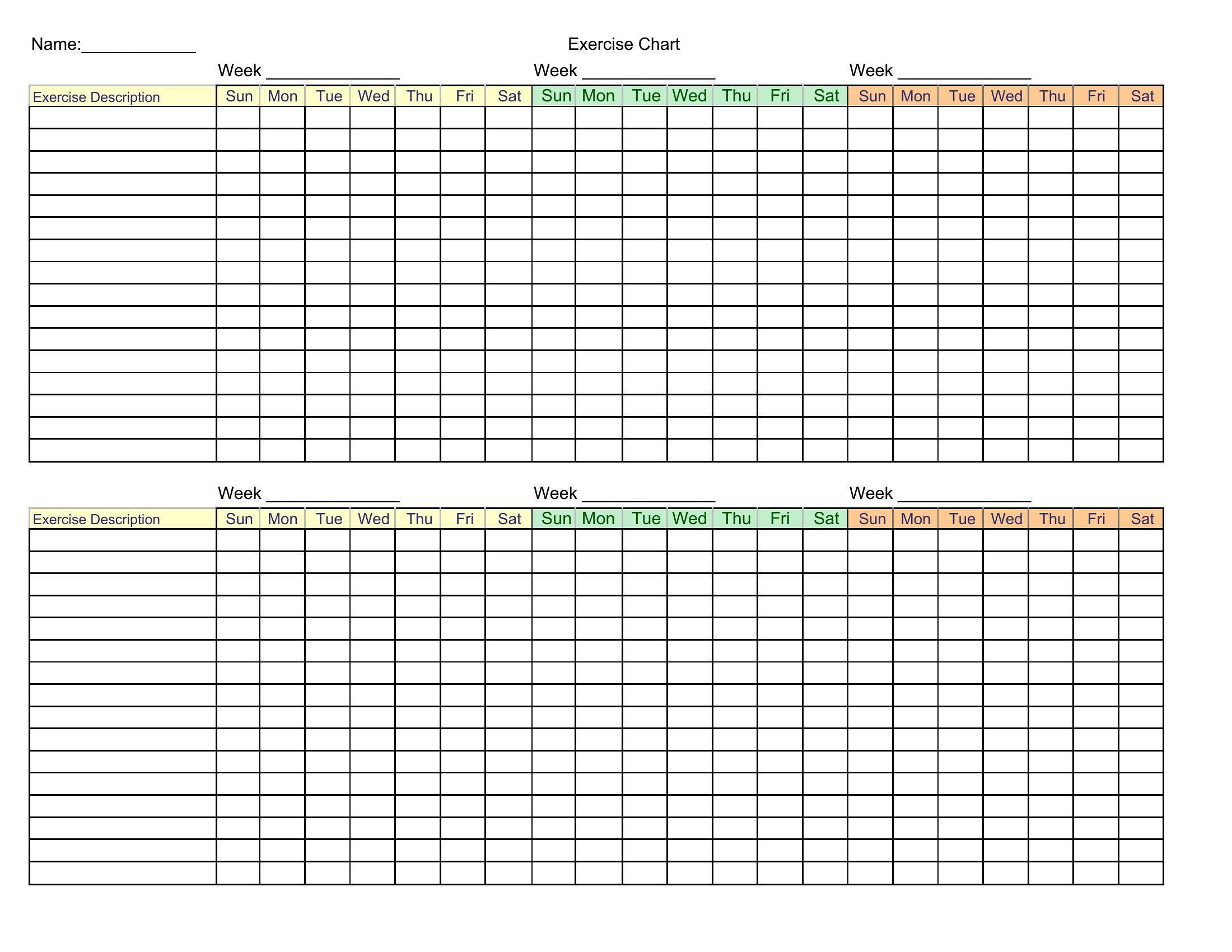
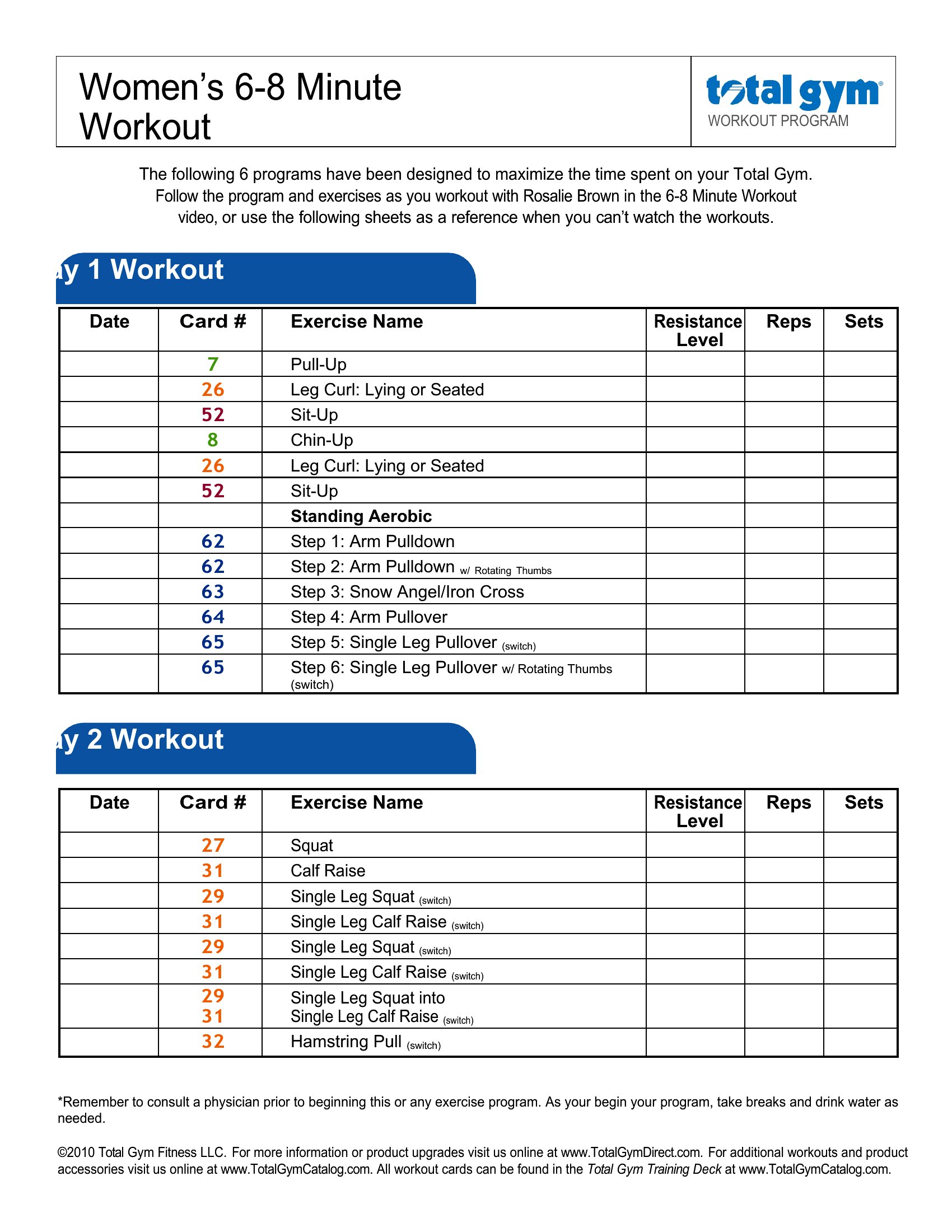
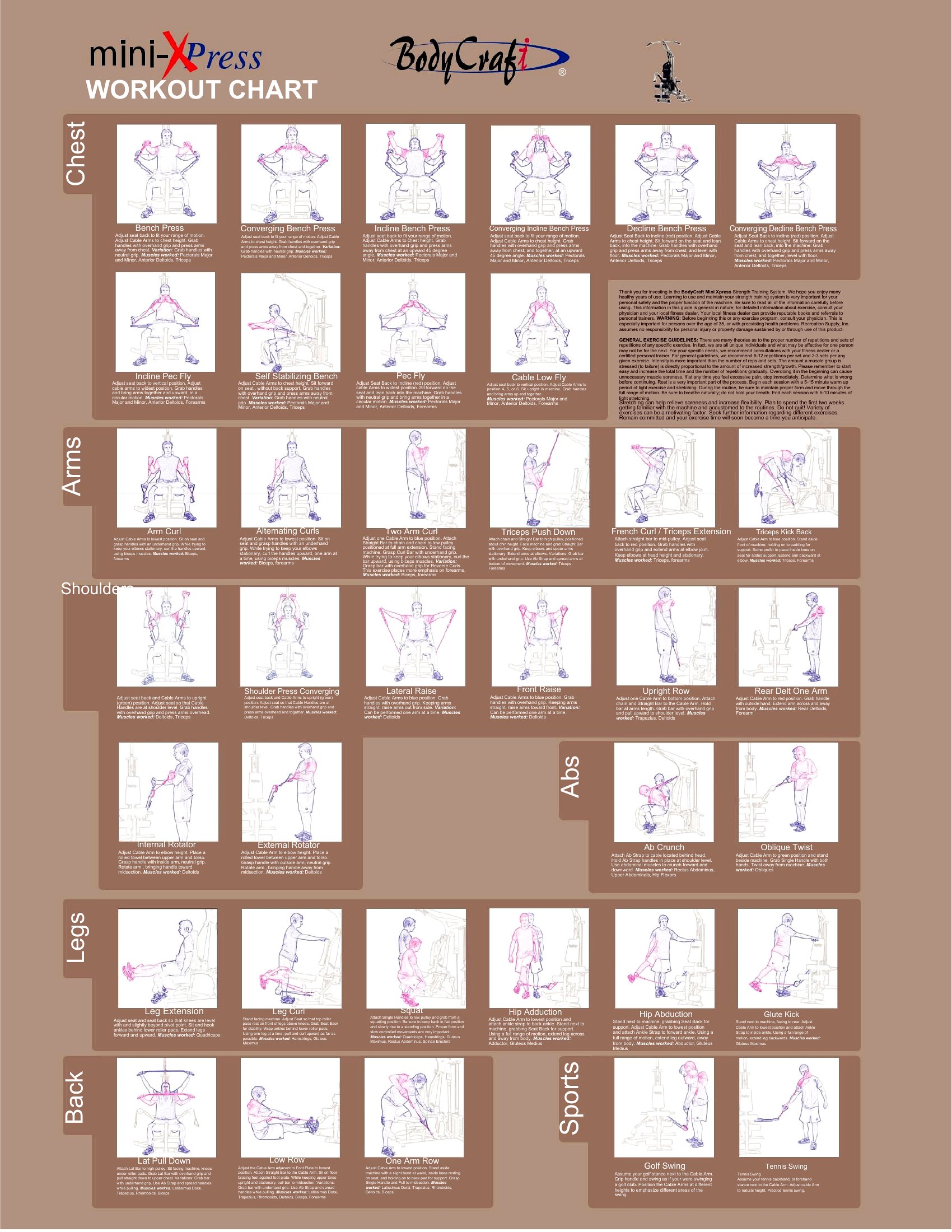
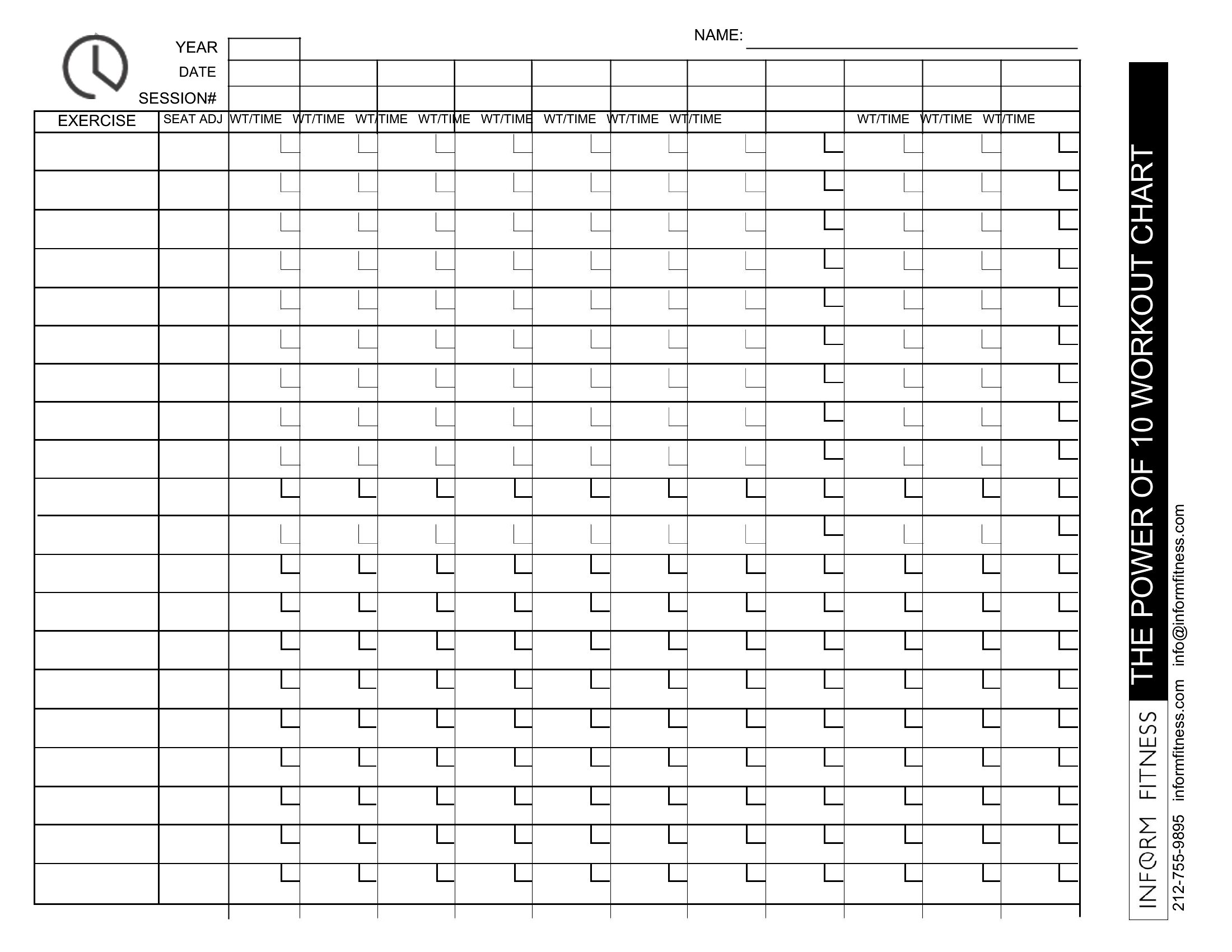
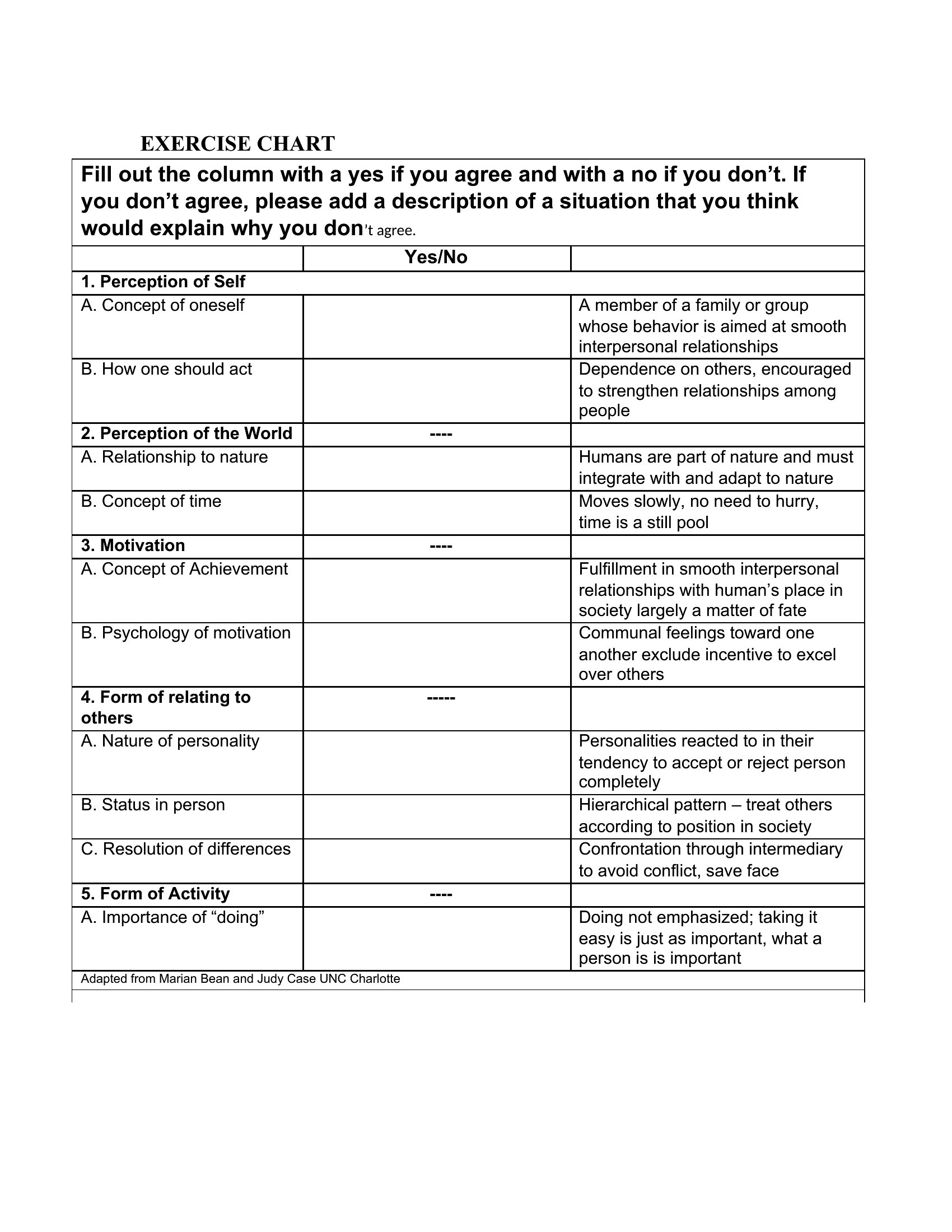
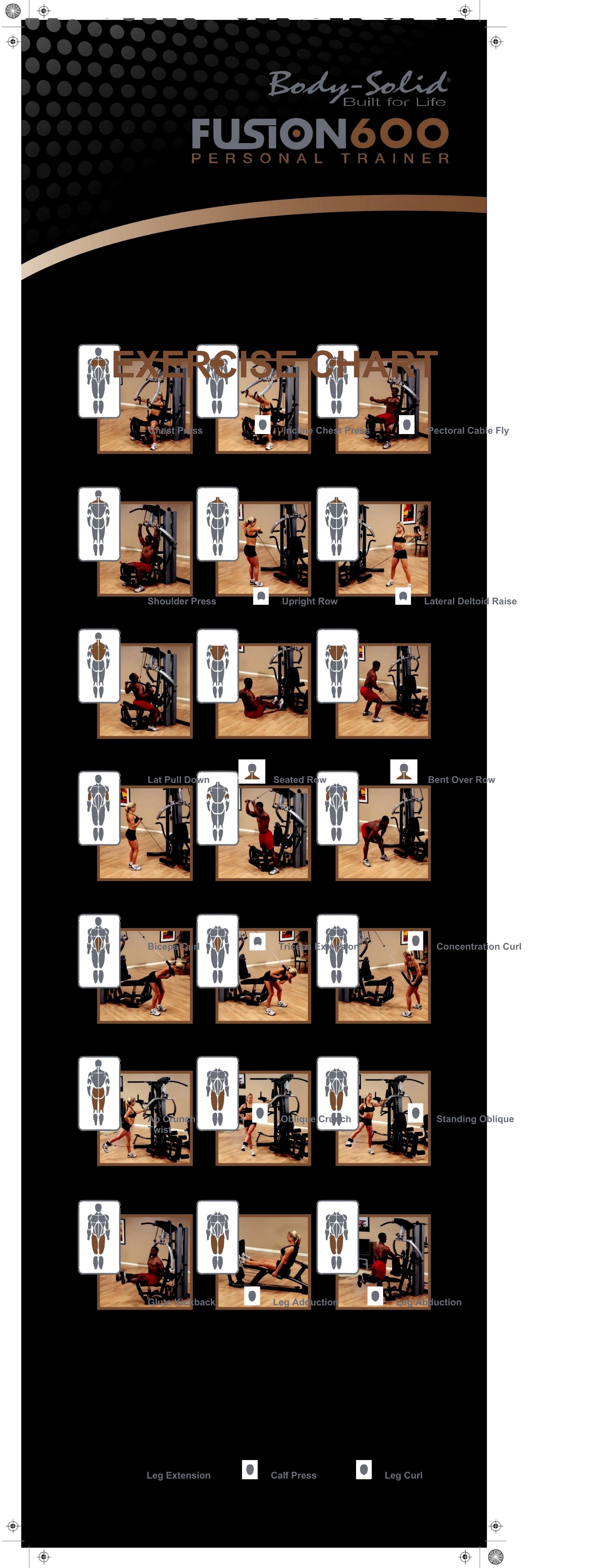
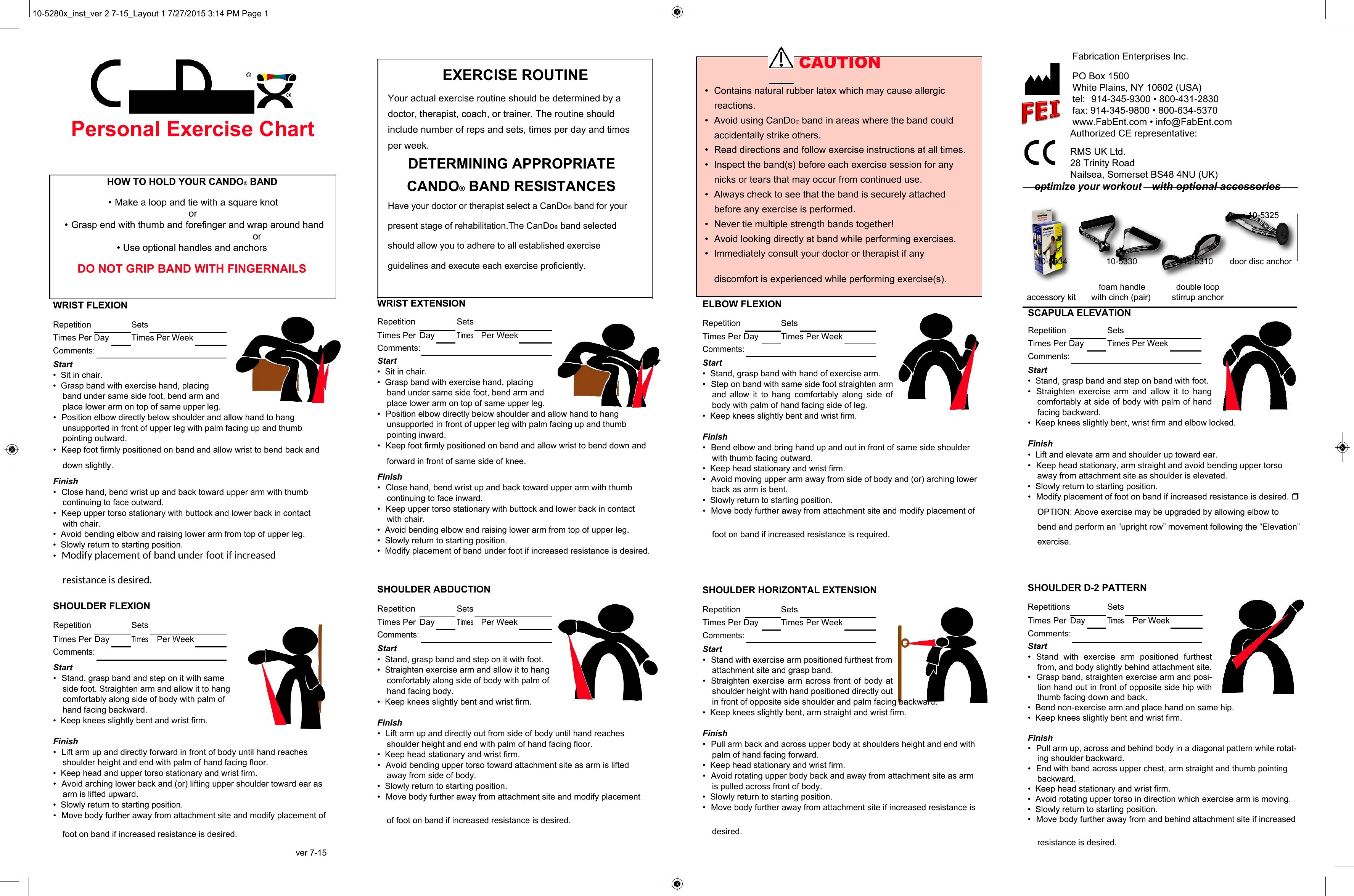
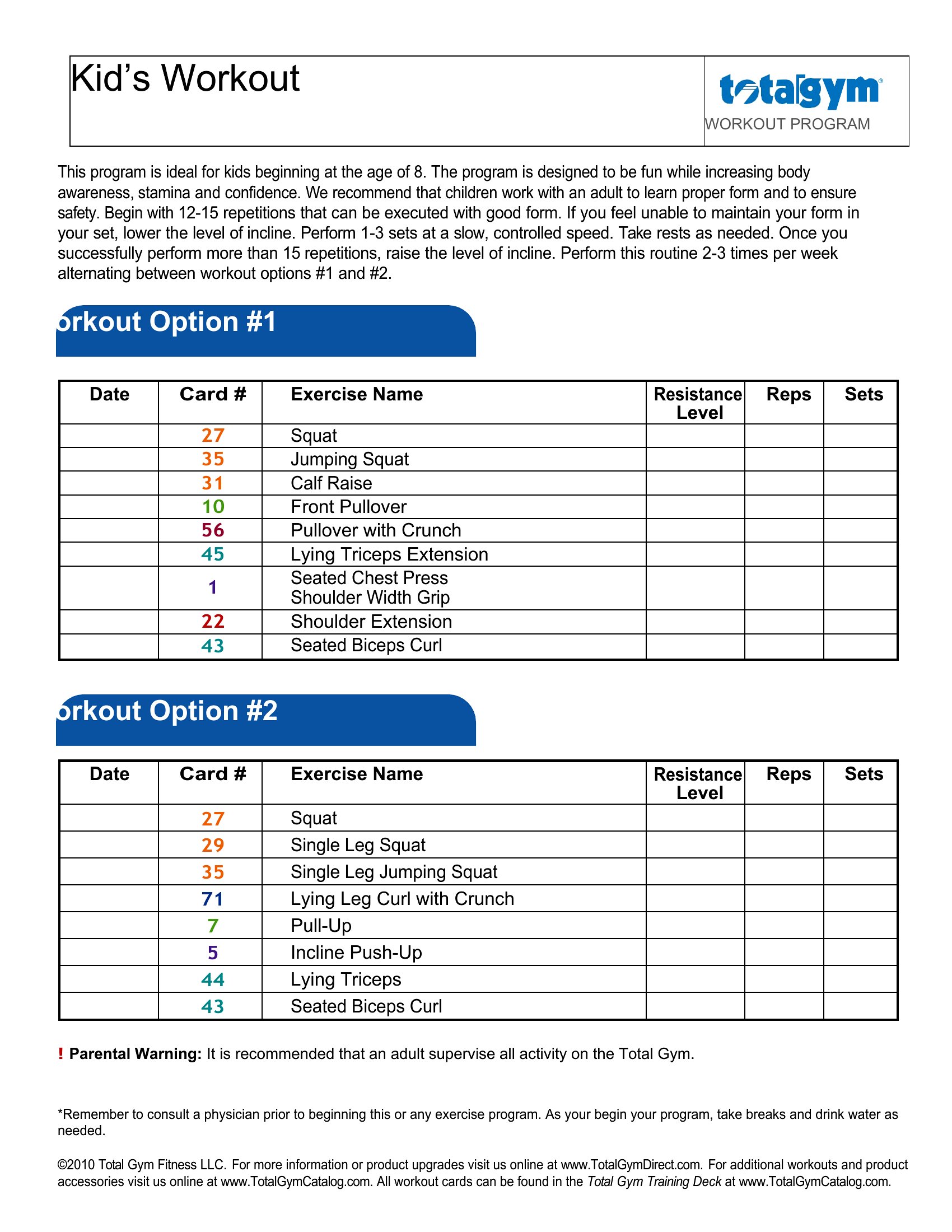
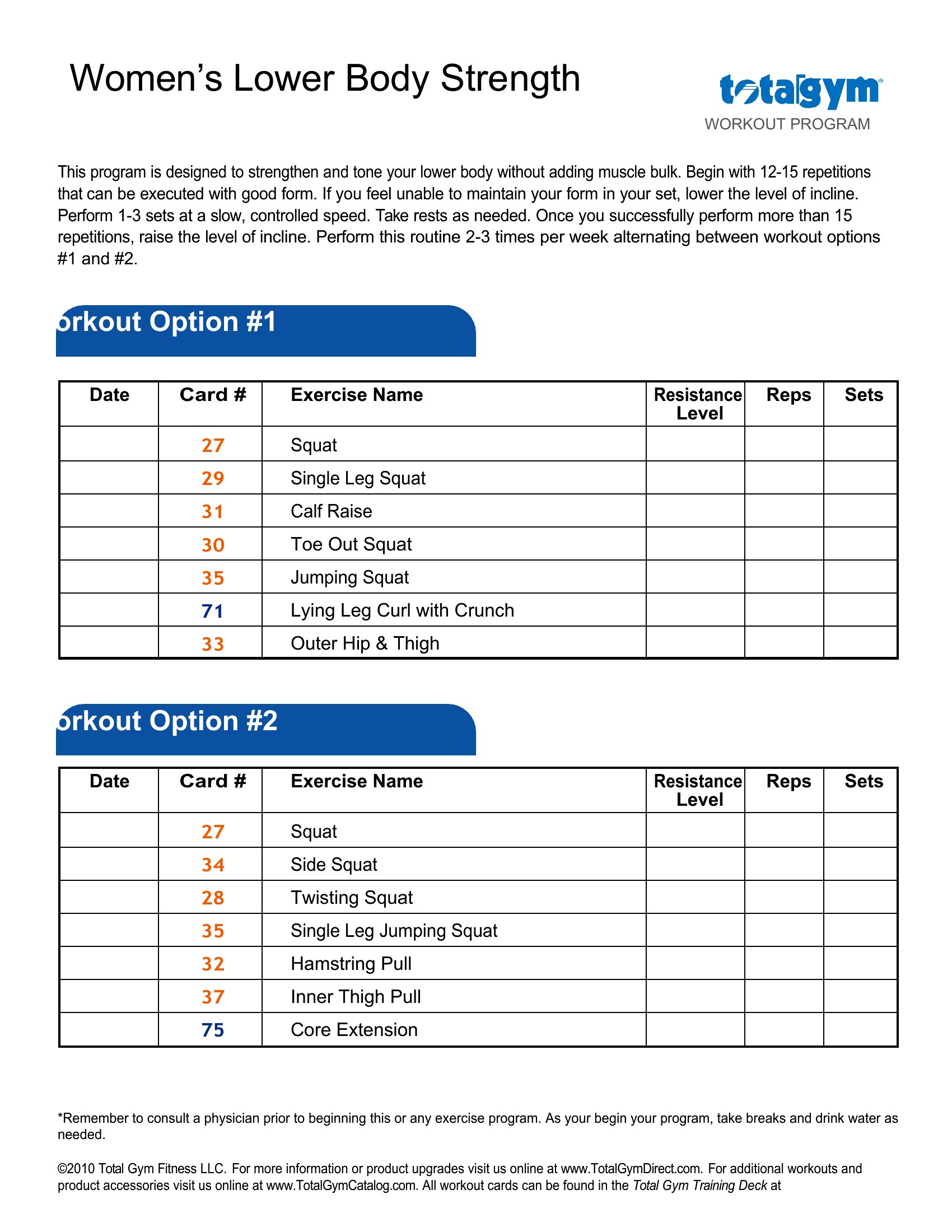
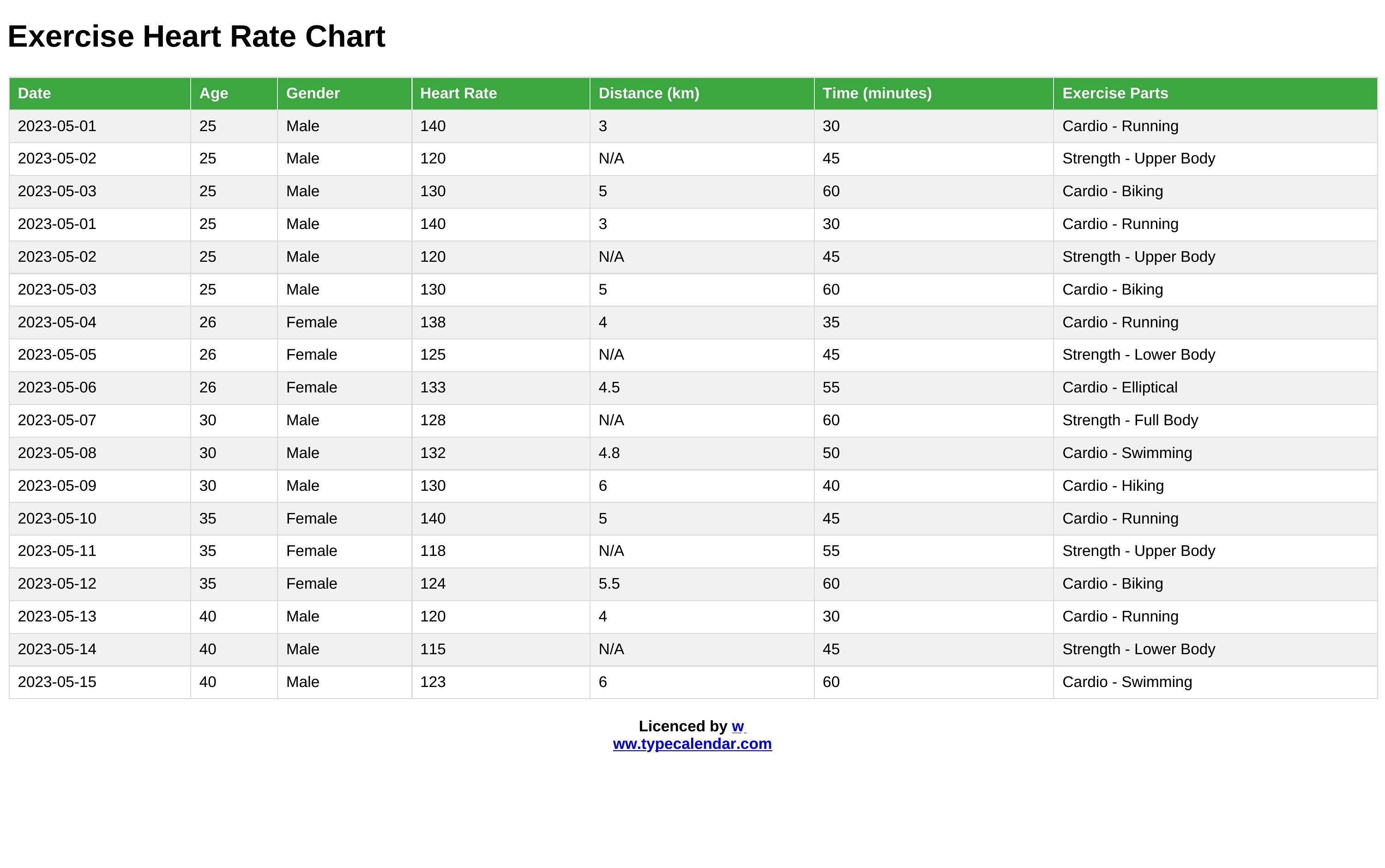
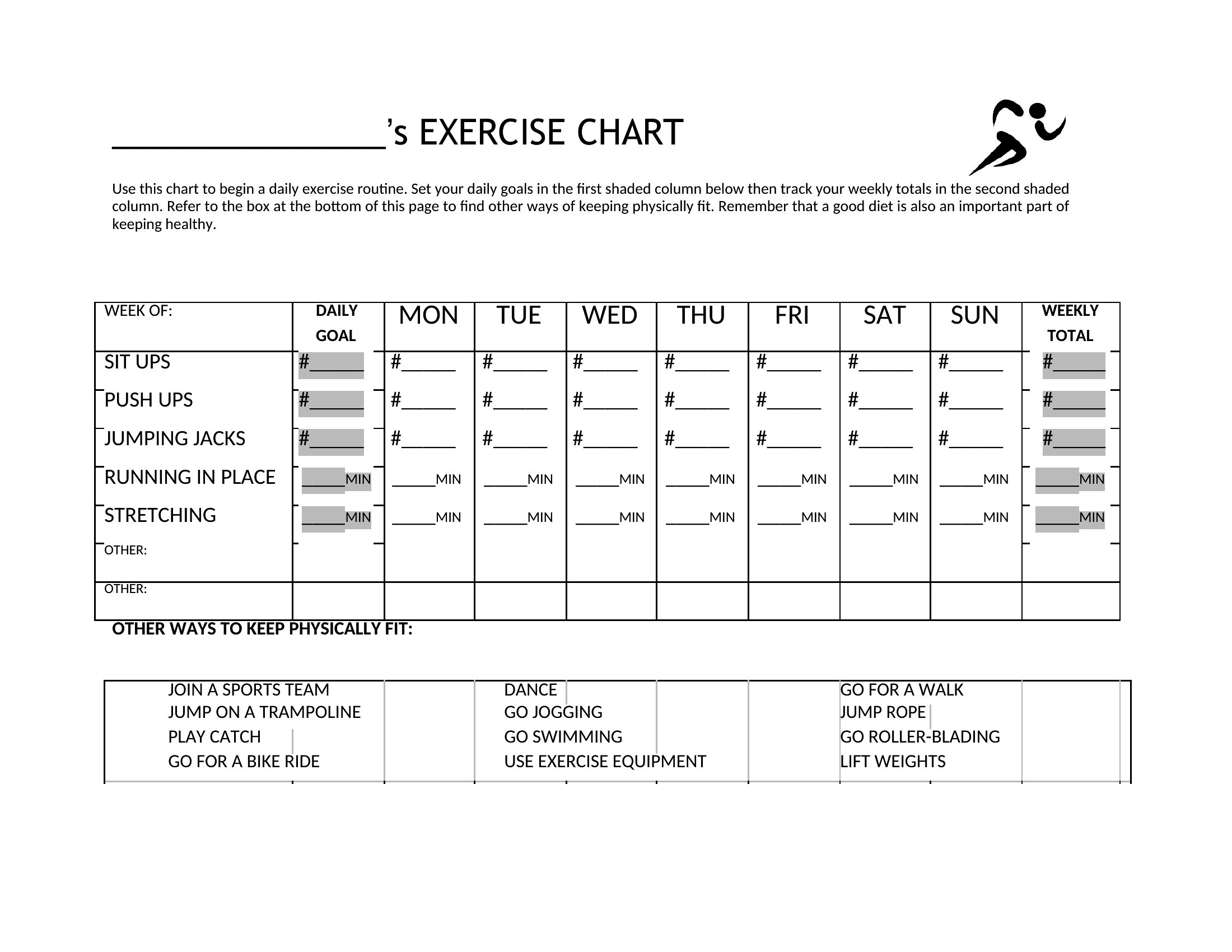
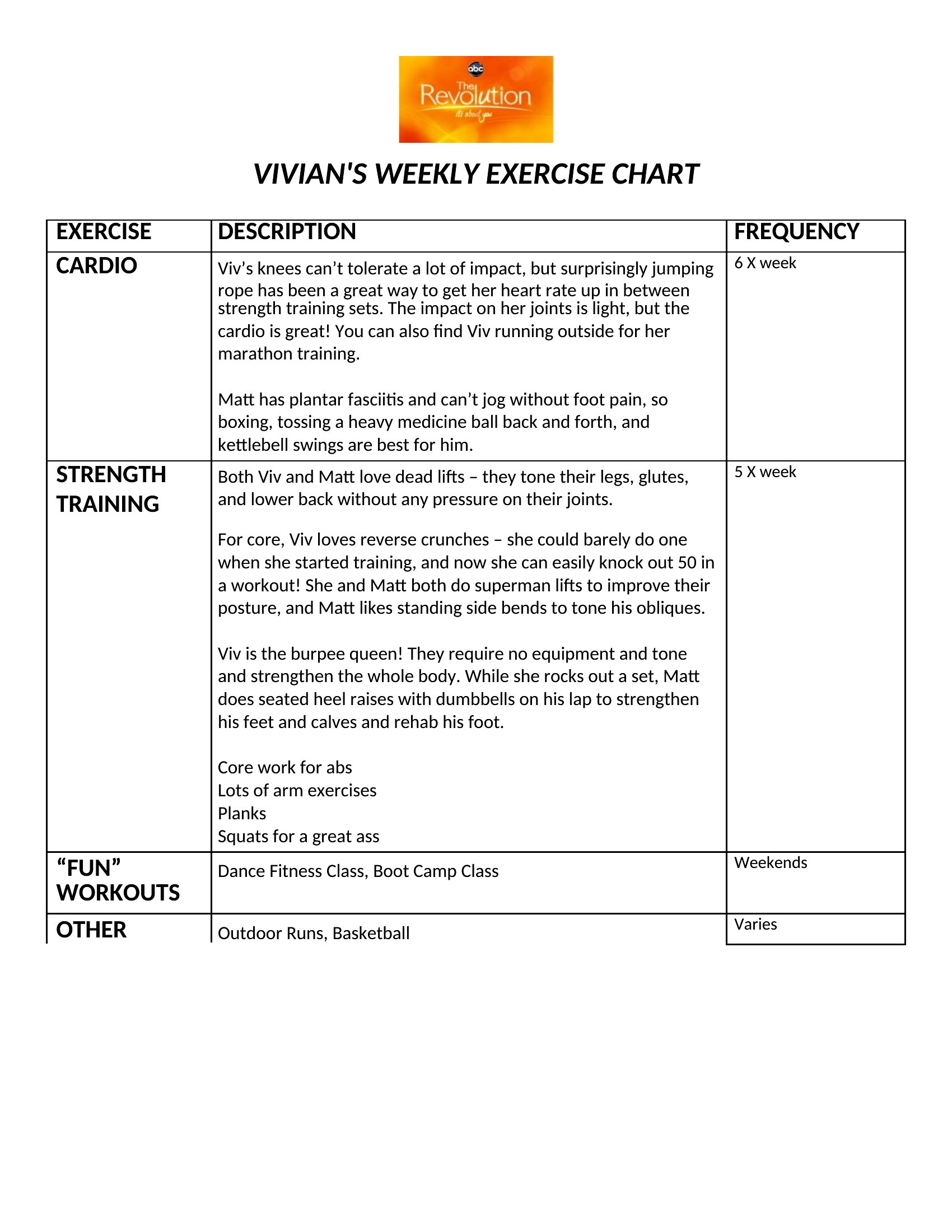
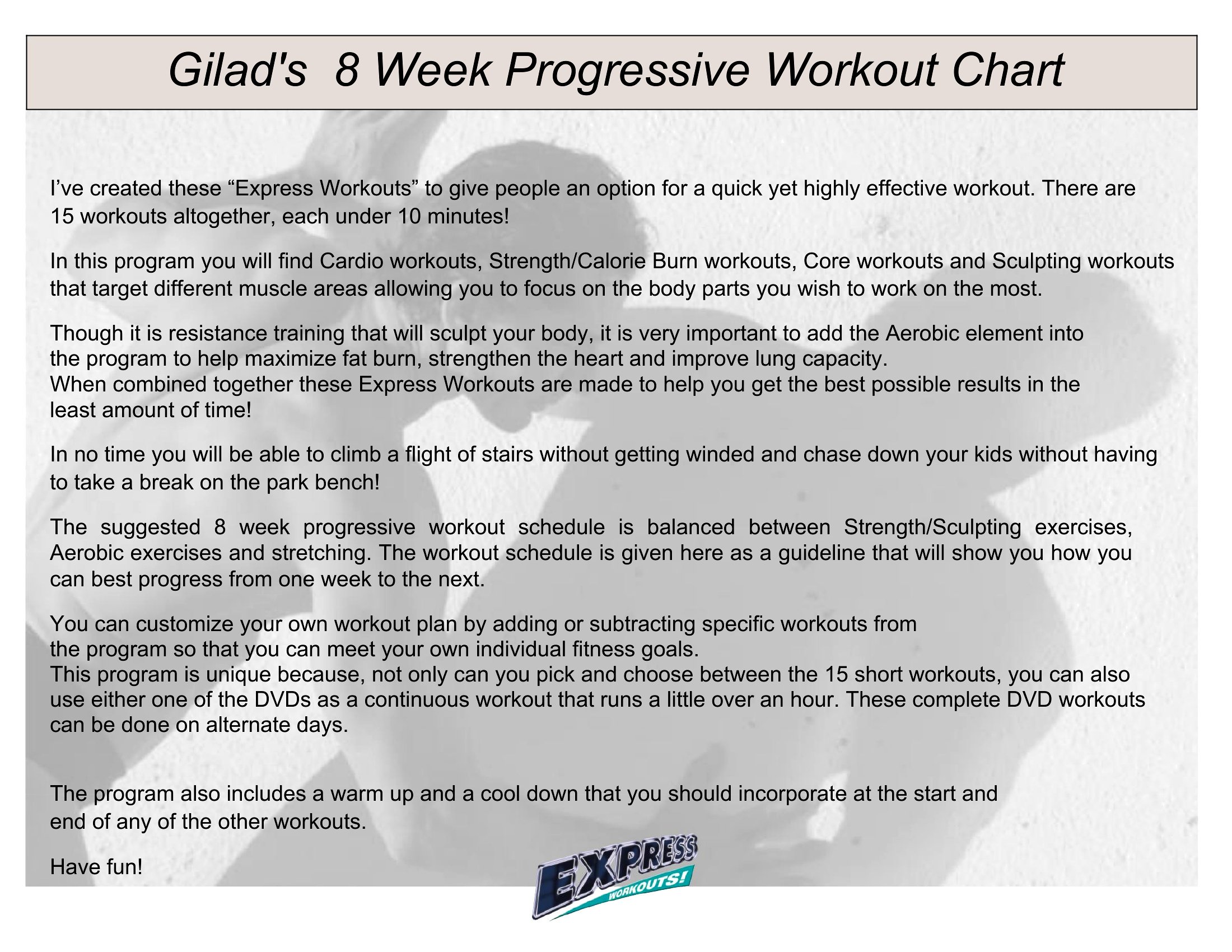
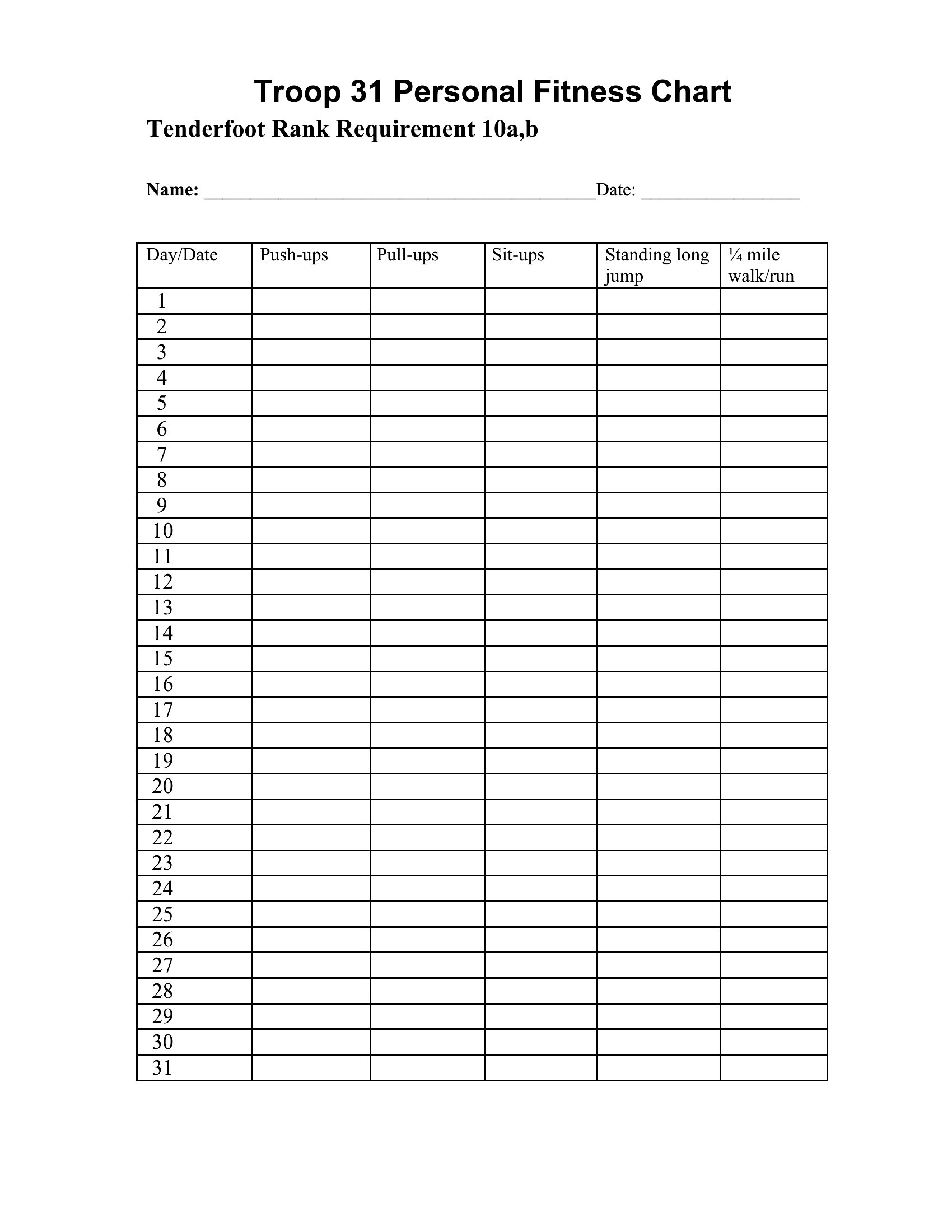
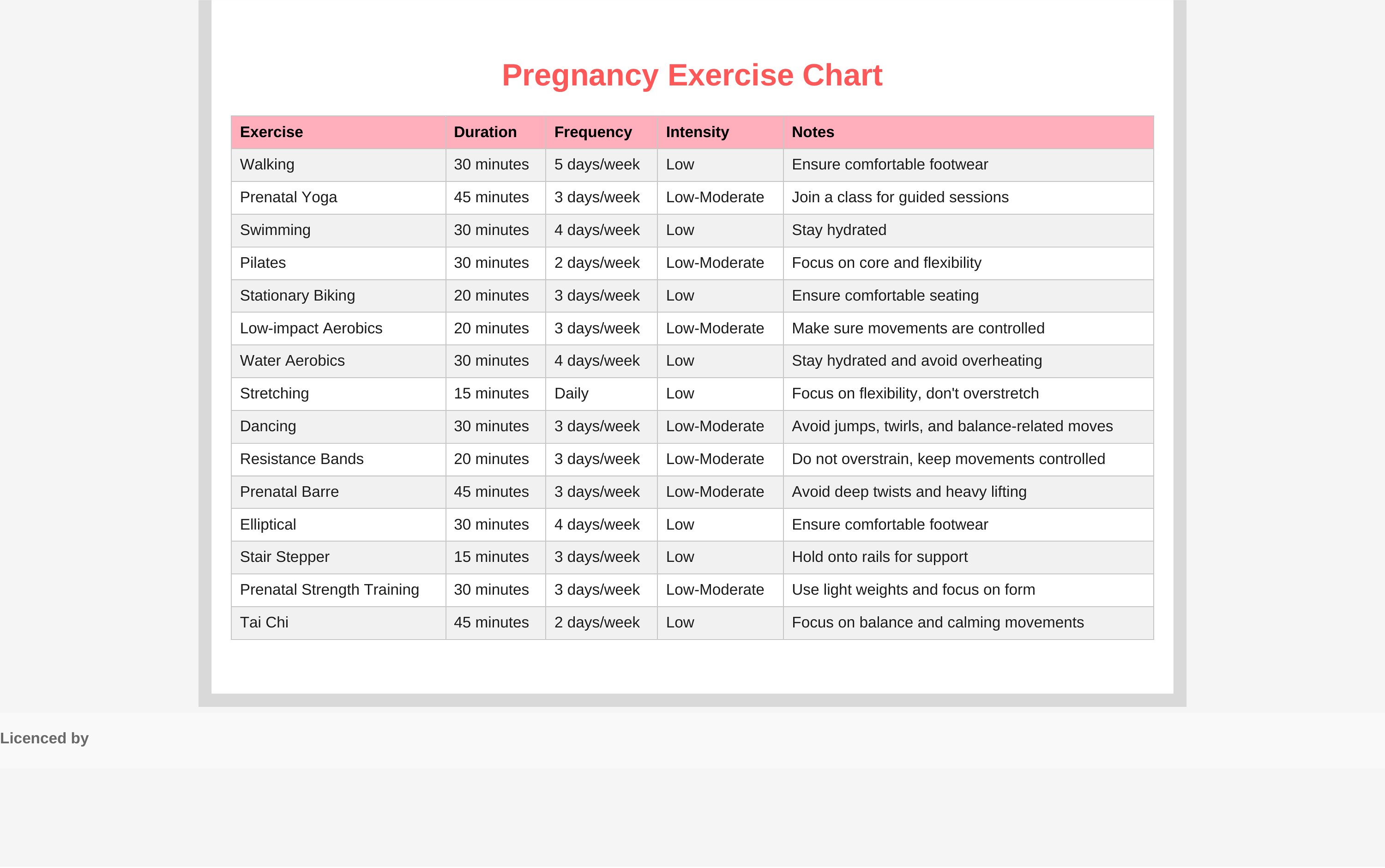
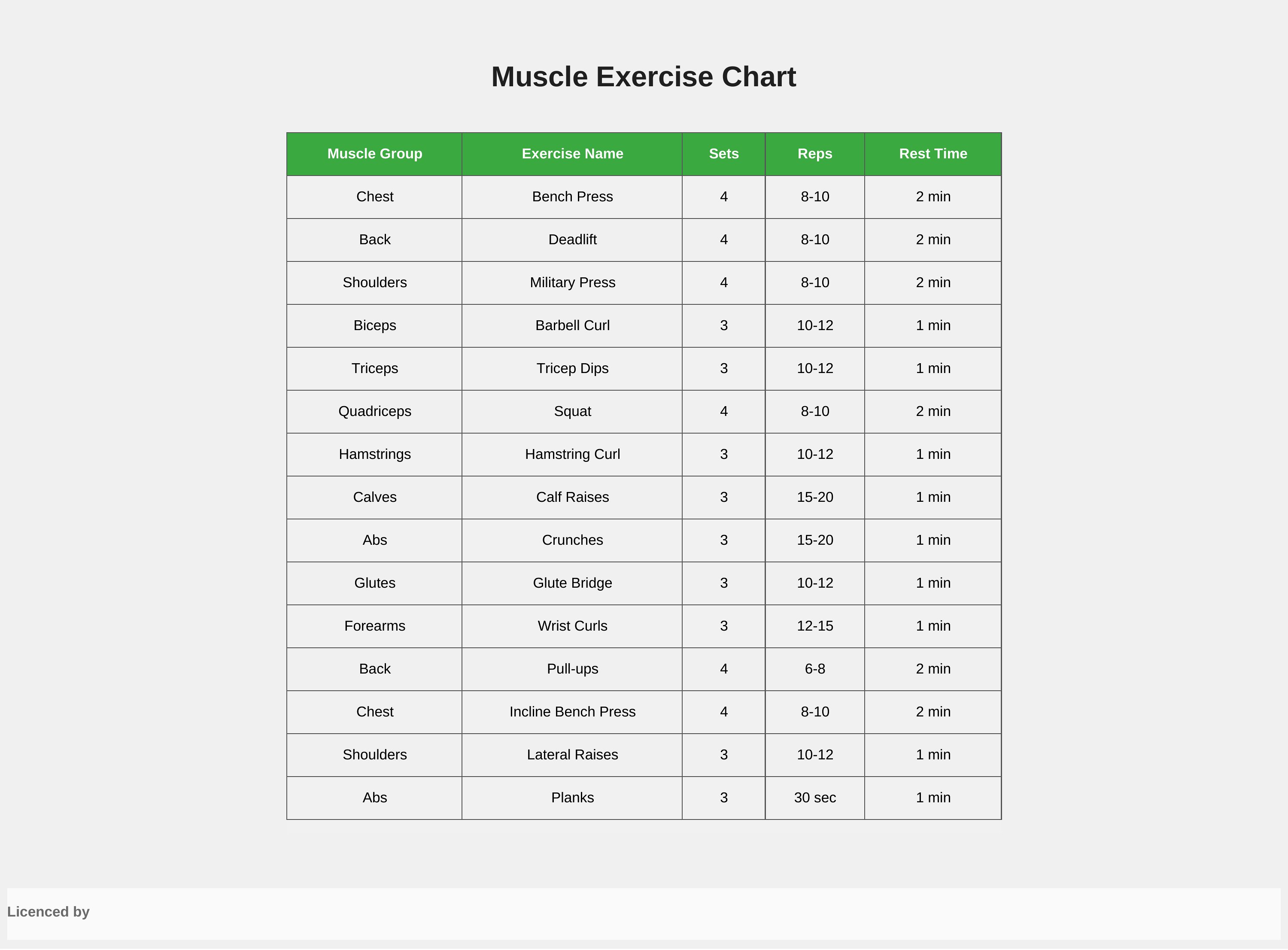
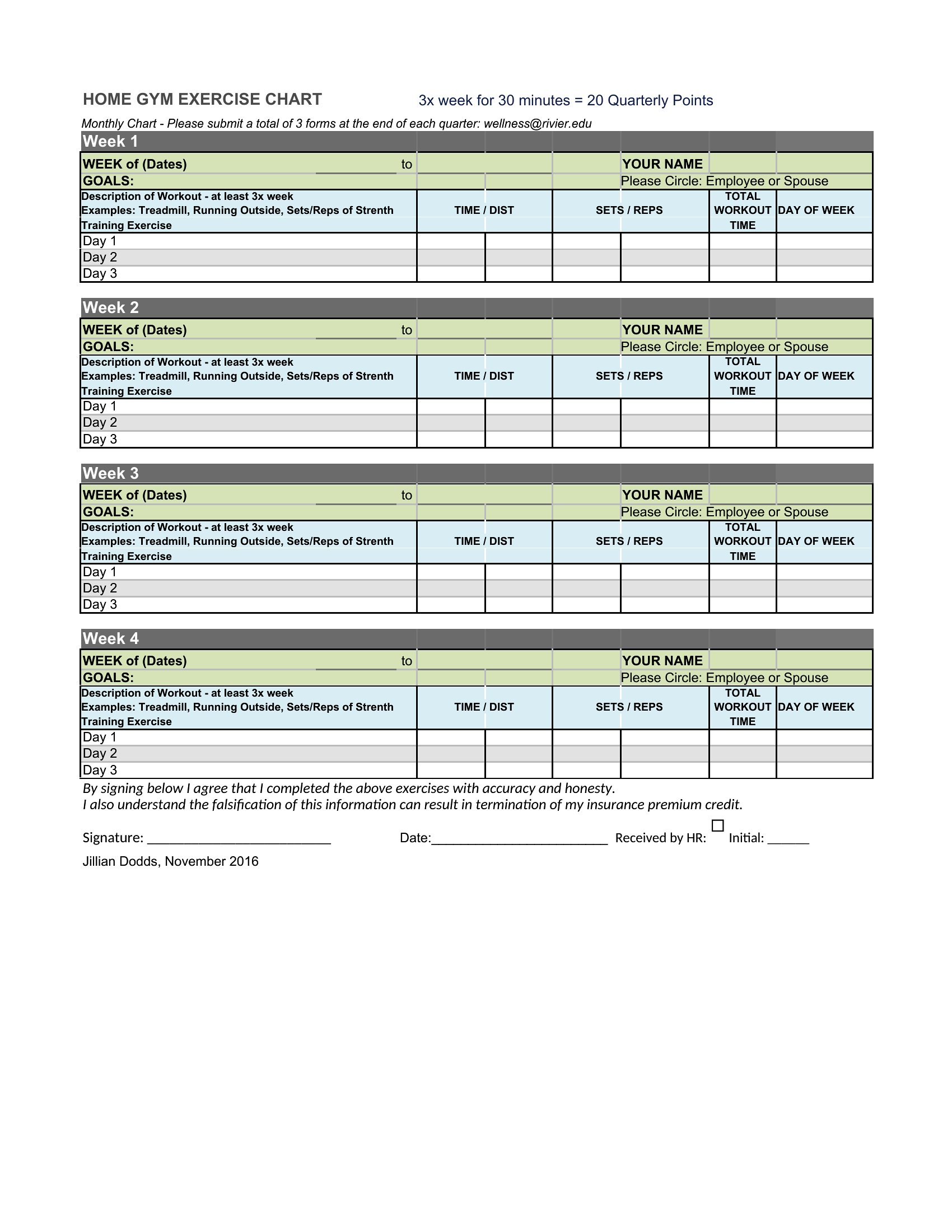
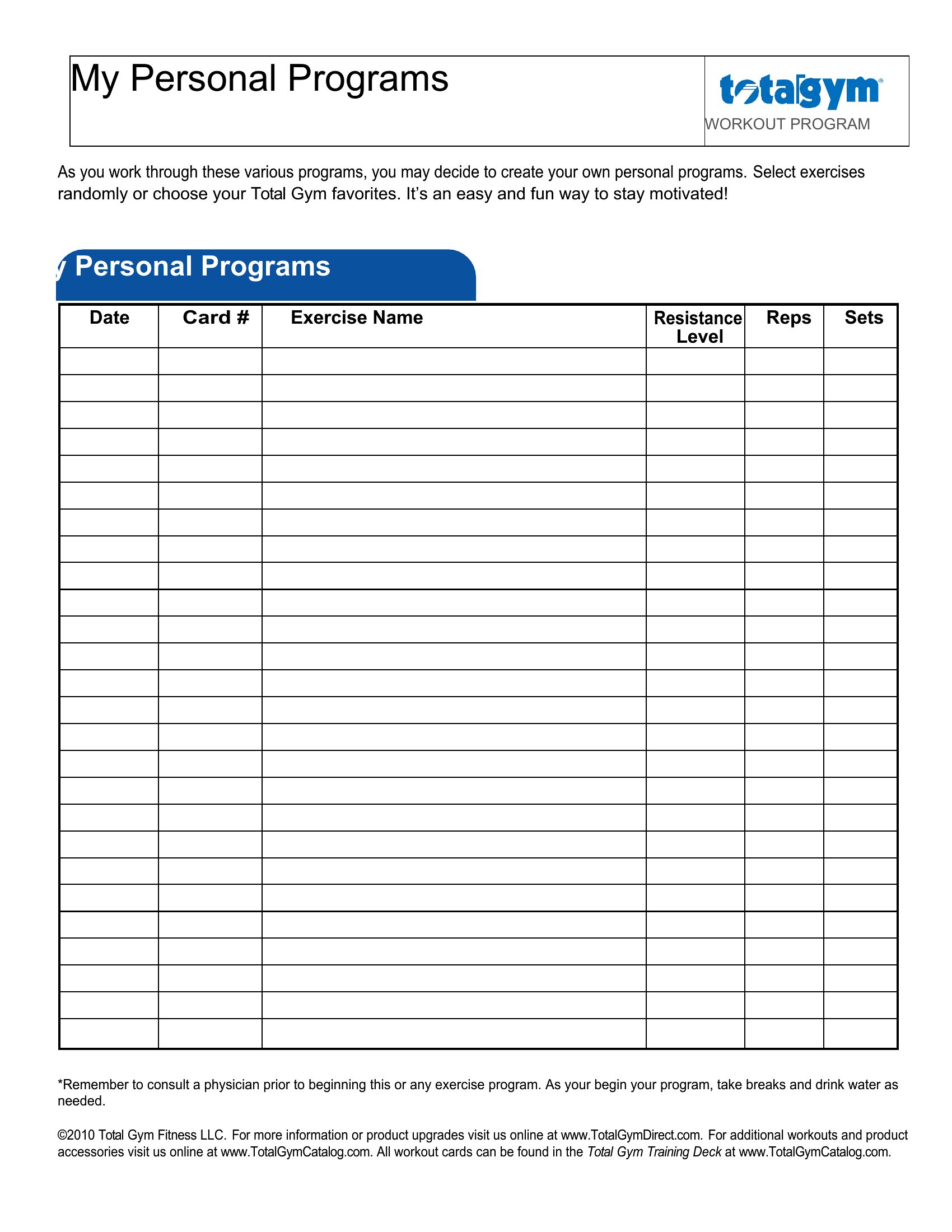
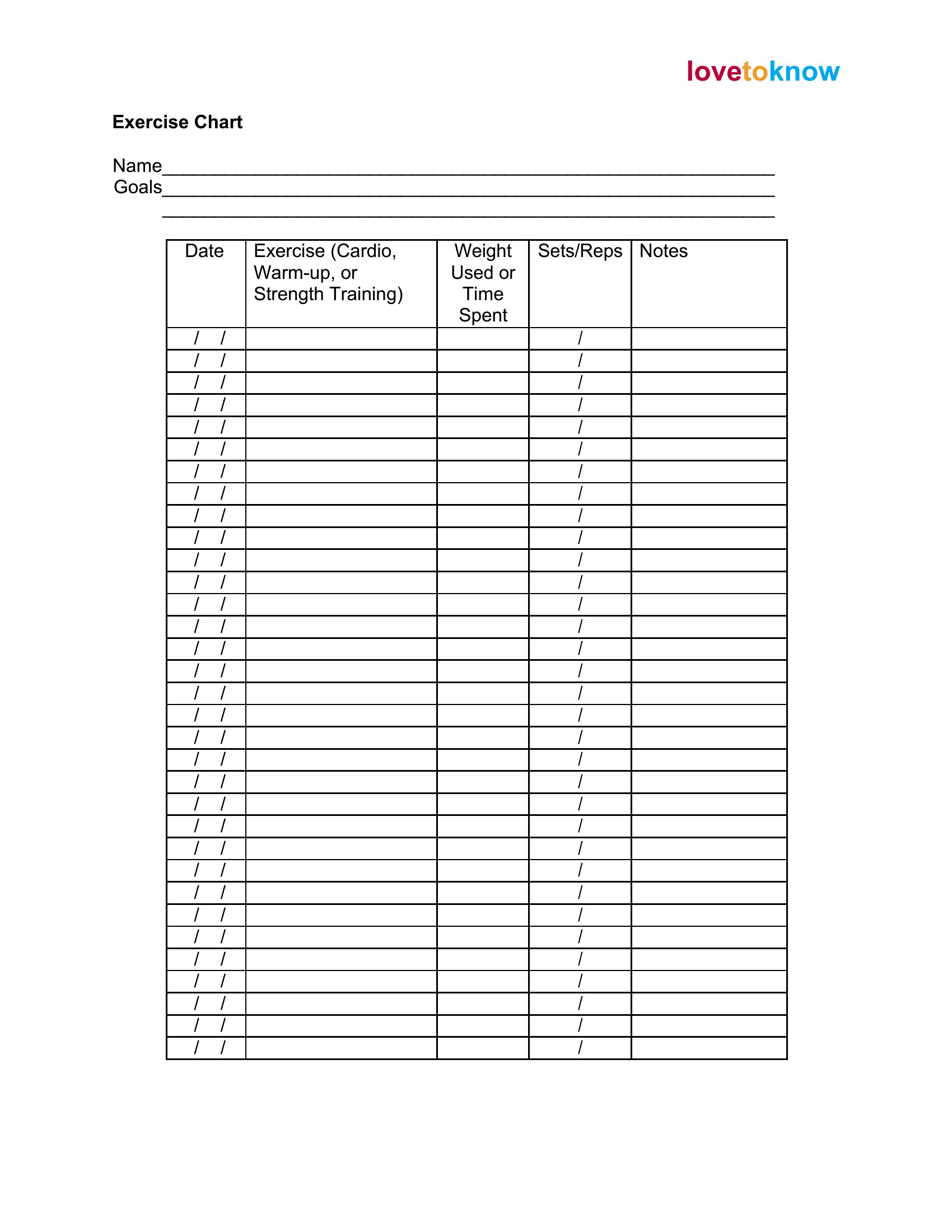
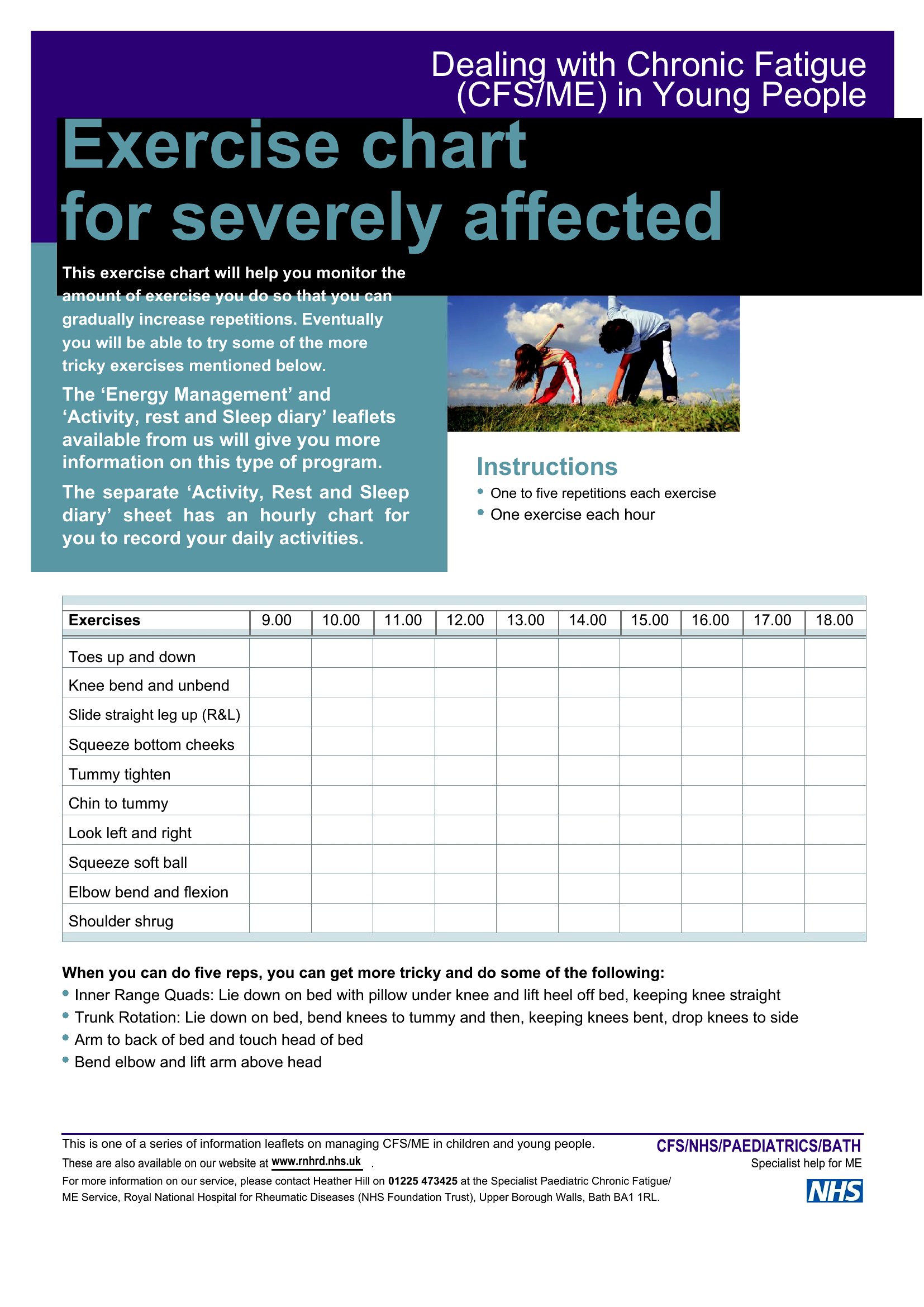
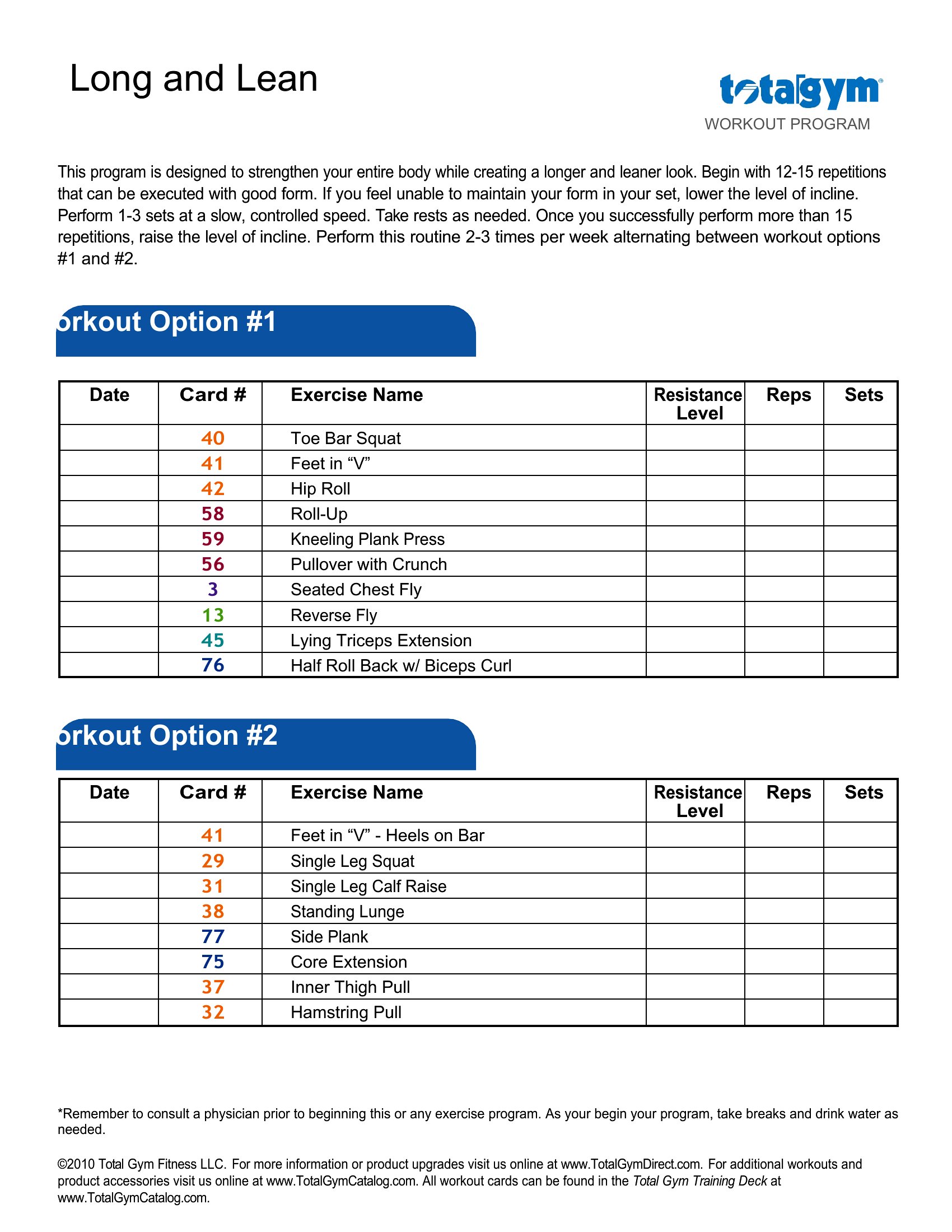
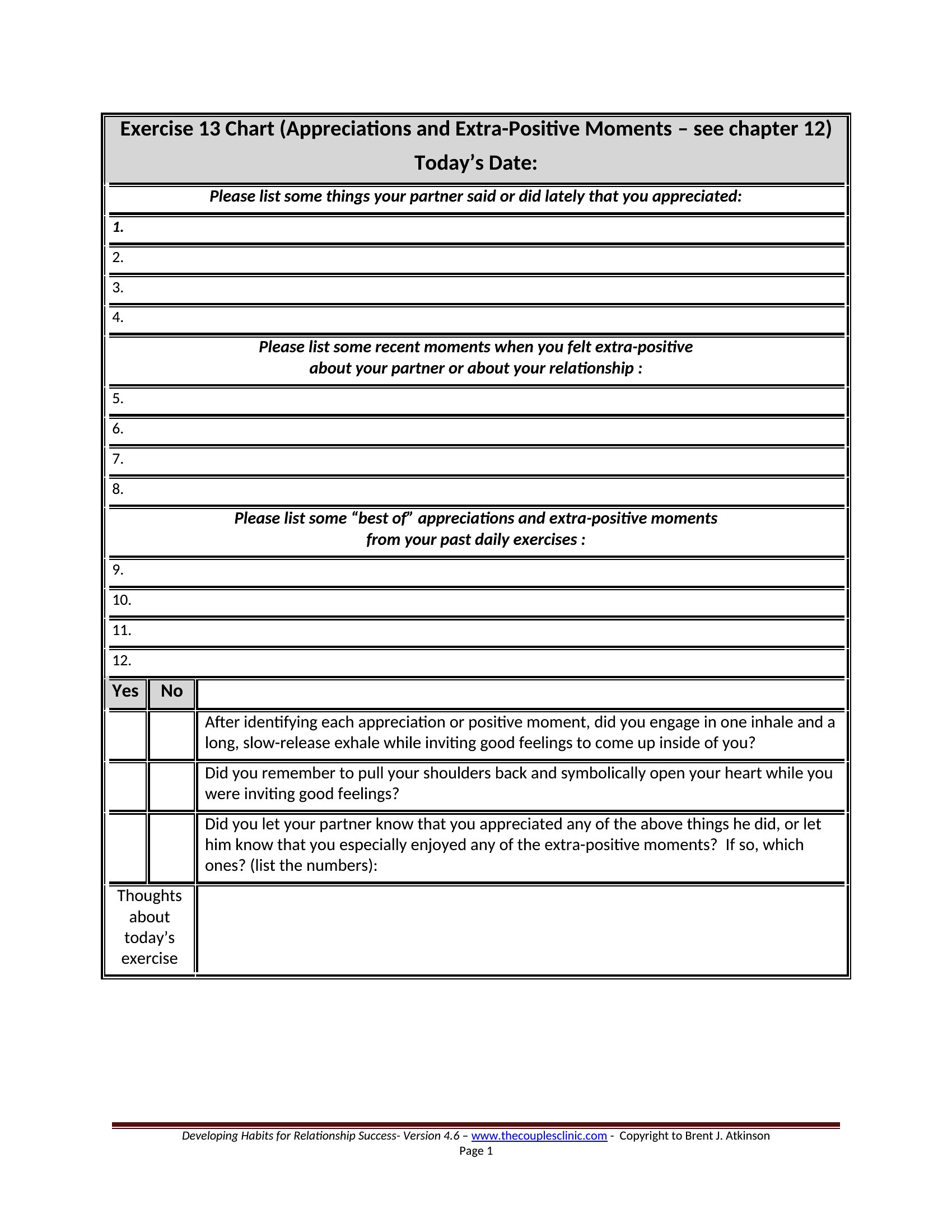
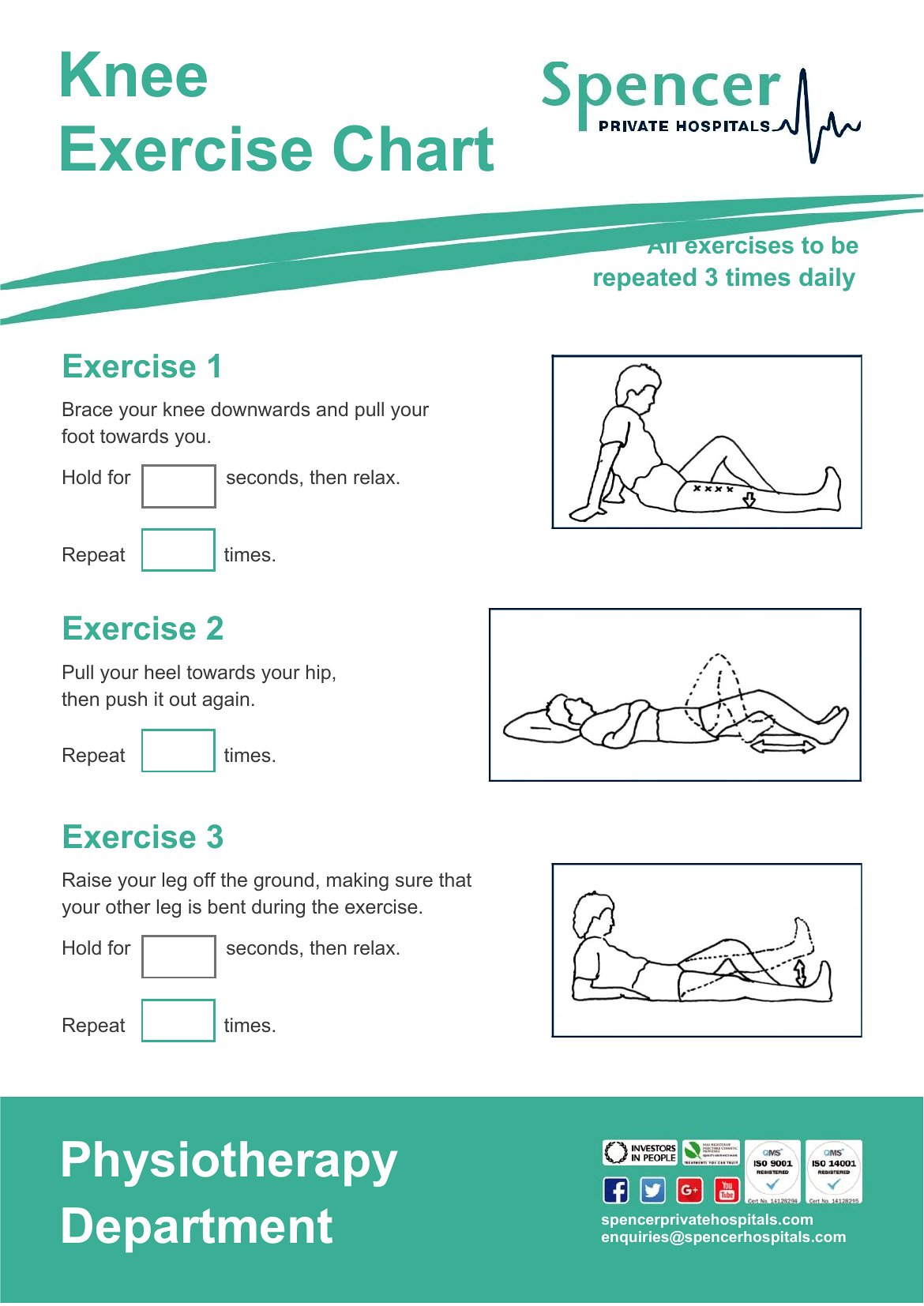
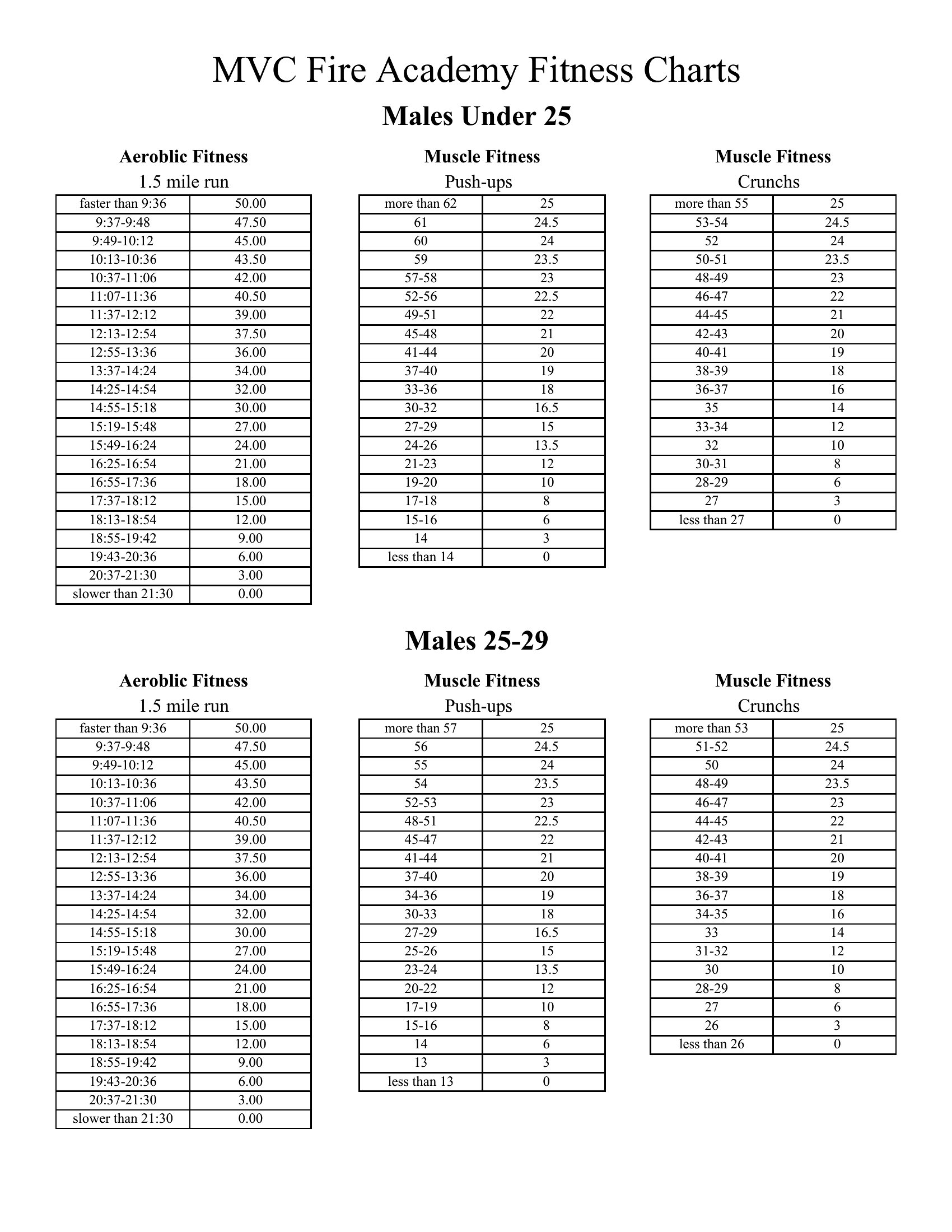
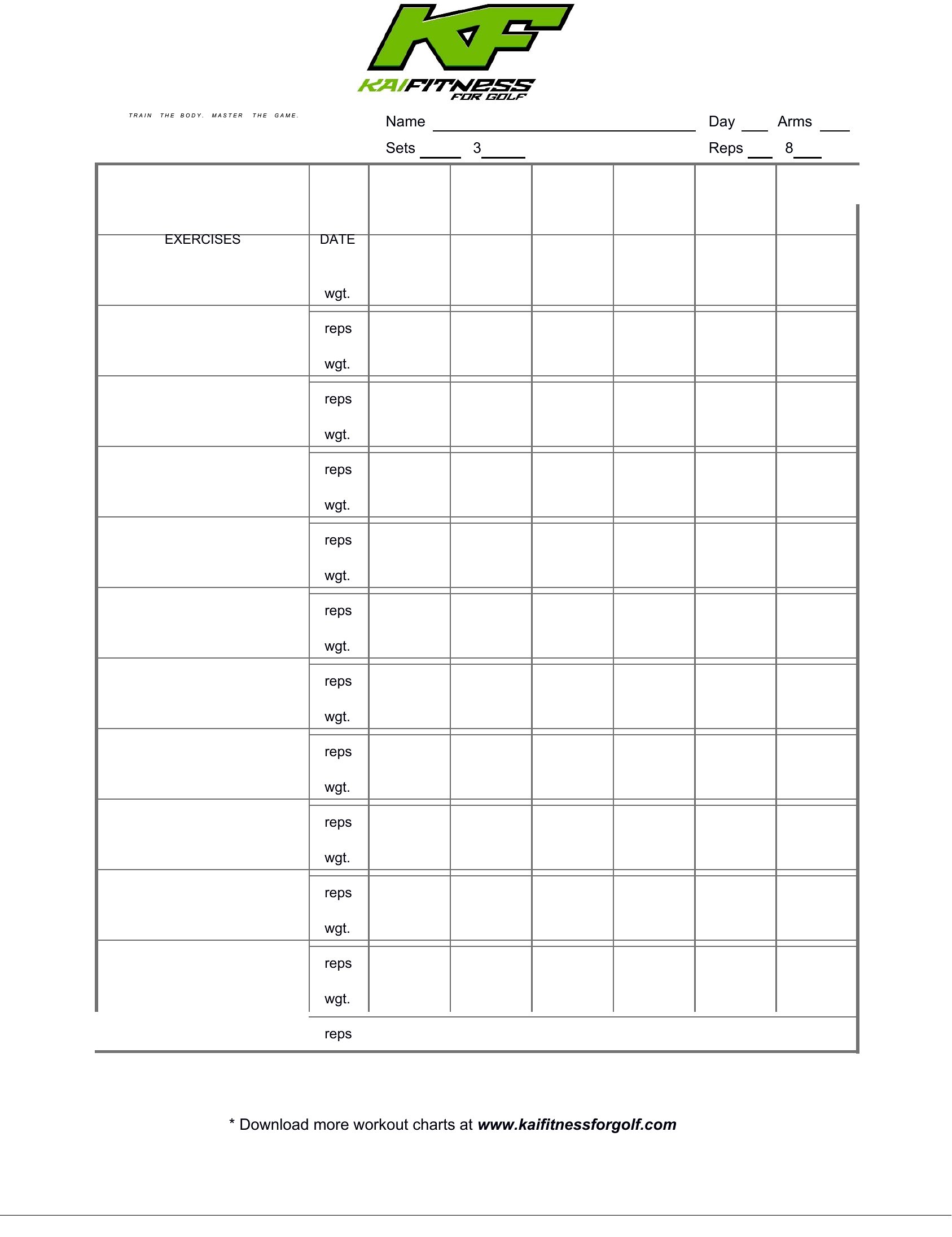
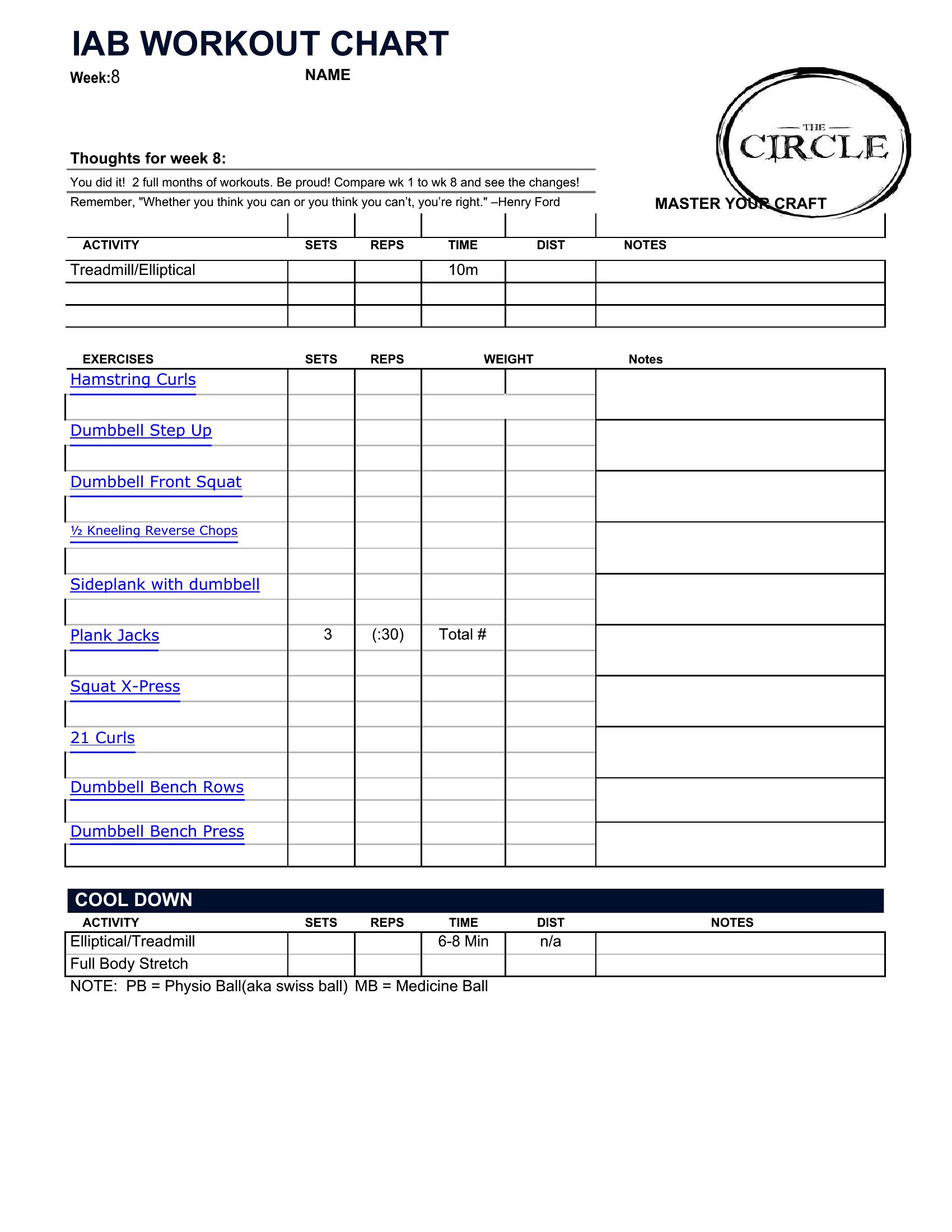
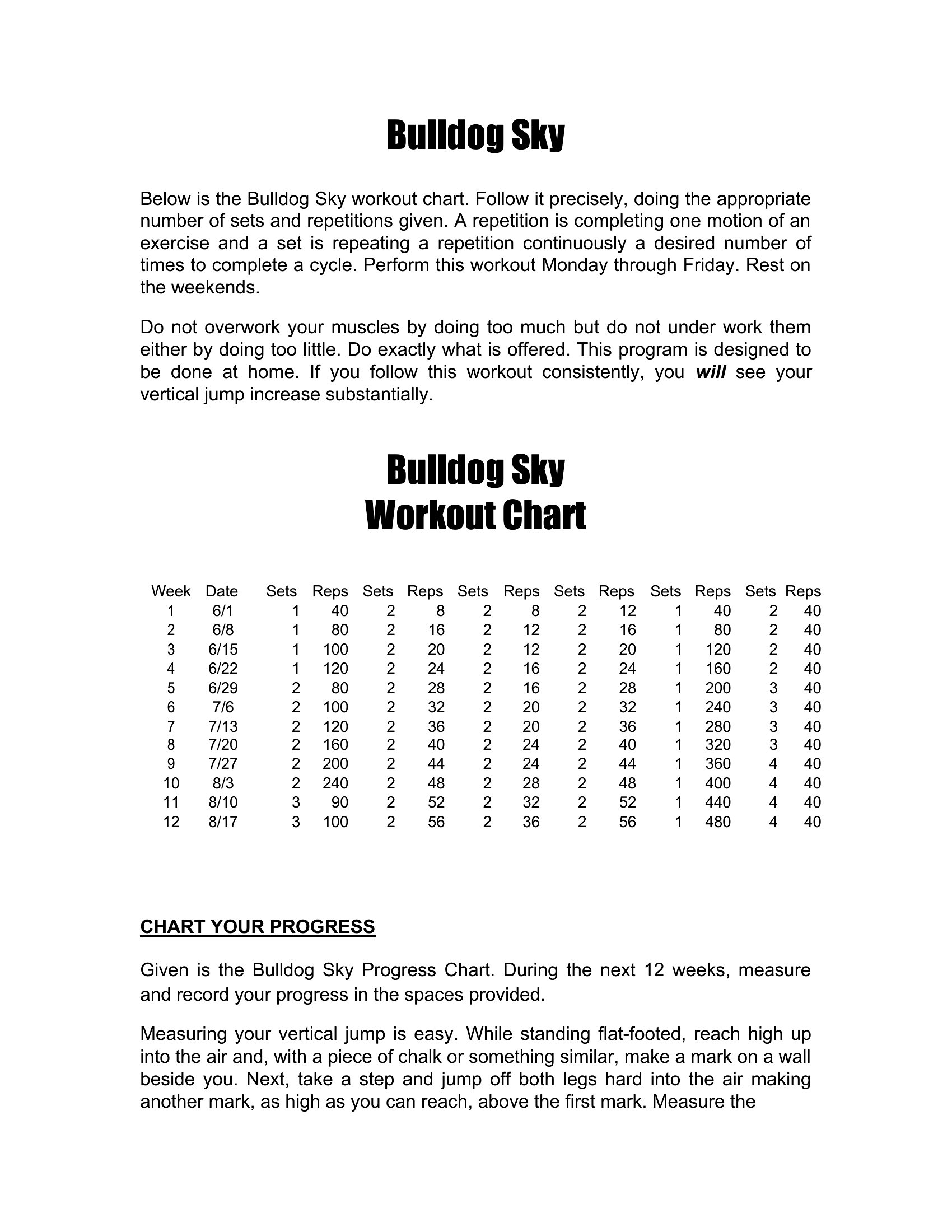
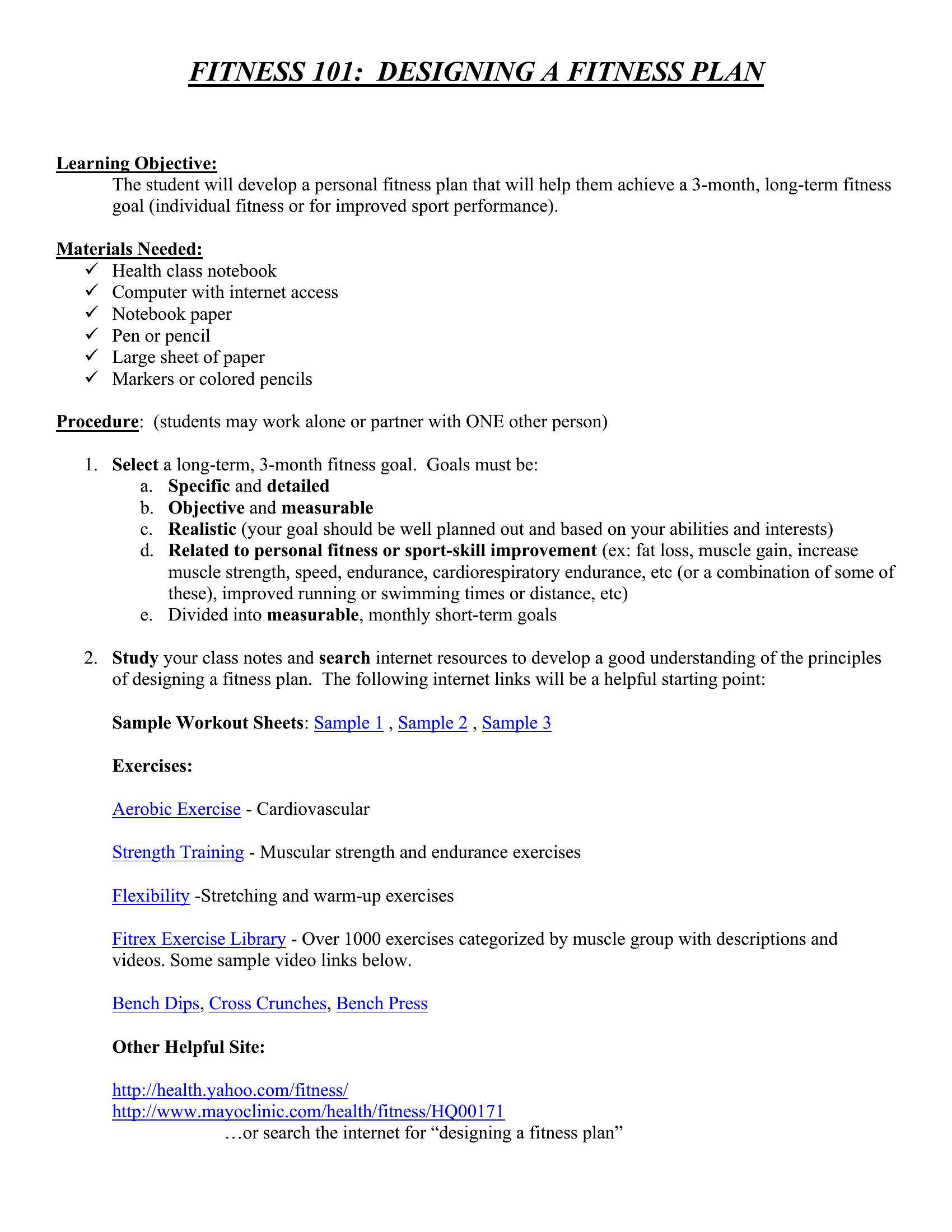
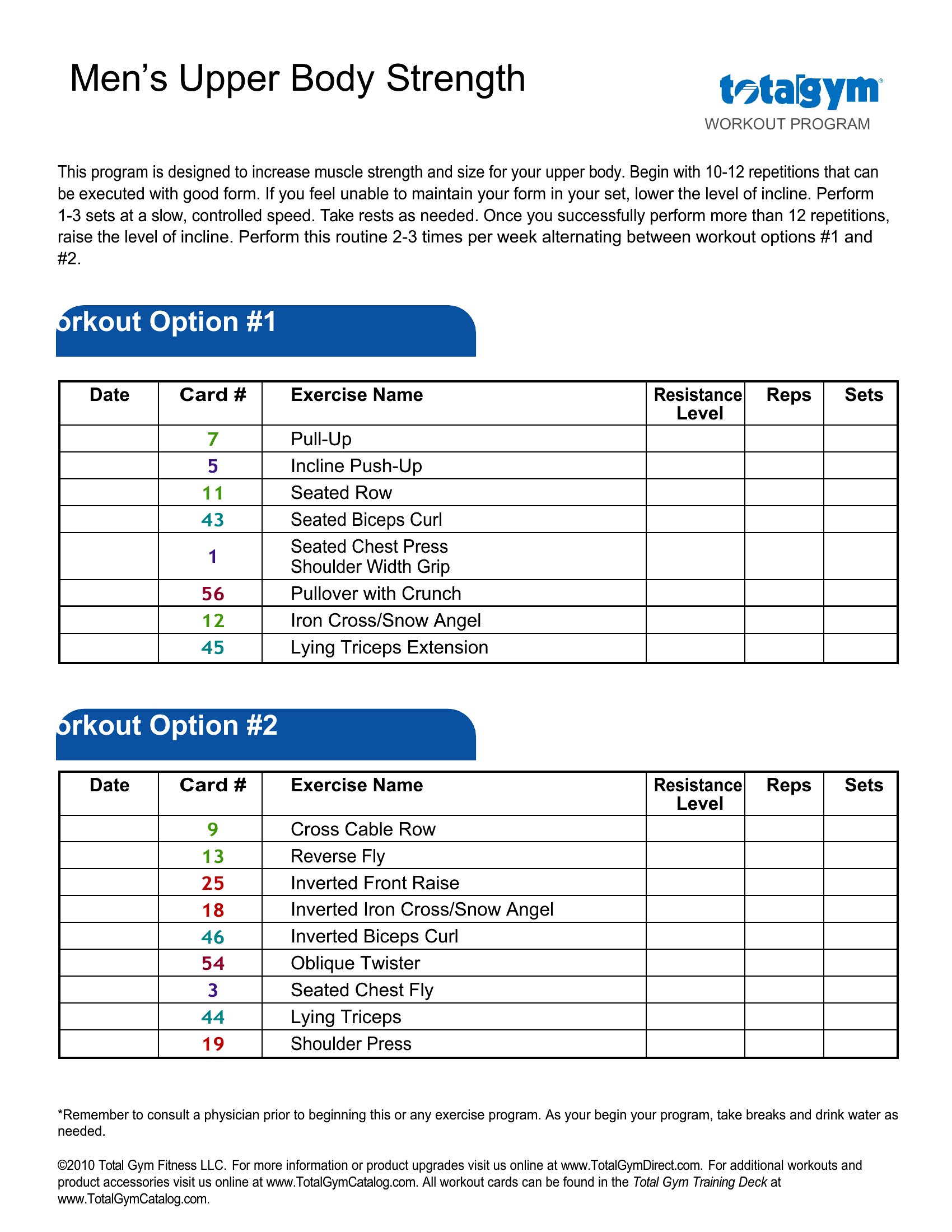
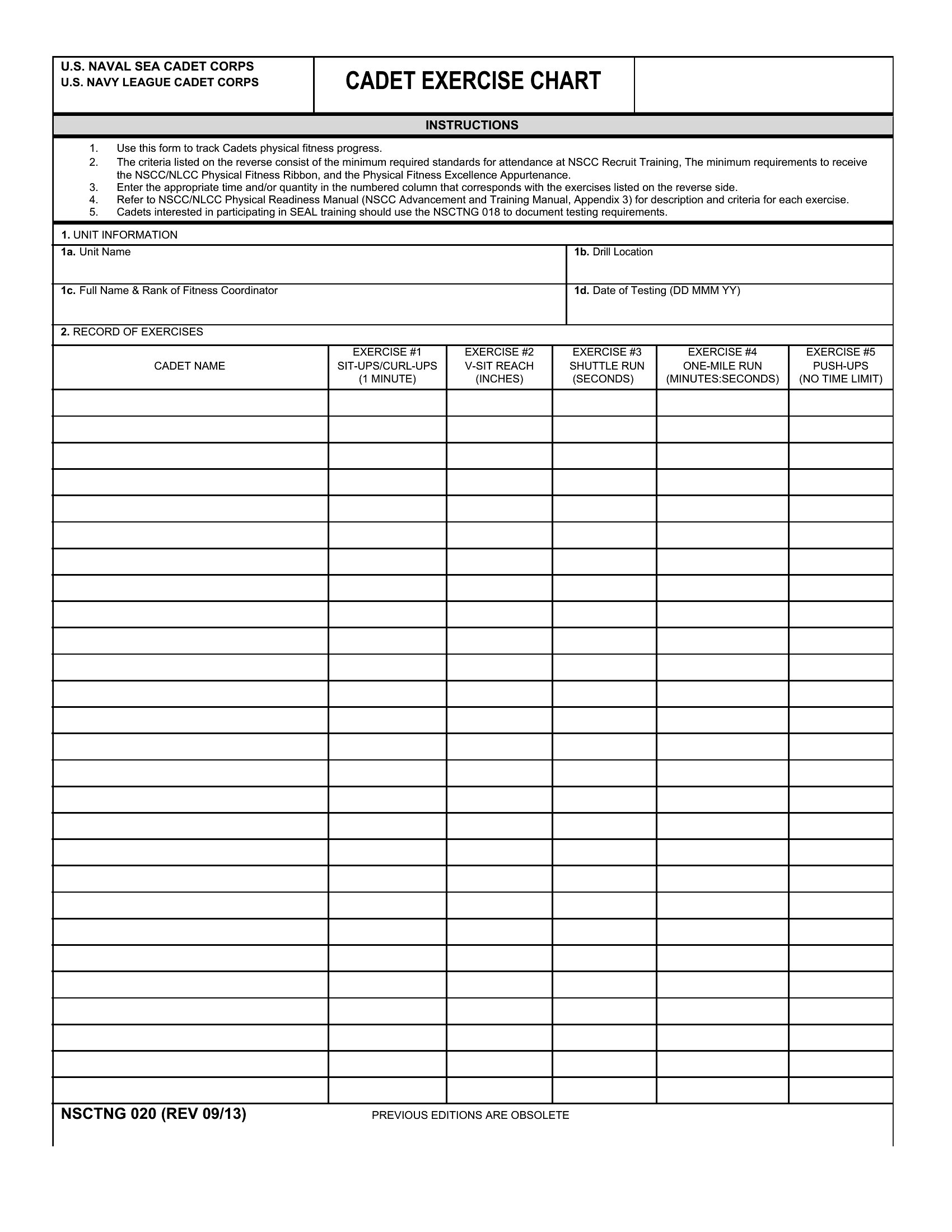
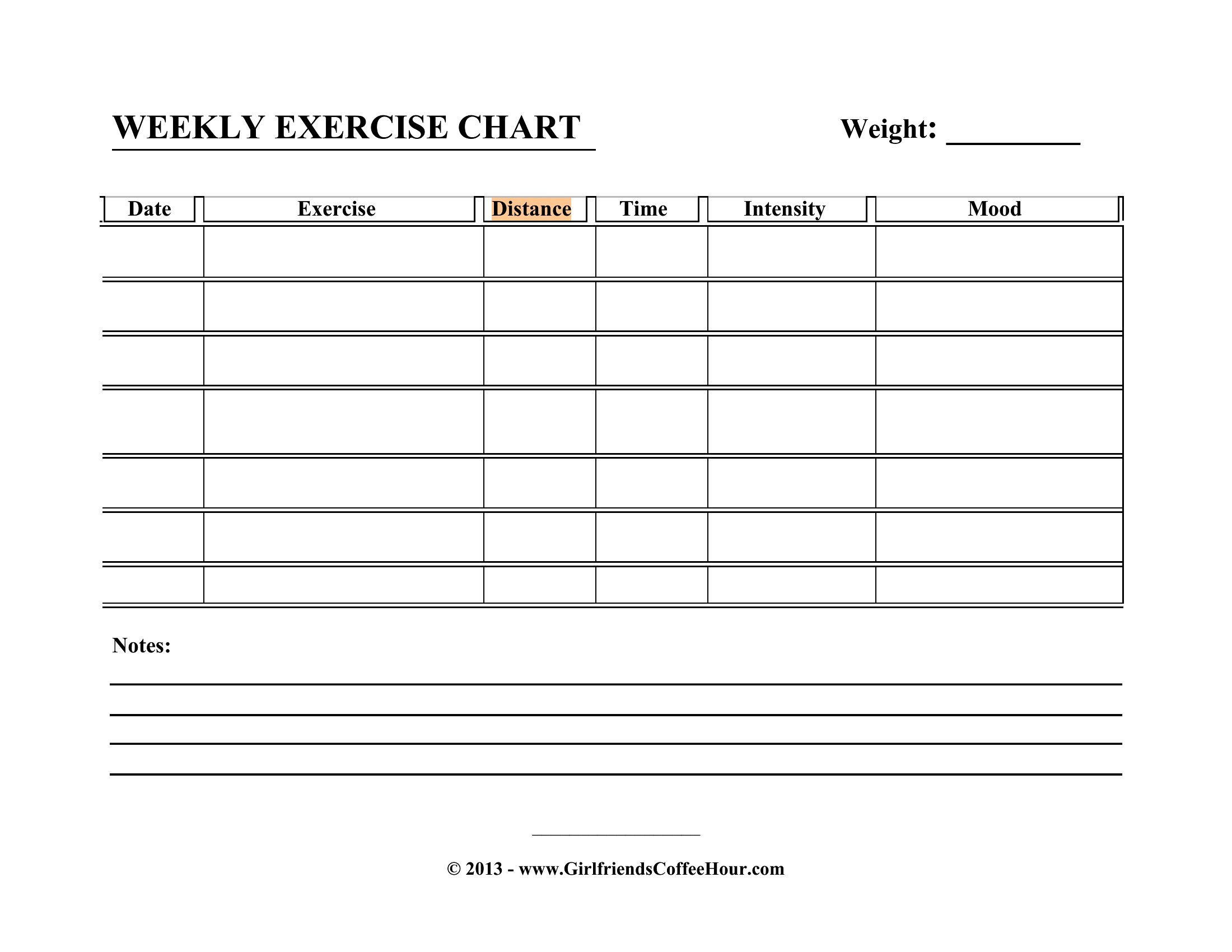
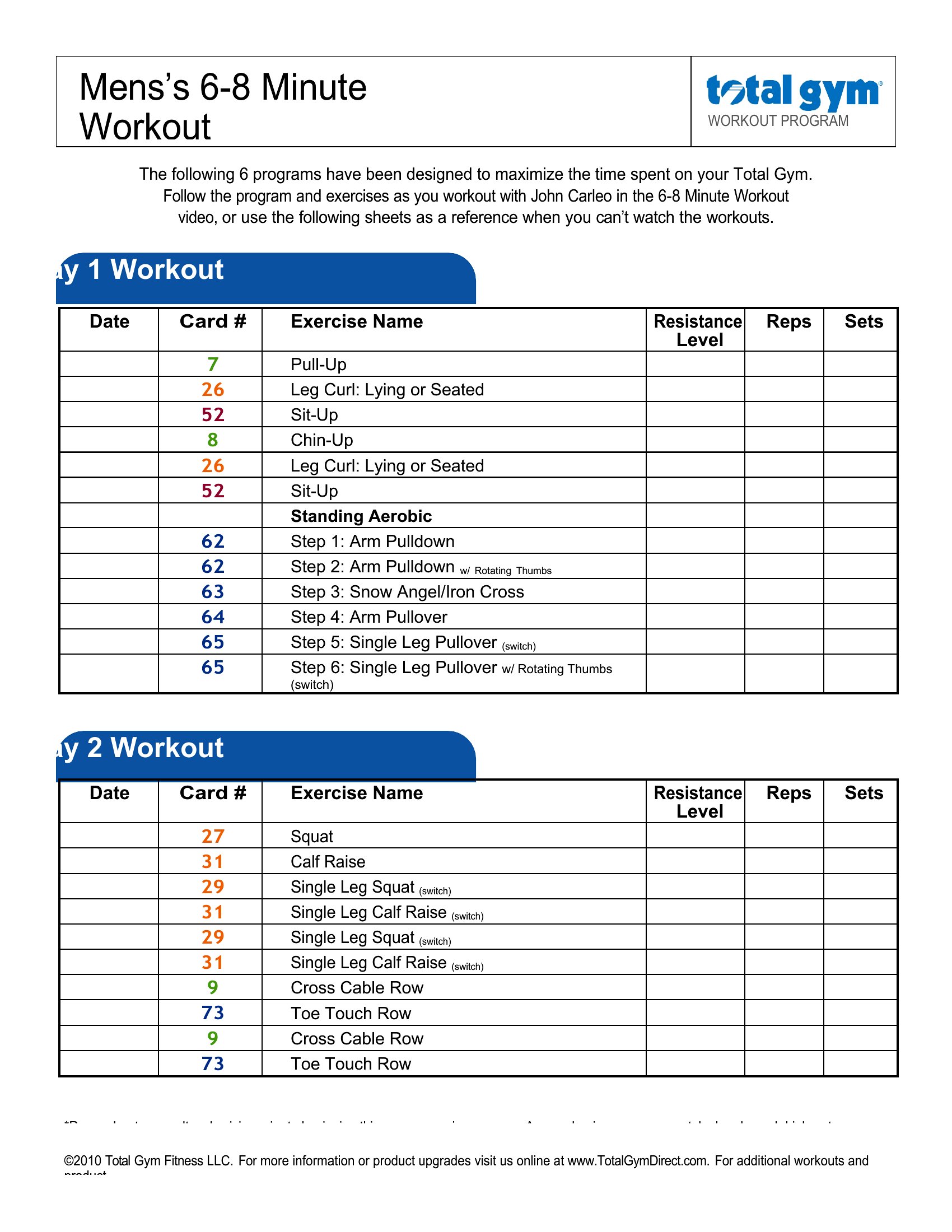
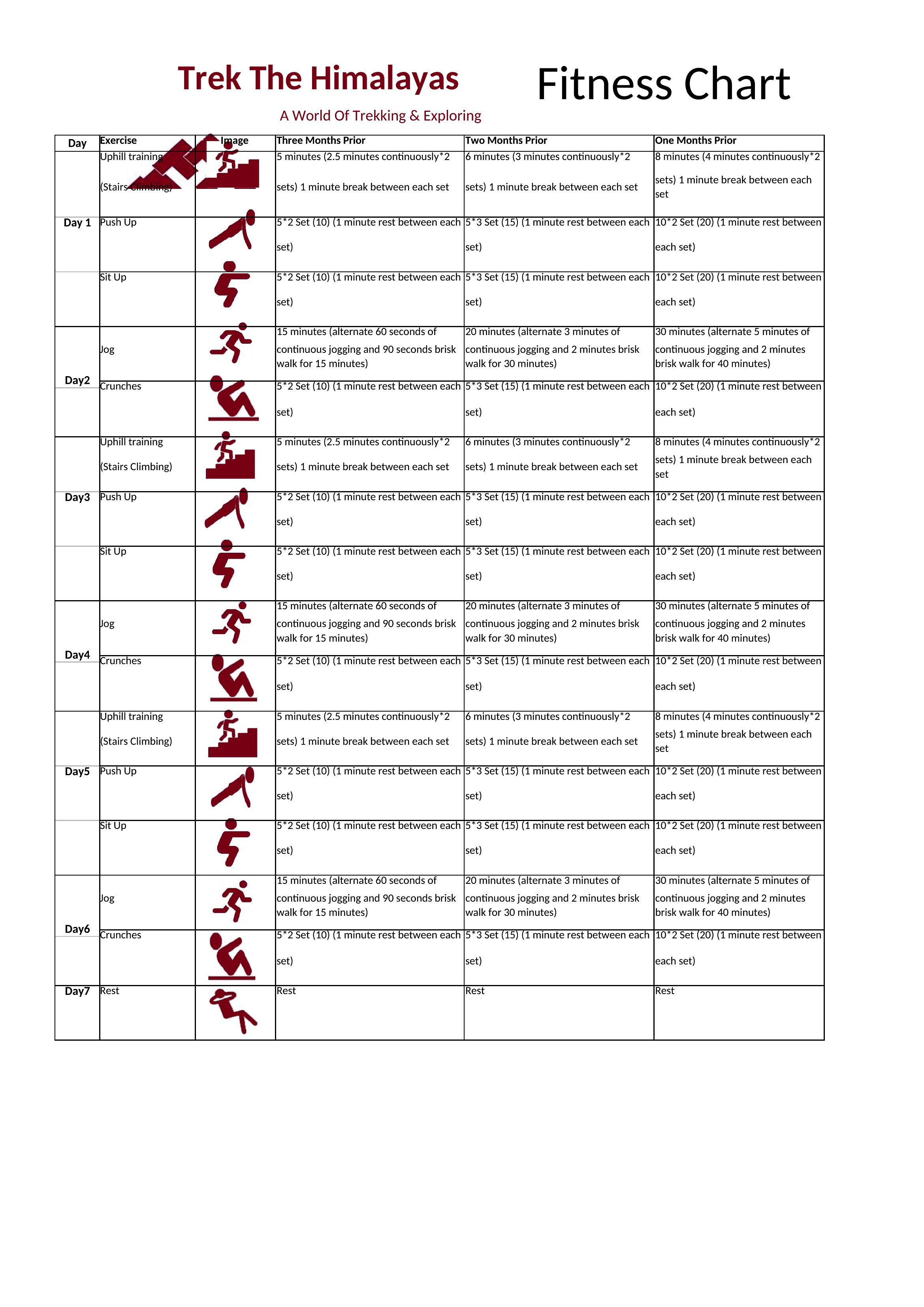
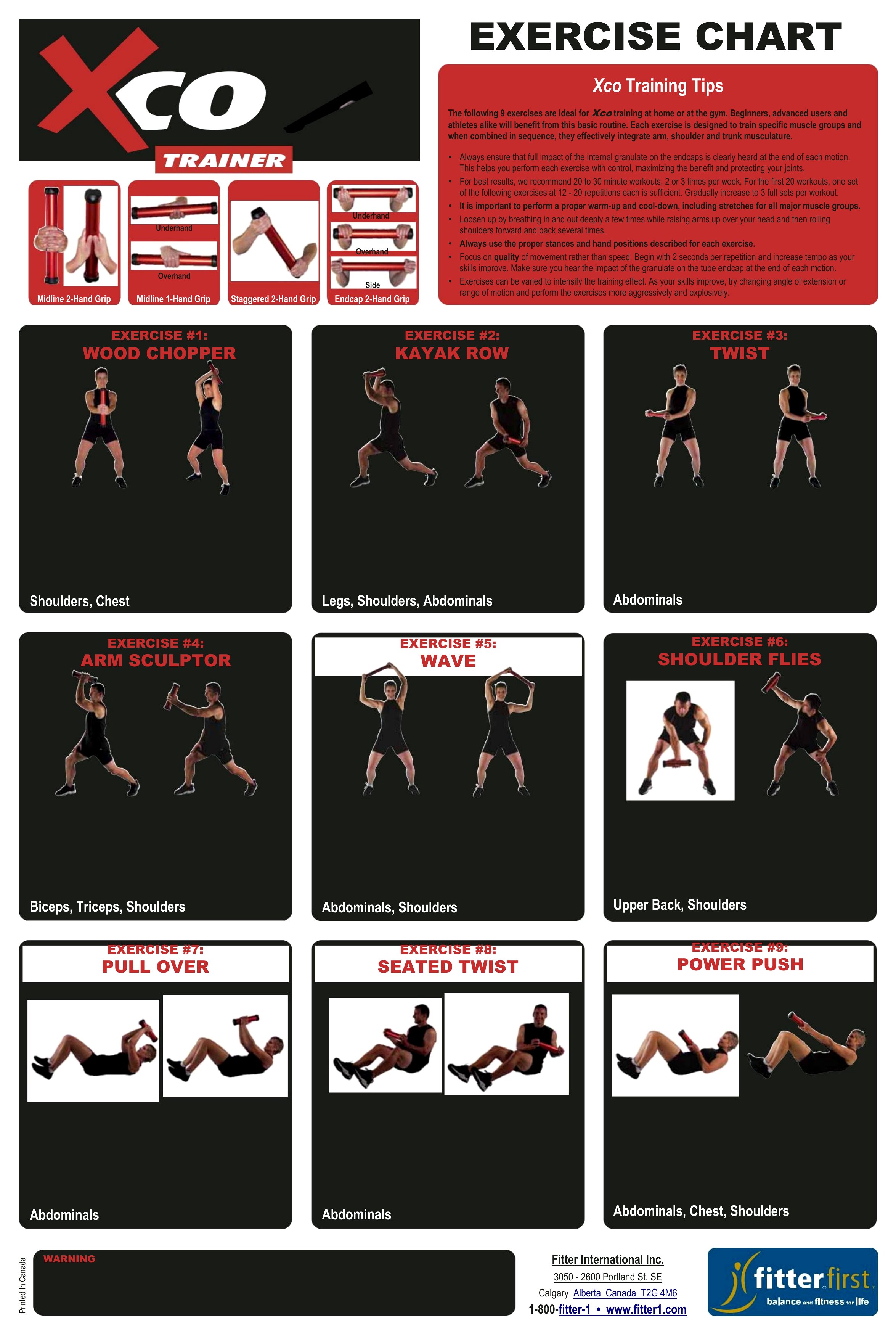
Tracking workouts on paper keeps you honest and shows progress that's easy to lose sight of week to week. This set of 56 exercise charts gives gym-goers, coaches, and beginners a simple way to log sets, reps, weights, and cardio so a training plan stays on course instead of drifting.

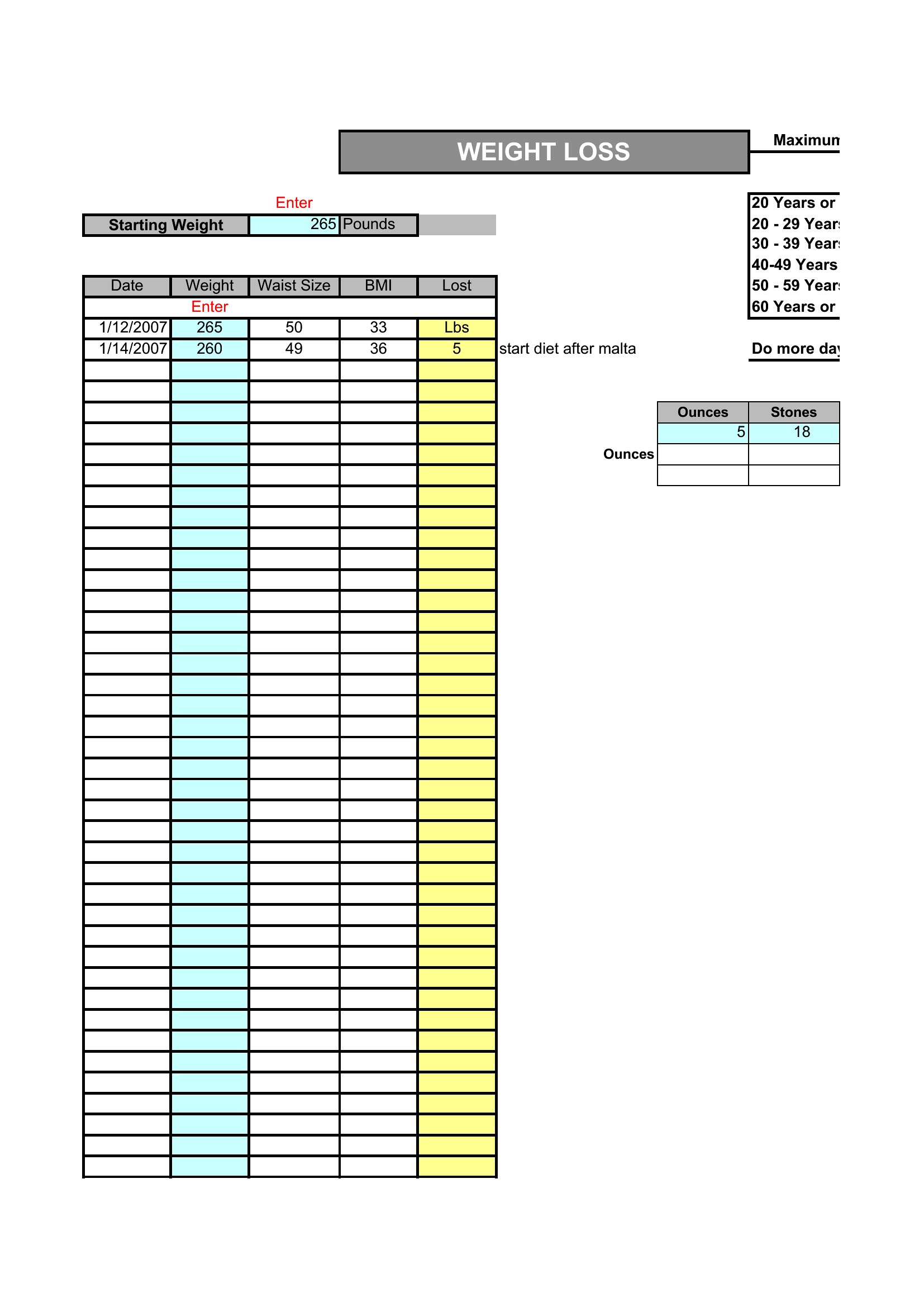
Print the Word versions to clip to a clipboard at the gym, or use the Excel sheets to total volume and watch trends build over time. Write in your routine, check off each session, and adjust the plan as you get stronger. Download the chart that matches your goals and turn good intentions into a steady habit.

When to use this Exercise Chart template

  • A personal trainer tracking client progress weekly, needing a simple Word chart to hand out during sessions for consistency checks.
  • A high school gym teacher assigning fitness logs to students, wanting an Excel template to automatically sum reps and highlight missed days.
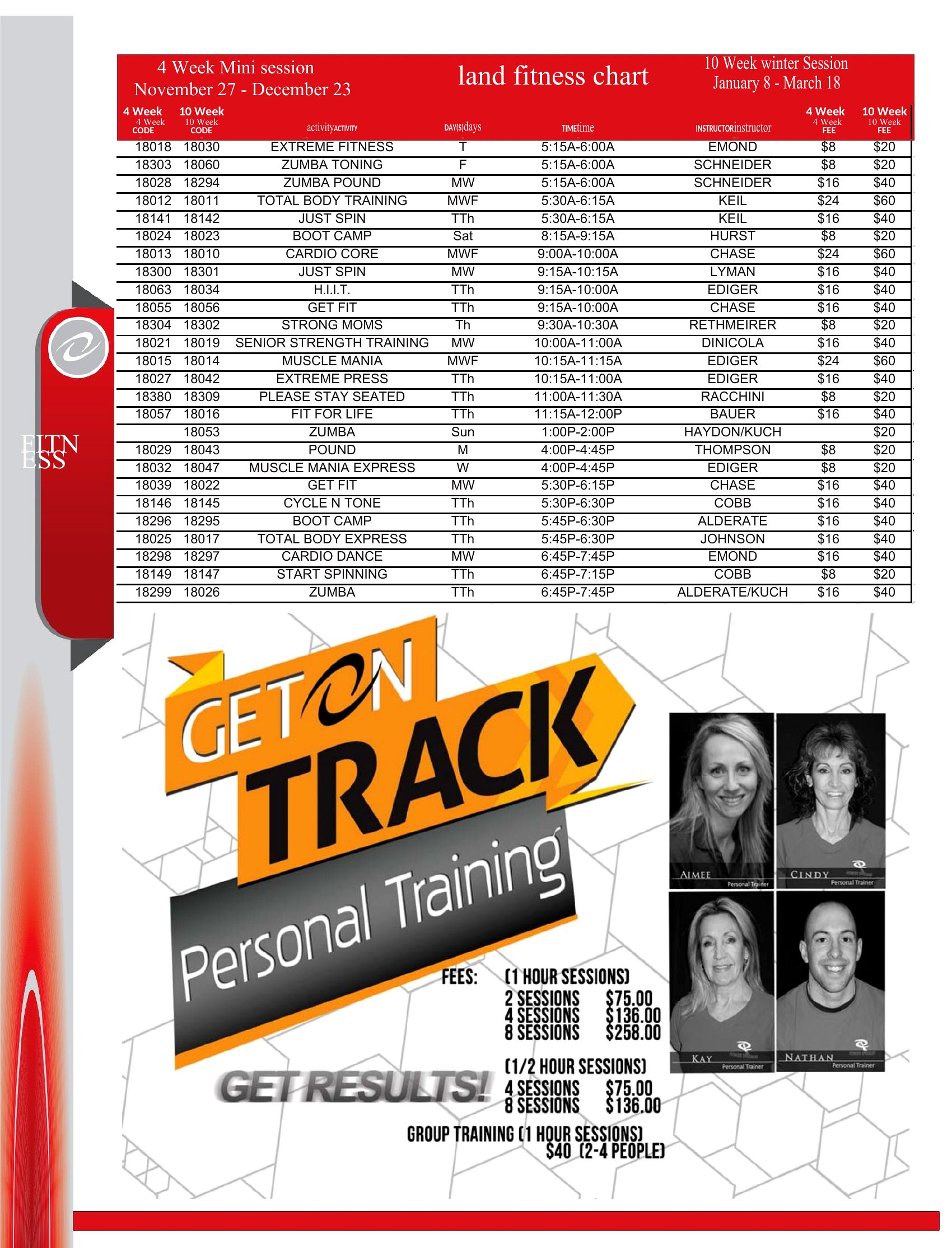
  • A marathon runner logging daily cardio with a printable Word chart that fits in a running belt pouch for quick updates post-workout.
  • A weightlifter who travels frequently, choosing the PDF versions to email to themselves and print at hotel gyms without losing progress.

Which format should I download?

WordExcel

Pick Word if you want a lightweight, print-ready chart to carry to the gym or handwrite notes in between sets. Excel is ideal for those who need formulas to calculate weekly totals, track trends over months, or compare multiple exercises side-by-side. Both formats are editable, but Excel adds automatic calculations—Word is better for quick, visual progress tracking without extra features.

Choose from 56 Exercise Chart Templates
How to use this Exercise Chart template

Can I use these charts to log nutrition alongside workouts?

These templates focus strictly on exercise tracking—sets, reps, weights, and cardio. Pair them with a dedicated meal log if you need both in one place. The Excel versions won’t conflict with nutrition data if you add a separate sheet, but no built-in nutrition fields exist.
How detailed should I get with my workout notes in the chart?

Start with the basics: date, exercise name, sets/reps, and weight used. The Excel versions have space for extra notes, while Word charts prioritize simplicity. Add details like rest times or fatigue ratings only if they help you stay consistent—don’t let note-taking slow down your workout.

What’s the best way to track progress over a year with these charts?

Use the Excel templates to input data weekly, then copy-paste key metrics (like max lifts or cardio time) into a separate spreadsheet for monthly summaries. For Word versions, print a new chart every 4–6 weeks and compare it to your first. Neither format replaces a full progress journal, but both work well for short-term trends.
Comments

Join the conversation

Sign in to share your thoughts and leave a comment on this resource.

Newsletter

Get Weekly Design Updates
Join our community to receive curated resources and inspiration.
Weekly Tips Resources Early Access
We respect your privacy. Confirmation email required. Privacy Policy