Free Printable Workout Logs (Word, Excel, PDF)
LifeTemplates
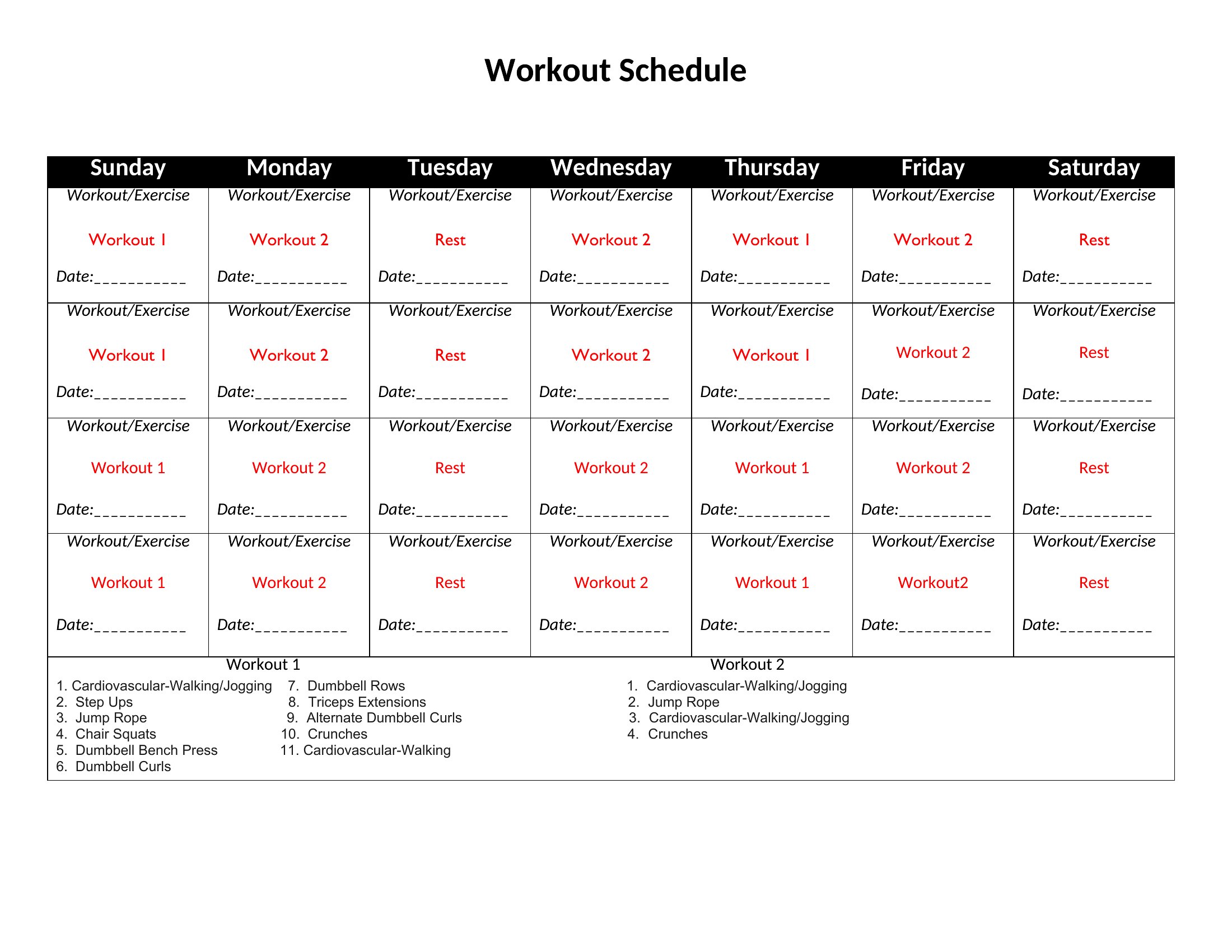
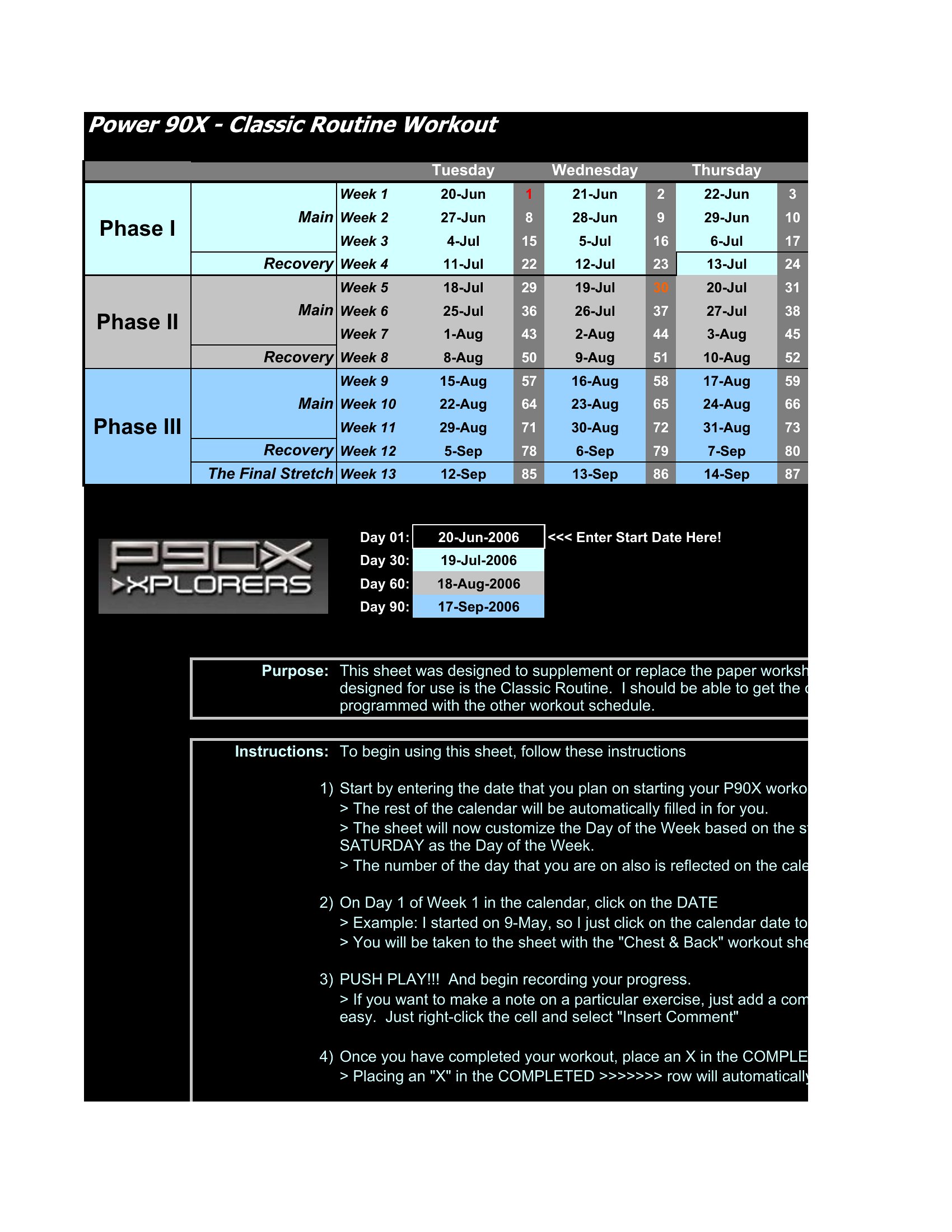
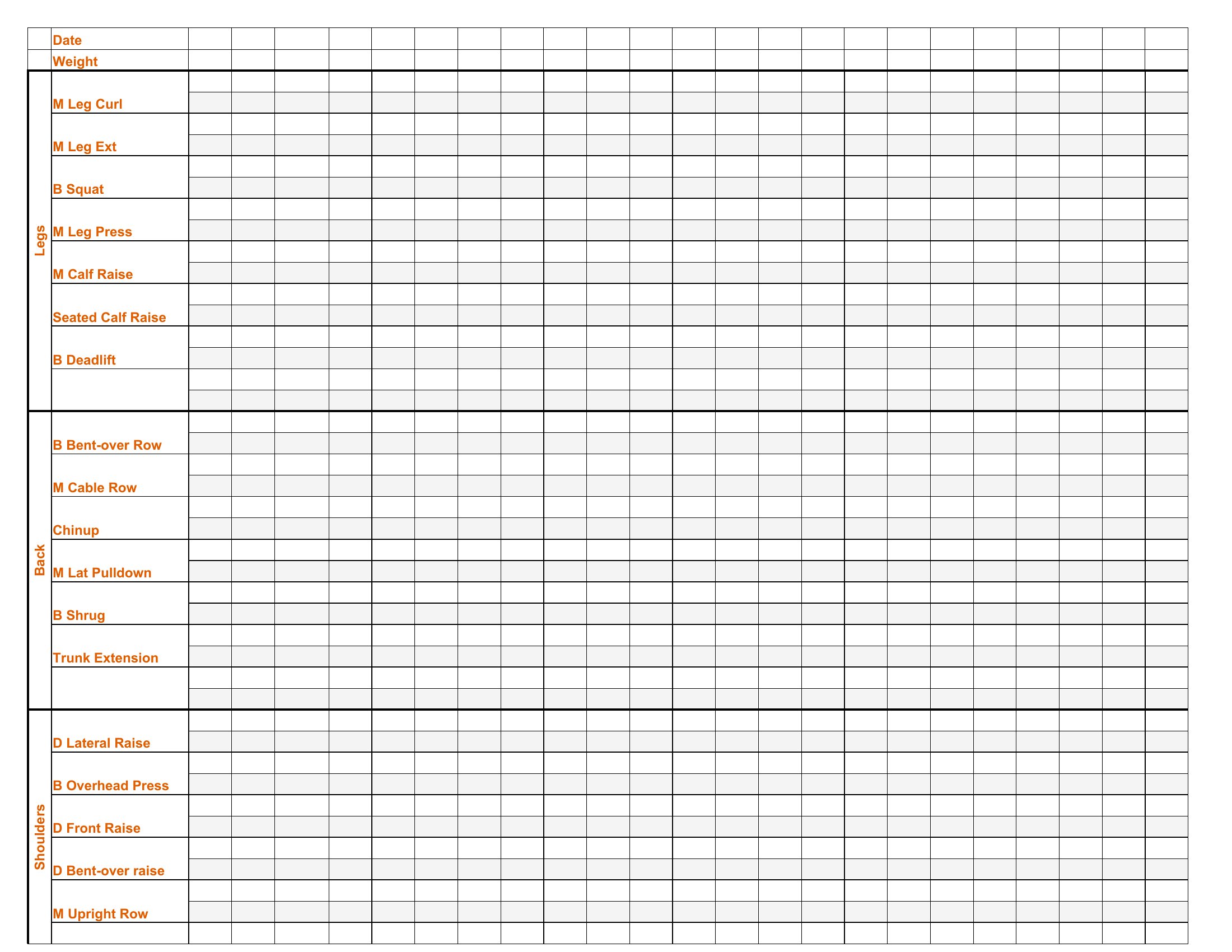
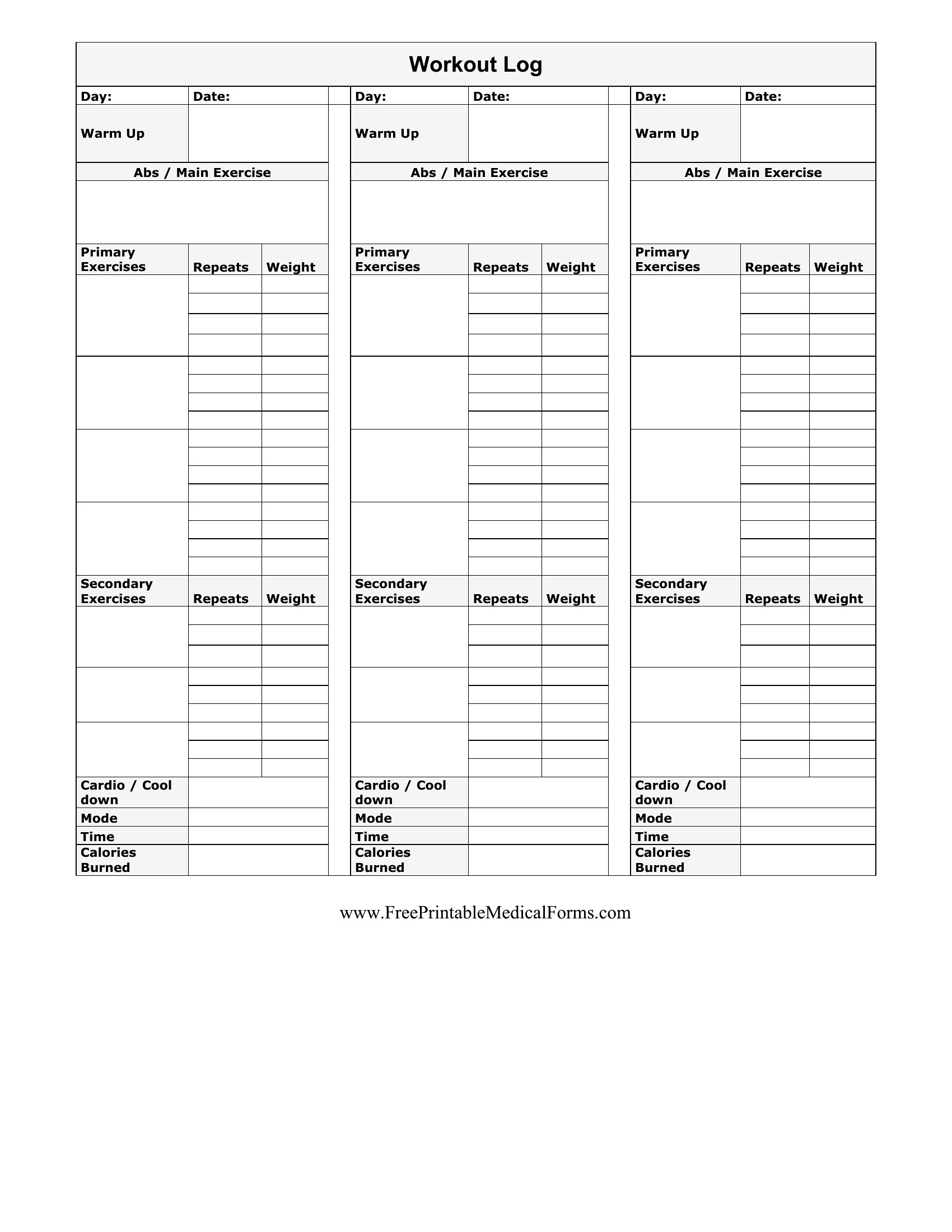
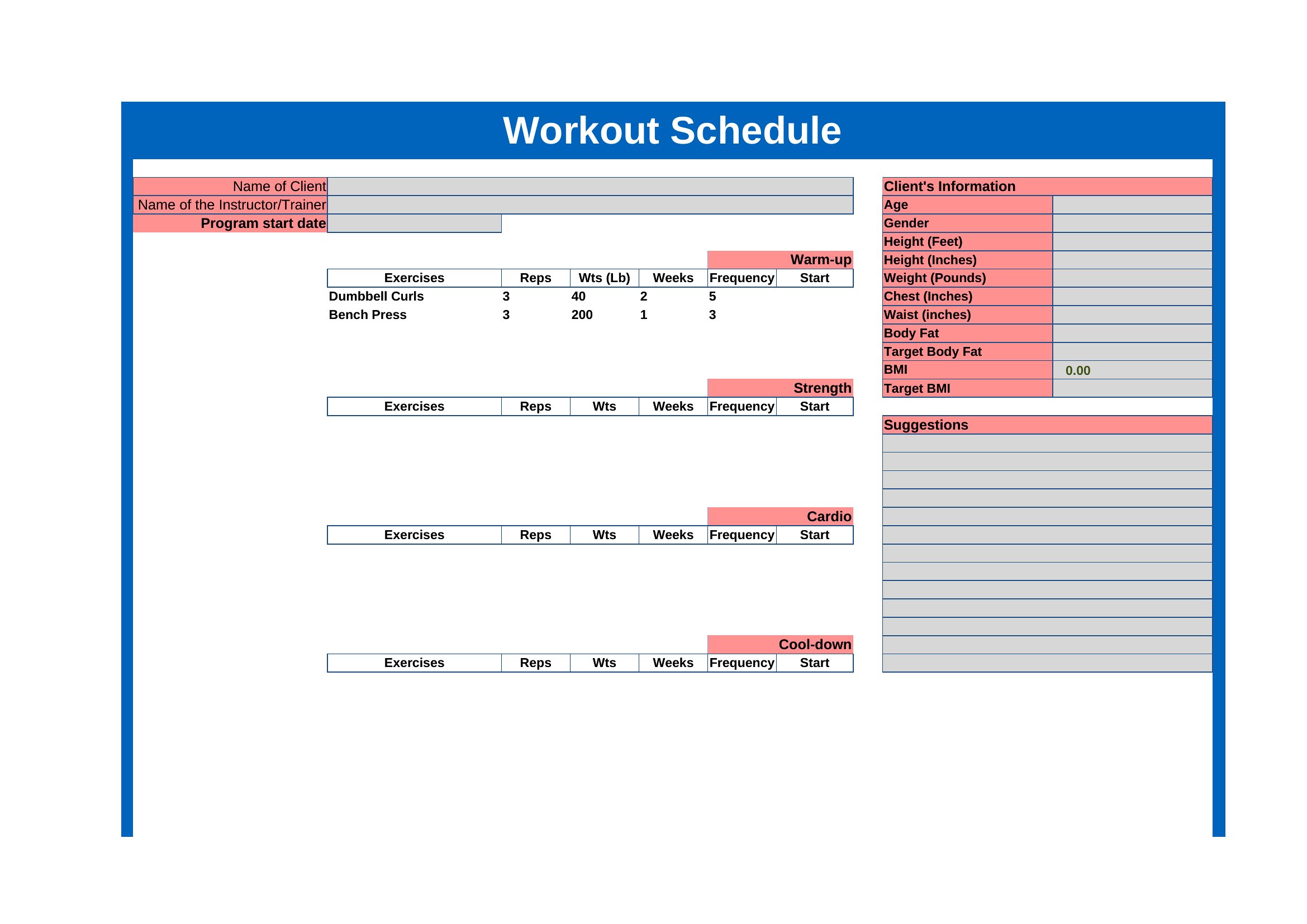
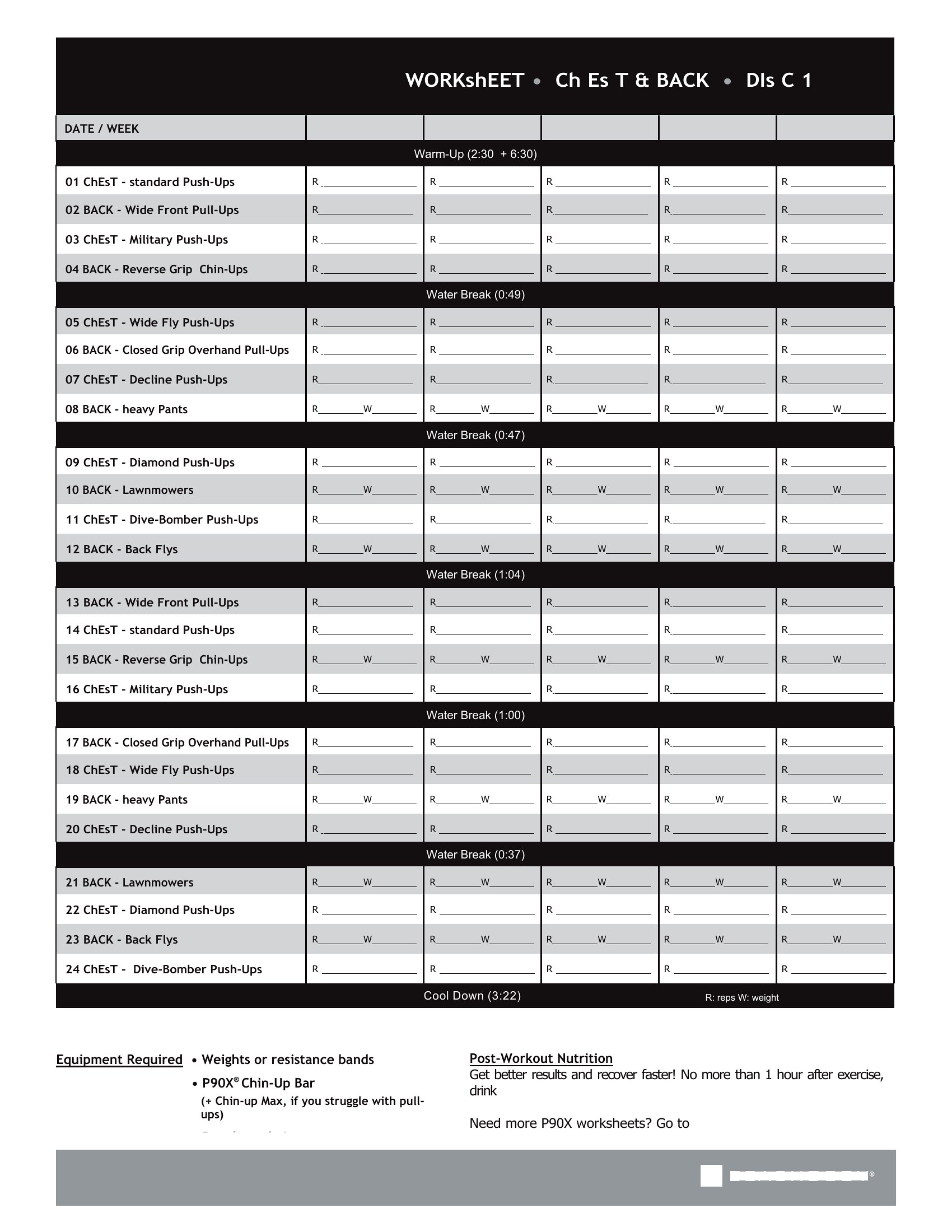
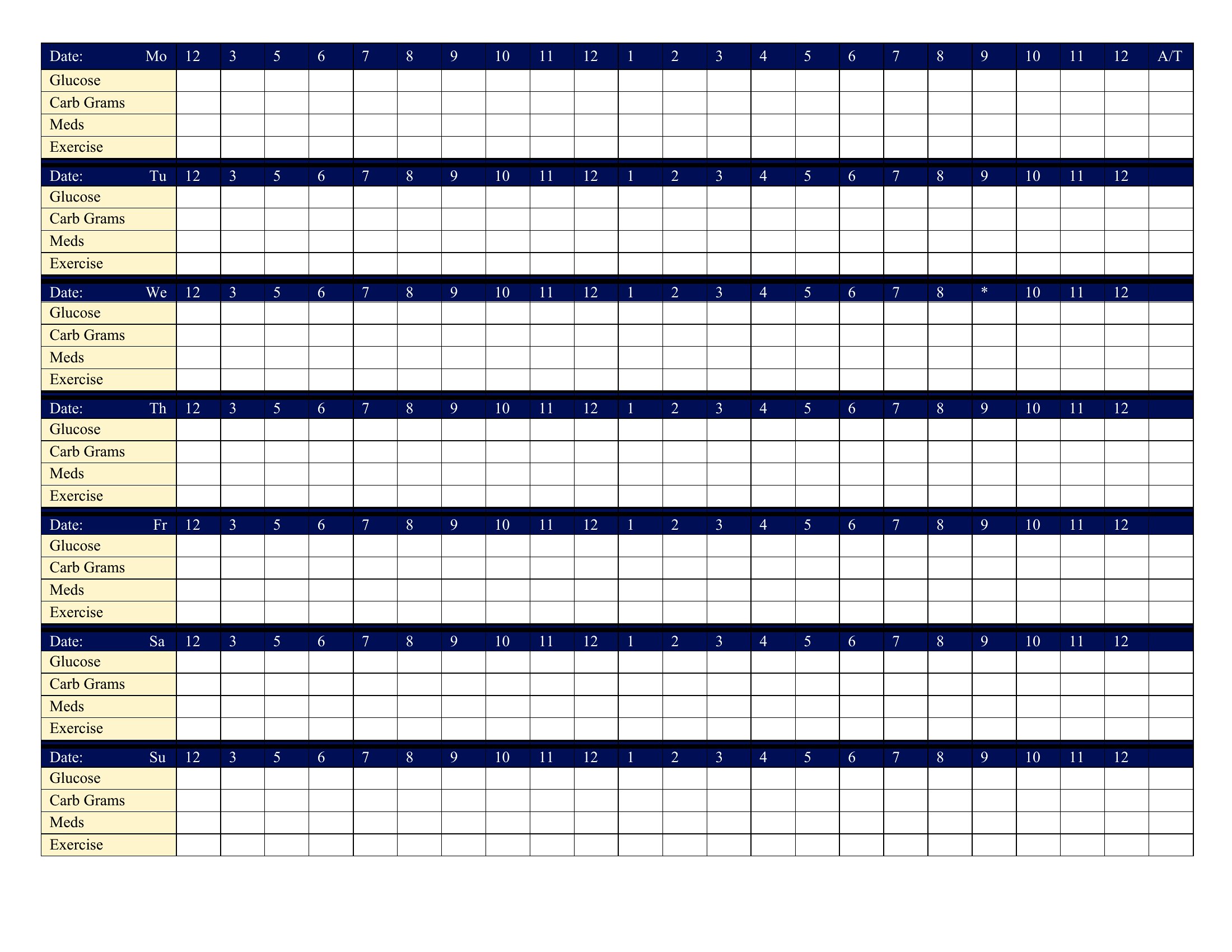
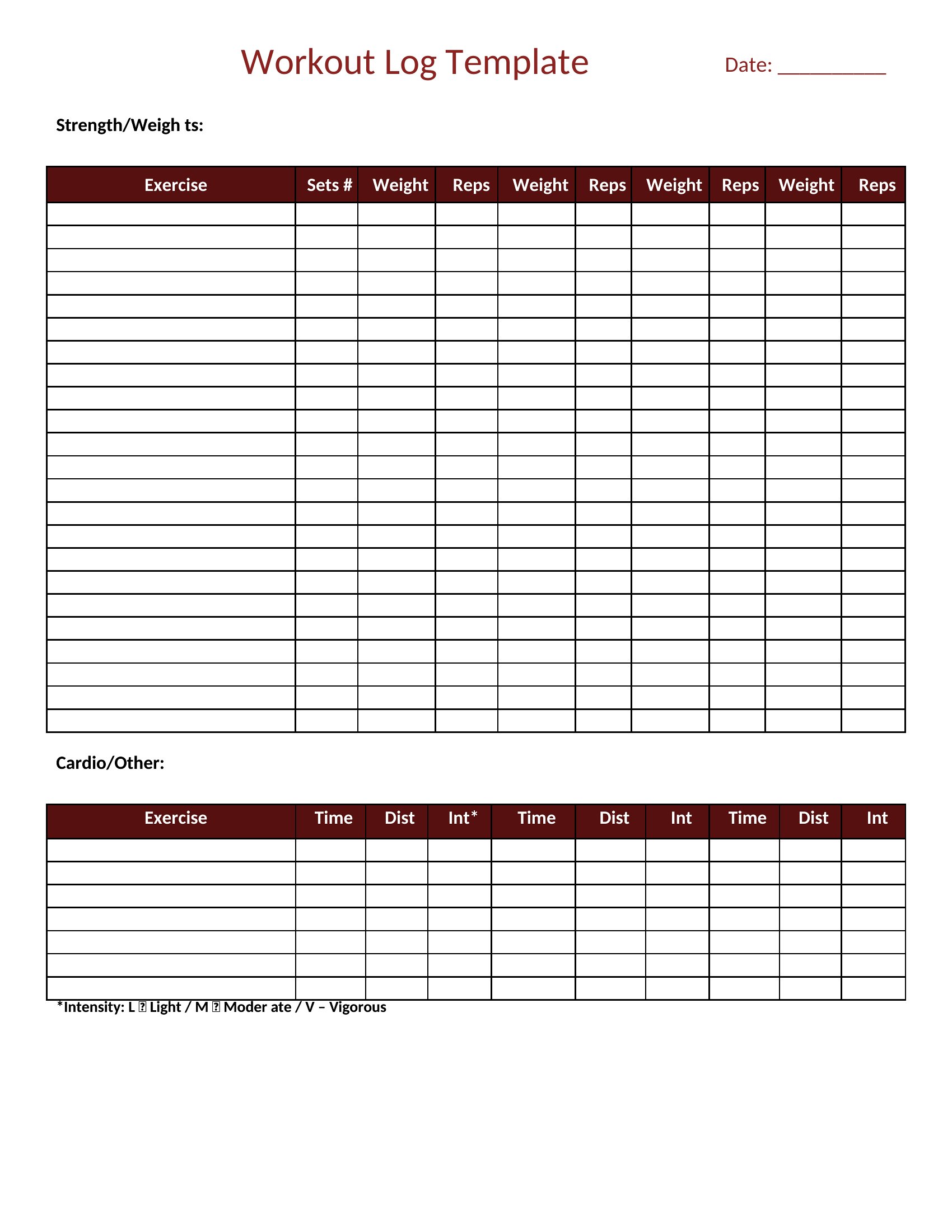
FAQ
Can these logs help me adjust my training based on fatigue or soreness levels?
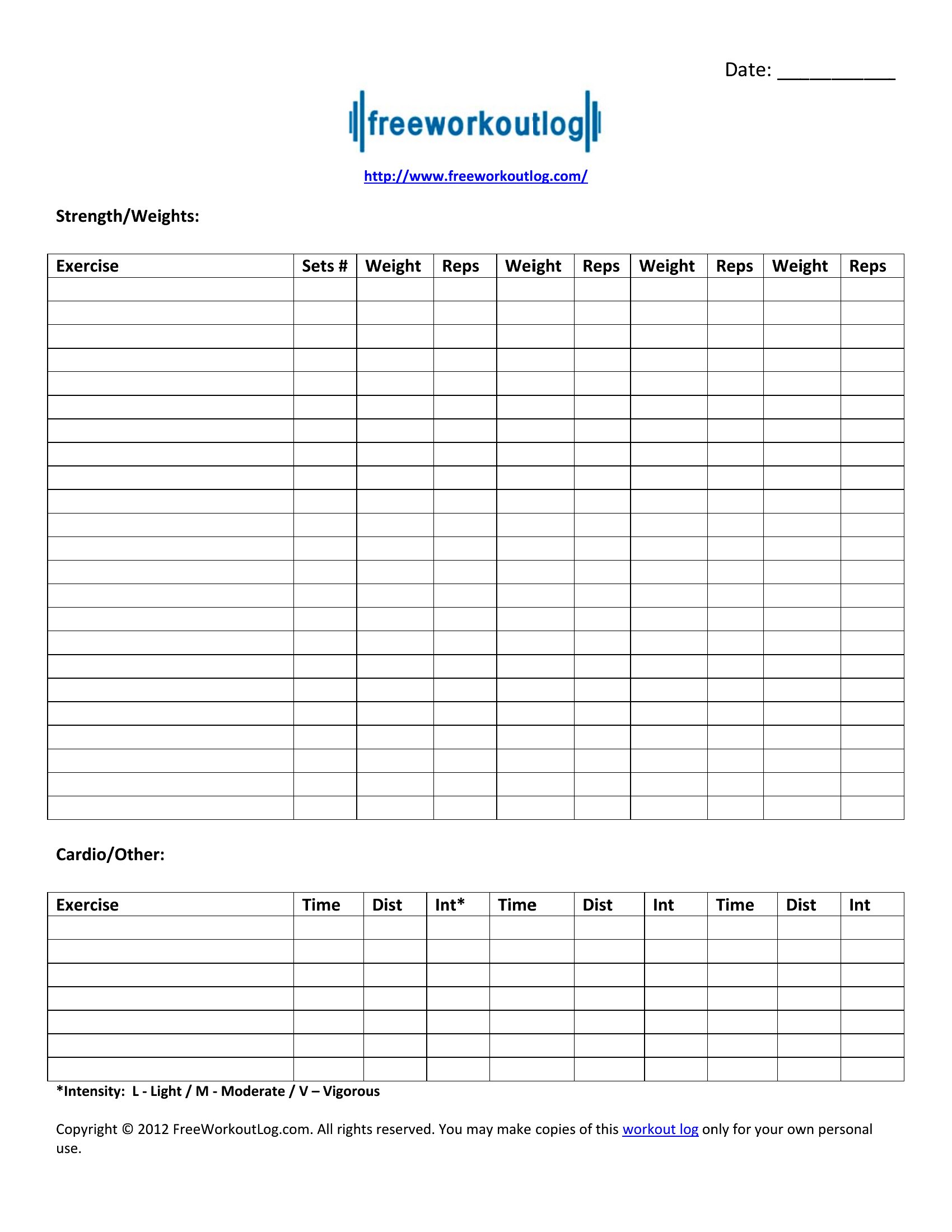
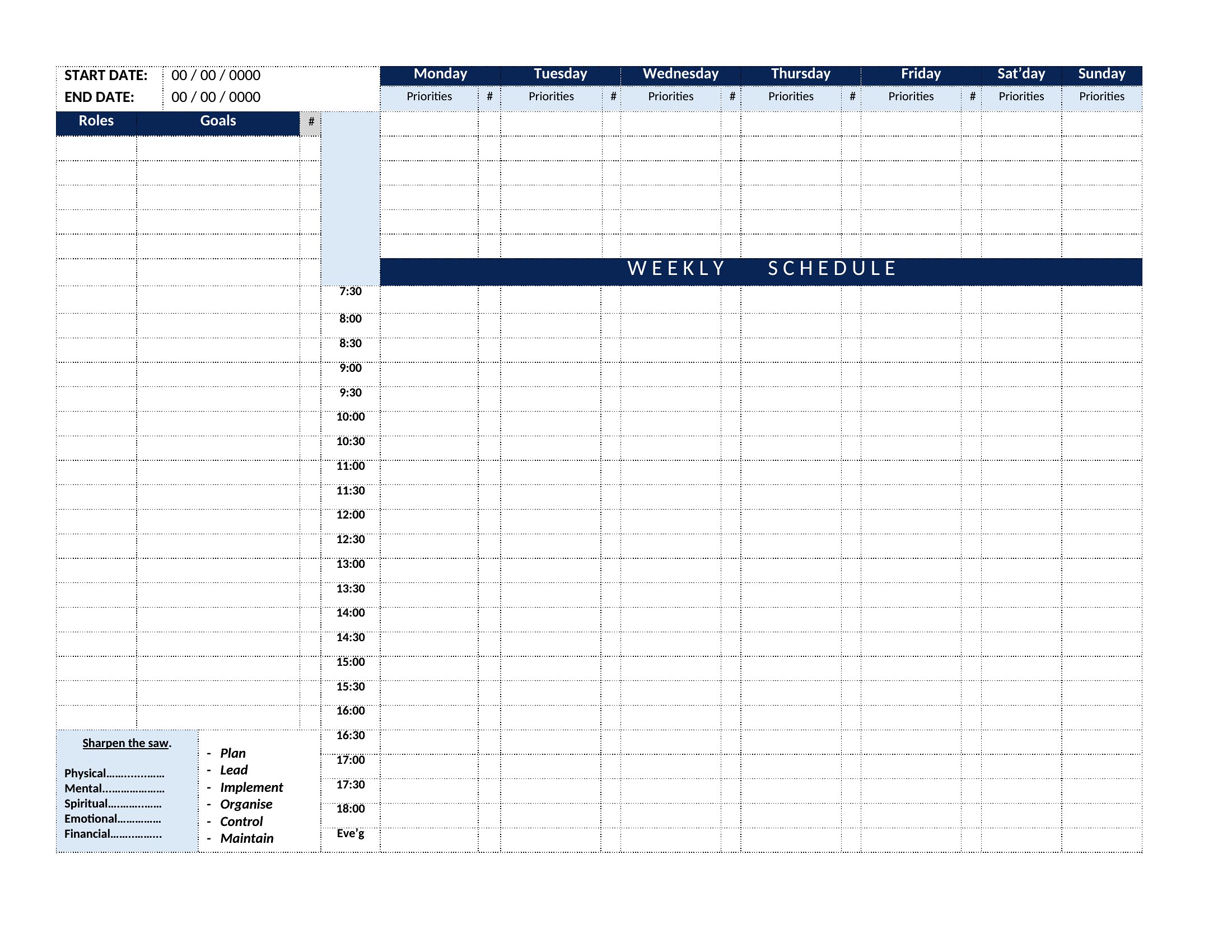
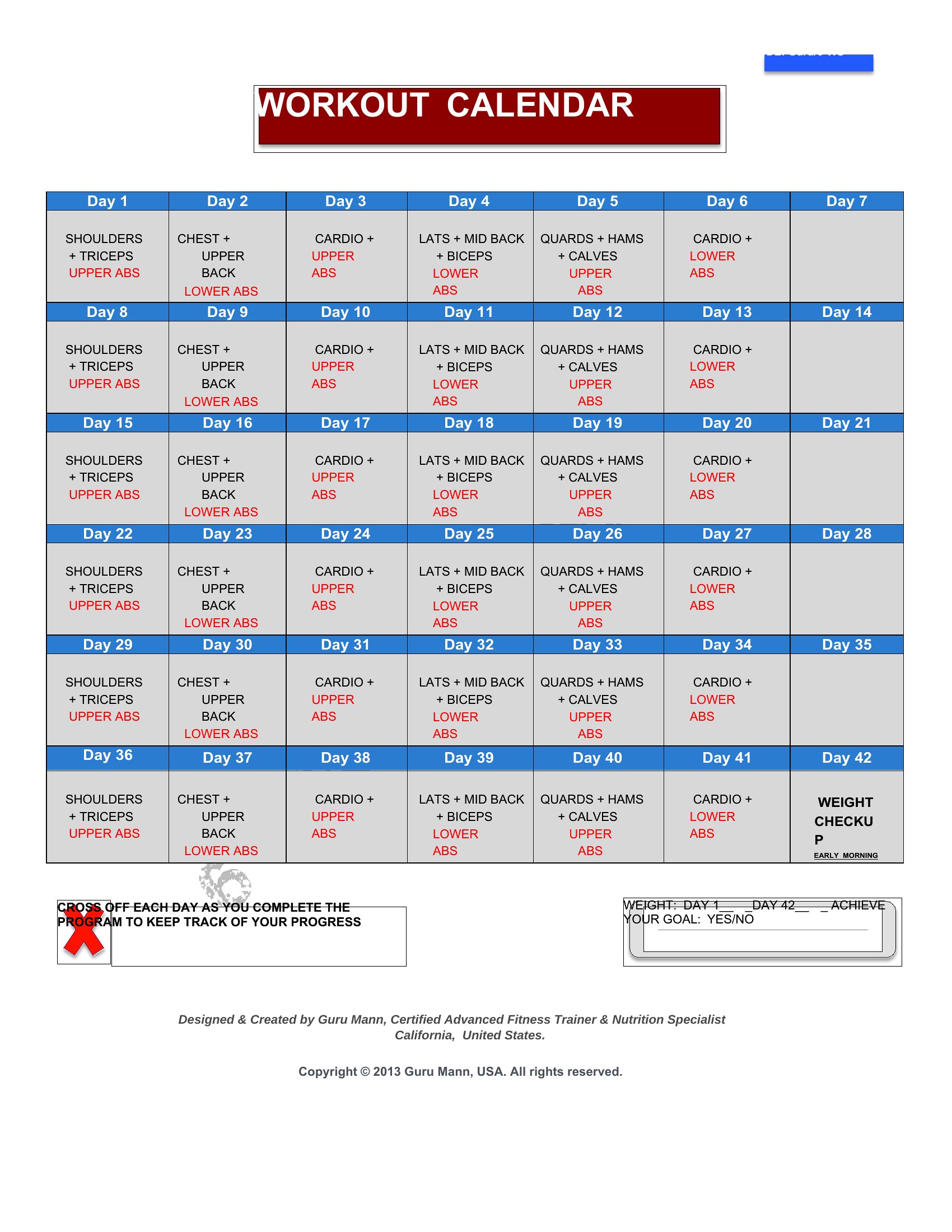
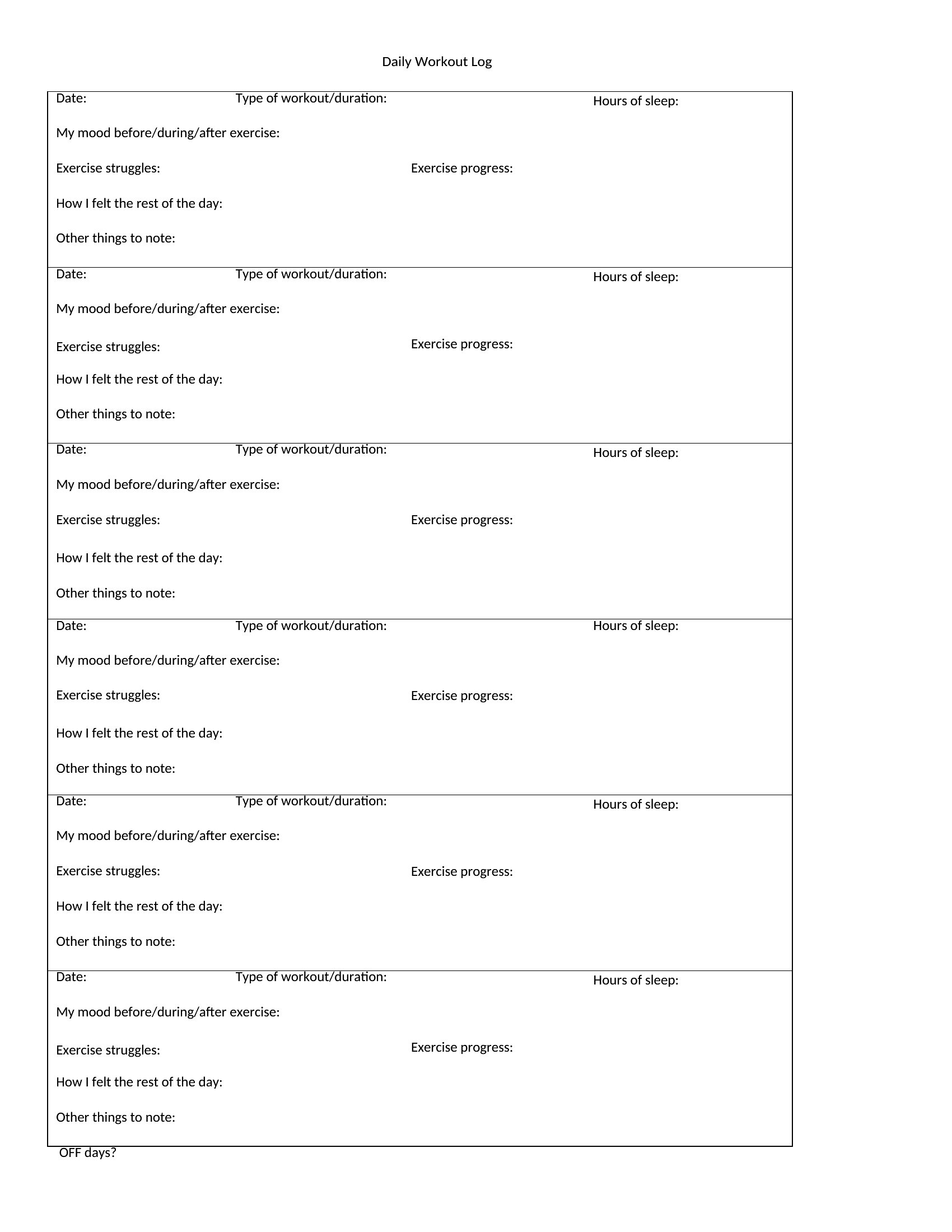
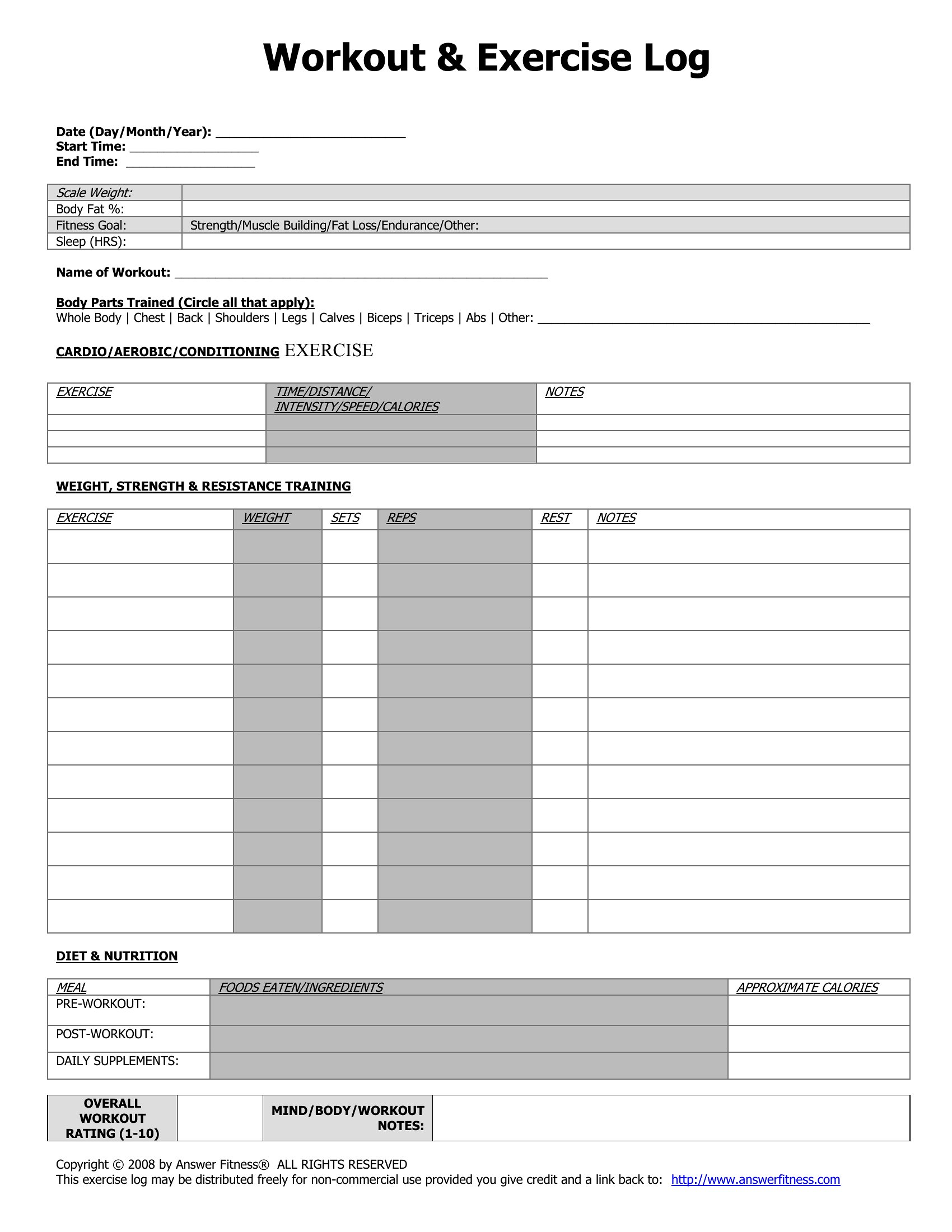
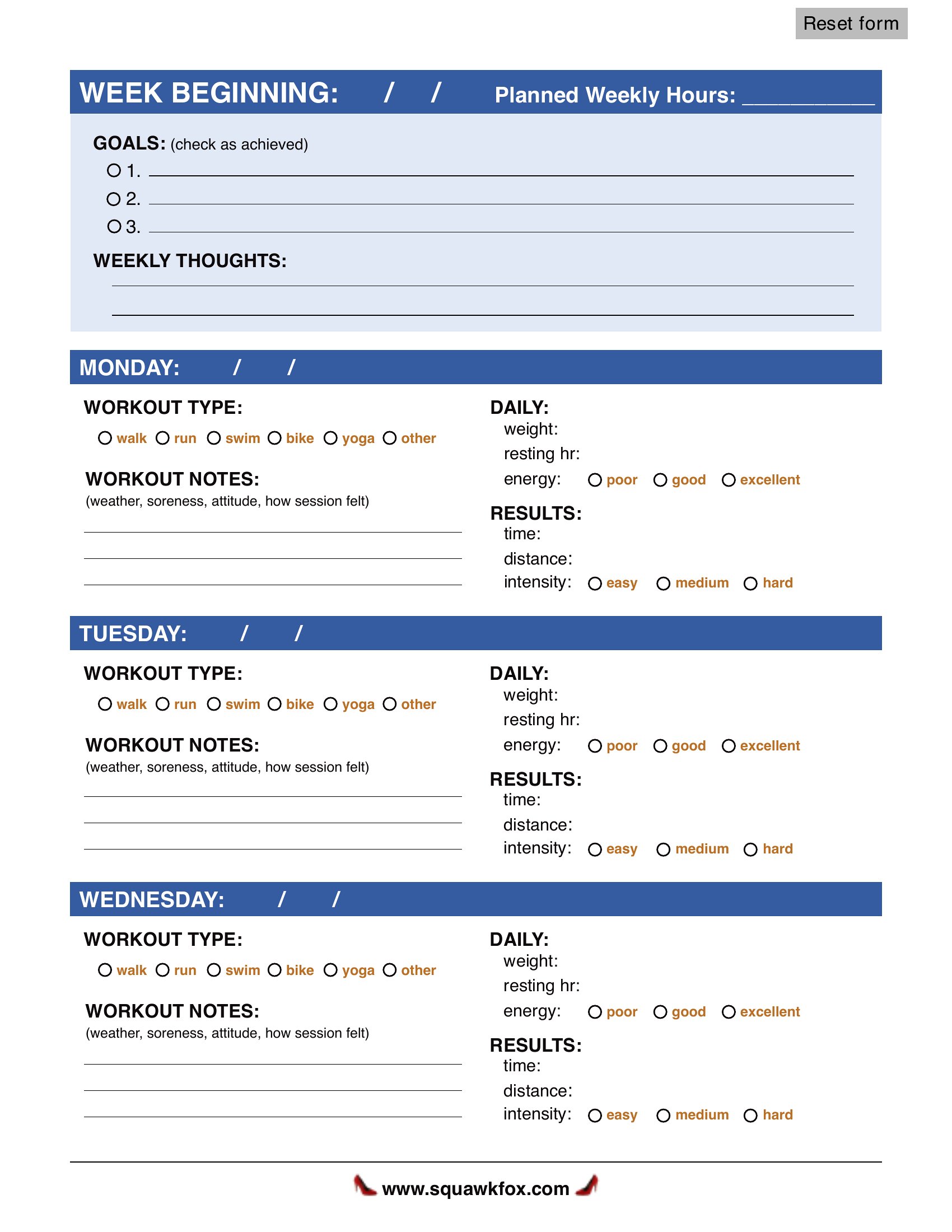
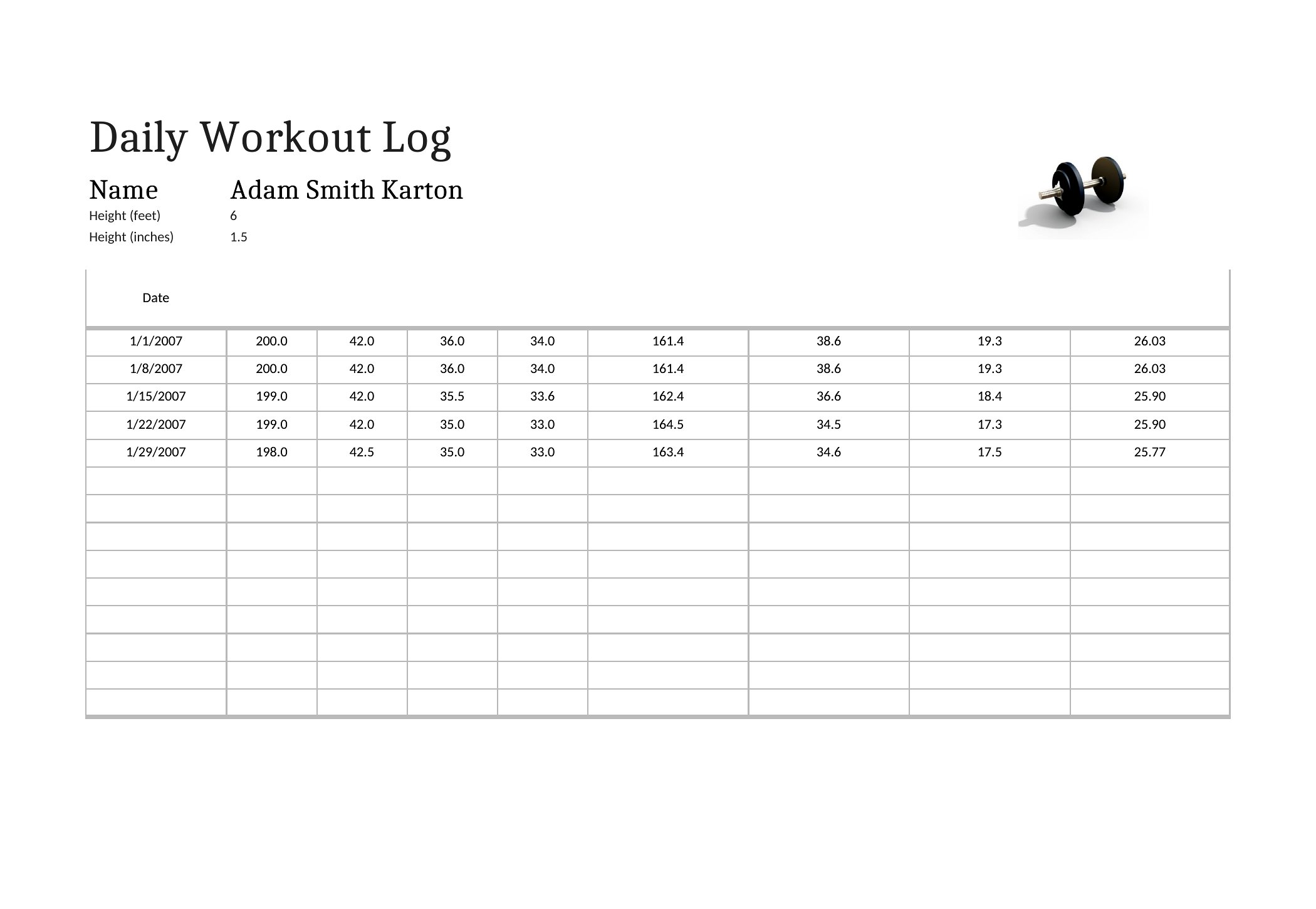
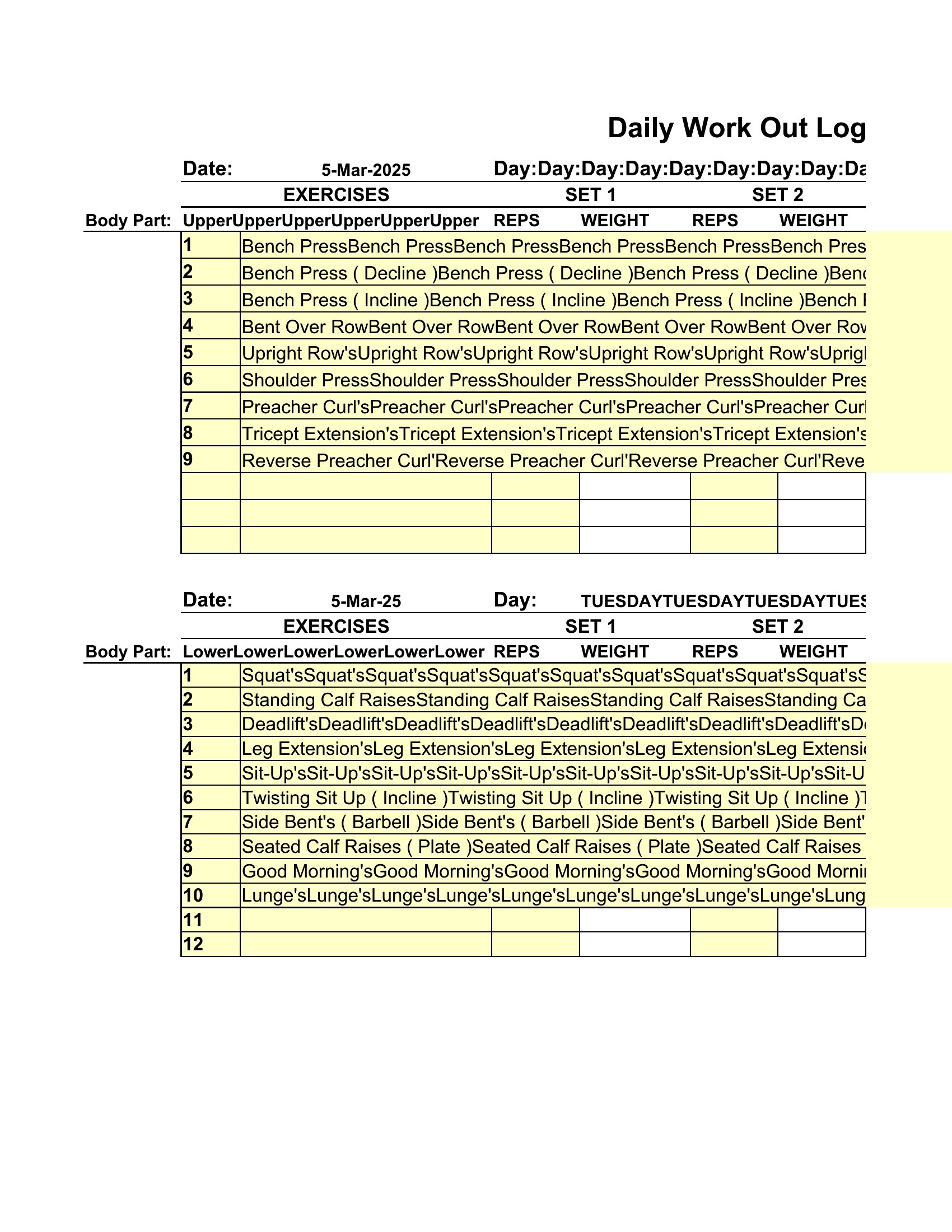
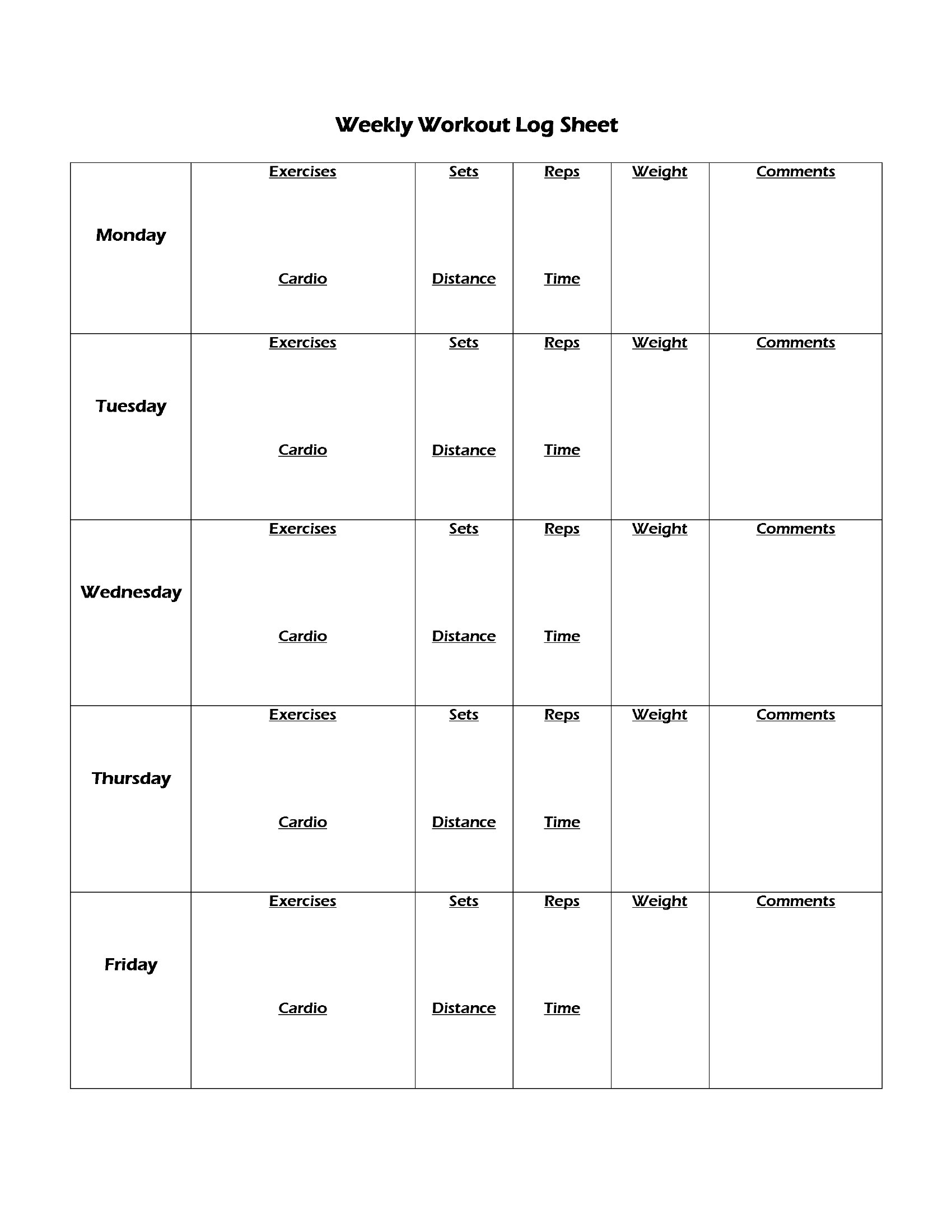
Yes, several templates include sections for noting perceived exertion, recovery ratings, or subjective fatigue (e.g., 1–10 scale). Use these to identify patterns—like when overtraining creeps in—and tweak volume or intensity accordingly. Pair this with a weekly overview template to spot trends over 4–8 weeks. Treat these as starting points; consult a coach or sports scientist for program adjustments.
What’s the best way to track supplements or mobility work alongside workouts?
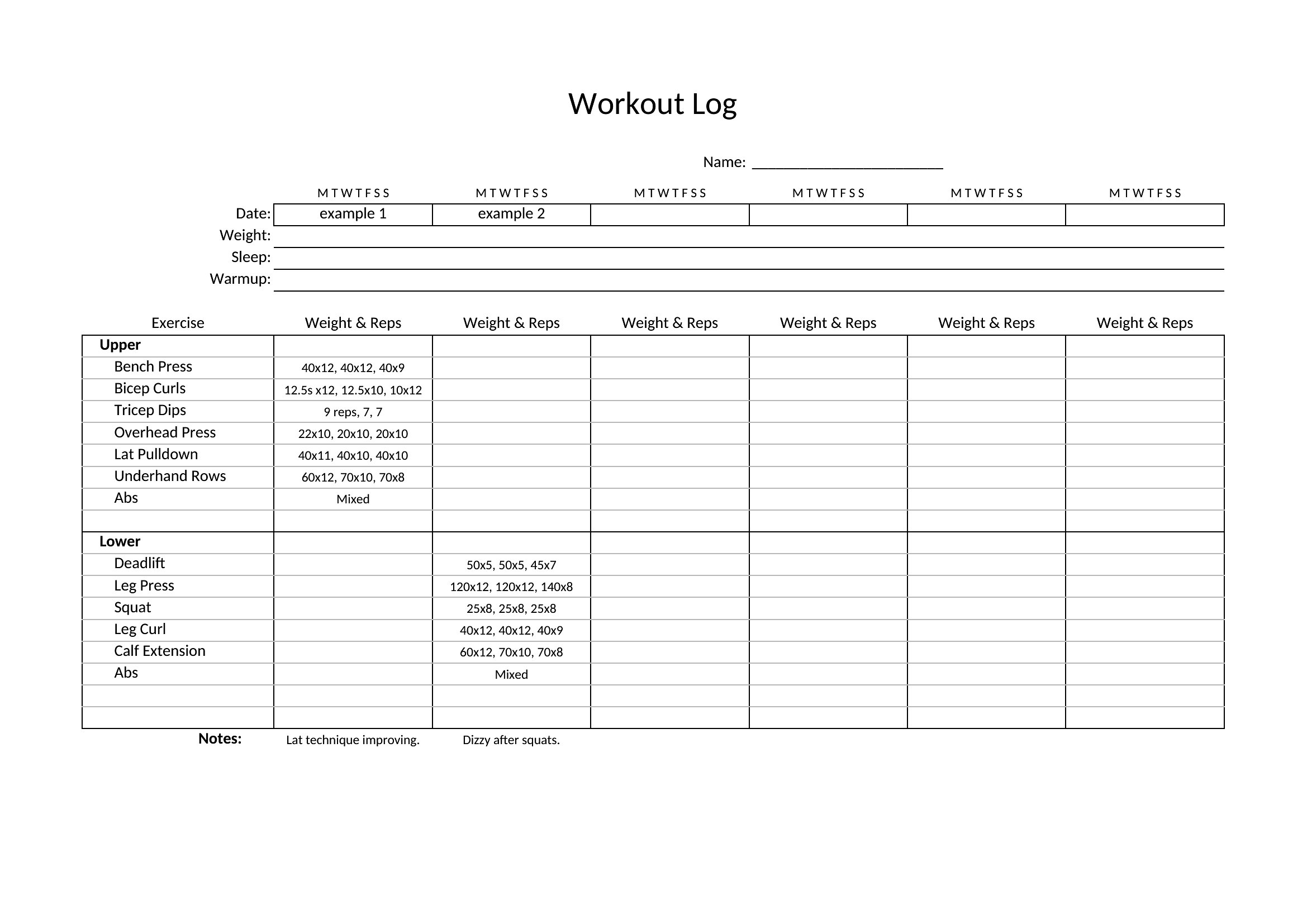
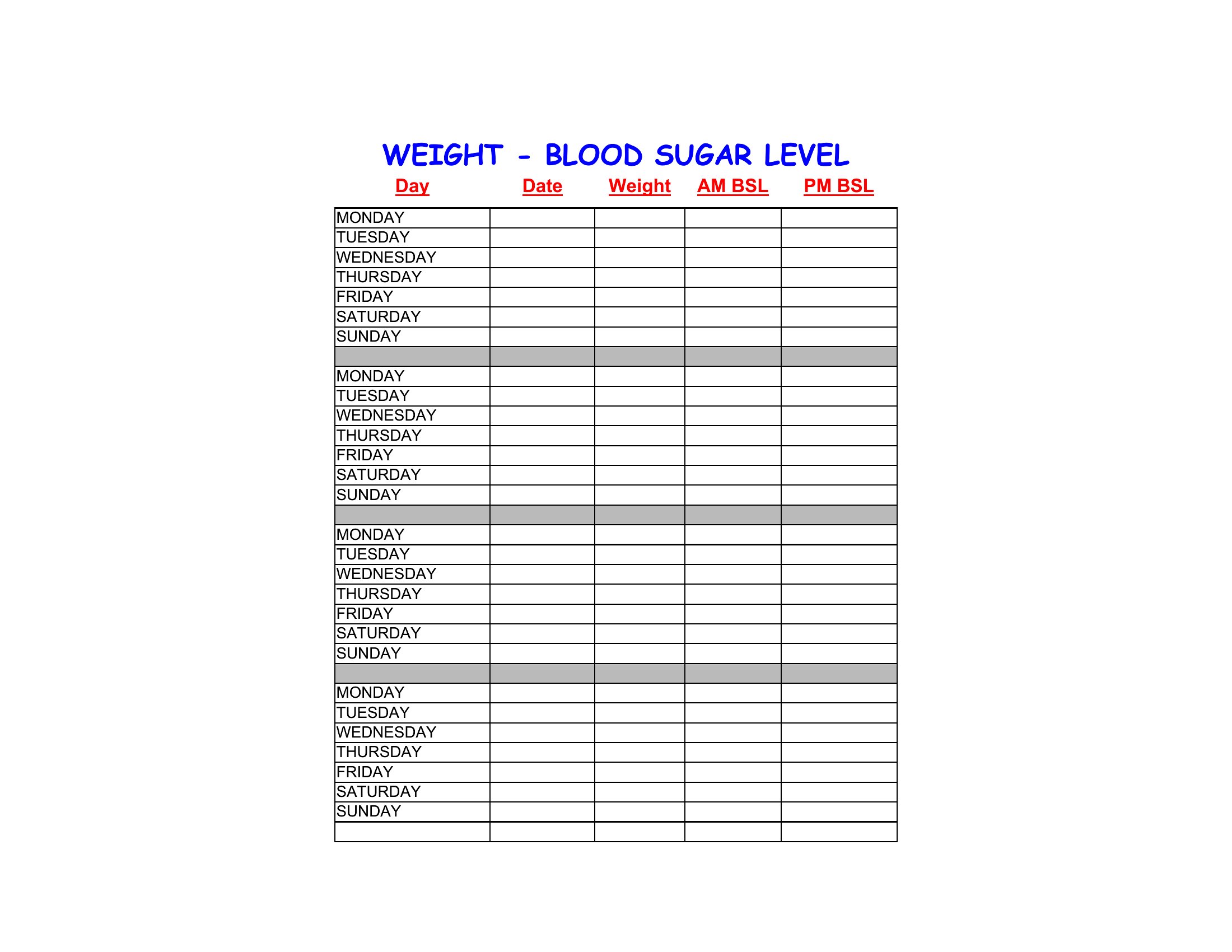
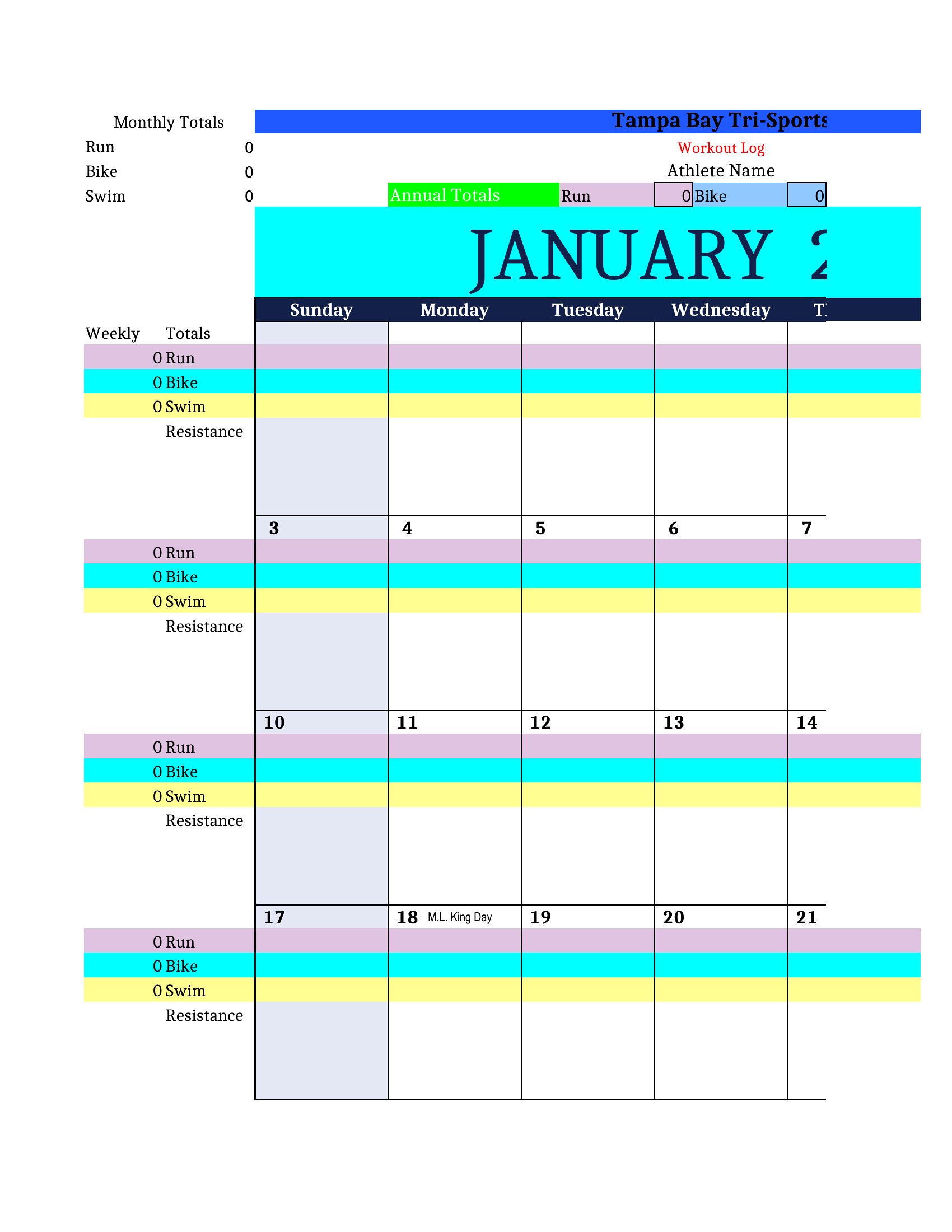
Look for templates with a notes column or a secondary sheet in Excel/Word. Some include dedicated rows for pre/post-workout supplements, mobility drills, or sleep tracking. If none fit, add a “supplements” tab in Excel or a separate page in Word. Keep it concise—focus on what directly impacts performance, like creatine timing or dynamic warm-up routines.
How do I use these logs if I train with a partner but want to compare our progress separately?
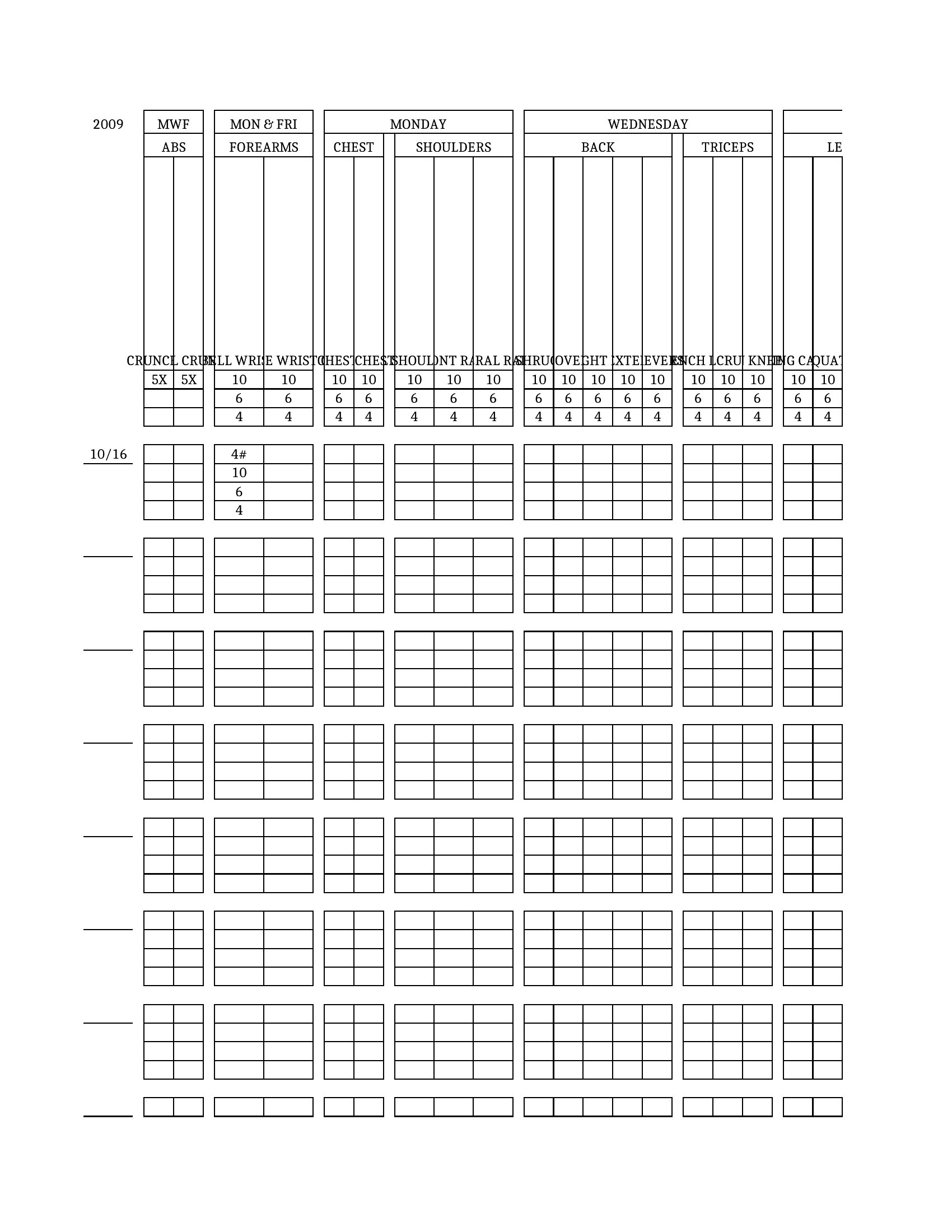
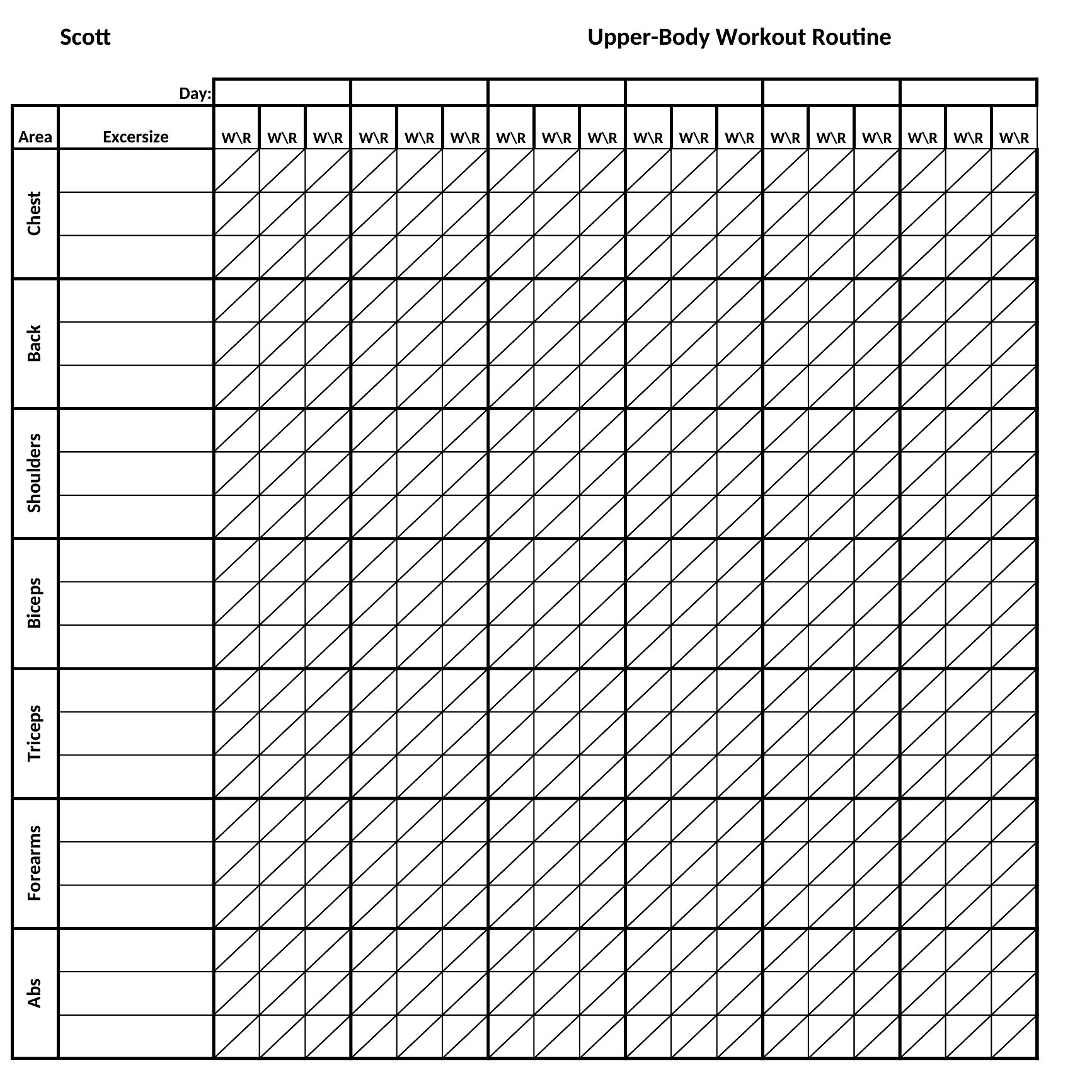
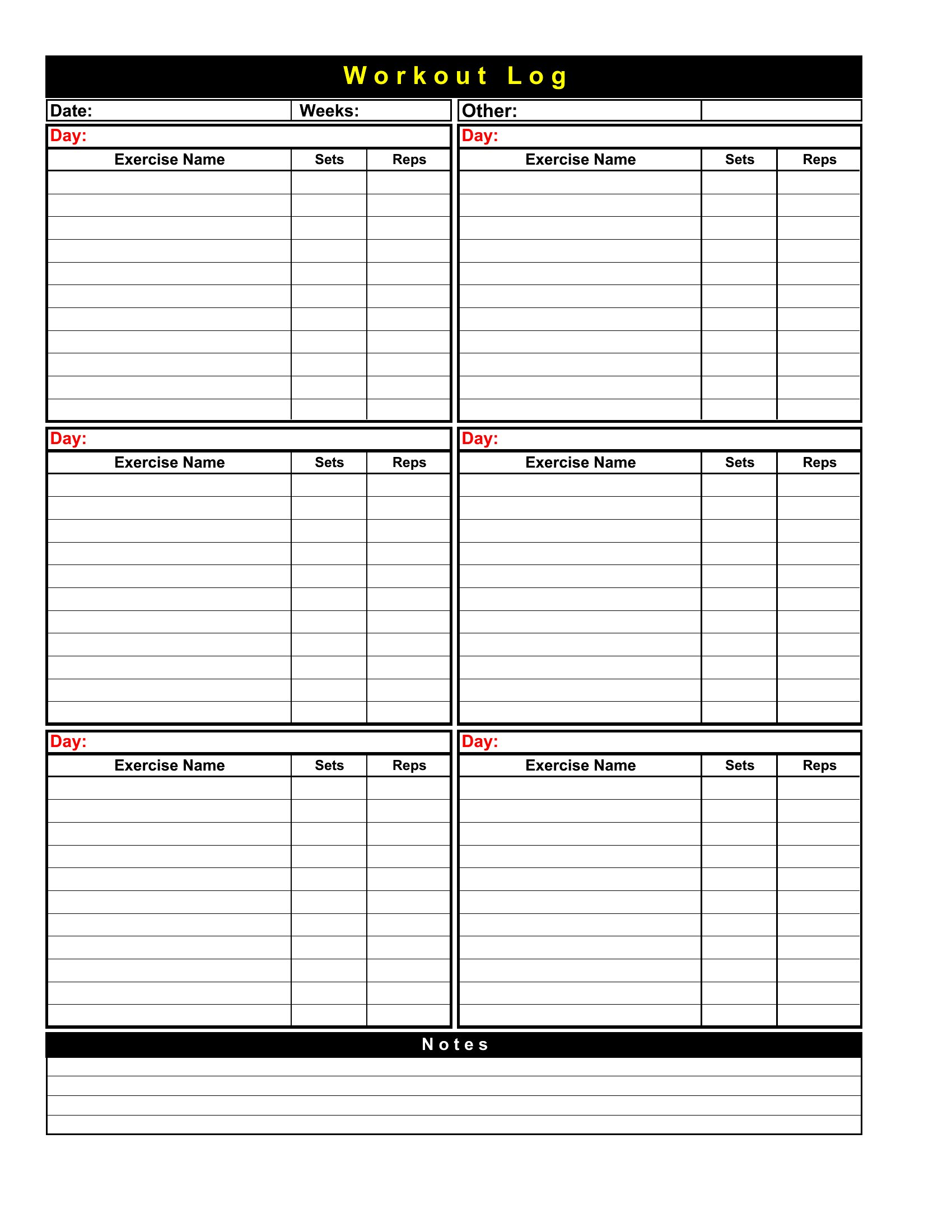
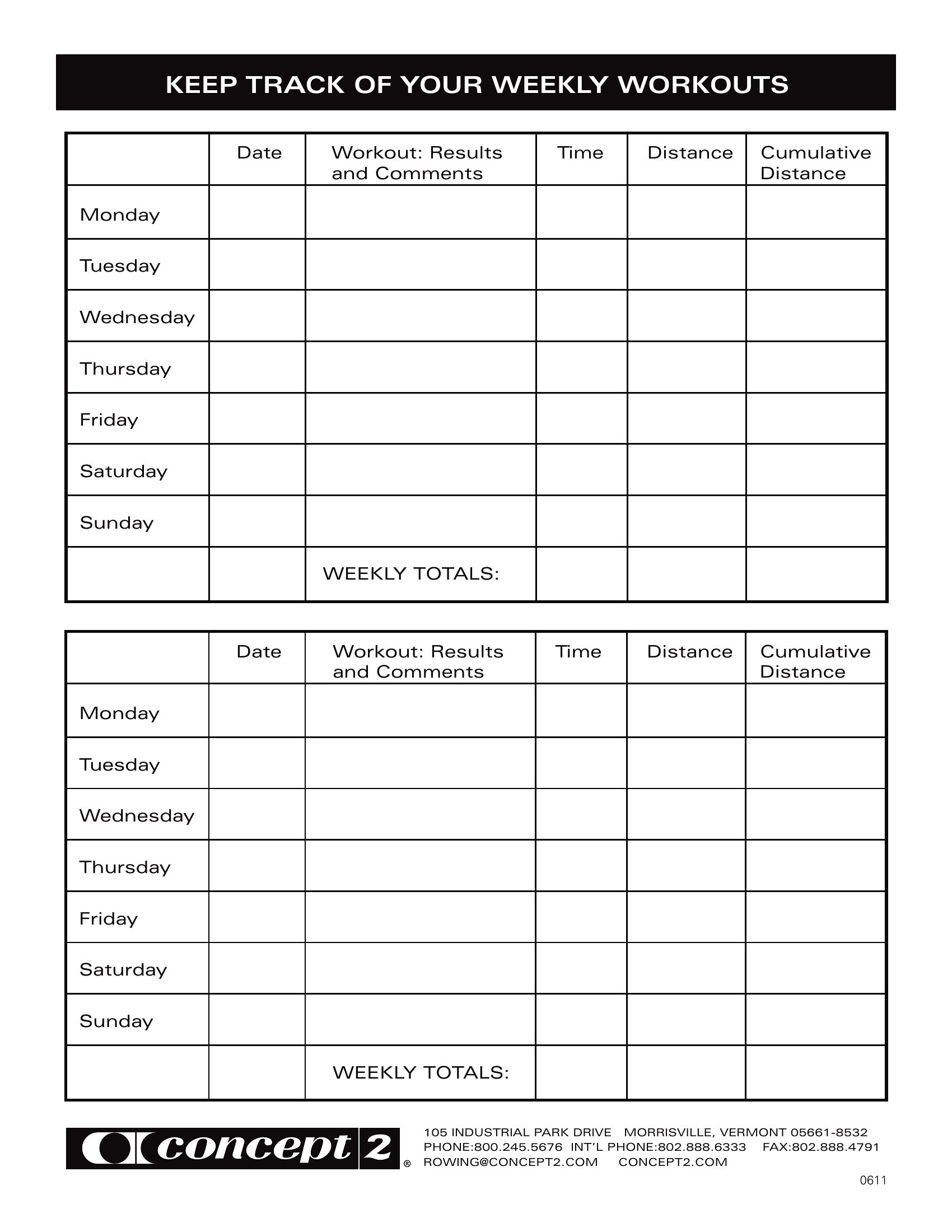
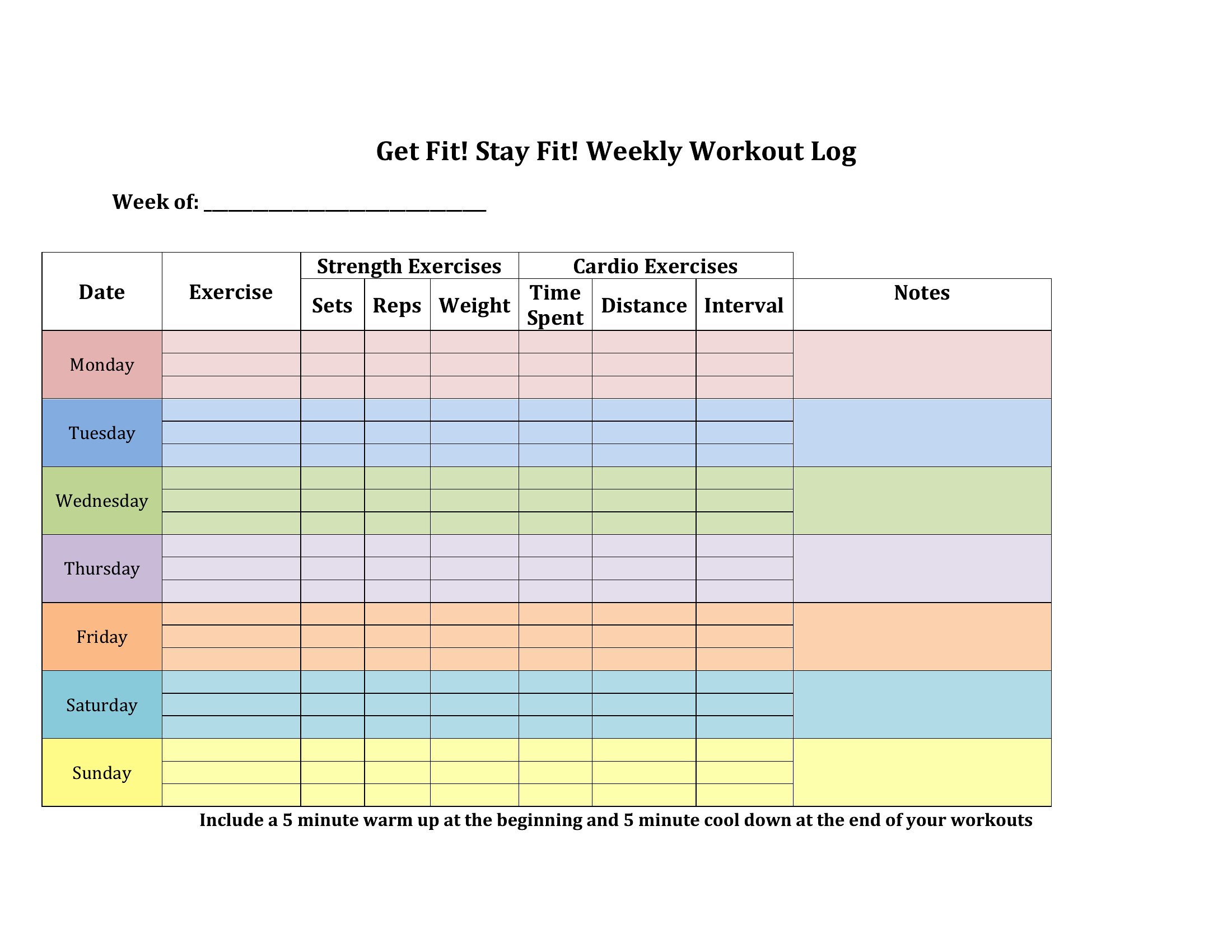
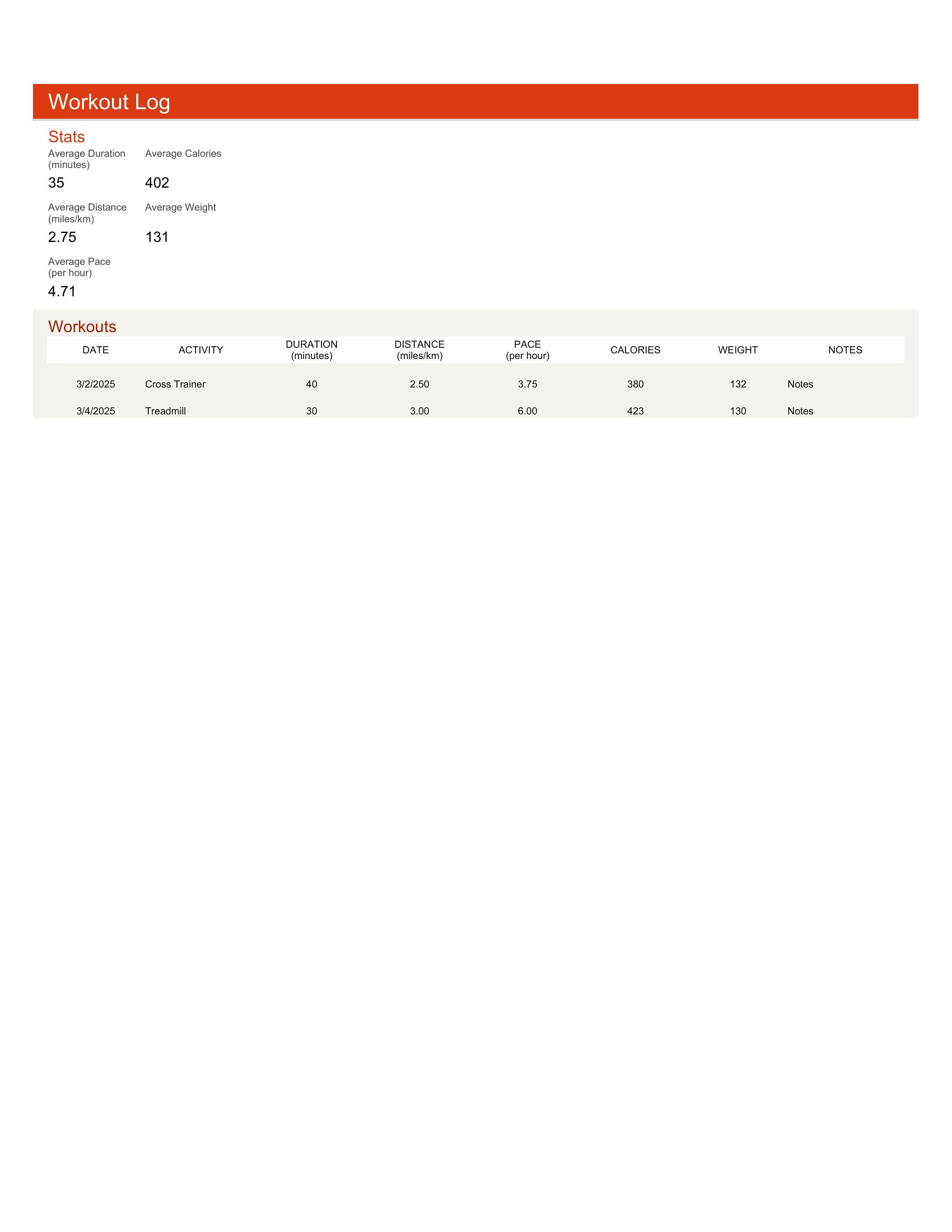
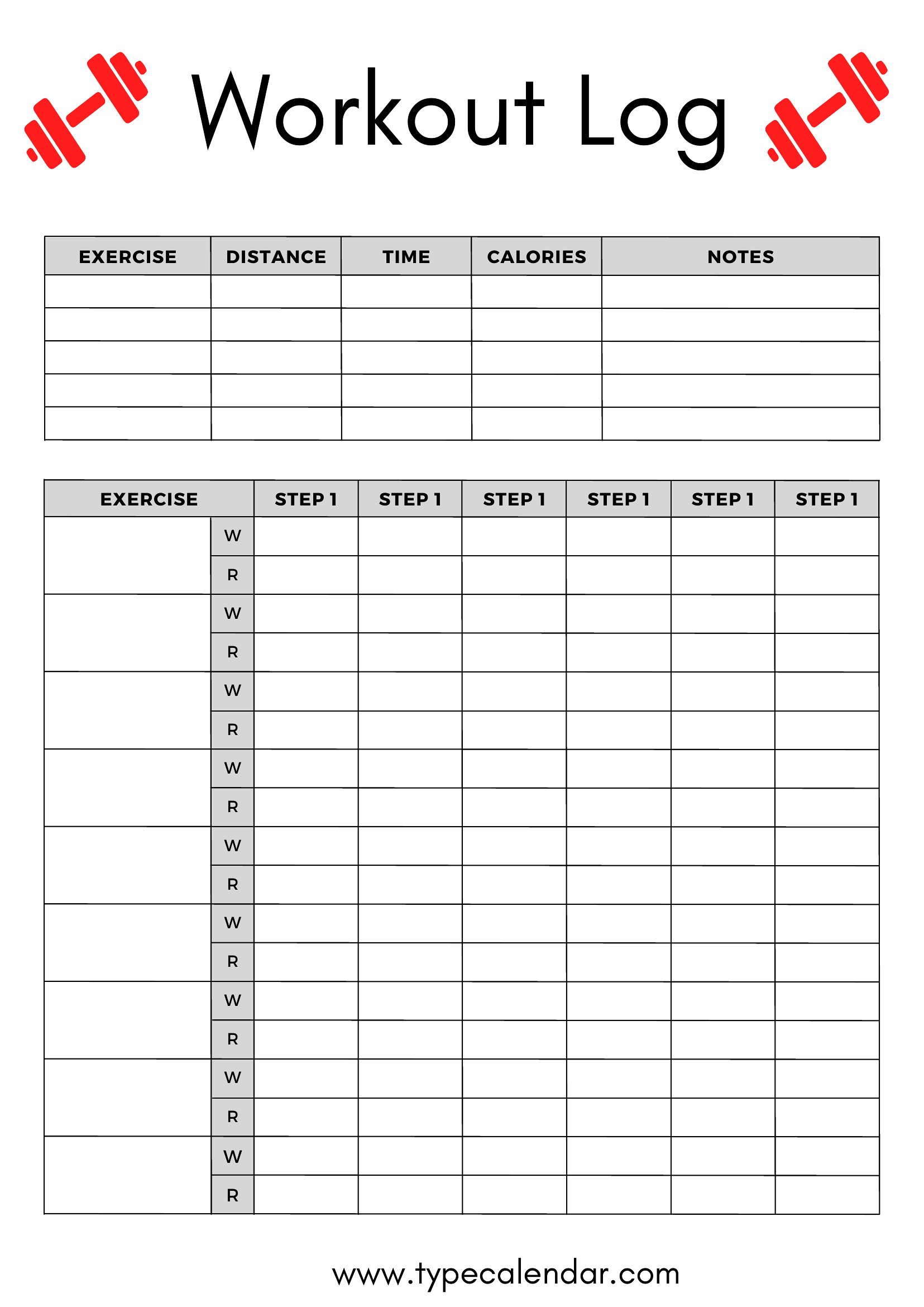
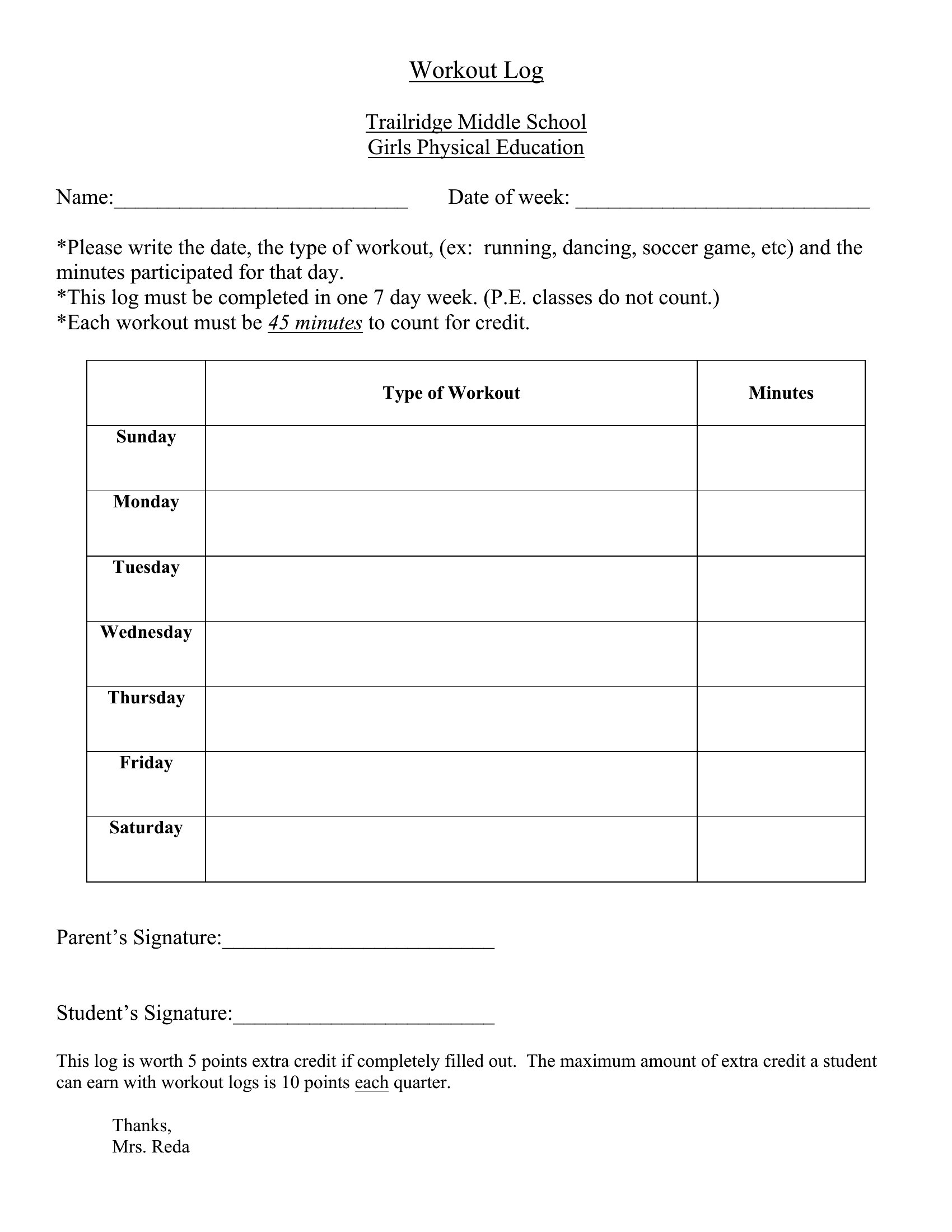
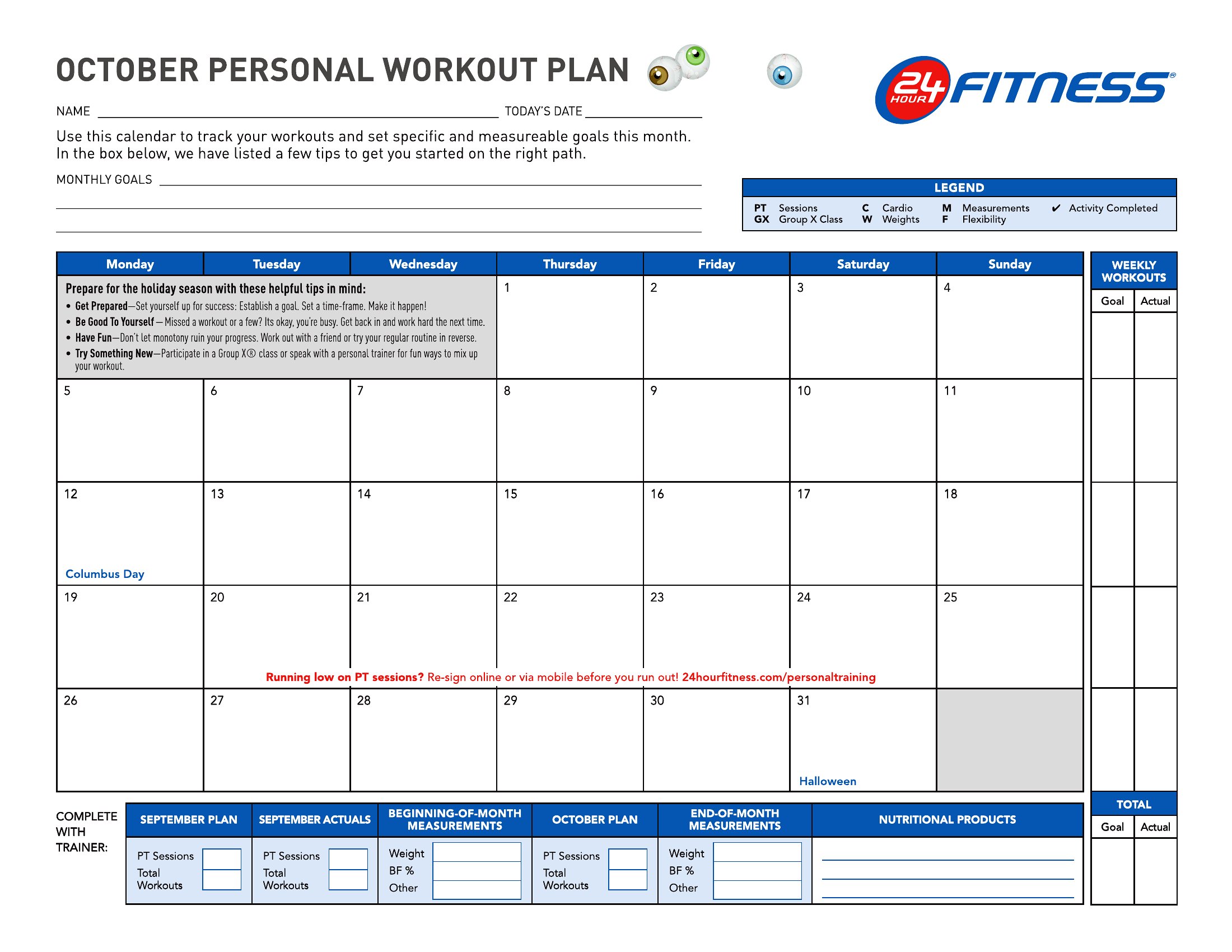
Duplicate the template for each person in Excel (File > Save As) or create a folder with two Word/PDF files. Use identical layouts so you can side-by-side compare metrics like max lifts or reps at a given weight. For shared goals (e.g., both chasing a 5K deadlift), add a “notes” section to track combined strategies or competition prep timelines.
Comments
Join the conversation
Sign in to share your thoughts and leave a comment on this resource.