Free Storyboard Templates (Word, Excel, PDF)
LifeTemplates
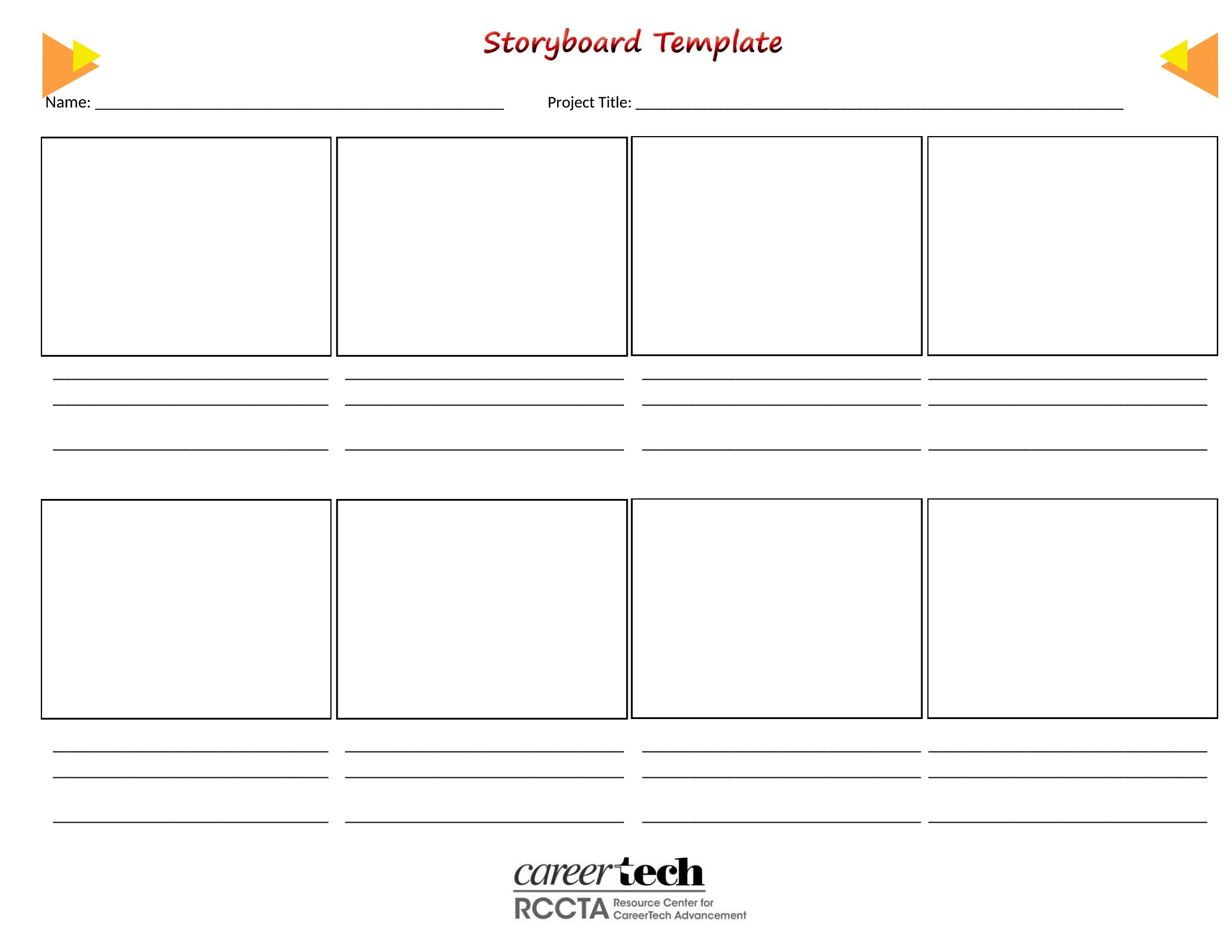
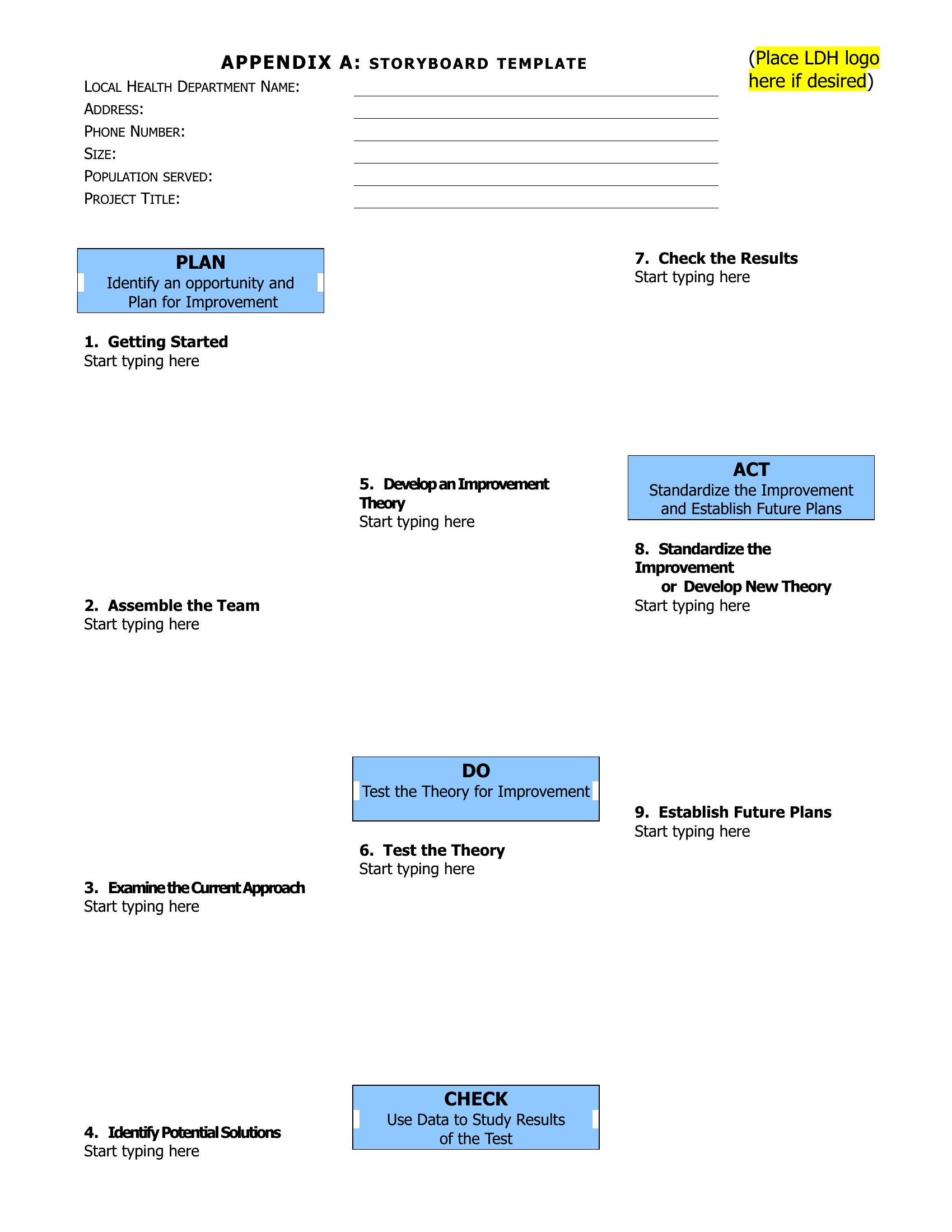
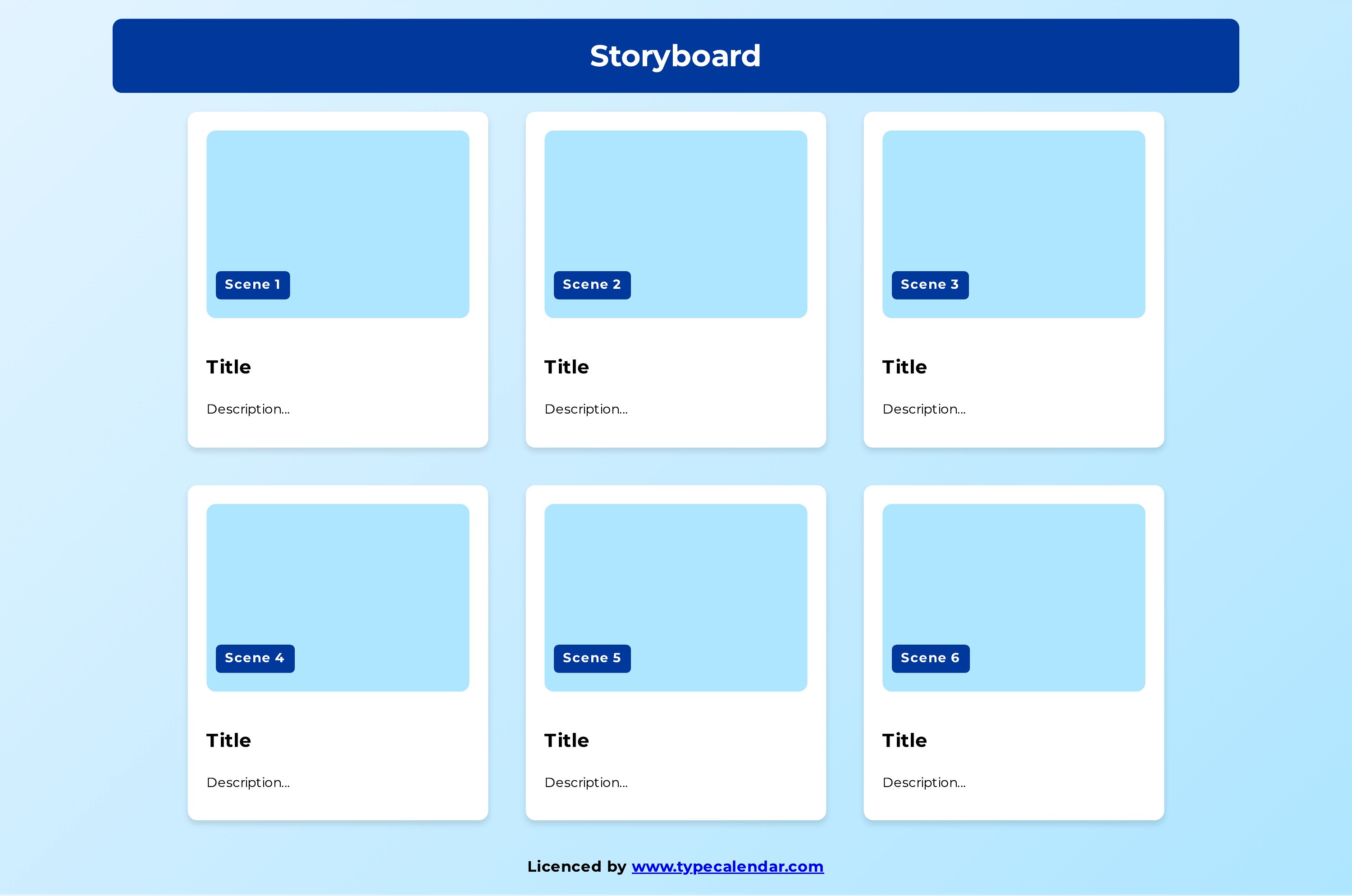
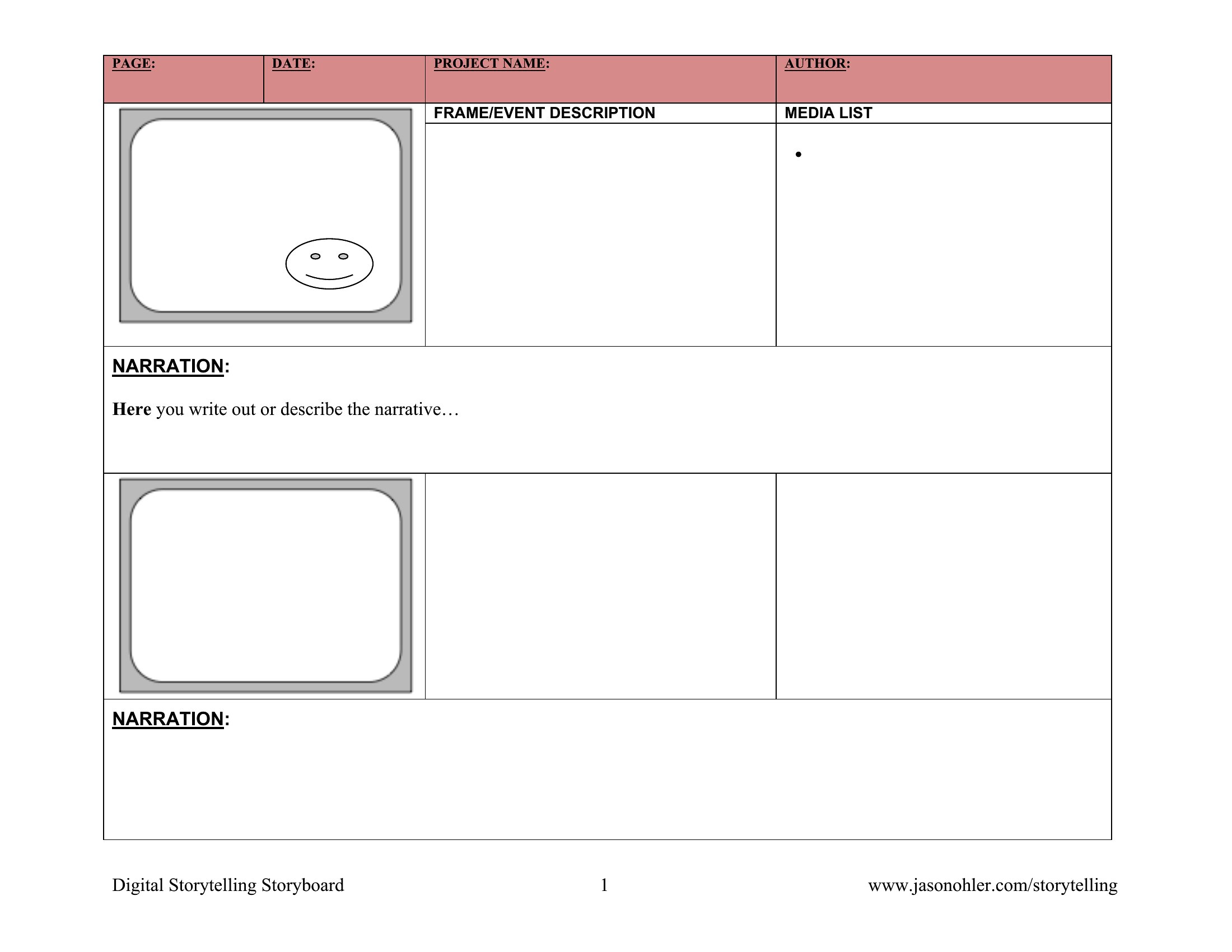
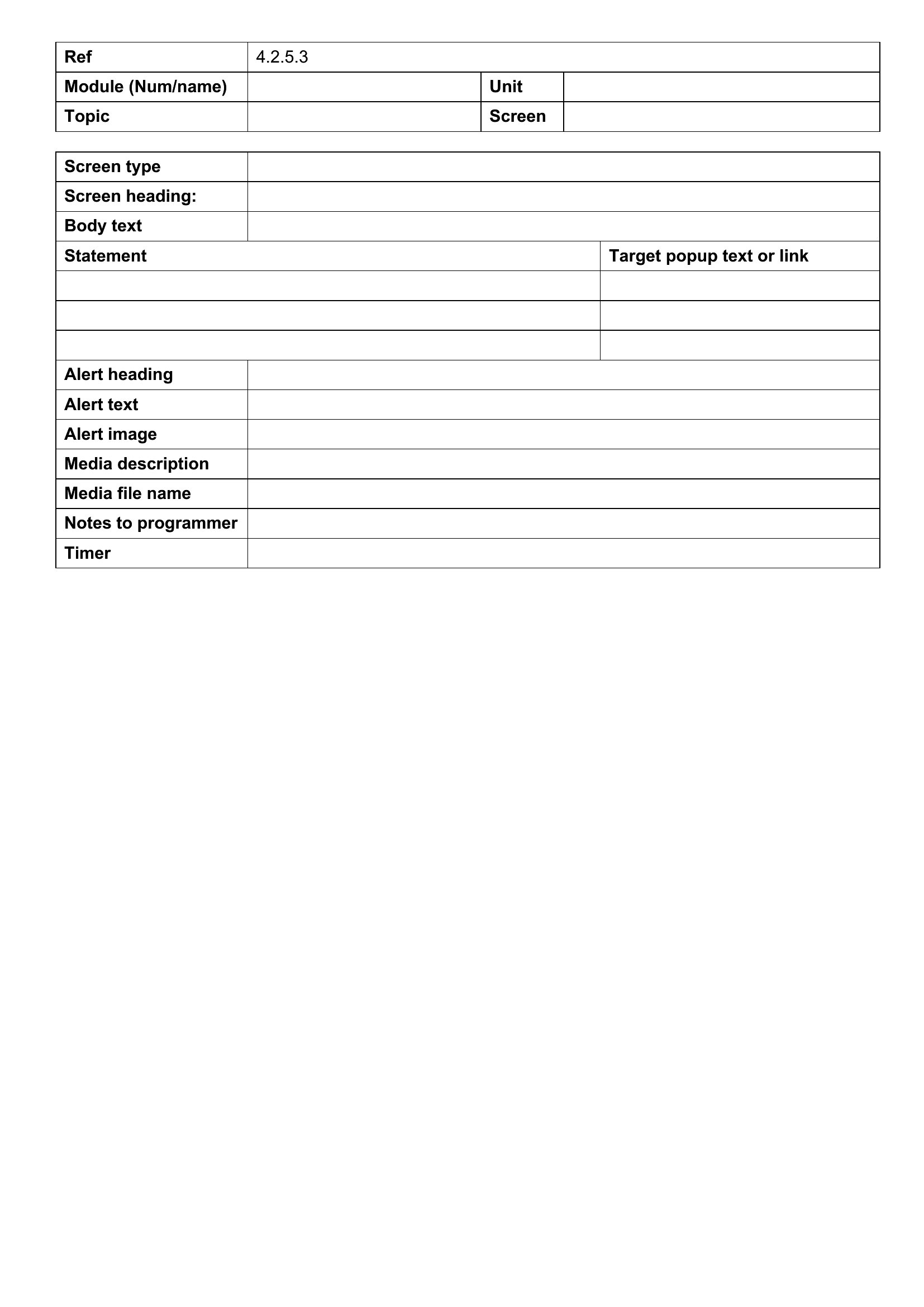
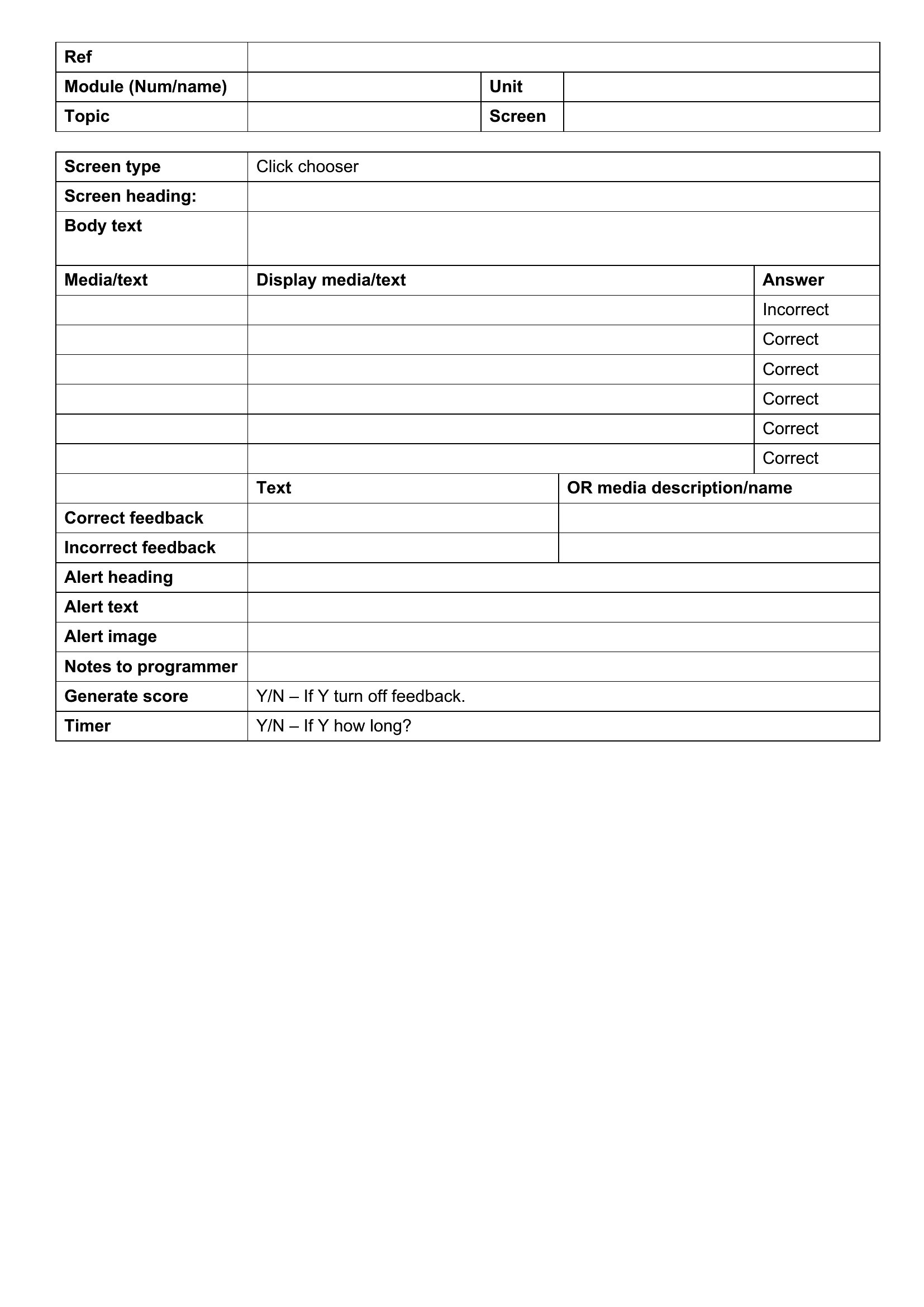
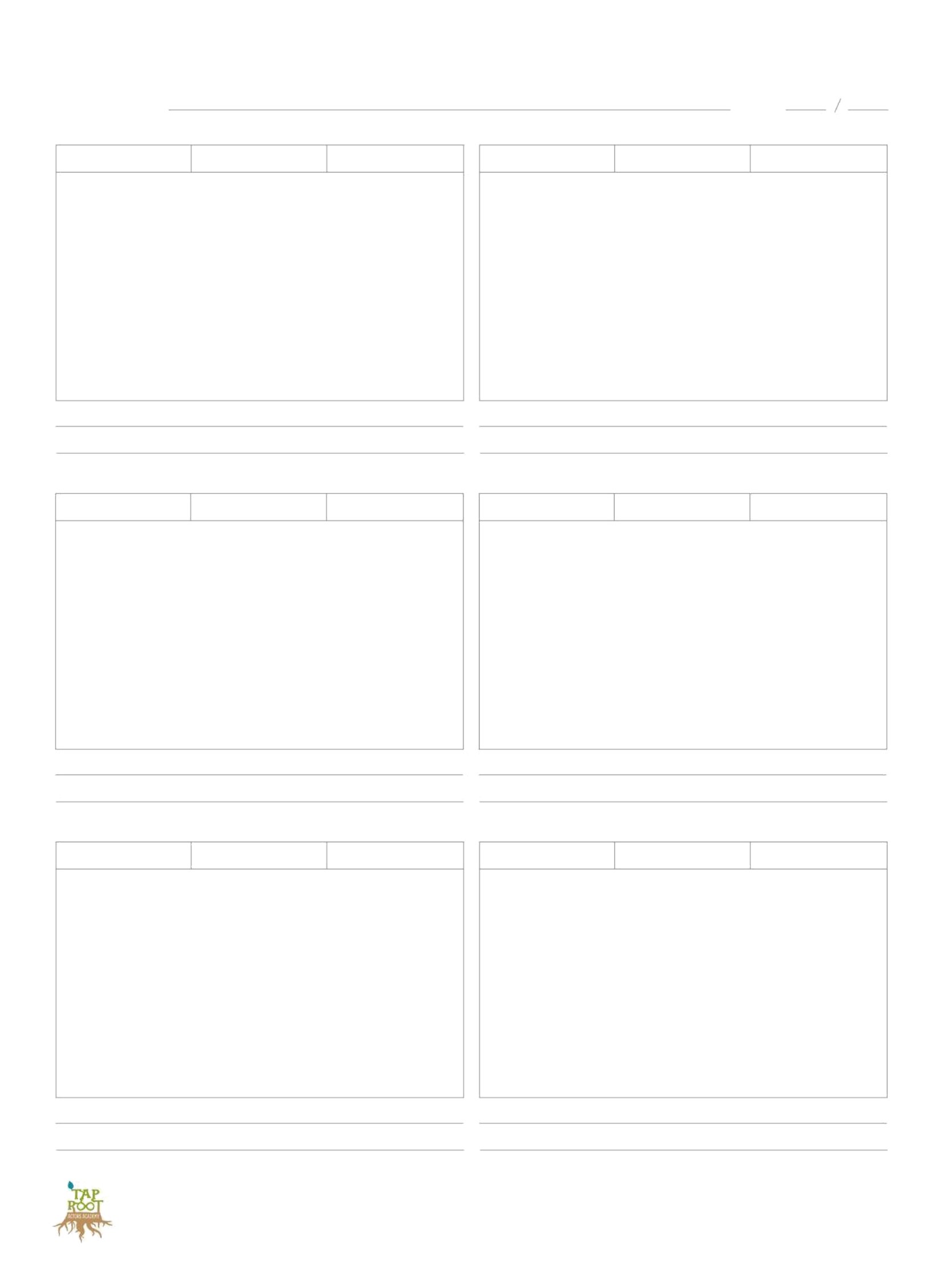
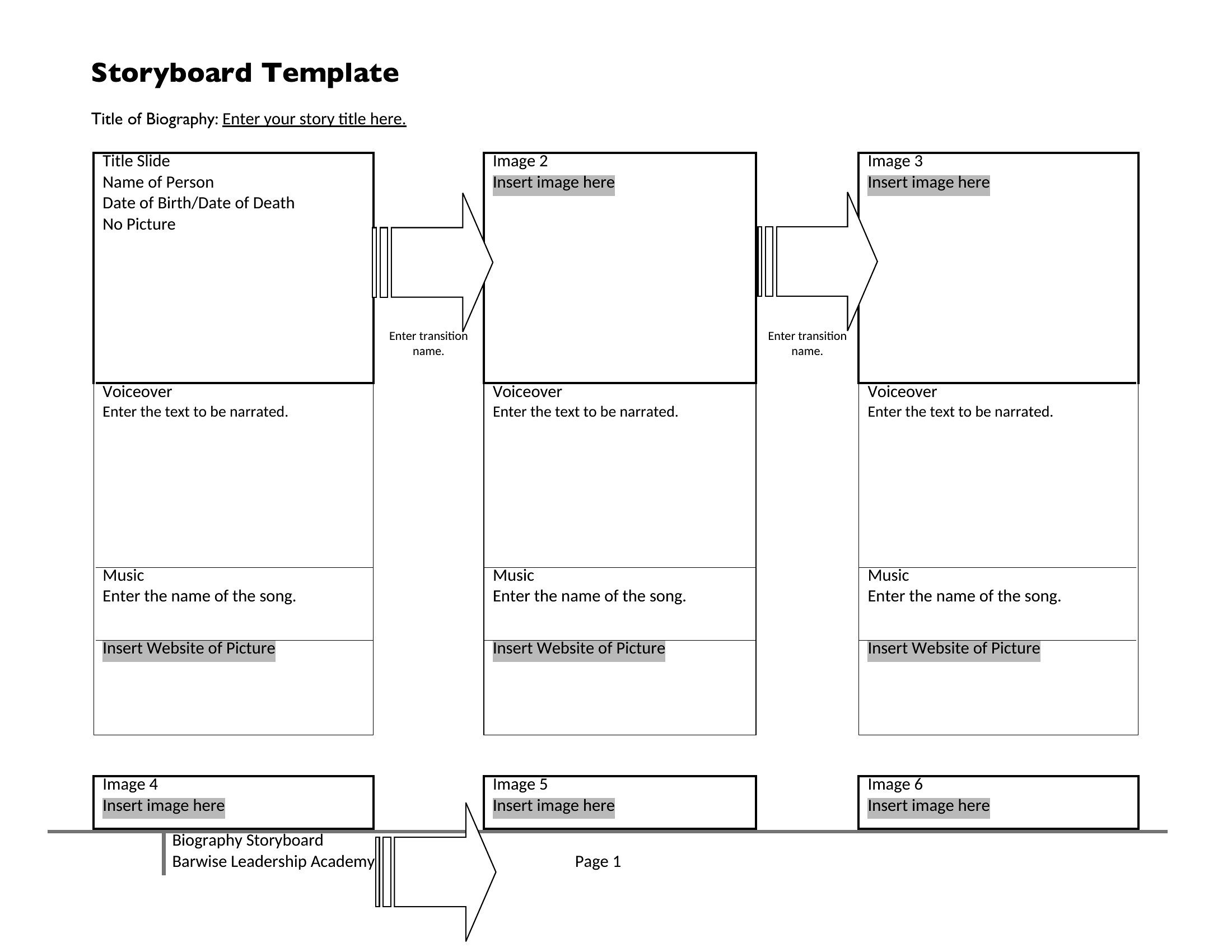
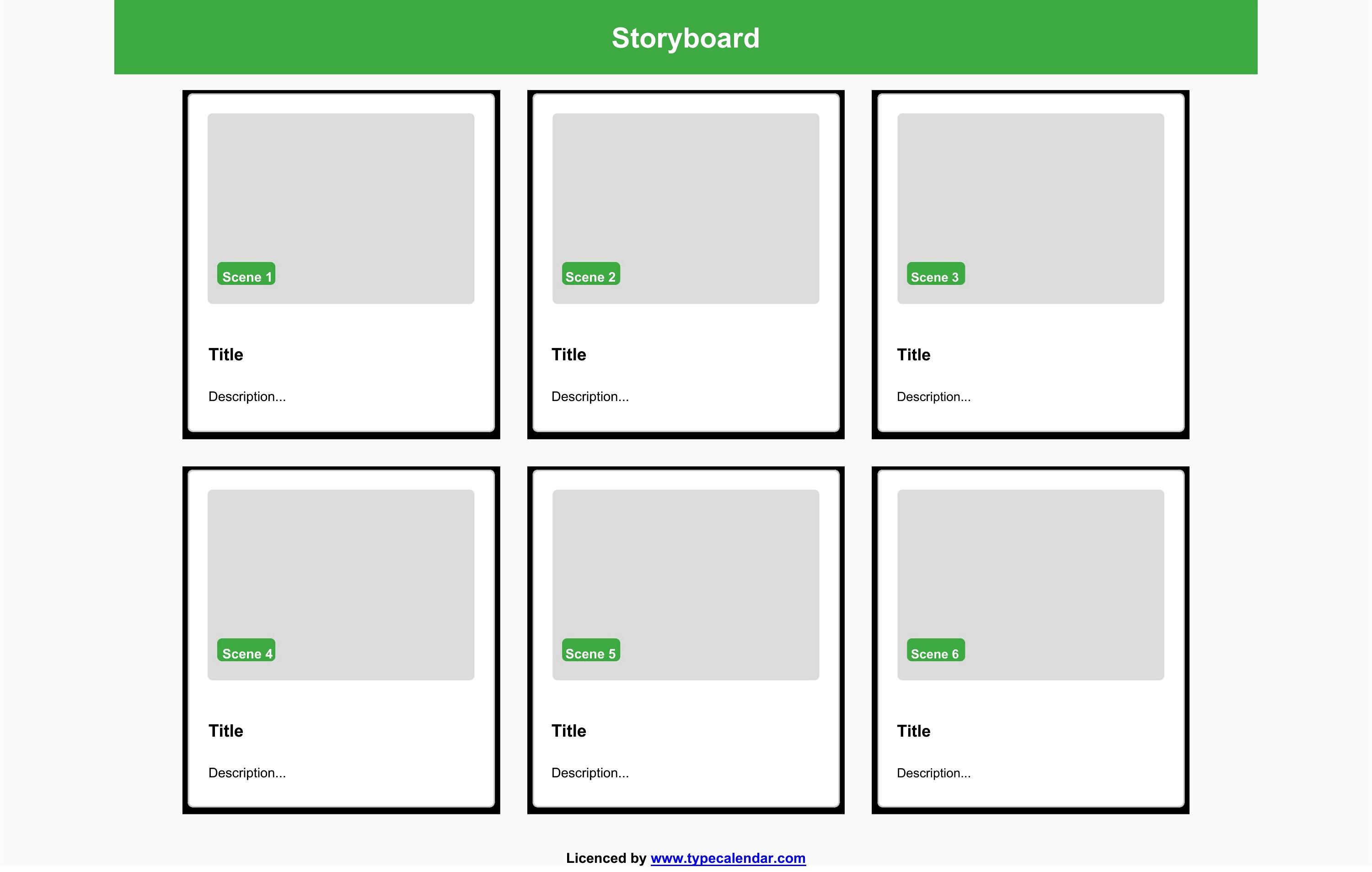
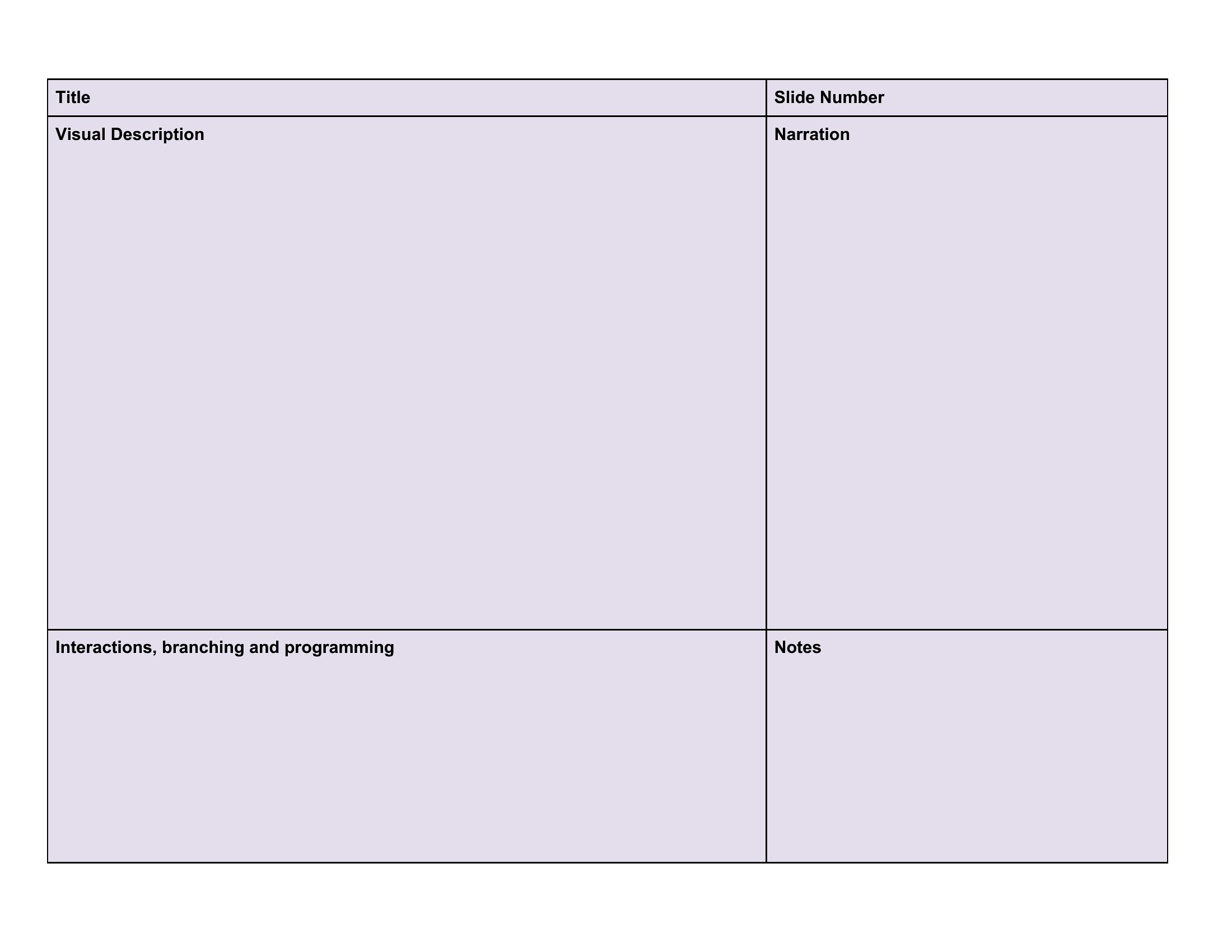
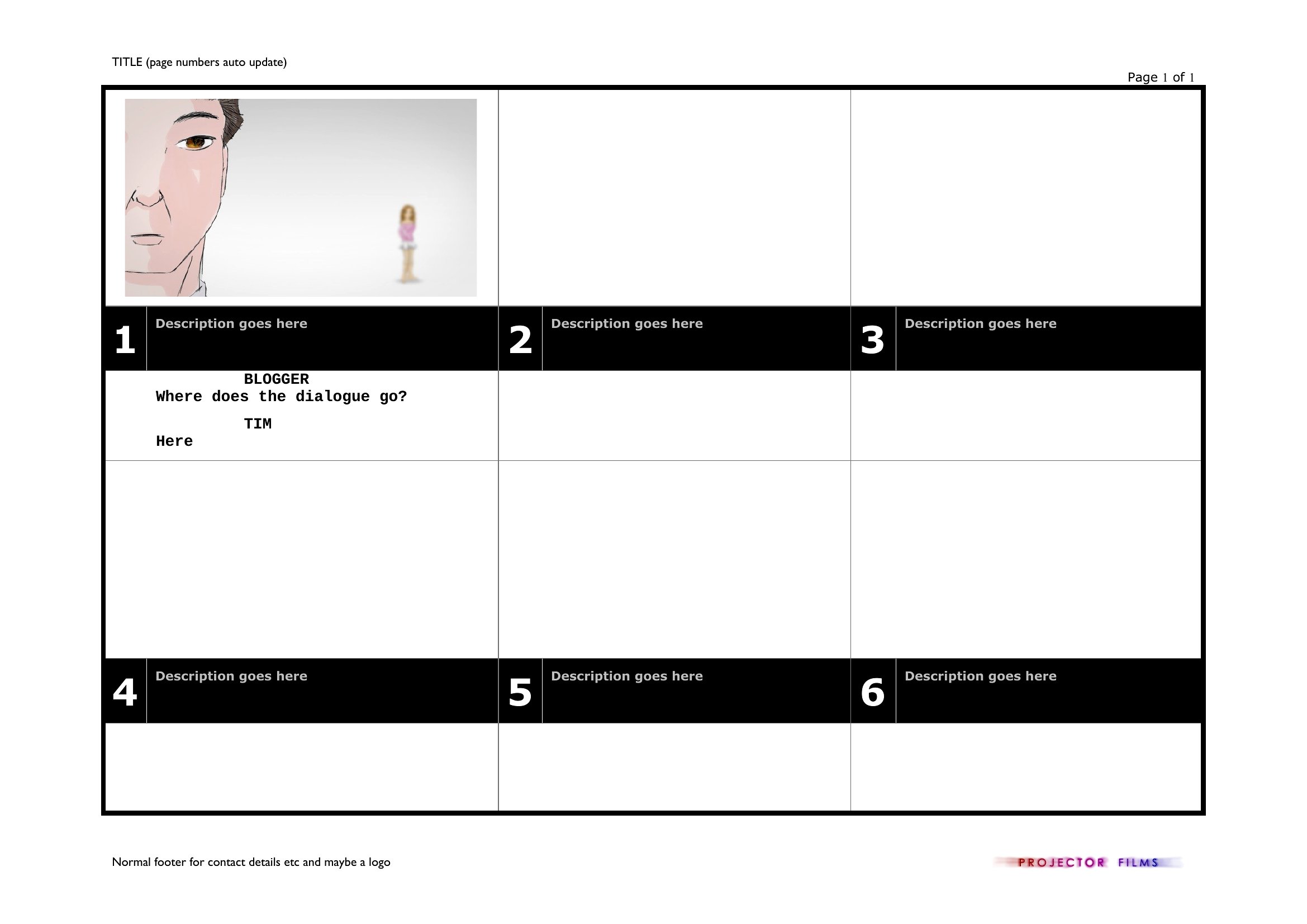
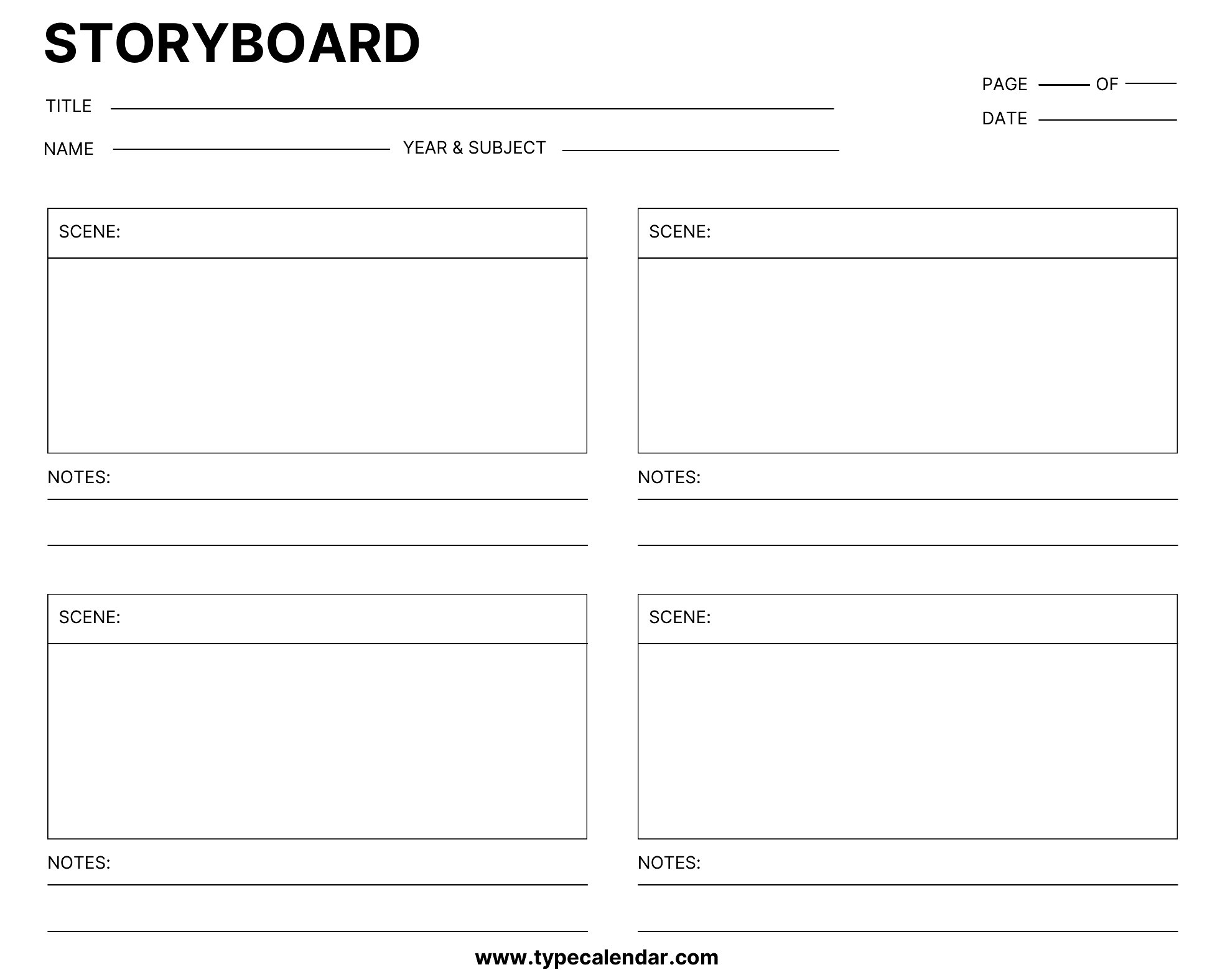
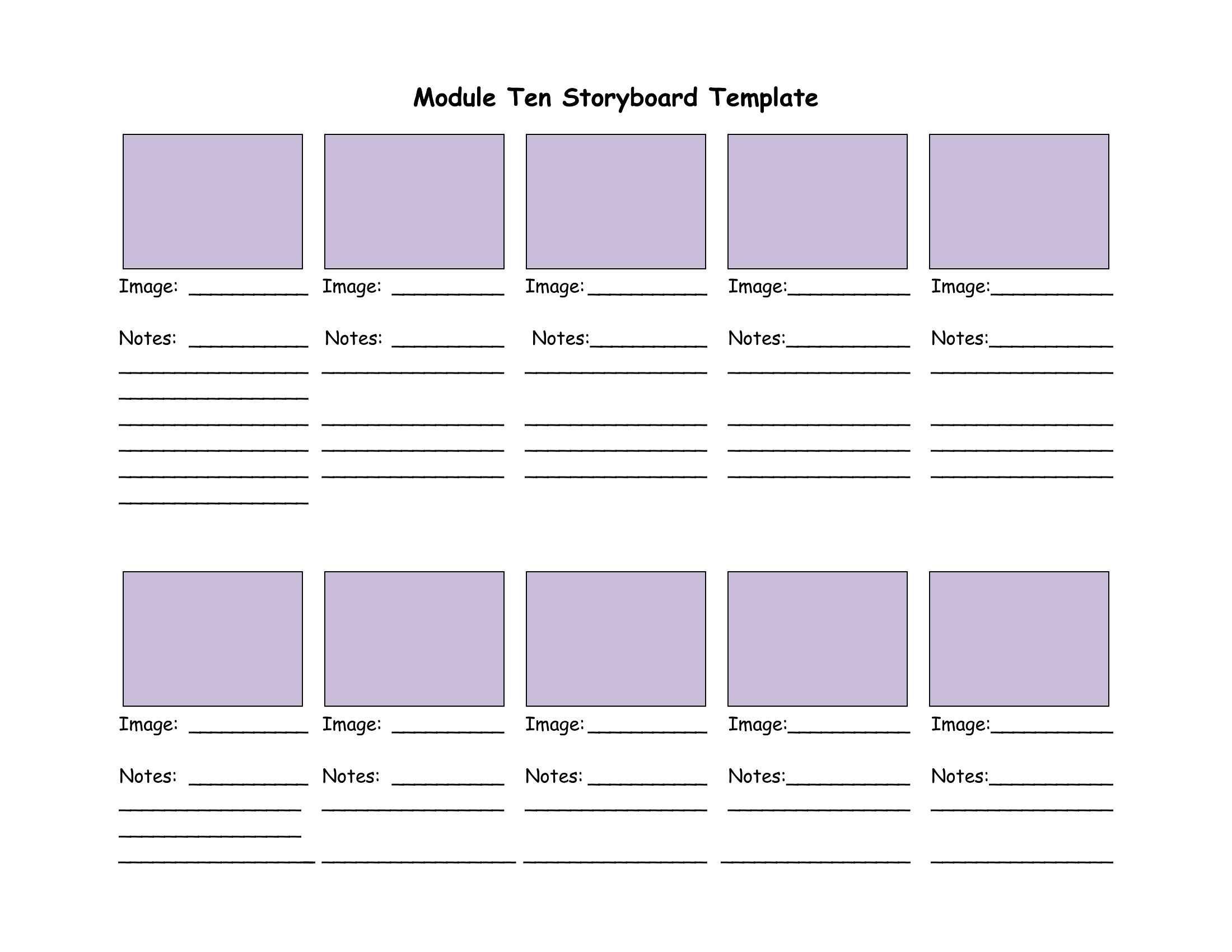
Storyboard Pdf
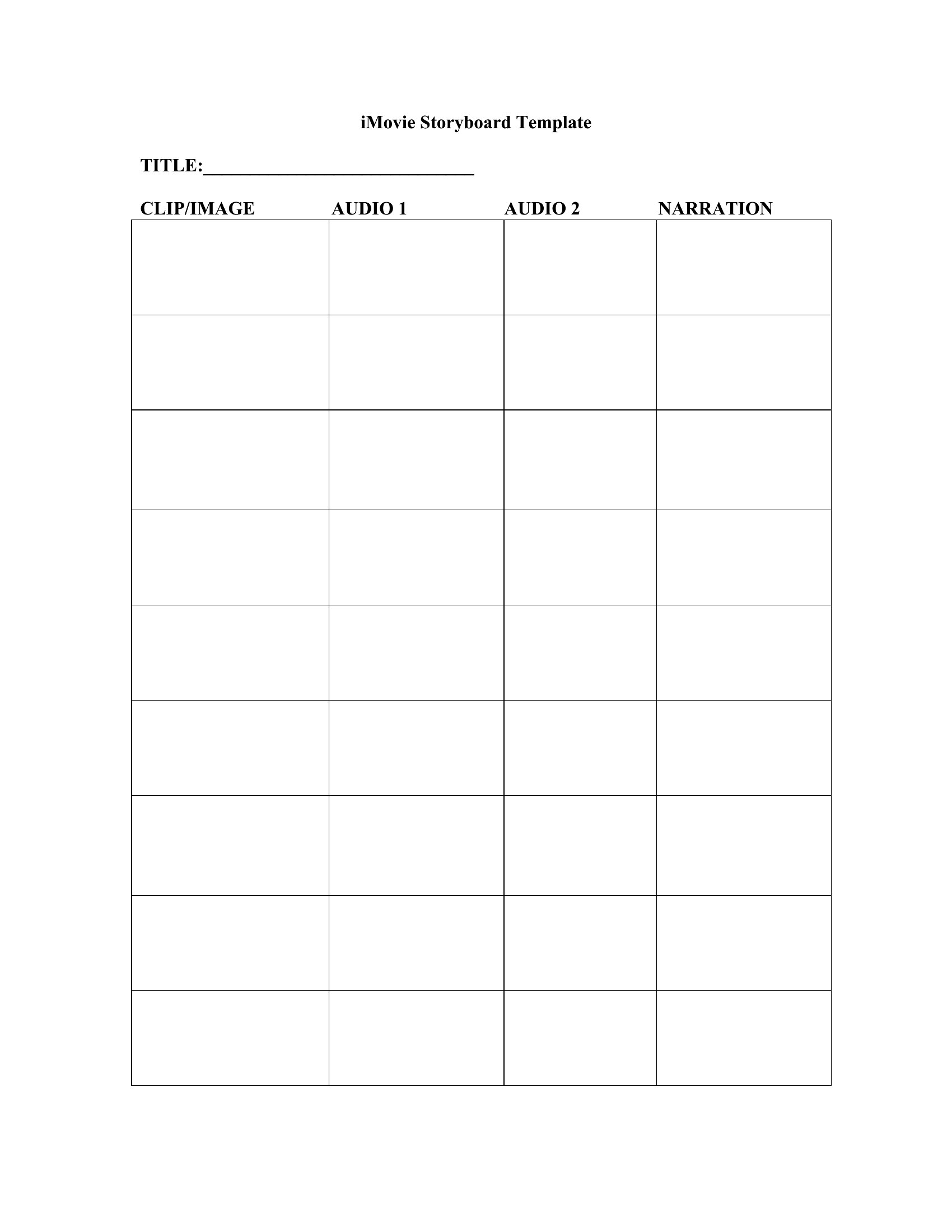
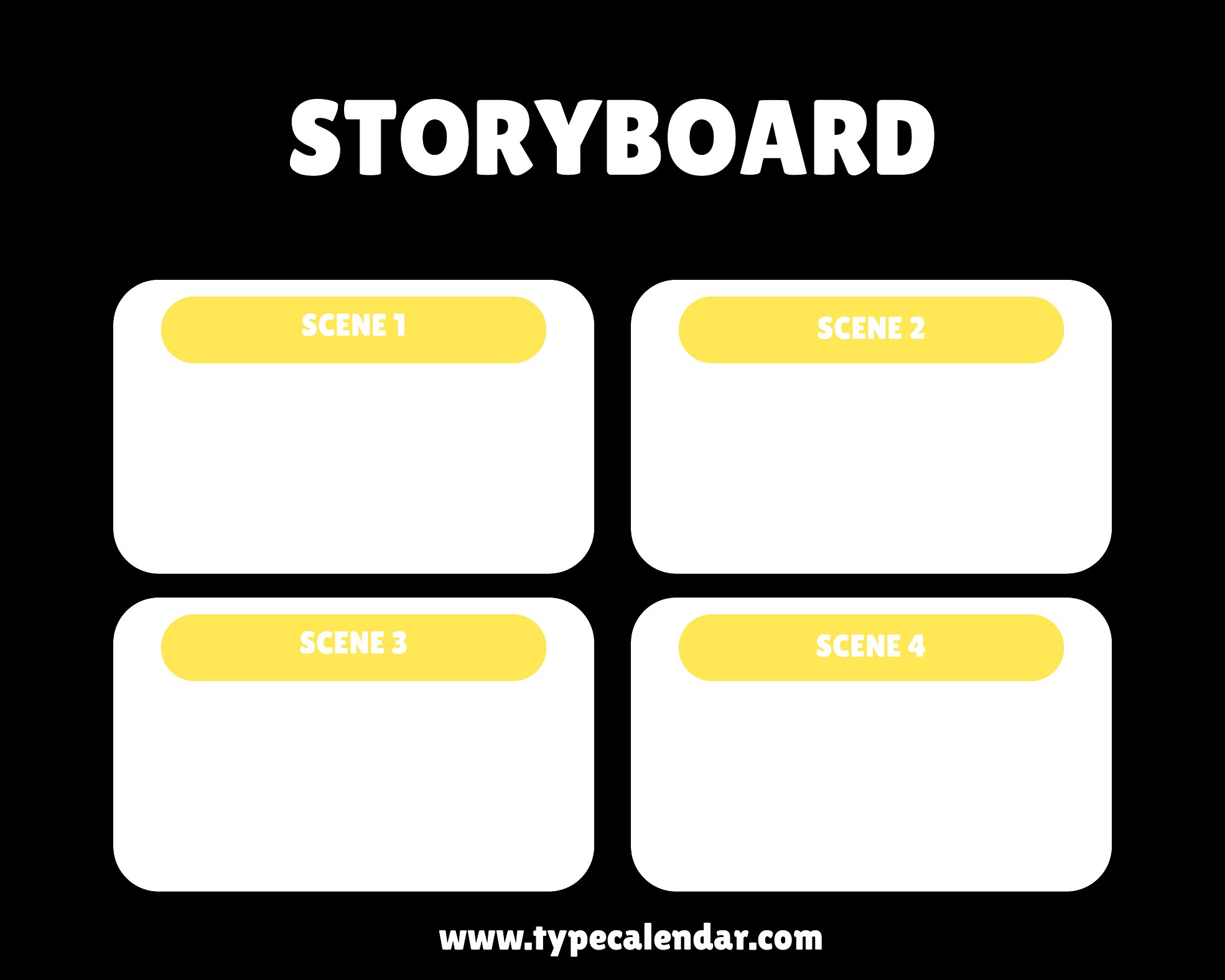
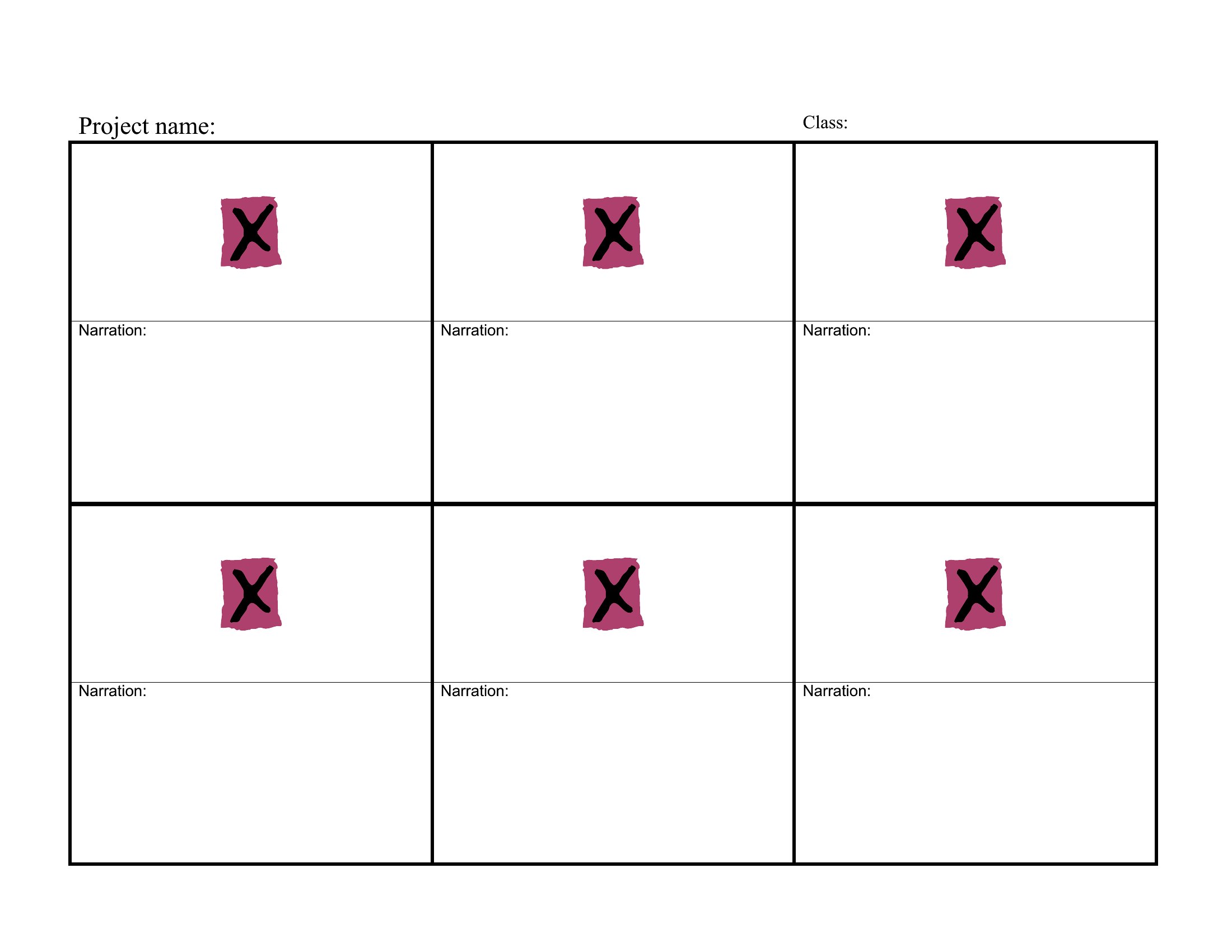
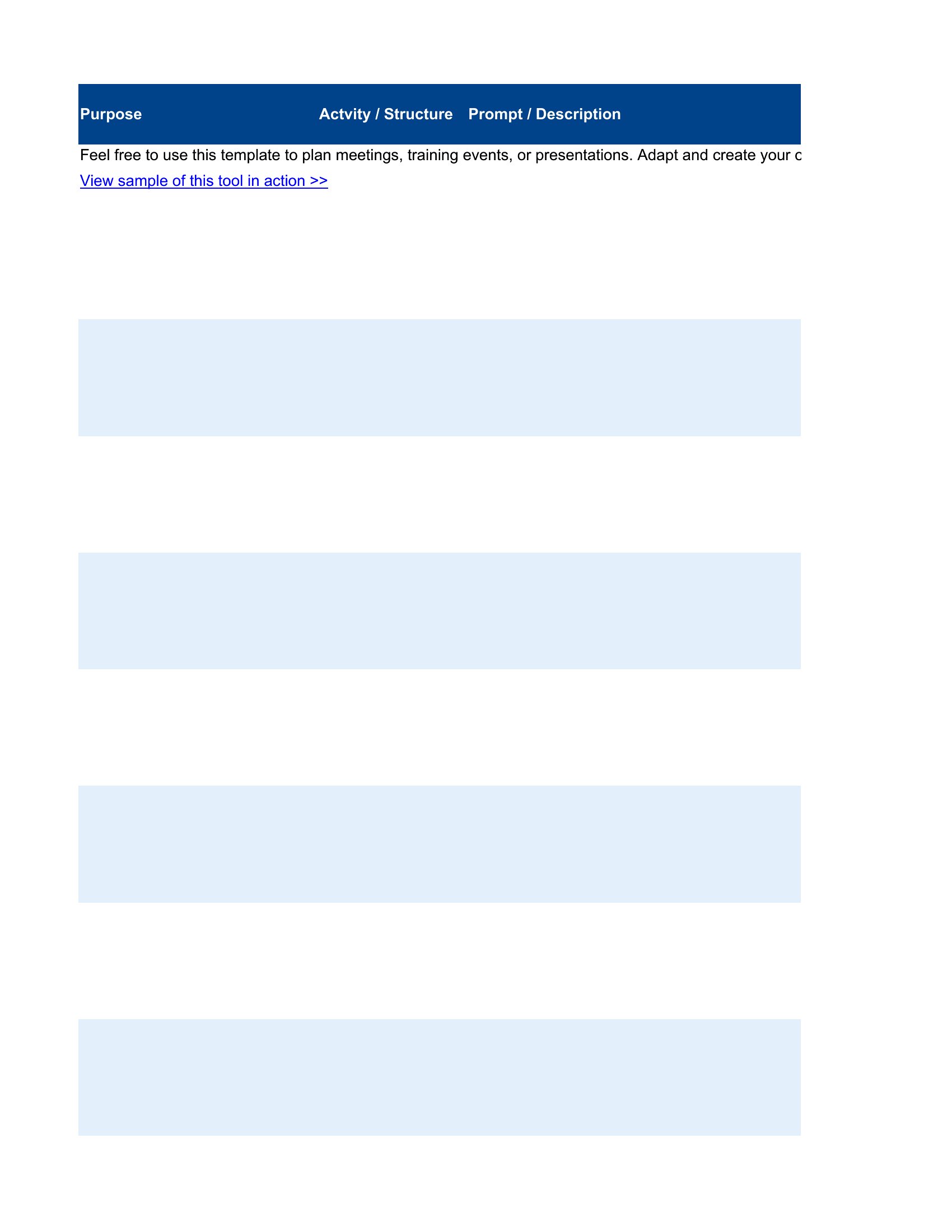
Storyboard That
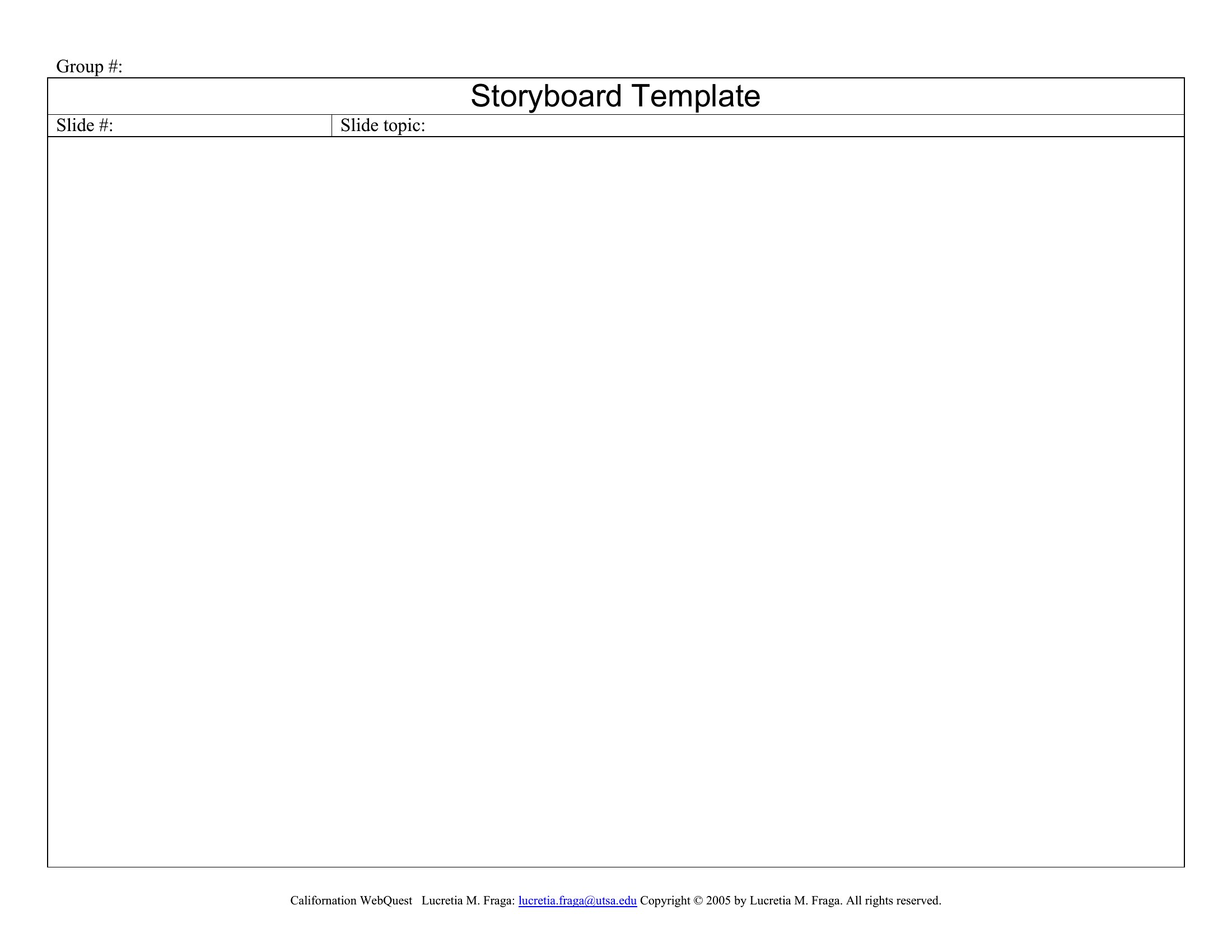
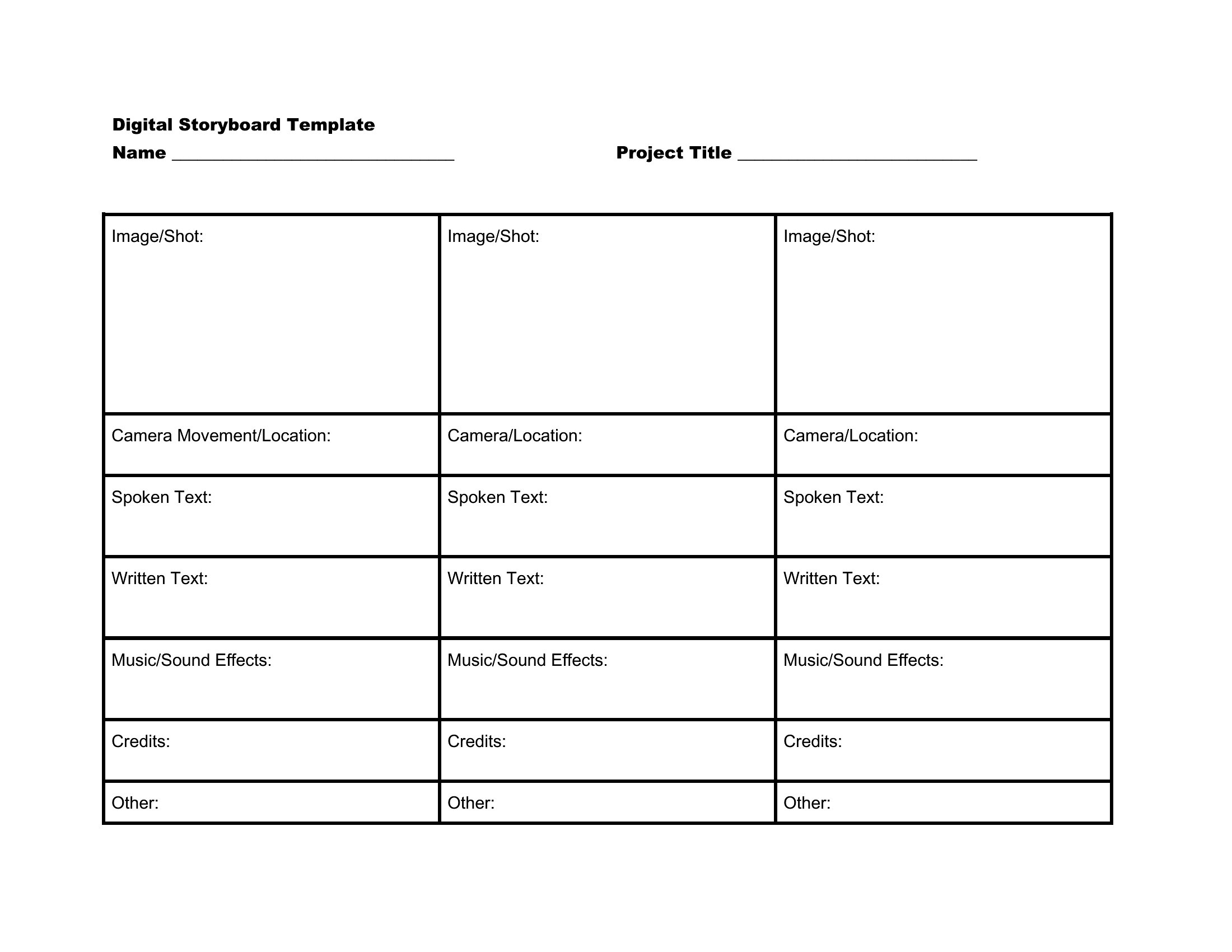
Film Storyboard
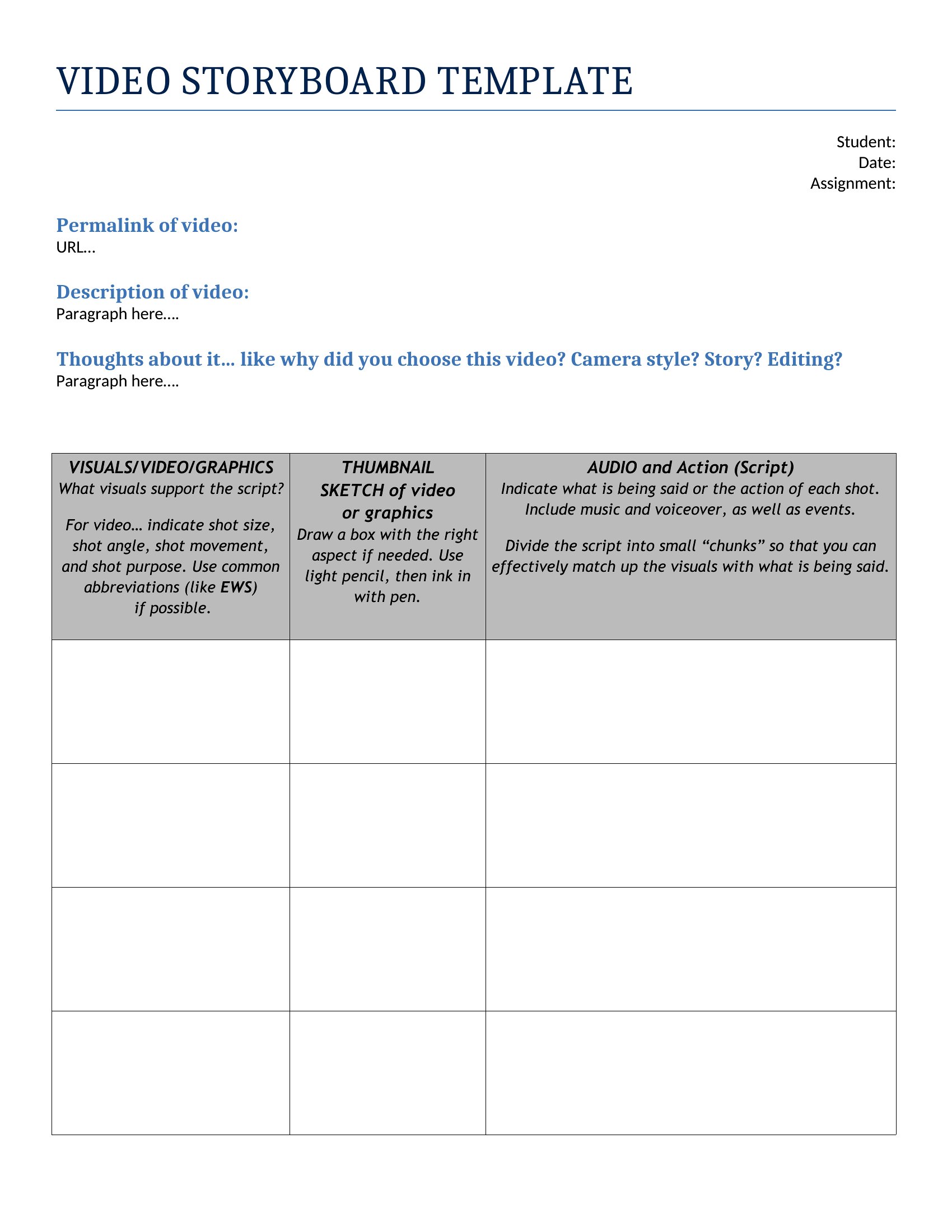
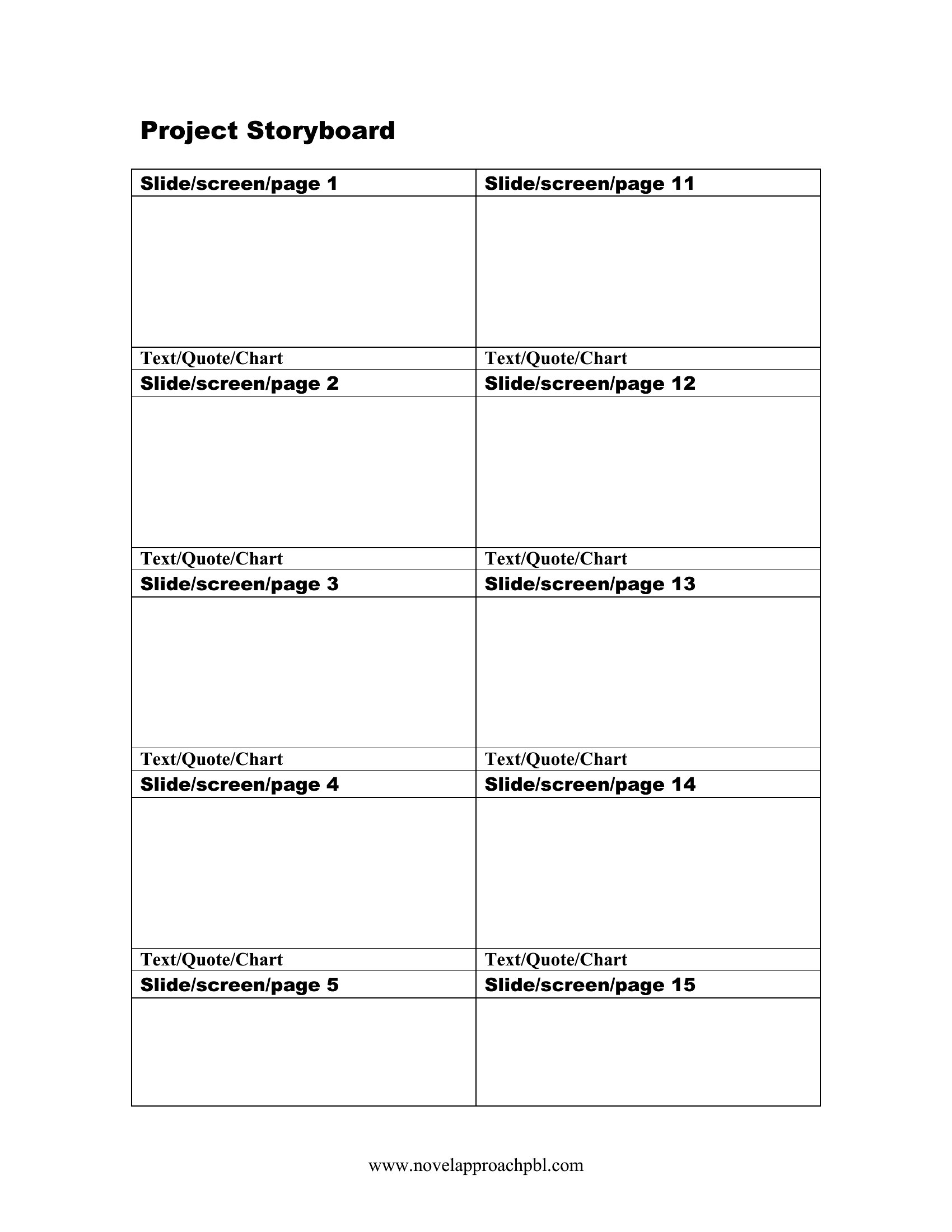
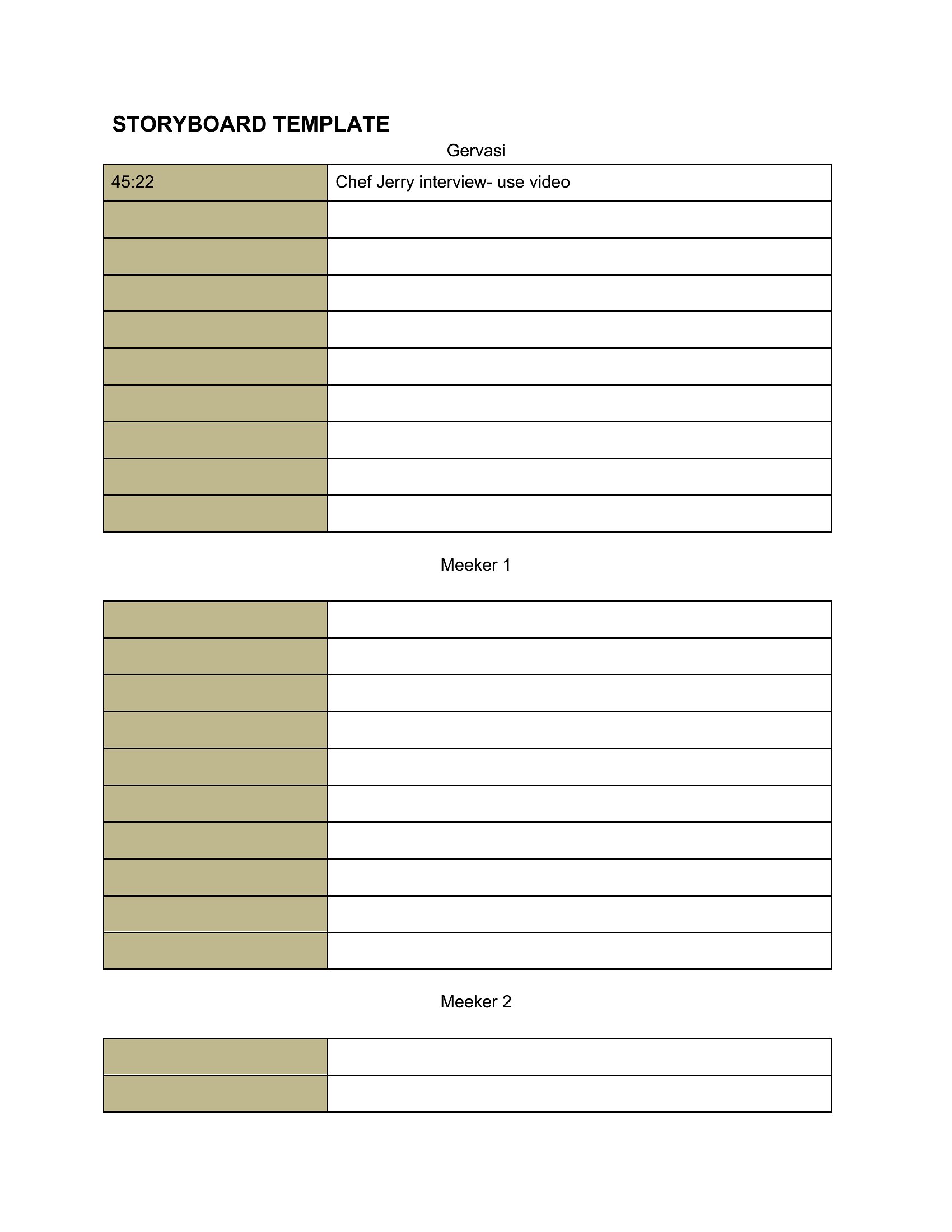
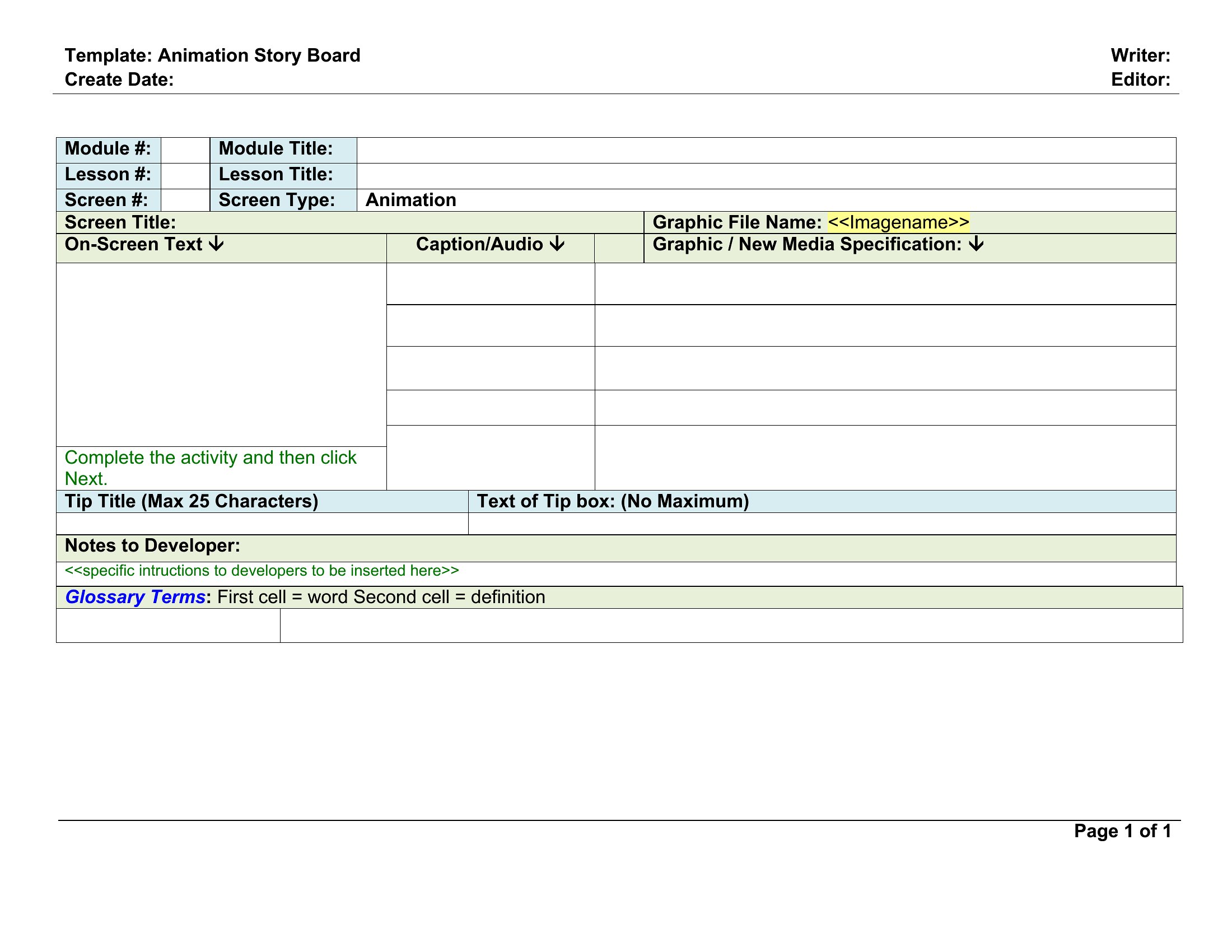
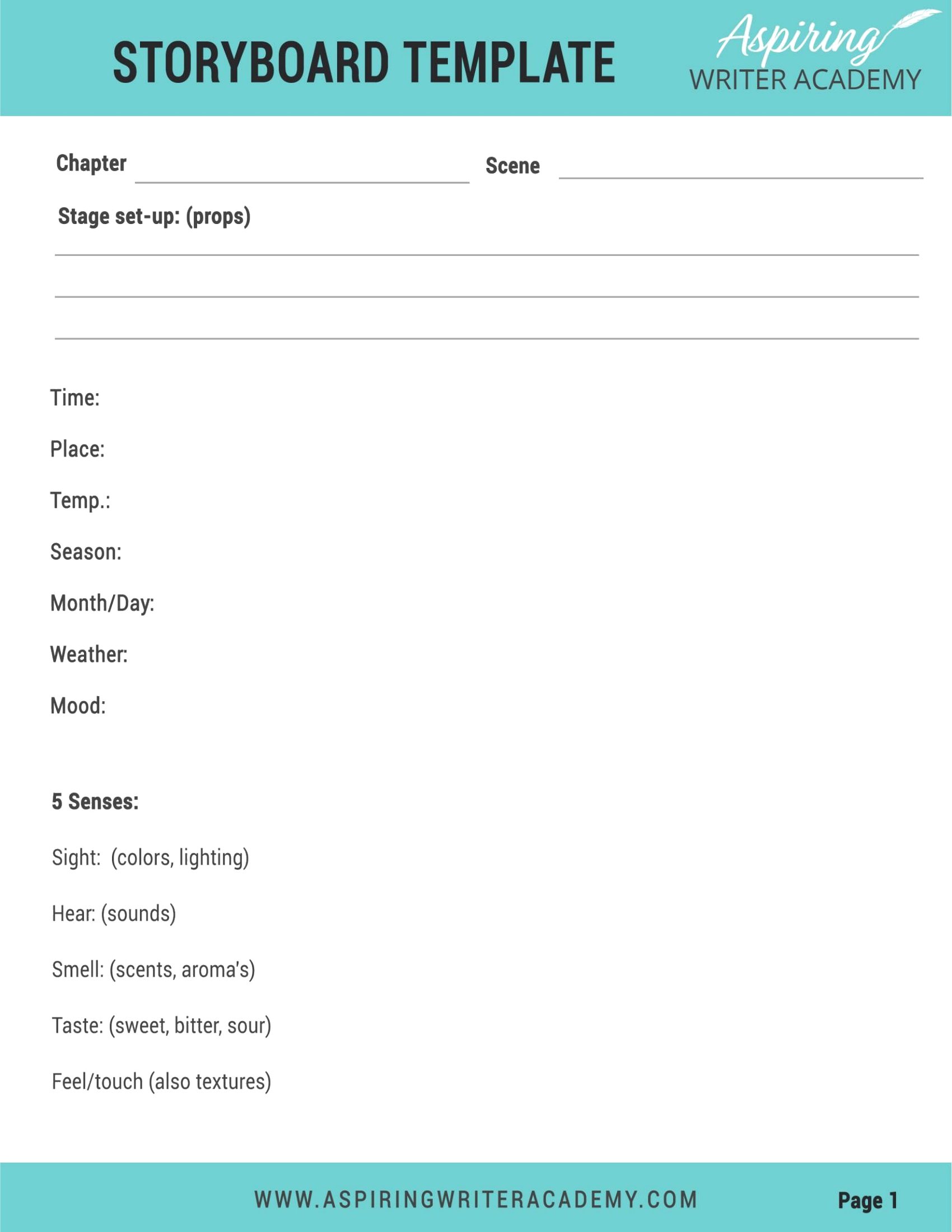
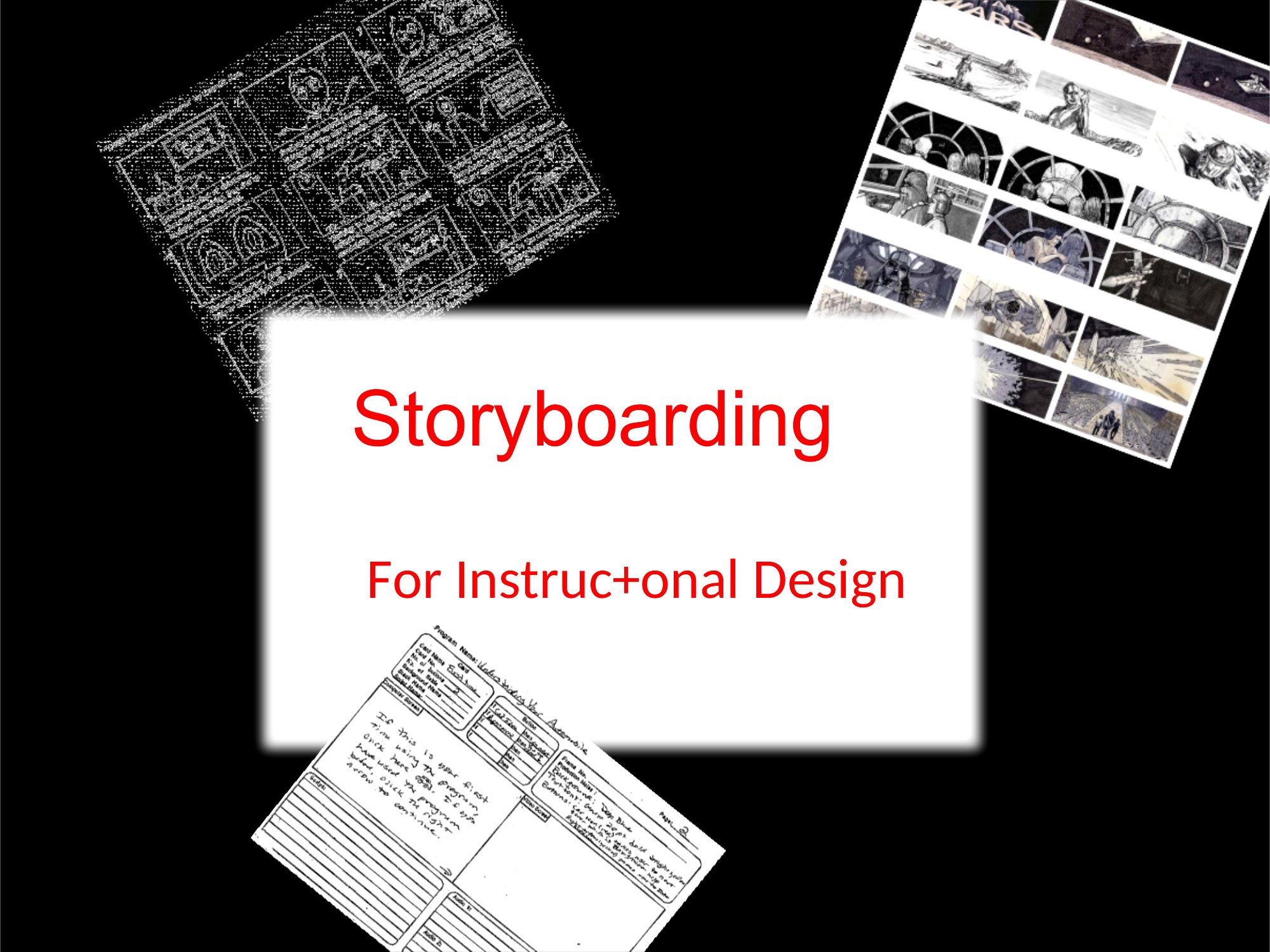
Storyboarding
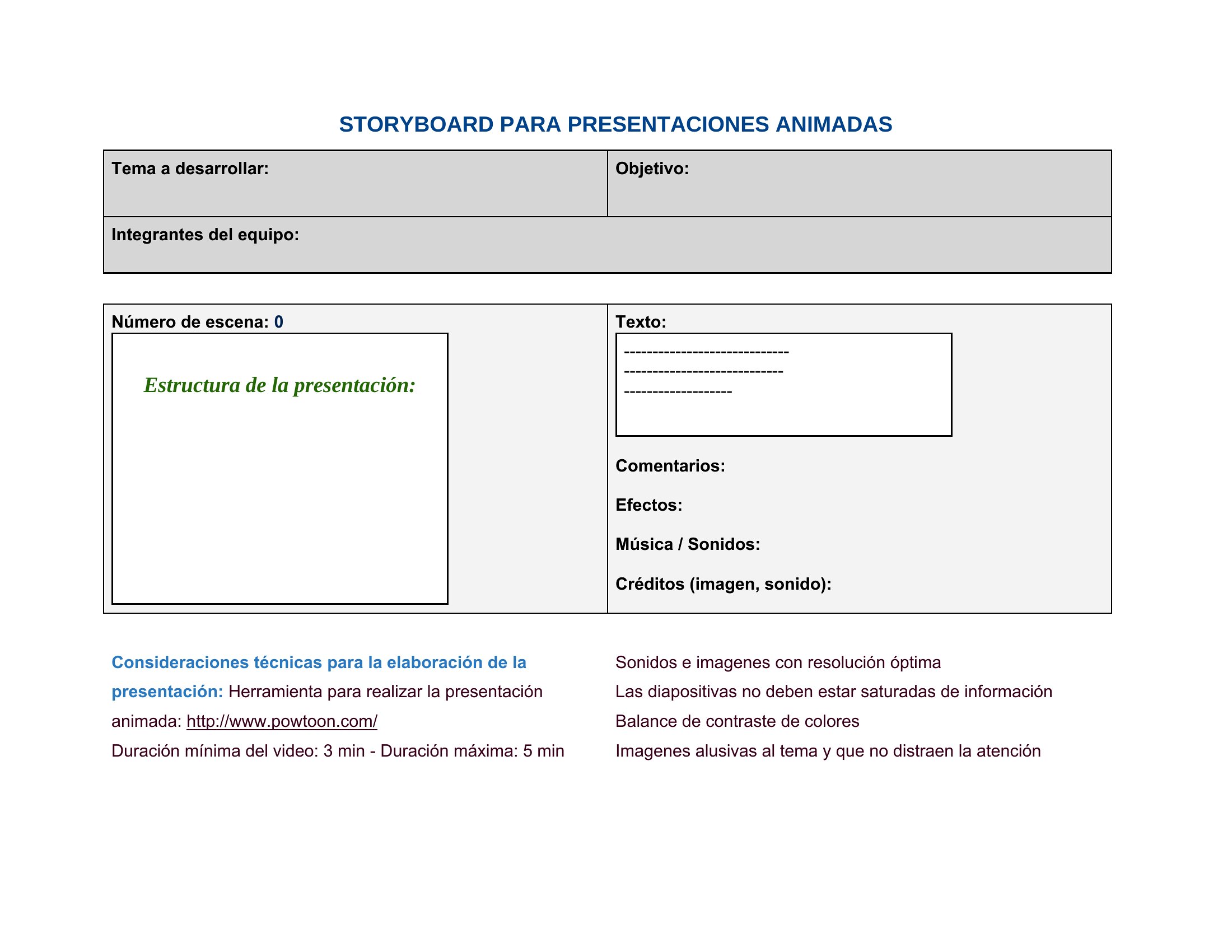
Canva Storyboard
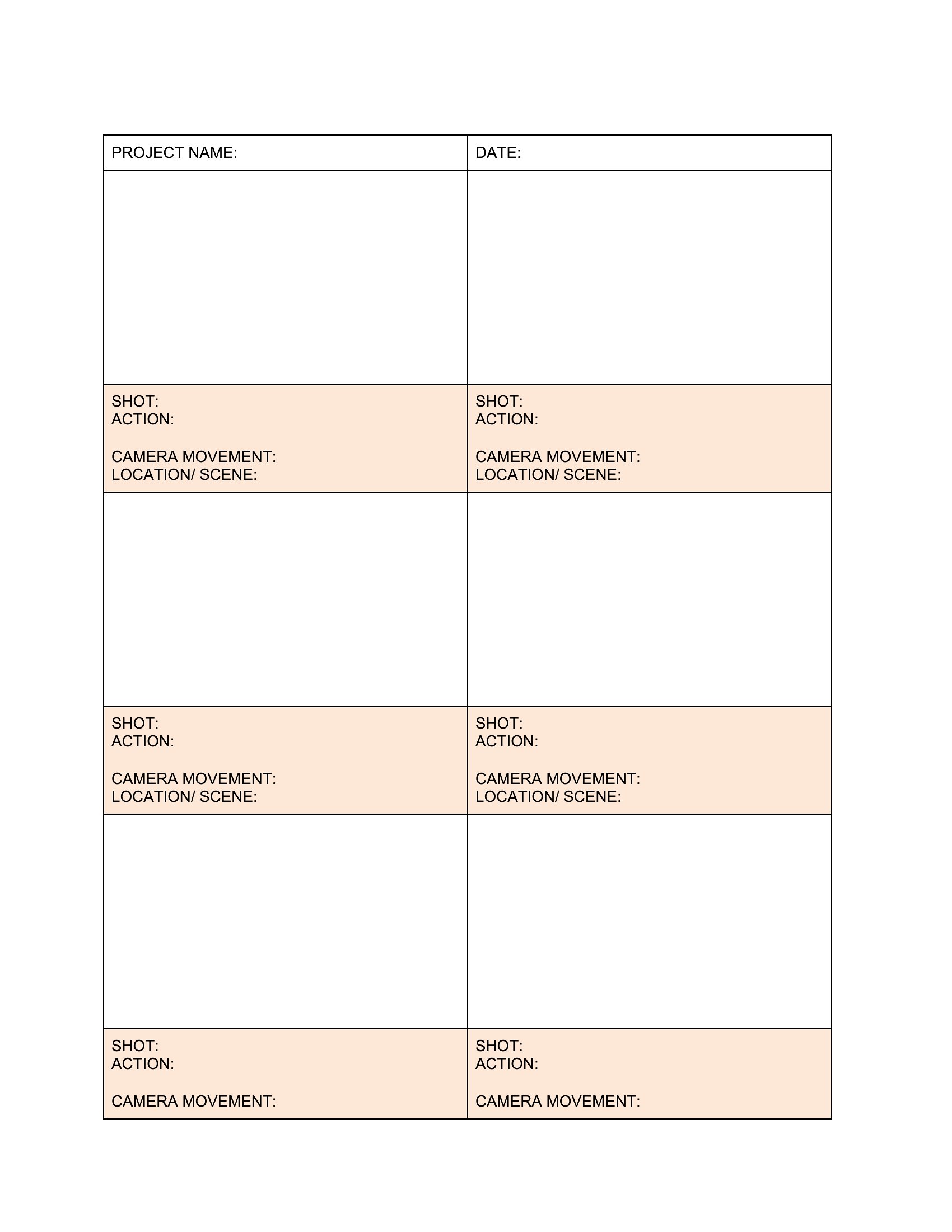
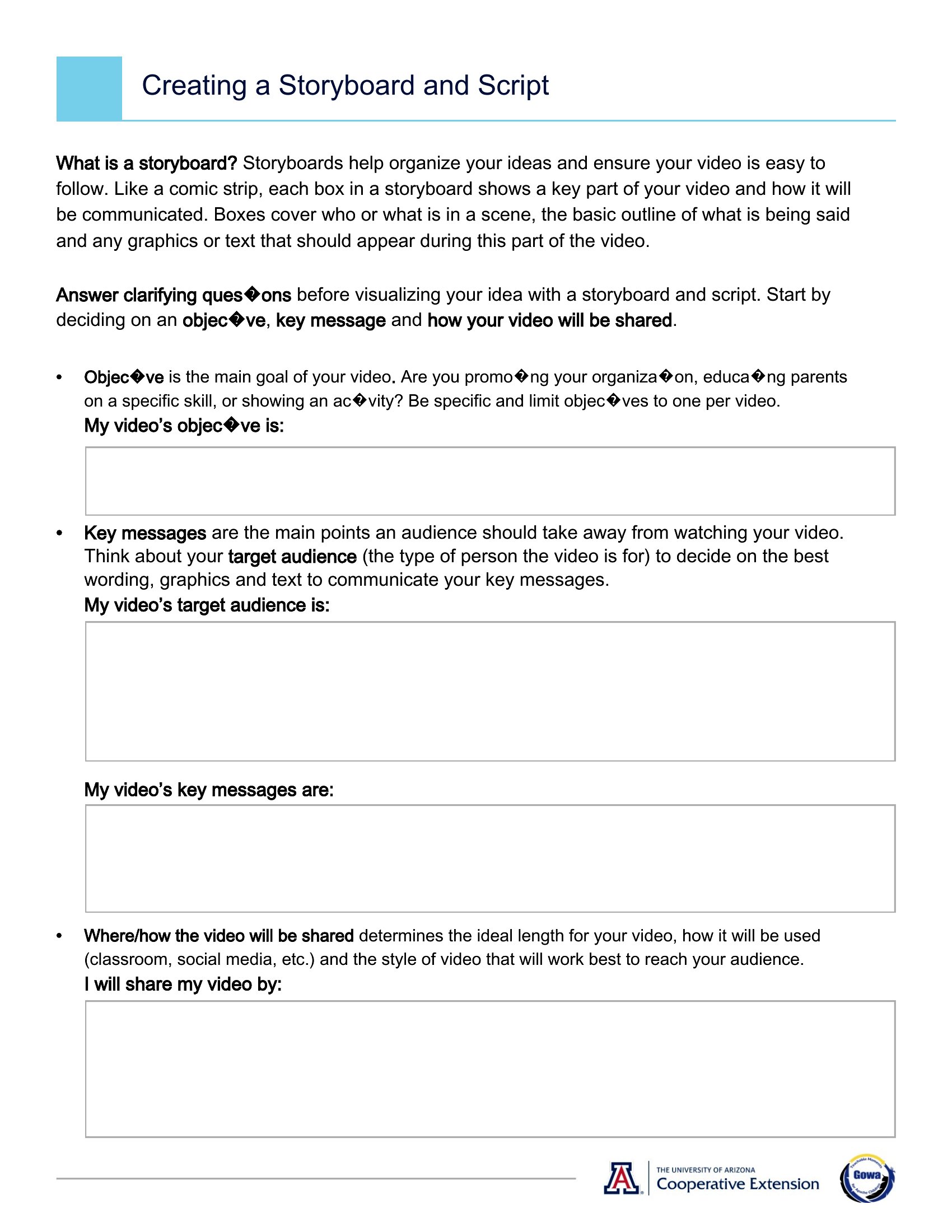
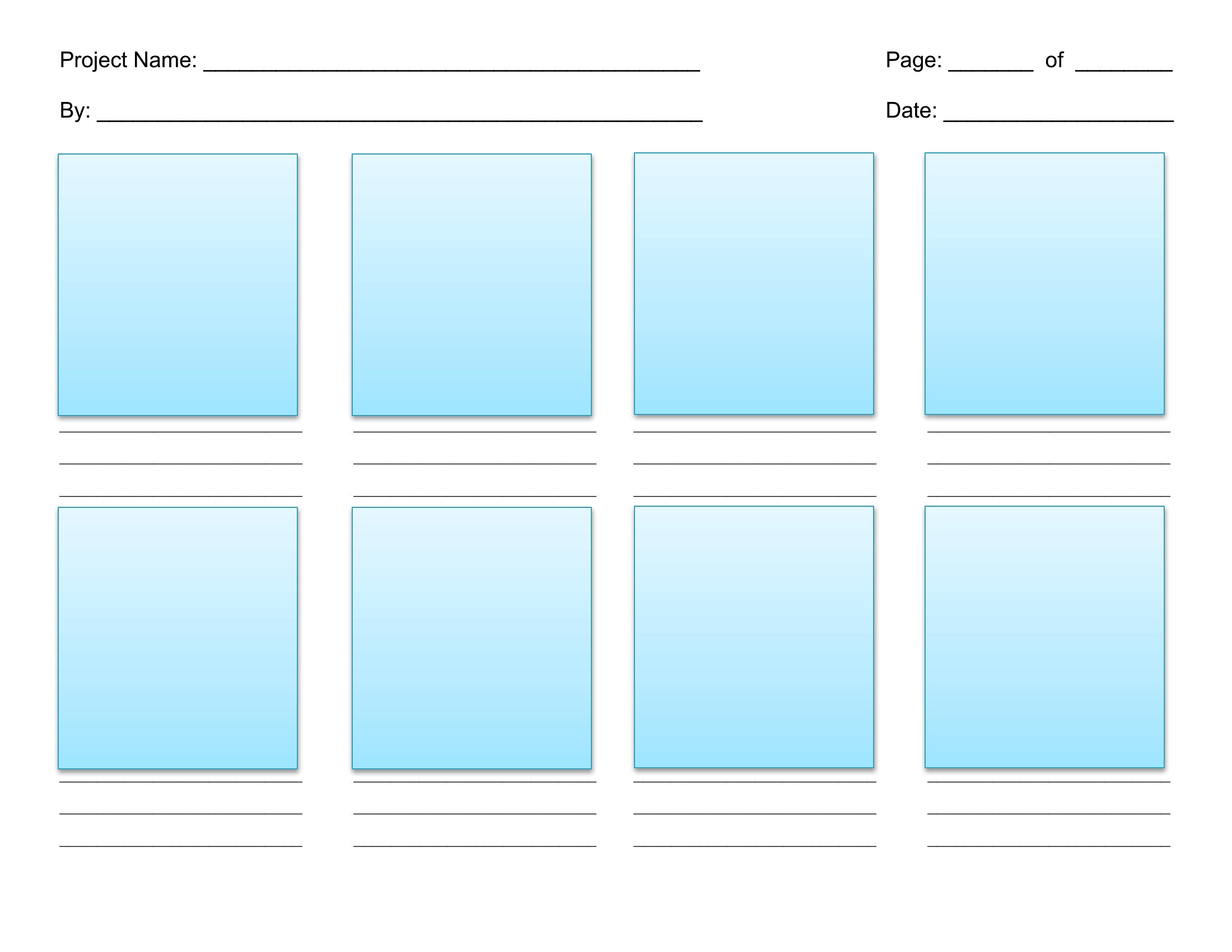
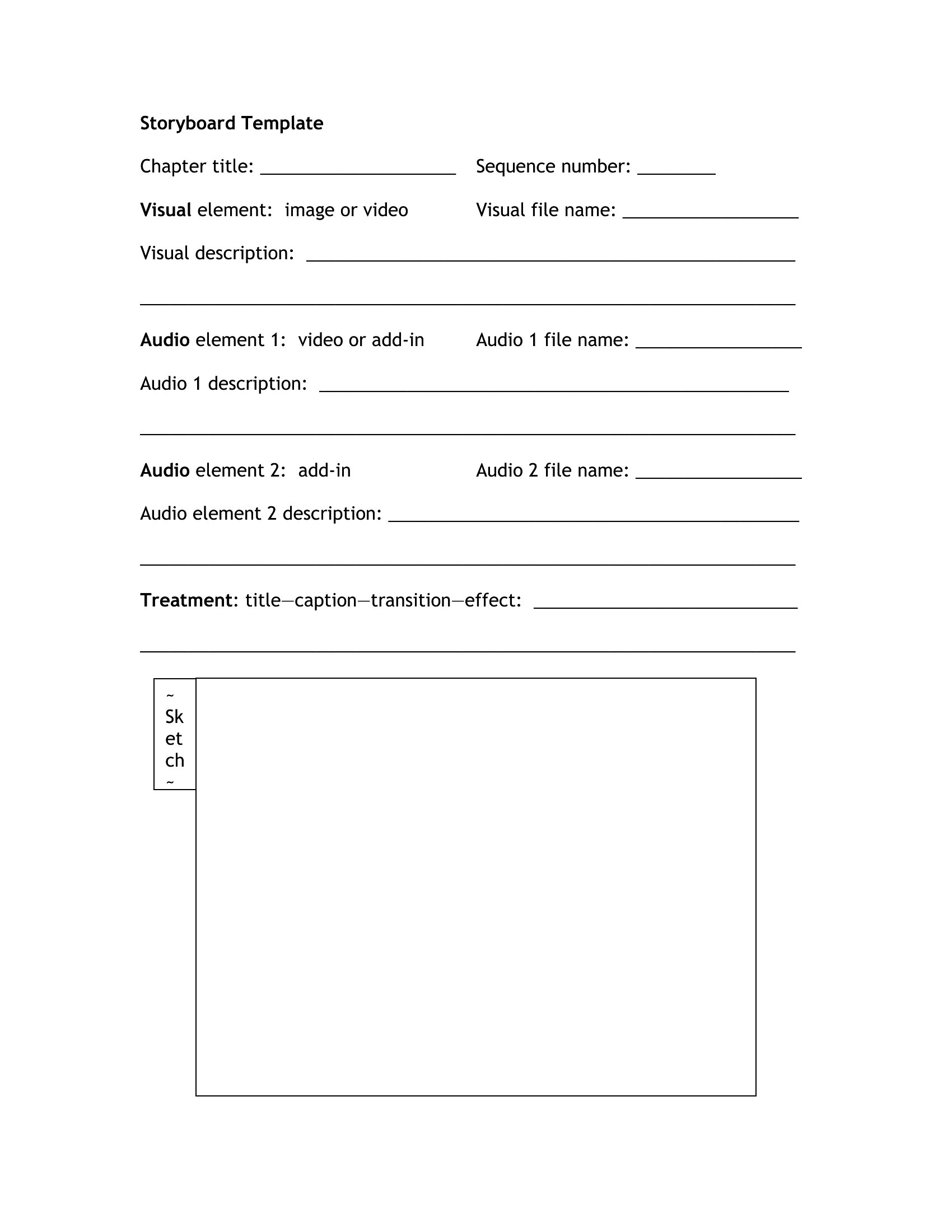
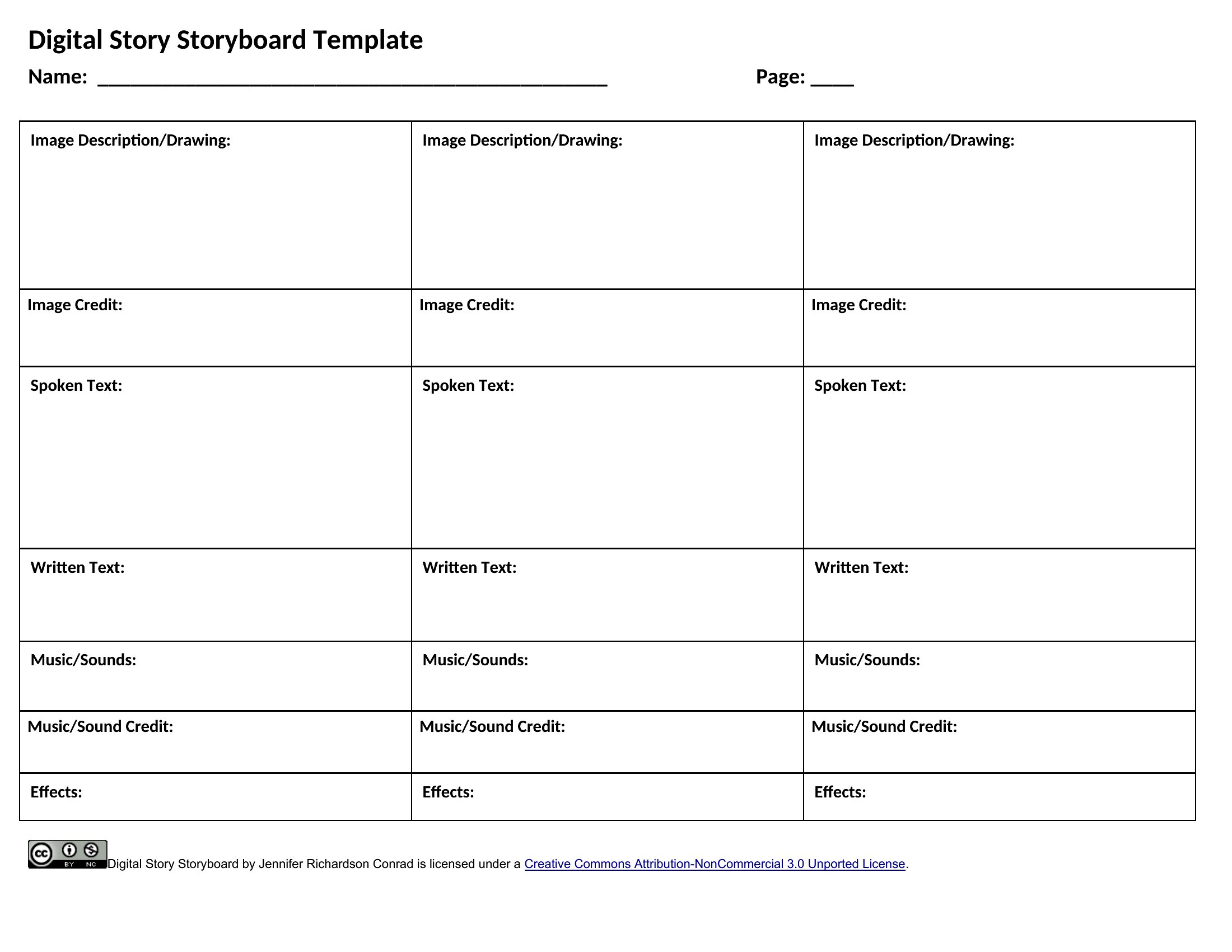
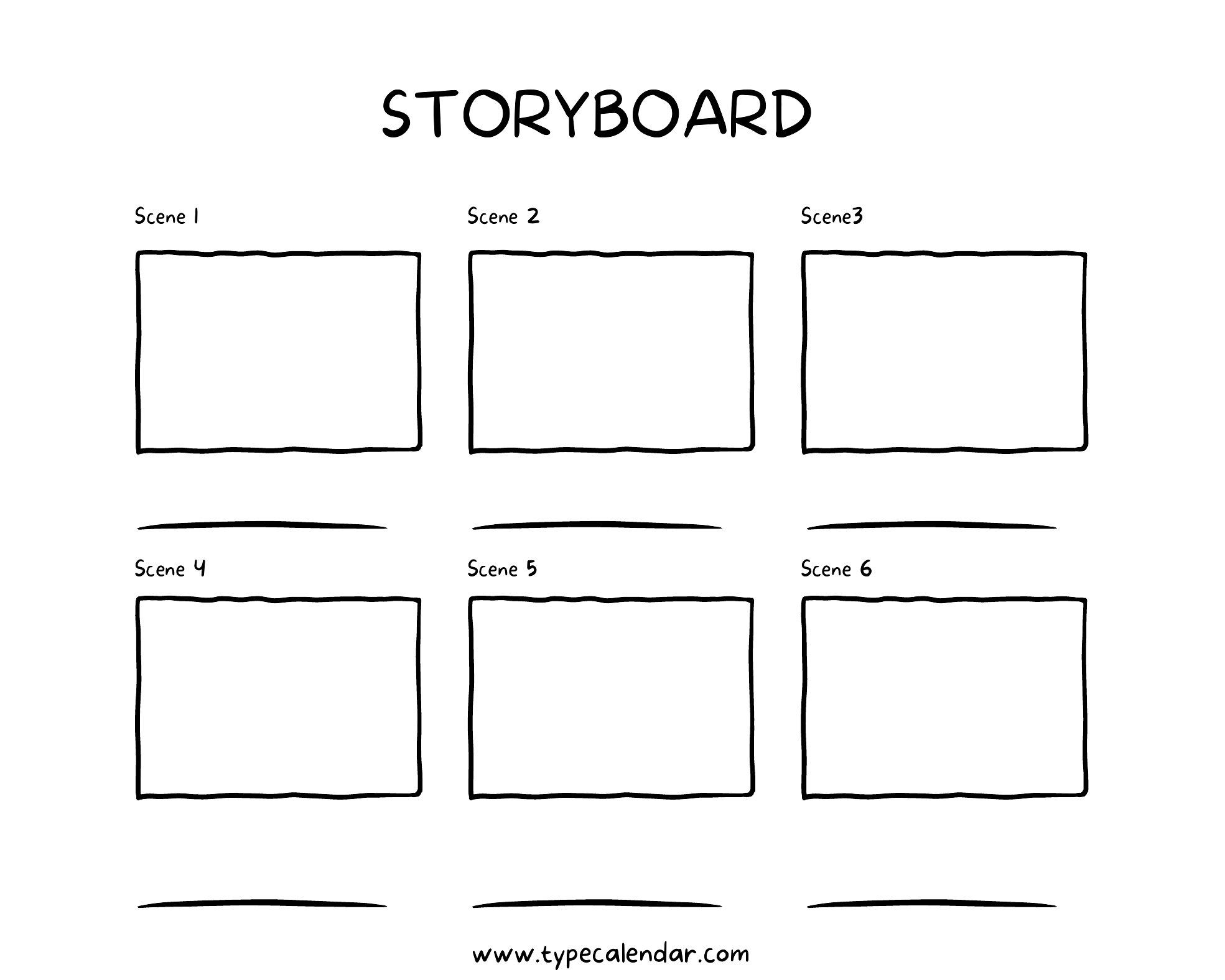
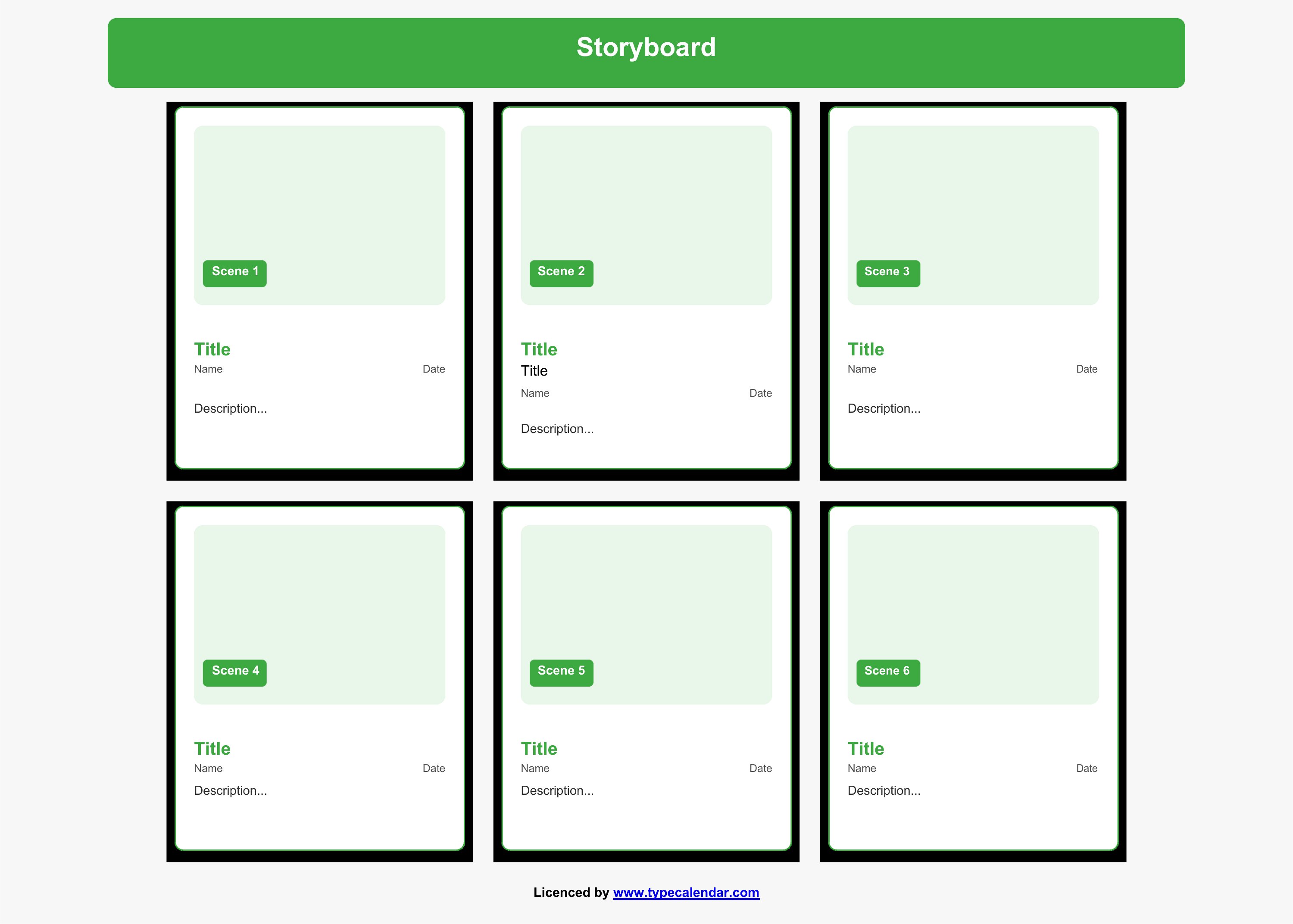
Storyboard
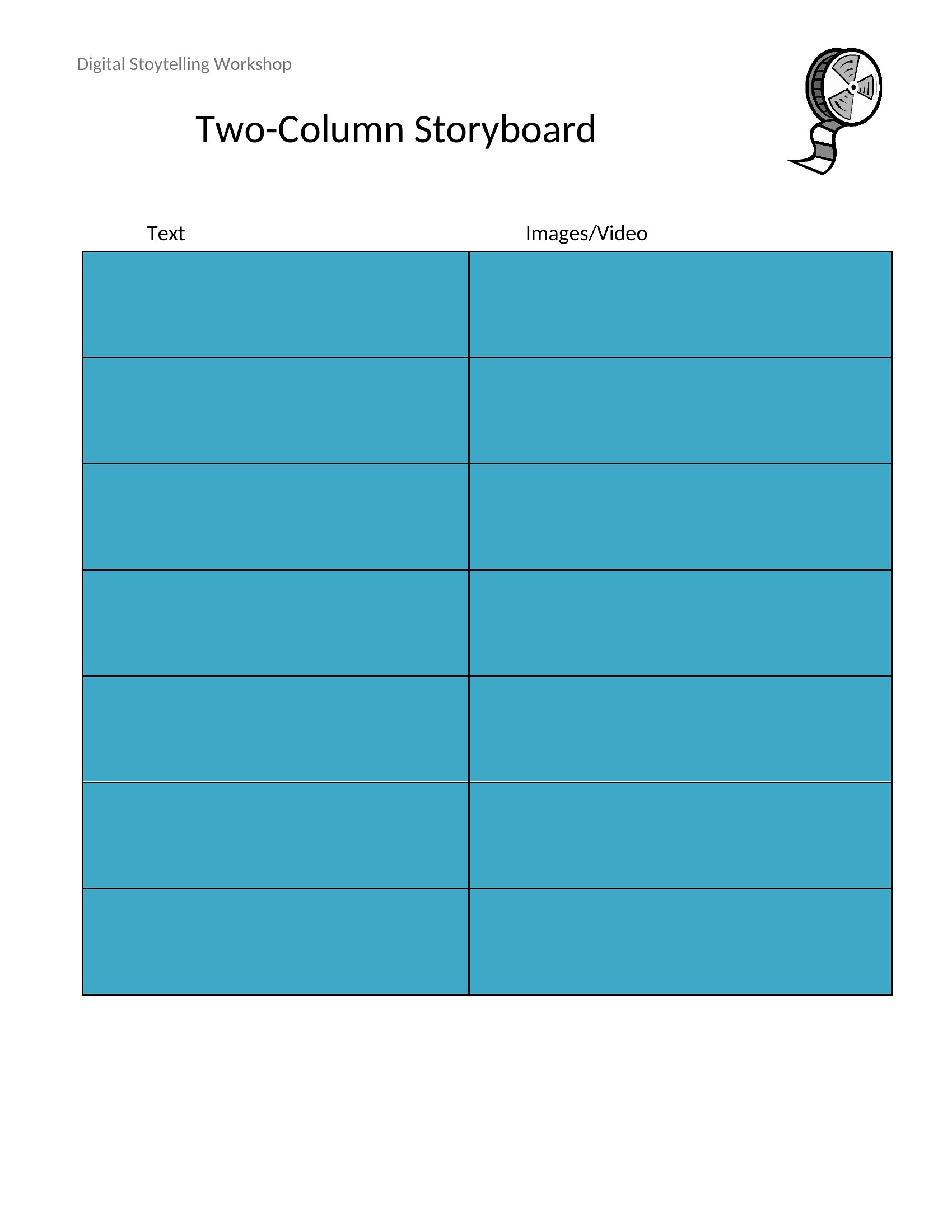
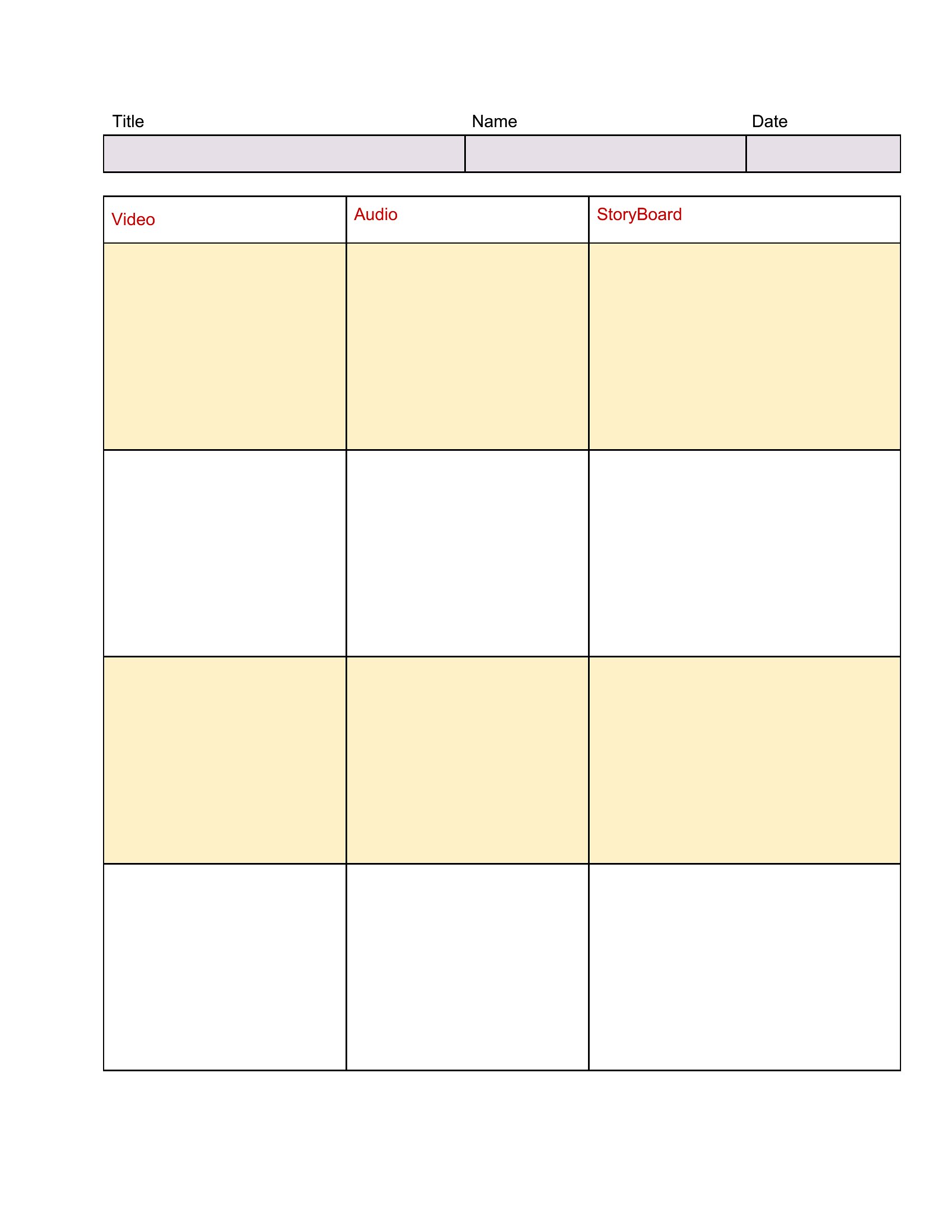
Blank Storyboard
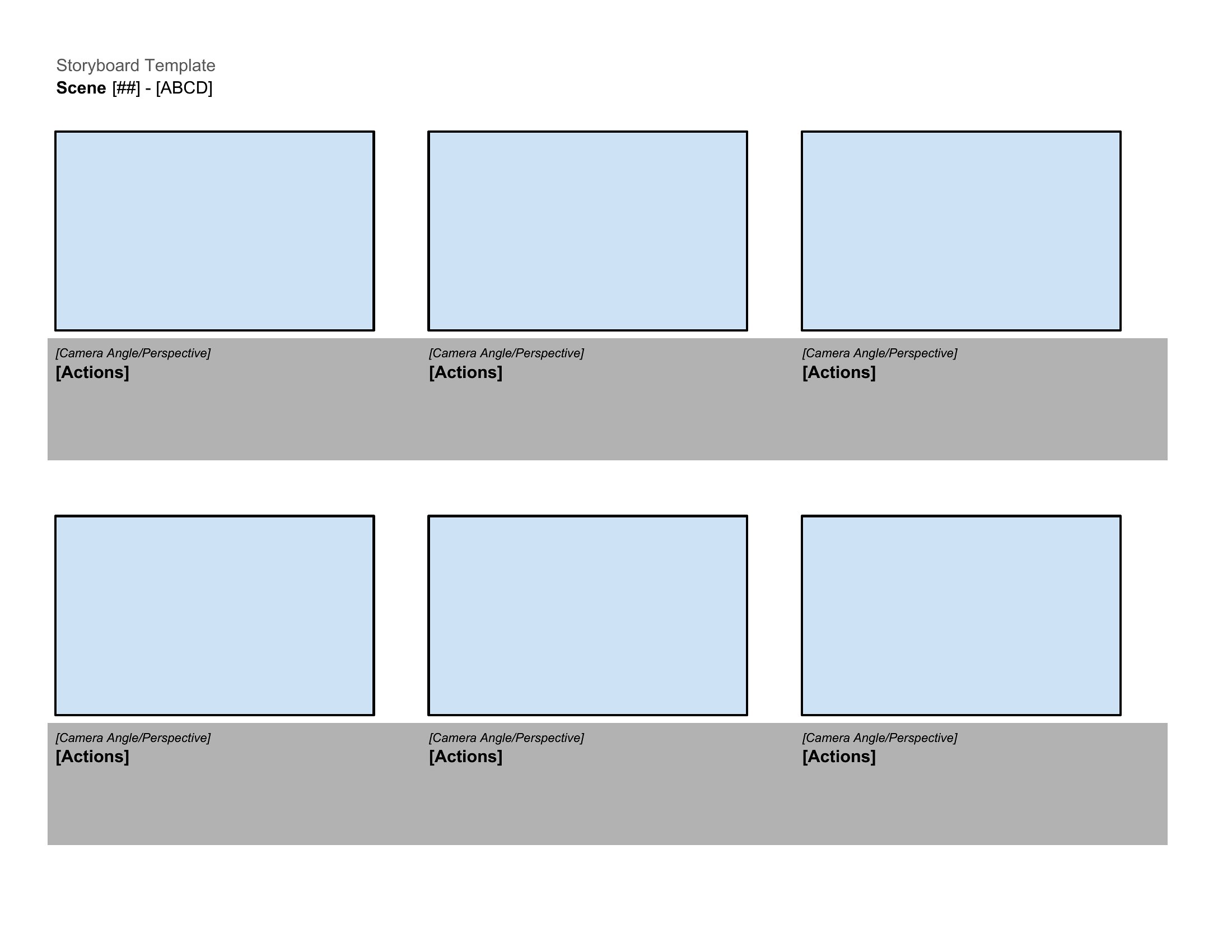
Storyboard Ideas
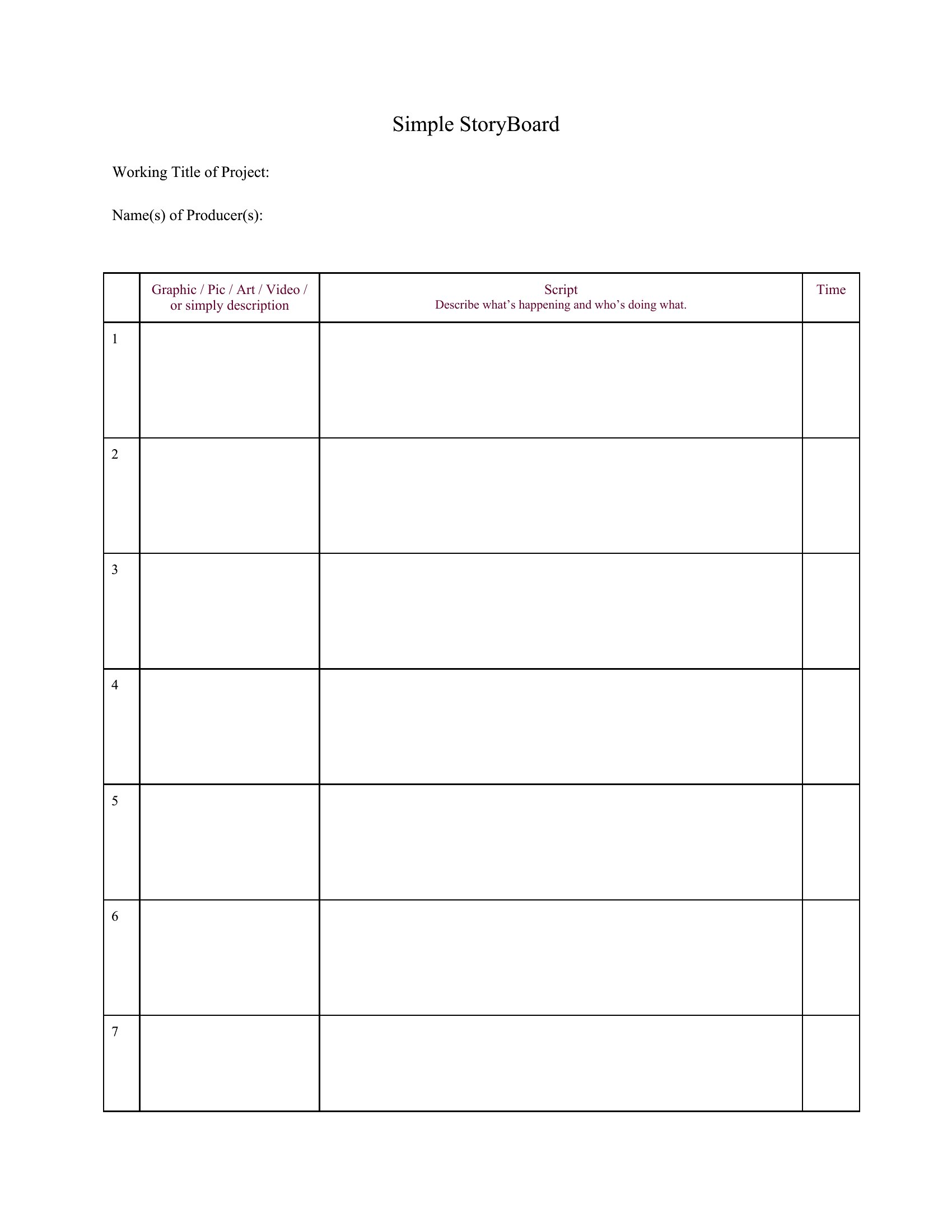
Storyboard App
Free Storyboard
Storyboard Paper
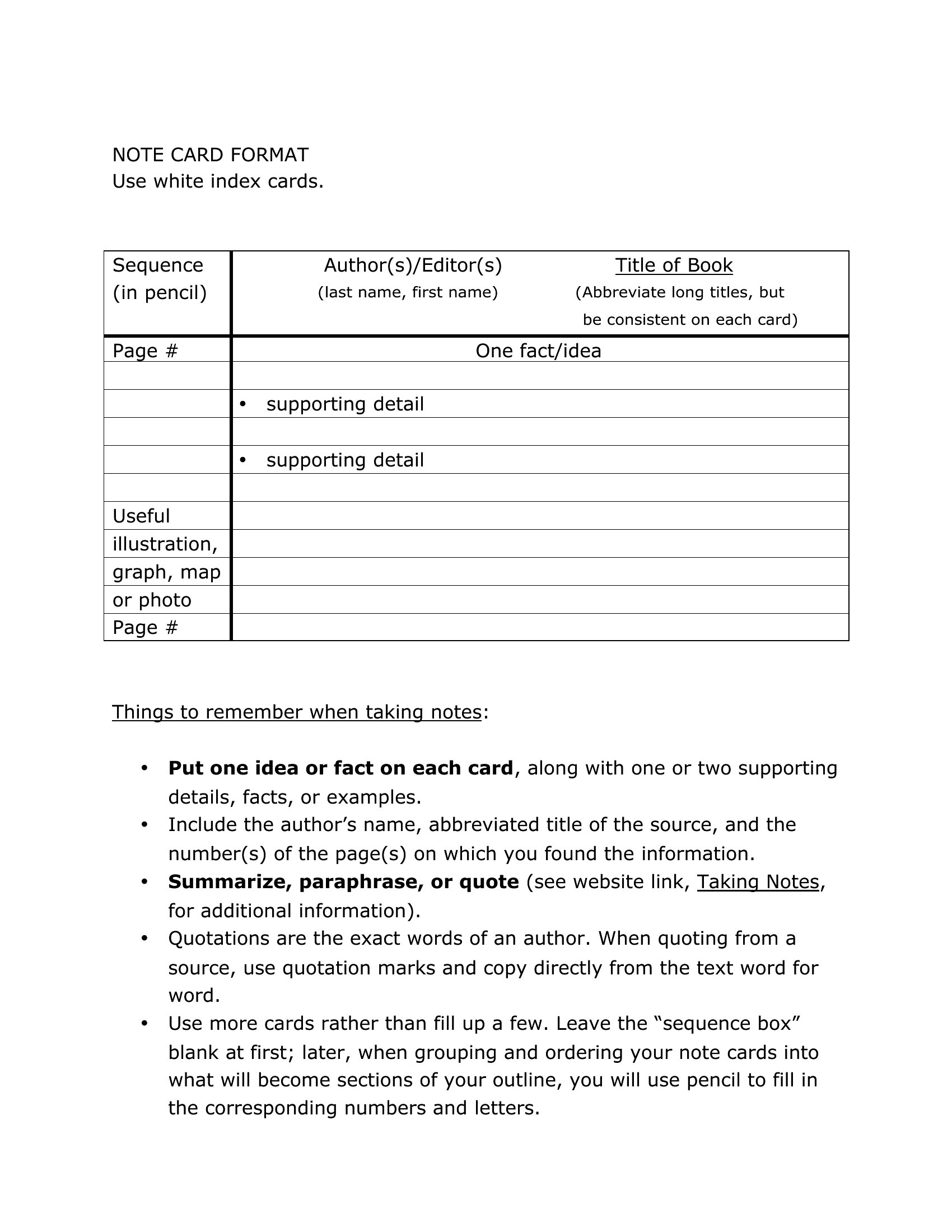
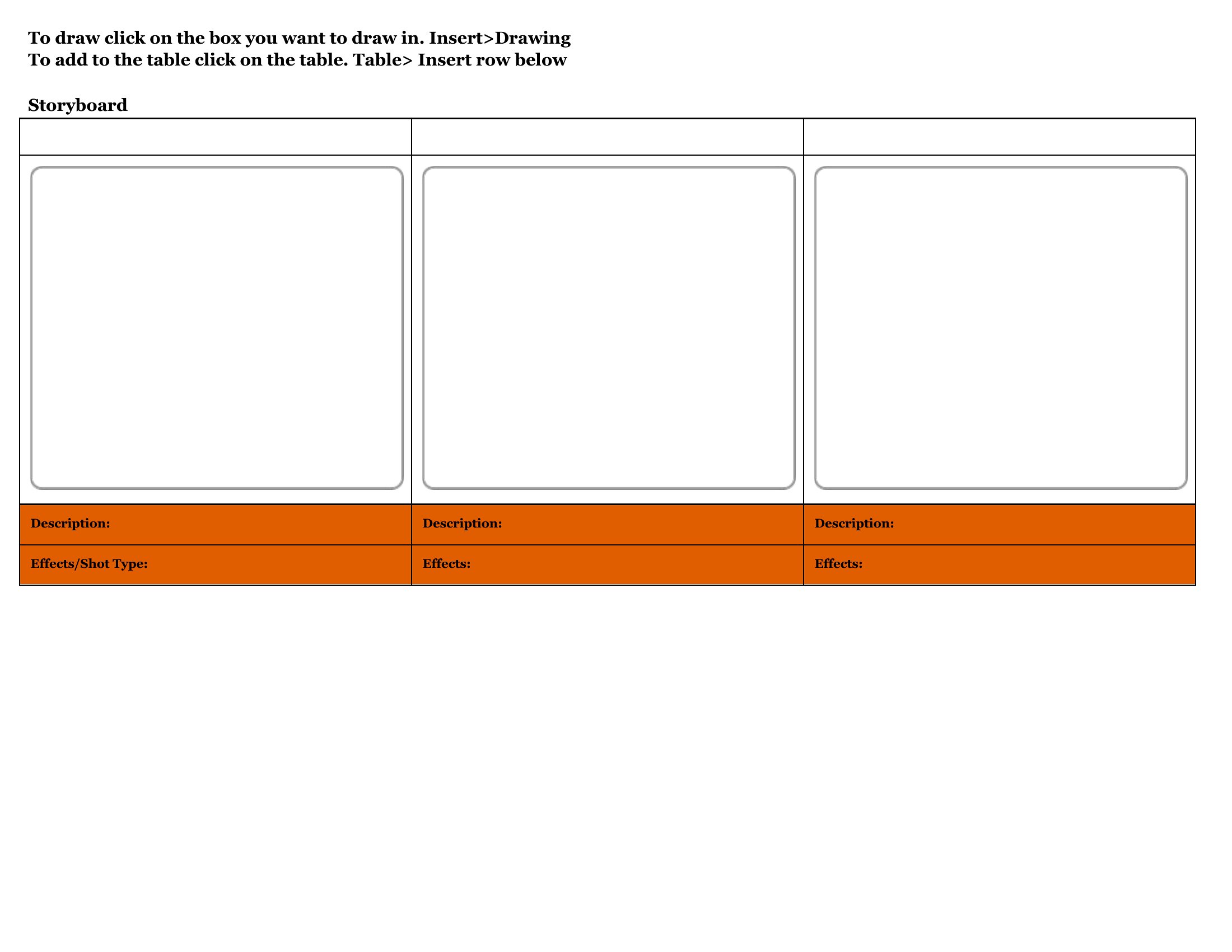
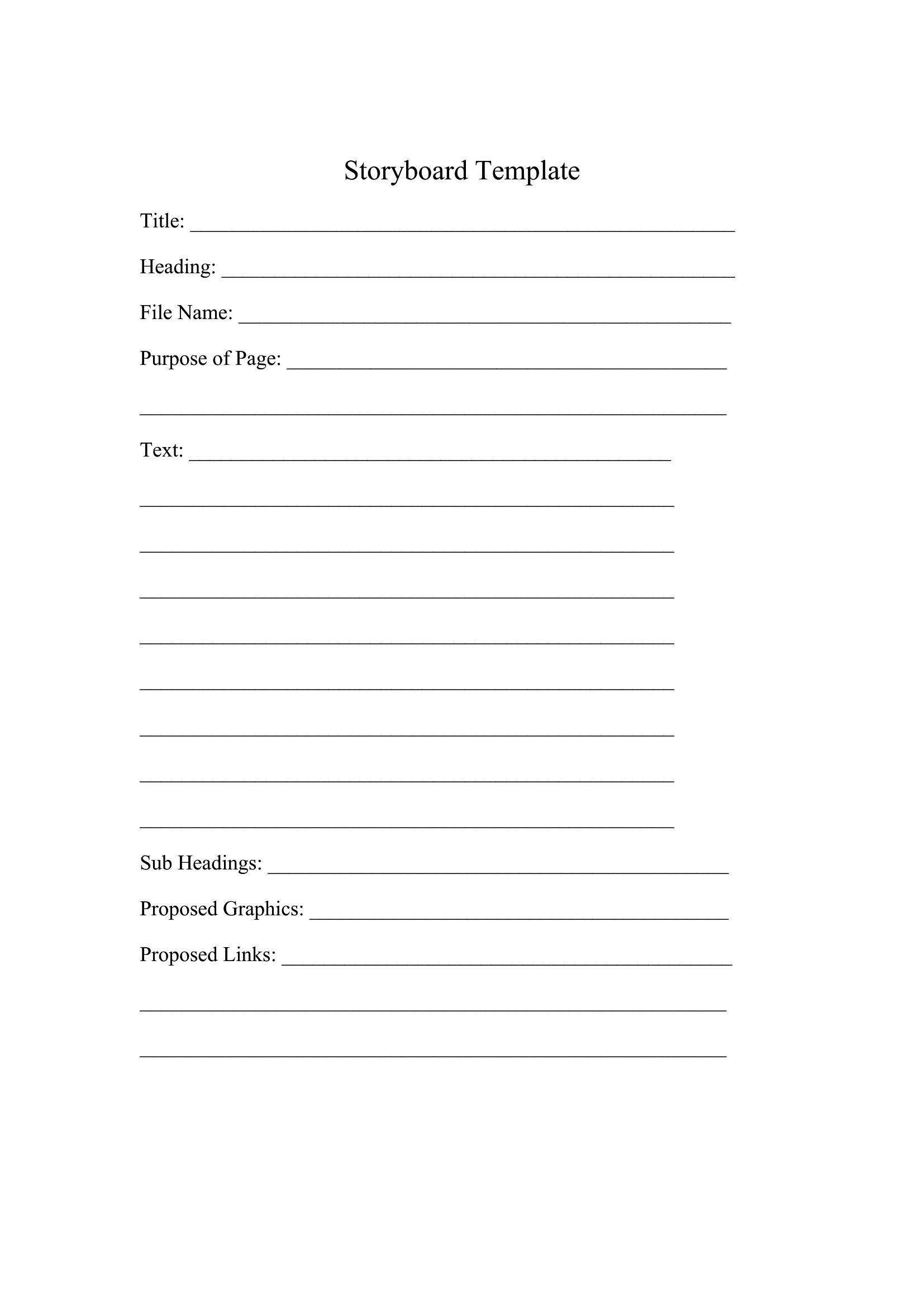
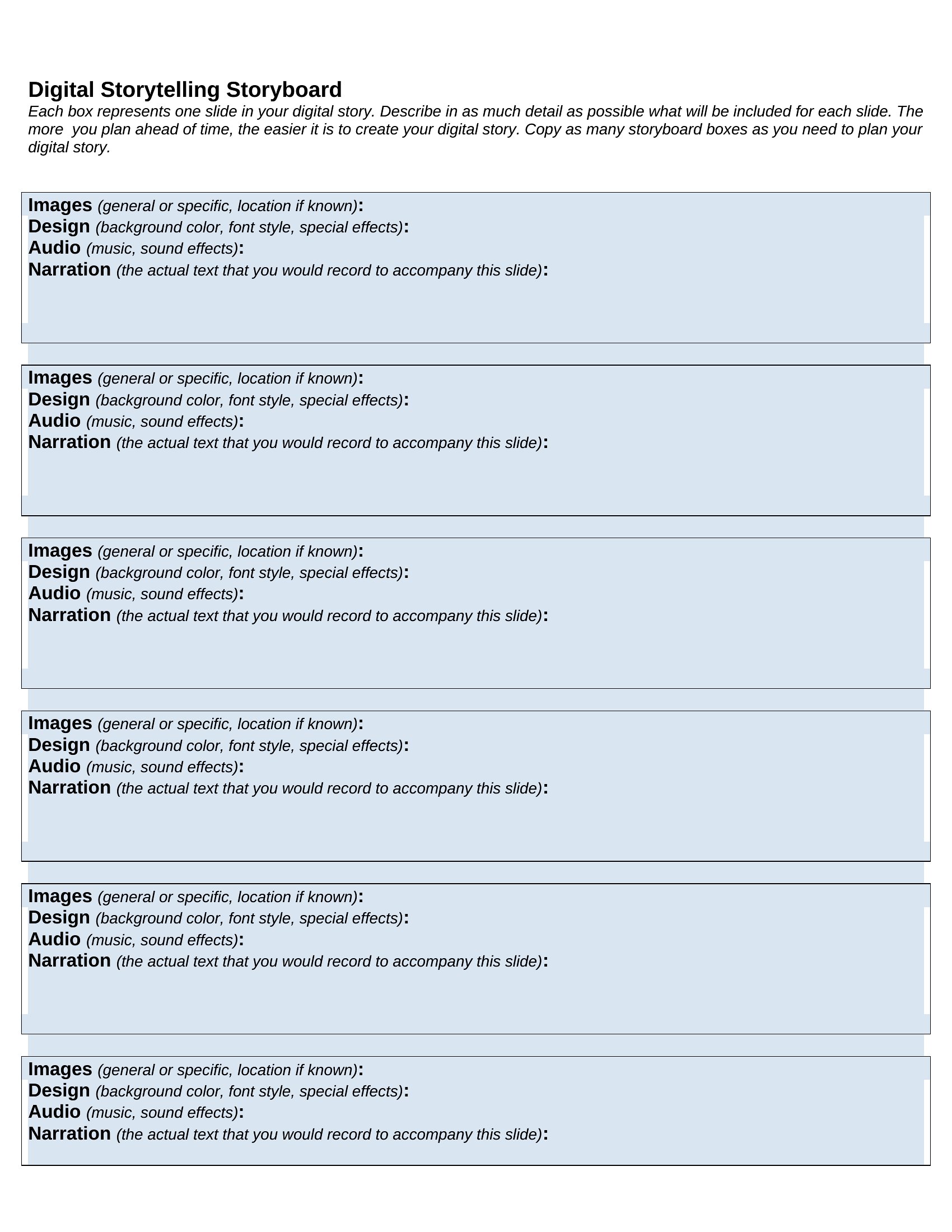
Storyboard Free
FAQ
How do I decide how many panels or frames to include in my storyboard?
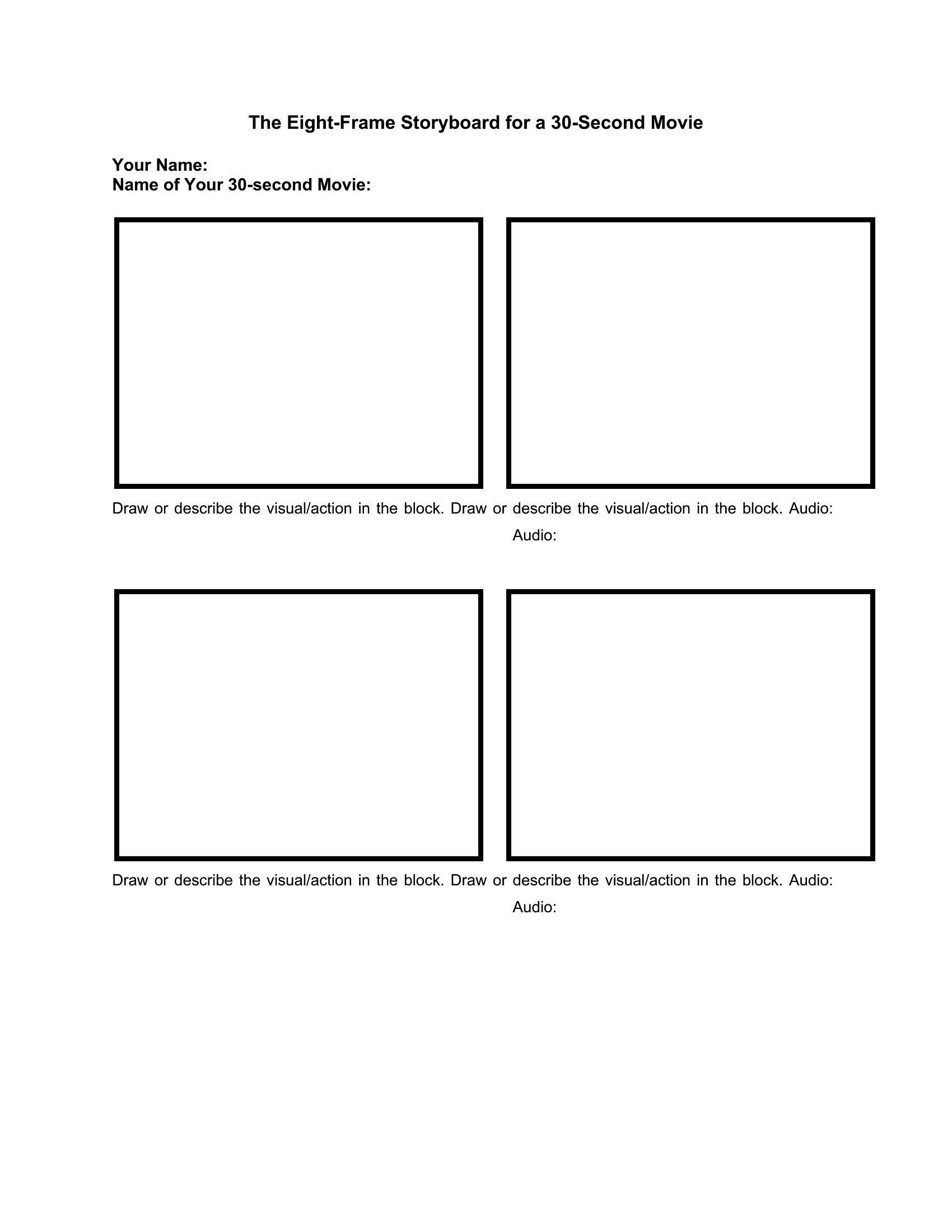
Base your frame count on the pacing of your project. A 1-minute video typically needs 6–12 panels per shot, while a 30-second commercial might use 1–2 panels per shot. Start with a rough sketch of key moments, then fill in transitions. The templates include blank grids to help you scale as needed.
Can these storyboard templates help me plan a non-video project, like a slideshow or comic?
Absolutely. The structure works for any sequential visual project. For comics, use the panels to map out page layouts and dialogue bubbles. For slideshows, treat each panel as a slide, noting text placement and design notes. The Excel versions are especially useful for tracking assets like images or quotes.
What’s the best way to incorporate dialogue or narration into my storyboard?
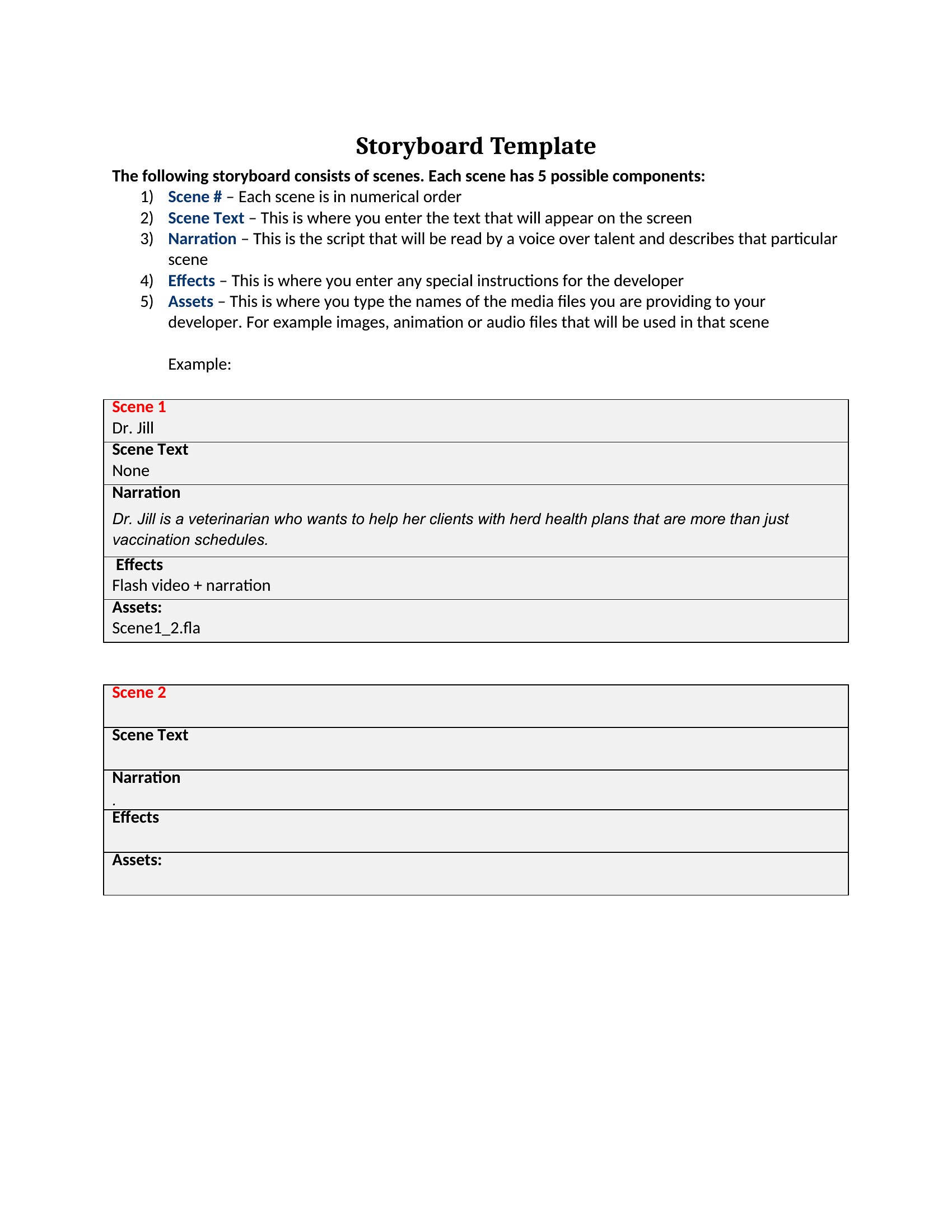
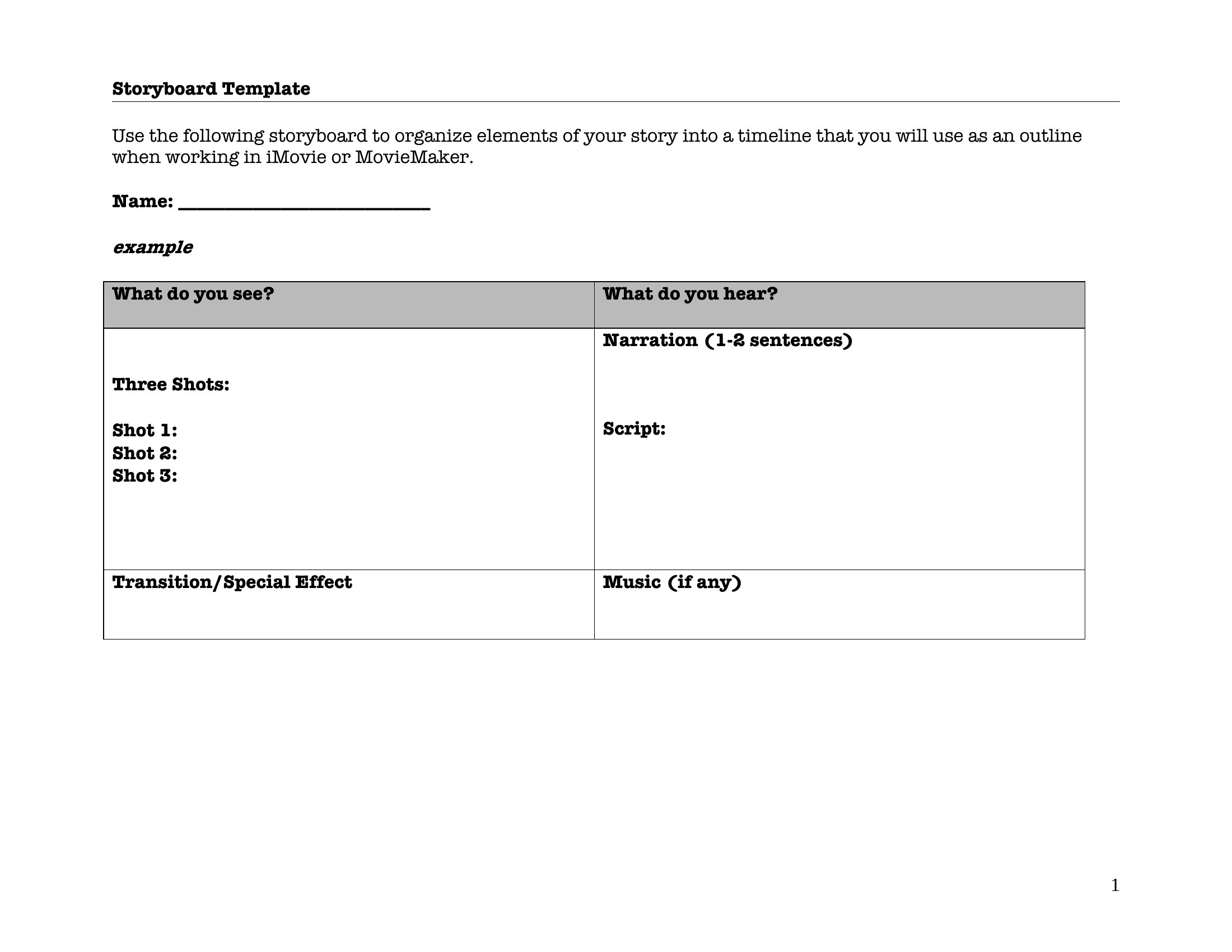
Use the Word or Excel templates to add a dedicated column or box for dialogue, timing it roughly to your script. For PDFs, leave blank speech bubbles or text placeholders. Keep it concise—aim for 1–2 lines per panel to avoid clutter. Color-code key lines if they’re critical to the scene’s tone.
Comments
Join the conversation
Sign in to share your thoughts and leave a comment on this resource.