Skip to content
50% off this one-time $1.99 pack with HALFOFF — or unlimited with Pro.HALFOFF
Premium

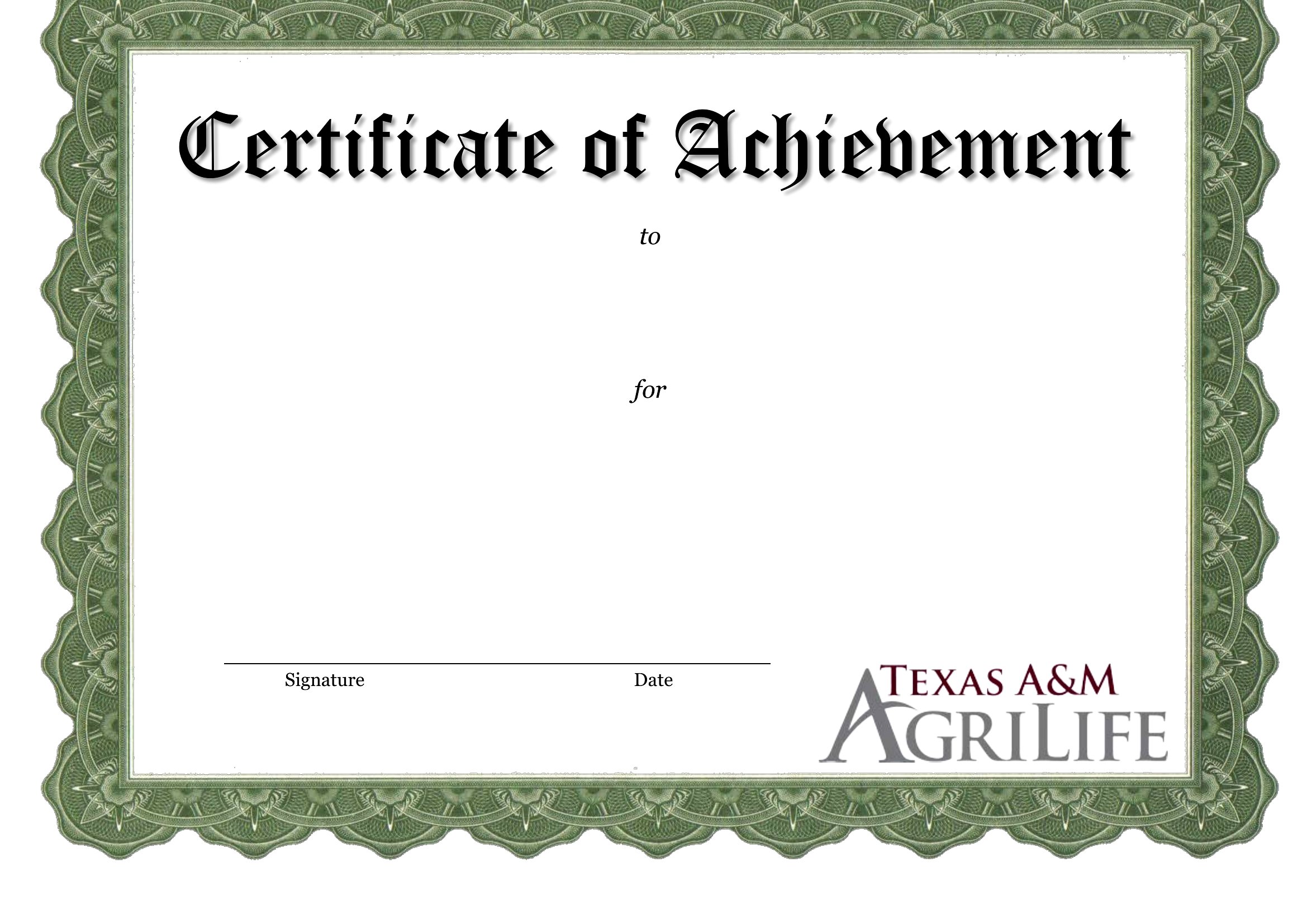
Free Achievement Certificates (Word, PDF)

Life
ceyhantunceri by ceyhantunceri
Updated 0 downloads 2 community comments

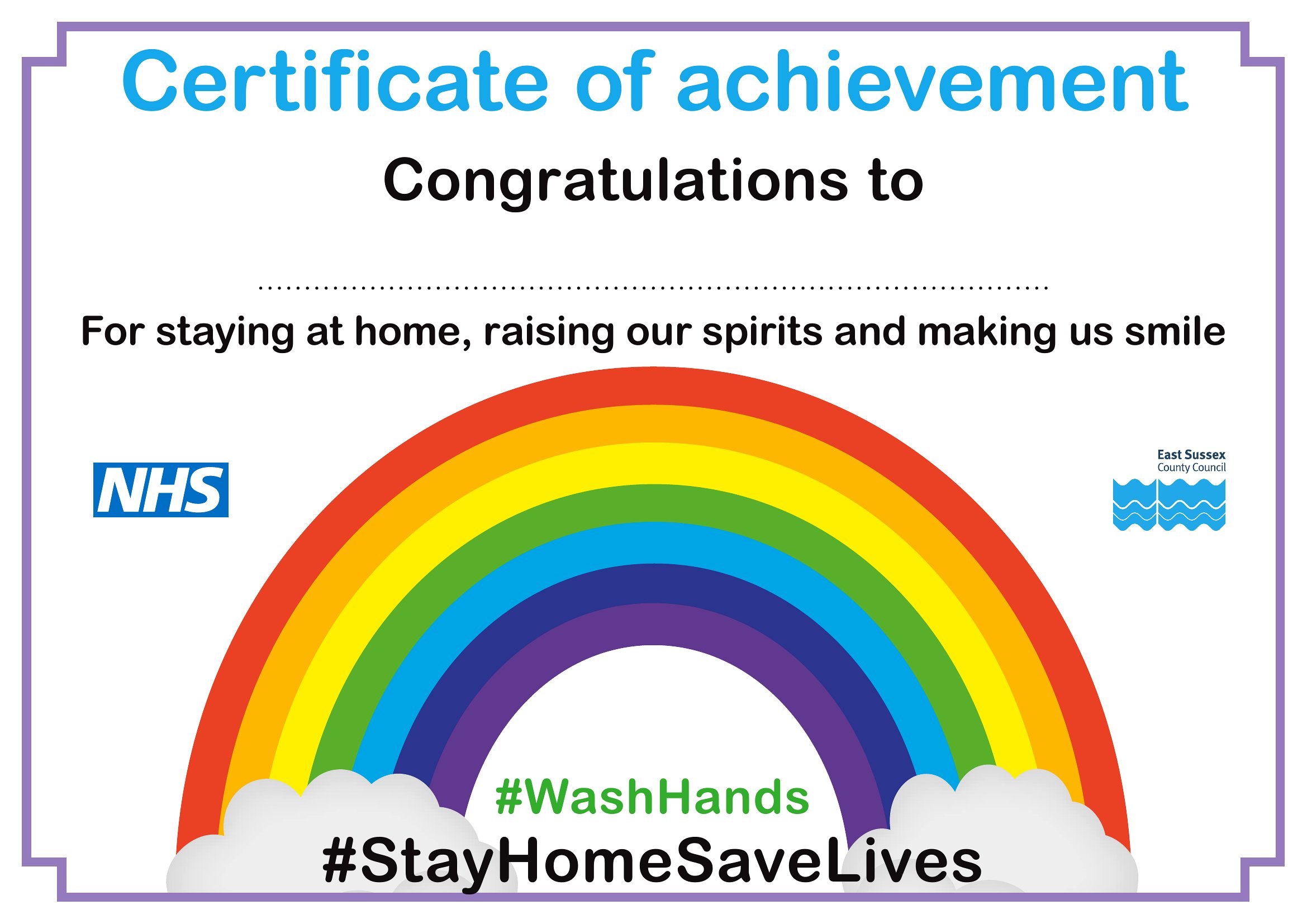
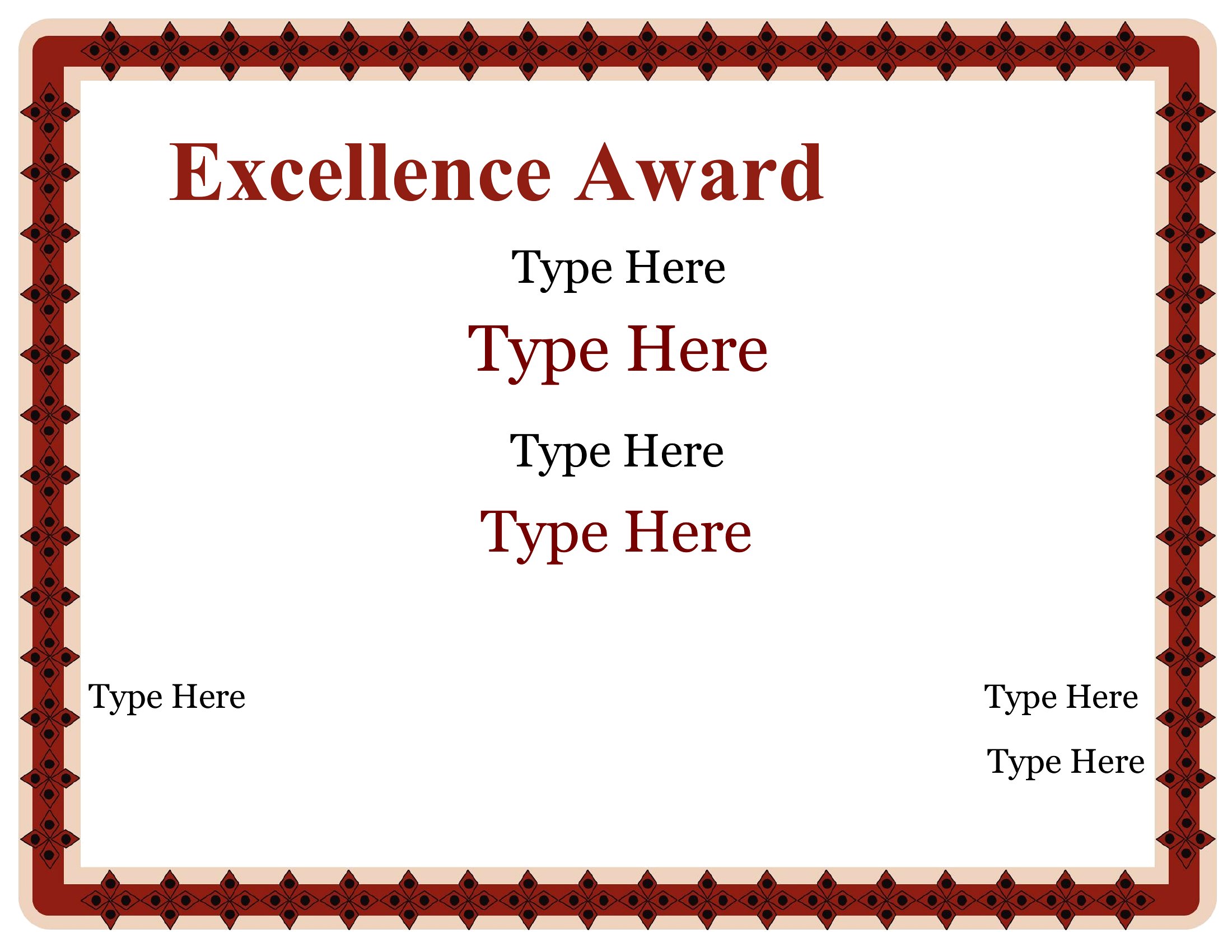
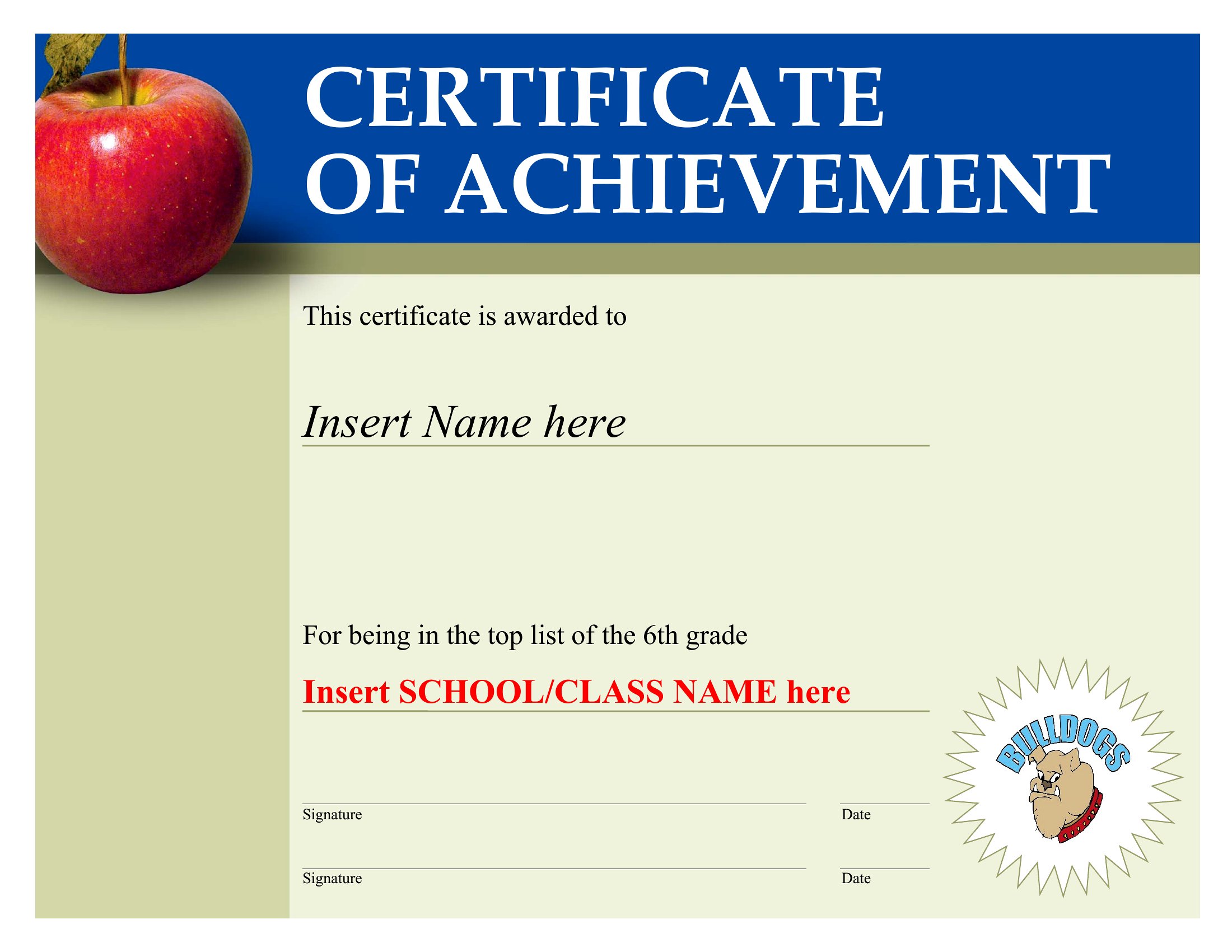
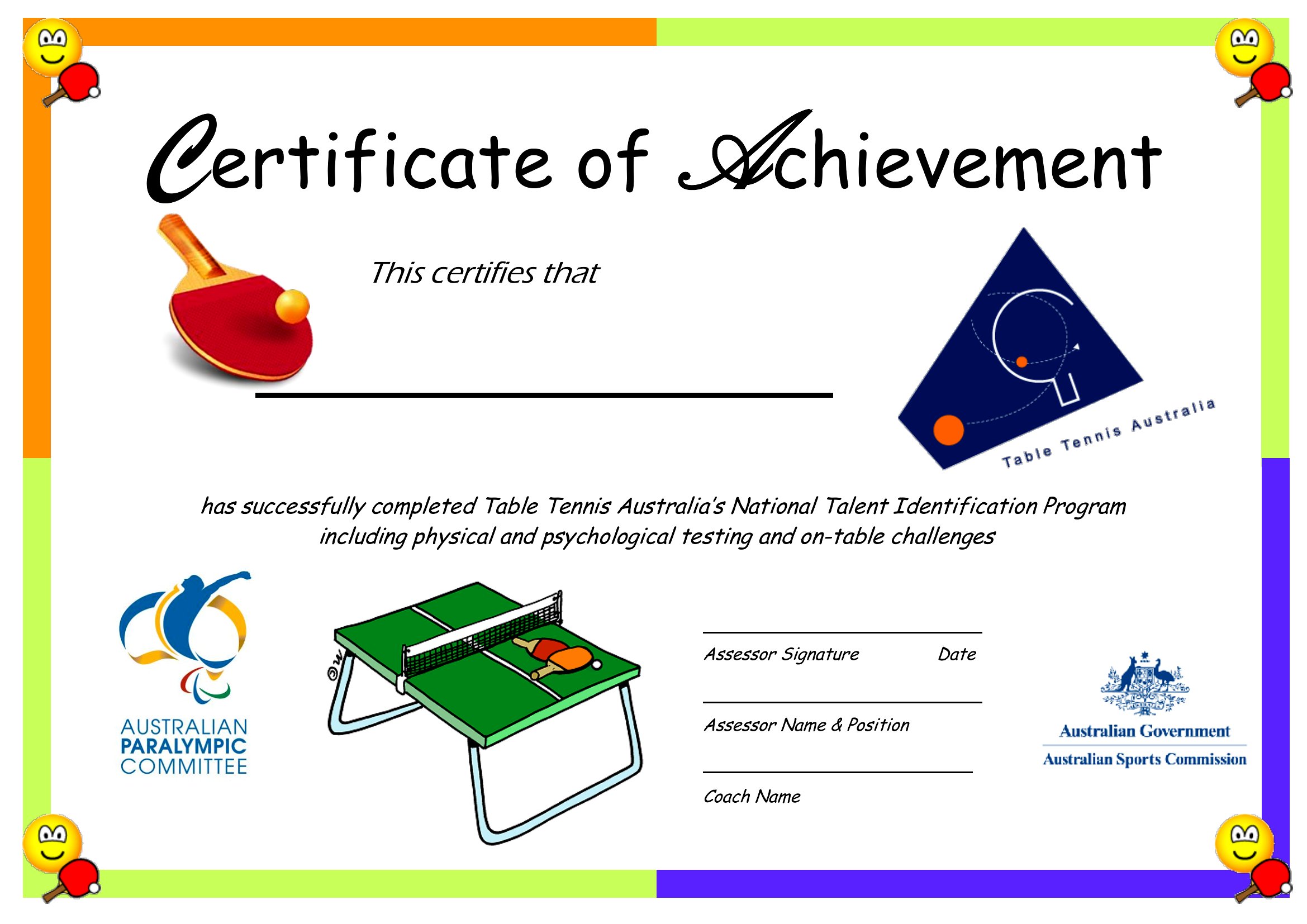
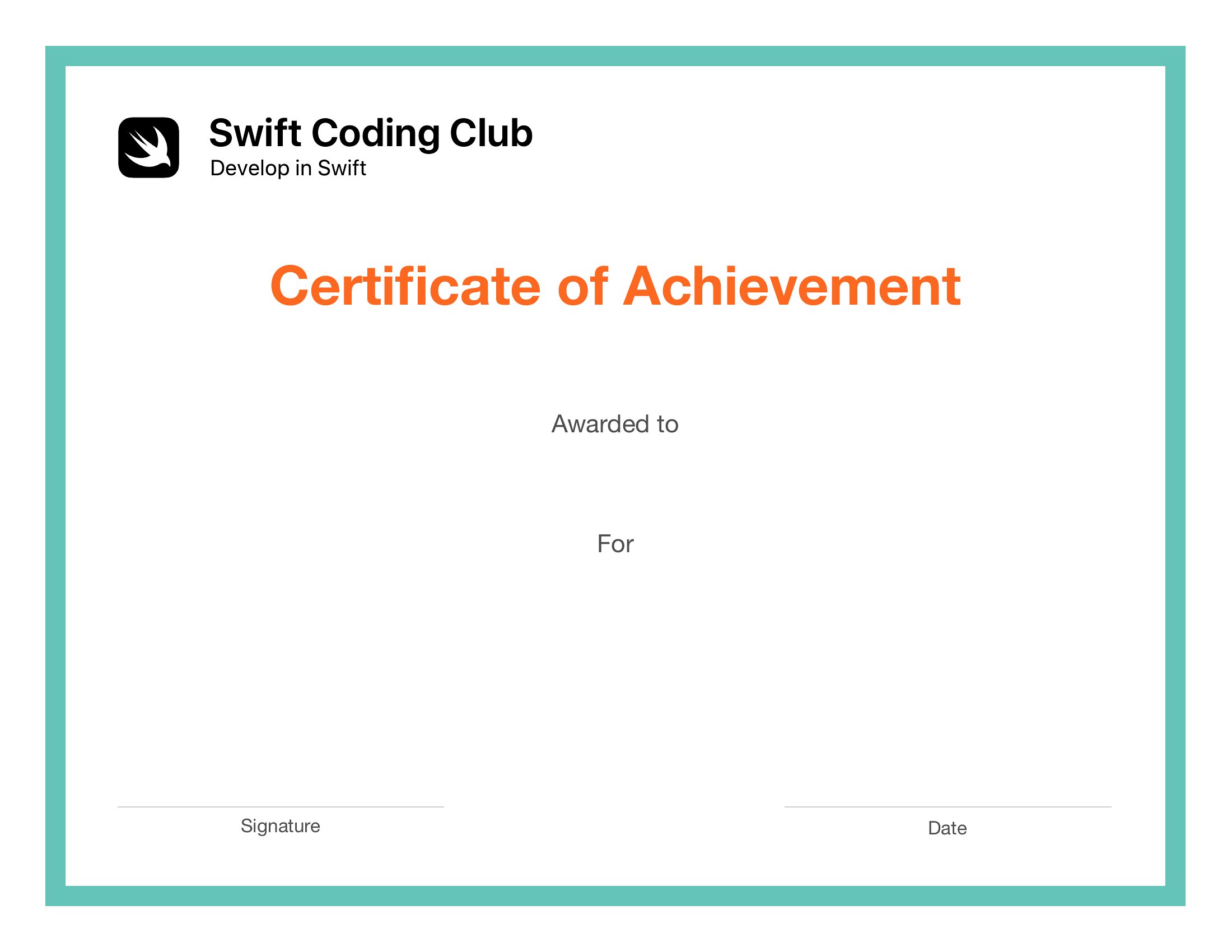
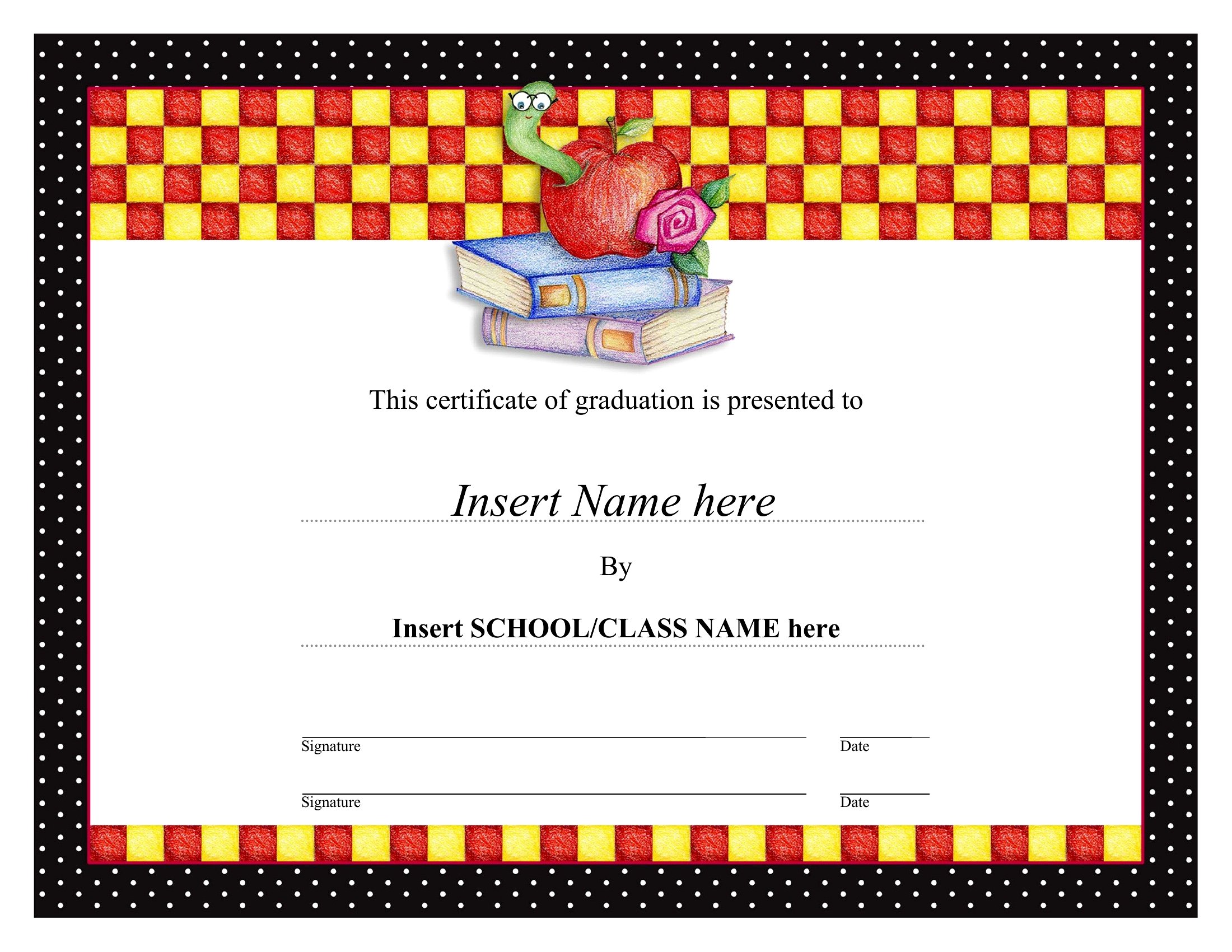
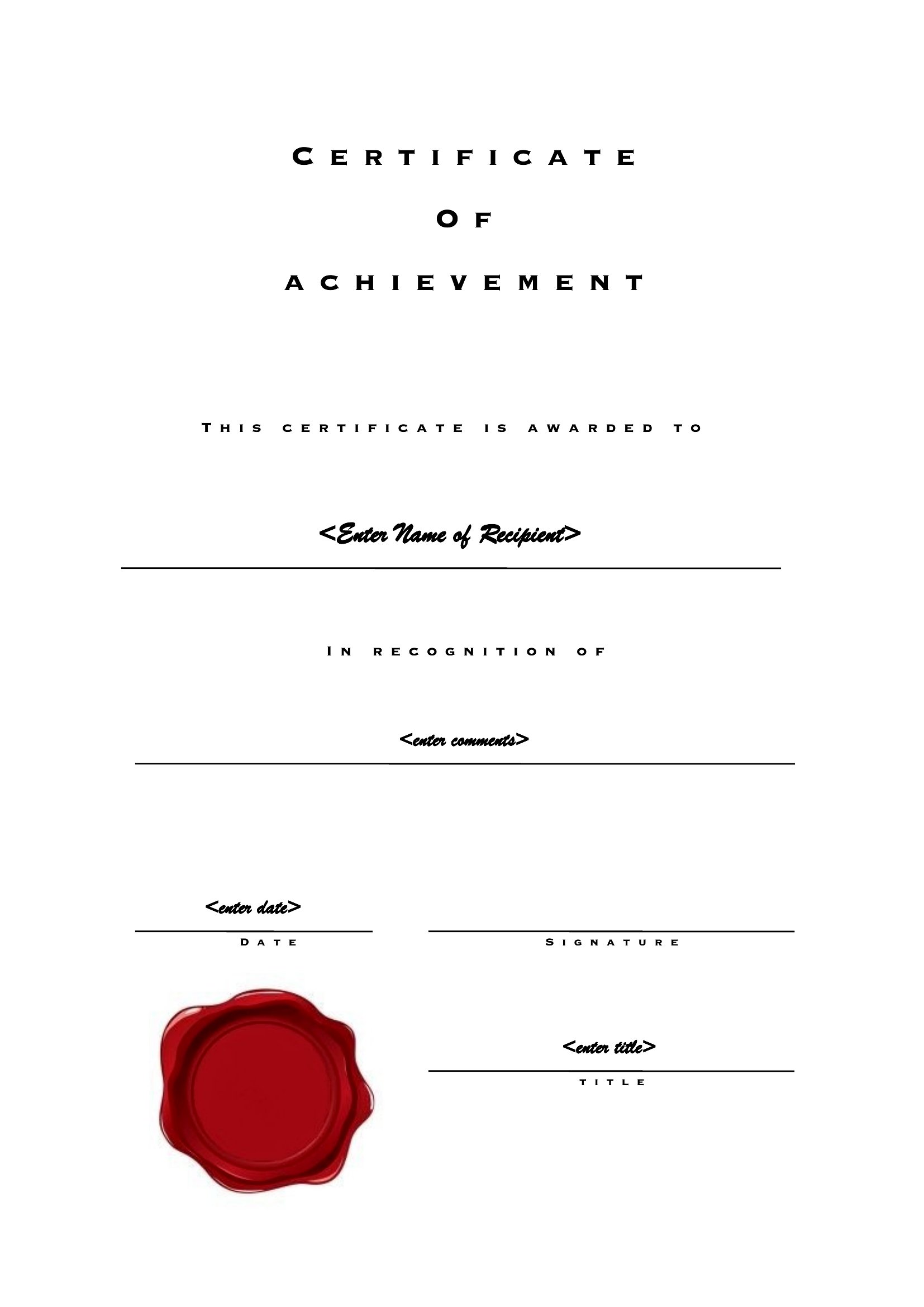
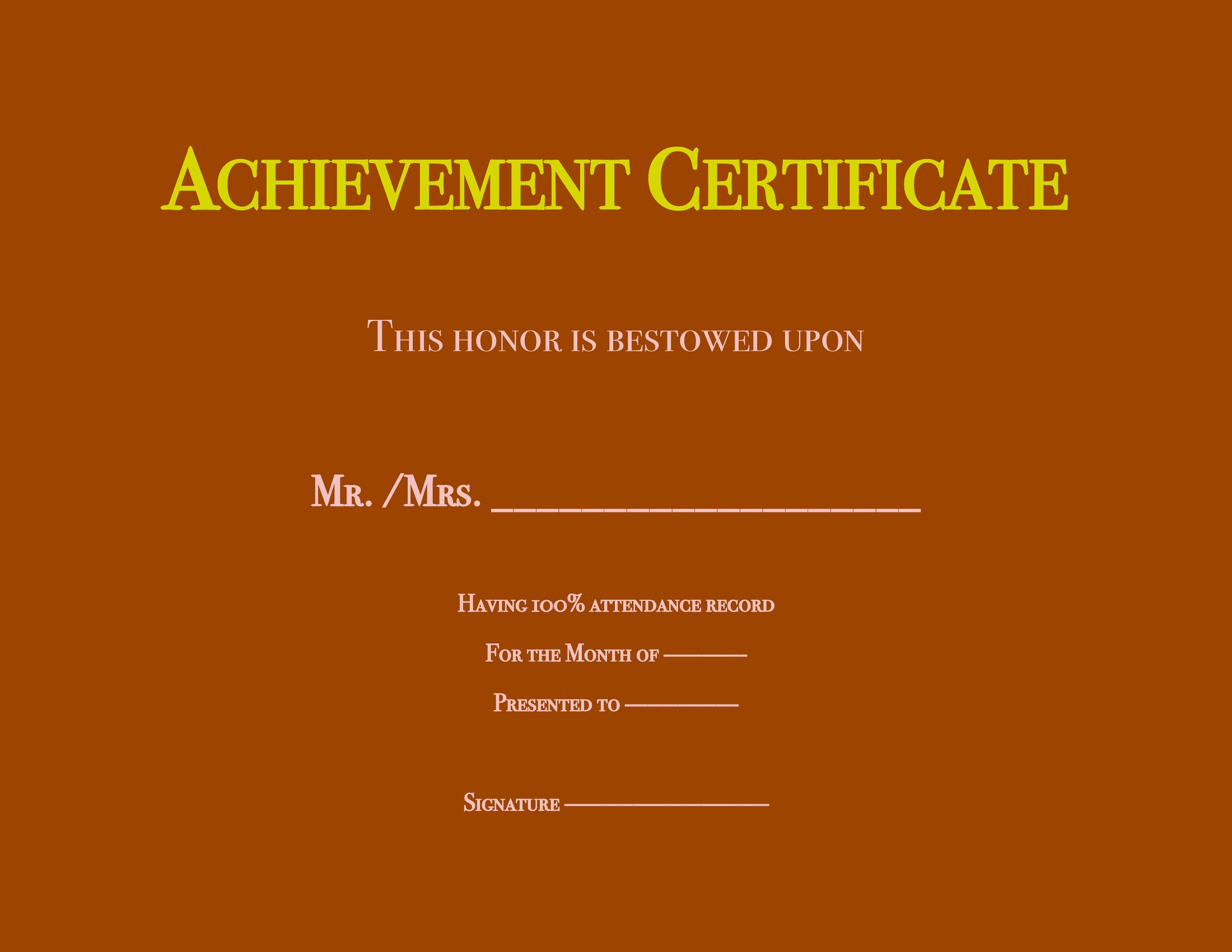
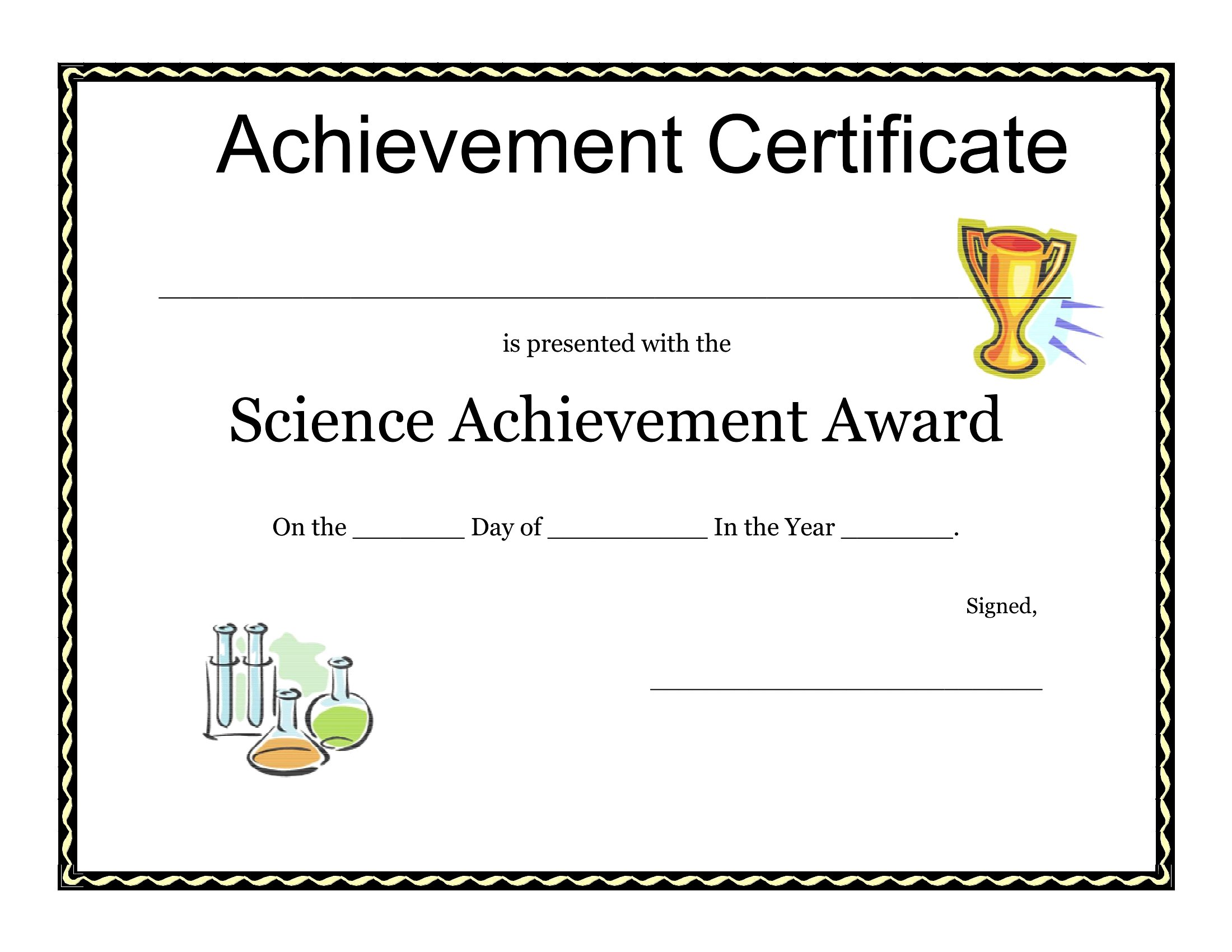
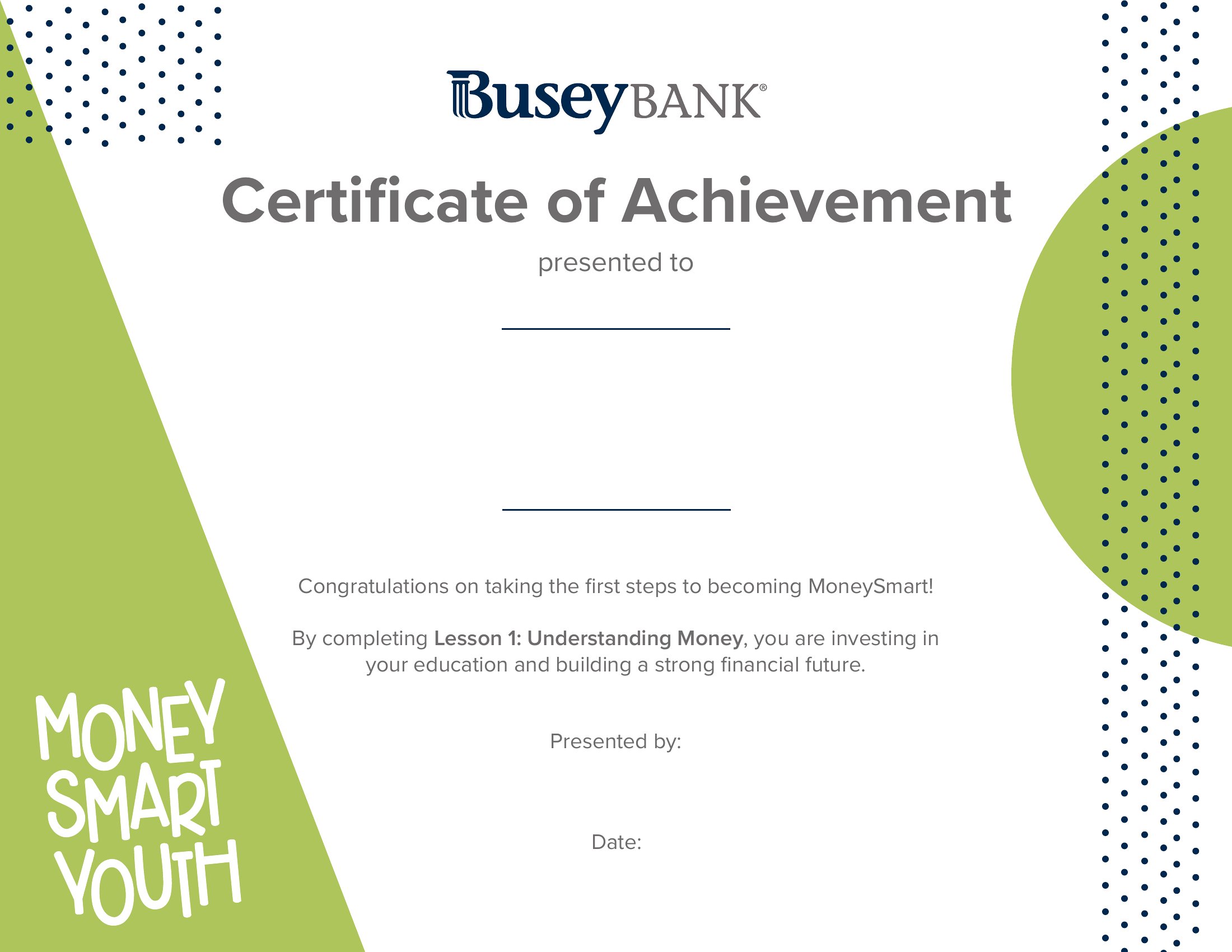
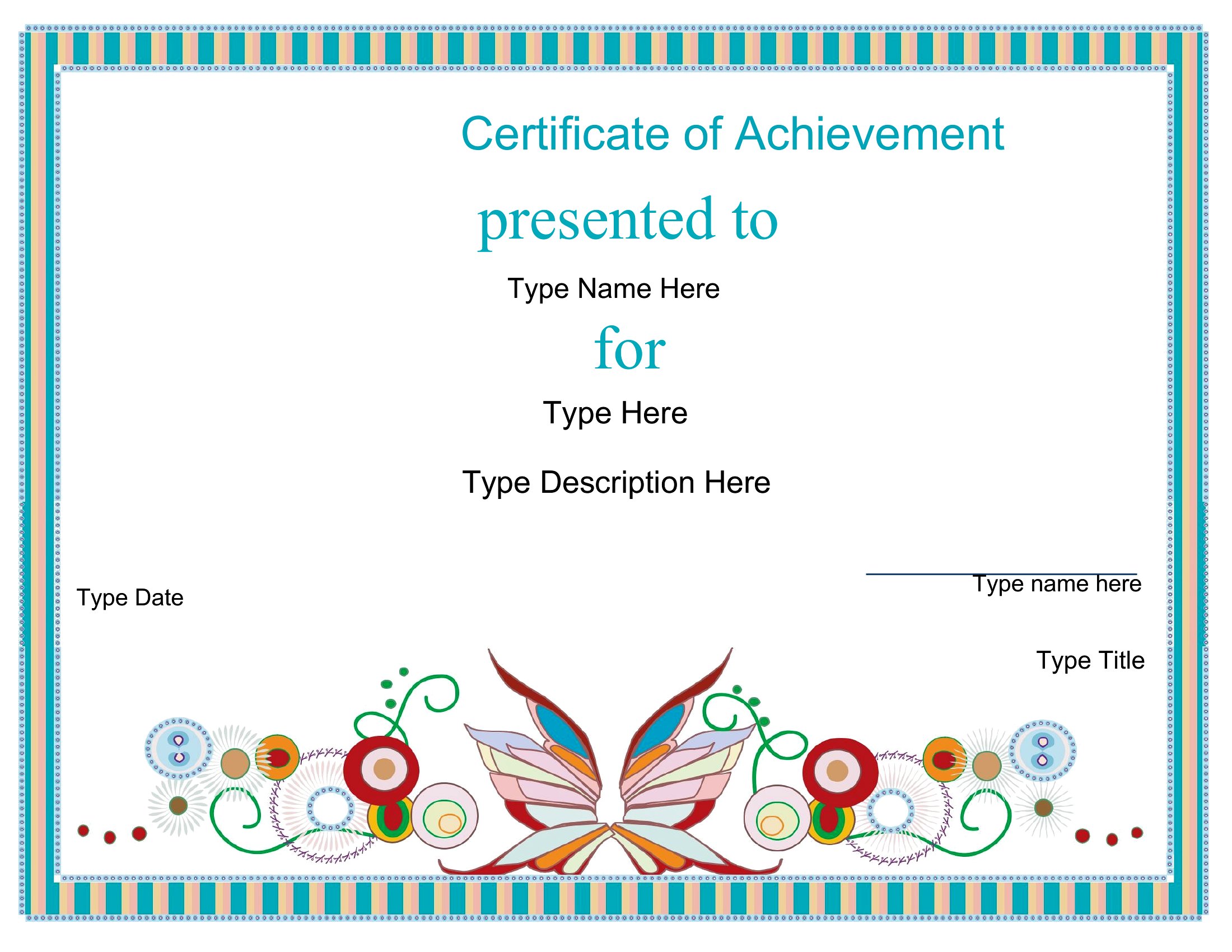
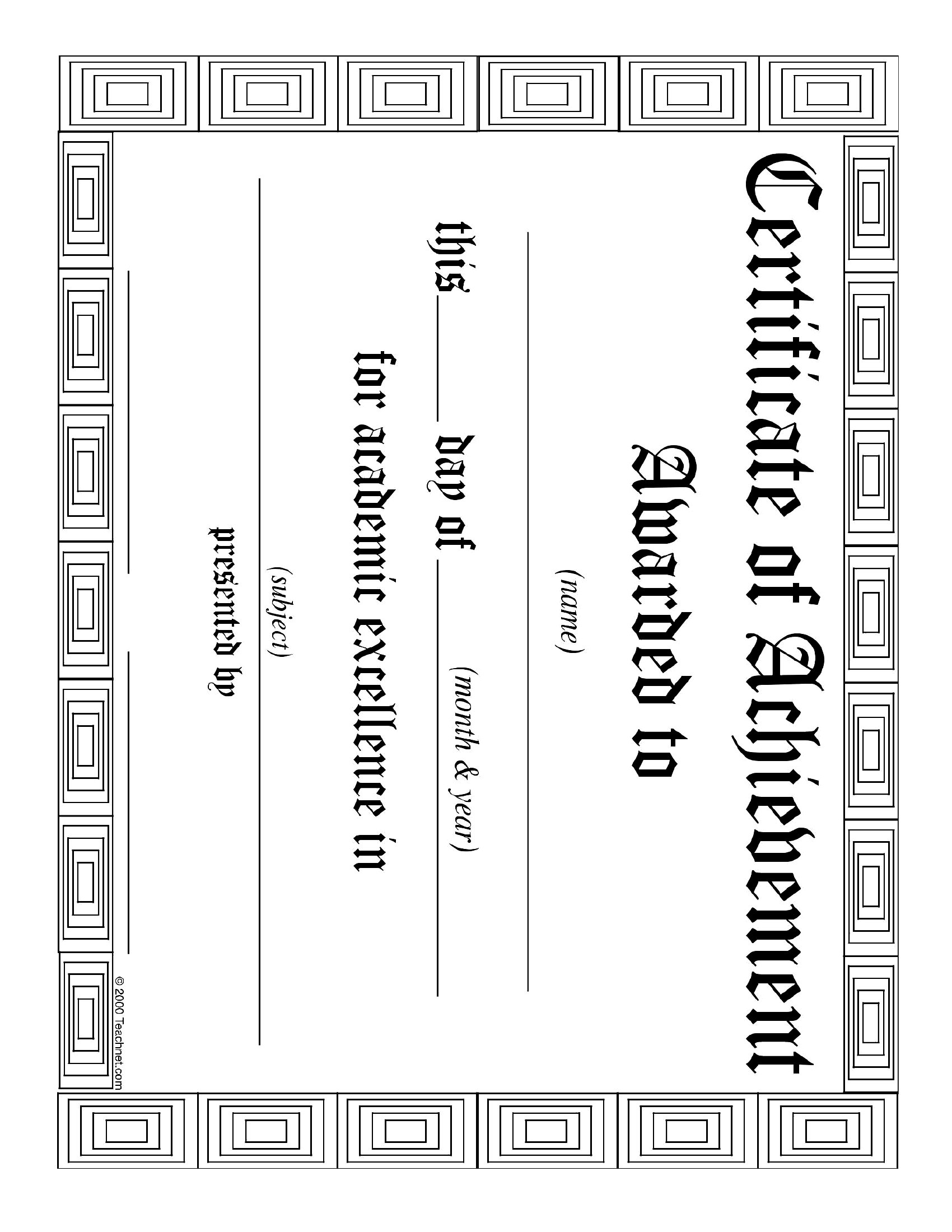
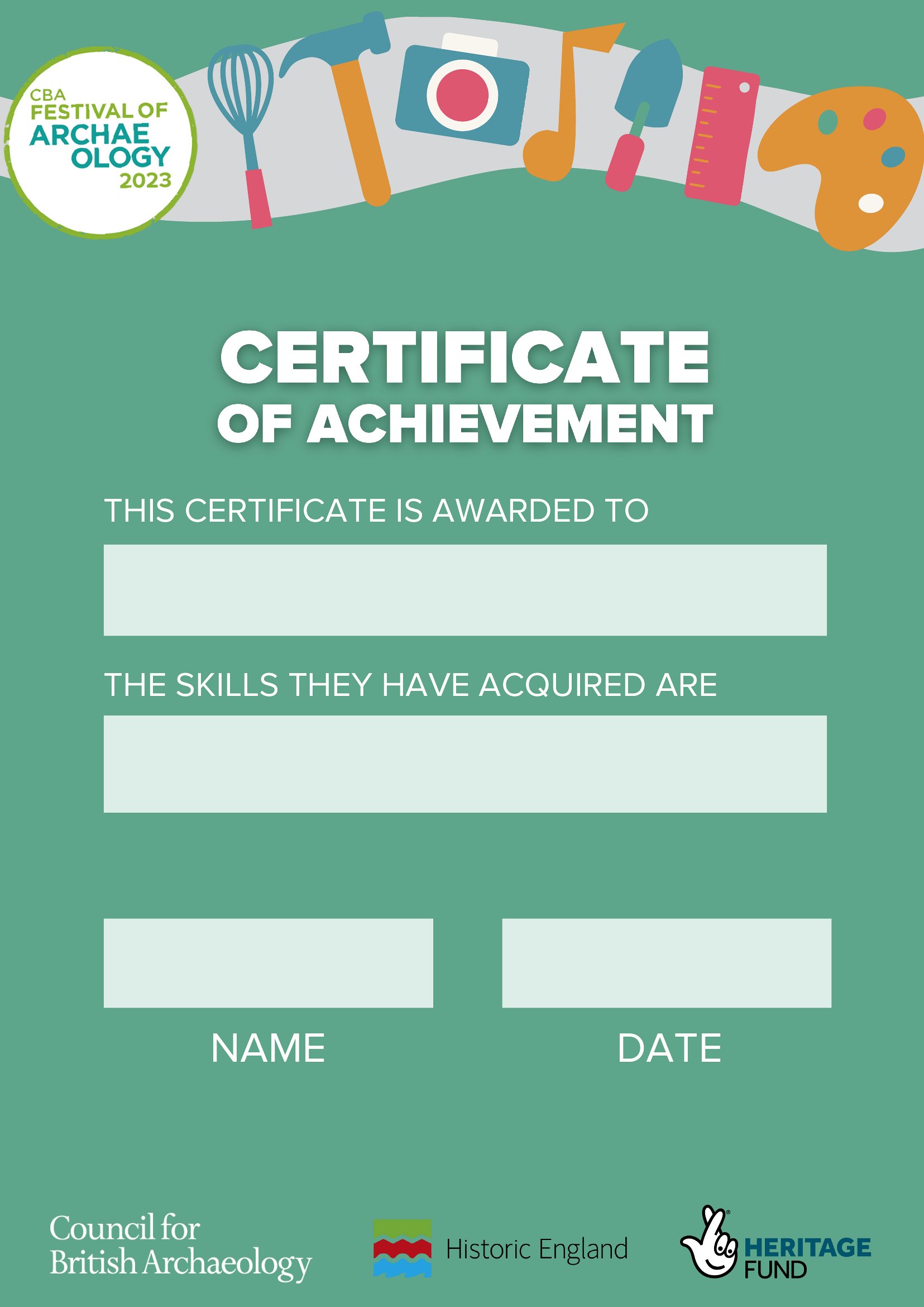
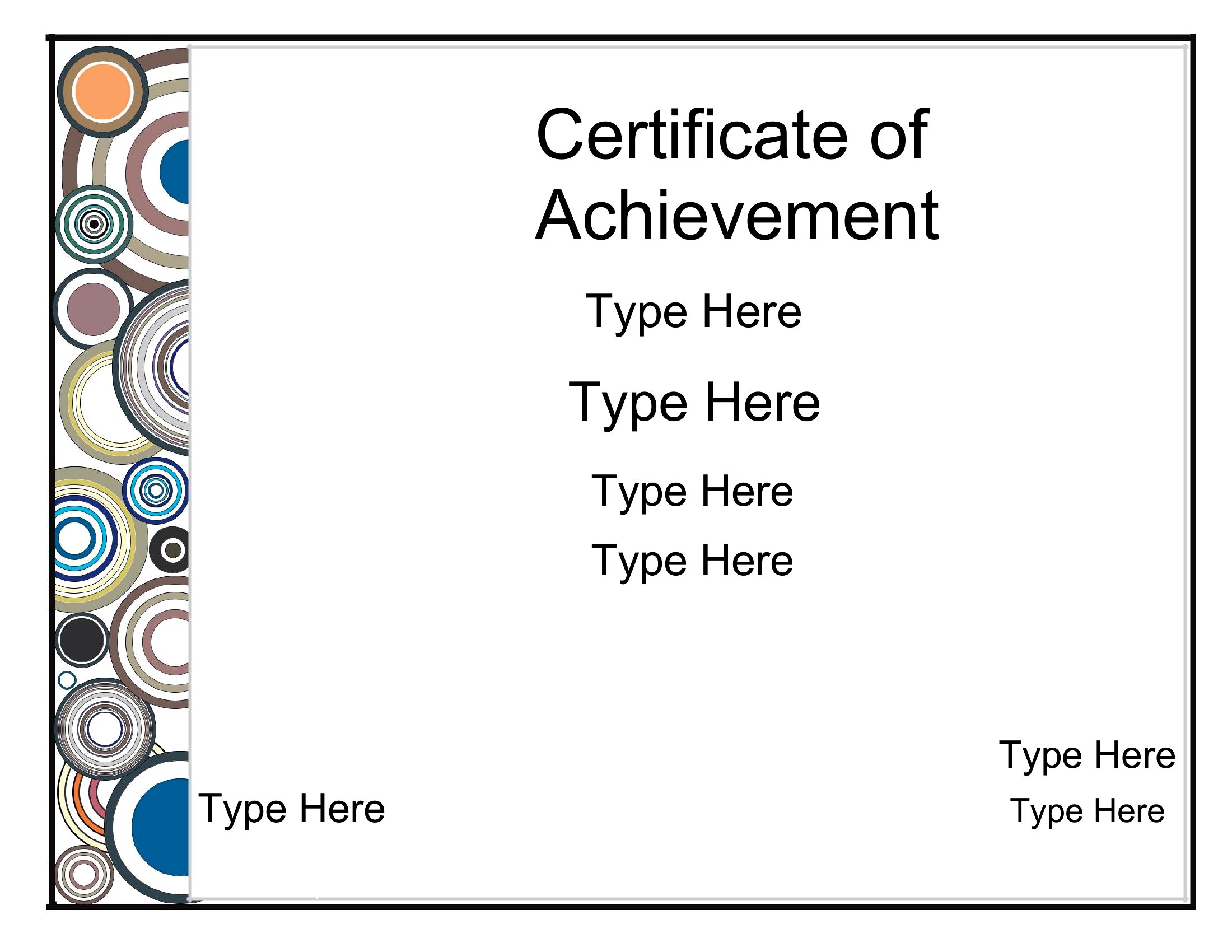
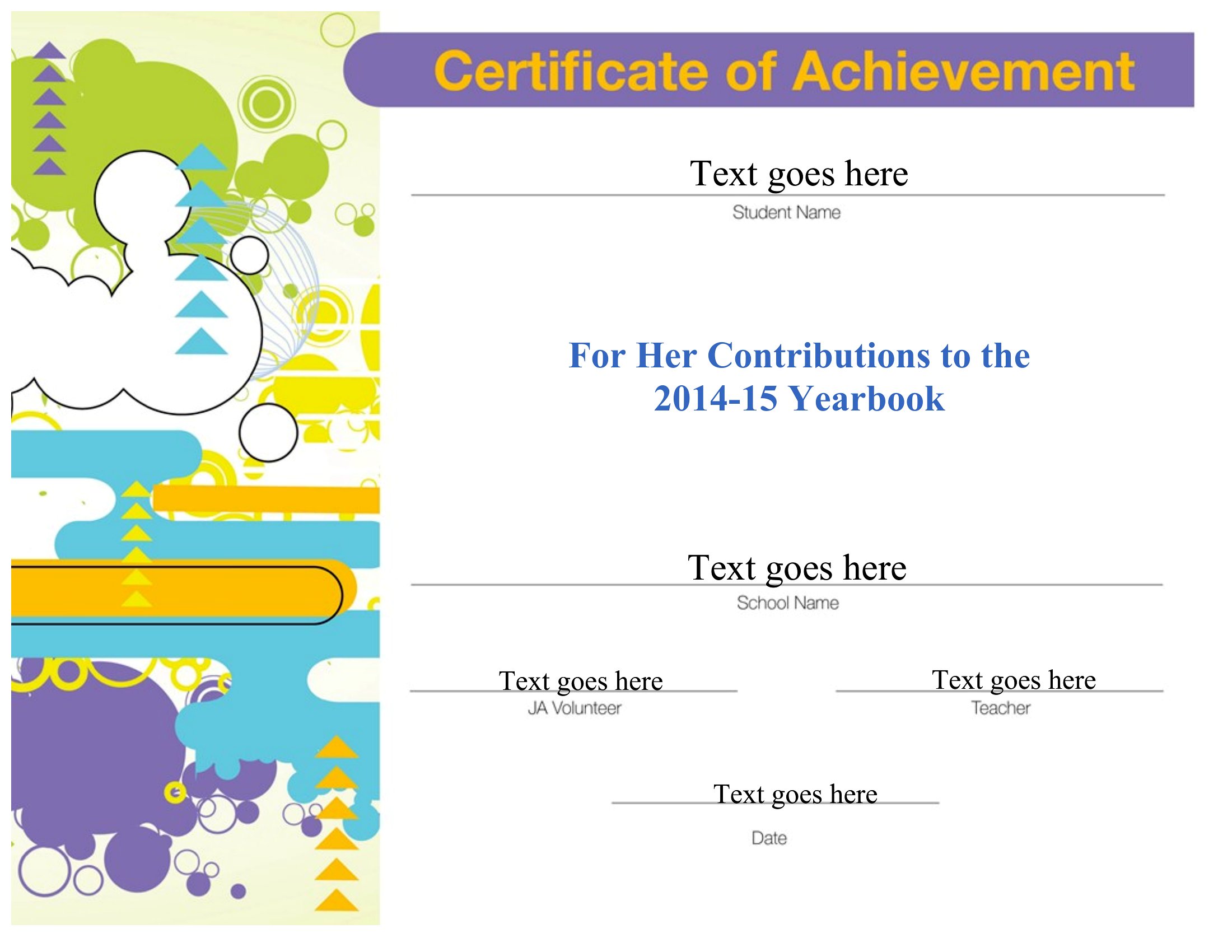
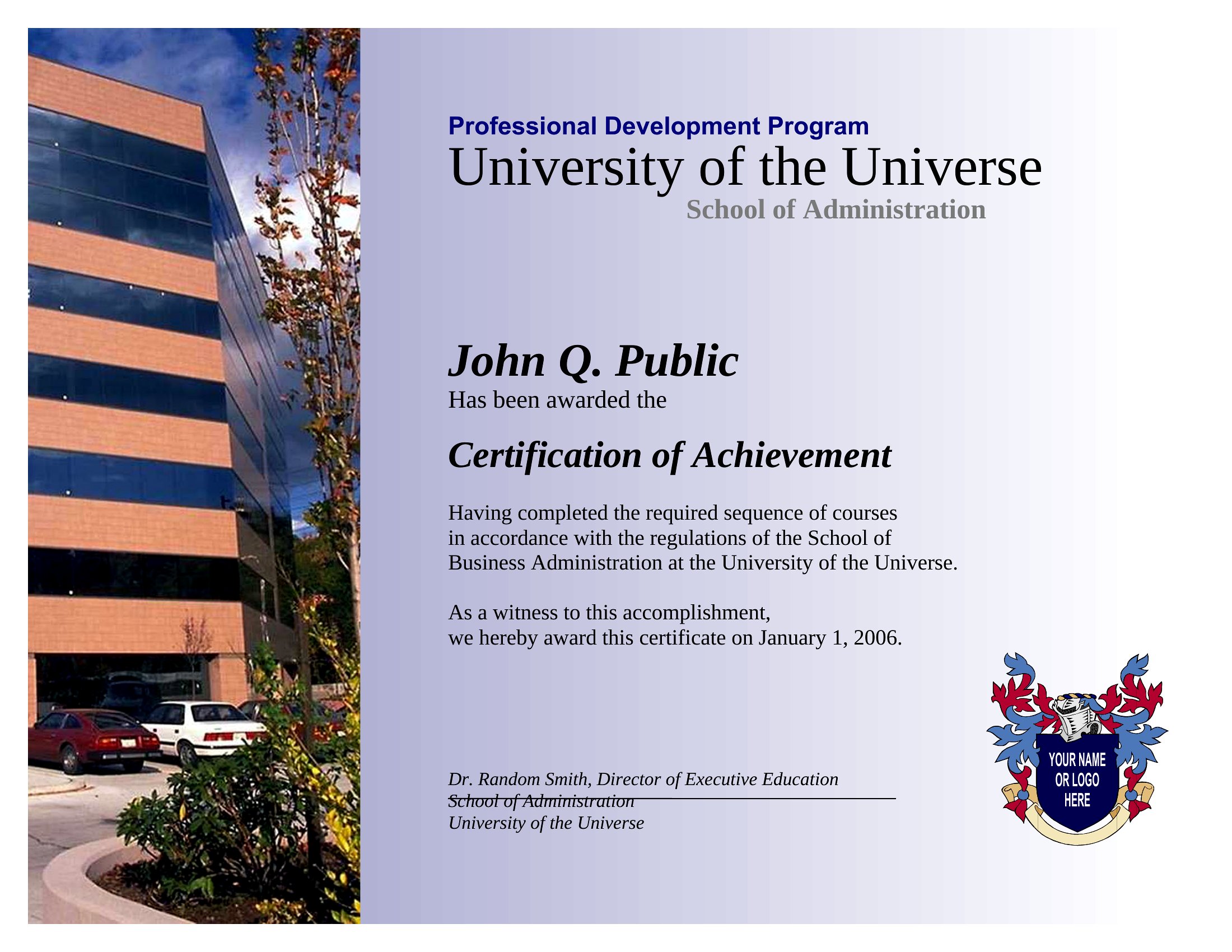
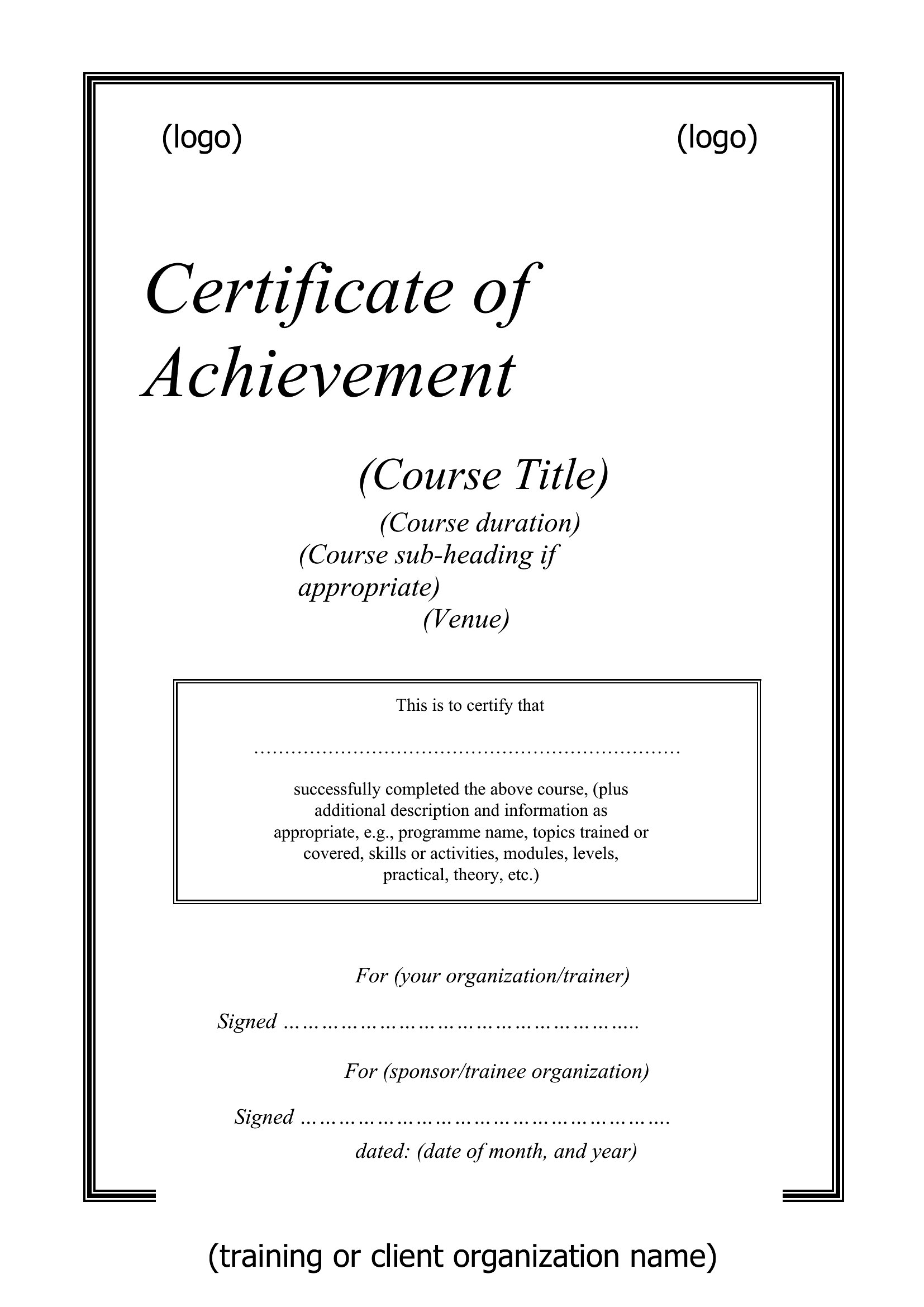
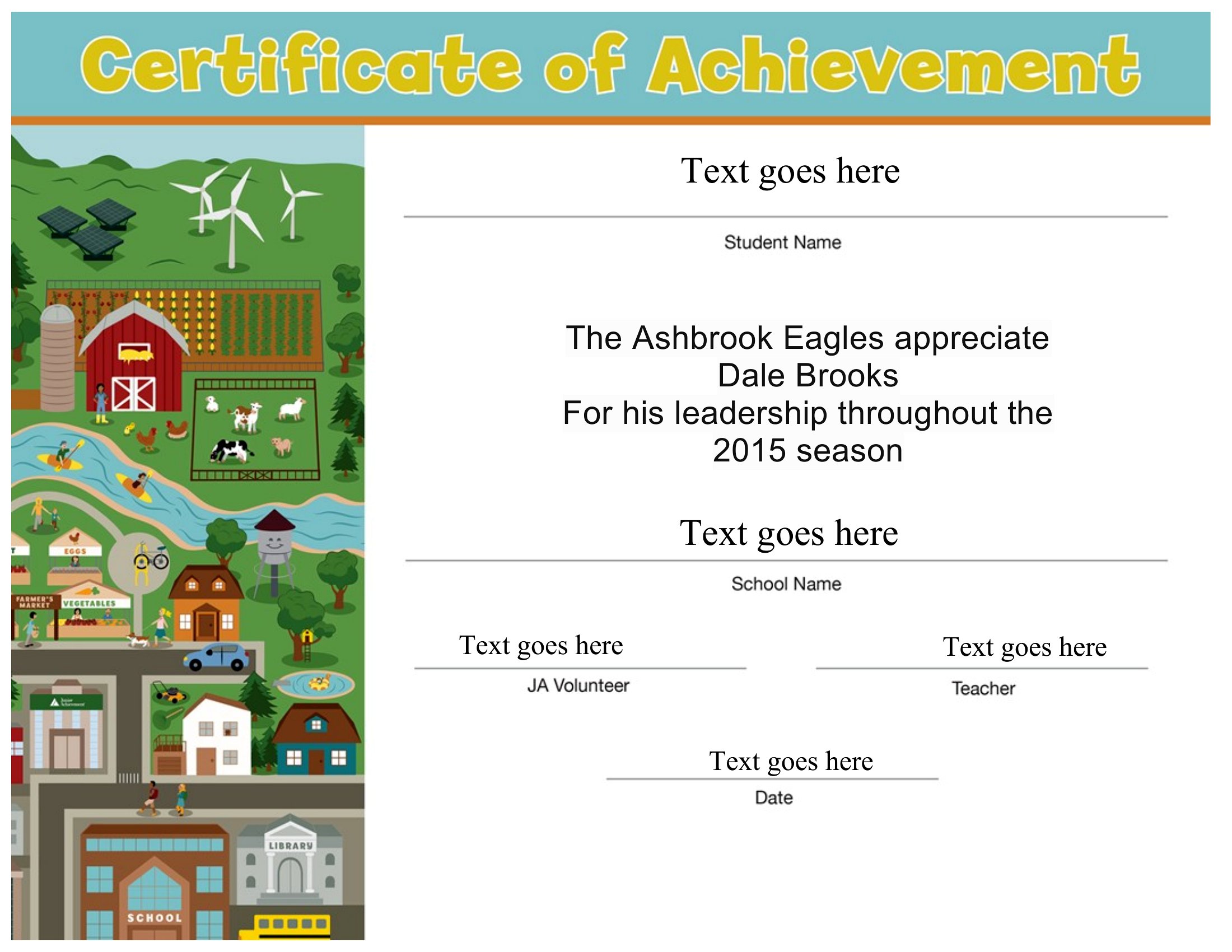
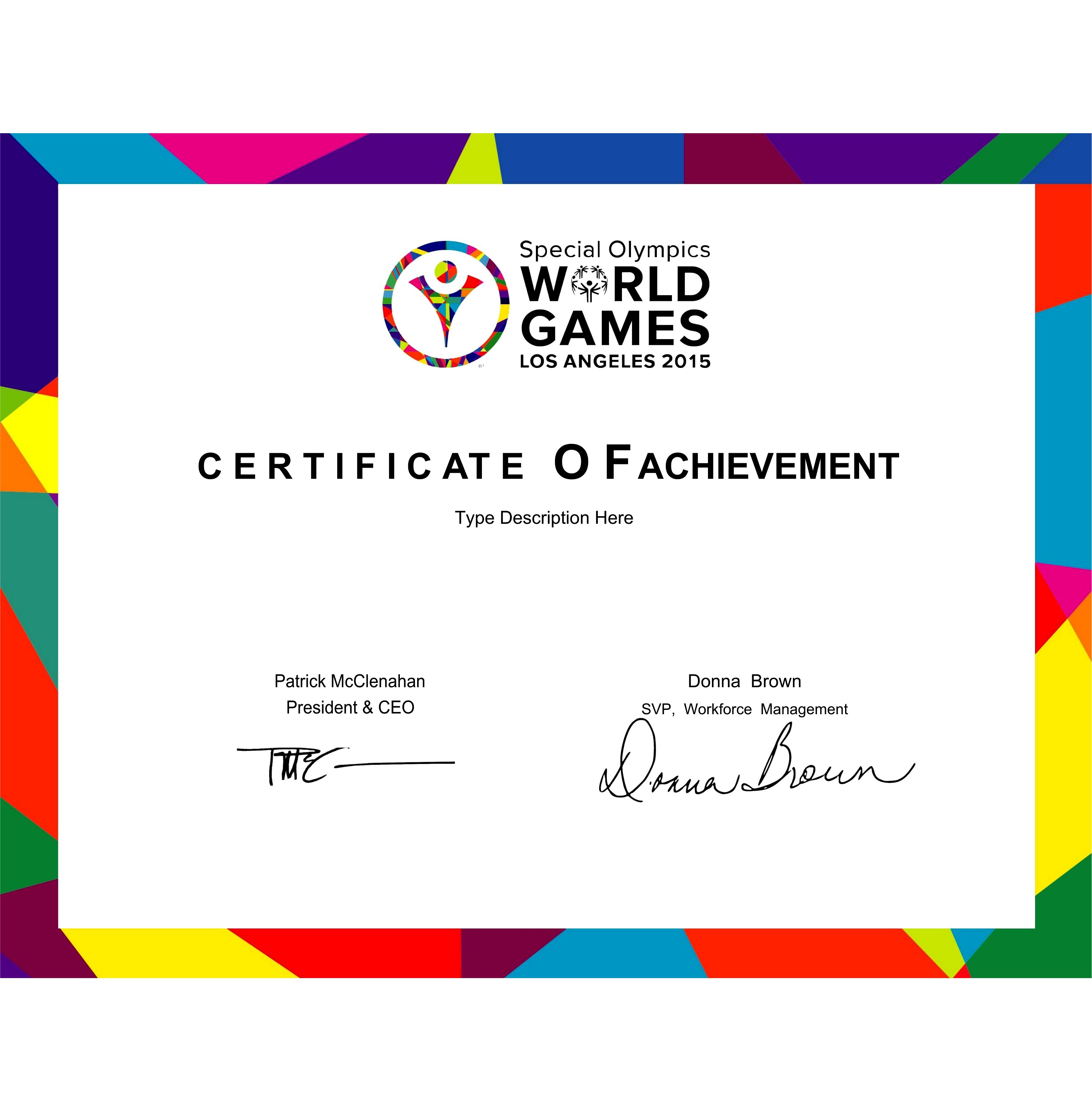
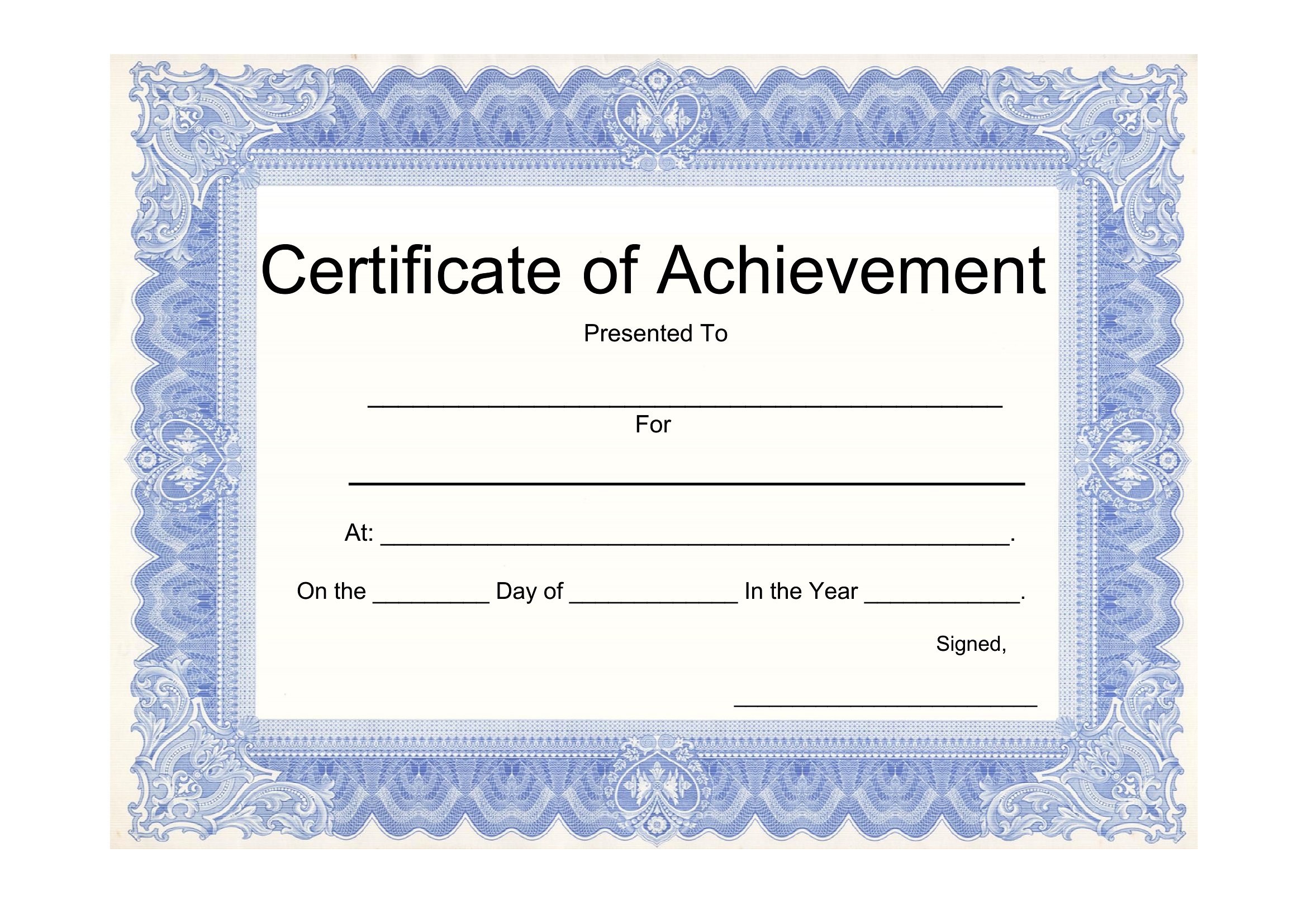
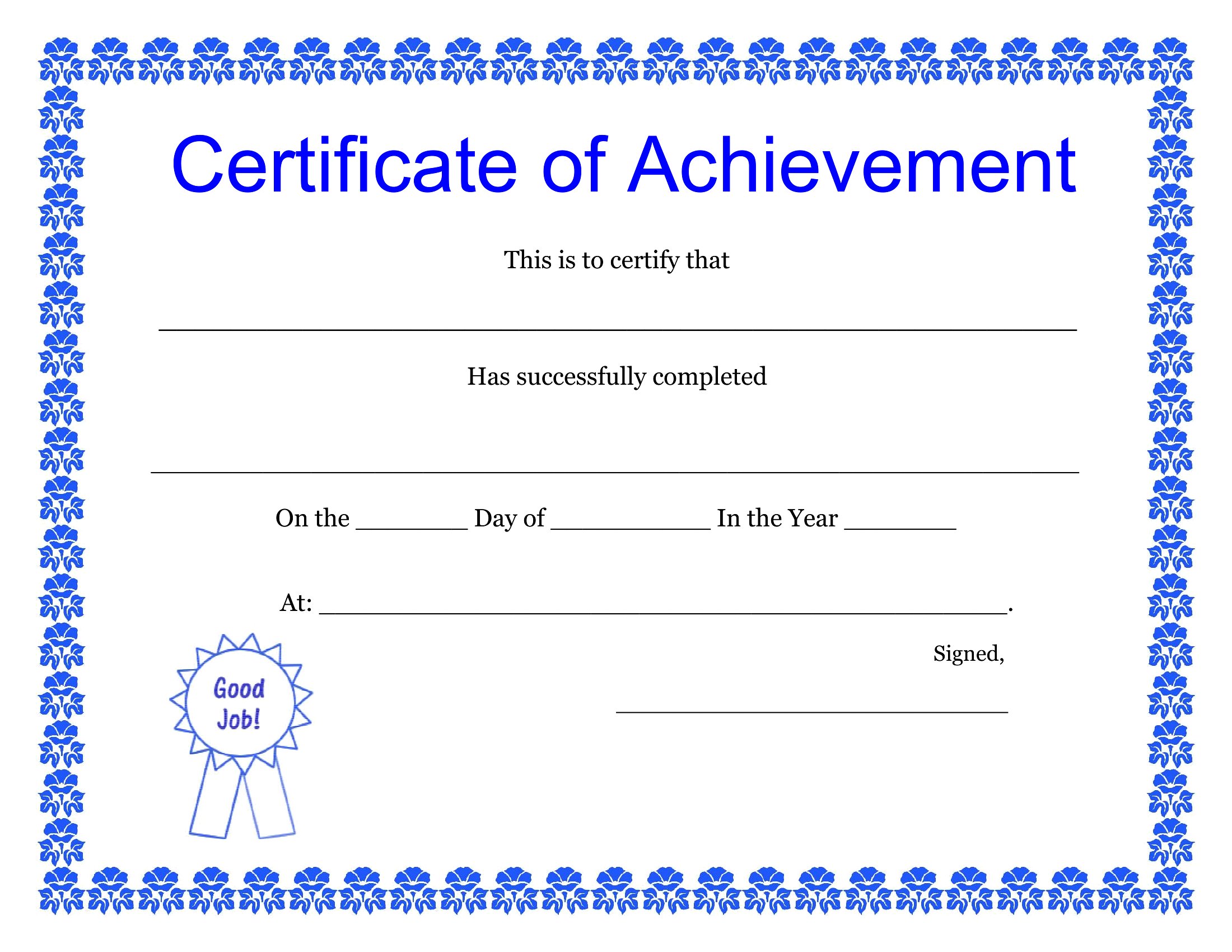
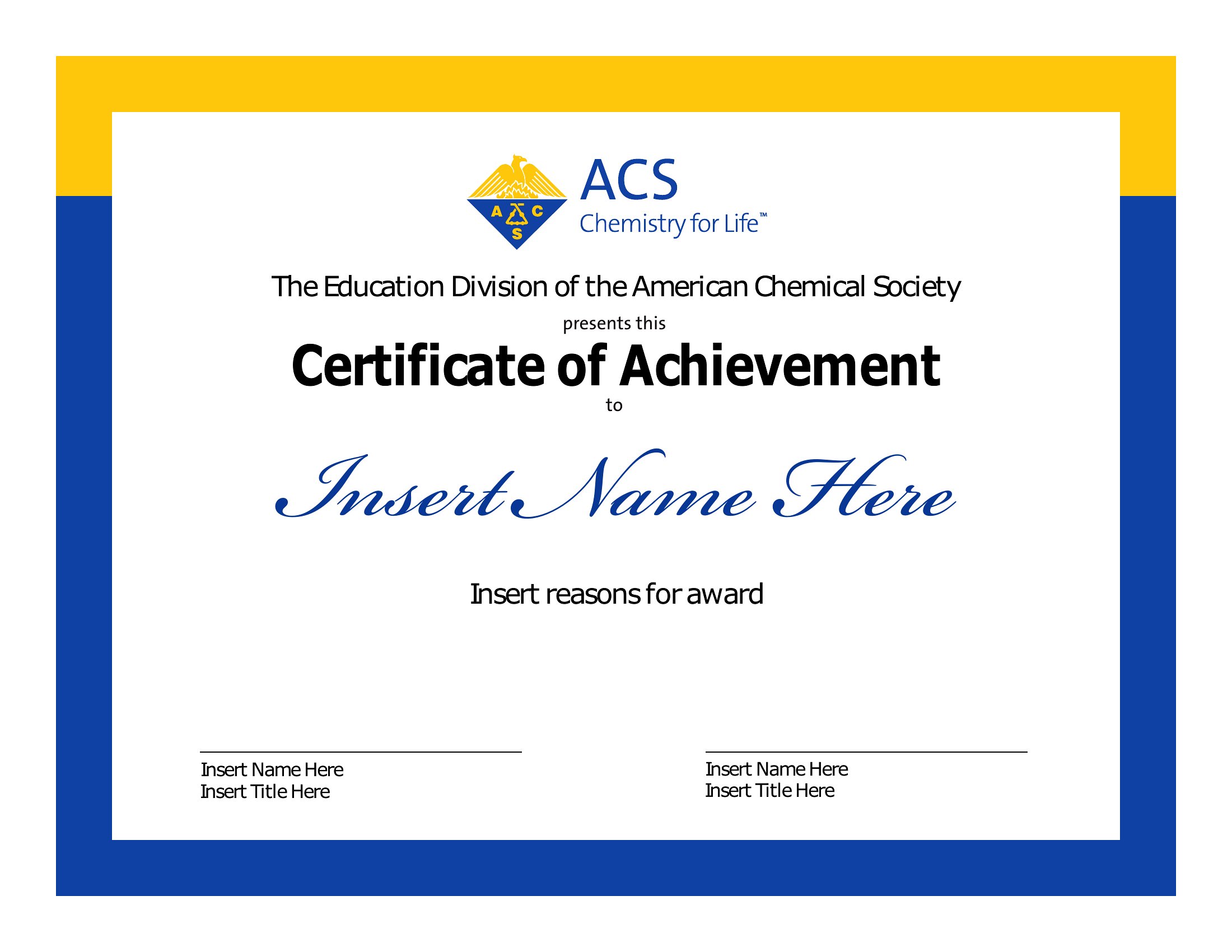
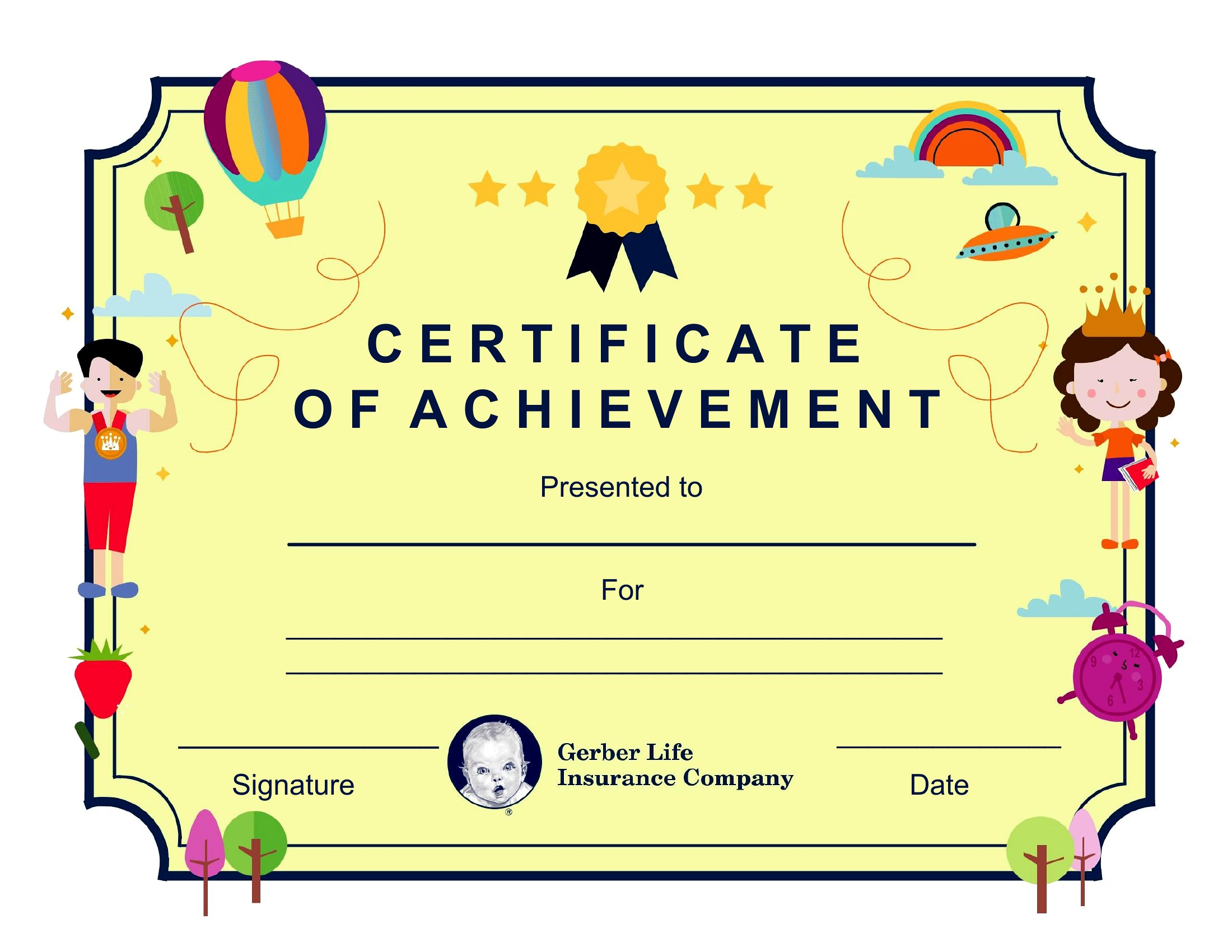
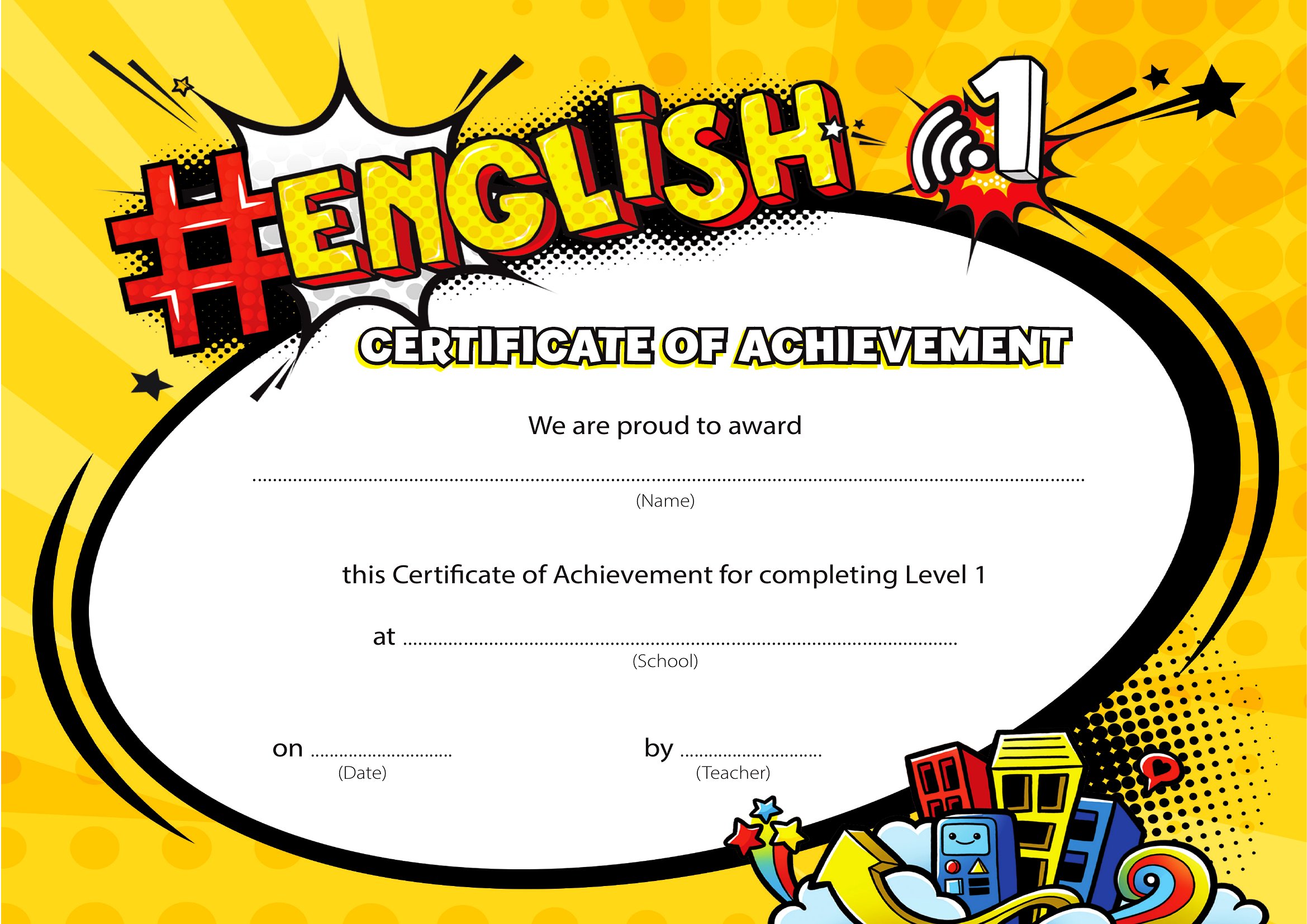
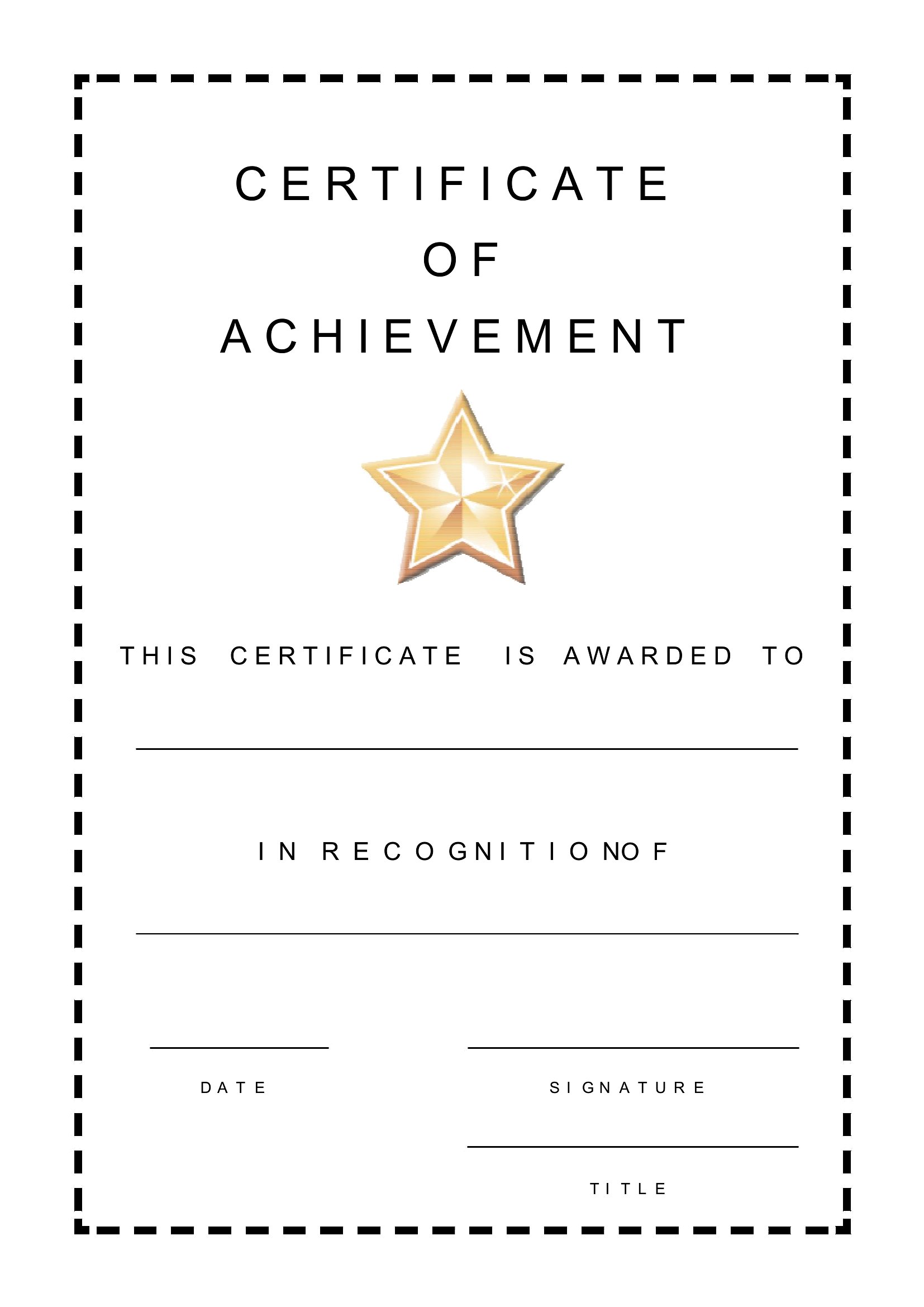
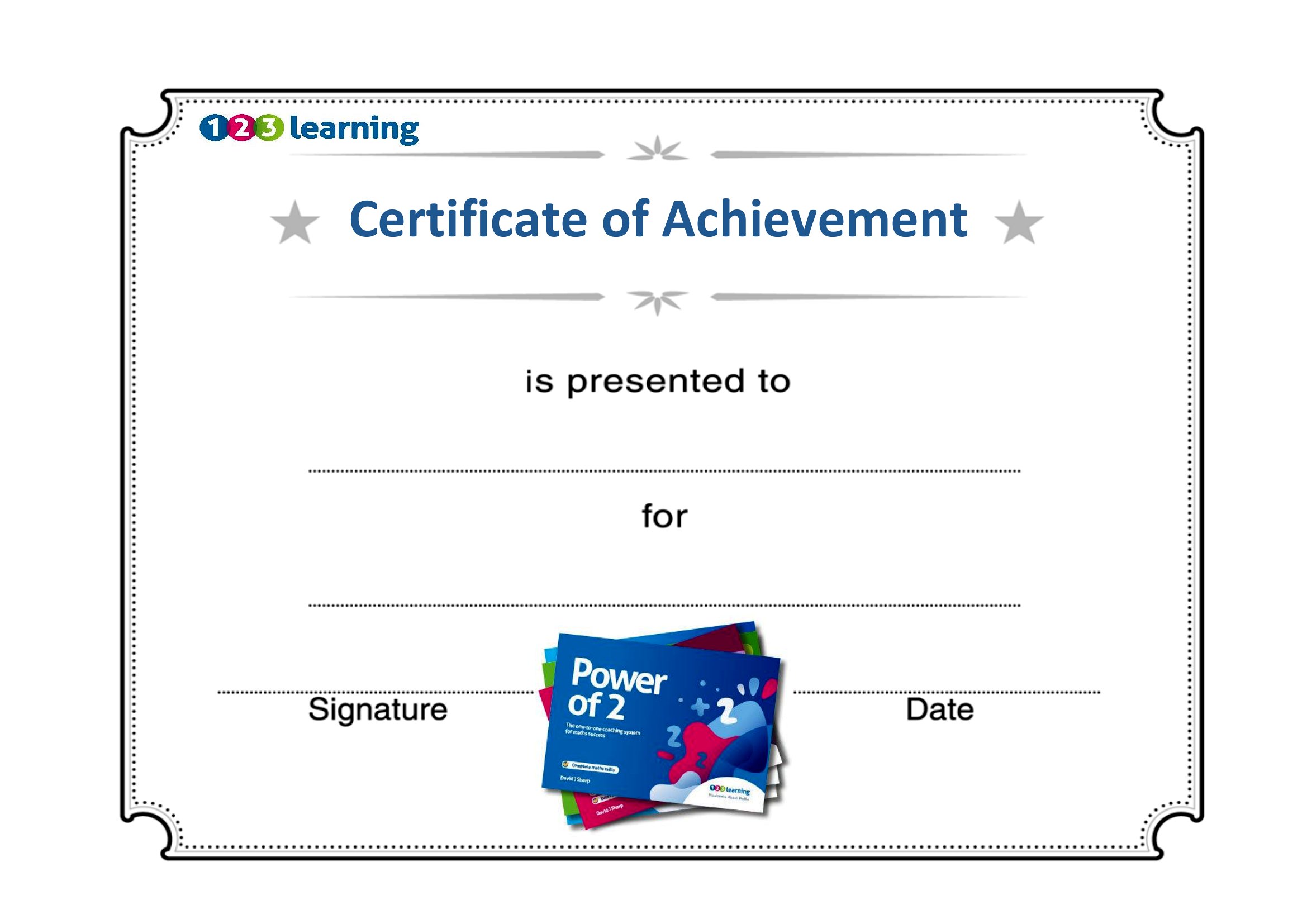
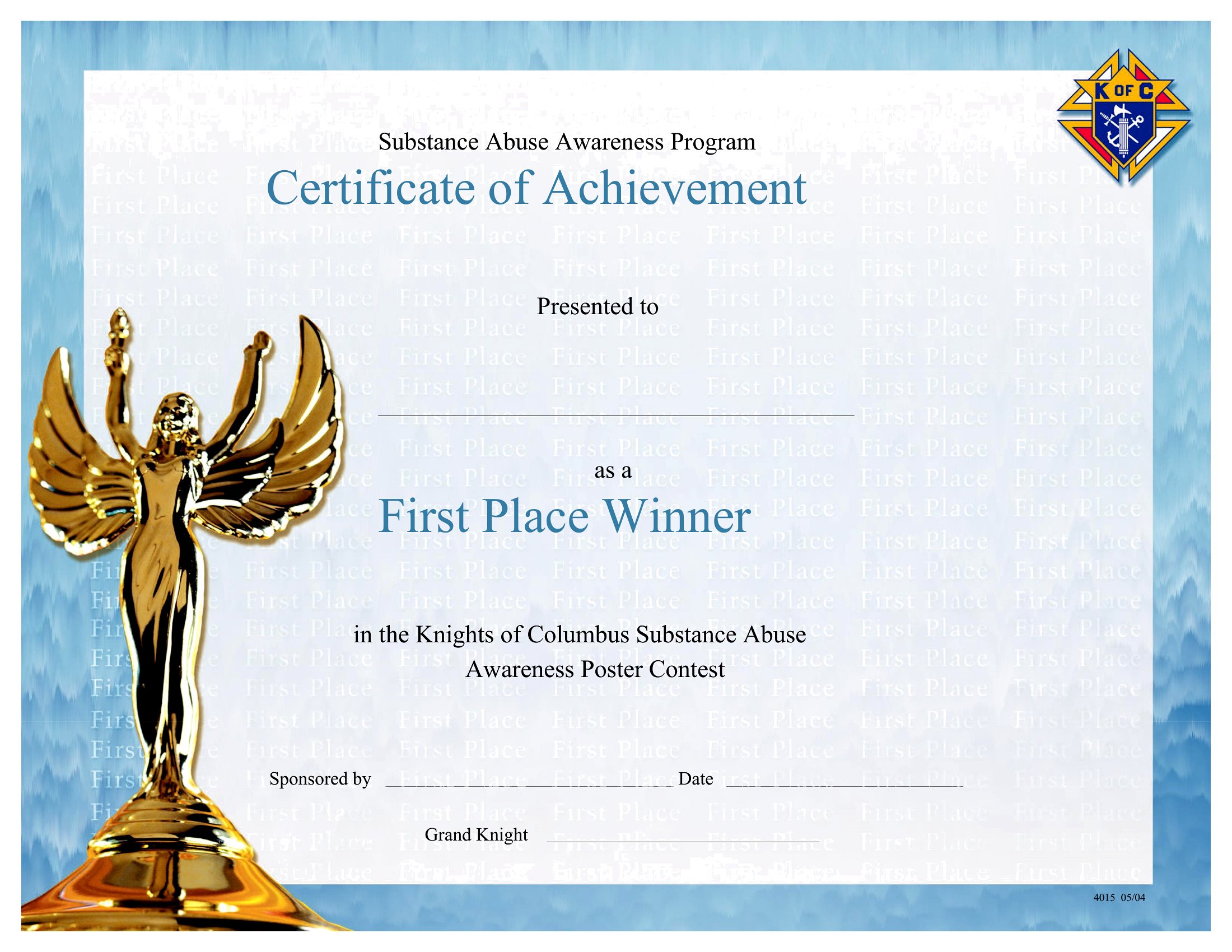
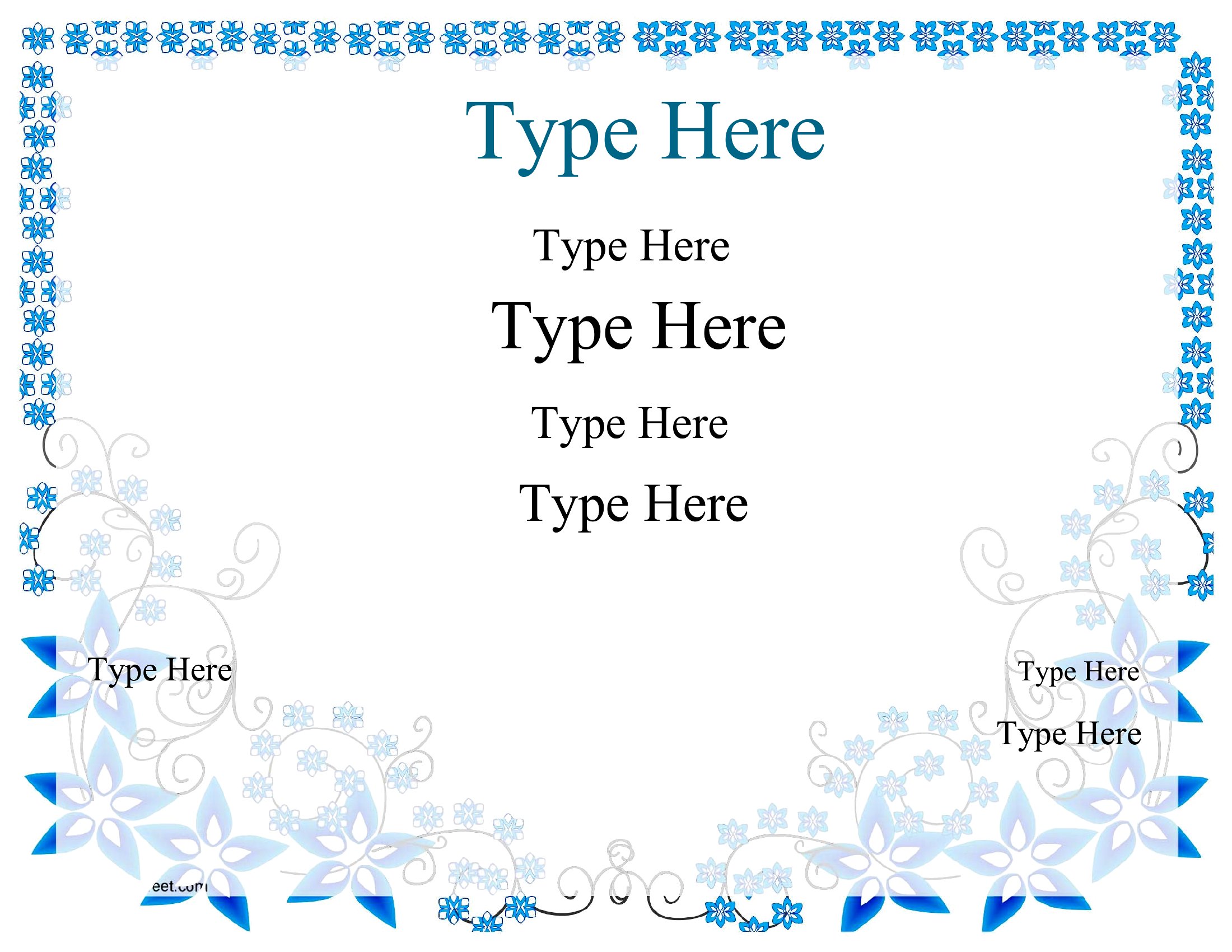
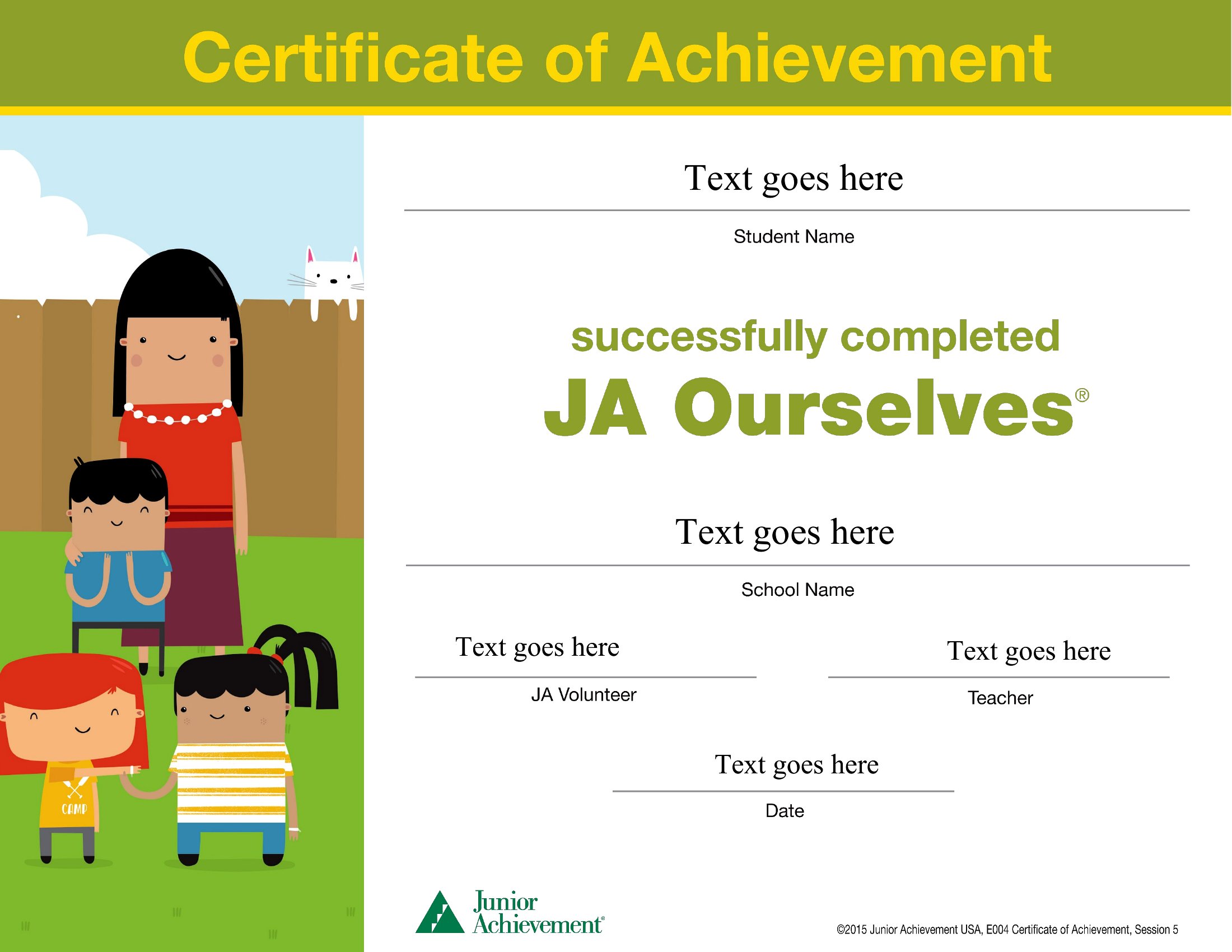
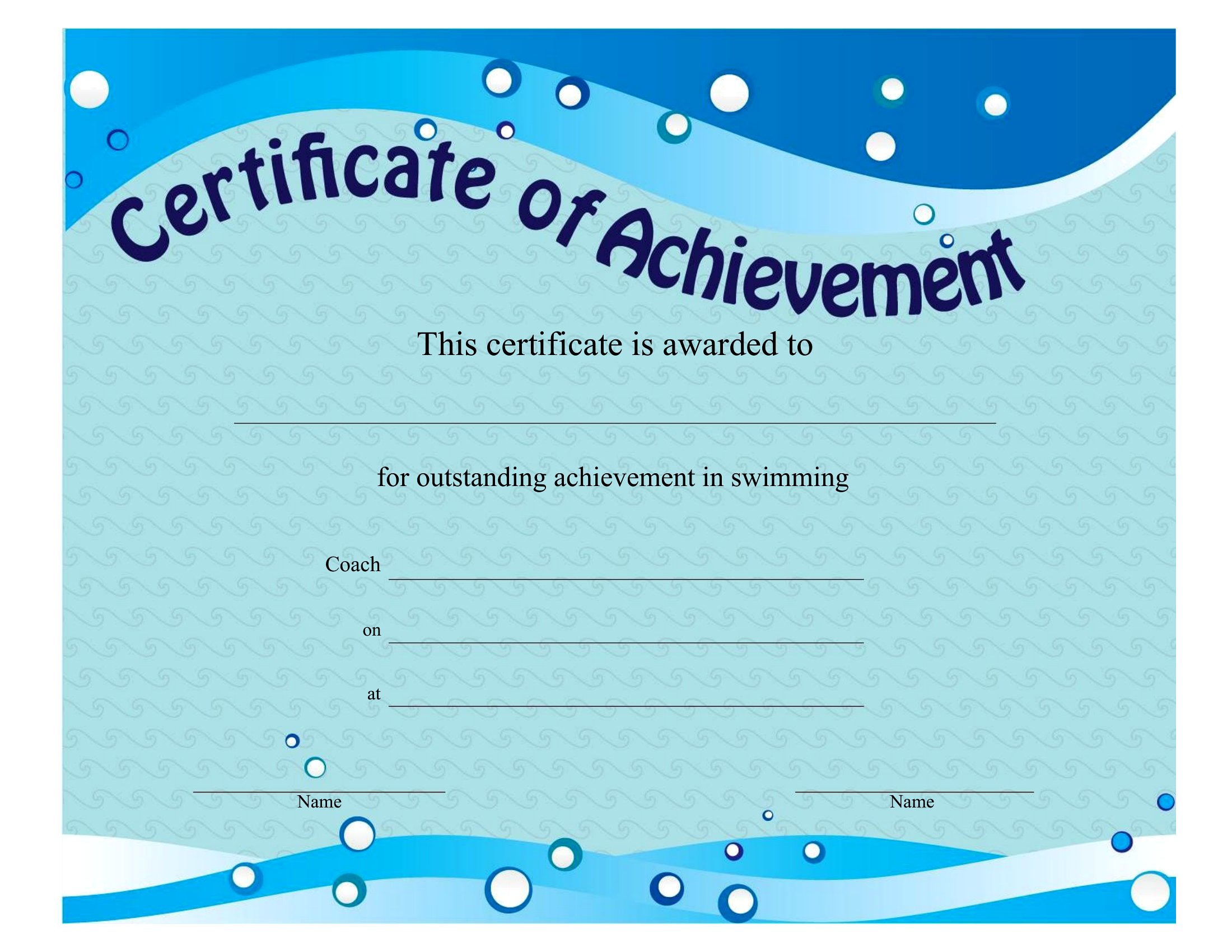
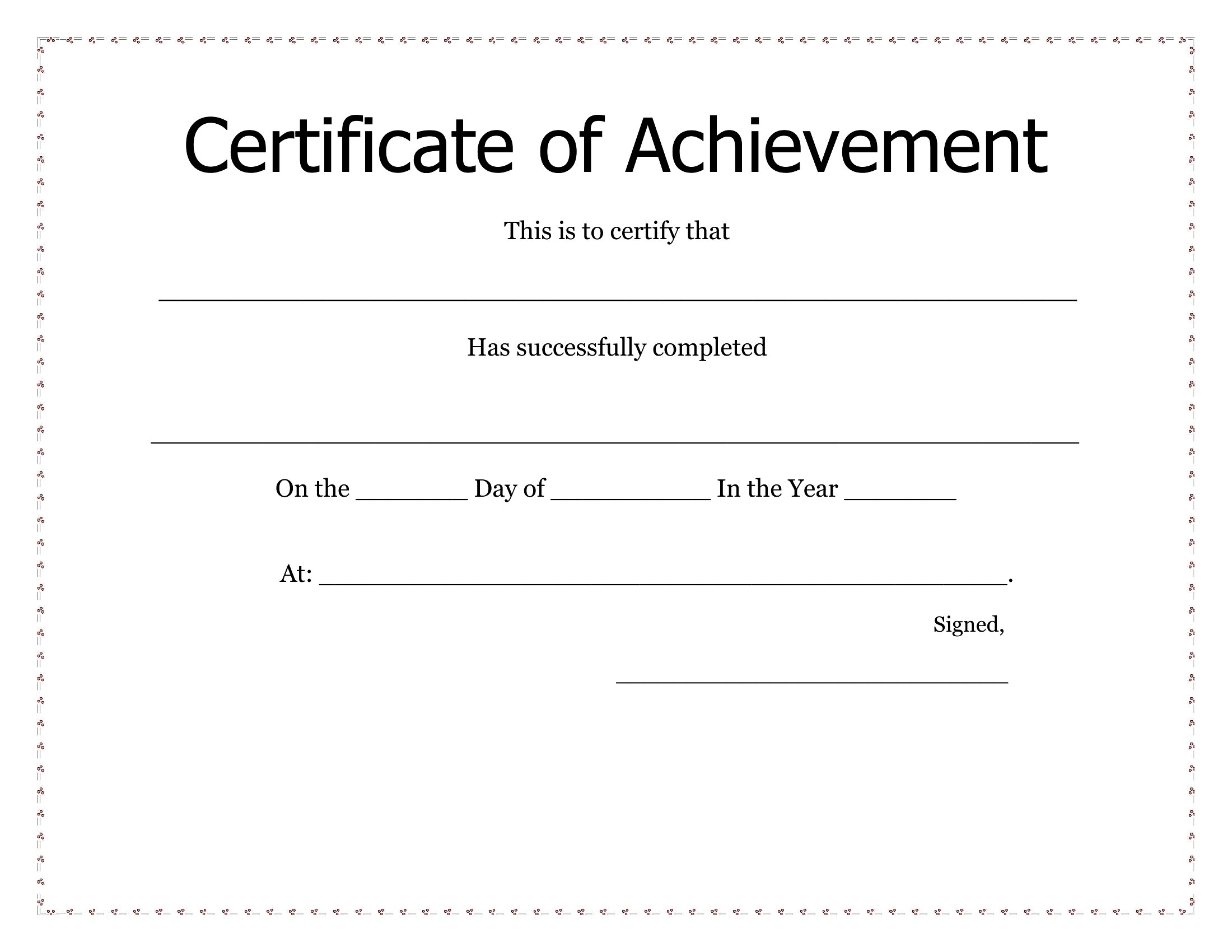
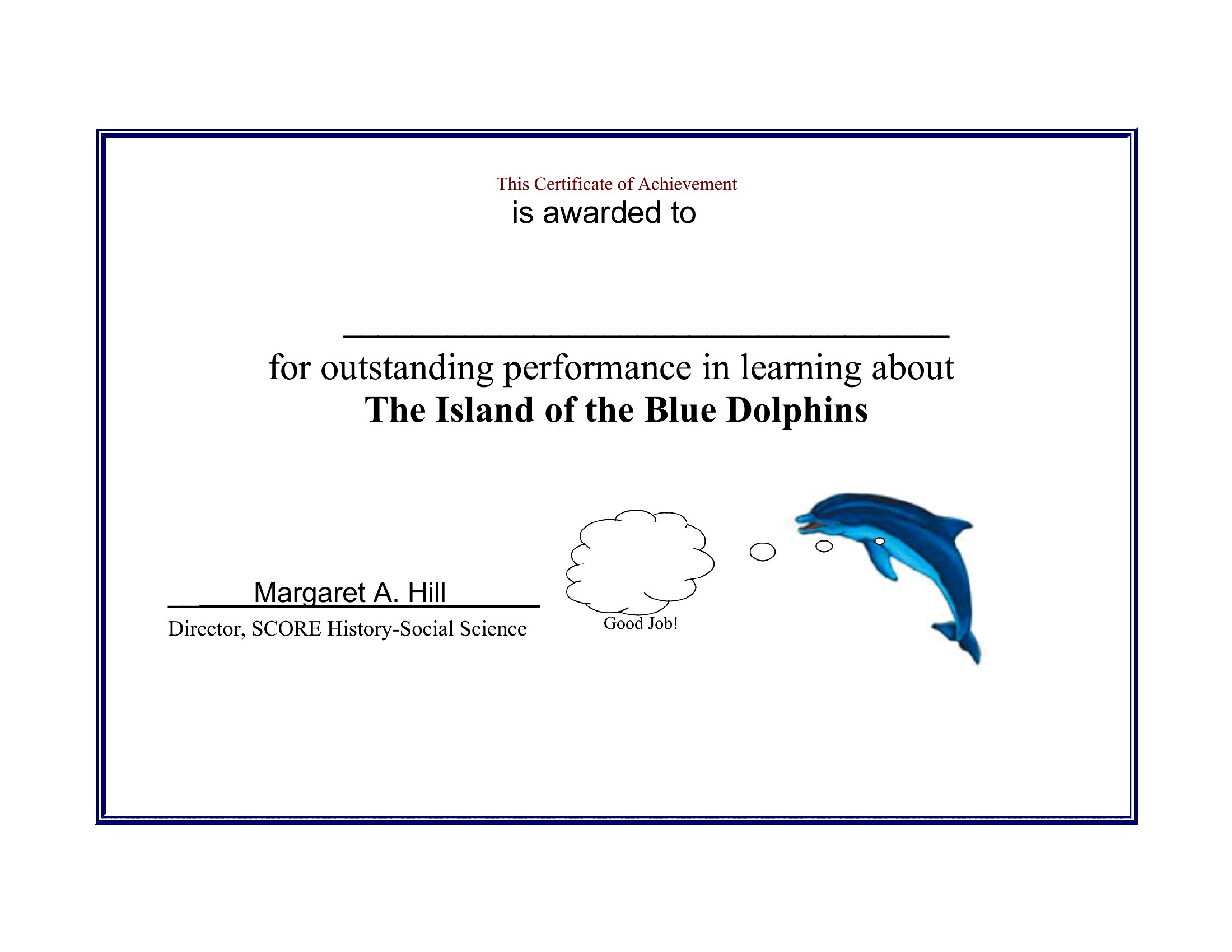
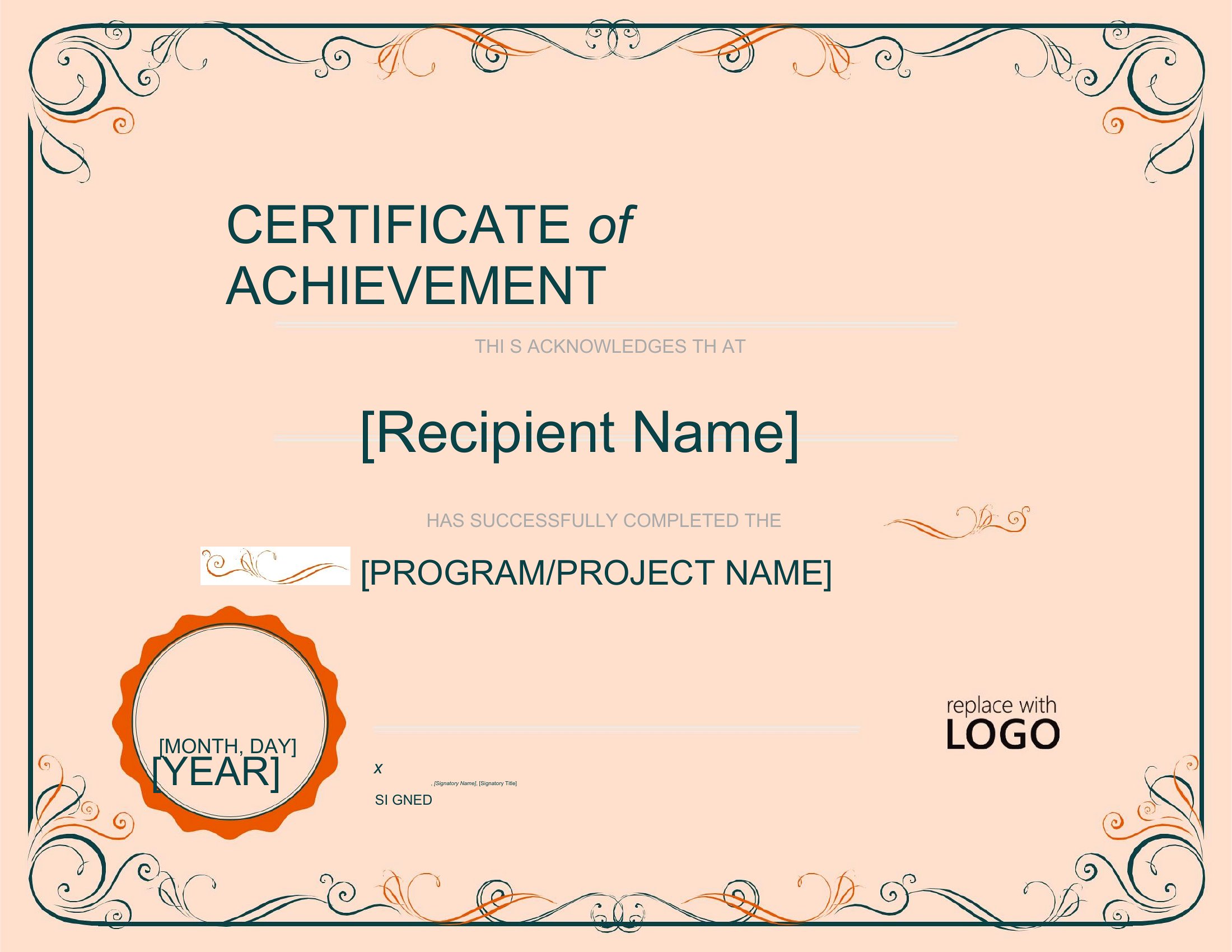
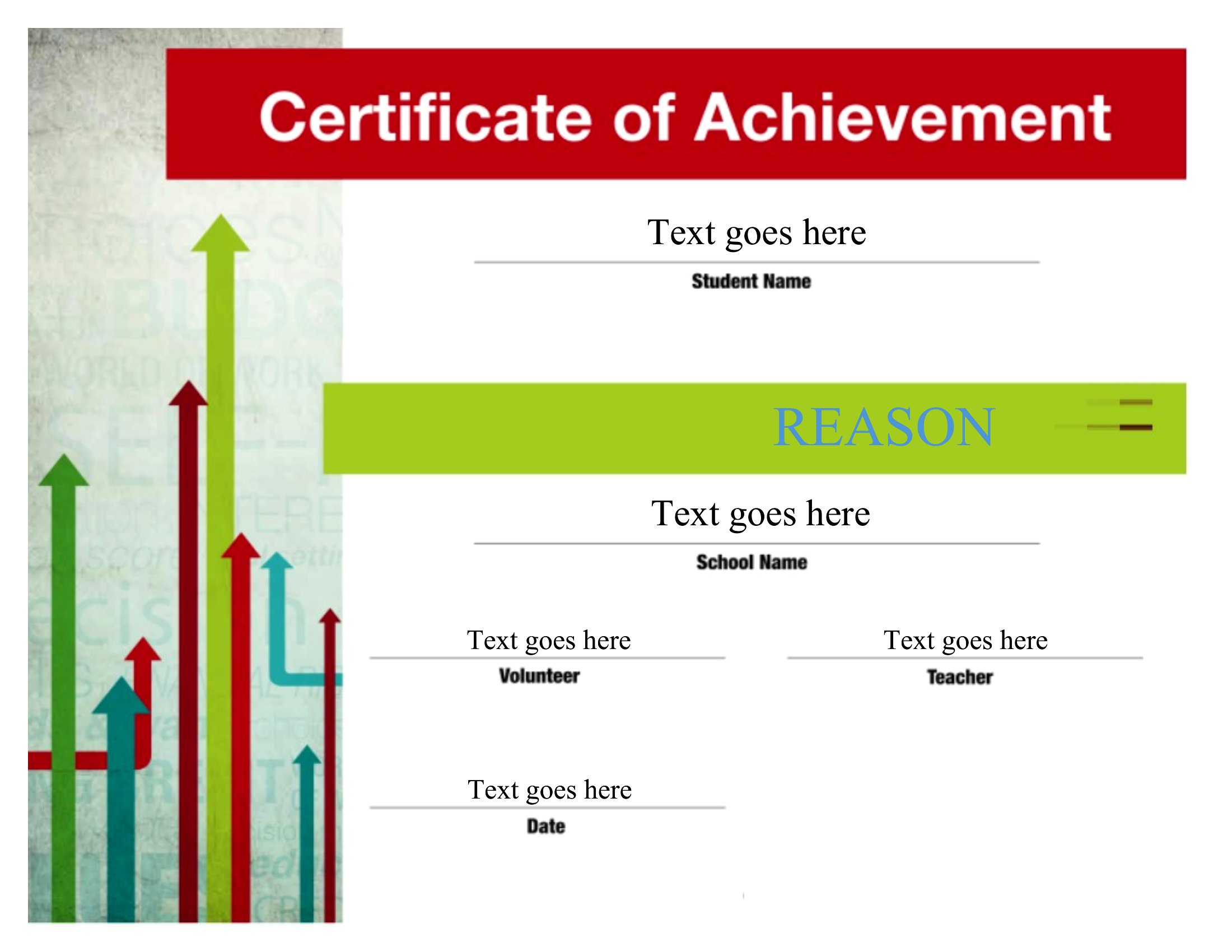
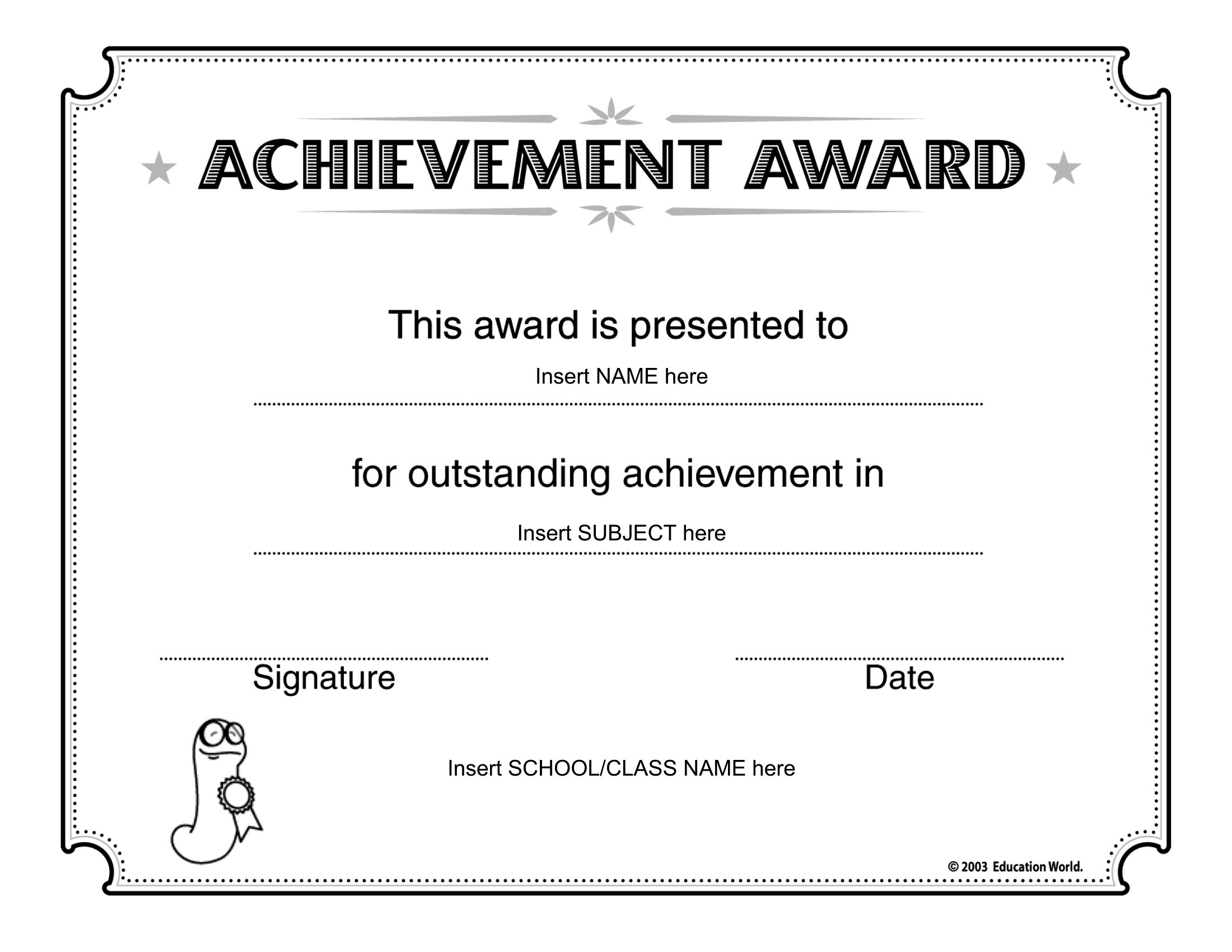
Want to mark a win without spending an afternoon in a design app? These 45 certificate of achievement templates give teachers, coaches, and managers a polished award ready for a name and a reason. The designs cover classroom milestones, sports, training completions, and workplace recognition, each with space for a title, date, and signature.

Customize the editable Word files with your wording and logo, or print the PDFs straight away for a quick ceremony. Type in the recipient's name, sign the bottom, and you've got a keepsake worth framing. Pick the style that matches the occasion, whether it's formal or fun, and have a stack ready before the event. Download one and start handing out recognition.

When to use this Certificate of Achievement template

  • A high school debate coach needs a printable award to recognize students who won regional competitions, ensuring consistency across awards while saving time on formatting.
  • A corporate trainer wants to present completion certificates to remote employees finishing a leadership course, requiring a professional but approachable design that can be personalized with names.
  • A scout leader is organizing a summer camp and wants to give badges or certificates to kids who complete specific skill challenges, needing templates that feel celebratory but aren’t overly childish.
  • A nonprofit volunteer coordinator needs to acknowledge long-term contributors at an annual gala, using a template that balances elegance with a personal touch for handwritten notes or signatures.

Which format should I download?

WordPDF

Choose Word if you need to customize text, adjust font sizes, or tweak layouts before printing—ideal for bulk awards where details like names or dates change often. Opt for PDF if you prefer a finalized, shareable version that maintains consistency across prints or digital distribution. The PDFs here are best for quick downloads where editing isn’t required, such as printing certificates as-is for a one-time event like a sports tournament or workshop completion.

How to use this Certificate of Achievement template

How do I ensure the certificate looks professional if I’m not a designer?

Start with a template that matches the tone of your event—whether it’s a clean corporate style, a playful educational vibe, or a classic award feel. Stick to the preset fonts and color schemes, and only swap in your logo or brand colors if the template already uses a neutral palette. Avoid overcrowding text; these templates are designed to leave space for personalization without losing impact.

Can I use these for both digital and printed certificates?

Yes, but check the resolution of the PDF if printing. Most templates here are optimized for high-quality prints, but for digital use (like emailing or sharing online), ensure the file isn’t pixelated. Word files are best for adjusting dimensions if you plan to display them on screens, as you can resize without quality loss. Avoid shrinking printed templates to fit smaller paper—design them to scale with your chosen dimensions upfront.

What’s the best way to add a signature line if my recipients are remote or don’t have access to a printer?

Use the Word version to insert a digital signature field (via the ‘Developer’ tab) or leave a blank line labeled ‘Signature’ that recipients can fill out by hand and scan/email back. For PDFs, try tools like Adobe Acrobat’s fillable form feature to create a signature box, or simply add a note asking them to initial or type their name in the provided space. Always include instructions if the process isn’t universal.

Comments

Join the conversation

Sign in to share your thoughts and leave a comment on this resource.

Newsletter

Get Weekly Design Updates

Join our community to receive curated resources and inspiration.

Weekly Tips Resources Early Access

We respect your privacy. Confirmation email required. Privacy Policy