






FAQ
How do I ensure the certificate looks professional if I’m not a designer?
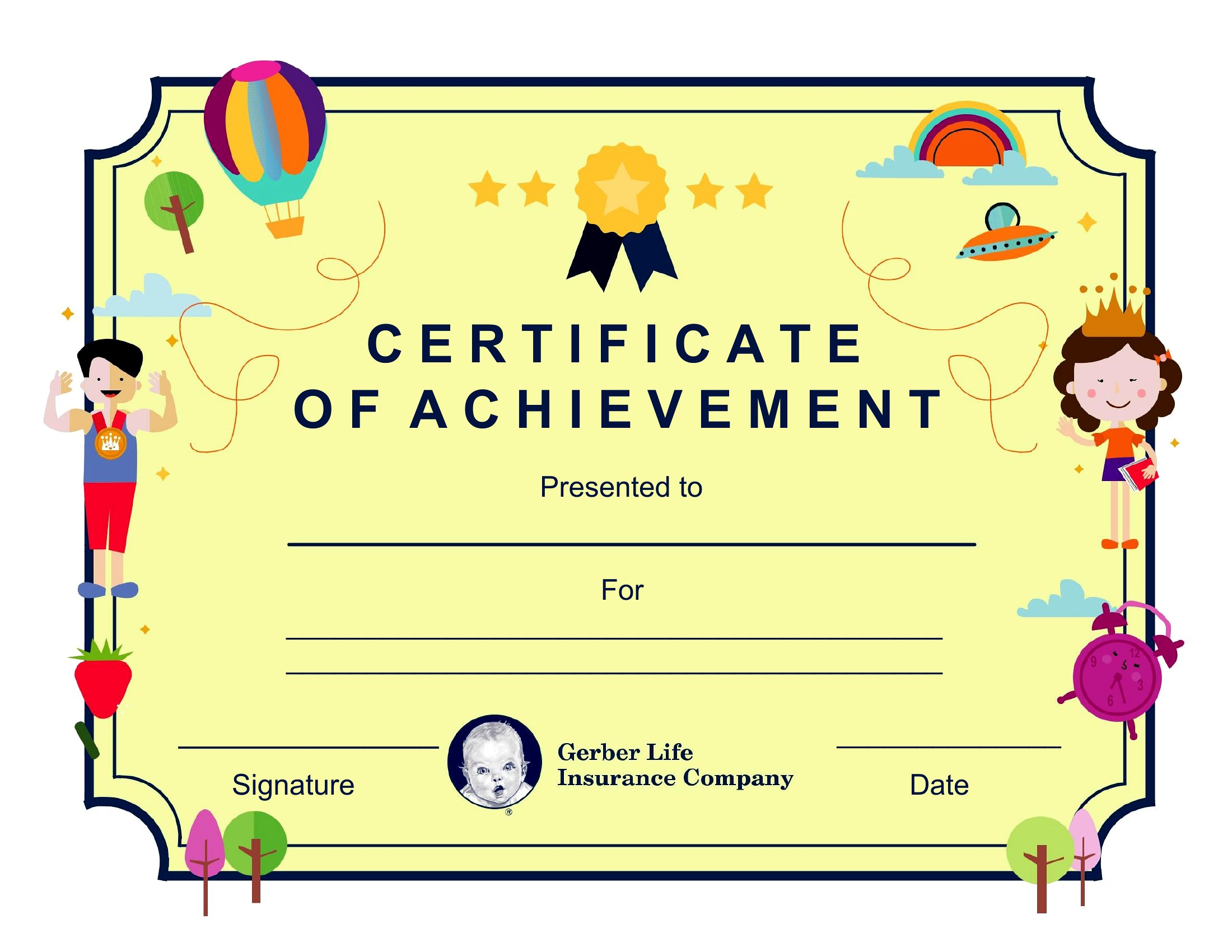
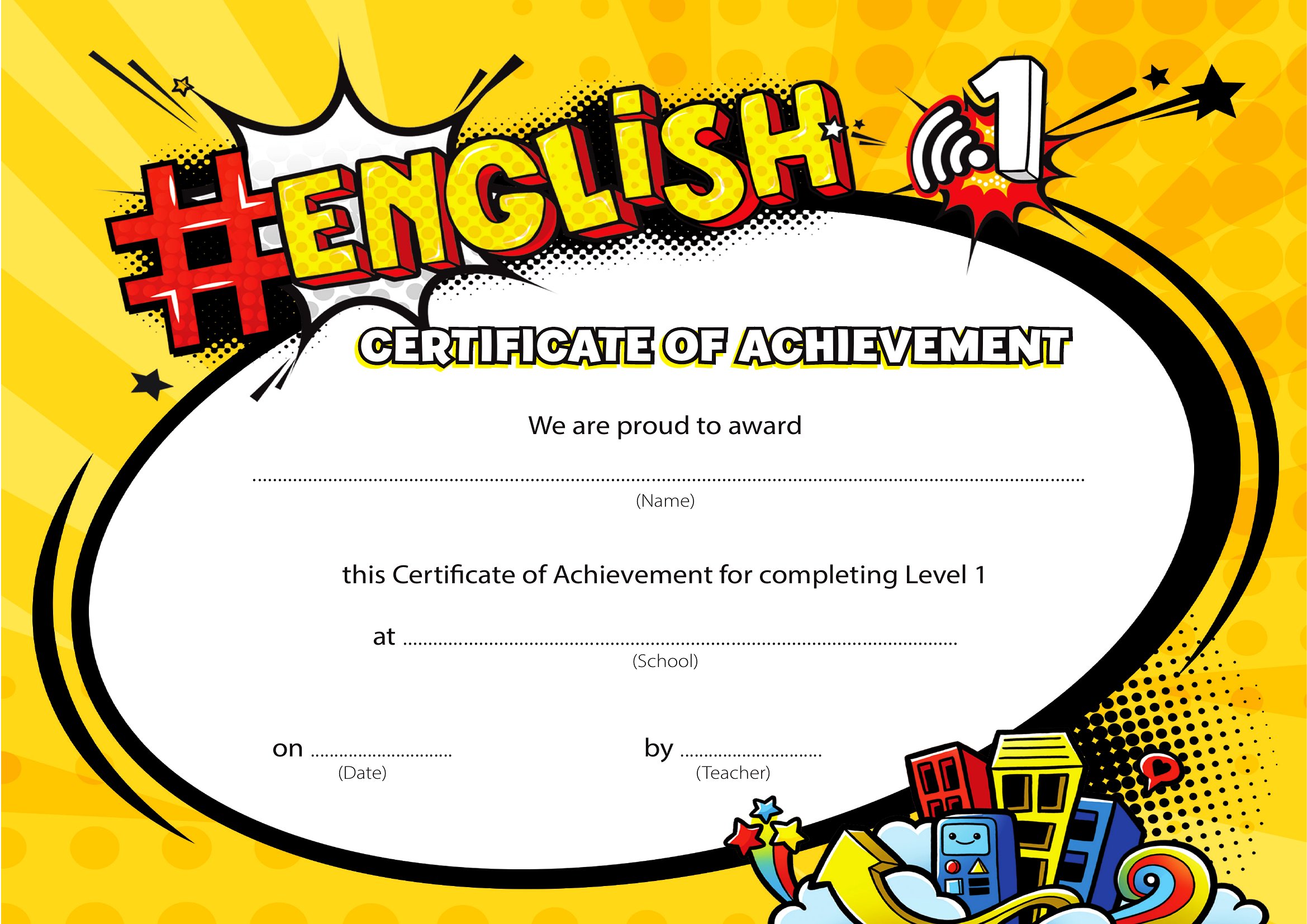
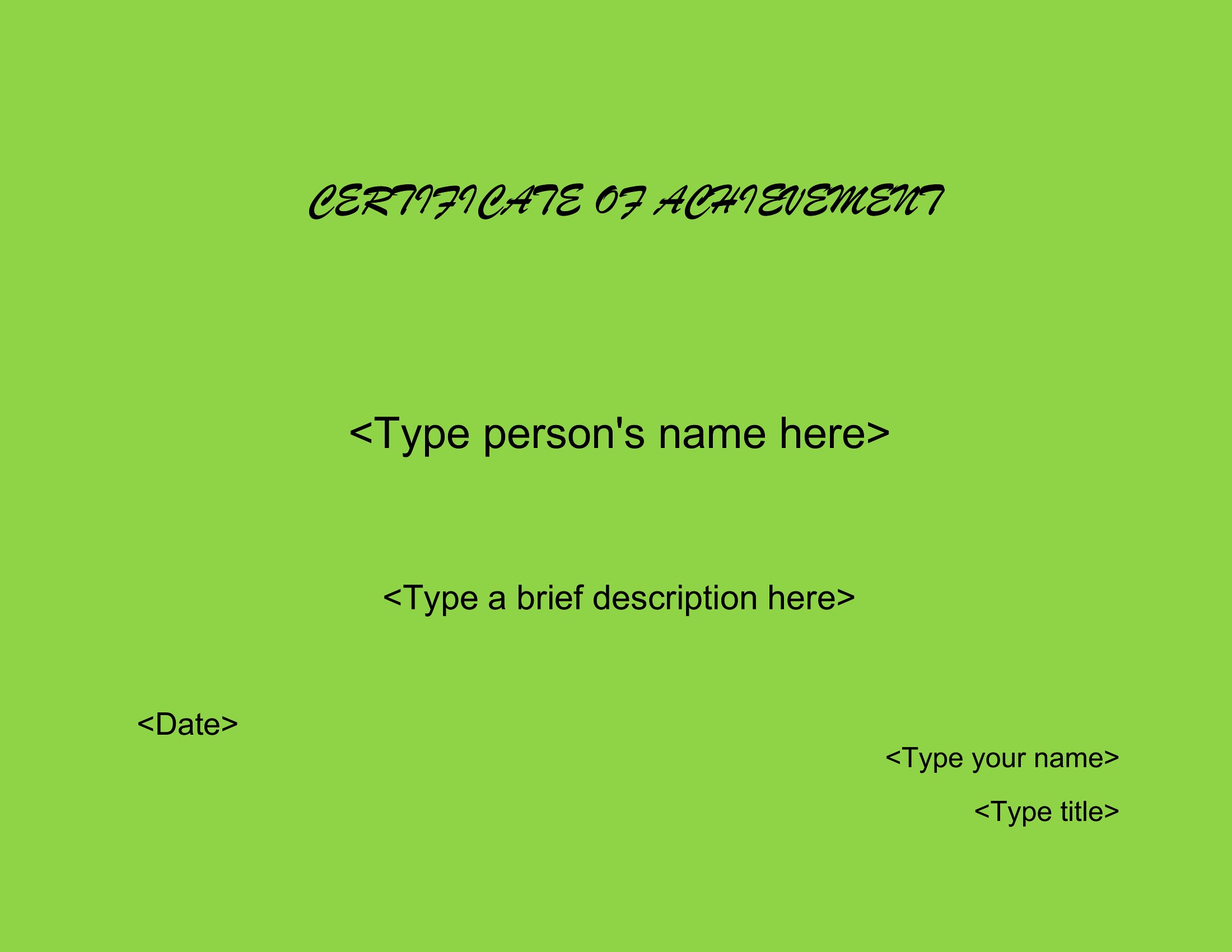
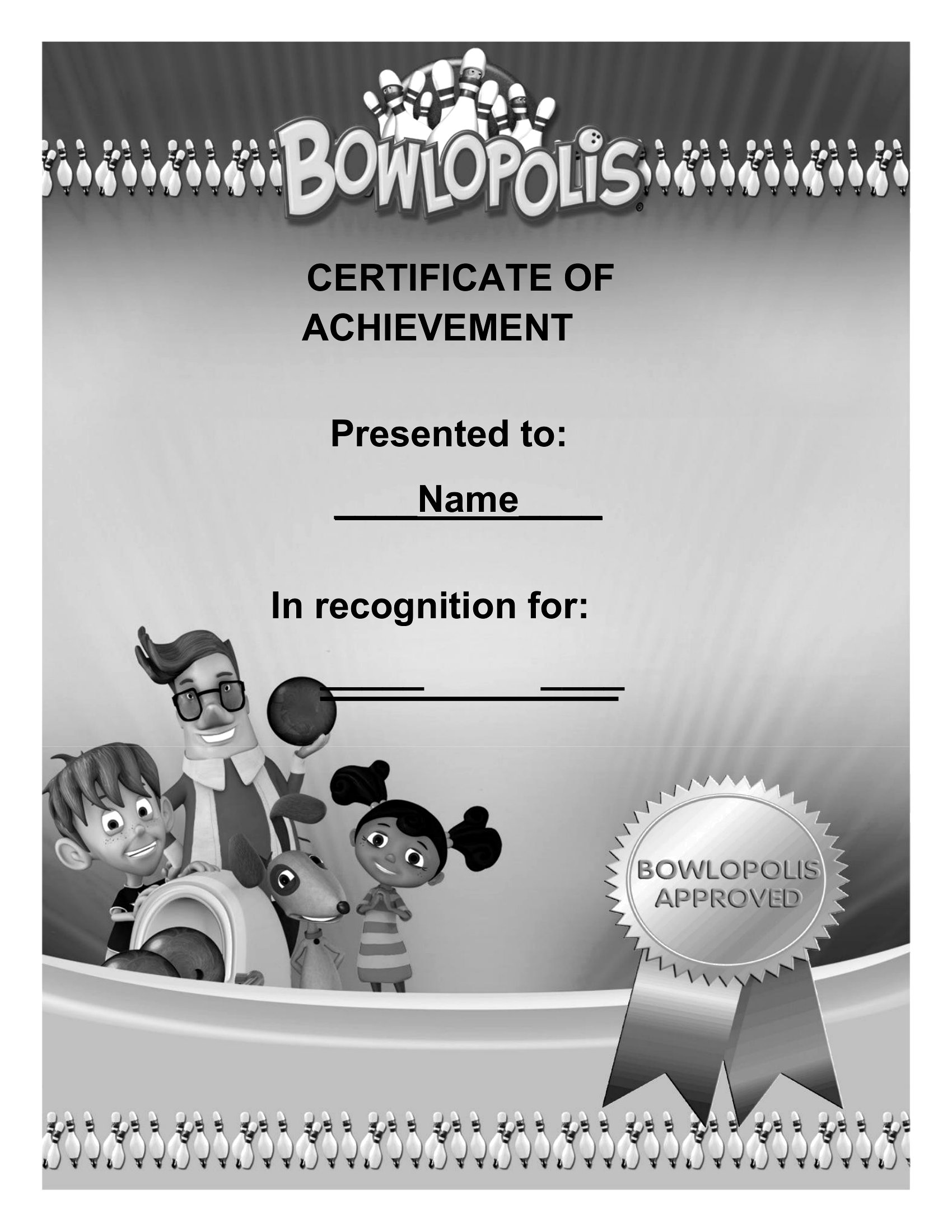
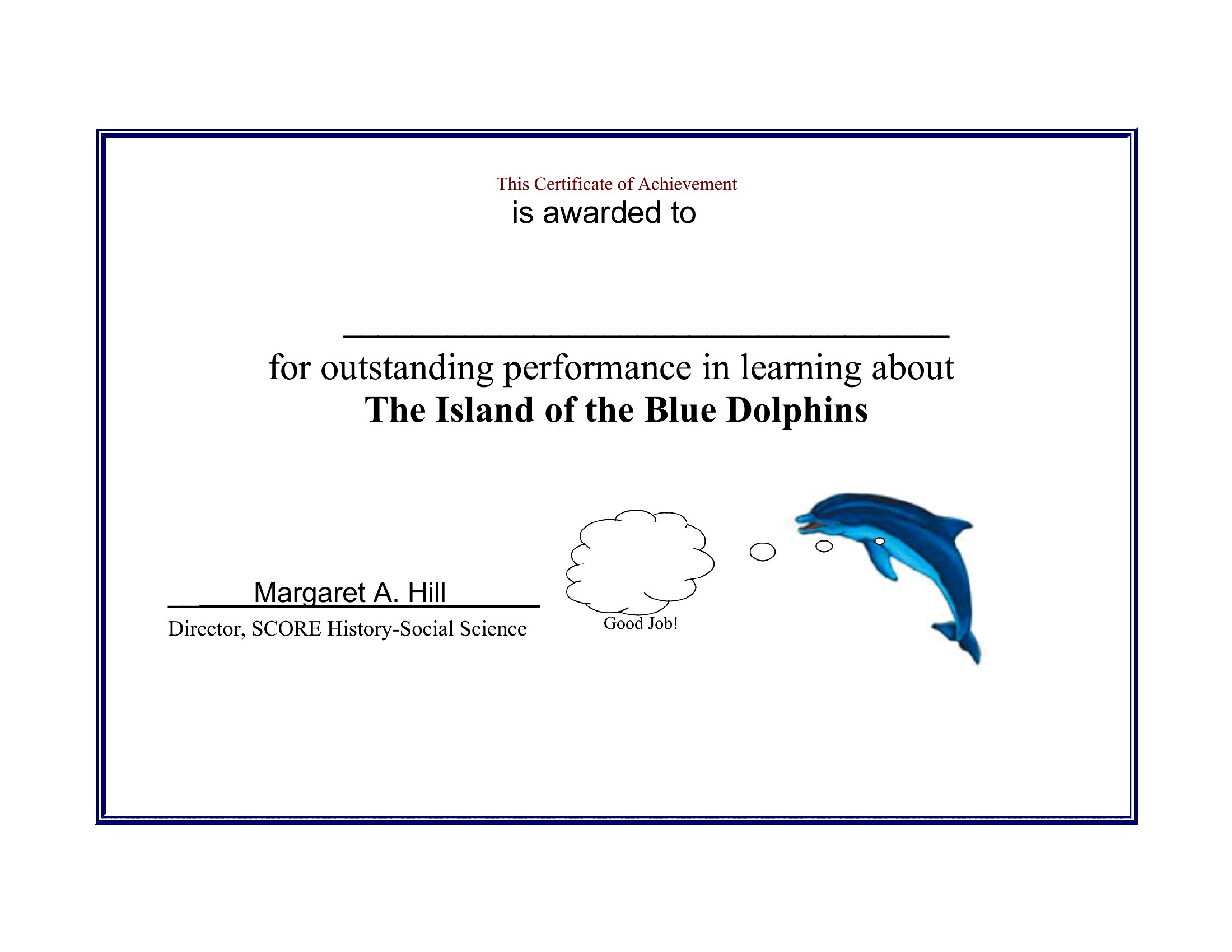
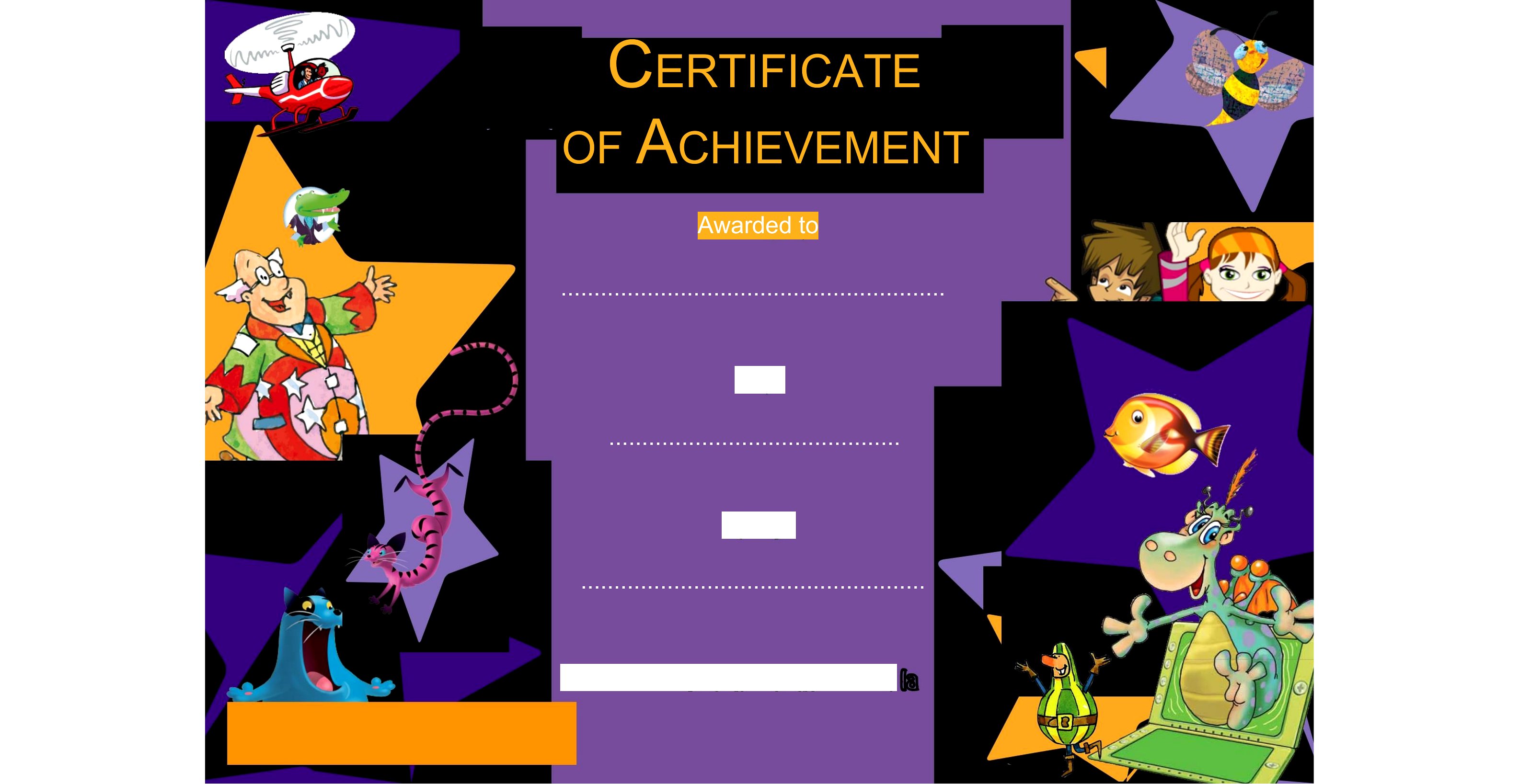
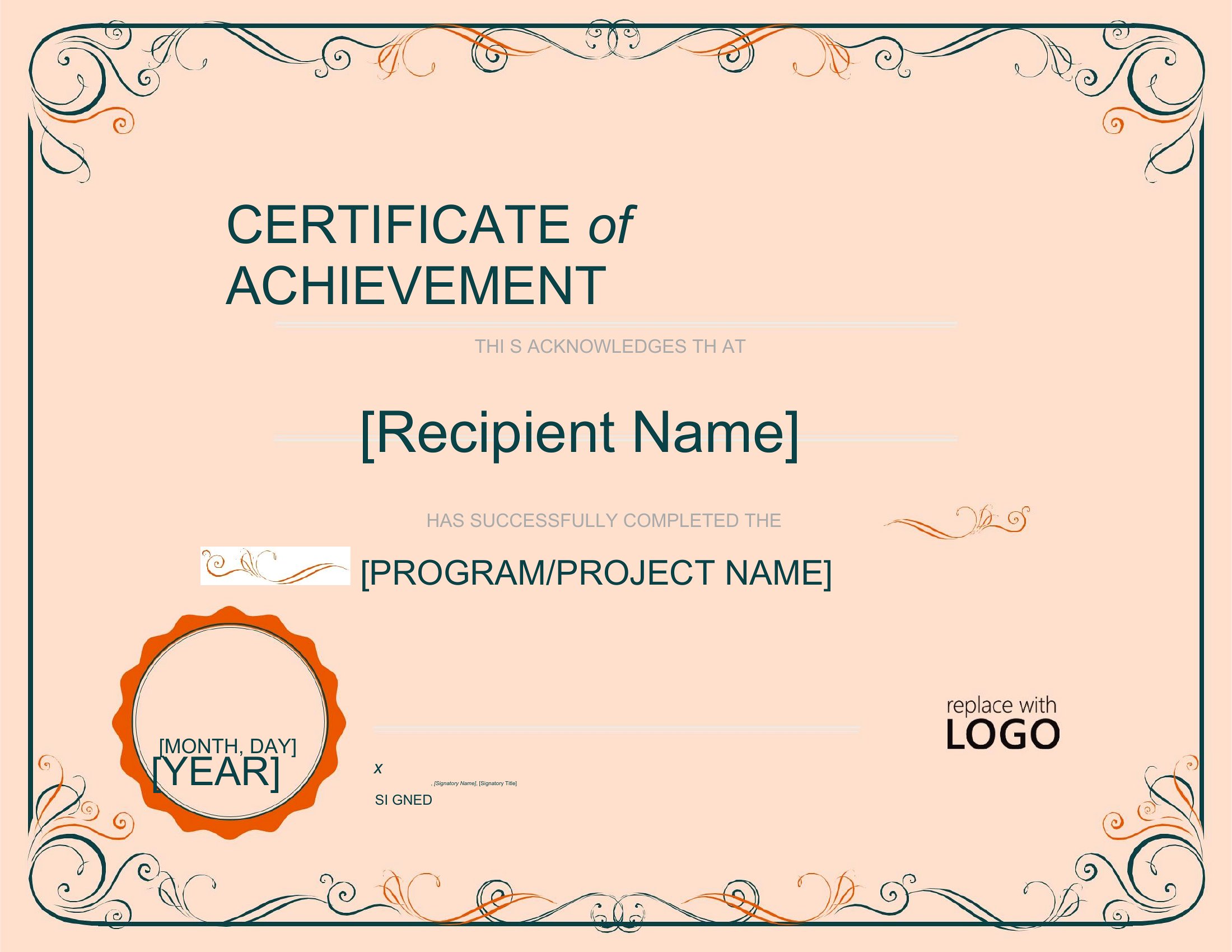
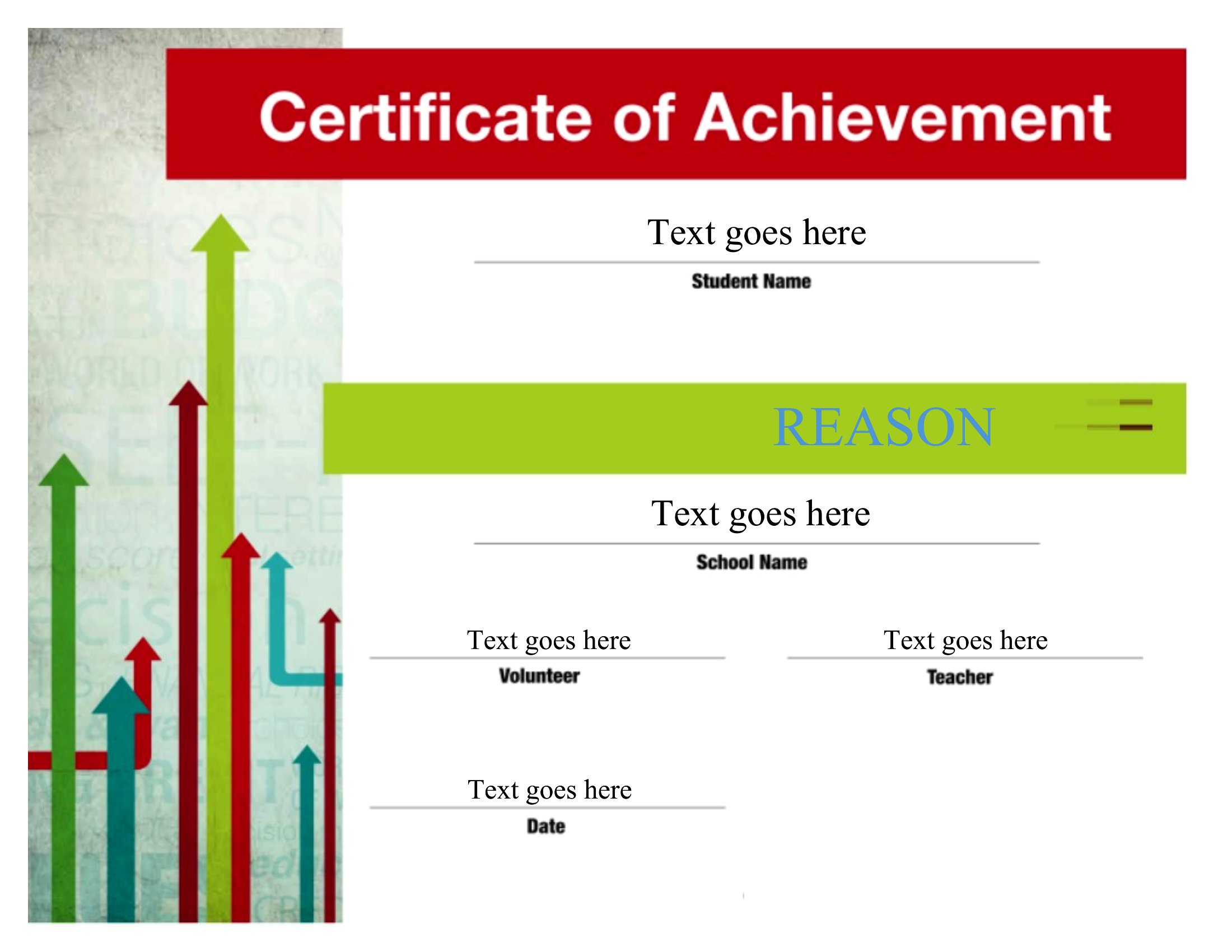
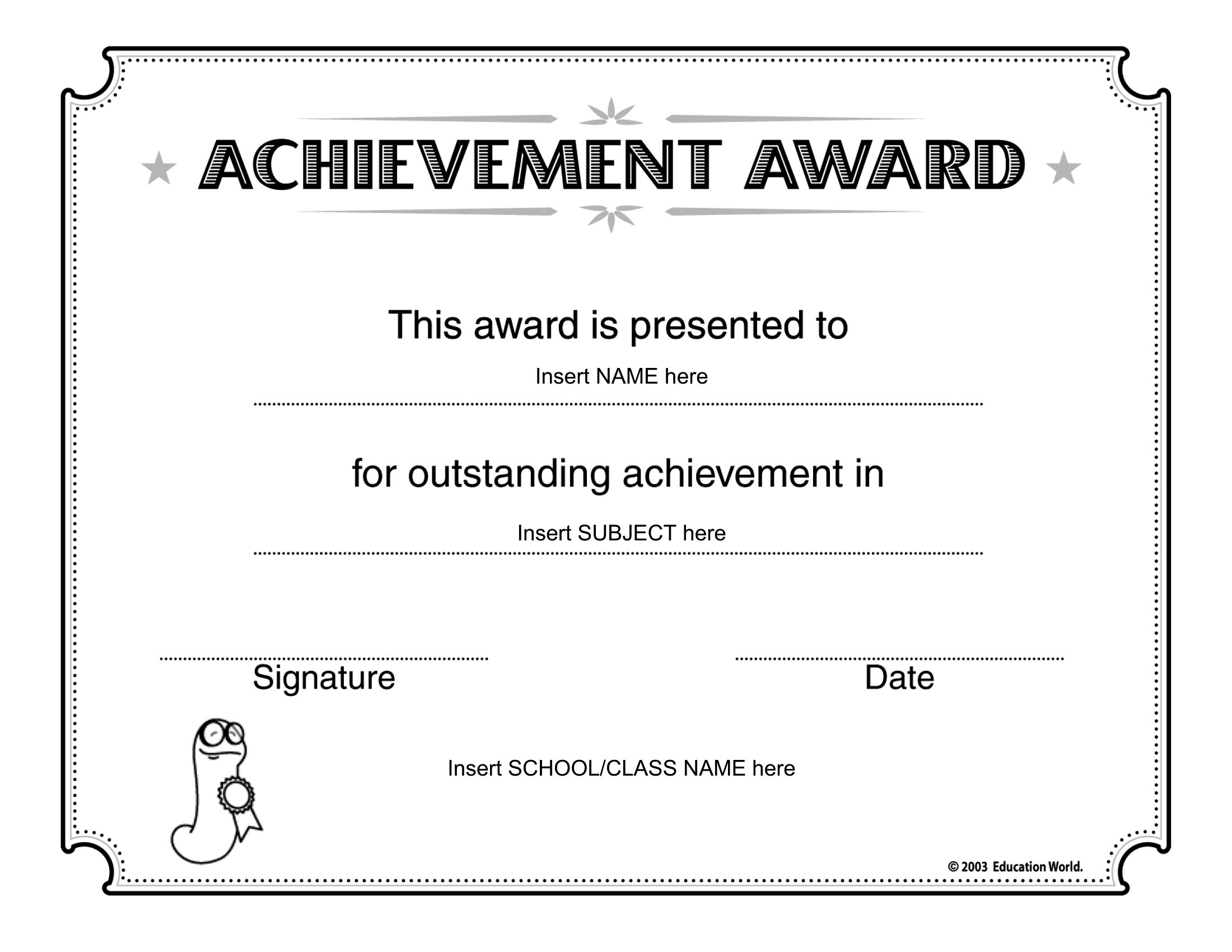
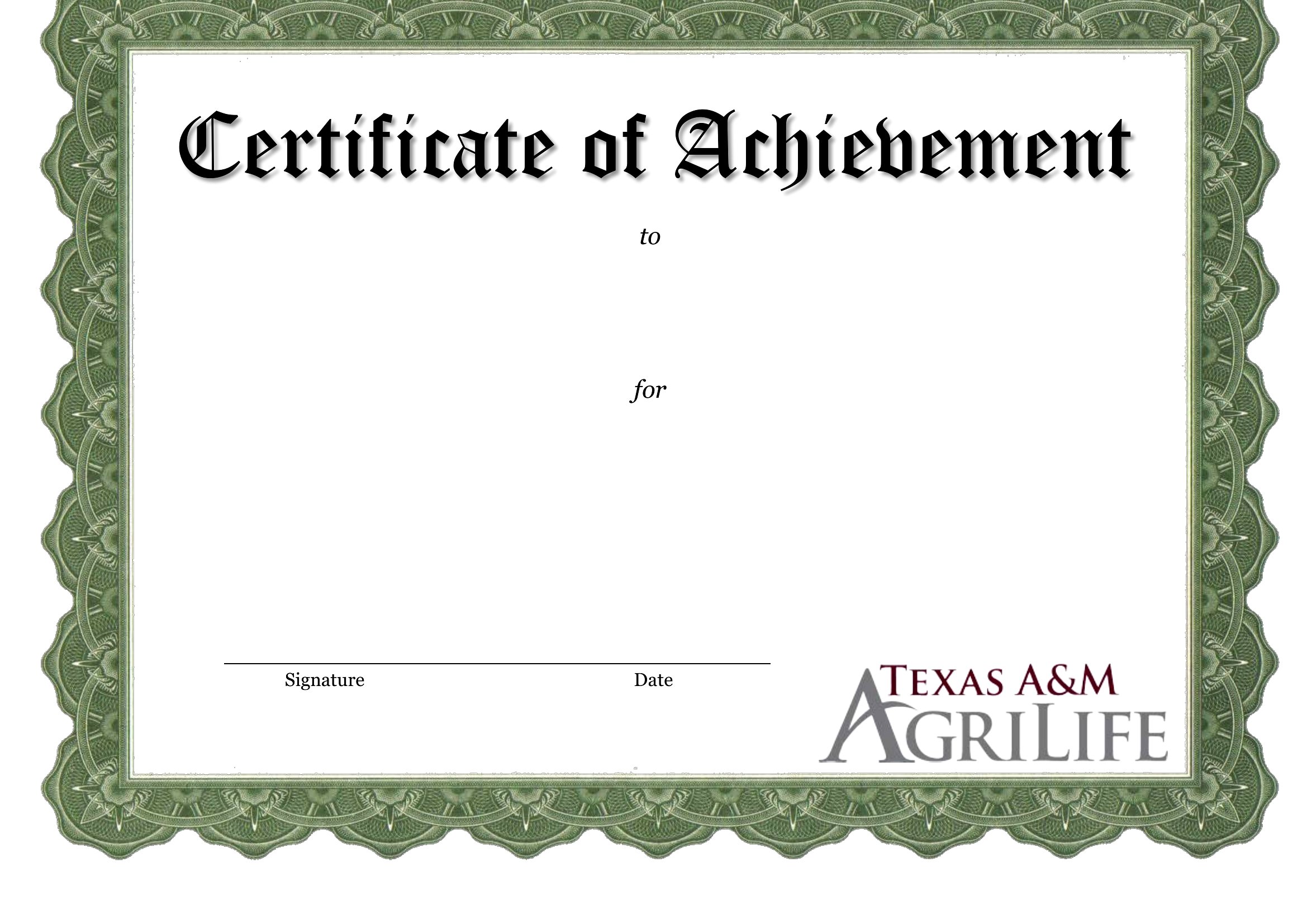
Start with a template that matches the tone of your event—whether it’s a clean corporate style, a playful educational vibe, or a classic award feel. Stick to the preset fonts and color schemes, and only swap in your logo or brand colors if the template already uses a neutral palette. Avoid overcrowding text; these templates are designed to leave space for personalization without losing impact.
Can I use these for both digital and printed certificates?
Yes, but check the resolution of the PDF if printing. Most templates here are optimized for high-quality prints, but for digital use (like emailing or sharing online), ensure the file isn’t pixelated. Word files are best for adjusting dimensions if you plan to display them on screens, as you can resize without quality loss. Avoid shrinking printed templates to fit smaller paper—design them to scale with your chosen dimensions upfront.
What’s the best way to add a signature line if my recipients are remote or don’t have access to a printer?
Use the Word version to insert a digital signature field (via the ‘Developer’ tab) or leave a blank line labeled ‘Signature’ that recipients can fill out by hand and scan/email back. For PDFs, try tools like Adobe Acrobat’s fillable form feature to create a signature box, or simply add a note asking them to initial or type their name in the provided space. Always include instructions if the process isn’t universal.
Comments
Join the conversation
Sign in to share your thoughts and leave a comment on this resource.