
Skip to content
50% off this one-time $1.99 pack with HALFOFF — or unlimited with Pro.HALFOFF
Premium

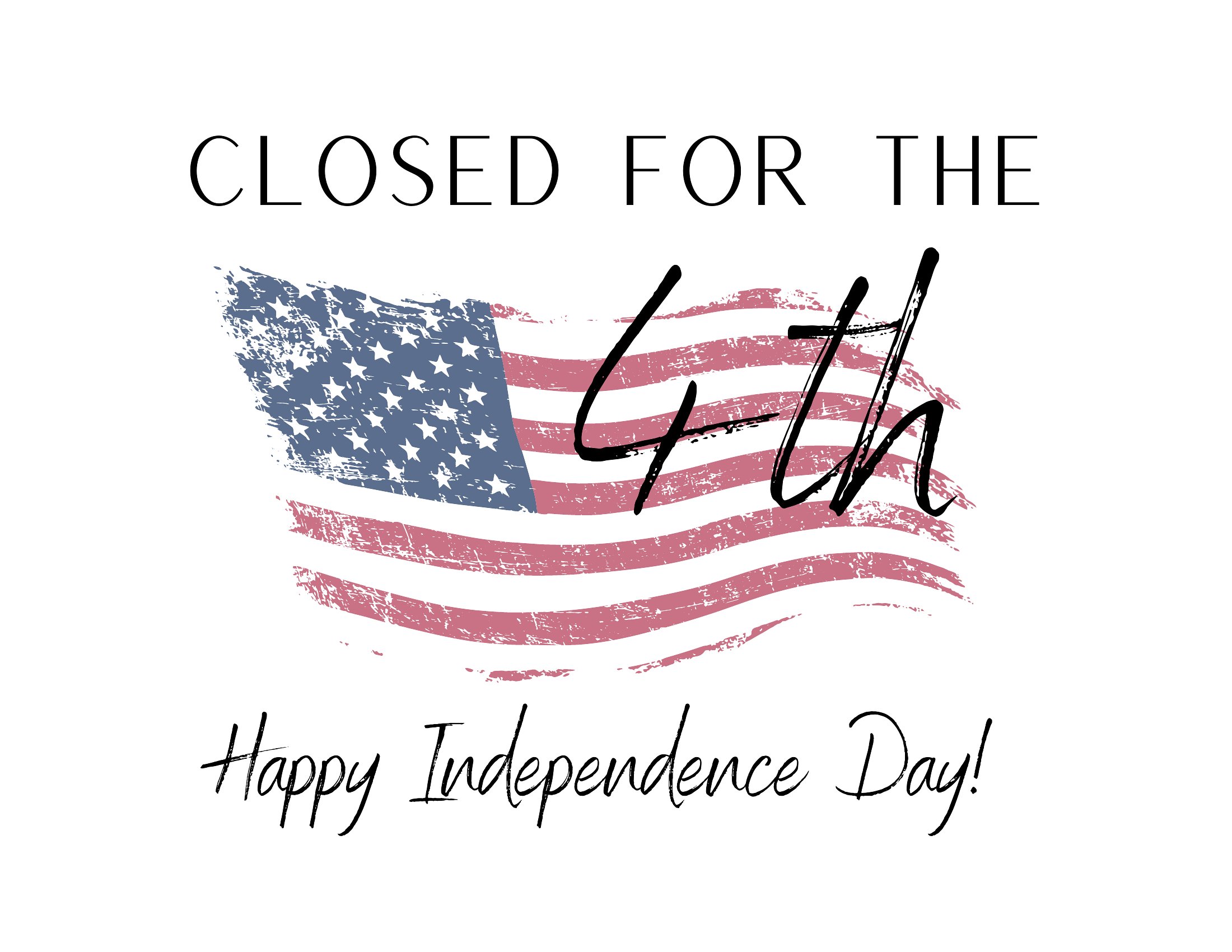
Free Closed for 4th of July Signs (PDF)

Life
fenerli by fenerli
Updated 0 downloads Quality-checked template

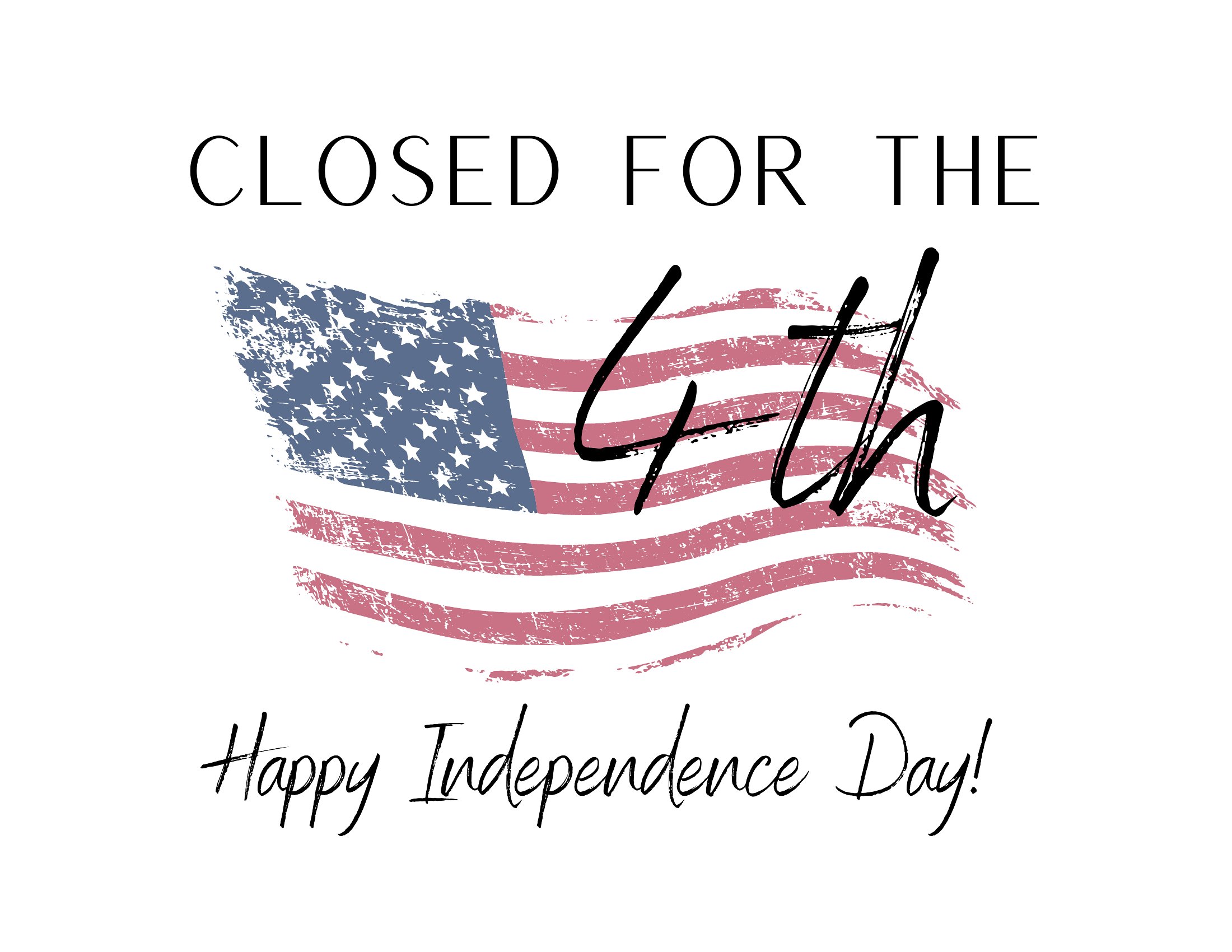
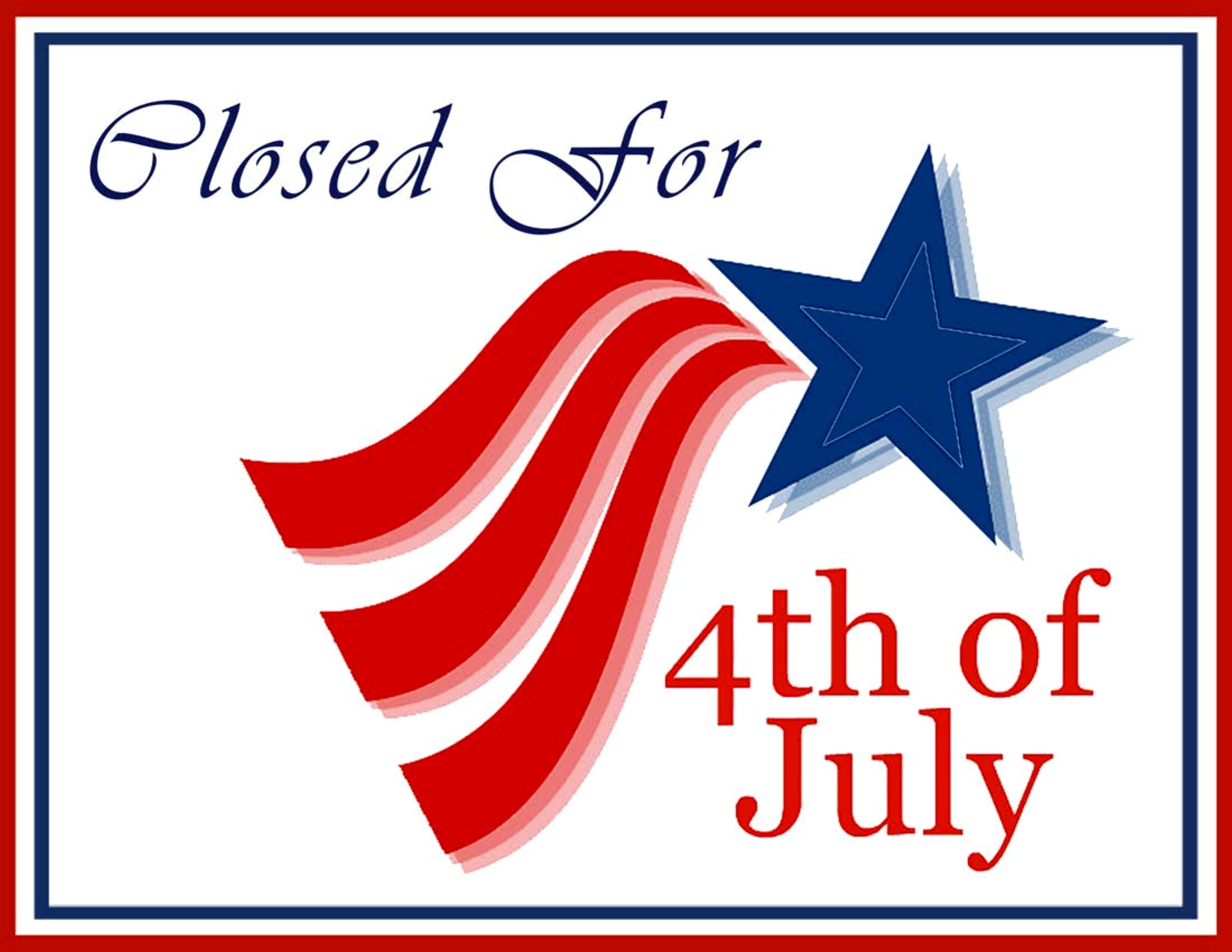
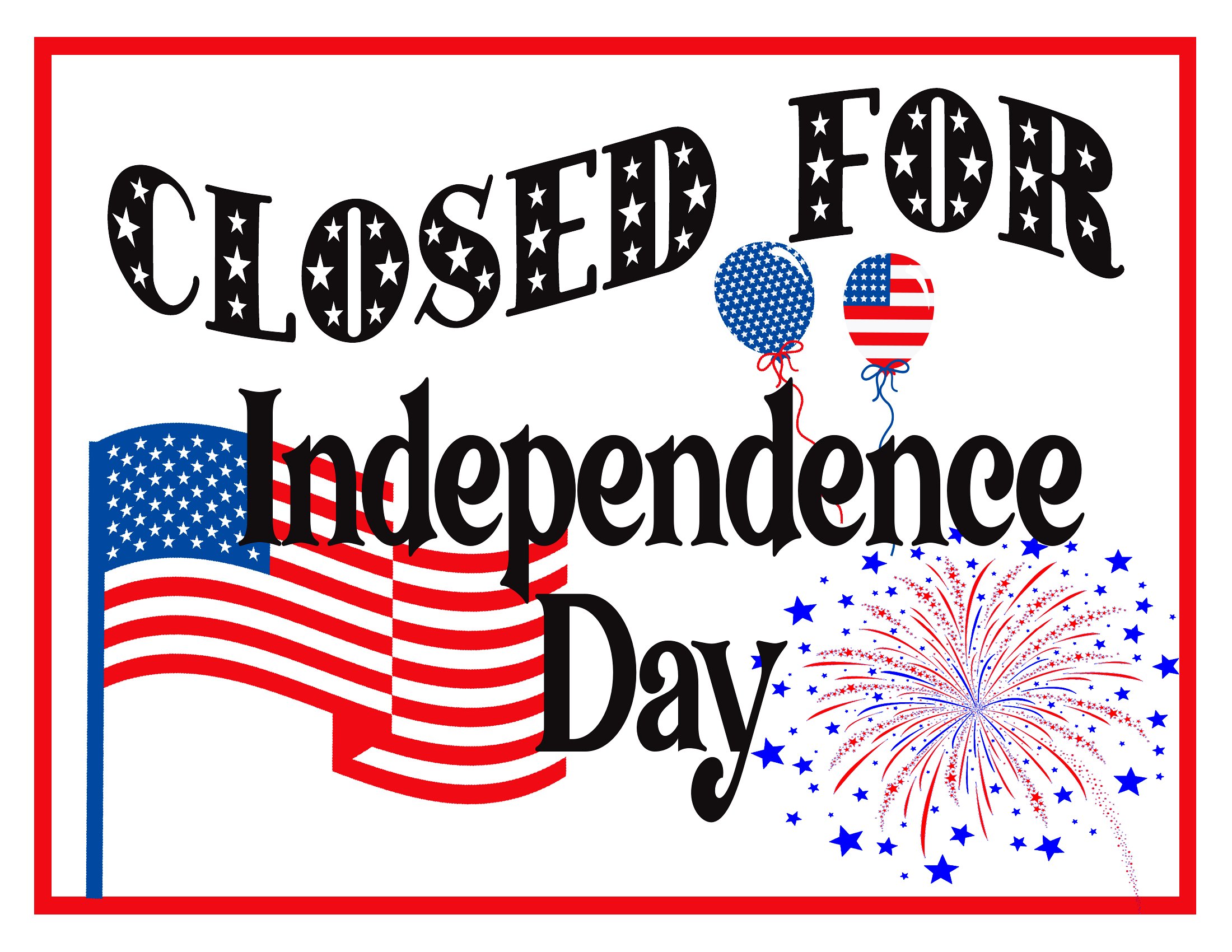
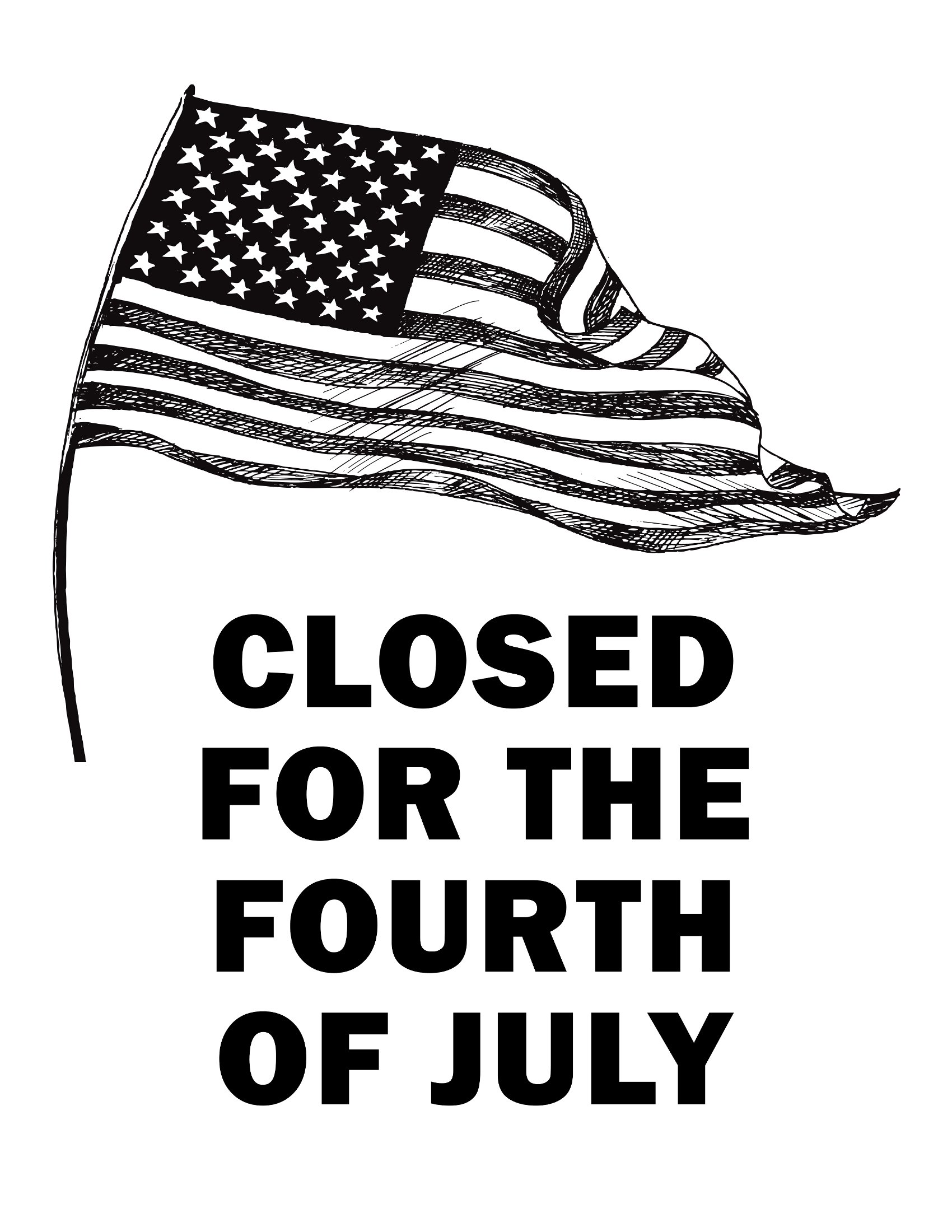
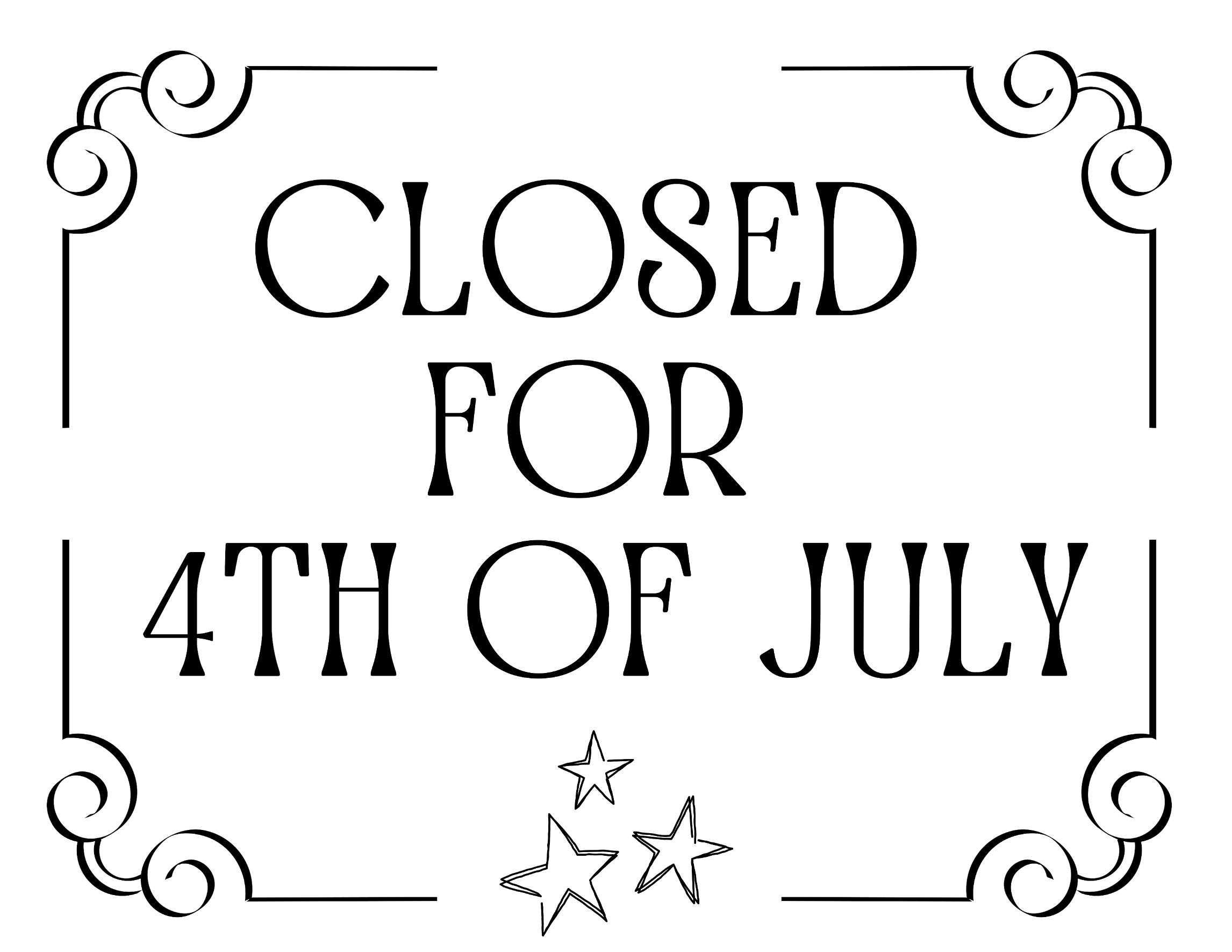
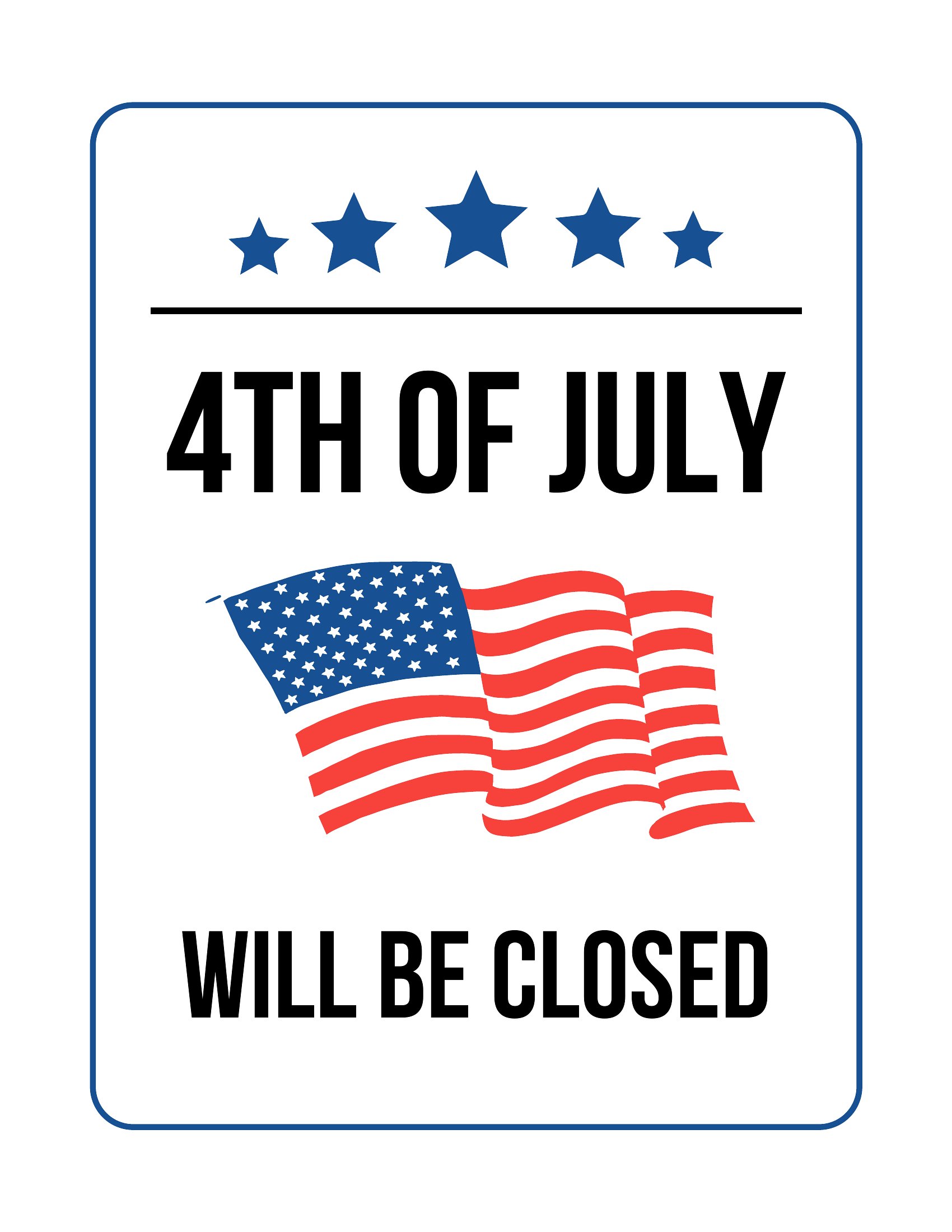
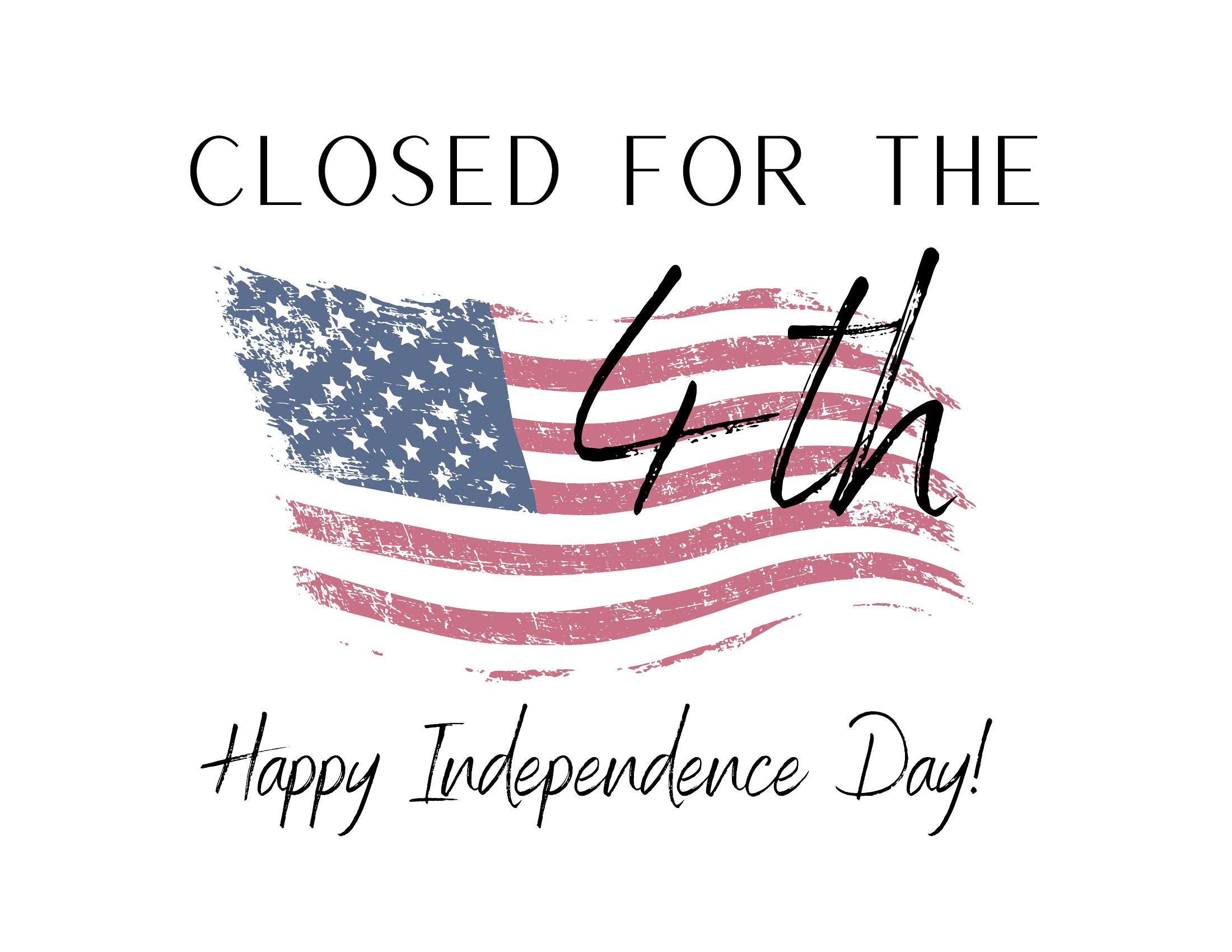
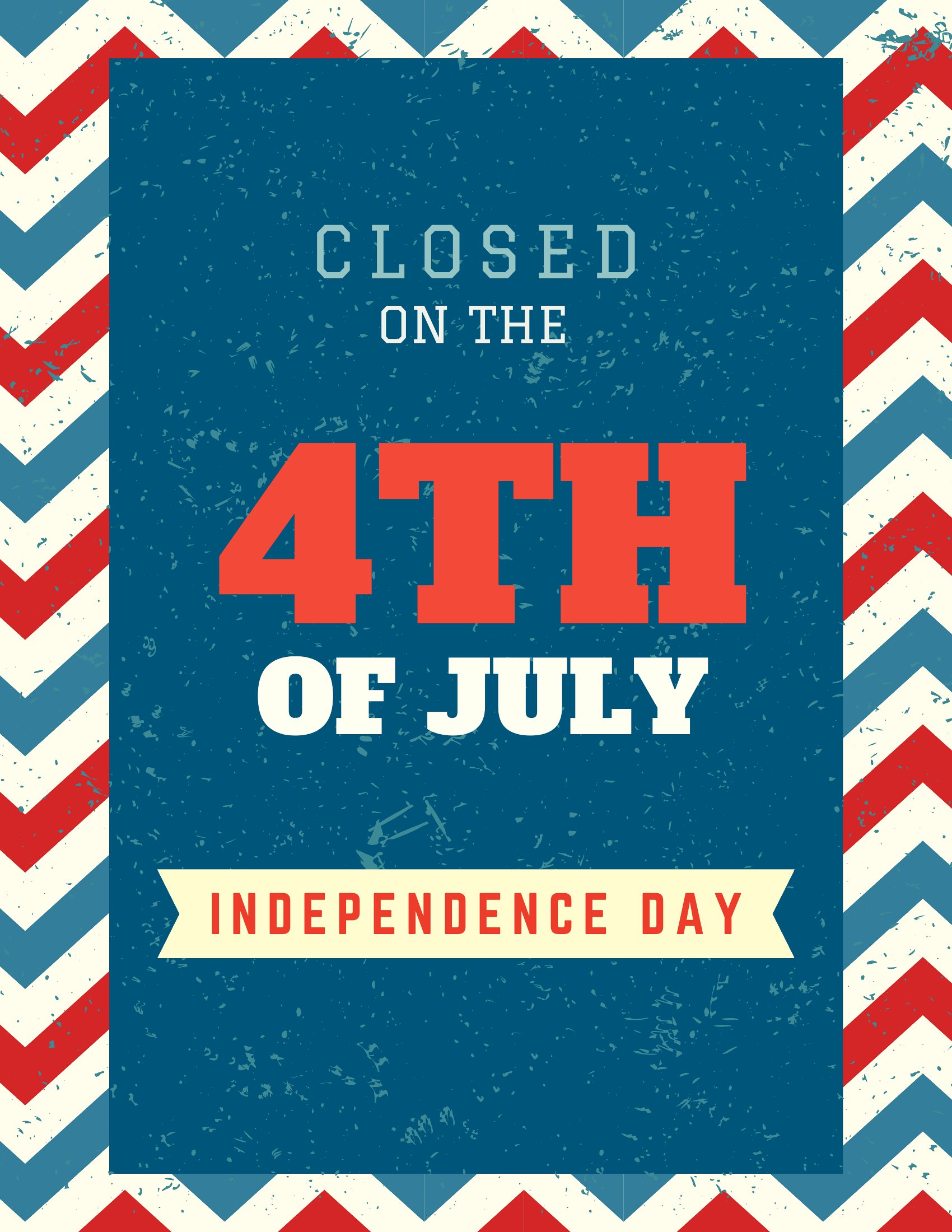
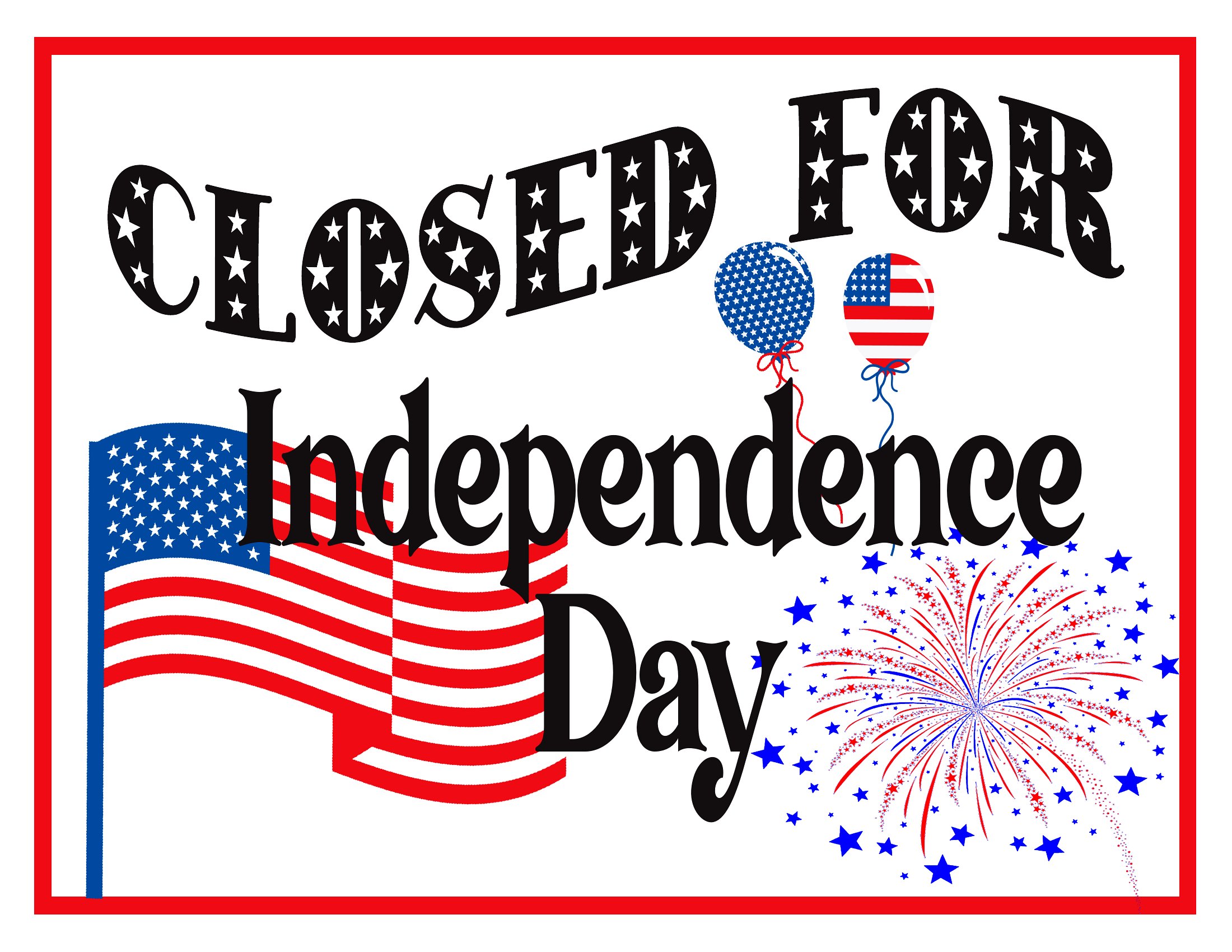
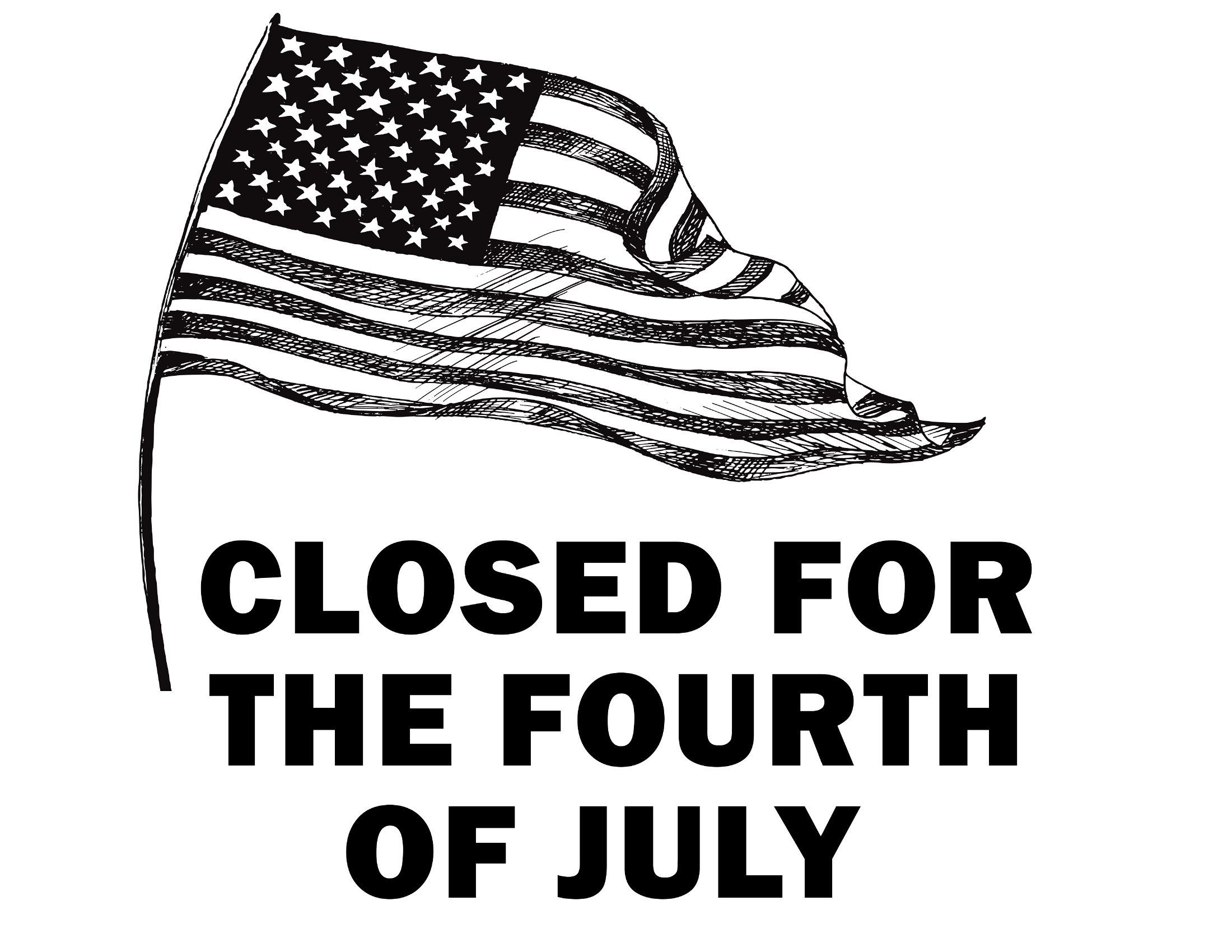
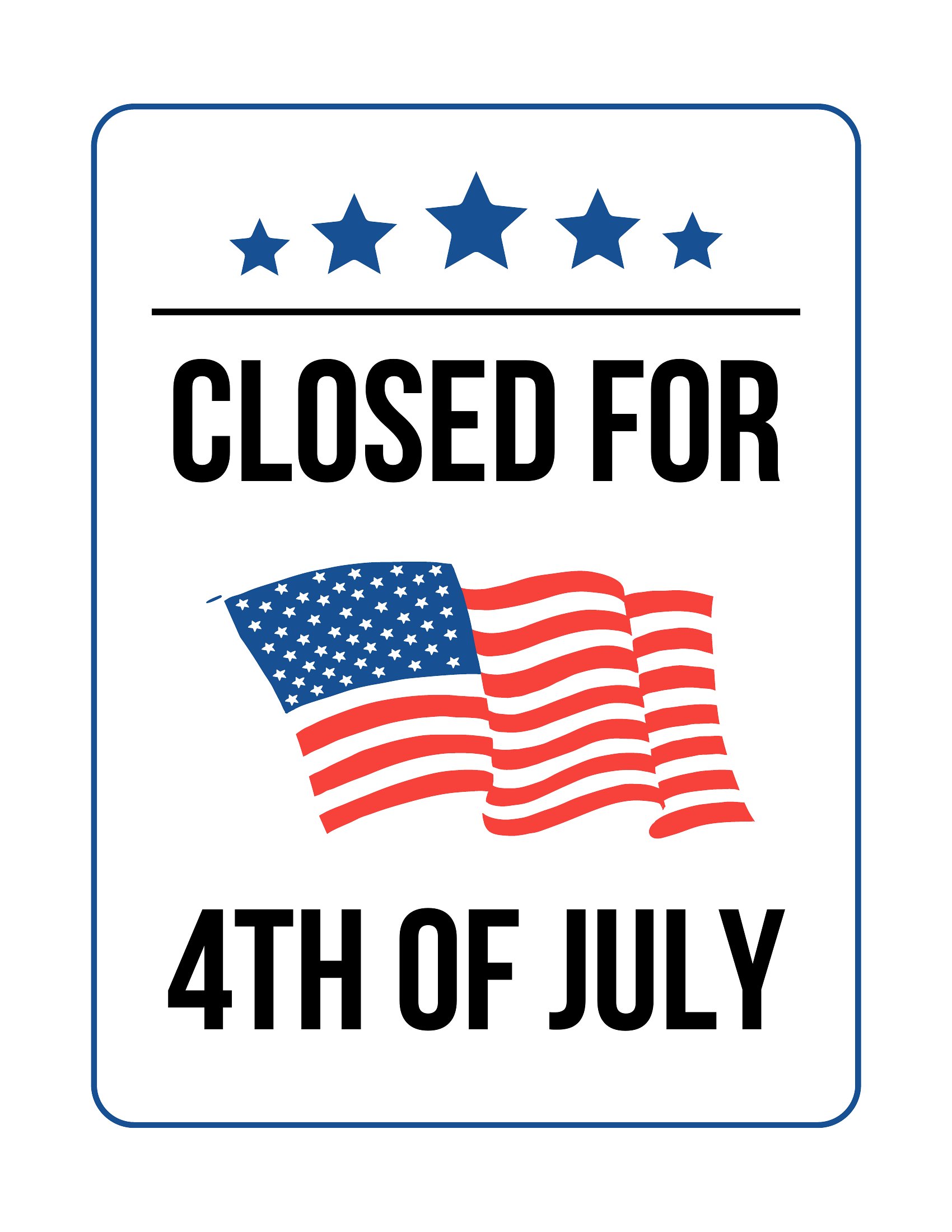
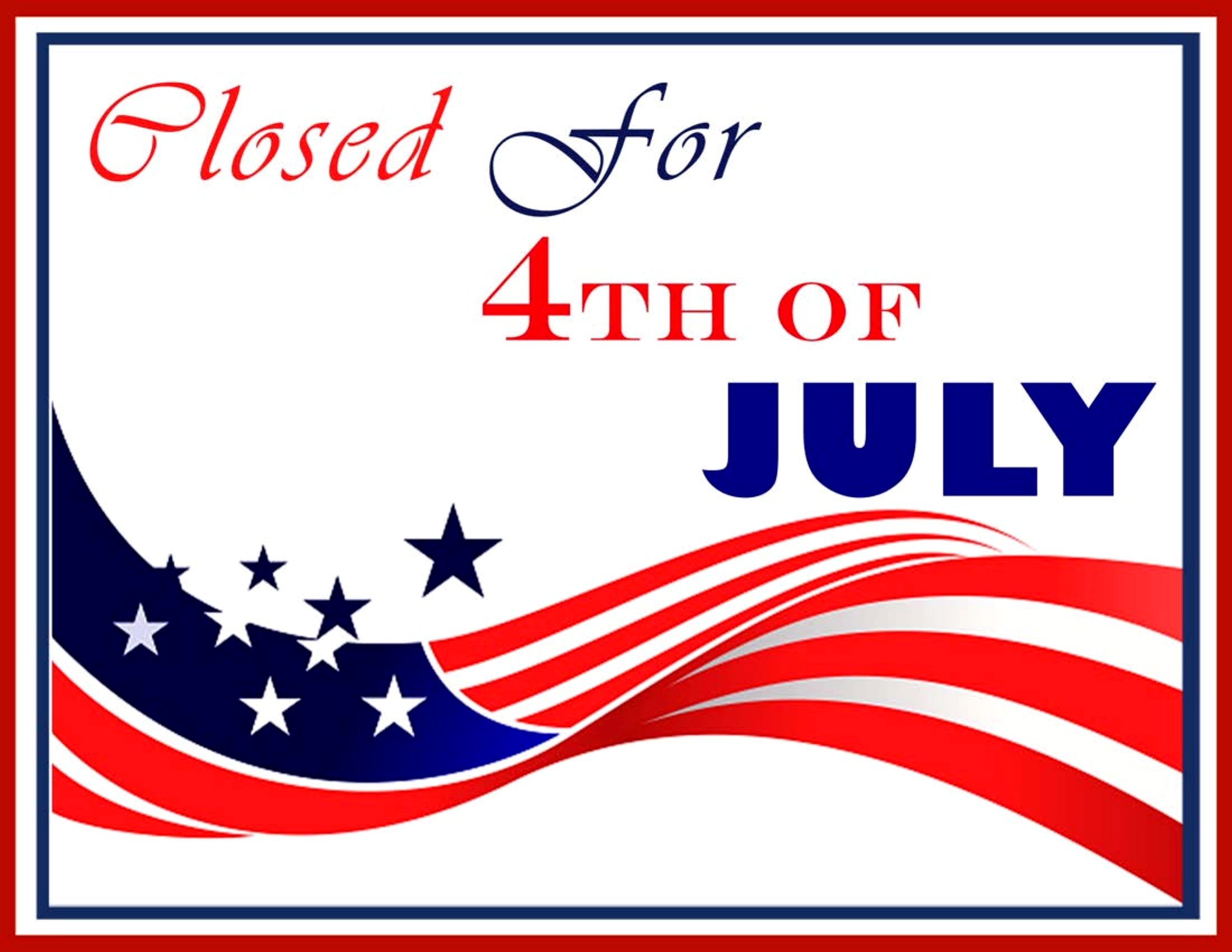
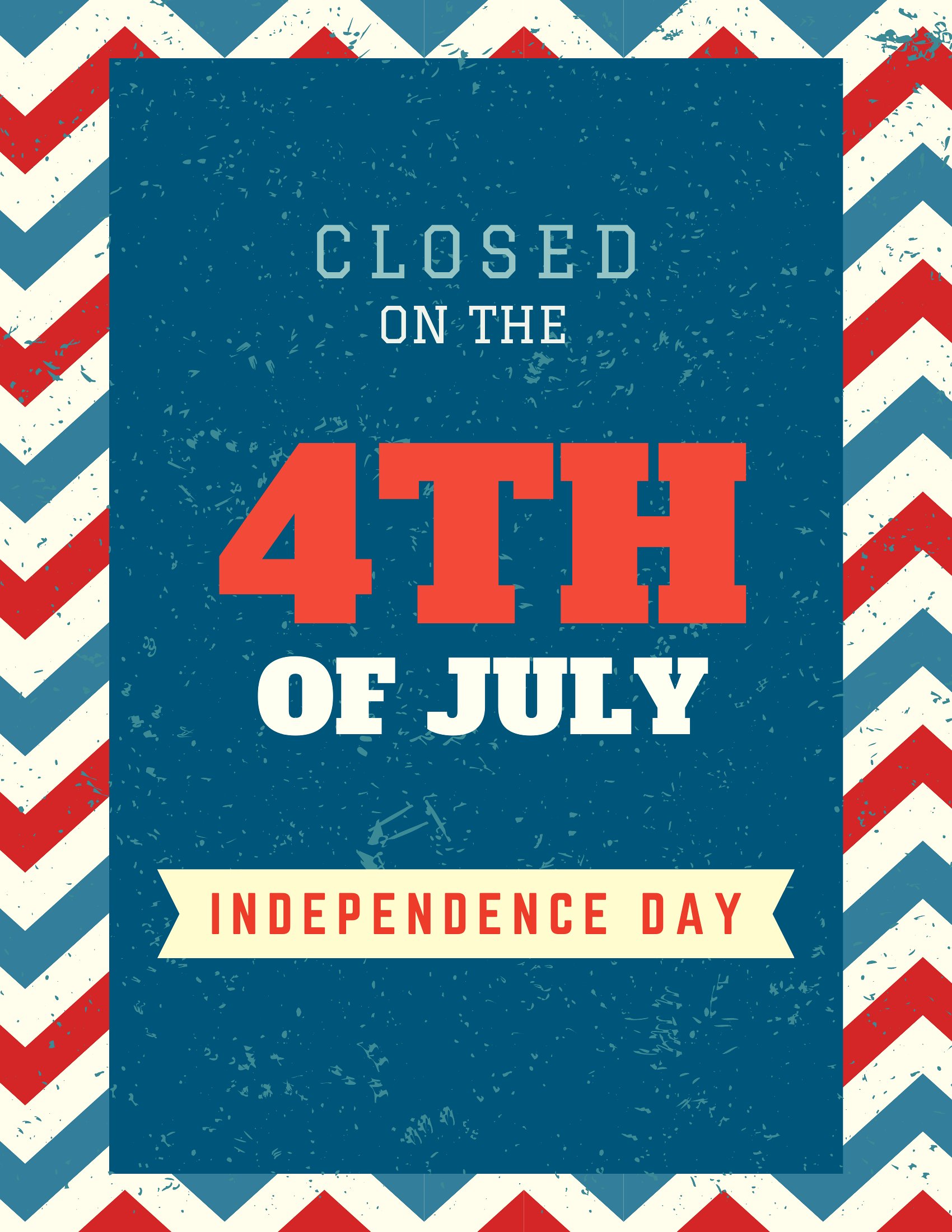
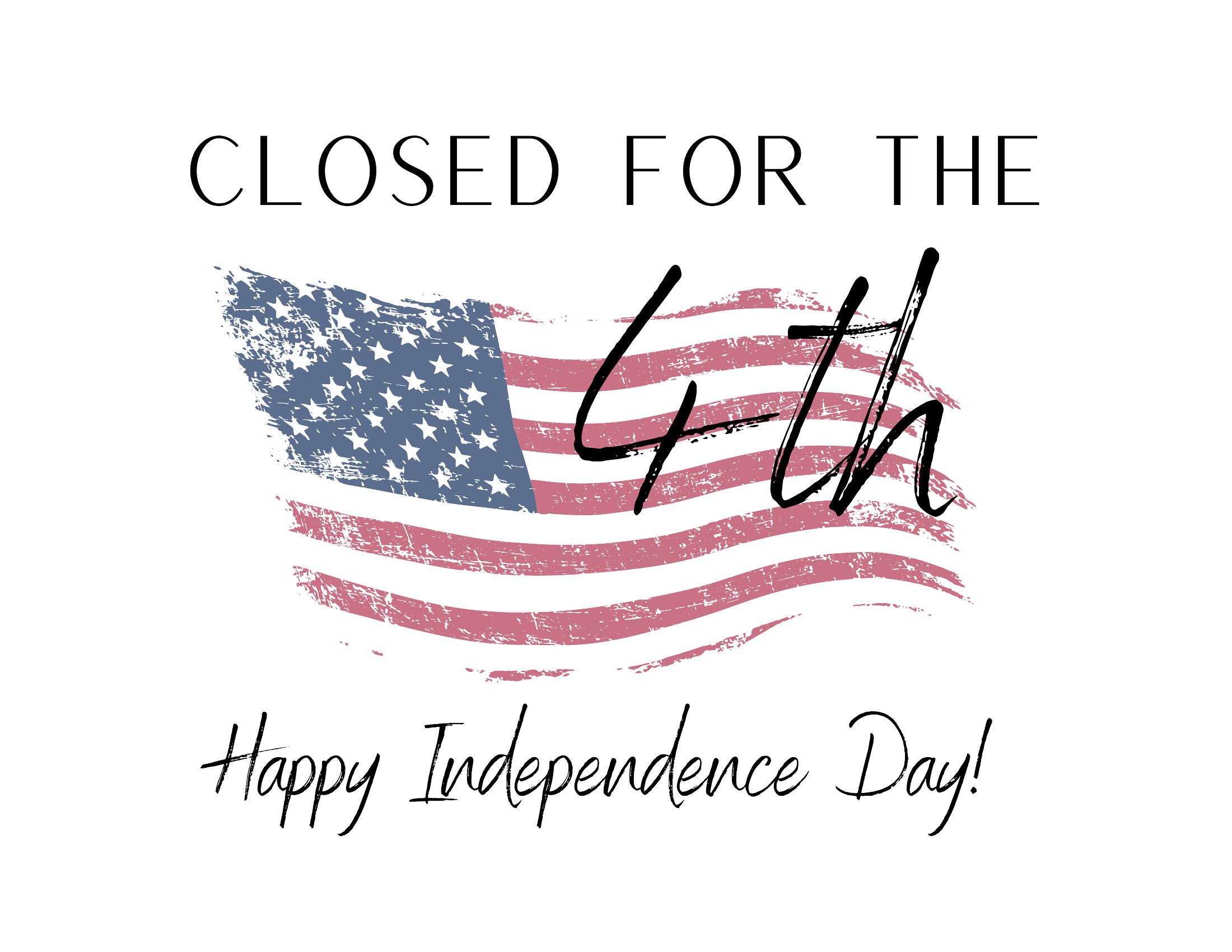
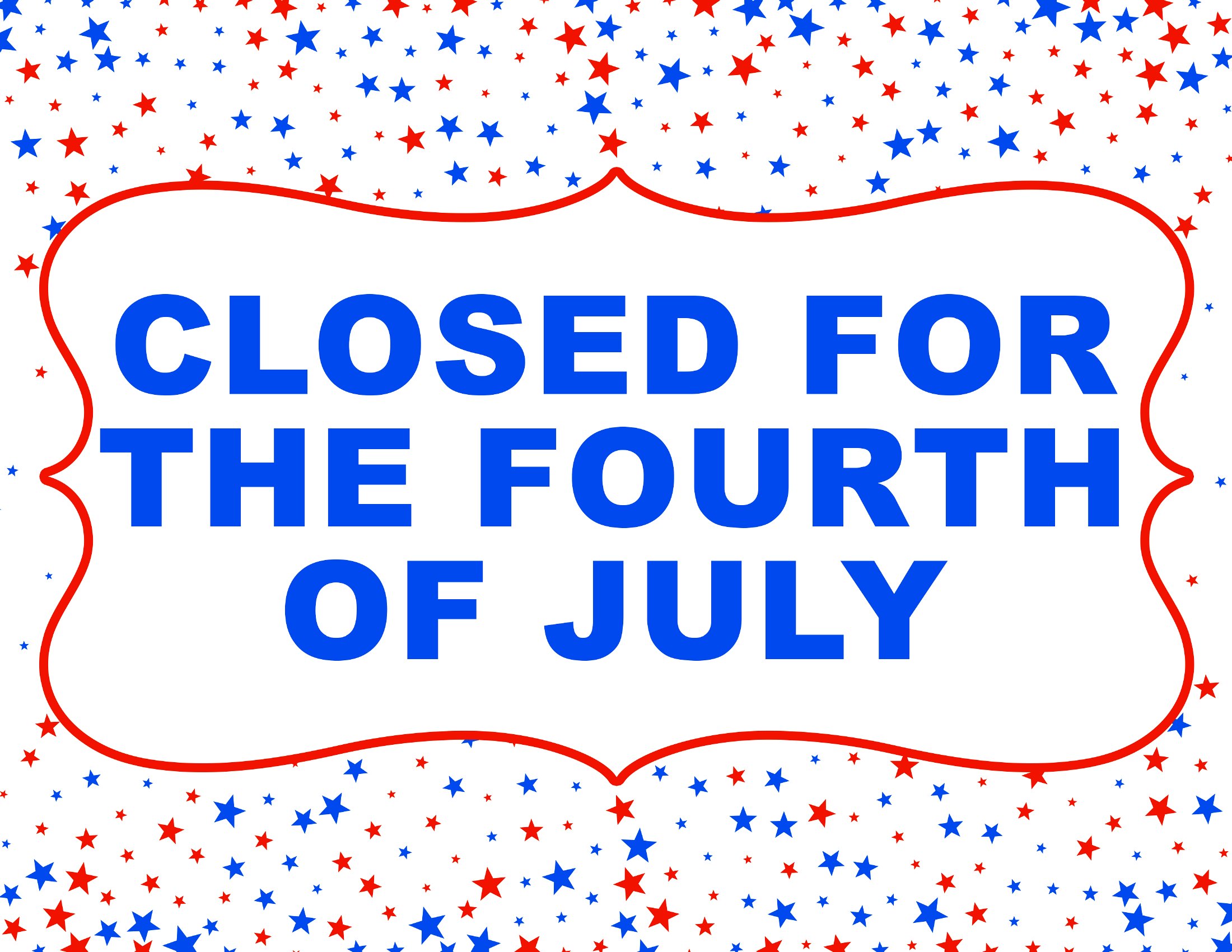
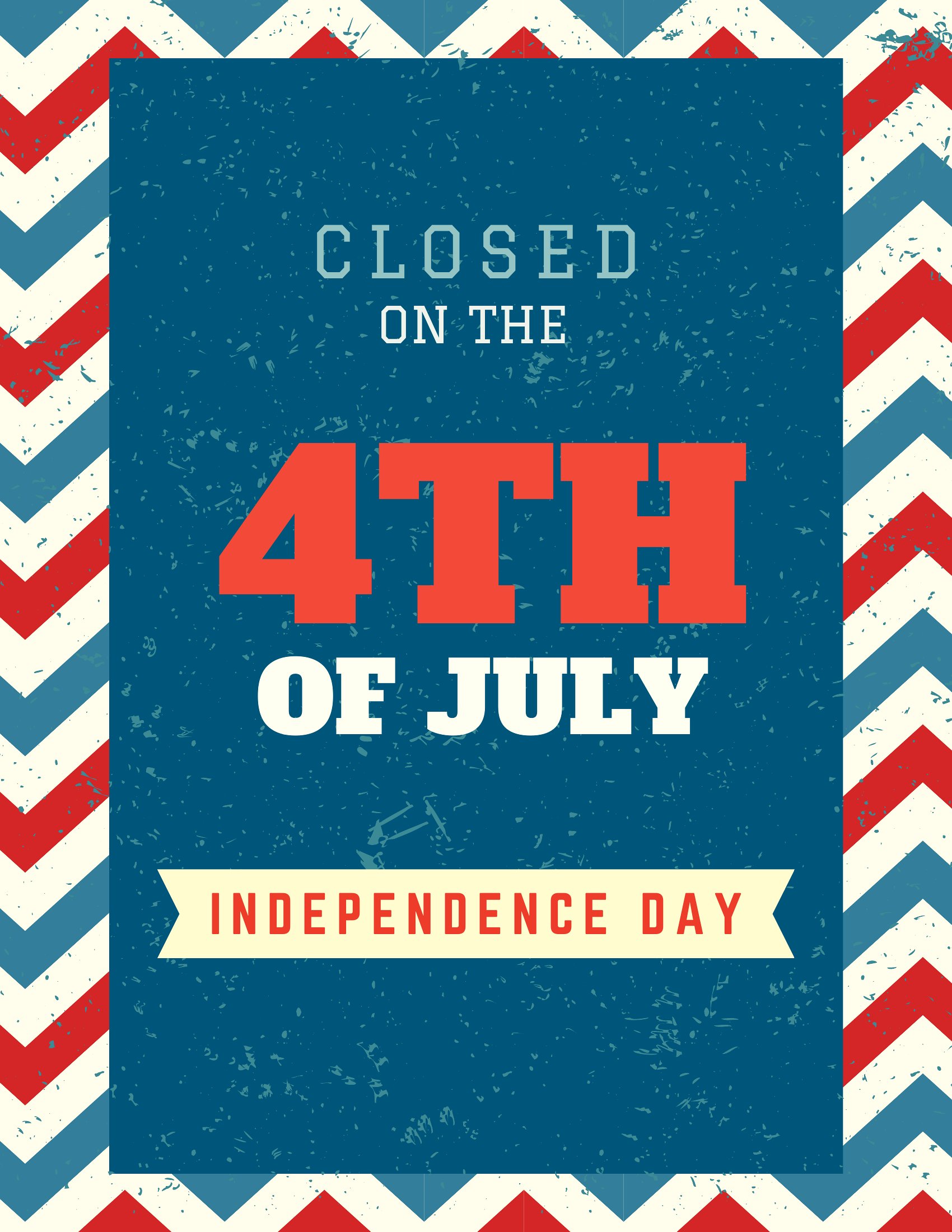
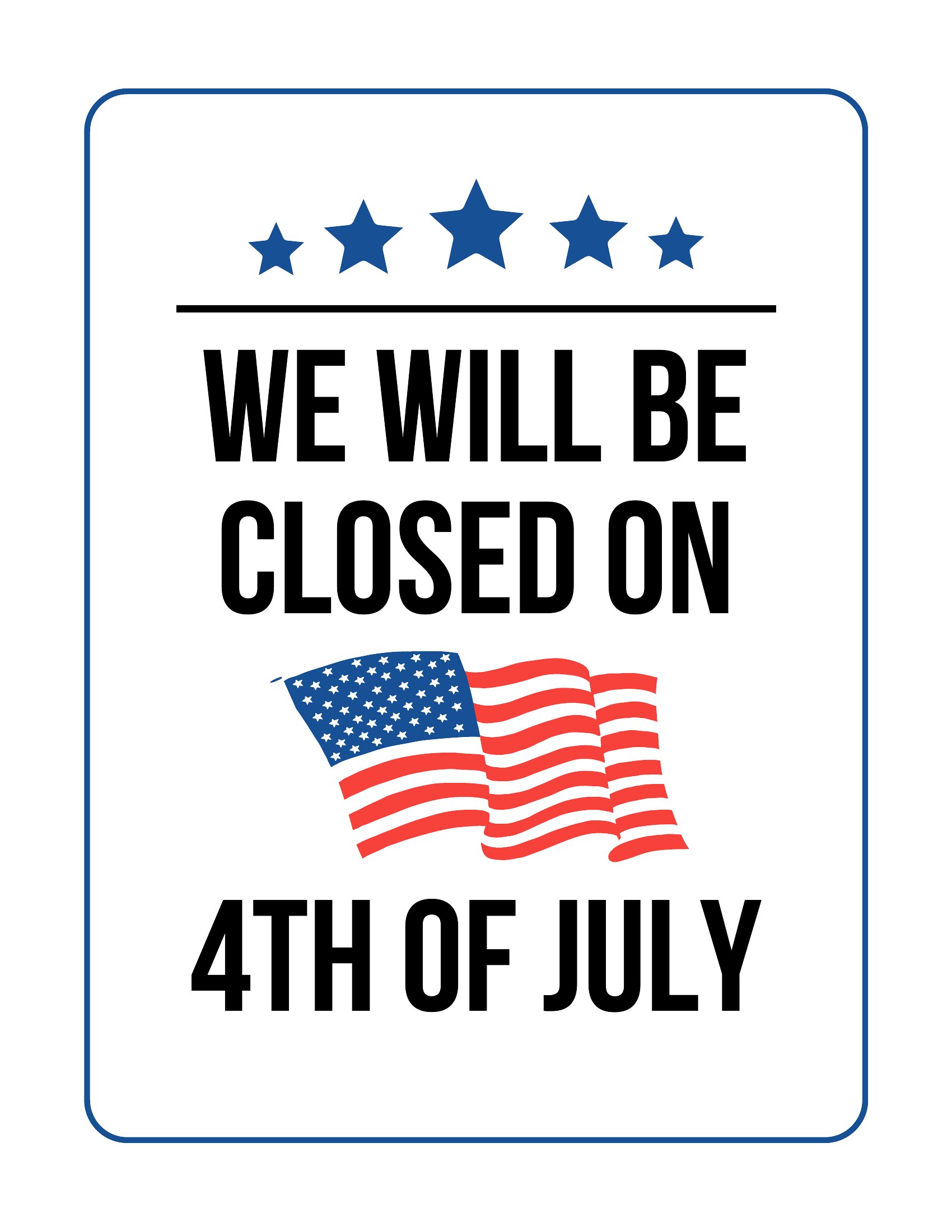
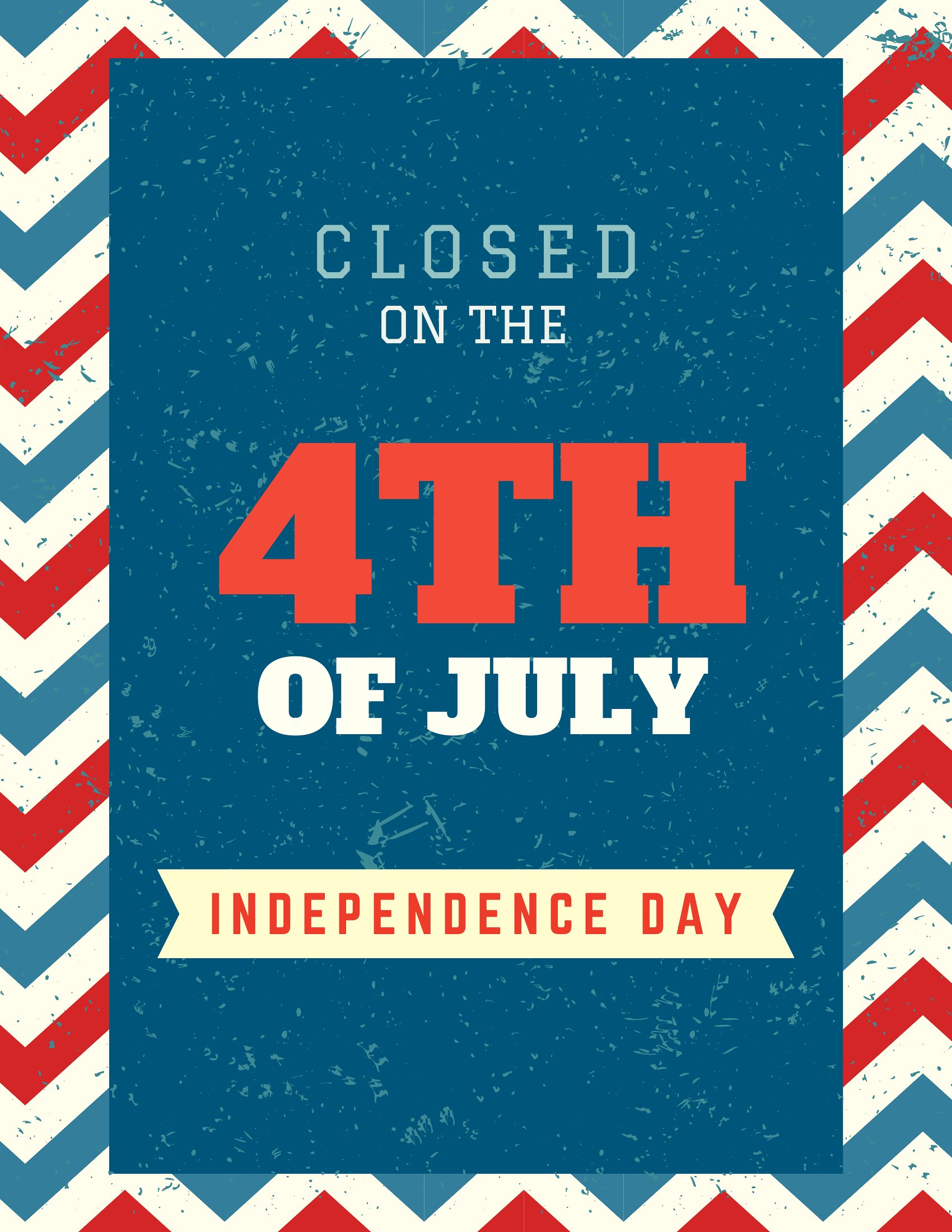
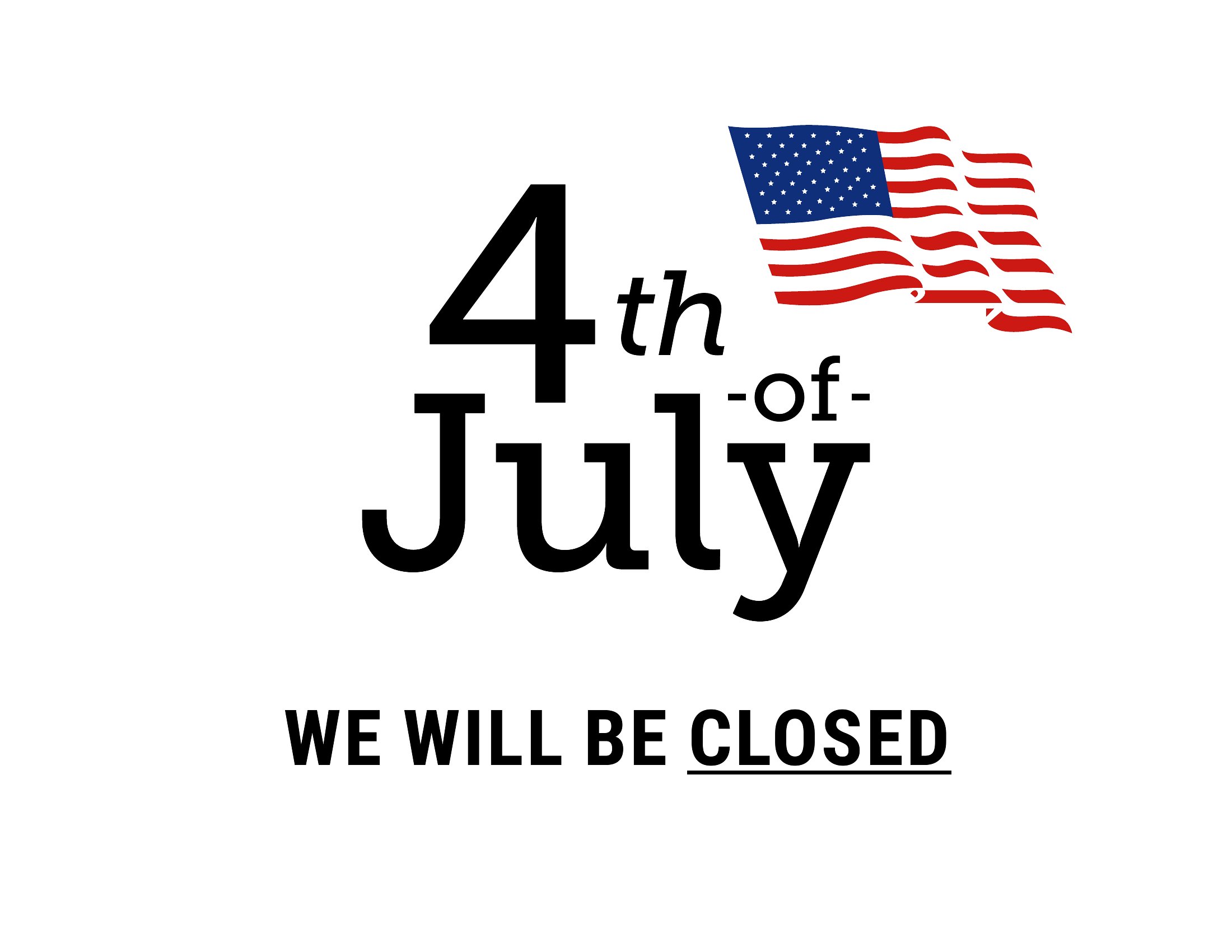
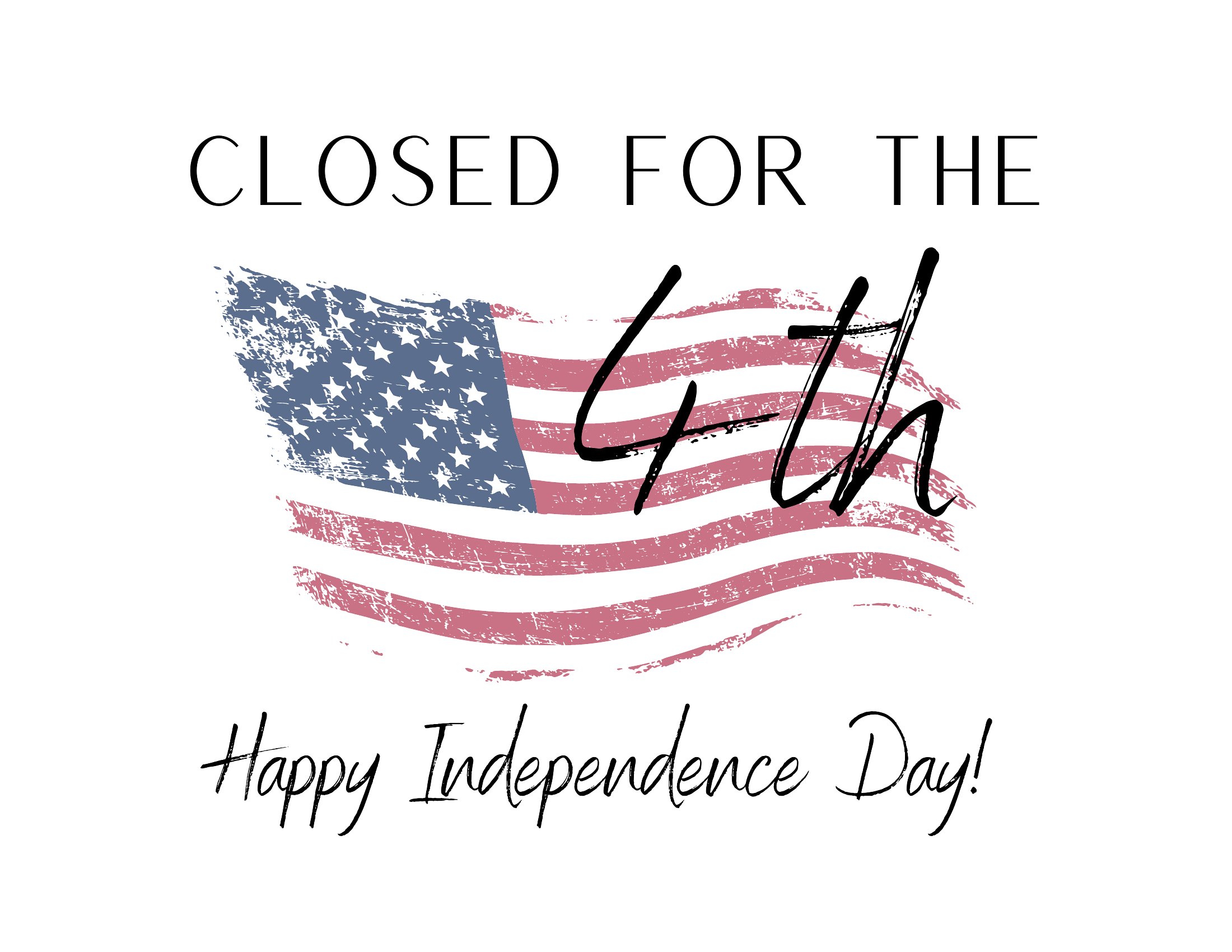
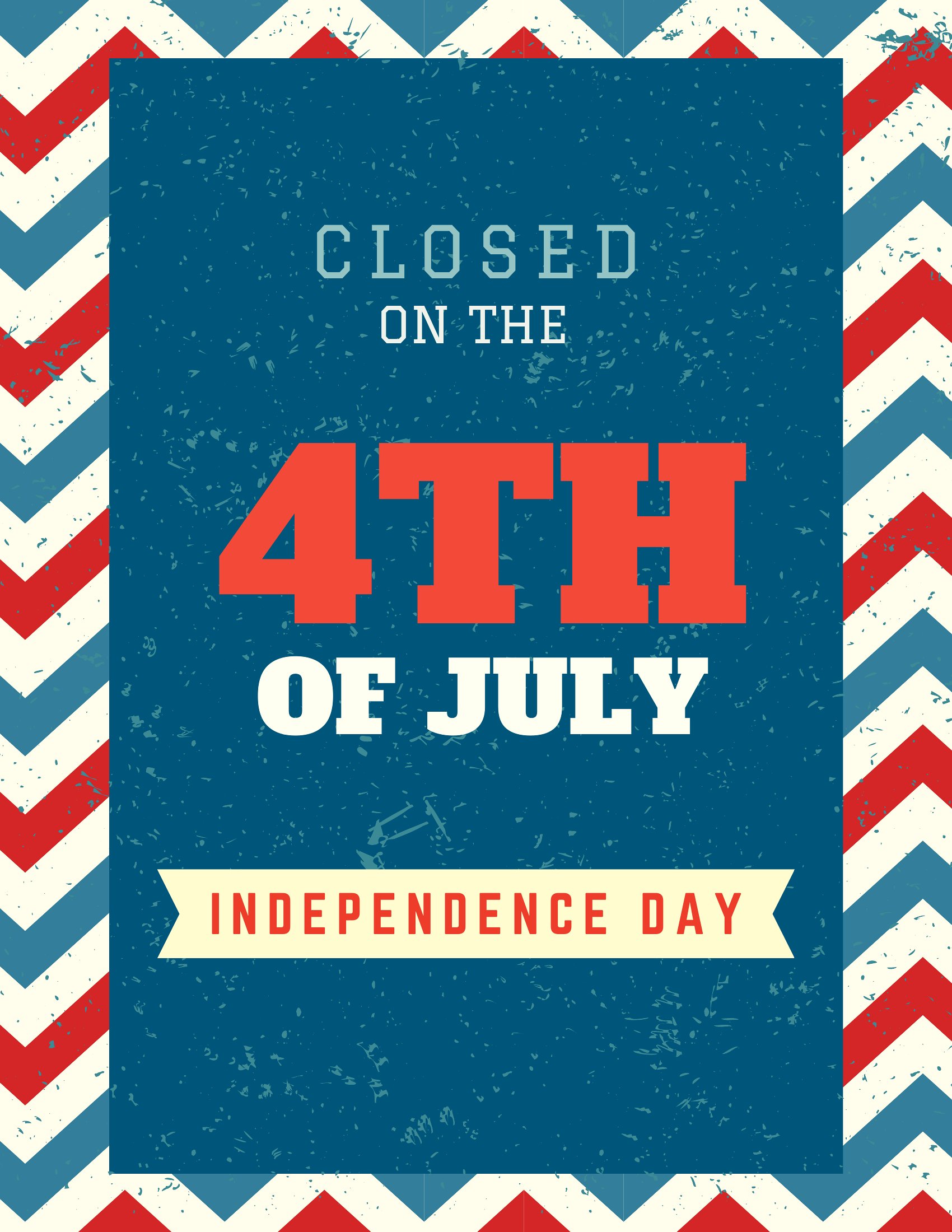
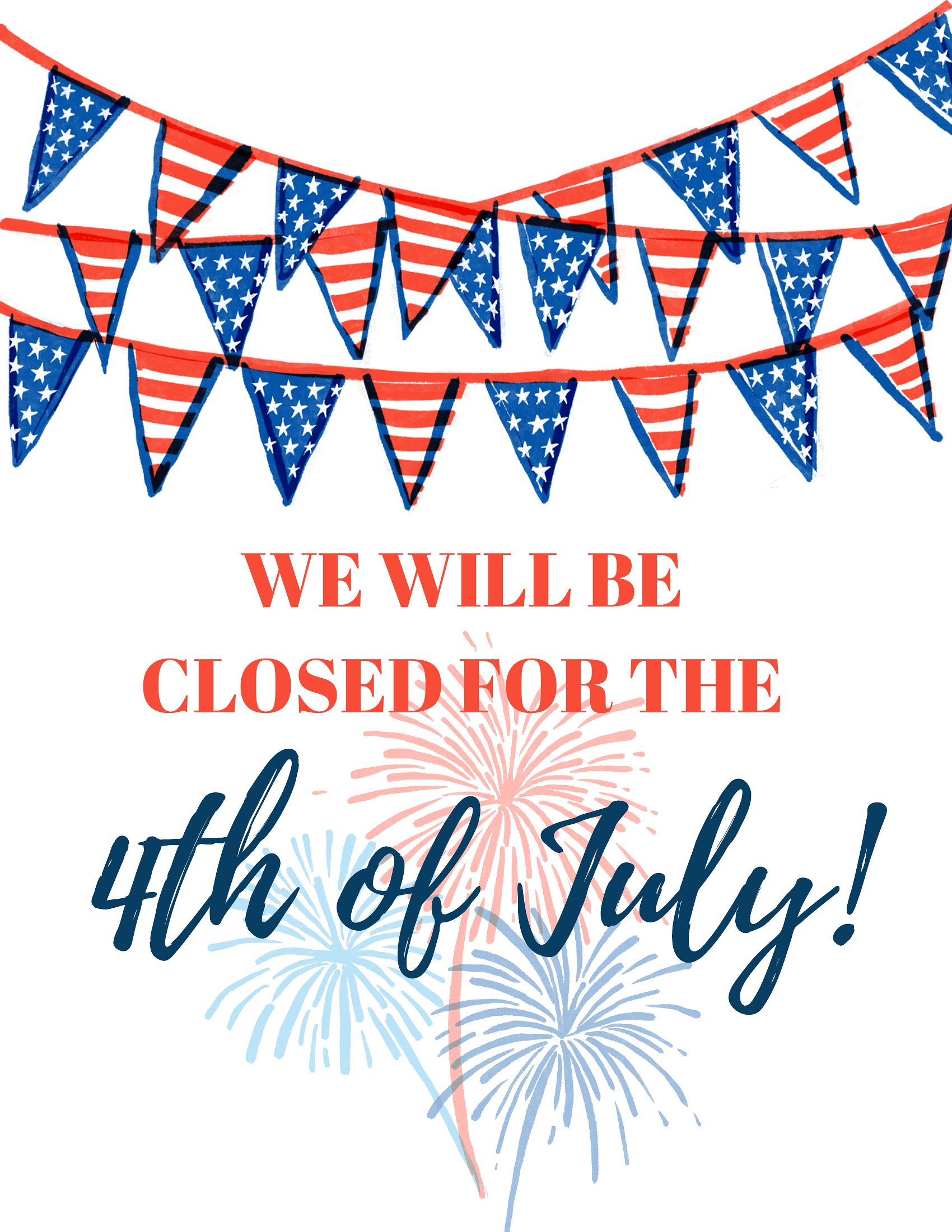
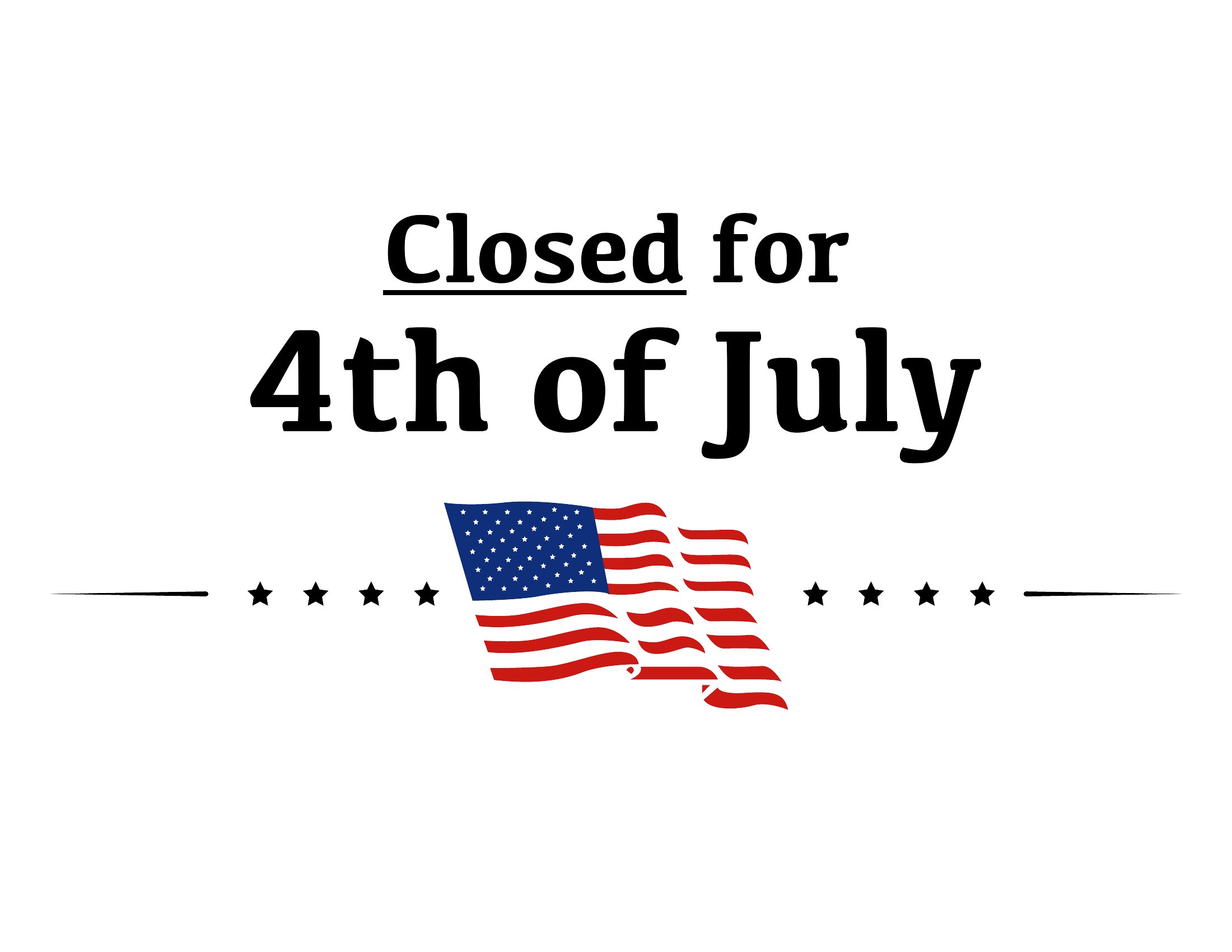
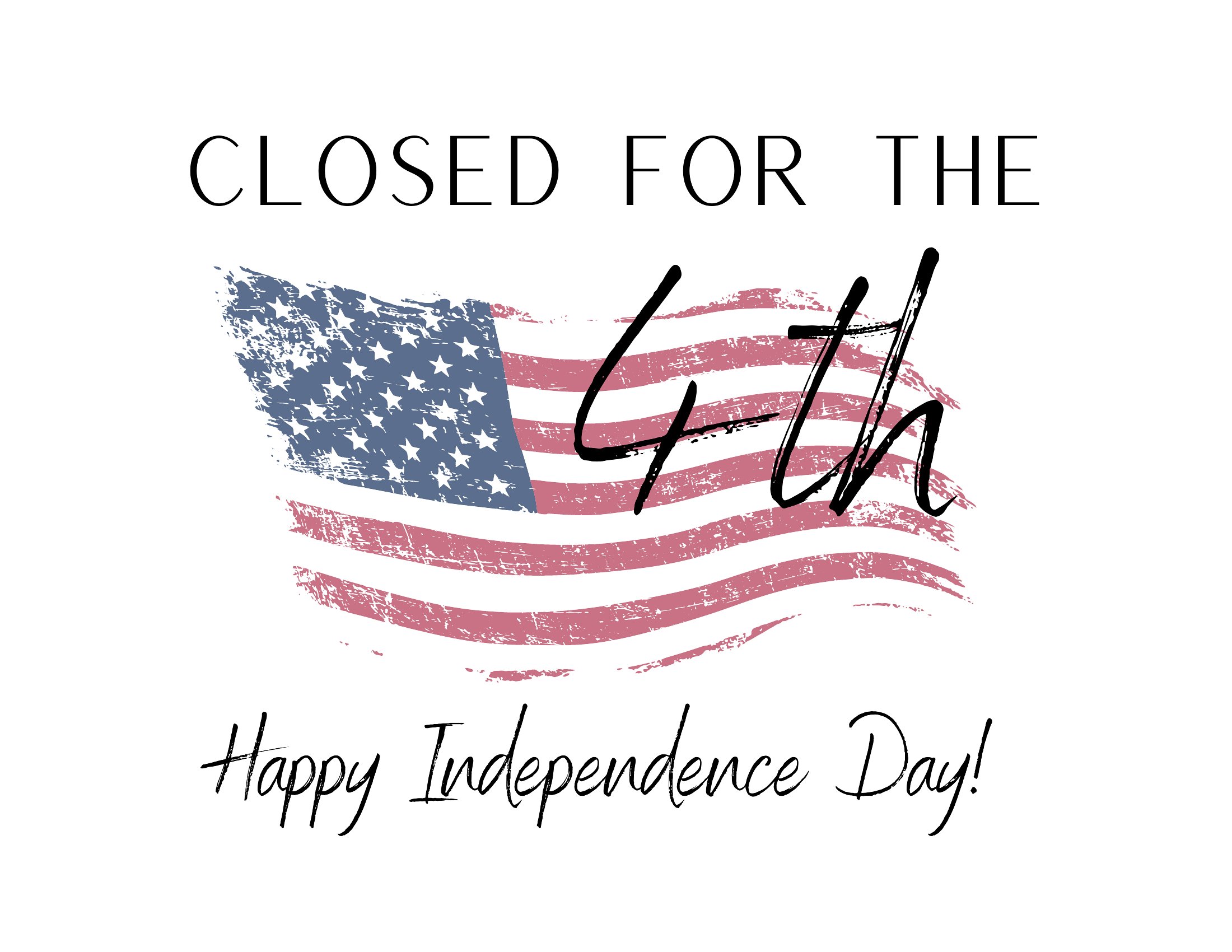
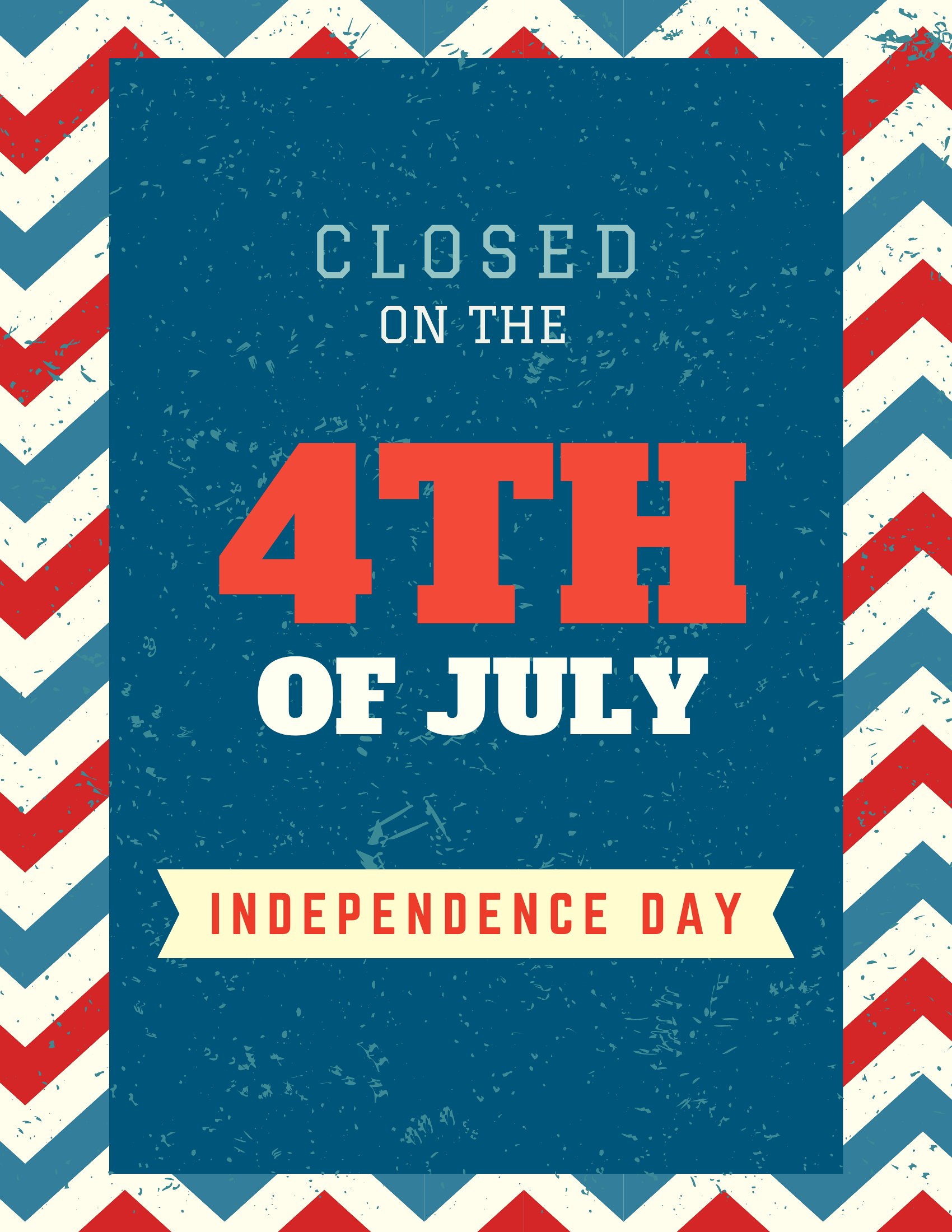
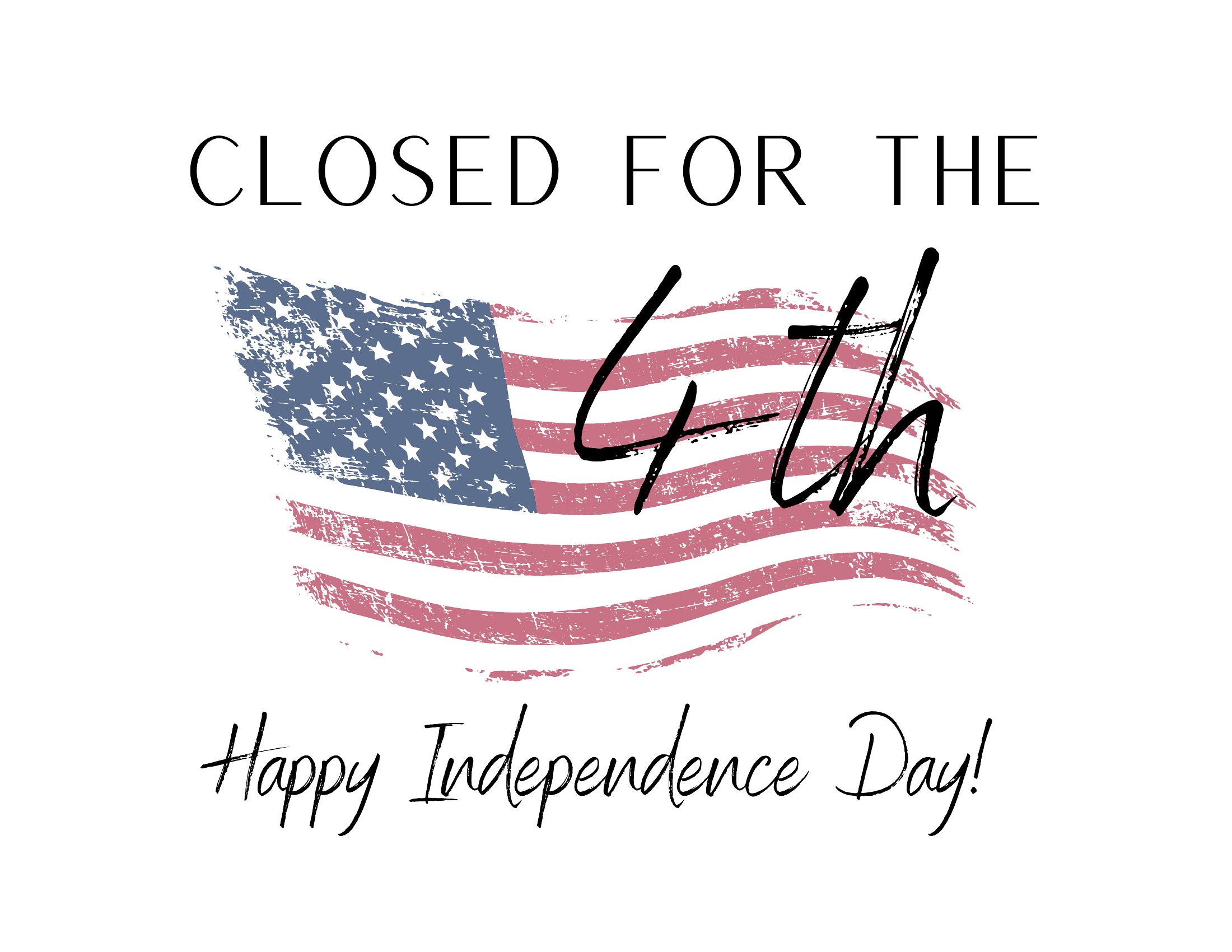
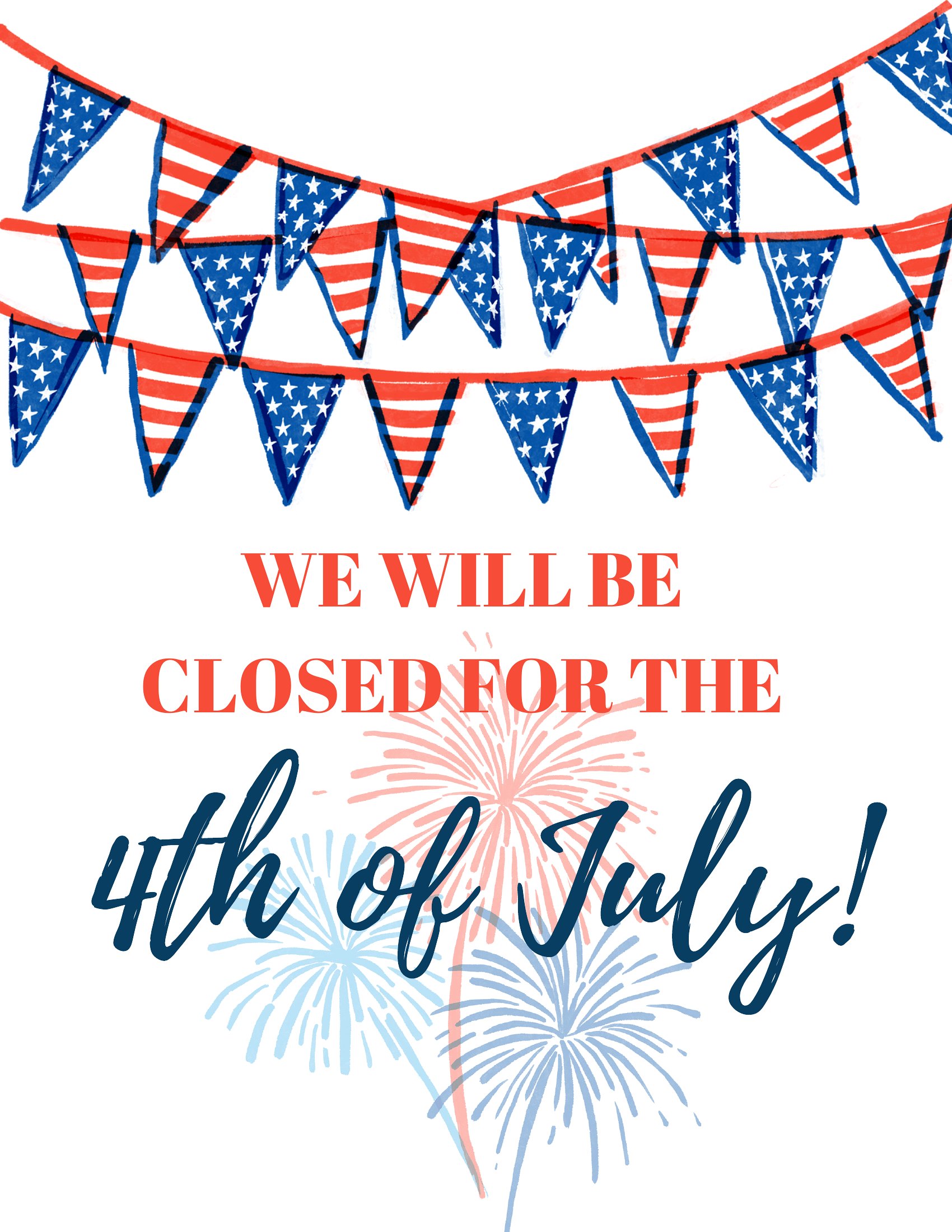
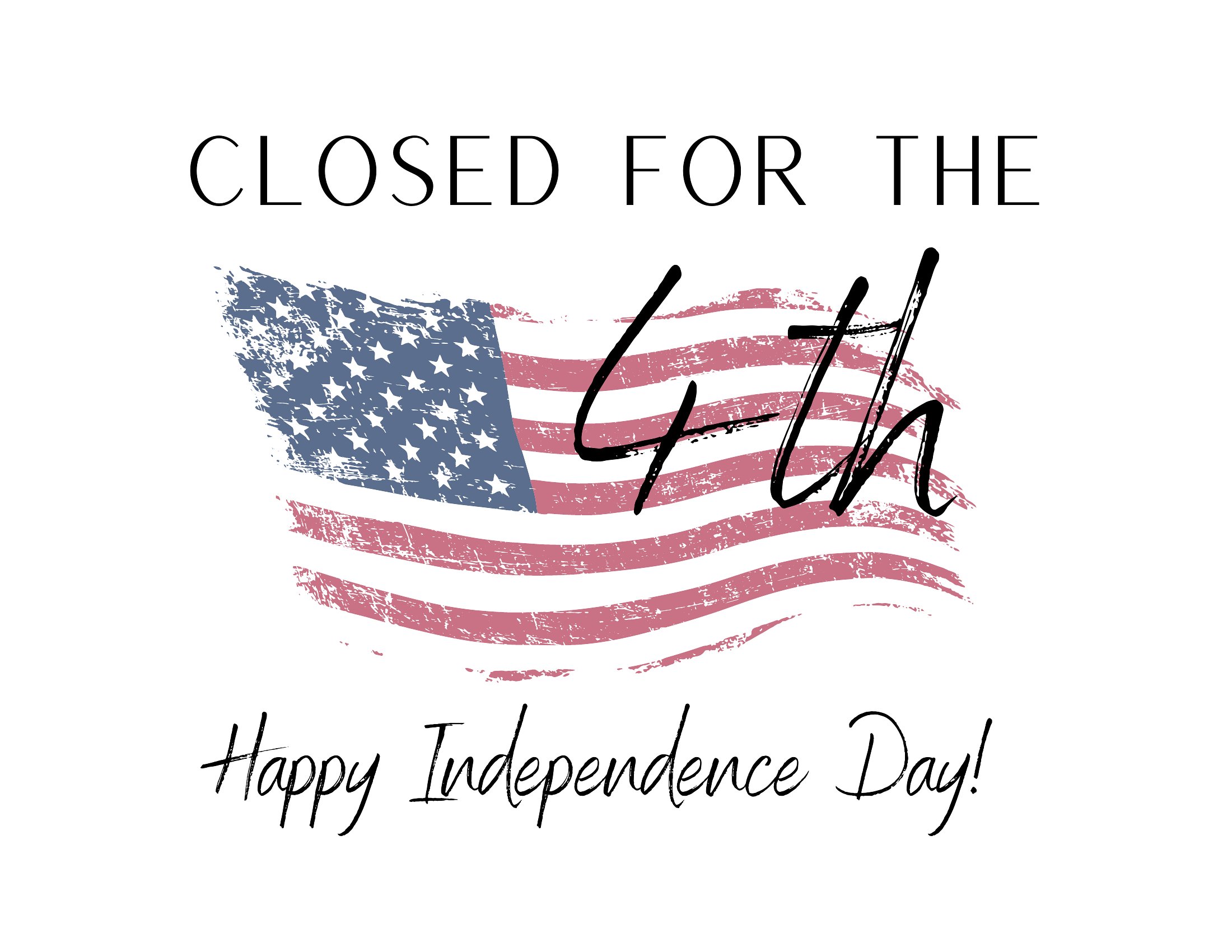
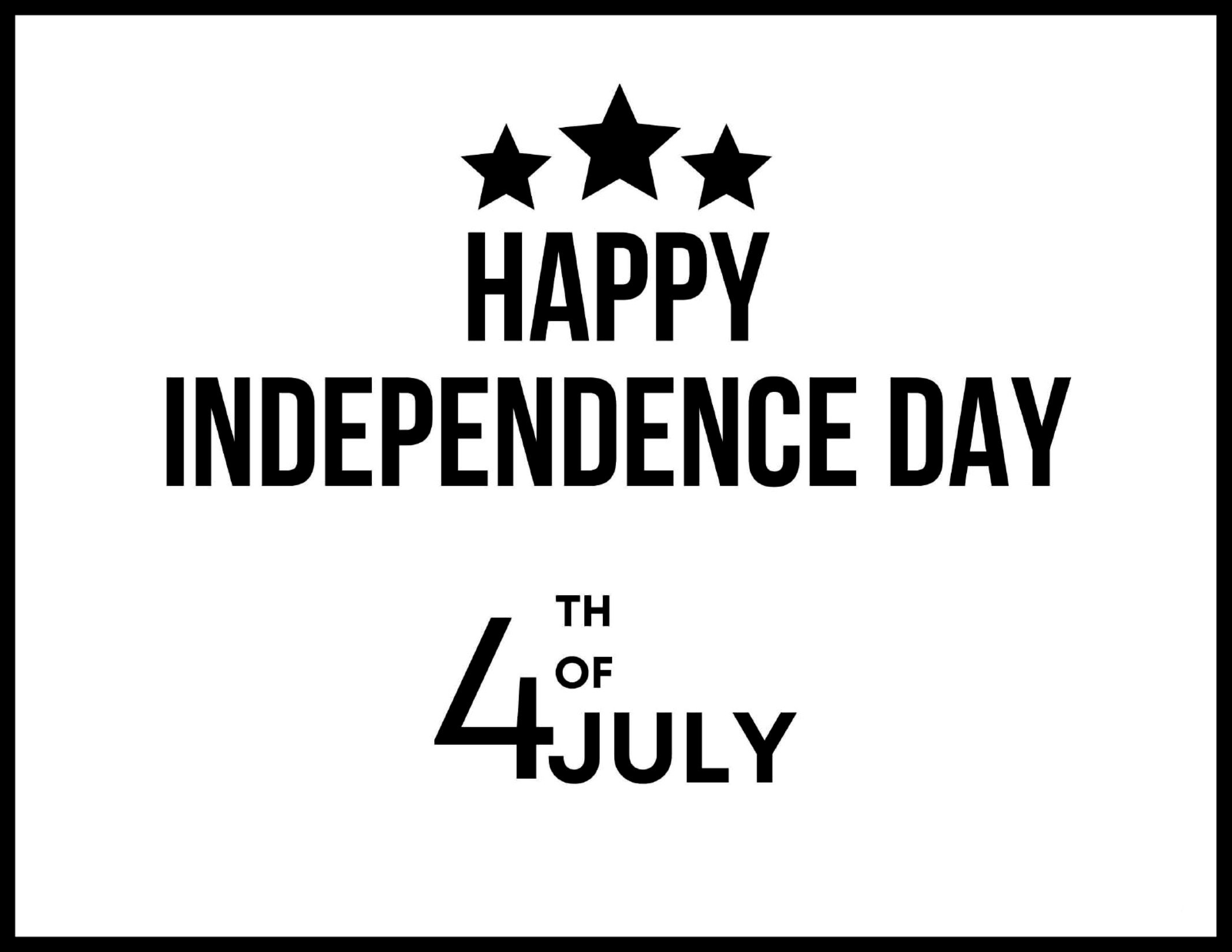
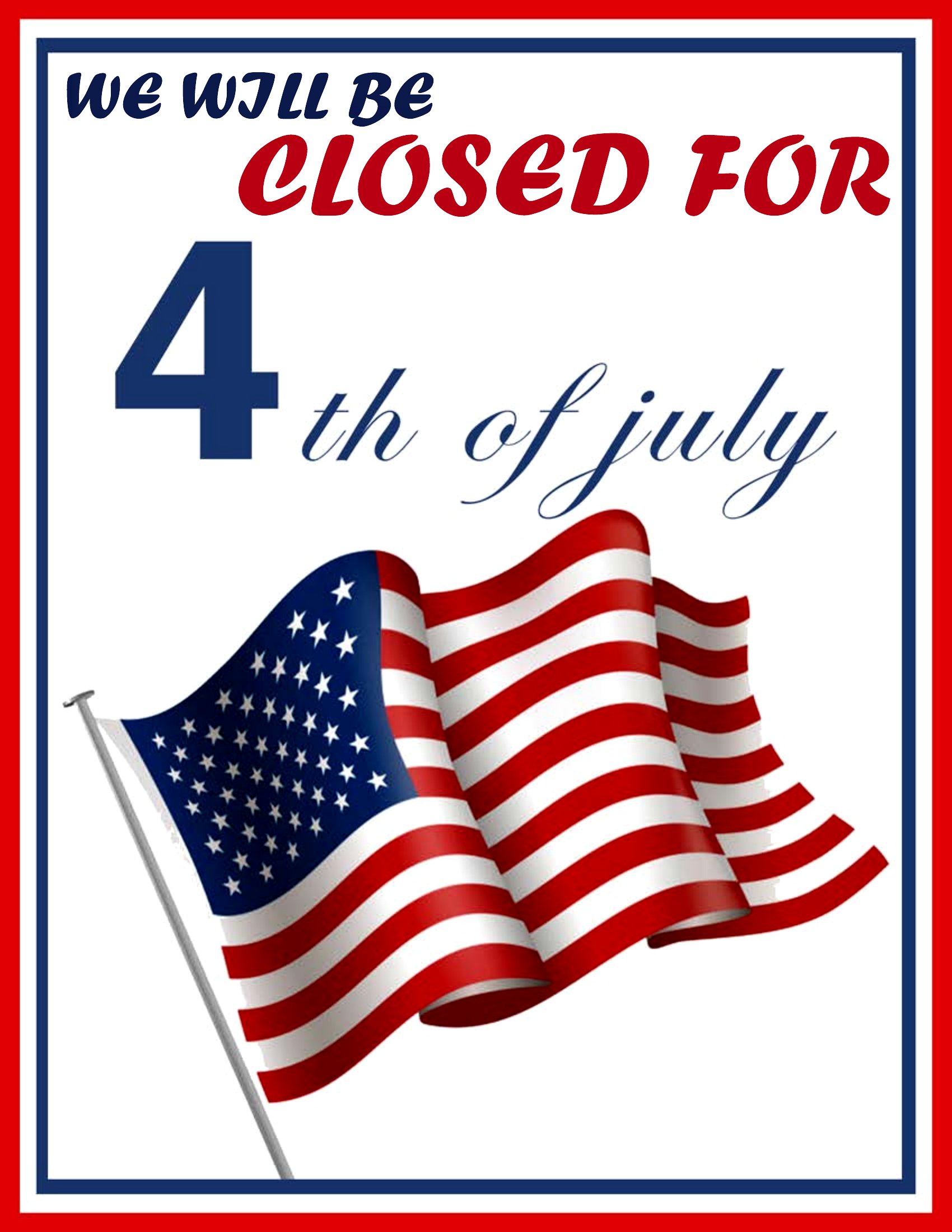
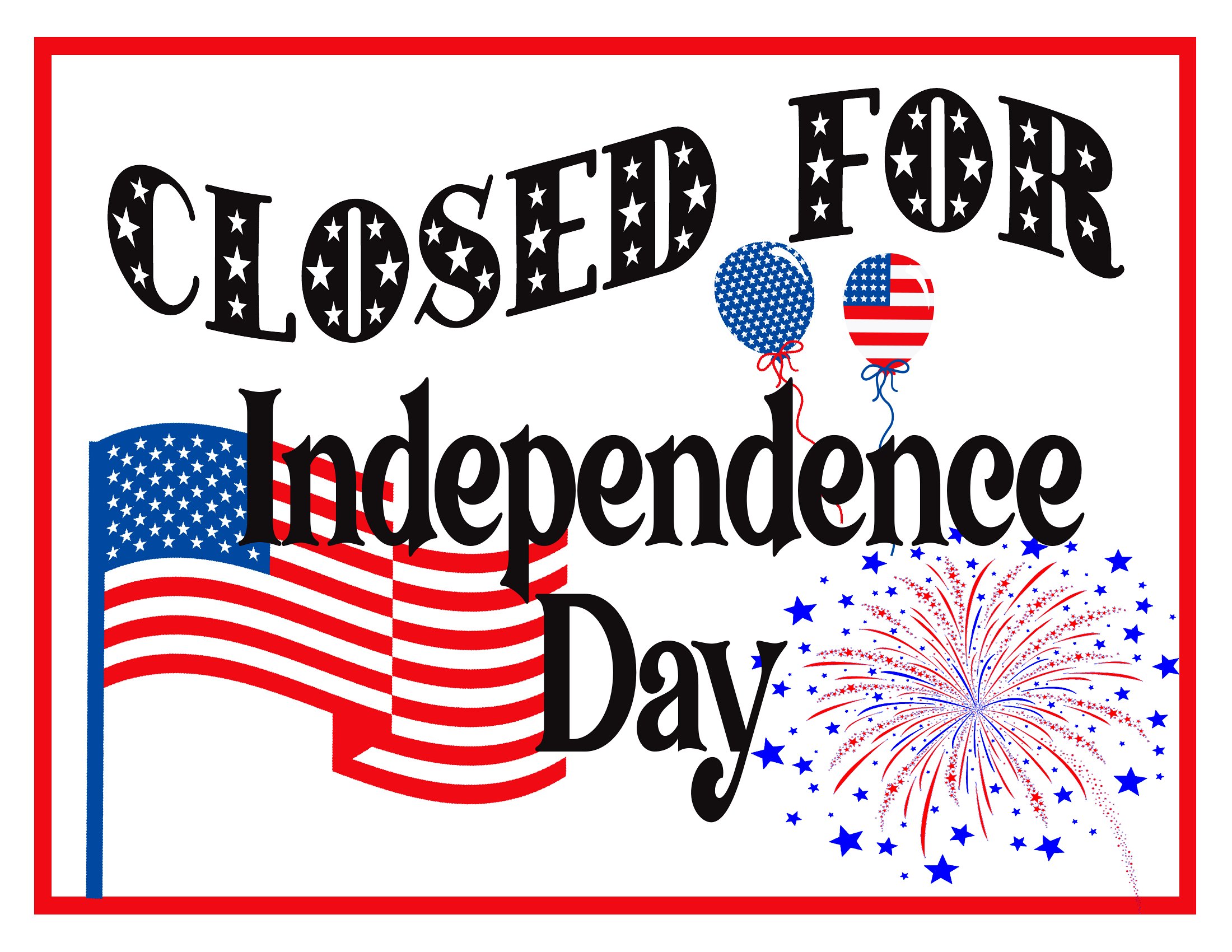
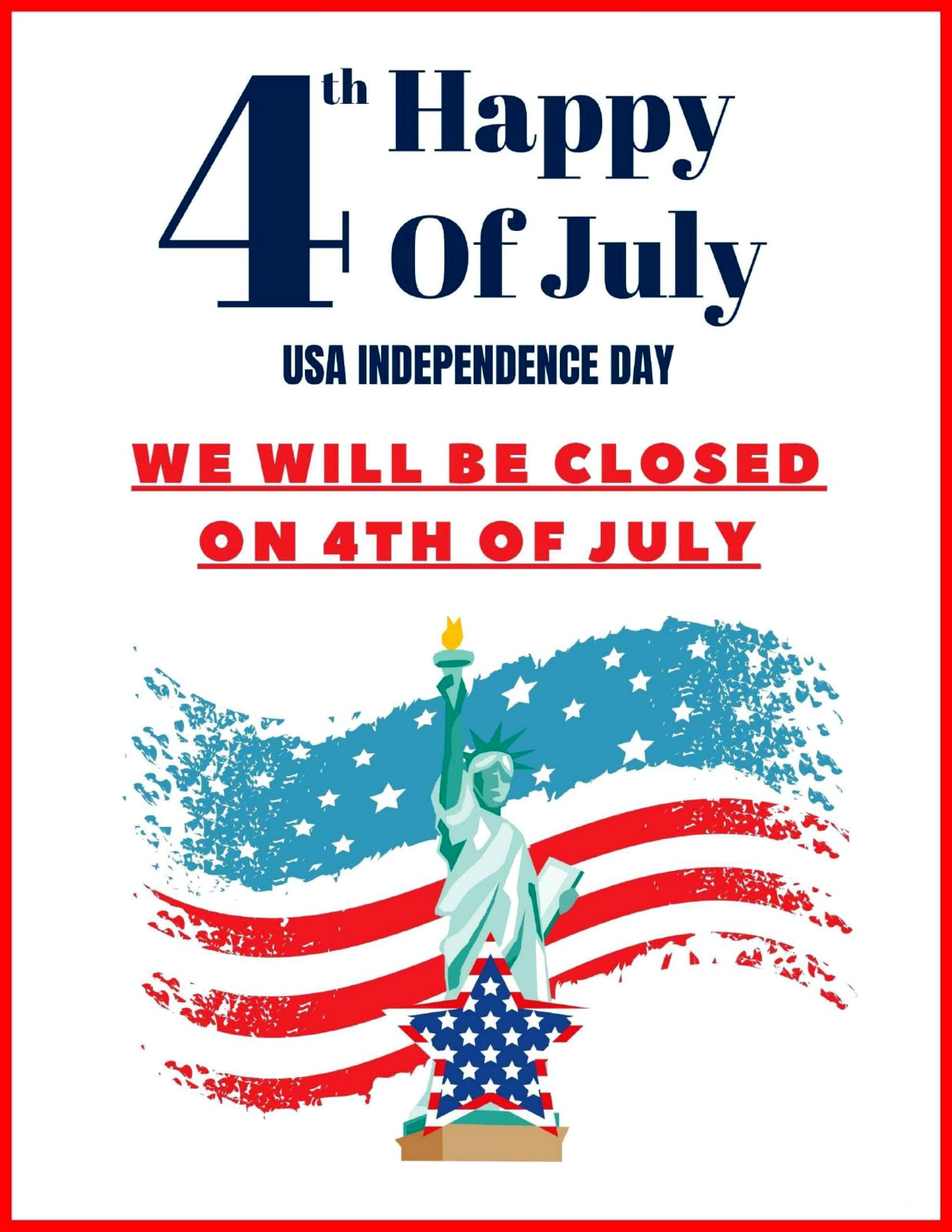
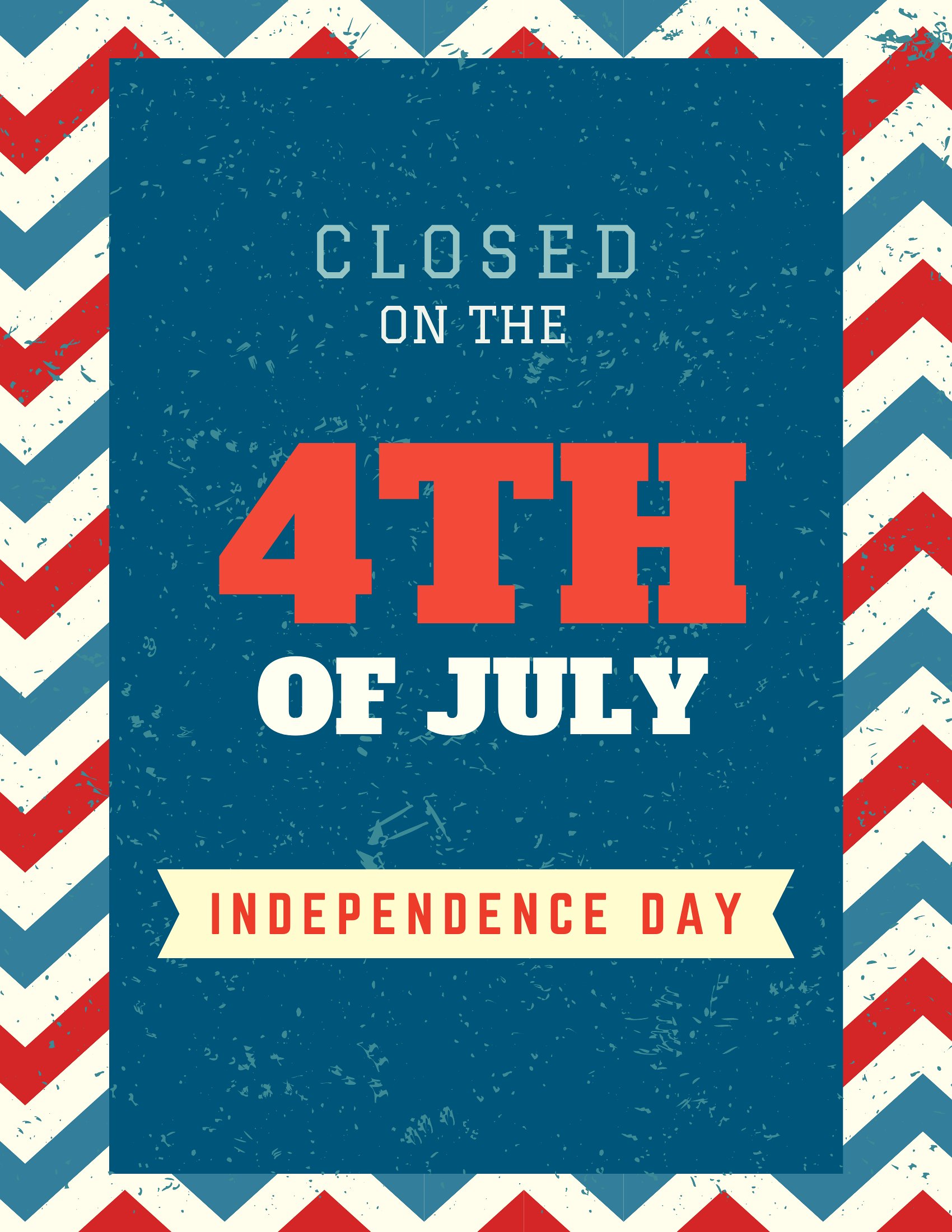
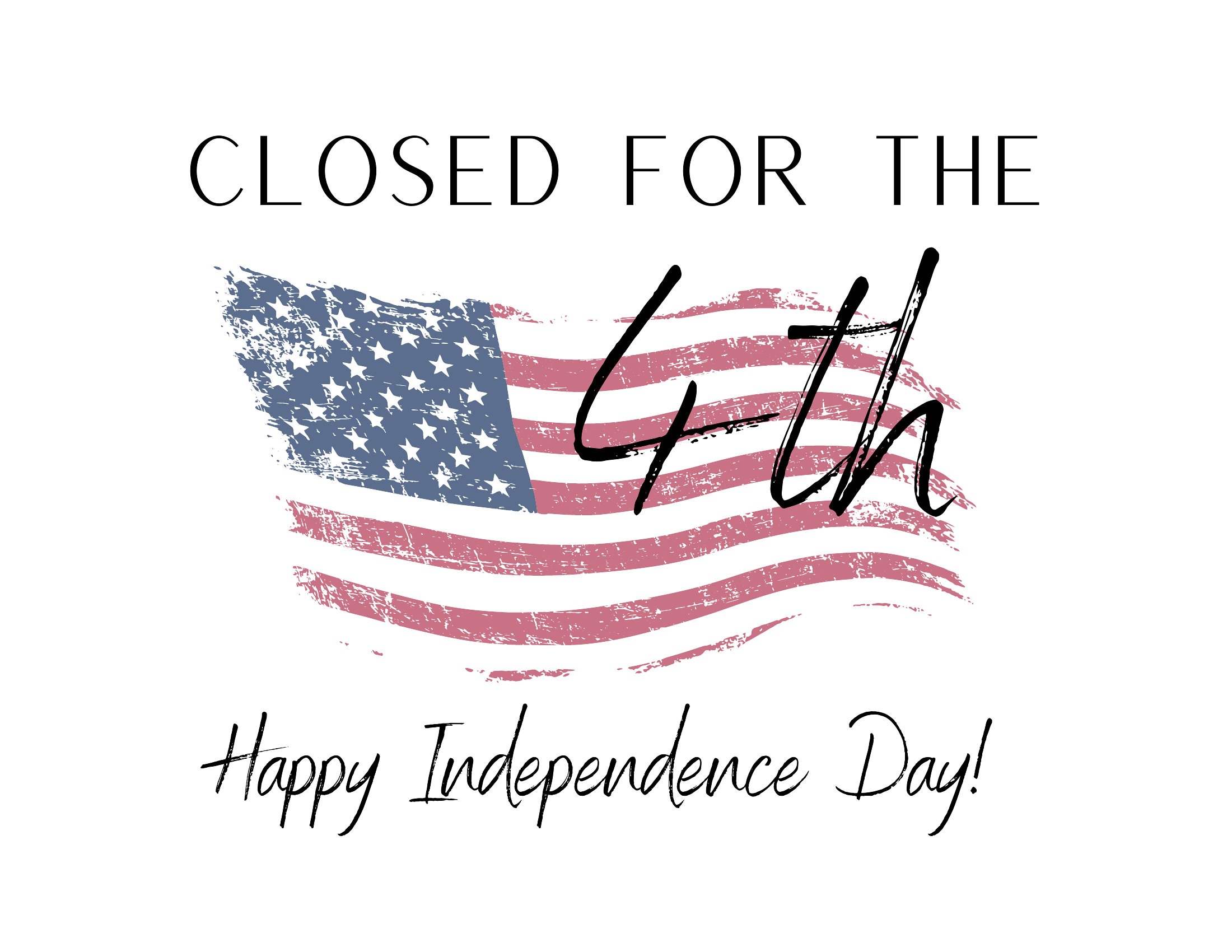
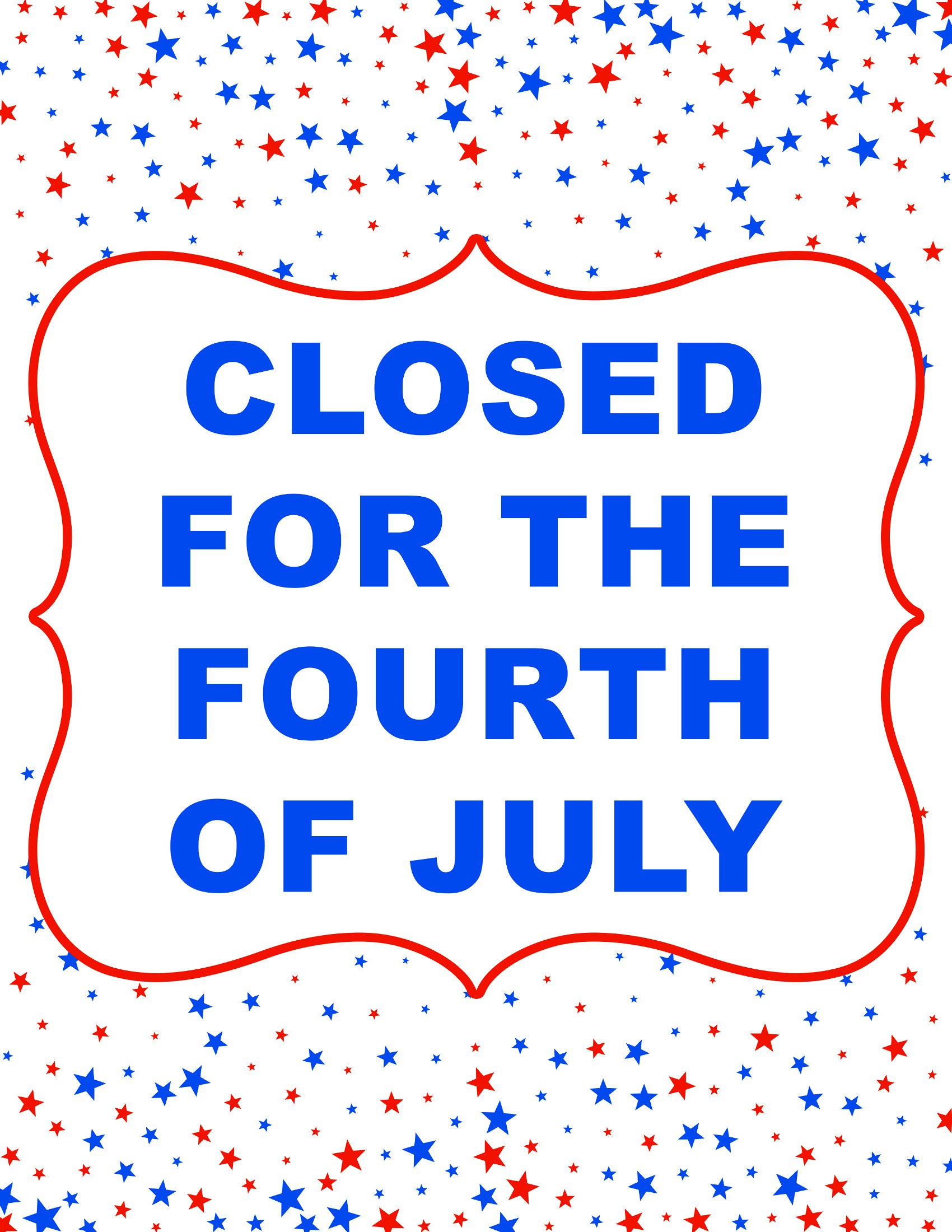
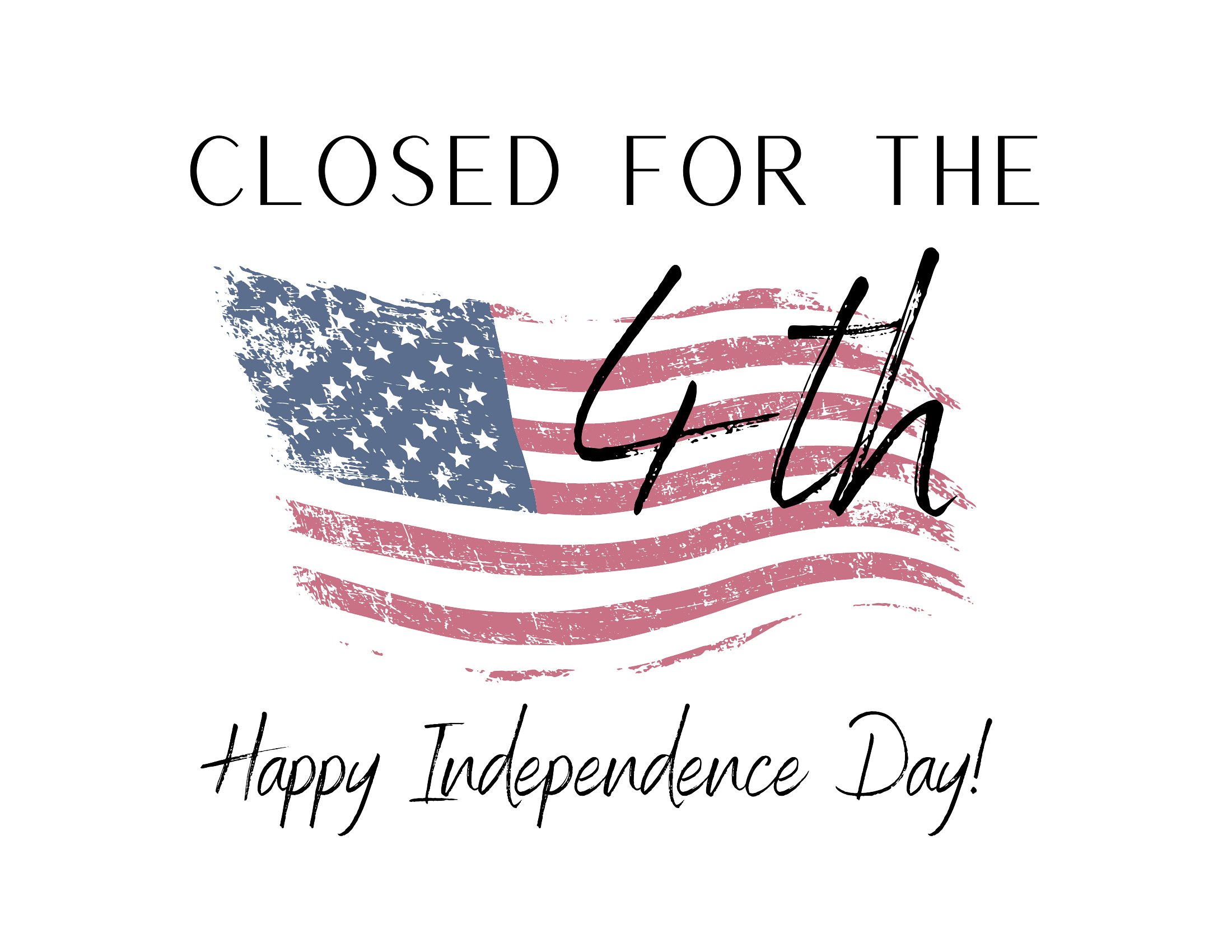
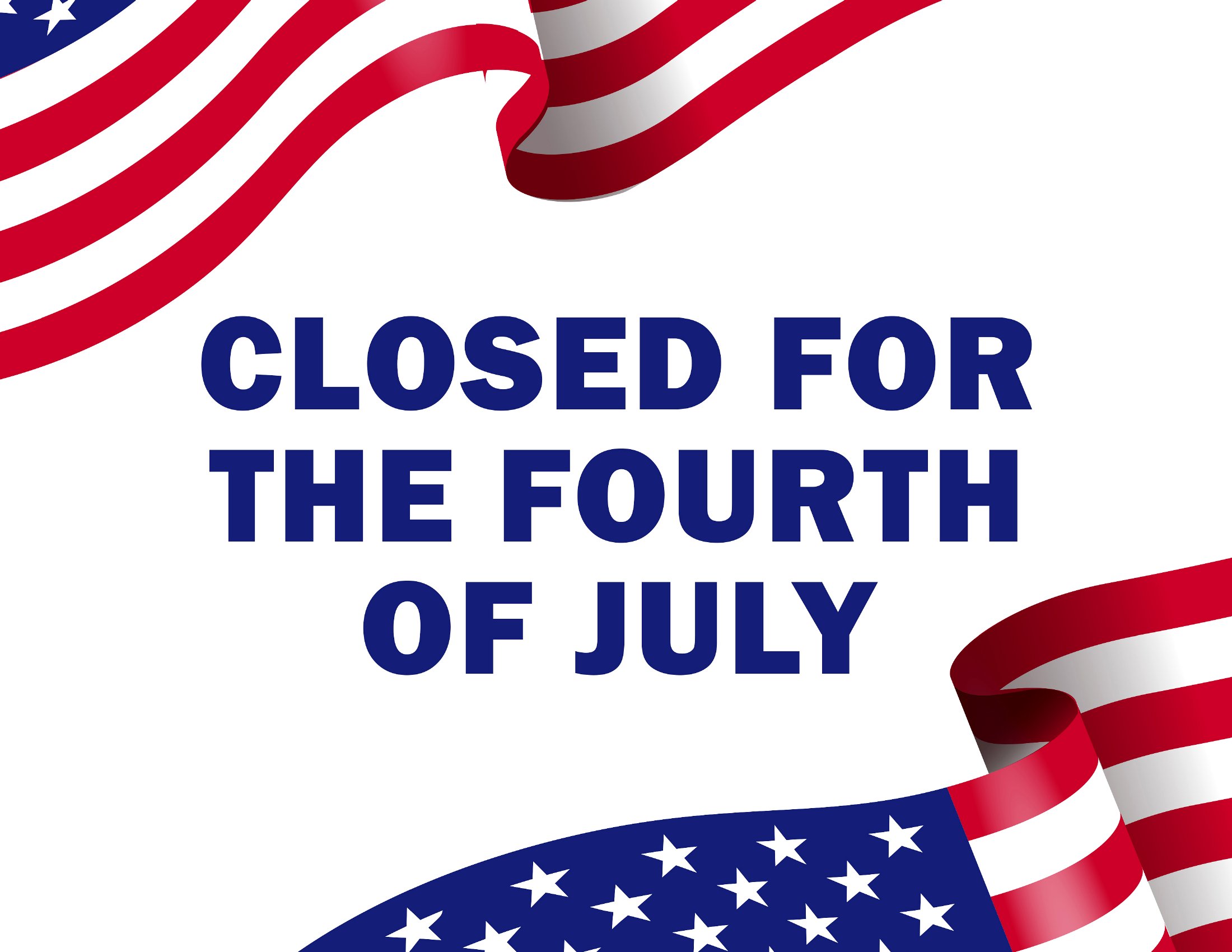
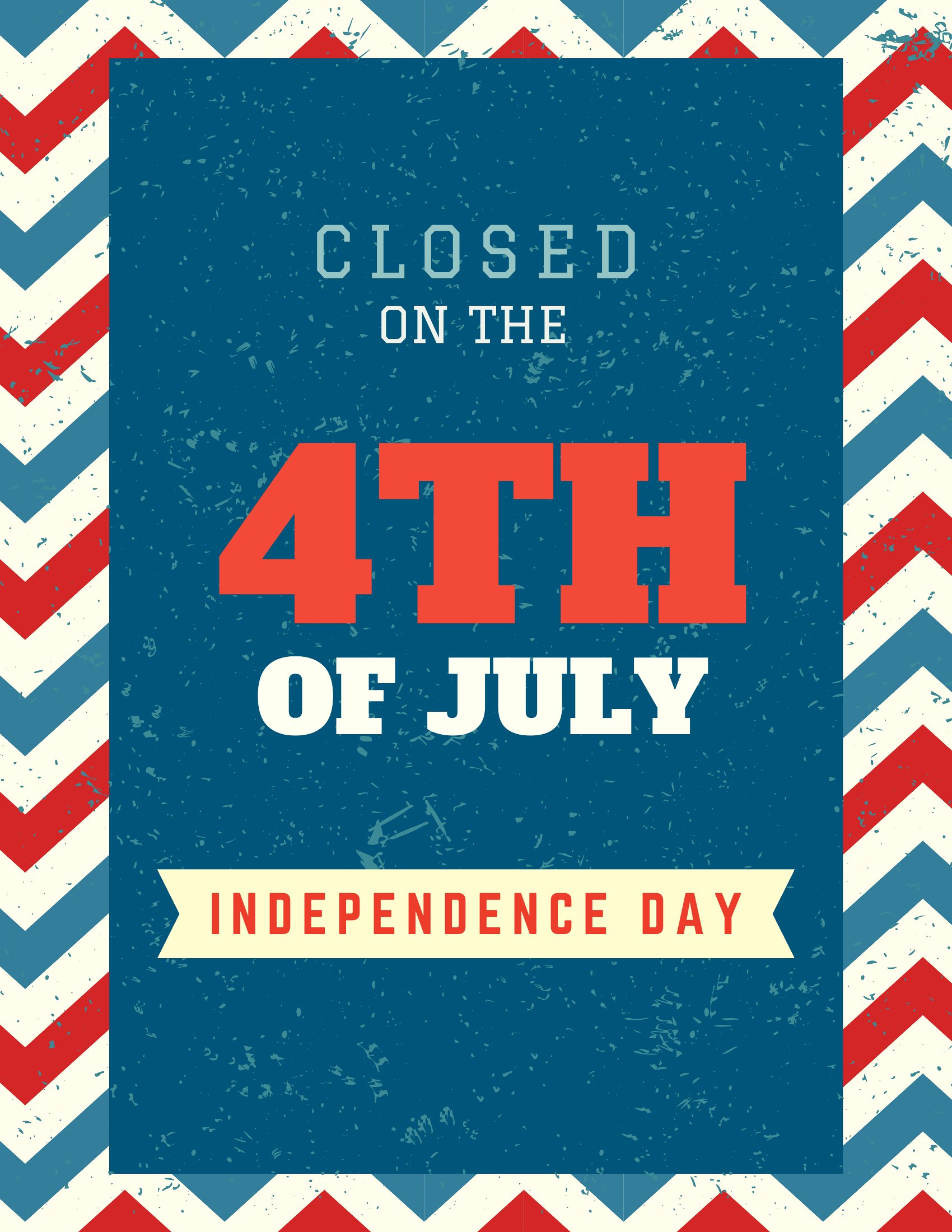
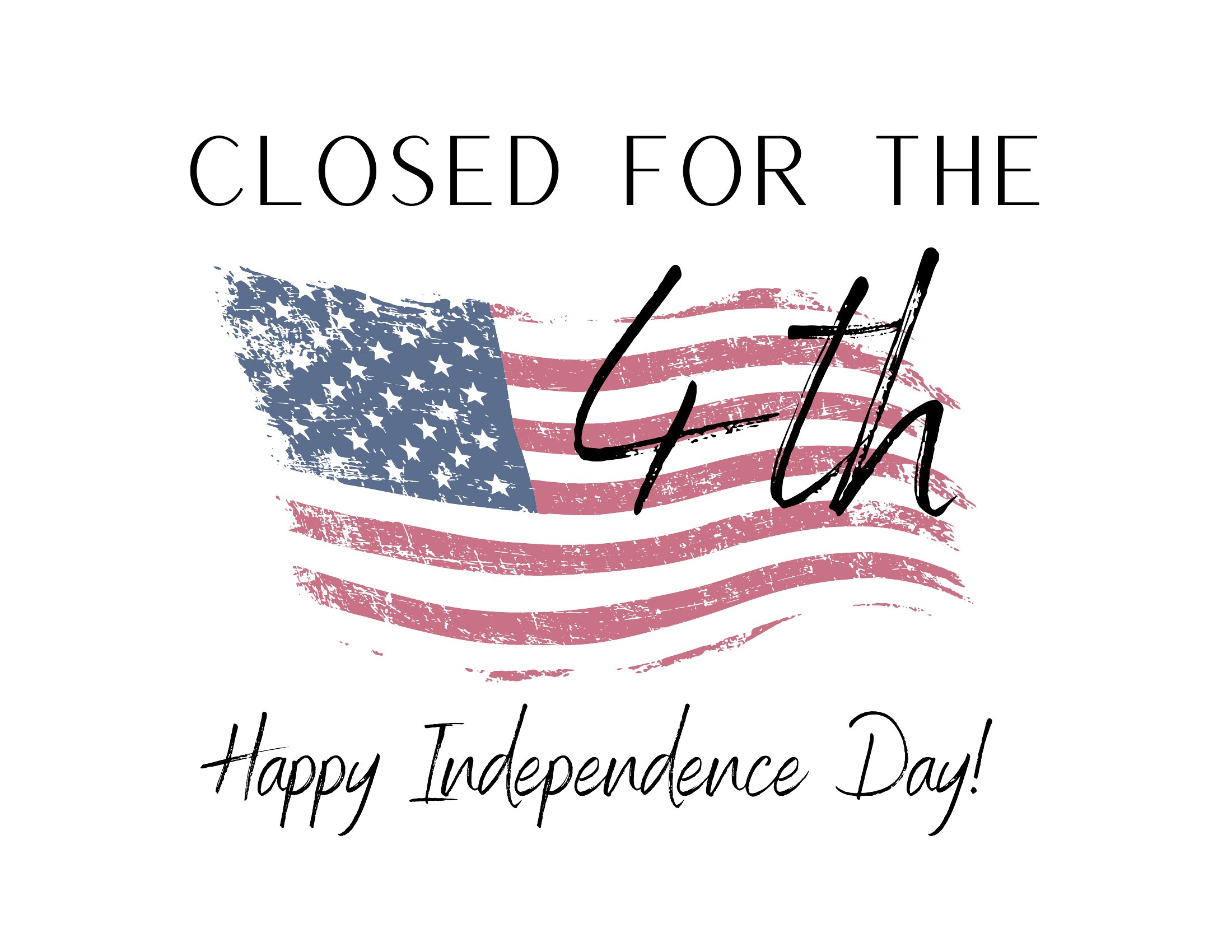
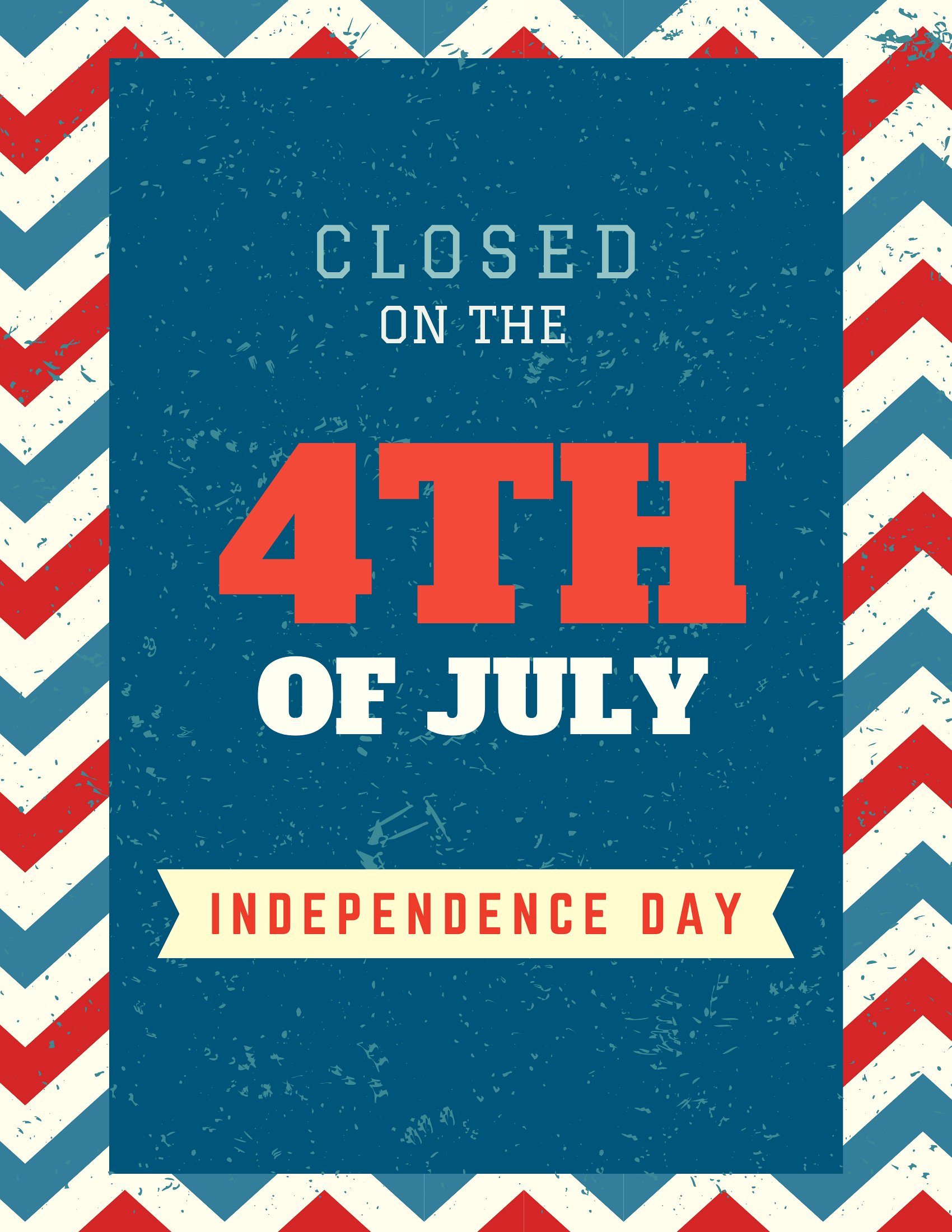
Closing up for the holiday is simpler when customers get a heads-up, and a clear sign on the door does the job. These 48 printable signs let shops, offices, and restaurants announce a Fourth of July closure with festive, easy-to-read designs. Hang one a few days early so regulars know when to expect you back.

The collection comes as print-ready PDFs sized for standard paper, so you can print one at home or at the office in minutes. Some include space to write your reopening date by hand. There's nothing to install and nothing to buy. Pick a design that suits your storefront, print it, and tape it up before the long weekend.

When to use this Closed for 4th of July Sign template

  • Small local coffee shops need to notify regular customers a week in advance about their 4th of July closure to avoid confusion at the door.
  • Independent bookstores with limited staff want to post a clear, festive sign to manage customer expectations while celebrating the holiday.
  • Family-owned restaurants planning a red, white, and blue-themed menu for the rest of the week need a sign to announce closure dates for smooth operations.
  • Salons and barbershops with walk-in clients should display a sign a few days early to ensure clients schedule appointments before or after the holiday break.

Which format should I download?

PDF

PDF is the only format here, and it’s ideal because these signs are designed for quick, high-quality printing. Use it when you need a crisp, print-ready file that matches your business’s aesthetic without extra software. The PDFs include standard sizing for easy printing on 8.5x11” or 11x17” paper, so you can customize the text or colors before printing. If you’re short on time, these ready-to-print designs save you from designing from scratch while keeping the holiday spirit intact.

How to use this Closed for 4th of July Sign template

How far in advance should I print and post the sign?

Posting the sign 2–3 days before the closure gives regular customers enough time to adjust their plans. For businesses with last-minute clients, a week’s notice helps avoid confusion. Place it near the entrance where it’s easily visible.

Can I customize the text or colors to match my business’s branding?

You can edit the text using any PDF editor, but some designs may have locked layers for visual consistency. For branding, pick a template that matches your color scheme or print it on branded paper. Avoid altering the layout to keep it clear and professional.

What if I need a larger sign for better visibility?

These templates are sized for standard paper, but you can upsize the design in a graphics program before printing. For best results, avoid scaling beyond 150% to prevent pixelation. If you need a permanent sign, consider laminating a printed version for durability.

Comments

Join the conversation

Sign in to share your thoughts and leave a comment on this resource.
Newsletter

Get Weekly Design Updates

Join our community to receive curated resources and inspiration.

Weekly Tips Resources Early Access

We respect your privacy. Confirmation email required. Privacy Policy