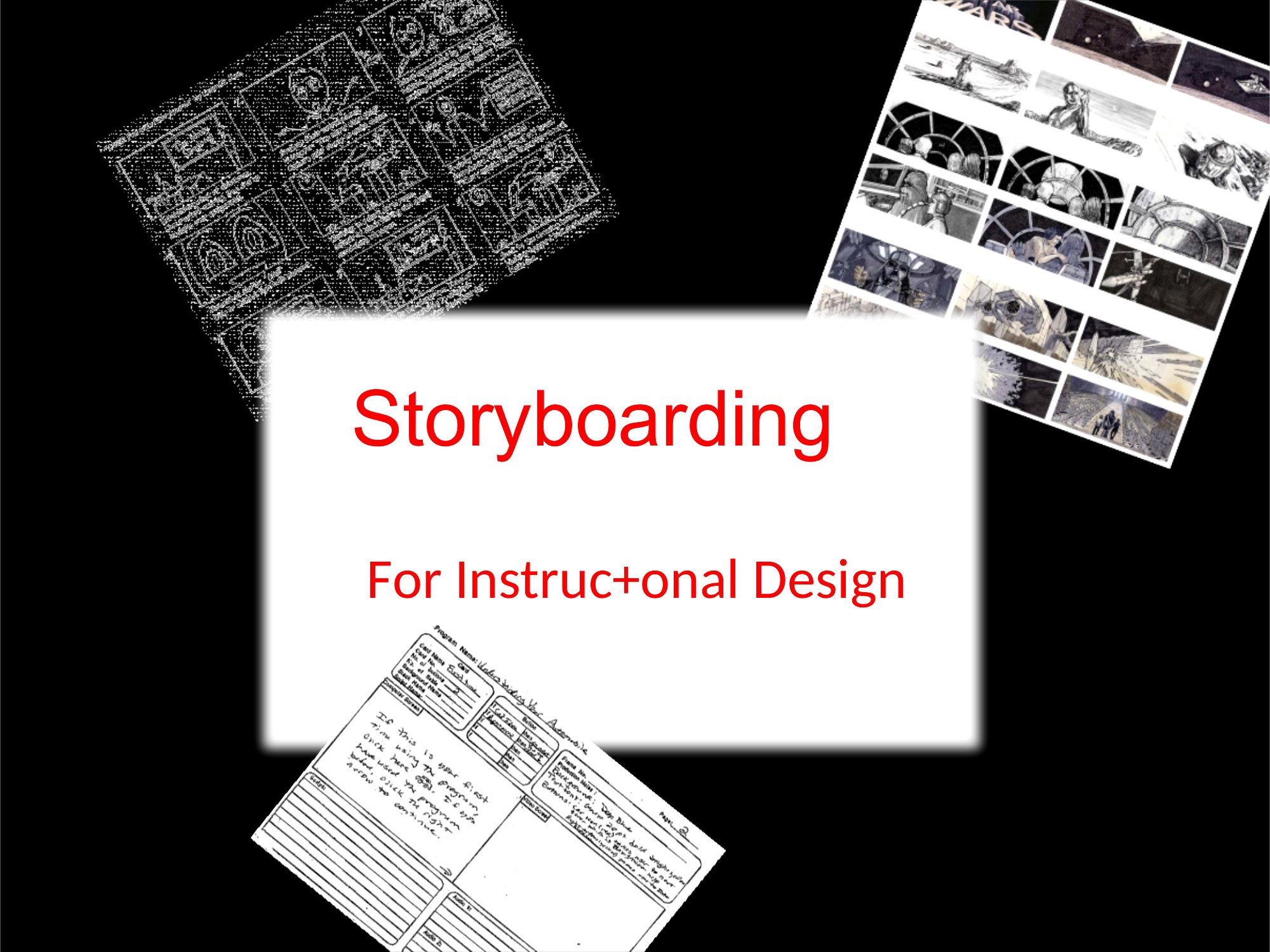
Free Storyboard Templates (Word, Excel, PDF)
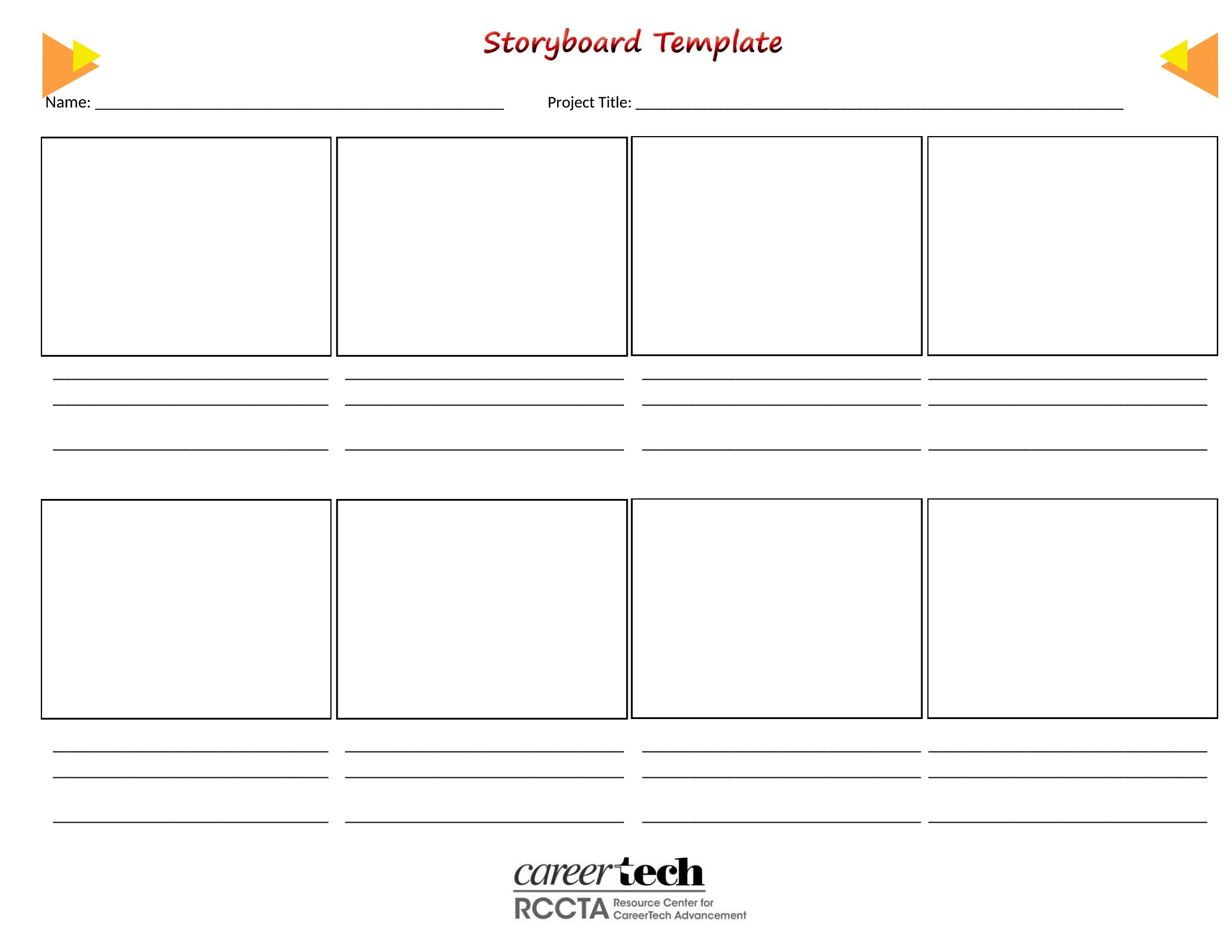
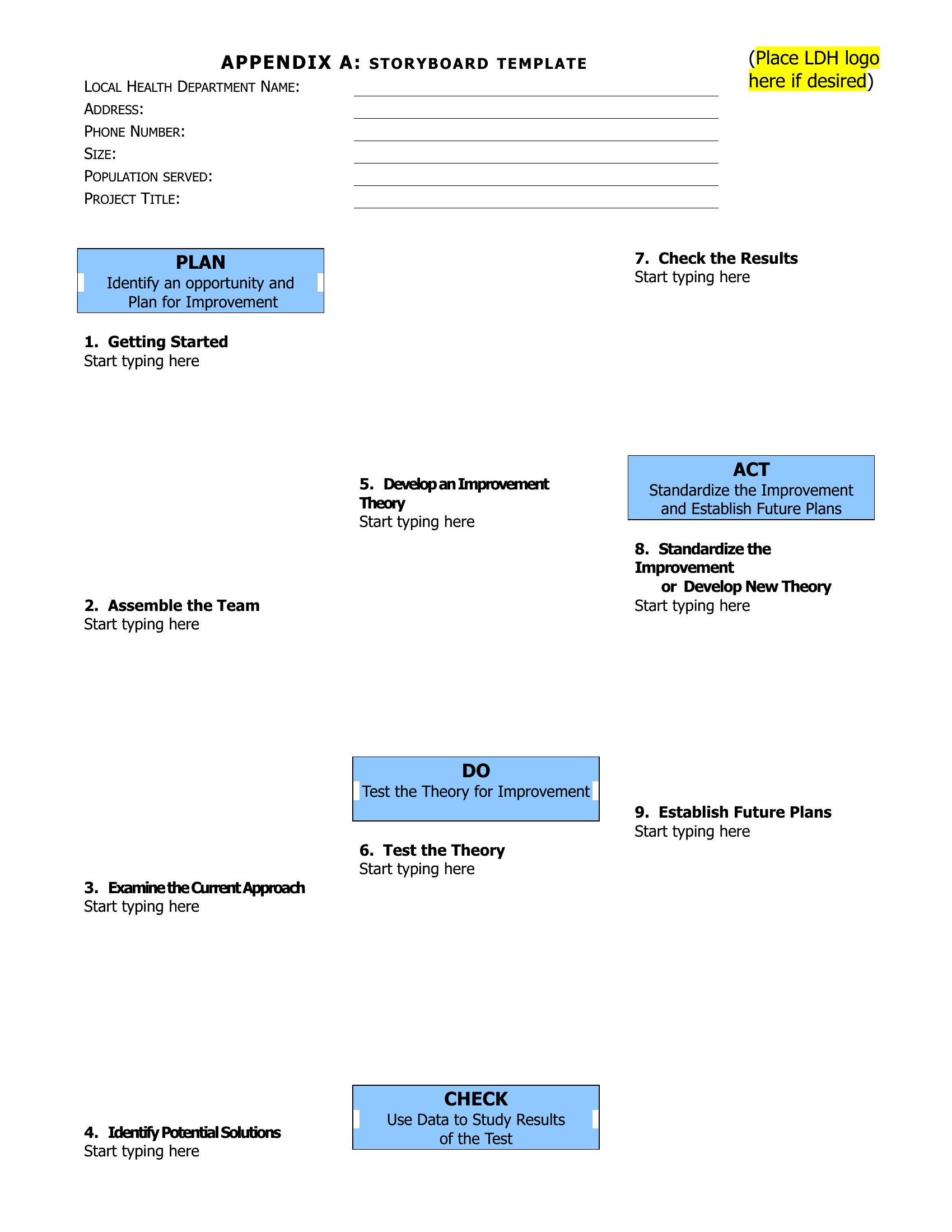
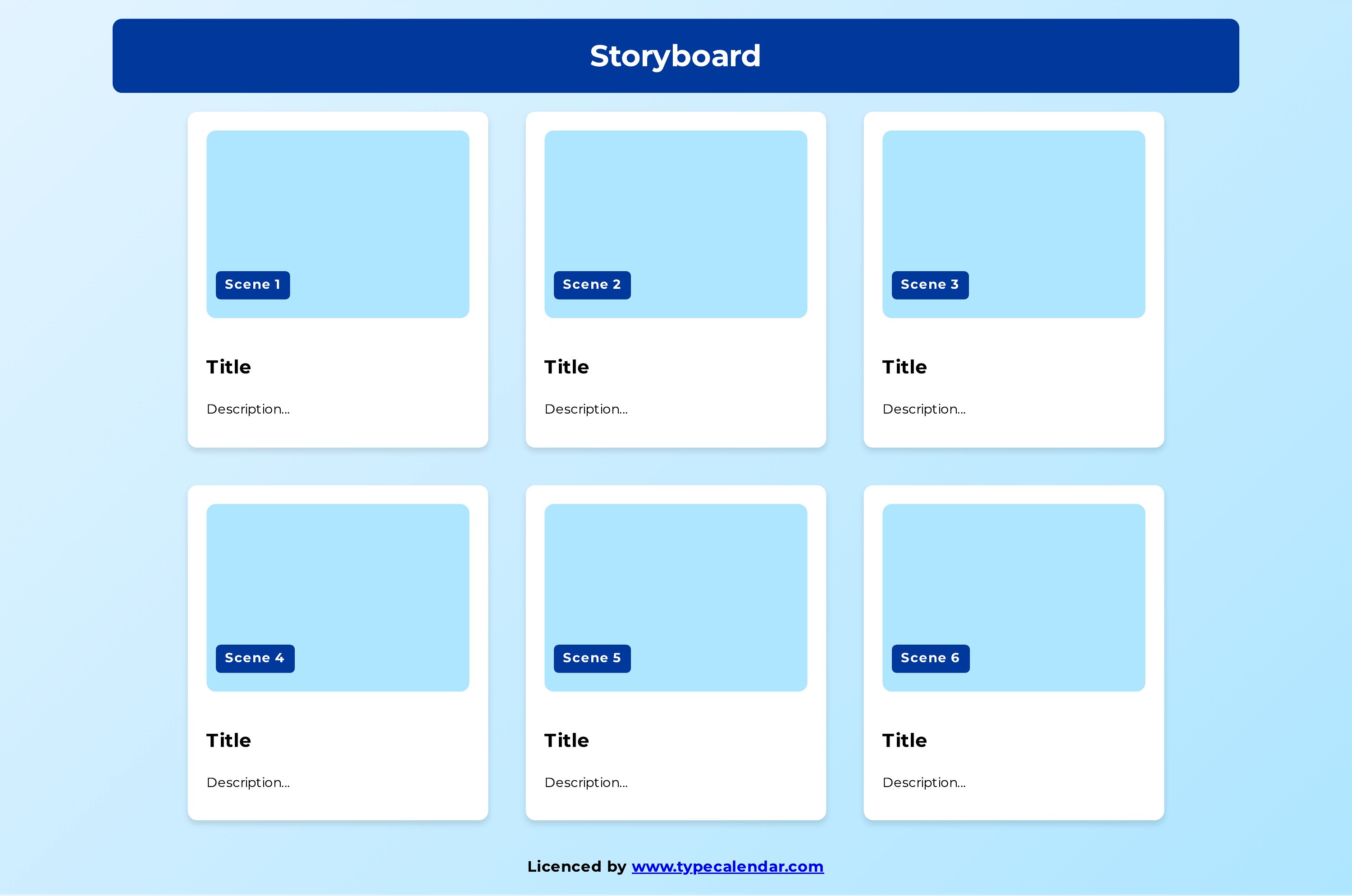
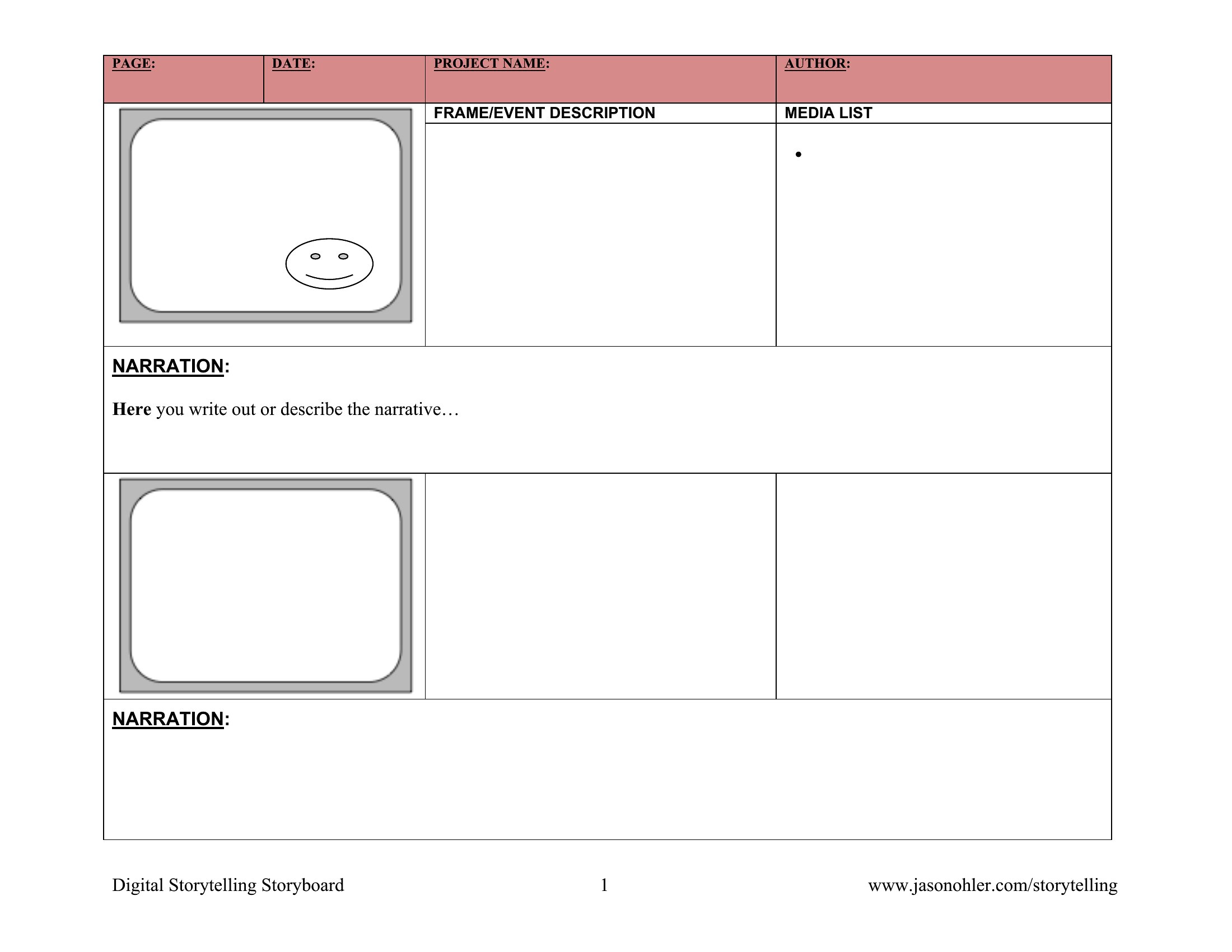
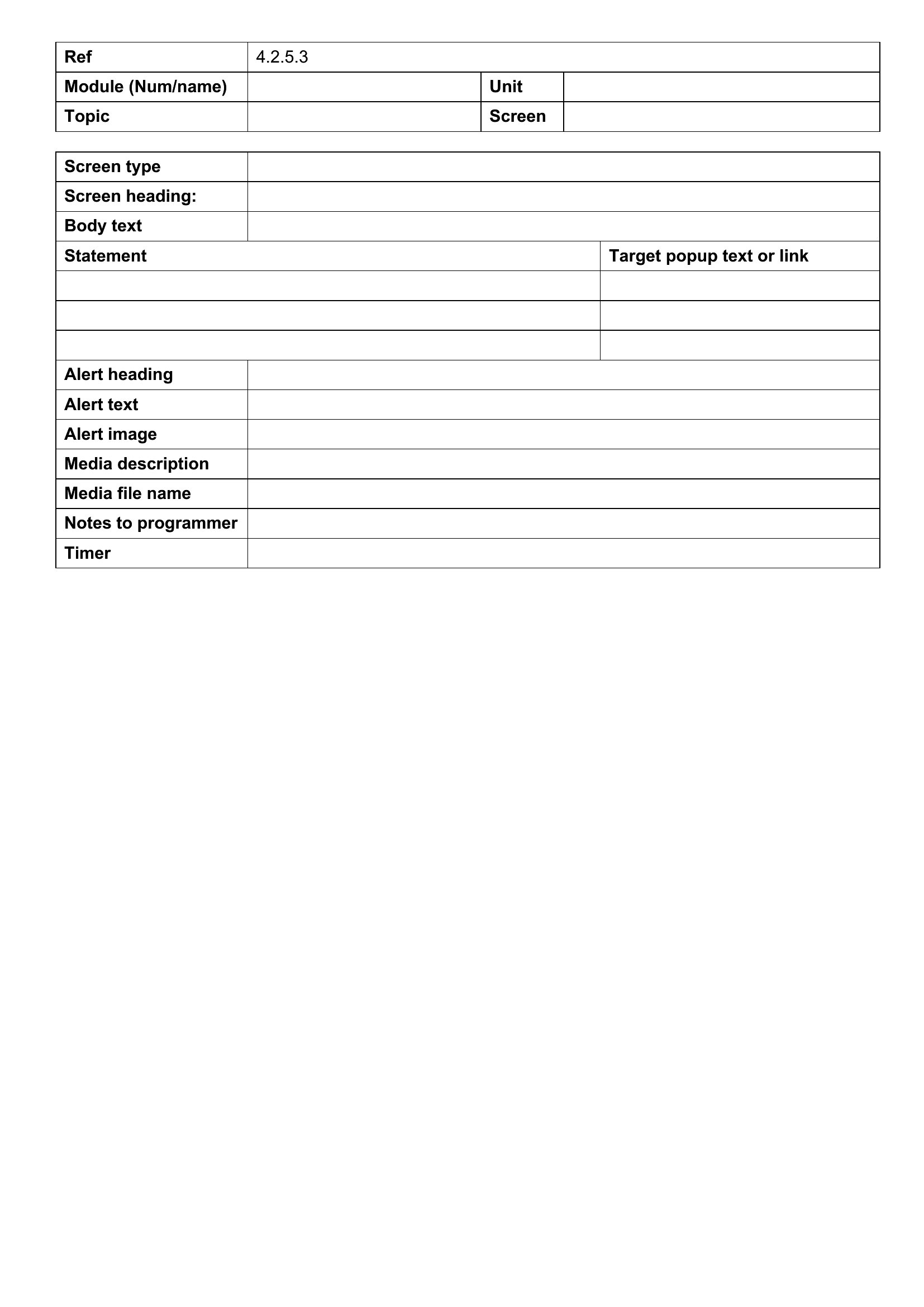
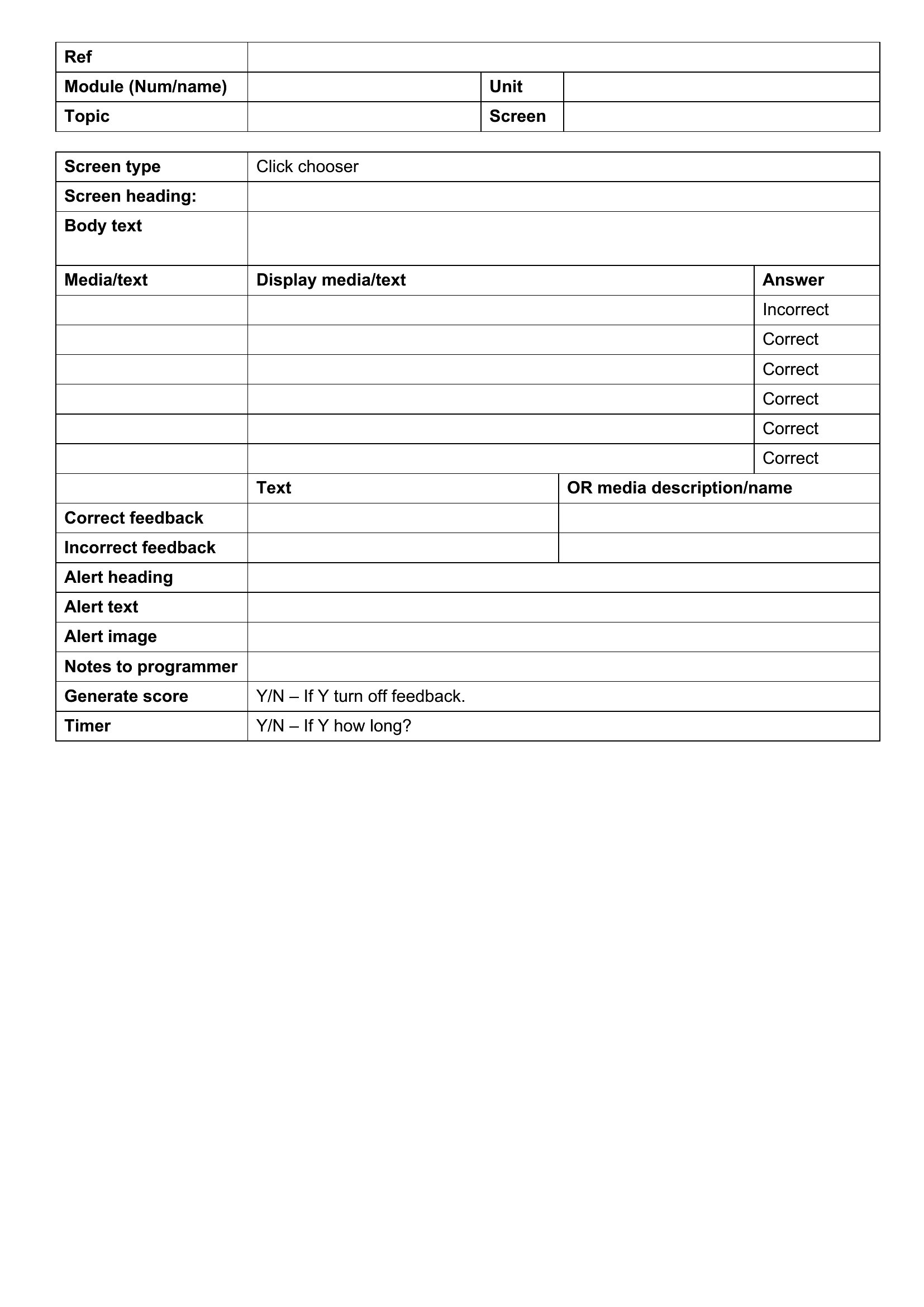
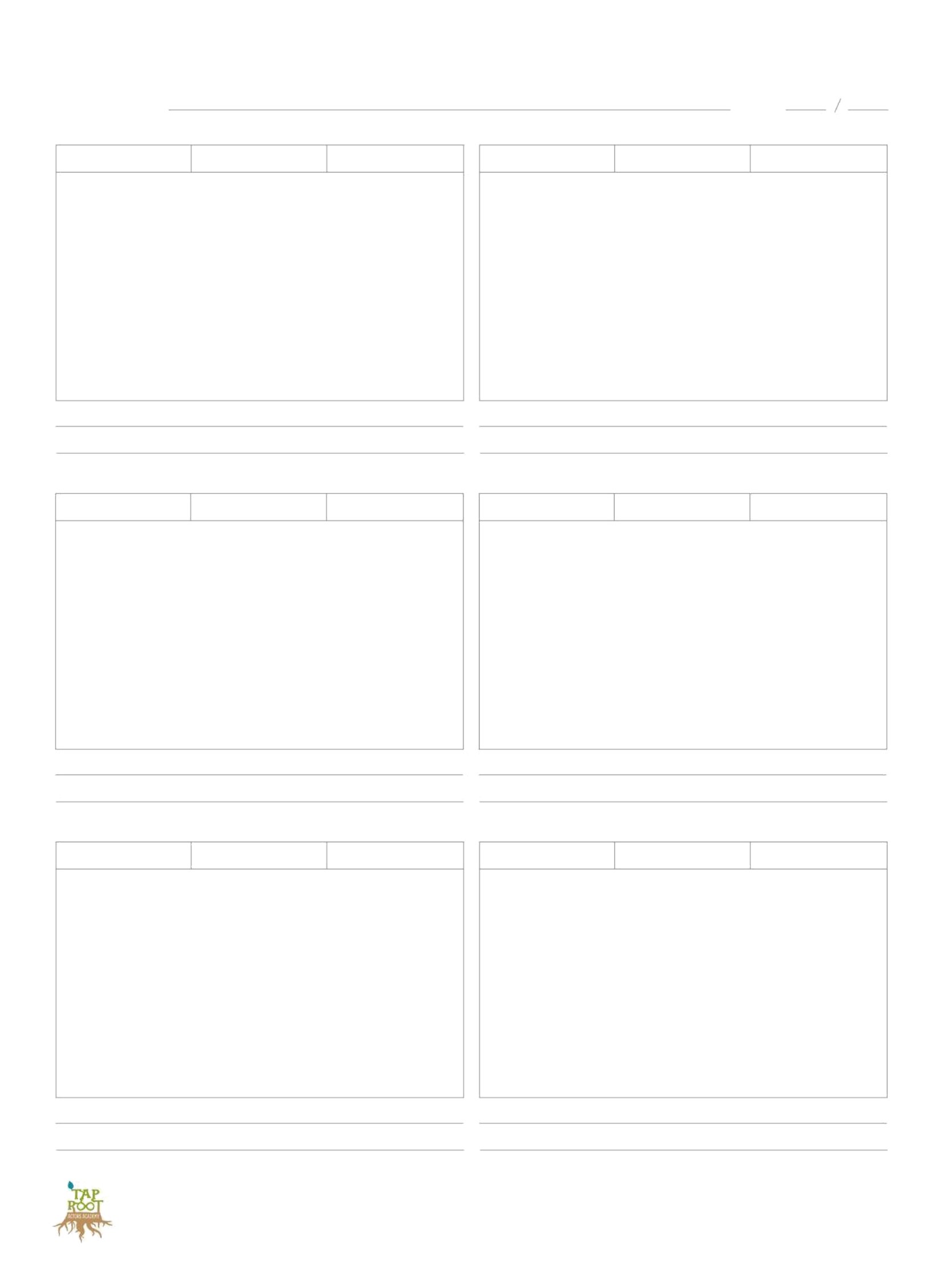
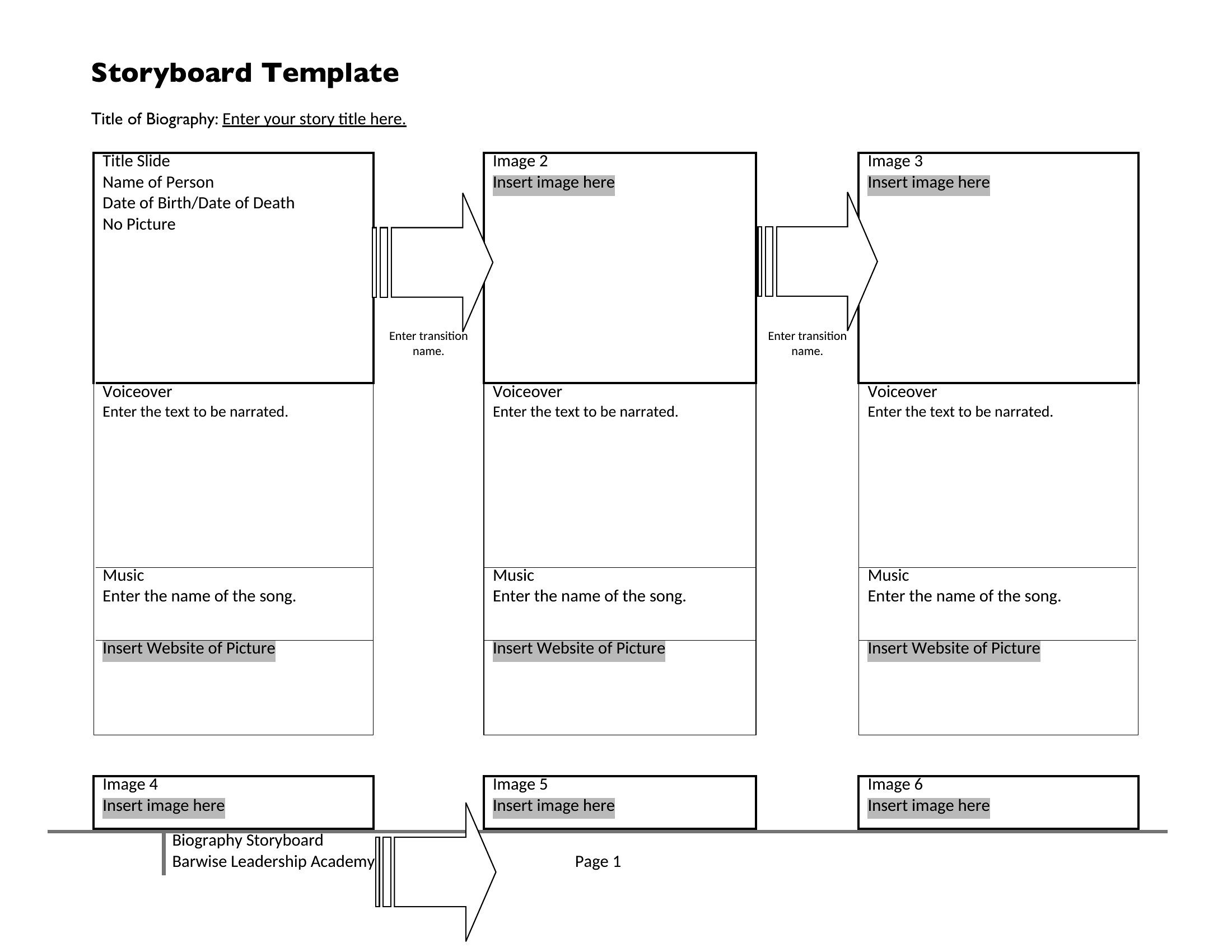
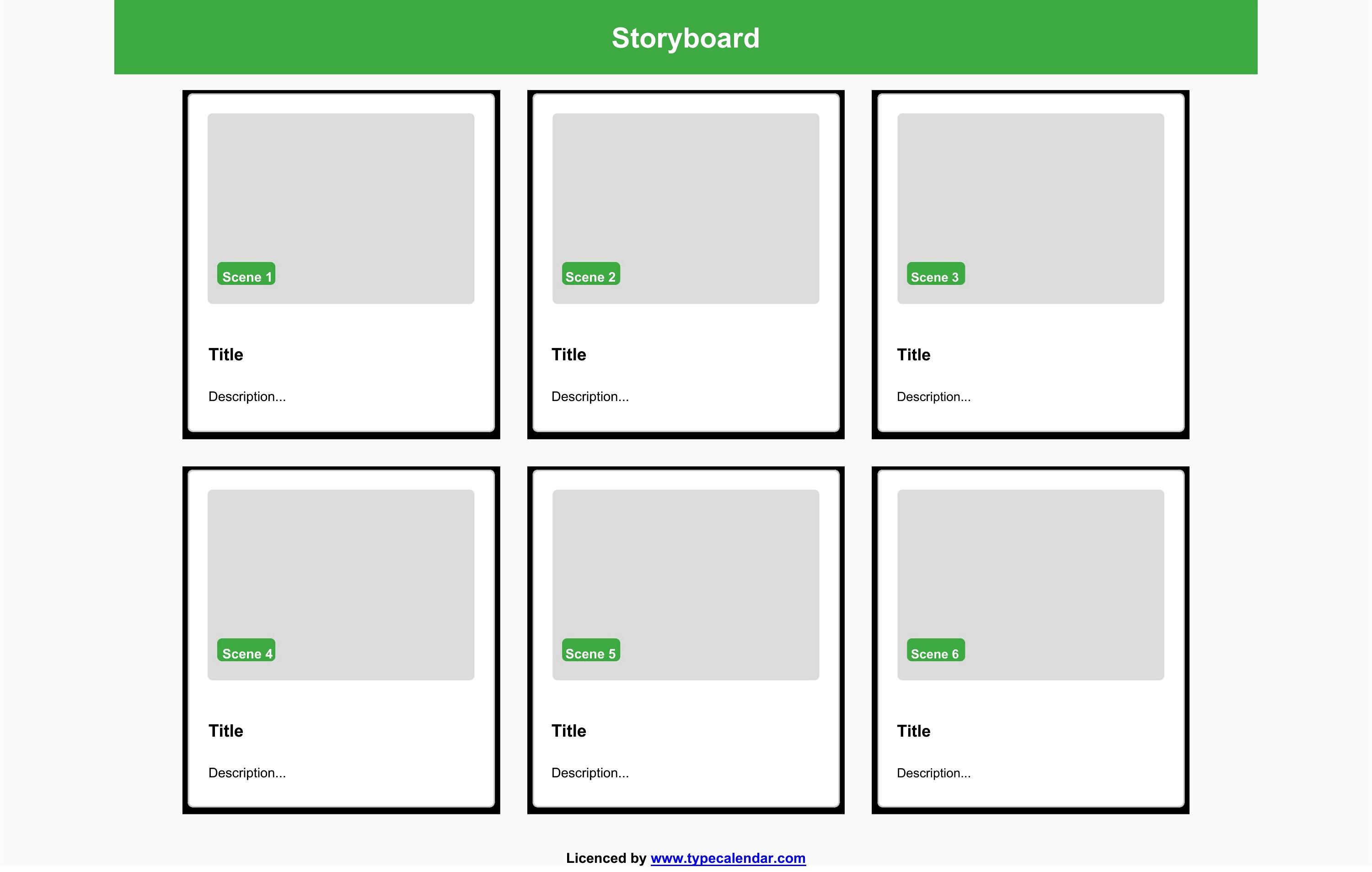
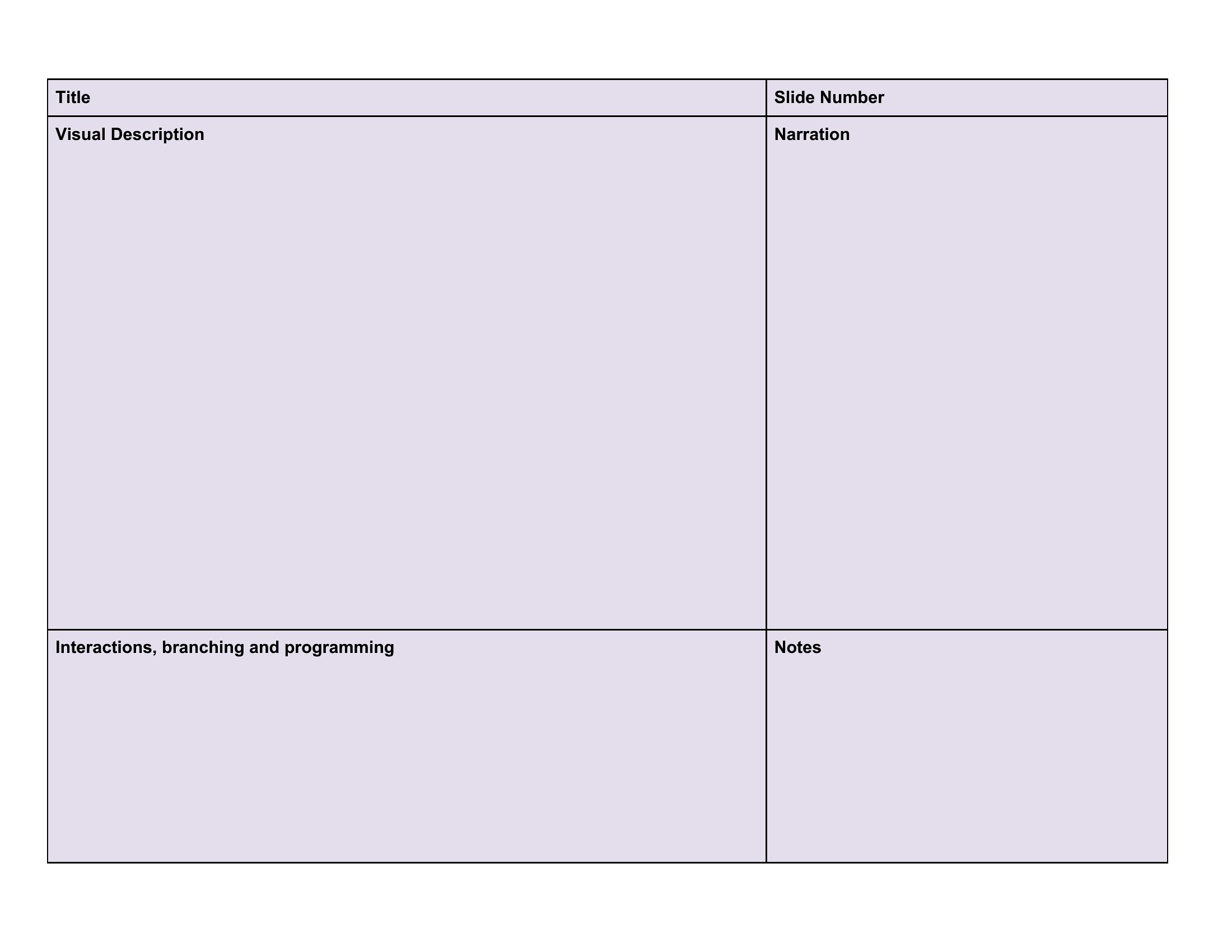
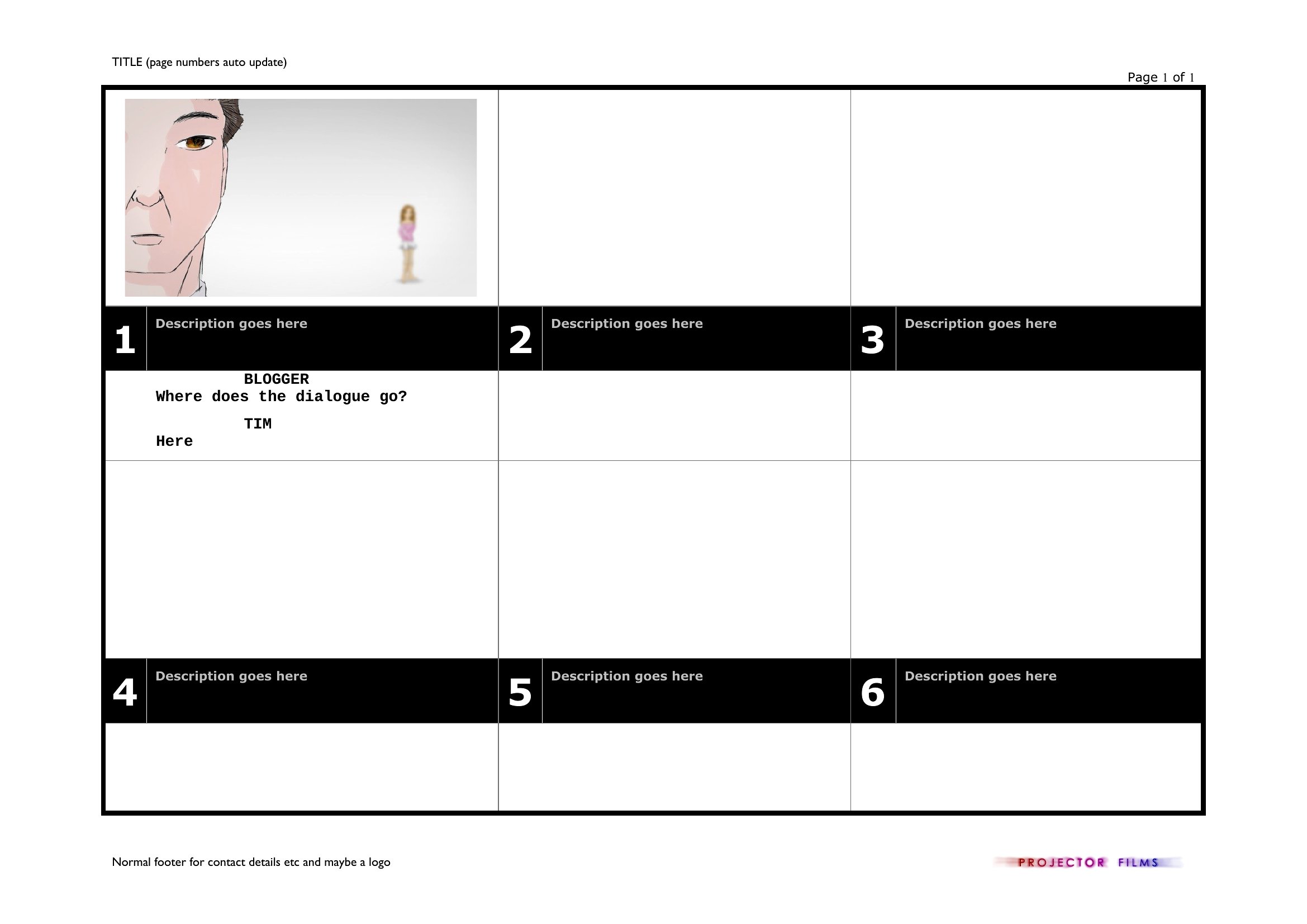
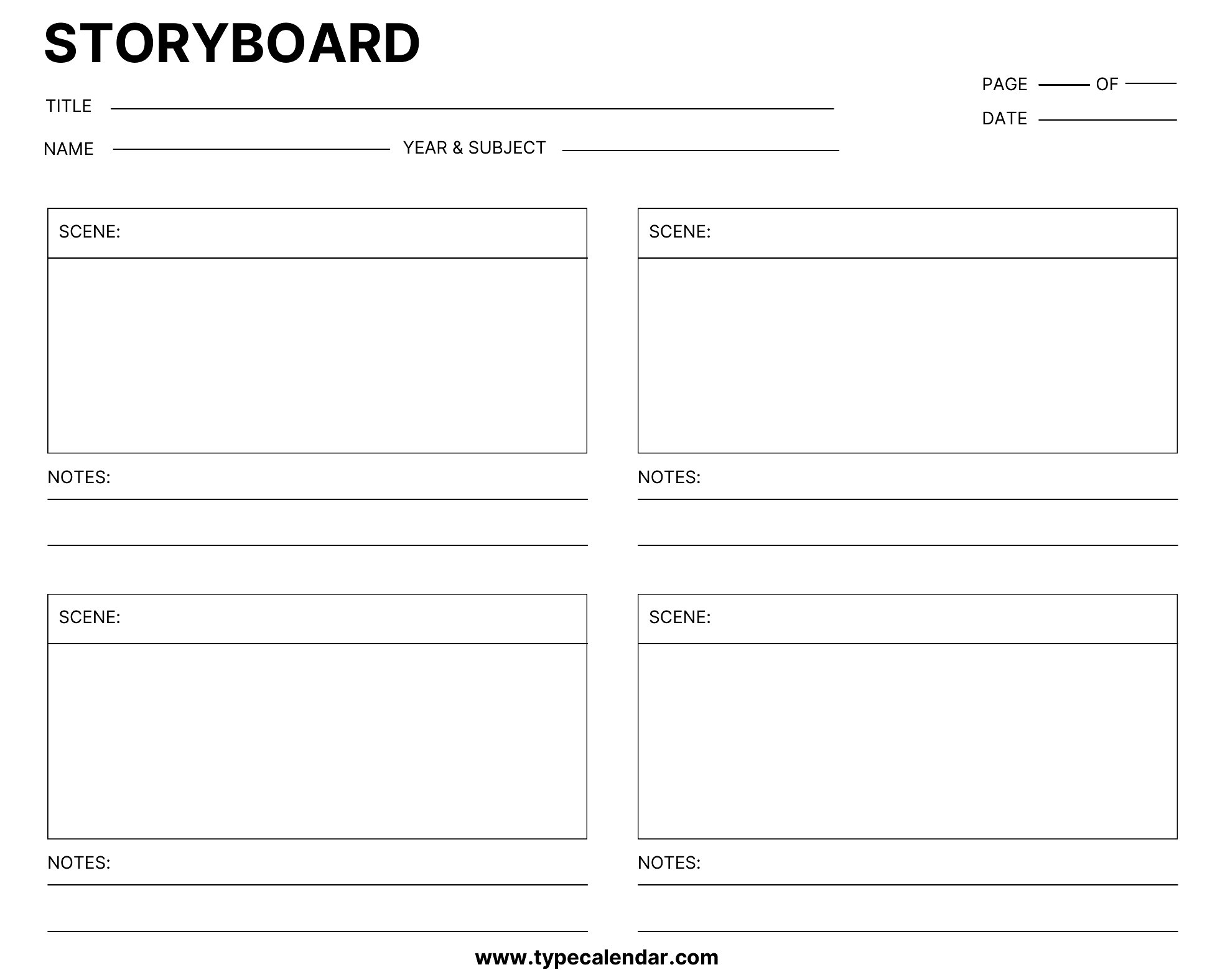
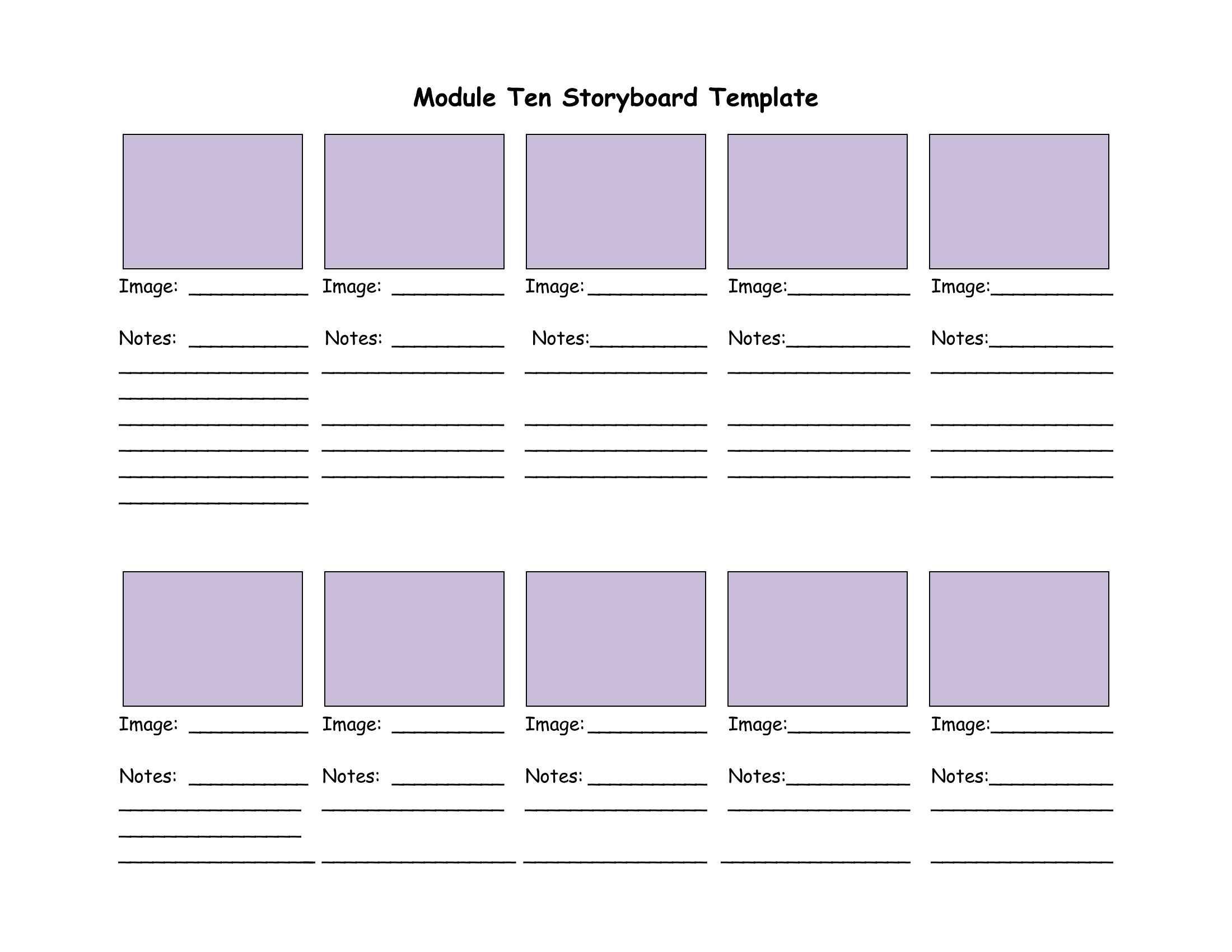
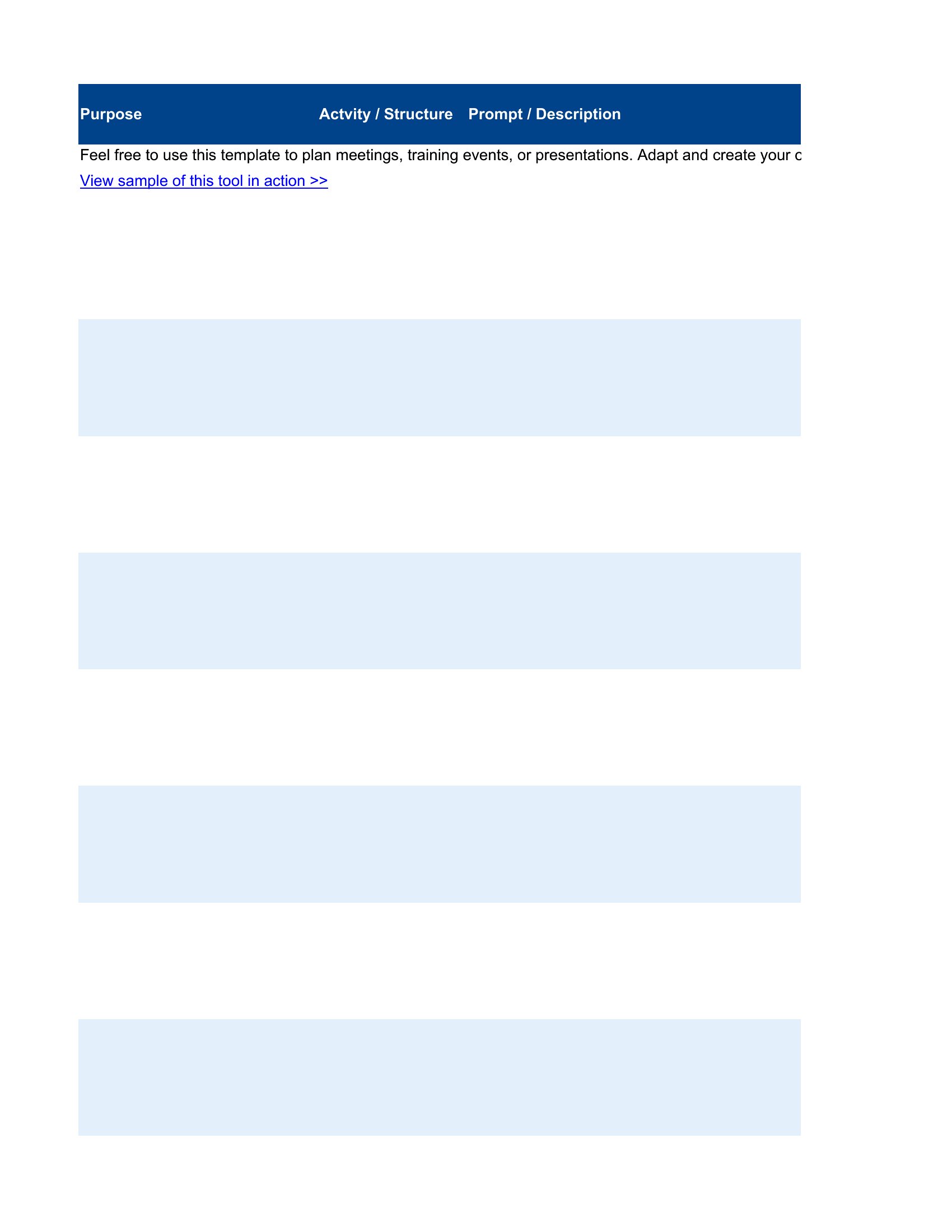
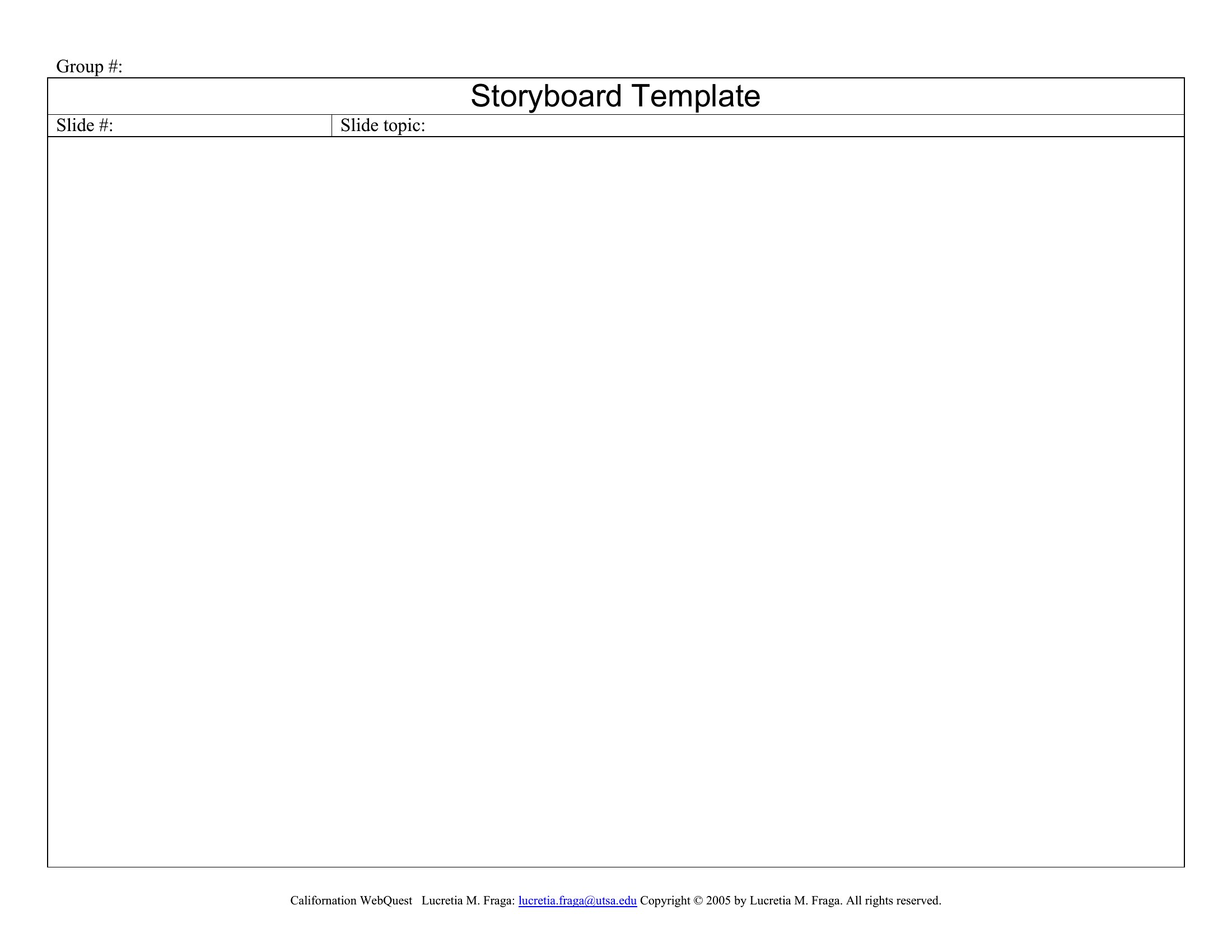
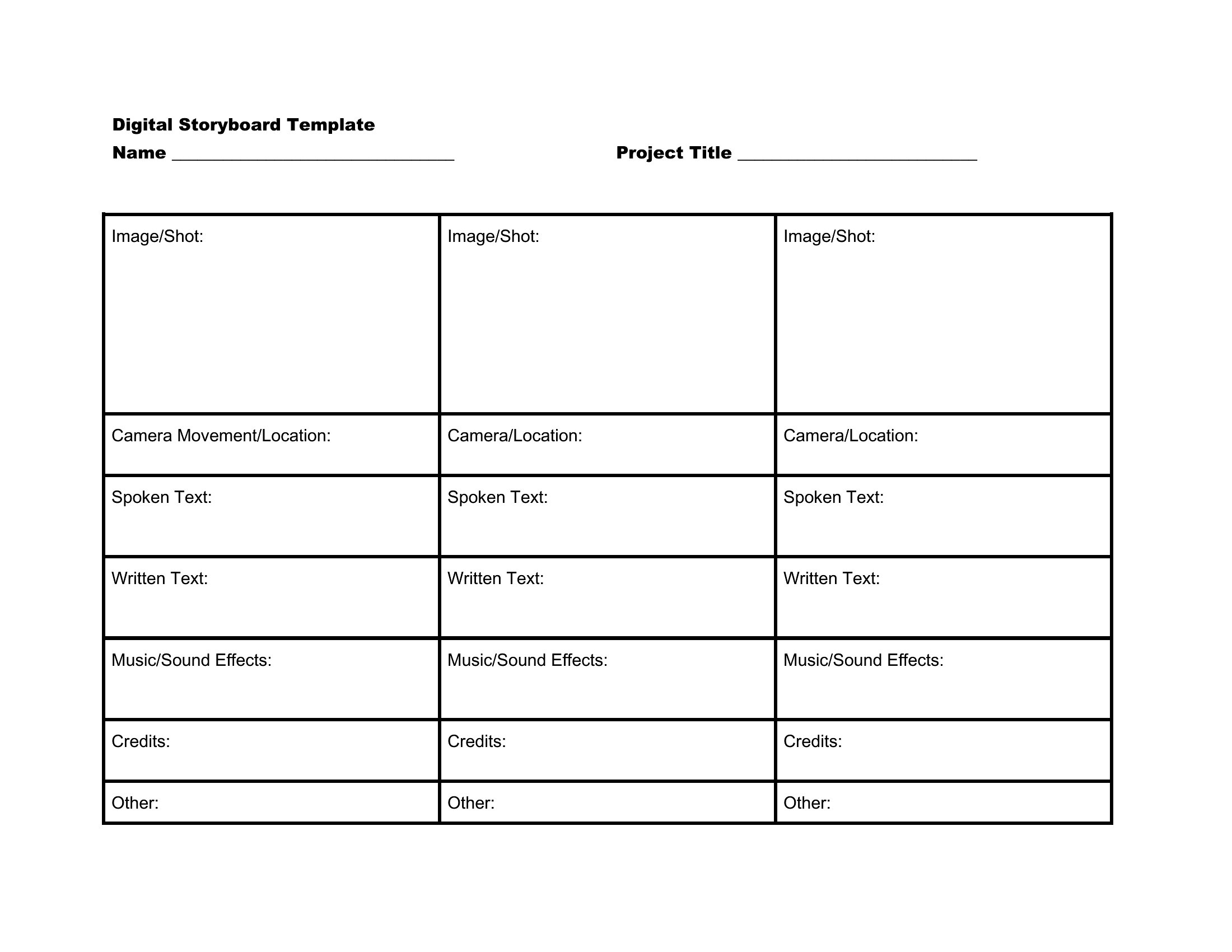
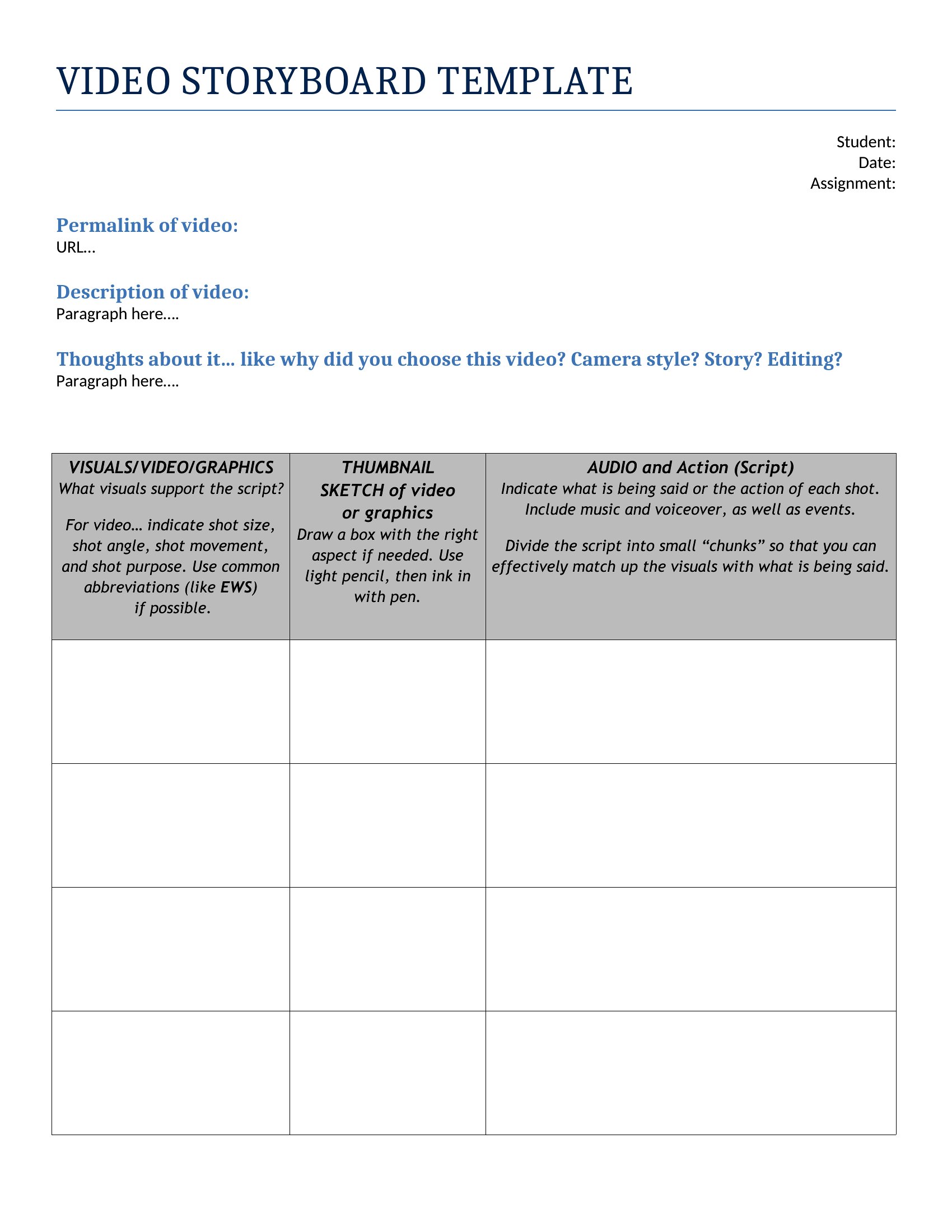
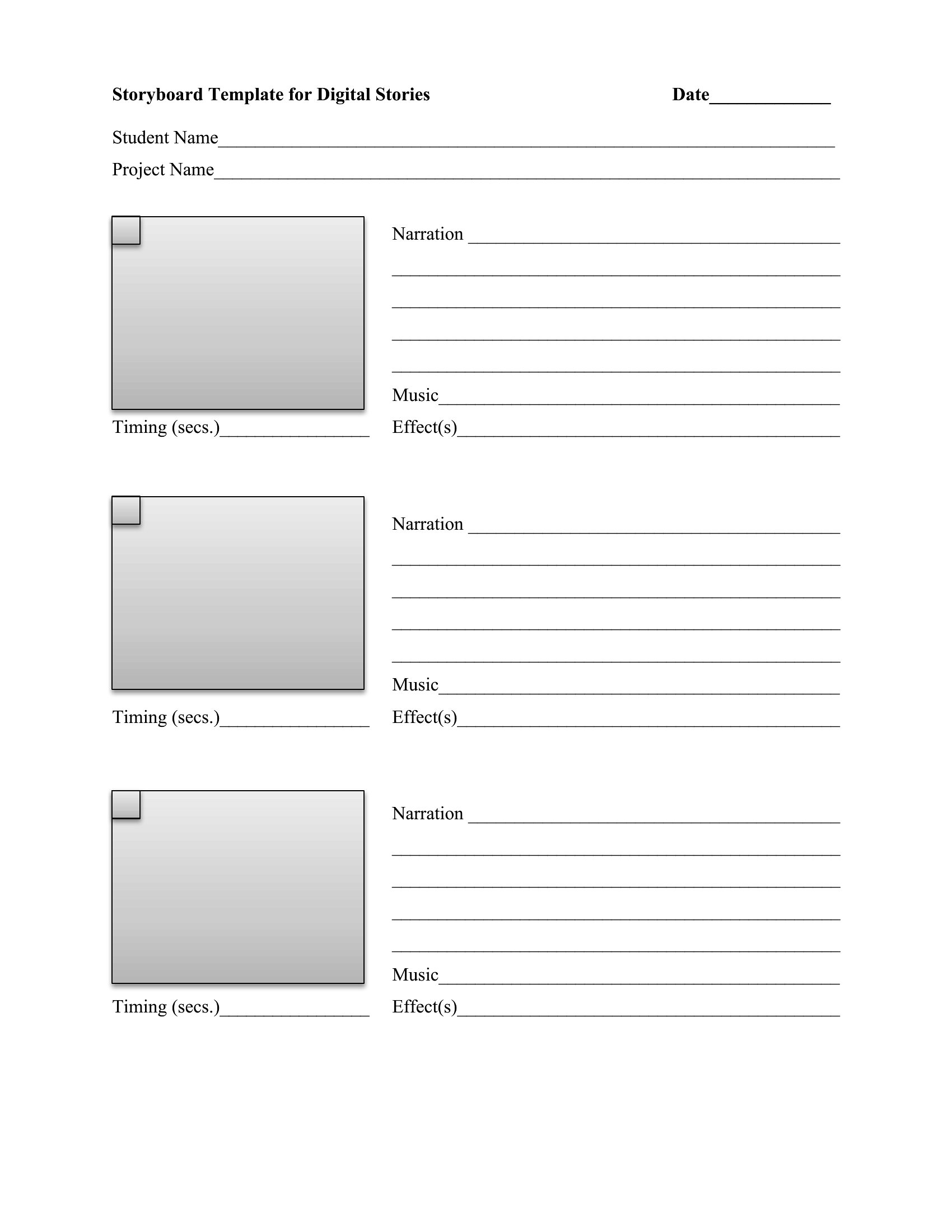
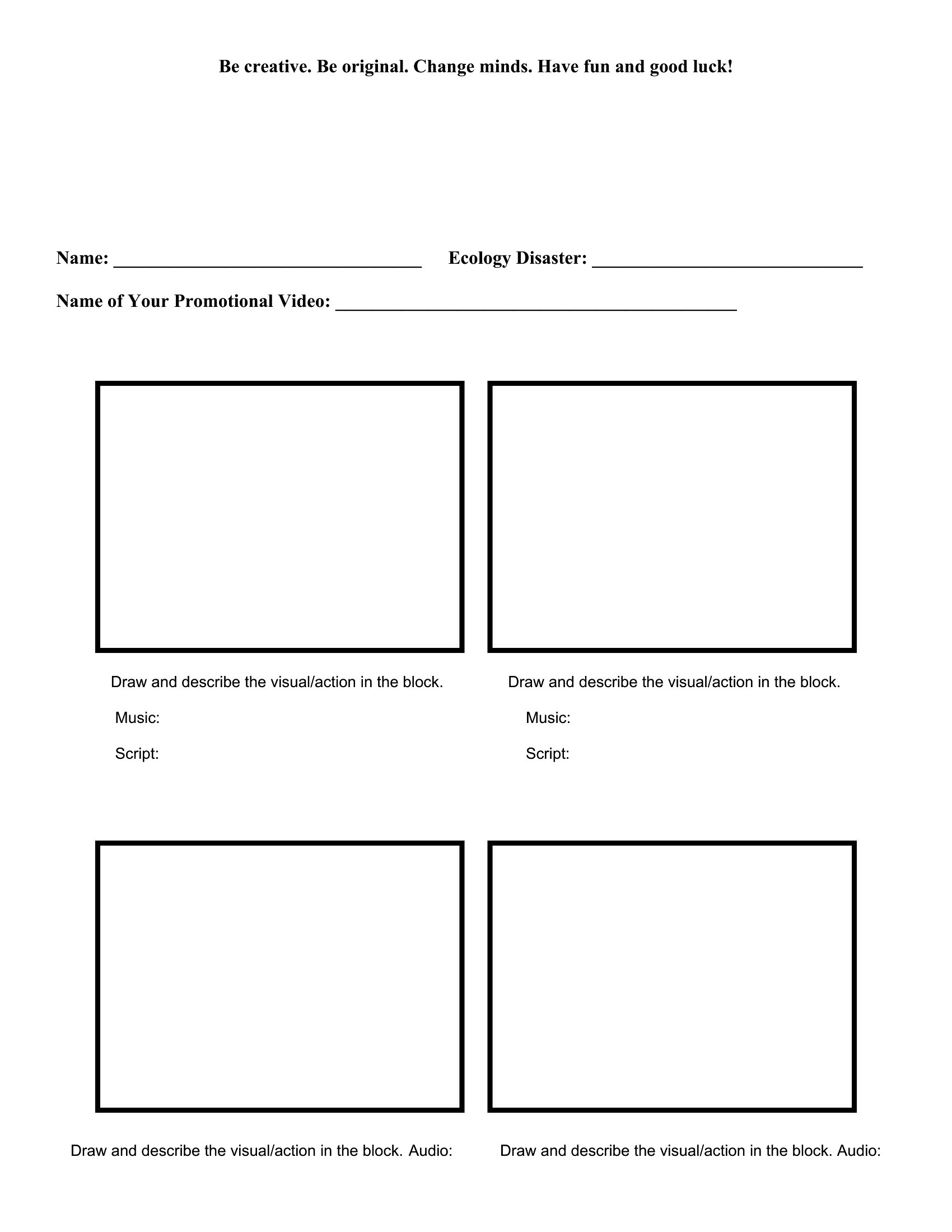
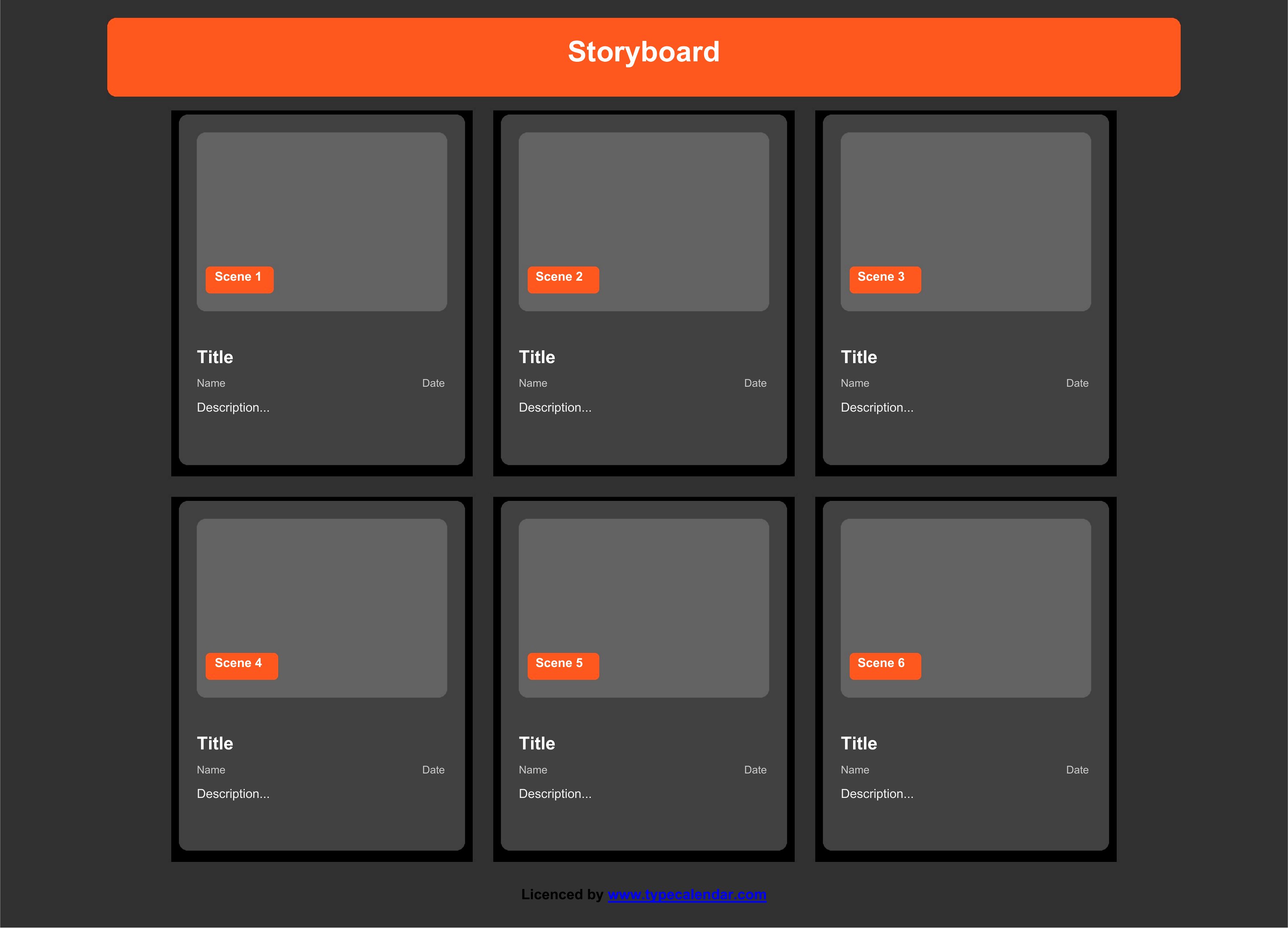
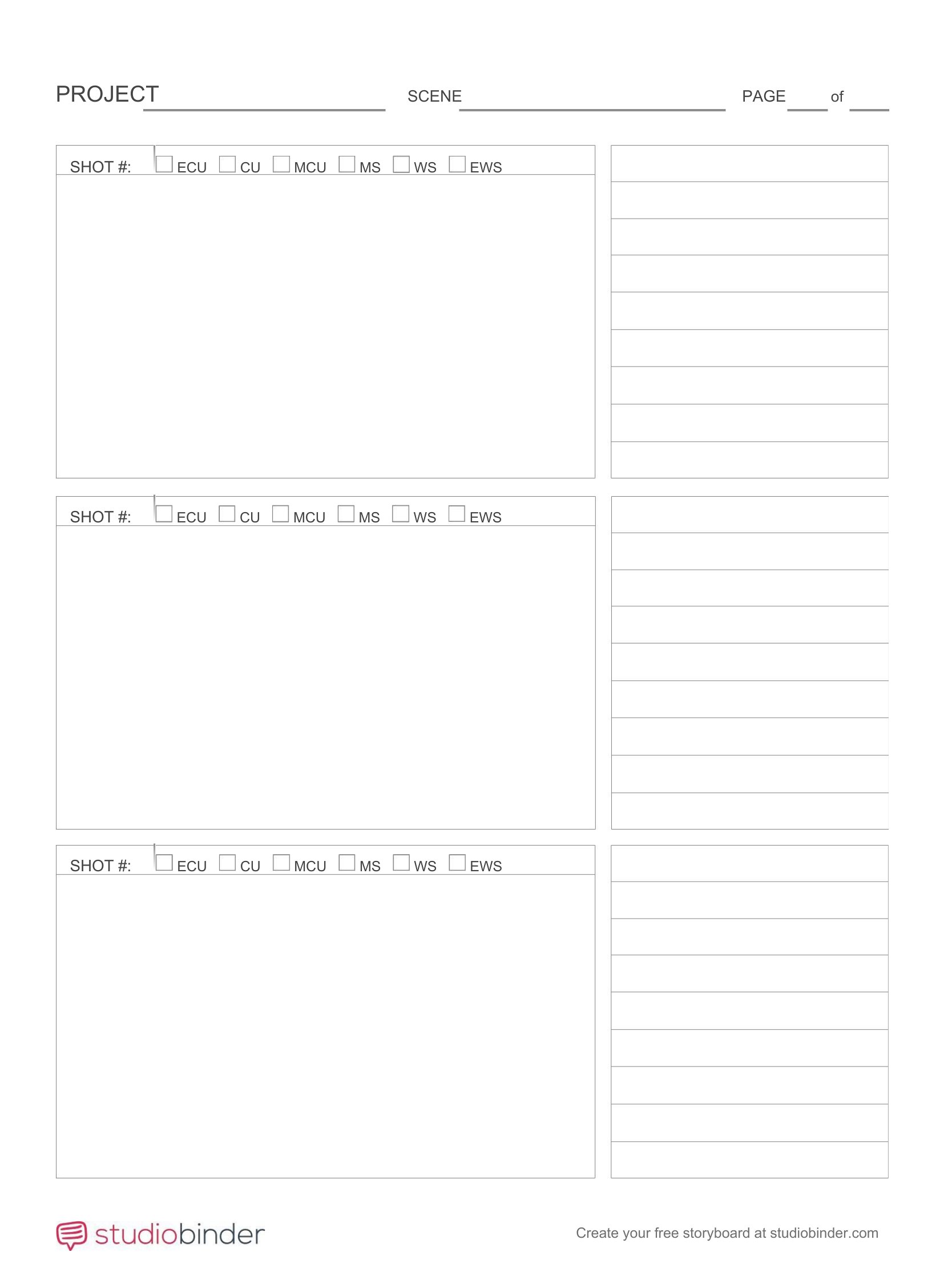
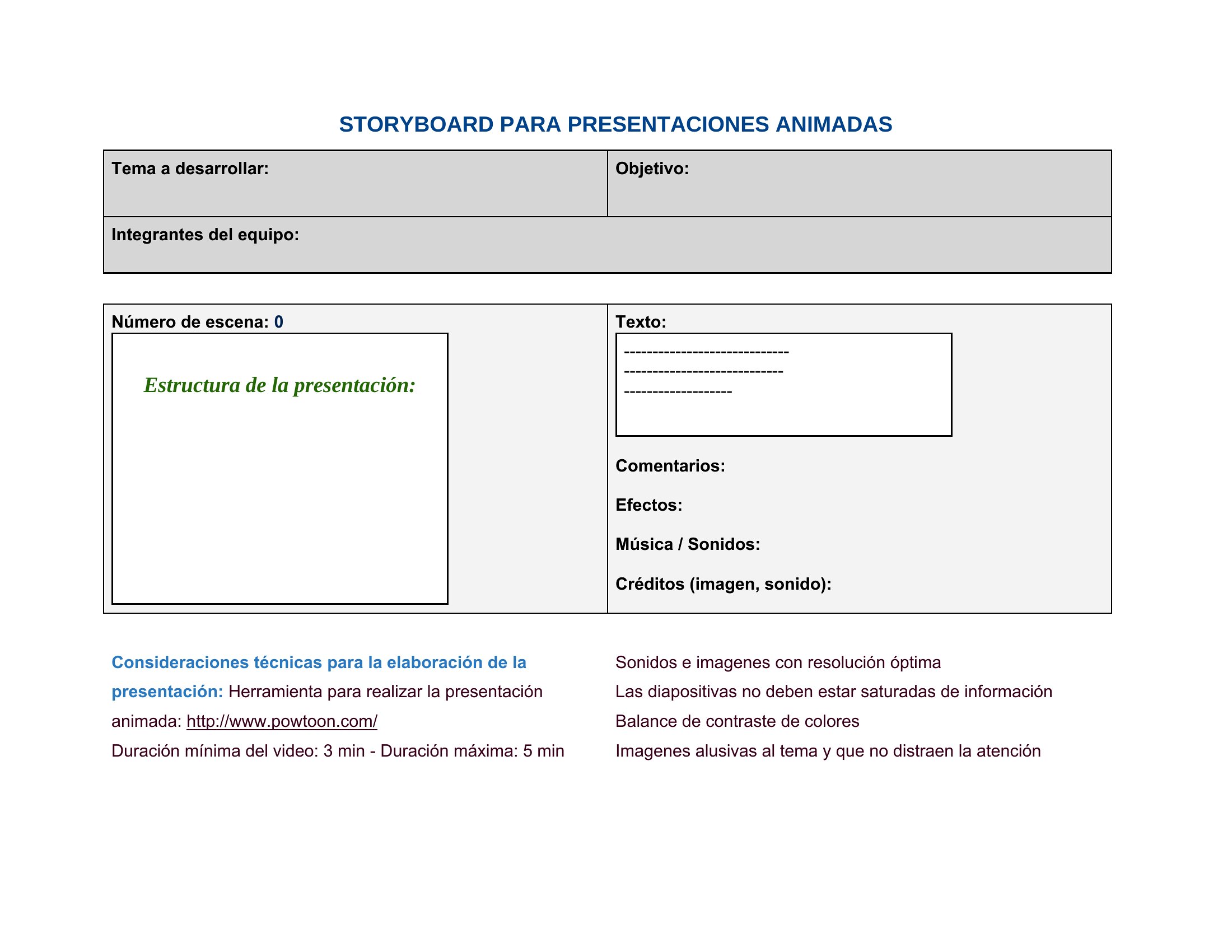
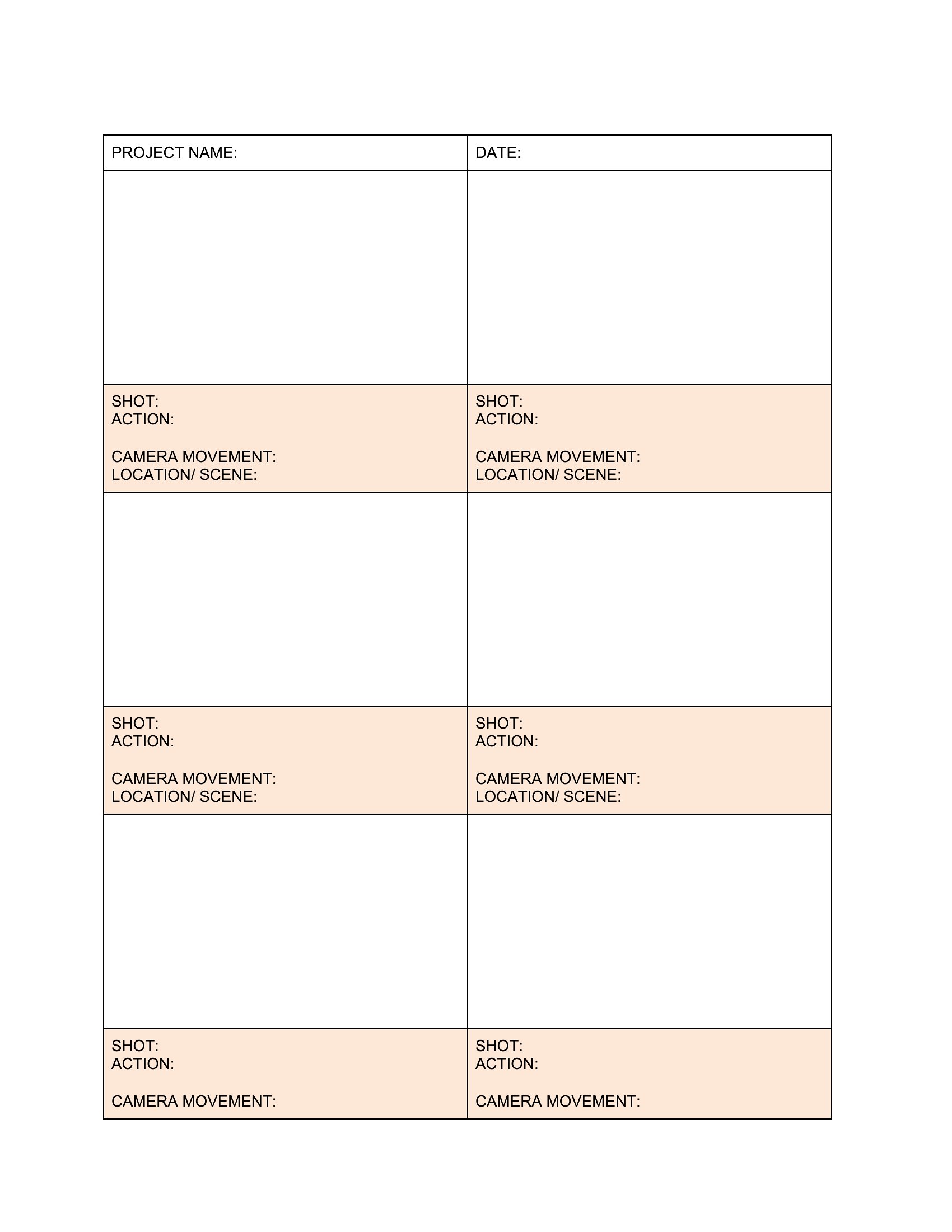
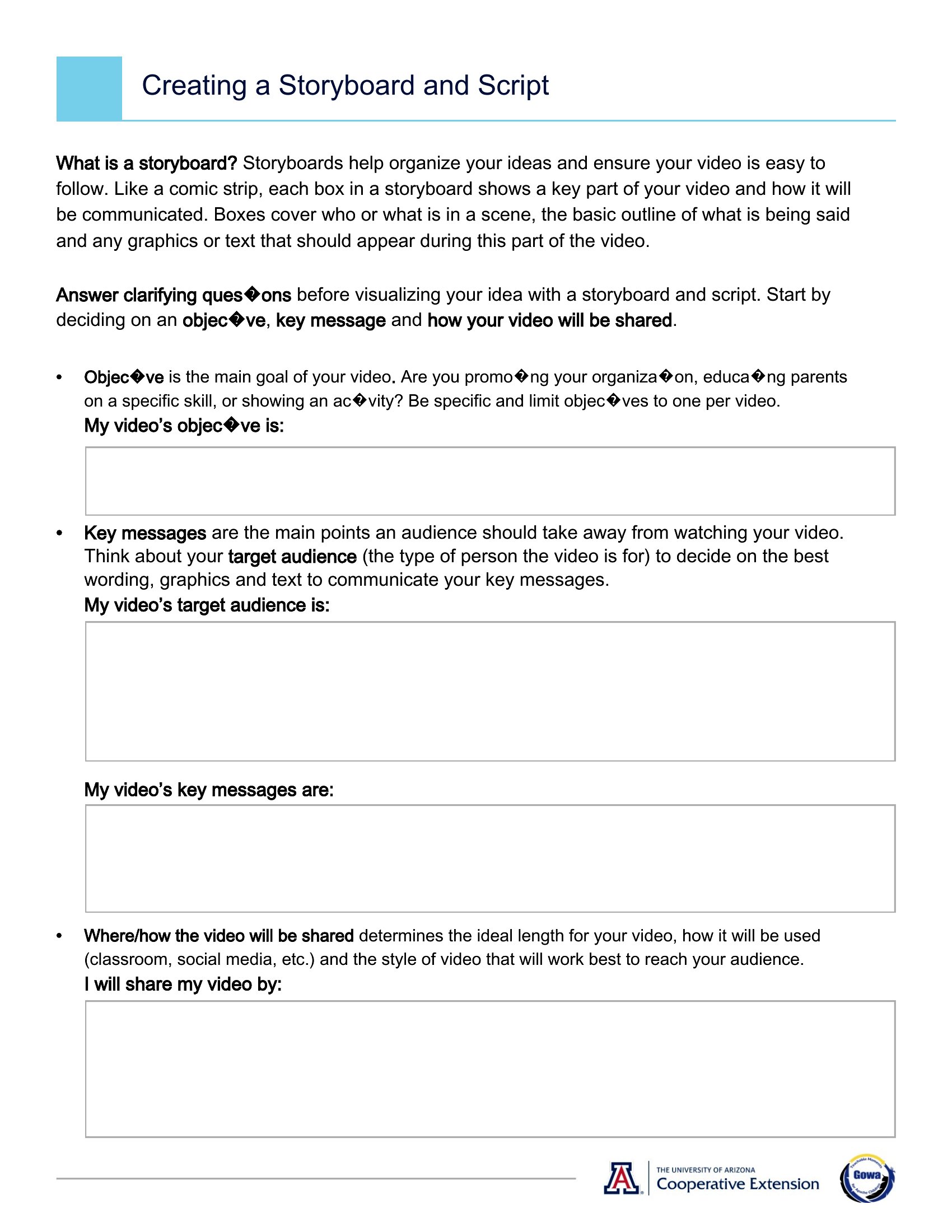
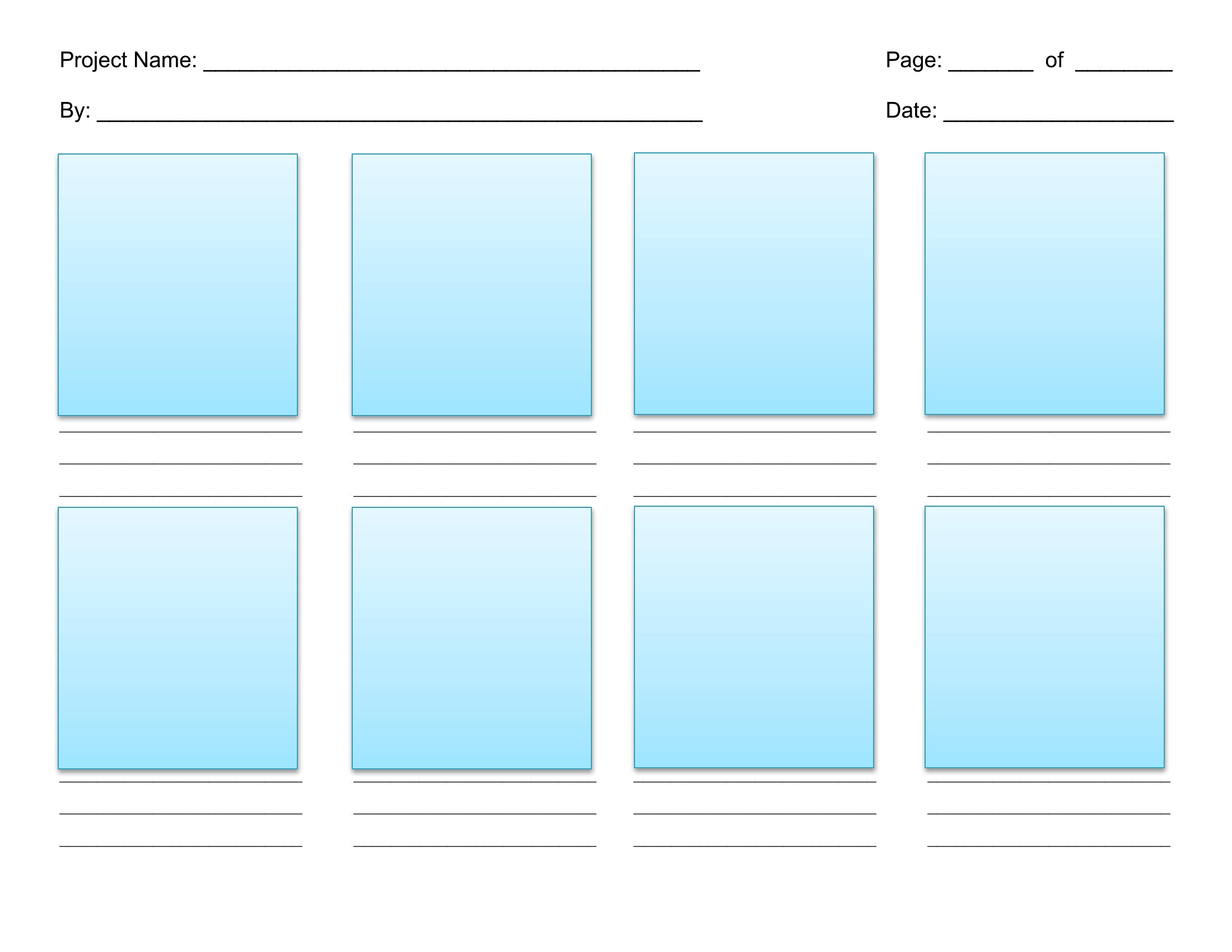
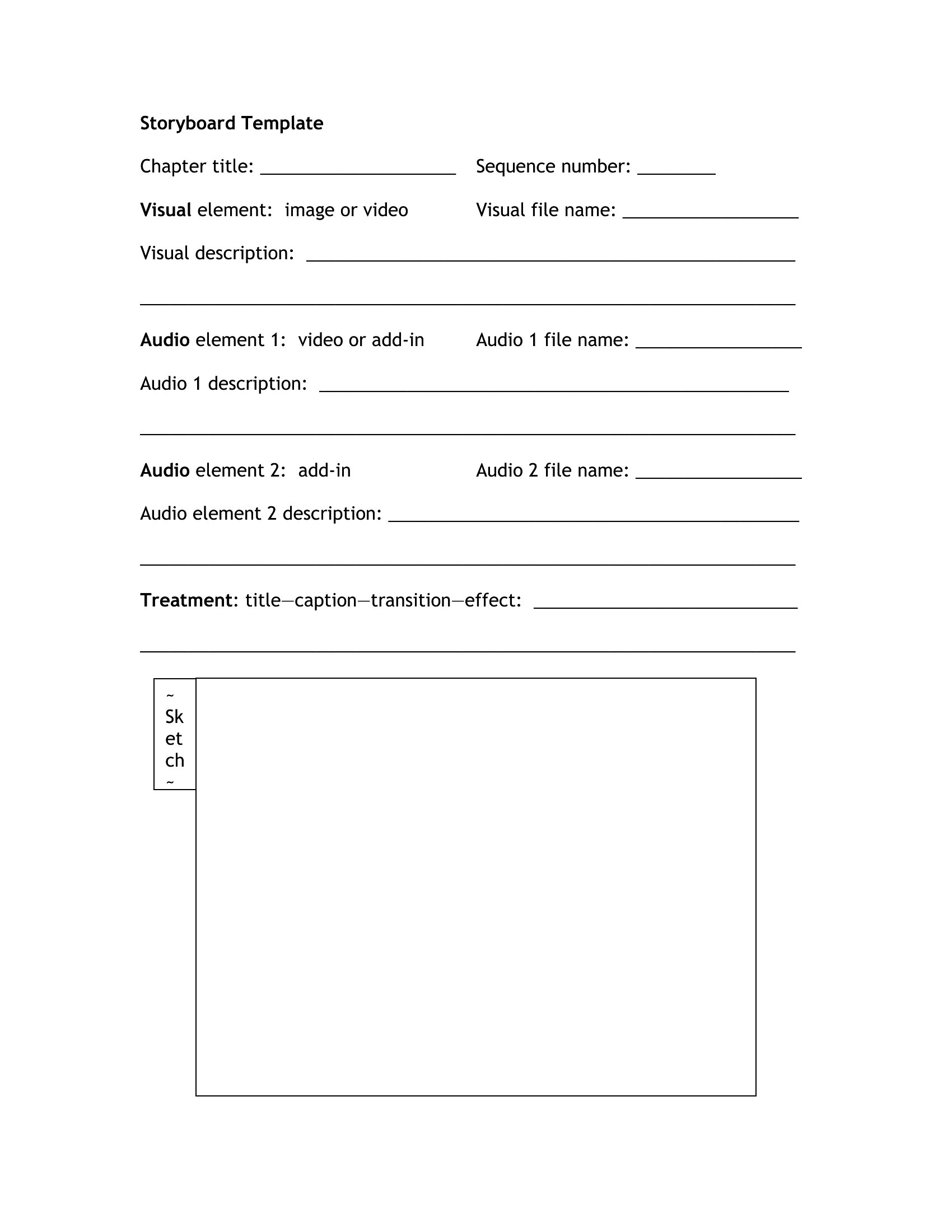
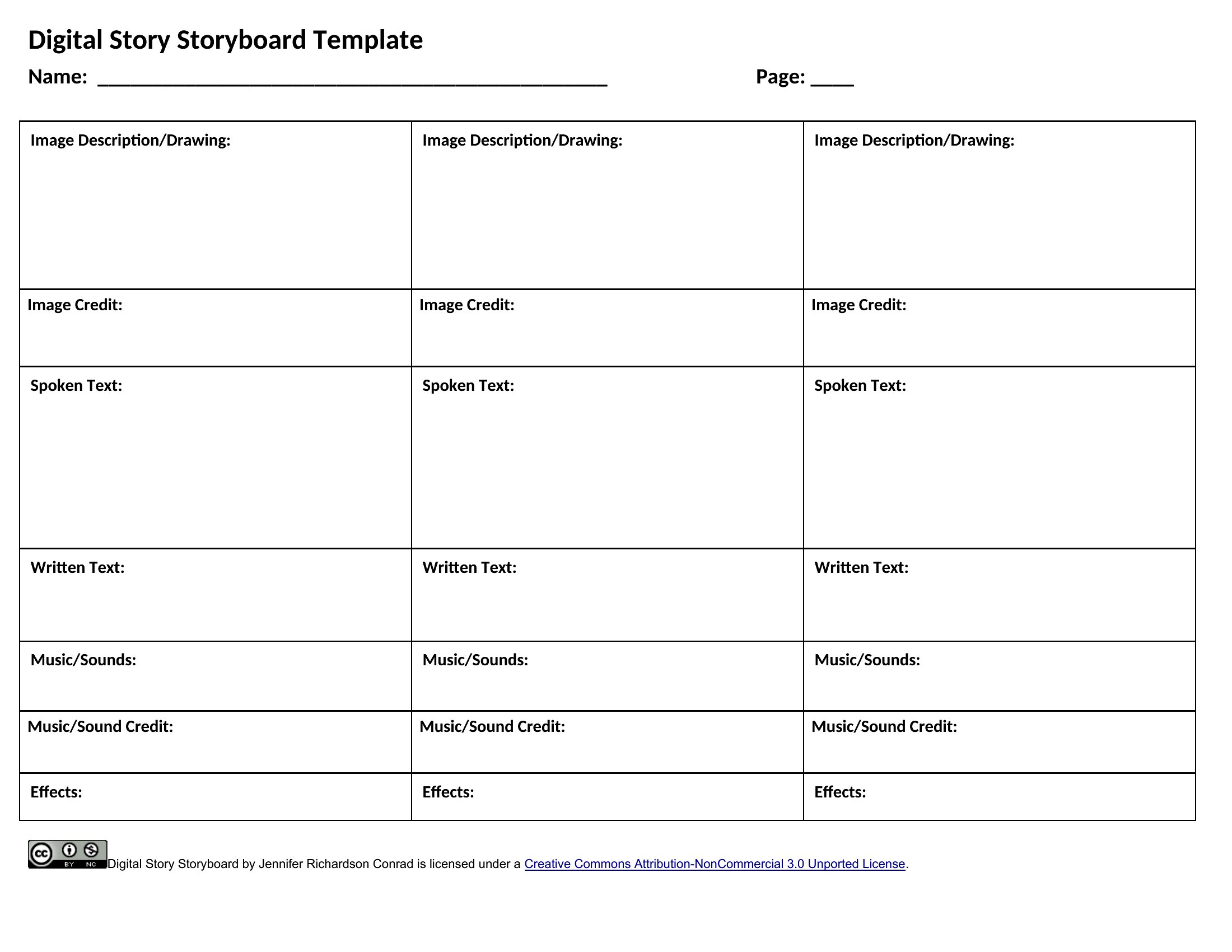
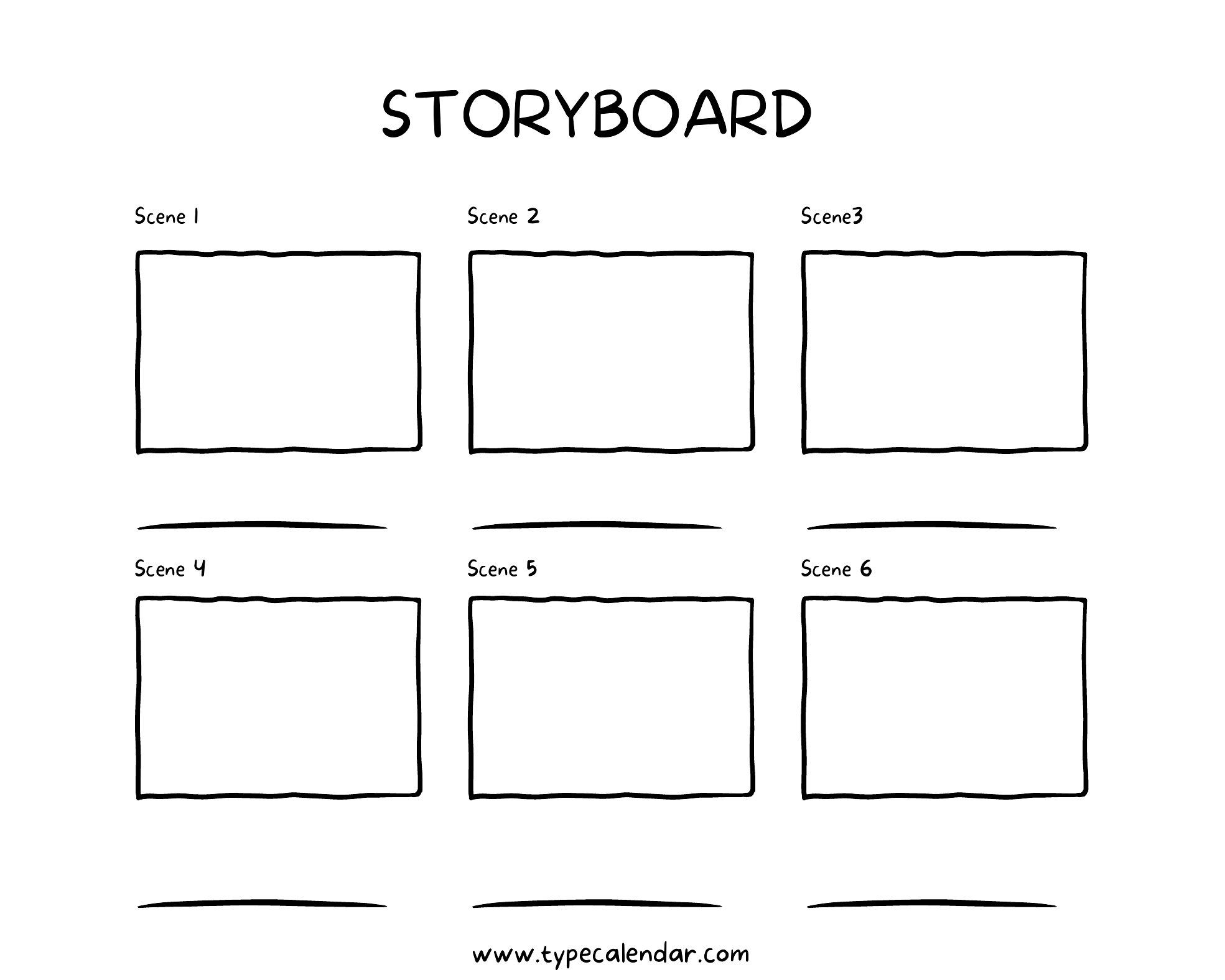
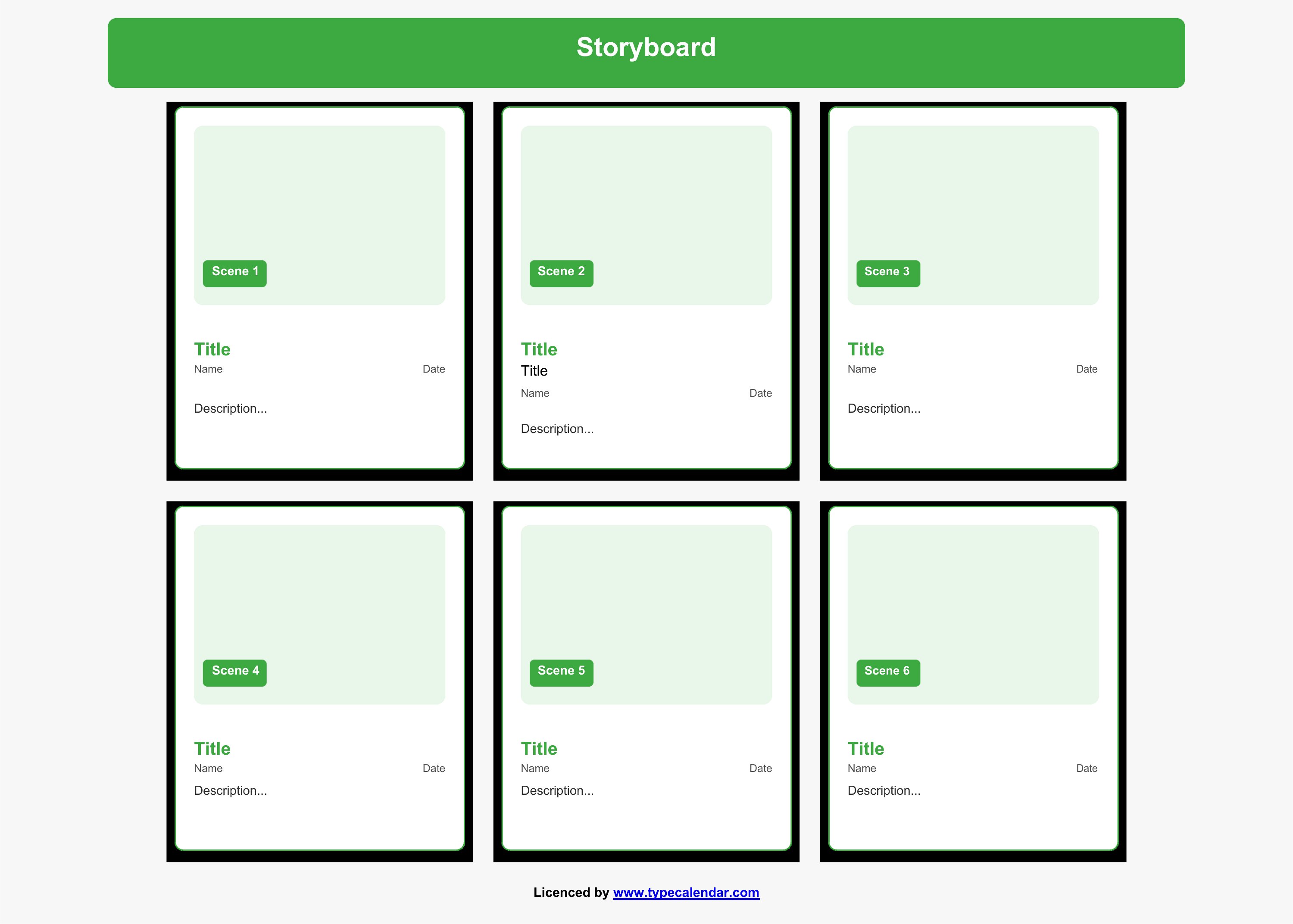
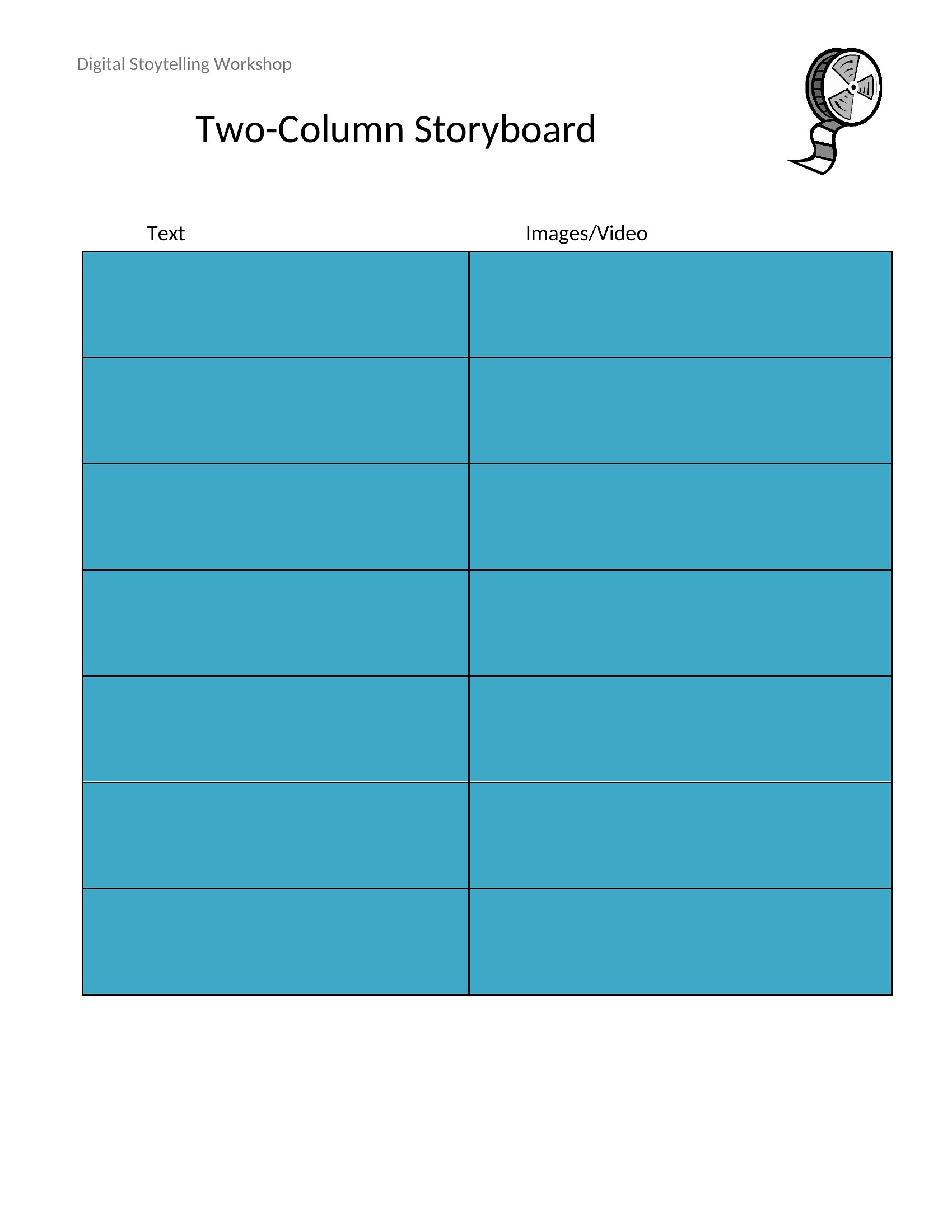
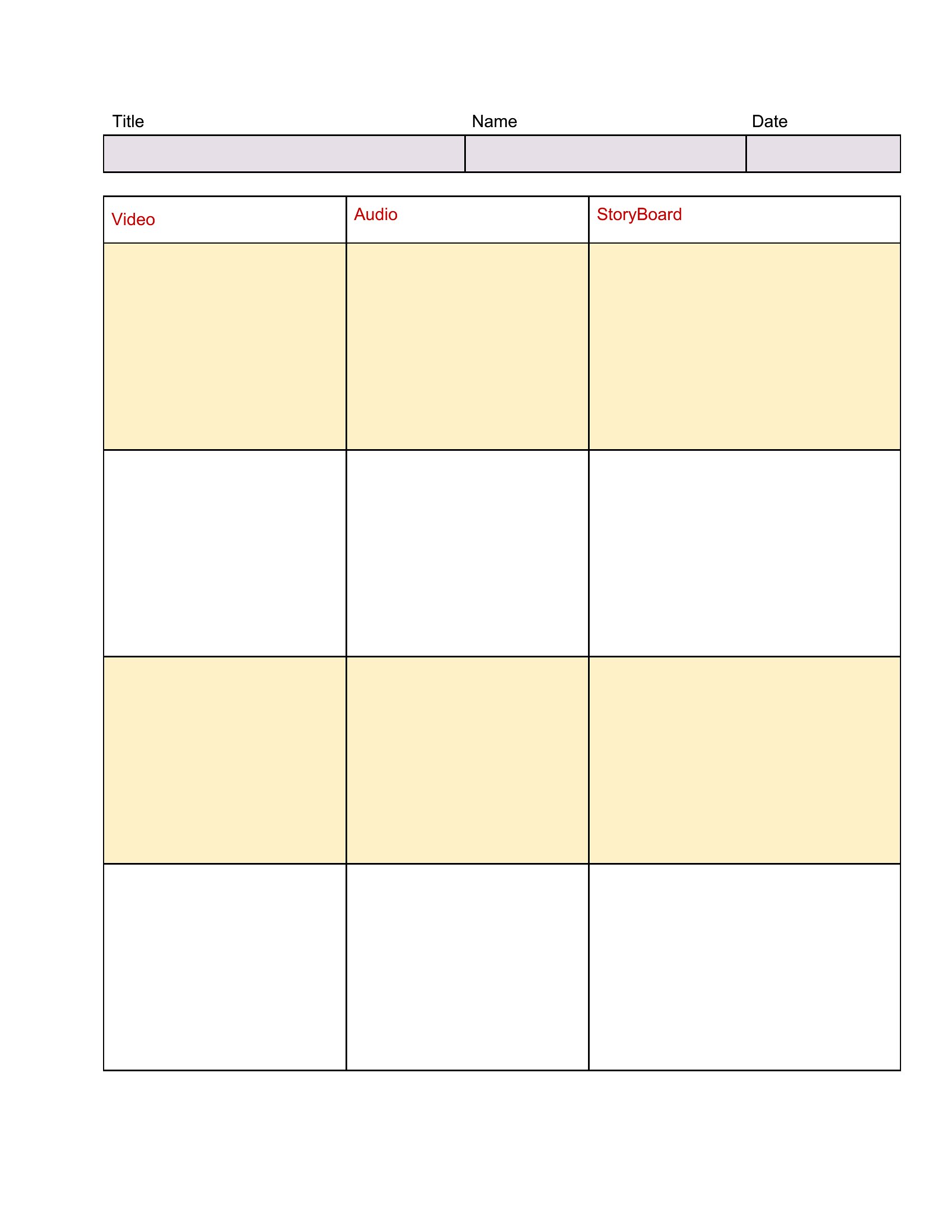
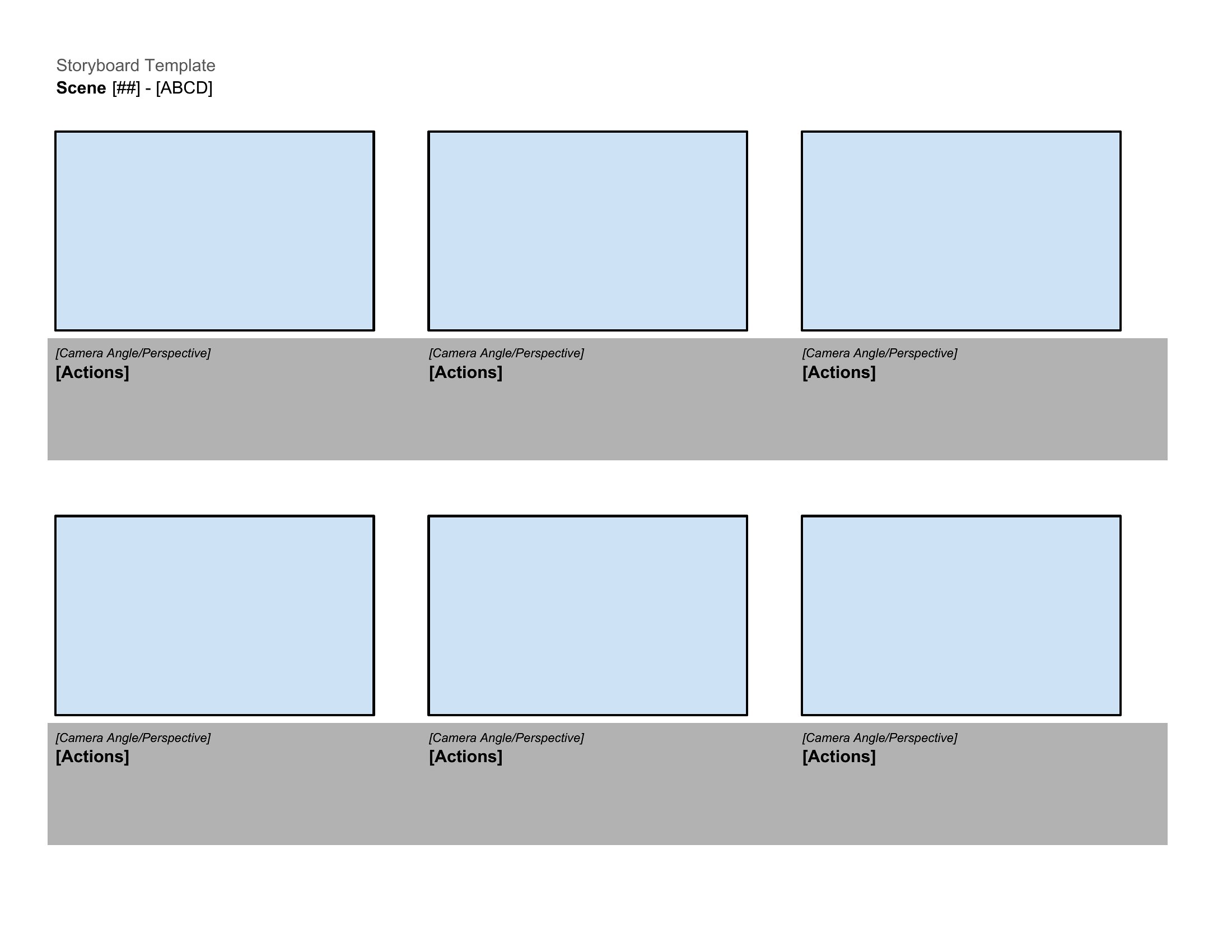
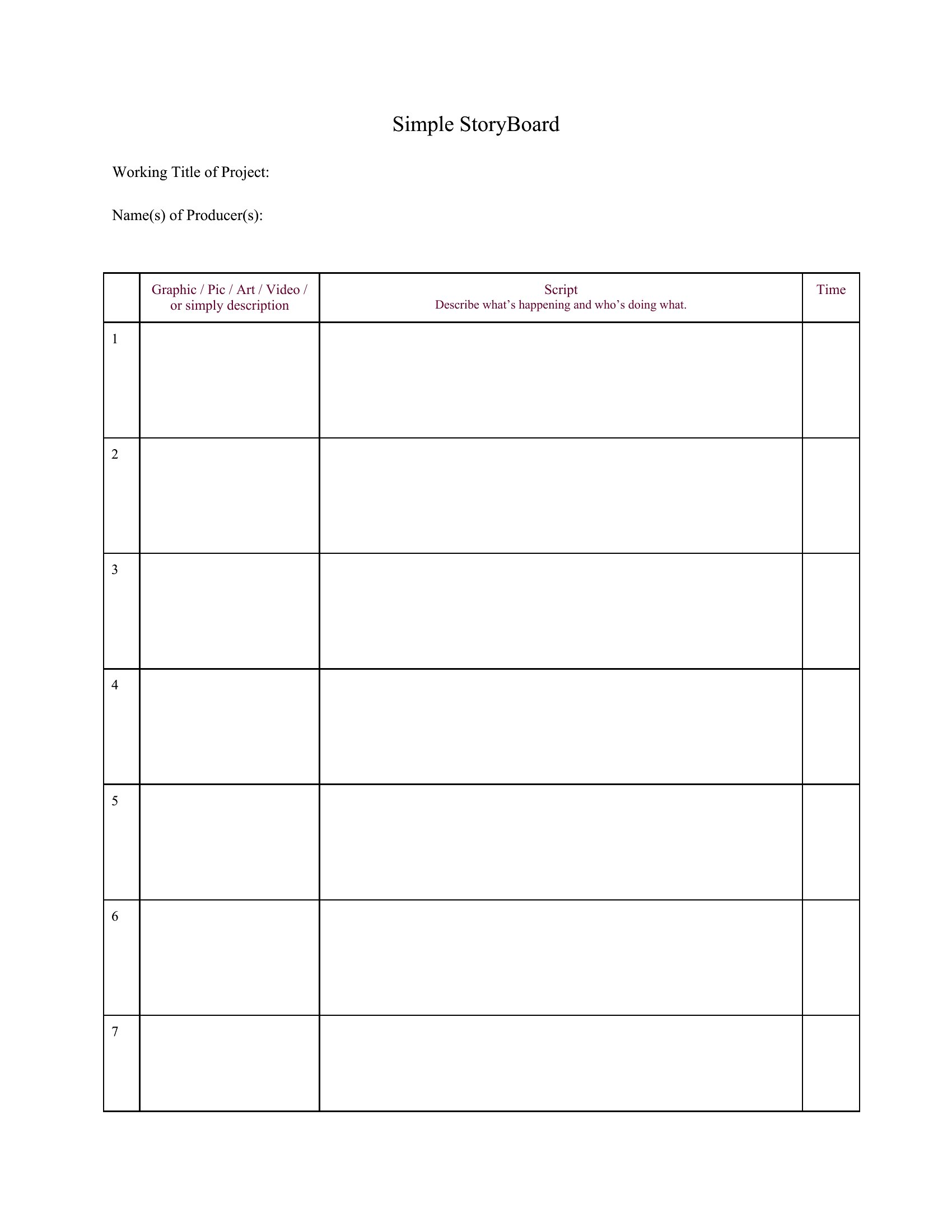
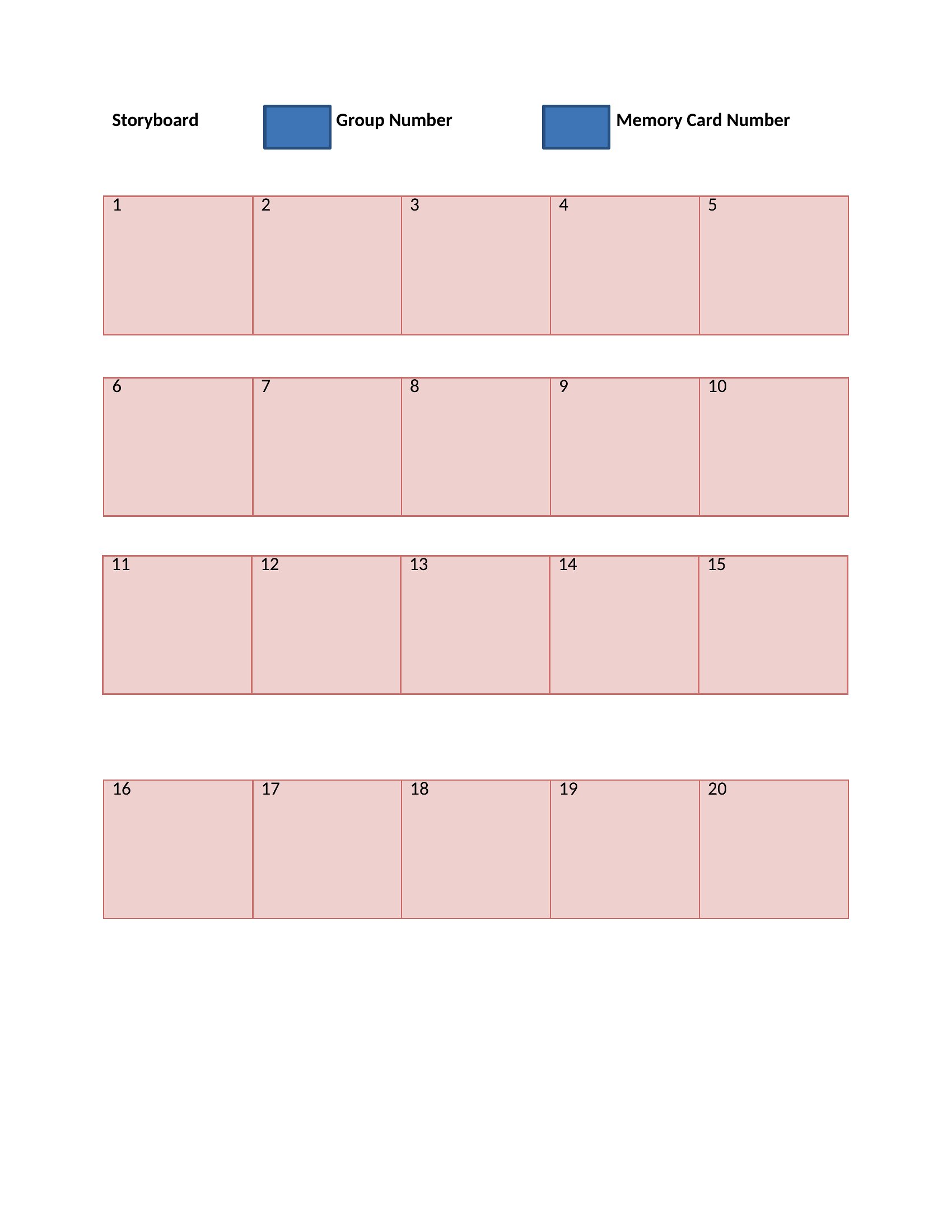
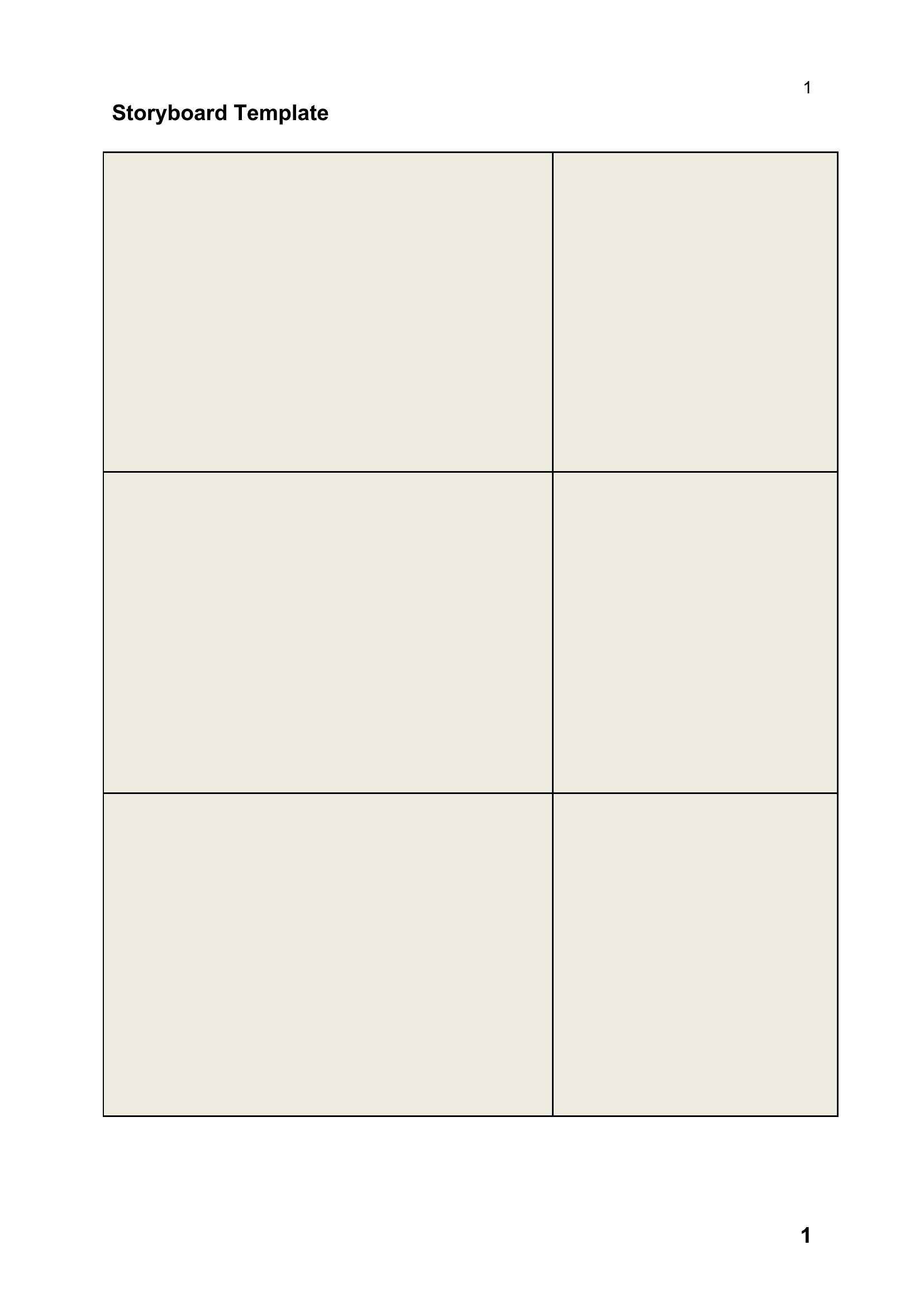
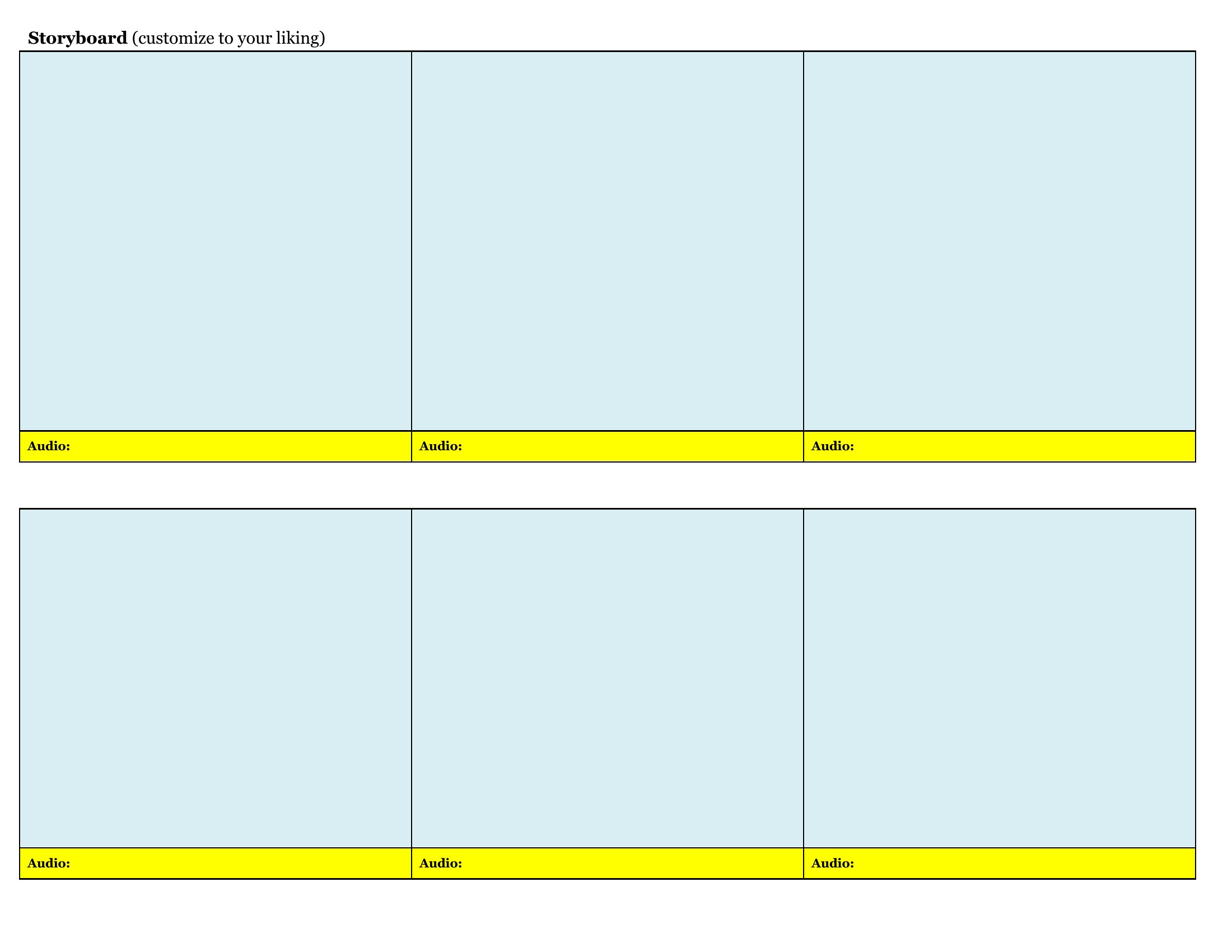
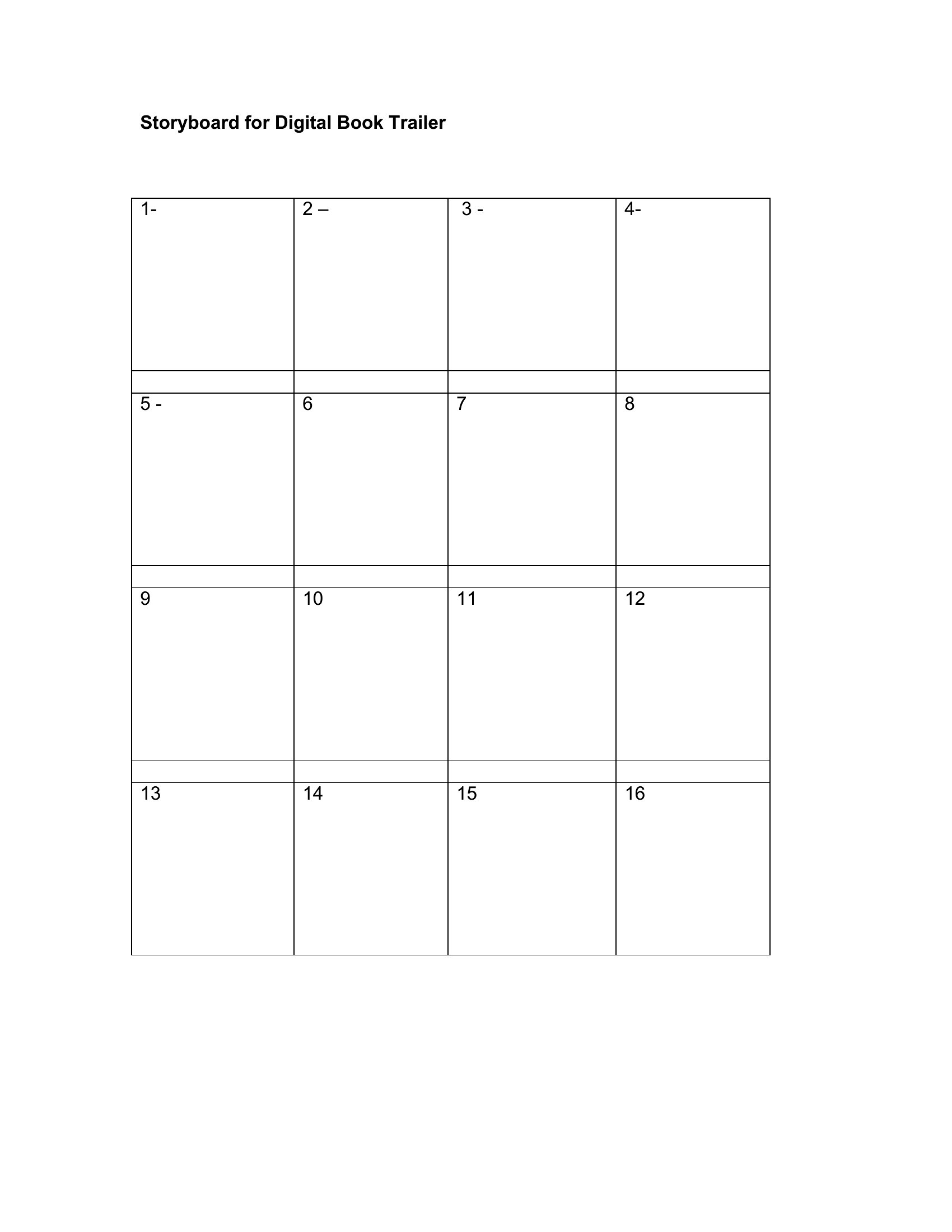
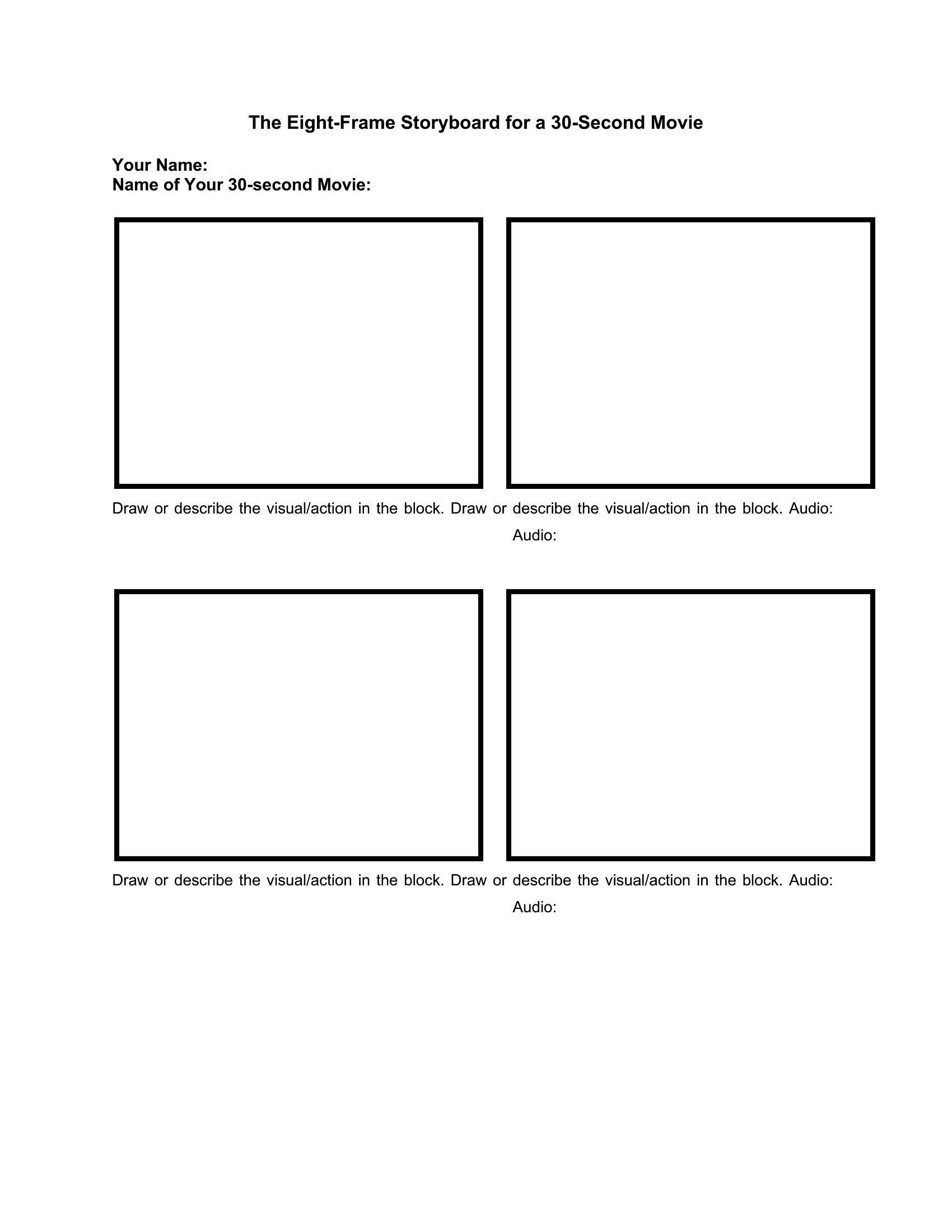
LifeMapping out a video before you shoot saves hours of reshoots and second-guessing, and a storyboard lets you see every scene in order. This set of 52 templates gives filmmakers, marketers, students, and content creators a frame-by-frame canvas for sketching shots and noting camera moves and dialogue.
The Word and Excel versions are easy to edit on screen, while the print-ready PDFs are perfect for sketching by hand on set. Drop in thumbnails, jot down notes under each frame, and your whole sequence comes into focus. It's free and works for everything from a quick ad to a short film. Pick the grid that suits your project and start blocking out your scenes.
When to use this Storyboard template
- Indie filmmakers planning a low-budget horror short can visualize jump scares and lighting changes in a storyboard before spending time on set, reducing costly reshoots during post-production.
- Marketing teams brainstorming a 60-second explainer video for SaaS platforms use storyboards to align on visual metaphors and pacing, ensuring the final cut matches their pitch deck.
- High school film students storyboard their short films to practice framing rules and shot continuity, submitting editable Word versions to teachers for feedback before shooting.
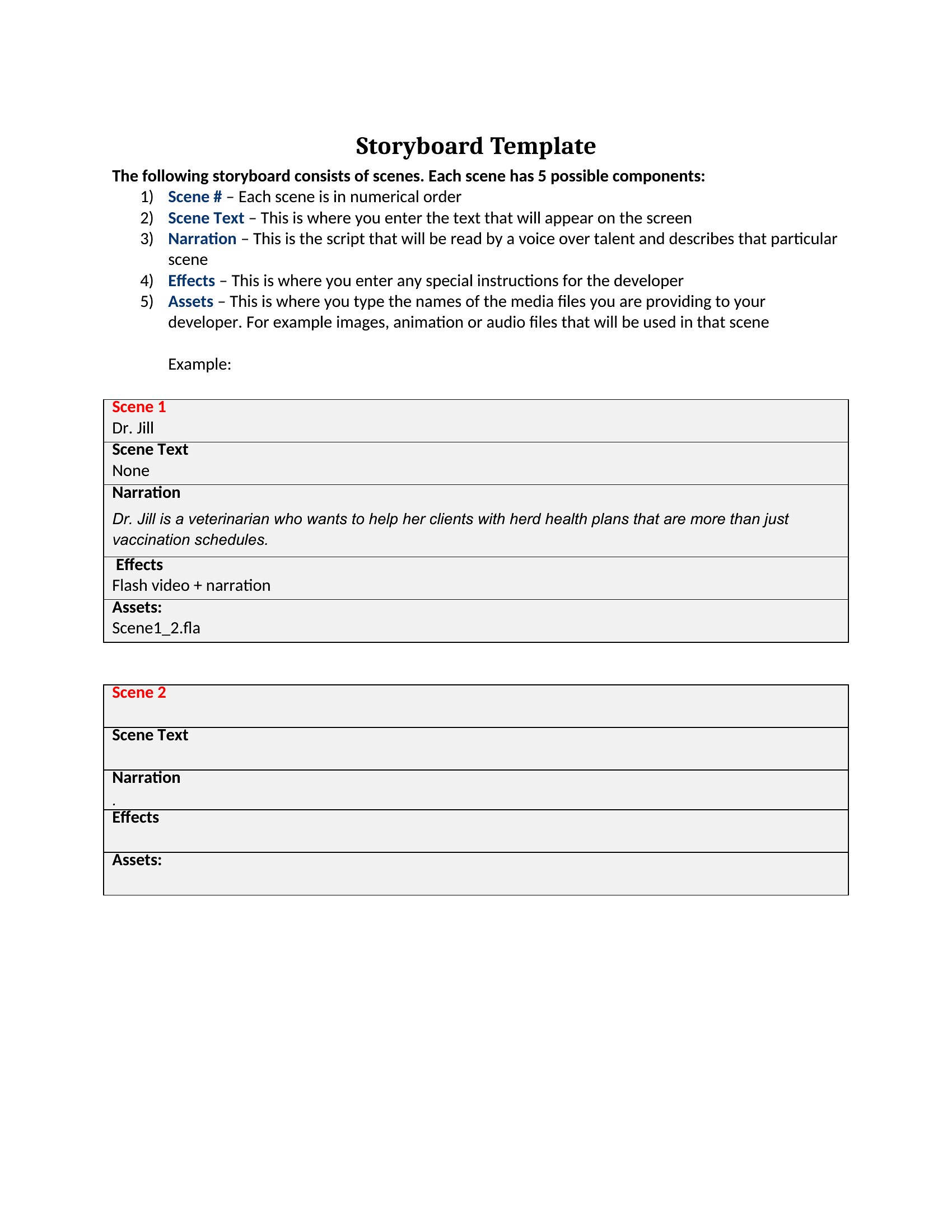
- Freelance animators developing a 2D character-driven series sketch key poses and transitions in Excel-based storyboards, labeling each cell with dialogue and timing notes for voice actors.
Which format should I download?
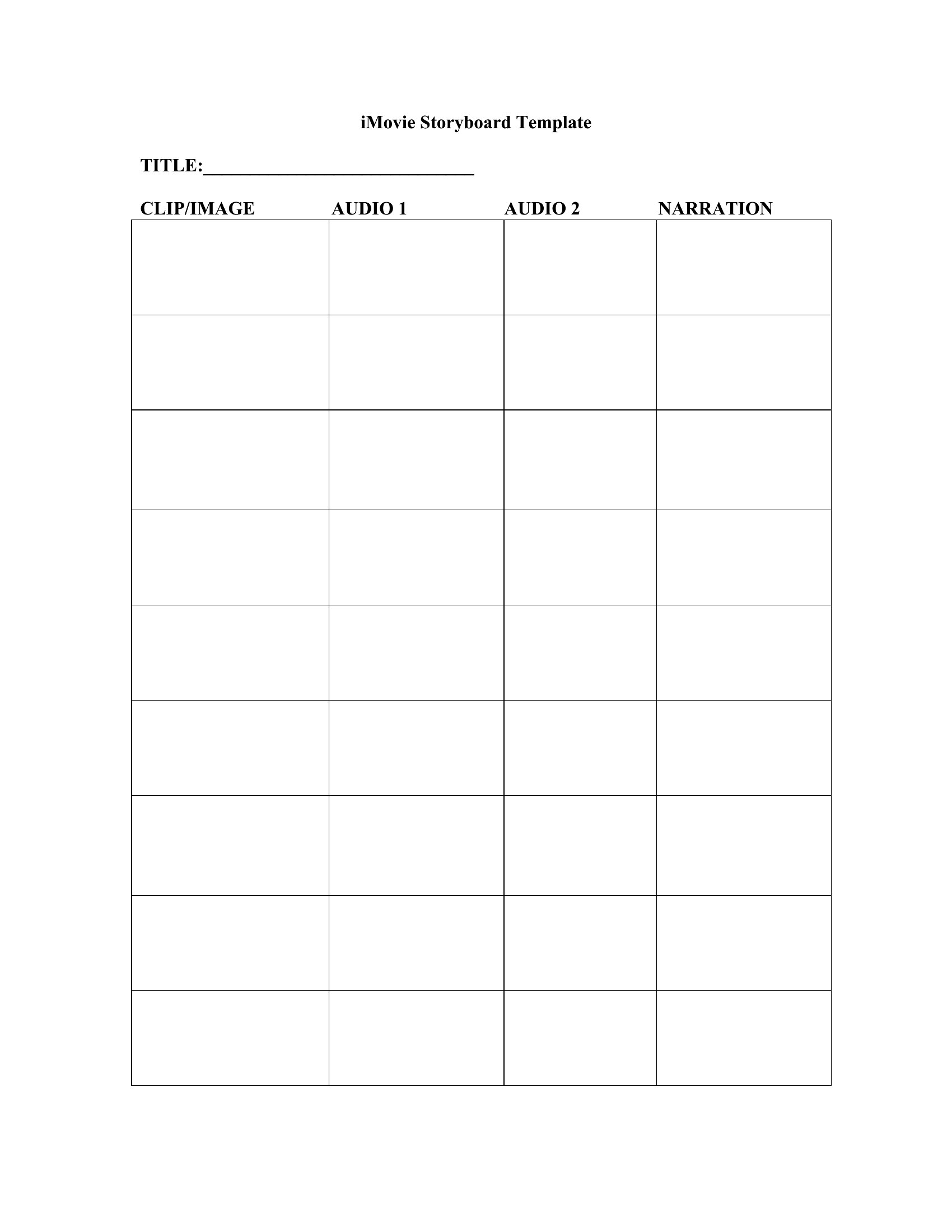
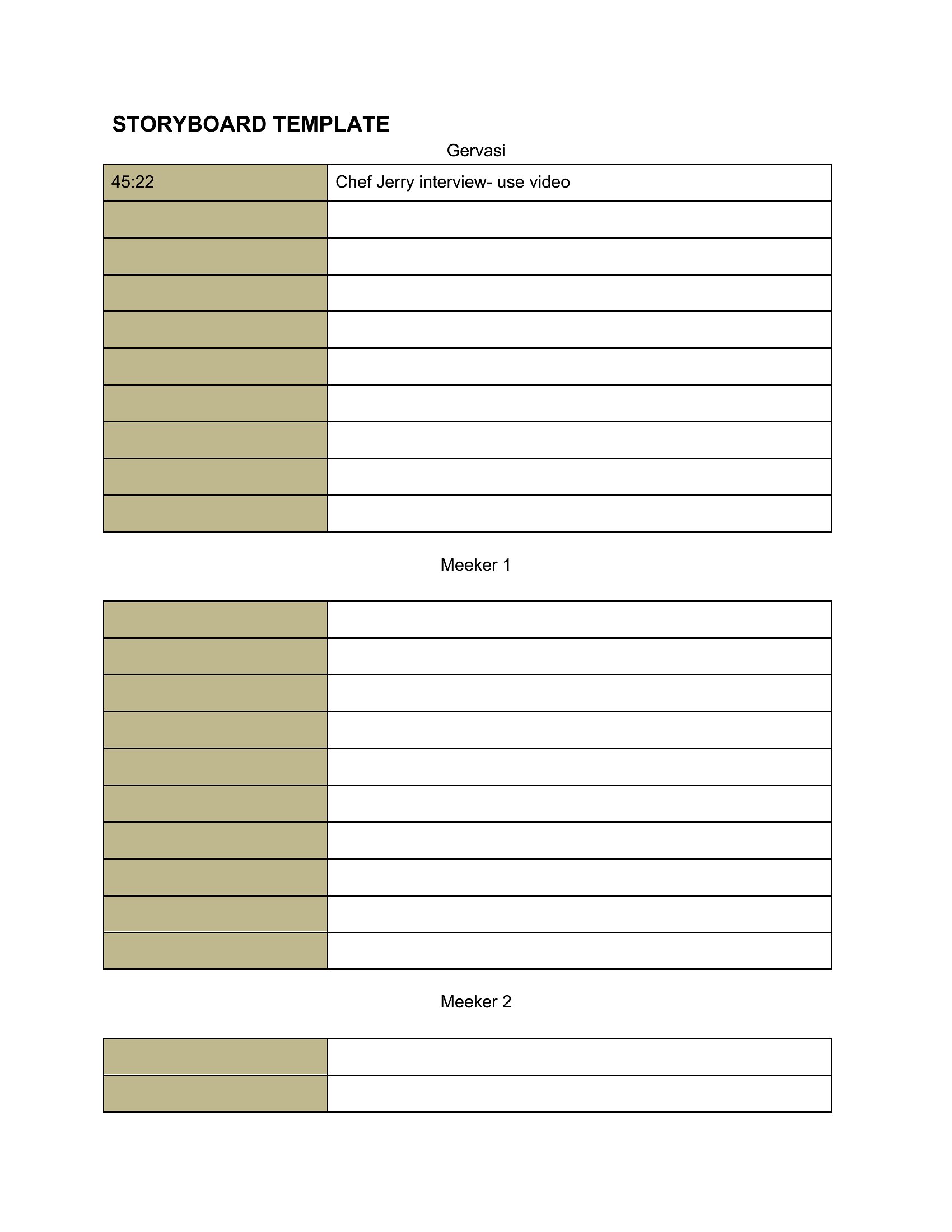
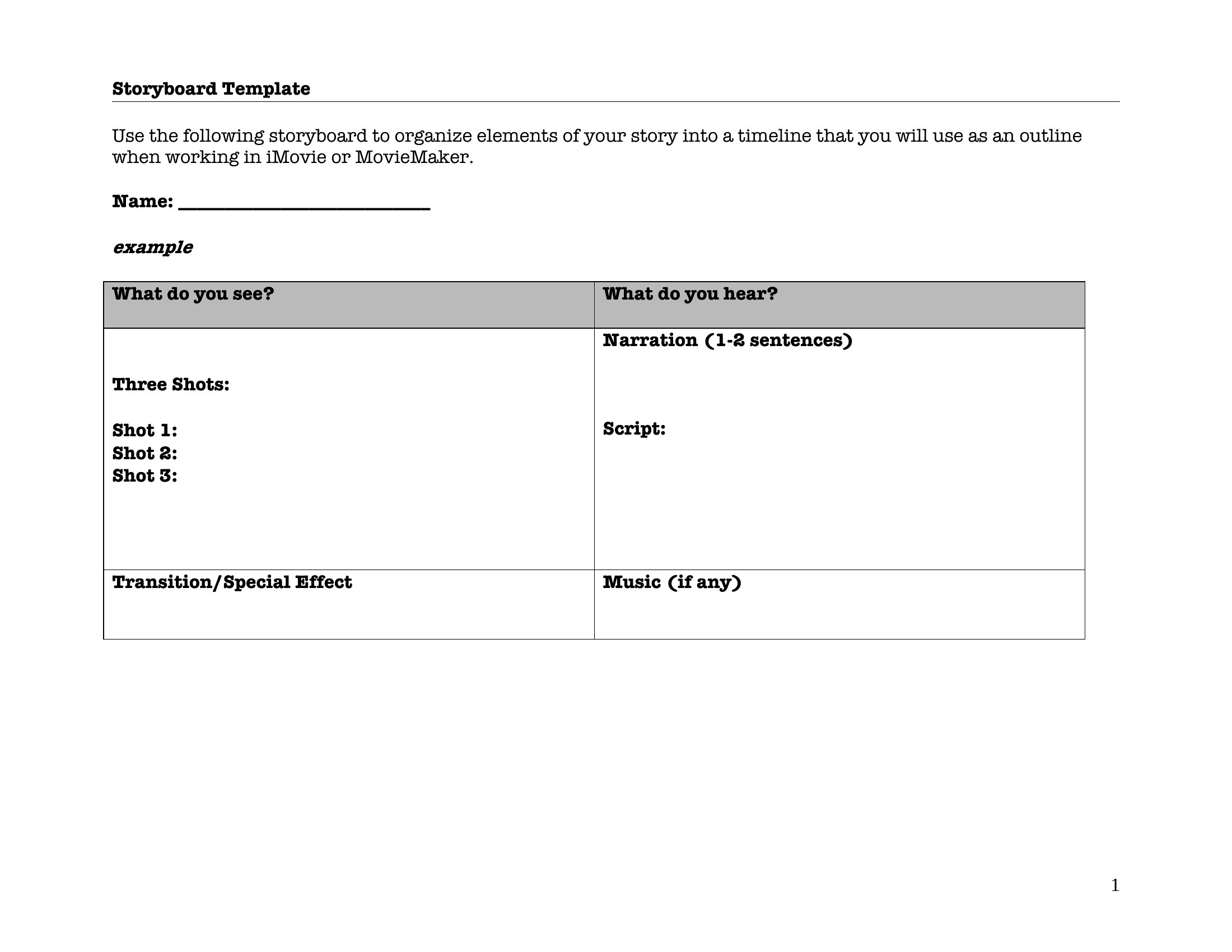
Choose Word if you need an editable, collaborative storyboard that can be tweaked on-screen and shared with a team—it’s ideal for ongoing revisions. Opt for Excel if your storyboard requires structured data, like shot lists with timecodes or detailed annotations in grid format. Download the PDF version if you’re working in a studio environment or need a print-ready reference guide for on-set actors and crew. The PDFs lock in your design for consistency during filming.
Choose from 52 Storyboard Templates
How to use this Storyboard template
How do I decide how many panels or frames to include in my storyboard?
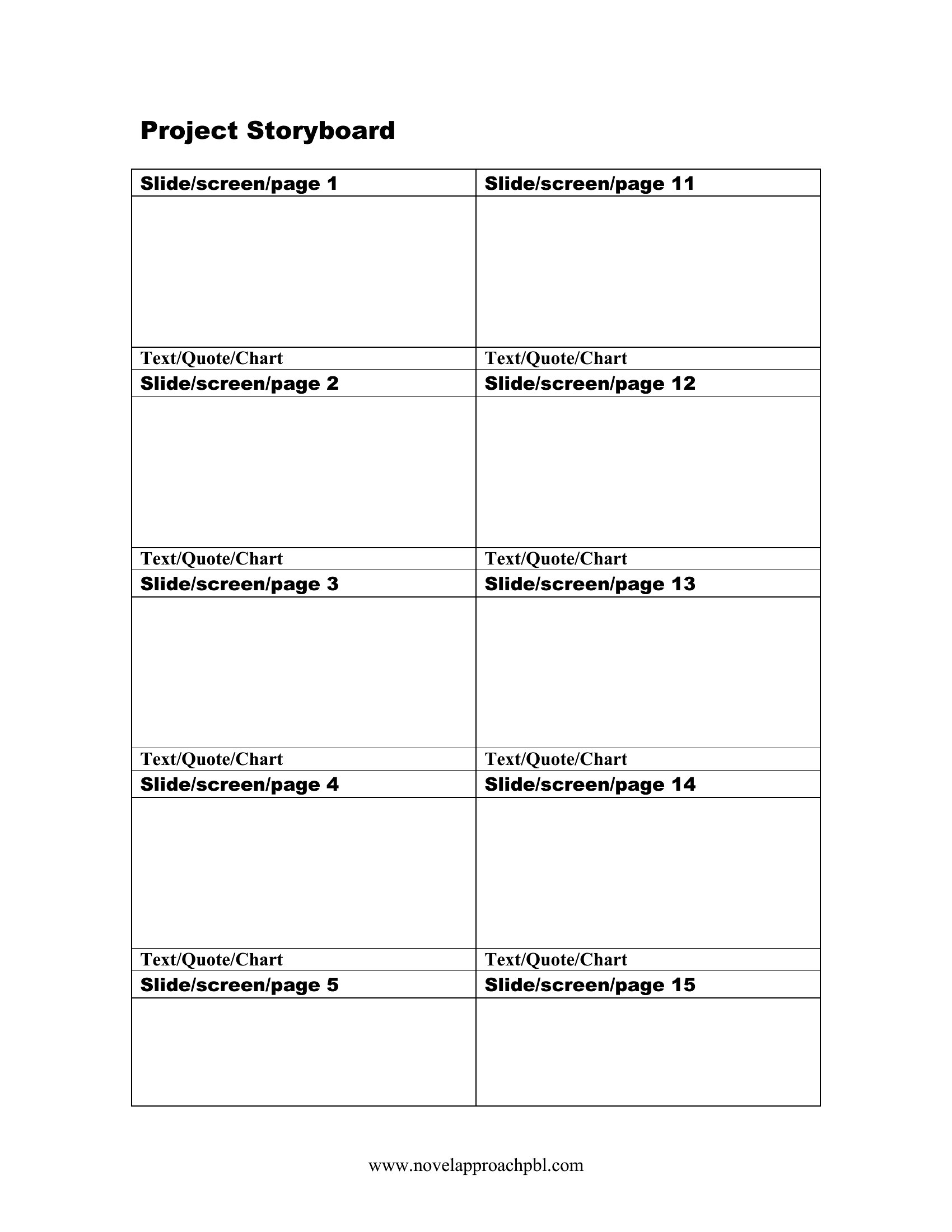
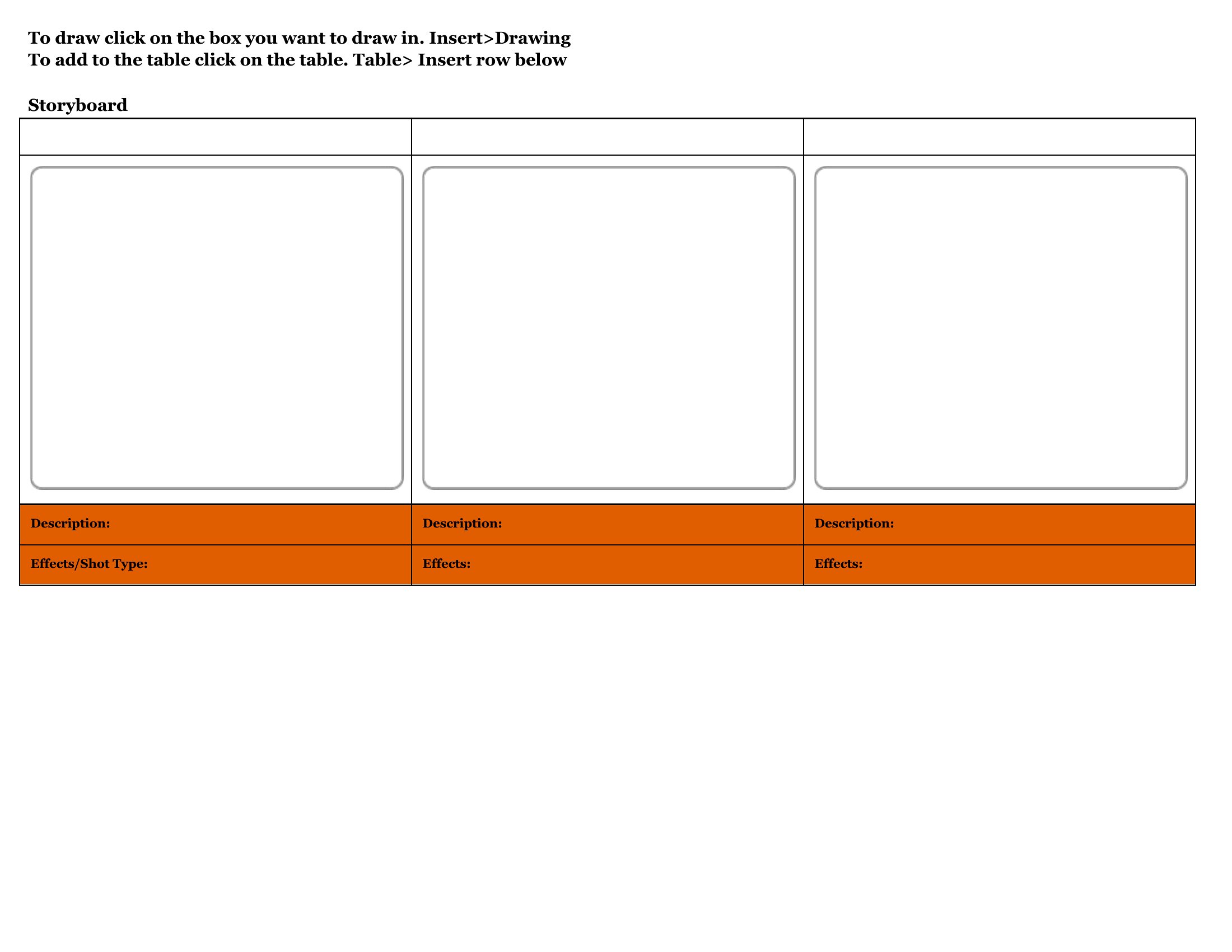
Base your frame count on the pacing of your project. A 1-minute video typically needs 6–12 panels per shot, while a 30-second commercial might use 1–2 panels per shot. Start with a rough sketch of key moments, then fill in transitions. The templates include blank grids to help you scale as needed.
Can these storyboard templates help me plan a non-video project, like a slideshow or comic?
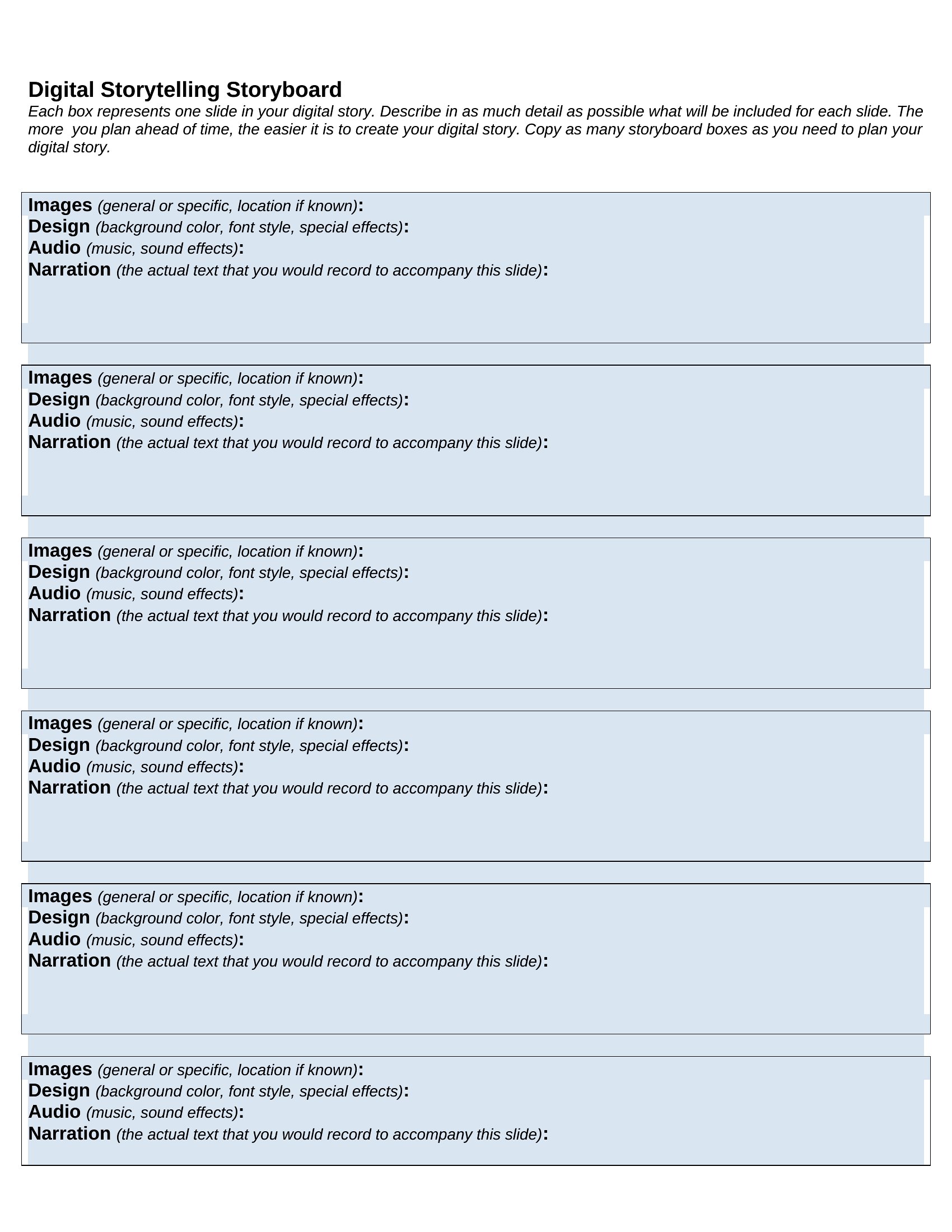
Absolutely. The structure works for any sequential visual project. For comics, use the panels to map out page layouts and dialogue bubbles. For slideshows, treat each panel as a slide, noting text placement and design notes. The Excel versions are especially useful for tracking assets like images or quotes.
What’s the best way to incorporate dialogue or narration into my storyboard?
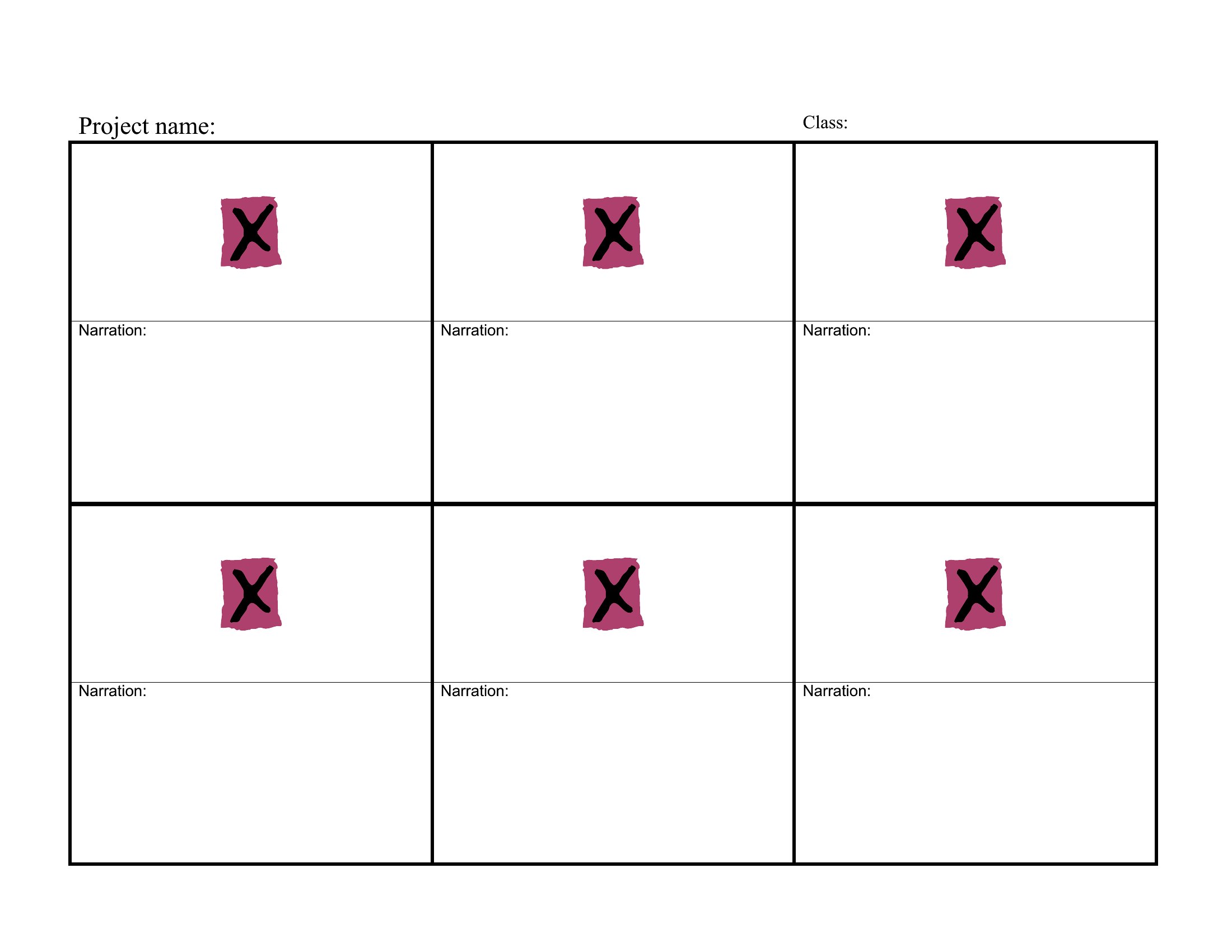
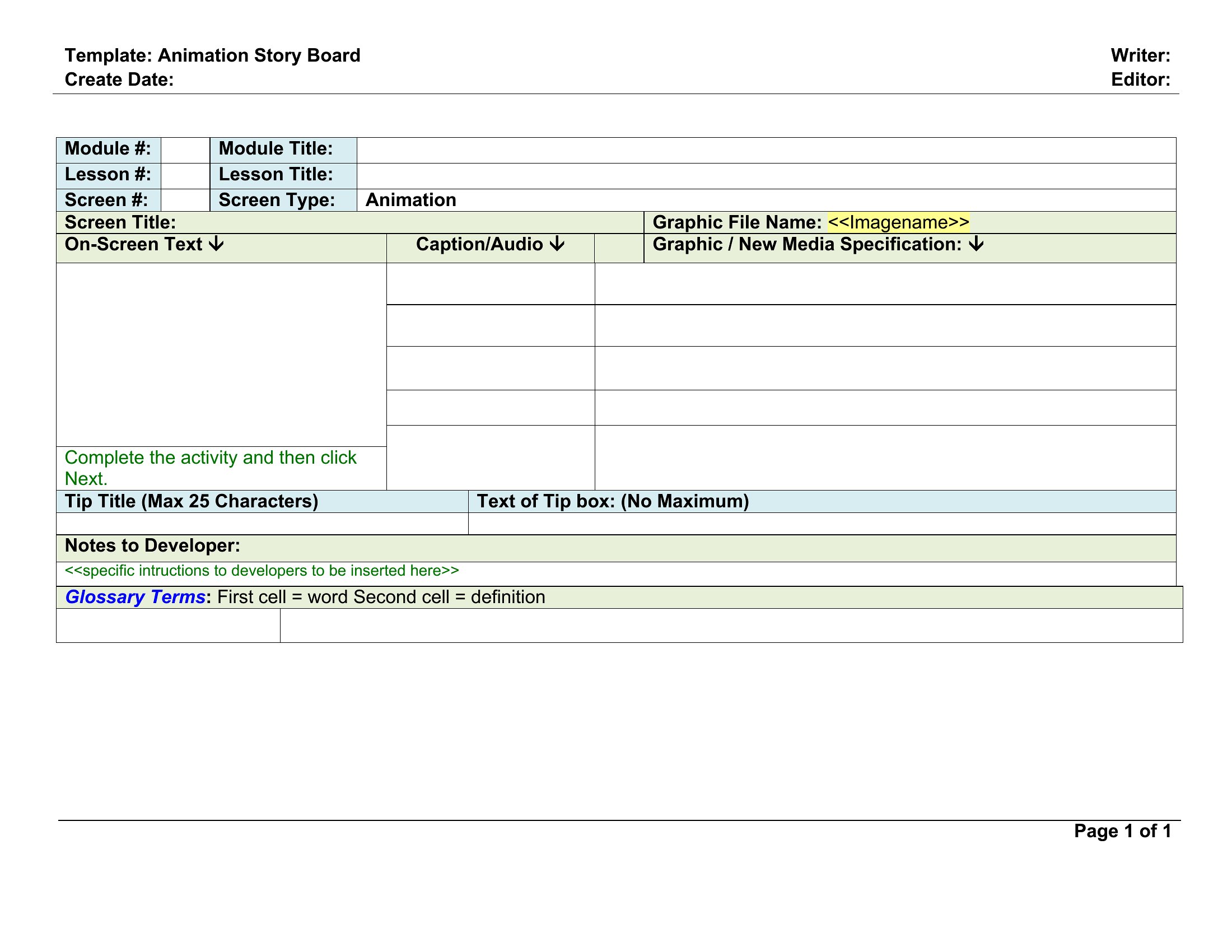
Use the Word or Excel templates to add a dedicated column or box for dialogue, timing it roughly to your script. For PDFs, leave blank speech bubbles or text placeholders. Keep it concise—aim for 1–2 lines per panel to avoid clutter. Color-code key lines if they’re critical to the scene’s tone.
Comments
Join the conversation
Sign in to share your thoughts and leave a comment on this resource.