Skip to content
50% off this one-time $1.99 pack with HALFOFF — or unlimited with Pro.HALFOFF
Premium

Free Project Budget Templates (Word, Excel, PDF)
Project
ildapires by ildapires
Updated 0 downloads Quality-checked template

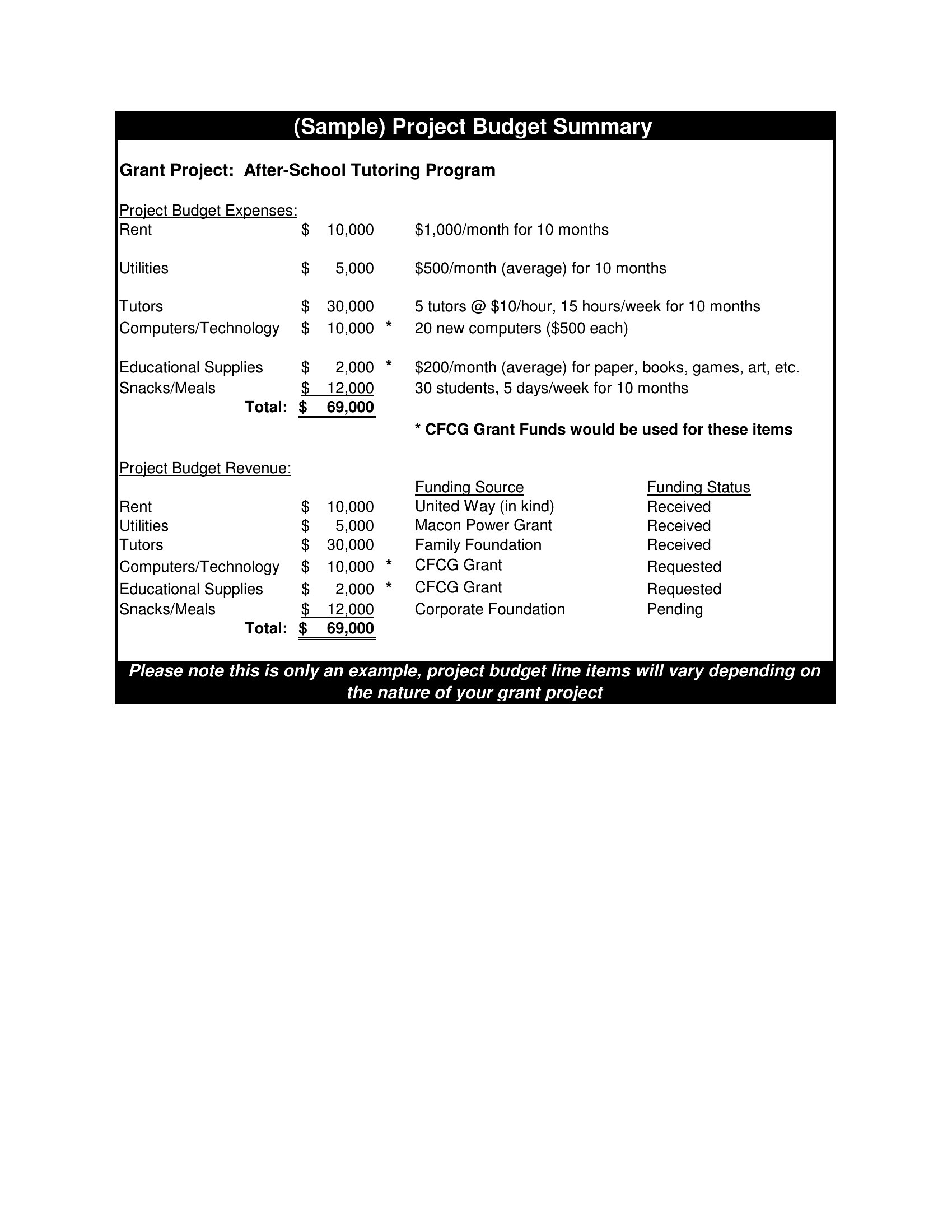
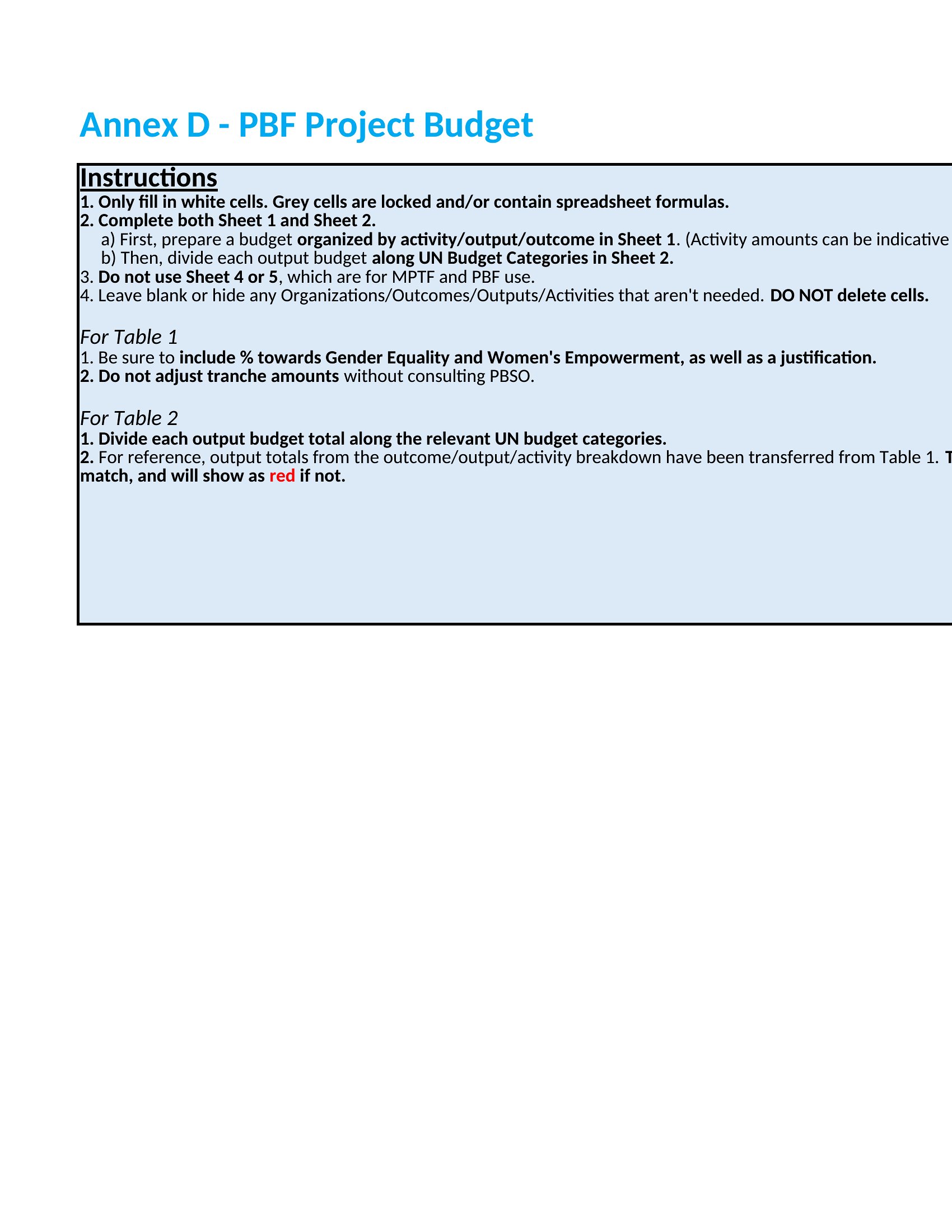
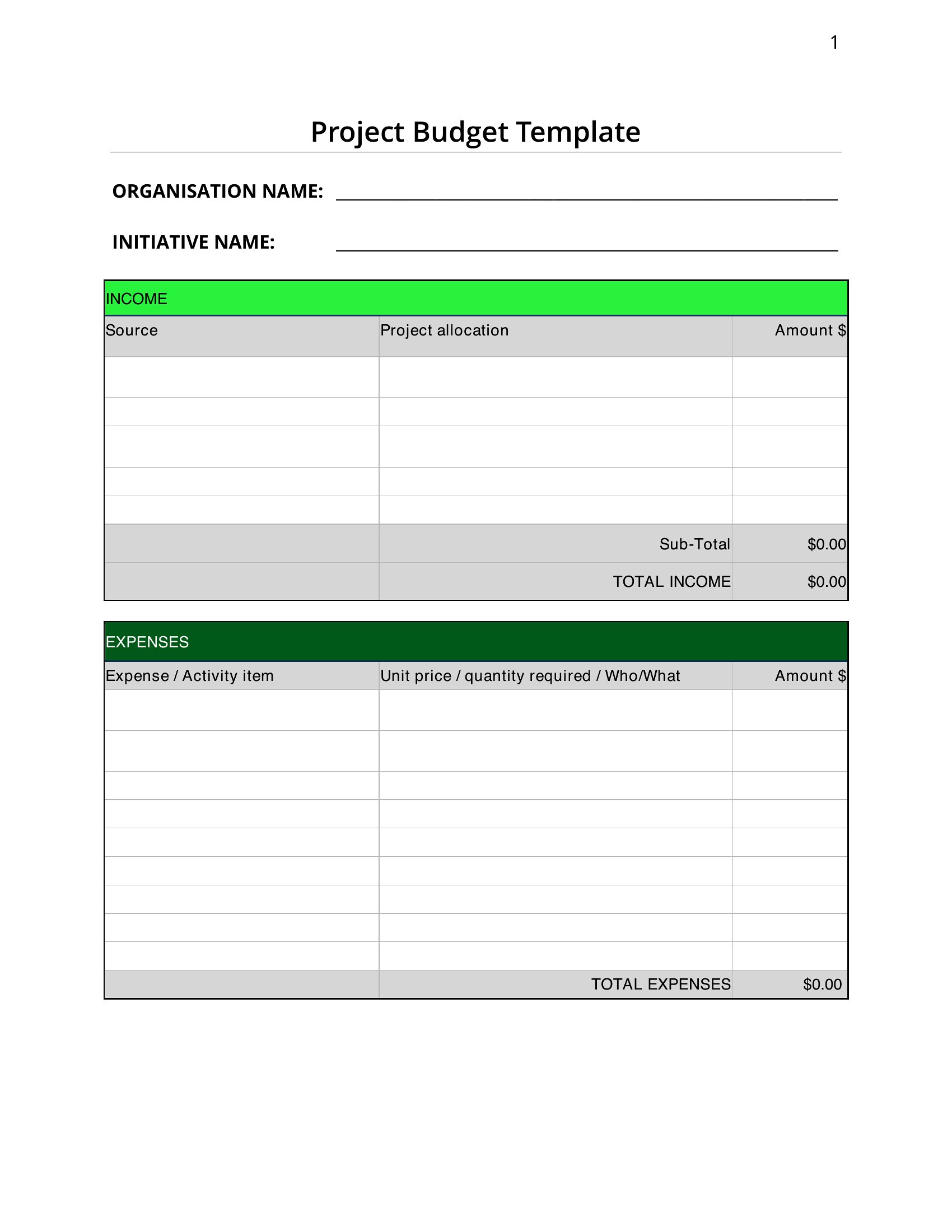
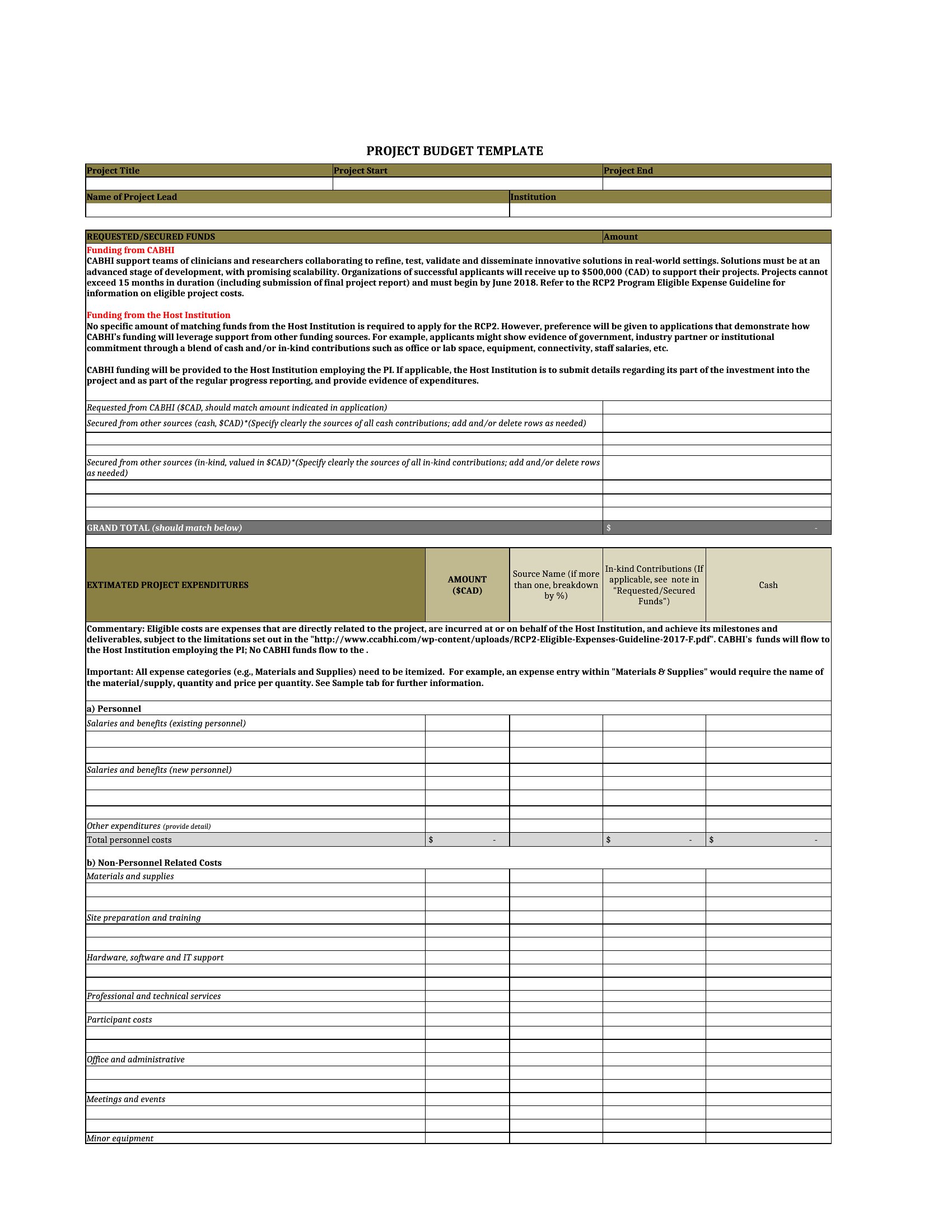
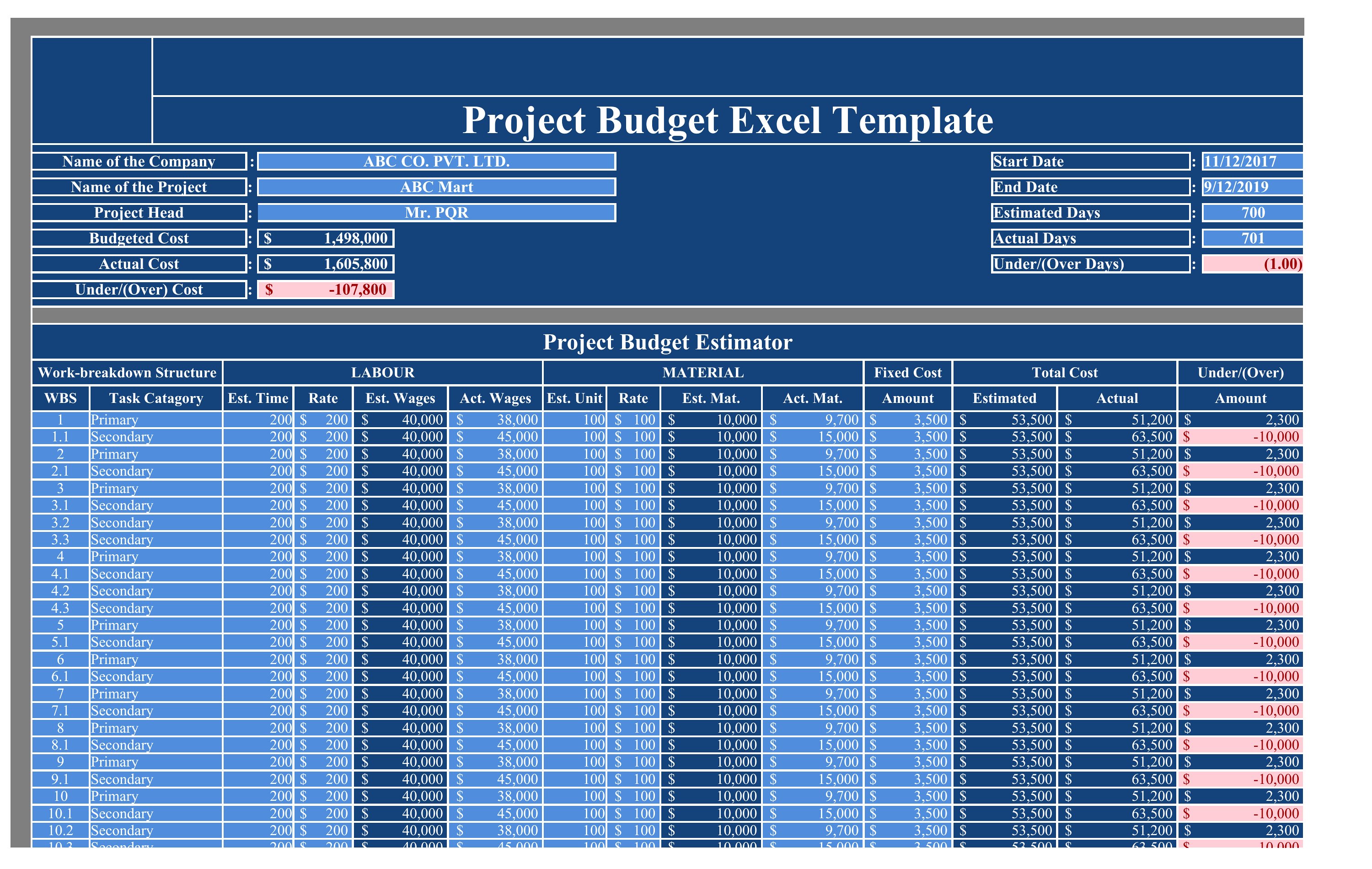
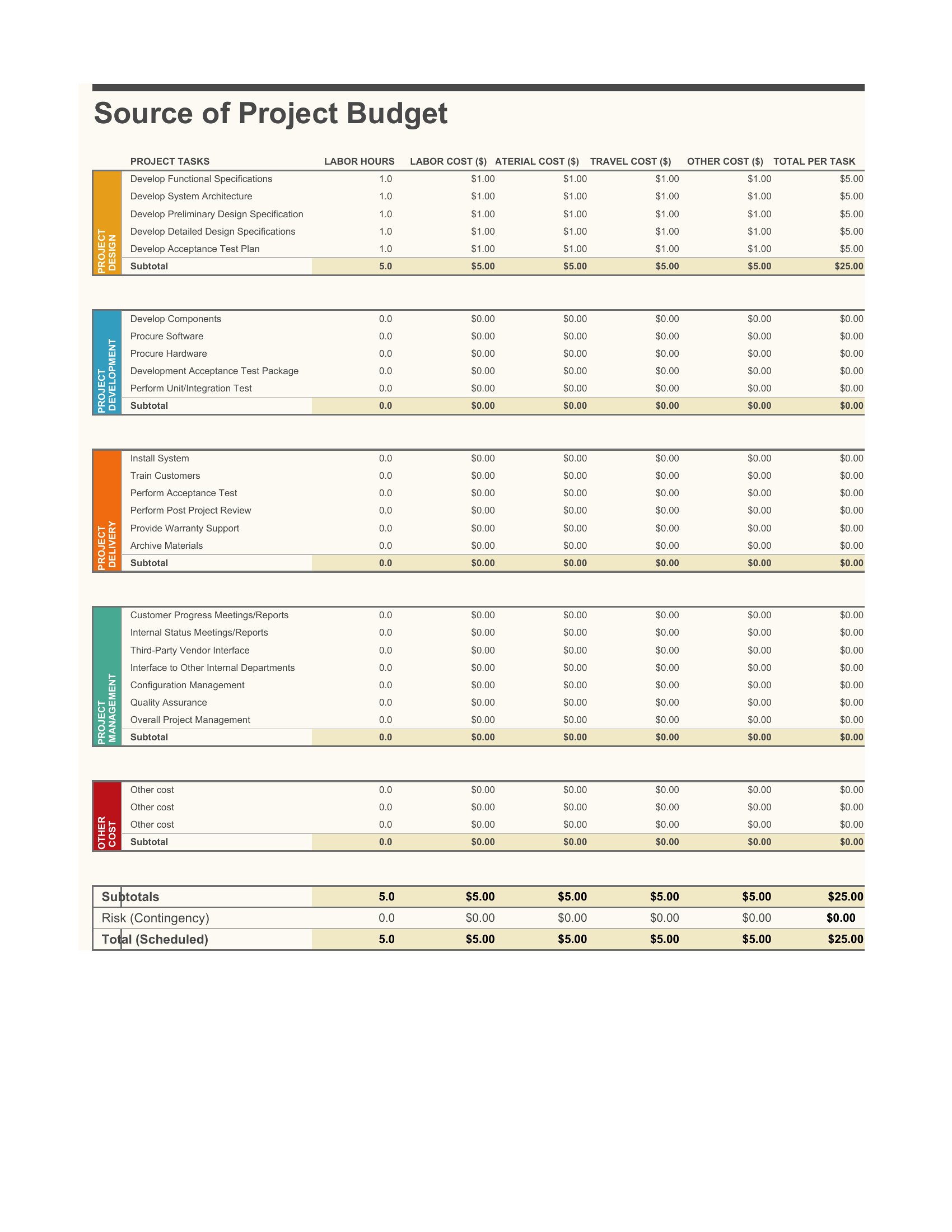
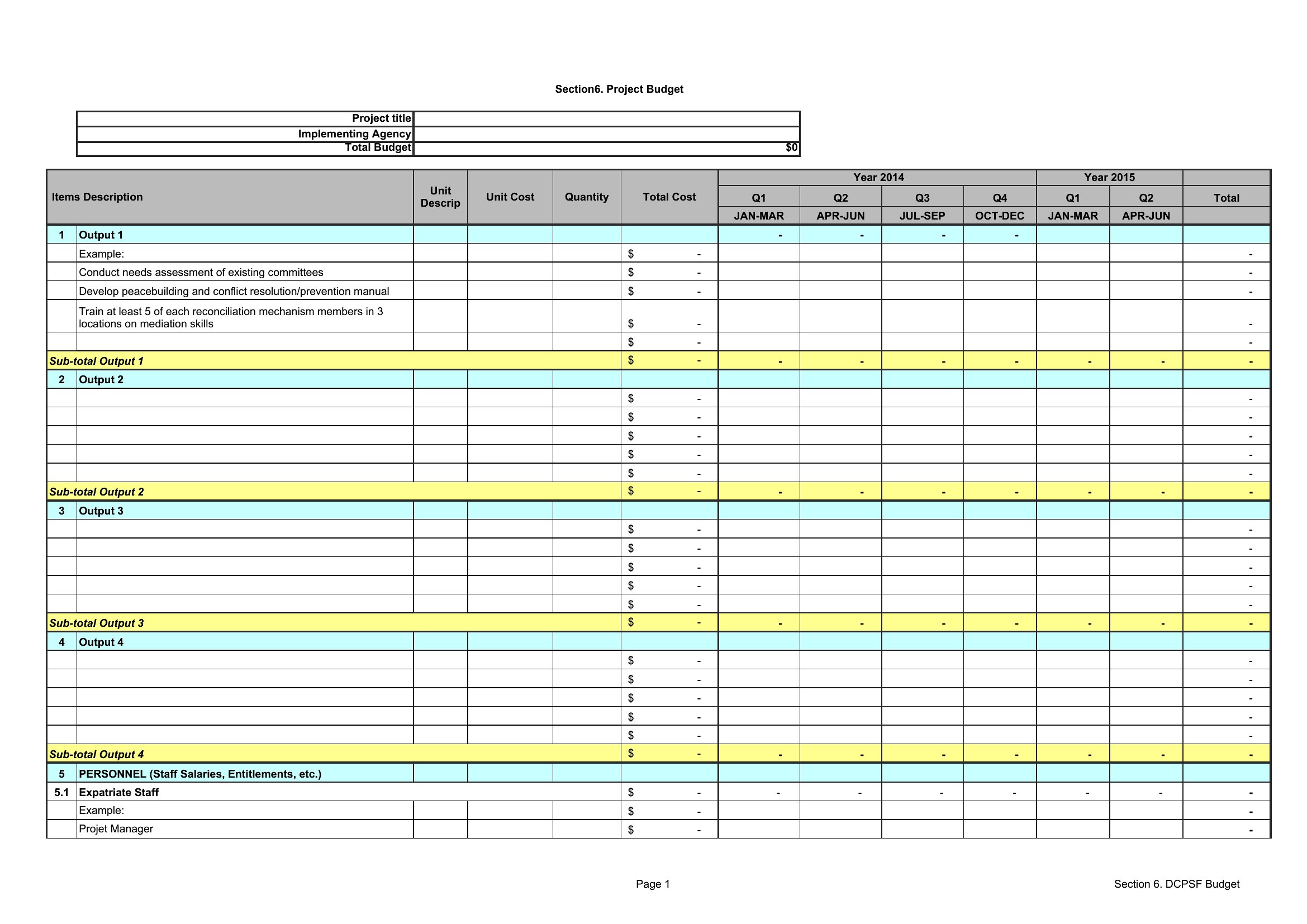
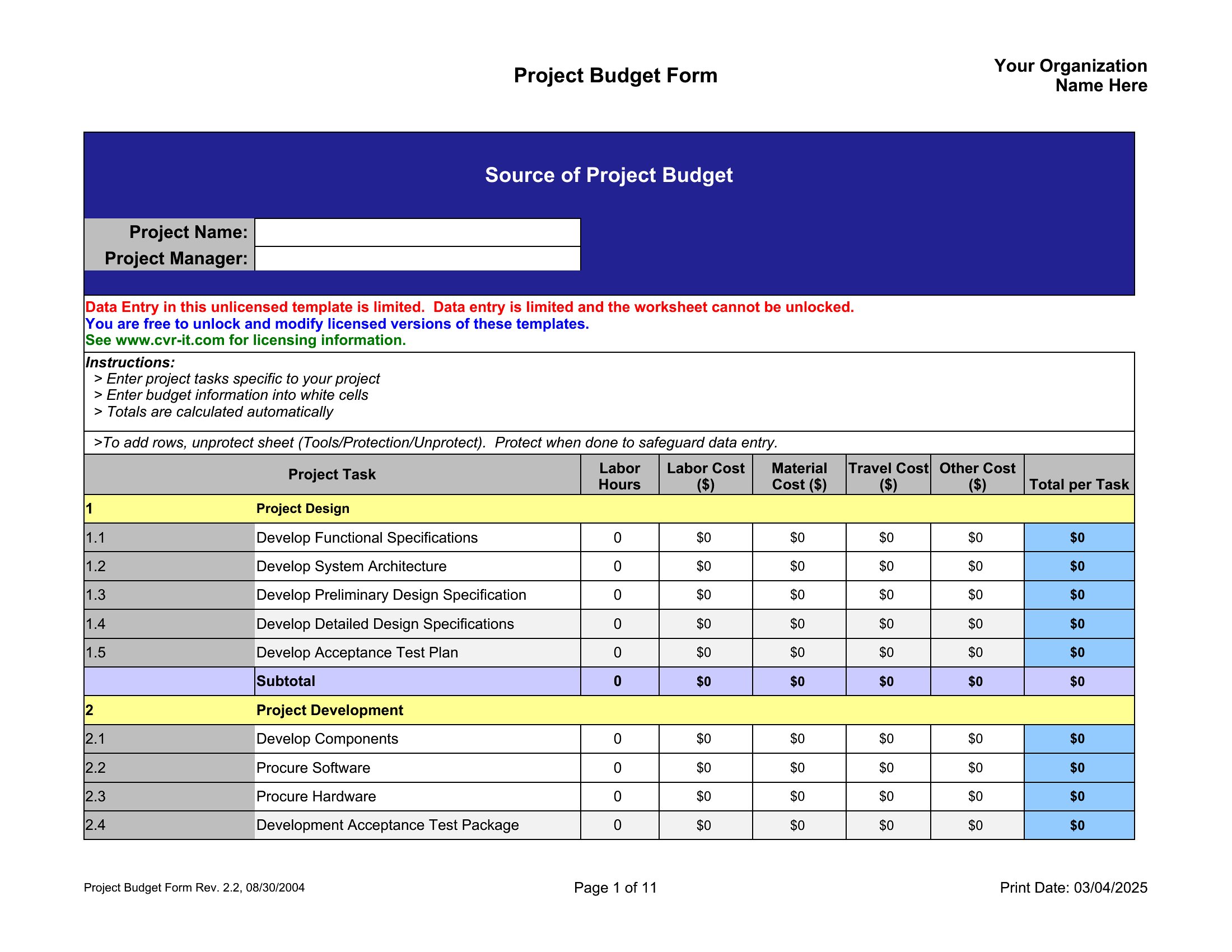
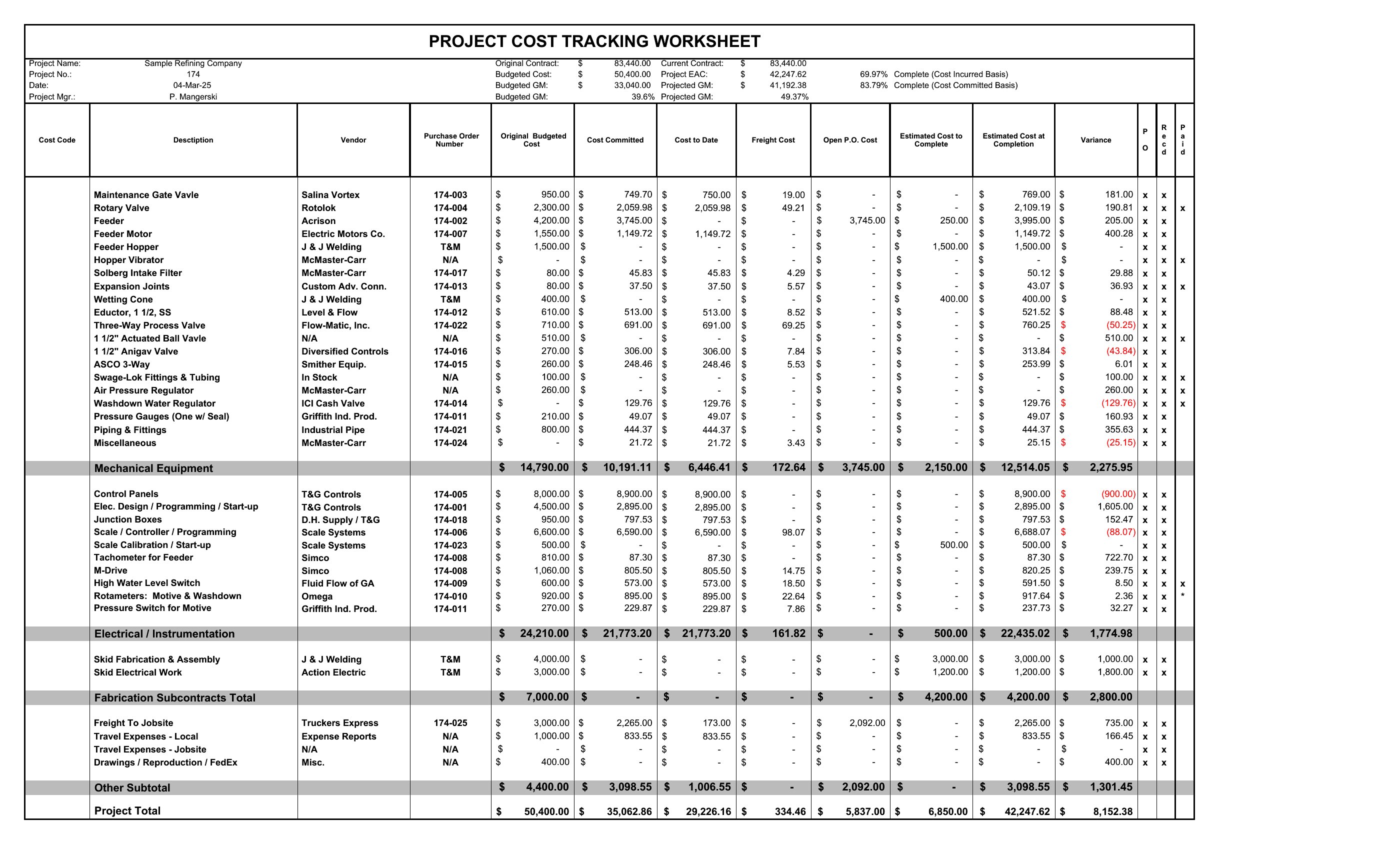
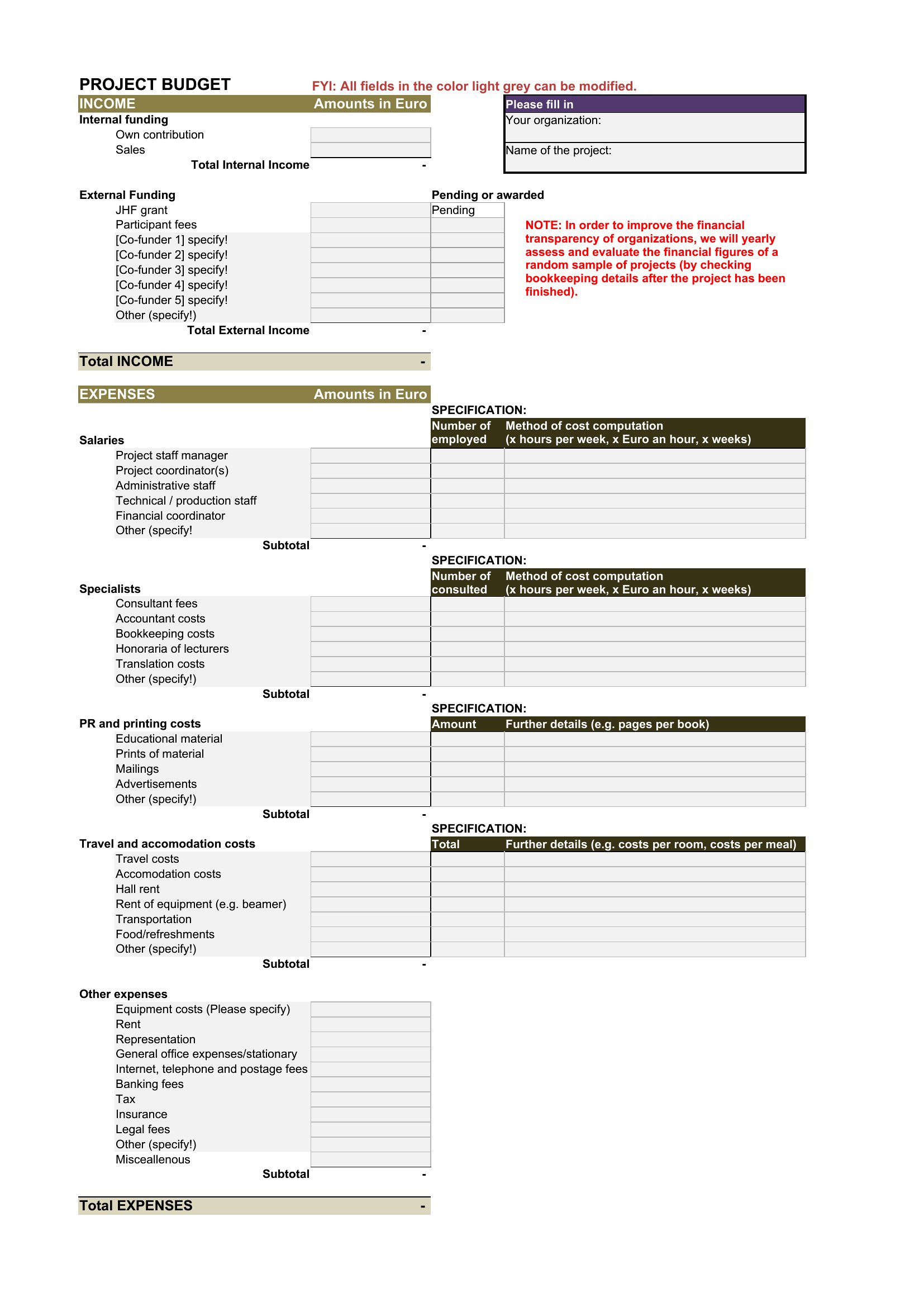
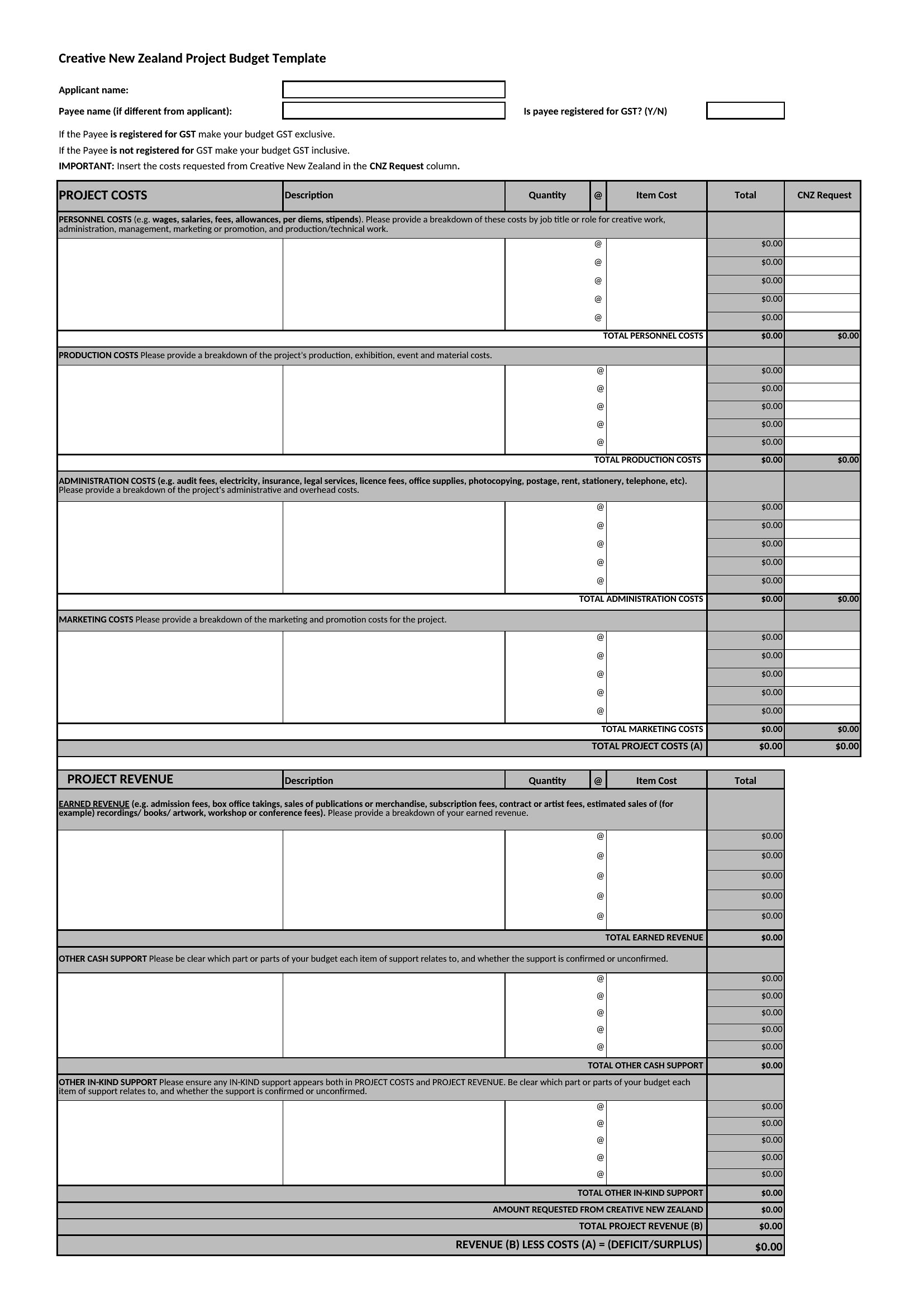
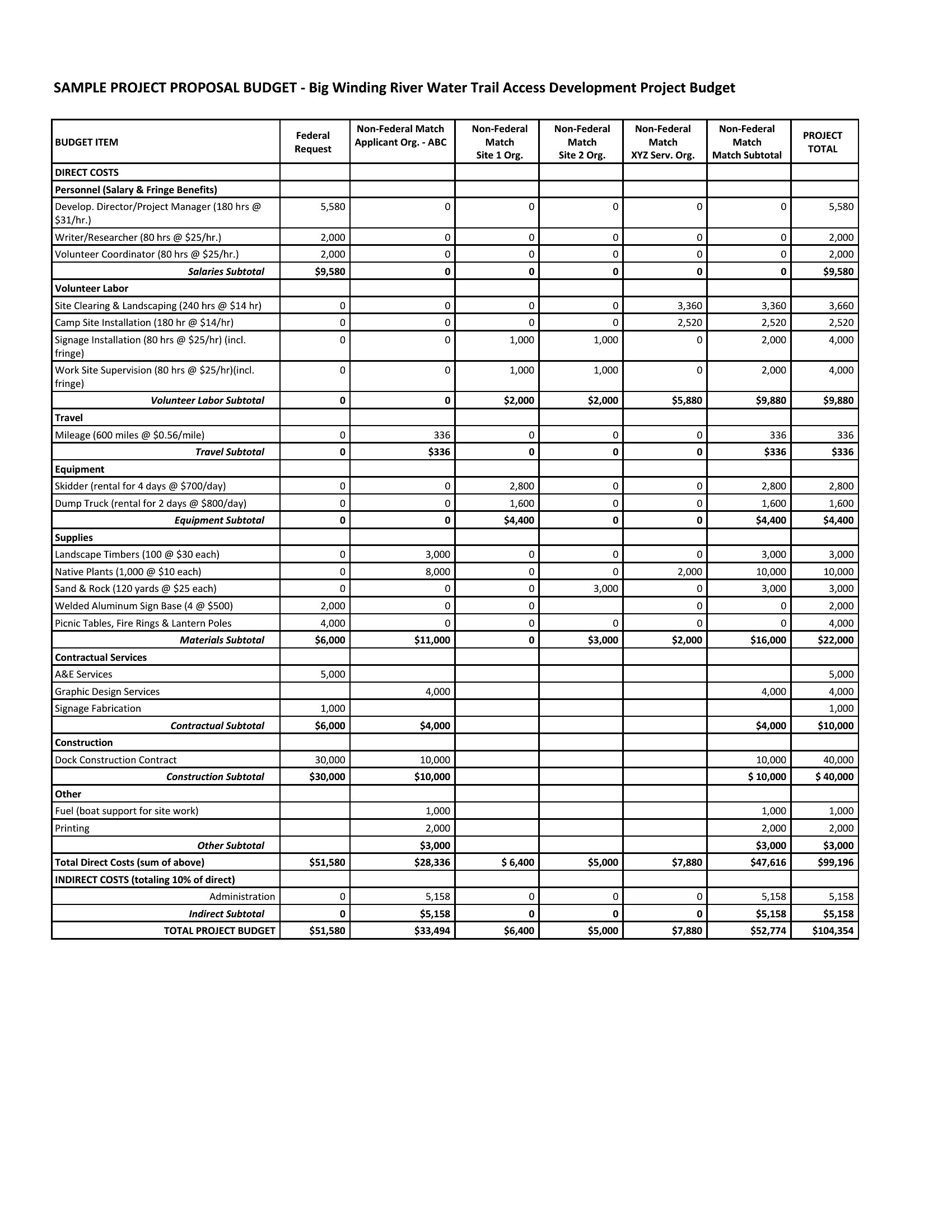
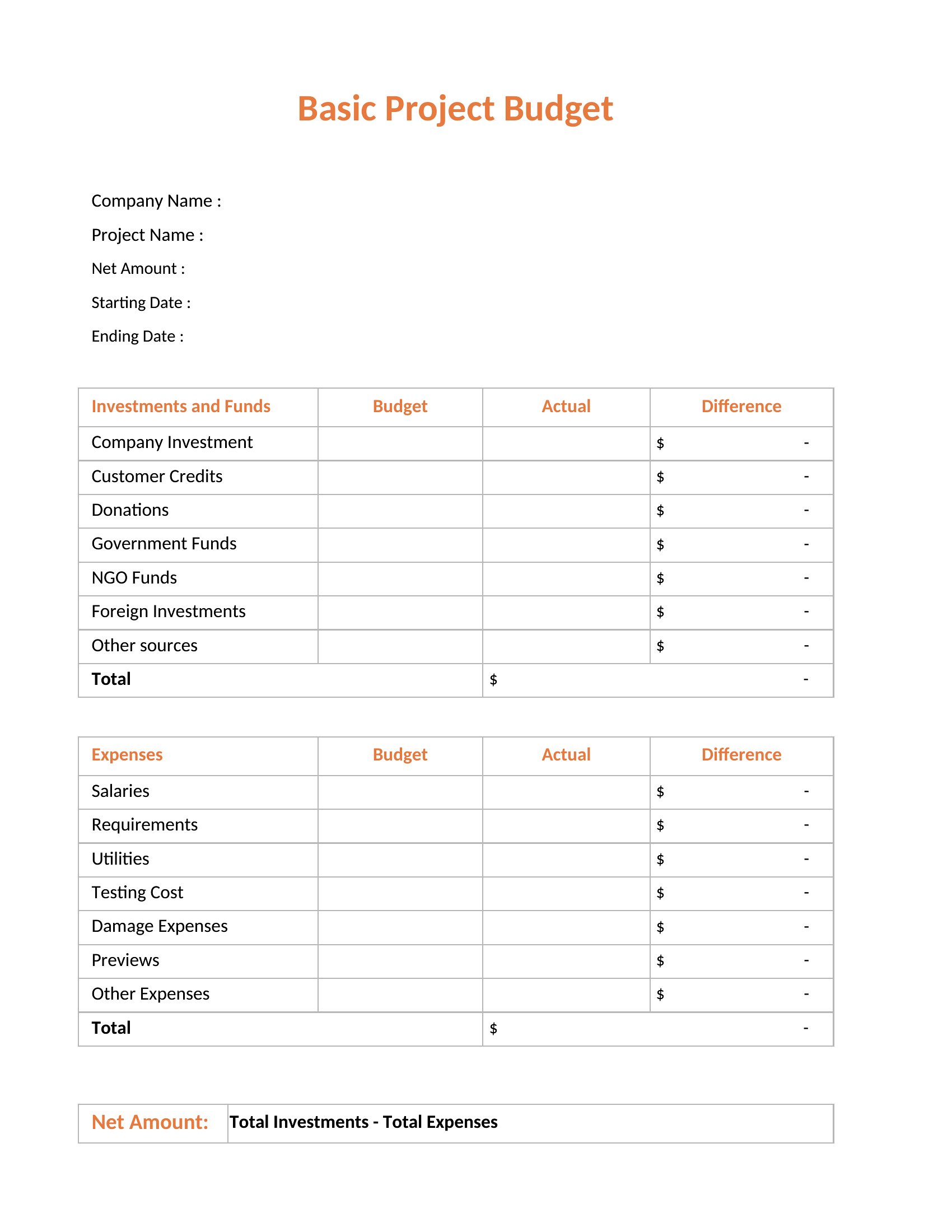
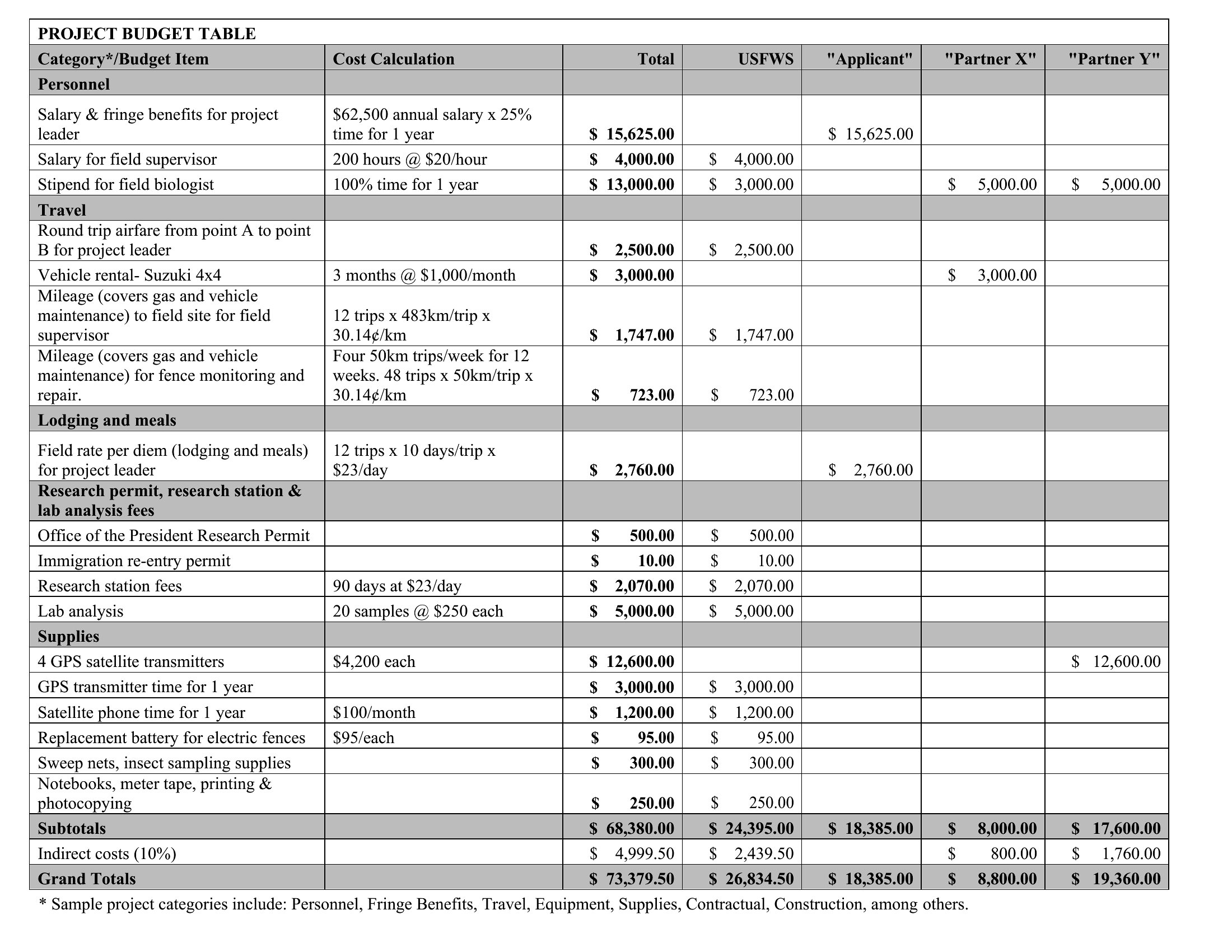
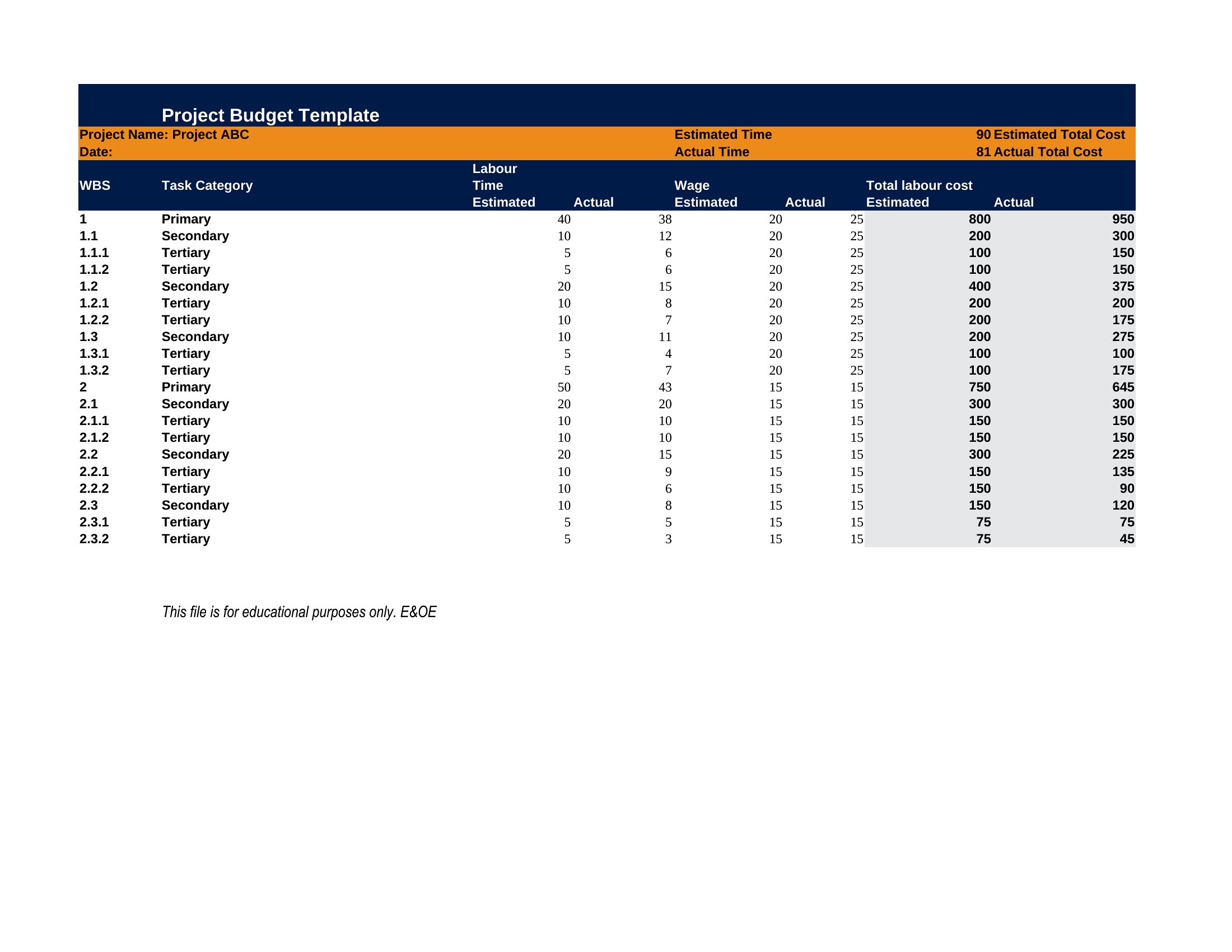
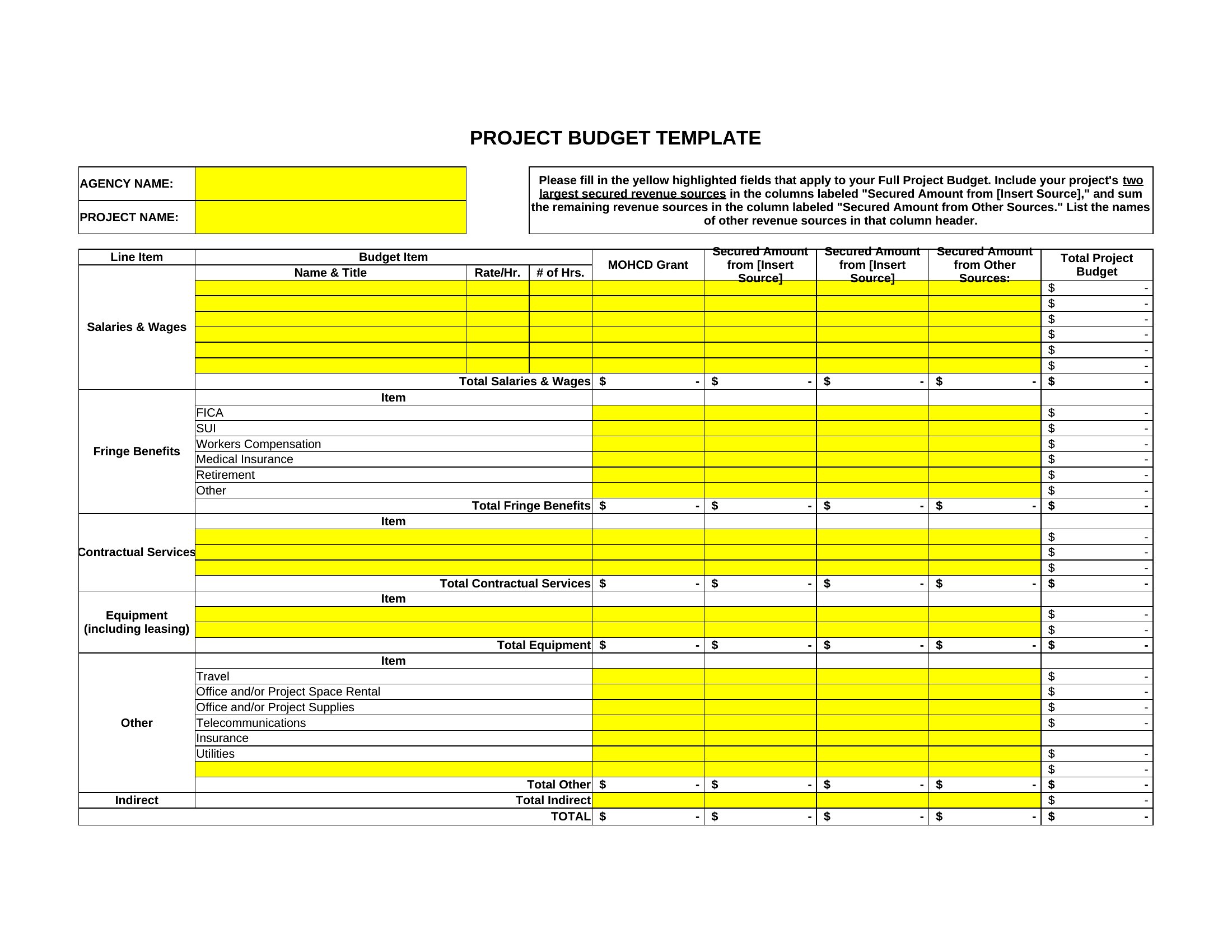
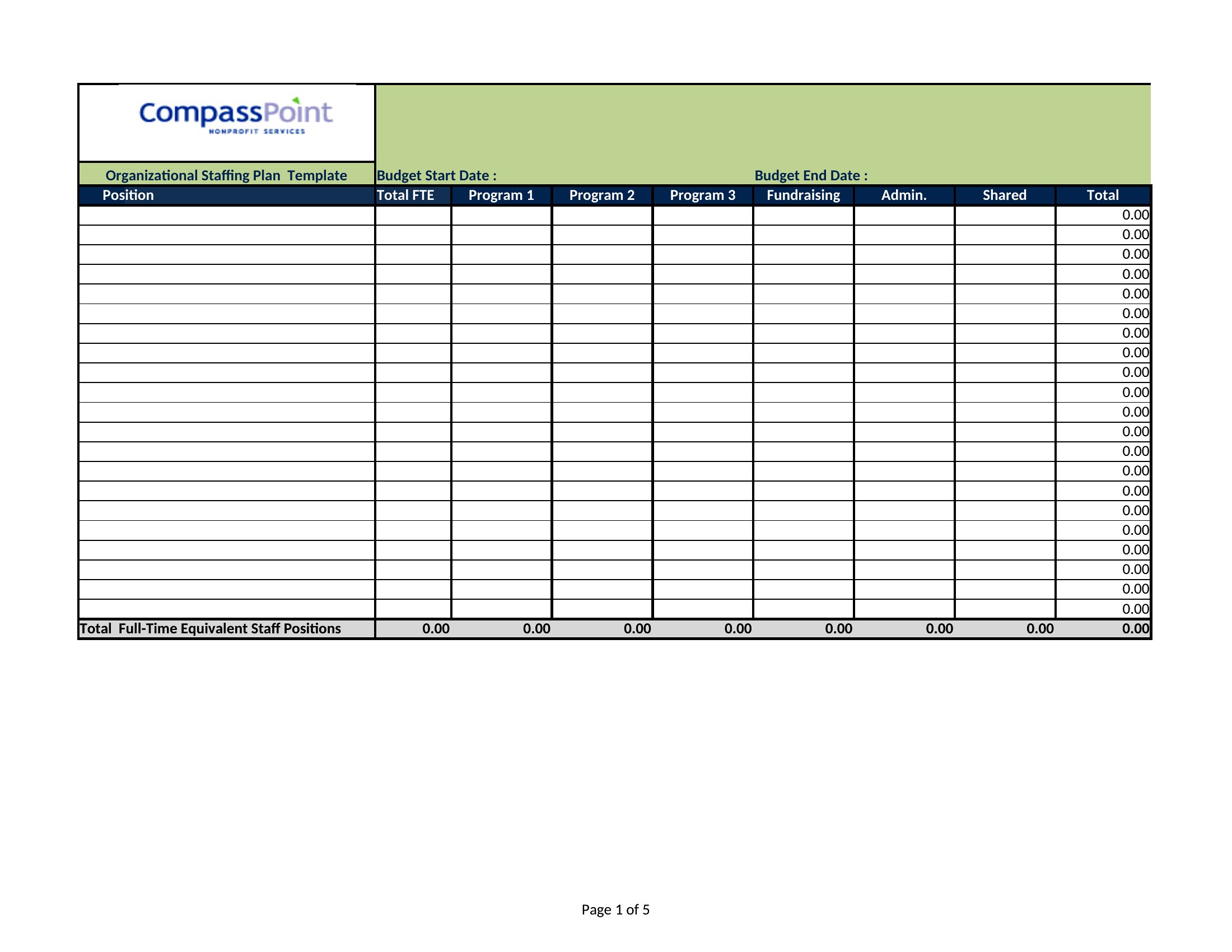
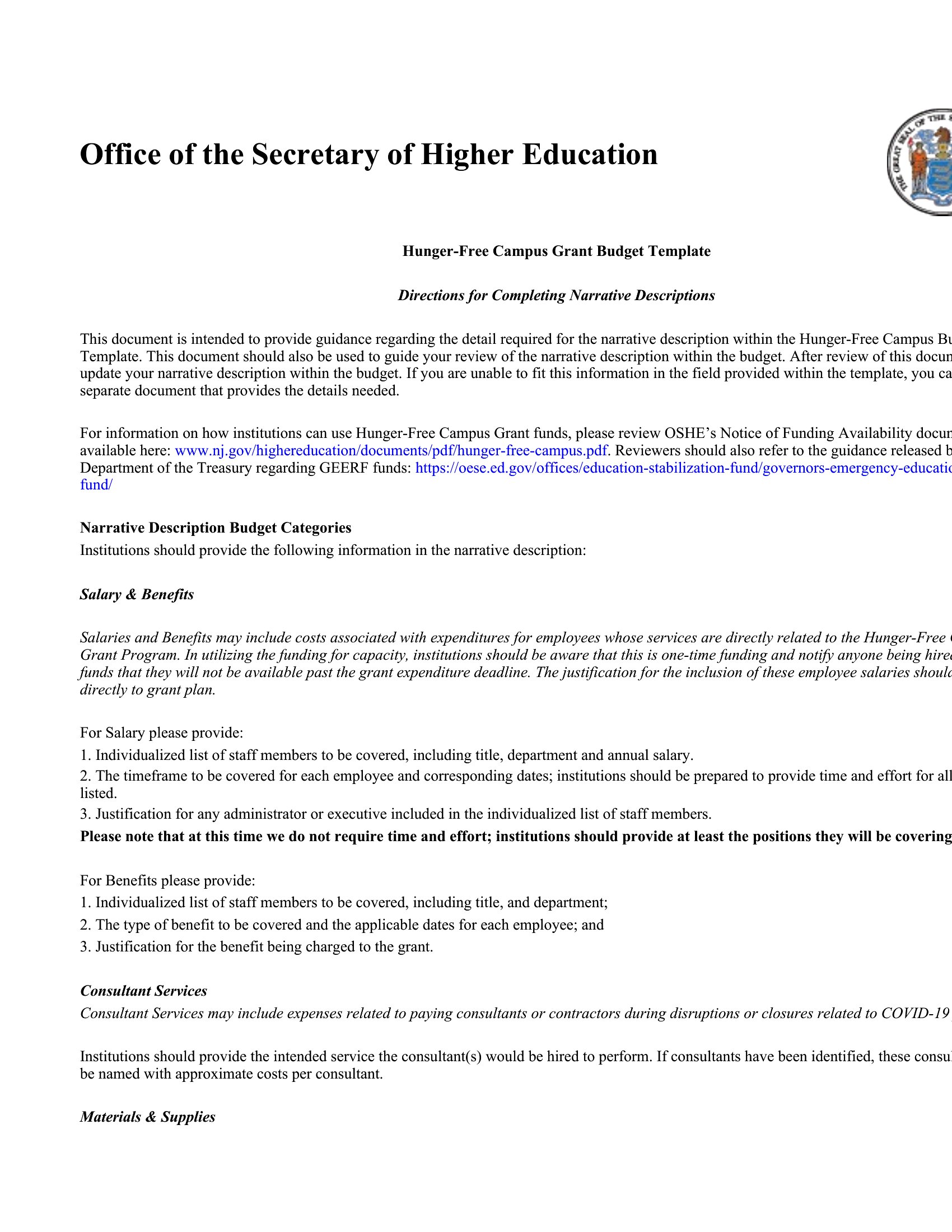
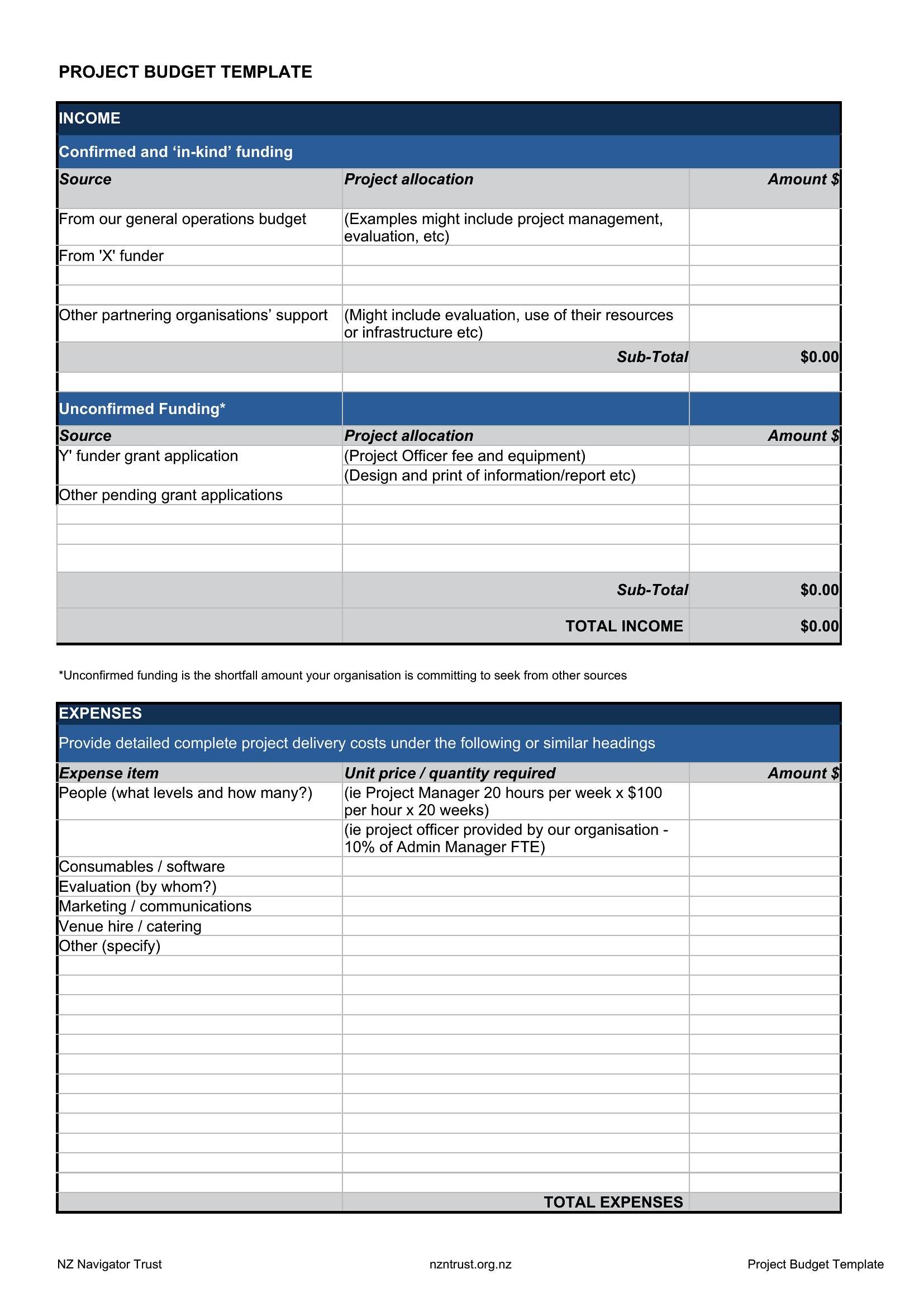
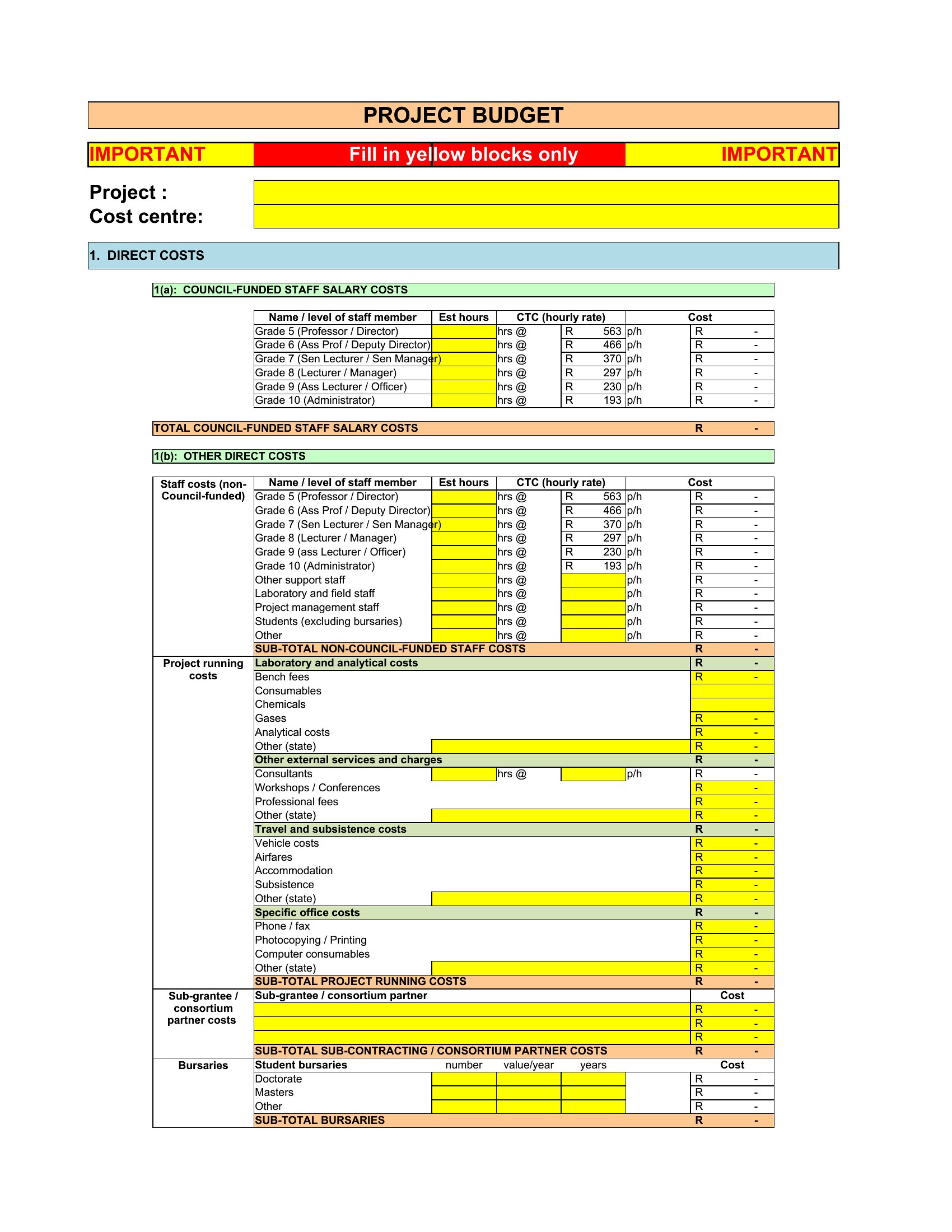
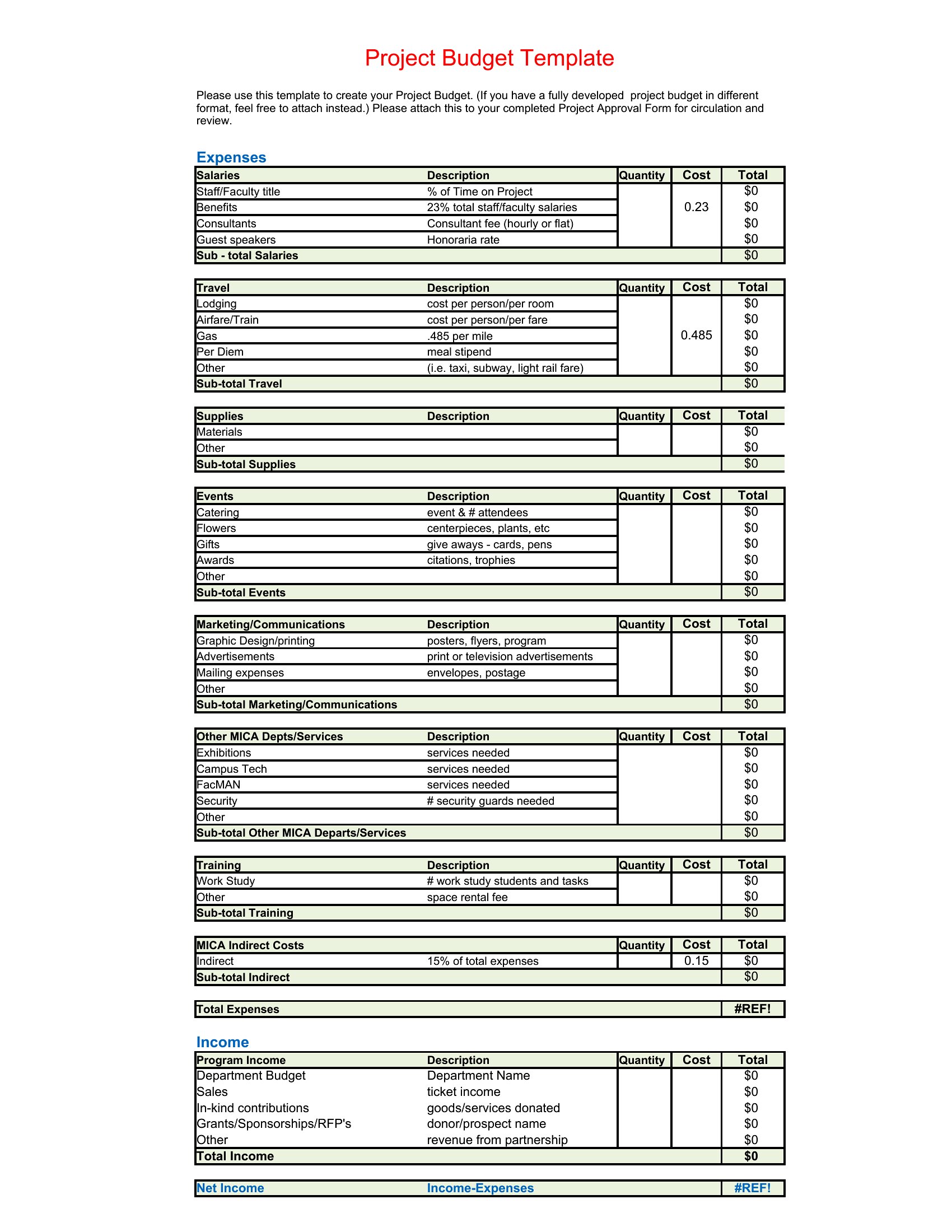
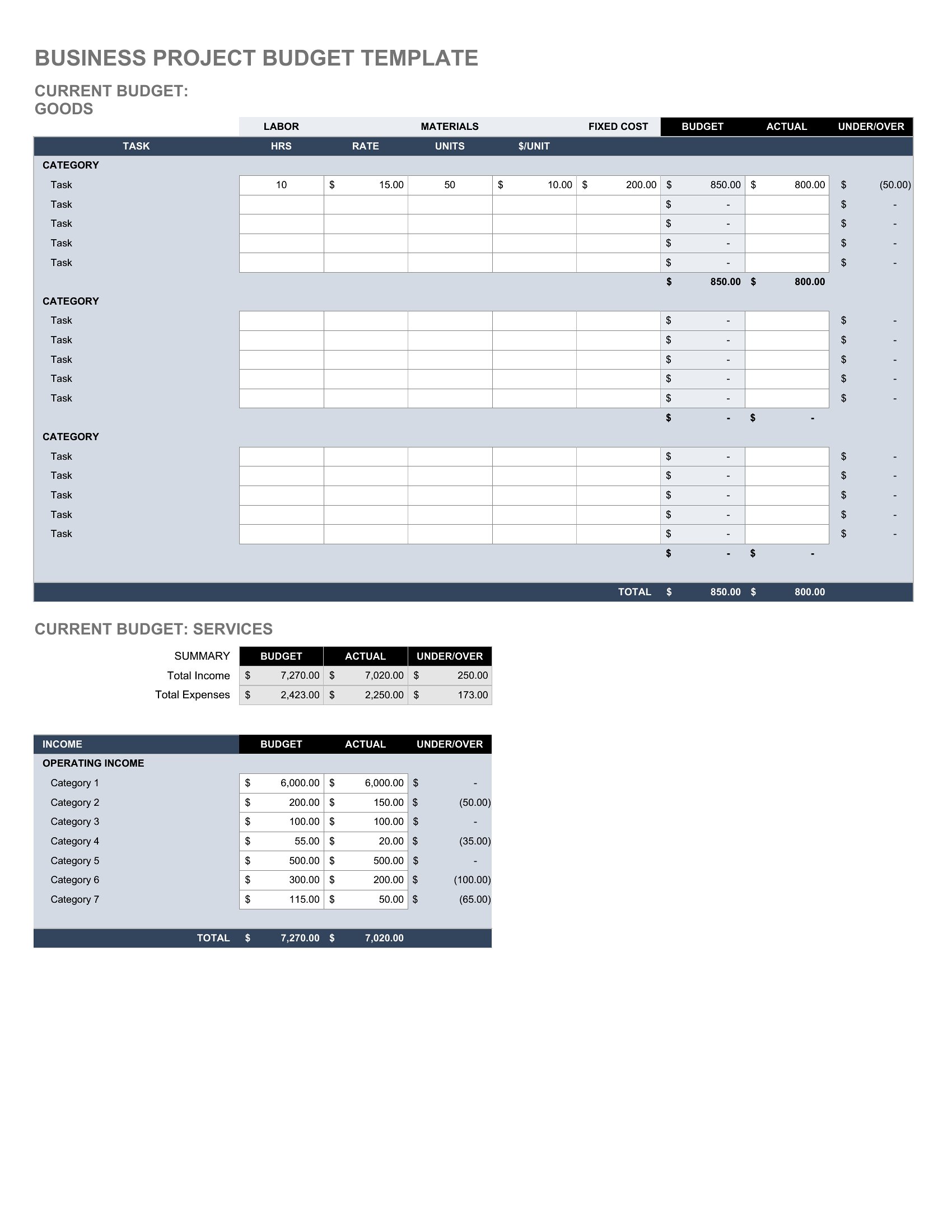
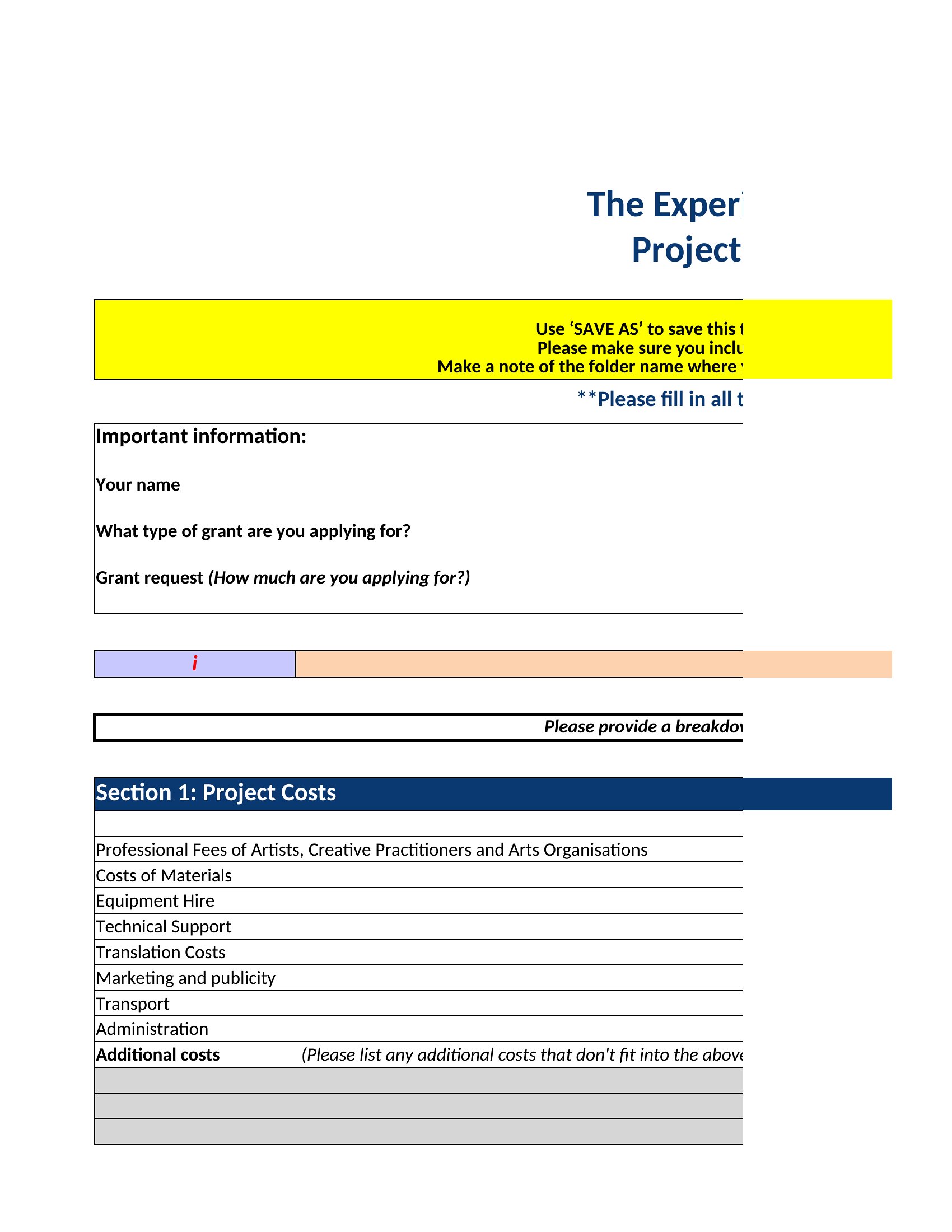
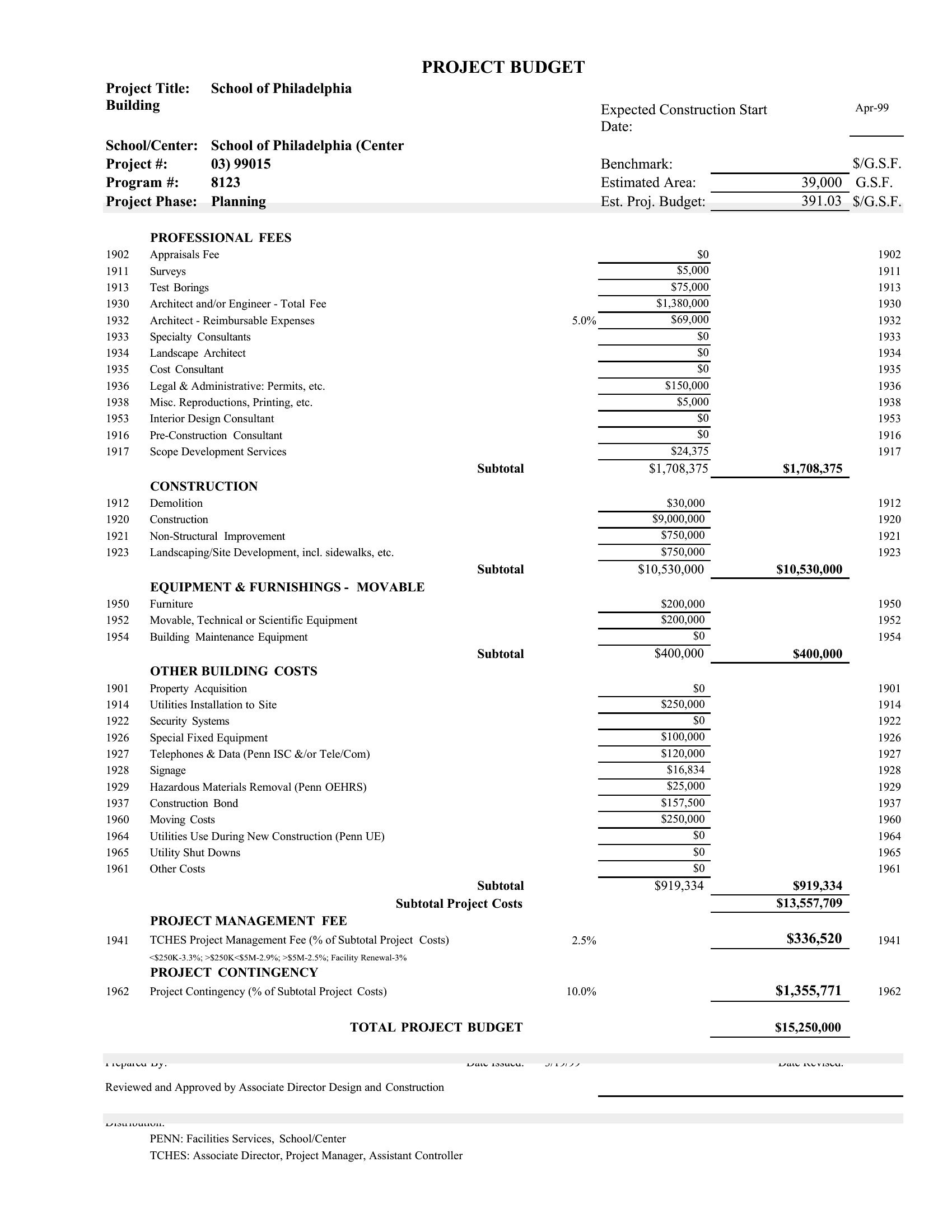
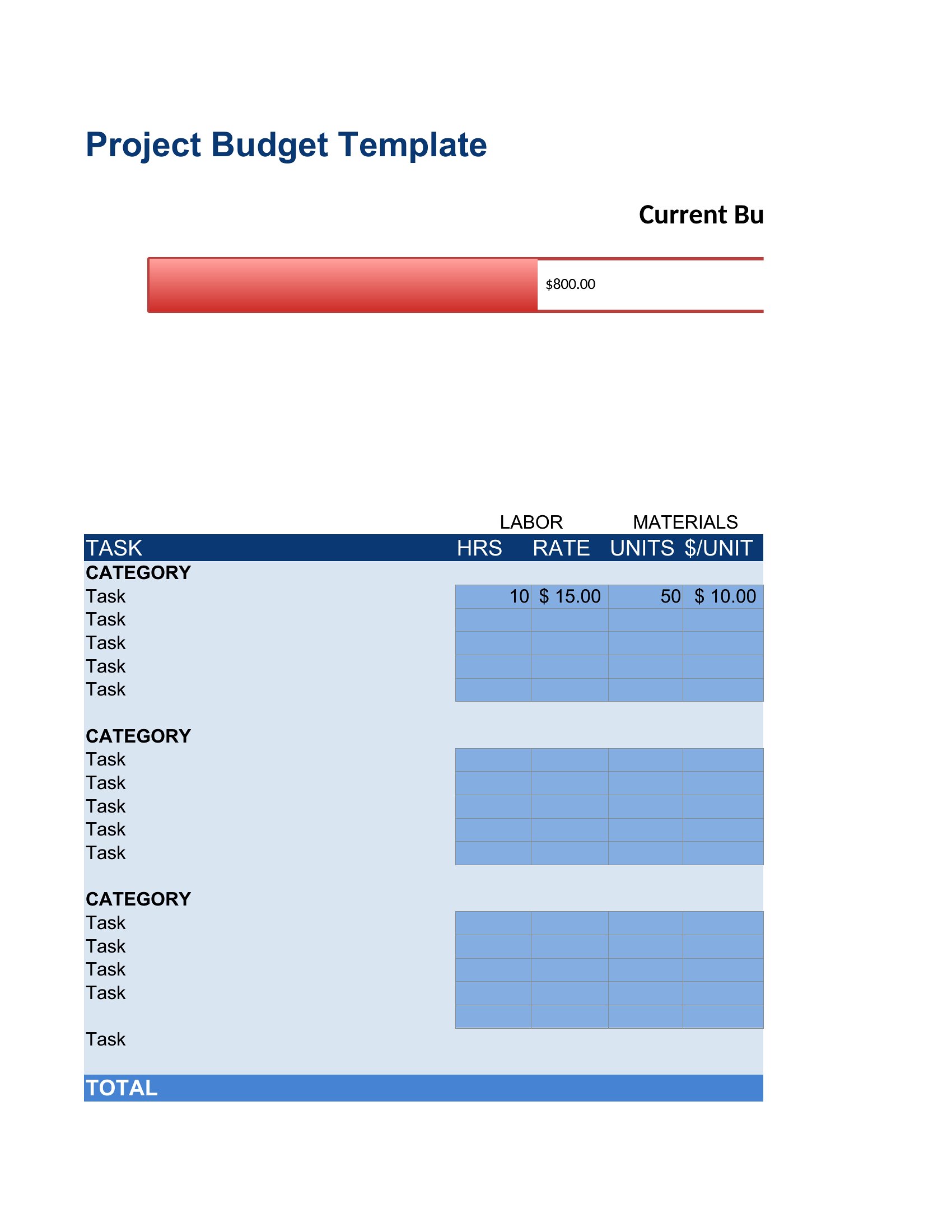
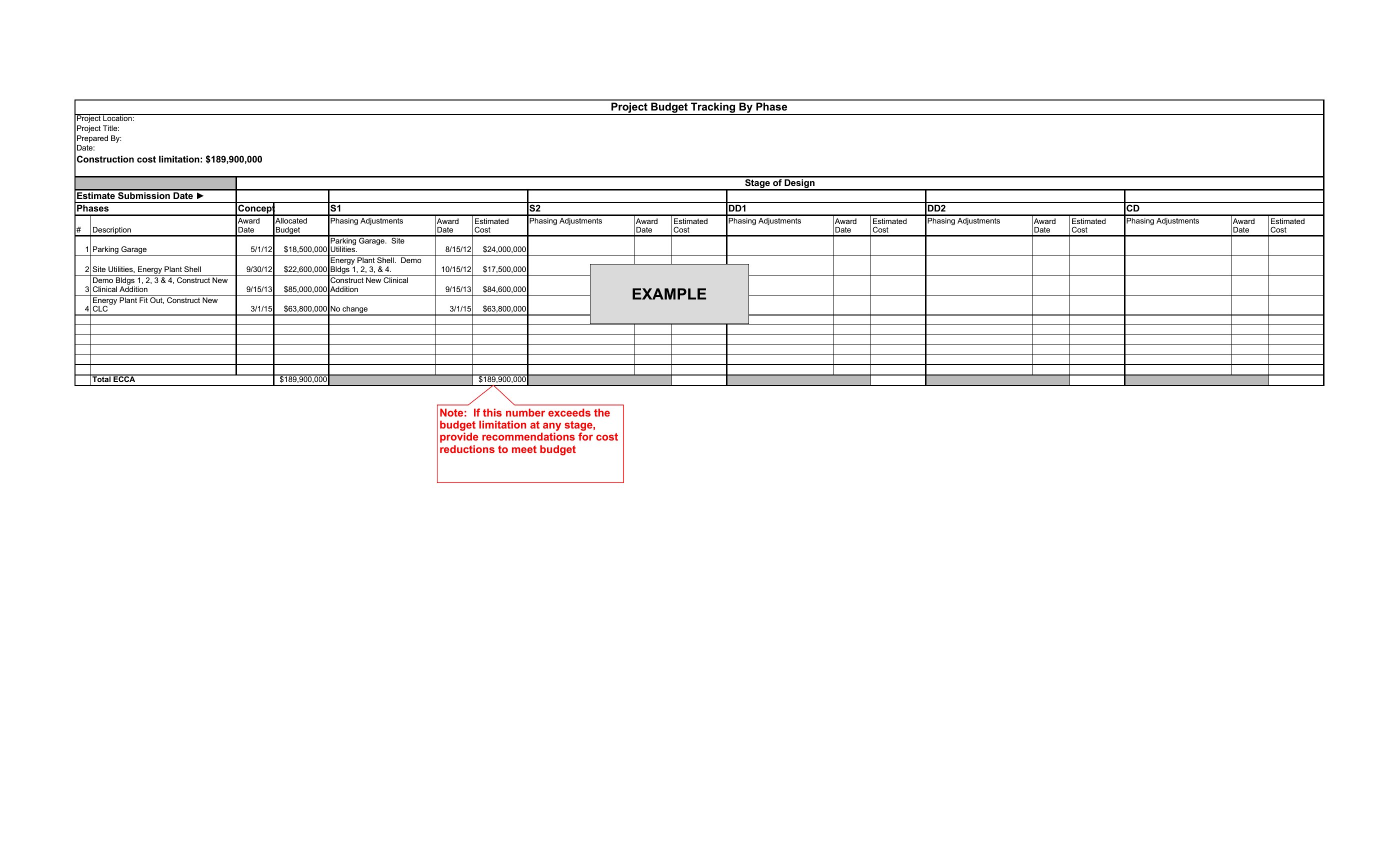
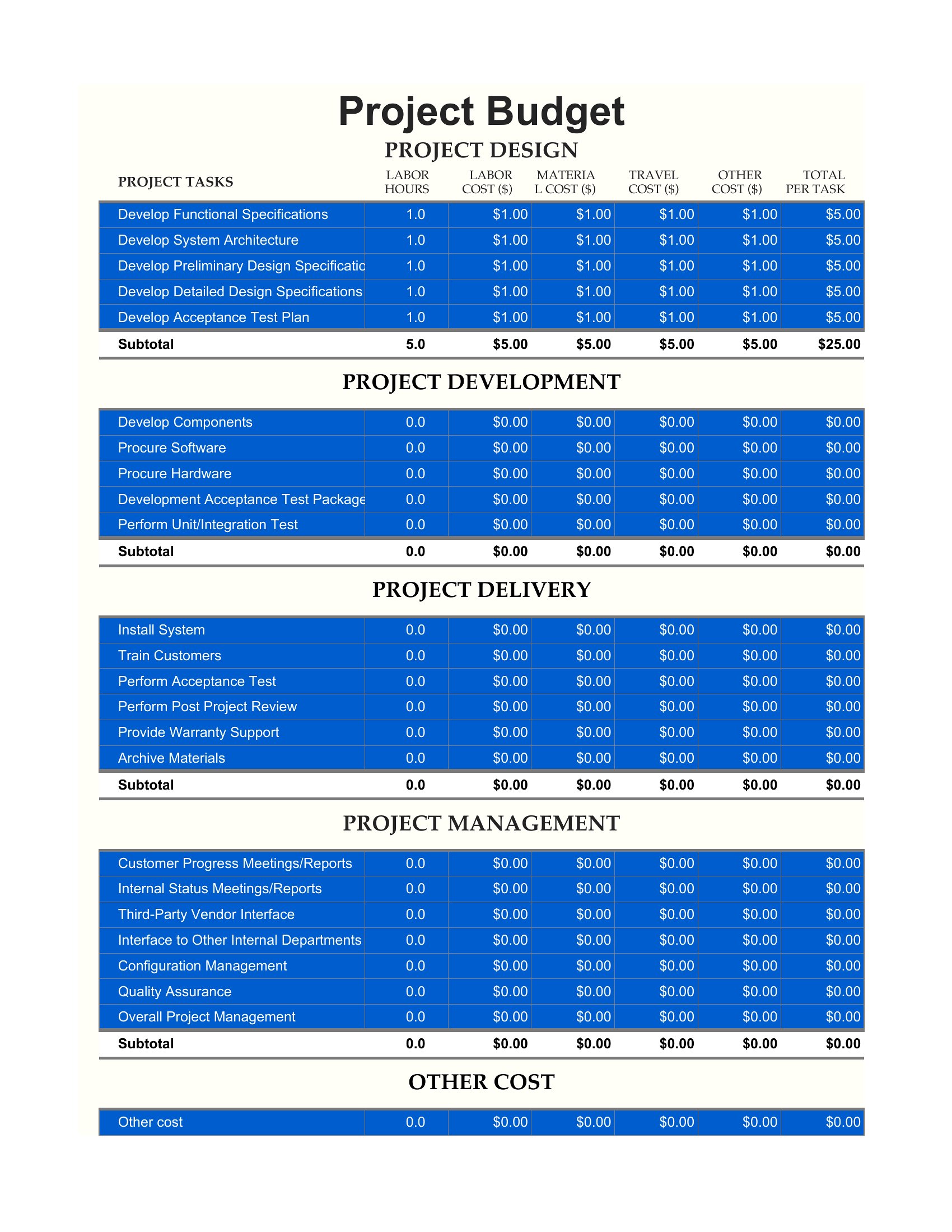
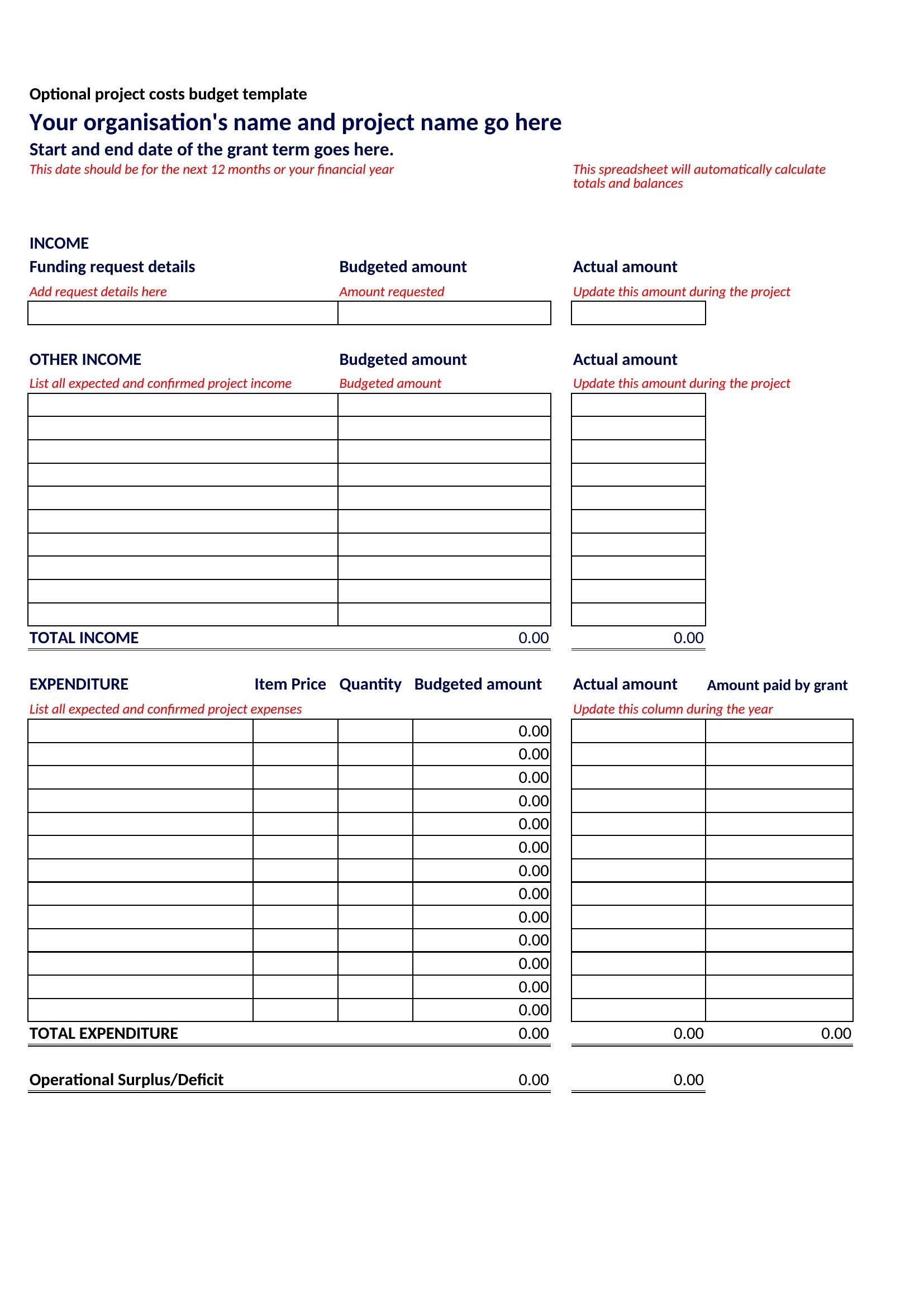
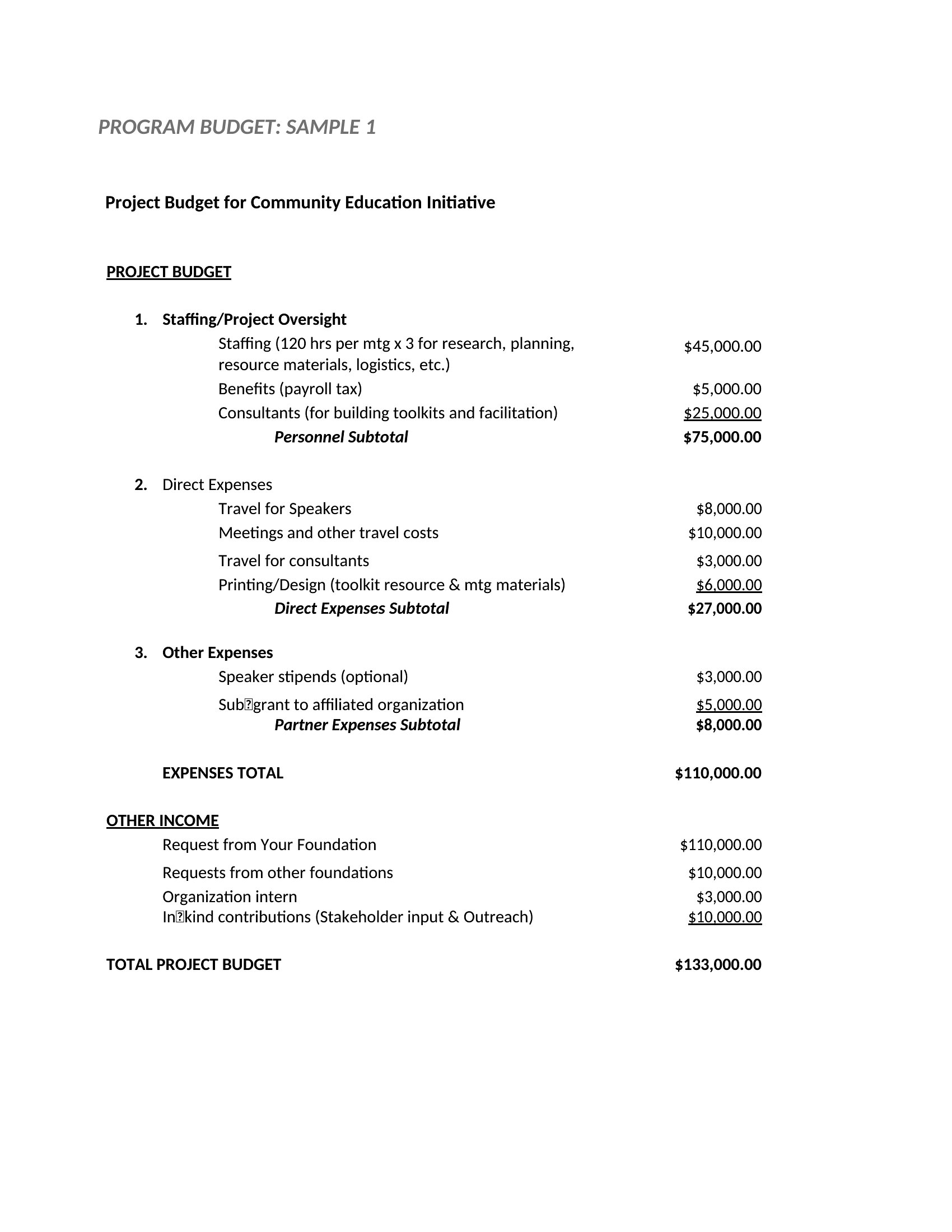
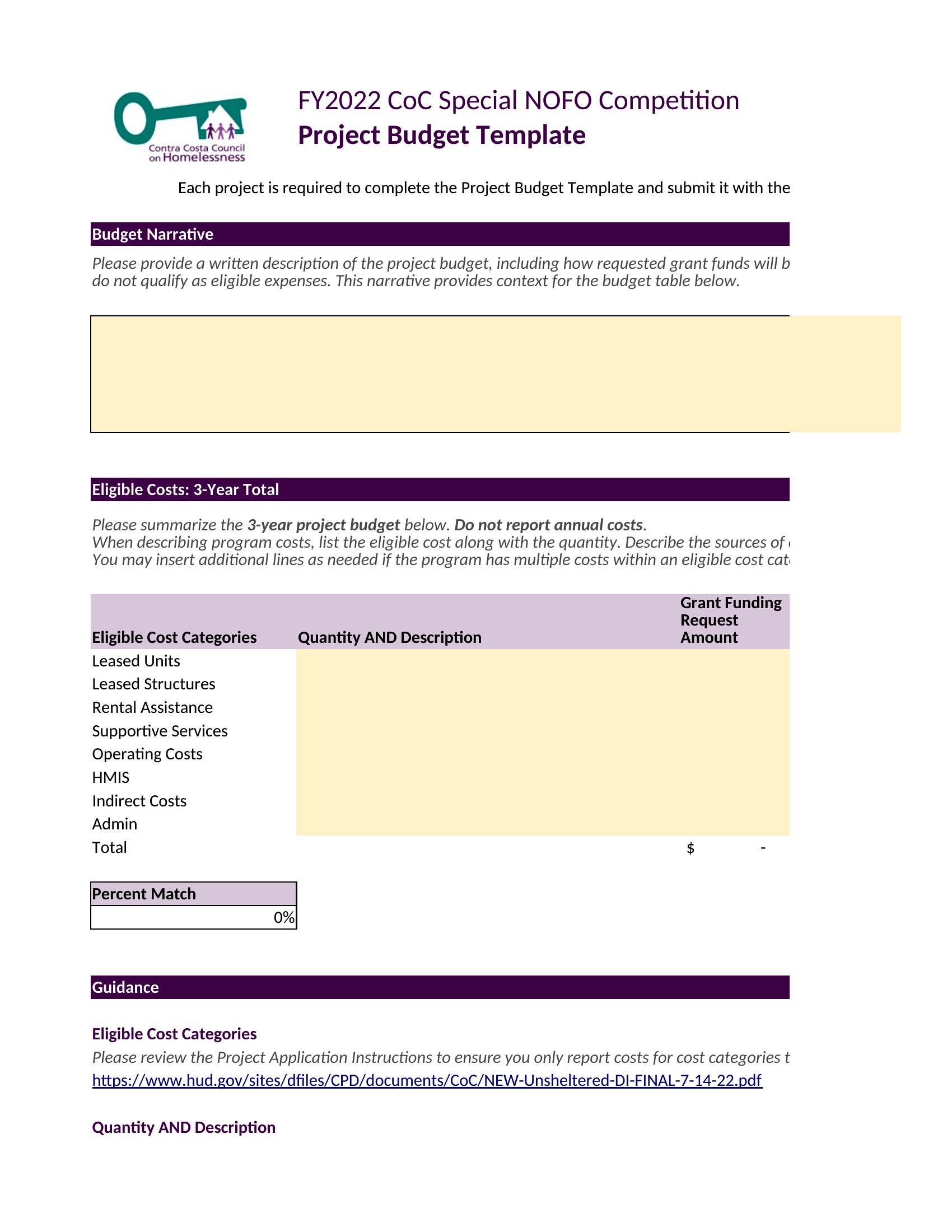
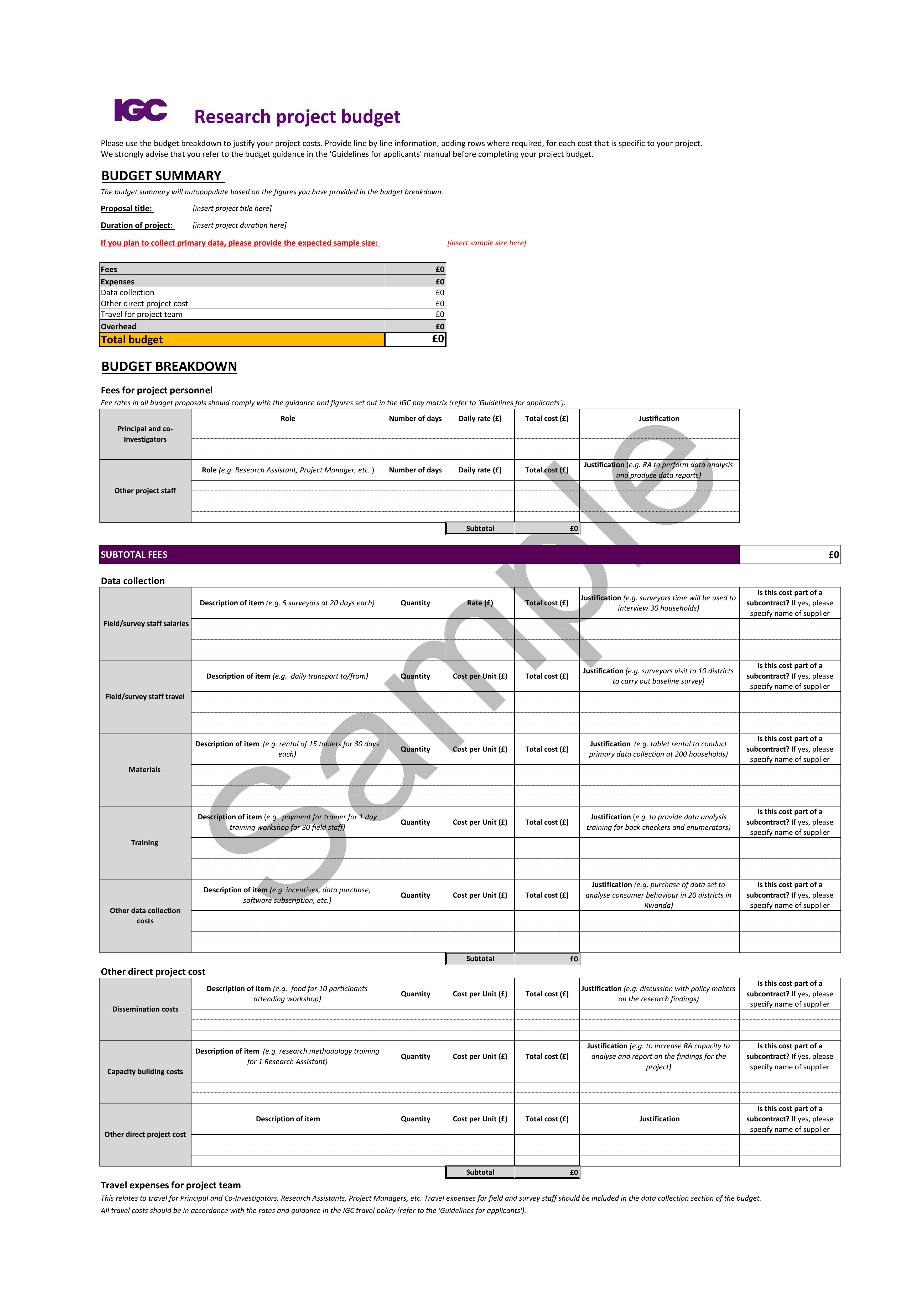
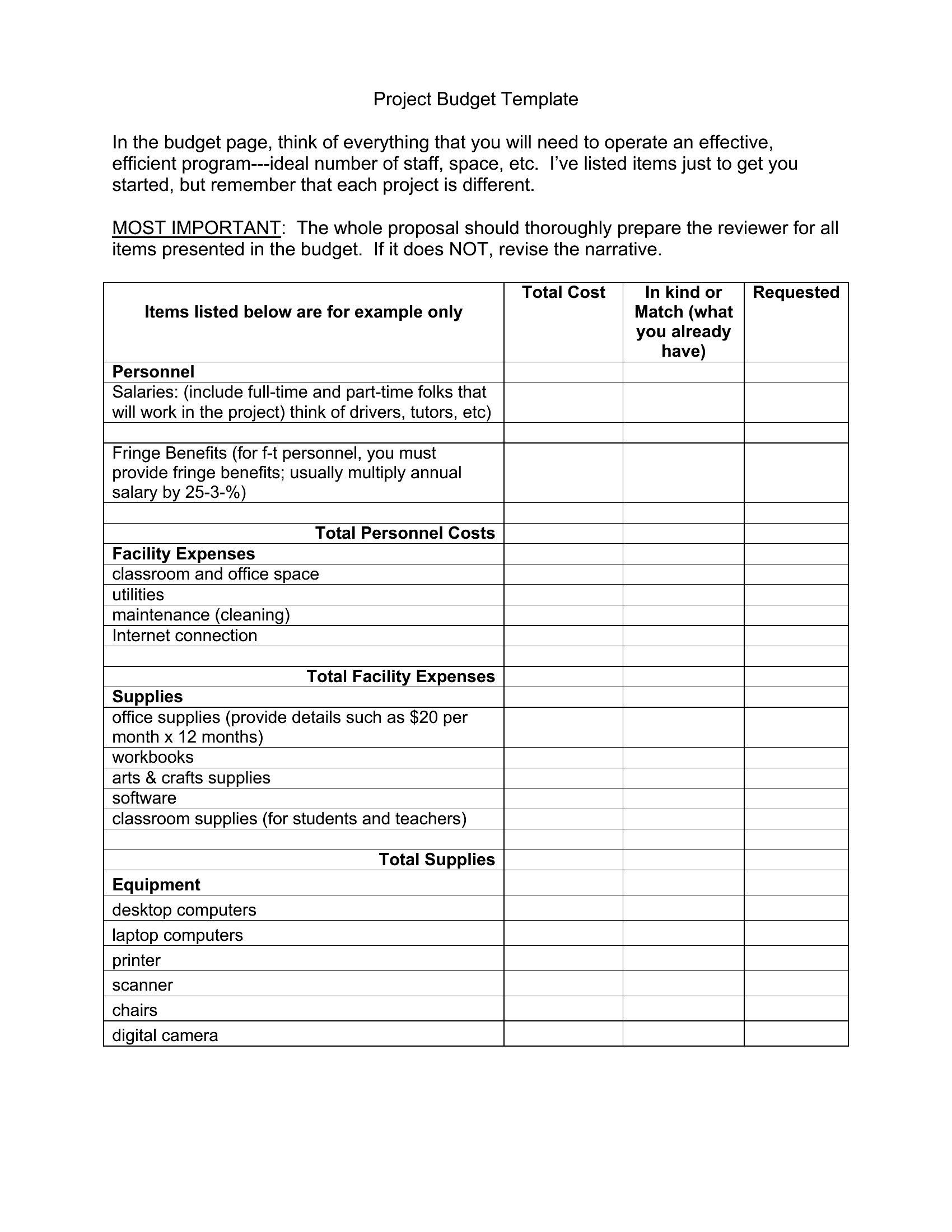
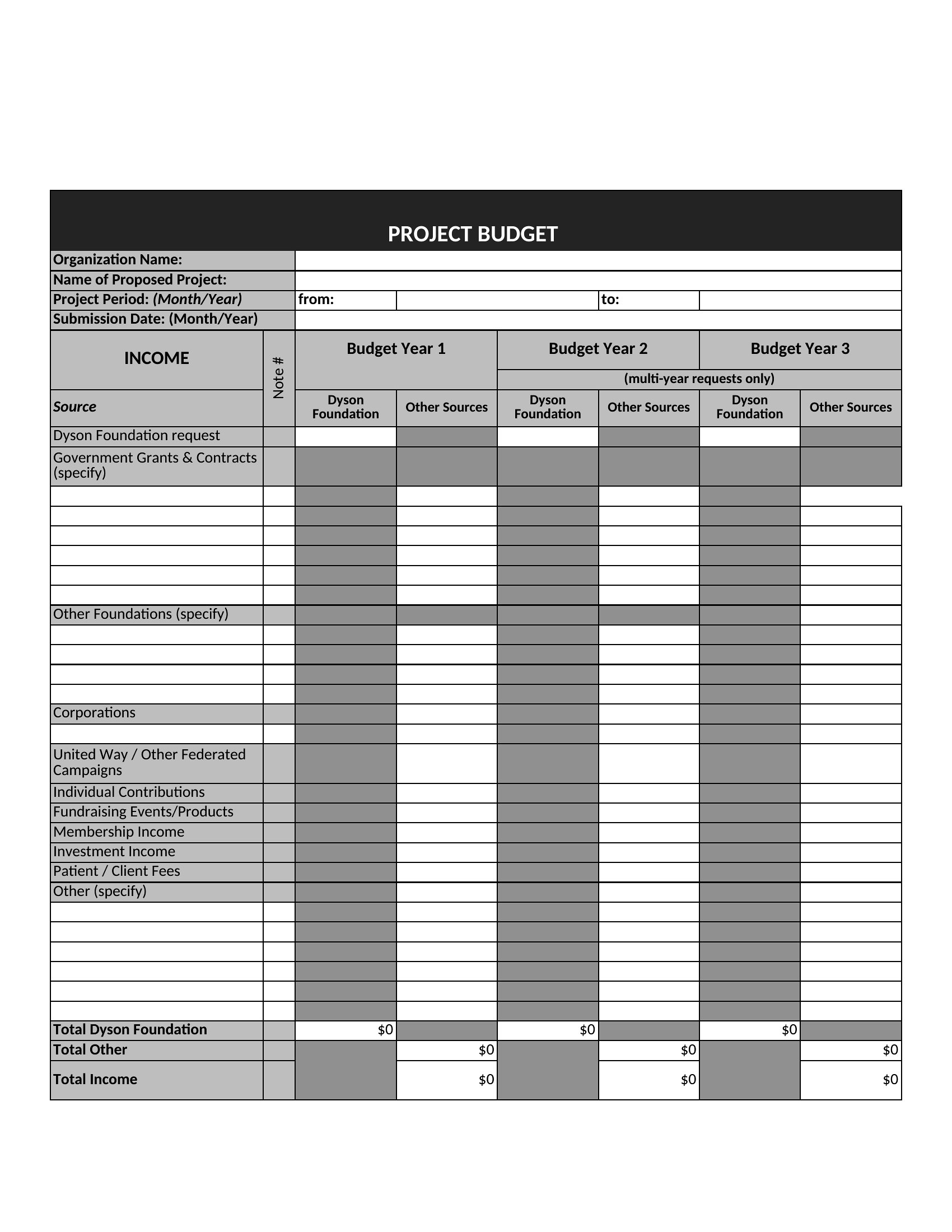
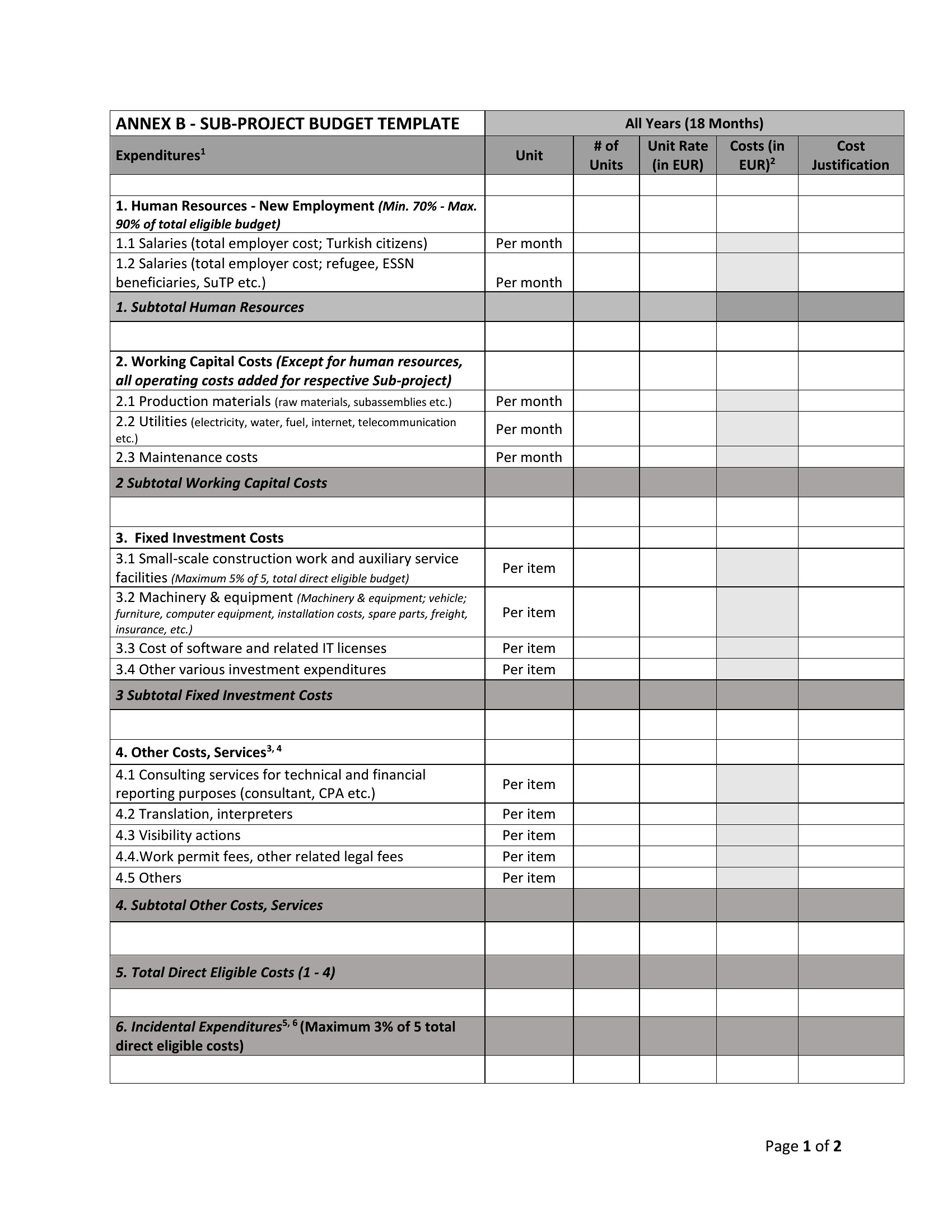
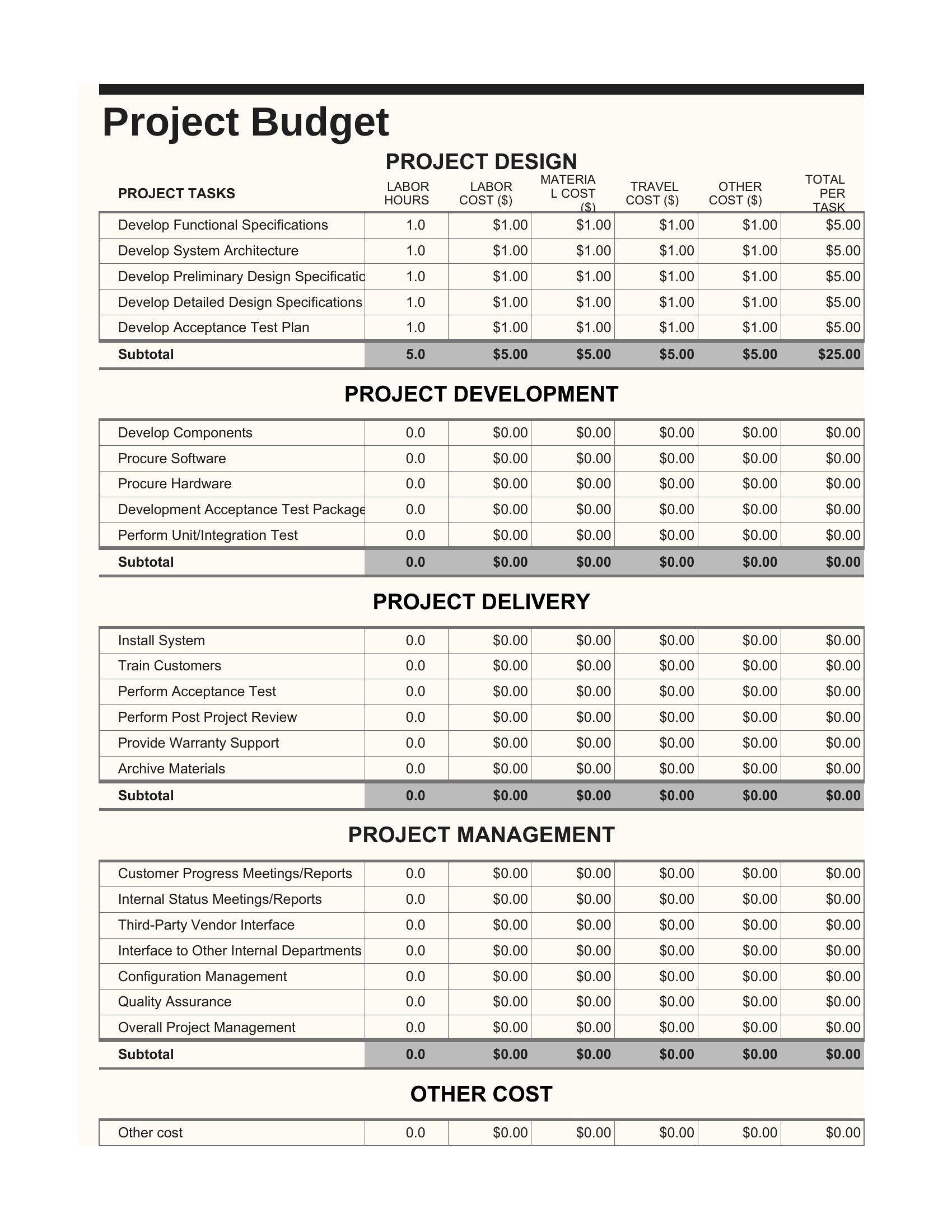
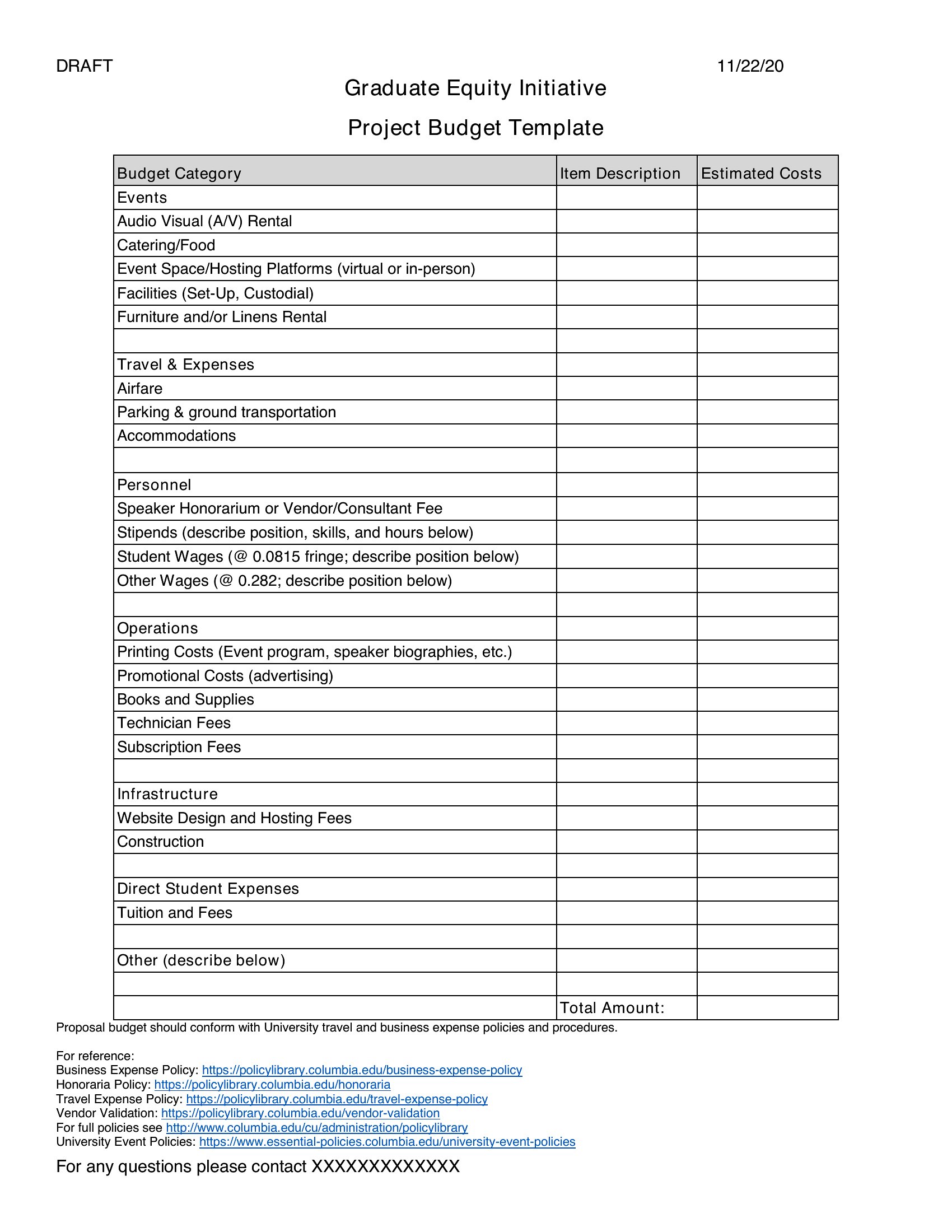
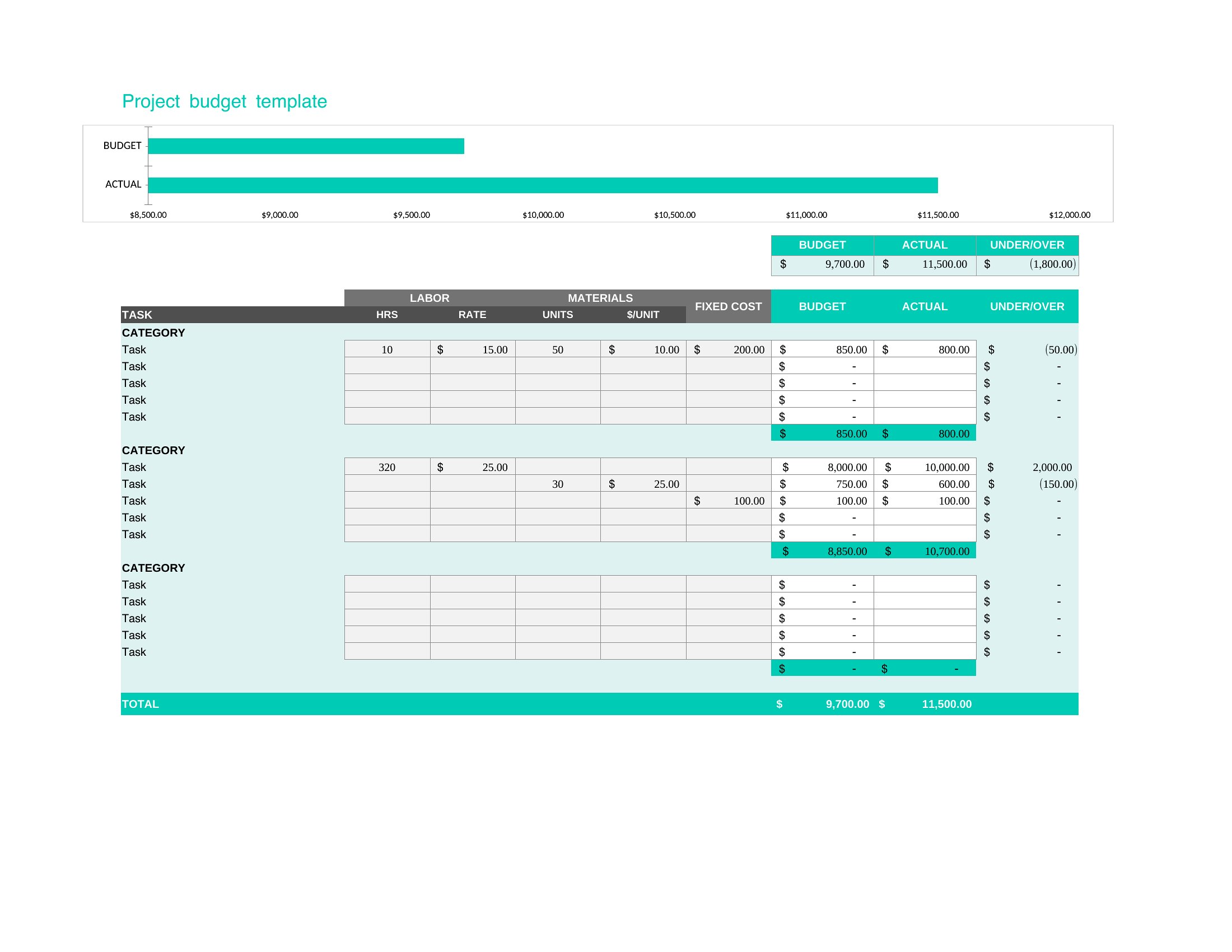
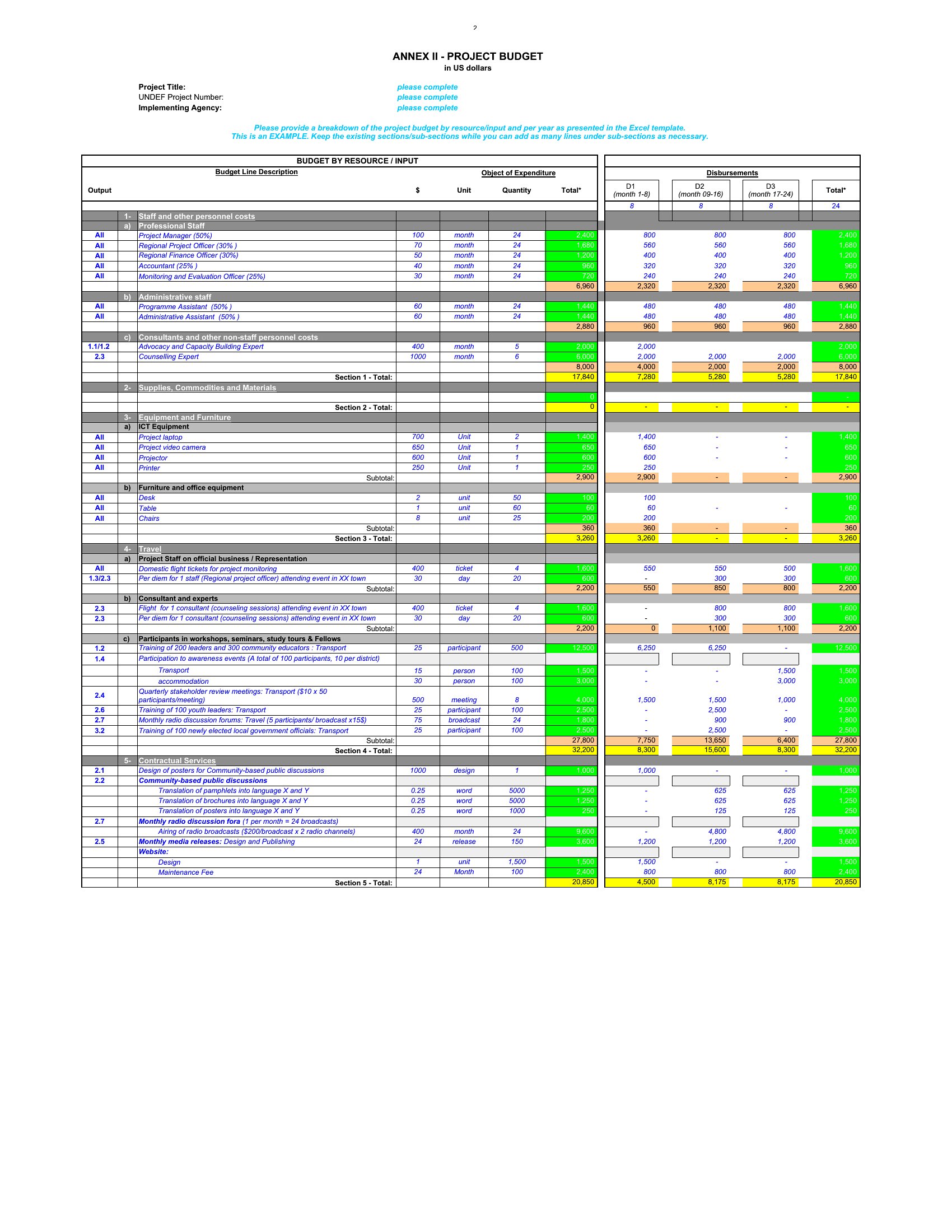
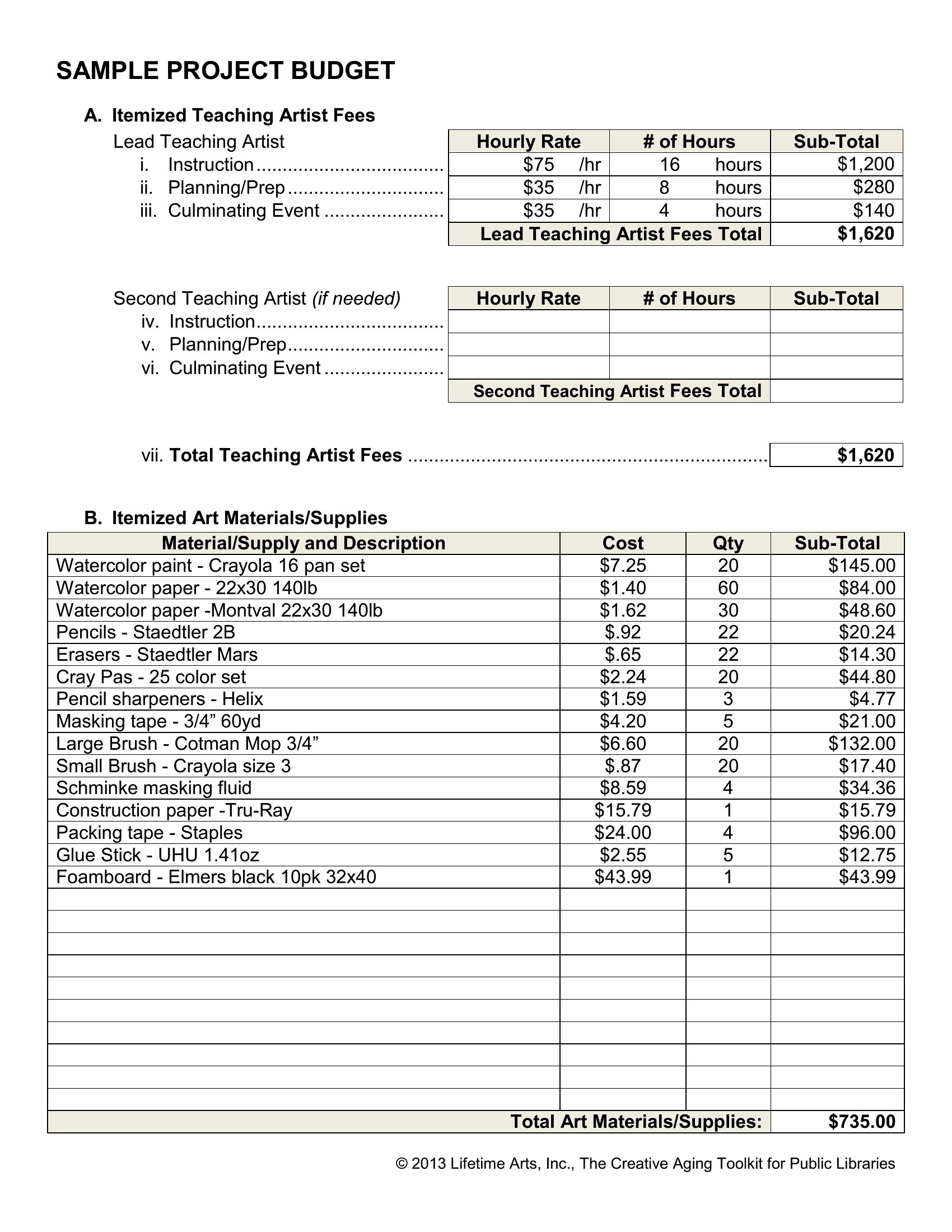
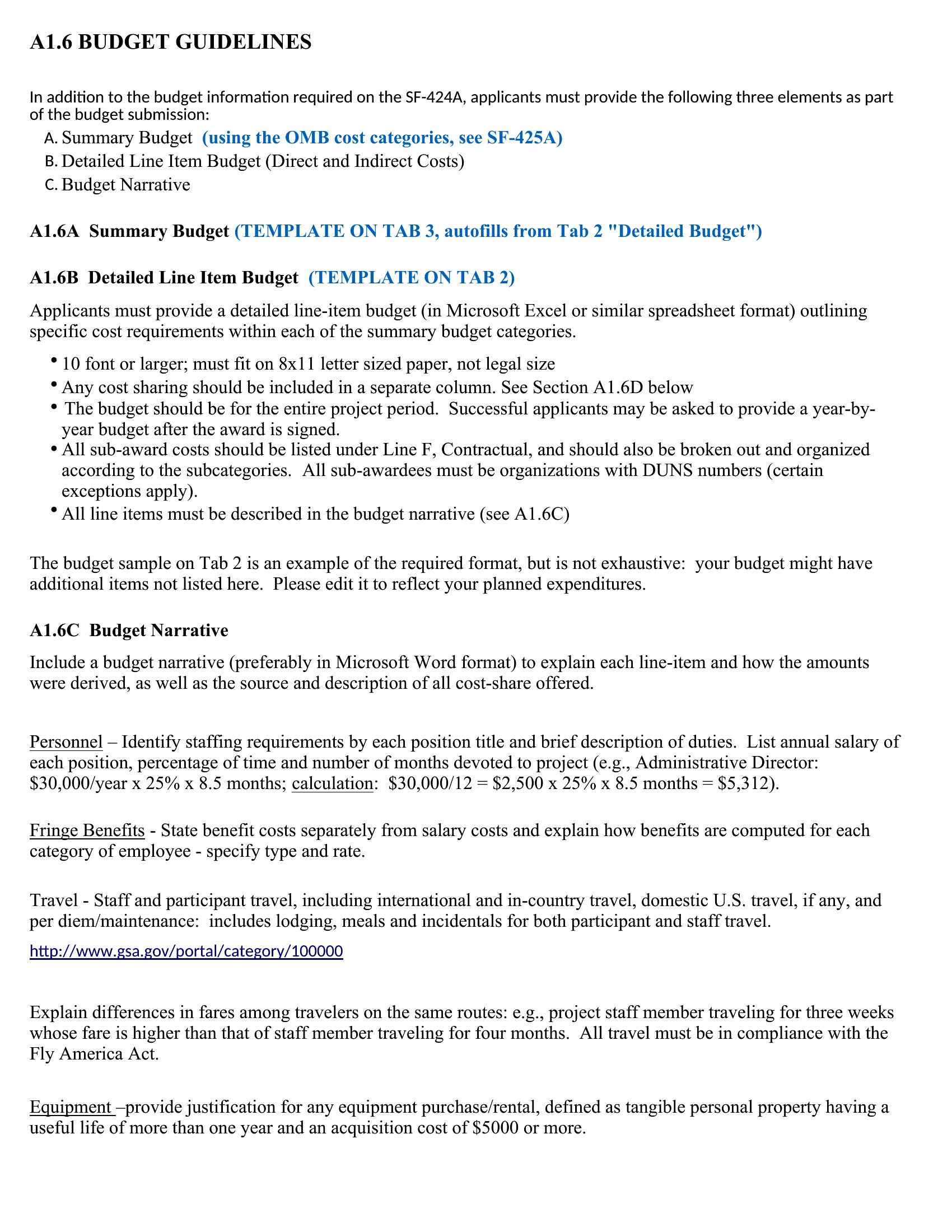
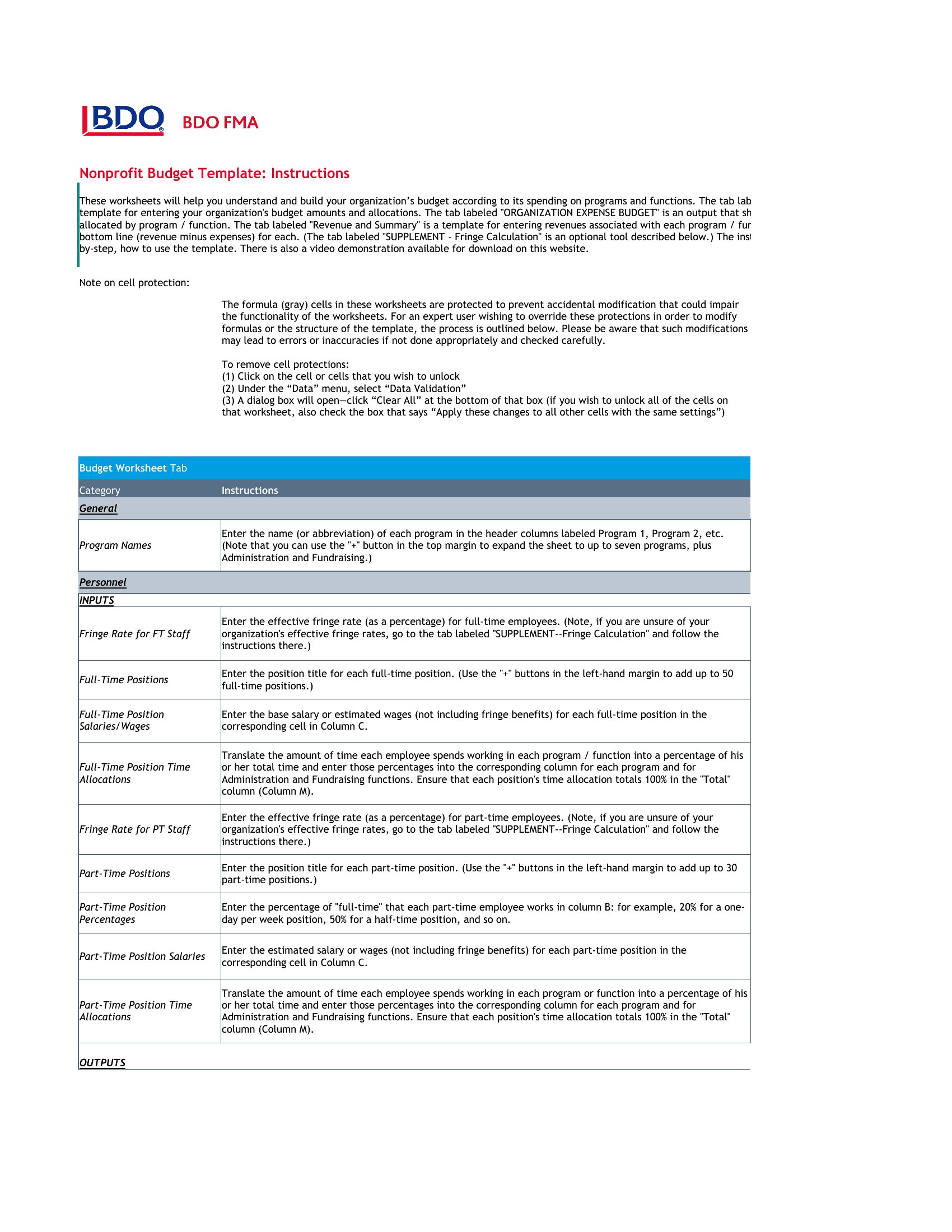
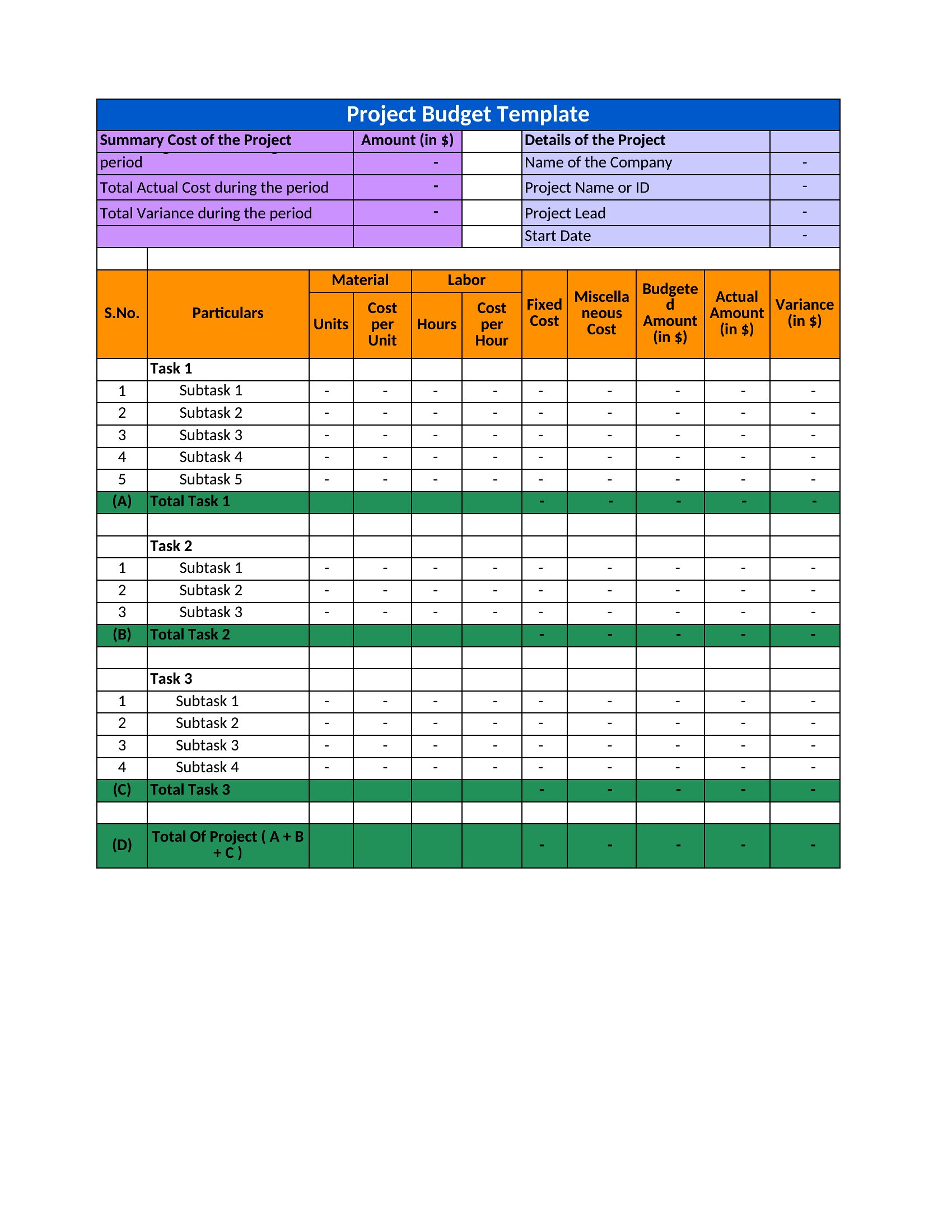
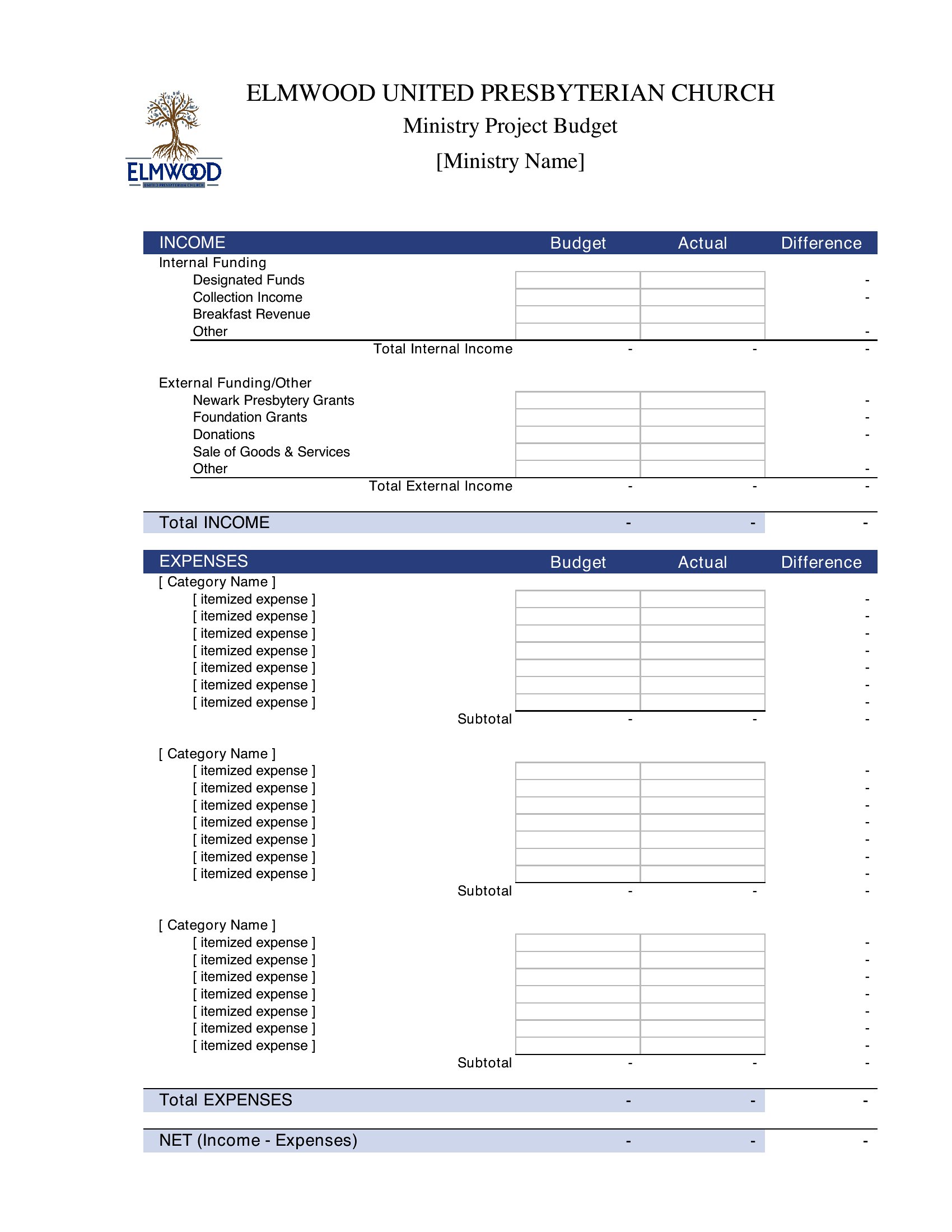
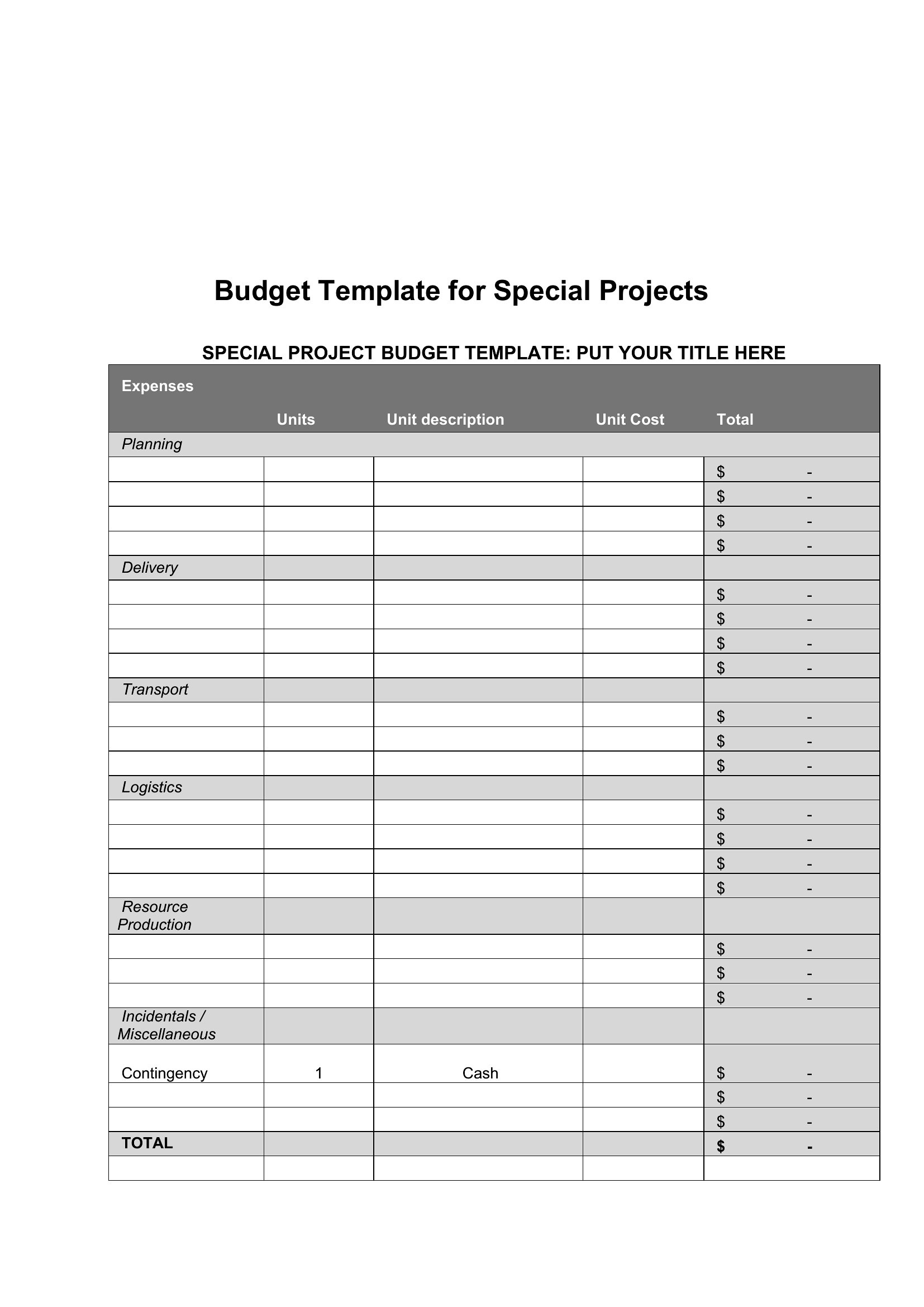
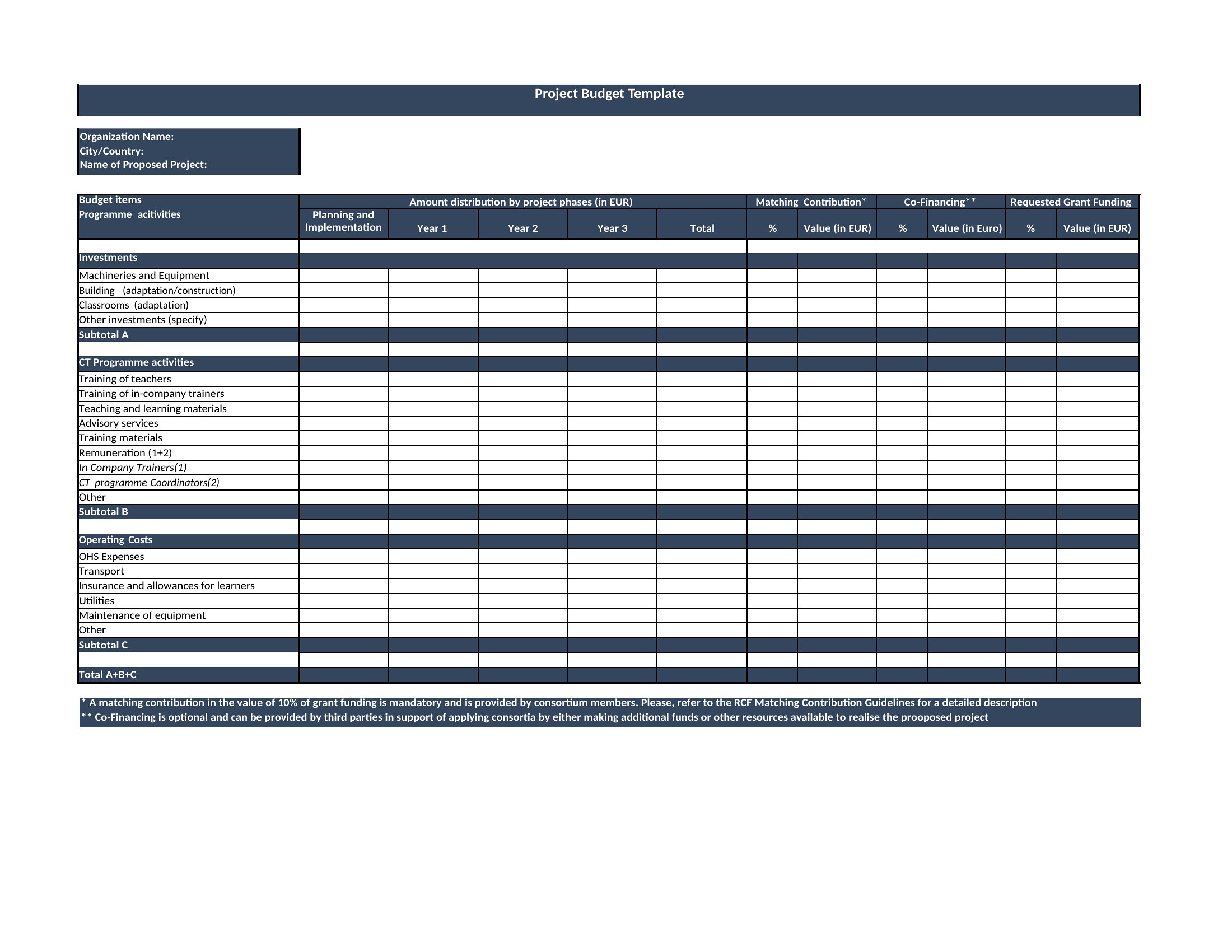
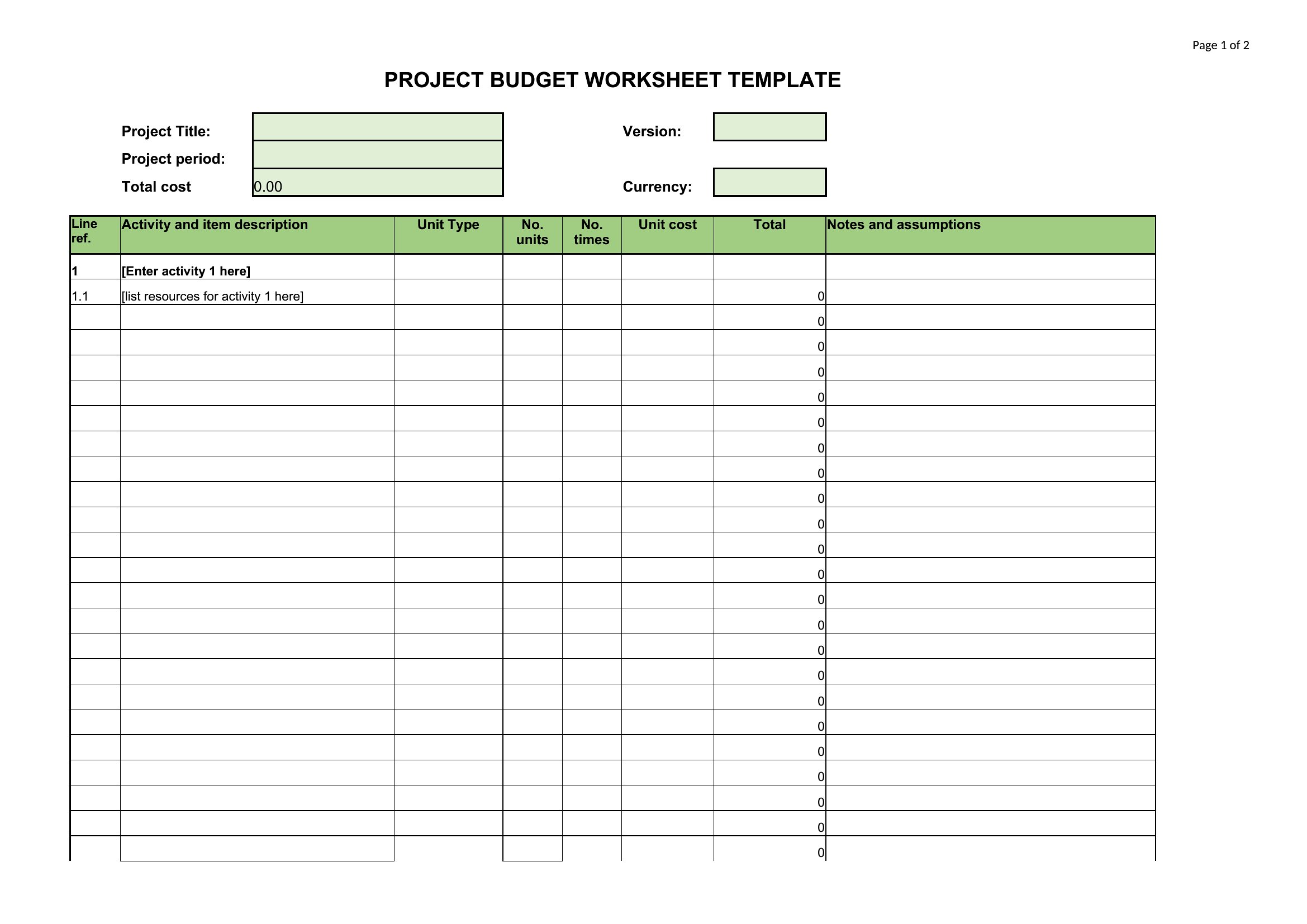
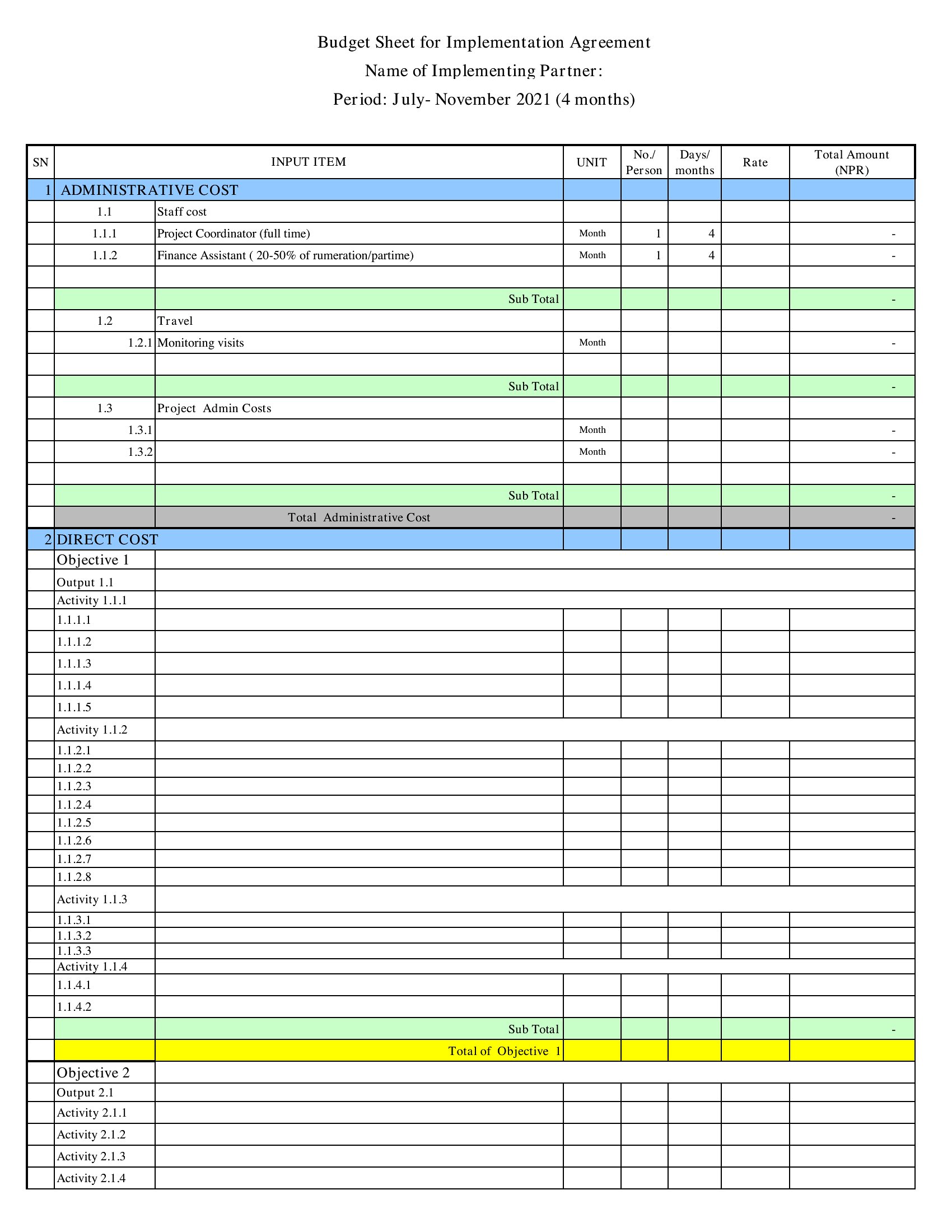
A project budget keeps spending honest by laying out estimated costs against what you actually spend as the work goes. This set of 69 project budget templates helps managers, planners, and small teams track labor, materials, and overhead from kickoff to wrap-up. Each one organizes line items so the total stays visible and surprises stay rare.

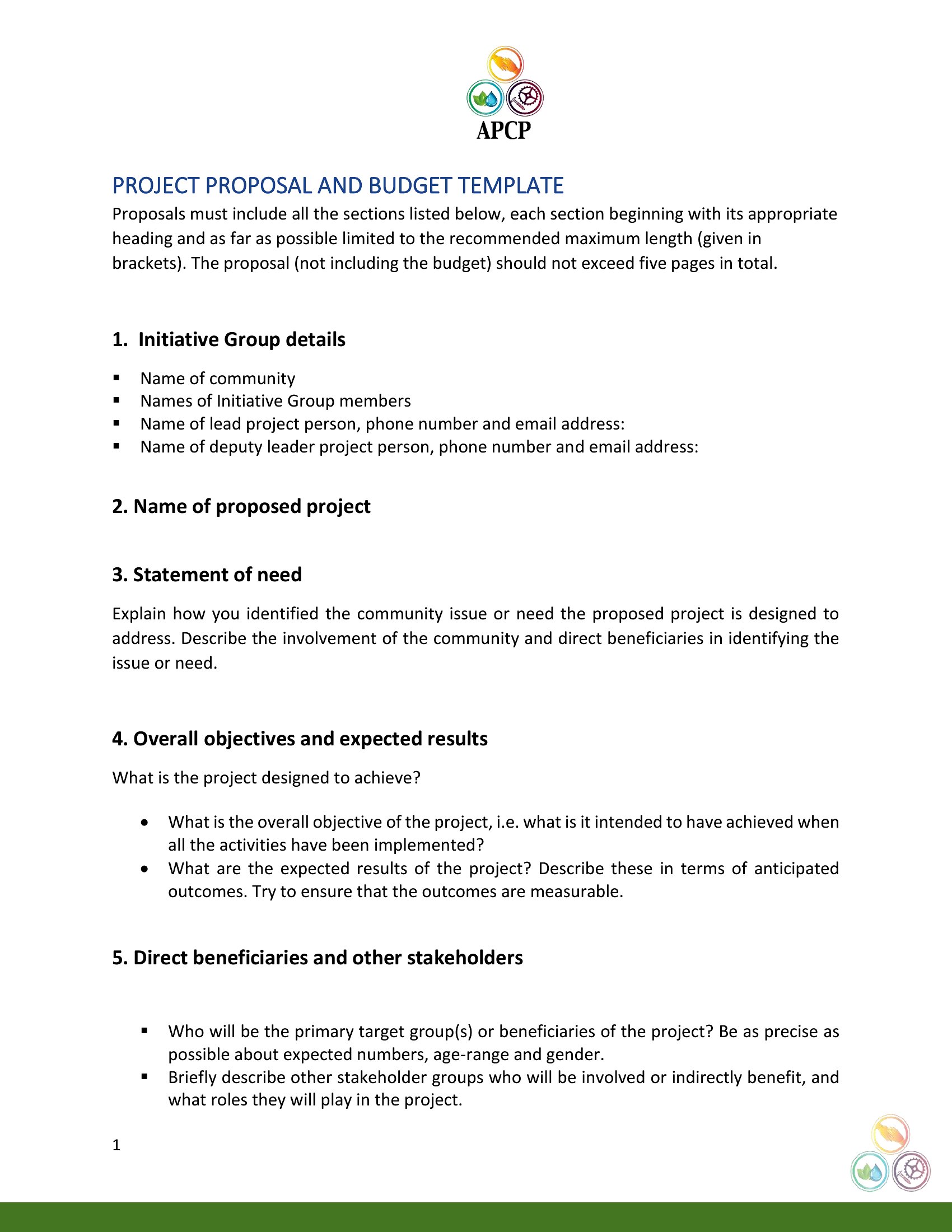
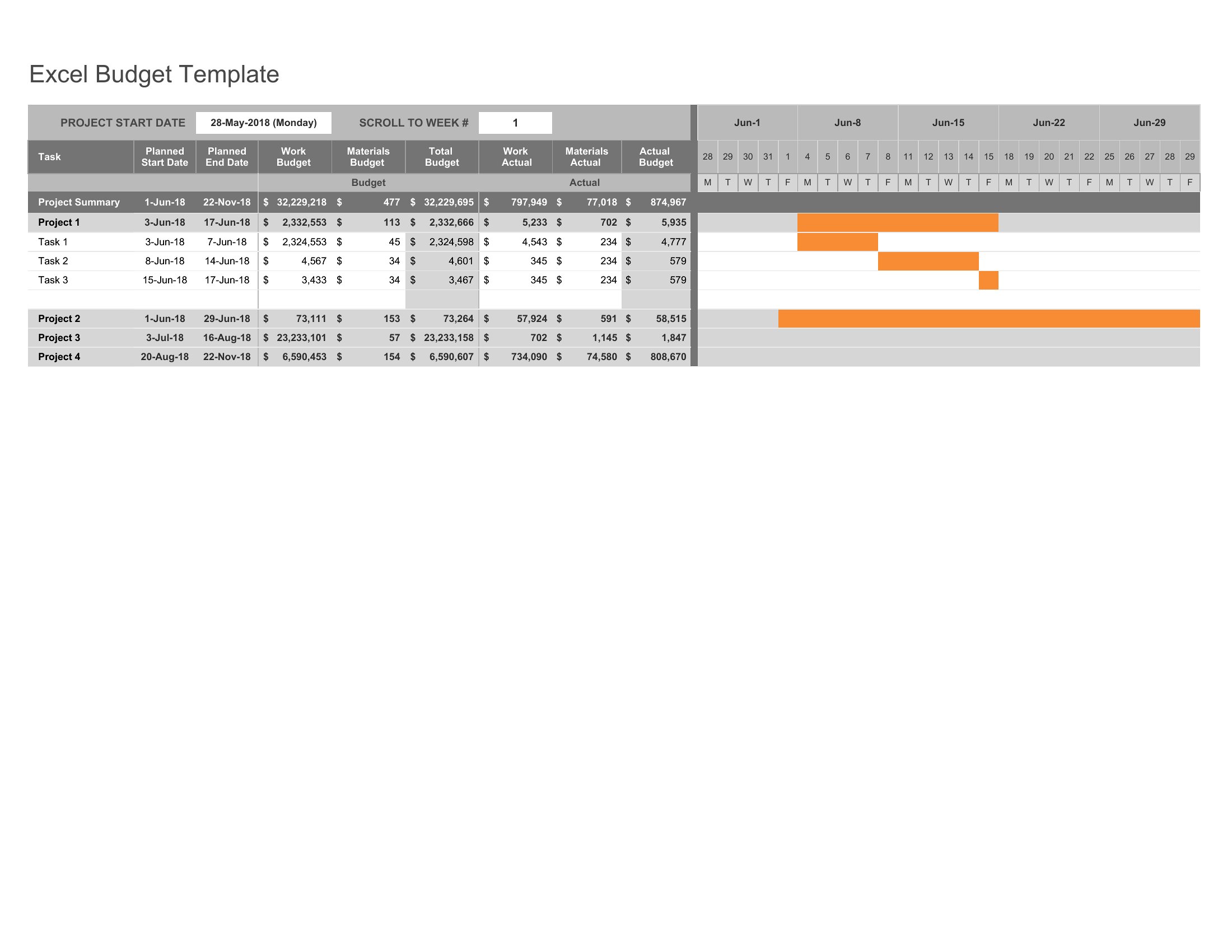
You'll find editable Word documents for write-ups, print-ready PDFs for sharing, and Excel sheets that total categories and flag overruns as you type. Enter your estimates, update the actuals, and watch the numbers stay in line. Choose the format that fits your project and keep the budget under control from start to finish.

When to use this Project Budget template
  • Small construction firms tracking material costs and subcontractor fees for a mid-sized residential renovation project, ensuring they don’t exceed the $75,000 client-approved budget.
  • Nonprofit event coordinators planning a 500-person gala, comparing venue rental, catering, and printing costs against sponsorship commitments to avoid last-minute shortfalls.
  • Freelance developers bidding on a custom web app project, itemizing hourly rates, software licenses, and hosting fees in a budget template to justify their $22,000 quote to the client.
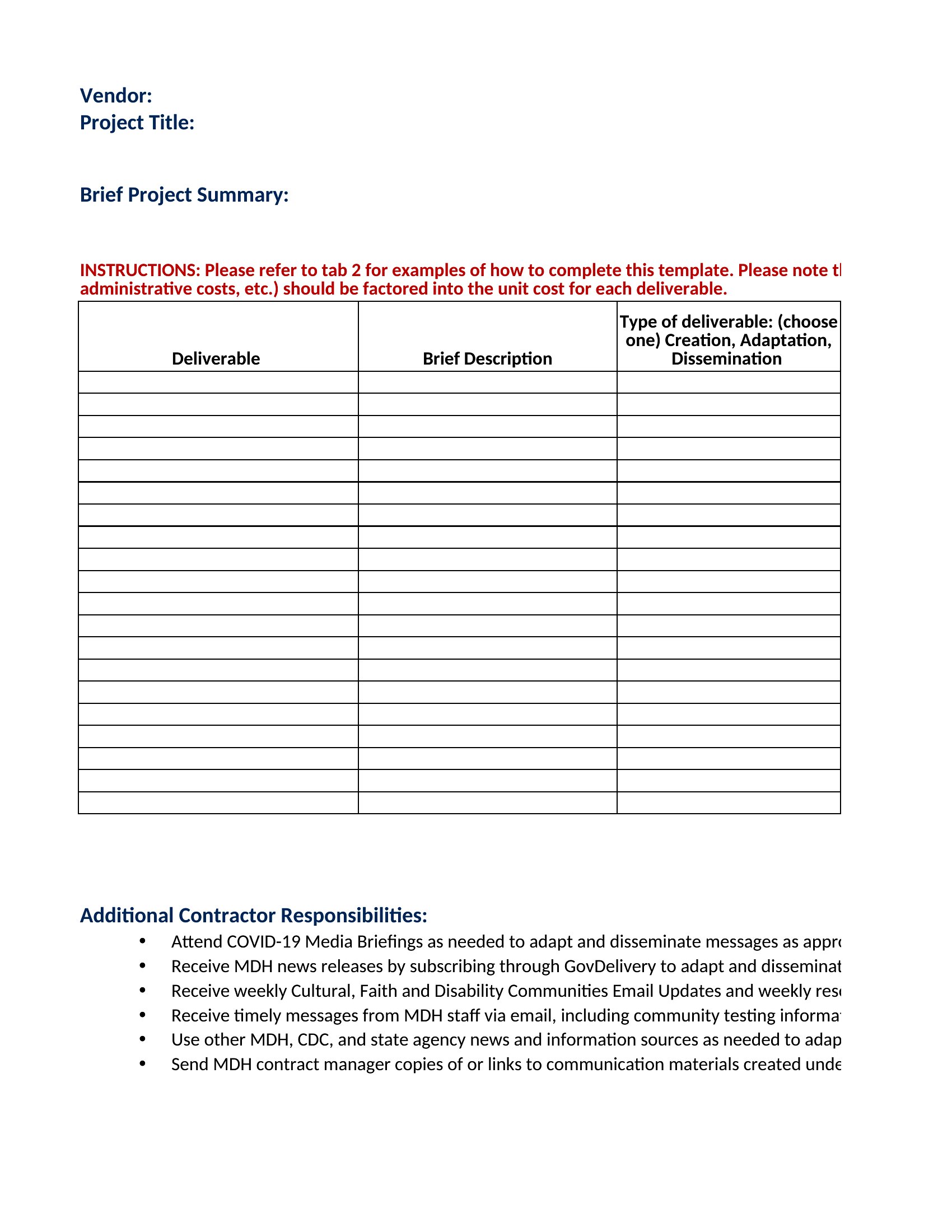
  • University research teams allocating grants for lab equipment, participant stipends, and travel, using a template to flag discrepancies between initial projections and actual expenditures after six months.

Which format should I download?

WordExcelPDF

Choose Word when you need to explain budget assumptions in narrative form—like justifying a 15% contingency reserve for a client—or when stakeholders request editable notes alongside numbers. Opt for Excel if you’re tracking variable costs (e.g., hourly labor or fluctuating vendor invoices) and need formulas to auto-calculate totals or variance percentages. Select PDF for finalized budgets that must be shared with clients, investors, or auditors without risk of accidental edits. The Excel format is best for most users here because its dynamic calculations and line-item flexibility make it ideal for iterative budget reviews during project execution.
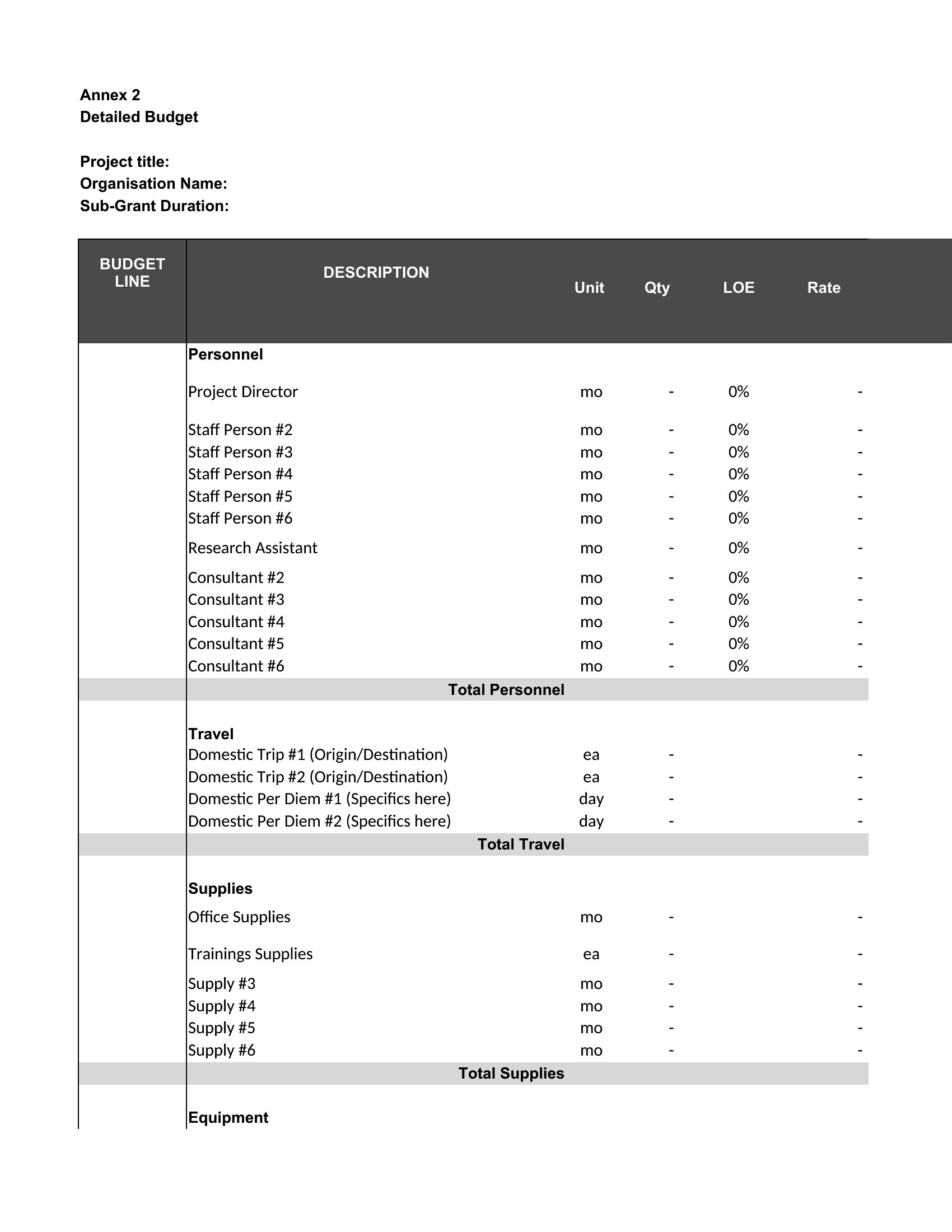
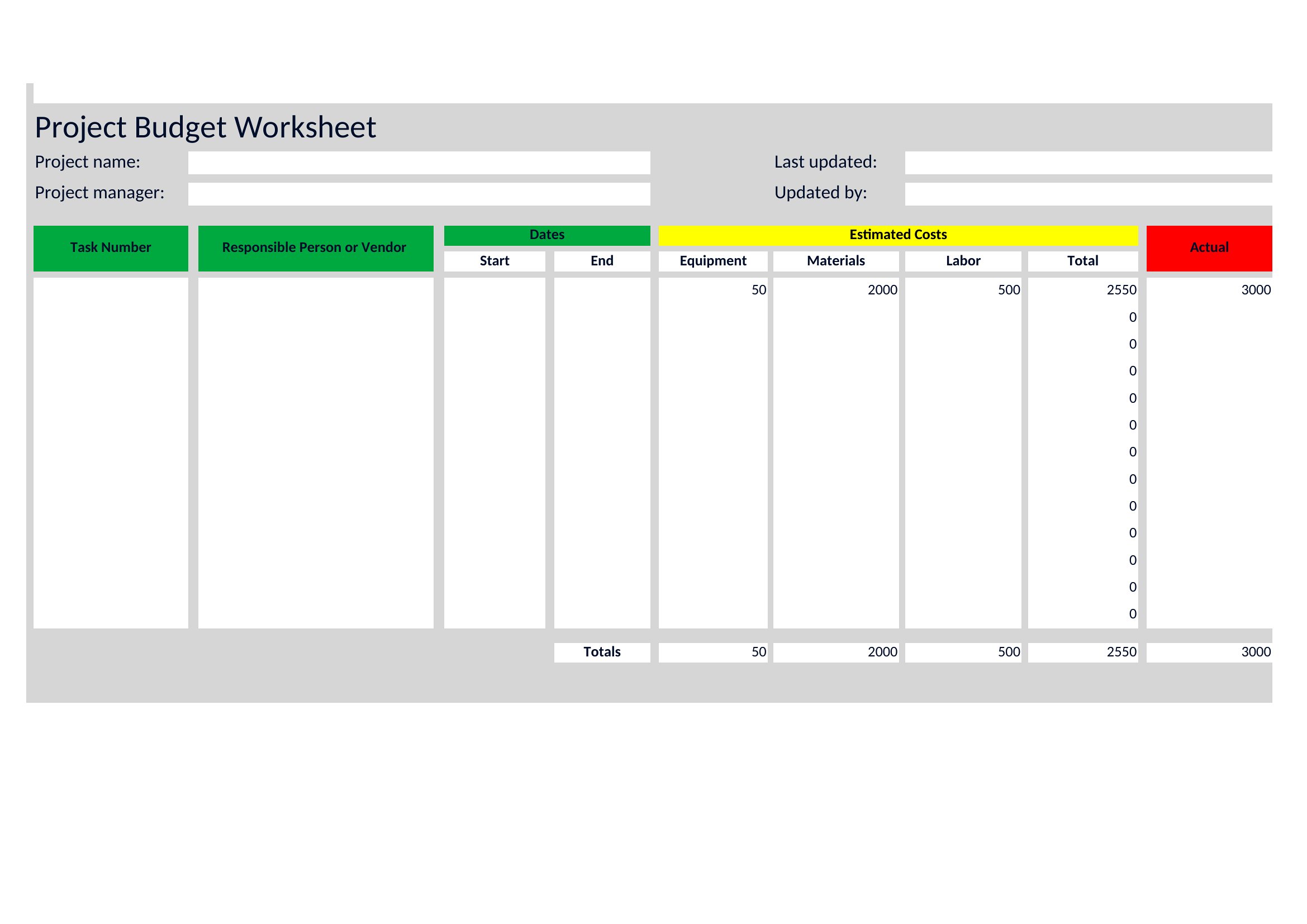
Choose from 69 Project Budget Templates
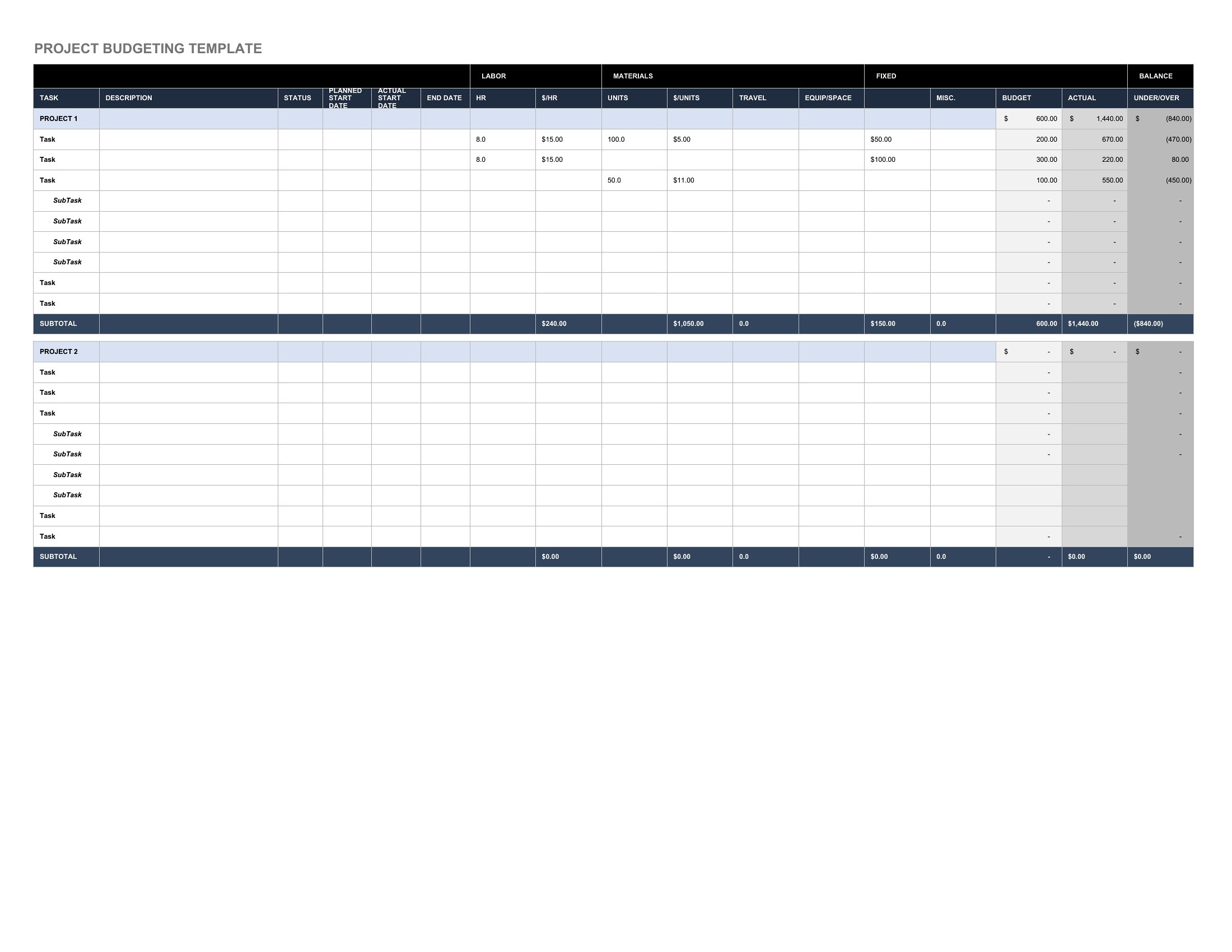
How to use this Project Budget template

How can I adjust this template if my project phases have different start dates for expenses?

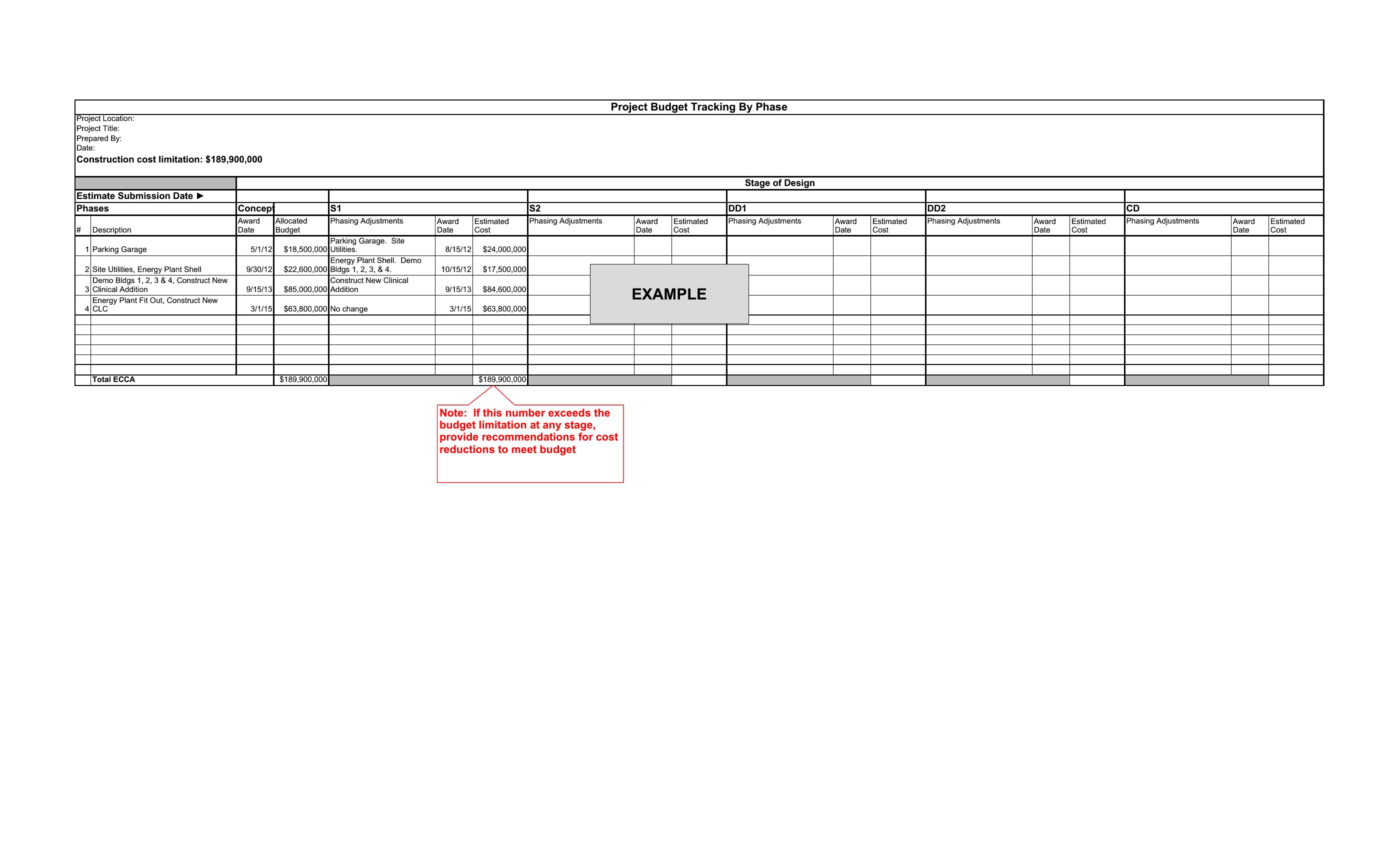
Use the Excel or Word formats to insert columns for phase-specific start/end dates. In Excel, add conditional formatting to highlight overages once a phase begins—like flagging a $5,000 delay in vendor payments. In Word, include a timeline table alongside the budget to cross-reference costs with milestones. For PDFs, these templates often include locked sections for phase summaries; print a revised Excel version for distribution instead.

What’s the best way to handle unexpected costs that weren’t in the original budget?

Add a ‘Contingency’ or ‘Miscellaneous’ line item in Excel, then allocate a percentage (e.g., 10%) of the total budget to it. In Word, describe how you’ll reallocate funds from underused categories—like shifting $3,000 from catering to IT upgrades. For PDFs, note the adjustment in a footnote and attach the updated Excel file. Always document the reason for the change to maintain transparency with stakeholders.

Can these templates help me compare my actual spending against multiple budget scenarios?

Yes. In Excel, duplicate a sheet for each scenario (e.g., ‘Optimistic,’ ‘Realistic,’ ‘Pessimistic’) and use conditional formatting to color-code actual spending against each. For Word, create a side-by-side table with columns for each scenario and highlight the closest match to your final totals. PDFs work for presenting the final comparison but aren’t editable—regenerate the analysis in Excel or Word first. This is especially useful for projects with high uncertainty, like R&D initiatives.

Comments

Join the conversation

Sign in to share your thoughts and leave a comment on this resource.

Newsletter

Get Weekly Design Updates

Join our community to receive curated resources and inspiration.

Weekly Tips Resources Early Access

We respect your privacy. Confirmation email required. Privacy Policy