Free Project Budget Templates (Word, Excel, PDF)
ProjectTemplates
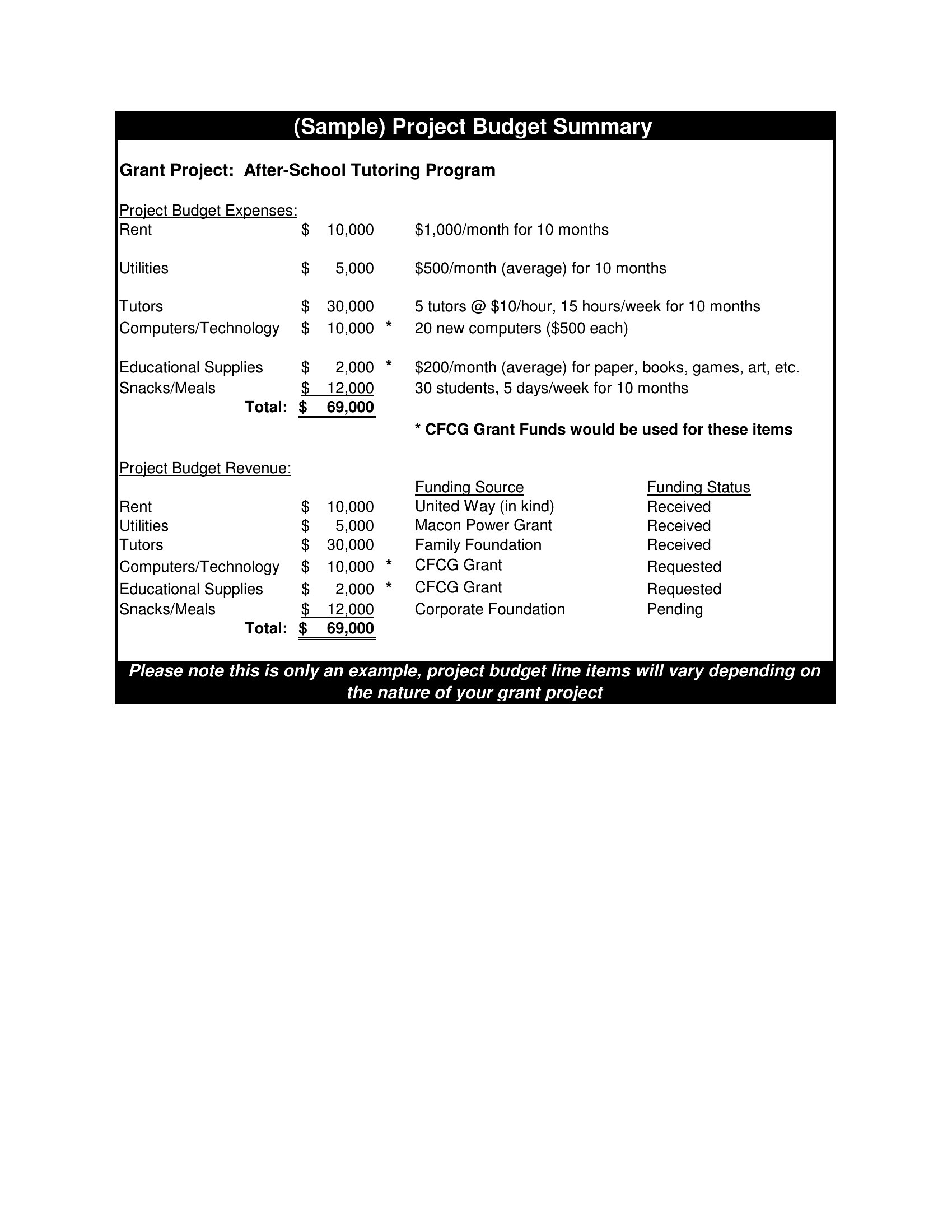
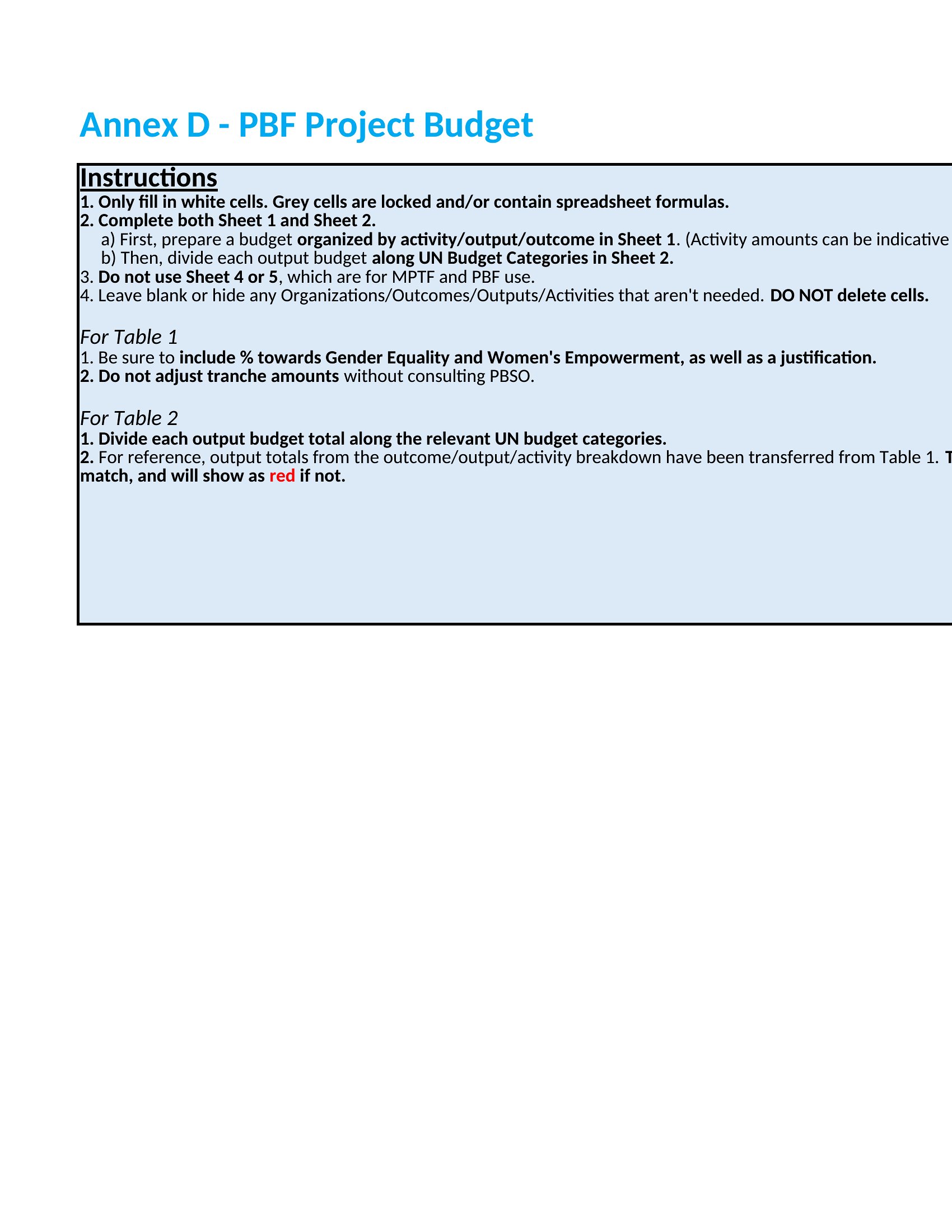
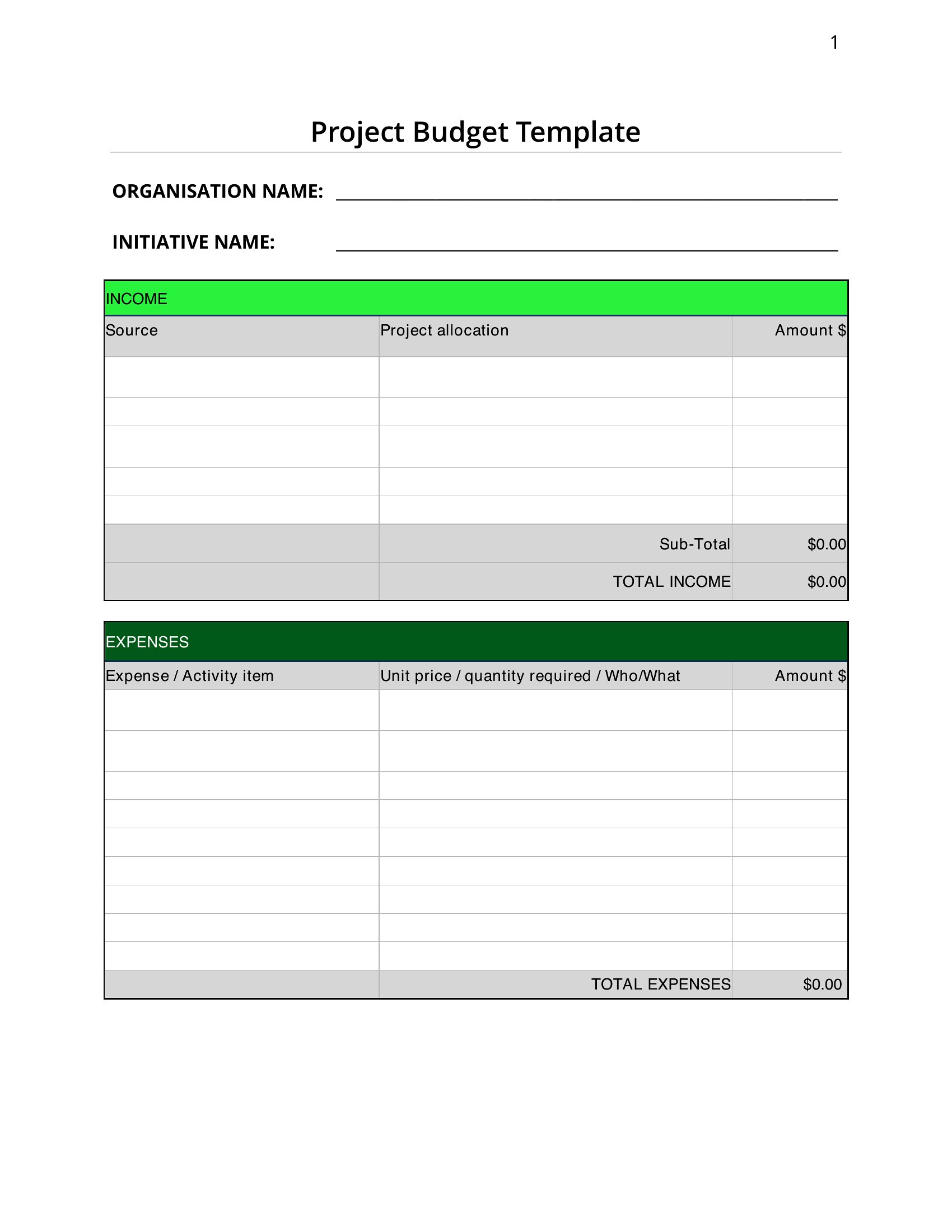
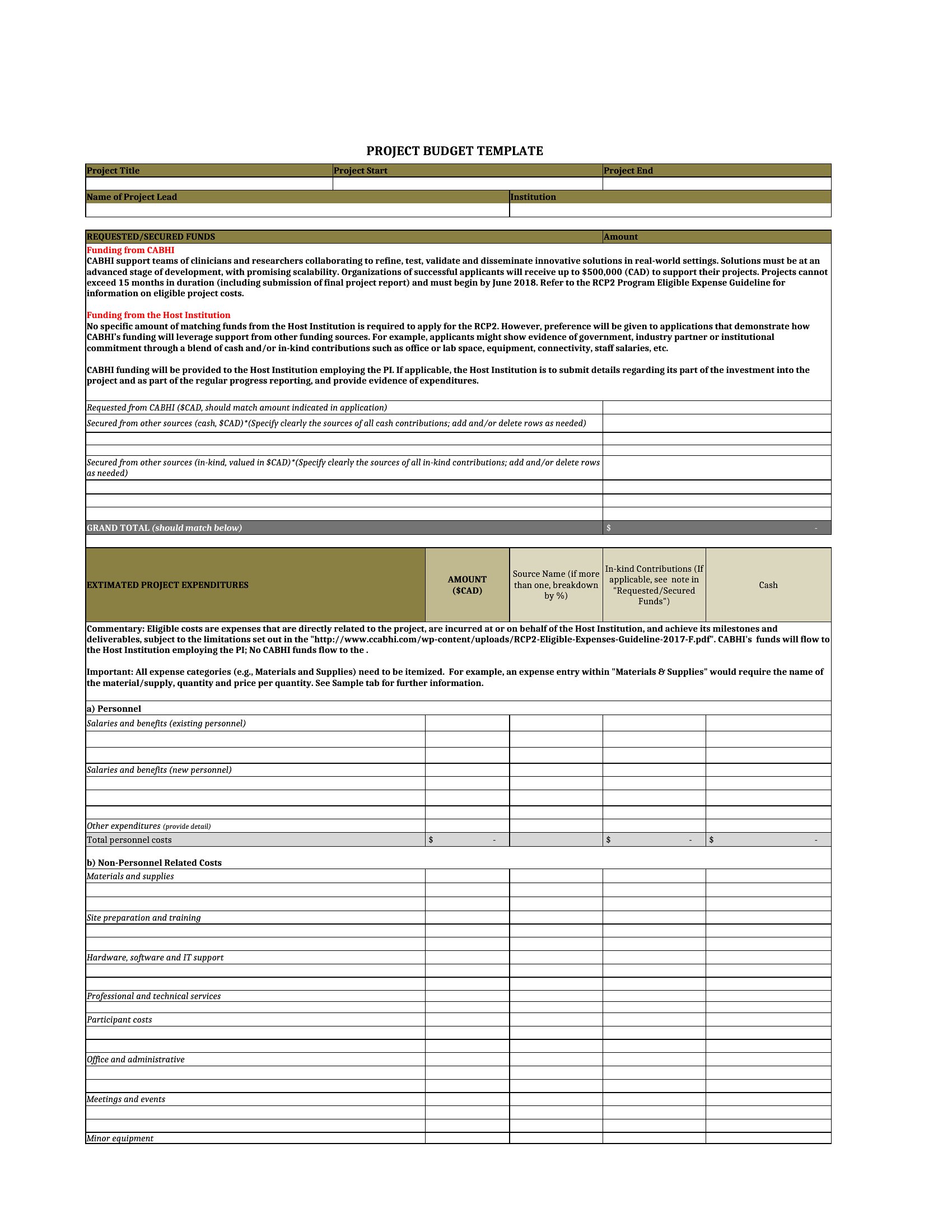
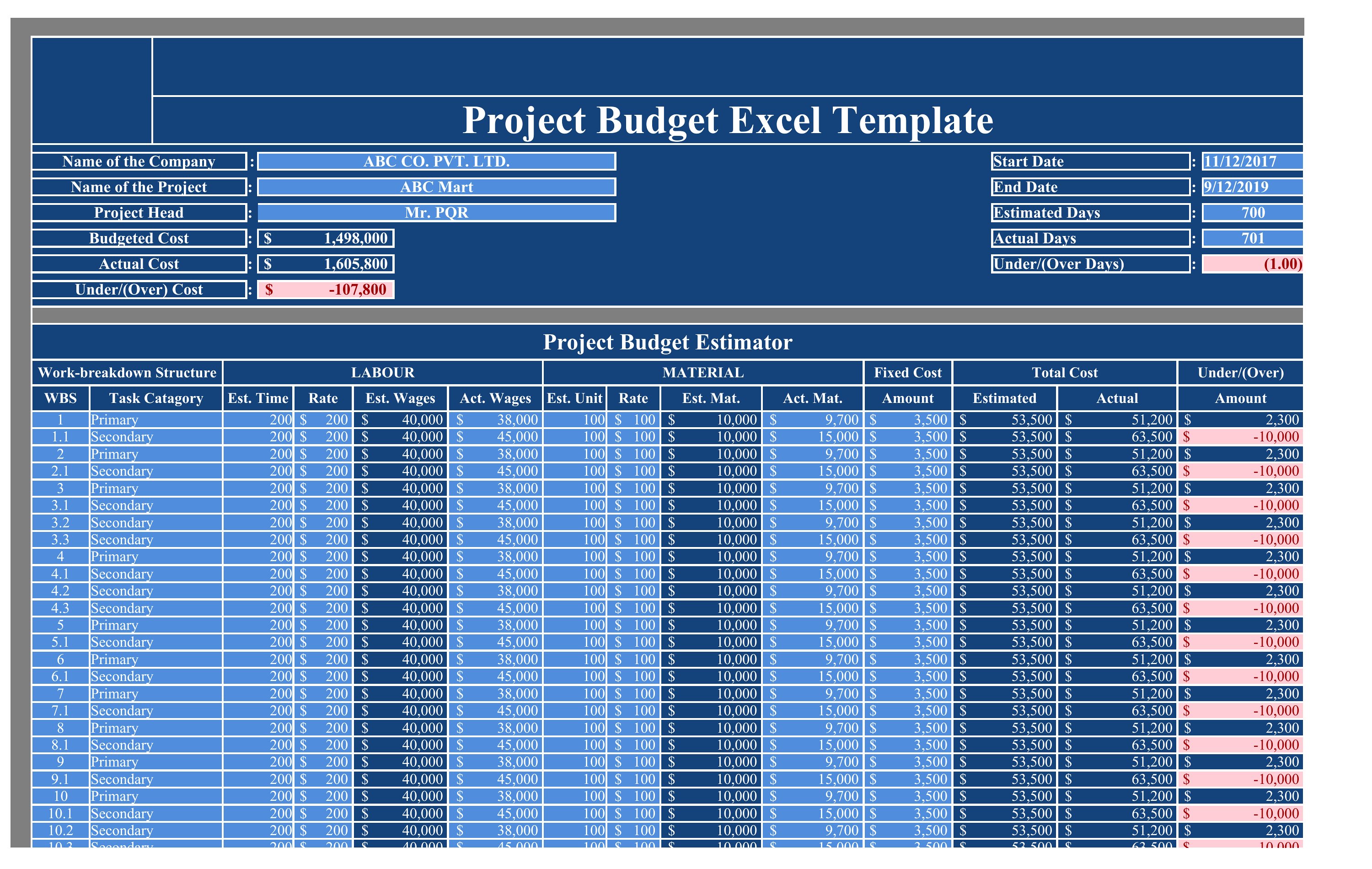
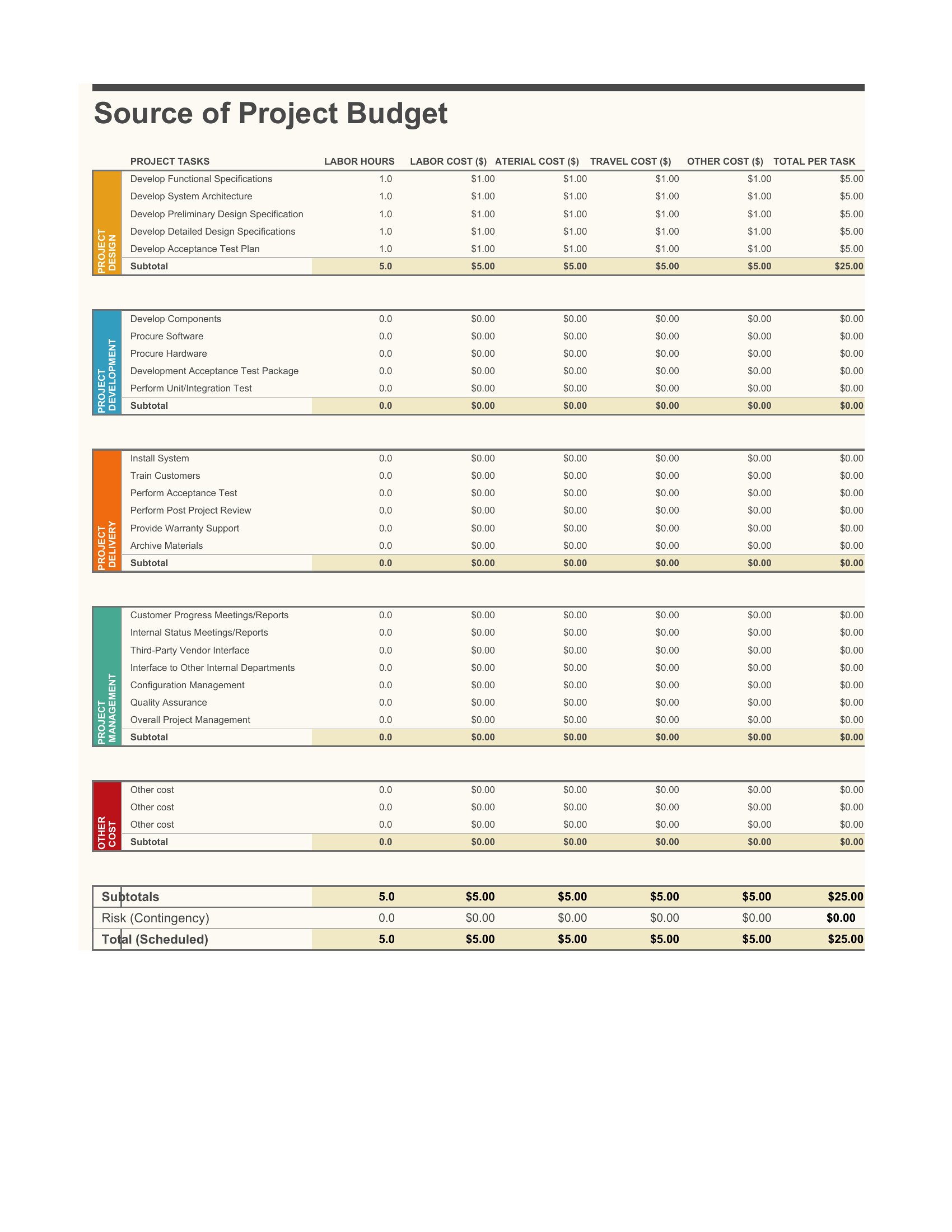
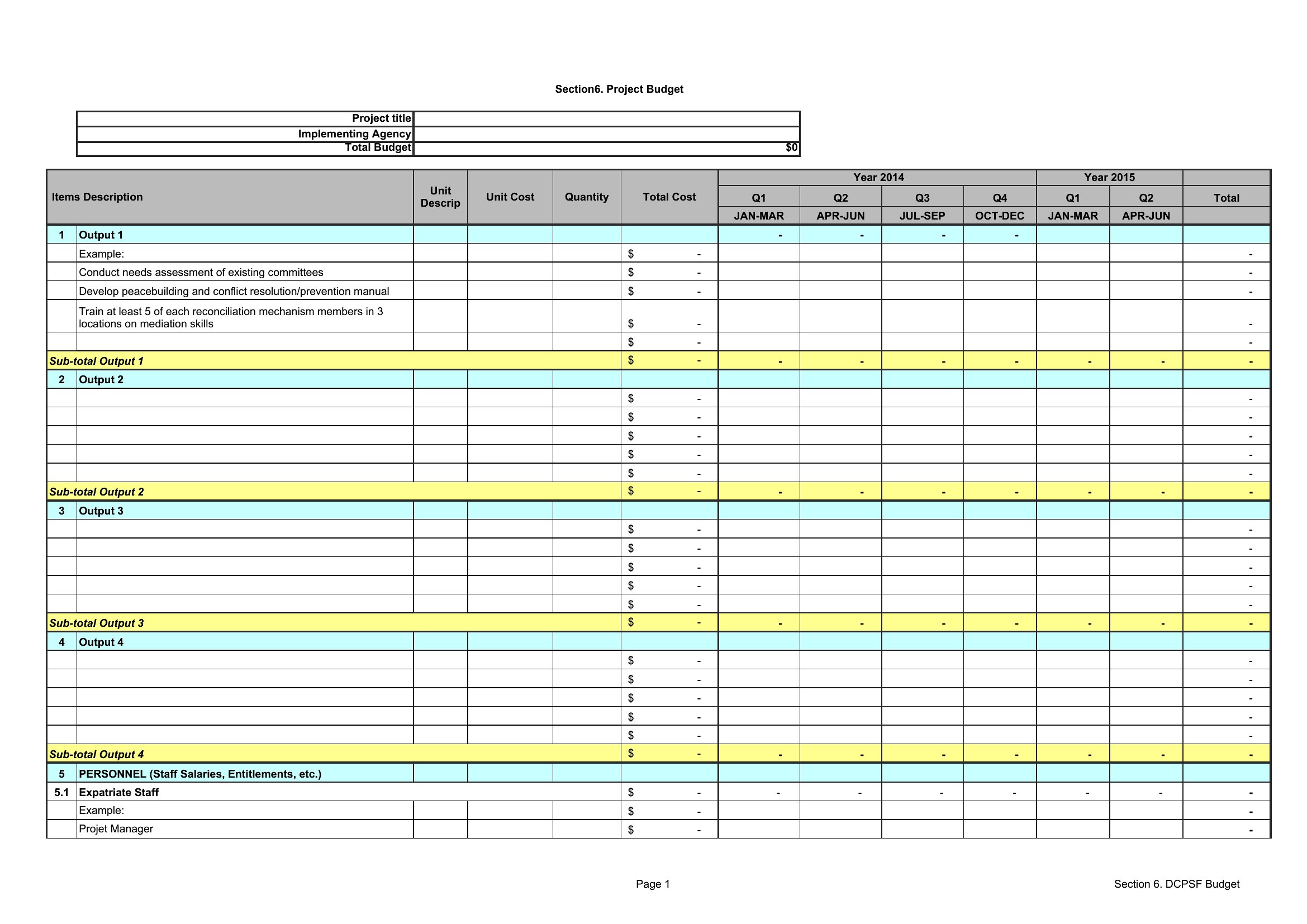
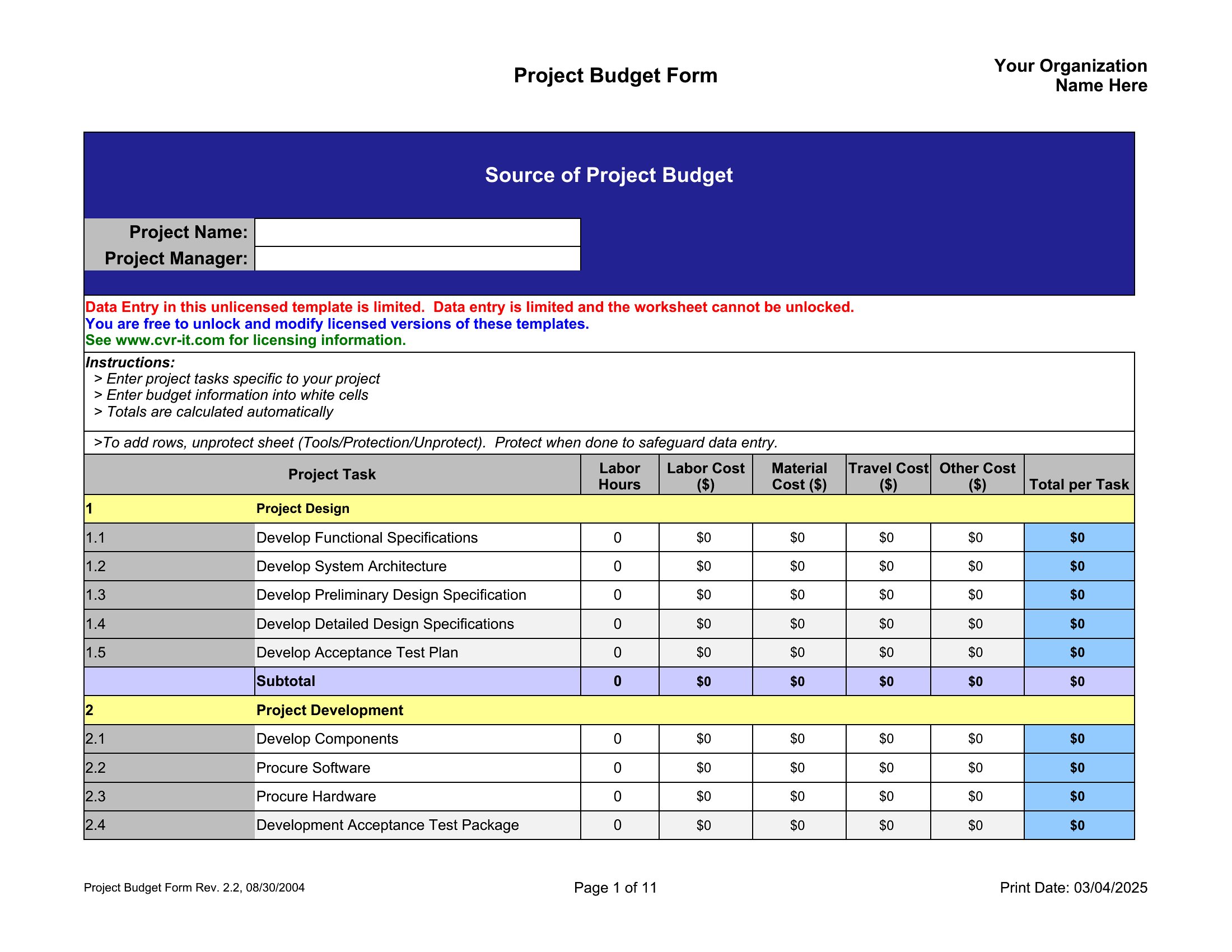
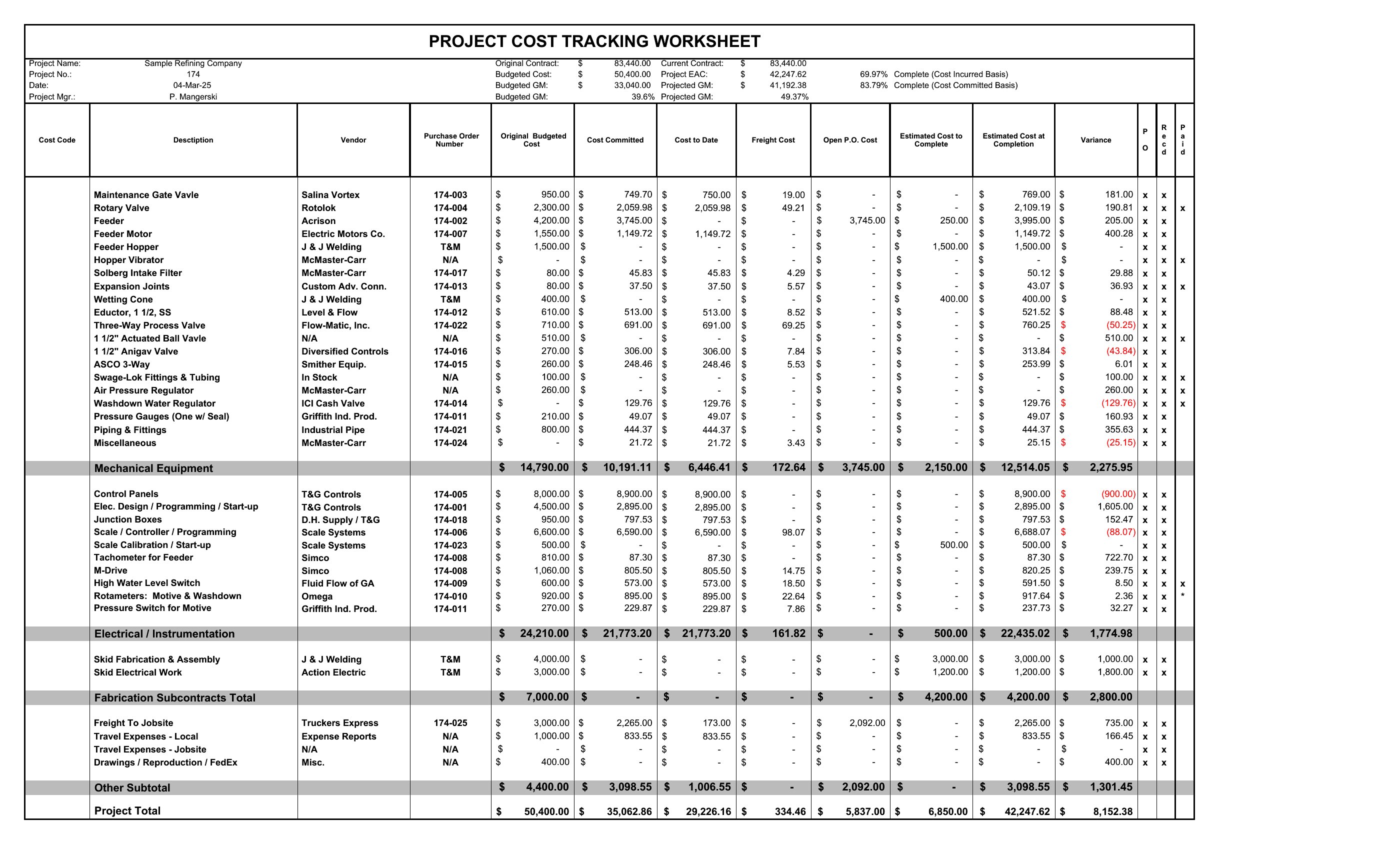
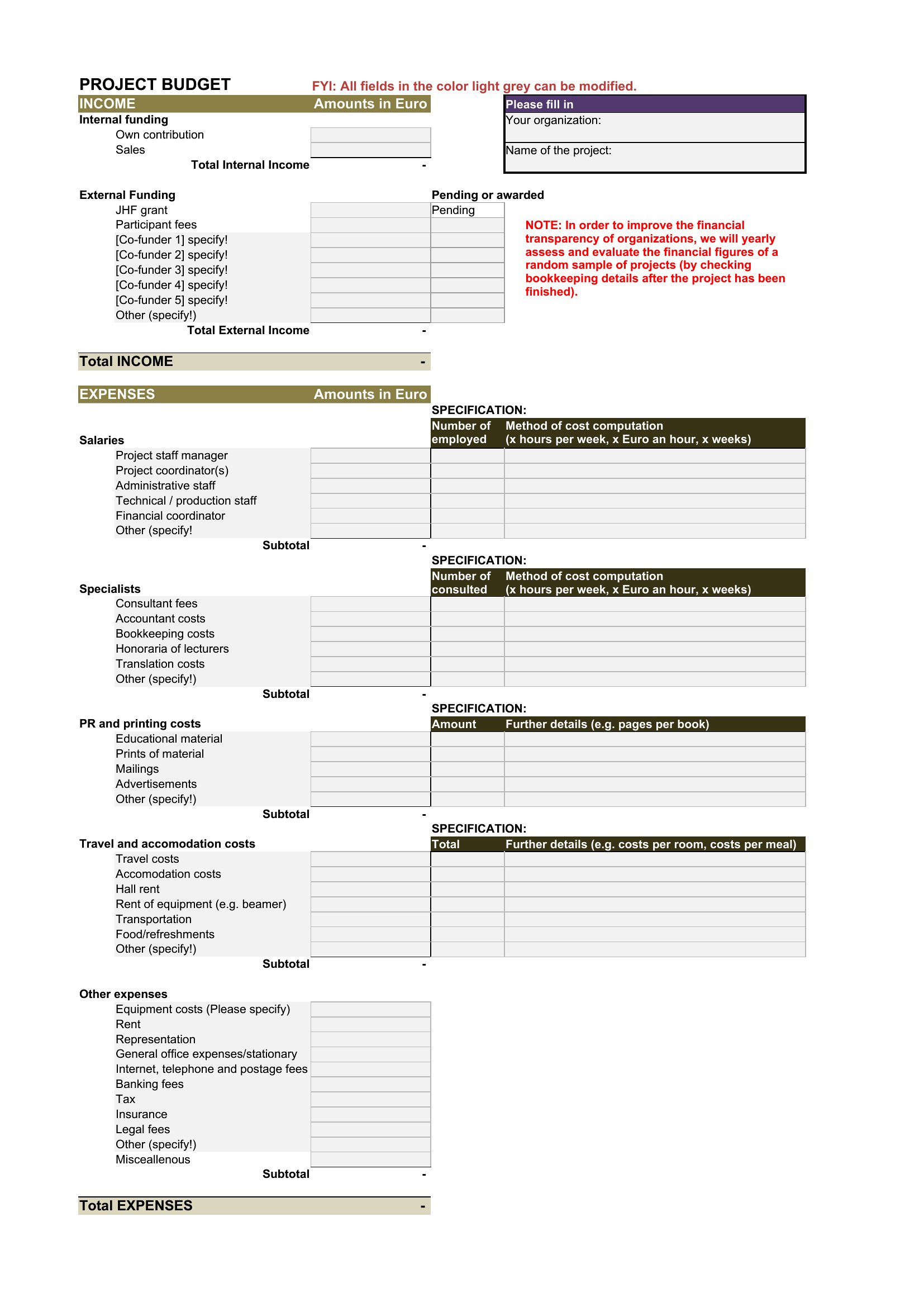
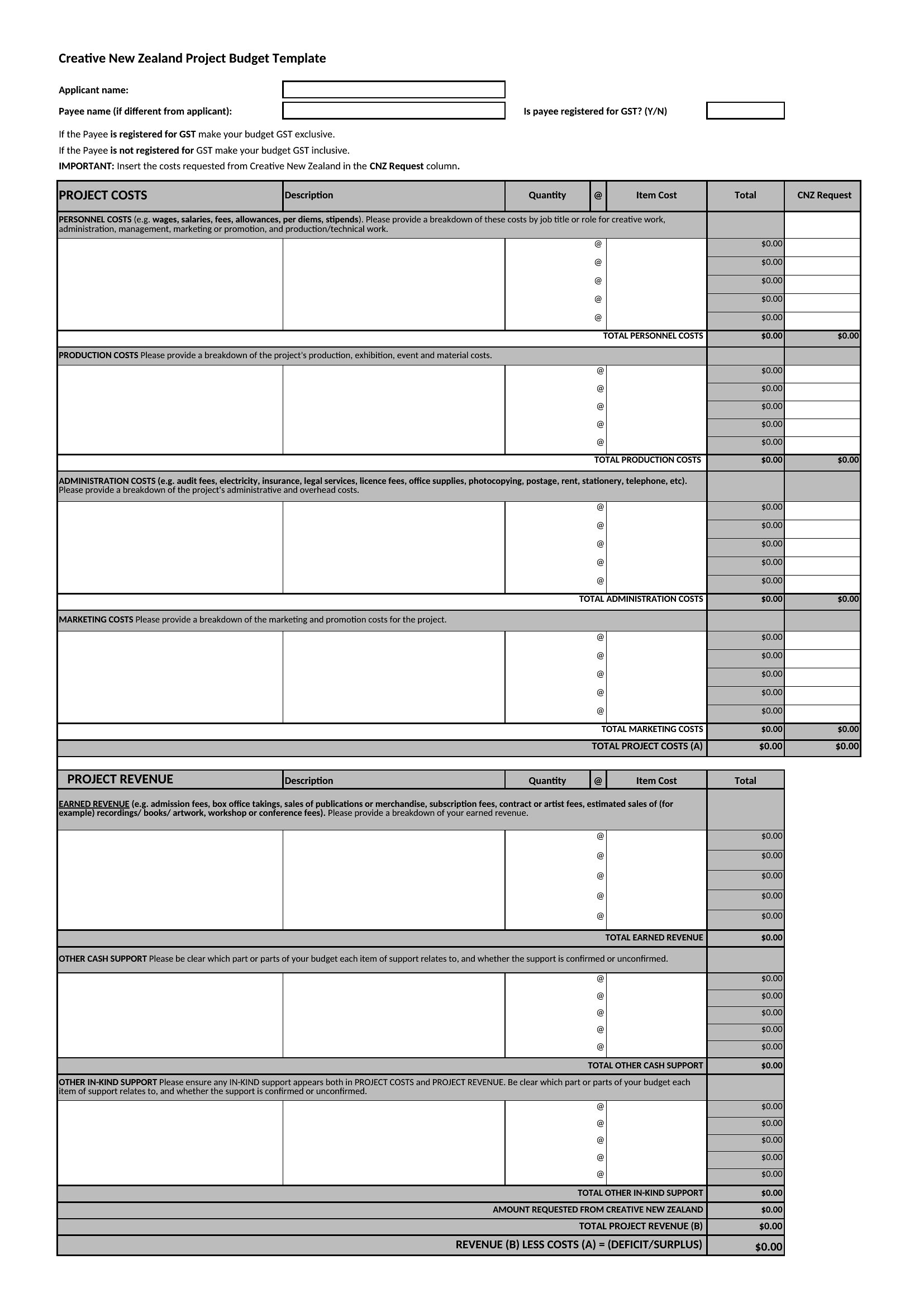
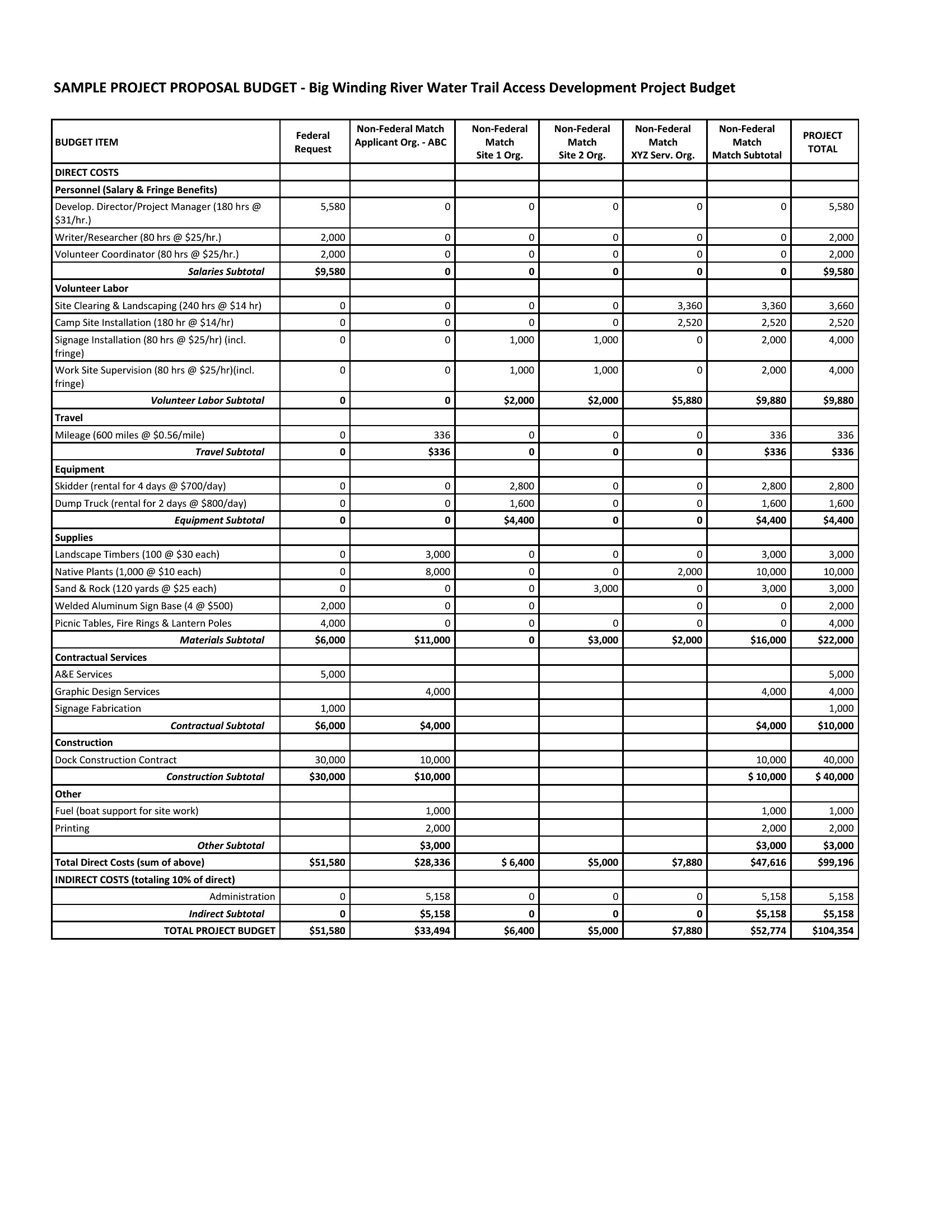
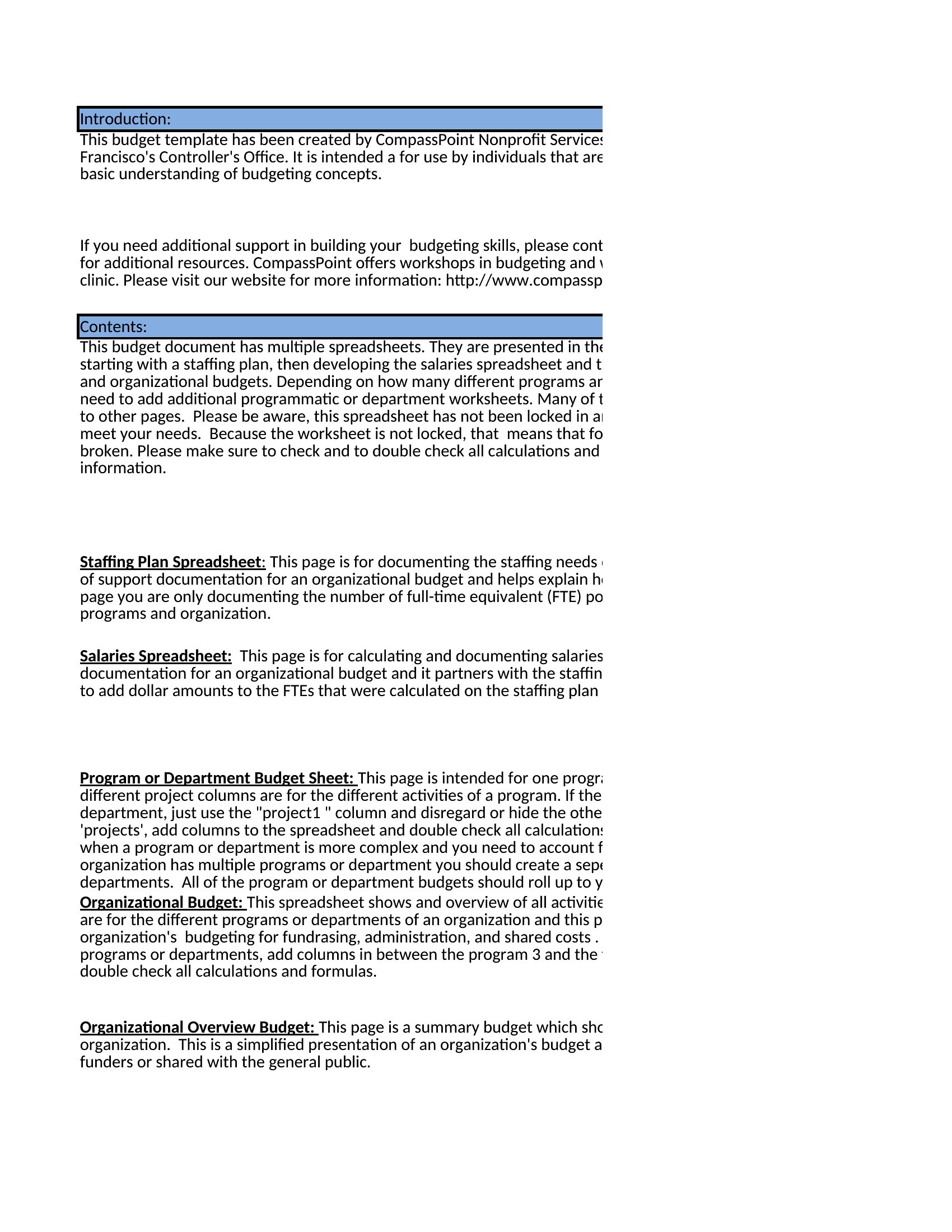
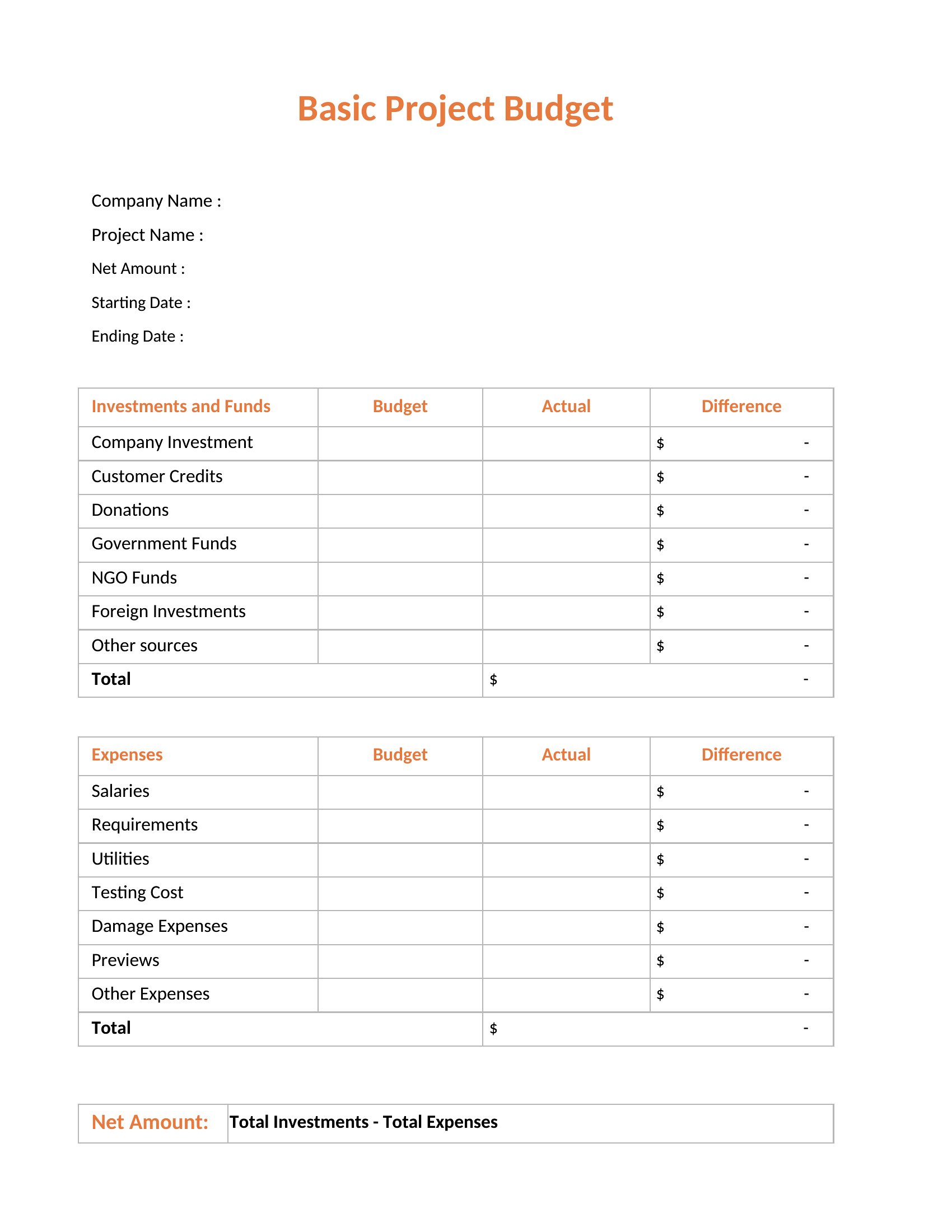
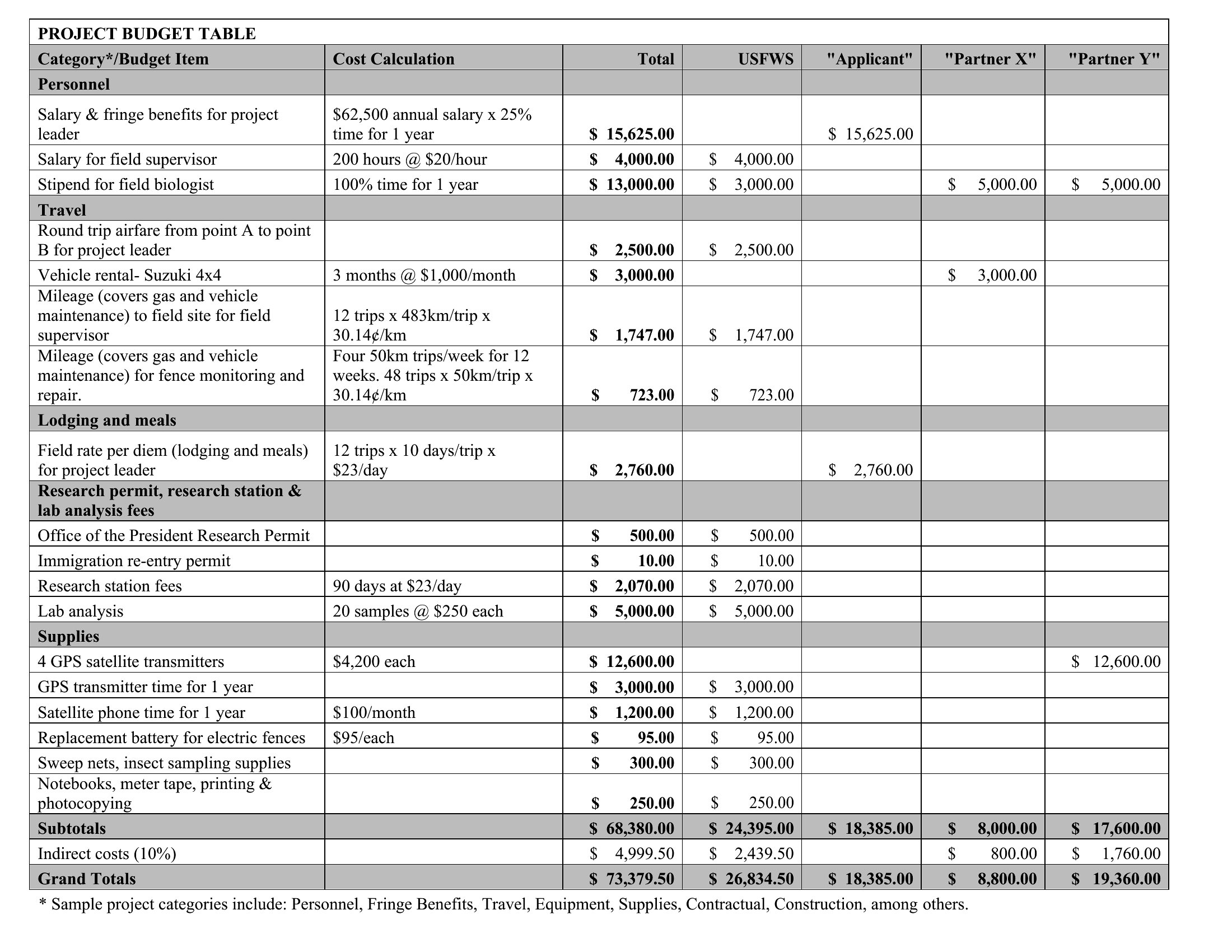
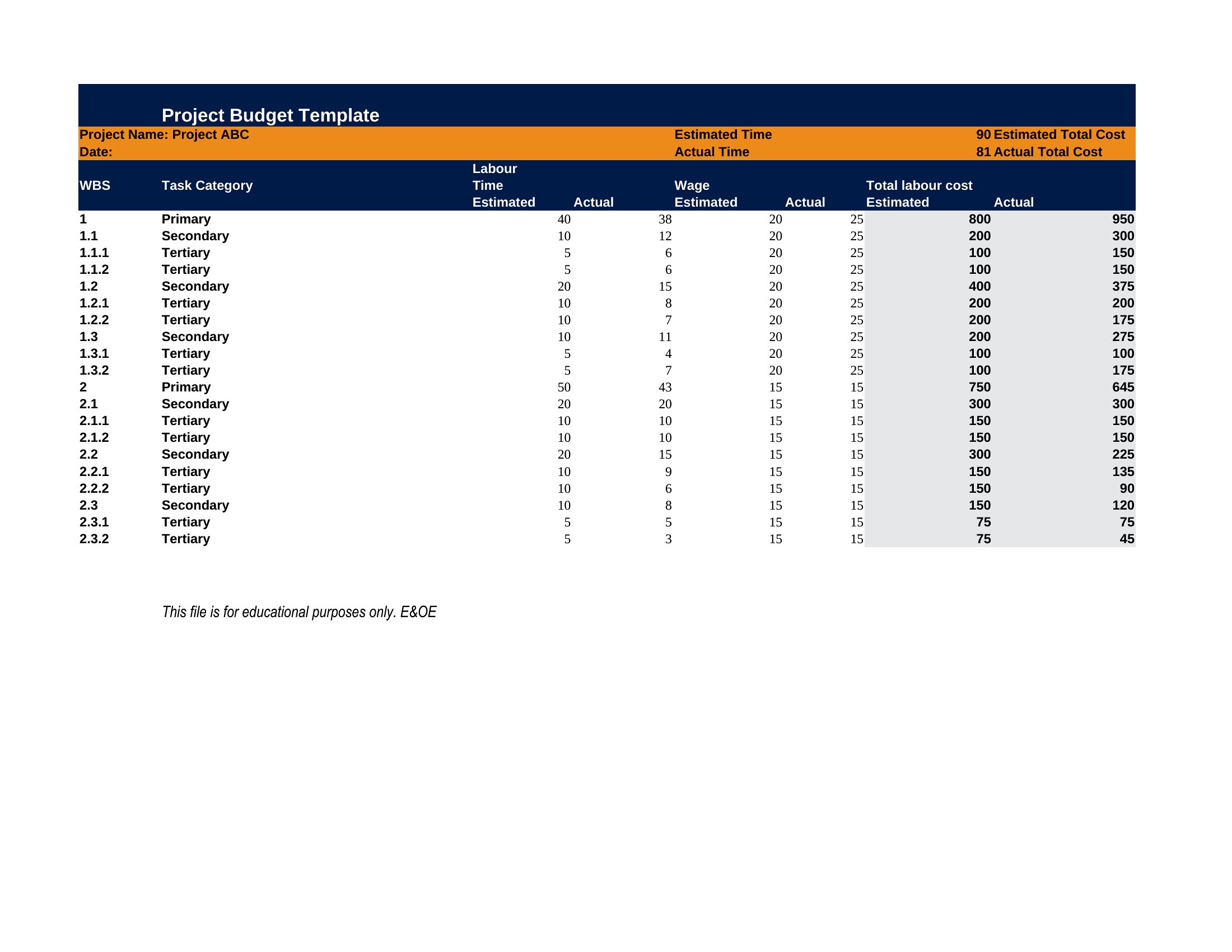
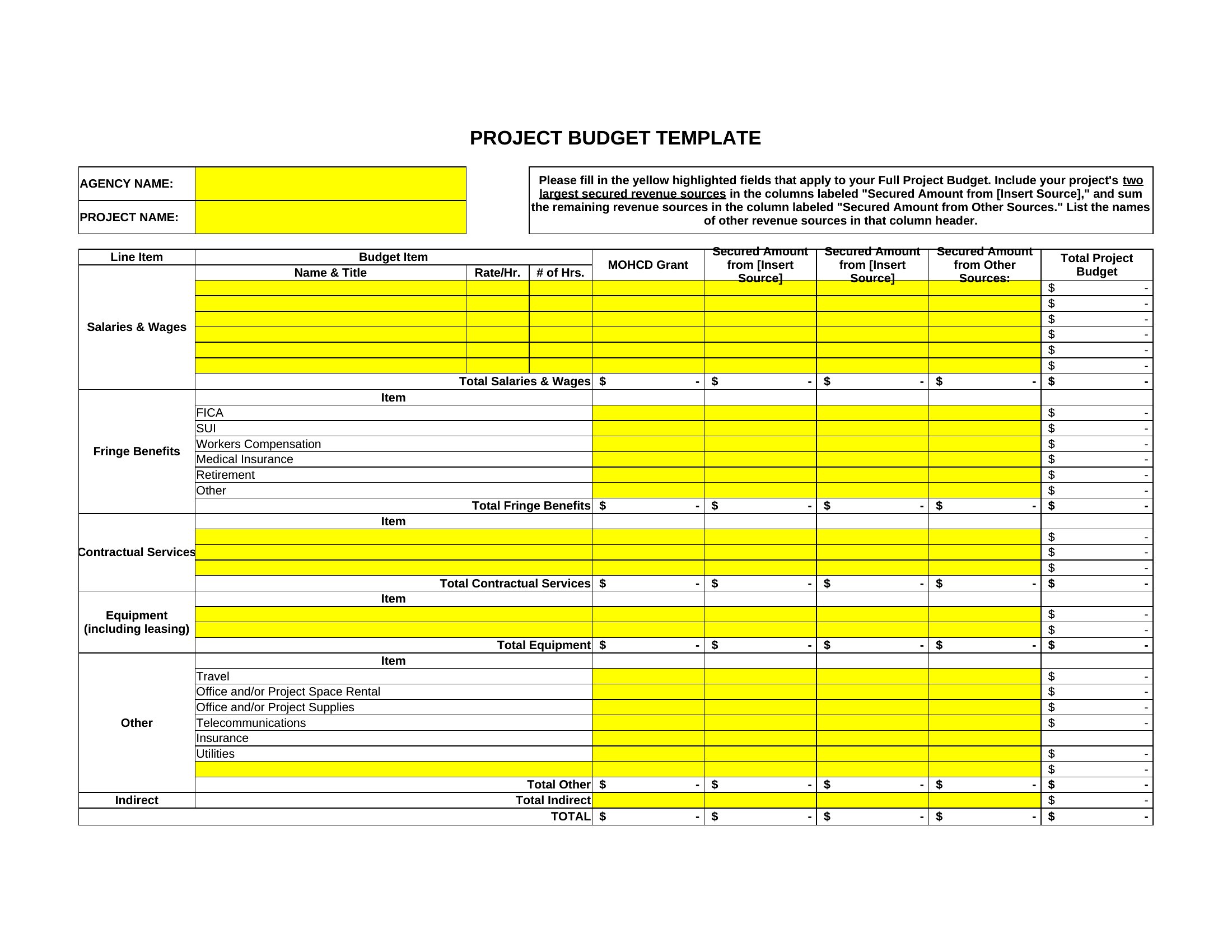
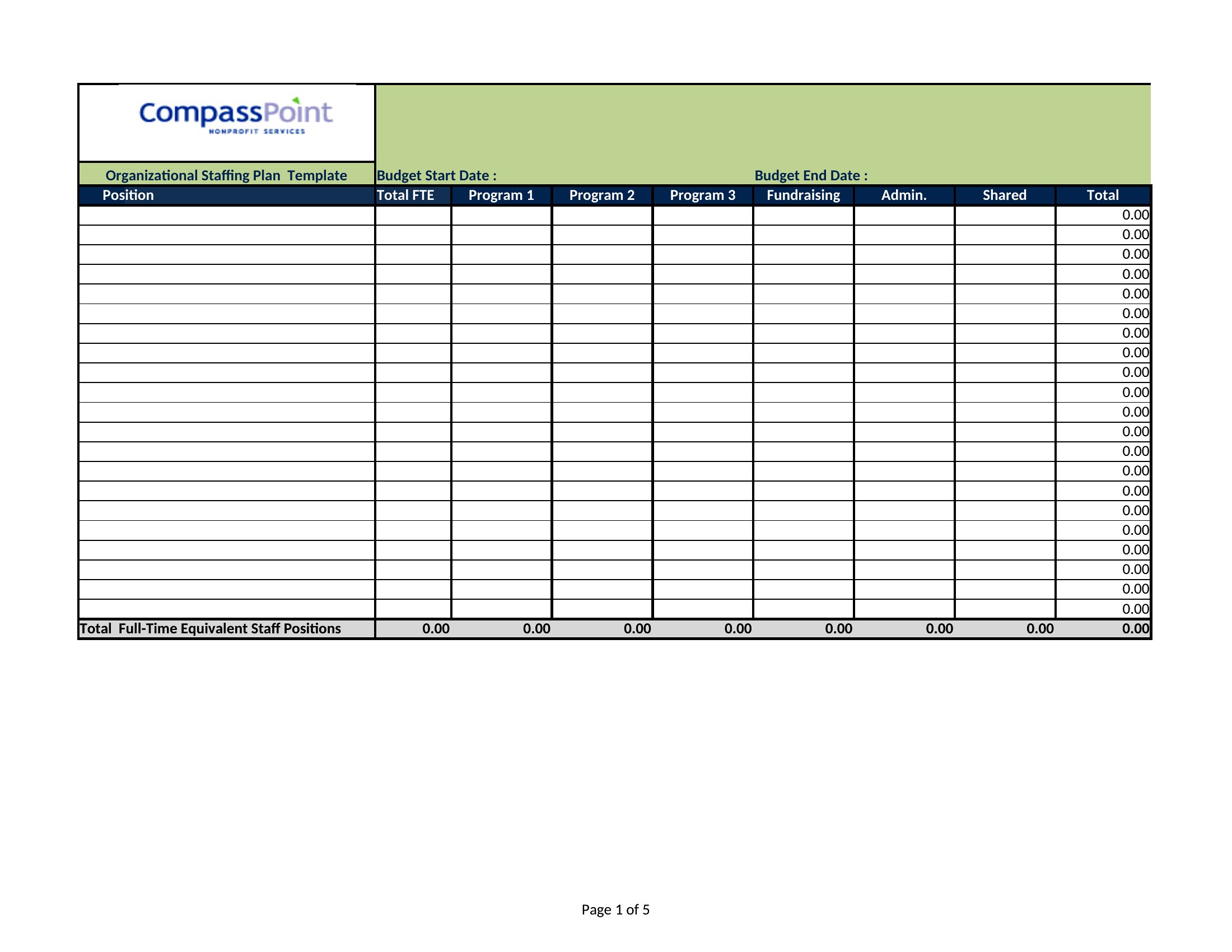
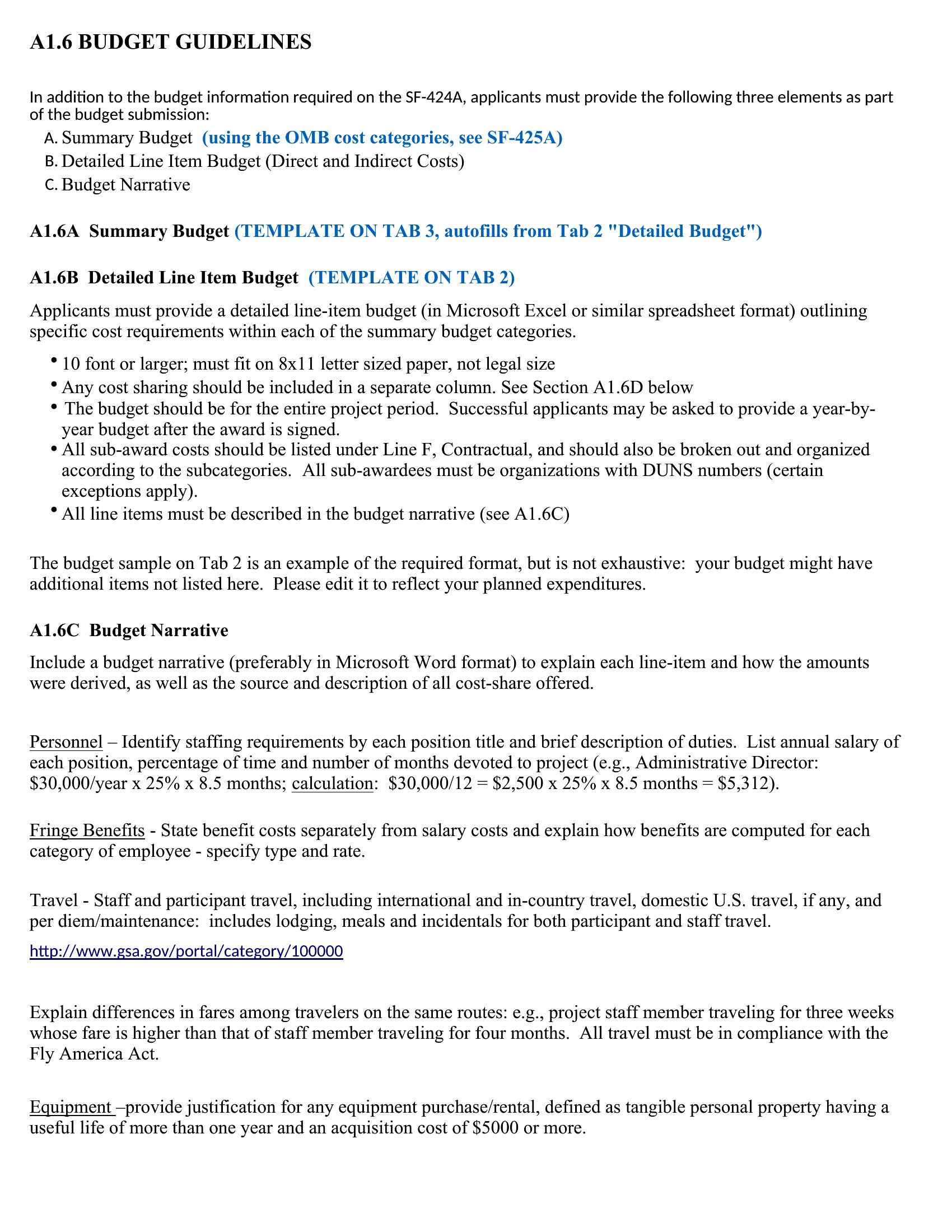
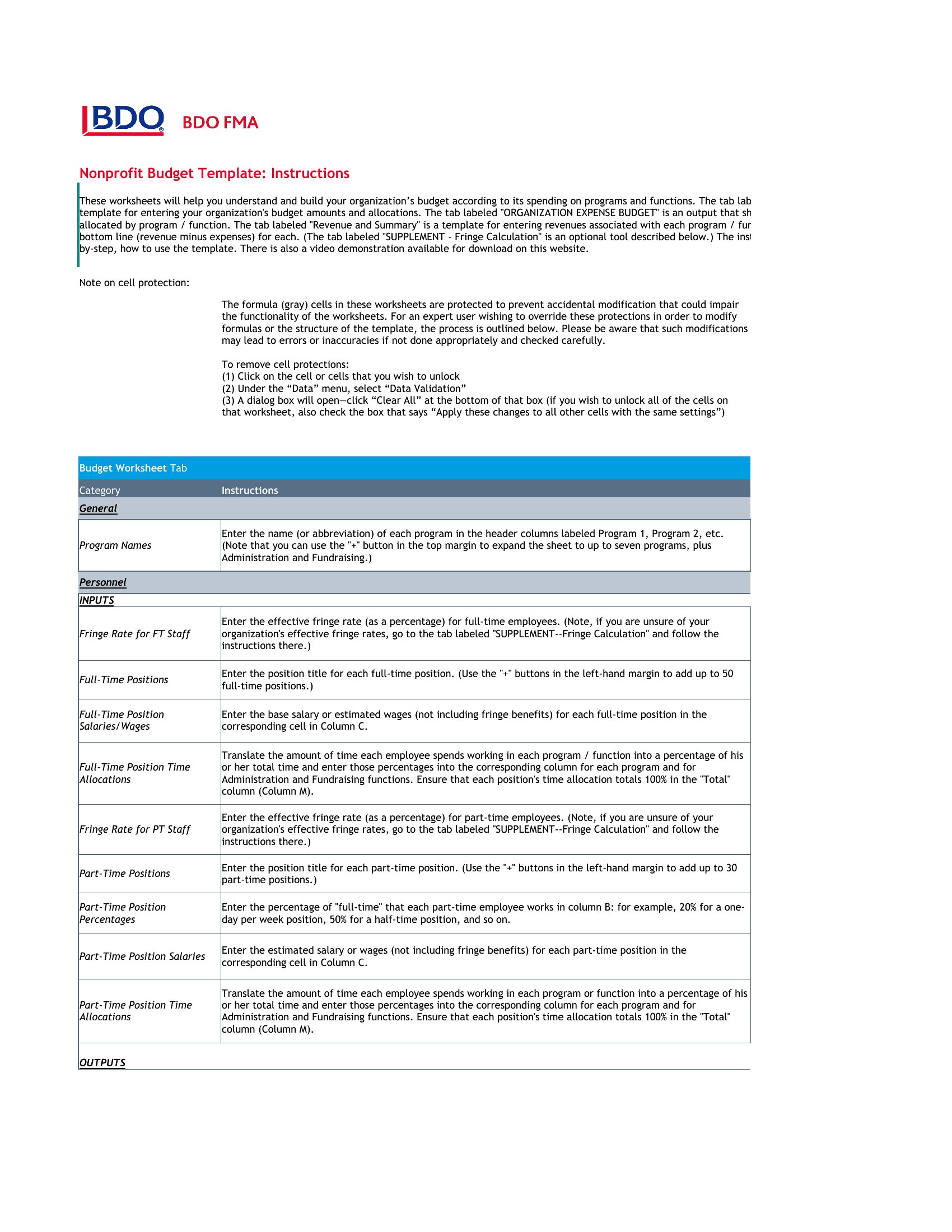
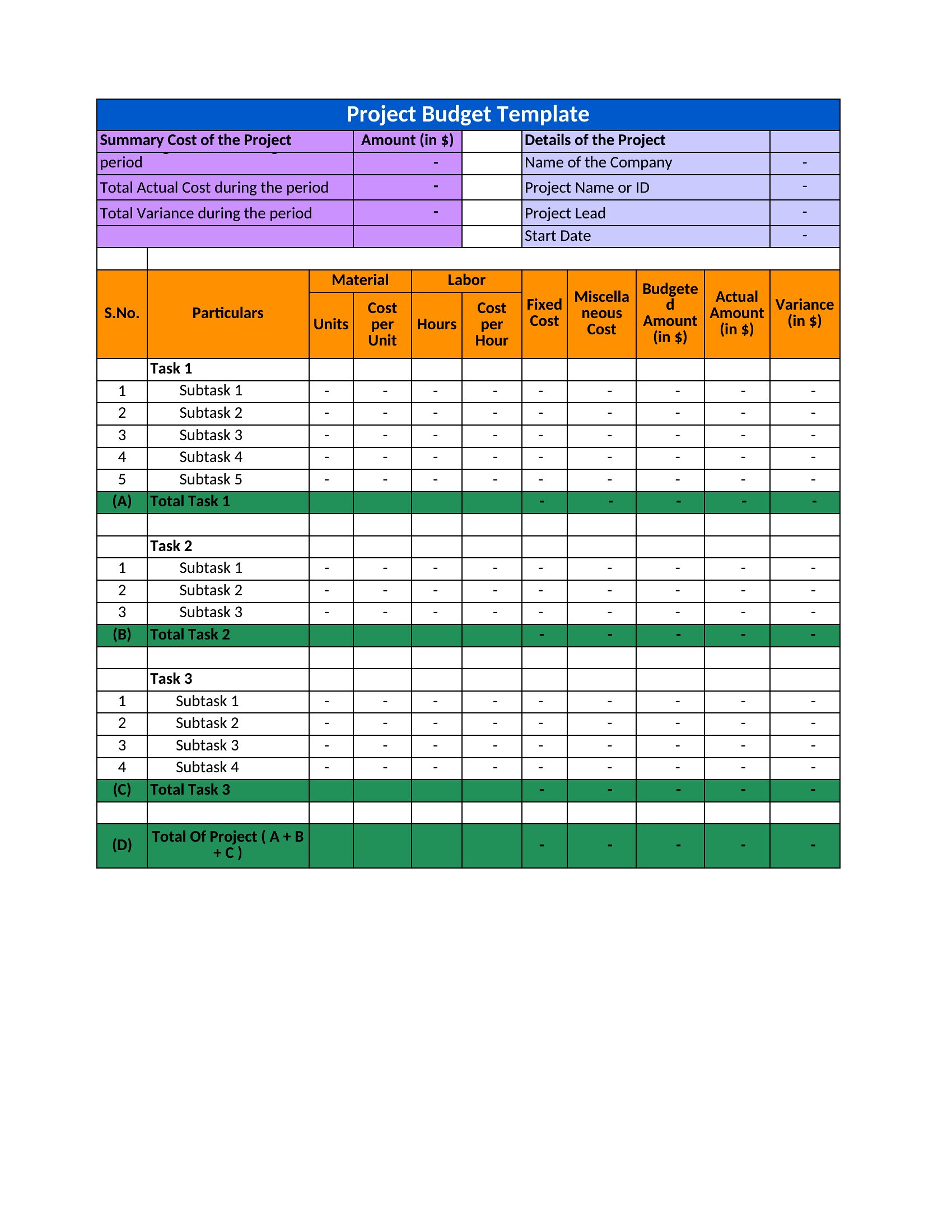
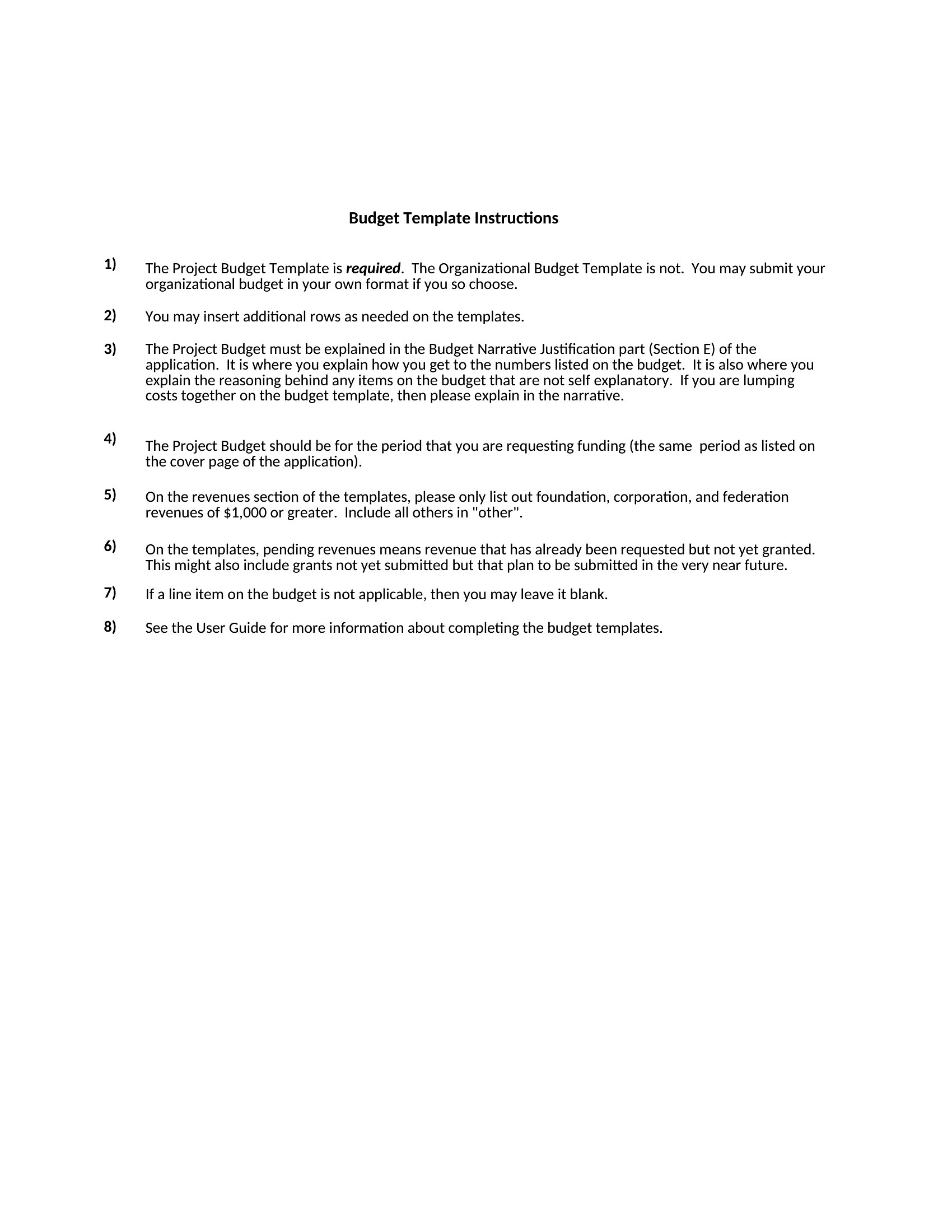
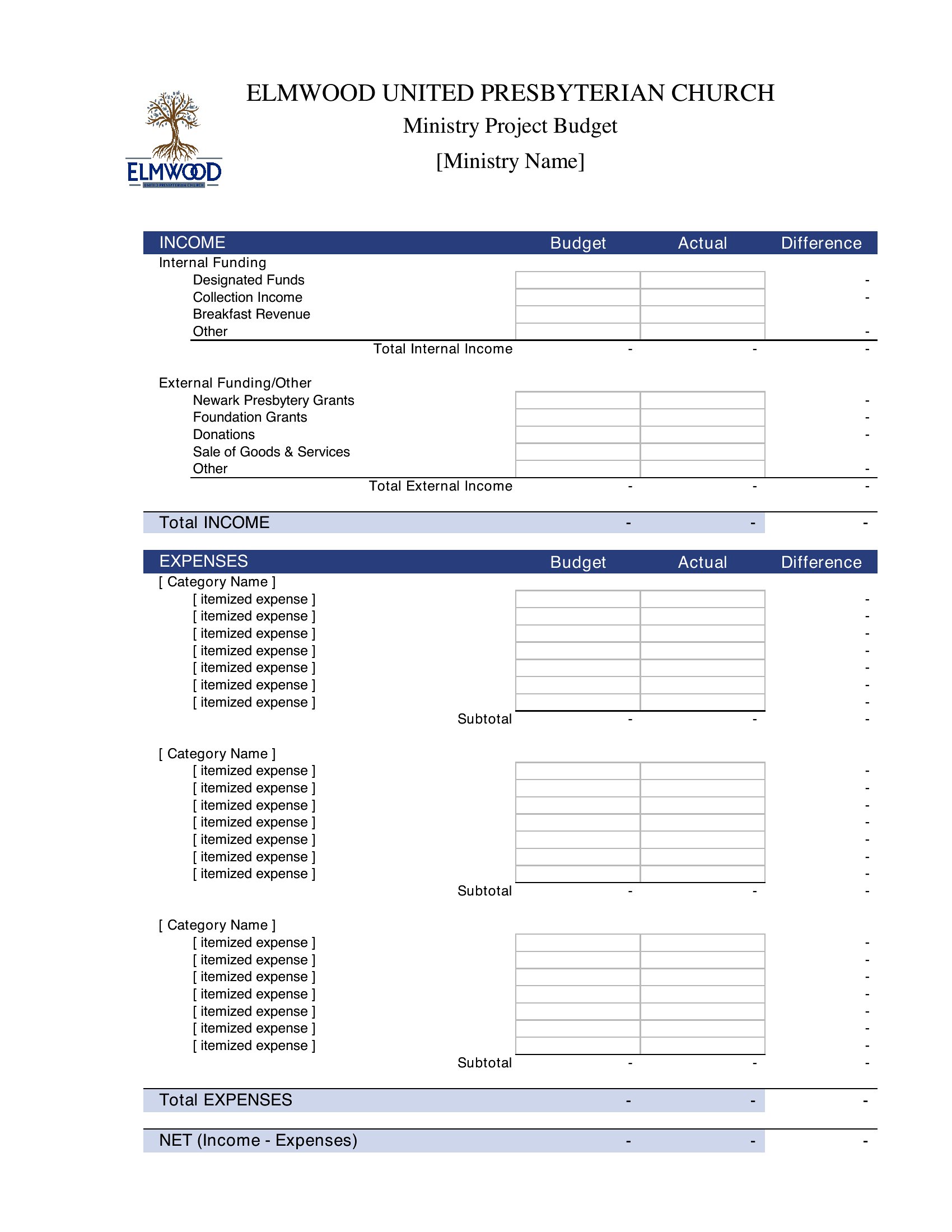
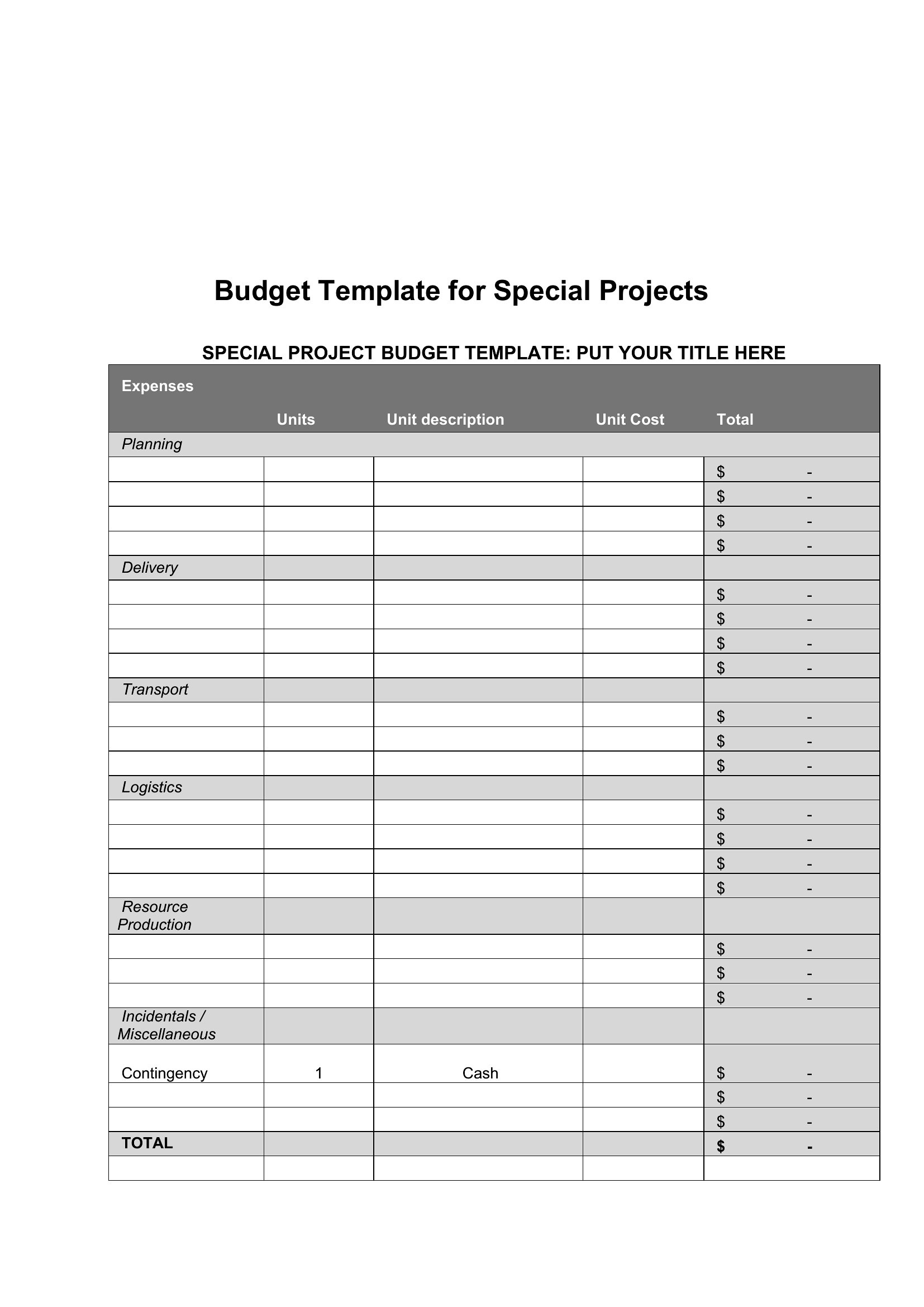
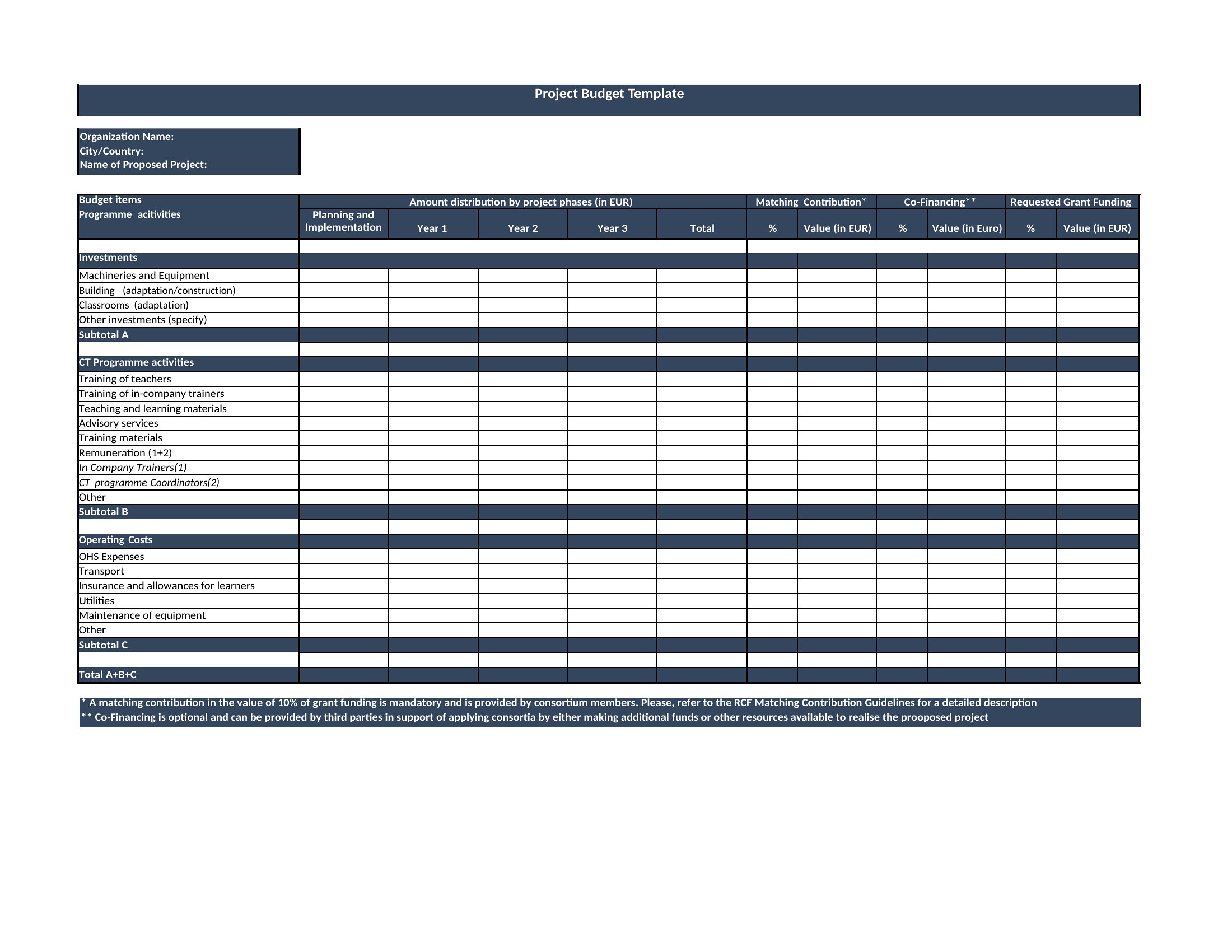
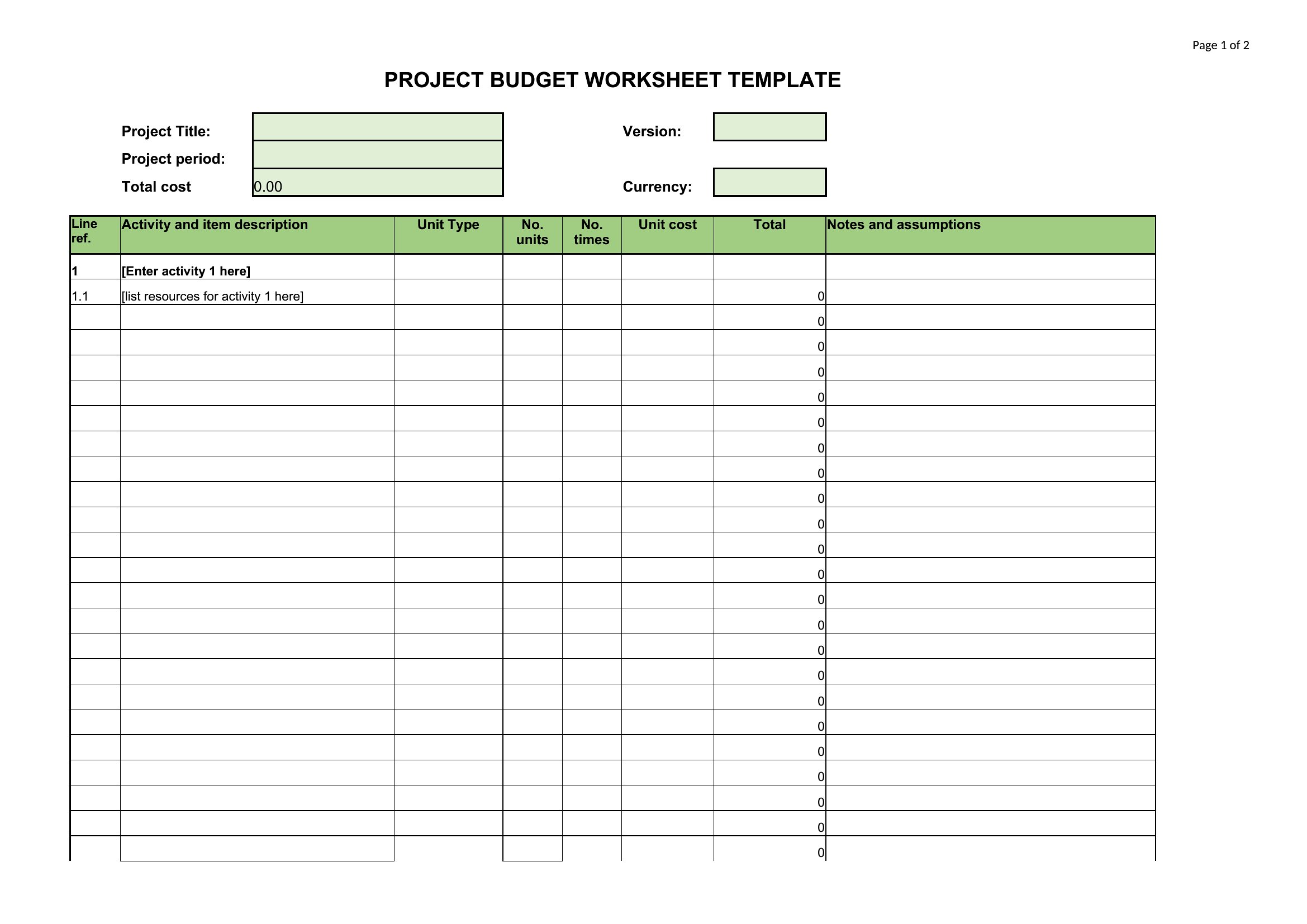
Projected Budget
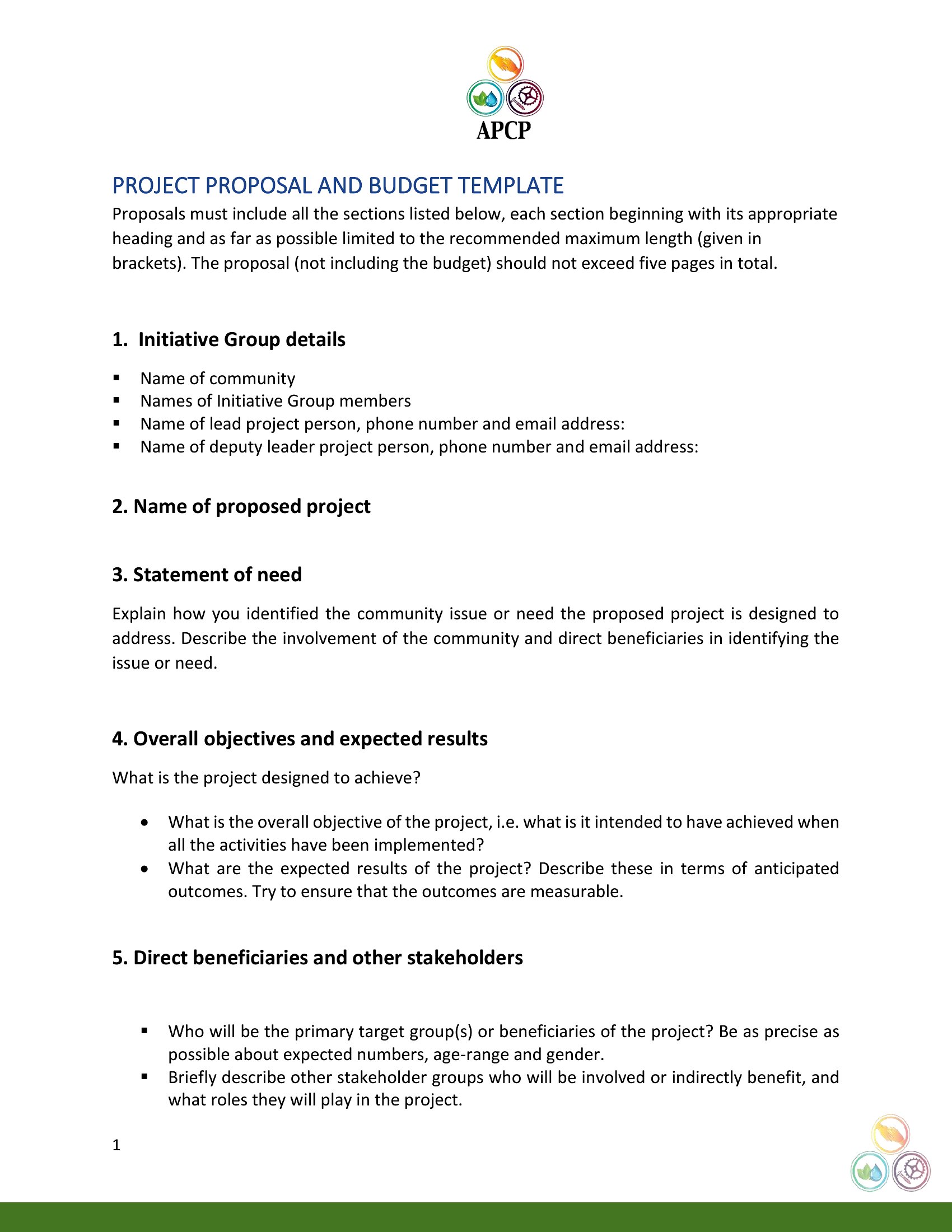
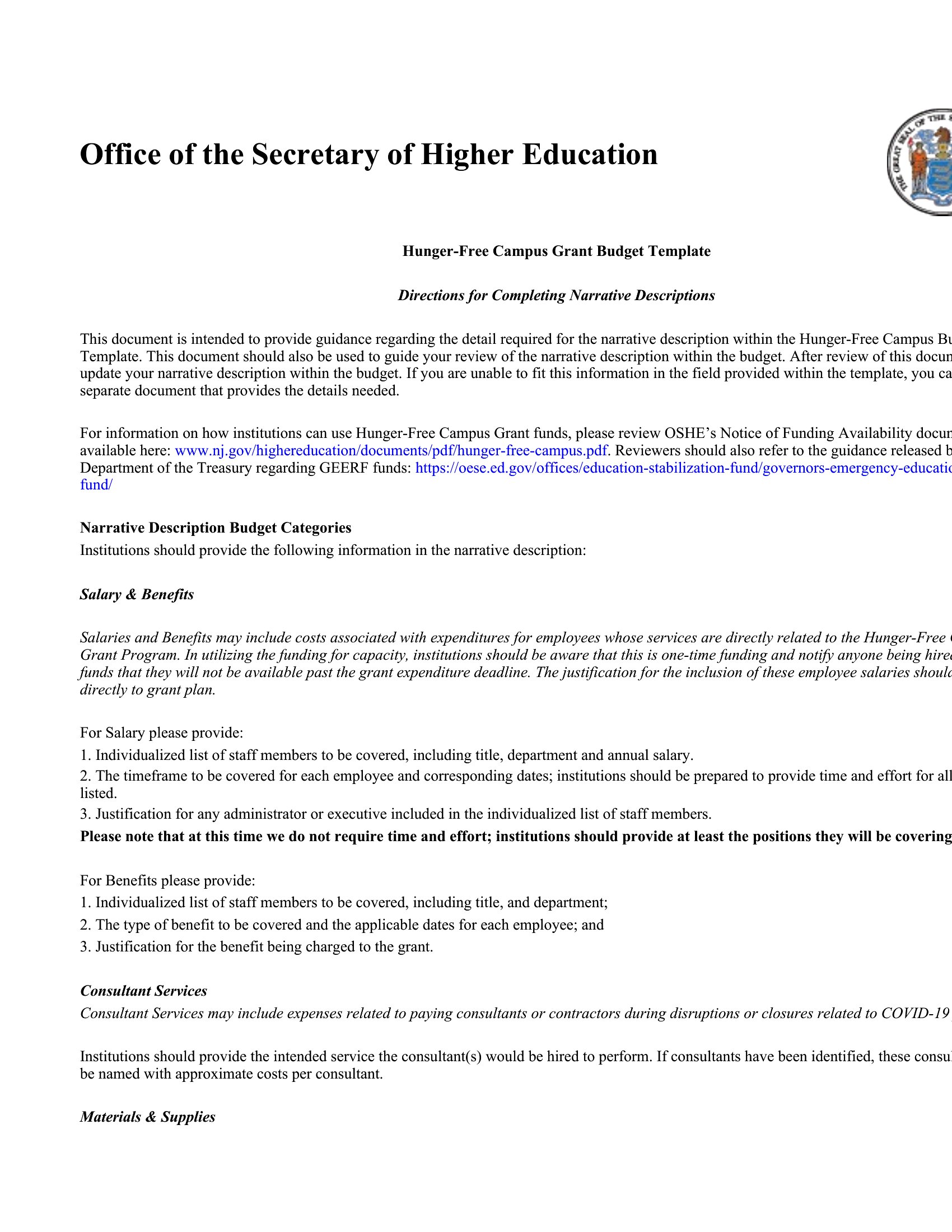
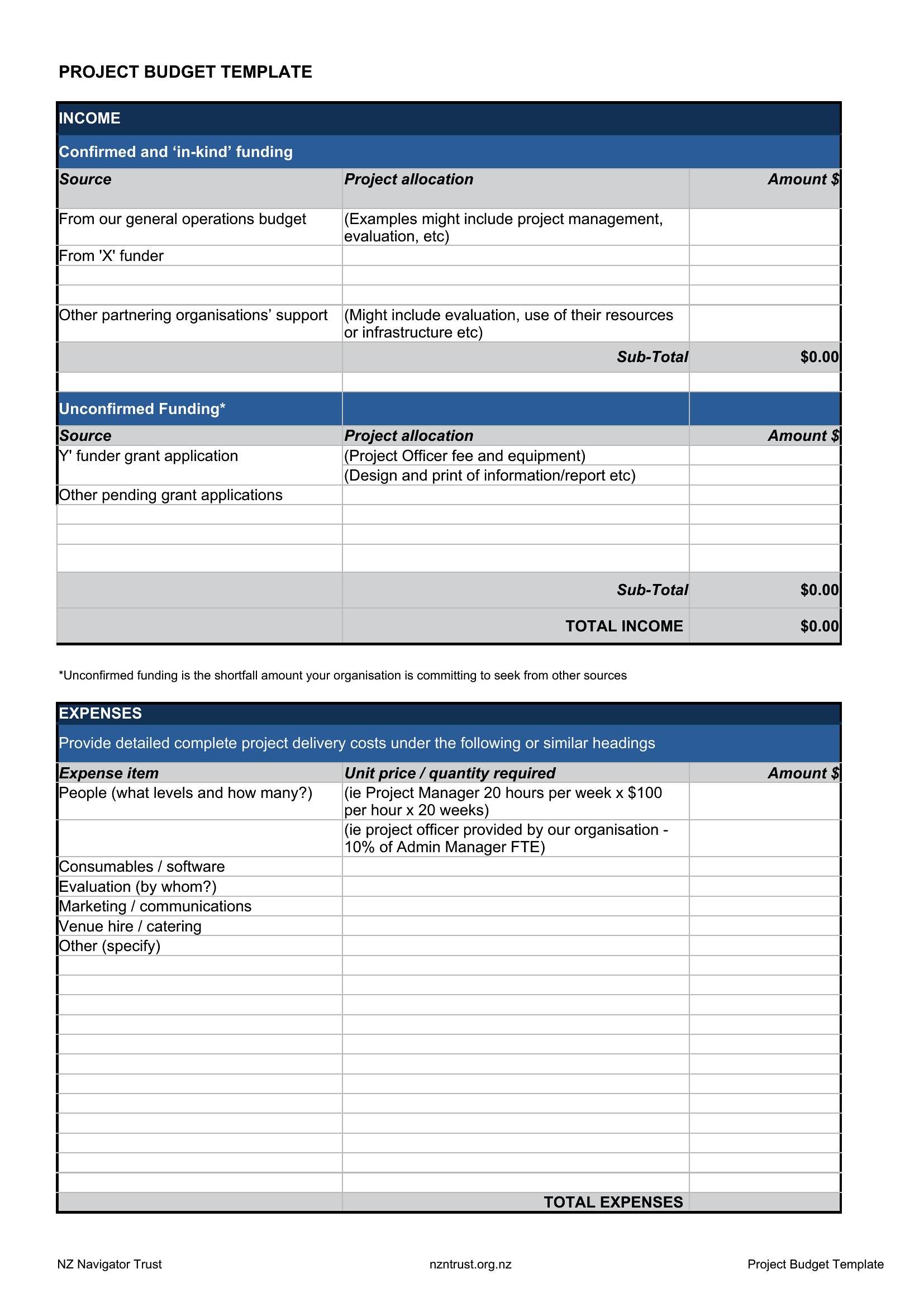
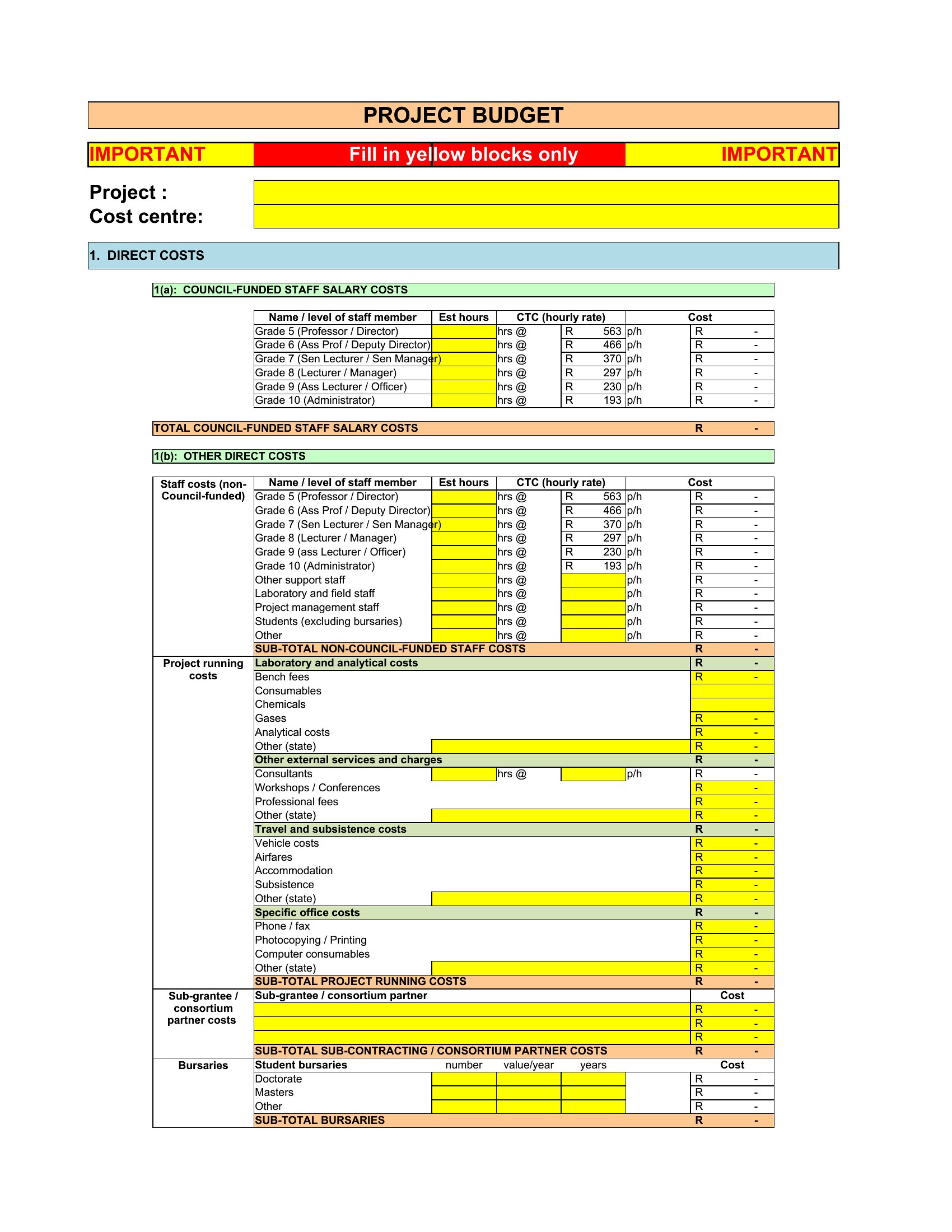
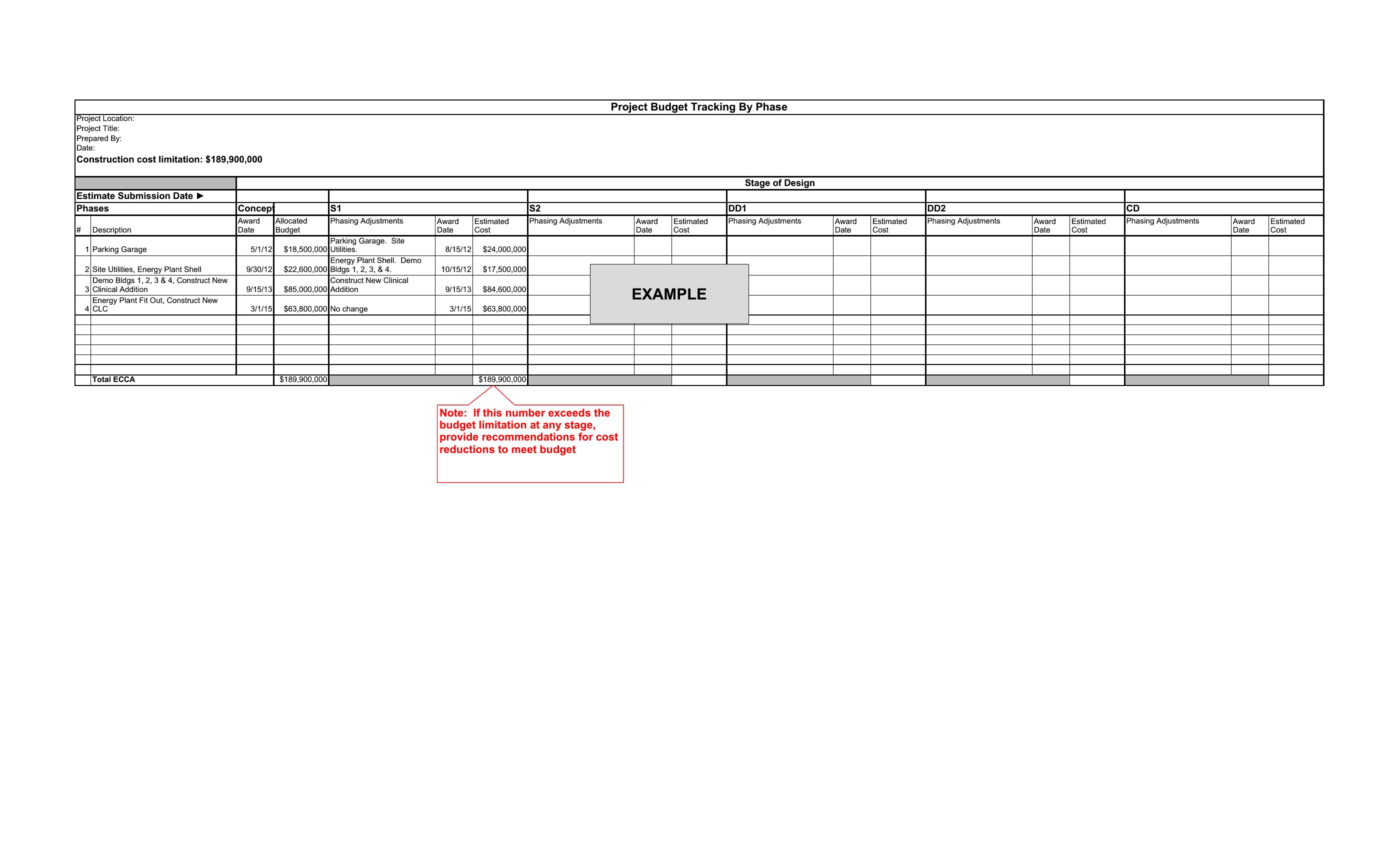
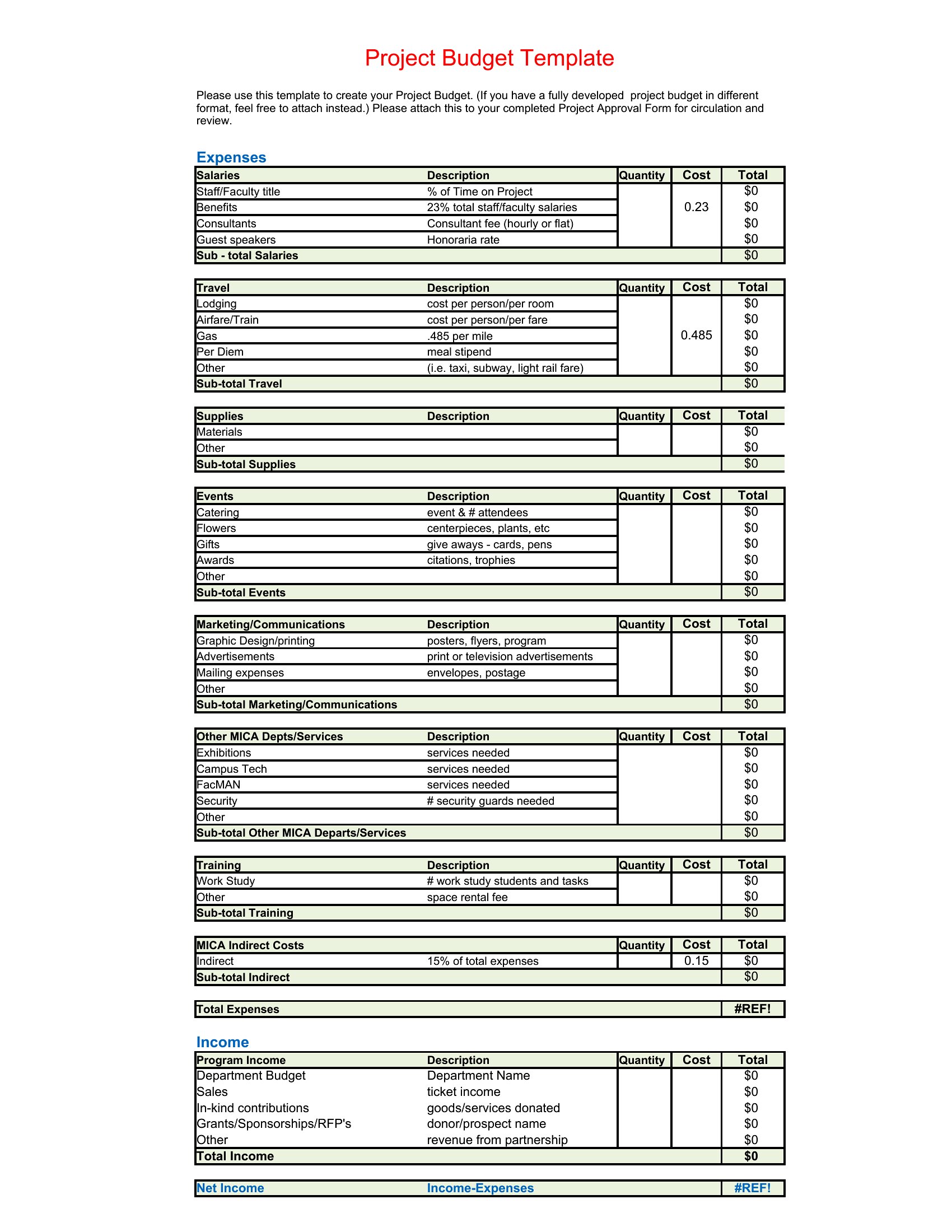
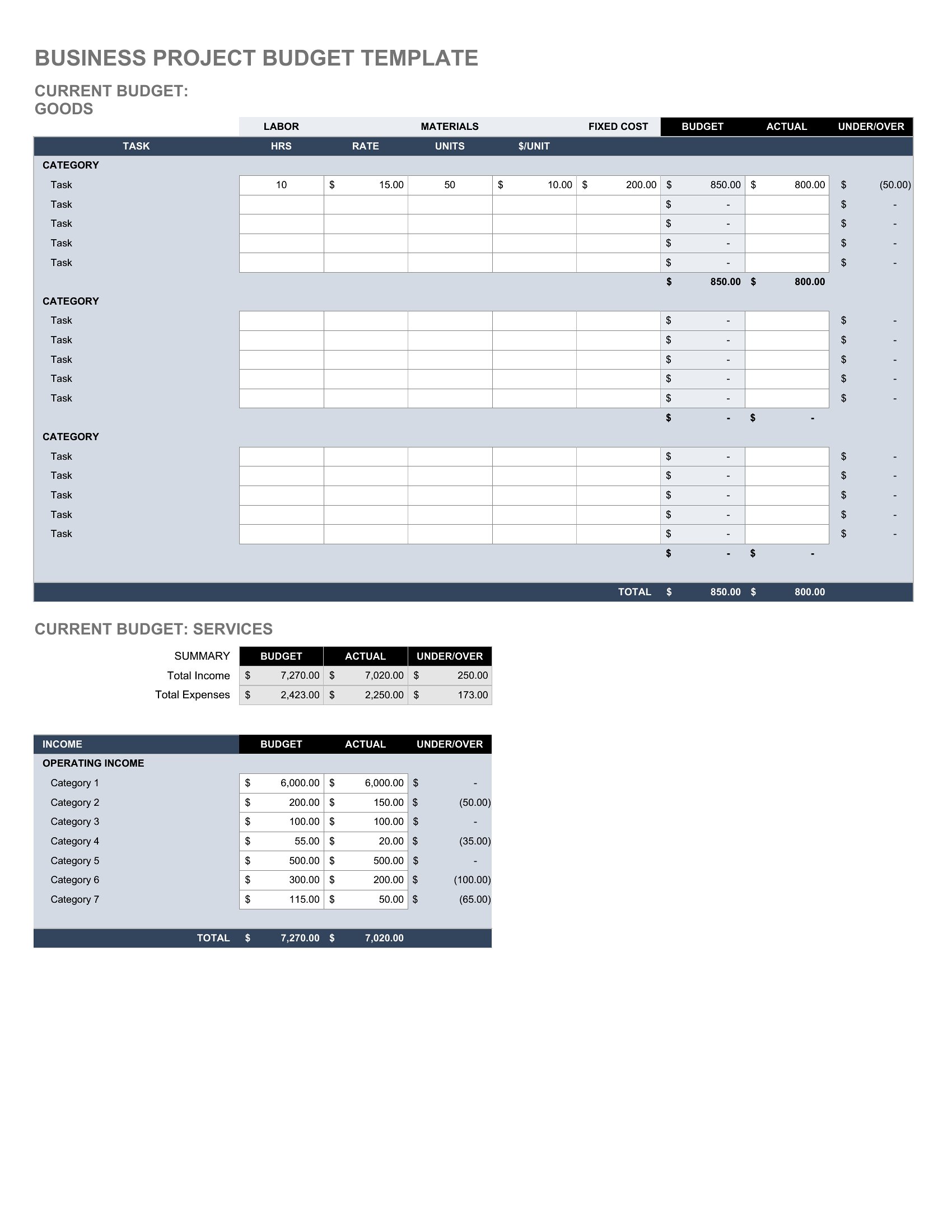
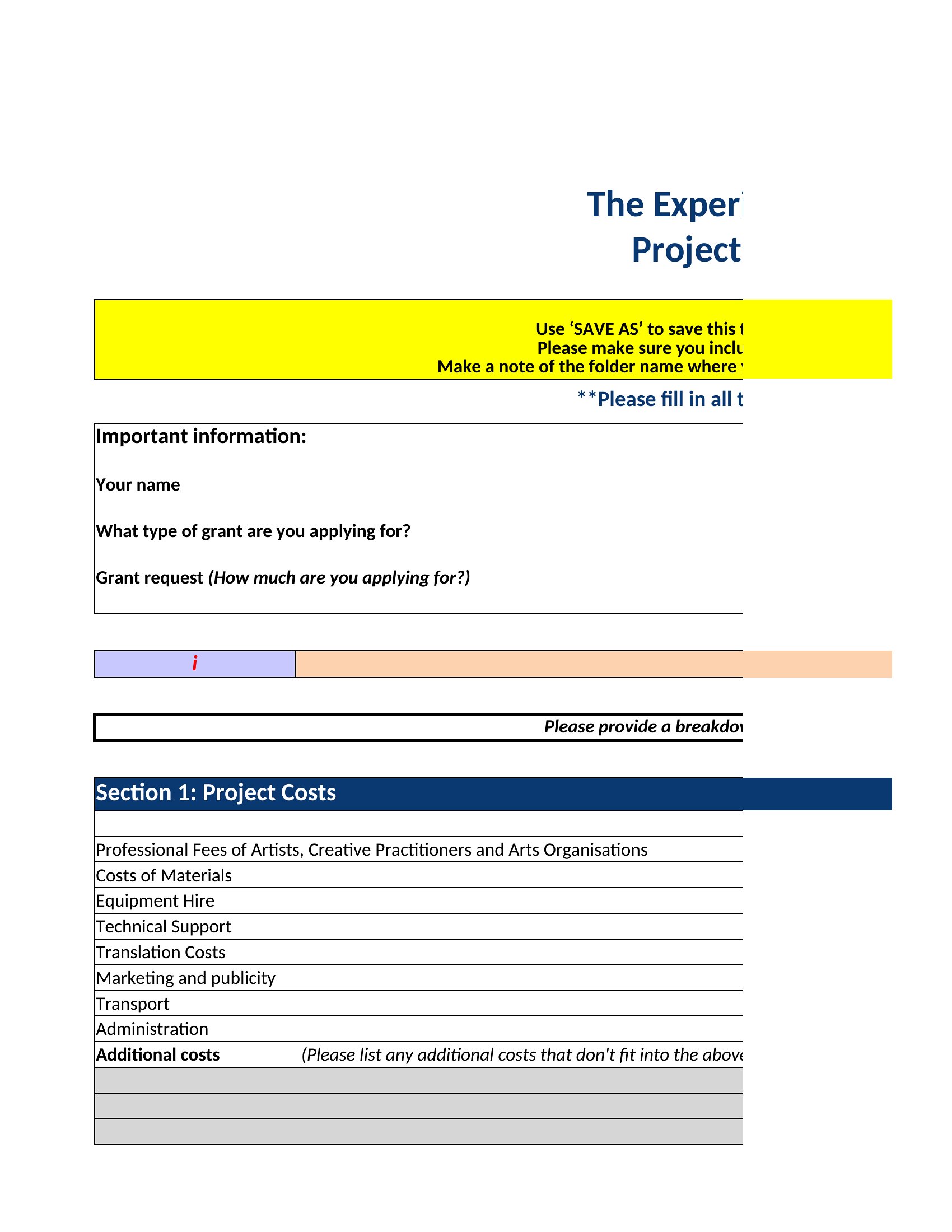
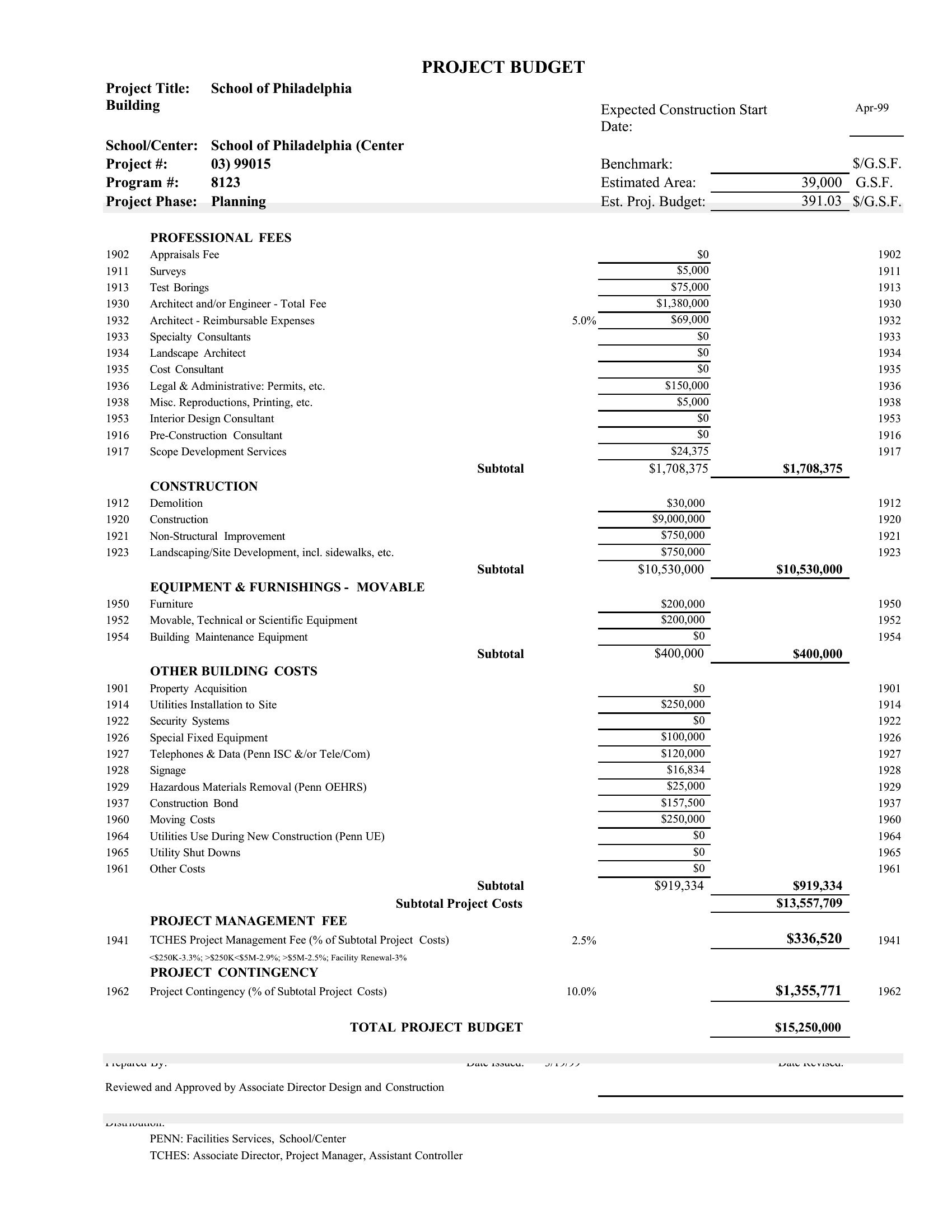
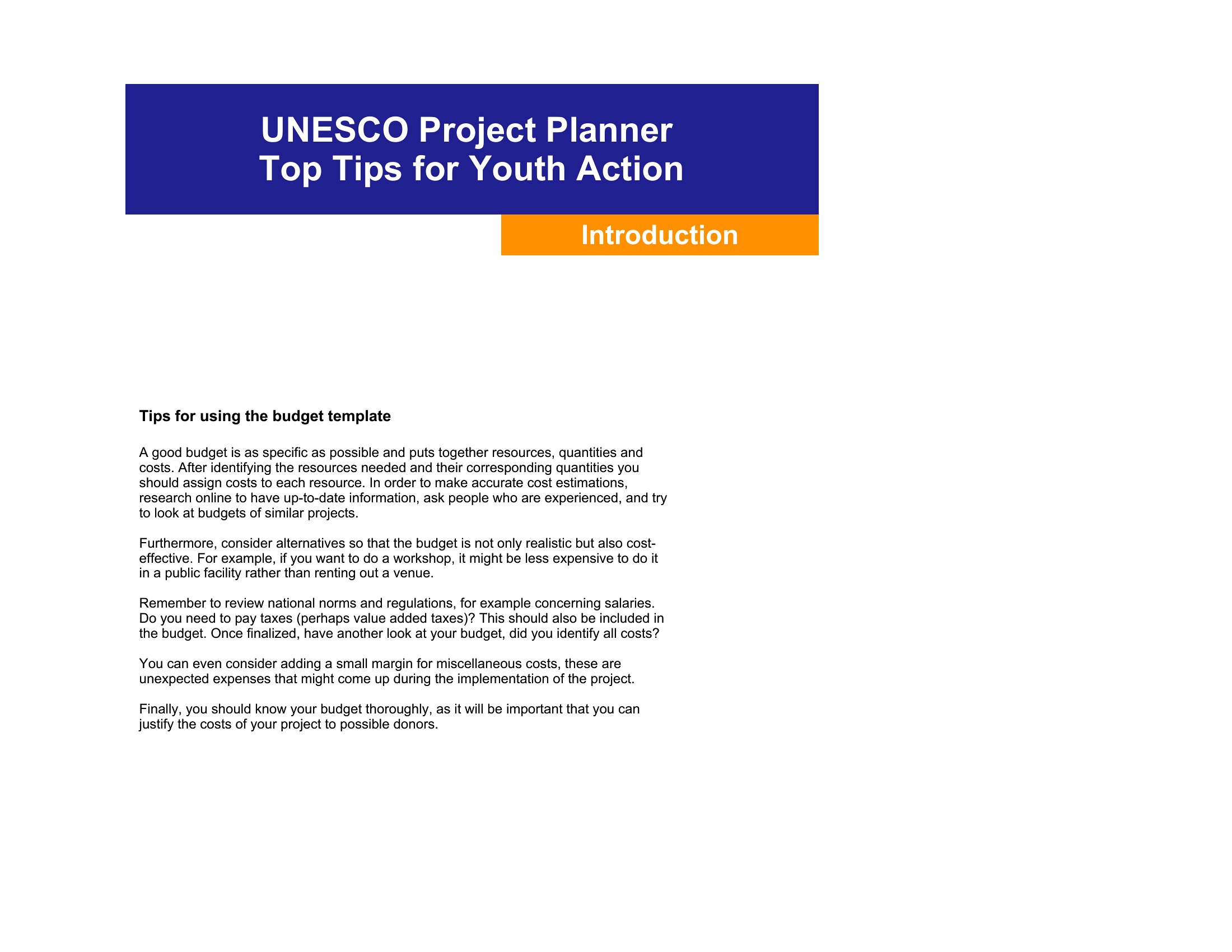
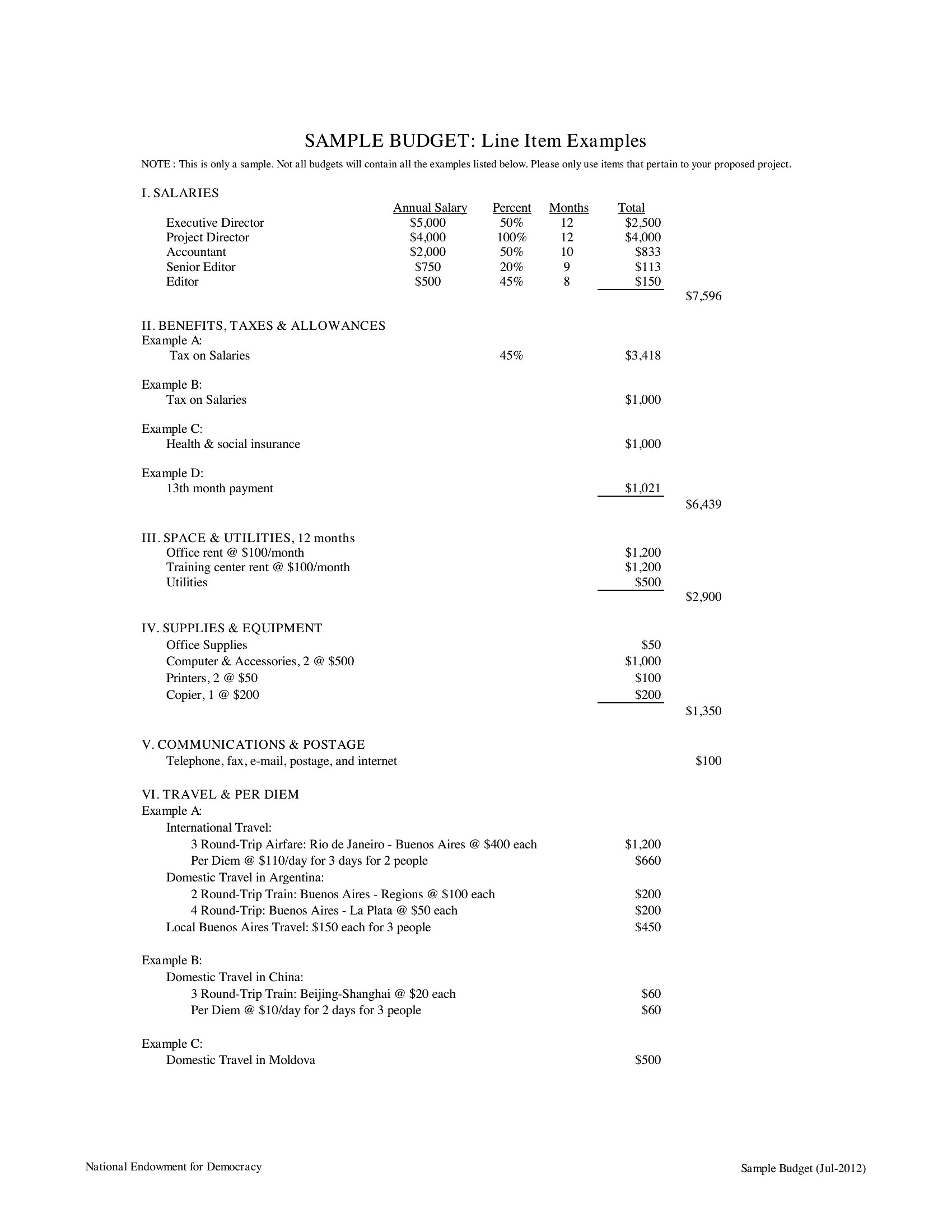
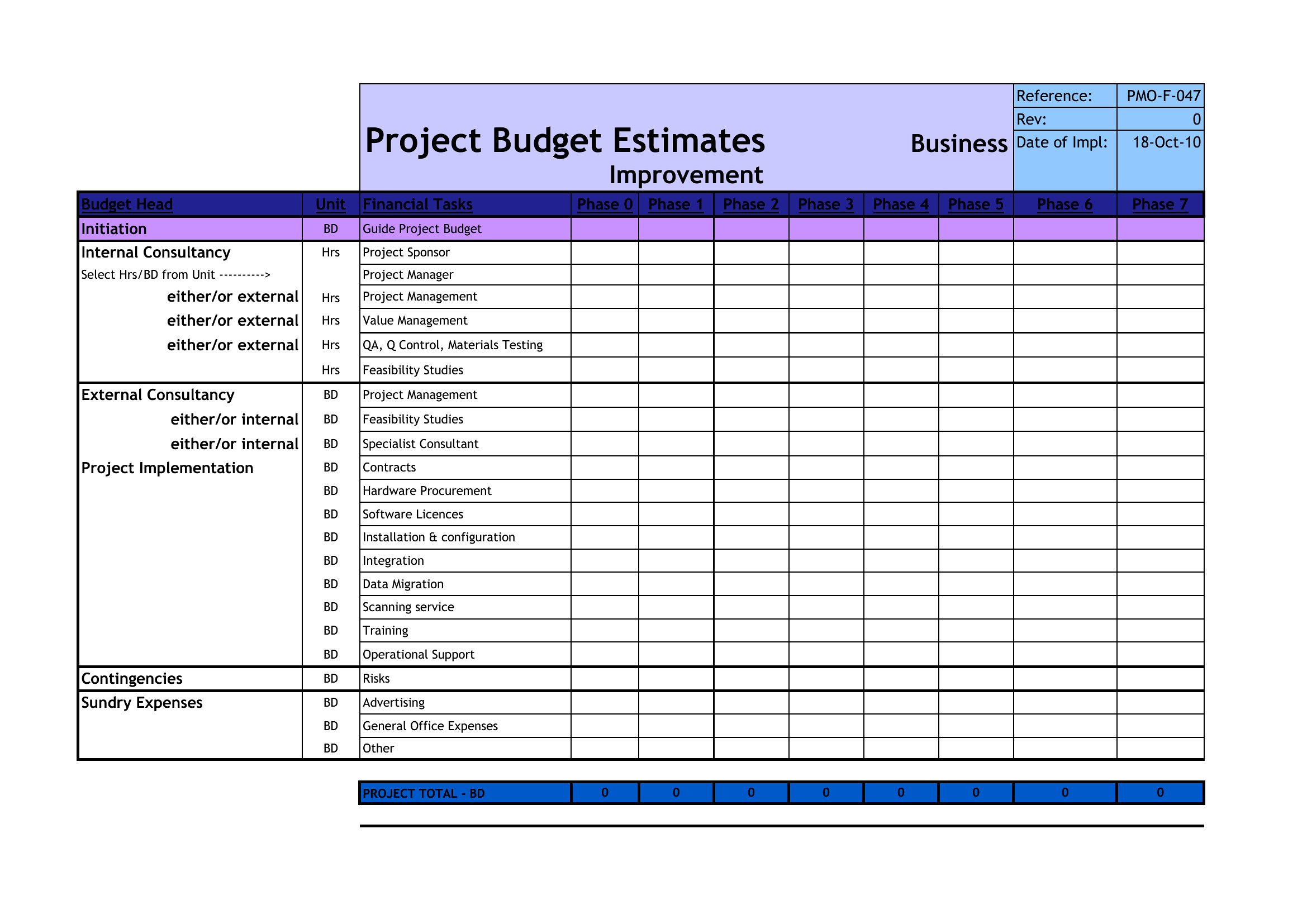
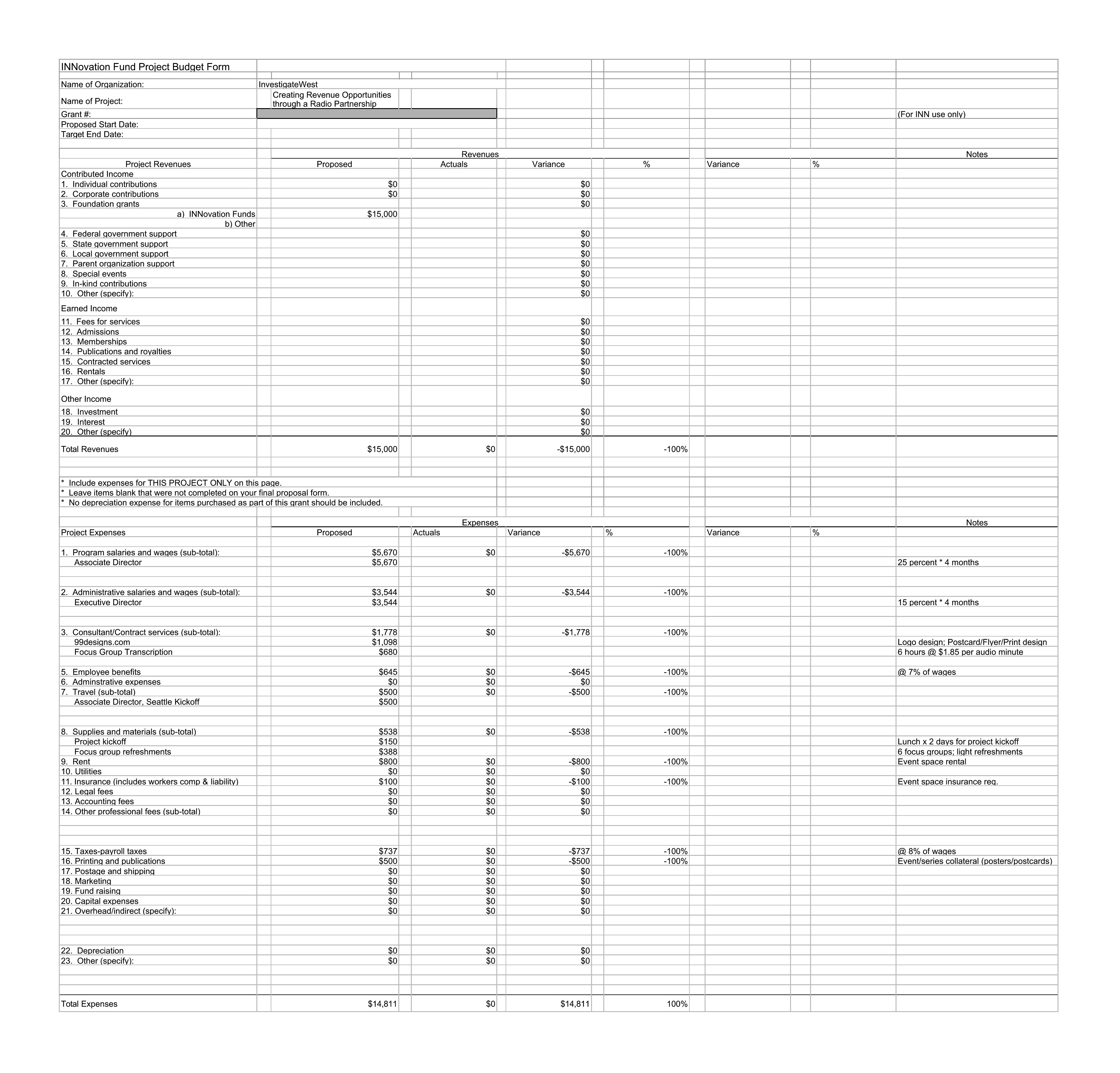
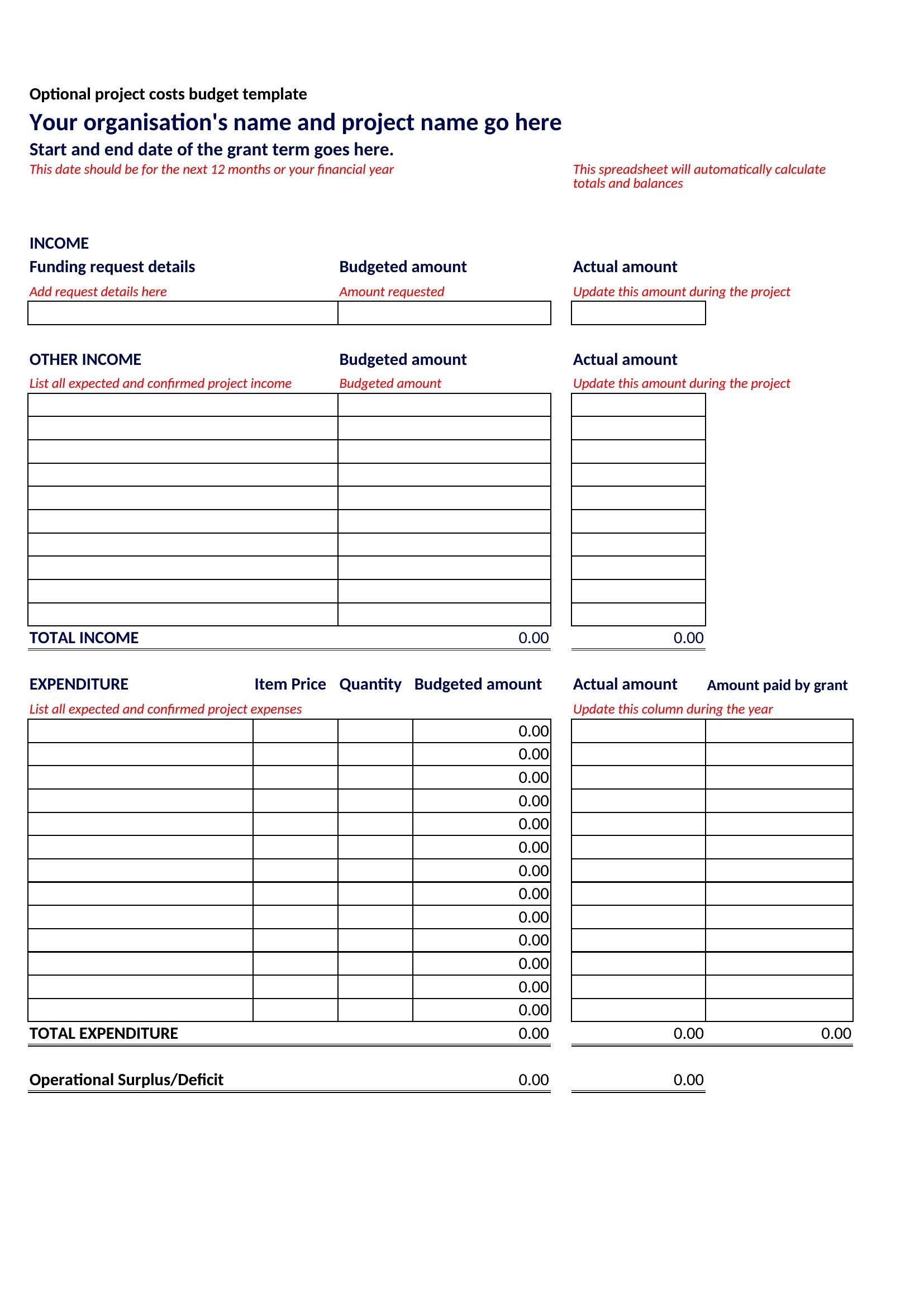
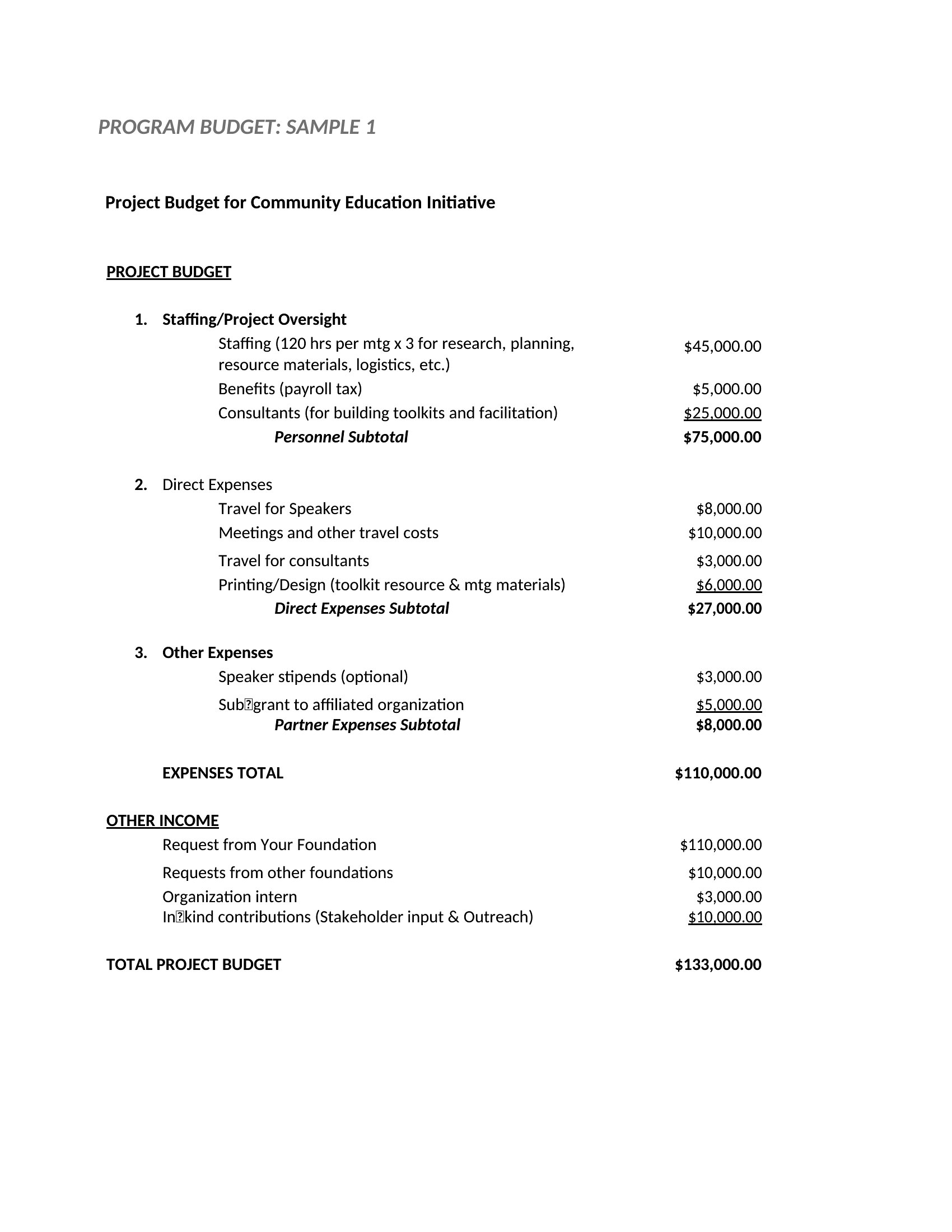

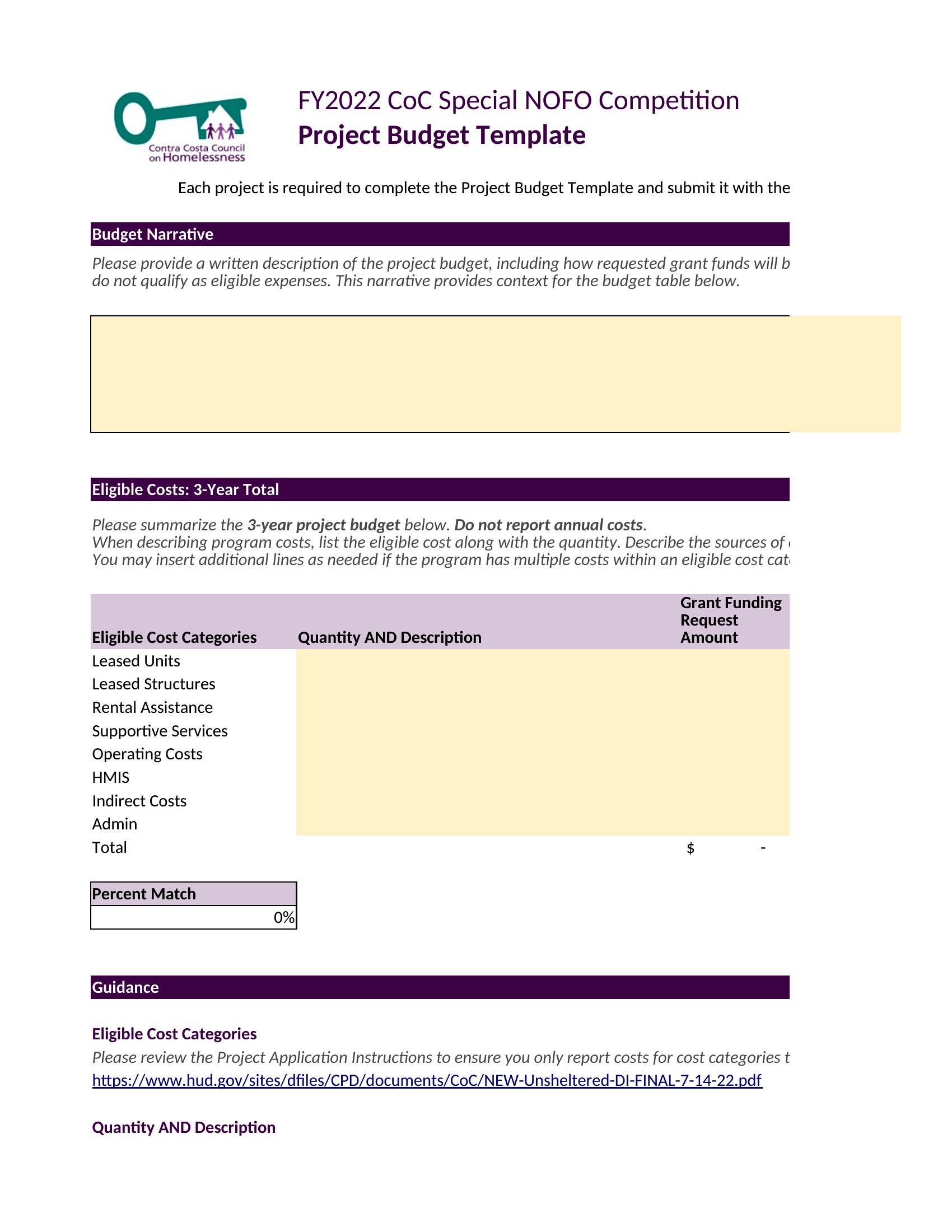
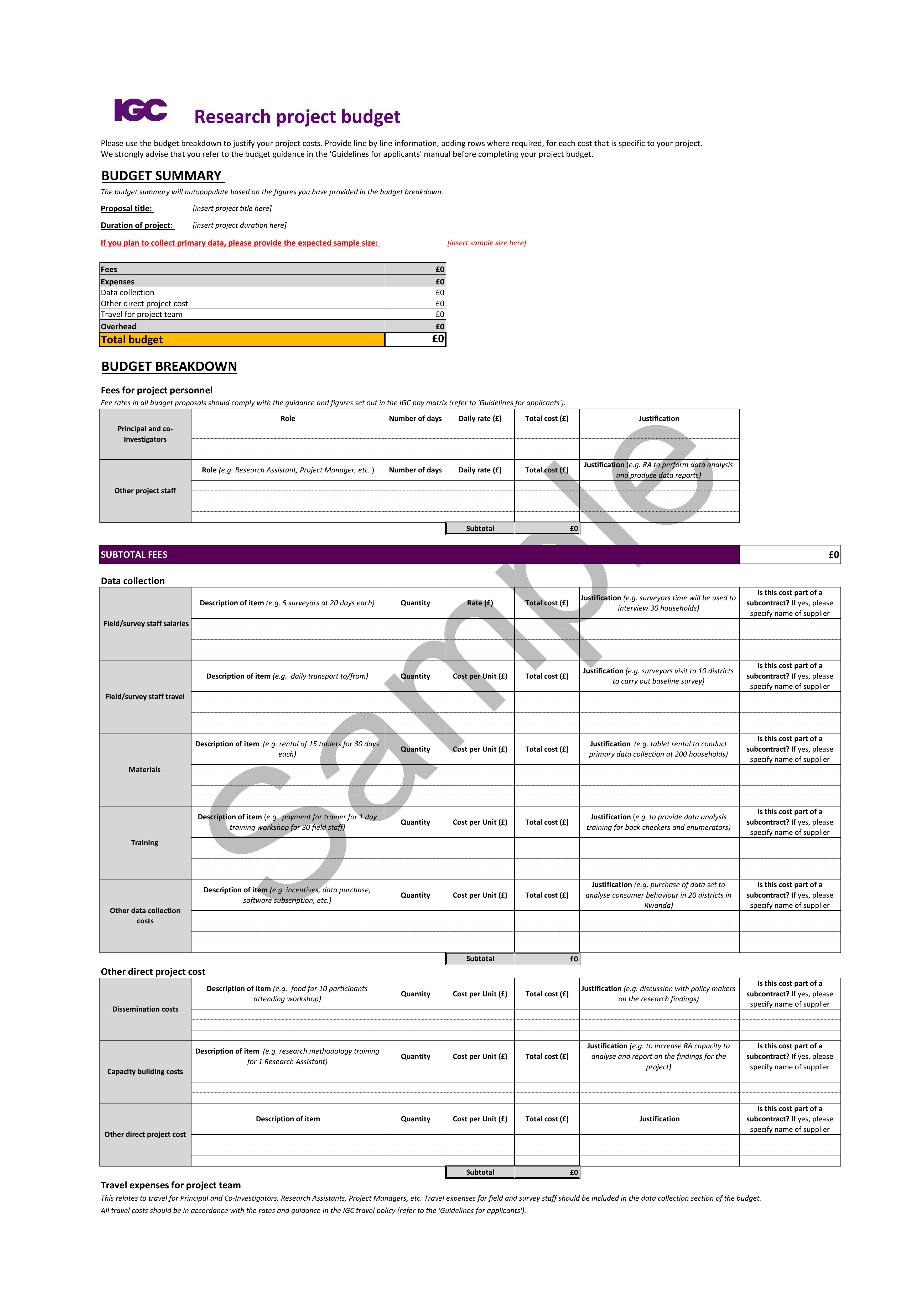
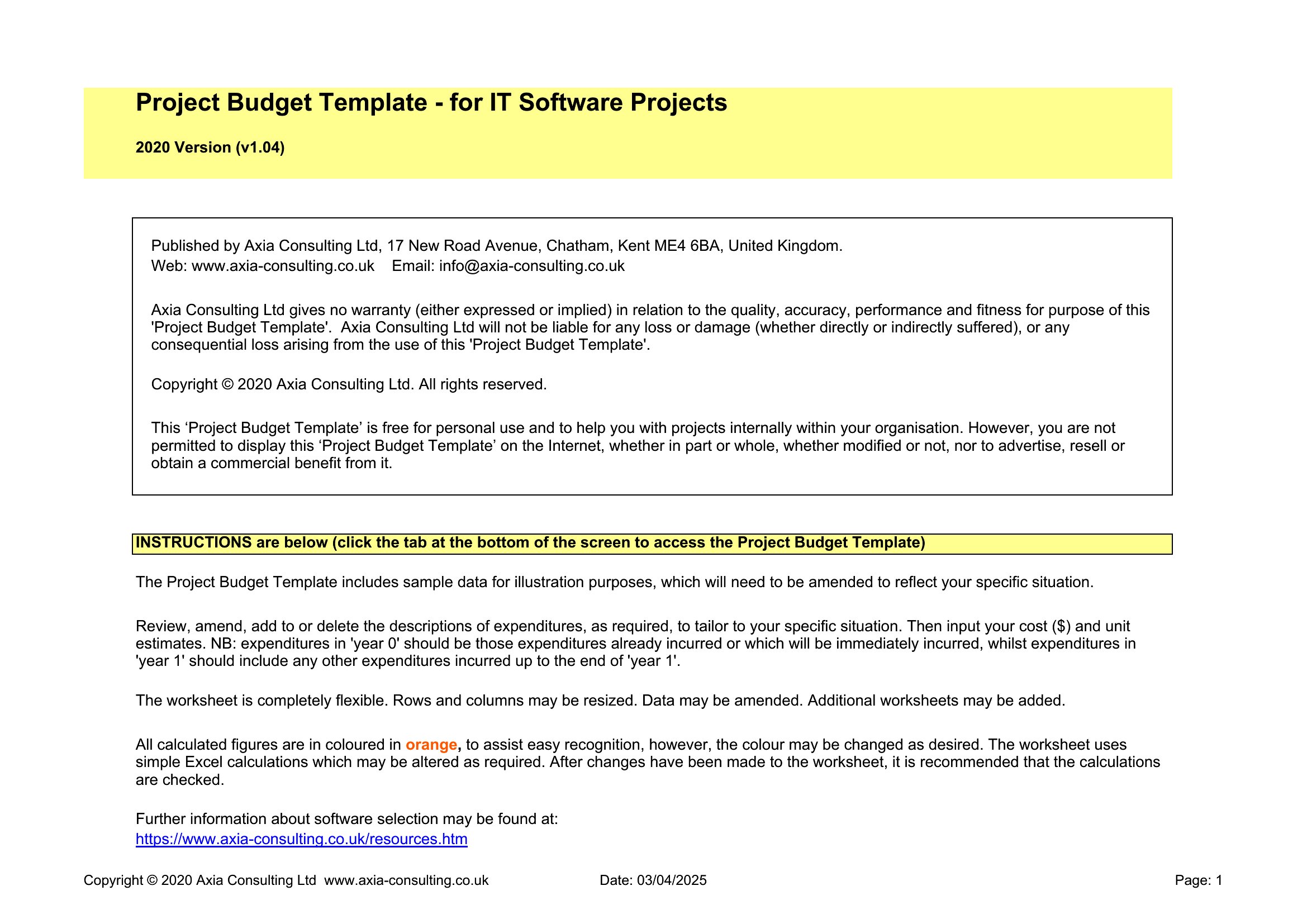
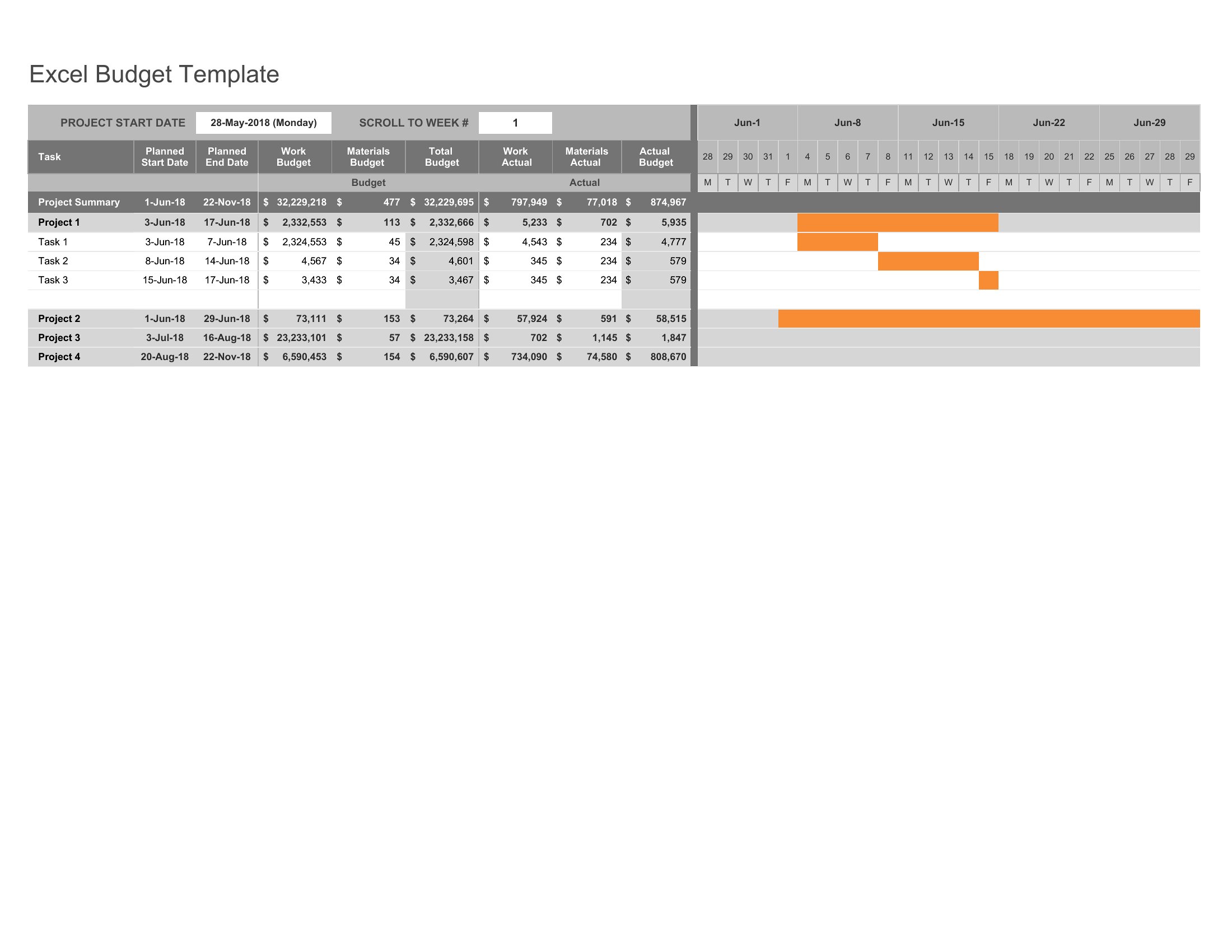
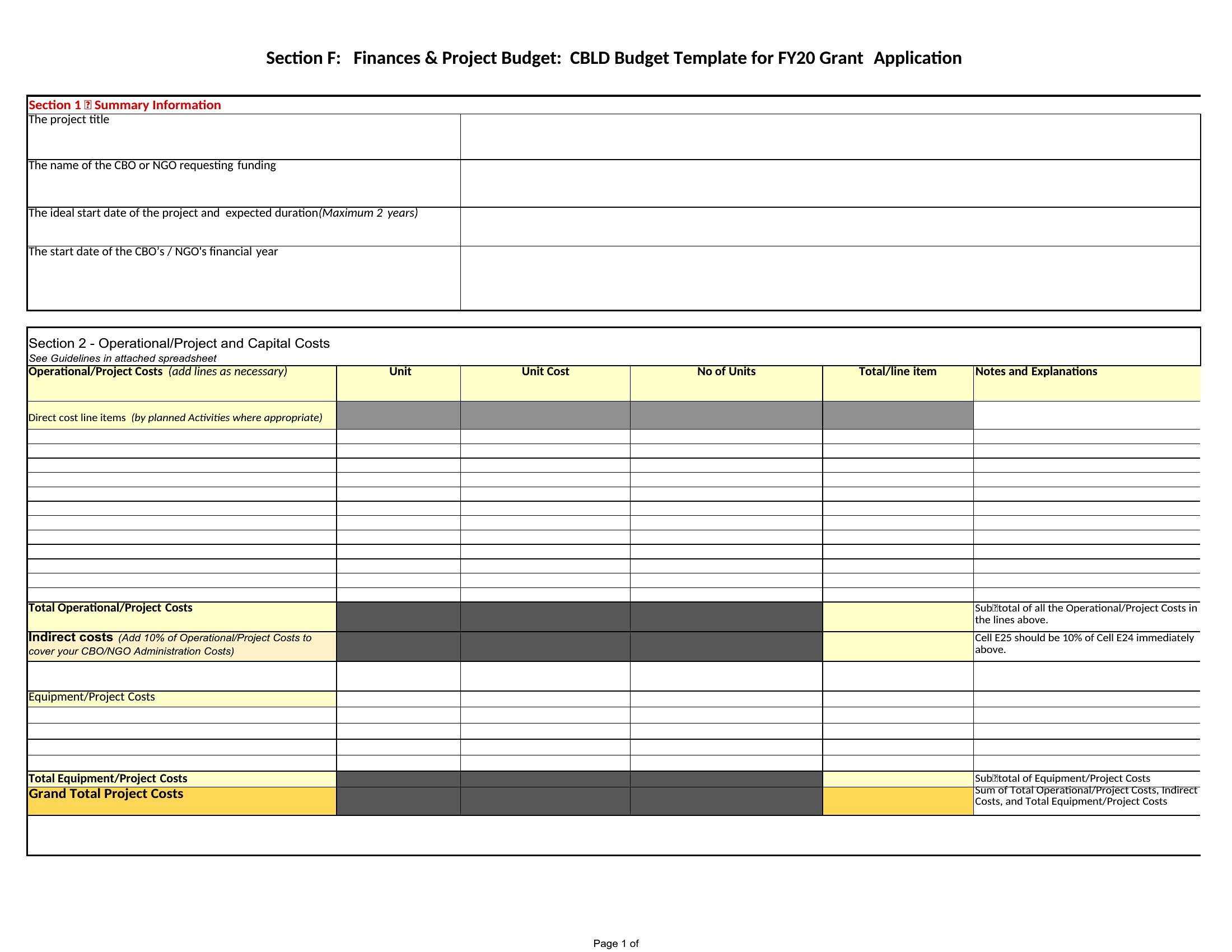
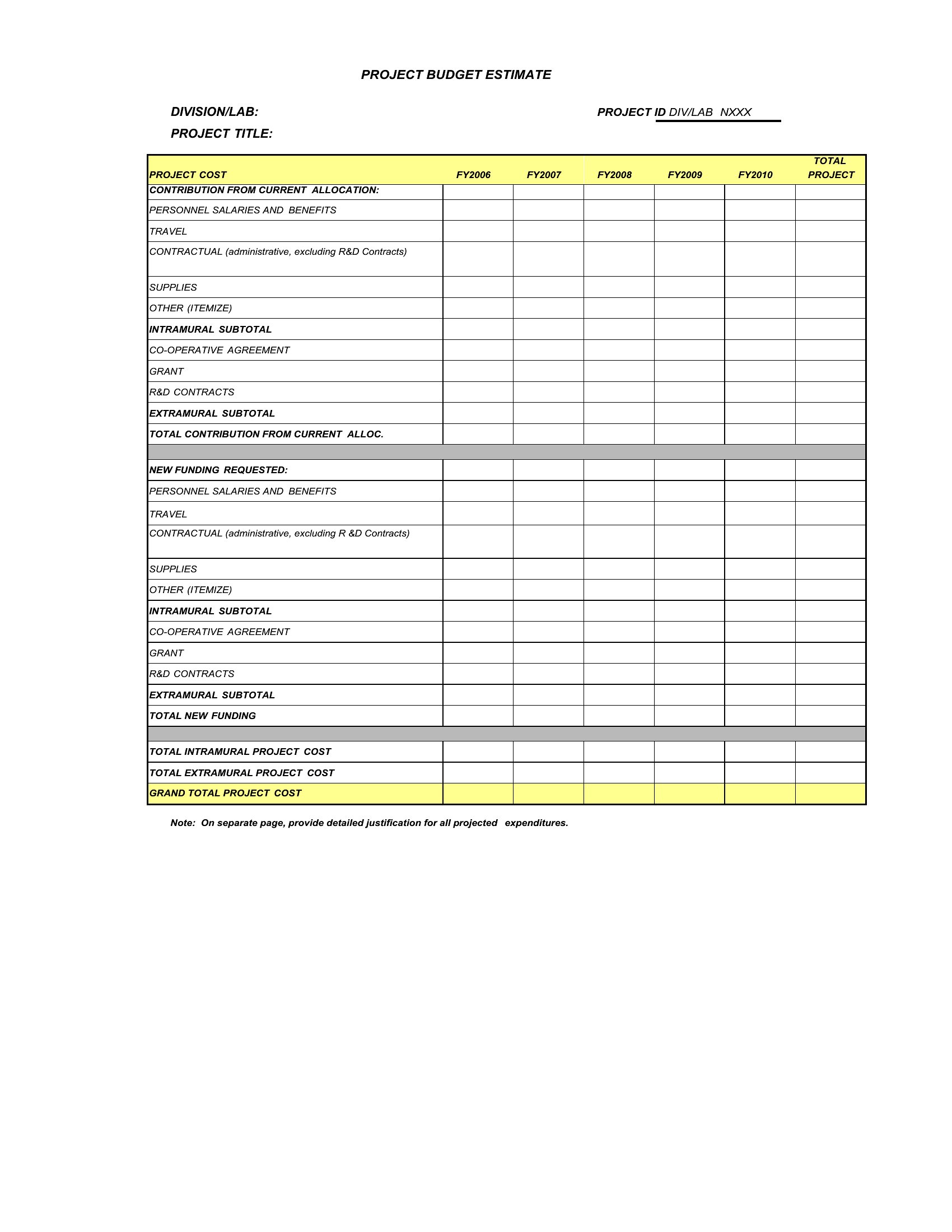
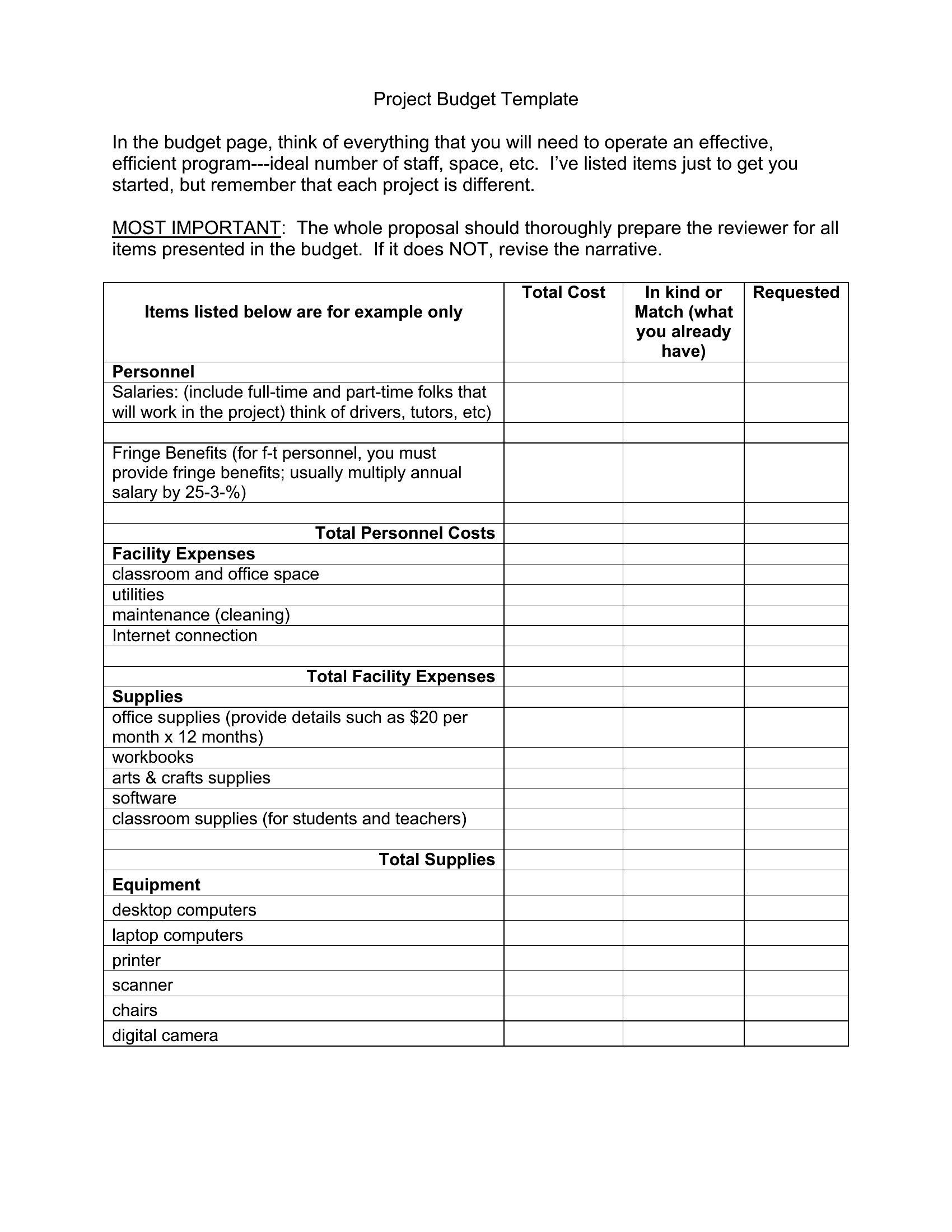
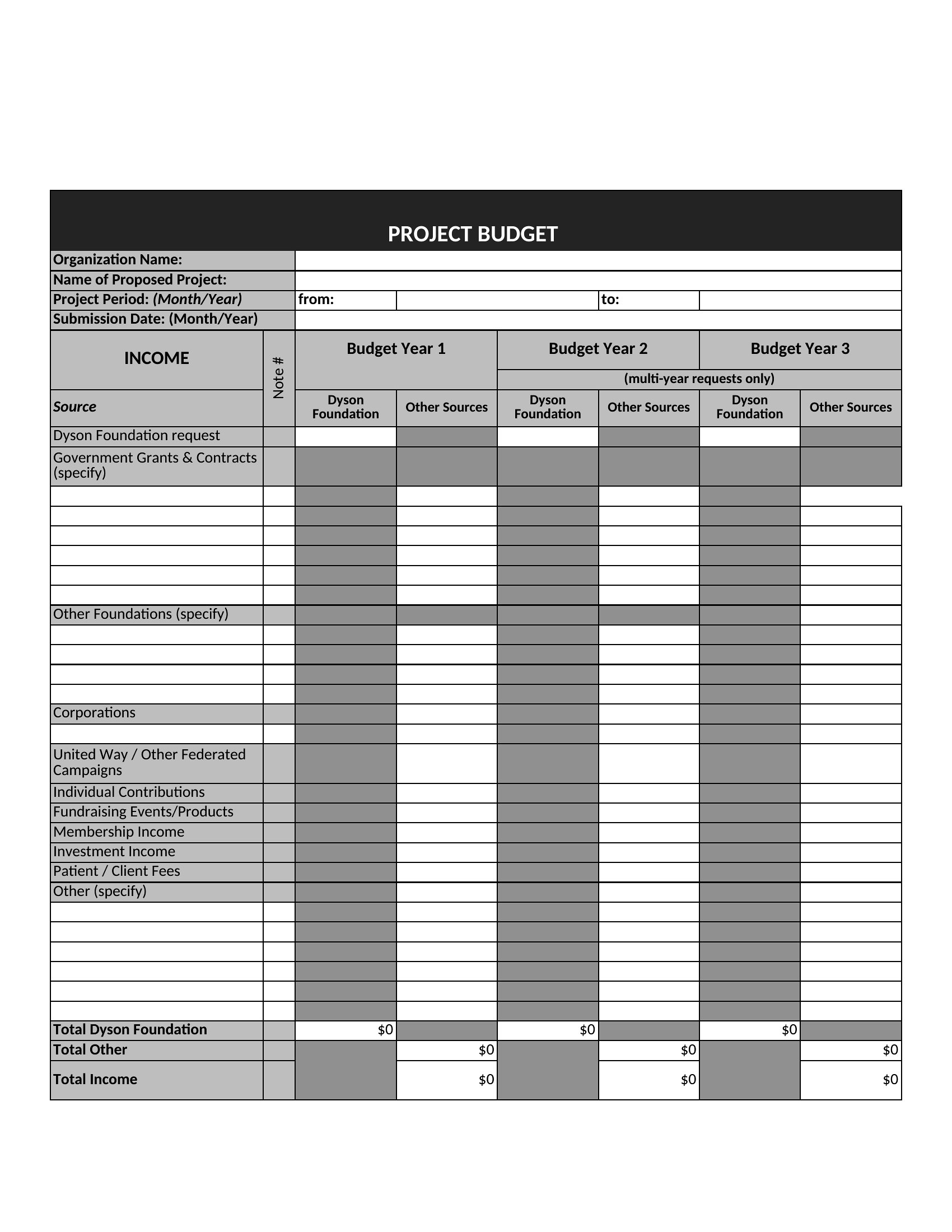
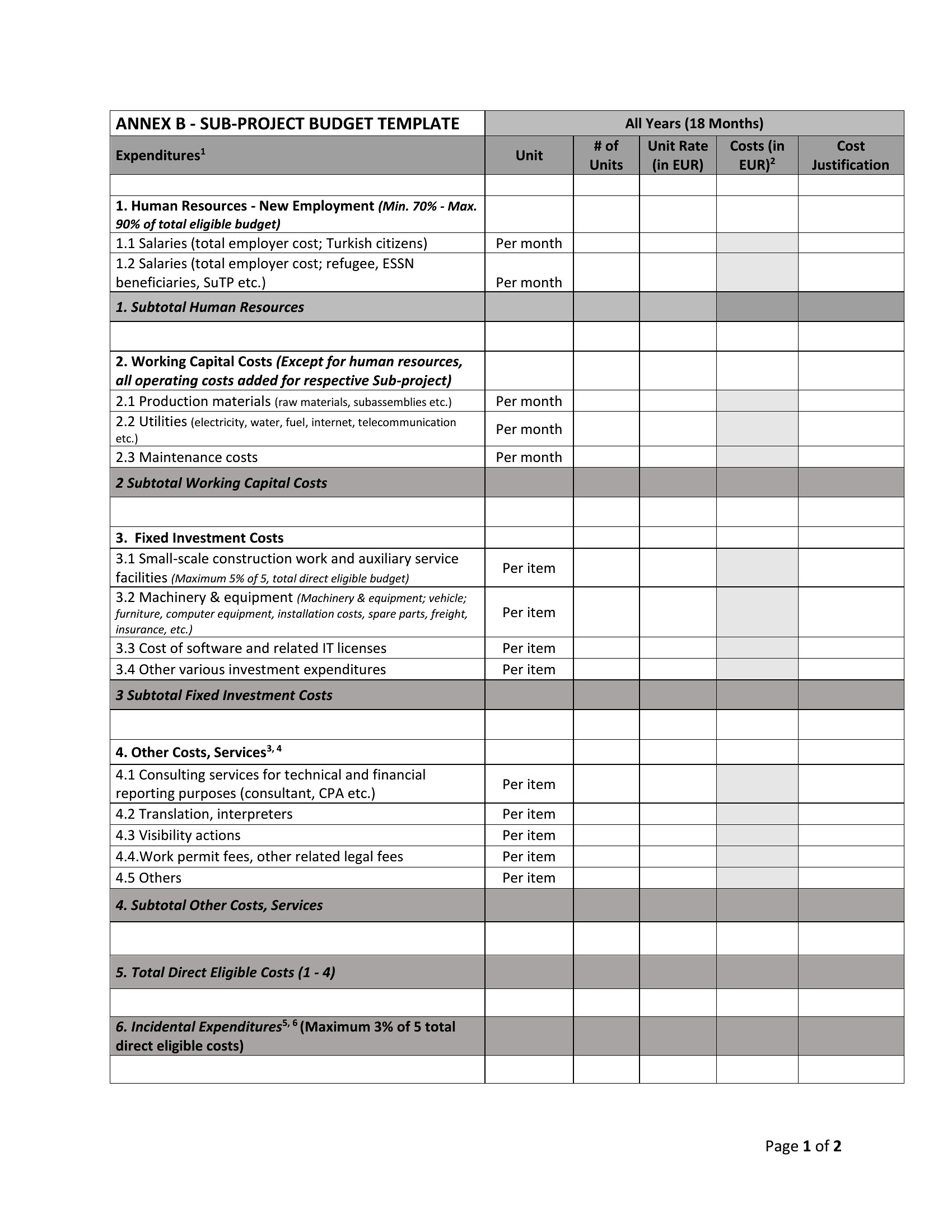
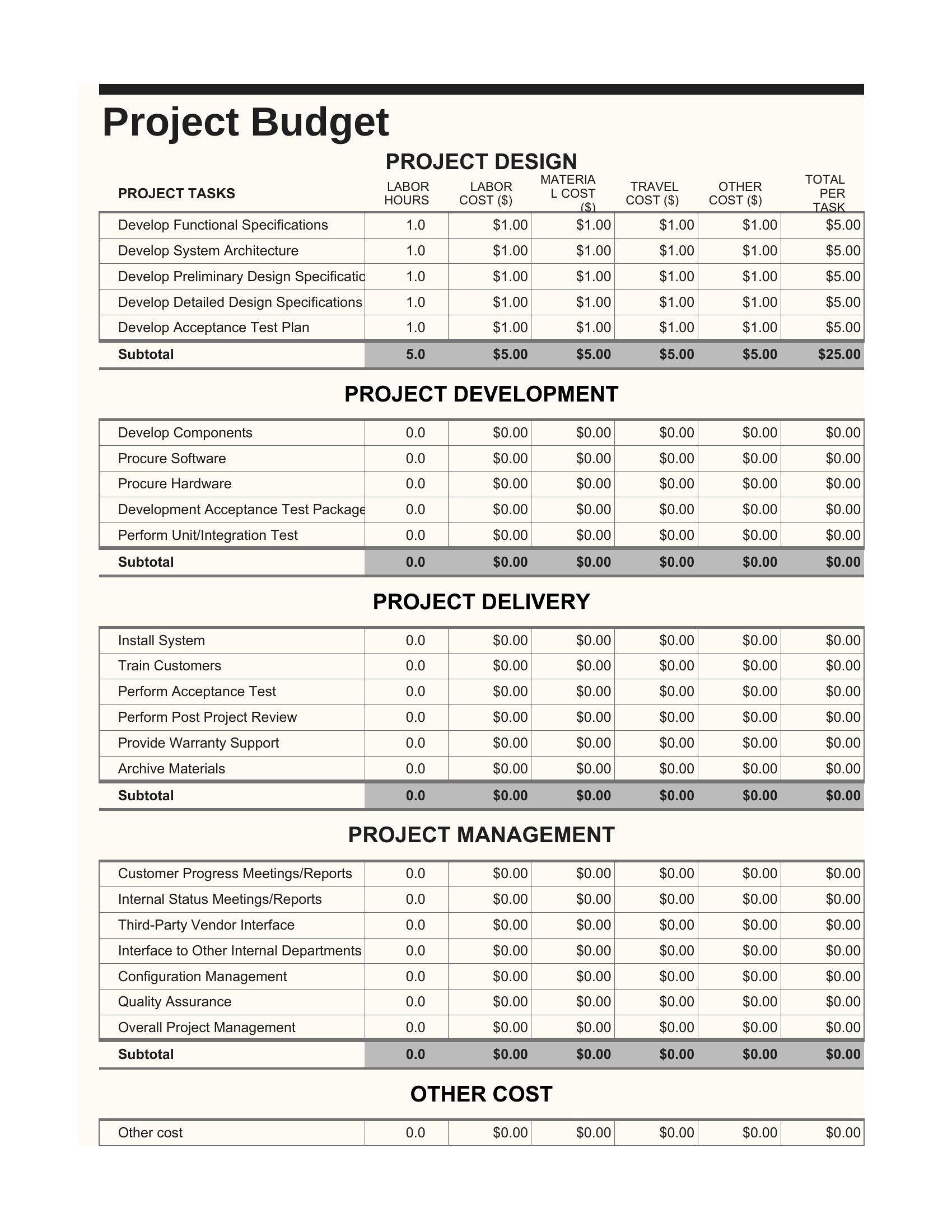
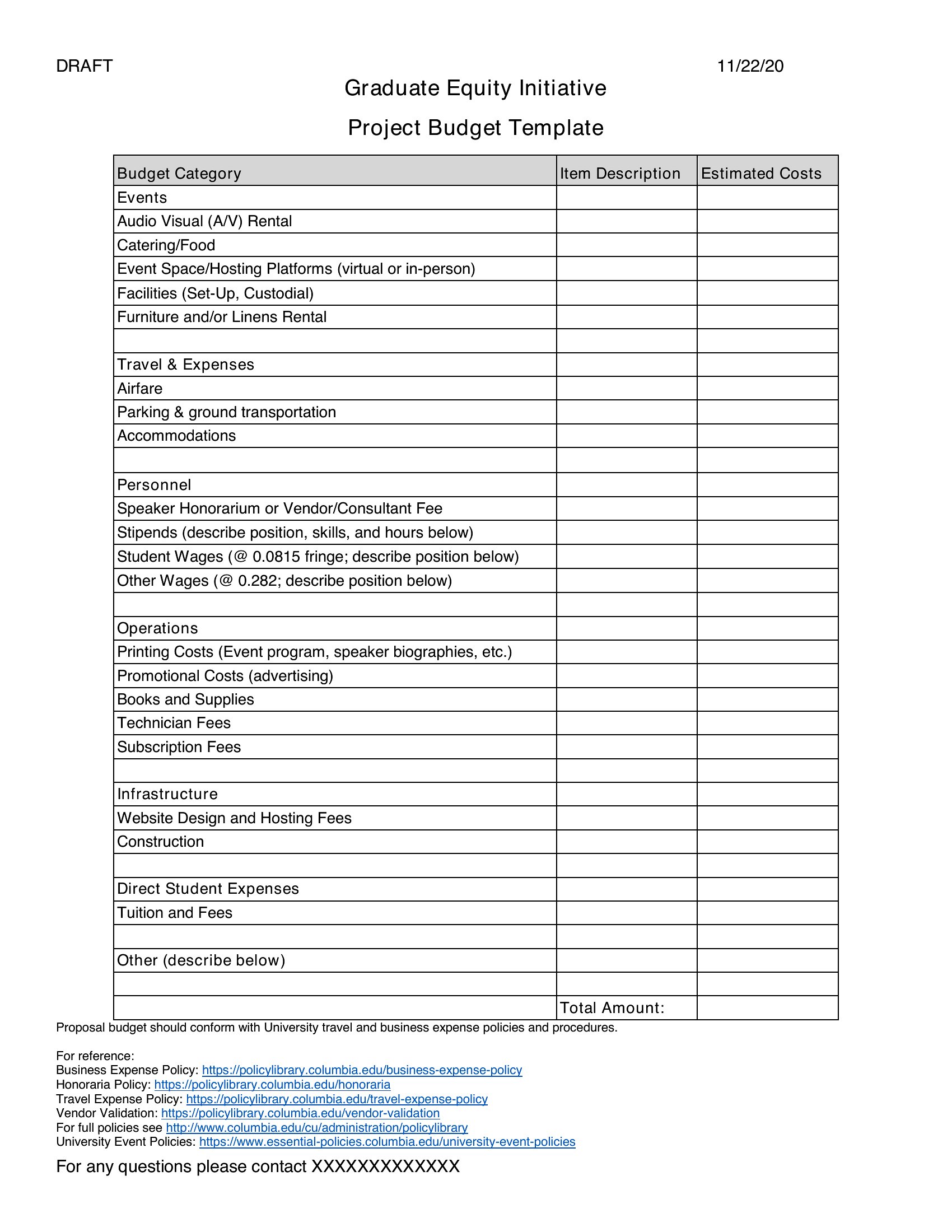
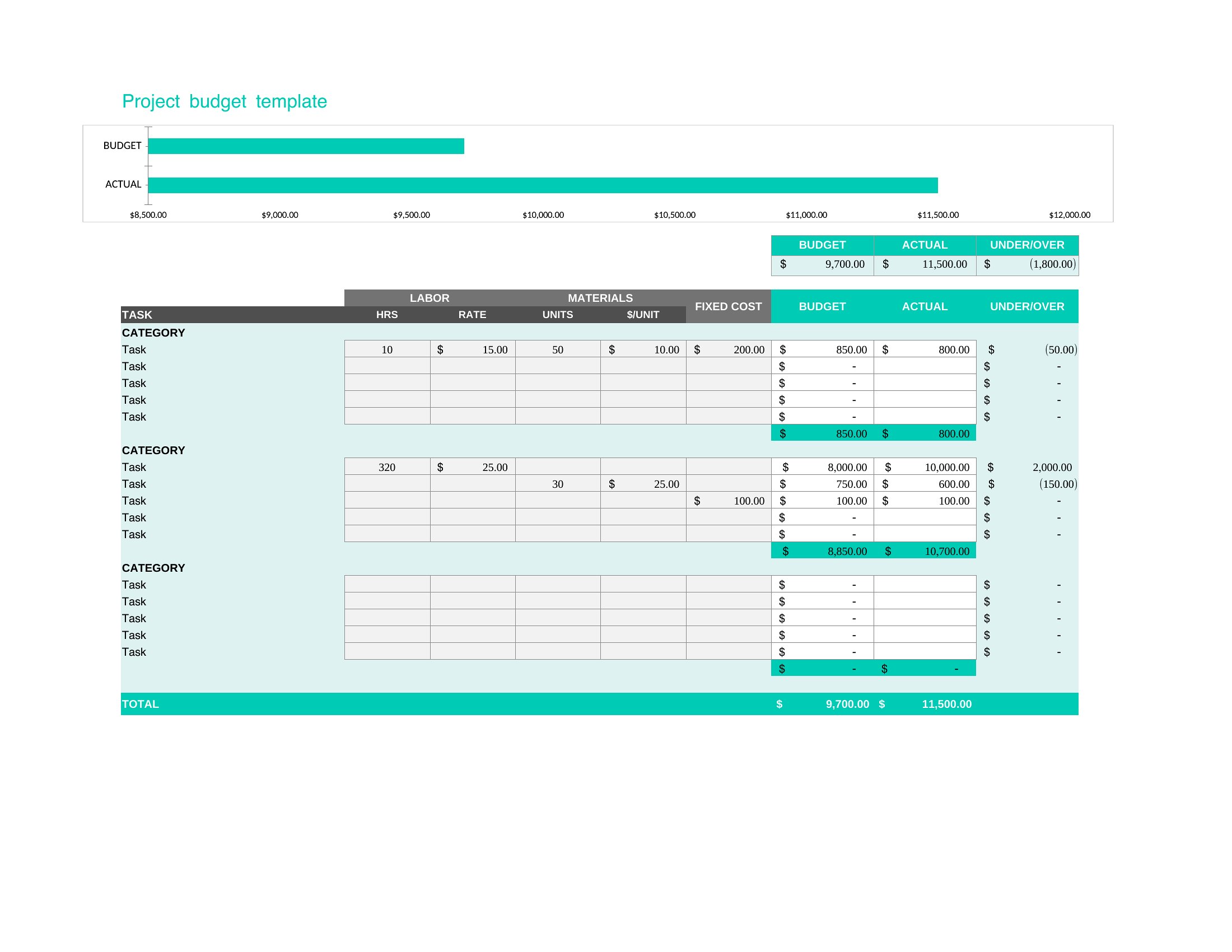
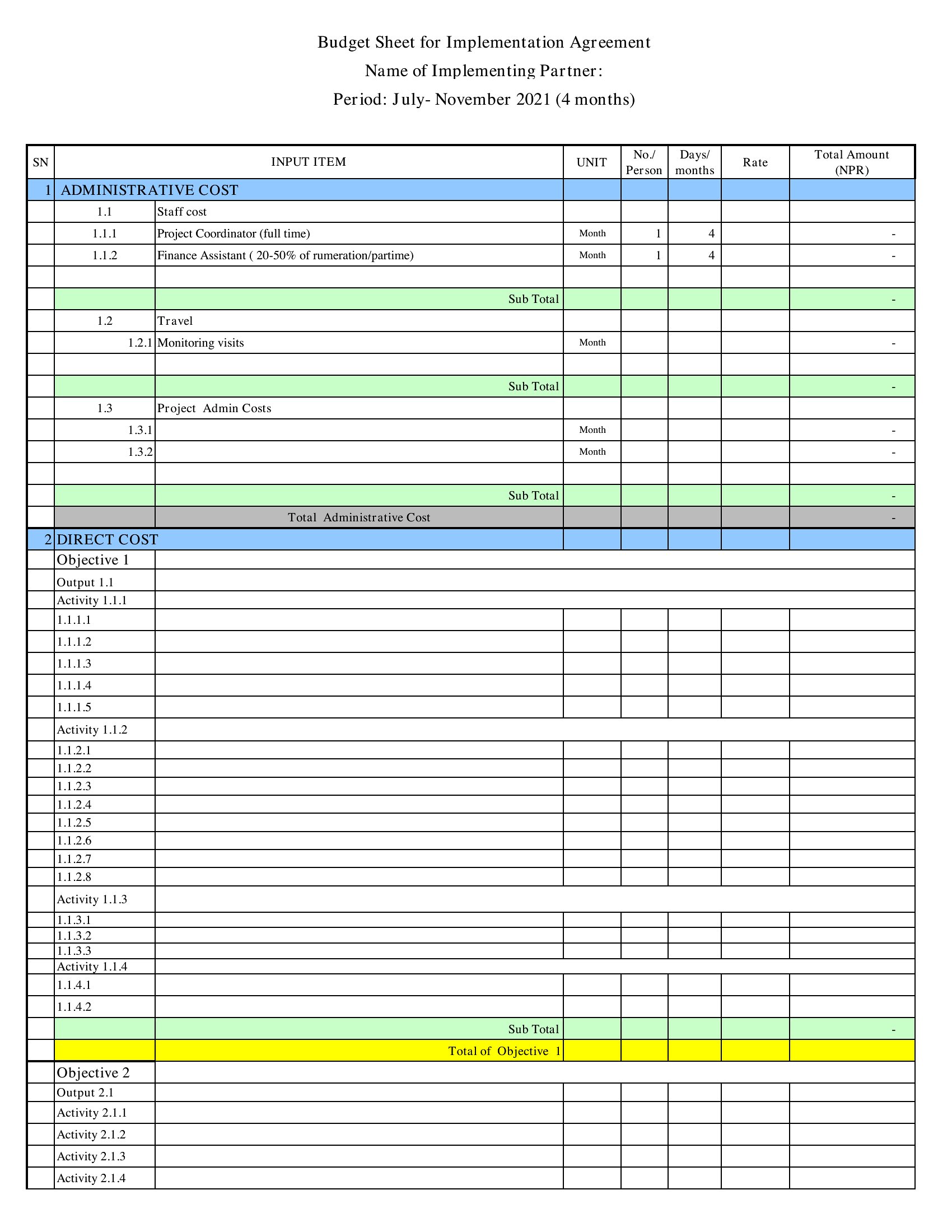
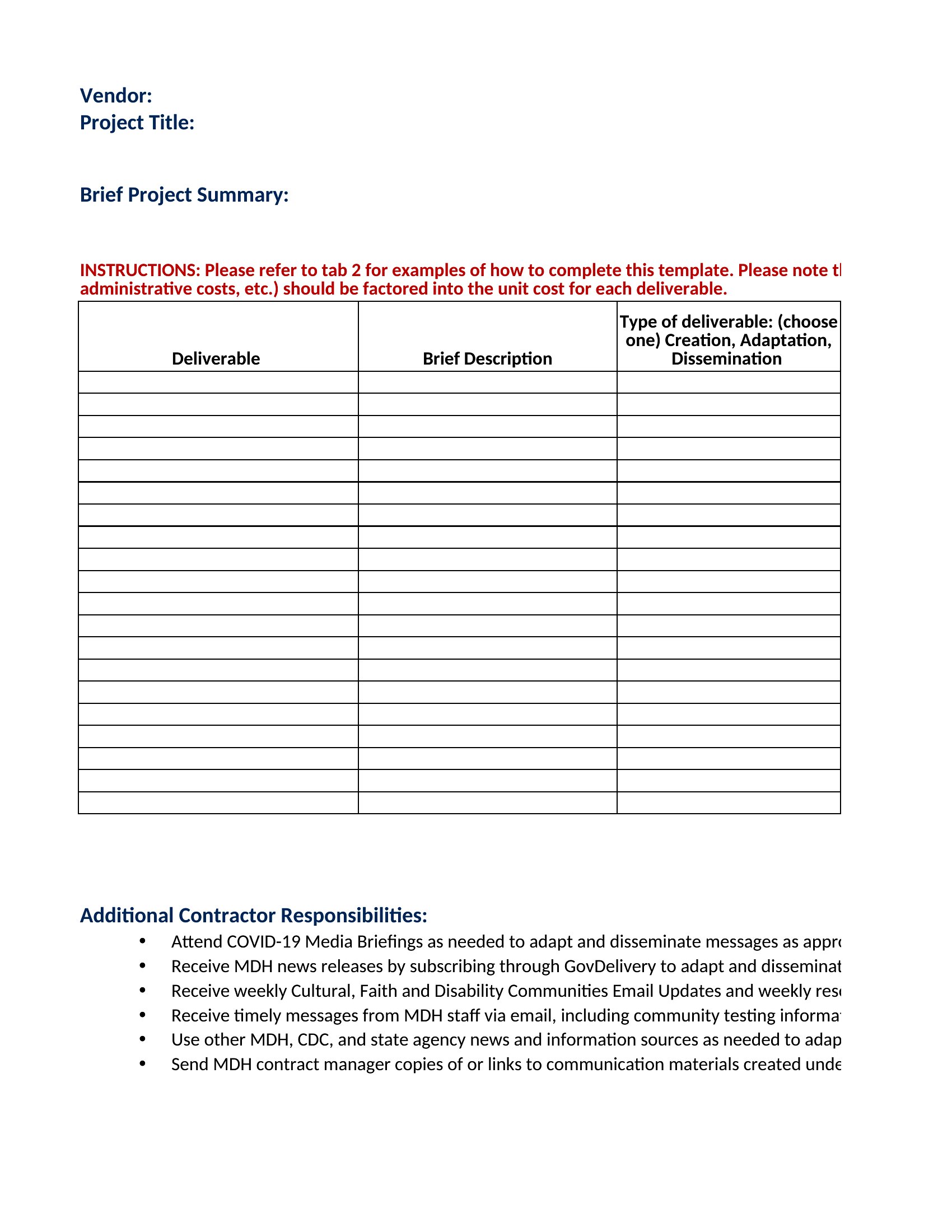
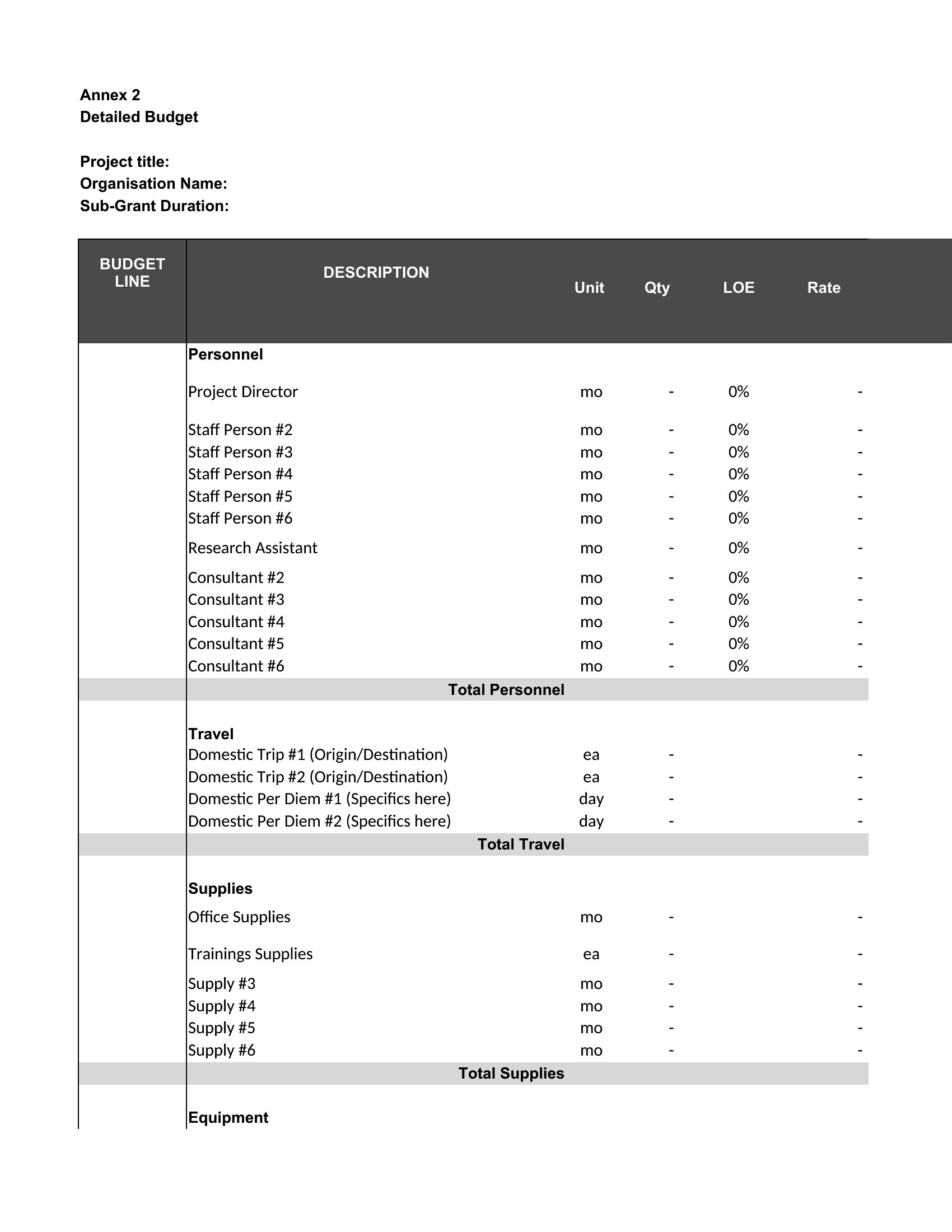
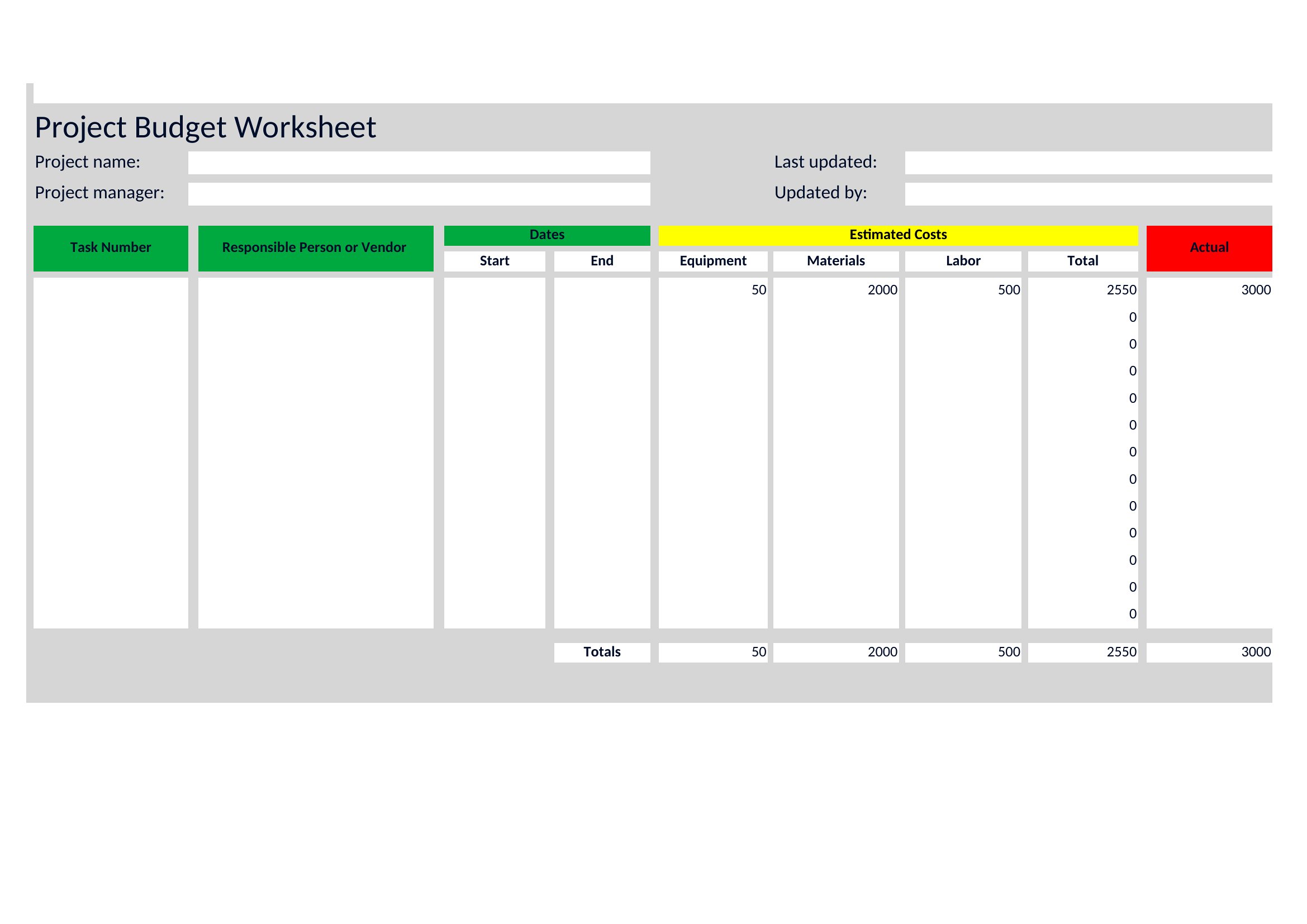
Project Budget
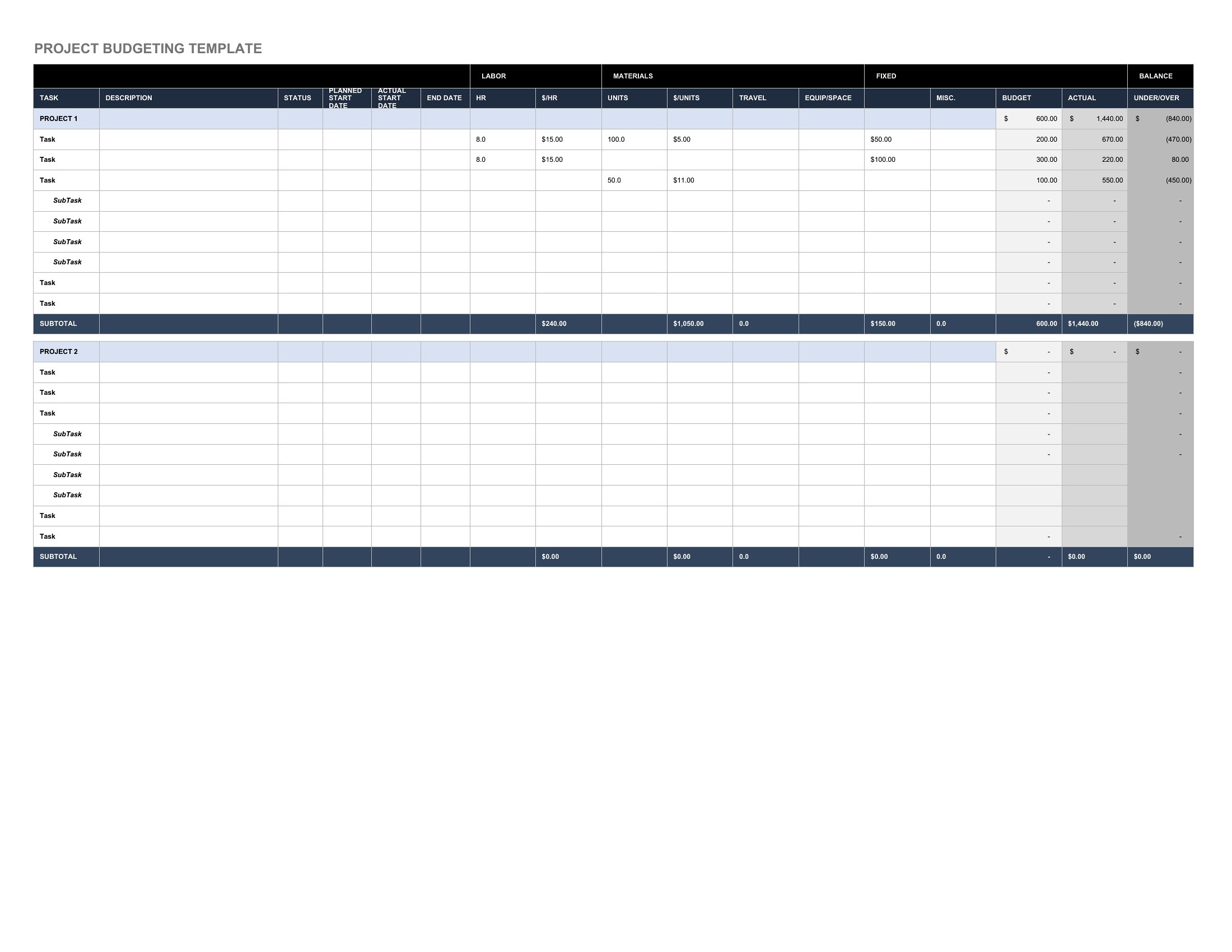
Project Budgets
FAQ
How can I adjust this template if my project phases have different start dates for expenses?
Use the Excel or Word formats to insert columns for phase-specific start/end dates. In Excel, add conditional formatting to highlight overages once a phase begins—like flagging a $5,000 delay in vendor payments. In Word, include a timeline table alongside the budget to cross-reference costs with milestones. For PDFs, these templates often include locked sections for phase summaries; print a revised Excel version for distribution instead.
What’s the best way to handle unexpected costs that weren’t in the original budget?
Add a ‘Contingency’ or ‘Miscellaneous’ line item in Excel, then allocate a percentage (e.g., 10%) of the total budget to it. In Word, describe how you’ll reallocate funds from underused categories—like shifting $3,000 from catering to IT upgrades. For PDFs, note the adjustment in a footnote and attach the updated Excel file. Always document the reason for the change to maintain transparency with stakeholders.
Can these templates help me compare my actual spending against multiple budget scenarios?
Yes. In Excel, duplicate a sheet for each scenario (e.g., ‘Optimistic,’ ‘Realistic,’ ‘Pessimistic’) and use conditional formatting to color-code actual spending against each. For Word, create a side-by-side table with columns for each scenario and highlight the closest match to your final totals. PDFs work for presenting the final comparison but aren’t editable—regenerate the analysis in Excel or Word first. This is especially useful for projects with high uncertainty, like R&D initiatives.
Comments
Join the conversation
Sign in to share your thoughts and leave a comment on this resource.