
Skip to content
50% off this one-time $1.99 pack with HALFOFF — or unlimited with Pro.HALFOFF
Premium

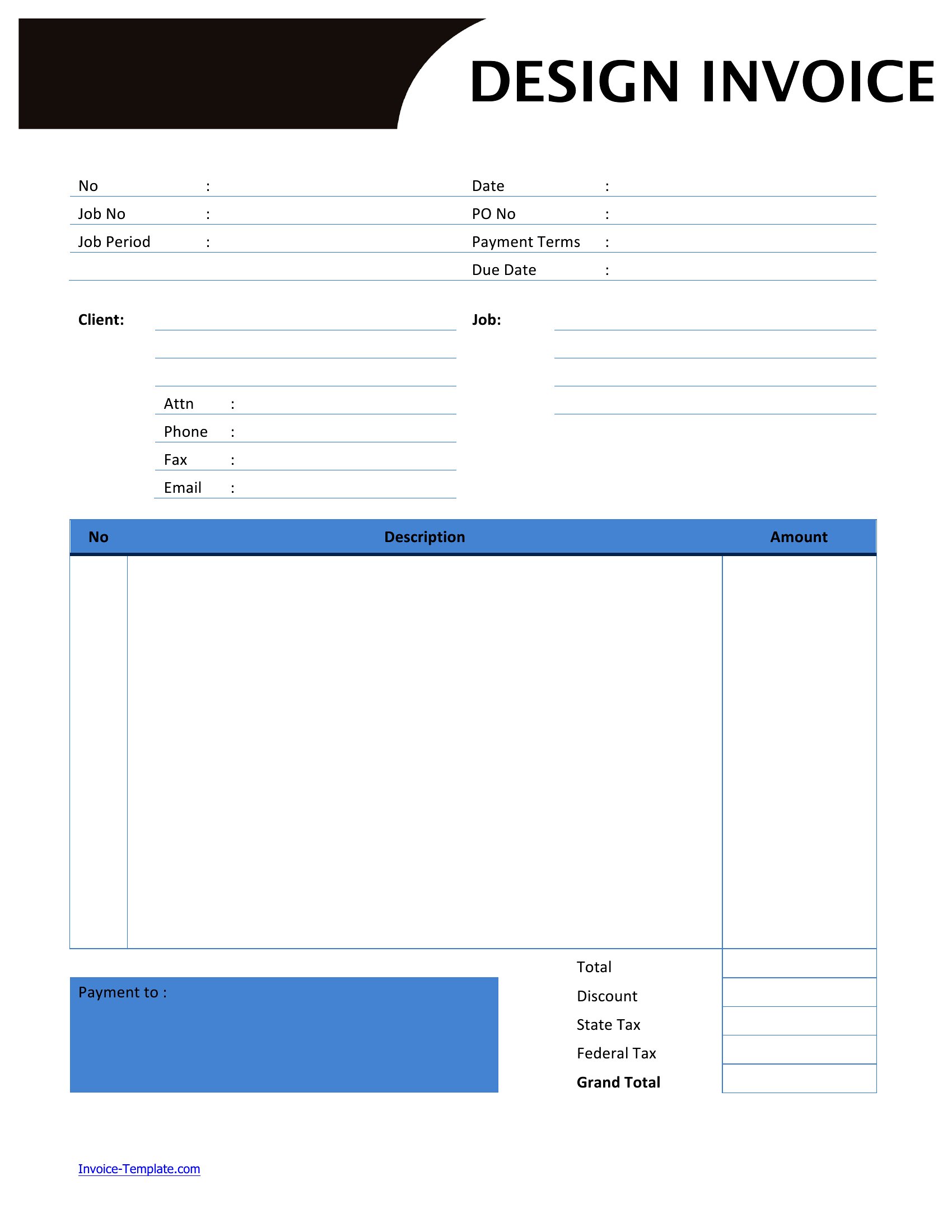
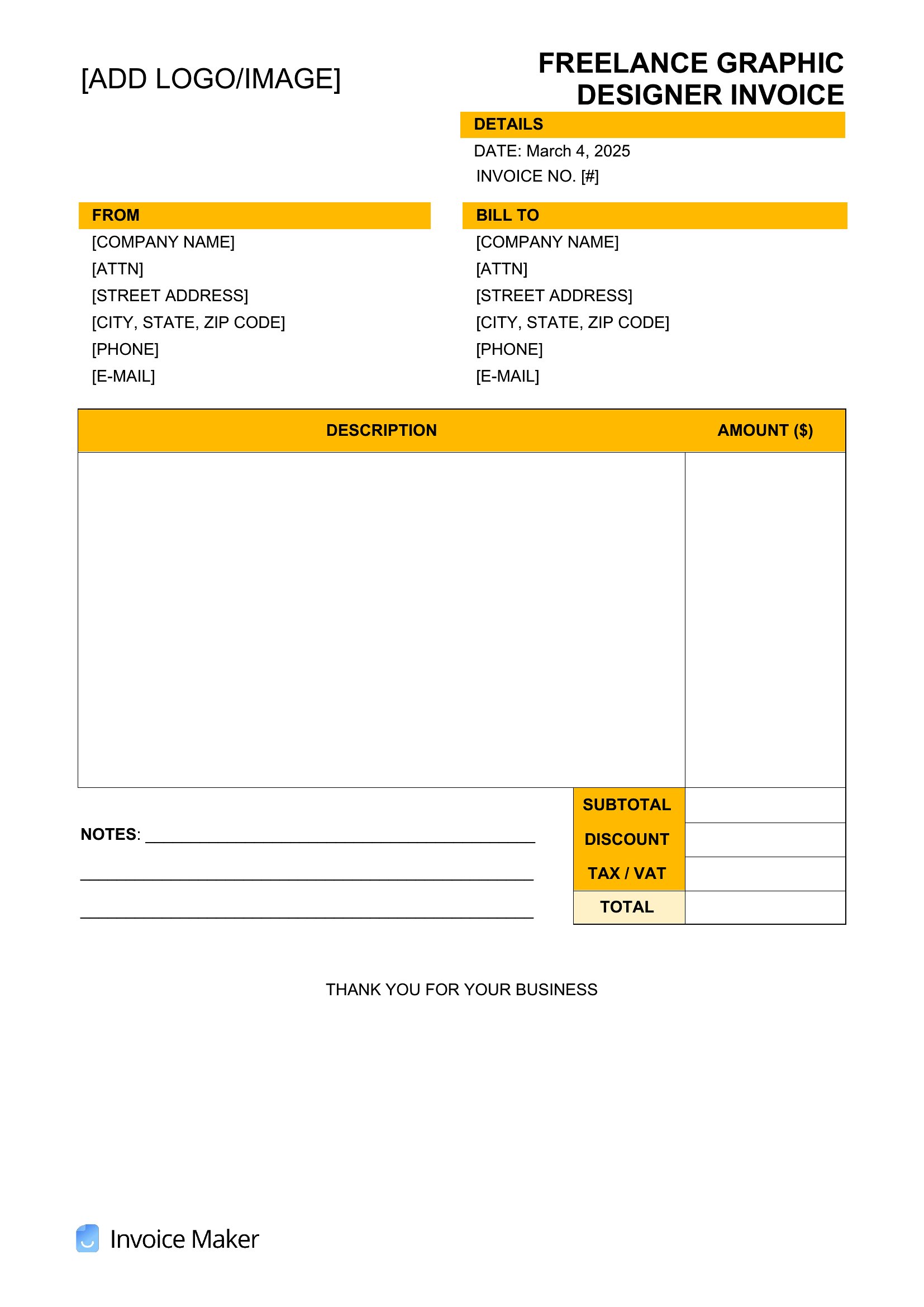
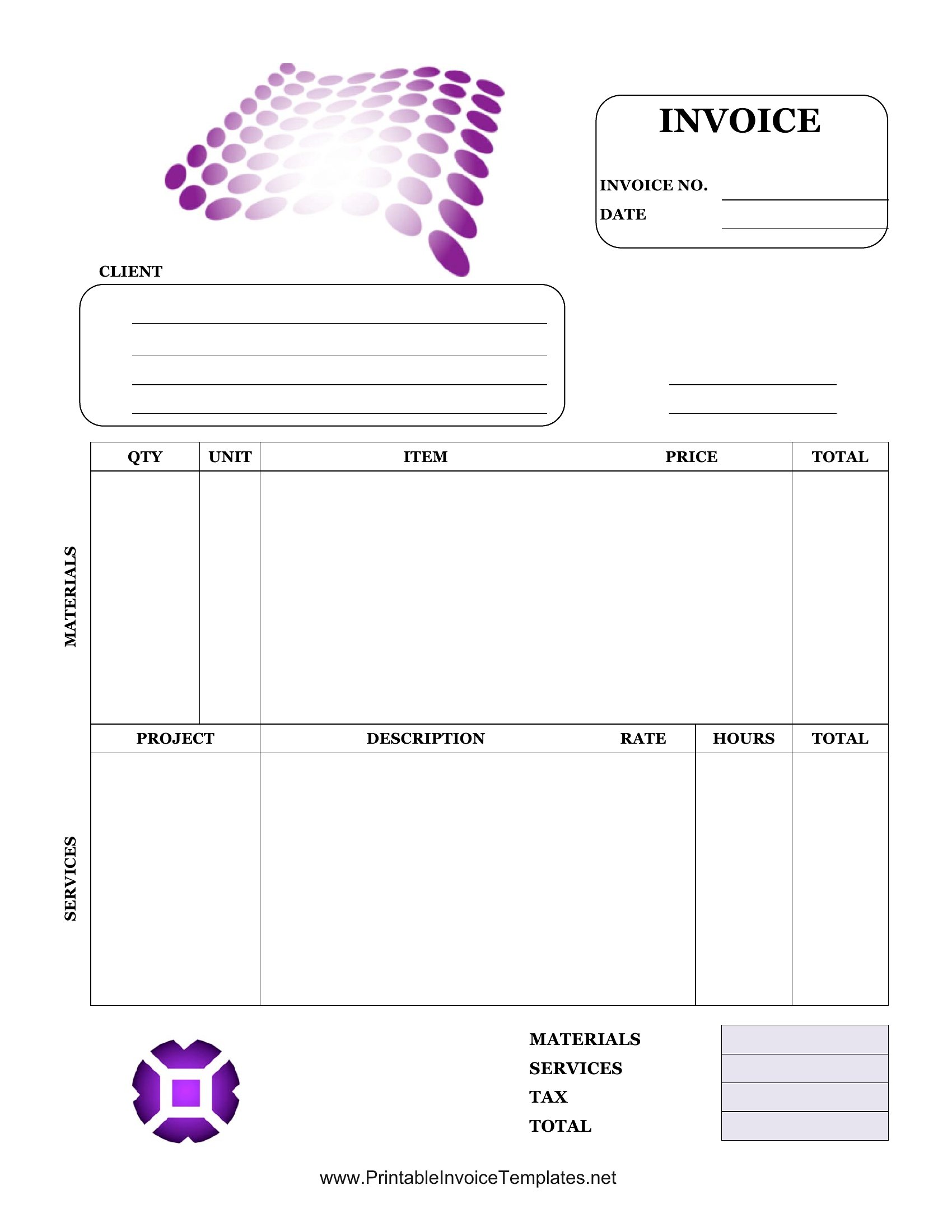
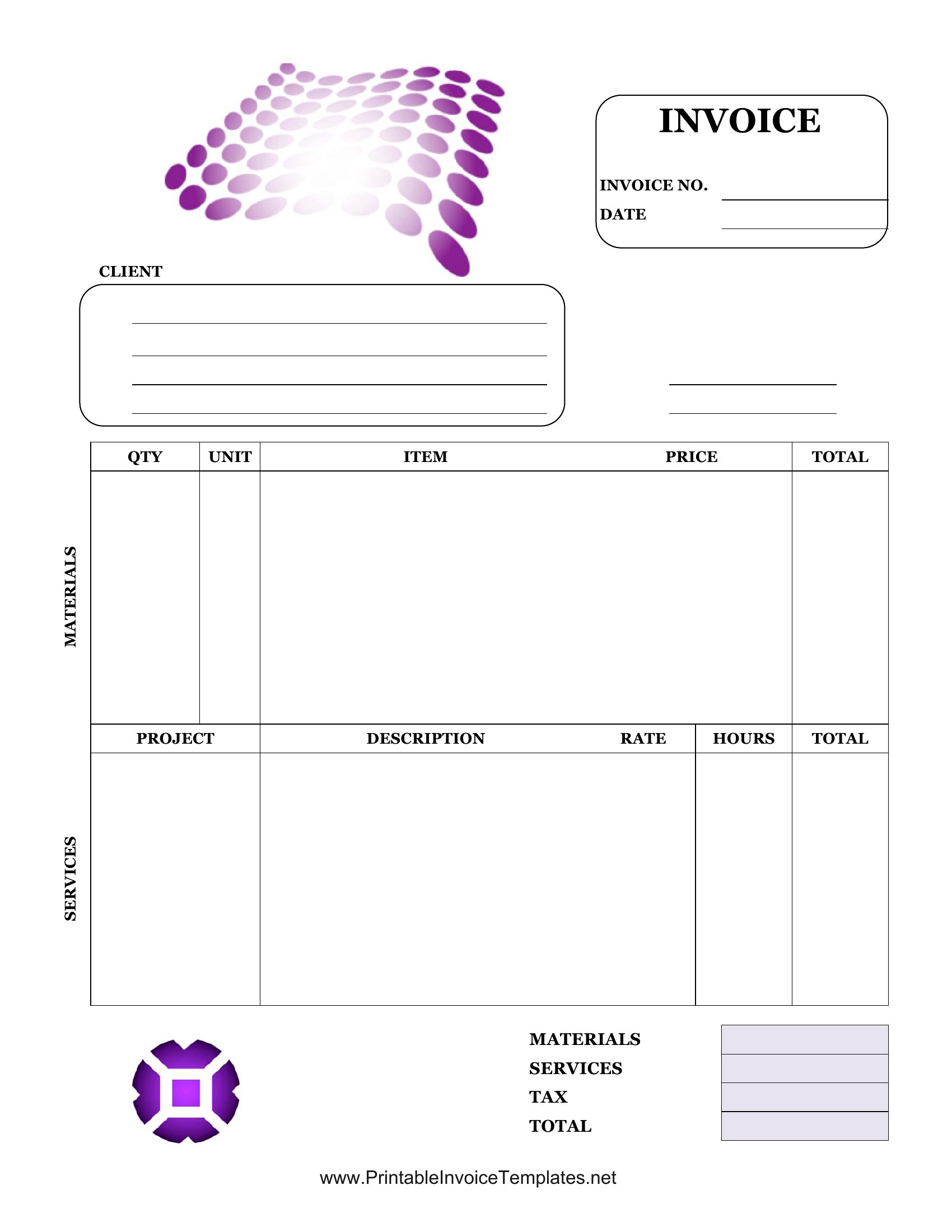
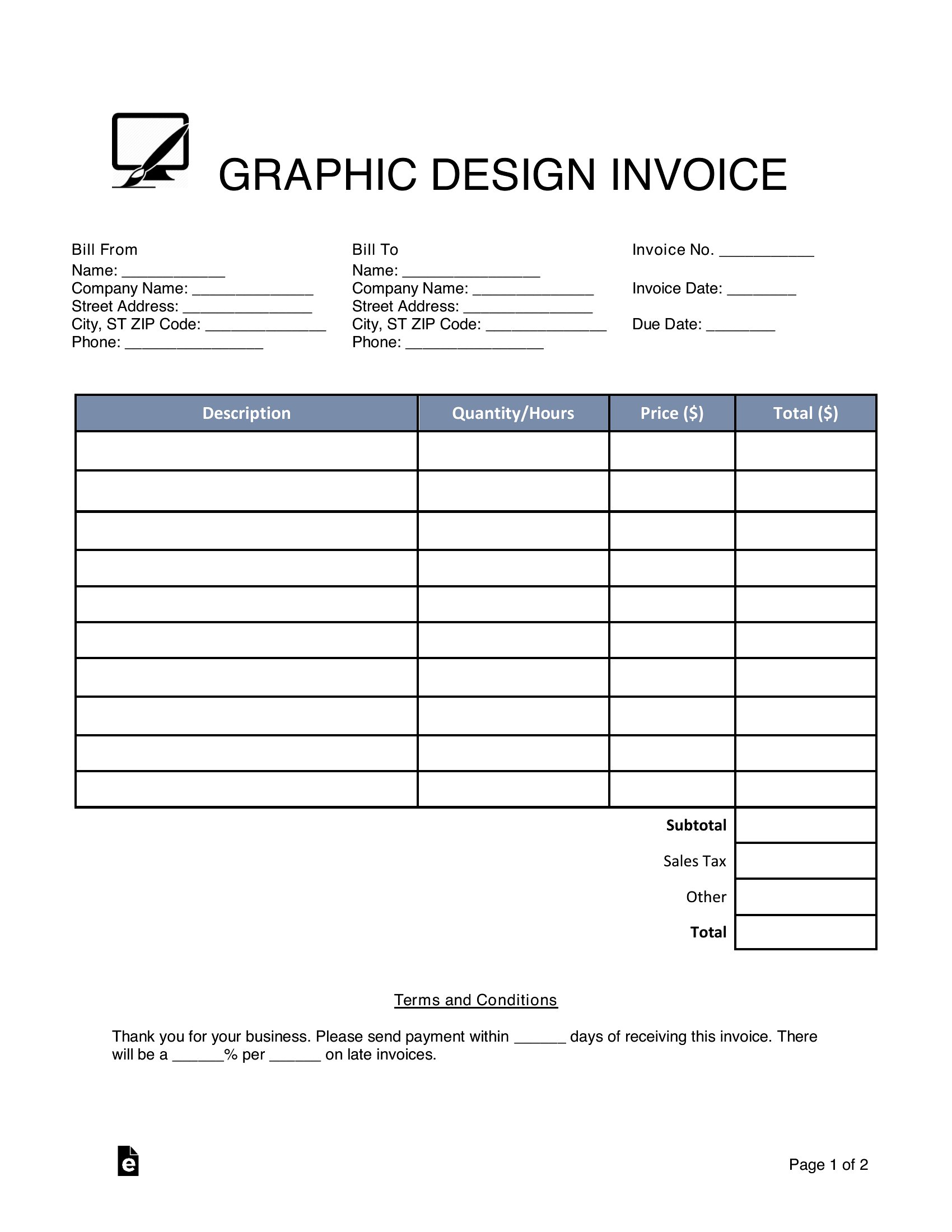
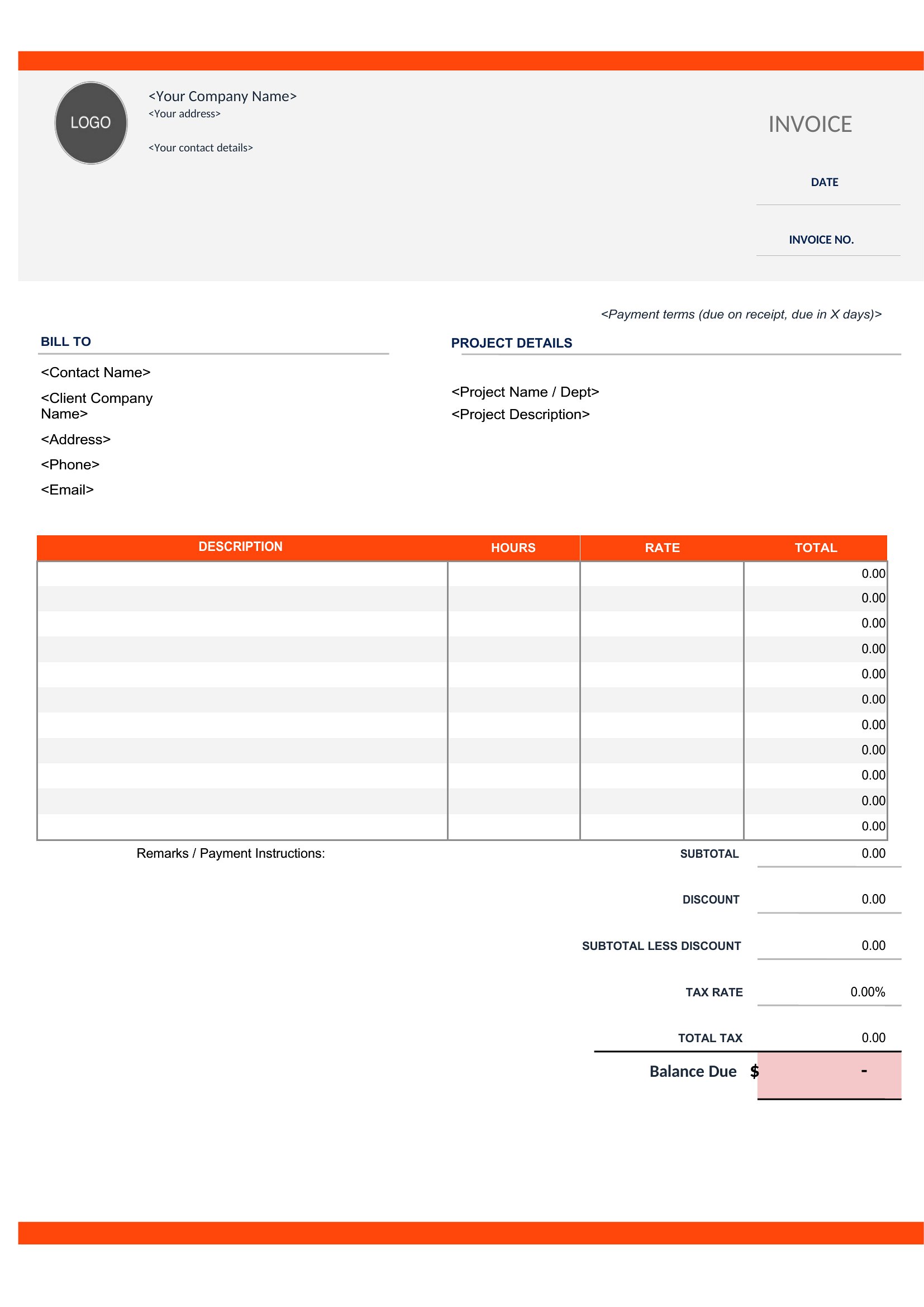
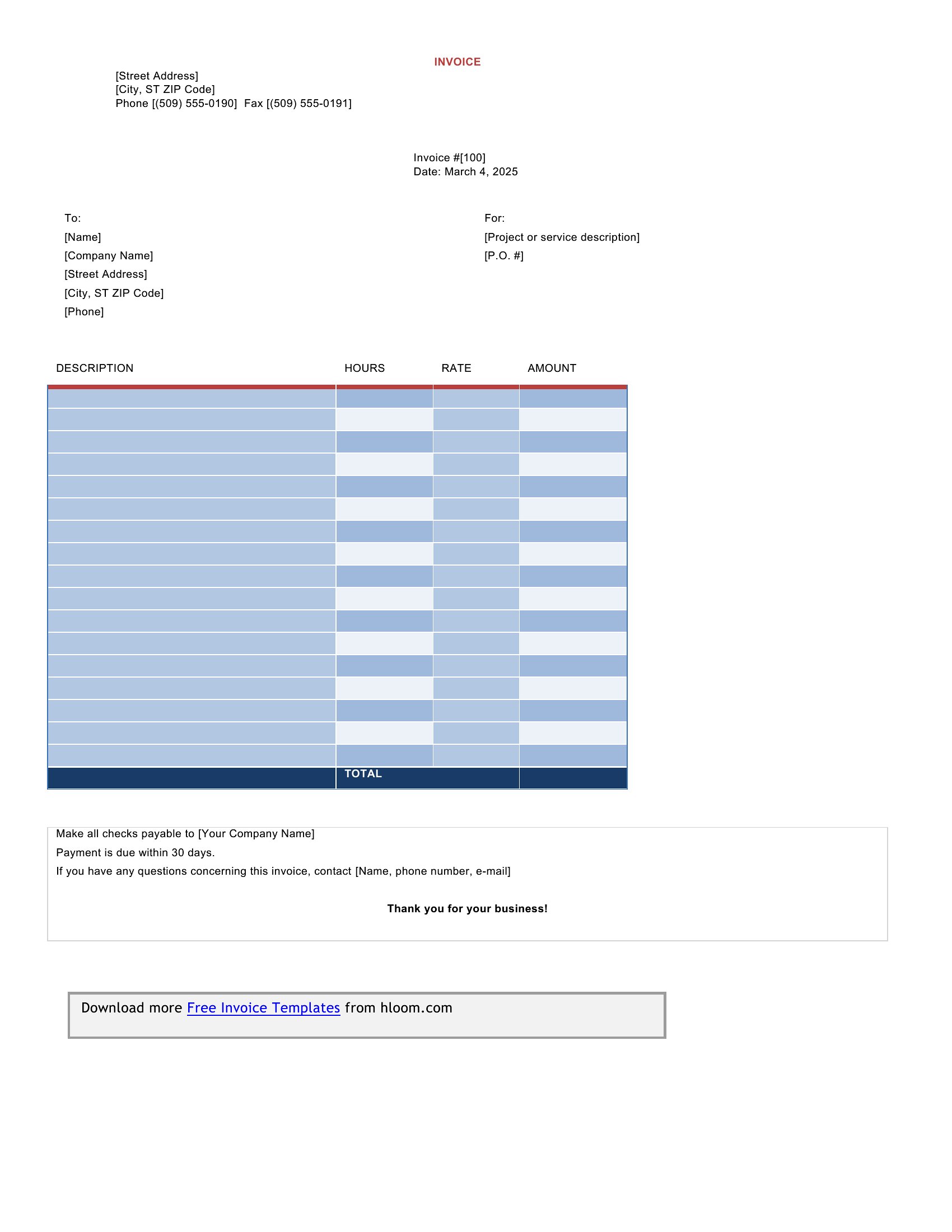
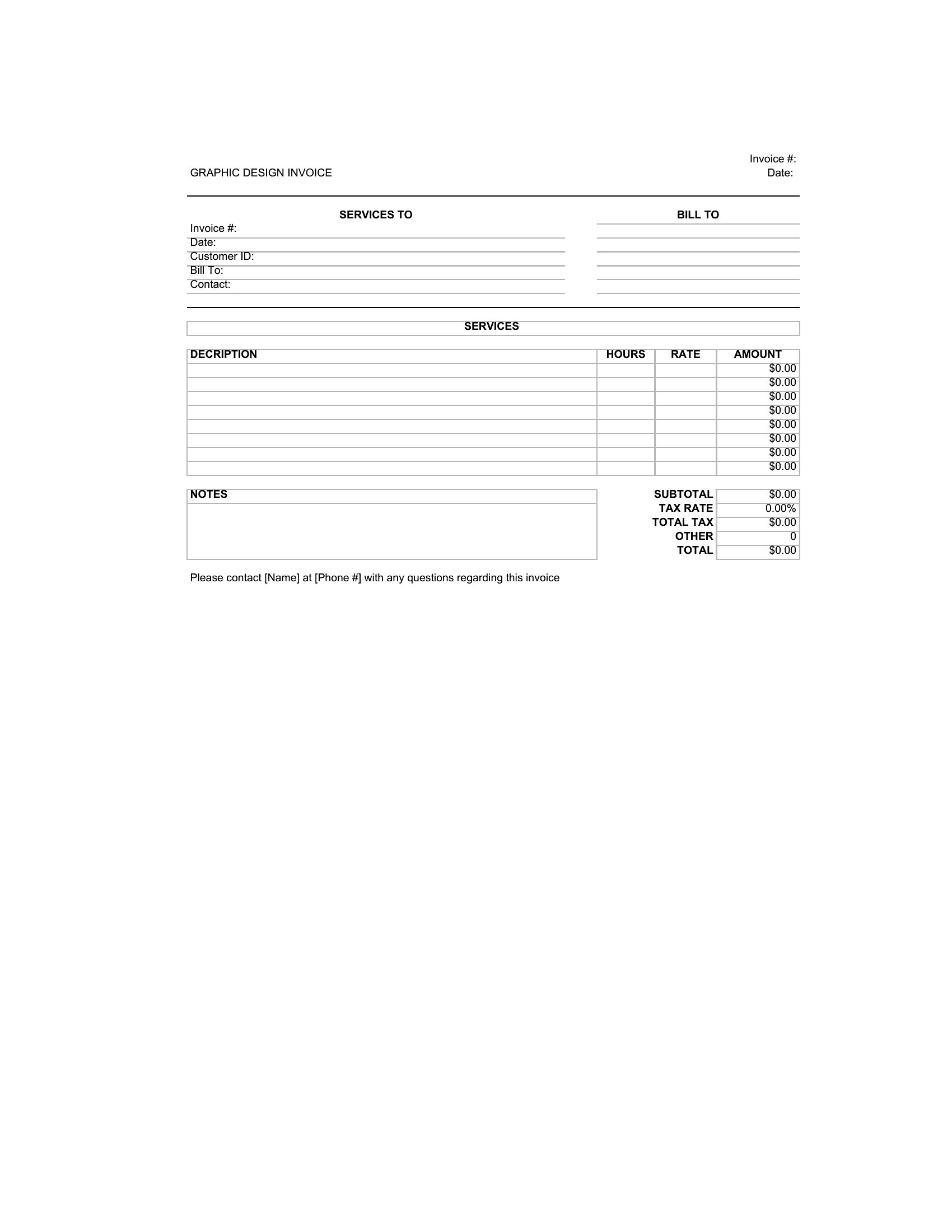
Free Graphic Design Invoice Templates (Word, Excel, PDF)

Invoices
ekapadshah by ekapadshah
Updated 0 downloads Quality-checked template

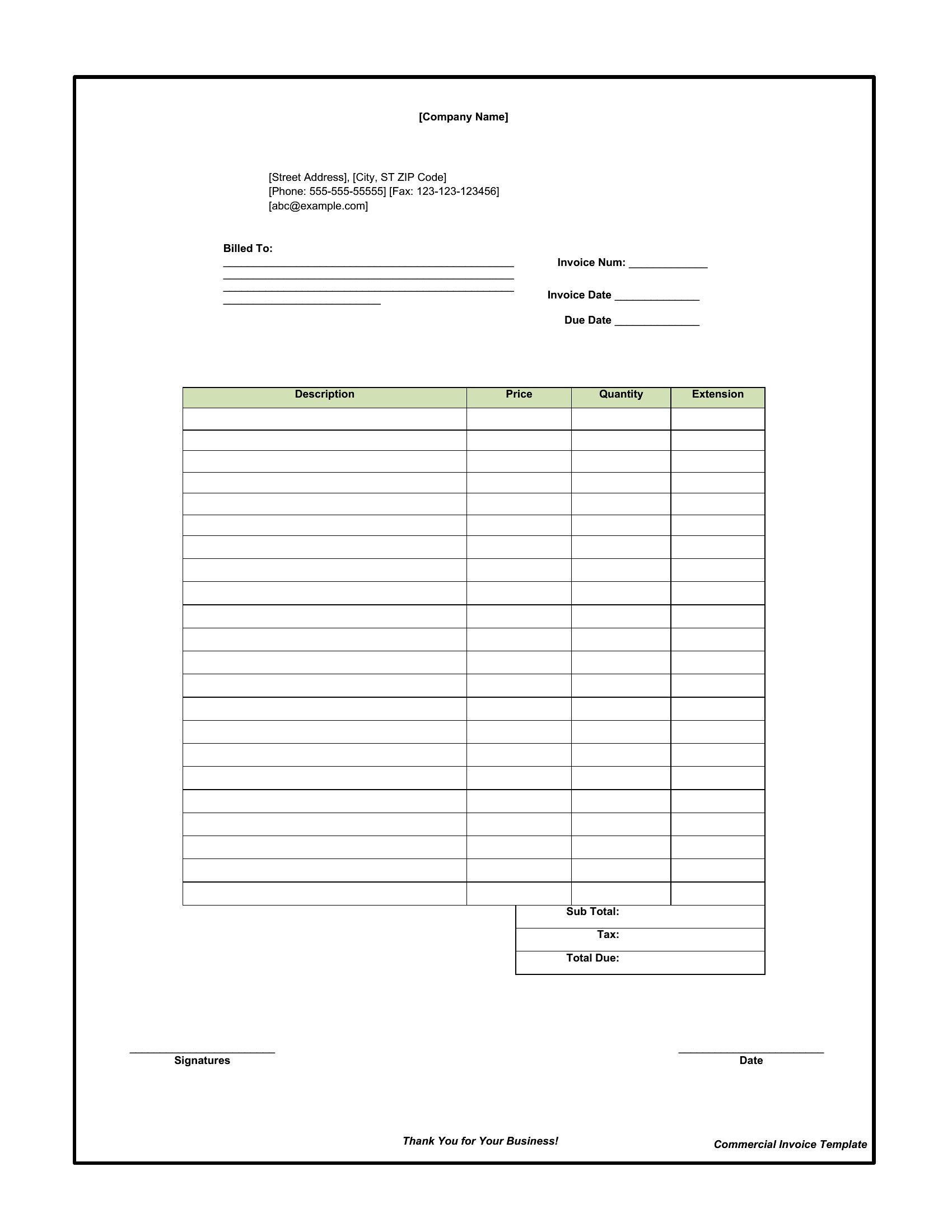
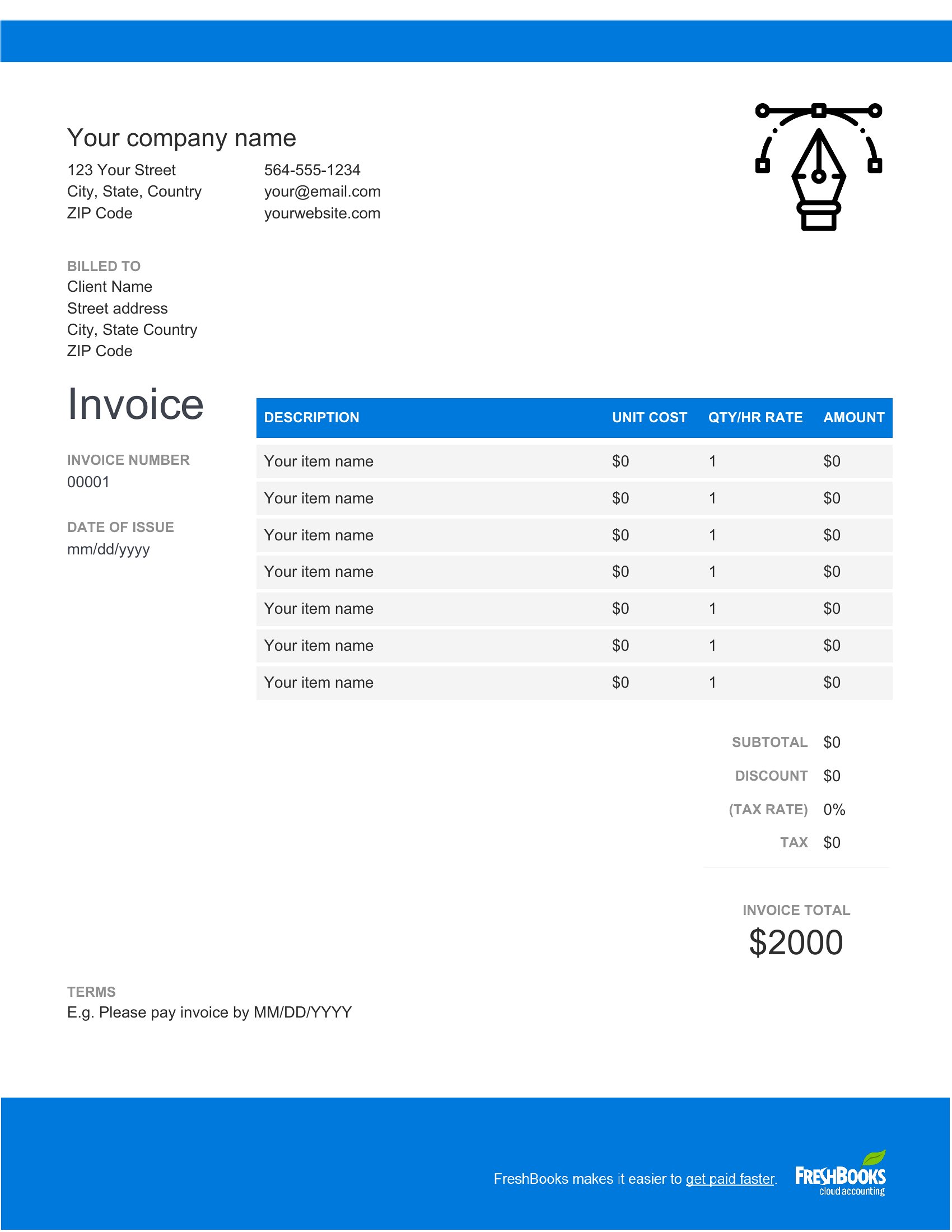
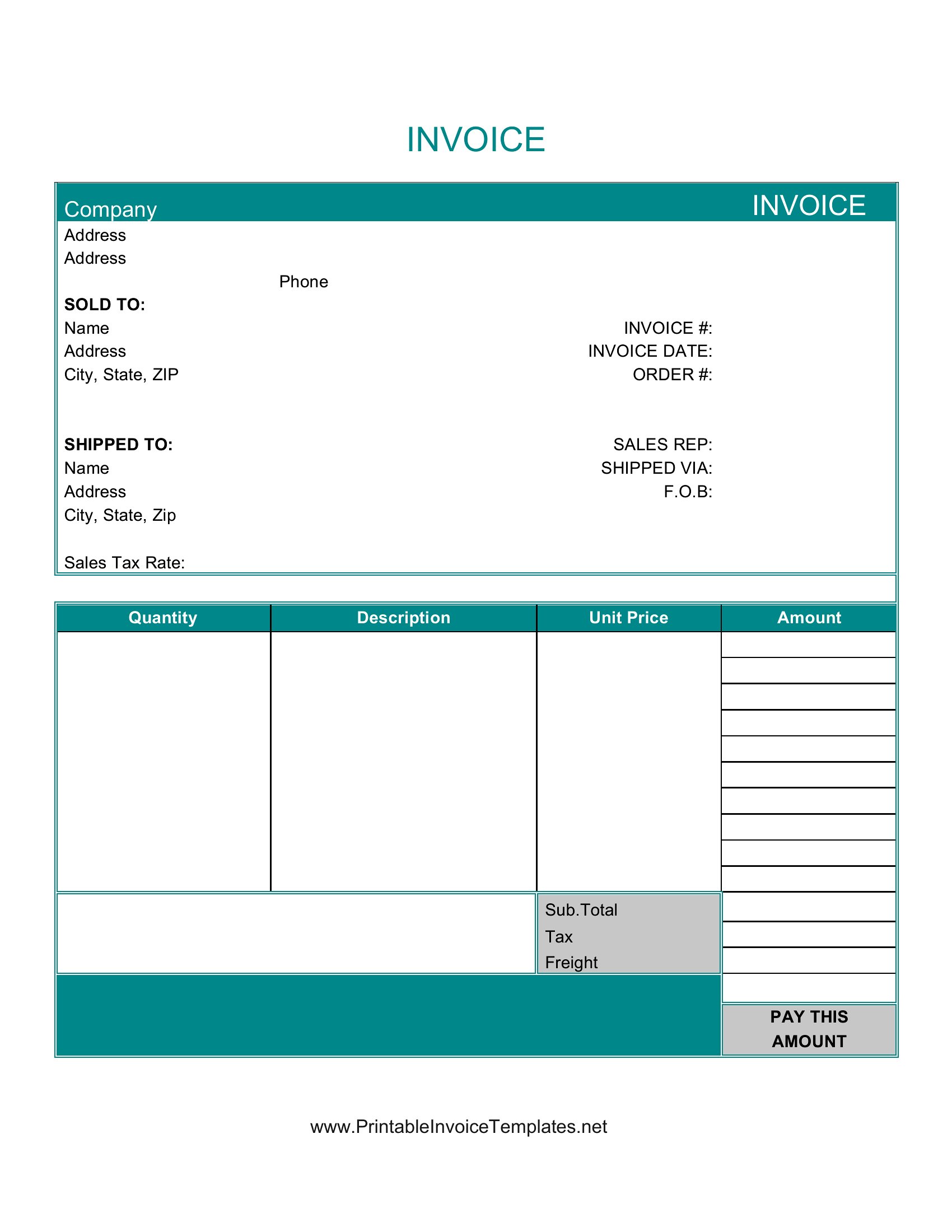
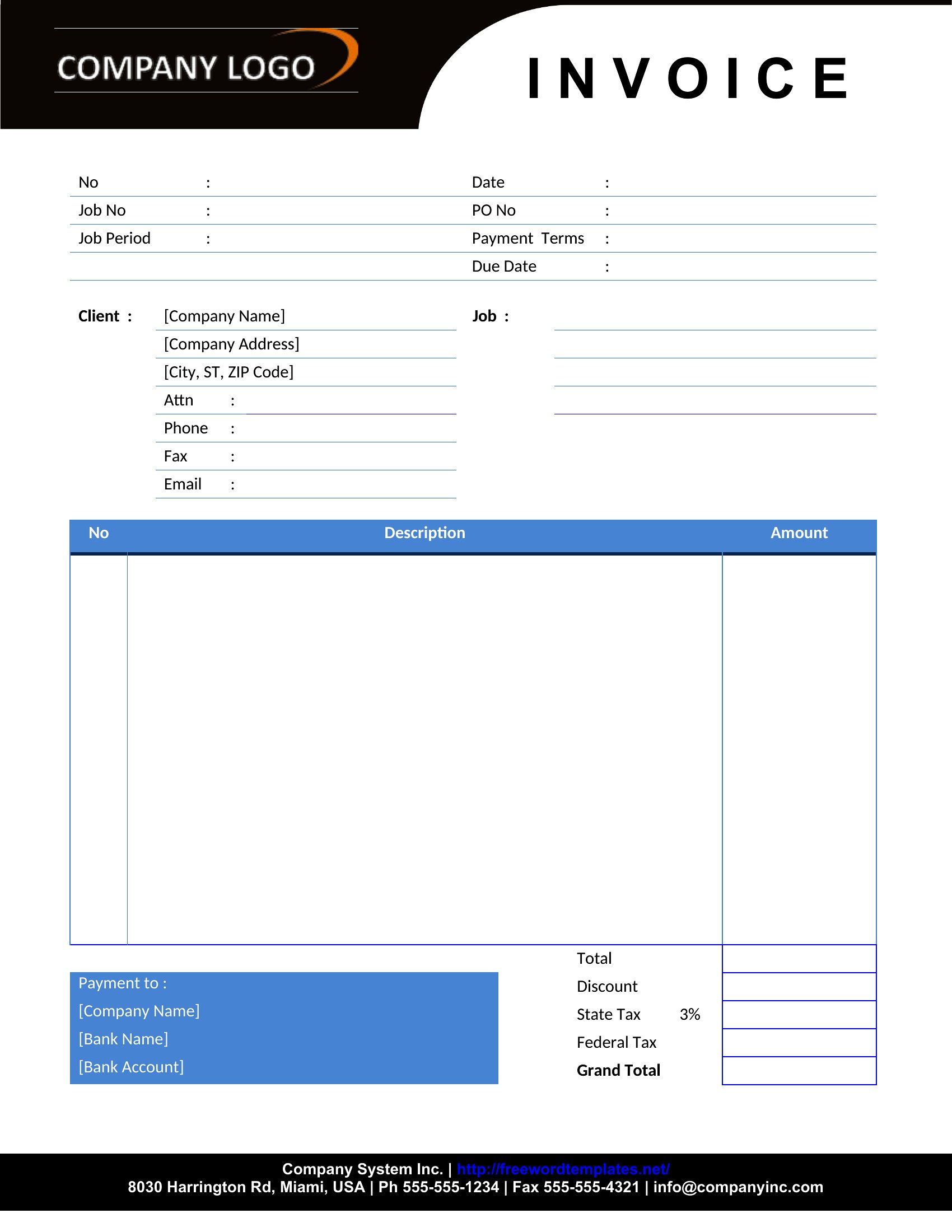
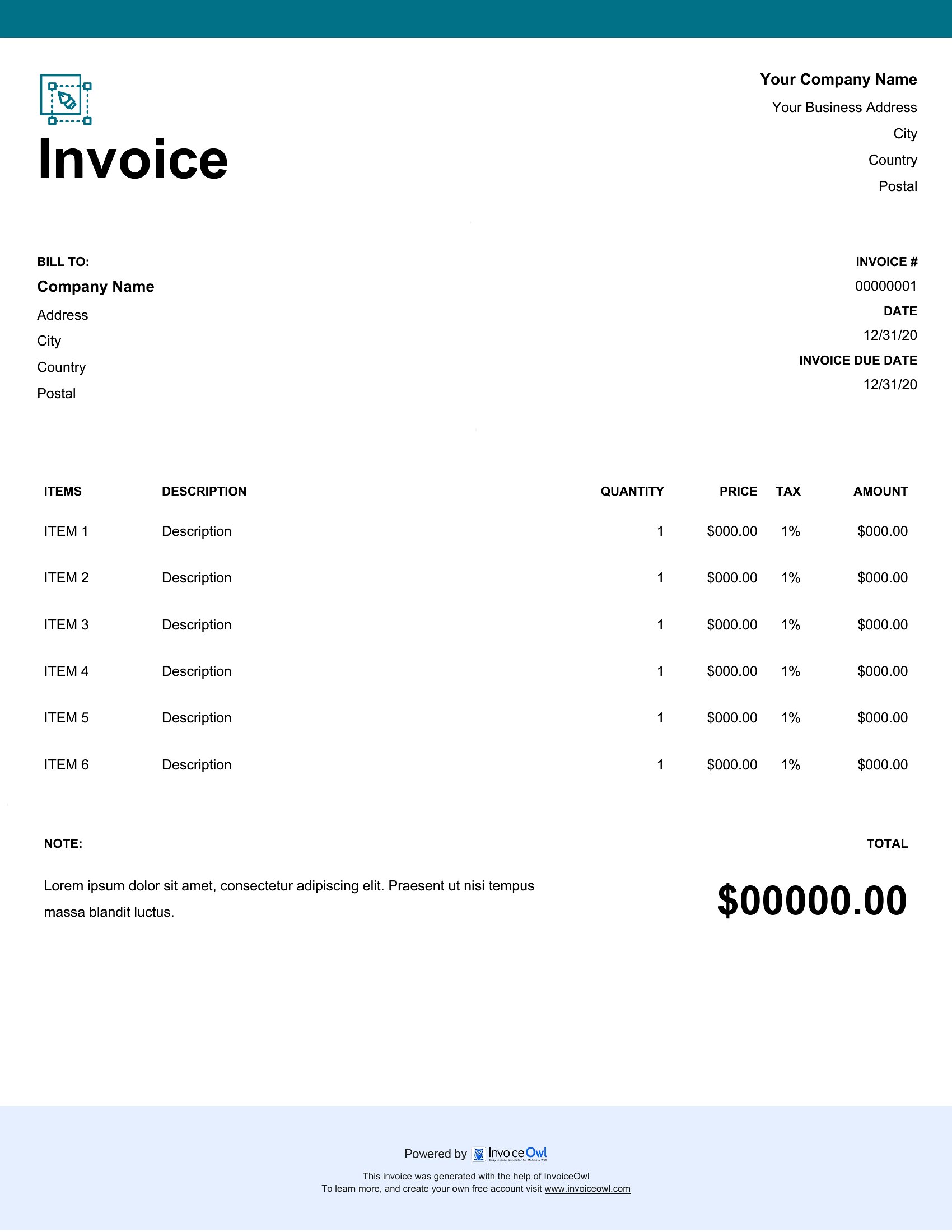
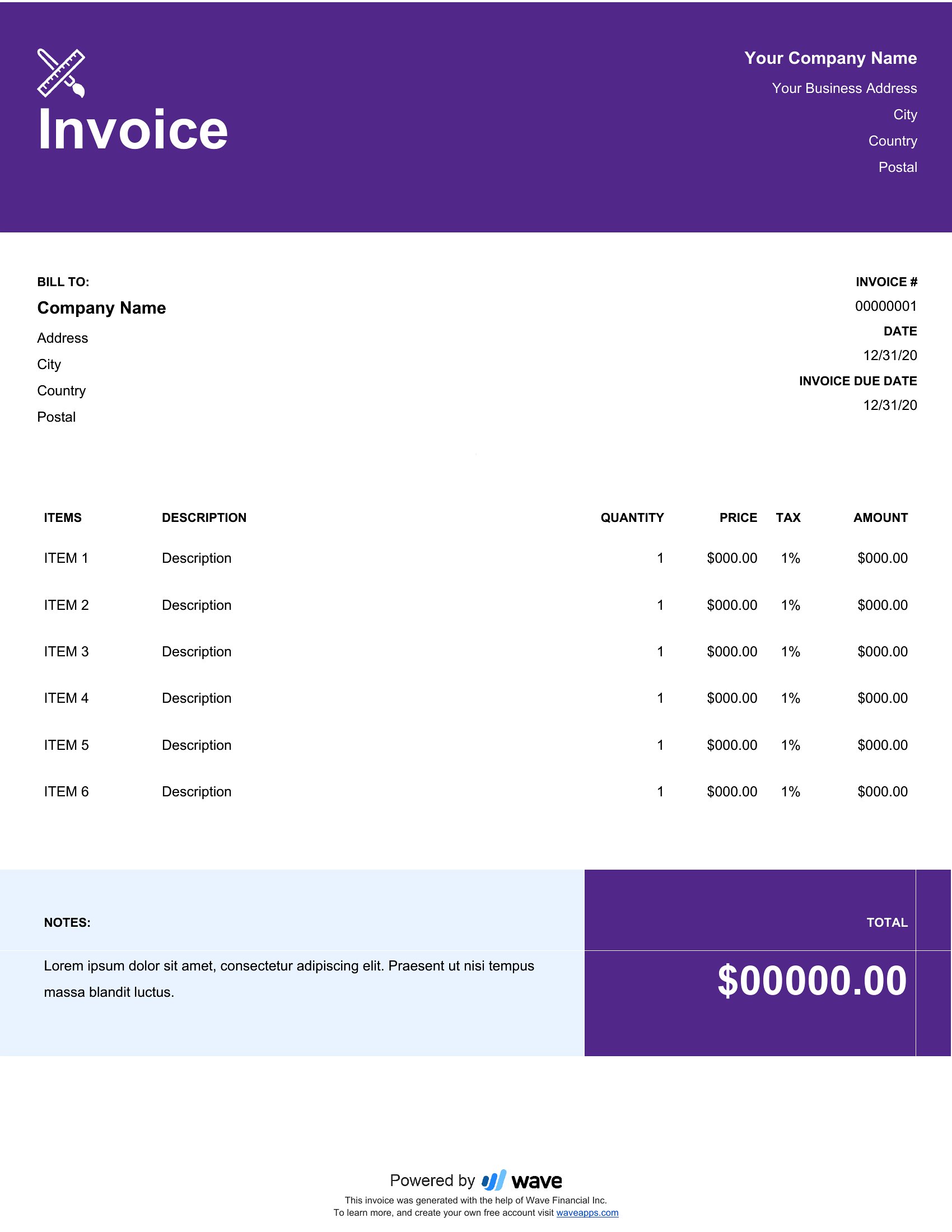
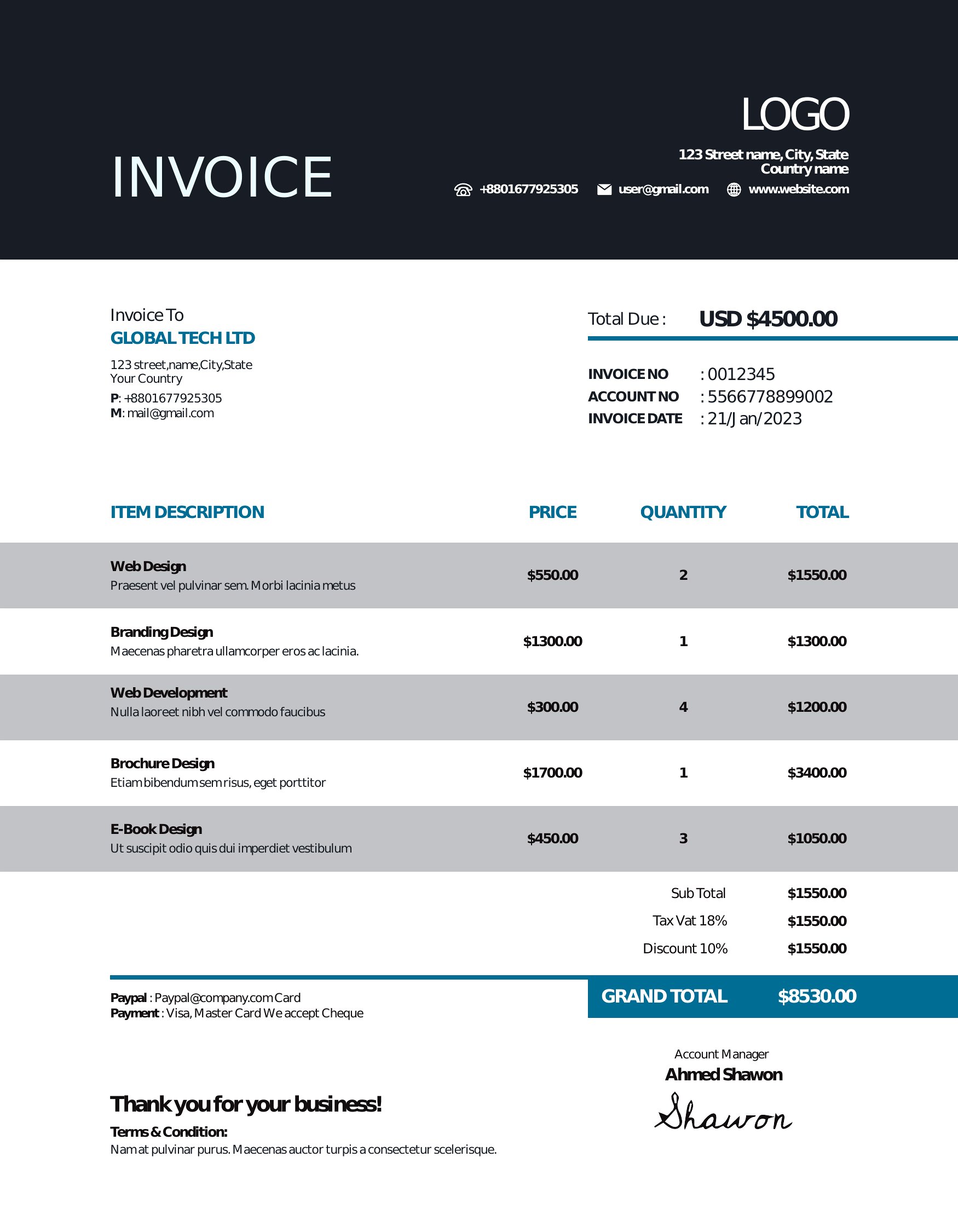
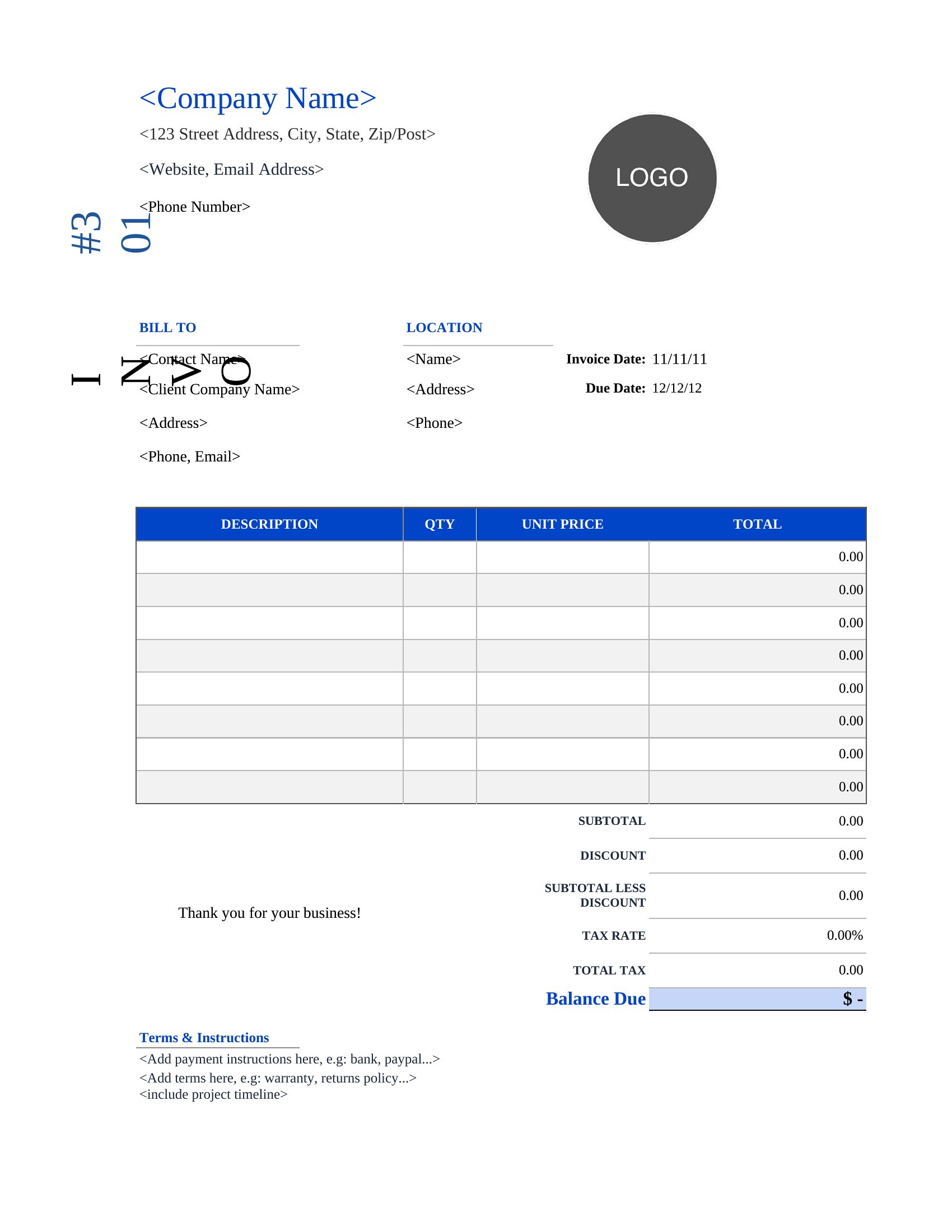
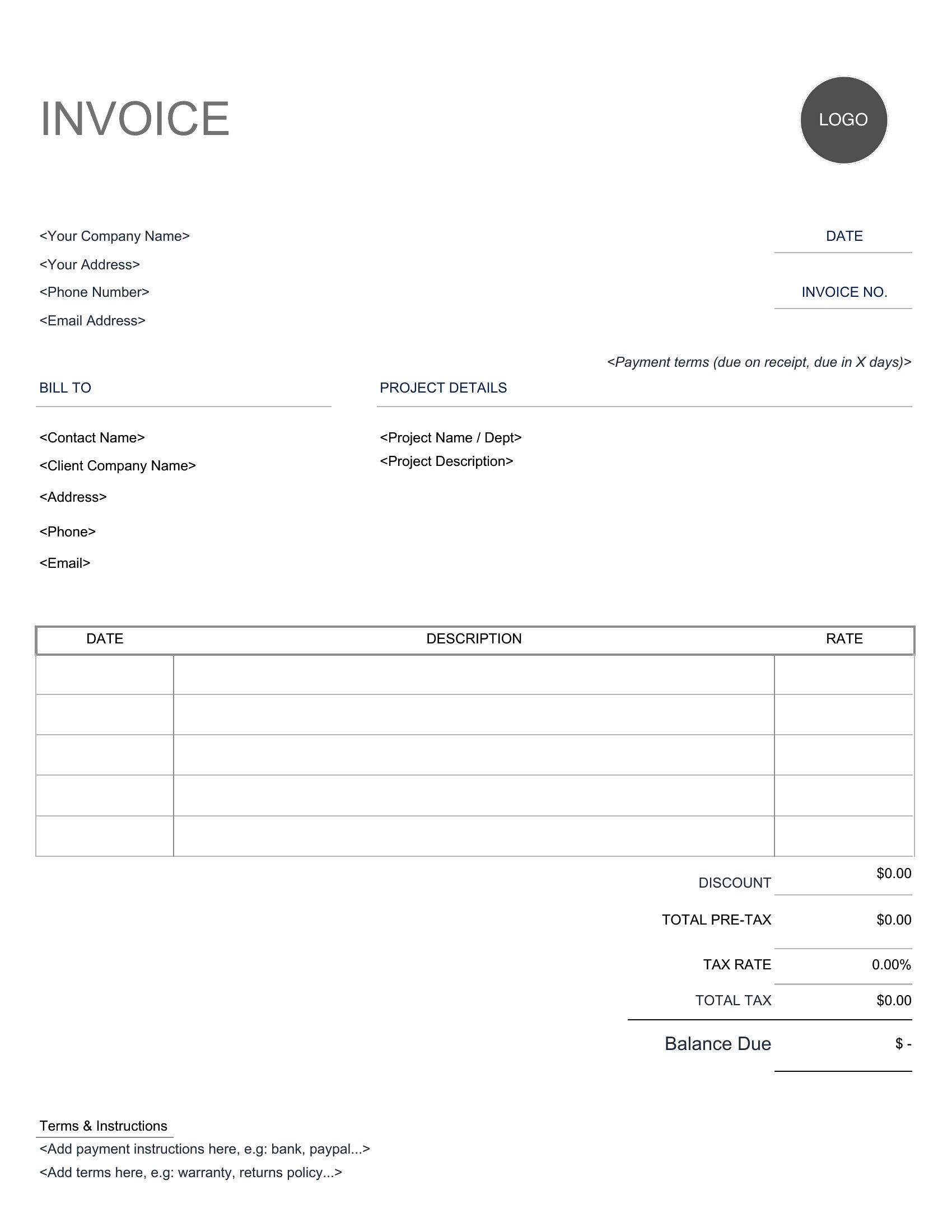
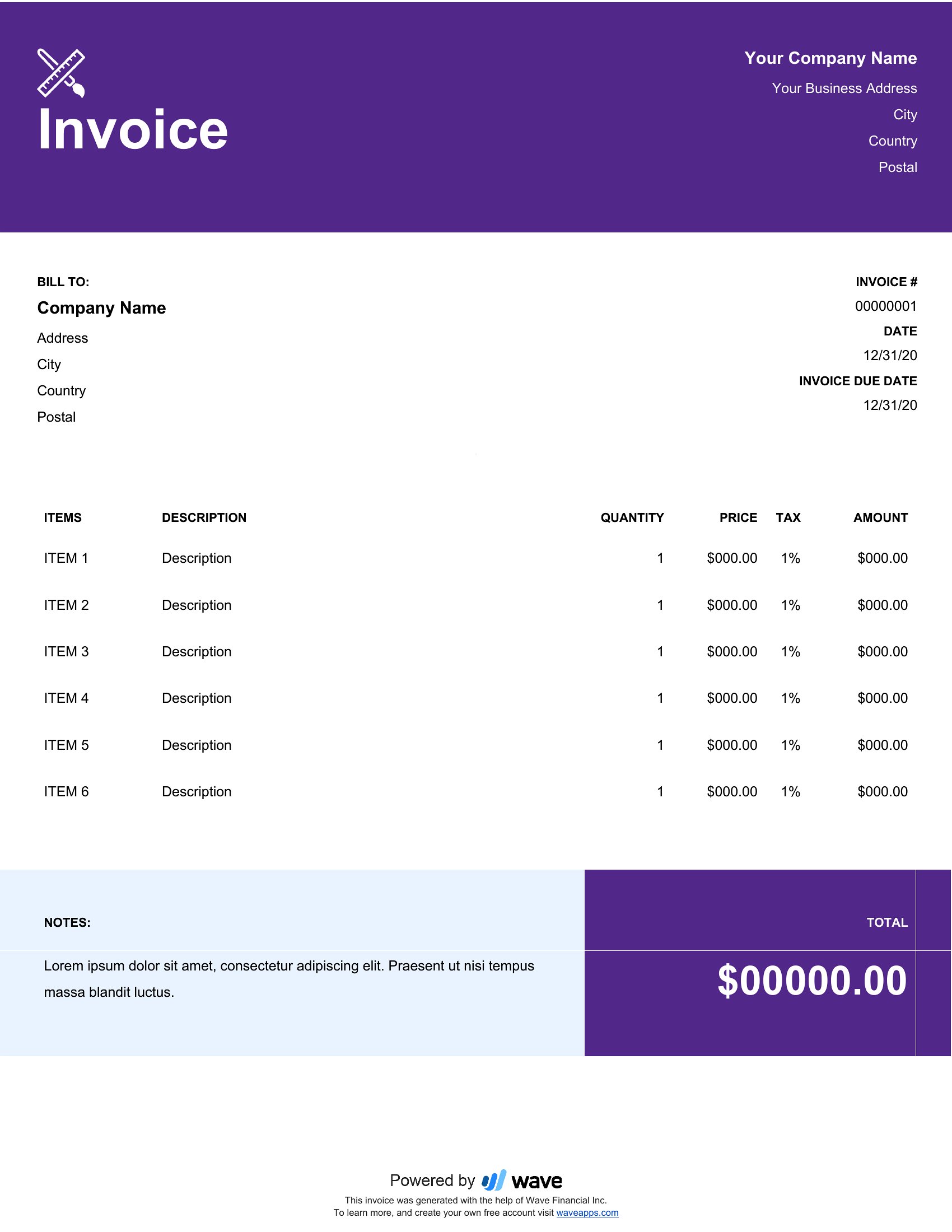
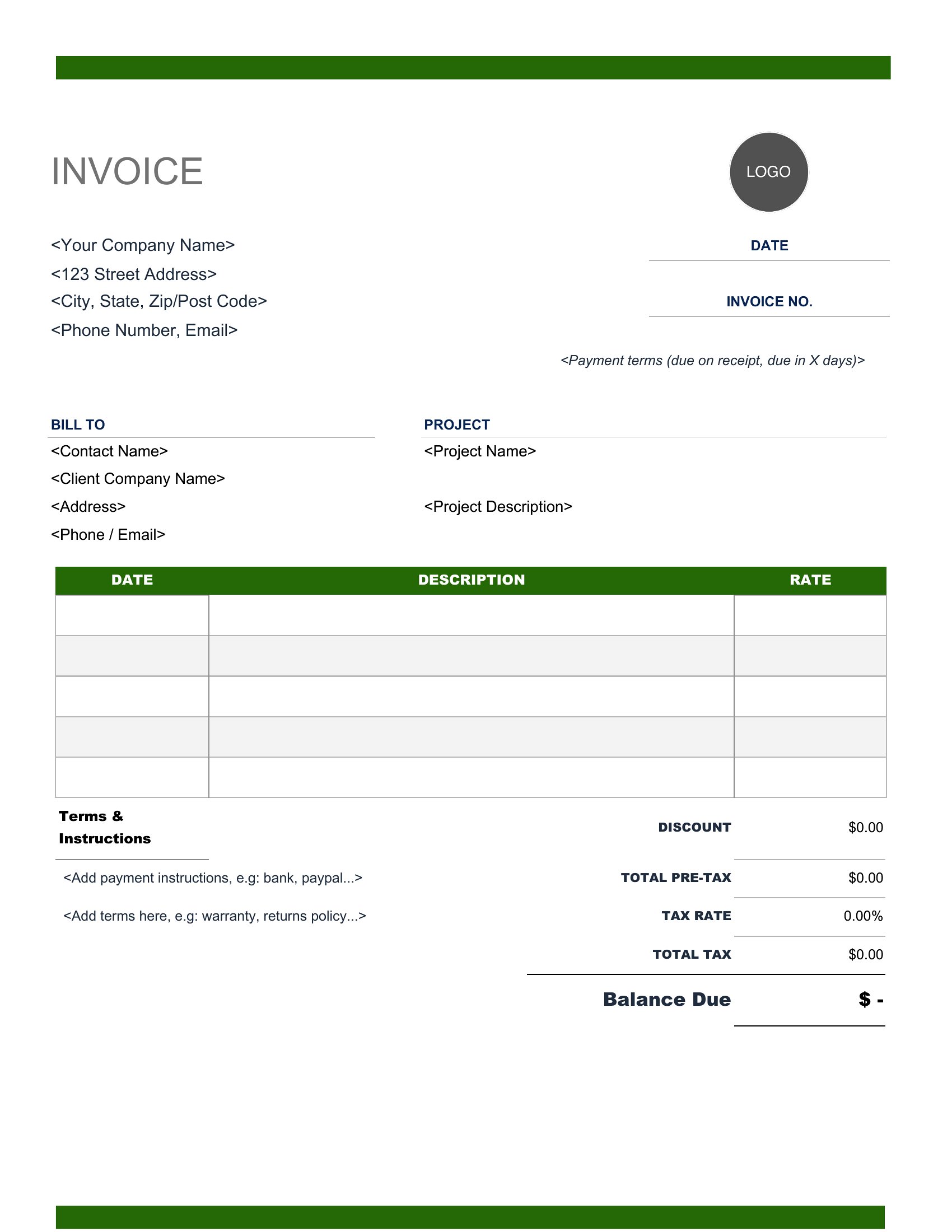
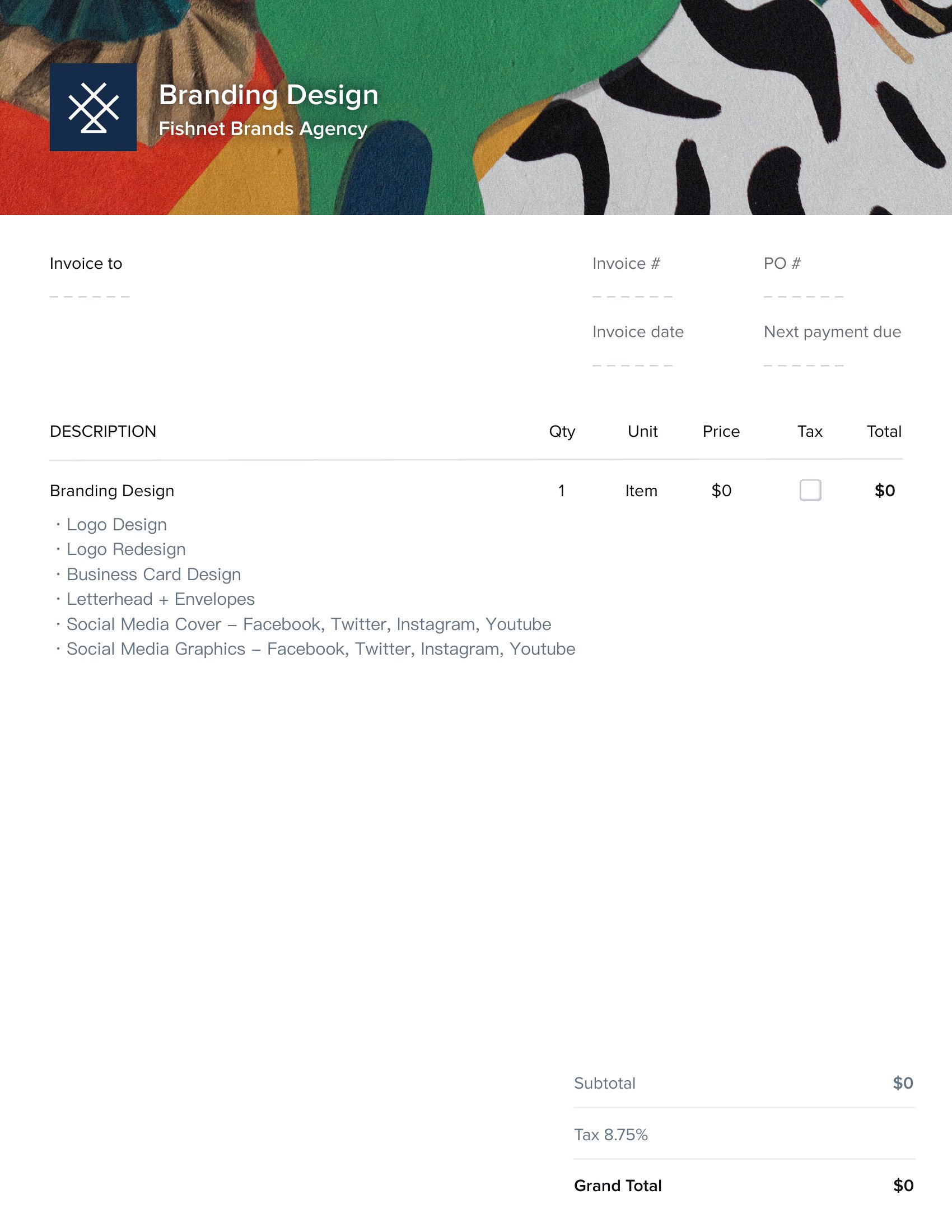
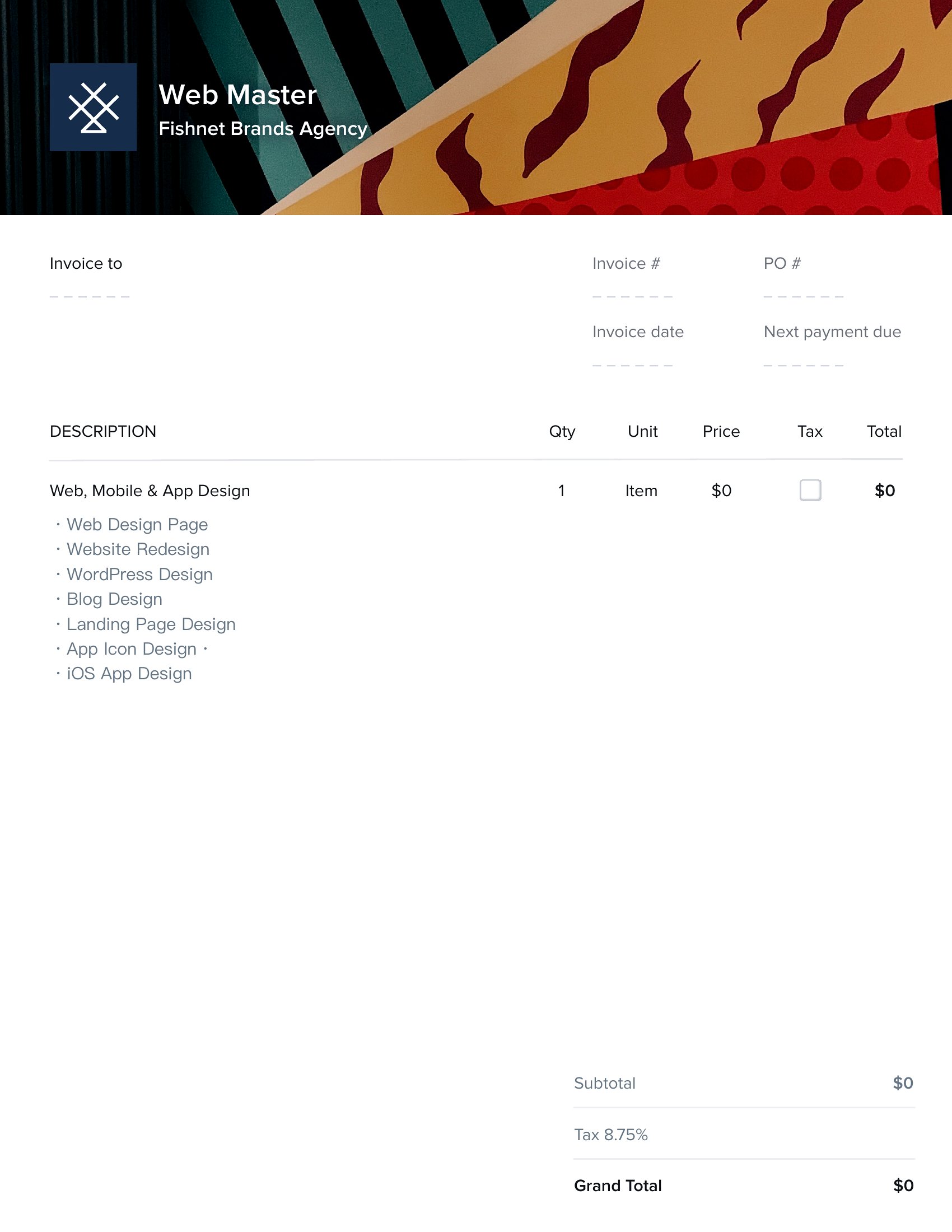
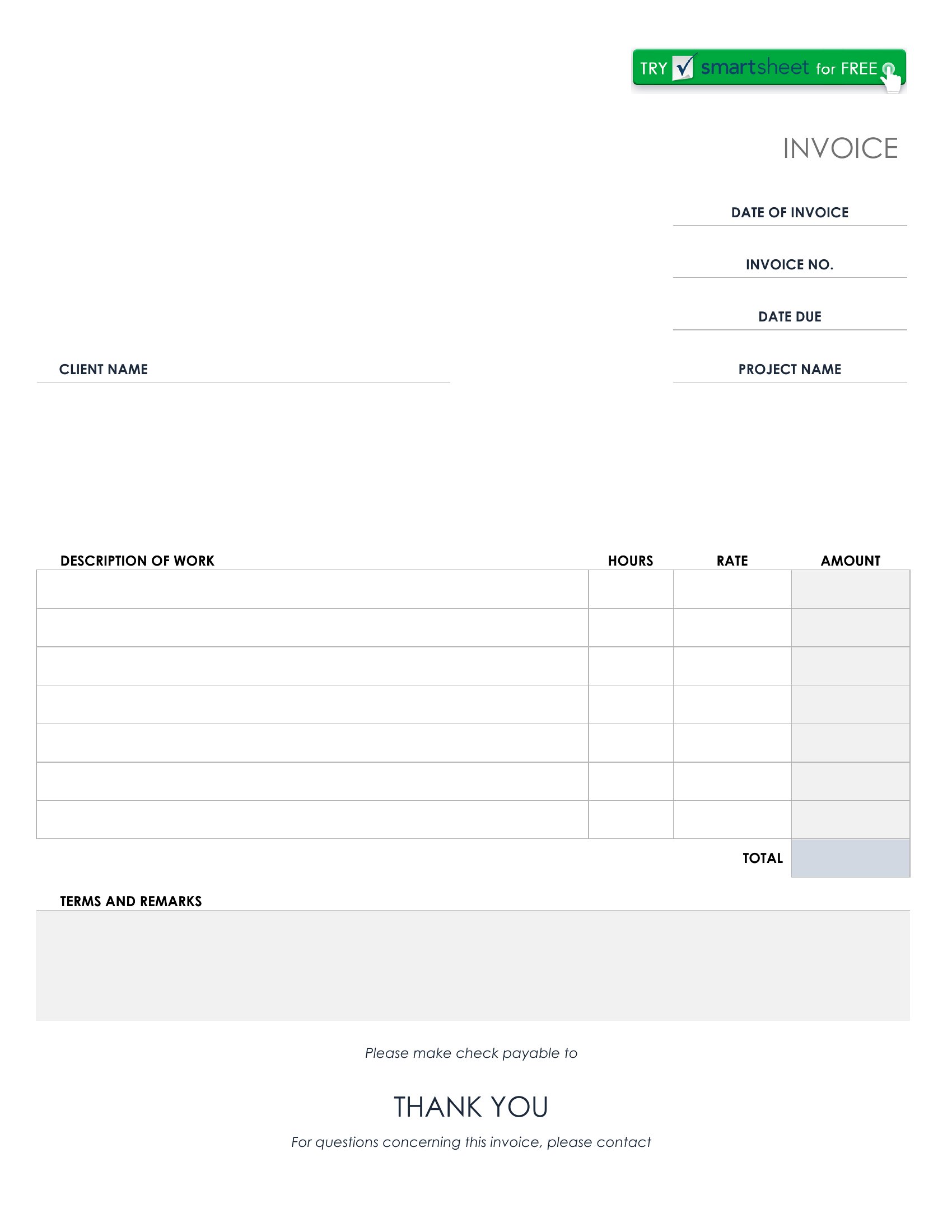
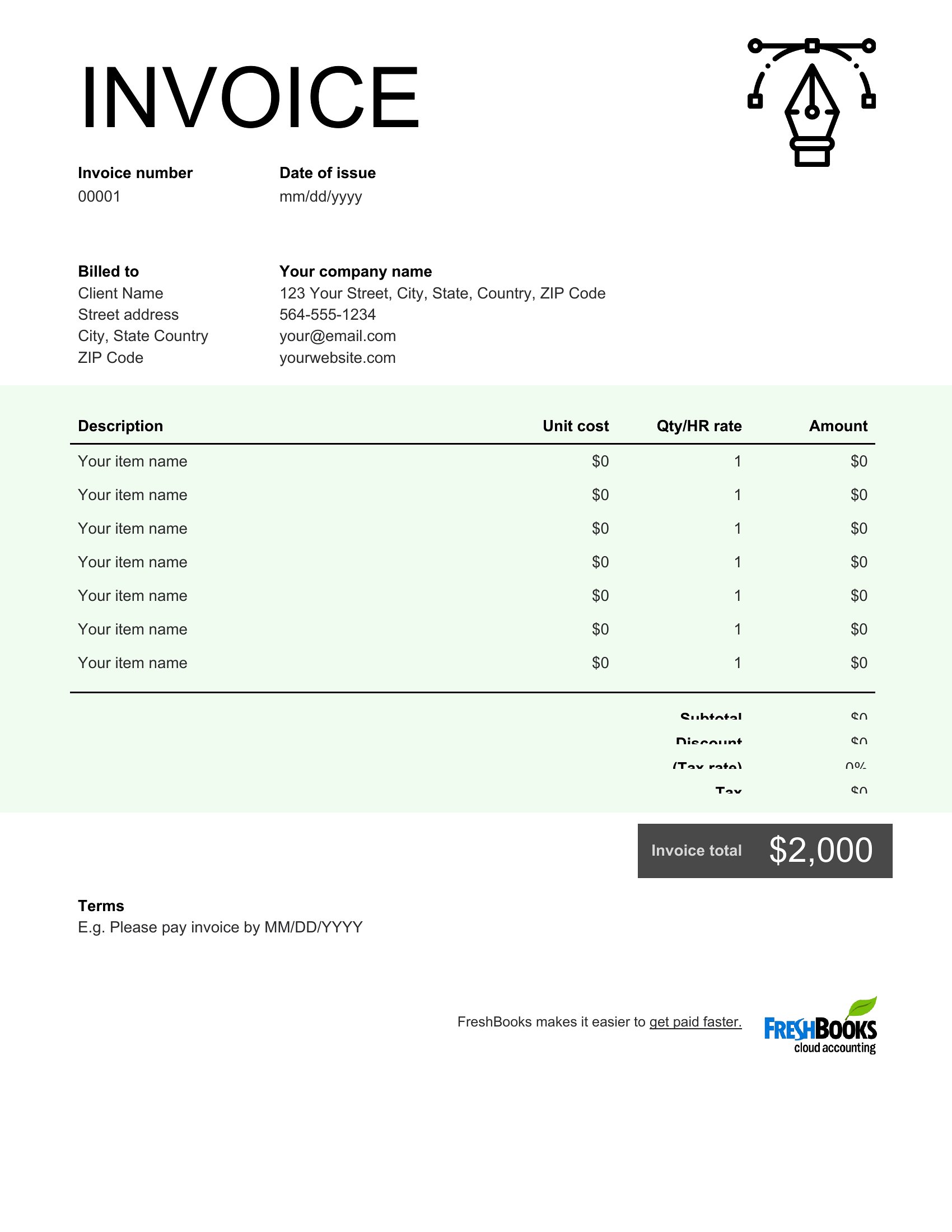
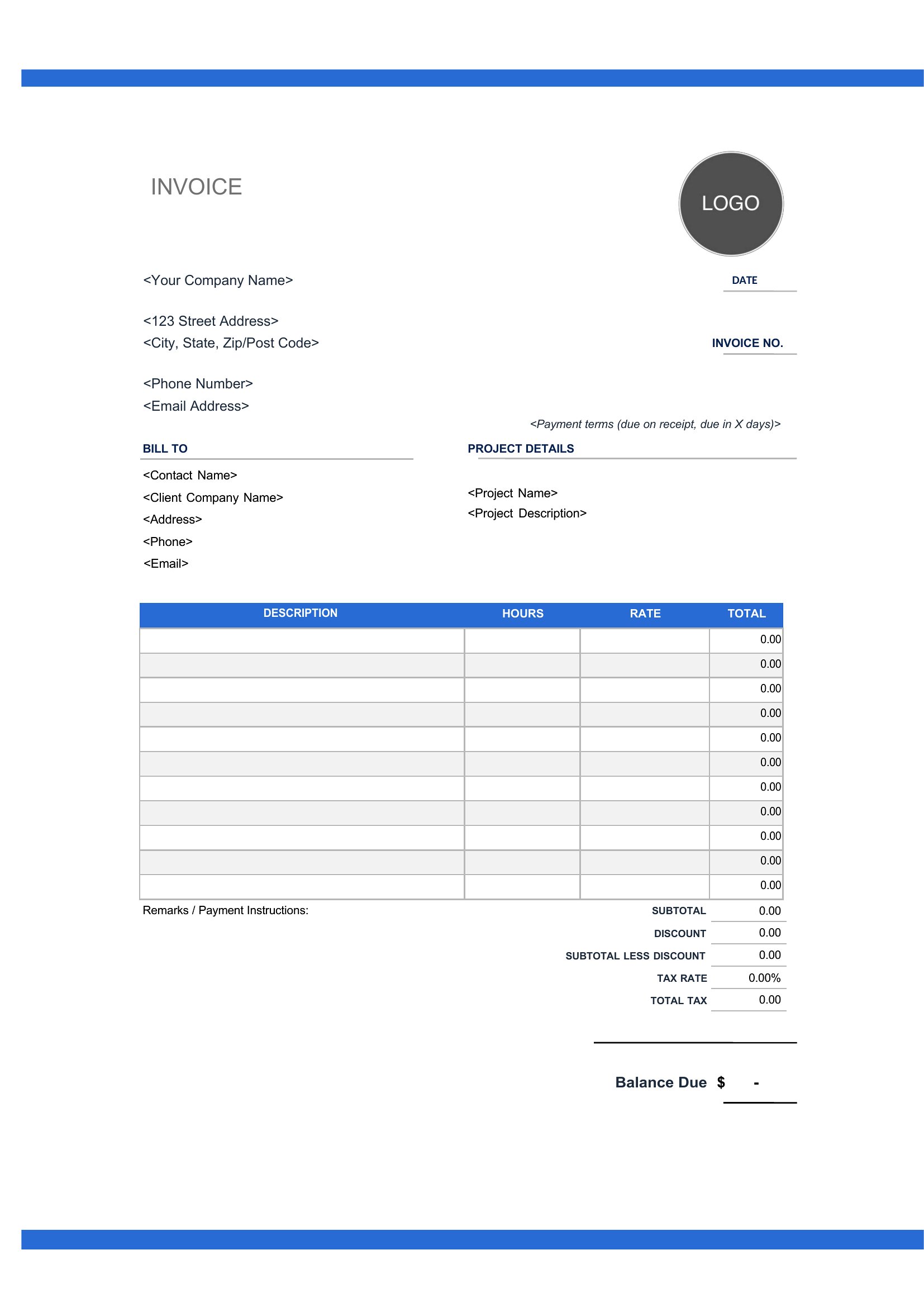
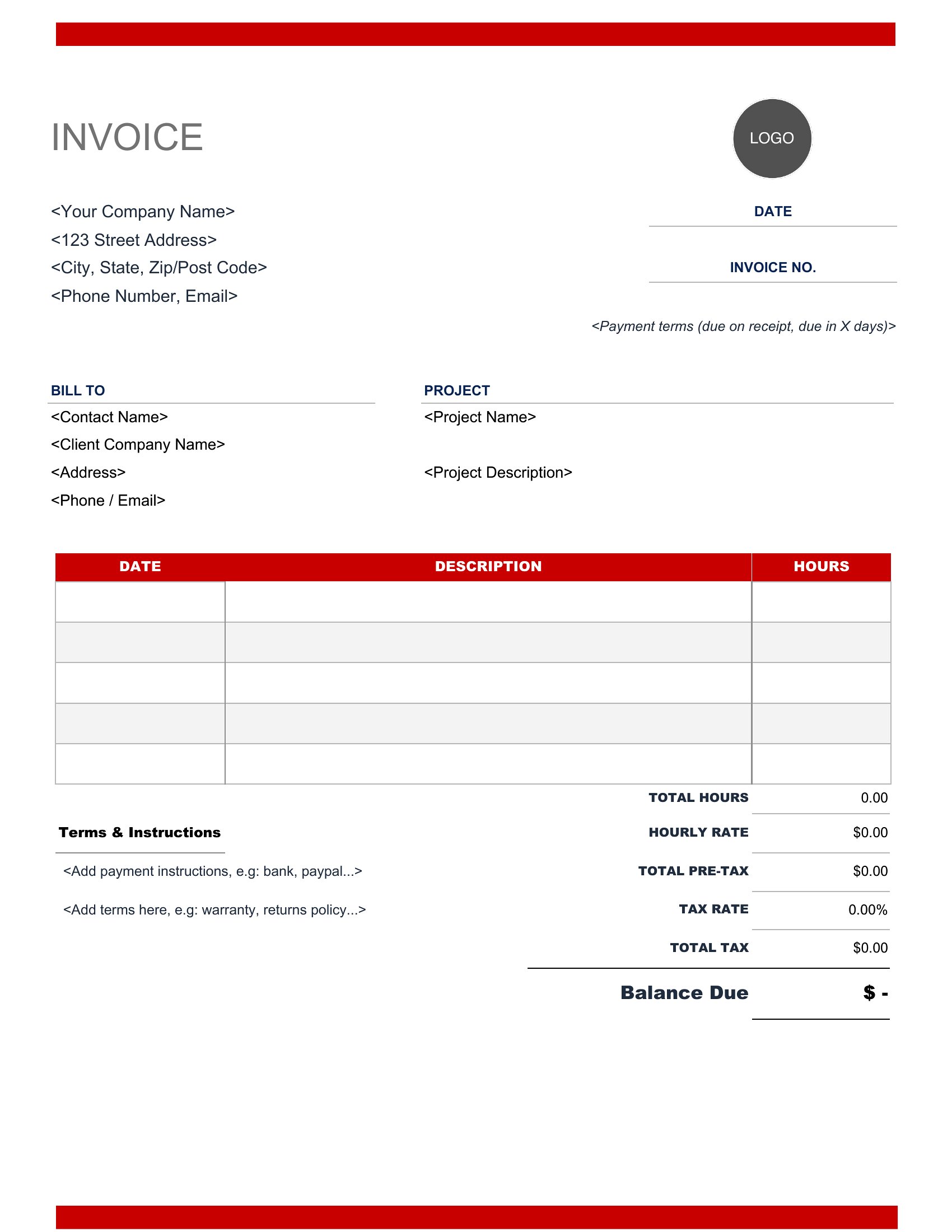
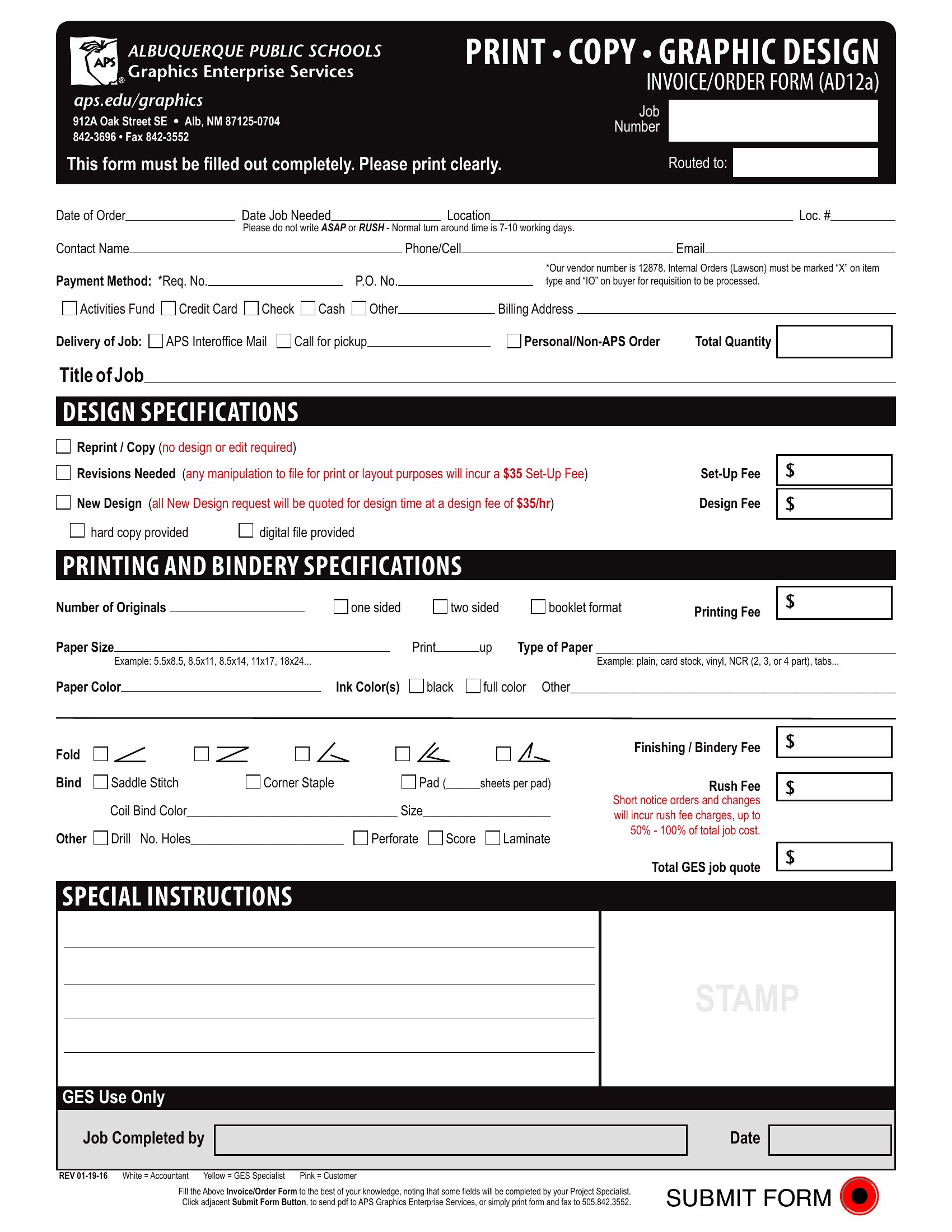
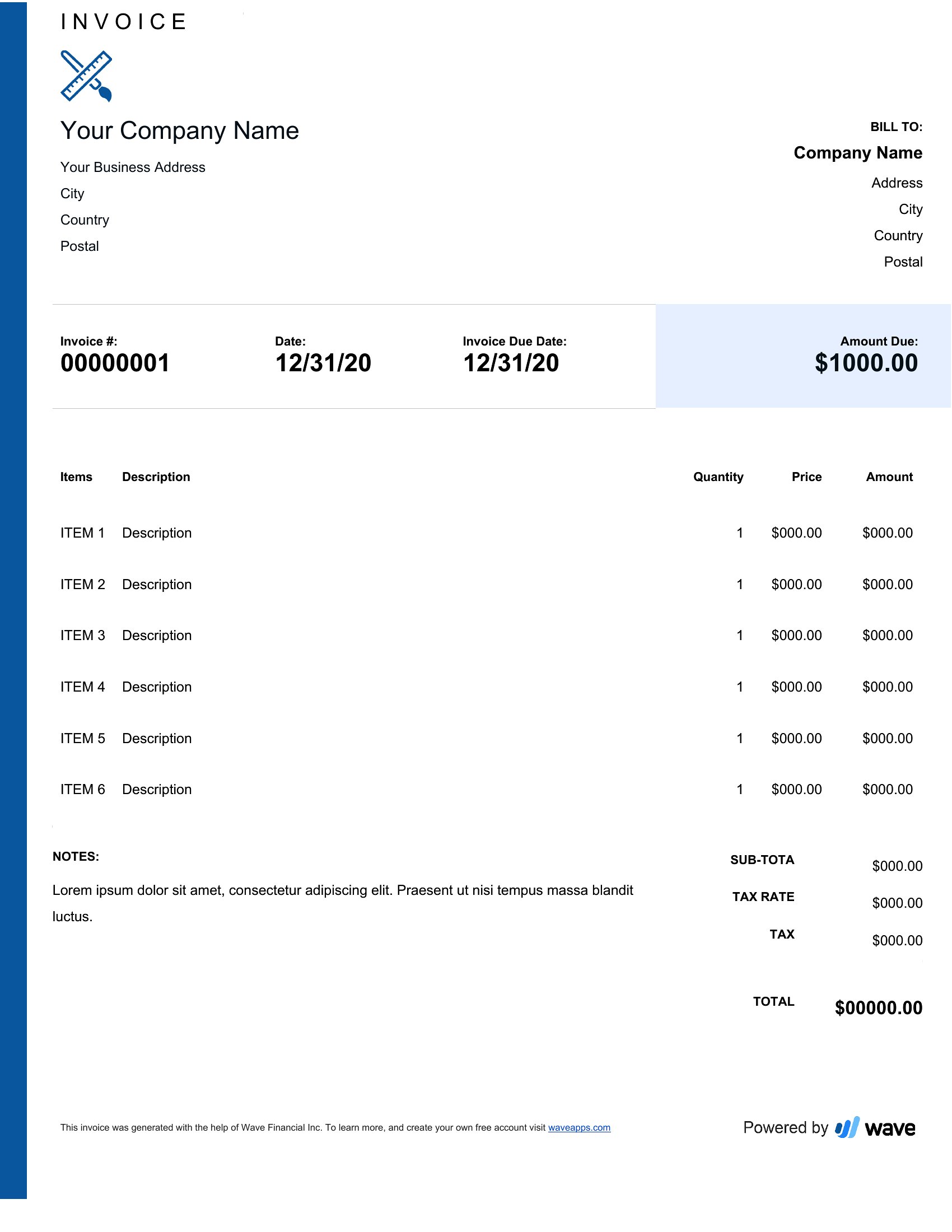
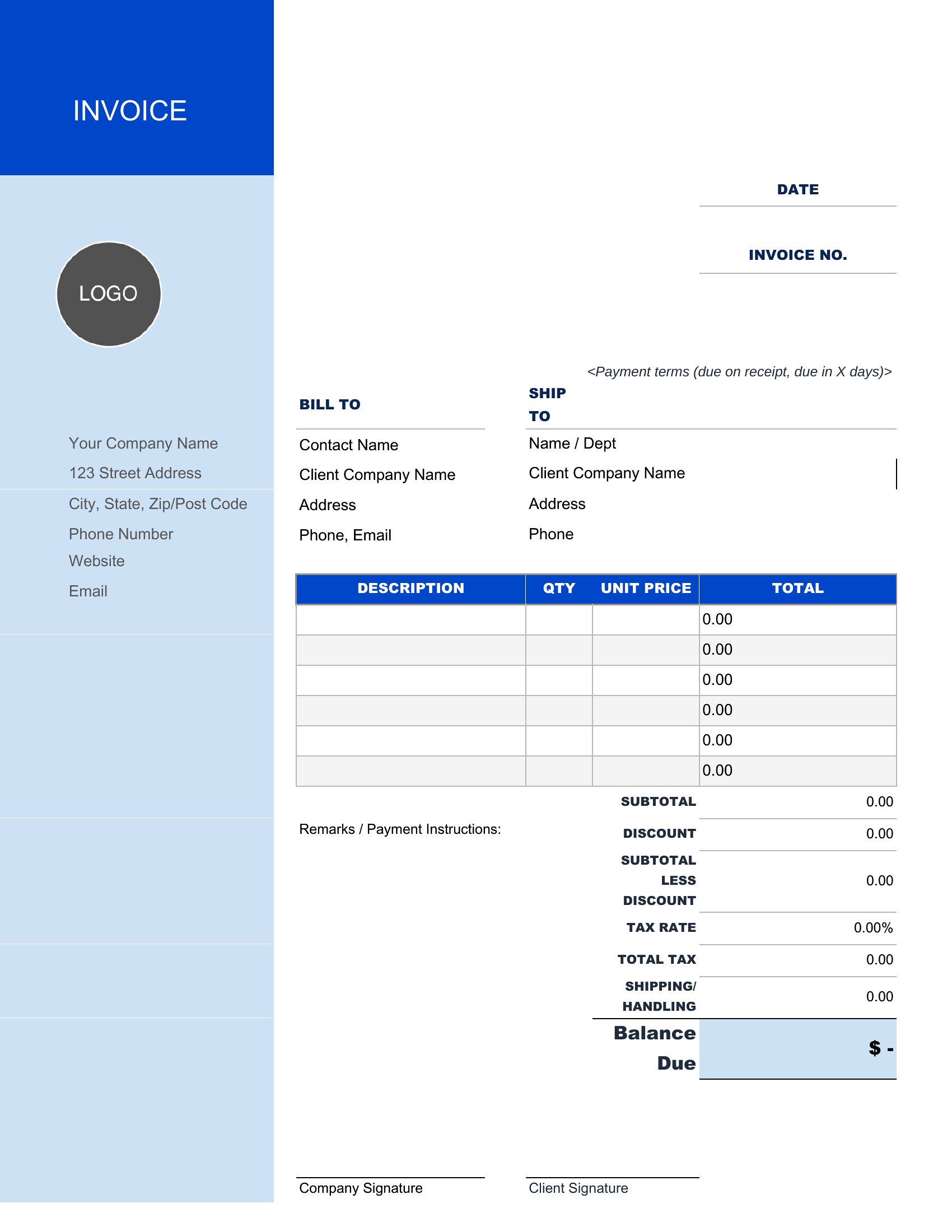
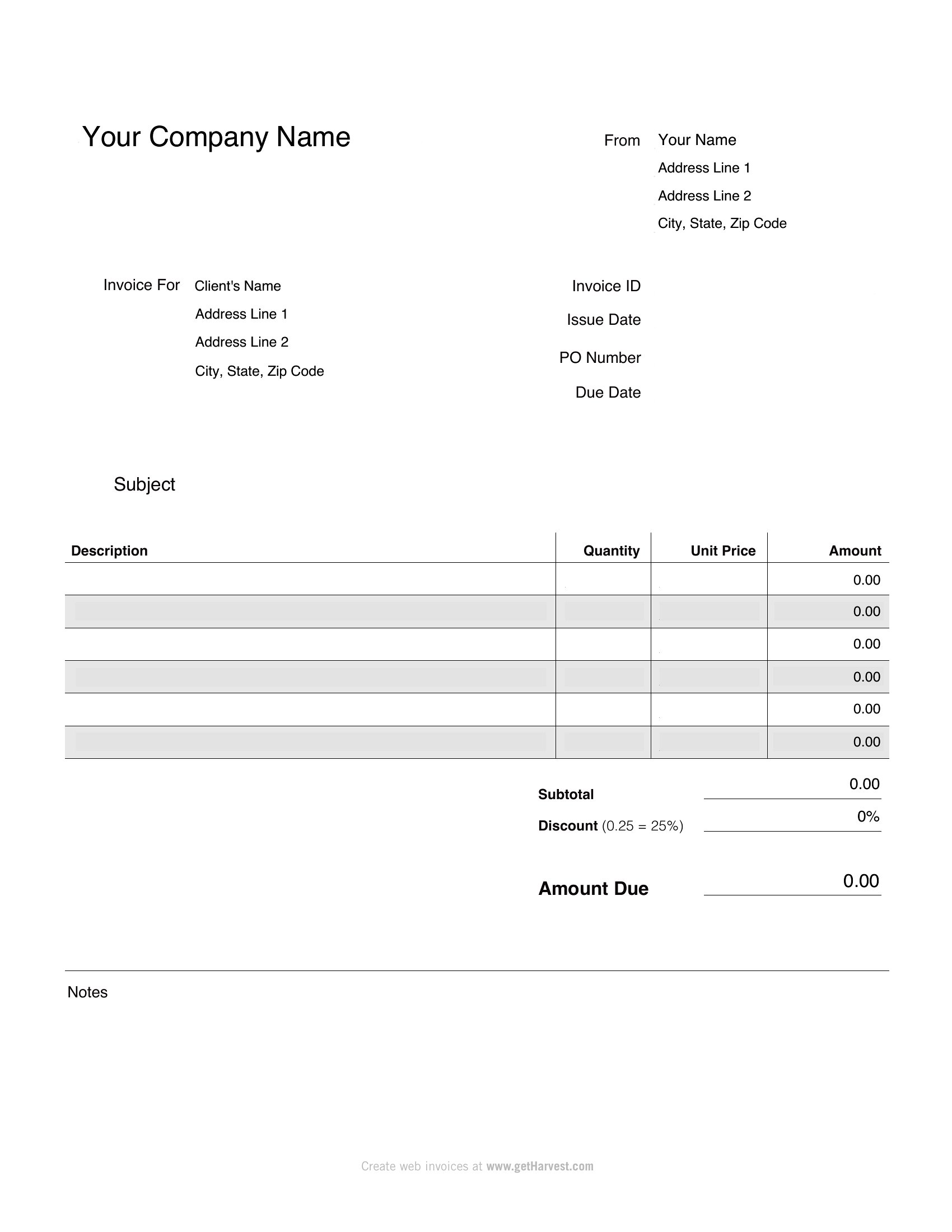
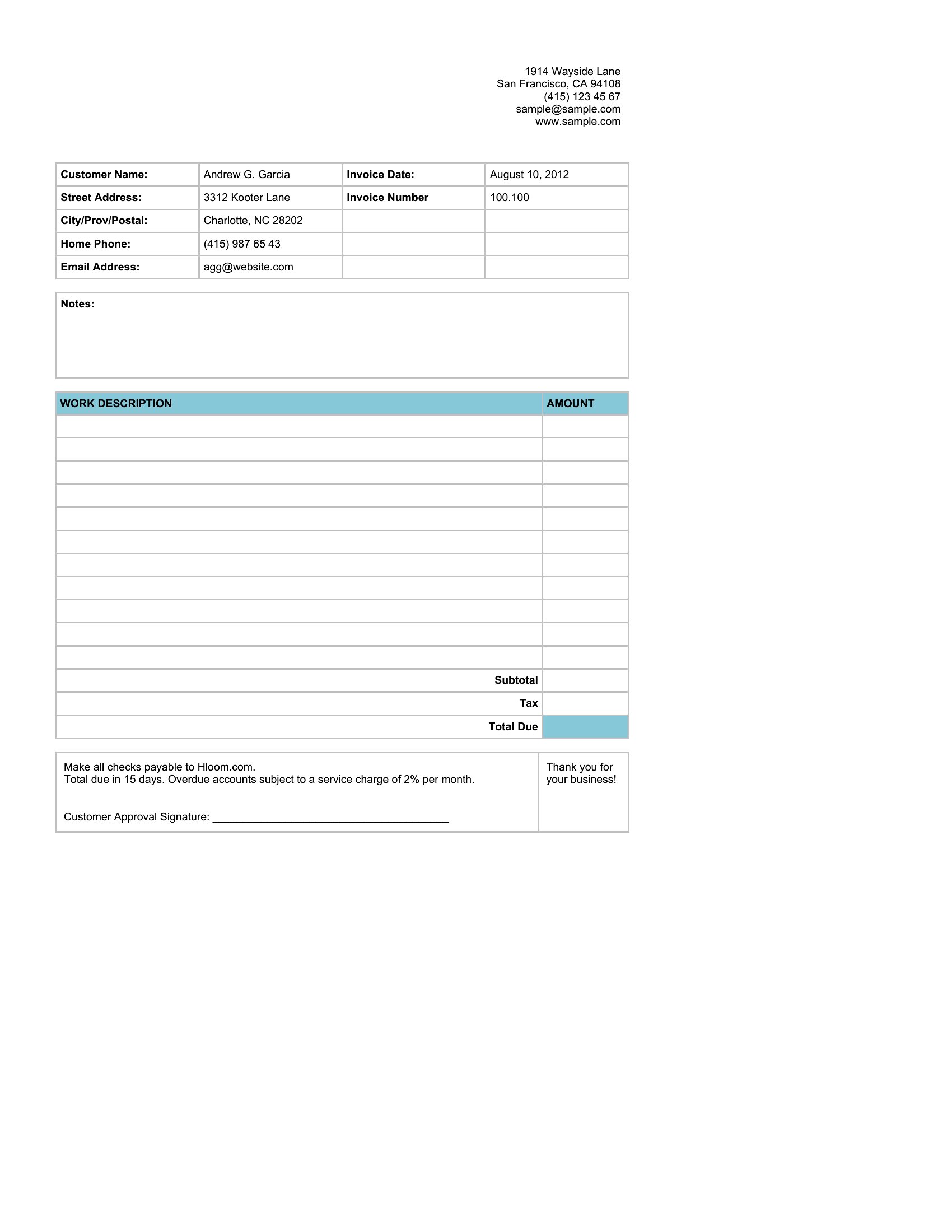
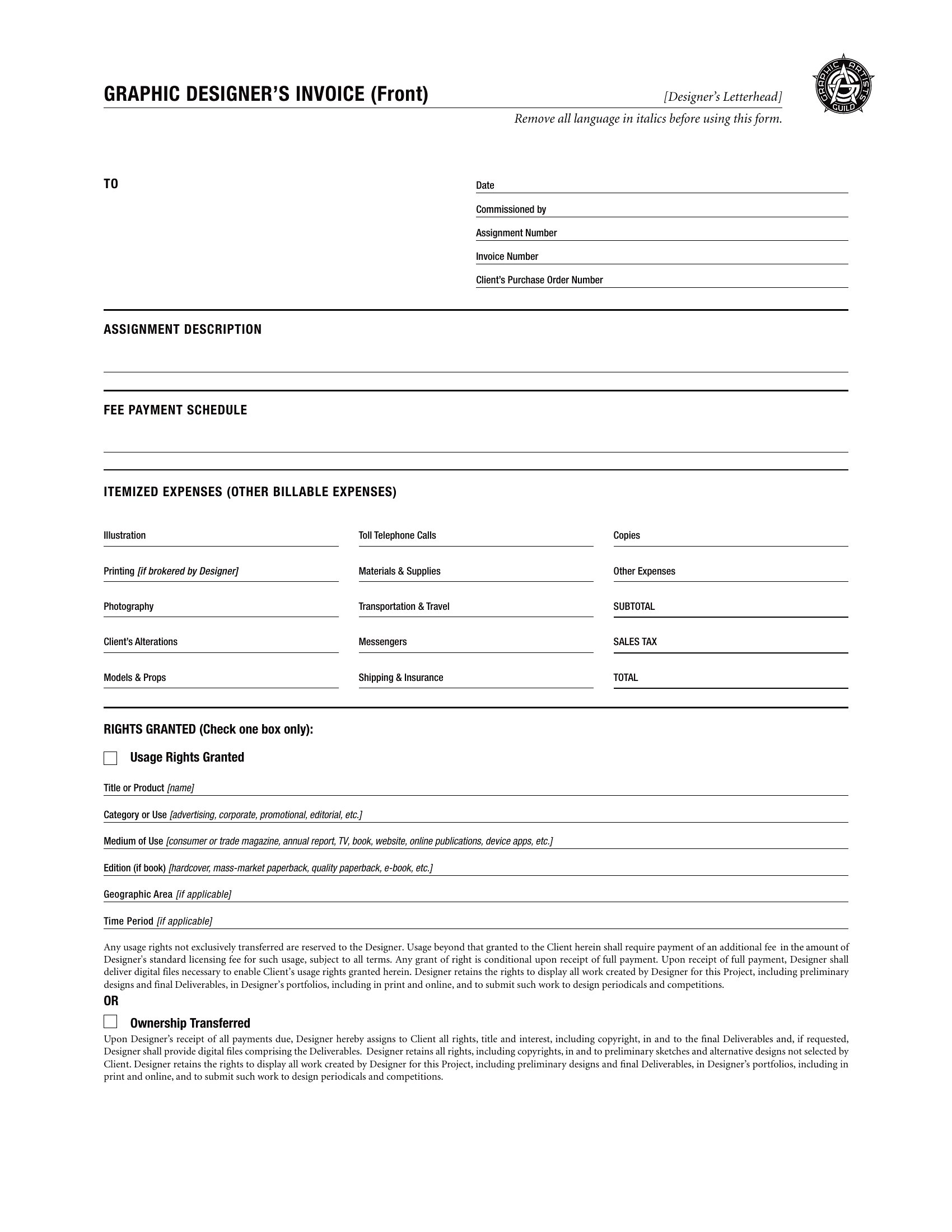
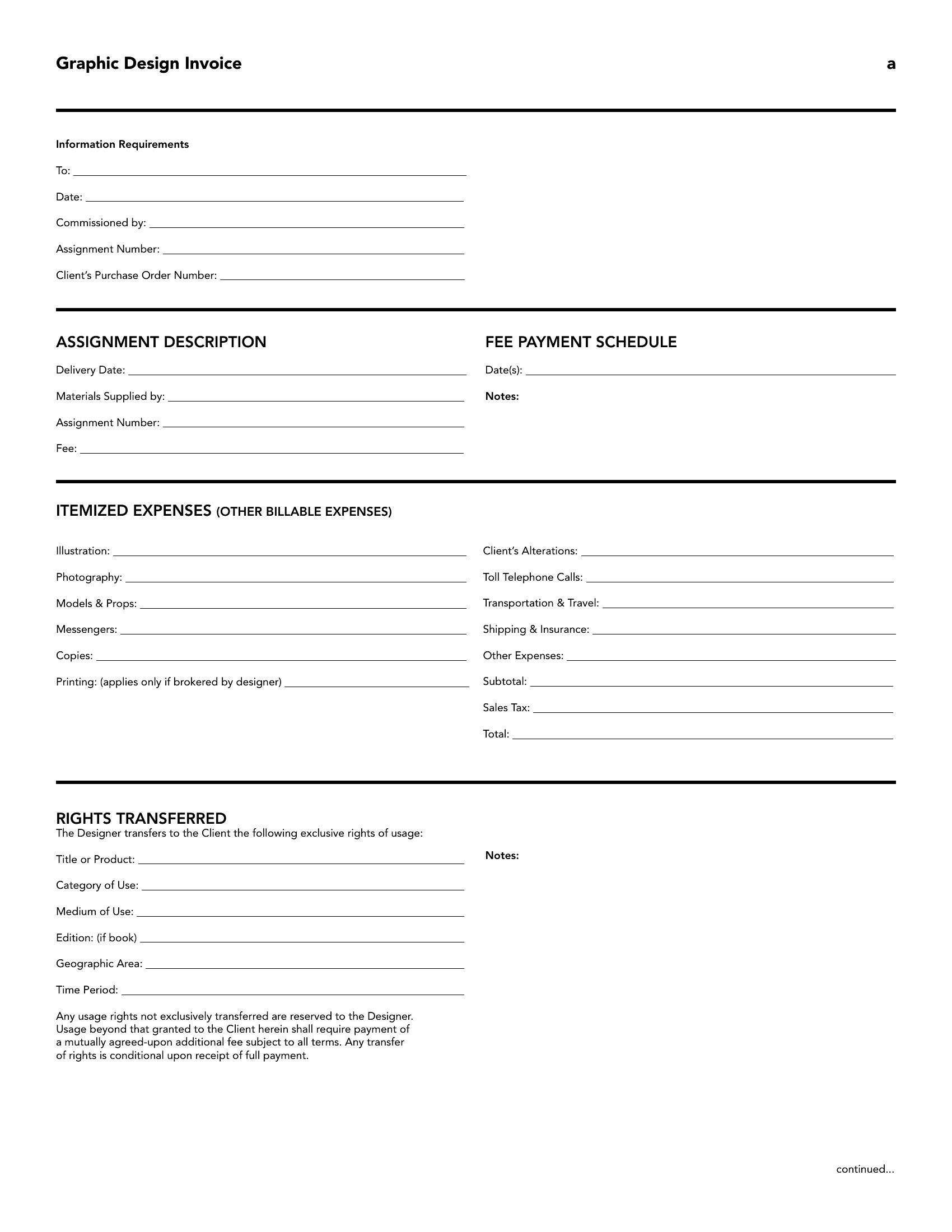
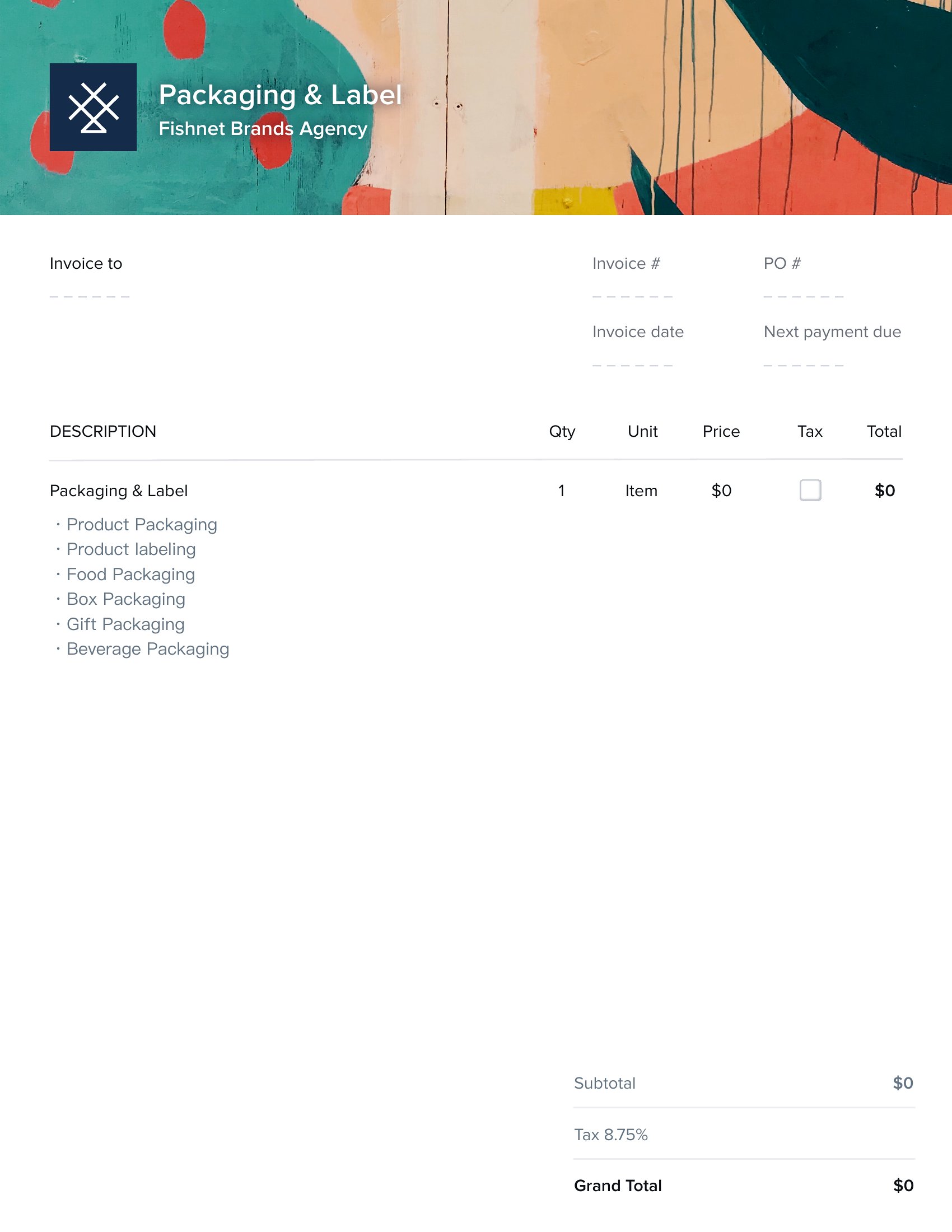
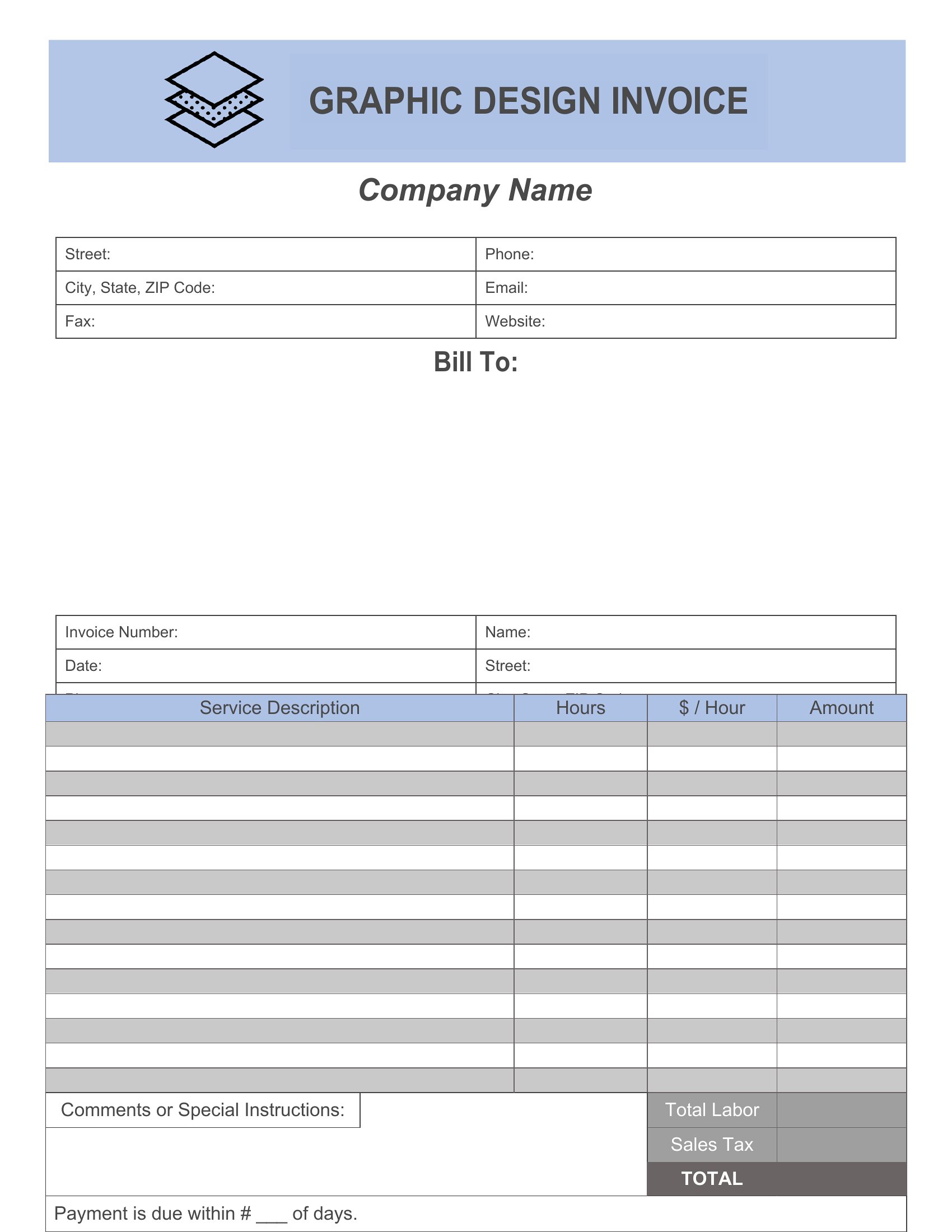
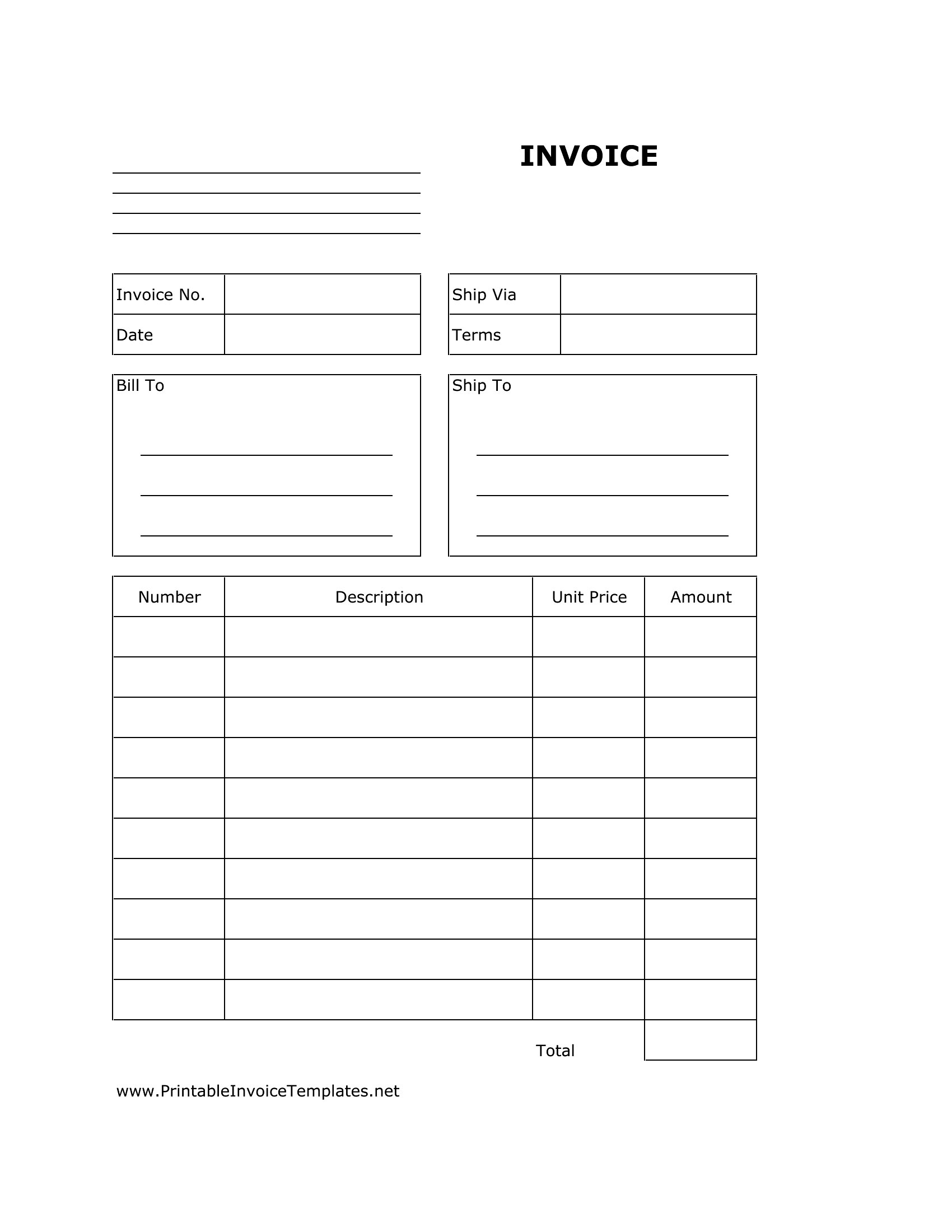
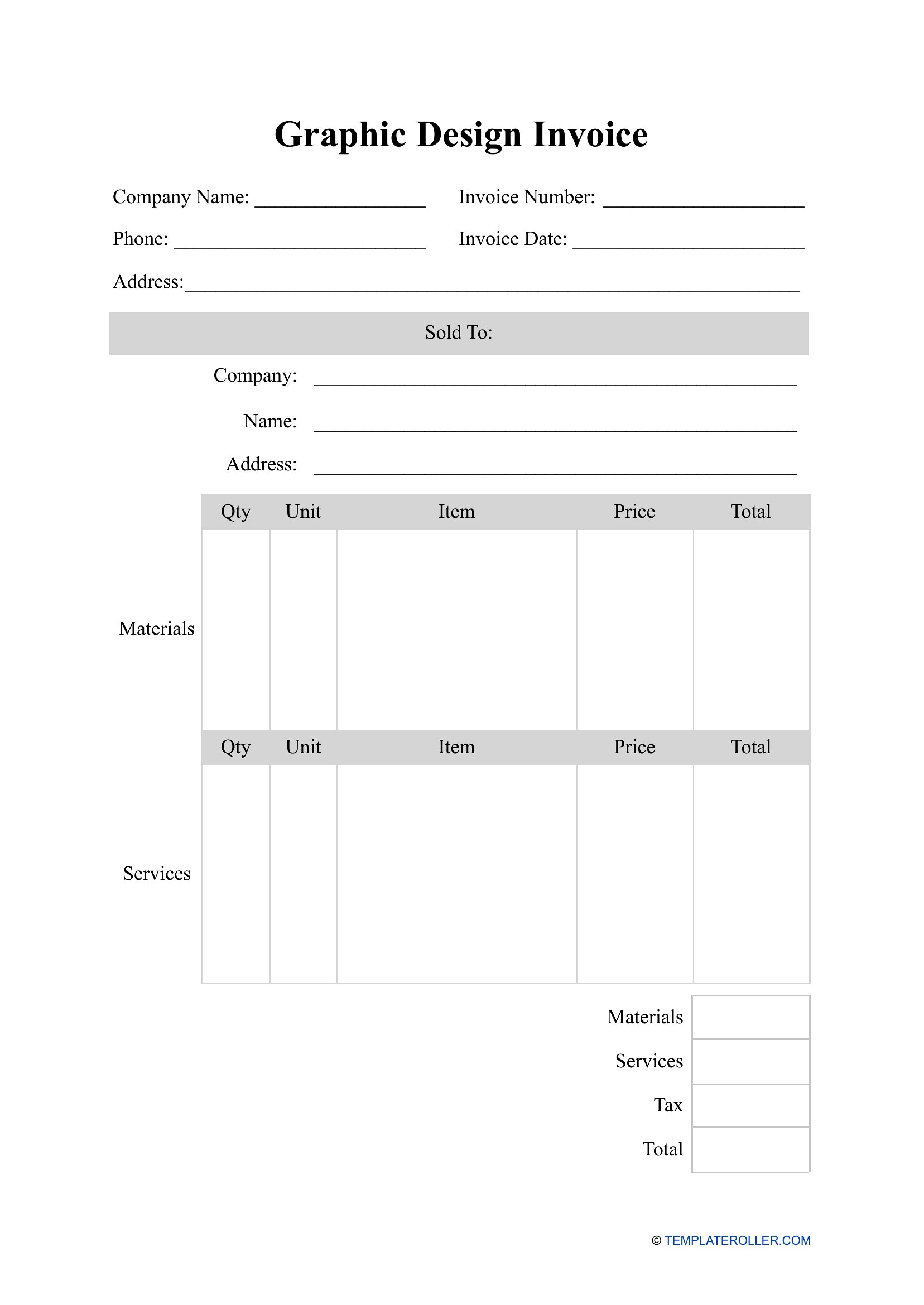
Designers juggle logos, branding, and revisions, and a clear invoice makes sure every deliverable gets billed. This set of 37 templates gives freelance designers and studios room for project rates, hourly work, revision rounds, and licensing, so clients understand what they're paying for.

Work in editable Word, Excel sheets that total your line items automatically, or polished PDFs that match your brand. Add your rates, list the deliverables, and send a clean invoice that looks as sharp as your work. Download the format that fits your studio and keep billing as professional as the designs.

When to use this Graphic Design Invoice template

  • A freelance graphic designer working on a logo and brand identity project for a startup needs an invoice that clearly separates design fees, revision rounds, and stock asset licensing costs—so the client doesn’t dispute unexpected charges.
  • A small design studio with multiple team members requires an invoice template that tracks time spent on client projects by designer, breaking down hourly rates for research, drafts, and final approvals to ensure accurate payroll and client billing.
  • A designer offering retainer-based services for social media graphics needs an invoice format that itemizes monthly deliverables (e.g., 10 Instagram posts, 4 story templates) and clearly states the retainer covers unlimited revisions within scope.
  • A designer selling digital product templates (like Canva layouts or Procreate brushes) on Etsy or Gumroad needs an invoice that doubles as a receipt, listing one-time purchase fees, platform transaction cuts, and any customization add-ons for buyers who request edits.

Which format should I download?

WordExcelPDF

Choose Word if you need a fully customizable invoice that can be tweaked for each client—add your logo, adjust line items, or include project-specific notes without formatting constraints. Excel is ideal if you want automatic calculations for hourly rates, material costs, or percentage-based markups, especially when billing multiple clients with varying pricing structures. PDF is best for sending polished, professional invoices that match your brand identity and can’t be accidentally altered by clients, ensuring consistency when sharing with accounting or payment processors.

How to use this Graphic Design Invoice template

How should I structure my invoice if I bill for both hourly work and fixed project fees?

Separate the two clearly with distinct line items—label one section ‘Project Fee’ with a flat rate for deliverables like a logo or brochure, and another ‘Hourly Work’ with a breakdown of time spent on research, revisions, or extra requests. Include a total for each category and a grand total to avoid confusion. Some templates in this collection include pre-built sections for hybrid billing.

What details should I include under ‘Revision Policy’ to avoid disputes with clients?

Specify the number of free revisions included in your base fee (e.g., ‘3 rounds of revisions for all deliverables’) and charge a per-revision fee for additional changes. Clearly state that major scope changes—like redesigning a logo from scratch—will require a new agreement. Some templates here include a dedicated ‘Revision Terms’ box to make this policy stand out.

Do I need to include a ‘Terms of Payment’ section, and what should it say?

Yes, this protects you by outlining due dates, late fees (e.g., ‘2% monthly interest after 30 days’), and accepted payment methods. A simple template might say, ‘Payment due within 14 days of invoice date via bank transfer or PayPal. Late payments incur a $25 admin fee.’ Always consult a legal professional to tailor terms to your local laws, but these templates provide a starting point.

Comments

Join the conversation

Sign in to share your thoughts and leave a comment on this resource.

Newsletter

Get Weekly Design Updates

Join our community to receive curated resources and inspiration.

Weekly Tips Resources Early Access

We respect your privacy. Confirmation email required. Privacy Policy