Free Design Brief Templates (Word)
ProjectTemplates




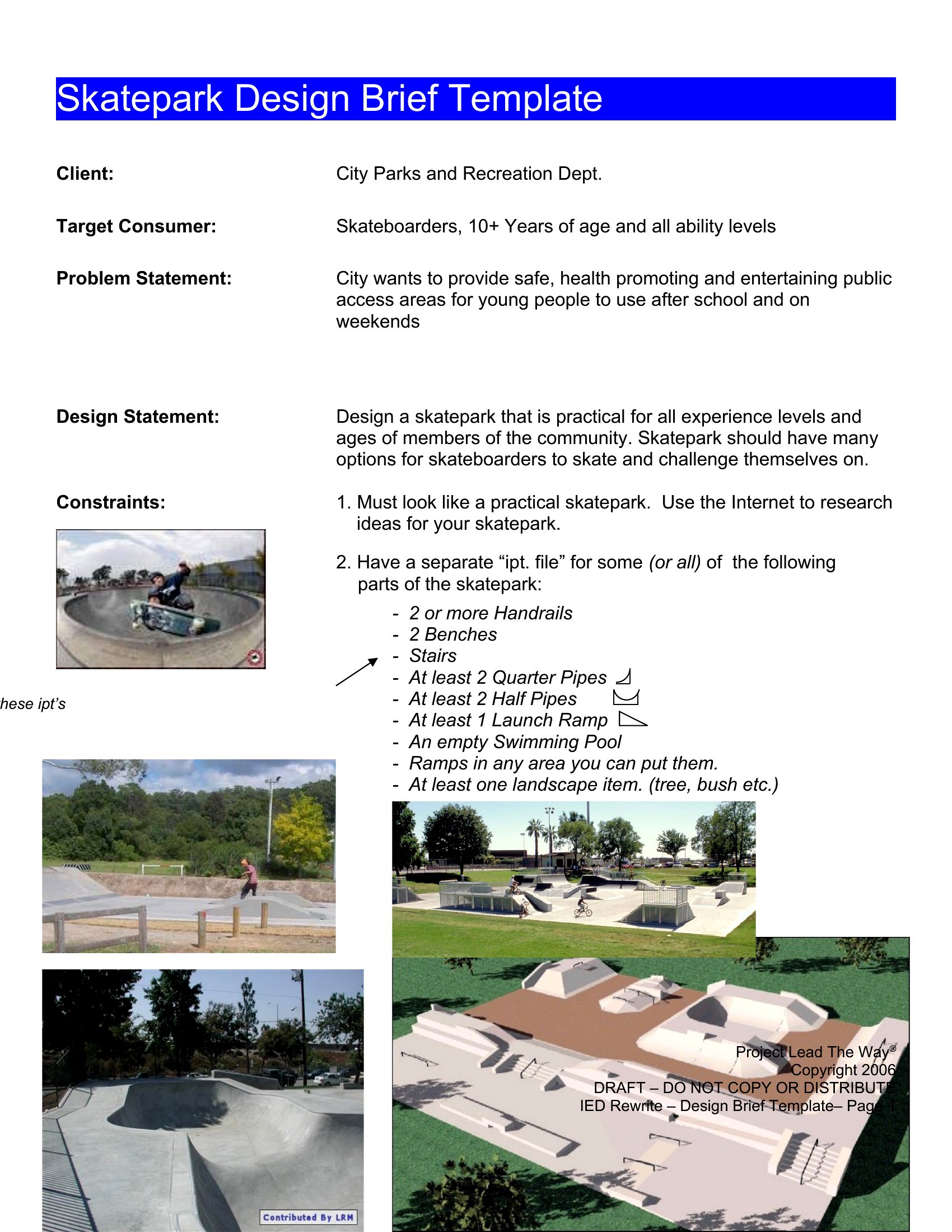
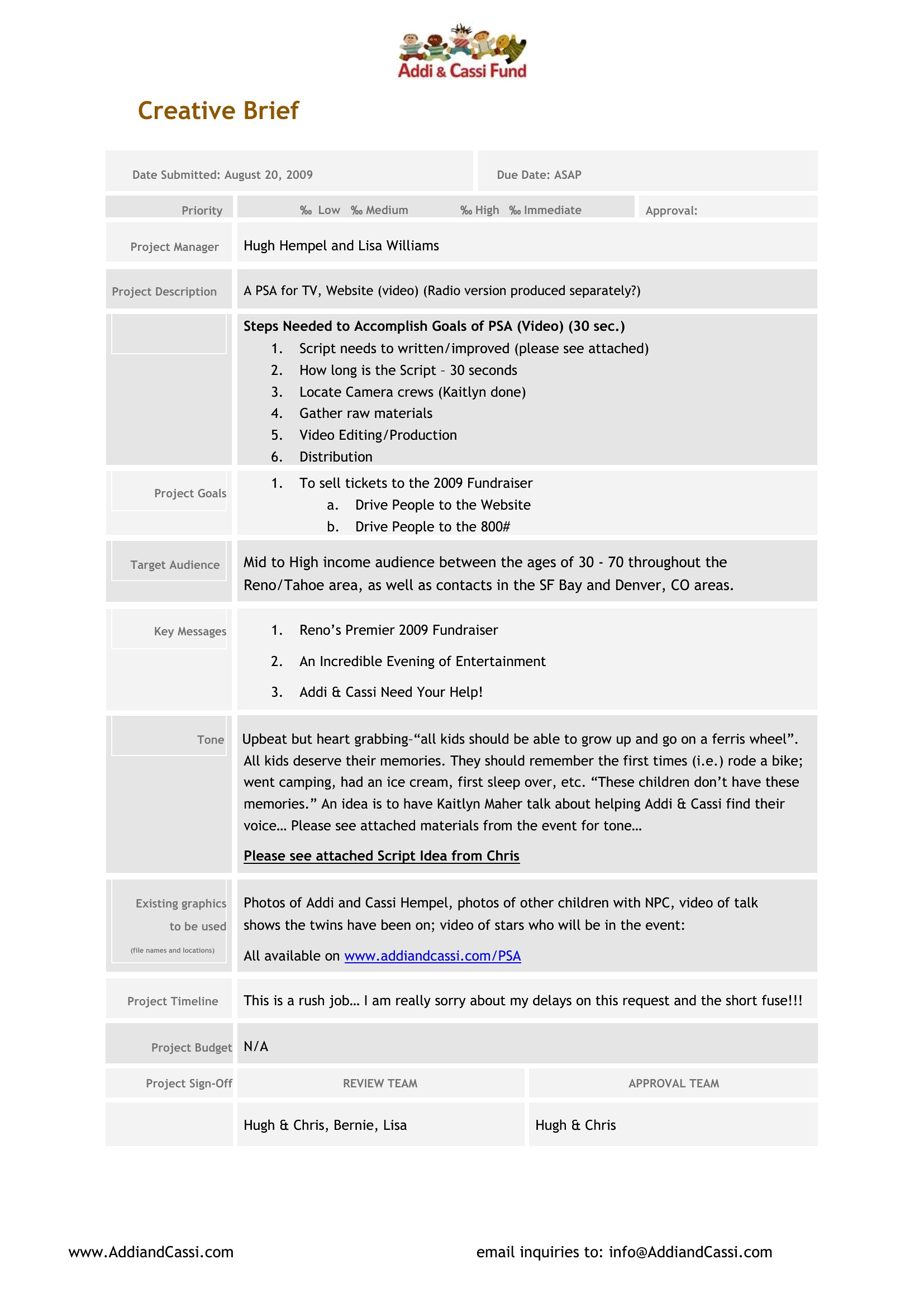
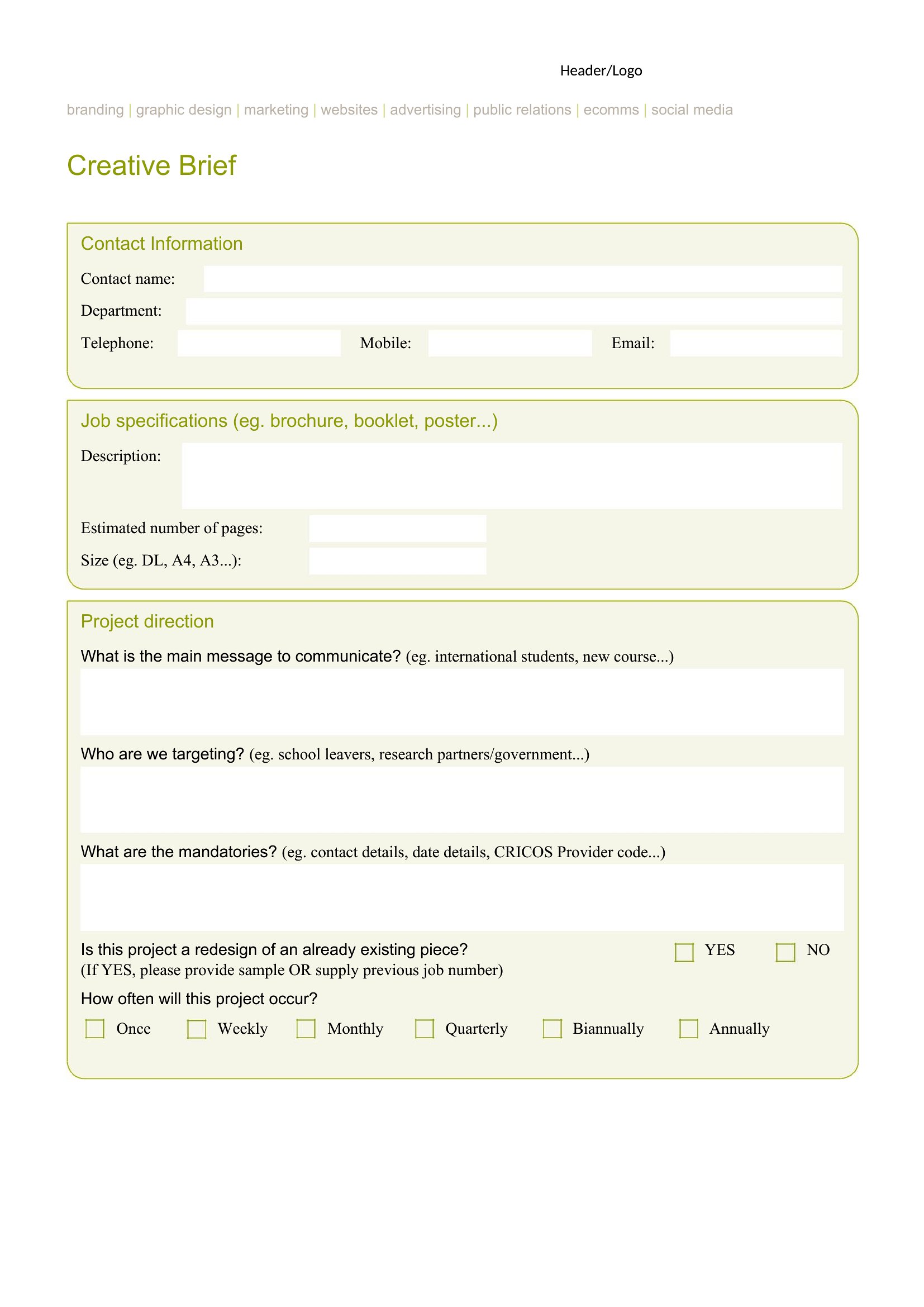

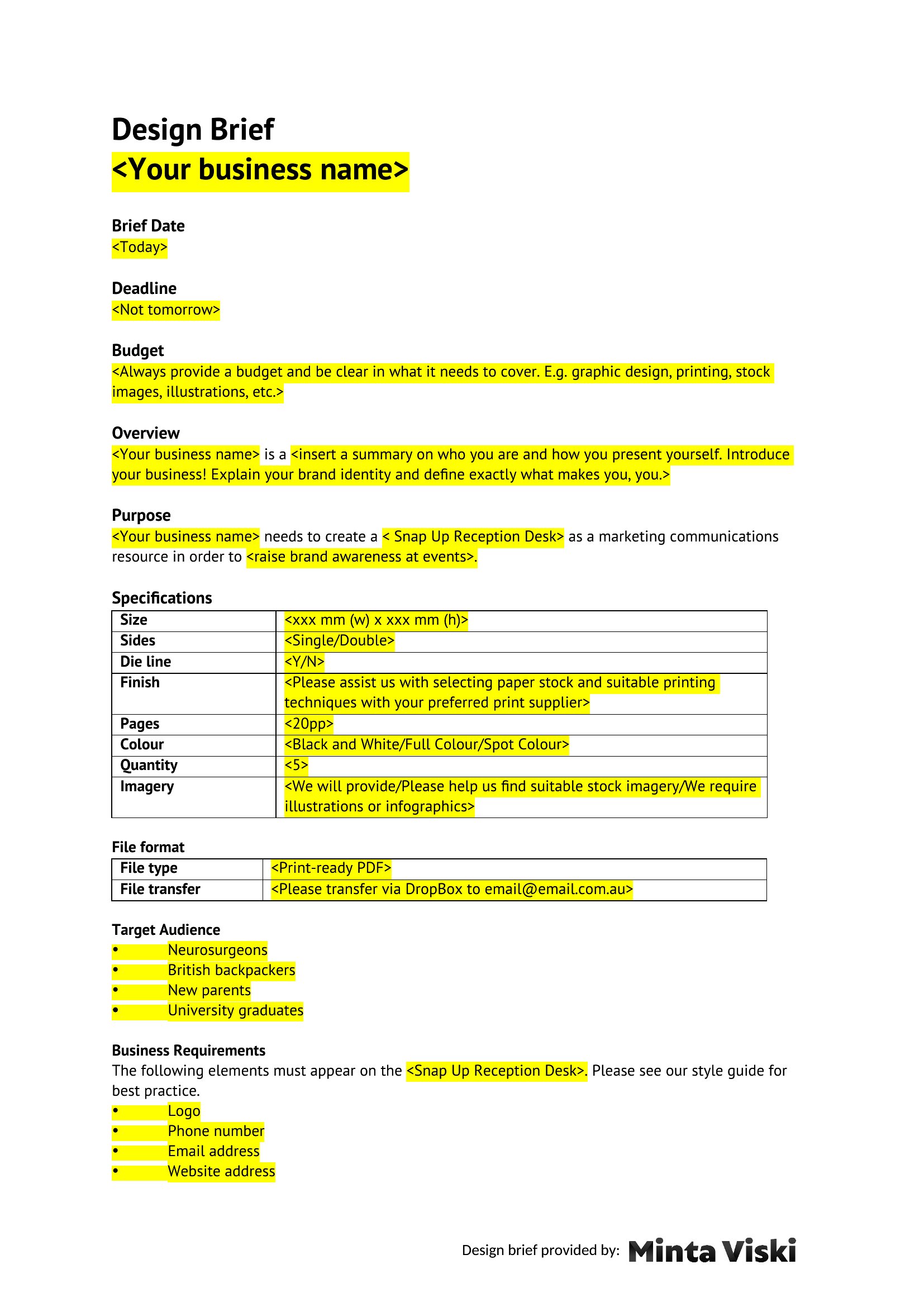



FAQ
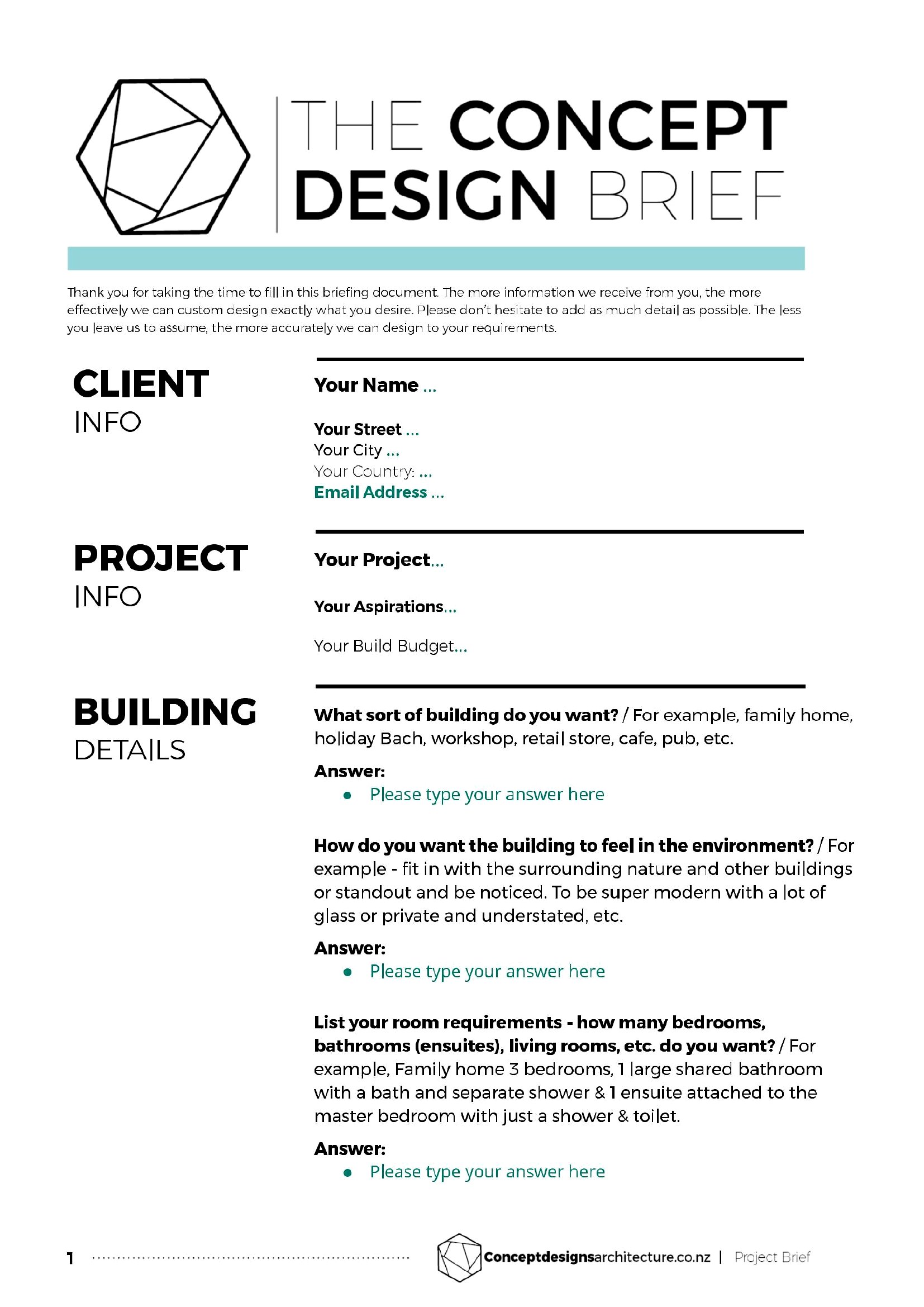
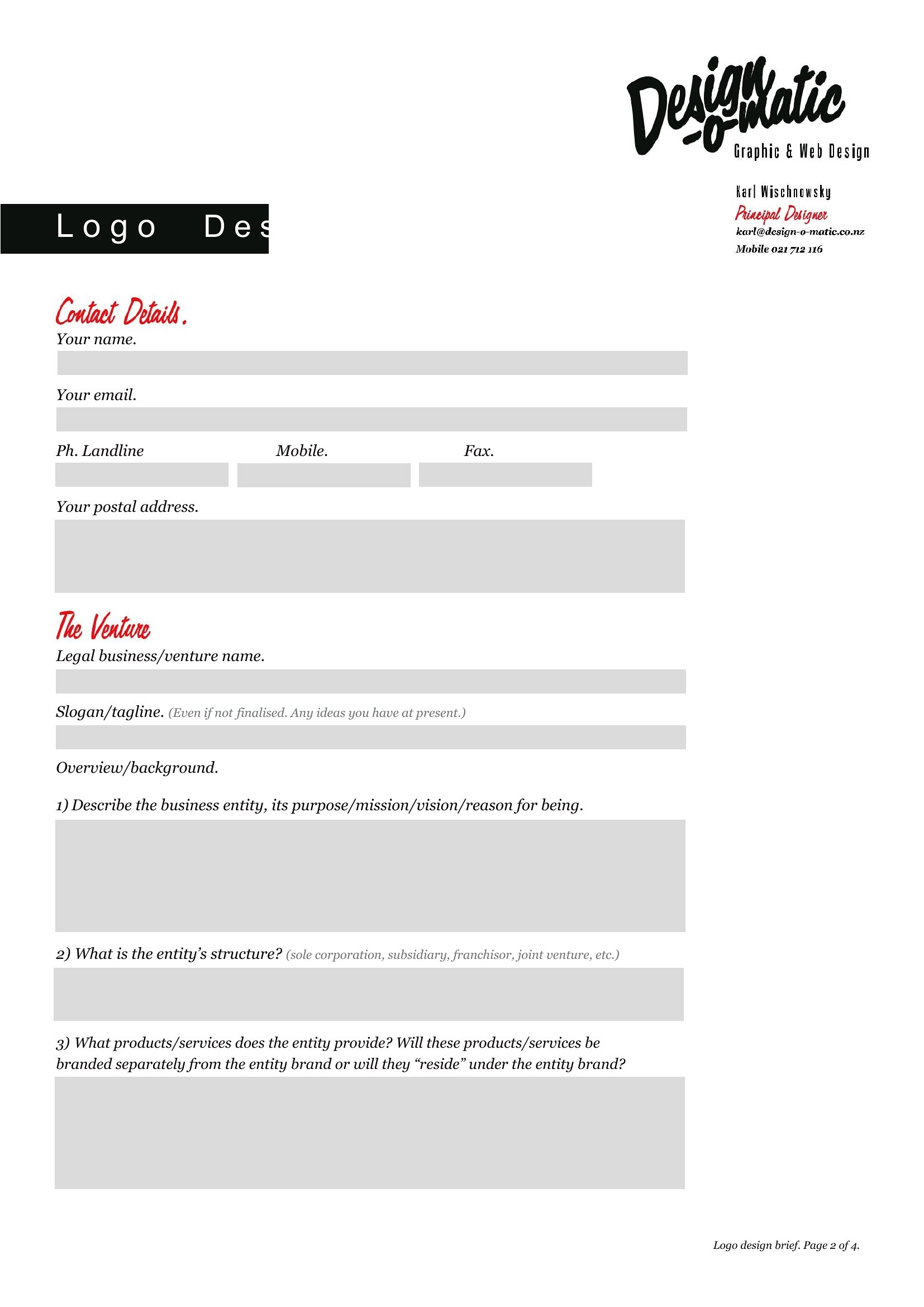
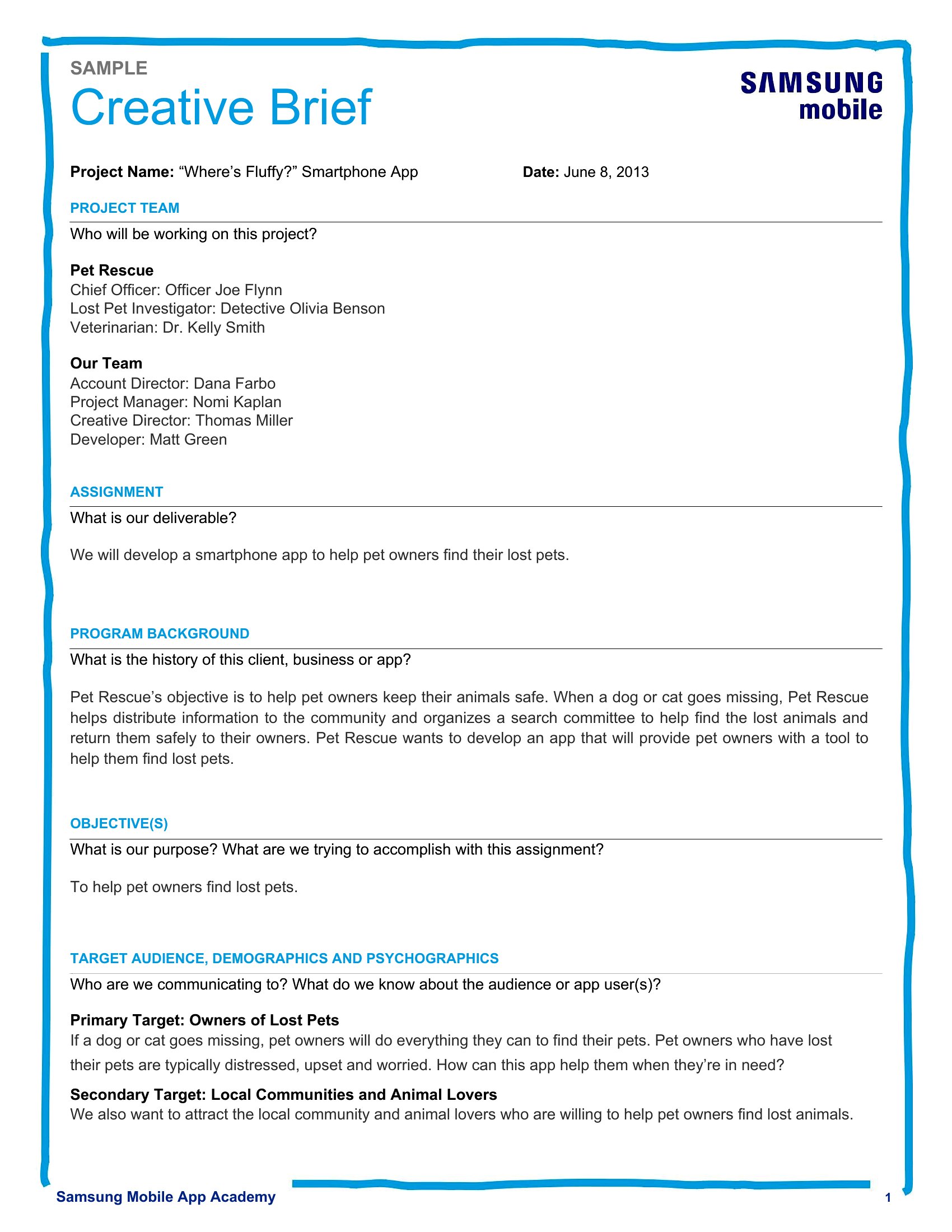
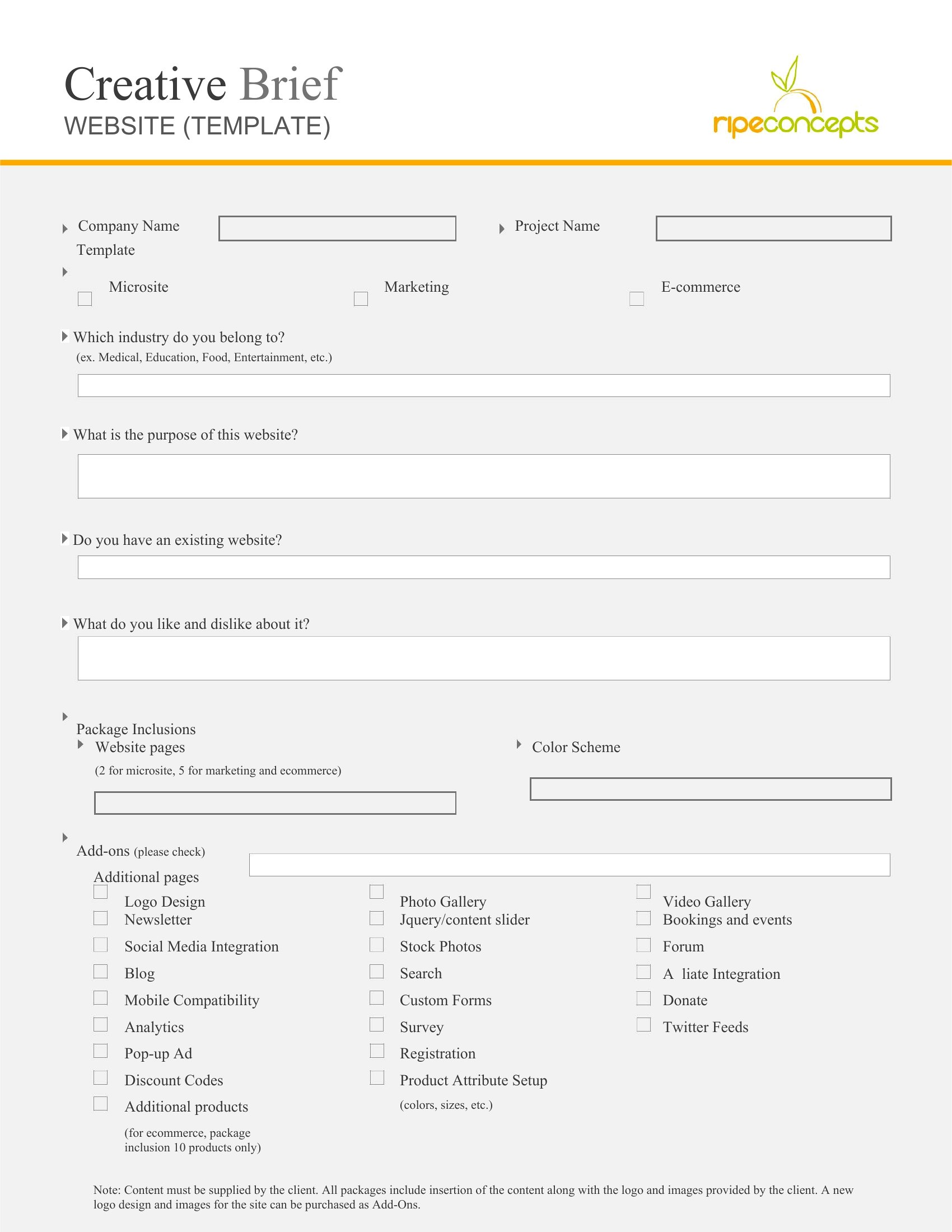
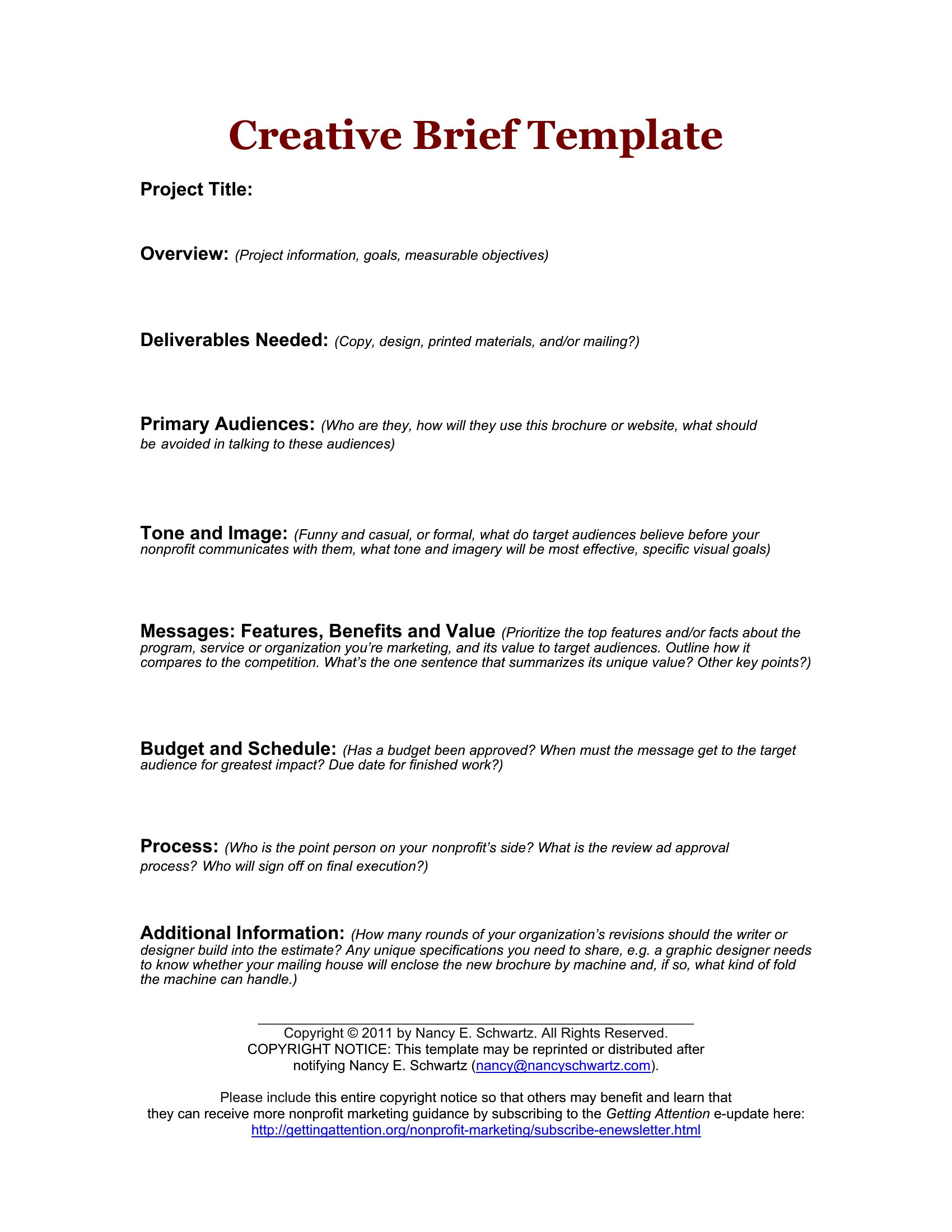
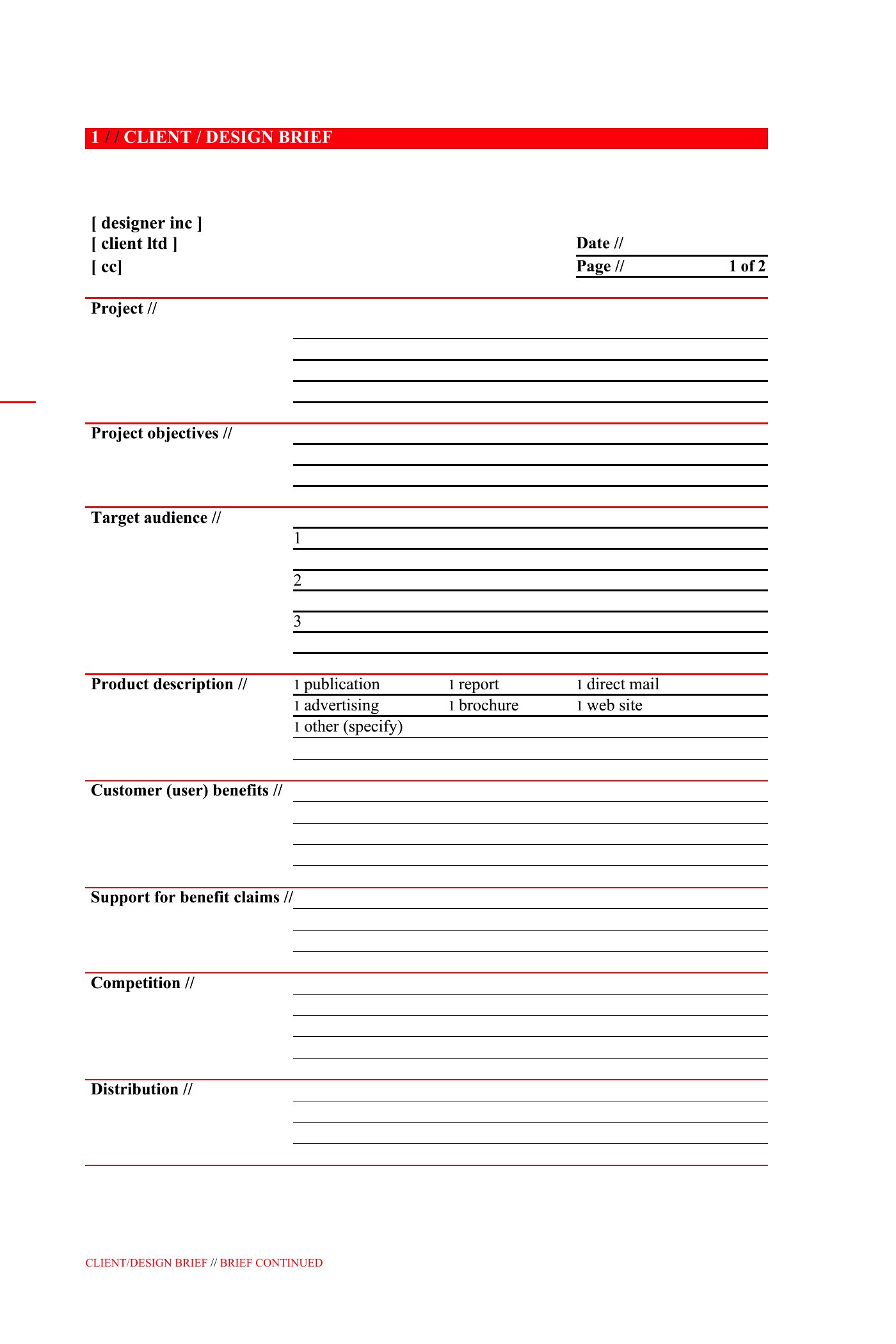
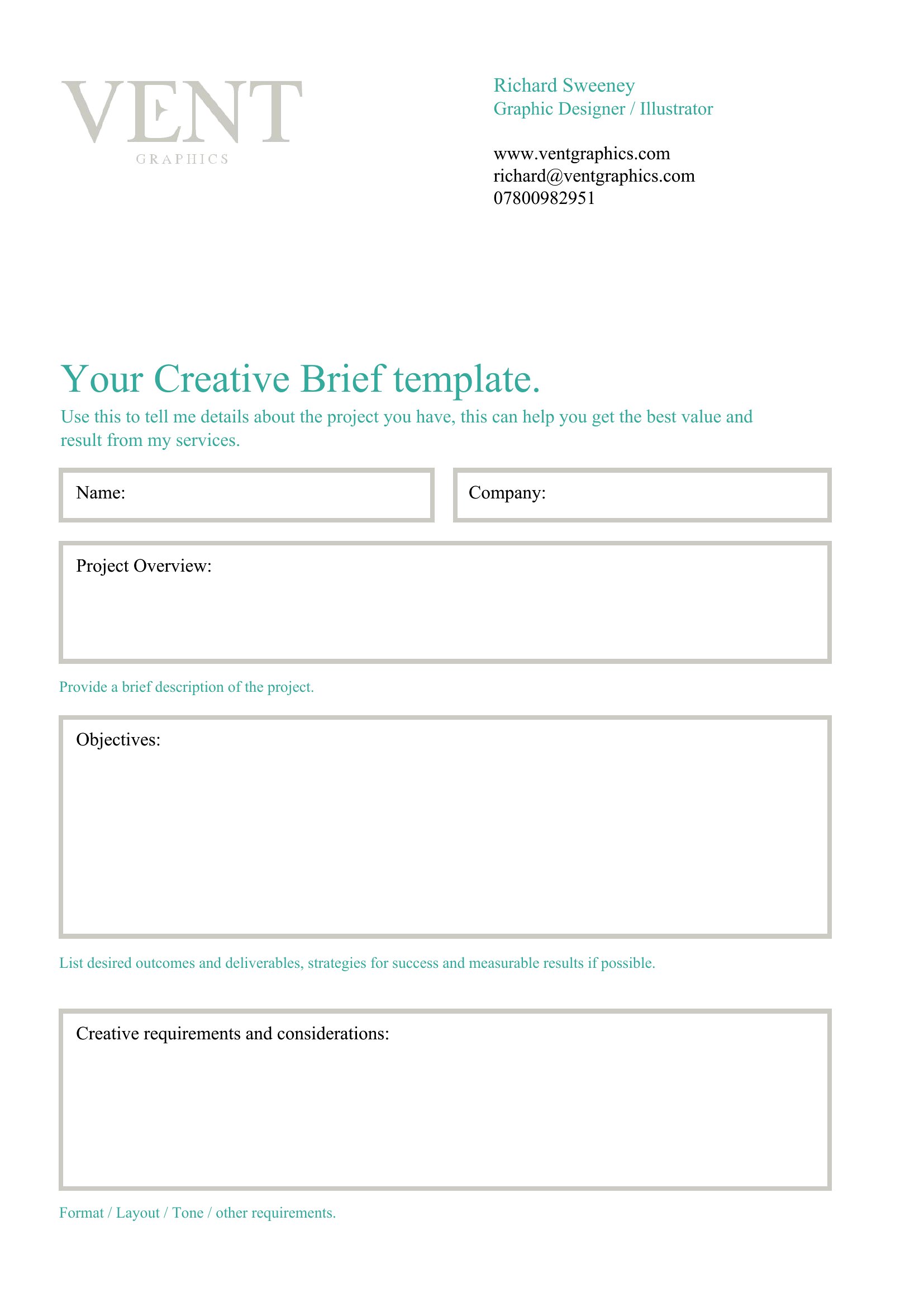
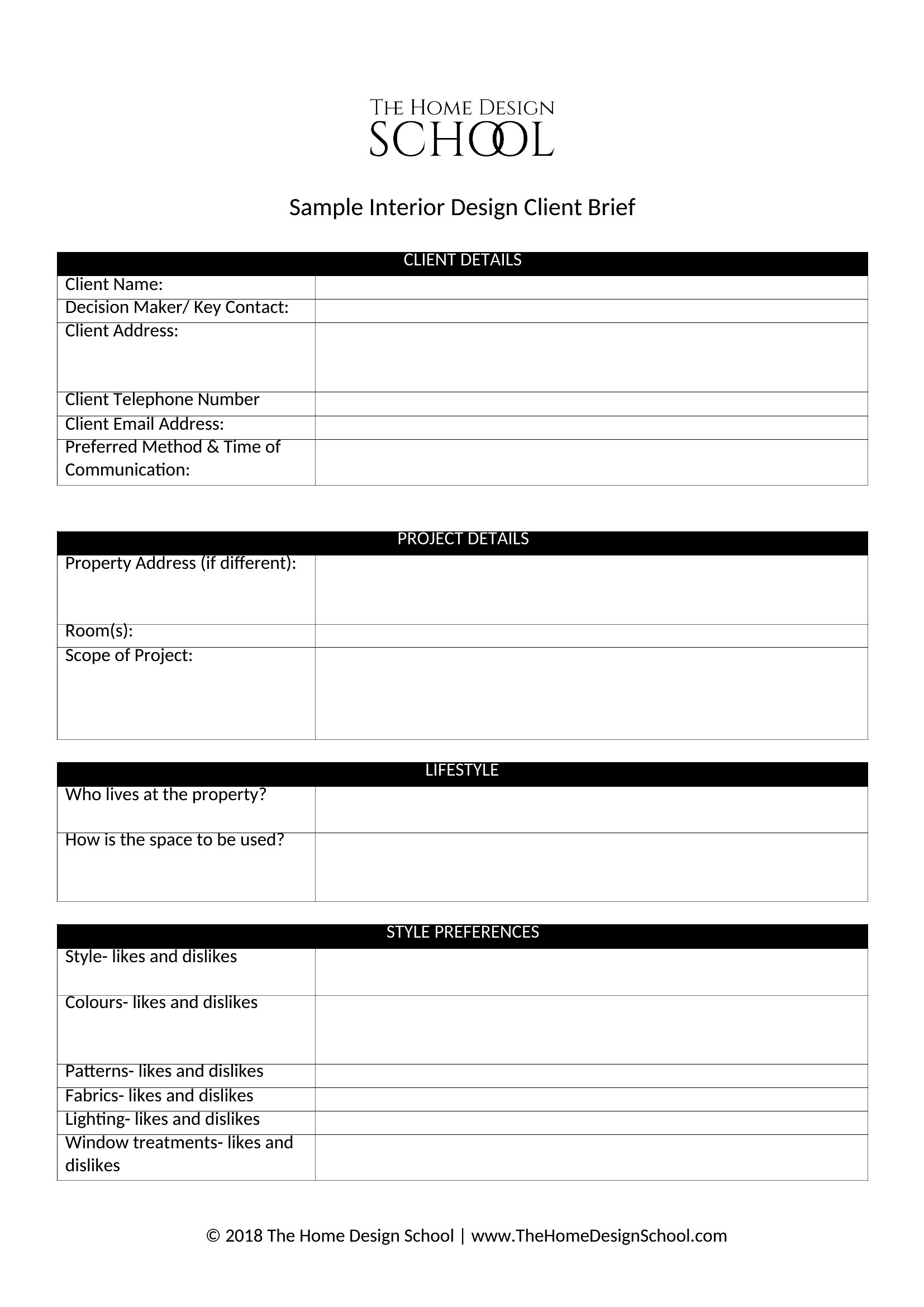
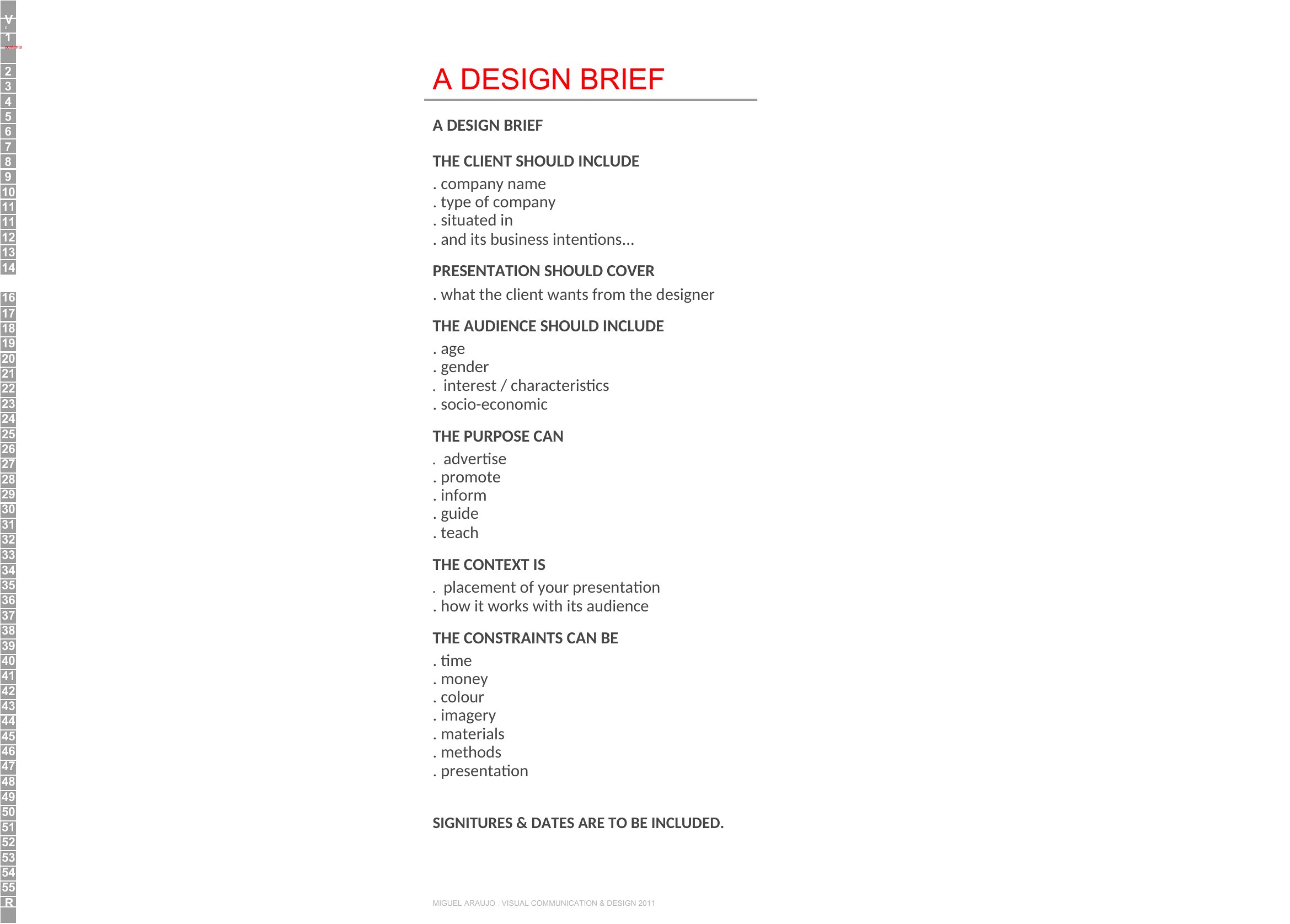
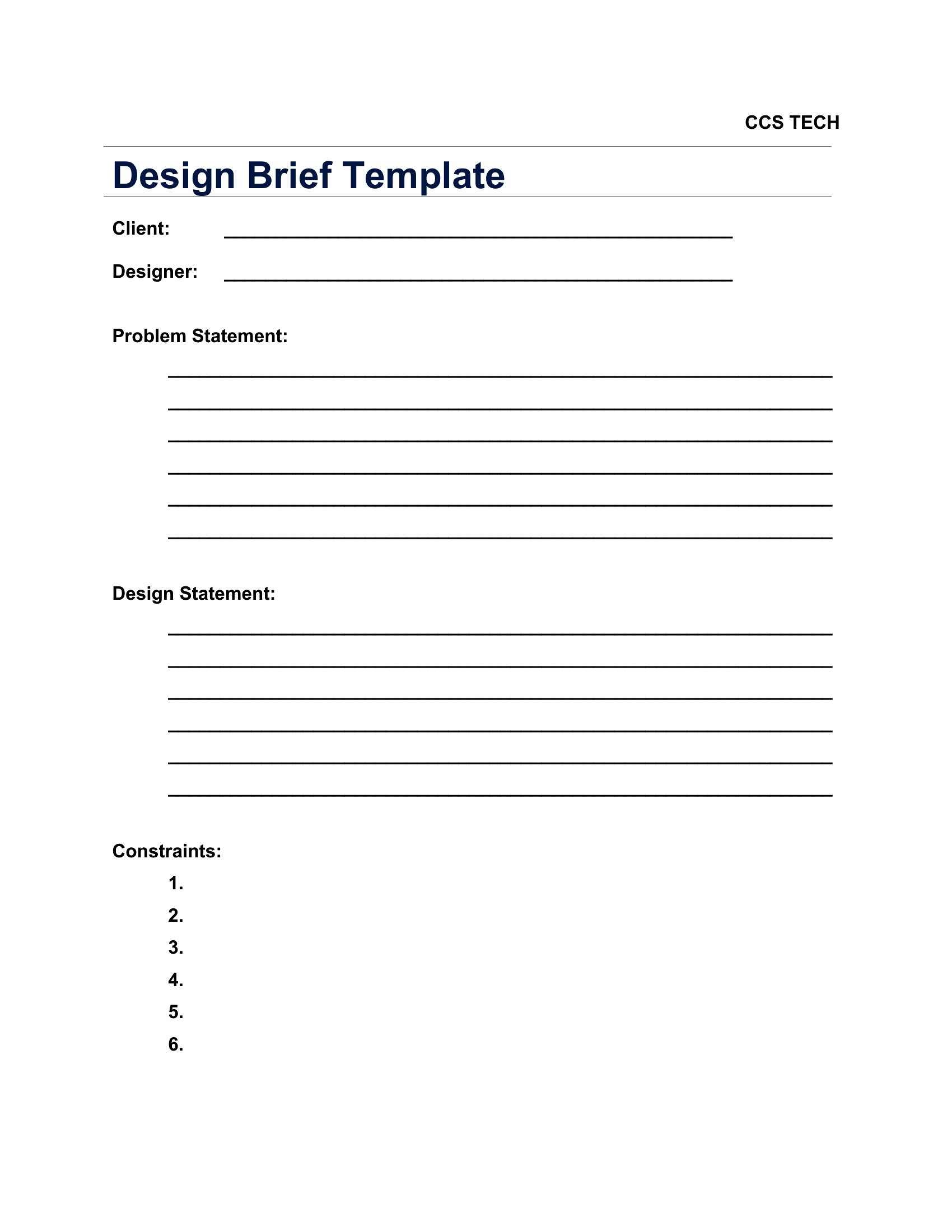
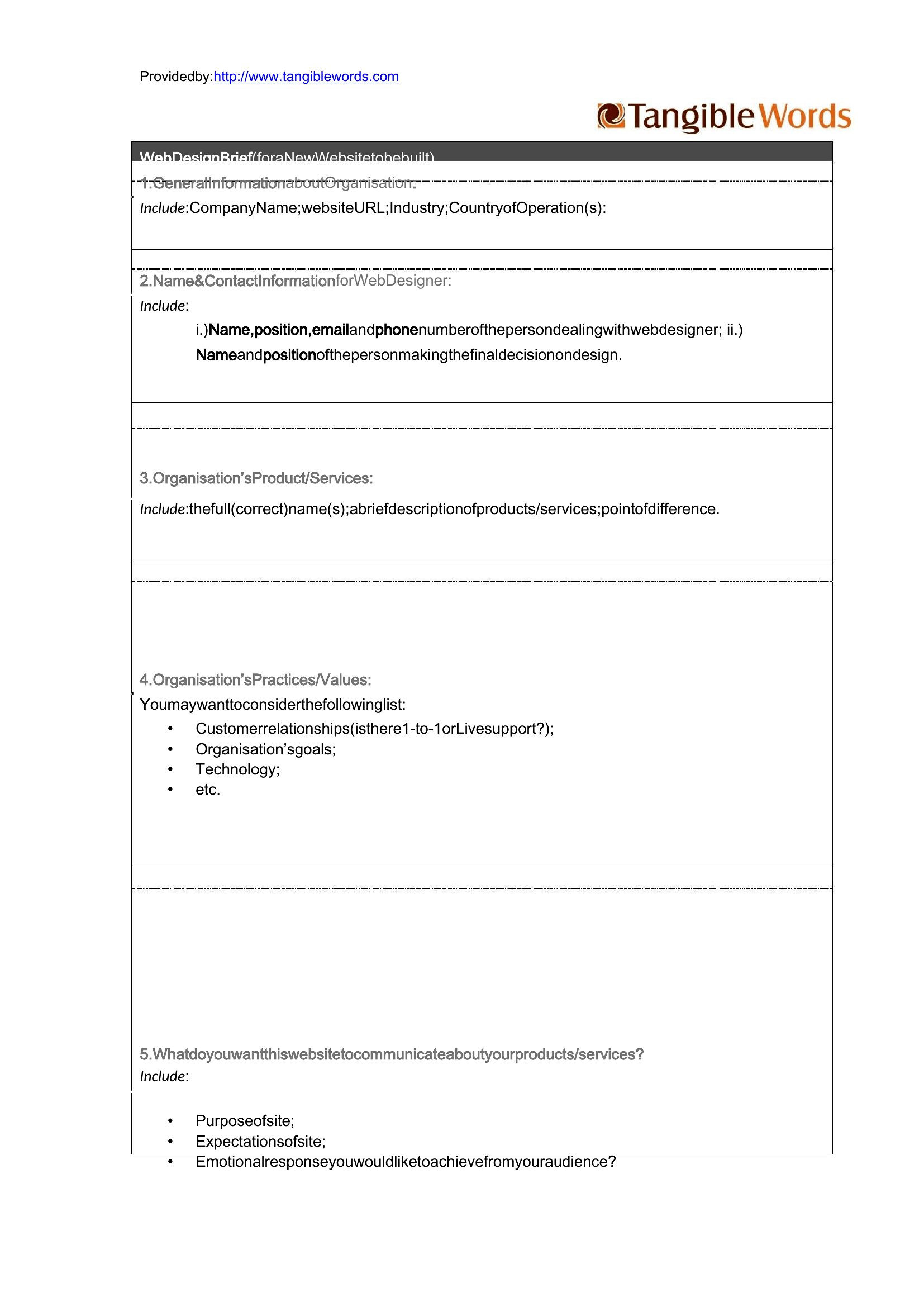
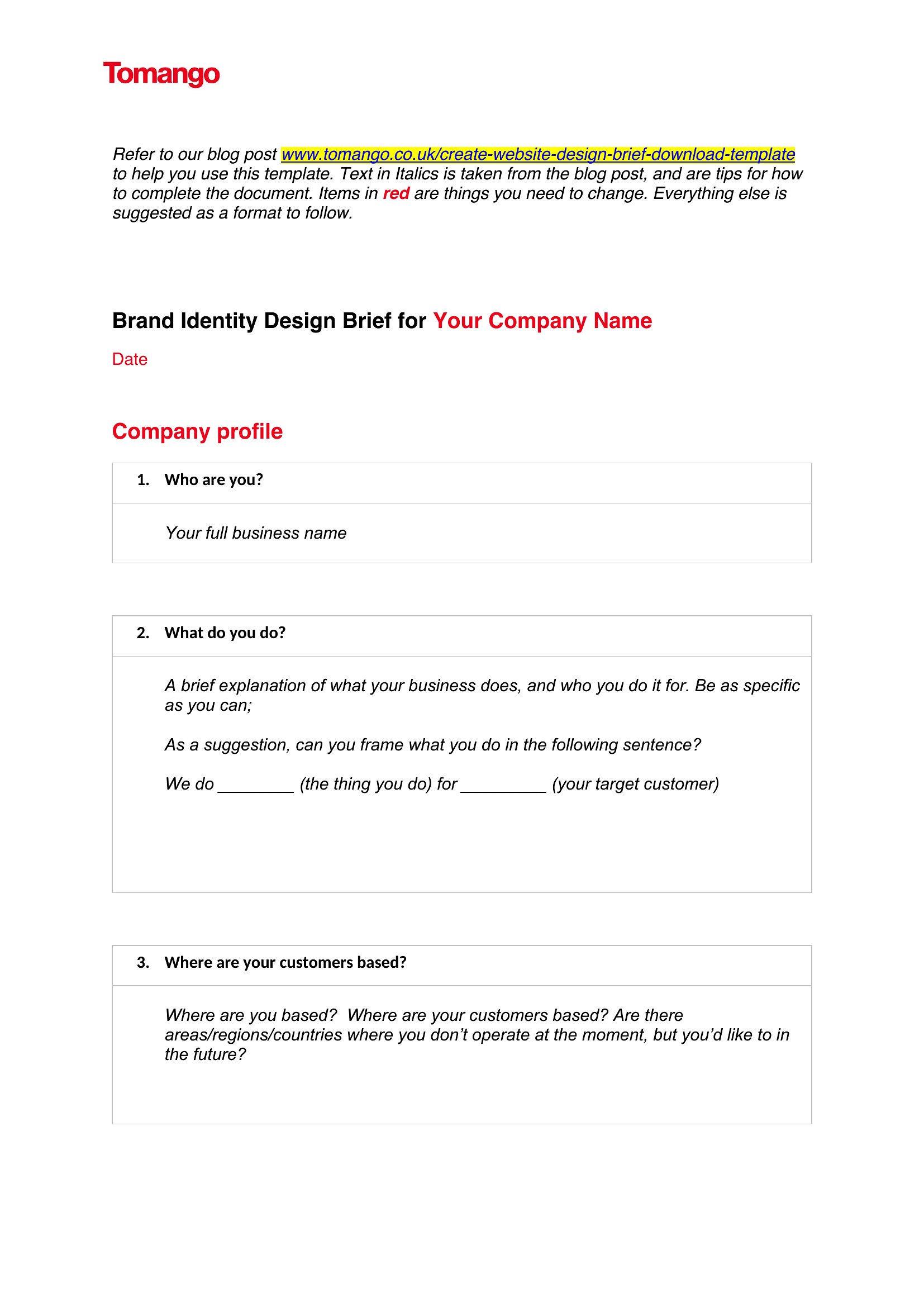
How can I make sure the brief covers all the technical requirements without overwhelming a client?
Start with a ‘must-haves’ section to list non-negotiable technical specs like file formats, resolution needs, or platform compatibility. Then, add a ‘nice-to-haves’ column for optional elements, so clients can prioritize what matters most to their budget. Use bullet points instead of paragraphs to keep it scannable, and reference your sample templates to see how others break down these details.
What’s the best way to incorporate client feedback into the brief without turning it into a moving target?
Designate a ‘feedback period’ in your workflow where comments are collected and summarized in a separate section labeled ‘Revisions Needed.’ Once approved, freeze the brief to move to the next phase. Use Word’s ‘Final’ marking tool to visually indicate when the document is locked for edits. This keeps revisions contained and prevents last-minute scope creep.
Should I include a budget section if the client hasn’t shared financial details yet?
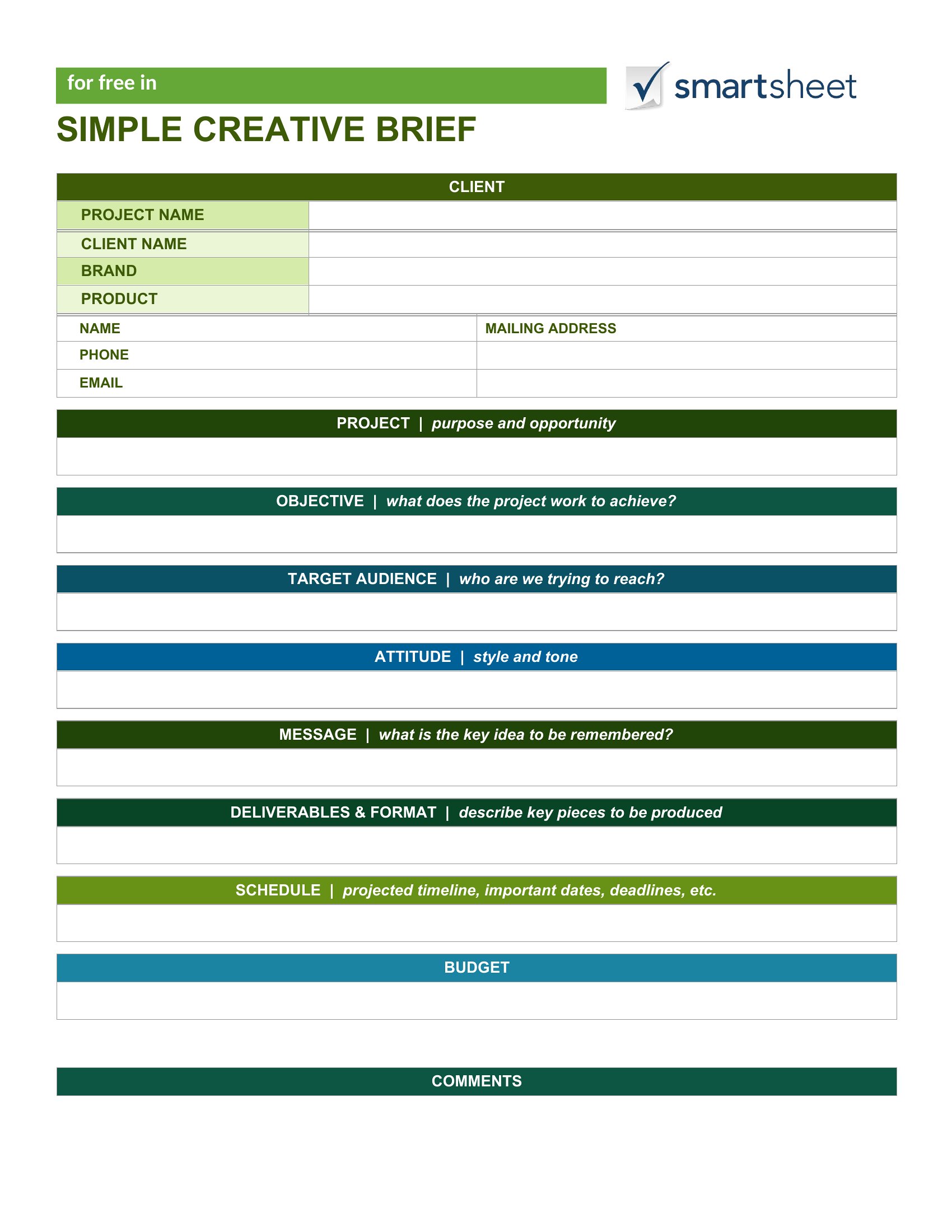
Yes, but frame it as a ‘budget range’ or ‘investment parameters’ to avoid pressuring the client. Use phrases like ‘What’s your target spend for this project?’ or ‘Are there fixed constraints we should plan around?’ This opens the conversation without assuming you know their numbers. Save the exact numbers for later stages once trust is established.
Comments
Join the conversation
Sign in to share your thoughts and leave a comment on this resource.