Skip to content
50% off this one-time $1.99 pack with HALFOFF — or unlimited with Pro.HALFOFF
Premium

Free Design Brief Templates (Word)
Project
islaheikkila by islaheikkila
Updated 0 downloads 1 community comment

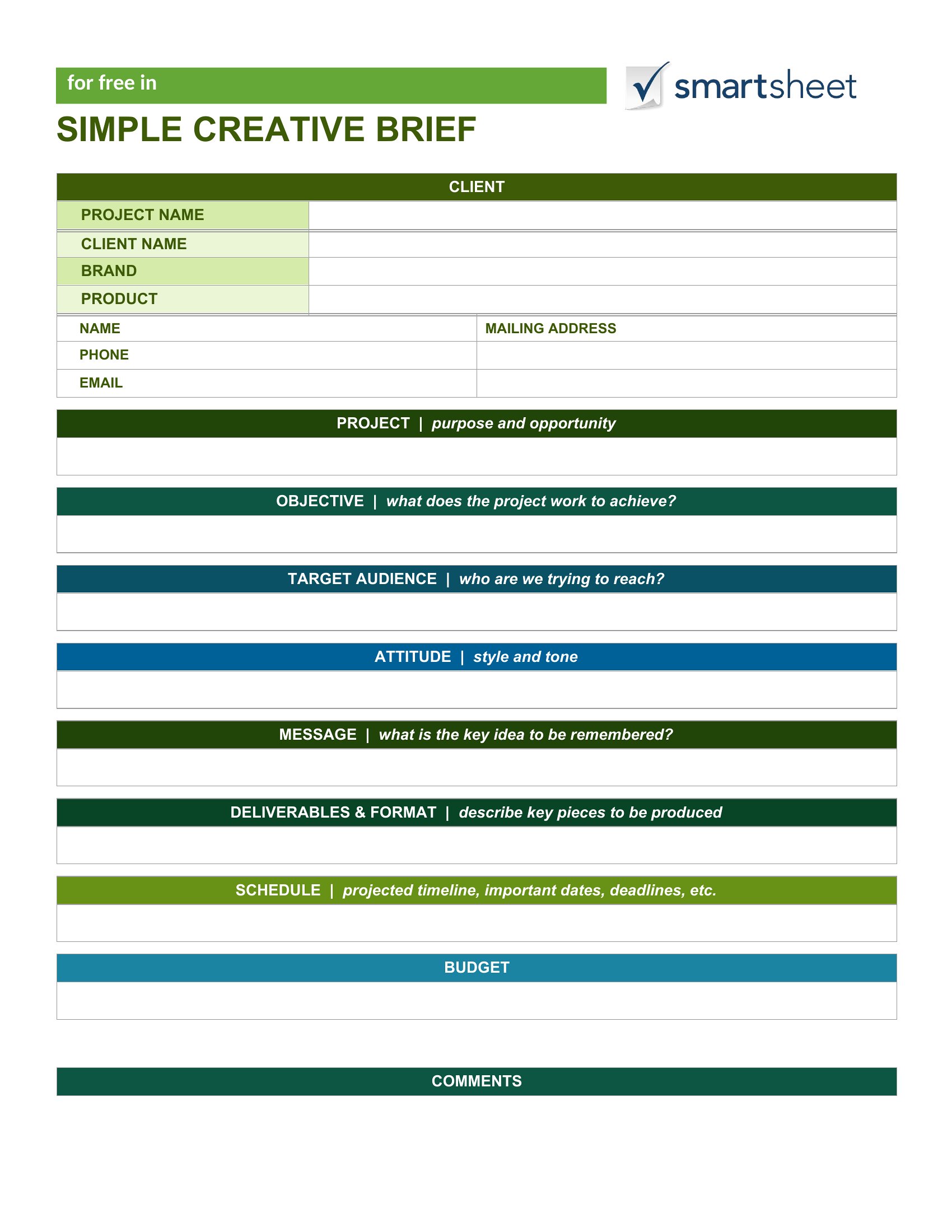
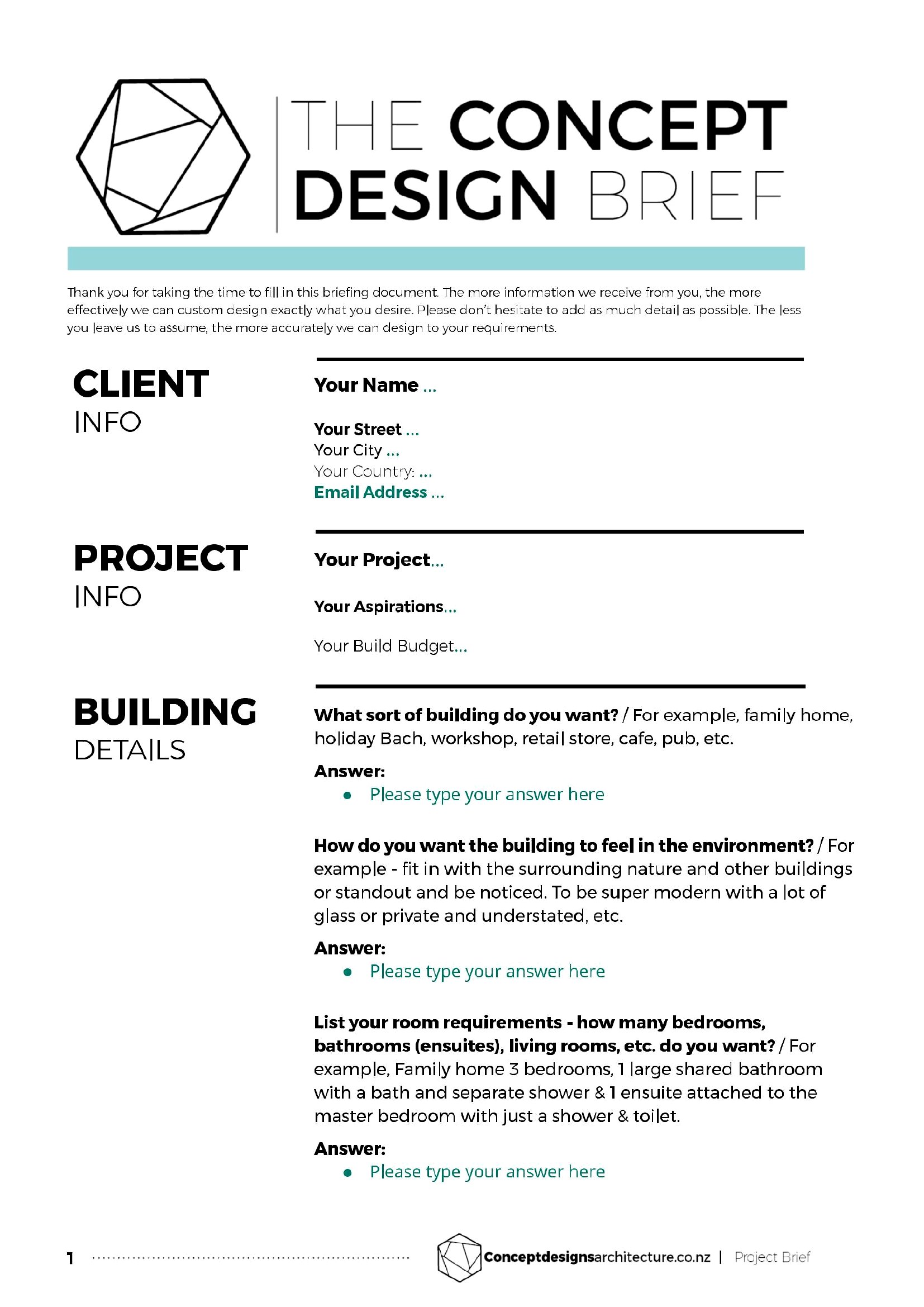
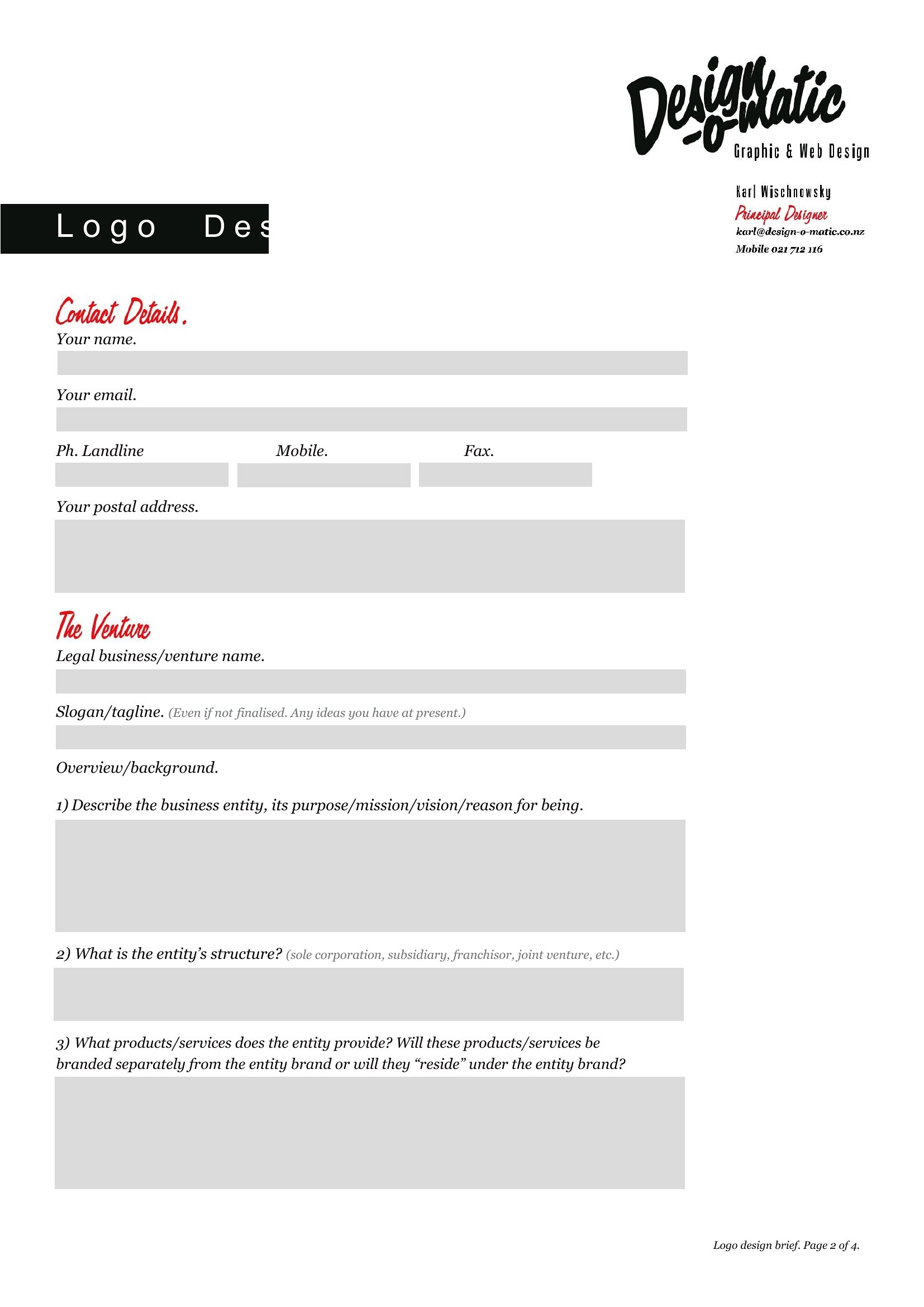
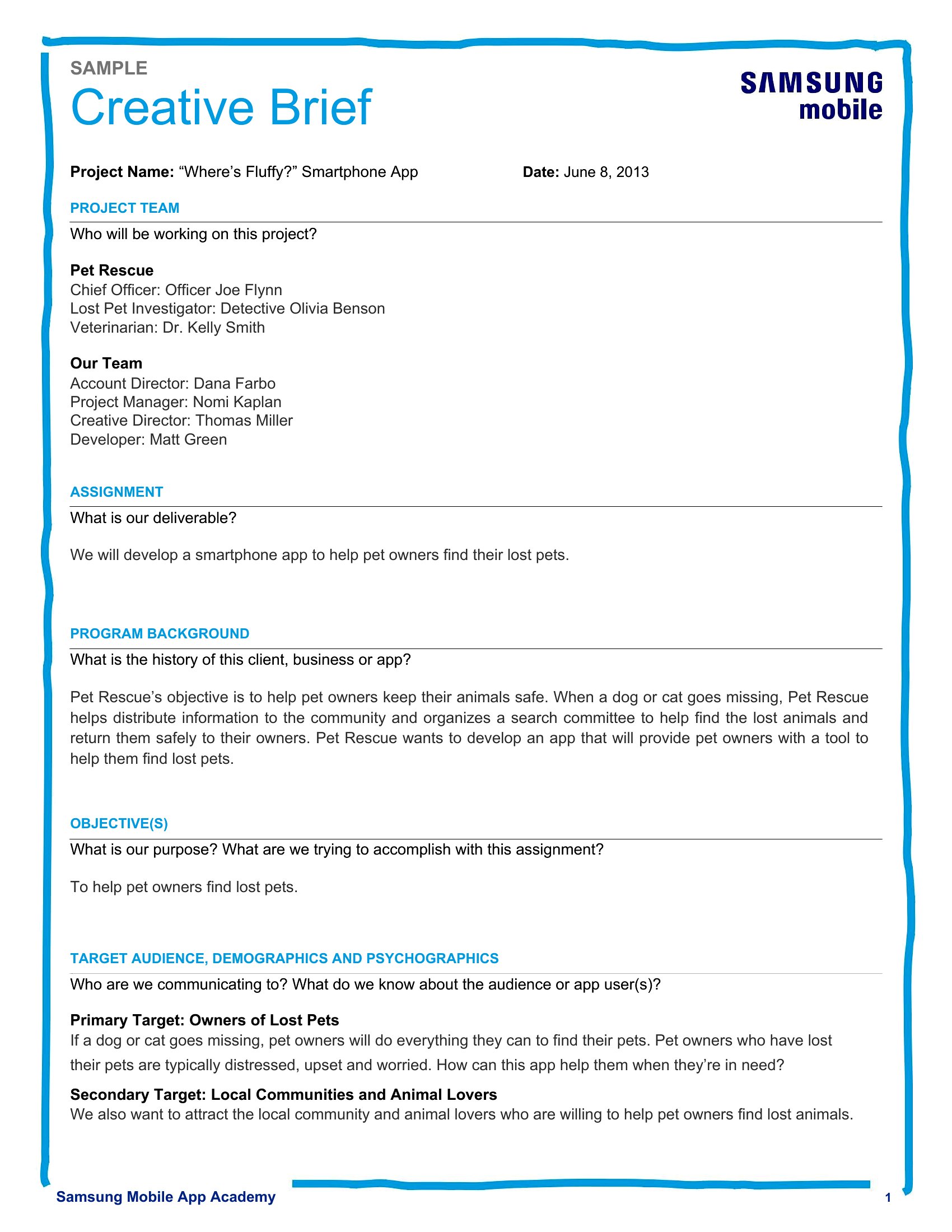
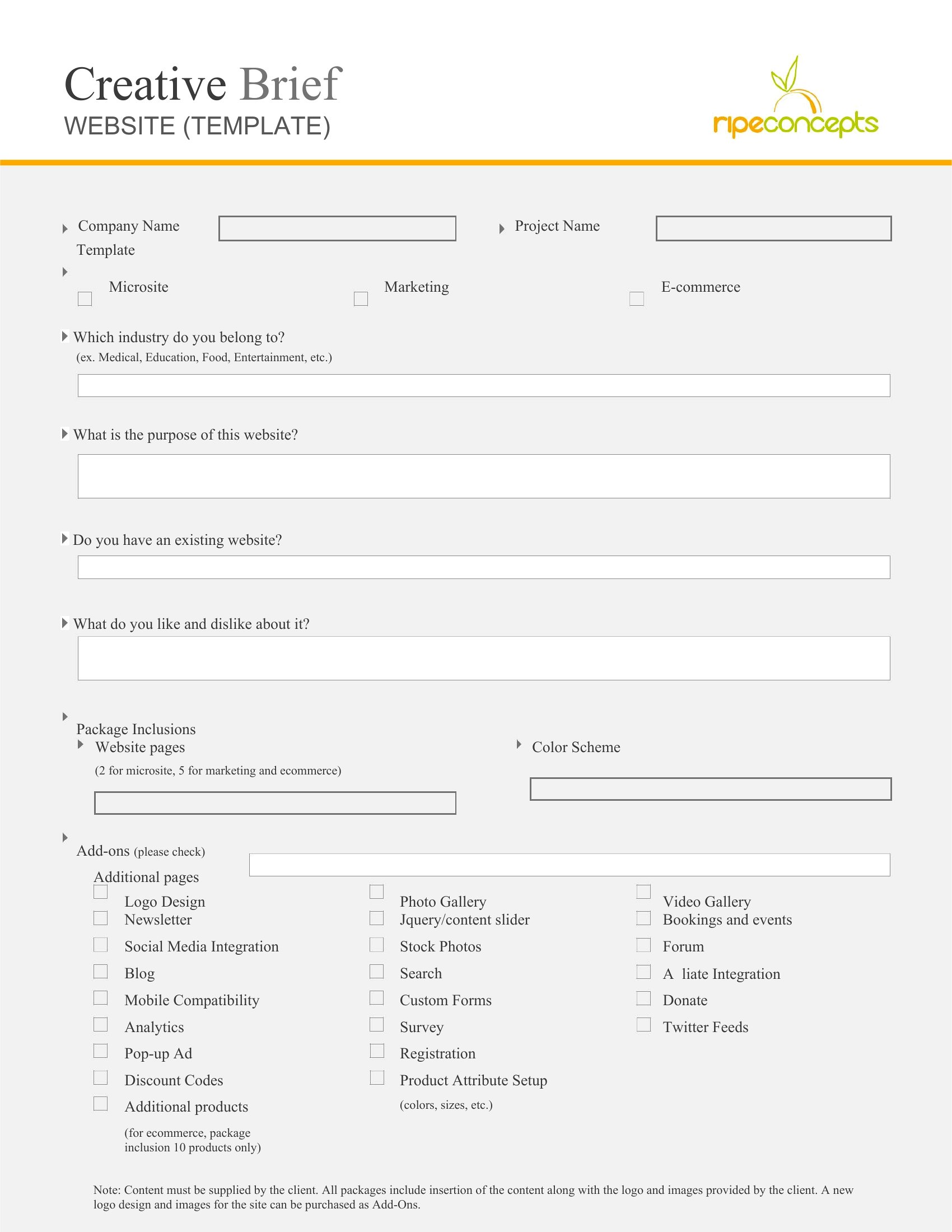
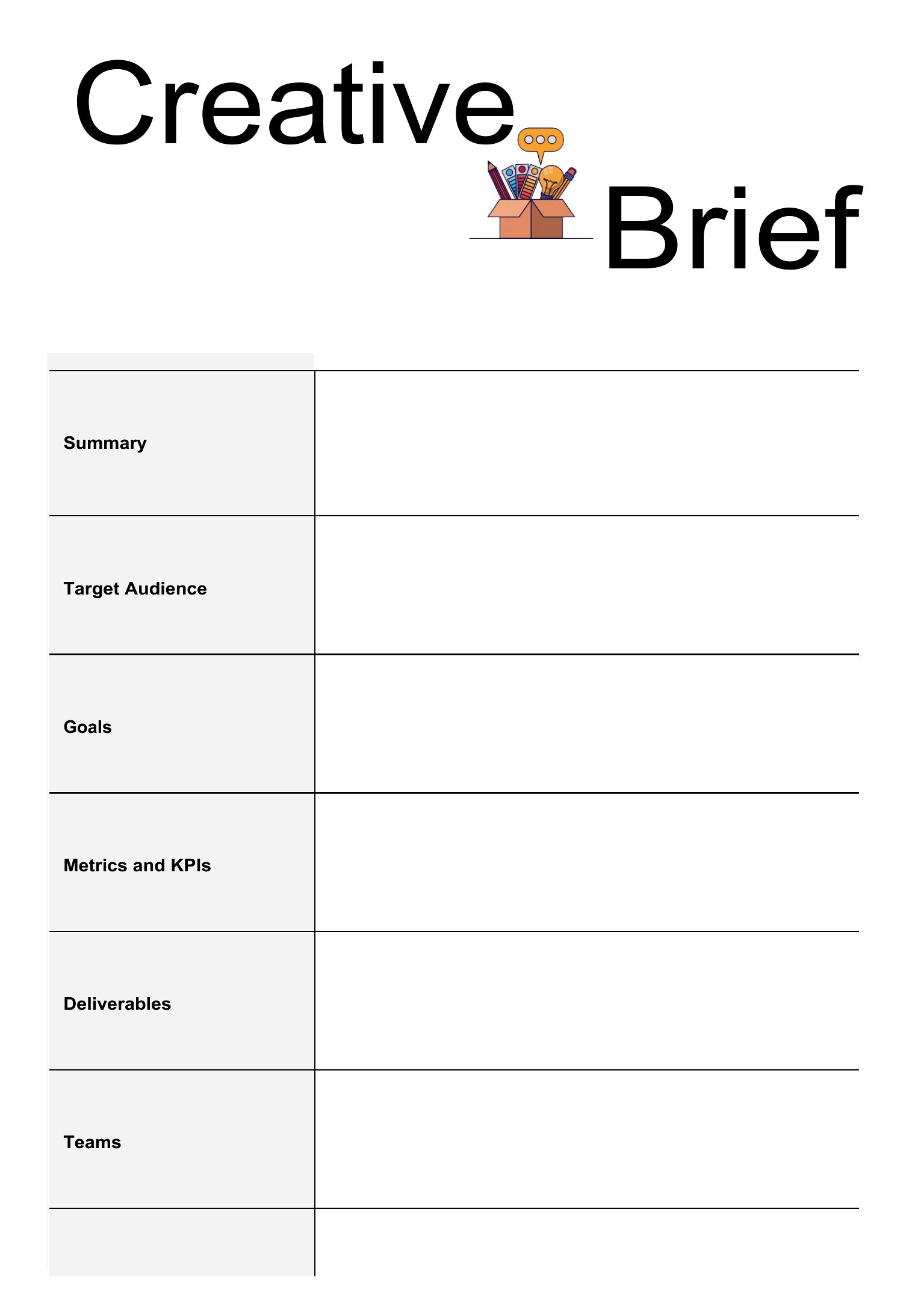
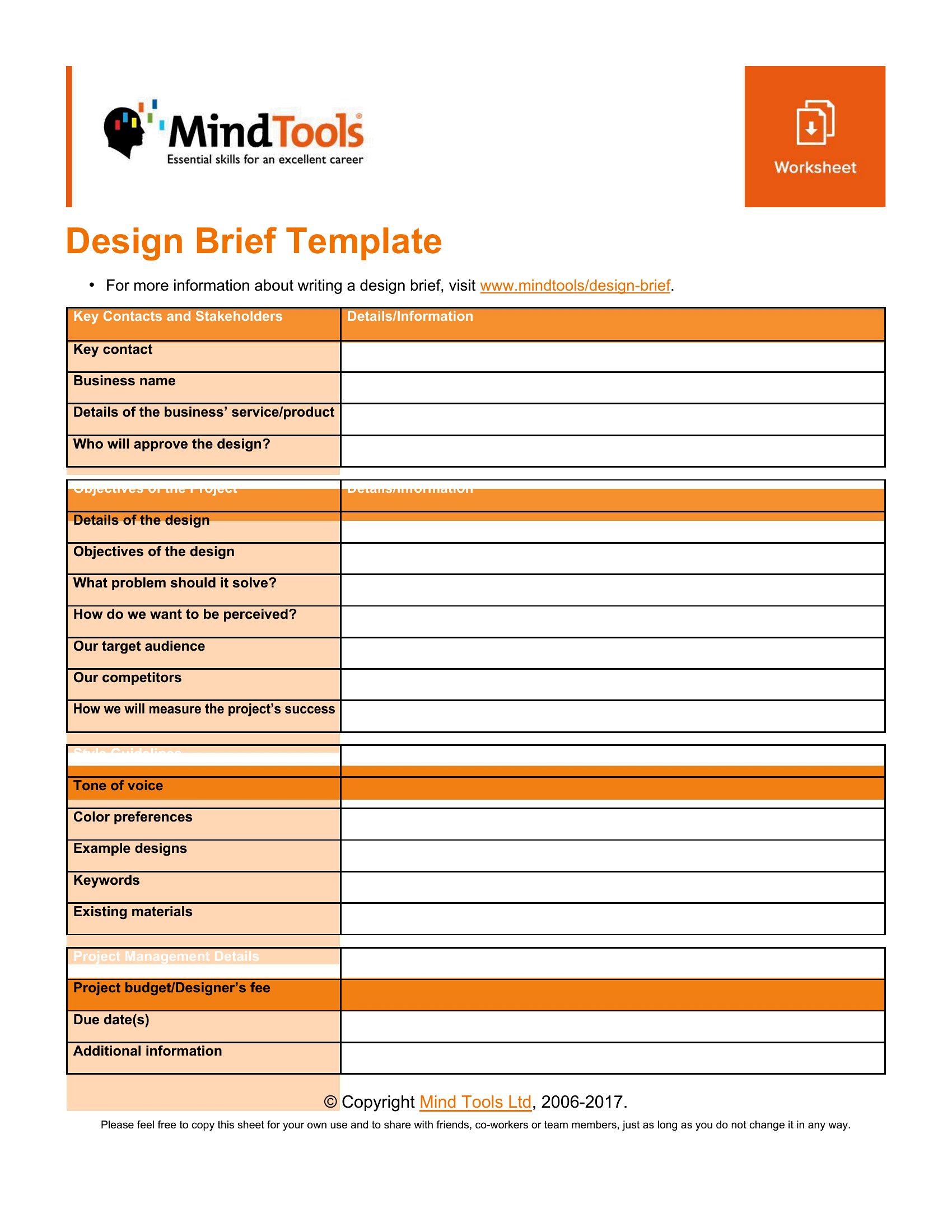
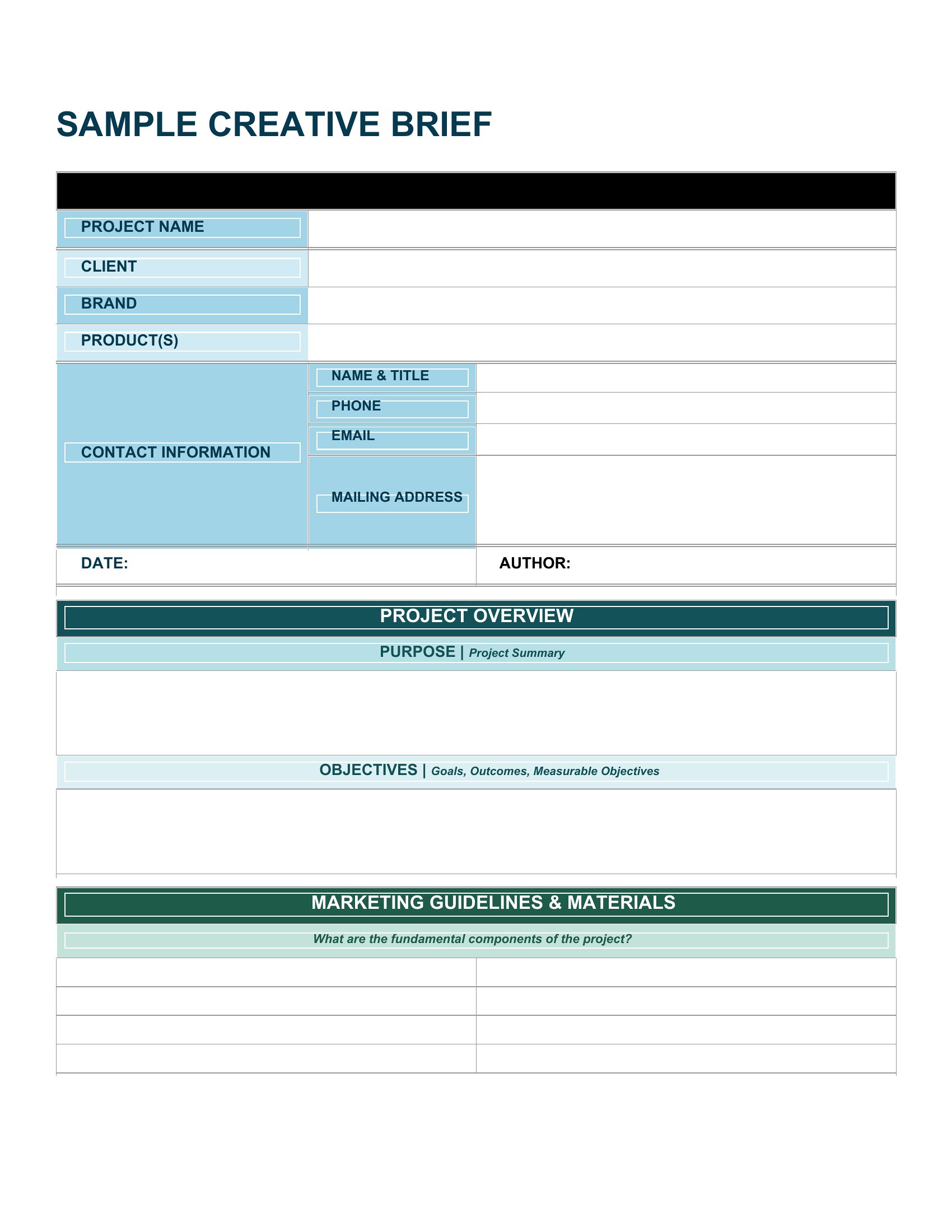
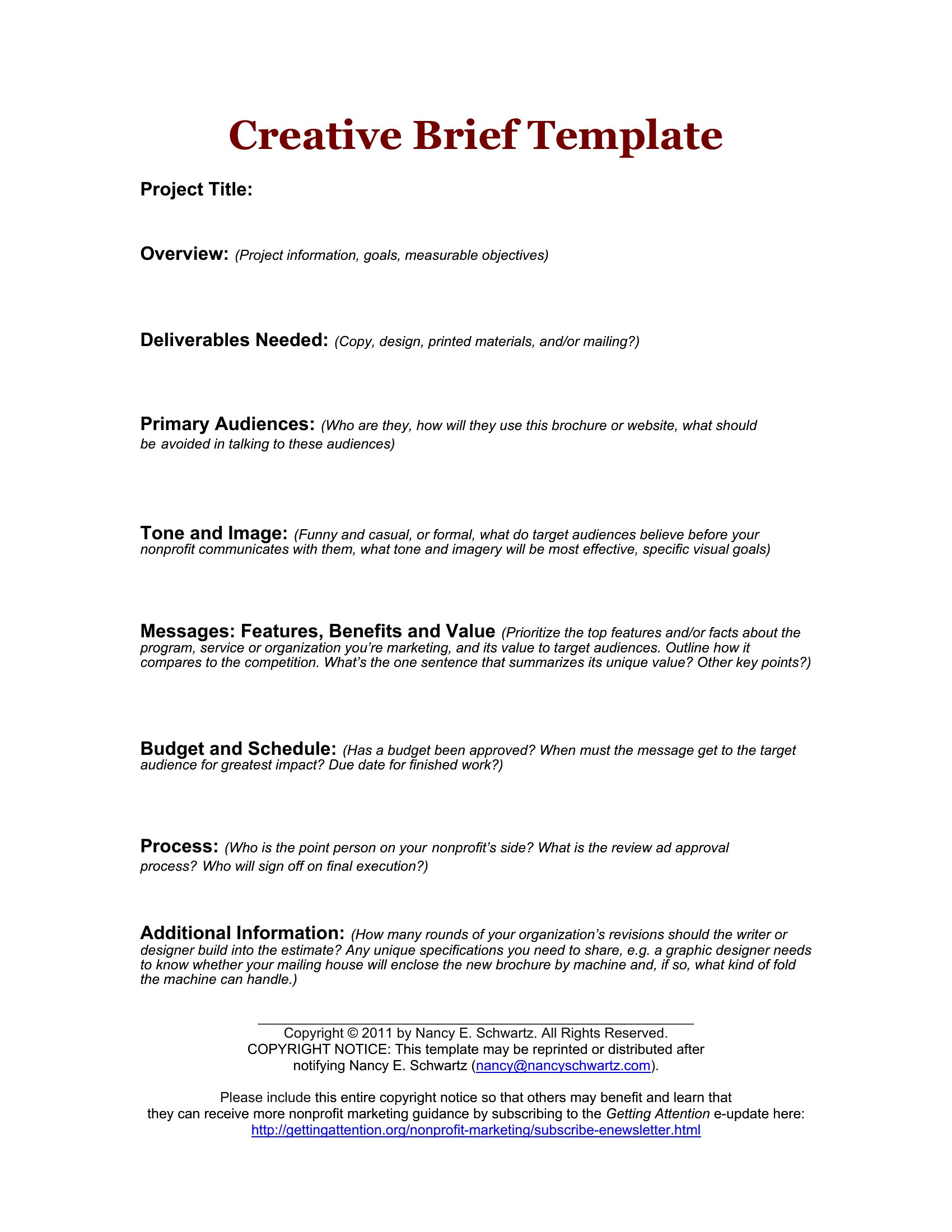
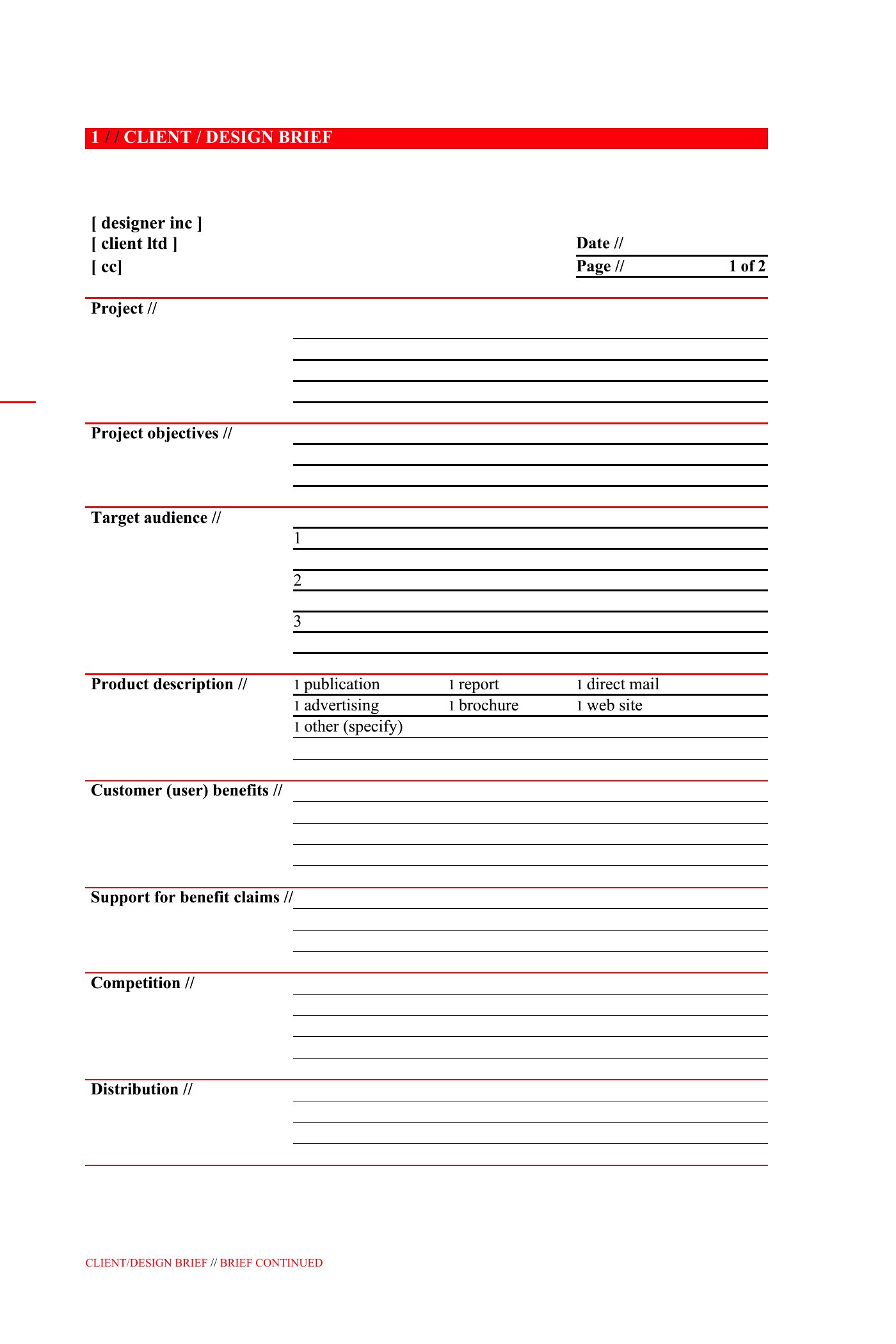
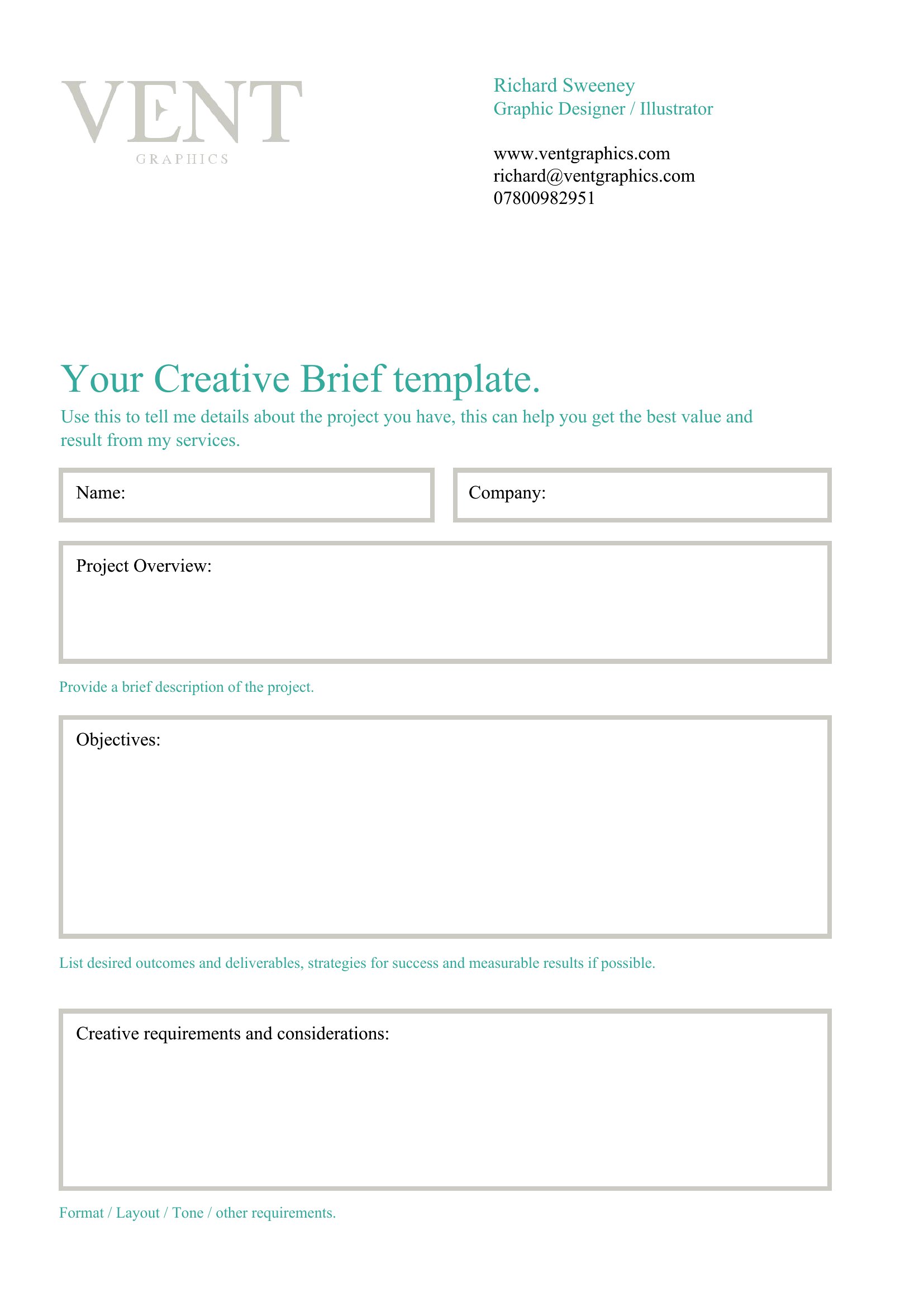
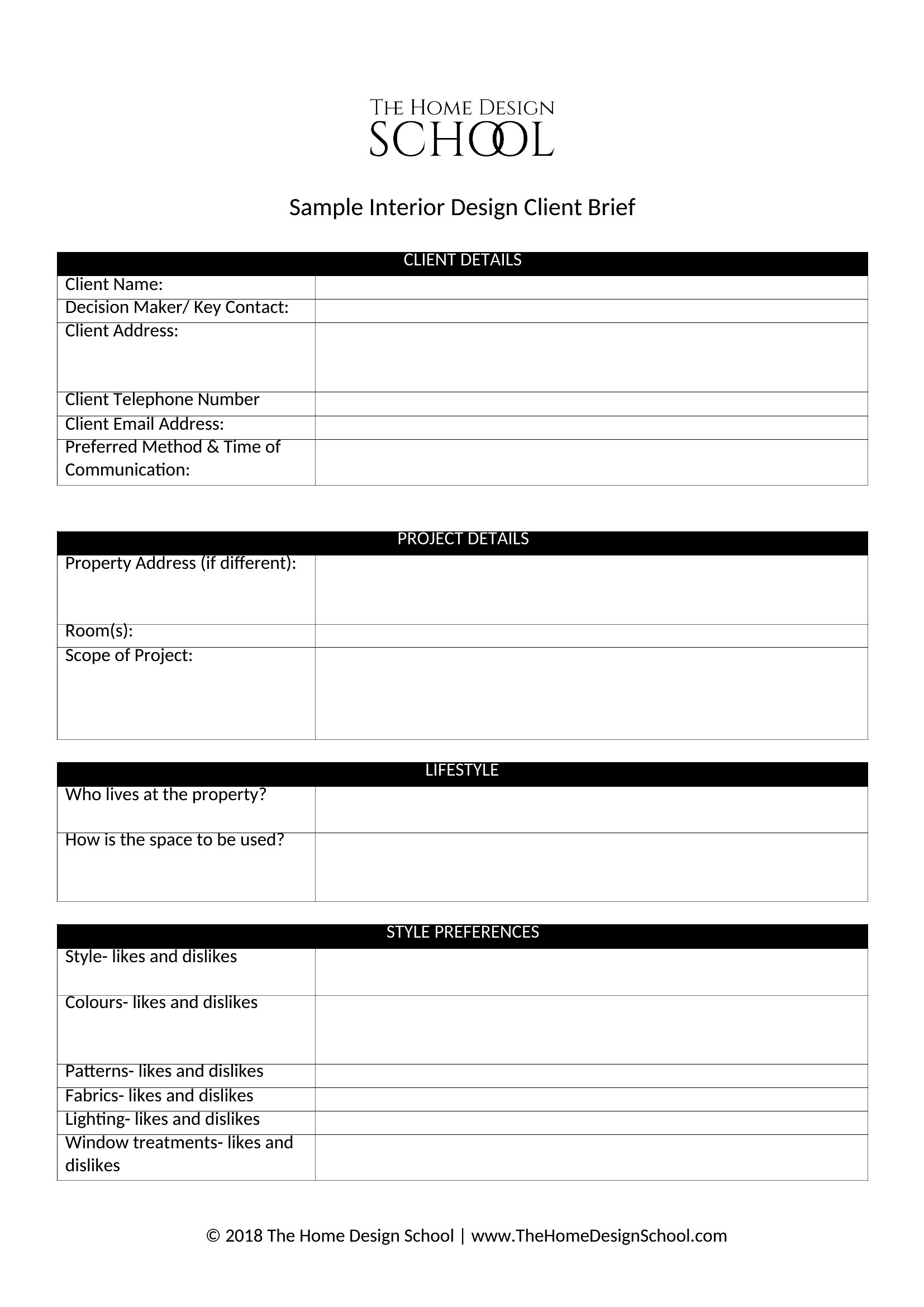
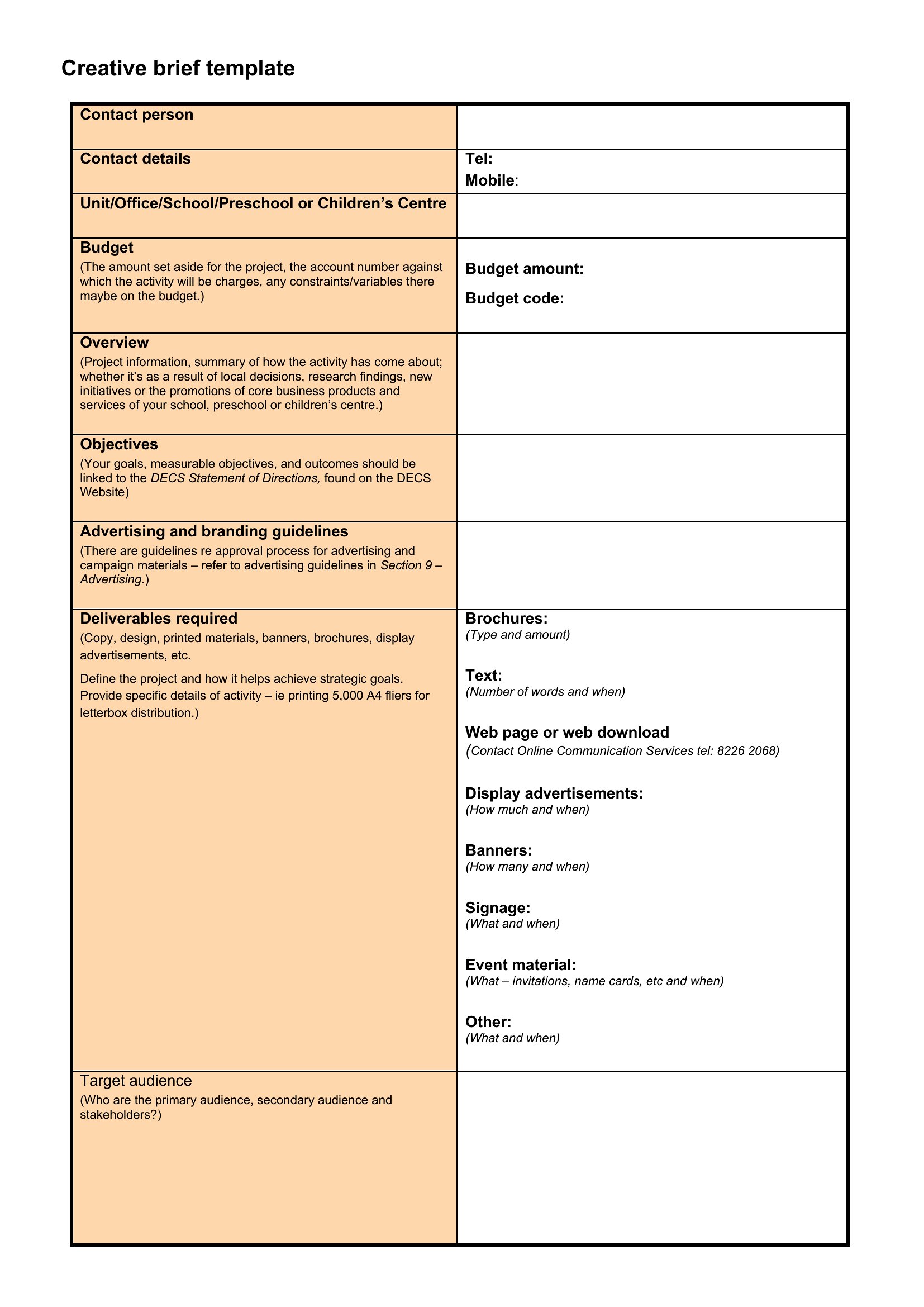
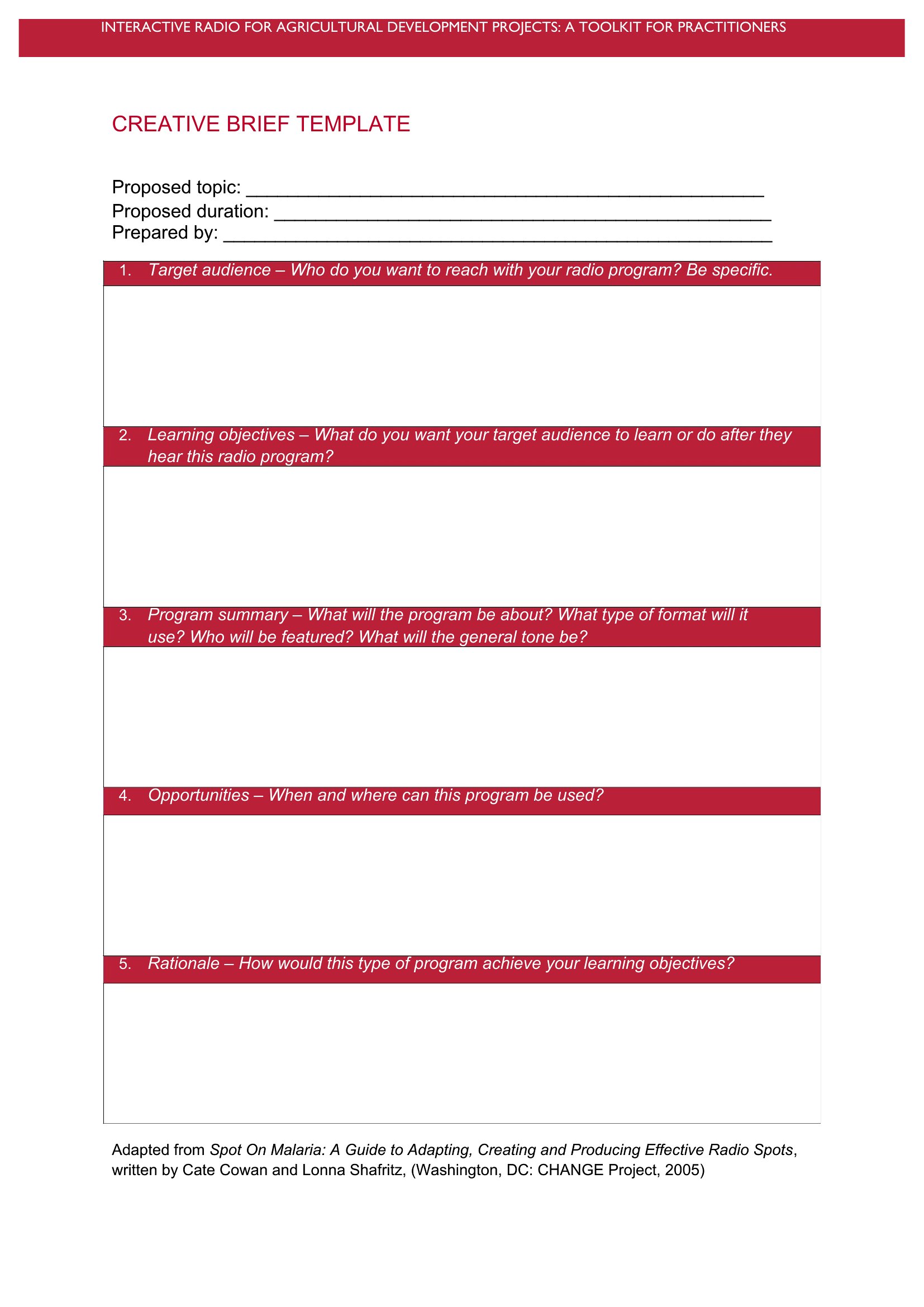
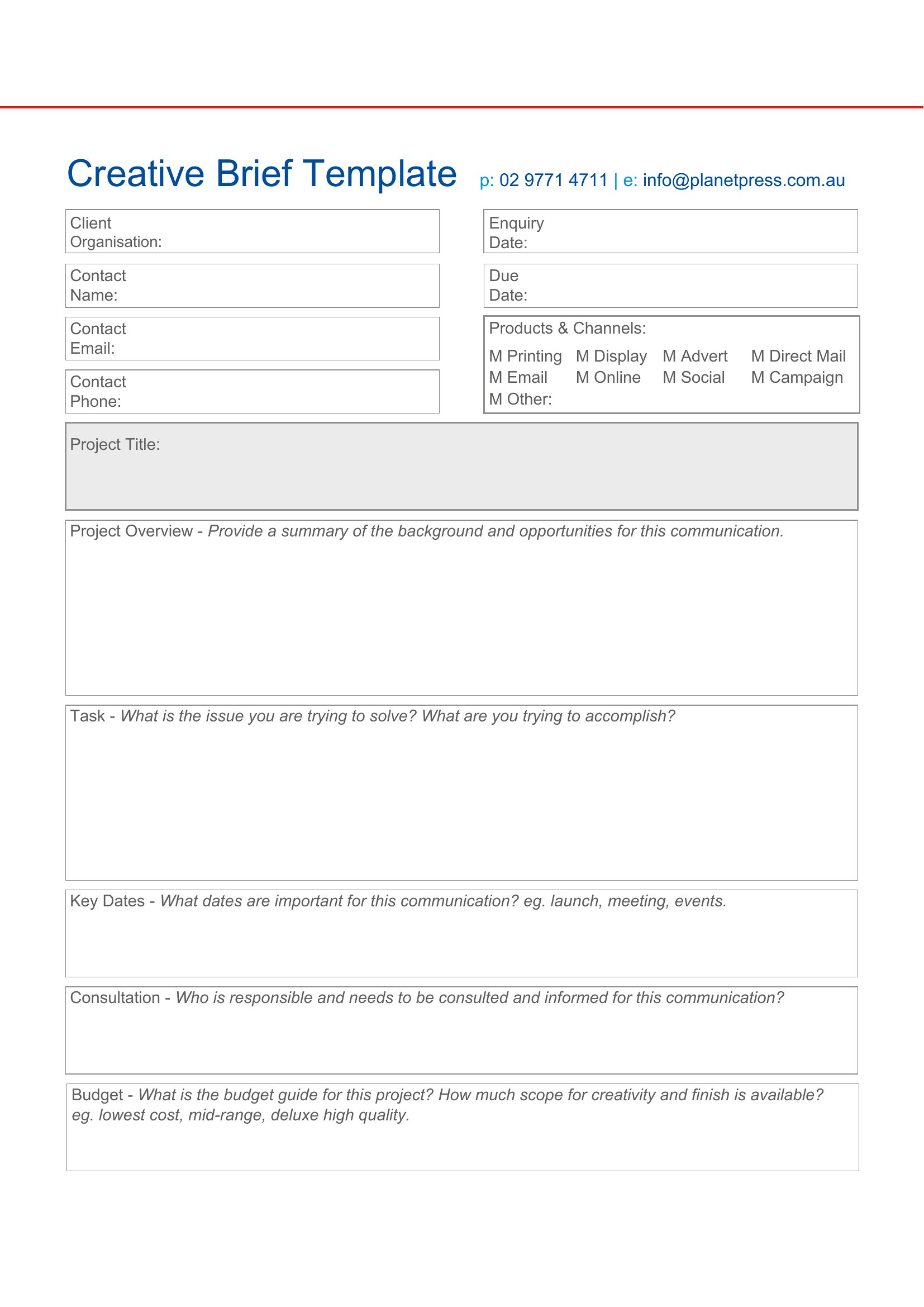
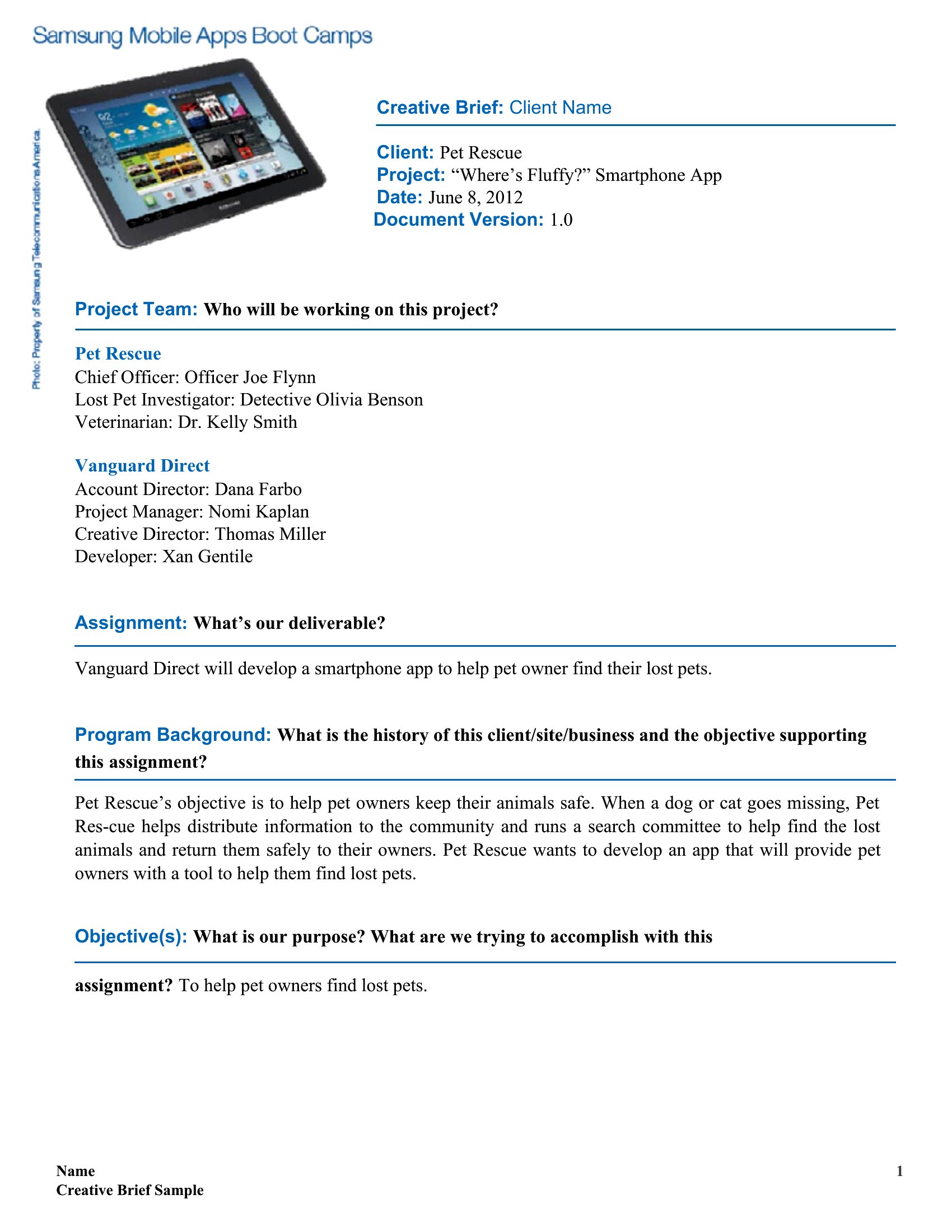
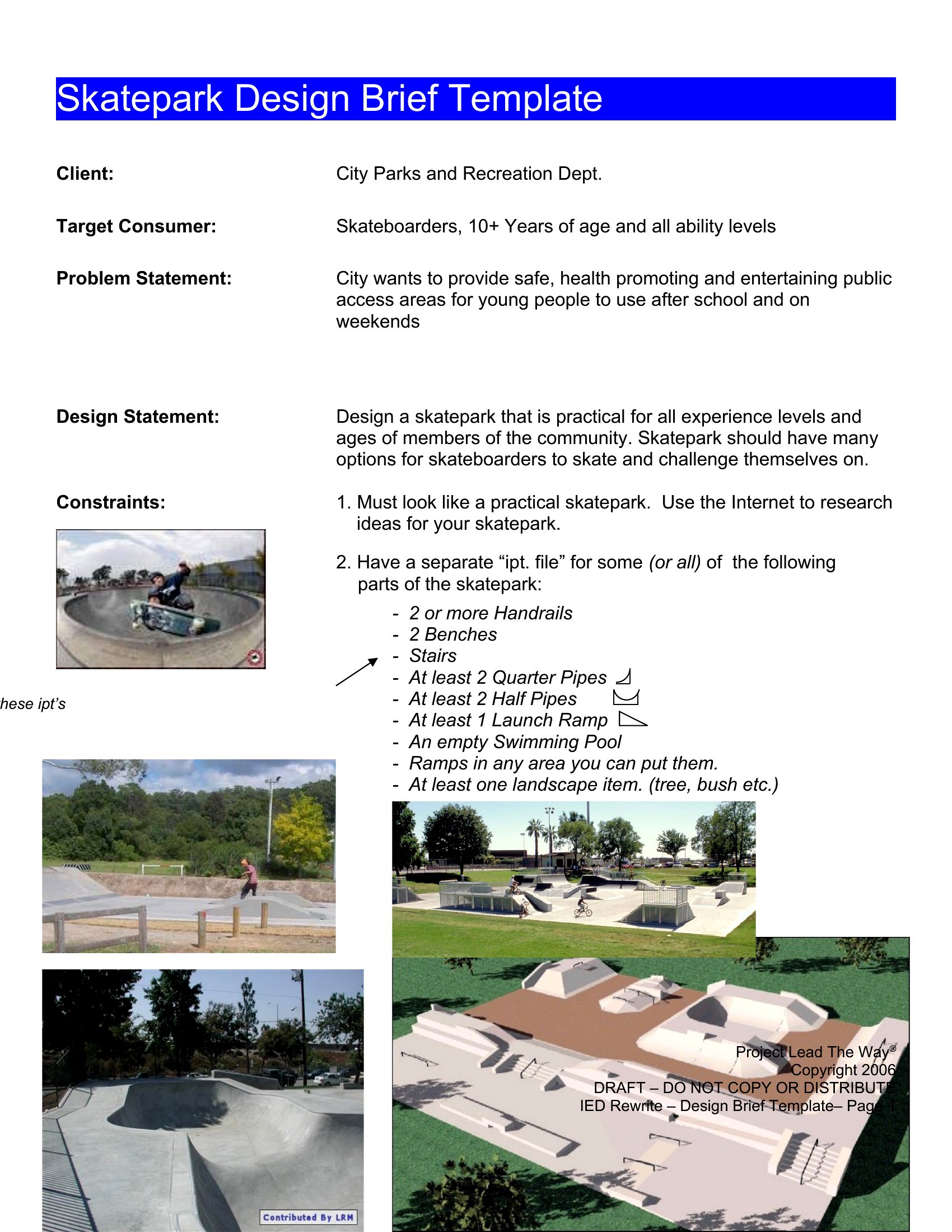
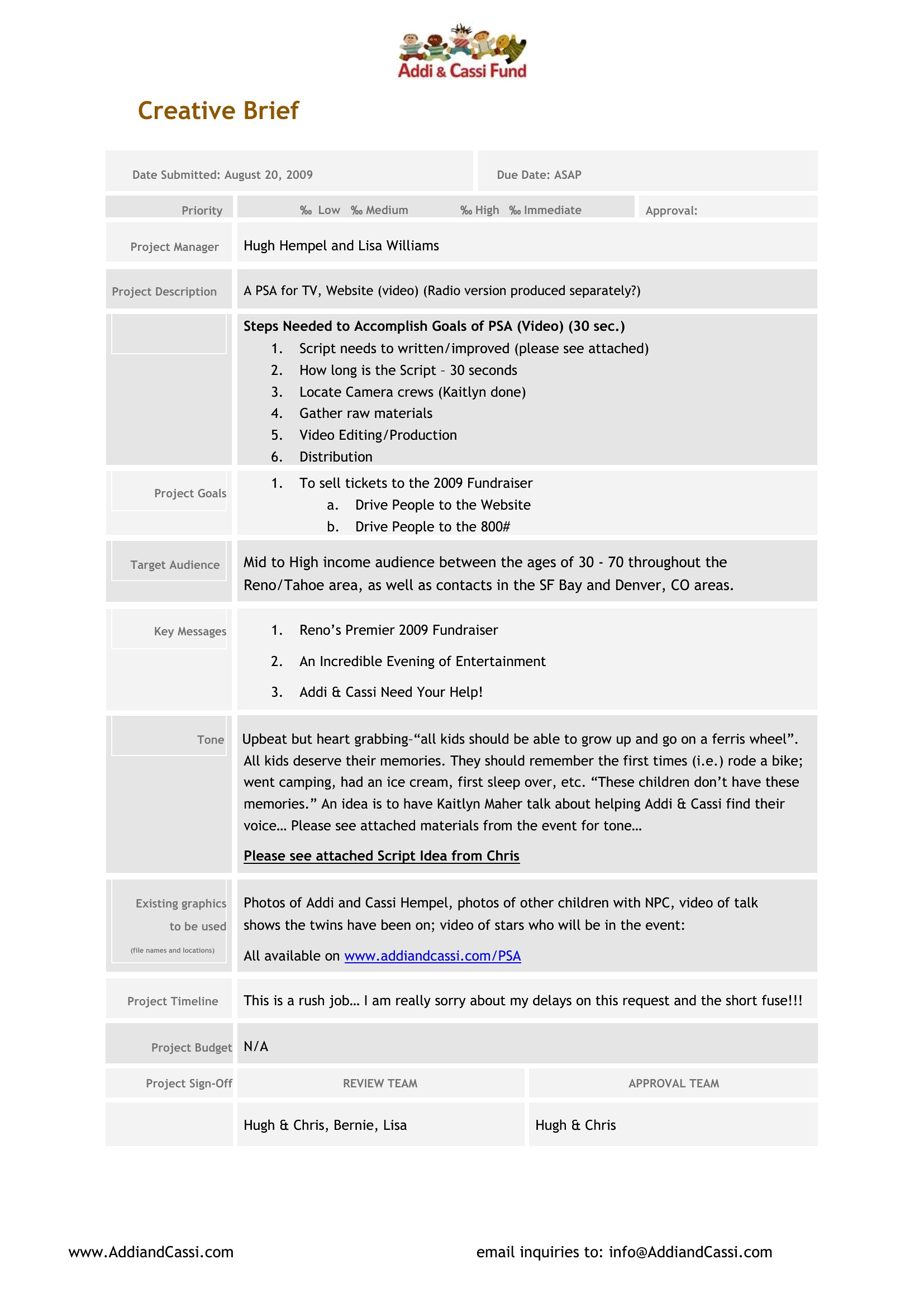
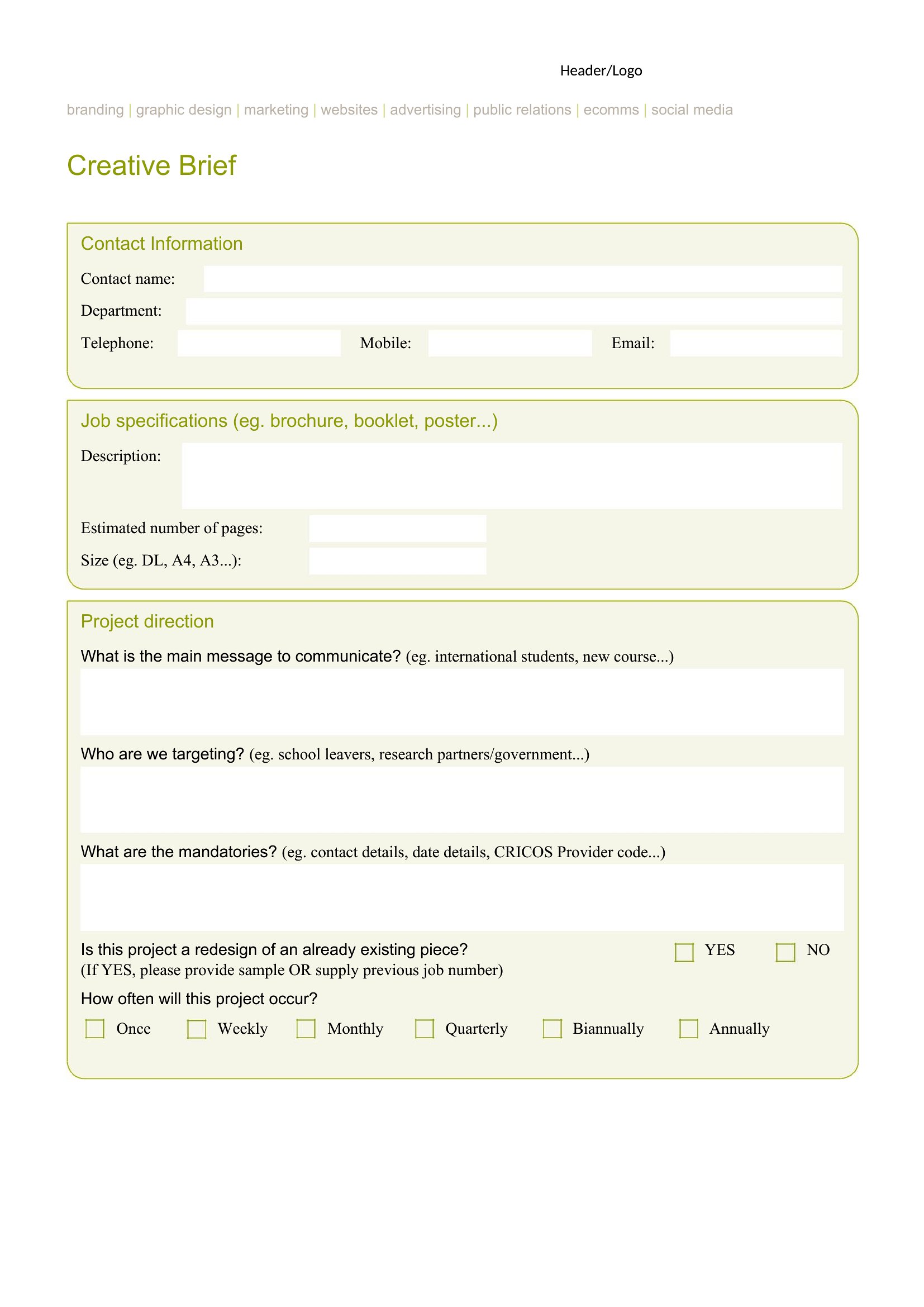
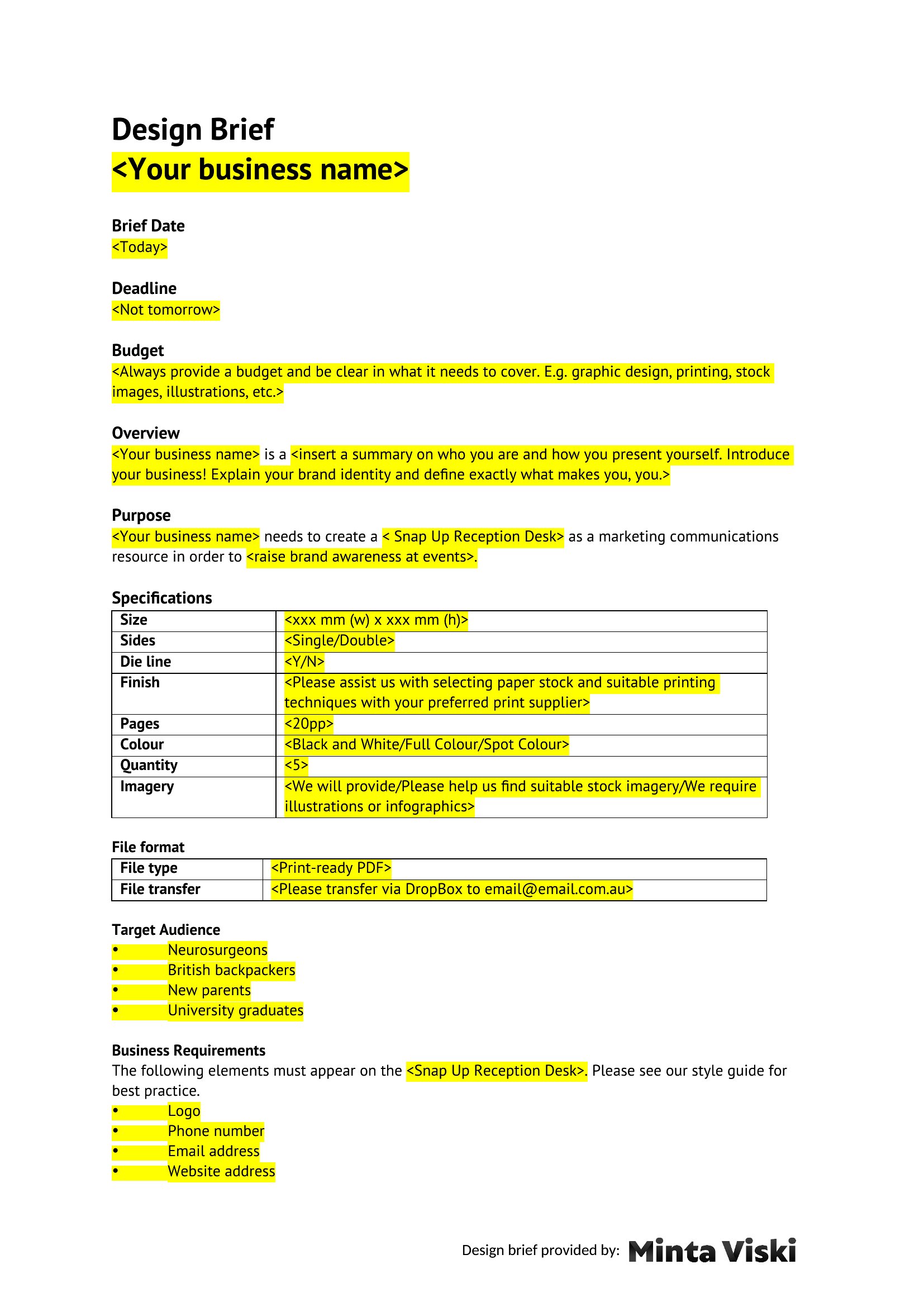
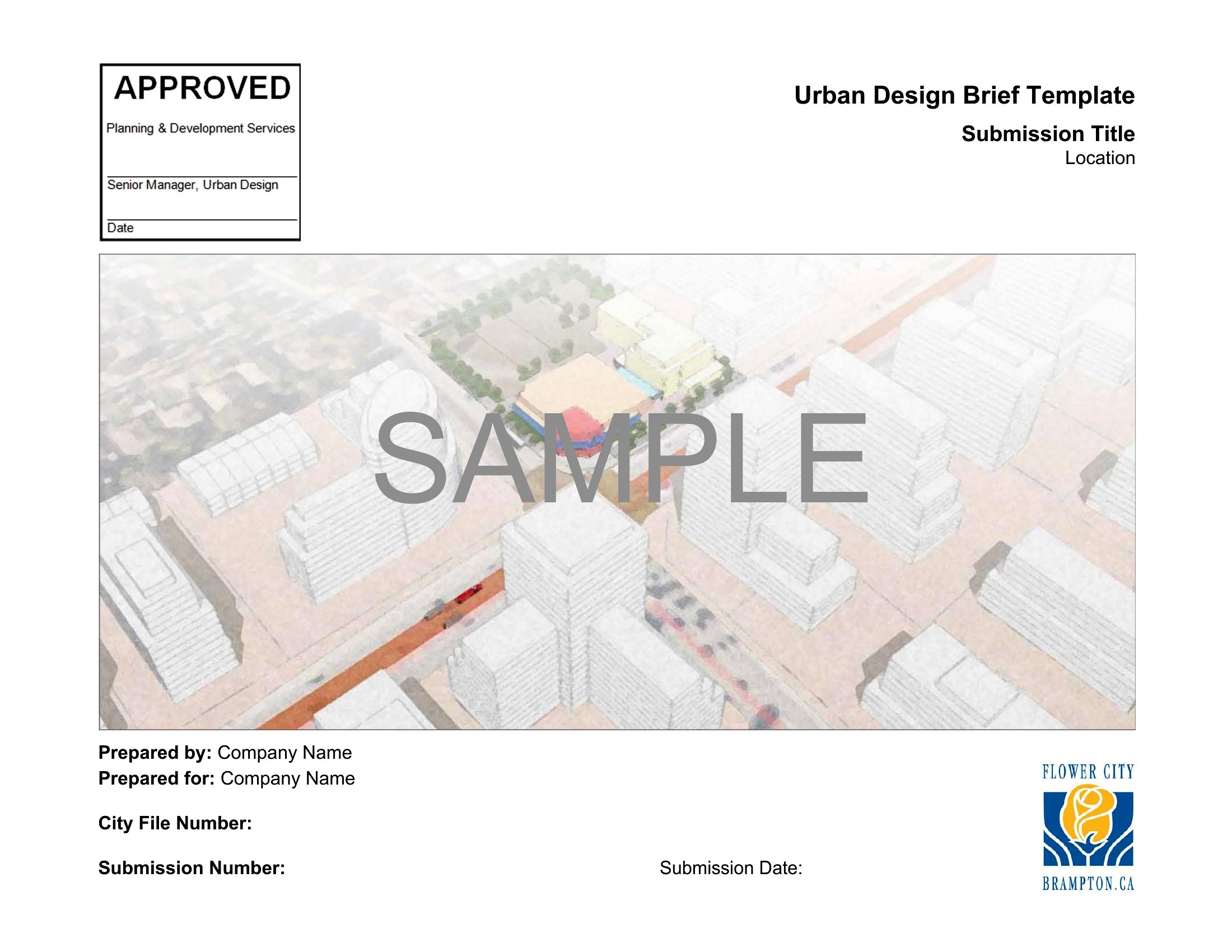
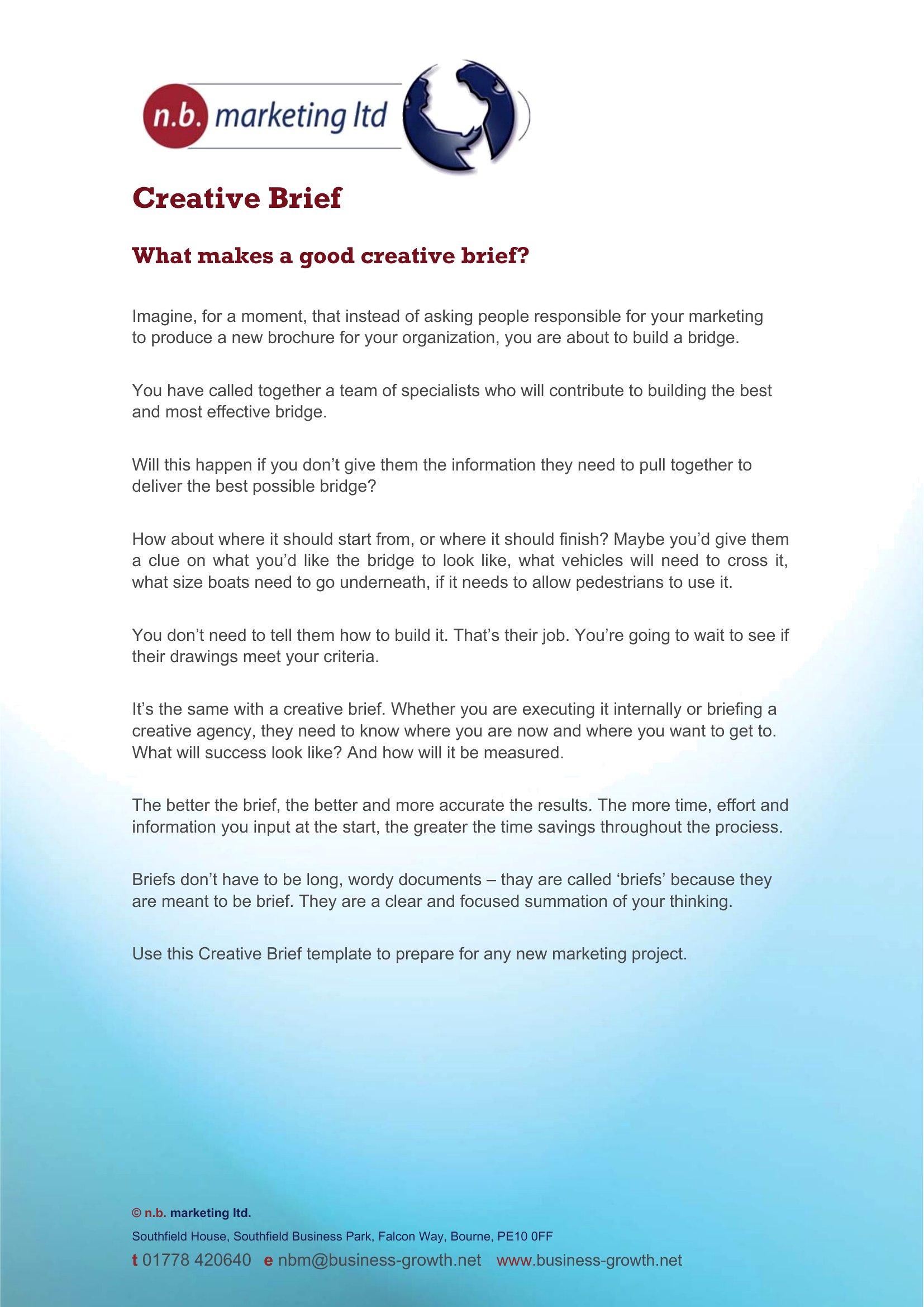
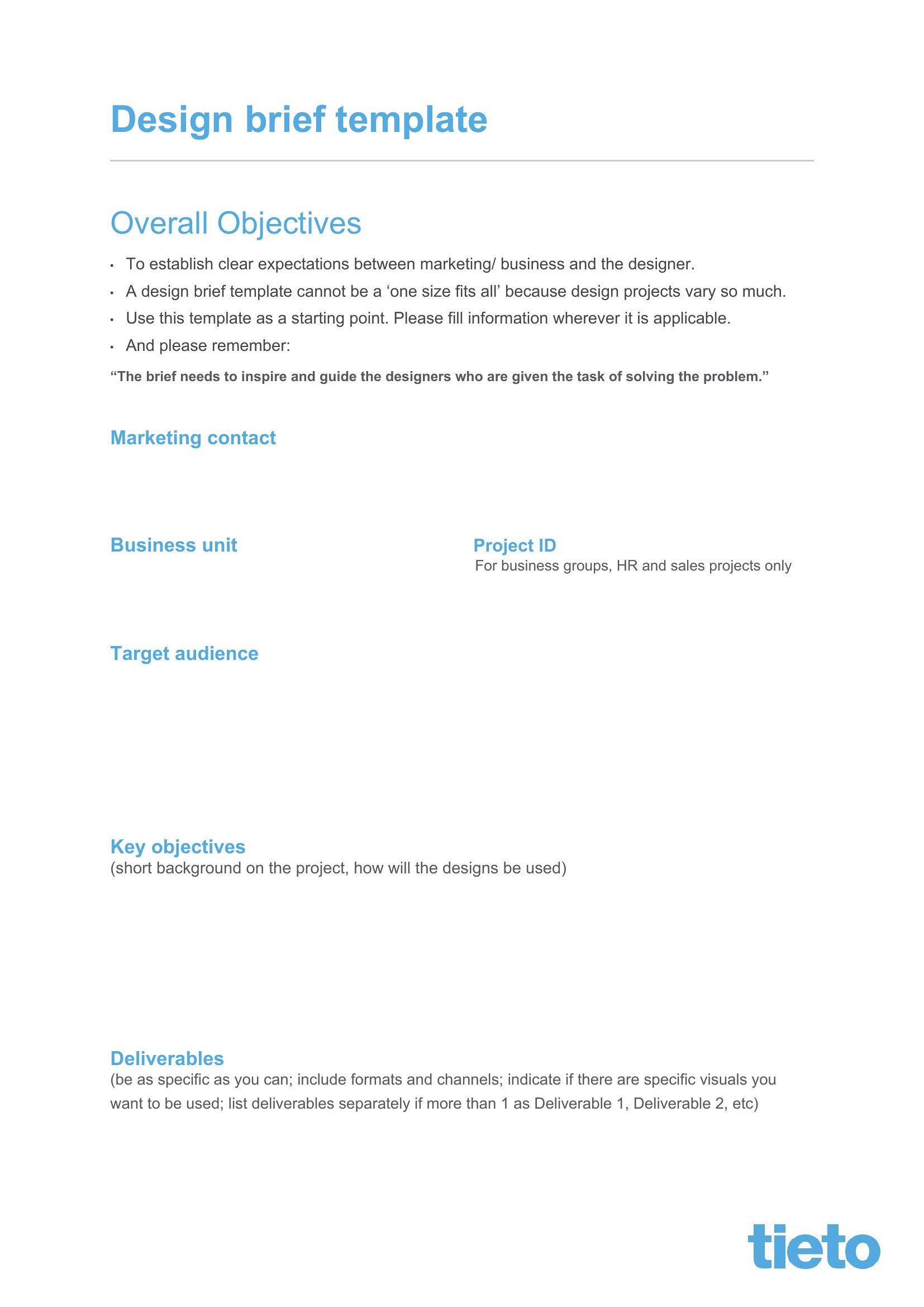
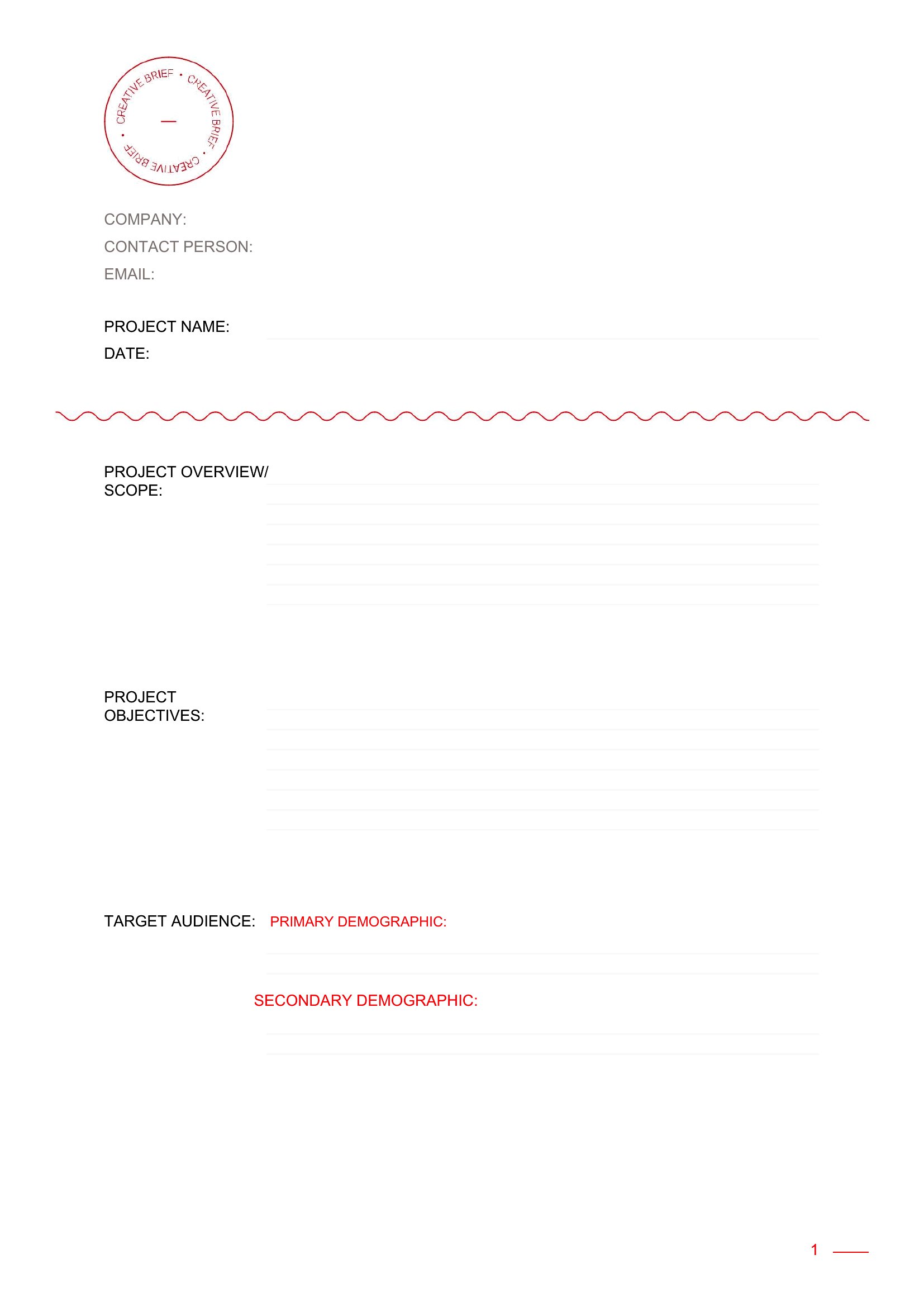
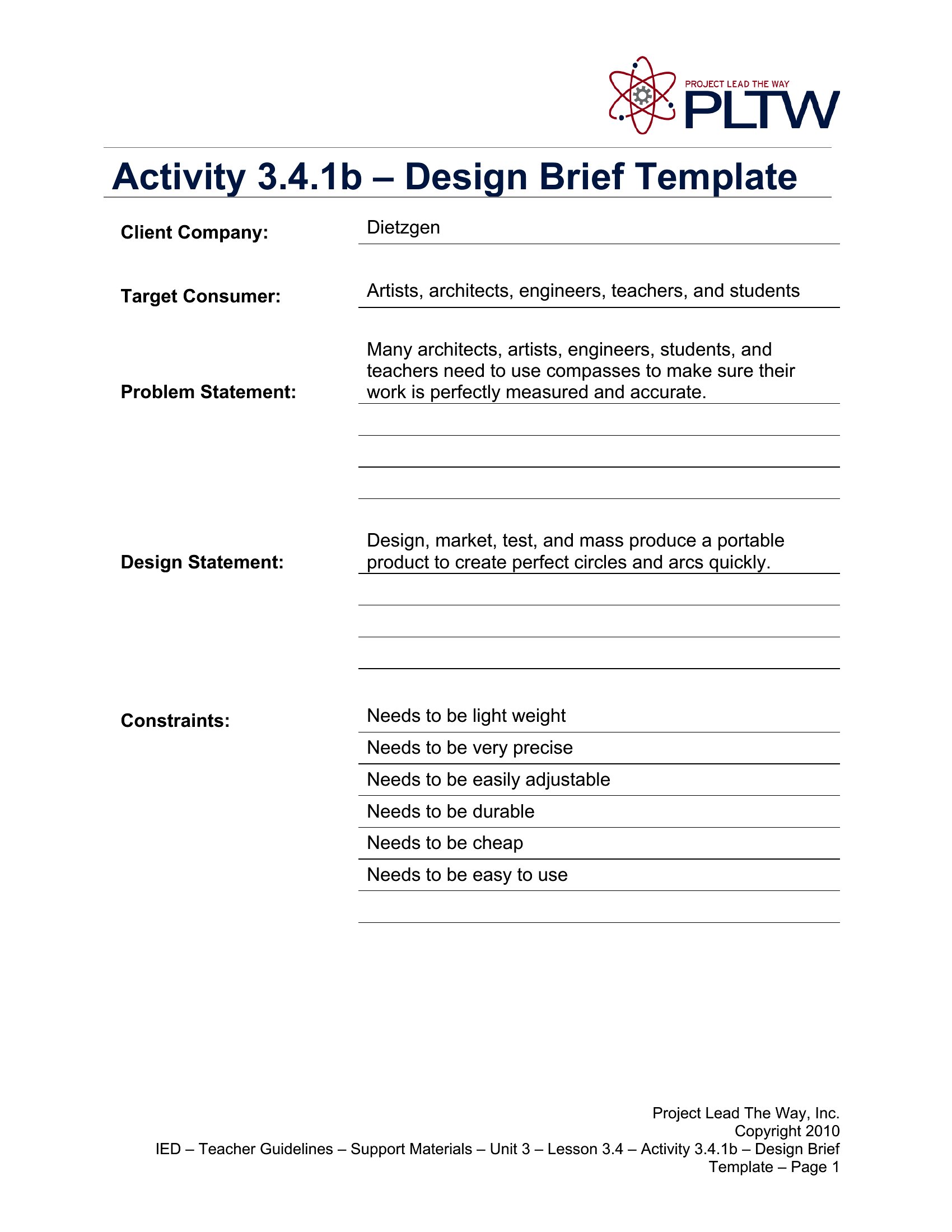
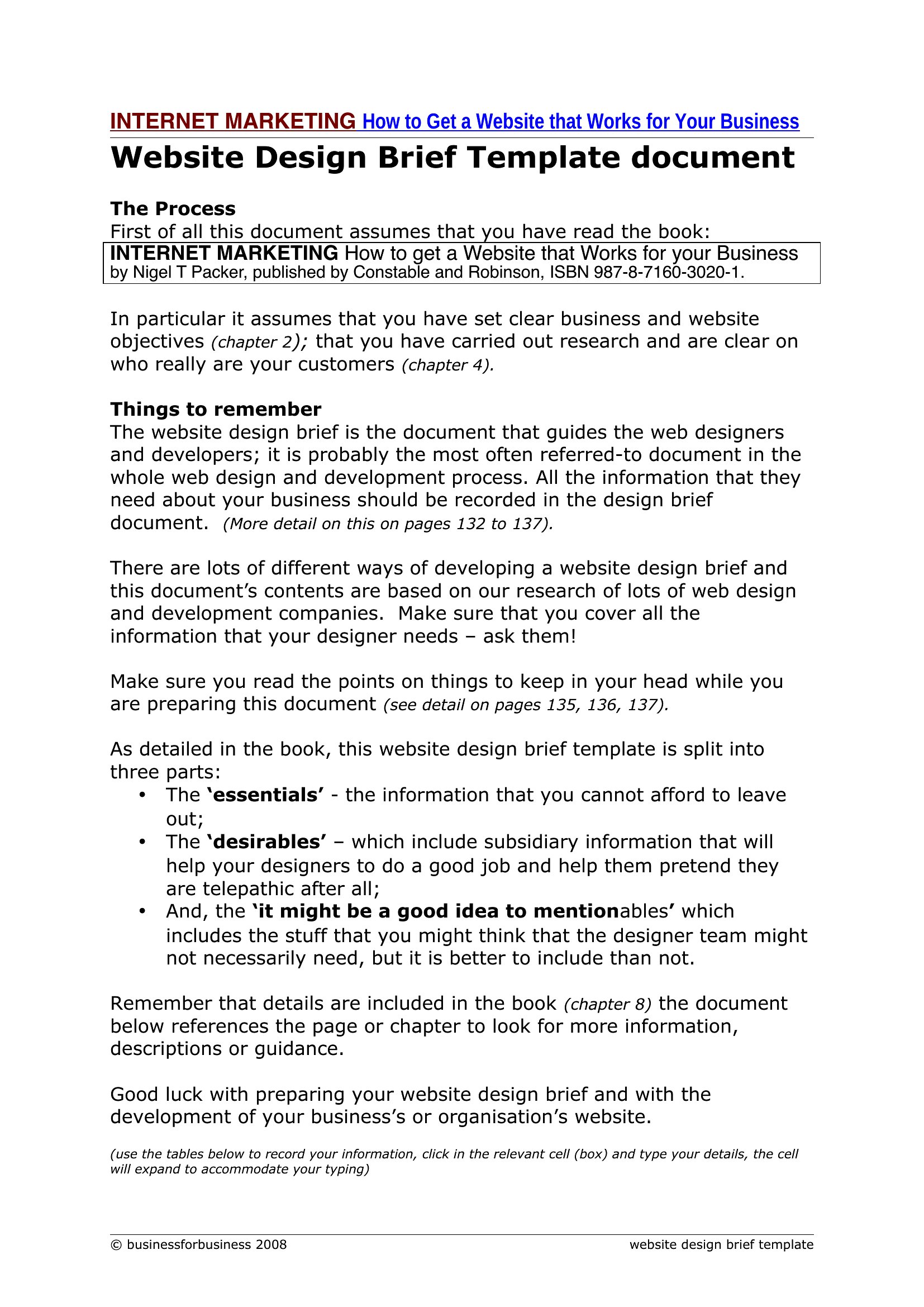
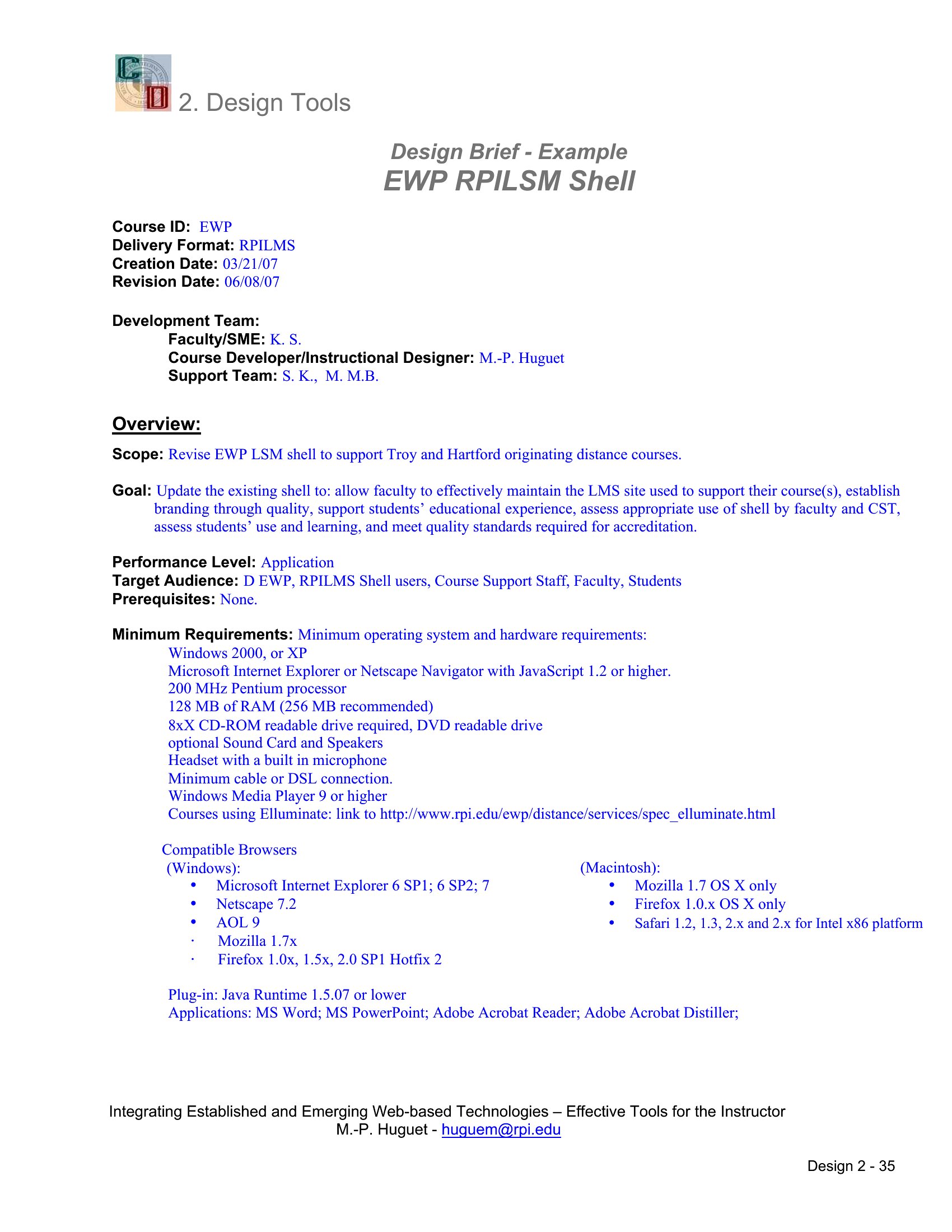
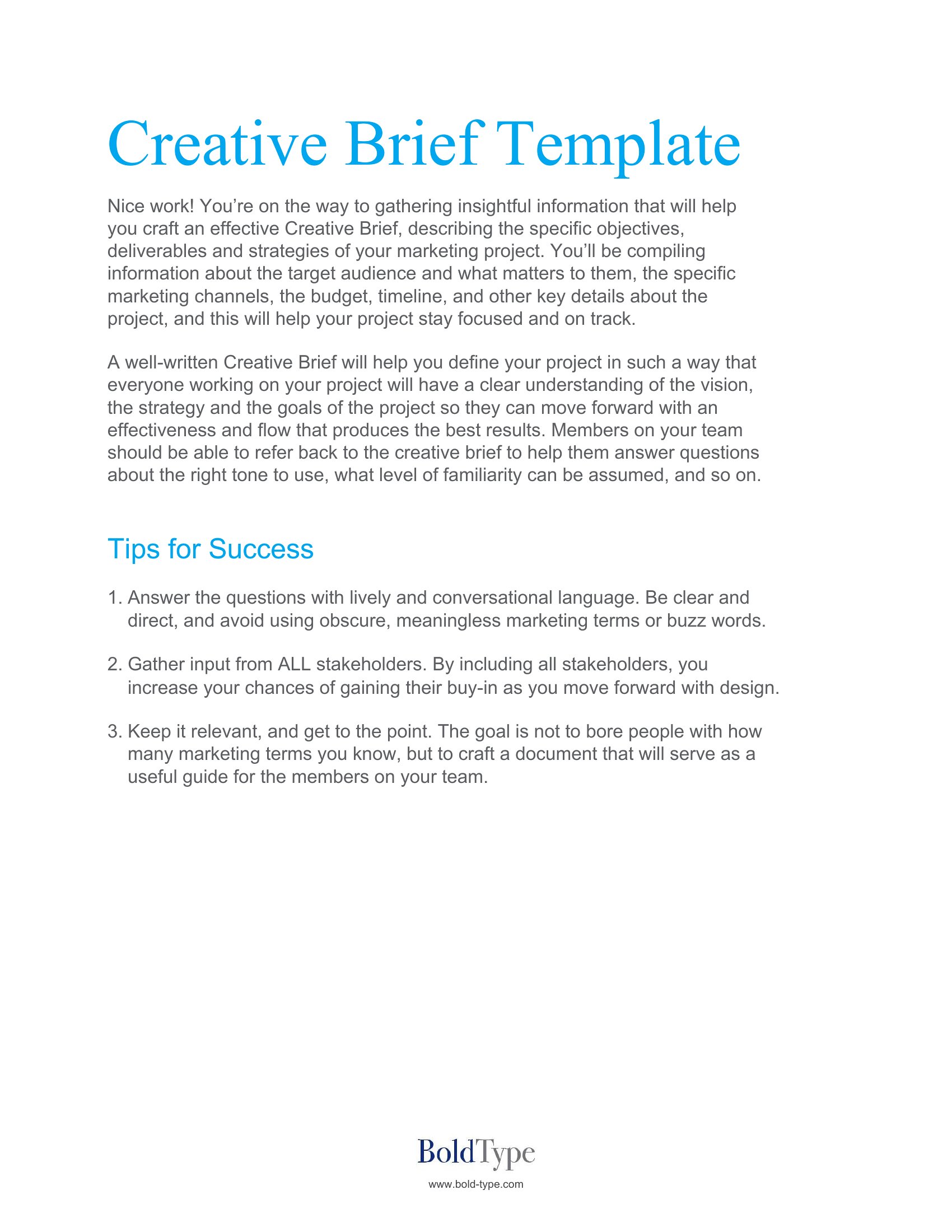
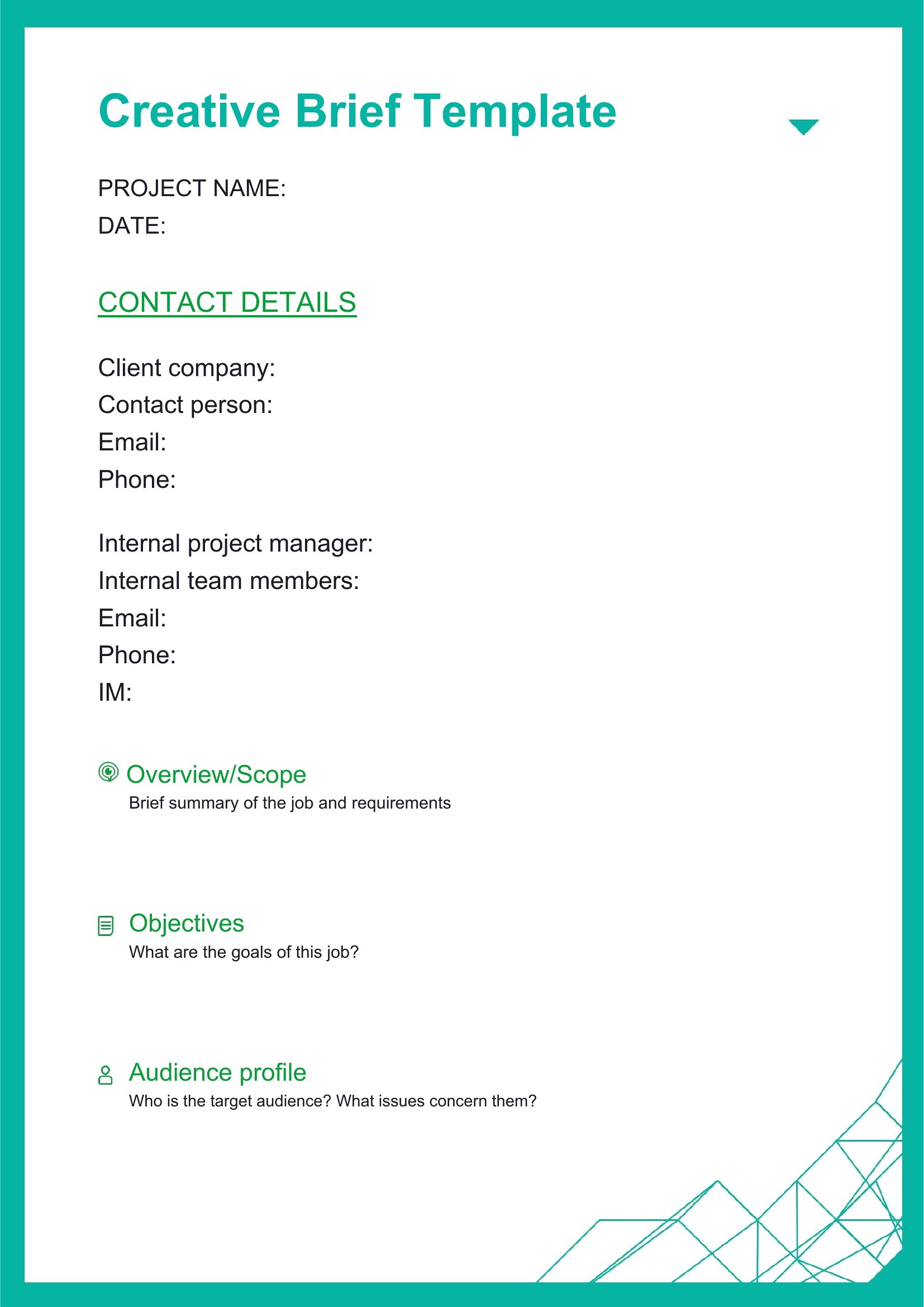
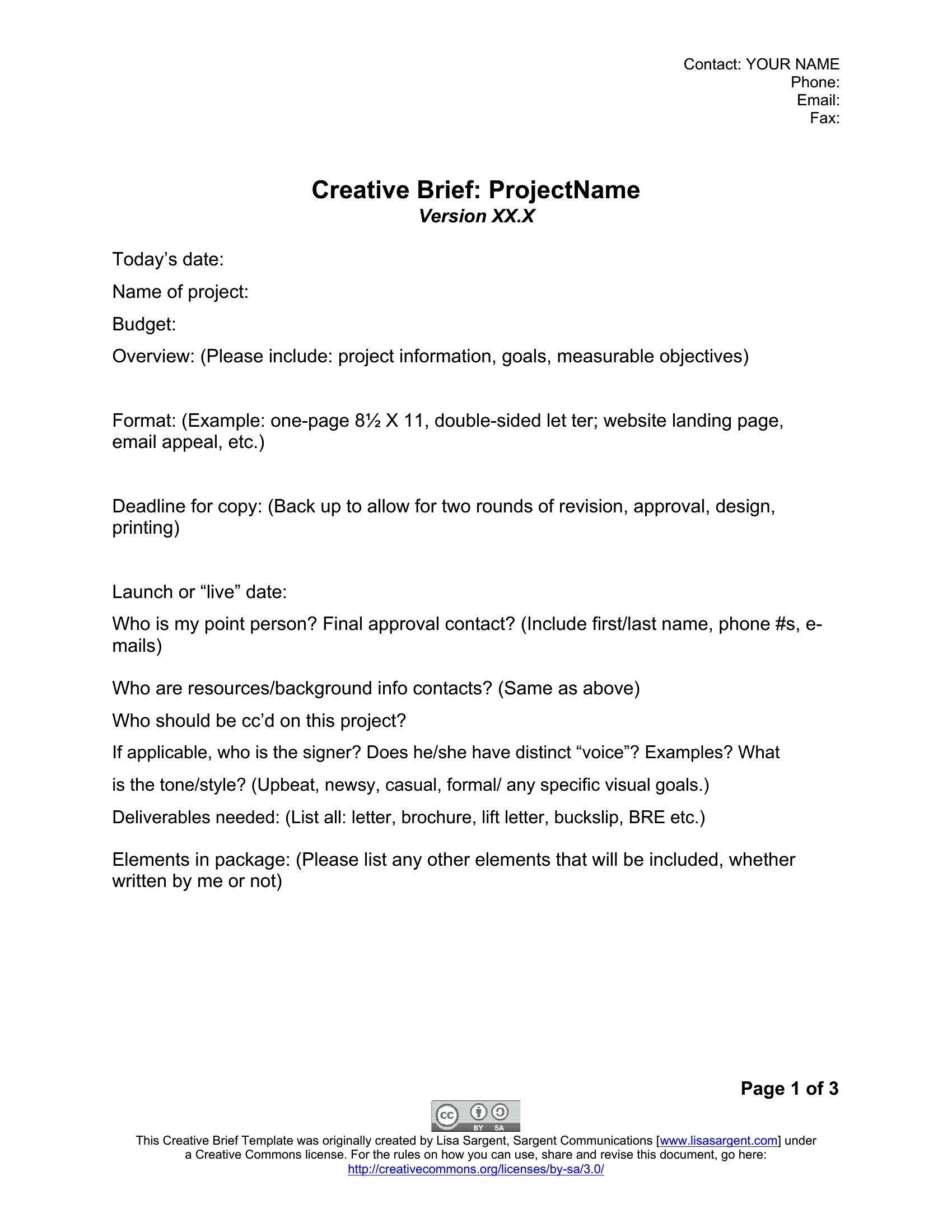
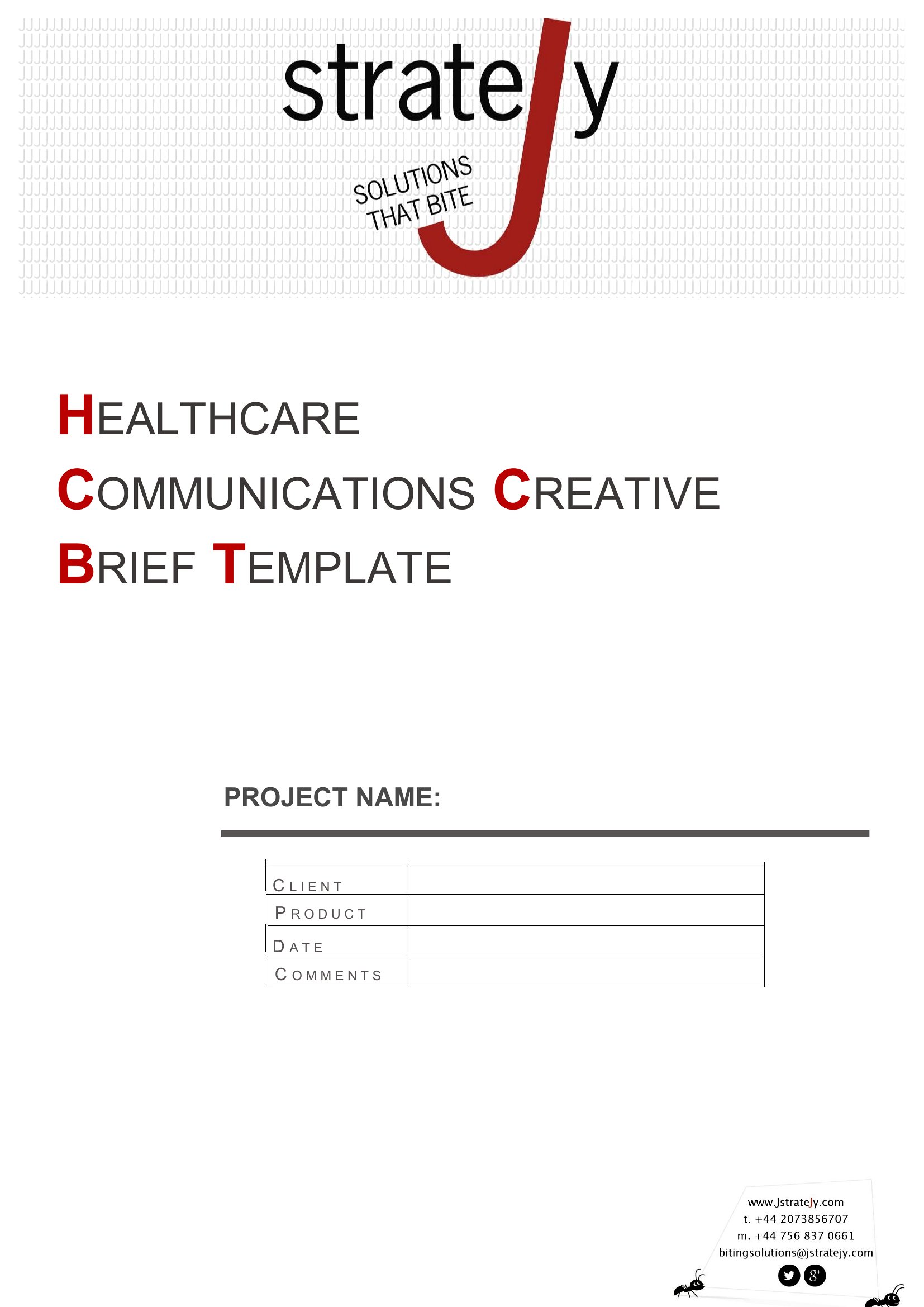
A clear design brief saves everyone from guesswork by spelling out what a project needs before any work starts. This set of 50 design brief templates helps marketers, agencies, and freelance designers capture the goals, audience, budget, and deliverables for a job. Whether it's a logo, a website, or a full brand refresh, the layouts prompt the questions that prevent endless revisions later.
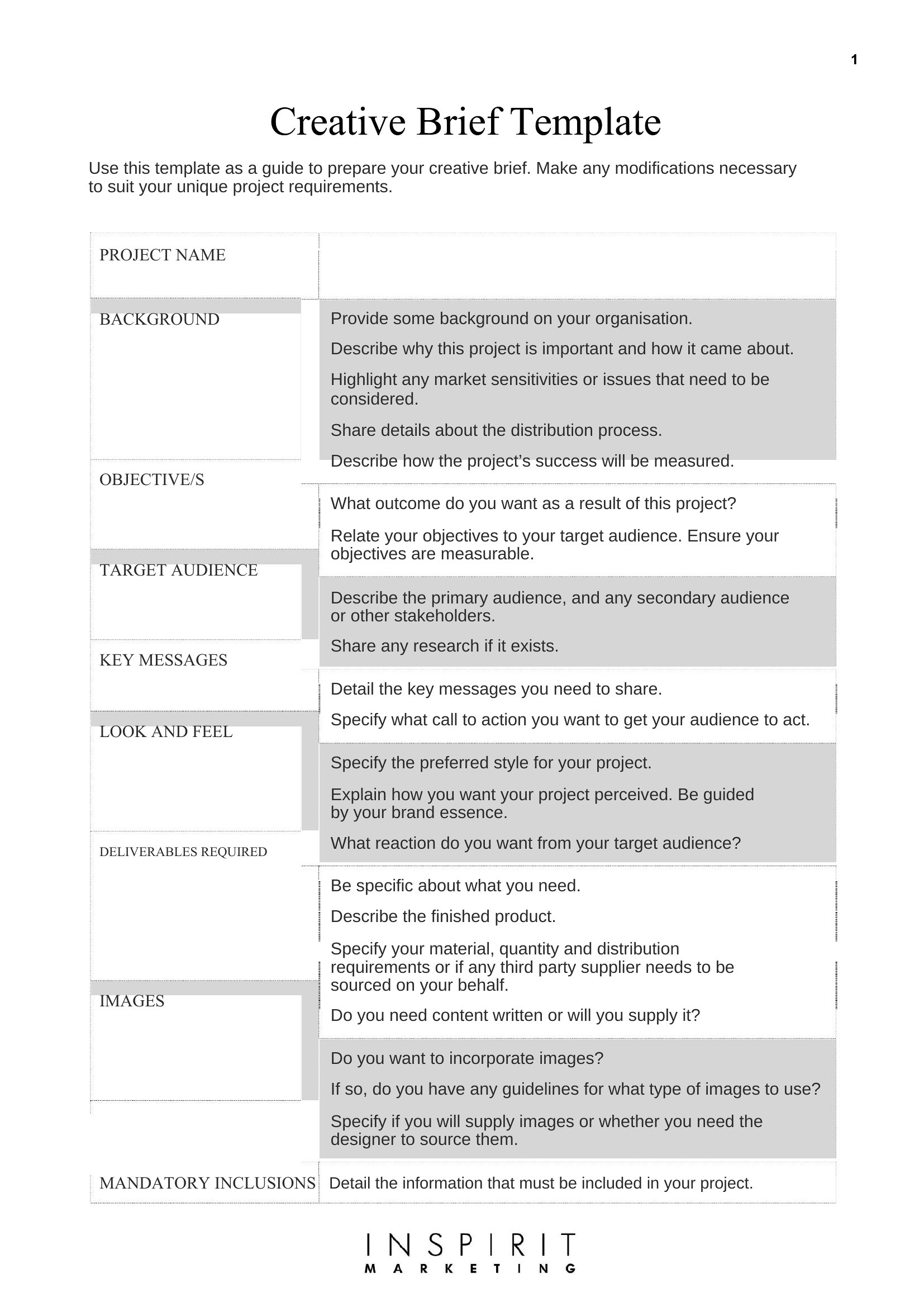
Each brief opens in Word, so you can edit the sections, add project specifics, and share it with your team or client. Fill in the objectives, set the timeline, and hand it over so the designer knows exactly what success looks like. Download the brief that fits your project and get aligned before the first draft.

When to use this Design Brief template

  • Marketers launching a rebrand need a template to align with creative agencies, ensuring every stakeholder agrees on brand personality, color schemes, and messaging before wireframing begins.
  • Freelance graphic designers working with small business owners can use these to avoid vague requests about ‘making something pretty,’ instead locking in project scope, reference materials, and turnaround deadlines upfront.
  • University design students pitching class projects to professors can structure their briefs to reflect research goals, target audience insights, and technical constraints, making critiques more precise.
  • In-house teams at nonprofits planning digital campaigns benefit from templates that outline donor personas, campaign KPIs, and ethical guidelines for visual storytelling, keeping work mission-aligned from the start.
Which format should I download?

Word

The Word format is ideal here because it balances flexibility with structure. Use it if you need to collaborate in real-time with team members who don’t have design software, or if you’re drafting a brief that might evolve through multiple edits. Word’s track changes and comments features let you document stakeholder feedback without losing version history. For static, finalized briefs meant to be shared as a reference, this format ensures compatibility across devices and email attachments. Avoid Word only if your team relies on cloud-based design tools that require embedded visuals or interactive links before the brief stage.

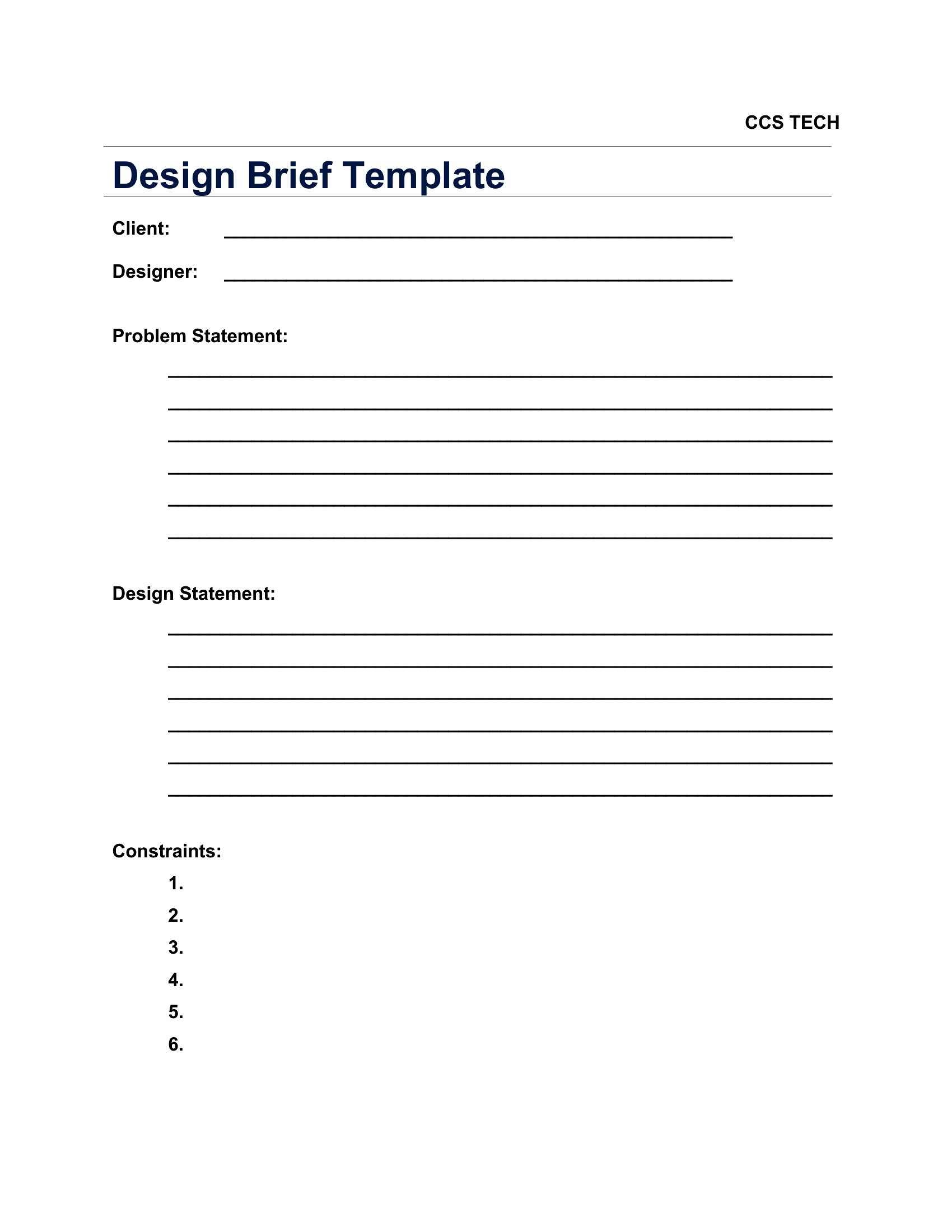
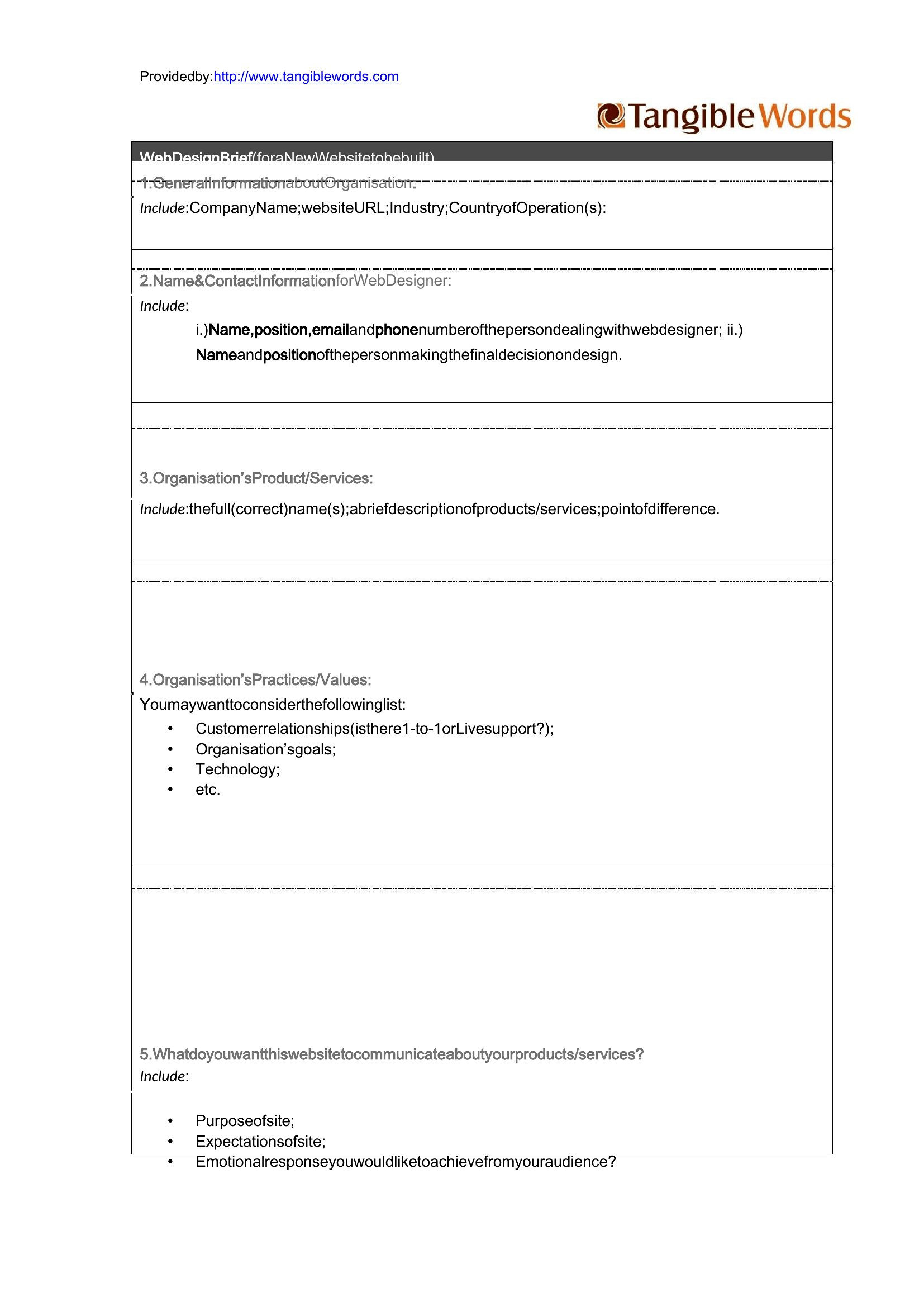
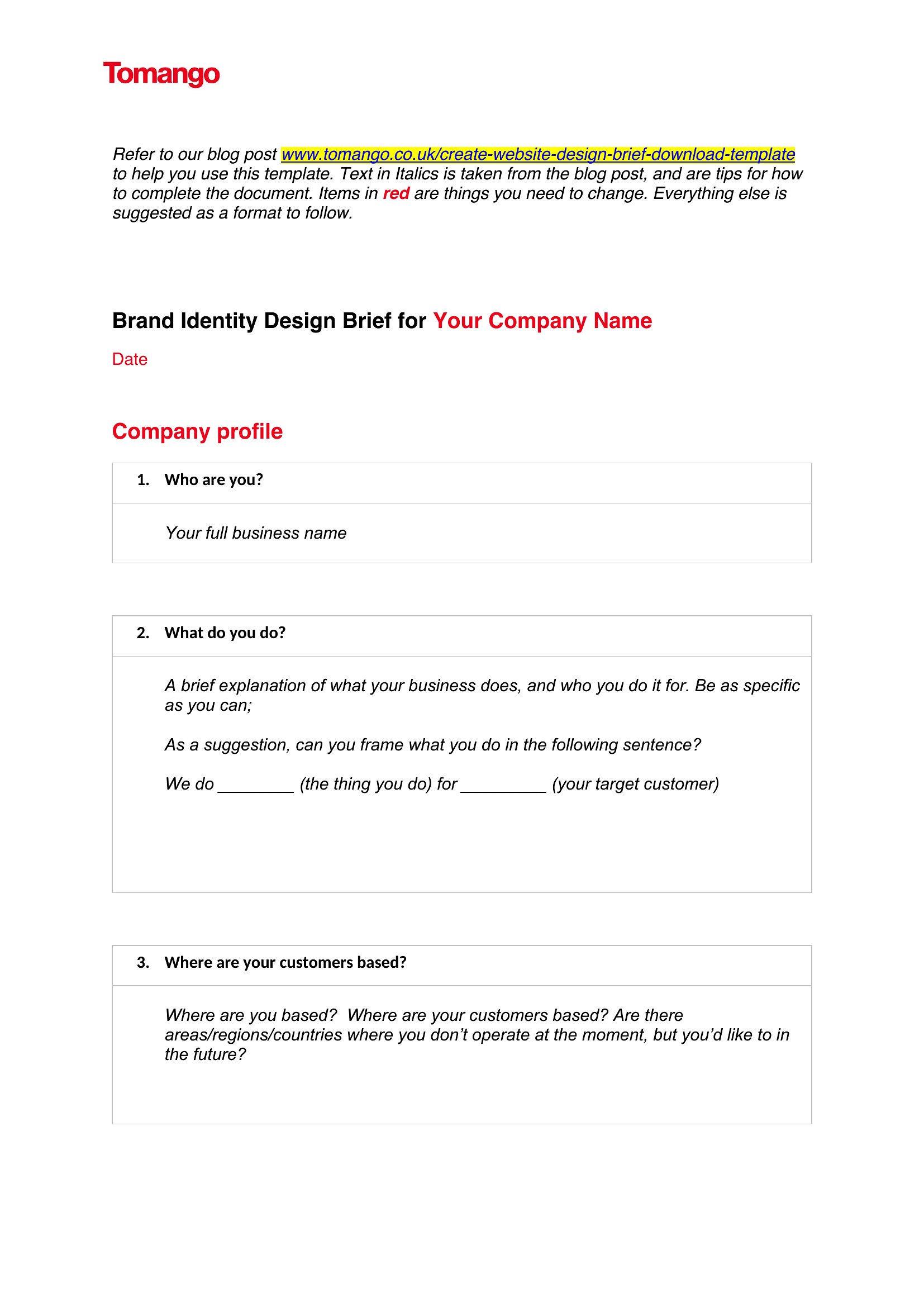
Choose from 50 Design Brief Templates
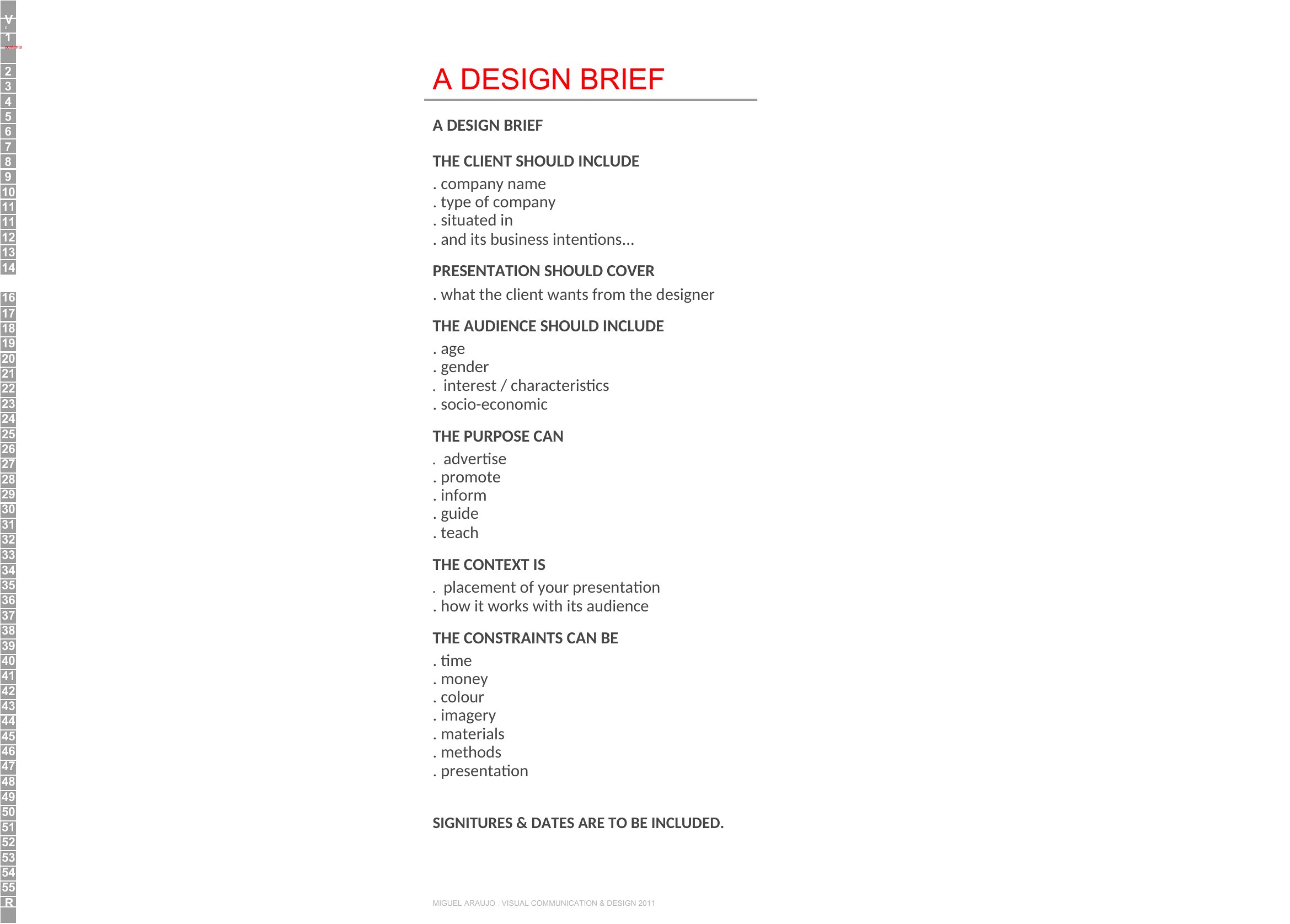
How to use this Design Brief template

How can I make sure the brief covers all the technical requirements without overwhelming a client?

Start with a ‘must-haves’ section to list non-negotiable technical specs like file formats, resolution needs, or platform compatibility. Then, add a ‘nice-to-haves’ column for optional elements, so clients can prioritize what matters most to their budget. Use bullet points instead of paragraphs to keep it scannable, and reference your sample templates to see how others break down these details.
What’s the best way to incorporate client feedback into the brief without turning it into a moving target?

Designate a ‘feedback period’ in your workflow where comments are collected and summarized in a separate section labeled ‘Revisions Needed.’ Once approved, freeze the brief to move to the next phase. Use Word’s ‘Final’ marking tool to visually indicate when the document is locked for edits. This keeps revisions contained and prevents last-minute scope creep.

Should I include a budget section if the client hasn’t shared financial details yet?

Yes, but frame it as a ‘budget range’ or ‘investment parameters’ to avoid pressuring the client. Use phrases like ‘What’s your target spend for this project?’ or ‘Are there fixed constraints we should plan around?’ This opens the conversation without assuming you know their numbers. Save the exact numbers for later stages once trust is established.

Comments

Join the conversation

Sign in to share your thoughts and leave a comment on this resource.

Newsletter

Get Weekly Design Updates
Join our community to receive curated resources and inspiration.
Weekly Tips Resources Early Access
We respect your privacy. Confirmation email required. Privacy Policy