Skip to content
50% off this one-time $1.99 pack with HALFOFF — or unlimited with Pro.HALFOFF
Premium

Free Creative Brief Templates (Word)
Business
francocastro by francocastro
Updated 0 downloads Quality-checked template

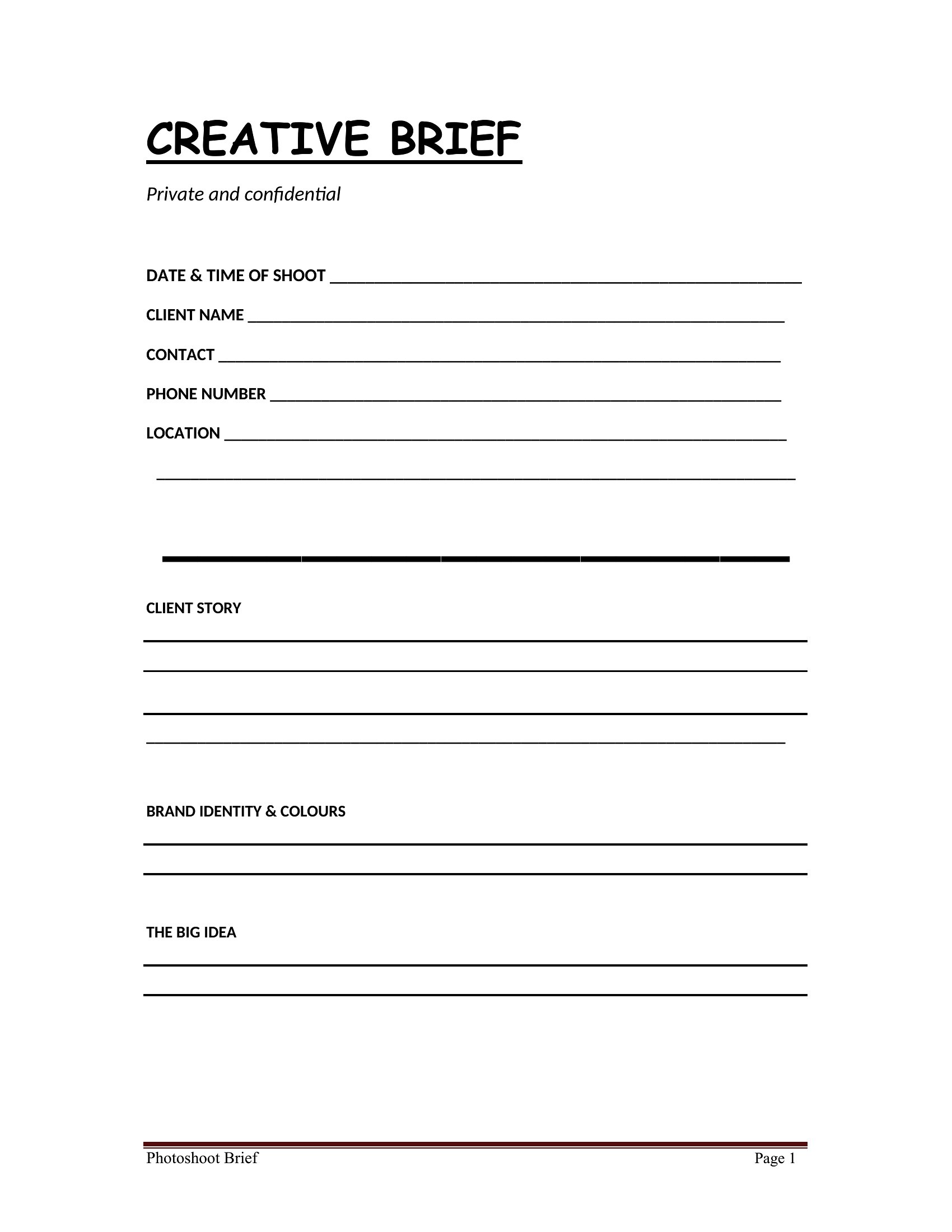
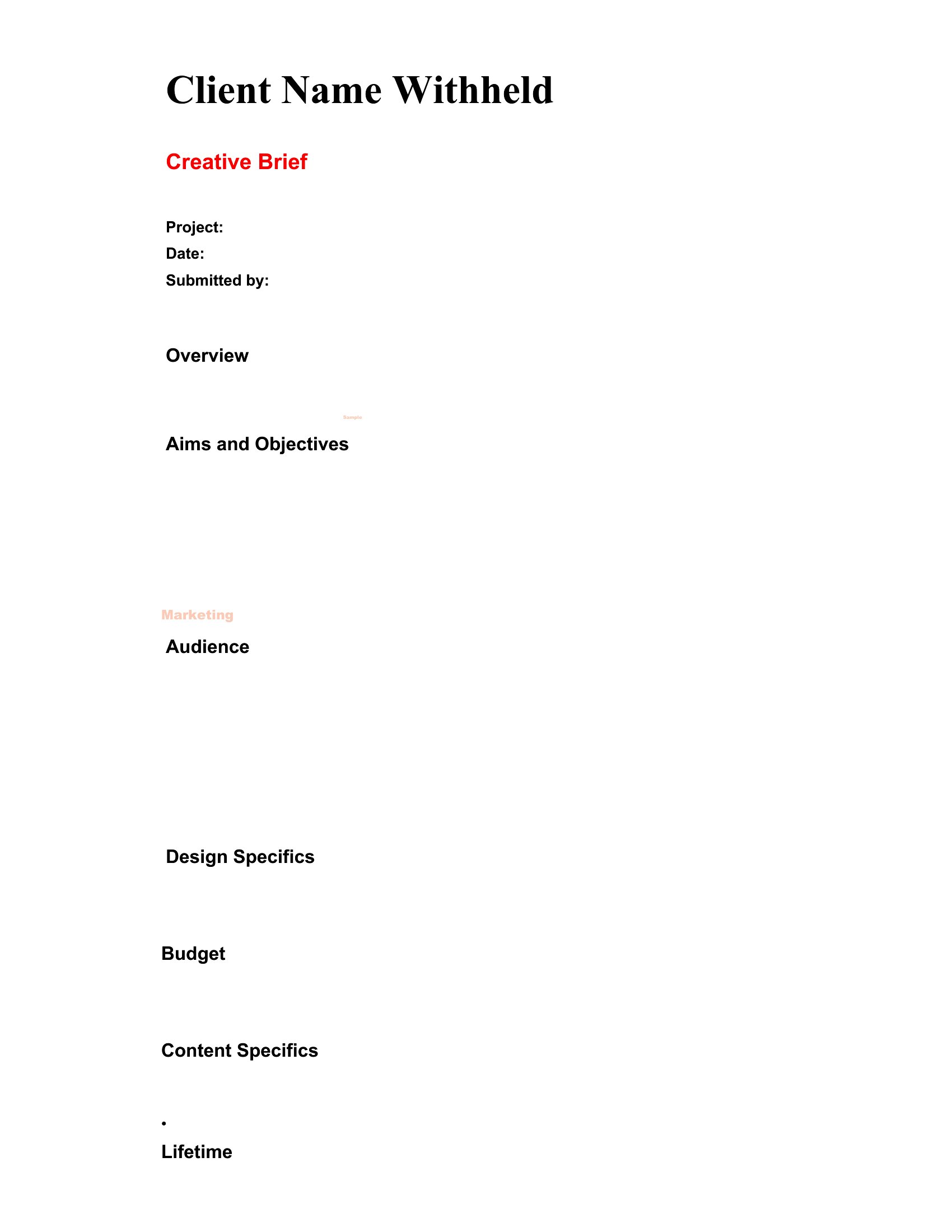
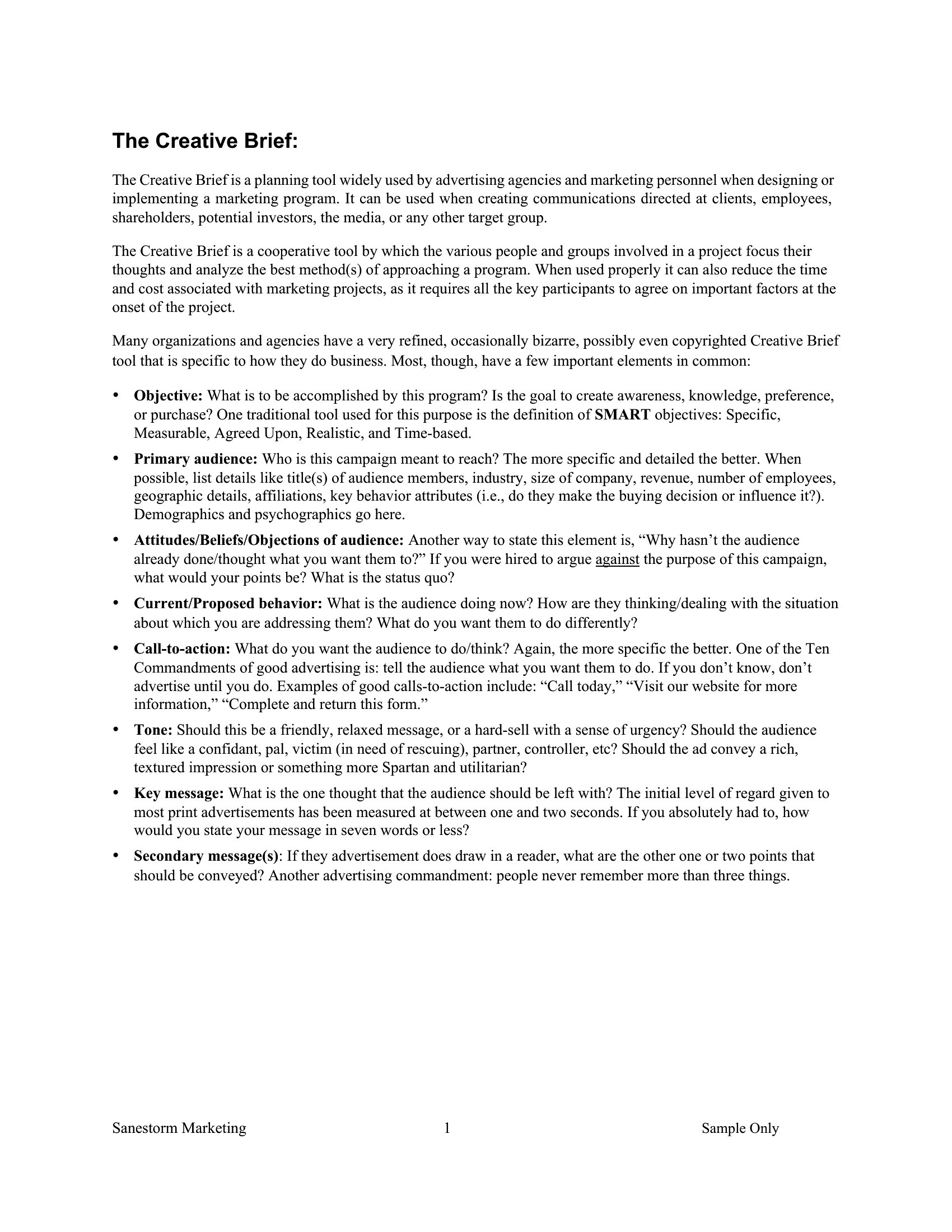
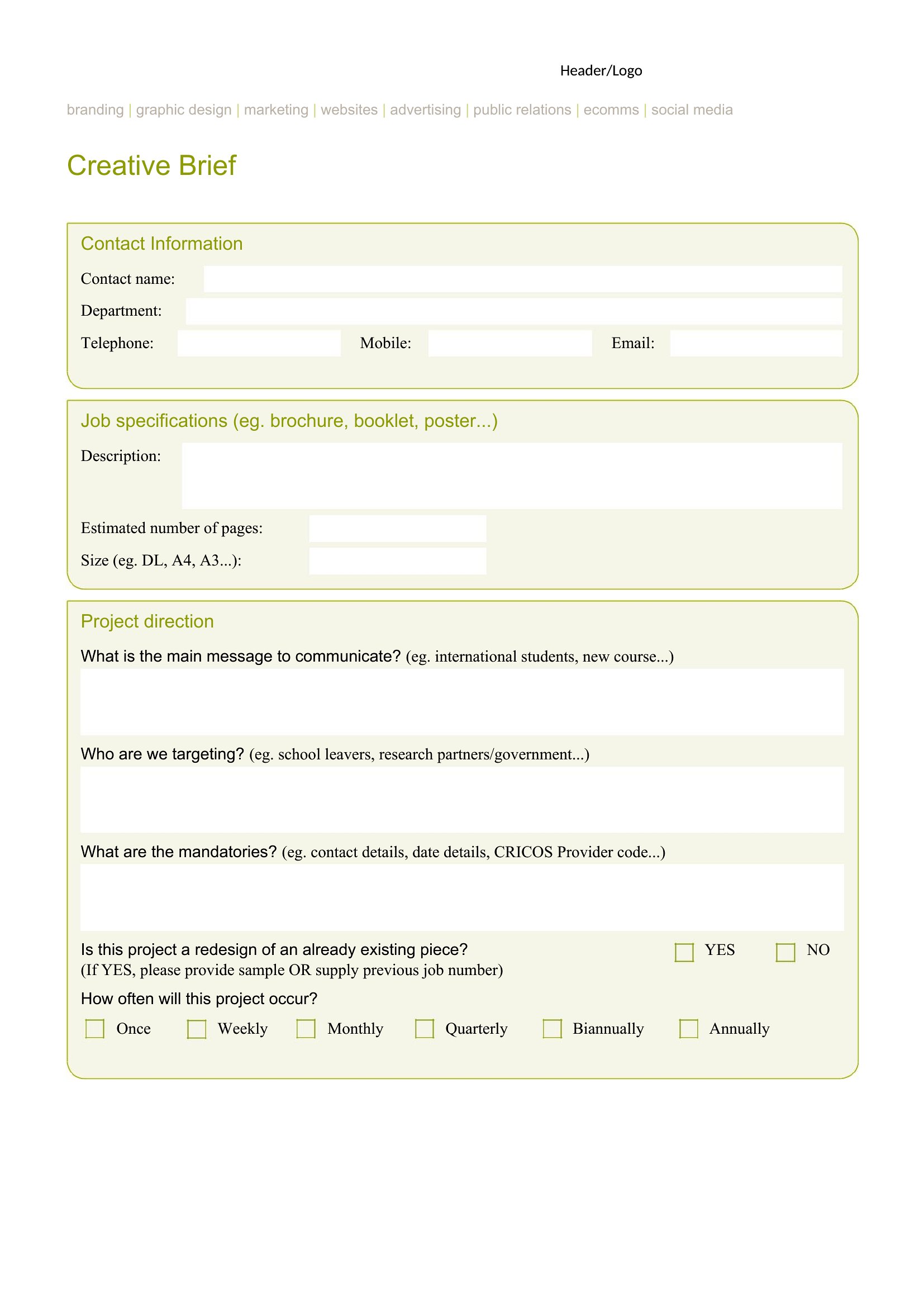
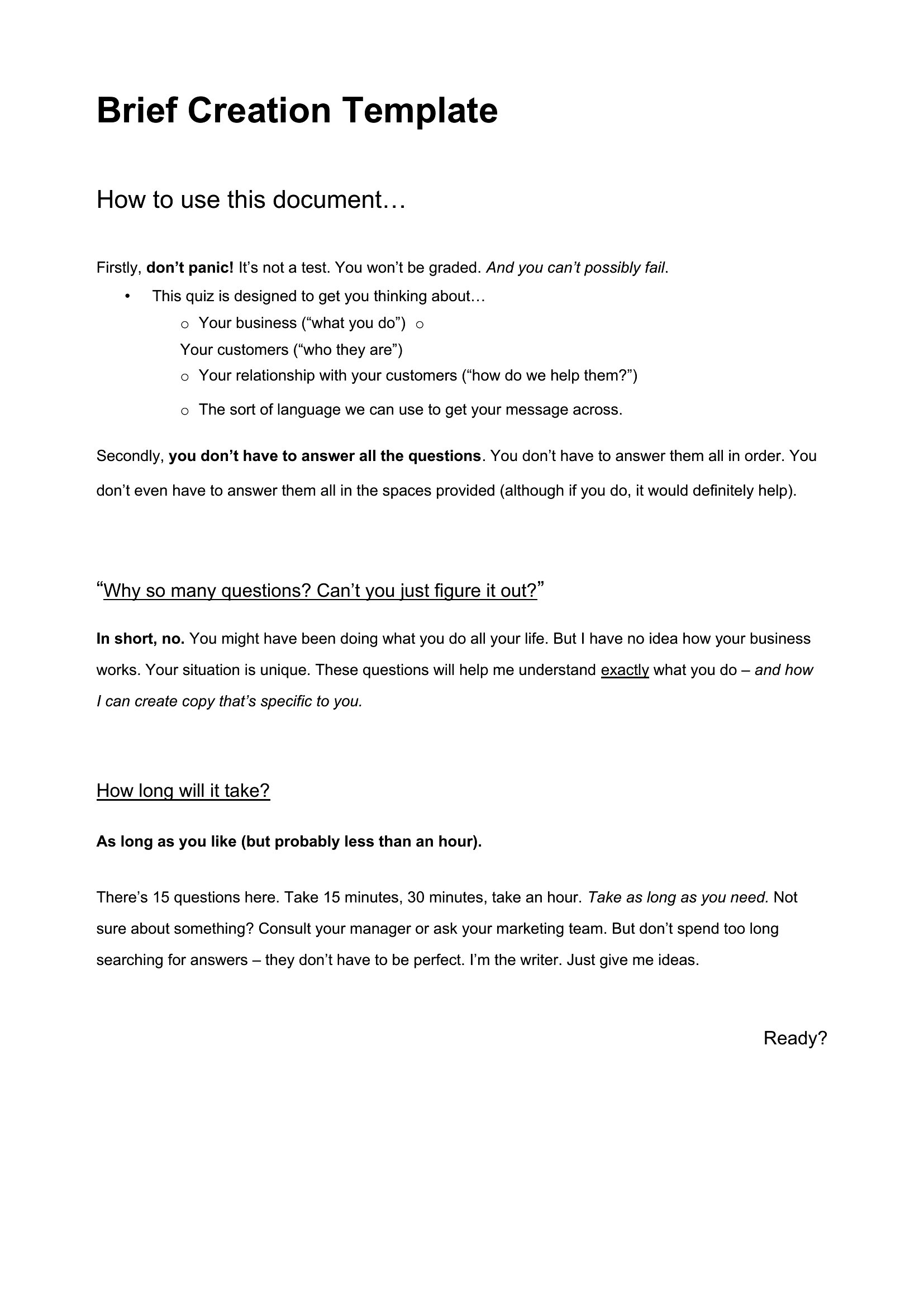
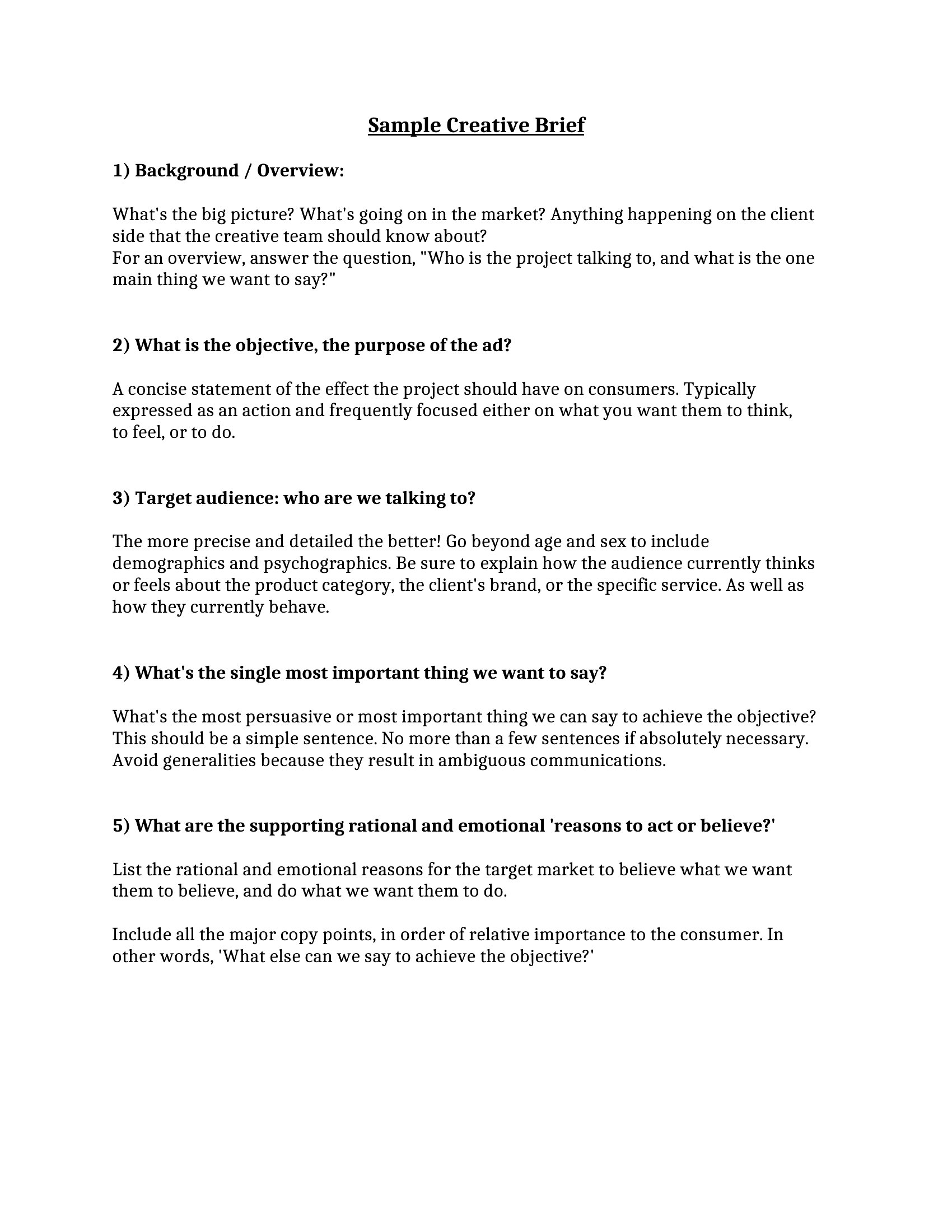
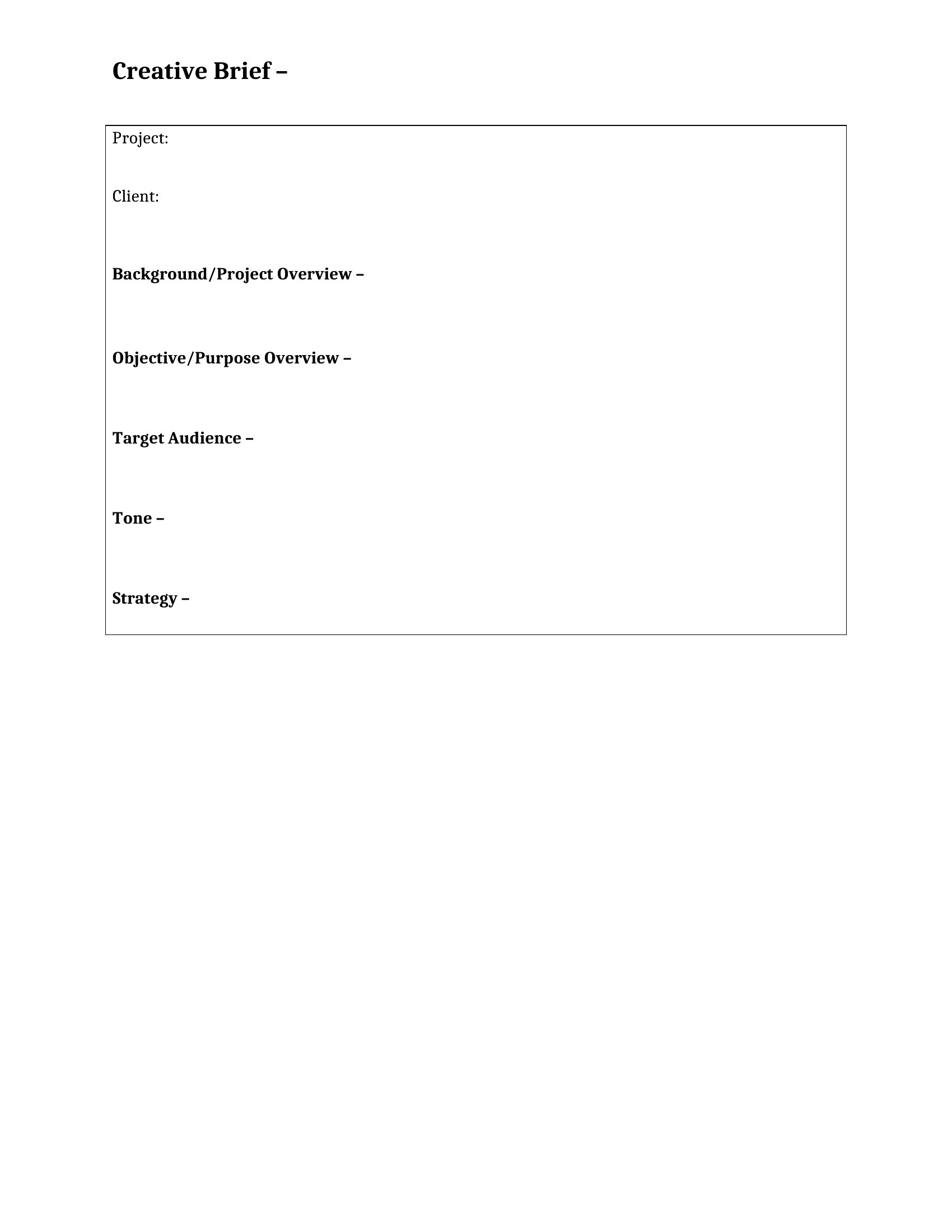
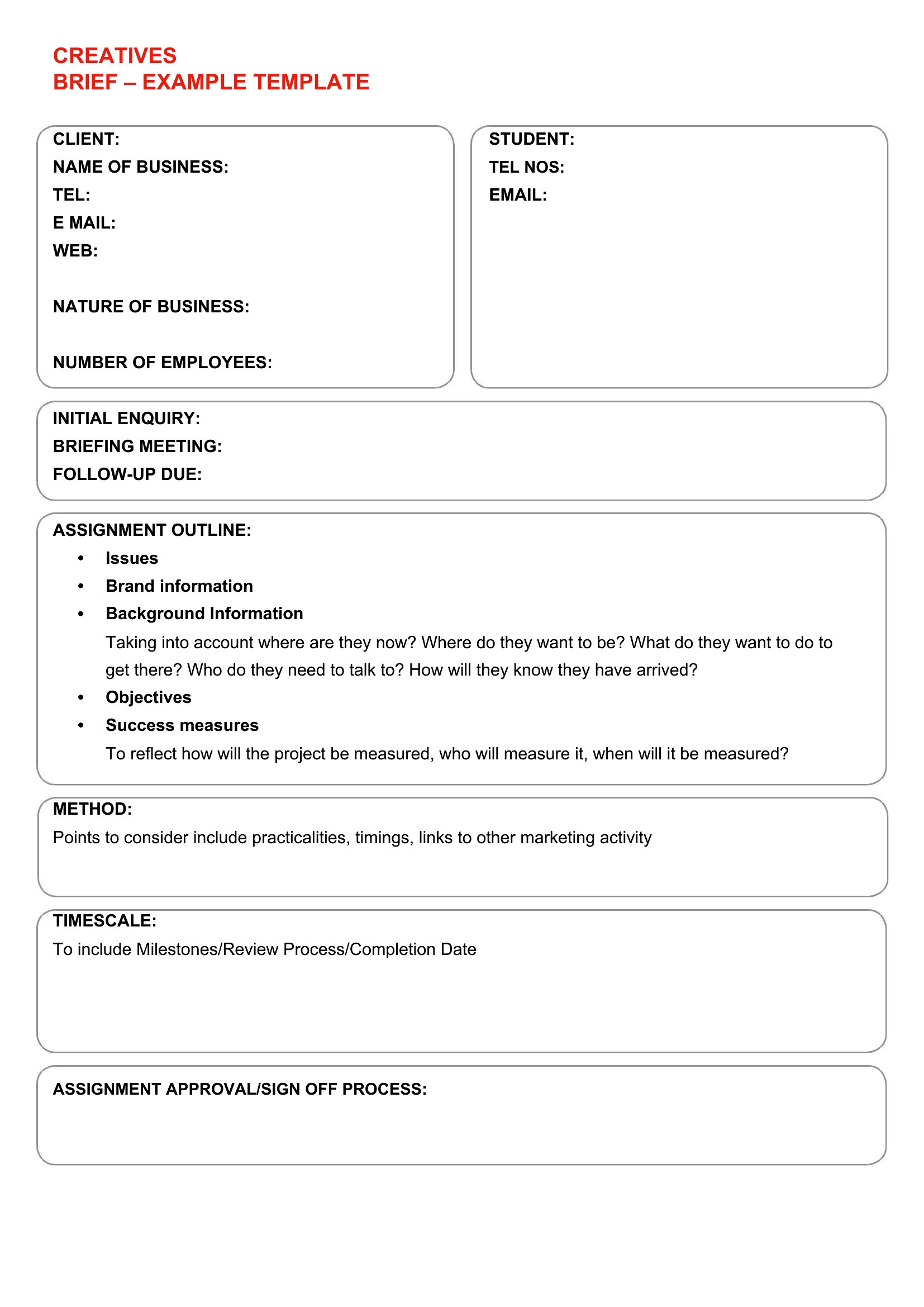
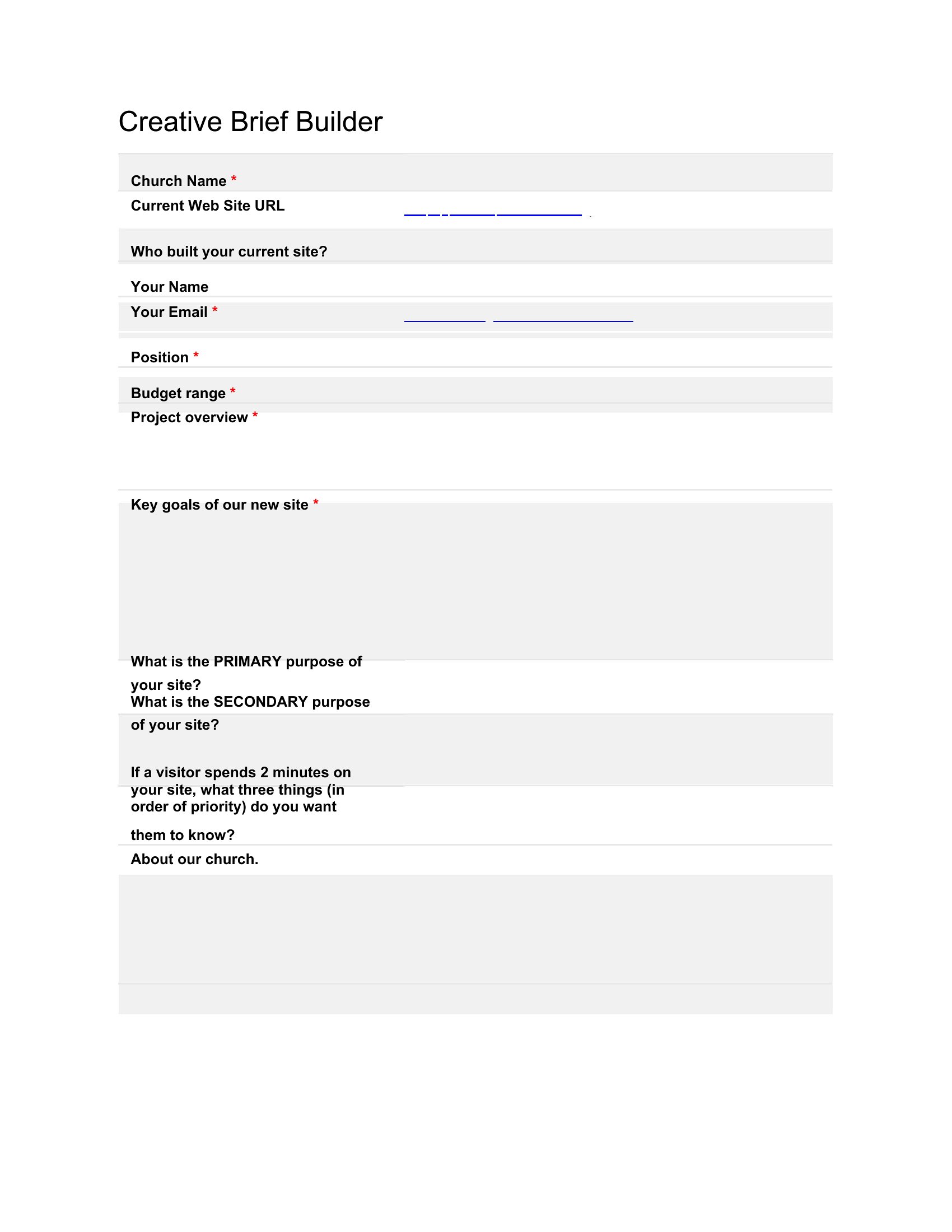
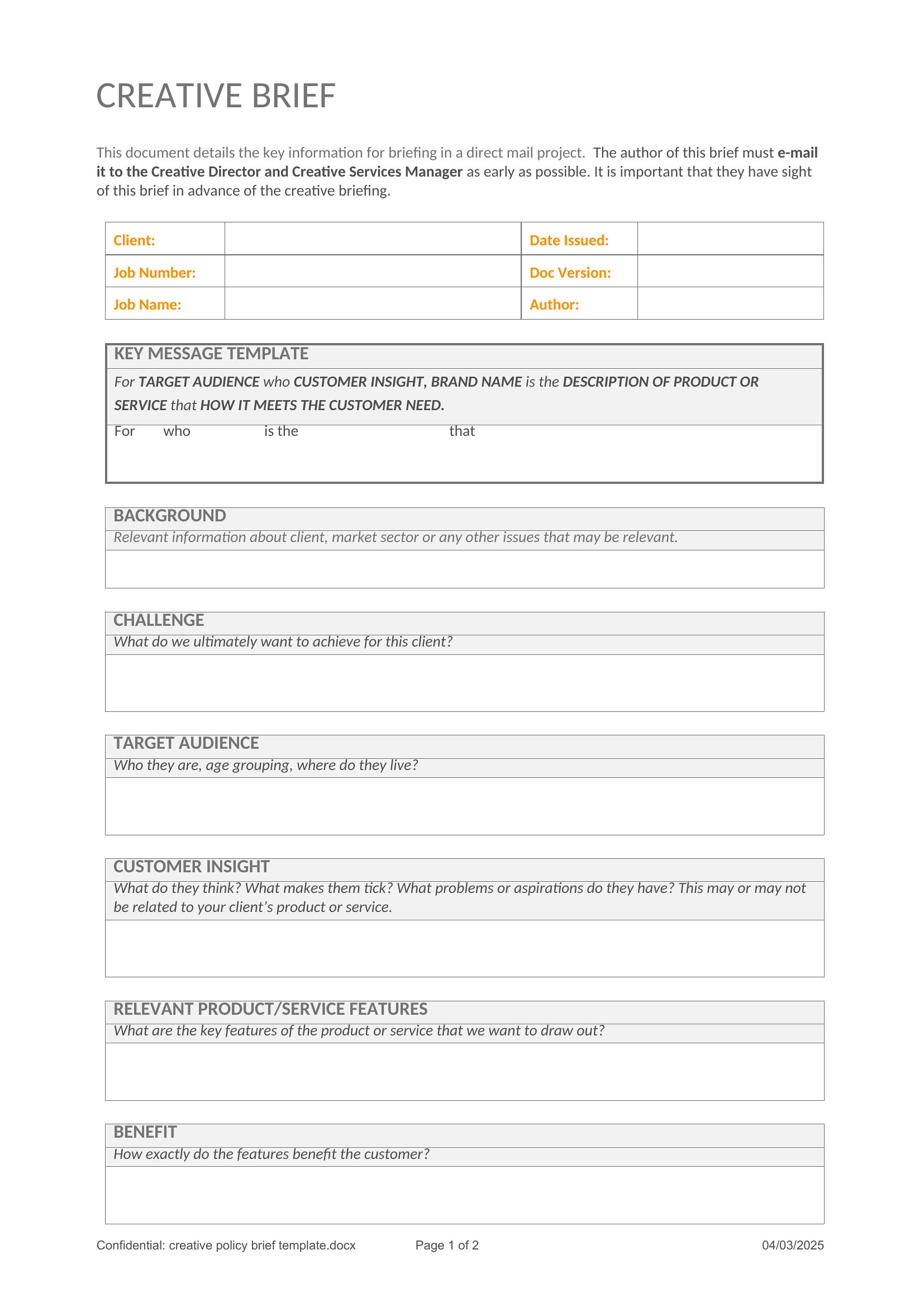
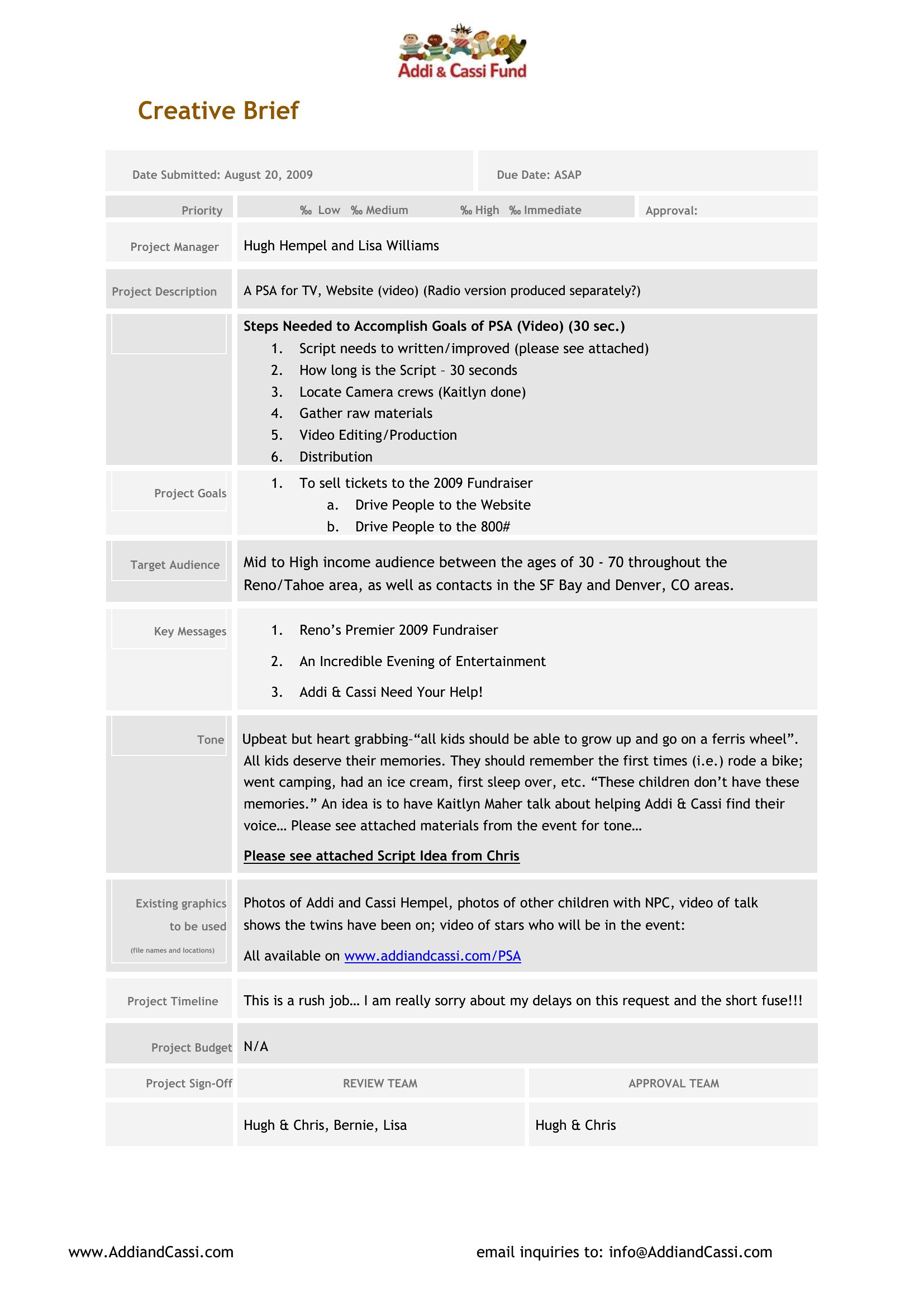
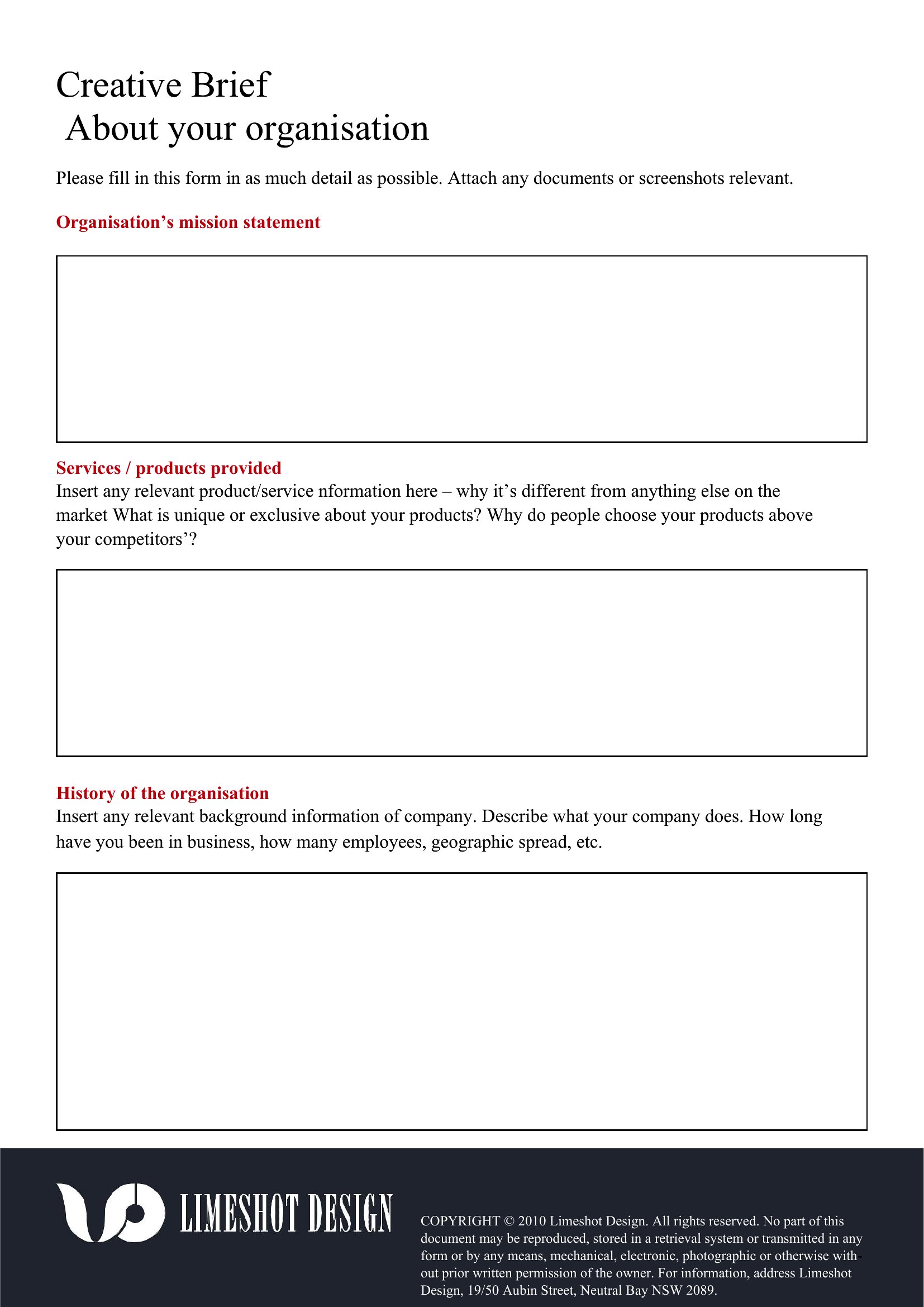
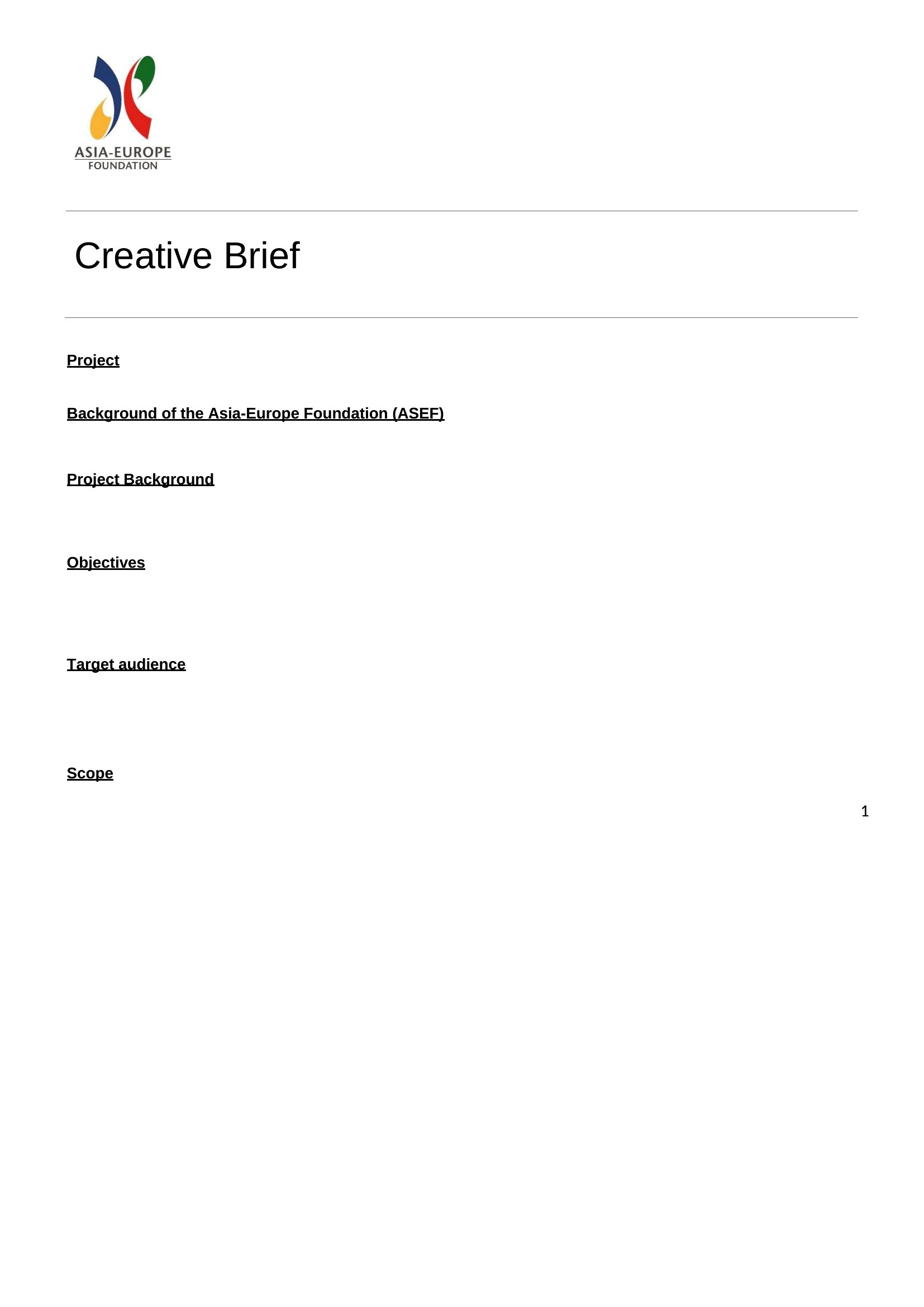
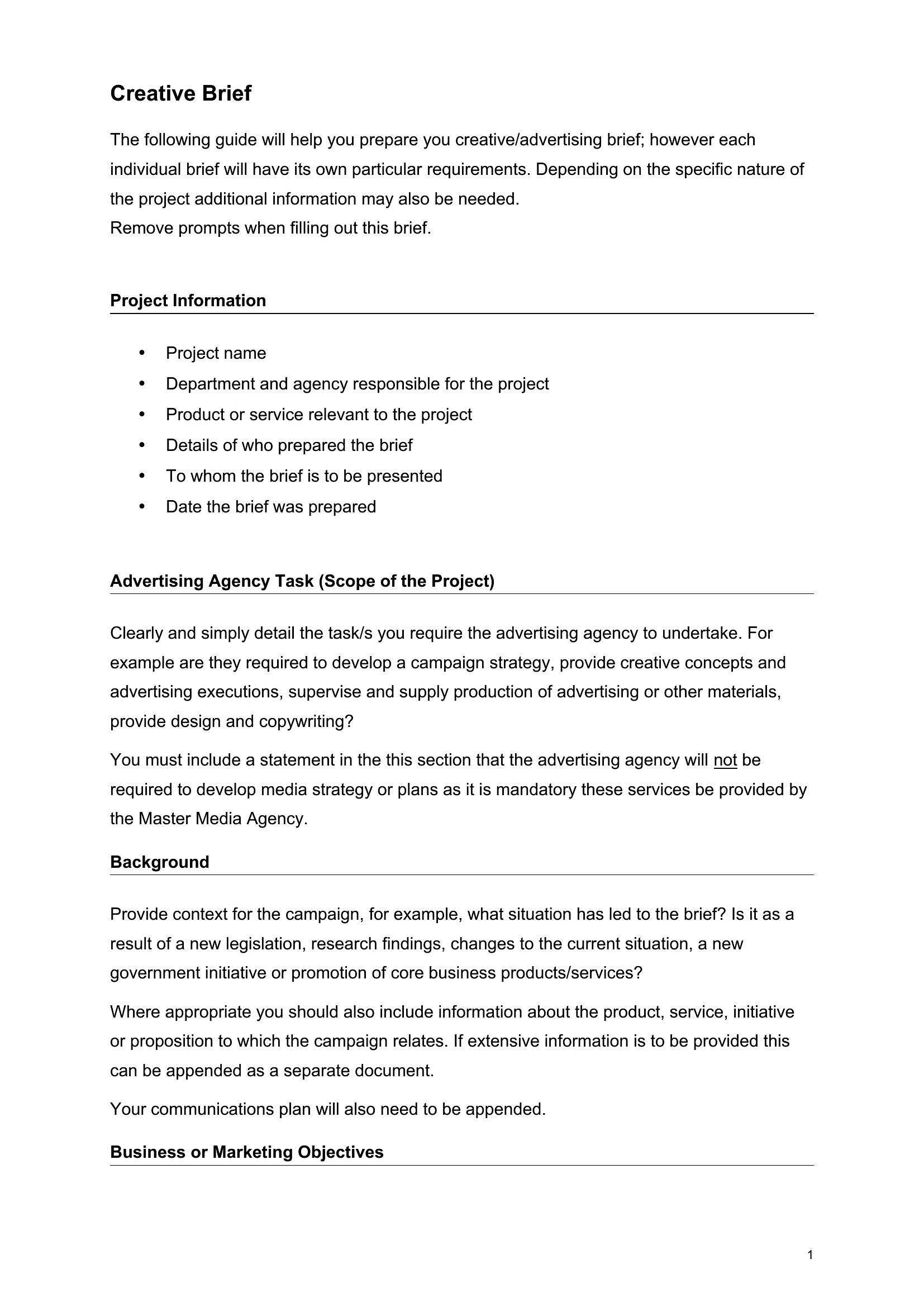
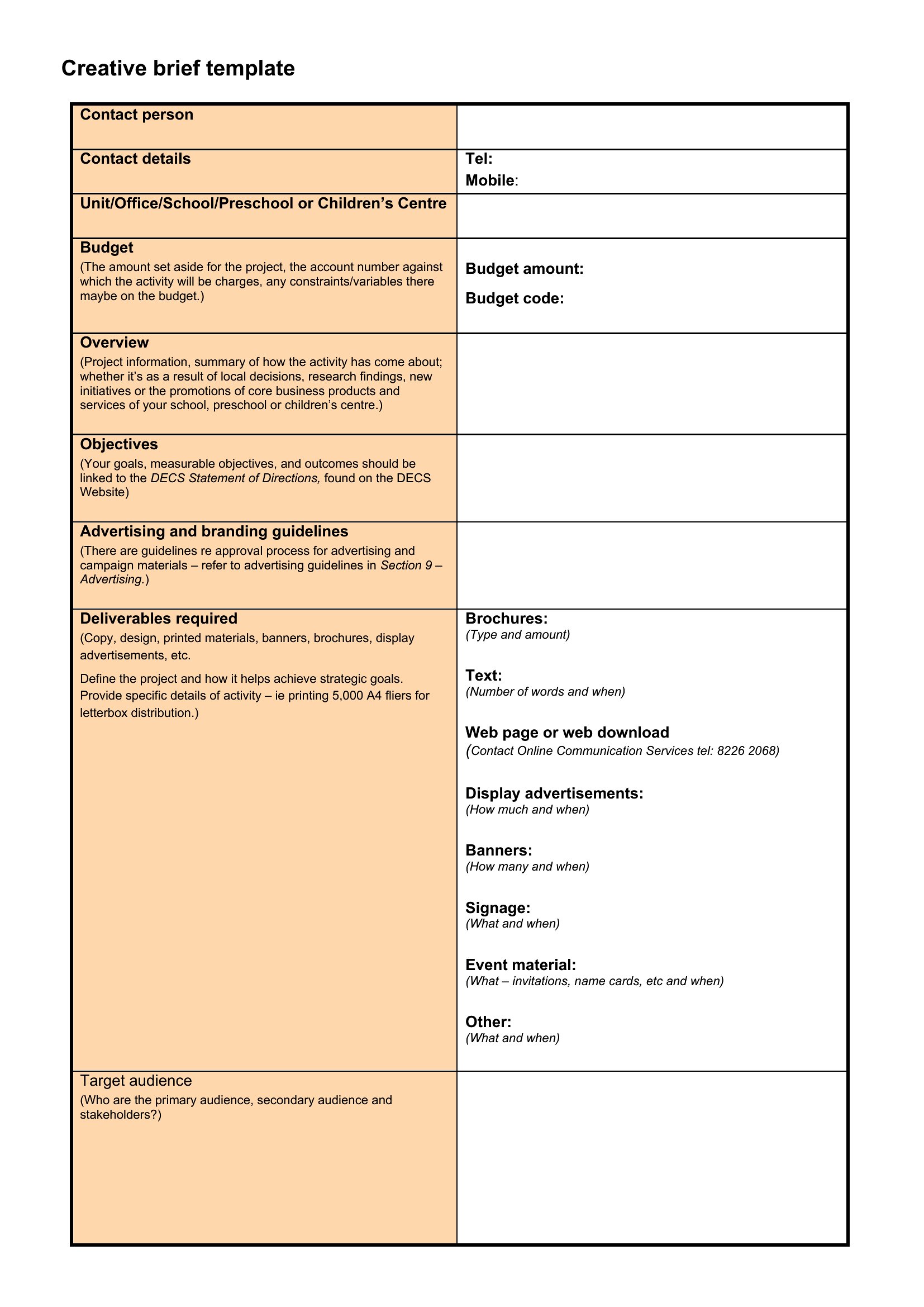
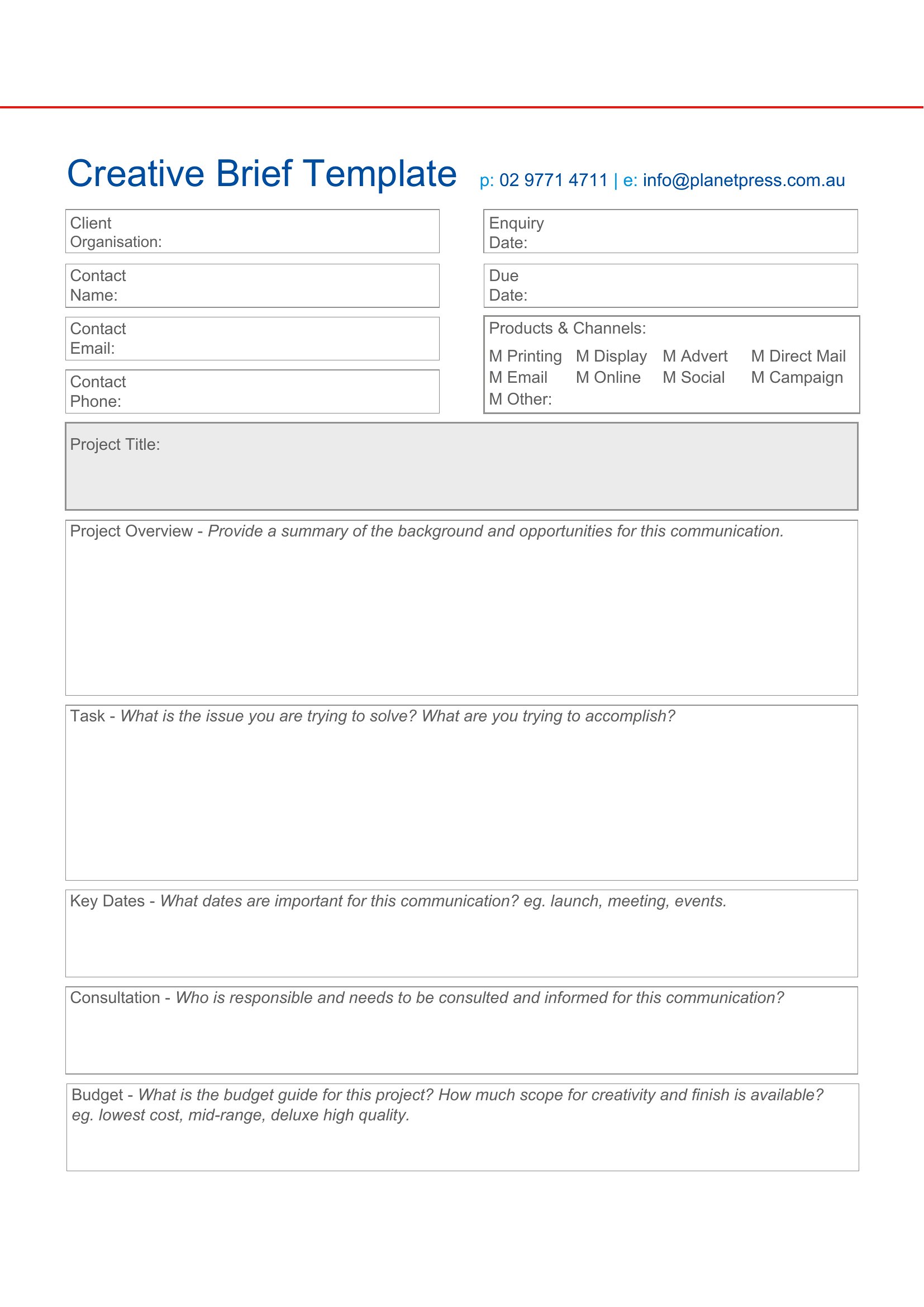
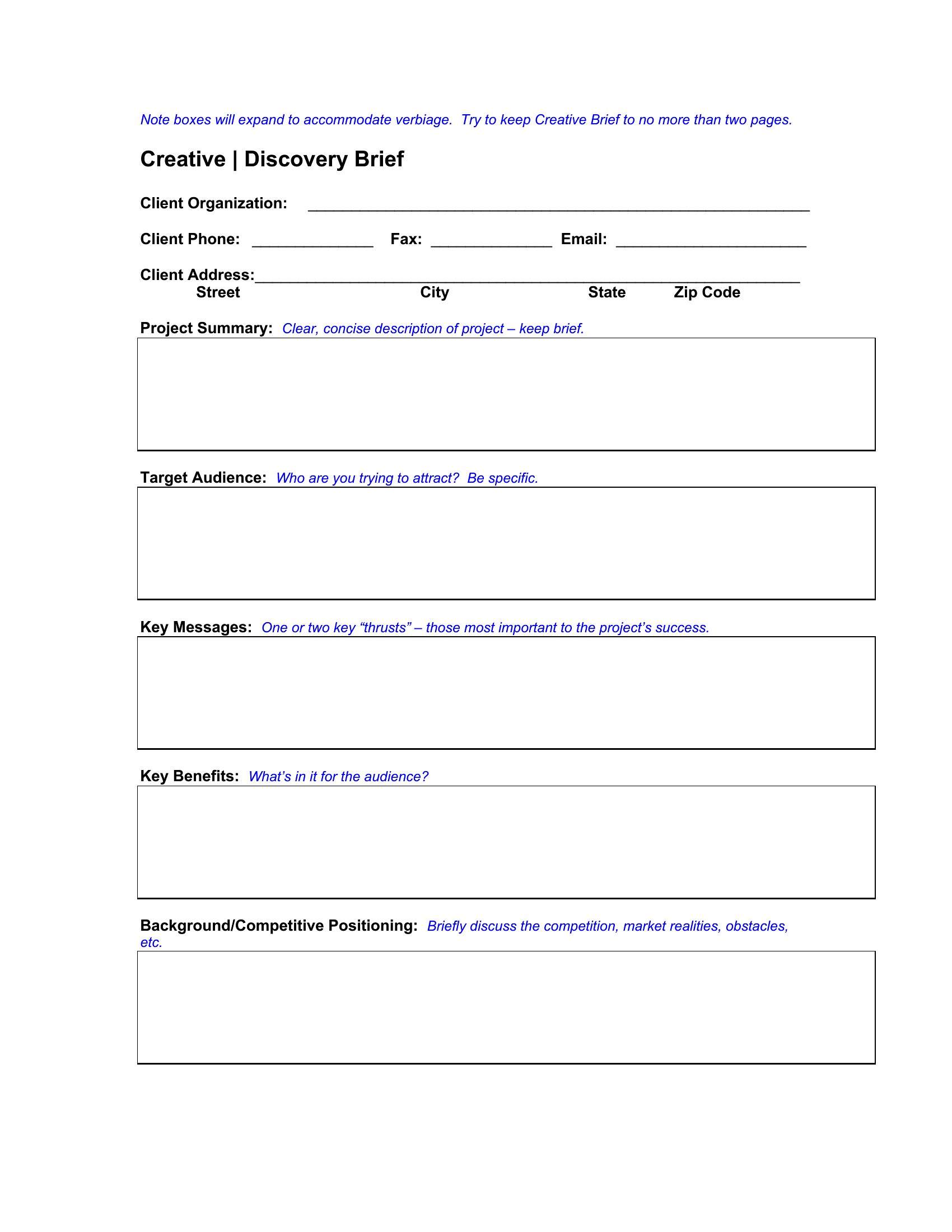
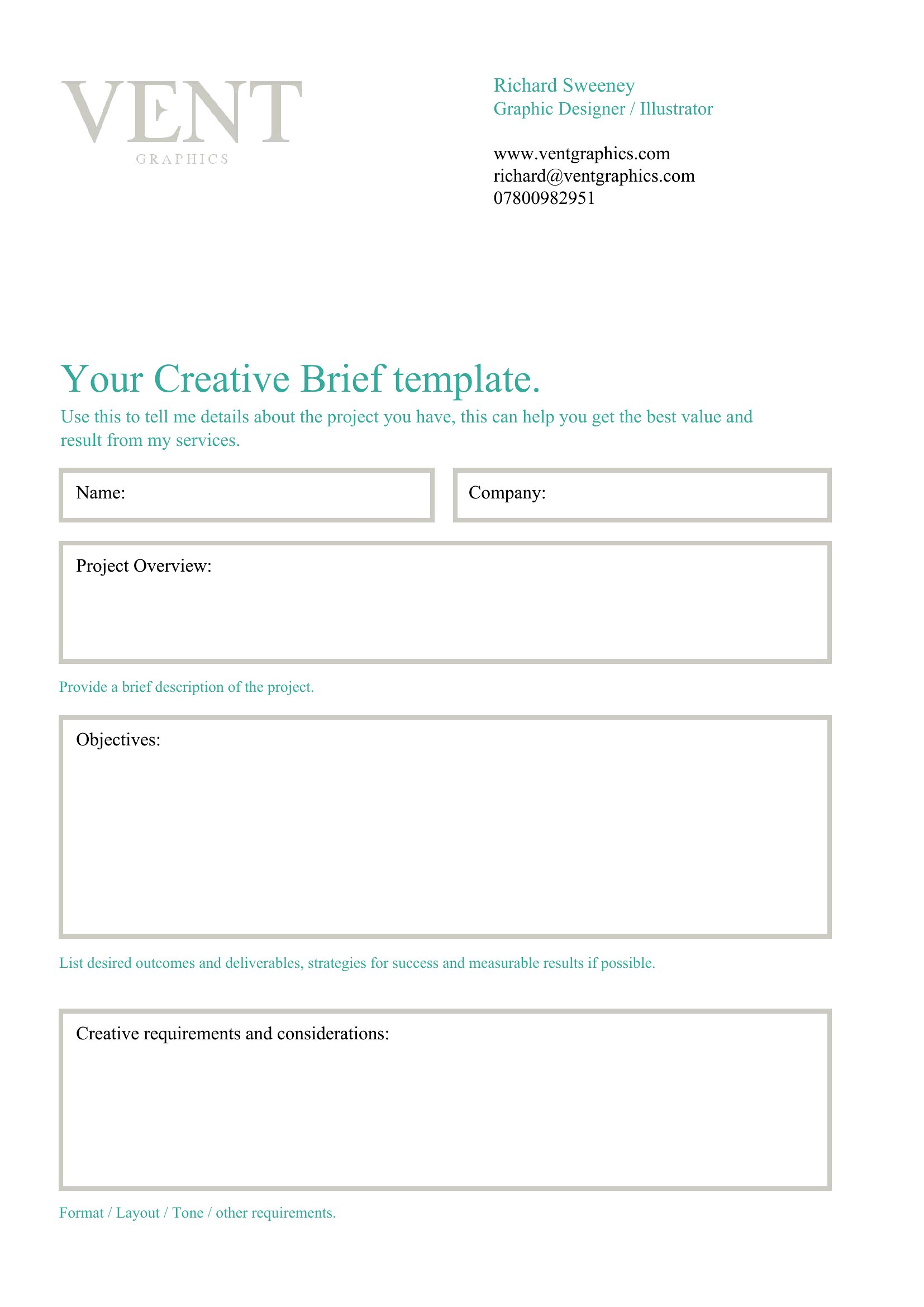
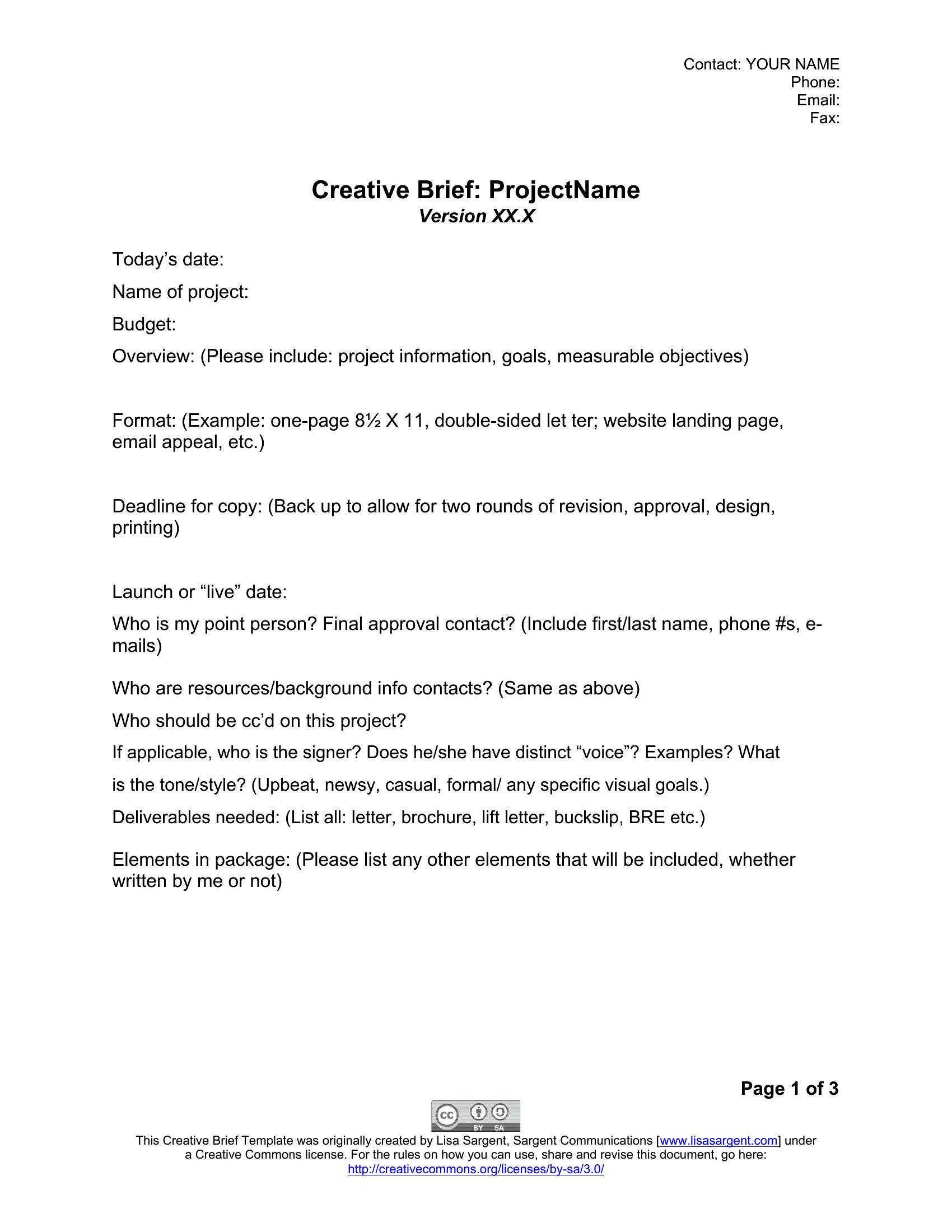
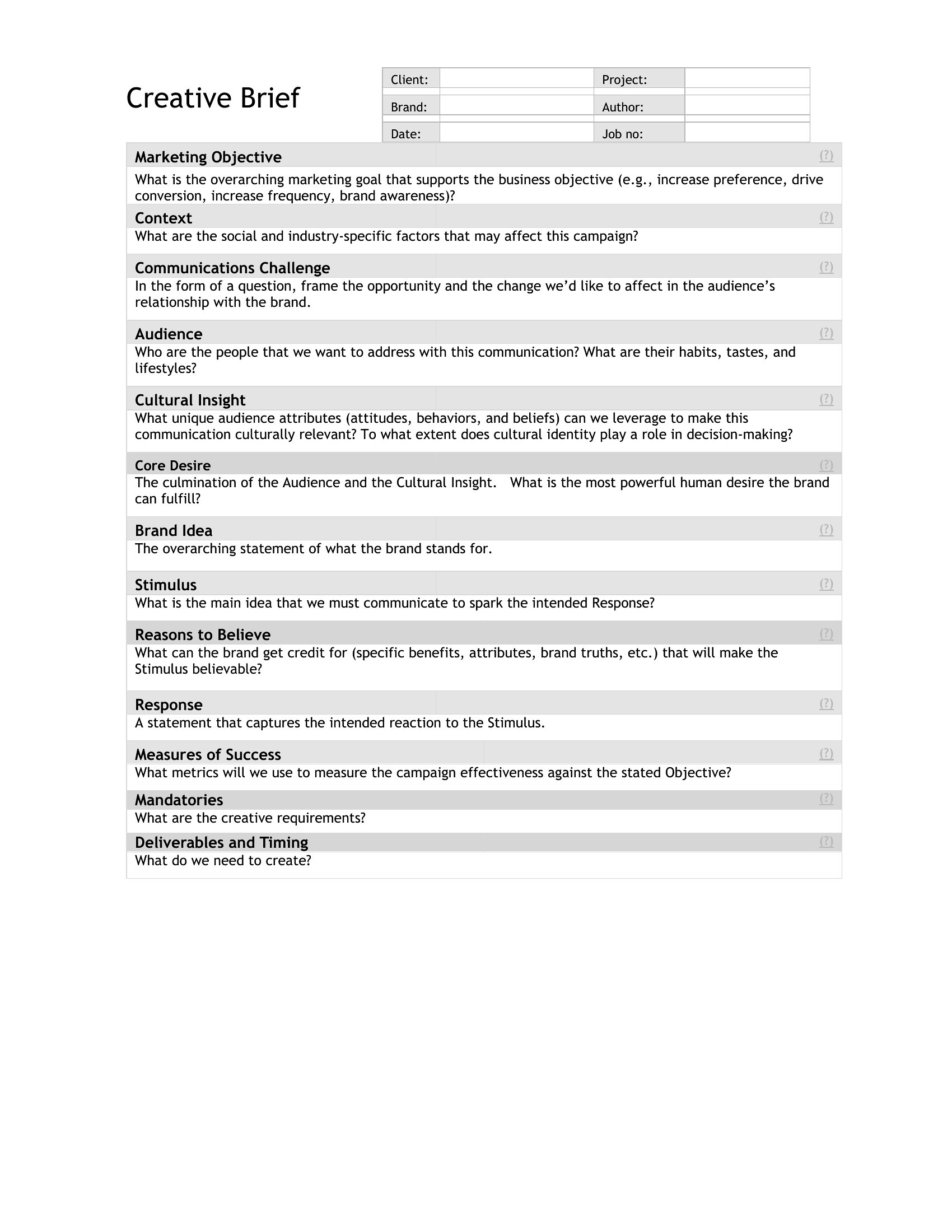
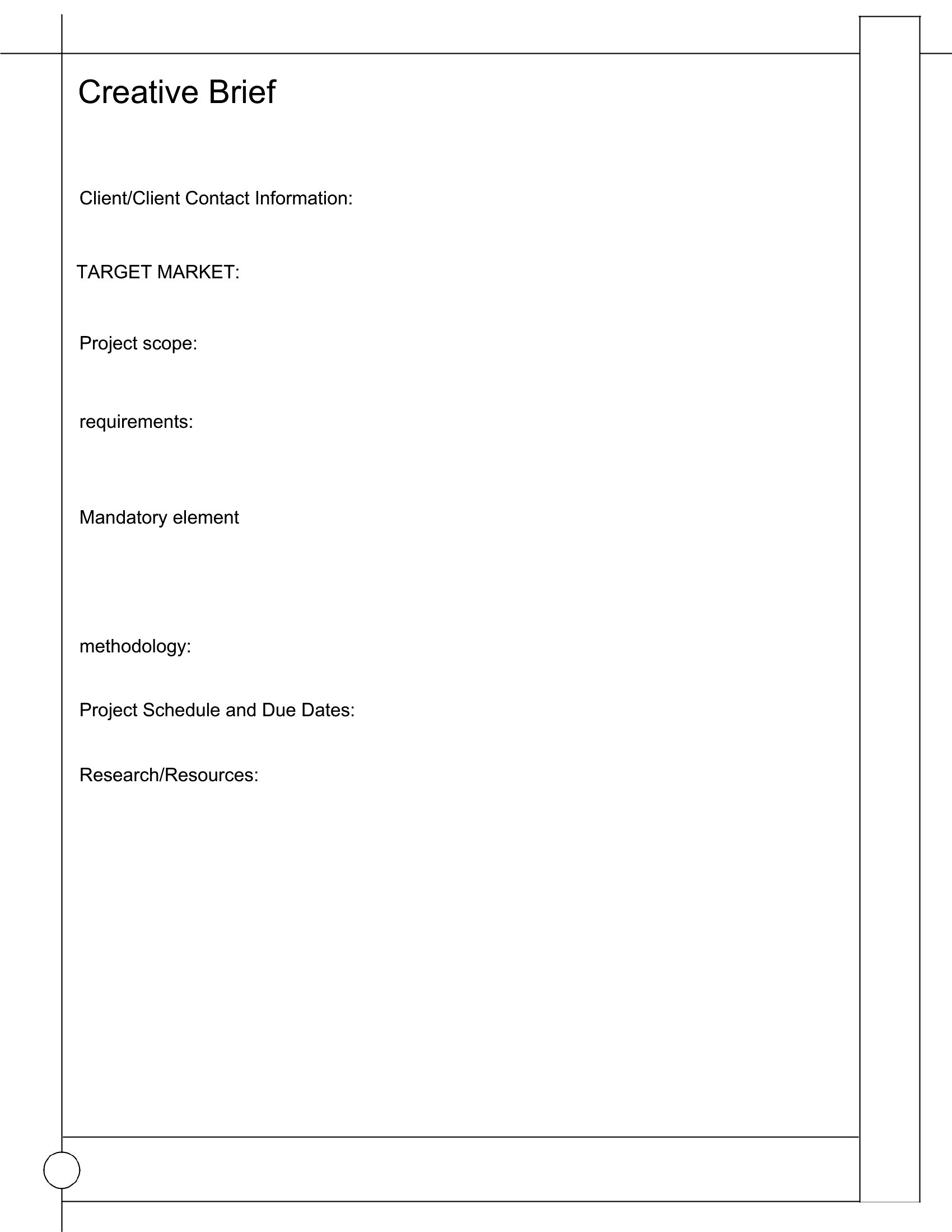
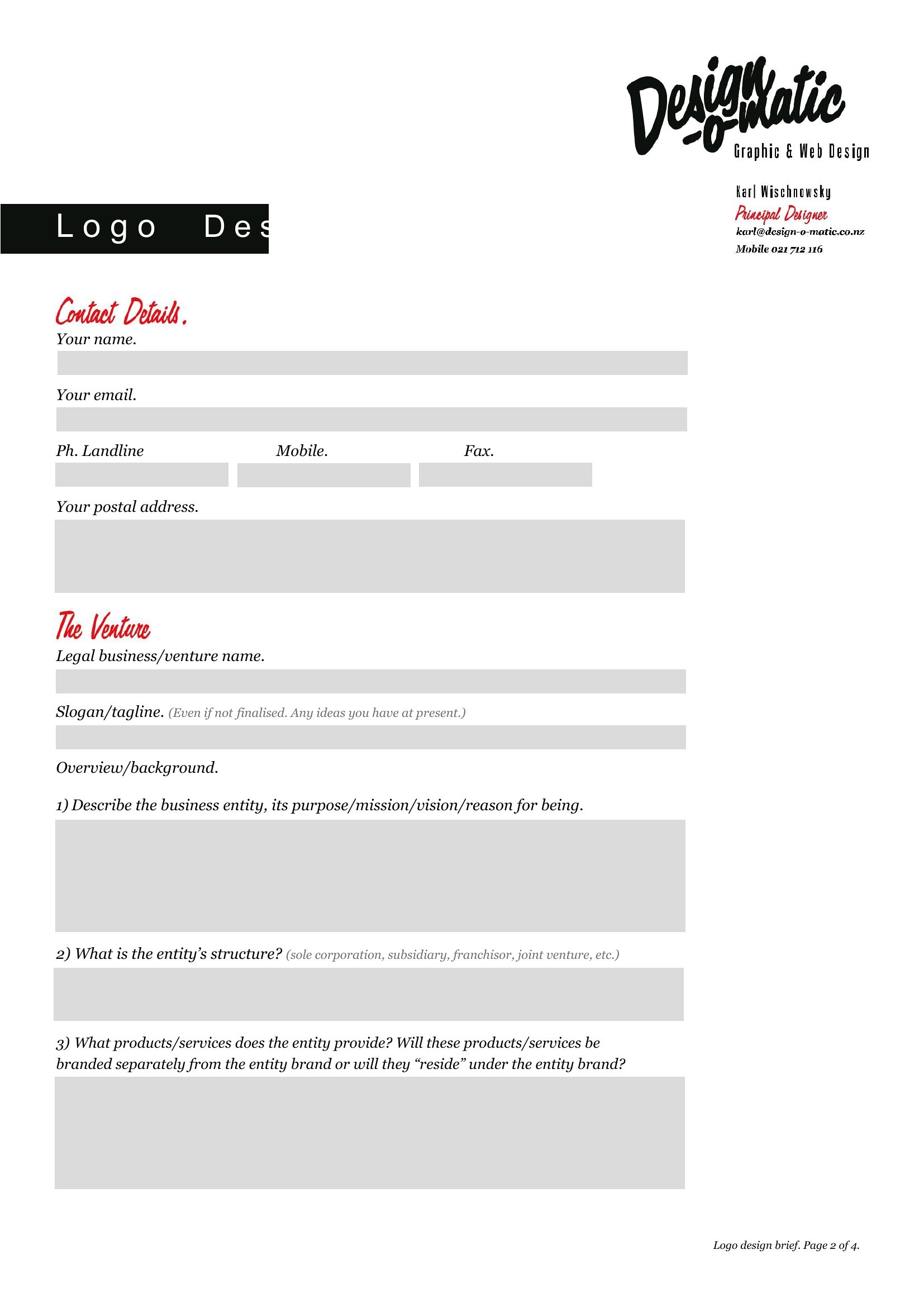
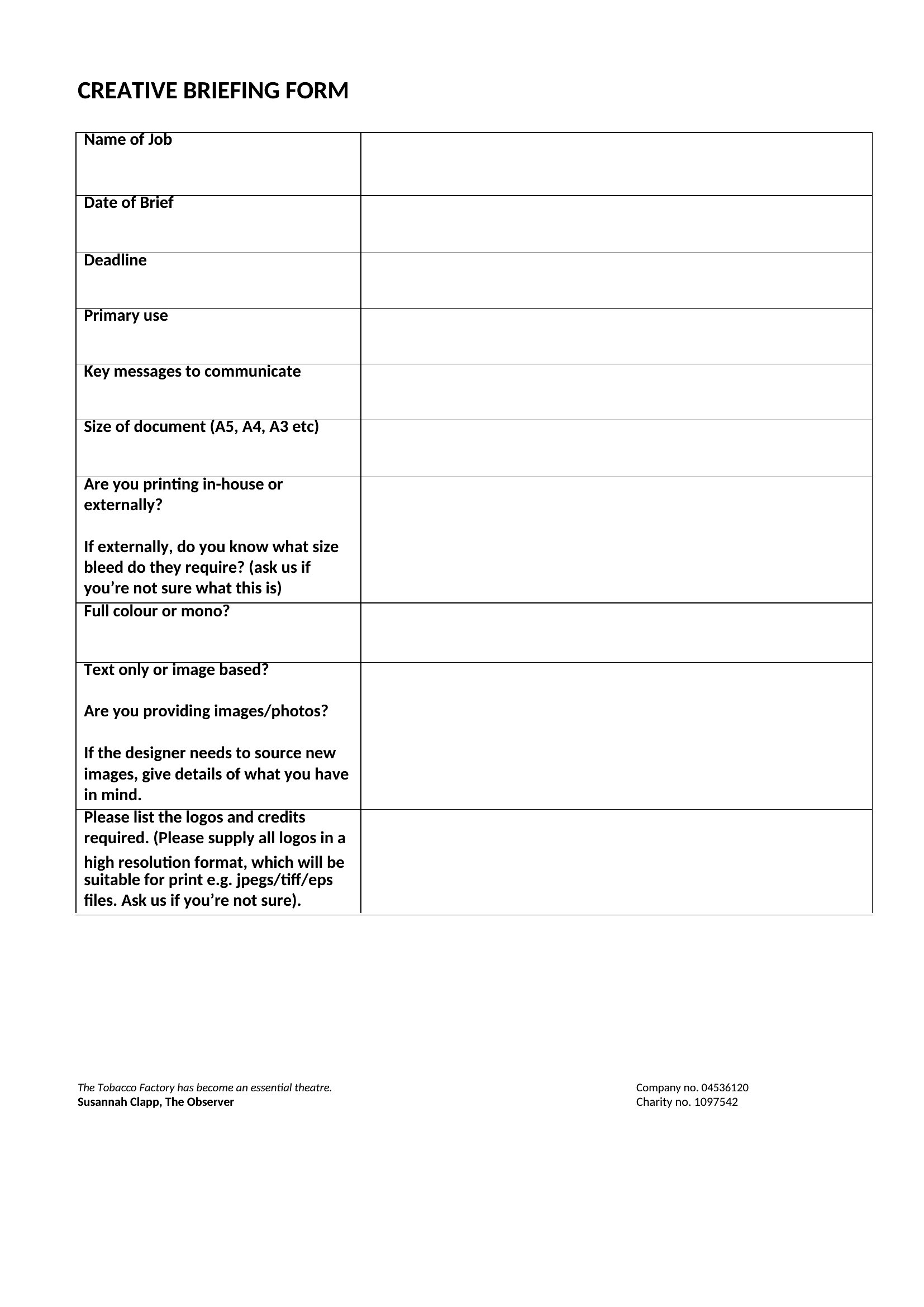
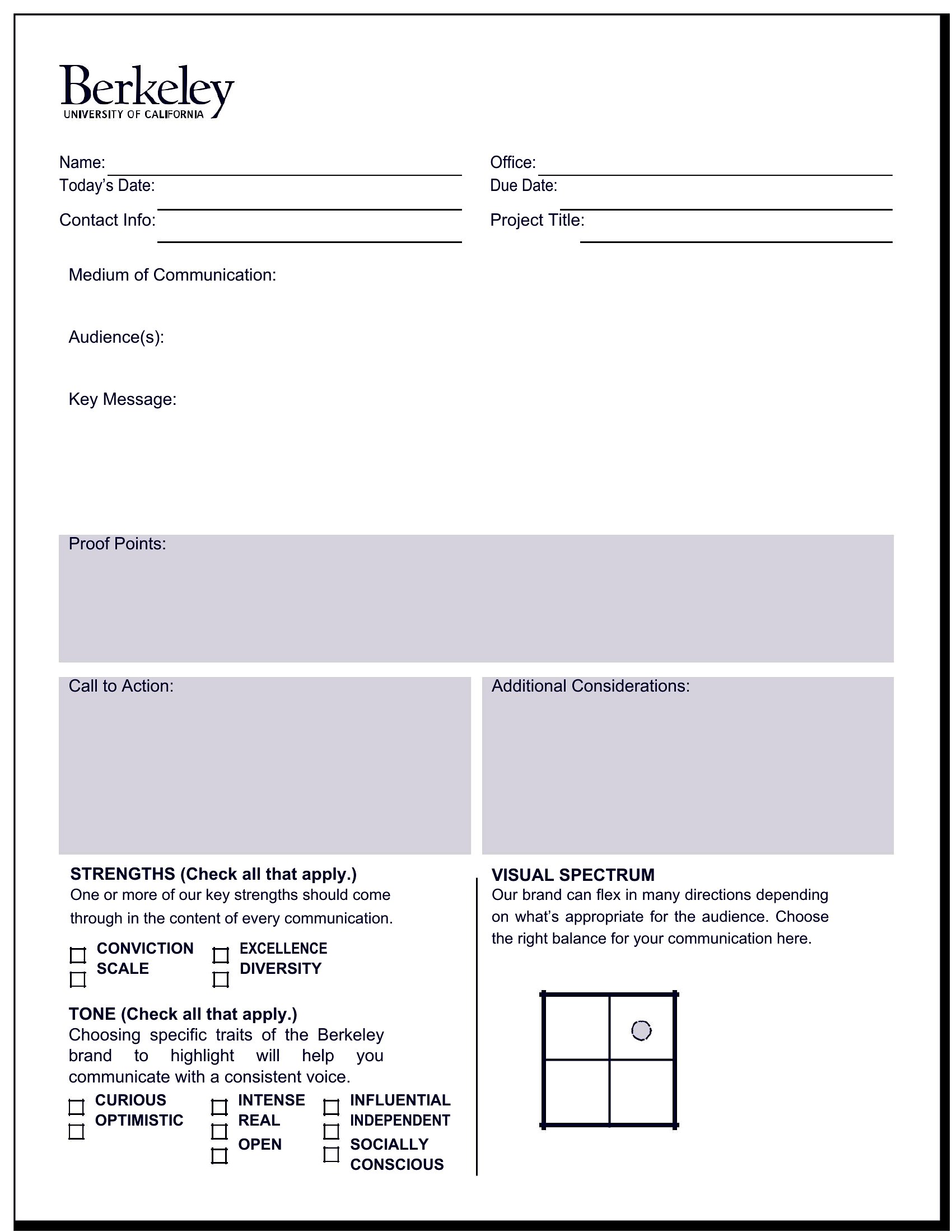
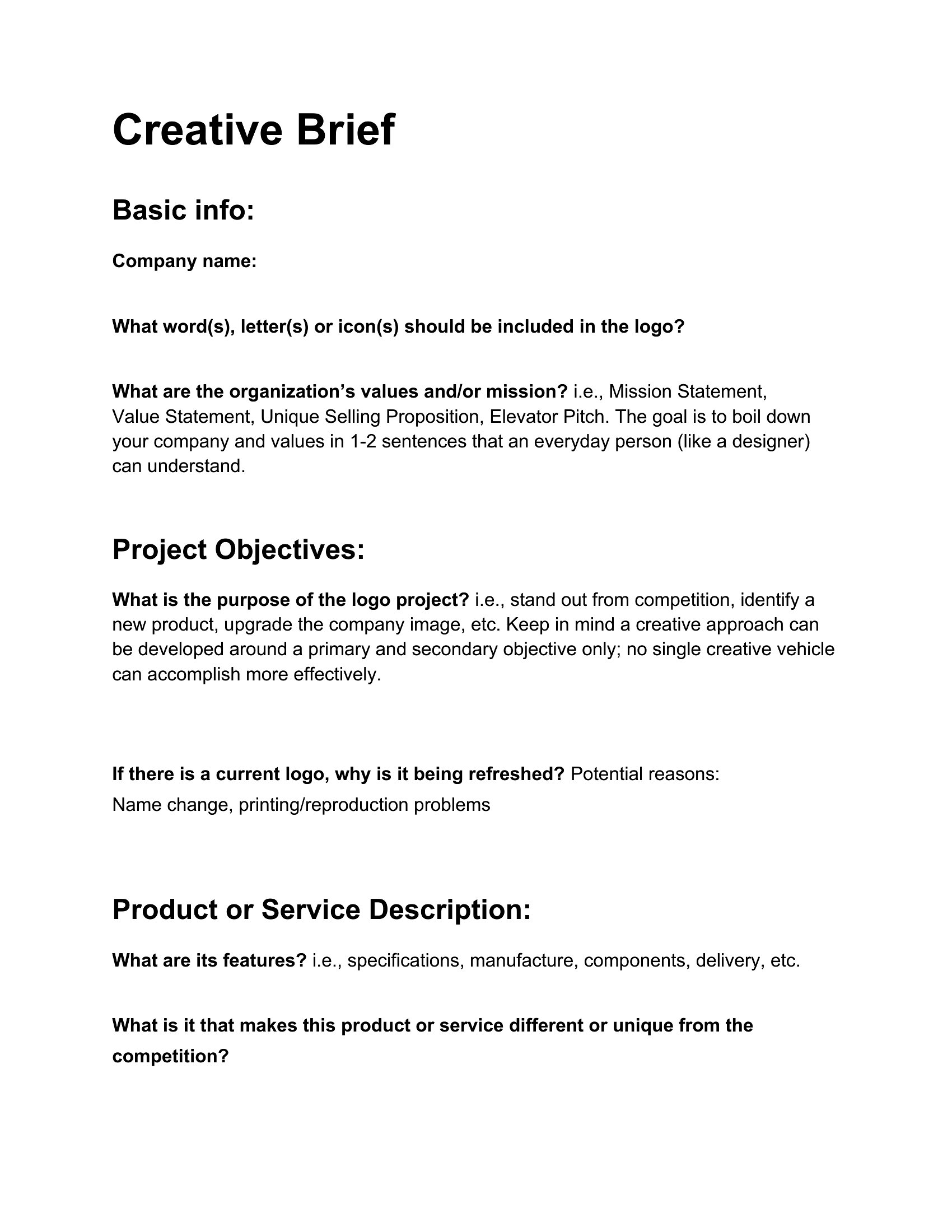
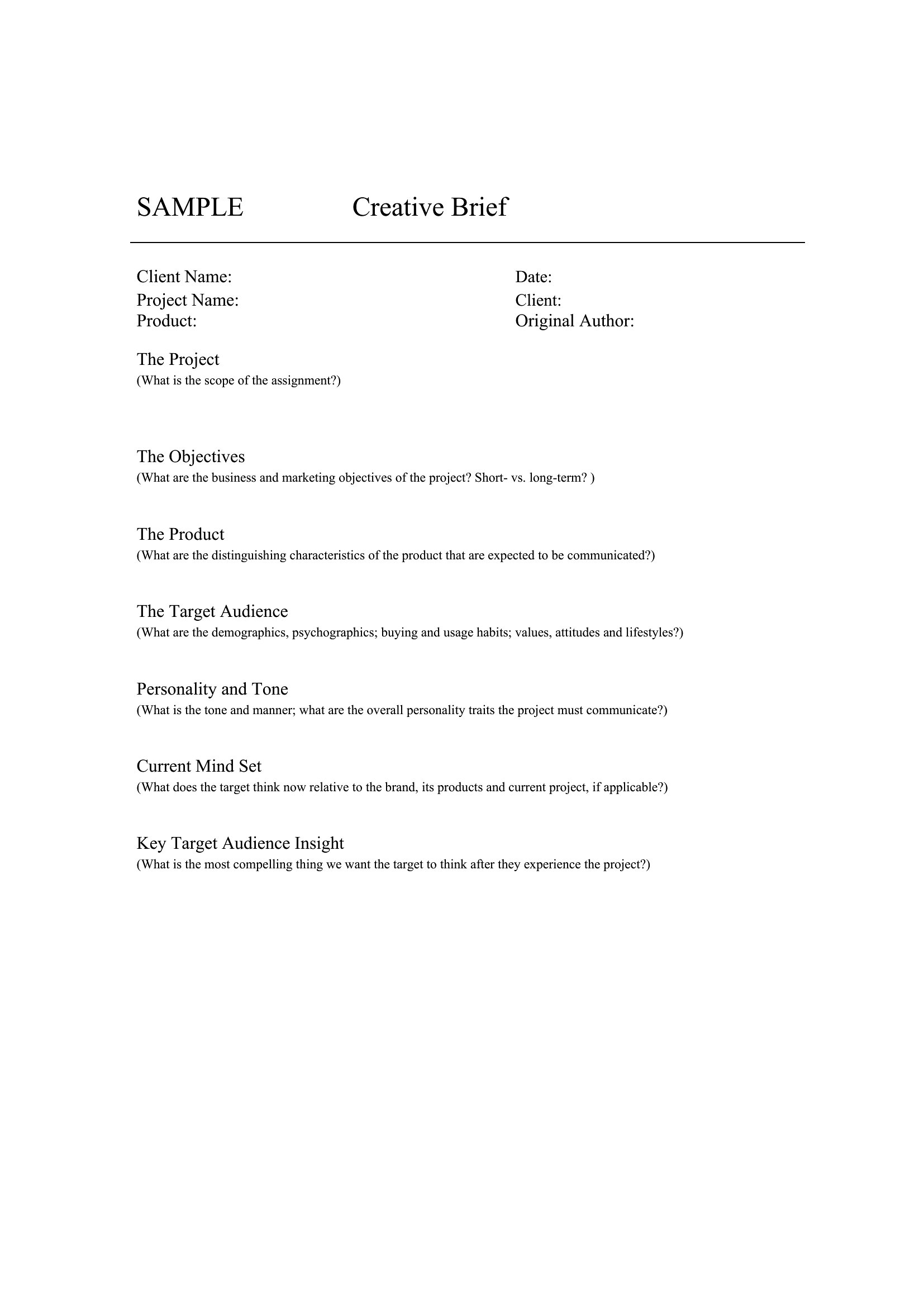
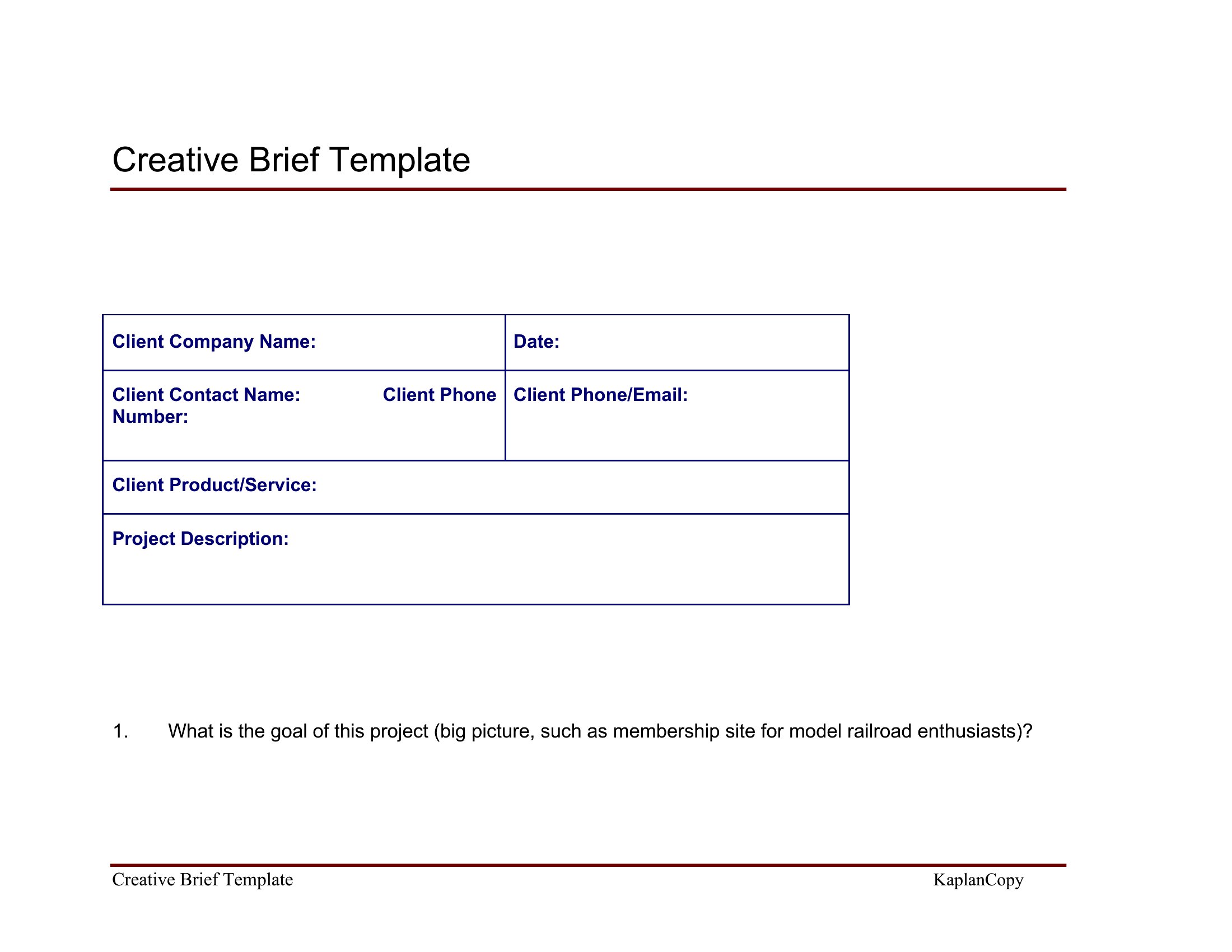
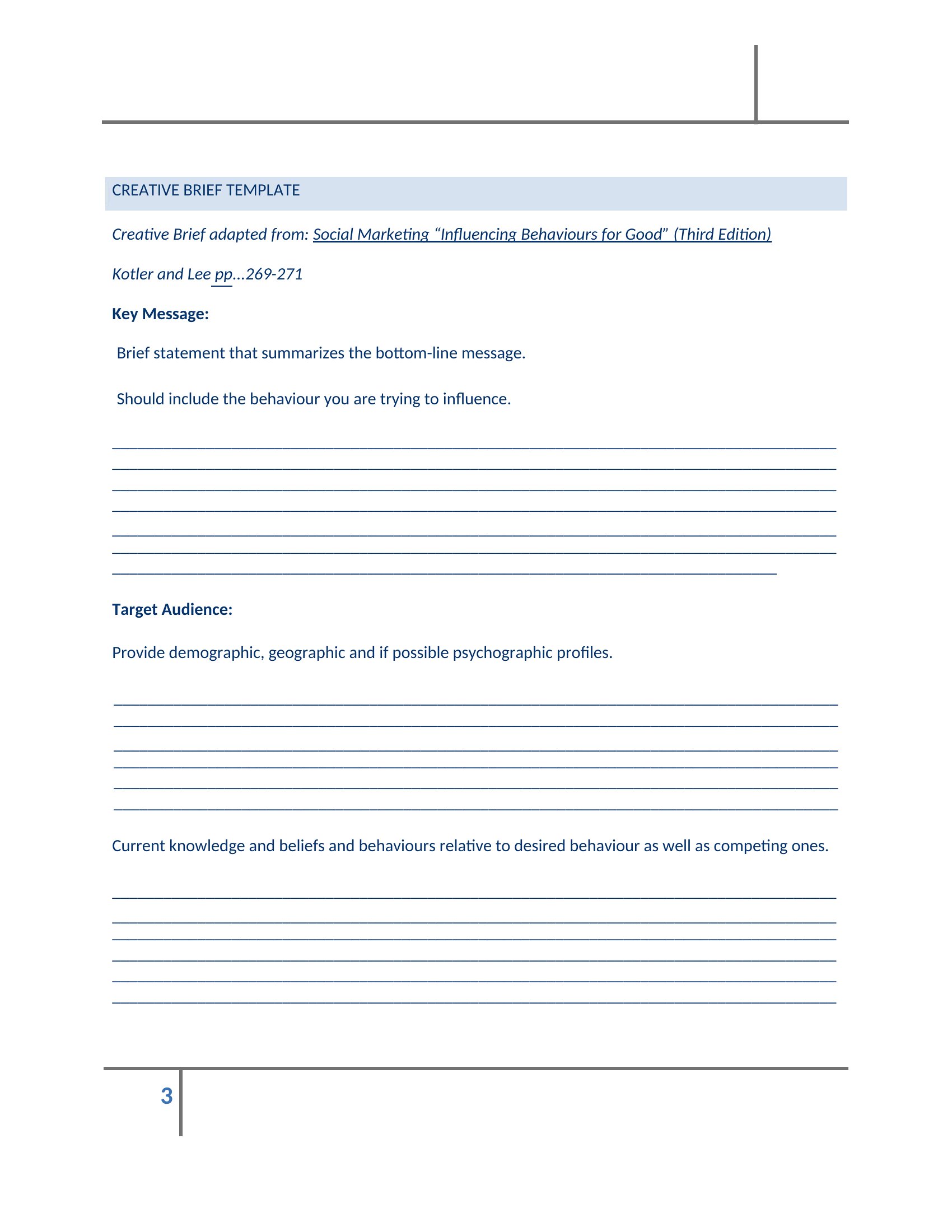
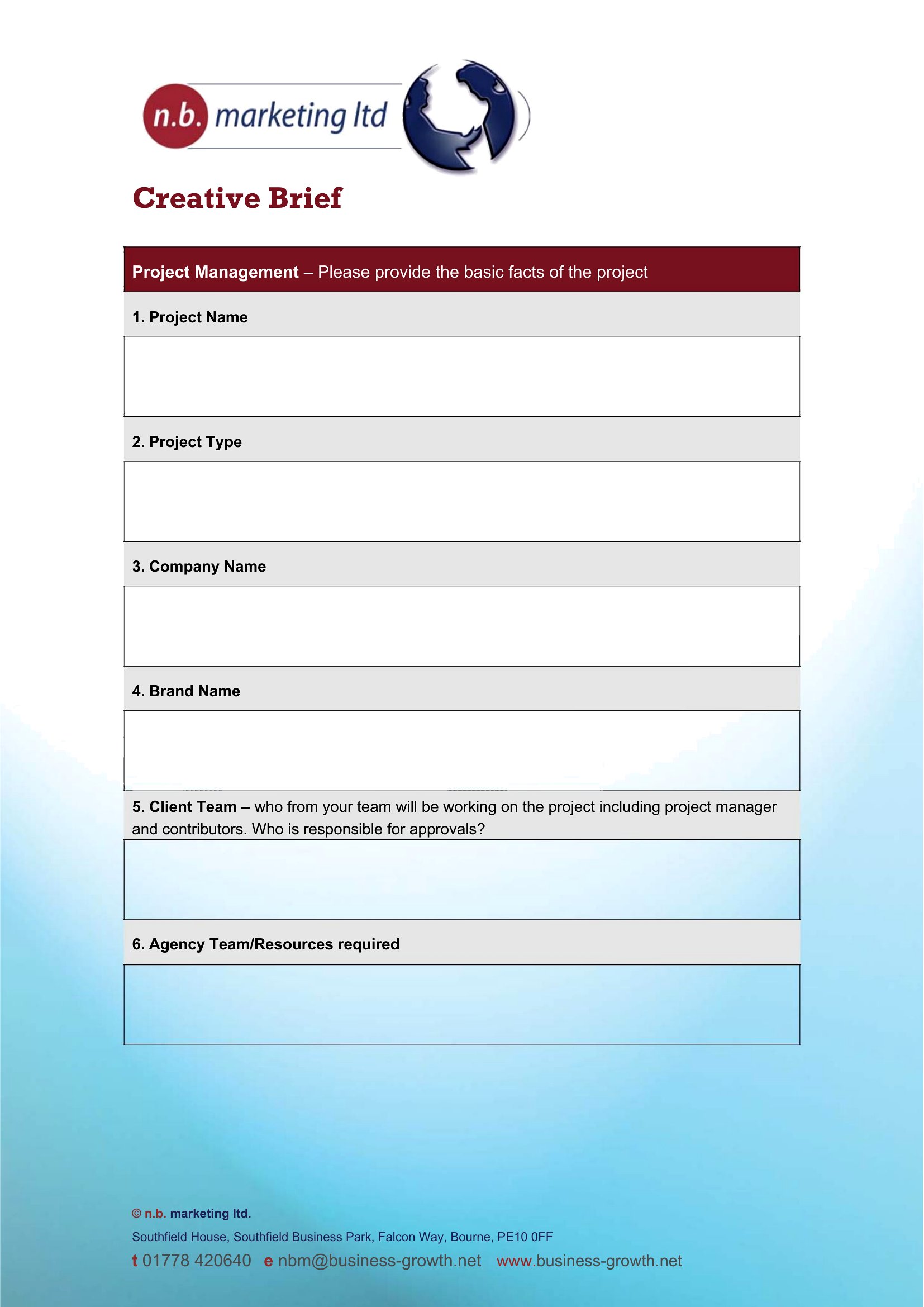
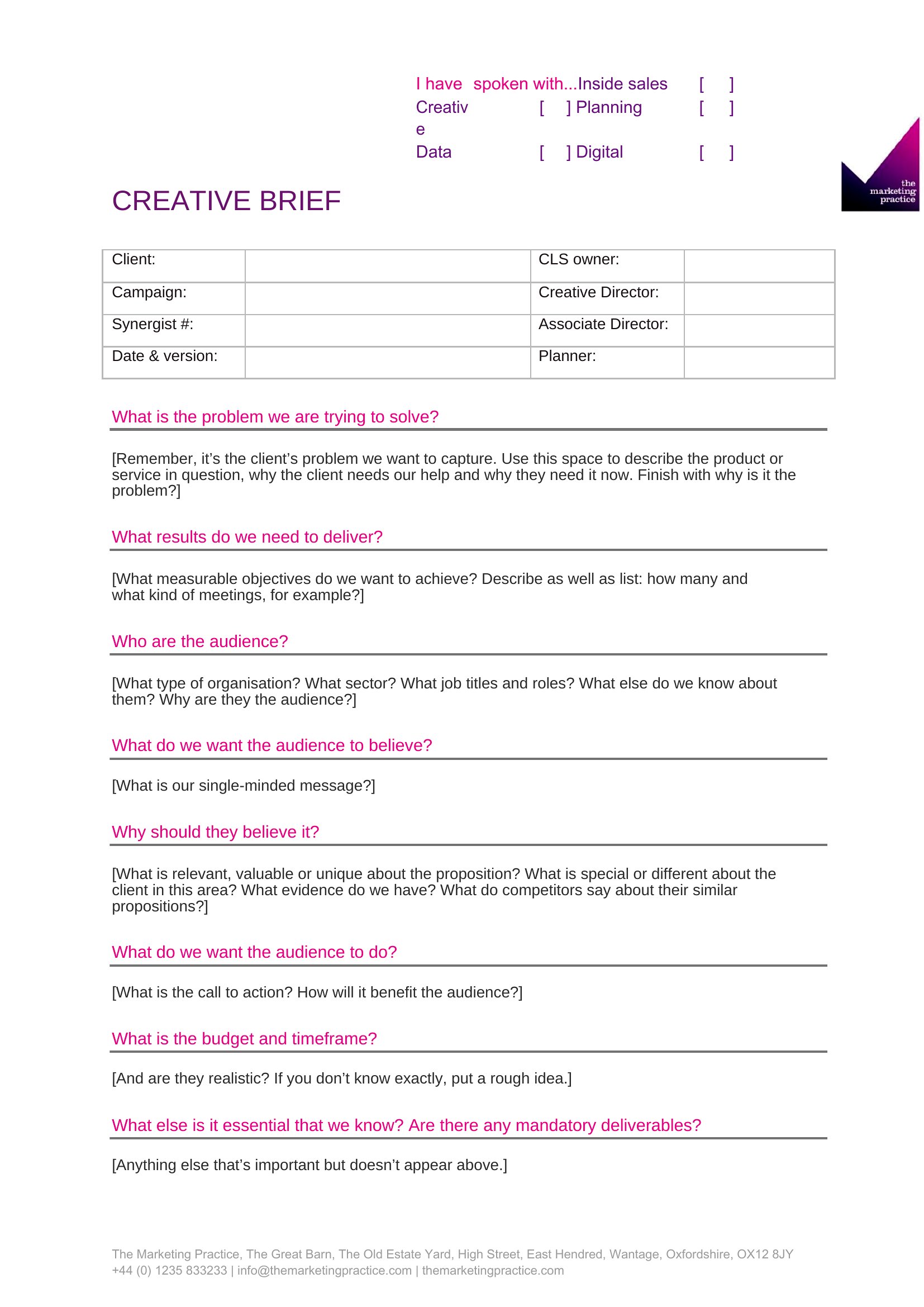
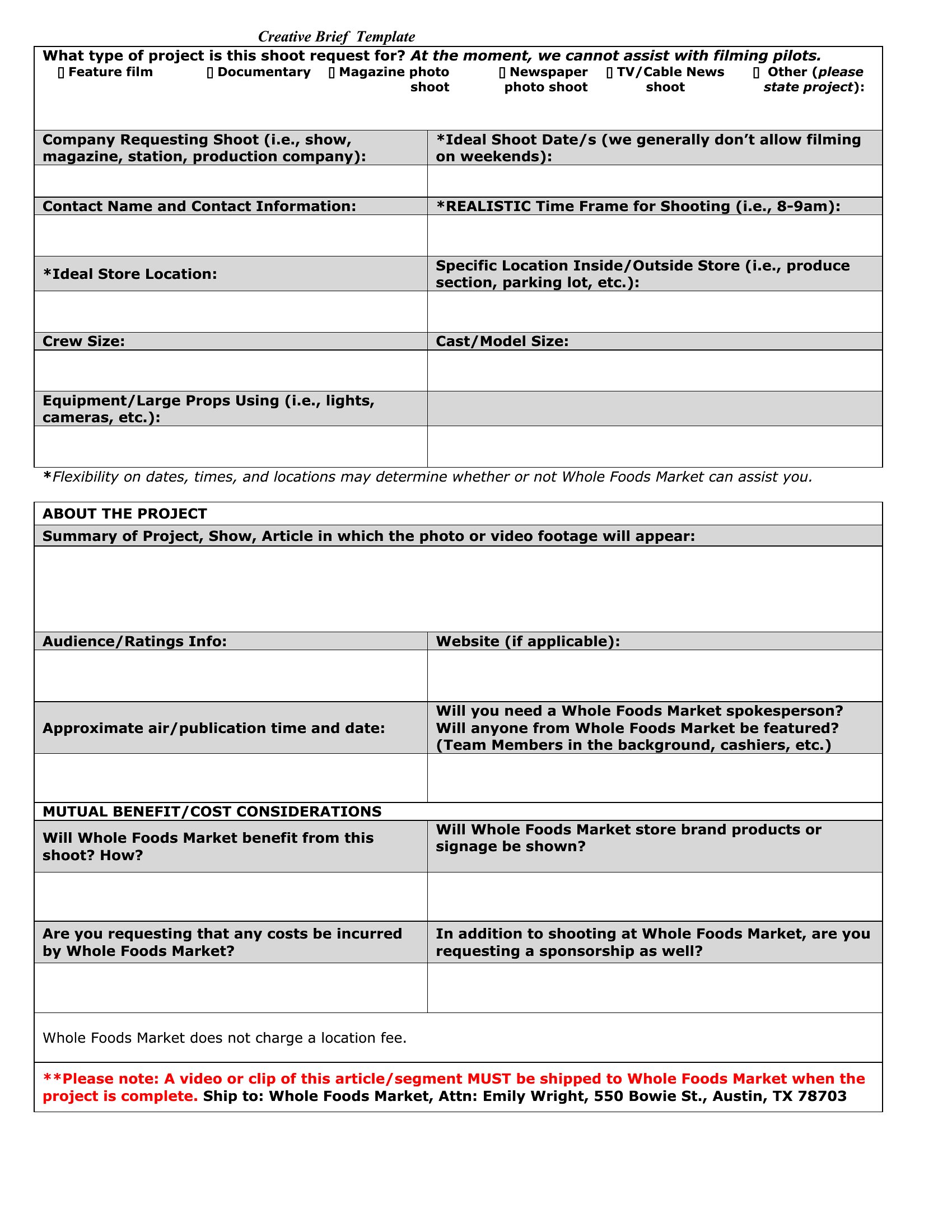
A sharp creative brief gets everyone aligned before a single design or line of copy happens. This collection of 39 creative brief templates helps agencies, marketers, and in-house teams capture the goal, audience, message, and deliverables for a project. With the key questions answered up front, the work tends to go faster and need fewer revisions.
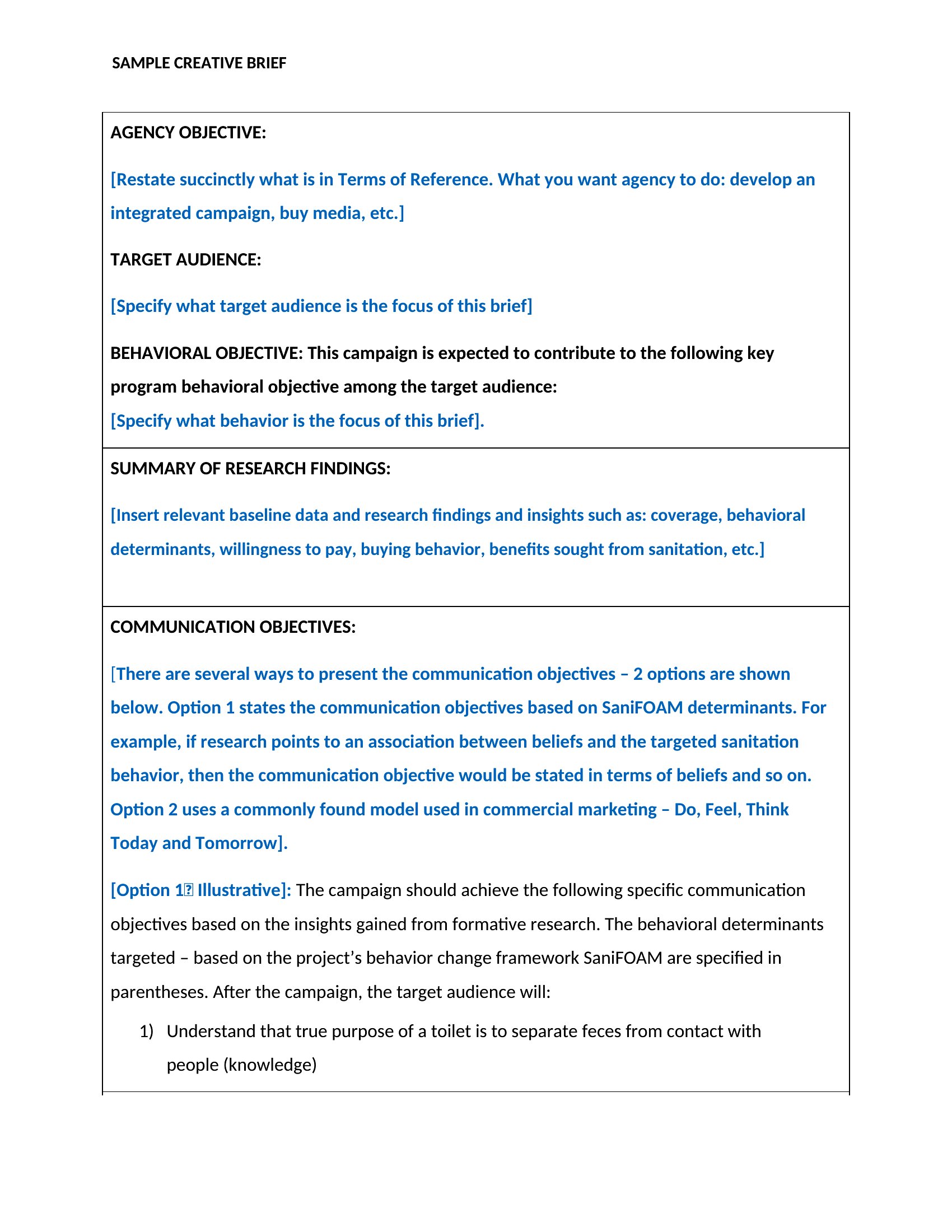
Each template is editable in Microsoft Word, so you can shape the sections to fit your process and fill them in for each campaign. Hand it to a designer or writer and they'll know exactly what success looks like. Download the format that suits your team and use it to kick off your next project.

When to use this Creative Briefing template

  • A startup founder pitching to investors needs a creative brief to clarify branding guidelines before hiring a designer for pitch deck visuals, ensuring the team delivers on their vision.
  • Senior marketers at a SaaS company use creative briefs to align remote agencies on product launch campaigns, outlining key messaging and audience pain points to streamline approvals.
  • In-house creative teams at advertising agencies assign briefs to freelancers to maintain brand consistency across client projects, reducing back-and-forth on tone and deliverables.
  • Event planners craft briefs for vendors (photographers, videographers) to capture the event’s aesthetic and must-haves, so contractors can prepare without miscommunication.

Which format should I download?

Word

Use Microsoft Word for these creative brief templates because its familiar formatting tools let teams easily customize sections like audience personas or visual style guides. The Word format supports embedded tables for structured data, which works well for agencies tracking multiple client projects in one document. If collaboration is needed, Word’s track changes feature helps teams refine briefs without losing context. For standalone projects, stick with Word—it balances flexibility and simplicity without requiring extra software.
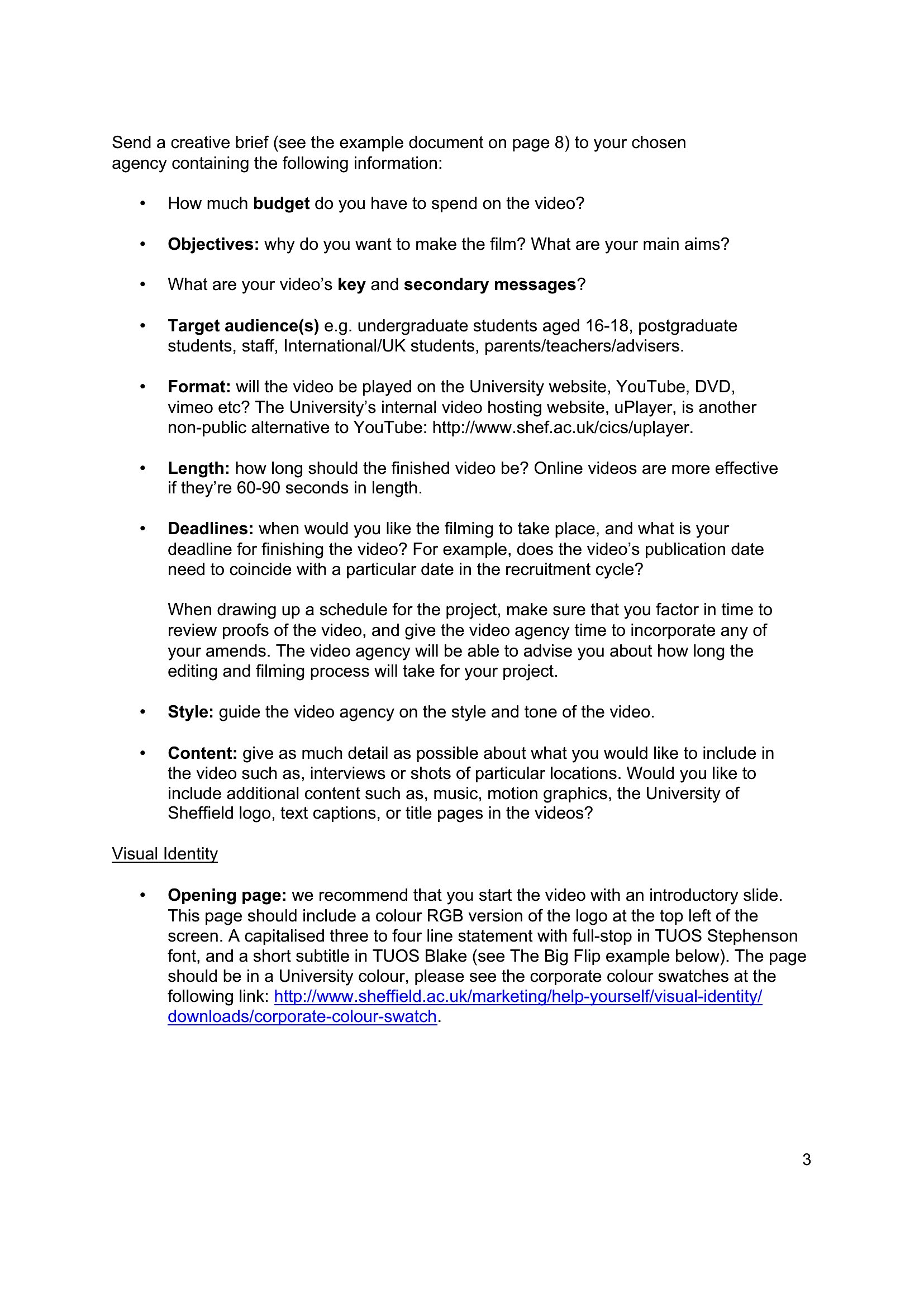
Choose from 39 Creative Briefing Templates
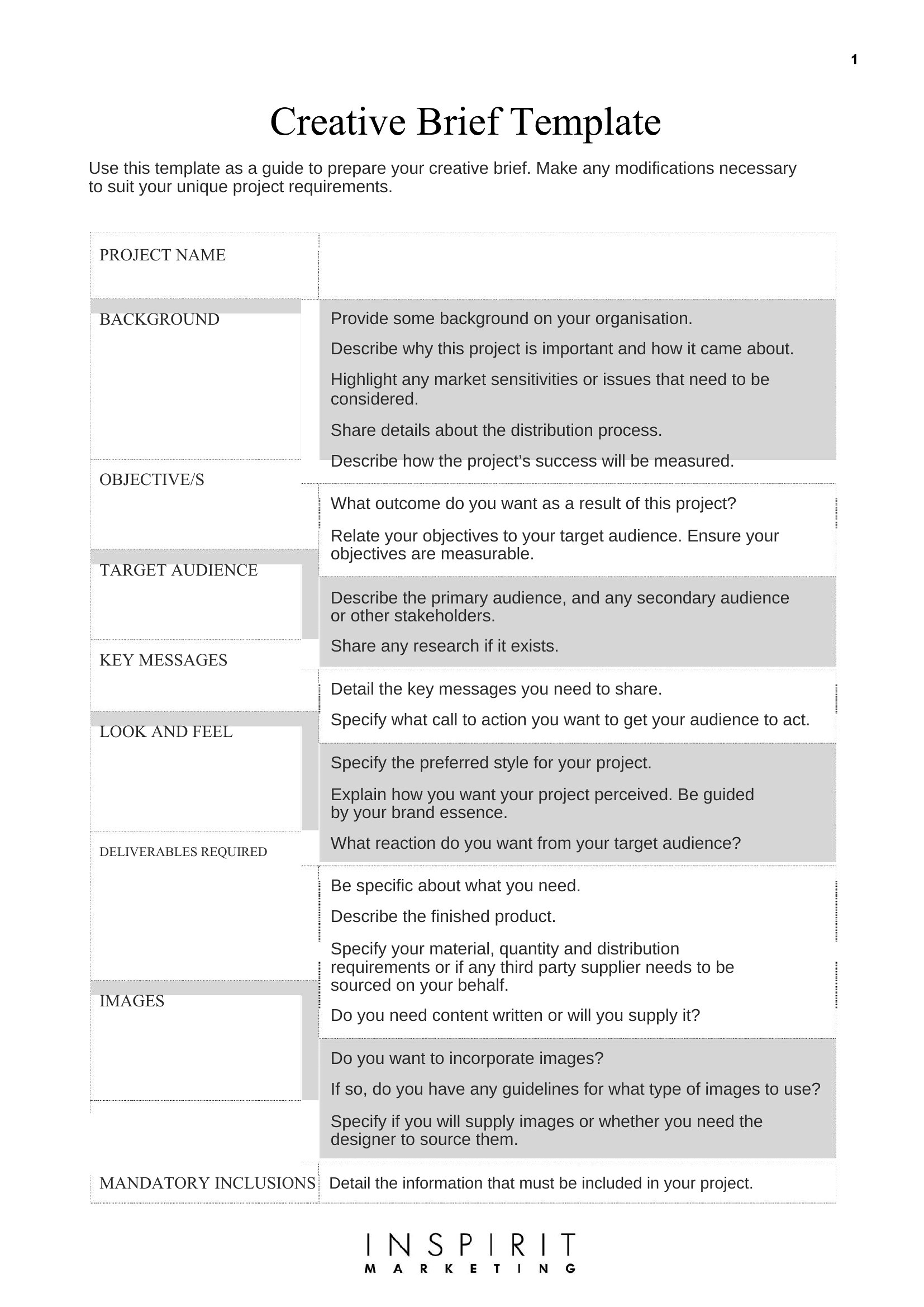
How to use this Creative Briefing template

How do I make sure the creative brief covers all the key details without overwhelming the team?

Start with the core elements—project goals, target audience, key messages, and deliverables—and use the templates’ structured sections to guide you. Leave room for notes but avoid tangential details. For complex projects, split the brief into a summary page (for quick reviews) and a detailed appendix (for reference).

Can these templates help if our team is working with external agencies or freelancers?
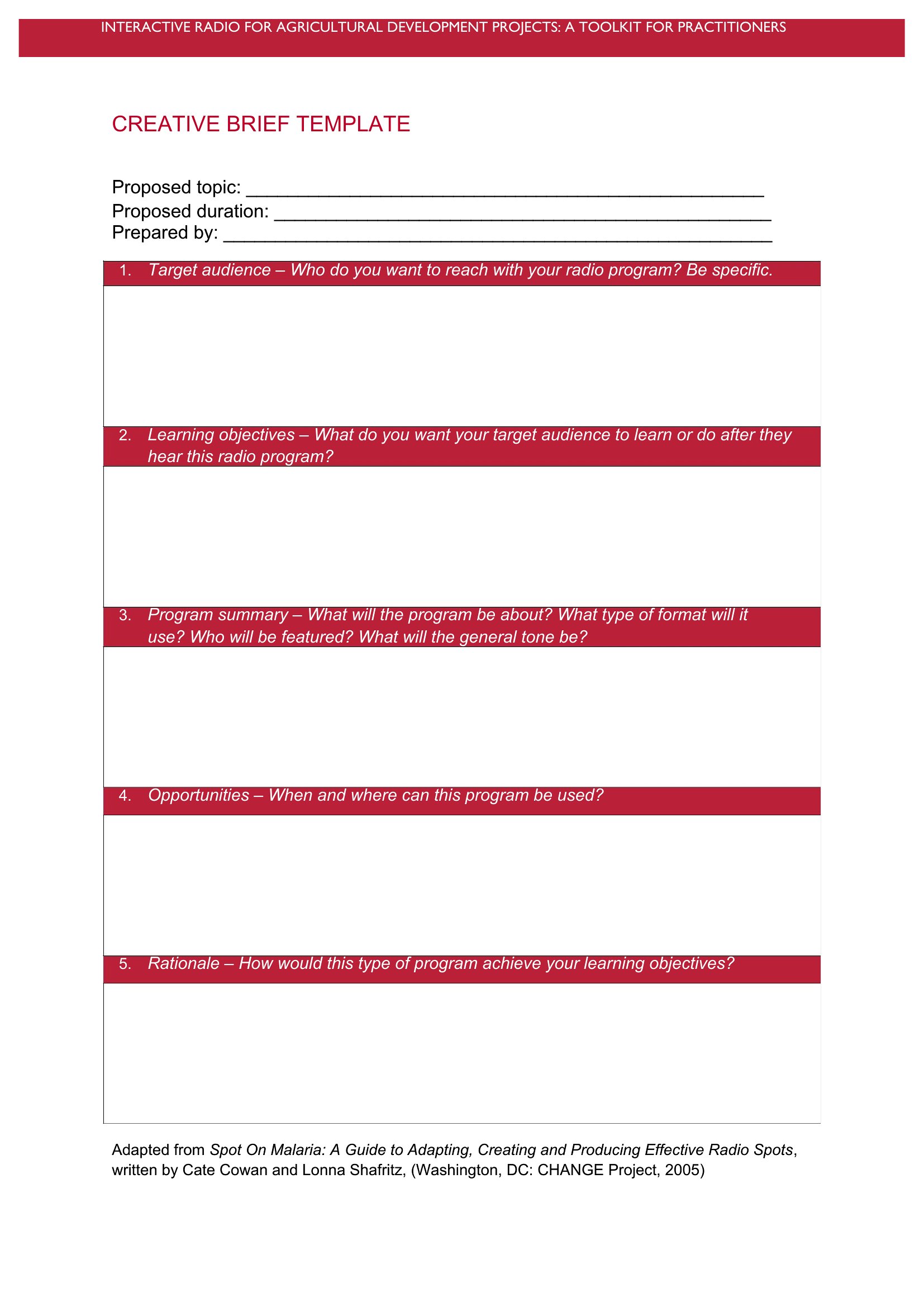
Yes. These briefs are designed to set clear expectations for outsiders by outlining brand voice, visual references, and deadline milestones. Include a section for their questions or clarifications upfront to avoid delays. Treat the brief as a contract-like agreement—just ensure you both sign off on it as a starting point.

What’s the best way to adapt a template if our project doesn’t fit standard categories like marketing or branding?

Use the template as a framework but rename sections to match your project (e.g., swap ‘brand colors’ for ‘event lighting preferences’). Add or remove questions based on your needs—focus on what’s critical to your project’s success. For example, a creative brief for a podcast might include audio style guidelines instead of visual ones.

Comments

Join the conversation

Sign in to share your thoughts and leave a comment on this resource.

Newsletter

Get Weekly Design Updates
Join our community to receive curated resources and inspiration.
Weekly Tips Resources Early Access
We respect your privacy. Confirmation email required. Privacy Policy