Free Voicemail Greeting Scripts (Word)
BusinessTemplates
FAQ
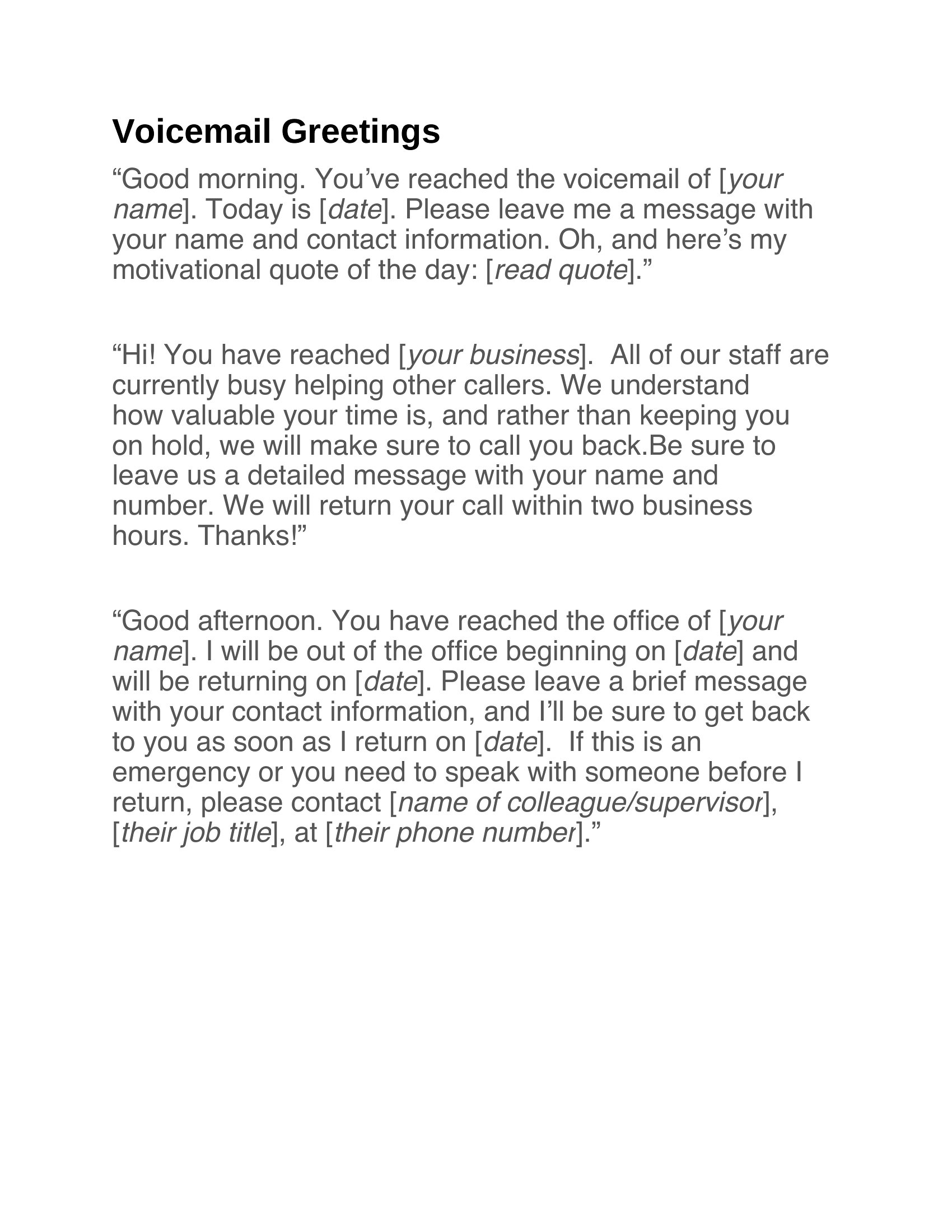
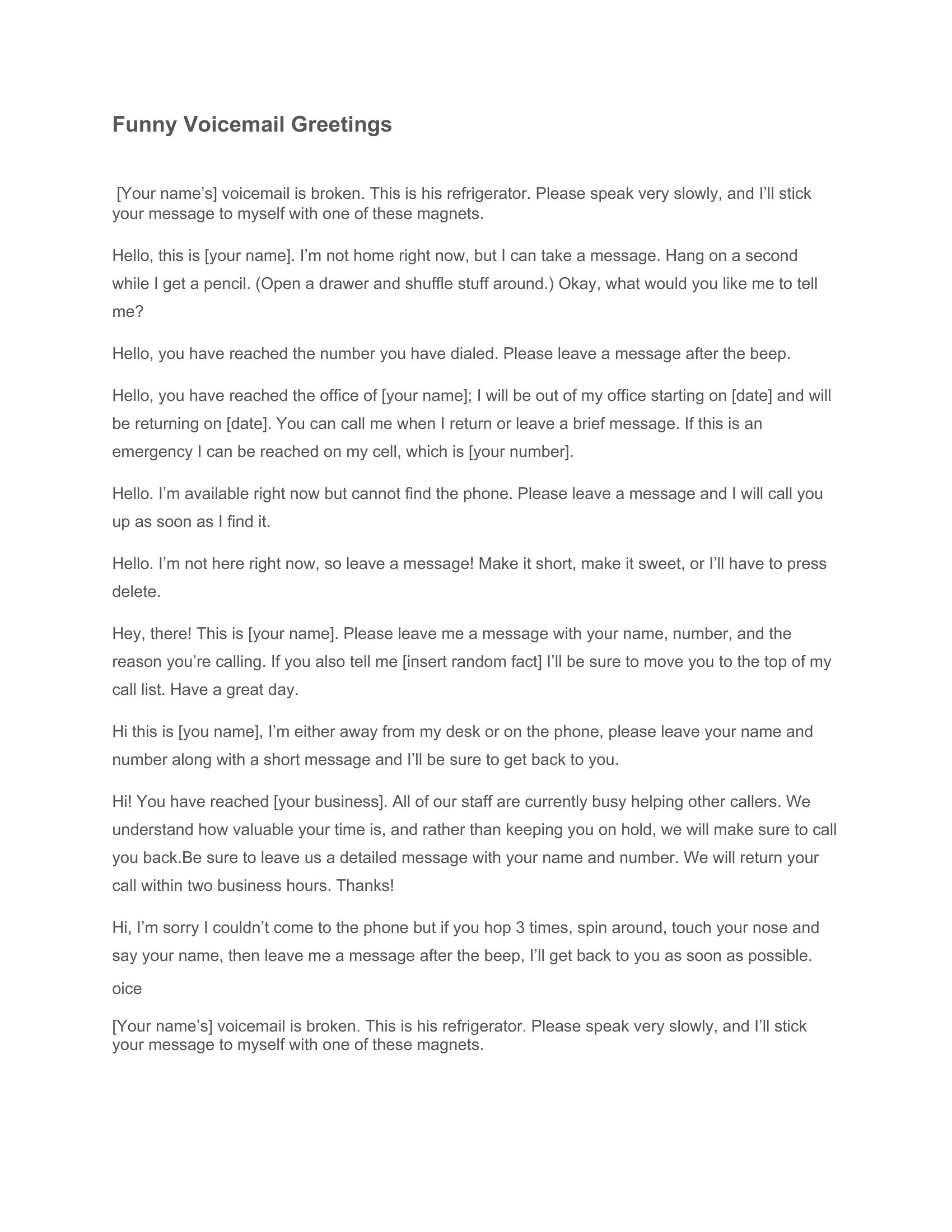
How do I make my voicemail greeting sound more personal without losing professionalism?
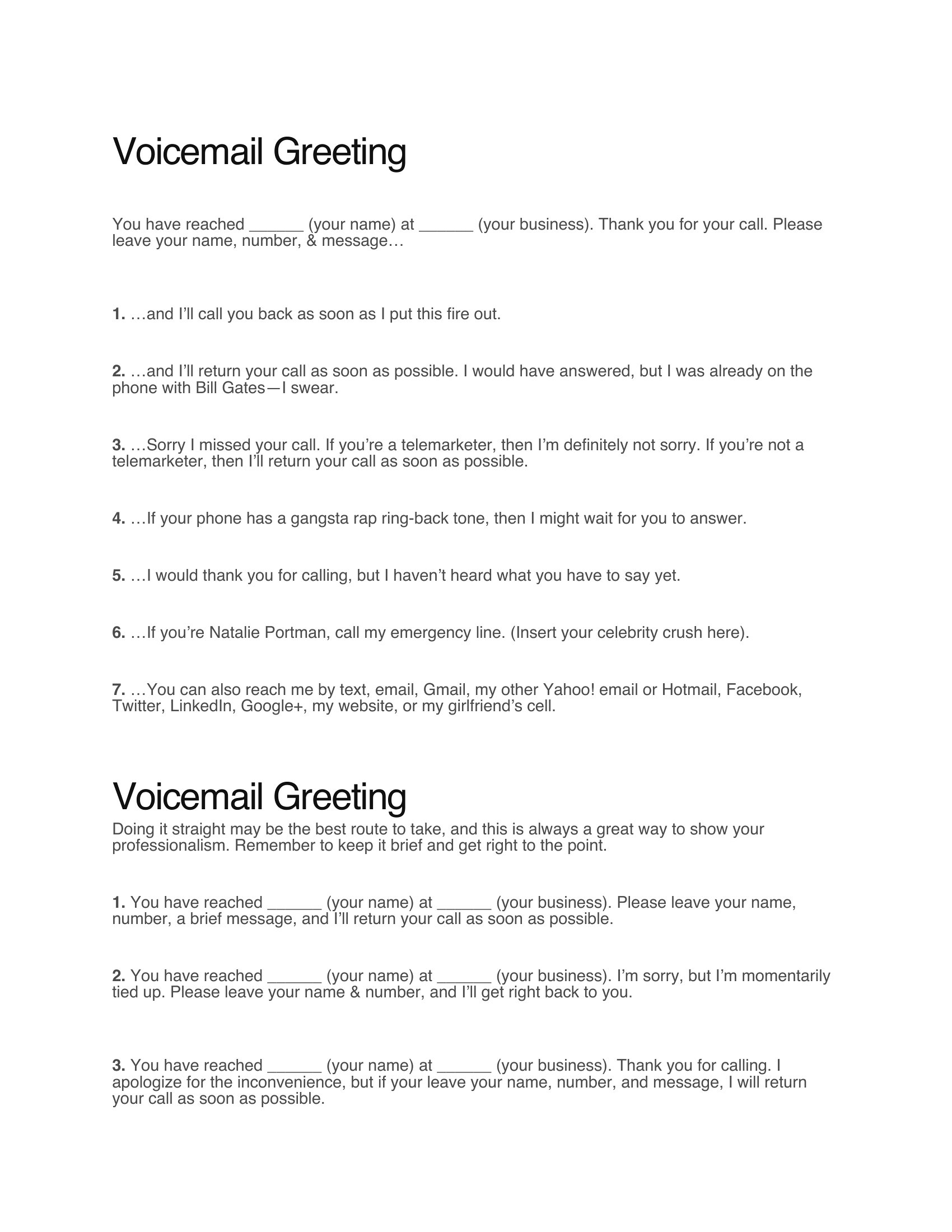
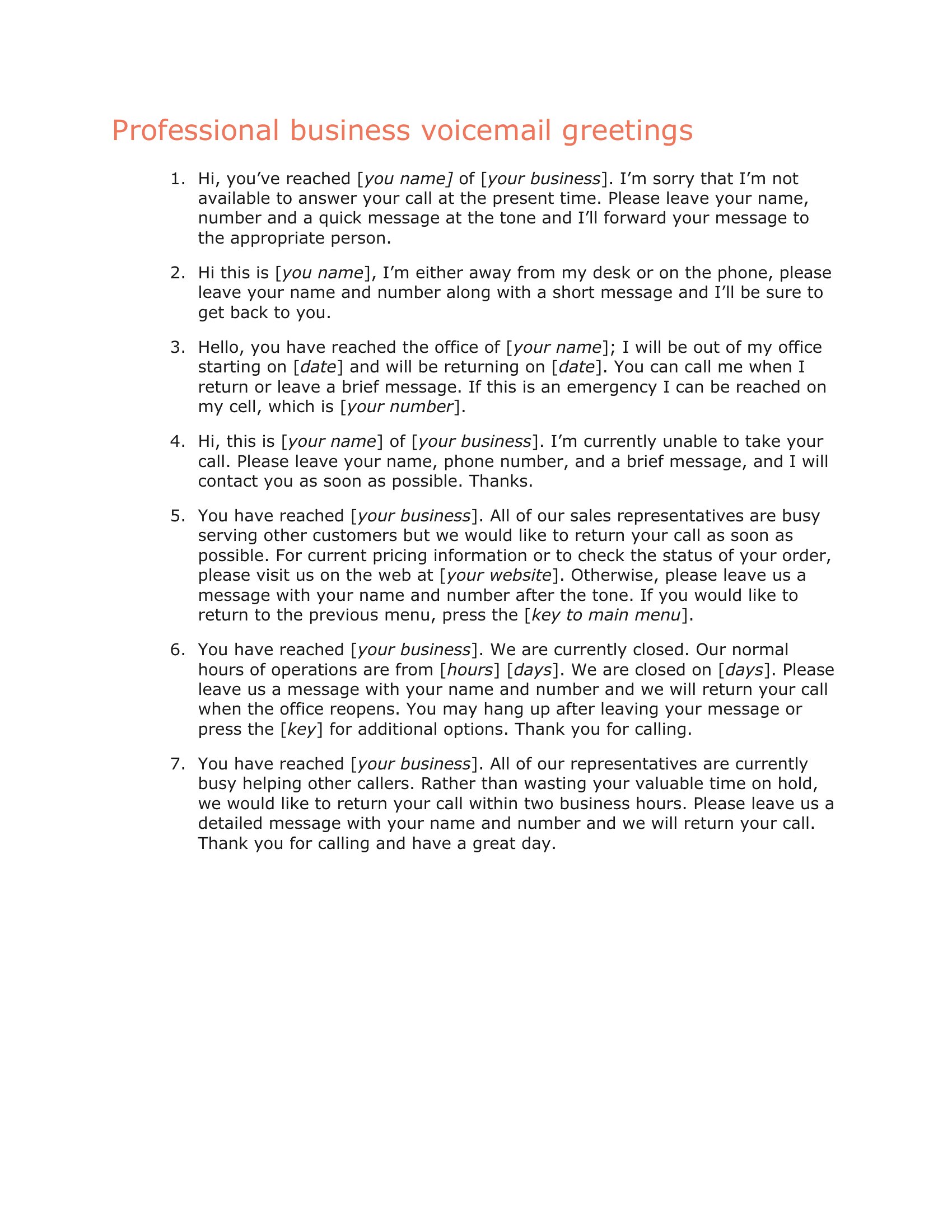
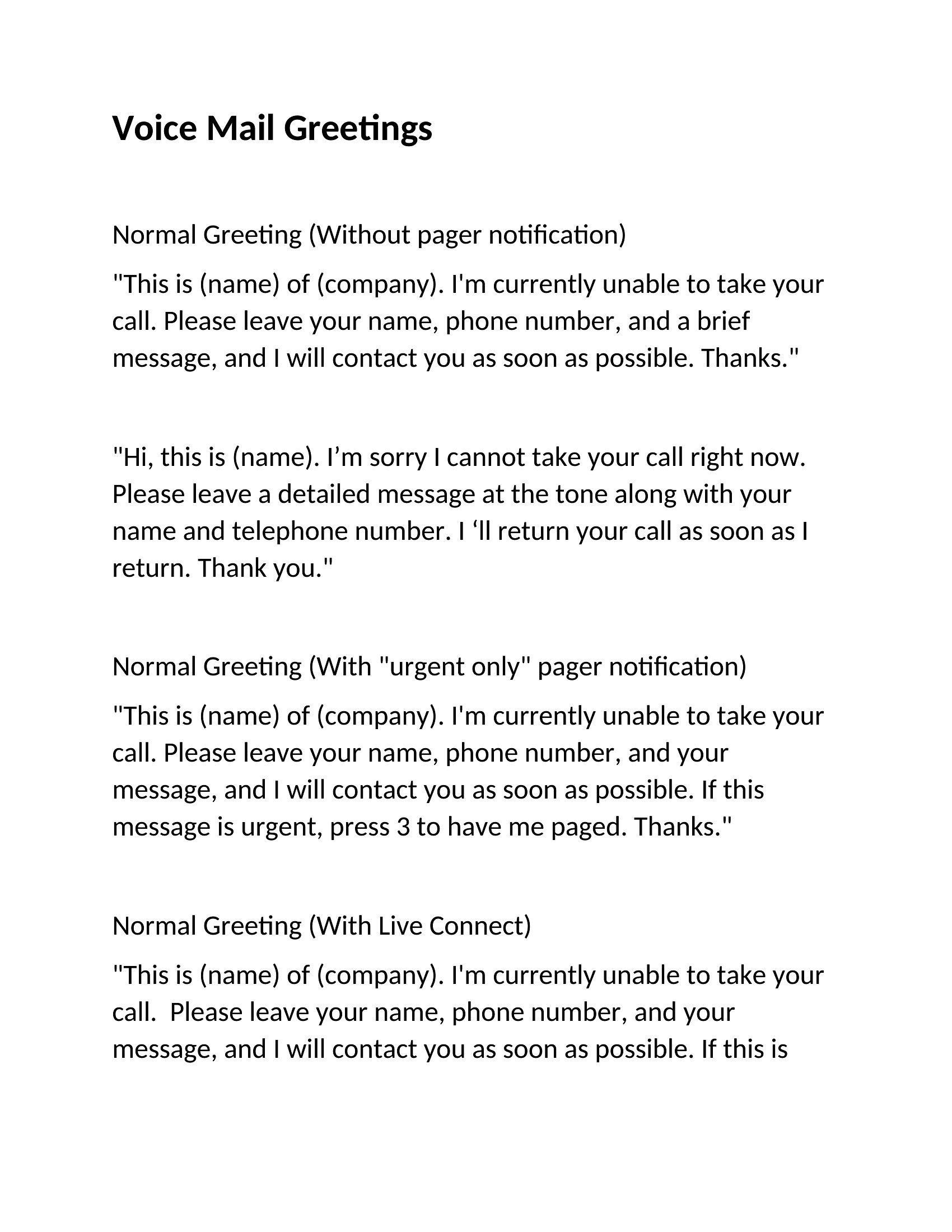
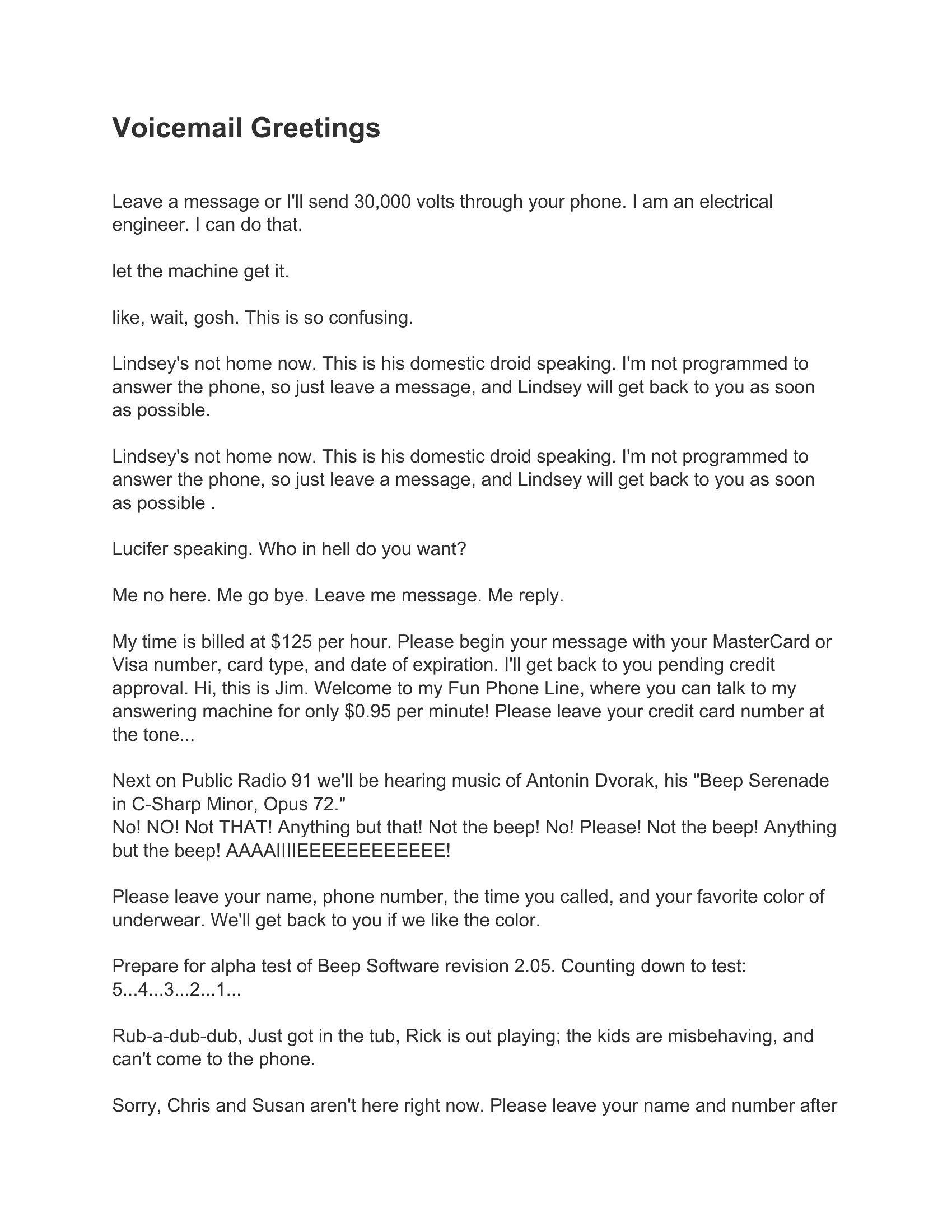
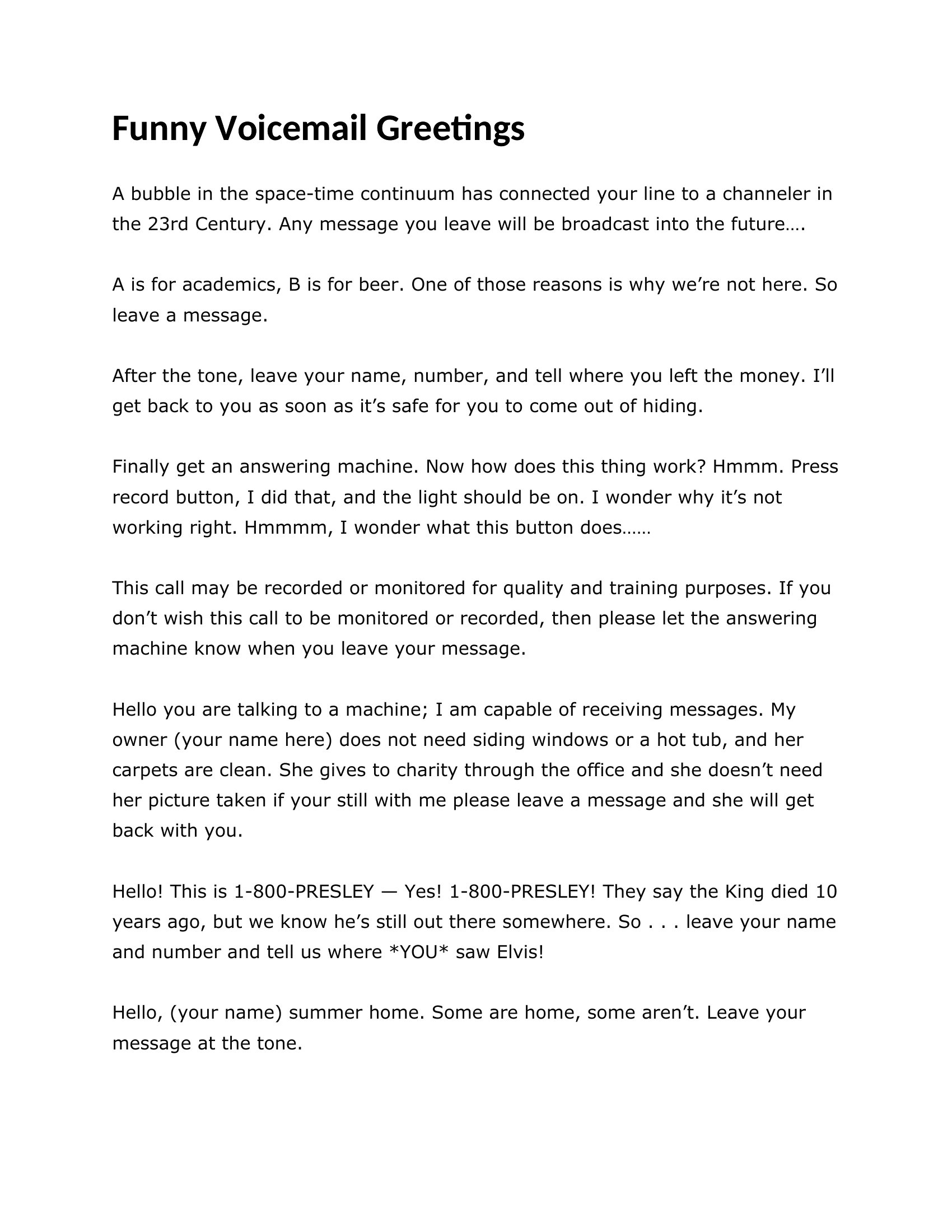
Start by including your name or role in the first 3 seconds, then add a brief, specific detail like ‘I’m currently reviewing proposals but check messages every Tuesday afternoon.’ Avoid overused phrases like ‘I’m sorry I missed your call’—instead, focus on next steps or gratitude. The ‘Personal Voicemail Greeting’ and ‘Work Voicemail Greeting’ templates balance warmth with clarity by using conversational tones while keeping instructions clear.
What’s the best way to handle a voicemail greeting if I’m frequently unavailable but don’t want to sound like I’m ignoring calls?
Use a greeting that acknowledges your availability pattern upfront, such as ‘I’m typically available between 9 AM and 1 PM Eastern but check messages outside those hours.’ For urgent matters, direct callers to an alternative contact (e.g., a colleague’s number or email) and thank them for their patience. The ‘Out-of-Office Voicemail’ templates in this collection are designed to set expectations without making callers feel brushed off.
Should I include my email address in the greeting, and if so, how can I make it sound natural?
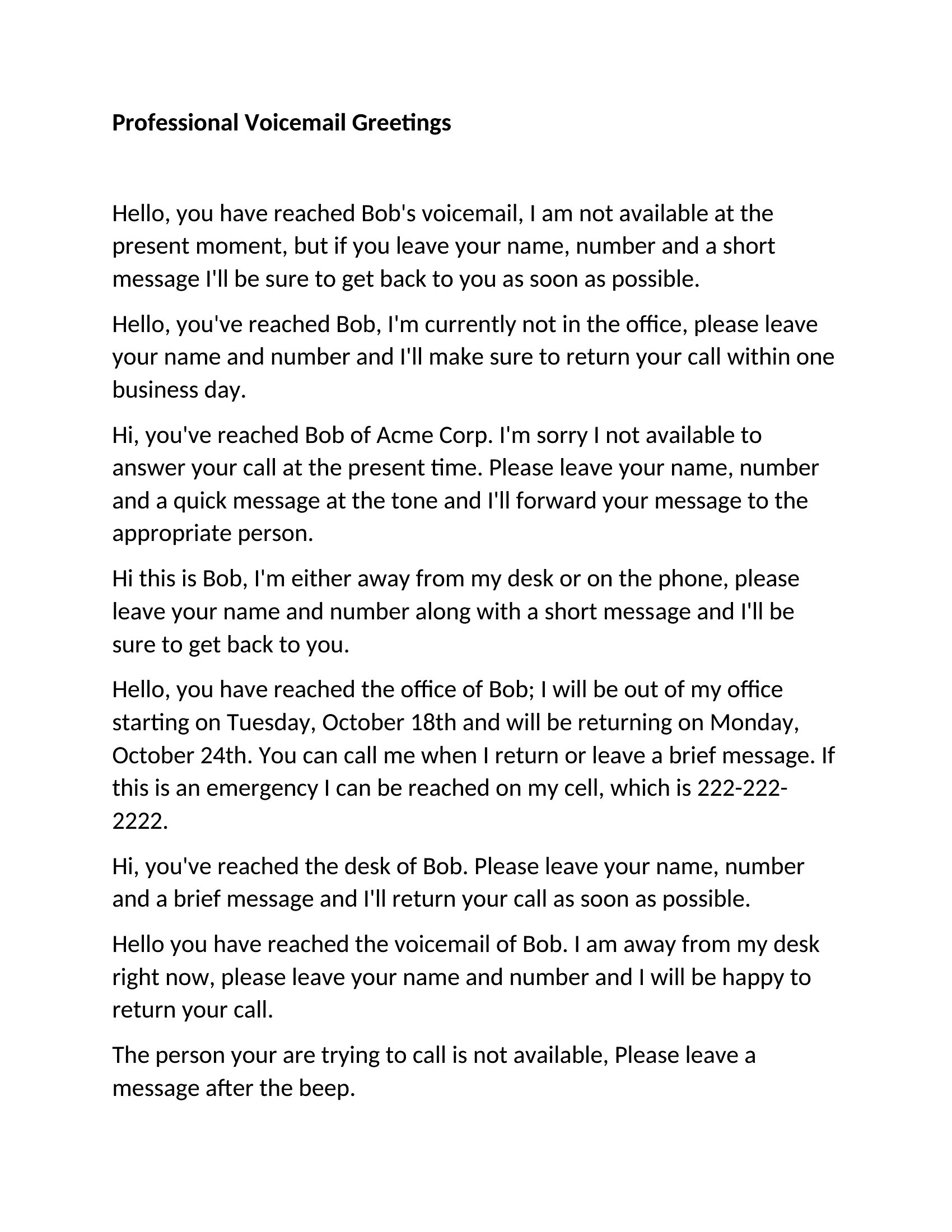
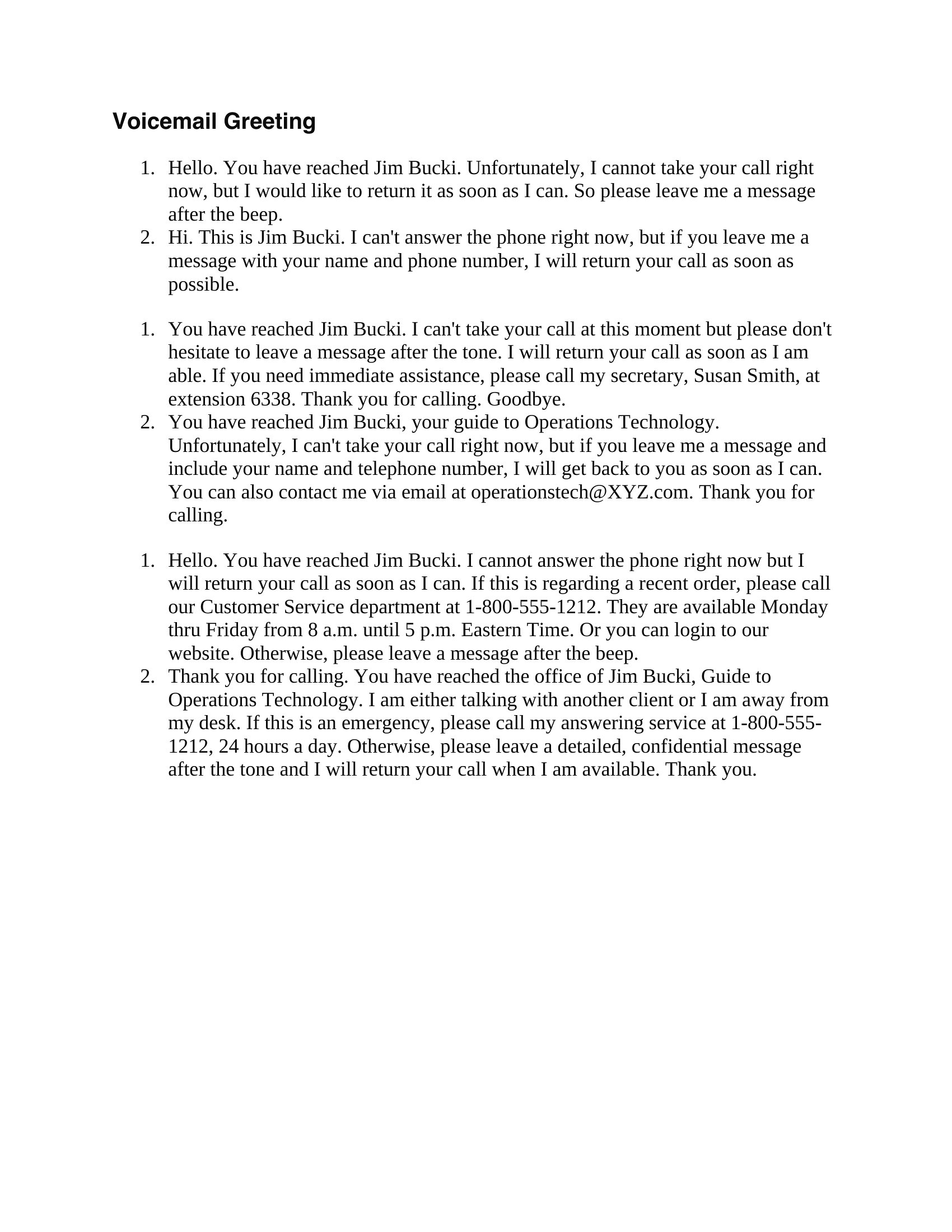
Yes, including an email address works well if you’re open to non-urgent inquiries. Phrase it as a suggestion, like ‘For general questions, you’re welcome to email me at [address]—I’ll respond within 24 hours on weekdays.’ Avoid making it sound like the only option, especially if phone callbacks are preferred. The ‘Professional Voicemail Greeting’ templates demonstrate how to integrate contact details smoothly without cluttering the message.
Comments
Join the conversation
Sign in to share your thoughts and leave a comment on this resource.