Free Printable Family Tree Templates (PDF)
DiagramsTemplates

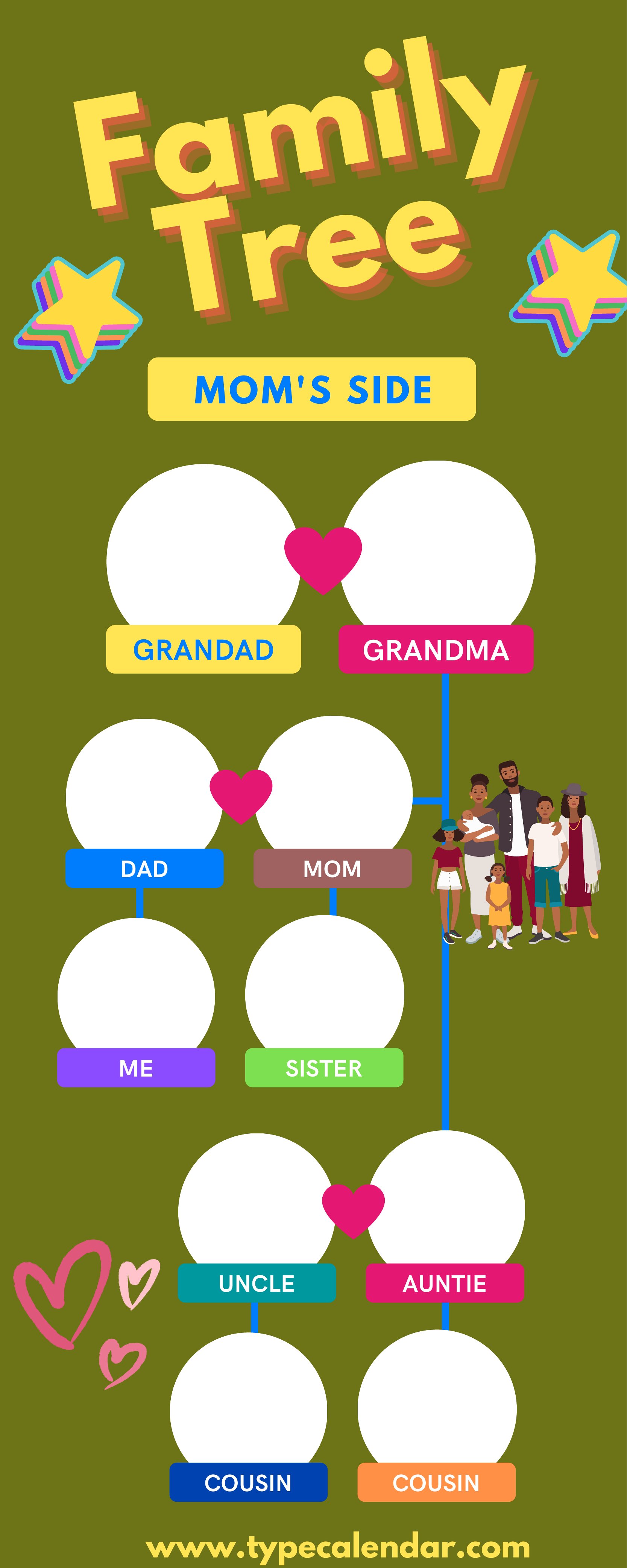
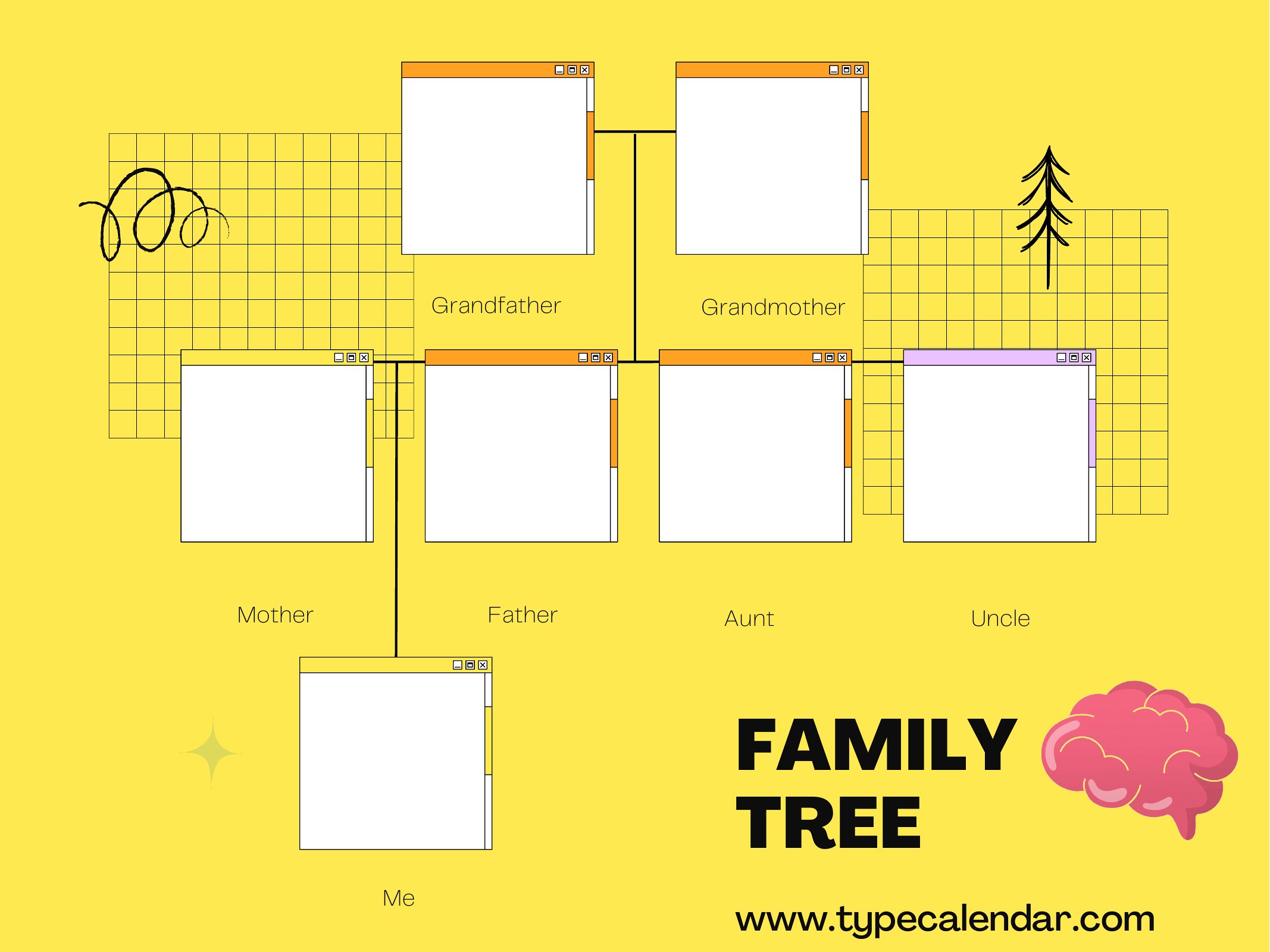
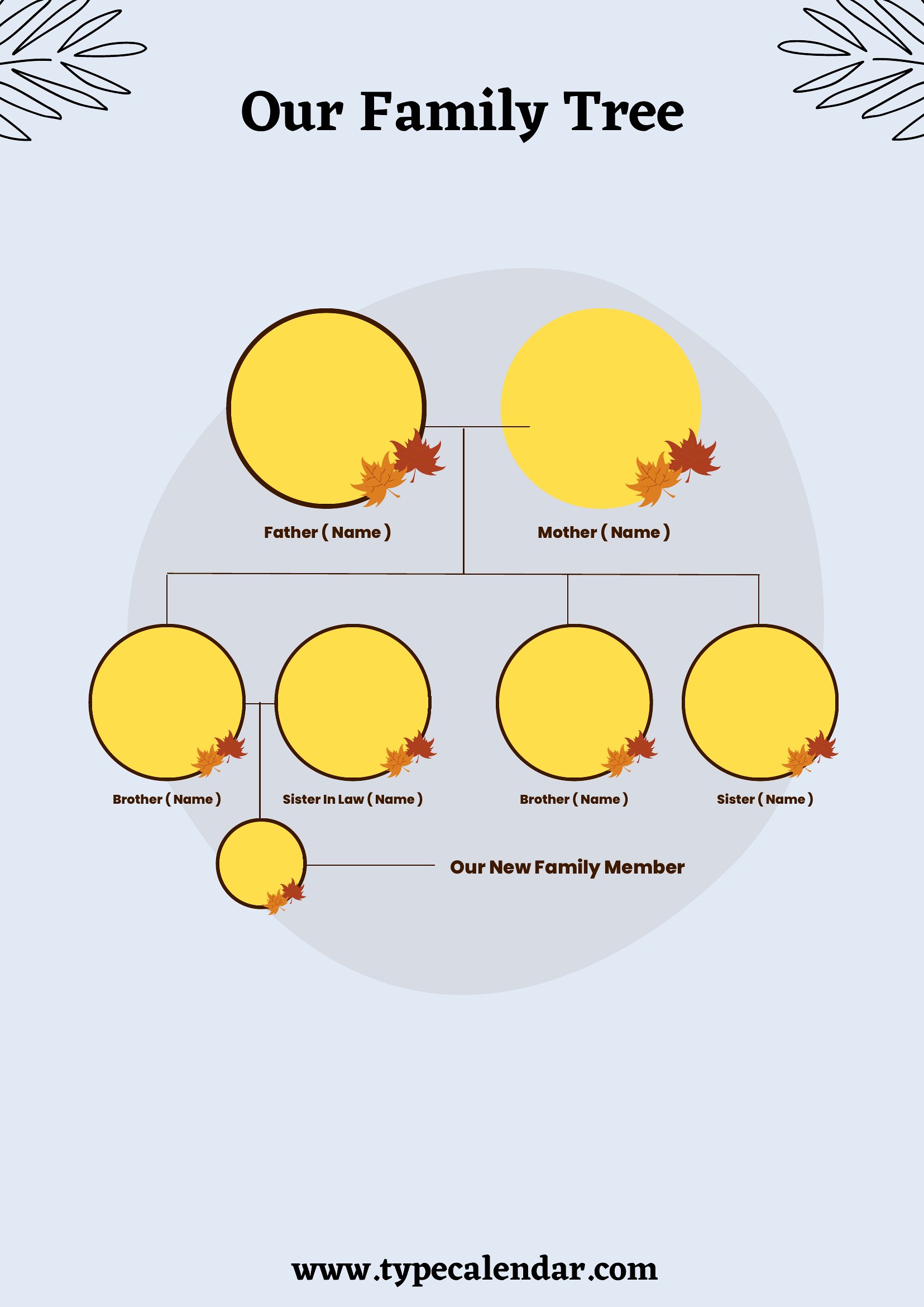
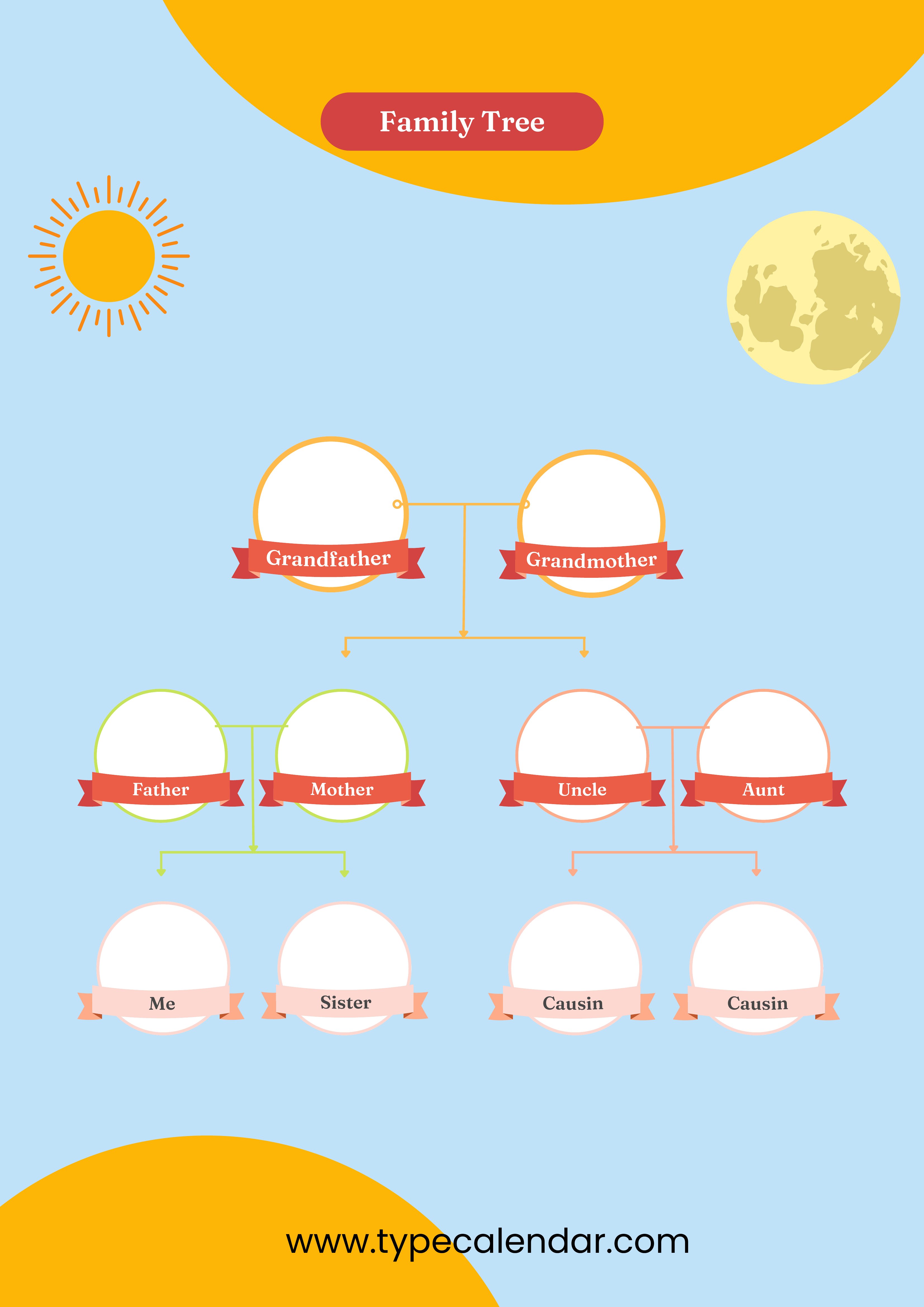
FAQ
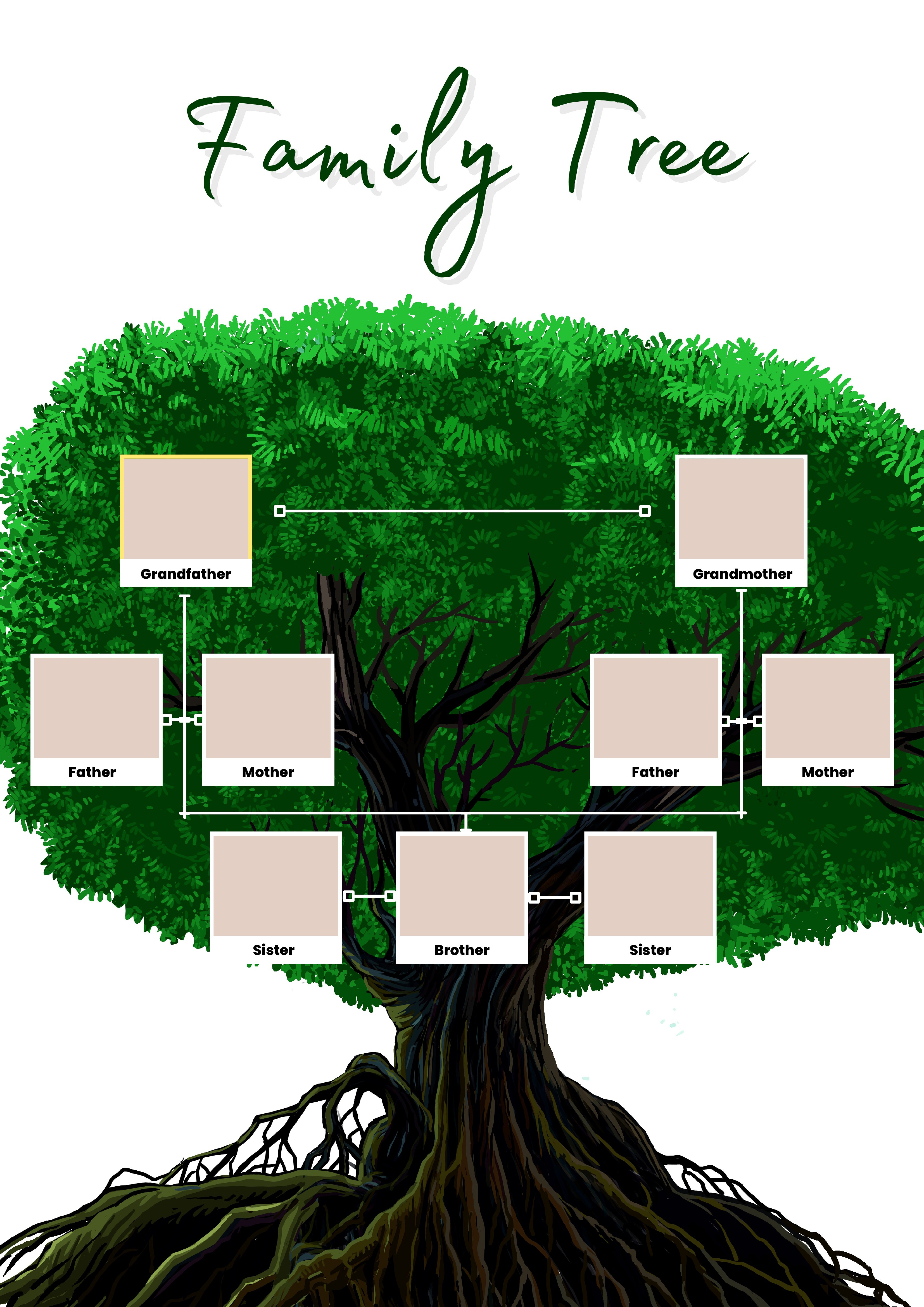
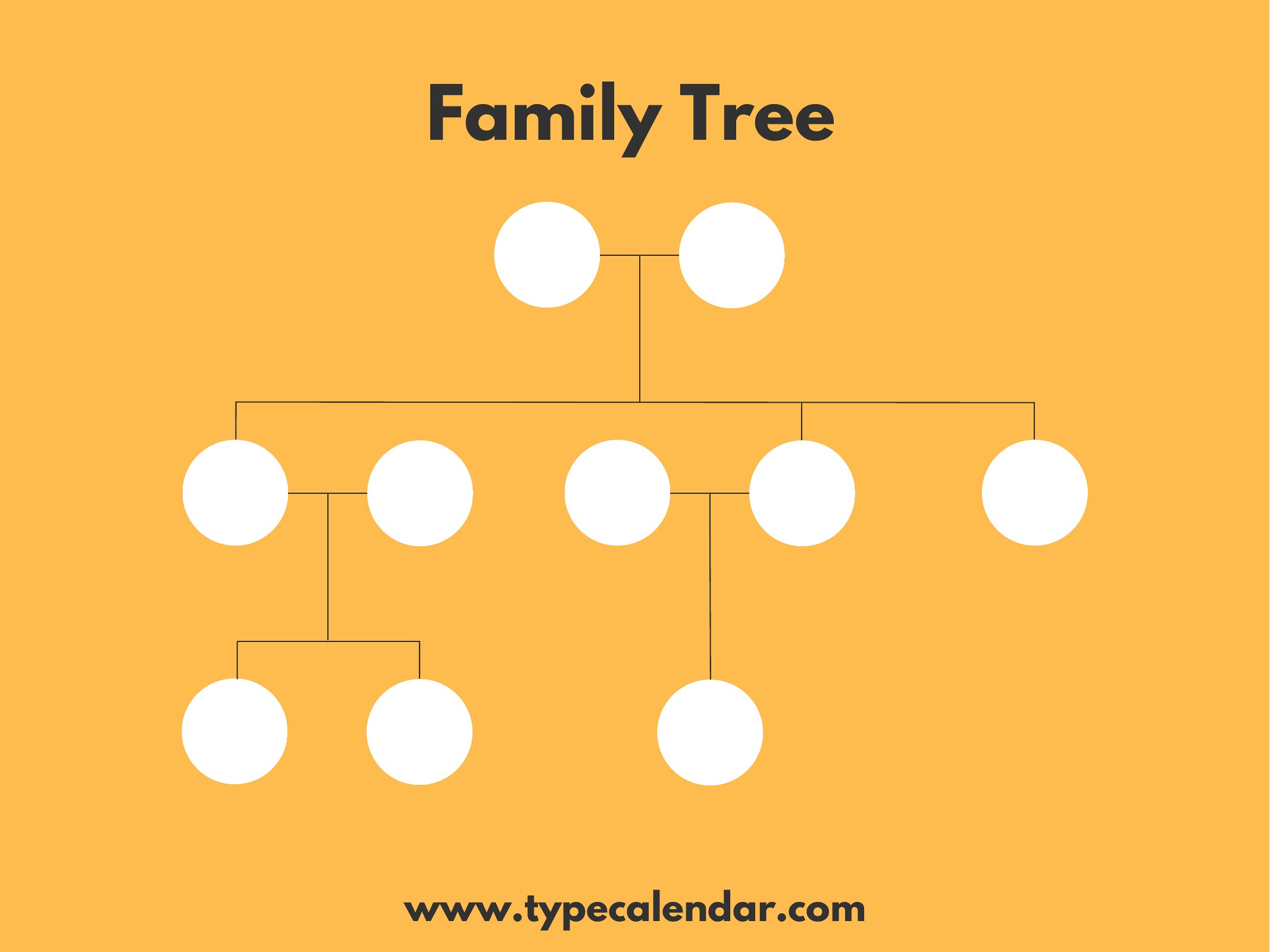
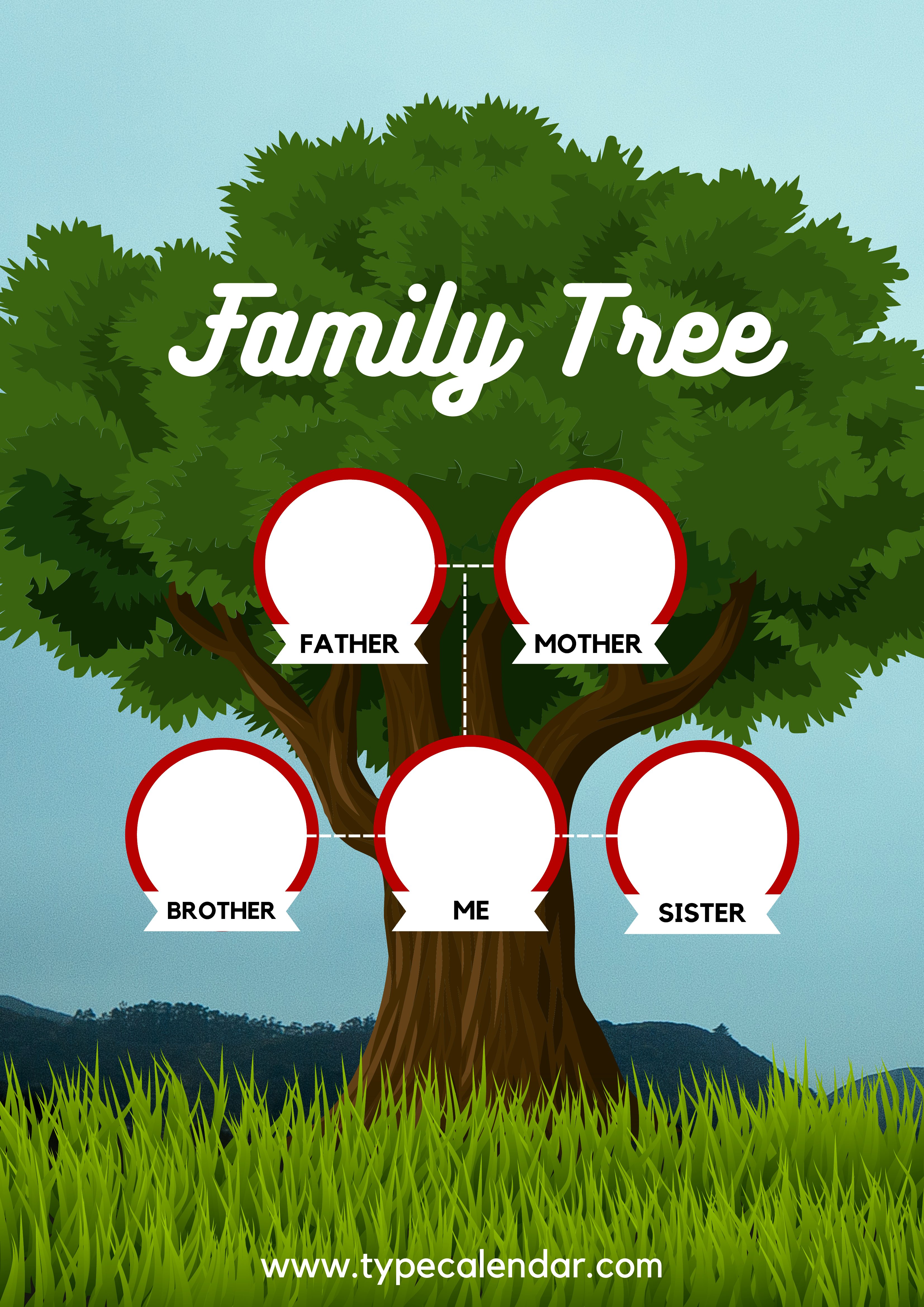
Can I add photos to these family tree templates before printing?
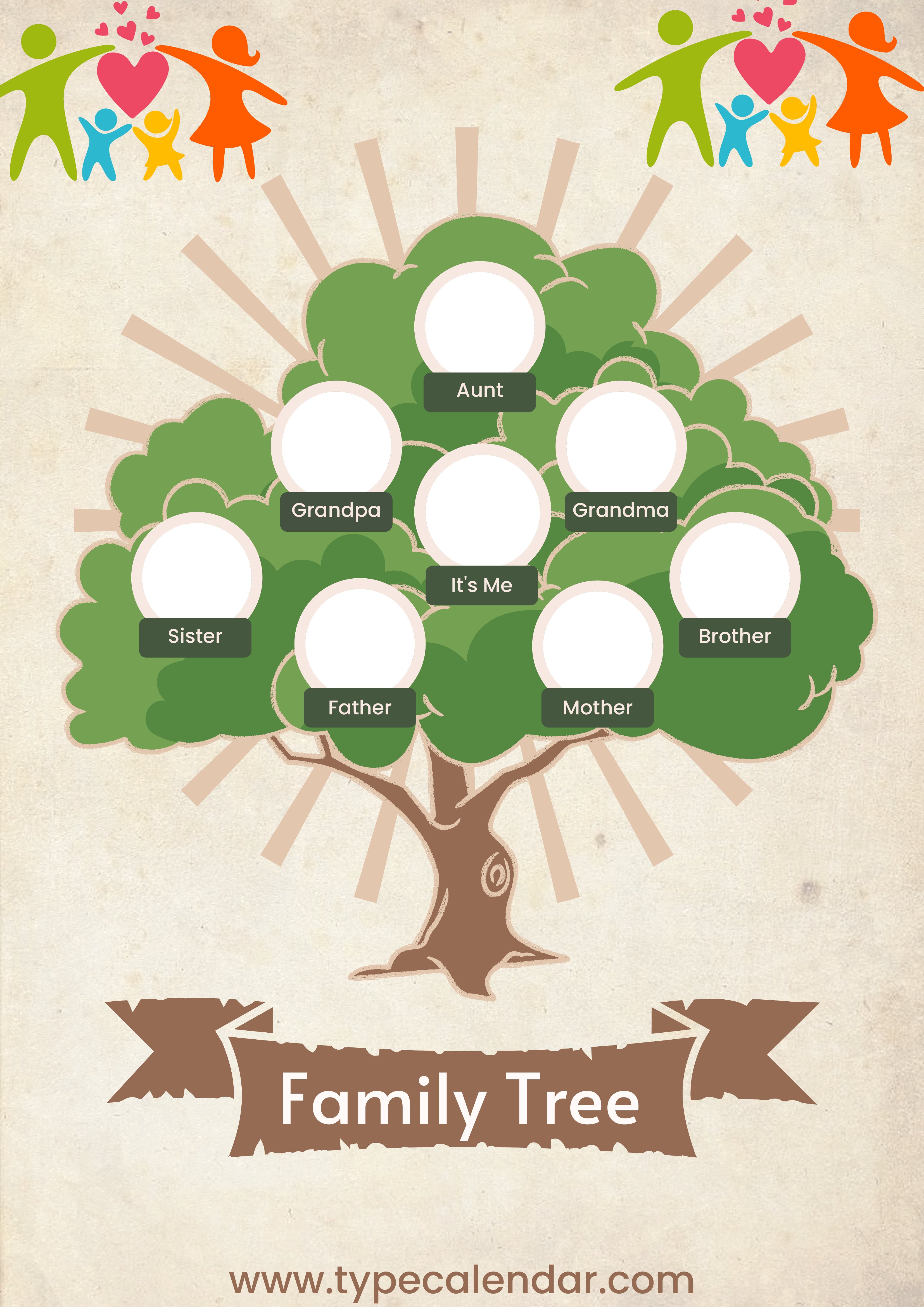
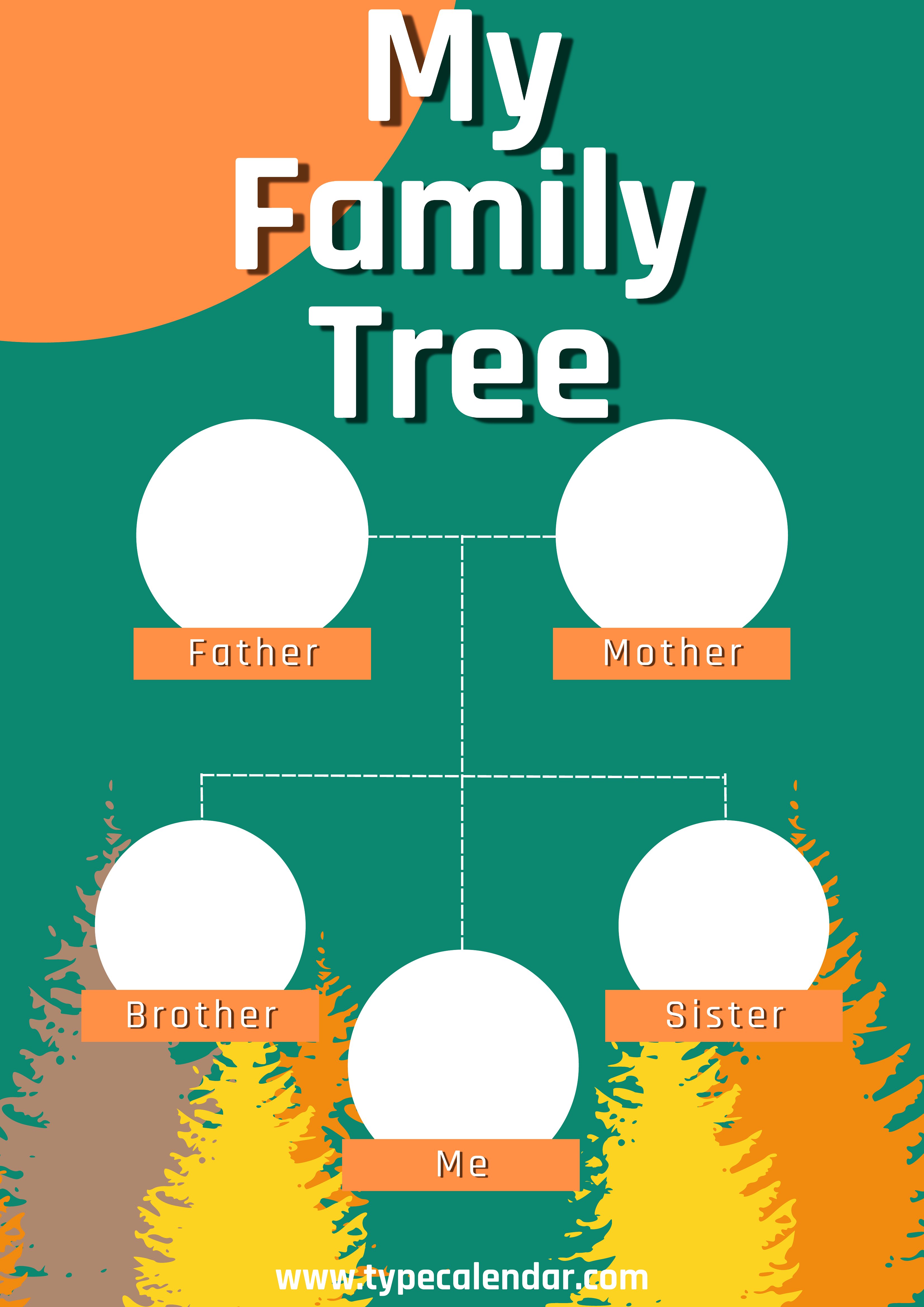
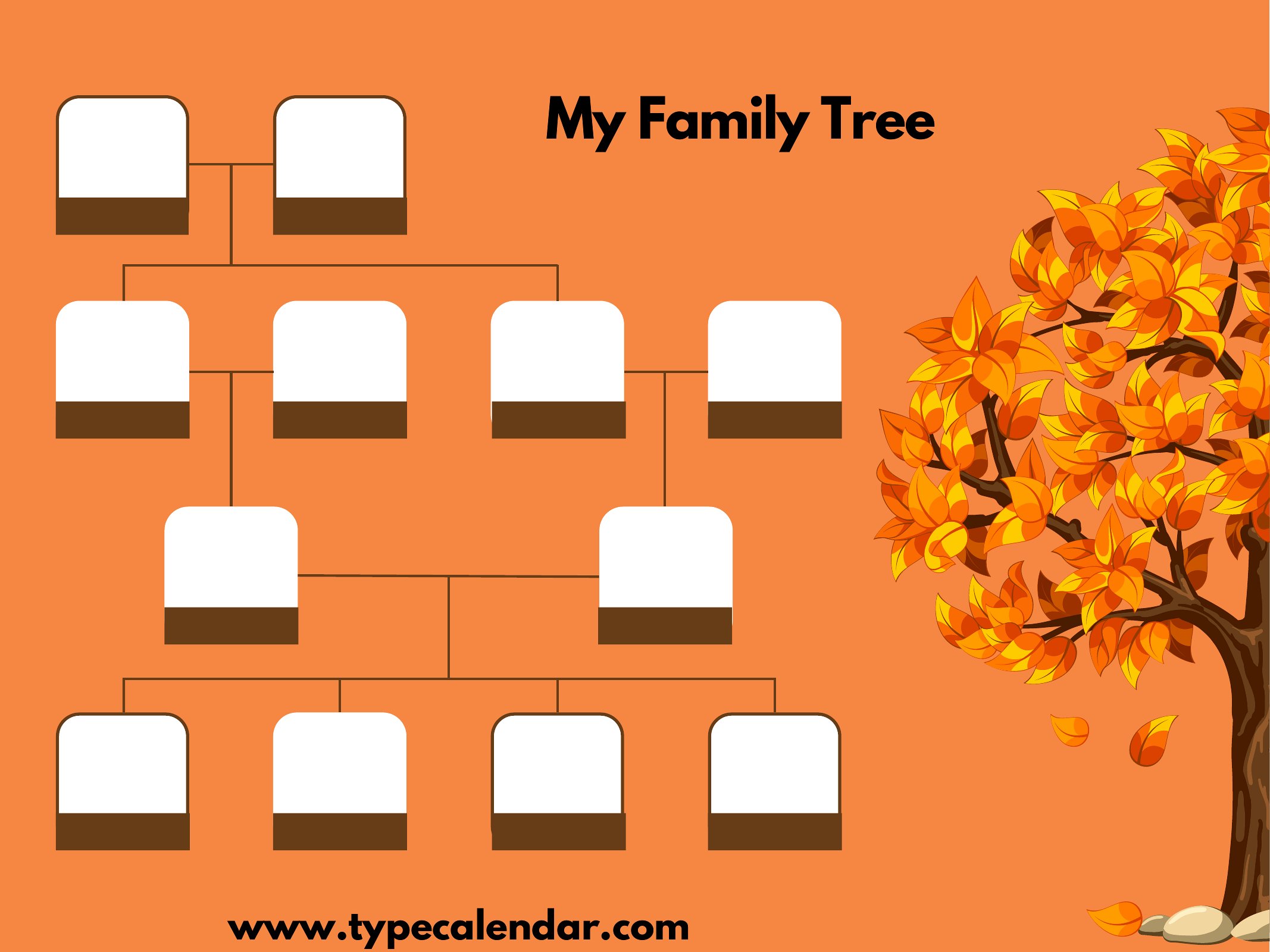
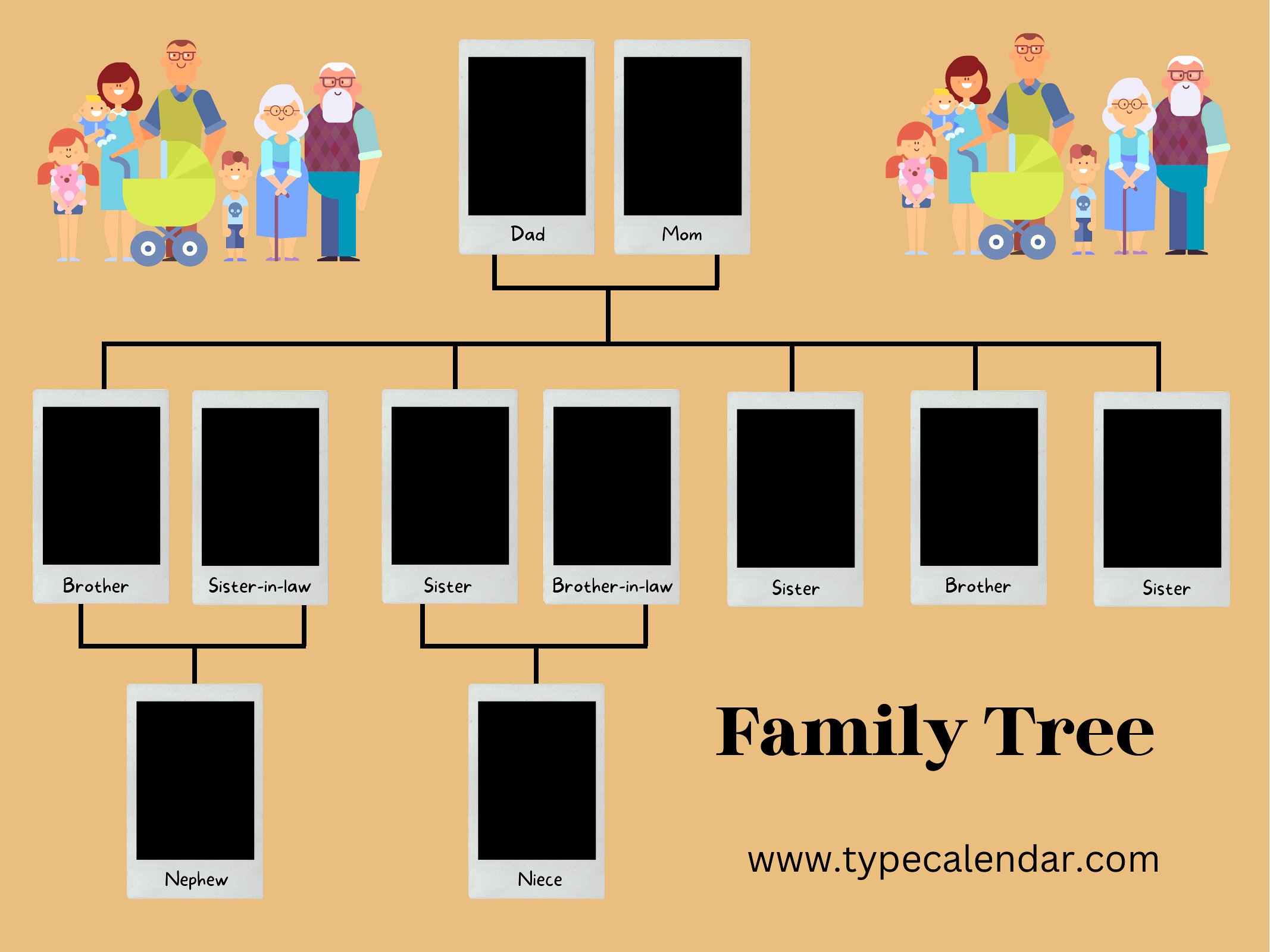
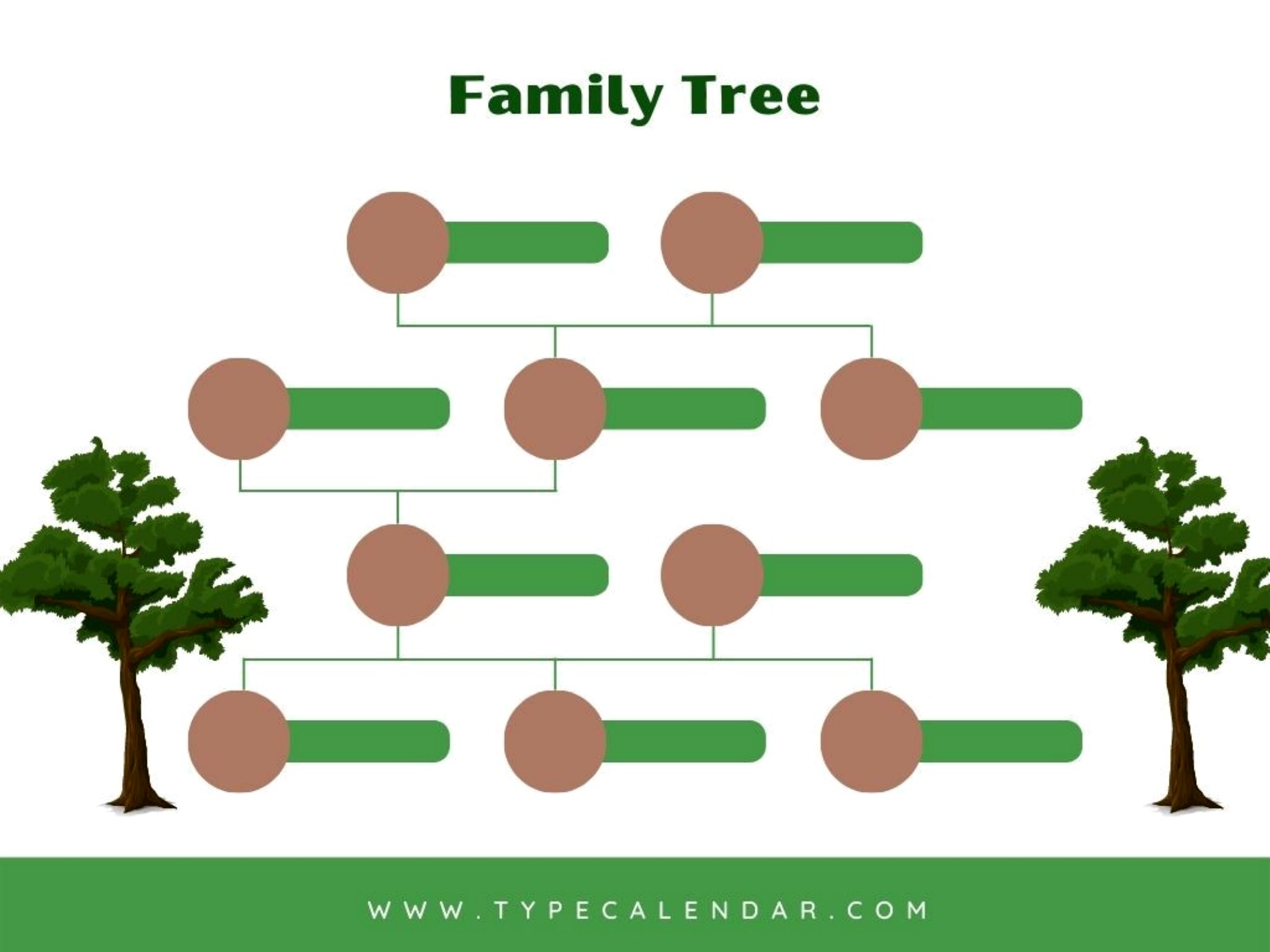
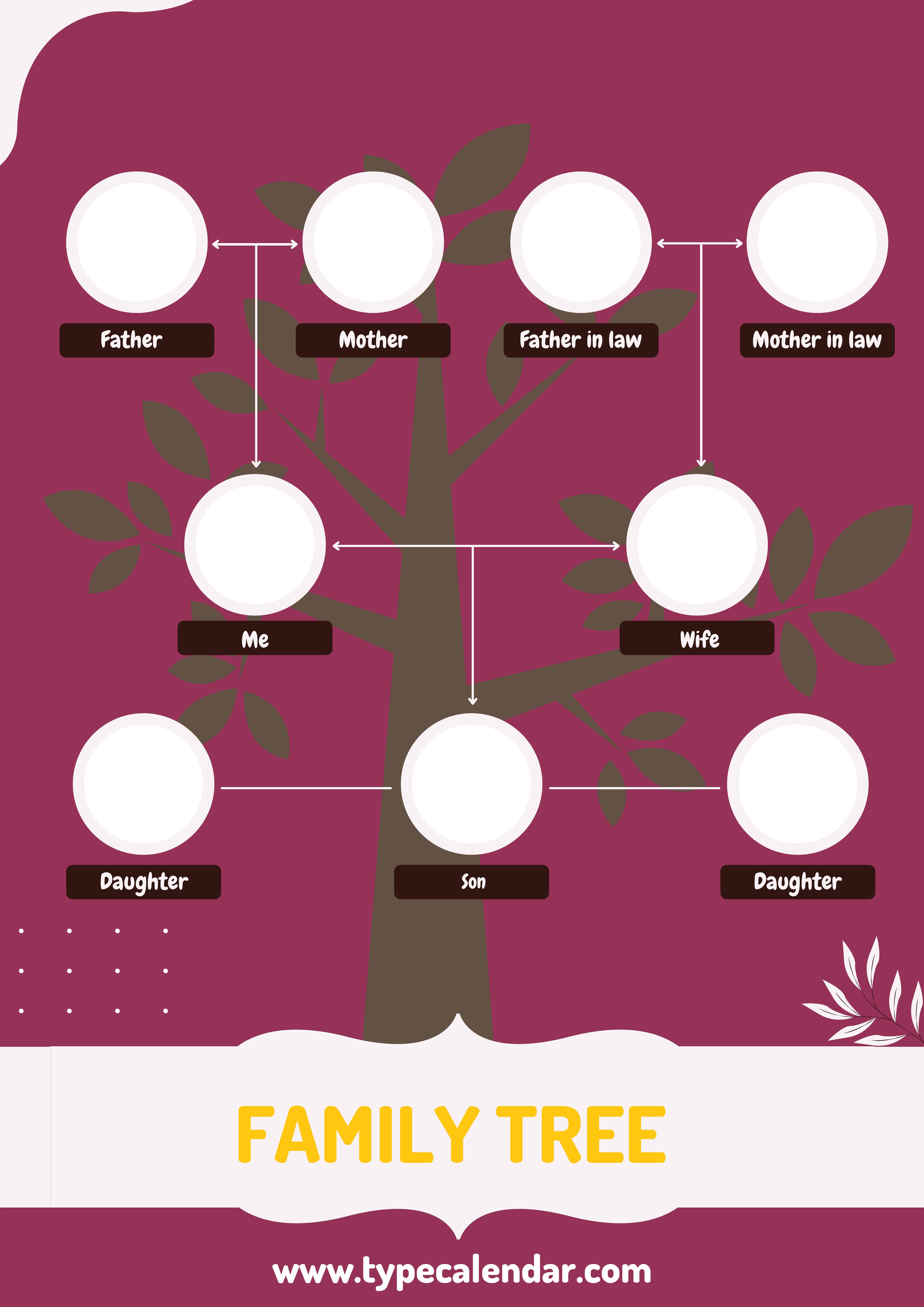
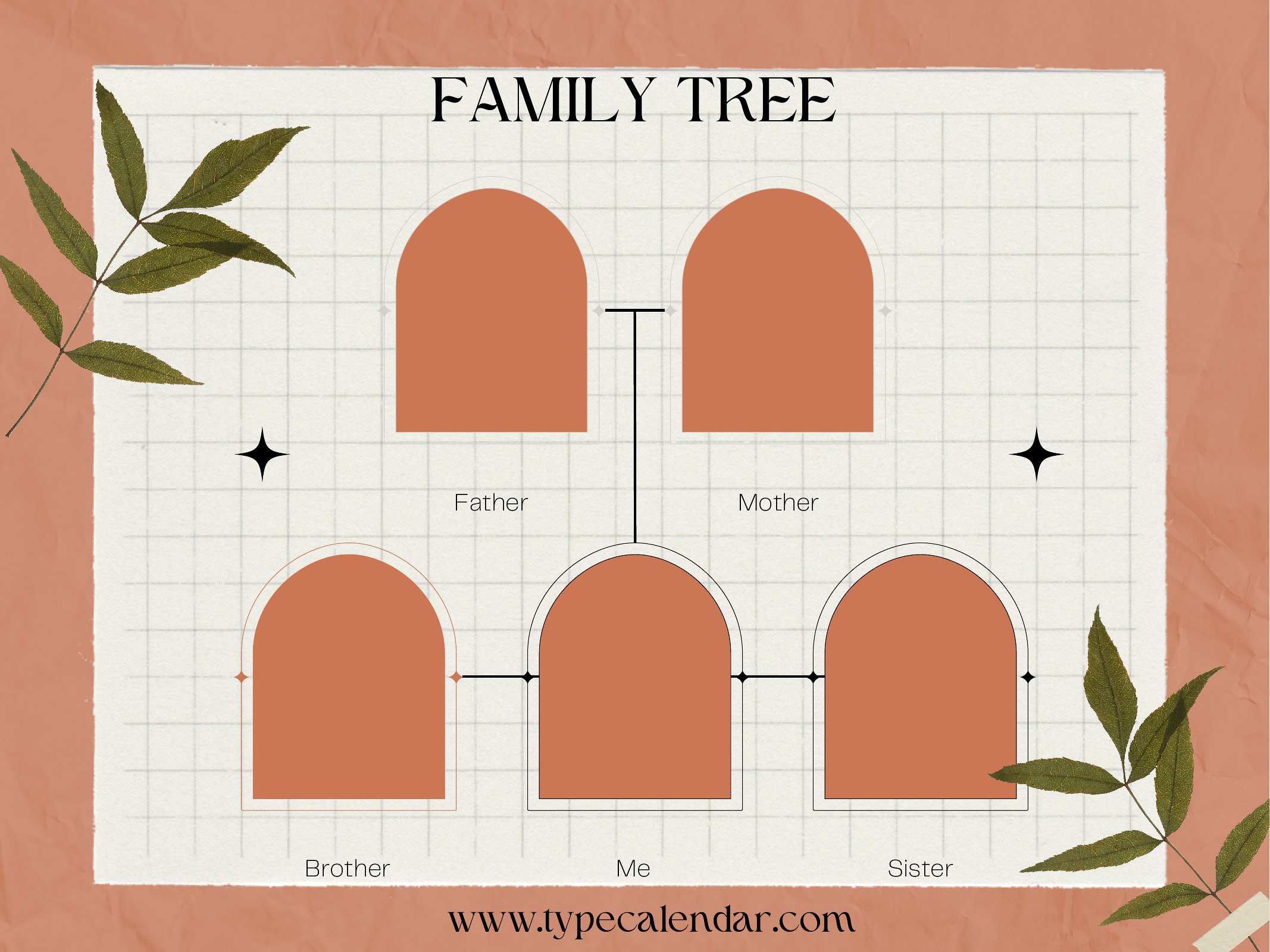
Yes, these PDF templates are designed to accommodate photos, but you’ll need to print them separately or resize images to fit the designated photo spots. Some templates include borders or frames—check the preview to see where photos align best. For a polished look, use a photo printer or a service that can merge images with your printed tree.
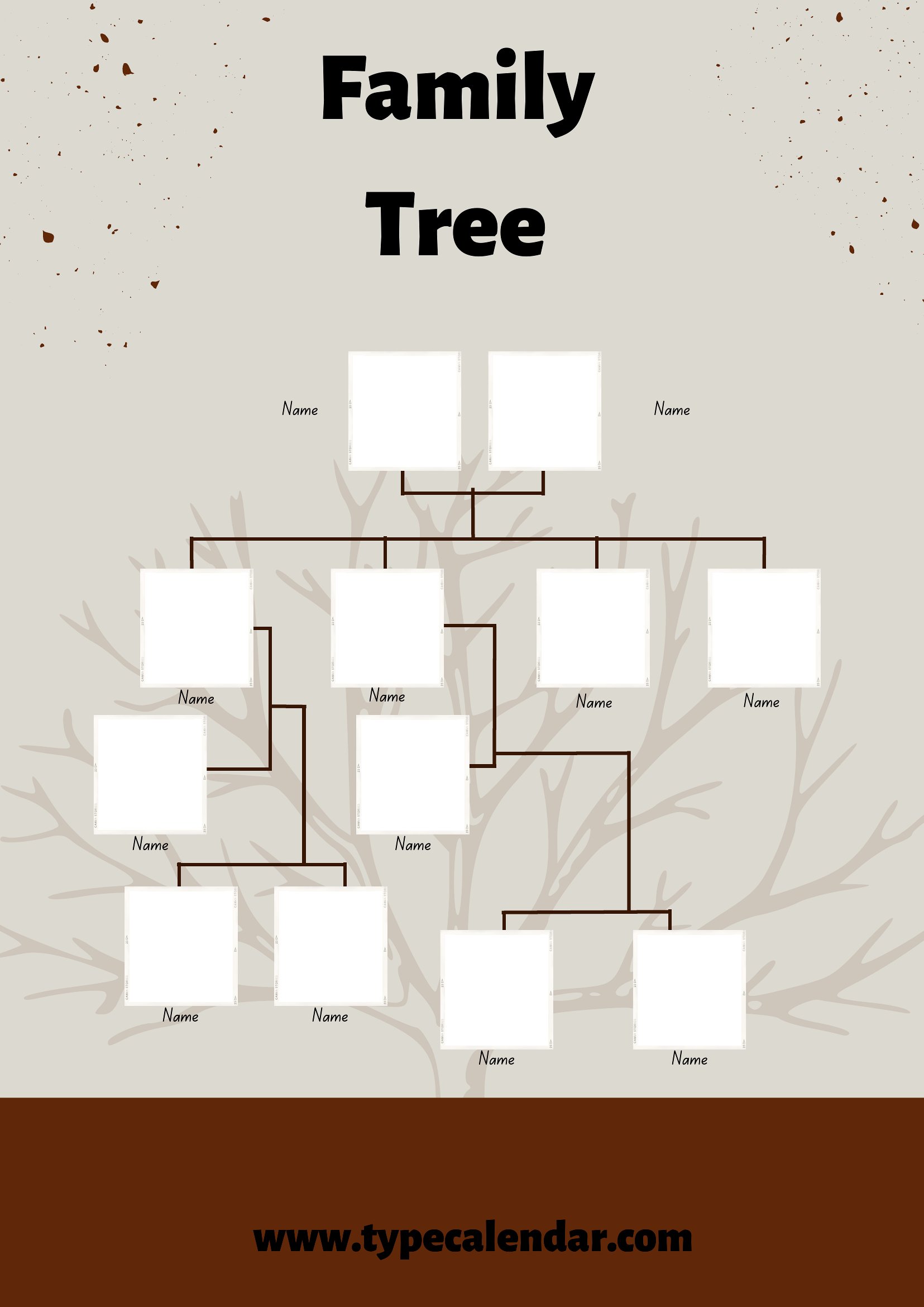
What’s the best way to handle very long family names or titles (like ‘Sir John Alexander the Third’) in the name boxes?
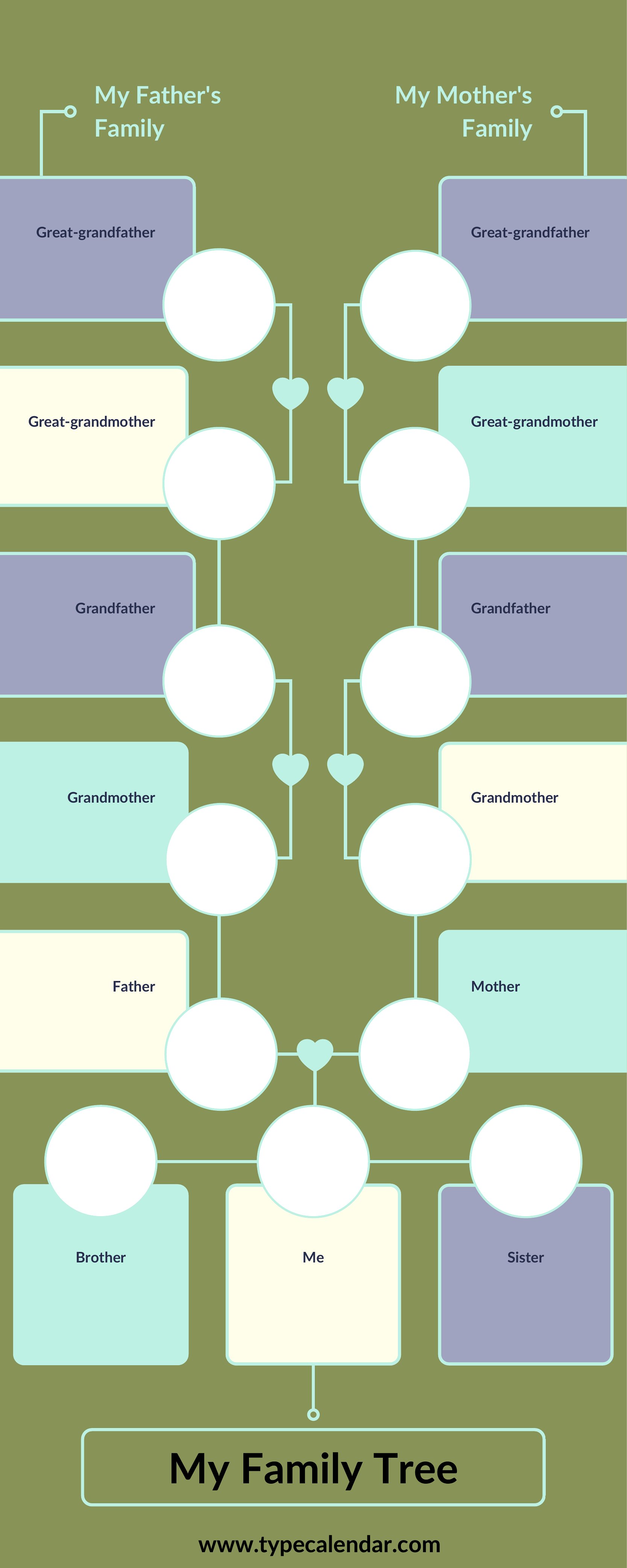
The templates include adjustable name boxes, but very long titles may require abbreviations or creative formatting. For example, use initials (e.g., “J.A. III”) or split the name across two lines if the template allows. If you’re printing, consider a larger template size (like 11x17 inches) to accommodate extra space. For digital use, you might need to edit the PDF with software like Adobe Acrobat to resize text fields.
How do I organize a family tree with multiple spouses or complex relationships, like step-siblings or adopted children?
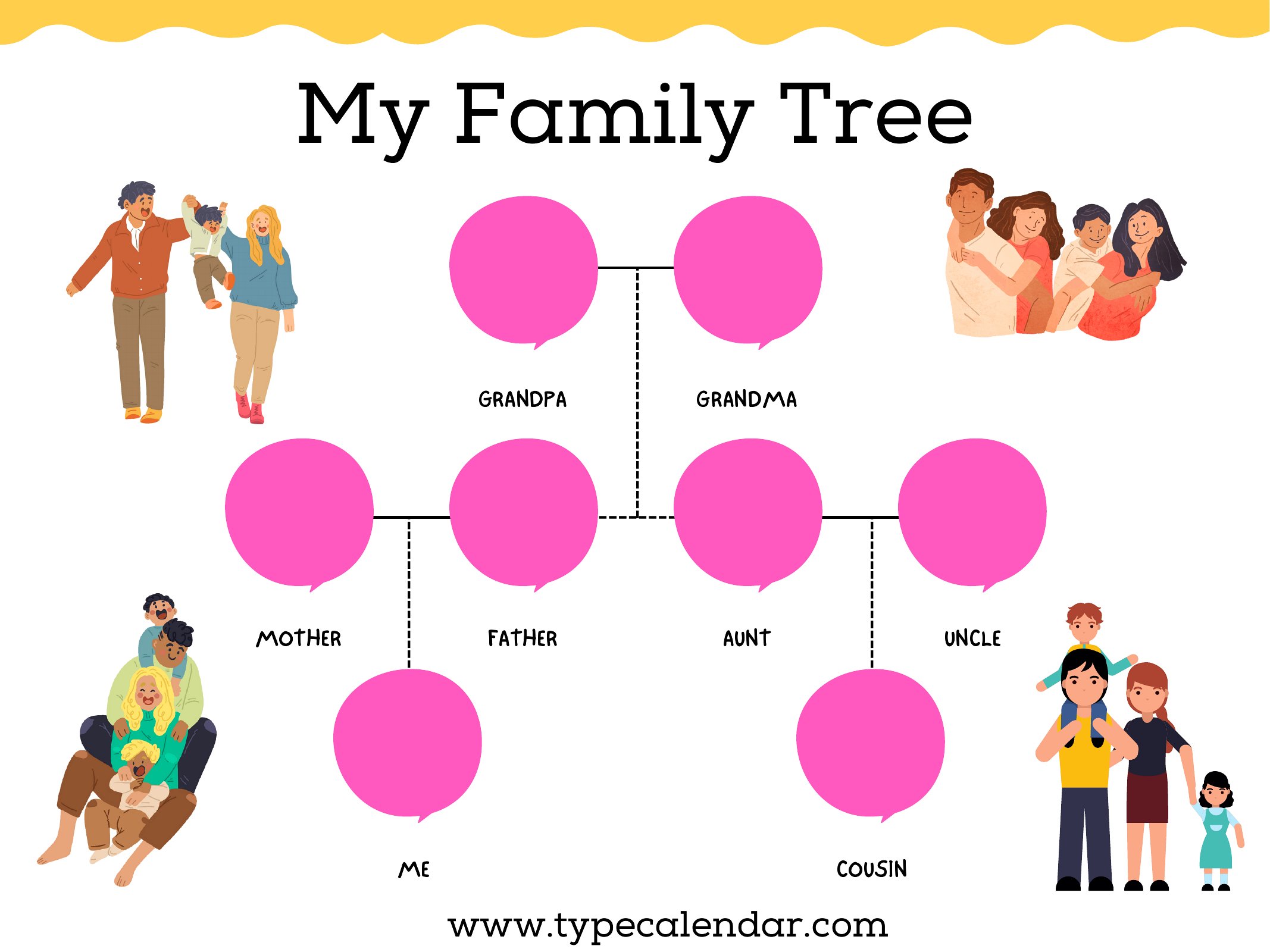
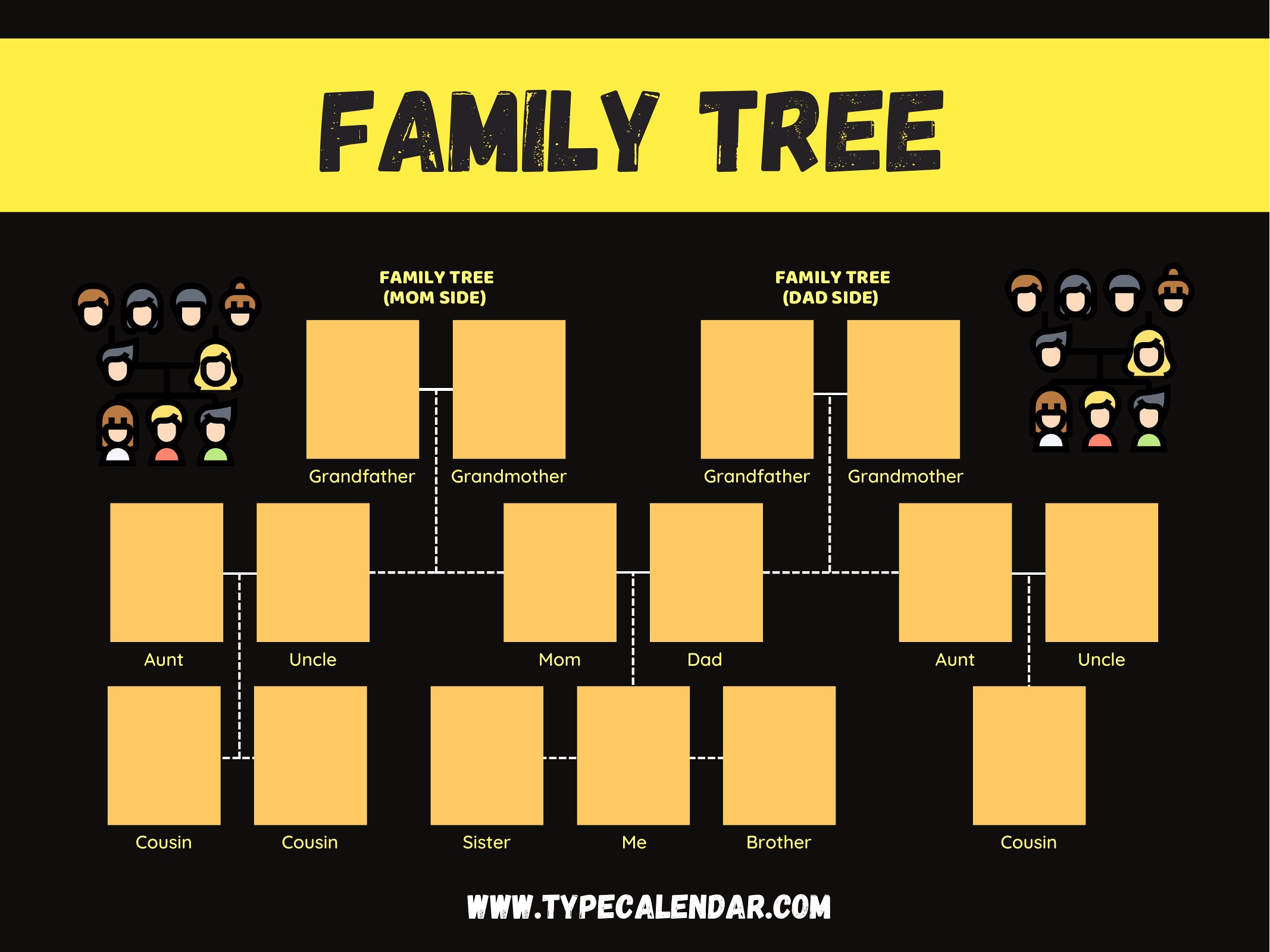
Look for templates with color-coding or separate branches to distinguish biological, adopted, or step-relationships. For example, use one color for nuclear family lines and another for blended families. If the template lacks these features, sketch your relationships on paper first, then map them to the closest-fitting layout. Some templates include “notes” sections—use these to clarify ambiguous connections before printing.
Comments
Join the conversation
Sign in to share your thoughts and leave a comment on this resource.