
FAQ
How do I make sure the Family Feud board looks professional enough for a school or work event?
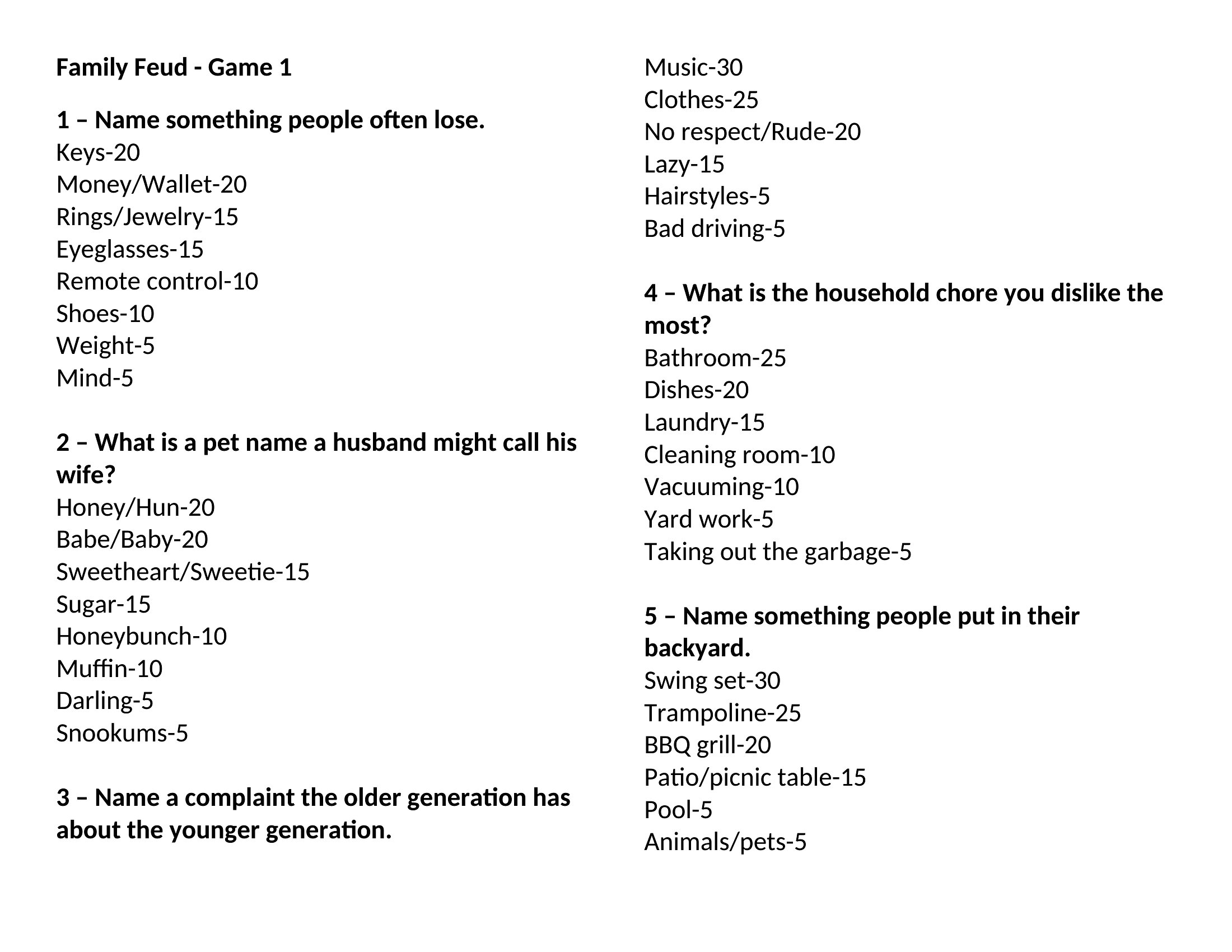
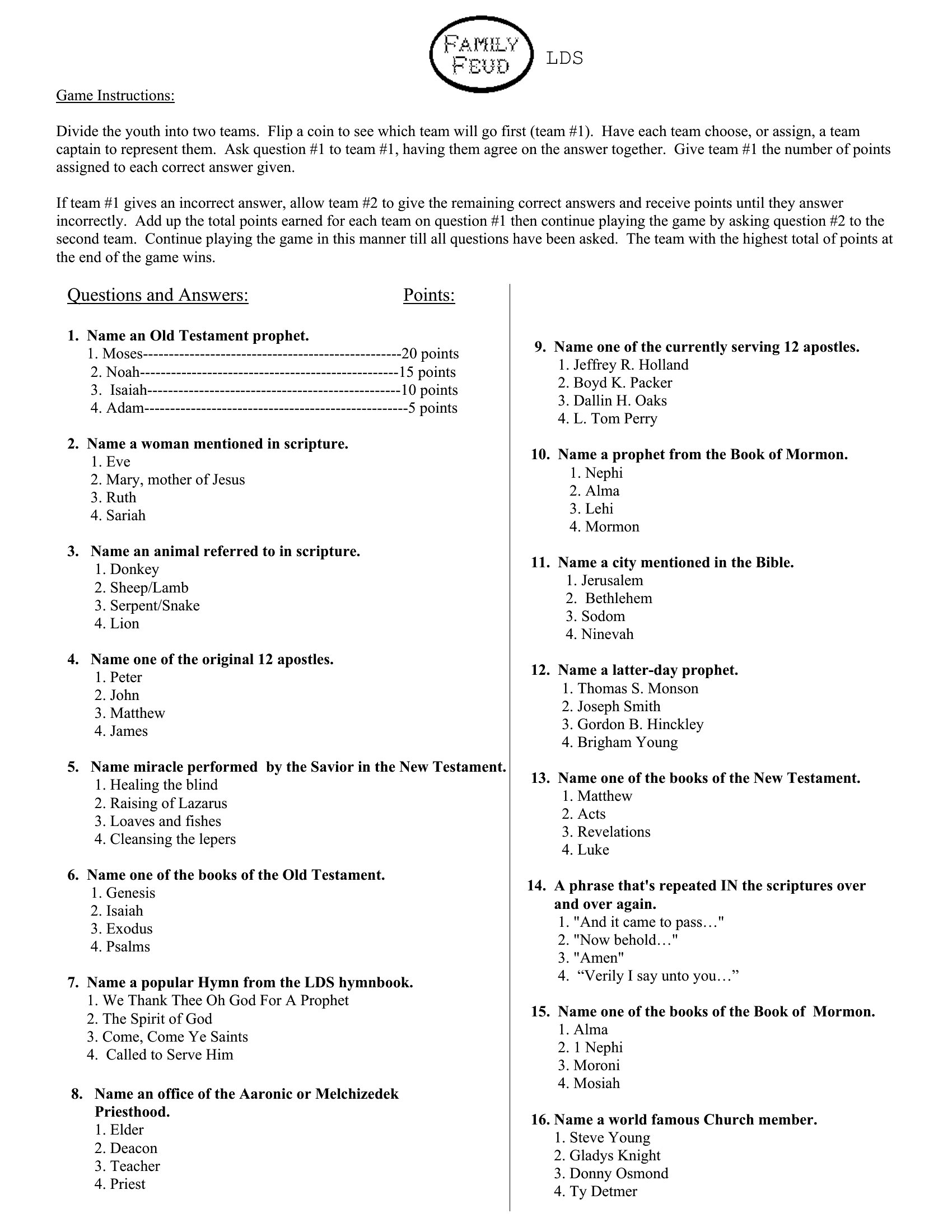
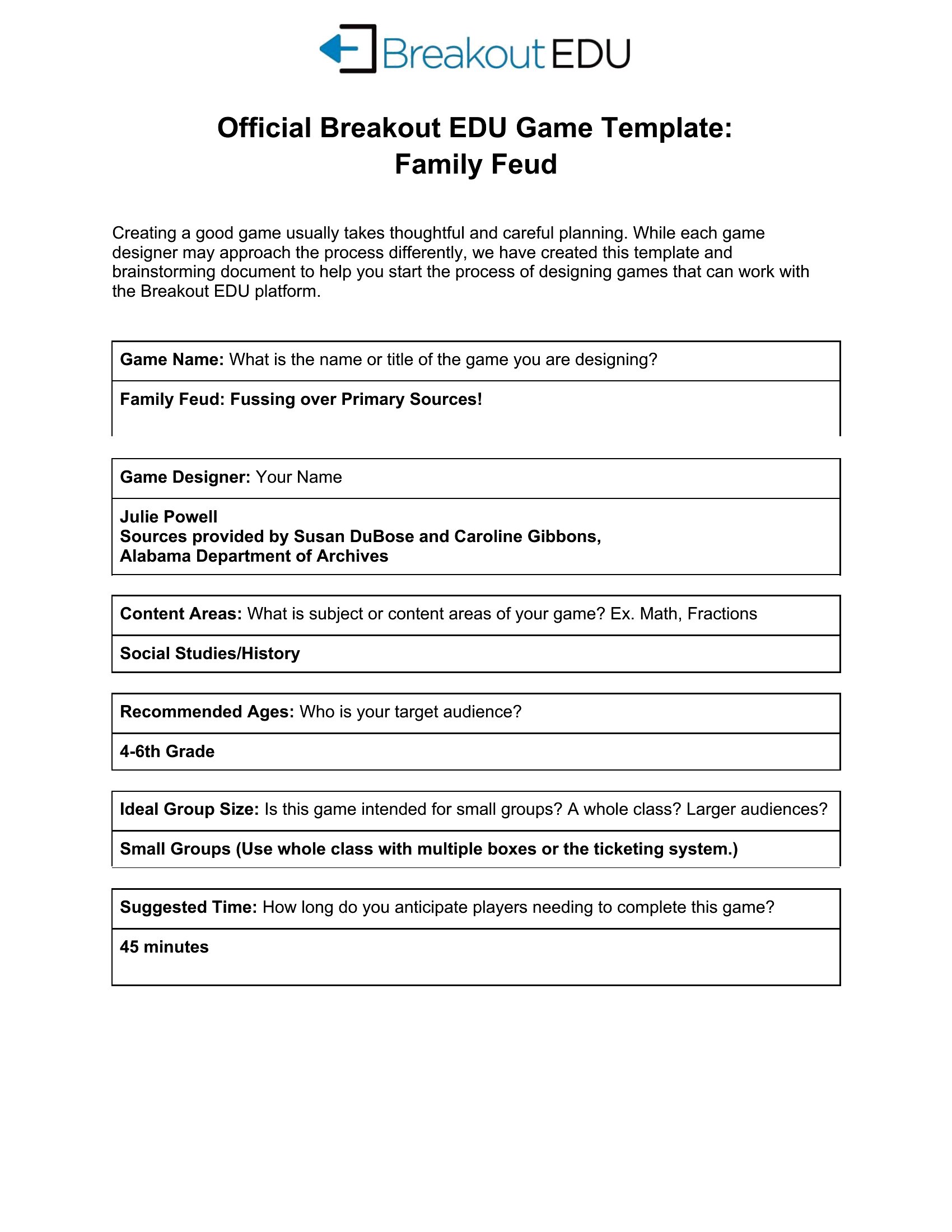
Use a clean, modern font (like Arial or Calibri) and keep the text size large enough to read from across the room. Stick to 2–3 colors for consistency, and avoid clutter by limiting questions to 20–25 per board. If printing, test the scale on a draft first—some Word templates render better when exported as PDF before printing.
Can I use these templates for a Family Feud game with kids who don’t know the rules yet?
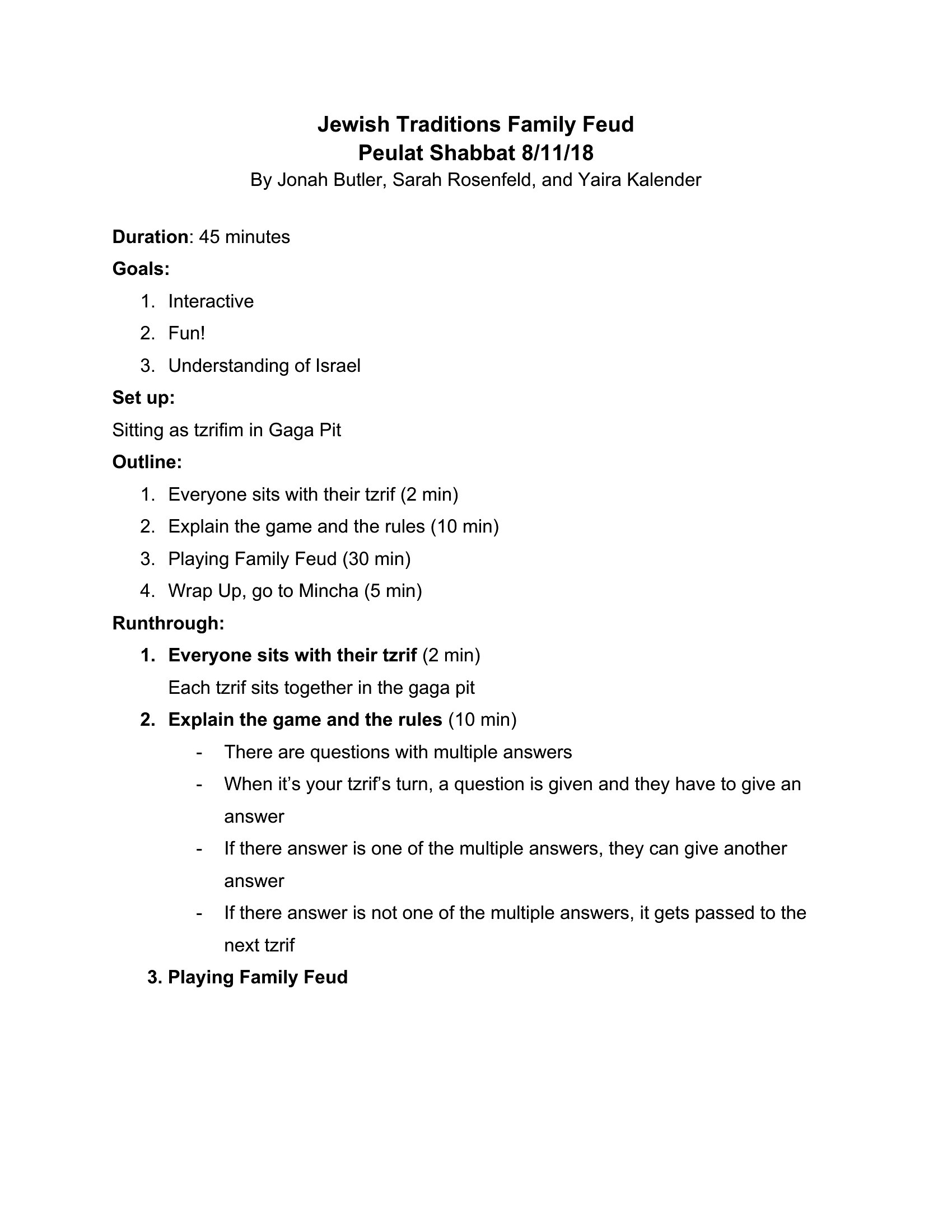
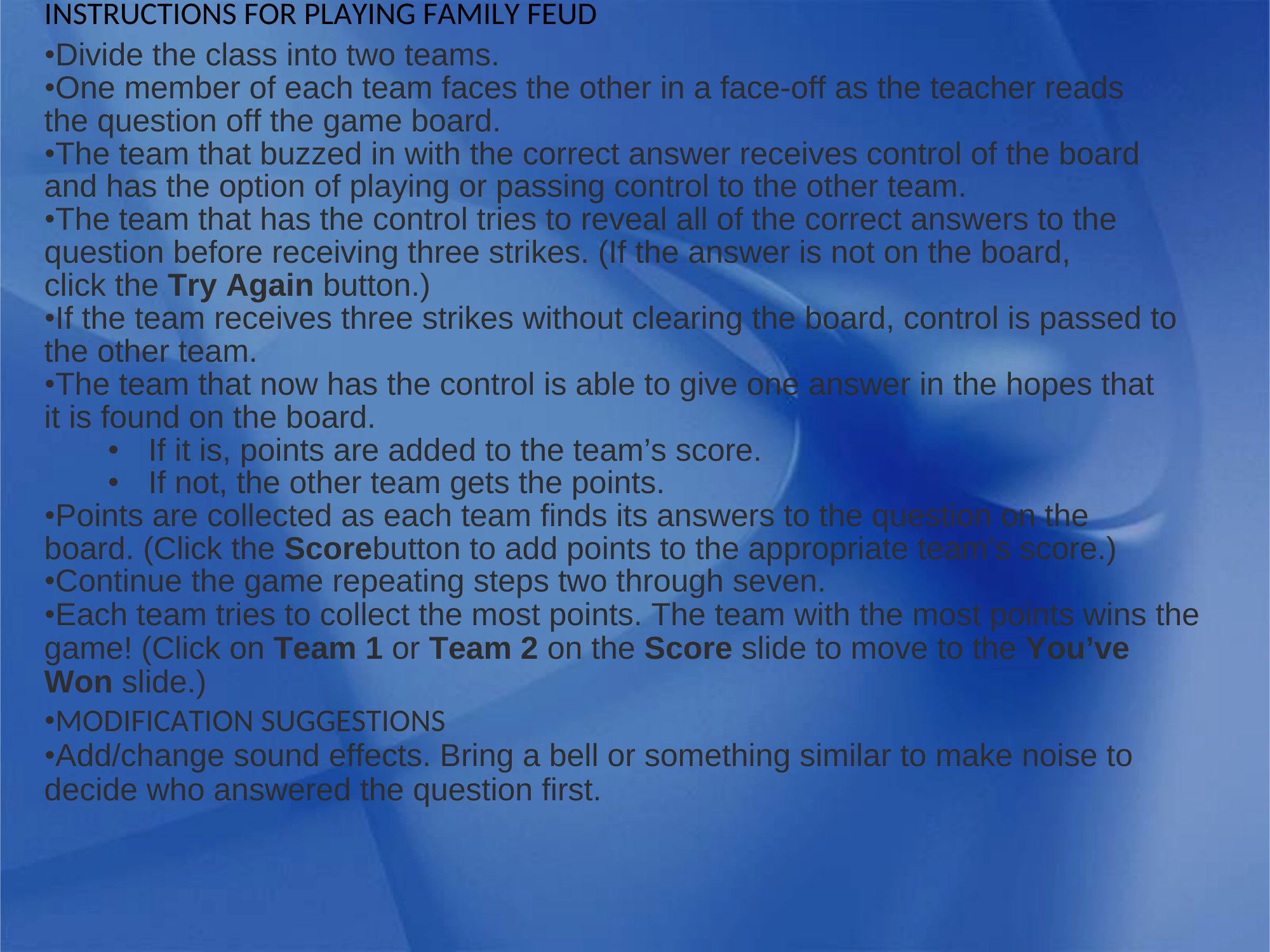
Yes, but include a brief 2–3 minute explanation before starting. Use simple rounds first (e.g., “Name a food kids eat for breakfast”) to teach the scoring system. You can also pair the template with a short video demo of a Family Feud round to set expectations. The templates themselves are format-neutral, so focus on guiding the group through the ‘survey-style’ question format.
What’s the best way to adapt these templates for a virtual game night on Zoom or Teams?
Convert the Word document to a slideshow (File > Export > Create Handout) and animate each question one at a time. Use the ‘speaker notes’ section to jot down hints or follow-up jokes. For interactive fun, share the screen and let players shout answers in the chat—then reveal the correct answers together. Avoid reading questions aloud word-for-word to keep it lively.
Comments
Join the conversation
Sign in to share your thoughts and leave a comment on this resource.