
Free Family Feud Game Templates (Word)
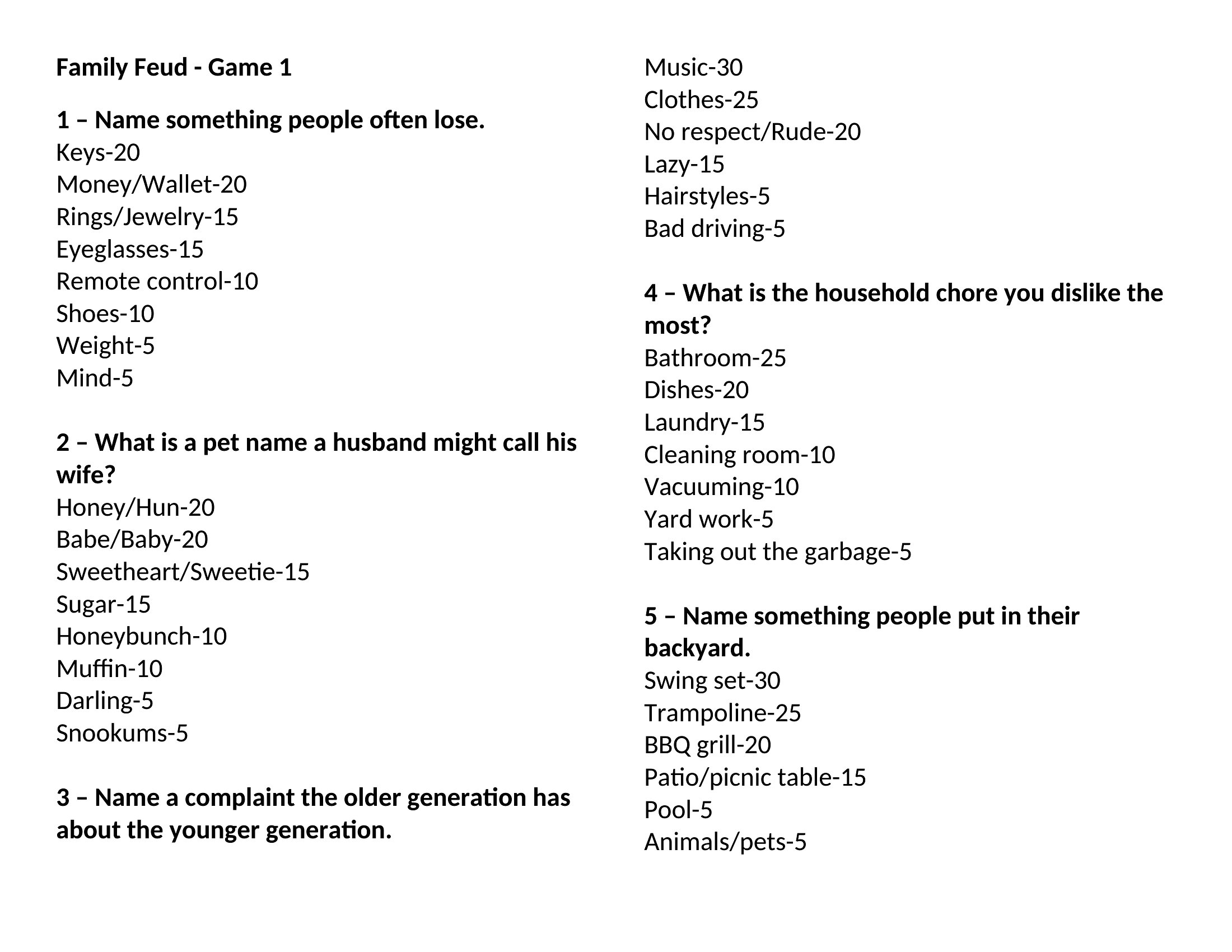
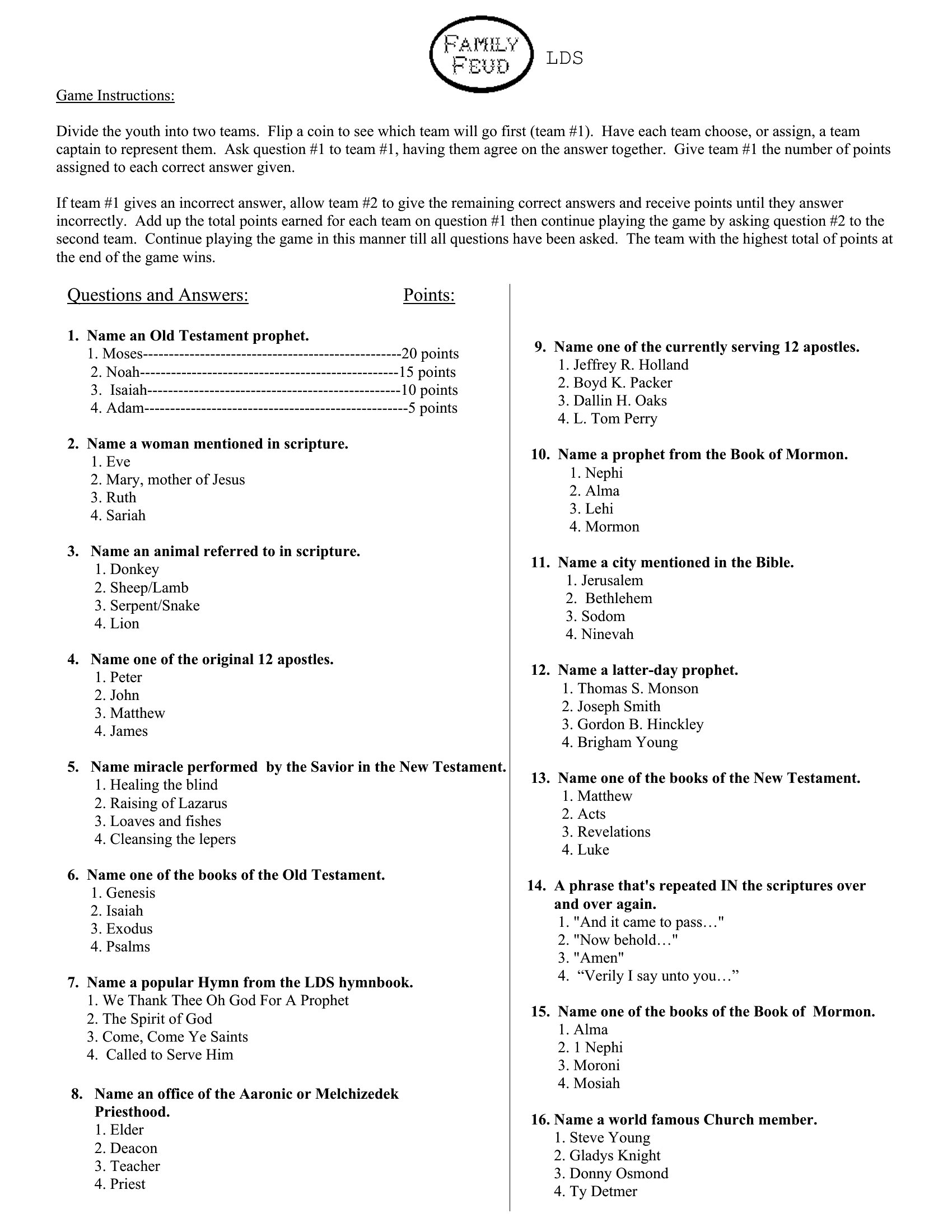
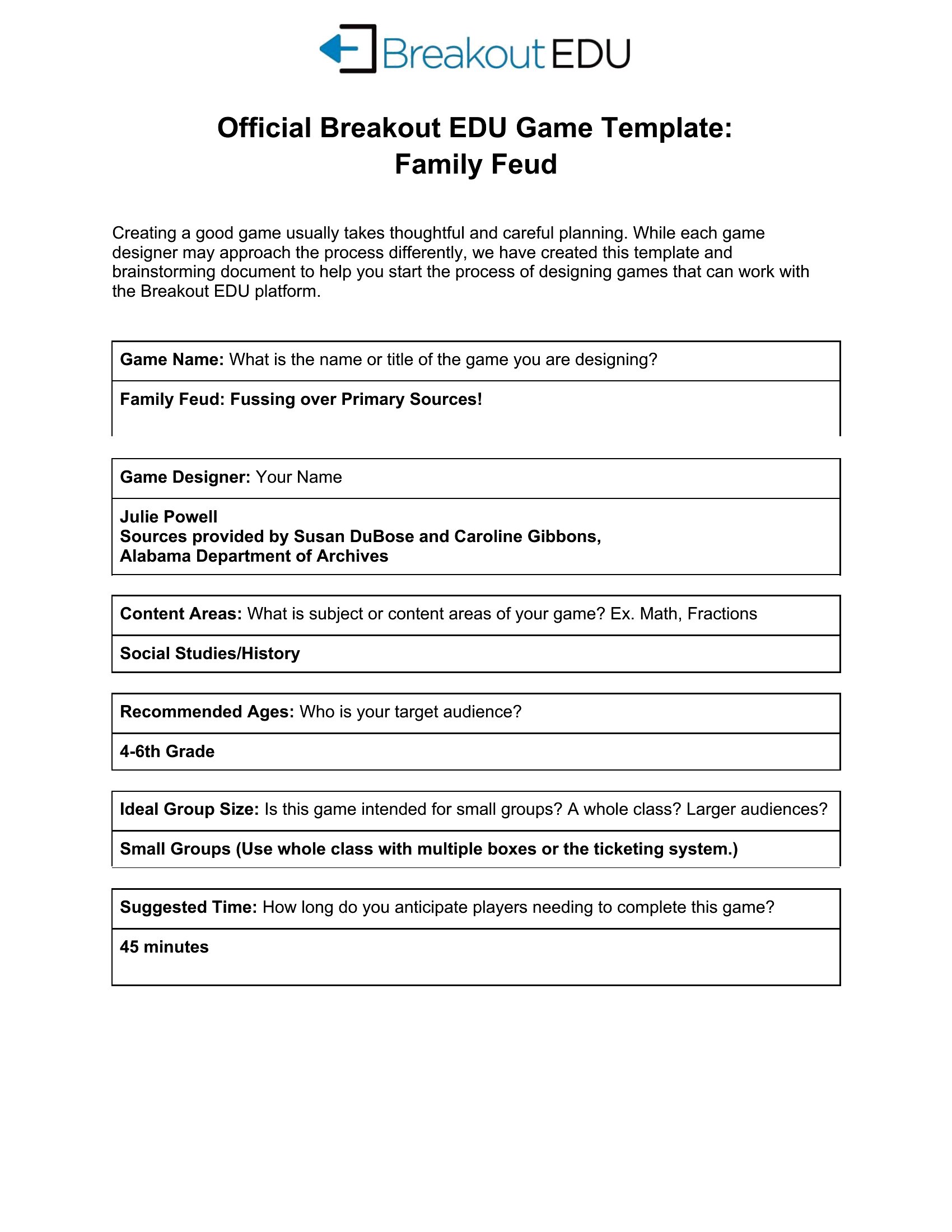
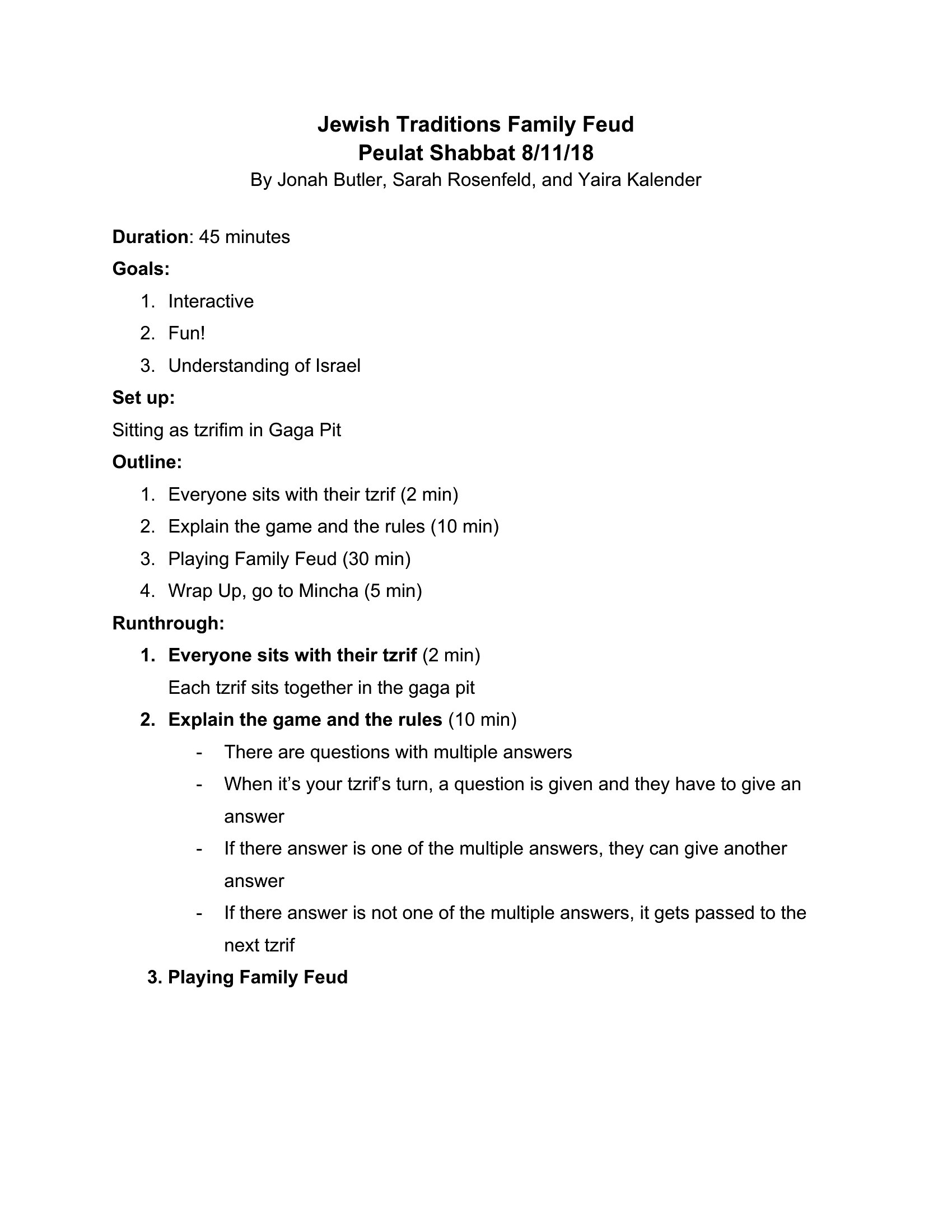
ProjectFew games get a room laughing as fast as Family Feud, and you don't need a TV studio to play. This set of 6 Family Feud game templates gives teachers, party hosts, and team leaders ready-made question-and-answer boards for classrooms, gatherings, and icebreakers. Just add your own survey questions and you've got a crowd-pleaser ready to go.
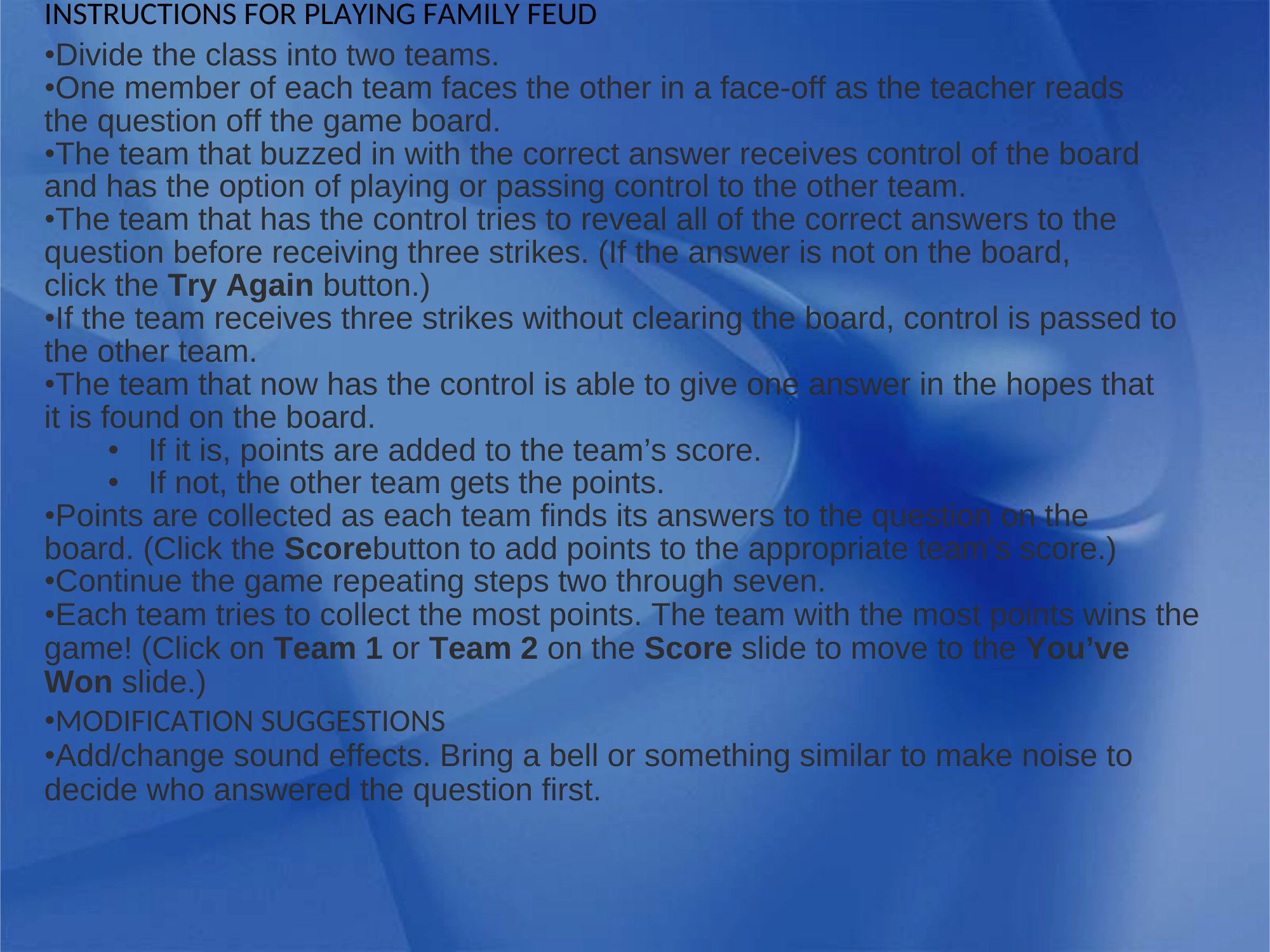
The templates are editable in Microsoft Word, so you can swap in your questions, answers, and point values in minutes. Print them out or display them on a screen, split into two teams, and start playing. Download the version that fits your group and bring some friendly competition to your next event.
When to use this Family Feud Game template
- Middle school teachers hosting a Friday fun day need quick, engaging activities that reinforce classroom topics—use these templates to turn spelling words or history facts into a competitive, interactive game without prep time.
- Birthday party planners for tweens and teens want to replace passive games with something that sparks laughter and friendly rivalry—these templates let you customize questions around inside jokes or favorite movie trivia in minutes.
- Corporate team-building coordinators organizing a virtual or in-person retreat need an activity that builds camaraderie across departments—adapt the templates with work-related or pop-culture questions to energize teams during breaks.
- After-school club leaders running a game night for shy or competitive kids can use these templates to create a low-pressure, high-energy format—questions about hobbies or local landmarks help kids bond while playing, reducing social anxiety.
Which format should I download?
The Word format is ideal for this template because it allows you to easily edit questions, adjust fonts for readability, or add your own designs without losing the game’s structured layout. Choose Word if you need flexibility to tweak the template repeatedly for different groups or themes. Since these aren’t interactive files (no macros or embedded media), Word keeps it simple while covering 90% of use cases—from printing physical boards to sharing digital versions for remote play.
How to use this Family Feud Game template
How do I make sure the Family Feud board looks professional enough for a school or work event?
Use a clean, modern font (like Arial or Calibri) and keep the text size large enough to read from across the room. Stick to 2–3 colors for consistency, and avoid clutter by limiting questions to 20–25 per board. If printing, test the scale on a draft first—some Word templates render better when exported as PDF before printing.
Can I use these templates for a Family Feud game with kids who don’t know the rules yet?
Yes, but include a brief 2–3 minute explanation before starting. Use simple rounds first (e.g., “Name a food kids eat for breakfast”) to teach the scoring system. You can also pair the template with a short video demo of a Family Feud round to set expectations. The templates themselves are format-neutral, so focus on guiding the group through the ‘survey-style’ question format.
What’s the best way to adapt these templates for a virtual game night on Zoom or Teams?
Convert the Word document to a slideshow (File > Export > Create Handout) and animate each question one at a time. Use the ‘speaker notes’ section to jot down hints or follow-up jokes. For interactive fun, share the screen and let players shout answers in the chat—then reveal the correct answers together. Avoid reading questions aloud word-for-word to keep it lively.
Comments
Join the conversation
Sign in to share your thoughts and leave a comment on this resource.