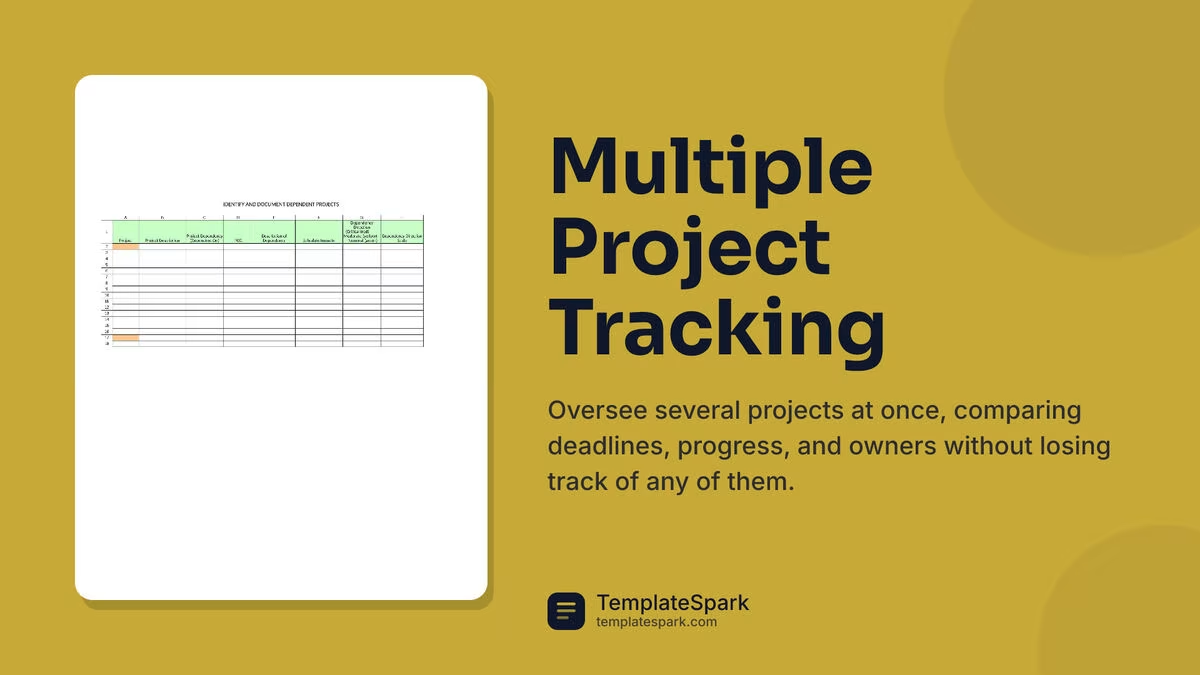
Free Multiple Project Trackers (Word, Excel)
Project by martanunez
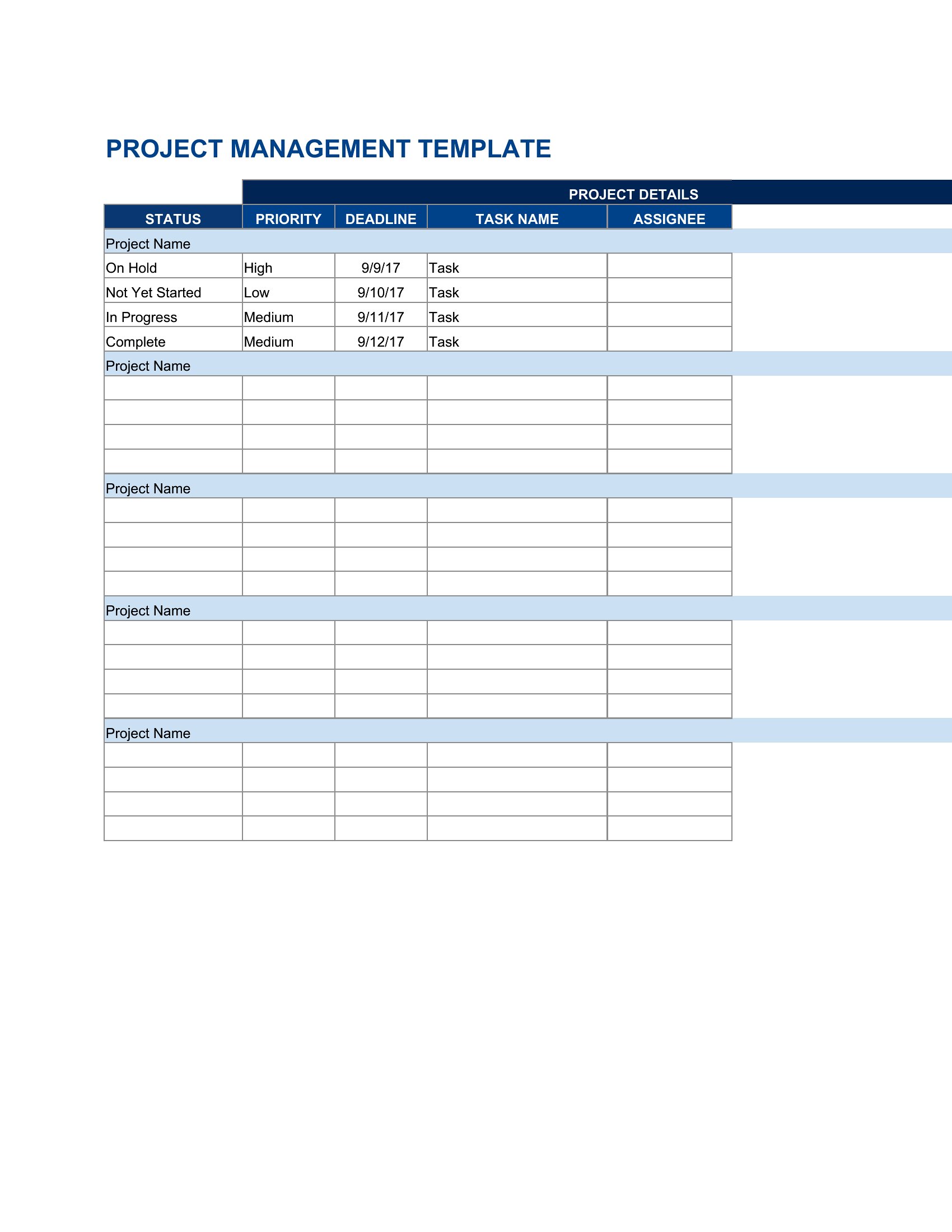
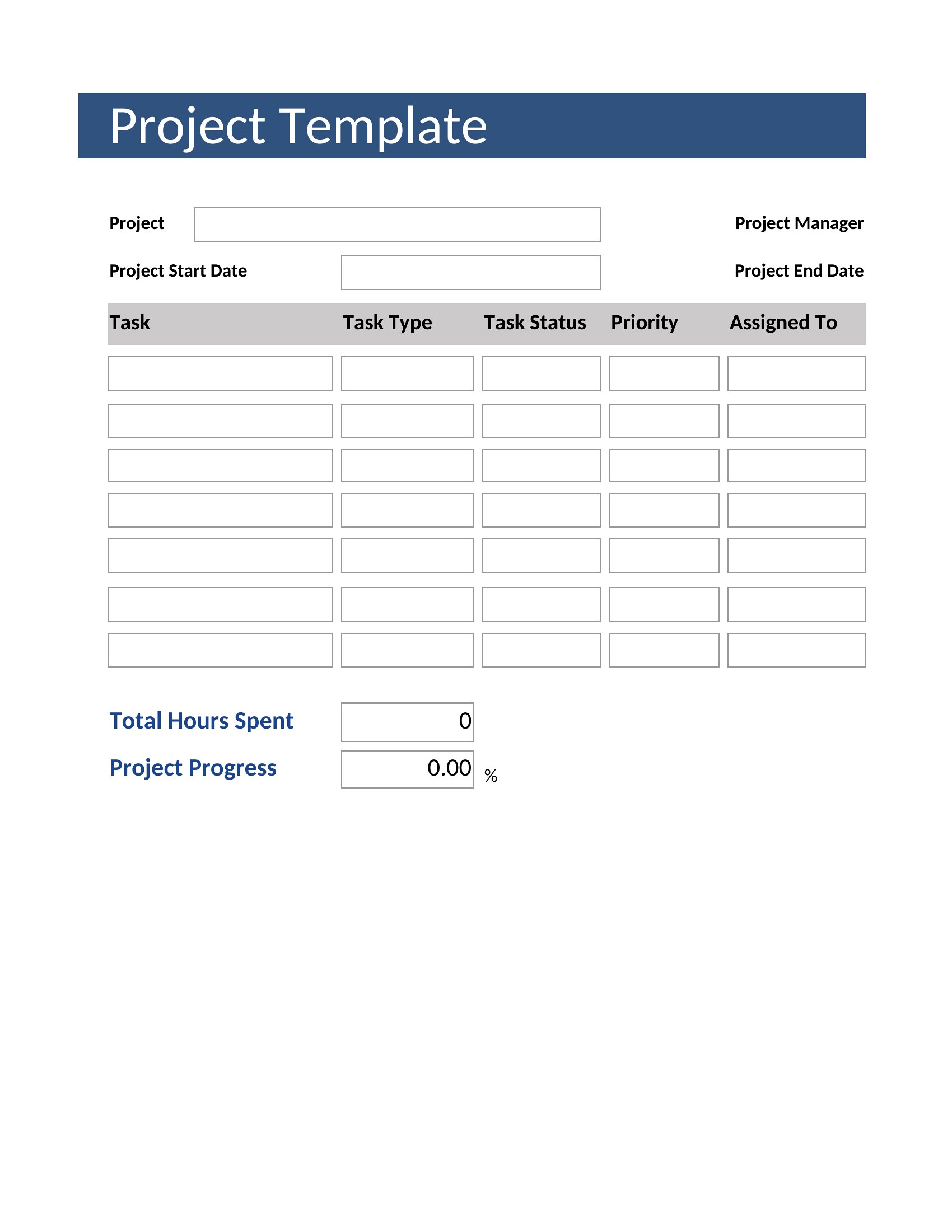
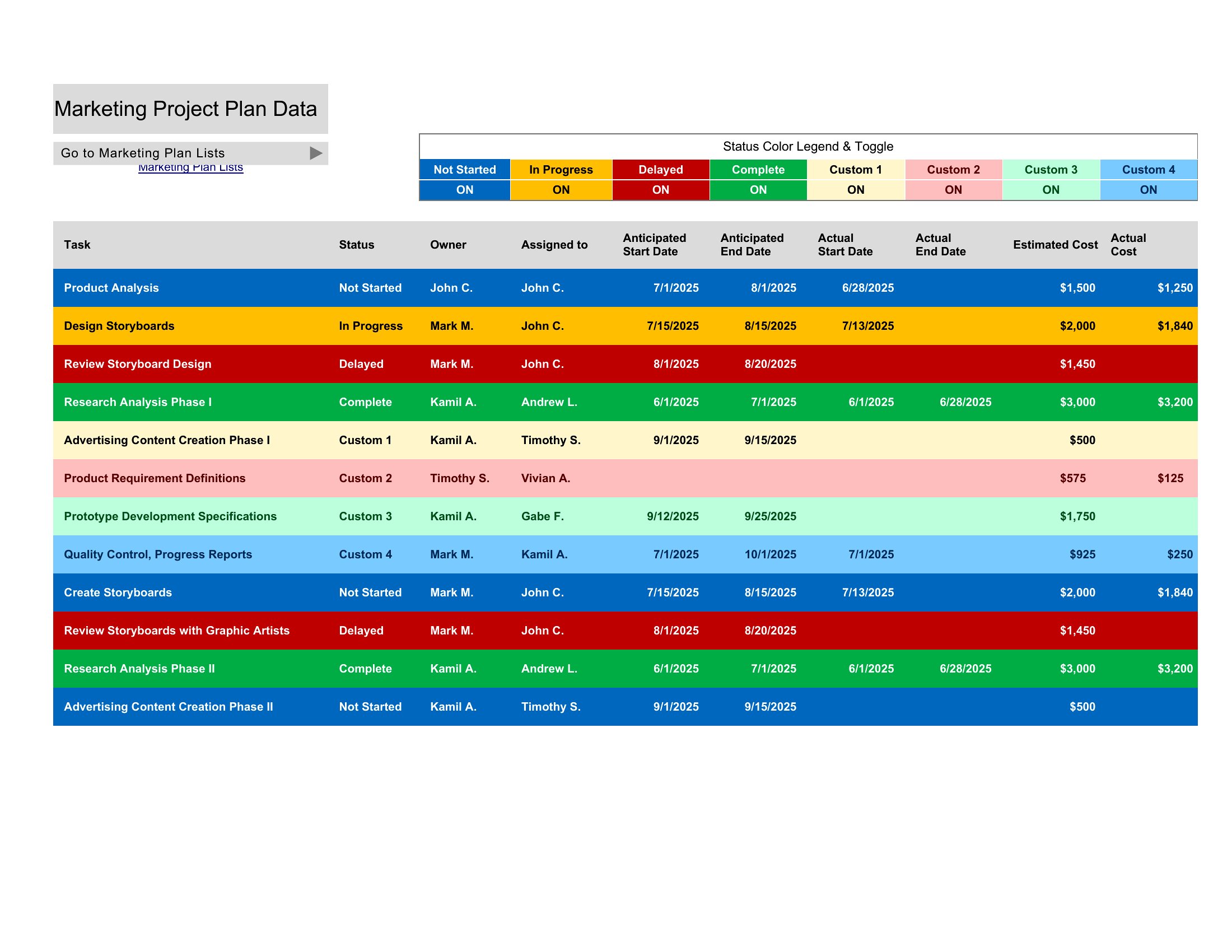
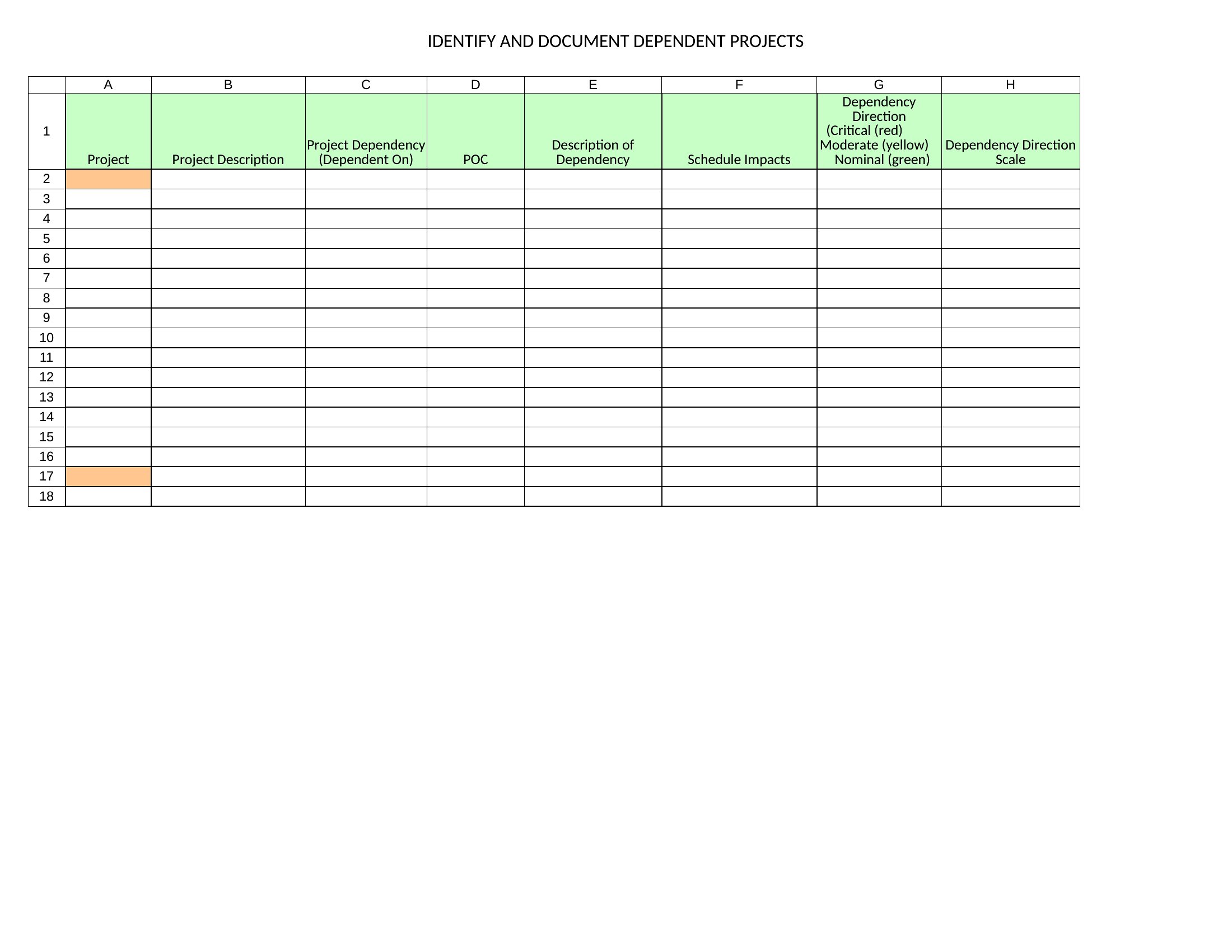
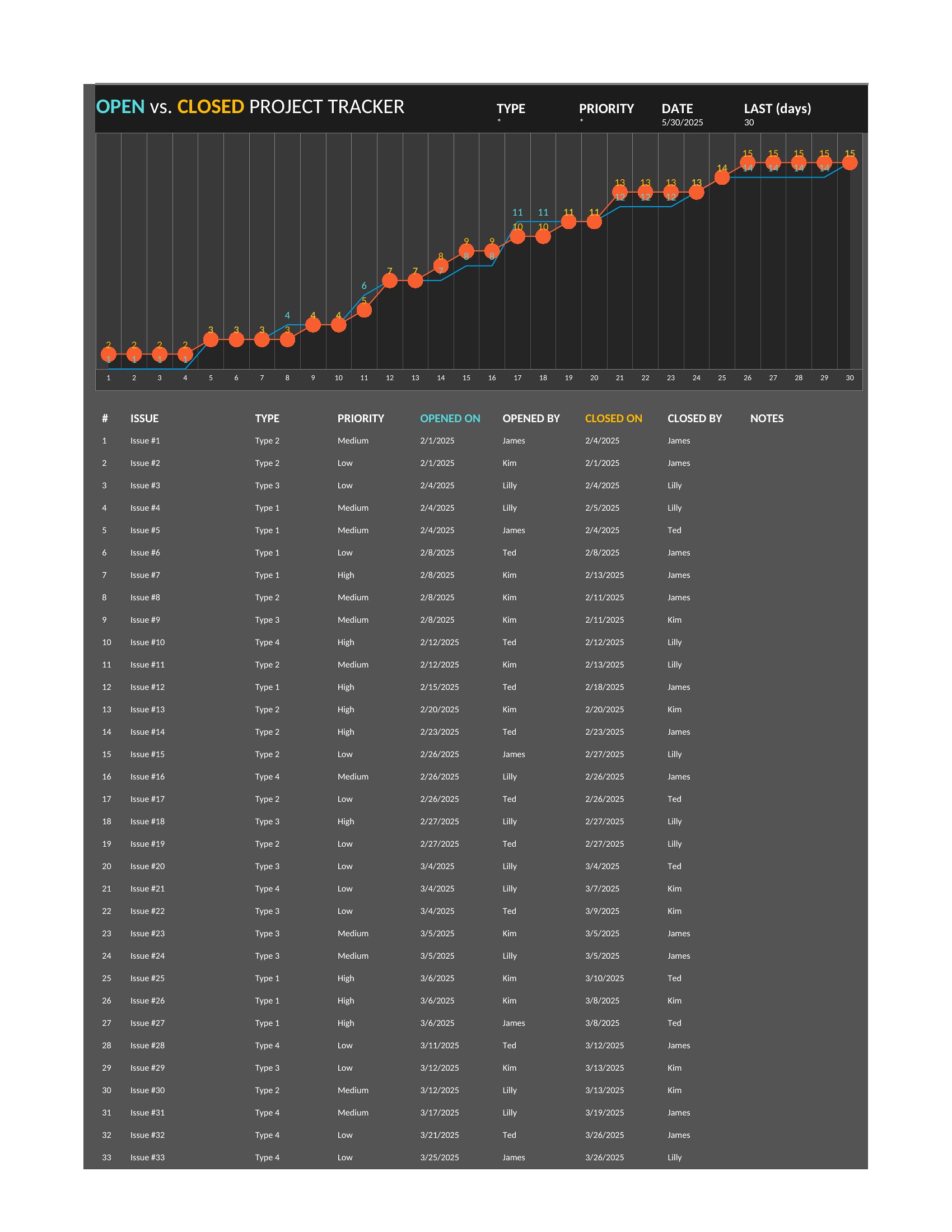
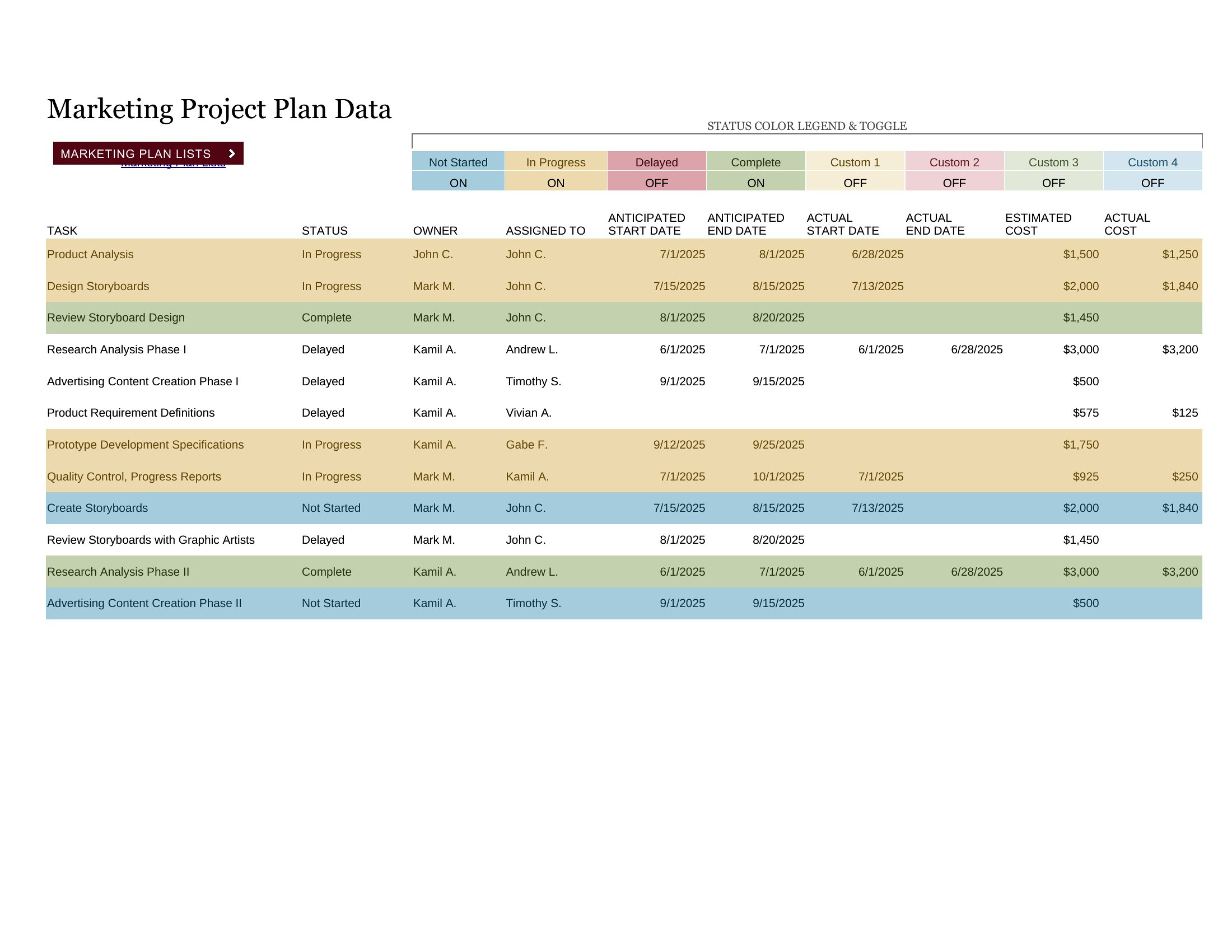
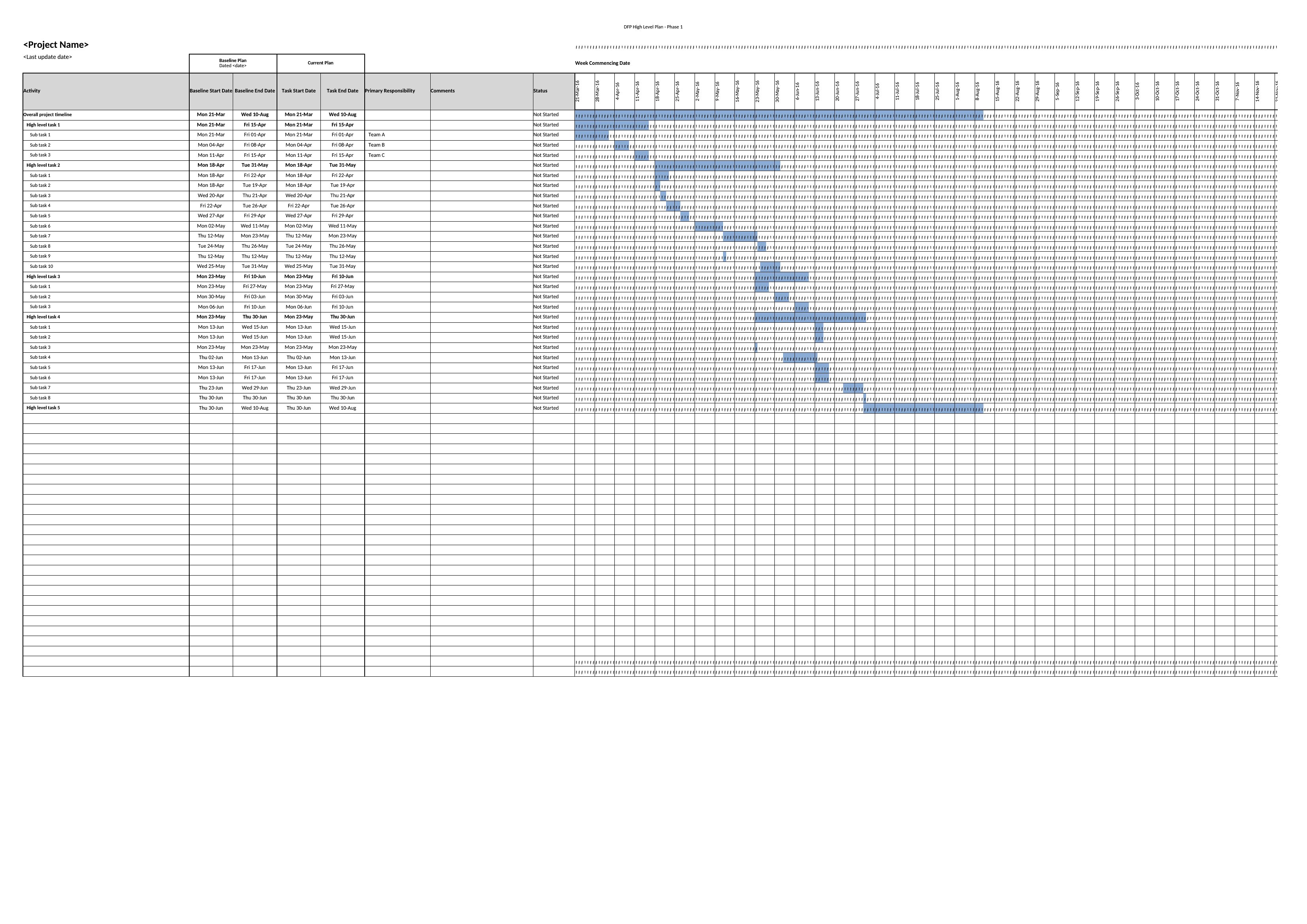
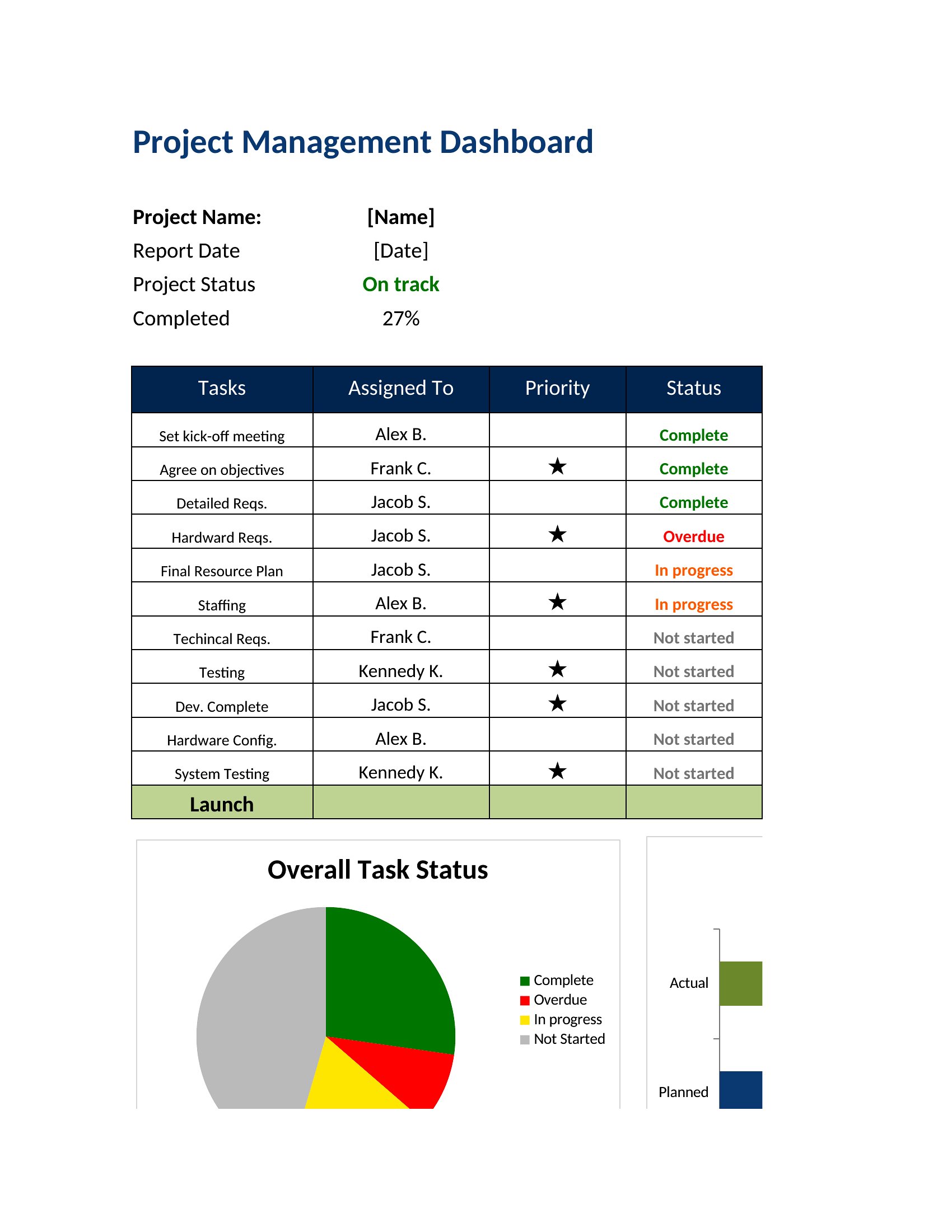
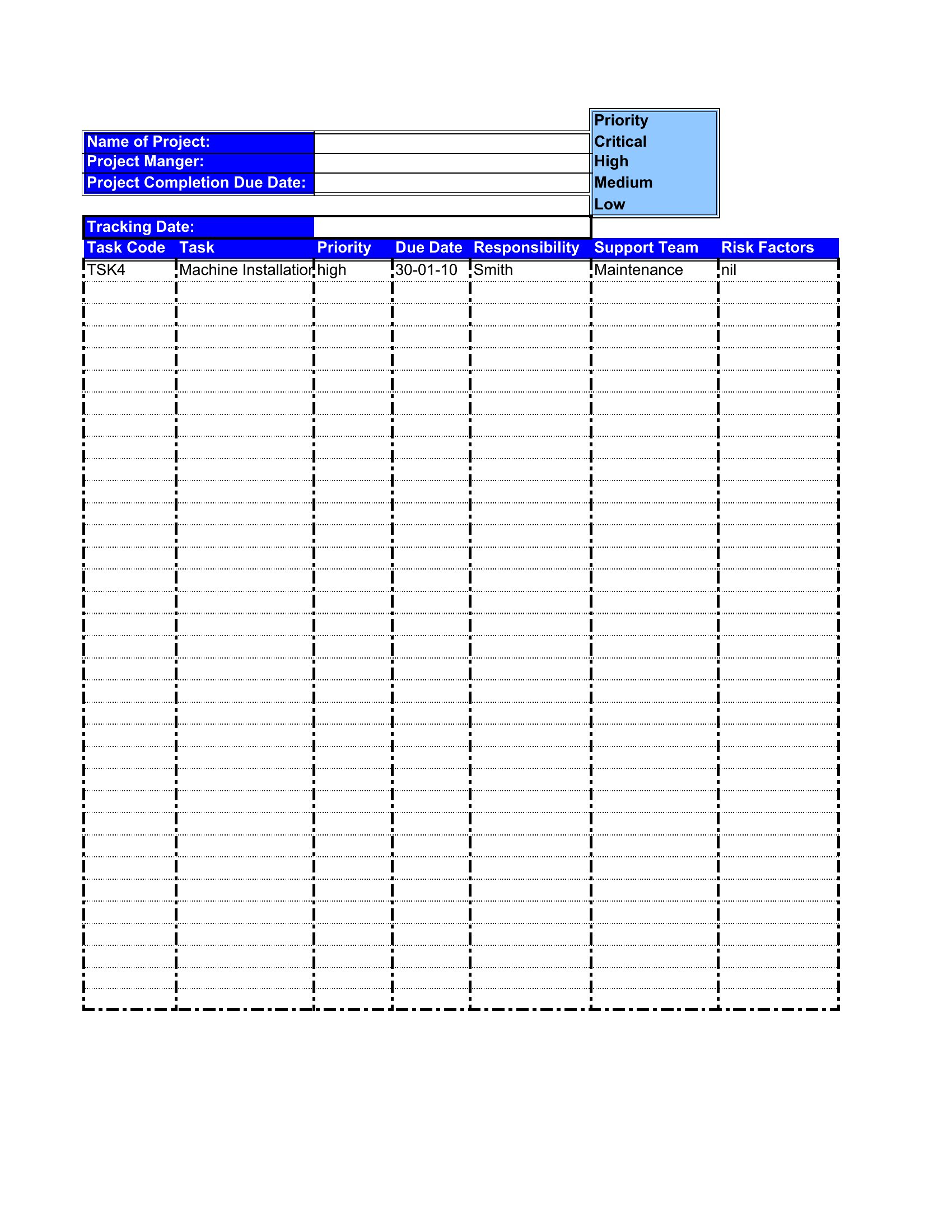
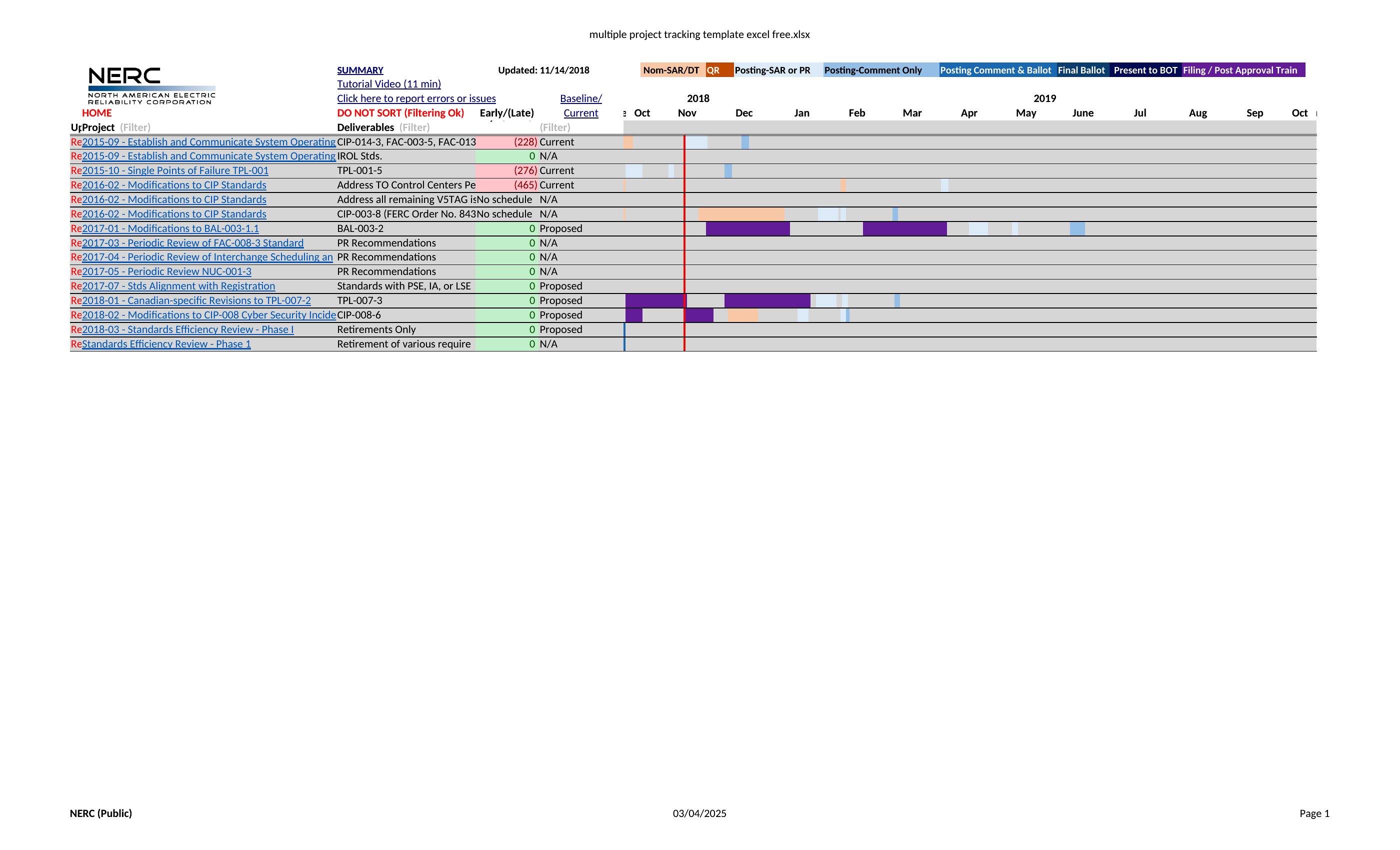
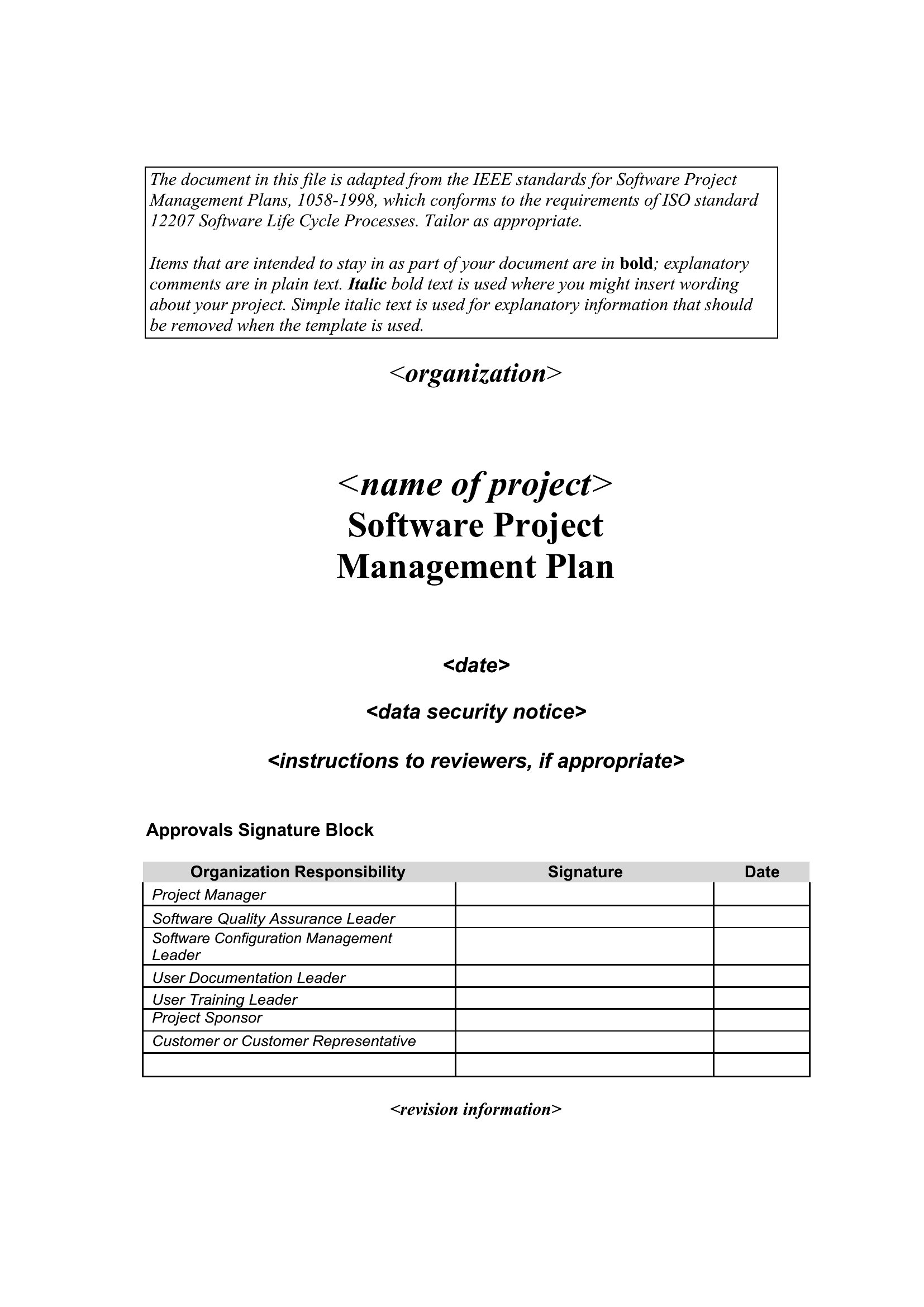
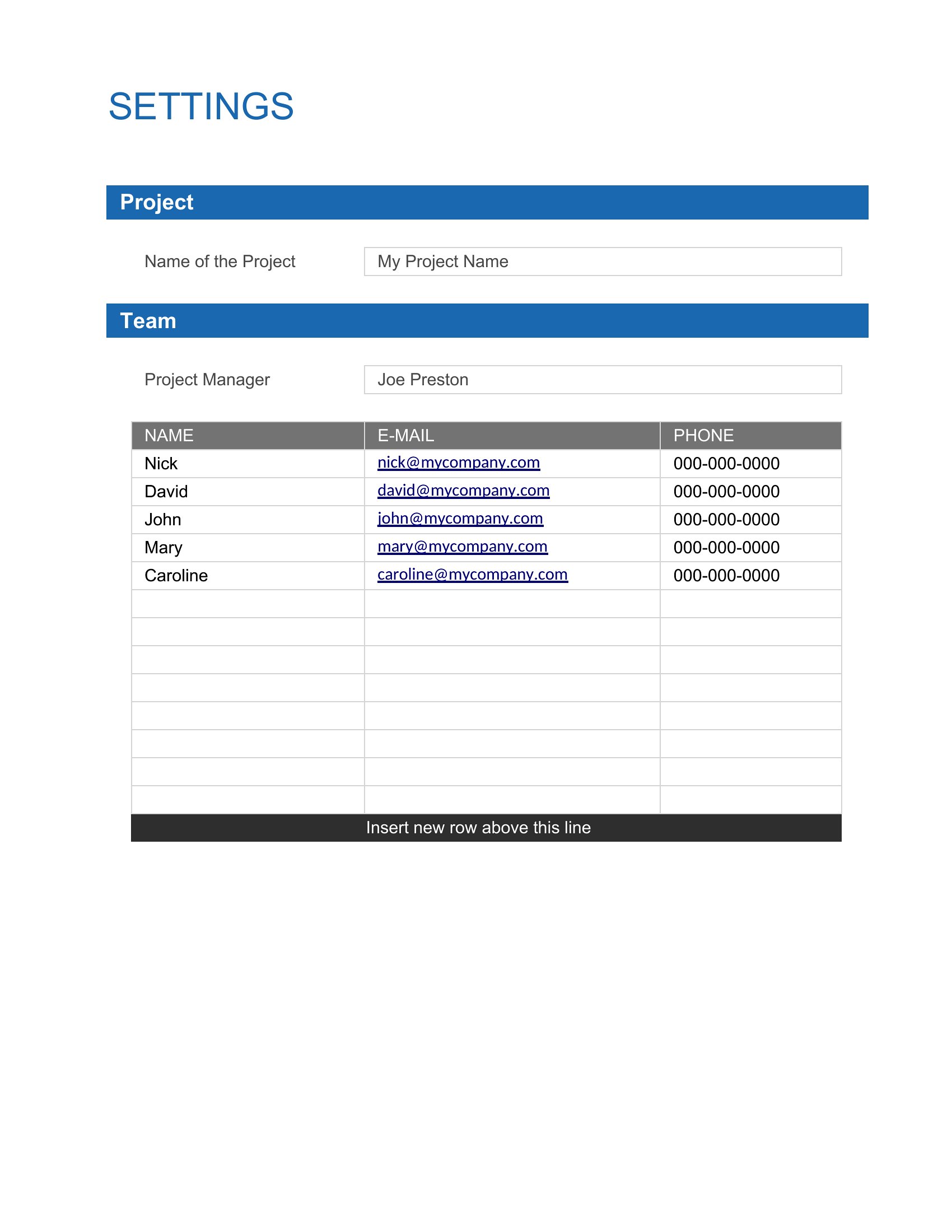
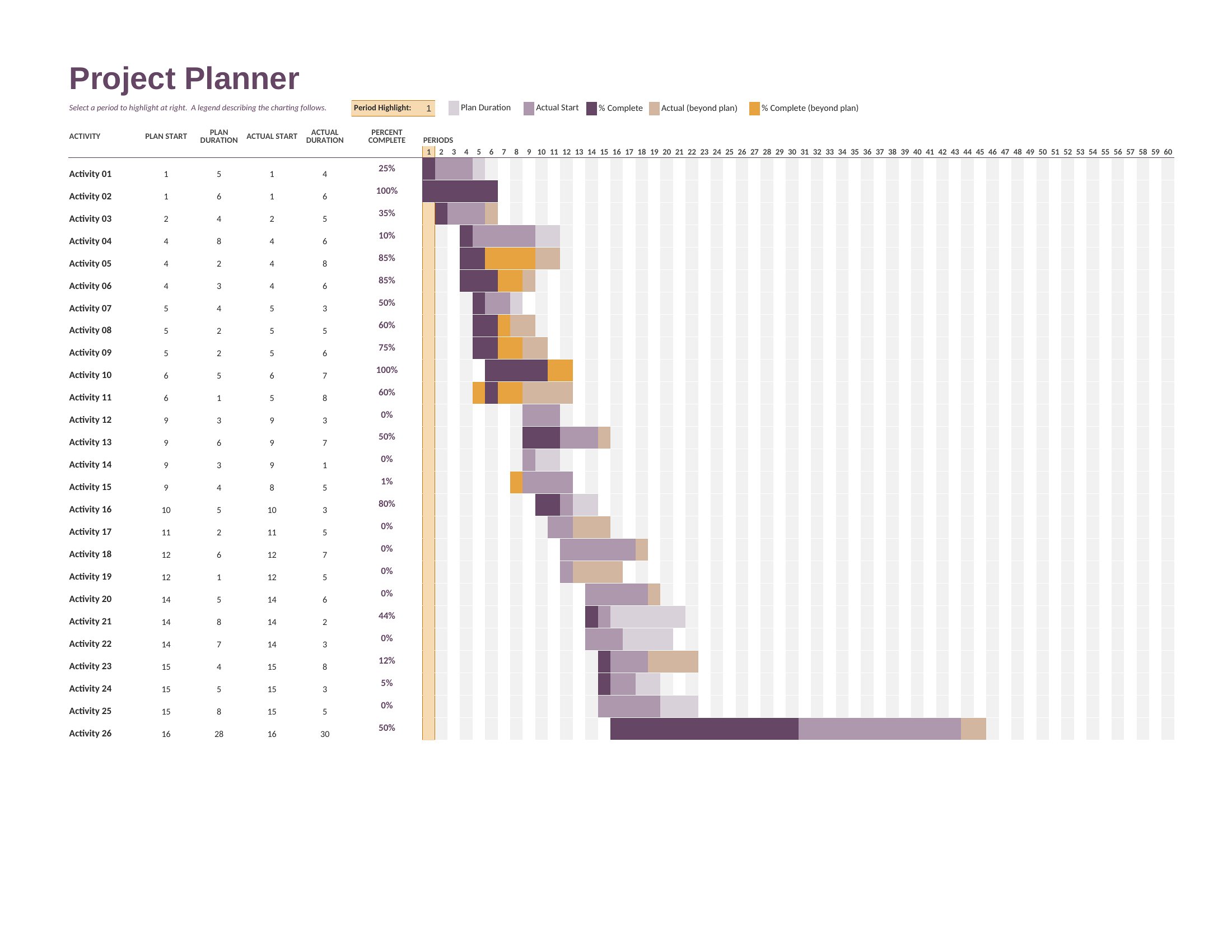
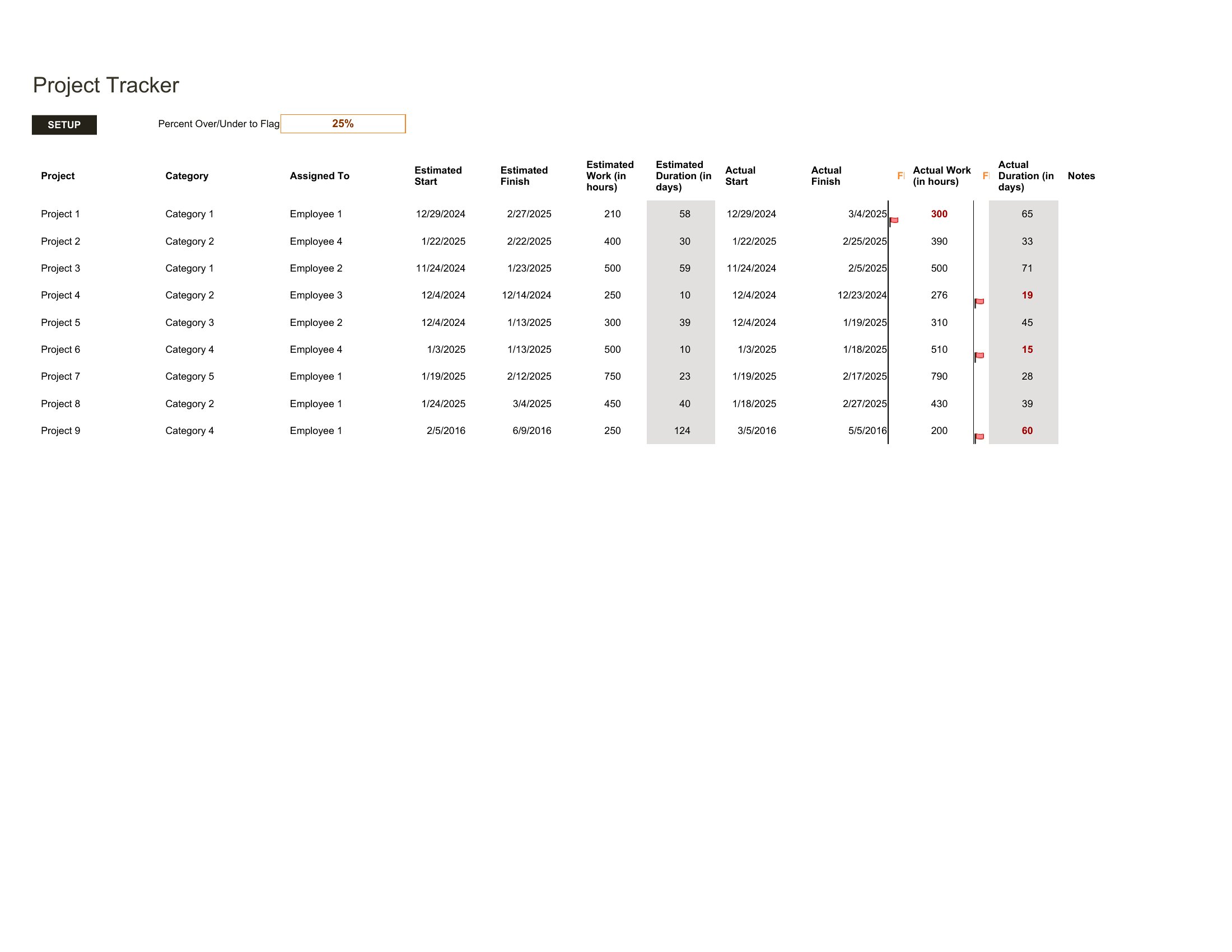
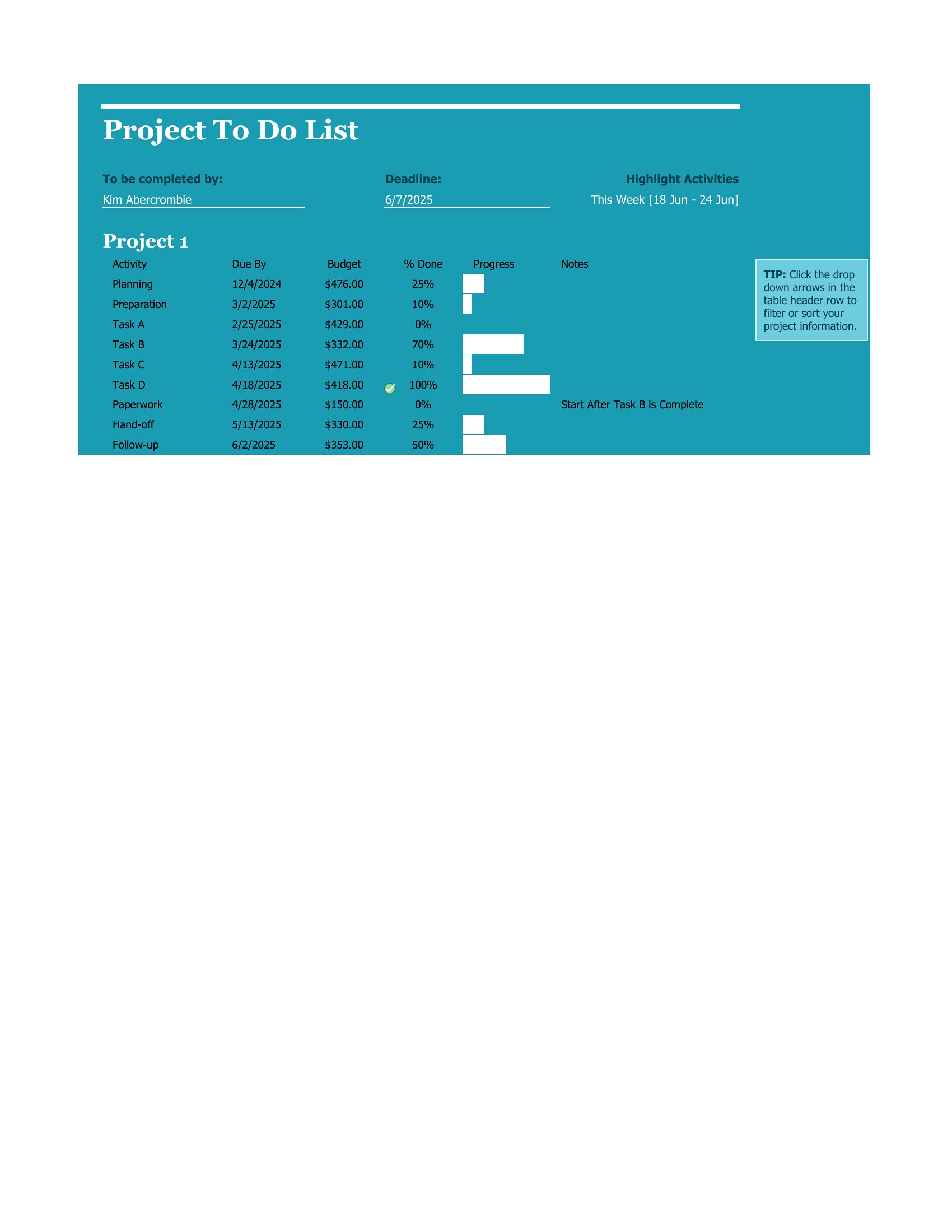
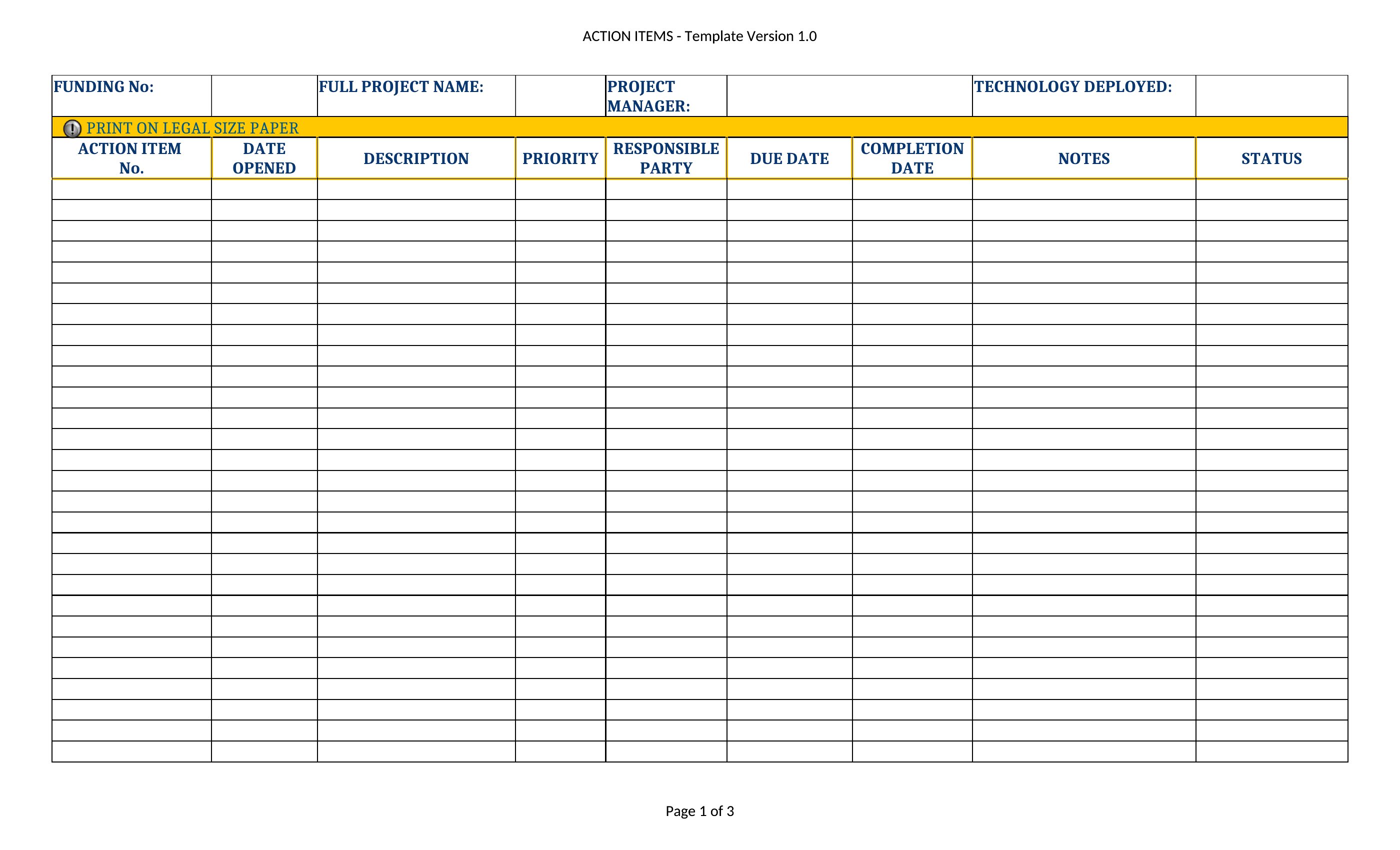
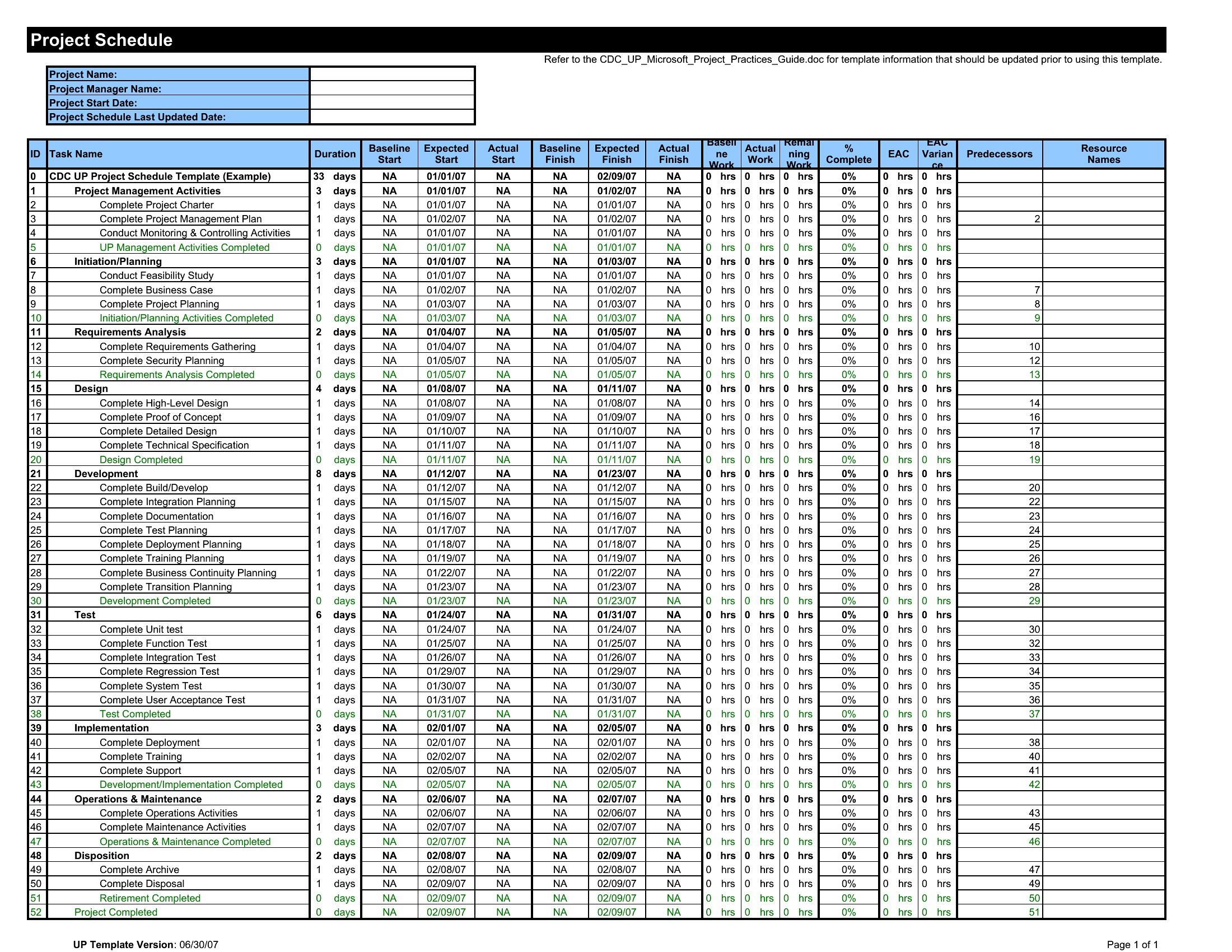
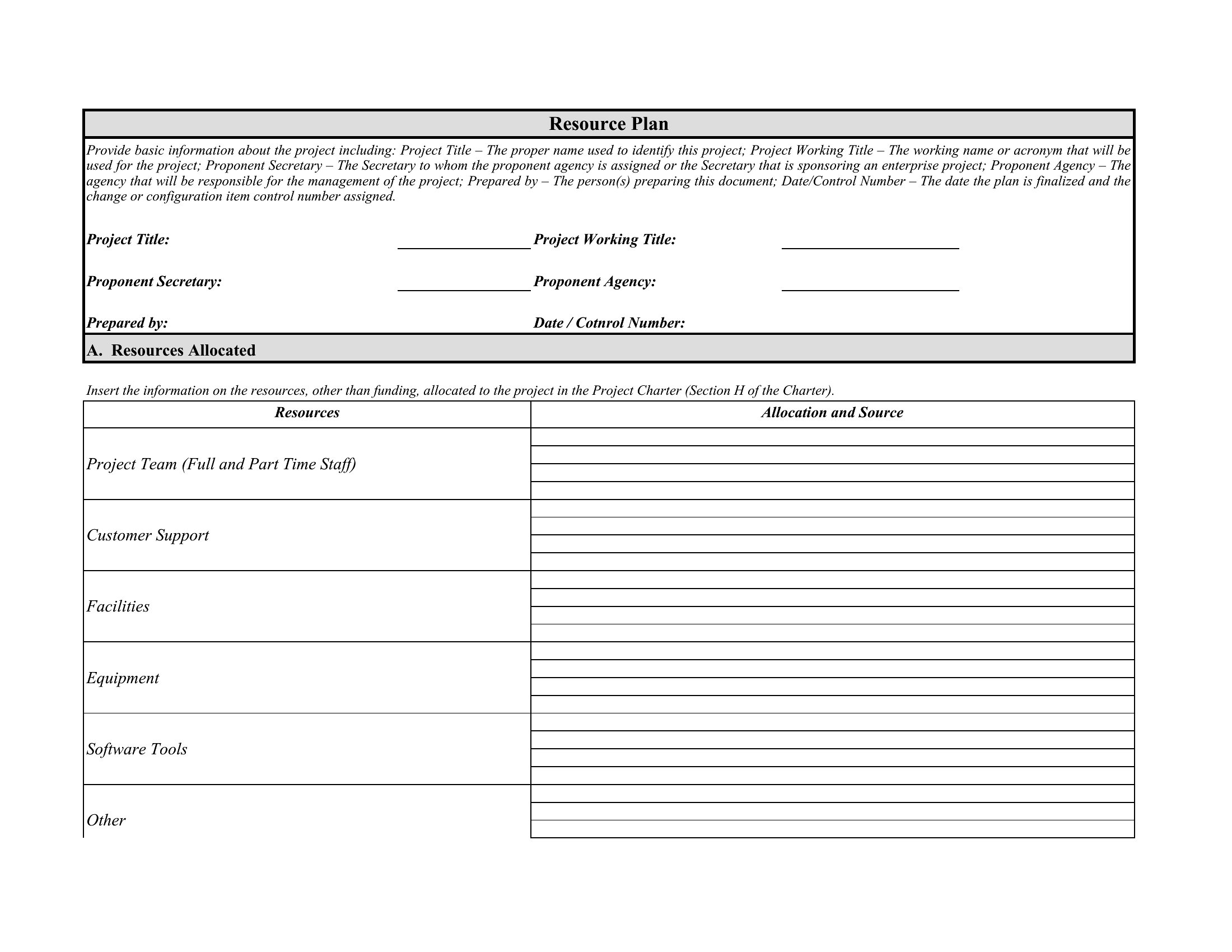
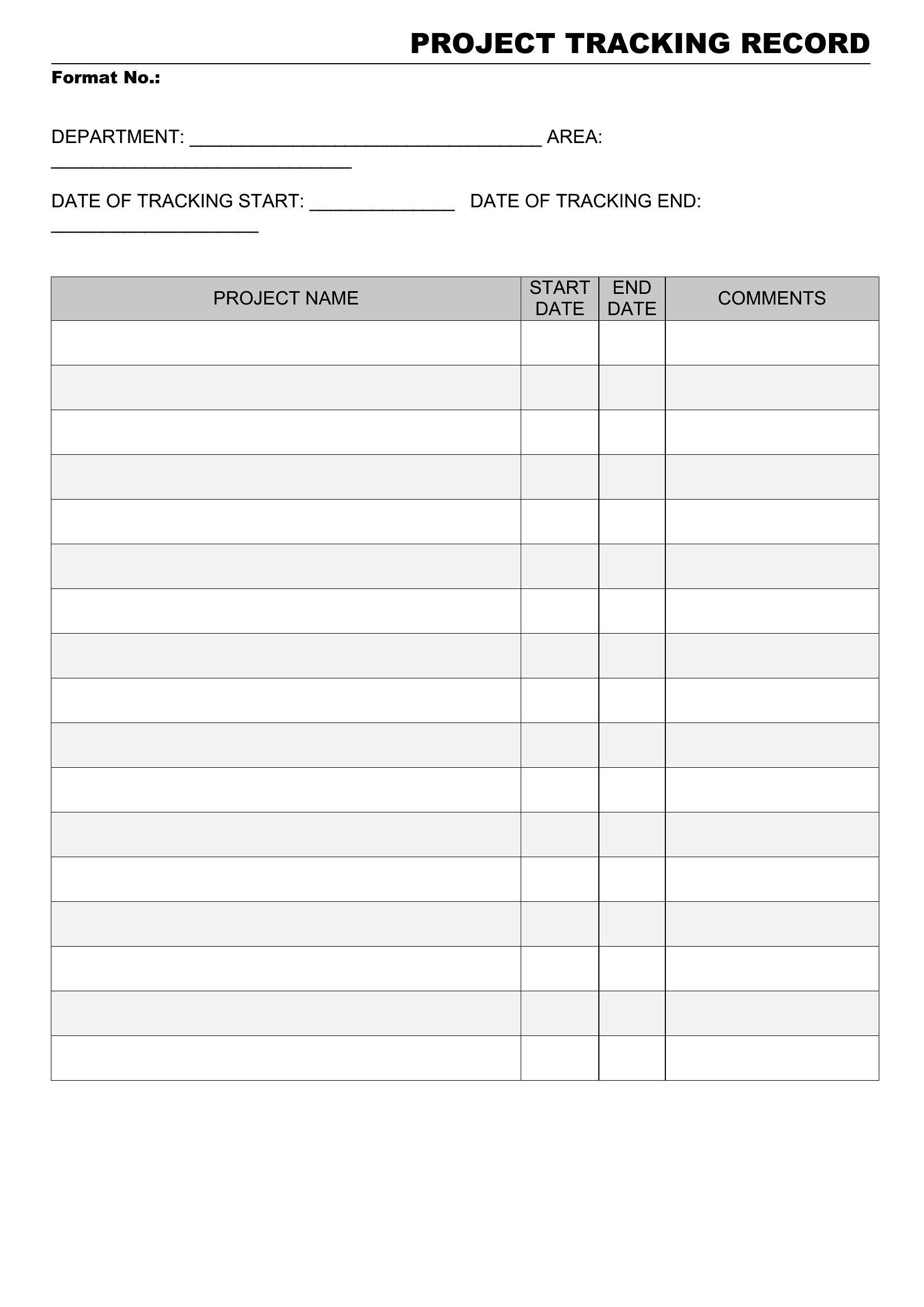
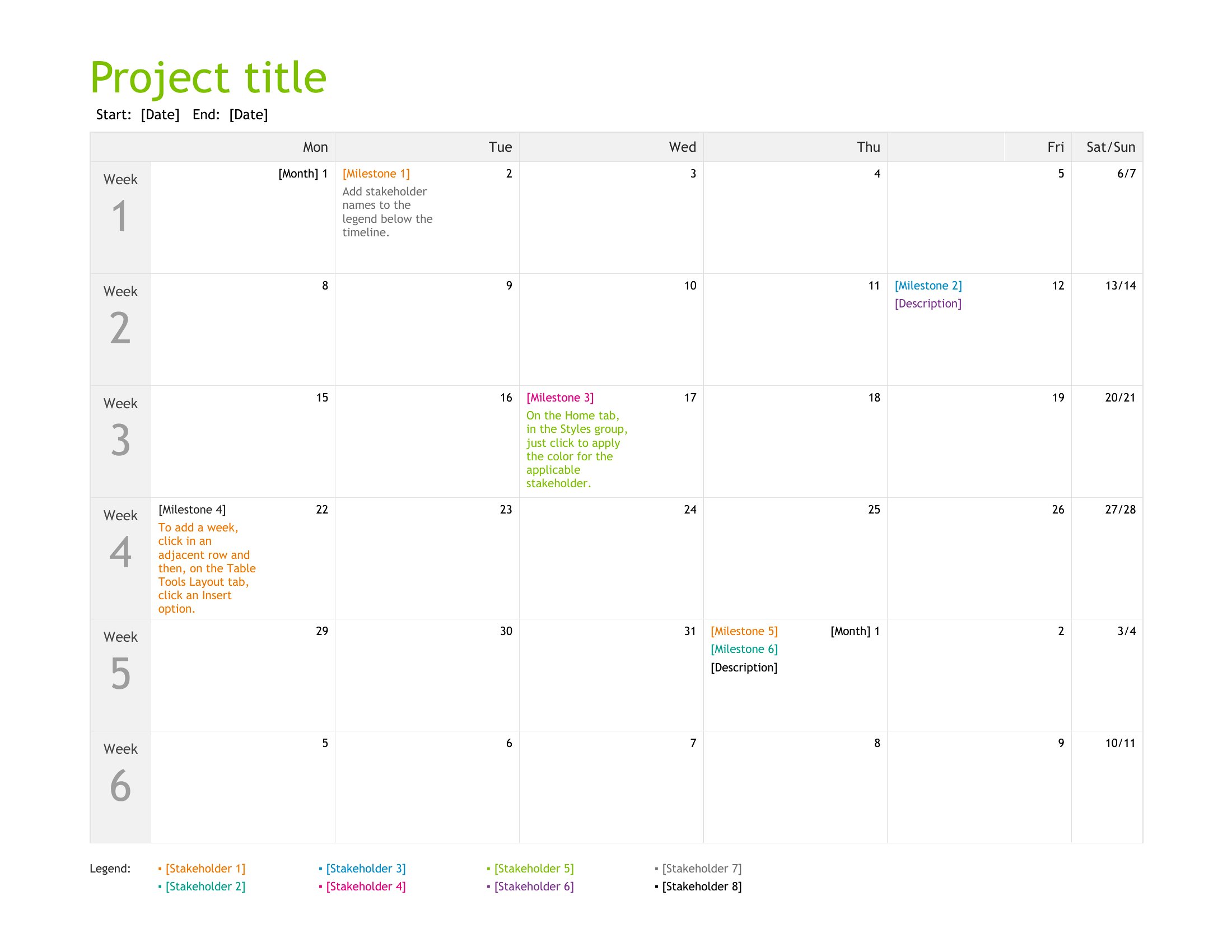
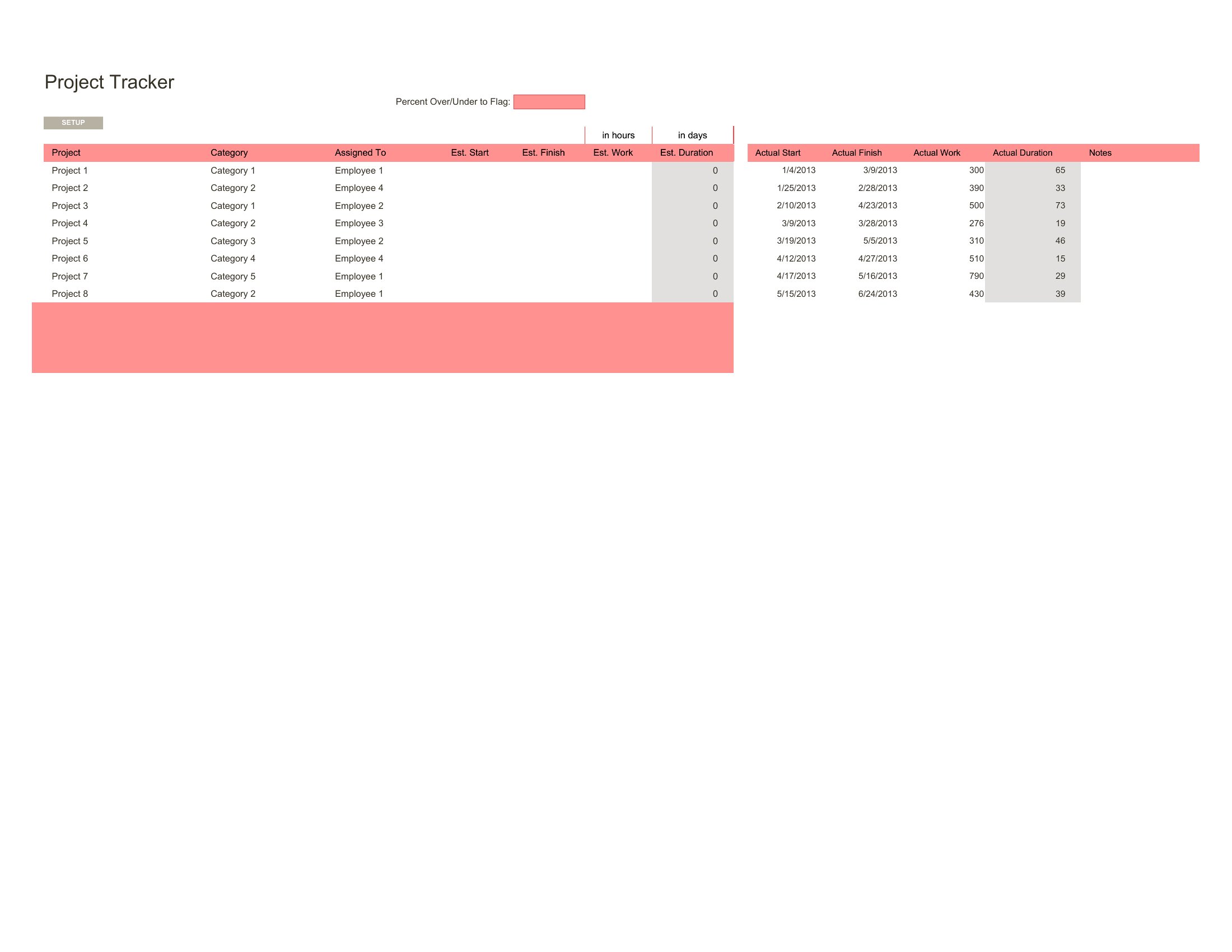
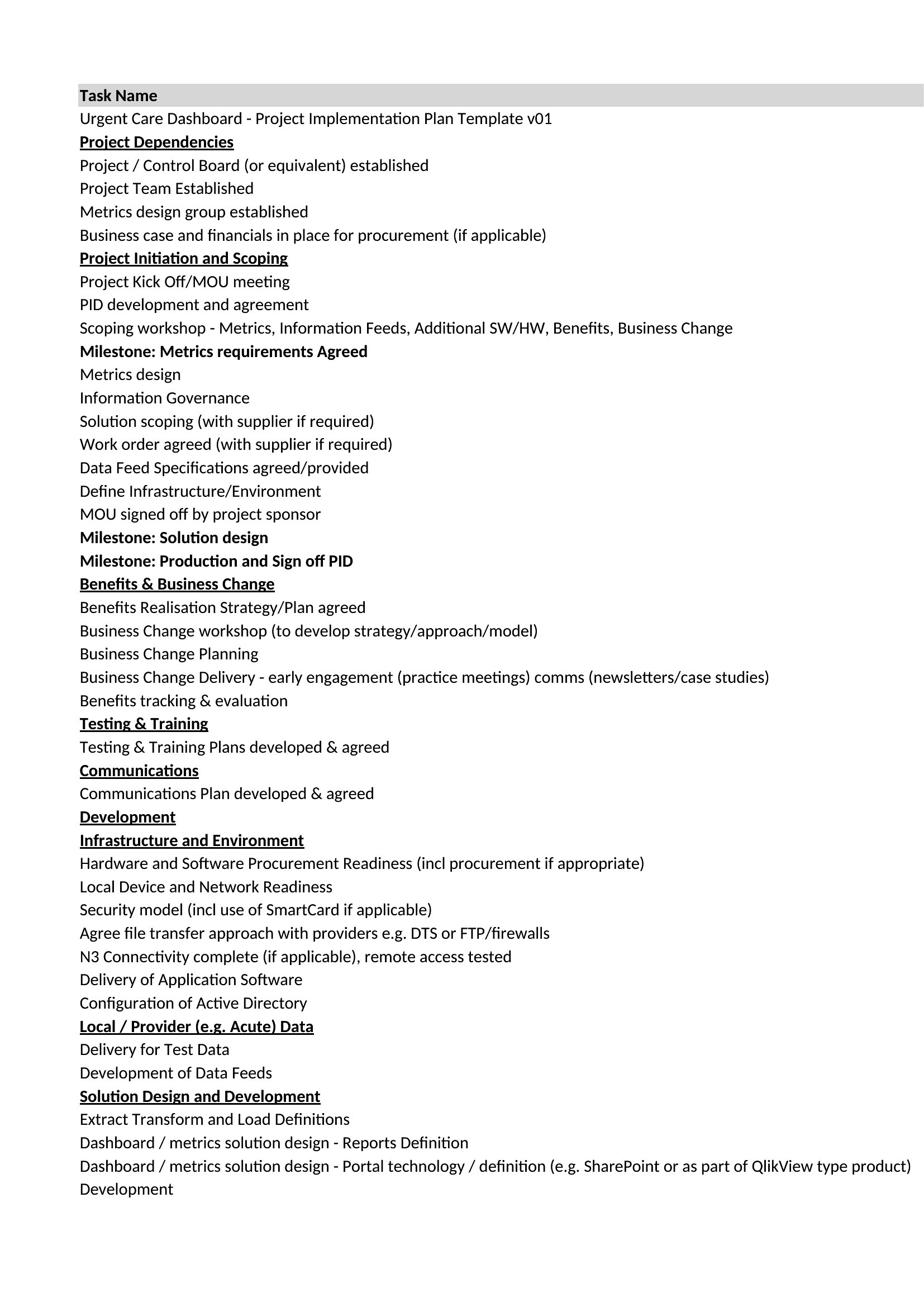
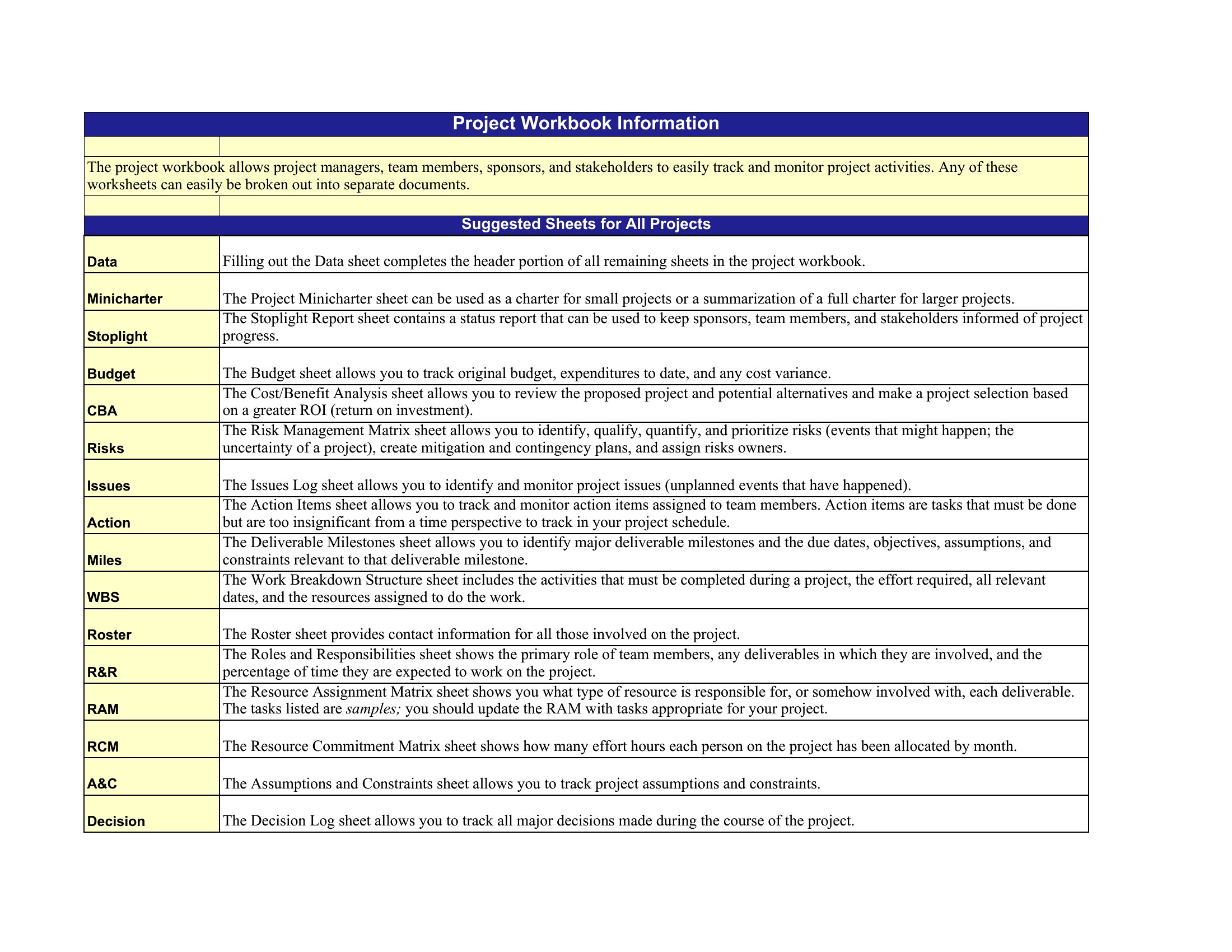
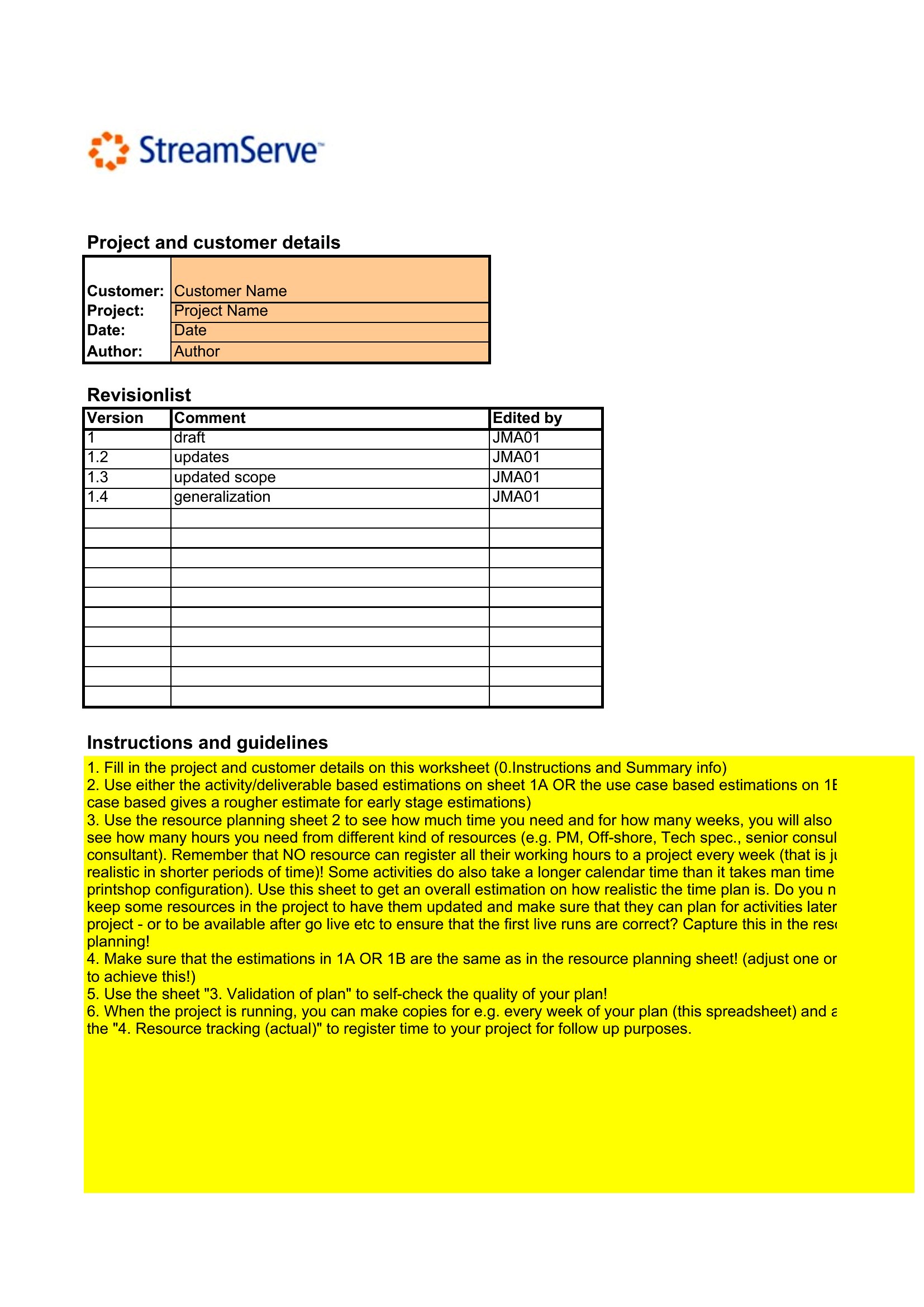
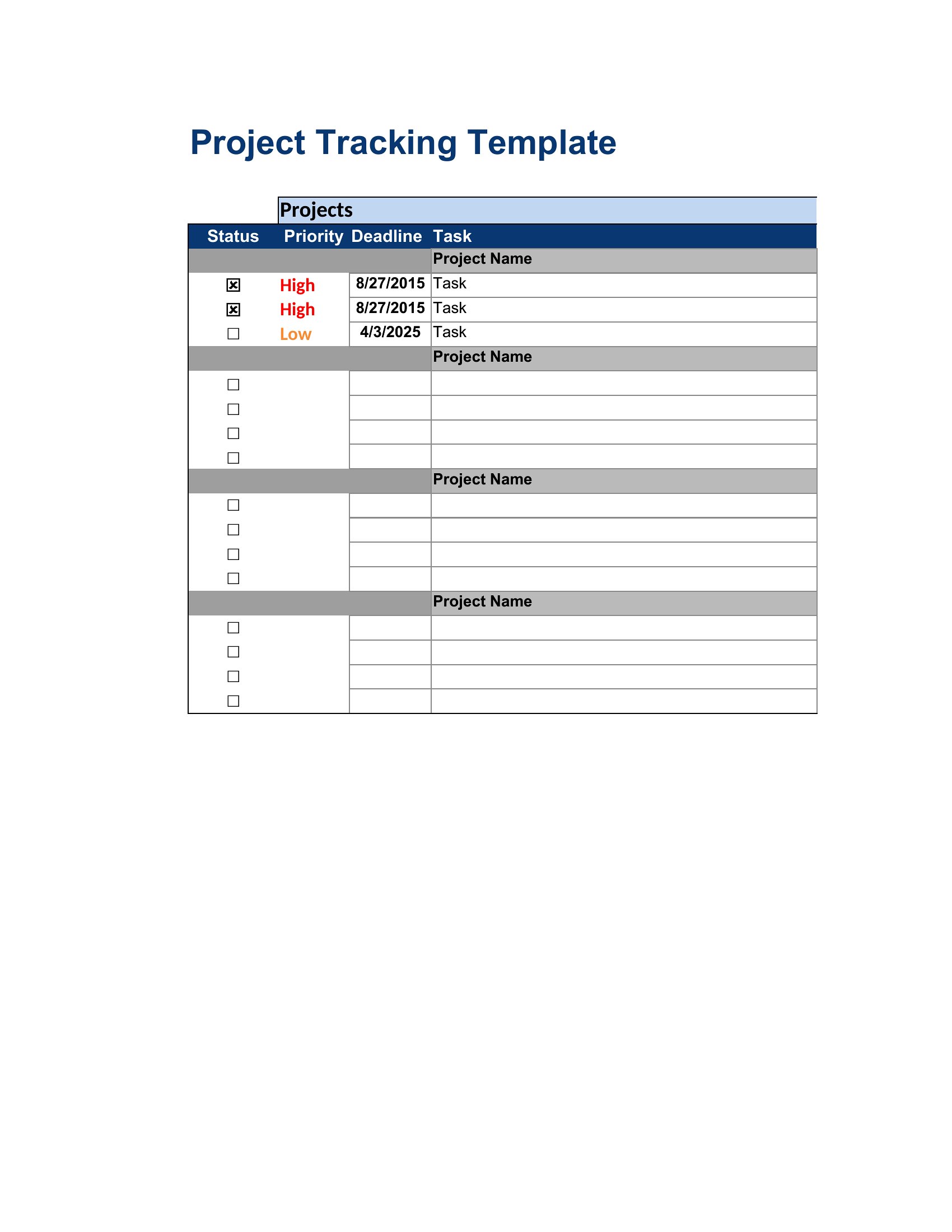
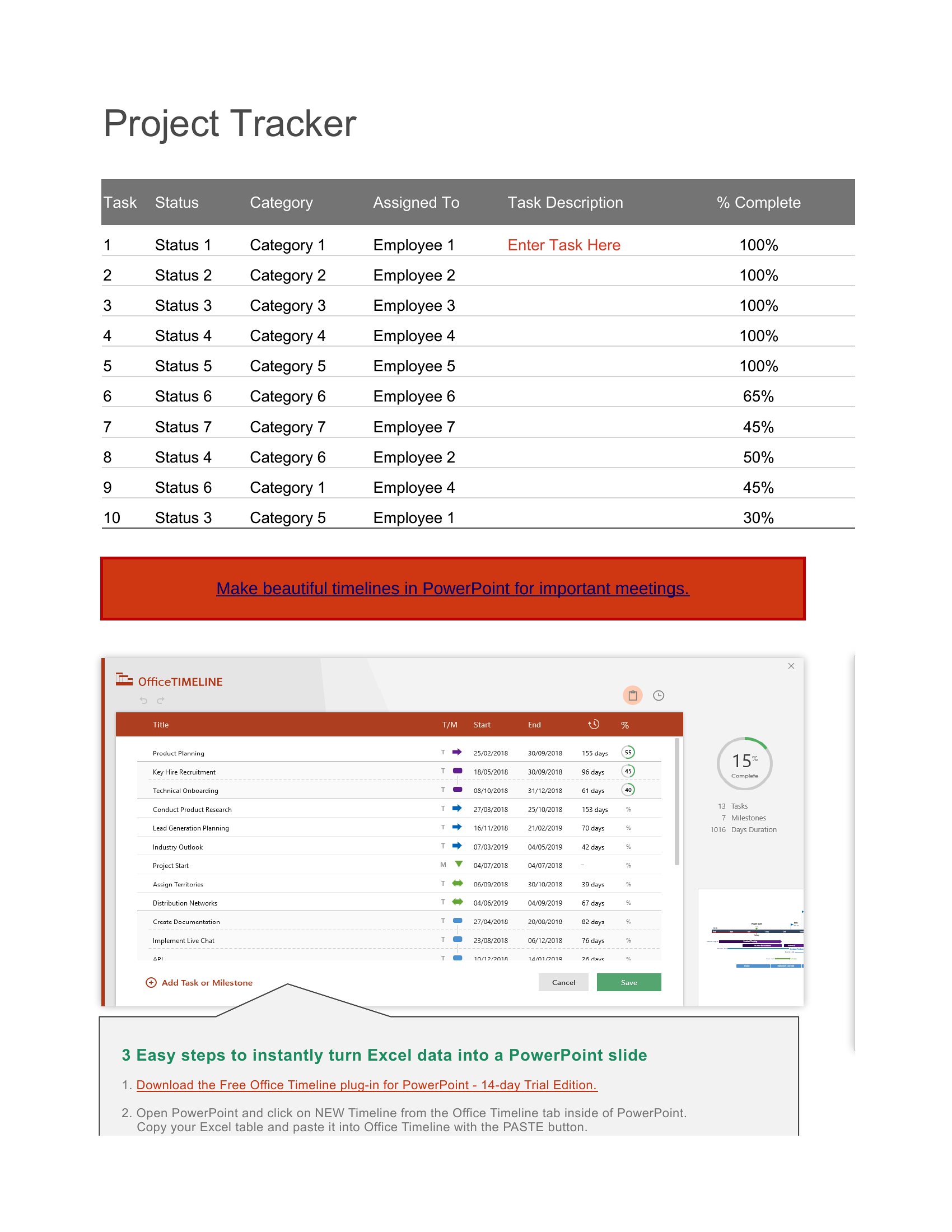
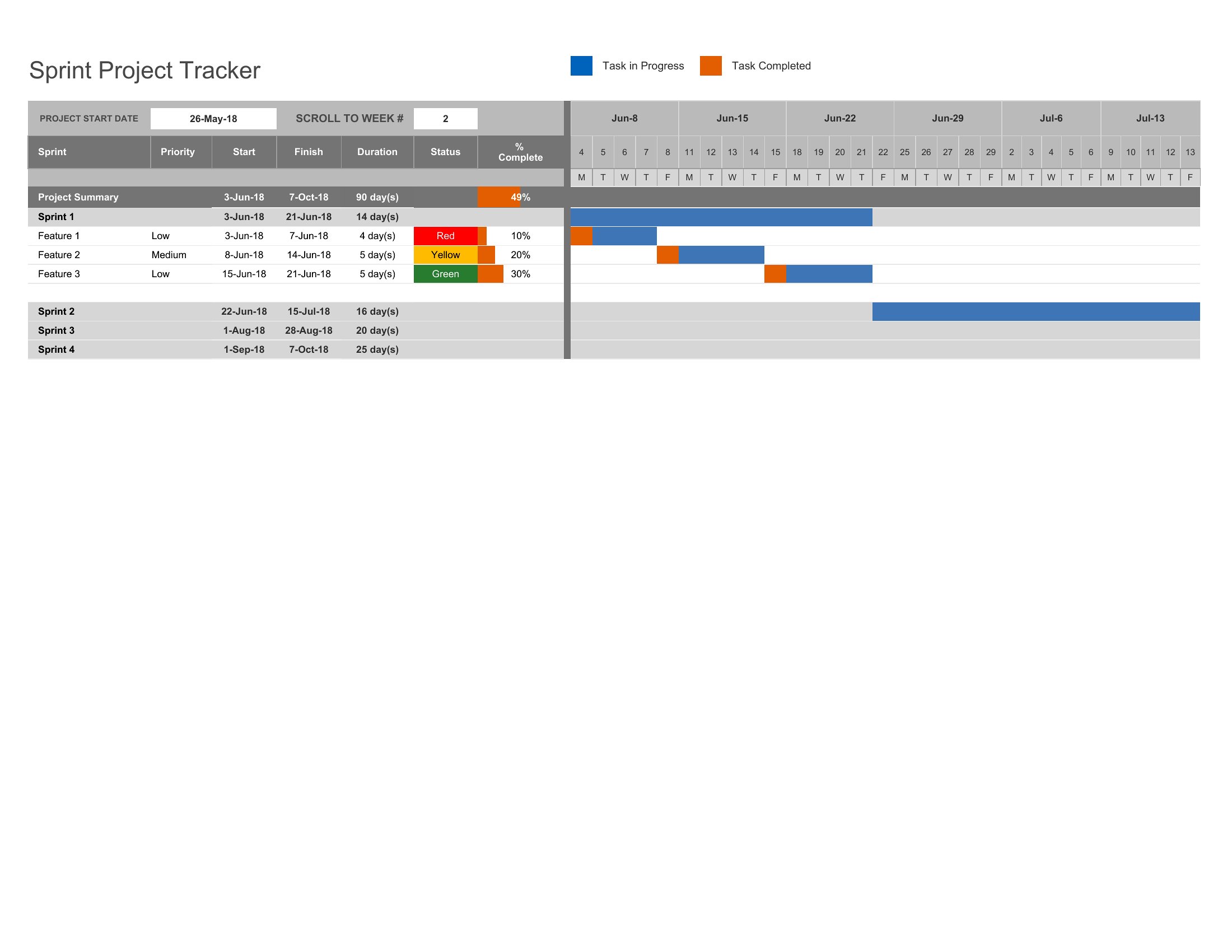
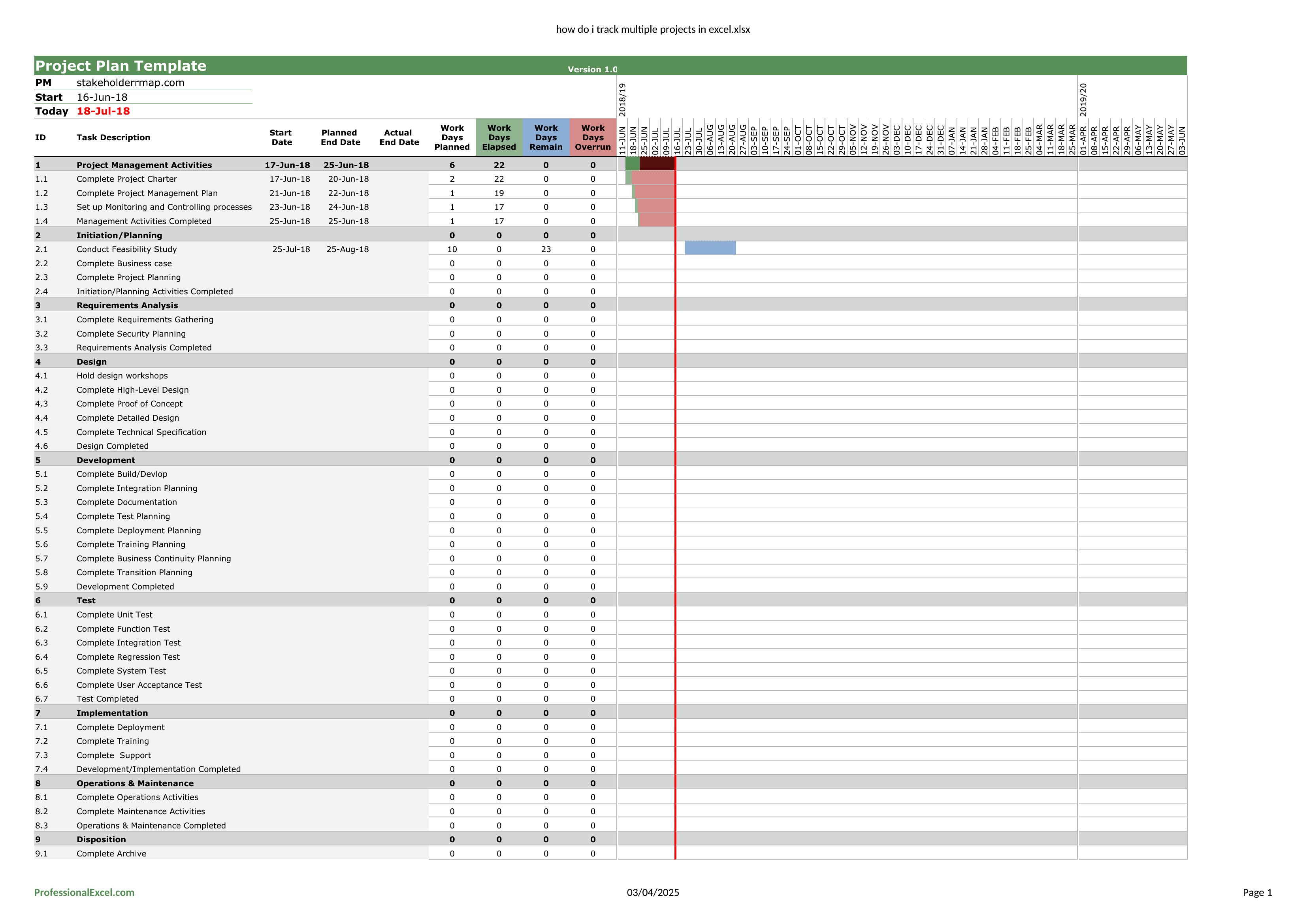
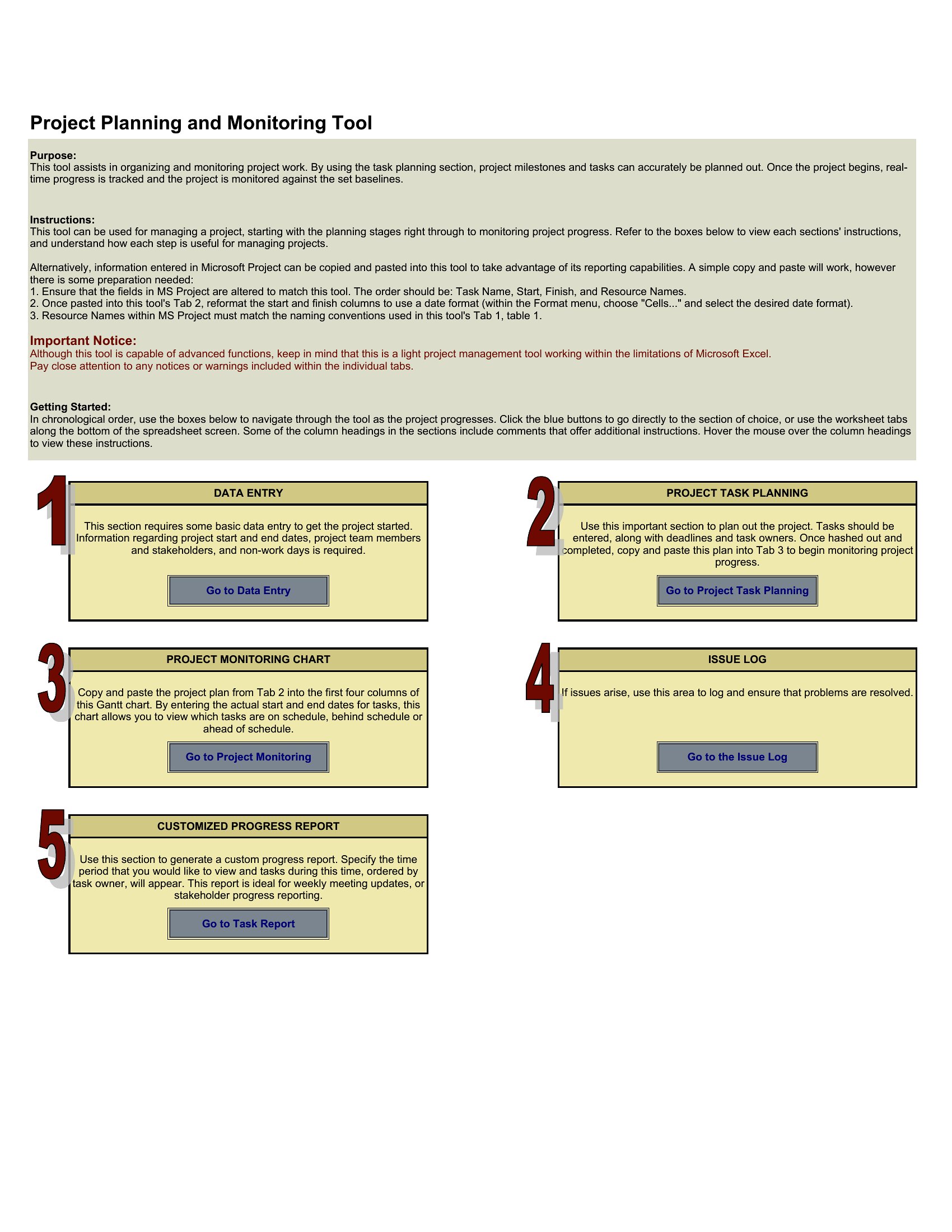
Juggling several projects at once gets unwieldy fast without a single view of deadlines, owners, and status. This set of 38 templates gives project managers and team leads a dashboard-style way to track multiple projects side by side, from task lists to milestone calendars.
Excel versions do the heavy lifting, updating totals and timelines as you type, while Word layouts work for written status summaries. Plug in your projects, assign dates and owners, and watch the overview come together. Everything is free and ready to customize. Download the tracker that matches how you work and keep every project in one place.
Choose from 38 Multiple Project Tracking Templates
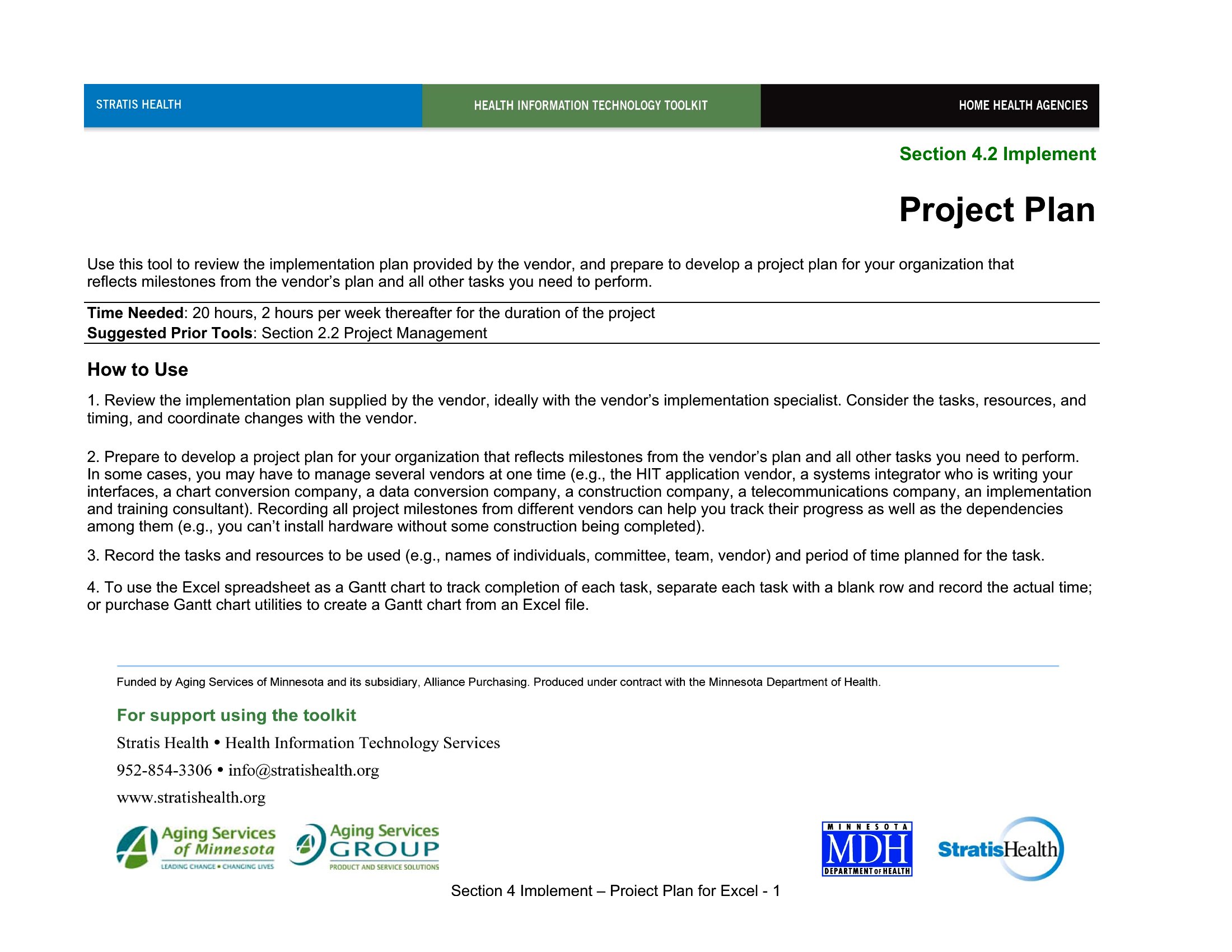
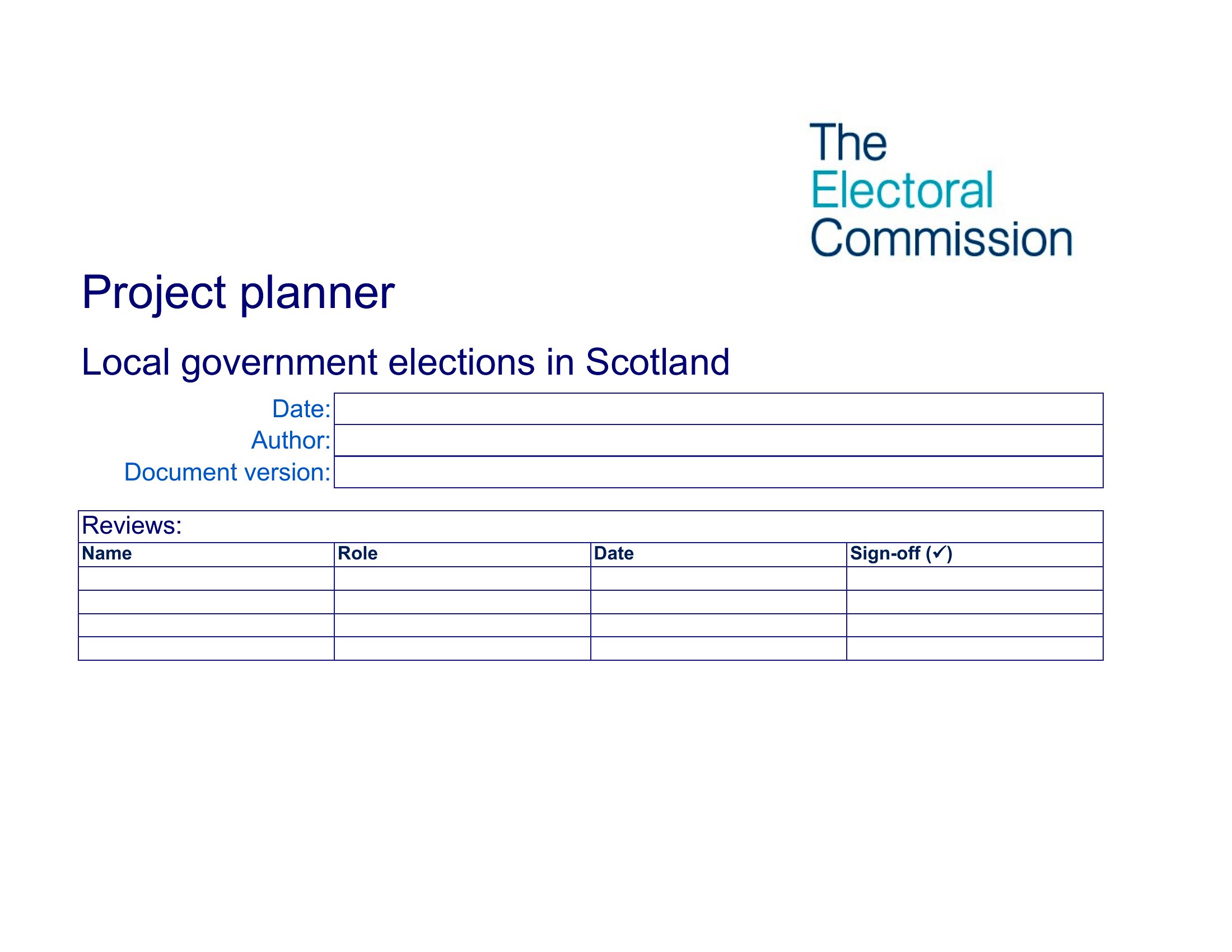
Frequently Asked Questions about Multiple Project Tracking Templates
Are these Multiple Project Tracking templates free to download?
Yes. Every Multiple Project Tracking template in this collection is free to download from TemplateSpark. Just open the template you need, download it, and start editing right away — no subscription required to get started.
What file formats are available for Multiple Project Tracking templates?
These Multiple Project Tracking templates are available in Word and Excel. Pick the format that matches your workflow — each download keeps the original layout so it looks right whether you open, print, or share it.
Can I edit these Multiple Project Tracking templates?
Yes. The editable files open in Microsoft Word (and compatible apps like Google Docs or LibreOffice), so you can change the text, colors, and layout to fit your needs, then save or export the finished Multiple Project Tracking document.
How many Multiple Project Tracking templates can I choose from?
This page collects 38 Multiple Project Tracking templates so you can compare styles and layouts in one place. Browse the options, open the one that fits your purpose best, and download it in your preferred format.
Can I use Multiple Project Tracking templates for commercial purposes?
In most cases, yes — these Multiple Project Tracking templates are intended for both personal and business use. Check the license note on the template before redistributing or reselling, and avoid sharing the source files as your own product.
What is multiple project tracking and why is it useful?
Multiple project tracking is the practice of monitoring several projects at once in a single view. It is useful because juggling separate plans gets unwieldy fast, so a combined dashboard of deadlines, owners, and status helps managers spot conflicts, balance workloads, and see overall progress across all active projects.
What should you track when managing multiple projects?
When managing multiple projects, track each project's name, owner, status, key milestones, deadlines, priority, and current risks or blockers. Including resource allocation and percentage complete helps compare progress side by side. A consolidated view makes it easier to shift attention and resources where they are most needed.
What are best practices for tracking multiple projects at once?
Best practices include using a consistent format for every project, keeping statuses updated regularly, and prioritizing by deadline and importance. A dashboard or milestone calendar gives a clear overview, while flagging risks early prevents surprises. Reviewing all projects on a set schedule keeps owners accountable and progress visible.
Comments
Join the conversation
Sign in to share your thoughts and leave a comment on this resource.