Free Investment Tracking Spreadsheets (Word, Excel)
Statements by nuriarodriguez
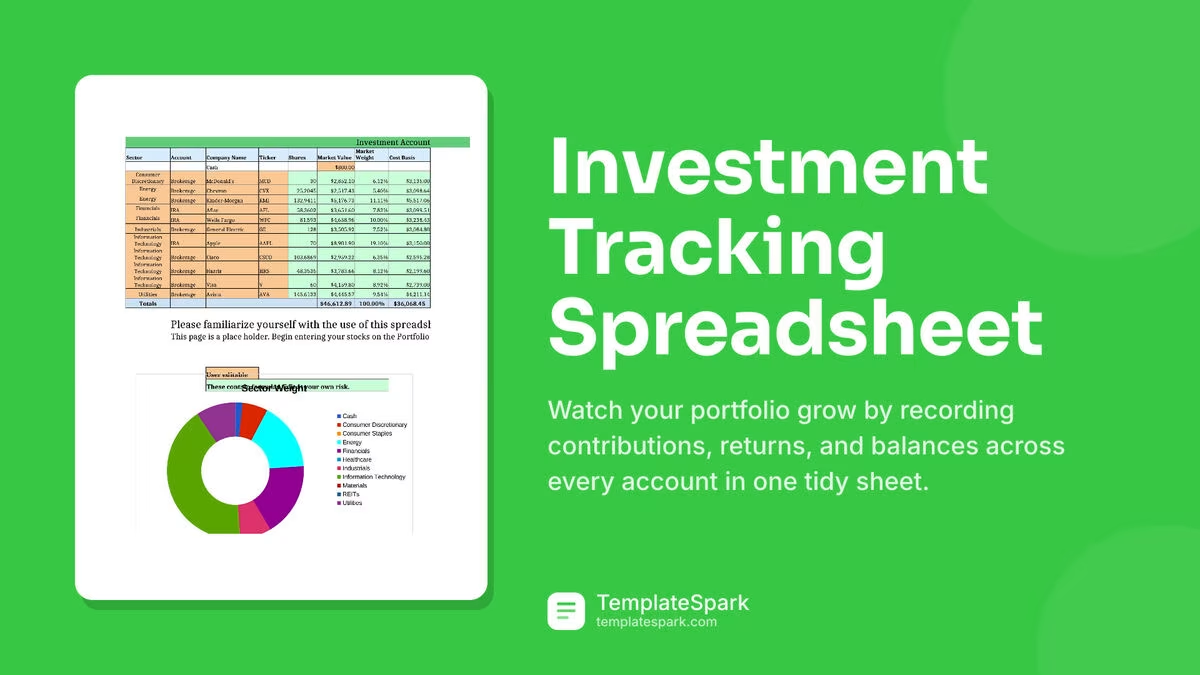
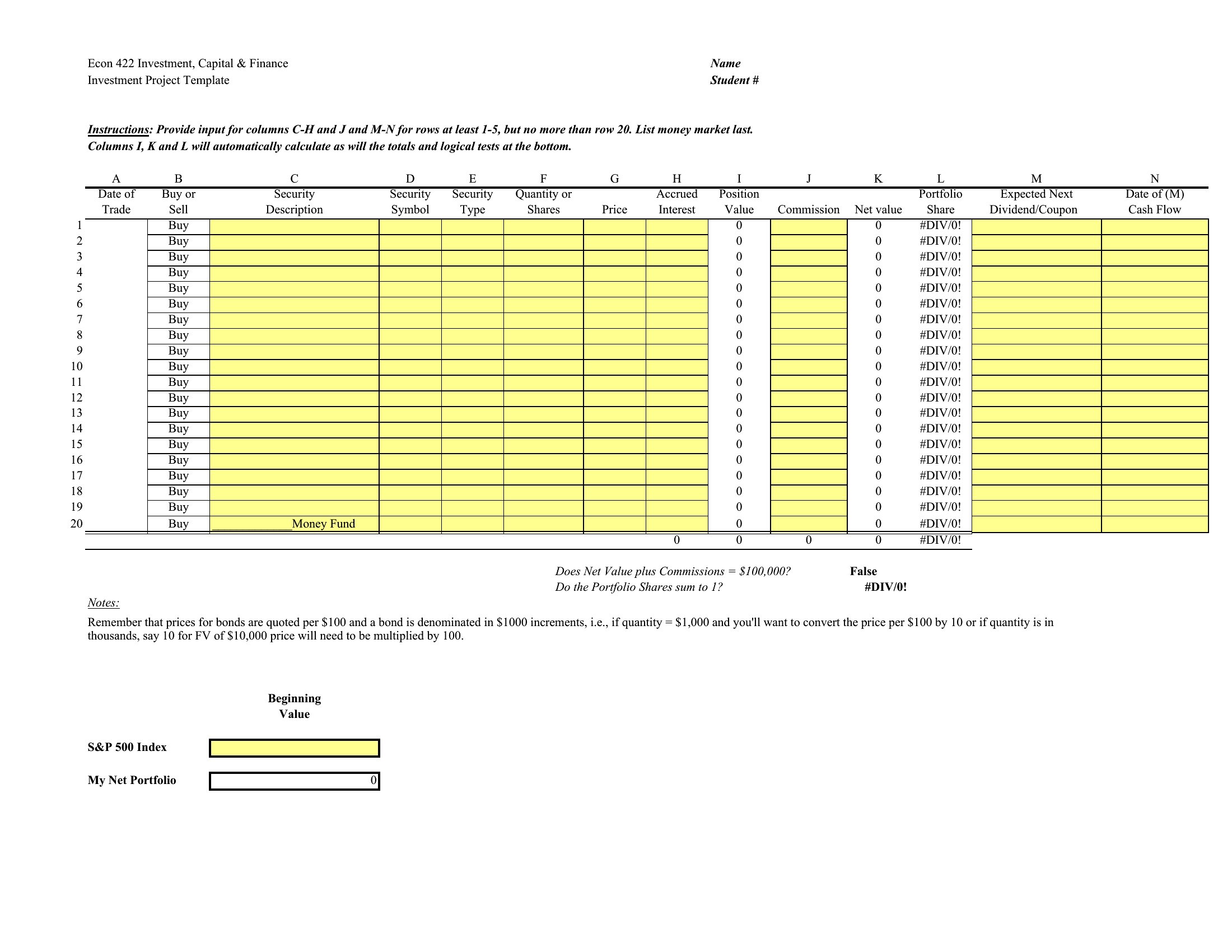
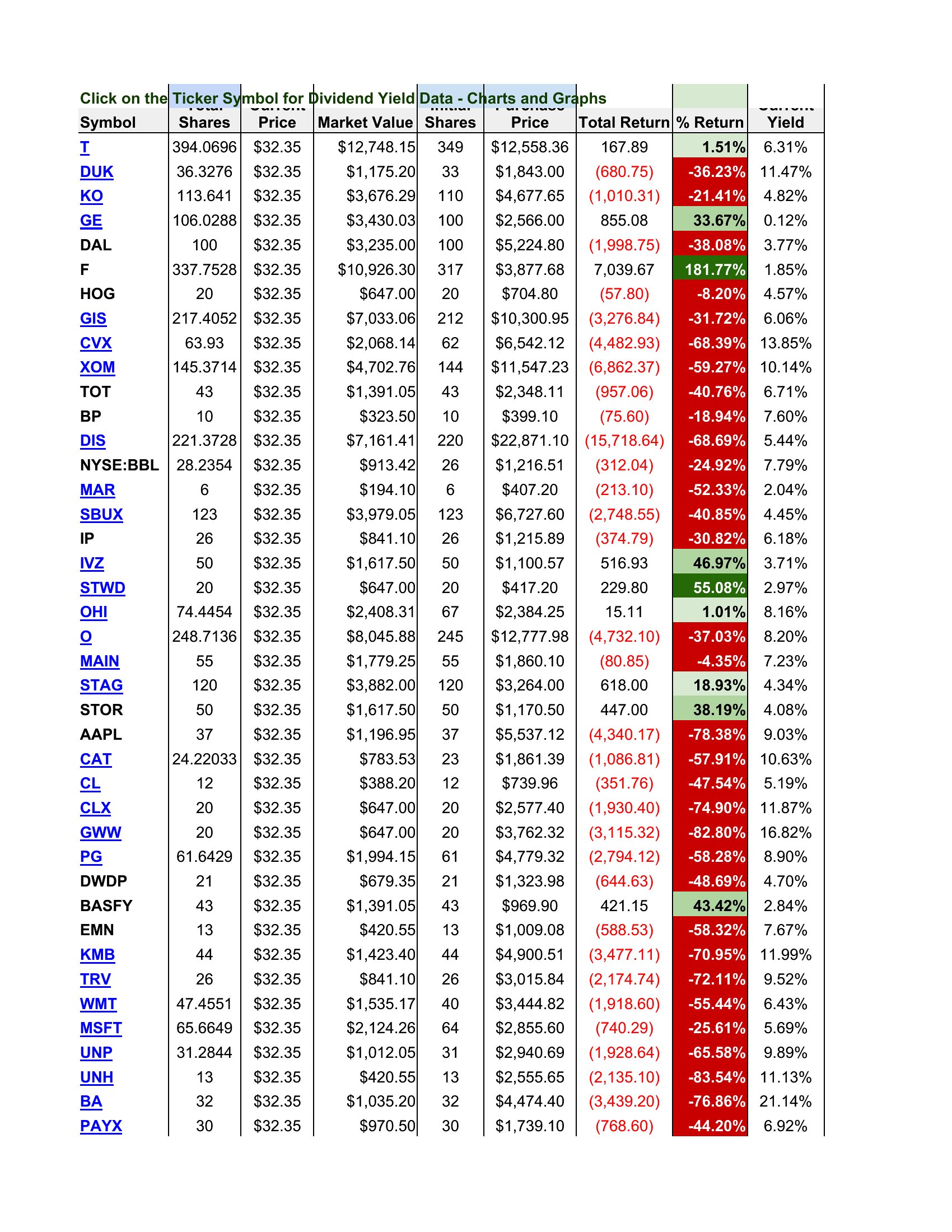
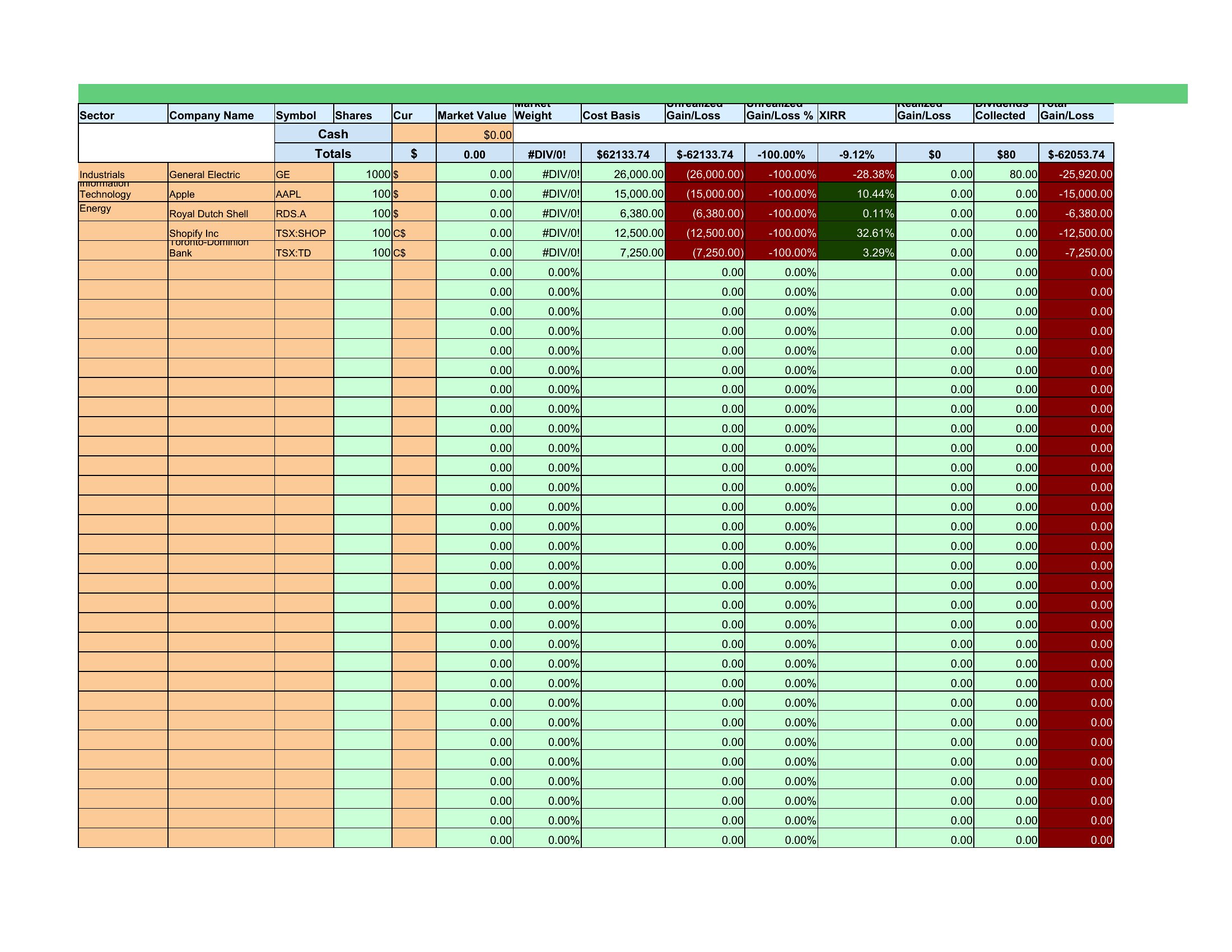
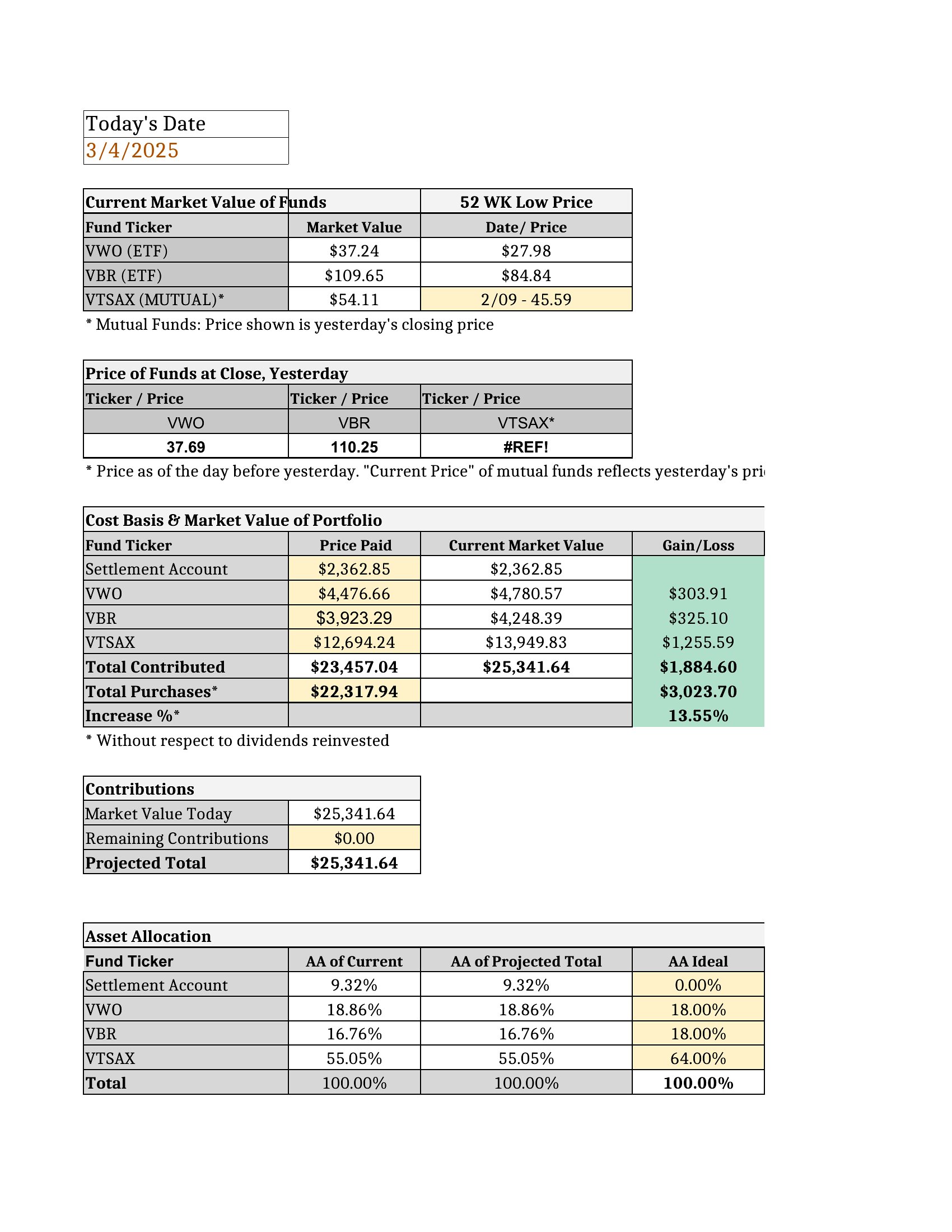
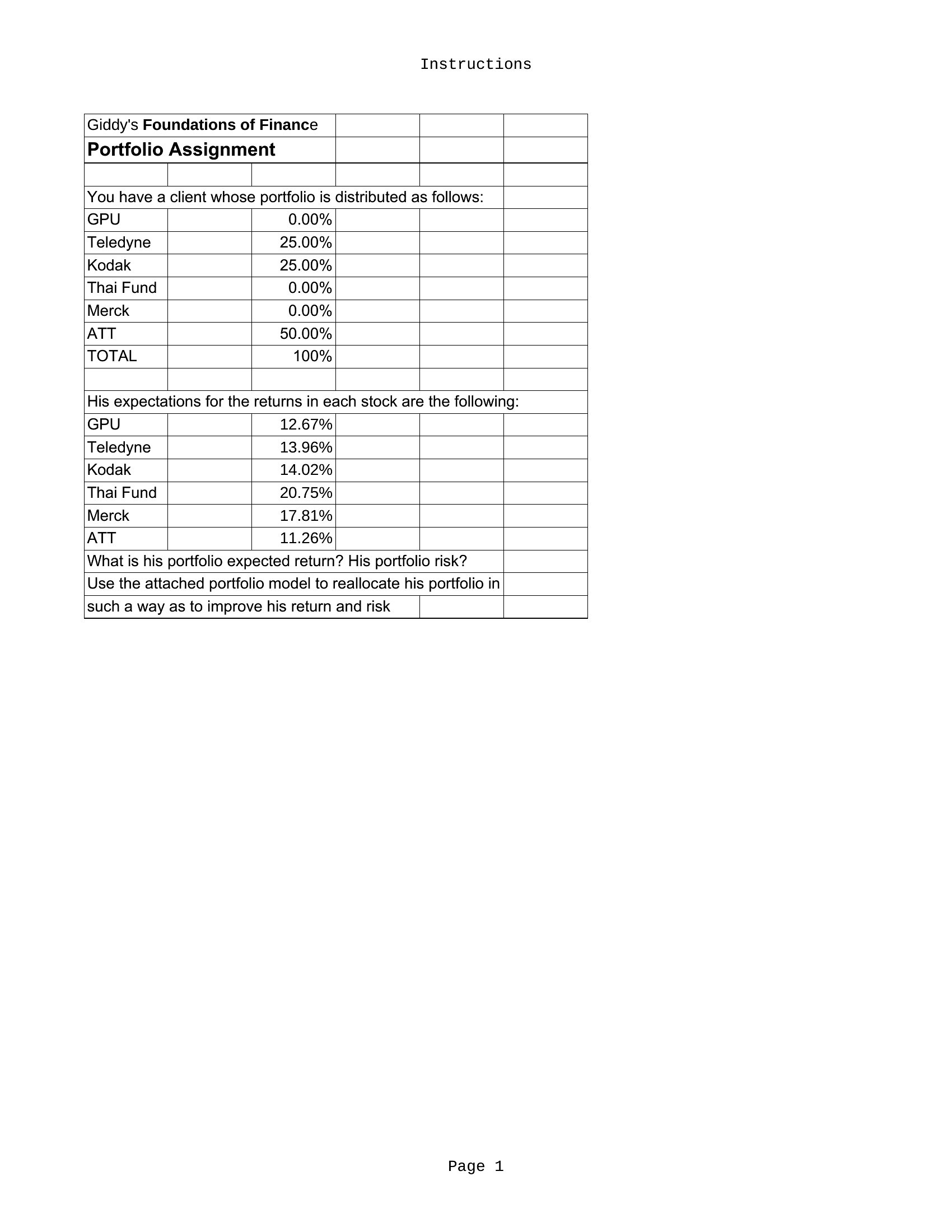
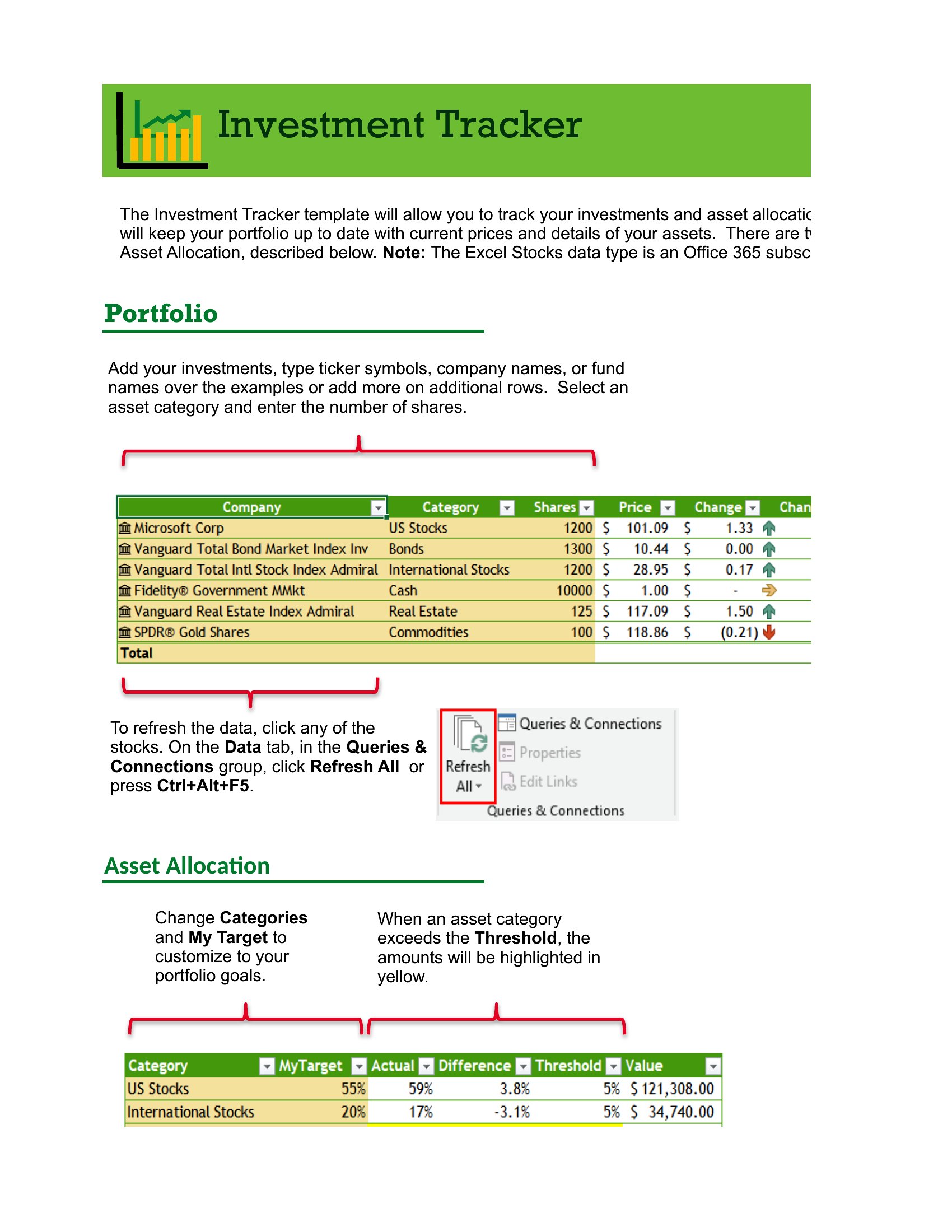
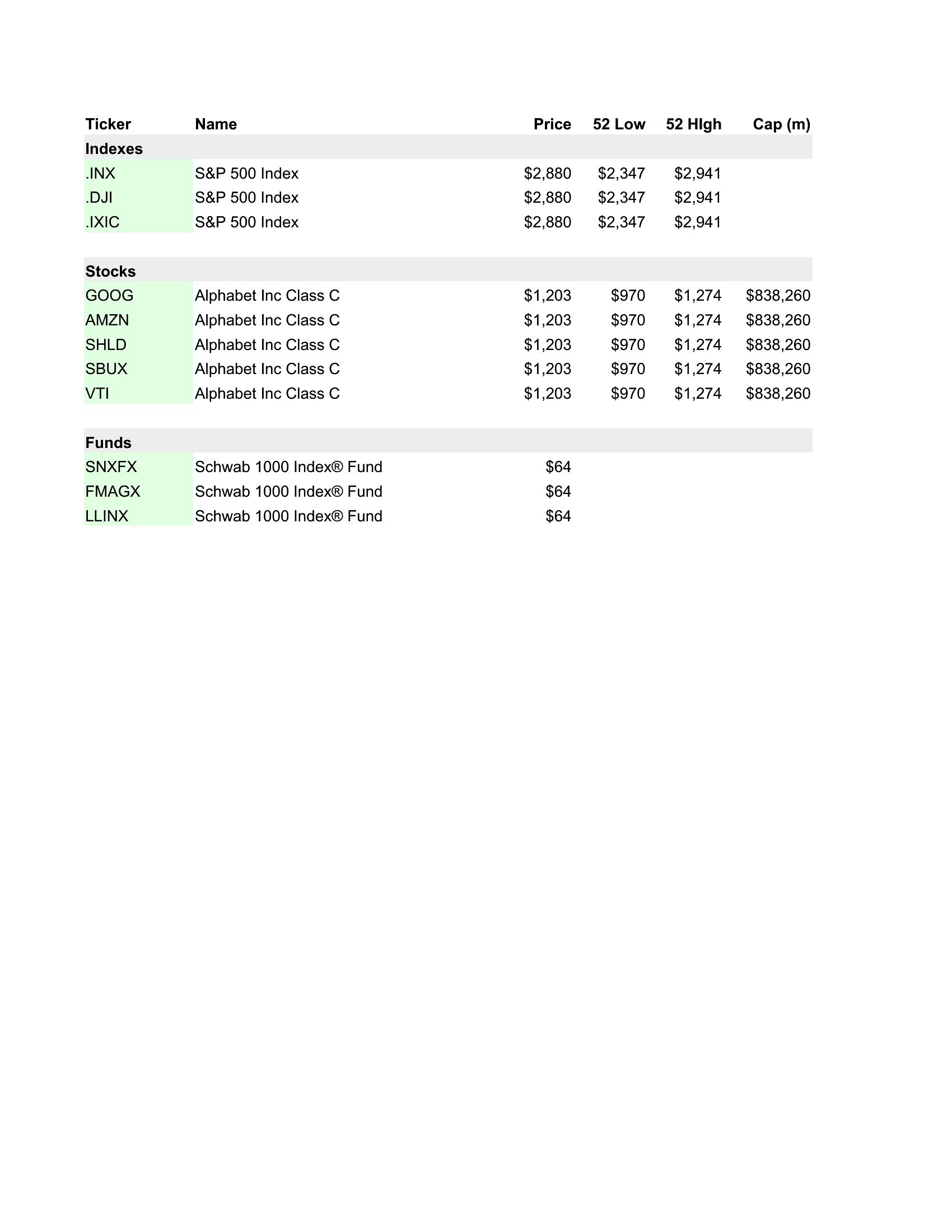
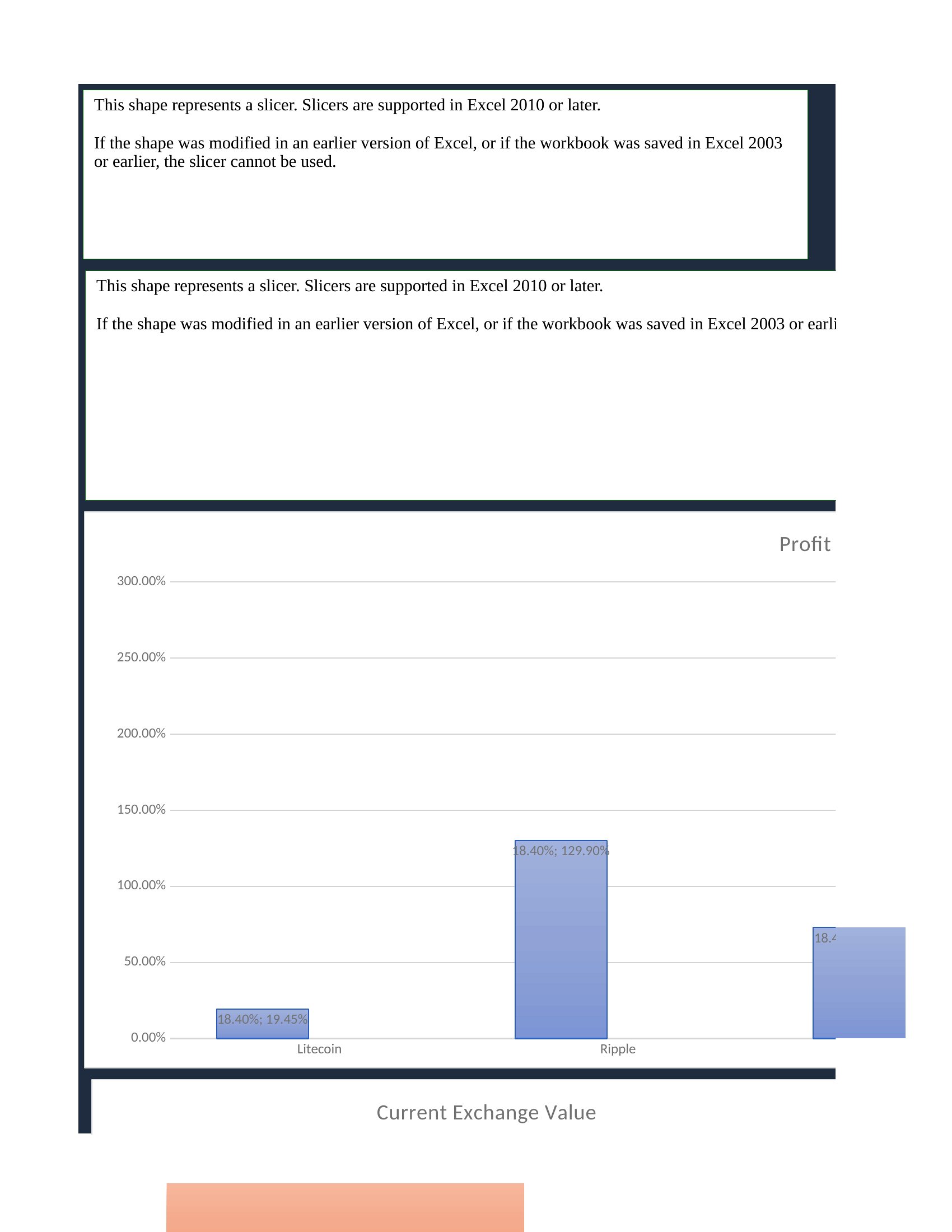
Keeping tabs on a portfolio gets messy fast without one place to see it all, and a tracking spreadsheet brings your holdings into a single clear view. This set of 22 investment tracking spreadsheets covers stocks, crypto, dividends, and overall portfolio performance, with columns for cost basis, current value, and gains. Individual investors can monitor returns without paying for a subscription tool.
Most versions are Excel sheets that calculate totals, gains, and allocations automatically as you enter your positions, with Word layouts for simpler records. Plug in your holdings and let the formulas track the rest. These are organizational tools, not financial advice, so pair them with your own research. Download the tracker that fits your portfolio and keep your investments in view.
Choose from 22 Investment Tracking Spreadsheet Templates
Frequently Asked Questions about Investment Tracking Spreadsheet Templates
Are these Investment Tracking Spreadsheet templates free to download?
Yes. Every Investment Tracking Spreadsheet template in this collection is free to download from TemplateSpark. Just open the template you need, download it, and start editing right away — no subscription required to get started.
What file formats are available for Investment Tracking Spreadsheet templates?
These Investment Tracking Spreadsheet templates are available in Word and Excel. Pick the format that matches your workflow — each download keeps the original layout so it looks right whether you open, print, or share it.
Can I edit these Investment Tracking Spreadsheet templates?
Yes. The editable files open in Microsoft Word (and compatible apps like Google Docs or LibreOffice), so you can change the text, colors, and layout to fit your needs, then save or export the finished Investment Tracking Spreadsheet document.
How many Investment Tracking Spreadsheet templates can I choose from?
This page collects 22 Investment Tracking Spreadsheet templates so you can compare styles and layouts in one place. Browse the options, open the one that fits your purpose best, and download it in your preferred format.
Can I use Investment Tracking Spreadsheet templates for commercial purposes?
In most cases, yes — these Investment Tracking Spreadsheet templates are intended for both personal and business use. Check the license note on the template before redistributing or reselling, and avoid sharing the source files as your own product.
What should an investment tracking spreadsheet track?
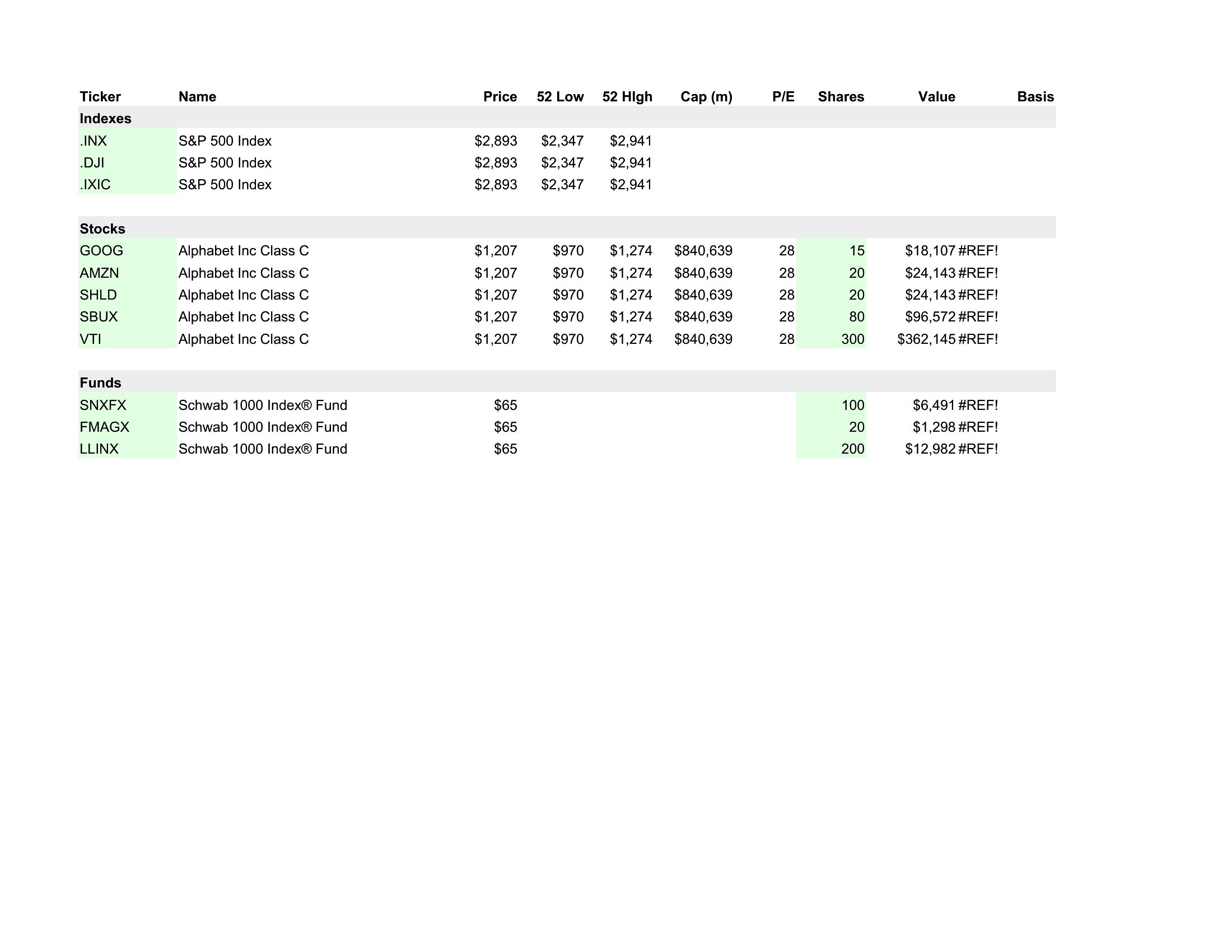
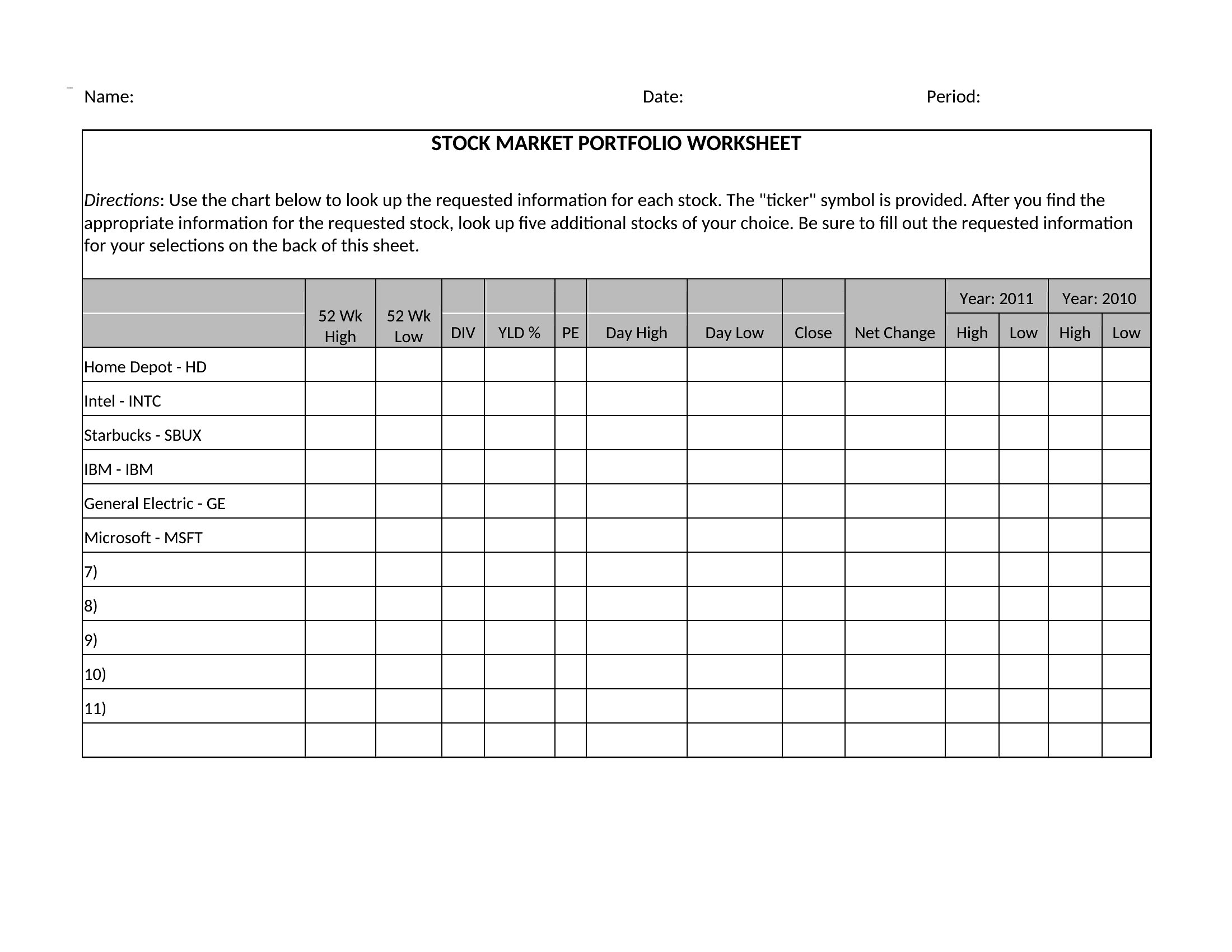
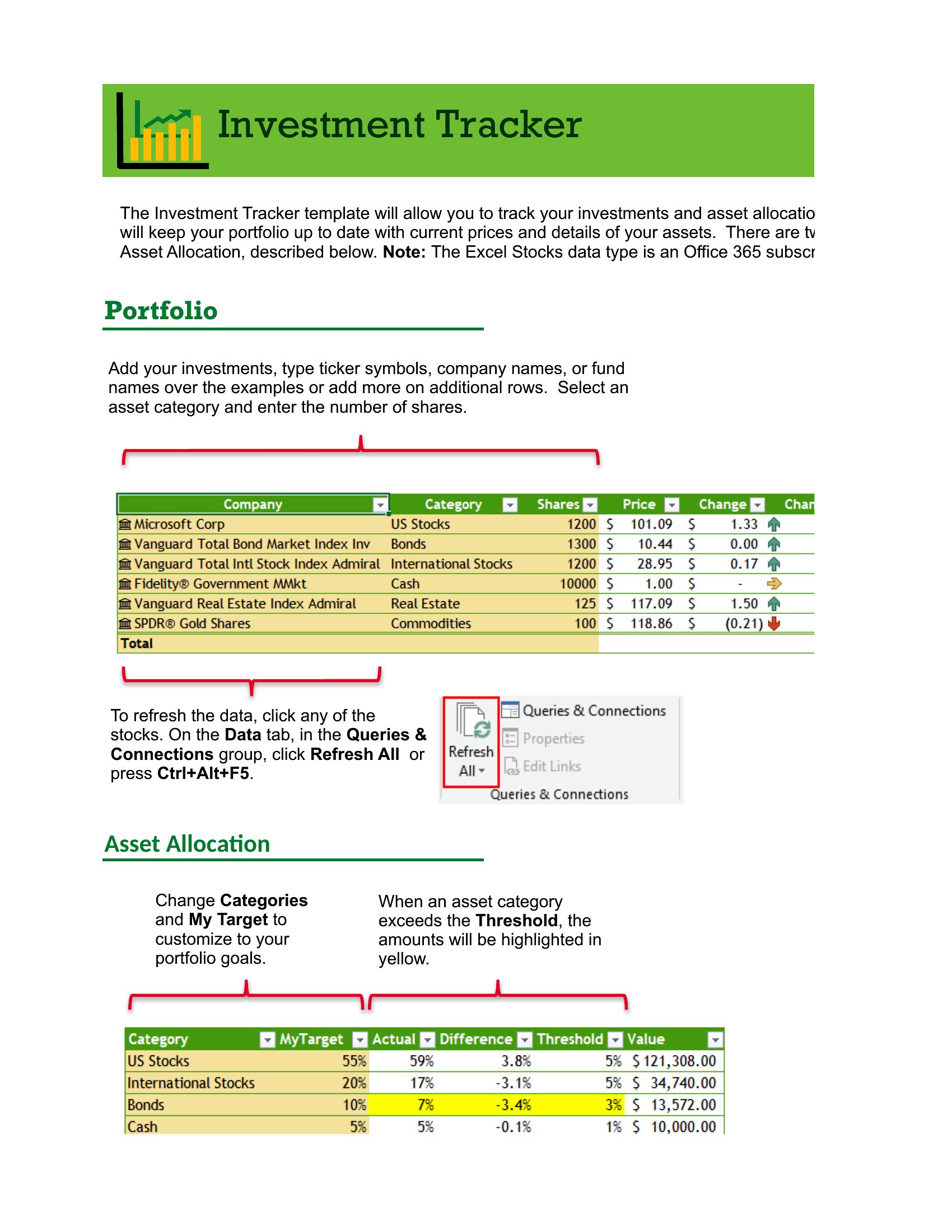
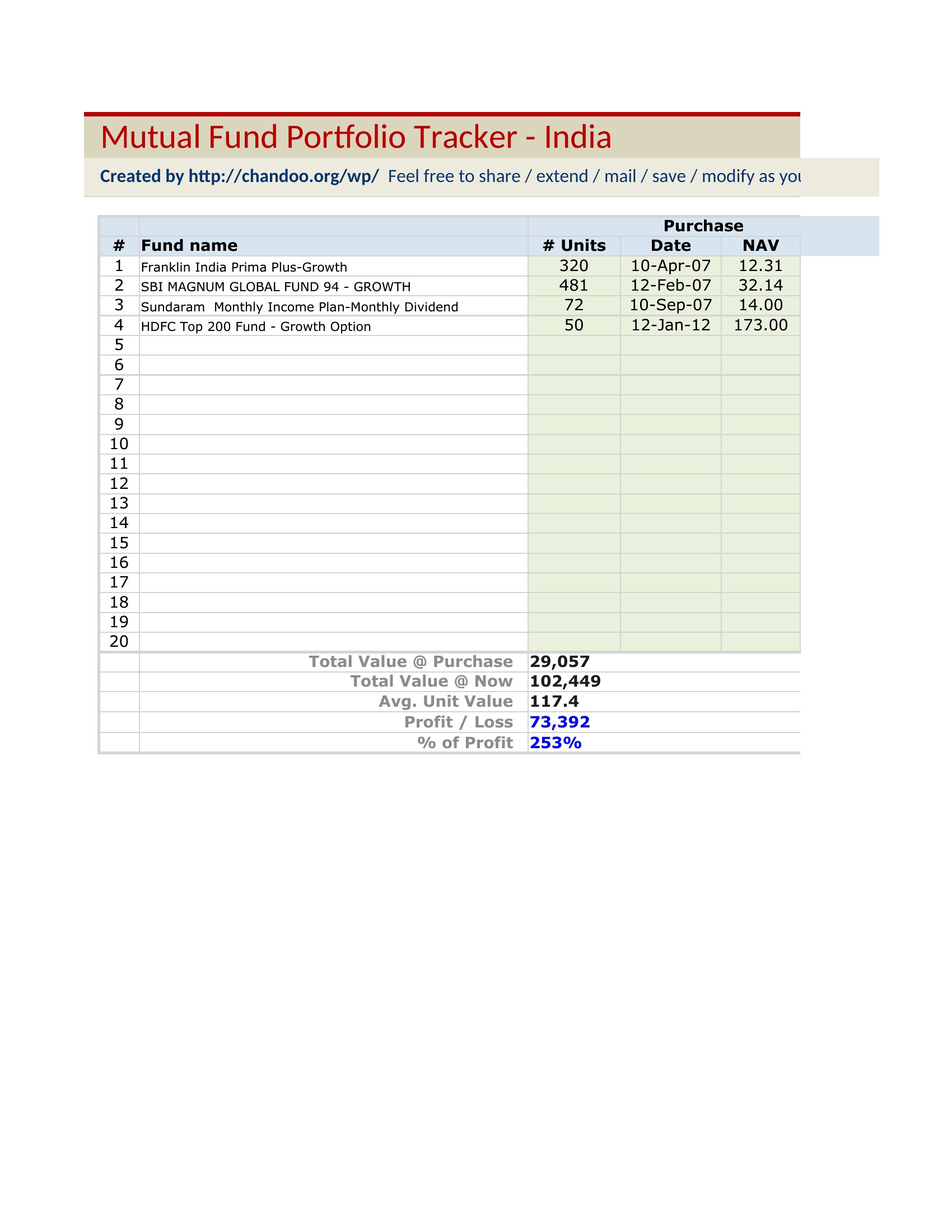
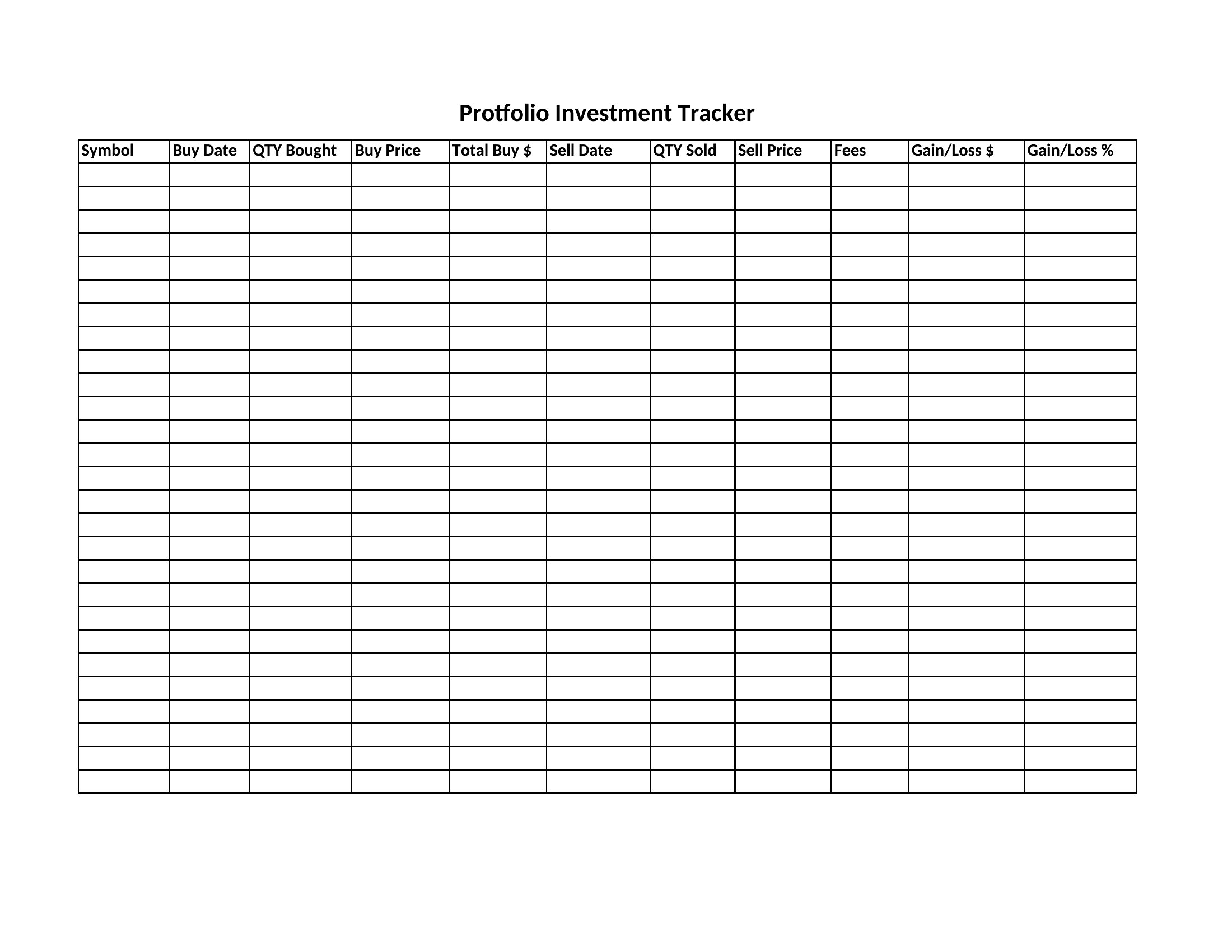
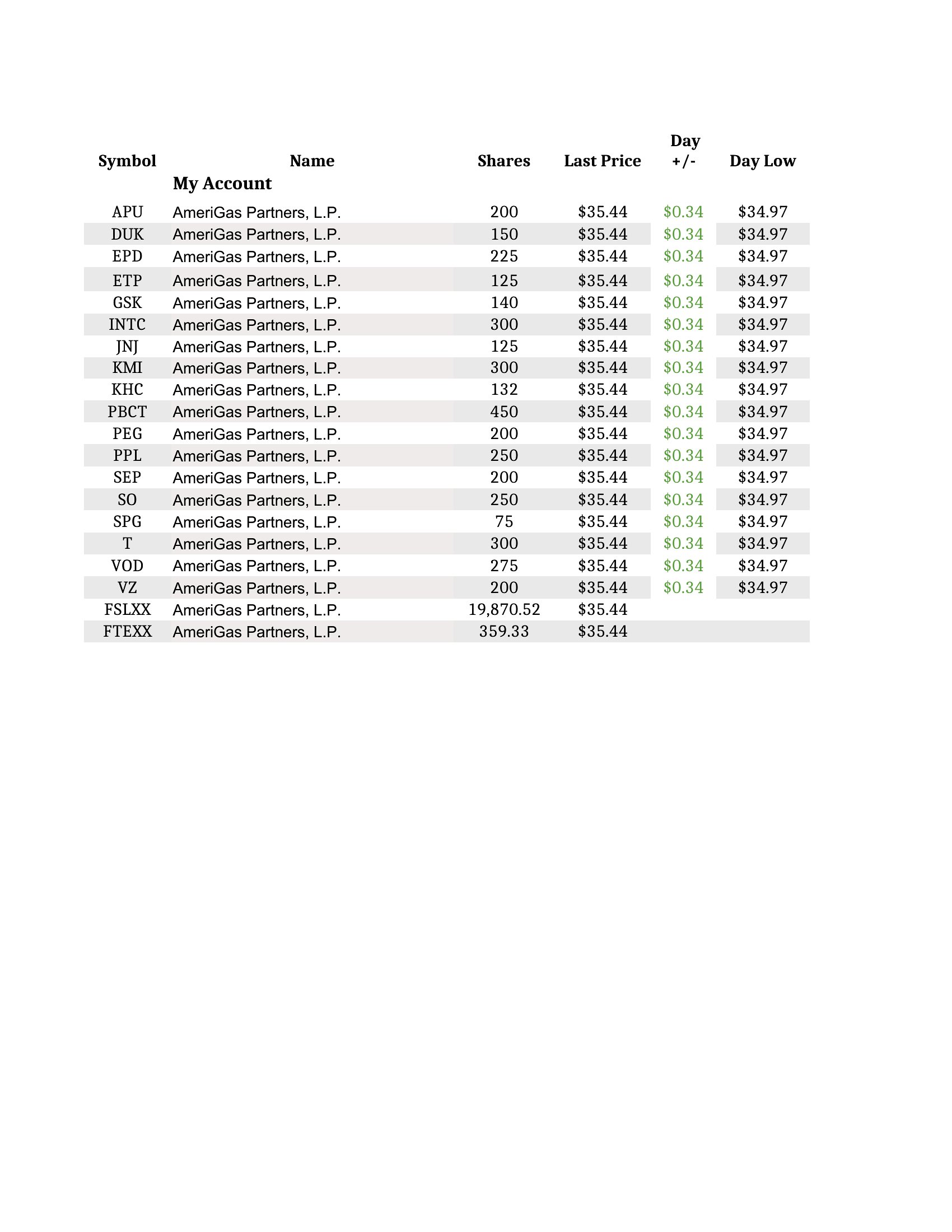
An investment tracking spreadsheet should track each holding's name, purchase date, quantity, cost basis, current price, and market value. Adding gains or losses, dividends, and overall portfolio totals gives a complete picture. Covering stocks, crypto, and other assets in one place makes performance easy to monitor at a glance.
What columns are useful in an investment tracking spreadsheet?
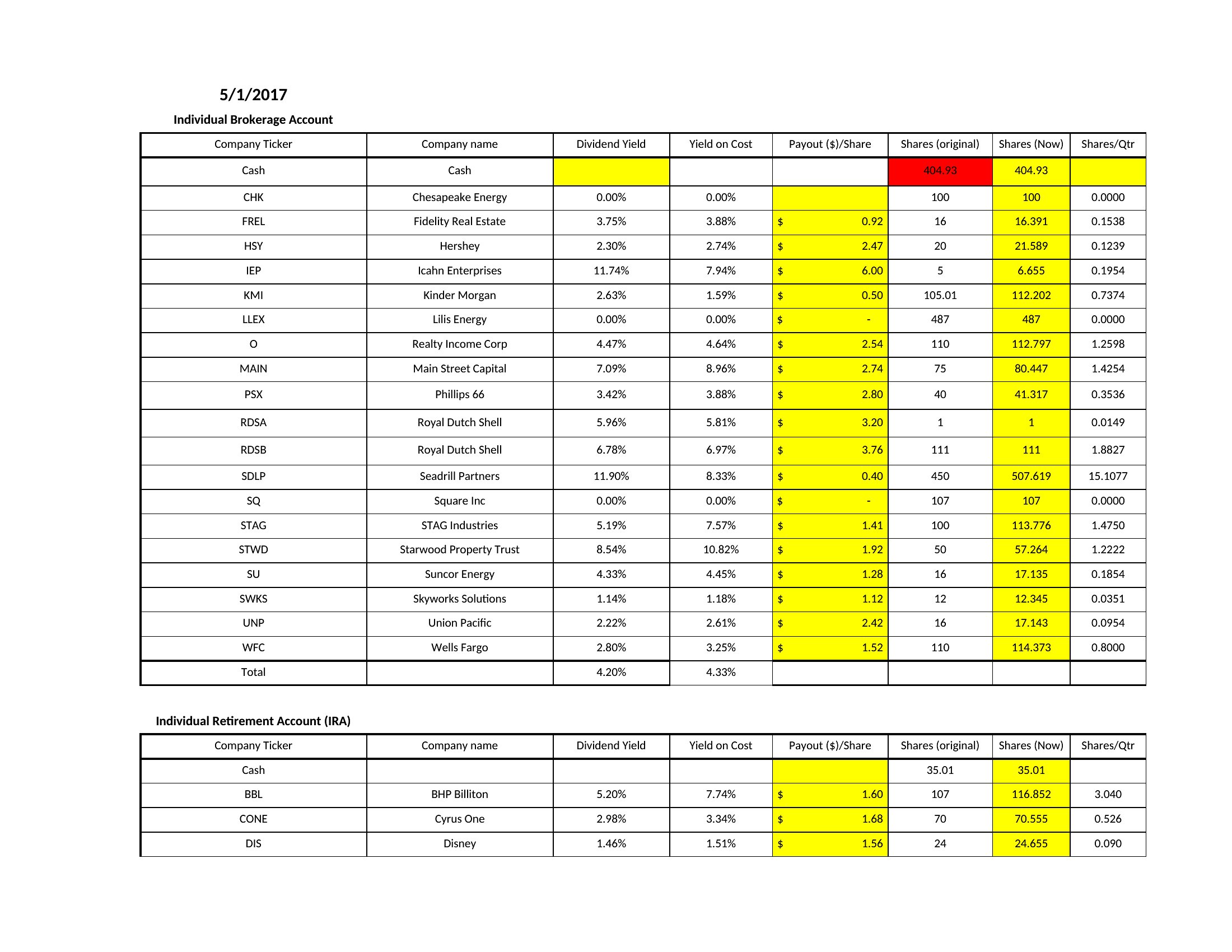
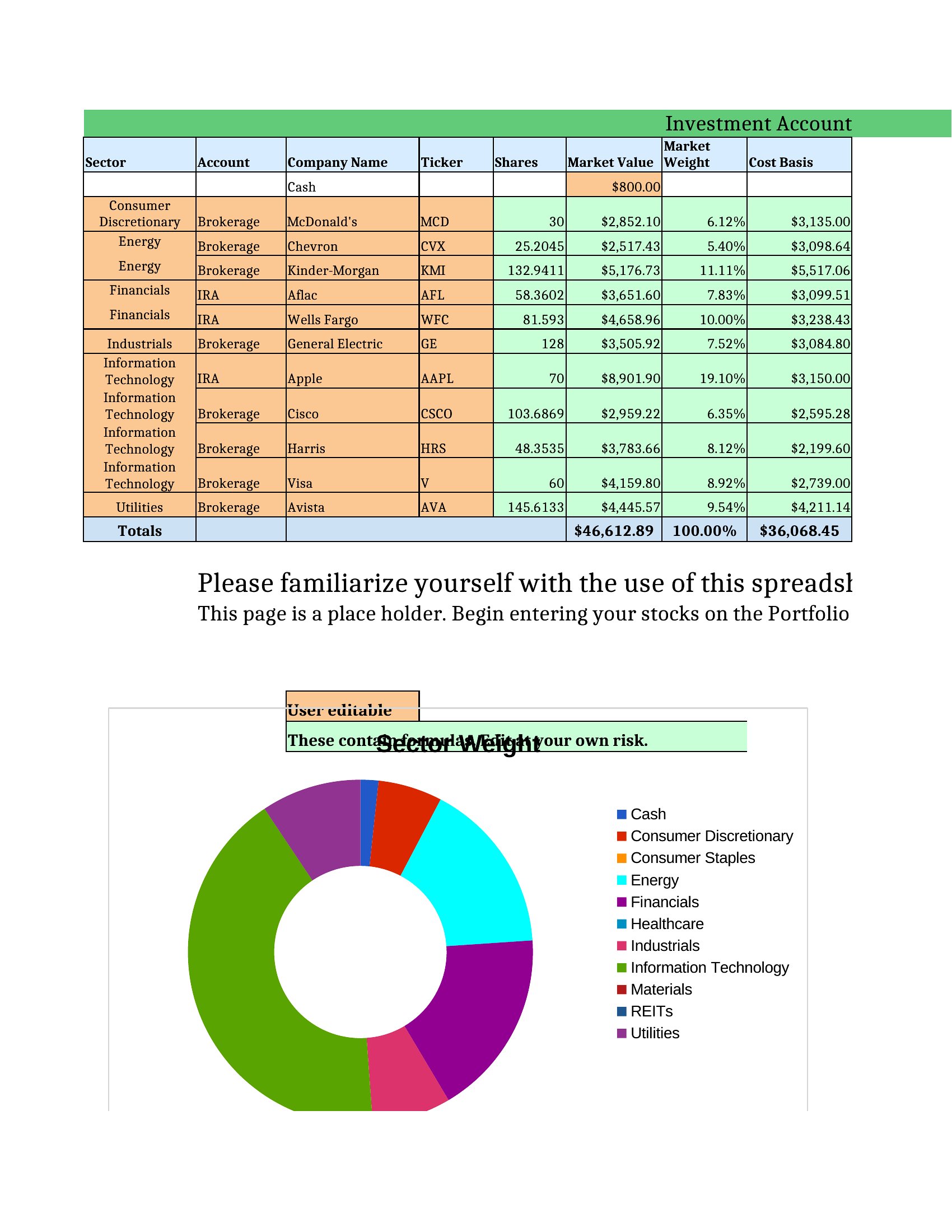
Useful columns include asset name or ticker, purchase date, shares or units, cost basis, current price, market value, unrealized gain or loss, percentage return, and dividends received. Adding sector or account categories helps with grouping, while totals and charts summarize how the whole portfolio is performing over time.
Which metrics help measure portfolio performance in a tracking spreadsheet?
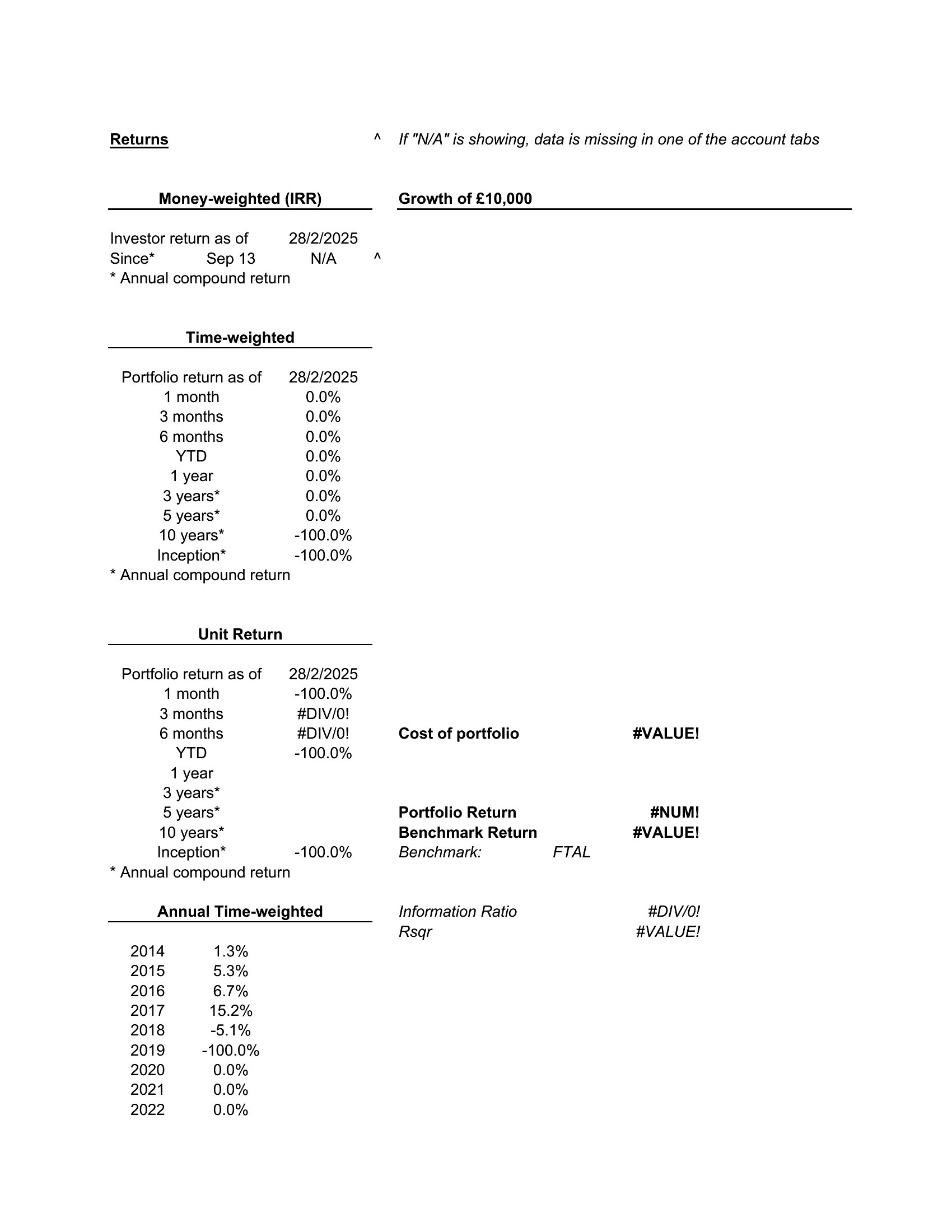
Key metrics include total return, percentage gain or loss, cost basis versus current value, dividend income, and asset allocation across categories. Comparing returns to a benchmark and tracking realized versus unrealized gains adds context. Together these figures show whether the portfolio is growing and how risk is spread.
Comments
Join the conversation
Sign in to share your thoughts and leave a comment on this resource.