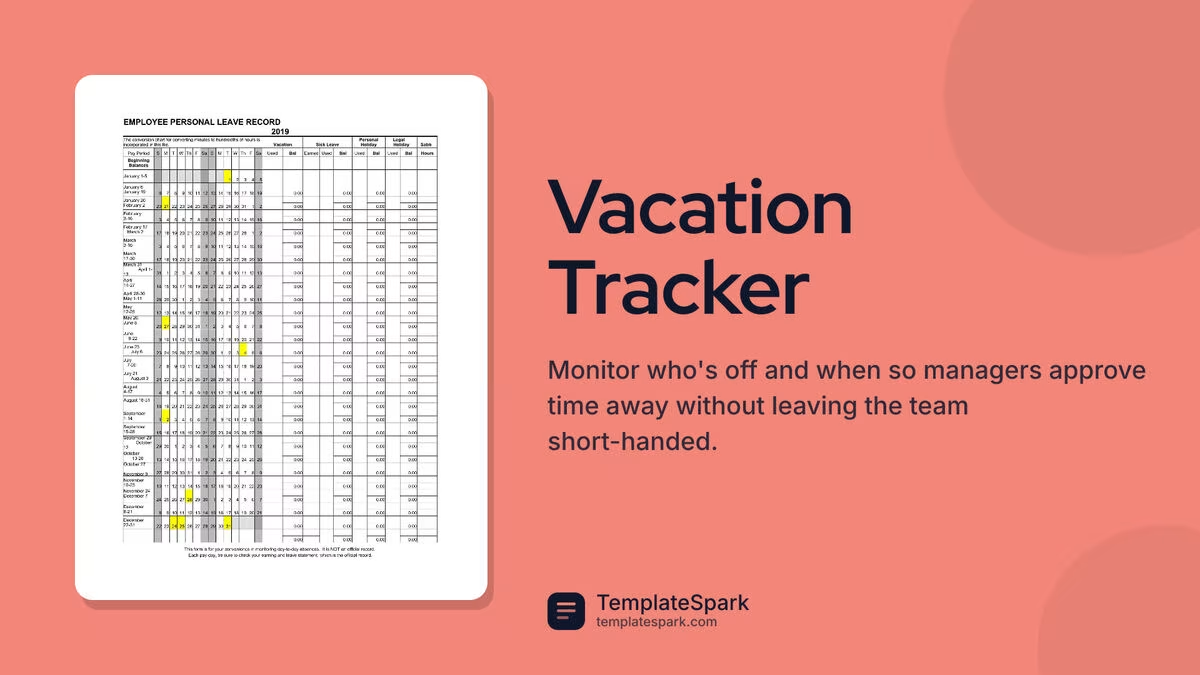
Free Vacation Tracker Templates (Word, Excel, PDF)
Data by klausjurgenheinlein
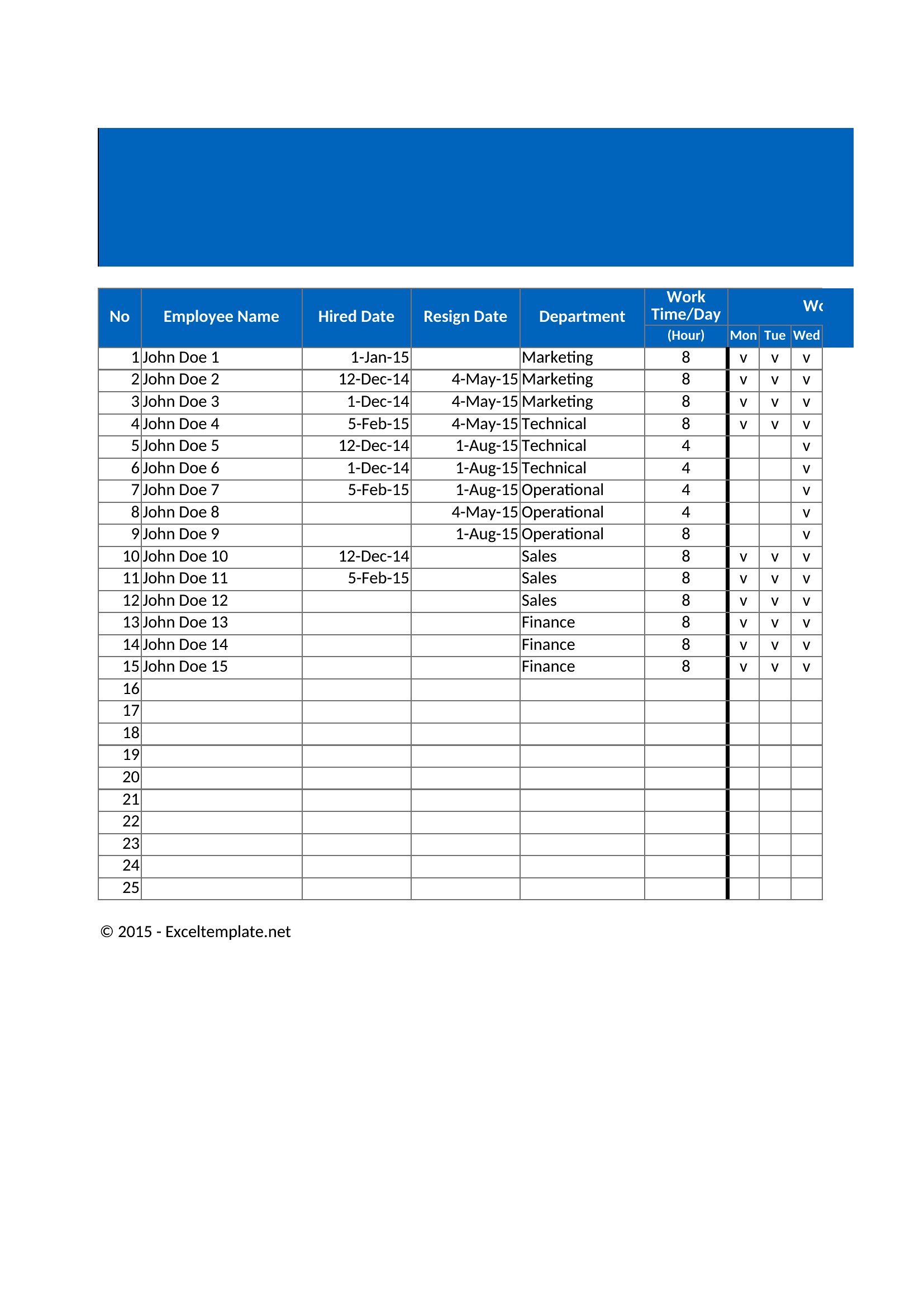
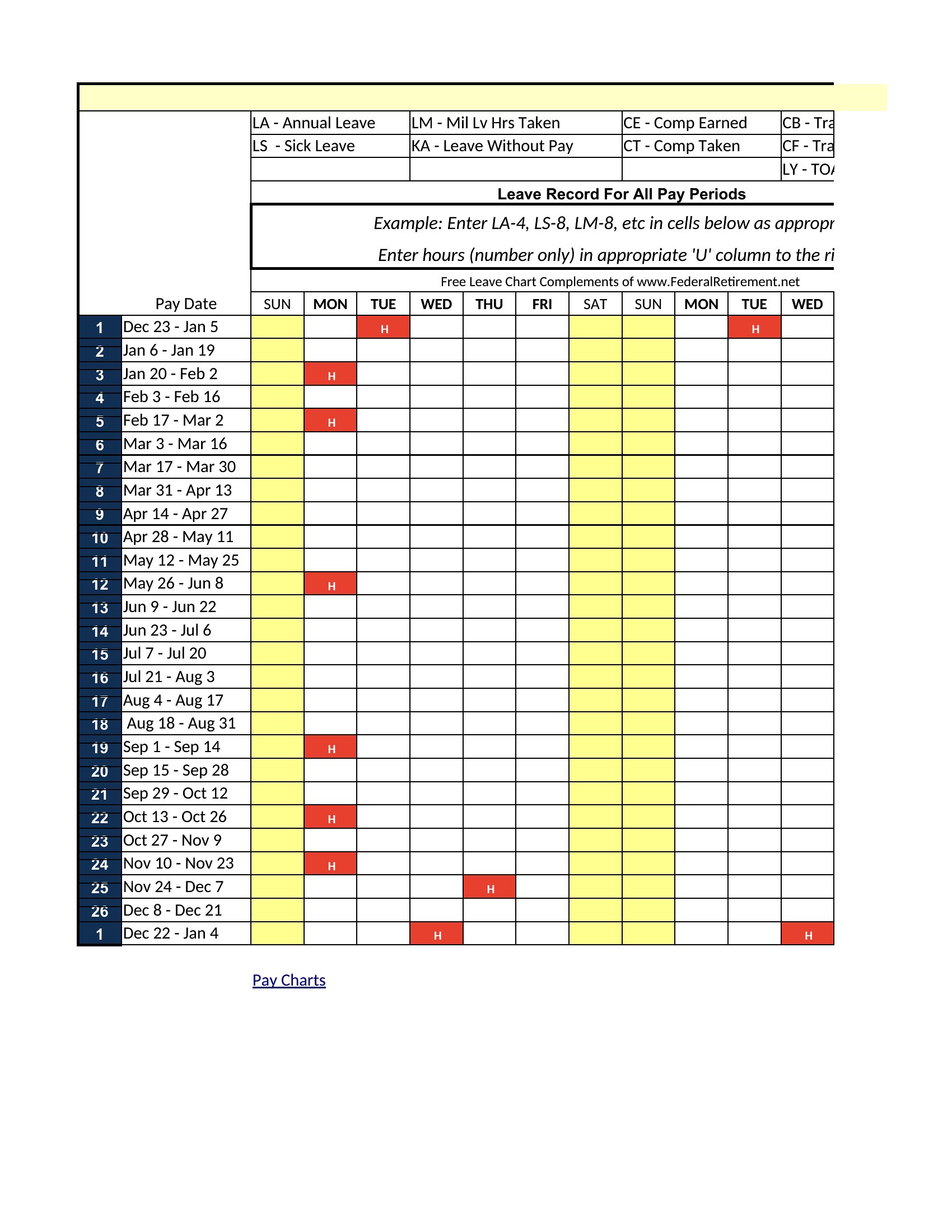
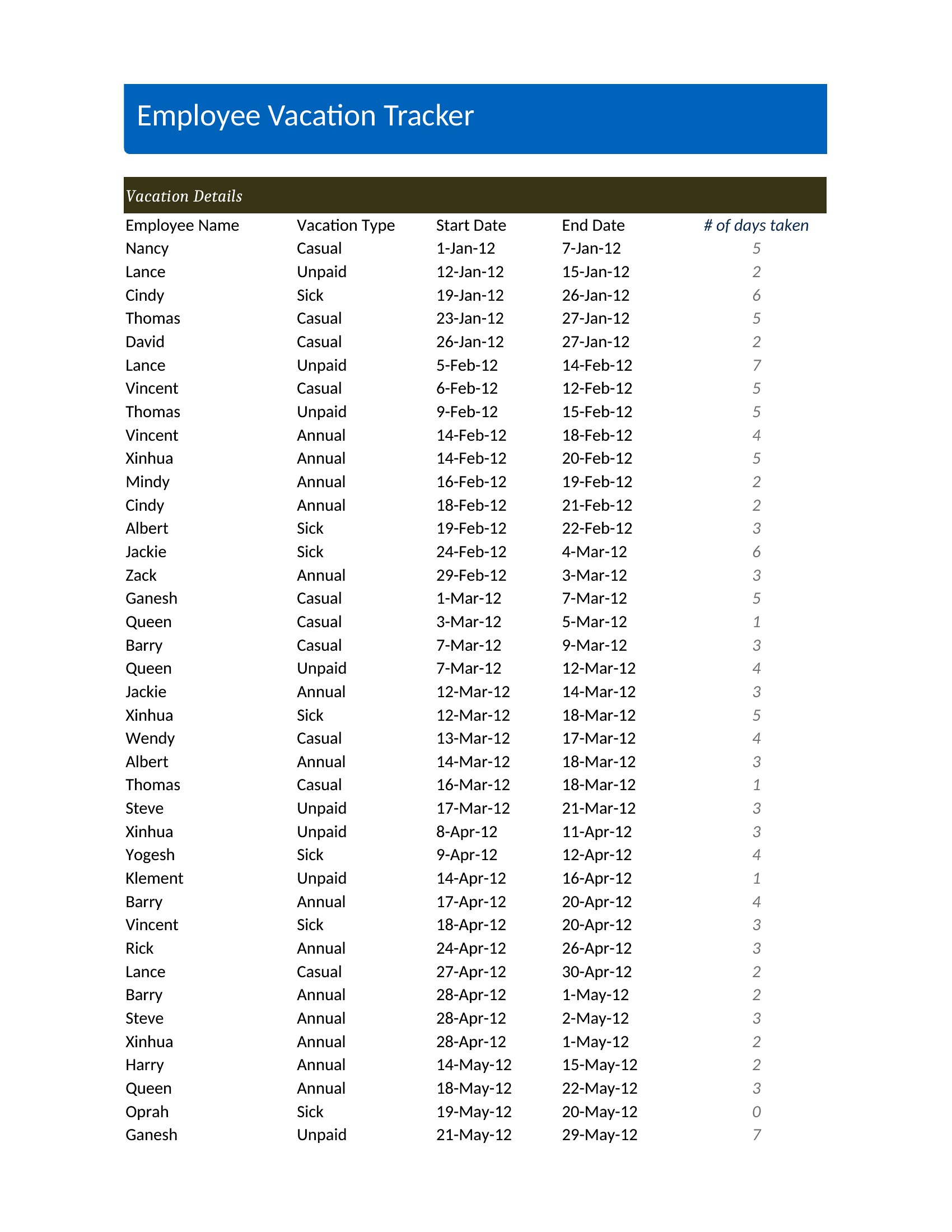
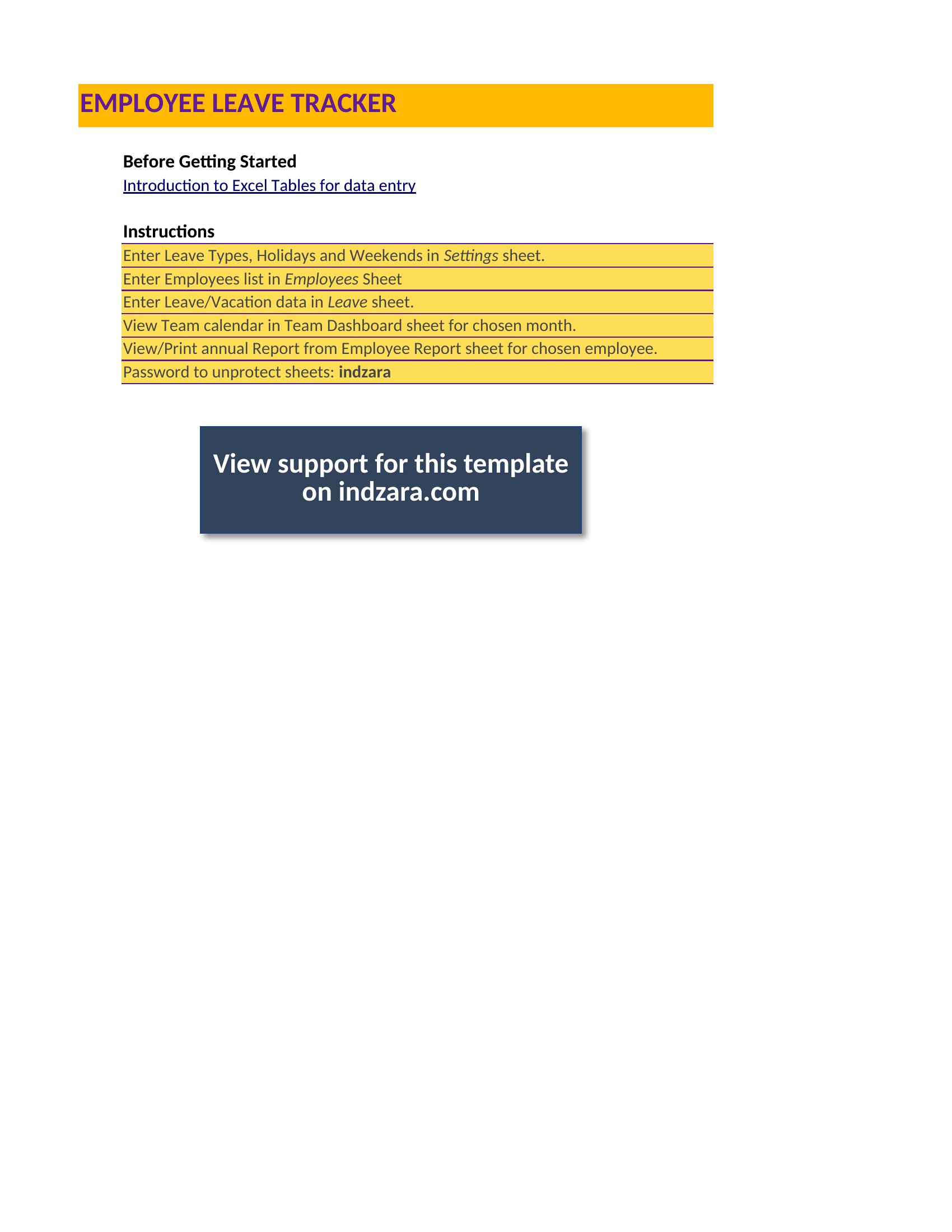
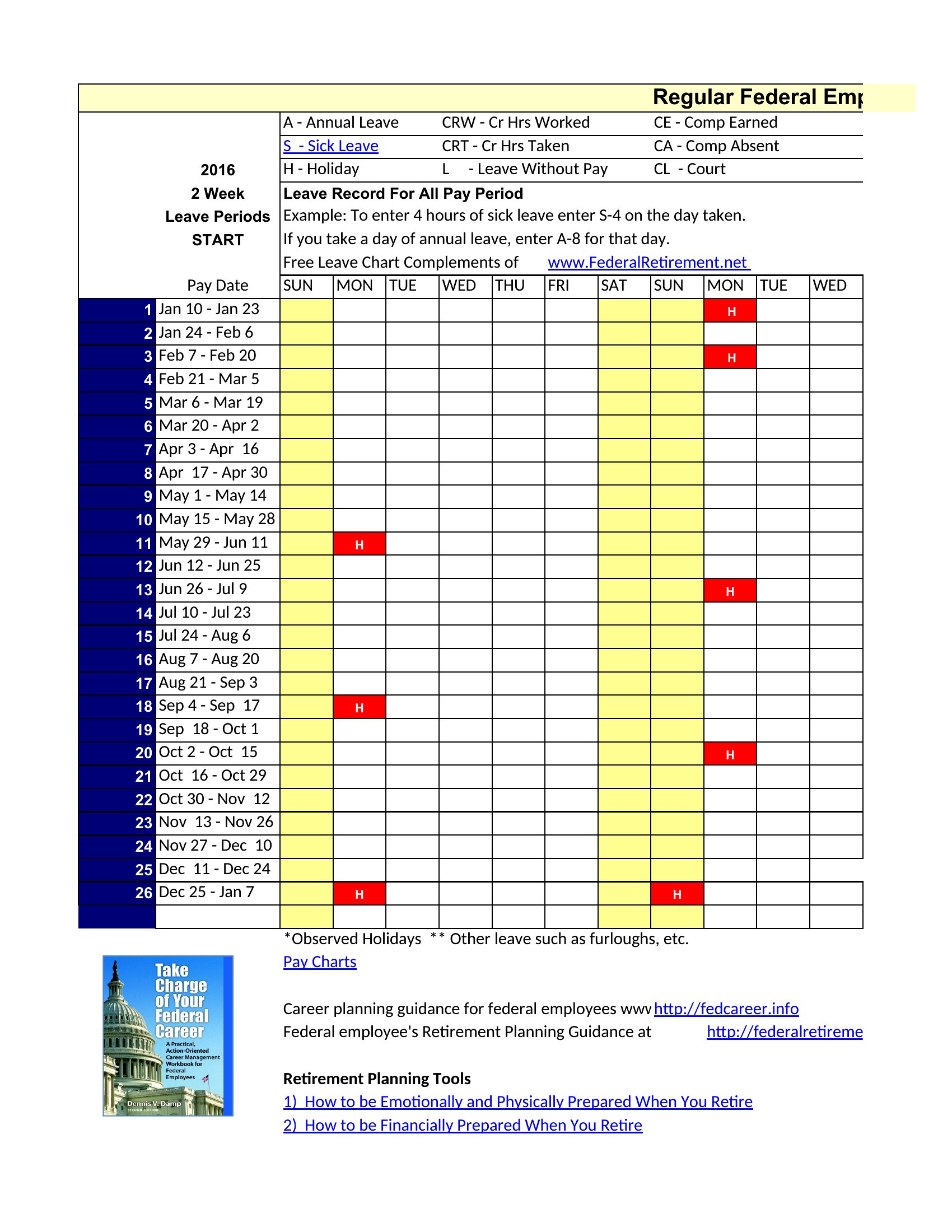
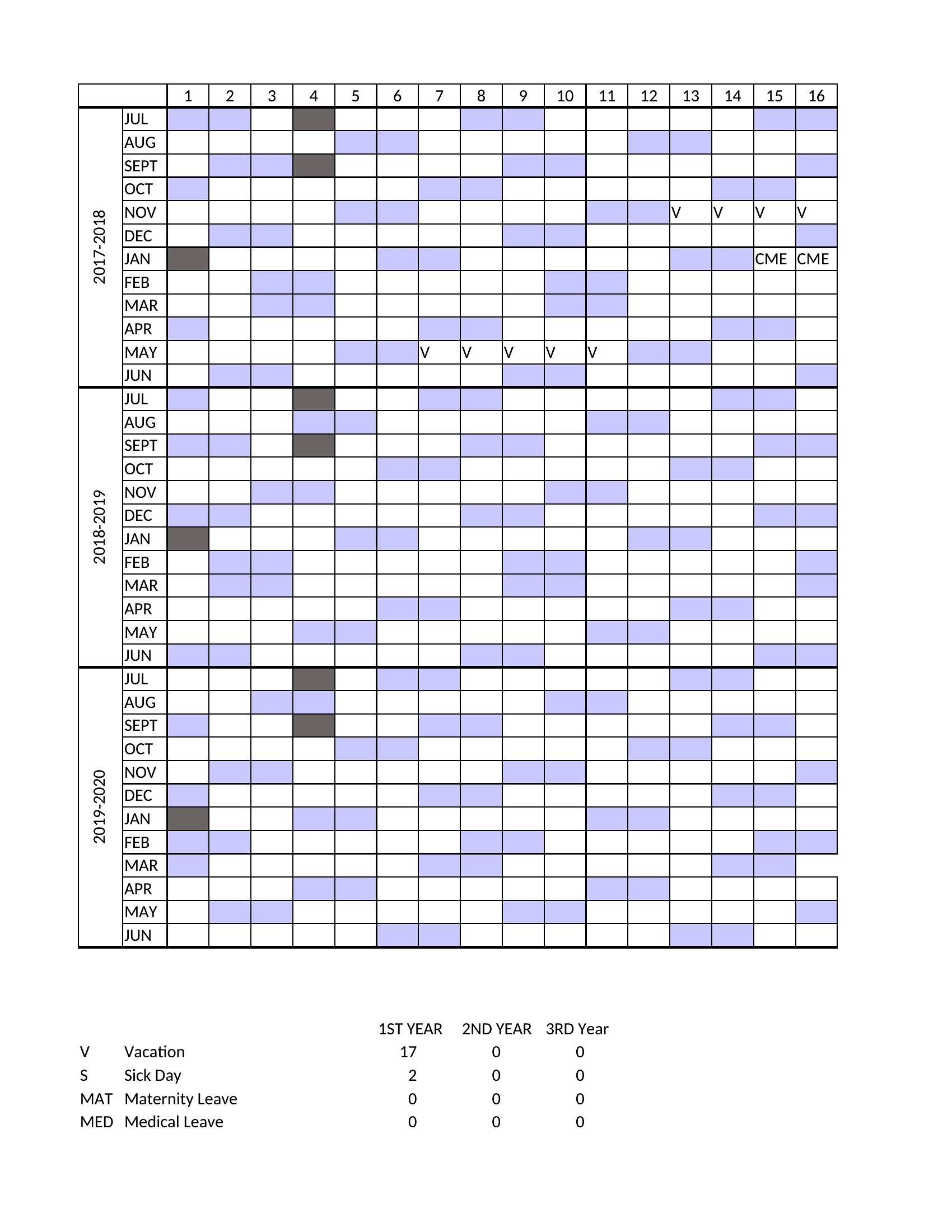
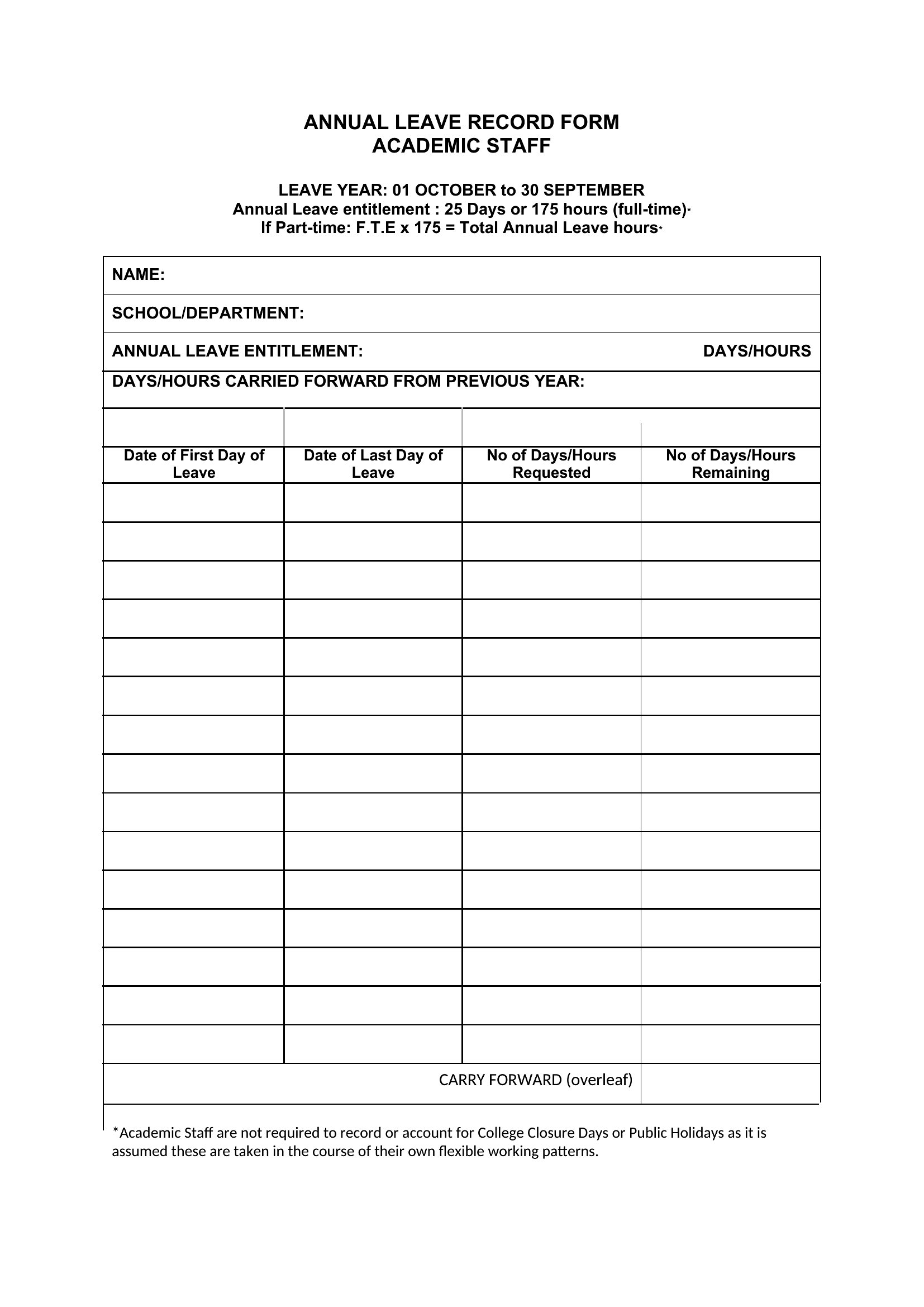
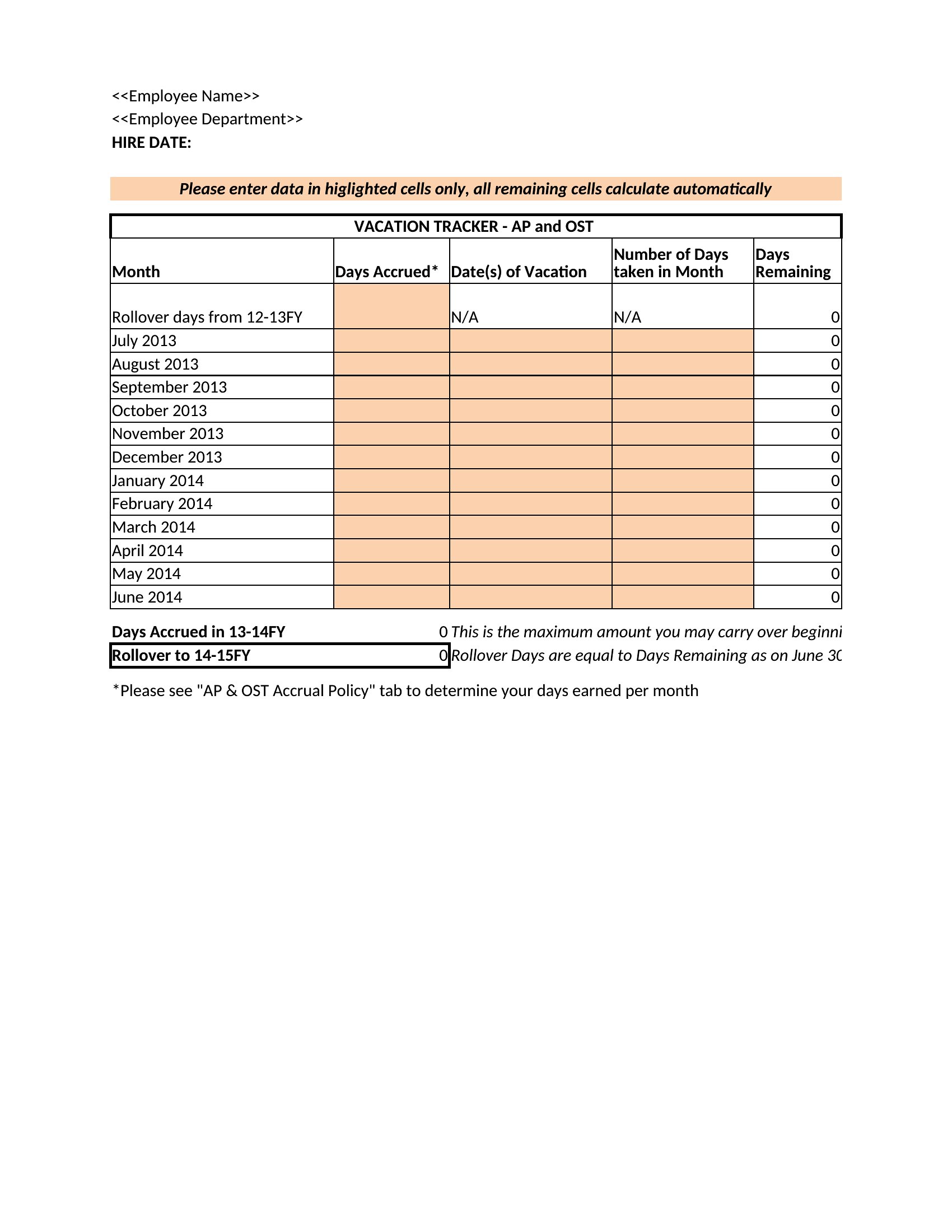
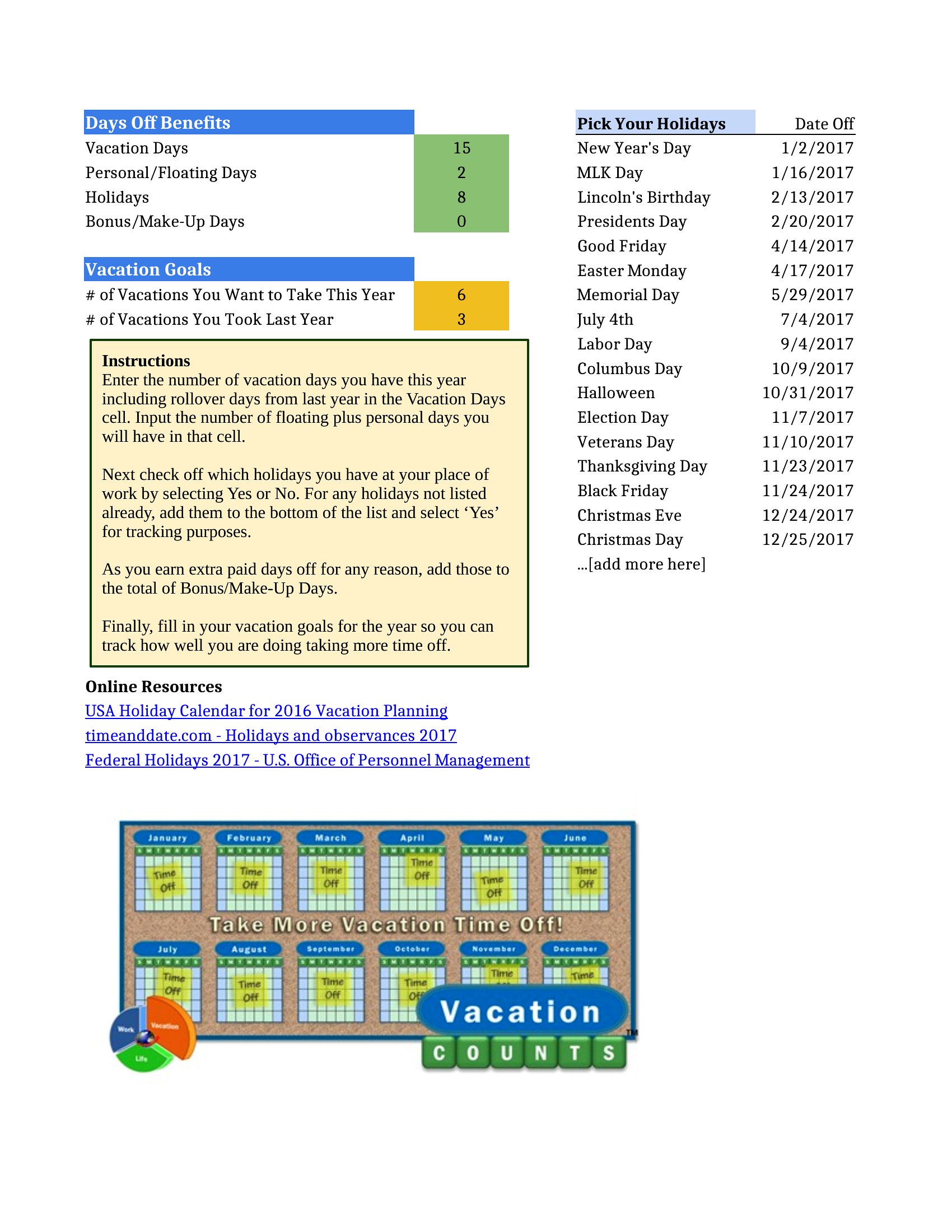
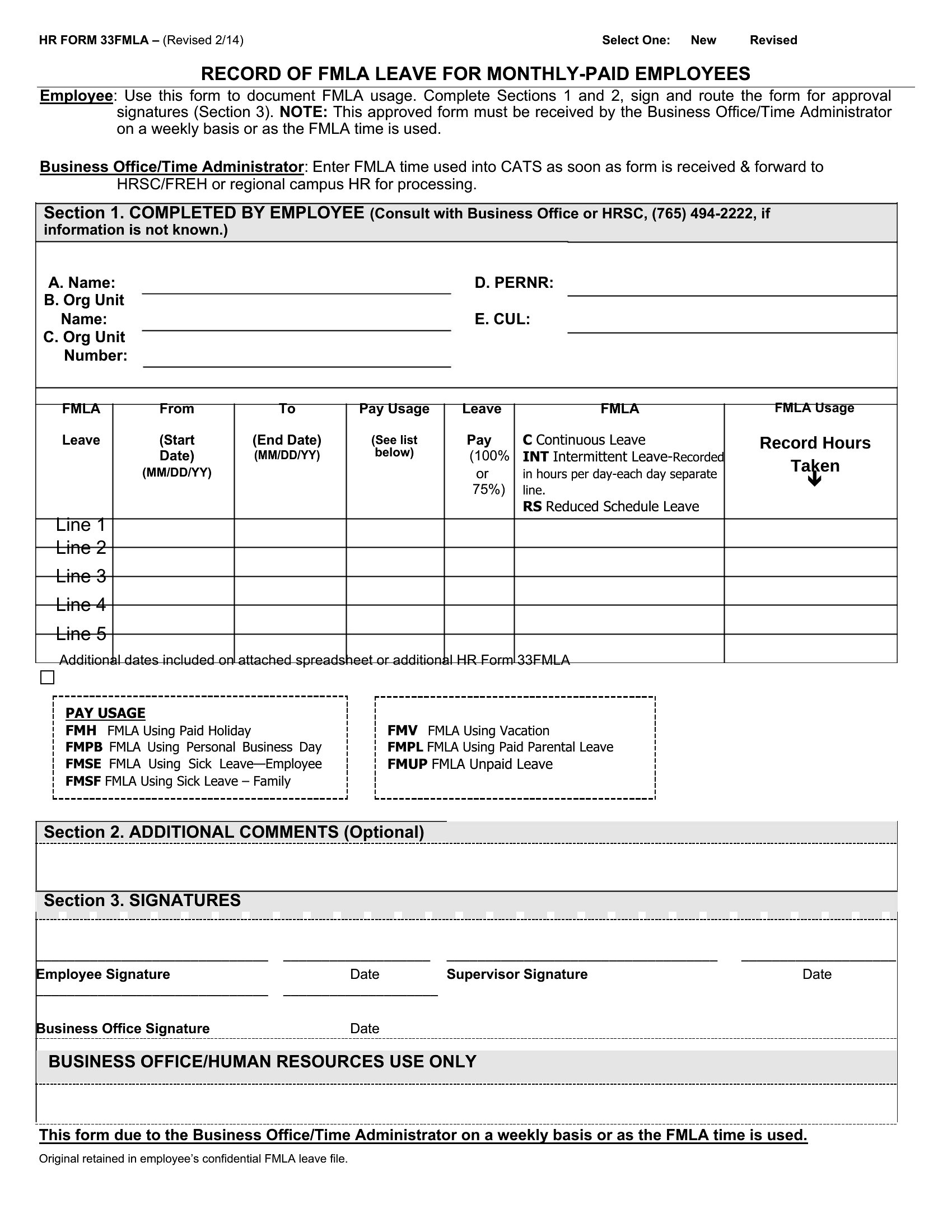
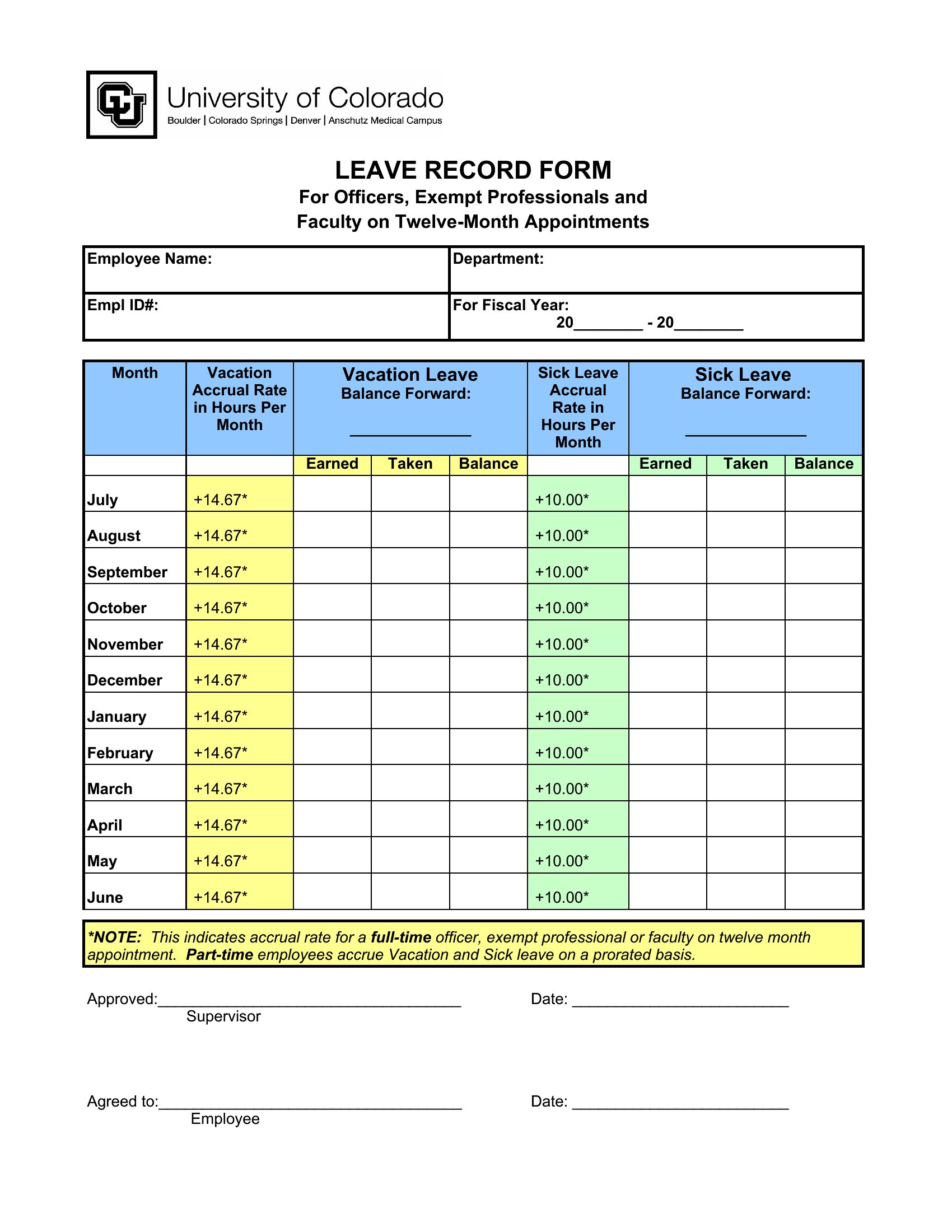
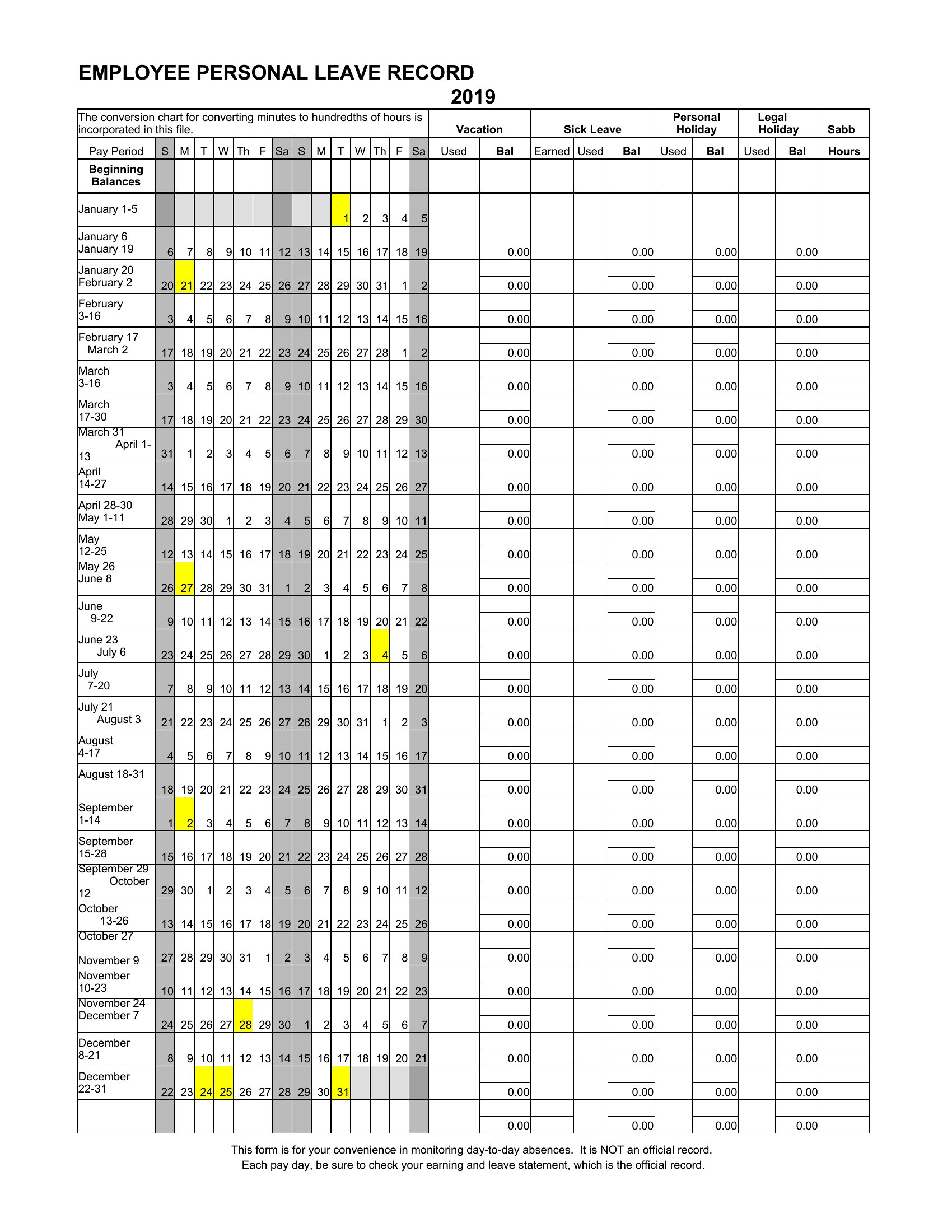
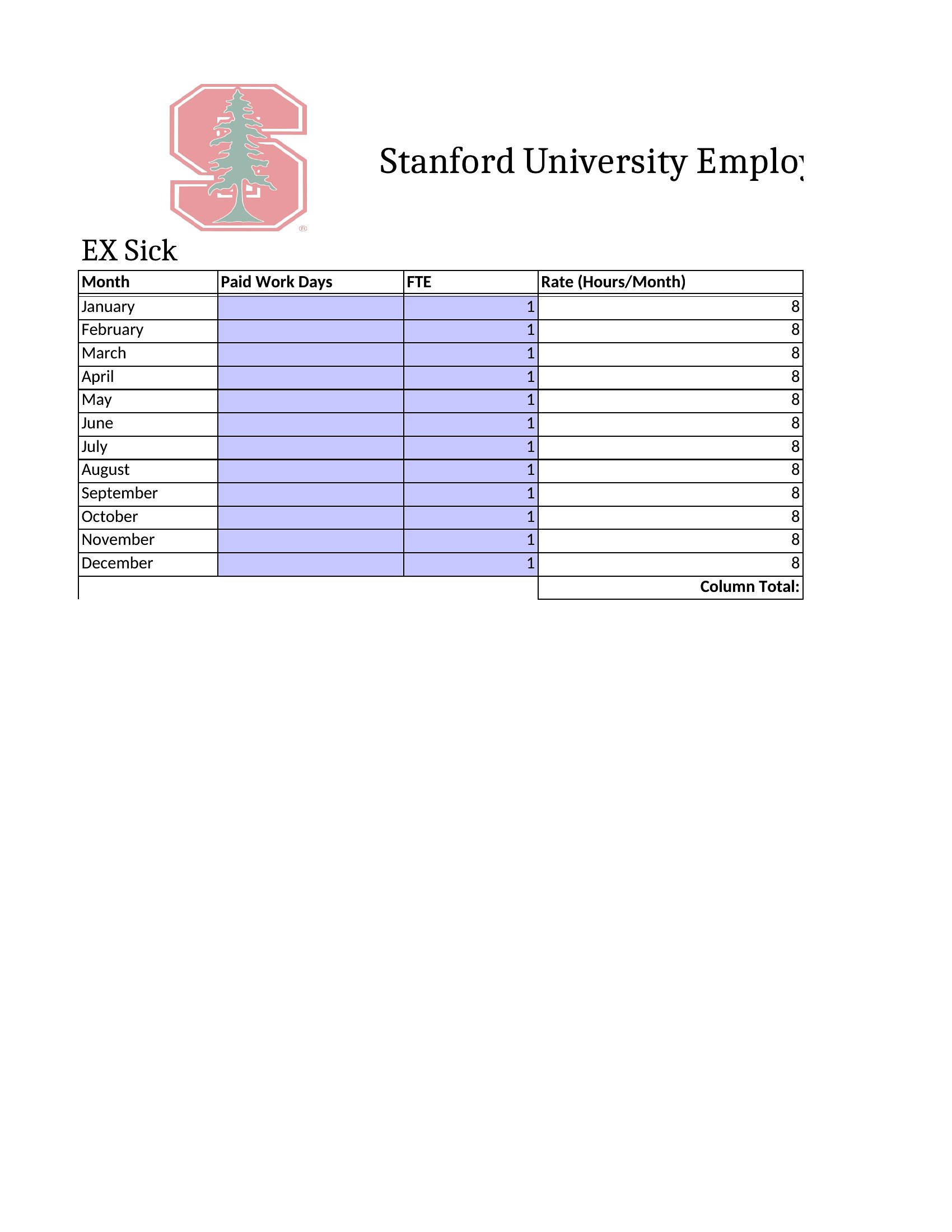
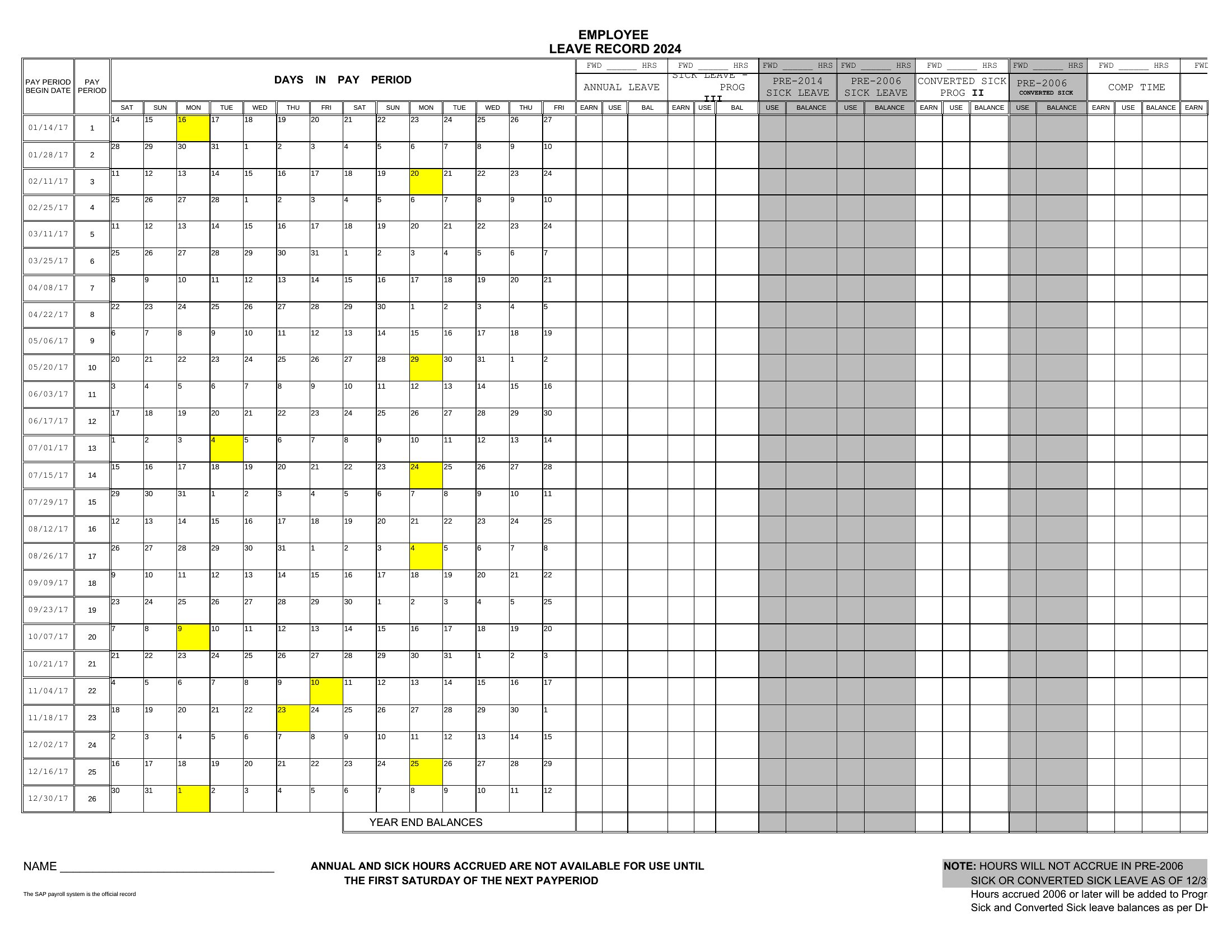
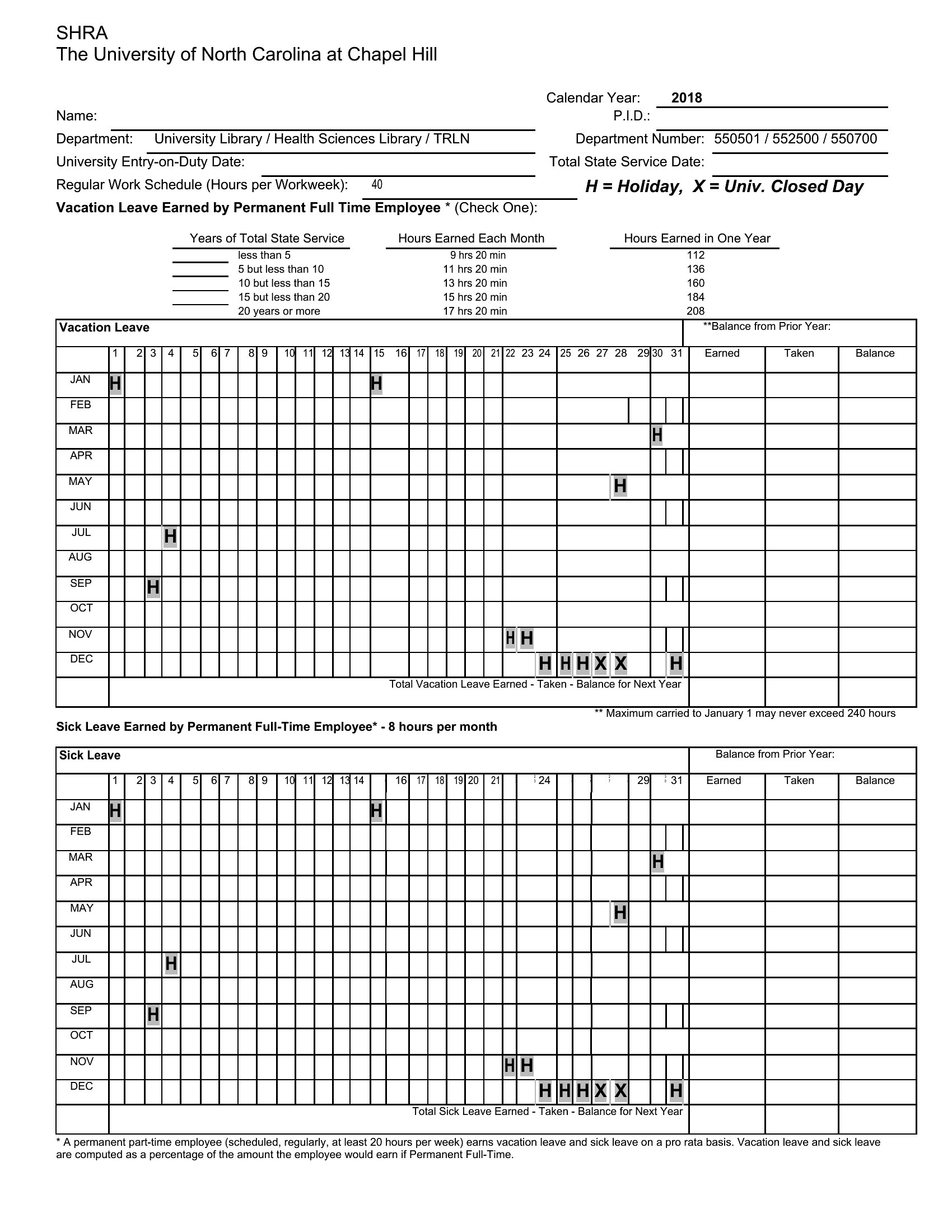
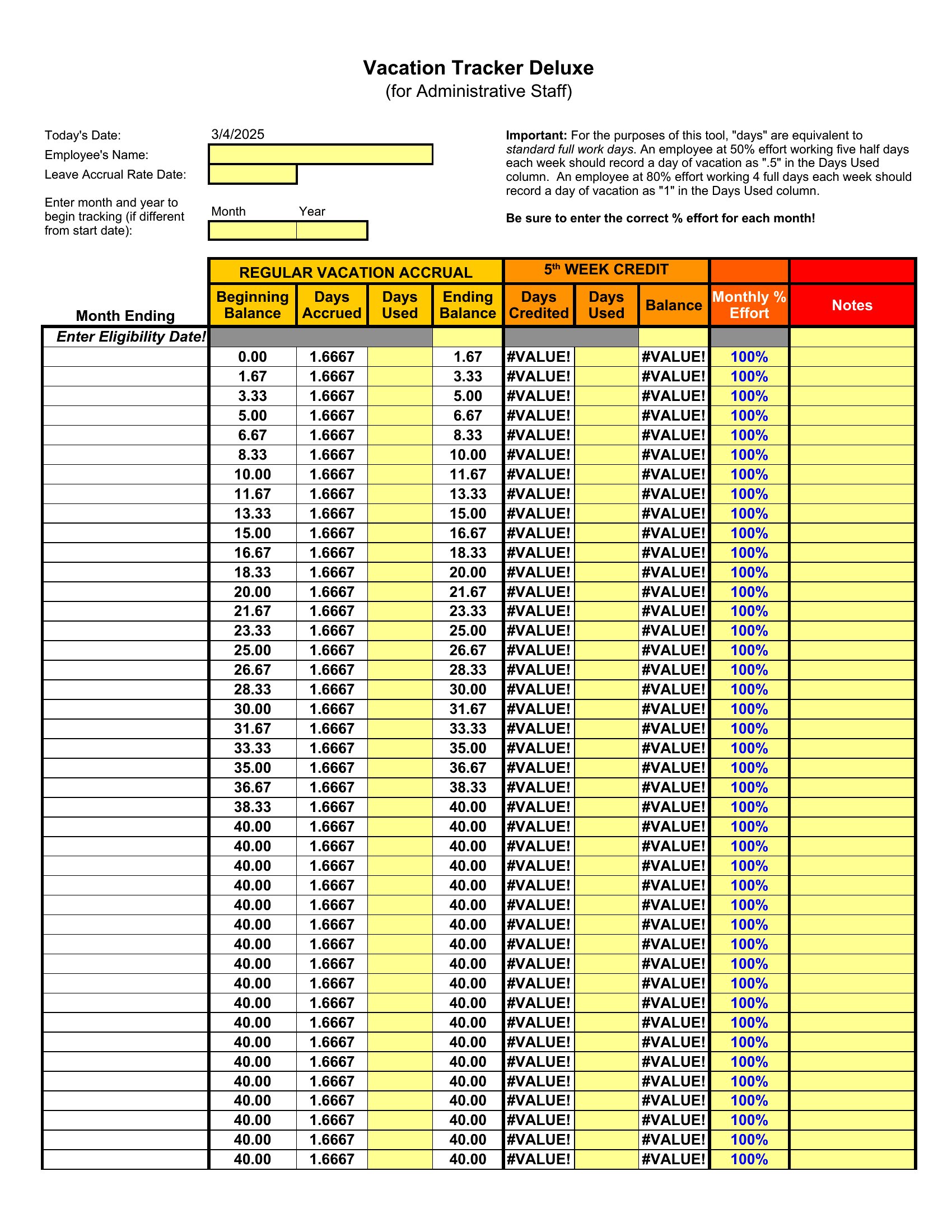
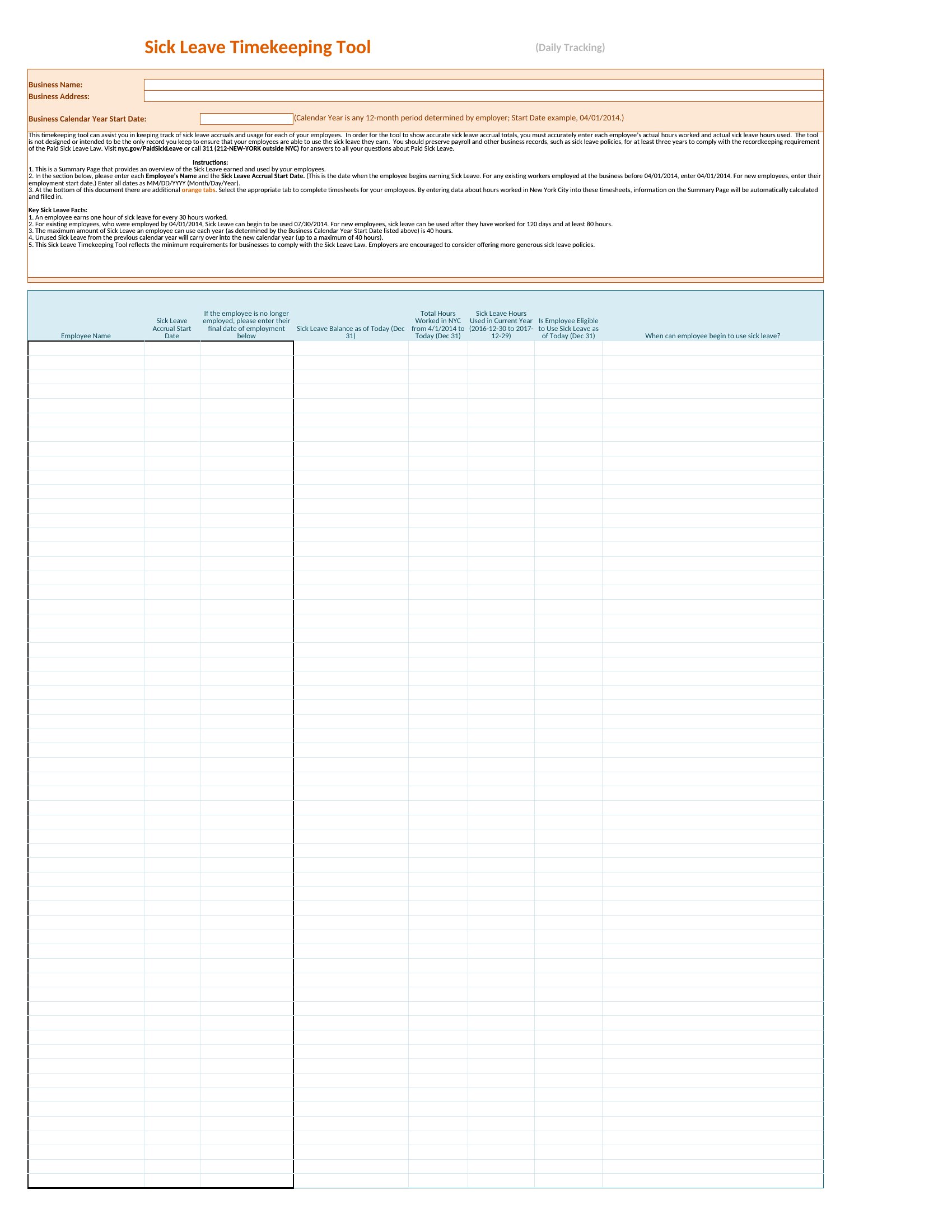
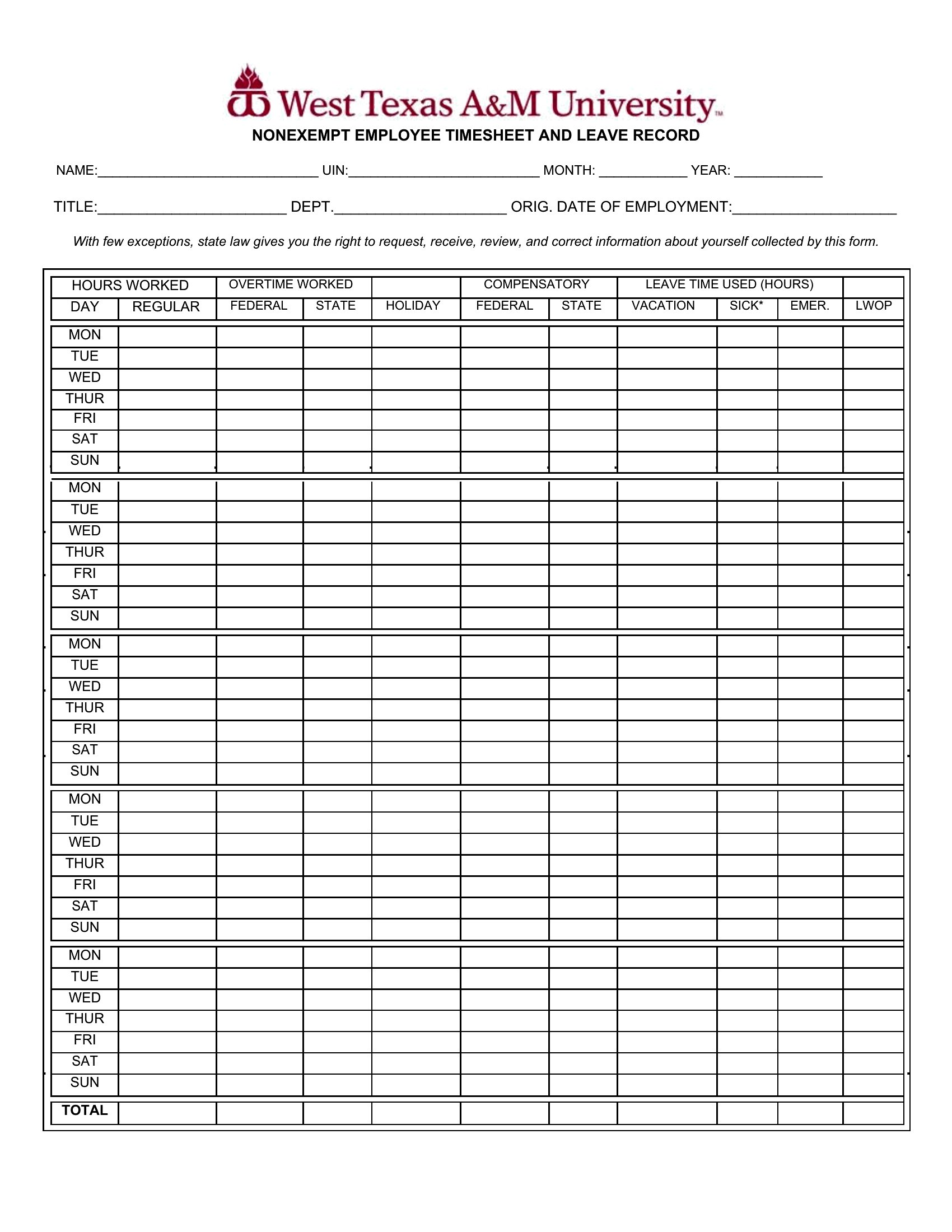
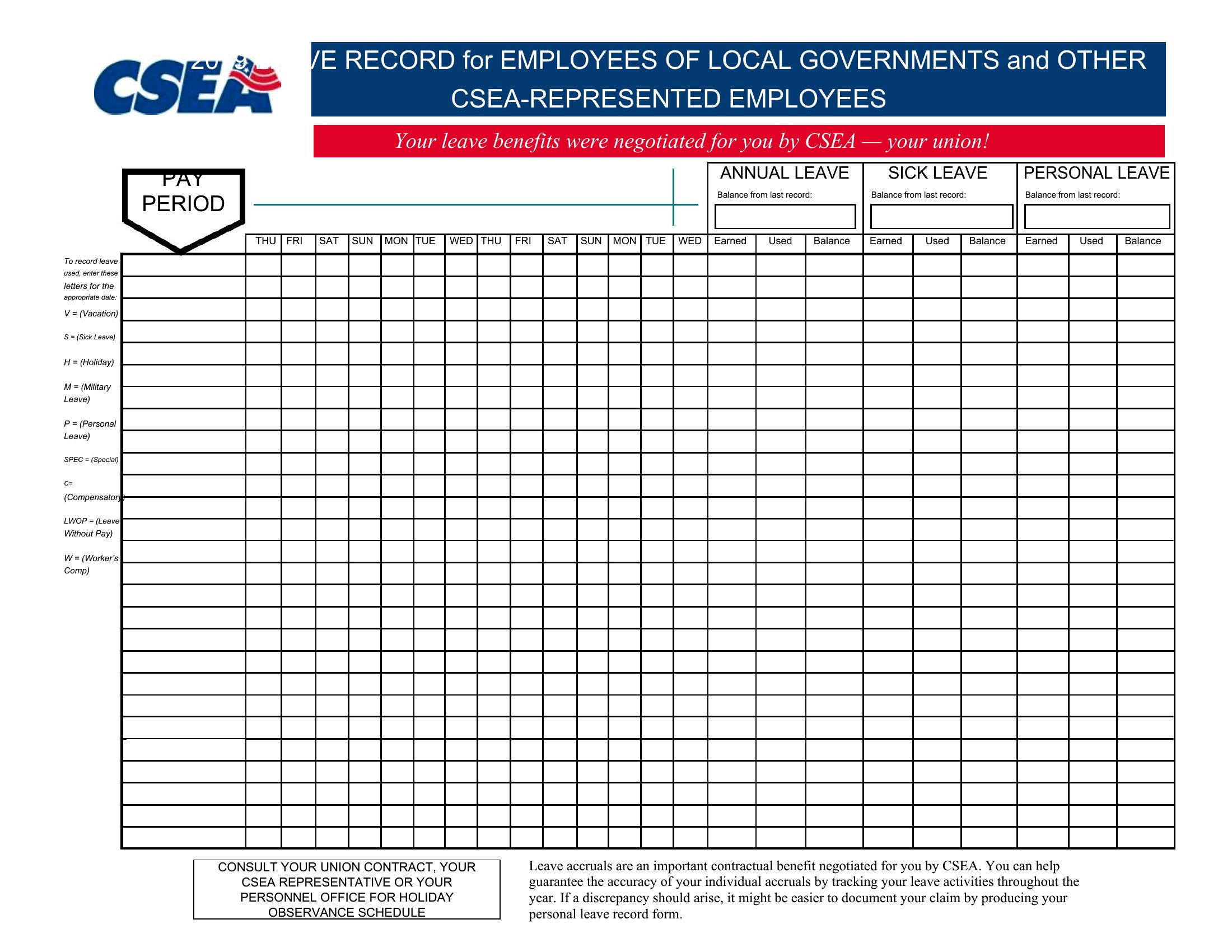
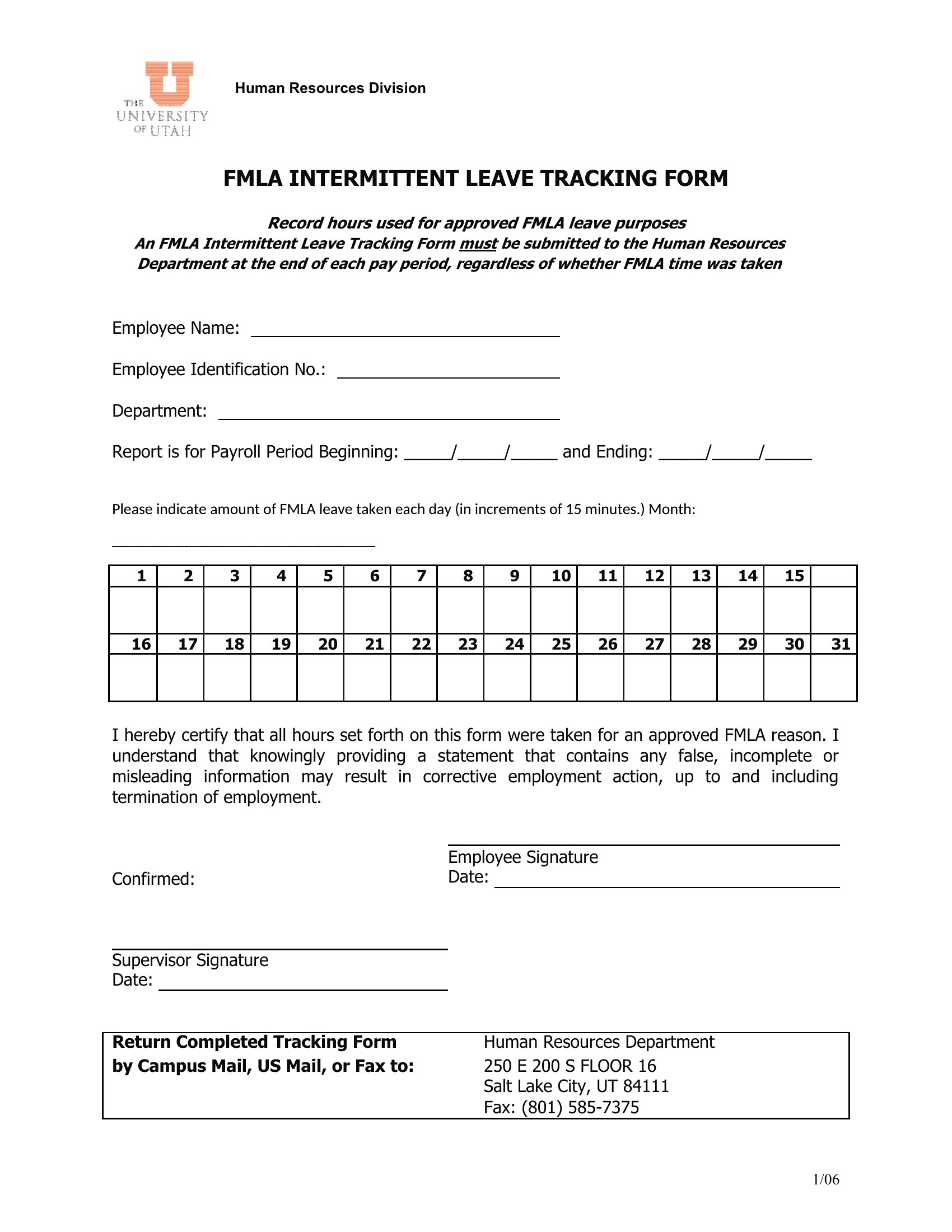
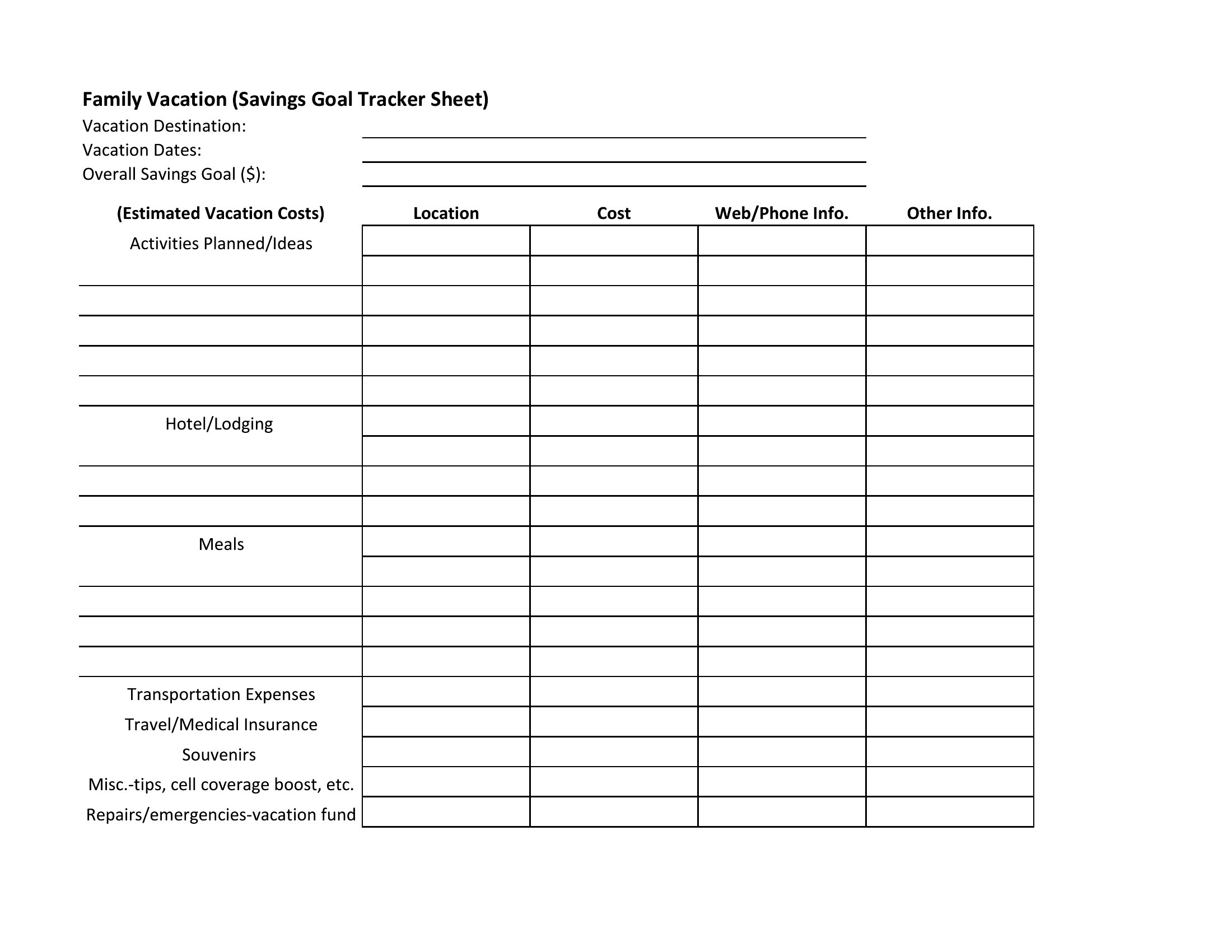
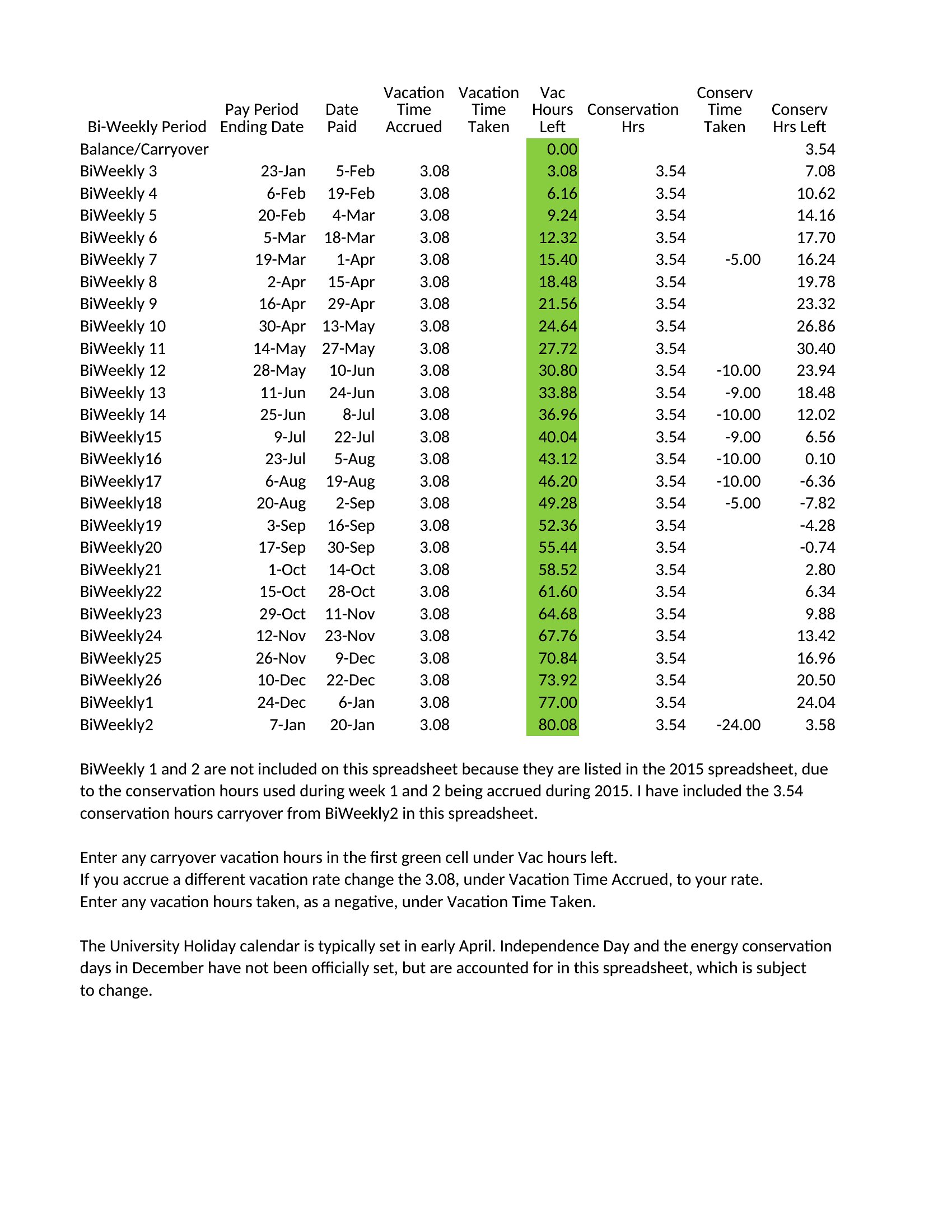
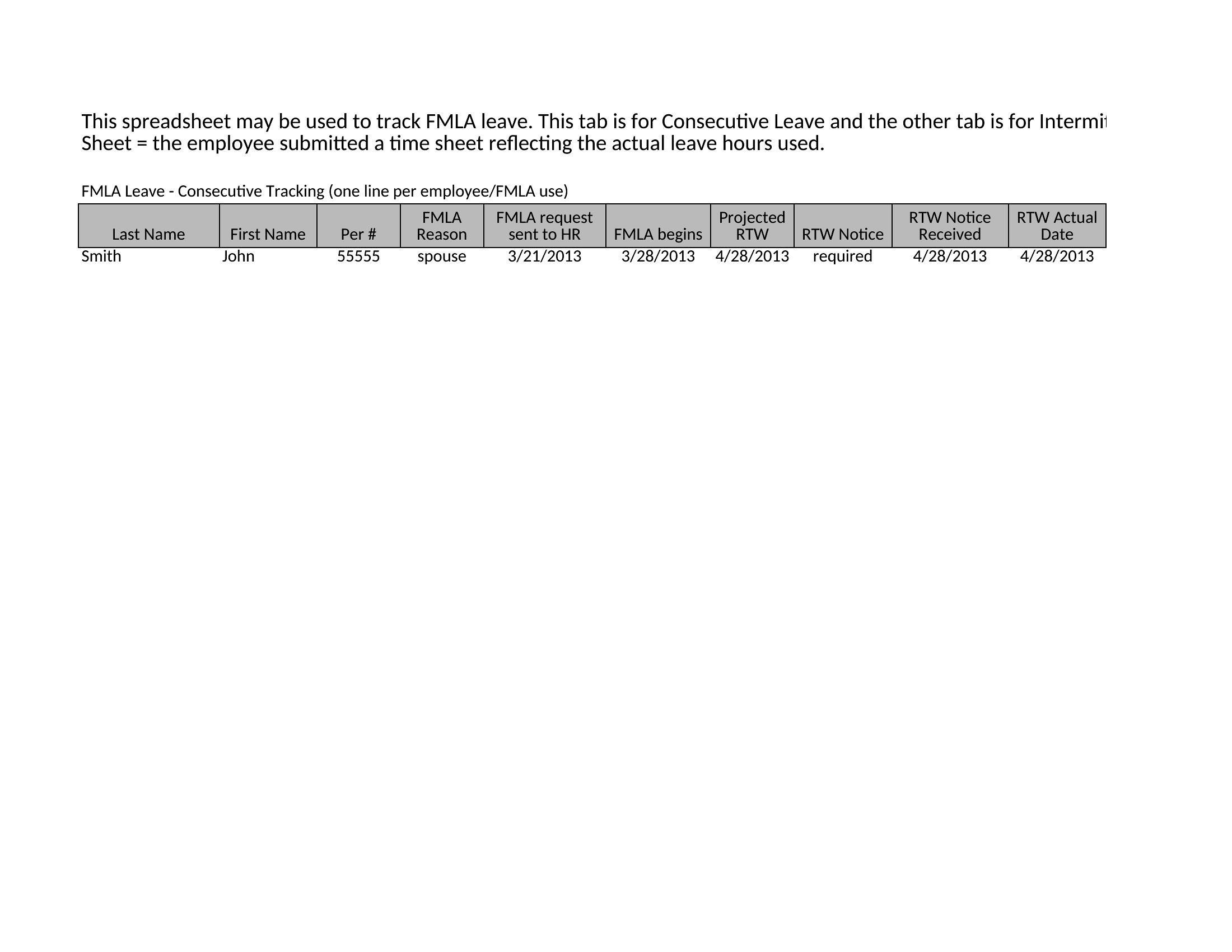
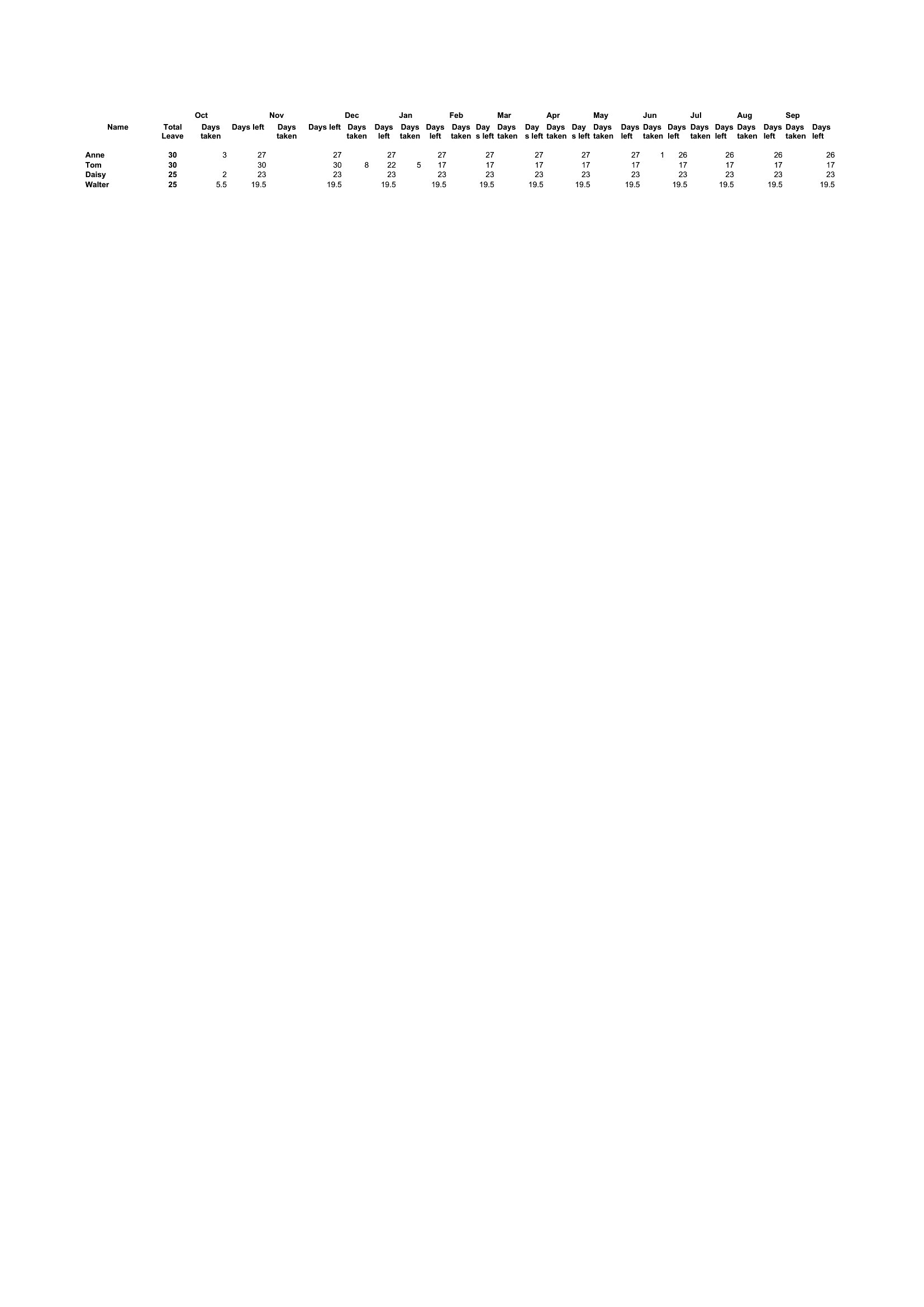
Keeping tabs on who's off and when stops a small team from ending up short-staffed during a busy week. This set of 49 vacation tracker templates helps managers and HR staff log time-off requests, balances, and approvals across the team so the calendar stays clear and coverage stays covered.
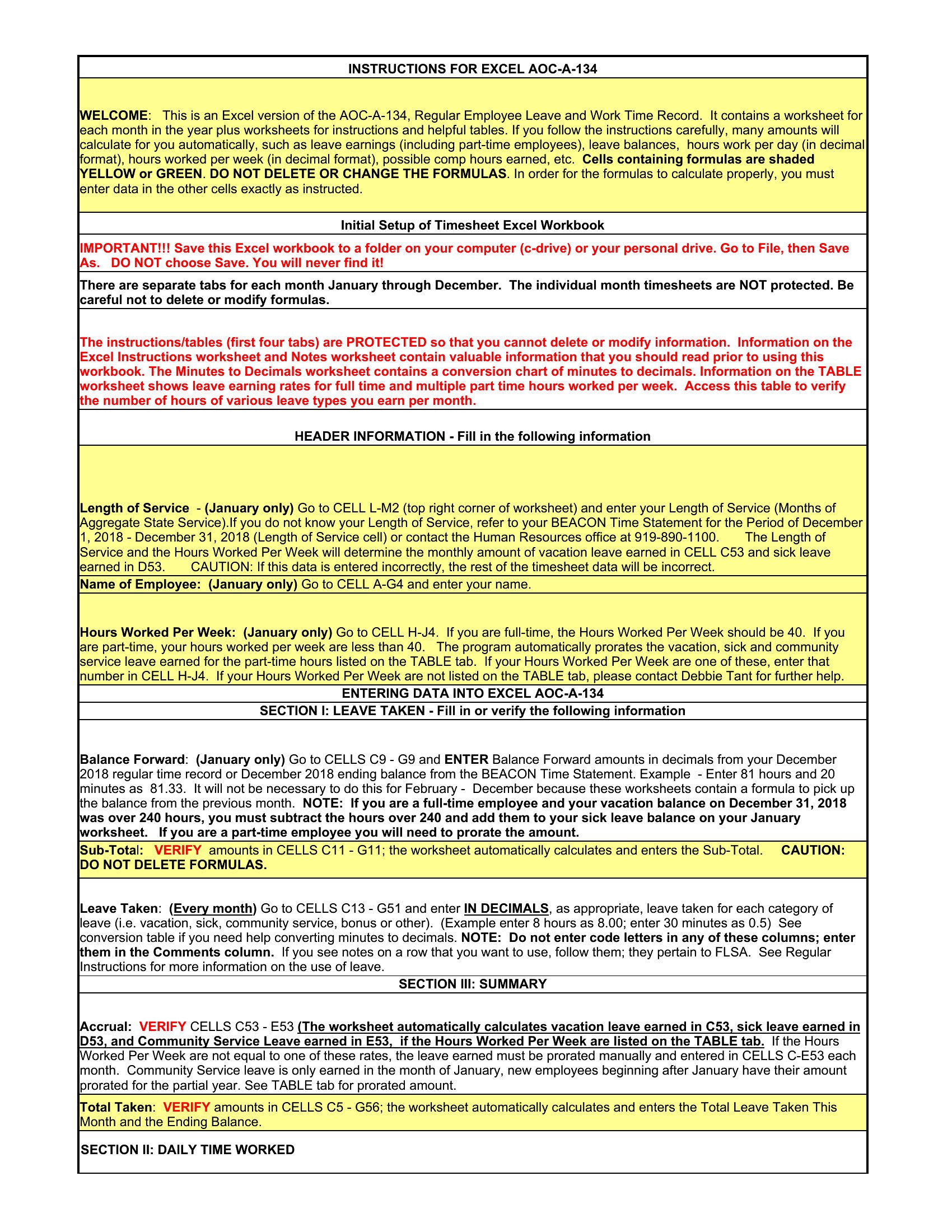
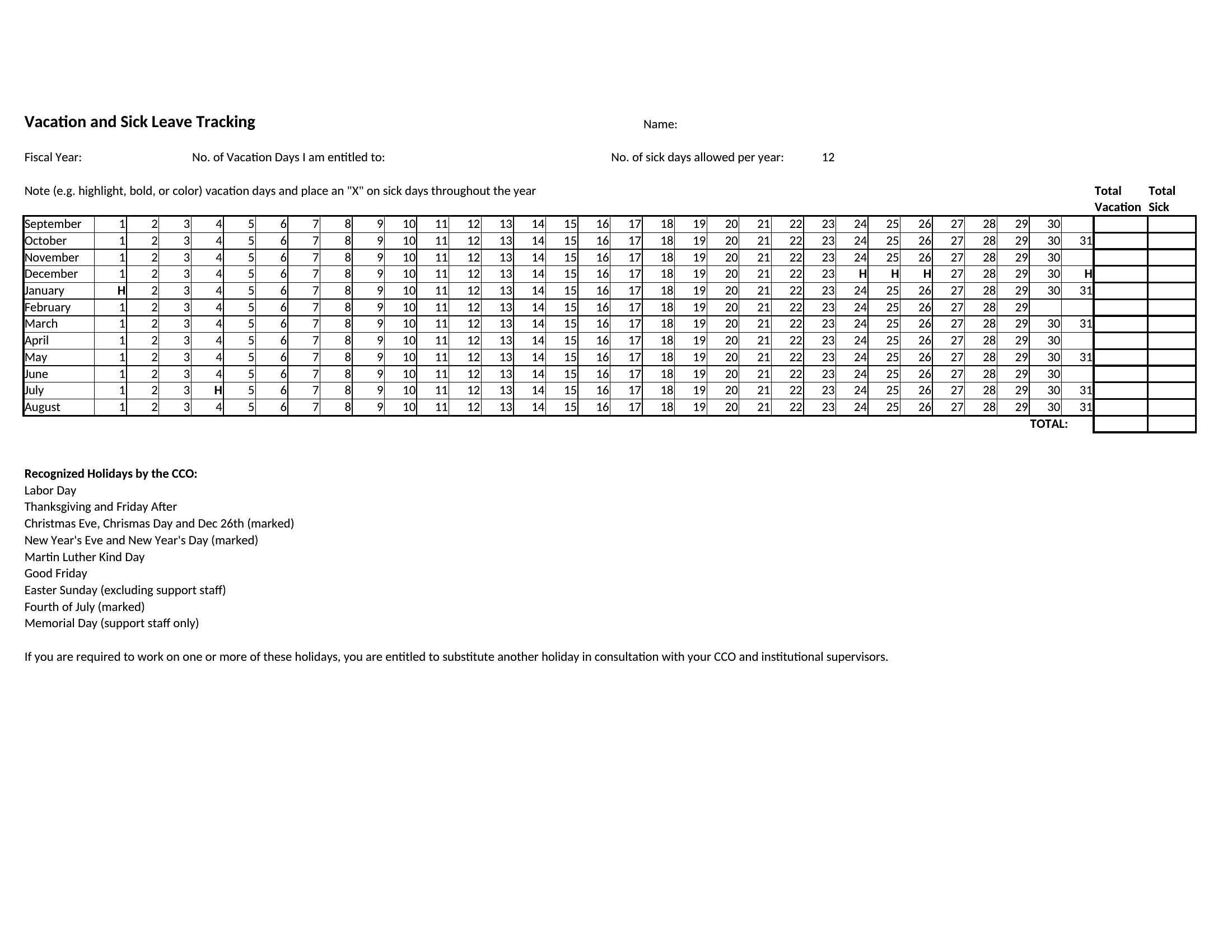
The Excel versions calculate remaining days and flag overlaps, while the Word and PDF copies make for an easy printed overview. Enter each request, update balances as days are used, and share the tracker so everyone can see the schedule. Download the version that fits your team and manage time off without the spreadsheet headaches.
Choose from 49 Vacation Tracker Templates
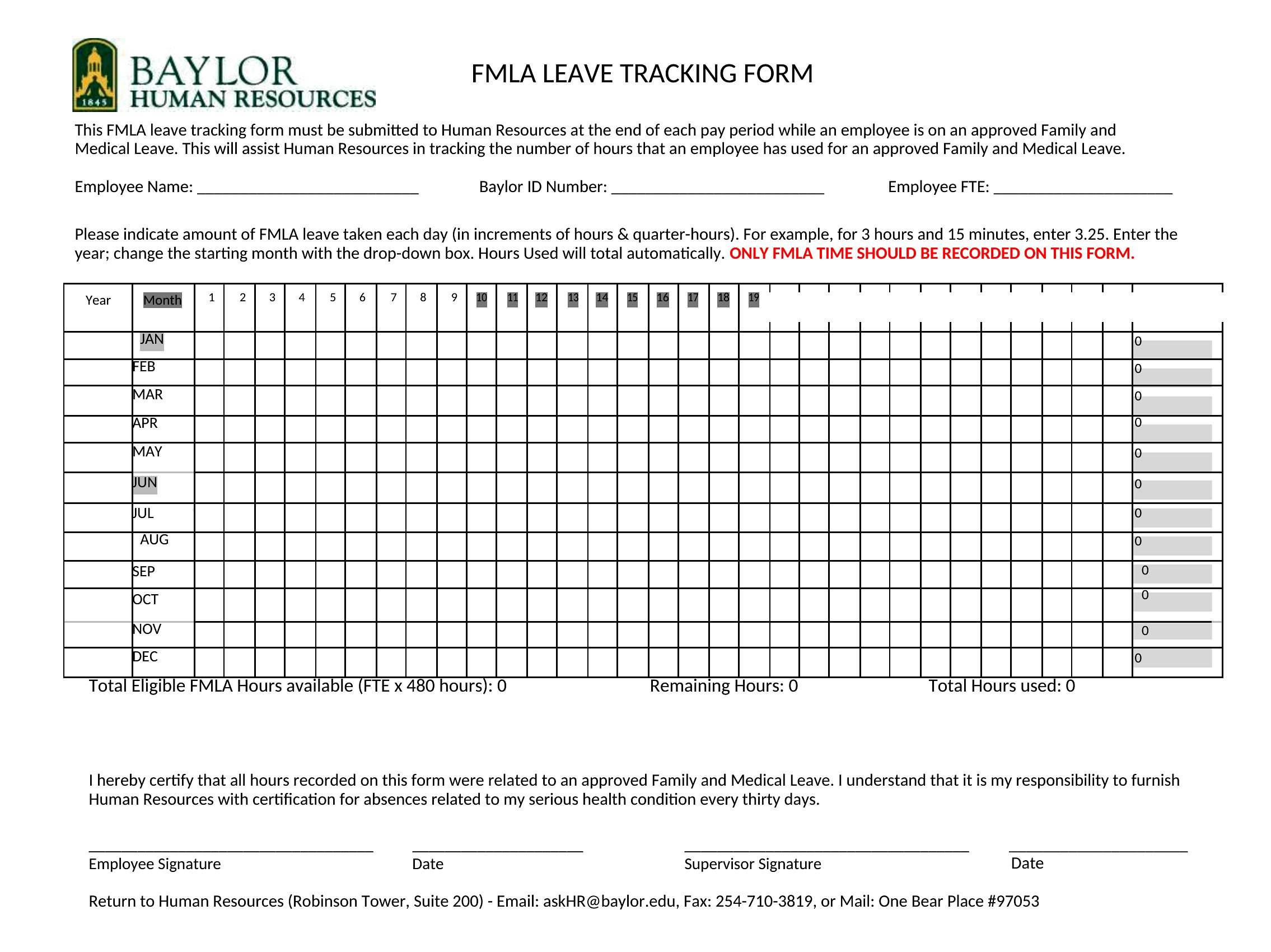
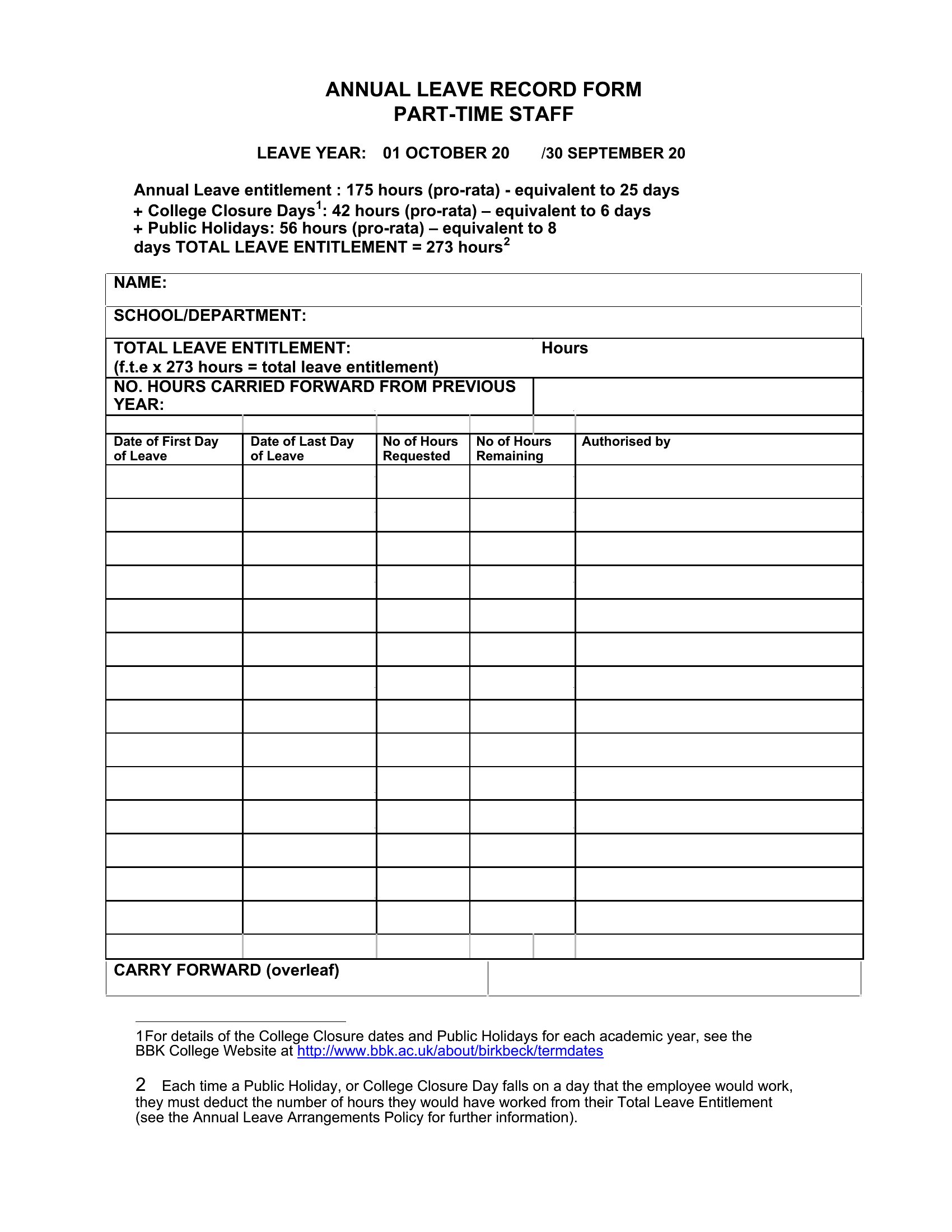
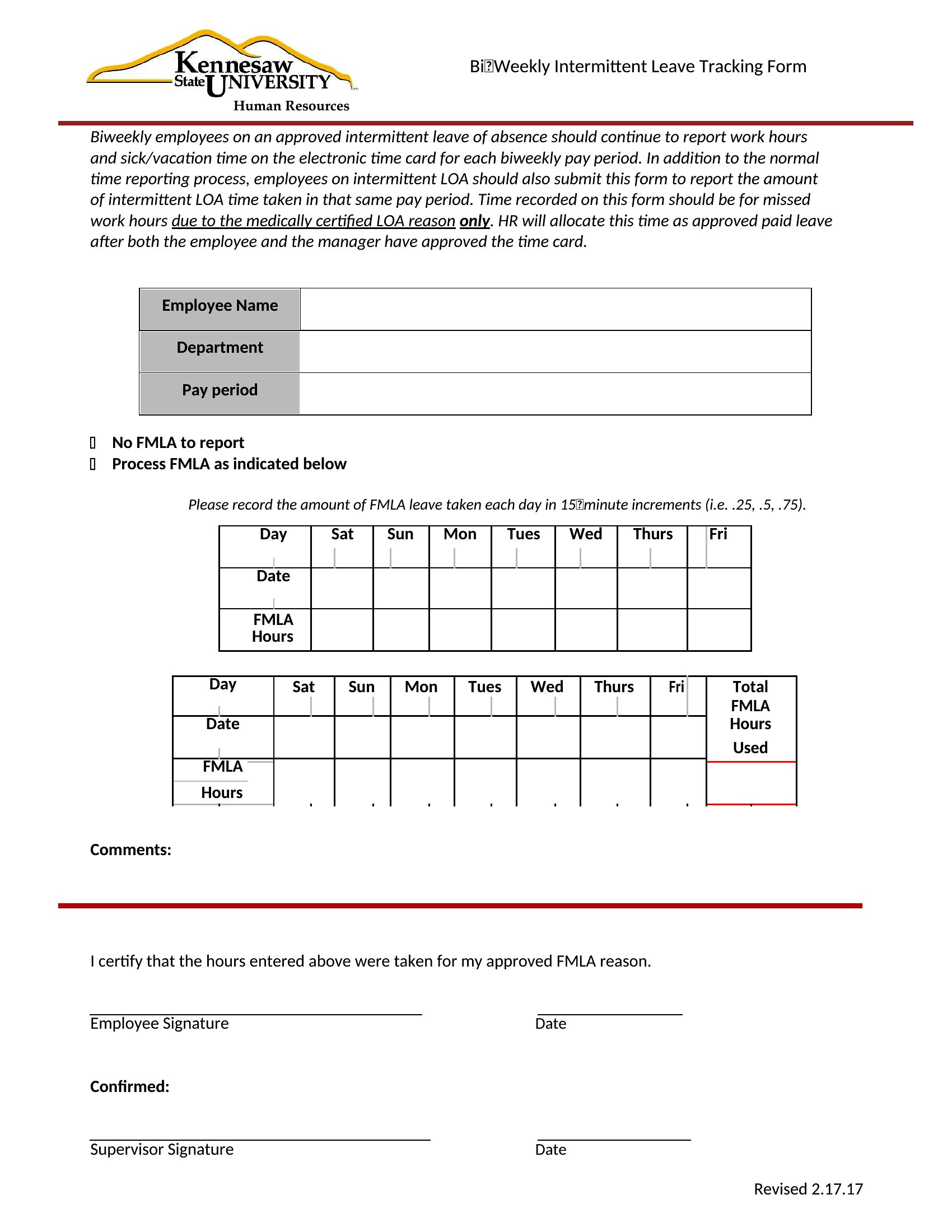
Frequently Asked Questions about Vacation Tracker Templates
Are these Vacation Tracker templates free to download?
Yes. Every Vacation Tracker template in this collection is free to download from TemplateSpark. Just open the template you need, download it, and start editing right away — no subscription required to get started.
What file formats are available for Vacation Tracker templates?
These Vacation Tracker templates are available in Word, Excel, and PDF. Pick the format that matches your workflow — each download keeps the original layout so it looks right whether you open, print, or share it.
Can I edit these Vacation Tracker templates?
Yes. The editable files open in Microsoft Word (and compatible apps like Google Docs or LibreOffice), so you can change the text, colors, and layout to fit your needs, then save or export the finished Vacation Tracker document.
How many Vacation Tracker templates can I choose from?
This page collects 49 Vacation Tracker templates so you can compare styles and layouts in one place. Browse the options, open the one that fits your purpose best, and download it in your preferred format.
Can I use Vacation Tracker templates for commercial purposes?
In most cases, yes — these Vacation Tracker templates are intended for both personal and business use. Check the license note on the template before redistributing or reselling, and avoid sharing the source files as your own product.
What is a vacation tracker used for?
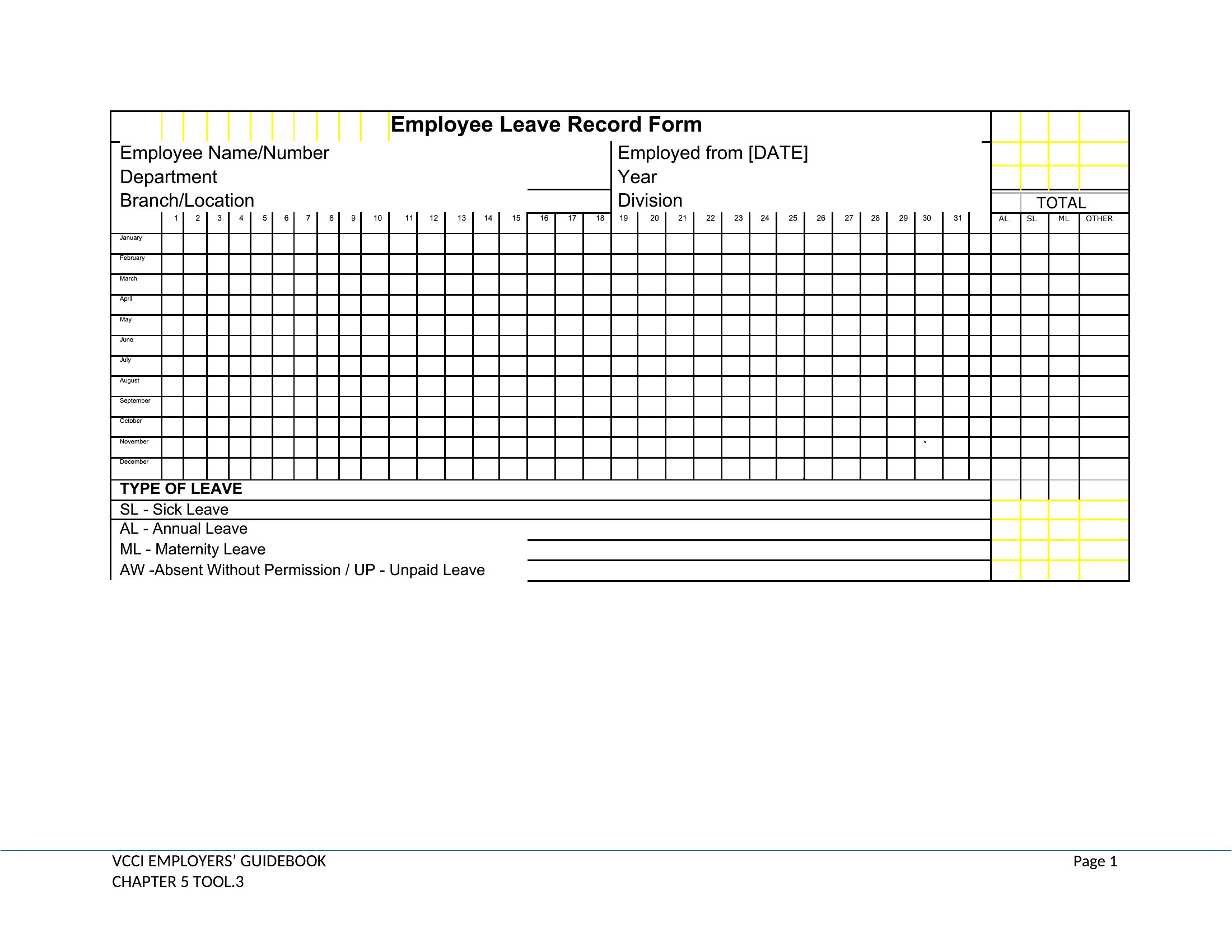
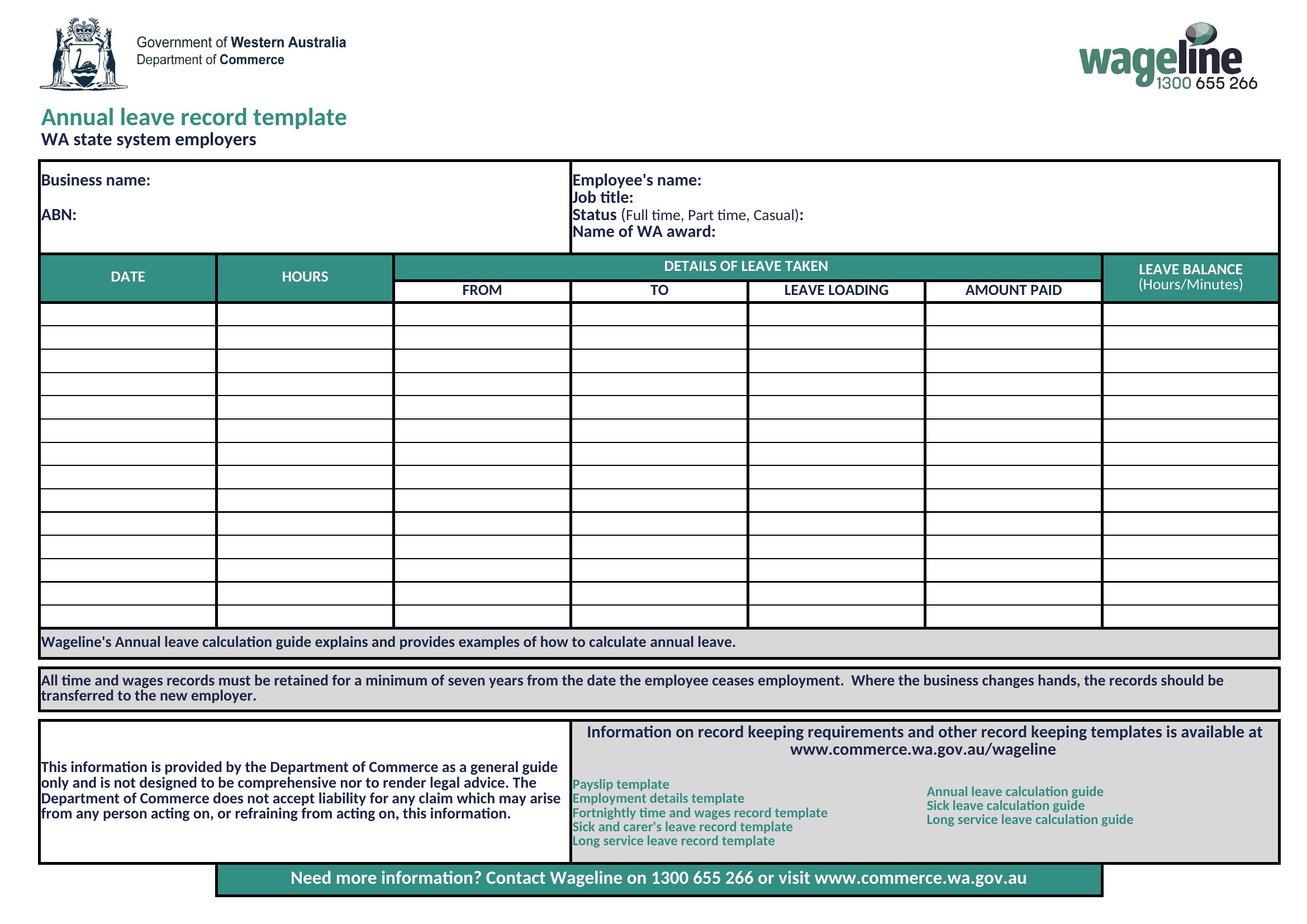
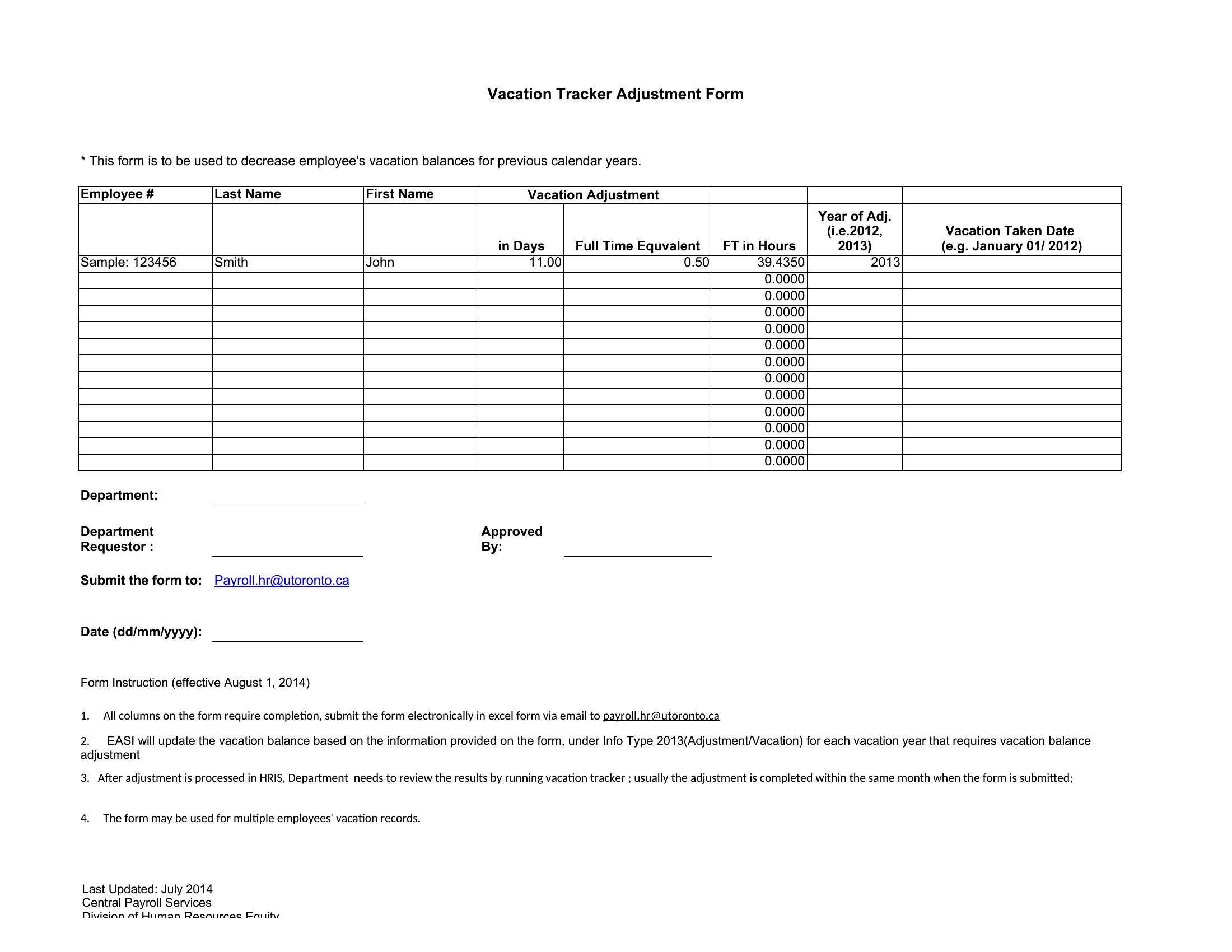
A vacation tracker records employee time-off requests, approvals, and remaining leave balances in one place. It helps managers and HR staff see who is away on any given day, plan coverage during busy periods, prevent scheduling conflicts, and keep an accurate history of paid time off accrued and used.
What information should a vacation tracker include?
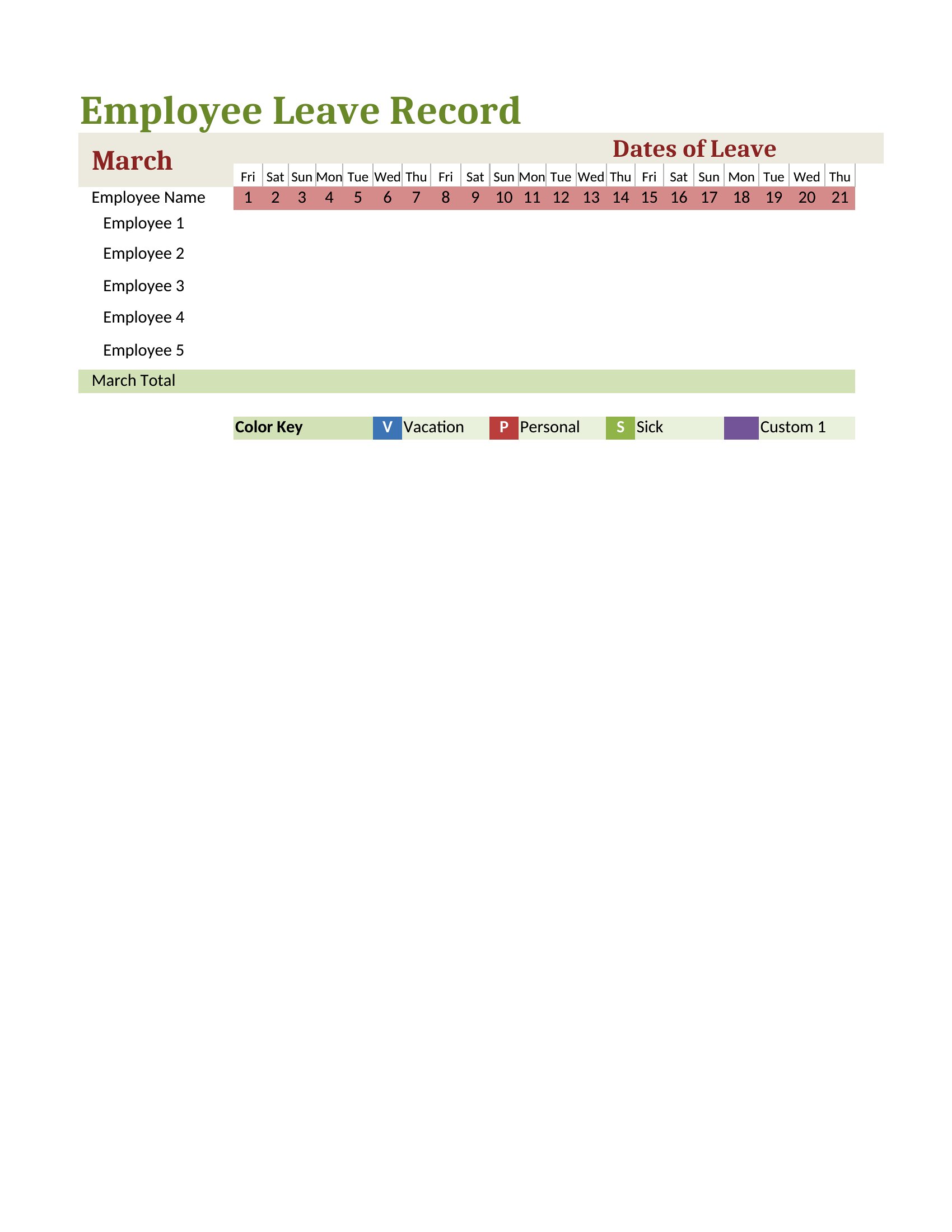
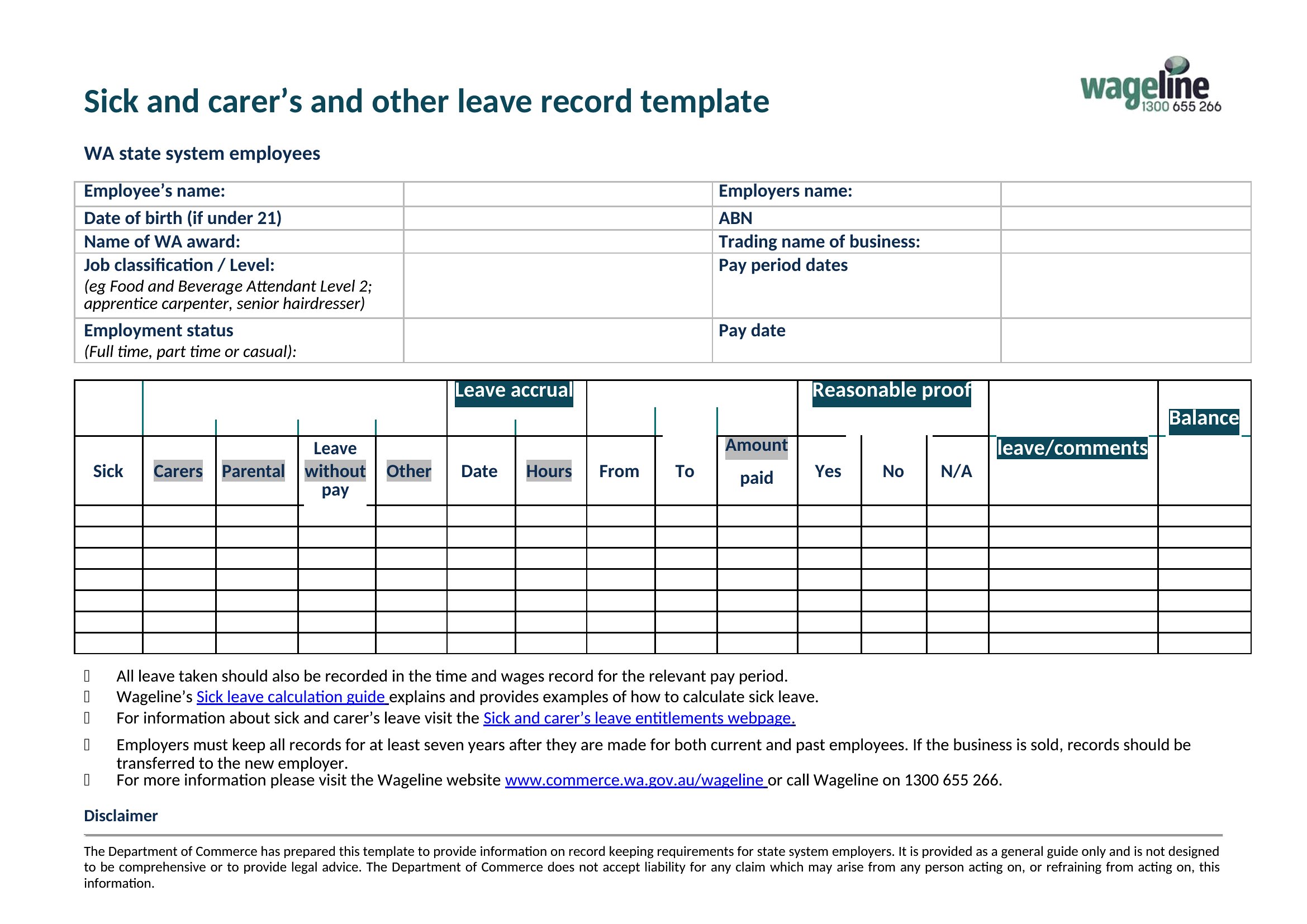
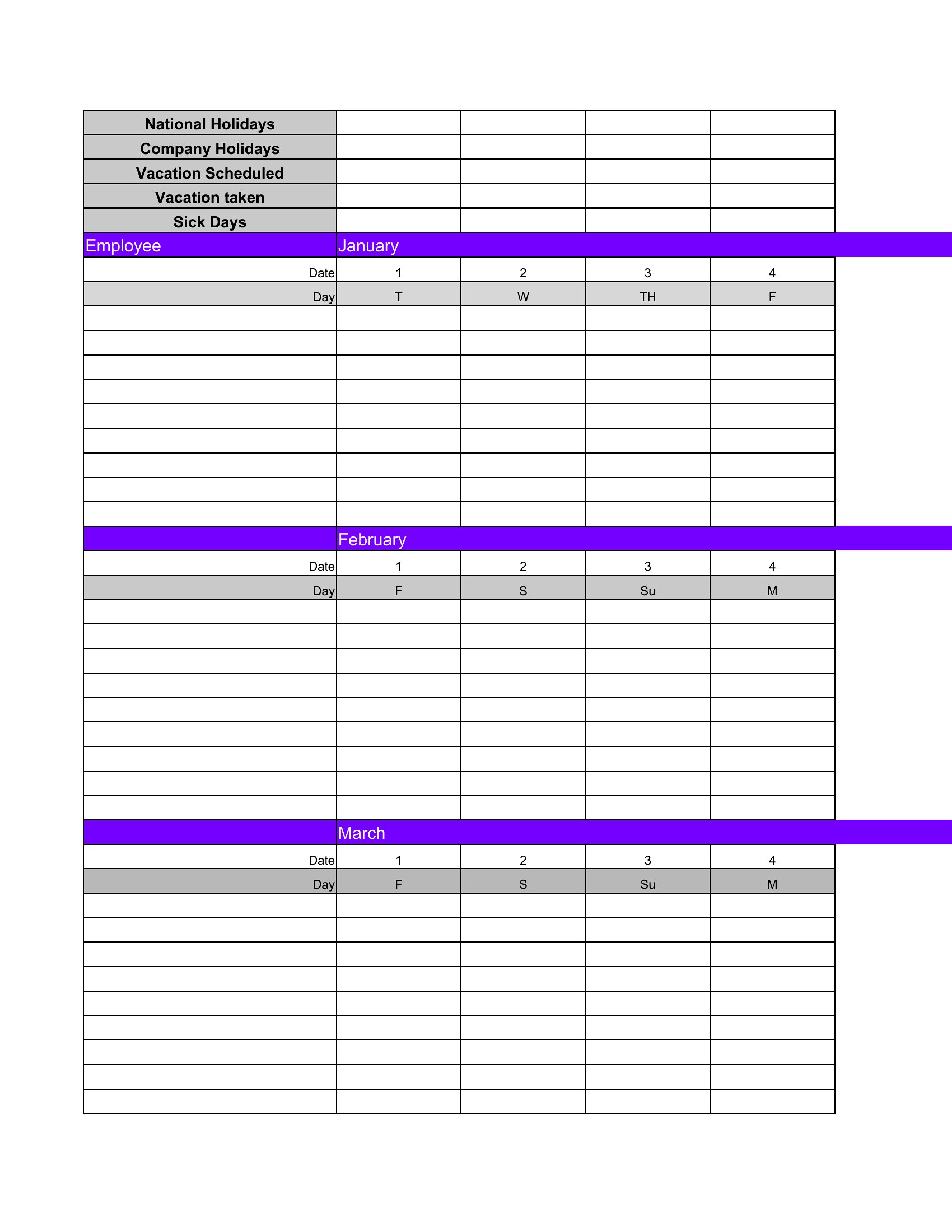
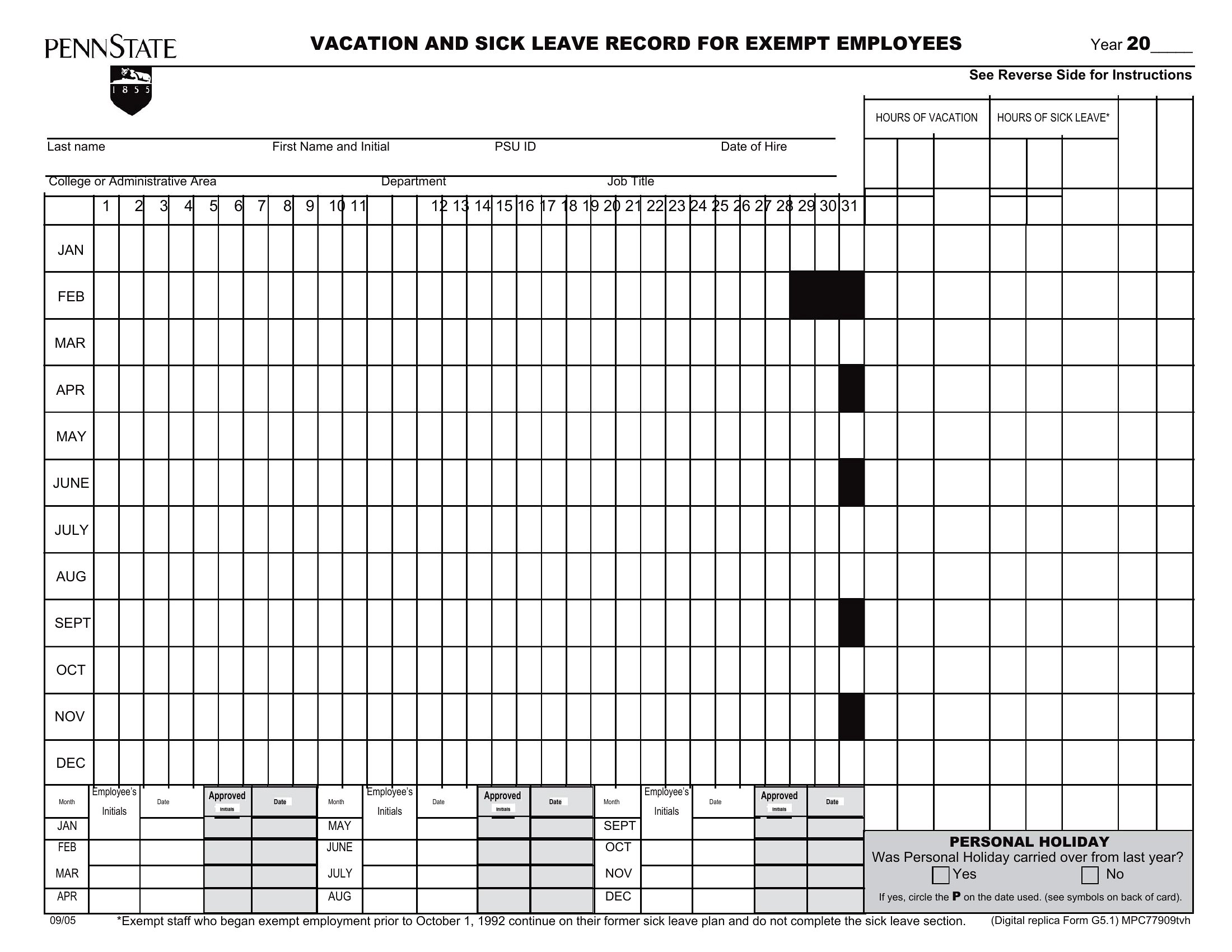
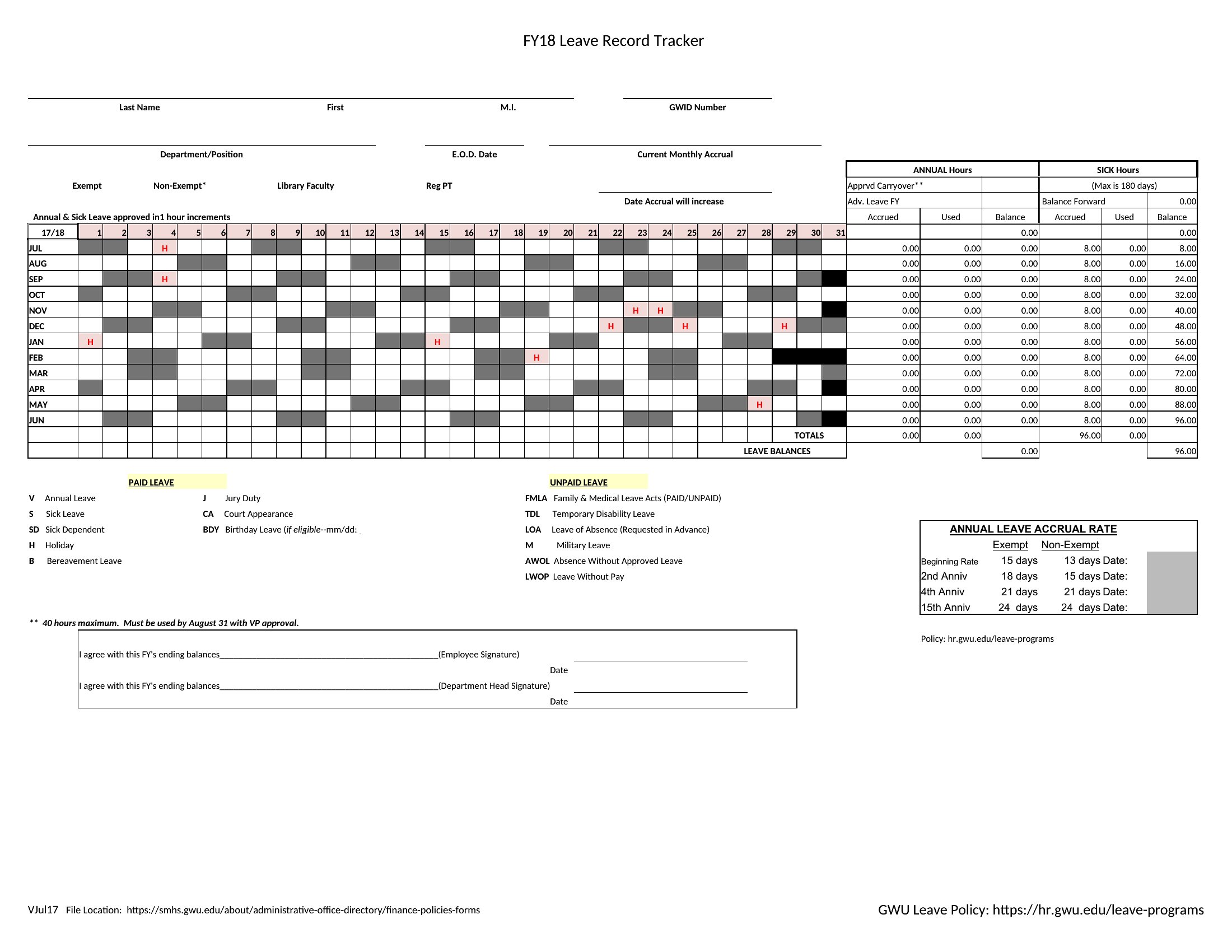
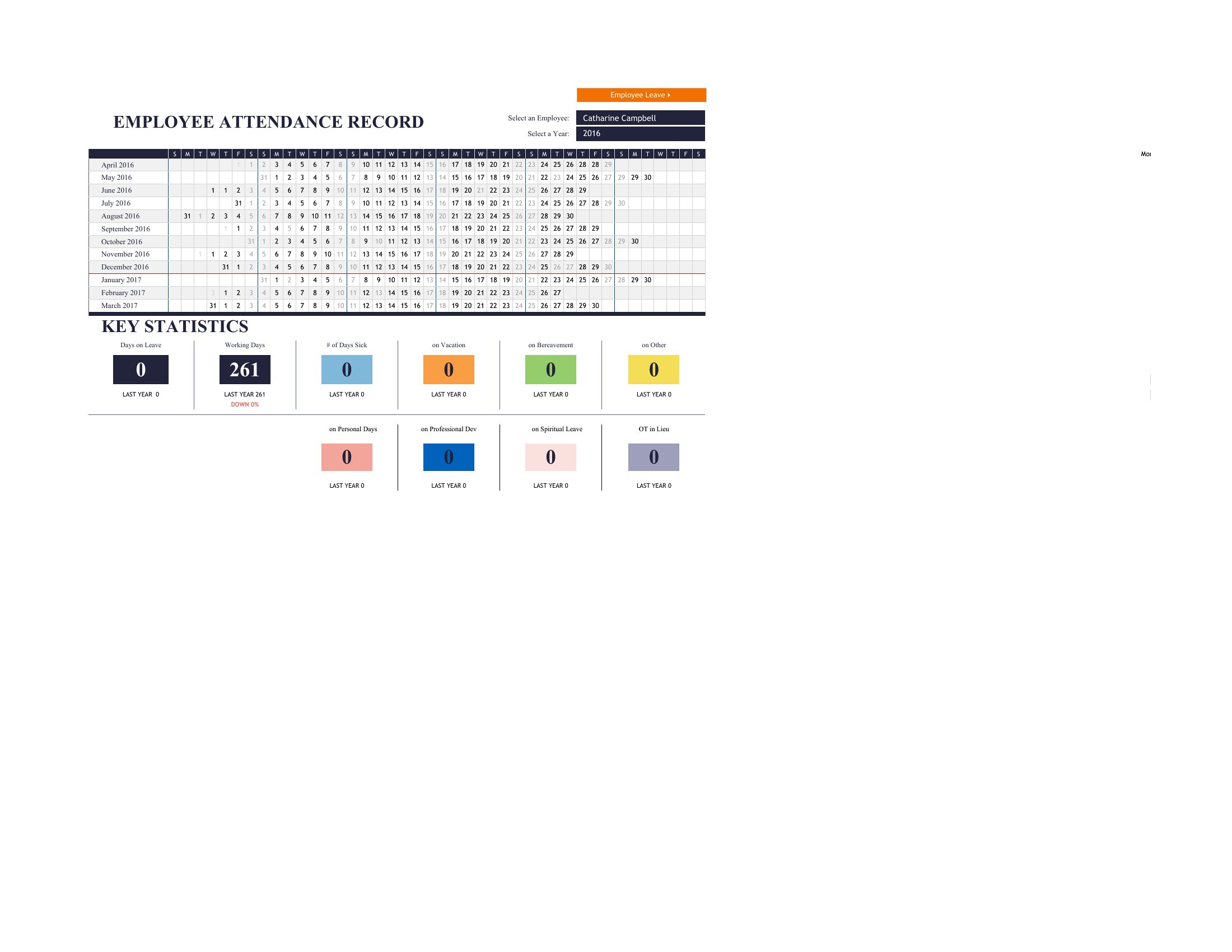
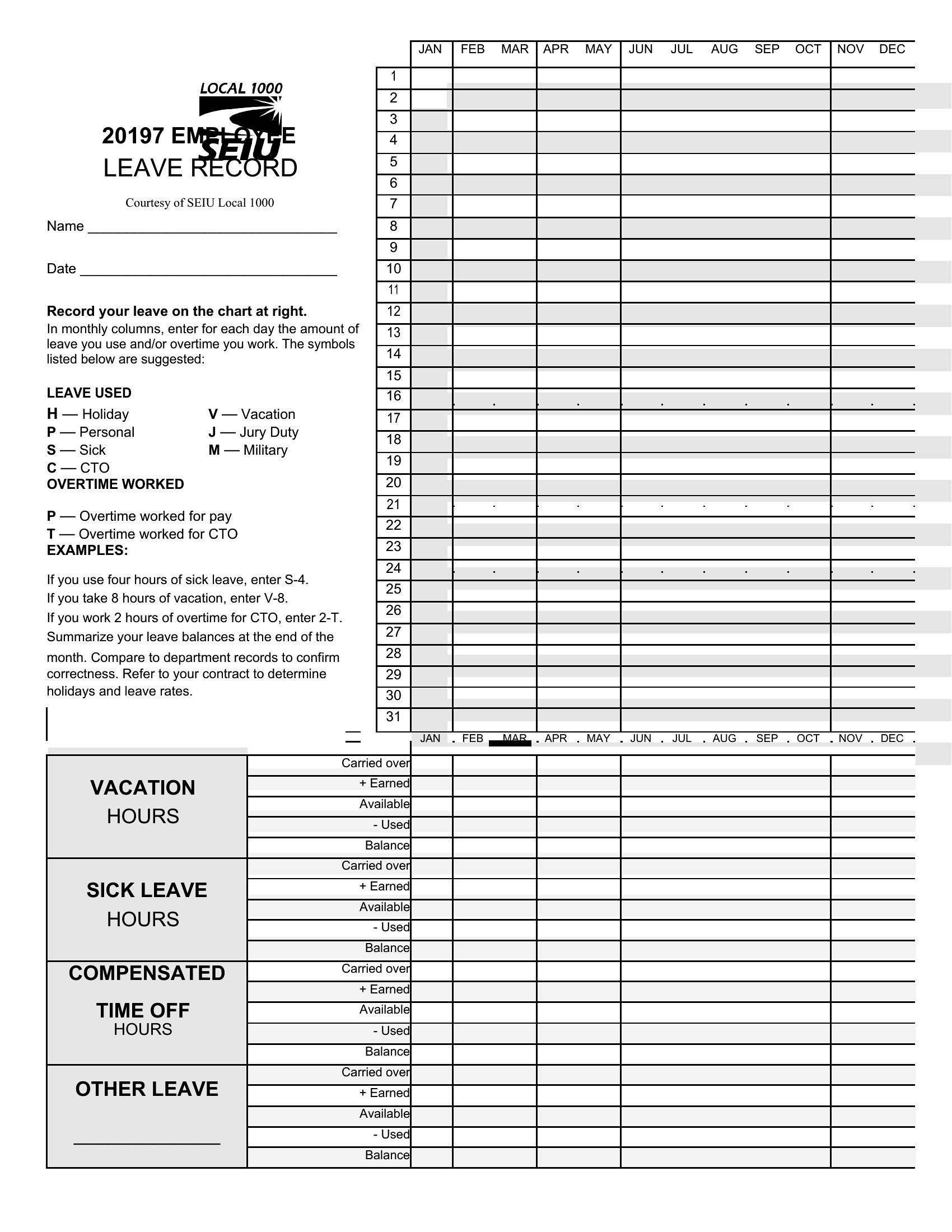
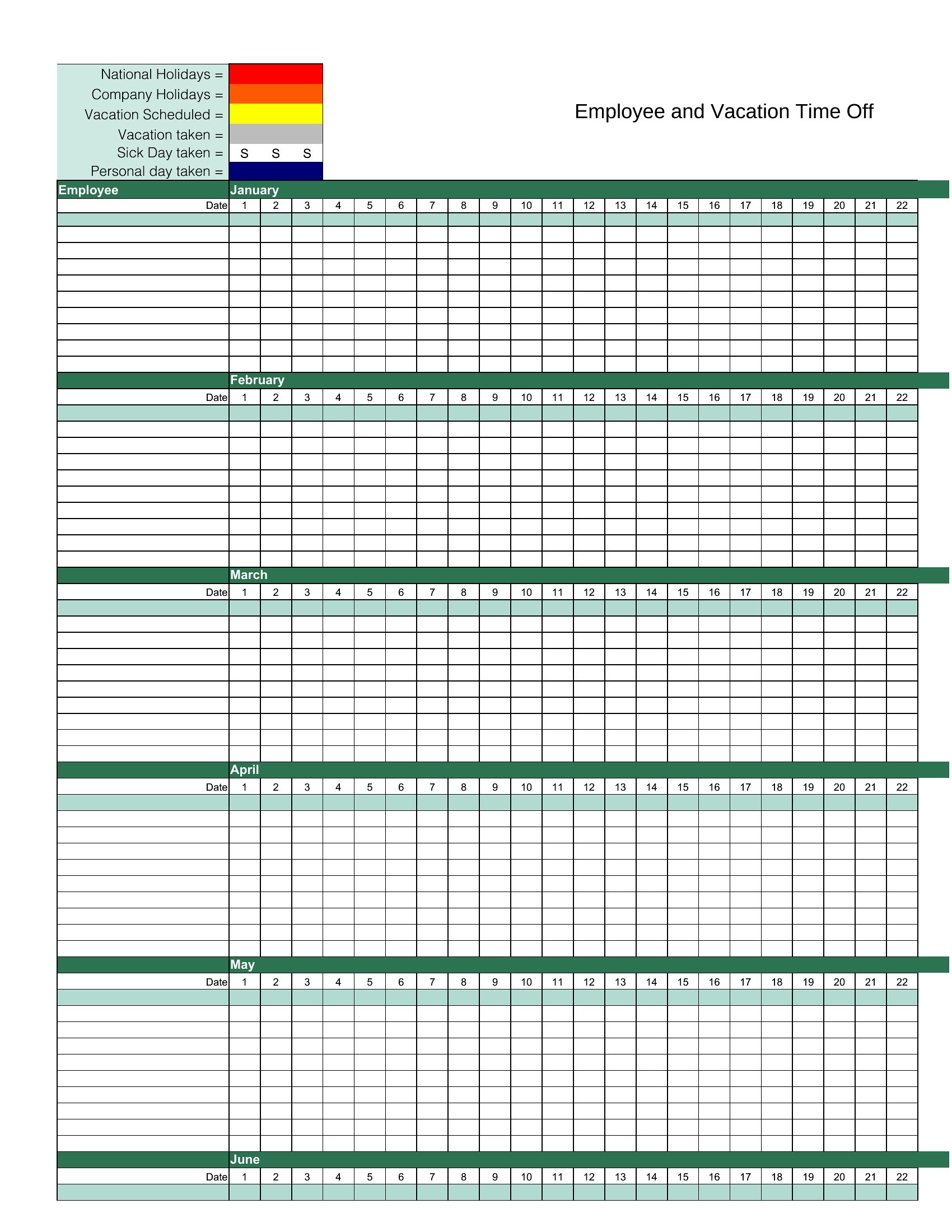
A useful vacation tracker lists employee names, request dates, the type of leave such as vacation, sick, or personal, the number of days requested, approval status, and the running balance remaining. A calendar view showing overlapping absences also helps managers spot coverage gaps before they cause problems.
How does a vacation tracker help prevent staffing shortages?
By showing all approved and pending time off in a shared view, a vacation tracker lets managers see when too many people are scheduled off at once. This visibility makes it easier to stagger requests, ensure critical roles stay covered, and keep projects on track during peak weeks.
Comments
Join the conversation
Sign in to share your thoughts and leave a comment on this resource.