Free Personal Letterhead Templates (Word, PDF)
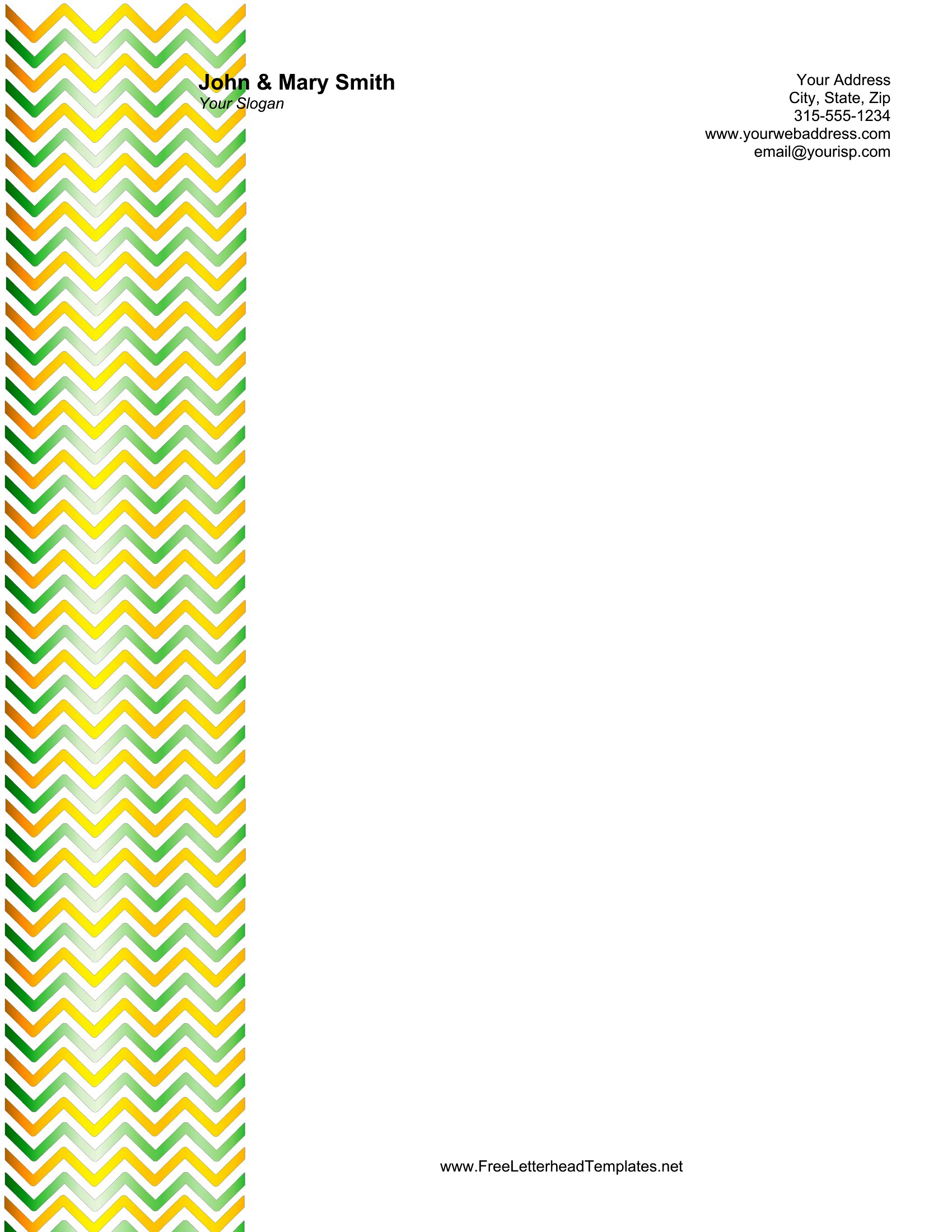
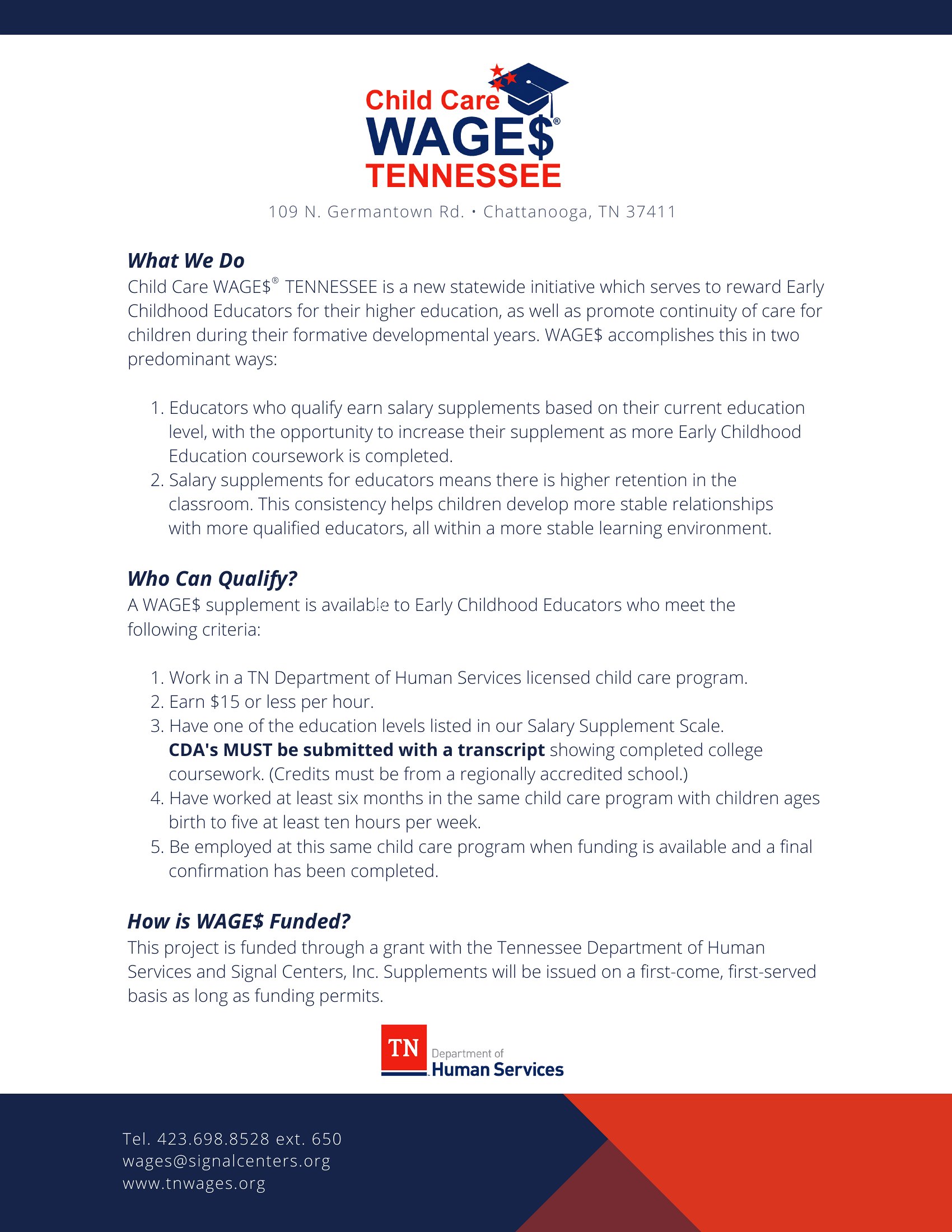
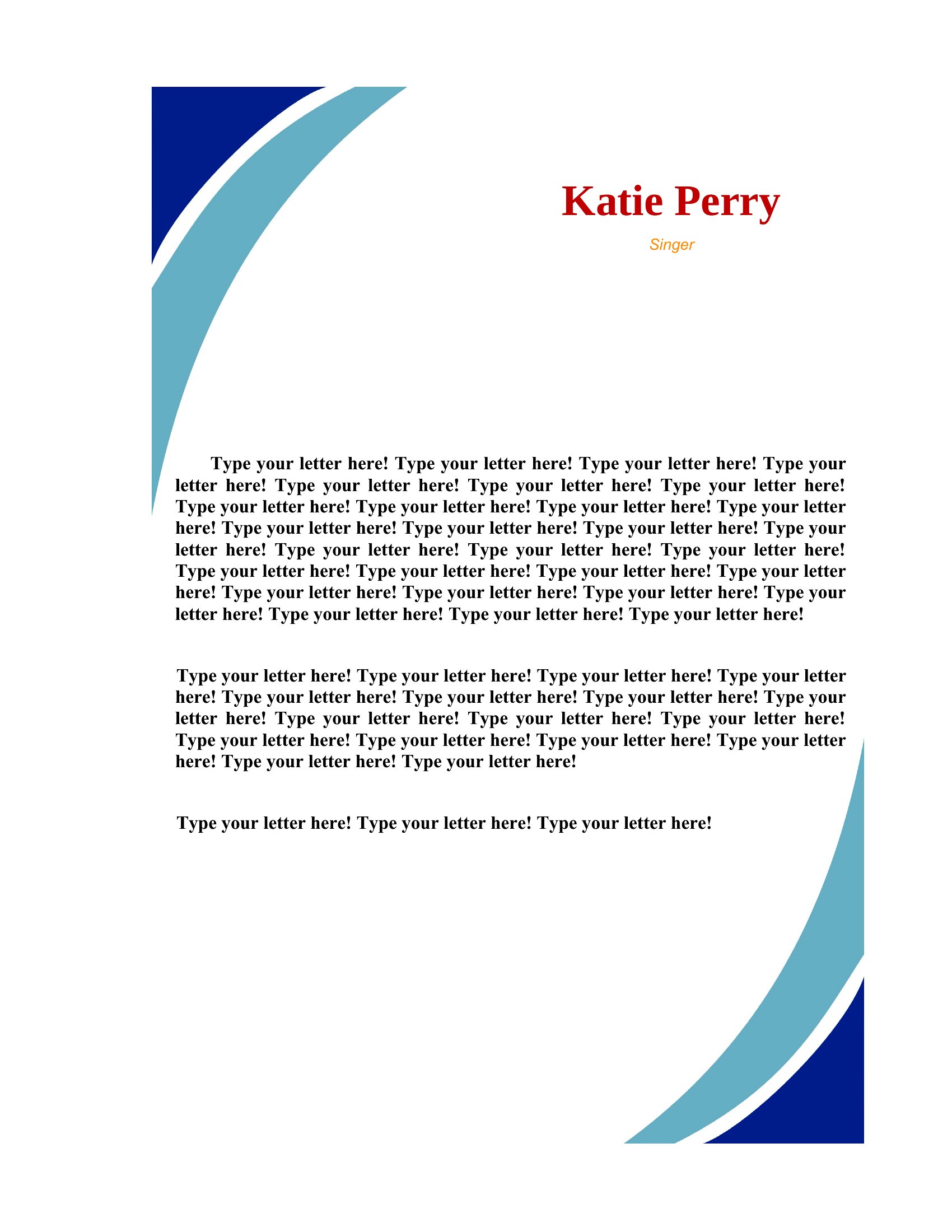
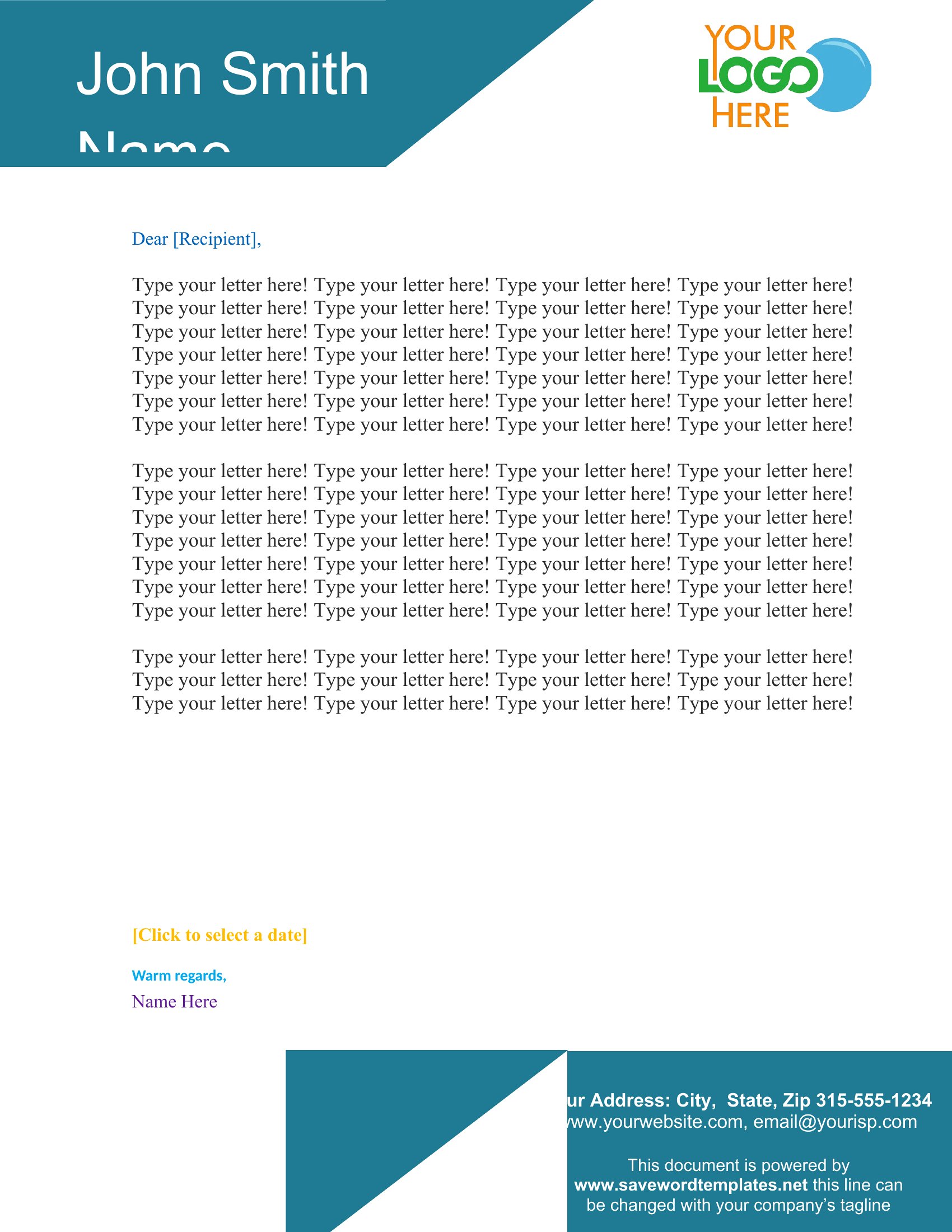
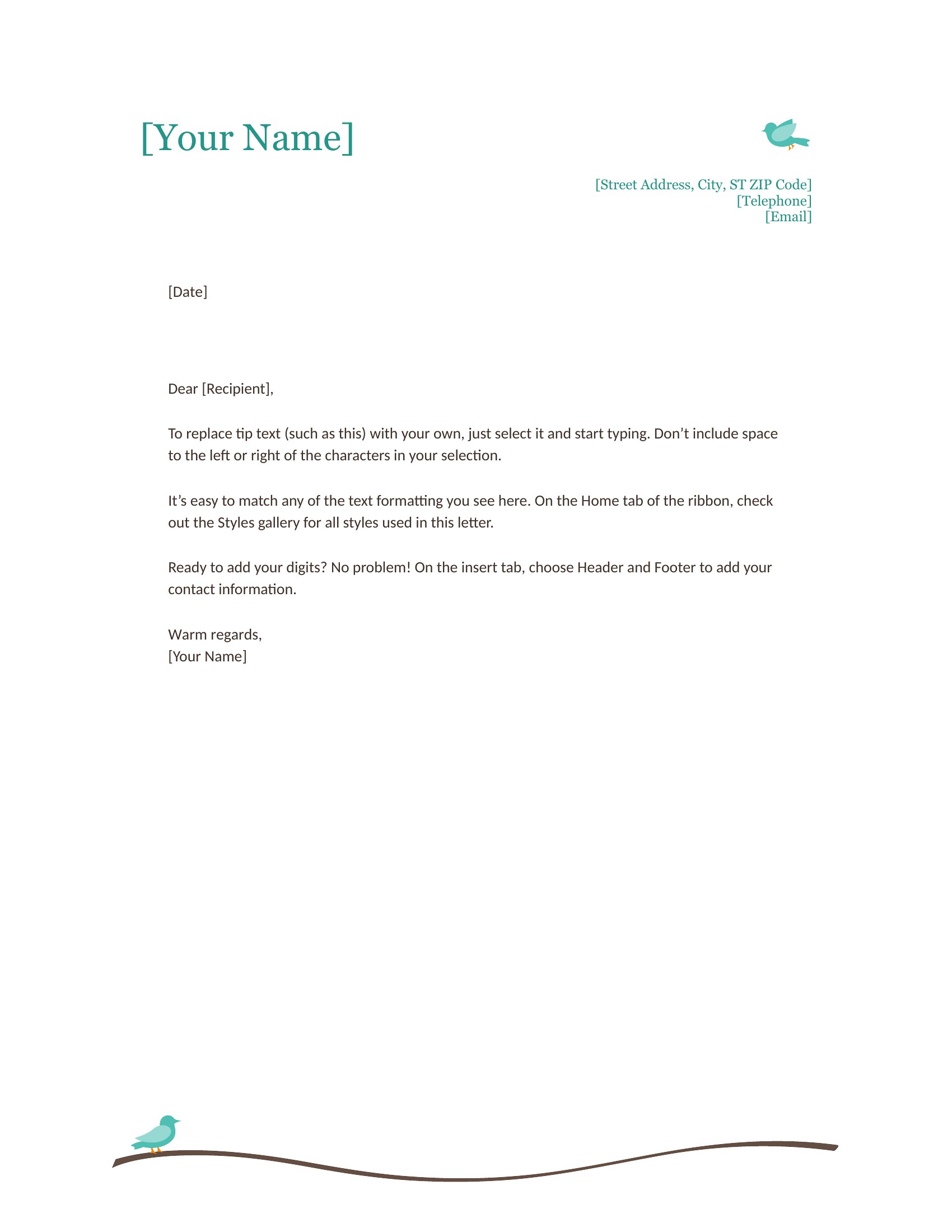
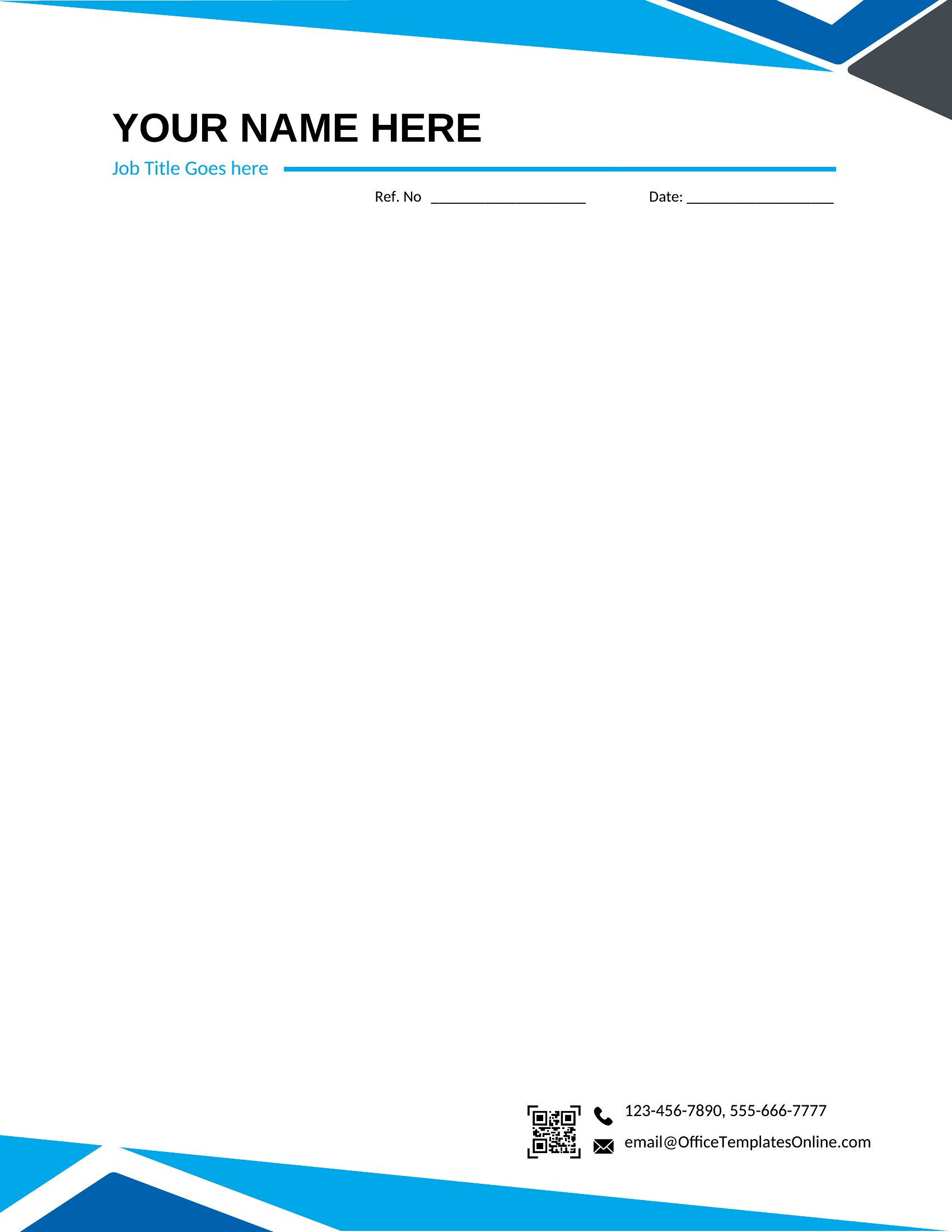
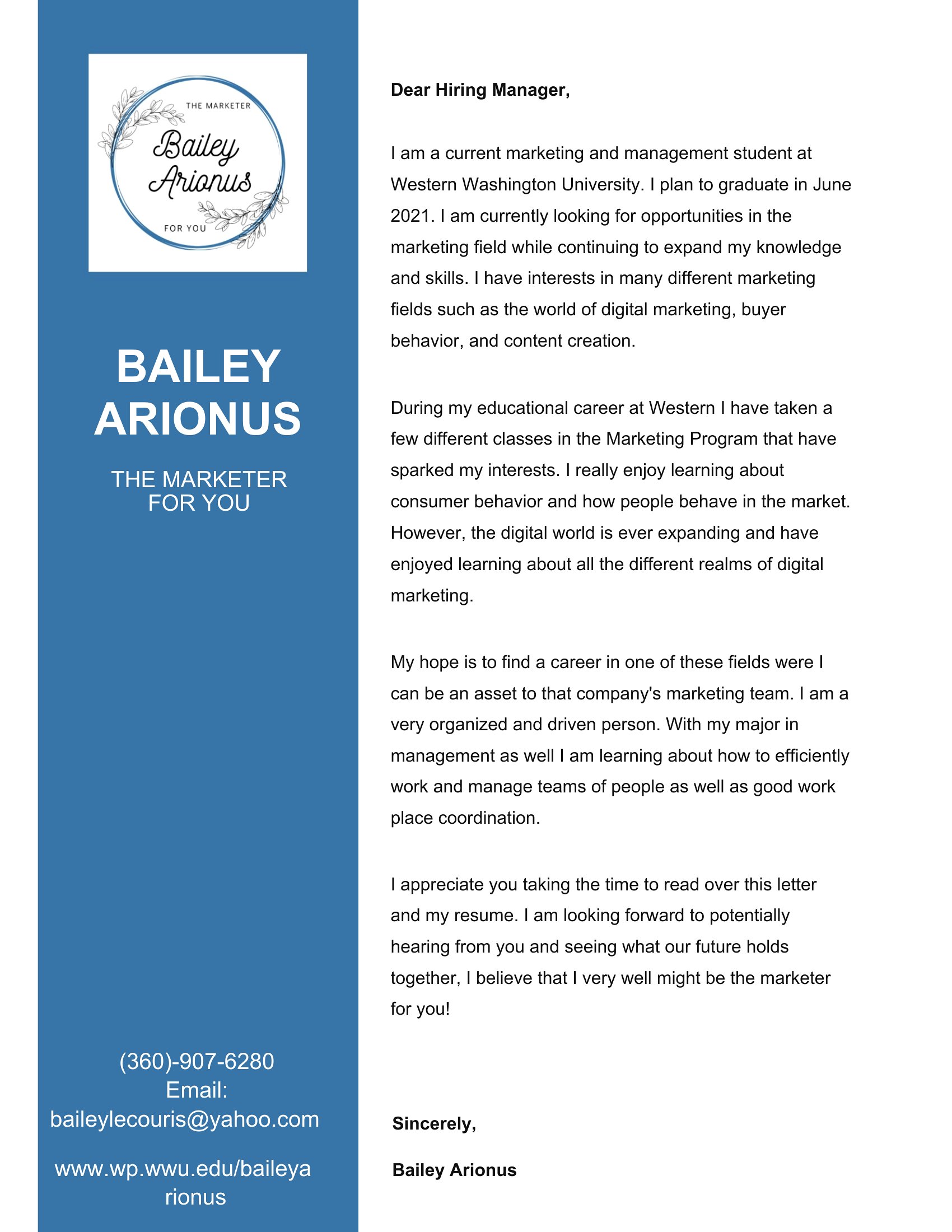
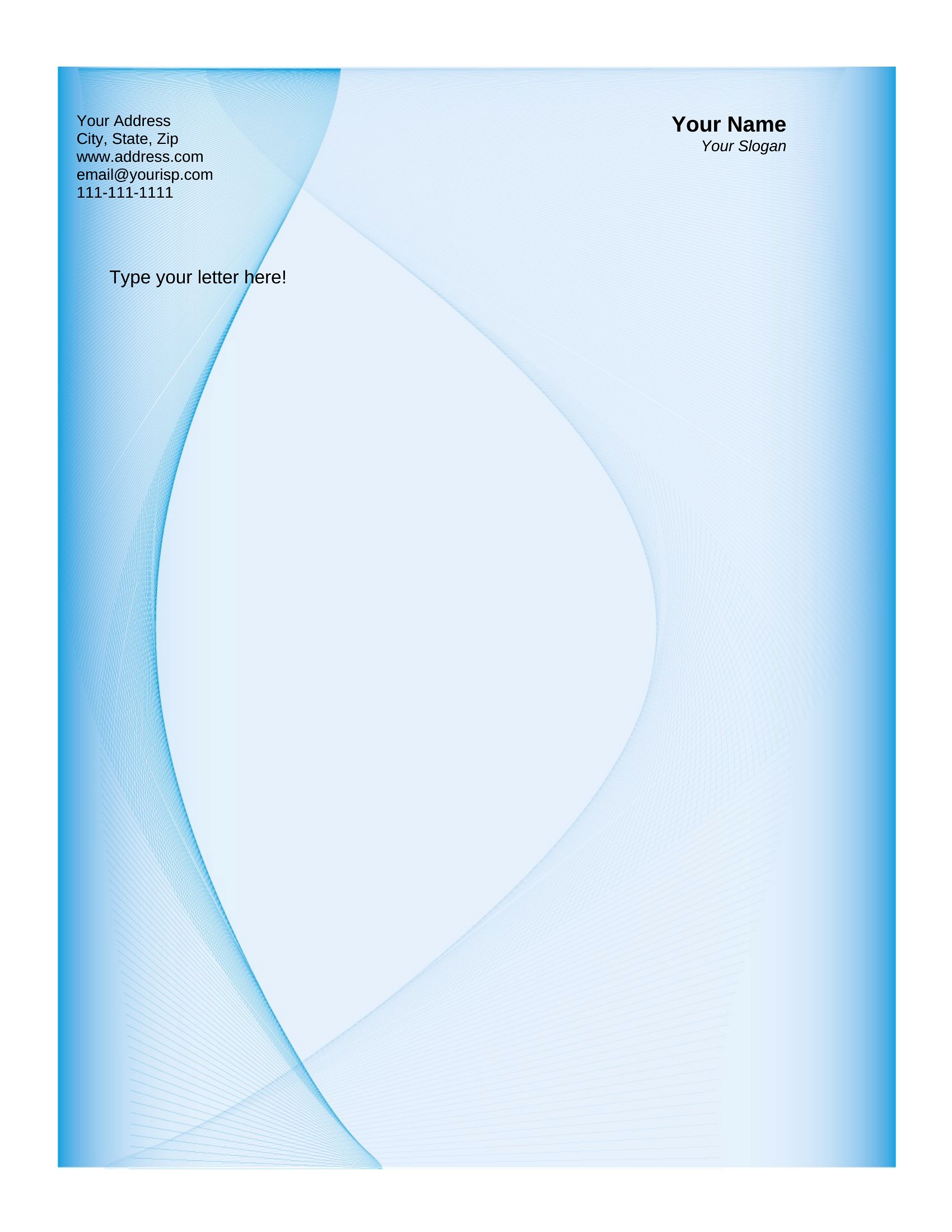
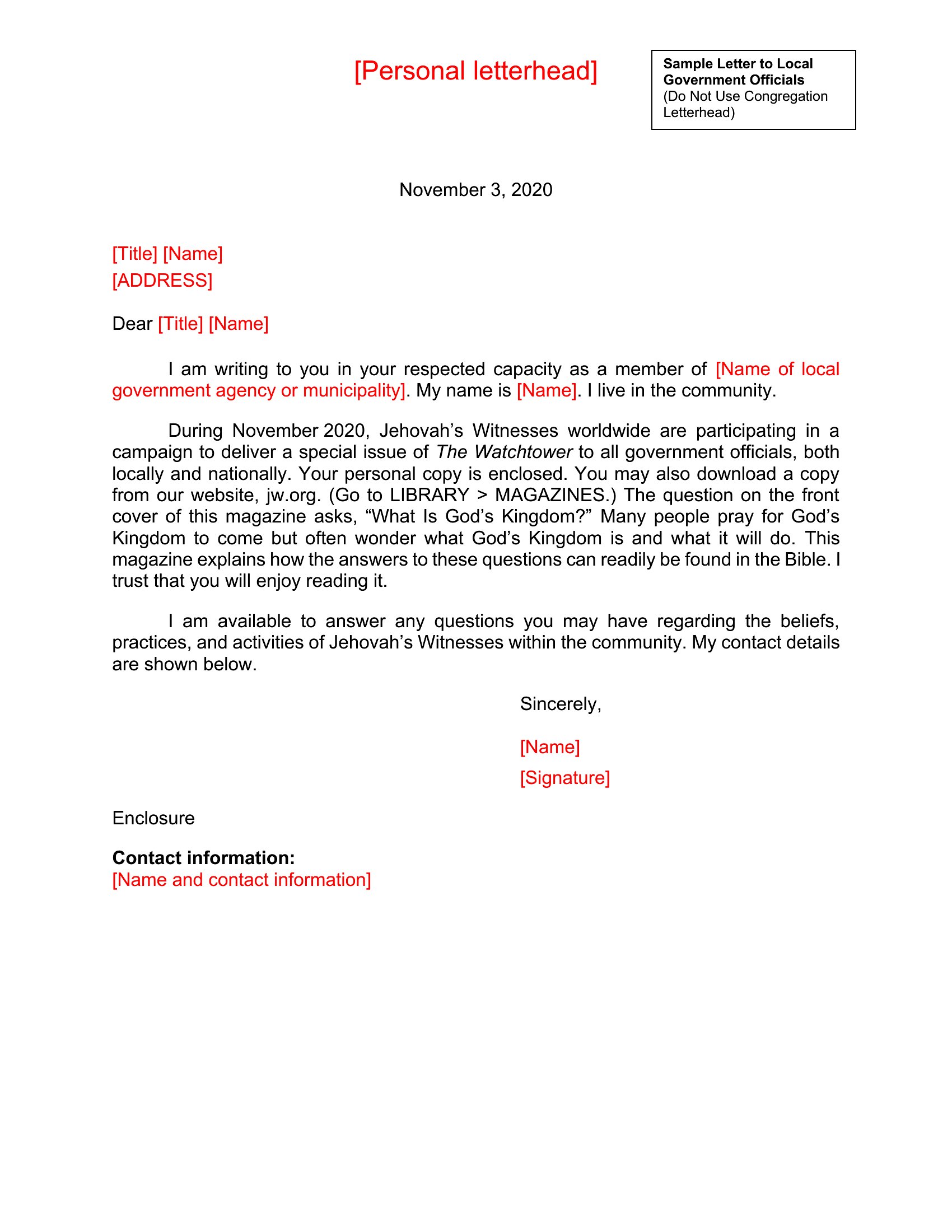
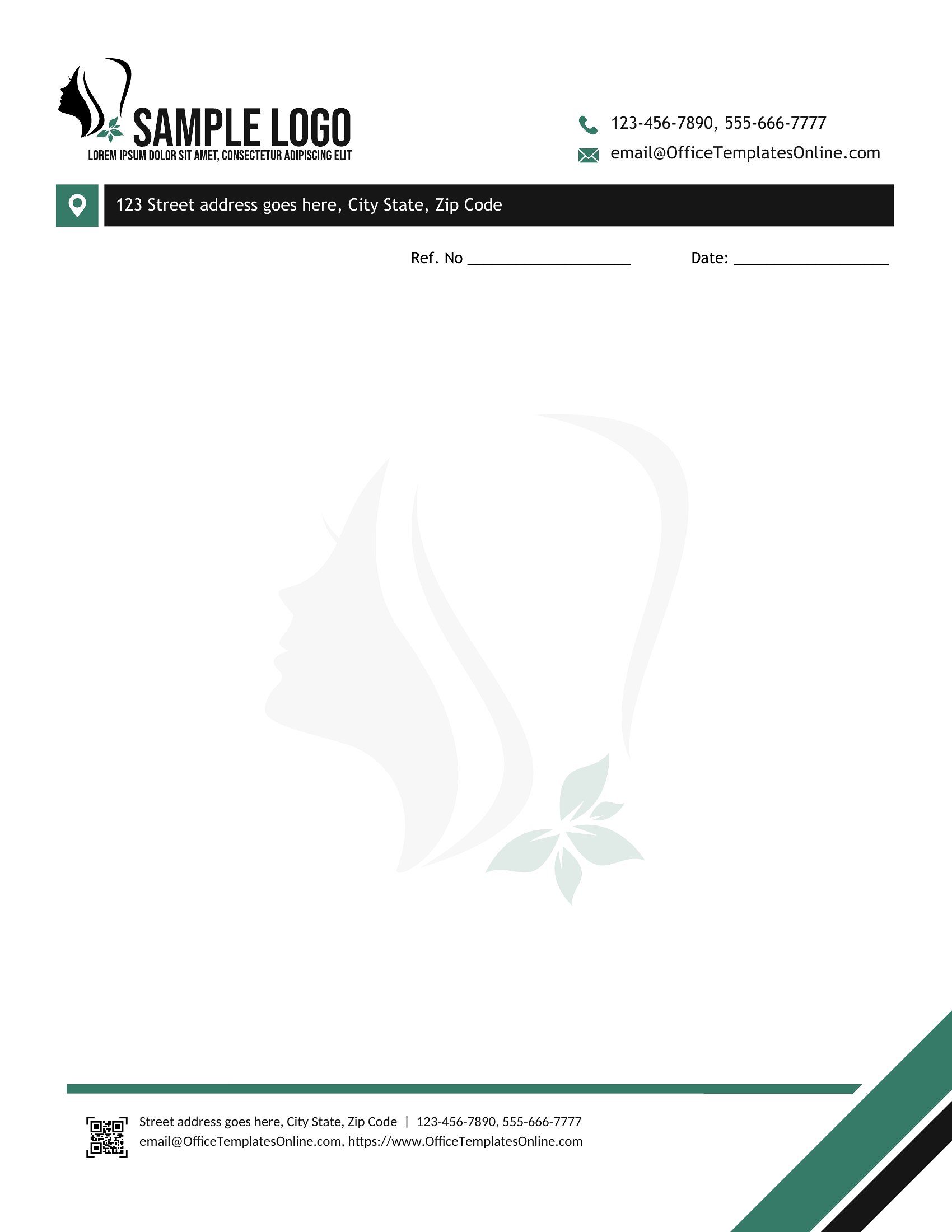
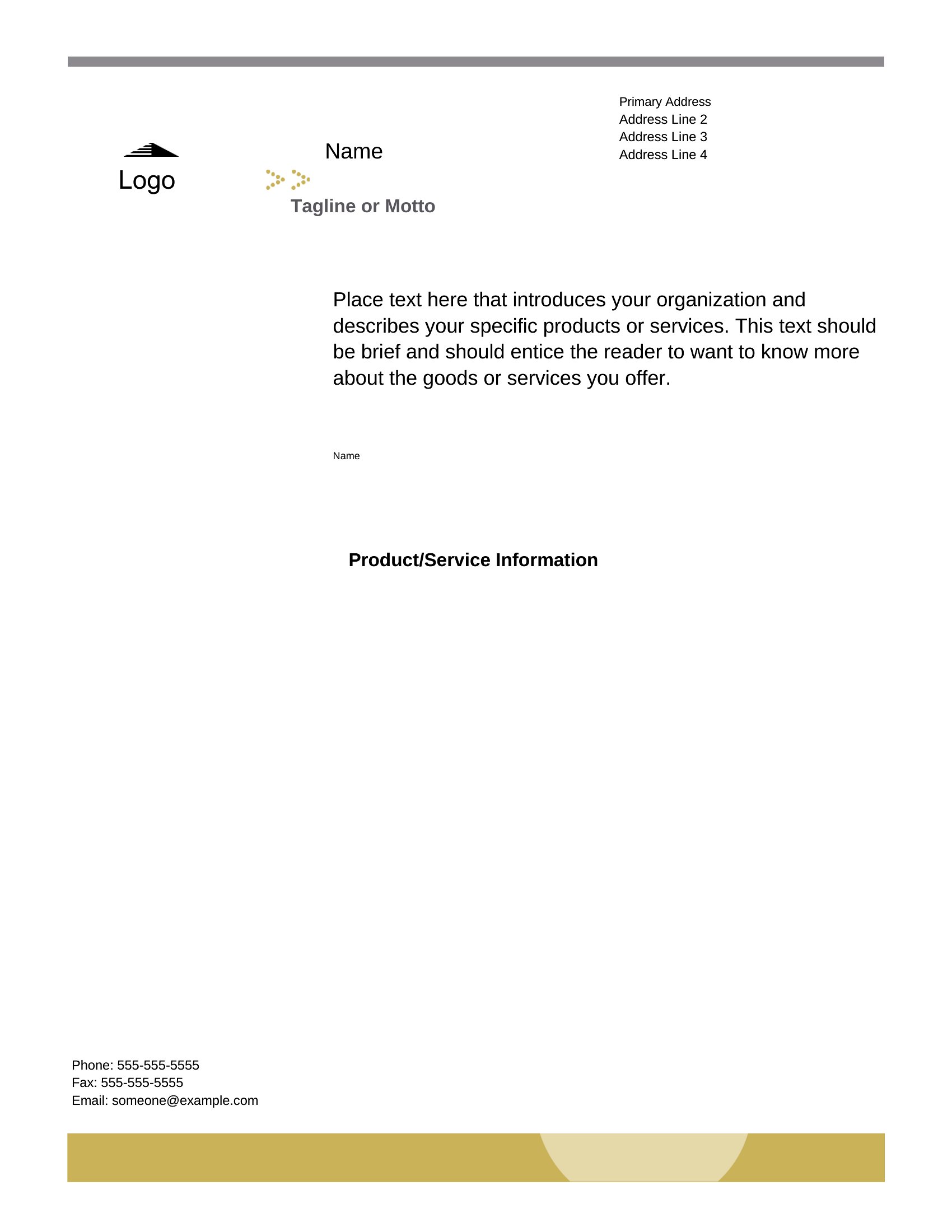
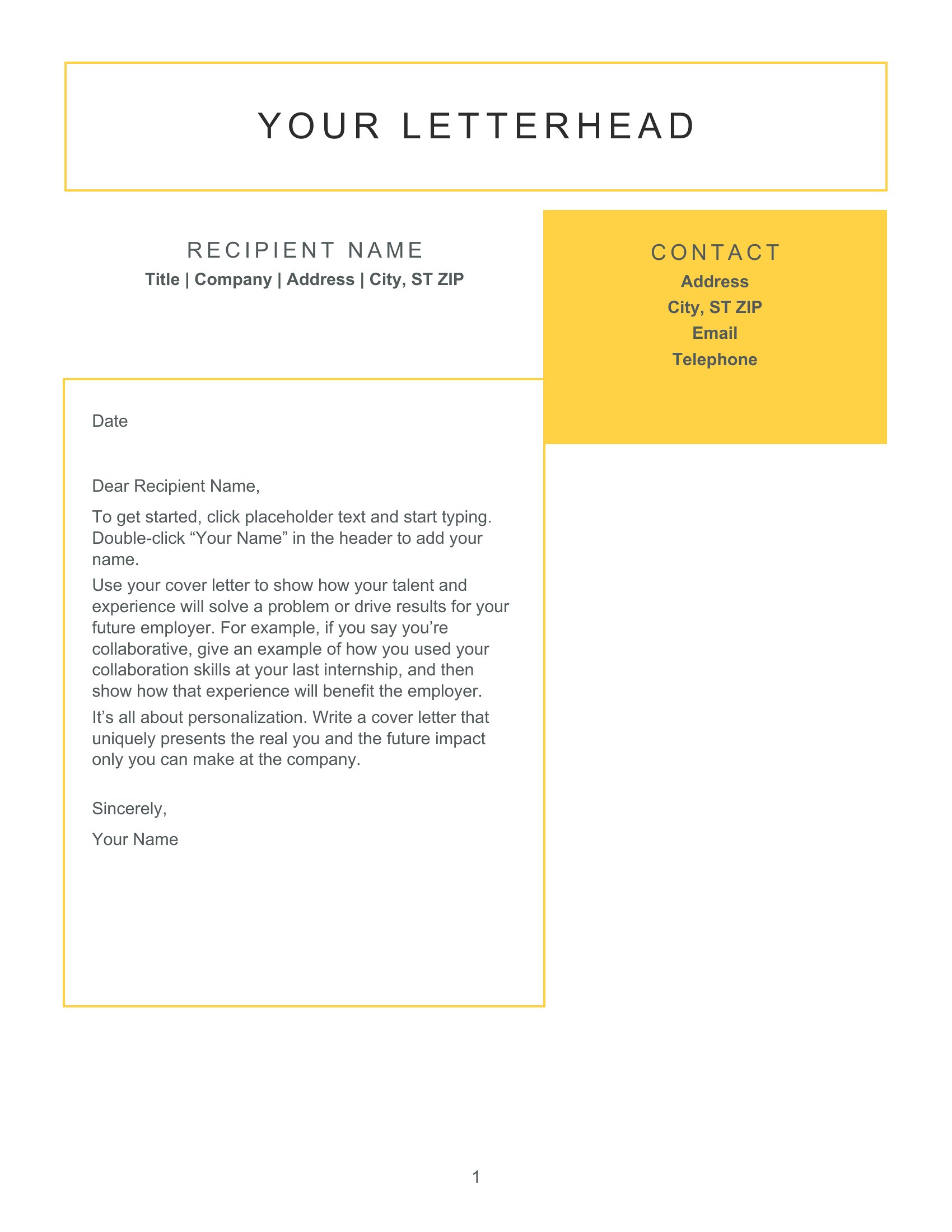
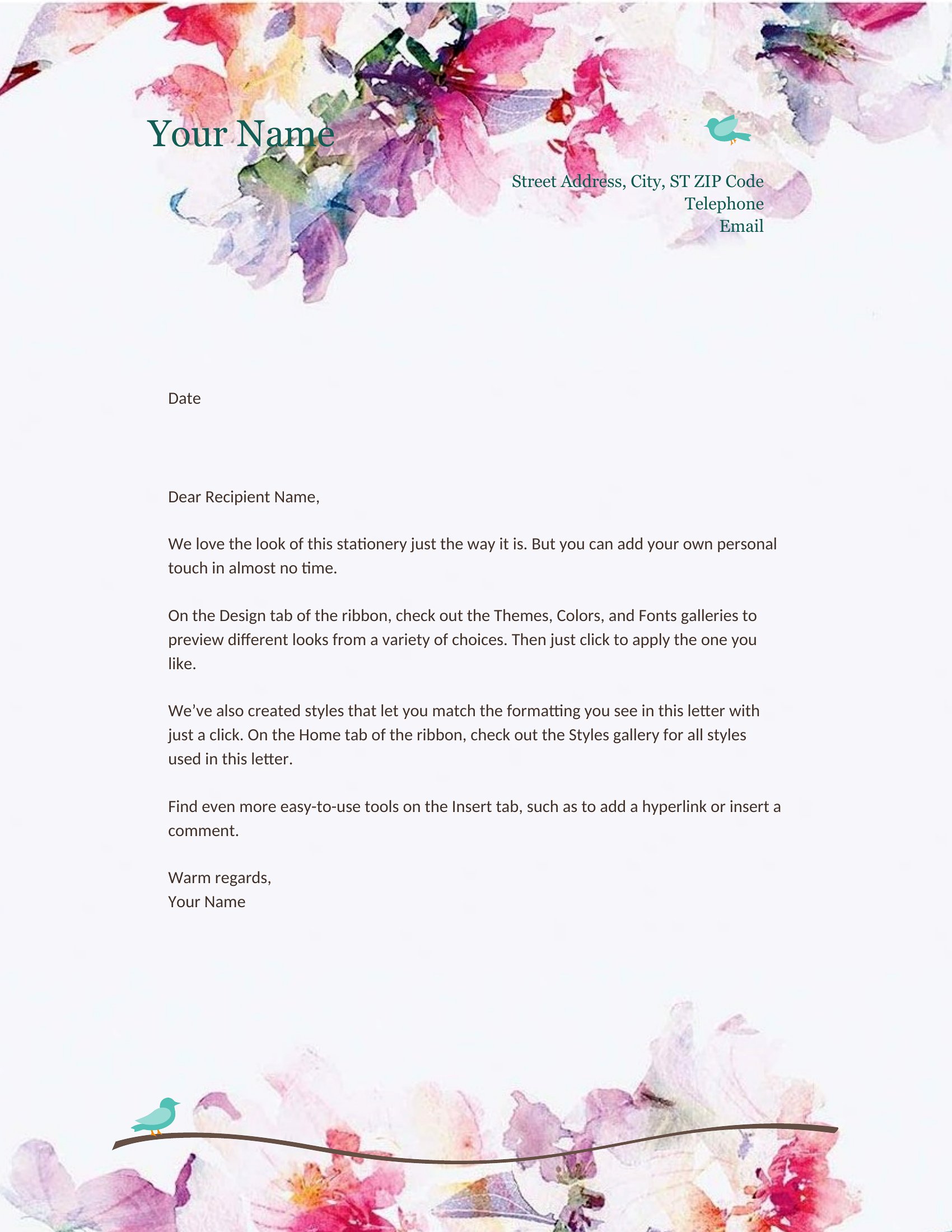
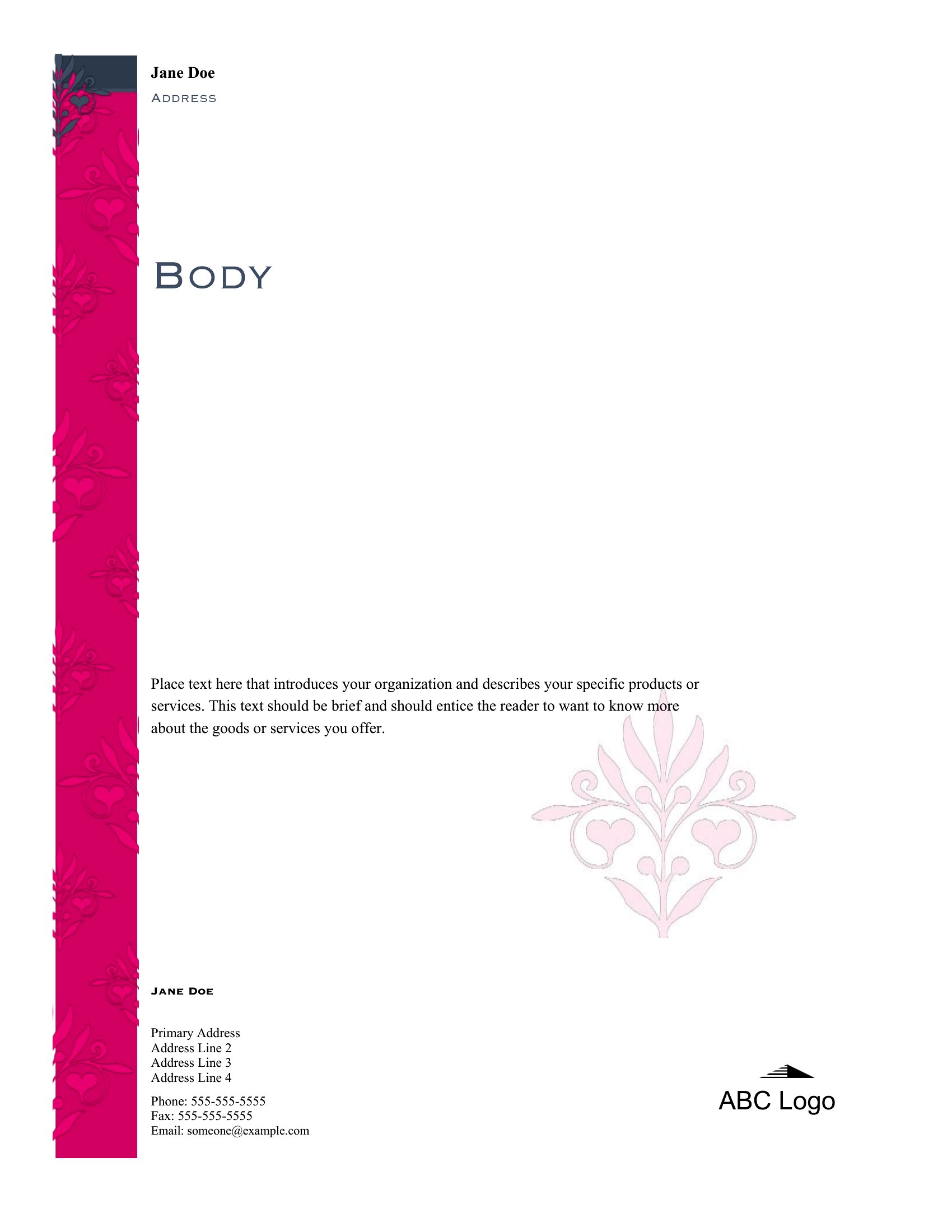
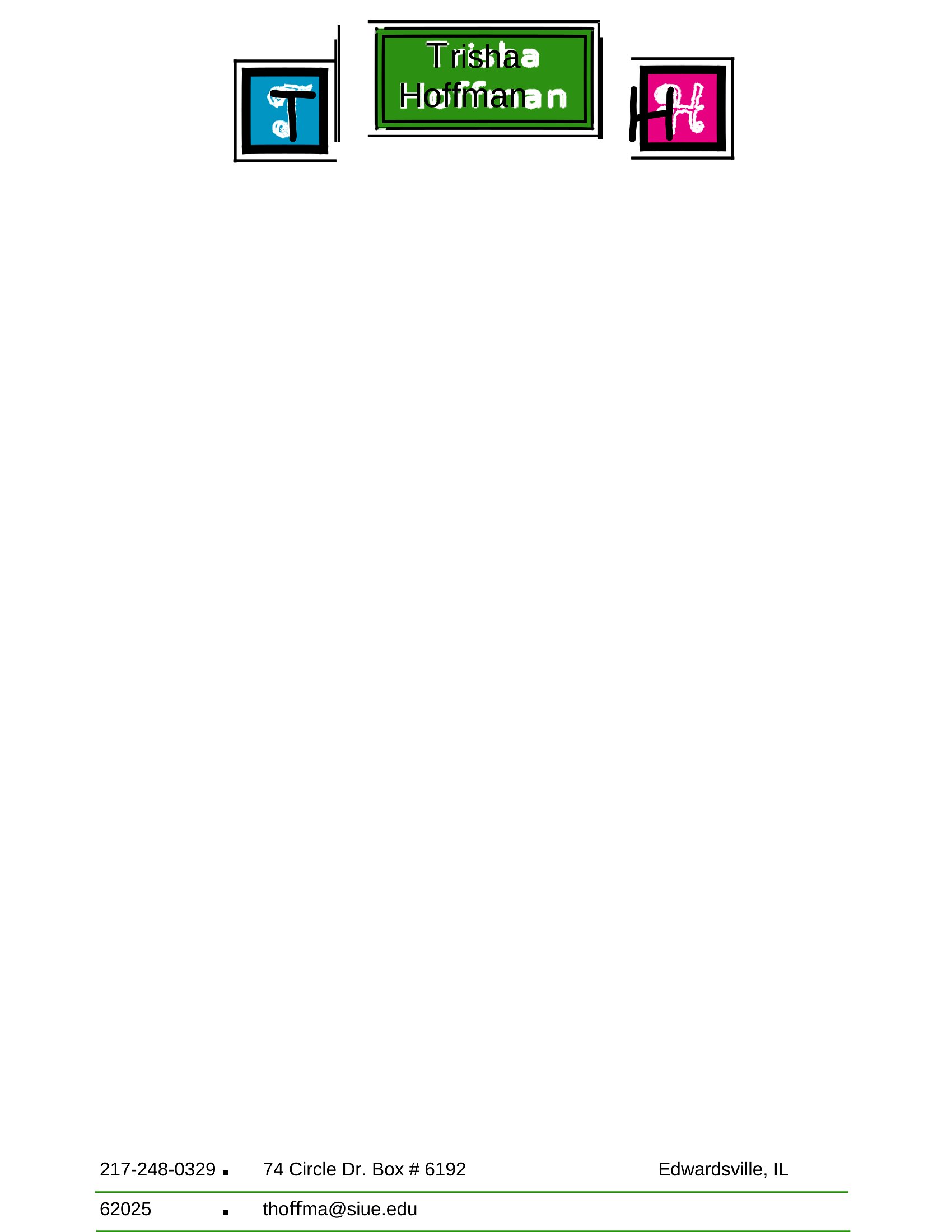
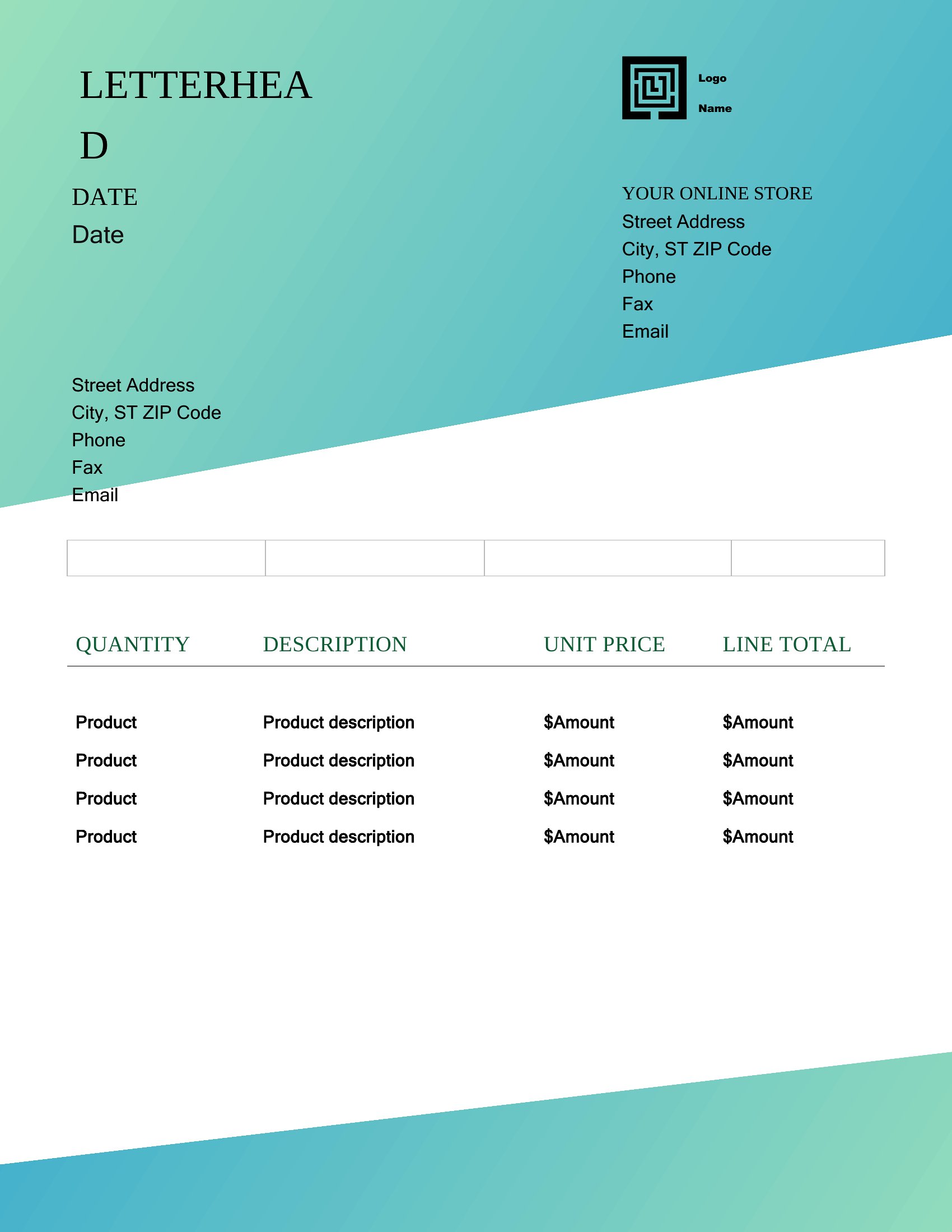
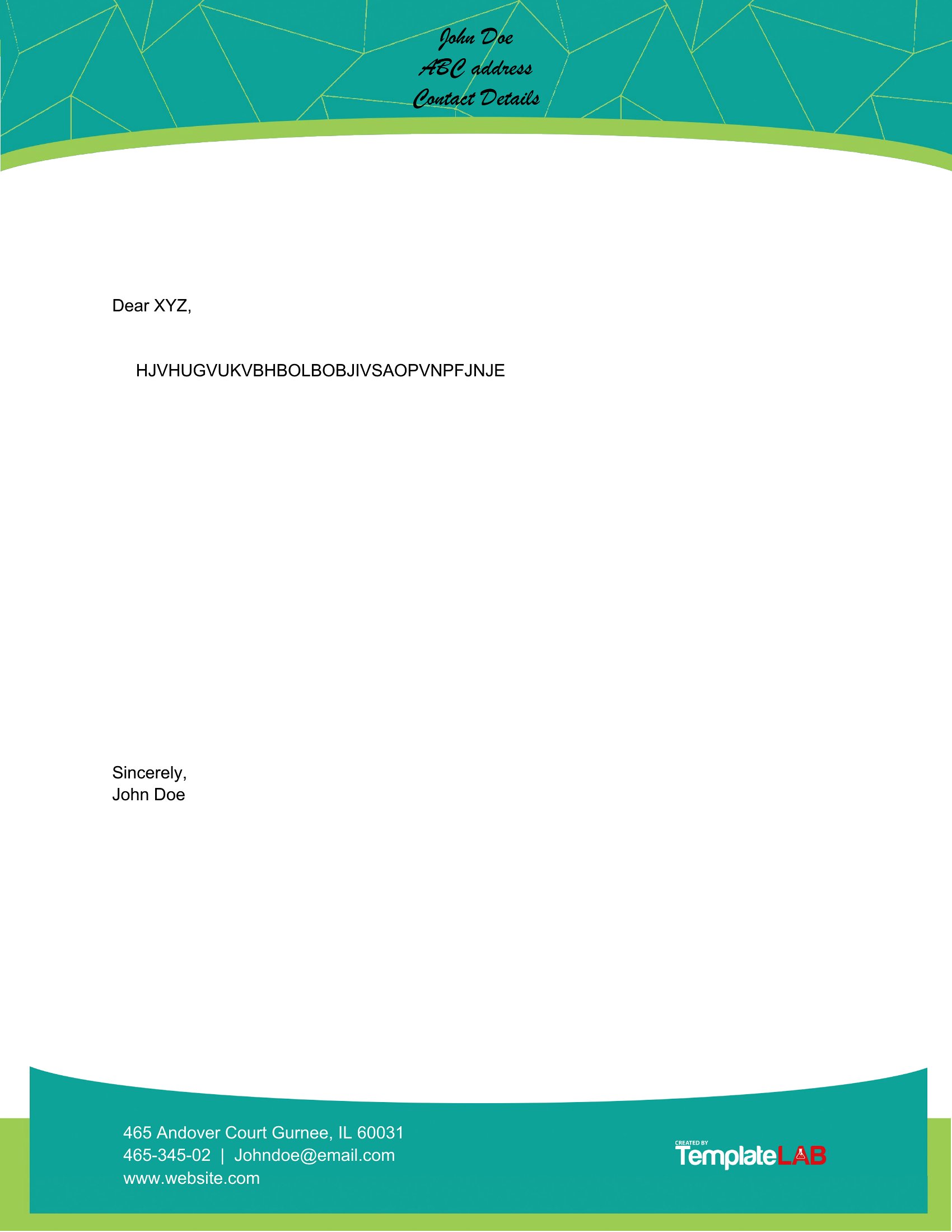
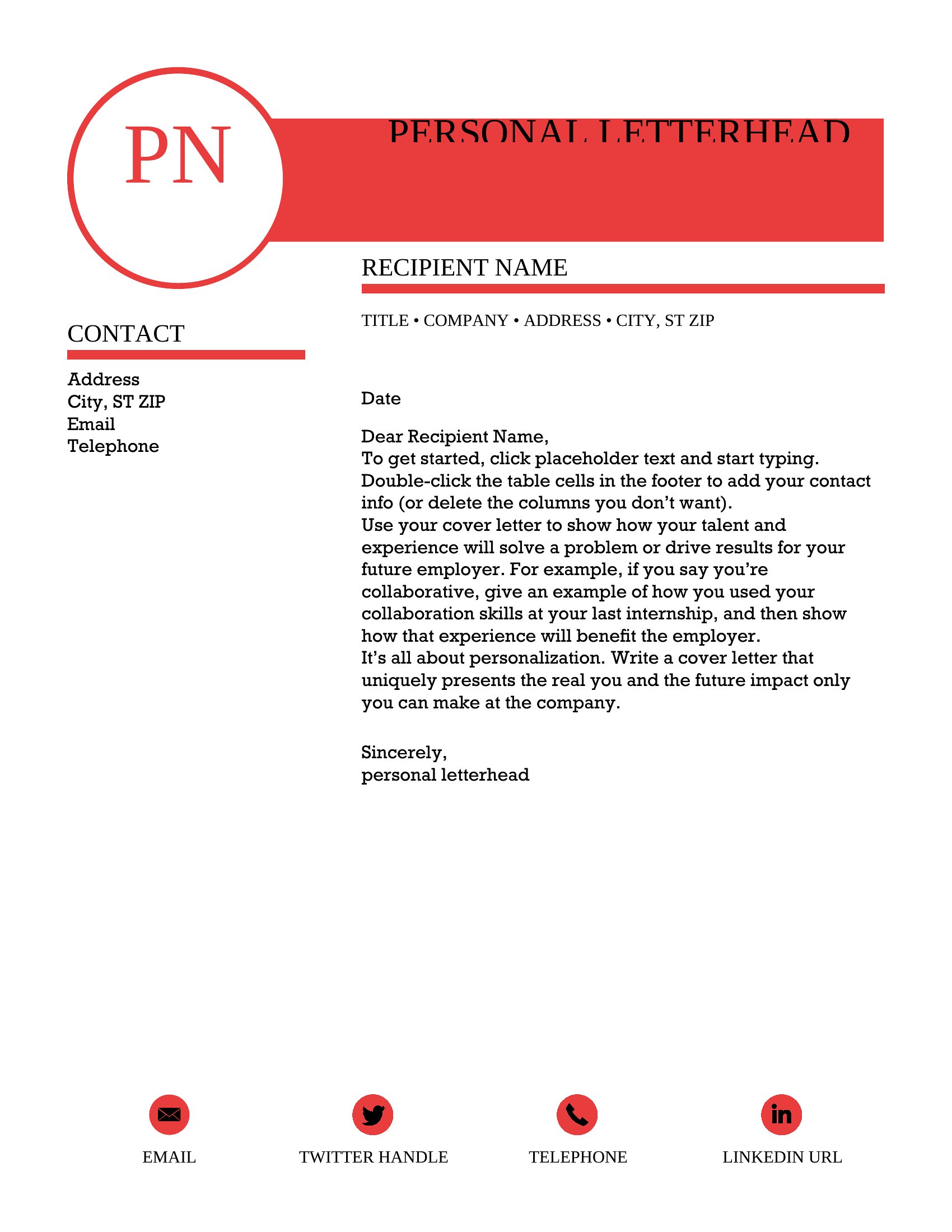
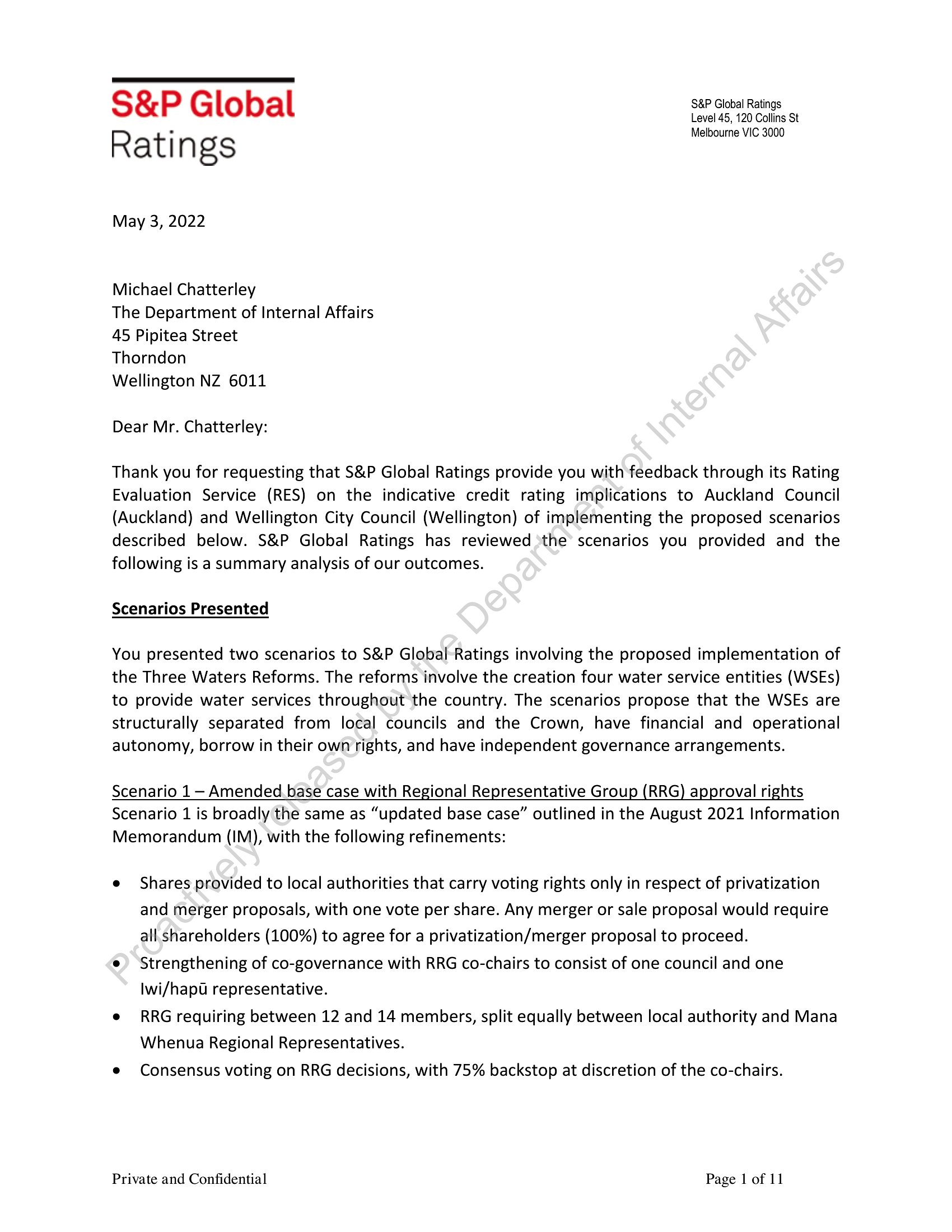
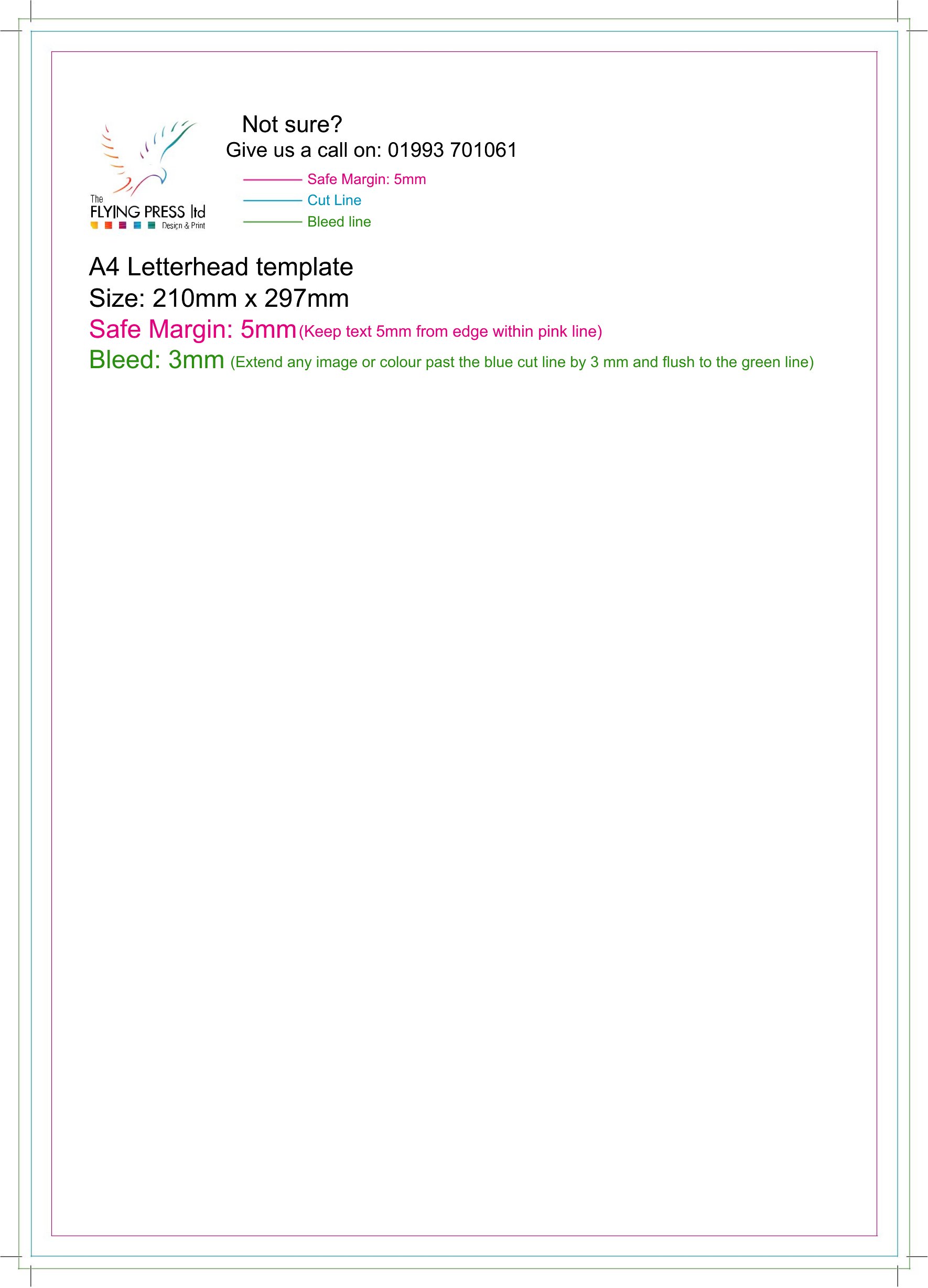
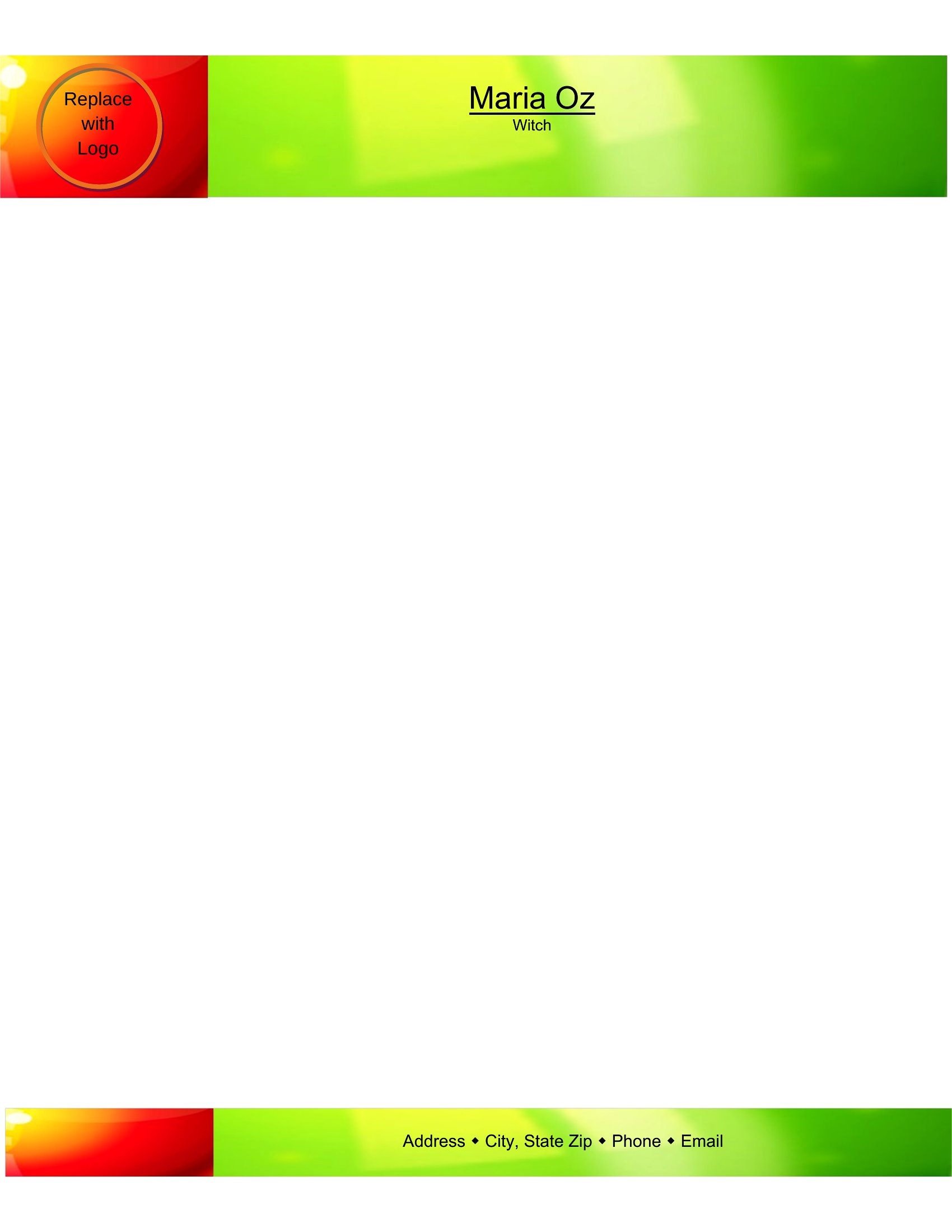
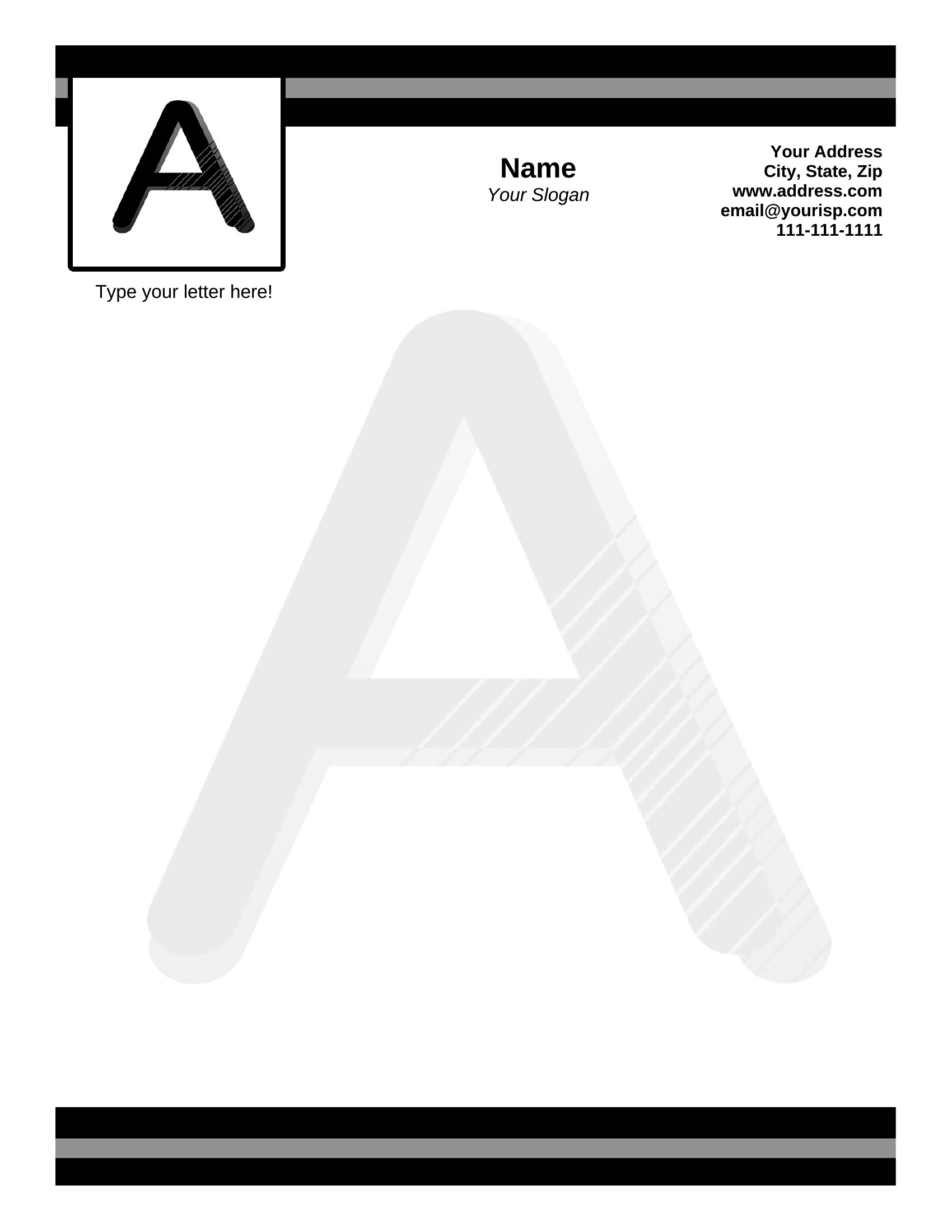
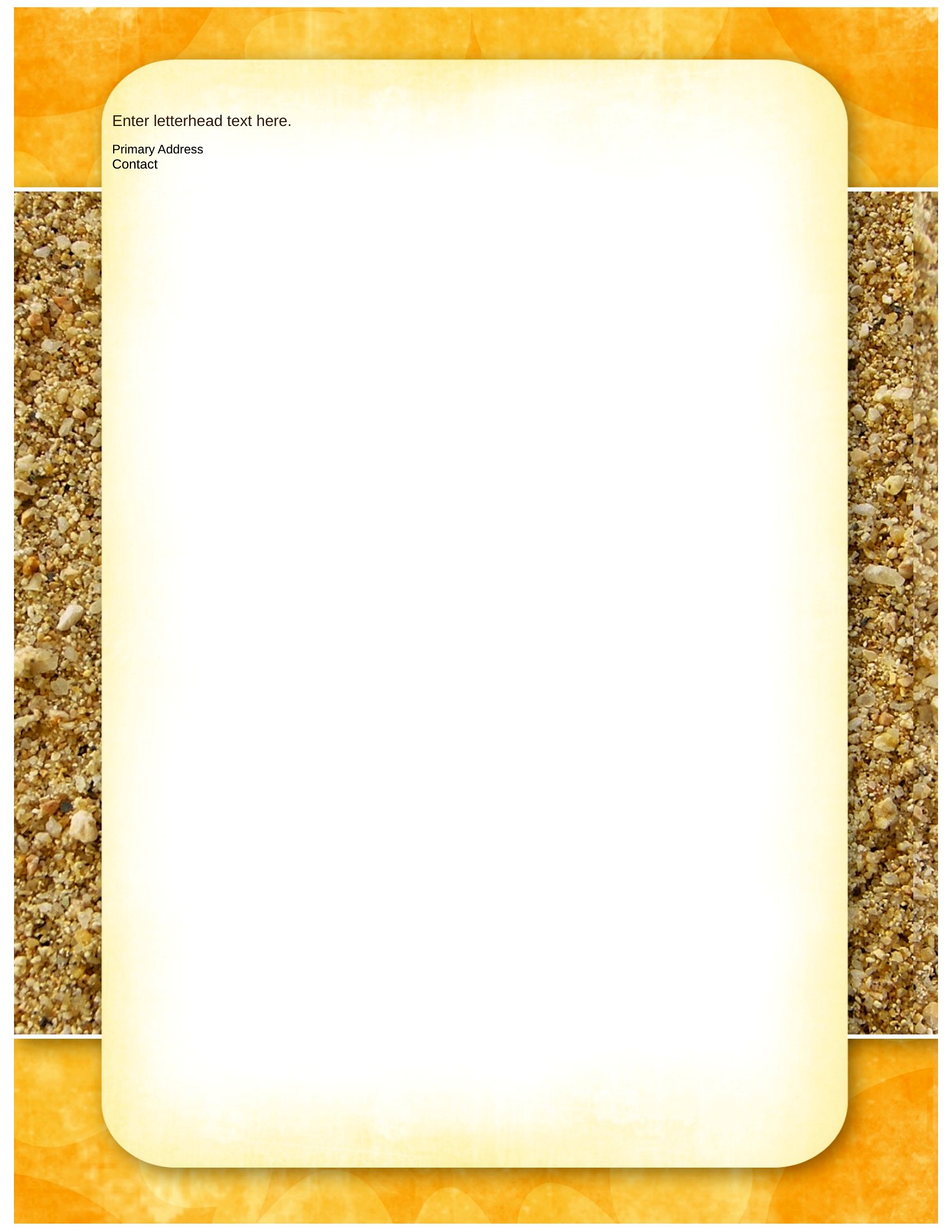
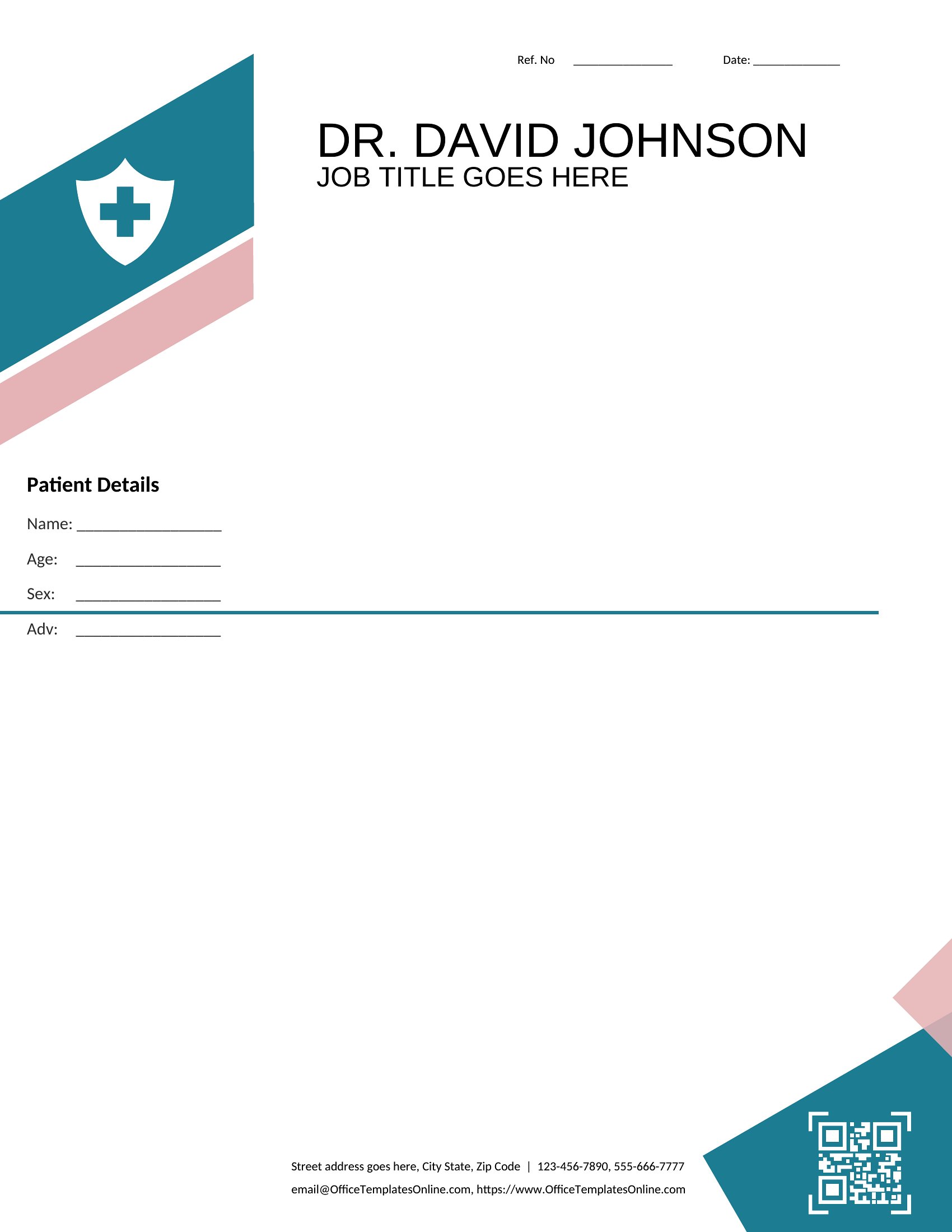
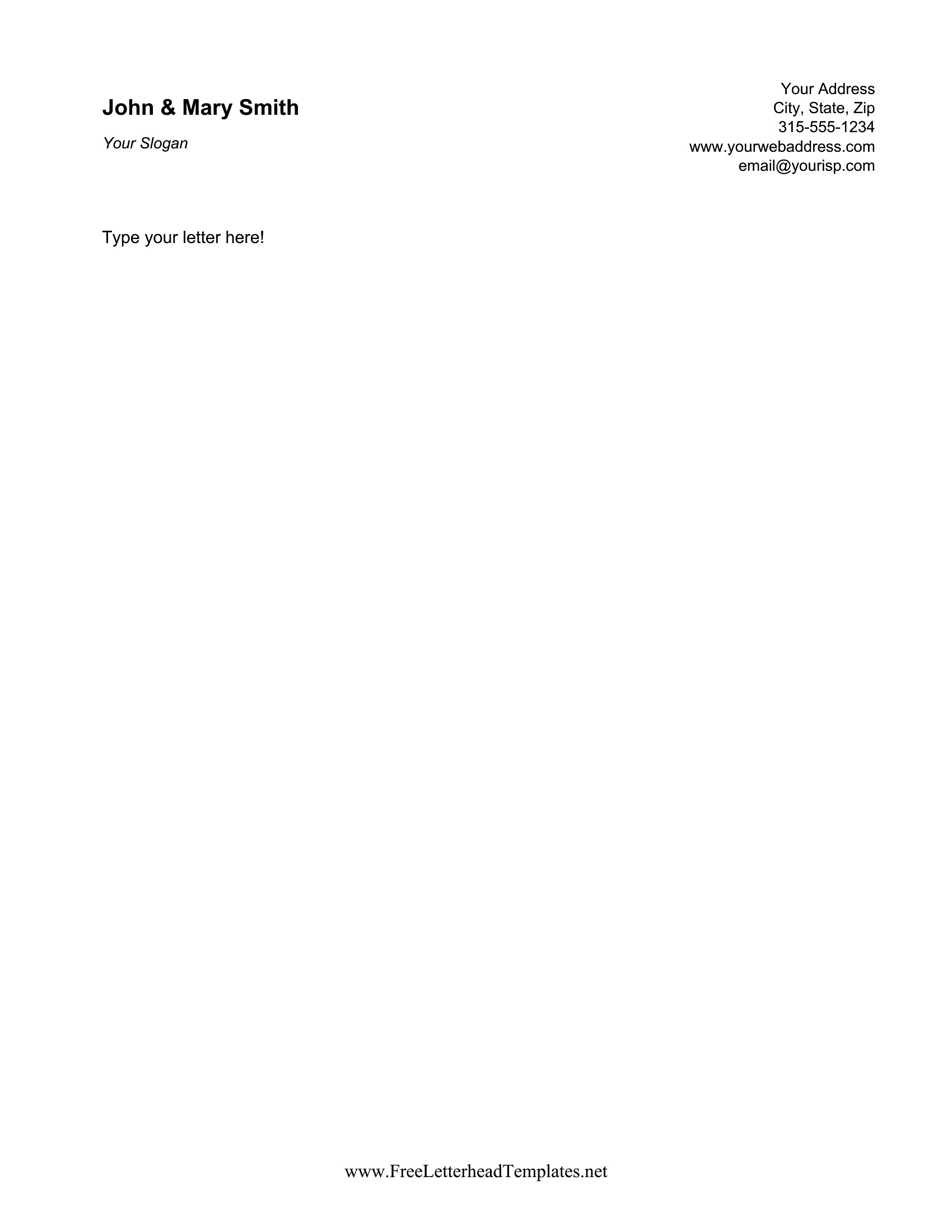
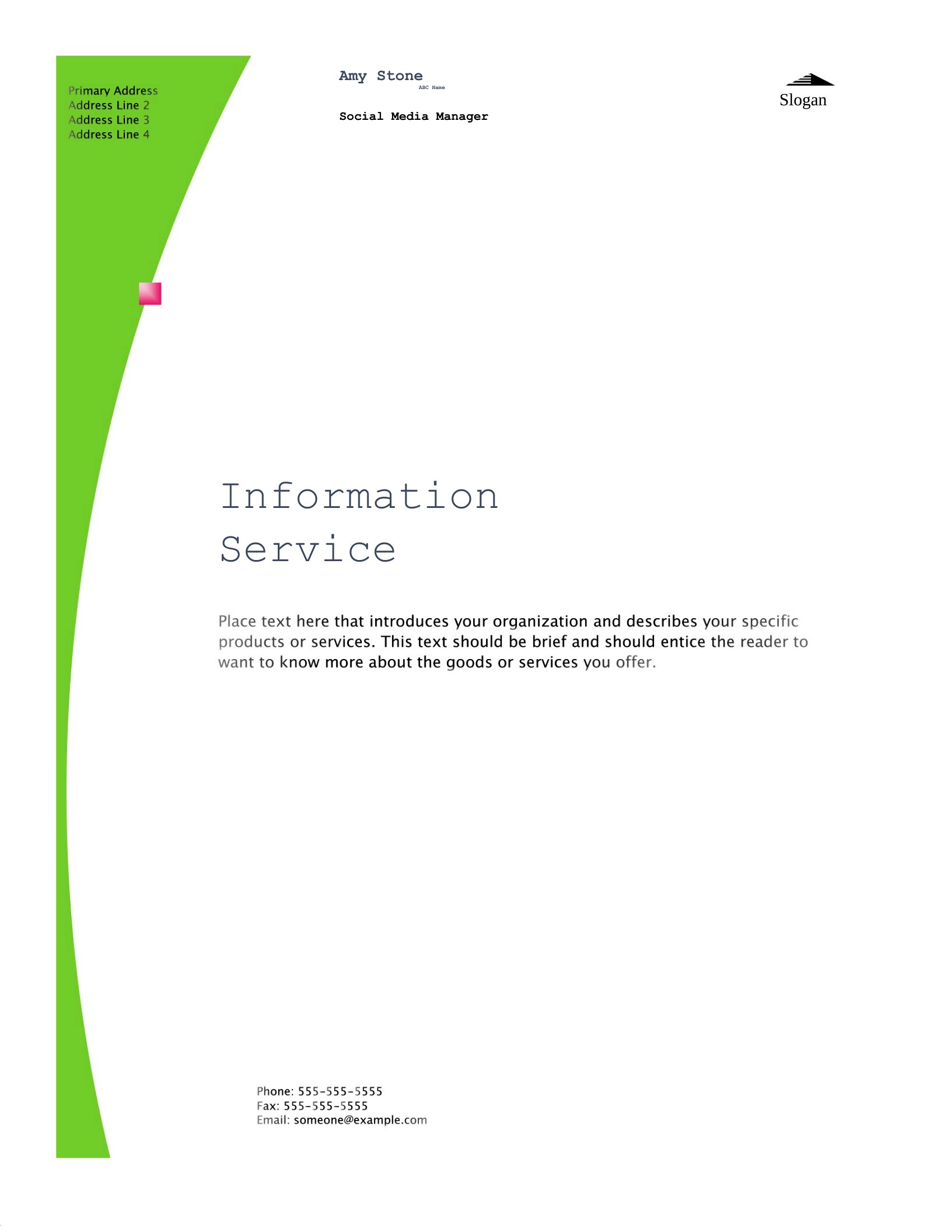
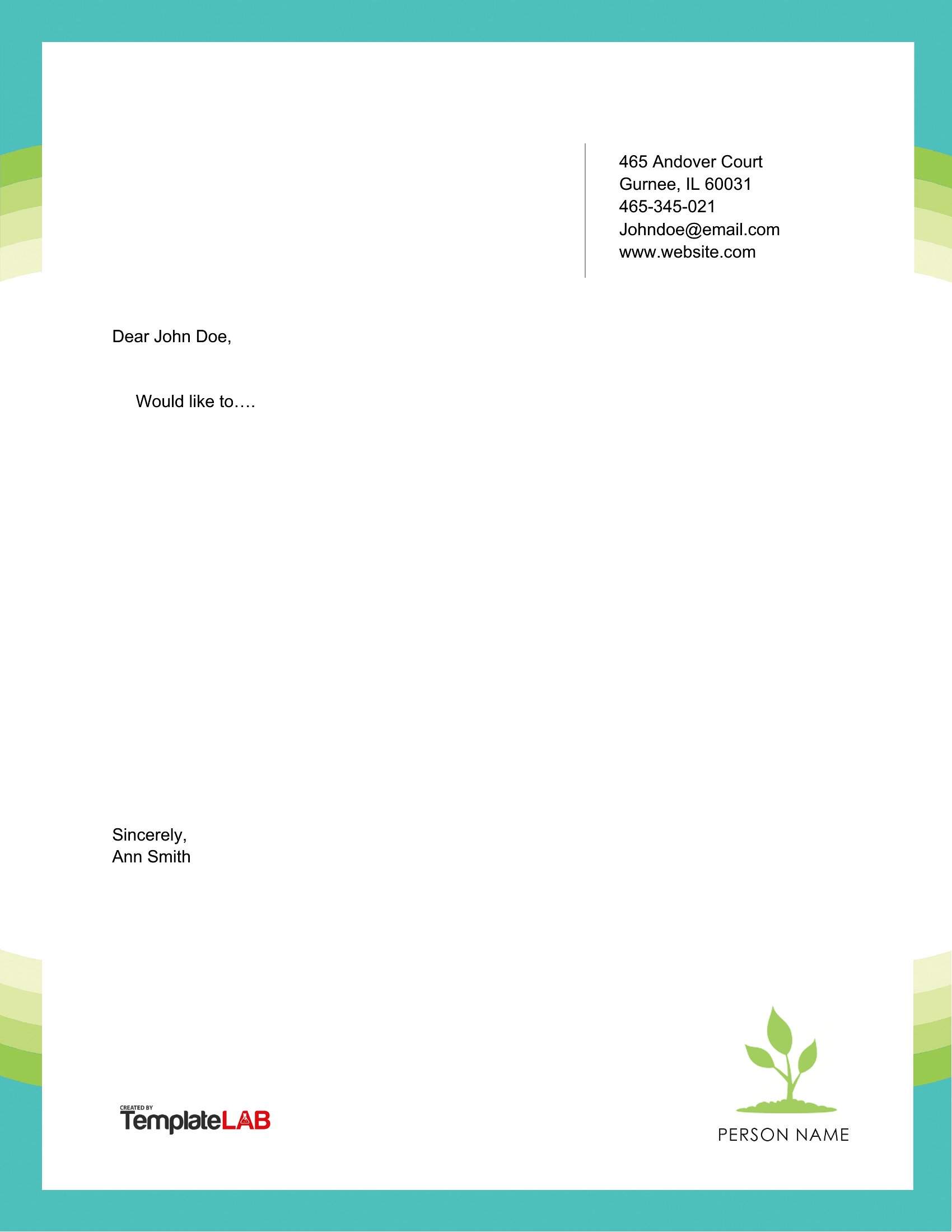
PersonalA clean letterhead makes personal correspondence look considered, whether it's a cover letter, a complaint, or a thank-you note. This set of 44 personal letterhead templates gives individuals, freelancers, and job seekers a tidy header with space for a name, address, and contact details. The designs range from minimal to lightly decorative.
Customize the Word versions with your information and a font you like, or print the PDFs when you just need ready-made stationery. Add your details once, save the file, and reuse it for every letter you send. Pick a style that fits your personality or your profession, formal or relaxed. Download one and give your next letter a polished header.
When to use this Personal Letterhead template
- Freelance graphic designers sending polished invoices or project proposals to clients who value professionalism in every detail.
- Job seekers applying to competitive roles where a tailored cover letter paired with a consistent letterhead reinforces their attention to detail.
- Small business owners or entrepreneurs writing official letters to suppliers, landlords, or partners to maintain a brand-aligned first impression.
- New parents drafting formal letters for adoption agencies, schools, or family milestones, needing a clean and approachable design.
Which format should I download?
The Word format is ideal for customization—edit fonts, colors, and details to match your personal style or brand before printing. Choose PDF for a final, polished version that preserves formatting and can be emailed directly without further edits. Word works best if you plan to make multiple revisions or need to update contact info frequently.
Choose from 44 Personal Letterhead Templates
How to use this Personal Letterhead template
Can I use these letterheads for handwritten notes?
While these templates are designed for printed or digital use, you can print them at home and use them as a guide for handwritten letters. Trace the key lines (like your name or address) lightly with pencil first to maintain alignment. For a fully handwritten look, skip the printed header and use the layout as inspiration only.
How do I ensure my letterhead looks professional but still reflects my personality?
Start with a minimalist design in Word, then add subtle personal touches—like a small icon, a favorite font, or a muted color scheme that fits your style. Avoid overly decorative elements unless they align with your industry (e.g., a creative freelancer might use a sketchy line). Keep contact details clear and centered, even if the rest of the design is unique.
What’s the best way to include a logo or signature in my letterhead?
If you have a logo, insert it as a small, low-resolution image in Word (under 100KB) and position it near your name or in the corner. For a handwritten signature, print the template, sign it with a fine-tip pen, scan it, and save it as an image file to overlay on future letters. Avoid including your actual signature in the editable template to keep it flexible for updates.
Comments
Join the conversation
Sign in to share your thoughts and leave a comment on this resource.