

FAQ
Can I use these letterheads for handwritten notes?
While these templates are designed for printed or digital use, you can print them at home and use them as a guide for handwritten letters. Trace the key lines (like your name or address) lightly with pencil first to maintain alignment. For a fully handwritten look, skip the printed header and use the layout as inspiration only.
How do I ensure my letterhead looks professional but still reflects my personality?
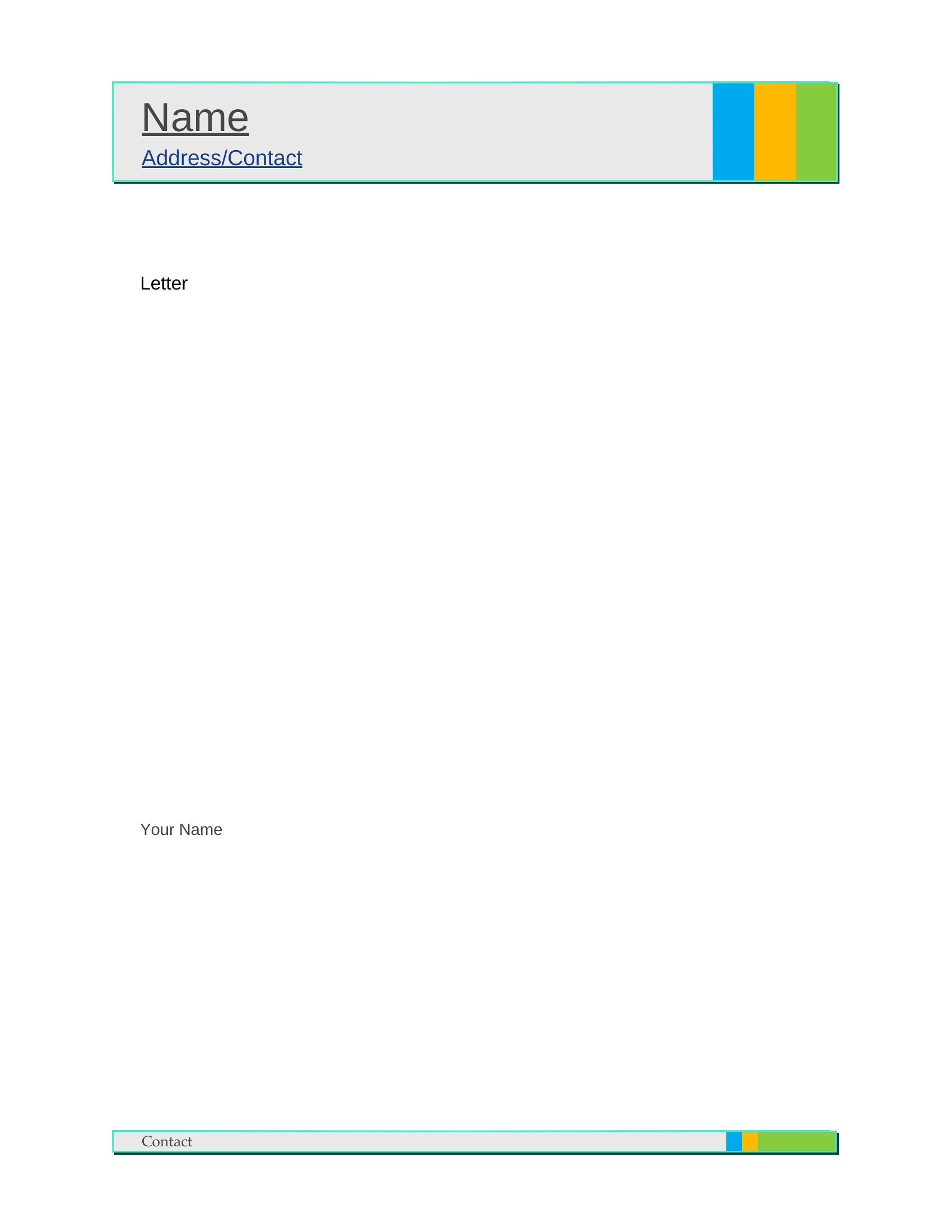
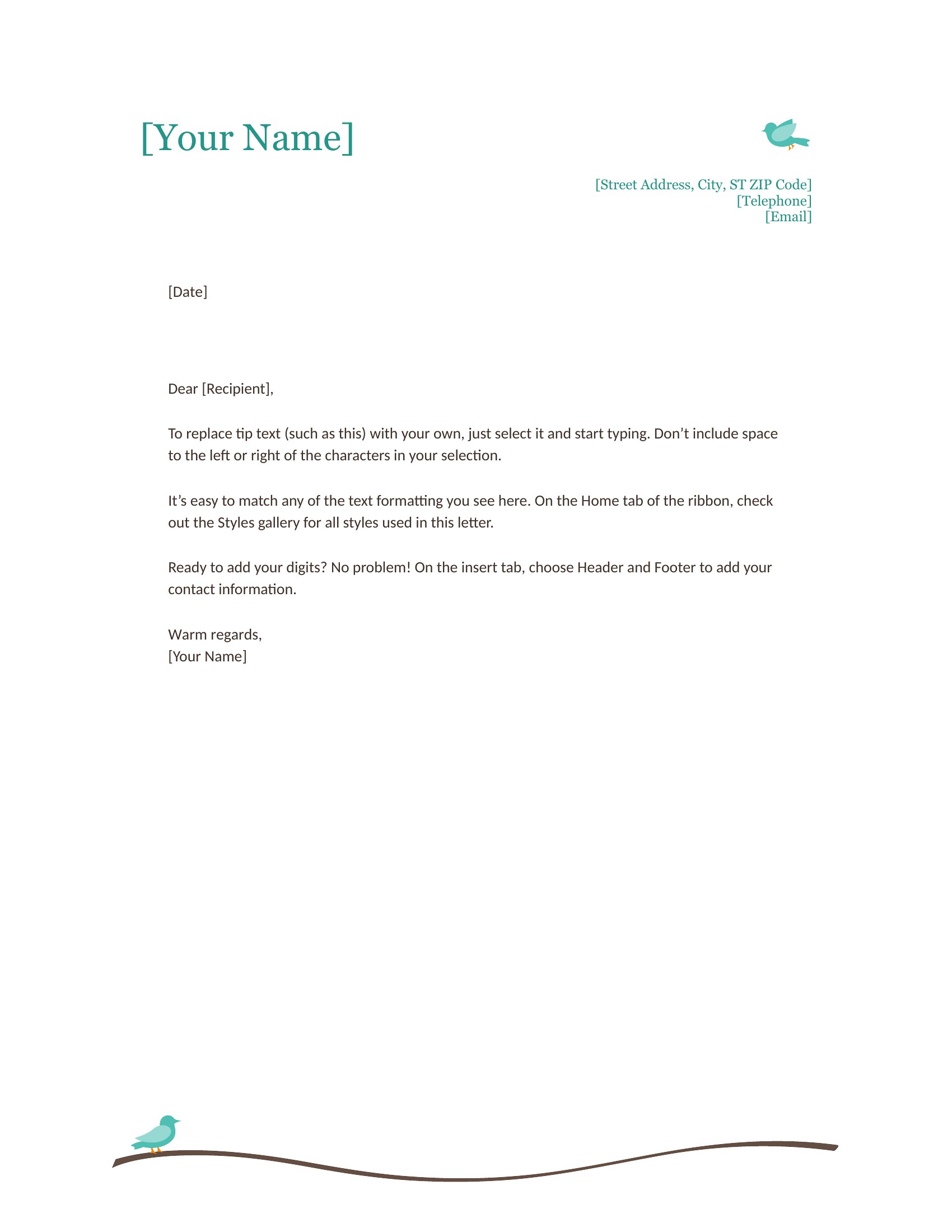
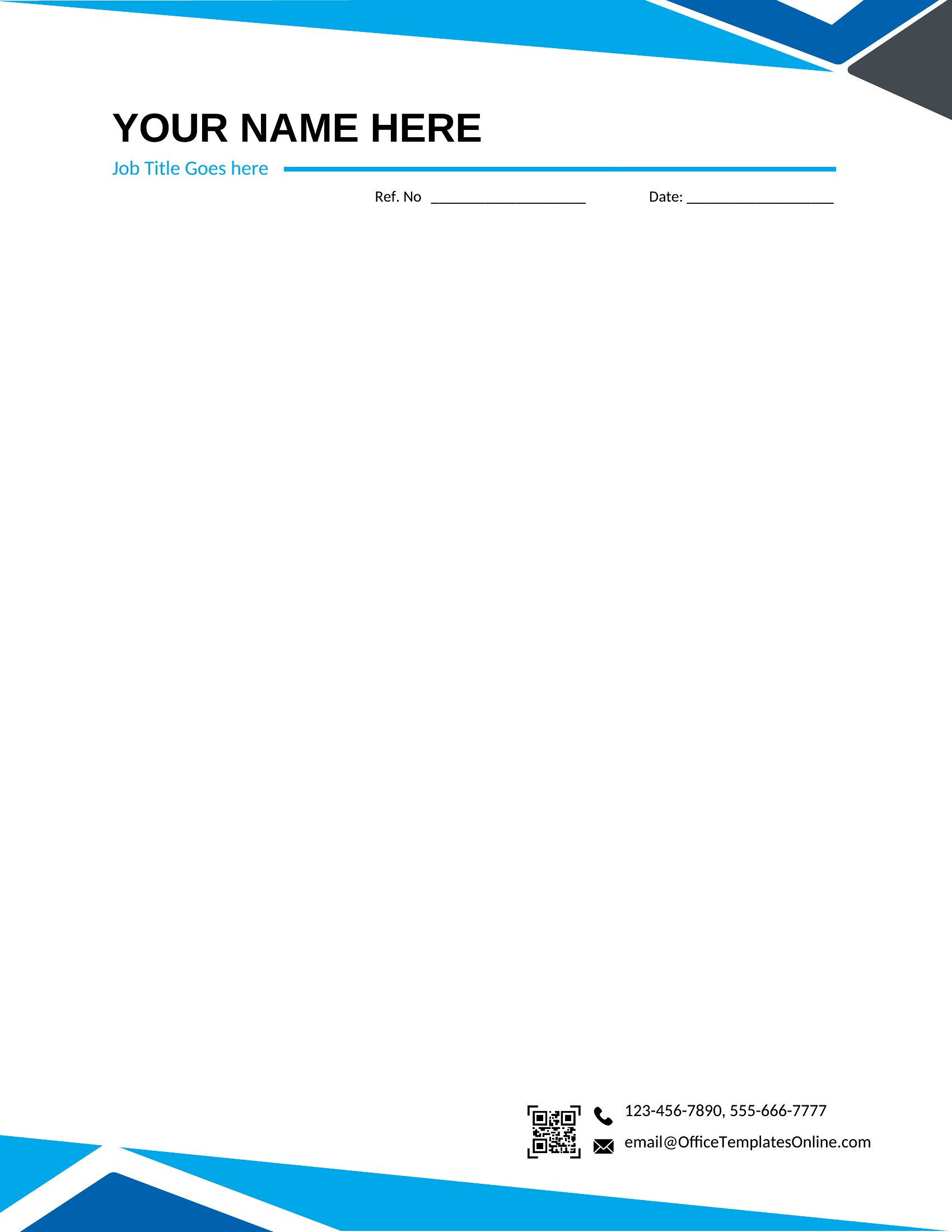
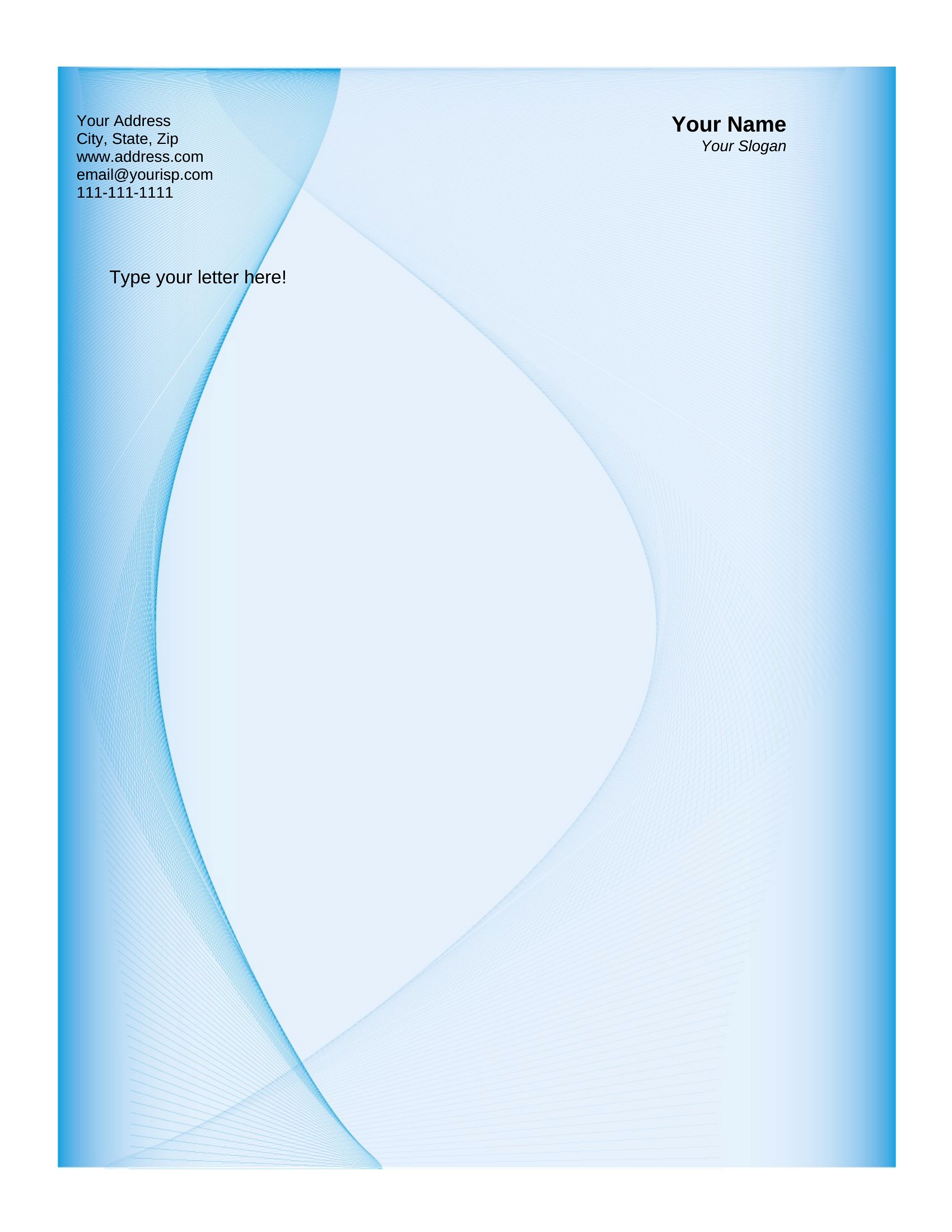
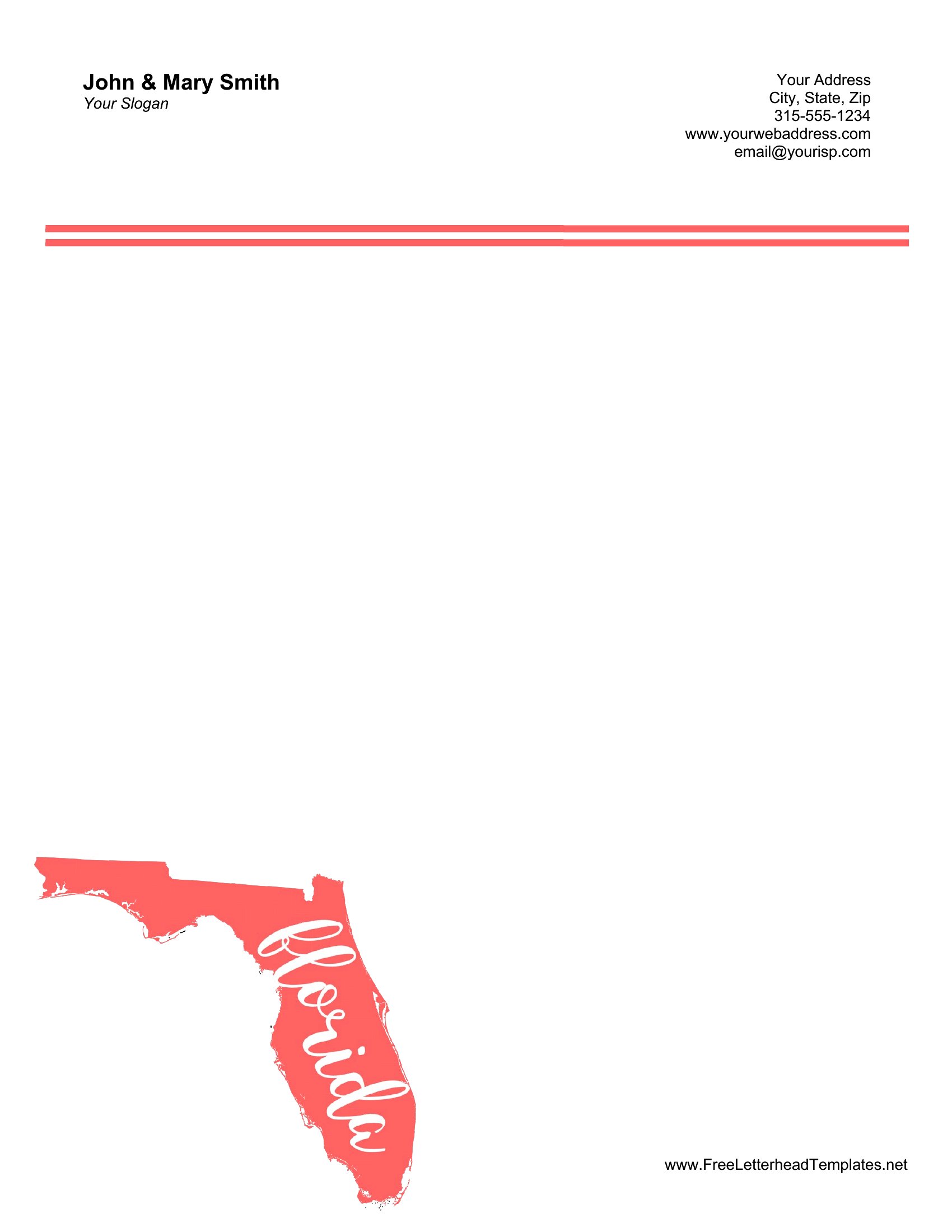
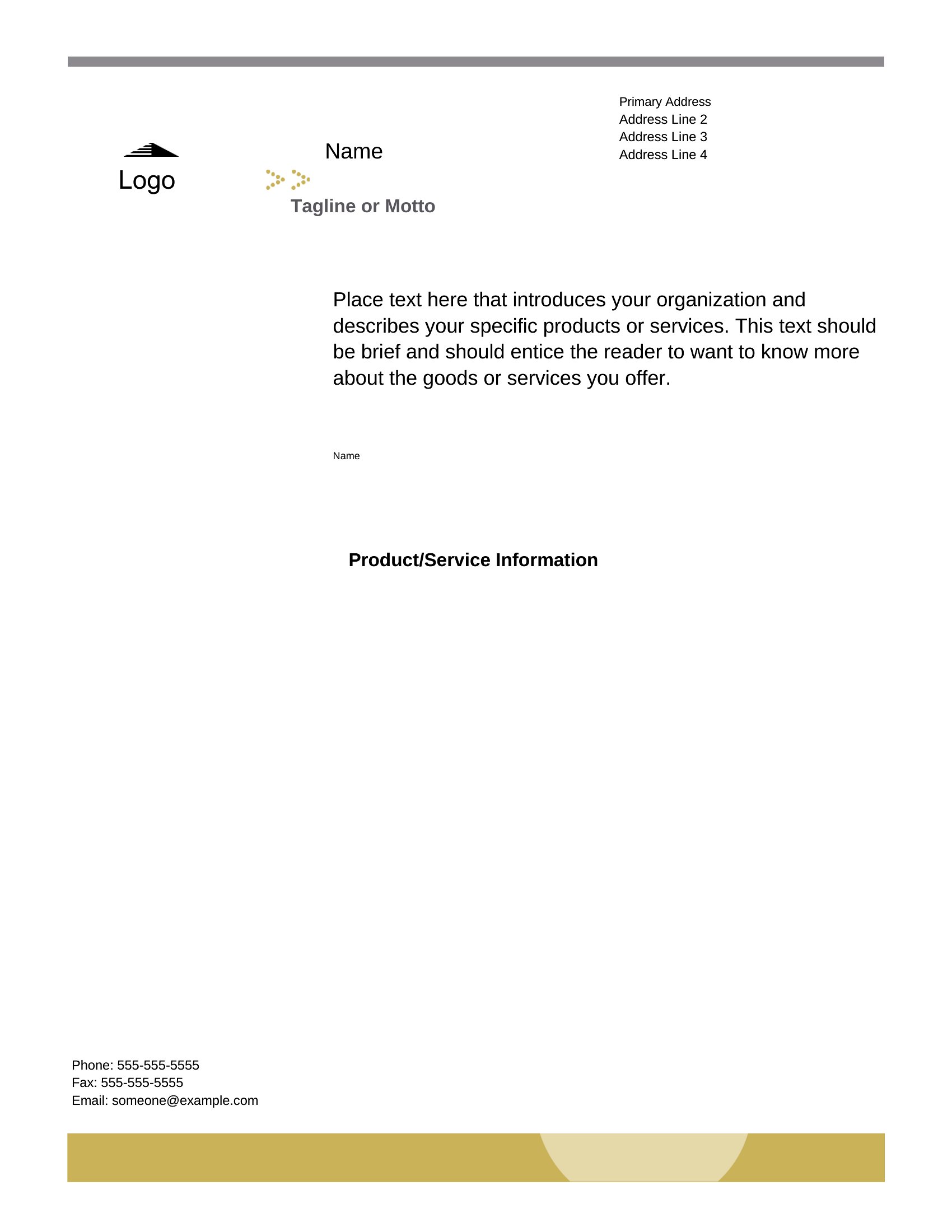
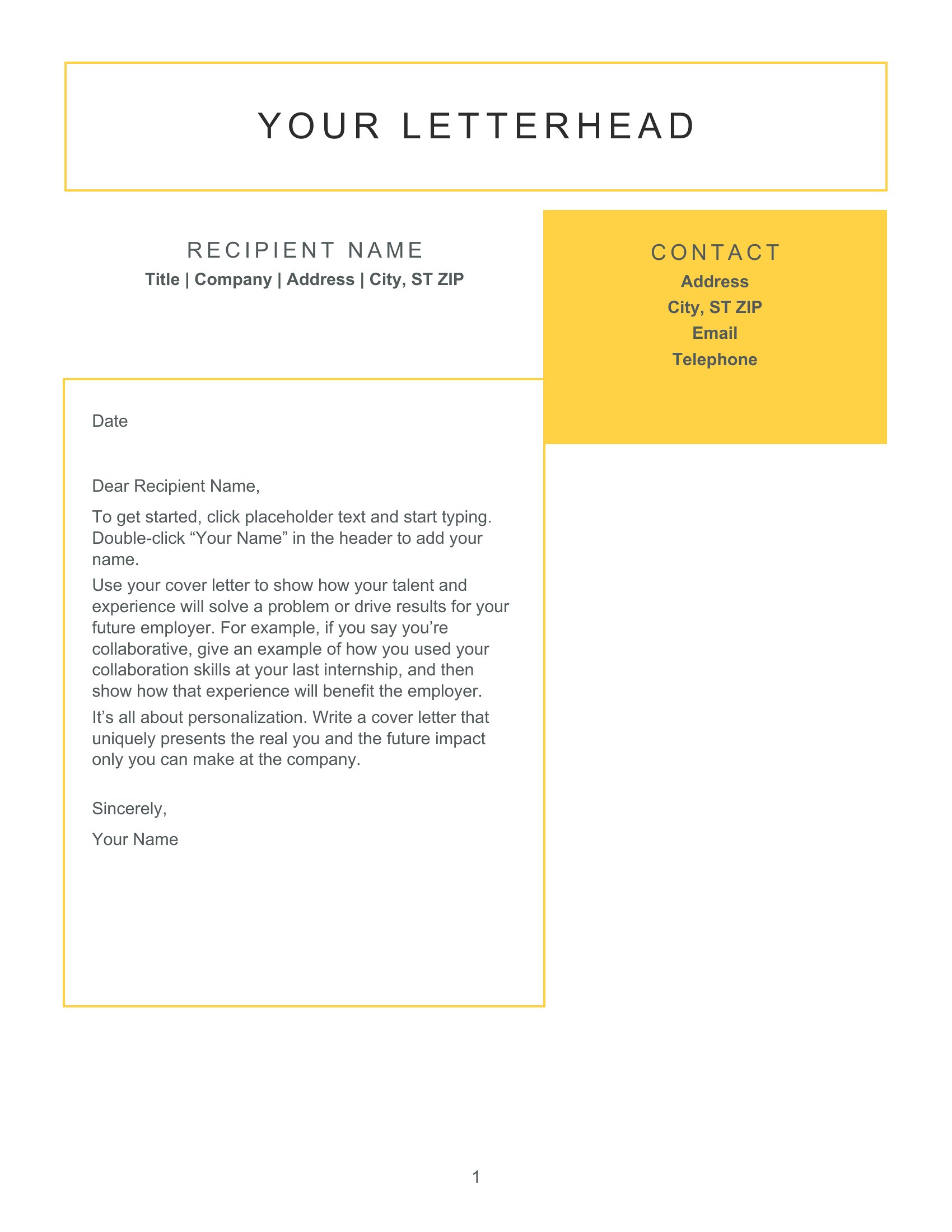
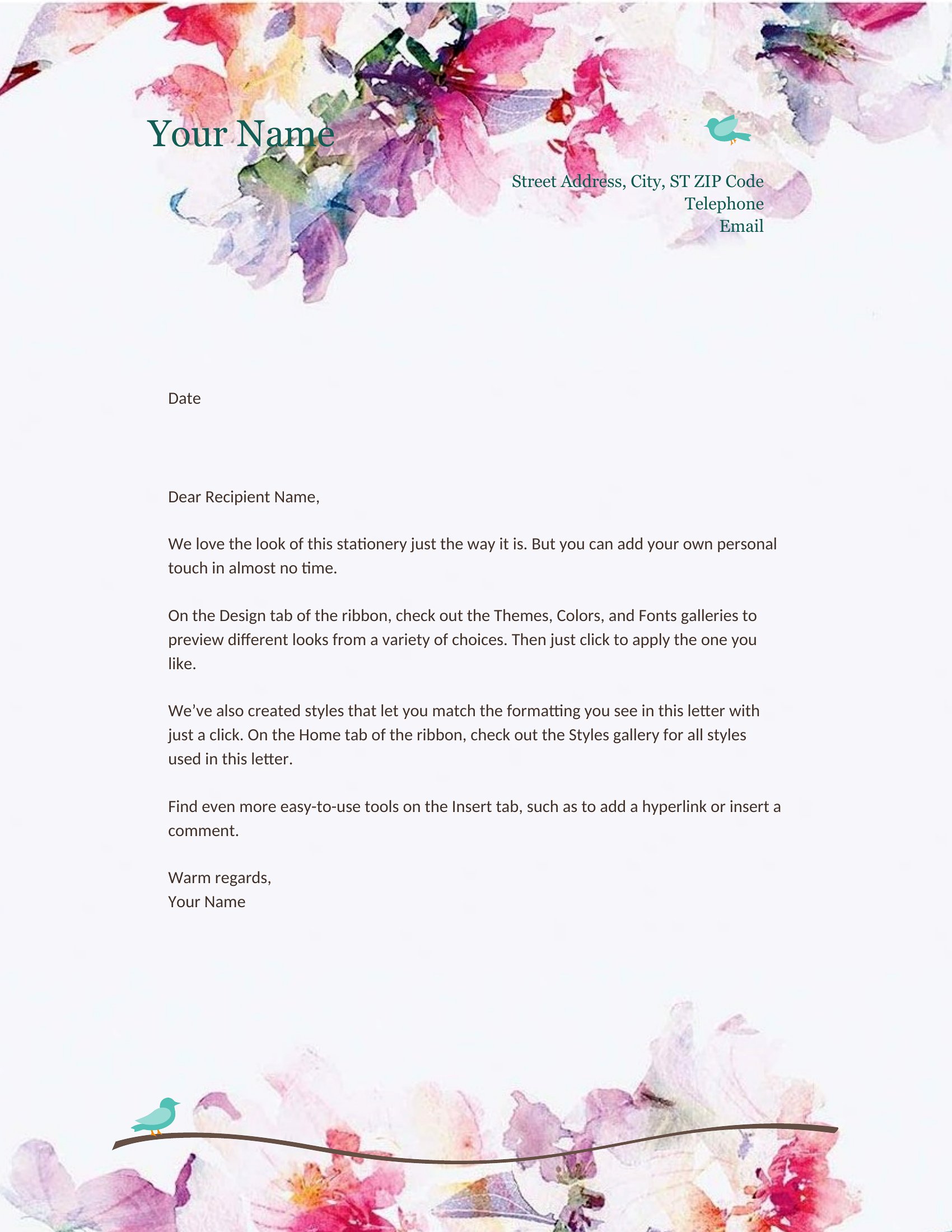
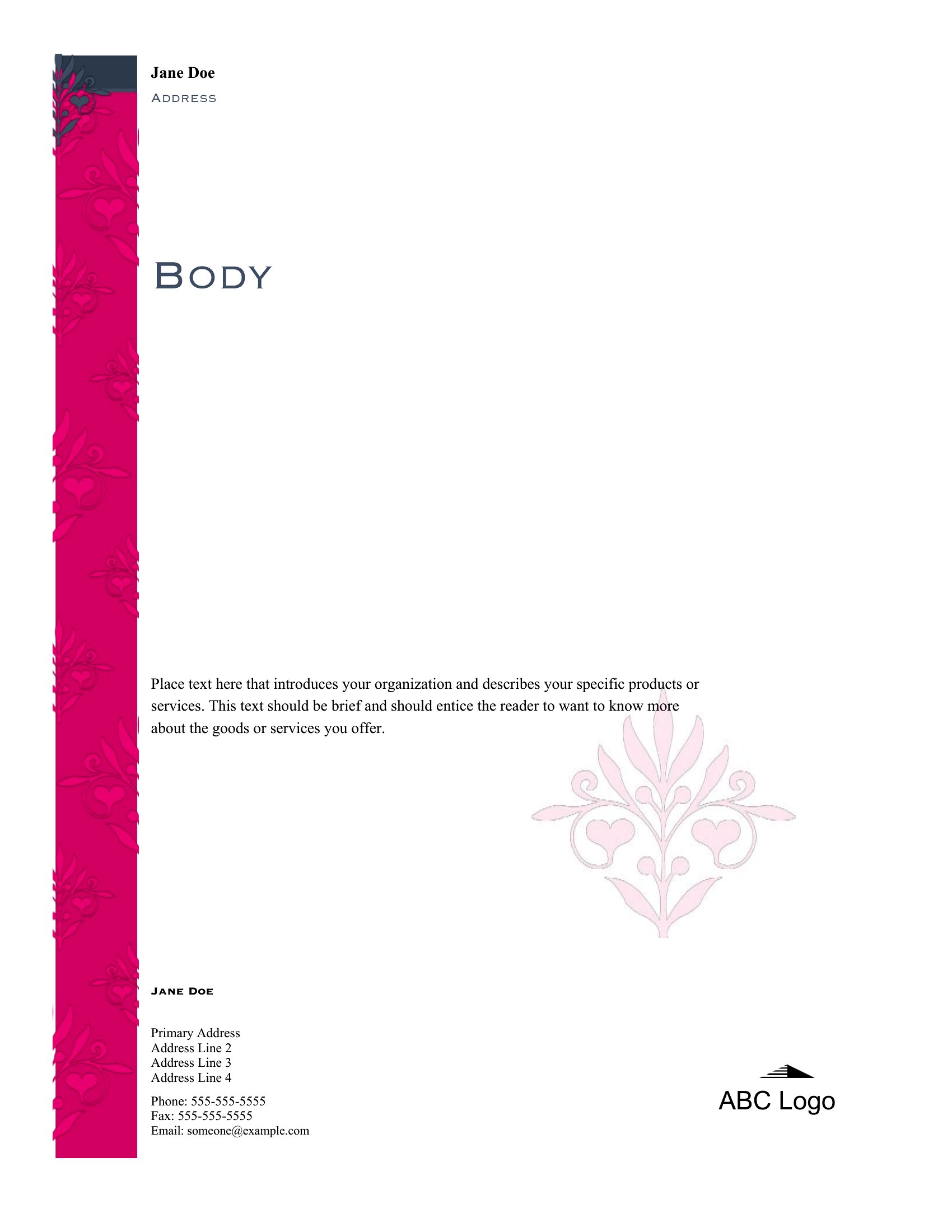
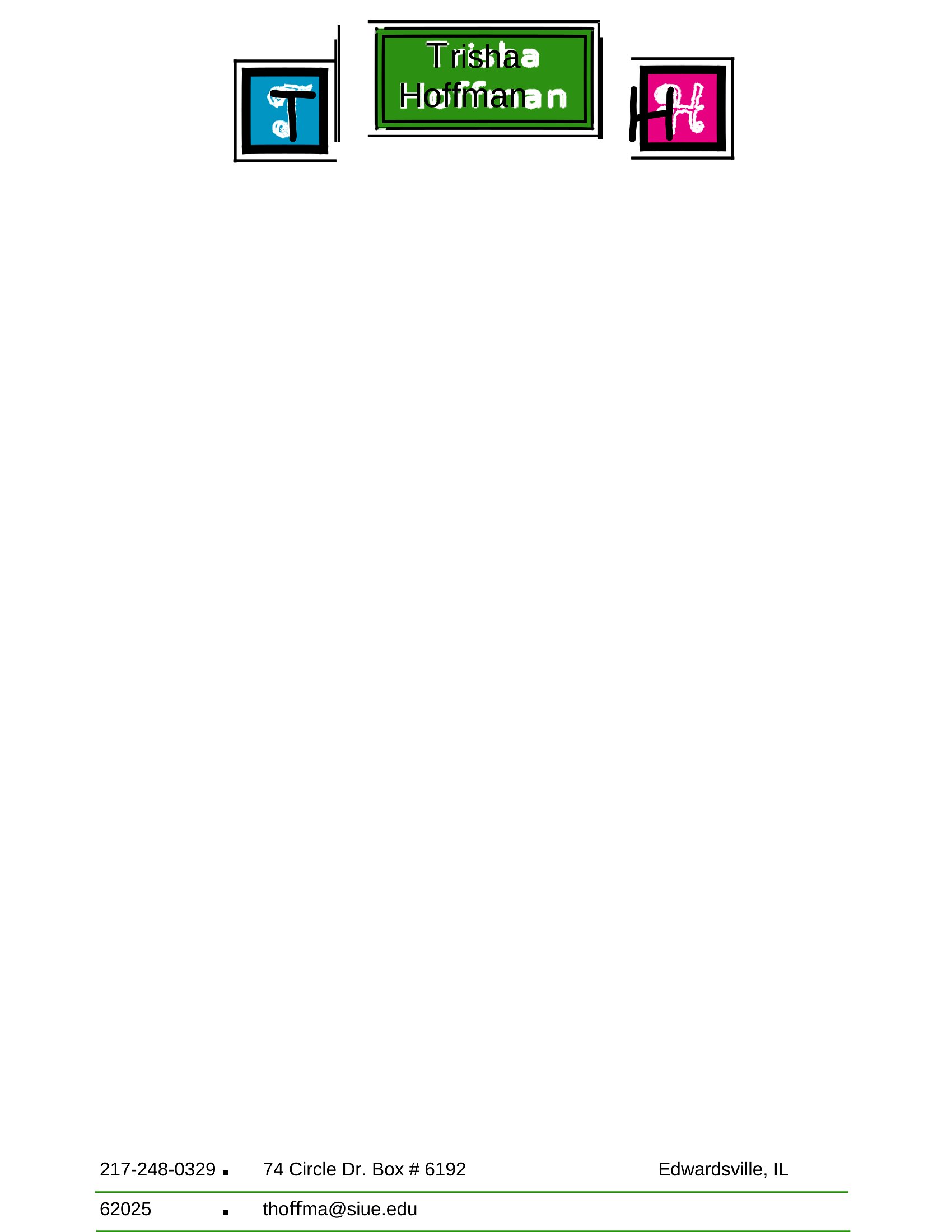
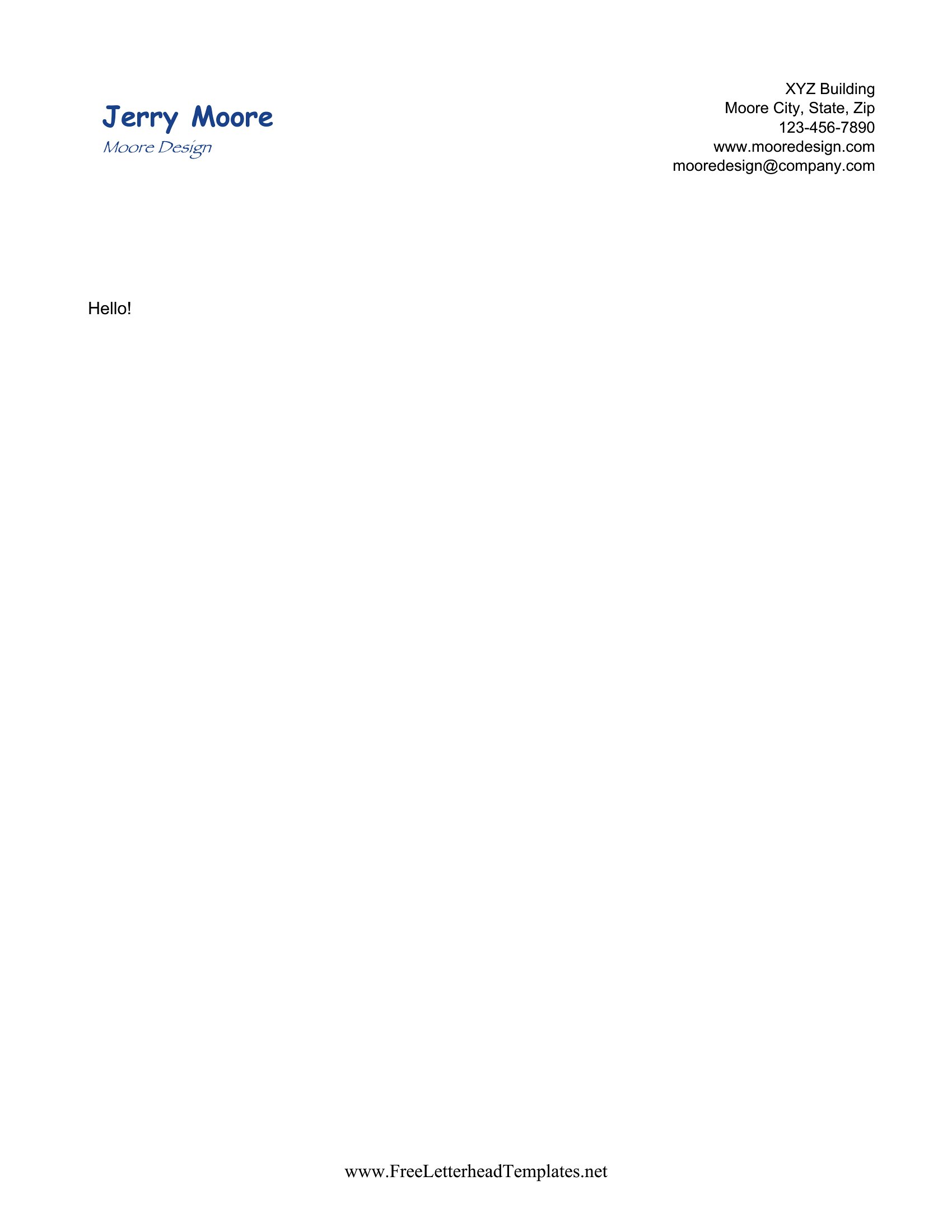
Start with a minimalist design in Word, then add subtle personal touches—like a small icon, a favorite font, or a muted color scheme that fits your style. Avoid overly decorative elements unless they align with your industry (e.g., a creative freelancer might use a sketchy line). Keep contact details clear and centered, even if the rest of the design is unique.
What’s the best way to include a logo or signature in my letterhead?
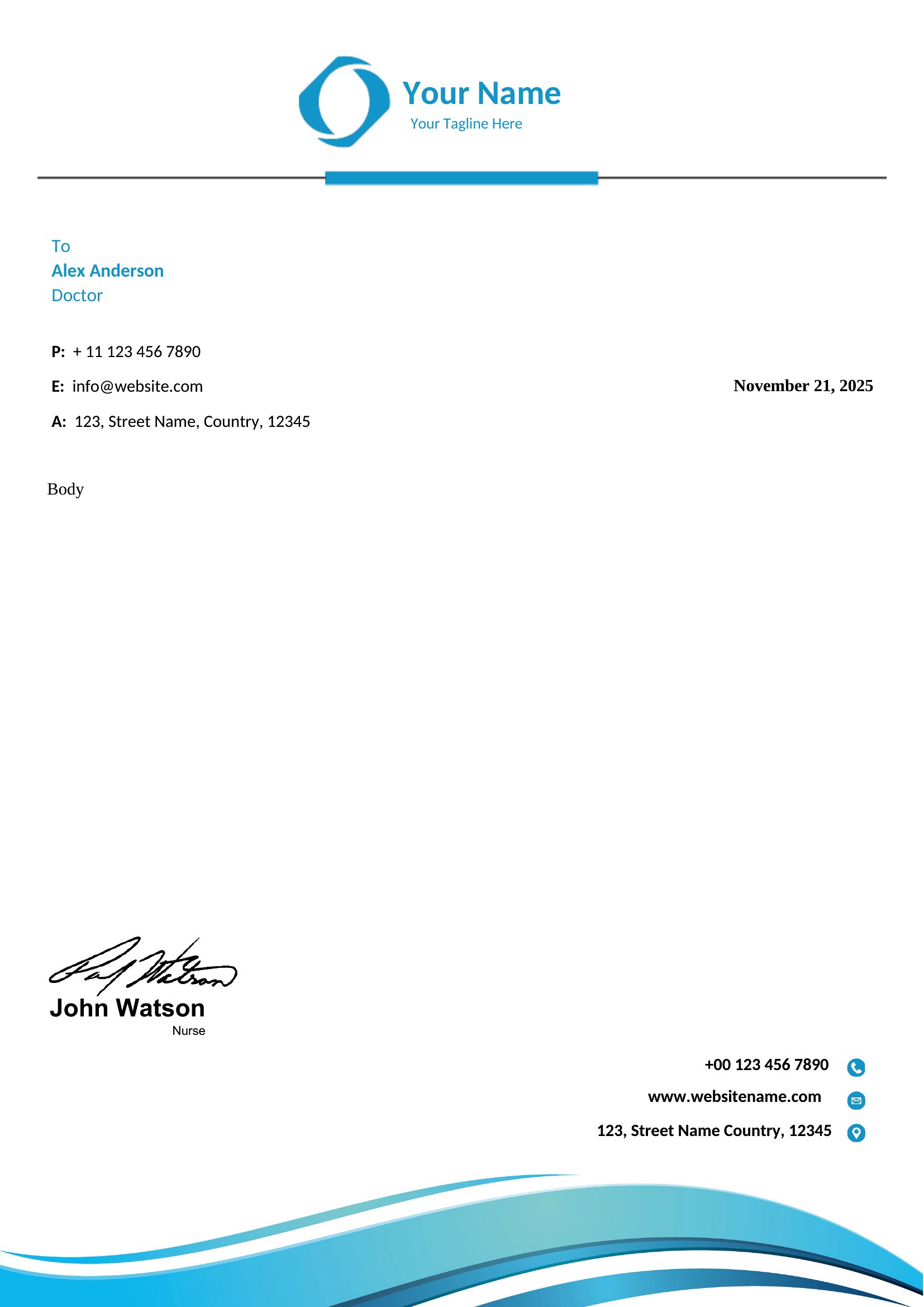
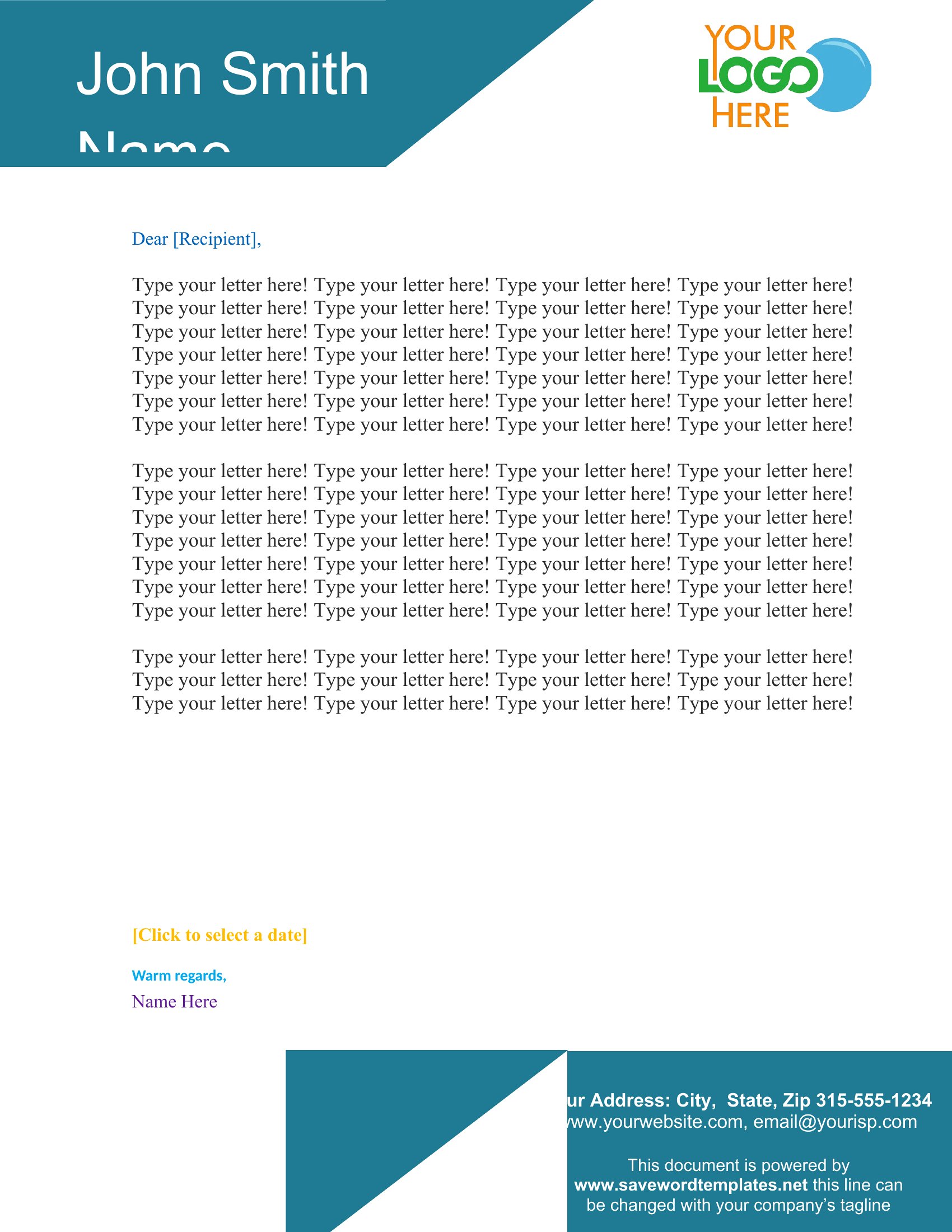
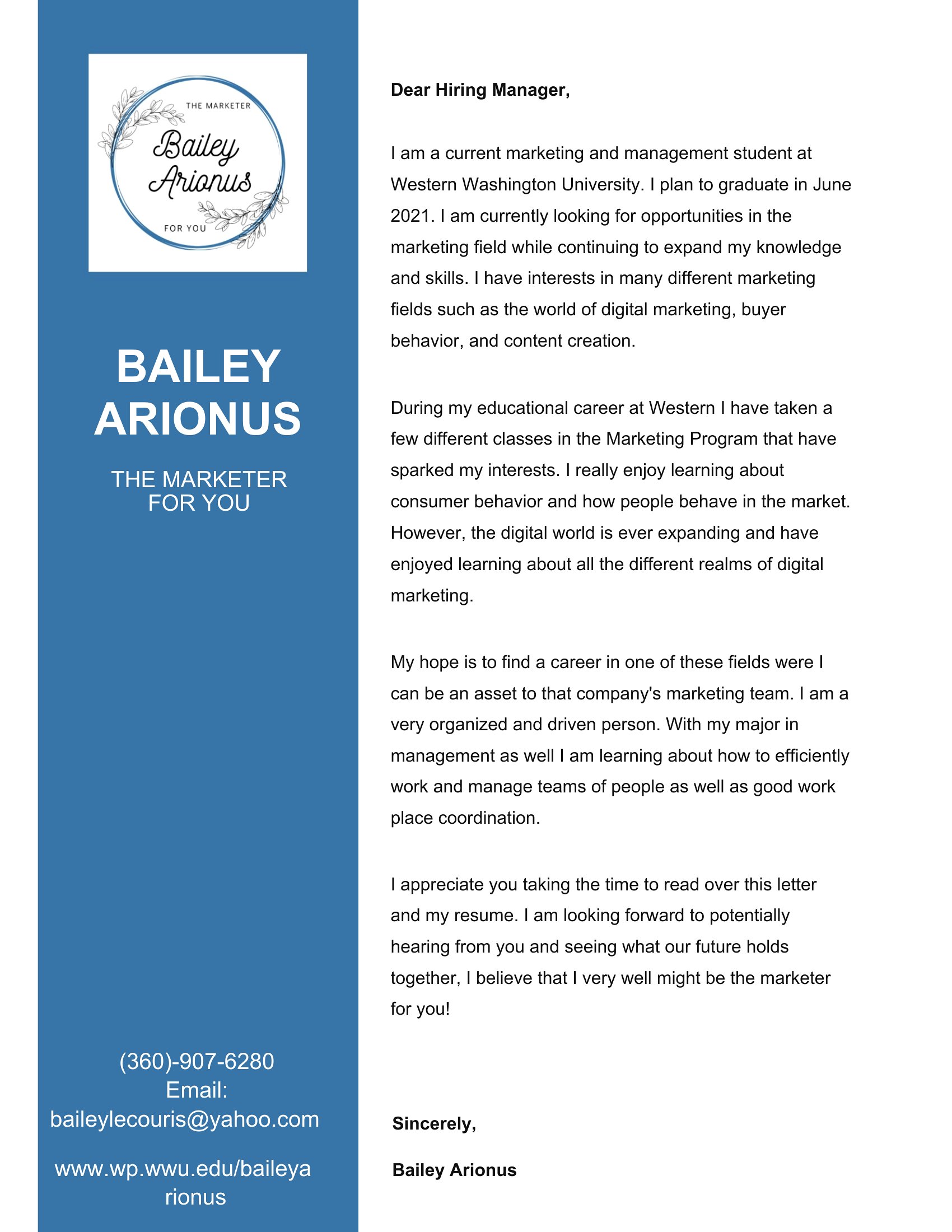
If you have a logo, insert it as a small, low-resolution image in Word (under 100KB) and position it near your name or in the corner. For a handwritten signature, print the template, sign it with a fine-tip pen, scan it, and save it as an image file to overlay on future letters. Avoid including your actual signature in the editable template to keep it flexible for updates.
Comments
Join the conversation
Sign in to share your thoughts and leave a comment on this resource.