Skip to content
50% off this one-time $1.99 pack with HALFOFF — or unlimited with Pro.HALFOFF
Premium

Free Social Security Card Templates (Word)

Data
estelarosado by estelarosado
Updated 1 downloads 1 community comment

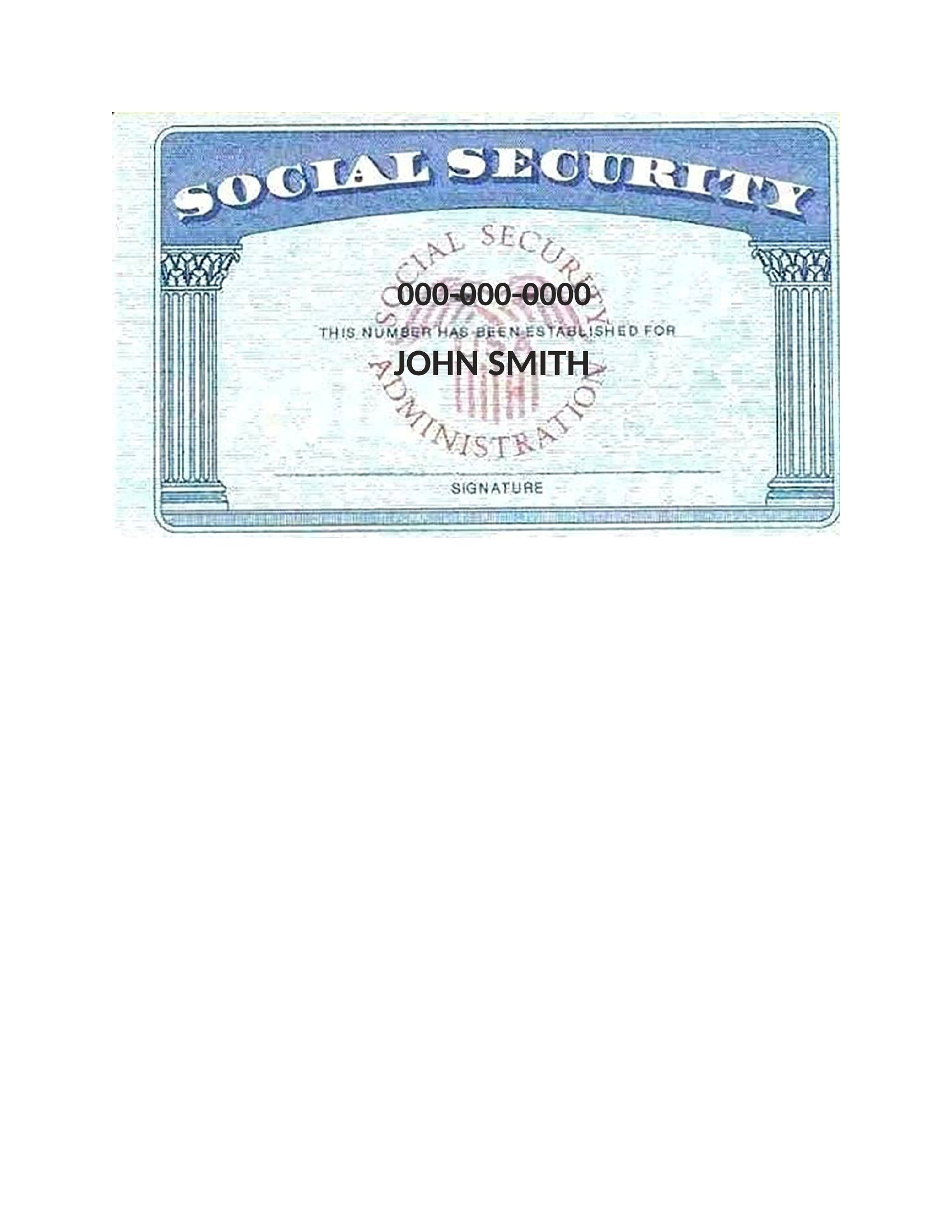
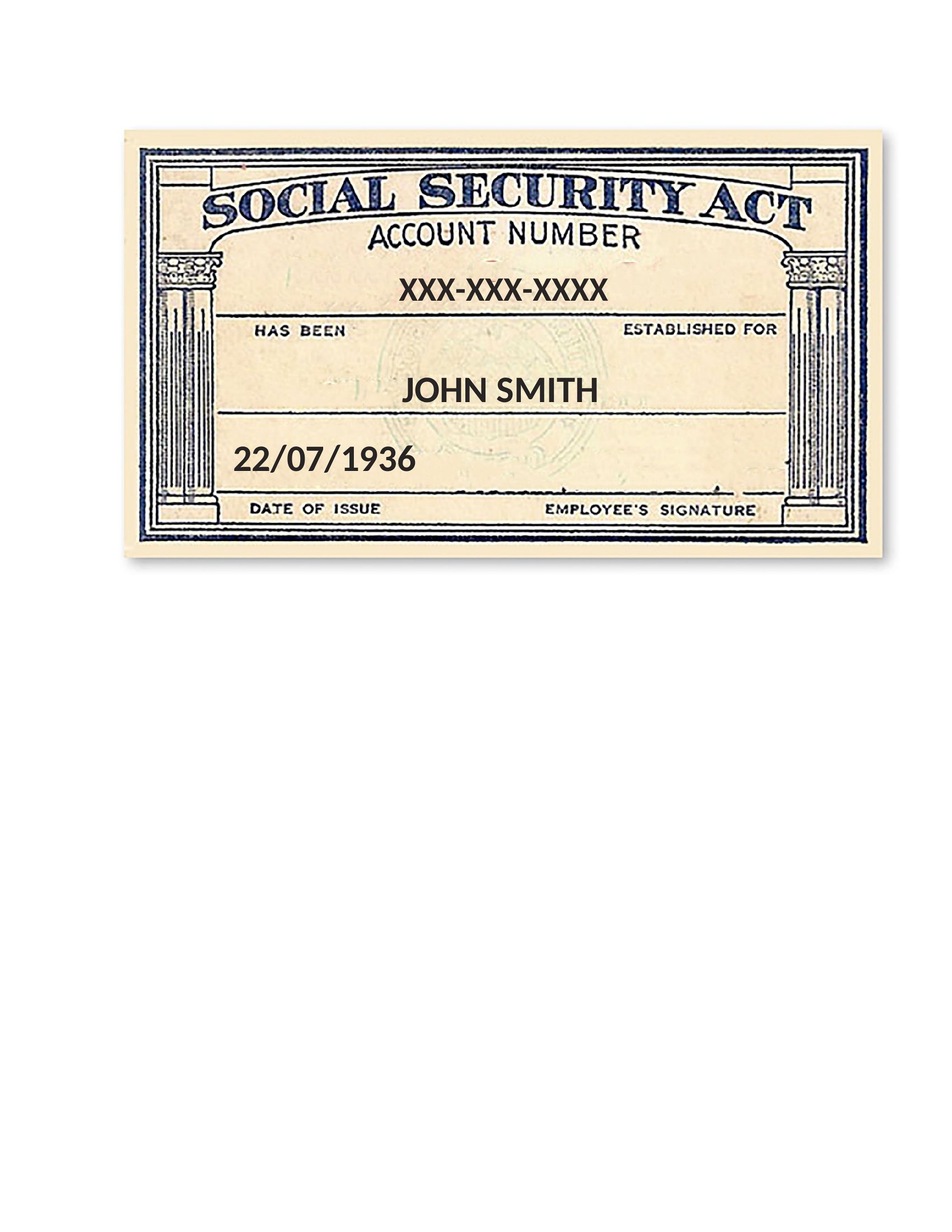
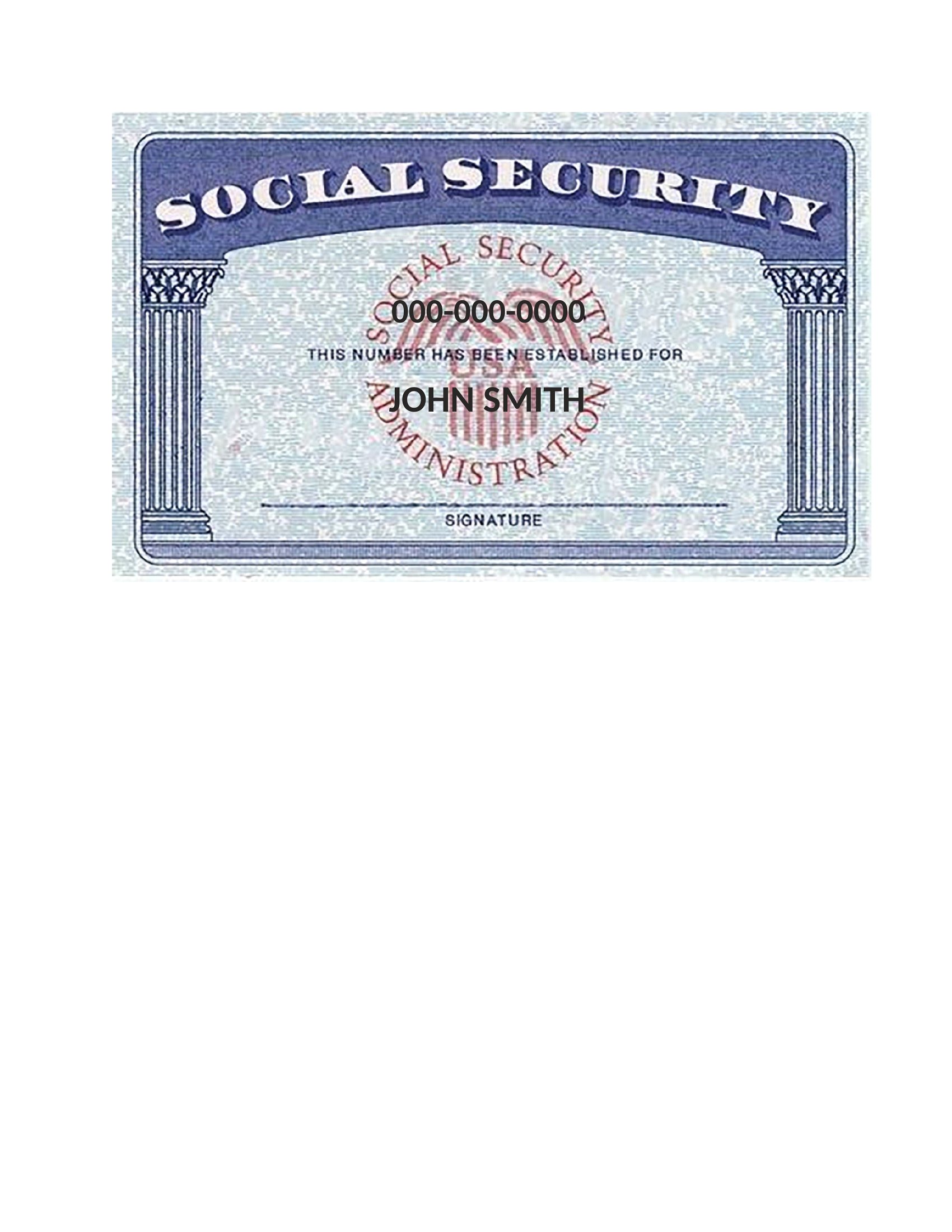
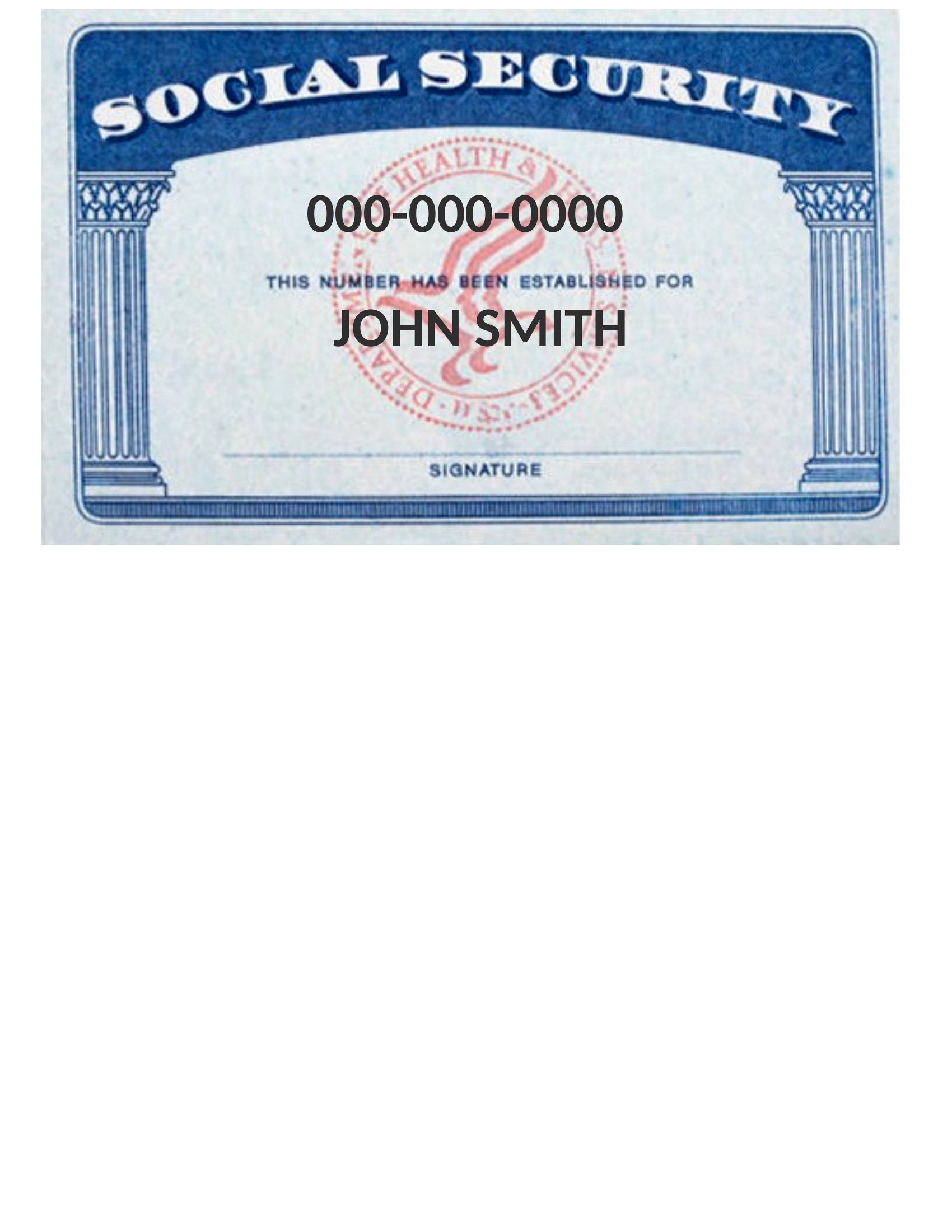
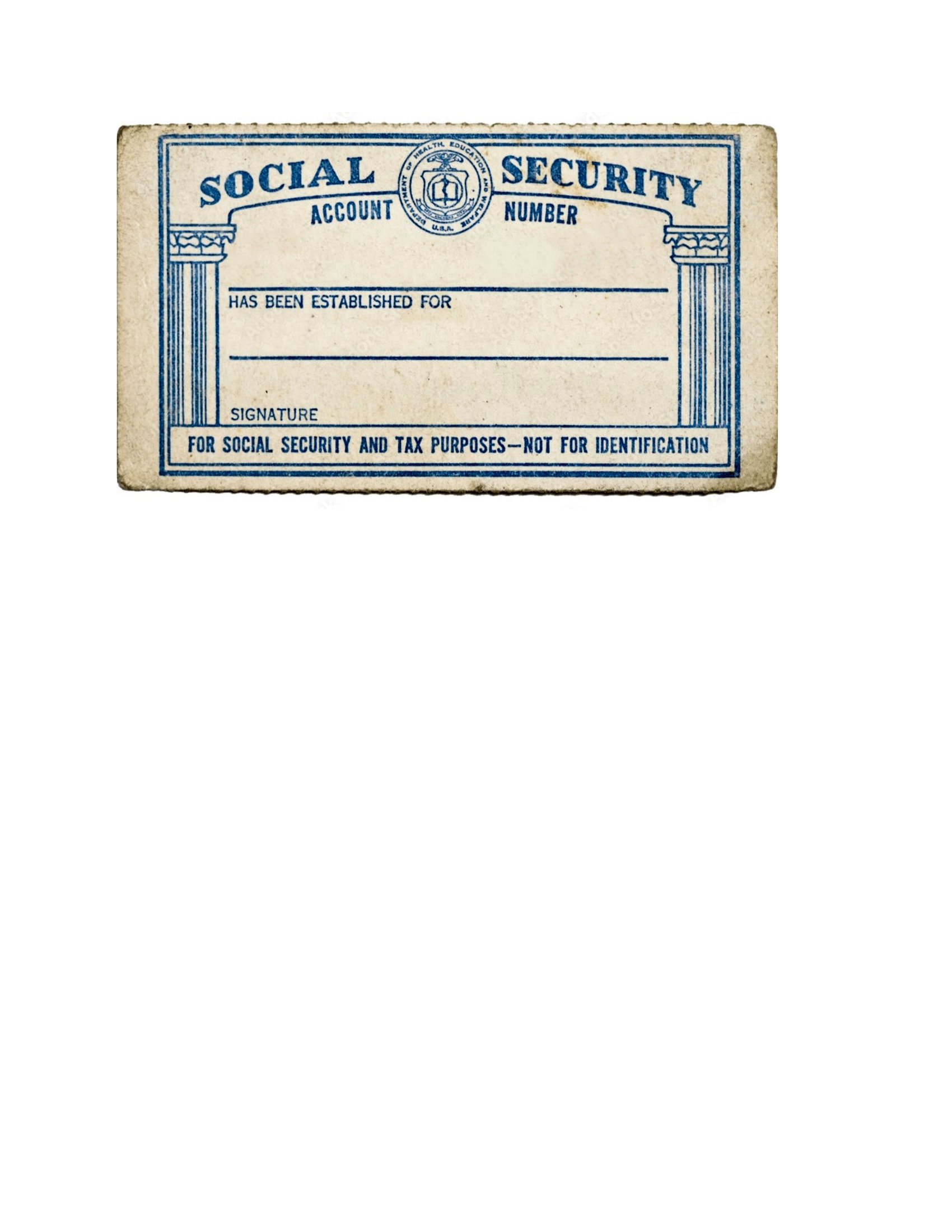
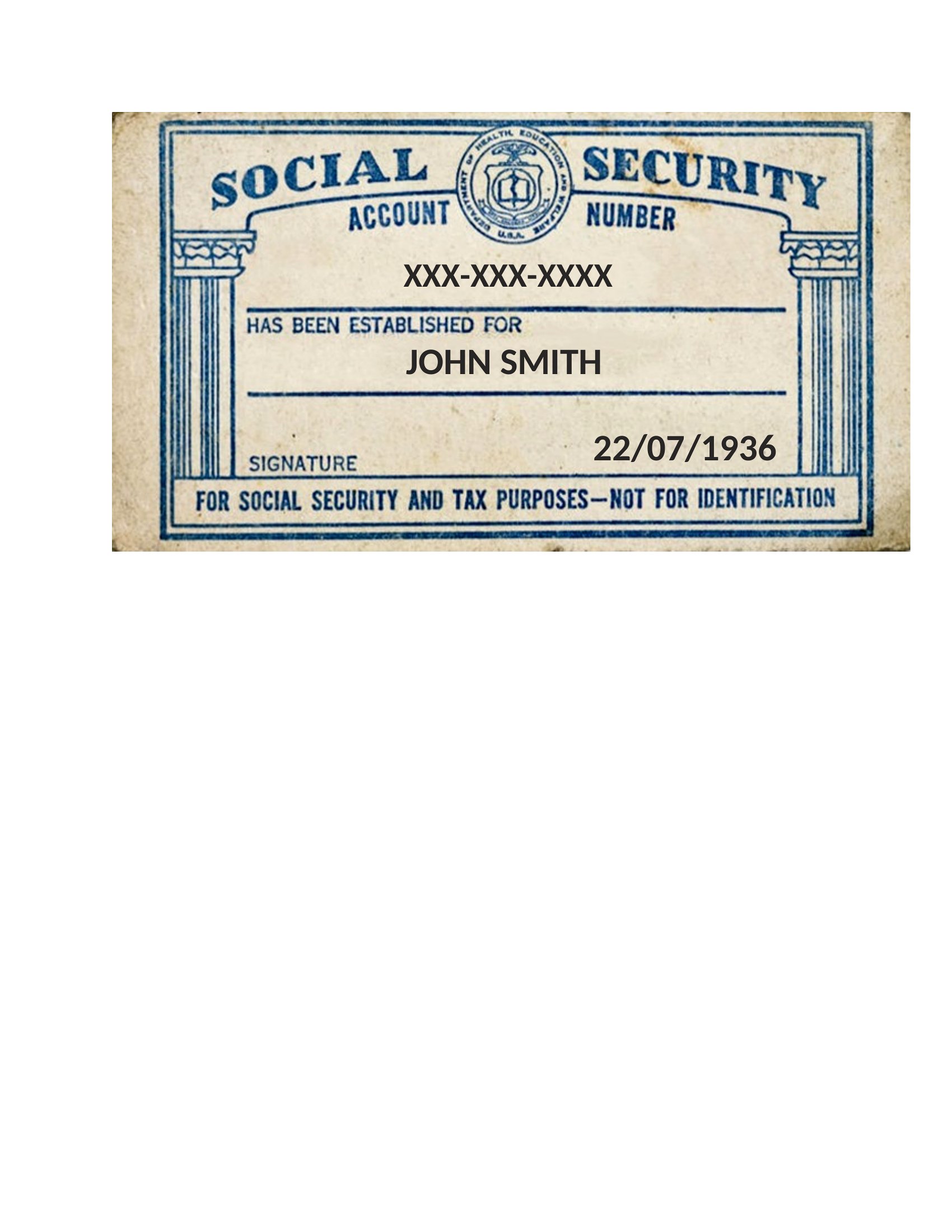
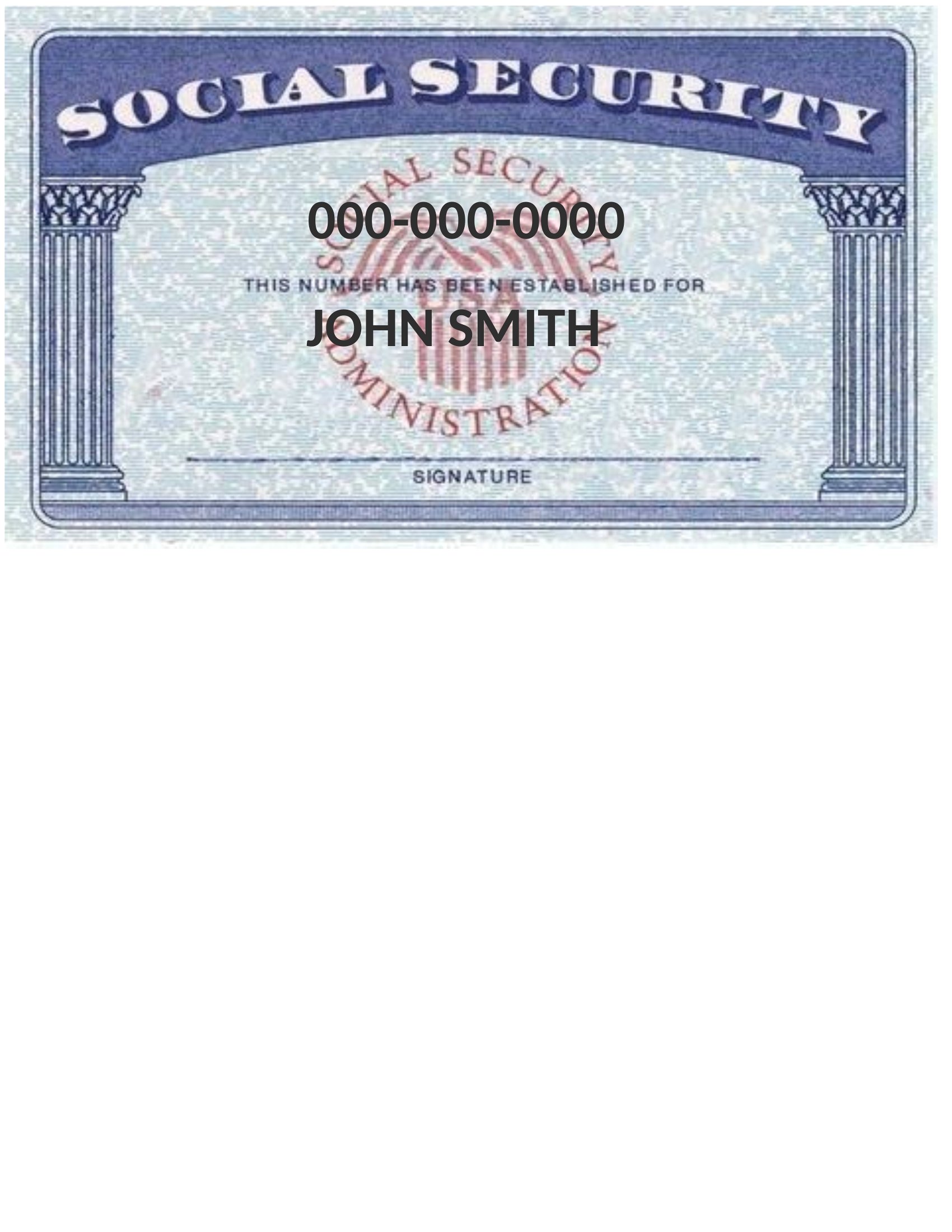
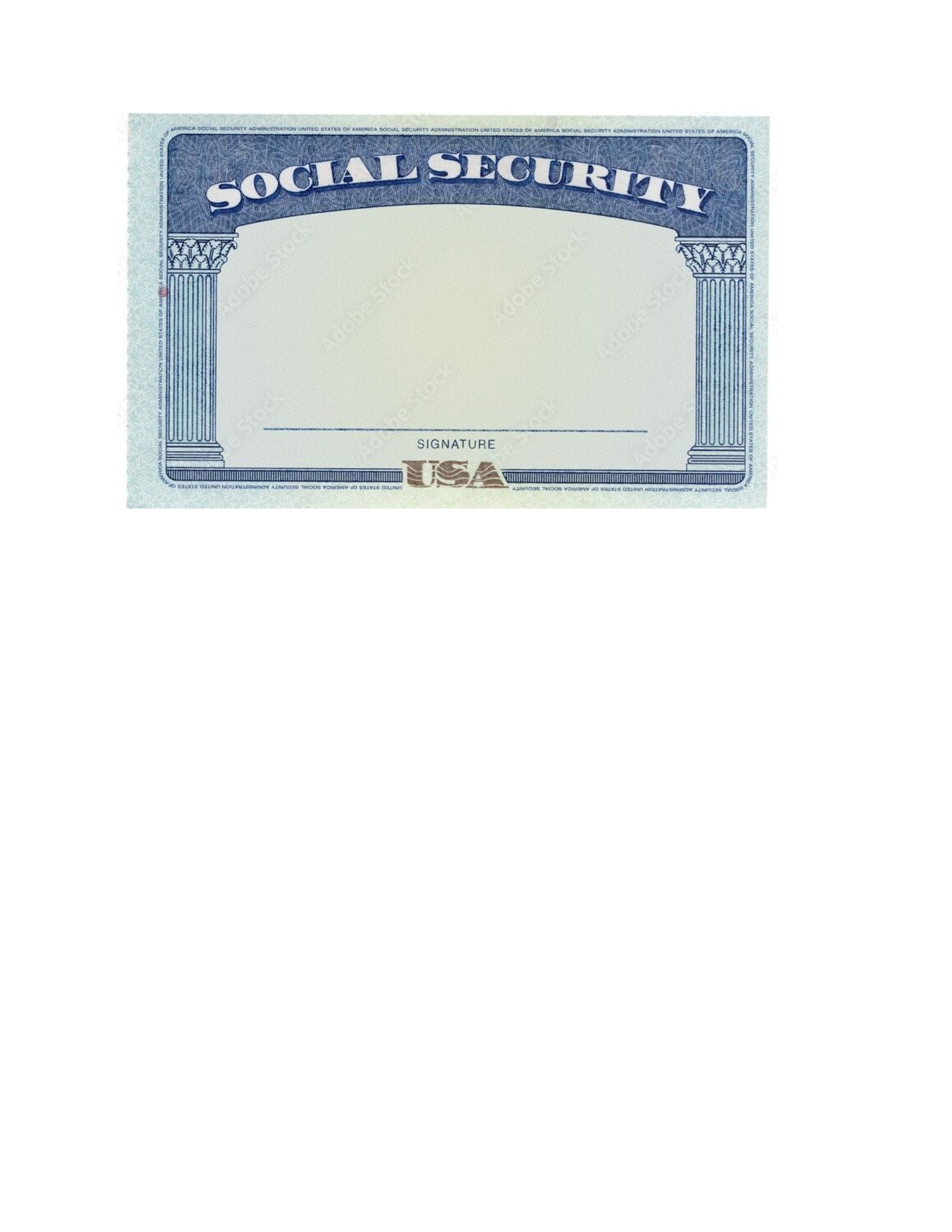
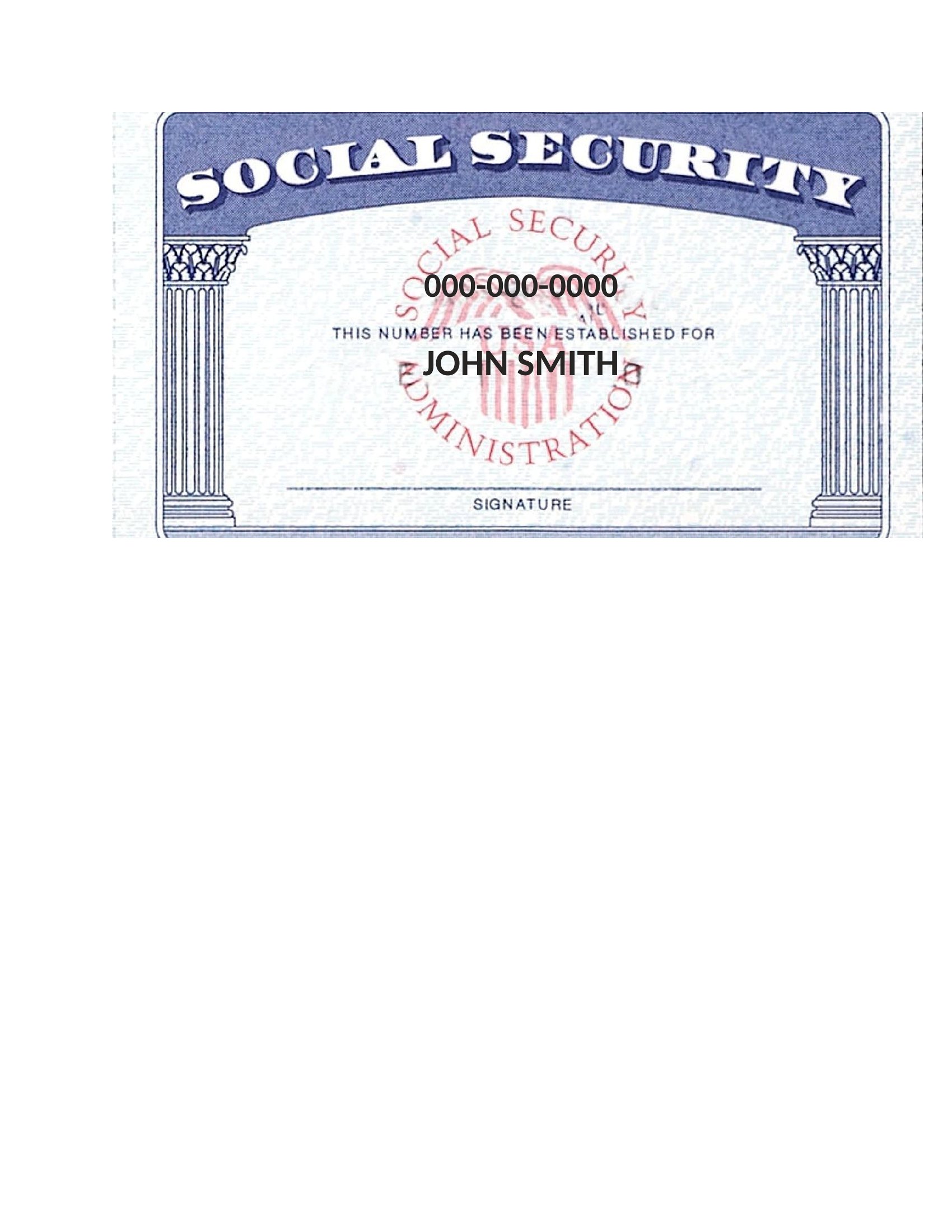
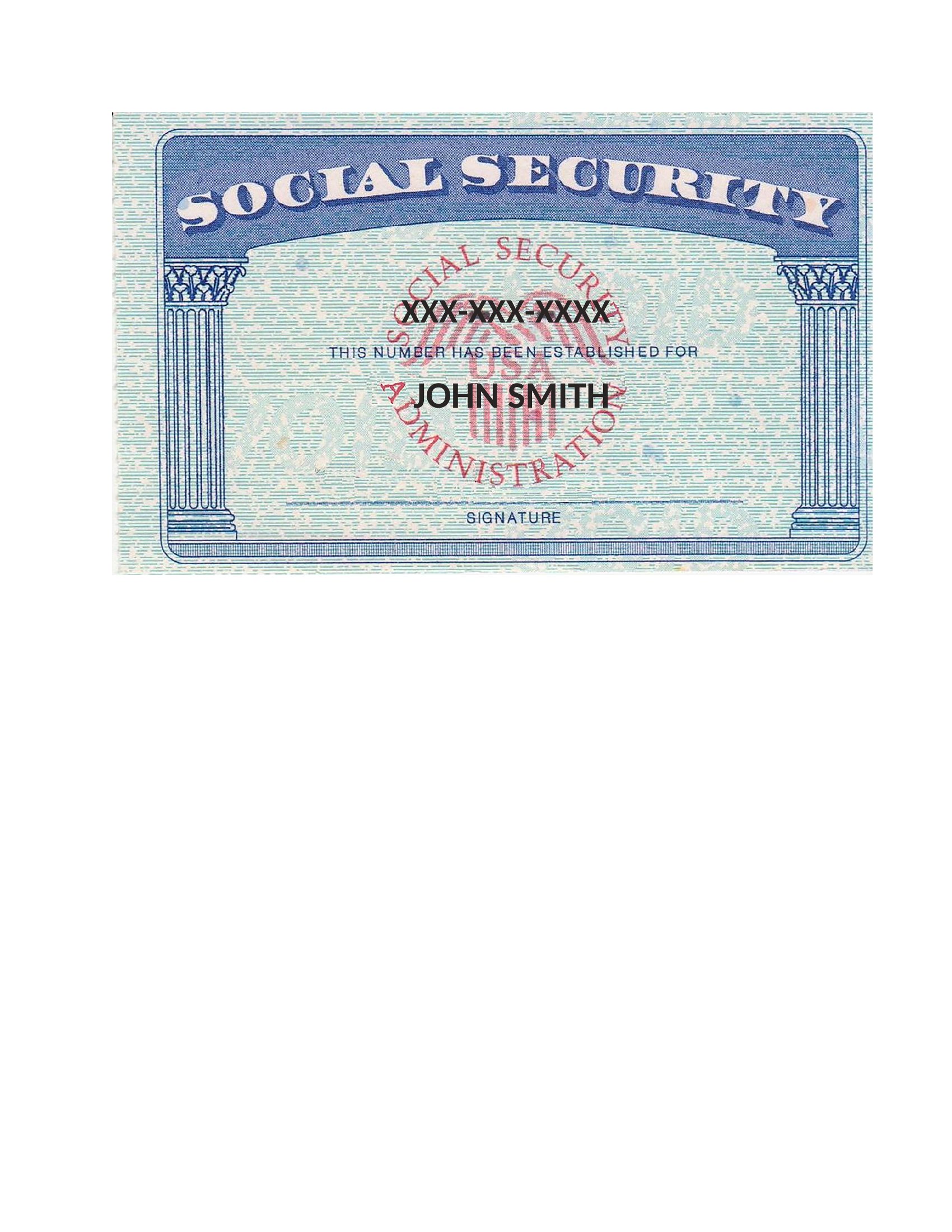
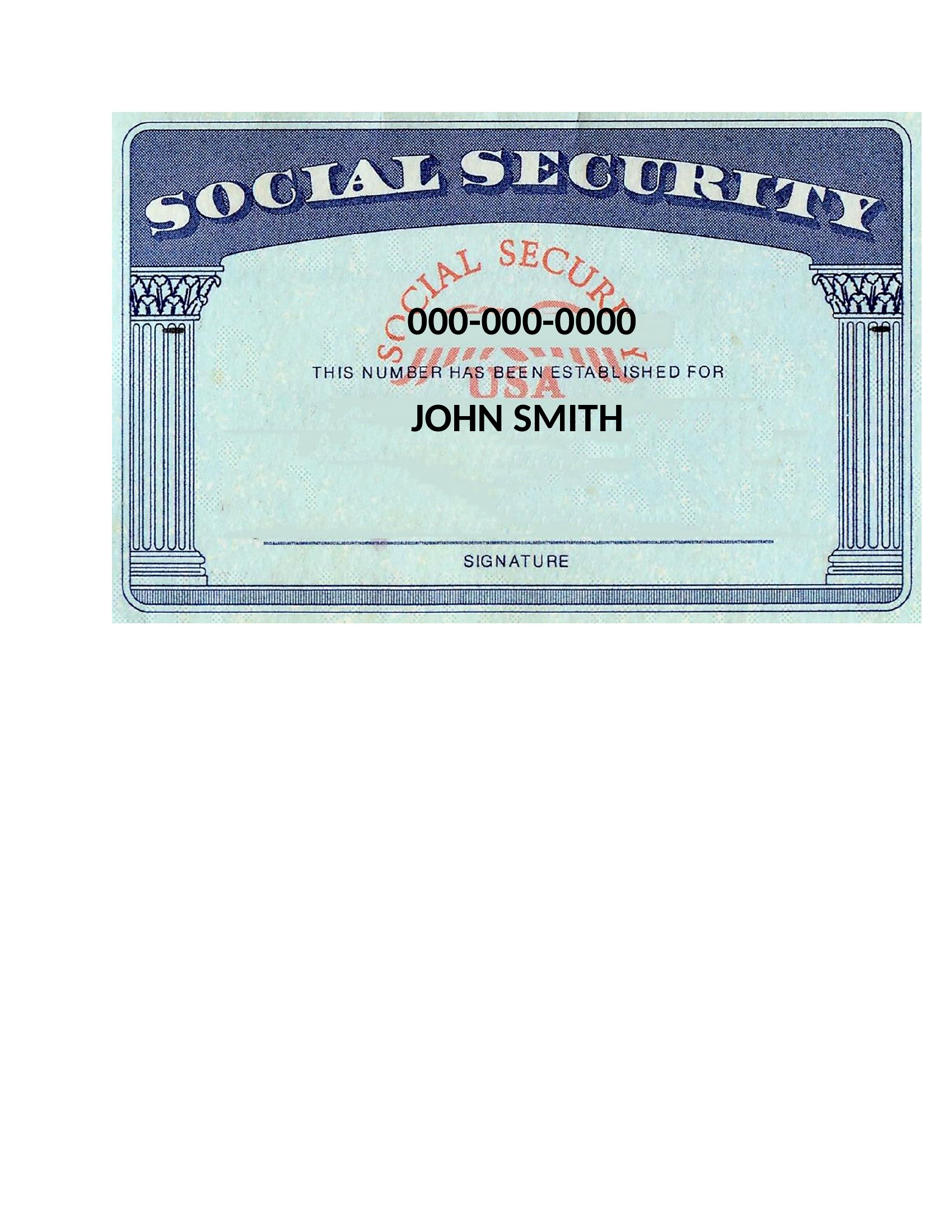
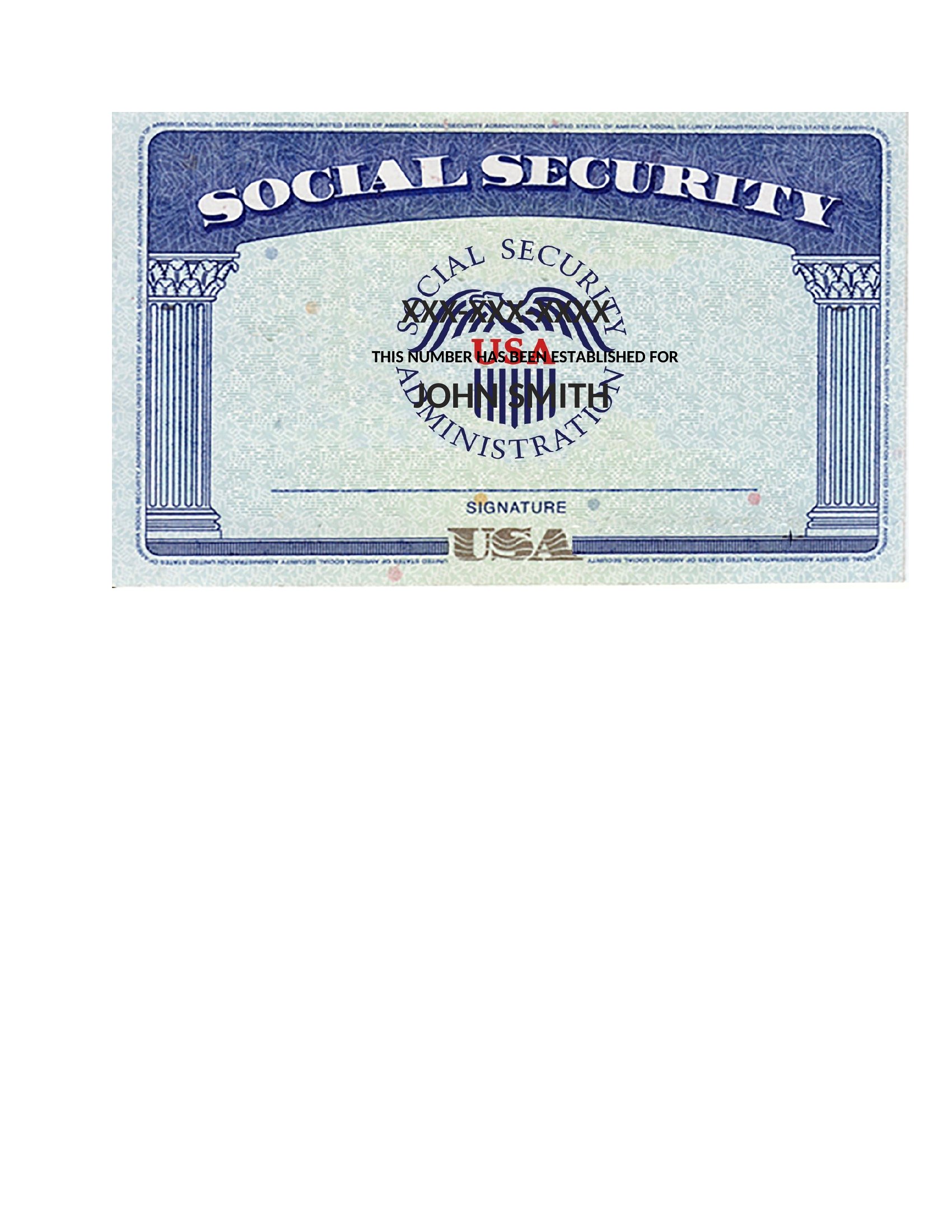
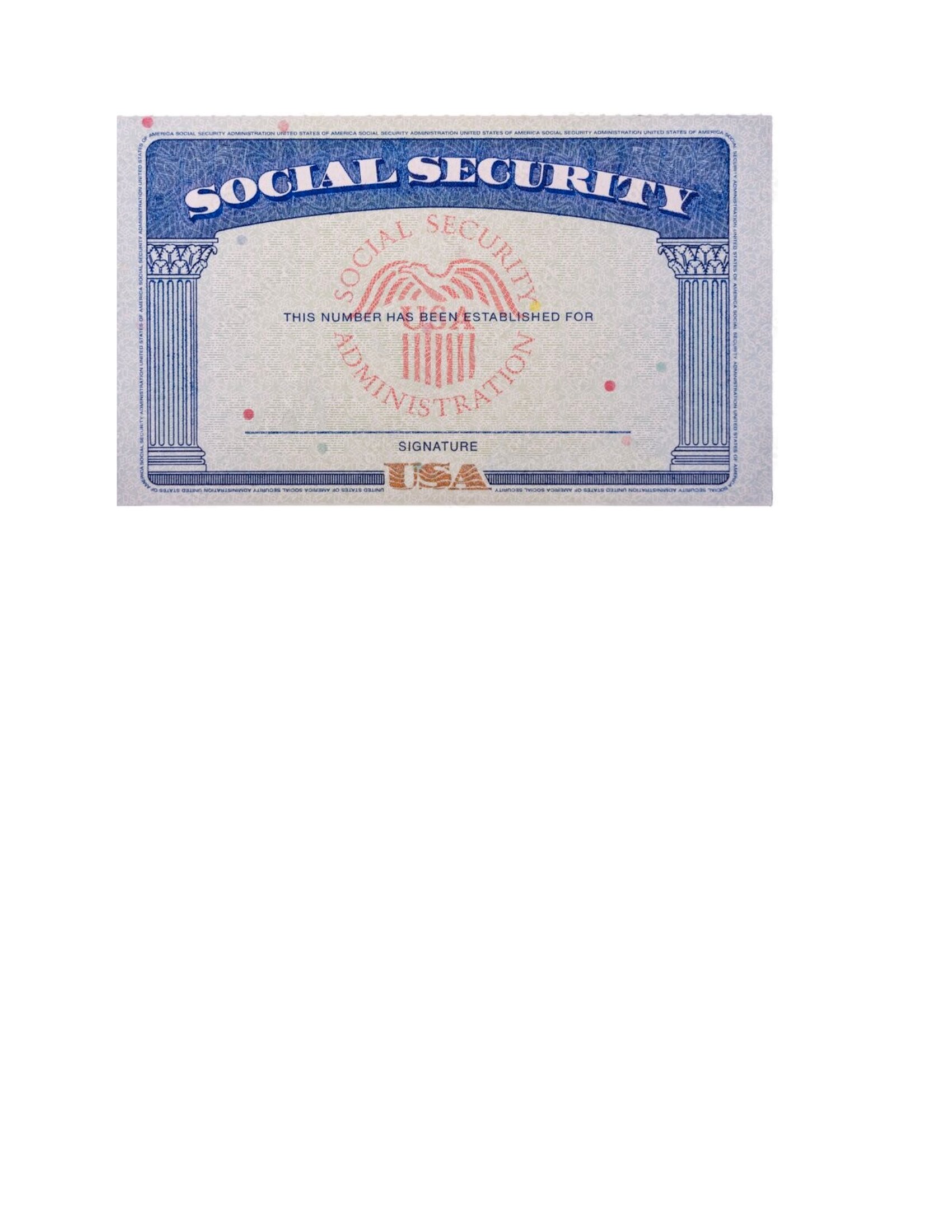
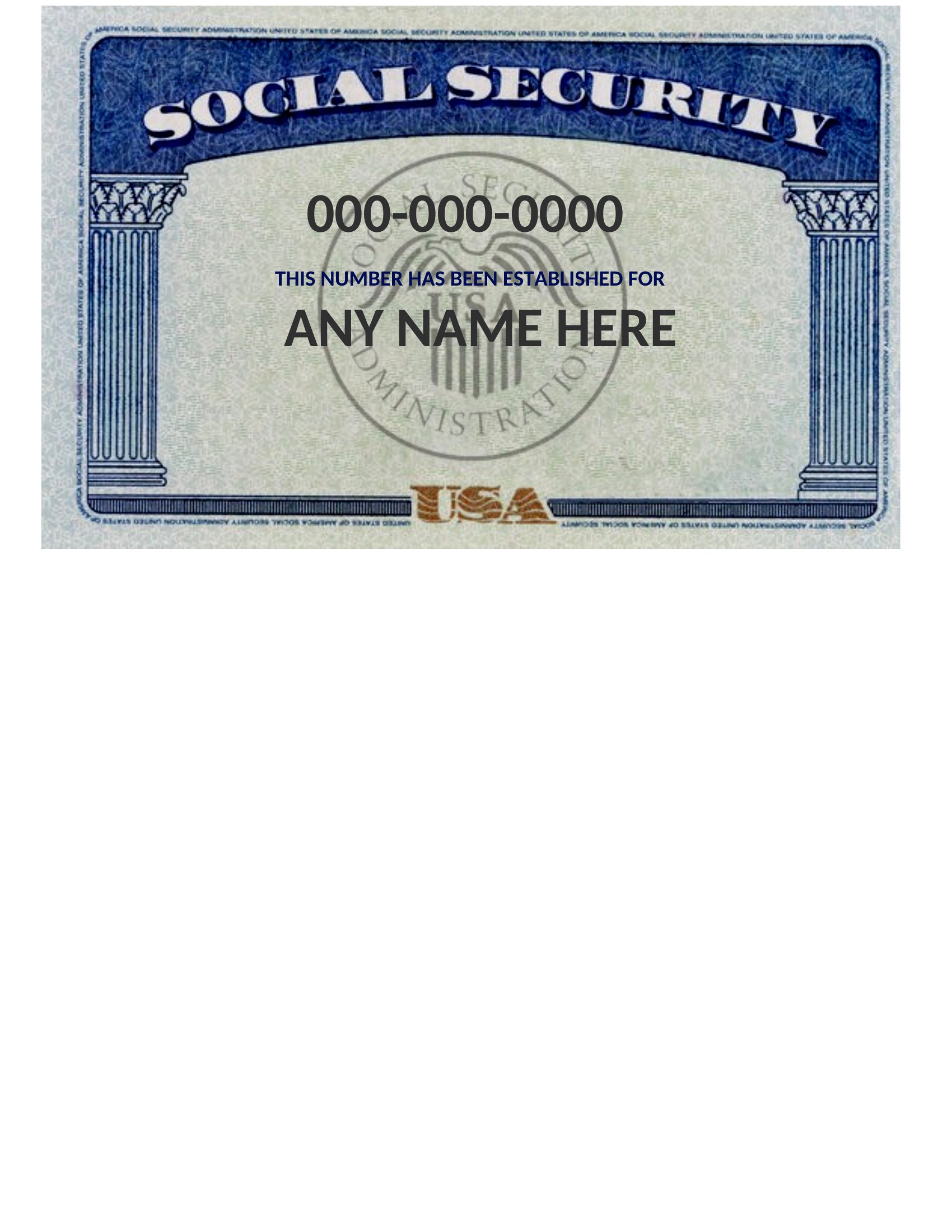
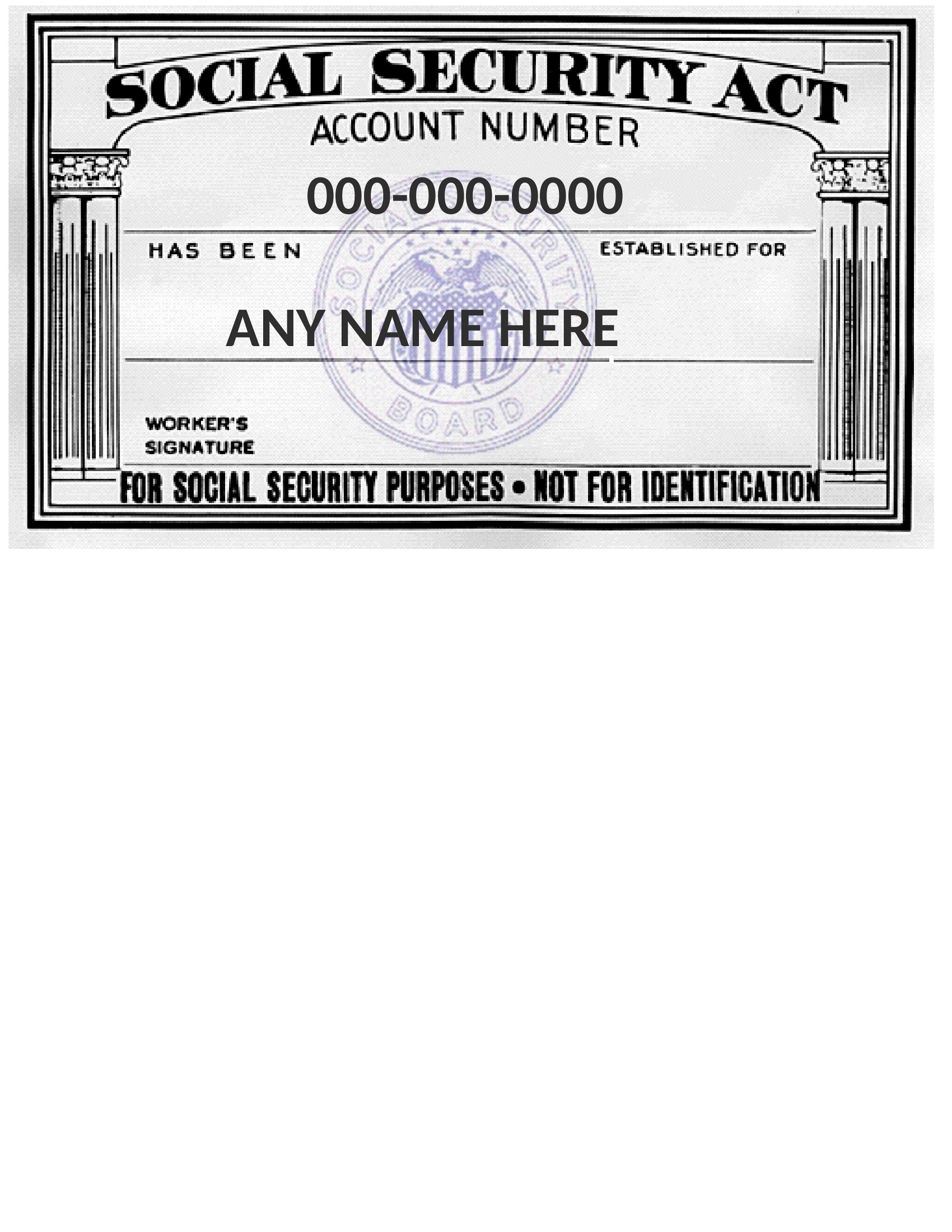
There are times you need a simple visual reference for what a Social Security card looks like, whether for a training mockup, a form design, or a personal record. This small set of 15 Social Security card templates gives you that layout in an editable format. It's meant for legitimate, everyday uses like teaching examples, placeholder graphics, or keeping your own information organized.

The templates open in Word so you can adjust the fields and labels for your project. An important note: only the Social Security Administration issues real cards, and these templates are not official documents and shouldn't be used to misrepresent identity. If you need a replacement card, contact the SSA directly. Download the layout for reference and use it responsibly.

When to use this Social Security Card template

  • A high school economics teacher creates classroom handouts to explain payroll taxes by including a blank Social Security card template for students to label with mock details.
  • A freelance graphic designer drafts a client’s application package for a government grant and needs an accurate, editable placeholder for the ID section of a multi-page document.
  • A parent organizing their child’s first job application prints an uneditable copy of the Social Security card template to keep in a home filing system alongside birth certificates and passports.
  • A benefits coordinator at a non-profit uses a front-and-back template as a reference when designing intake forms for new clients applying for Social Security-related assistance programs.

Which format should I download?

Word

All templates here are provided in Word format because it balances editability with simplicity for non-designers. Choose this format if you need to adjust text, add logos, or include placeholder details—without requiring advanced design software. Avoid PDFs here since these are meant to be modified, not just viewed.

How to use this Social Security Card template

Can I use these templates to create a fake Social Security card for testing purposes?

These templates are designed as visual references or placeholders for legitimate uses like training or documentation. Creating a fake Social Security card could violate federal law, even if it’s not intended for fraud. For testing software or forms, consider using a mock ID template that clearly states it’s not a real document.

Why does one template show the front and back, while others are just the front?

The front-and-back template is included for completeness, especially if you’re designing forms that require both sides (like an application or verification packet). Most everyday uses—such as teaching examples or personal records—only need the front, so simpler templates are provided for efficiency.

Do these templates include the official Social Security Administration seal or security features?

No, these templates replicate the *layout* of a Social Security card for reference only. The official seal, microprinting, and holograms are security features added by the SSA and cannot be replicated. Using these templates for official submission (e.g., to the government) without proper authorization may cause delays or rejection.

Comments

Join the conversation

Sign in to share your thoughts and leave a comment on this resource.

Newsletter

Get Weekly Design Updates

Join our community to receive curated resources and inspiration.

Weekly Tips Resources Early Access

We respect your privacy. Confirmation email required. Privacy Policy