Free Risk Register Templates (Word, Excel, PDF)
AnalysisTemplates
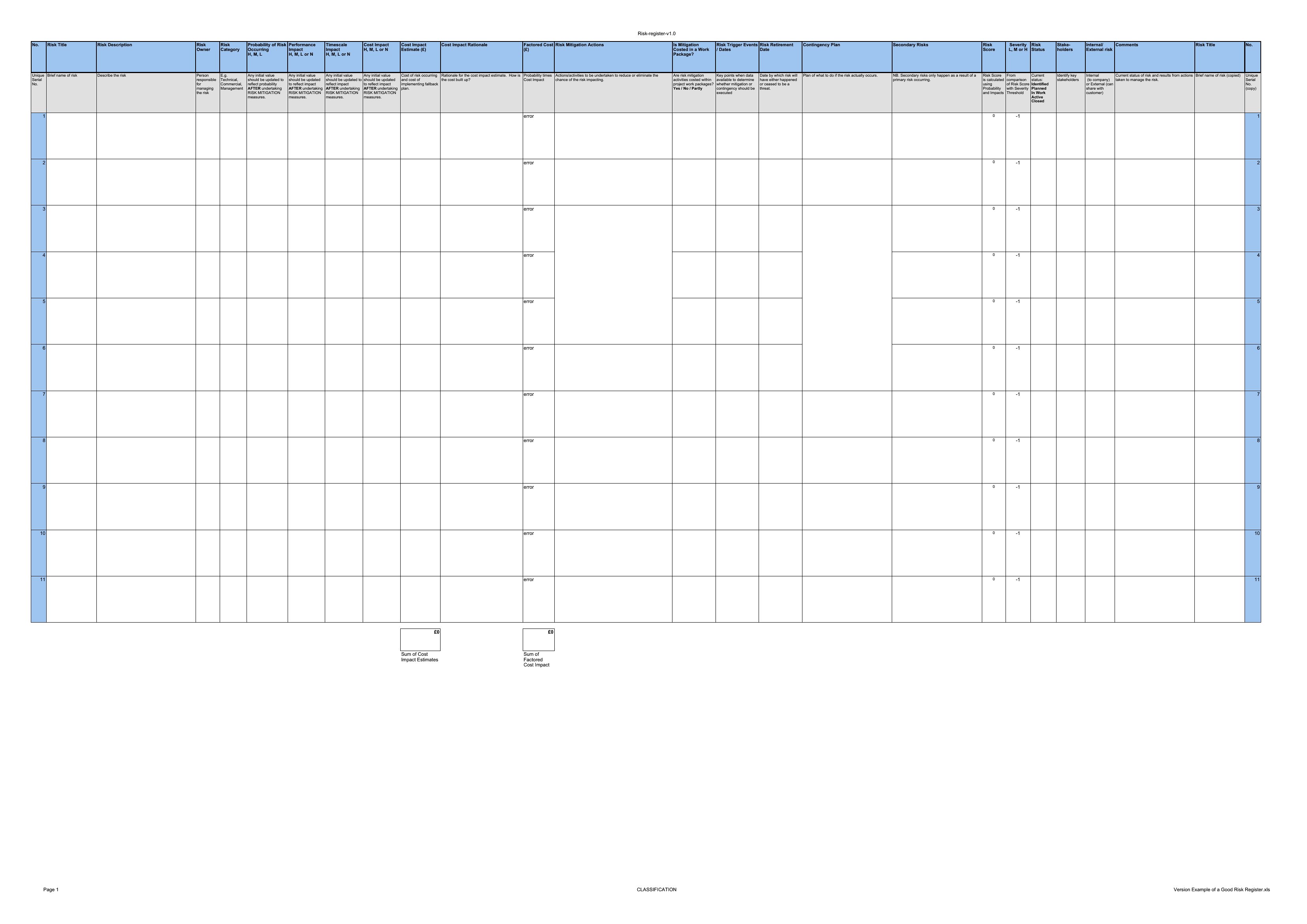
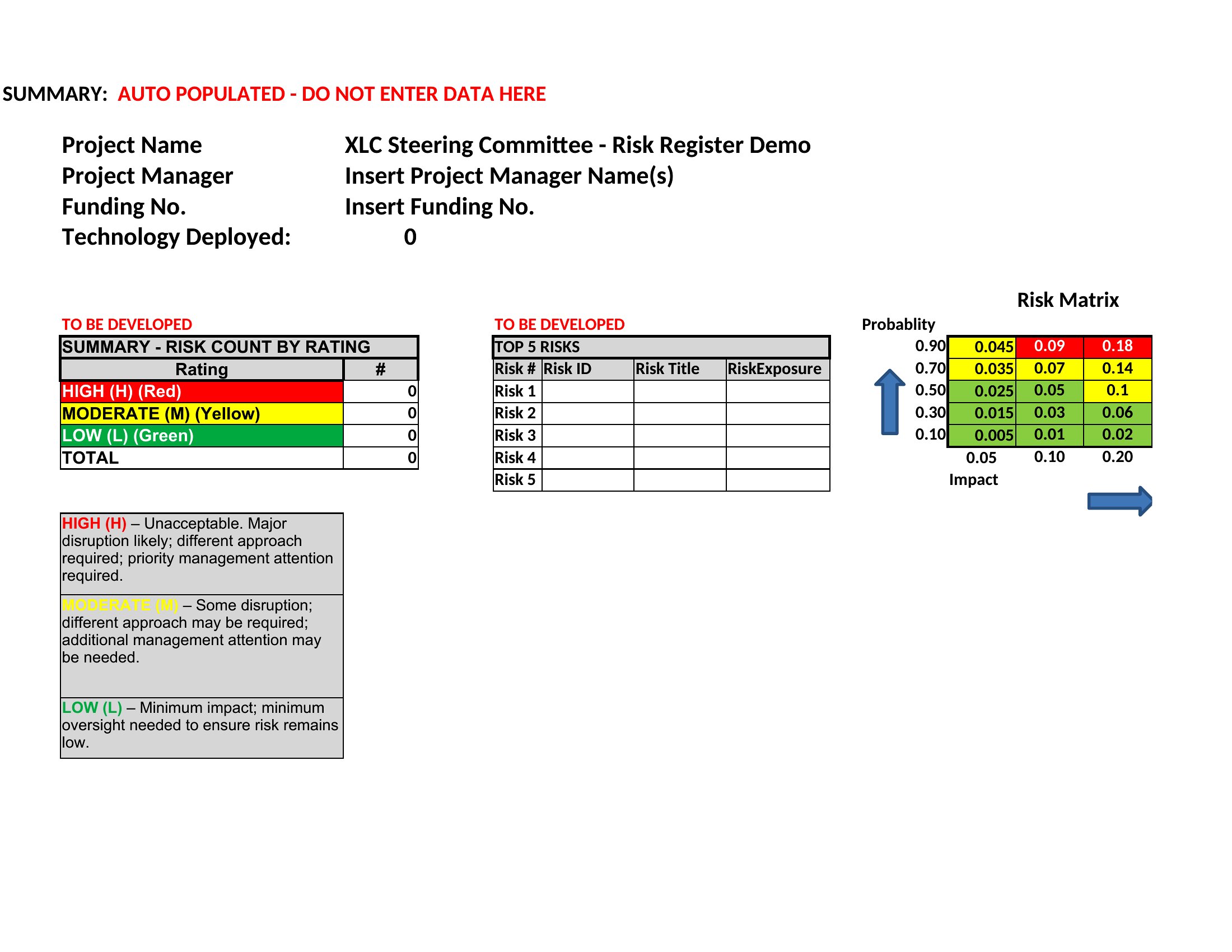
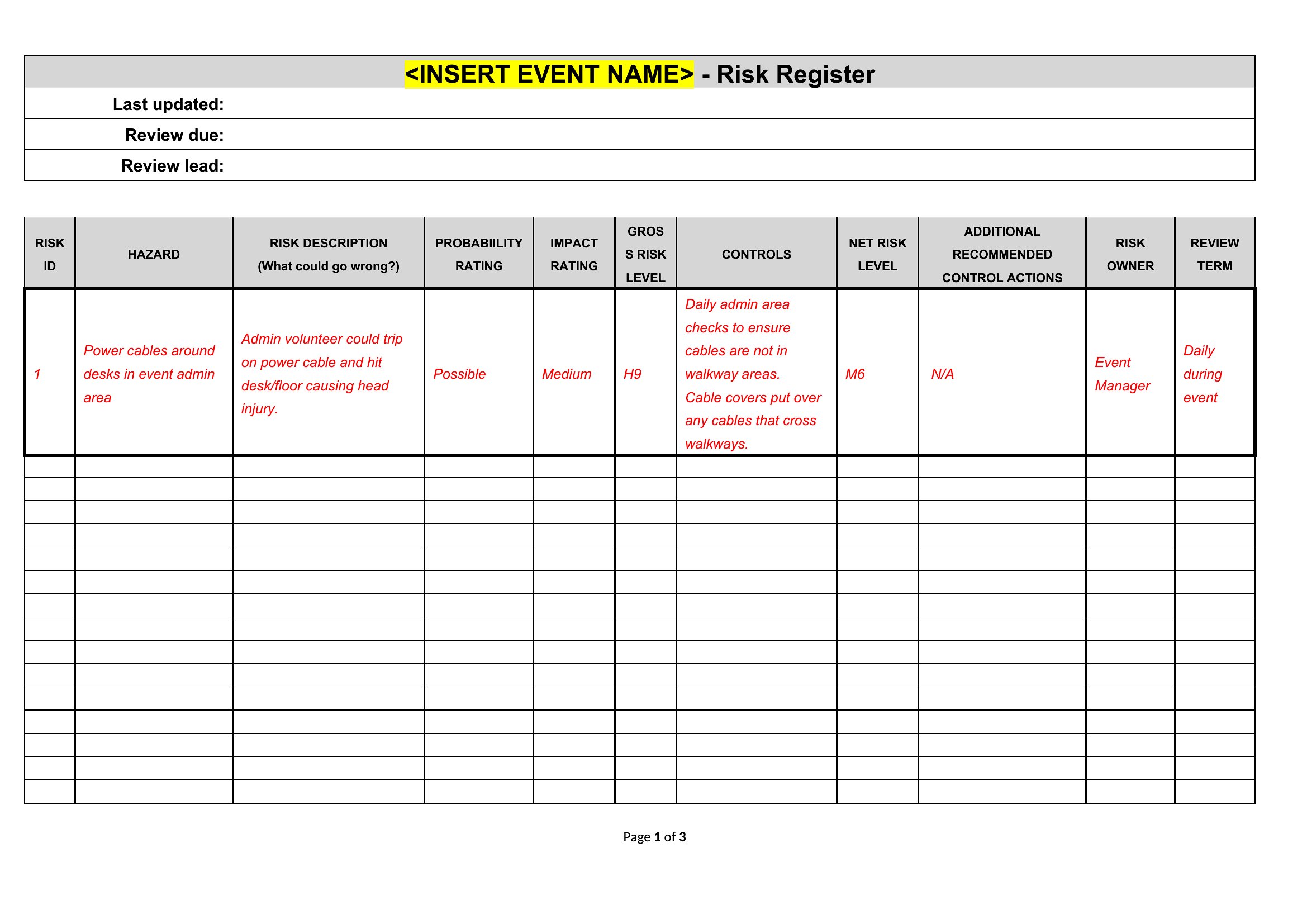
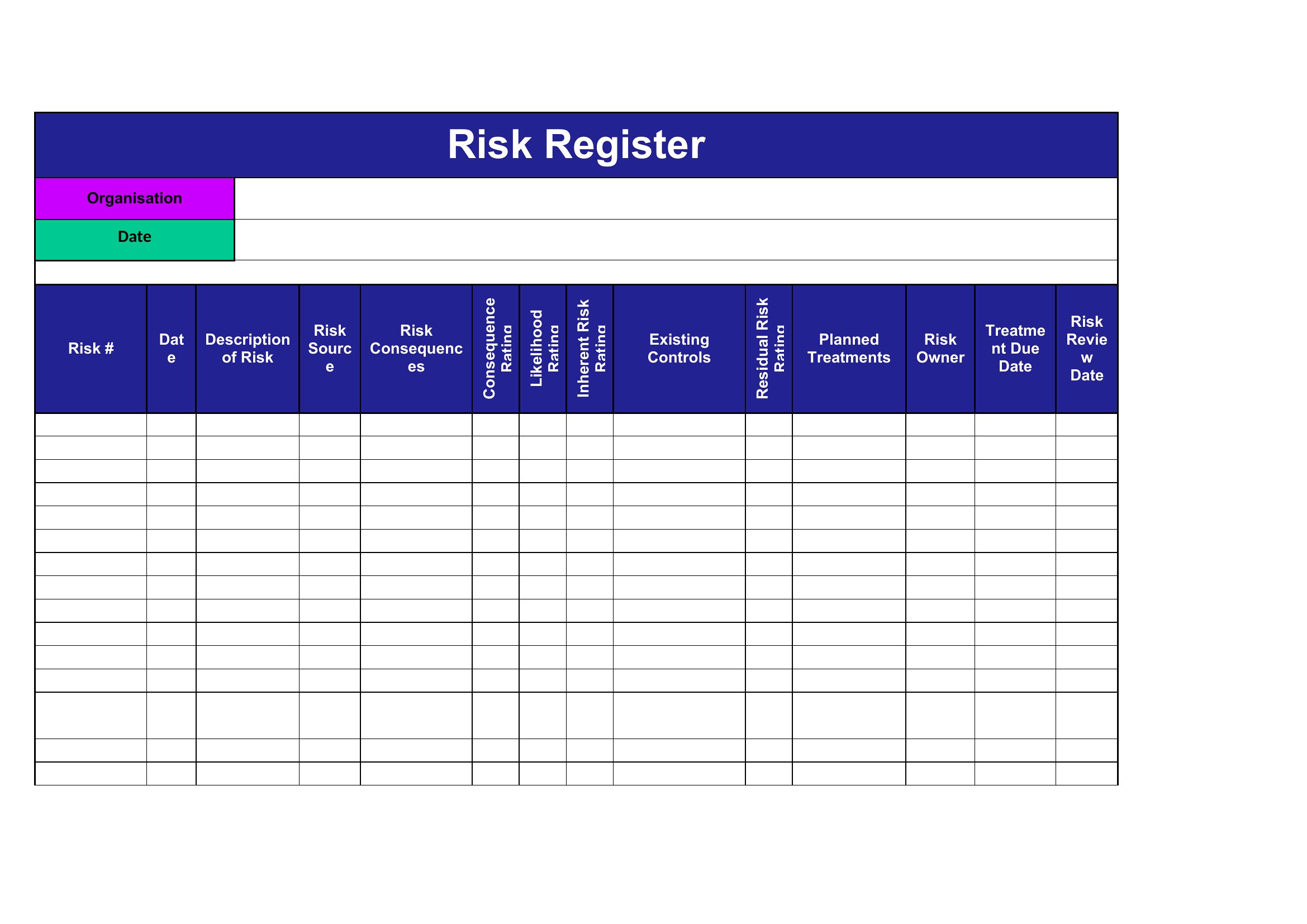
FAQ
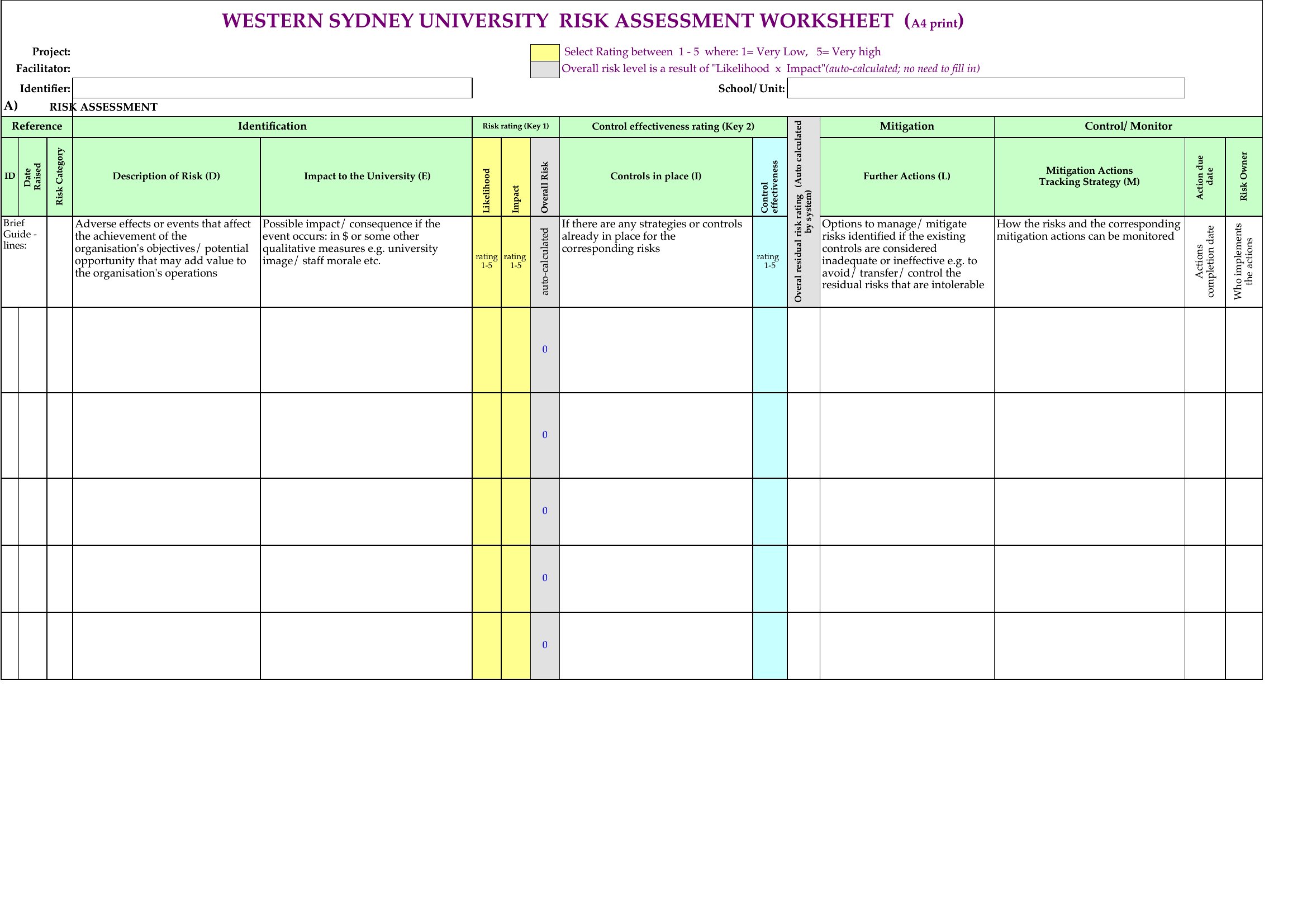
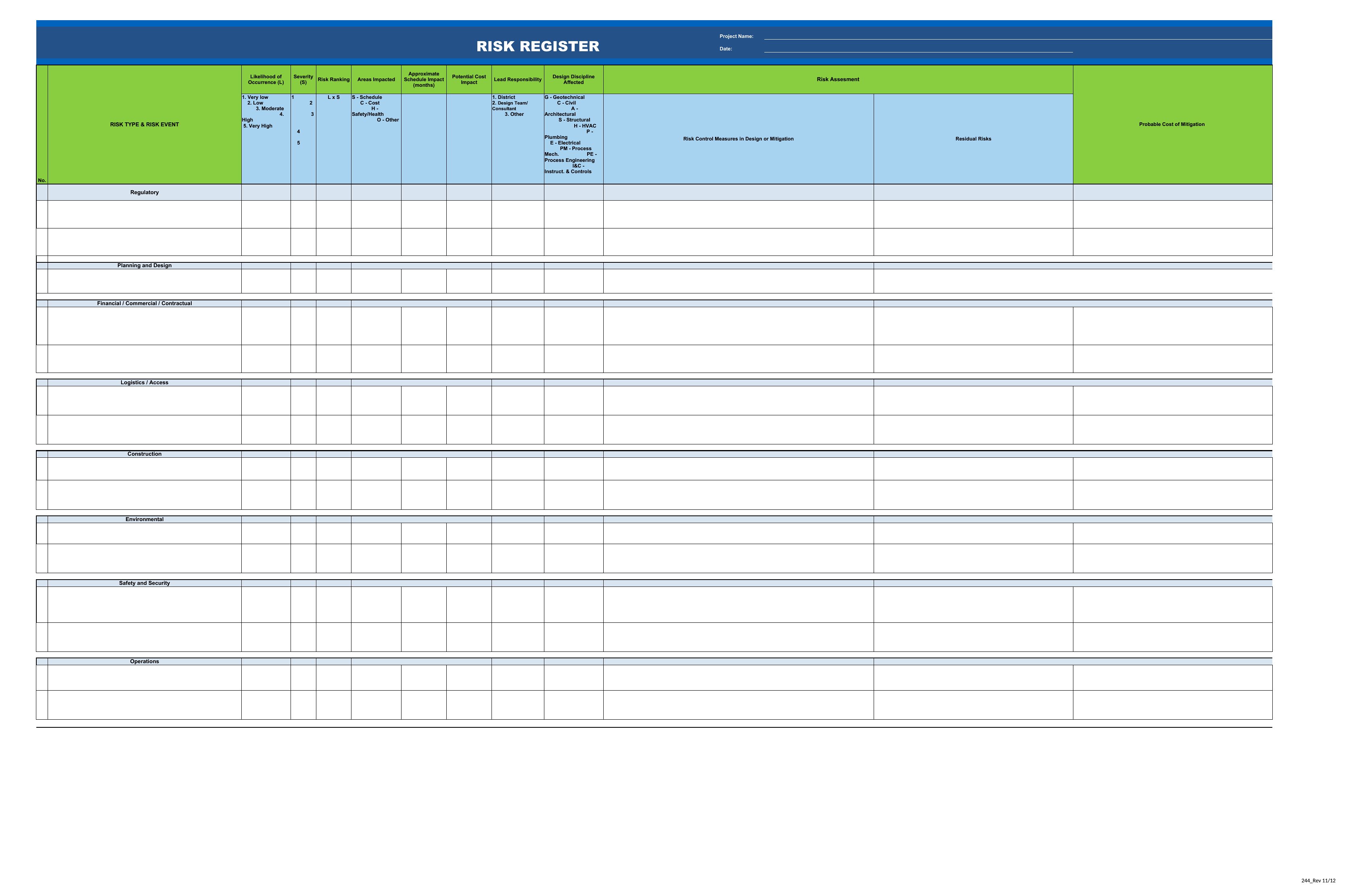
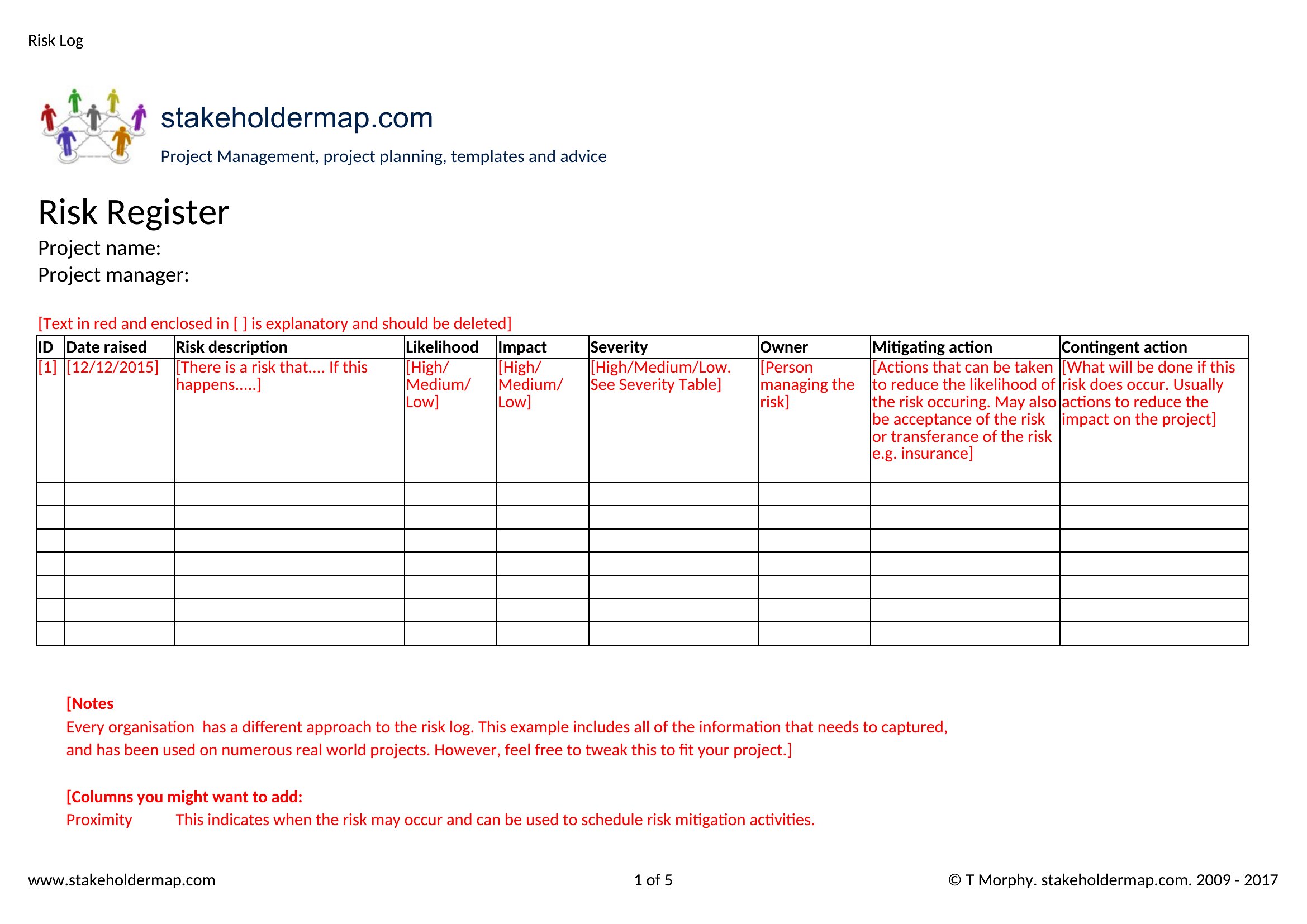
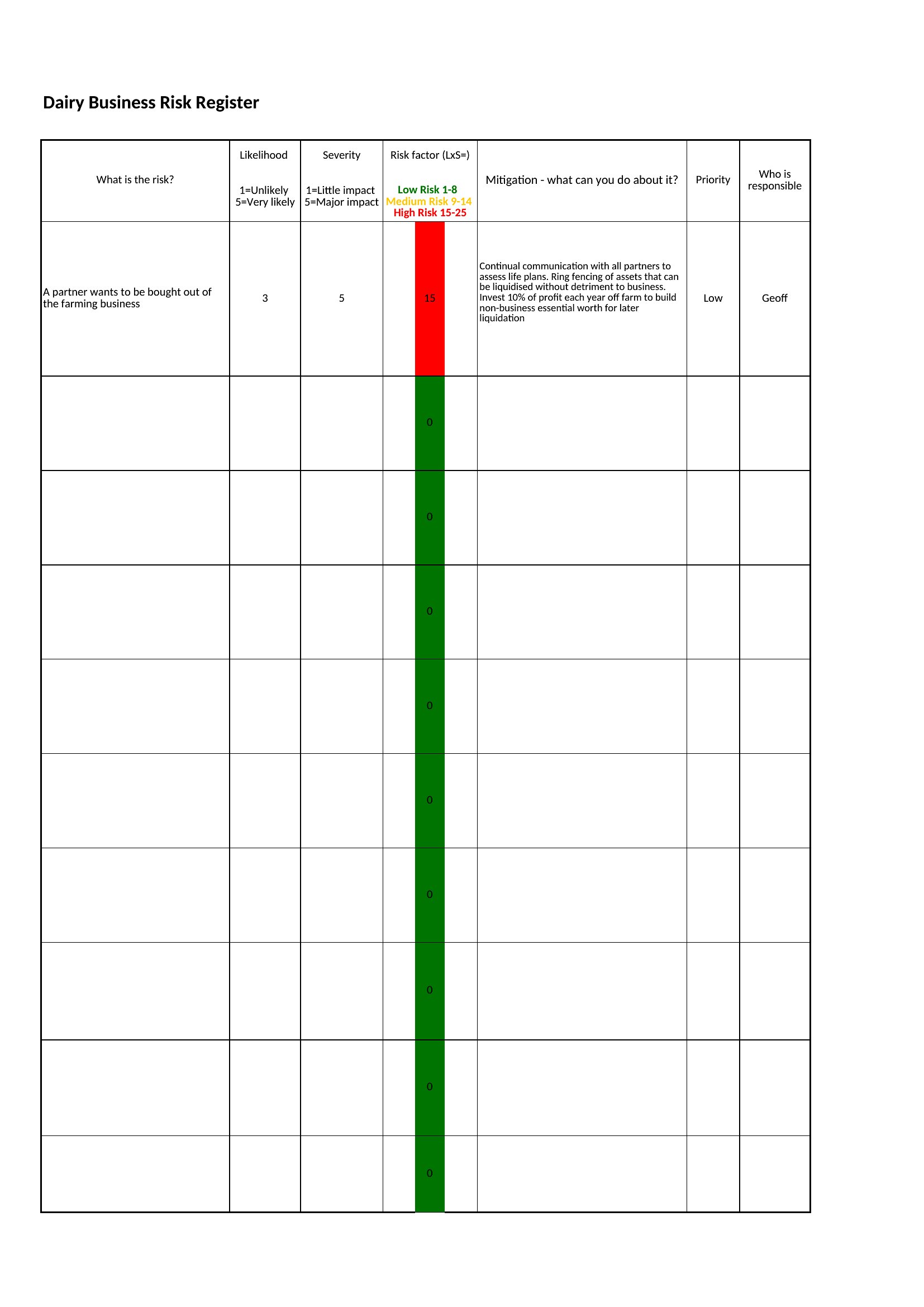
How do I decide which risks to include in the register?
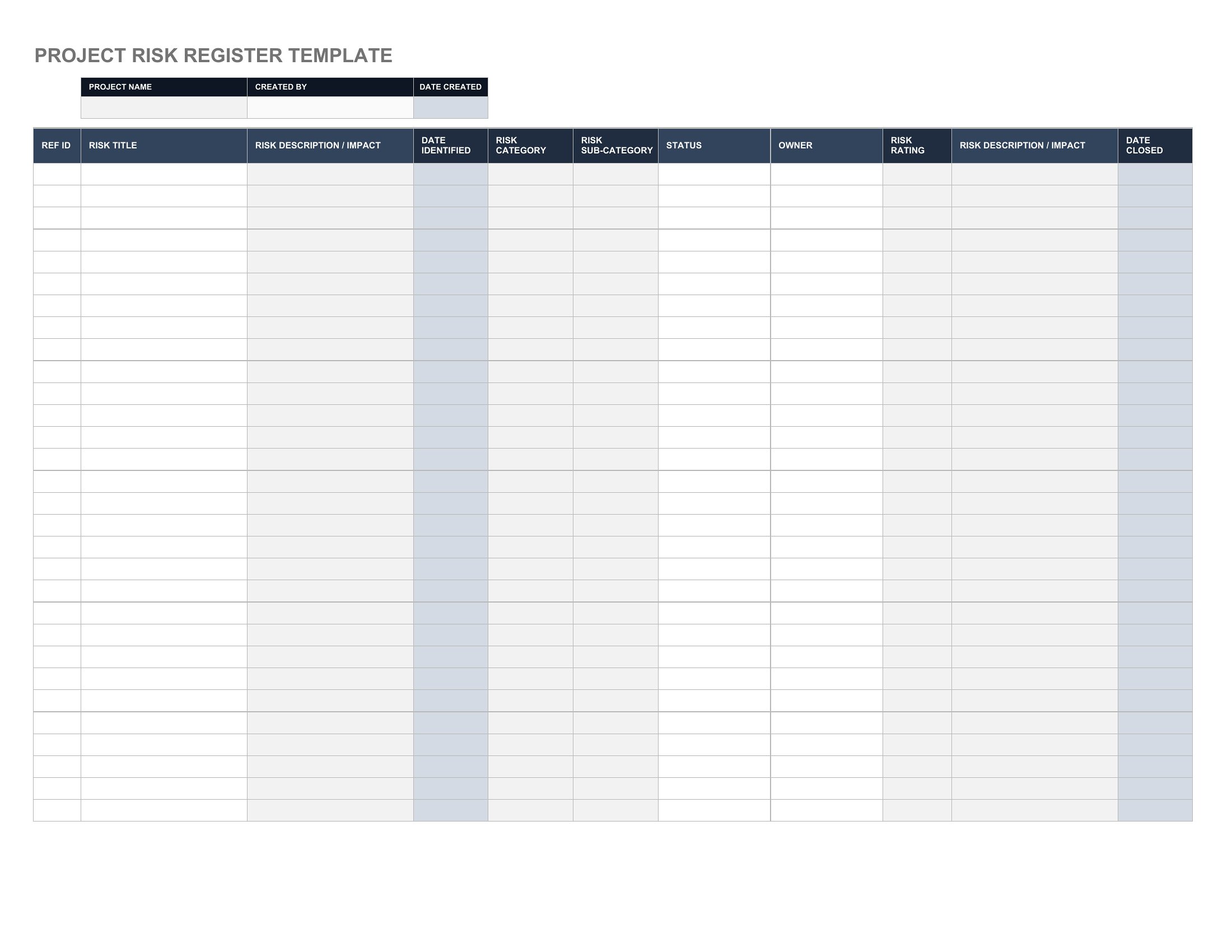
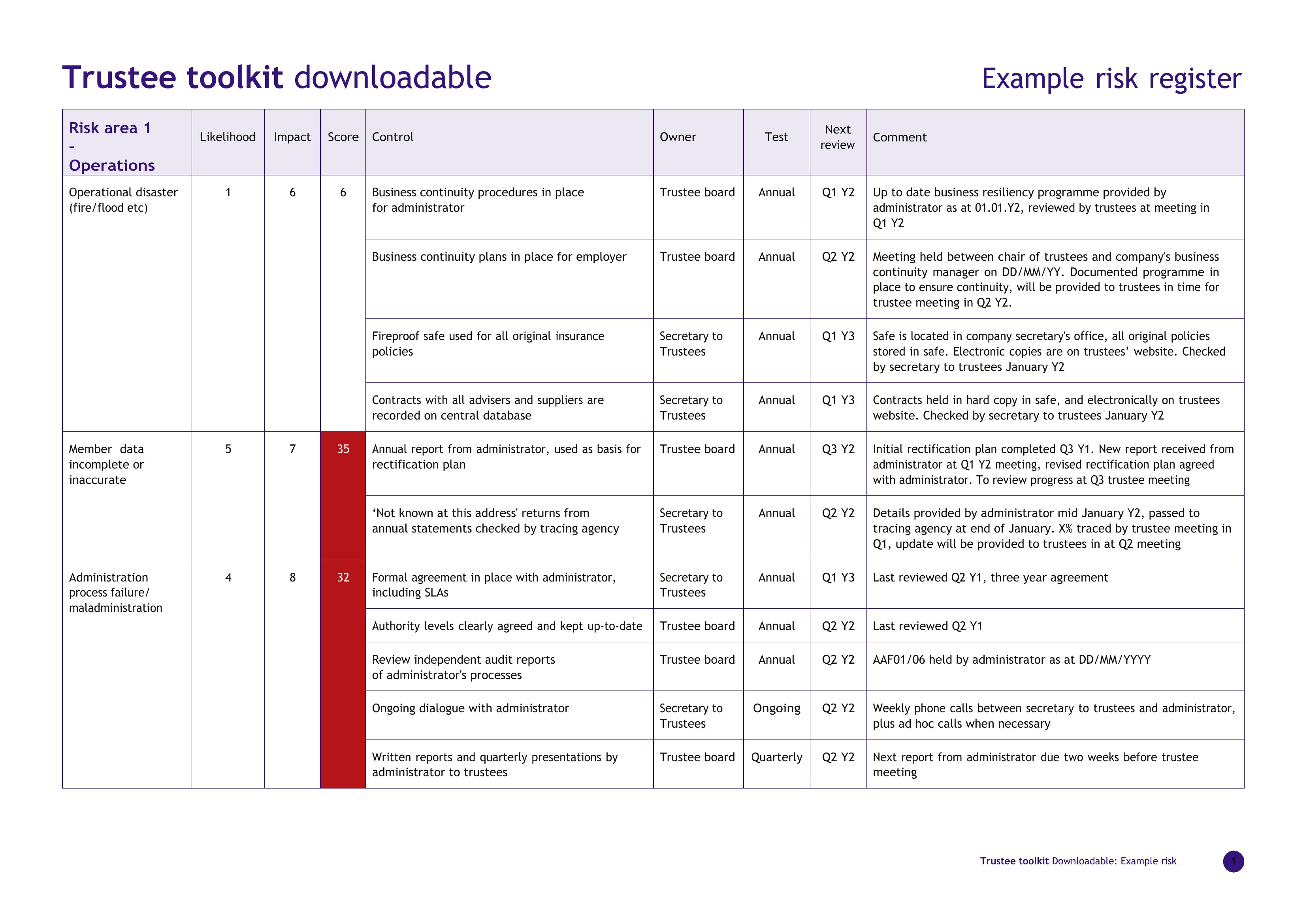
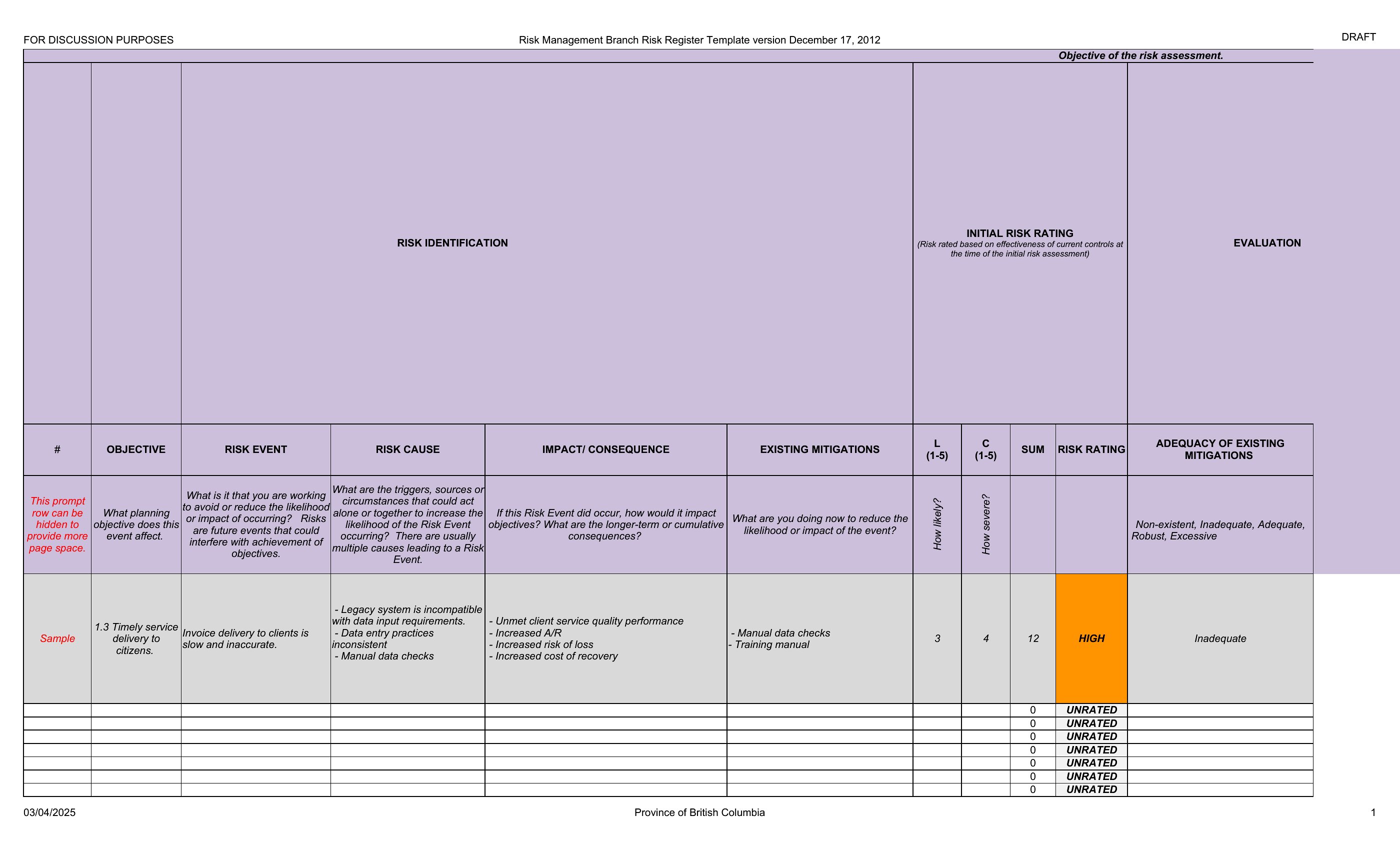
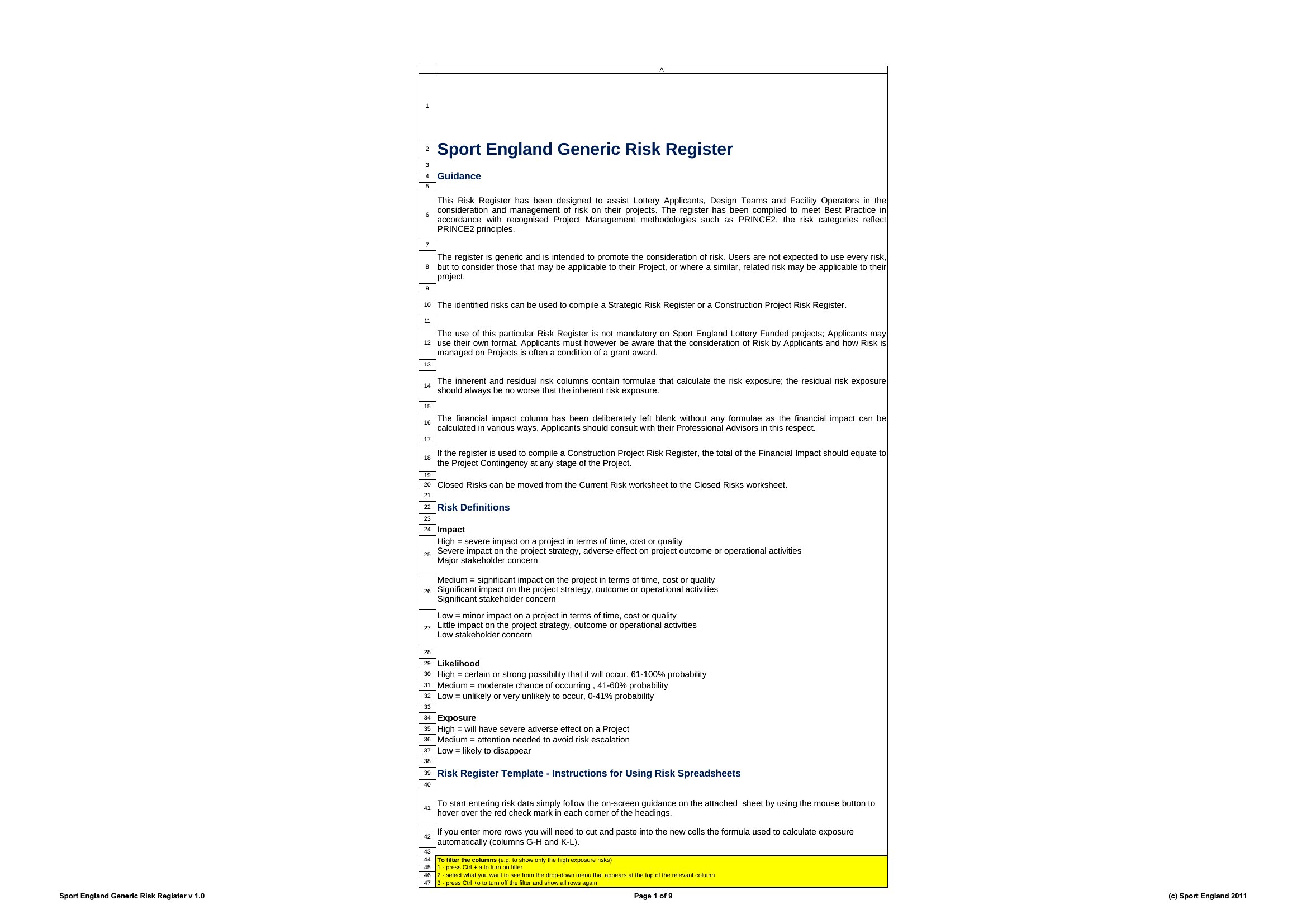
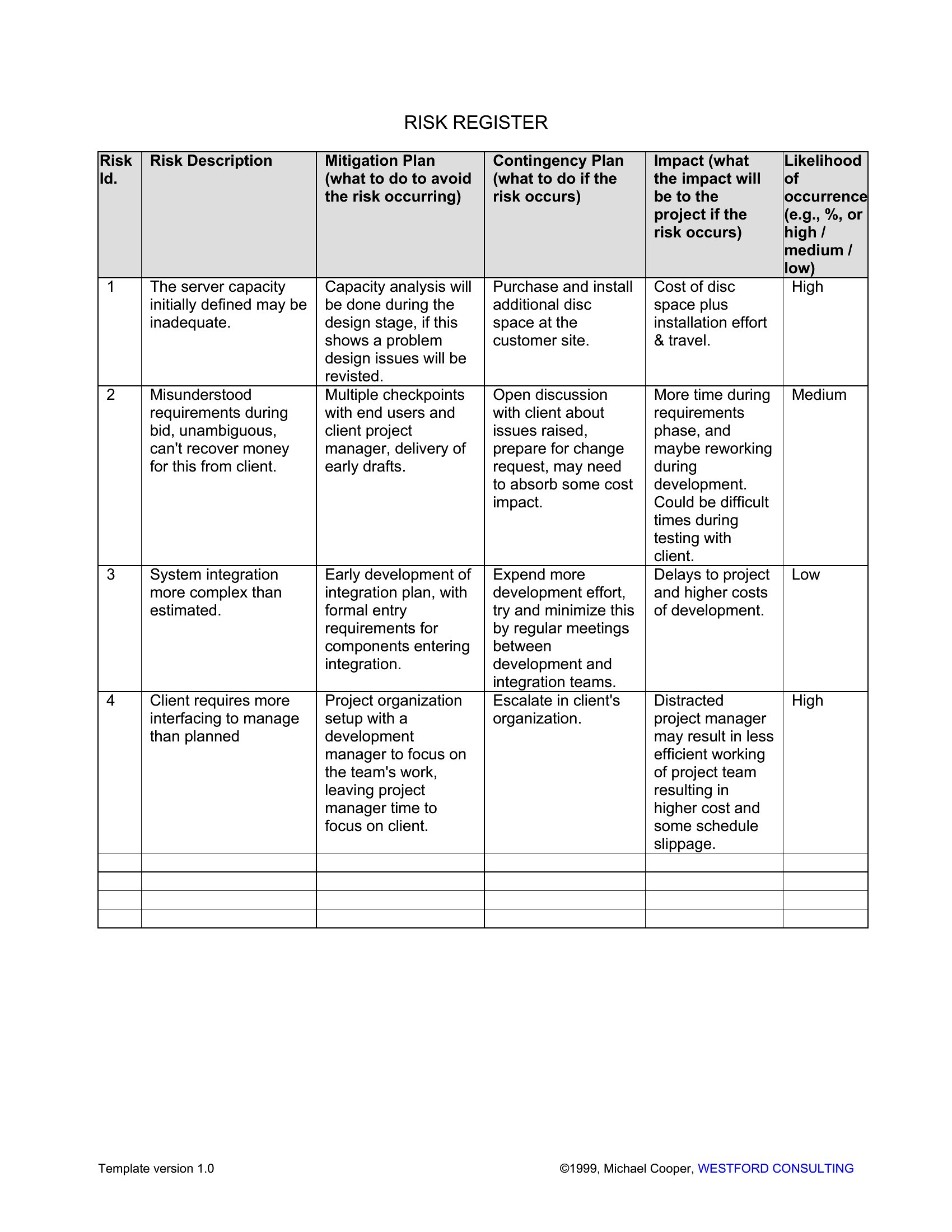
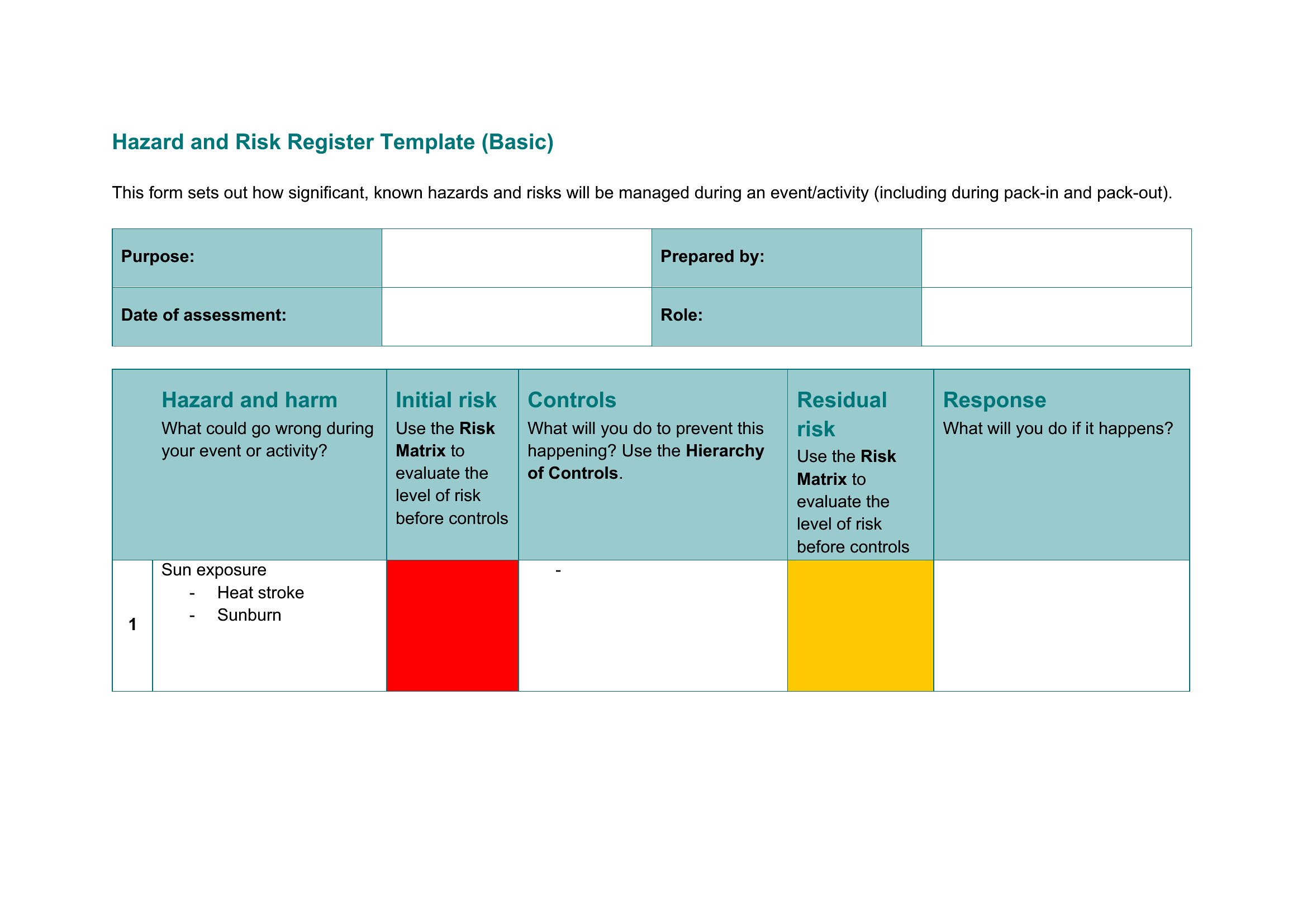
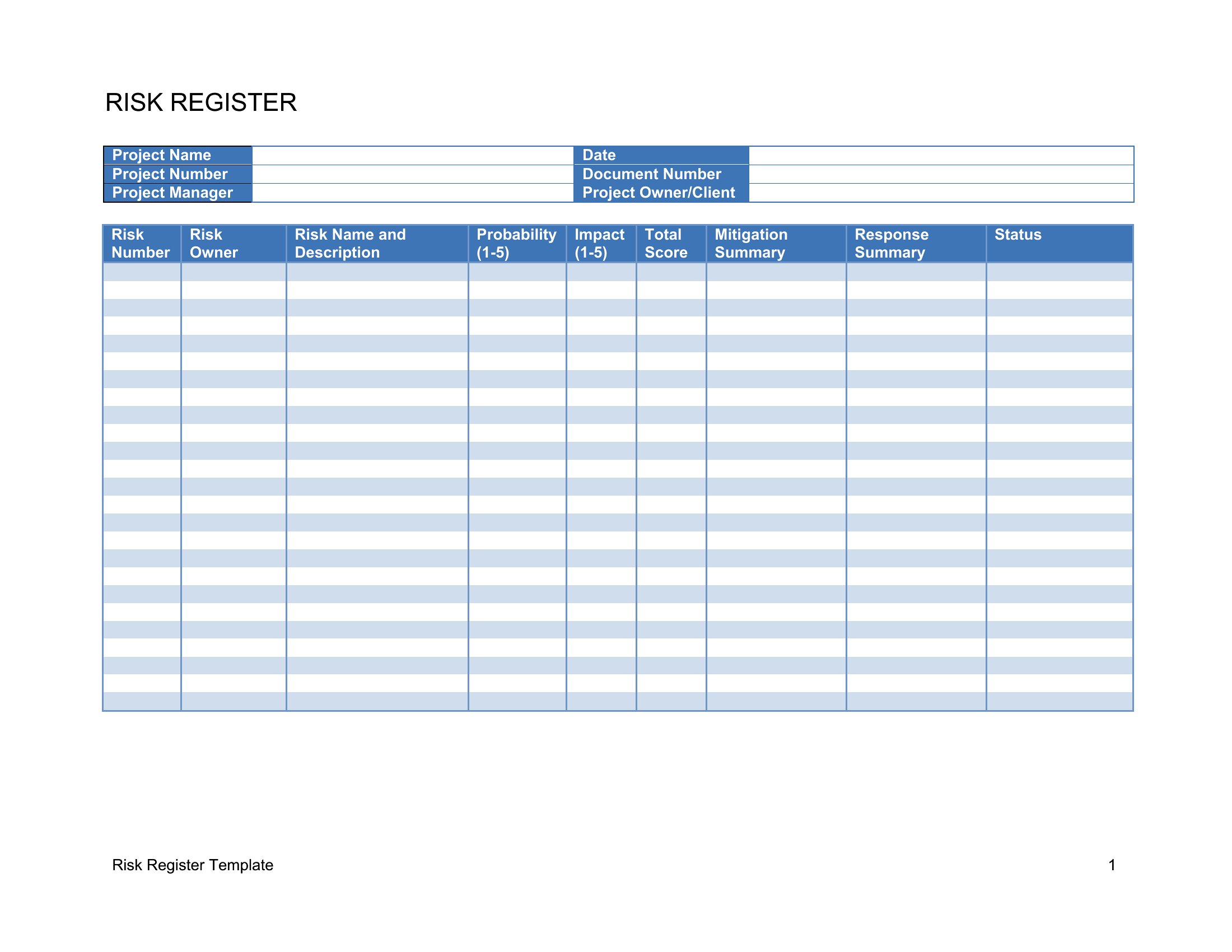
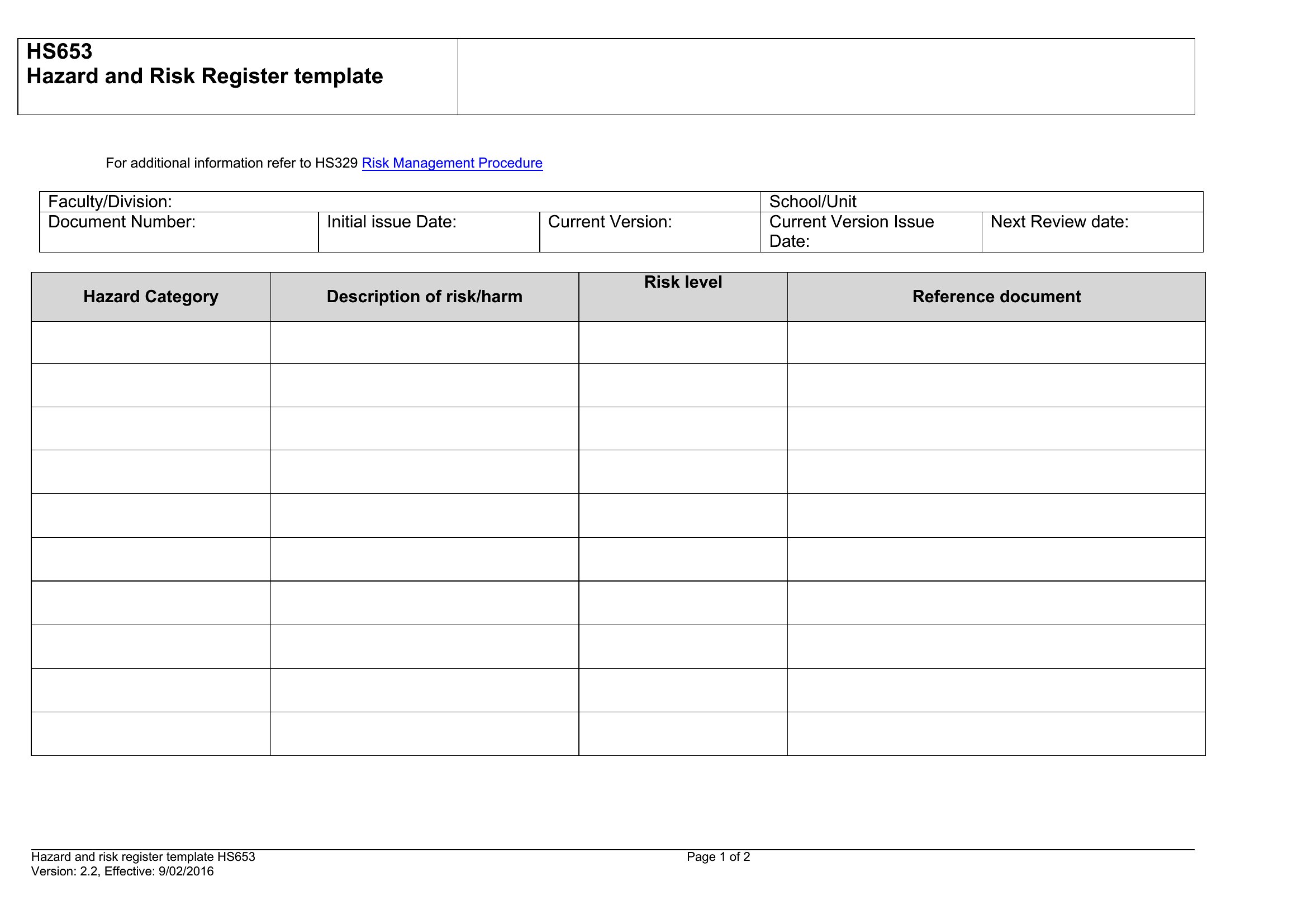
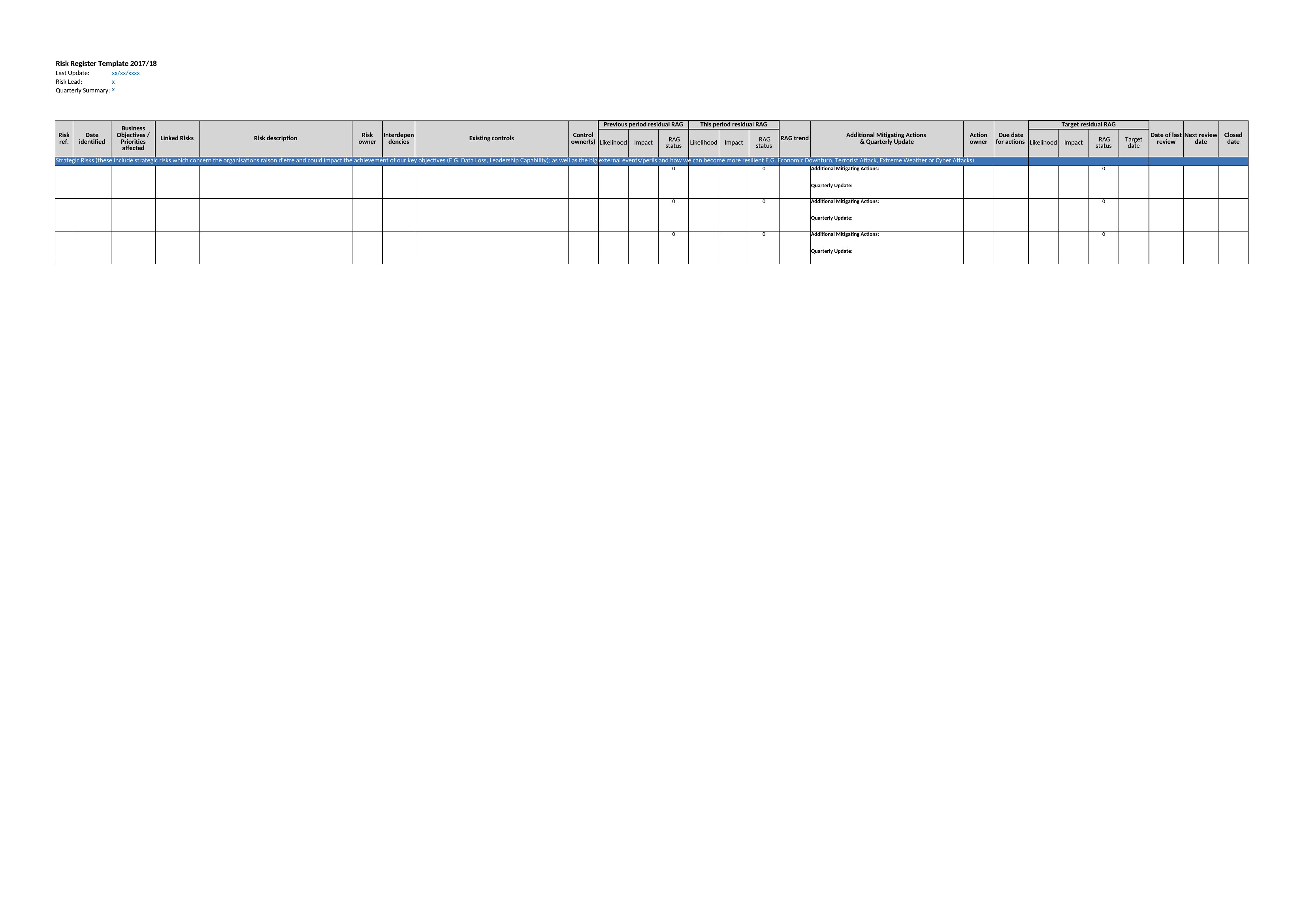
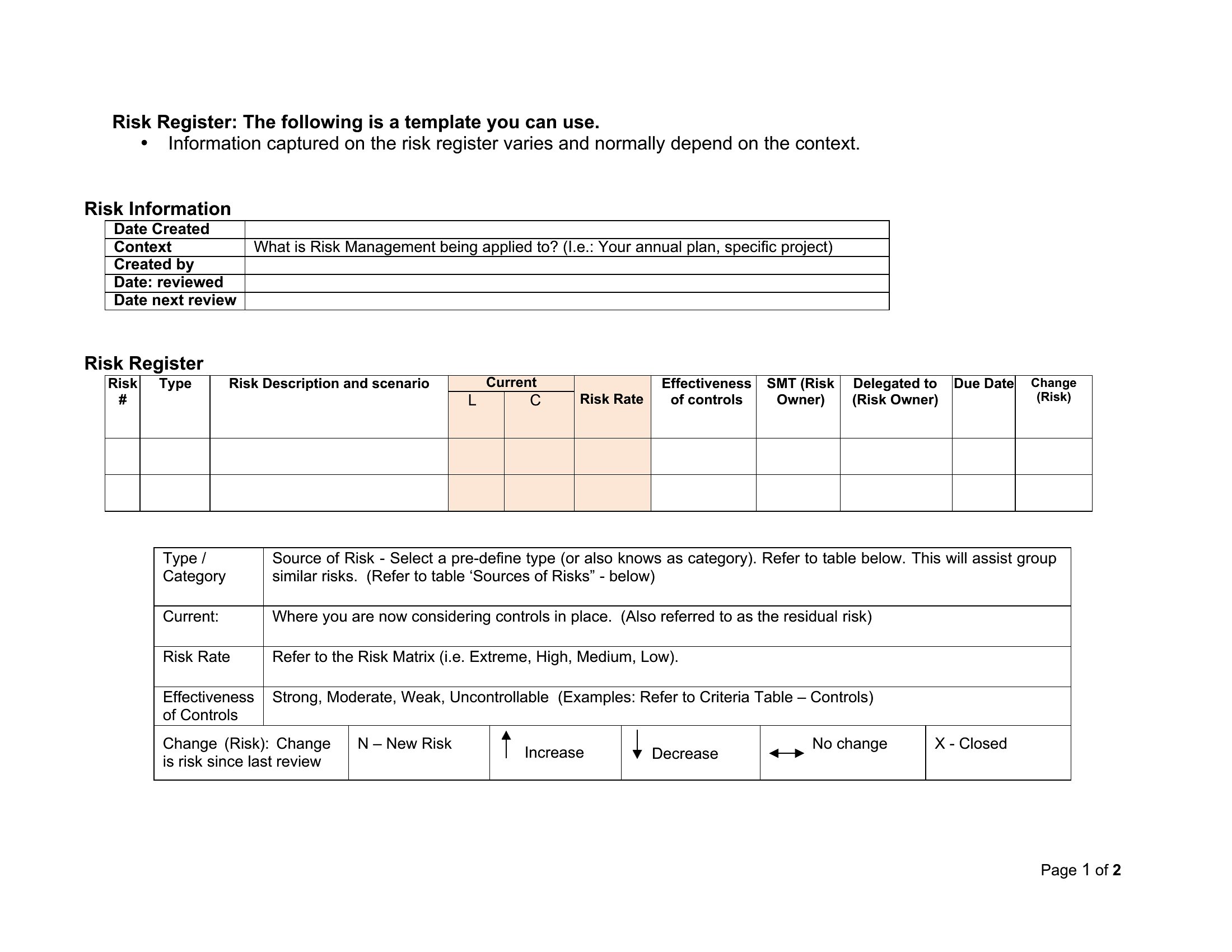
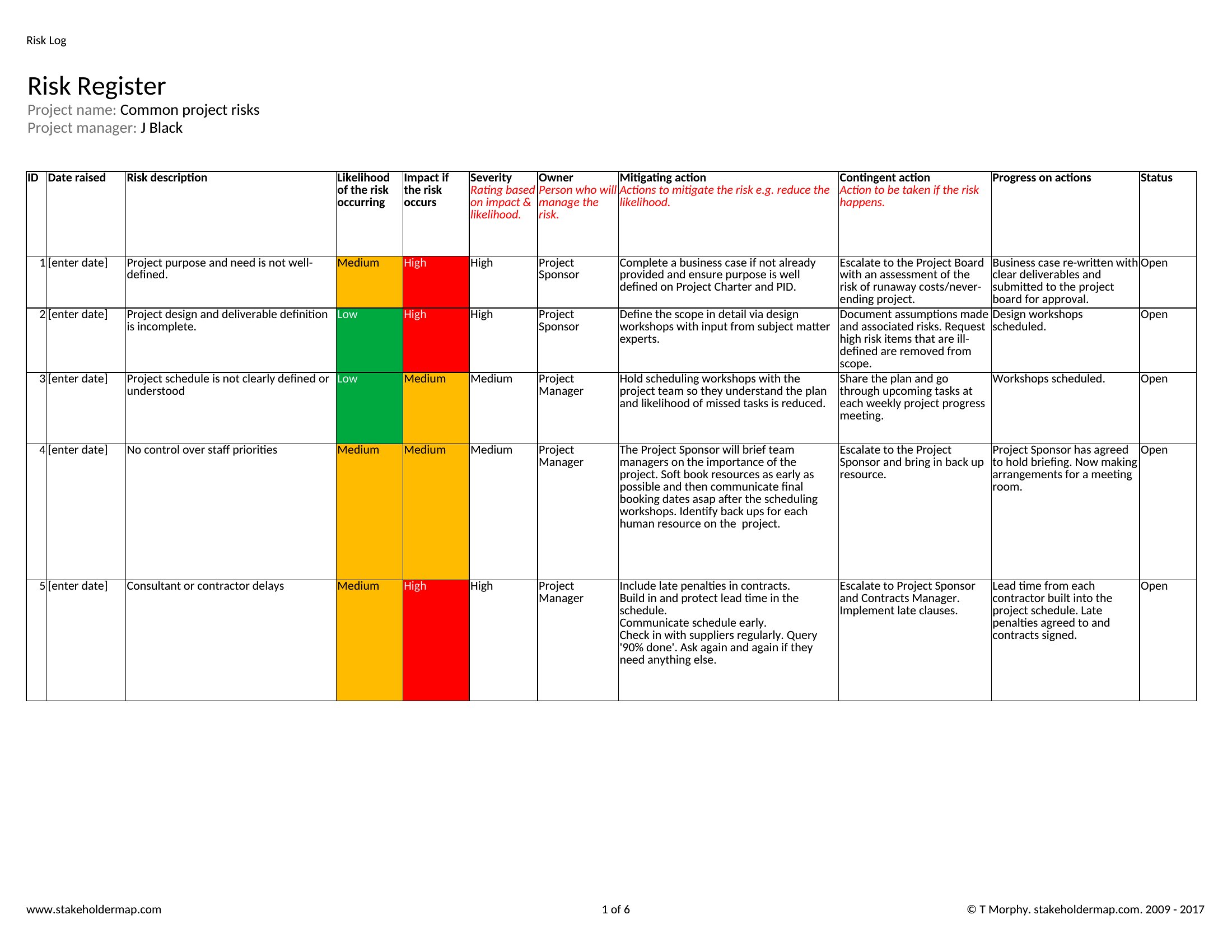
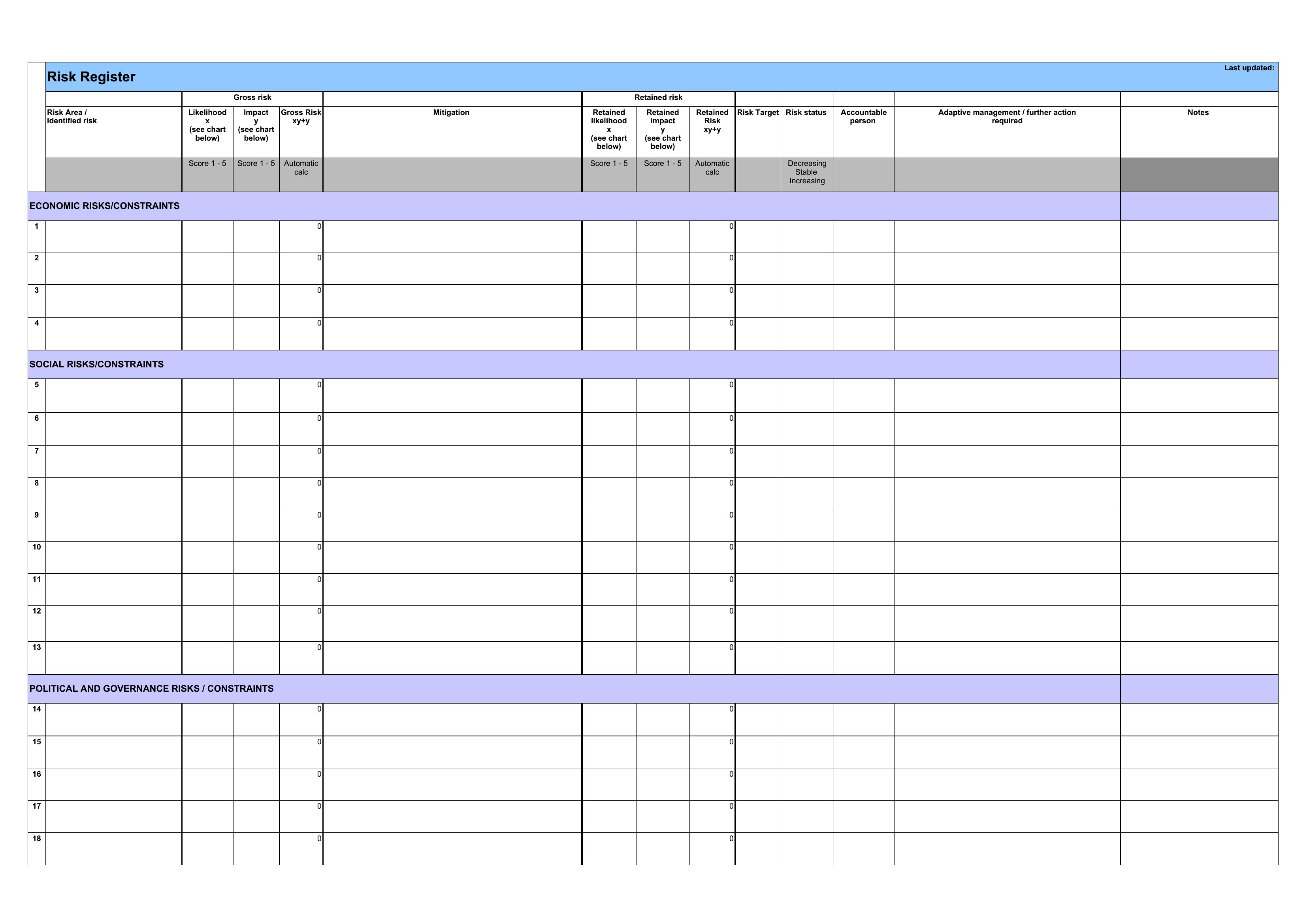
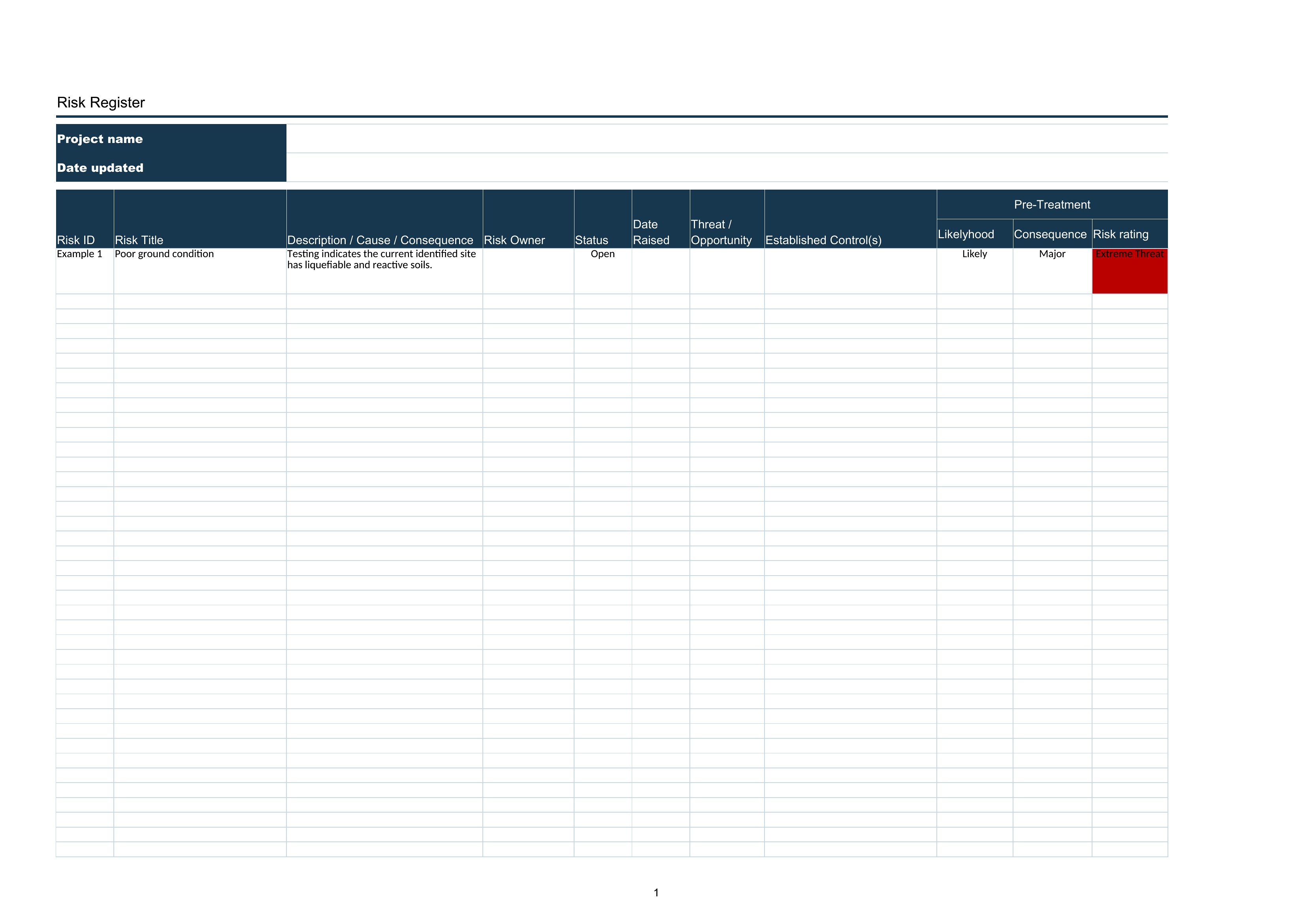
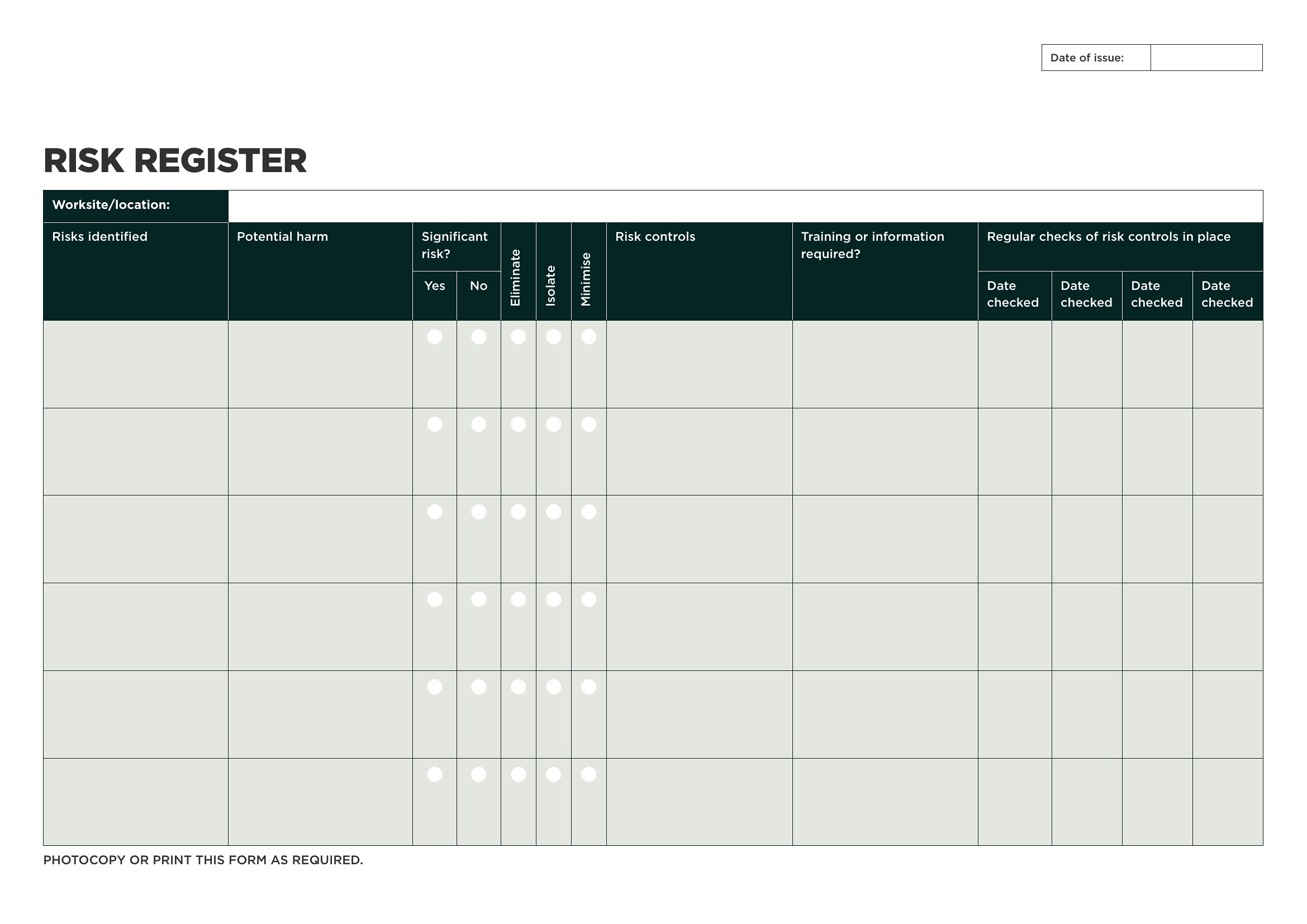
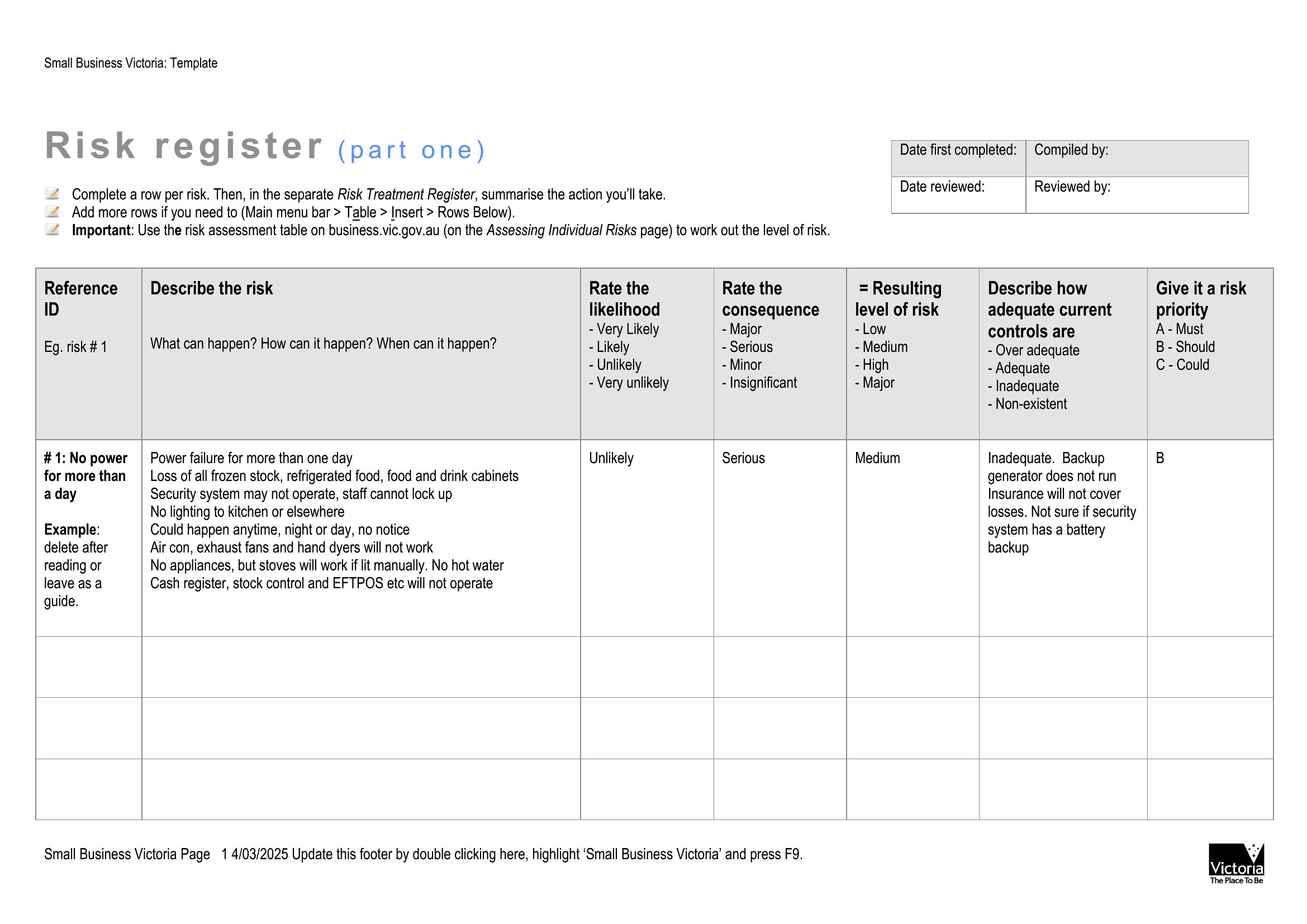
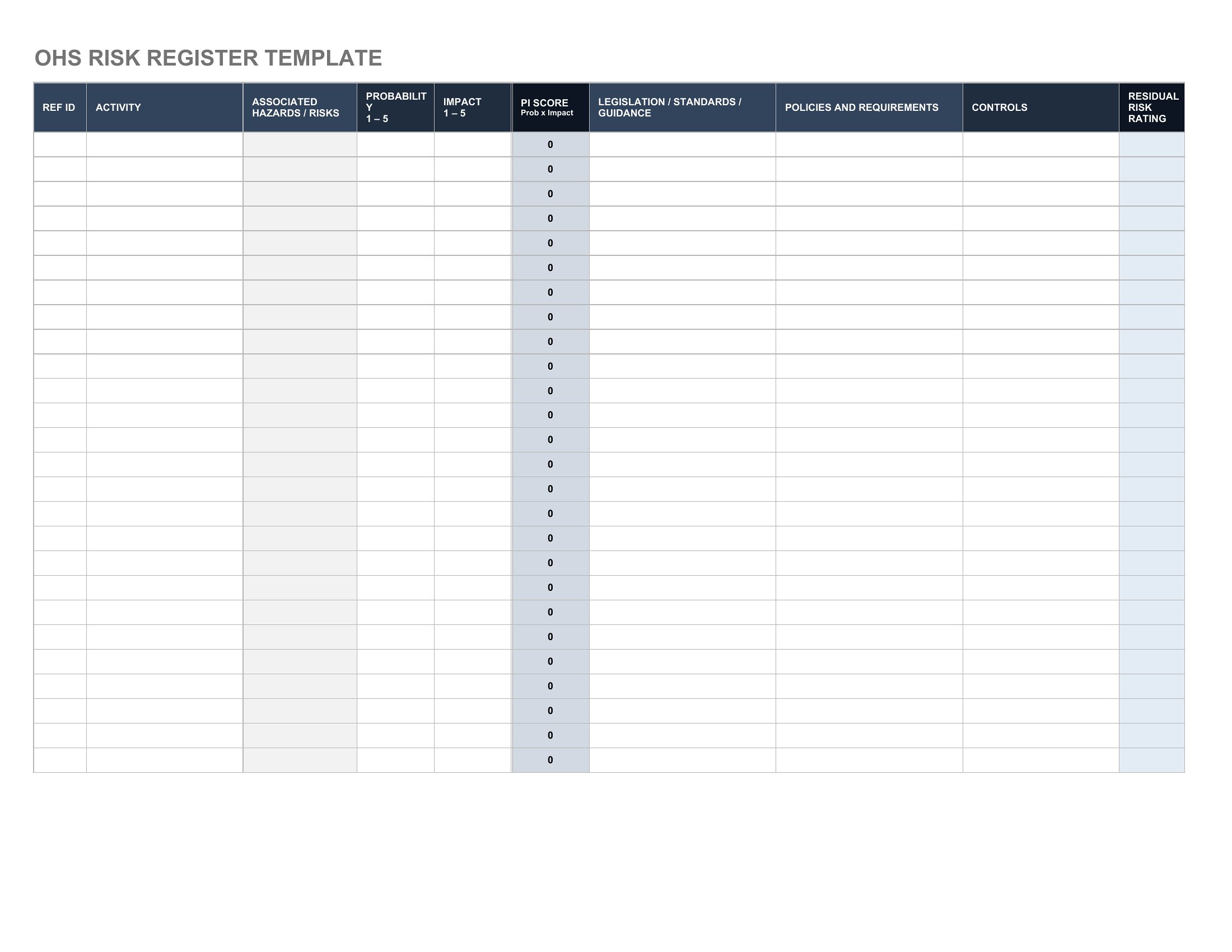
Focus on risks tied to project objectives, budget, or deadlines—such as delays, cost overruns, or resource gaps. Exclude speculative issues unless they’ve caused problems before. Prioritize risks with high impact or likelihood first, using the template’s scoring system to quantify each.
Can I use these templates to track risks for ongoing operations, not just projects?
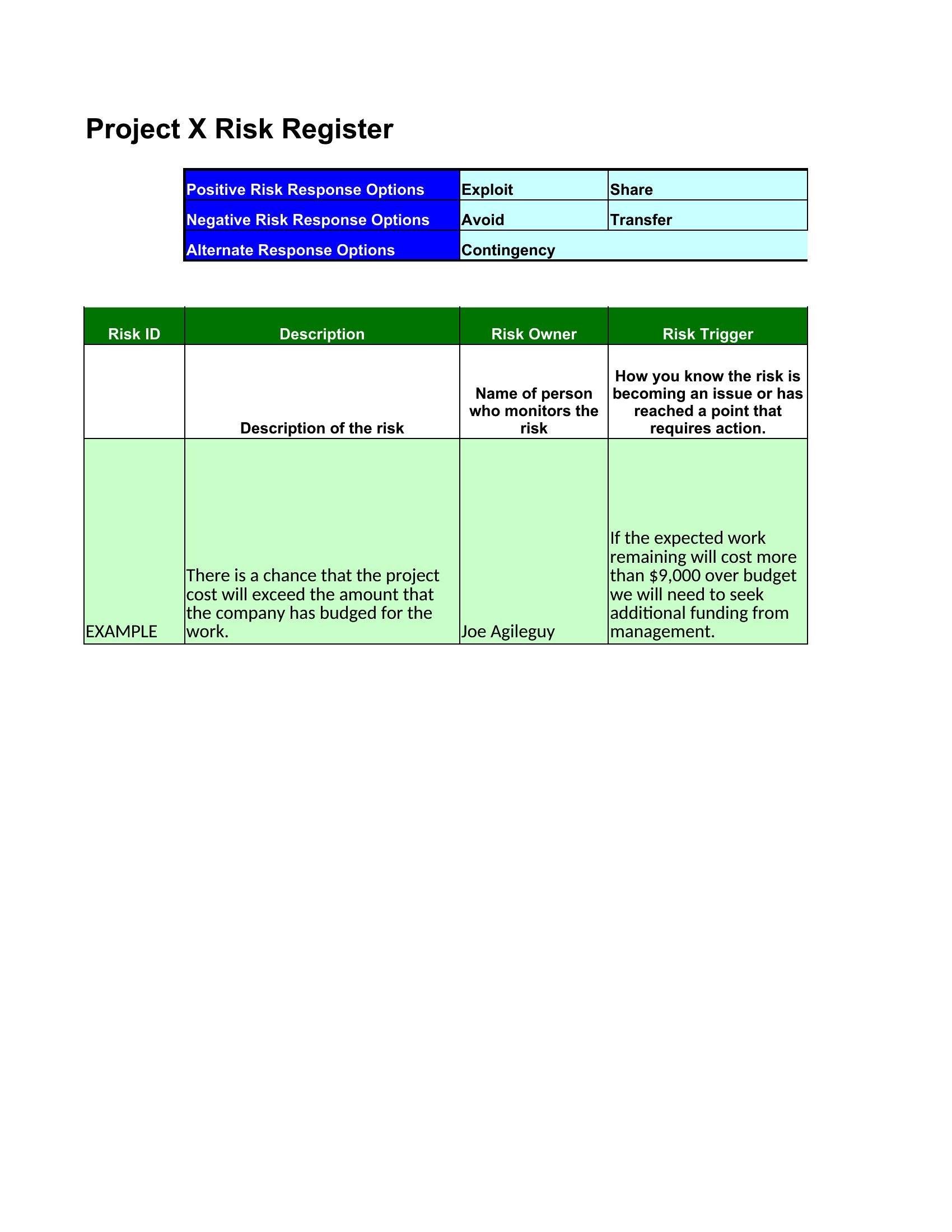
Yes, but tailor the categories. For operations, replace project milestones with KPIs (e.g., customer complaints, equipment failures) and adjust mitigation plans to align with business continuity protocols. The Excel versions let you rename columns like ‘Project Phase’ to ‘Department’ for broader use.
What’s the best way to keep the risk register updated if multiple people need to access it?
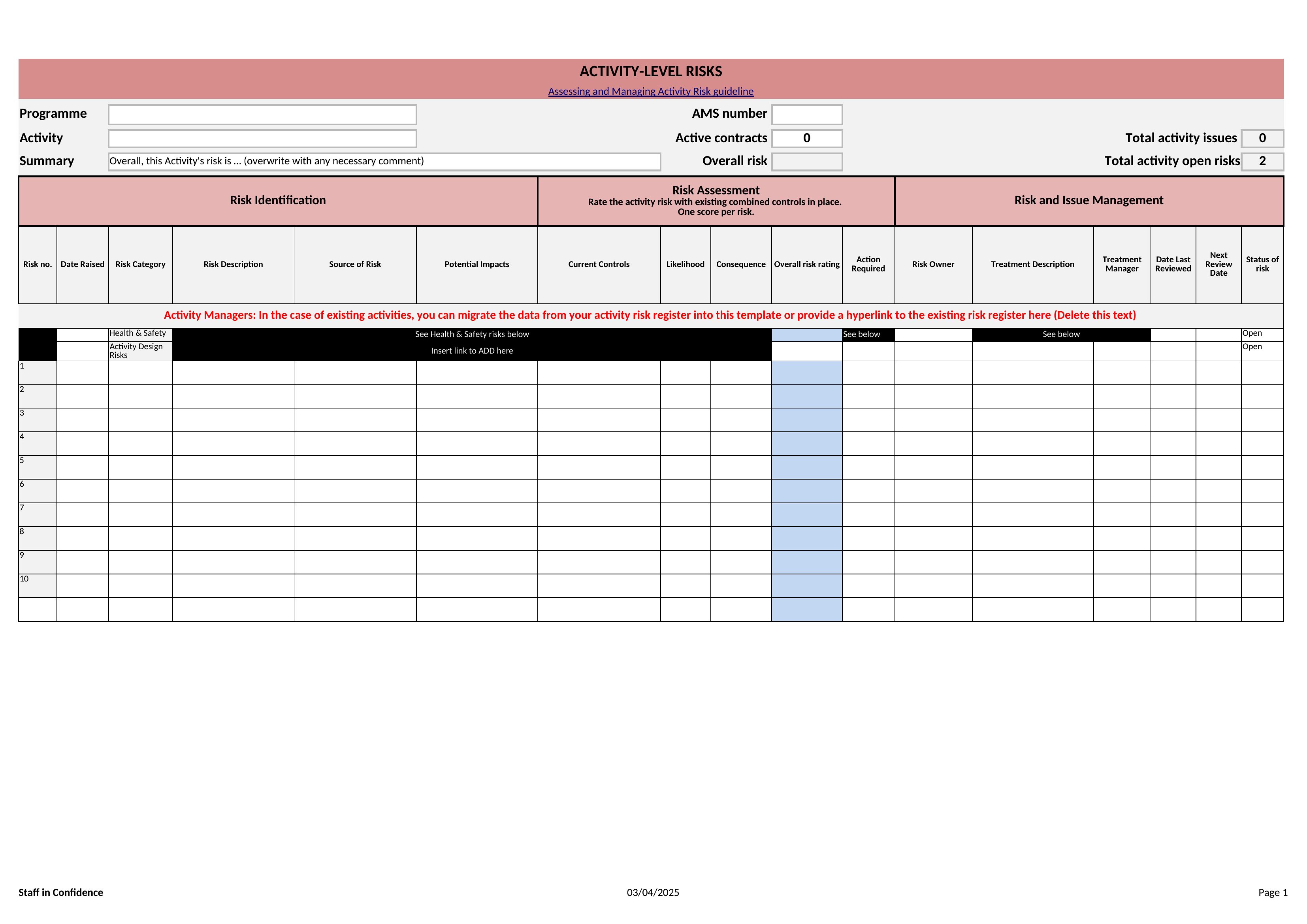
For shared access, use the Excel format with cloud storage (like SharePoint or Google Sheets) so edits sync automatically. Assign a single owner to review and approve updates weekly. Avoid emailing Word/PDF versions, as tracking changes becomes cumbersome without version control.
Comments
Join the conversation
Sign in to share your thoughts and leave a comment on this resource.