Free Checkbook Register Templates (Word, Excel, PDF)
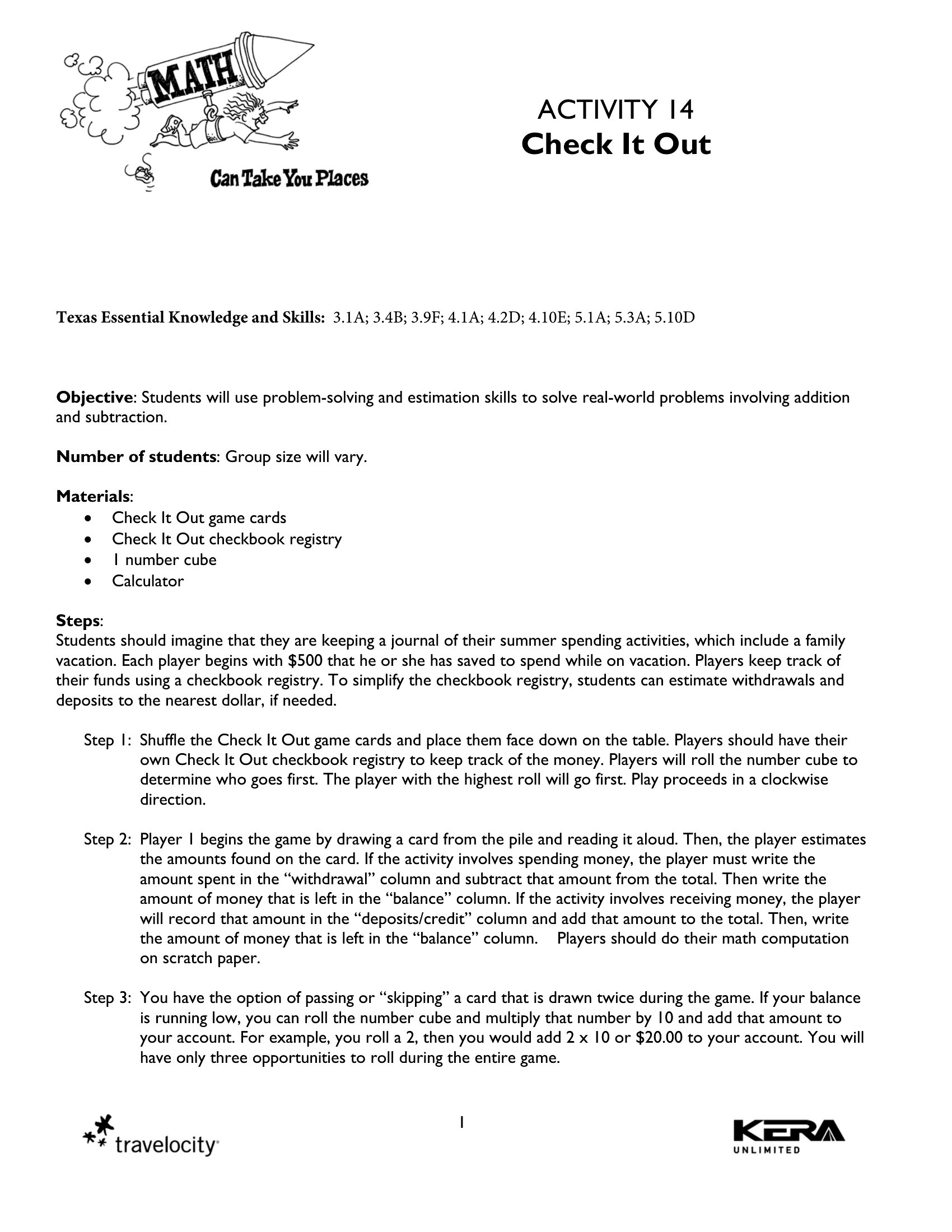
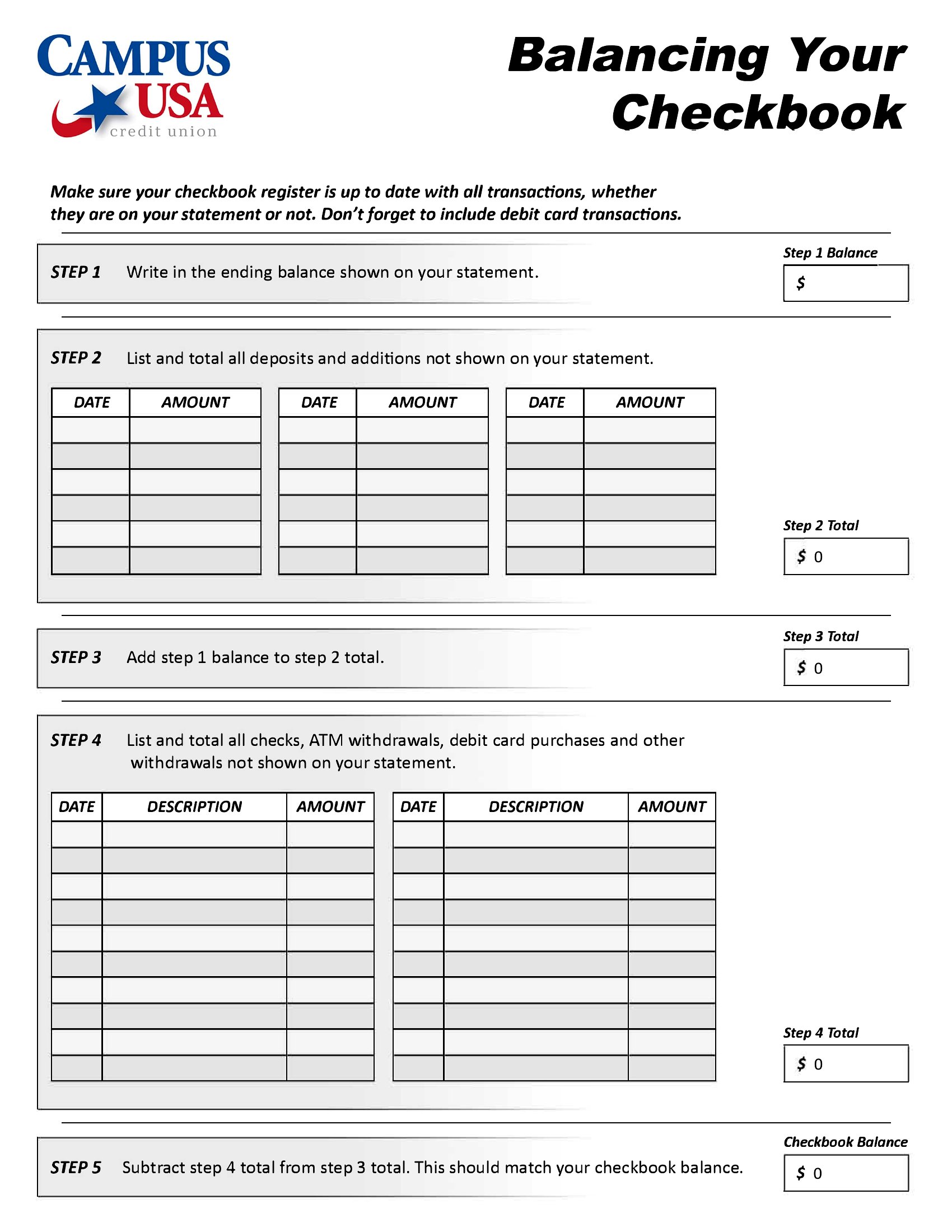
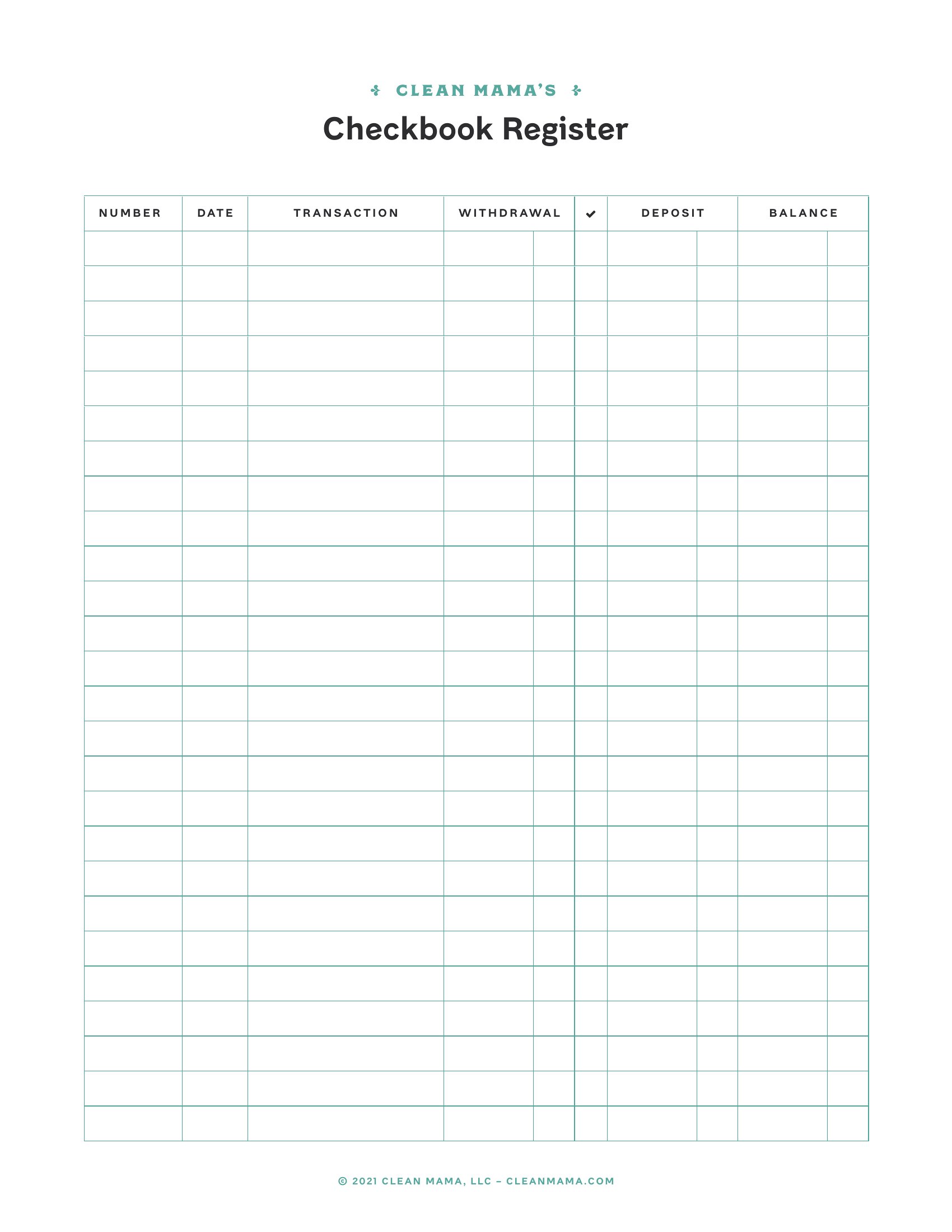
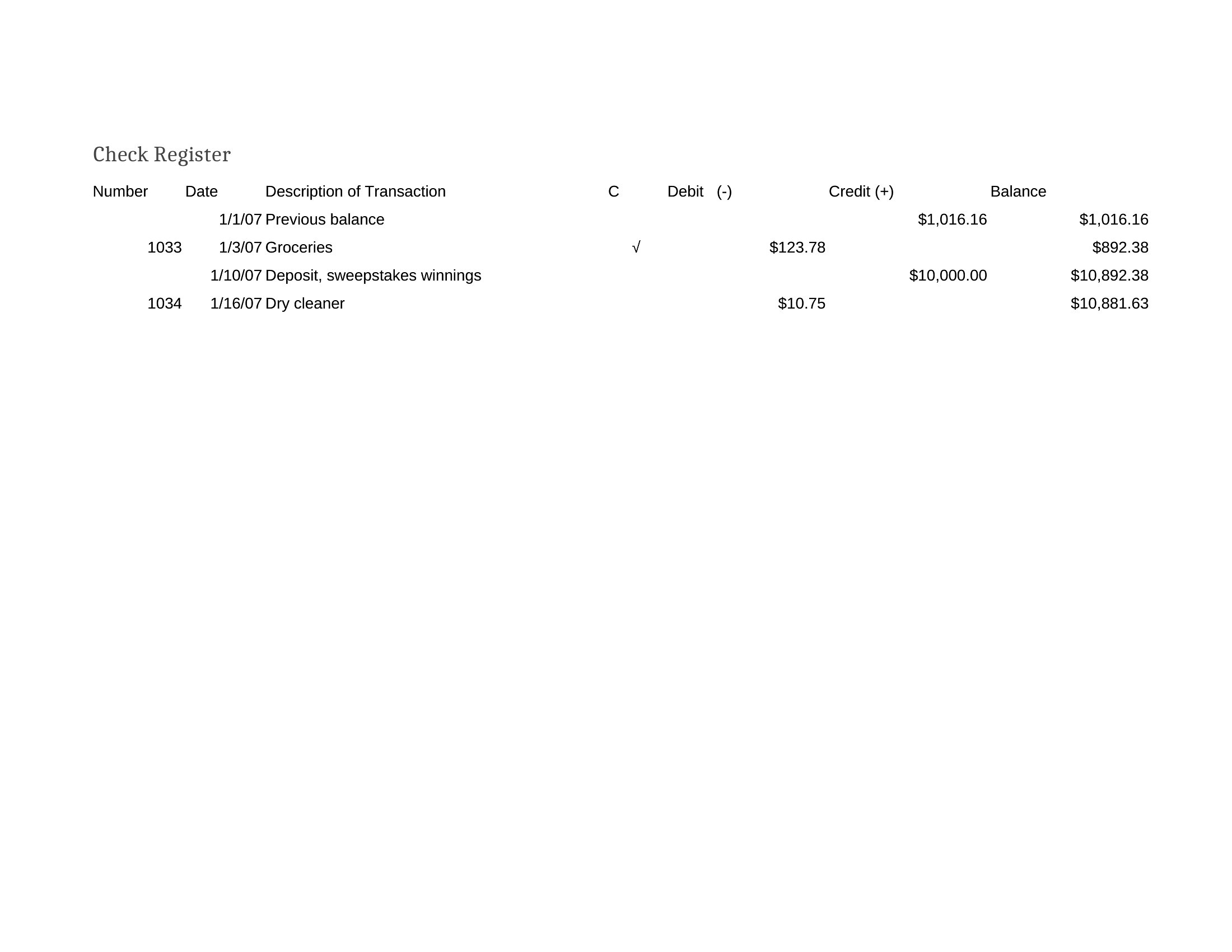
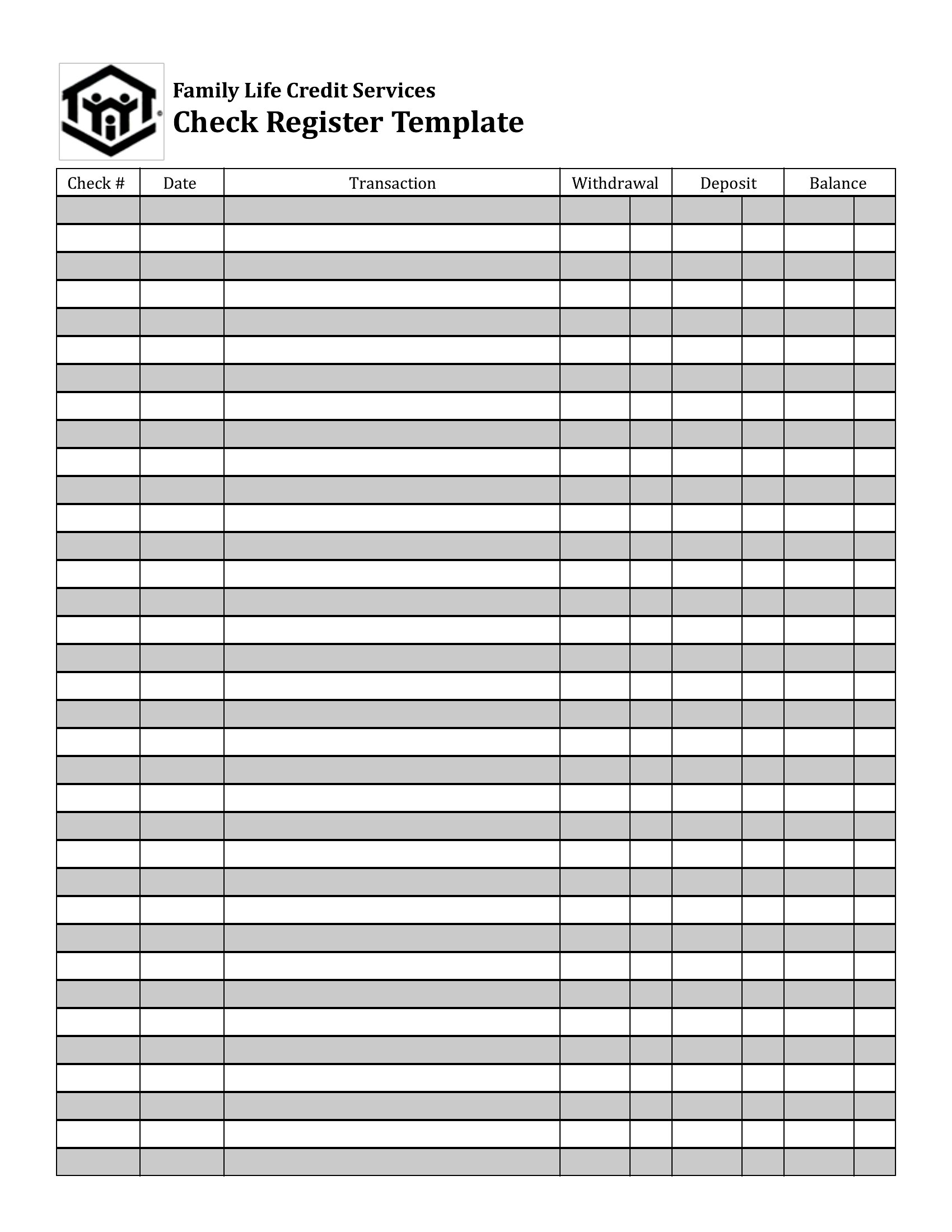
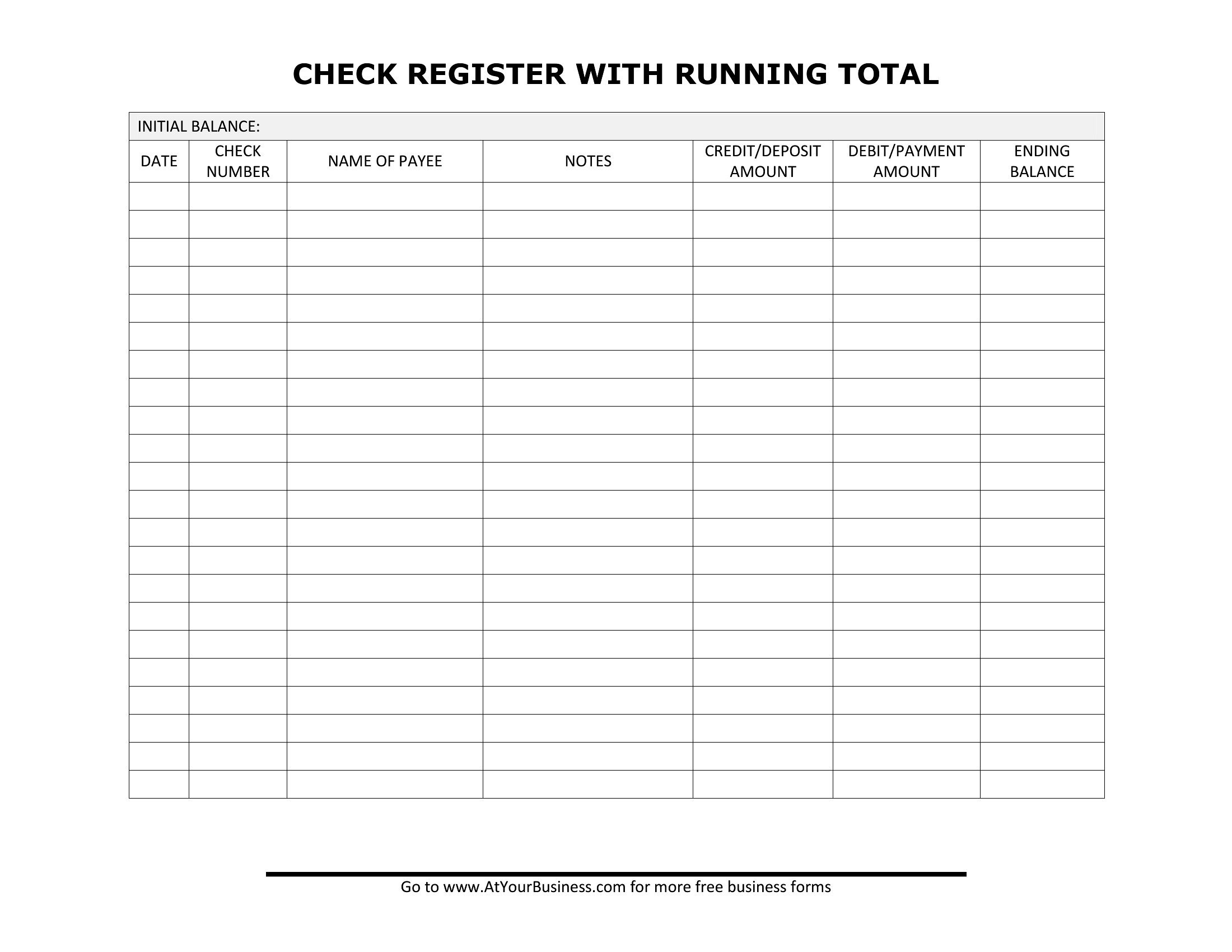
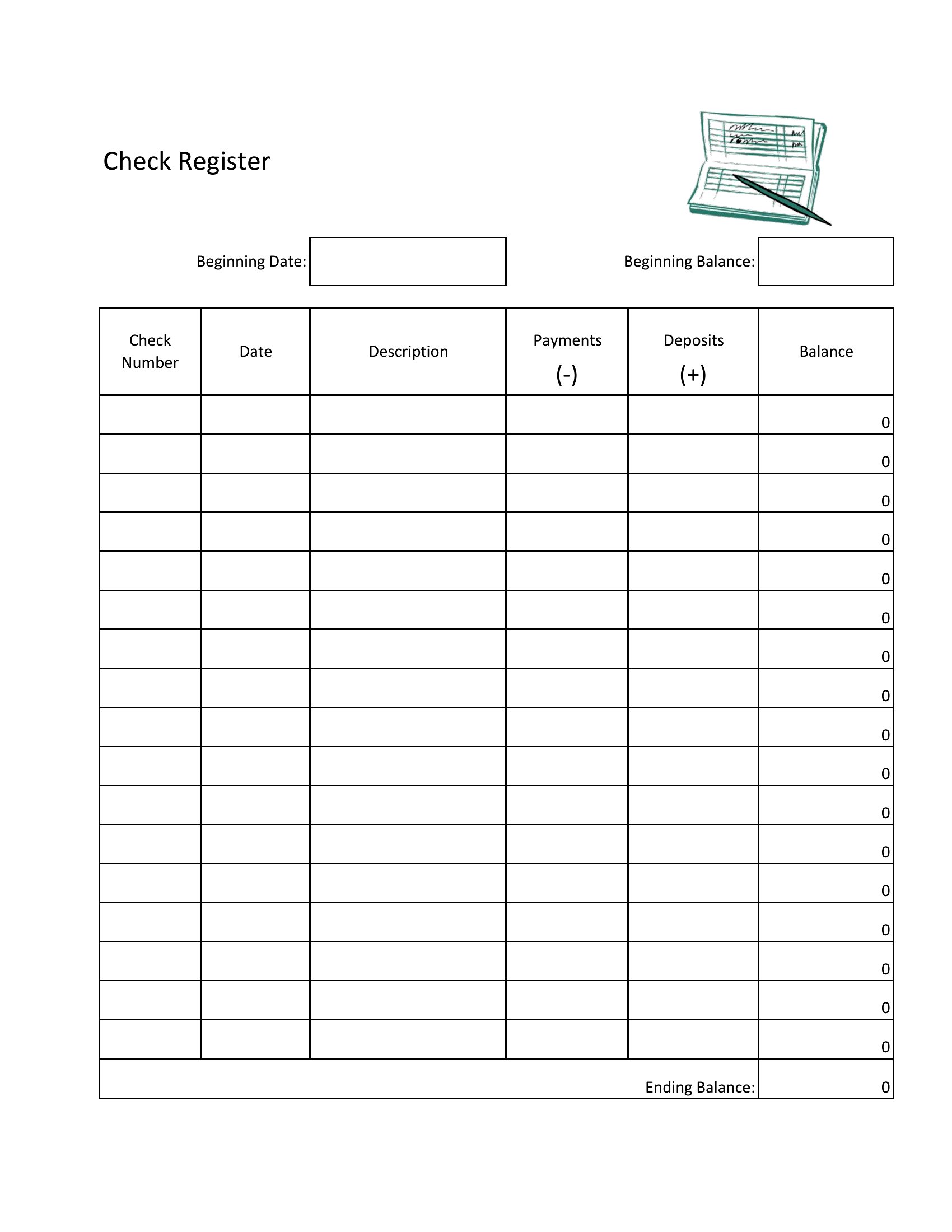
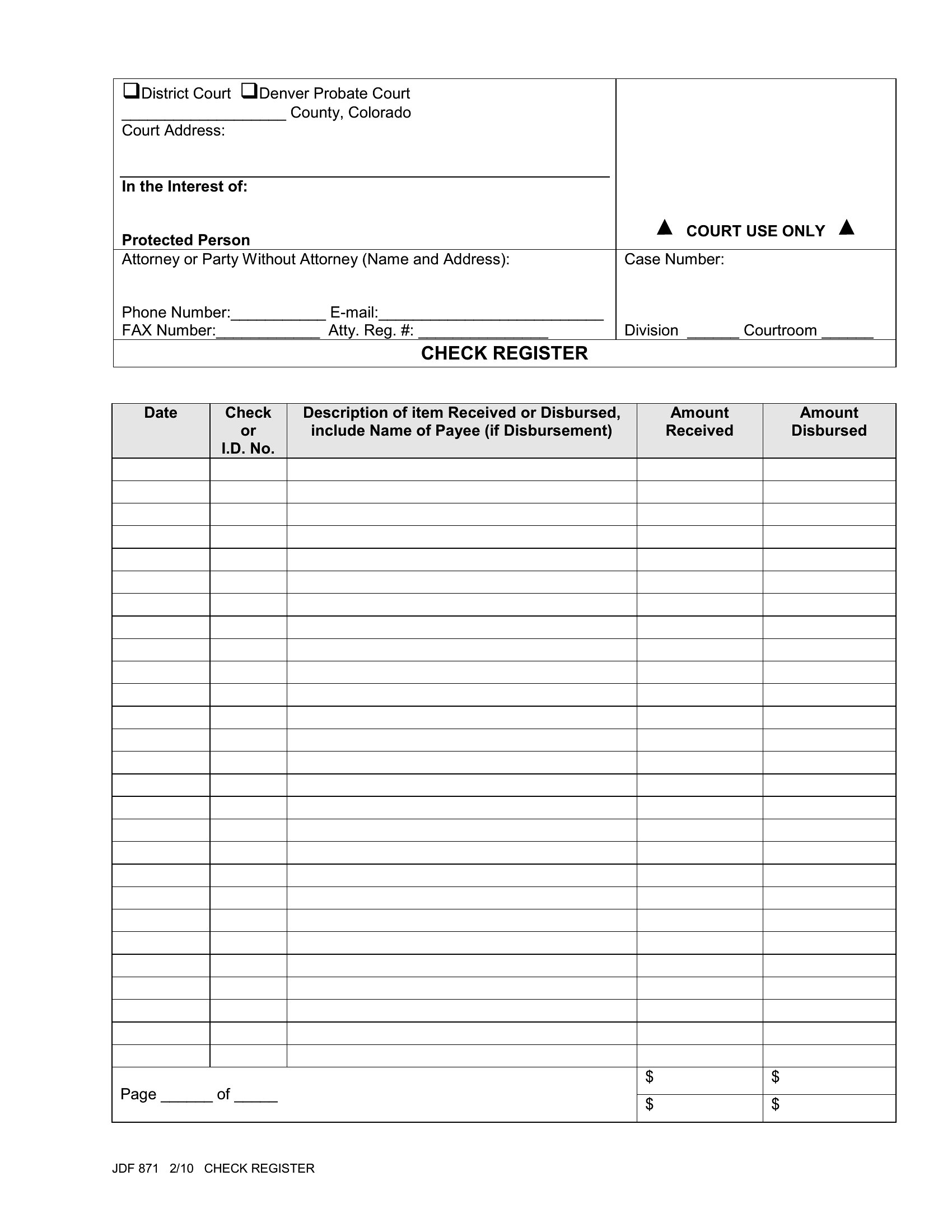
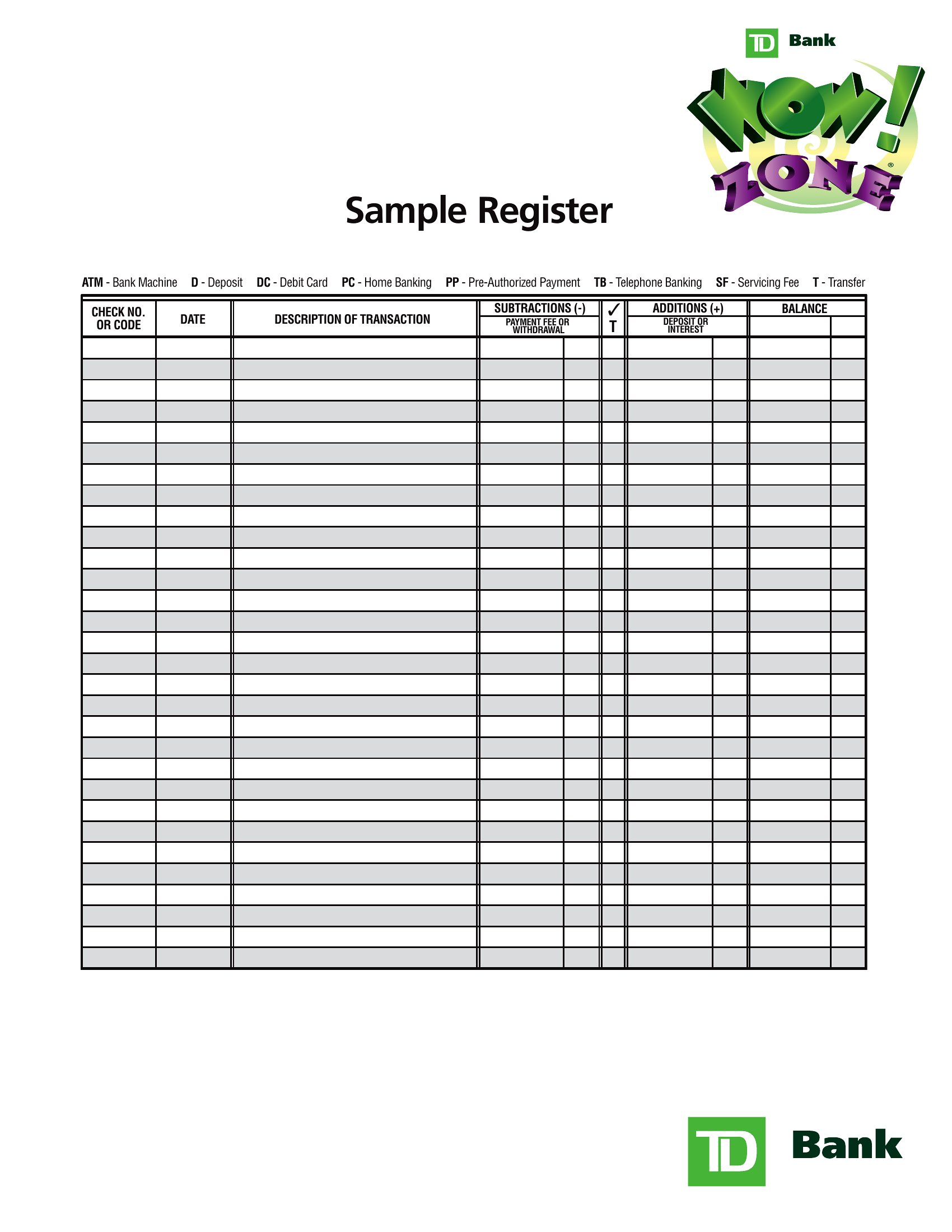
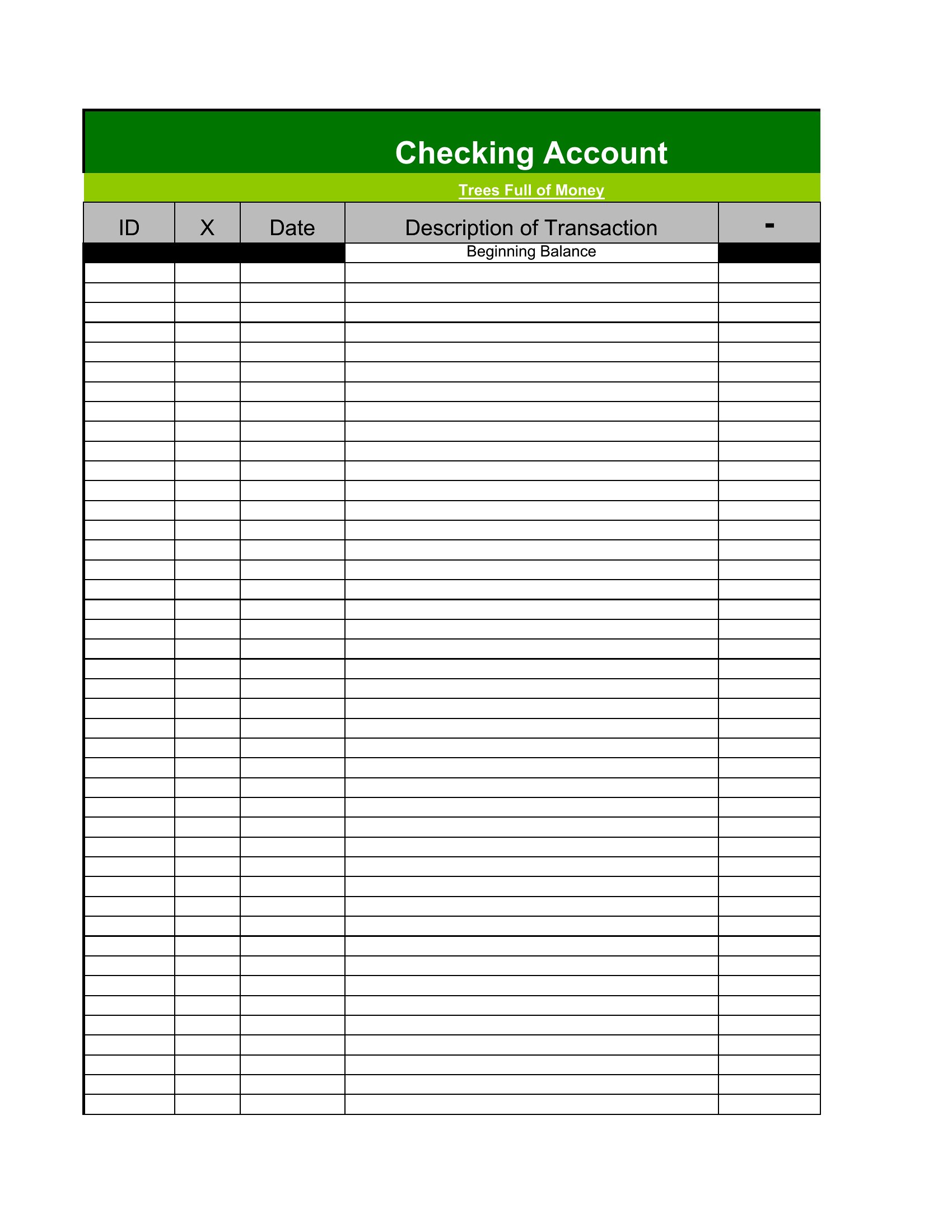
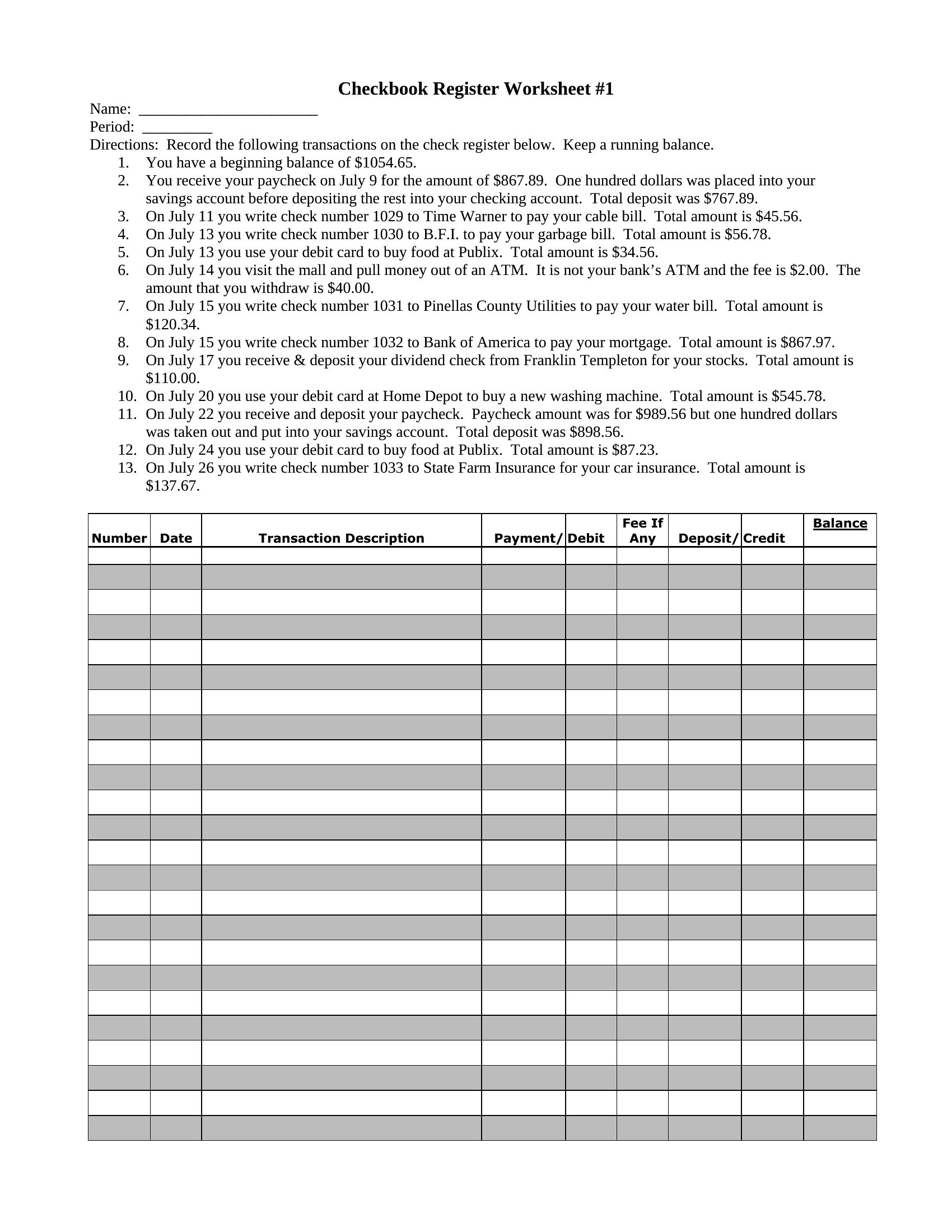
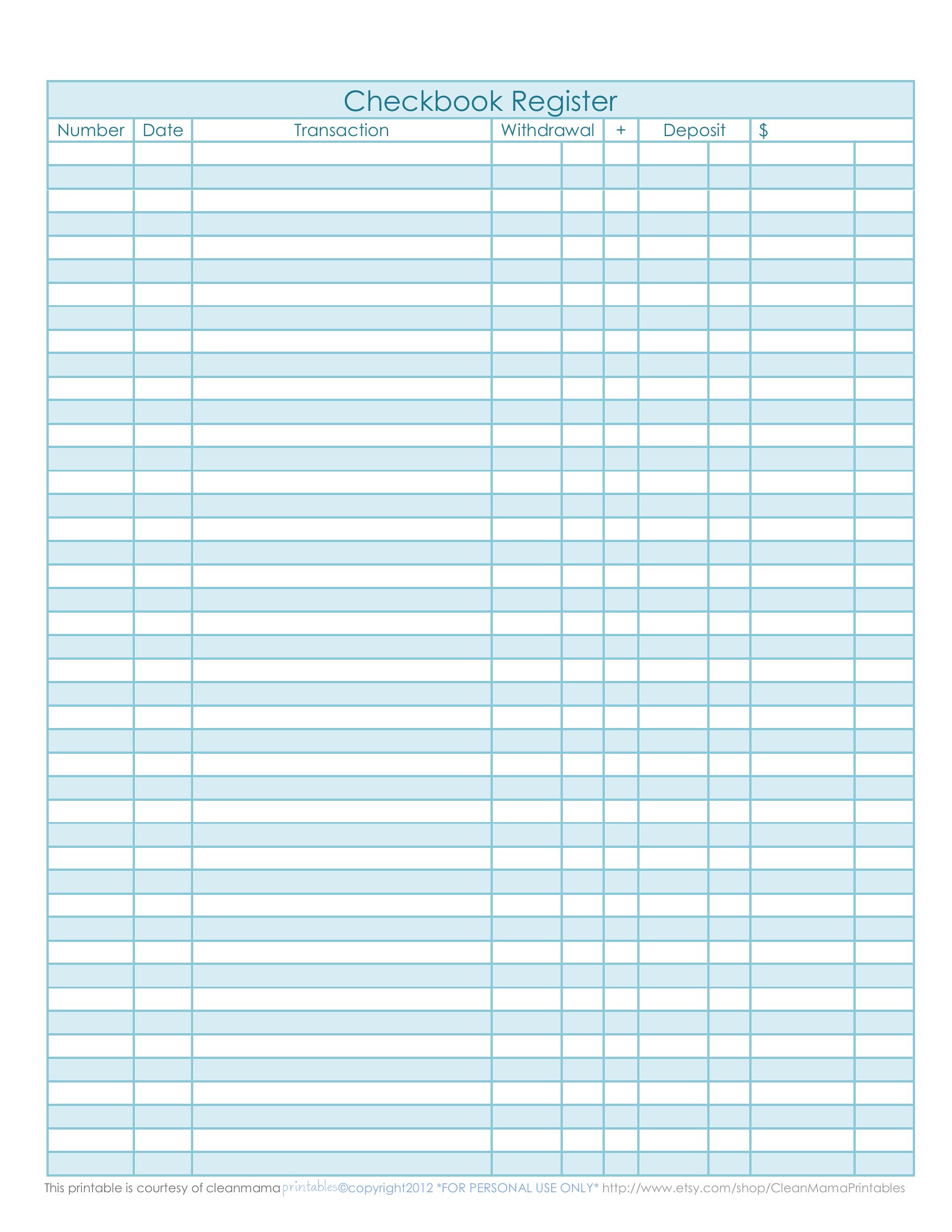
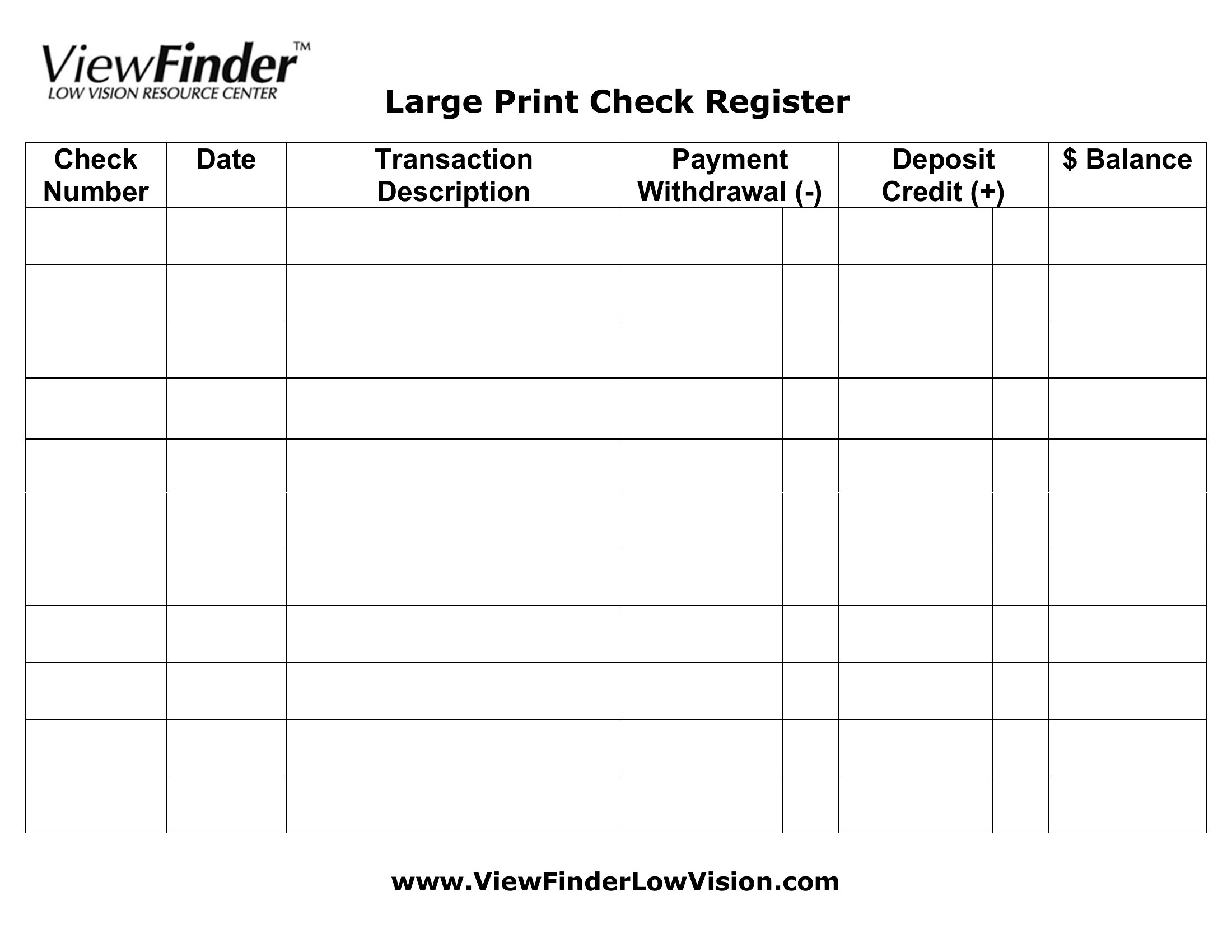
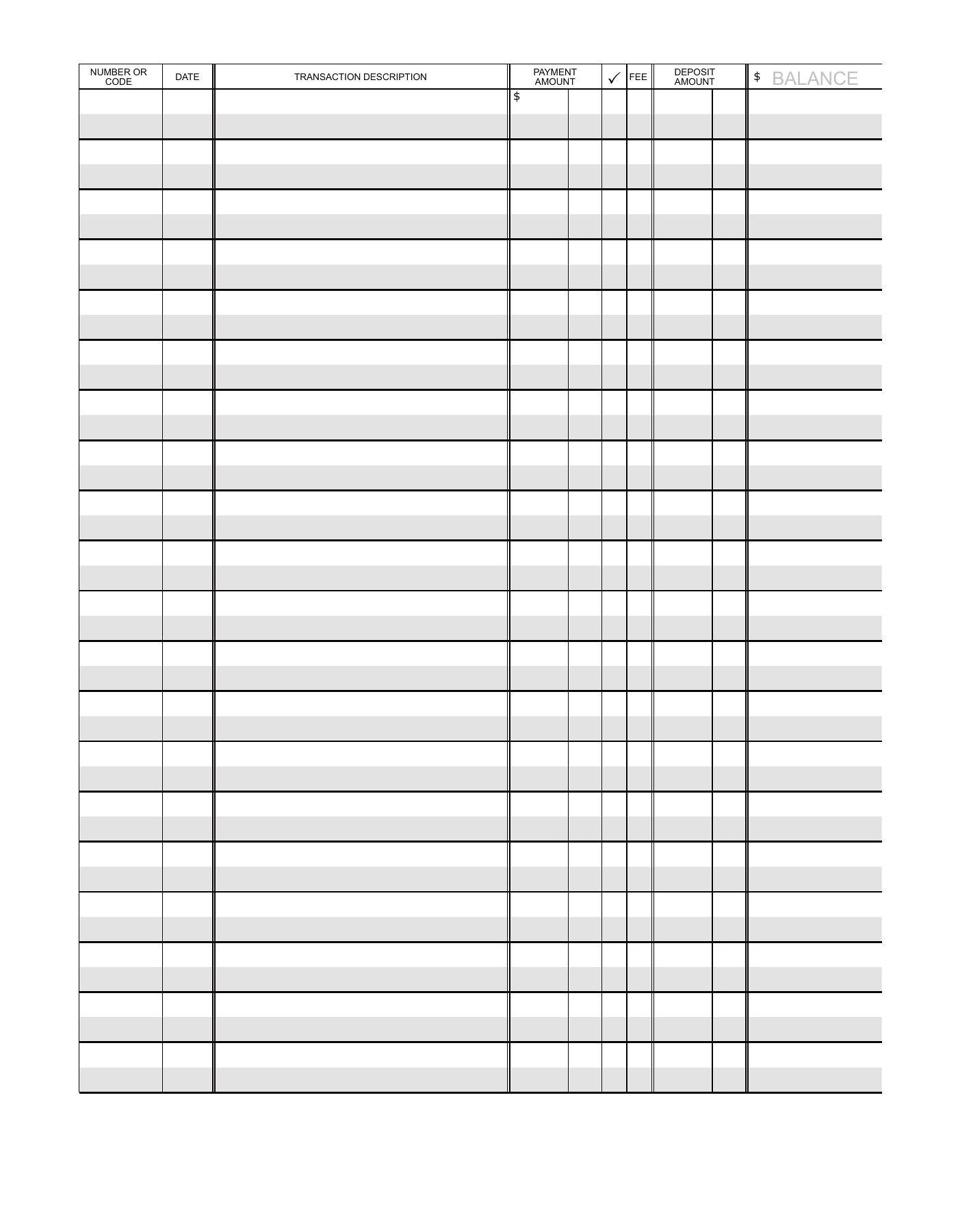
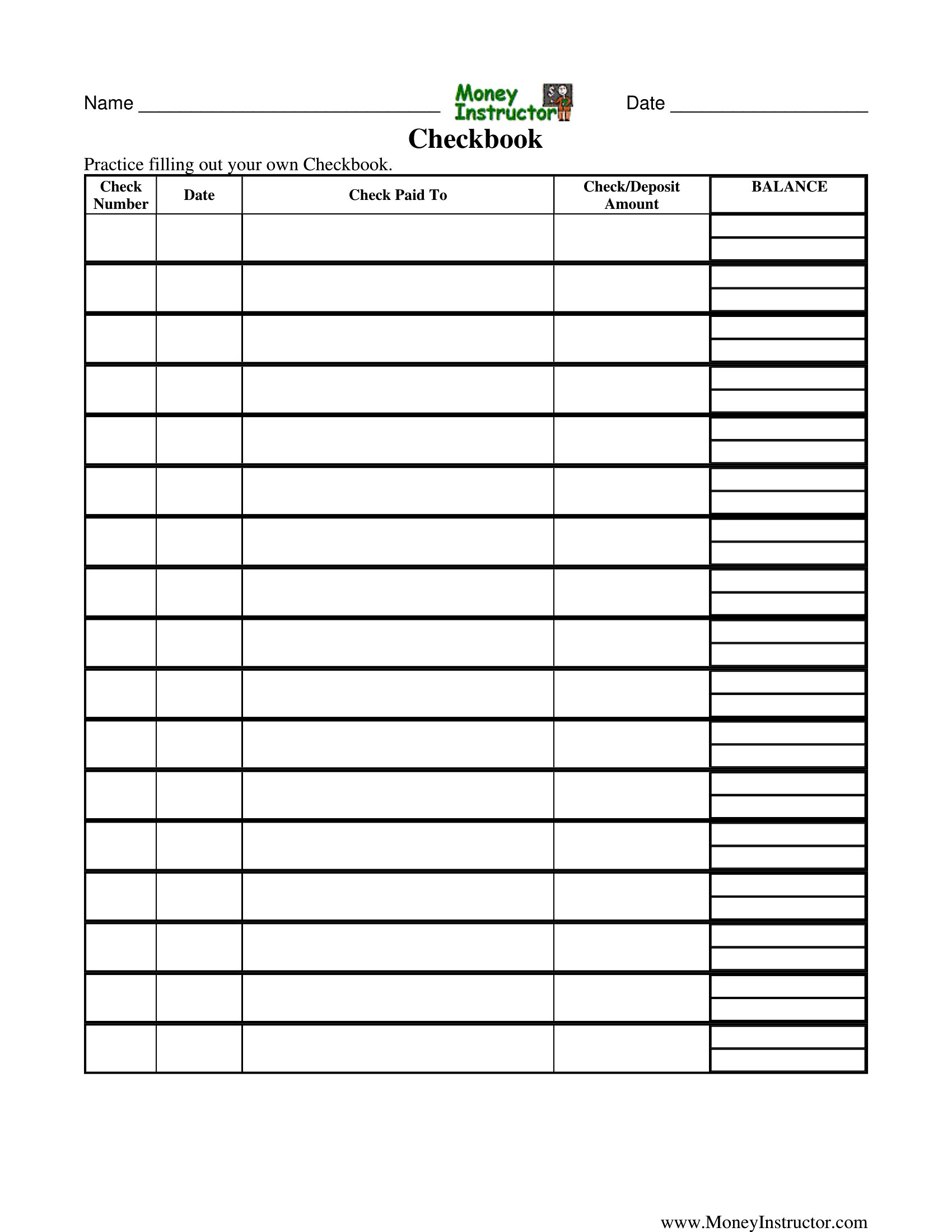
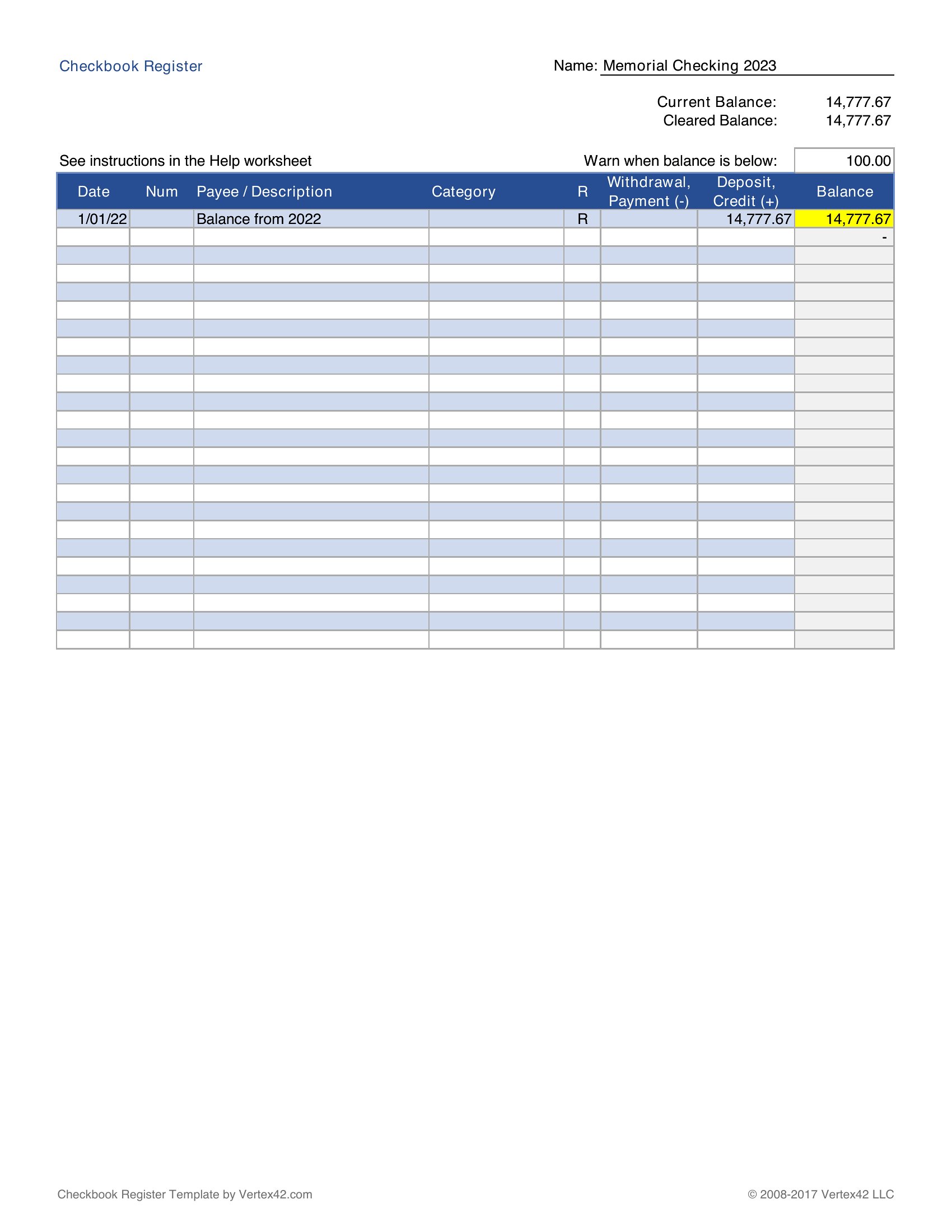
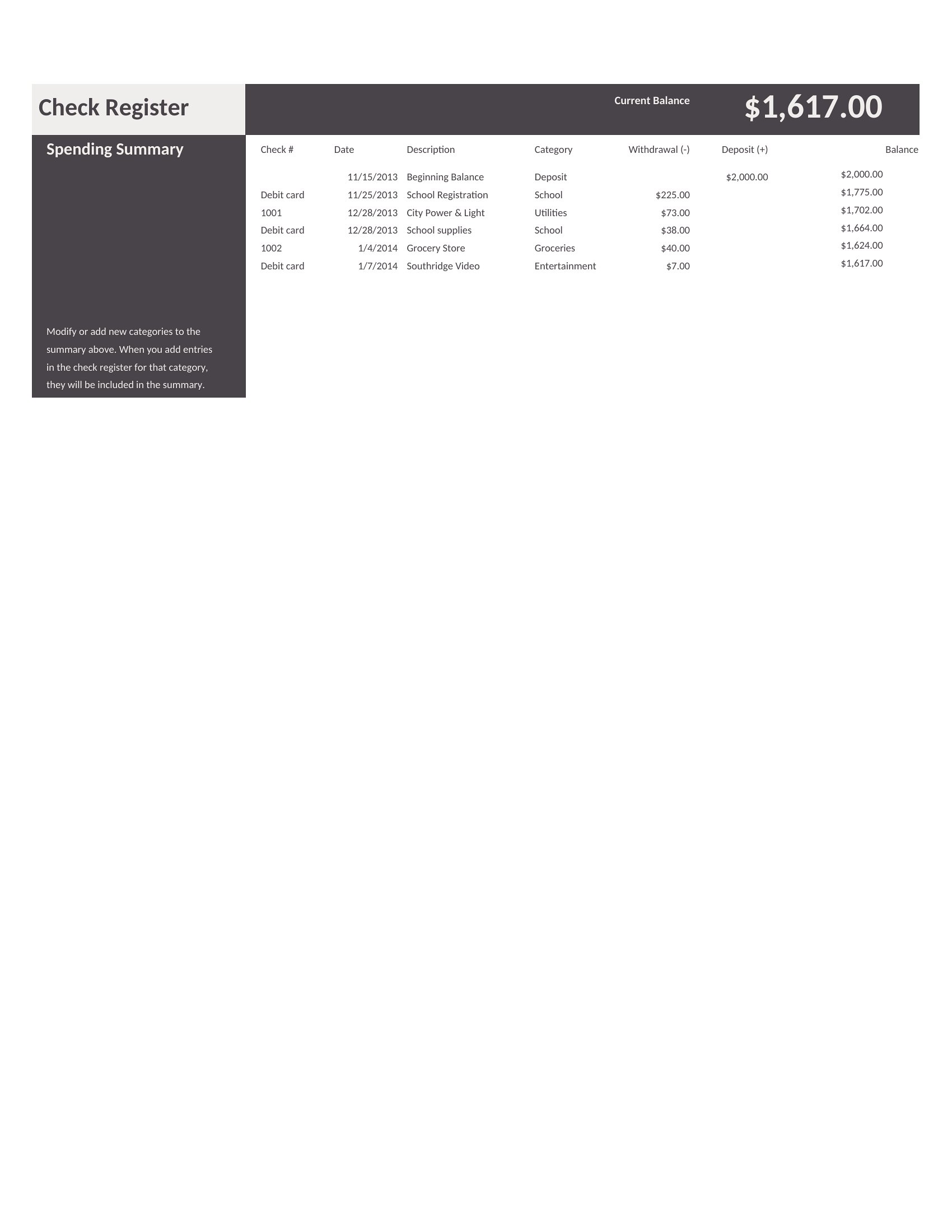
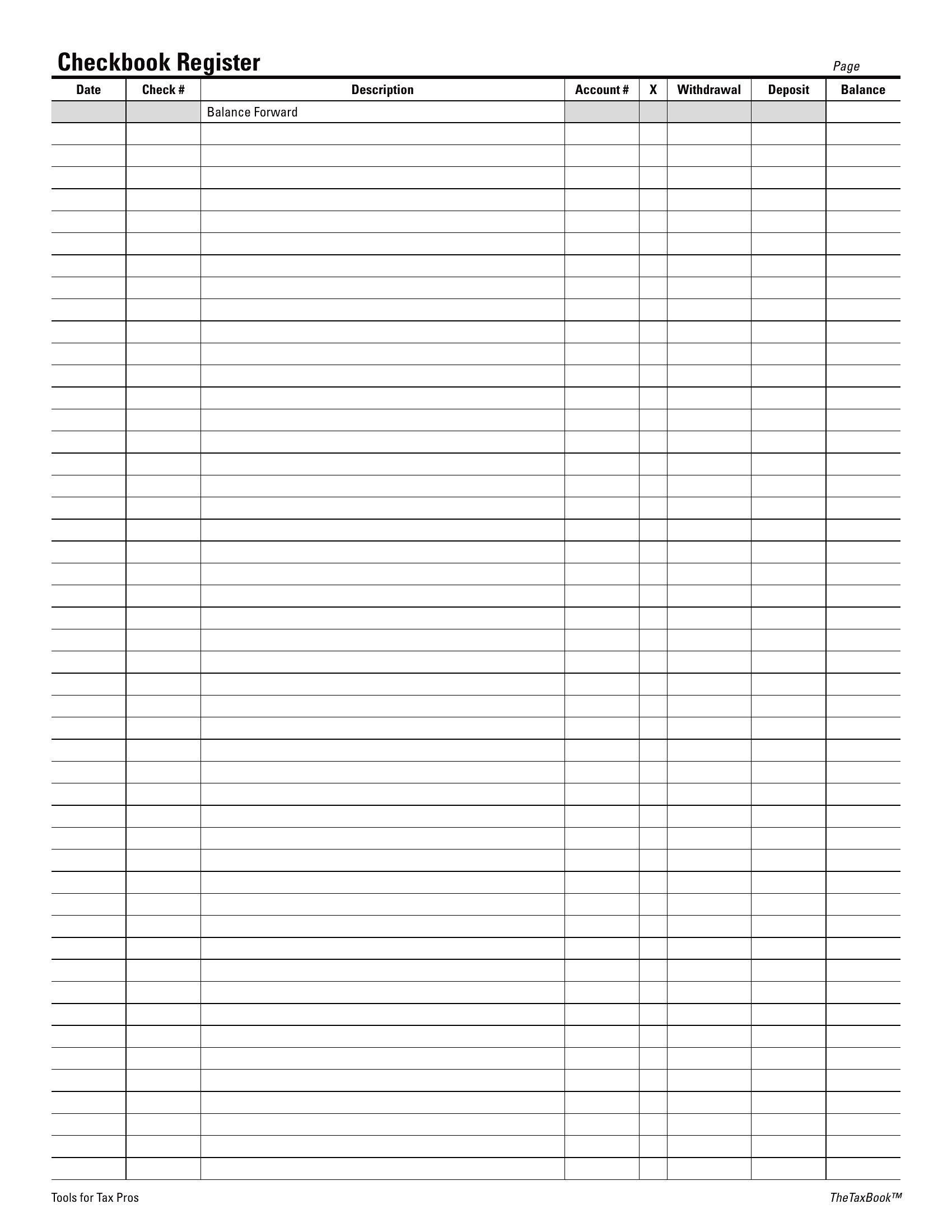
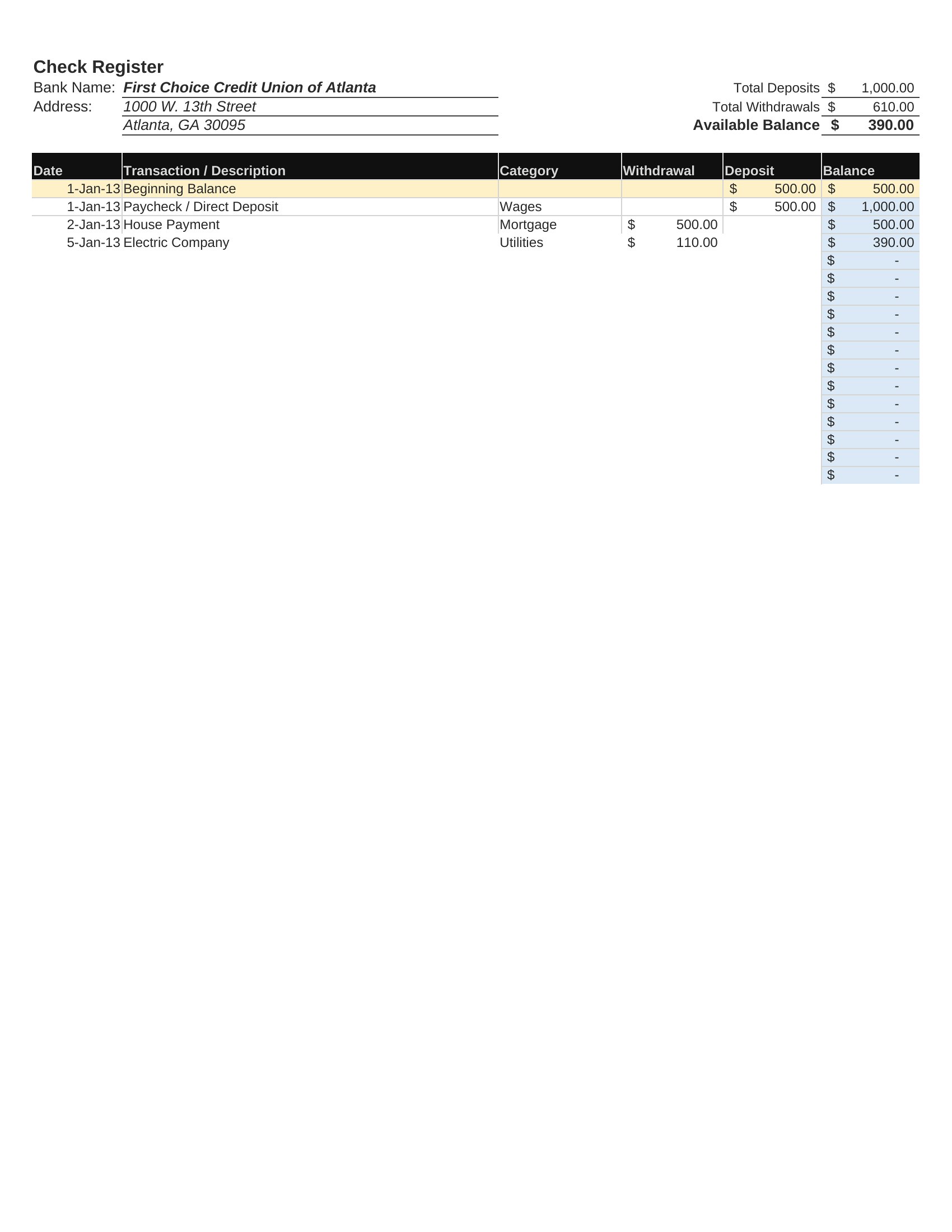
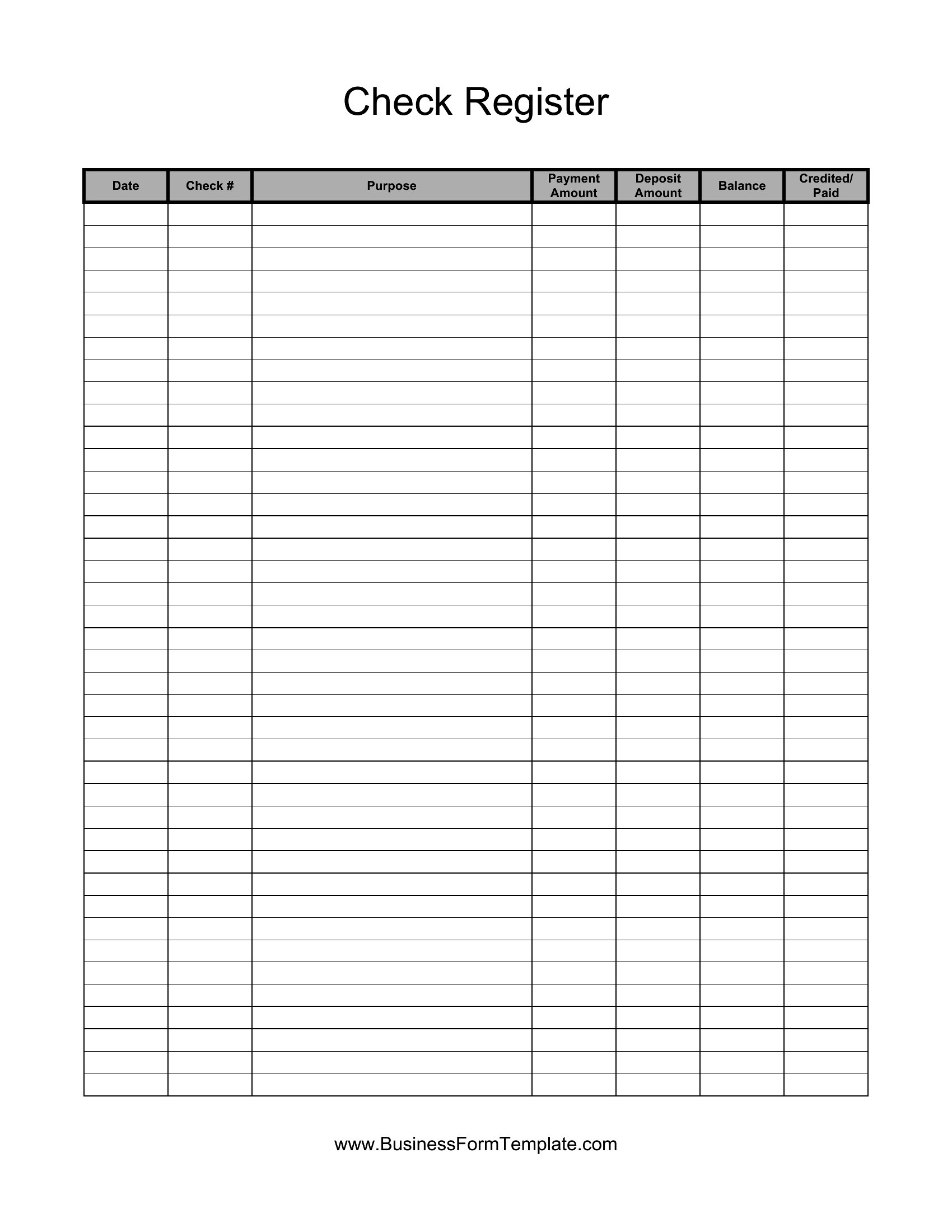
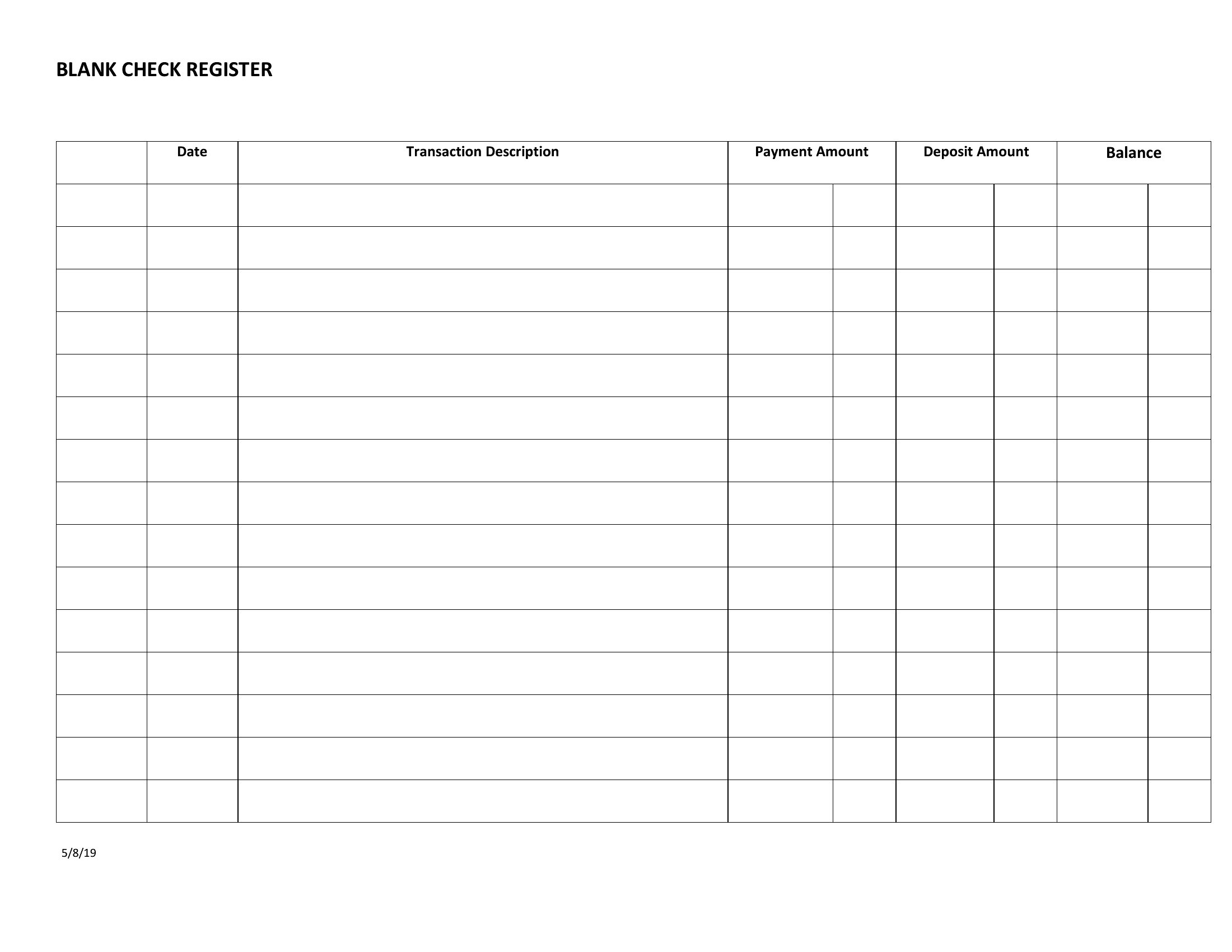
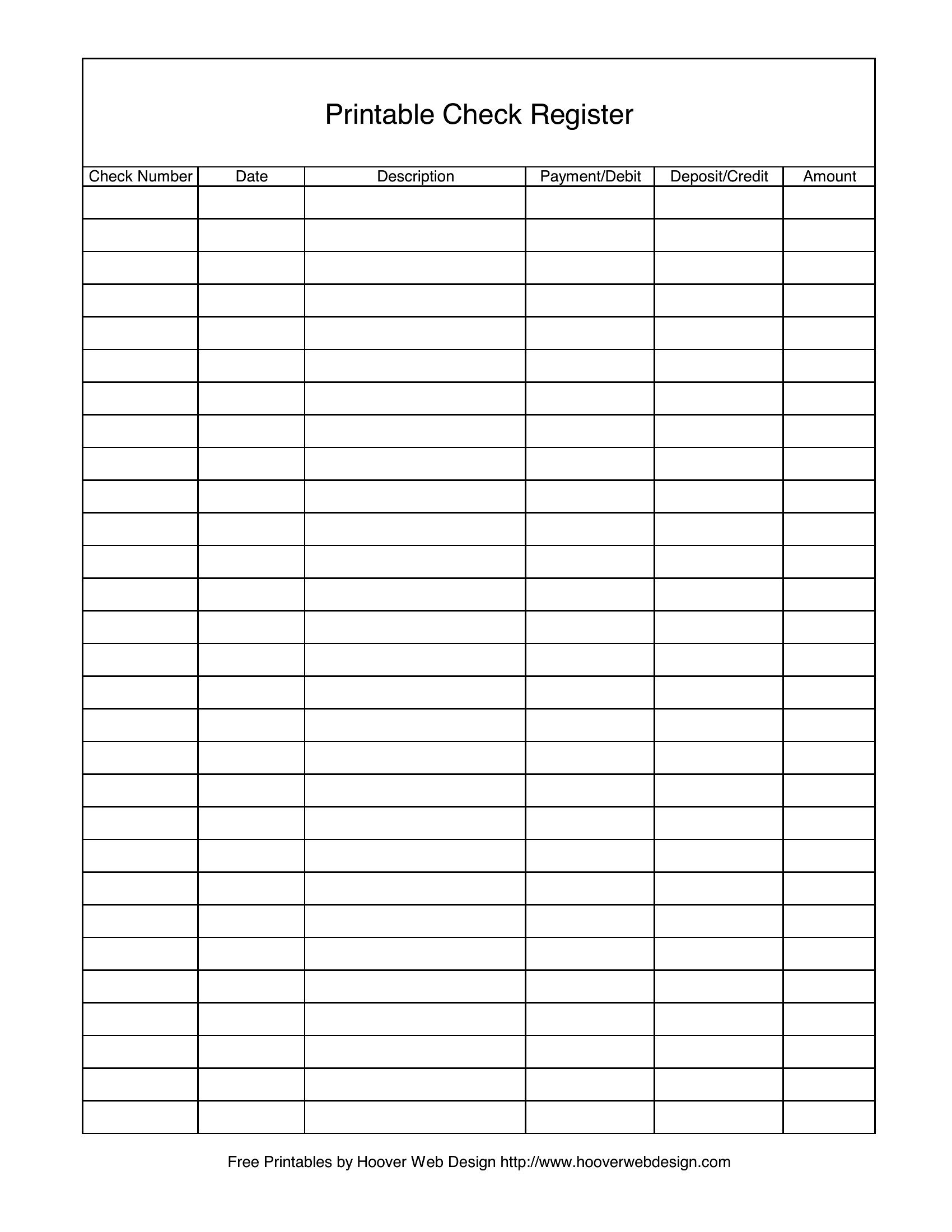
StatementsA checkbook register is still one of the simplest ways to know exactly how much money you have, tracking every deposit, check, and withdrawal as it happens. These 40 templates help budgeters, seniors, and small-business owners keep a running balance instead of relying on a bank app that may not reflect pending transactions.
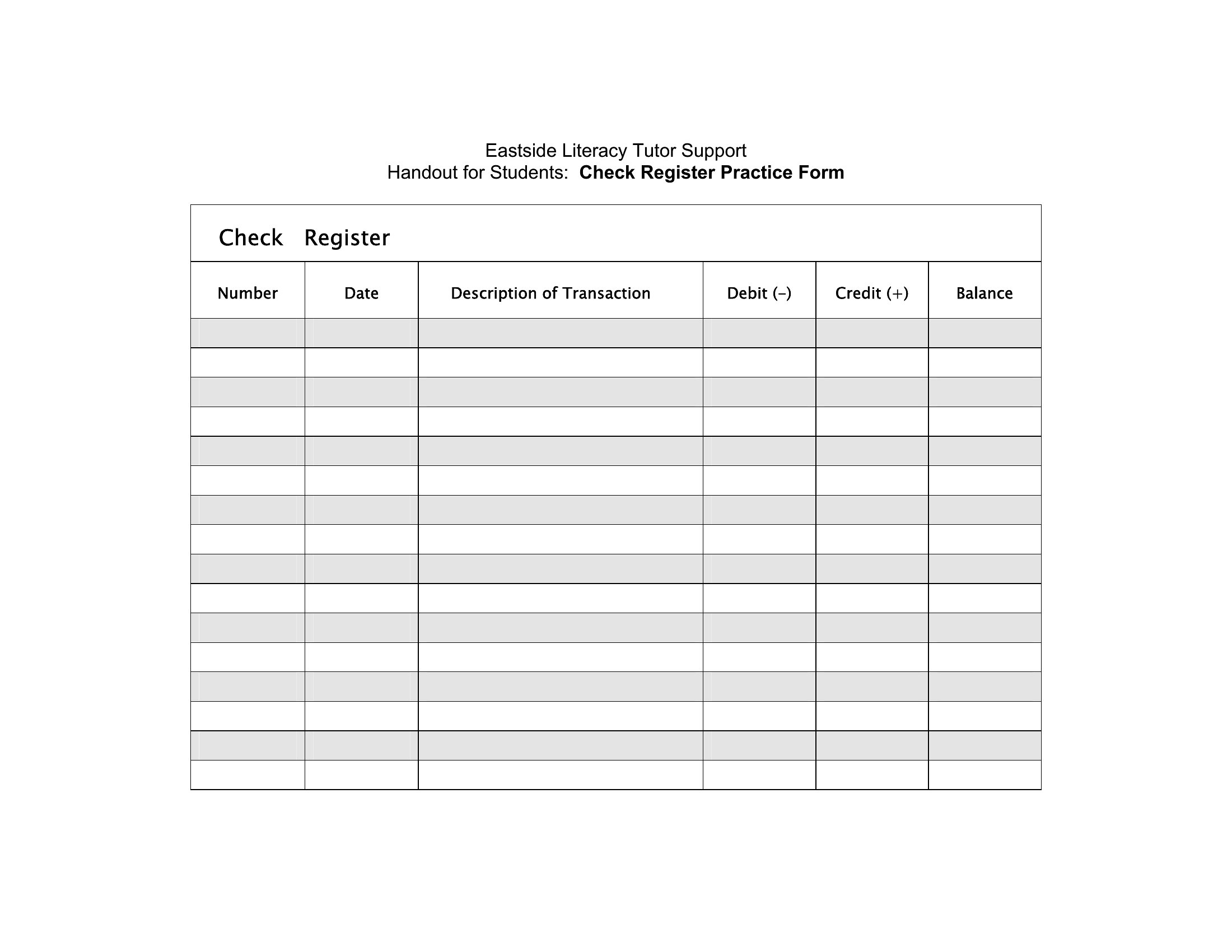
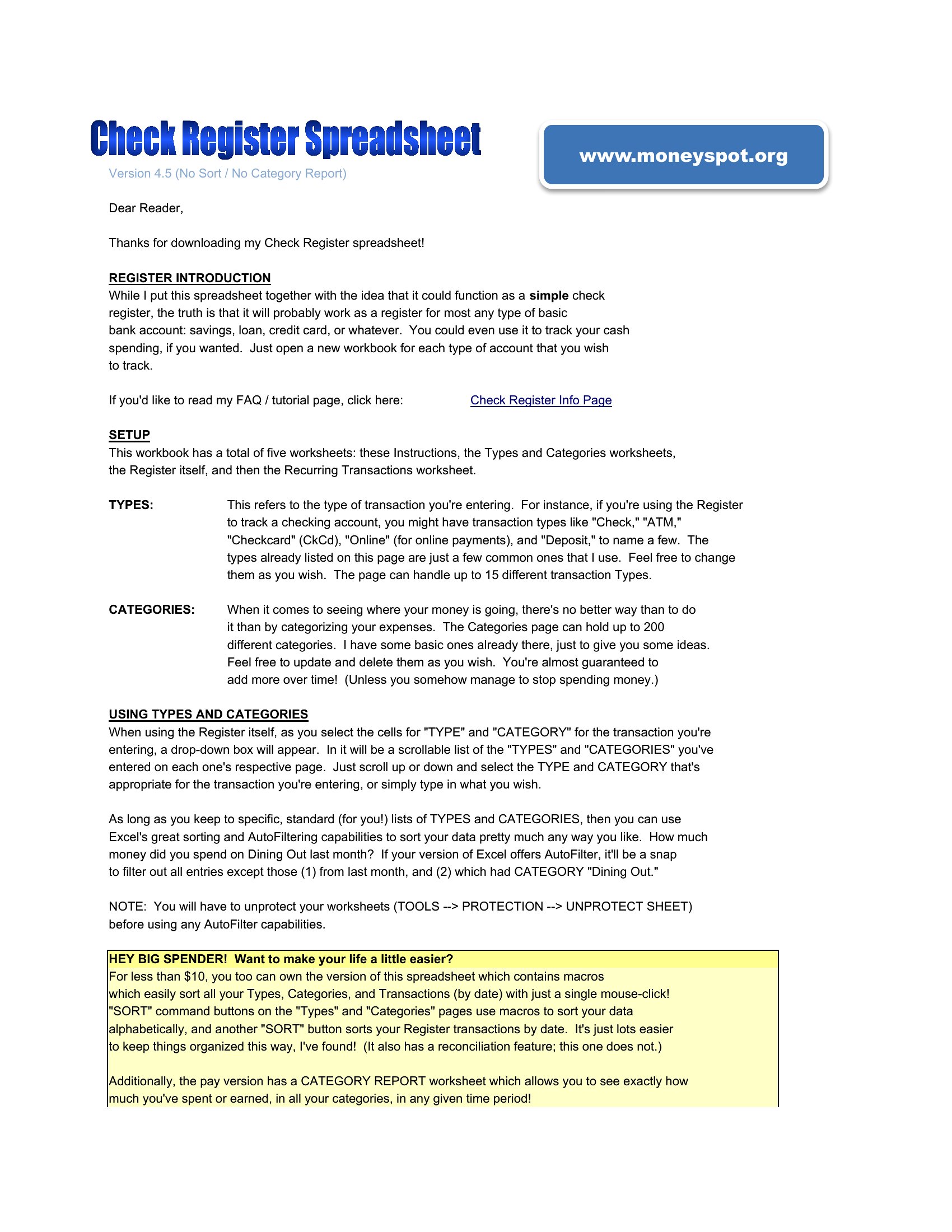
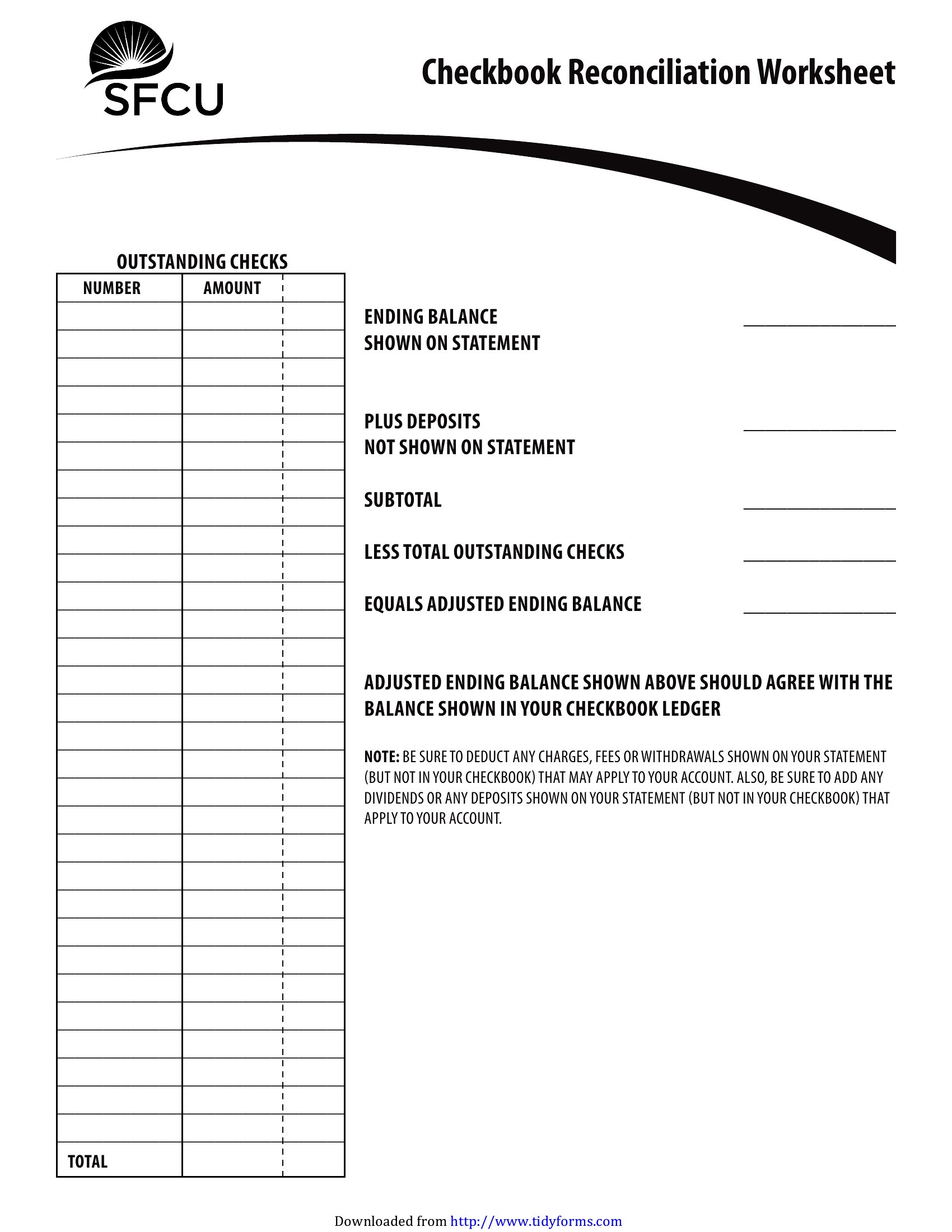
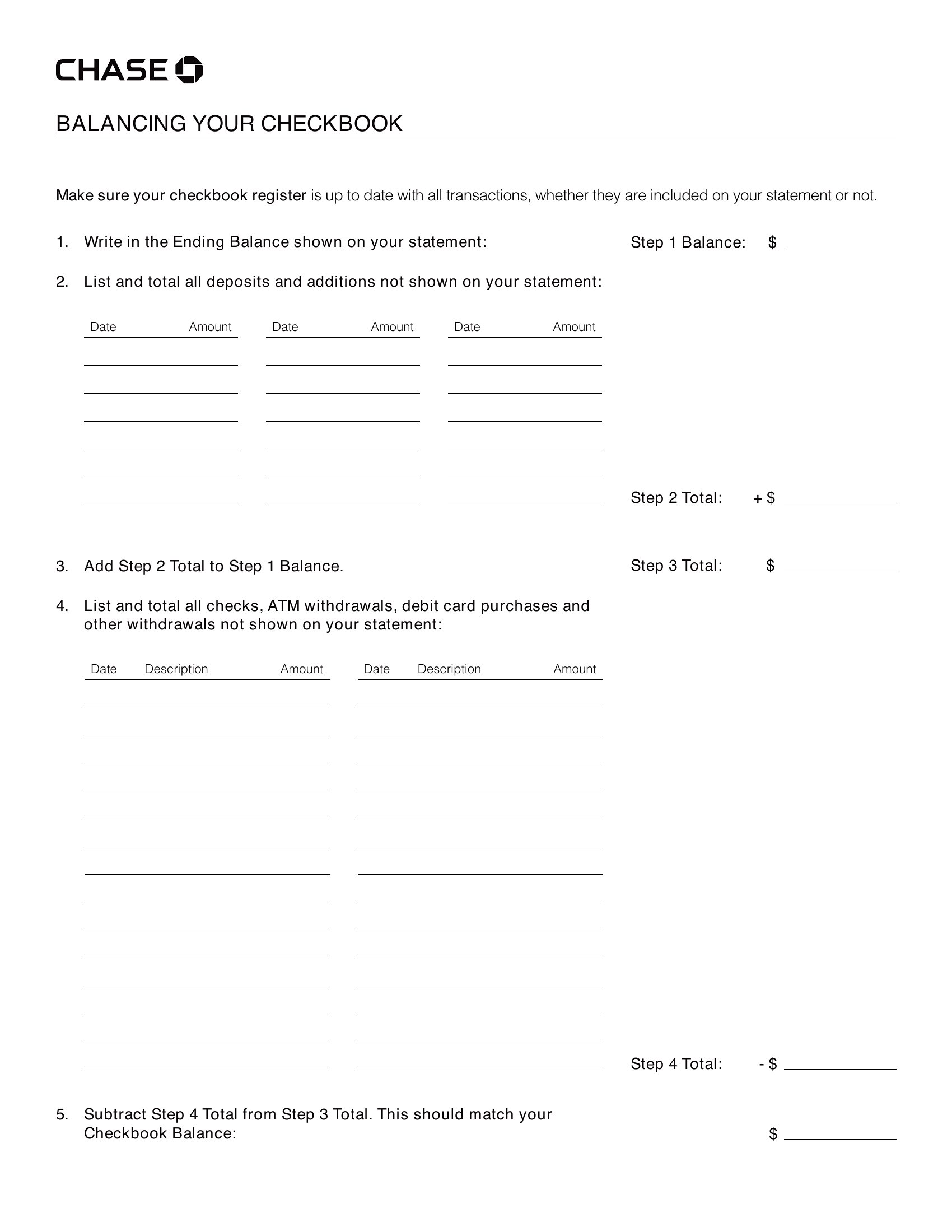
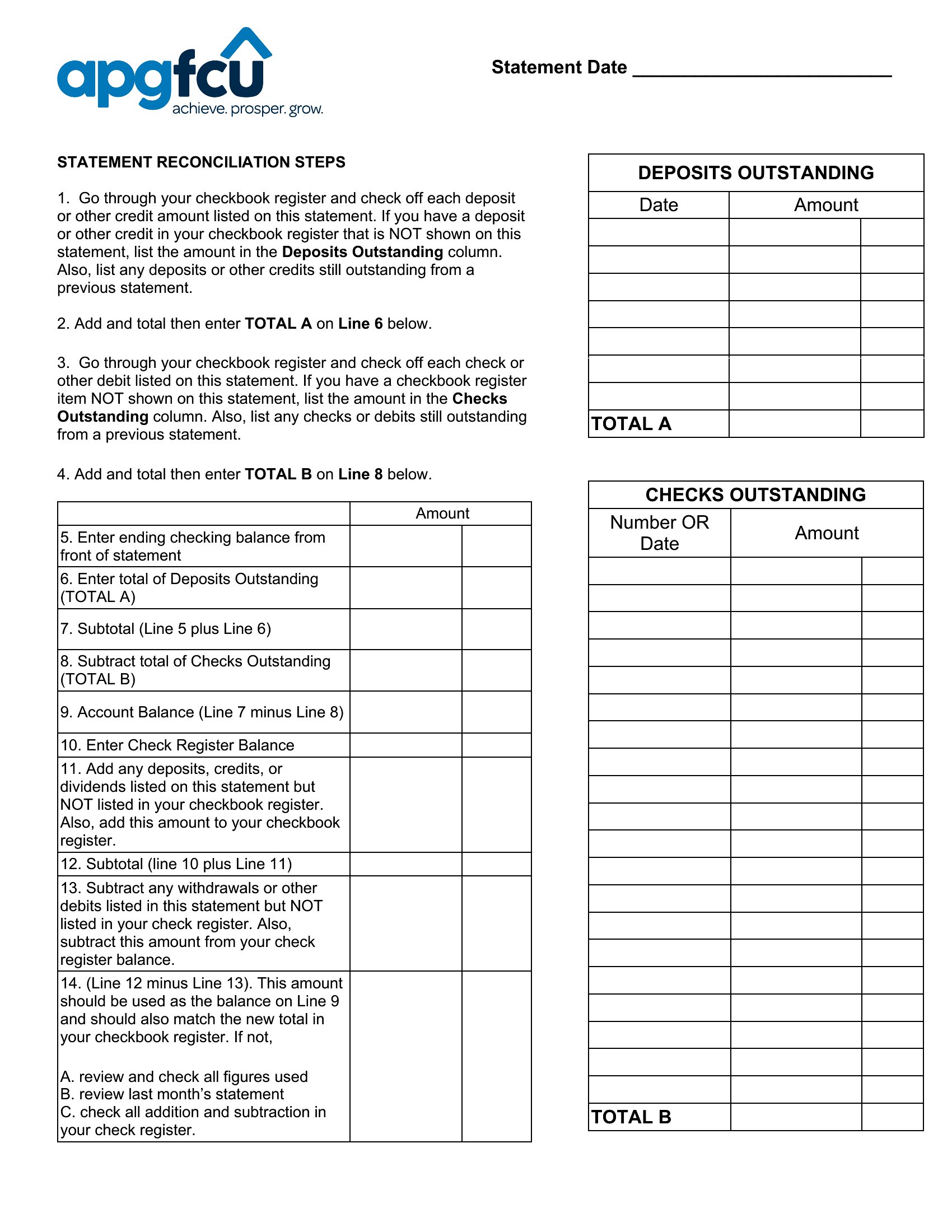
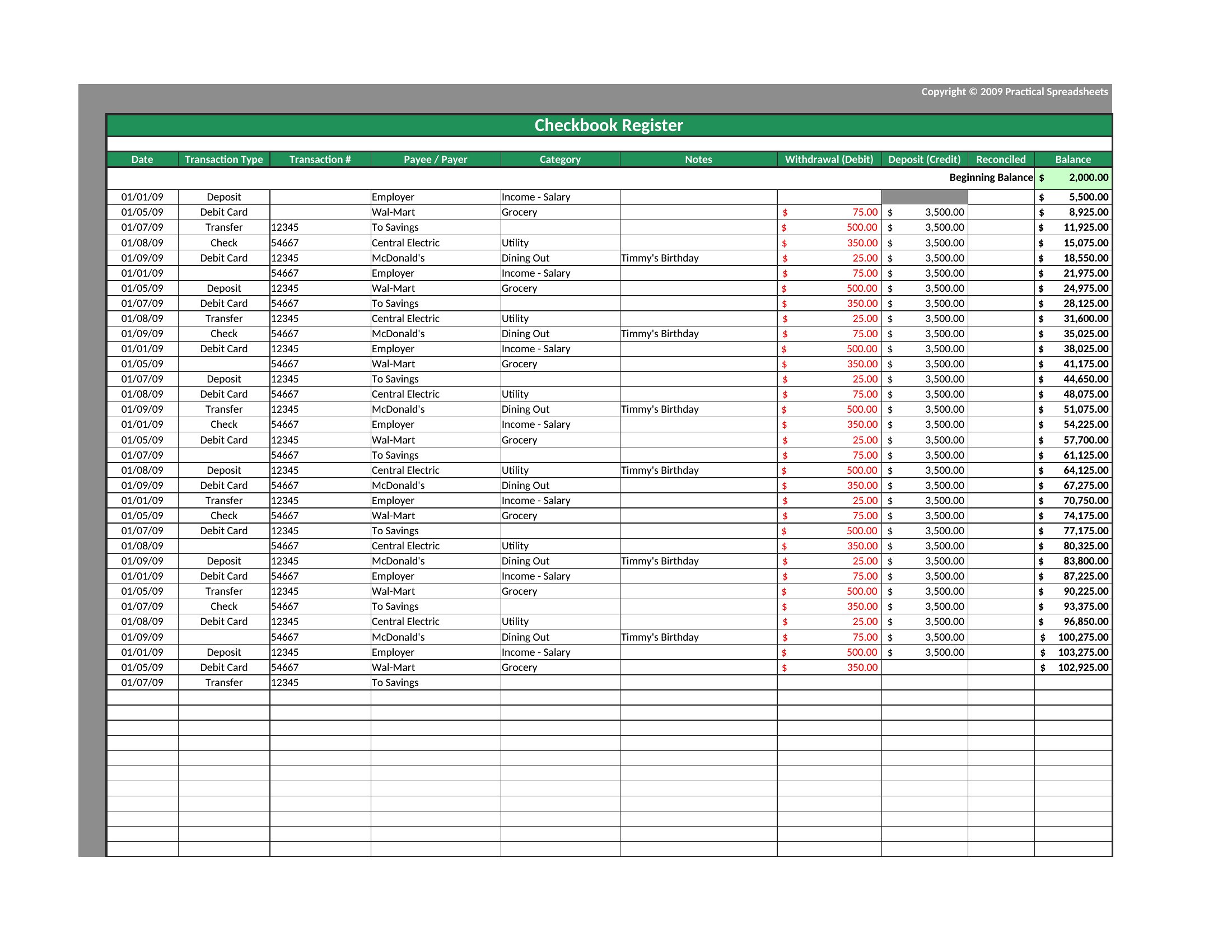
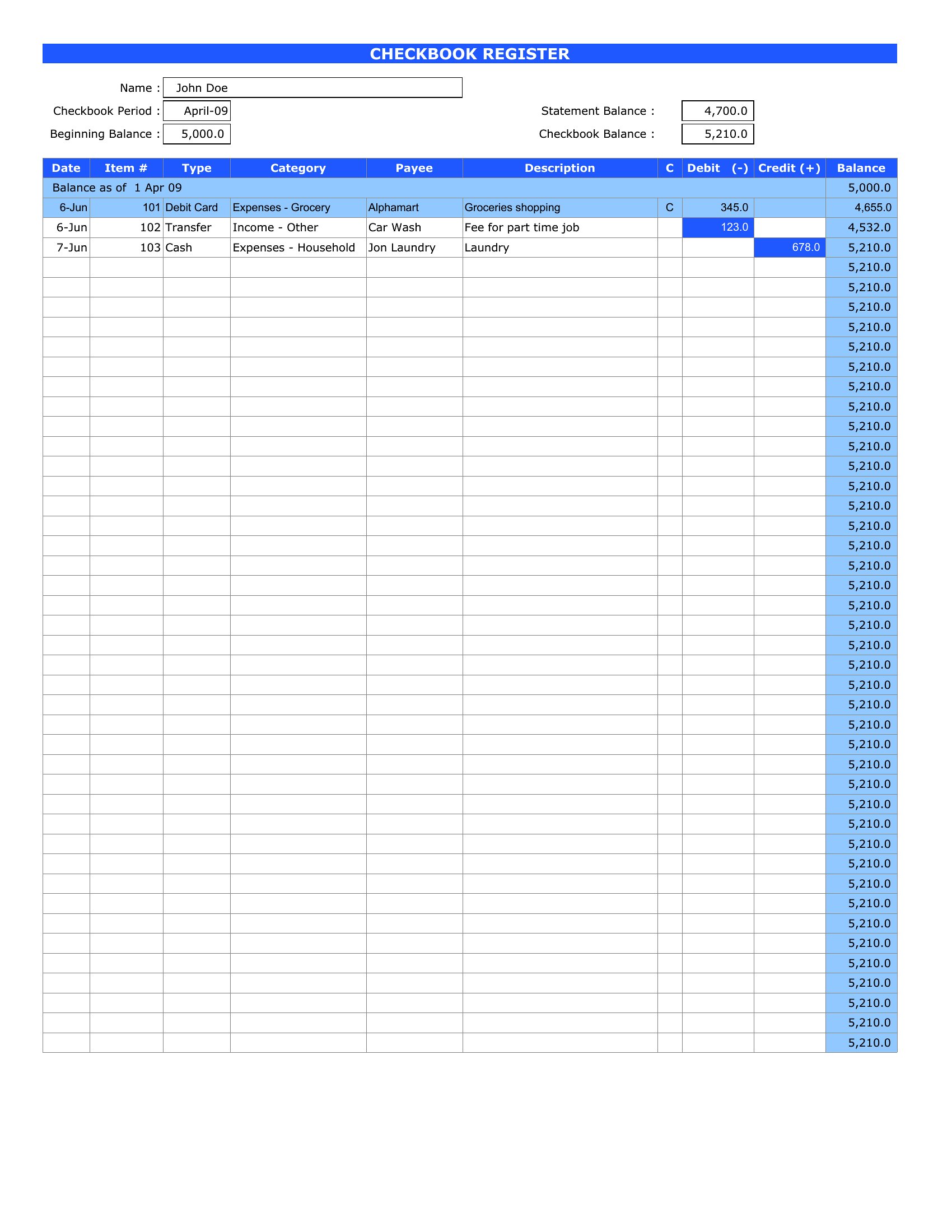
Let the Excel versions calculate your balance automatically, or print the Word and PDF copies to fill in by hand. Record each transaction, subtract as you go, and reconcile against your statement at month's end. Keeping your own running total helps you catch errors and avoid overdrafts. Download the register that fits your style and stay on top of your account.
When to use this Checkbook Register template
- A retired couple on fixed income uses this register to reconcile monthly checks written for rent and utilities before their bank’s transaction delays cause confusion.
- Small-business owners tracking petty cash or vendor payments in a shared ledger need a manual register to log expenses as they happen, avoiding credit card fee errors.
- College students splitting bills with roommates use a printable register to record cash deposits and shared utility checks, ensuring no one overpays at month-end.
- Budgeters in rural areas with unreliable internet rely on Excel registers to auto-calculate balances after each grocery or utility check, preventing overdrafts.
Which format should I download?
Choose Word if you need flexible text fields to add notes like ‘gift from family’ alongside checks or deposits. Excel is ideal for automatic balance tracking—perfect if you write 20+ checks monthly. For quick, print-and-go records, use PDFs, especially if you mail checks and need a portable, fillable version. Avoid PDF if you plan to edit often, as it requires external tools.
How to use this Checkbook Register template
How do I handle voided checks or returned deposits in this register?
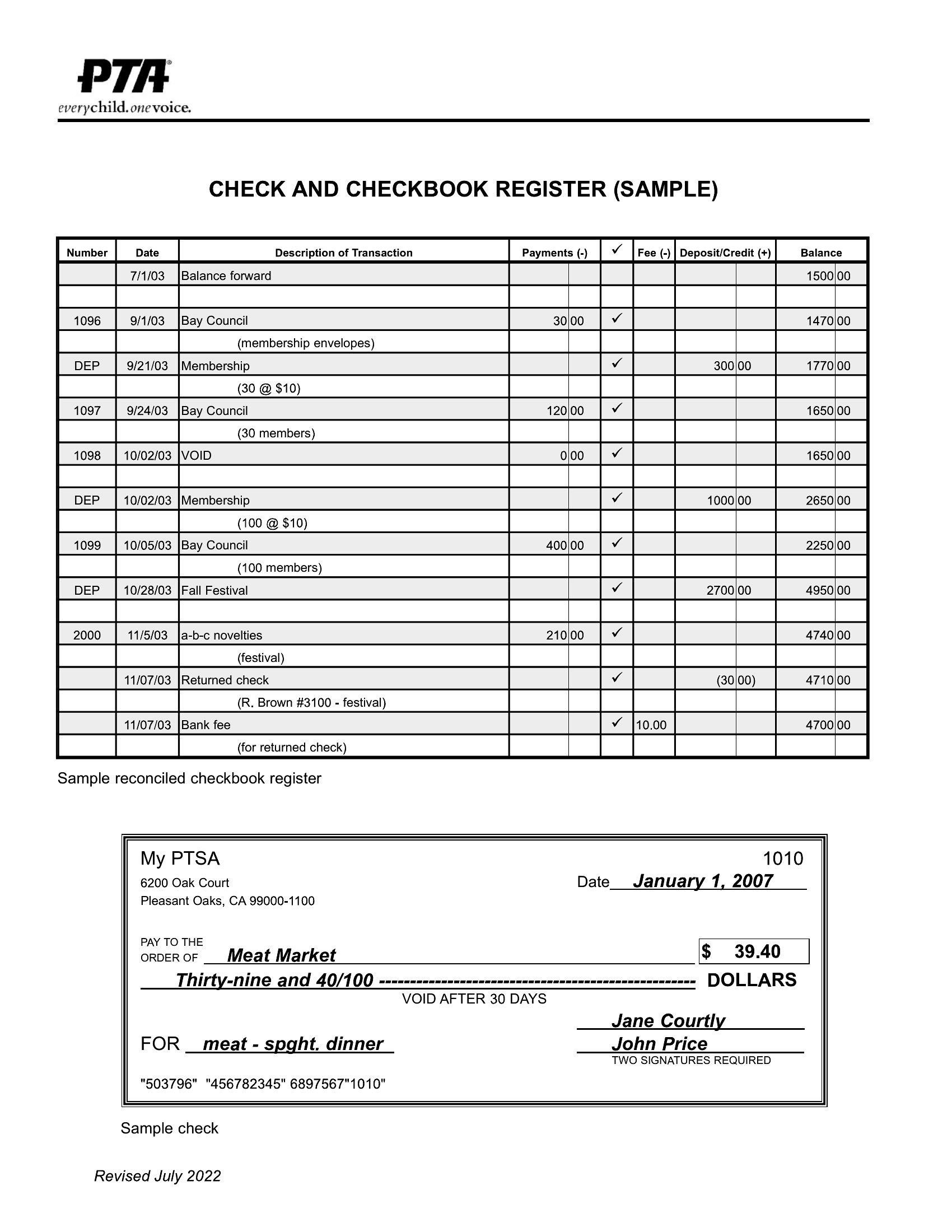
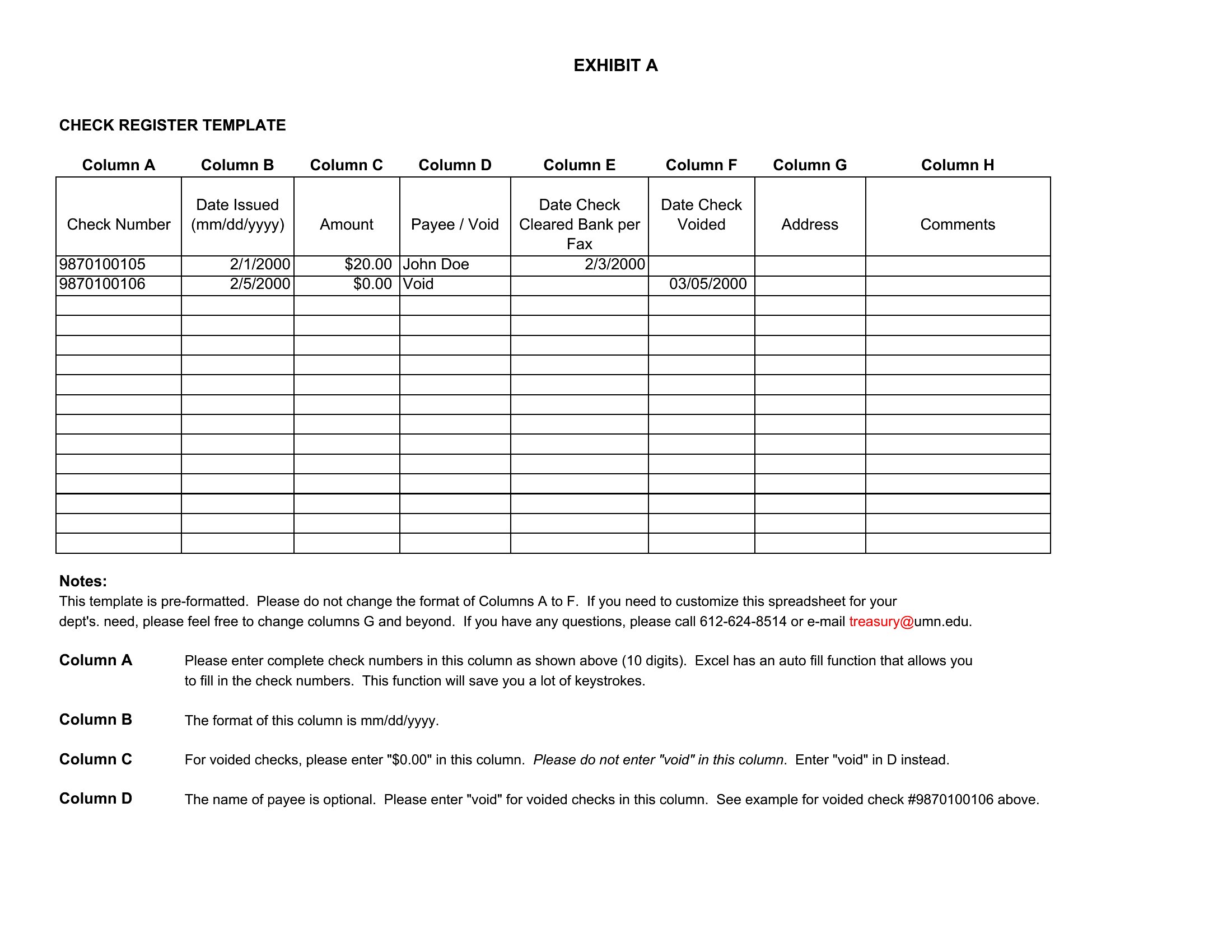
Mark the voided check with a ‘V’ in the date column and note the correction in the memo section. For returned deposits, subtract the amount in red ink and document the bank’s reason code if provided. Never erase—cross out and initial the change to maintain an audit trail.
Can I use an Excel register if I also use online banking for reconciliation?
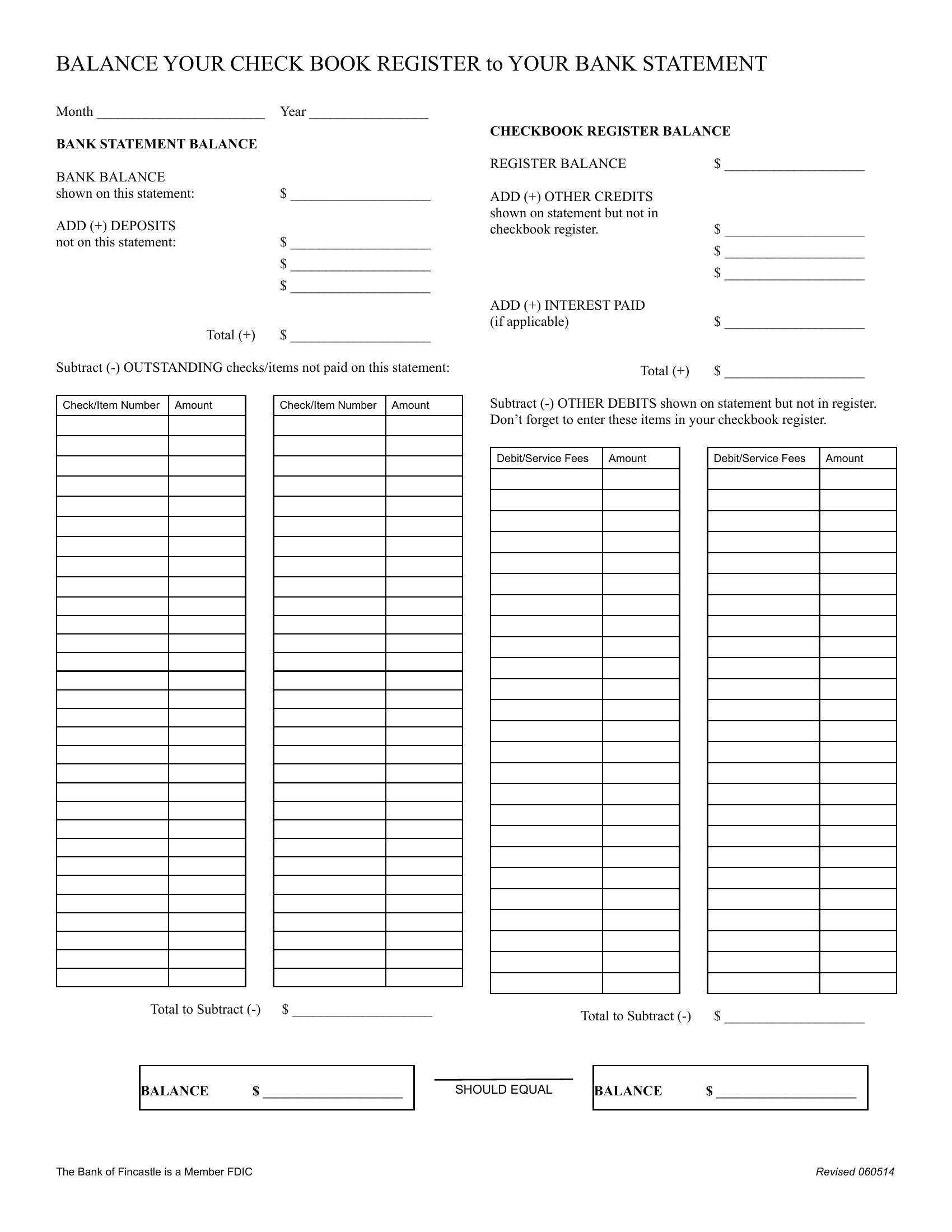
Yes, but dedicate a separate column to ‘Bank Statement Reconciliation’ and note pending transactions (like clears or holds) until they appear in your bank’s records. Update the register first, then cross-reference with your bank’s end-of-month statement to catch discrepancies early.
What’s the best way to organize checks by category (e.g., groceries, subscriptions) in a manual system?
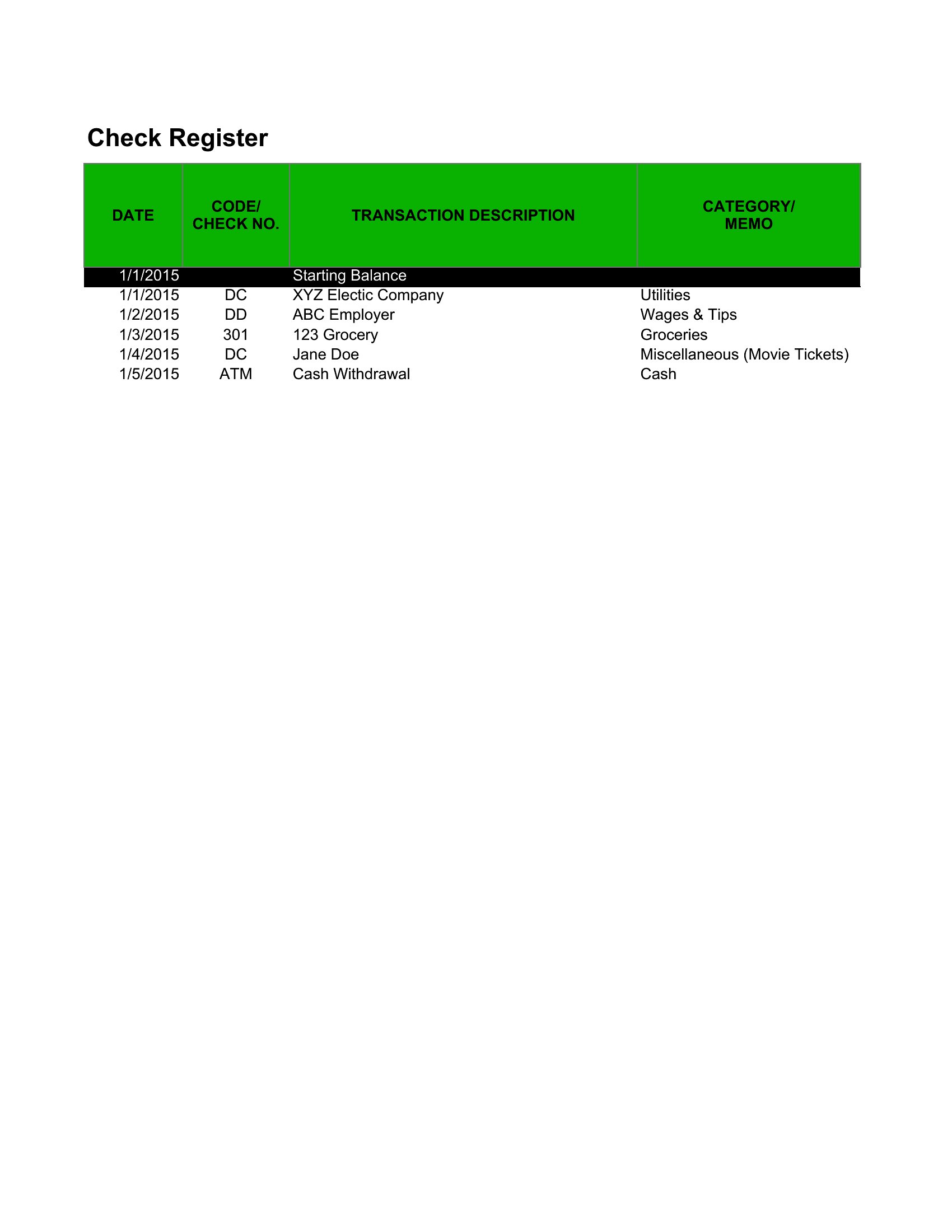
Add a ‘Category’ column next to the payee and use abbreviations like ‘G’ for groceries or ‘SUB’ for subscriptions. Color-code the rows in Excel (e.g., green for income, red for bills) or use highlighters in printable versions to quickly spot spending trends at glance.
Comments
Join the conversation
Sign in to share your thoughts and leave a comment on this resource.