Free Risk Matrix Templates (Excel)
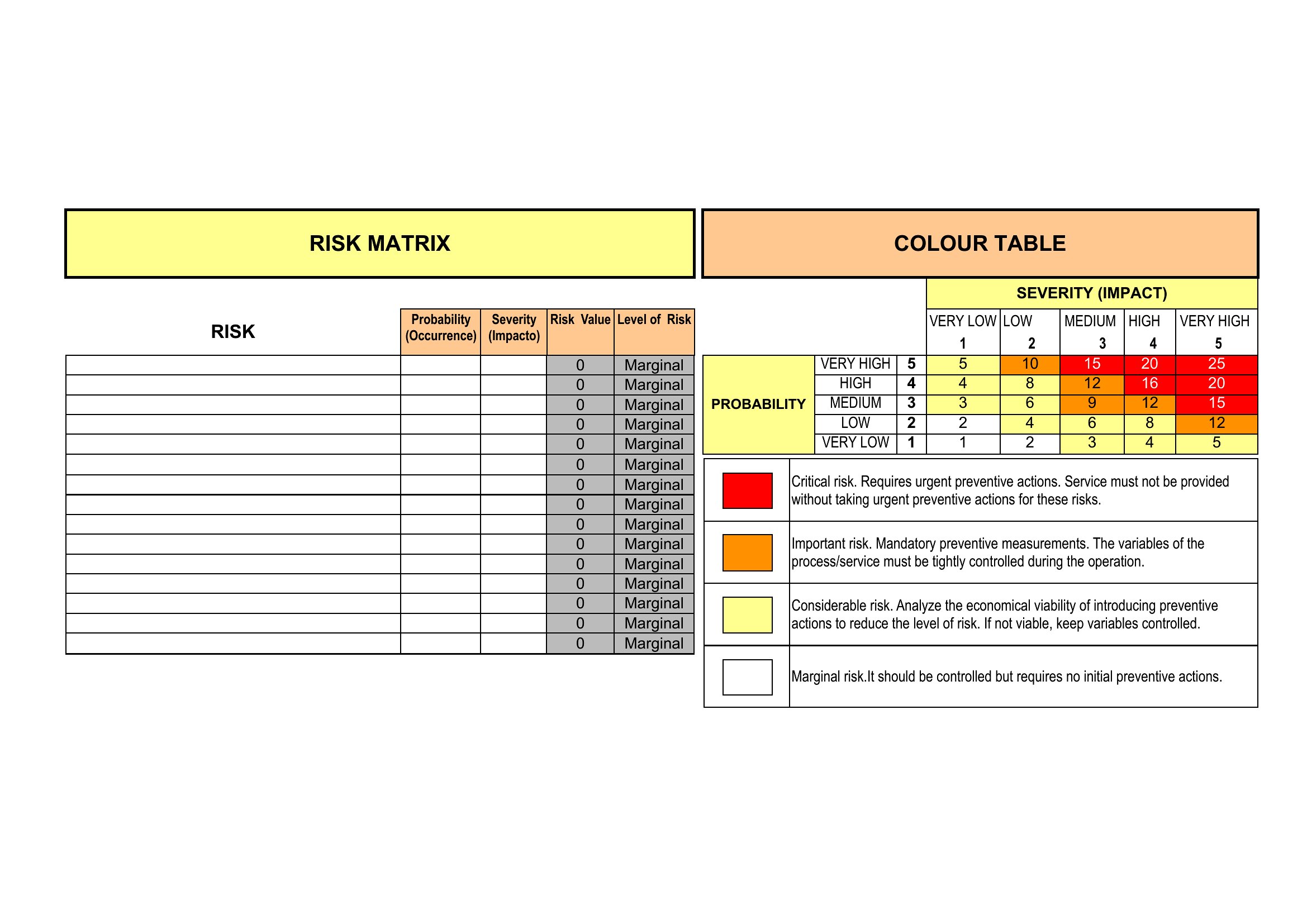
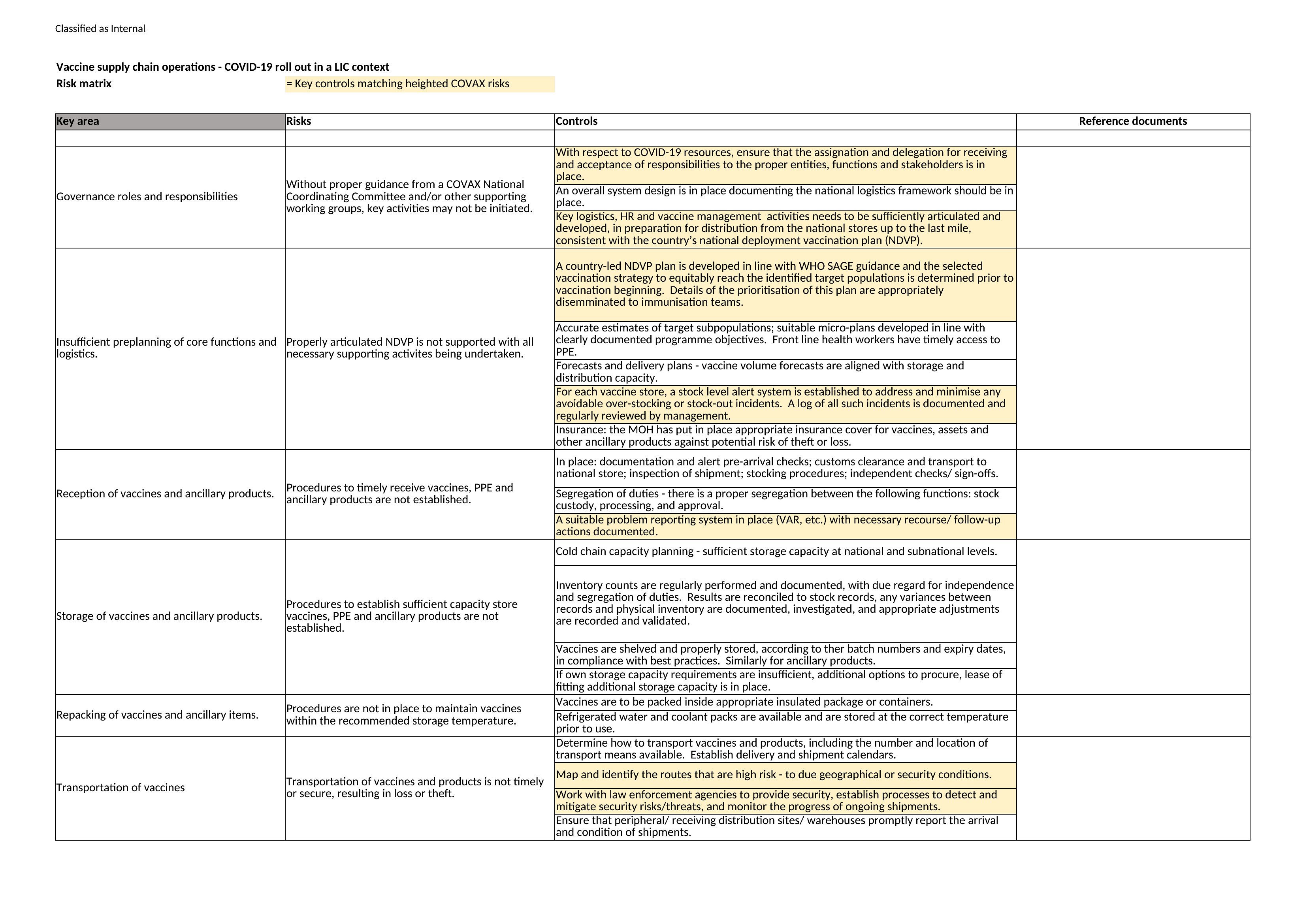
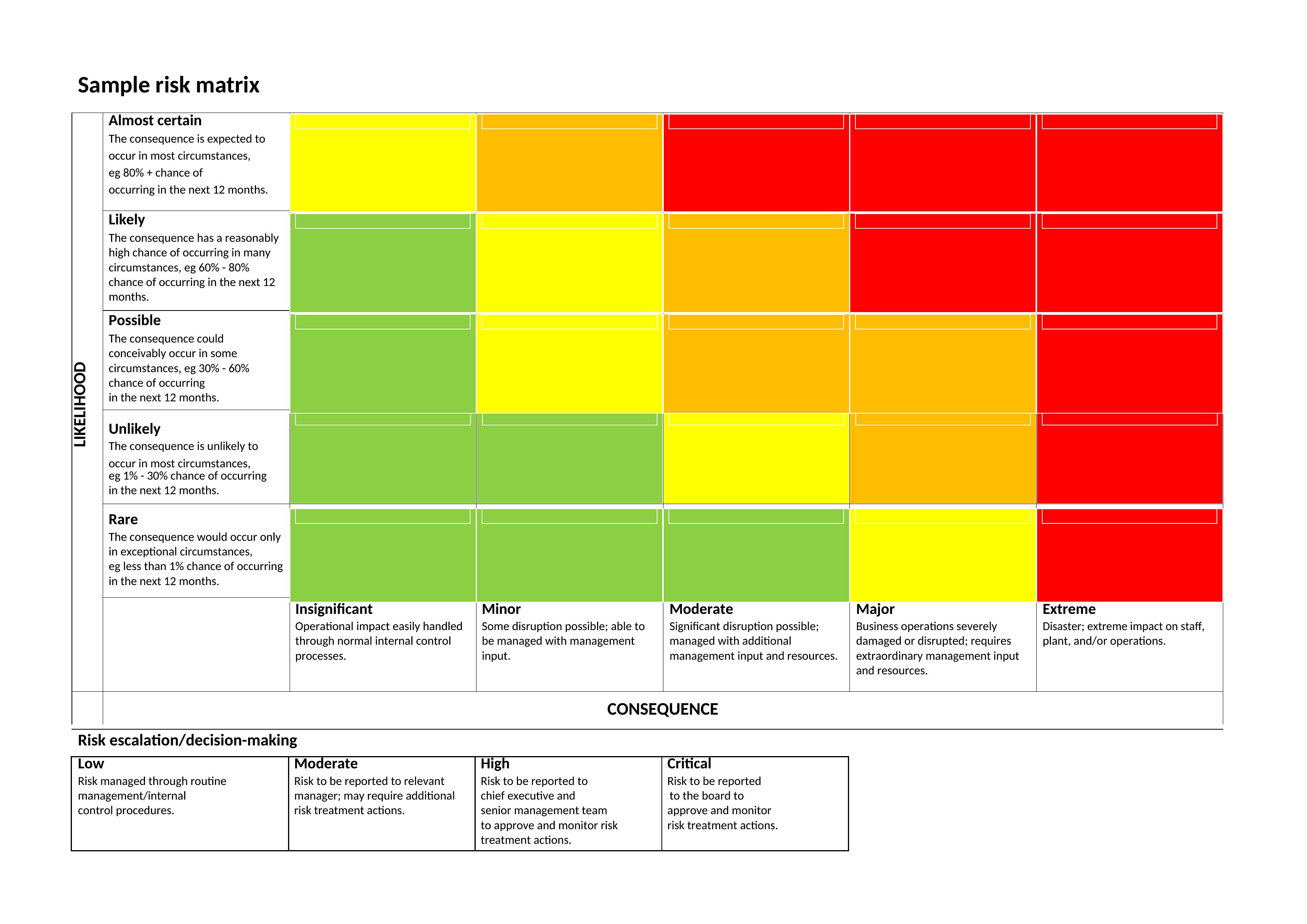
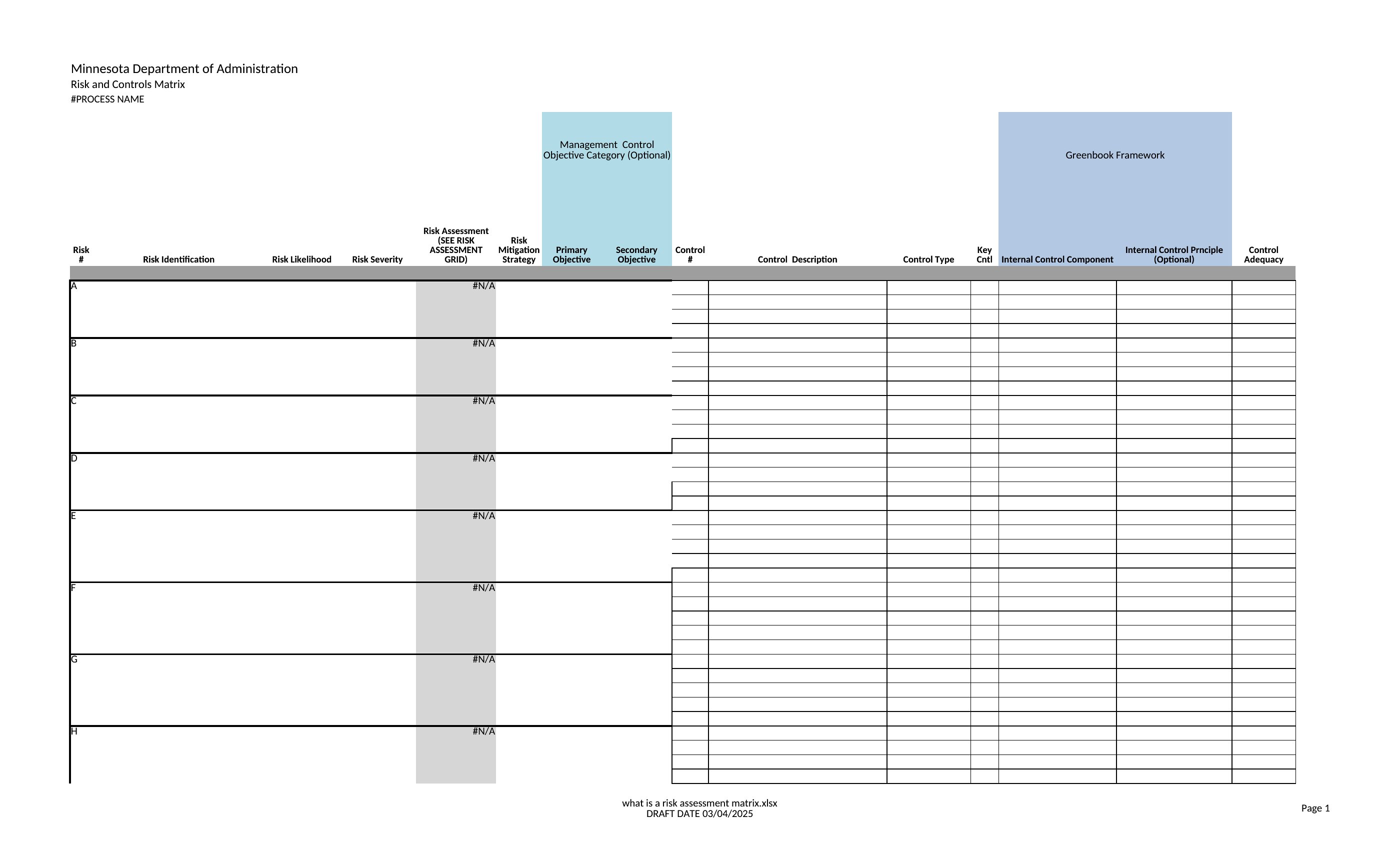
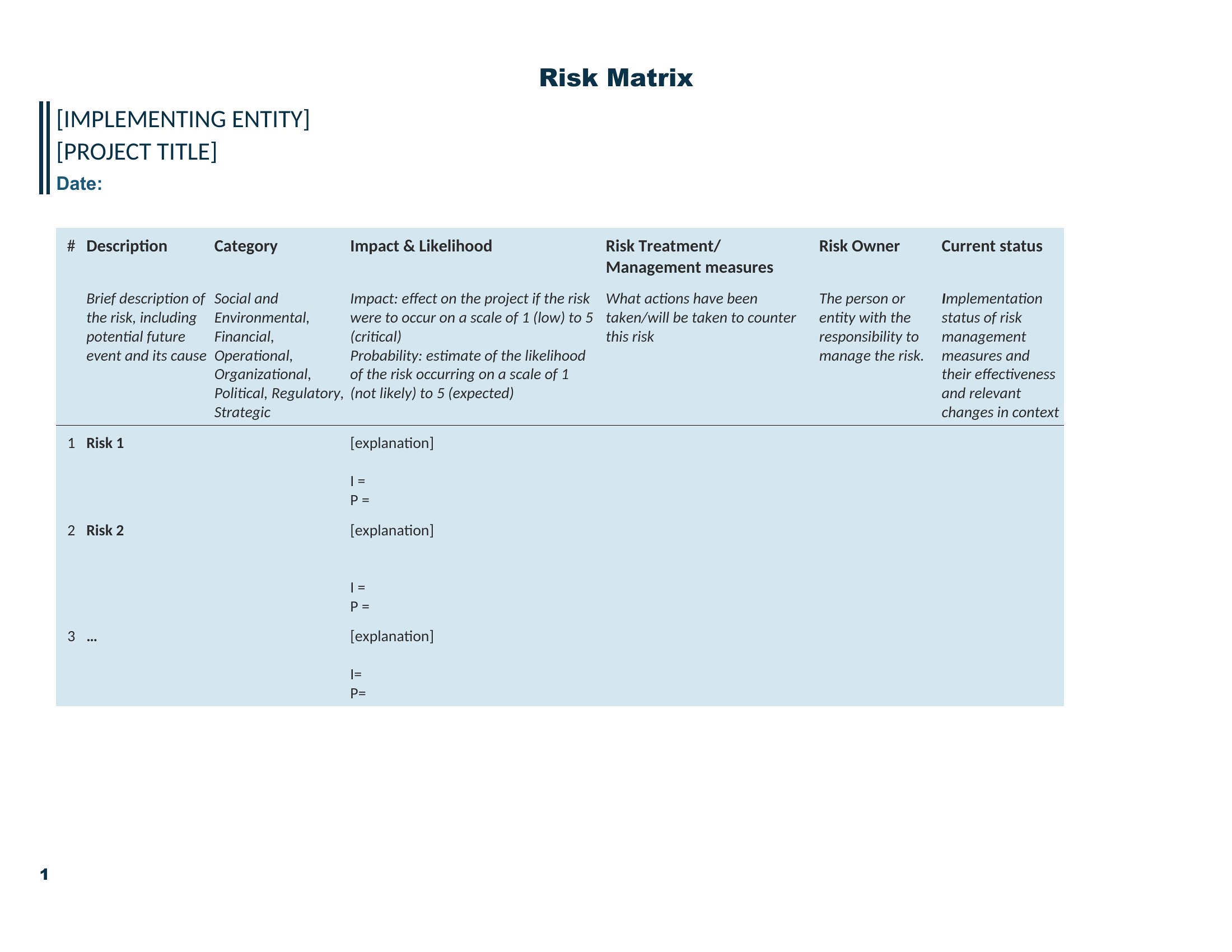
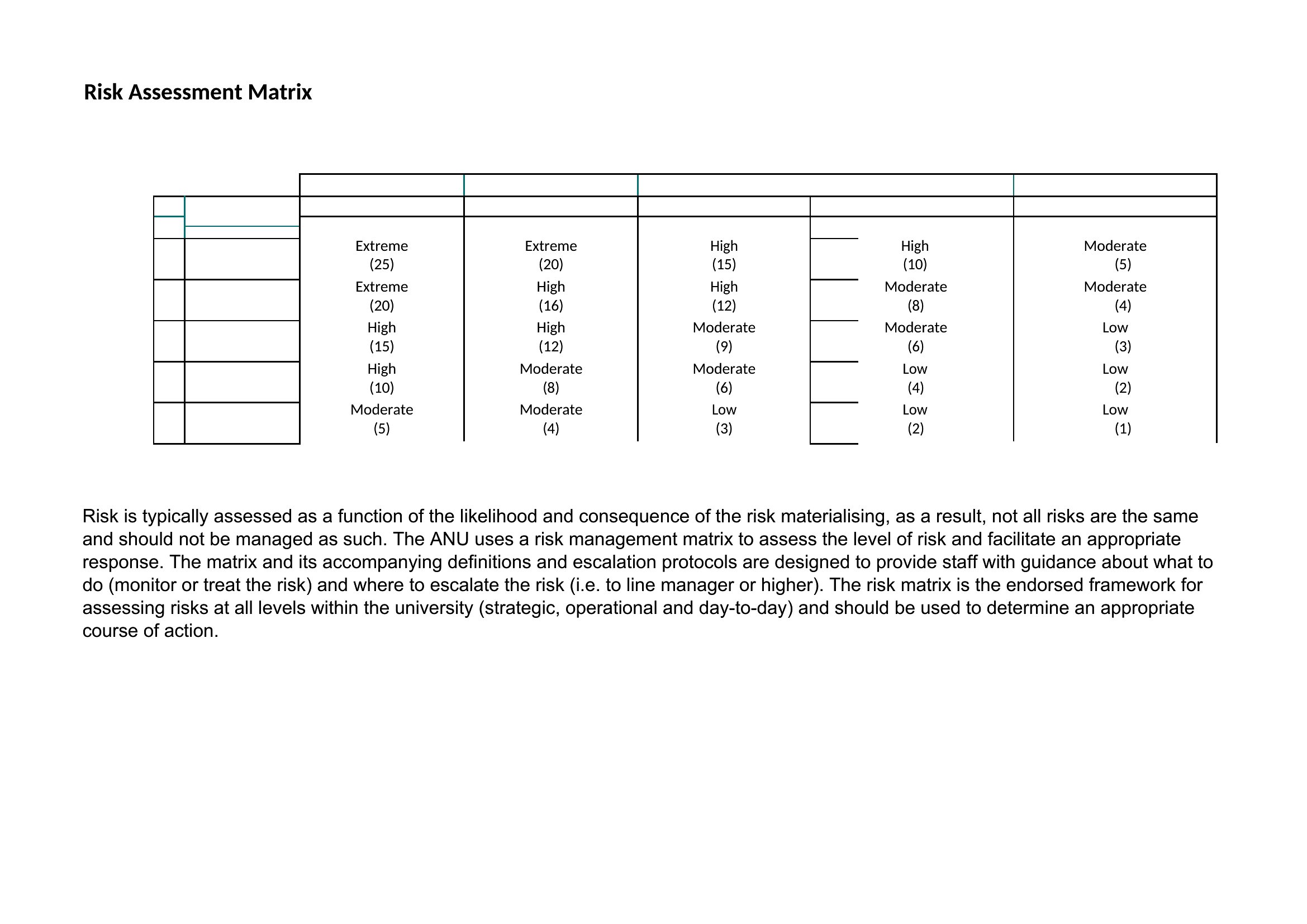
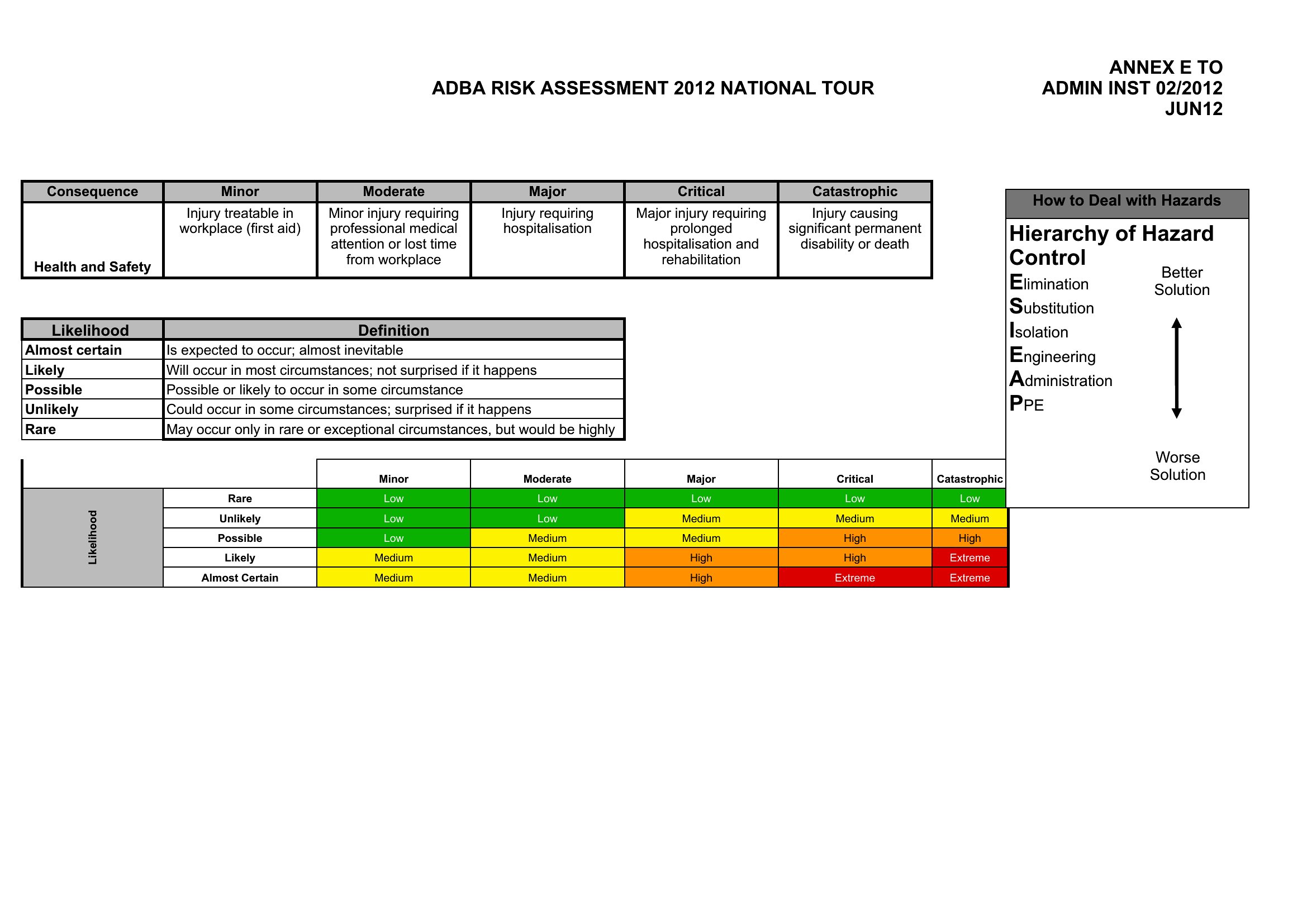
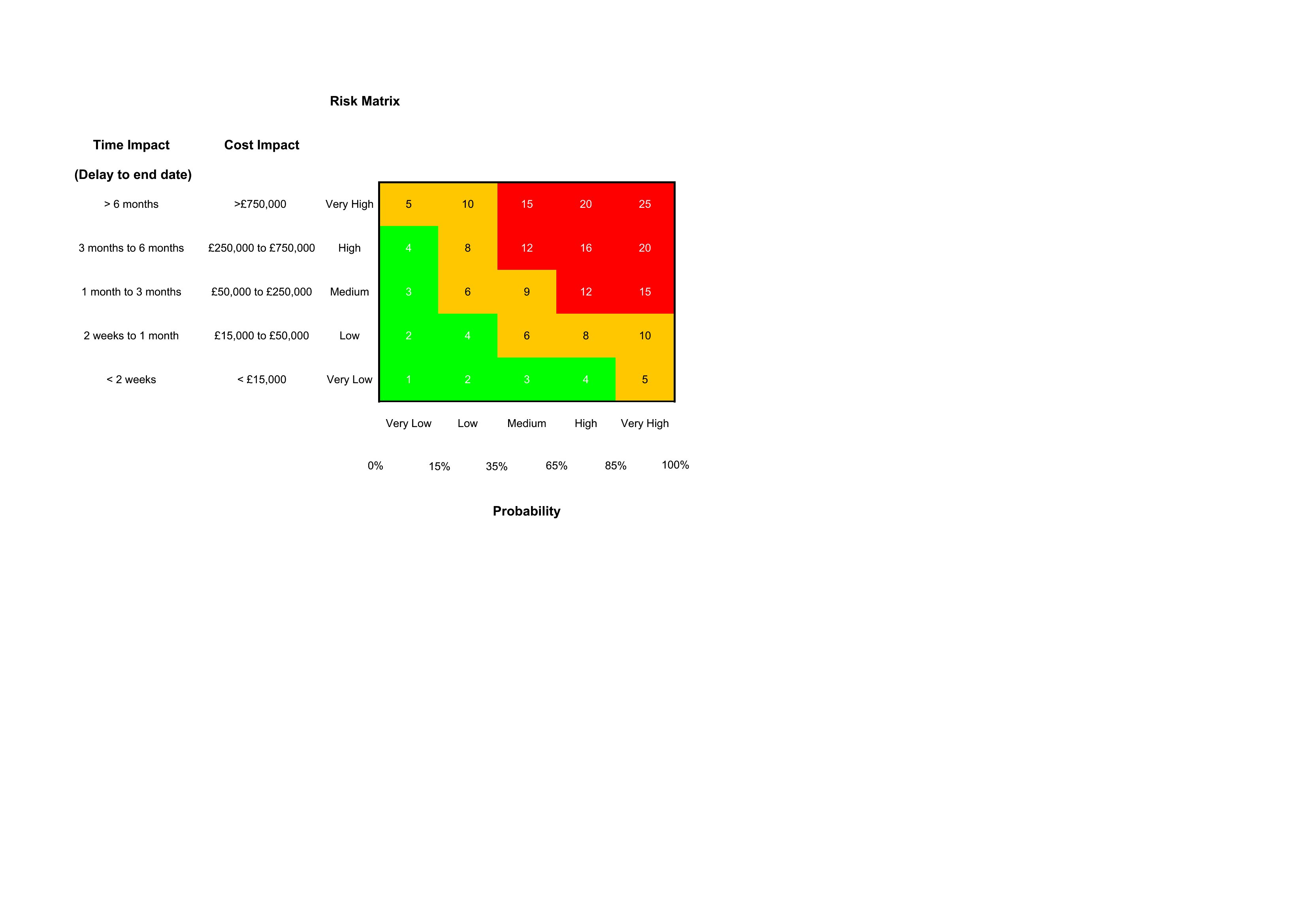
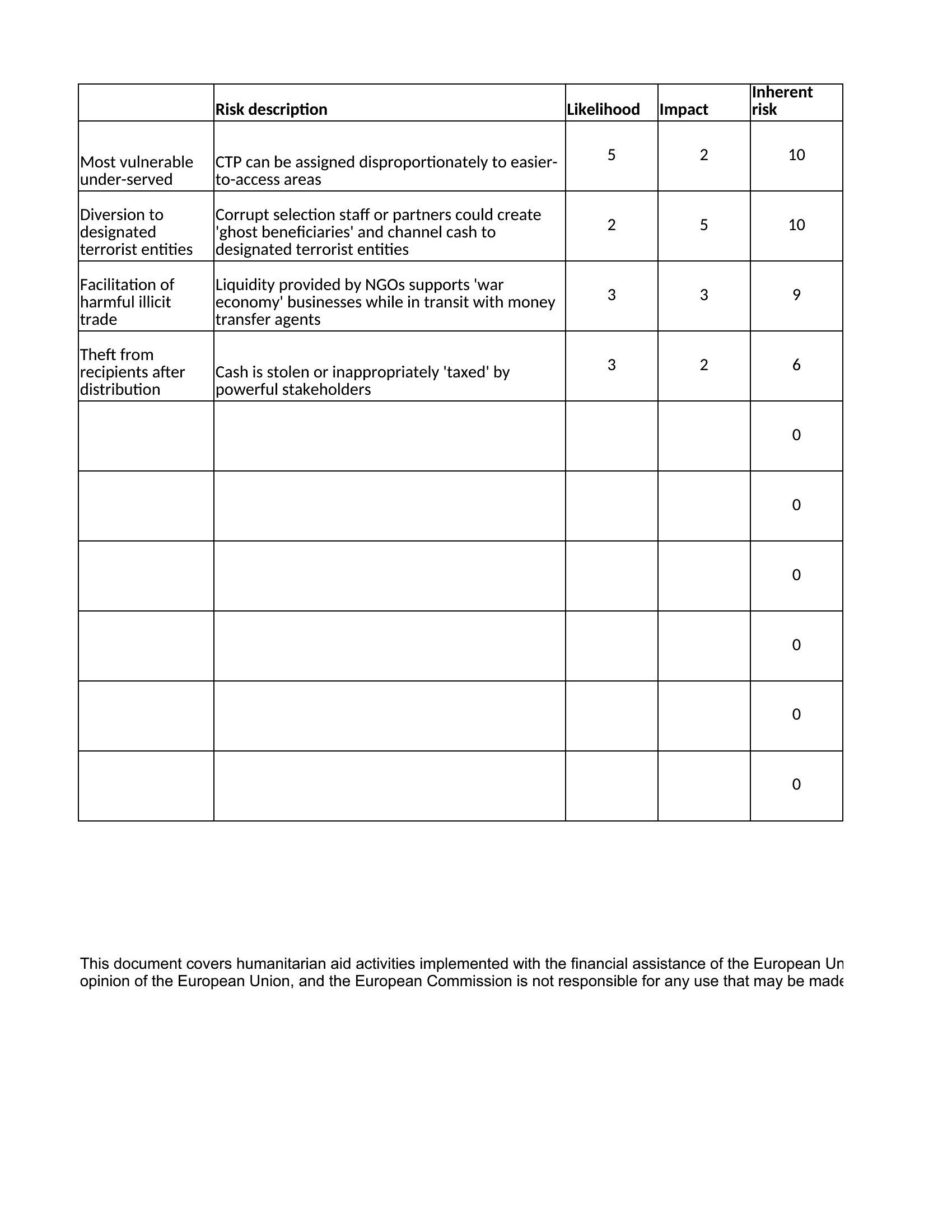
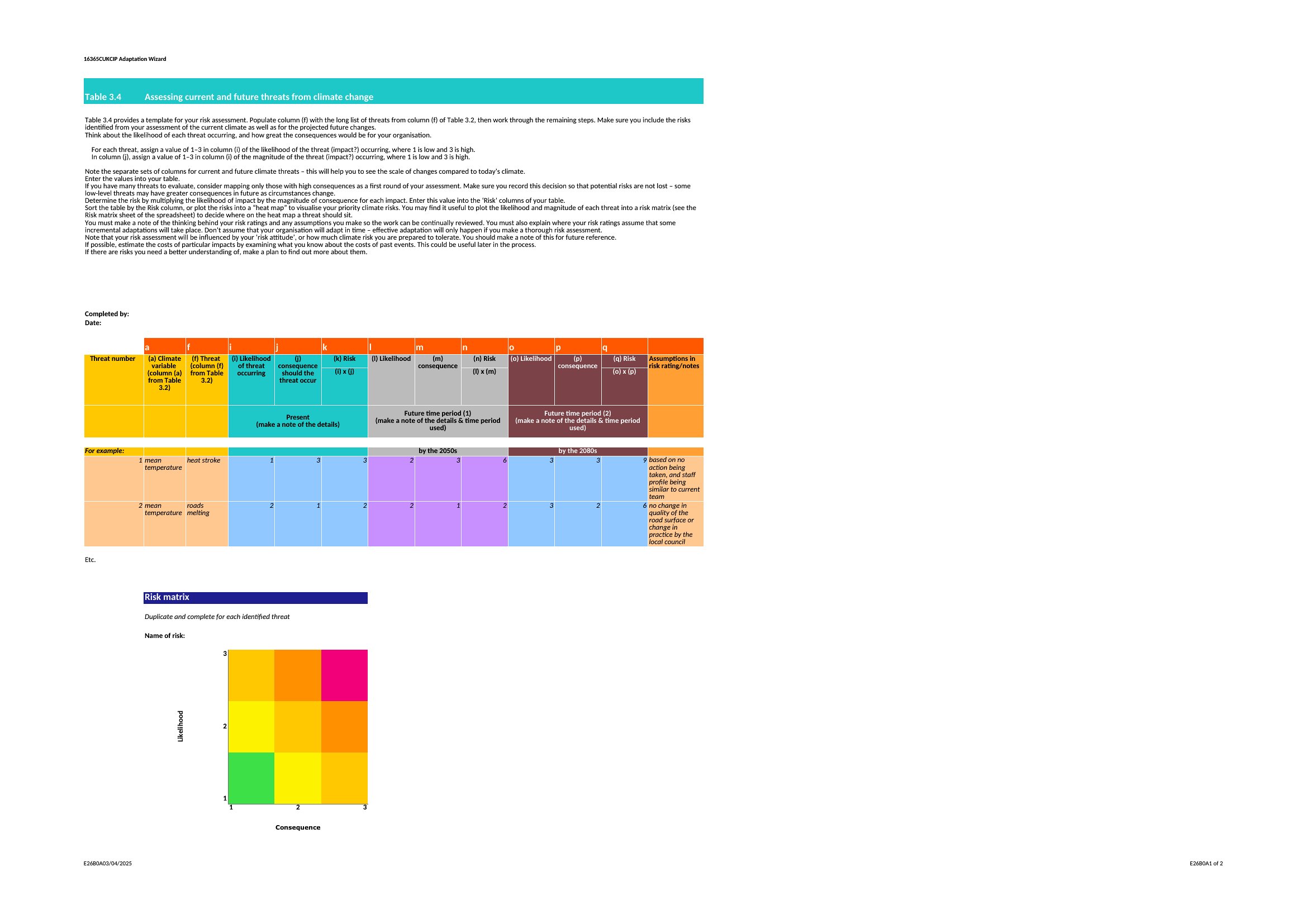
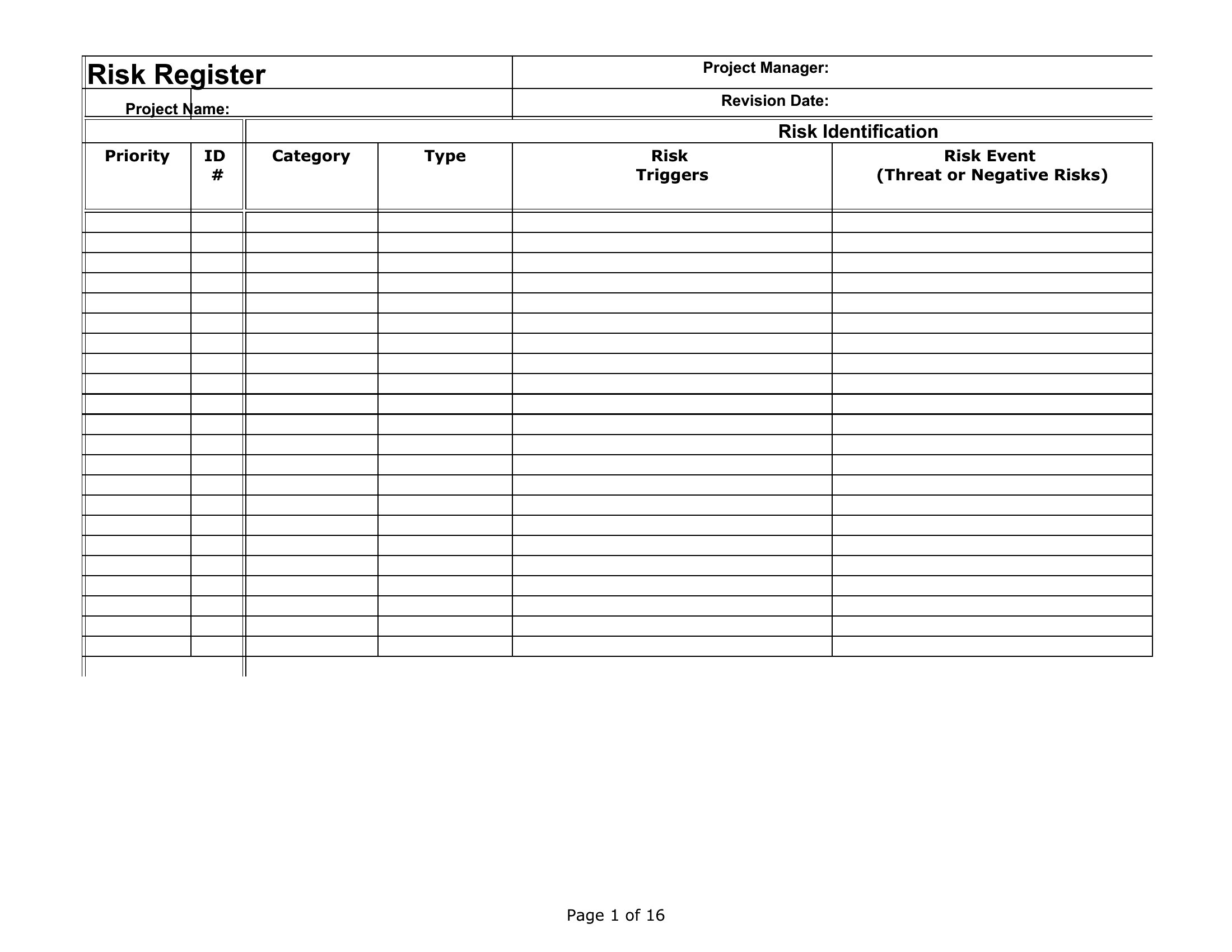
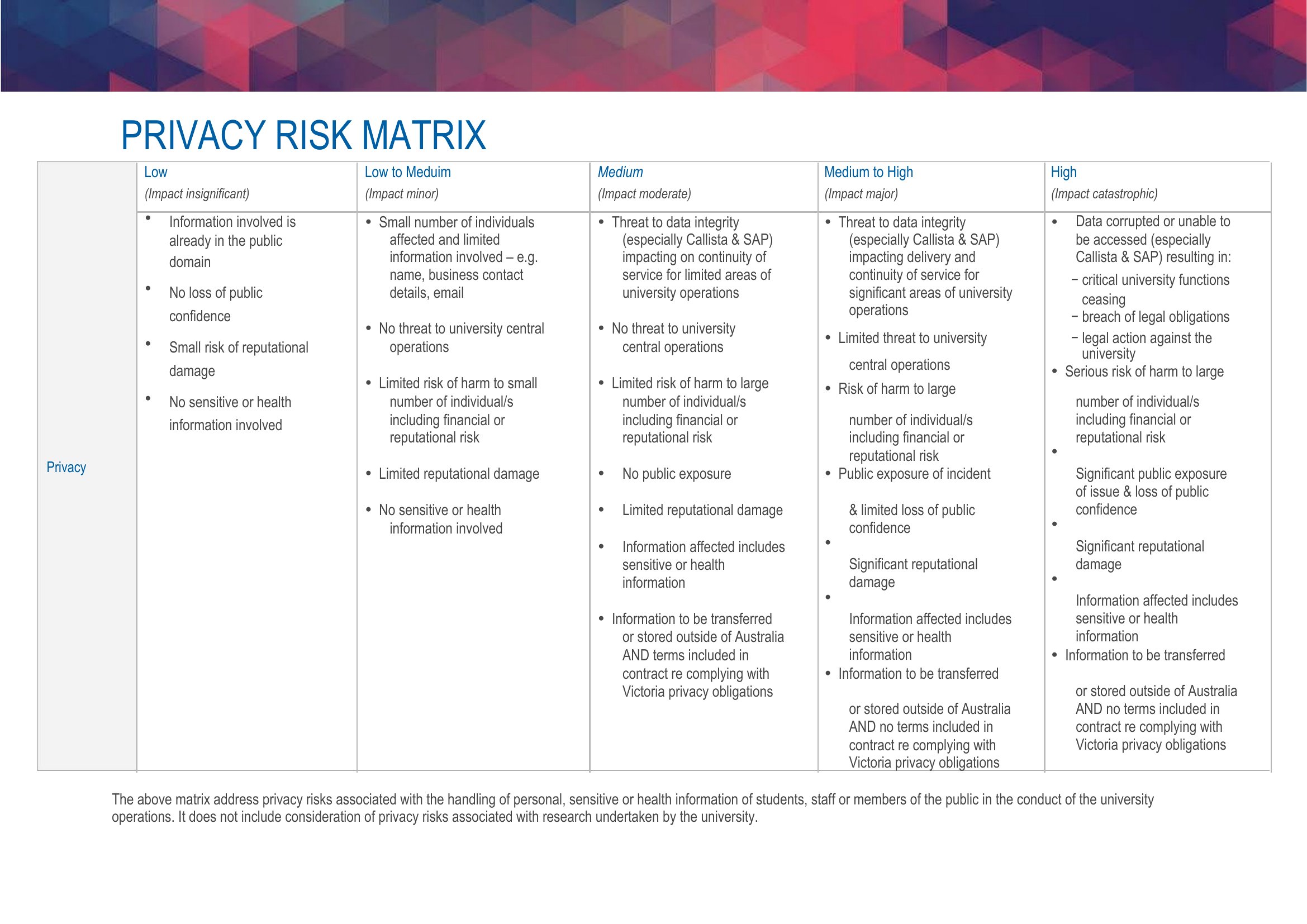
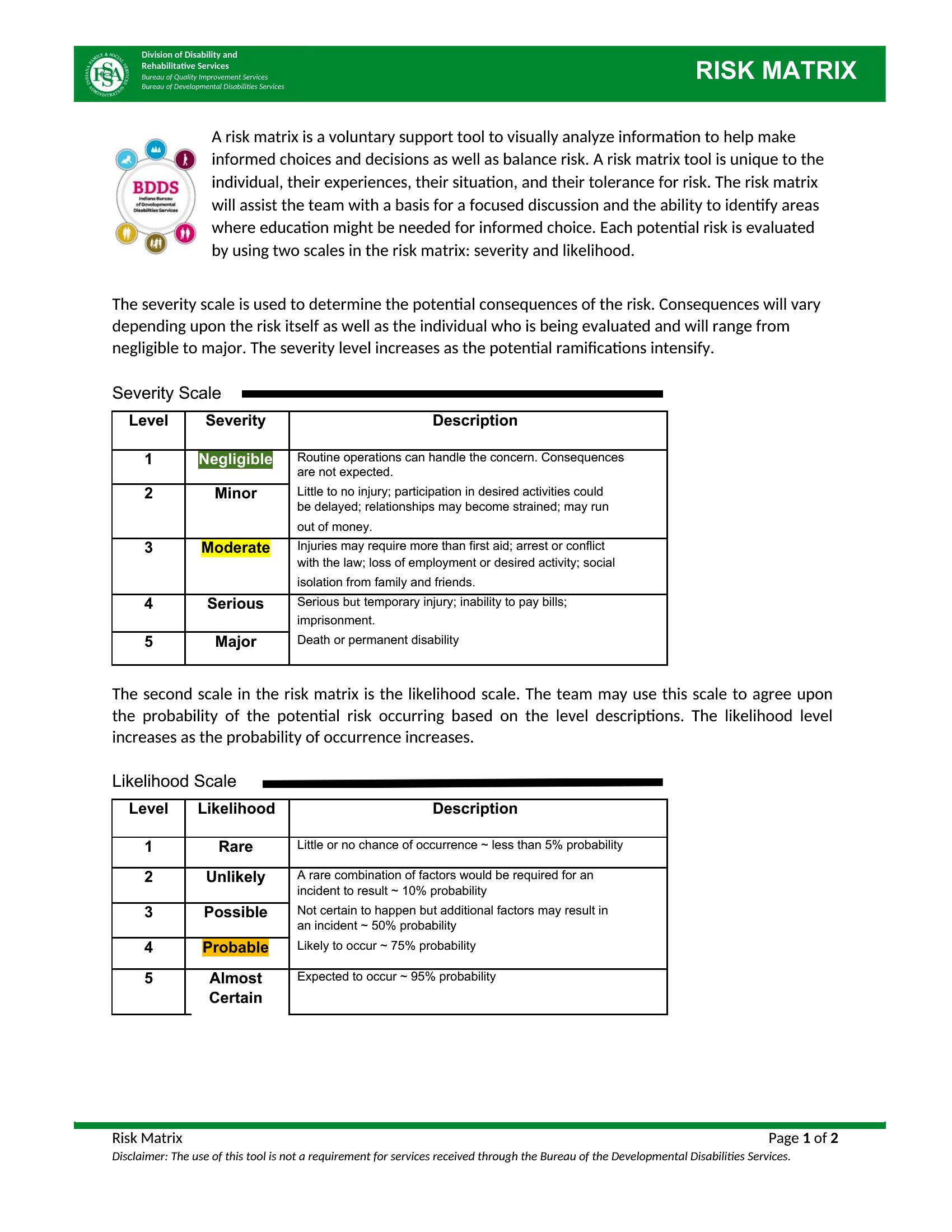
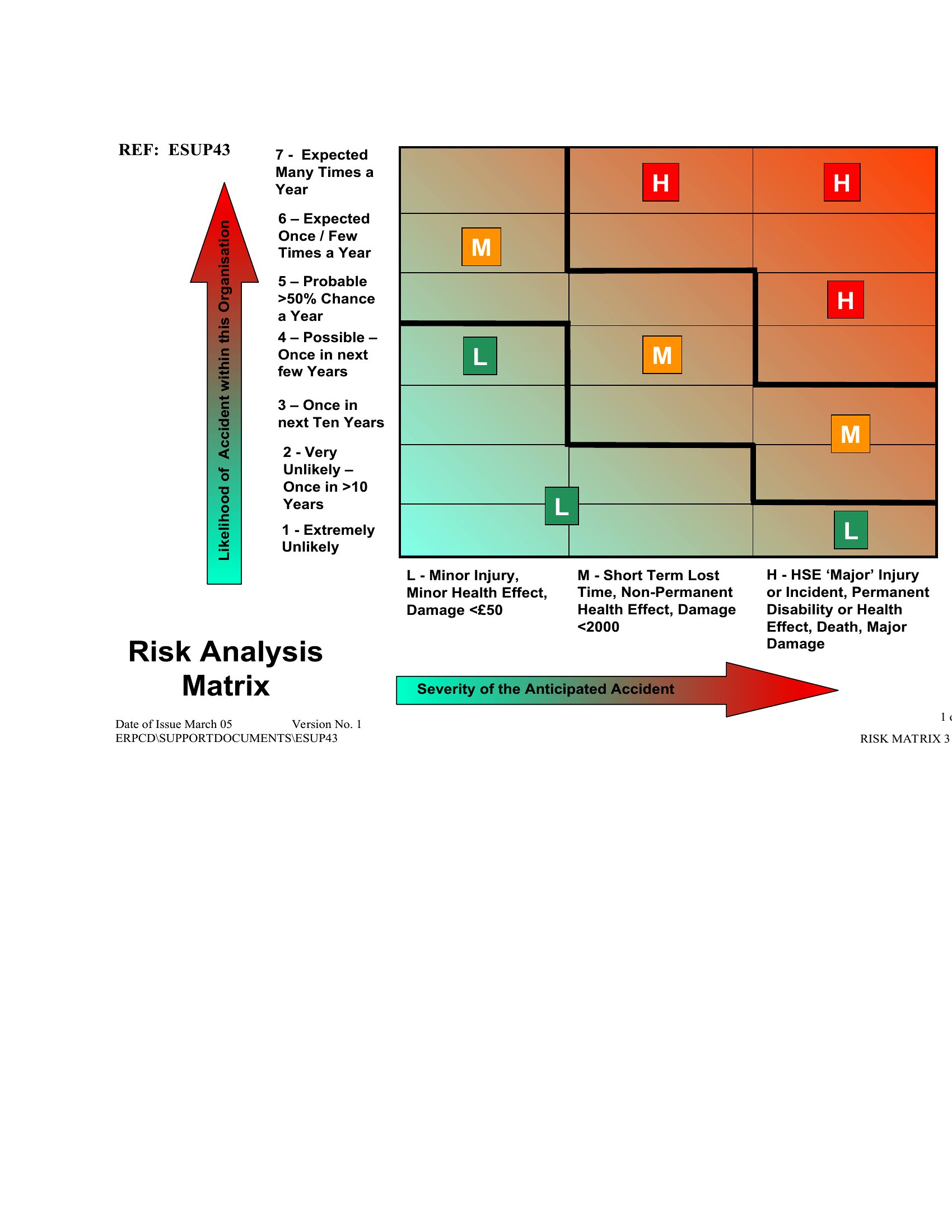
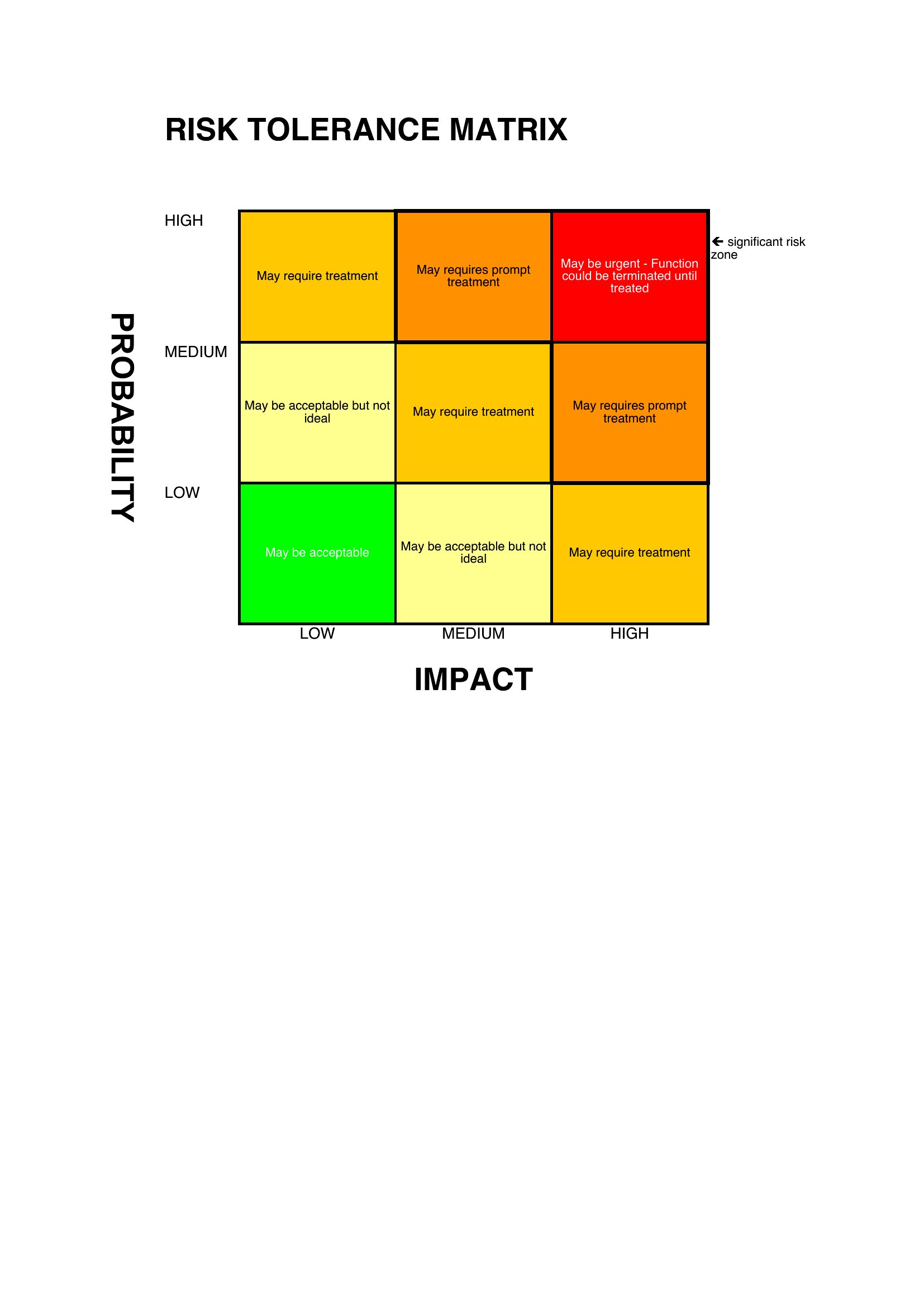
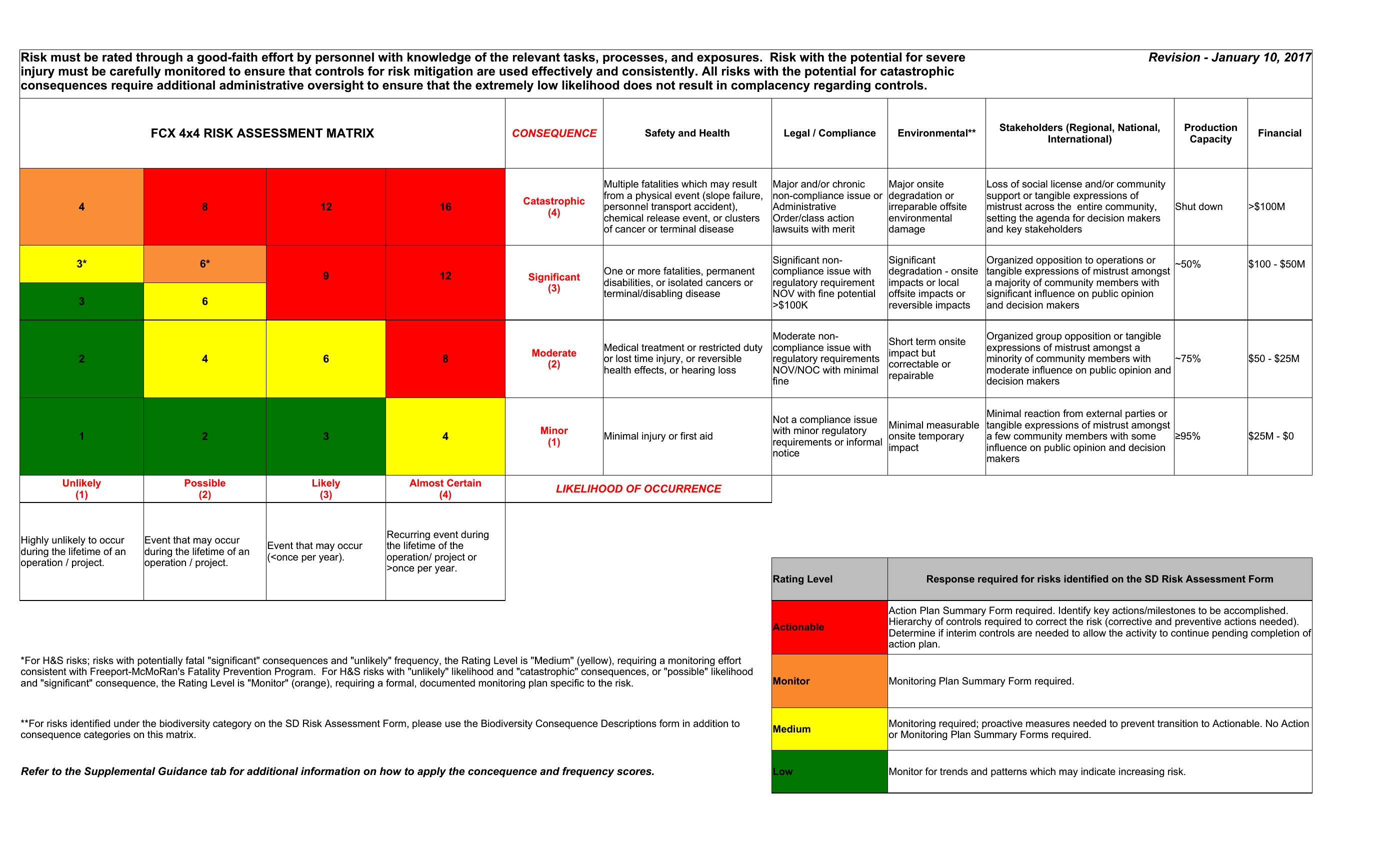
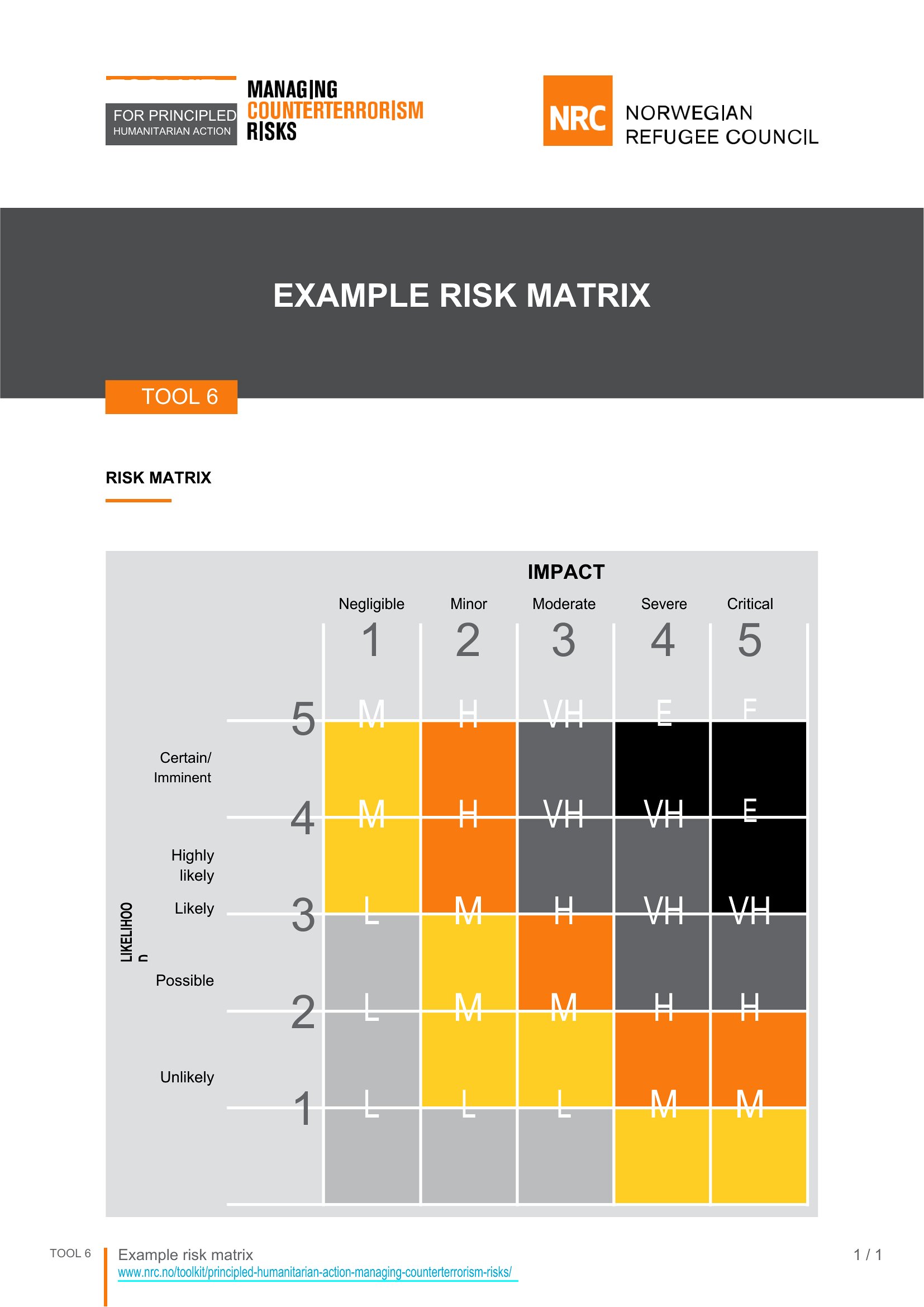
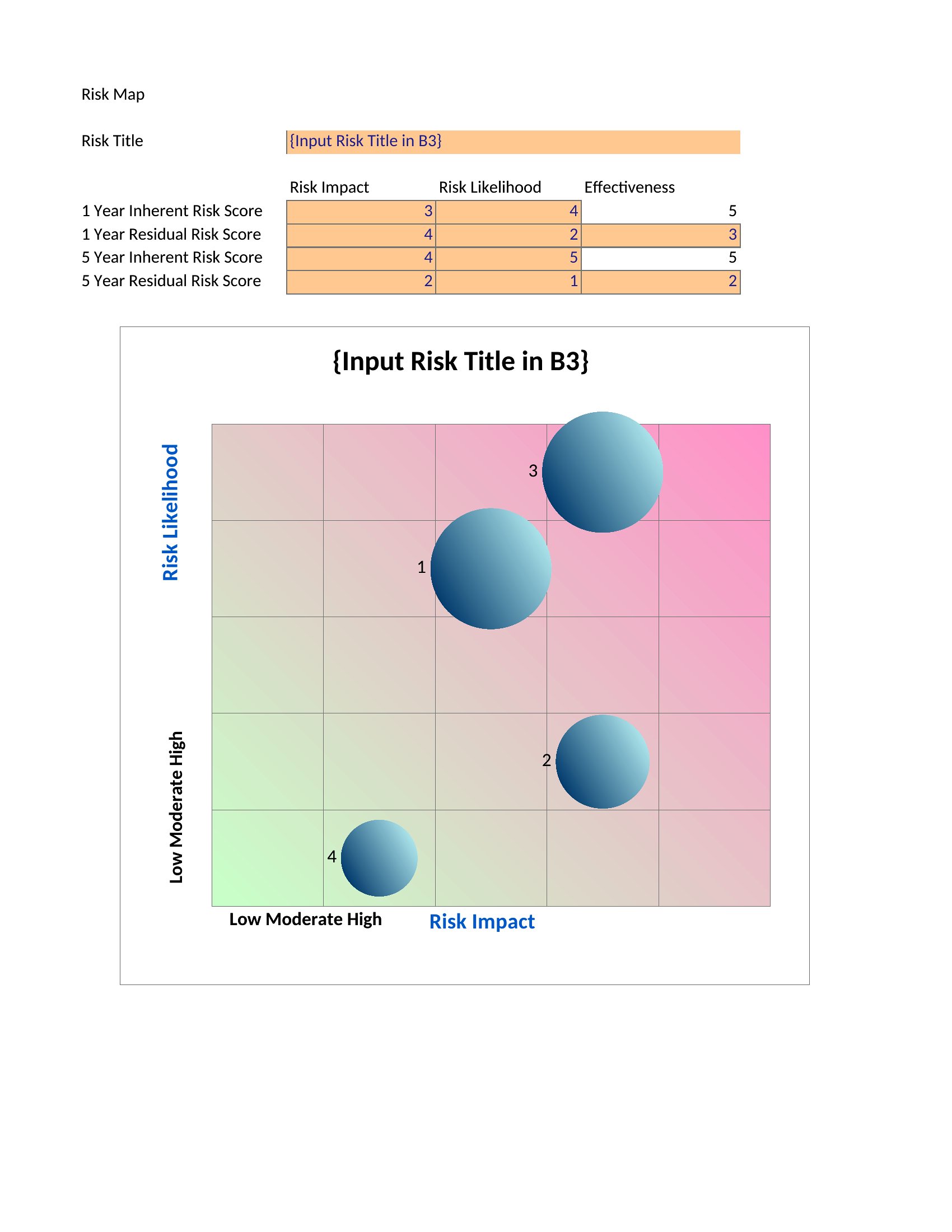
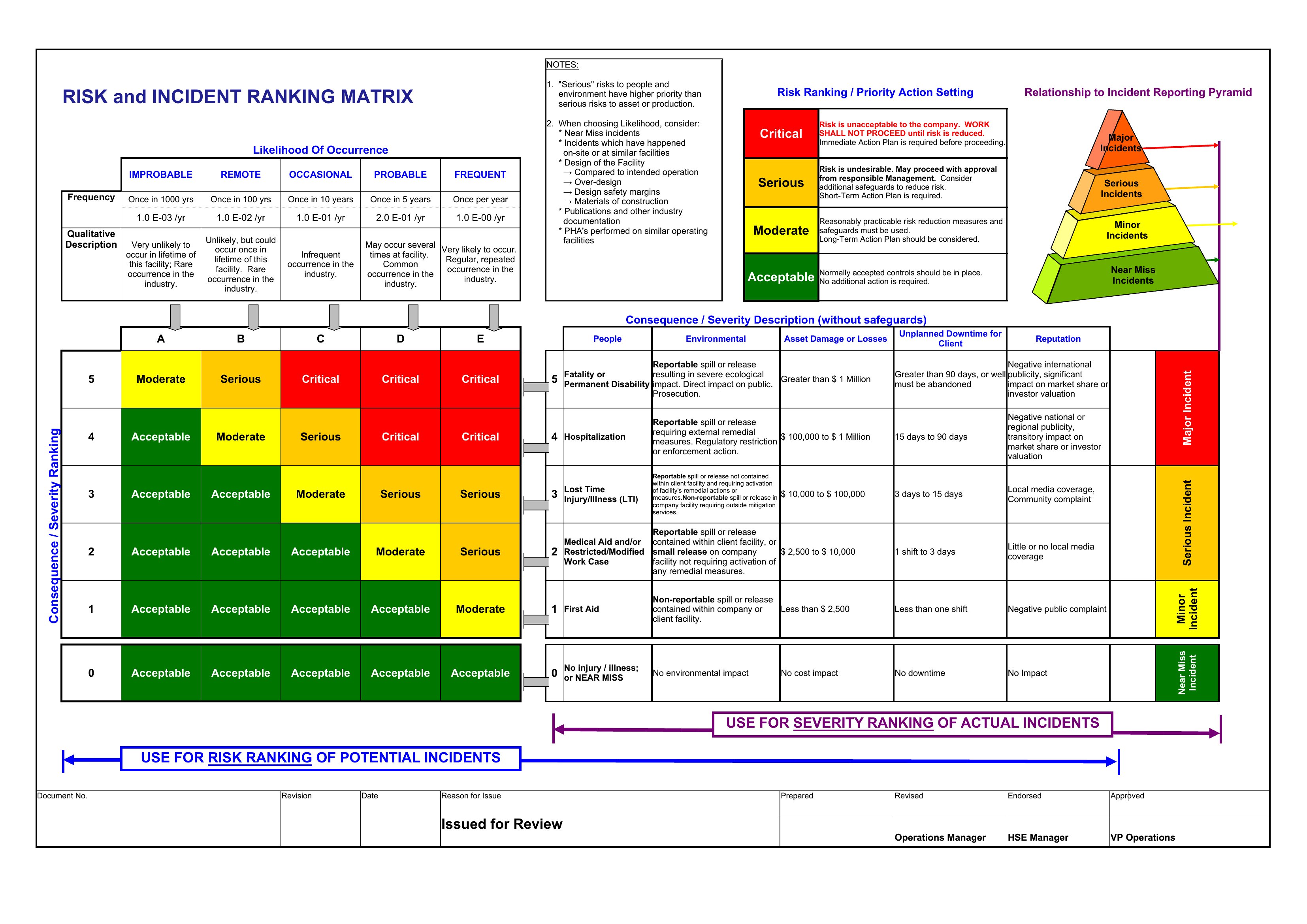
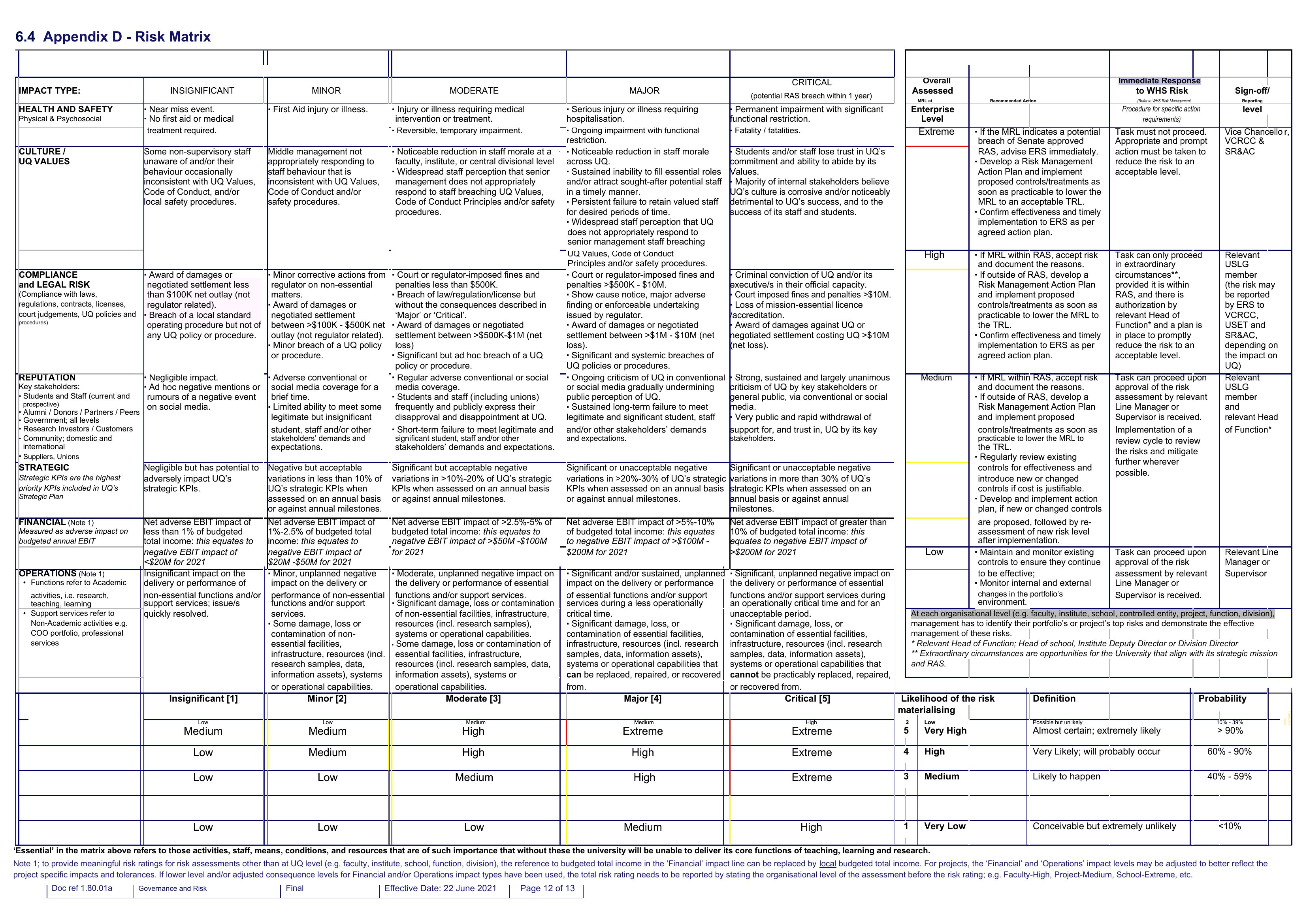
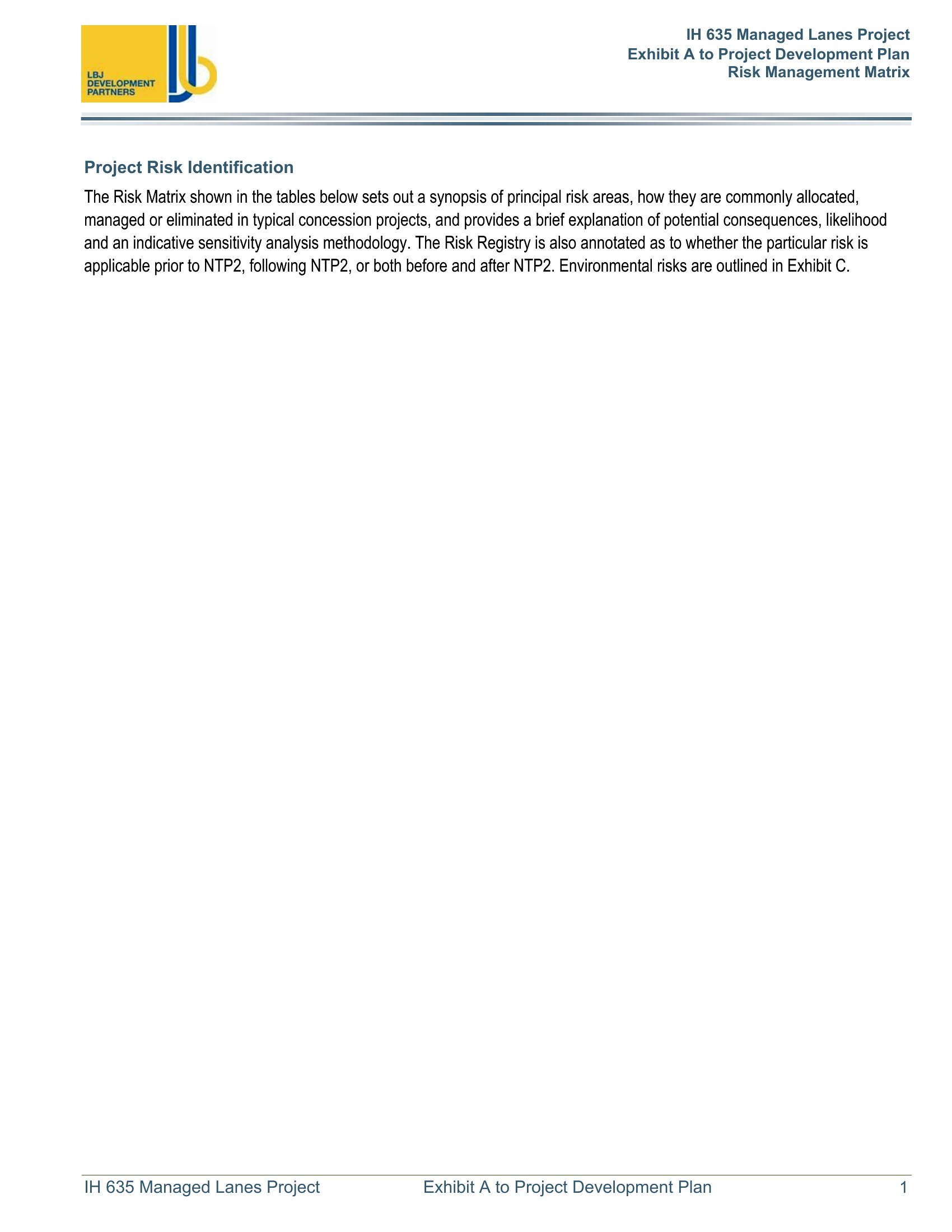
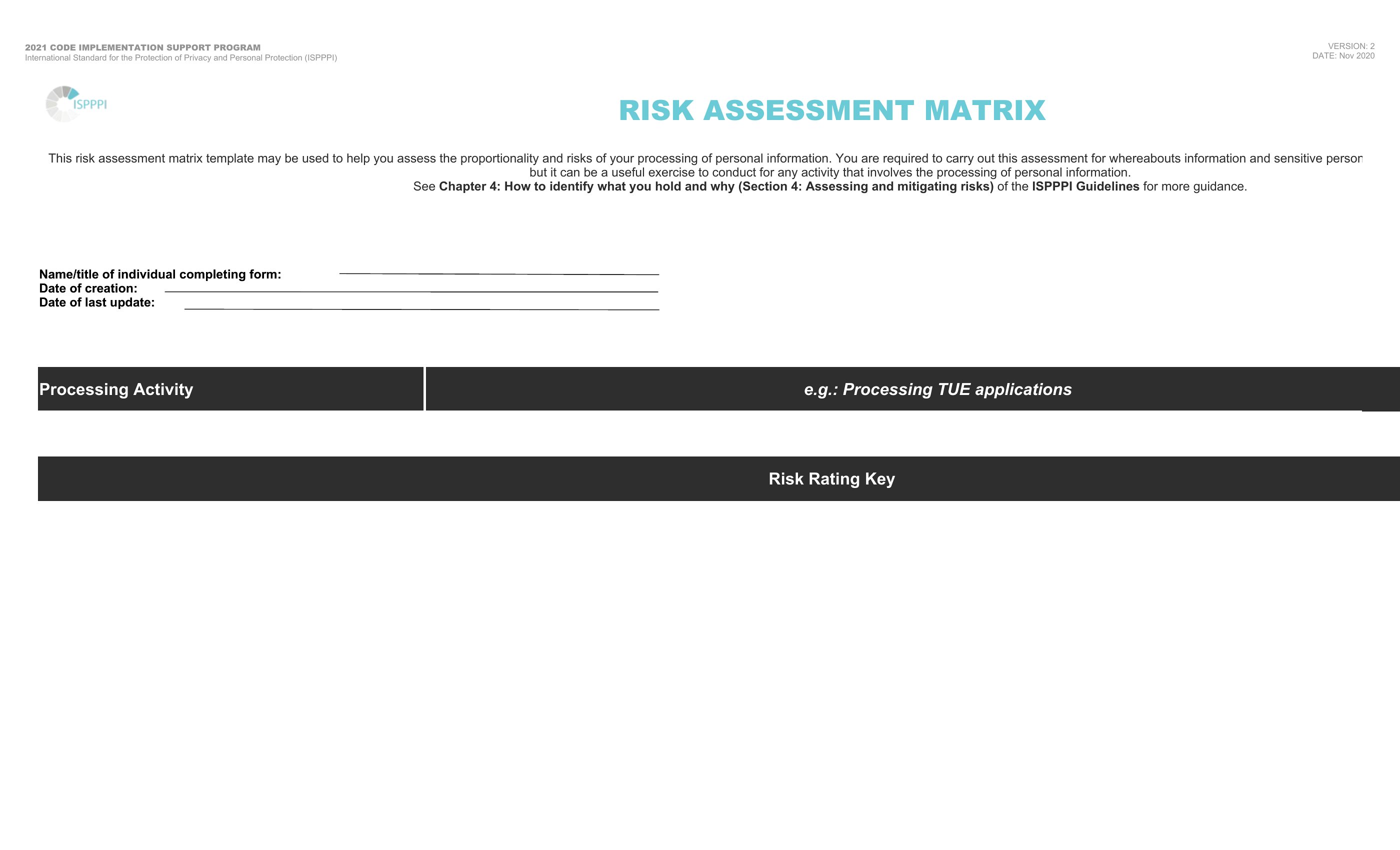
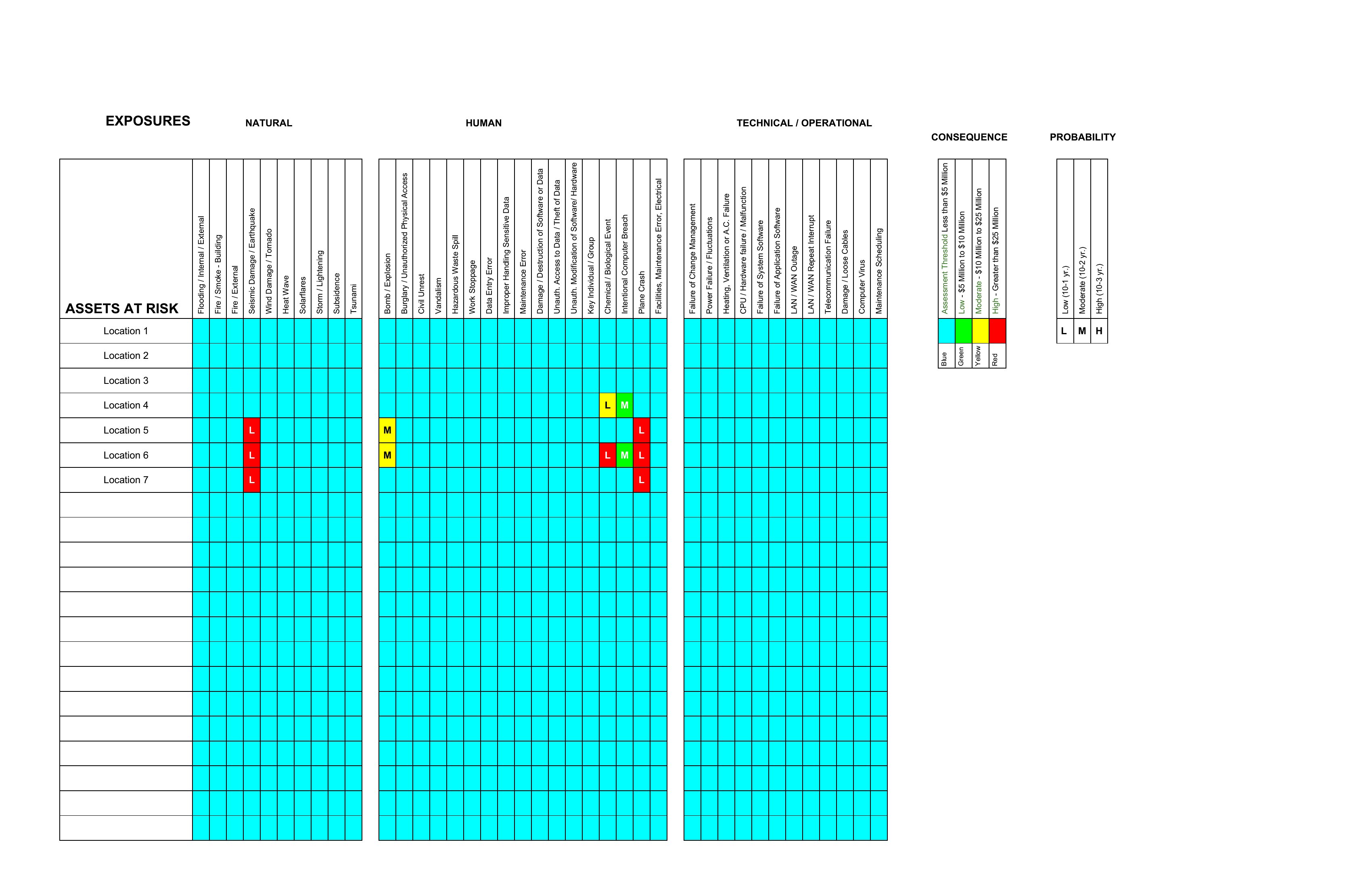
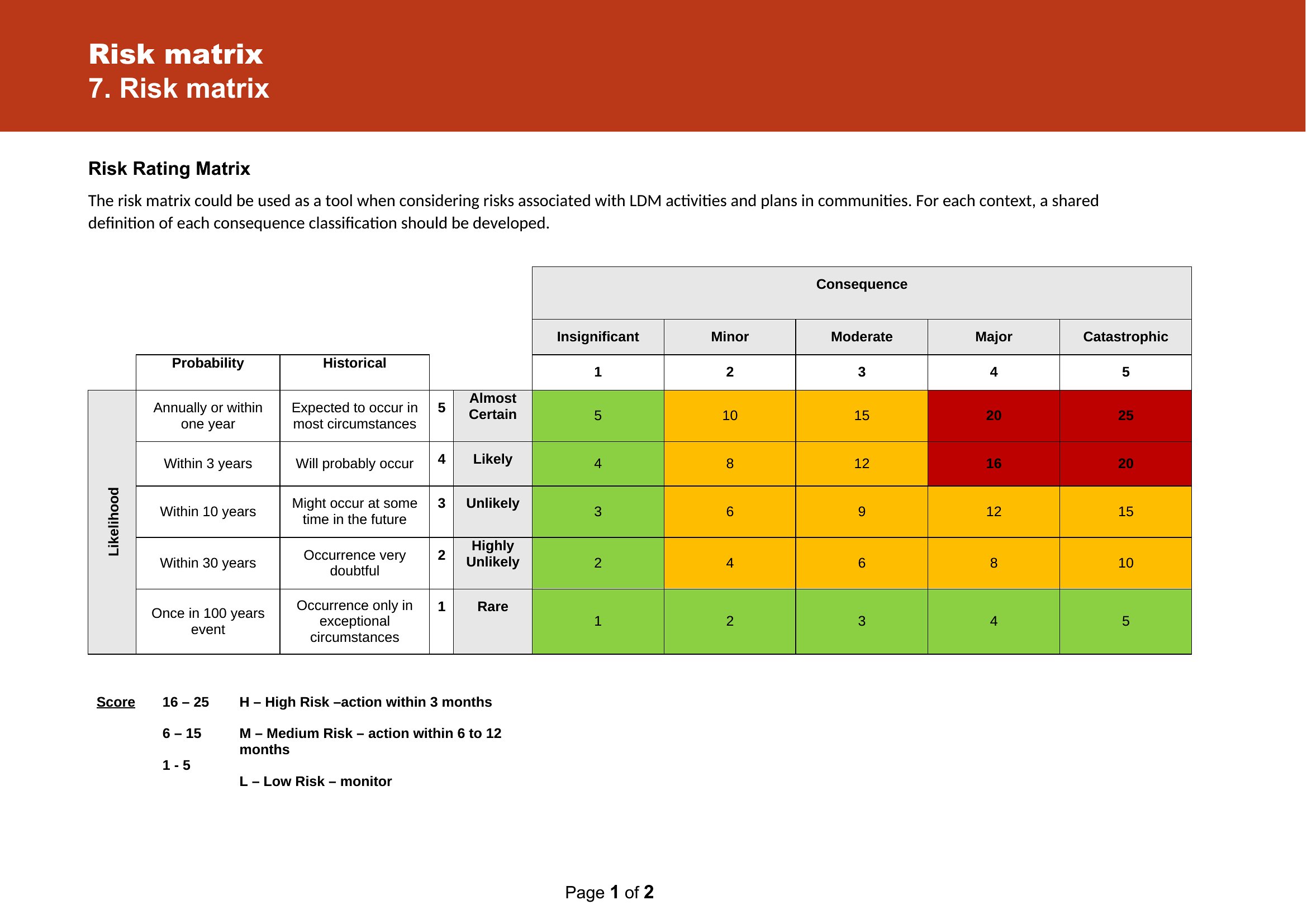
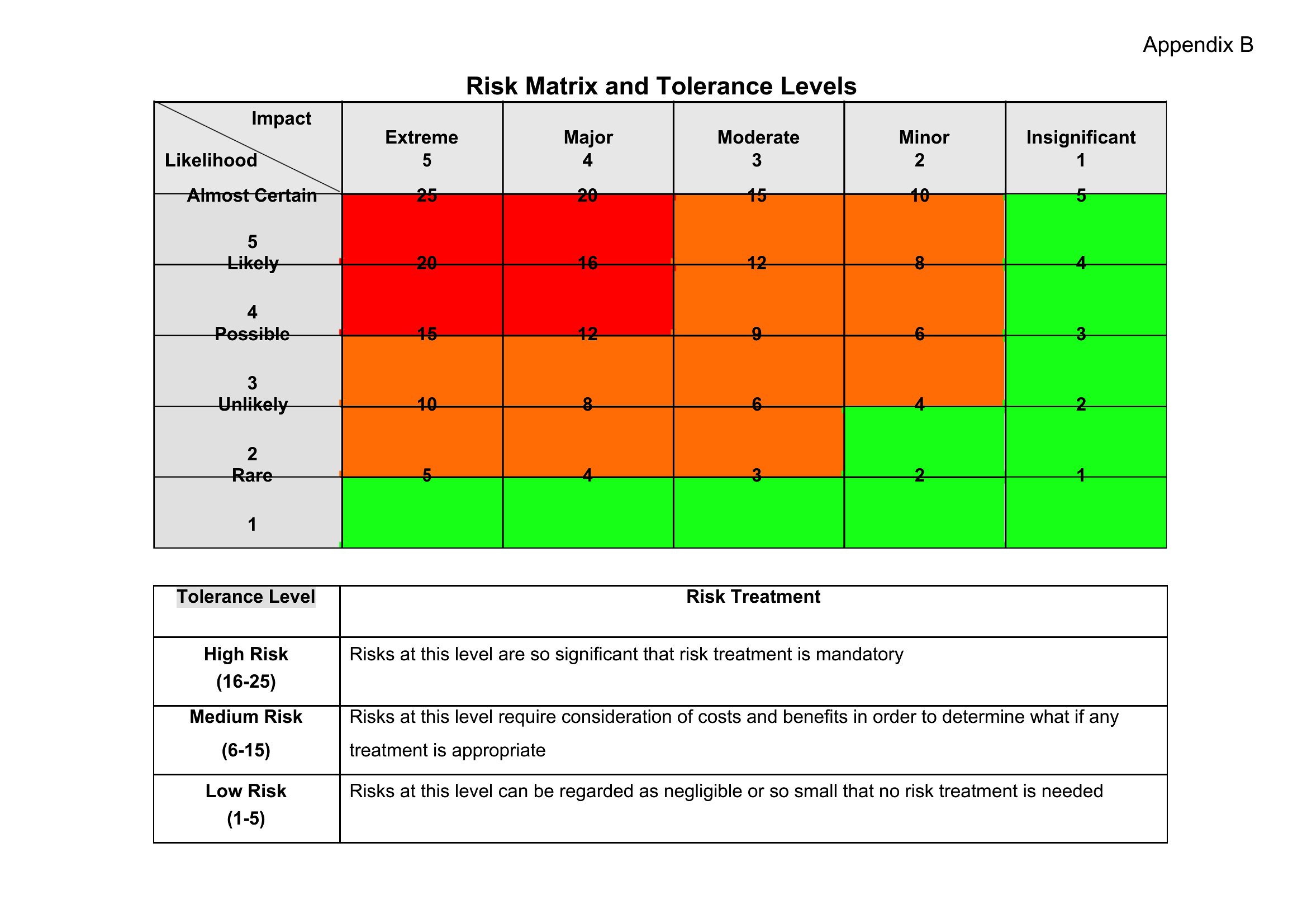
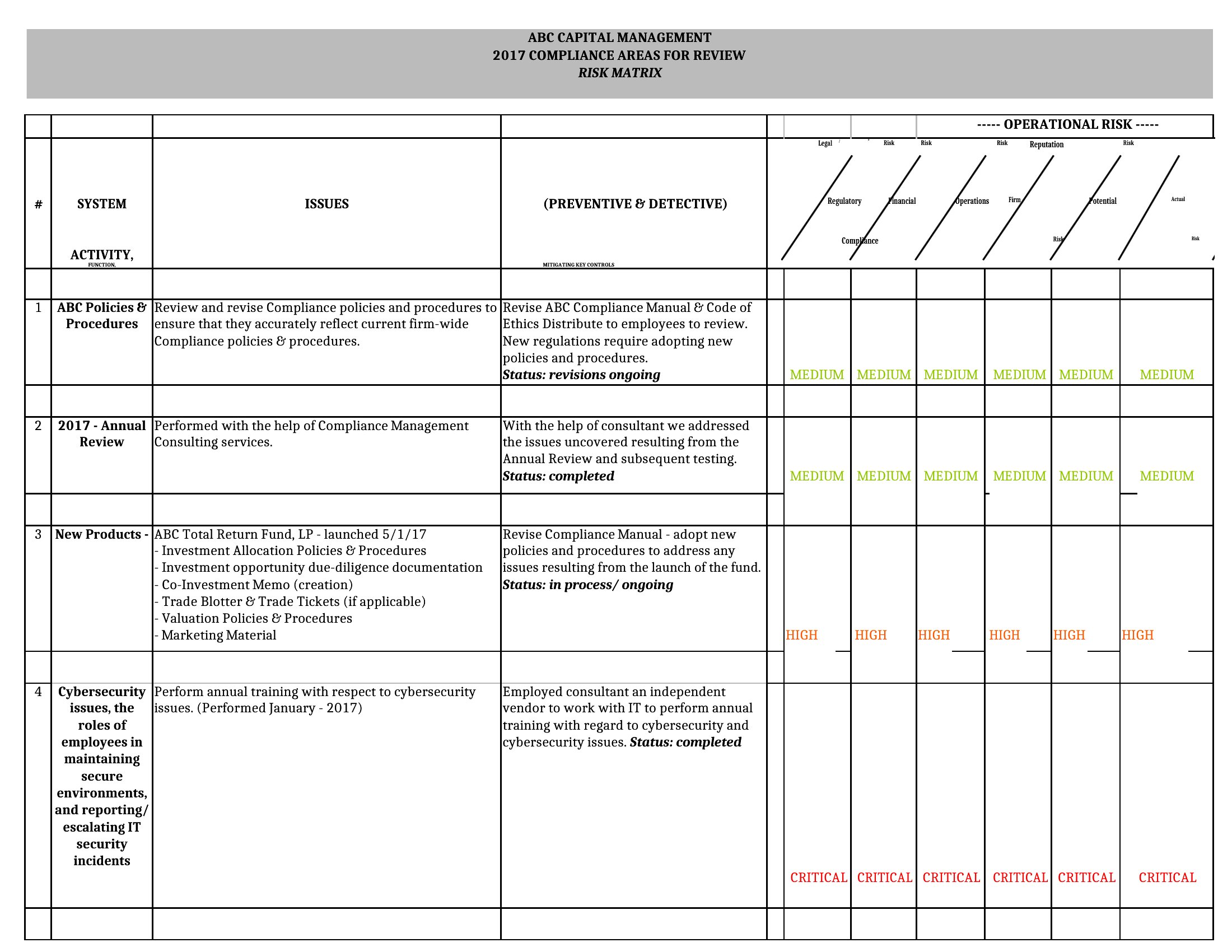
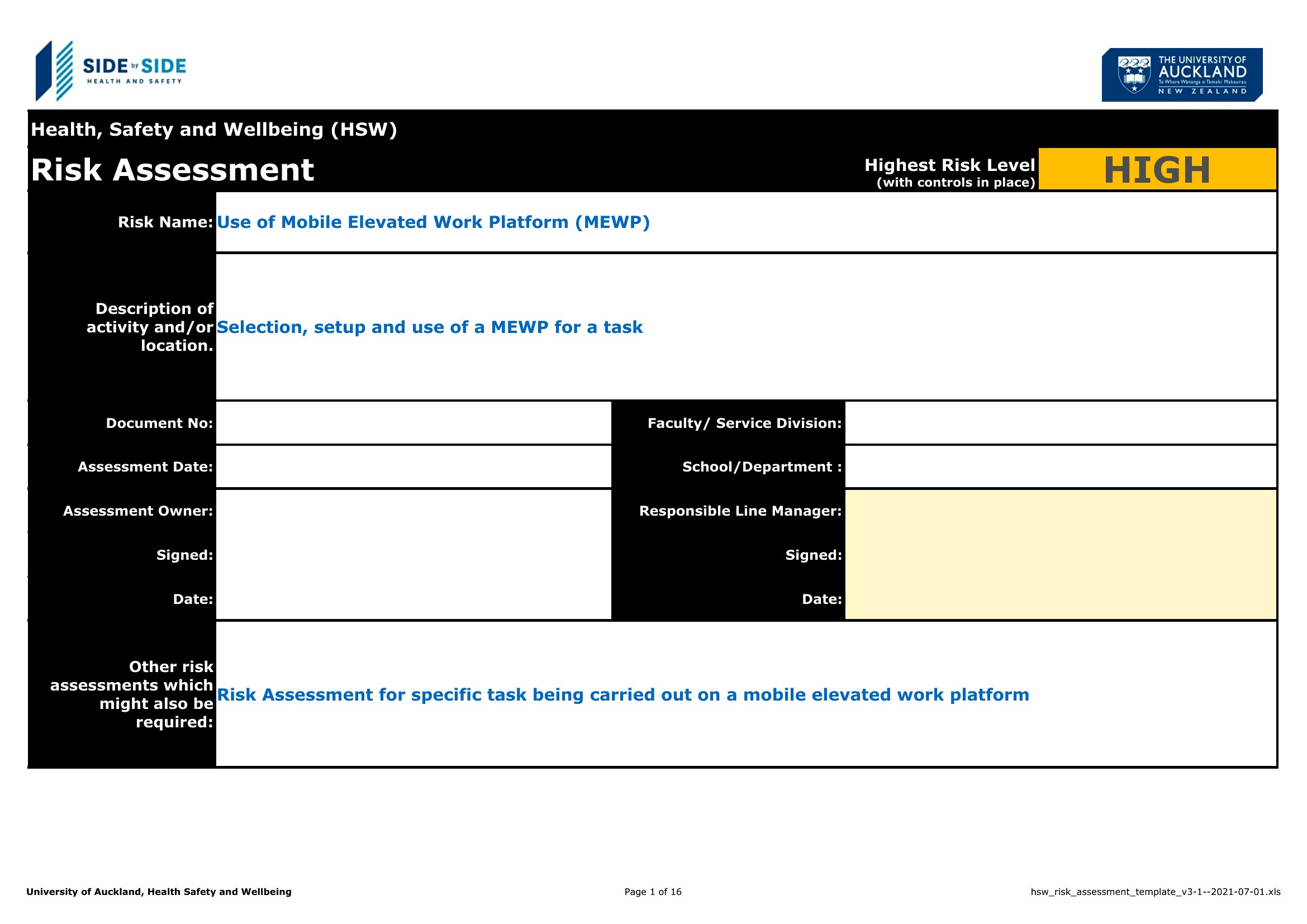
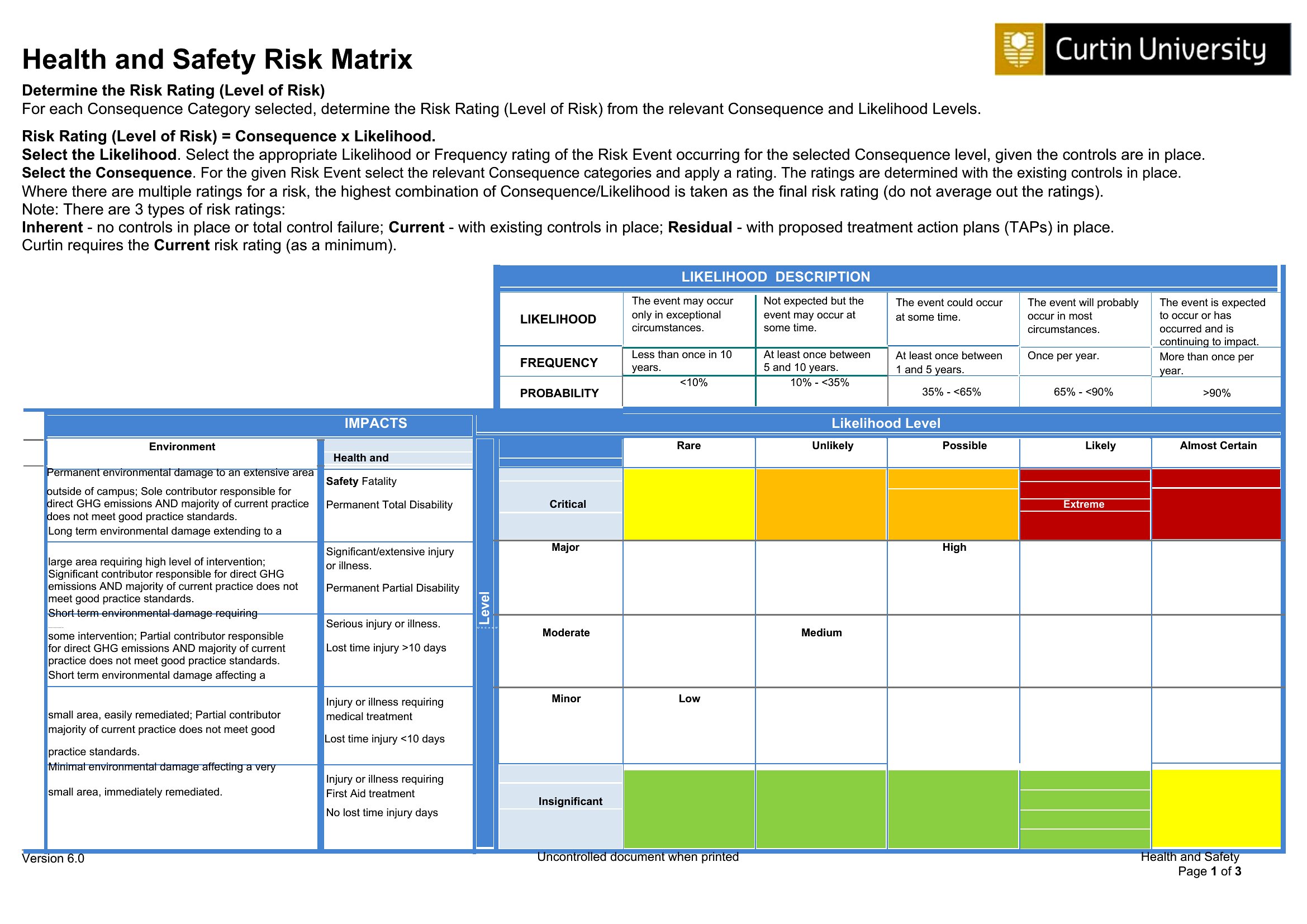
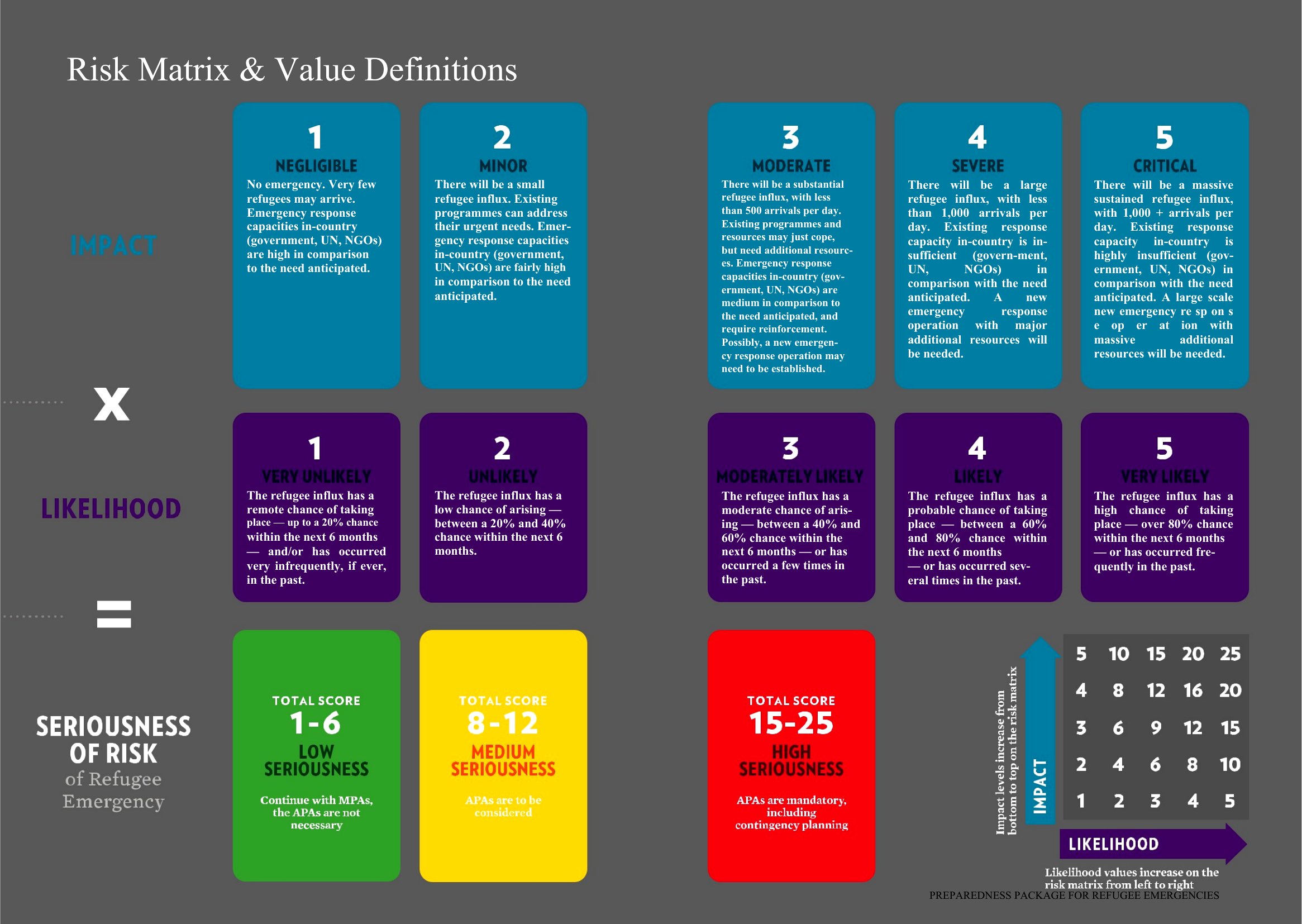
DiagramsPlotting likelihood against impact on a single grid is the quickest way to show which risks deserve attention first. These 40 risk matrix templates include 3x3 and 5x5 layouts for safety assessments, project planning, and compliance reviews. Project managers, safety officers, and team leads can rank hazards visually and agree on priorities without a long meeting.
You'll find Word versions for reports and Excel sheets that color-code severity automatically as you enter scores. Adjust the categories, label your risks, and the matrix updates itself. Drop it into a project plan or a safety audit and everyone sees the same picture. Download the format that suits your assessment and start scoring.
When to use this Risk Matrix template
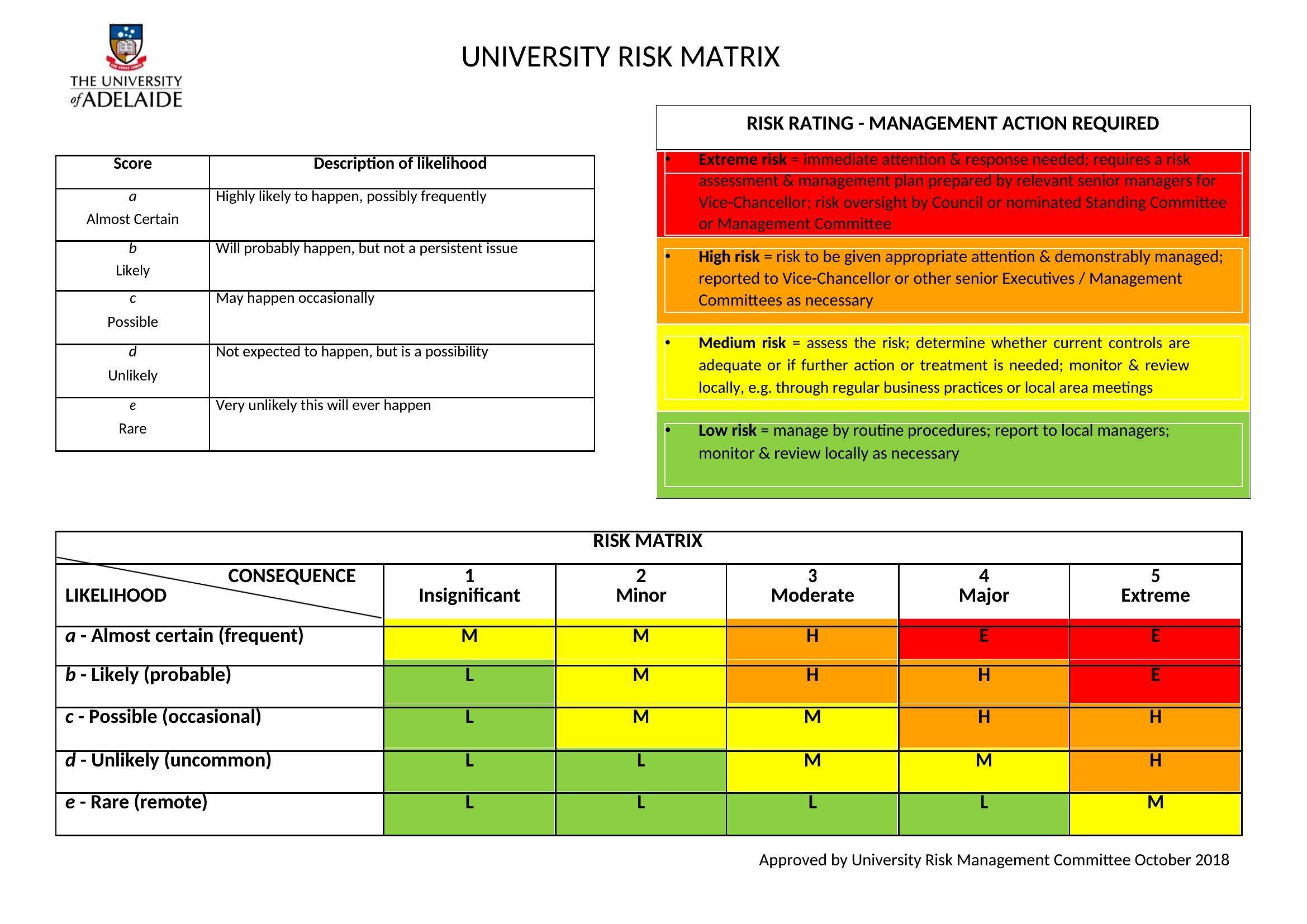
- Safety officers at manufacturing plants use 5x5 risk matrices in weekly inspections to classify hazards like chemical spills or equipment failures by severity before scheduling corrective actions.
- Project managers leading IT infrastructure upgrades apply 3x3 risk matrices during sprint planning to flag high-probability delays, like third-party vendor dependencies, before scope lock-in.
- Compliance coordinators at healthcare facilities rely on risk assessment matrices during audits to visually communicate patient privacy risks—such as misplaced laptops—to leadership in under 10 minutes.
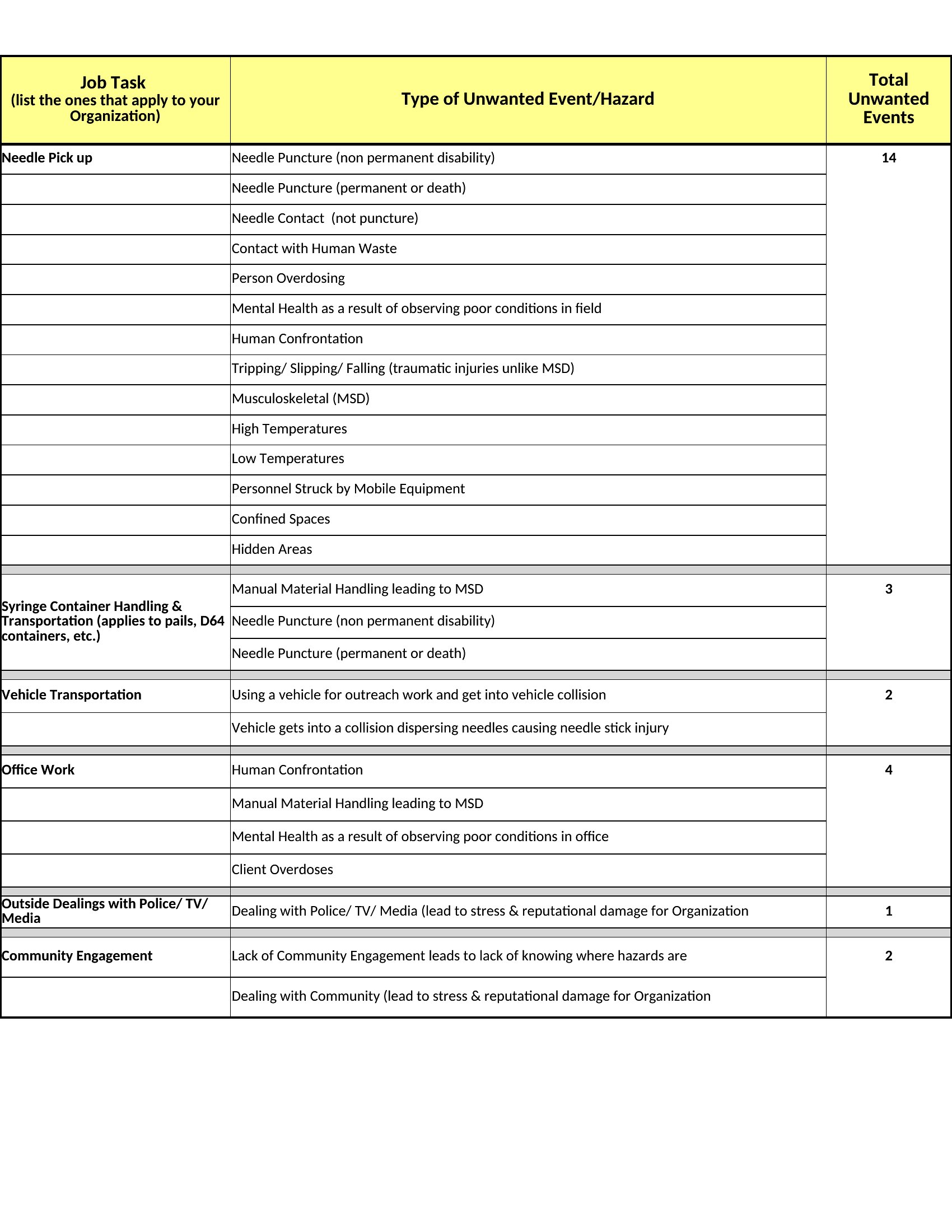
- Construction foremen assign labor teams to high-risk zones by plotting task-related dangers (e.g., working at heights) on a matrix, ensuring PPE and training priorities align with OSHA standards before work begins.
Which format should I download?
Choose Word when you need a fillable, shareable document for team discussions or regulatory submissions—especially if your organization requires tracked changes or annotations. Word’s grid overlays let you customize cell colors and add explanatory notes for each risk quadrant. Excel is ideal for live data integration, like pulling real-time incident reports or probability metrics from spreadsheets, to auto-populate your matrix. If your team collaborates heavily on calculations (e.g., recalculating impact scores), Excel’s formulas save time. For static, one-time assessments, Word’s simplicity avoids version conflicts.
Choose from 40 Risk Matrix Templates
How to use this Risk Matrix template
Can these risk matrices help me justify budget requests for safety upgrades?
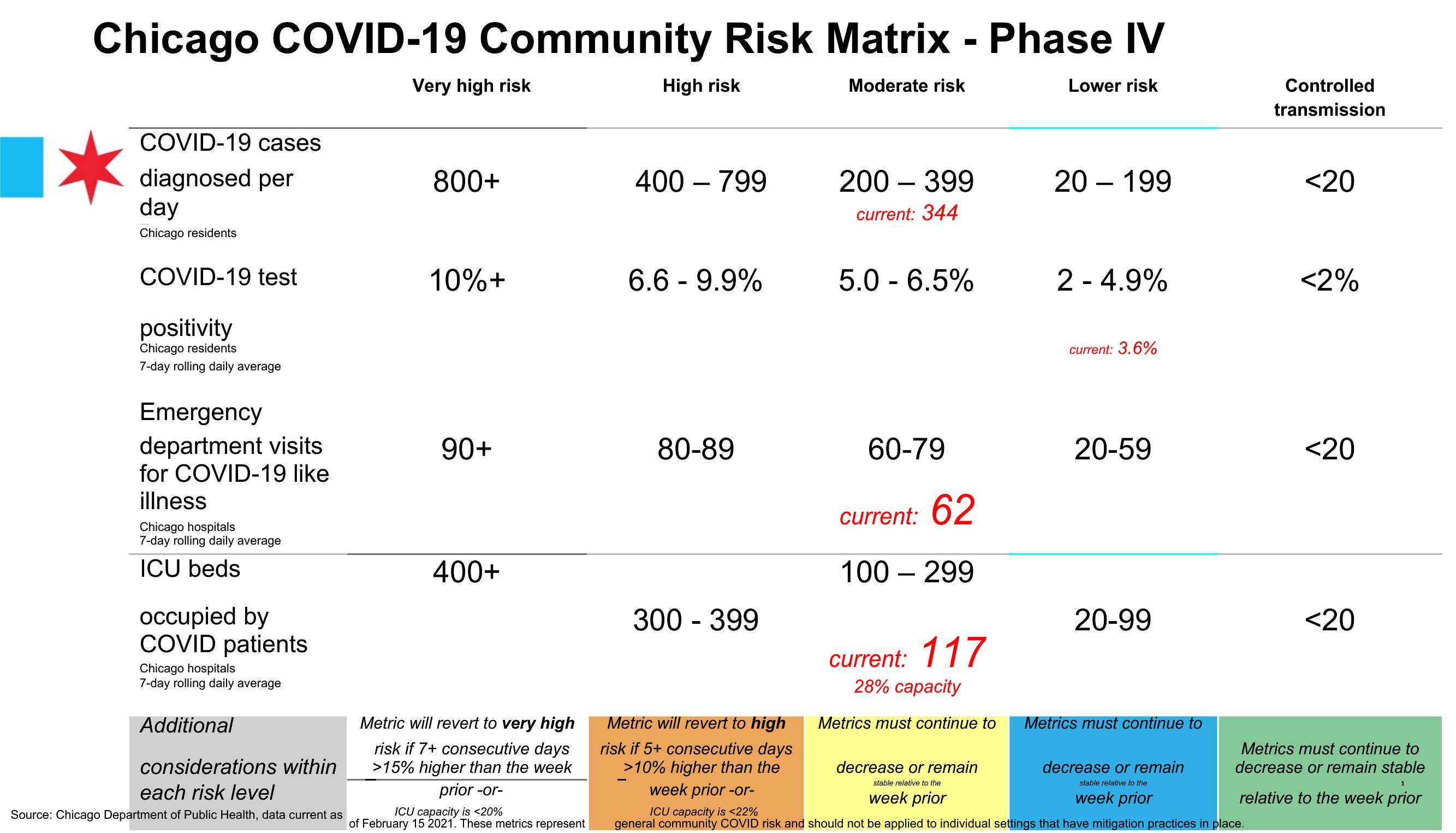
Yes, these templates let you visually tie specific risks—like equipment failure or ergonomic strain—to their probability and cost of impact. For example, plotting a ‘high/medium’ risk in a 5x5 matrix with a $20K repair cost can directly support your case for preventive maintenance funding. Pair the matrix with a brief narrative in the Word version or a cost-benefit table in Excel.
How do I decide between a 3x3 and a 5x5 grid for my industry?
Use a 3x3 grid for broad, high-level overviews where you need quick prioritization (e.g., project kickoffs or annual compliance reviews). A 5x5 grid is better for granular risks—like cybersecurity threats or detailed manufacturing hazards—where you need to distinguish between ‘medium-high’ and ‘high-medium’ severity. Healthcare or finance teams often prefer 5x5 for nuanced regulatory alignment.
What’s the best way to explain risk matrix results to non-technical stakeholders?
Start by labeling the axes clearly (e.g., ‘Probability: Rare/Occasional/Frequent’ and ‘Impact: Minor/Serious/Catastrophic’). In Word, use the ‘Risk Ranking Matrix’ template to highlight the top-right quadrant in red and add a 1-sentence summary like ‘These 3 risks require immediate mitigation.’ For Excel, add a sparkline or color-coding to turn numbers into an intuitive visual. Avoid jargon—focus on outcomes, like ‘This could delay our launch by 6 weeks.’
Comments
Join the conversation
Sign in to share your thoughts and leave a comment on this resource.