
Free Stakeholder Analysis Templates (Word, Excel)
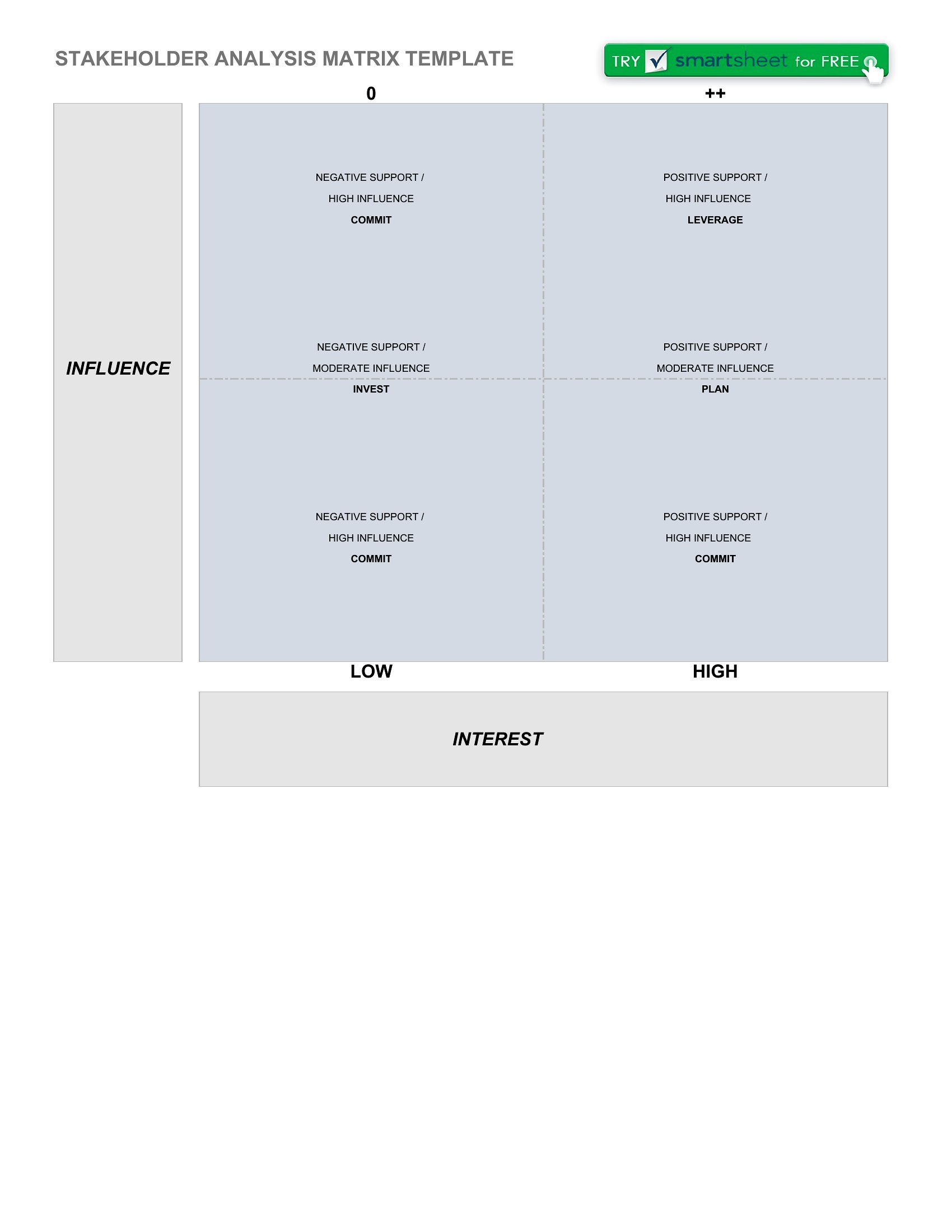
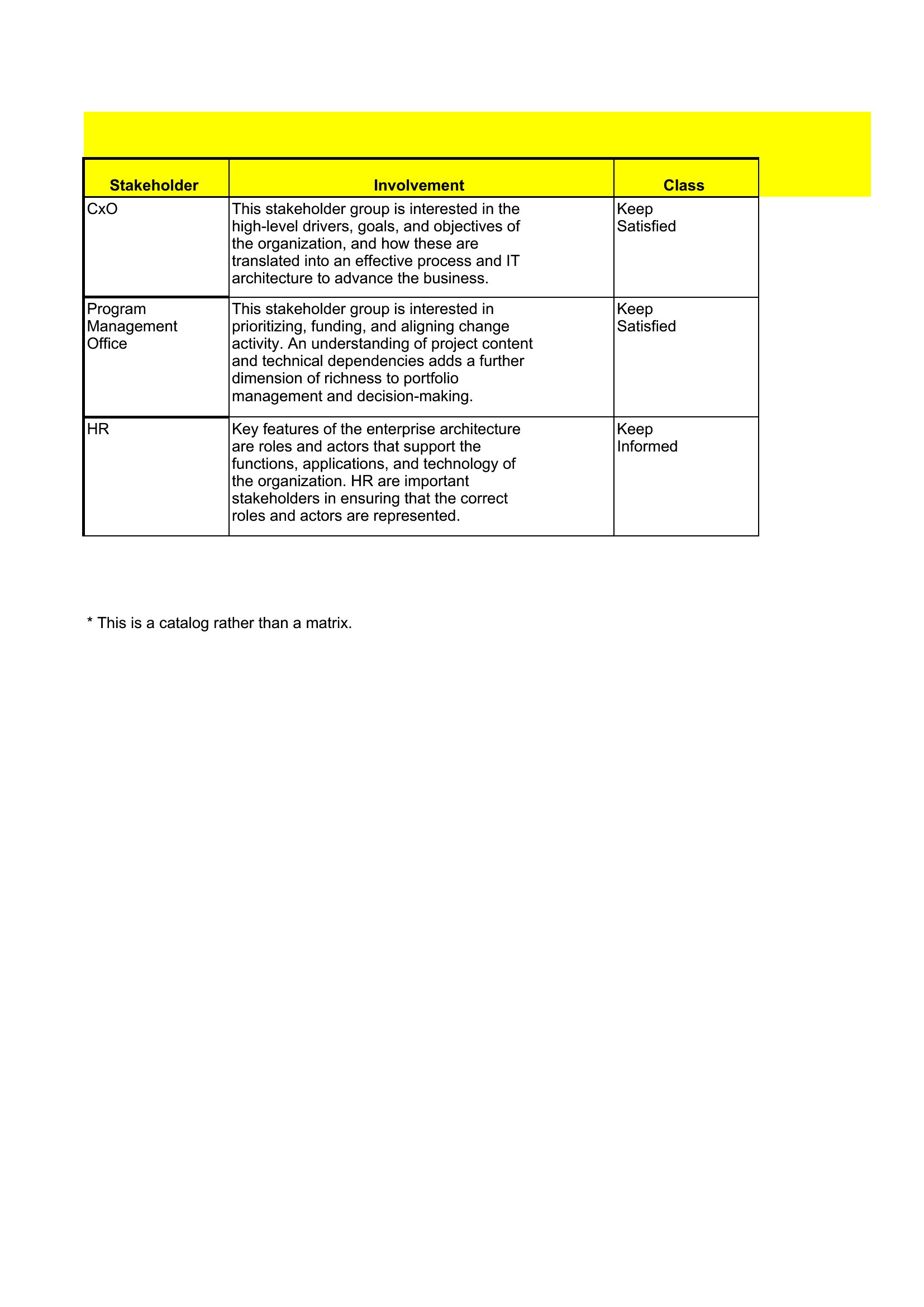
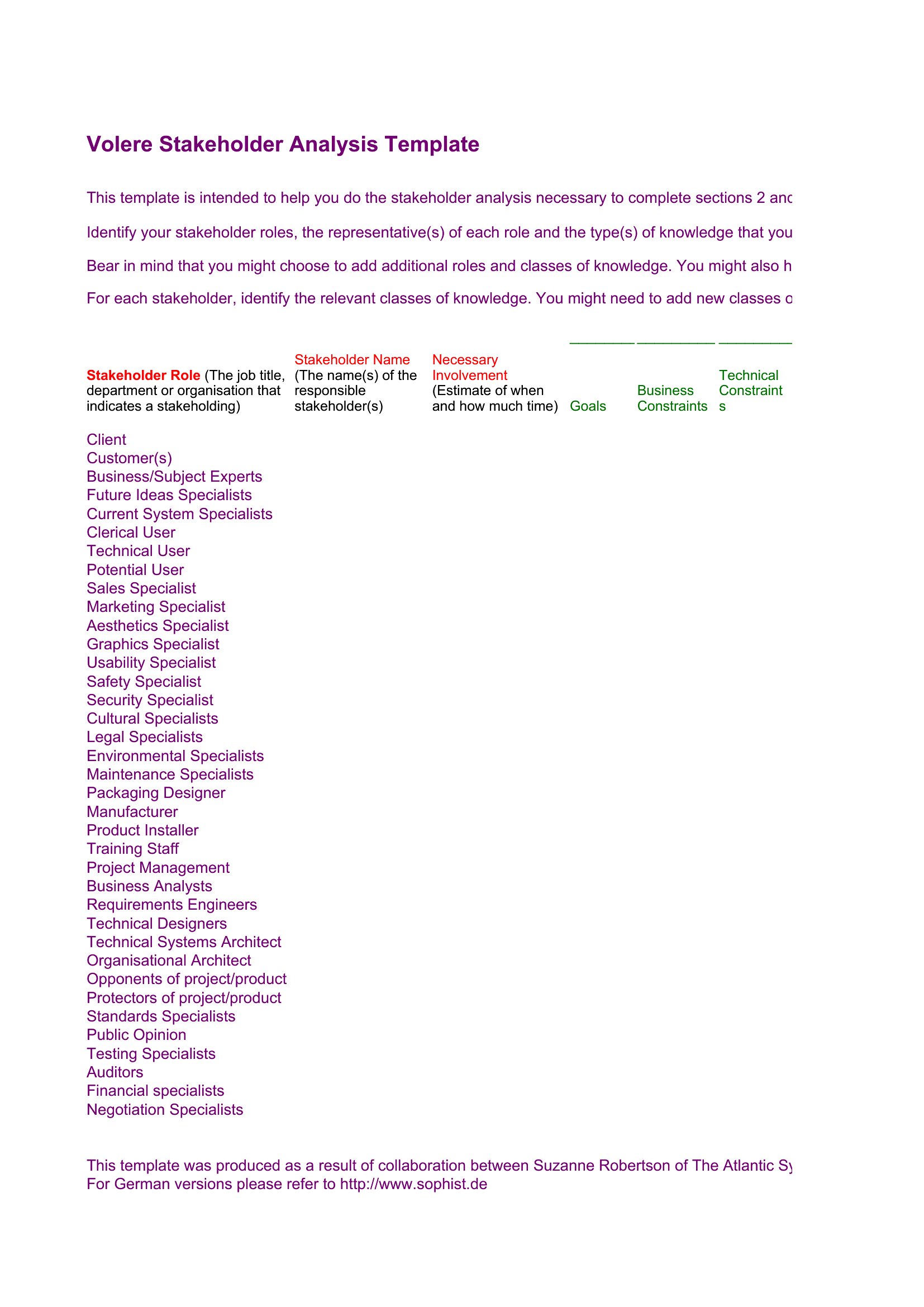
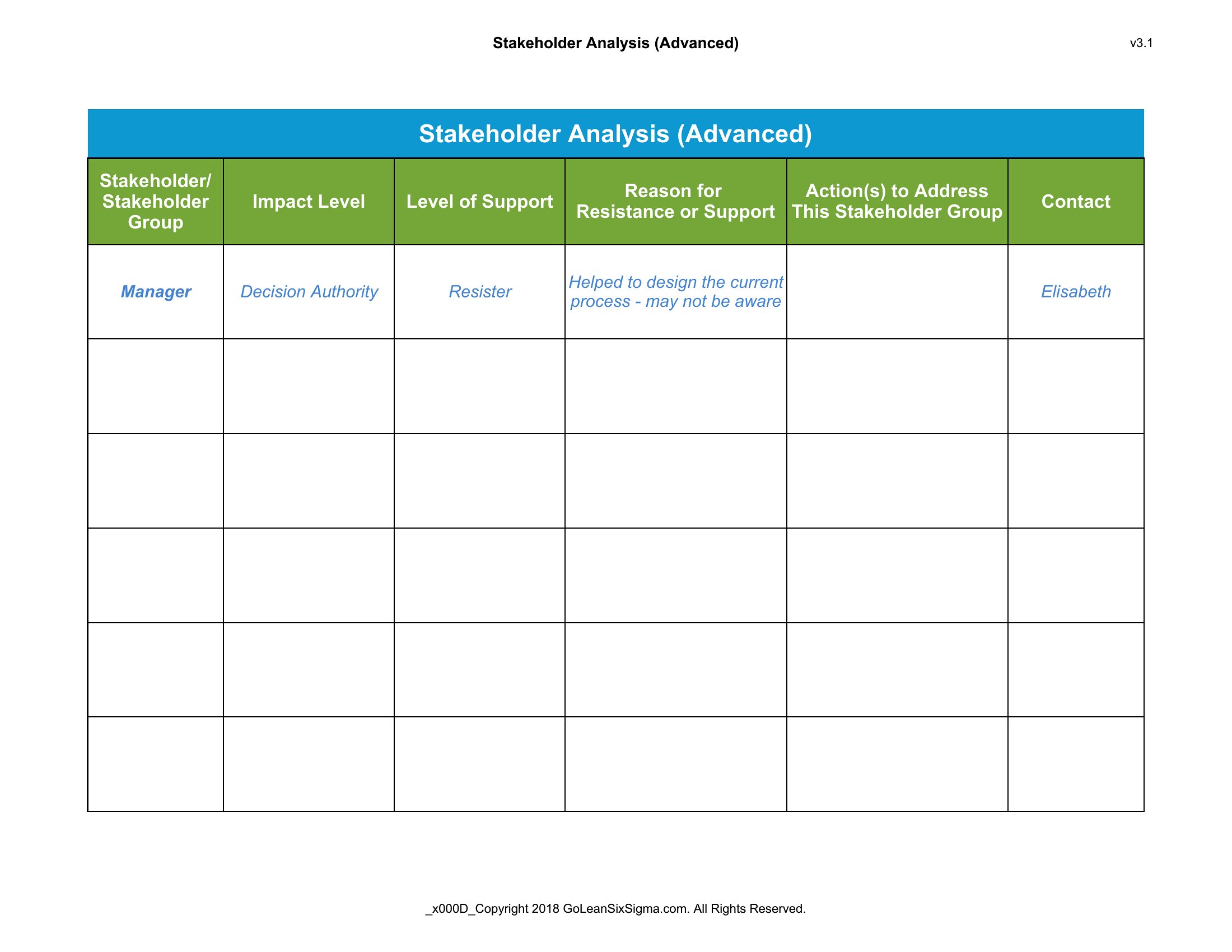
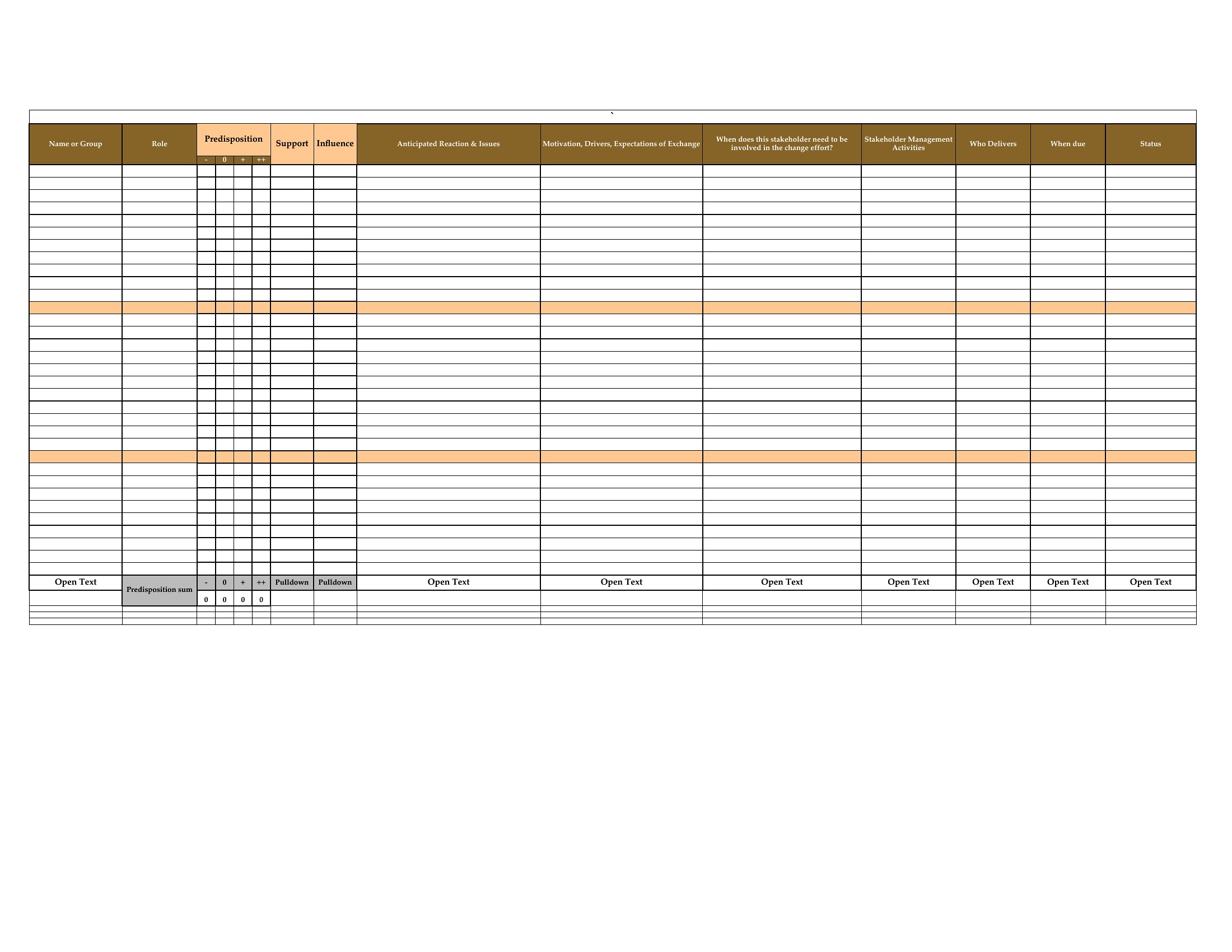
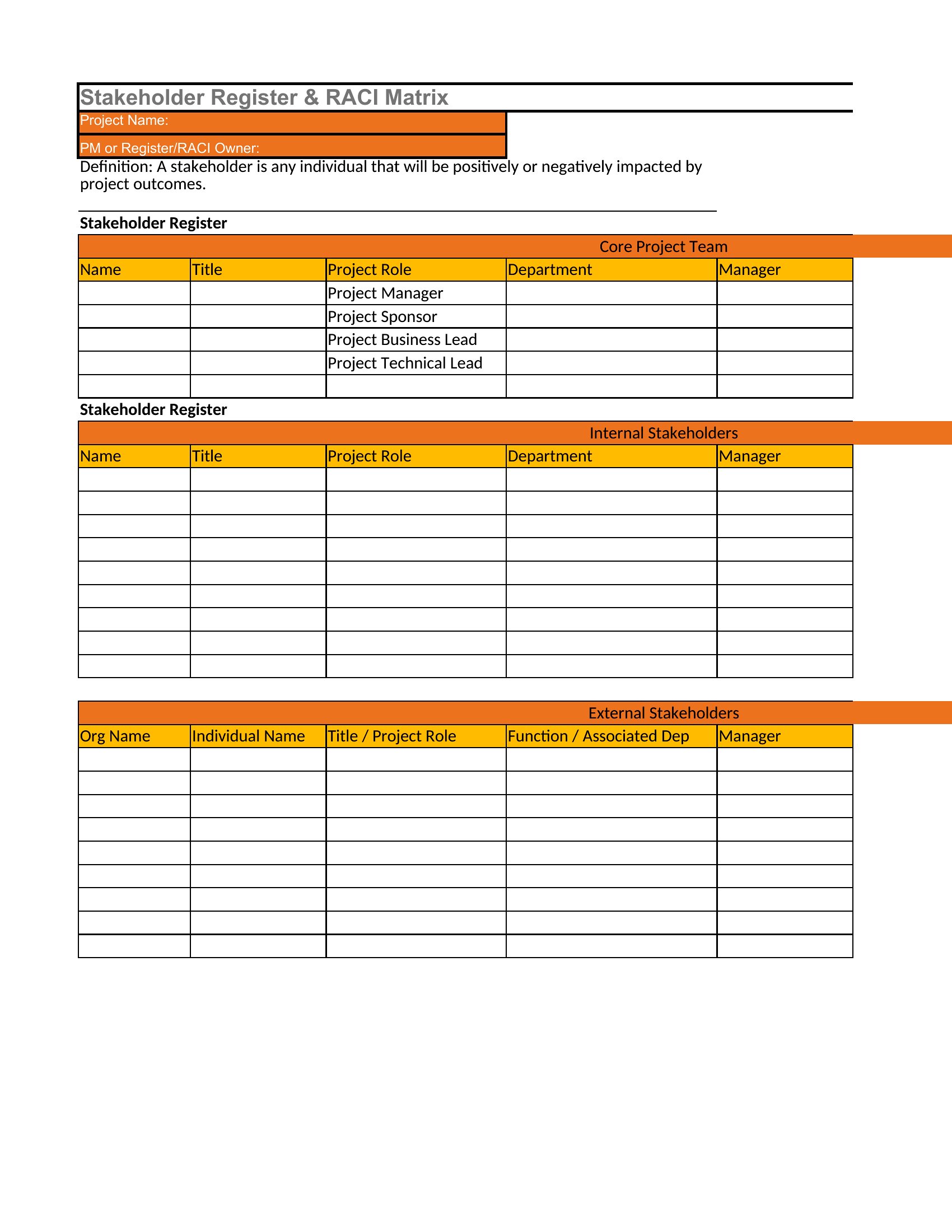
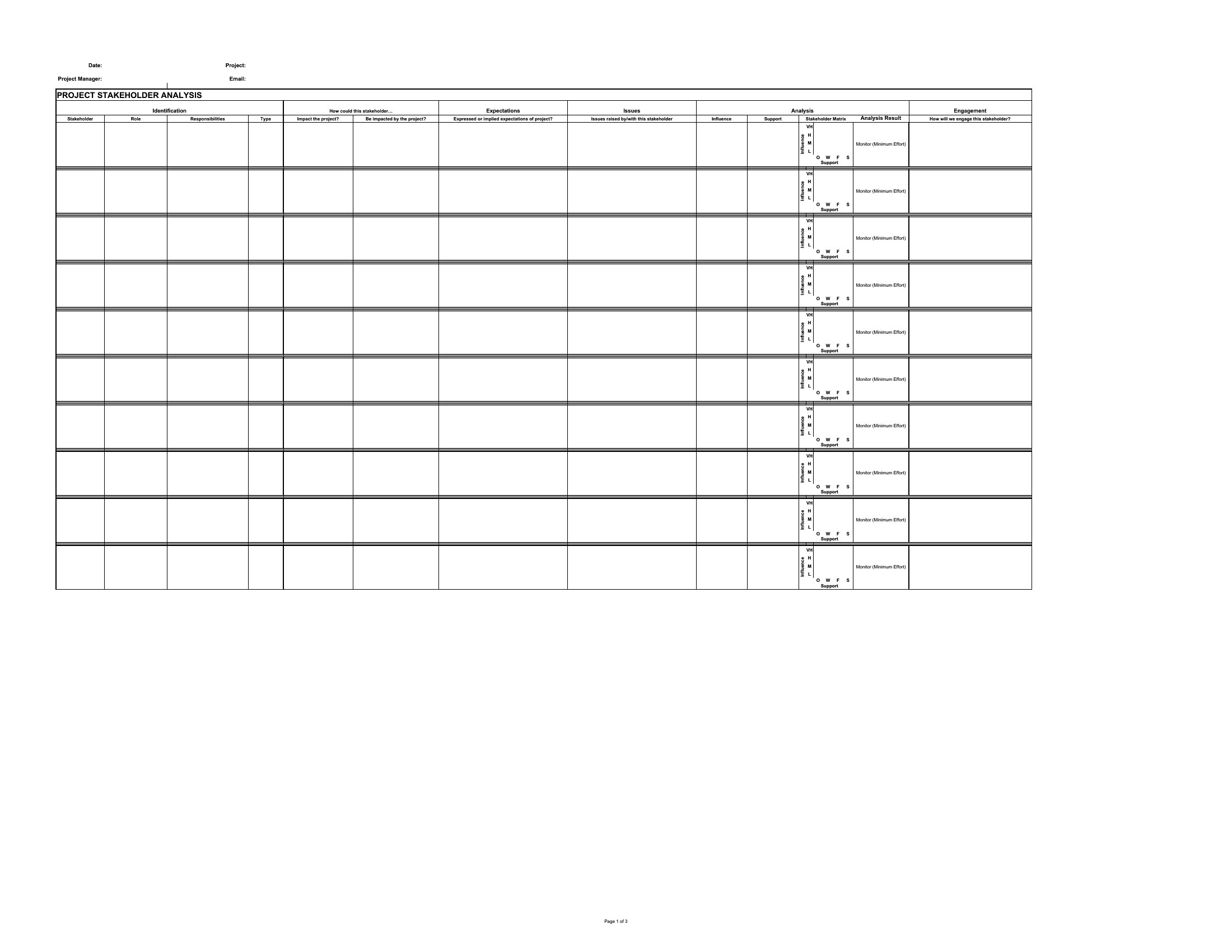
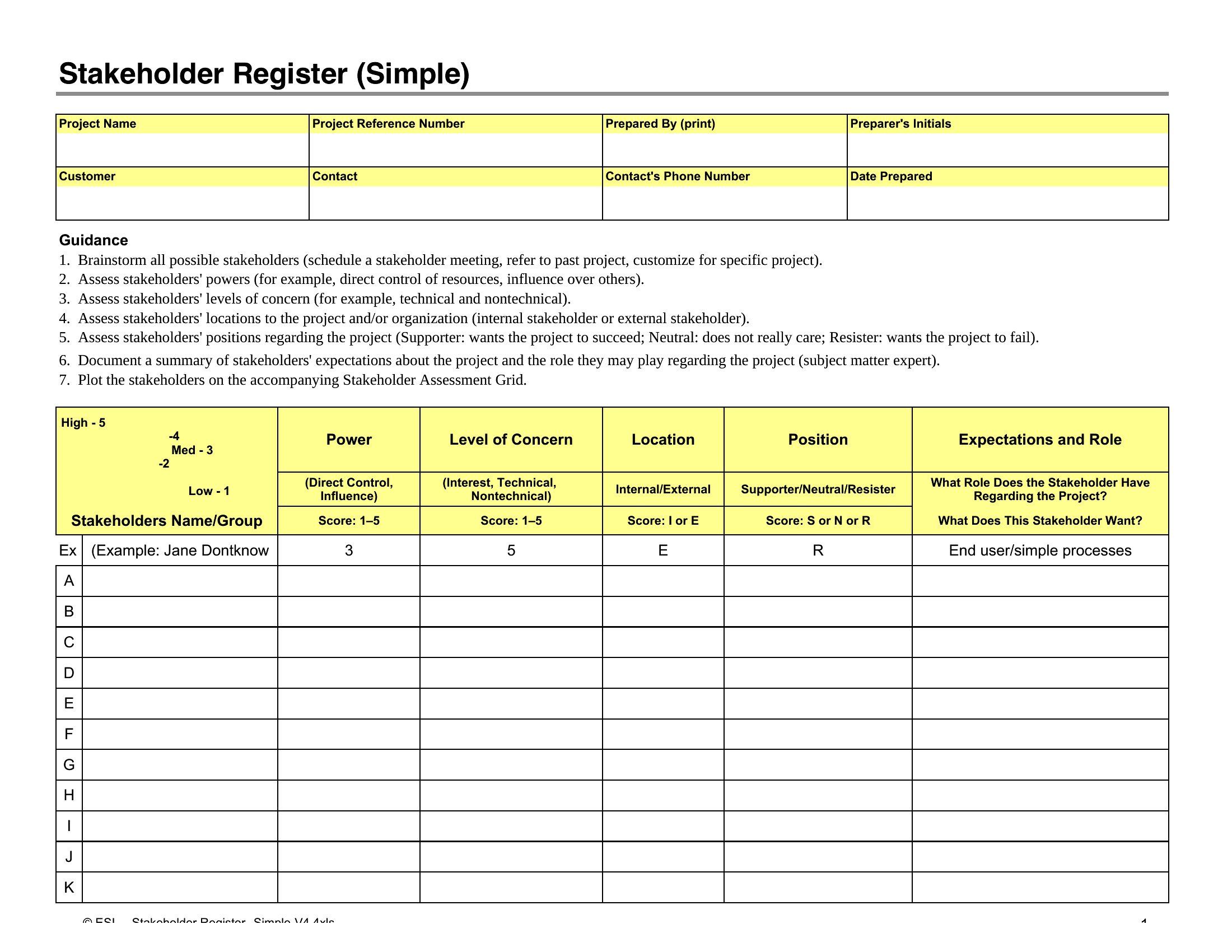
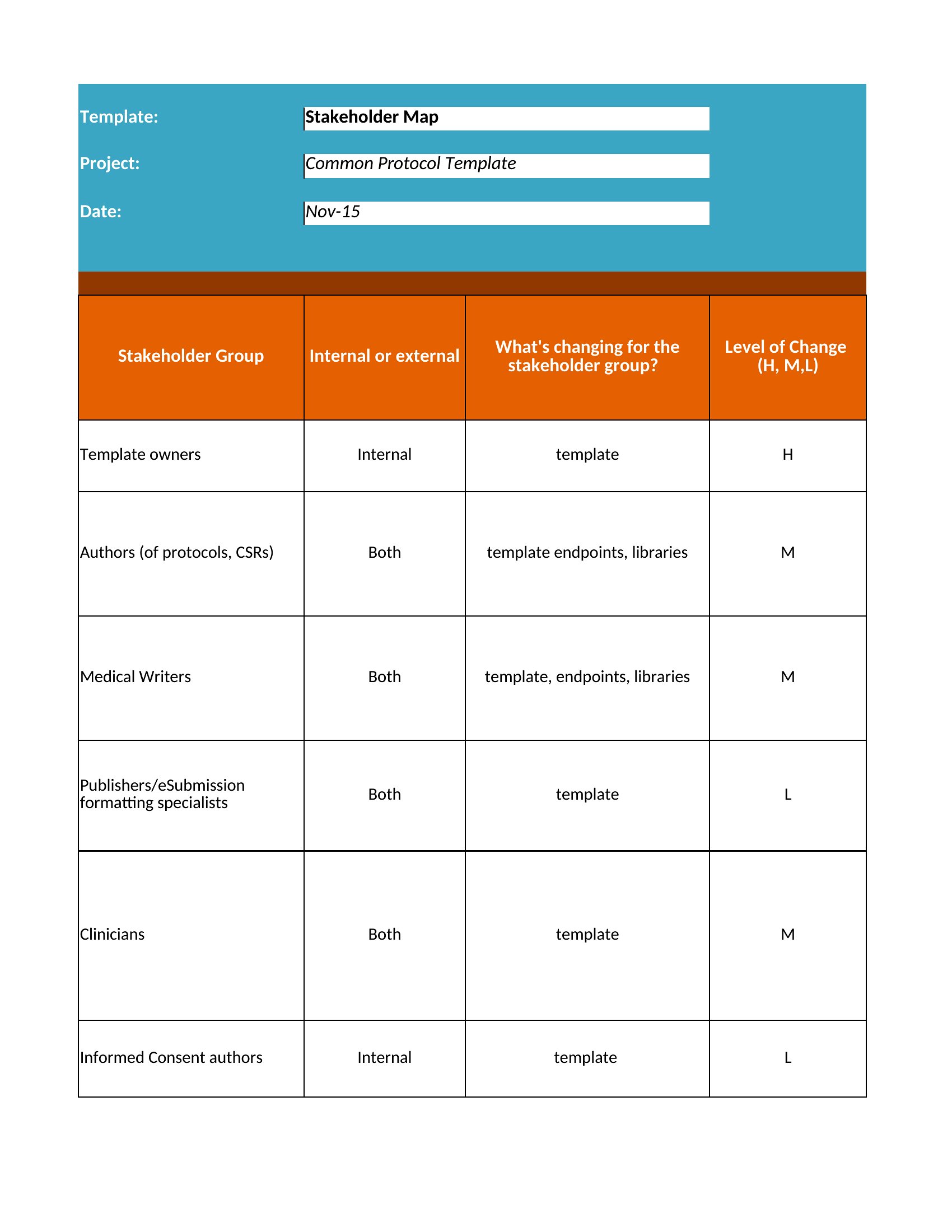
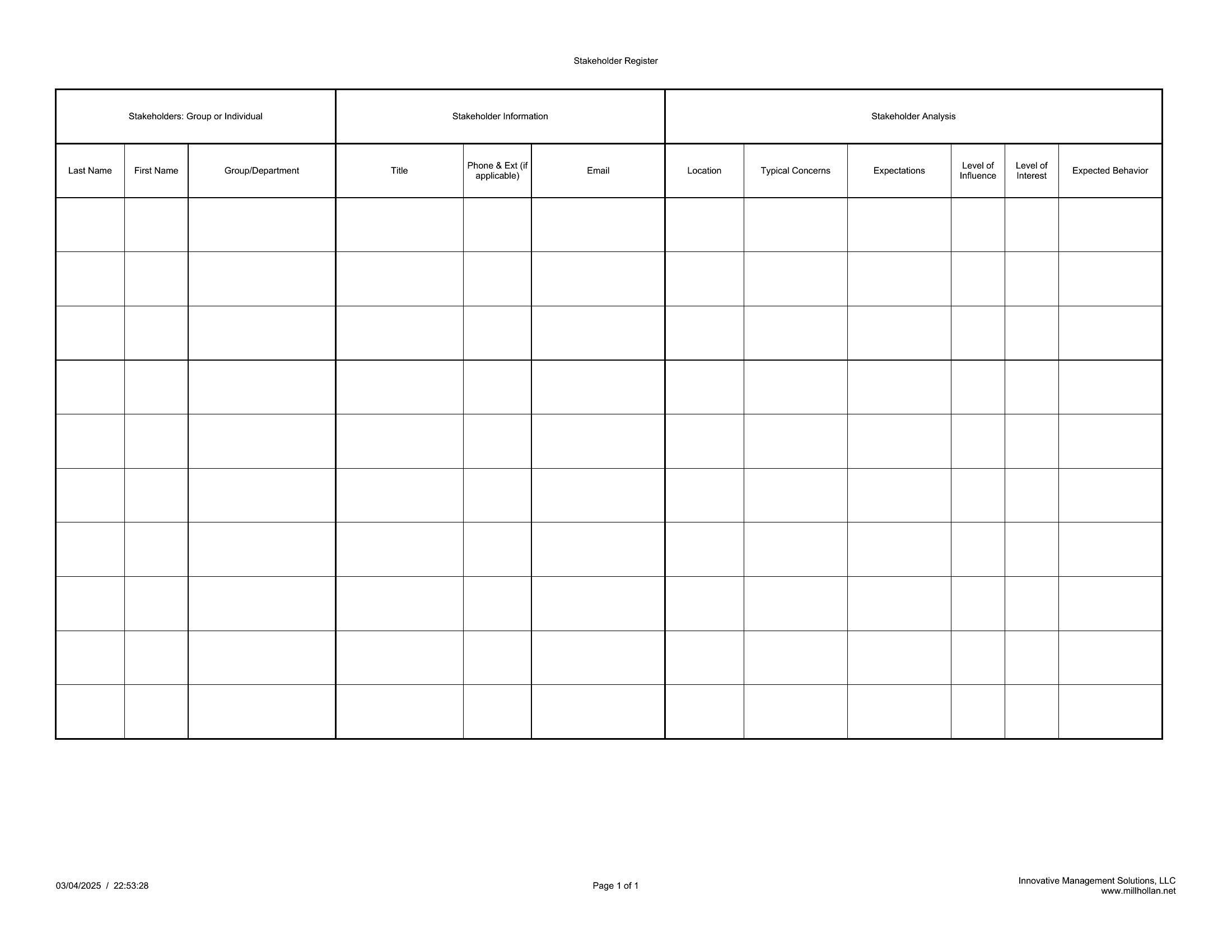
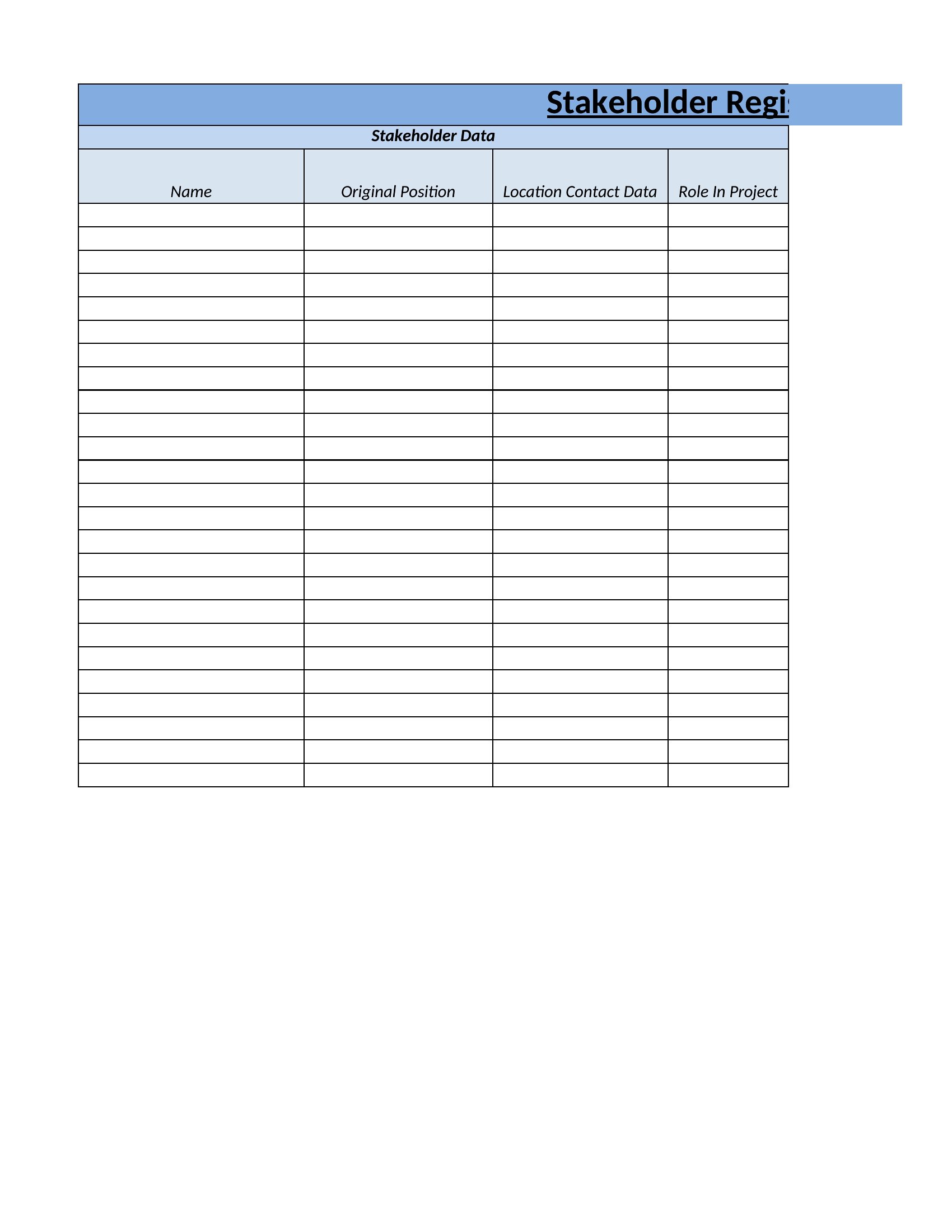
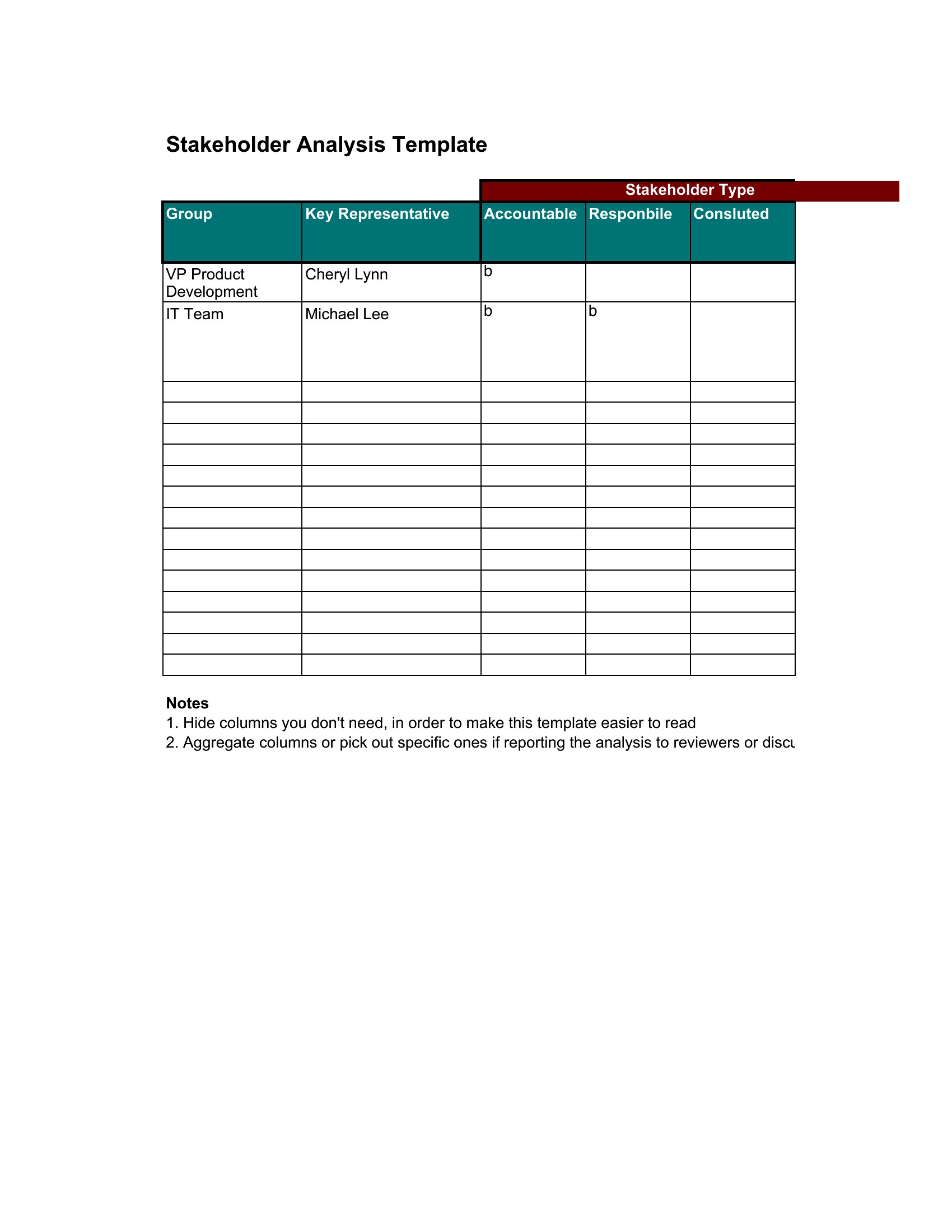
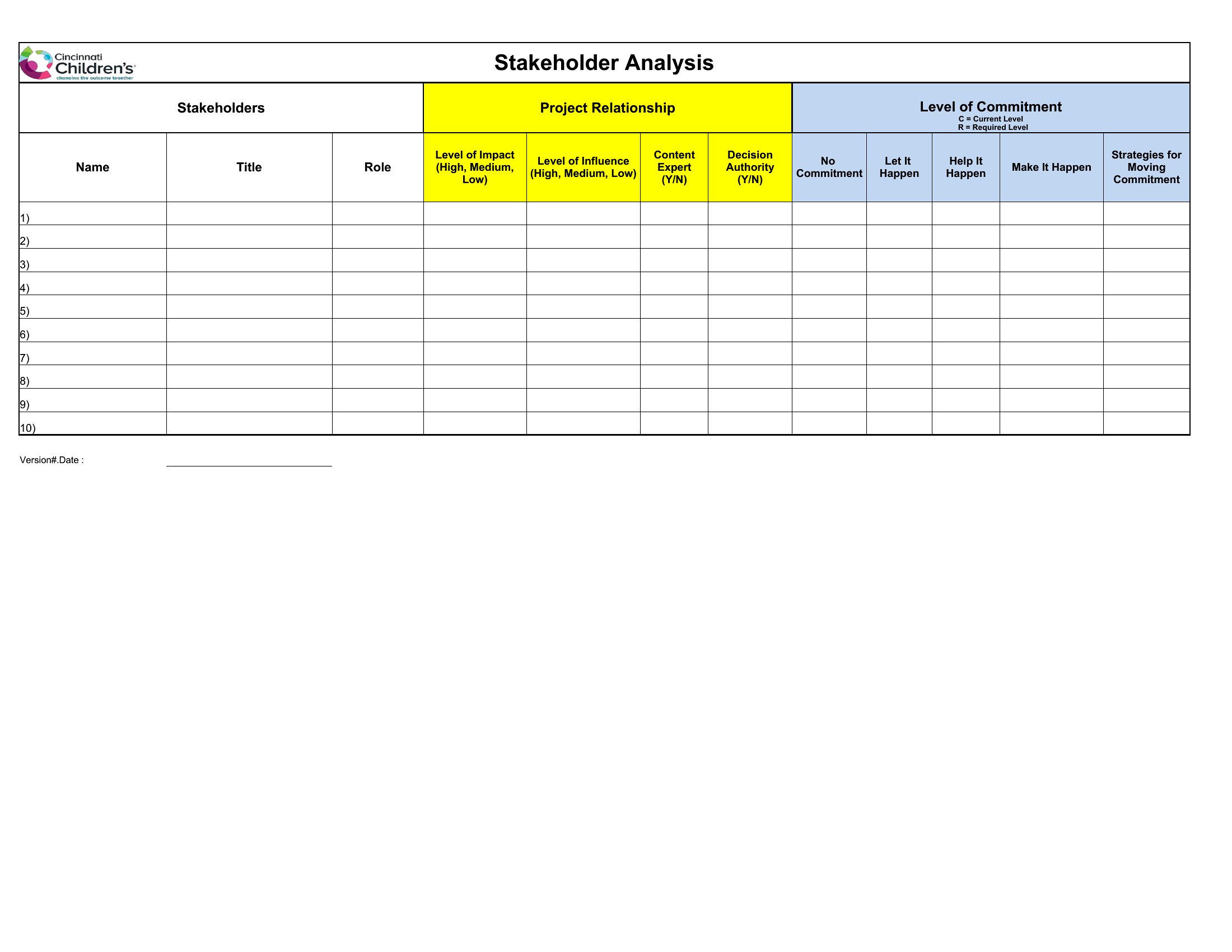
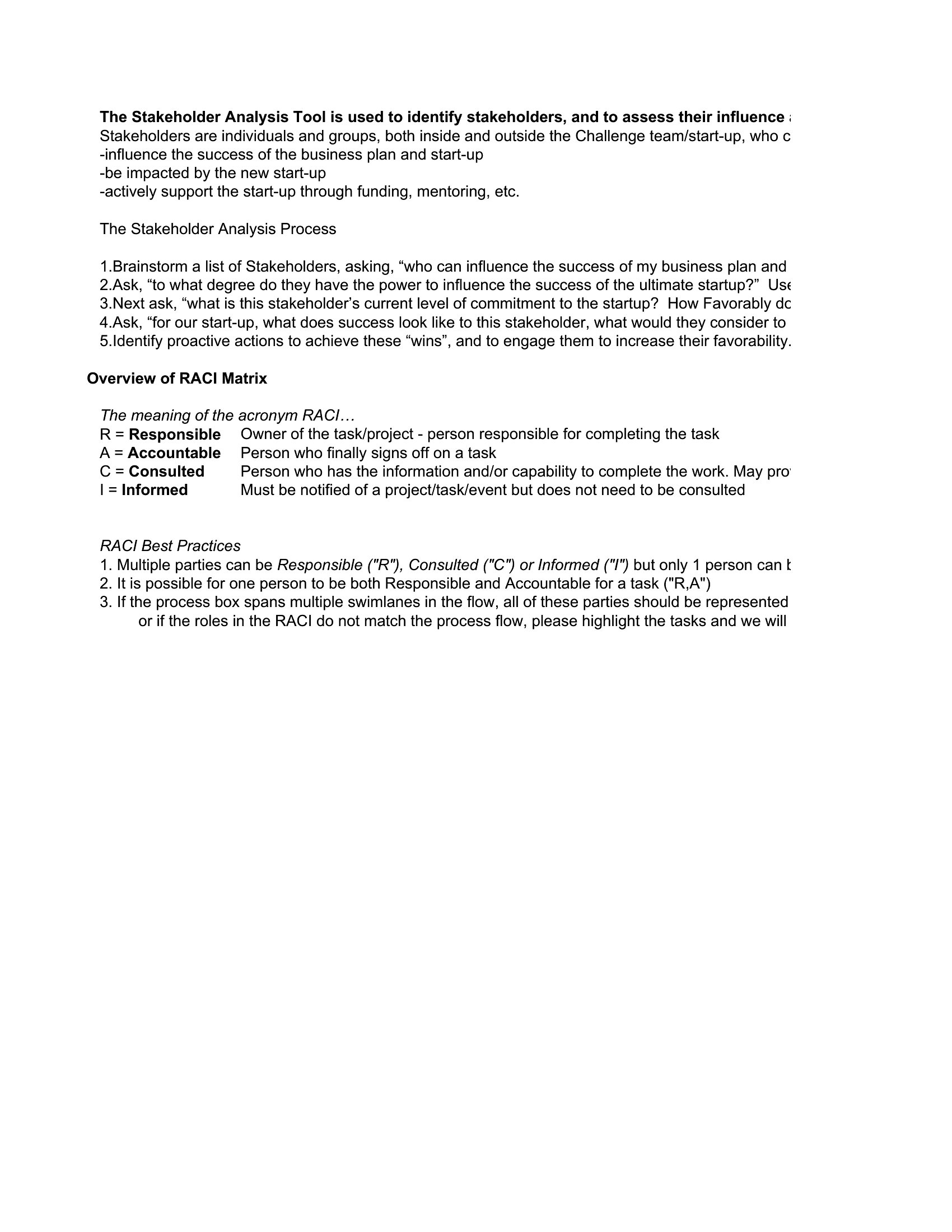
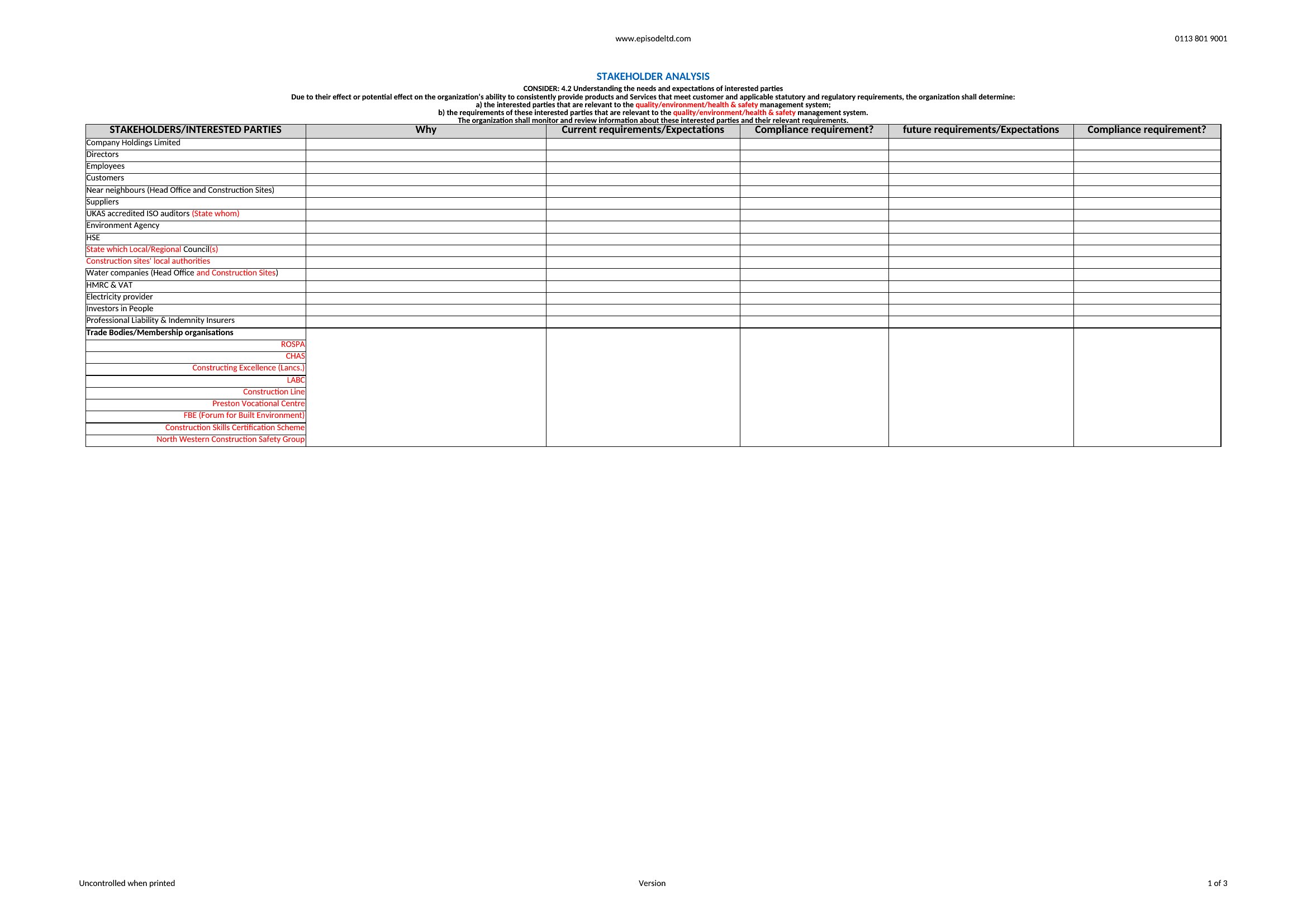
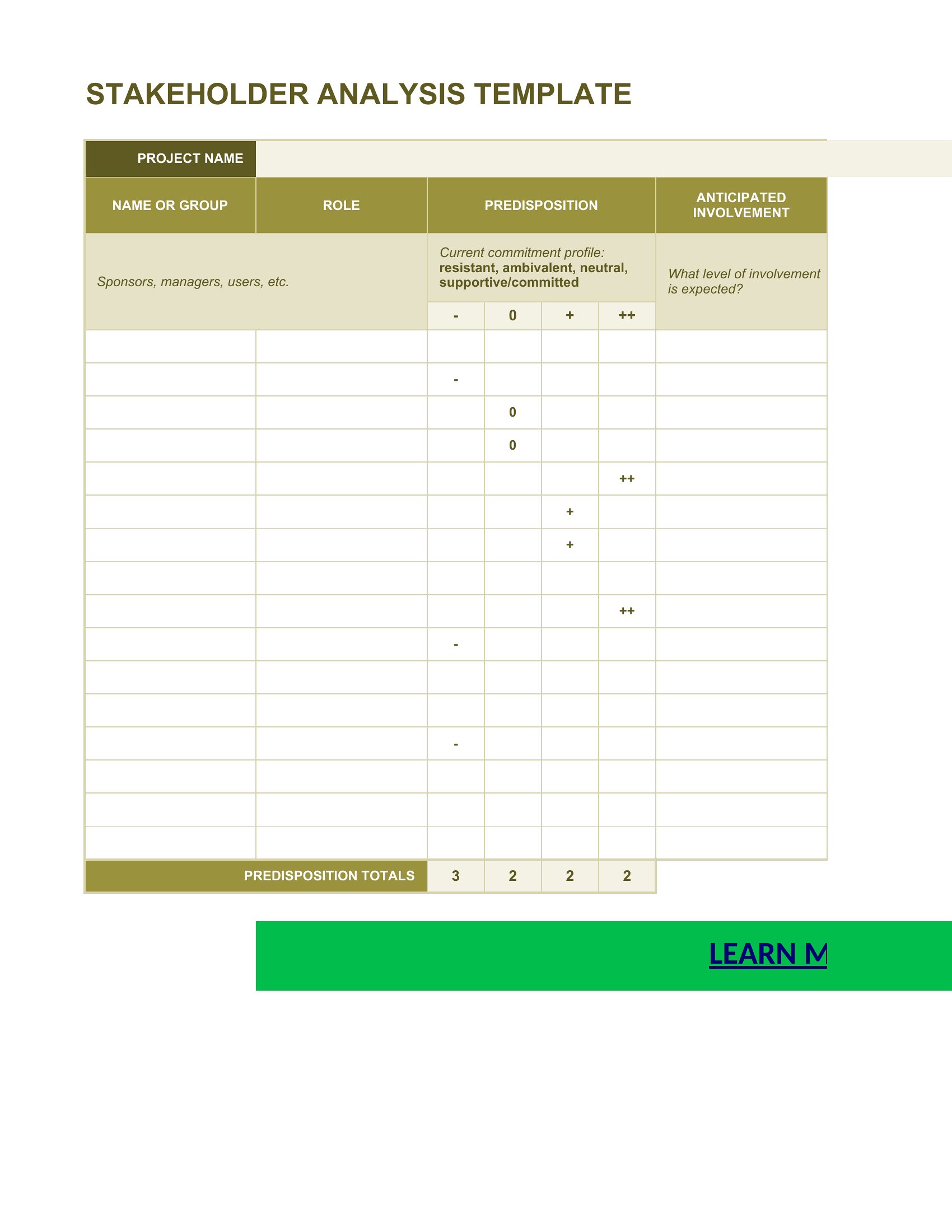
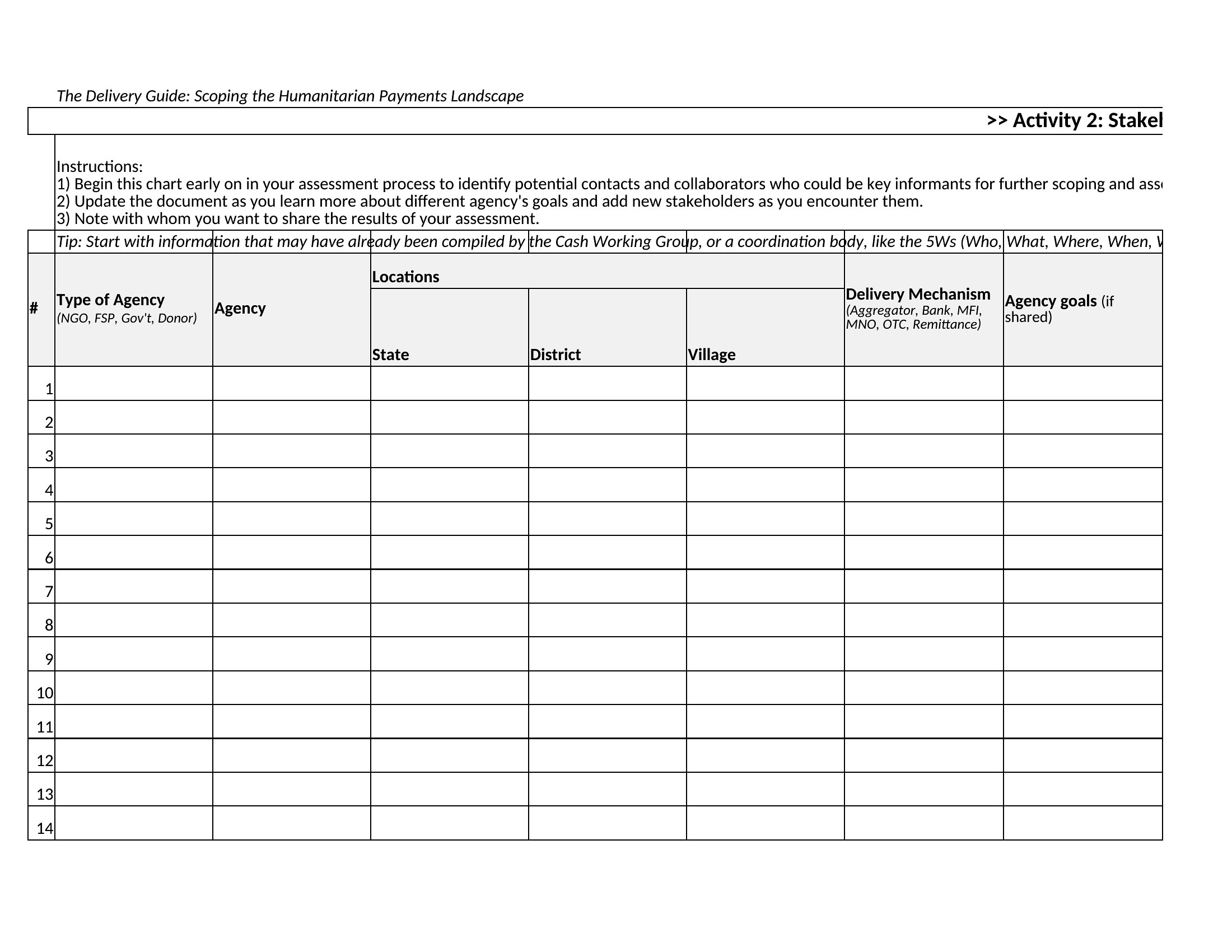
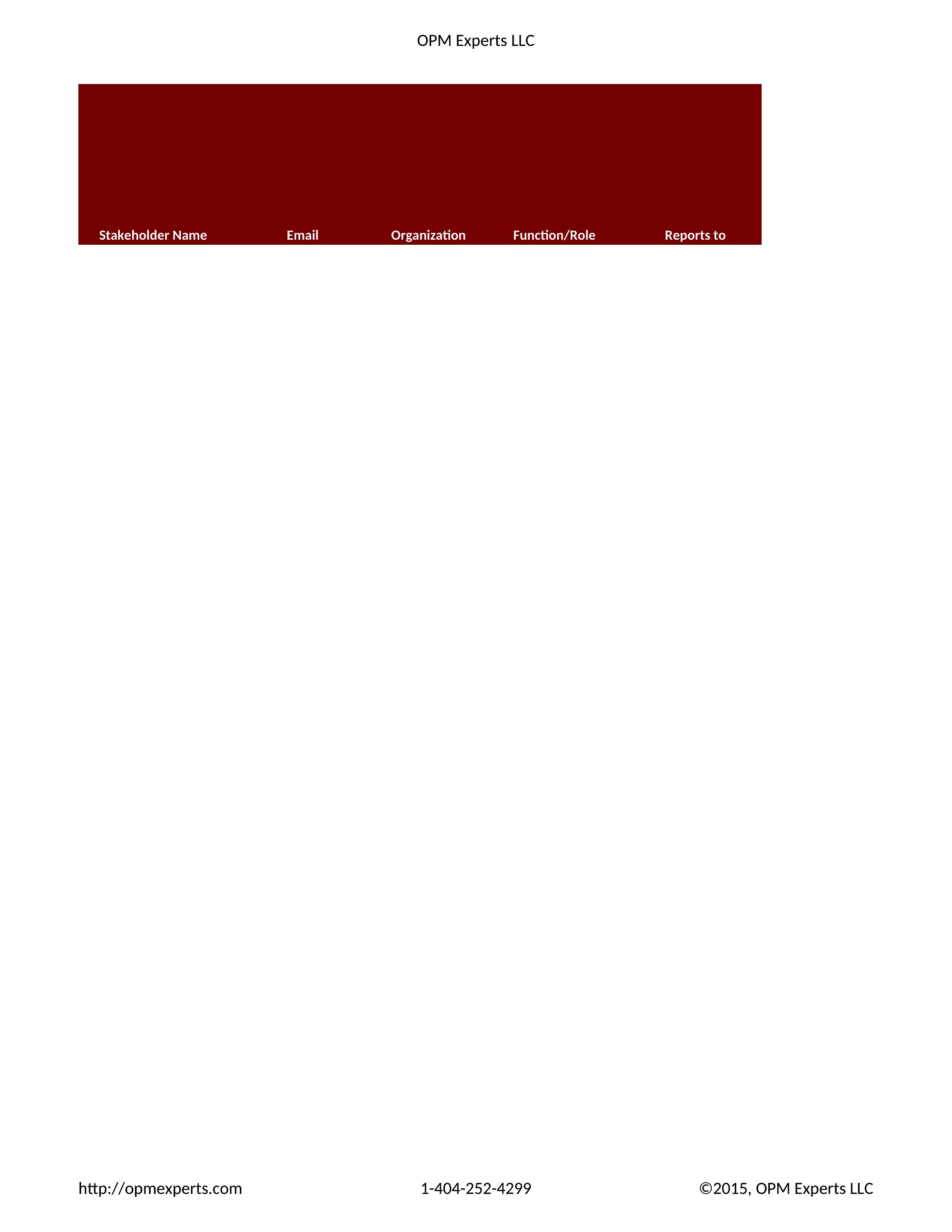
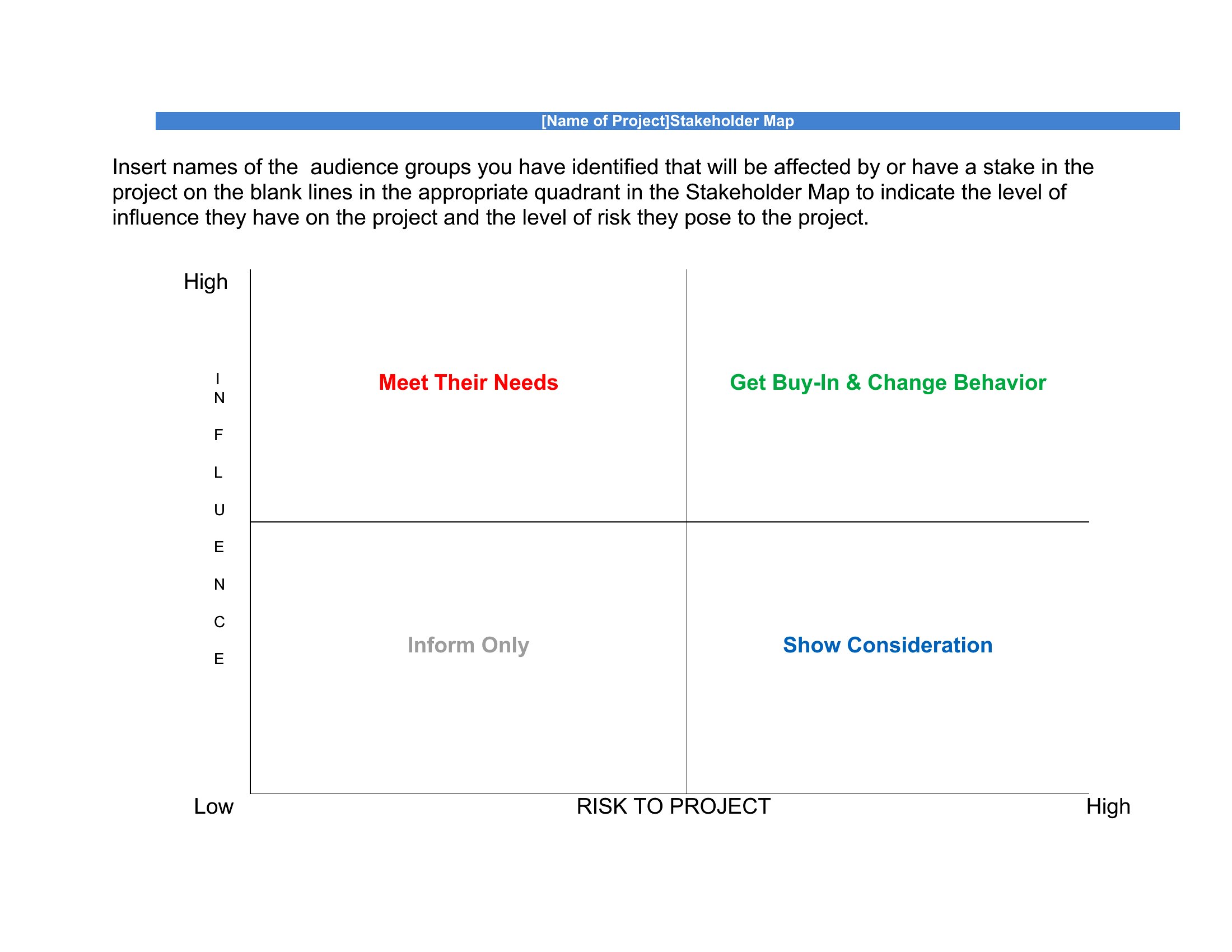
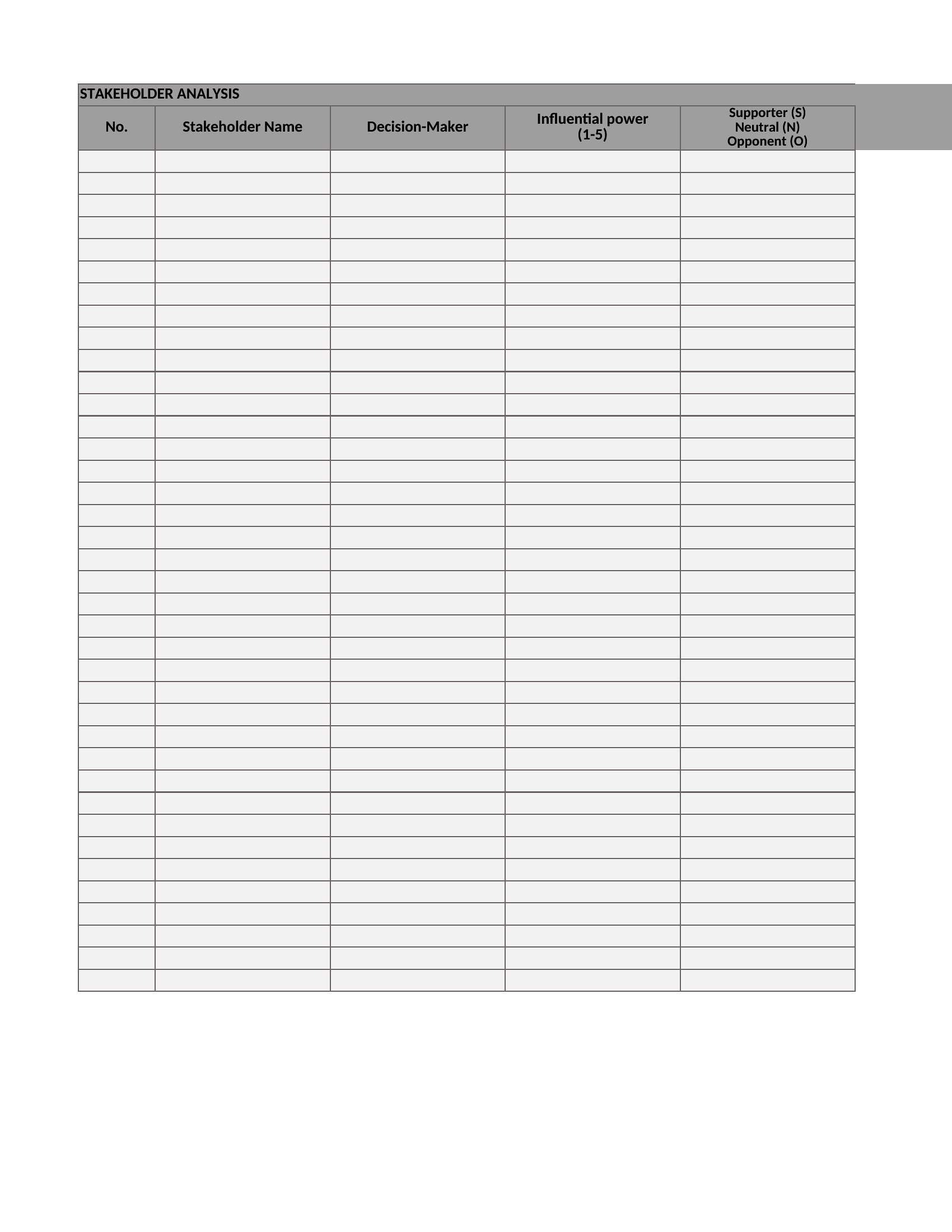
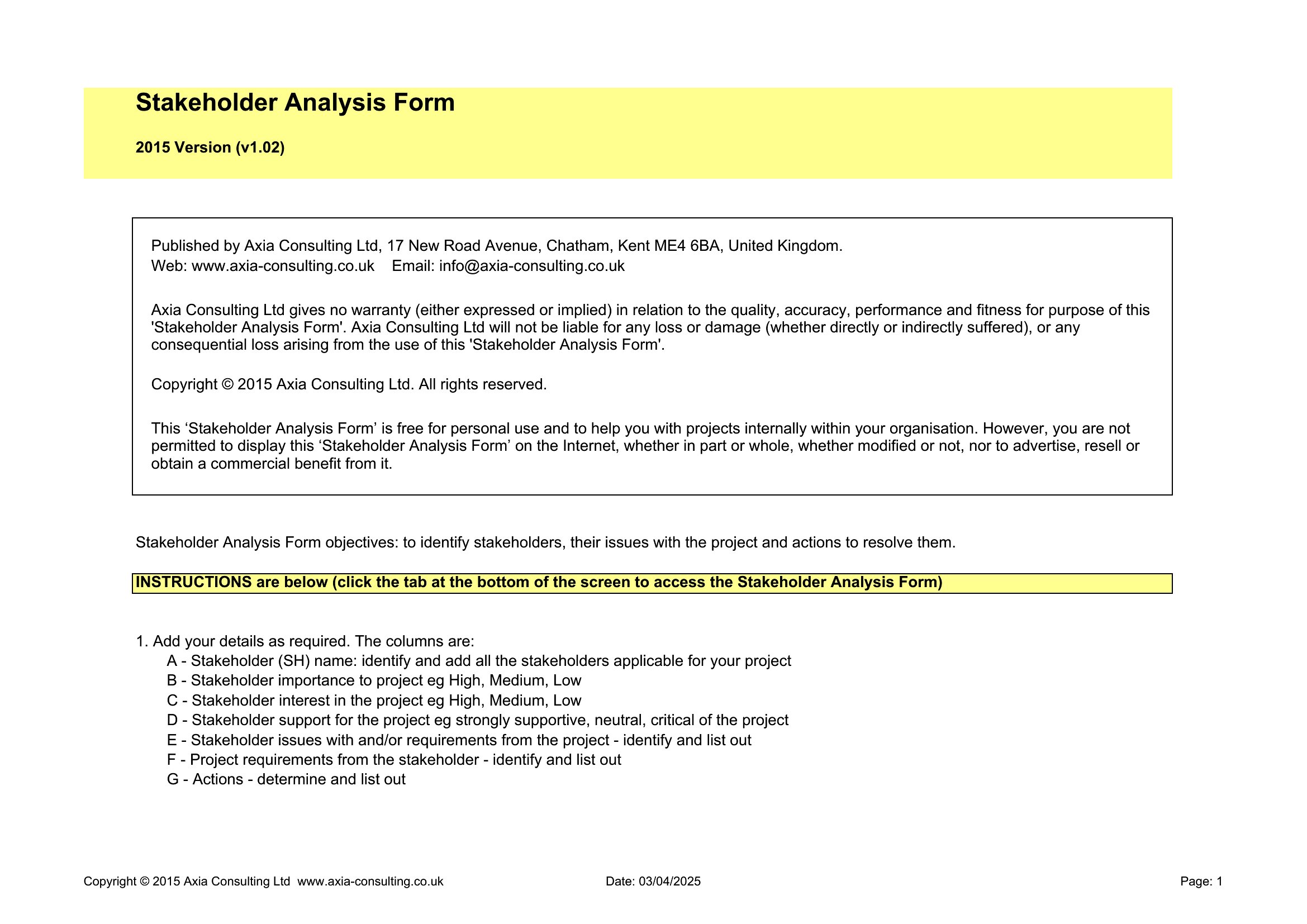
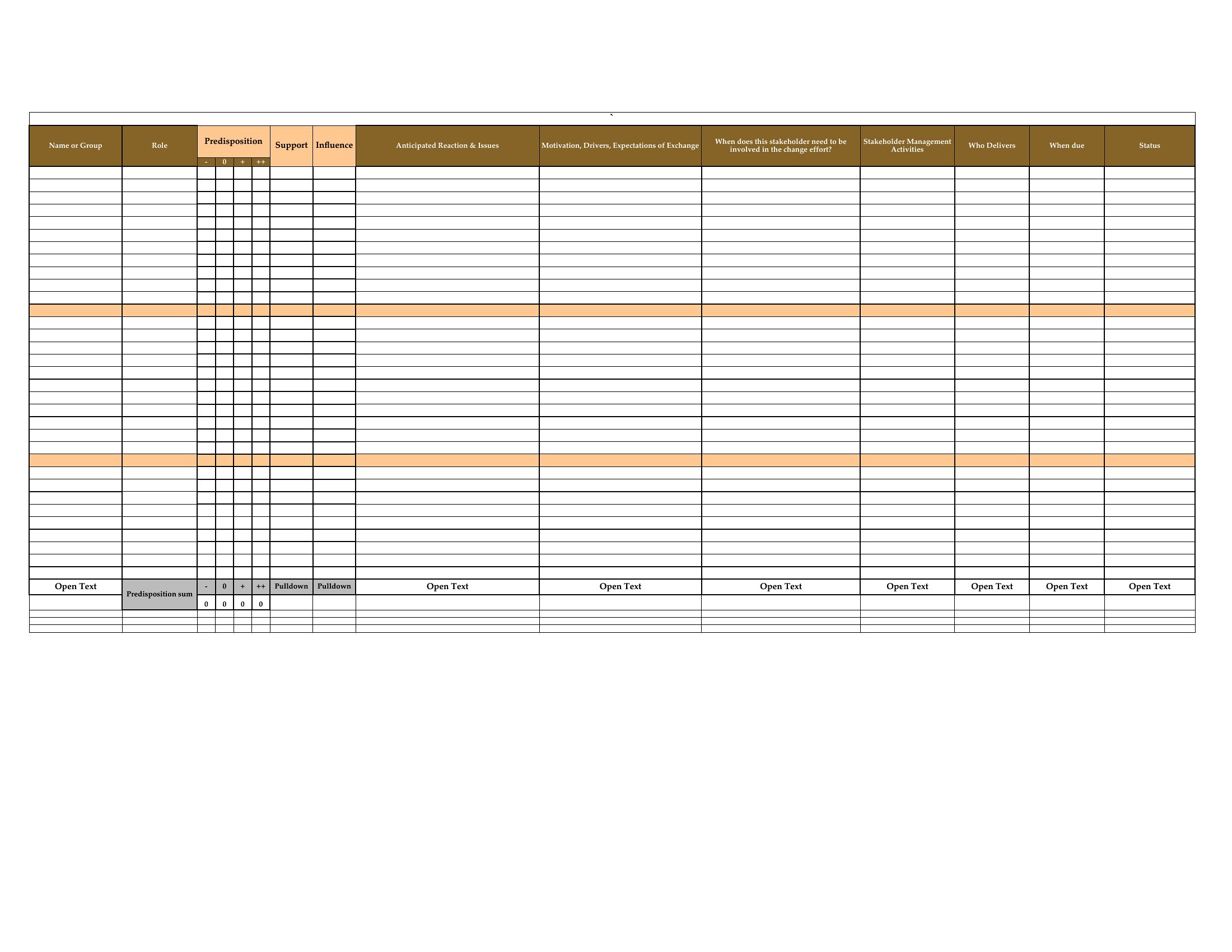
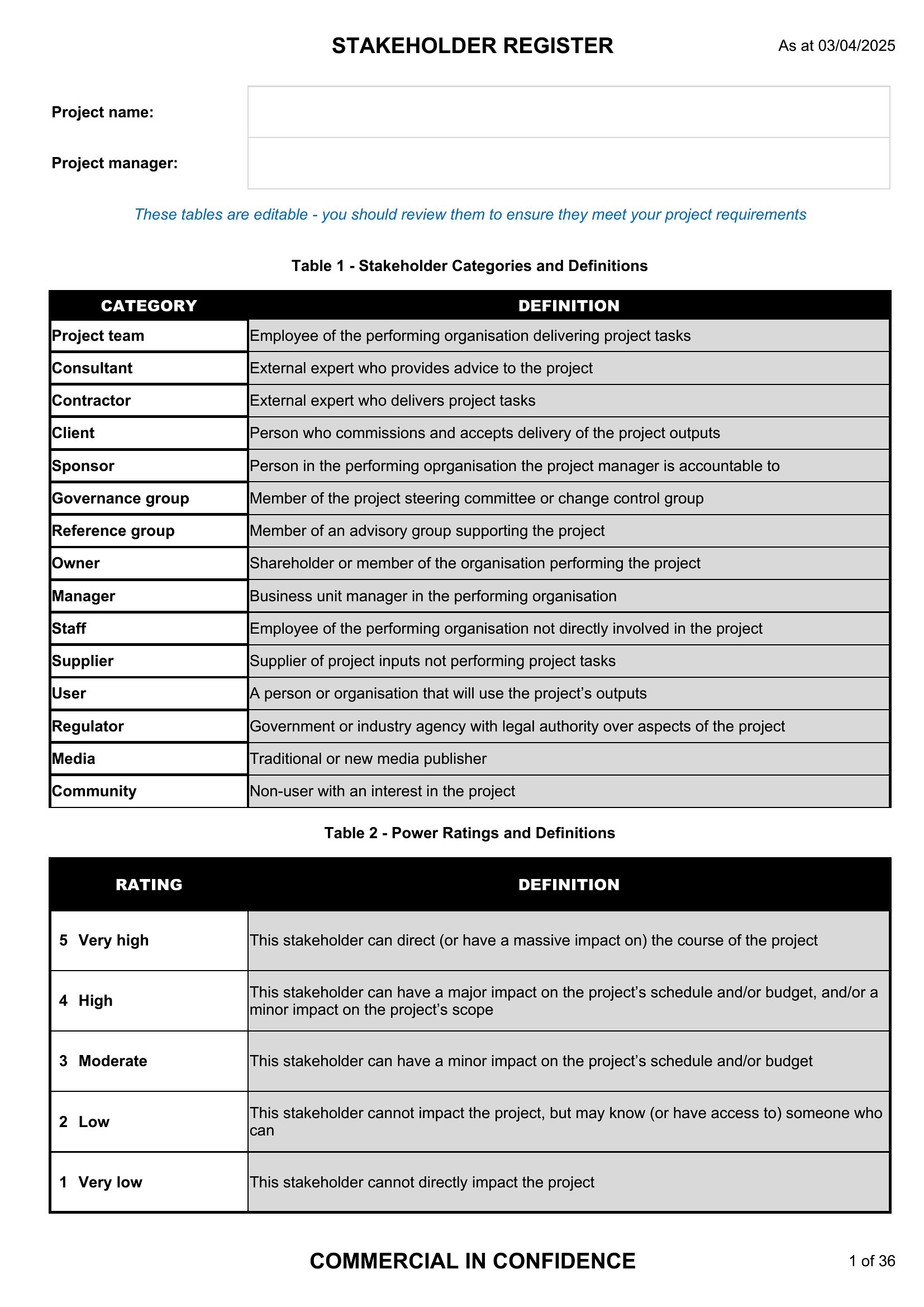
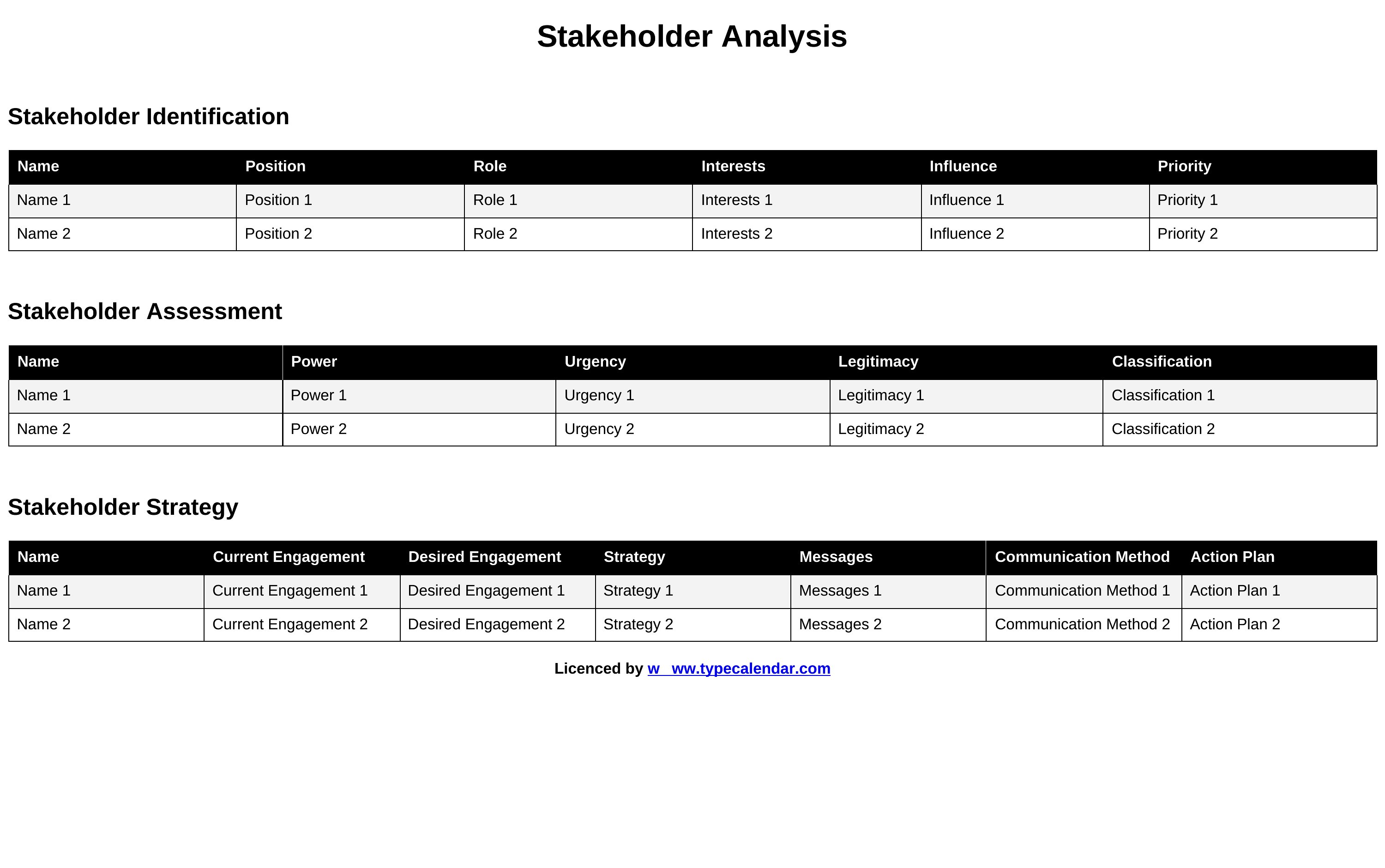
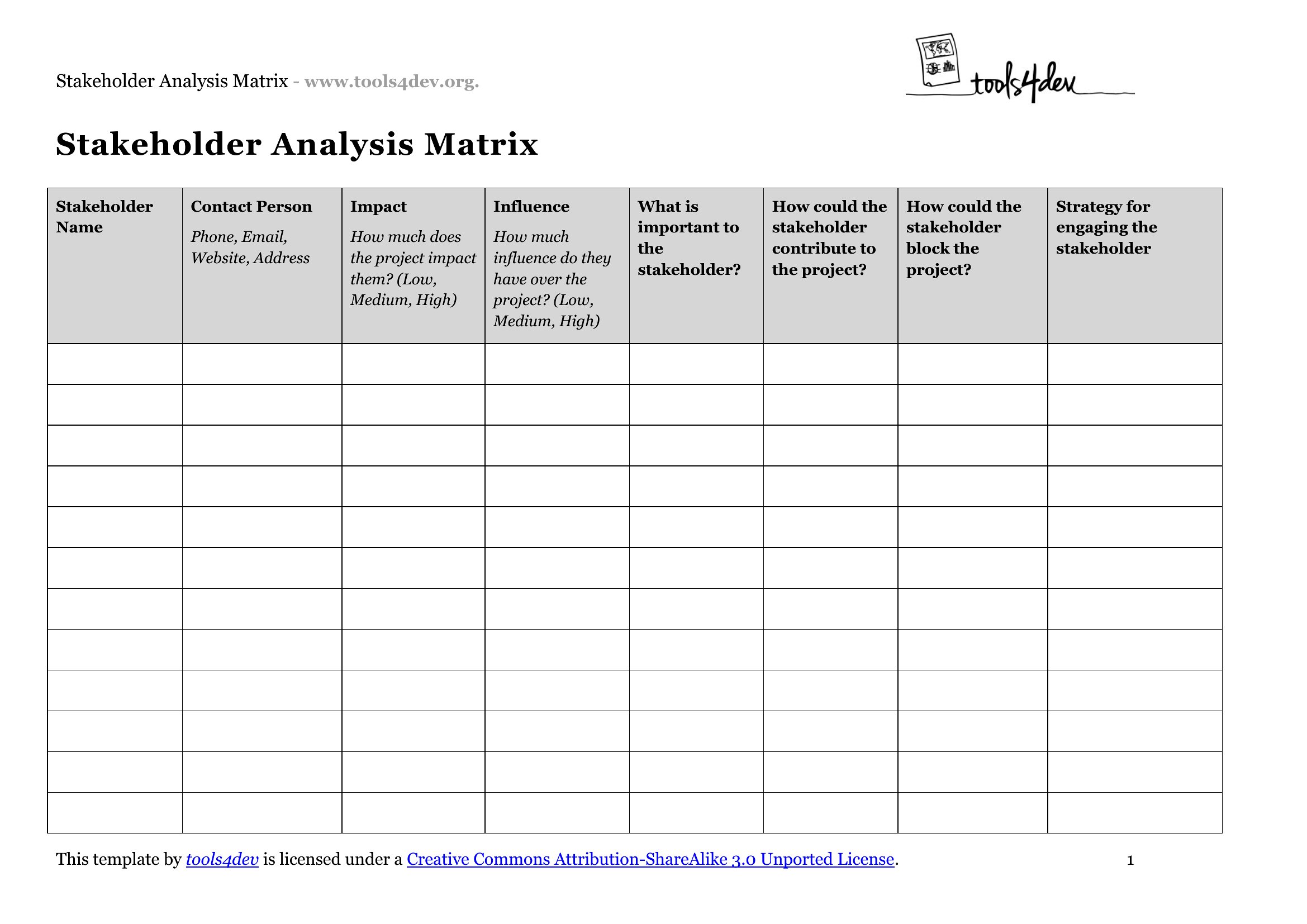
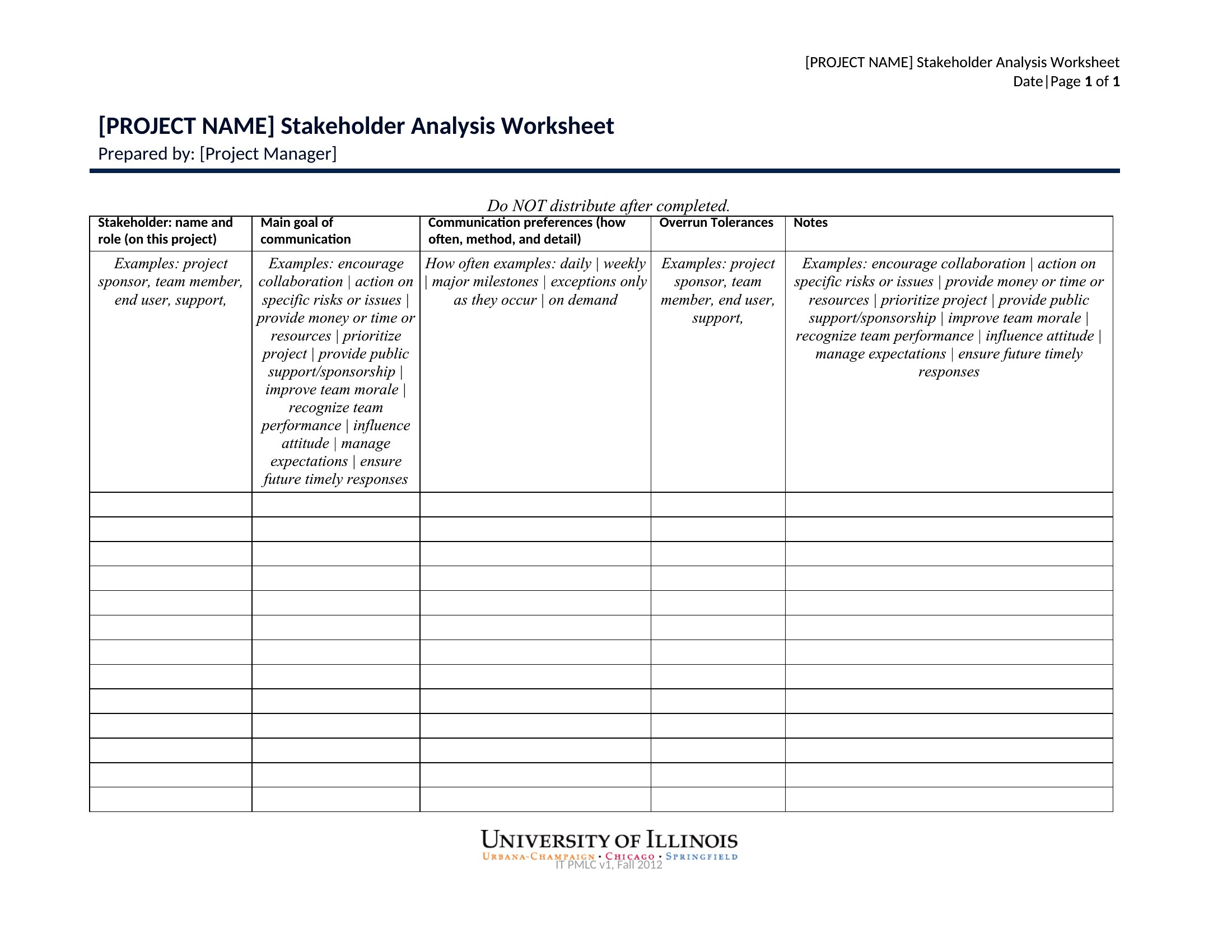
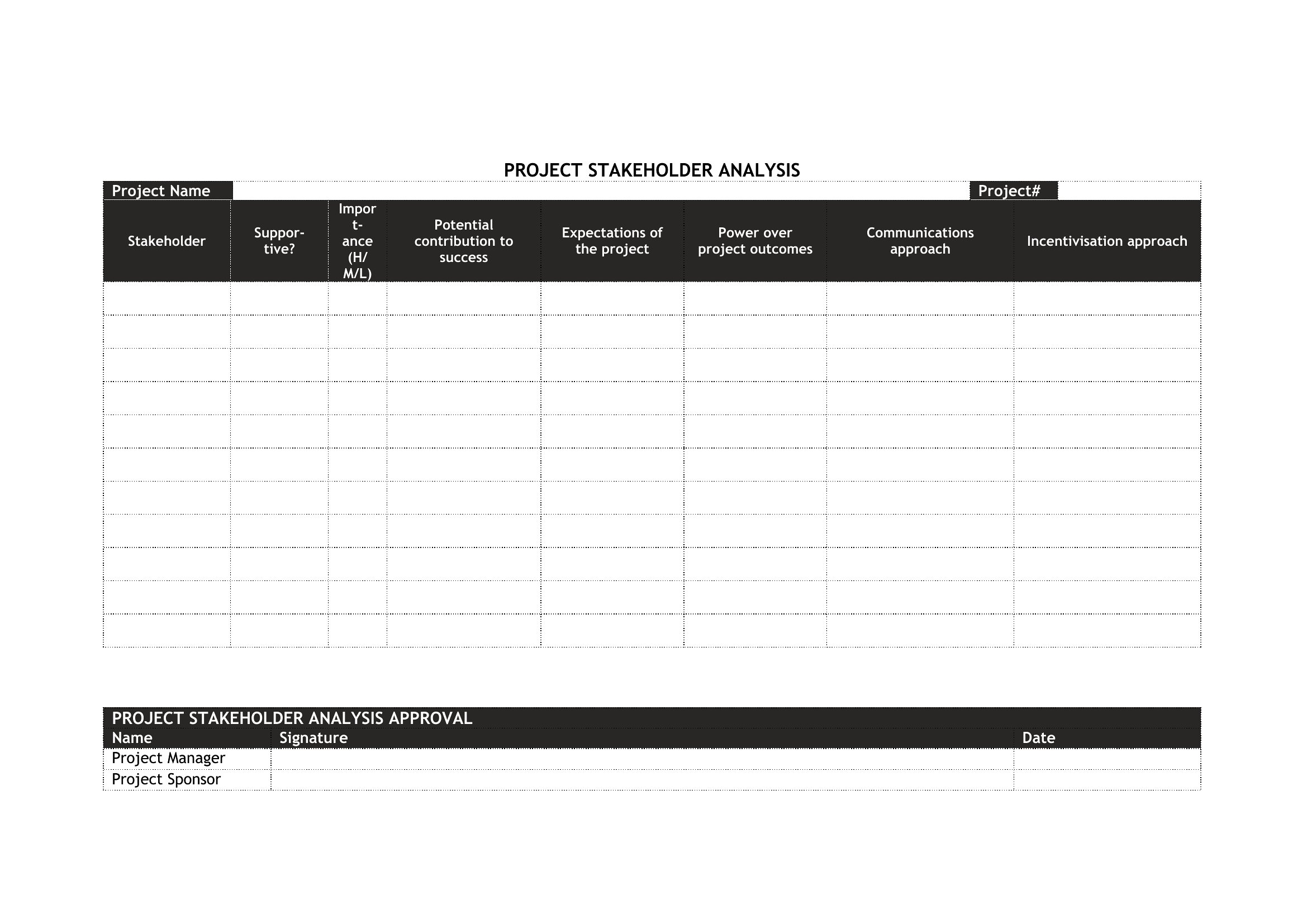
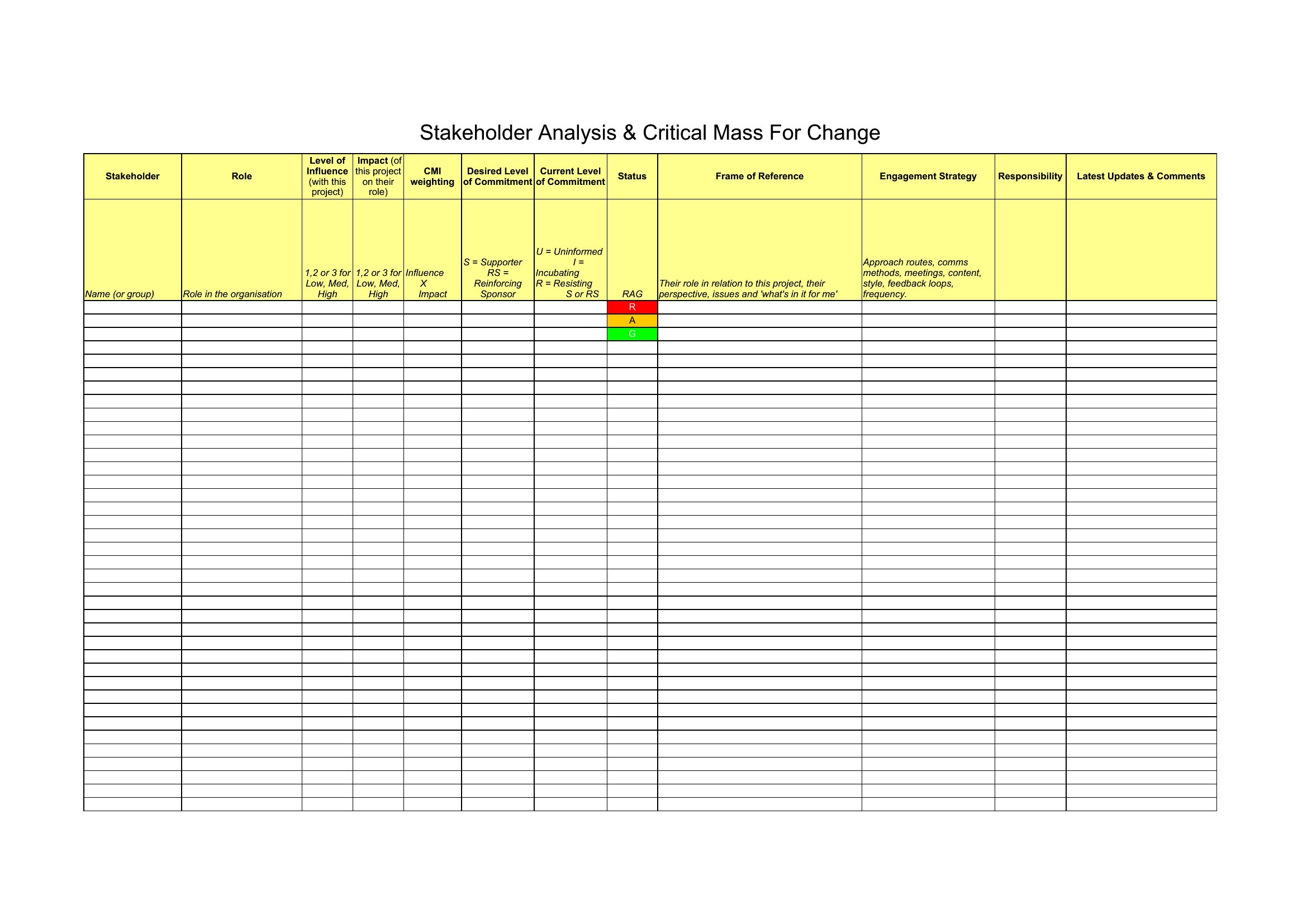
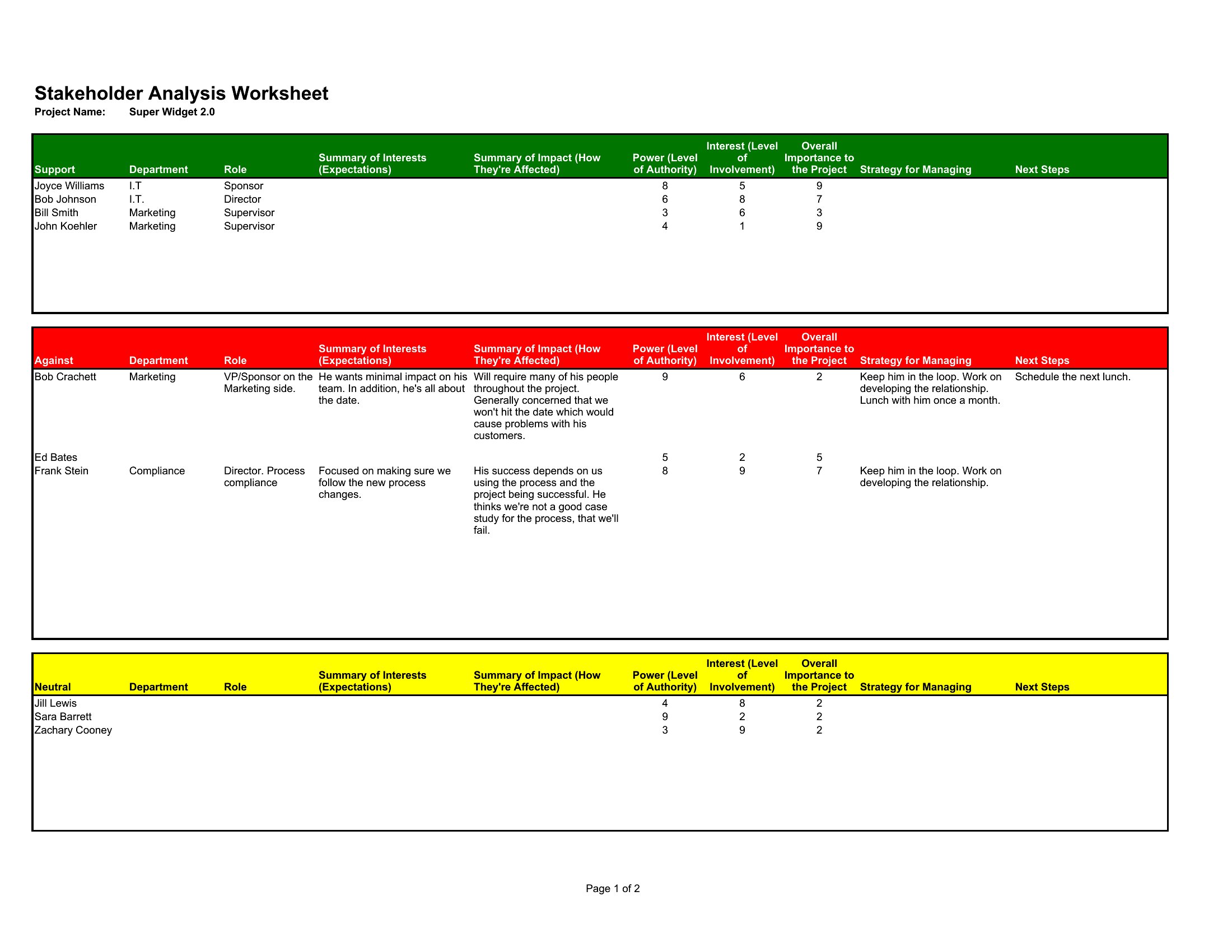
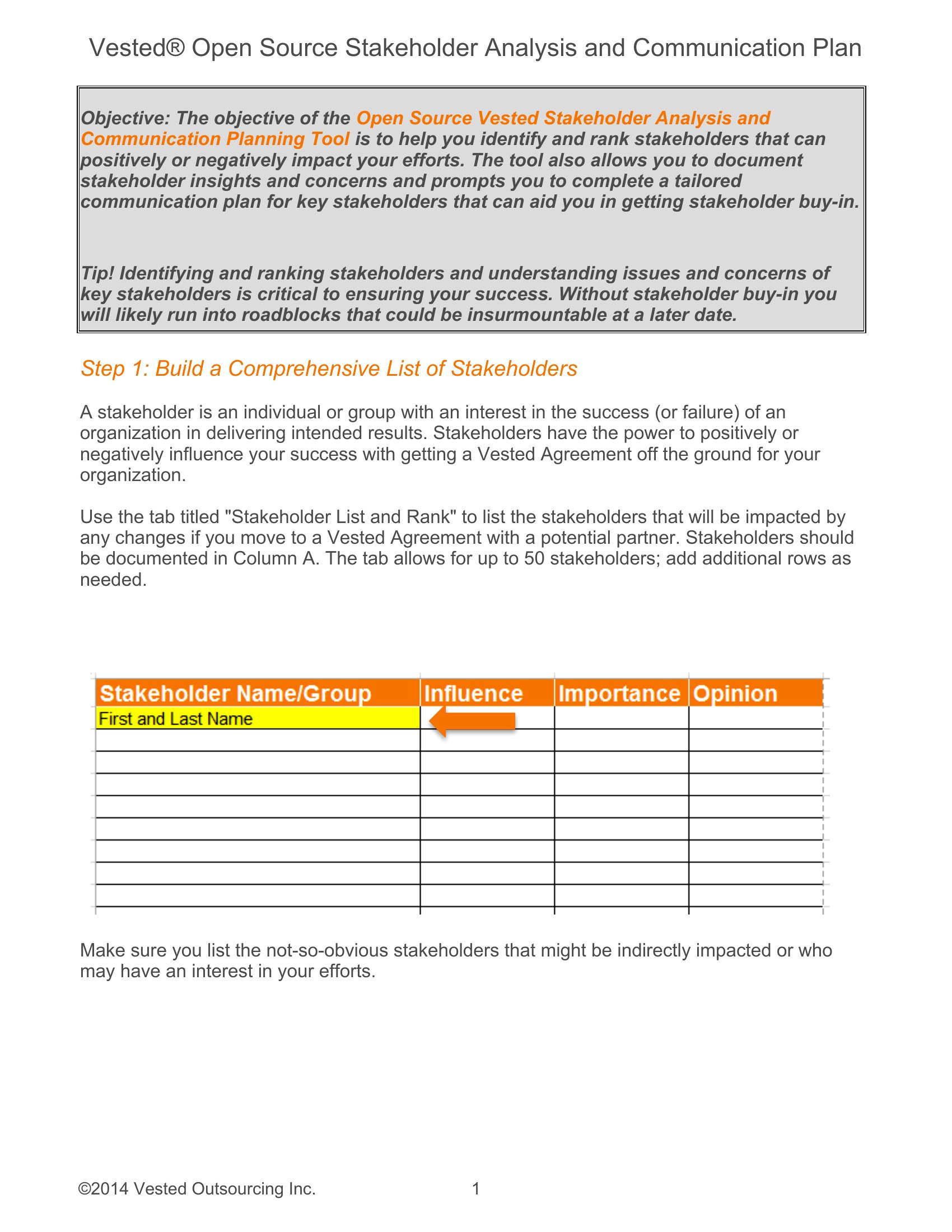
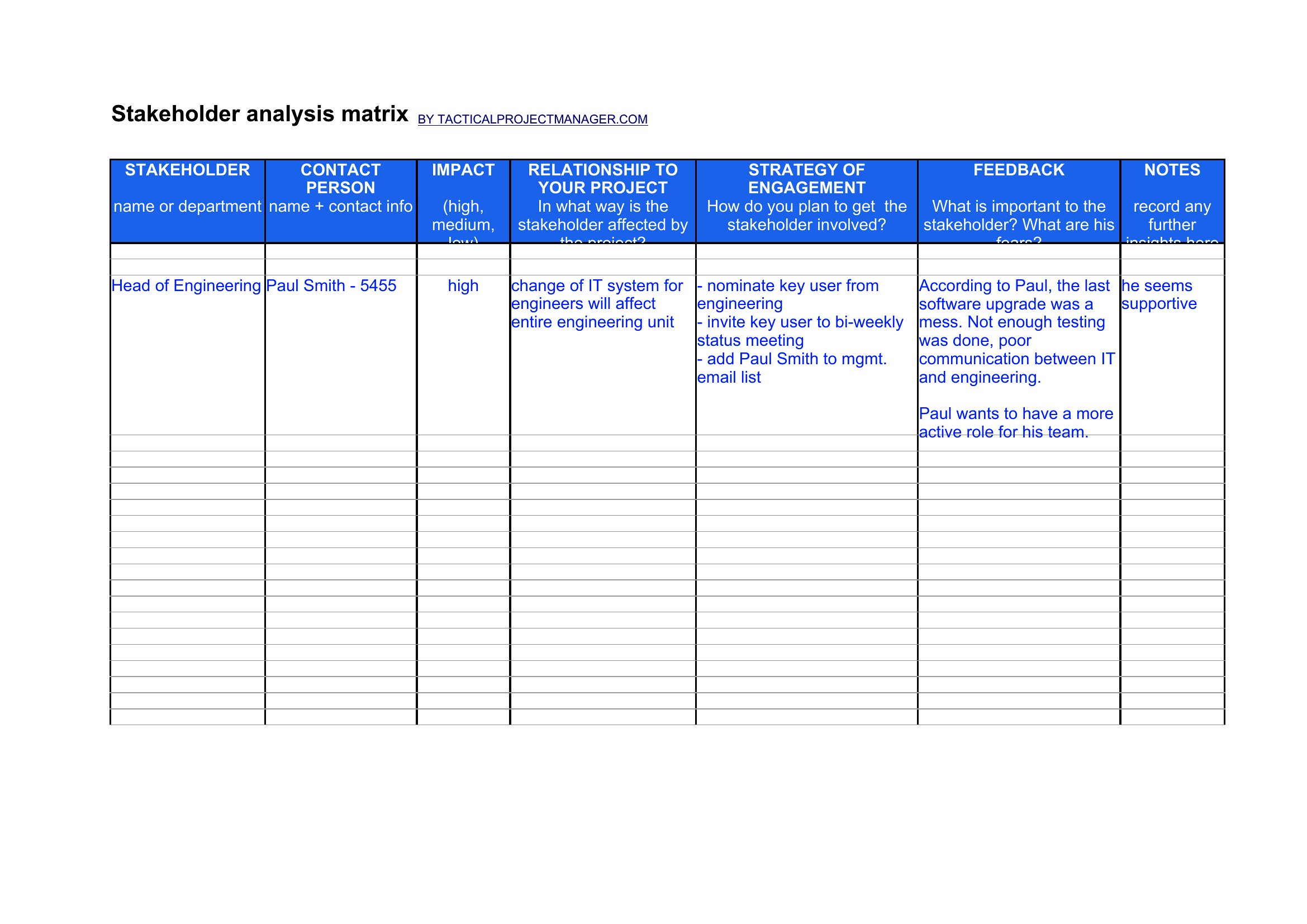
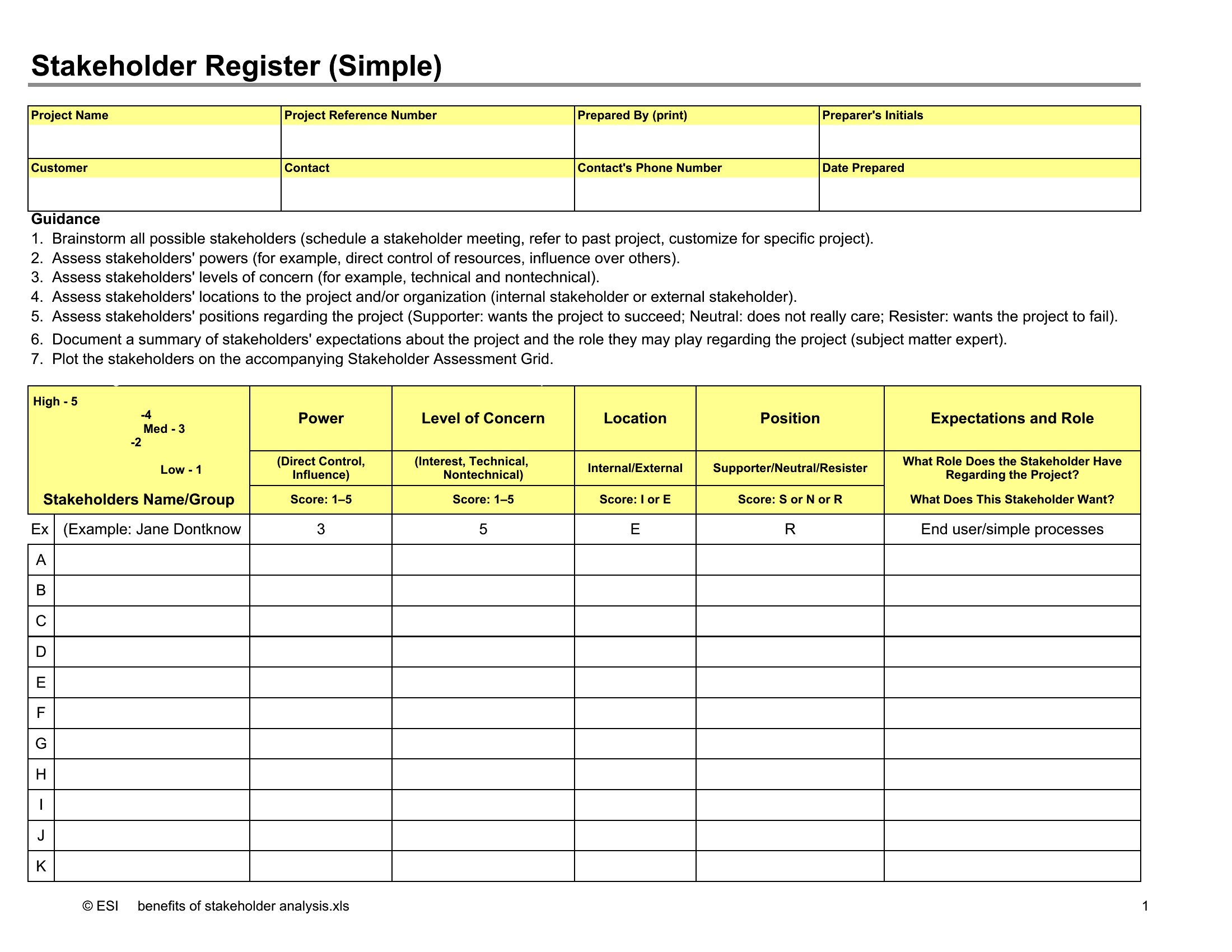
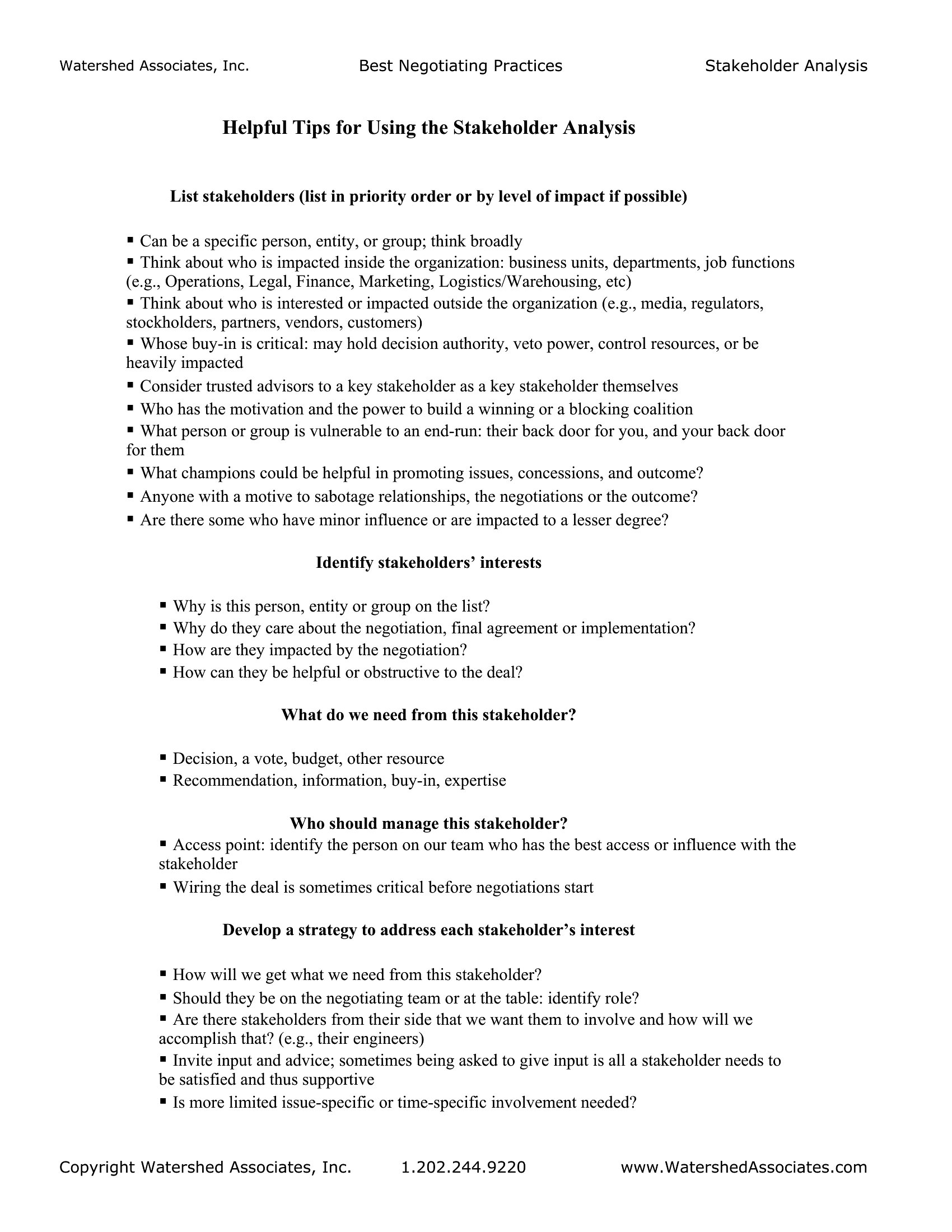
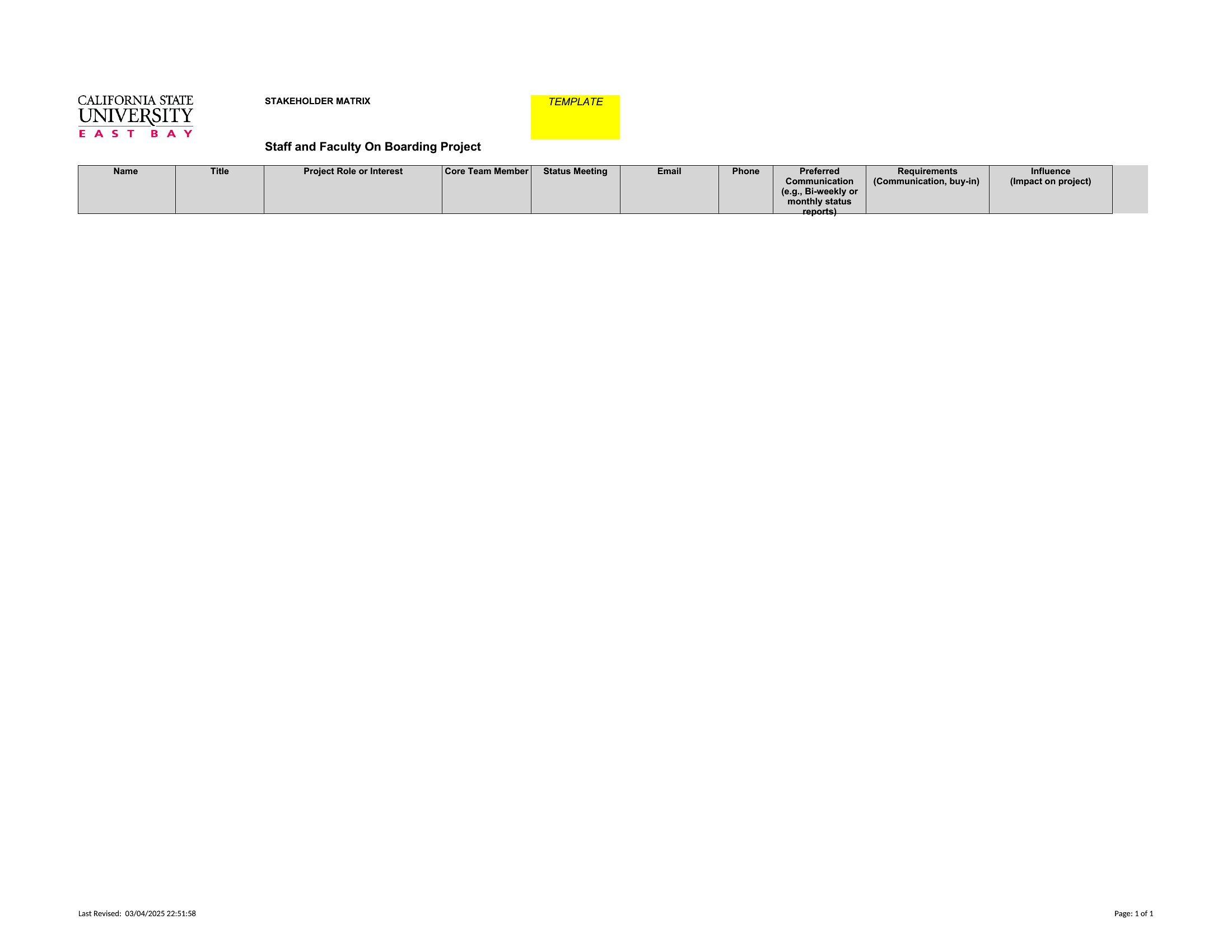
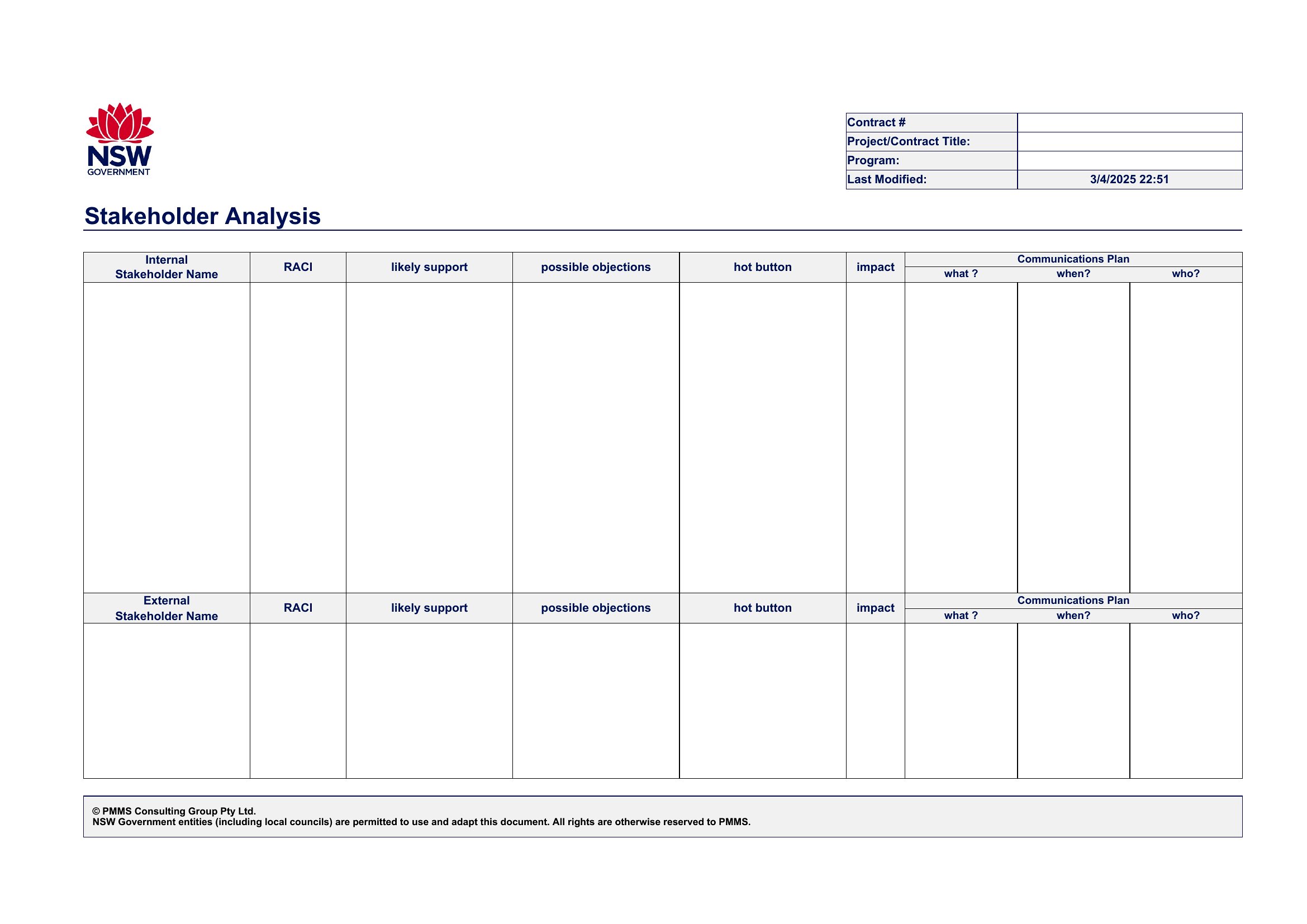
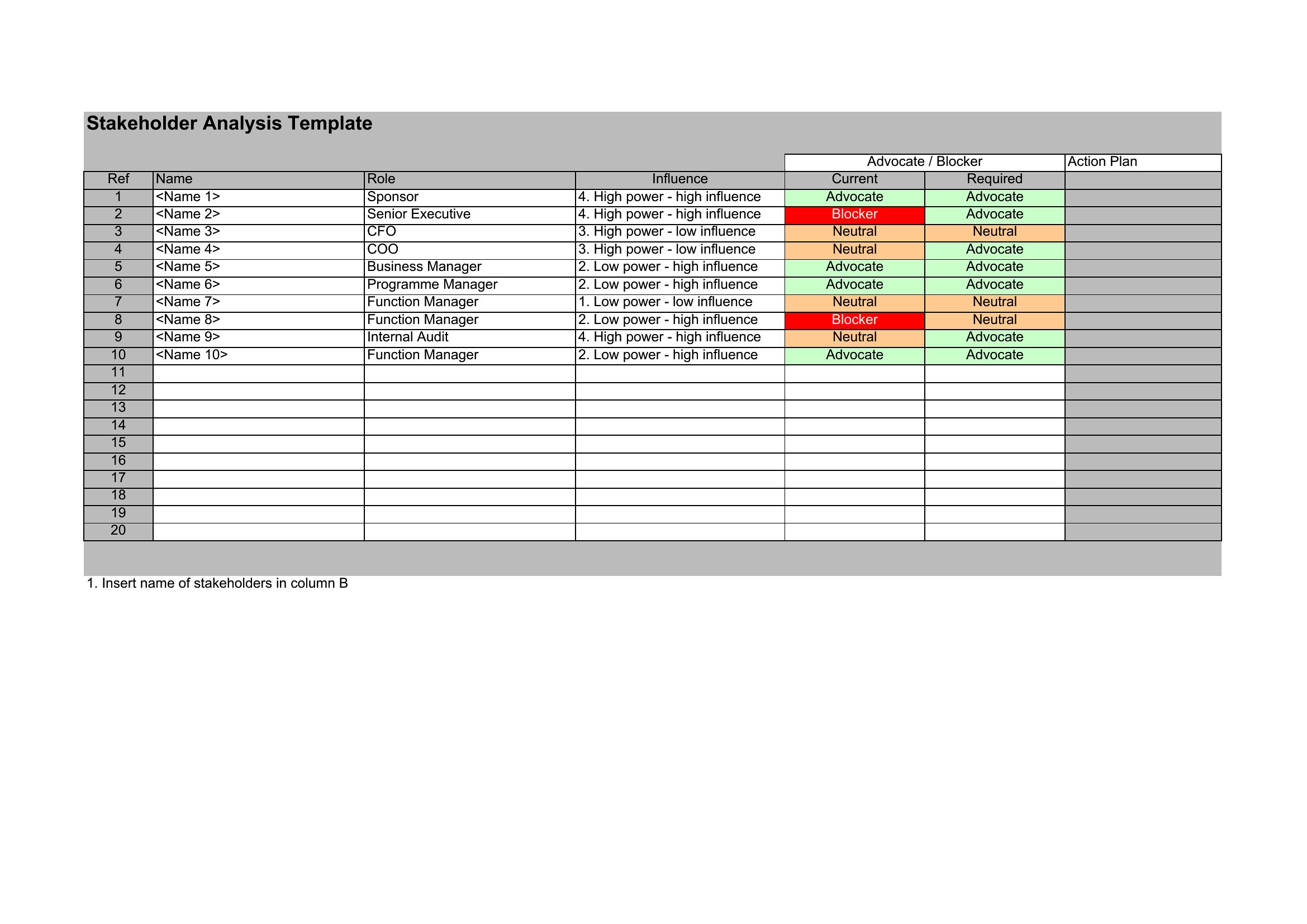
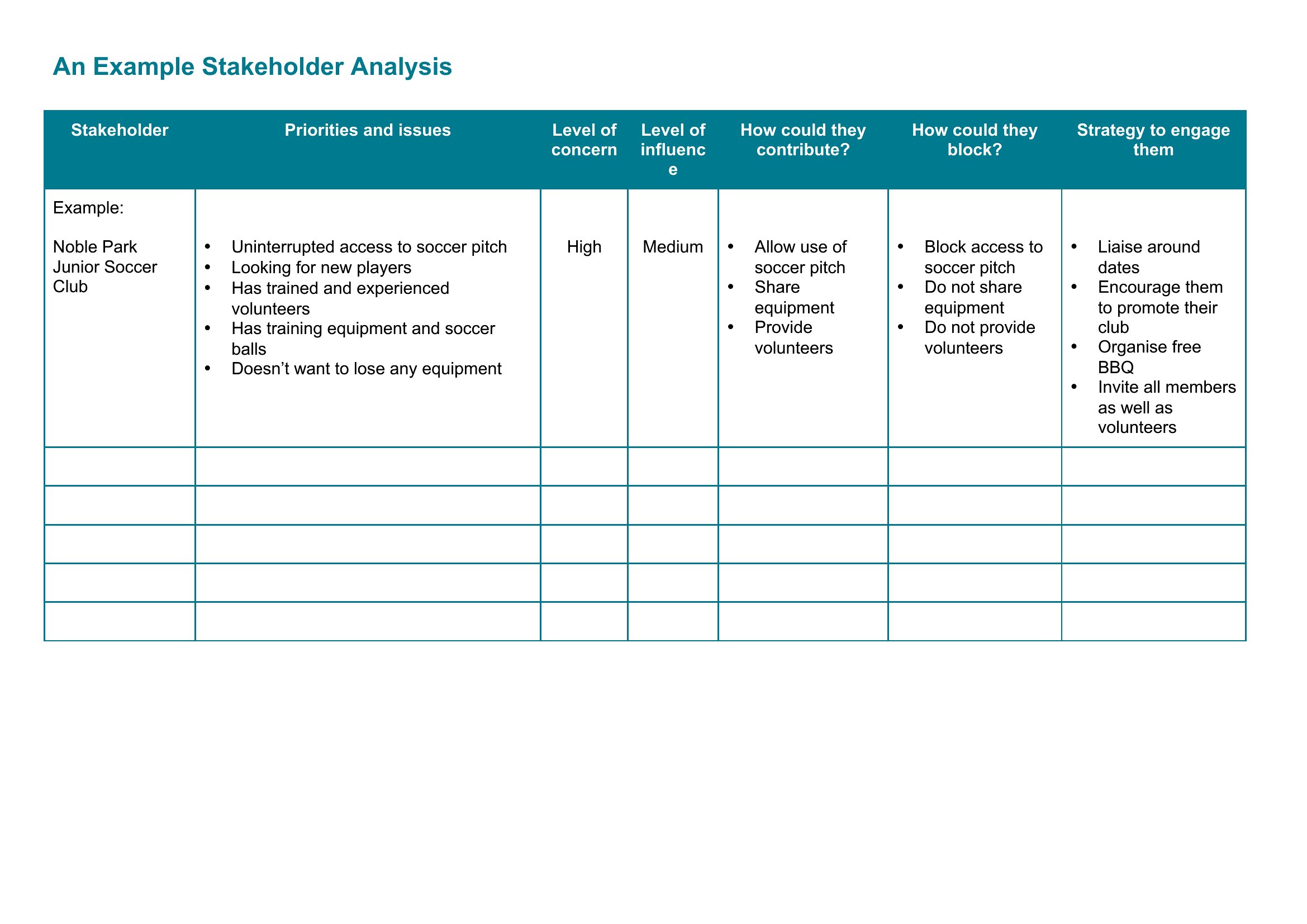
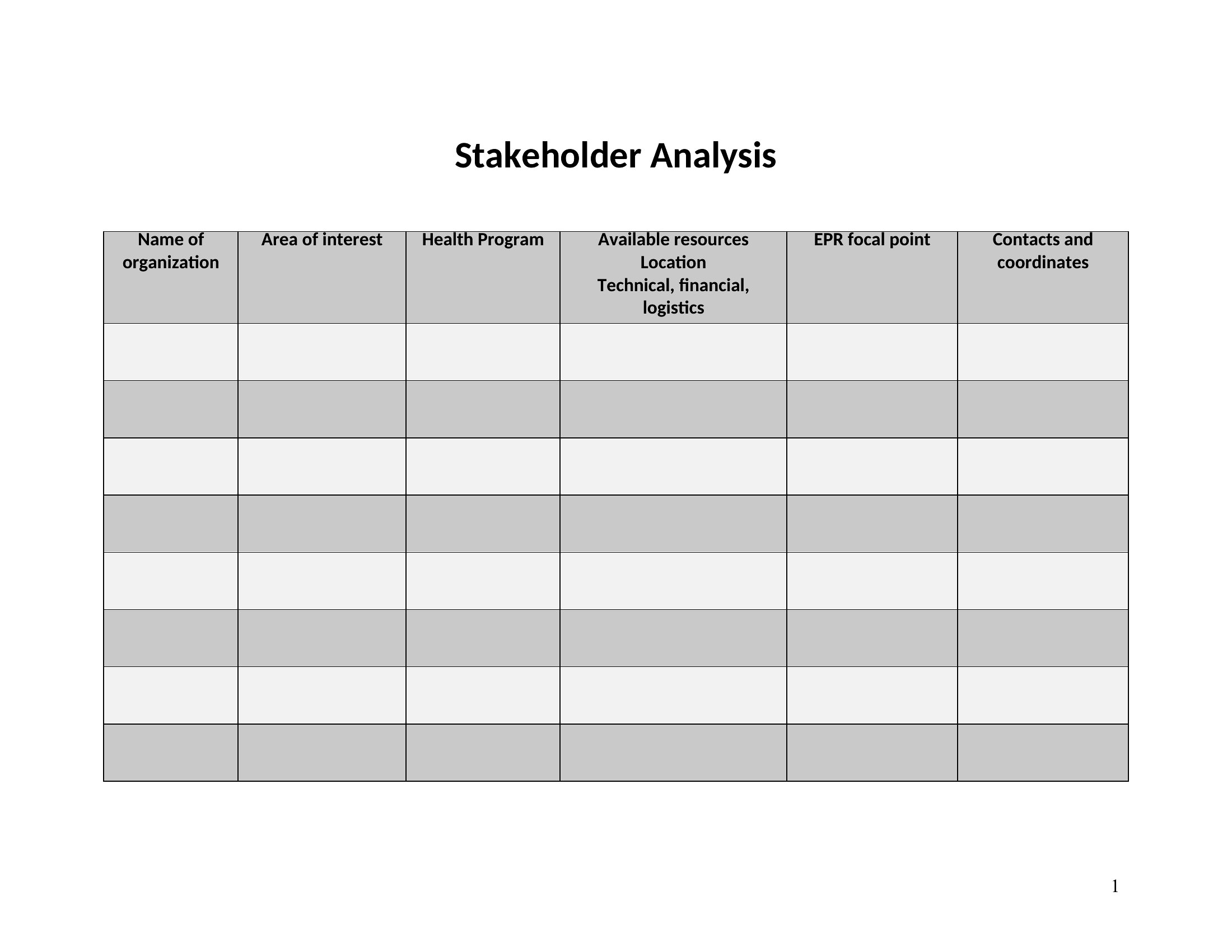
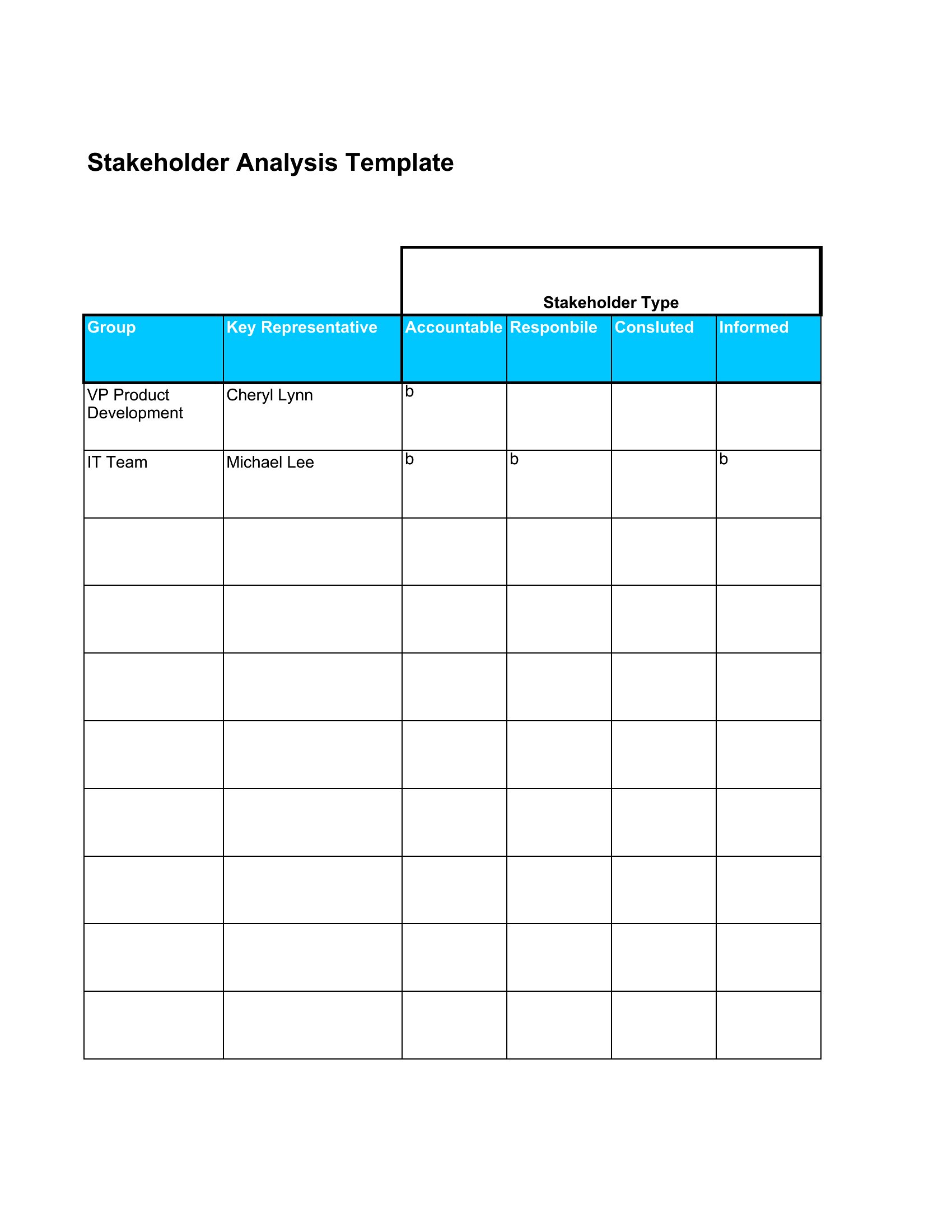
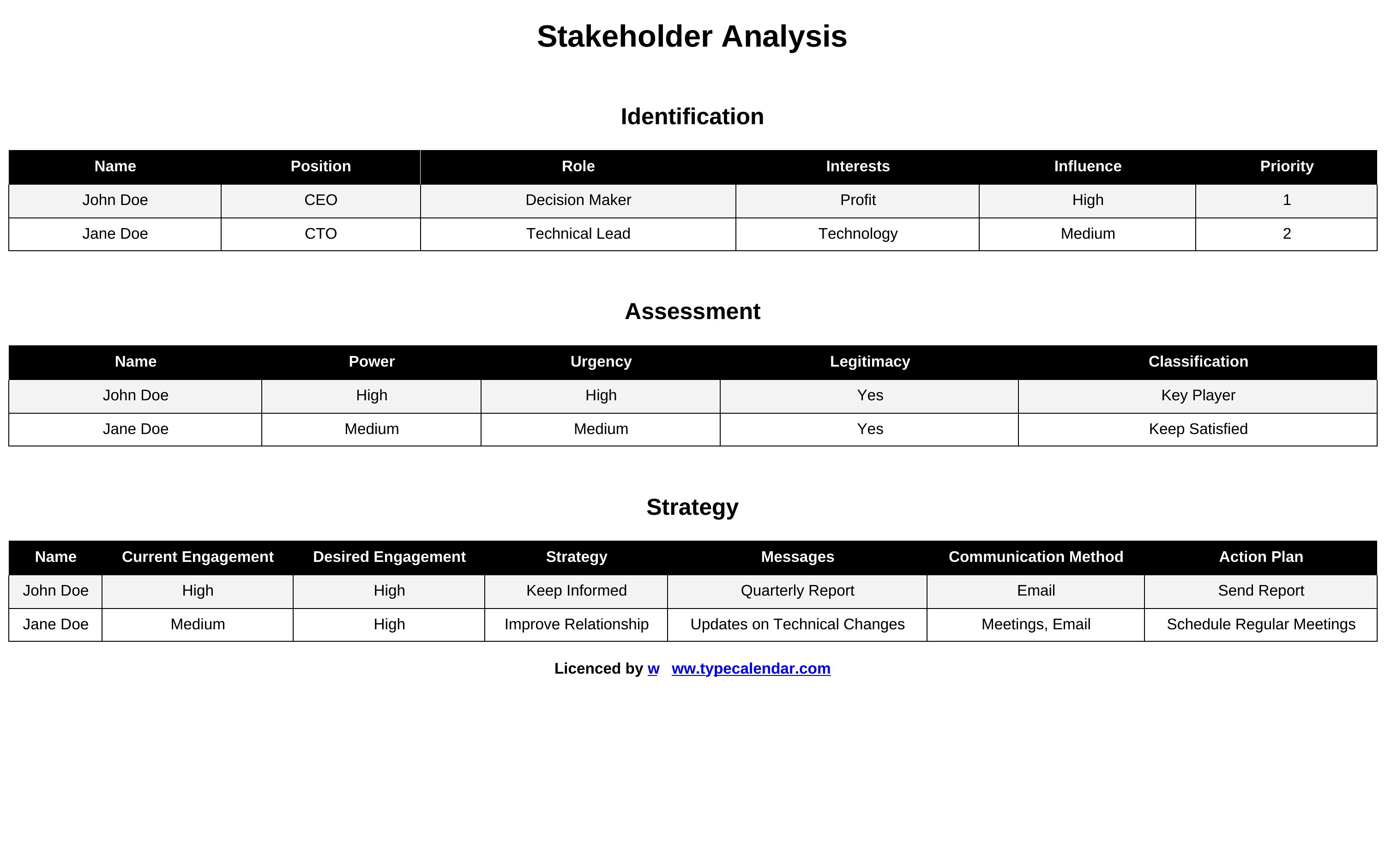
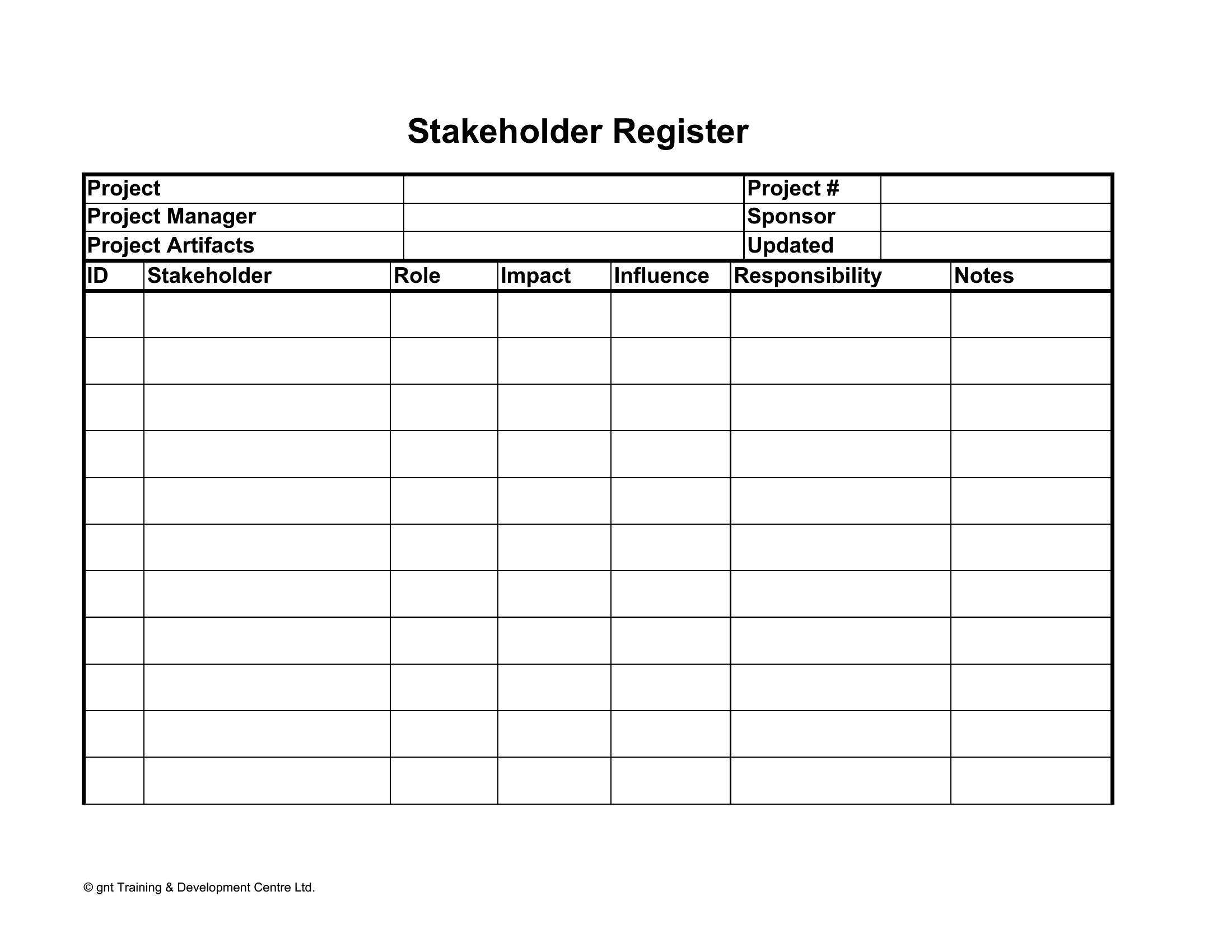
AnalysisKnowing who has a stake in your project, and how much influence they hold, helps you manage relationships before they become roadblocks. This collection of 49 templates helps you identify stakeholders, assess their power and interest, and plan how to engage each one. Project managers, business analysts, and team leads can turn a vague sense of office politics into a clear, actionable plan.
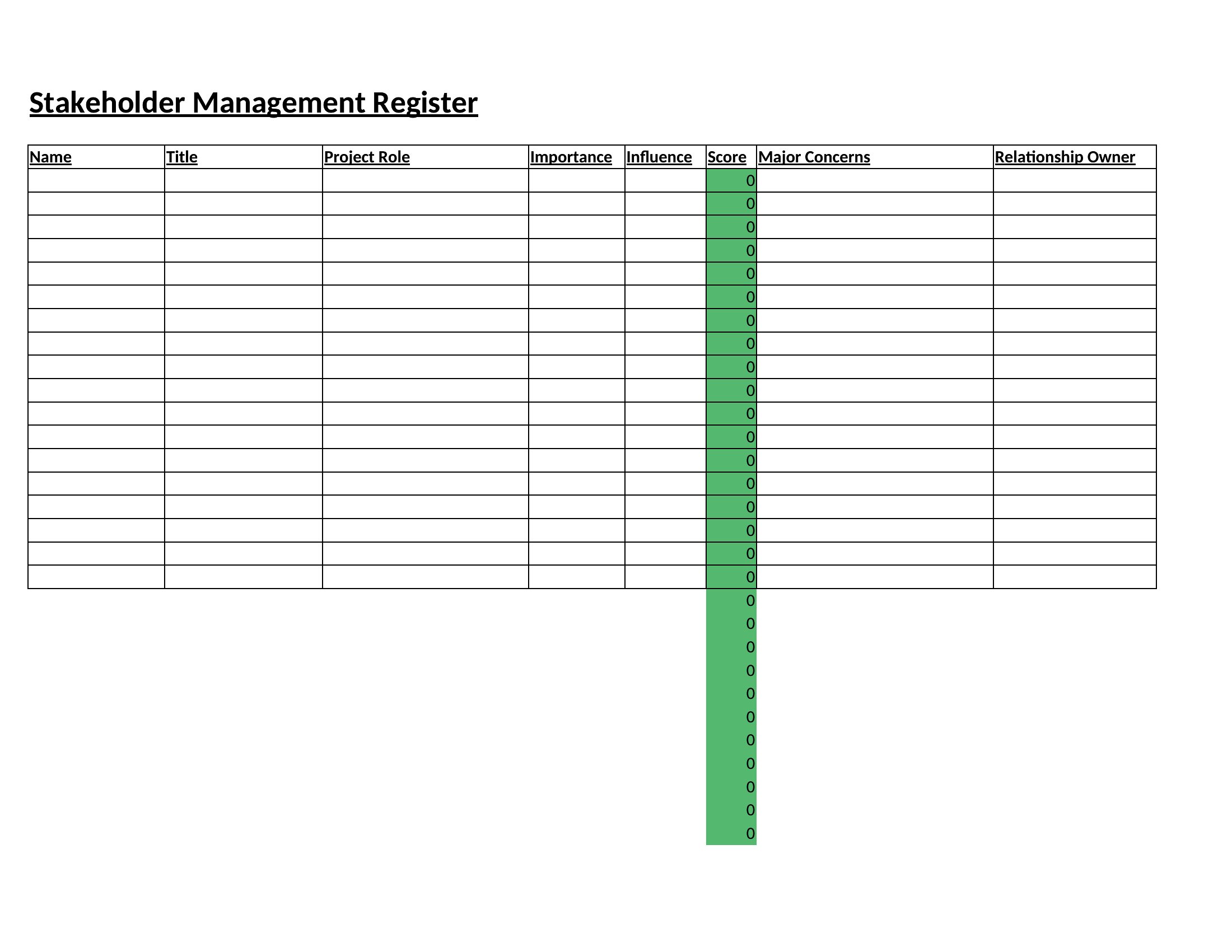
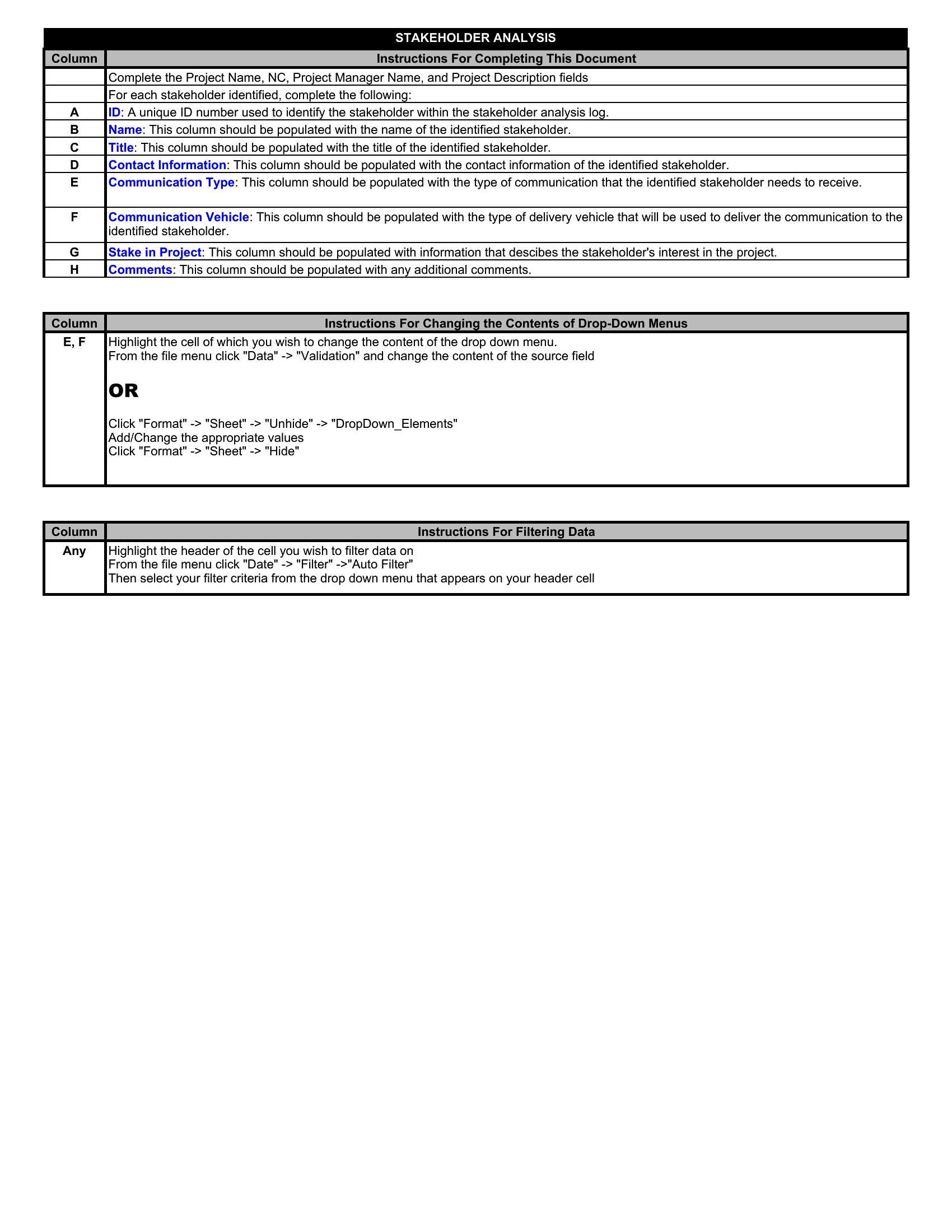
You'll find Excel versions for scoring and sorting stakeholders, plus Word layouts with matrices and grids for presentations. List the players, map them out, and decide who needs close management versus a simple update. Pick the format that fits your project and get a handle on your stakeholders before the work heats up.
When to use this Stakeholder Analysis template
- A project manager launching a new software system in a mid-sized company uses these templates to map out internal IT teams, executive sponsors, and end-user departments—then prioritizes engagement based on influence and interest levels.
- Nonprofit directors planning a community outreach program analyze local government officials, donors, and volunteer networks to tailor communication strategies and secure buy-in before funding deadlines.
- A construction company’s operations team evaluates subcontractors, regulatory agencies, and neighborhood associations to preemptively address potential conflicts and align incentives before breaking ground.
- HR leaders introducing a company-wide policy change review executive leadership, employee unions, and external auditors to structure transparent dialogues and mitigate resistance early in the rollout phase.
Which format should I download?
Choose Word for detailed, narrative-driven stakeholder profiles—ideal when you need to justify decisions with context or present findings to executives who prefer structured reports. Opt for Excel when analyzing large groups or tracking dynamic power-interest shifts over time, as pivot tables and conditional formatting simplify iterative updates. The chart-heavy templates in Excel are best for visual learners or presentations, while Word’s editable tables suit teams documenting qualitative insights alongside quantitative data.
Choose from 49 Stakeholder Analysis Templates
How to use this Stakeholder Analysis template
How do I determine whether a stakeholder’s influence is high, medium, or low without guessing?
Start by categorizing stakeholders based on documented decisions they’ve shaped in the past. For new projects, ask direct questions like ‘Who would need to approve this change?’ or ‘Who could block progress?’ Then cross-reference with organizational charts and past project post-mortems. The templates include scoring rubrics to help quantify influence objectively.
Can these templates help me identify *hidden* stakeholders—people who might not be in official emails but still impact the project?
Yes. Use the ‘Internal Stakeholder Analysis’ templates to brainstorm through prompts like ‘Who benefits from the status quo?’ or ‘Who might lose visibility if this project succeeds?’ Also review meeting minutes, budget allocations, and informal team networks. Hidden stakeholders often emerge as the ones who quietly challenge assumptions in early discussions.
What’s the best way to use this analysis if my project is still in the idea phase and stakeholders keep changing?
Treat the analysis as a living document. Start with a broad Excel template to log potential stakeholders by role (e.g., ‘budget approvers,’ ‘end users’), then revisit it monthly. Flag ‘unknown’ or ‘emerging’ stakeholders in a separate tab and revisit their influence as the project gains traction. The ‘Stakeholder Analysis Chart’ format lets you visually track shifts without rewriting reports.
Comments
Join the conversation
Sign in to share your thoughts and leave a comment on this resource.